KitGuru KitGuru.net – Tech News | Hardware News | Hardware Reviews | IOS | Mobile | Gaming | Graphics Cards


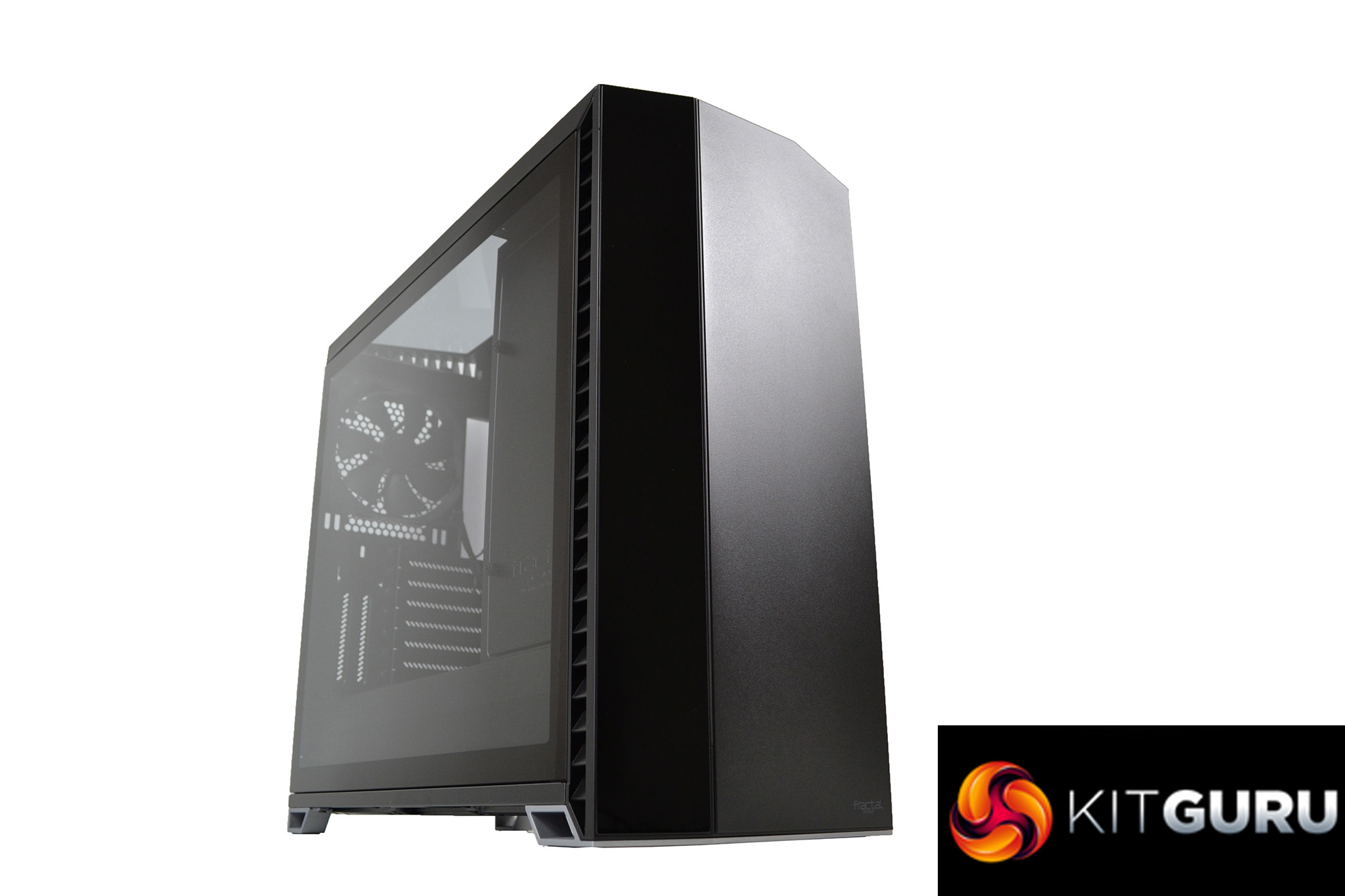
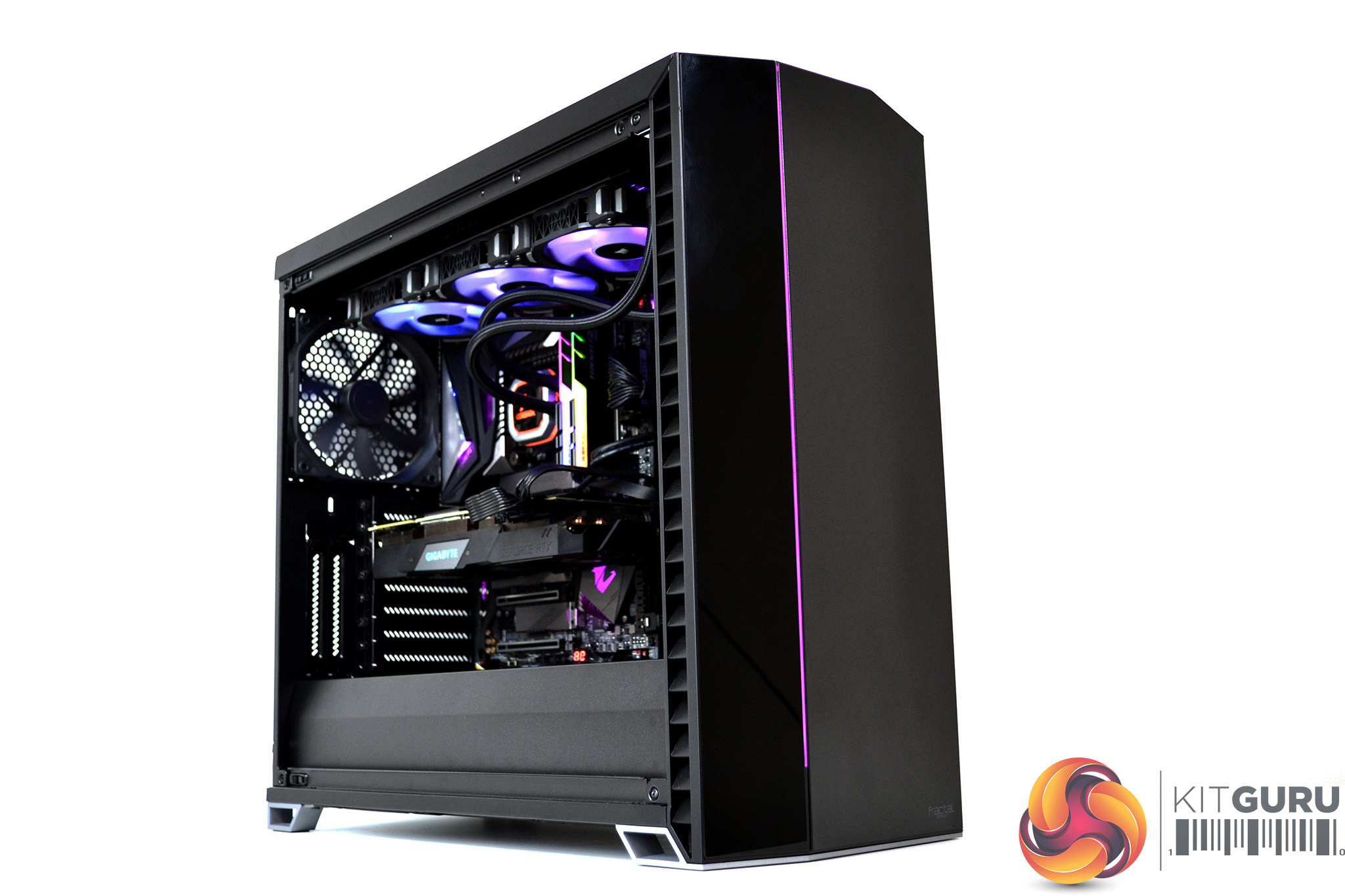
Since the introduction of their Define range of cases, Fractal Design has been regarded as a market leader in enthusiast focused ATX PC cases. The new Vector RS case takes the excellent base structure of the brilliant Define R6 chassis, now wrapped in a stylish looking exterior with a touch of RGB bling to finish it off.
If you think of the Vector RS as a turbo charged Define R6 with a body kit, you won’t be far off the mark. In 2017, my colleague Leo rated the Define R6 as the best PC case of the year, so the Vector RS has big shoes to fill.
Until now, Fractal Design has refused to add RGB lighting to their range of cases, but in 2019 it’s almost impossible to make a range of cases without adding RGB lighting in some form. Personally, I’m neither a lover or hater of RGB, so how it has been implemented in this case is perfect for me.
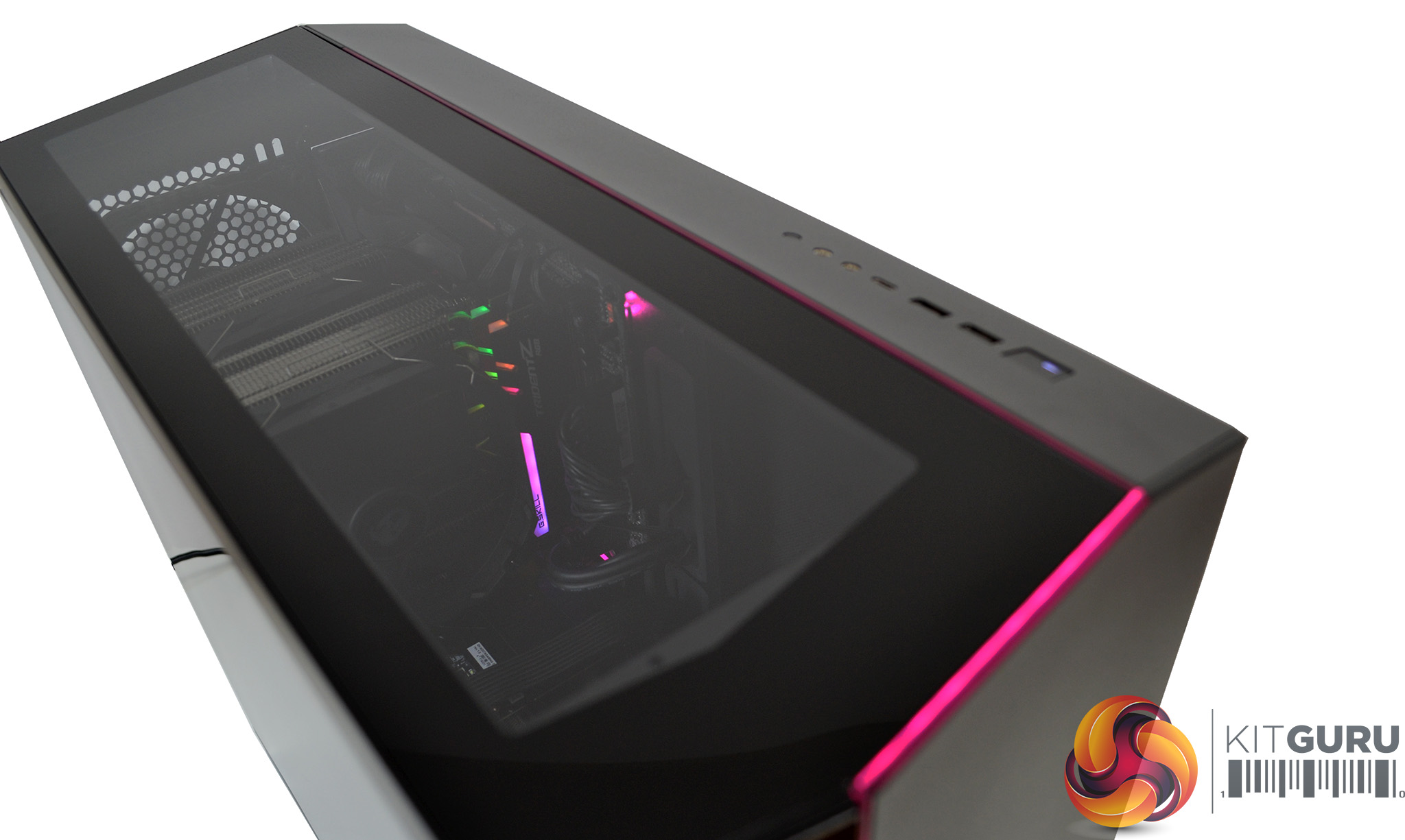
Just one thin strip of RGB LED lighting spans vertically through the front panel, veers off at an angle and continues through the opposite side of the top panel – perfectly in keeping with the angular design of the case panels.
It is nice to see Fractal Design steadily moving away from the plain old box shape design, with subtle angles and a mixture of matte, gloss and clear panels works well aesthetically. Coupled with the RGB LED strip, it makes it a very attractive understated design. There is certainly a lot to like about it.
Not only is it a looker, it is functional too. There are a range of configurations the case can be adapted into – a default storage layout which allows for up to eleven HDD and four SSD positions or an open layout, providing ample opportunity for liquid cooling radiators.
Performance enthusiasts requiring additional air-flow can replace the top tempered glass panel with a steel ventilated panel and cooling bracket; both of which are included with the Vector RS, thus adding 420mm/360mm top radiator support and/or three filtered top fan positions, making a total of nine overall.
The Vector RS arrives pre-installed with three of Fractal Design’s Dynamic X2 GP-14 fans – two positioned in the front panel and one in the rear. There’s an option to select either a light or dark tinted tempered glass side panel to complement the all black case.
With UK pricing set around the £180 mark, the Vector RS certainly isn’t cheap. However, the huge potential this case has to suit almost any system configuration will probably justify this price and will more than likely prove a big hit with enthusiast system builders for high end custom water-cooling setups.
Key Features
- Tool free side panels with push-to-lock latching
- Interchangeable top panels
- Counter-angled intake vents designed to trap noise with minimal airflow resistance
- Customisable ARGB LED strip spans top and front panel
- Six HDD trays included with eleven positions available
- Two SSD brackets included with four positions available
- Three Fractal Design Dynamic X2 GP-14 140mm fans pre-installed
- Up to nine 120/140mm fan positions
- Nexus+ fan hub manages up to nine fans
- Extensive water-cooling support for radiators up to 420mm (top) 360mm (front) and 2800m (base)
- Ventilated PSU shroud
- Modular layout with various configurations
- Support for vertical GPU mounting
Specification
- Case material – steel, tempered glass, plastic
- Case dimensions (L x W x H) – 552mm x 233mm x 498mm
- Net weight – 12.64kg
- Motherboard compatibility – E-ATX (up to 285mm wide), ATX, mATX, Mini-ITX
- PSU type/size – ATX/300mm length
- Universal 3.5”/2.5” drive mounts – 6 included, 11 total positions
- Dedicated 2.5” drive mounts – 2 included, 4 total positions
- Expansion slots – 7 + 2 vertical
- Front ports – 1 x USB 3.1 Gen 2 Type-C, 2 x USB 3.0 Type-A, 3.5mm Audio I/O
- Total fan mounts – 9 (6 + 3 with included bracket)
- Front fan – 3 x 120/140mm (2 x 140mm included)
- Top fan – 3 x 120/140mm (with cooling bracket installed)
- Rear fan – 1 x 120/140mm (1 x 140mm included)
- Bottom fan – 2 x 120/140mm
- Dust filters – bottom fan + PSU, front fans, top panel (with cooling bracket fitted)
- Front radiator support – 120/240/360mm or 140/280mm
- Top radiator support – 120/240/360mm or 140/280/420mm (max 35mm height)
- Rear radiator support – 120mm
- GPU max length – 440mm with front fan mounted
- CPU cooler max height – 185mm
- Cable routing space – 23mm
- Cable routing grommets – Yes
- Fixed Velcro straps – Yes
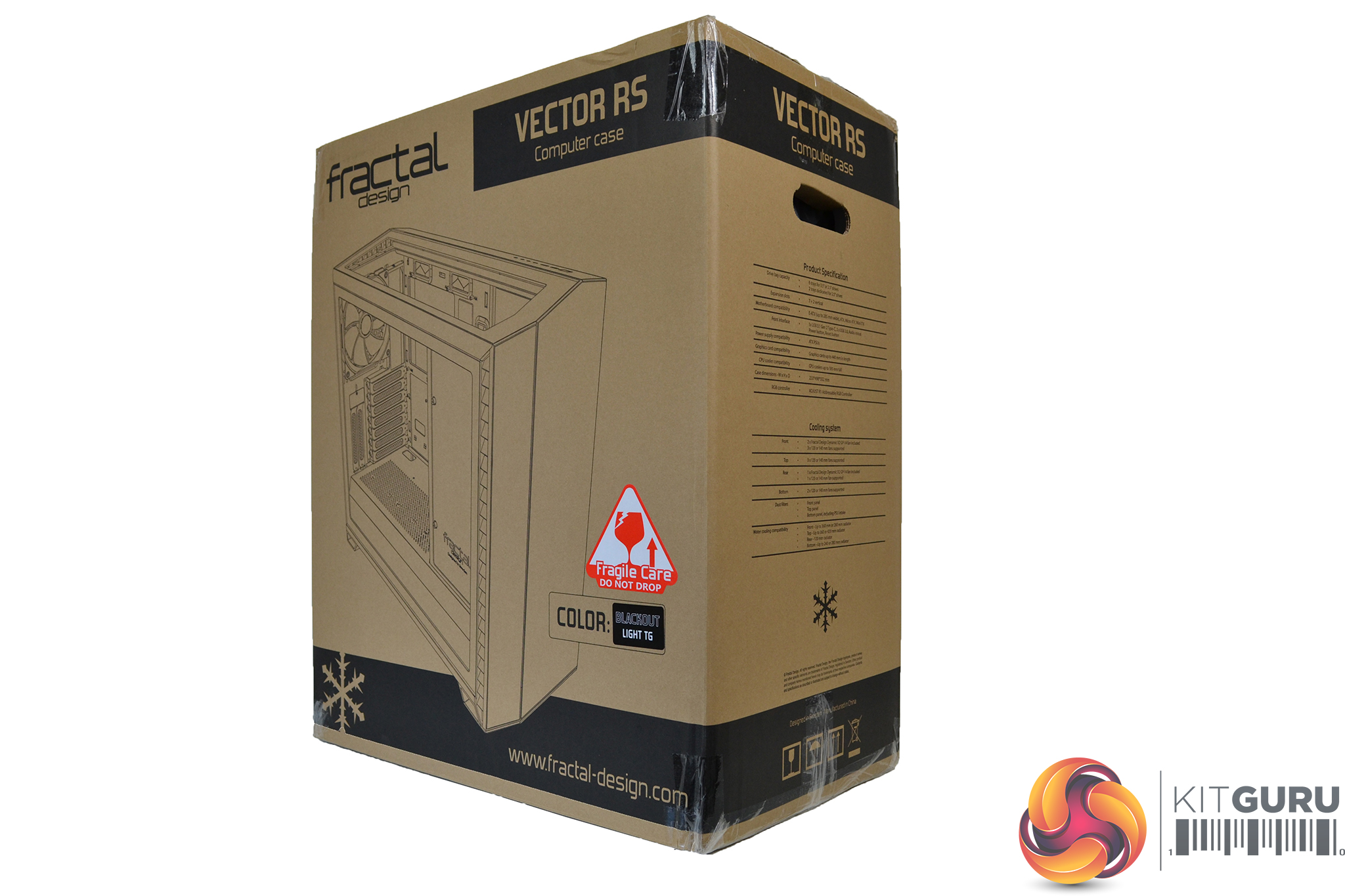
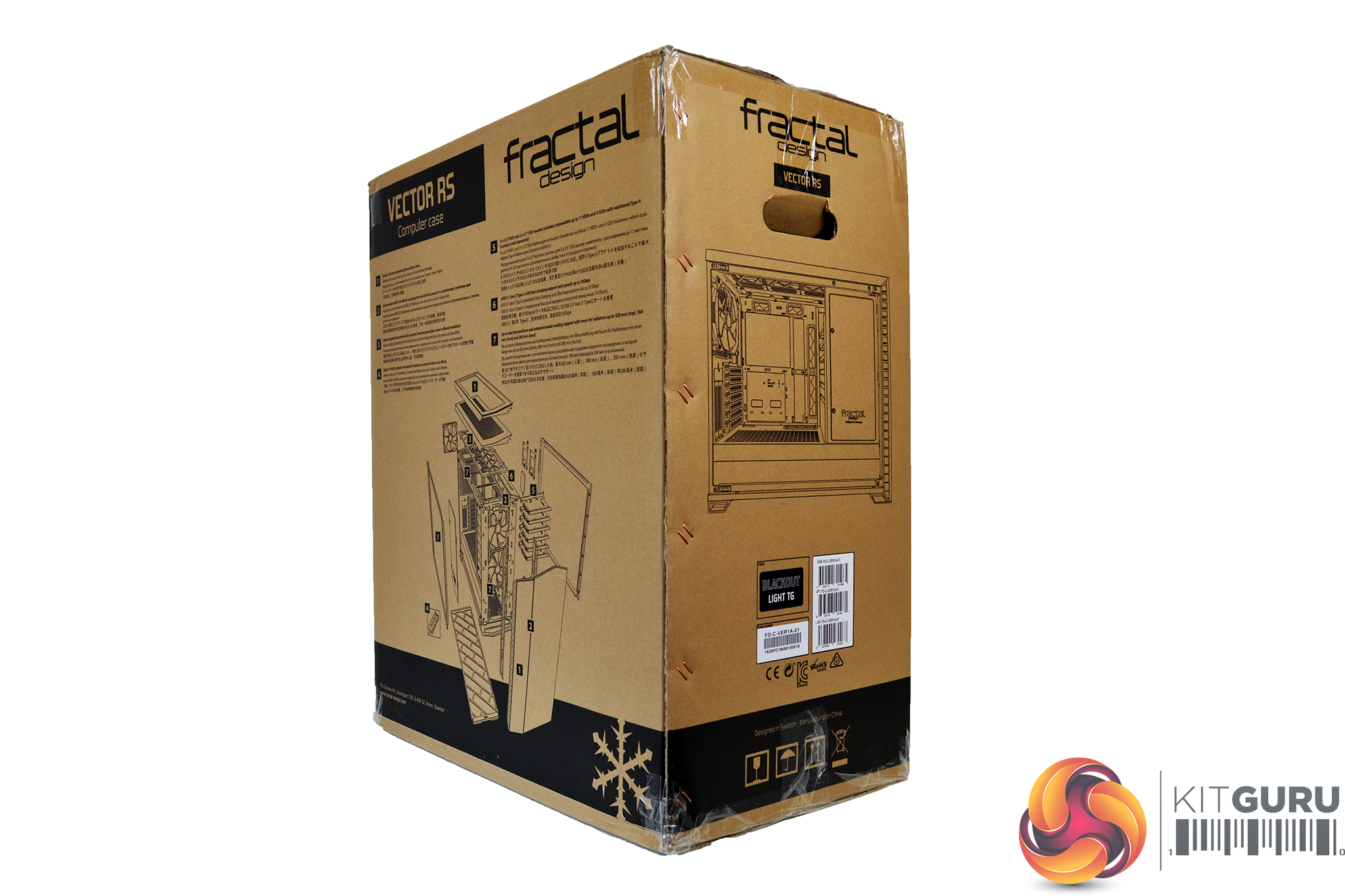
The Vector RS comes packaged in a large, brown cardboard box. The front displays a large image of the case with logos scattered around the edges. On the rear of the box is an exploded diagram and key features listed in various languages.
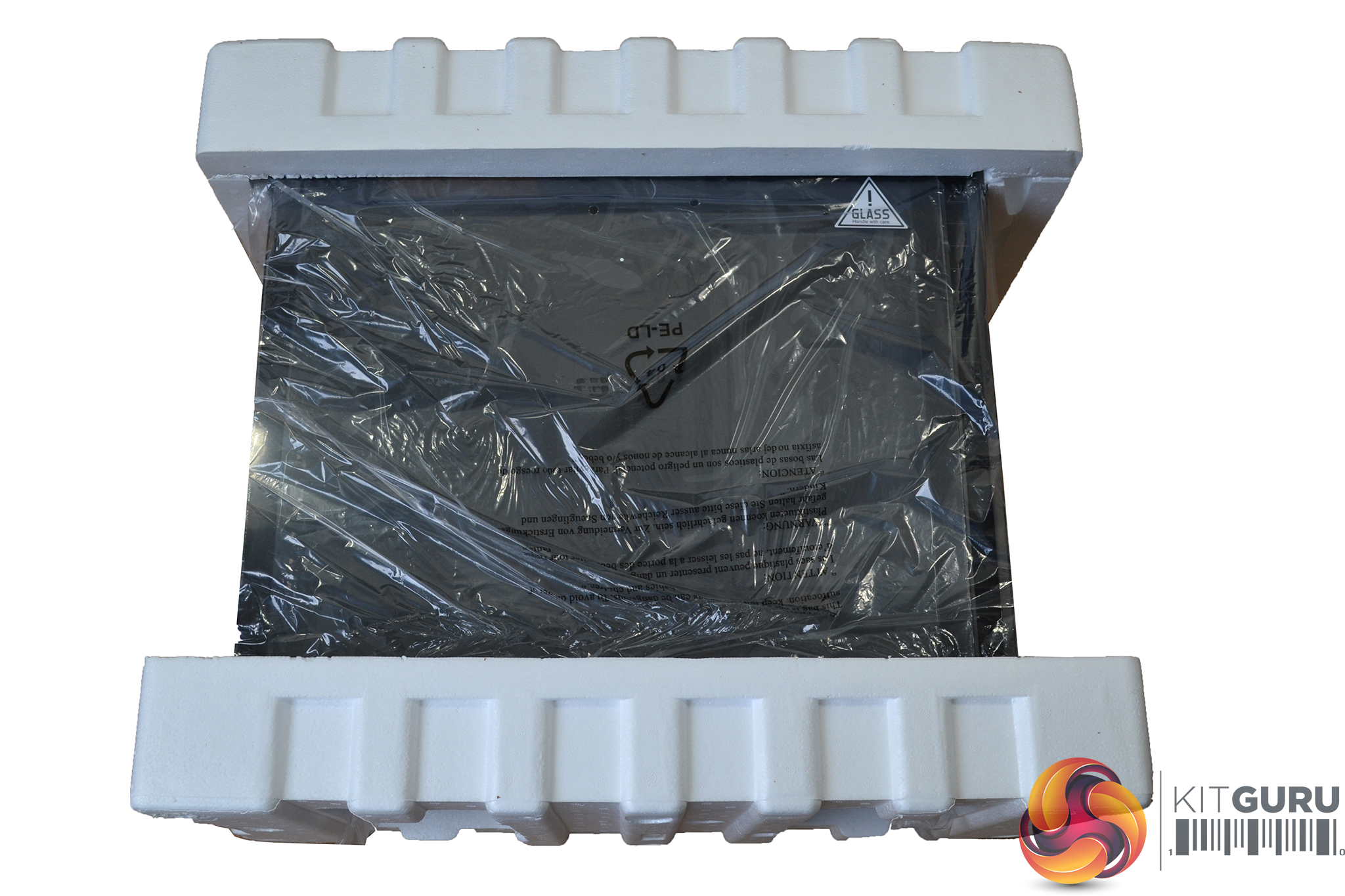
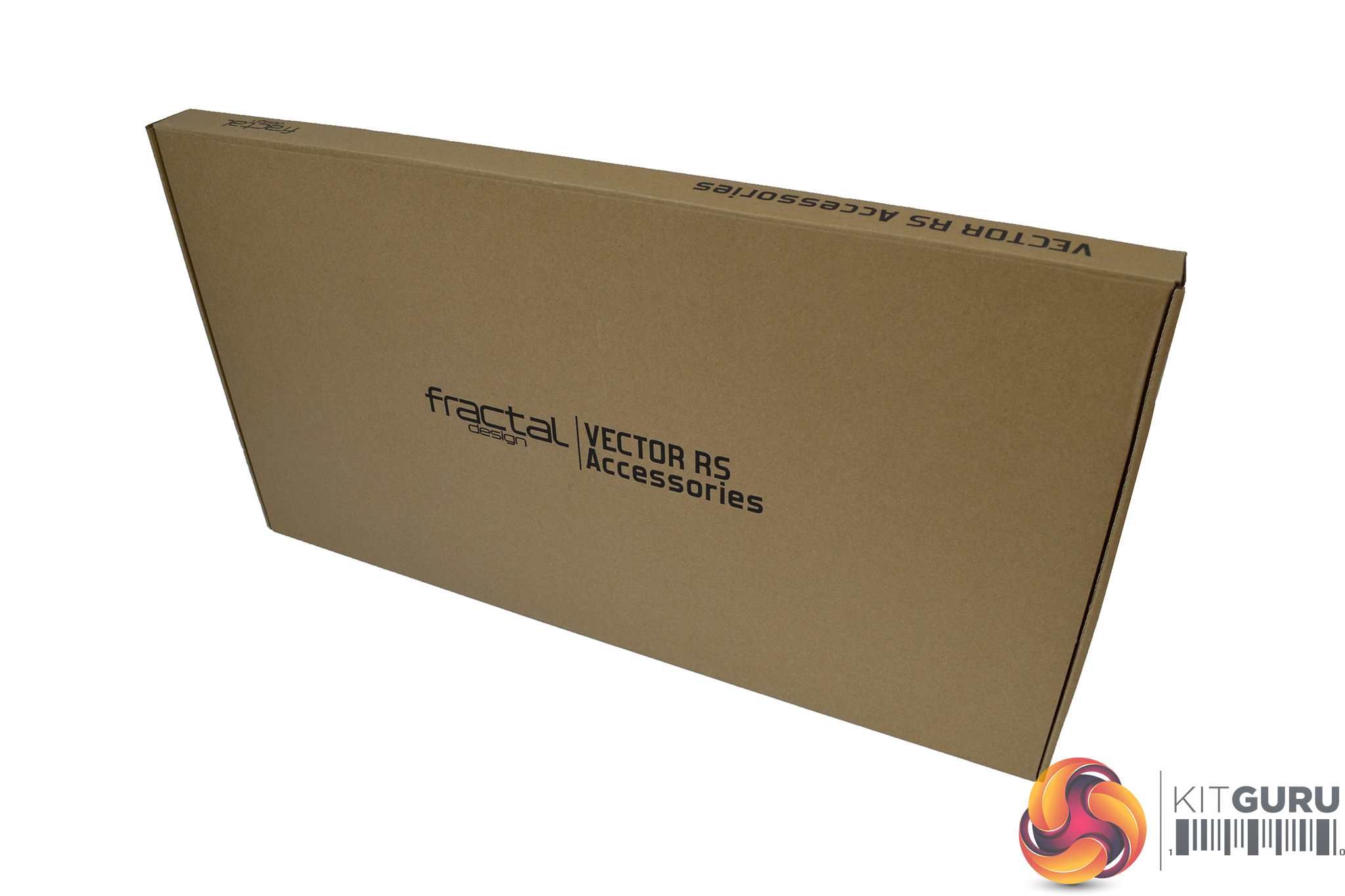
Internal packaging consists of plastic wrapping which covers the whole case – thick polystyrene protects the top and bottom ensuring the case is protected during transit. A second box is found inside containing accessories.
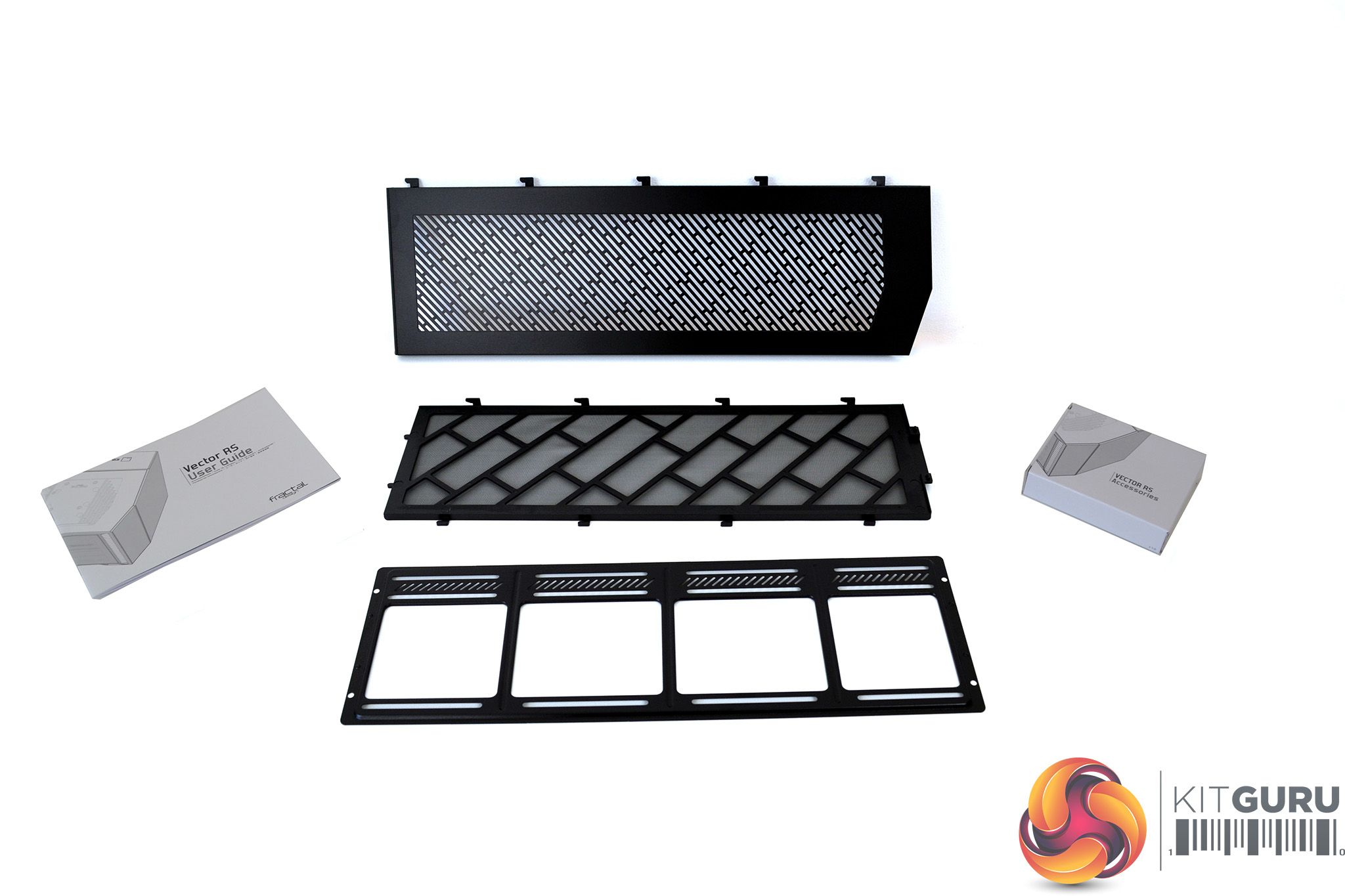
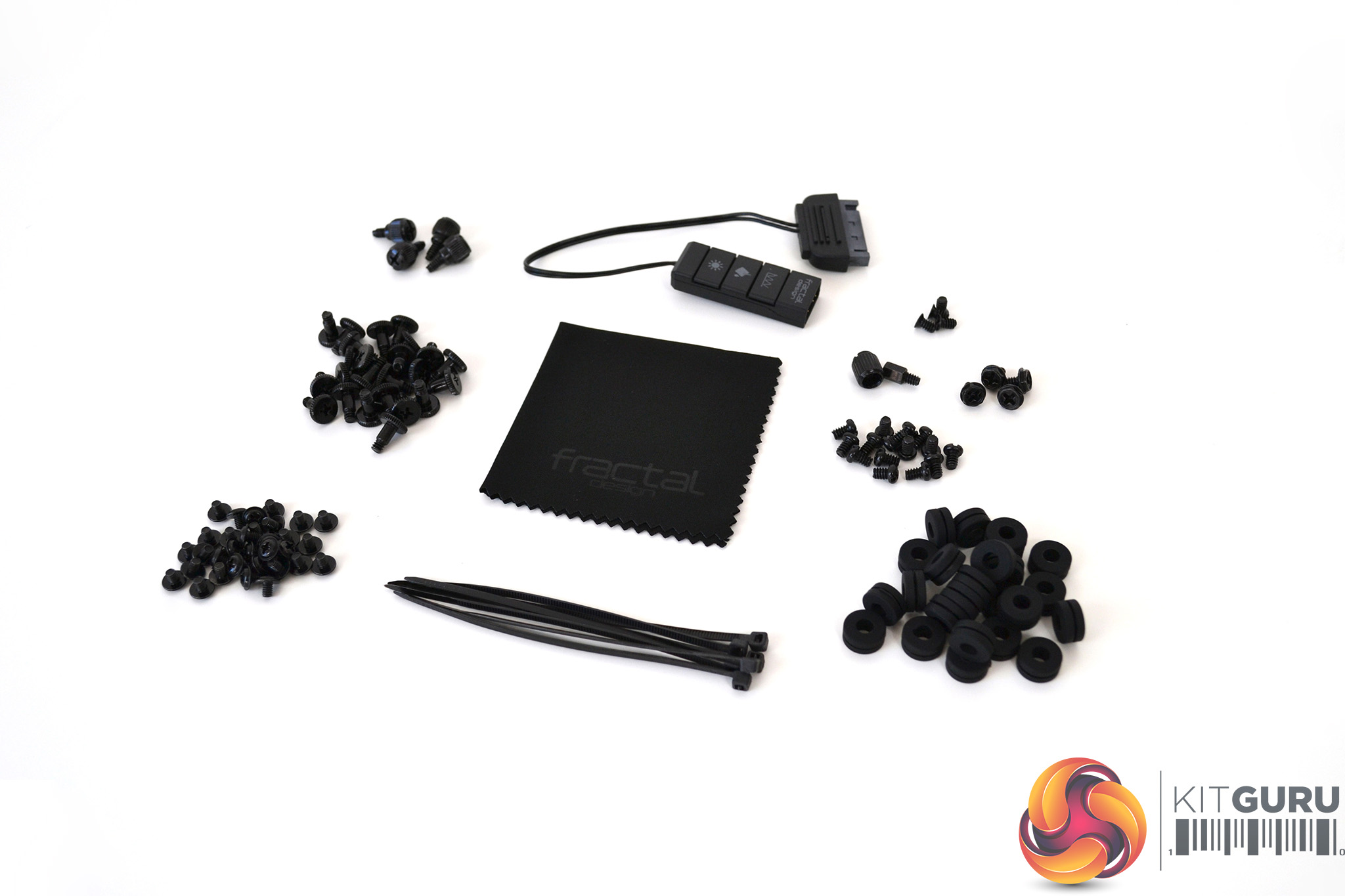
Inside the accessory box, there is an optional vented top panel with filter and a selection of screws, rubber grommets, zip ties, a cleaning cloth and an RGB LED controller.
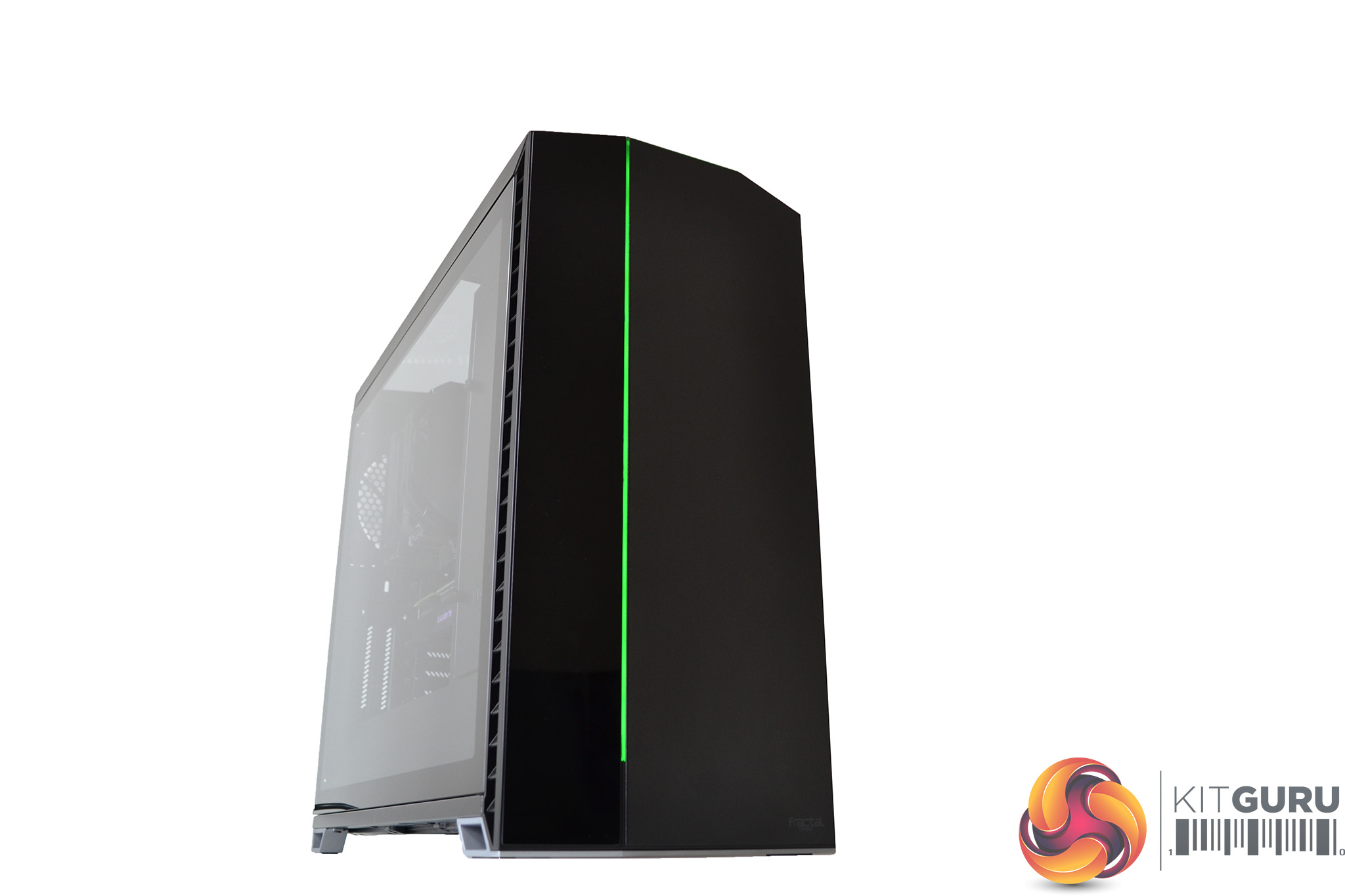
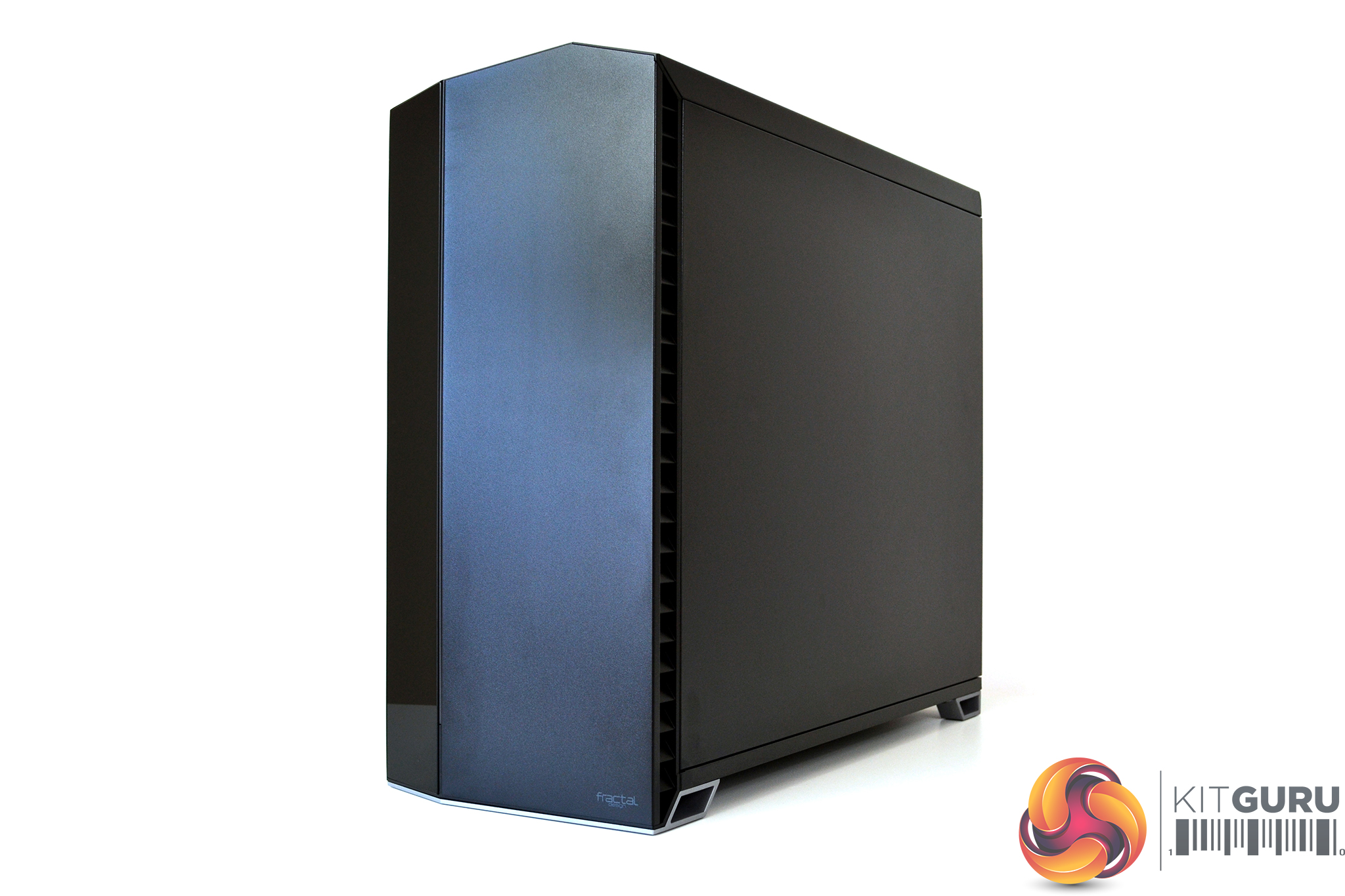
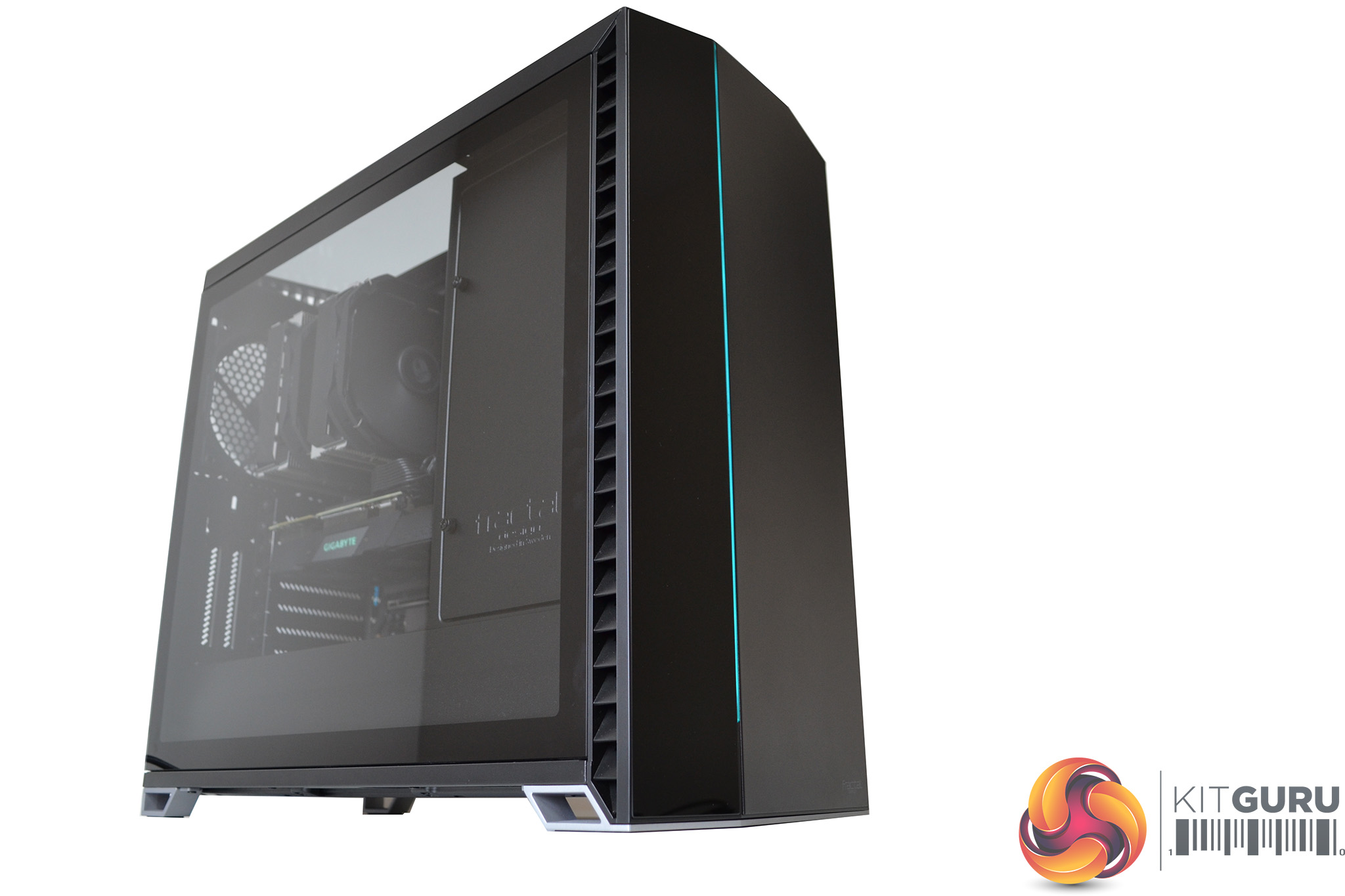
A minimalist approach to the design of the font panel is complemented by a thin RBG LED strip spanning vertically. An angular profile combined with varied panel materials gives the Vector RS a sleek understated look.
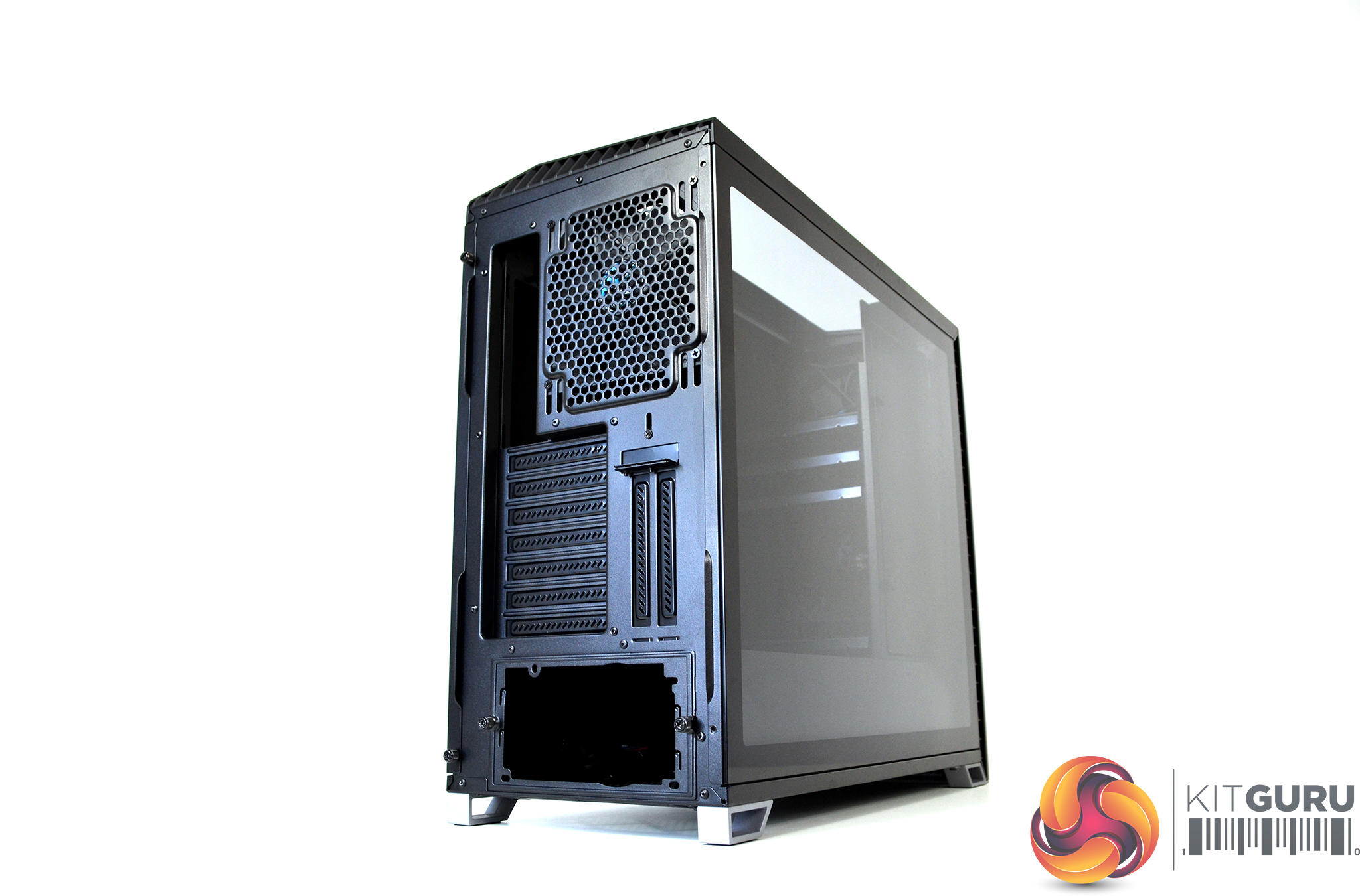
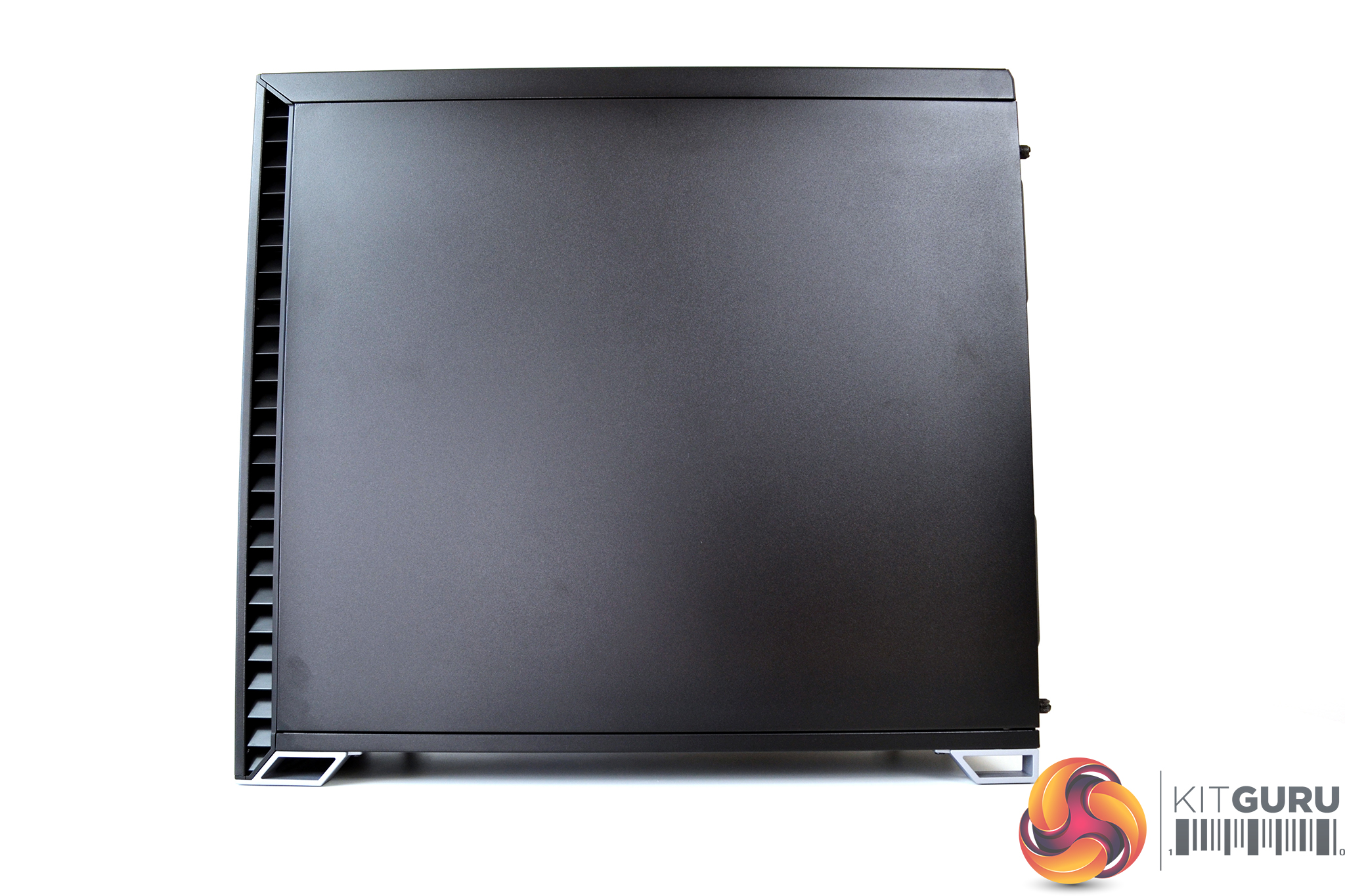
The exterior of the Vector RS is made up of a mixture of steel, plastic and tempered glass panels – all of which seem high quality. All panels fit together and line up well with consistent panel gaps.
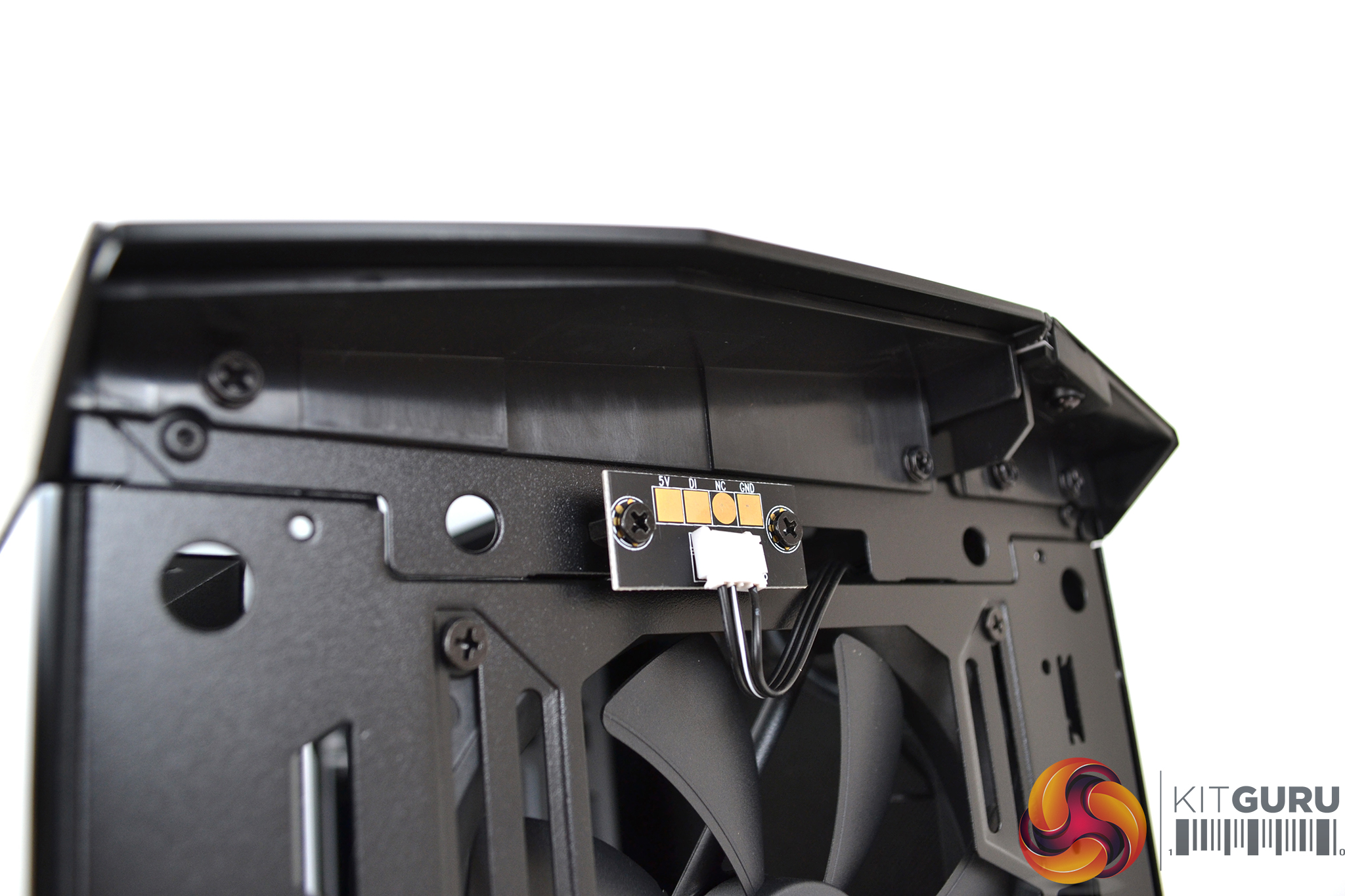
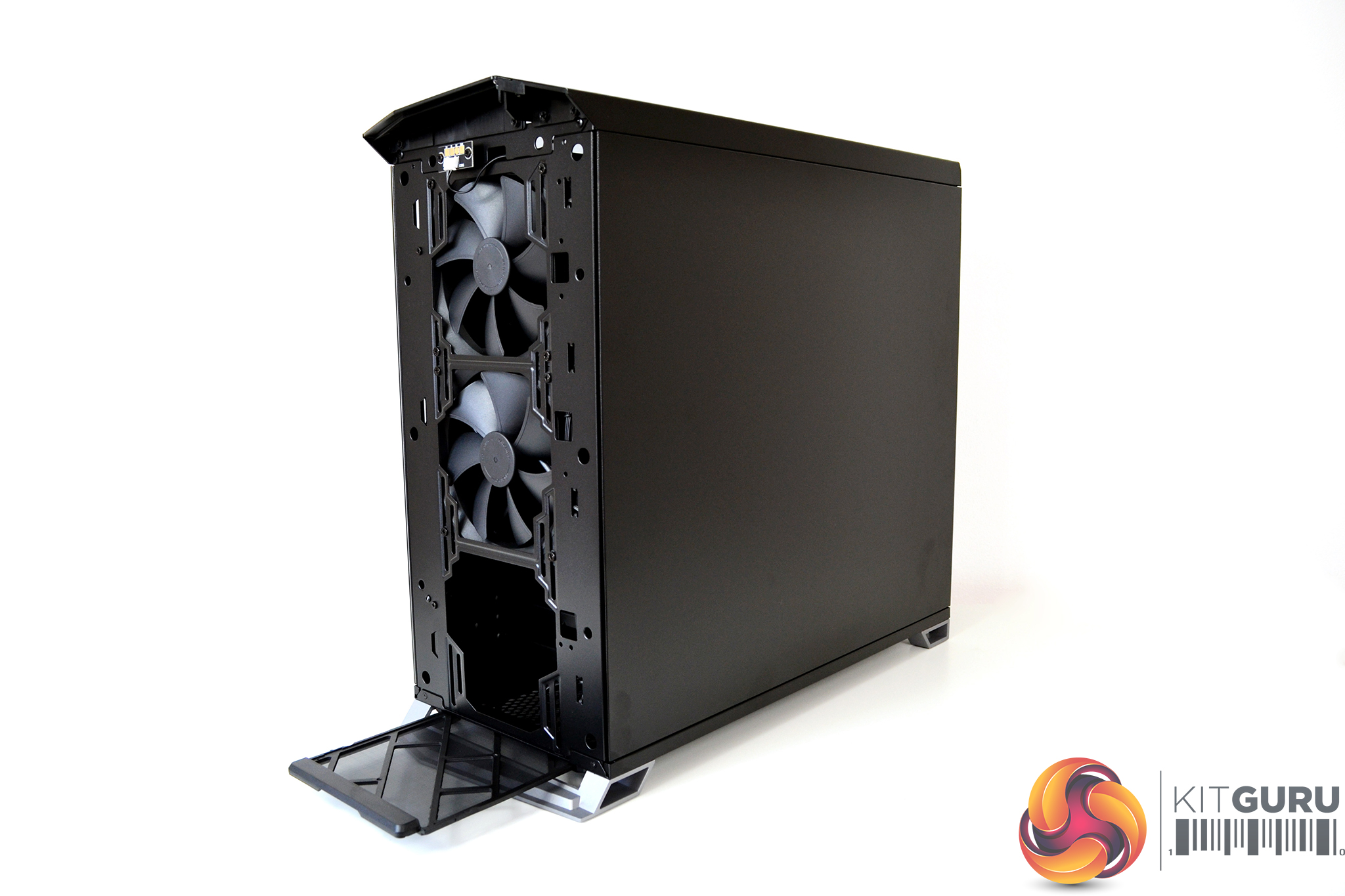
A touch contact LED connection has been installed on the front panel, meaning the front panel is tether free, allowing quick removal and access to fans and filters behind.
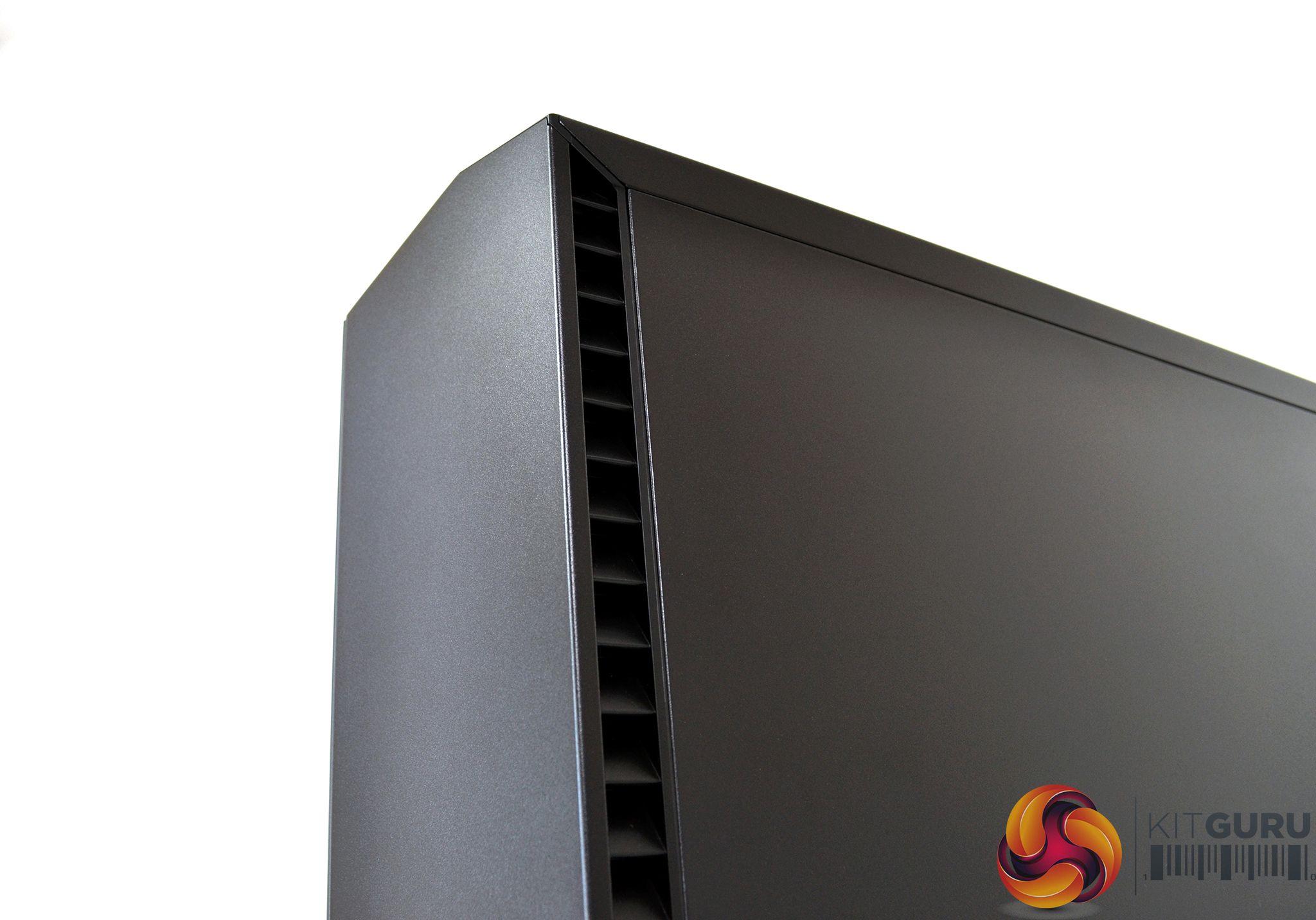
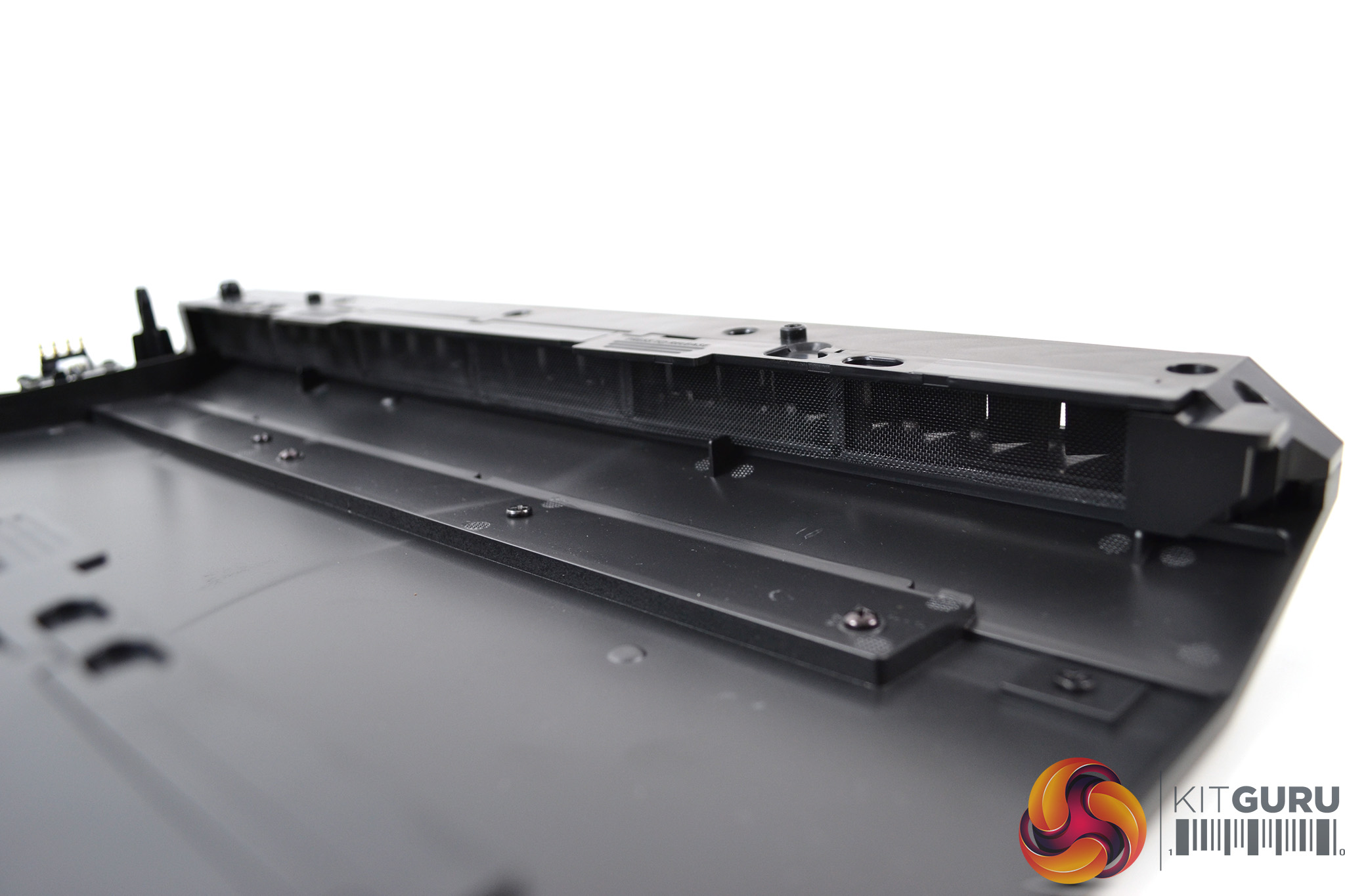
Front ventilation consists of counter angled intakes on either side of the front panel which are designed to trap noise with minimal airflow resistance according to Fractal Design. The side vents are approximately 18mm wide and fitted with removable dust filters.
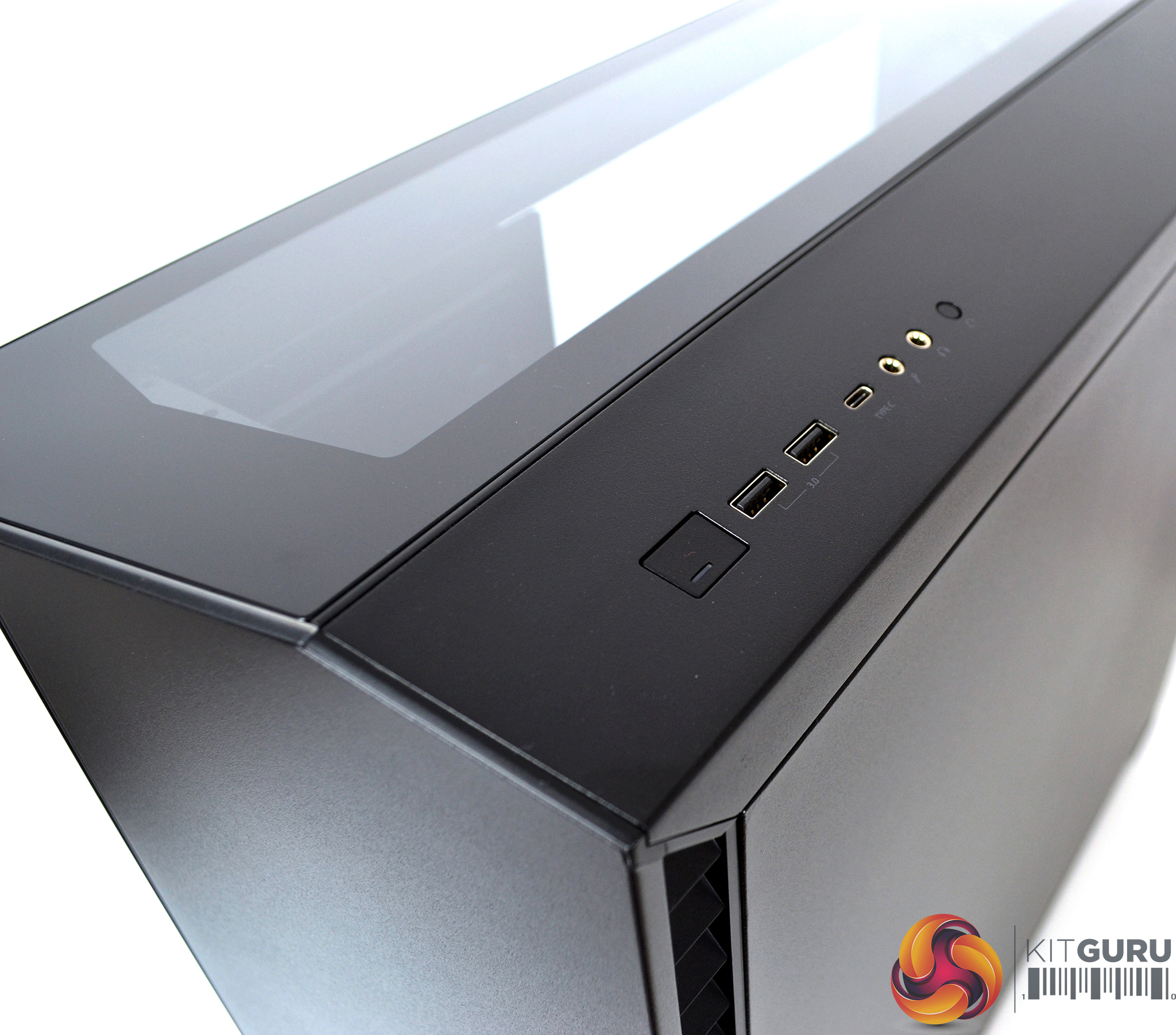
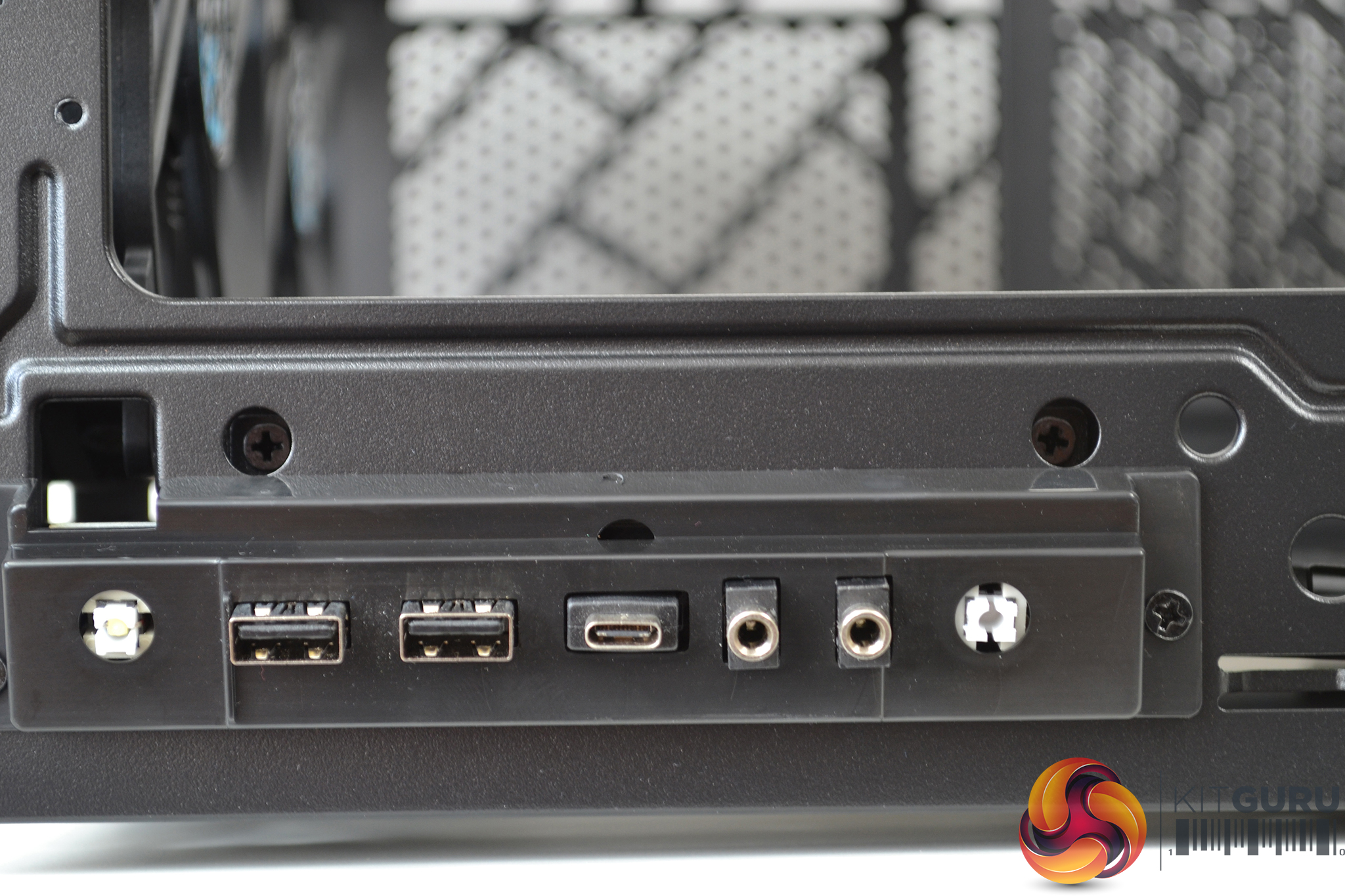
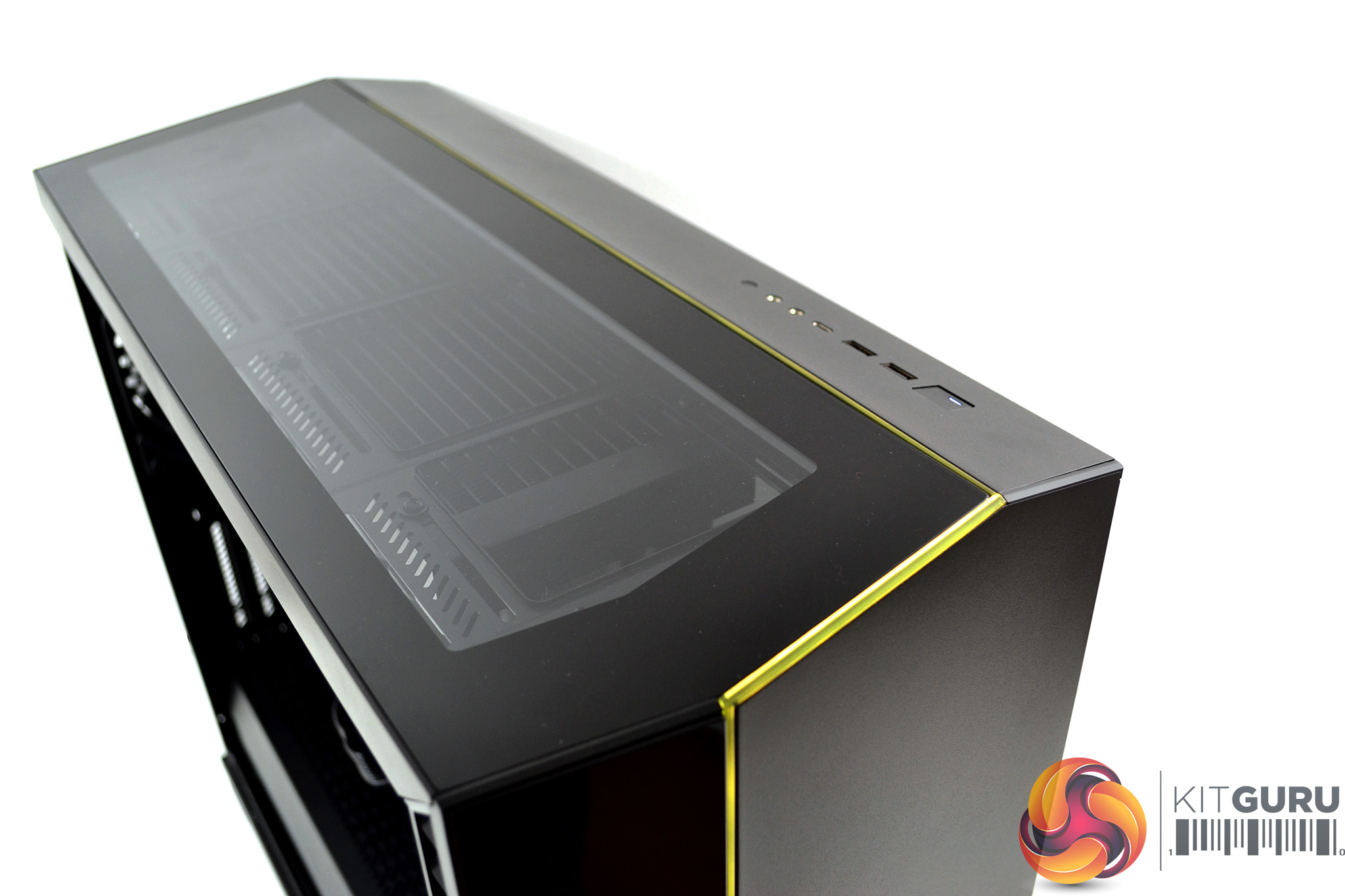
The front I/O is located in the top right-hand panel and consists of two USB 3.0 Type-A ports, a single USB 3.1 Gen 2 Type-C port, 3.5mm headphone and mic jacks, a large power button and reset button. It’s nice to see the inclusion of the Type-C, which should be expected on a case in this price range.
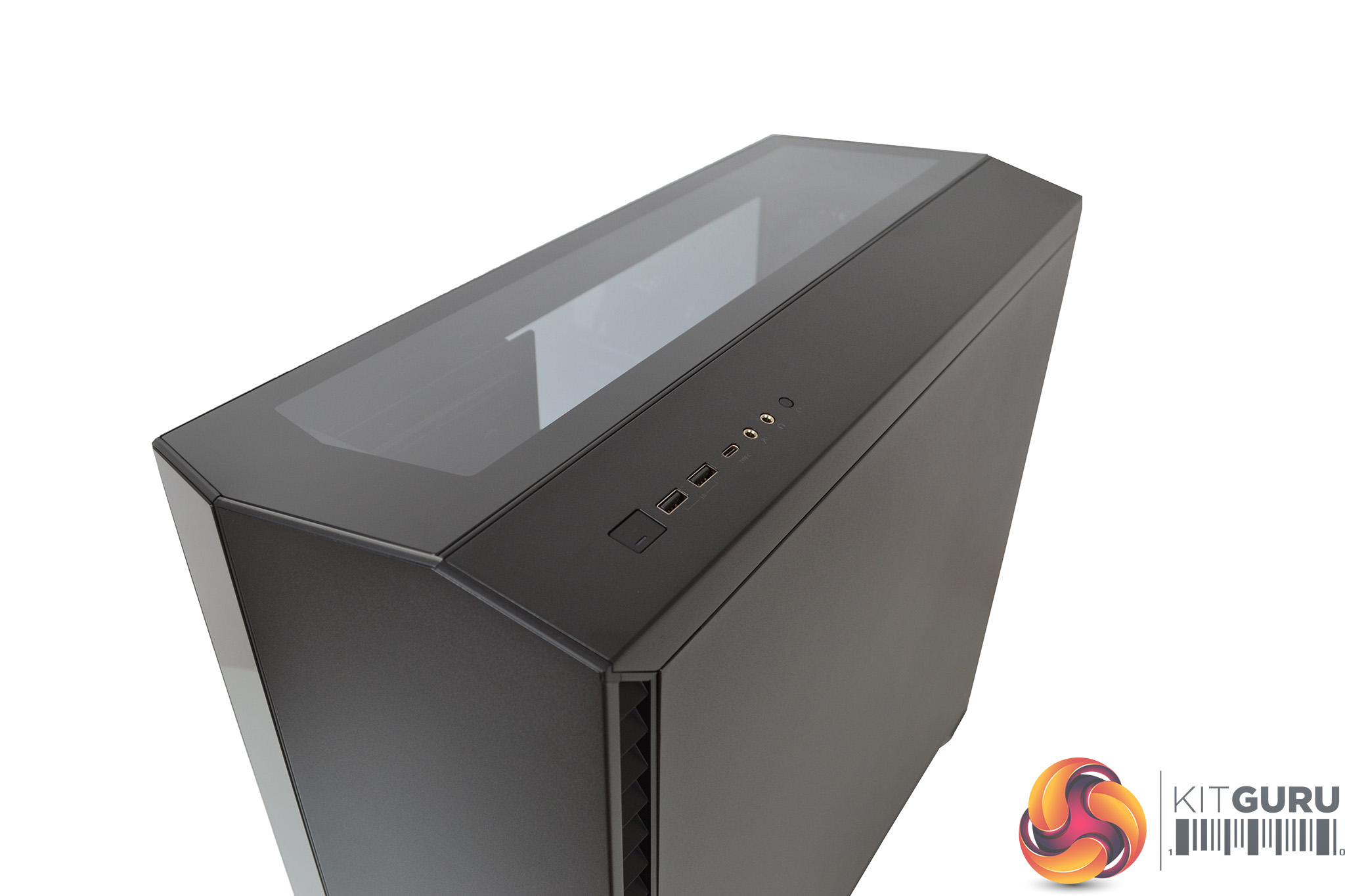
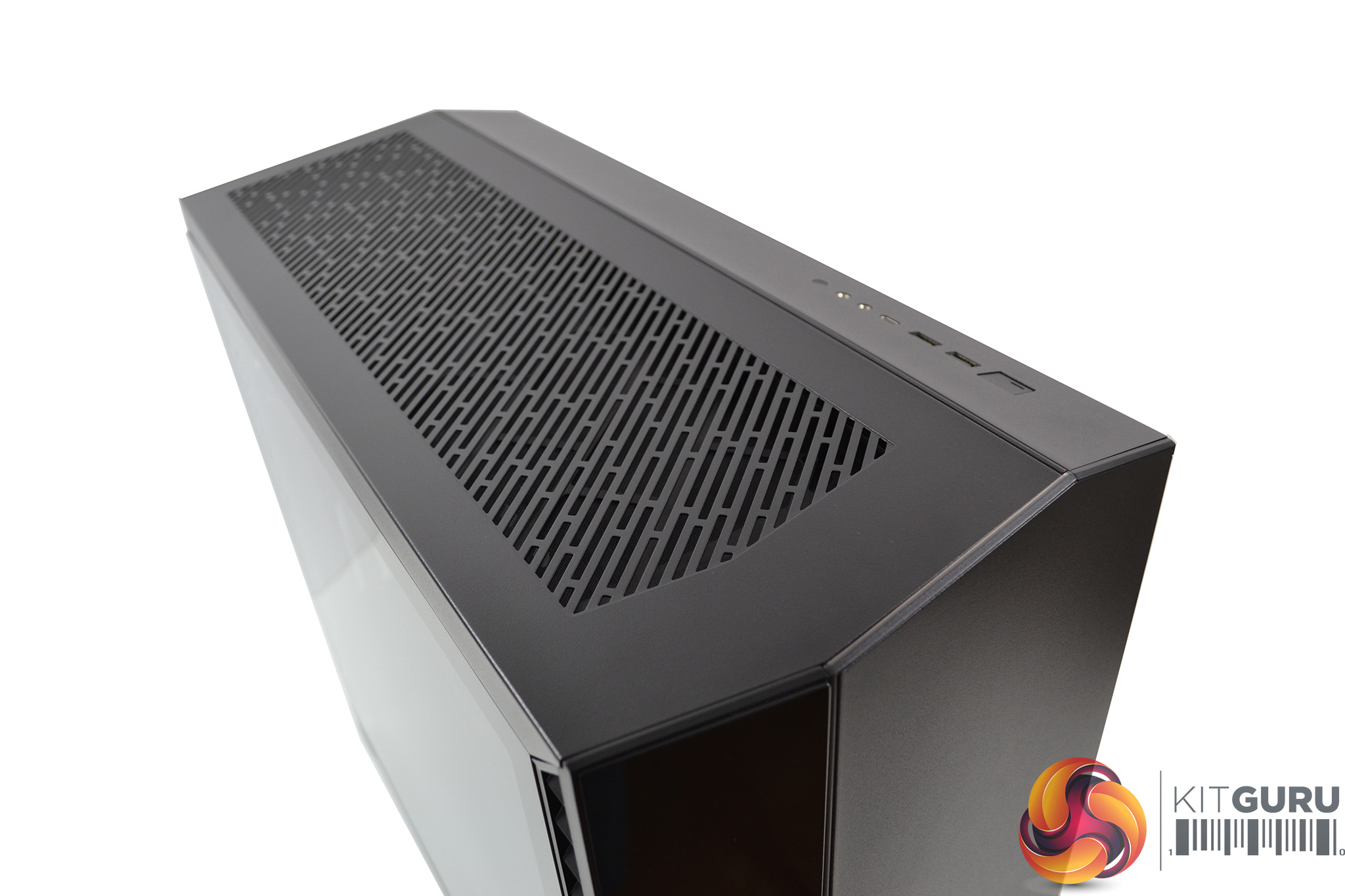
Fractal Design has implemented an interchangeable top panel in the Vector RS. You have the choice of either a stylish tempered glass panel, which is pre-installed, or this can be swapped for the alternative high-flow ventilated panel for additional cooling support with an optional filter.
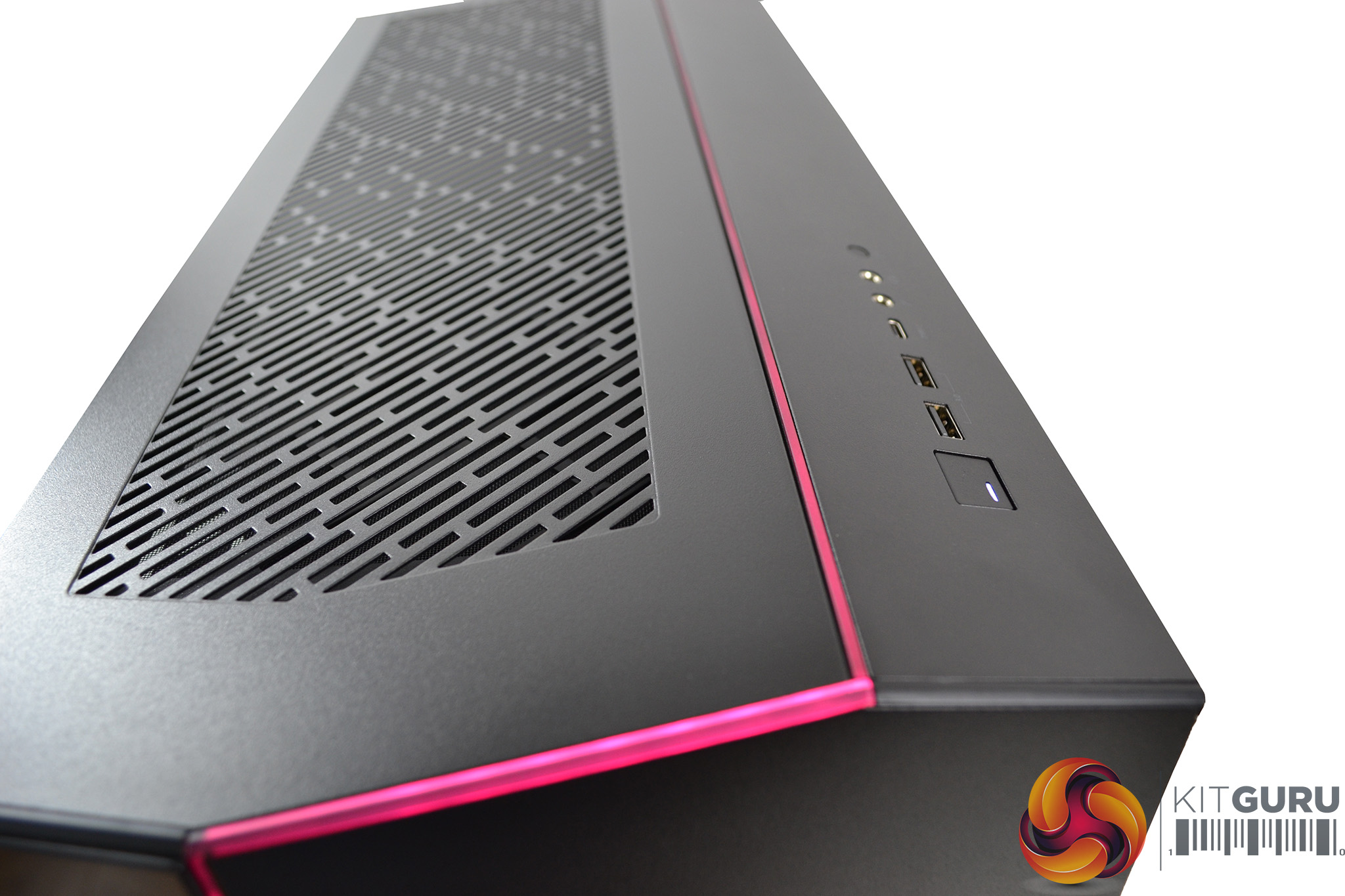
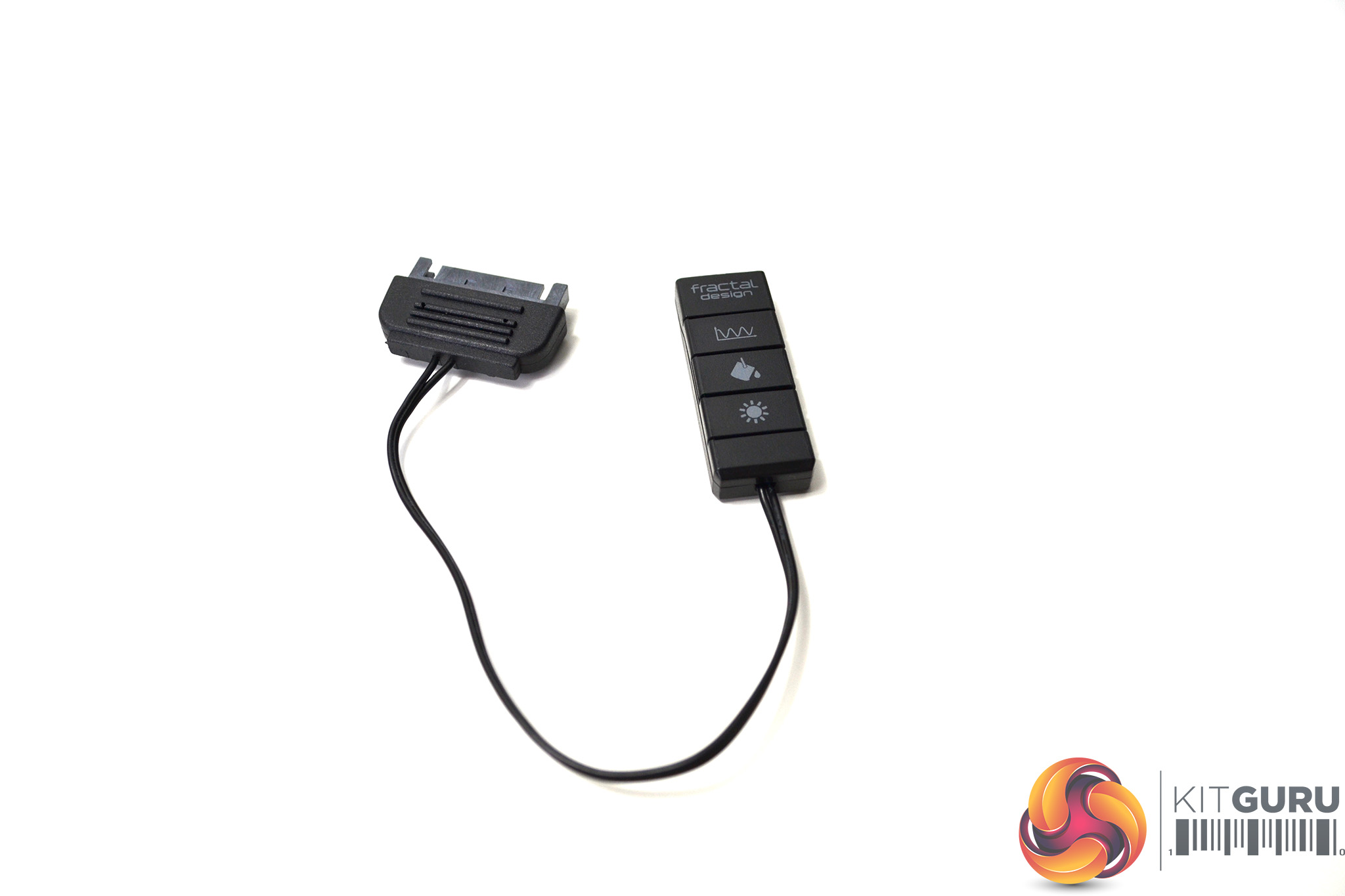
The addressable RGB LED strip which spans the front panel continues through the top panel with either of the interchangeable panels fitted. The RGB strip can be controlled by connecting to your motherboard or via the included Adjust R1 RGB controller.
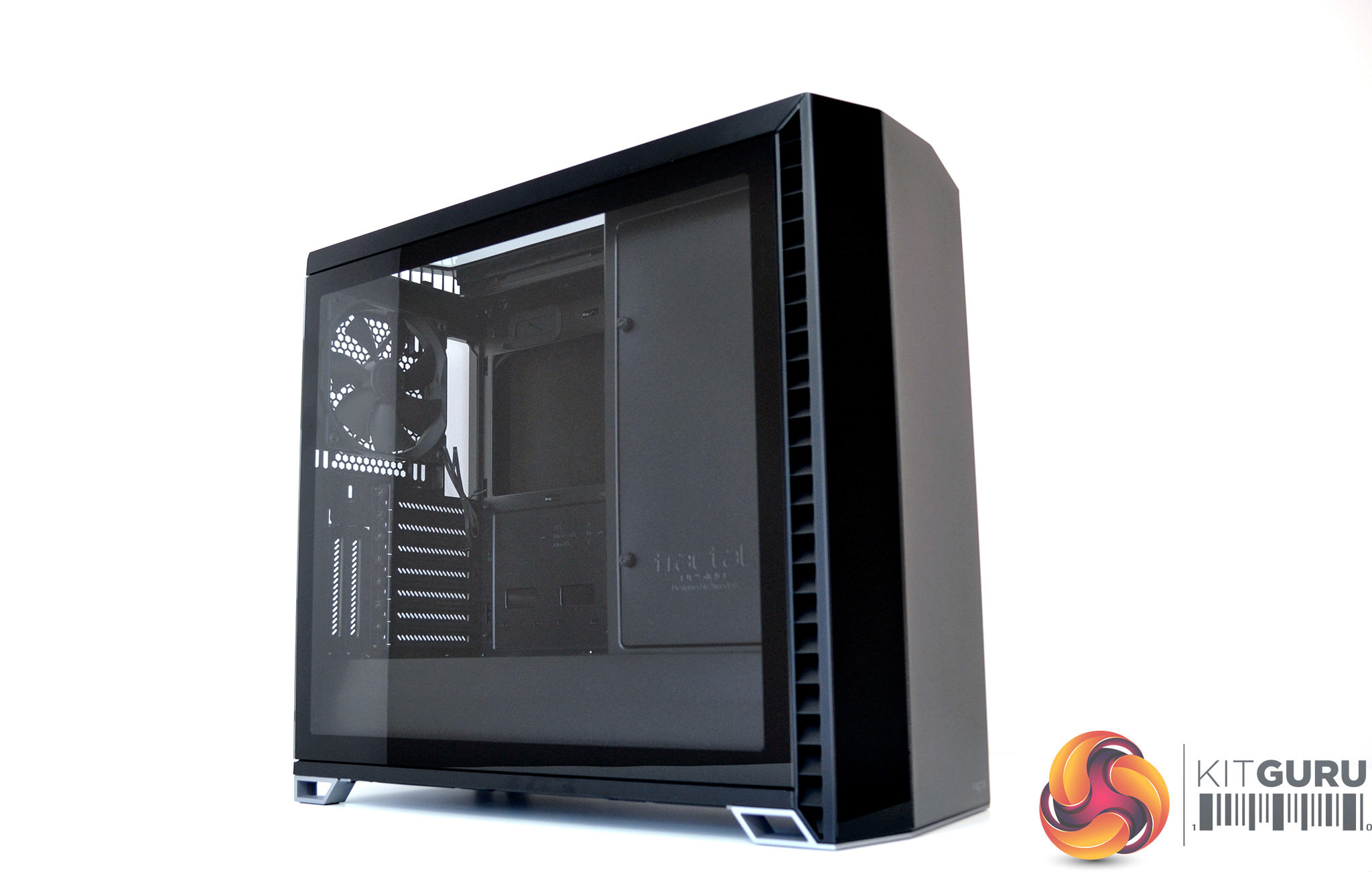
A seamless scratch resistant tempered glass side panel with a choice of either dark or light tinted versions are available. Our sample has the light tint version, which gives you a great view of the interior.
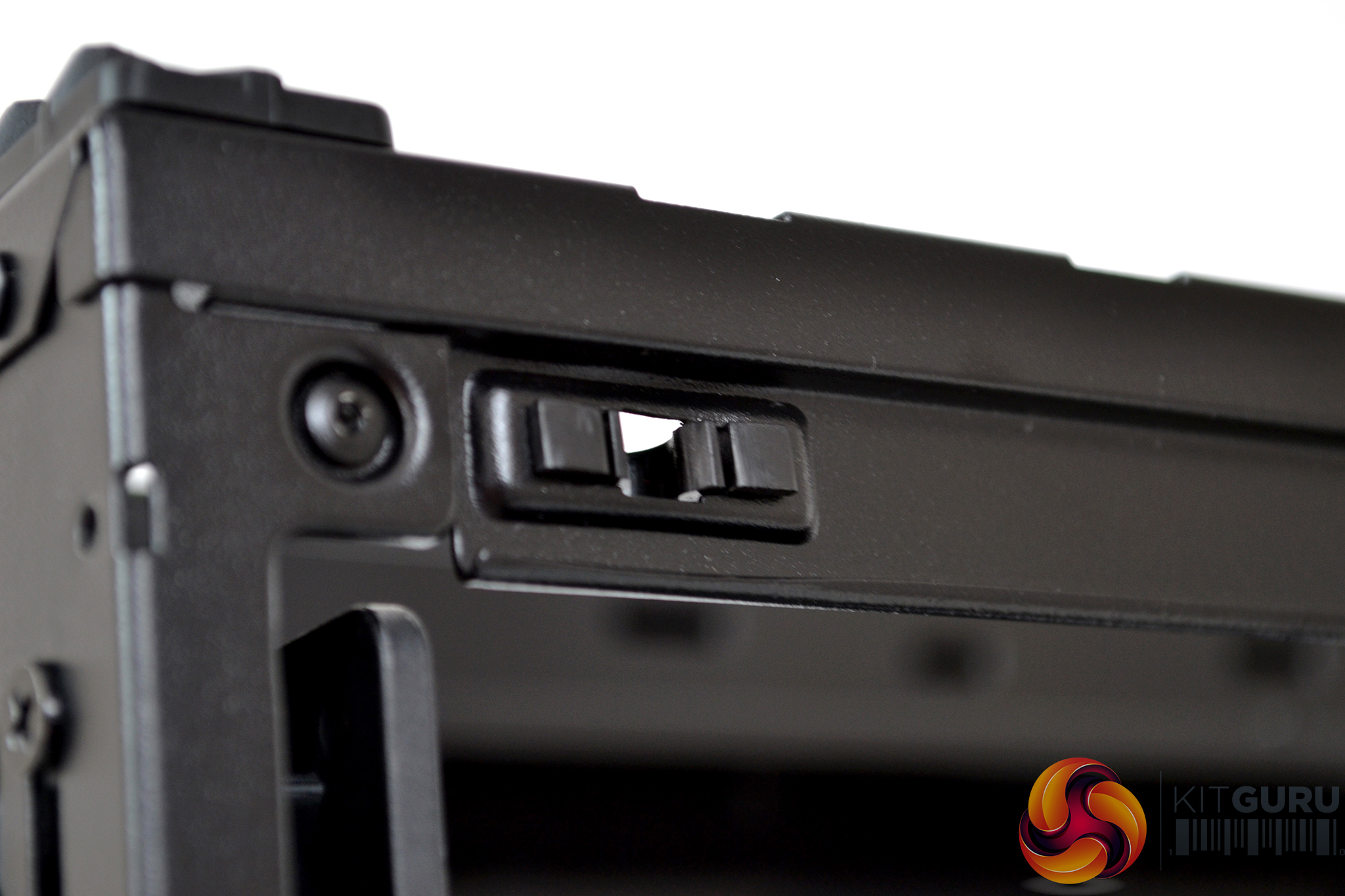
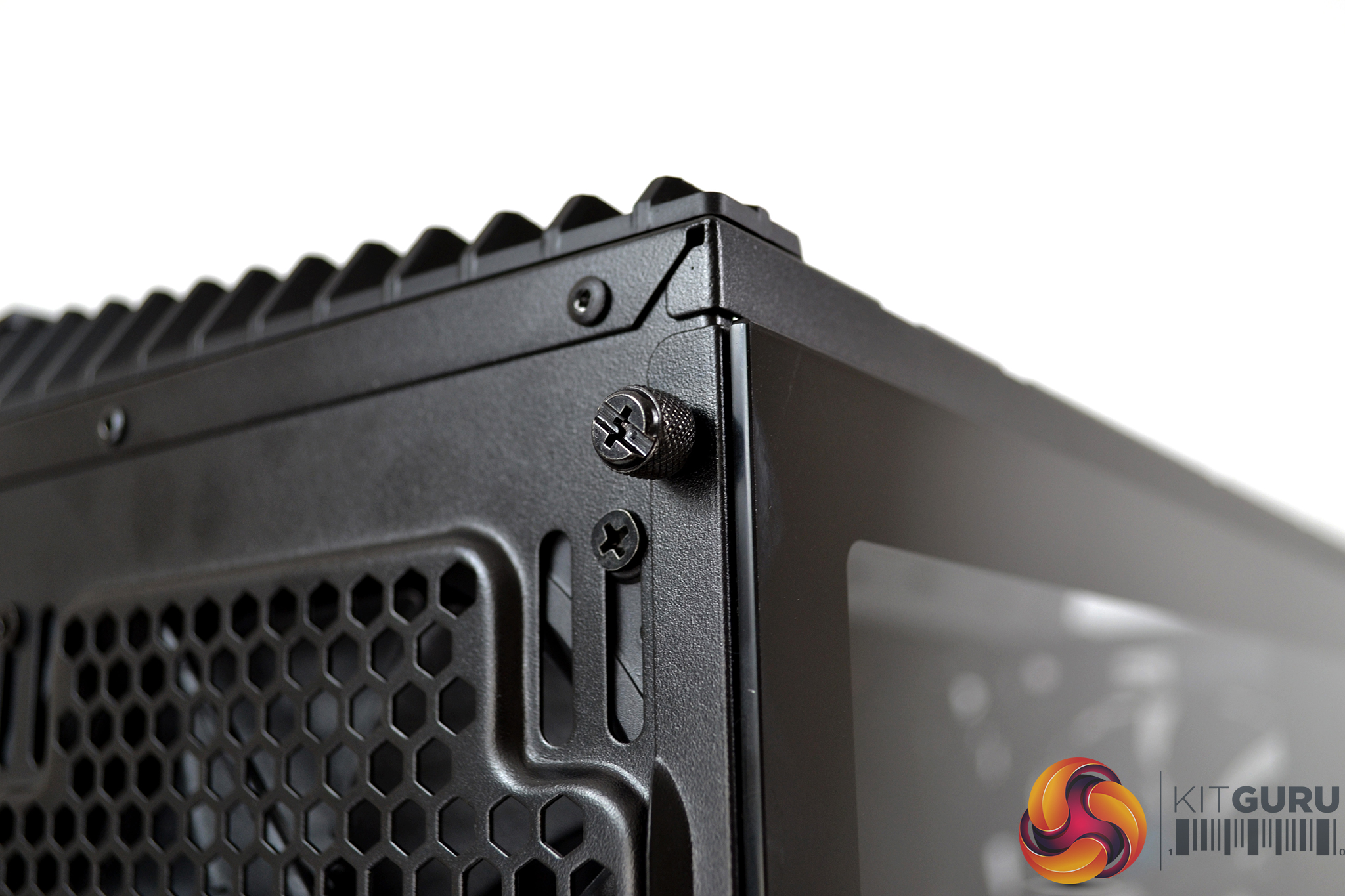
Both the left tempered glass and right steel side panels feature a tool free push-to-lock latching mechanism with optional thumbscrews to secure the panels during transit.
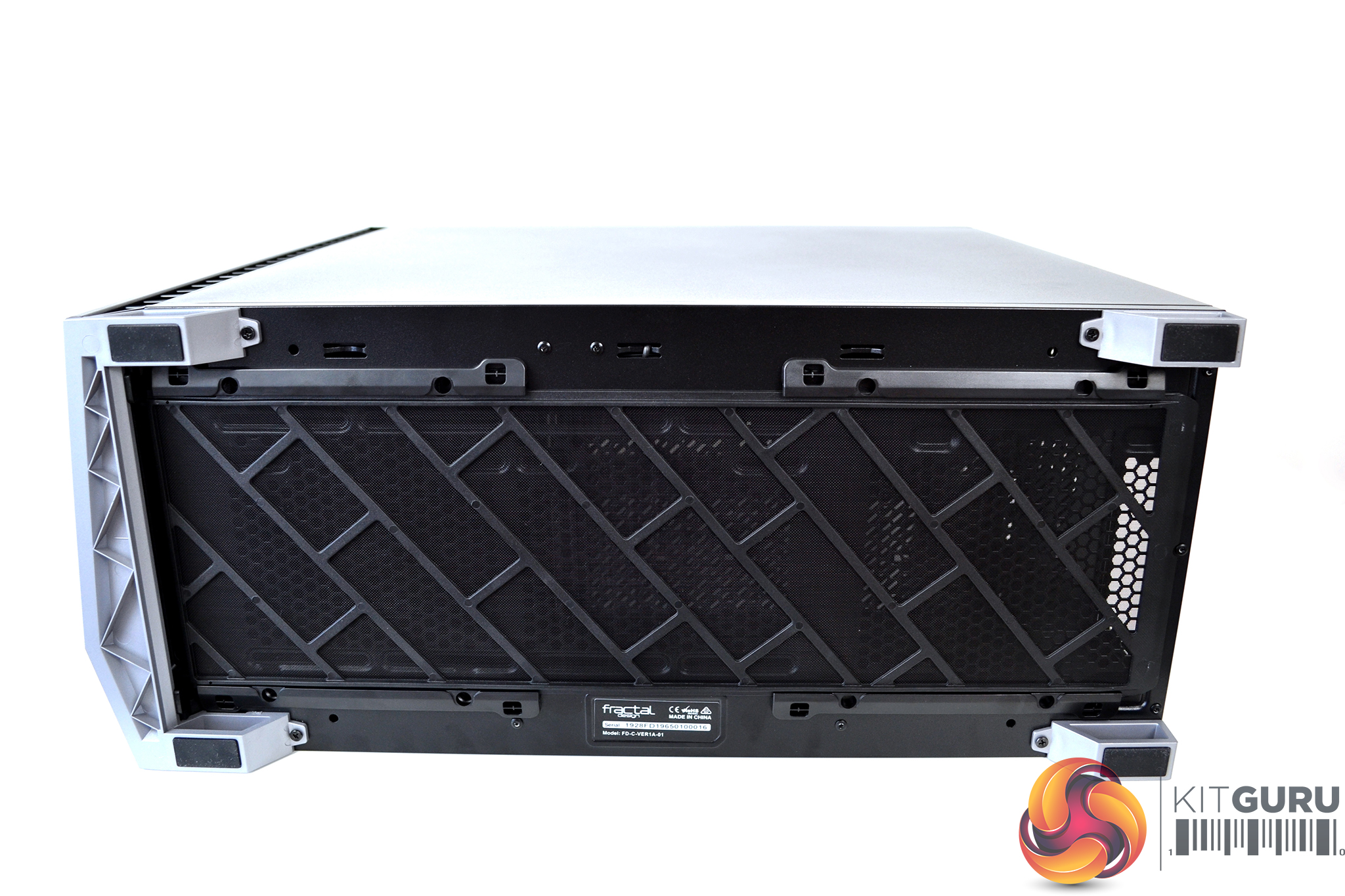
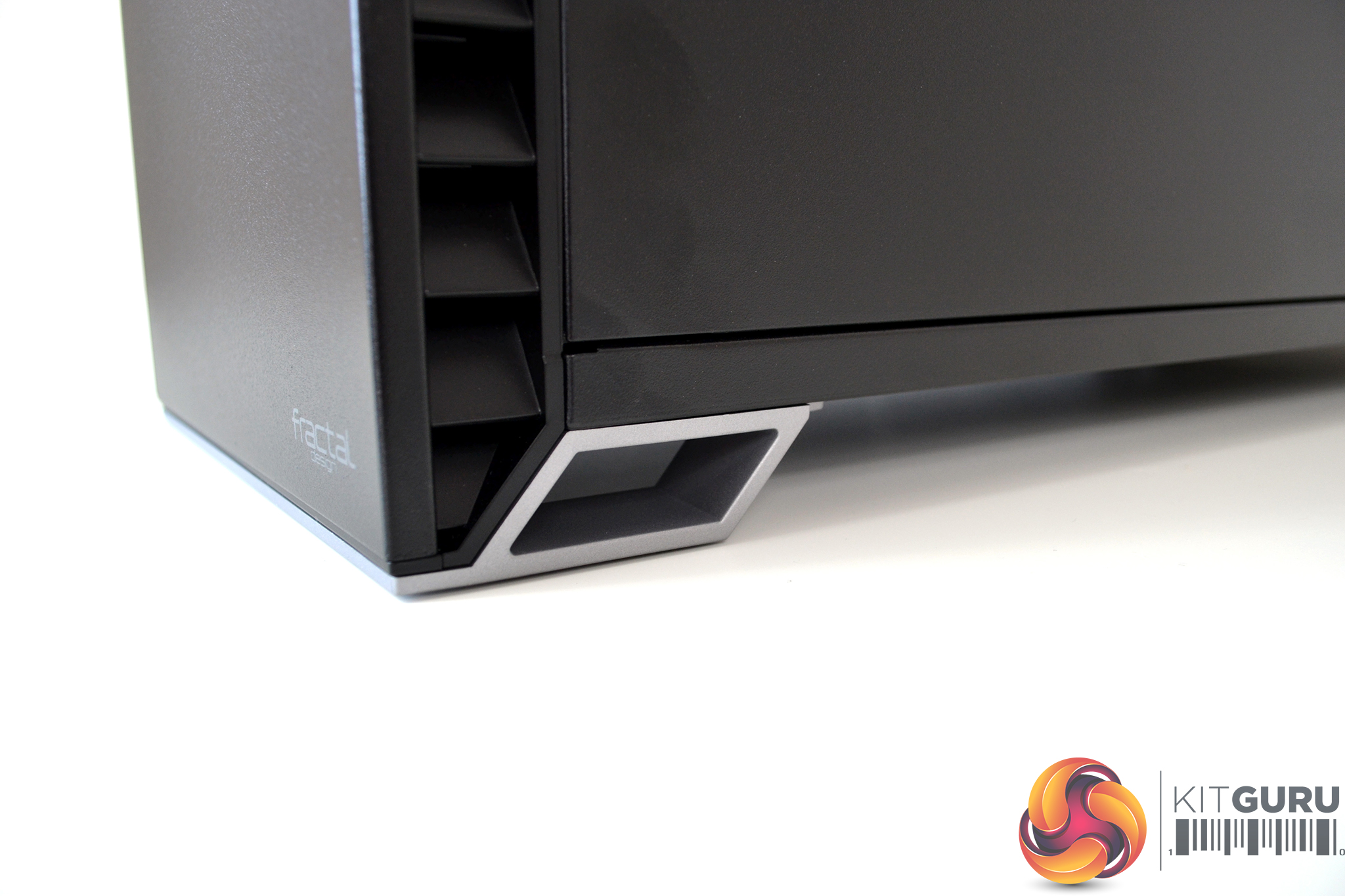
The case floor features vents for the power supply and two 120mm/140mm fans or up to a 280mm radiator. The whole panel is then covered by a filter which is removable from the front. The case feet are finished in silver and adopt the angular design.
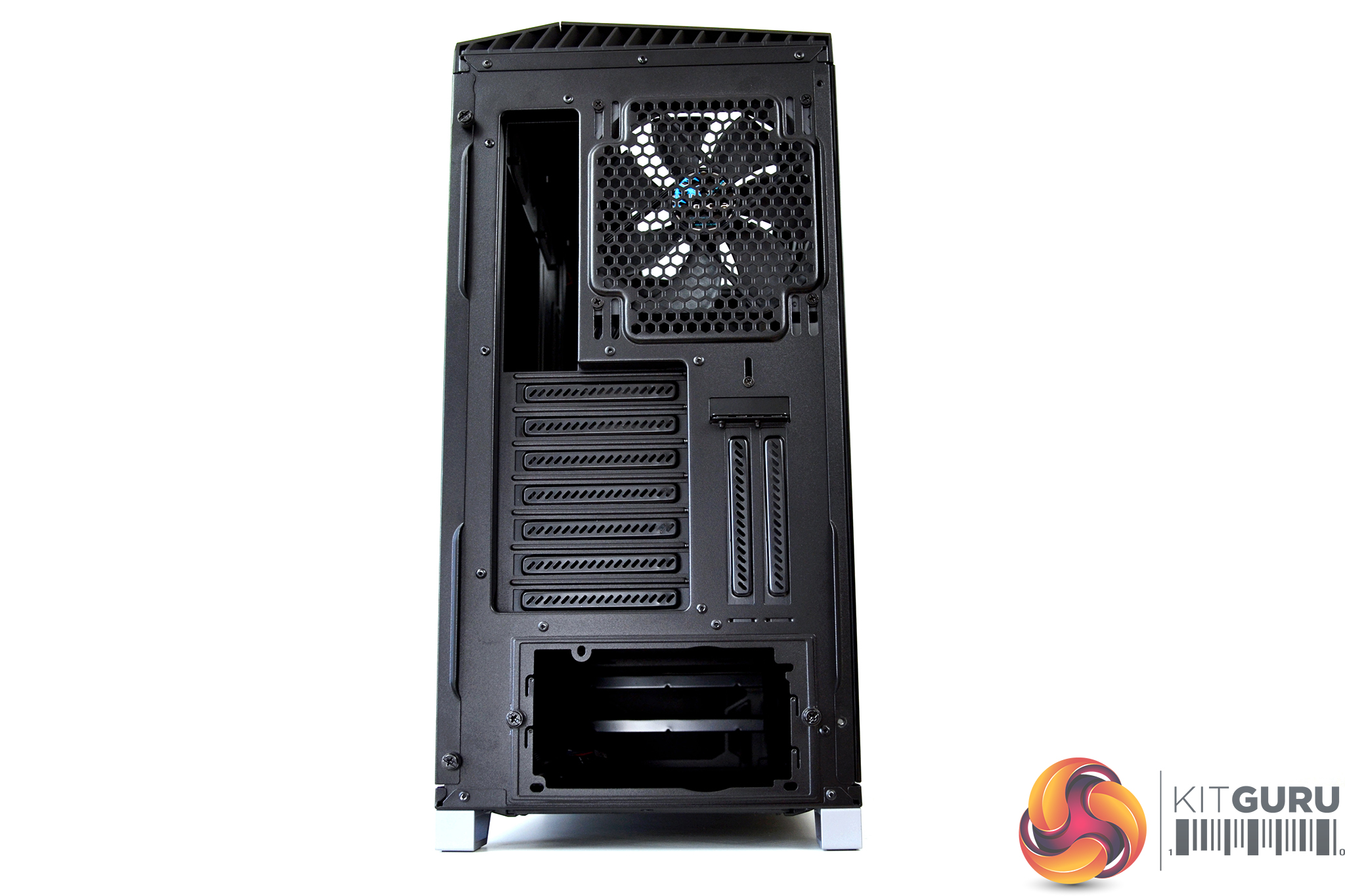
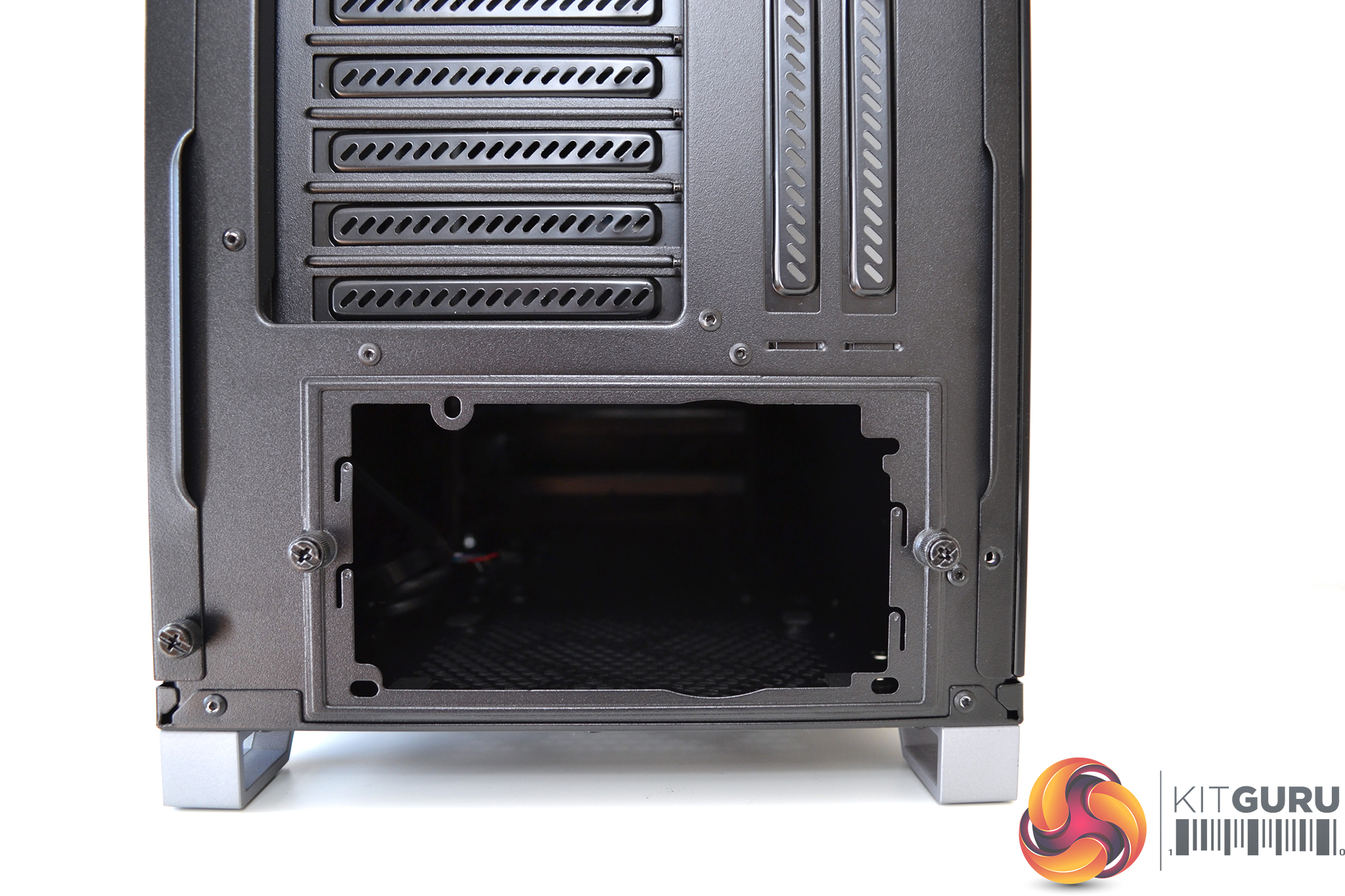
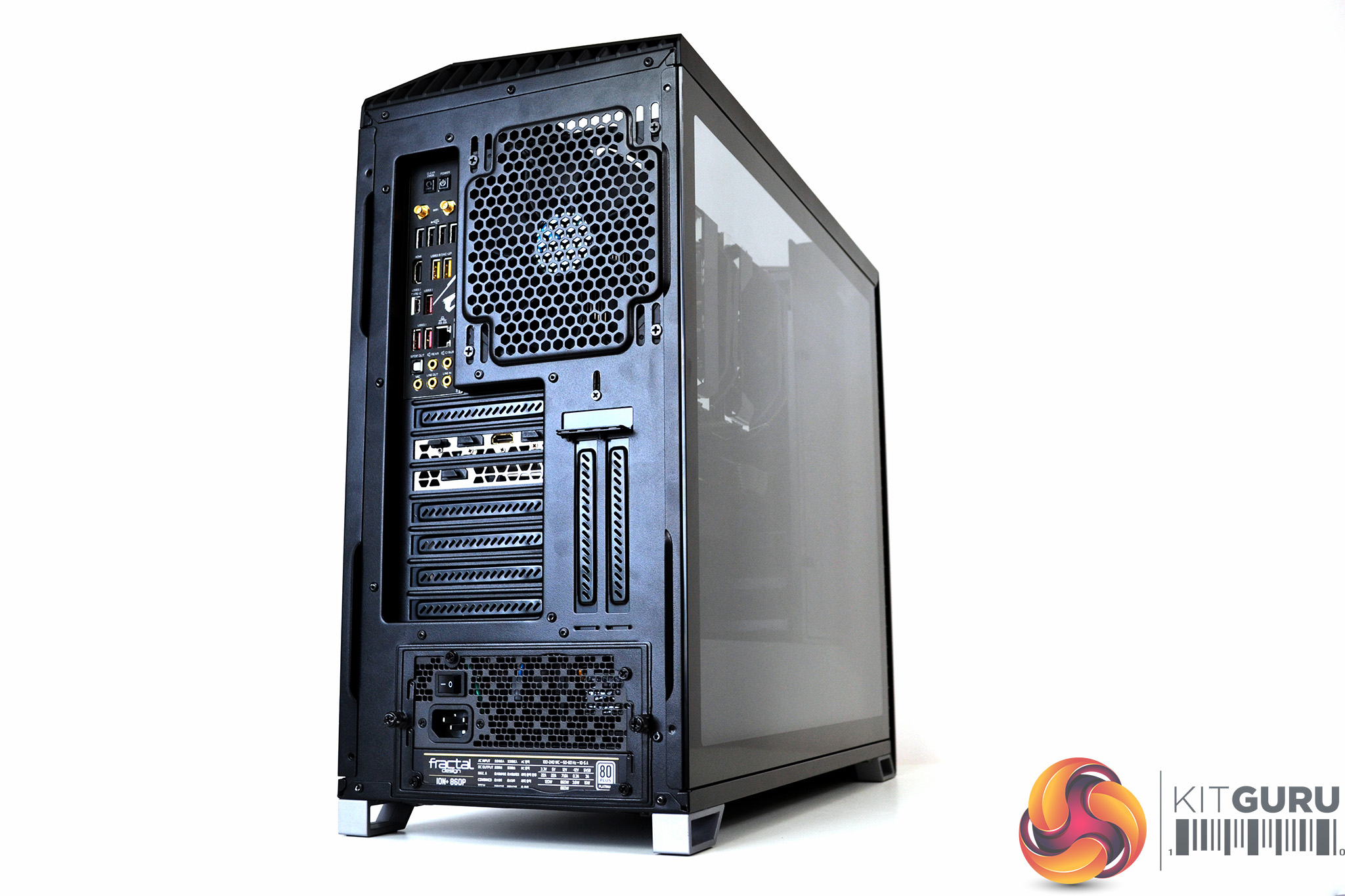
At the rear are seven PCI-e slots with two extra slots for vertical GPU mounting, a single 120mm/140 fan mounting and the usual rear I/O and PSU cut outs. The PSU cut out has a removable mounting bracket for simple power supply installation.
In our opinion, the exterior of the Vector RS is visually pleasing. Fractal Design has done a great job in keeping their usual minimalist approach to design while adding just the right amount of RGB lighting for a stylish classy look.
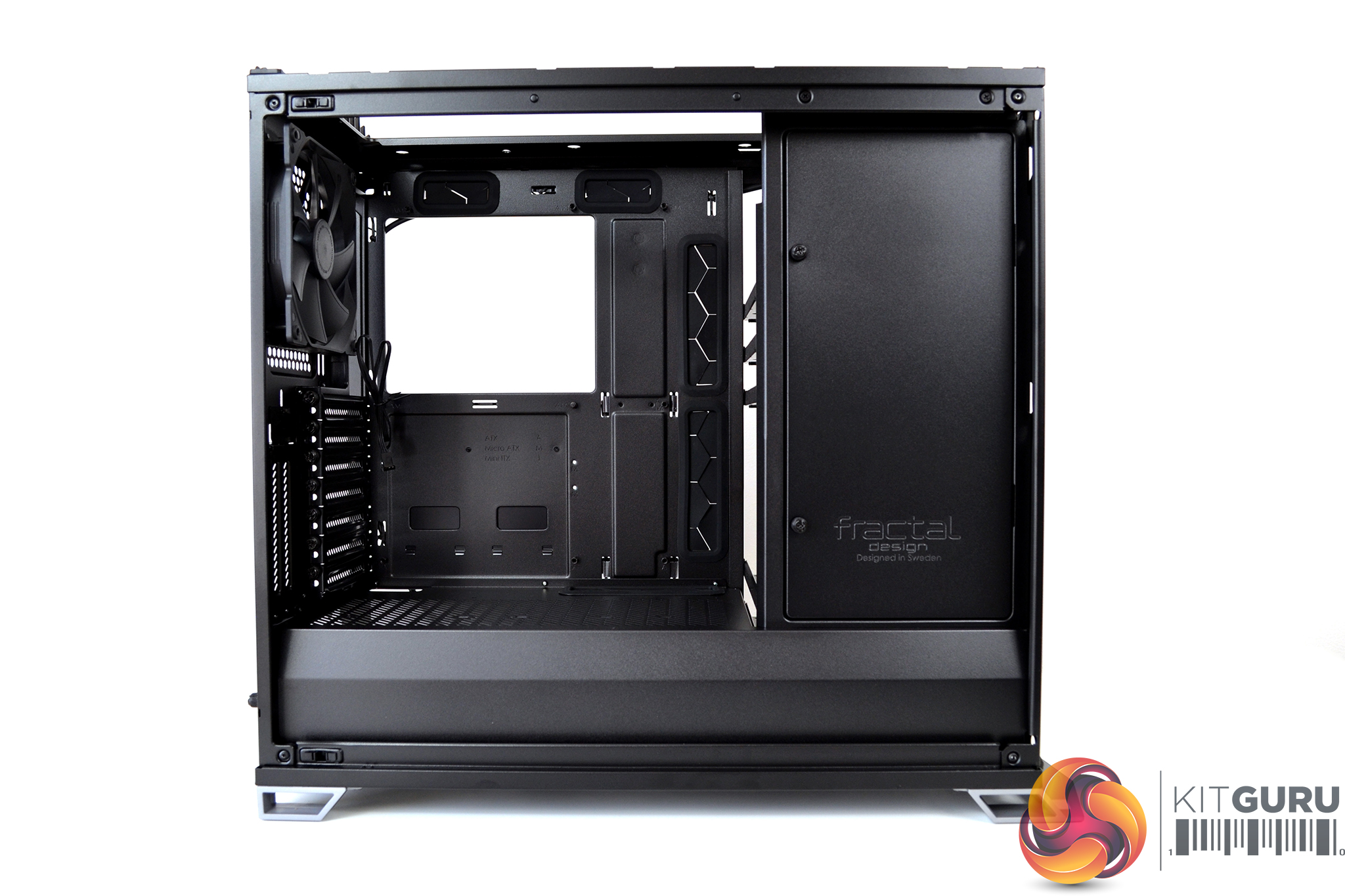
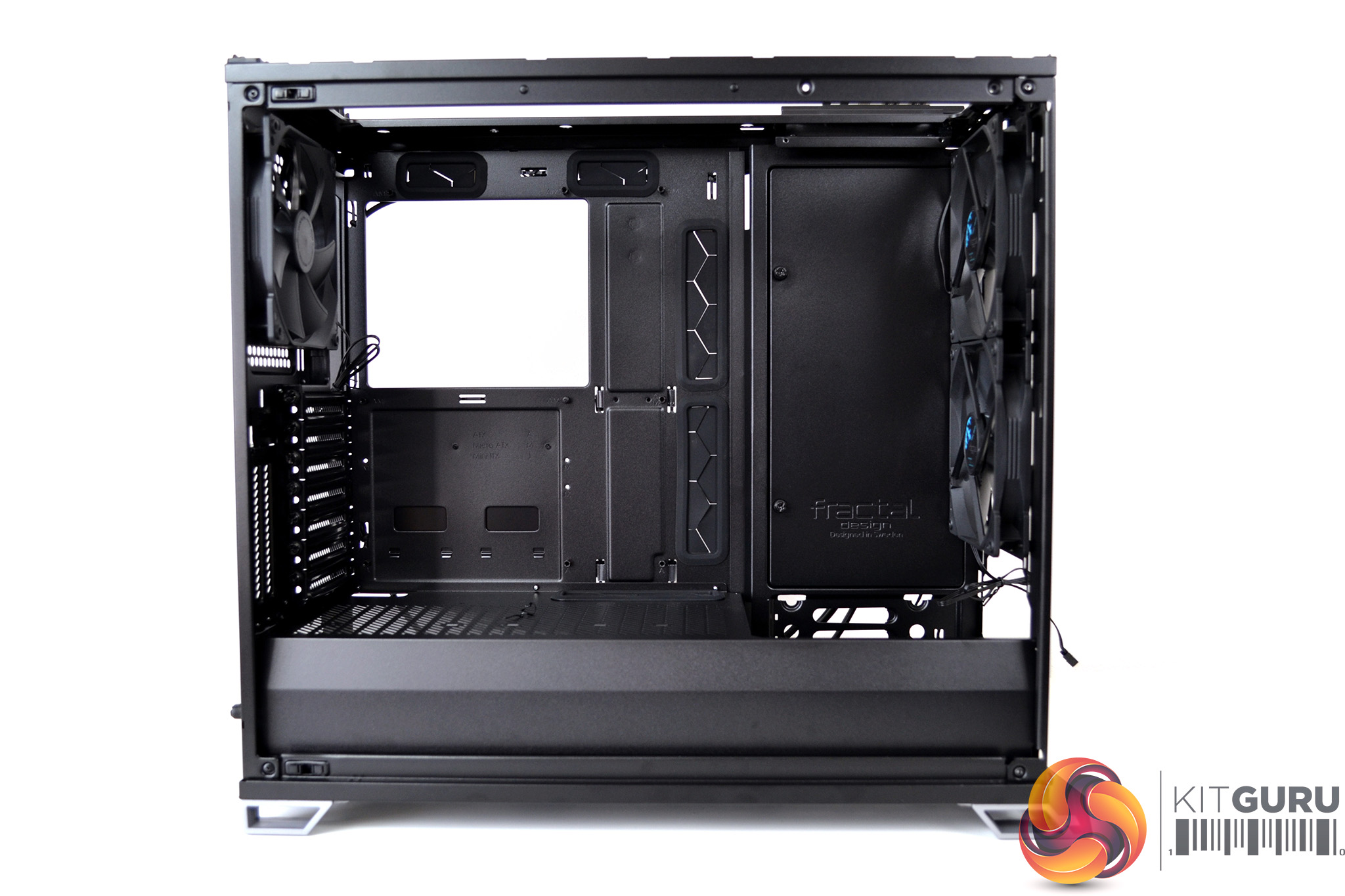
Fractal Design has taken a modular approach to the interior design with the option to swap between either a storage layout, offering more drive positions and storage options or an open layout which maximises interior space, airflow and water cooling support.
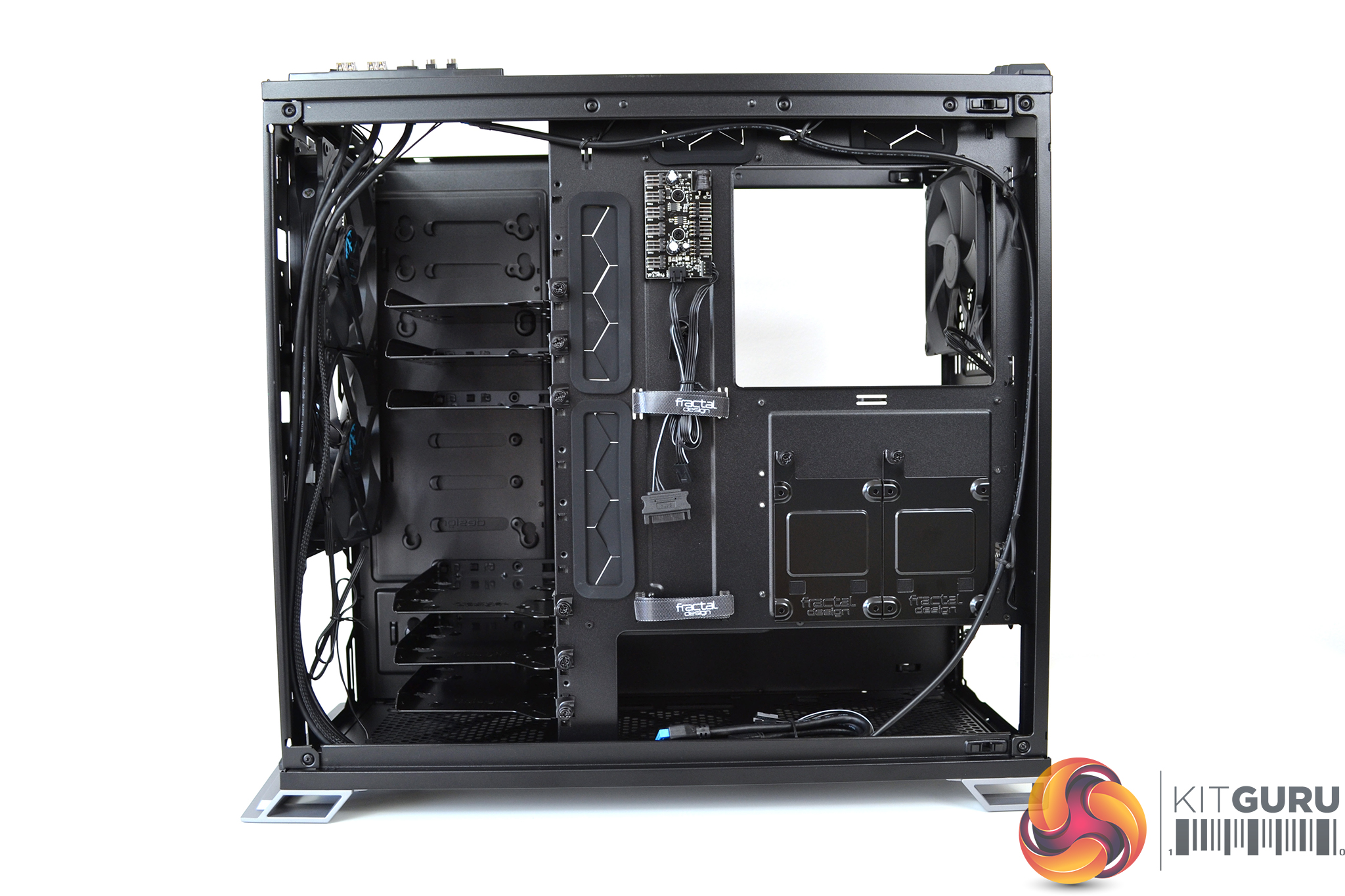
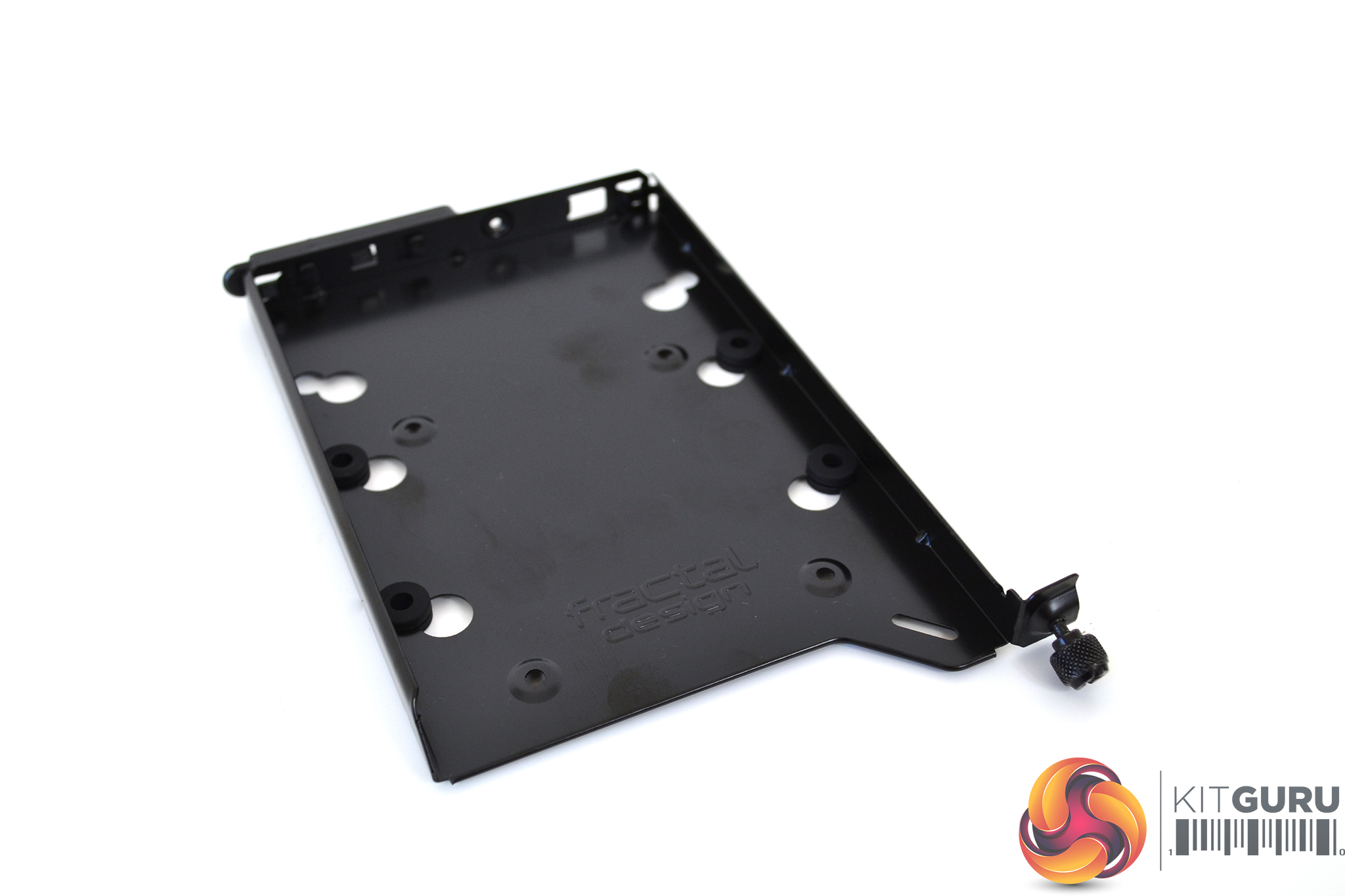
In the storage layout configuration, there are six HDD trays with eleven positions available – additional trays can be purchased separately allowing a total of eleven HDDs to be installed. The HDD trays are a sturdy steel construction with vibration-damping rubber grommets.
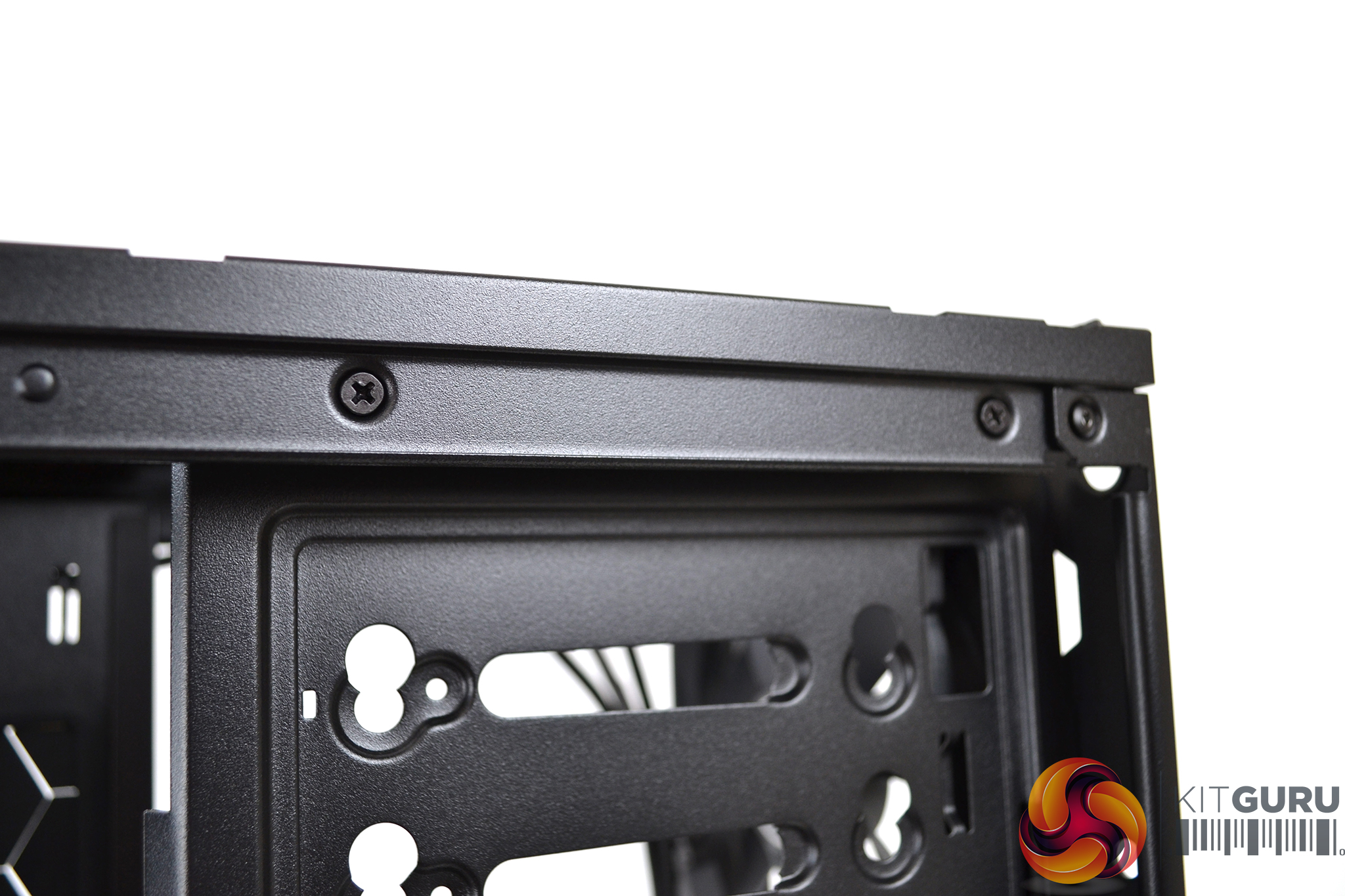
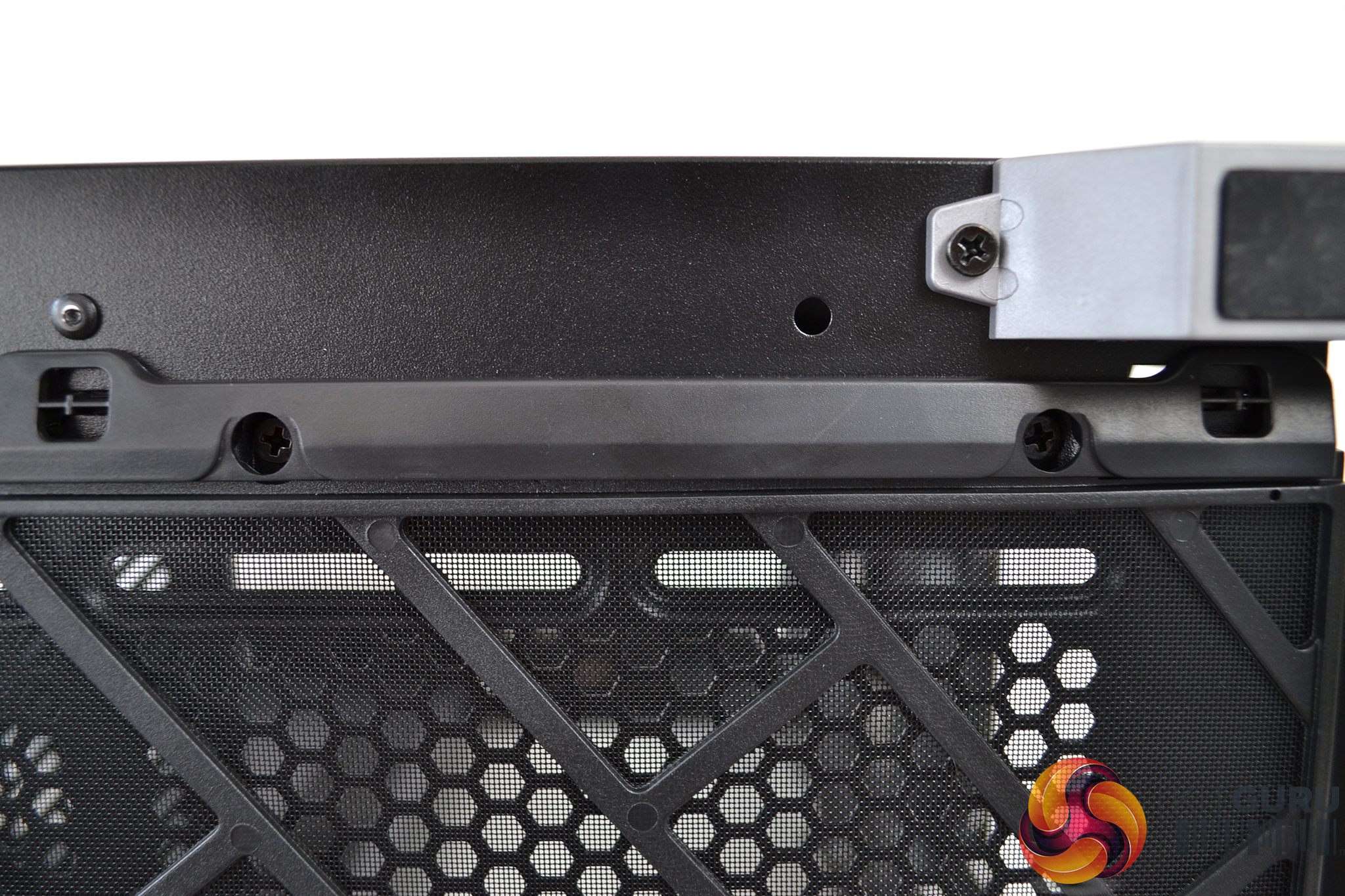
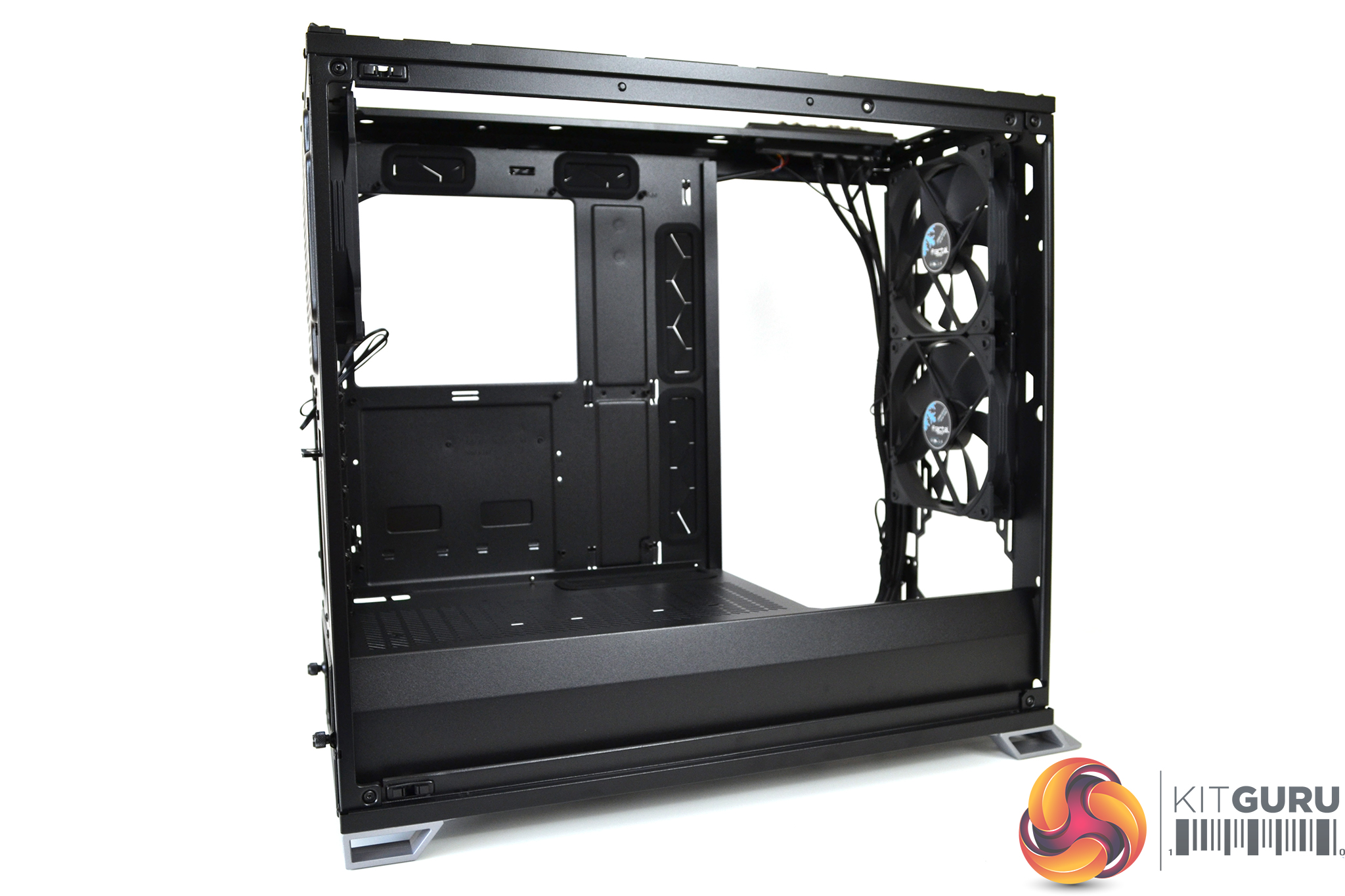
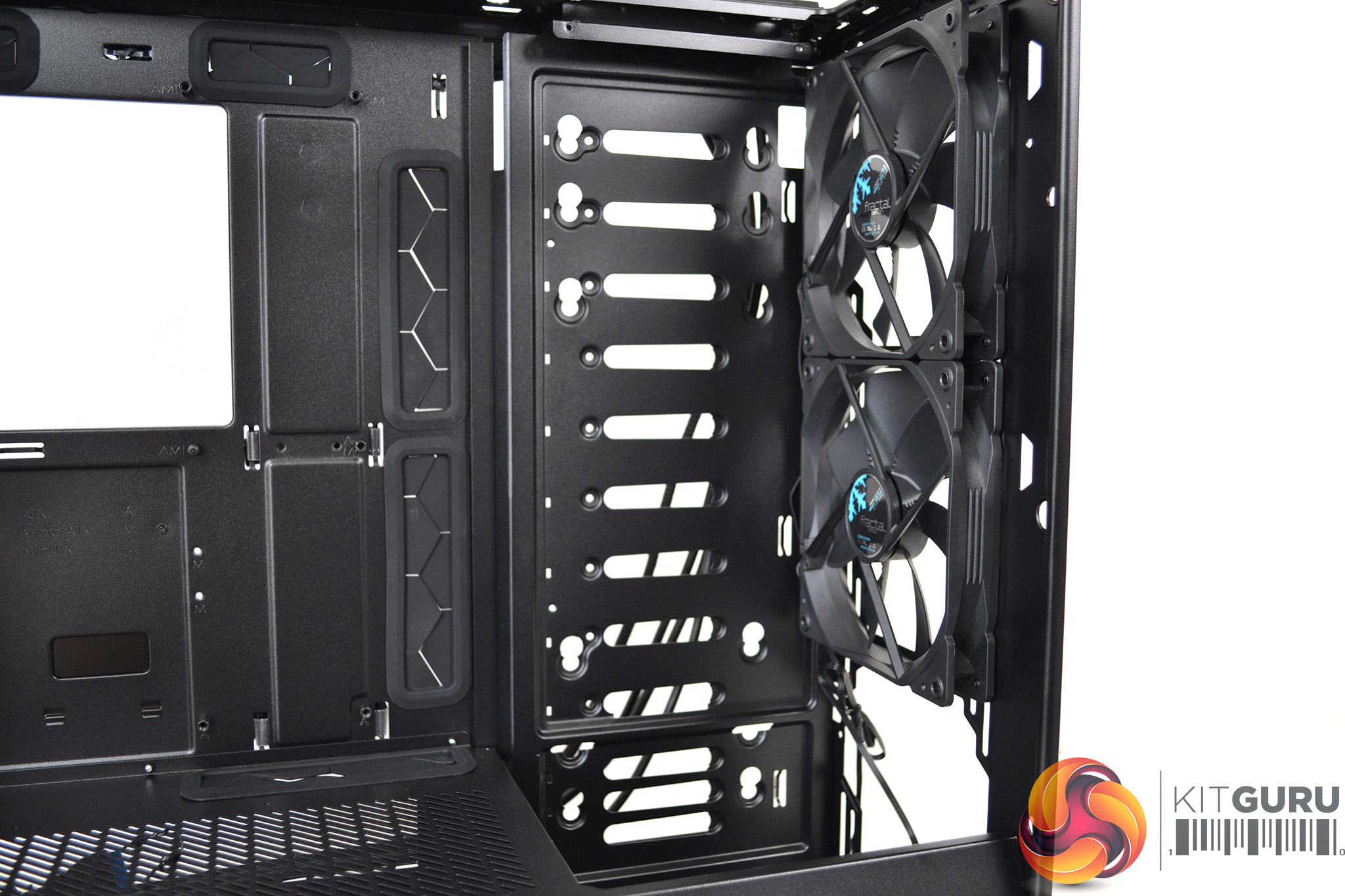
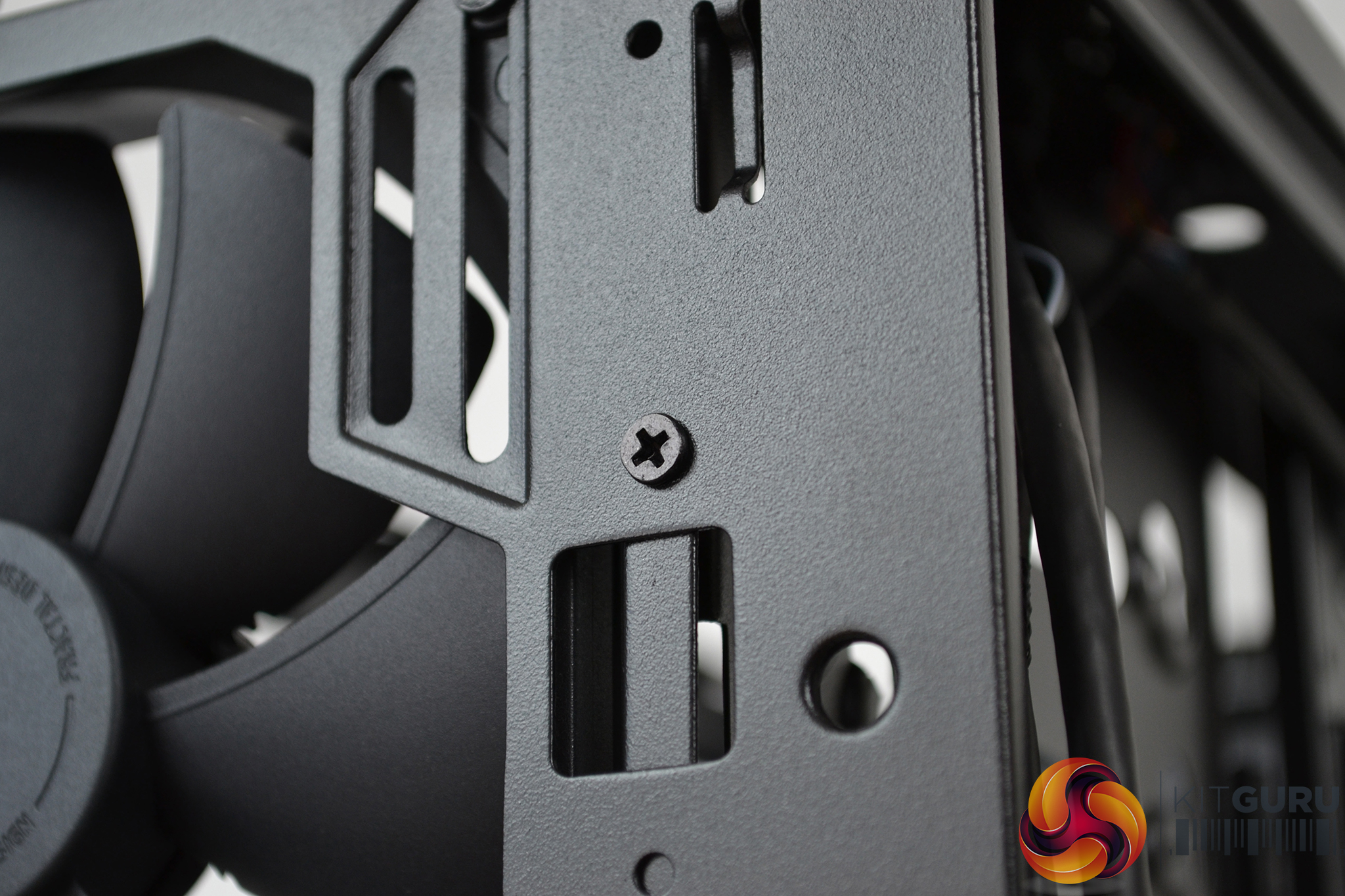
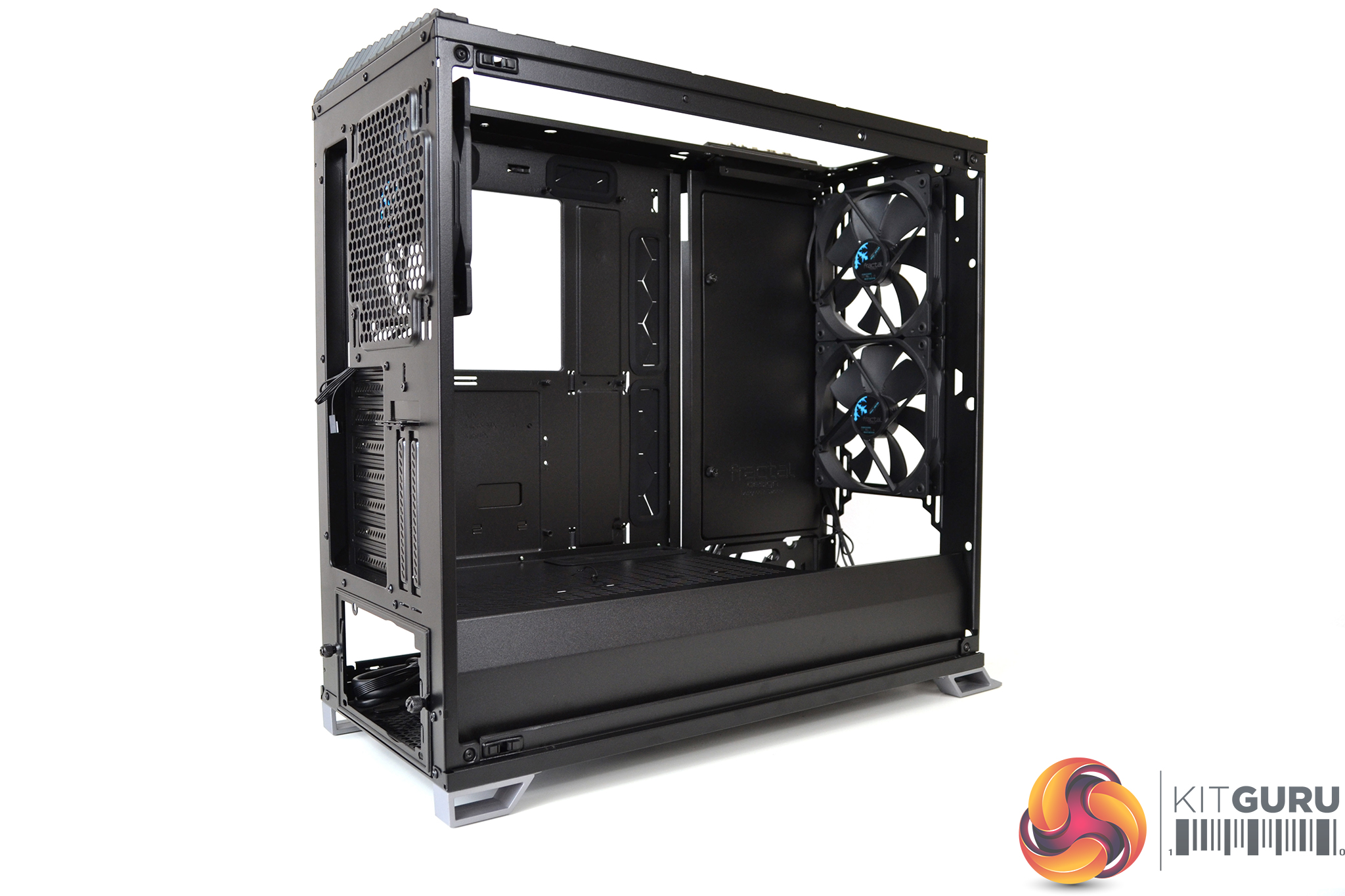
Swapping between the two layouts is reasonably simple. Once all HDD cages are removed, there are a total of six screws – two top, two front and two bottom, which need to be taken out to release the storage panel and then moved to the open layout location and fixed in place with the same six screws.
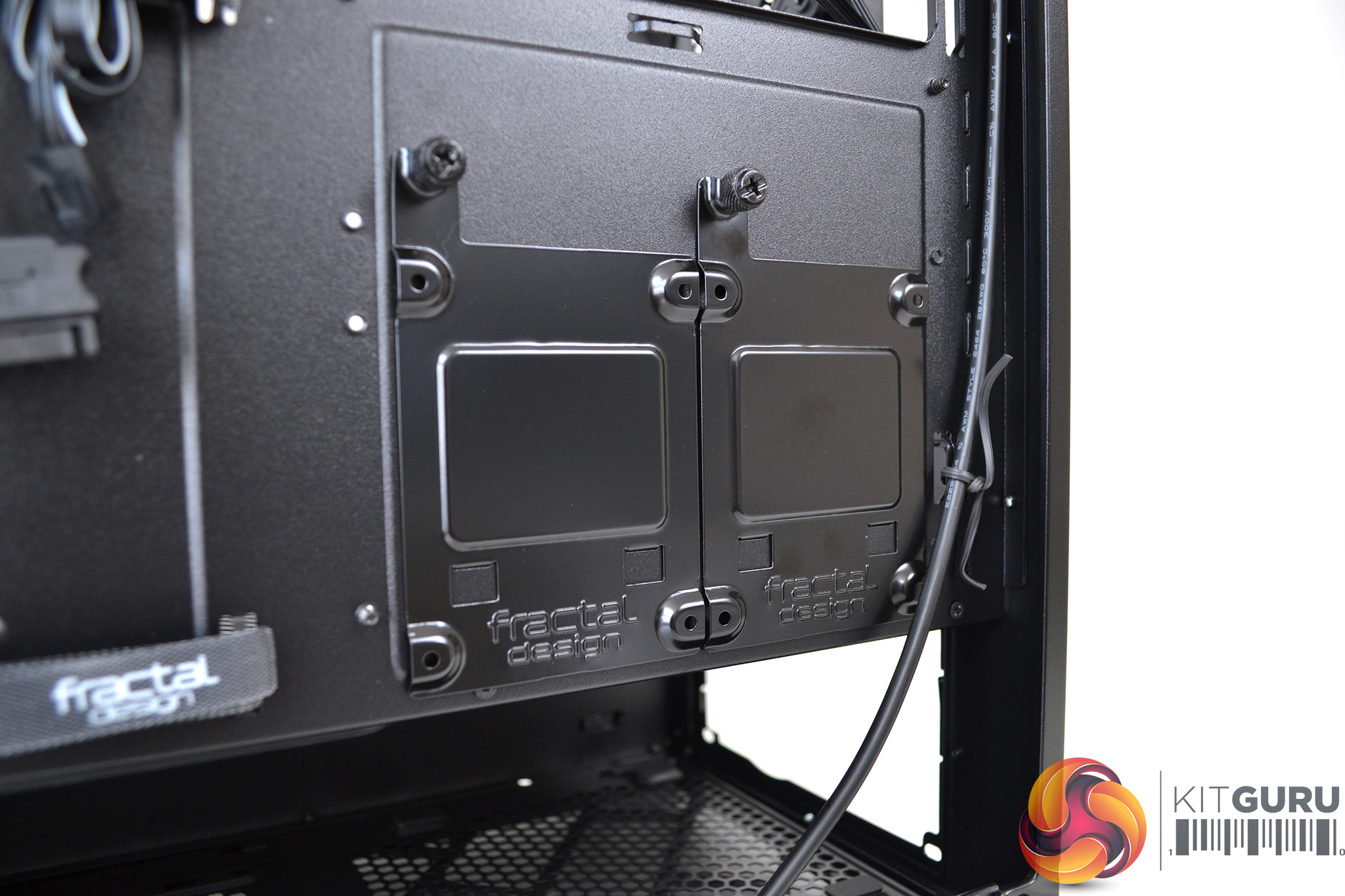
Two SSD brackets are included, with four mounting positions available; two behind the motherboard tray and two on the PSU shroud. Again, extra SSD brackets can be purchased separately. Additional SSDs can be mounted in the HDD trays also.
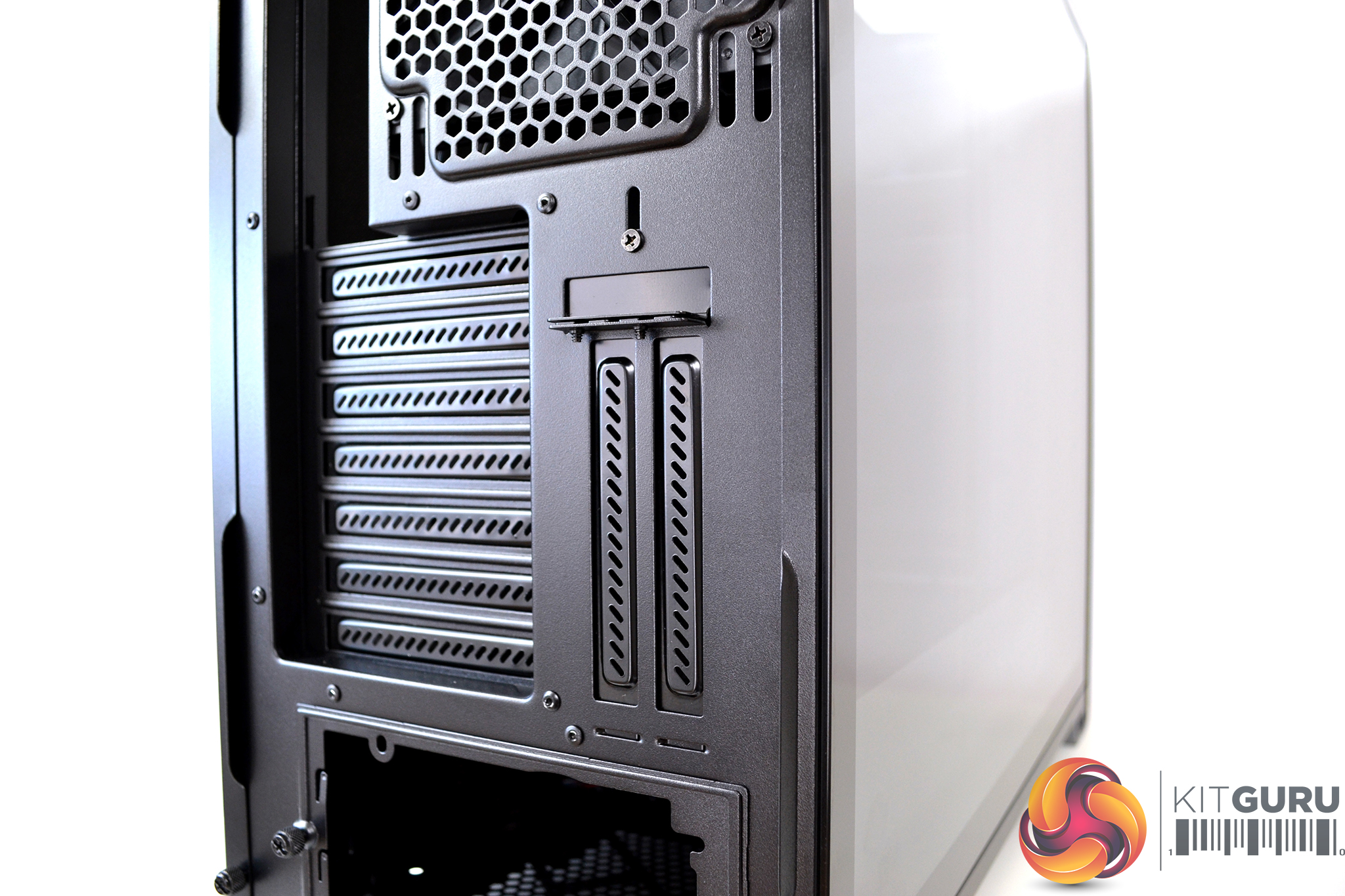
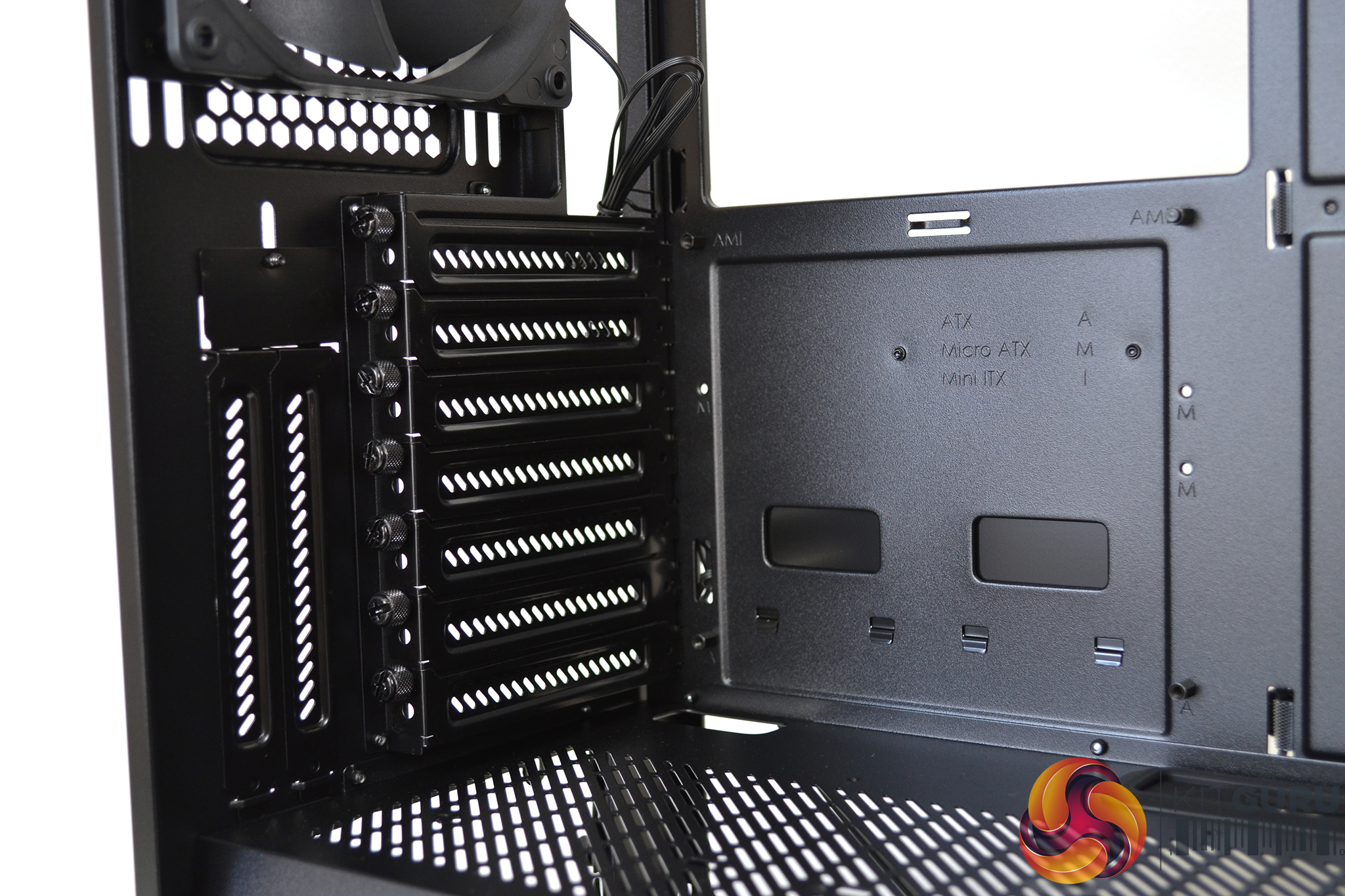
The Vector RS supports vertical GPU mounting for GPUs up to 2.5 slot thickness via a Flex VRC-25 PCI-e riser which is sold separately. Due to clearance of the GPU and side panel, liquid cooling is recommended for GPUs over 2 slots thick.
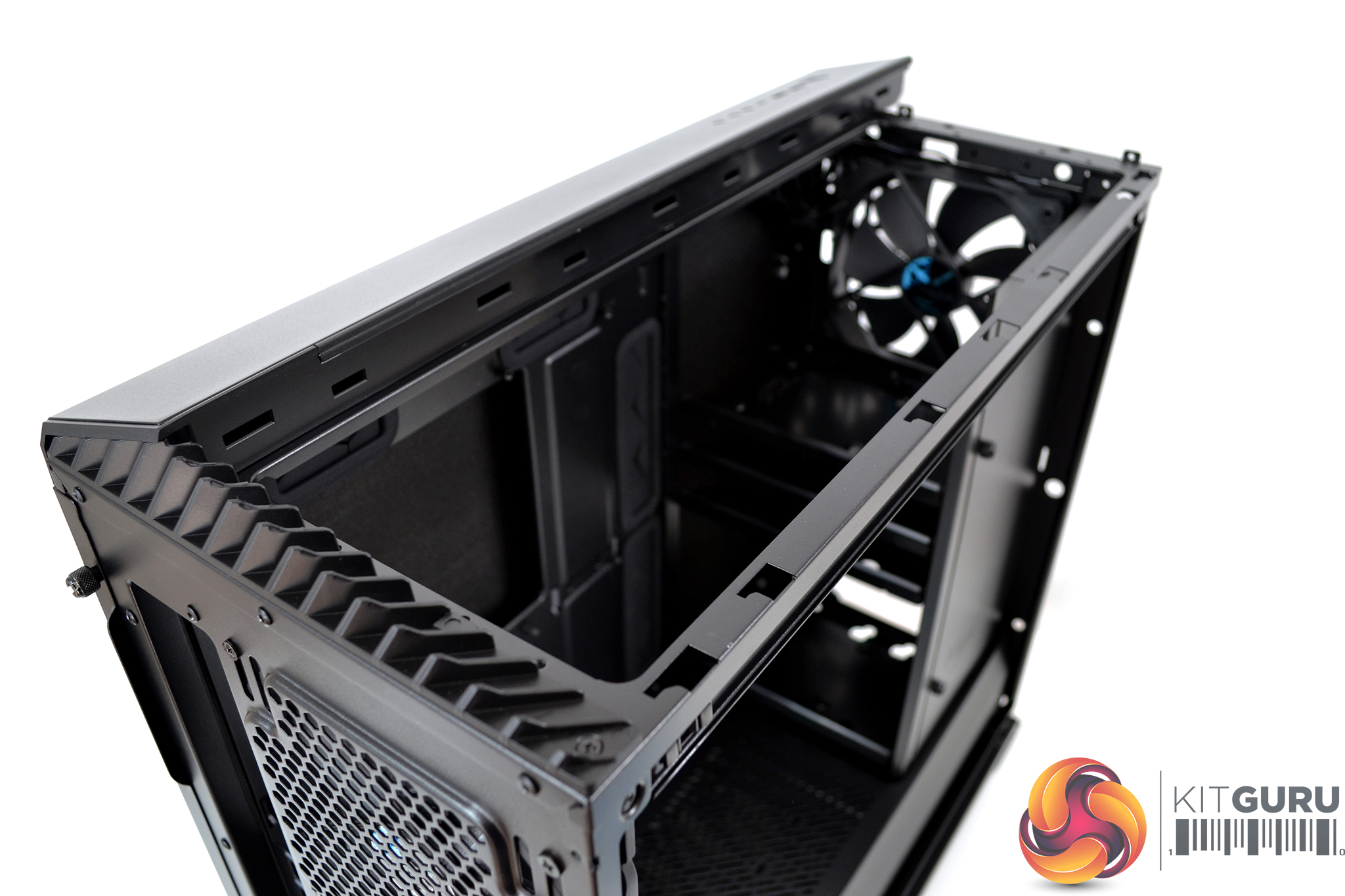
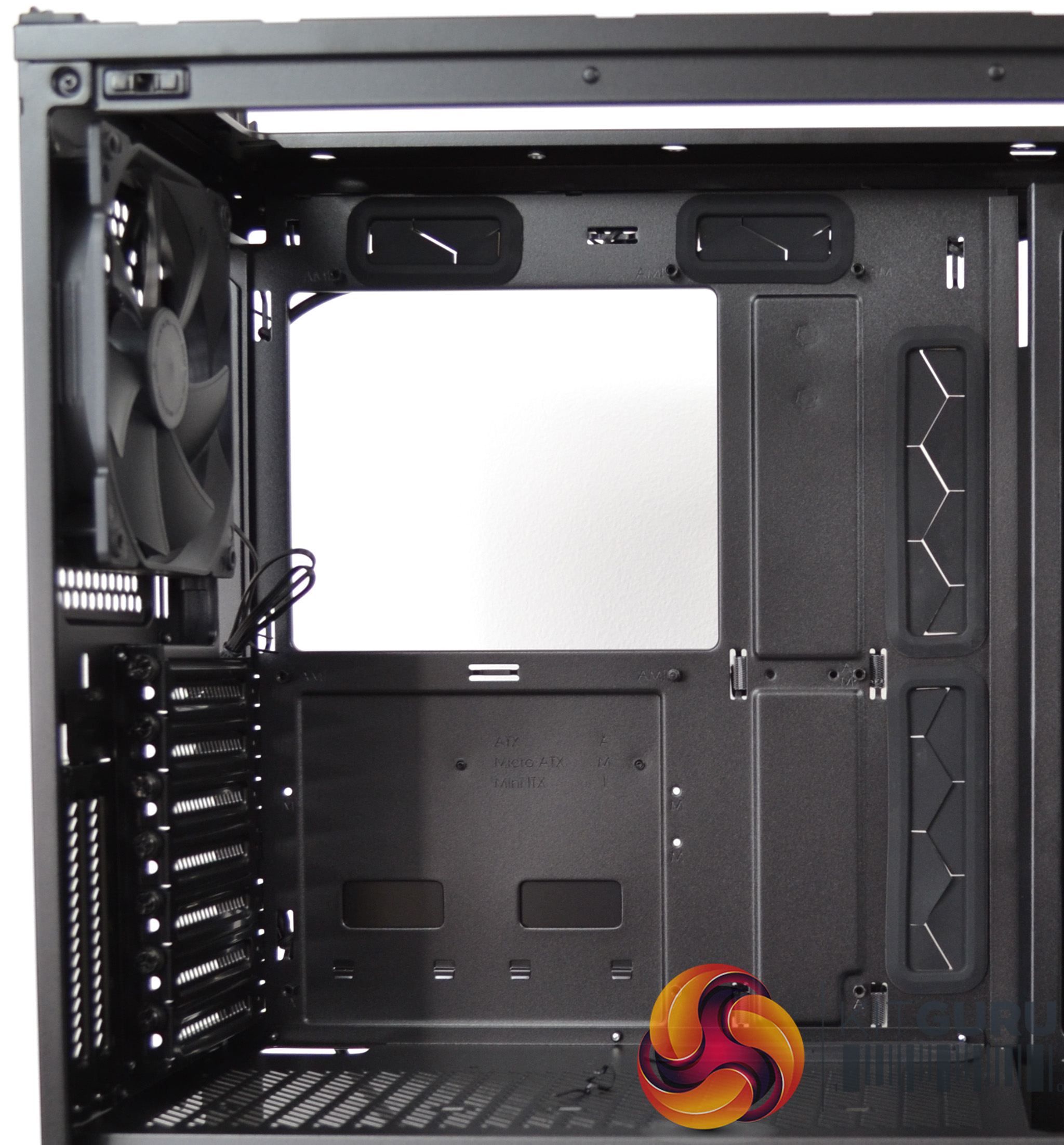
Fractal Design implement extensive cooling support in the Vector RS including radiators up to 360mm in the font, 420mm in the top and 280mm in the base. The interior is spacious enough to allow installation of an E-ATX motherboard up to 285mm wide.
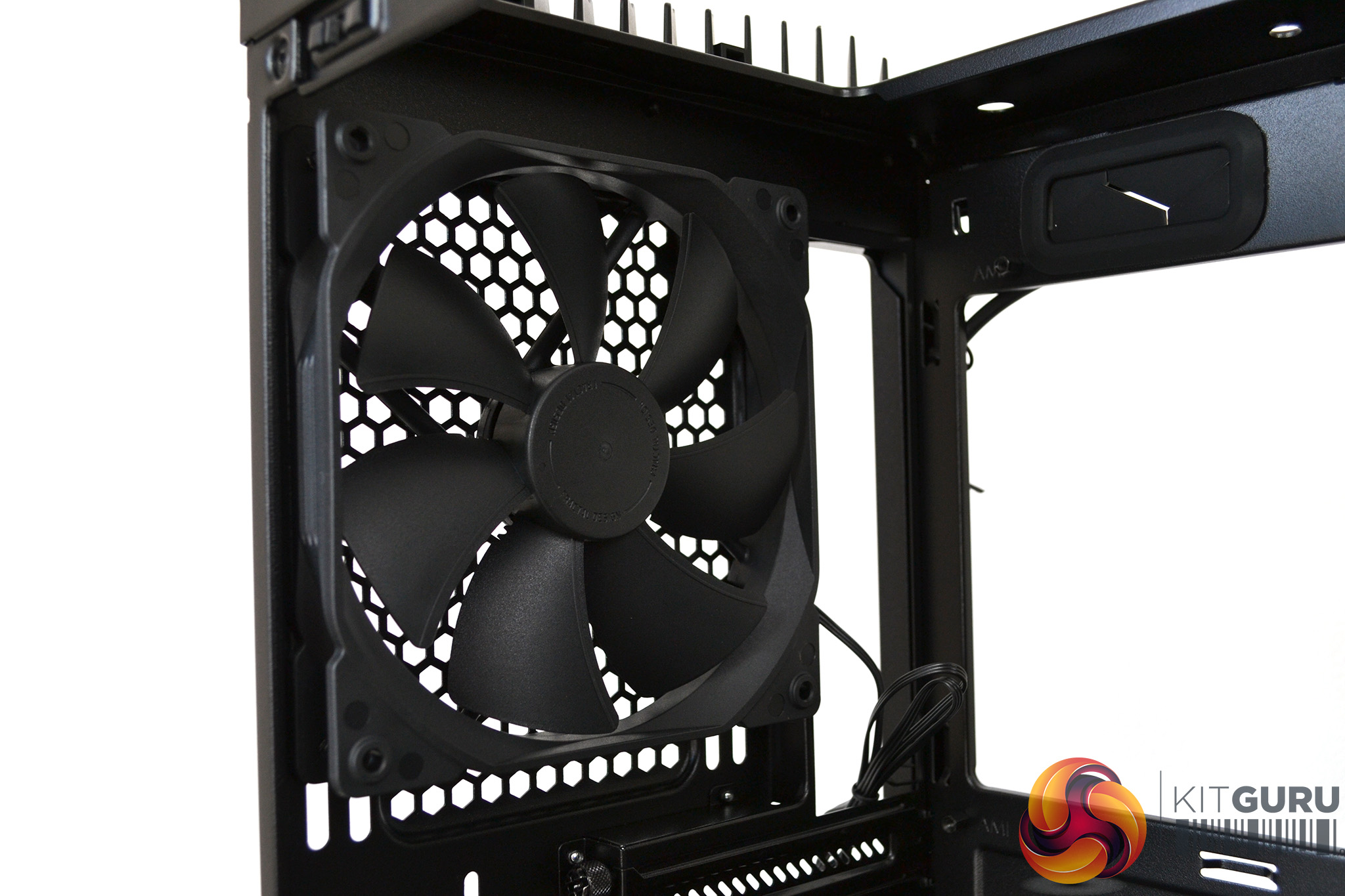
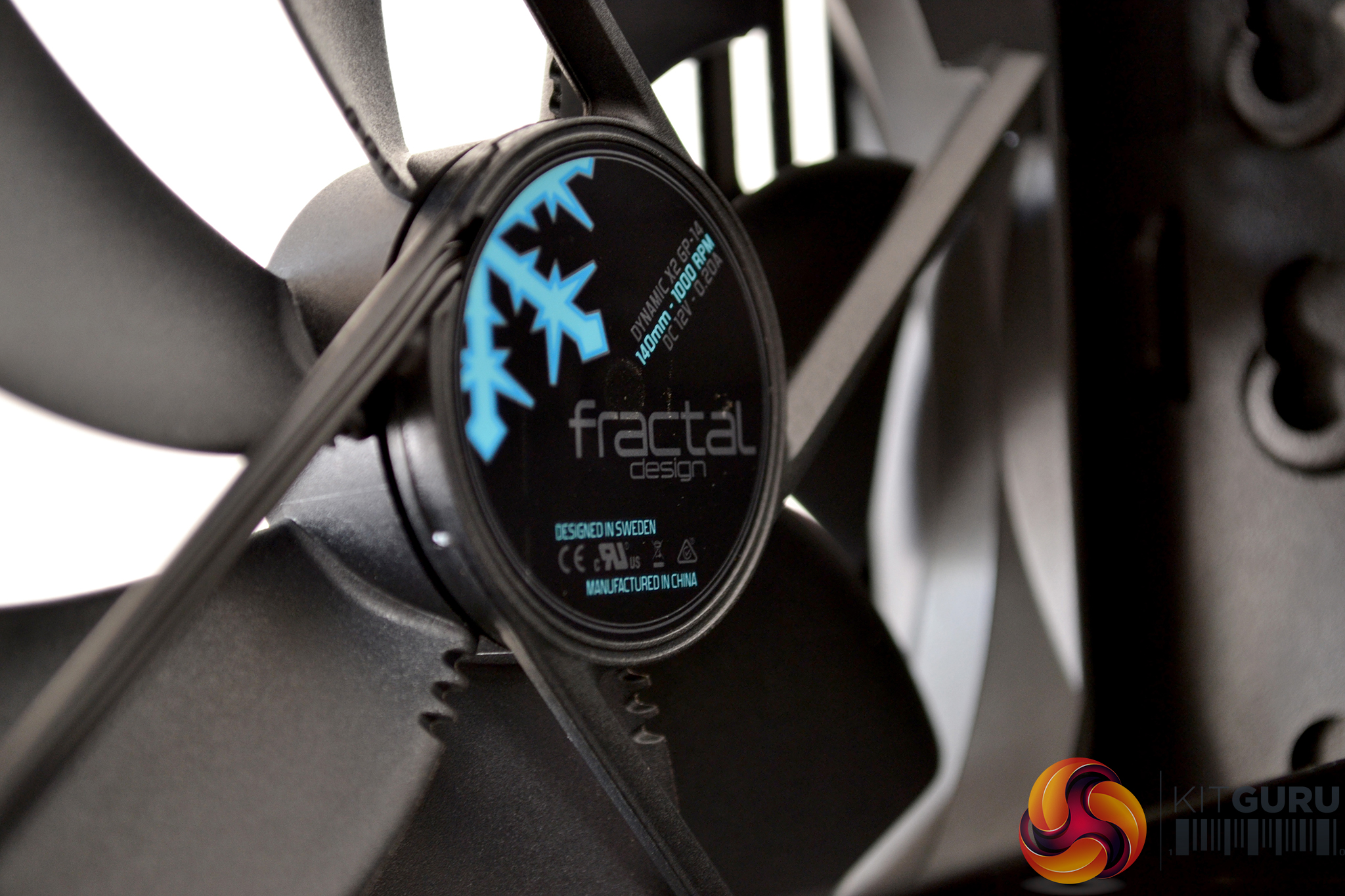
Pre-installed into the Vector RS are three ultra-quiet Dynamic X2 GP-14 140mm fans. The case supports a total of nine fan positions of 120mm or 140mm size fans. Three in the front, three at the top, two in the floor and one in the rear.
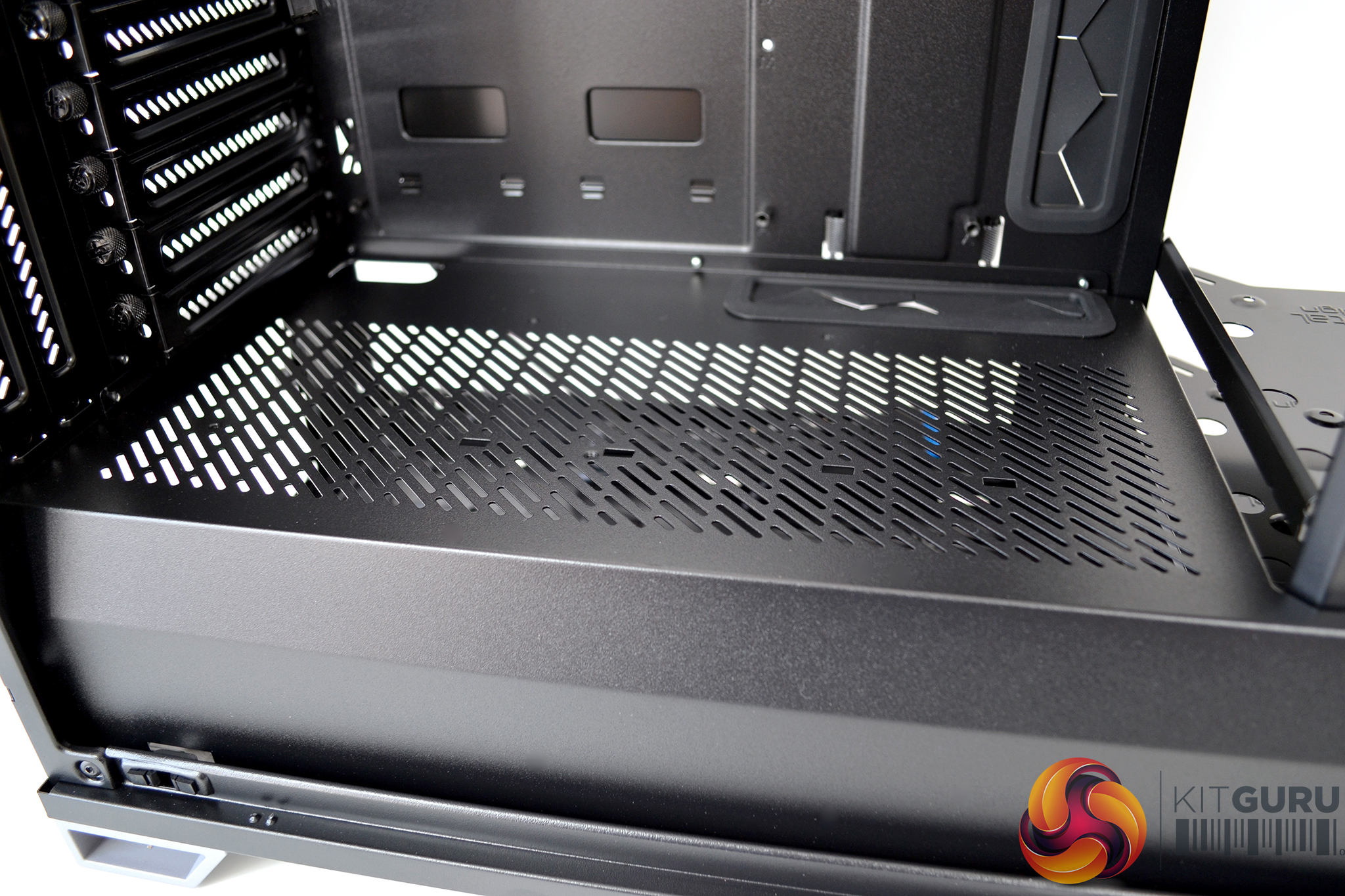
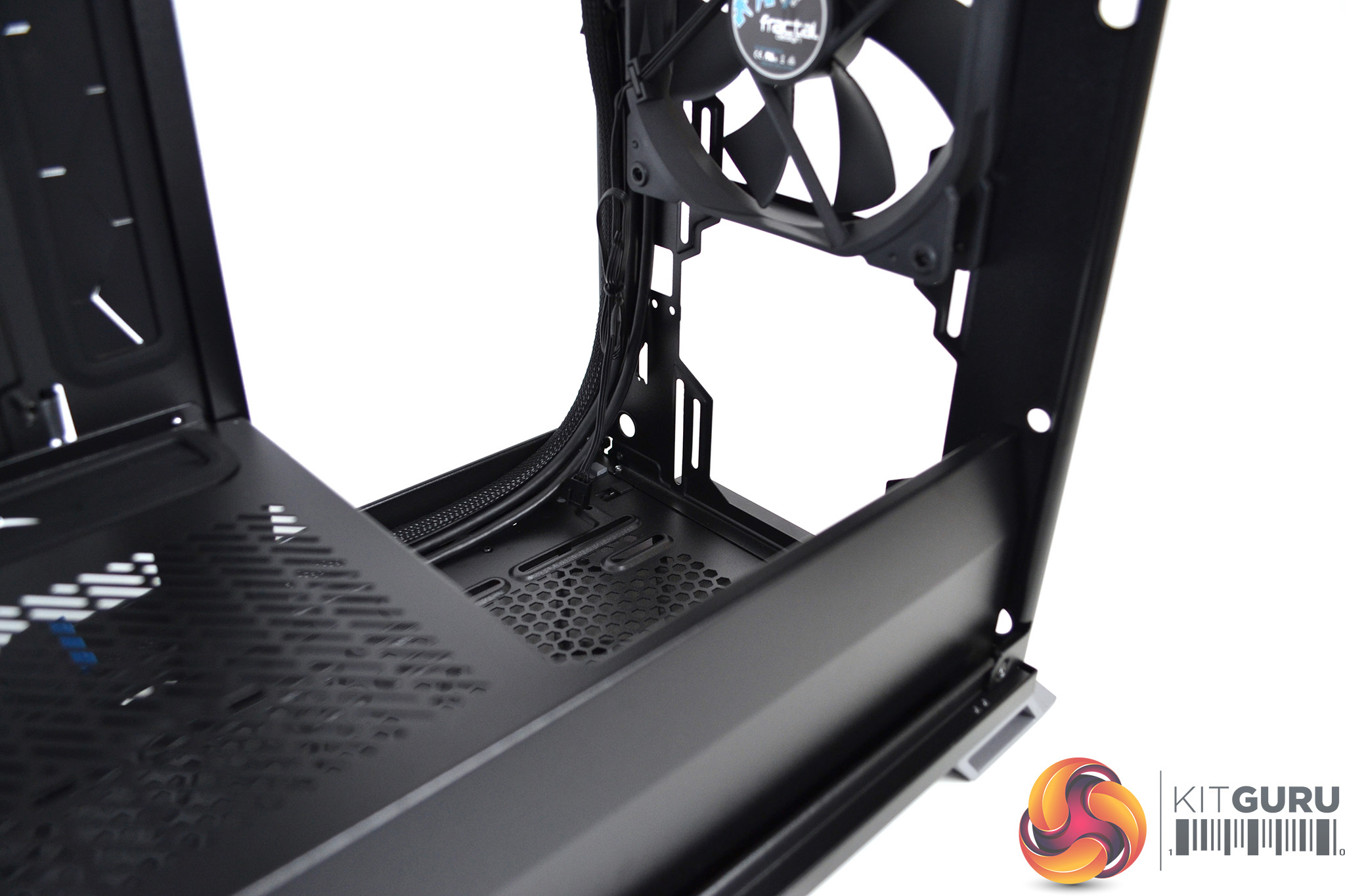
A full cover ventilated PSU shroud placed at the bottom of the case helps hide away untidy looking cables and doubles up as an alternative SSD mounting location. Towards the front of the PSU shroud, there is a cut away portion to facilitate radiator installation.
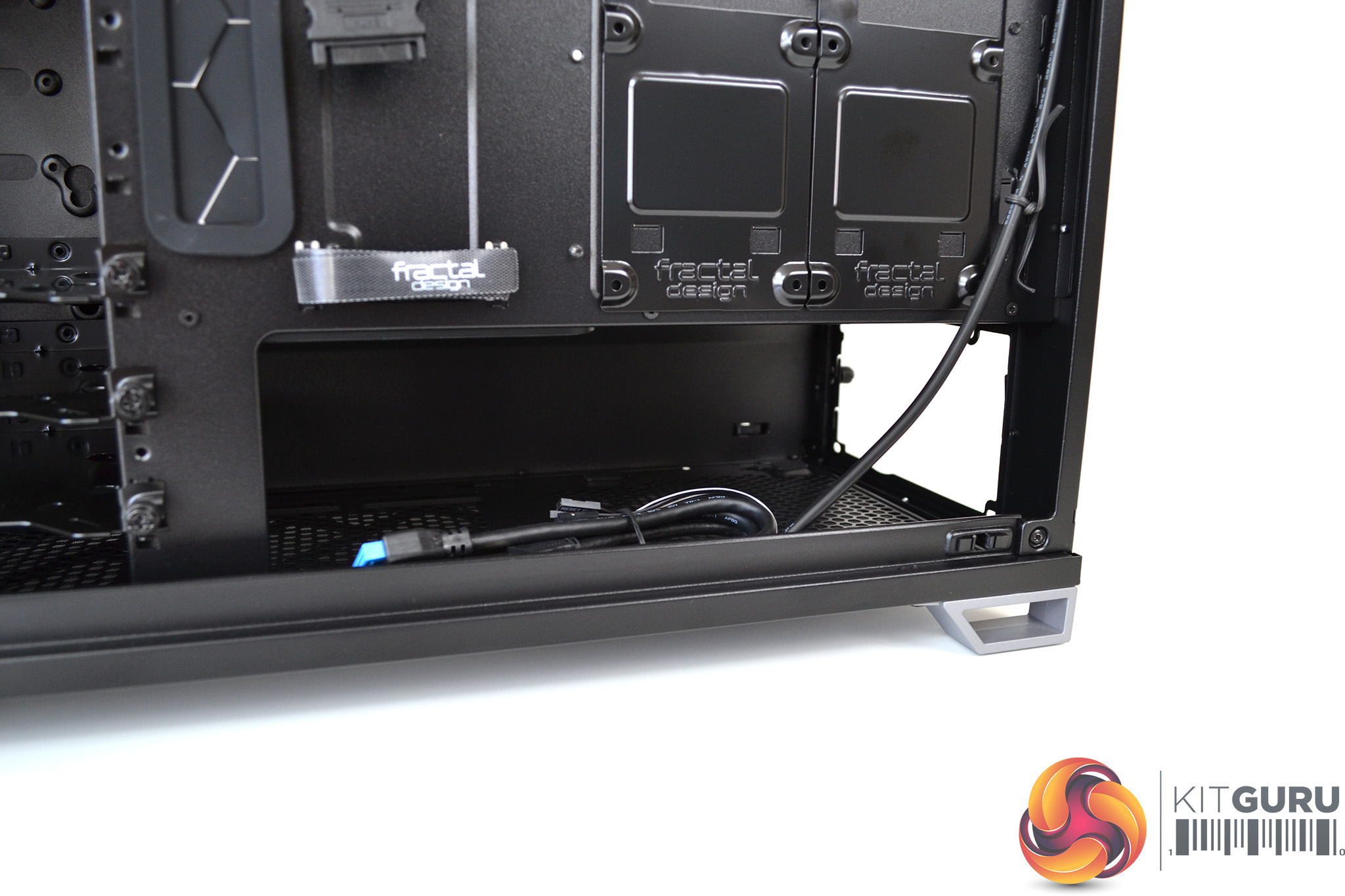
Inside the PSU shroud, there looks to be plenty of room to install a large power supply. Towards the front, there are spaces for either two 140mm fans or a 280mm radiator to be installed.
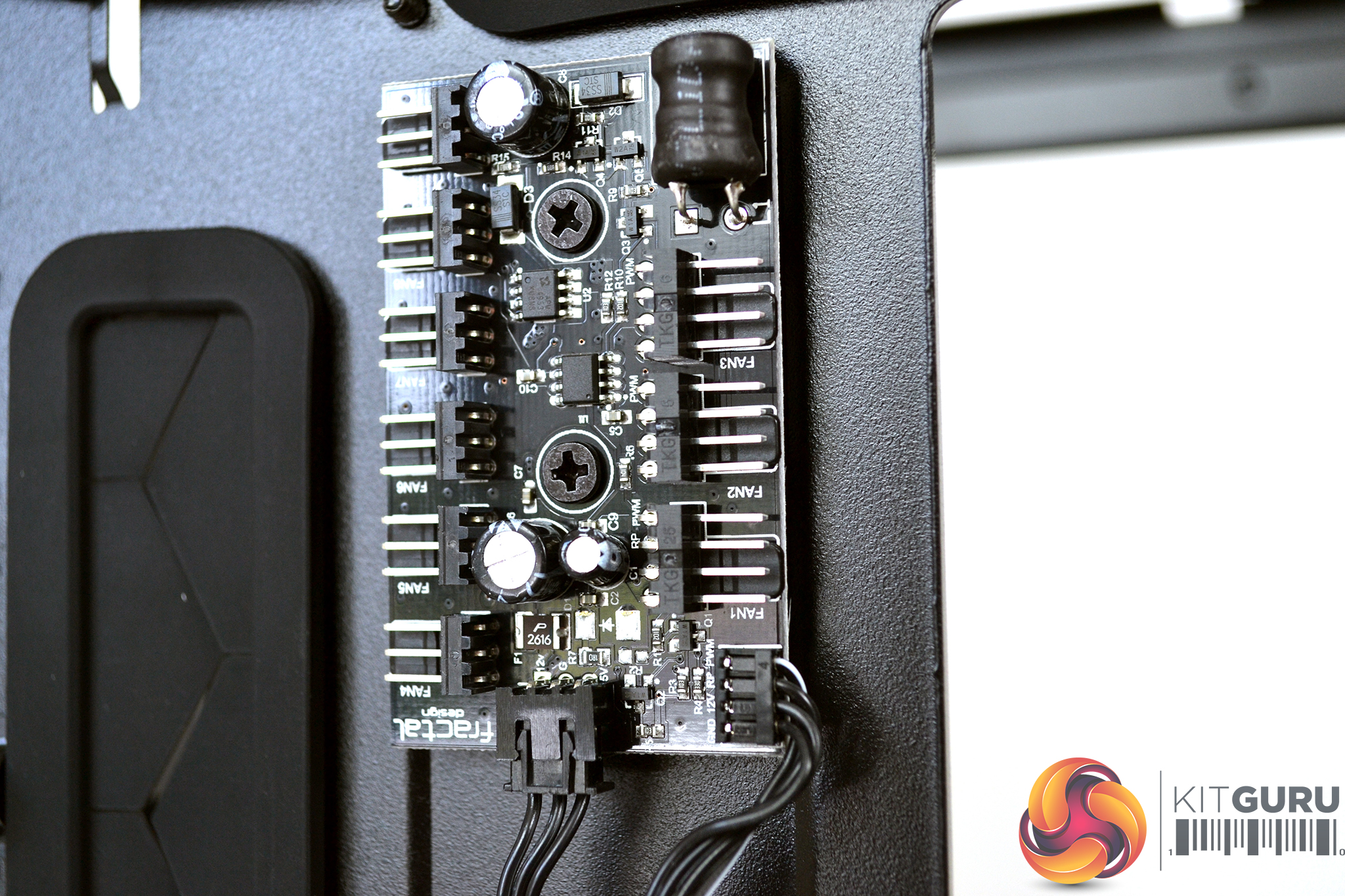
Included with the Vector RS is a Nexus+ PWM fan hub which can manage up to three PWM fans plus six 3-pin fans. The Nexus+ fan hub features short circuit protection and advanced power regulation shields from potential current/voltage spikes.
The interior of the Vectors RS provides scope for almost every type of system installation with its modular design. The huge amount of options in storage configuration makes it an ideal home server case. In open configuration, the case would be ideal for high end custom water cooling.
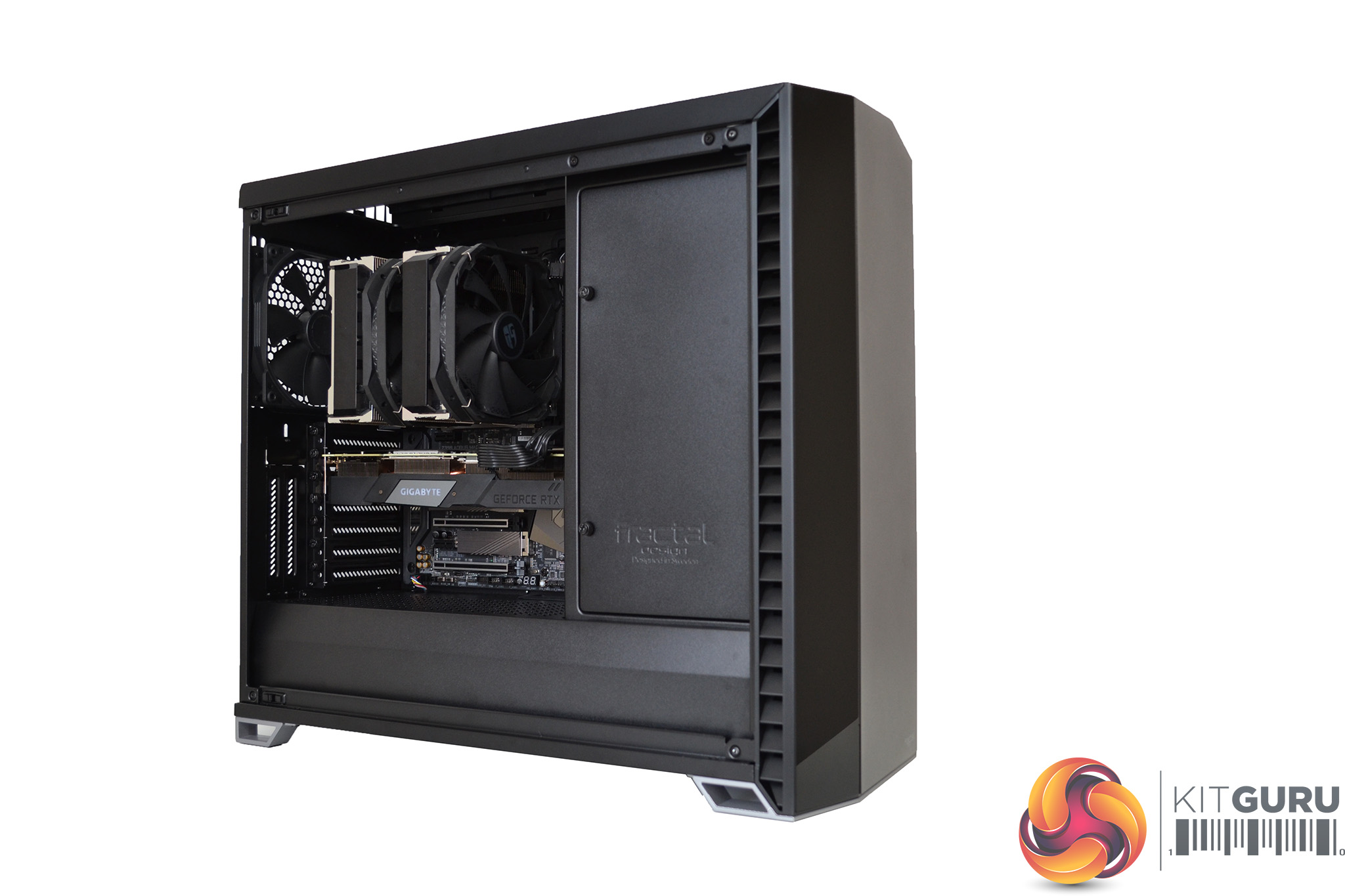
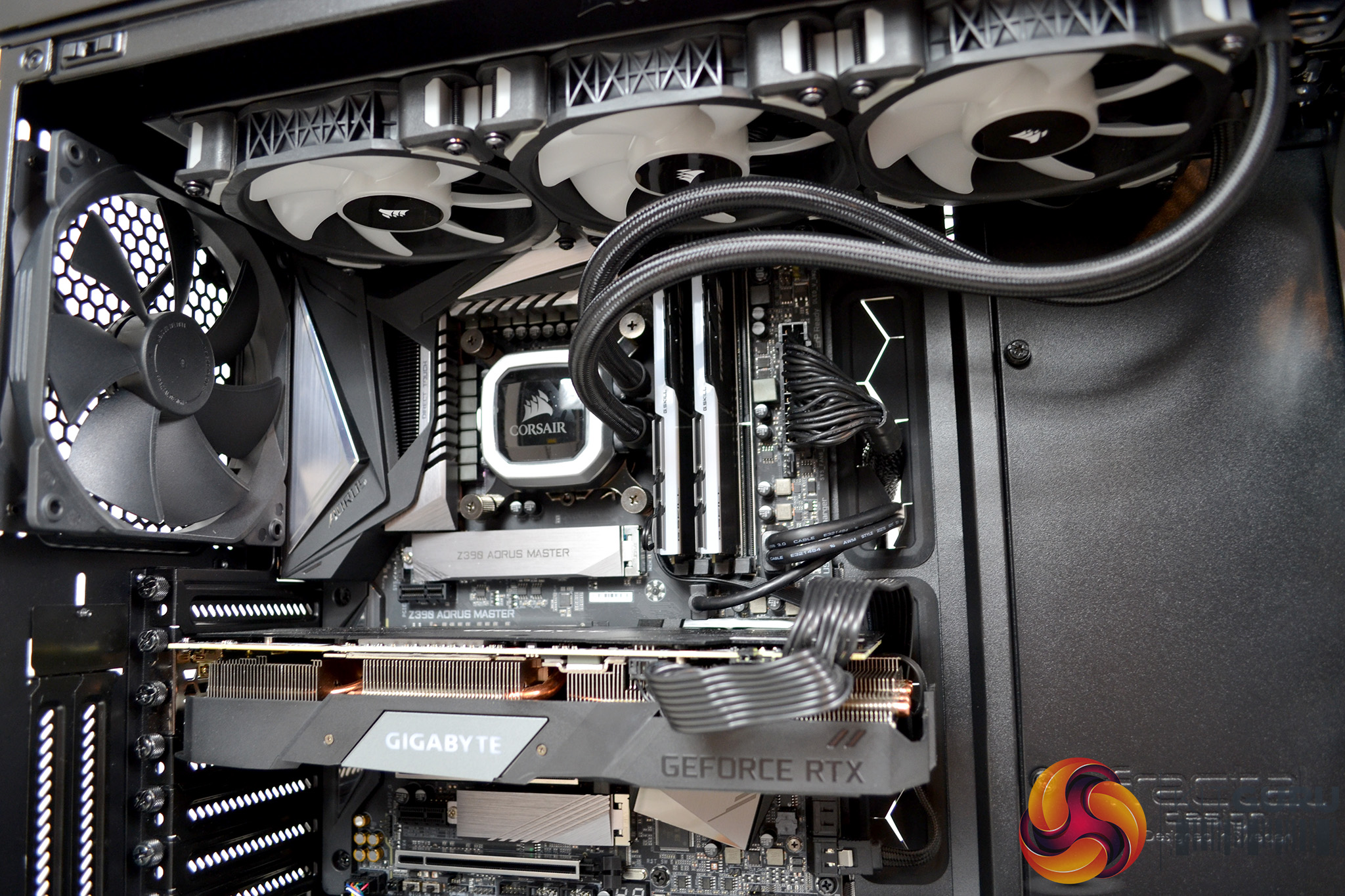
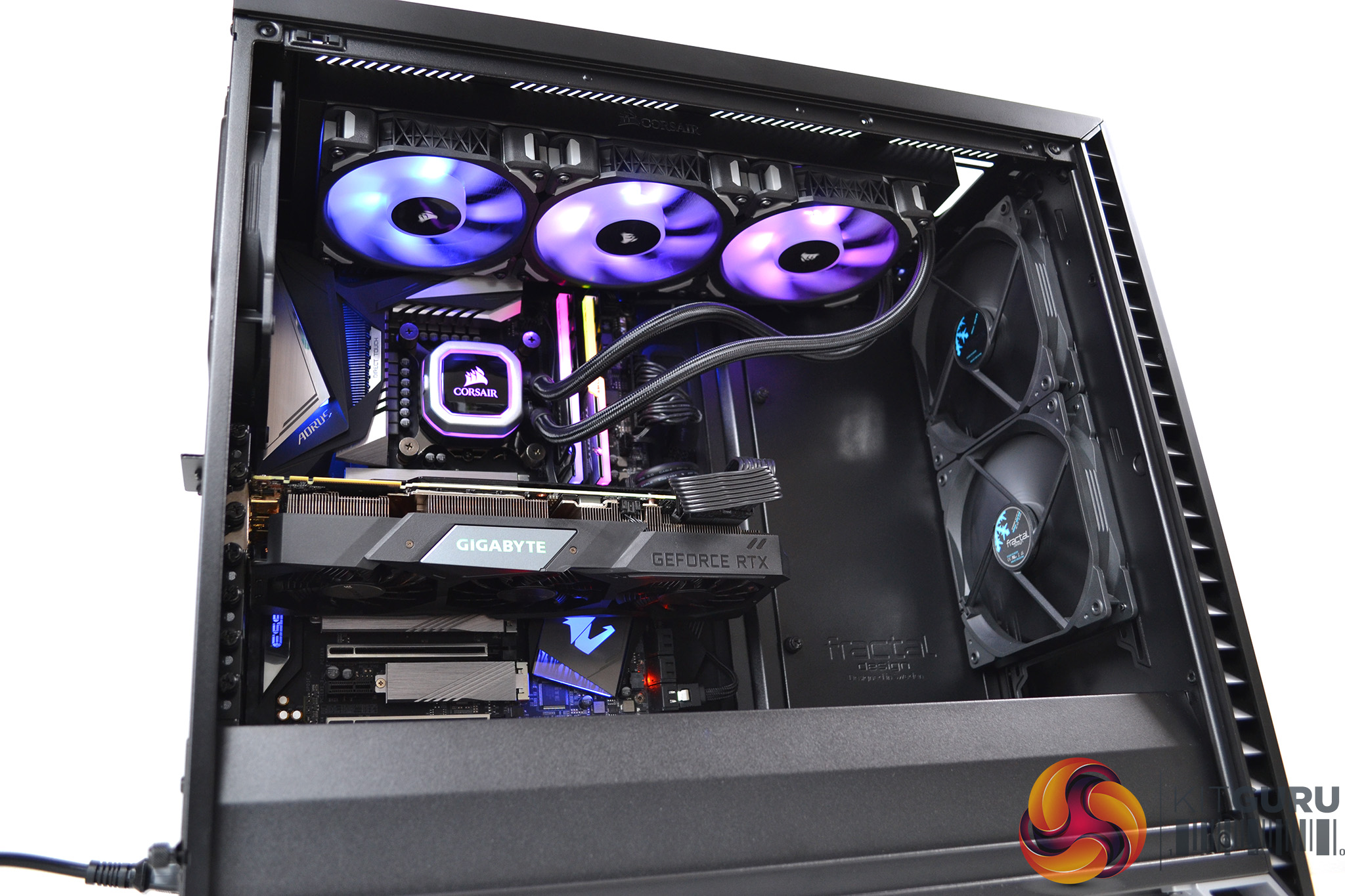
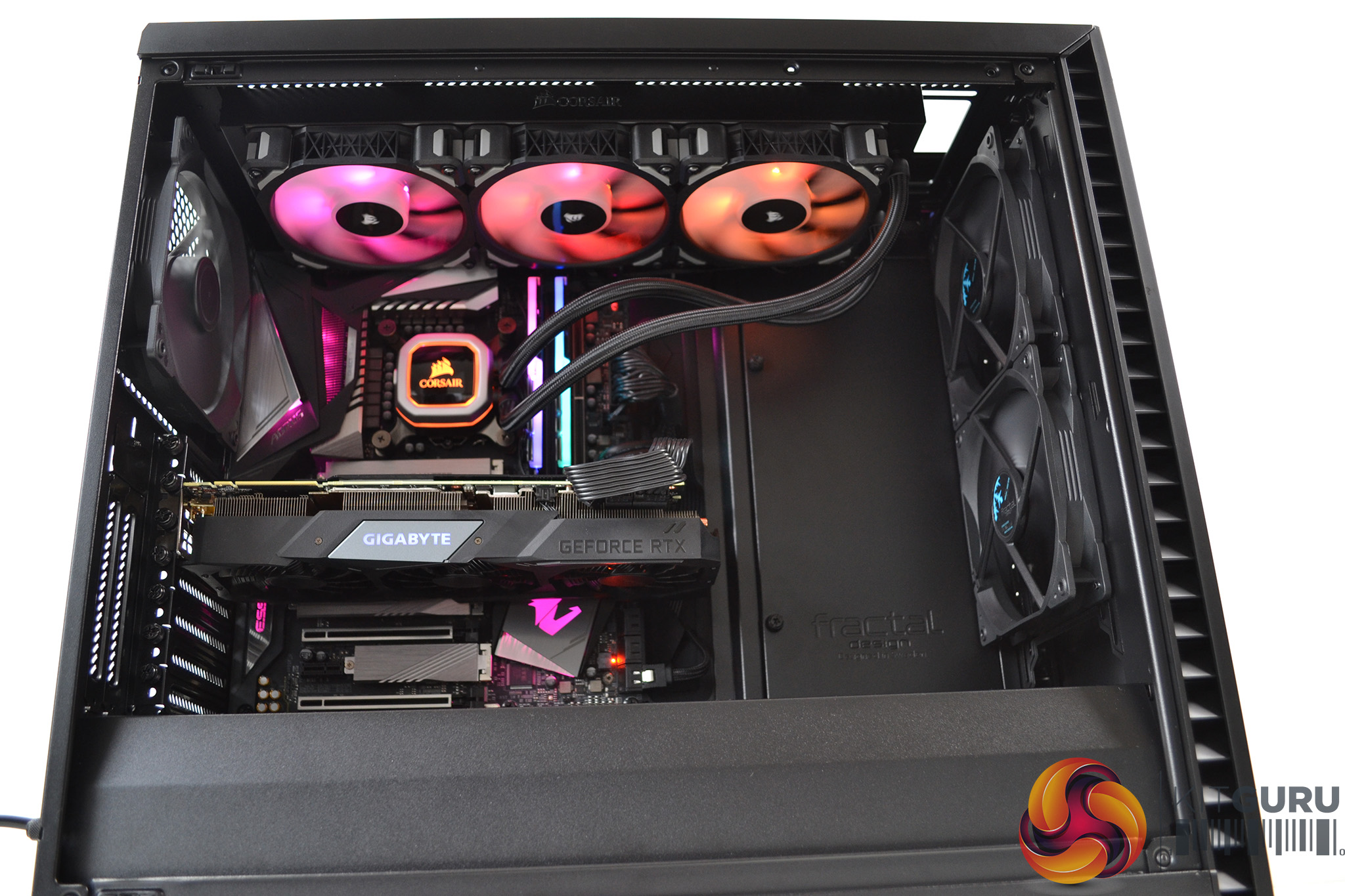
Due to the copious amount of space and vast options inside the Vector RS, it has been a pleasure to build a system into. During both our air and liquid cooling installations, the process was a breeze.
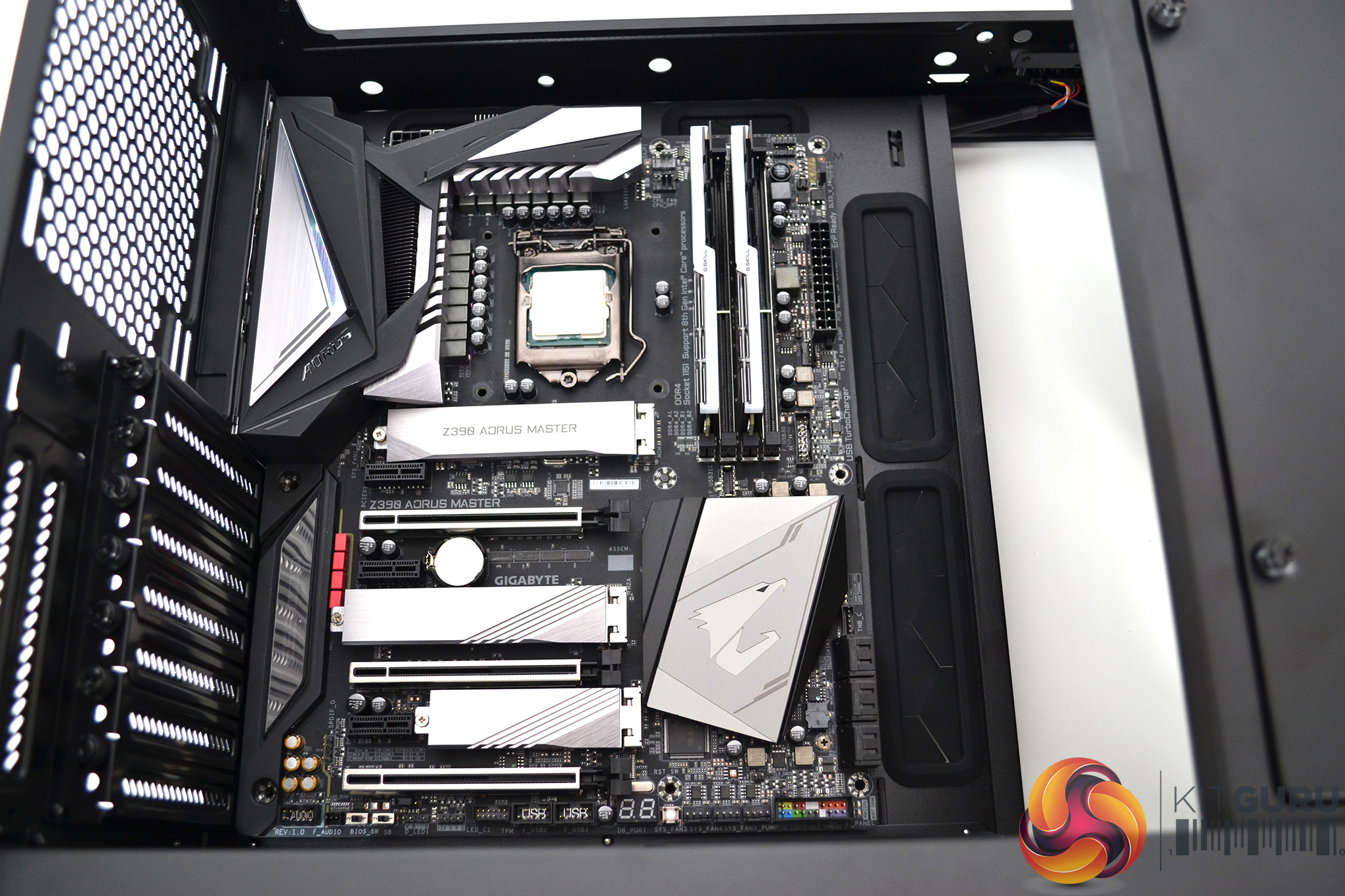
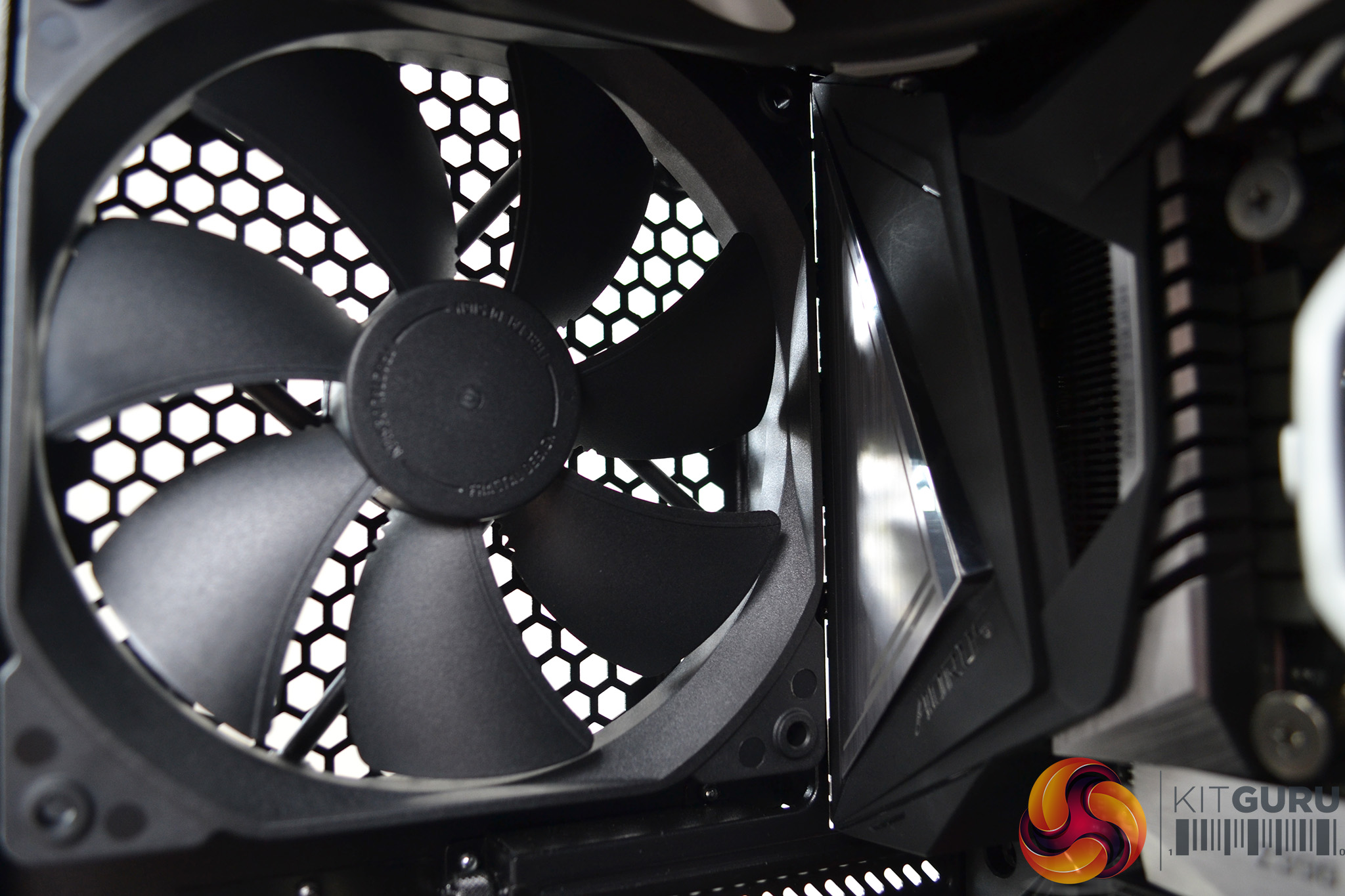
Installation of the motherboard is assisted by the fact there is plenty of space around to work with. All the pre-installed stand offs lined up correctly. The rear fan was very close to the integrated I/O shield on our Gigabyte board so for an easier installation, removal of the fan is advised.
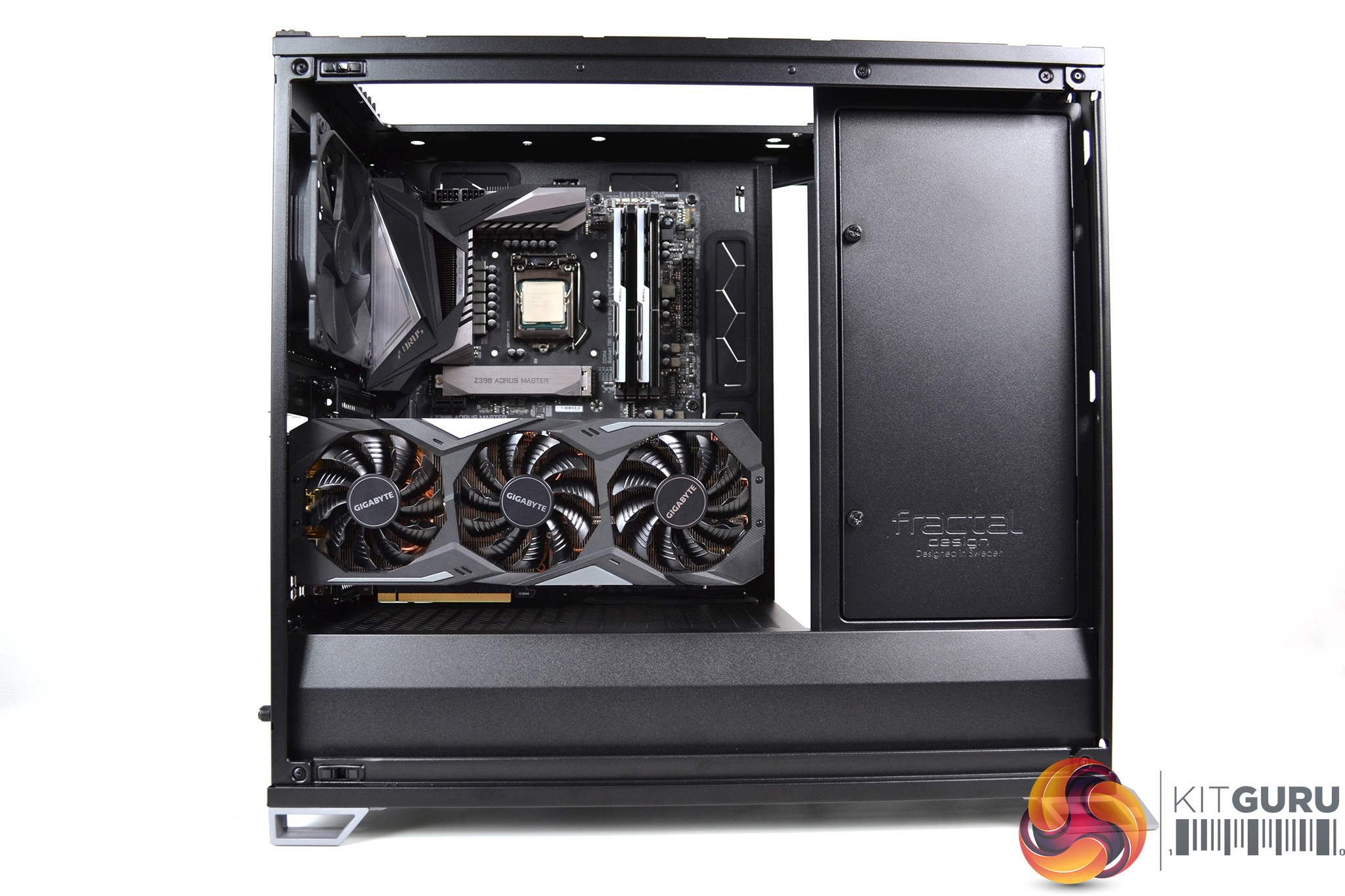
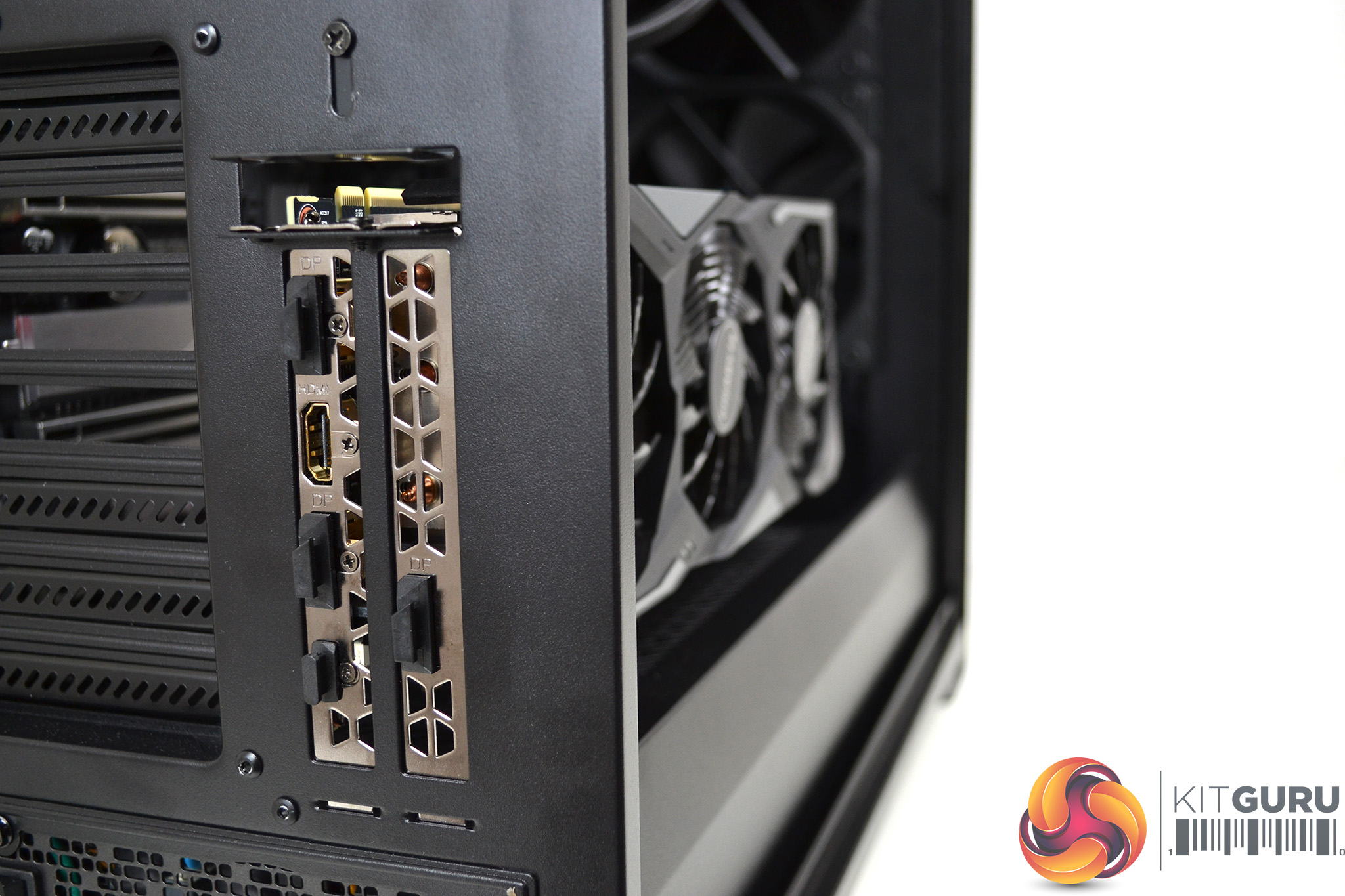
As we touched on earlier, the GPU can be mounted vertically in the vector RS. Our 2.5 slot wide Gigabyte RTX 2070 Super fitted without problems, which left approximately 20mm to the tempered glass side panel.
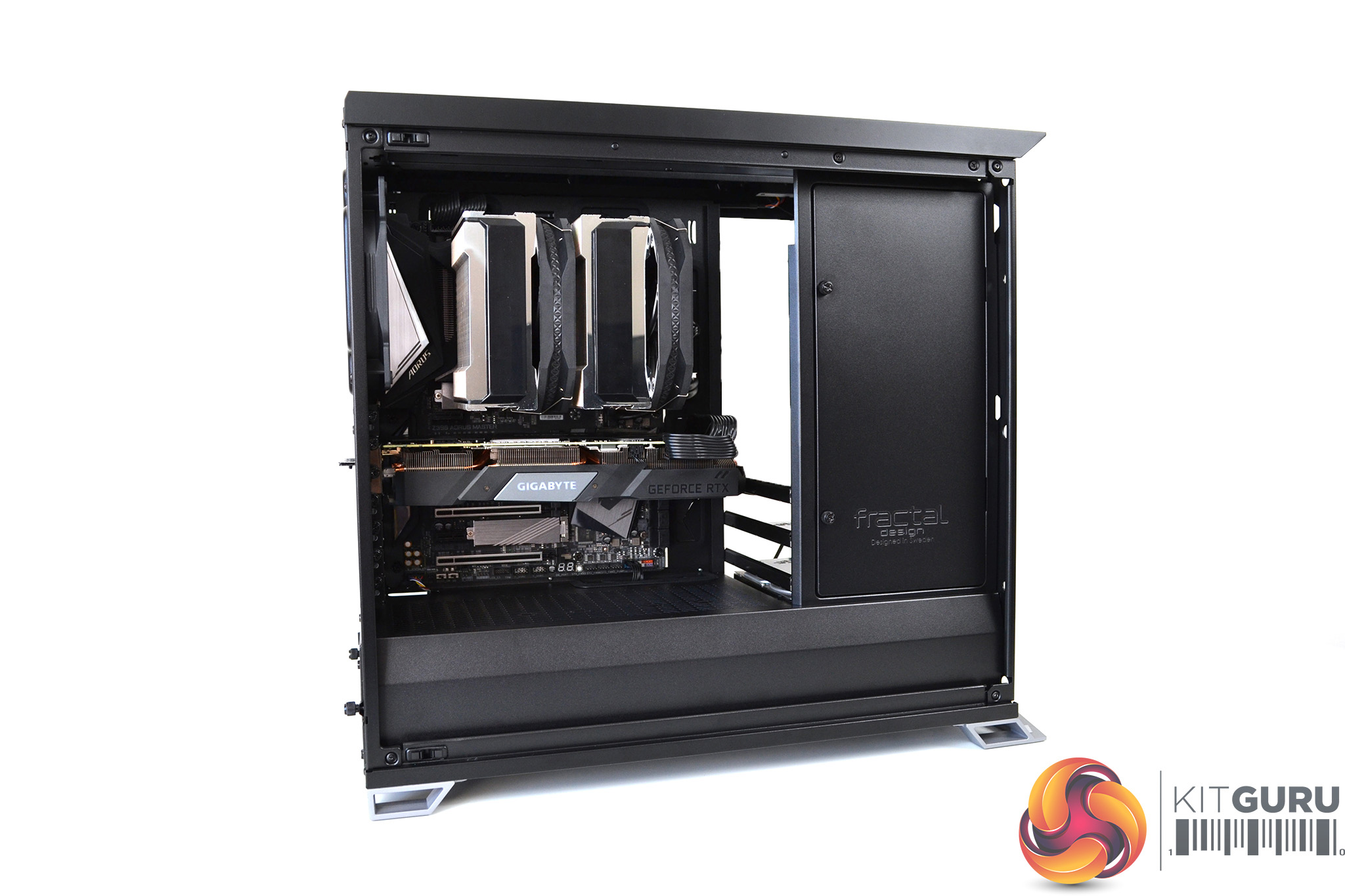
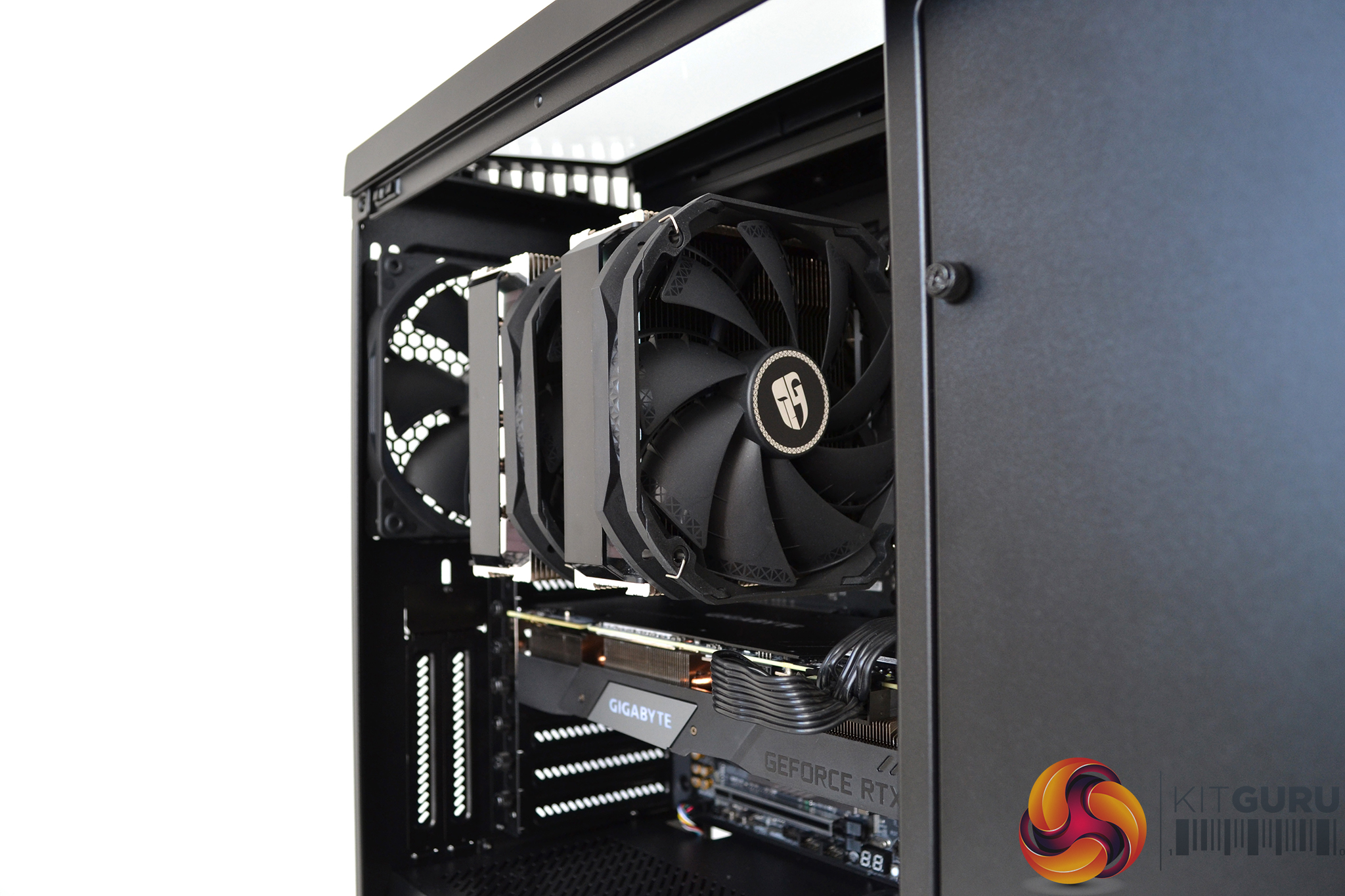
Since we like to test the cooling potential of both air and AIO liquid cooling in cases, we installed the upcoming huge Assassin III dual tower air cooler to begin with. At 165mm tall, the Assassin III is one of the tallest air coolers available, however, it fits in the Vector RS with room to spare even with the front fan lifted to clear our G.SKILL trident Z RGB RAM.
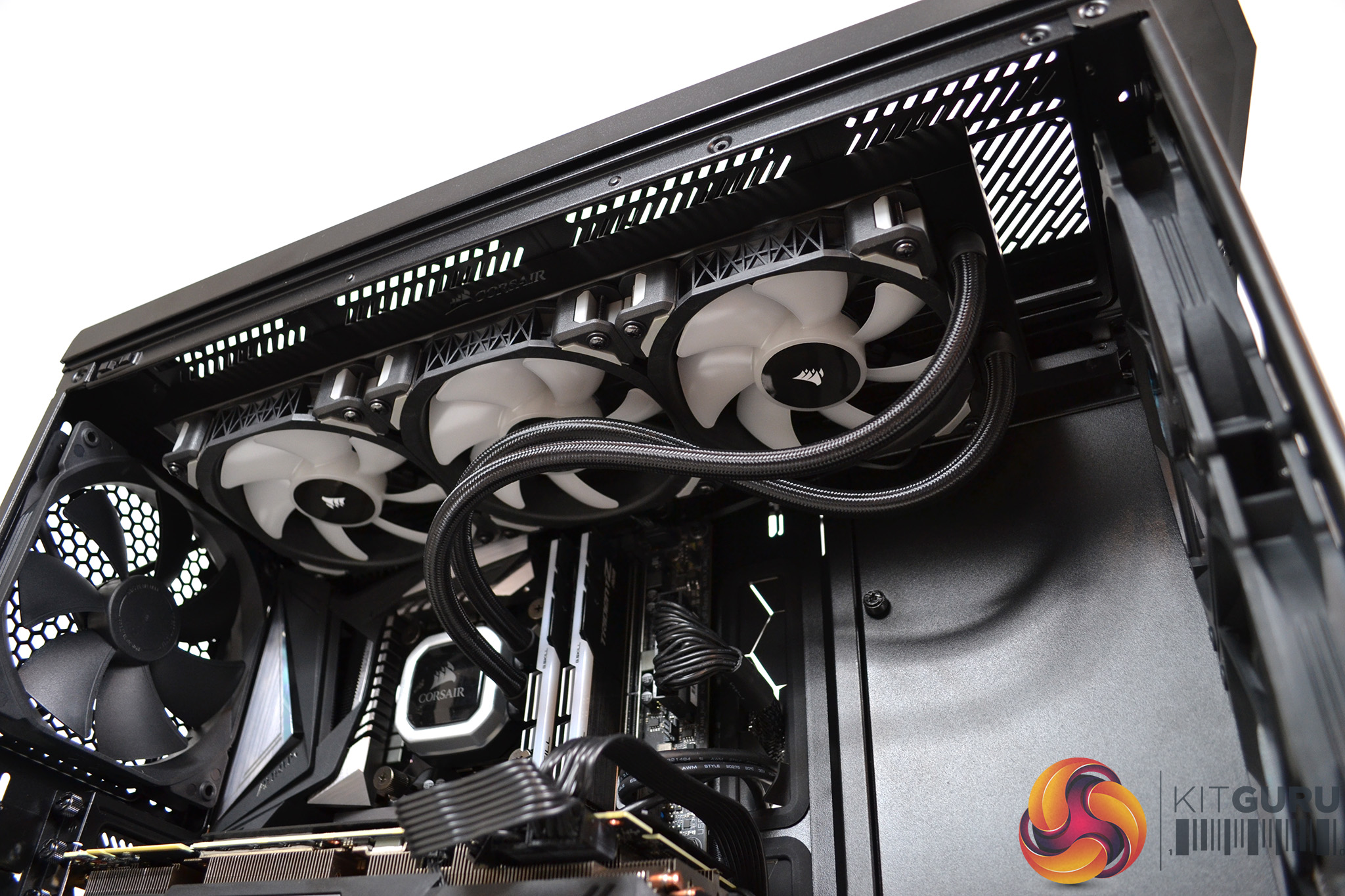
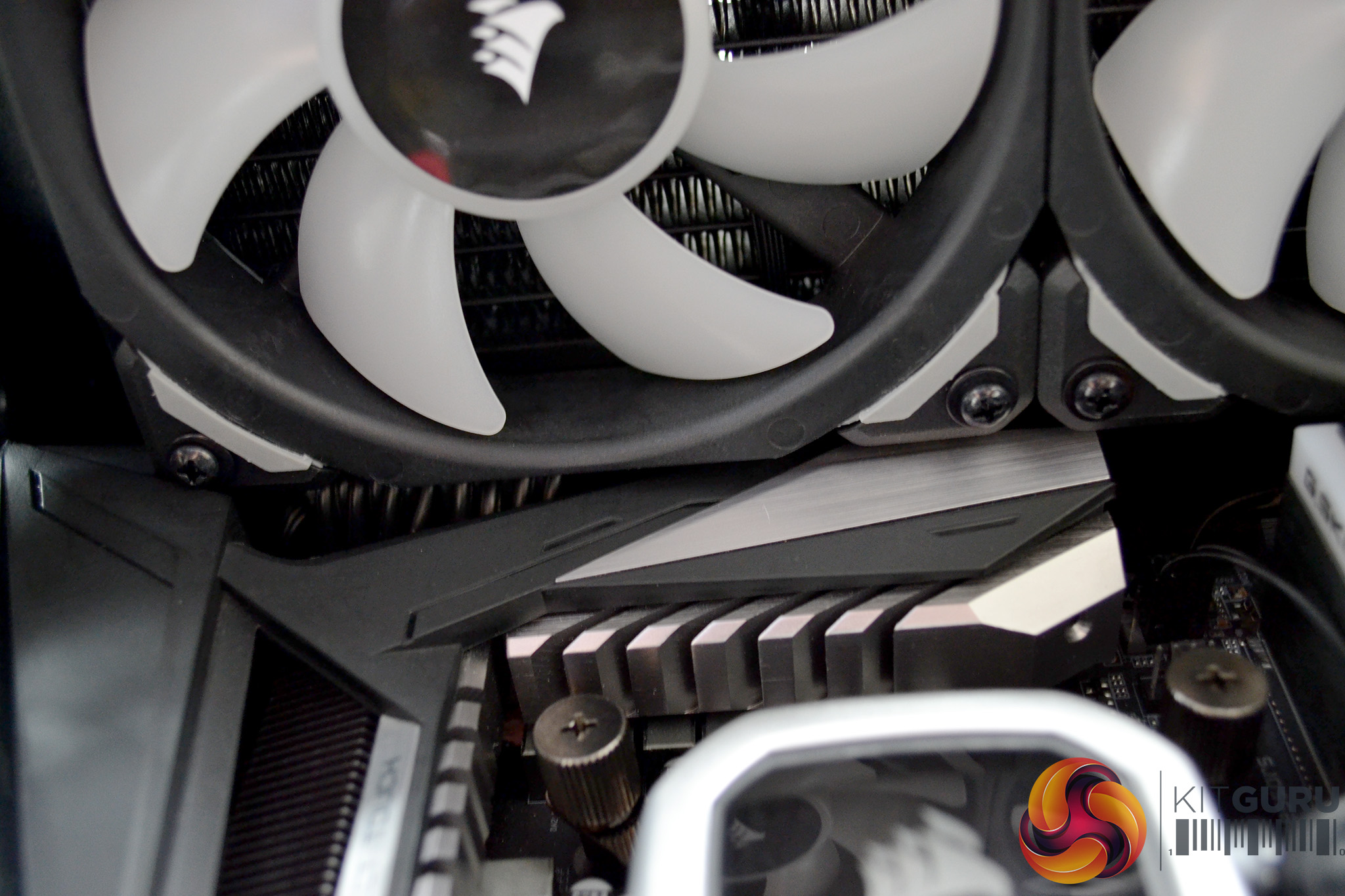
You can opt to install a 360mm radiator in the Vector RS either in the front or top (with optional cooling bracket). We chose the top. Installation was simple. However, it is worth noting the large VRM cooling on our motherboard was very close to the radiator fans.
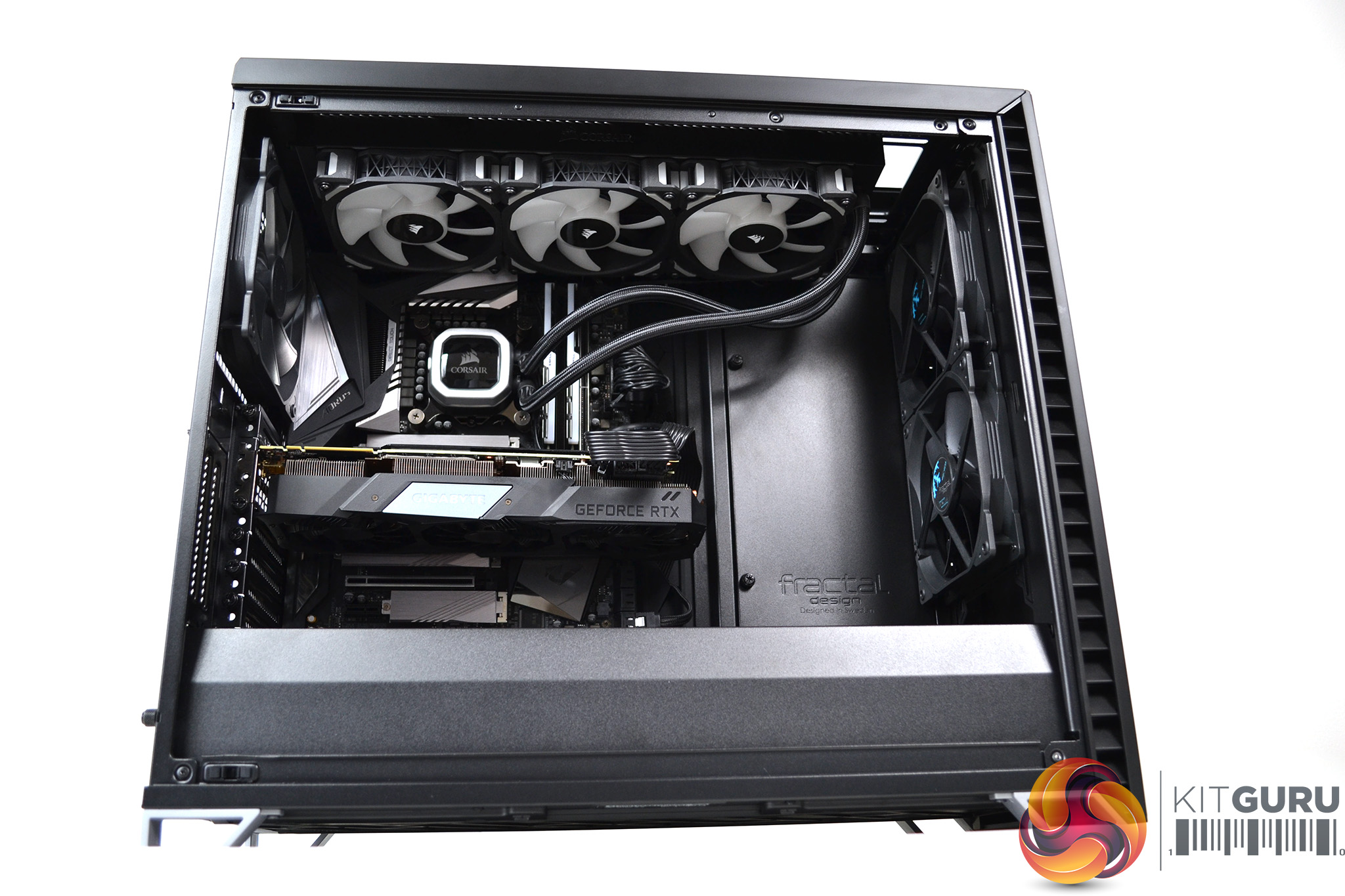
Even with a large GPU installed in the Vector RS, there is ample room. Our Gigabyte RTX 2070 Super left us a whopping 165mm of space to the front fans in the open configuration, so great potential for custom cooling loop installs. A large radiator with a pump/reservoir mounted in front should fit without any problems.
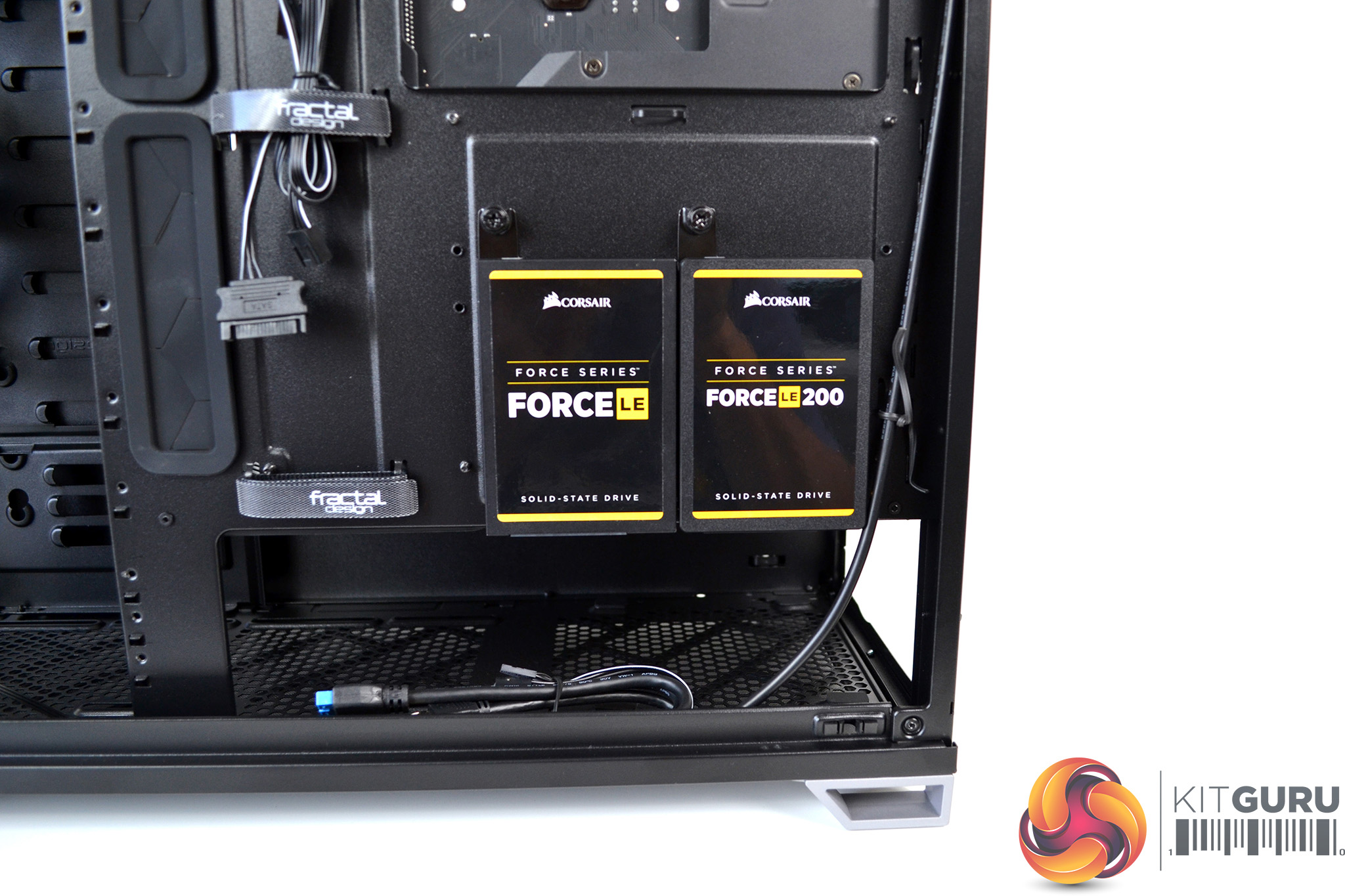
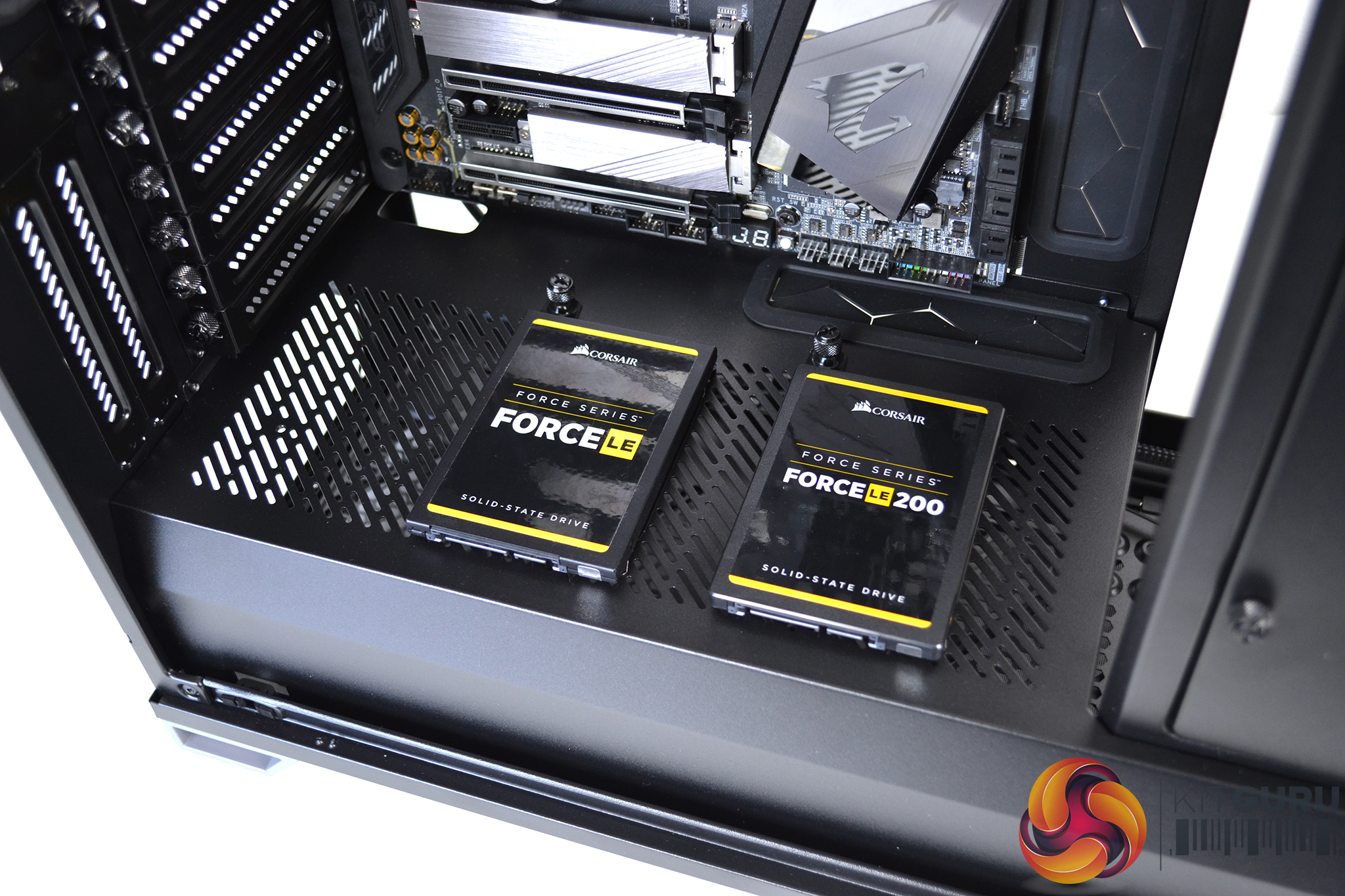
Installation of SSD drives is carried out by removing the pre-installed brackets, fixing the SSD to the bracket with four screws then sliding the brackets back into their locators and securing with the captive thumbscrew. Two SDD drives can be installed either at the rear of the motherboard or on top of the PSU shroud.
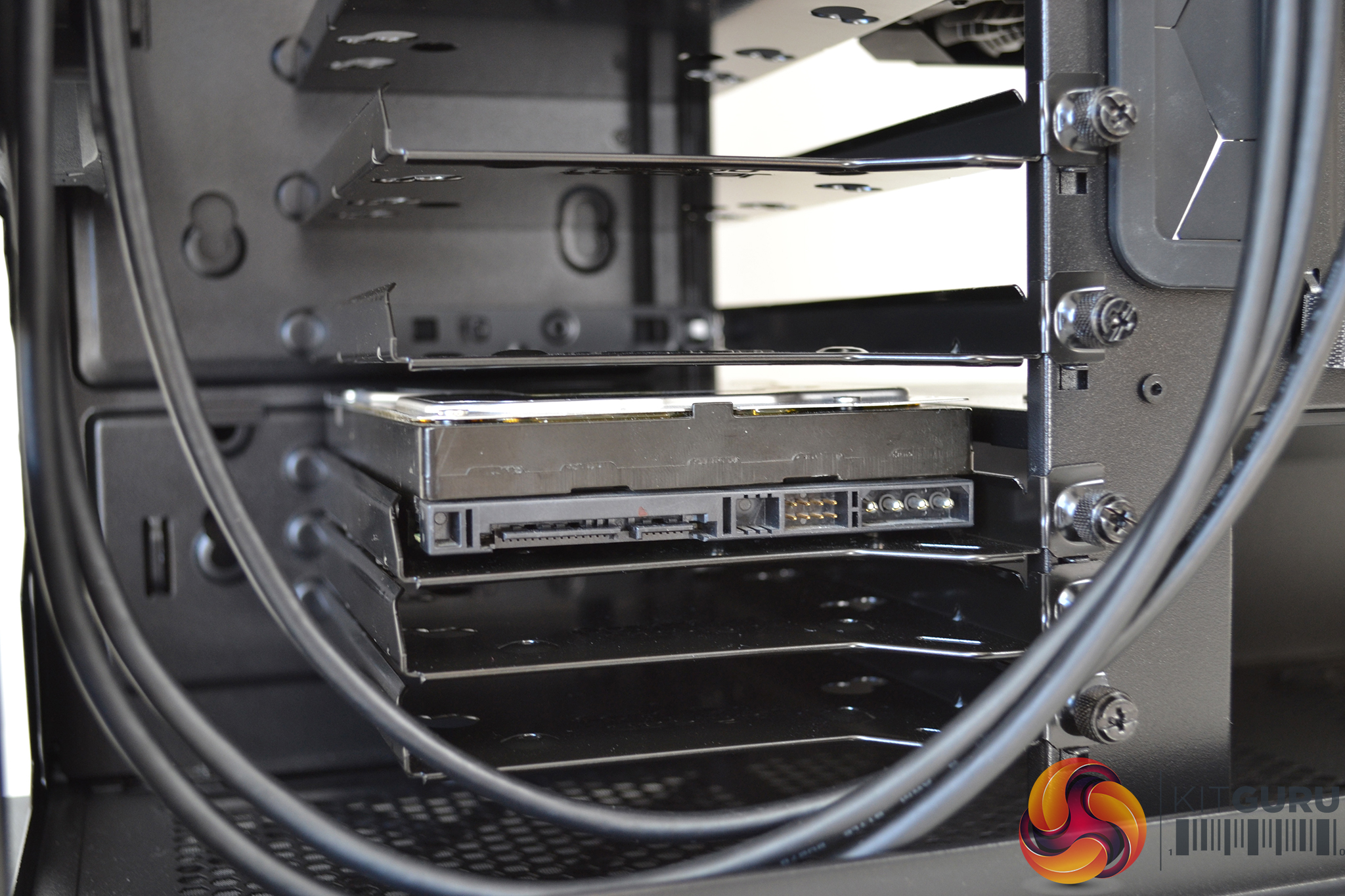
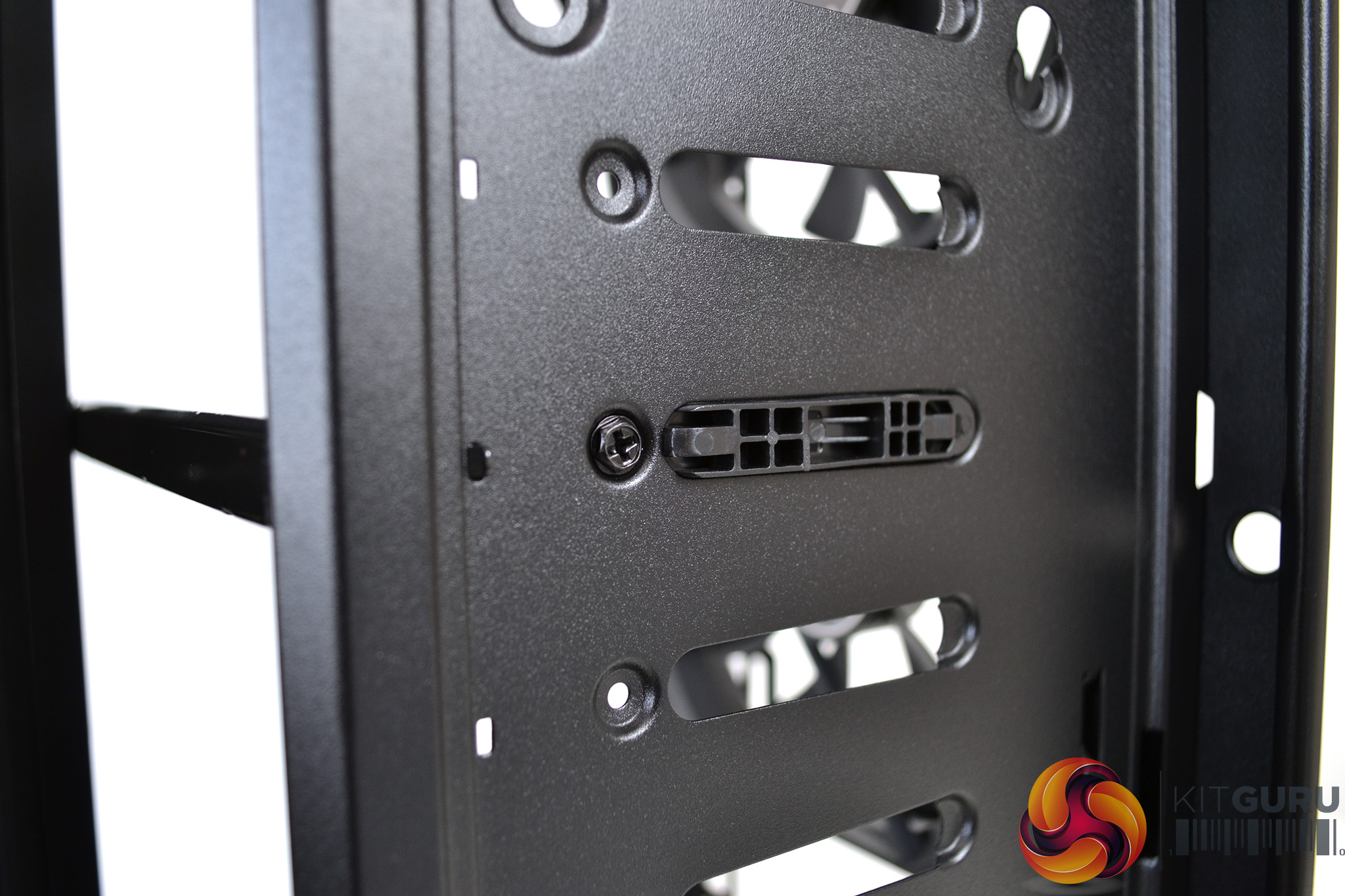
HDD installation is also a simple operation. Loosen the captive thumbscrew to remove the HDD cage, install the anti-vibration grommets, then with the correct screws secure the drive in place. Install the cage back on its bracket and tighten the thumbscrew to secure. An extra screw can be fixed in the front of the HDD cage behind the storage panel for extra security.
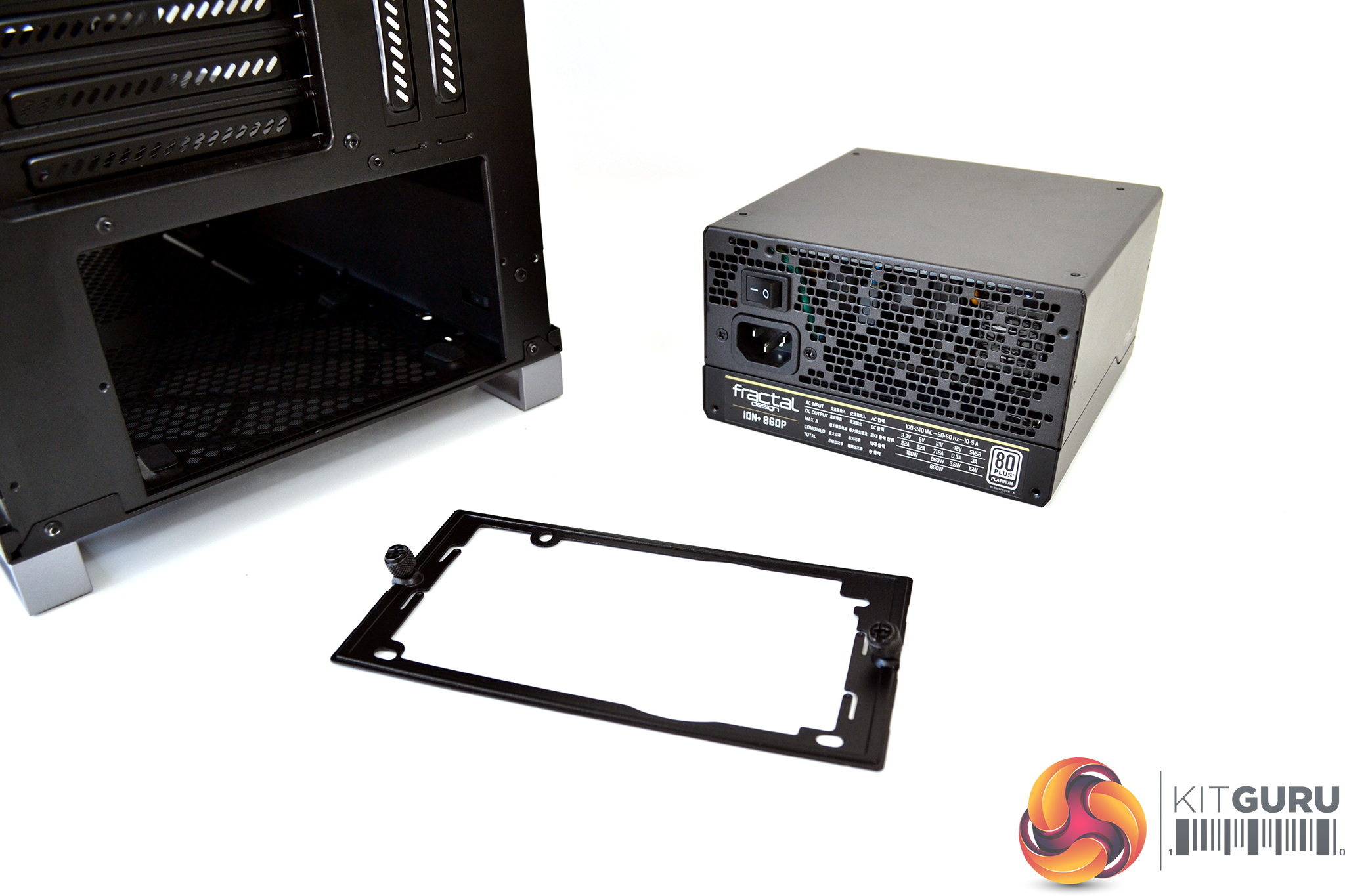
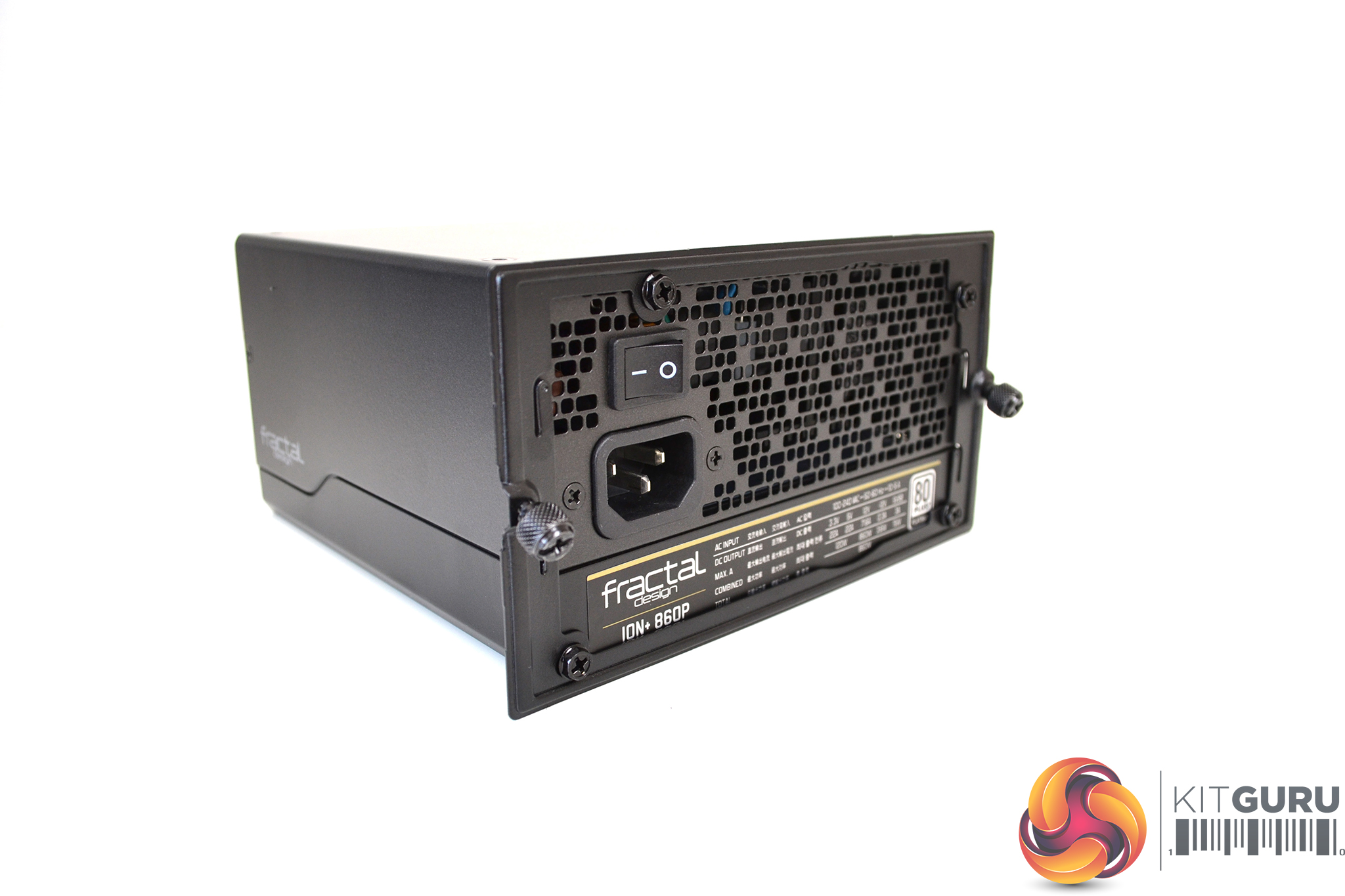
Again, power supply installation is a straightforward process. Simply remove the PSU bracket from the rear of the case, attach the power supply to the bracket with four screws, slide it in place and secure with the two captive thumbscrews. Once installed there is plenty of room to add extra cables if necessary.
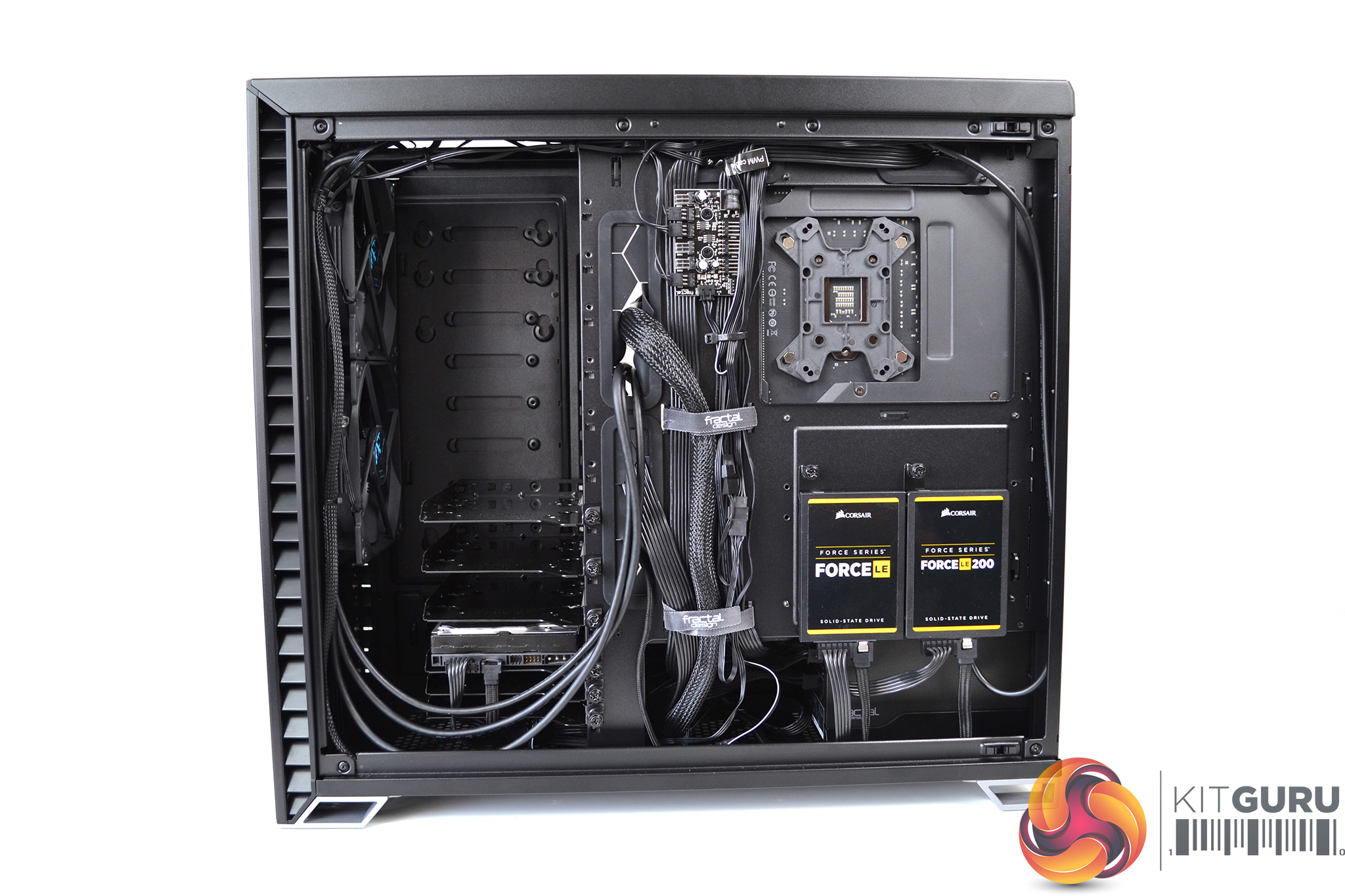
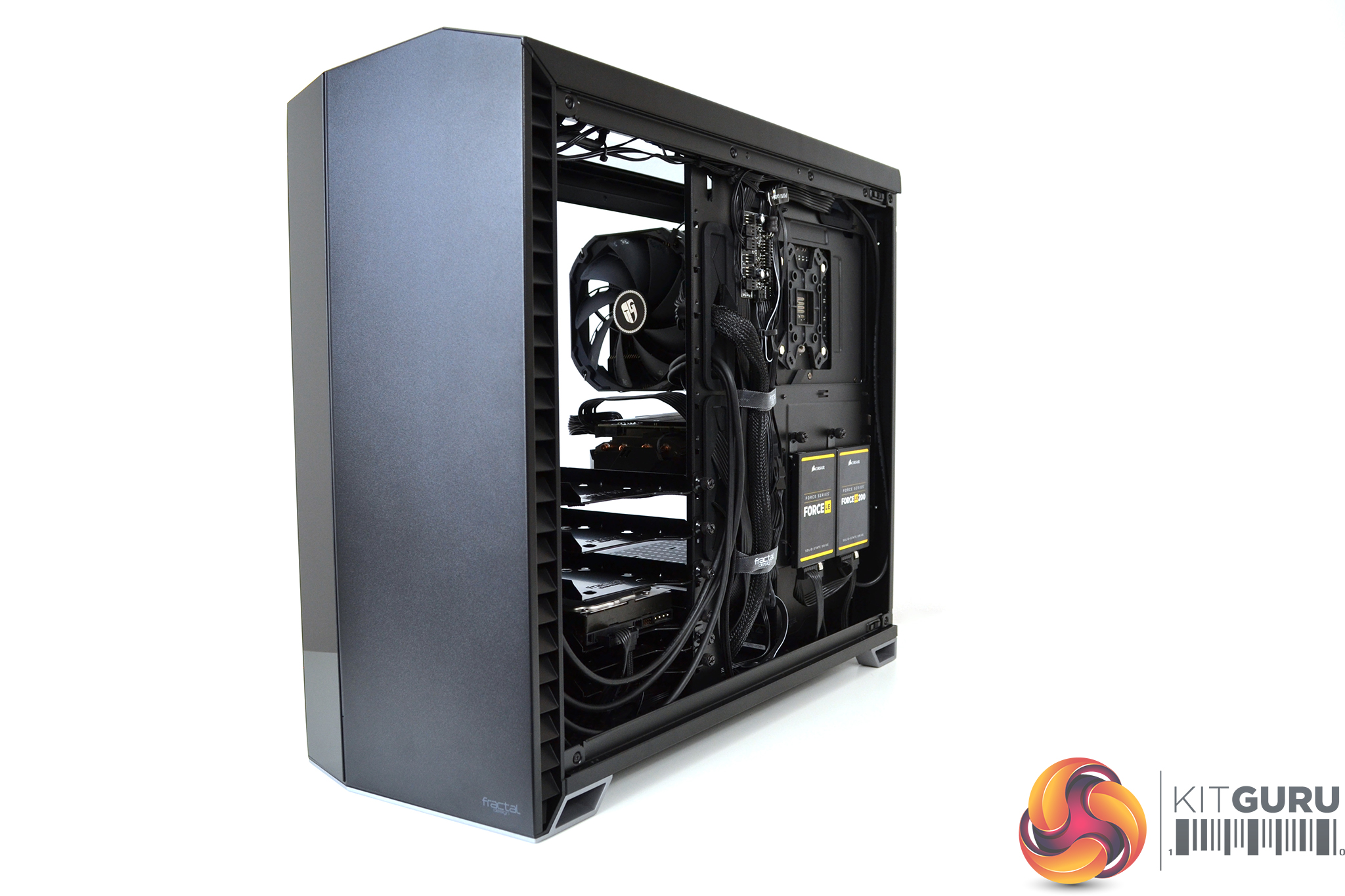
In terms of cable management, the Vector RS excels. There is a good 23mm space behind the motherboard to hide cables. Two Velcro straps are pre-installed with a total of 19 tie down points.
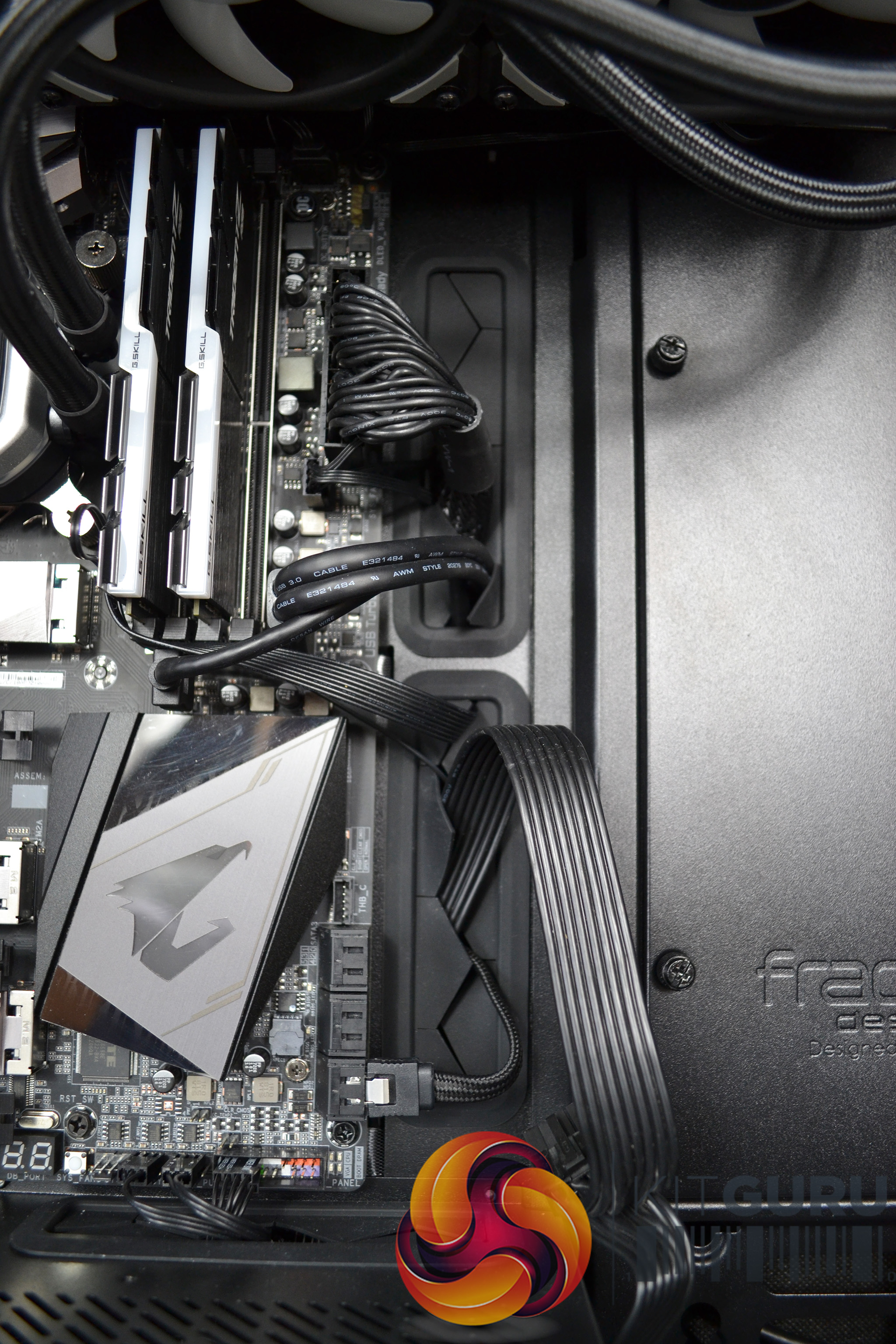
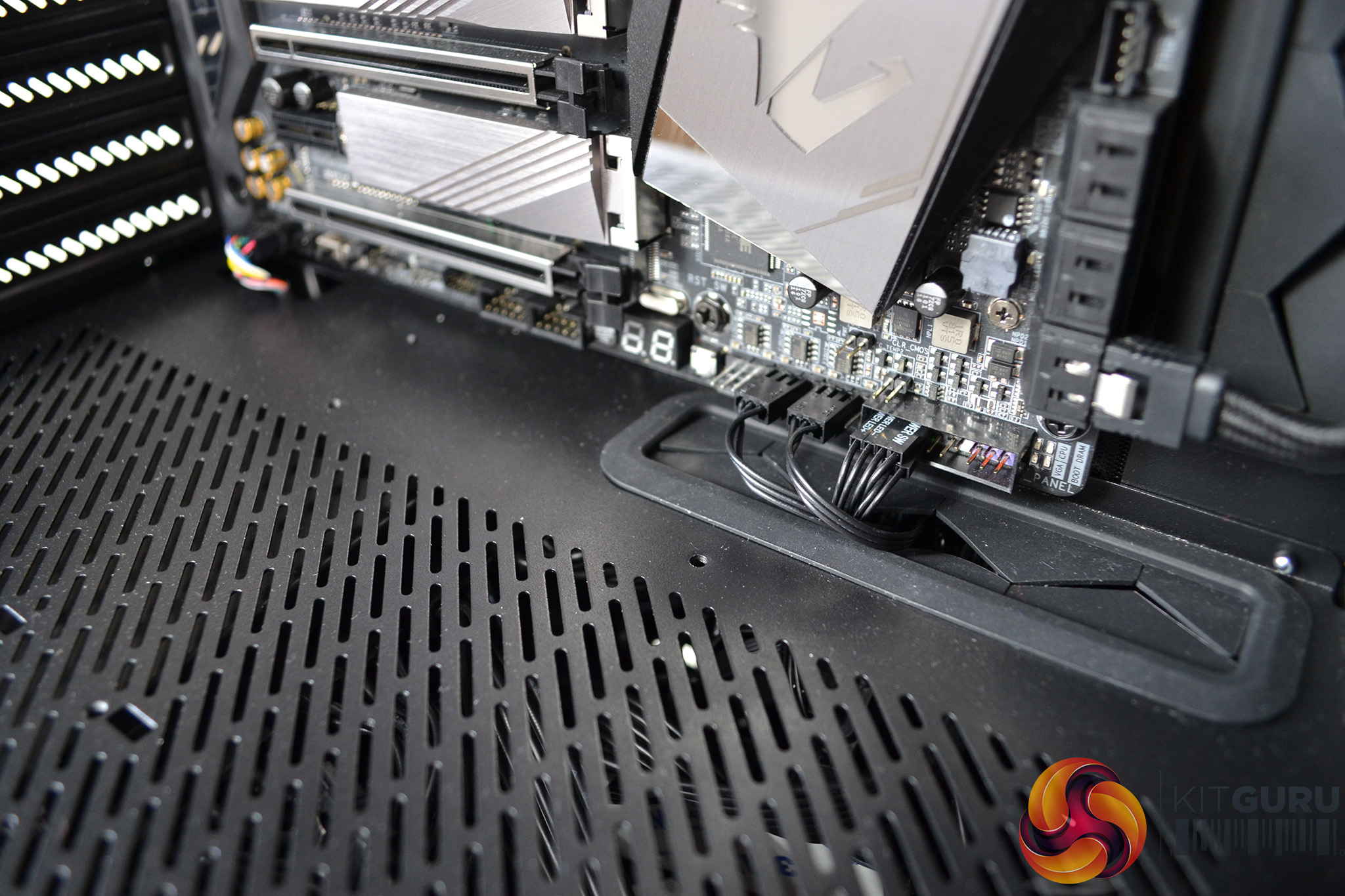
Cable management cut outs are found in all the right places – two large cut outs to the right of the motherboard, two more at the top and a further two more at the bottom. All cut outs have rubber grommets protecting cables, except for one below the motherboard which seems a little odd.
Build Gallery
Acoustic Testing
Our case testing involves comparing acoustic performance in a number of scenarios with both air and All-In-One liquid cooling installed.
These tests will include measuring sound levels with our sound meter from approximately 300mm from the front of the case, at idle and under 100% CPU and GPU load.
Sound levels will be measured in dBA after 5 minutes at idle in Windows. Load noise levels will be measured by running AIDA64 stressing CPU, FPU, cache and GPU for 10 minutes.
CPU and case fan profiles will be set to their silent operating mode in the Gigabyte Z390 Aorus Master’s bios and GPU fans set to their default fan curve. The CPU cooler used in acoustic testing will be a Gamer Storm Assassin III for air cooling and a Corsair H150i Pro with ML120 Pro RGB fans for AIO liquid cooling comparisons. Case fans are the three pre-installed fractal design Dynamic X2 GP-14 140mm fans.
The ambient noise level (noise floor) in our test room is measured at 37.4 dBA.
Thermal Performance Testing
As with every case we review, thermal performance is important, therefore, we shall test this by running another series of tests to measure temperatures both at idle and under load.
To fully stress test the system, we will run AIDA64 for 10 minutes stressing CPU, FPU, Cache and GPU with the case in various configurations. With this data, we can compare how each scenario affects thermal performance.
We will also compare the system’s thermal capabilities with both air cooled and AIO liquid cooled solutions for the CPU. For air cooling, we will be using a Gamer Storm Assassin III and for liquid we will use the Corsair H150i Pro 360mm AIO.
During thermal testing, only stock case fans will be used. All fans and pumps (where applicable) will be set to 100% to test raw cooling performance.
All temperature measurements are presented as deltas – the ambient temperature has been deducted from the CPU/GPU temperature giving us a delta.
The following configurations will be used to test the affect they have on thermal and acoustic performance:
- Tempered glass side panel installed;
- Tempered glass panel removed;
- Tempered glass top panel installed;
- Ventilated top panel installed.
Test System
- Processor: intel Core i9 9900k @ stock frequency and voltage
- Motherboard: Gigabyte Z390 Aorus Master
- CPU Cooler: (Air) Gamer Storm Assassin III, (AIO) Corsair H150i Pro 360mm AIO
- Memory: 16GB G.SKILL Trident Z RGB 3200MHz DDR4
- Graphics: Gigabyte RTX 2070 Super Gaming OC 8GB
- Power Supply: Fractal Design ION+ 860P 860W
- Storage Drive: Corsair Force LE 120
- OS: Windows 10 version 1903
With the case in various forms of configuration we can measure what effect this has on acoustic performance:
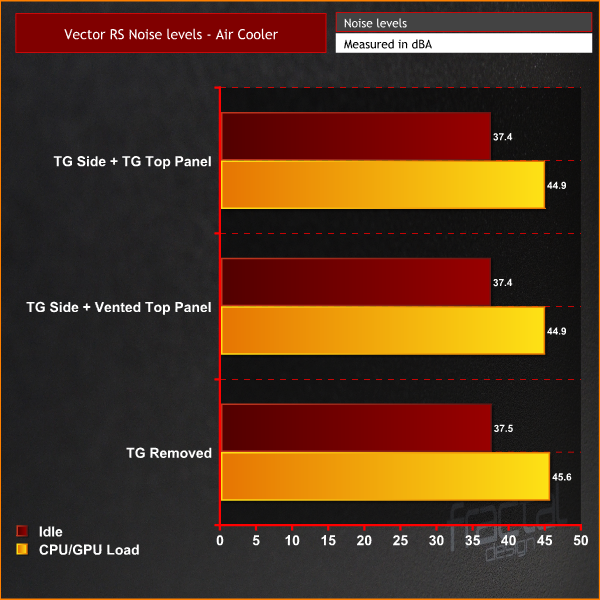
Due to the silent nature of the Dynamic X2 GP-14 case fans when in their quiet operating mode, there is virtually no affect on noise levels in any of the three configurations we tested. An increase in noise was recorded under load with the tempered glass side panel removed. However, it was minimal.
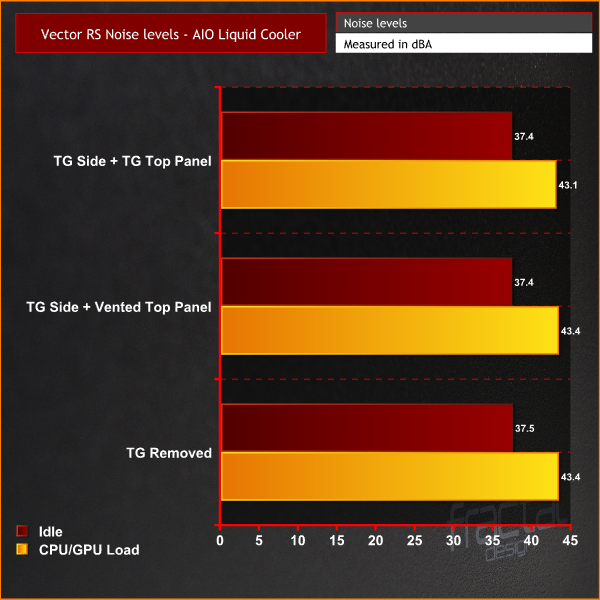
Again we see noise levels almost identical in all configurations tested. This time with an AIO liquid cooler installed, removing the tempered glass side did not increase noise levels.
Overall, the acoustic performance of the Vector RS is impressive. This case is expected to perform well when it comes to thermal dissipation, which will be a contributing factor to the low noise levels. At idle, the Vector RS added little or no extra noise above the ambient room levels.
With the case in various forms of configuration we can measure what effect this has on thermal performance:
All temperatures measurements are presented as Delta temperatures, the ambient temperature has been deducted from the CPU/GPU temperatures giving us a delta.
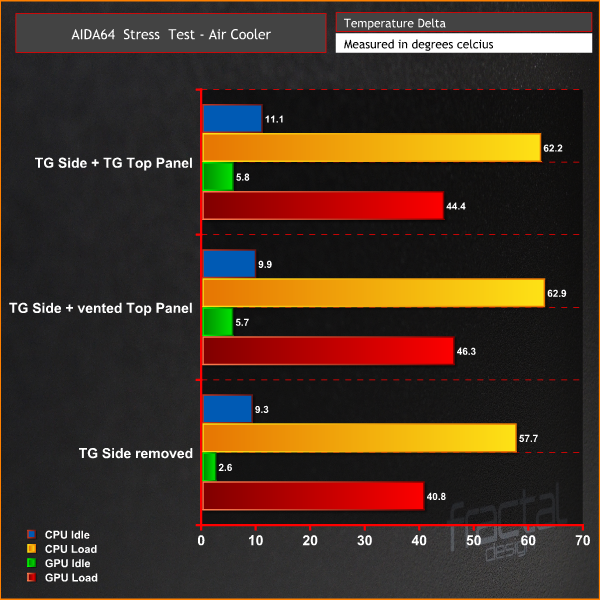
As we often see when testing thermal performance of PC cases, removing the side panel has a drastic affect on GPU temperature. The Vector RS is no different – a decrease of 5.5°C was recorded with the side panel removed.
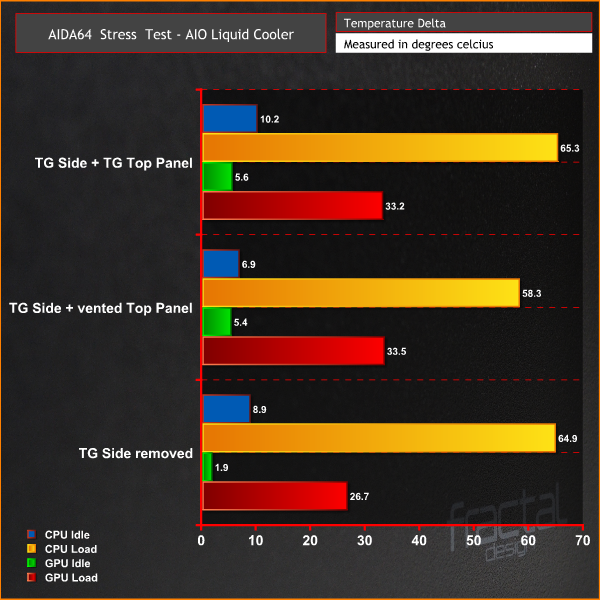
Fractal Design recommend installing the vented top panel when installing an AIO liquid cooler in the top of the Vector RS. As we can see, the CPU temperature dropped by 7°C with the vented top installed.
Overall, thermal performance is very good in the Vector RS. The case easily kept both CPU and GPU temperatures well under control.
The modular design of the Fractal Design Vector RS should please all types of system builders. Having the option to configure a PC case to personal preference, is very appealing. In our opinion, the Vector RS will be a great choice for either a home server system, requiring multiple storage drives or a high-end liquid cooled gaming system.
The vast amount of options for radiator placement should make planning a high-end liquid cooling loop much easier. We often see cases lacking in certain areas, when preparing for liquid cooling. With options to place radiators in four locations in the Vector RS, this should not be an issue.
Having the choice to swap between a tempered glass or vented top panel is a feature we really like. Both panels accomplish the design objective – the glass top helps reduce noise slightly and the vented top improves cooling, especially when a top mounted radiator is installed.
With support for up to eleven HDDs and four SSD drives in the storage configuration, there should be no excuse for running out of storage space with the Vector RS. If you need to install more than four SSD drives, this can be catered for as the HDD cages can support either 3.5″ or 2.5″ drives.
For the first time, Fractal Design has added some RGB LED lighting in the Vector RS. For some, it may still be too little but for us it is just the perfect amount. The RGB has been implemented in a way that ensures their minimalist design approach isn't affected and if anything, the RGB lighting improves this.
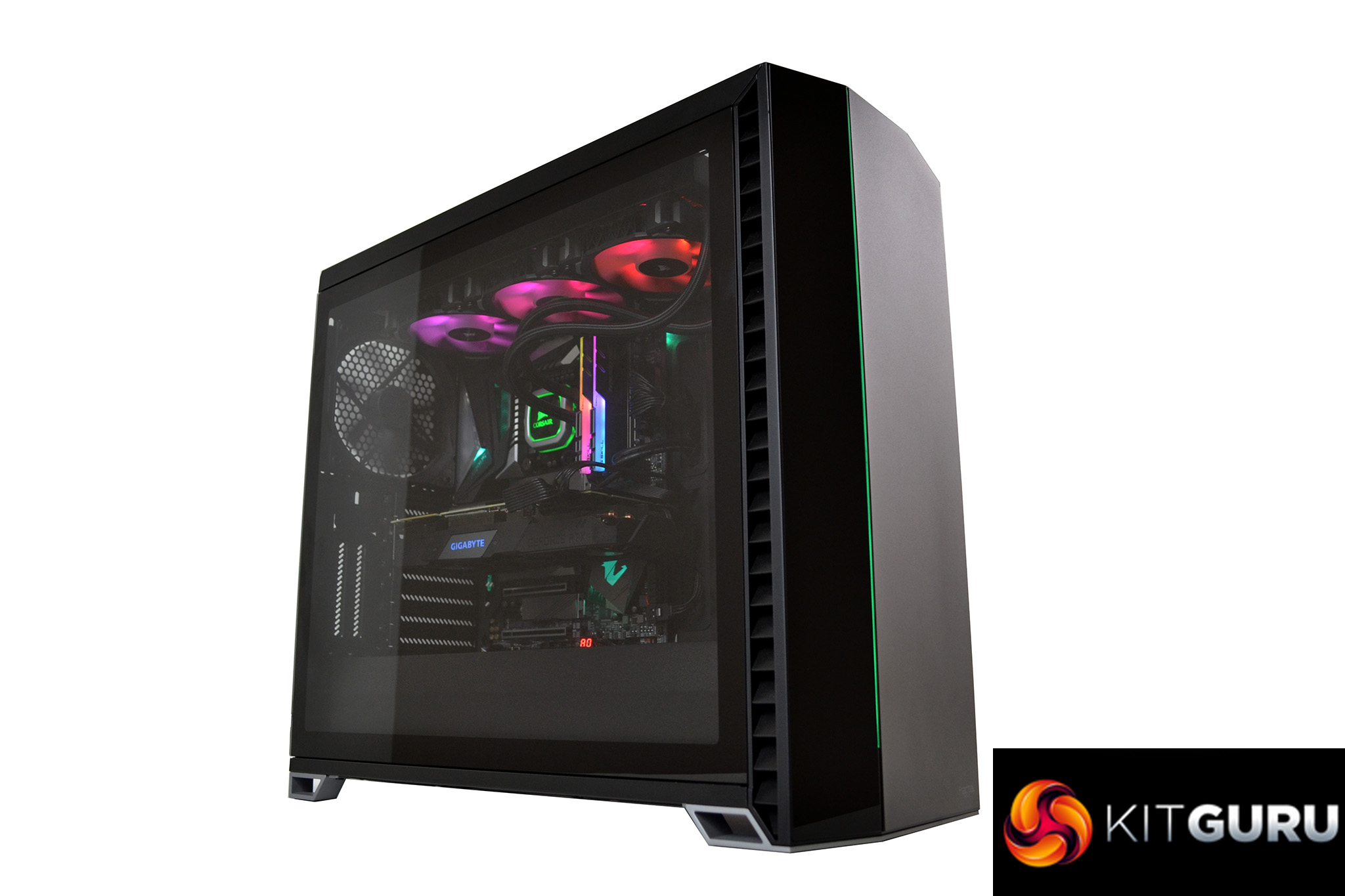
Fractal Design's cases have usually represented a plain box shape in the past. However, for this case they have added some sharp angles and a good mixture of panel materials which give the case a more commanding stance and a nice contrast between the panels.
In terms of performance, the Vector RS excels here too. Acoustics are very good, the pre-installed Dynamic X2 GP-140 fans are extremely quiet even at high RPM. During testing, at idle, we could barely hear the system was running which is a huge plus for us.
Thermal performance seems impressive too. Using either a large air cooler or an All-In-One liquid cooler, the Vector RS keeps the system temperature well under control. With a full custom cooling loop installed, we would expect excellent results.
There are very few negatives to the Vector RS. For us, the only criticisms would be the lack of a rubber grommet on one of the bottom cable cut outs, as it seems strange to leave out just one and the glossy side to the front panel can become a fingerprint magnet. However, it’s not difficult to clean off.
The Vector RS is priced towards the upper end of mid-tier ATX cases. Currently, there is a lot of choice in this area. With features such as modular design, great storage and cooling options, a solid build quality and the pleasing aesthetics, we rank the Vector RS up there with the best.
If you are currently in the market for a case with great cooling performance, good looks and excellent acoustics for under £200, then put the Vector RS on your shortlist.

The Fractal Design Vector RS will be available from 18th September and can be purchased for £179.99 at OCUK HERE
Pros:
- Excellent options for radiator installation.
- Huge Storage capacity.
- Clever modular design.
- Interchangeable top panels.
- RGB lighting.
- Great thermal and acoustic performance.
- Good cable management.
Cons:
- Front panel is a fingerprint magnet.
- Missing grommet on one cable cut out.
KitGuru says: An all round great case from Fractal Design. Improvements on an already solid design and now with added RGB!