 KitGuru KitGuru.net – Tech News | Hardware News | Hardware Reviews | IOS | Mobile | Gaming | Graphics Cards


3DMark results:
For this test I ran the Razer Blade Stealth 13 through 3D Mark Fire Strike which is the test KitGuru have used to demonstrate the performance of other similar laptops. You can see the comparisons in the graph below.
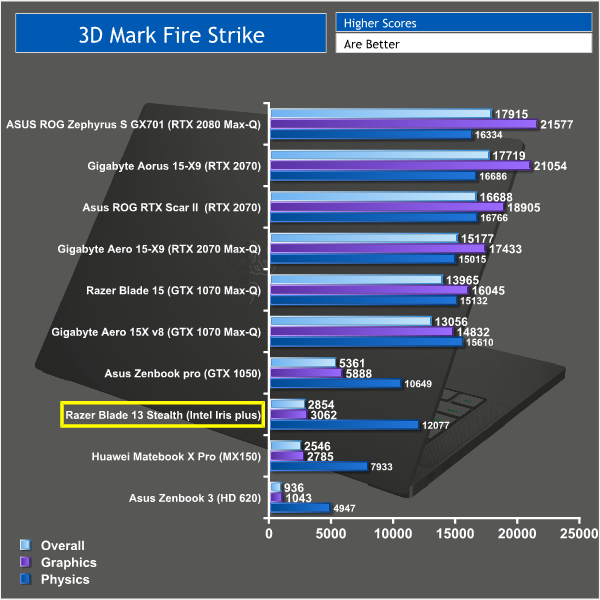
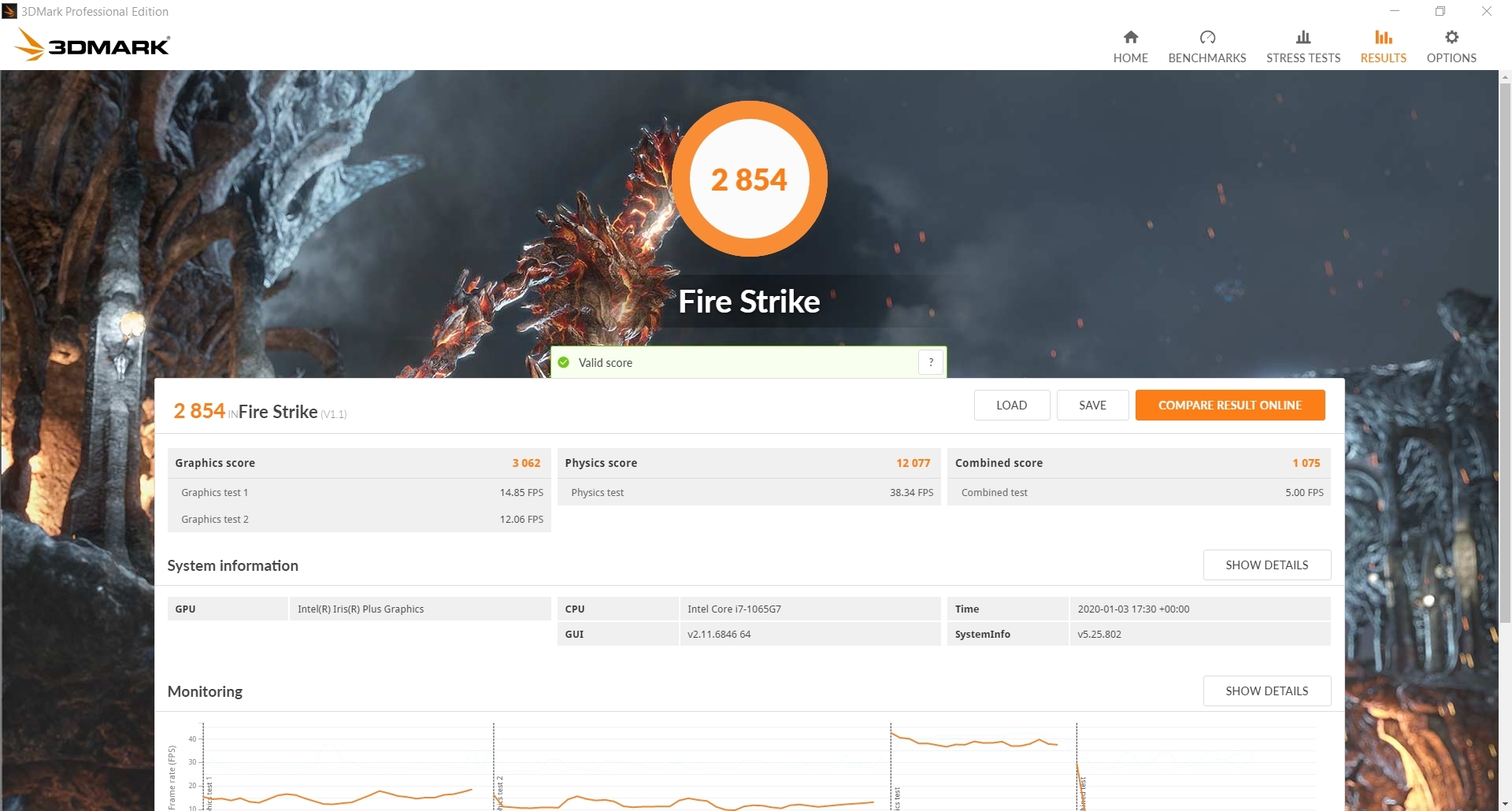
The Razer Blade Stealth achieved an overall score of 2854. It pales in comparison when taking a look at proper gaming laptops with discrete graphics, however it does beat out a couple of other ultrabooks when it comes to graphical performance. The Intel Iris Plus graphics are clearly an improvement over the old HD-series iGPUs, but even a reasonably weak GPU like the GTX 1050 is leagues ahead.
That said, this laptop is likely to be suitable for some lightweight gaming which leads me on to my next round of tests.
Gaming Performance:
To test the Razer Blade Stealth I tried out CS:GO, League of Legends and Overwatch. All 3 of these games are less demanding esports games and are more suited to this sort of laptop. You are unlikely to get any sort of playable frame rate in newer more demanding titles due to the nature of the integrated graphics.
Counterstrike: Global Offensive is a popular FPS game that has been out for a while but still has regular map updates and a thriving esports community. Its age means you can play it on pretty much anything and it's perfect for less powerful machines.
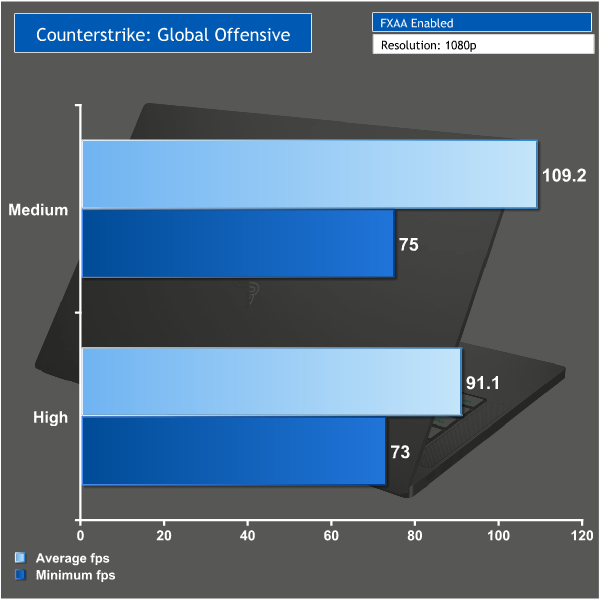
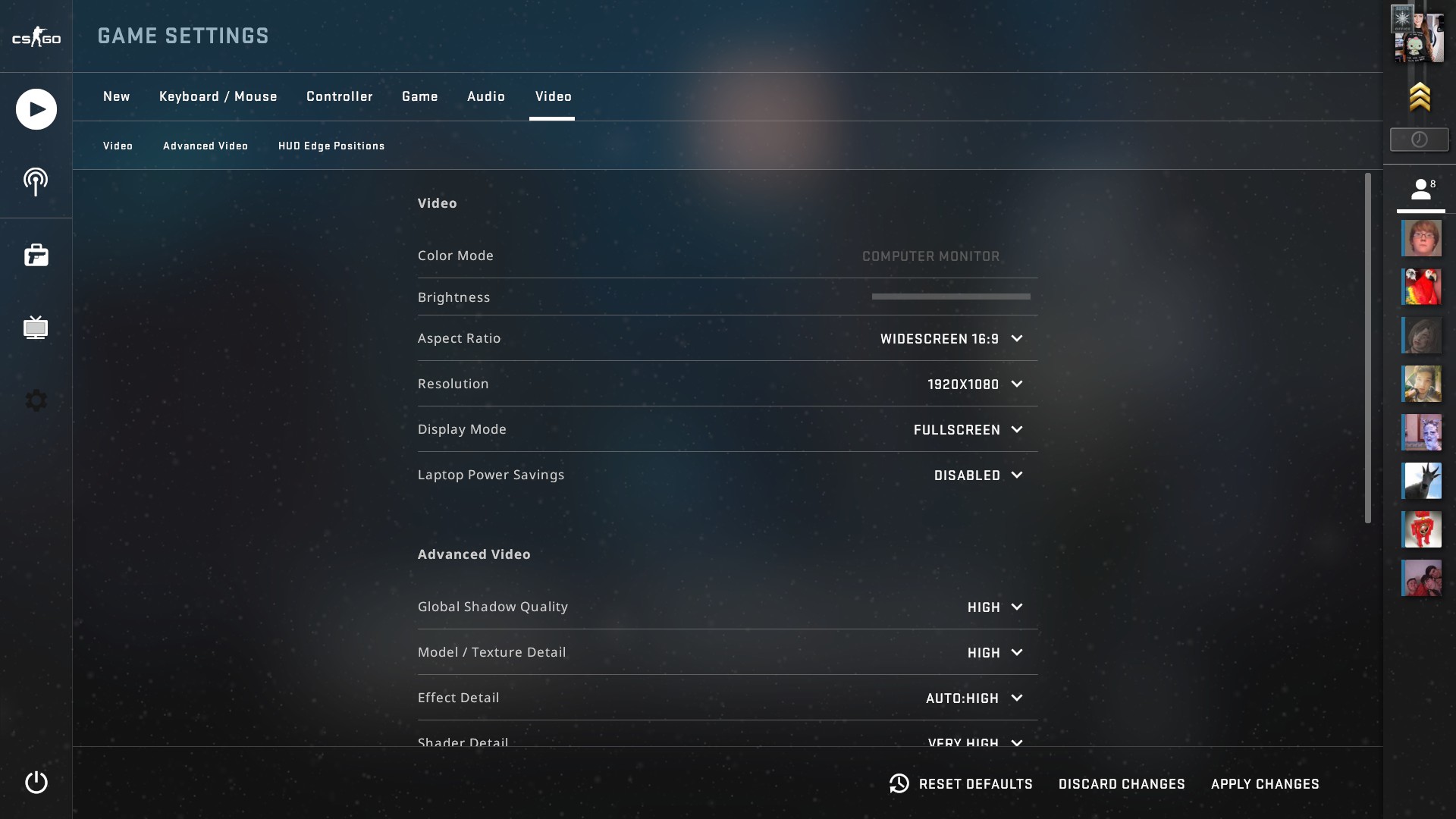
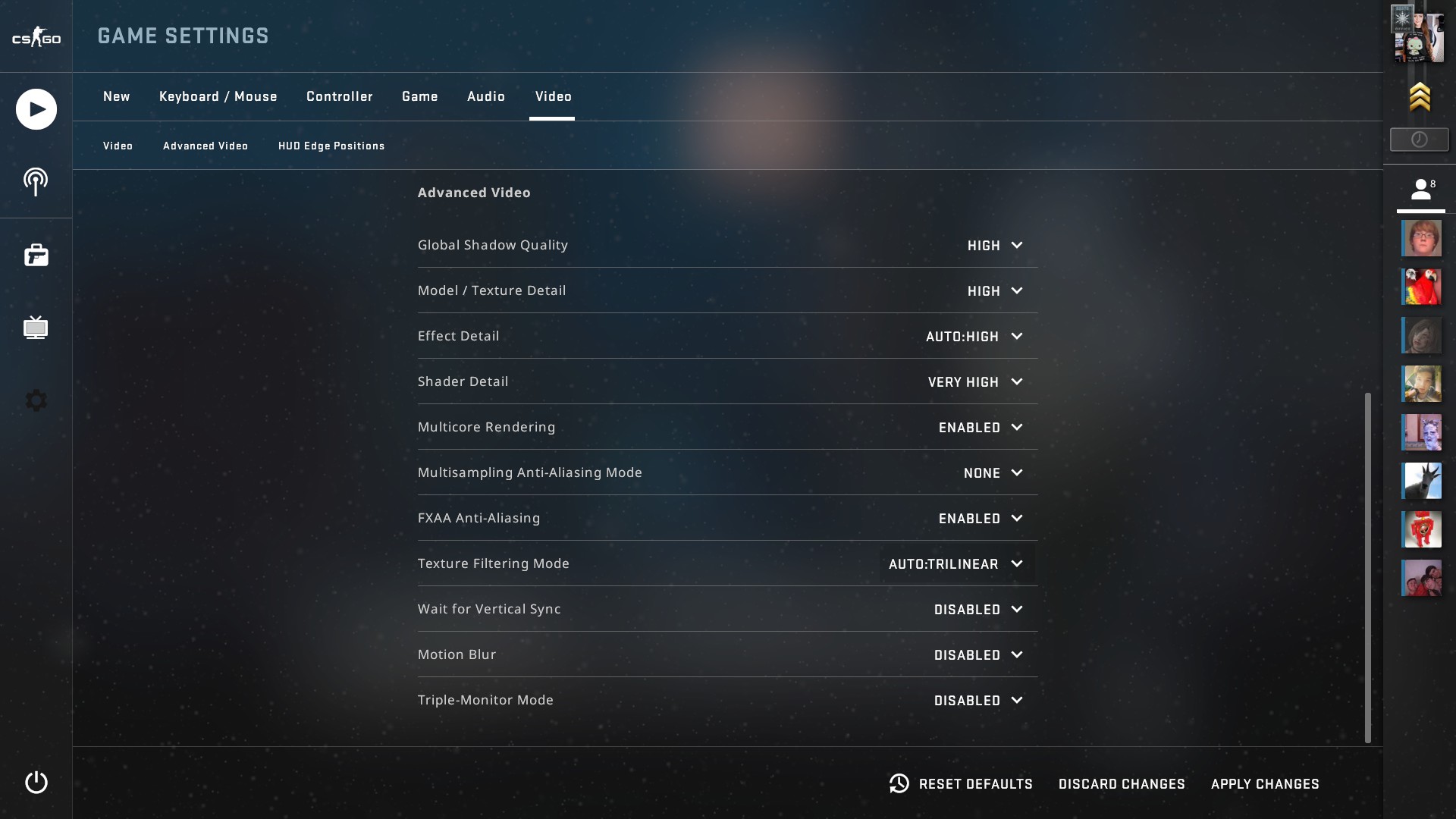
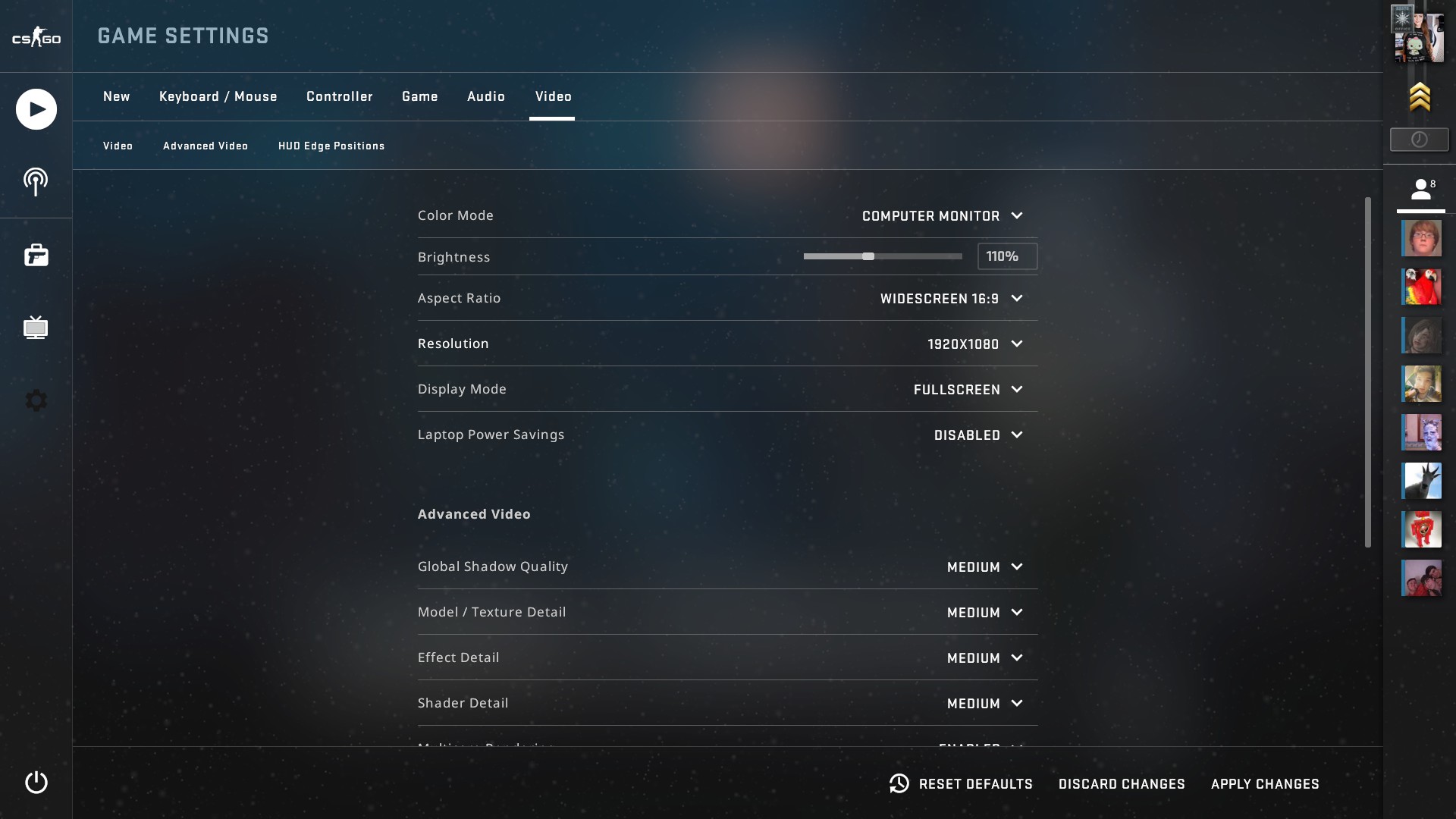
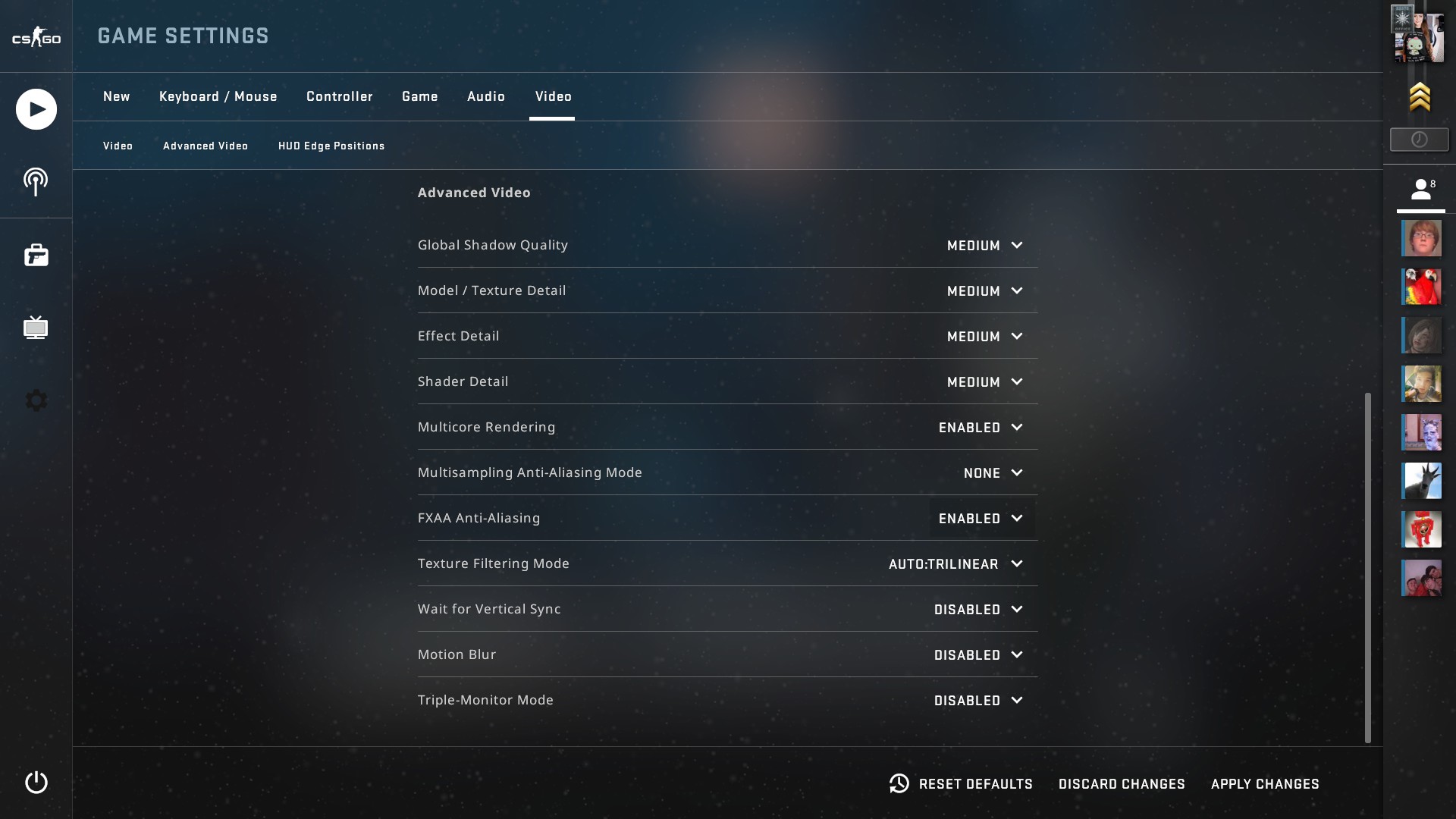
CS:GO ran perfectly on this laptop even on the highest settings and the minimum fps stayed well above 60.
League of legends is another popular esports title but once again it has been heavily optimised meaning it will run on pretty much any machine and is perfect for testing the gaming capability of this laptop.
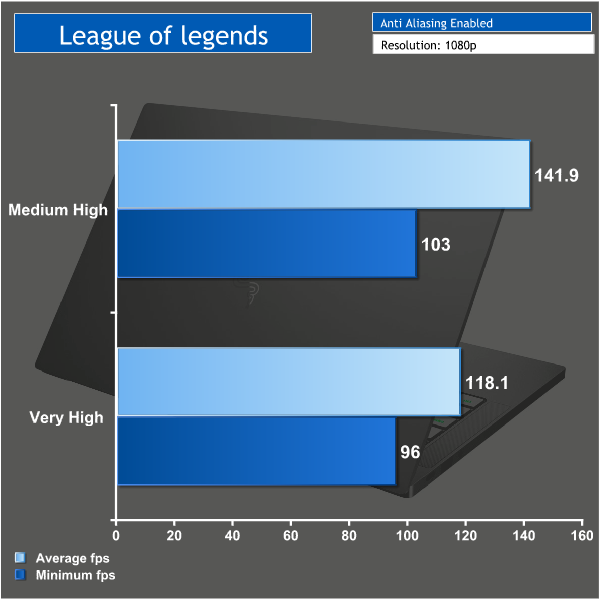
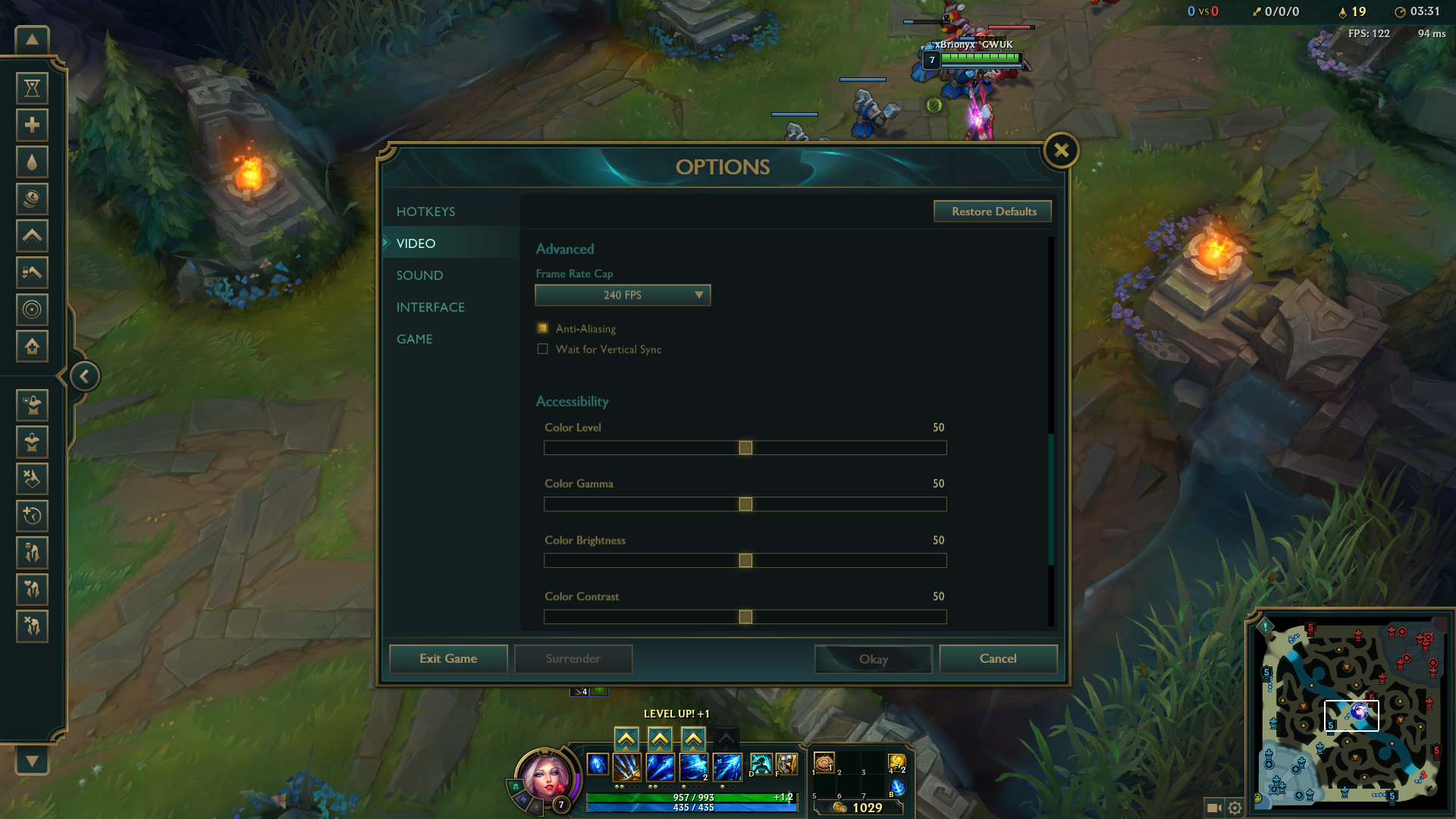
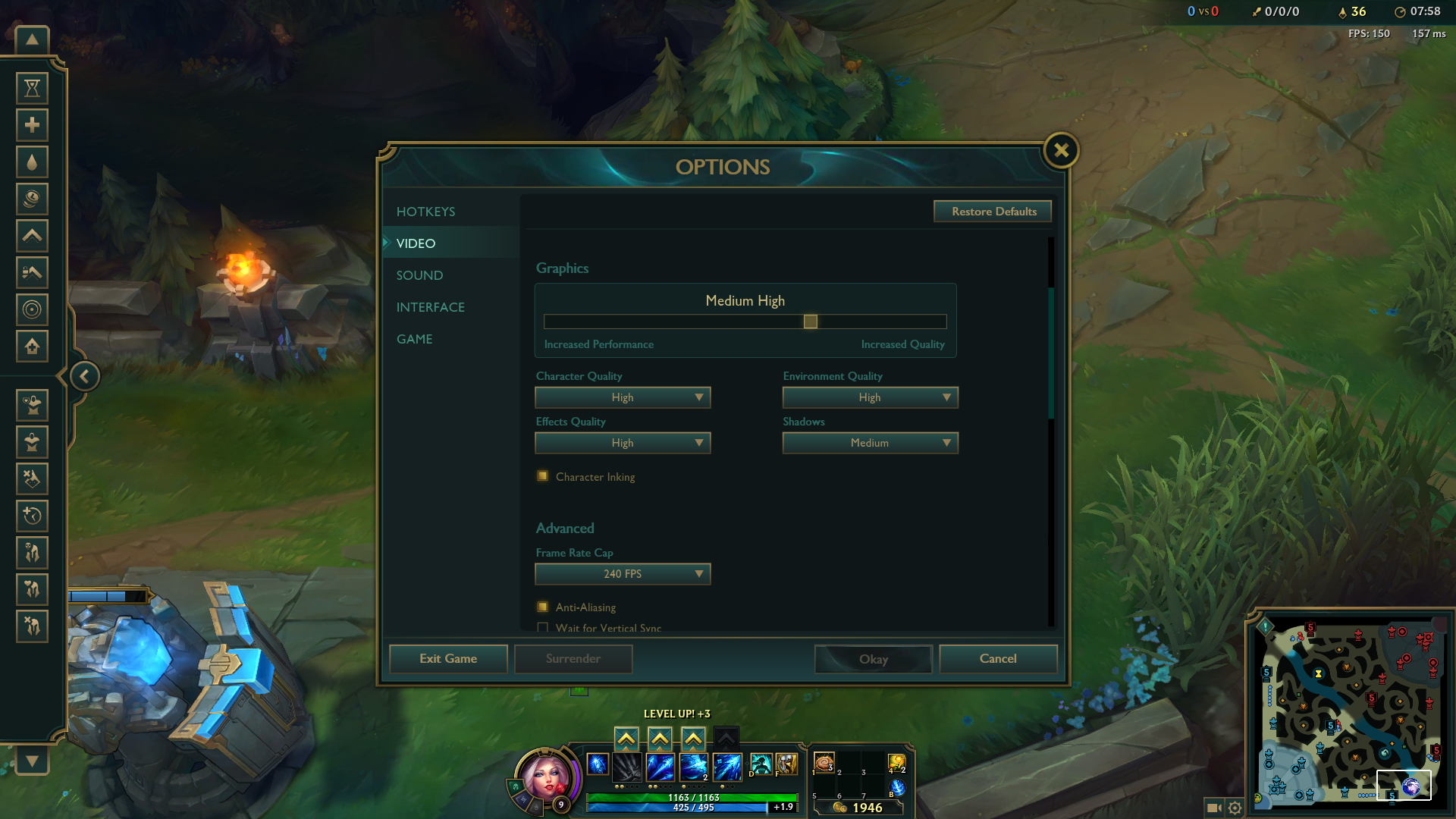
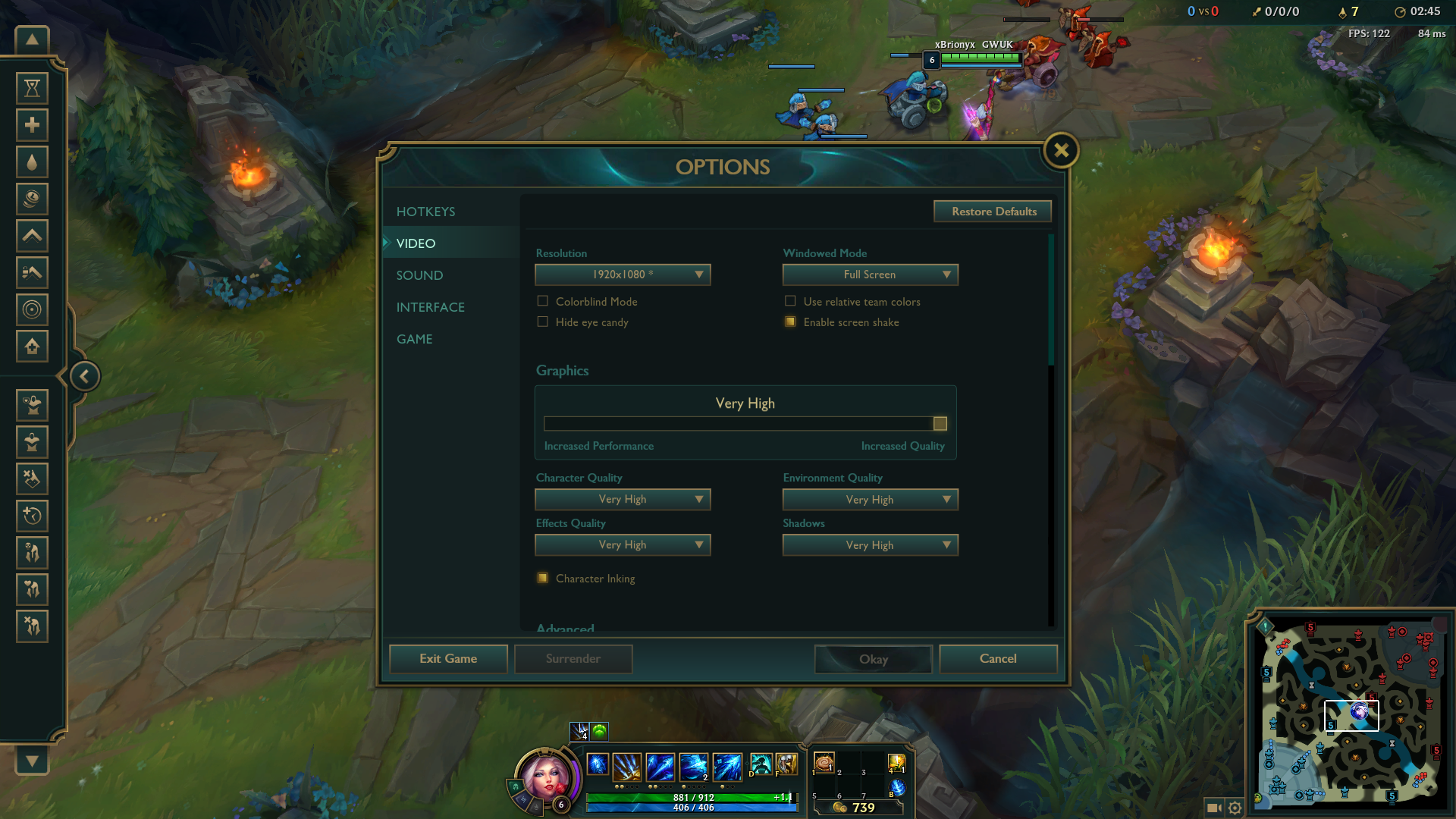
Even on very high settings League of legends was very smooth to play. The average FPS sat well above 100 and there was no danger of it dropping below 60 even during team fights.
Overwatch is a more demanding game and does push this laptop that bit harder. I set the resolution to 1080p but decided to keep the graphical settings low.
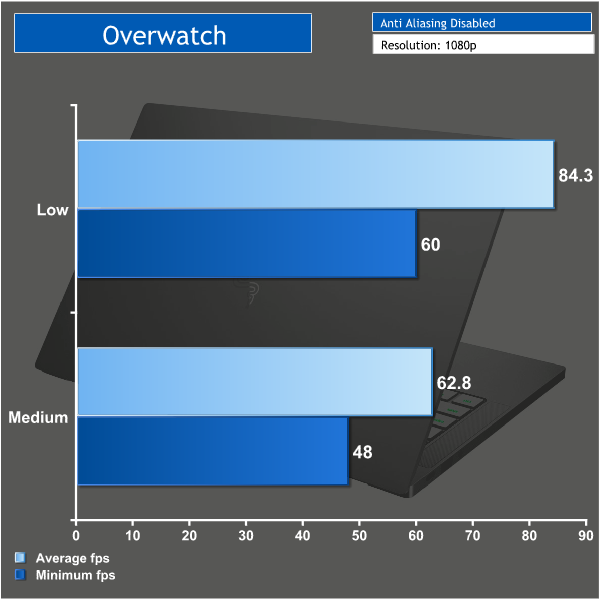
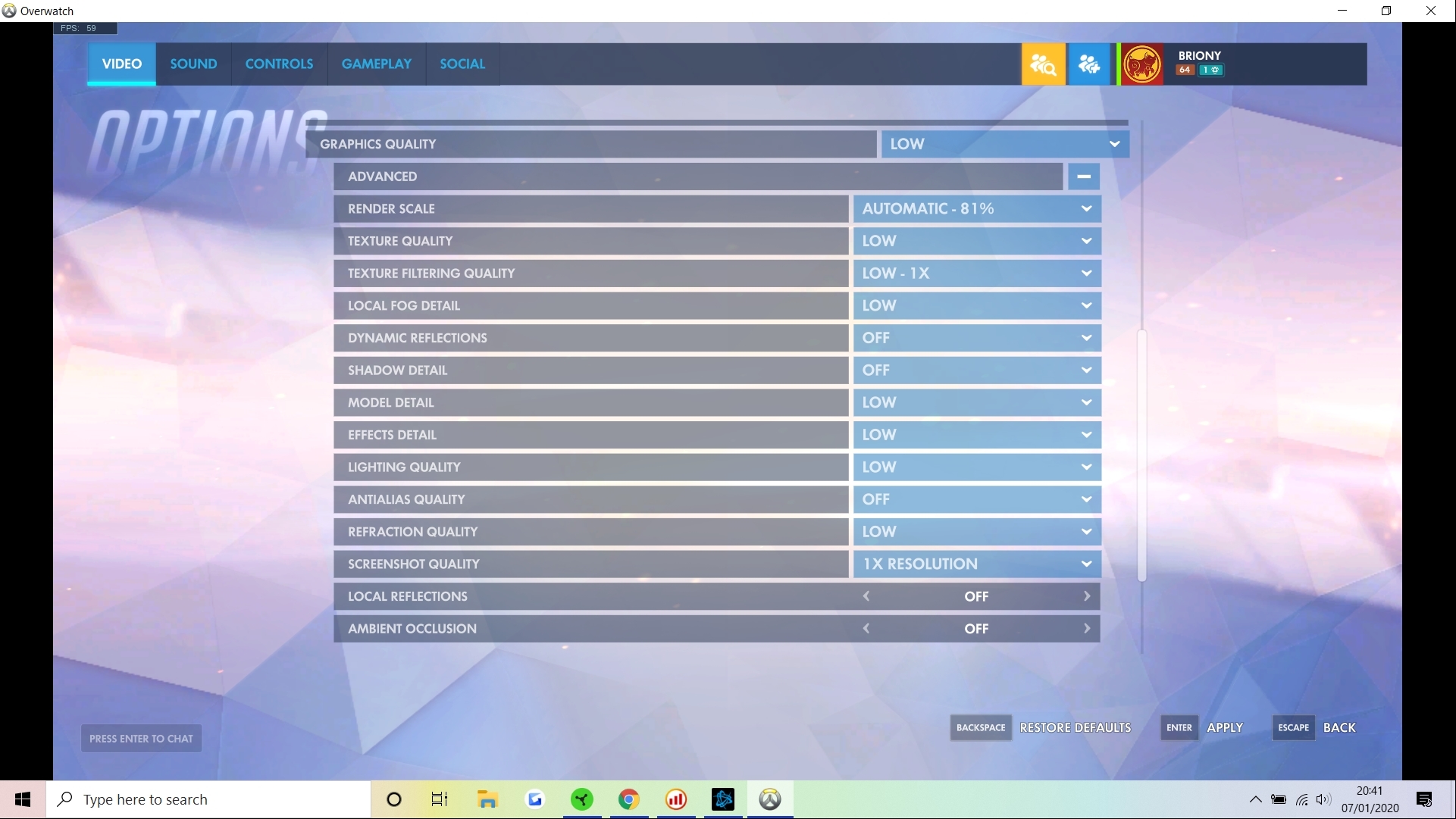
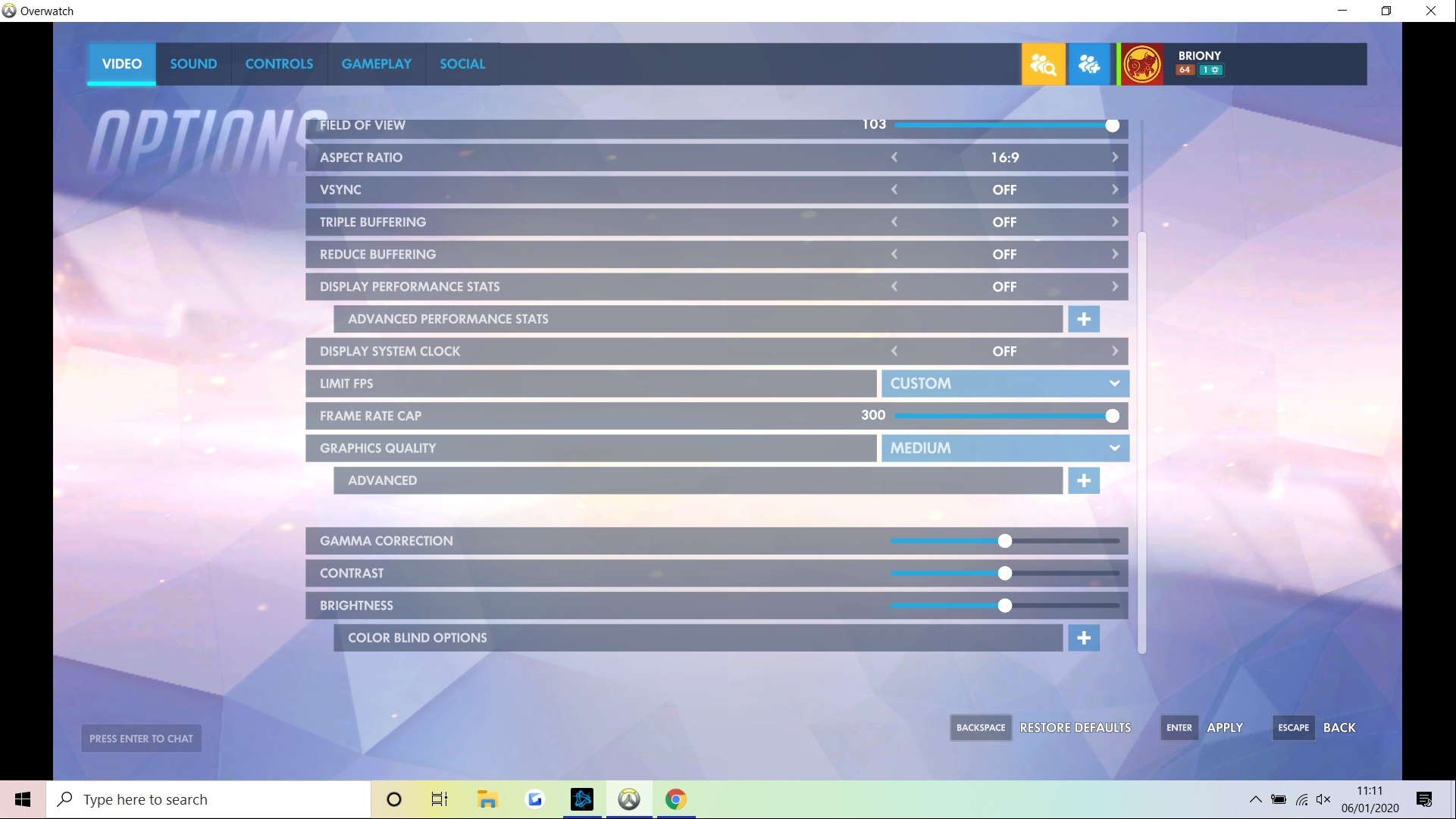
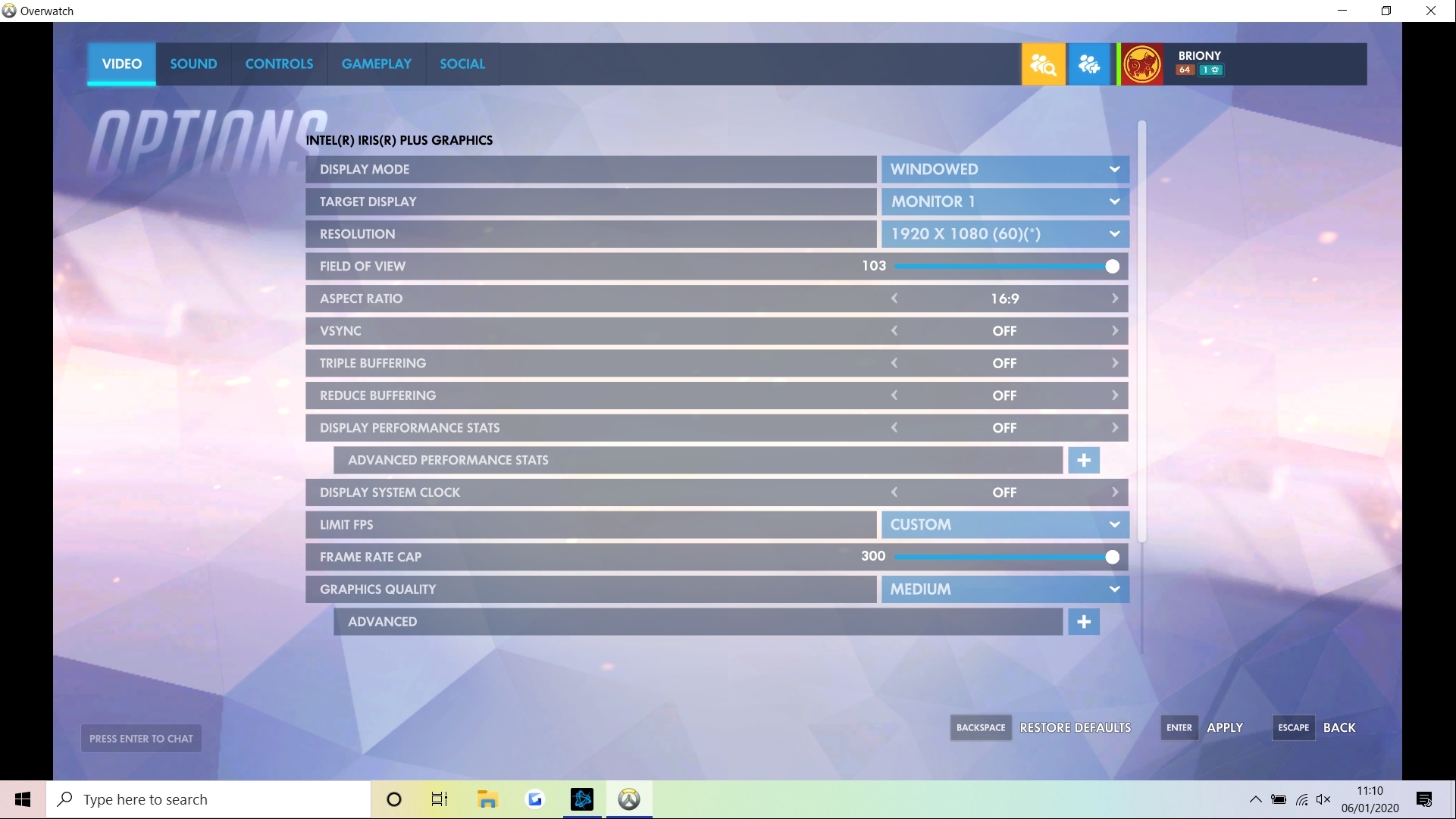
Overwatch is still very playable on this laptop at medium settings, but if you don't want to drop below 60fps you will need to drop everything to low settings. You could also drop down the resolution to squeeze out a few more fps. I'd say Overwatch is the limit on what you can happily play on this laptop and still have an enjoyable experience.
Overall I must say I was pretty impressed with what the Razer Blade can do just on the Intel iris integrated graphics. It's small, portable and quiet and yet you can still have a great gaming experience for older or less demanding esports titles.
