 KitGuru KitGuru.net – Tech News | Hardware News | Hardware Reviews | IOS | Mobile | Gaming | Graphics Cards


Dell is not a name many people would associate with quality tablets. Rather, most would associate the company with mass-produced office PCs, or at best the expensive Alienware brand. However, Dell have recently expanded into other areas, with tablets being one of them. The Venue 8 7840 is certainly a premium product, costing £330. Is it a quality device, however? We take a look and see if it's worth buying.
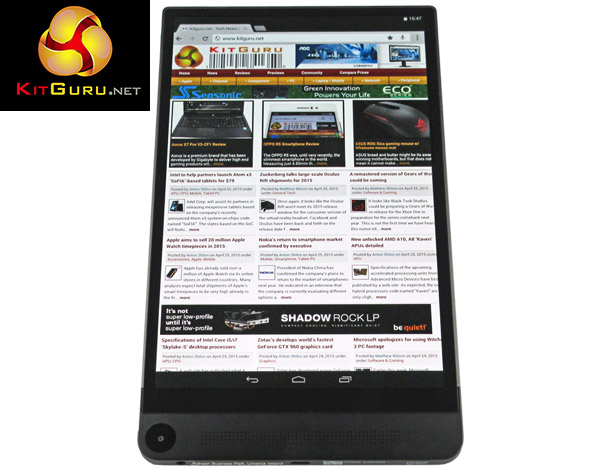
The Dell Venue 8 7840 is an 8.4-inch Android tablet. It has several interesting features, not least of which include a 2560*1600 OLED display, the latest Intel Atom Z3580 processor, and an Intel RealSense Depth Camera. There's a lot to talk about with the Venue 7840 – but is that good or bad?
Features
- 8.4inch WQXGA display.
- Quad-core |ntel Atom Z3580 CPU, 2.3GHz.
- 16 GB internal storage, with microSD cards up to a huge 512GB supported.
- 2GB RAM.
- 8MP Intel RealSense Depth Camera (with two supplementary 720p cameras), 2MP front camera.
- Android KitKat 4.4.2.
Dell have certainly aimed for the high-end of the market with the Venue 8 7840, and this is evident when looking at the tablet's design.
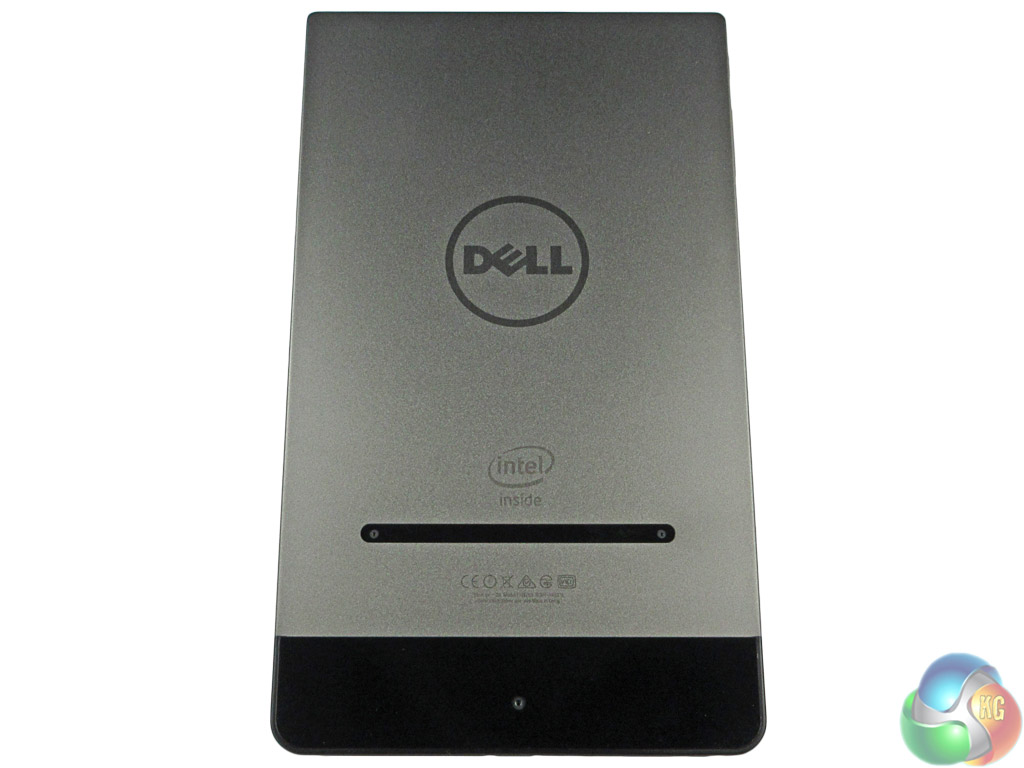
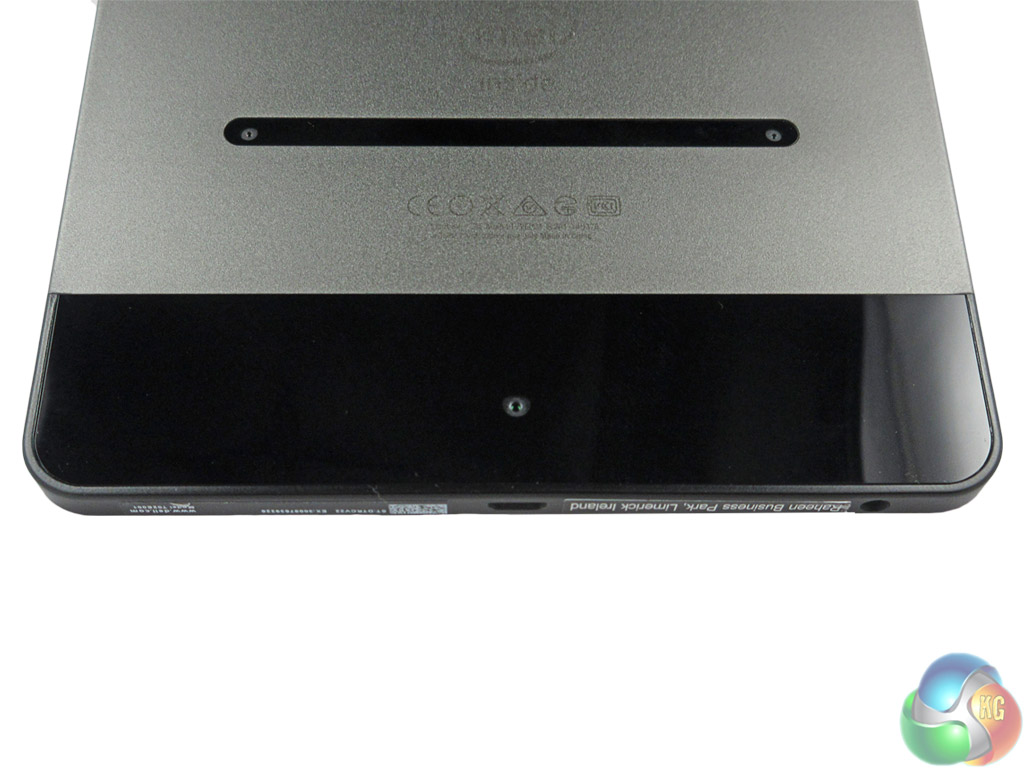
The Venue 8 is made from aluminium, and the build quality is undeniably excellent. This becomes obvious as soon as you pick up the tablet – the sleek aluminium feels miles better than any plastic casing we have seen. The rear of the device also features classy glass panels, which house the 3 cameras.
![front-angle]](http://www.kitguru.net/wp-content/uploads/2015/05/front-angle.jpg)
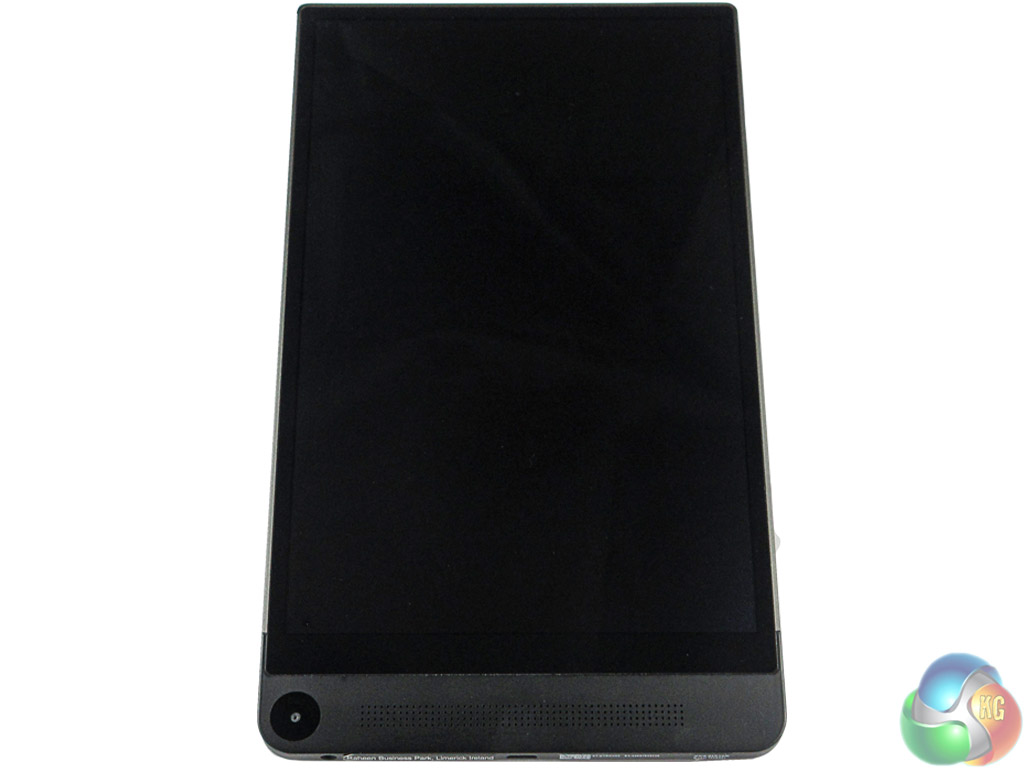
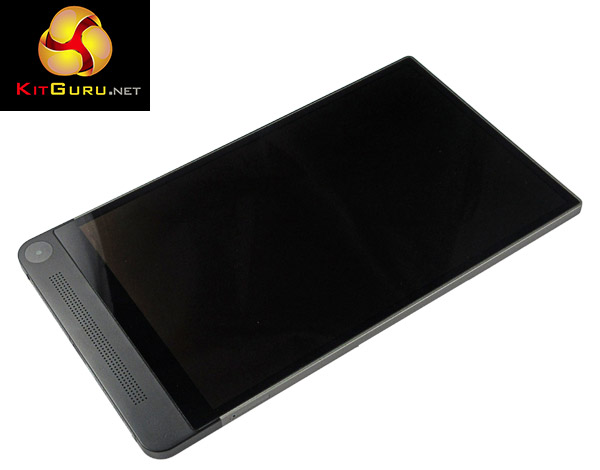
On the front, the ‘selfie' camera has been unusually positioned at the bottom of the Venue 7840, along with a large audio speaker. This means you have to flip the tablet upside-down to take a photo with the secondary camera, which is not ideal. However, it also allows the display bezel to be impossibly thin – measuring just a few millimetres. This ultra-thin bezel makes the Venue 7840 look very sleek.
In terms of the actual product dimensions, the tablet measures 6×124.4×215.8mm (HxWxD). Two aspects of this are very important. One – the Venue 8 is just 6mm thick. This actually makes it the thinnest Android tablet in the world, according to Dell. Second, Dell managed to fit an 8.4-inch display into a very small space – the Venue 8 has a screen-to-body ratio of 76.3%, which is phenomenal.
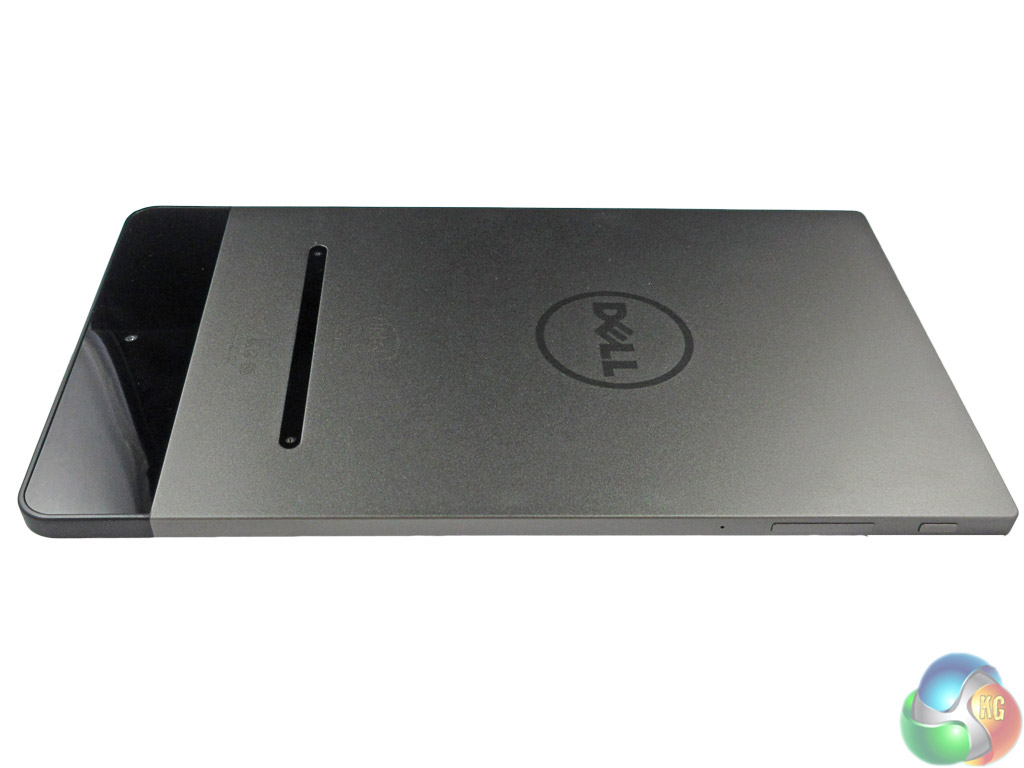
Despite the impossibly slim frame and minuscule bezel, the Dell tablet manages to still feel sturdy and robust – thanks to the aluminium frame. Weighing 305g, it feels light yet strong, which is almost paradoxical for modern day devices.
All in all, the Dell Venue 8 7840 is a beautiful tablet with a truly stunning design. We doff our caps to Dell.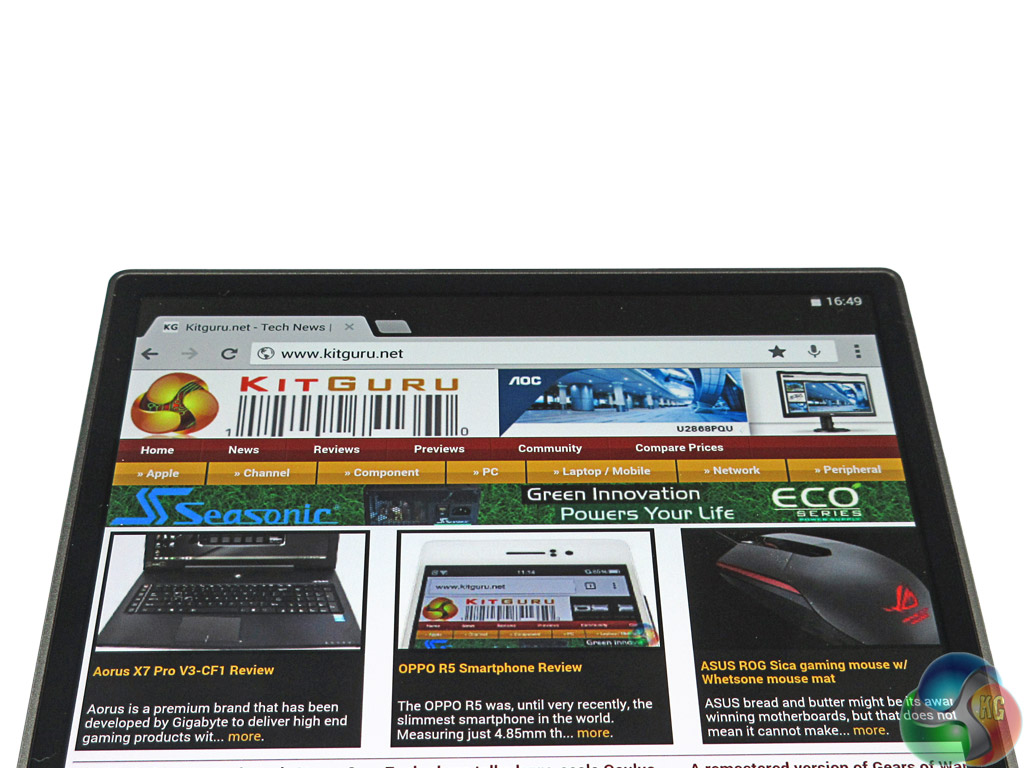
As previously mentioned, the Dell Venue 8 7840 sports an 8.4-inch OLED display. Quite incredibly, Dell have fitted a 2560*1600 resolution panel, which equates to a huge 359 PPI. This is not as high as the latest QHD displays on phones such as the S6 – but it does not need to be.
As tablets are typically held further away than smartphones, pixel density can be lower but still seem lovely and crisp. This is certainly the case with the Venue 8 – the detail is eye-popping, and it makes the screen a real pleasure to use.
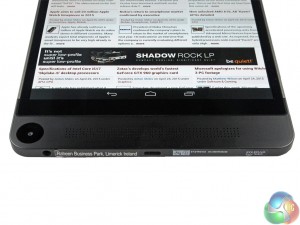
Viewing angles are not so impressive, though, as colour shift is quite noticeable when the screen is tilted in different directions. However, if you ask us if we would rather have incredible viewing angles or an incredible display resolution, we would pick the latter every time.
Brightness is more than good enough though, as text remains clear and readable outdoors, and the screen can also dim to a pleasant level if you are reading in a darkened room.
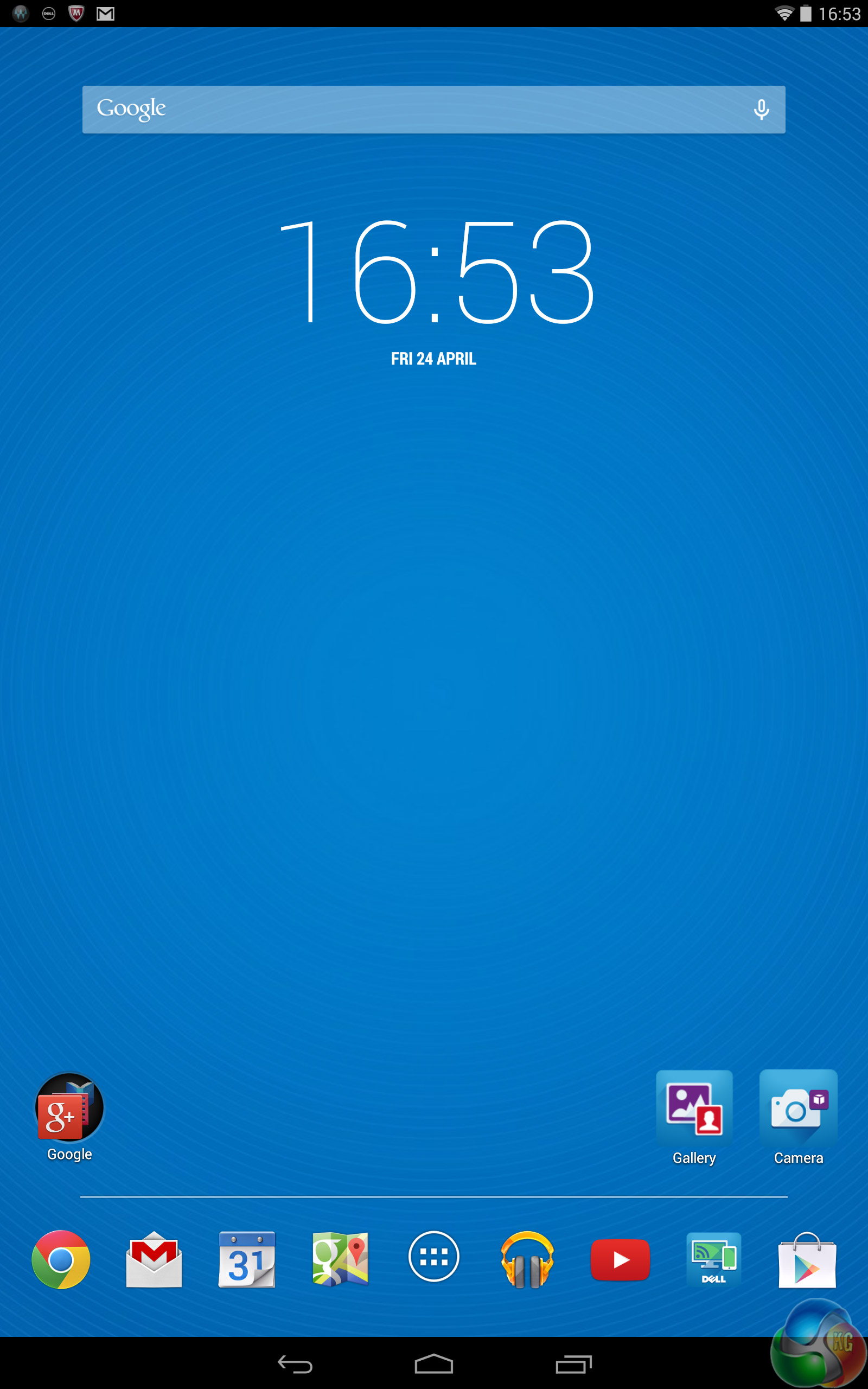
Dell included Android KitKat 4.4.2 with the Venue 8 7840, though Dell have confirmed to us that Lollipop's arrival to the Venue 8 is imminent. As it is, we used the tablet with KitKat installed.
Like the Vodafone Smart Tab 4G, Dell have left KitKat mostly alone.
The included launcher is what we like to call ‘Google Now' lite – meaning it is for all intents and purposes the same as Google's own launcher, but lacks the actual ‘Google Now' feature. Dell left the home screens fairly empty, which is a plus – there are no nasty ‘smart weather' widgets taking up almost your entire screen.
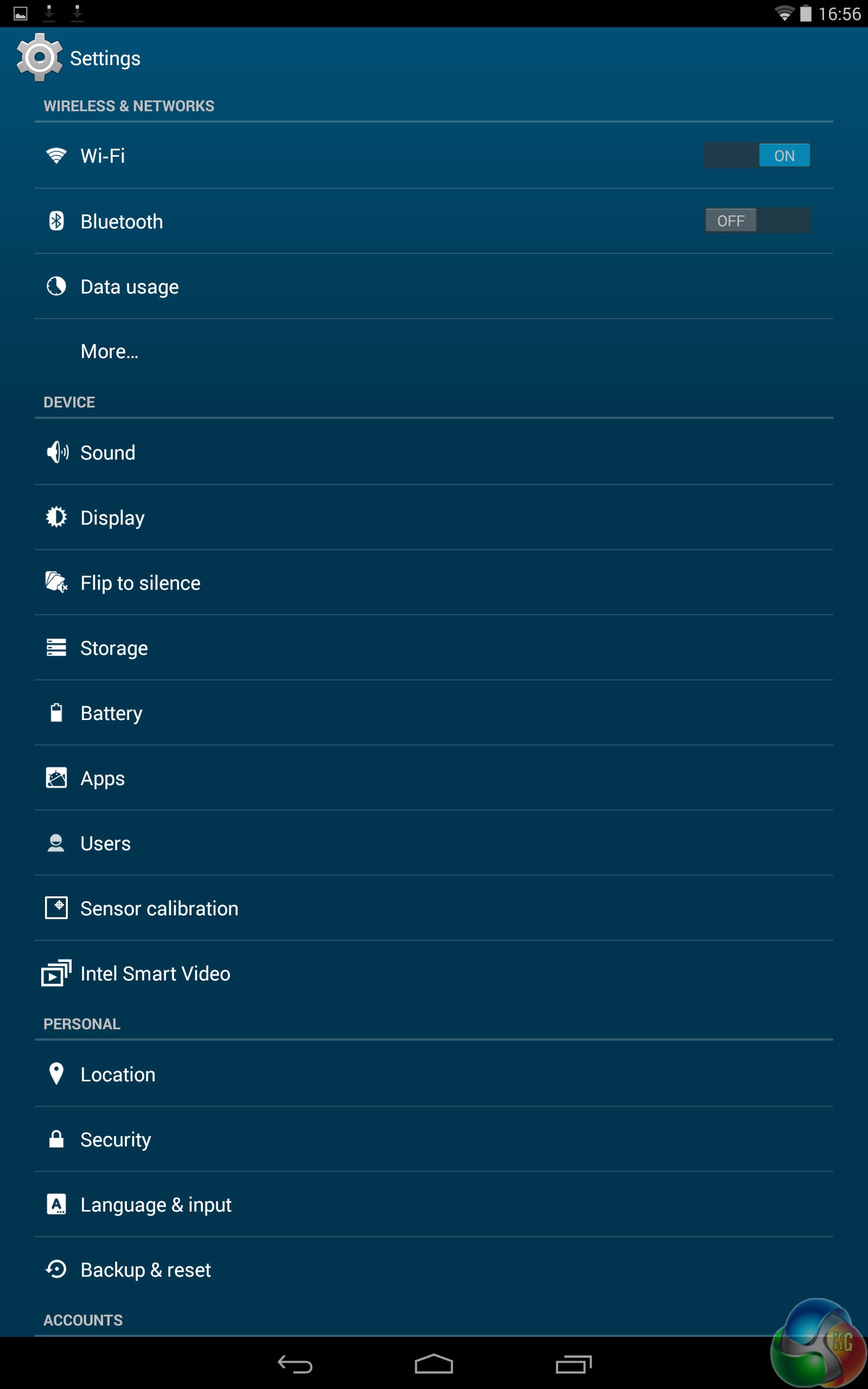
As you would expect from Dell, there is a blue colour theme running throughout the OS, meaning the settings menu features white text on a blue background. This is very clean and simple, and does not differ much from the stock OS.
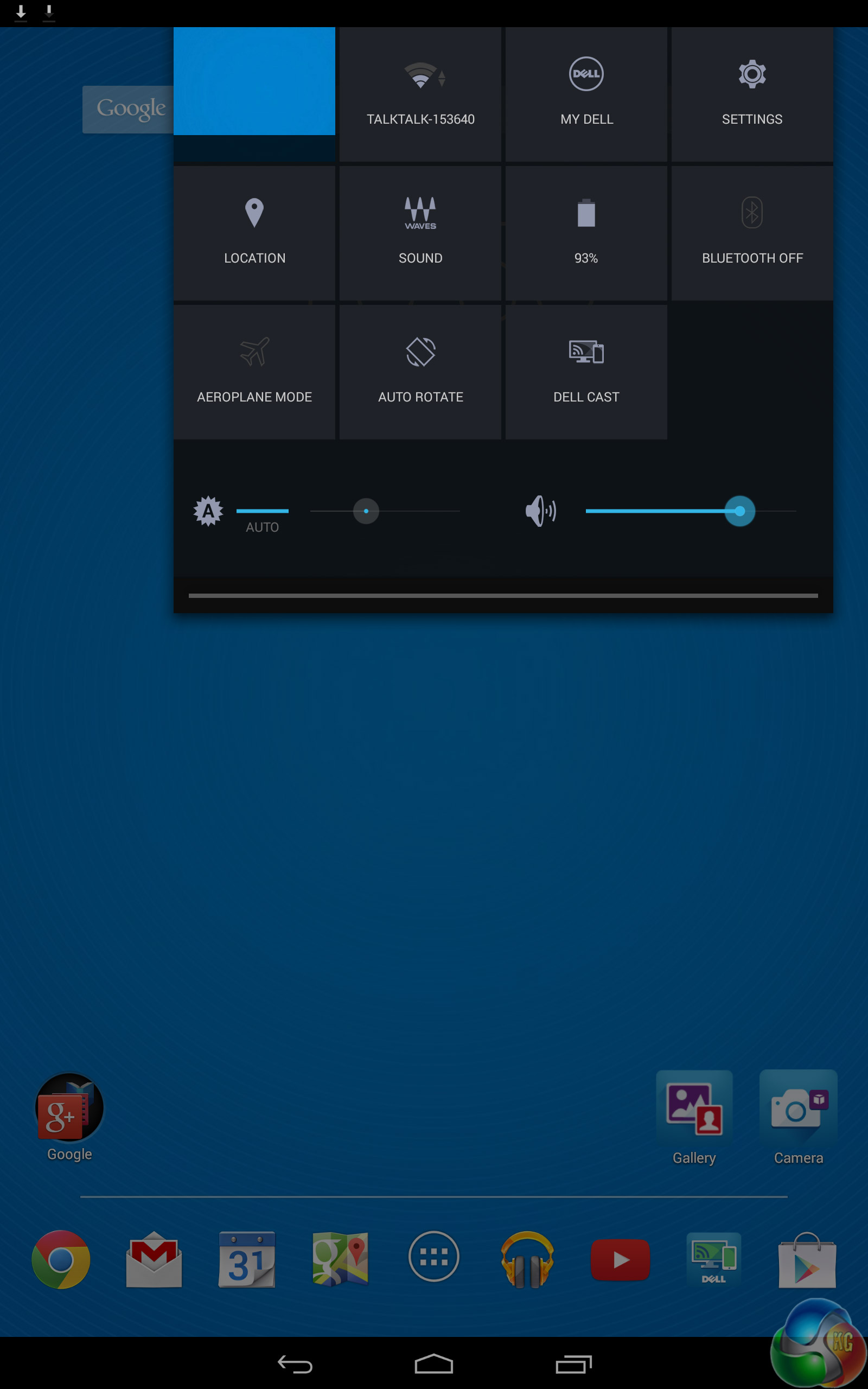
The notification panel has also been left alone – with the familiar 'tiled' quick settings dropping down on the right hand side, while any notifications drop down on the left.
So, we have more-or-less stock Android included with the Dell Venue 8. This is certainly a good thing, but we do feel Lollipop may better suit the Venue 8 – KitKat is getting slightly tired now, while Lollipop is fresh and vibrant. It is not fair to criticise Dell for using KitKat, we just feel that Lollipop may be more exciting to use.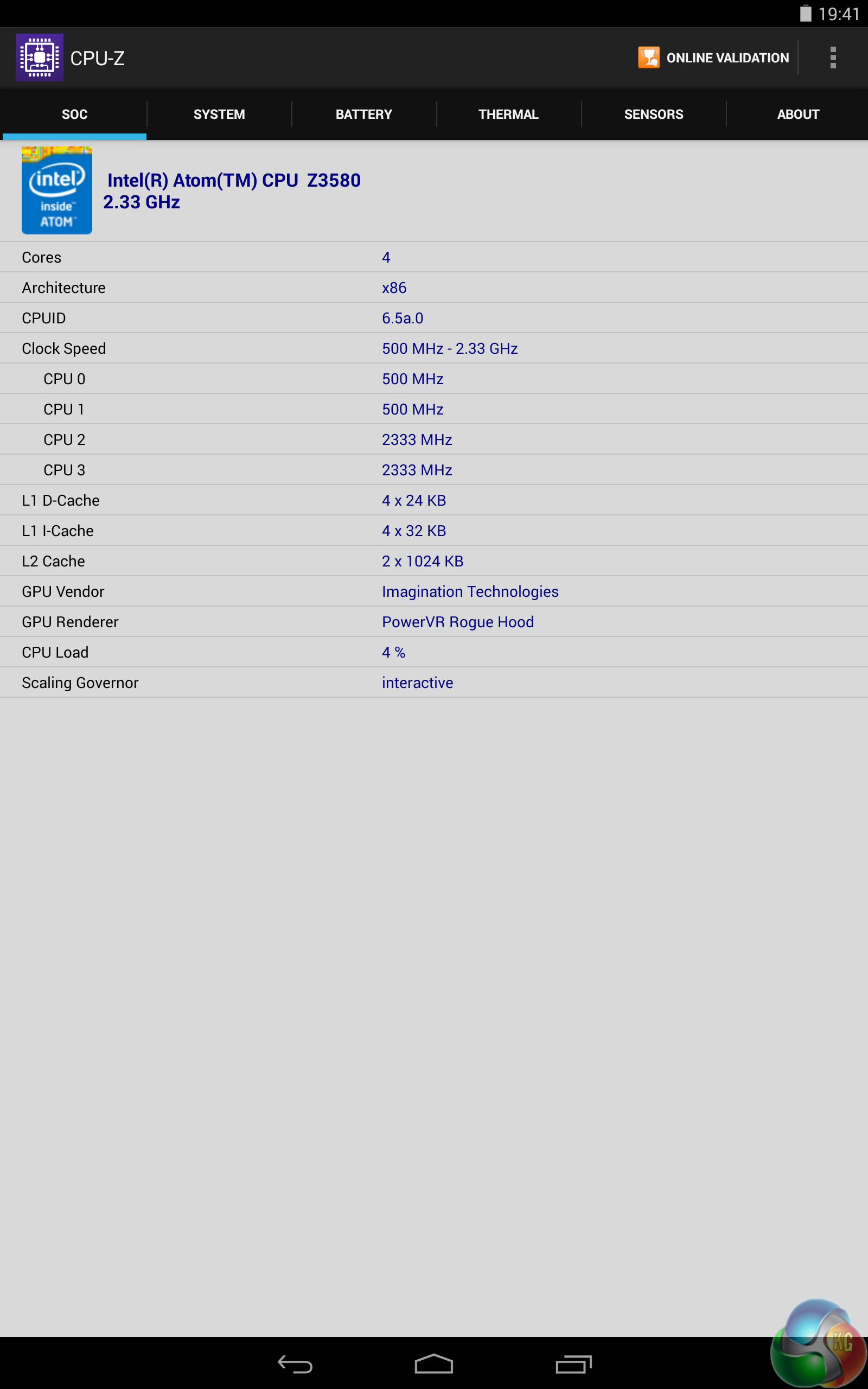
Rather than going for a CPU from the Snapdragon range, Dell have opted for an Intel Atom Z3580 processor. This is a quad-core chip, and is paired with 2GB of RAM.
For everyday use, the Venue 8 was phenomenal. Everything was so fast and responsive – switching the screen on is as close to instant as we will ever get, and apps barely needed to load before roaring into life. The Atom CPUs included with the ASUS ZenFone range were fast, but the latest generation is clearly something else.
We were similarly impressed by the benchmarks.
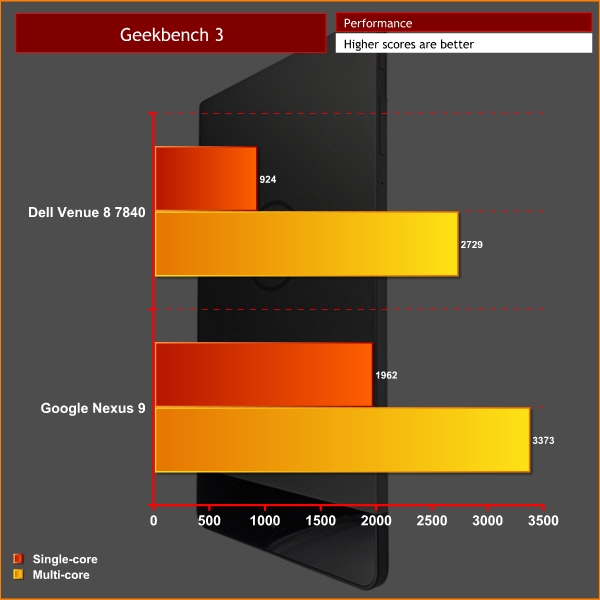
In GeekBench 3, the Venue 8 scored 924 for single-core performance, and a tasty 2729 for multi-core performance. This is just behind the Nexus 9, which scored 1962 and 3373, respectively. It is worth remembering, however, the Nexus uses the Tegra K1 chip – which utilises actual Kepler GPU architecture, so the Z3580 is not going to be quite at the same level.
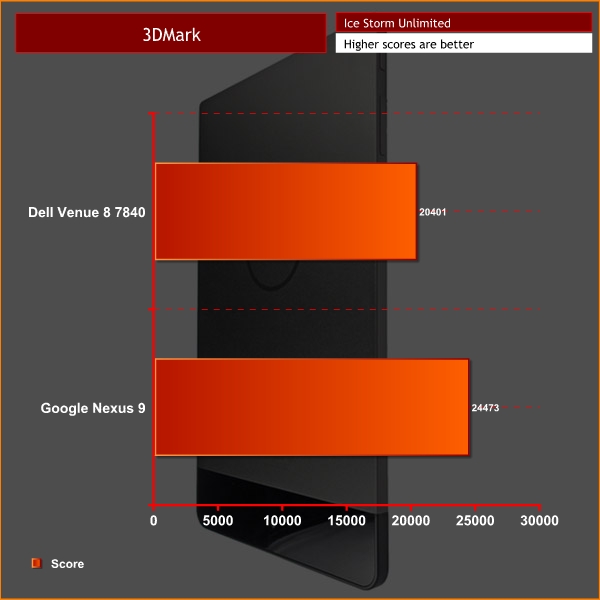
When it came to the 3DMark Ice Storm Unlimited test, the Dell scored 20401. The Nexus was again ahead, with 24473.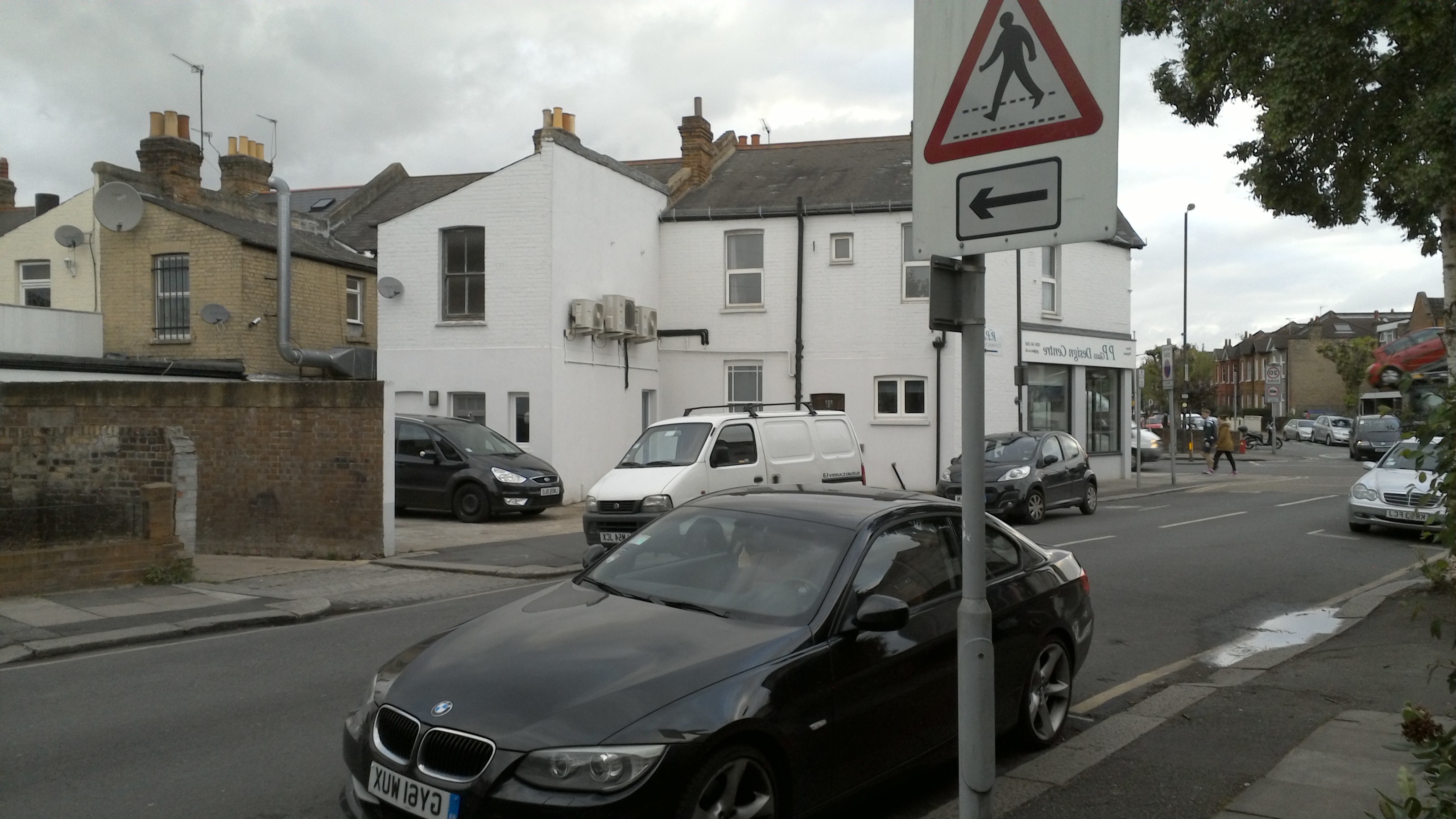
For the camera(s), Dell fitted a 2MP secondary camera, but the main talking point is the inclusion of Intel RealSense Depth Camera technology.


As you can see, both images have different areas in focus
This means Dell have included 3 cameras on the back of the tablet. One is the primary 8MP shooter, while there are 2 additional 720p units above it. What this RealSense Depth tech lets you do is adjust the focus of images after they are taken. This is very useful, as I'm sure every reader has taken many cameraphone images where the subject is not quite in focus. Well now you can change that!
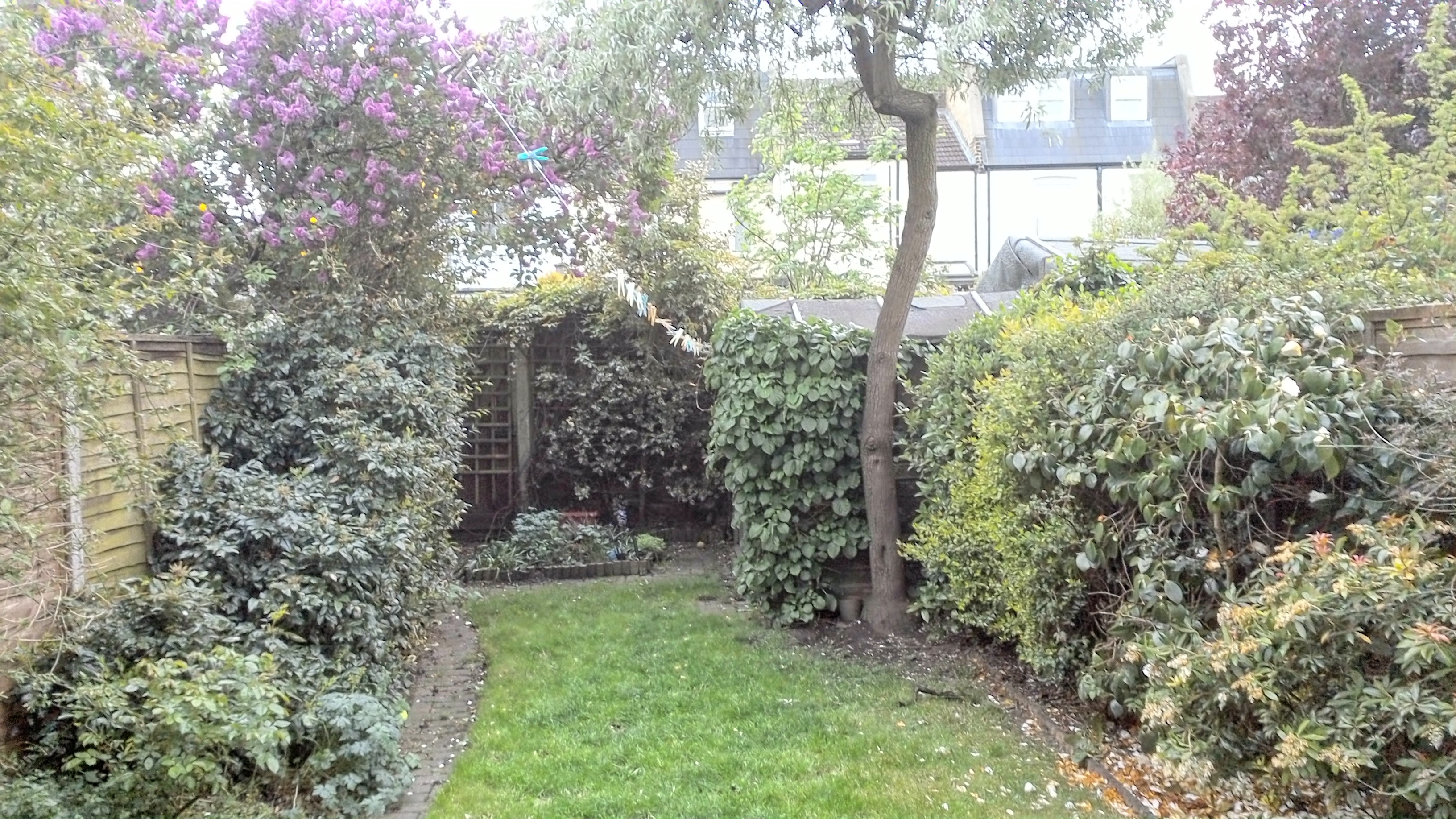
New tech aside, the camera itself is somewhat disappointing. Detail is somewhat lacking, despite the 8MP sensor. Lighting, too, is not very good – images can appear wildly over-exposed, even in lower-light scenarios.
It is not all bad, as some photos come out cleaner than others. However, it does feel quite unreliable whether you will get a decent image or not, which is far from ideal.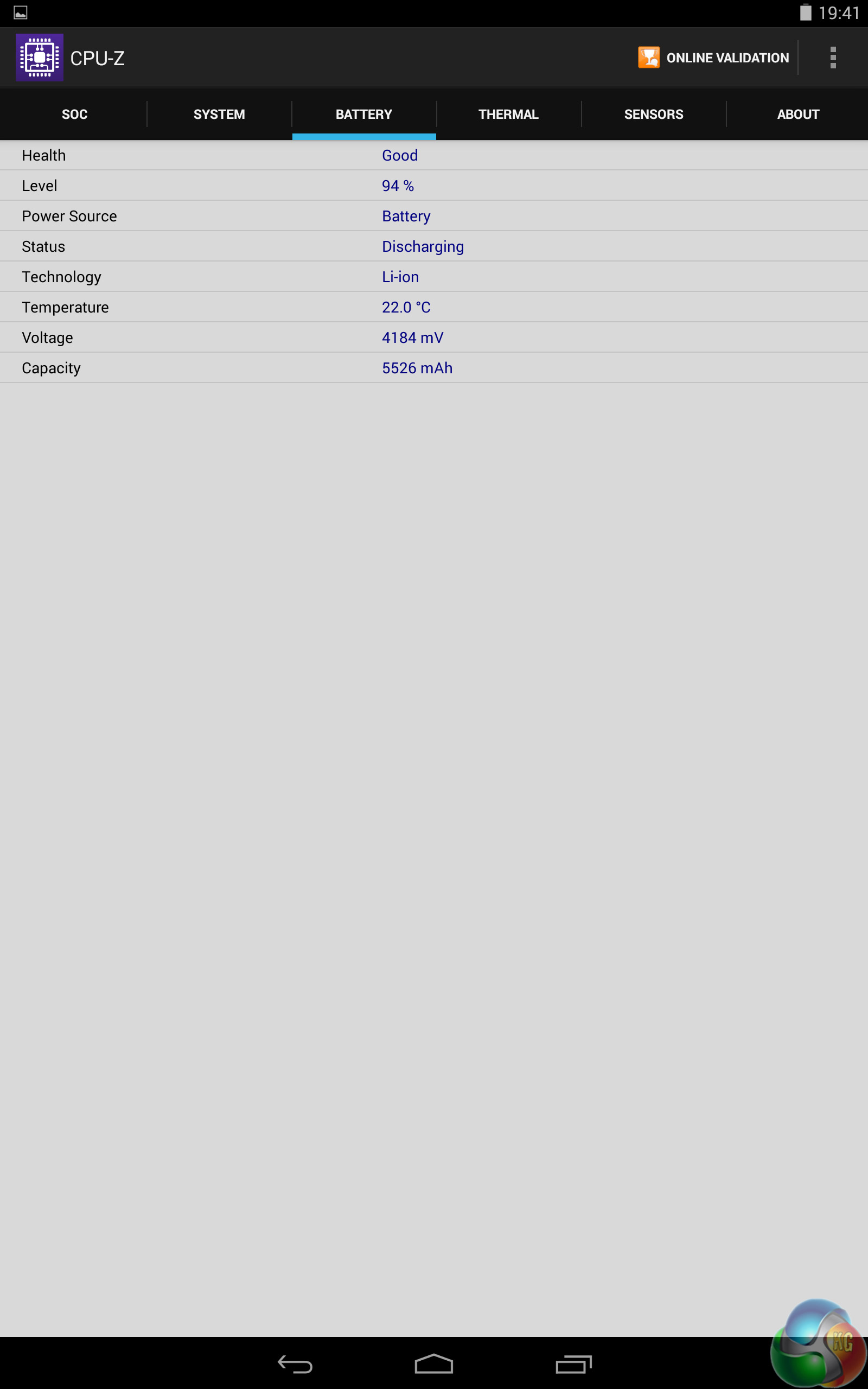
The battery life is another strong aspect of the Dell Venue 8 7840.
While Dell did not release an official battery capacity for the Venue 8, CPU-Z puts it at around the 5500 mAh mark, which sounds about right.
Either way, the battery performs admirably. We used our sample regularly – with WiFi, sync and auto-brightness enabled – and the Venue 8 made it through 2 days before needing a recharge.
Obviously, depending on what you're doing, the device will last varying amounts of time. But for most consumers, however, a 2 day battery life is probably accurate. This is based upon watching videos, playing games, and surfing the web at regular intervals.
So if you want a device you can depend on to use solidly throughout the day, look no further.On the whole, then, it is safe to say we were amazed by the Dell Venue 8 7840.
The tablet's design is phenomenal, proving incredibly thin yet strong and sturdy. The aluminium construction looks and feels premium. Yes, the front camera is at the bottom of the device, which can make for awkward selfies – but it is not much of a problem to rotate the screen 180 degrees.
The display is also mega-sharp thanks to the 1600p panel – giving 359 PPI due to the 8.4-inch display size. It is incredibly sharp and very satisfying to use. Viewing angles are a let down, though, so be warned.
Dell included Android KitKat, which is more-or-less the stock version. Dell have made a few minor additions, but nothing major. It runs well and looks clean, but Lollipop will be a welcome upgrade in the near future.
The new Z3580 Intel Atom processor also works a charm. It absolutely rips through everyday tasks, and posted impressive benchmark scores too. It seems there is now serious competition to the Snapdragon CPU range.
Intel's RealSense Depth Camera is an interesting feature, allowing you to change the focus of your images after they are taken. While this is useful, the actual camera itself is disappointing – it is the weakest area of the tablet. Lighting and image detail are particularly bad.
Battery life is very strong though – most consumers will find that the Venue 8 lasts approximately 2 days on a single charge, but excessive use will drain the battery before then. With general usage, a 2 day battery life is definitely achievable.
It really is a great tablet overall, with the camera being the only major let-down. However, since tablets are not primarily used for their cameras anyway, it is not the end of the world.
You can buy the Dell Venue 8 7840 directly from Dell for £330.60 inc VAT. This even includes shipping costs, presumably to UK addresses.
Discuss on our Facebook page, over HERE.
Pros
- Gorgeously thin design.
- Beautifully sharp display.
- Very impressive performance.
- Solid battery life.
- Interesting RealSense Depth Camera feature.
Cons
- Camera itself is poor.
- Less than stellar viewing angles.
KitGuru says: Previously we have said there has been no real challenger to the Nexus 9 as the premier Android tablet. We were wrong. If you want a new, top-spec Android tablet, this is the one to get.

Just a note about 16GB + SD card with KitKat: in my experience with the Galaxy Tab S 8.4, that’s quite useless. I guess it depends on use, but a 2.5GB game can only move 100MB to the SD card, and most apps can only access the SD card read-only. So even though I have a 64GB microSD card, it gets next to no use, while the device storage is always full. So this Dell may be able to use a 512GB card, but it’s pretty pointless.
By the way, it would be interesting to compare this to the Galaxy Tab S 8.4.