KitGuru KitGuru.net – Tech News | Hardware News | Hardware Reviews | IOS | Mobile | Gaming | Graphics Cards


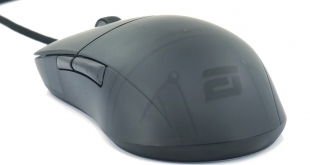
It's been almost two years to the day since we first looked at the Endgame Gear XM1, and today we are following that up with a review of the XM1r. Using the same shape as the original model, the XM1r sports an improved PixArt sensor, updated primary buttons and a snazzy translucent shell. Retailing for £49.99, this is very much a mid-range mouse, so let's see what it has to offer.
If you're unfamiliar with Endgame Gear, the Berlin-based company was established in 2019 and so far has brought out three models of mice (XM1, XM1 RGB and XM1r), alongside some mousepads and a mouse bungee. All three of its mice are variations on the XM1 design, but it has proved quite popular amongst the mouse enthusiast community, so let's take a closer look at the XM1r.
Specifications:
- Sensor: Pixart PAW3370
- Resolution: up to 19000 CPI (steps of 50 CPI for 50 to 10000 CPI, steps of 100 CPI from 10000 to 19000 CPI; pre-defined: 400, 800 (default), 1600, 3200)
- Acceleration: 50 G
- Lift-Off Distance (LOD): 1mm (2mm via software)
- Max Speed: 400 IPS
- Microcontroller: STM32 Arm® Cortex® MCU
- Polling Rate: 125, 500 and 1000 Hz (1000Hz by default)
- Ergonomics / Layout: dextral
- Supported Grip Types: Claw Grip, Palm Grip, Finger Grip
- Dimensions: approx. 122.14 x 65.81 x 38.26 mm (L x W x H)
- Primary Buttons (right/left): Kailh GM 8.0 switches (Click Force: 55-60gf)
- Lifetime: 80 million actuations
- Click Detection: Analog Technology (<1ms)
- Number of Buttons: 6 (2x top, 2x side, 1x mouse wheel, 1x CPI on bottom)
- Wheel Encoder: ALPS (Japan)
- Mouse Wheel Scrolling: 2-way
- Middle Mouse Button: Kailh tactile switch (Click Force: 70+-10gf)
- Side Buttons: TTC micro switches
- Materials: Plastic (Chassis), PTFE (Glides), Dry Grip Coating (Surface)
- Skates: Hybrid Skate Design (small skates pre-installed, large skates included)
- Weight: ~70g
- Connection Type: wired (USB 2.0 Type A)
- Cable: Black Flex Cord 2.0
- Color: Dark Frost, Dark Reflex, Black, White
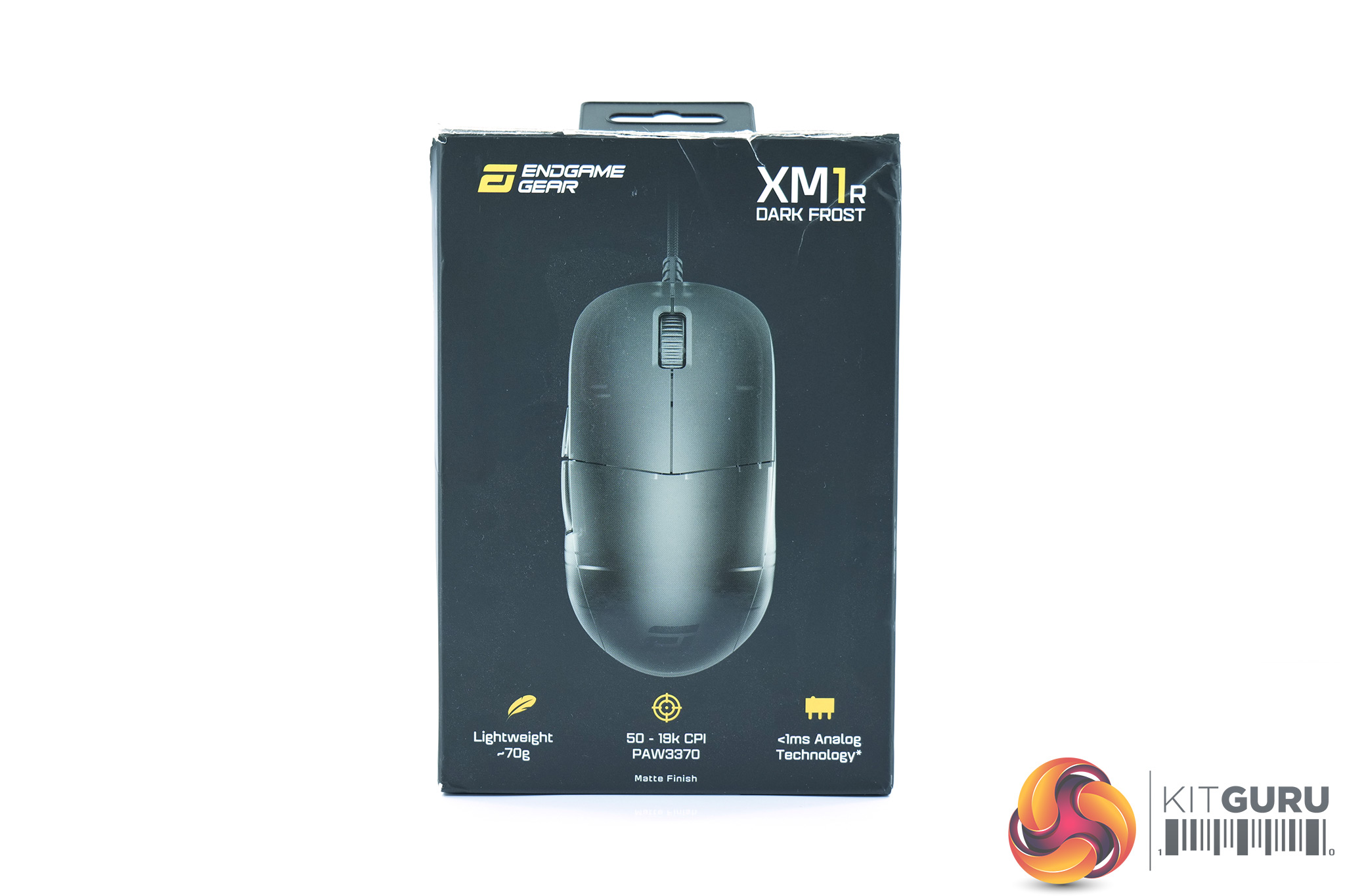
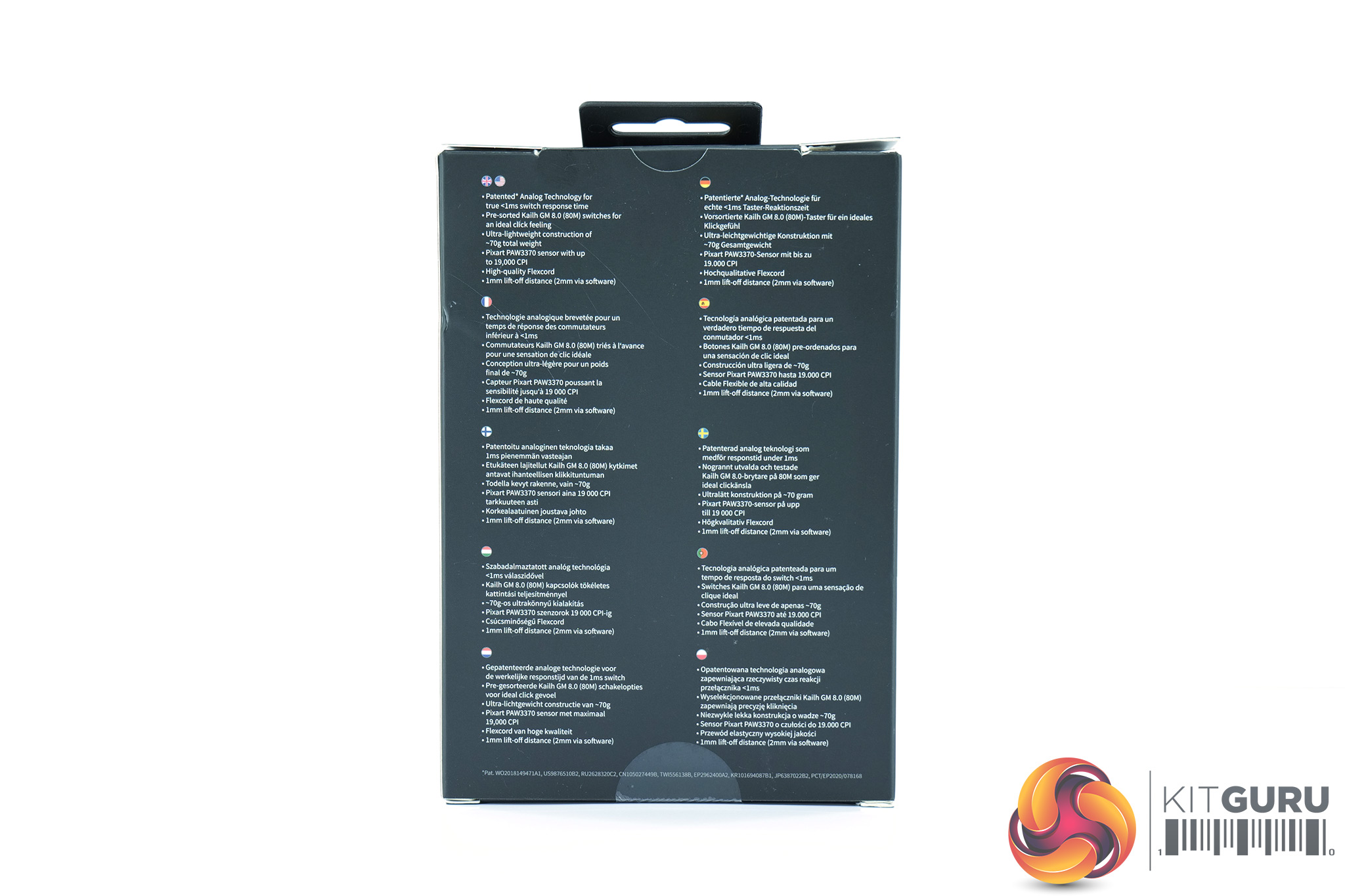
The Endgame Gear XM1r ships in a fairly plain black box, with an image of the mouse visible on the front, alongside some product branding and three key features. On the back we find some multi-lingual product information.
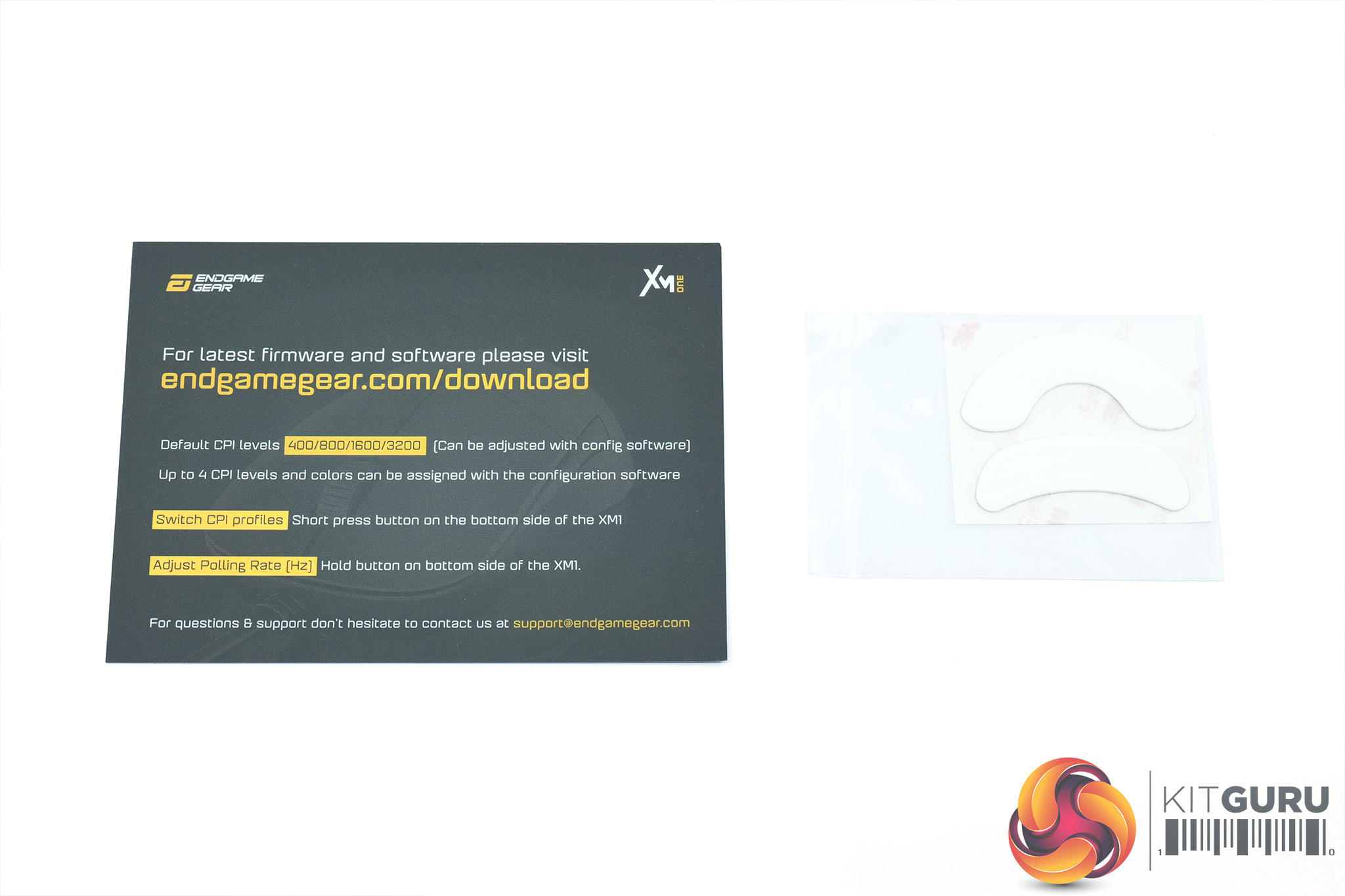
Inside, a small note about where to download the accompanying software suite is included, alongside two replacement mouse feet – more on the feet below.

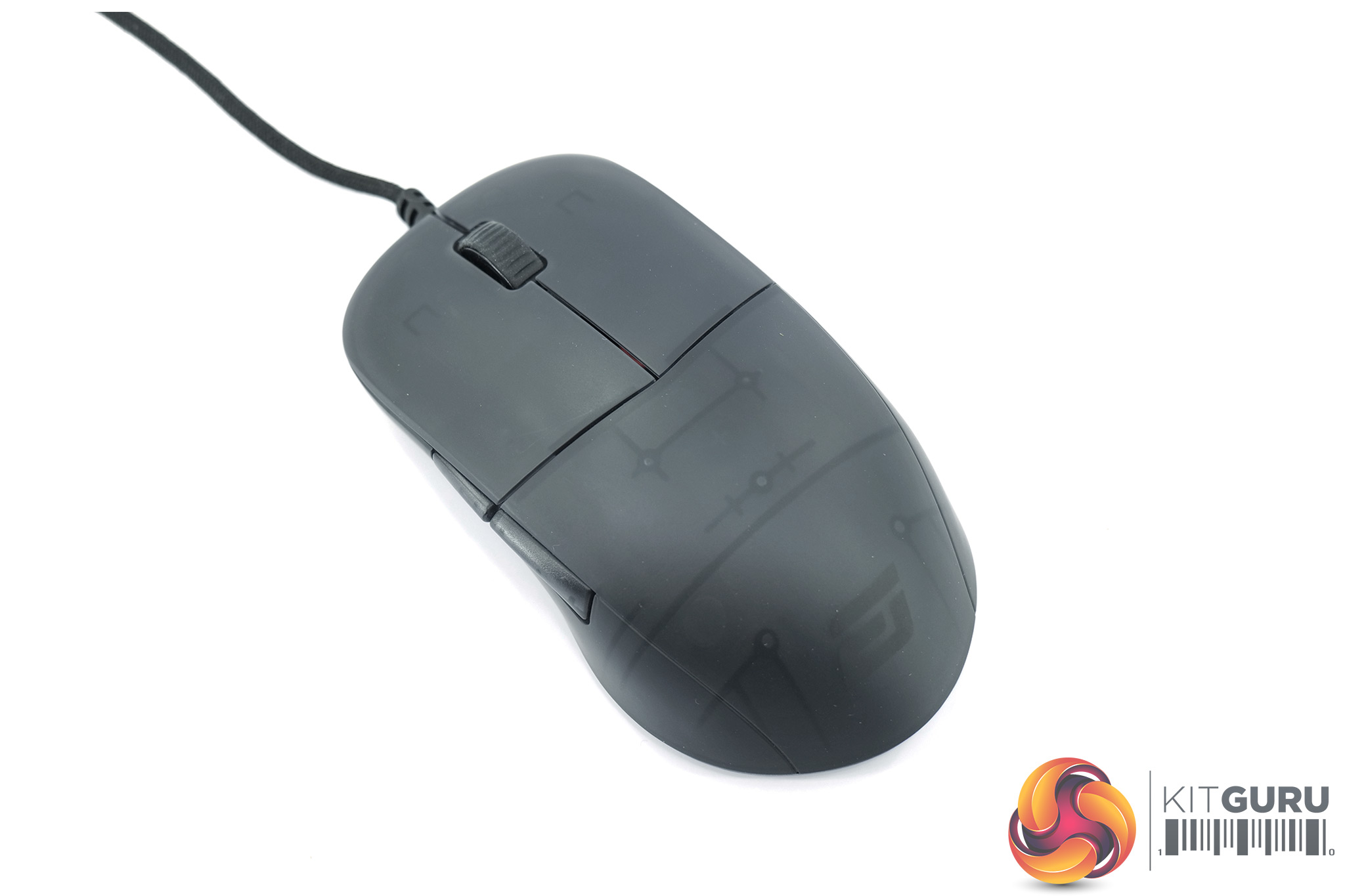
Looking at the XM1r itself, the shape of the mouse has not changed since the original model launched two years ago. That means it's a symmetrical design, though it's not what I'd class as ambidextrous as there are only side buttons on the left-hand side. It measures 122.14 x 65.81 x 38.26 mm (L x W x H), with a fairly wide rear end, while the height tapers off at the front of the mouse. It also weighs in at 70g, which is again the same as the original XM1.
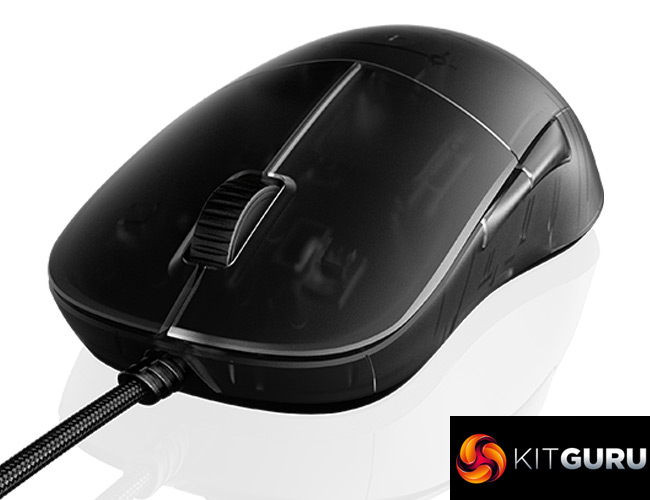
The XM1r does sport a new shell design though, with some translucent plastic used, and you can just about see through to some of the internals. My sample is the Dark Frost model, though there is a glossy Dark Reflex translucent model as well, or your standard black and white colour options which are not translucent. Personally I really like the Dark Frost look, and it's certainly something a bit different to what we are used to seeing.
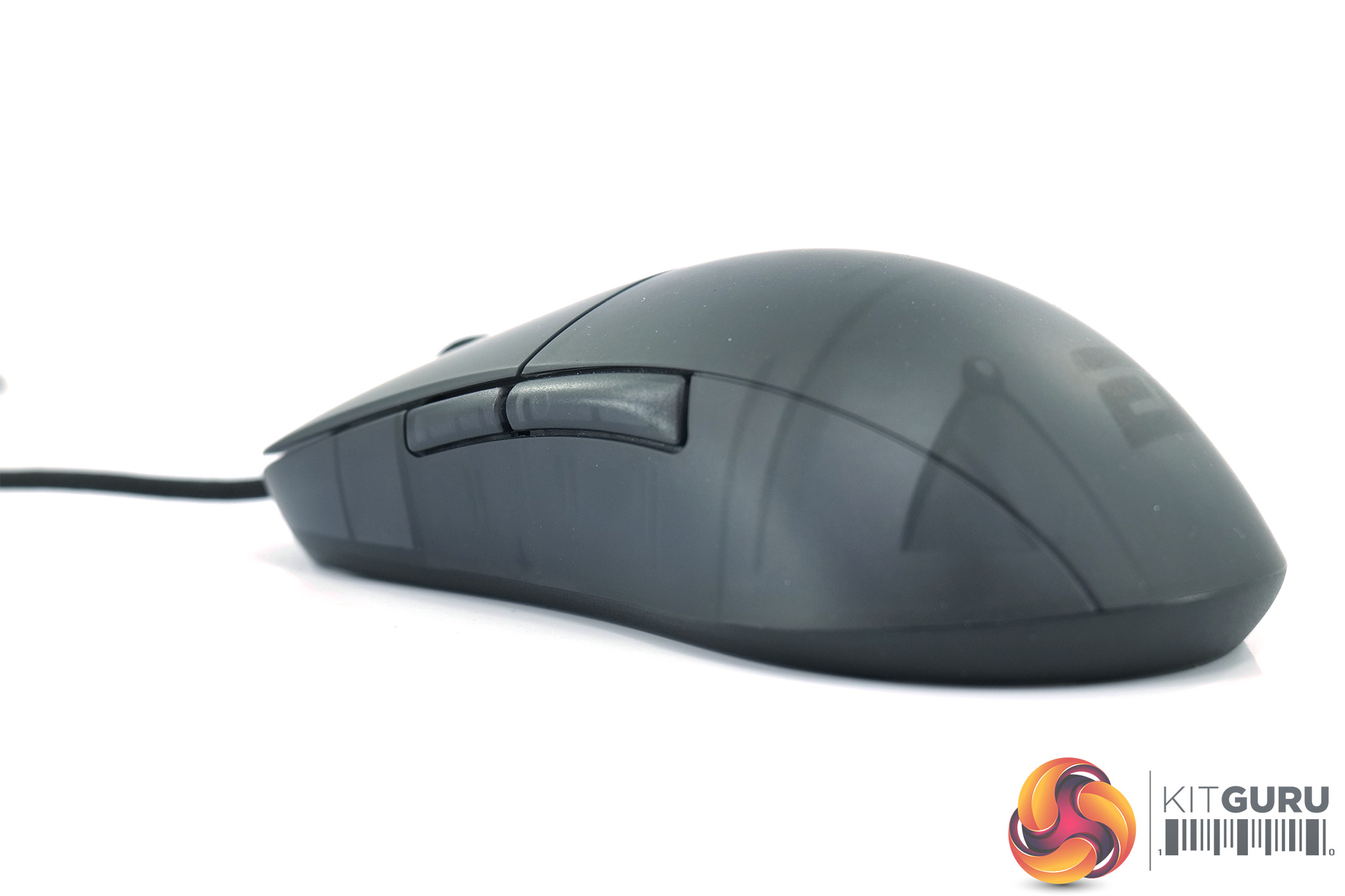
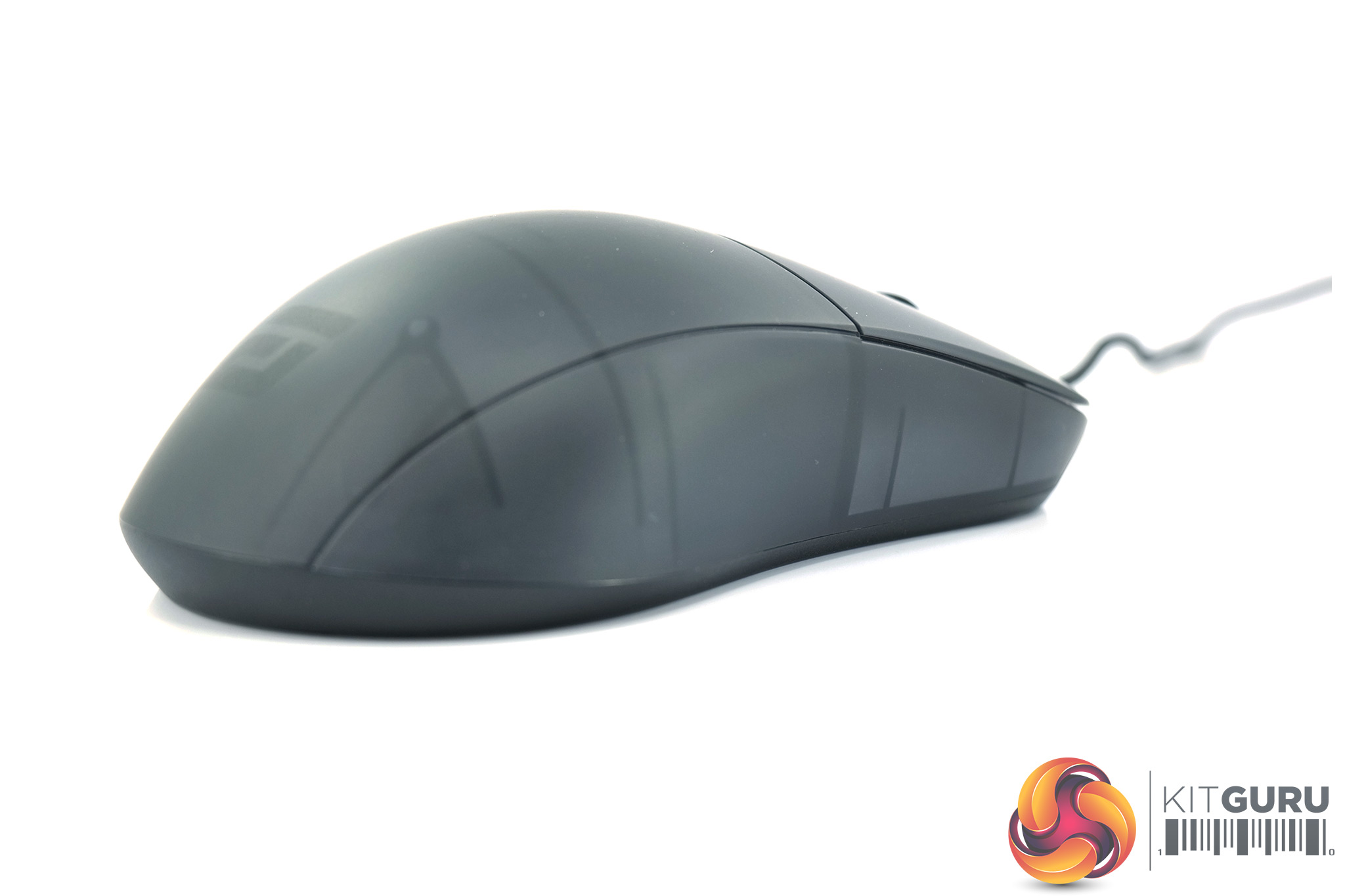
The left side of the mouse is home to two side buttons, with the rear button proving to be slightly longer than the forward-most button. The right-hand side is left bare, and as you can see the entirety of the mouse is made of the same plastic material – there's no textured side grips or anything like that. We discuss grip and comfort on the next page.

The rear of the mouse is home to the Endgame Gear logo which almost blends in with the plastic surrounding it, so it is easy to miss. Do note that this logo does not light up with RGB LEDs, and there is actually no RGB lighting on the mouse at all, aside from the DPI indicators on the underside of the mouse.
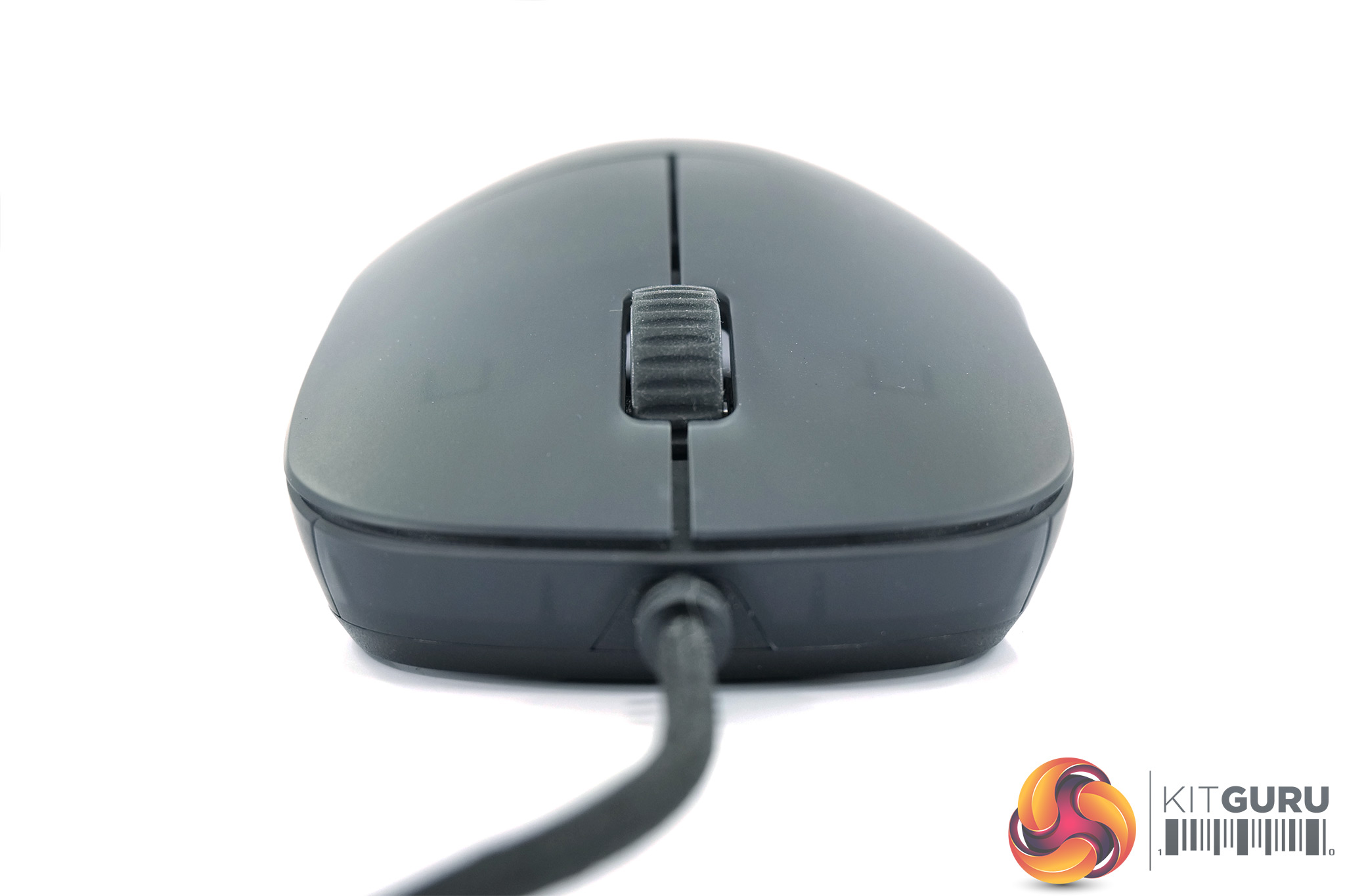
At the front, we can note the separate primary buttons as well as the textured rubber scroll wheel, the design of which remains unchanged from the original XM1.
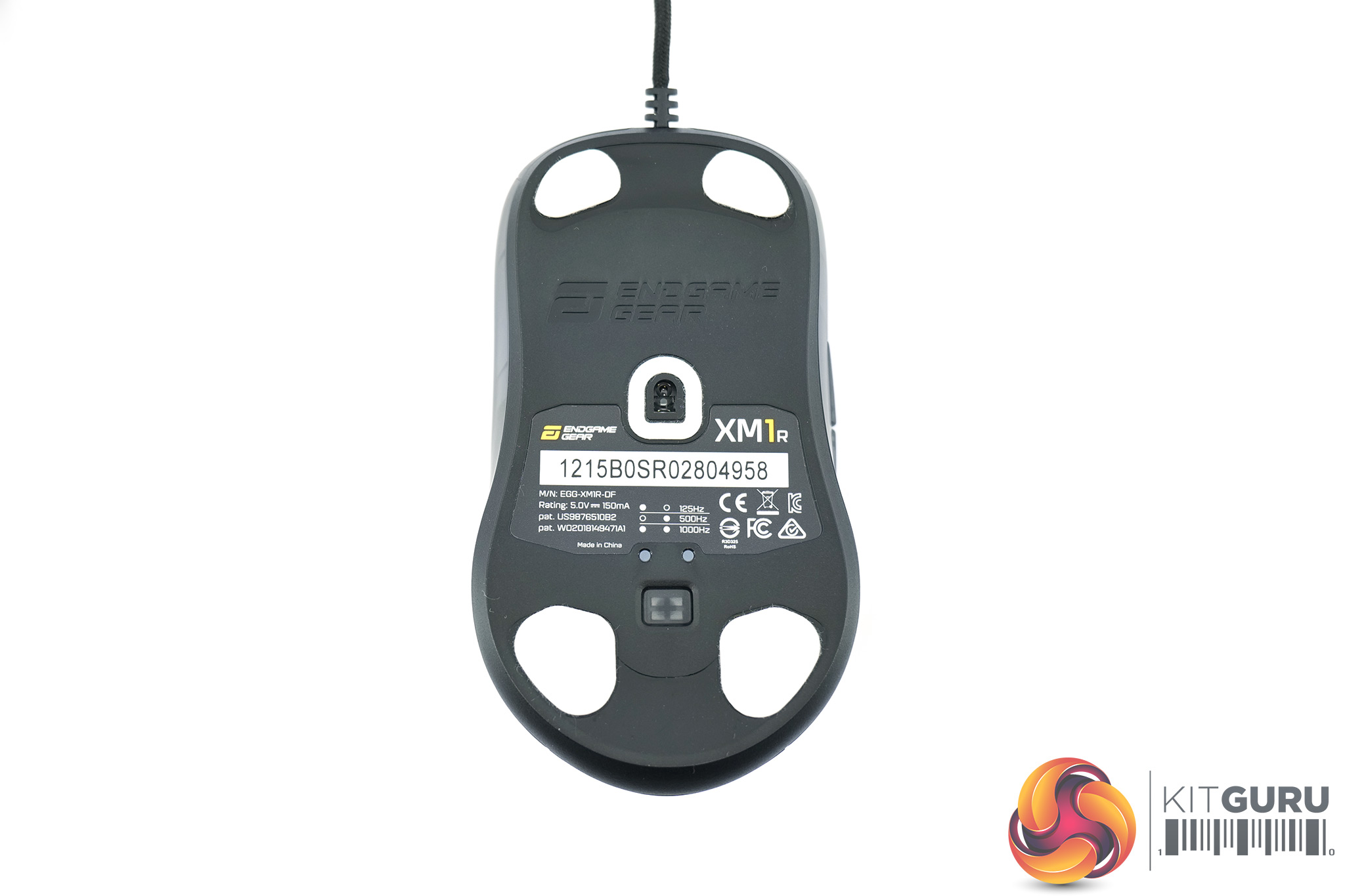
Turning the mouse over, we can take a look at the four PTFE feet, again using the same shape as the original XM1. You can see, however, there is an outline for where the other included mouse feet can go – so if you want to, you could replace the pre-installed smaller mouse feet with the two larger ones, and that is a nice touch from Endgame Gear.
We can also see a small button towards the bottom of the mouse which enables users to adjust DPI settings on the fly. Above it, the two small dots are tiny RGB LEDs which change colour based on what DPI setting is currently in use. Whether both, or just one, of these LEDs light up depends on what polling rate is enabled, though this is set at 1000Hz by default.
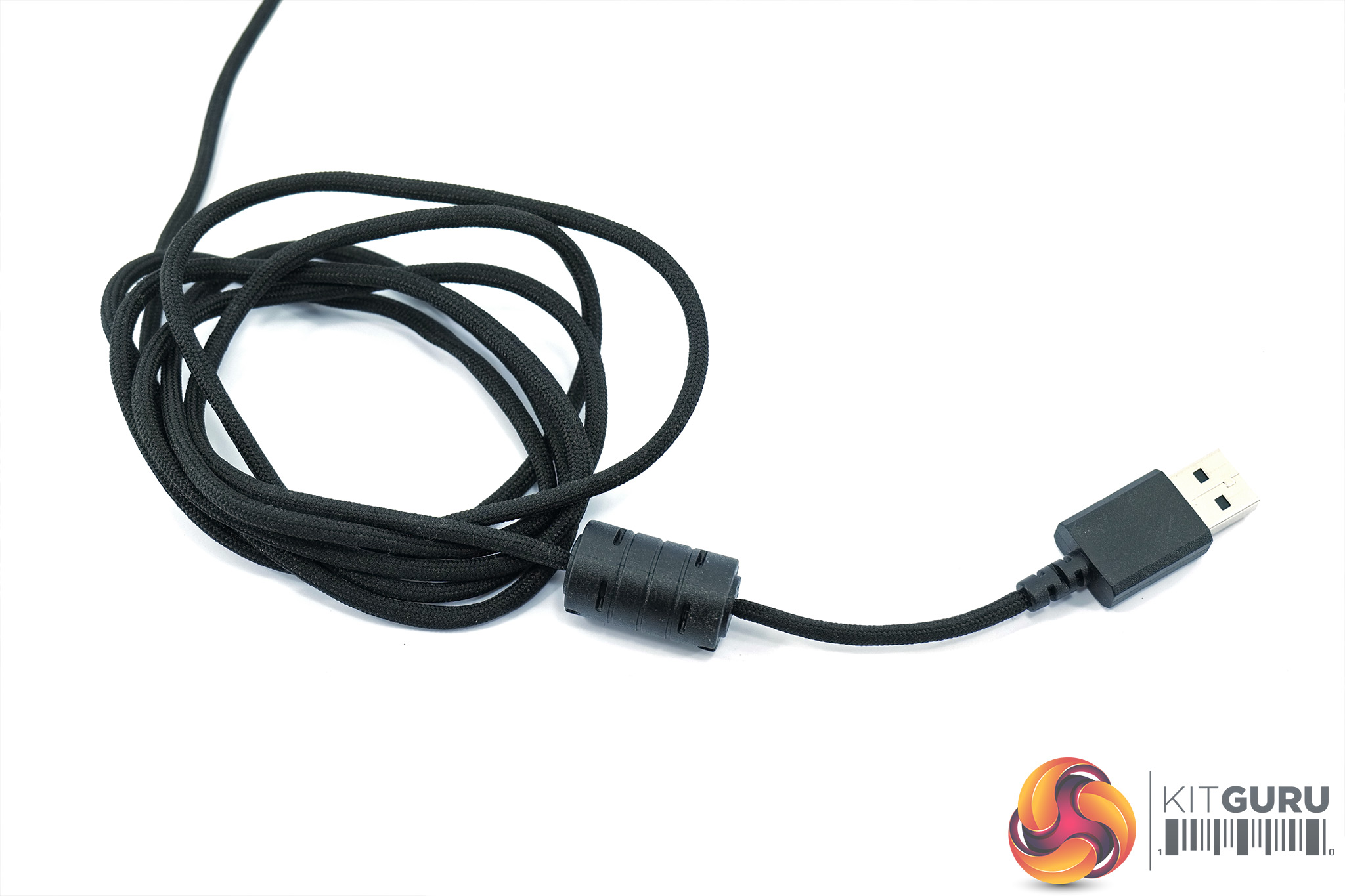
Then for the cable, Endgame Gear calls this the Flex Cord 2.0, and it measures approximately 1.9m and is a paracord-style design. It uses a standard USB 2.0 Type-A connector.
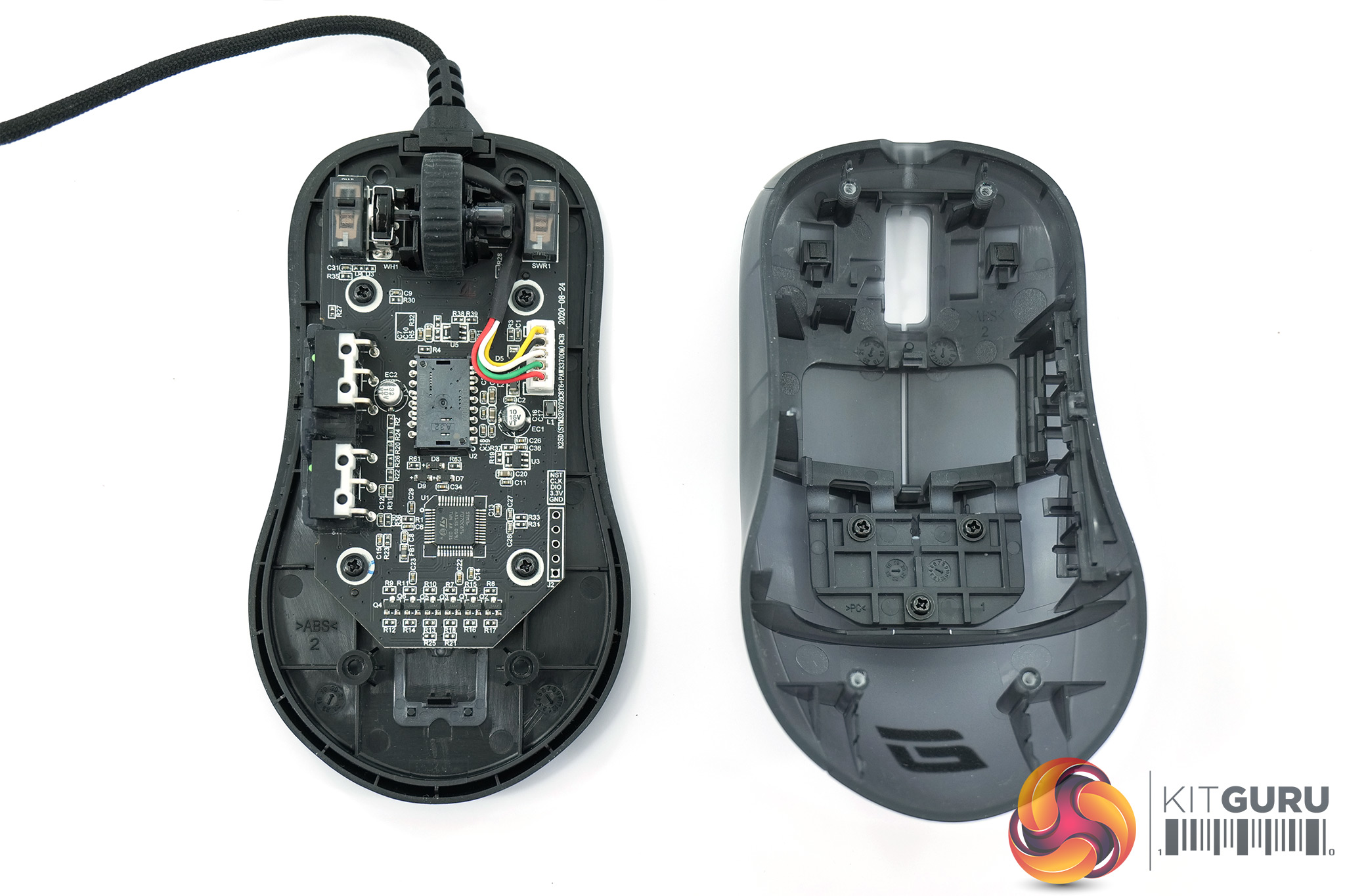
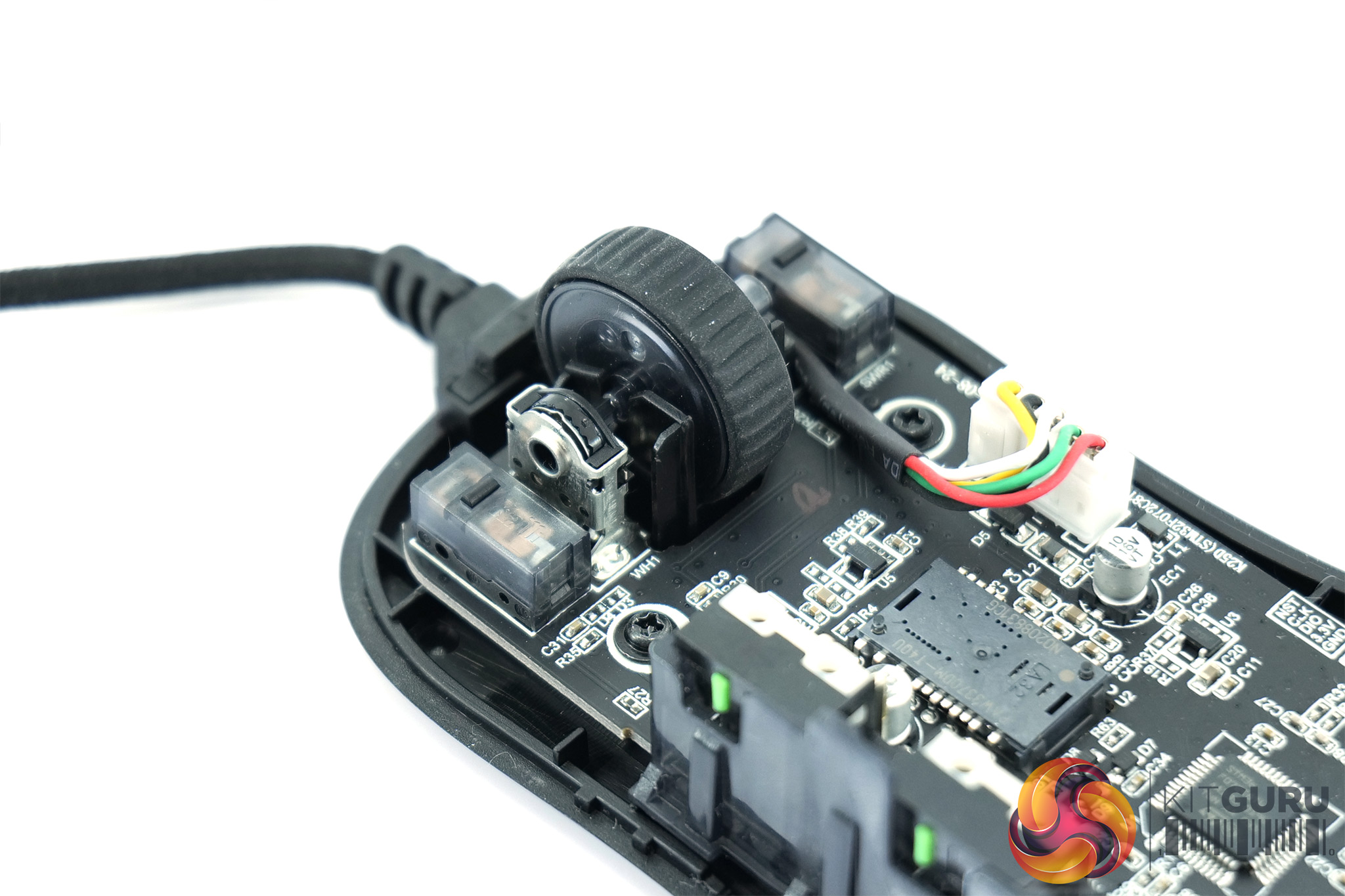
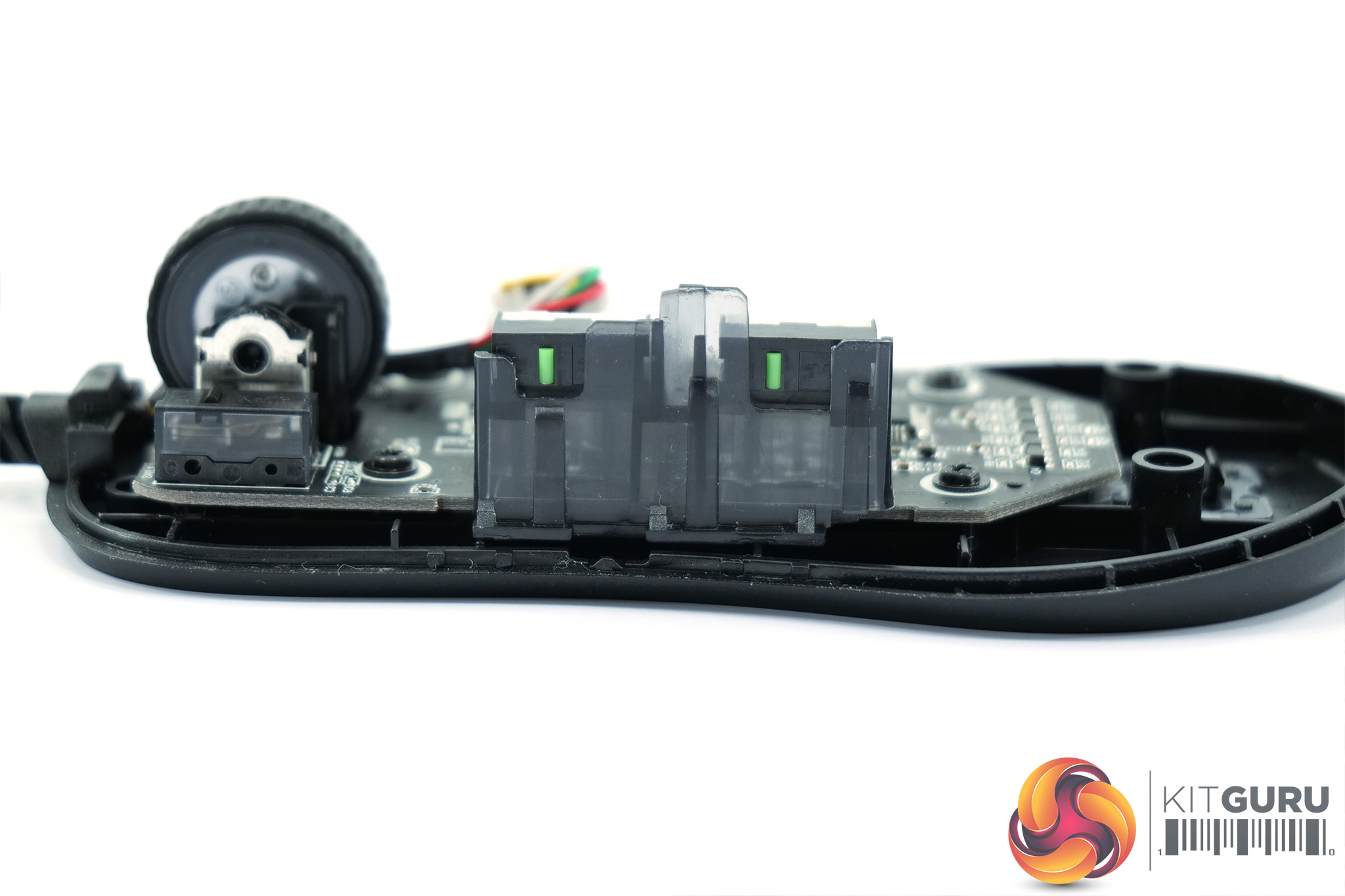
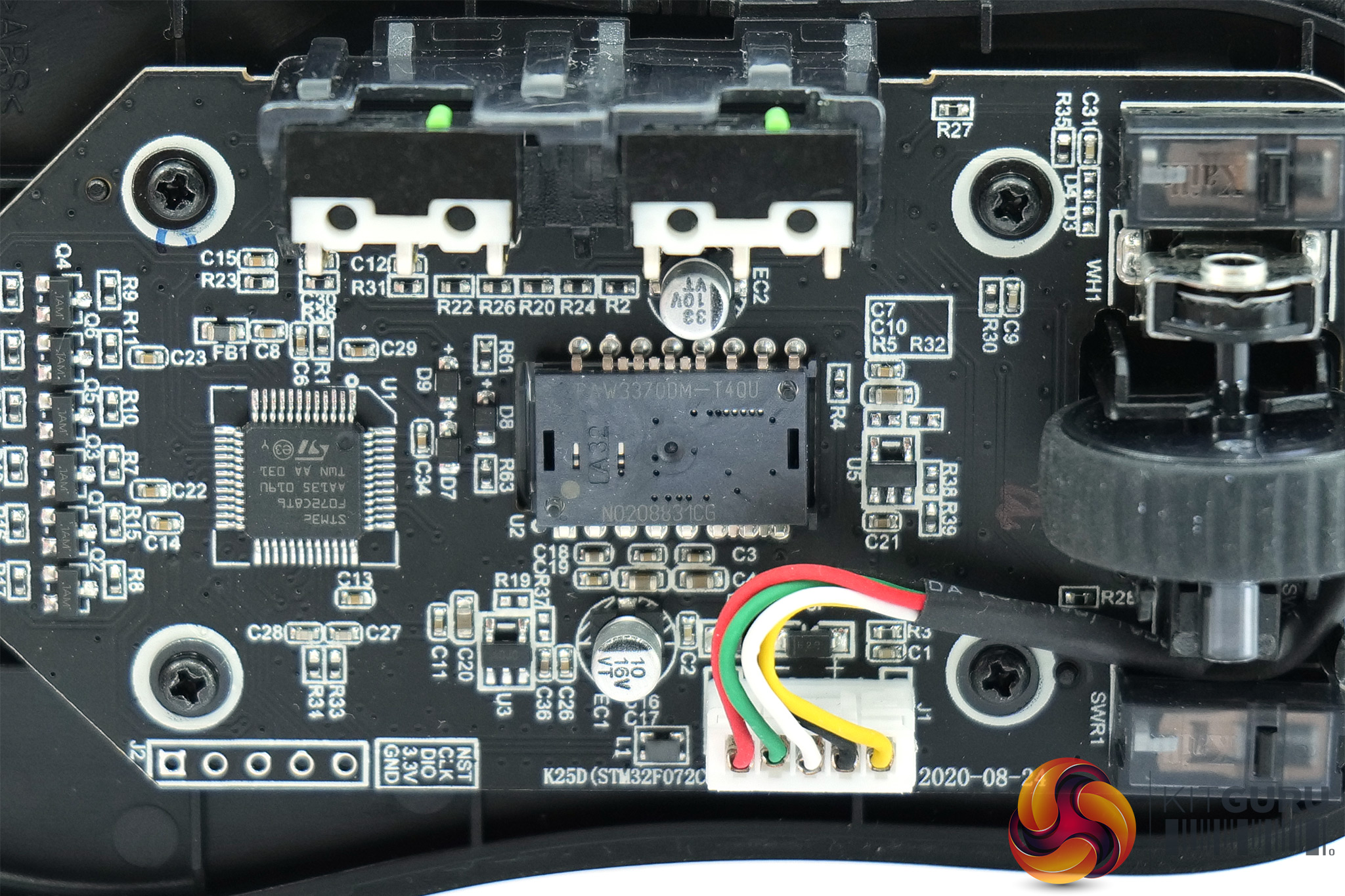
We can see most of the primary differences versus the original XM1 when opening up the shell. First of all, Endgame Gear is now using Kailh GM 8.0 switches for the XM1r's primary buttons, when the XM1 uses Omron D2FC-F-K(50M). The scroll wheel uses a Japanese ALPS encoder, with a Kailh switch used for the scroll click.
The side buttons, while still from TTC as per the original XM1, have also been updated, with Endgame Gear claiming a ‘crisper and more consistent click'. Lastly, the sensor is now a PixArt PAW 3370, compared to the PMW 3389 used with the XM1. This has a higher native DPI of 19000, compared to 16000 of the 3389, and a lower error rate.
To test the XM1r, I used it as my daily driver for just over a week. We break down testing into three main sections: software, build quality and comfort, and performance.
Software
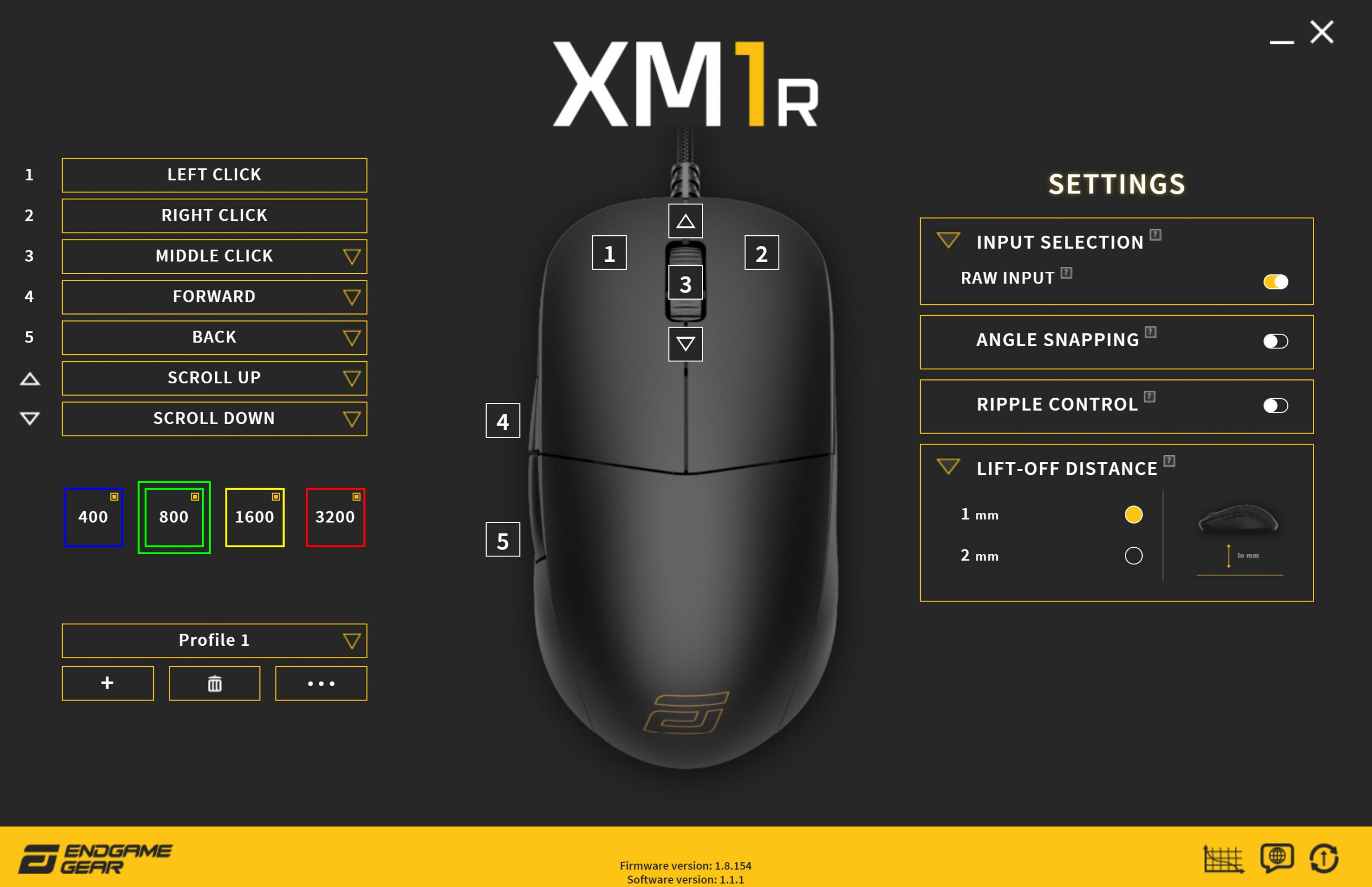
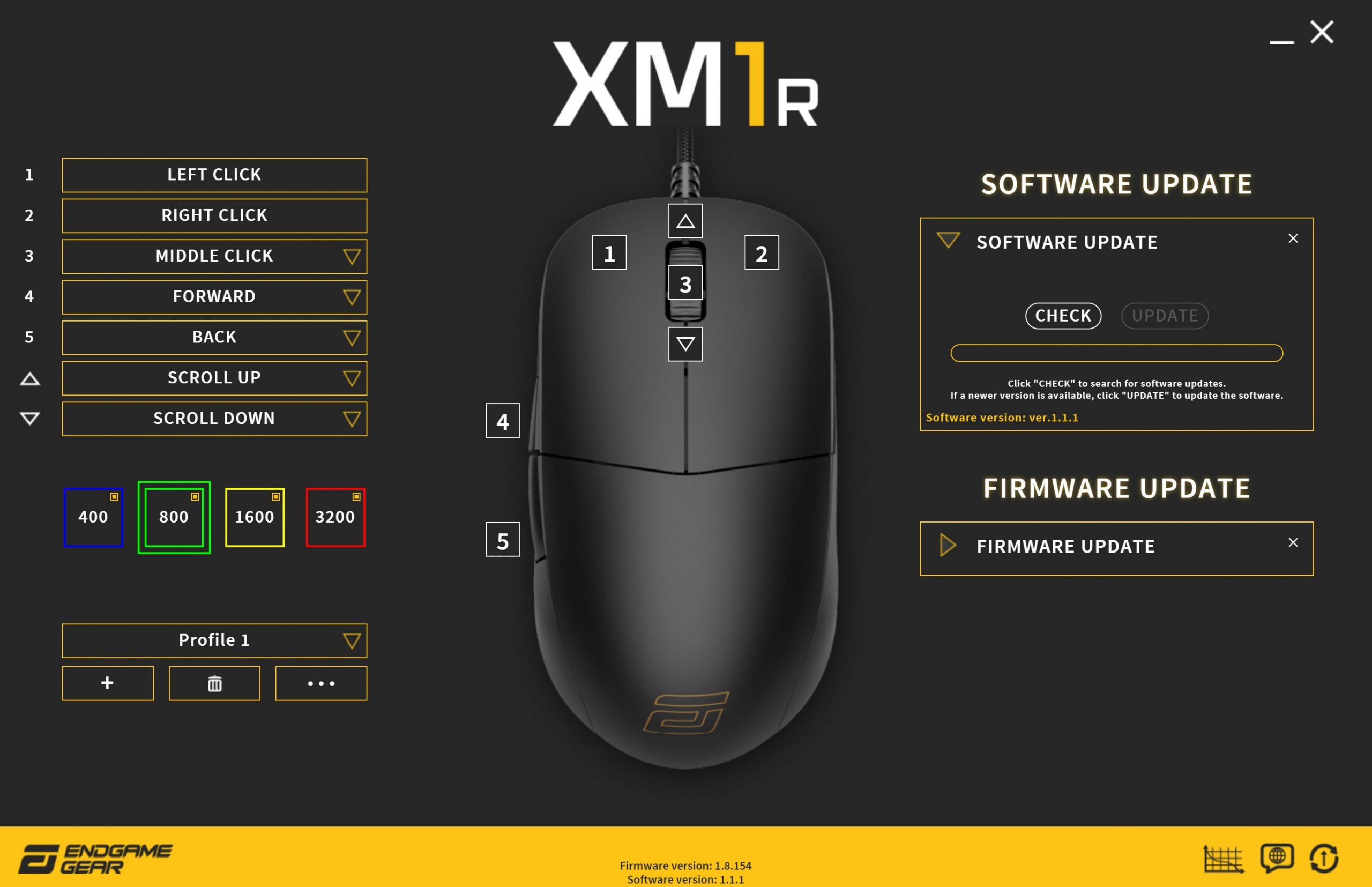
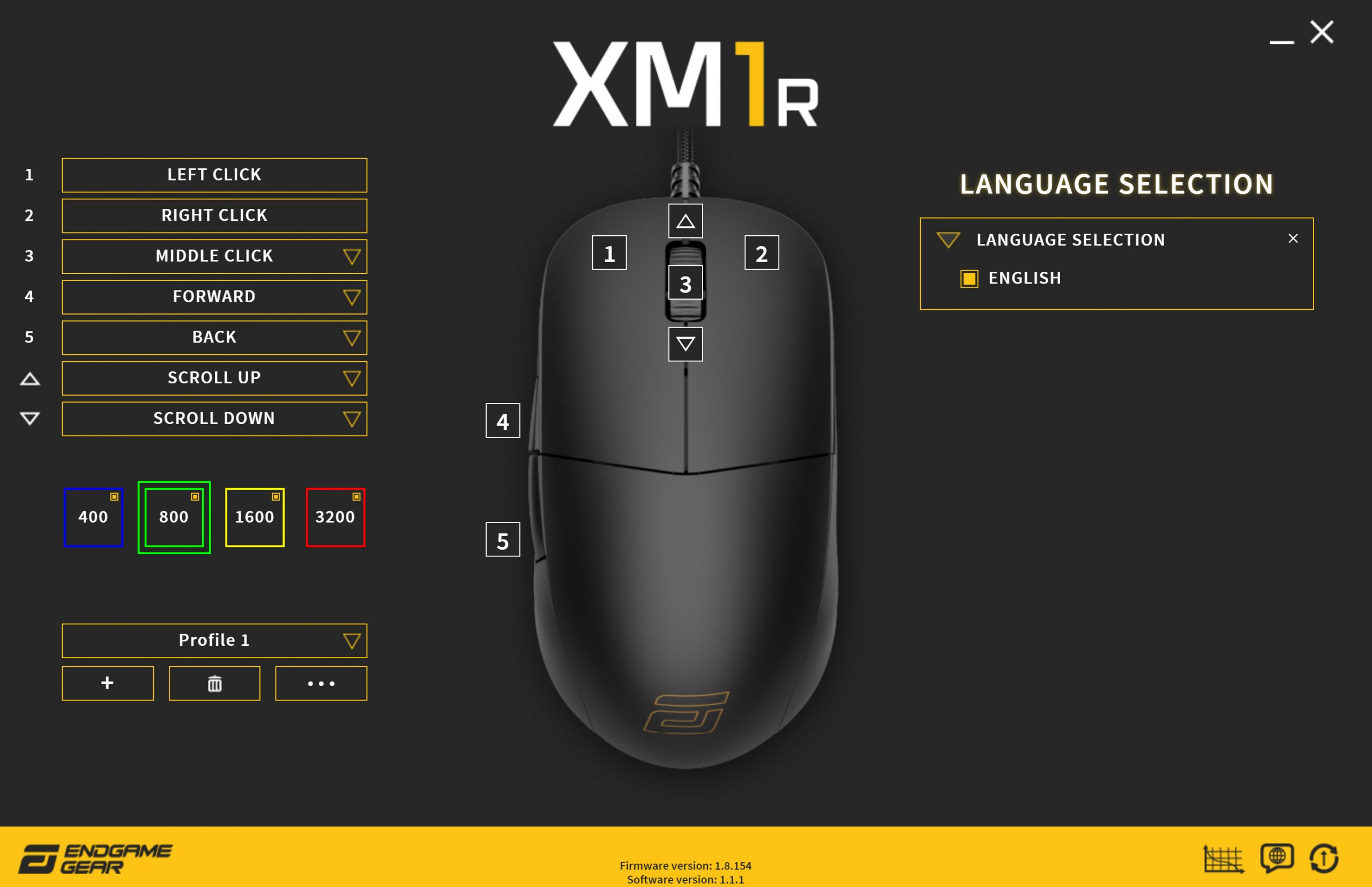
The first thing you need to know about the XM1r's software is that it is currently still in beta and you cannot download it from the downloads section on Endgame Gear's website. Instead, a download is available through the company's Discord server, which you can join HERE. This is somewhat inconvenient as it is not directly advertised on Endgame Gear's website, while users who buy a mouse may not necessarily have a Discord account. Primarily, though, the XM1r was first announced at the tail-end of 2020 – so why is the software still in beta, almost nine months on?
That aside, the beta software is at least more fully-formed that the software that launched alongside the original XM1. Buttons can now be remapped to other functions, such as media controls or keyboard keys, while there is also a choice of lift off distance settings. Angle snapping can also be enabled or disabled, and up to five profiles can be configured and then saved to the mouse's on board memory.
Where we can see that the software is still very much in beta, is by the fact that despite having an option to change language, English is the only option available. The firmware update tool also doesn't function correctly, as it updated my mouse to V 1.8.40, when 1.8.154 is the latest firmware update available.
Ultimately, there is clearly still room for improvement here, and I can't quite understand why a finished version of the software is yet to appear, so long after the XM1r first launched. That said, for many – including myself – the beta software is good enough to be able to set your desired DPI stages, adjust LOD and angle snapping and so on, save the settings to a profile, and then uninstall the software. It provides enough control now to be useful, but saying anything more than that would be too generous to Endgame Gear in my opinion.
Build quality and comfort
I noted in my XM1 review that, despite the low 70g weight and the fact that the mouse weighs that much without riddled with holes, the build quality is pretty much faultless. I am pleased to say the same applies to the XM1r. There is no noticeable rattle when picking up the mouse and shaking it, you can't engage the side buttons by squeezing either the top or sides of the mouse, nor is there any noticeable creaking from the shell while doing so. It really is very solidly built and I just can't leverage any complaints here at all.
Likewise, using the same shape as the XM1 means I find the XM1r to be extraordinarily comfortable. I've actually been using the original XM1 since I first reviewed it for that very reason, even if other mice have come along since with a more flexible cable or newer sensor, the shape is just perfect for me.
I use a claw grip primarily, and with the wide back on the XM1/XM1r, I find I just have some much support for the back of my palm, it really allows me to anchor my hand on the base of the mouse and get a good amount of reach with my thumb and fingers. So I'd say a claw grip is ideal for the XM1, though I could also see palm grip working too. For fingertip users, I just wonder if the mouse is too wide for finger tip to be as comfortable as on something like the Glorious Model O or O-.
With the new semi-transparent Dark Frost design, Endgame Gear has also improved on the area which I criticised in my XM1 review, that of the mouse's coating. I found the XM1's coating to be very good for grip, but it showed all kinds of grease and skin oils incredibly easily, resulting in a rather unpleasant-looking mouse if you didn't clean it every five minutes.
Now with the XM1r, I actually find the mouse to be even gripper than the XM1, but the coating on my Dark Frost model also shows significantly less grease or skin oil residue. You can still see a little of this, particularly if you hold the mouse up to a light source, but after several hours of Call of Duty: Warzone, the XM1r looked almost as good as when I first took it out of the box, whereas the XM1 starts to look very gross, very fast.
Performance
Let's talk now about mouse performance, starting with the primary buttons. These use Kailh GM 8.0 switches and they are very good. Fantastic even. First of all, there is essentially no pre-travel – the switches actuate basically as soon as downward pressure is applied to the shell, but before the shell has depressed. It's a lovely feeling. There is also just a very small amount of post-travel, though this is only really noticeable if you are applying an unreasonable amount of force to the buttons. Click them normally, as if you were playing a game, and you won't notice the post-travel.
Compared to the Omrons in the XM1, the Kailh GM 8.0 switches definitely have more of a tactile bump, with the Omron's feeling a touch softer and slightly mushier (though only slightly.) The GM 8.0 switches have also been pre-sorted by Endgame Gear to reduce tolerances, so these offer a 55-60gf actuation, so that's a maximum of 5gf variation between switches. That results in both primary buttons having a very uniform feel, with no noticeable variation between the two.
Additionally, the buttons still use Endgame Gear's patented analog technology, which the company claims ‘implements an advanced algorithm to drive faster click detection for a reaction time of less than 1ms.' This was also present on the XM1, and to be perfectly honest I struggle to tell the difference between this and any other high quality gaming mouse. However, that means I had no issues at all with perceived click latency and didn't experience any double clicks, so I really cannot complain.
Likewise, the side buttons on the XM1r are a noticeable improvement over the XM1. Overall pre- and post-travel is similar, as they are using the same shell design, but the TTC switches in the XM1r are noticeably snappier and also tighter – the XM1 side buttons feel much looser in comparison.
In terms of the scroll wheel, it's another excellent area for the XM1r. The scrolling experience feels the same to me as with the XM1, and as both models use an ALPS encoder and – as far as I can tell – the same physical wheel, so that is likely why. The scroll click is significantly lighter on the XM1r, though, making it much easier to press. I typically use scroll click for melee in Warzone, and it does make a noticeable difference when you're trying to bash someone to death before they can bash you back.
One area where the differences aren't as large is with the sensor. Both the PAW 3370 and PMW 3389 are top quality sensors, and in terms of tracking and overall sensor accuracy, I really couldn't tell these apart – though that is definitely a good thing, as it means we're just not running into any tracking issues on either mouse.
The PAW 3370 does offer lower lift-off distance (LOD), however. By default it is set at 1mm, though this can be raised to 2mm in software. Using the former setting, the XM1r would not track when raised 1 DVD height from my HyperX FURY mousepad. Using the 2mm LOD, it would track at 1 DVD high, but only tracked intermittently at 2 DVDs high.
Lastly, the cable is another interesting area for the XM1r. The original XM1 released with a rubber cable, and the shoelace style cable here is miles better – more flexible and less prone to kinking. The XM1, however, was also re-released with the so-called Flex Cord, another paracord style of cable. Compared to Flex Cord, the XM1r which uses Flex Cord 2.0, does feel slightly stiffer overall, so that would seem like a backwards step to me. It is still very flexible, but it's just not as good as the first generation Flex Cord. We are told that Flex Cord 2.0 is meant to be more durable, but it's hard to know if Flex Cord 1.0 had any real issues – it certainly hasn't proved that way in my usage.The Endgame Gear XM1r is the latest iteration of the XM1 mouse and it is a clear improvement on the original XM1 that we looked at almost two years ago.
The first thing you need to know is that all XM1 variations use the same core design, so we're not seeing anything new here in terms of the shape. The XM1r, however, does sport new Kailh 8.0 primary switches, and while I always really like the Omron switches in the XM1, I do find the Kailh switches to be an improvement, with a great amount tactility in each click.
In fact, the buttons have been improved across the board, with the side buttons also feeling a lot tighter and more crisp compared to the XM1, while the scroll click is also noticeably lighter. At the time, I loved the buttons on the original XM1, so to see improvements in every area with the XM1r's buttons is high praise indeed.
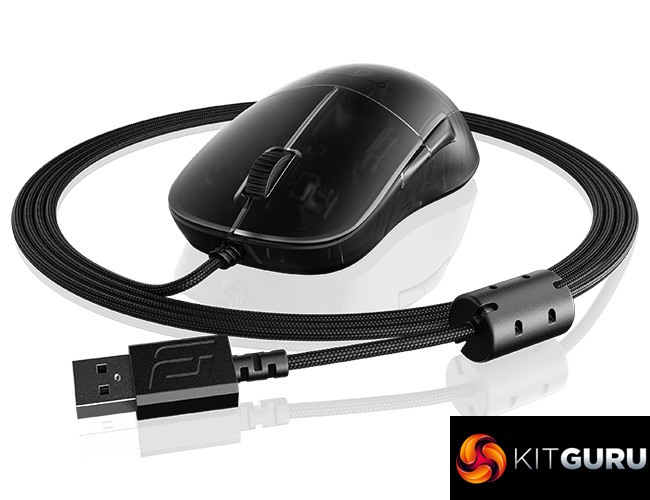
Build quality is just as good too, though Endgame Gear has improved the coating applied to the shell – to me it feels grippier than before, while also does a much better job at hiding any grease or skin oil residue left on the plastic. Add in the PAW 3370 sensor, capable of a lower lift-off distance than the PMW 3389 used in the XM1, and the XM1r really does feel like the complete package.
That is, until we come to the software. For reasons I can't quite fathom, the software is still in beta months after the mouse first launched. Compounding that is the fact that you can't even find a link to download the beta software on the downloads section of Endgame Gear's website, and instead you have to join the company's Discord server. I really can't quite wrap my head around why that is the case, it certainly isn't a great reflection on Endgame Gear and I know they can – and should – do better here.
My only other issue is with the cable. Granted, compared to the rubber cable on the original XM1, the Flex Cord 2.0 used here is miles better. However, compared to the 1st generation Flex Cord that debuted when the XM1 was re-released, I do feel like this is a slight backwards step just in terms of overall flexibility and stiffness. Endgame Gear says the new design is more durable, and it's great if that is the case. I just feel giving users a great paracord-style cable, but then making it slightly less flexible with the next iteration, isn't the best outcome.
Still, the XM1r is a fantastic mouse overall and I'd definitely call it the definitive XM1 model. It may seem harsh, but for me the bizarre and honestly quite frustrating software experience means I can't fully justify giving this our top award, even if I know I am going to use the XM1r as my daily driver going forward. it still earns a strong recommendation though, especially if you are a claw grip user. I, for one, am excited to see what comes next from the company.

You can buy the XM1r from Overclockers UK for £49.99 HERE.
Discuss on our Facebook page HERE.
Pros
- Great shape for claw grip.
- Very cool translucent design.
- Buttons have been improved across the board compared to the original XM1.
- Build quality is excellent.
- New coating is grippier and shows less grease/skin oils.
Cons
- Software is still in beta and has to be downloaded via Discord.
- Flex Cord 2.0 is slightly less flexible than the 1st generation Flex Cord.
KitGuru says: The XM1r is a fantastic all-round gaming mouse. I just can't quite wrap my head around why the software is still in beta months after the launch of this mouse.