KitGuru KitGuru.net – Tech News | Hardware News | Hardware Reviews | IOS | Mobile | Gaming | Graphics Cards


Budget gaming mice have been getting better and better over the last few years, and you no longer need to spend over £50 to get a top quality mouse. While you may not have heard of them, Genesis is a Polish peripheral manufacturer hoping to capitalise on this trend with its Krypton 800. Priced at just £36.99, this mouse boasts a PixArt PMW 3330 sensor, Omron switches and a lightweight body. Is it as good as it sounds?
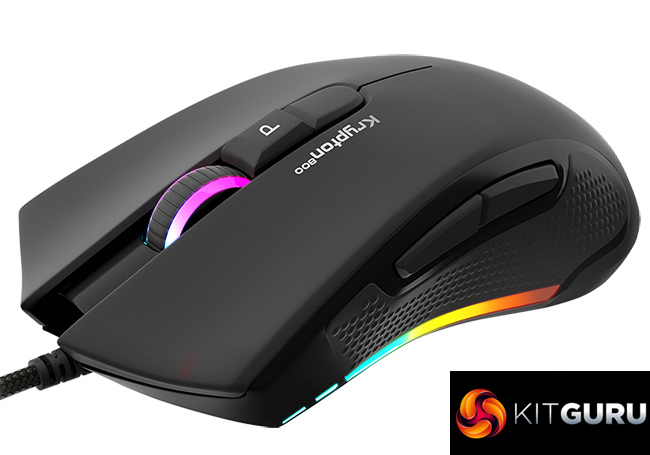
Another selling point for the Genesis Krypton 800 is also the fact that it is a true ambidextrous design, meaning it's not just a symmetrical shape – but it also had side buttons on both sides of the mouse, too. That, coupled with its multi-zone RGB lighting, on-board memory and braided cable means this is a pretty feature-rich mouse considering its price.
Specifications:
- SENSOR : PMW3330
- DPI : 400 -10200
- MAXIMUM FRAME RATE : 8000 FPS
- MAXIMUM ACCELERATION : 30 G
- MAX. TRACKING SPEED : 150 ips
- POLLING RATE : 125 – 1000 Hz
- NUMBER OF KEYS : 10
- CABLE LENGTH : 185 cm
- DIMENSIONS (MM) : 125 x 68 x 38
- WEIGHT : 85 g
- BACKLIGHT : RGB PRISMO EFFECT
- GAMING SOFTWARE : YES
- BUILT -IN MEMORY : YES
- EXTRA FUNCTIONS : Suitable for both hands
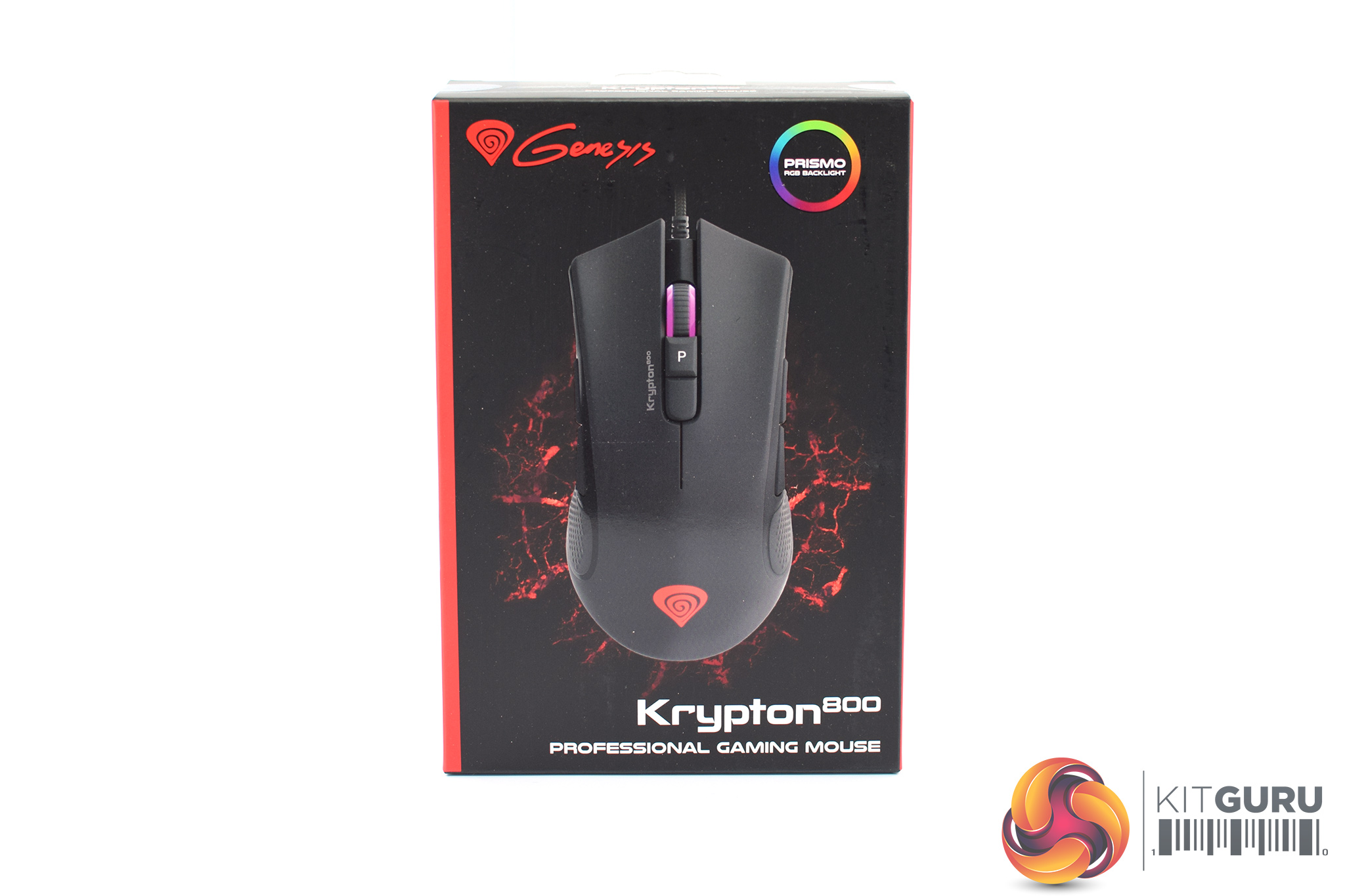
The Genesis Krypton 800 ships in a black box, with a large image of the mouse itself visible from the front. The Genesis logo is printed in the top left corner, while a RGB wheel in the top right corner lets you know this mouse does indeed have RGB lighting.
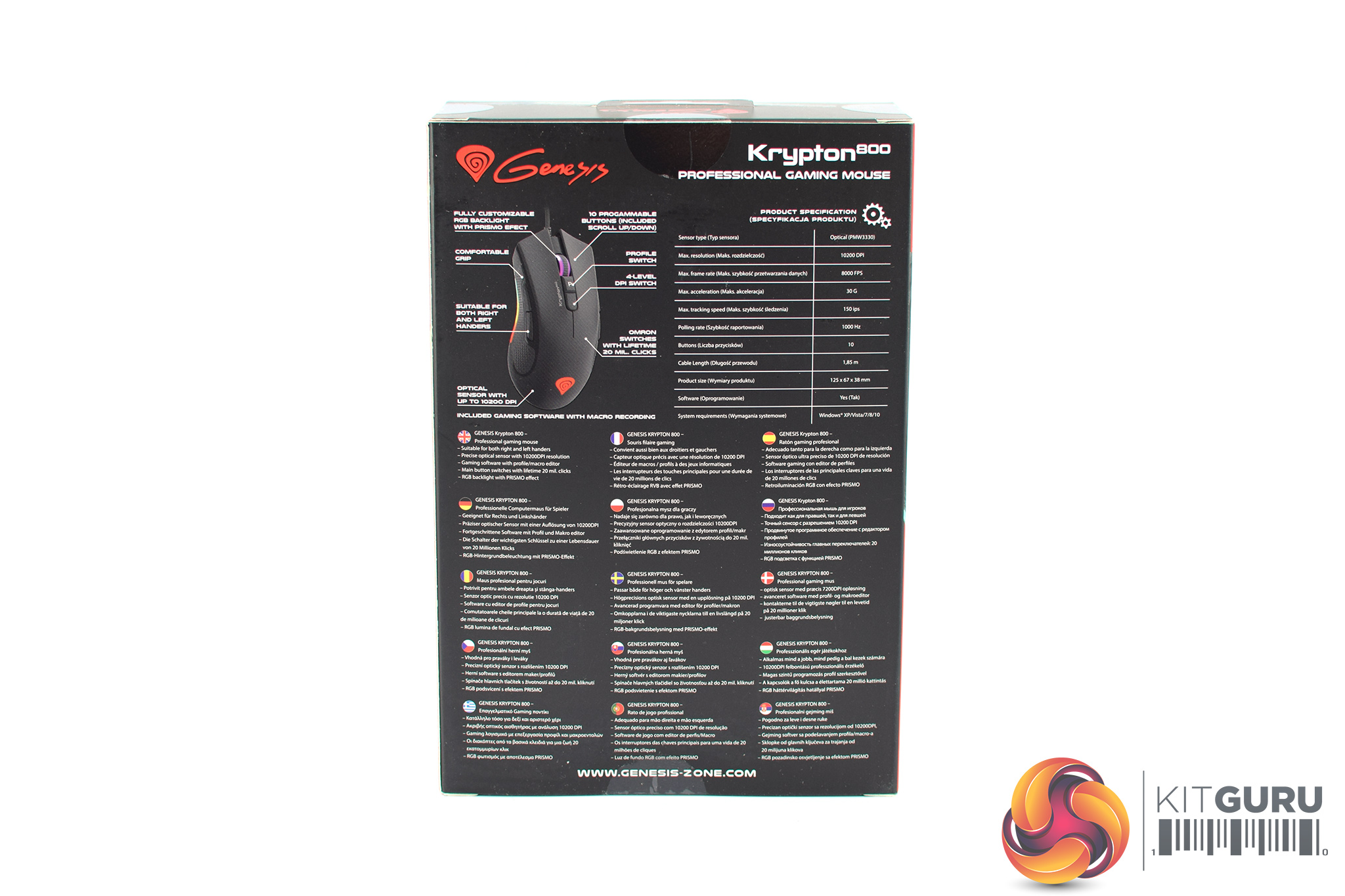
On the back of the box, a few key features of the mouse are highlighted, including its sensor, switches and ambidextrous design.
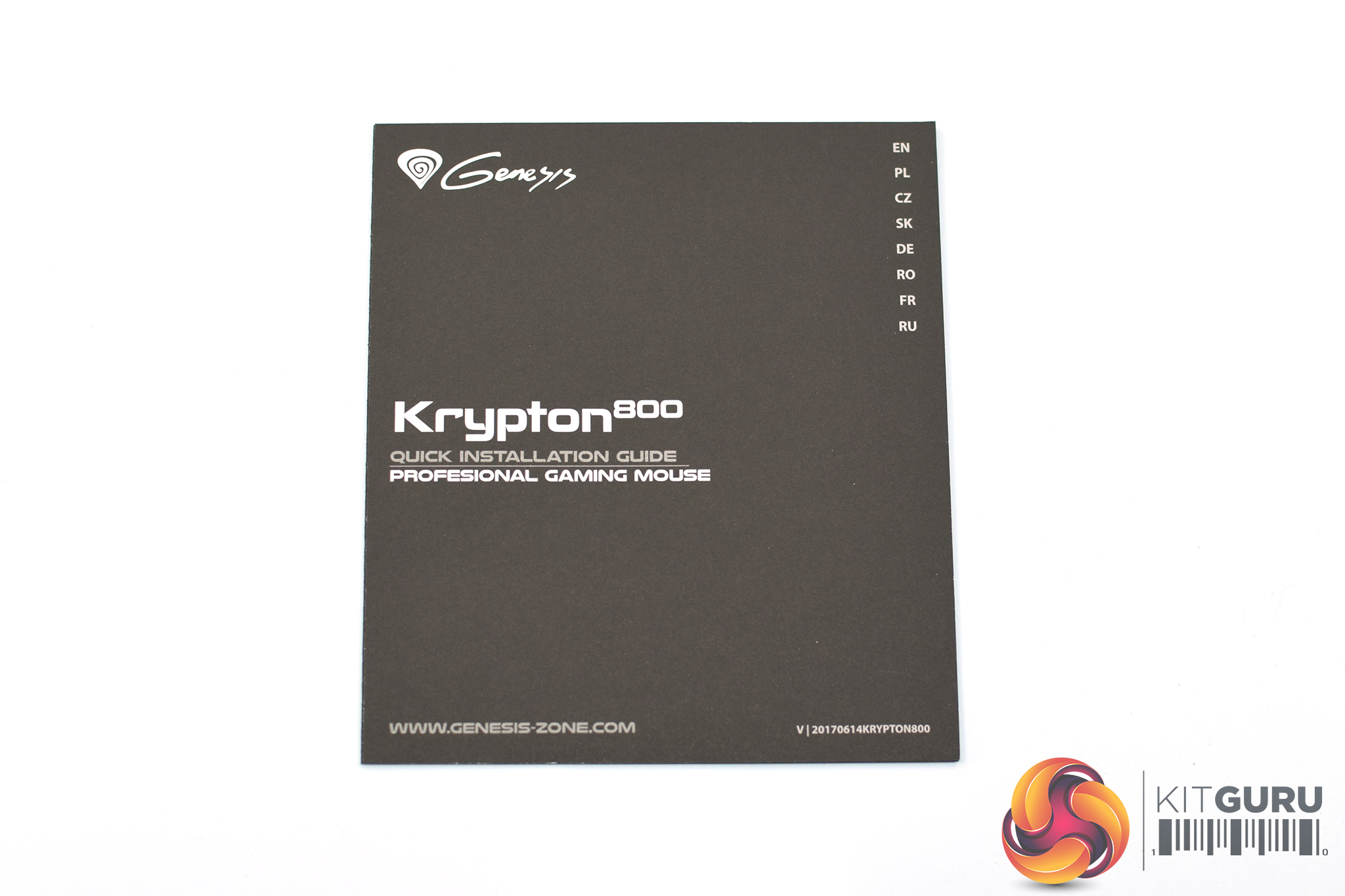
The only included accessory is a small quick start guide.
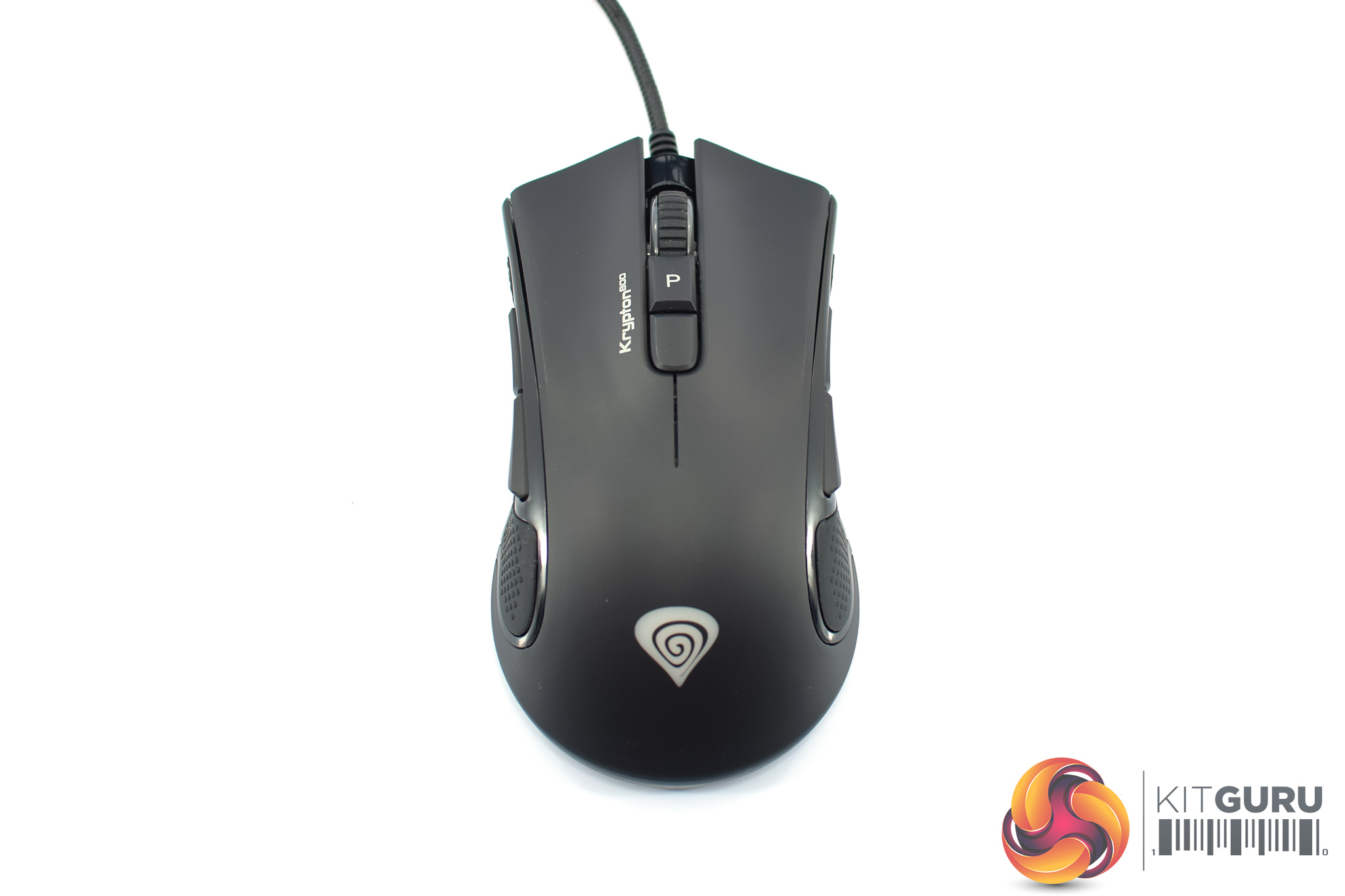
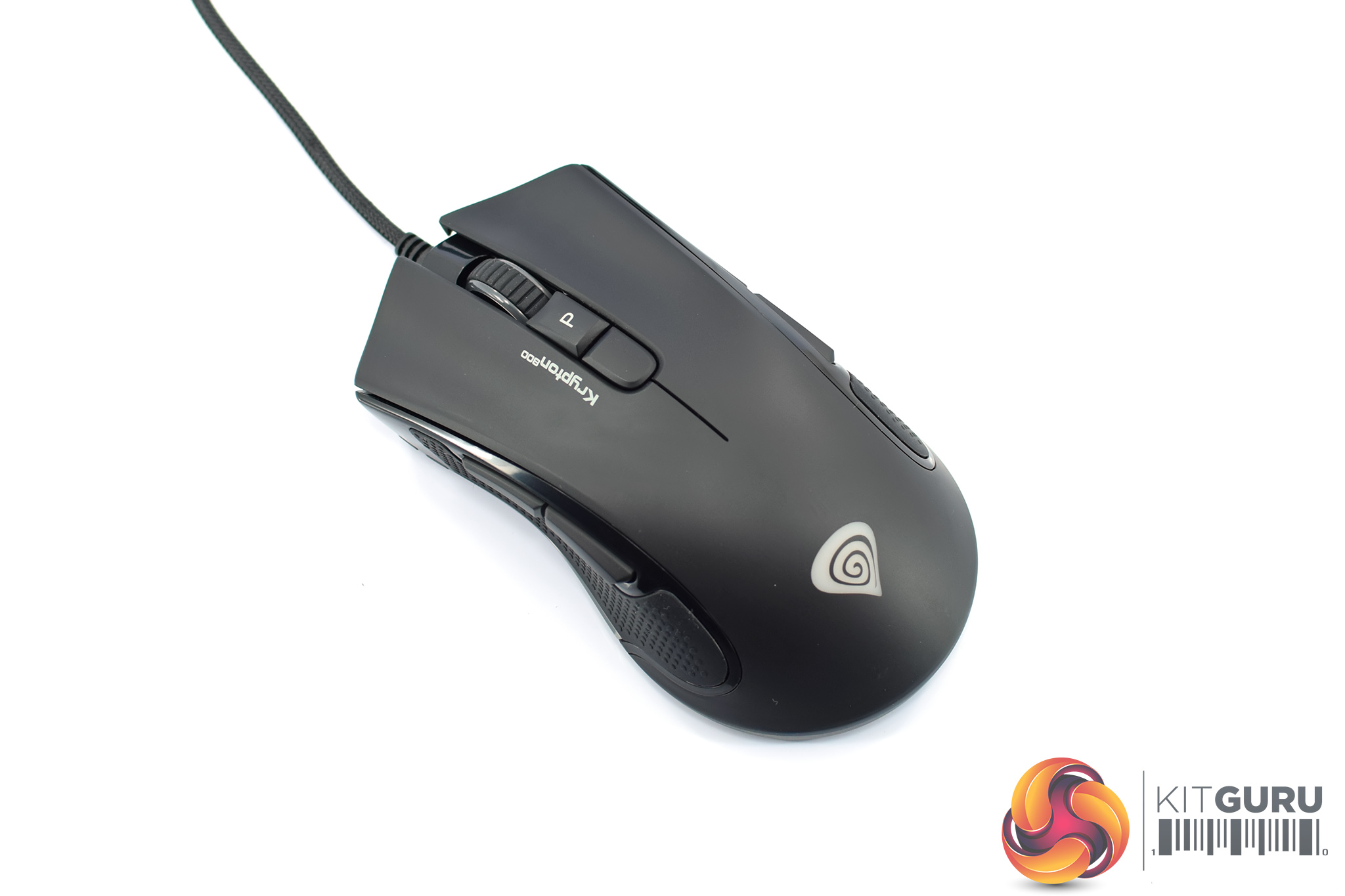
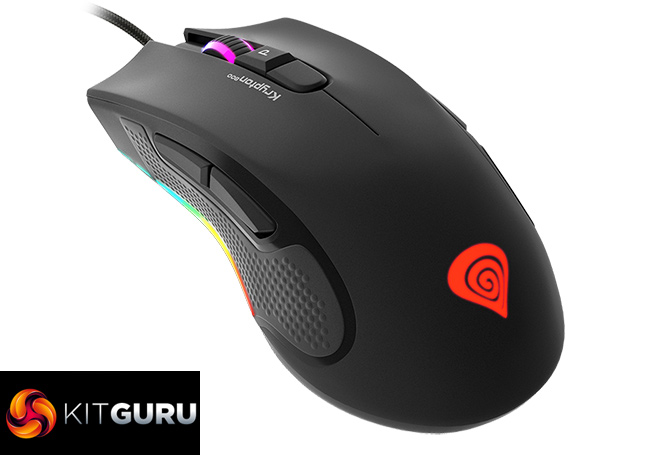
As for the mouse itself, it's a medium-sized unit and you can clearly tell it is symmetrical. It is not dissimilar in shape to the Corsair M55 RGB Pro, it's got that SteelSeries Sensei/Zowie FK look about it with the end of the mouse flaring outwards. The front of the mouse has a much sharper look to it, however, with the design here more closely resembling the Razer Mamba or Deathadder with the pointed corners and angled button design.
As mentioned, I would class this as medium-size with the dimensions coming in at 125 x 68 x 38mm. It is also quite light, weighting 85g, so while it is not a sub-70g Glorious Model O or Cooler Master MM710, it's certainly not a brick either.
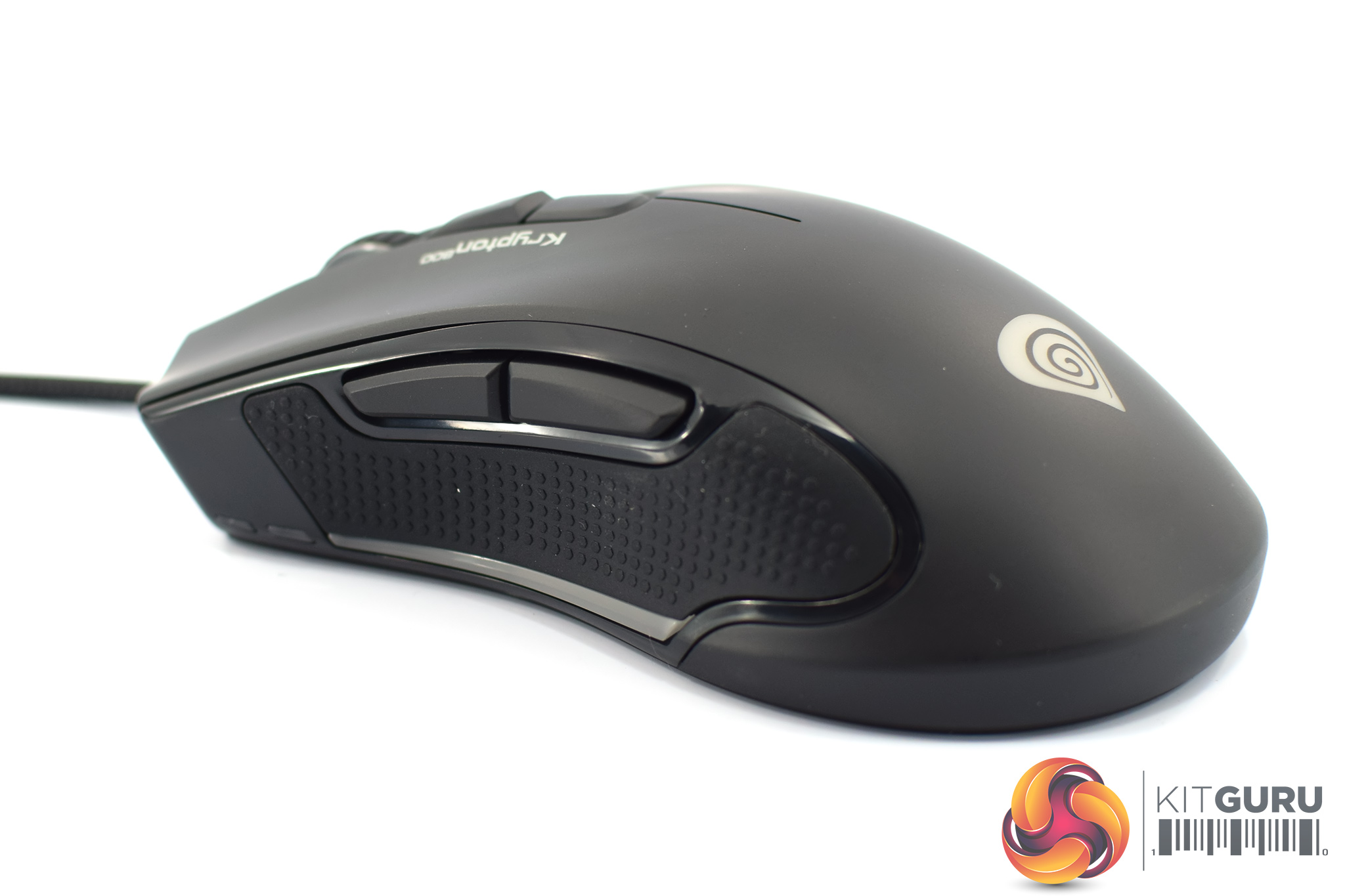
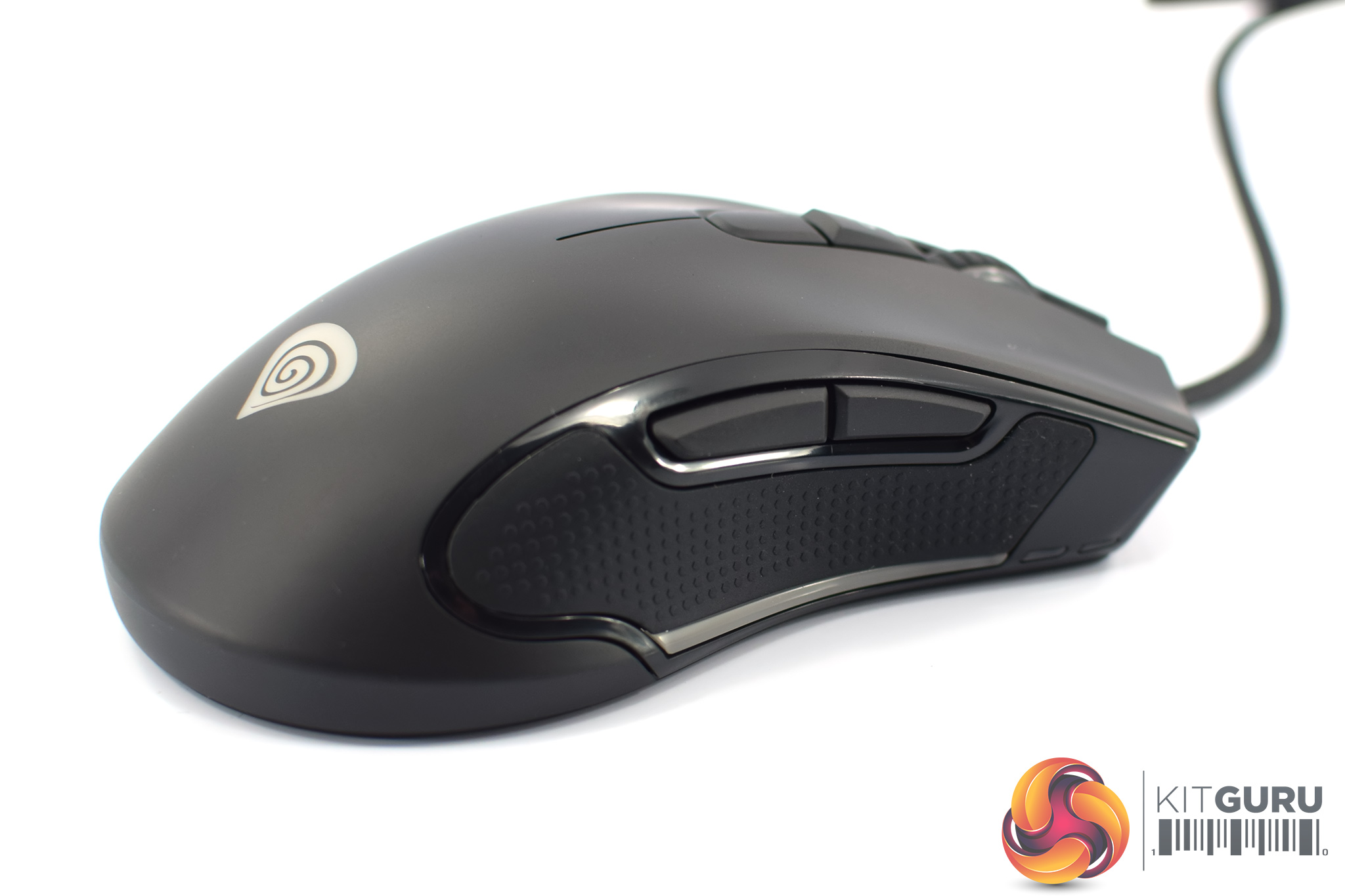
Both sides of the mouse have textured rubber side grips, and as we mentioned on the first page, there is a pair of side buttons on either side of the Krypton 800.
Just under the rubber grips, you will also notice the RGB diffuser strips which sit at the very bottom of the mouse – there's one on each side, and we look at the RGB lighting on the next page.
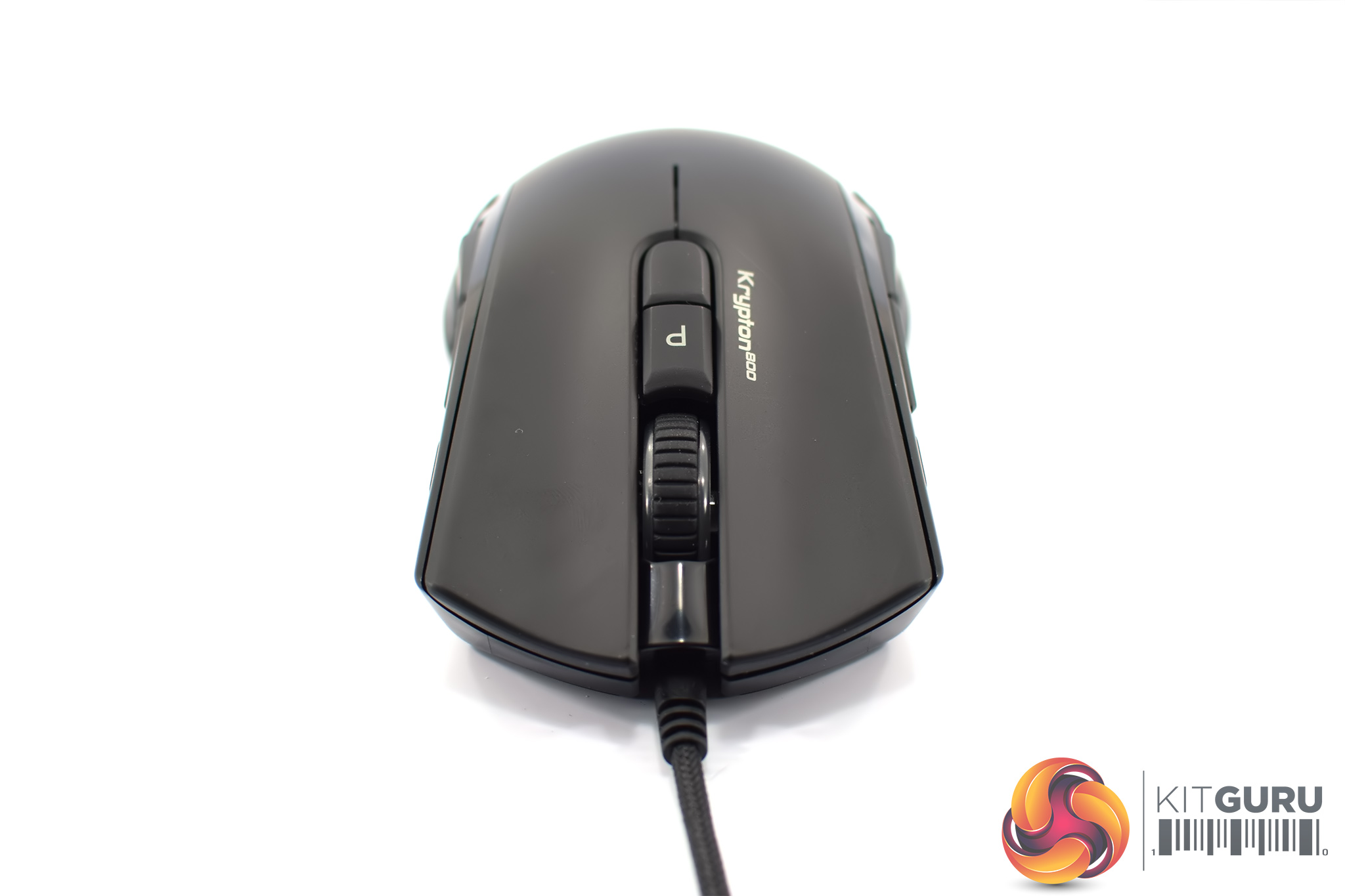
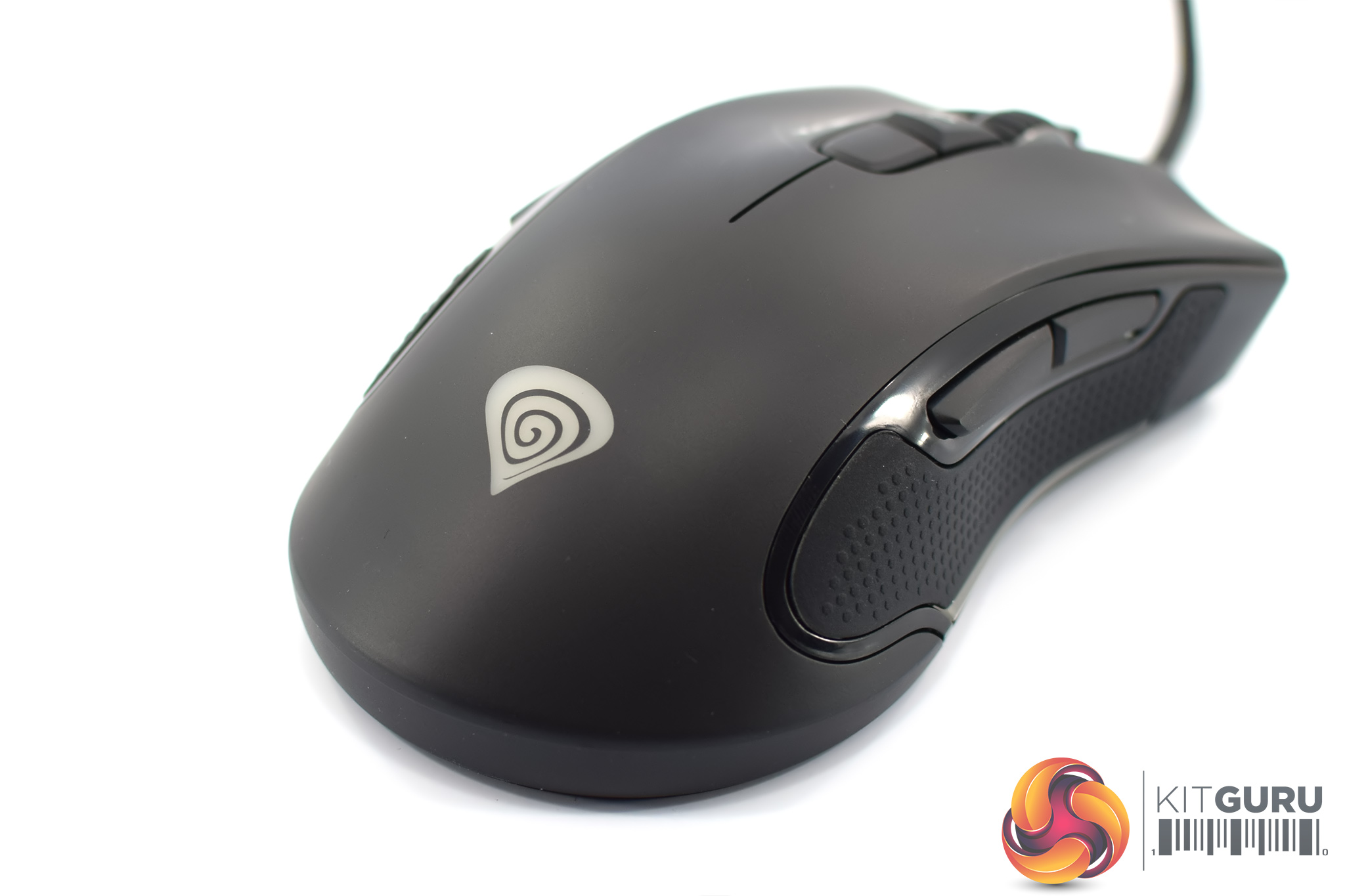
At the front of the mouse we get a look at the textured rubber scroll wheel, and there are also two buttons just behind that – one for switching DPI levels on the fly, and another for changing profiles. We also get a look at the primary buttons, using Omron switches, with comfort grooves built into the shell where your index and middle fingers will rest.
Towards the back of the mouse, the only other thing worth pointing out is the Genesis logo which is another of the RGB zones on the Krypton 800.
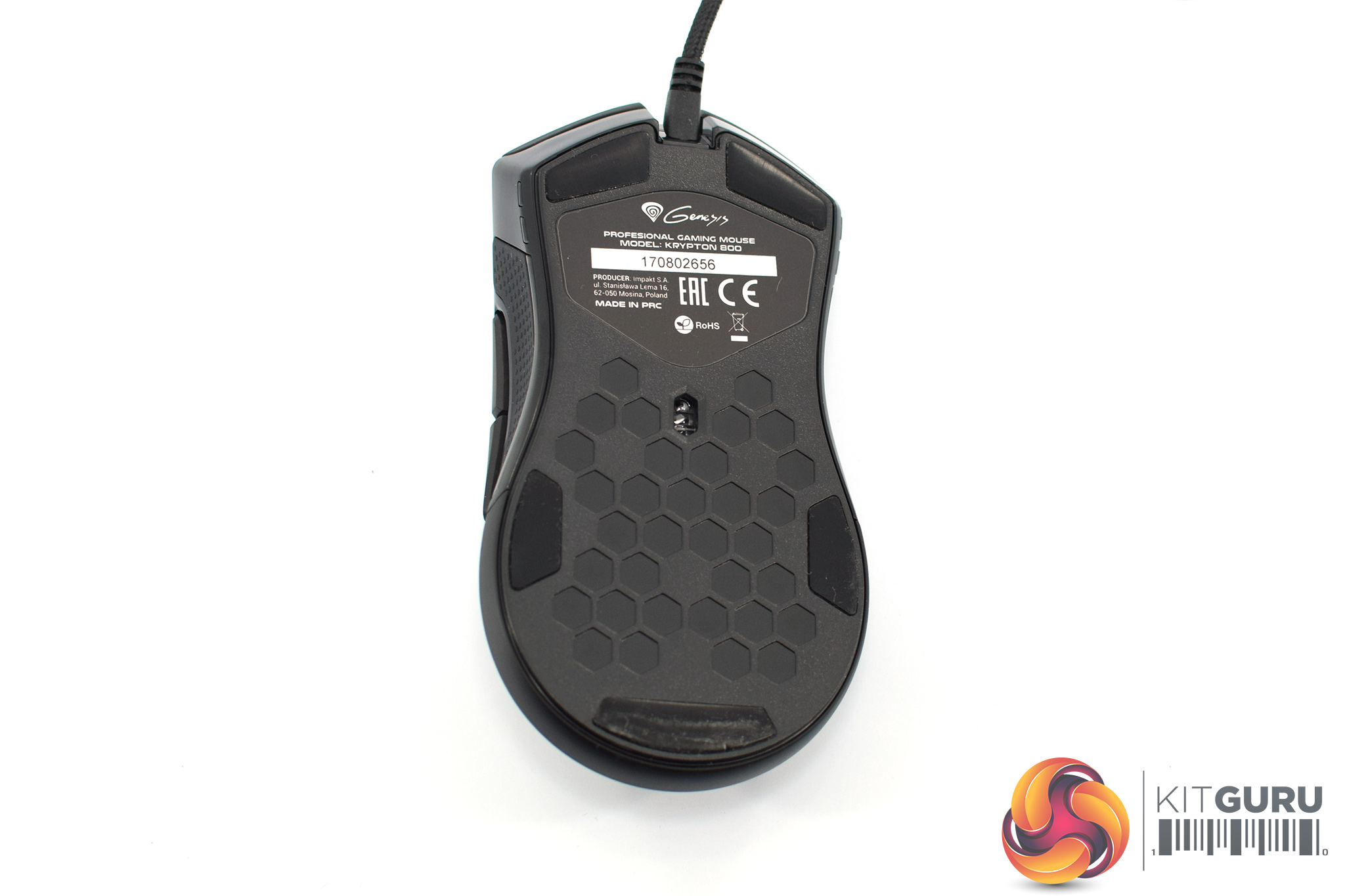
Turning the mouse over, we get at a look at the five relatively small mouse feet, as well as the PMW 3330 sensor. Interestingly, there is also a honeycomb pattern cut into the bottom of the mouse, but unlike the Glorious Model O or Finalmouse Ultralight, these are not actual holes in the shell. Instead, the pattern here seems to be more for aesthetics than actual weight reduction.
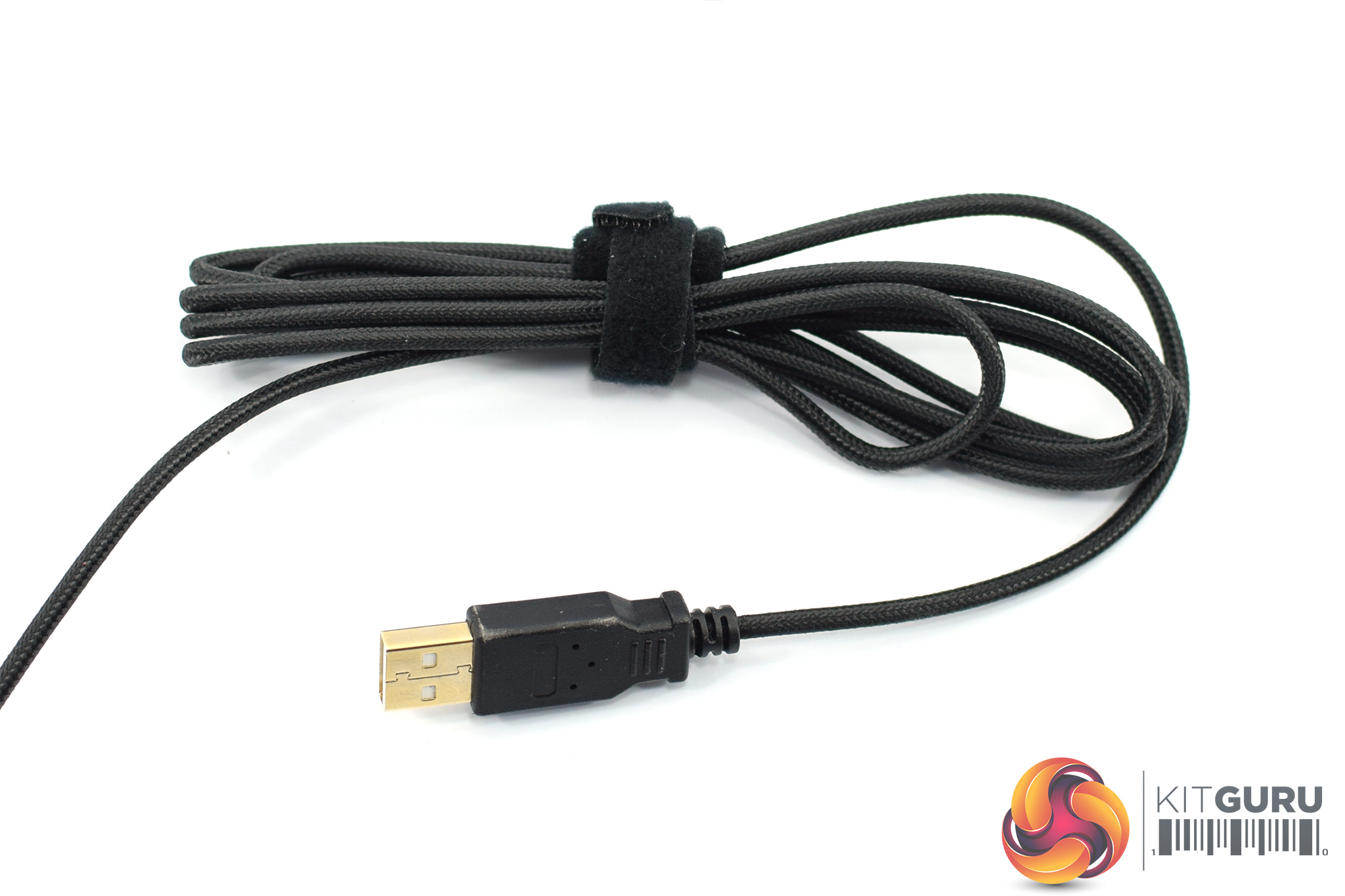
Lastly, the Krypton 800 uses a braided cable that measures 1.85m long, terminating with a standard USB Type-A connector.
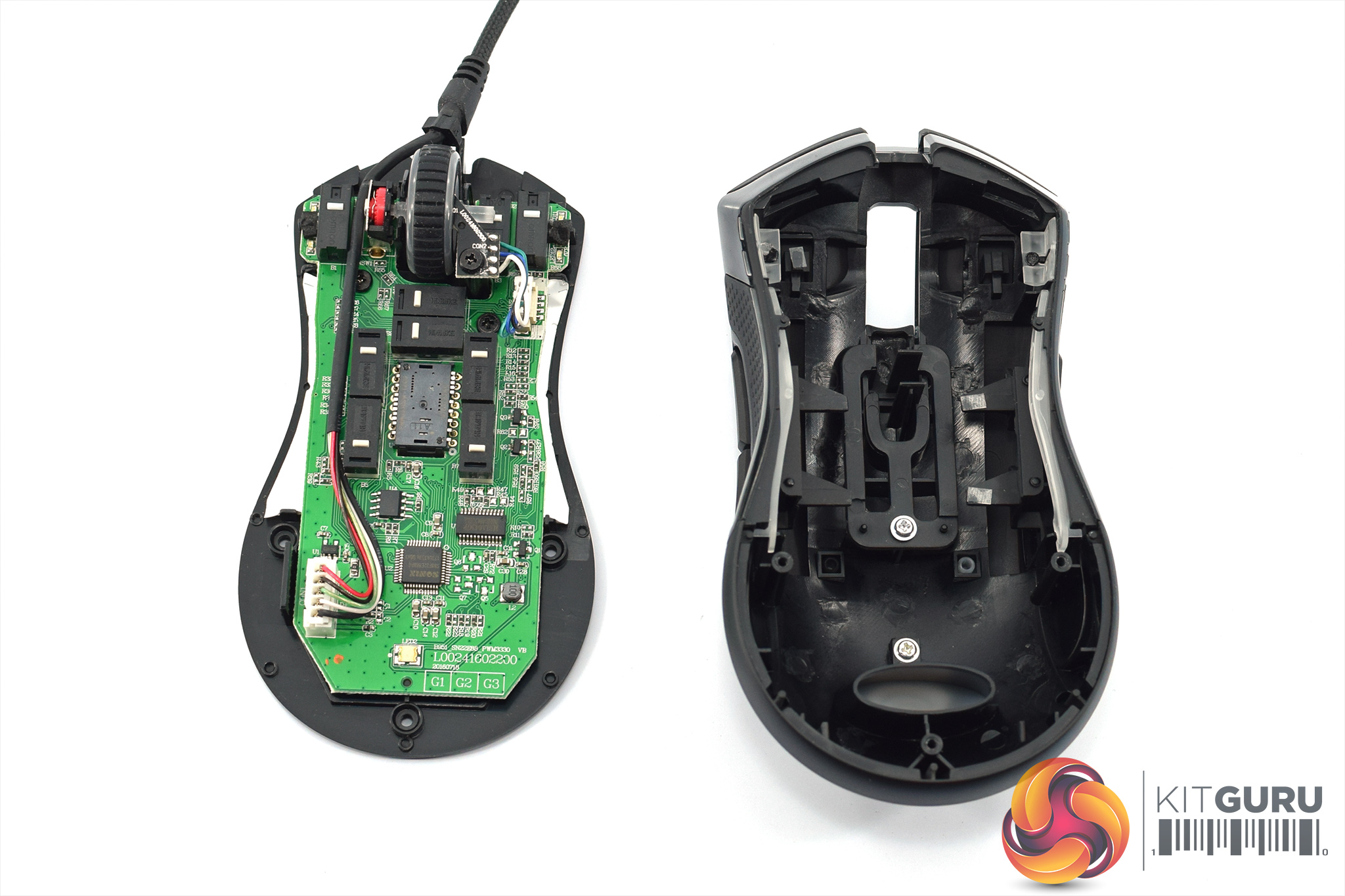
Disassembling the mouse is easy, as just three screws need to be removed – one from under each of the bottom three mouse feet, there are no screws at the top of the mouse. Then the bottom panel can be pulled free from the main shell of the mouse.
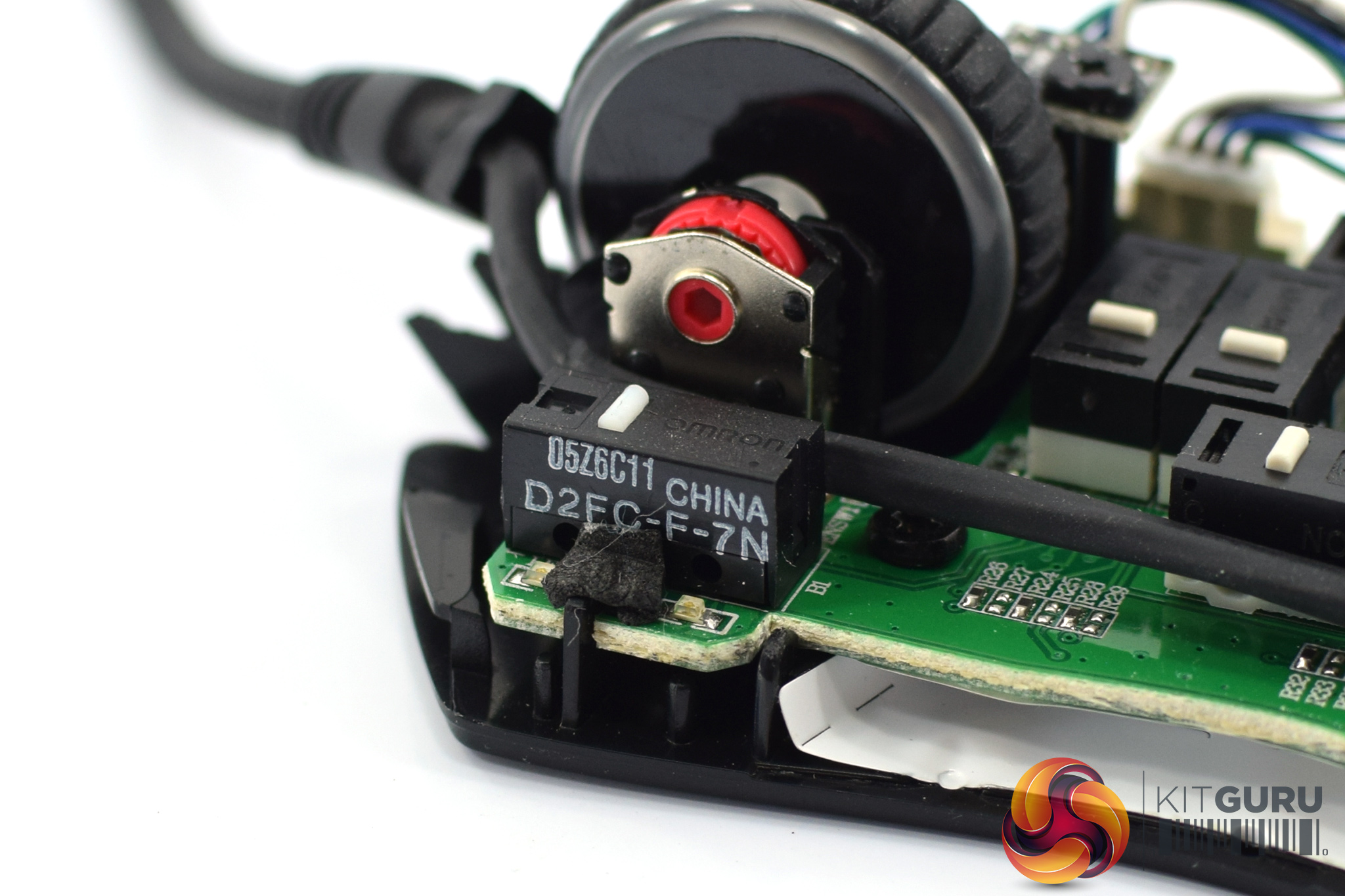
First up we get a look at the Omron D2FC-F-7N switches used for the primary buttons, these are rated at 20 million clicks.
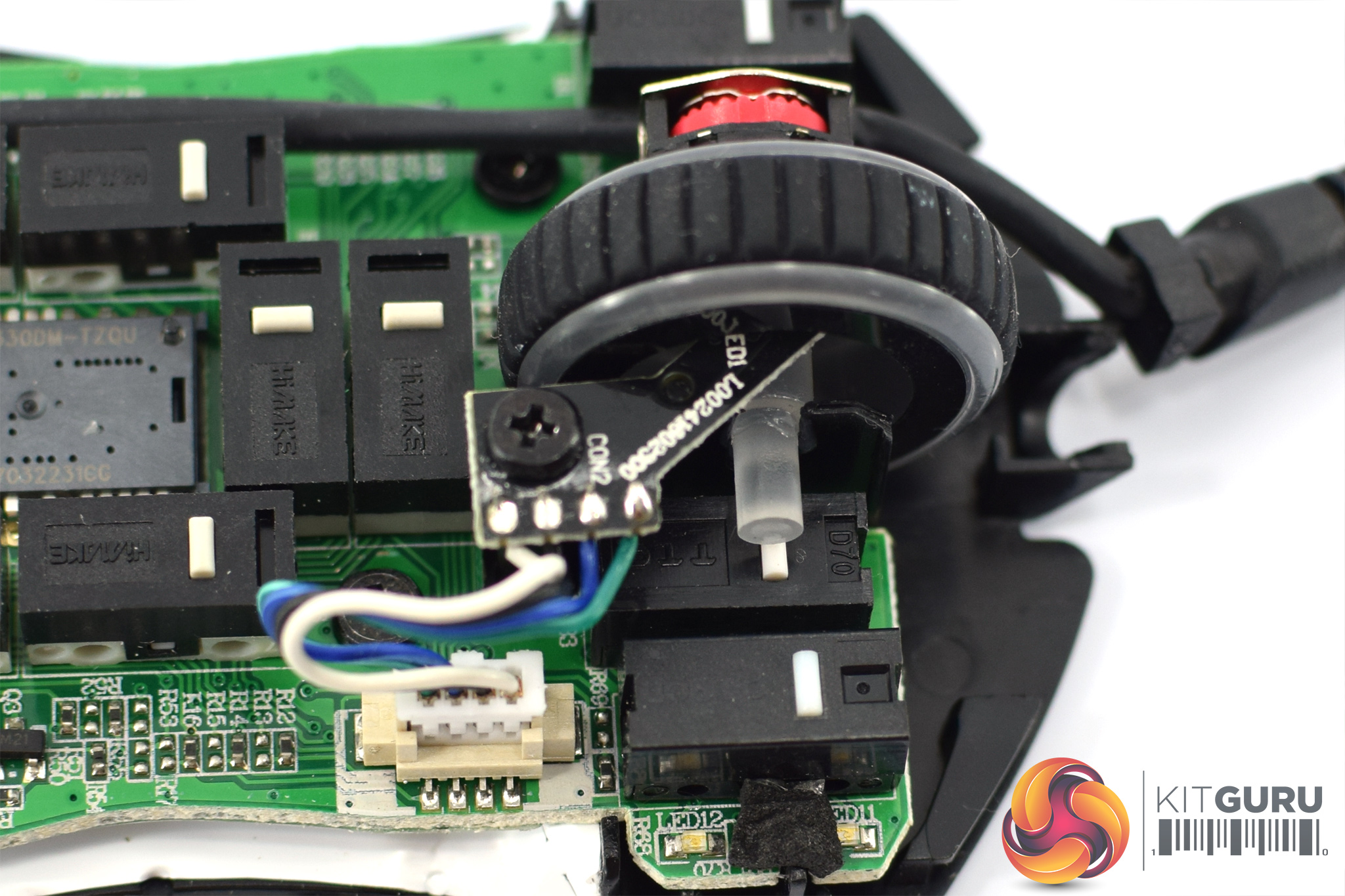
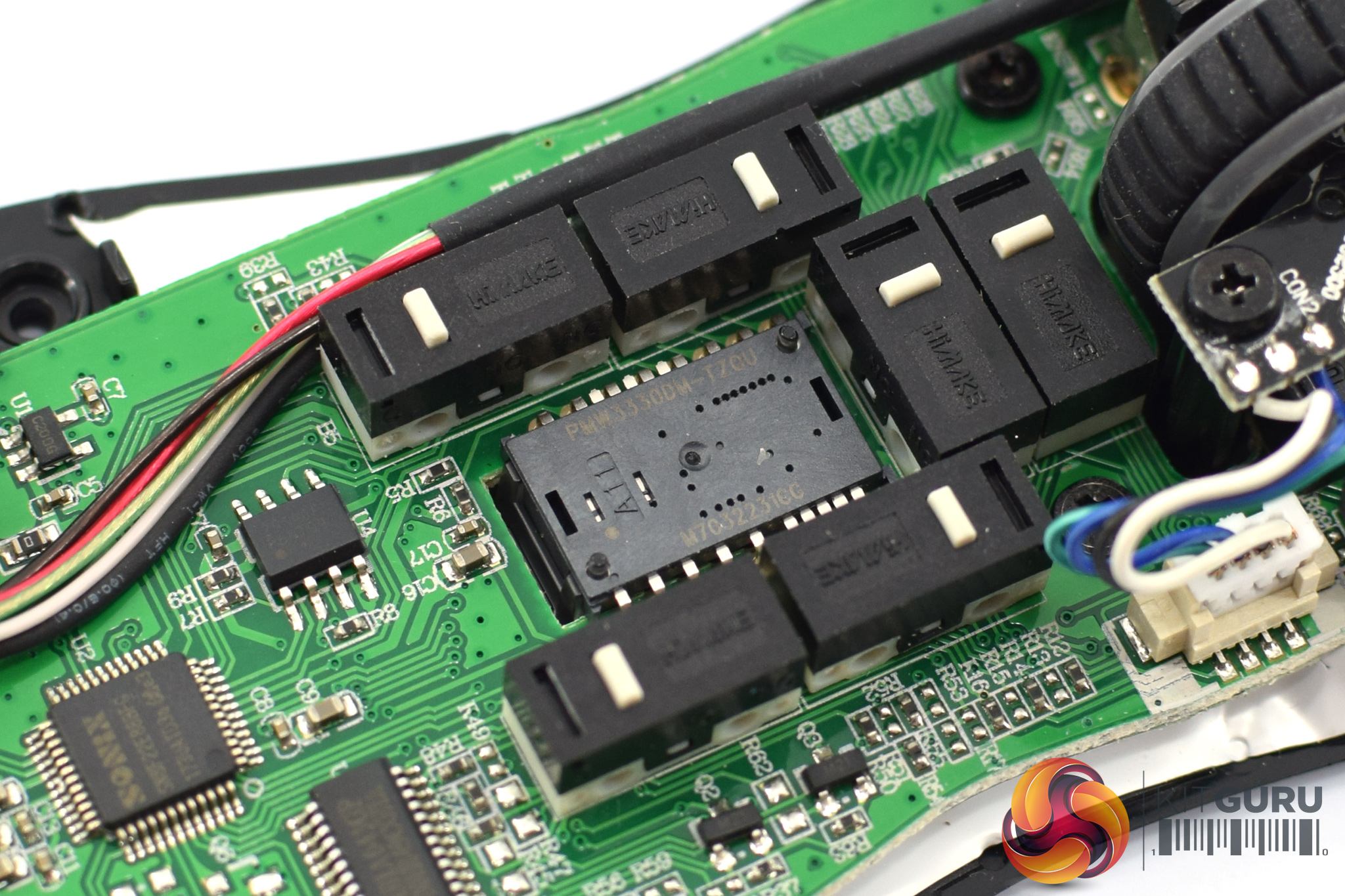
The scroll wheel uses a TTC switch, with the only markings on this reading ‘D70', but I can't seem to find any information on this online.
Elsewhere, both the profile and DPI buttons, as well as both pairs of side buttons, all use the same Himake switches which are otherwise unlabelled. The last thing to point out is the PMW 3330 sensor right in the middle of the PCB.
To test the Krypton 800, I used it as my daily driver for just under a week. We break down testing into four main sections: software, lighting, build quality and comfort, and performance.
Software
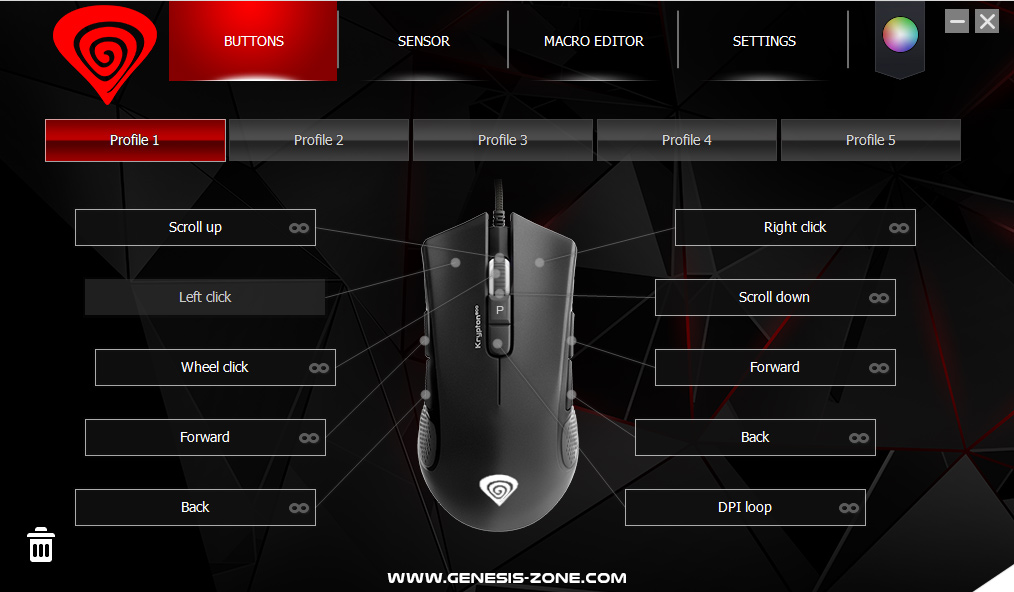
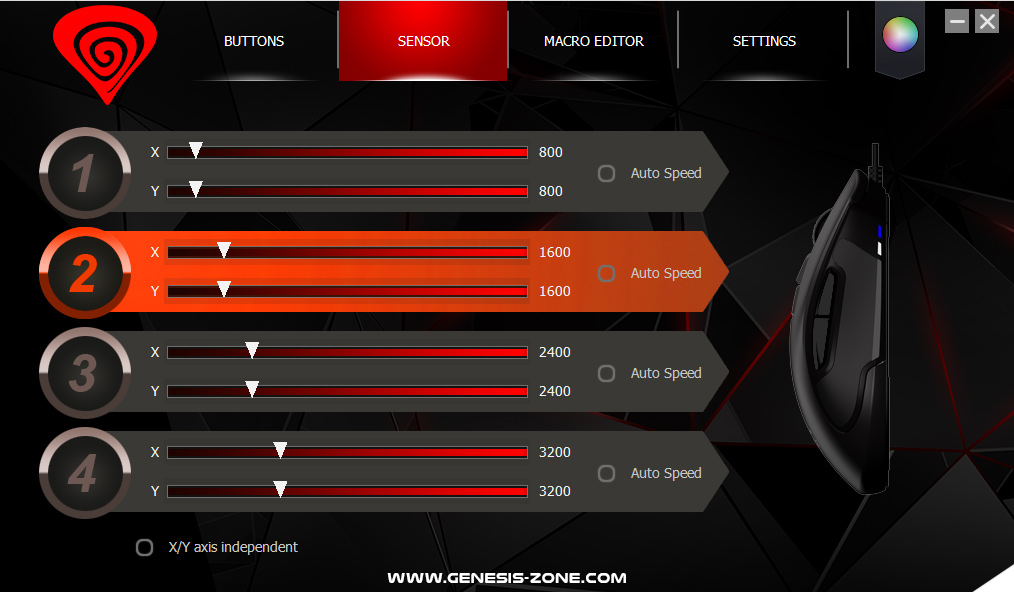
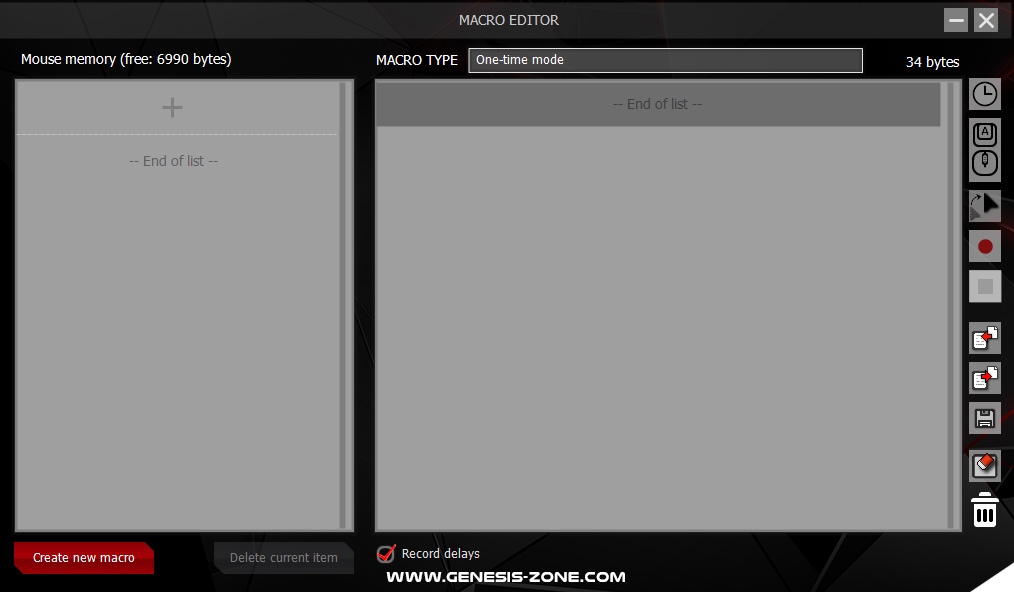
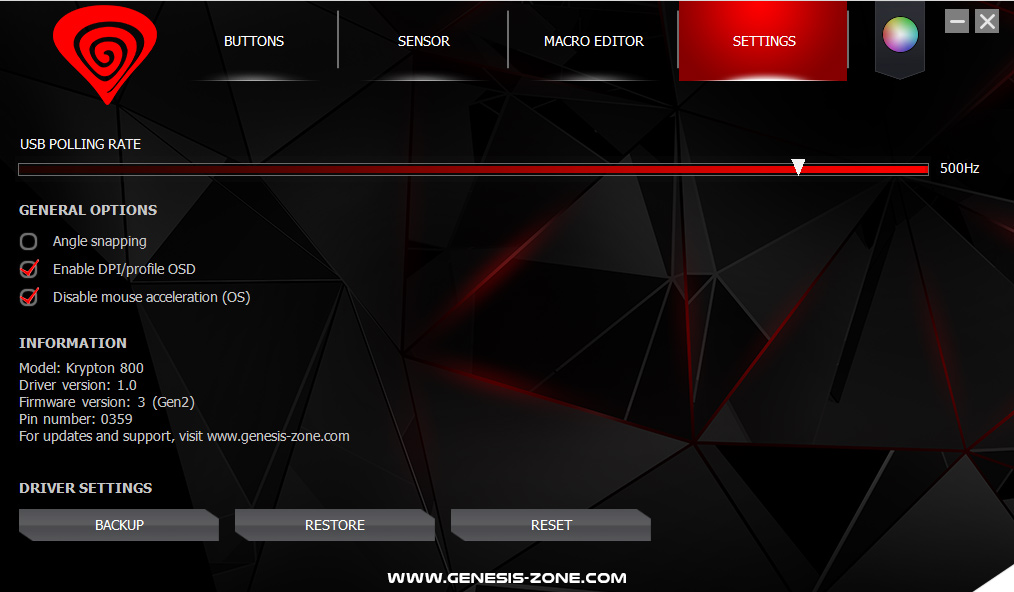
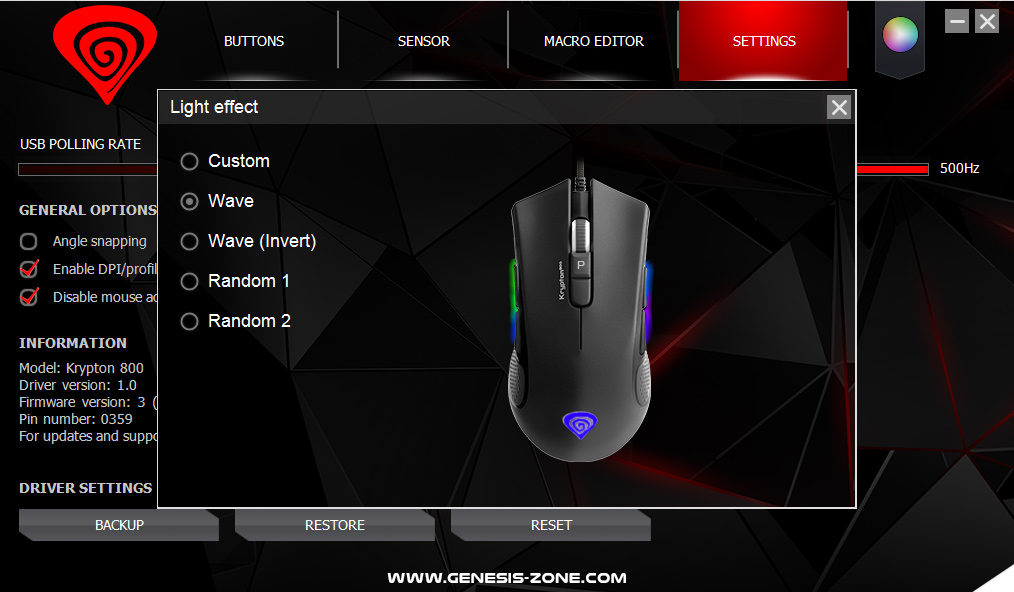
The Krypton 800 has its own dedicated piece of software which you can download from the Genesis website. It's certainly not the best peripheral software I've ever used, but it's not unusable either. The first thing I noticed is that it doesn't scale at all with high-res displays, so while it would be fine on a 1080p monitor, using it on my 3000×2000 laptop display was quite difficult as everything looked so small.
Other than that, the software gives you some basic control over the mouse itself, but nothing overly sophisticated. There are options to configure four different profiles, which do save to the mouse's on-board memory, while you can also set four DPI stages per profile (from 50-10200 in 50DPI steps). Then there's a macro editor, as well as another tab where you can set the polling rate, enable/disable acceleration and also decide whether or not you want a pop-up to appear on screen when you adjust your profile or DPI.
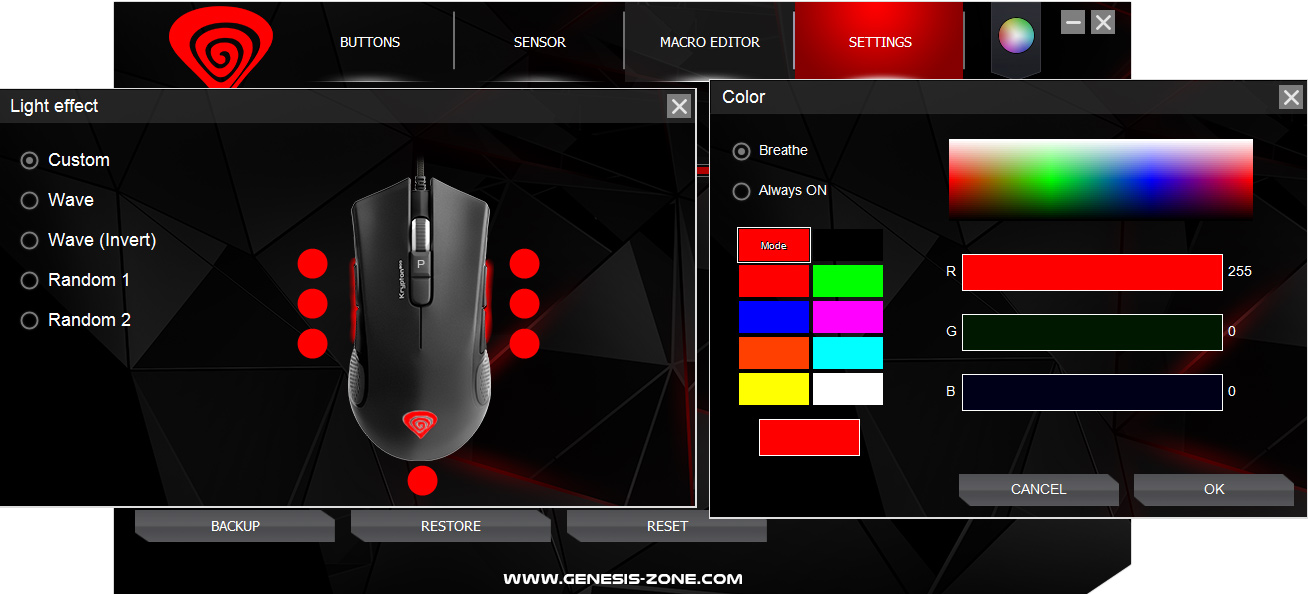
The last area to look at is lighting control, and this is a bit of a disappointment as there are just 5 presets to choose from – custom, wave, wave invert, random 1 and random 2. The custom setting does let you manually adjust a total of 7 different LEDs on the mouse, but even then you can only have static or ‘breathing' effects.
So overall the software is not exactly fantastic, but obviously you have to appreciate this is a budget mouse and it would be unfair to expect Razer Synapse-levels of customisation. The UI could easily be improved, but at least there are options to set DPI stages and record macros.
Lighting
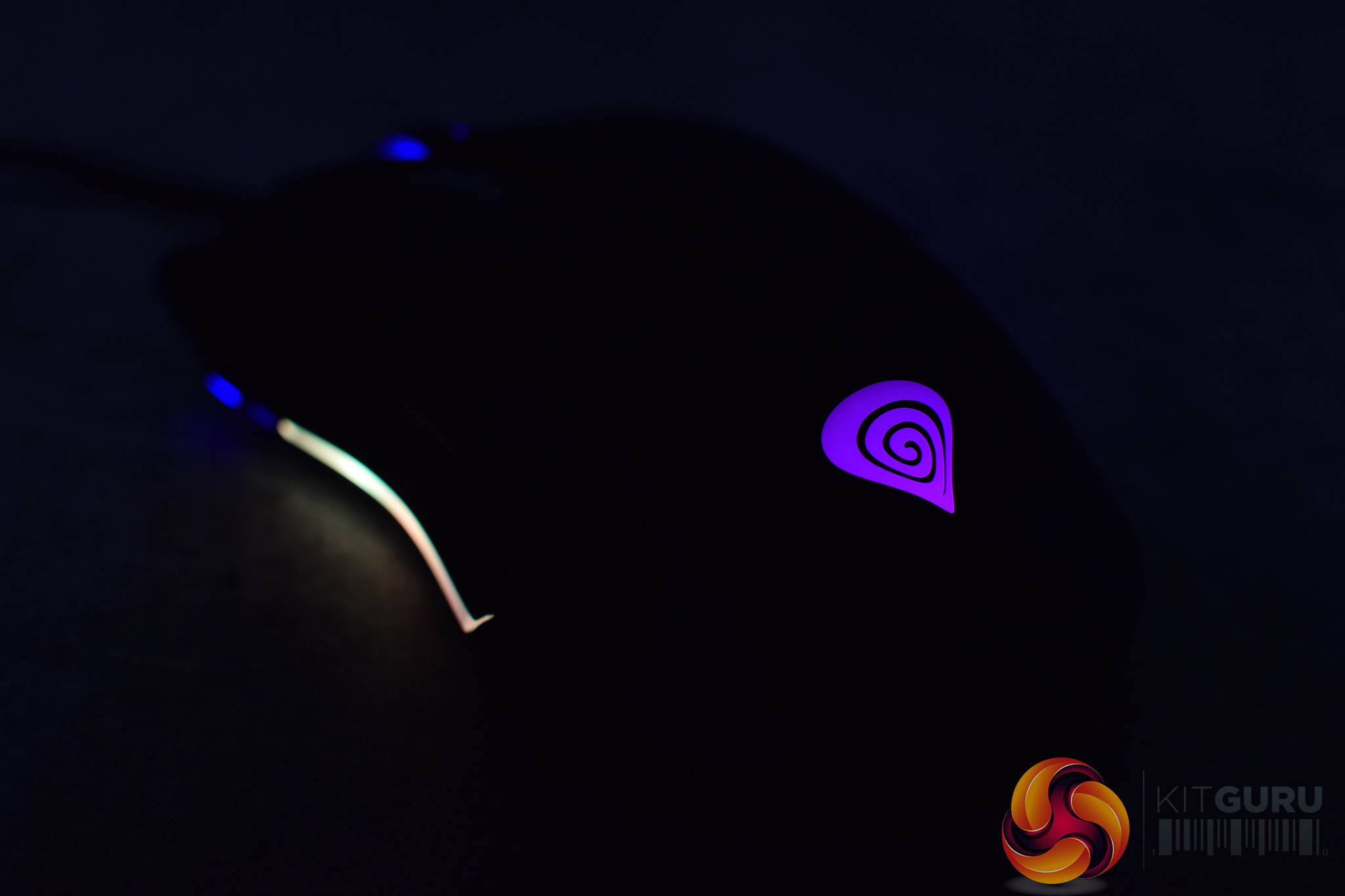
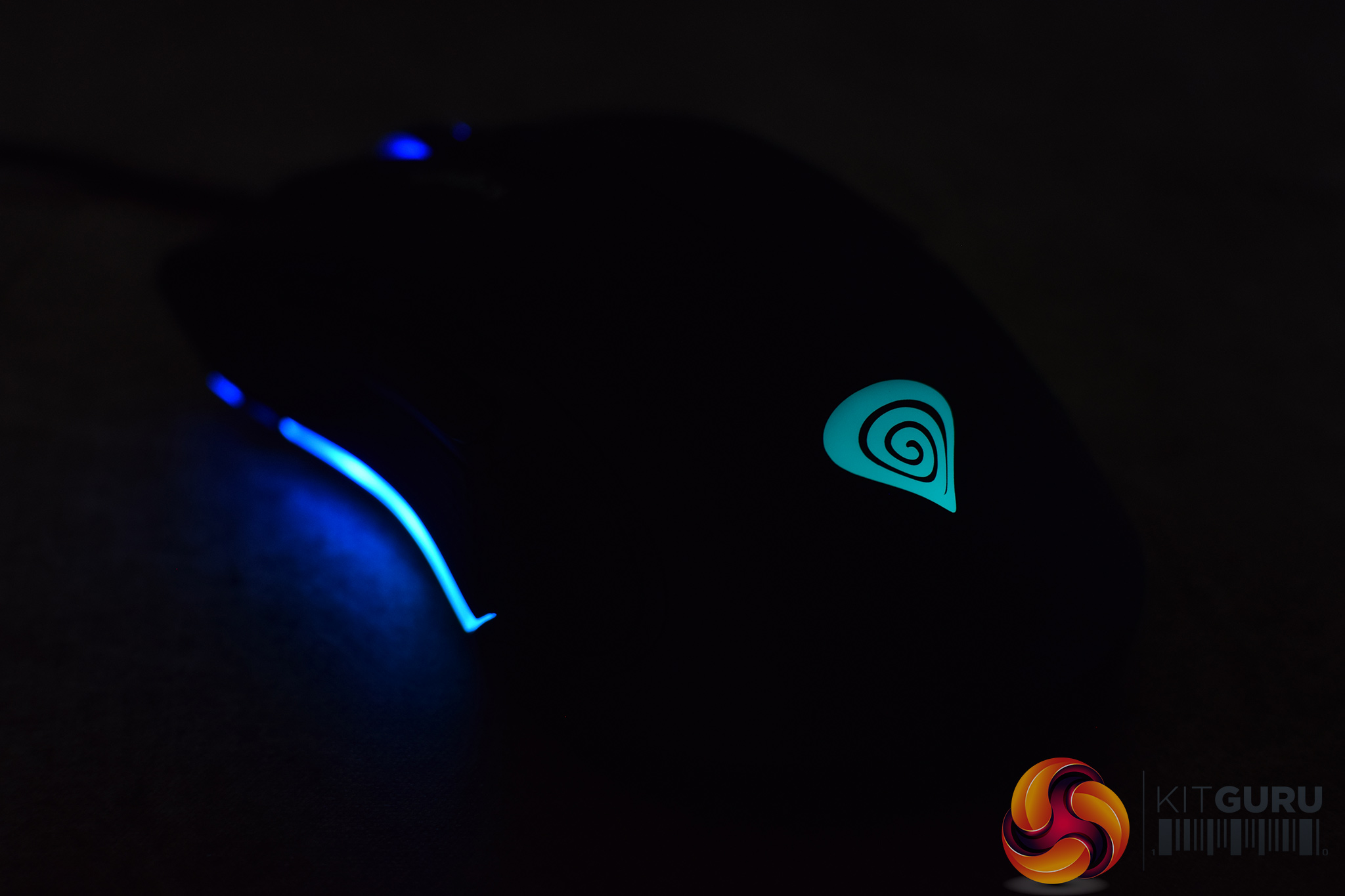
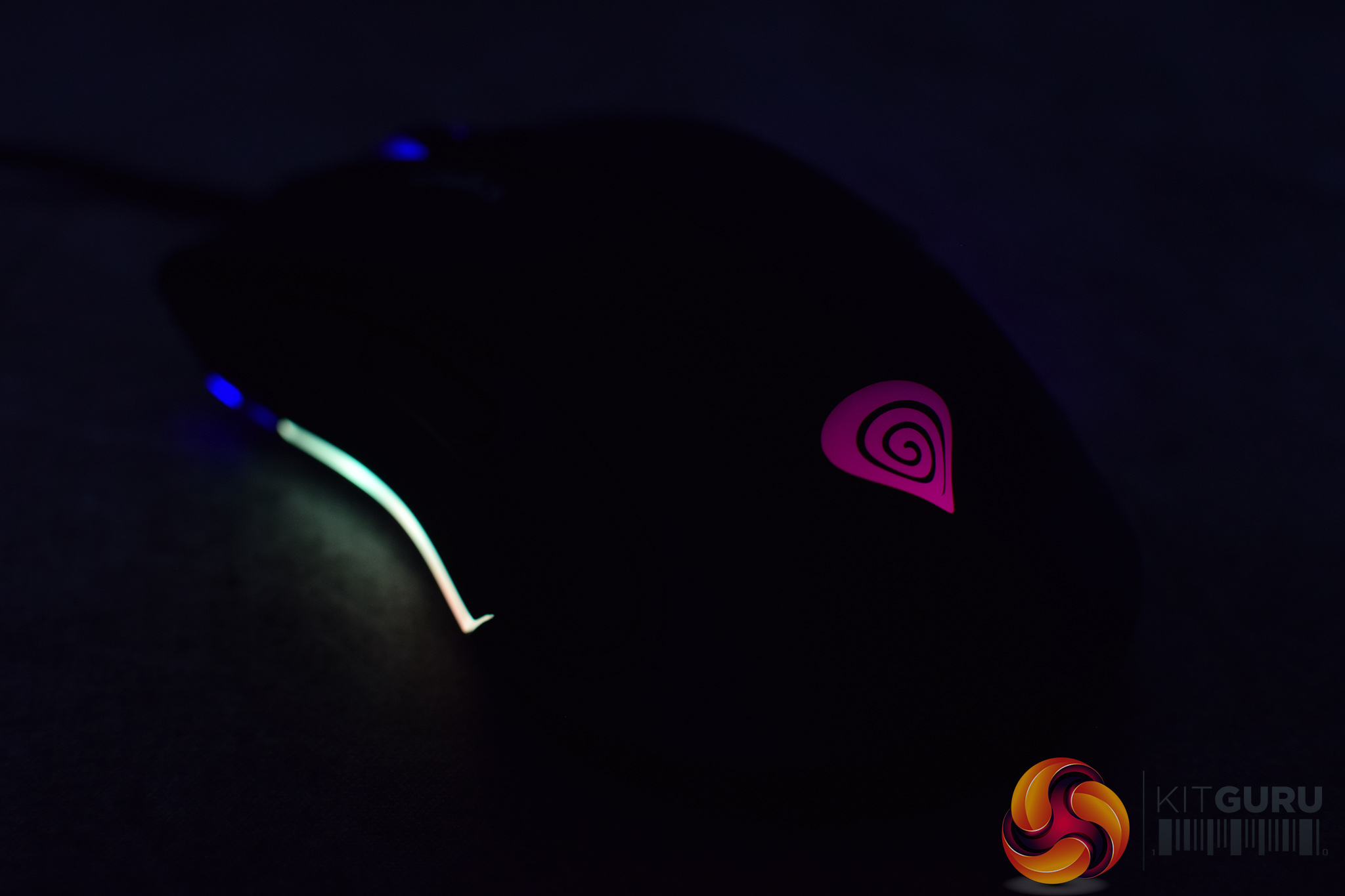
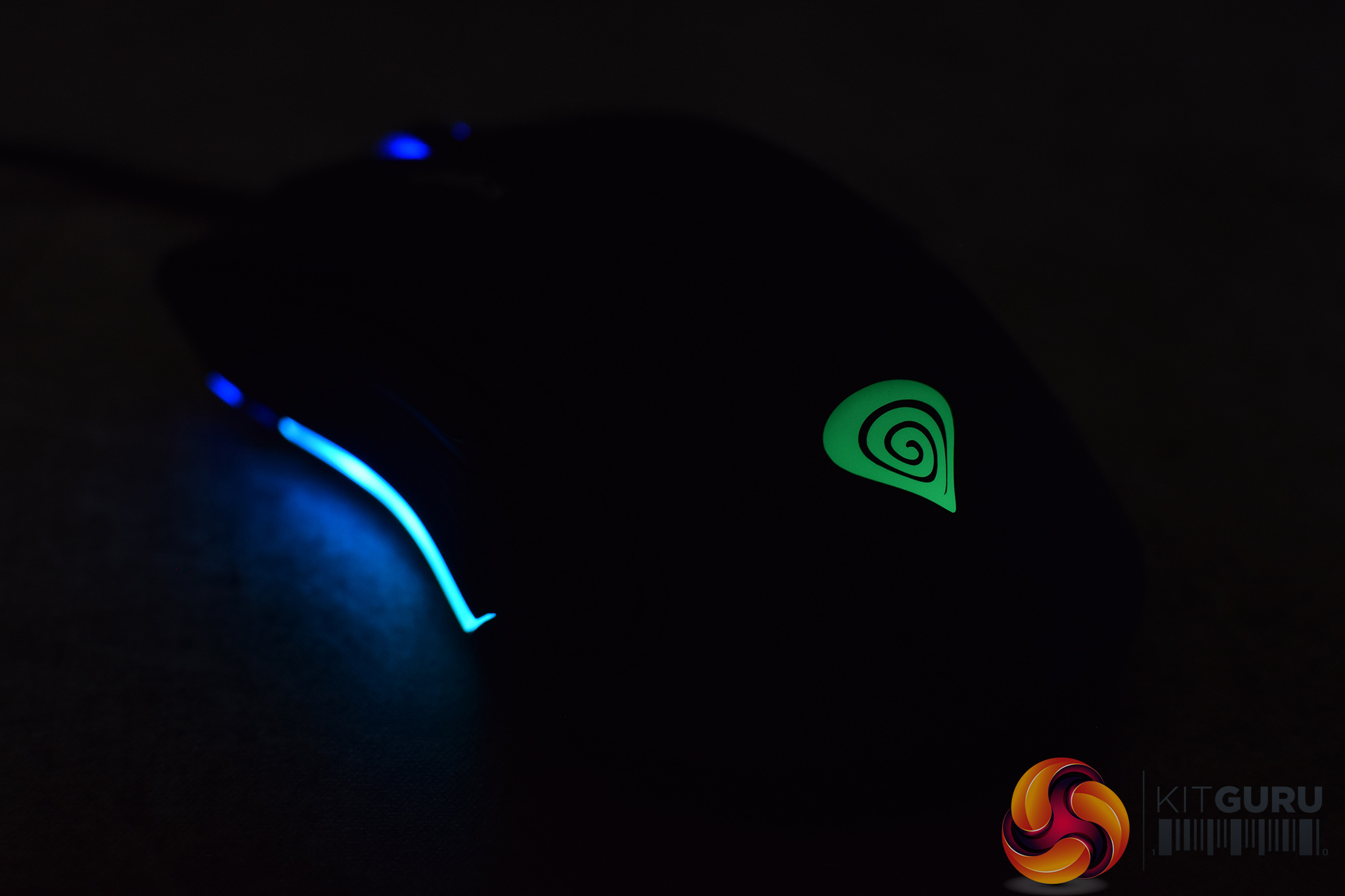
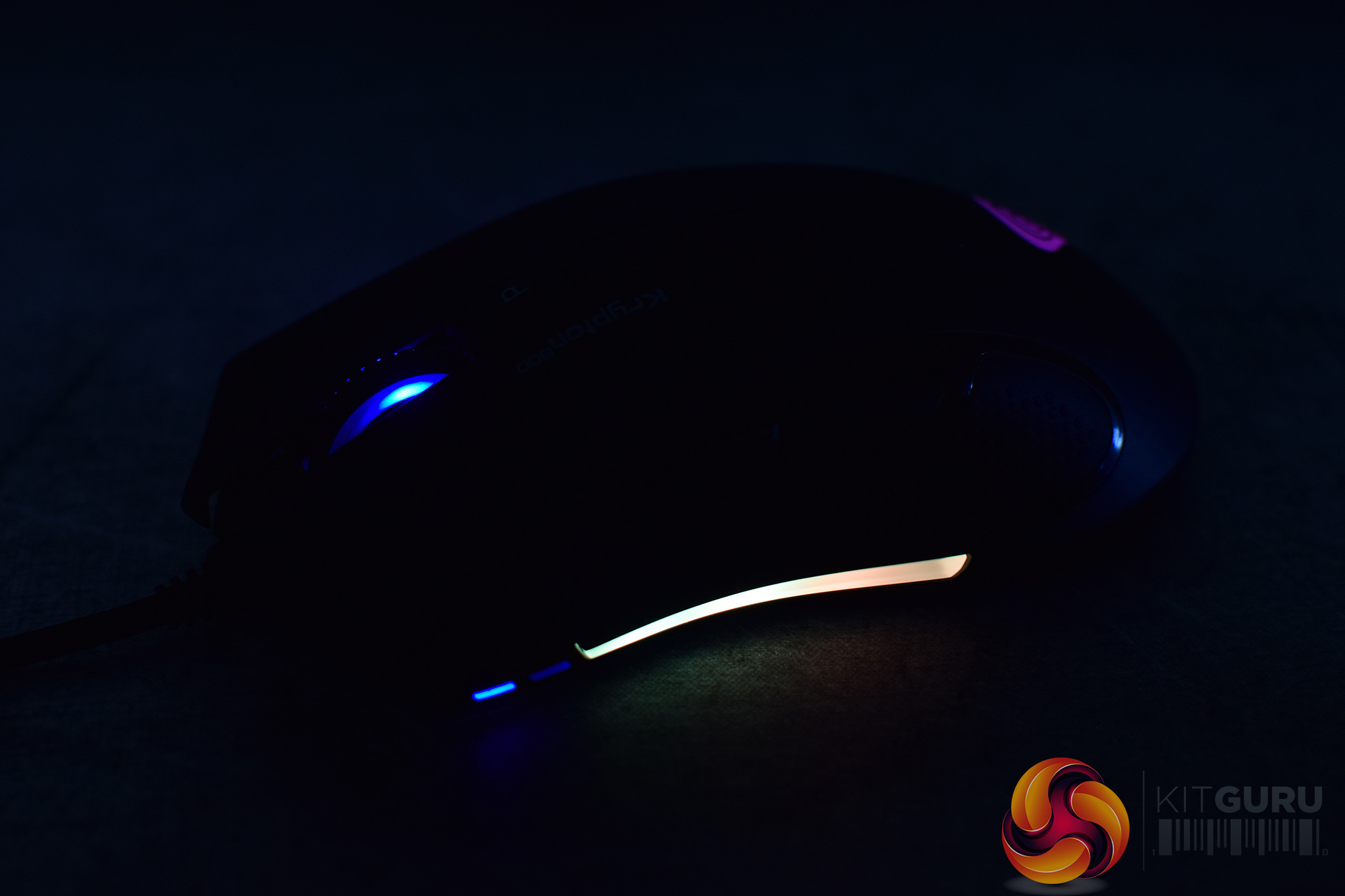
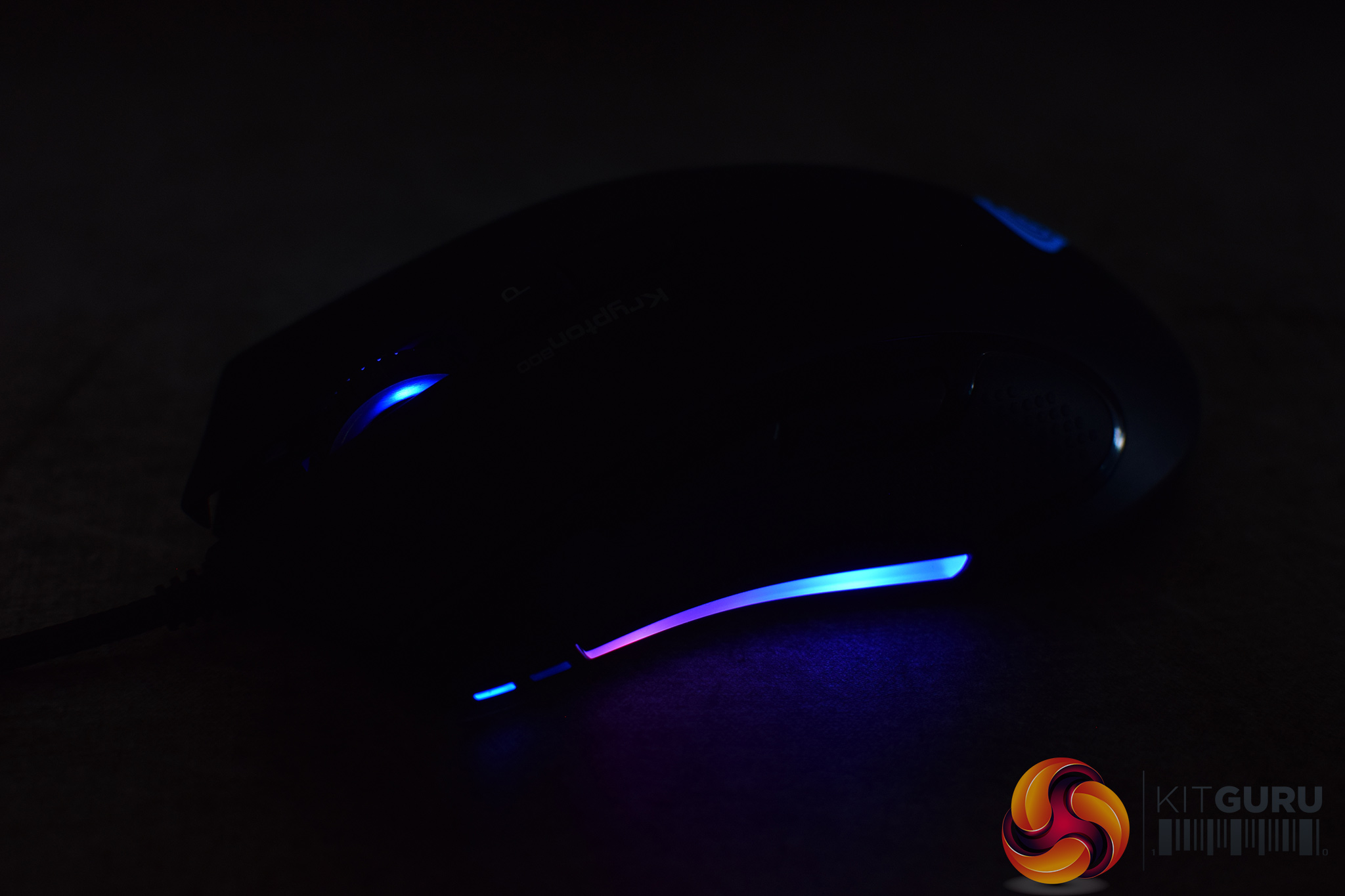
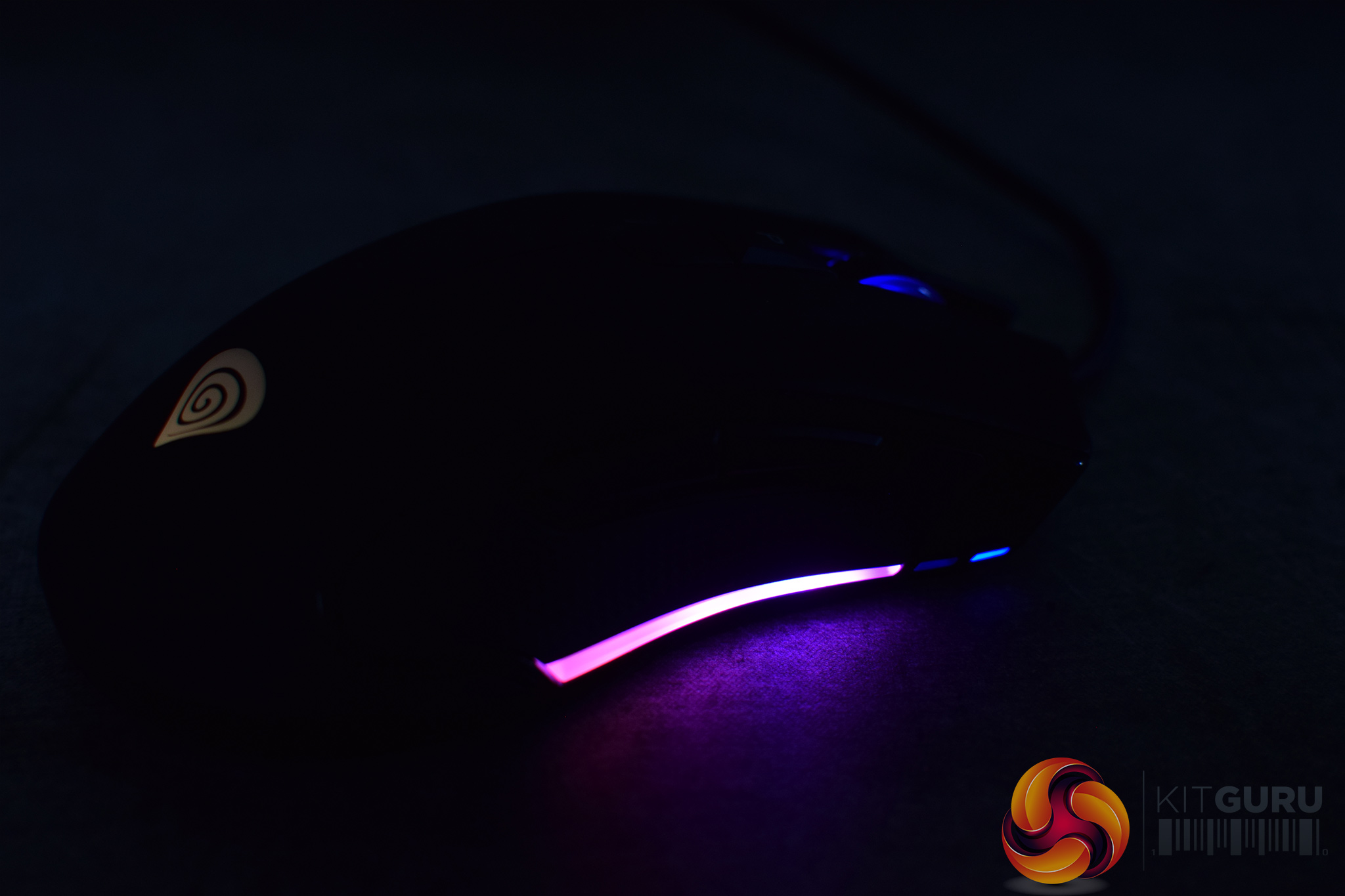
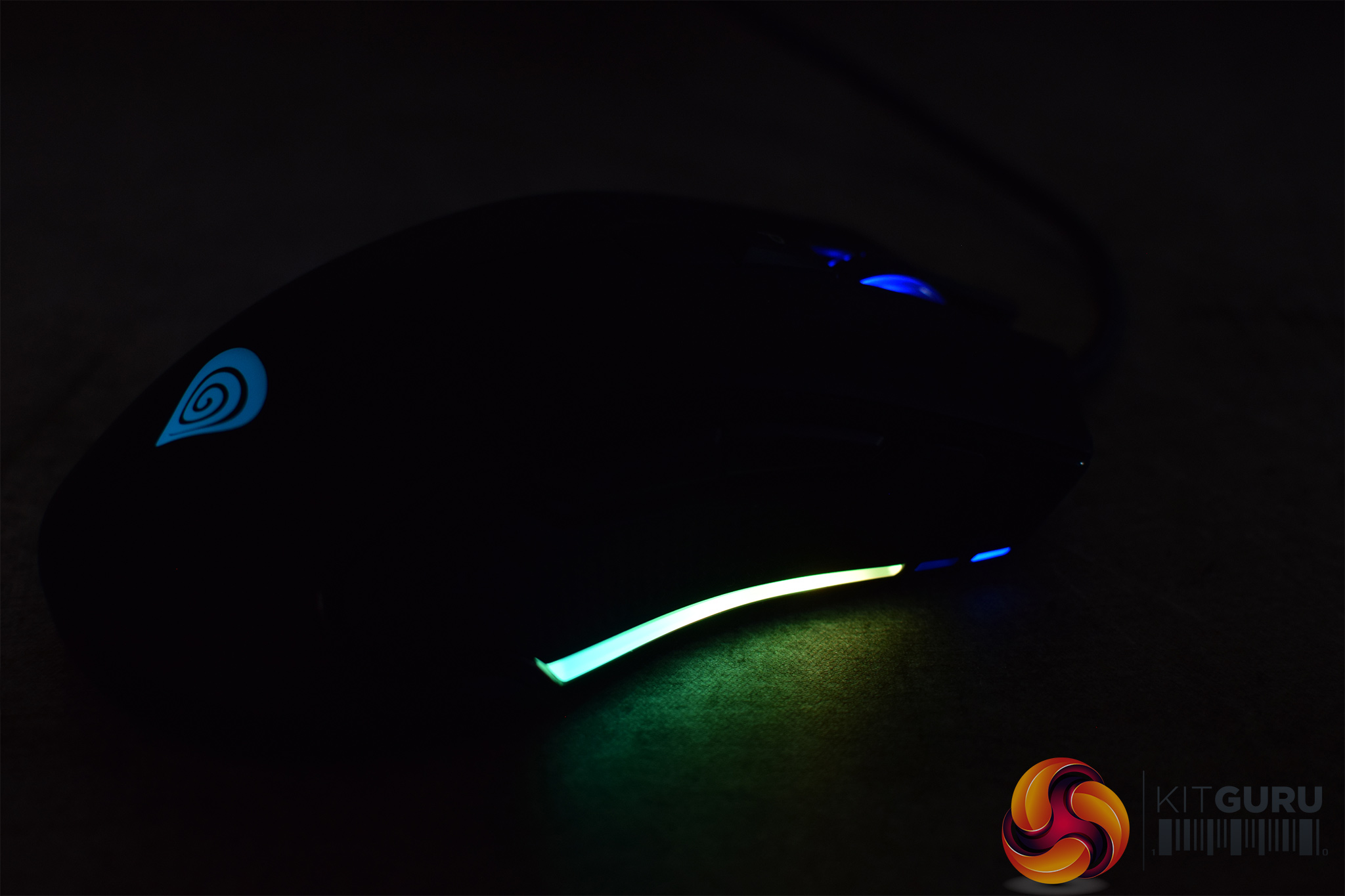
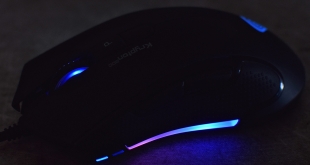
As for how the lighting itself looks on the mouse, it is not bad at all. There is one RGB strip on either side of the mouse, as well as the Genesis logo on the top shell of the Krypton 800. That logo zone is definitely the dimmest, but you'd have your hand over that anyway while gaming. The LED strips on the sides of the mouse, however, are actually quite bright which is good to see, and the colours look vibrant as well. It's overall hard to complain with what you're getting here considering the price of the Krypton 800.
Build quality and comfort
As for overall build quality of the Krypton 800, it is overall decent considering the price but there are couple of things to note. Firstly, there is quite a lot of scroll wheel rattle, it's quite loud if you give the mouse a shake but it is even noticeable when making fast movements while gaming, which is a little annoying.
The other thing I noticed is in regards to the buttons, as there is a fair amount of pre-travel on both primary buttons – meaning you will feel the shell of the mouse depress by about 1 or 2mm before a click is actuated. This gives a spongy overall feel to mouse presses and while it's not terrible, it's certainly not a good thing either.
Other than that, the mouse is impressively sturdy considering its price. There is no creaking from the side panels when pressure is applied, and the shell as a whole feels very robust when gripped firmly.
Moving onto overall comfort, I got on well with the shape of the Krypton 800. Its medium size works well for my hand size, and the flared out rear sits nicely in palm when I use my preferred claw grip. You could get away with a palm grip, but you'd likely need pretty small hands (maybe good for any parents wanting to buy a cheap gaming mouse for a kid), but fingertip grip should also not be a problem.
I did find myself accidentally pressing the side buttons on the right side of the mouse, however. I am right handed so usually I use the two side buttons on the left of the mouse for browser navigations, and I also use them to change weapons in game. With the Krypton 800 having side buttons on both sides, this did cause me a few accidental button presses while gaming.
You can disable these side buttons, however, though the functionality to do so is fairly hidden away – it is definitely not obvious, as users have to navigate to the ‘advanced functions' sub-menu when re-mapping a button, and then choose ‘no function'. I'm not sure why ‘no function' is classed as an ‘advanced function', but there we go. At the end of the day, while the accidental button presses aren't ideal, it only happened a few times for me while gaming and you can disable the buttons if you want.
Performance
I have already mentioned how the primary button pre-travel affects the clicks, and that is a definitely shame as the Omron switches themselves feel snappy and fast – but the switches are just let down by the shell design in this case.
The side buttons aren't the best either, proving to be a bit wobbly and also relatively high-profile, so they do stick out a few milimetres further than I would like. Still, I was able to reach them fine and didn't have issues accidentally hitting the wrong button, so I can't complain too much.
Apart from the rattle, the scroll wheel is also decent, but it's not fantastic. It can scroll pretty fast and the textured rubber feels good under my index finger, but I would like slightly higher tension to get more distinct steps as they do have a tendency to merge into each other. This didn't cause me issues in game, but it's not the most satisfying feeling.
Sensor performance proved flawless, however. Using PixArt's PMW 3330, this isn't a flagship-level sensor but honestly I couldn't tell you the difference when switching between the Krypton 800 and a mouse with the PMW 3360. The primary difference in spec is that the 3330 ‘only' tracks at 150IPS, when the 3360 can track at 250IPS. For me, however, this is not a problem and I couldn't cause the mouse to spin out during my testing, so I can't complain at all.
On top of that, general tracking was pixel perfect and I did not detect any acceleration from the mouse. Lift off distance (LOD) is also fantastic, as on my Corsair MM350 Extended XL mouse pad the Krypton 800 stopped tracking from just 1 DVD high. This means the cursor hardly moves as you pick up and re-position the mouse on your mouse pad, and that is a very good thing indeed.
The braided cable is a let down, though. I understand why Genesis have used one, as it can give the appearance of a higher-end mouse as traditionally it was the top-end mice which used braided cables while the budget offerings would stick to plain rubber. With the Krypton 800, however, the cable is simply pretty stiff and inflexible, proving very similar to the Corsair M55 RGB Pro in that regard. I was able to get around this by using it with my mouse bungee, but I do think a rubber cable would have been the smarter choice.Coming into this review, I must confess I hadn't heard of Genesis before and it is safe to say my expectations around their Krypton 800 mouse weren't that high.
While I wouldn’t say I have been completely blown away by this mouse, it is certainly better than I thought it would be. The first positive comes from the comfortable shape and relatively lightweight nature of the mouse, as it comes in at just 85g. This is around the sweet spot for me, and despite not being that heavy, the mouse shell is reassuringly sturdy.
On top of its good overall shape, the mouse performs very well day to day thanks to its PixArt PMW 3330 sensor. This isn’t PixArt’s flagship sensor but I still couldn’t fault it, and I was particularly impressed with the very low lift off distance. Couple that with impressive RGB lighting, and the Krypton 800’s low price of just £36.99, it is certainly a competitive mouse.
It’s not perfect, however, as my sample did exhibit quite noticeable scroll wheel rattle. The primary buttons also feel a bit spongy due to a fair amount of button pre-travel, which is another shame as the Omron switches themselves feel fast and responsive. I also think the software needs a more modern UI, though I don’t want to seem too critical here as any software with a mouse at this price is usually a bonus.
Lastly, I would also recommend prospective buyers consider the Logitech G305 as well. While it launched at just over £50, it’s actually been priced at £34.99 on Amazon for the last few weeks, and at that price it is a real bargain with a top sensor and symmetrical design, and you obviously get excellent wireless functionality as well.
Balanced against that, the Krypton 800 has the advantage of RGB lighting, which the G305 lacks, while it is also a true ambidextrous design with buttons on both sides of the mouse. Like I said, it could be improved, but at this price it is well worth a look.
You can buy the Krypton 800 for £36.99 from Lime Pro Gaming HERE.
Pros
- Affordable.
- Good RGB lighting.
- Excellent sensor performance.
- Well built.
- Relatively lightweight.
Cons
- Noticeable pre-travel on the primary buttons.
- Side buttons are a bit wobbly.
- Software isn’t the best.
- Braided cable needs to be more flexible.
KitGuru says: There are improvements to be made, but at just £36.99 the Krypton 800 is a solid mouse with bright RGB lighting.