KitGuru KitGuru.net – Tech News | Hardware News | Hardware Reviews | IOS | Mobile | Gaming | Graphics Cards


While SteelSeries has a good reputation for its gaming mice, there's one thing its mice have always been missing: lift-off distance adjustment. Until now, that is, as the Rival 600 boasts a secondary sensory dedicated to lift-off distance (LOD) which can be tweaked to adjust the LOD between 0.5mm to 2mm. With a new weights system as well, is the Rival 600 worth the £80 asking price? Let's find out.
Based on the TrueMove 3 sensor that debuted with the Rival 310 and Sensei 310, the new Rival 600 incorporates the TrueMove 3+ sensor which includes a dedicated secondary sensor for depth-sensing. That gives users fine control over the LOD of the mouse, one thing SteelSeries' mice have always been missing. The Rival 600 also has a slightly different shape to its predecessors, and there's a removable cable as well. Just how good is it?
Sensor specification
- Sensor System: SteelSeries TrueMove3+ Dual Sensor System
- Primary Sensor: TrueMove 3 Optical Gaming Sensor
- Secondary Sensor: Depth Sensing Linear Optical Detection
- CPI: 100-12000, 100 CPI Increments
- IPS: 350+, on SteelSeries QcK surfaces
- Acceleration: 50G
- Hardware Acceleration: None (Zero Hardware Acceleration)
- Lift Off Distance: Customizable, 0.5mm – 2 mm
Design specification
- Top Material: Black Soft Touch
- Core Construction: Fiber-Reinforced Plastic
- Shape: Ergonomic, Right-Handed
- Grip Style: Universal
- Number of Buttons: 7
- Switch Type: SteelSeries Switch, rated for 60-million clicks
- Illumination: 8 RGB Zones, Independently Controlled
- Weight: 96g without cable. Customizable up to 128g
- Length: 131mm
- Width: 62mm (front), 62 mm (middle), 69 mm (back)
- Height: 27mm (front), 43mm (back)
- Cable Type: Detachable, Soft Rubber
- Cable Length: 2m, 6.5ft
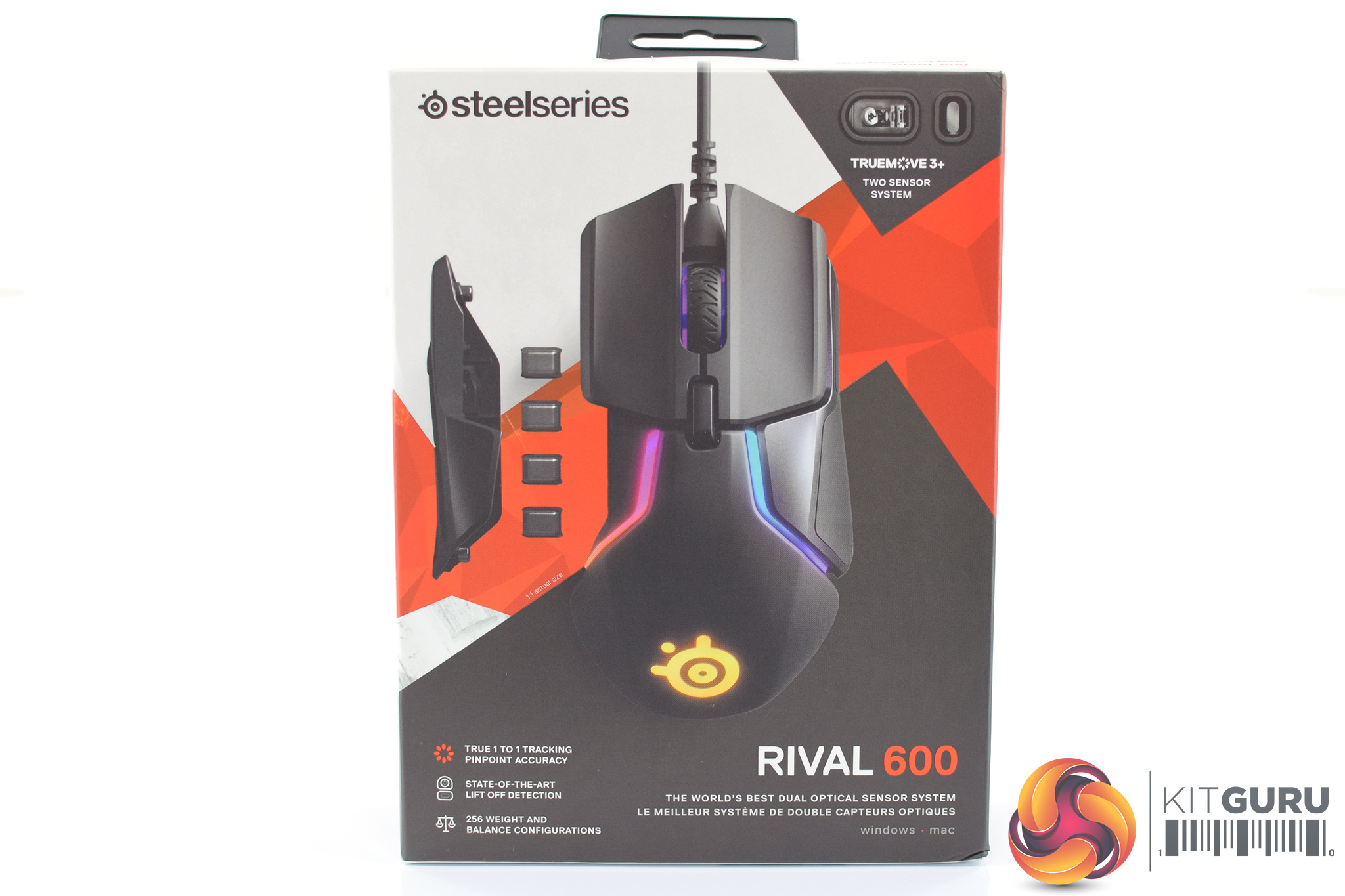
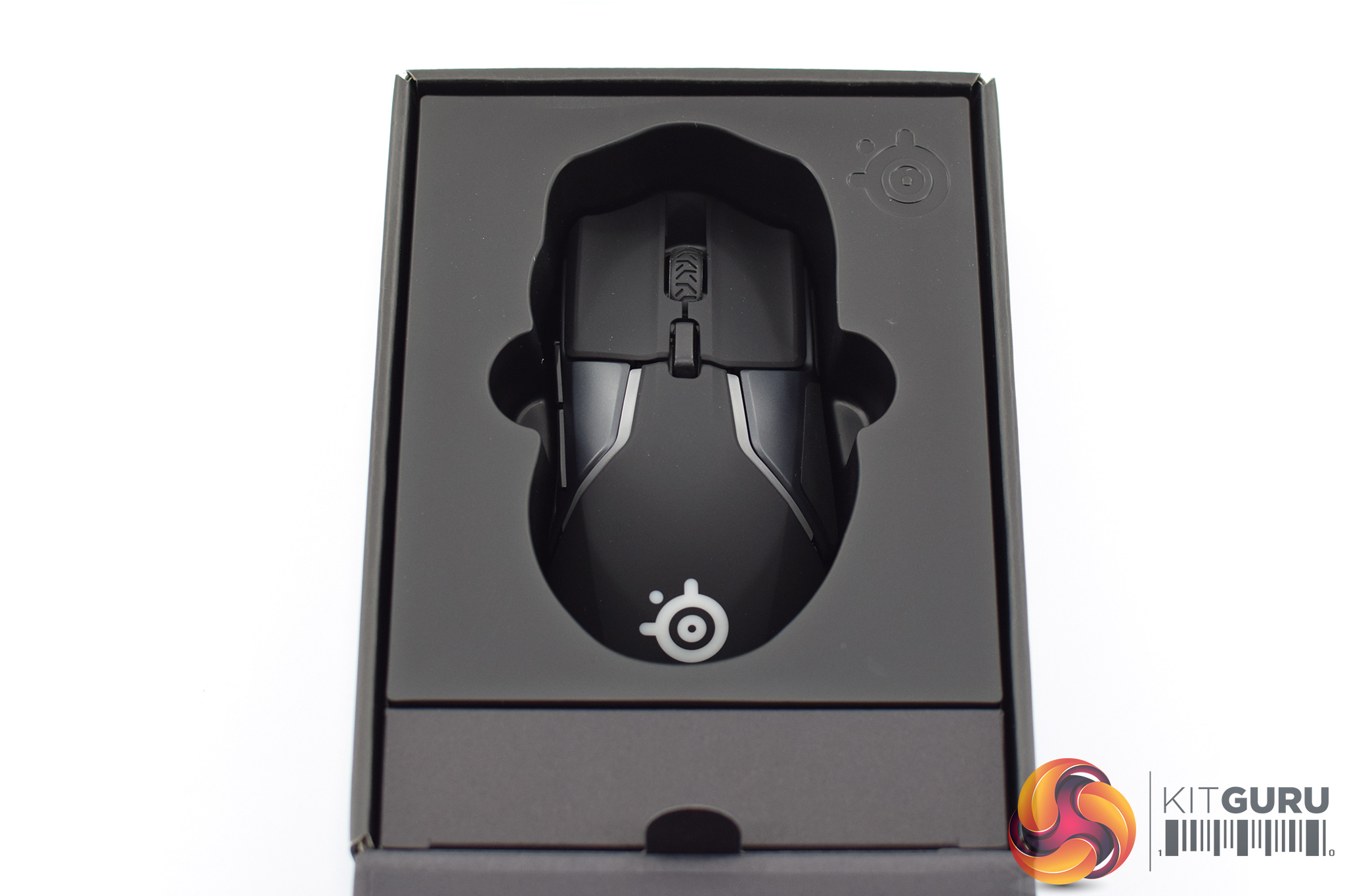
If you have bought a SteelSeries product over the last couple of years, you will be familiar with the packaging of the Rival 600 – it's quite bold, with orange accents, while a large product photo dominates the front.
Inside, the mouse comes well presented in its own mini compartment.
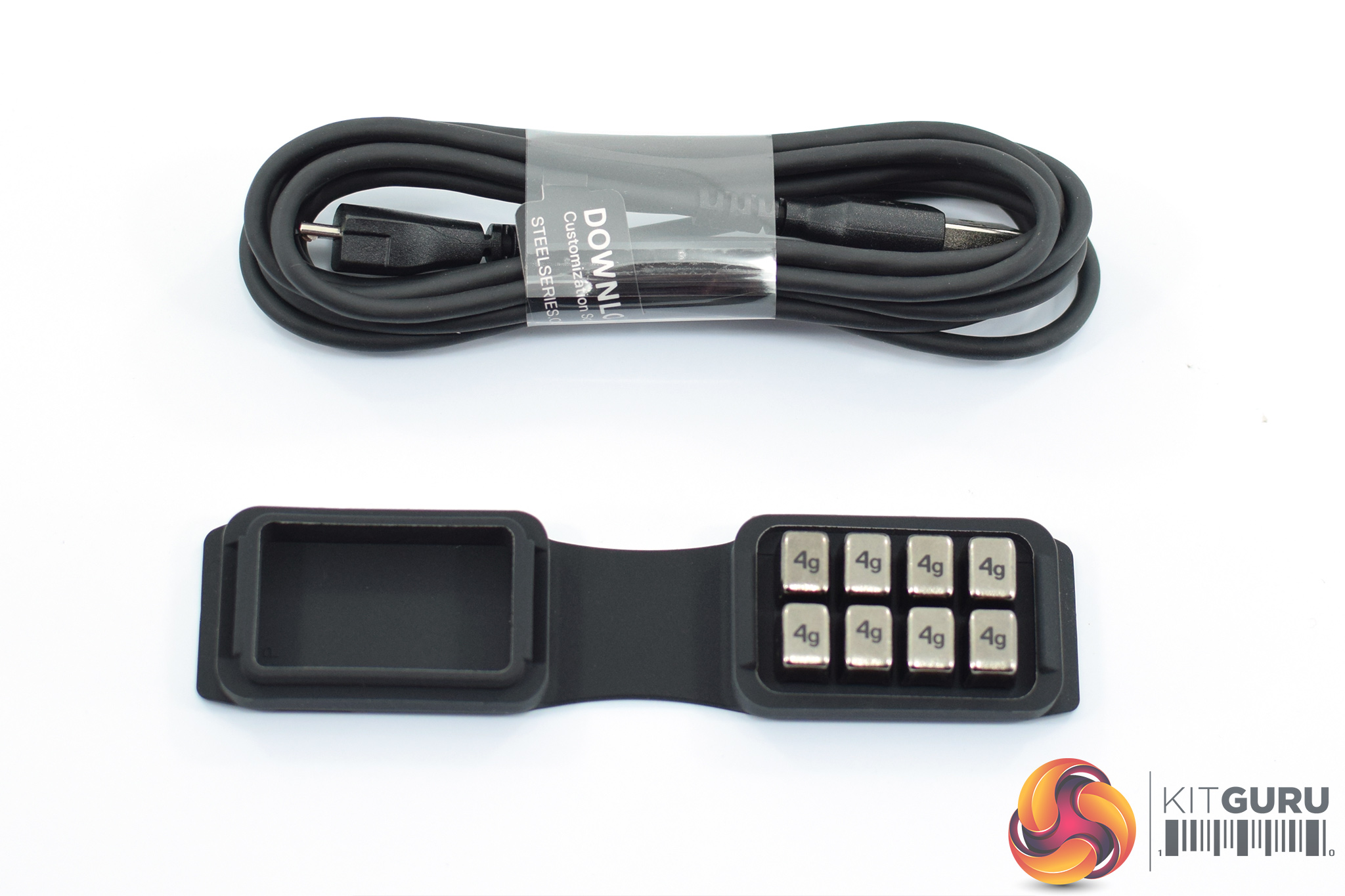
In terms of included accessories, the Rival 600 comes with a manual, a 2m detachable cable and a small pouch which holds 8x4g weights, but we will talk about that shortly.
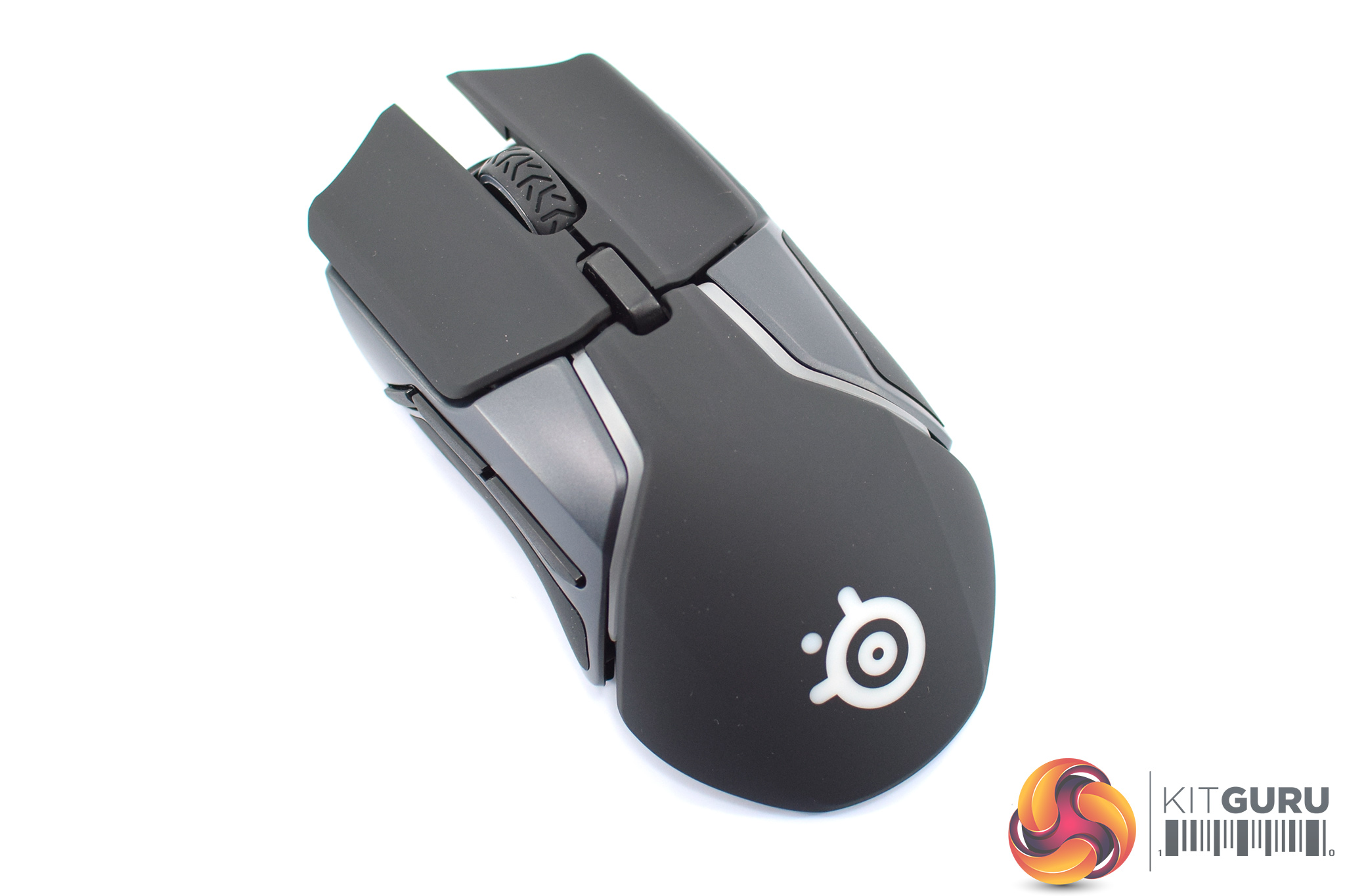
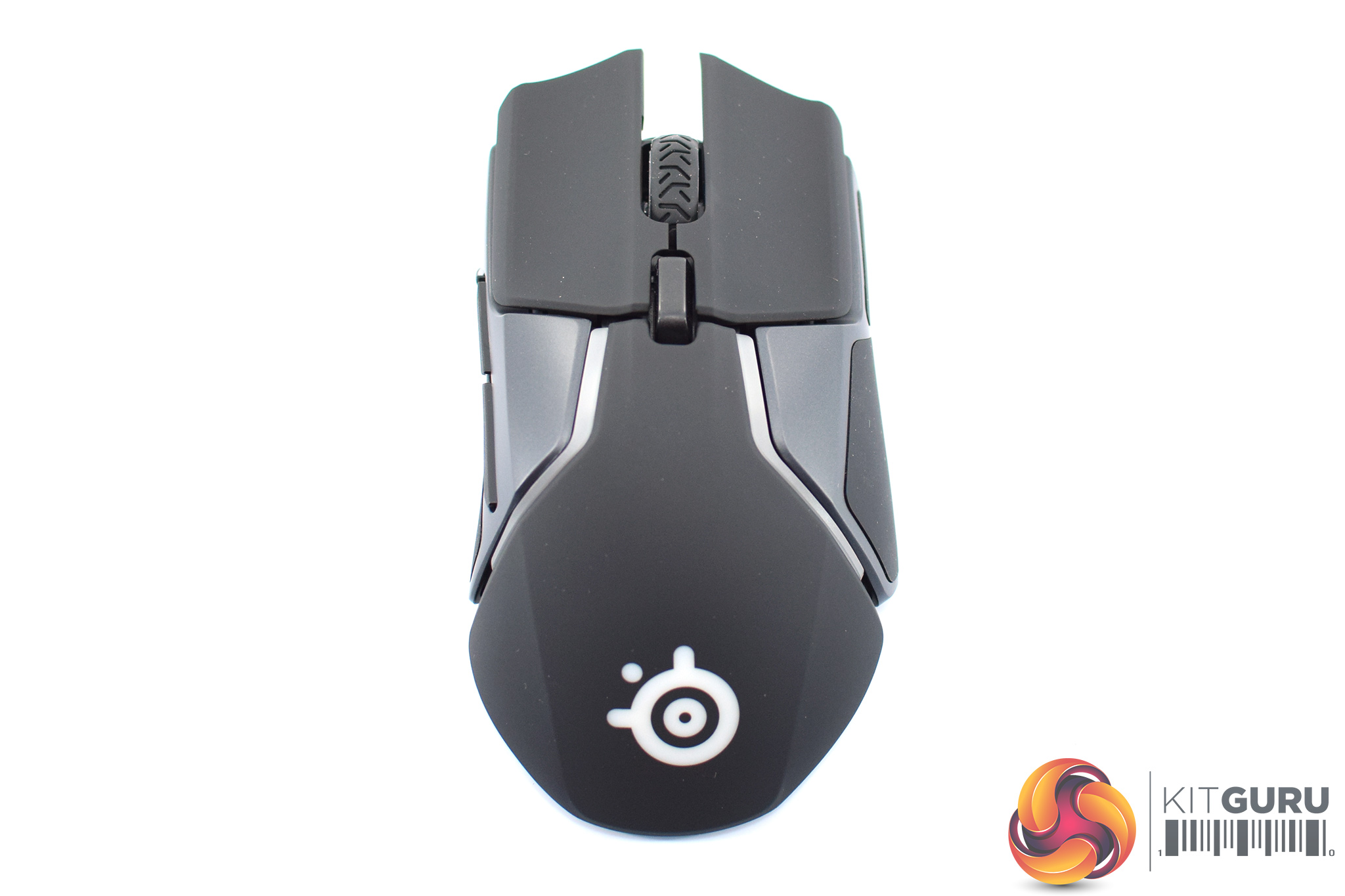
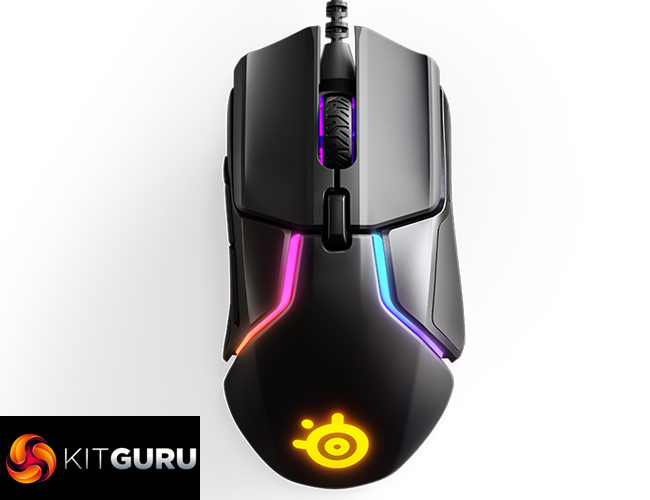
The mouse itself is a medium-large design, measuring 131 x 69 x 43mm. It sports an ergonomic design, too, so lefties are out of luck in that regard. The general shape is new, however – it varies a fair bit when compared to the Rival 310. For instance, the Rival 310 has a rounder bottom edge, it flares out more on the right-hand side and the main shell of the 310 is textured plastic, when the 600 uses a soft-touch rubberised plastic.
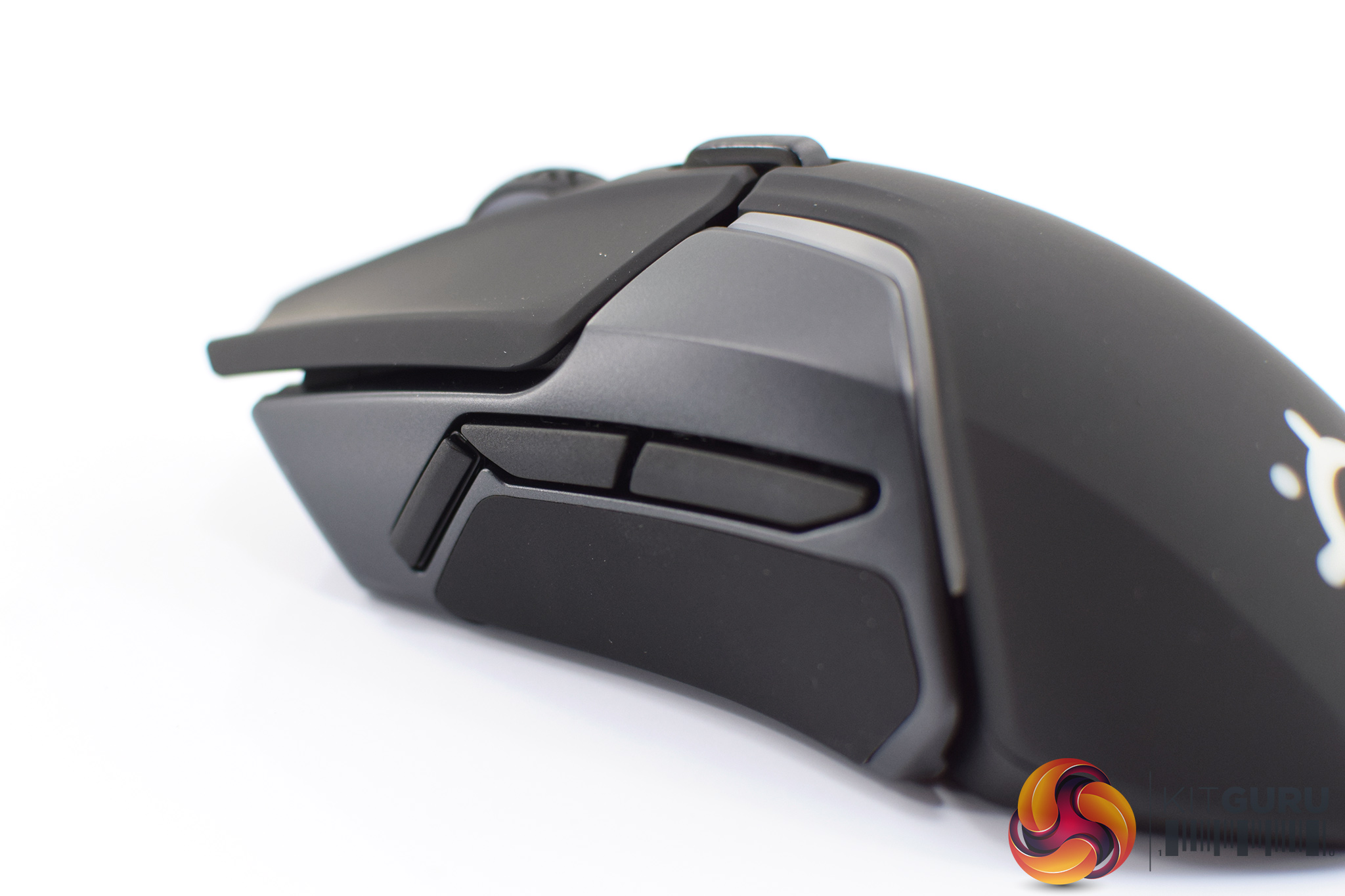
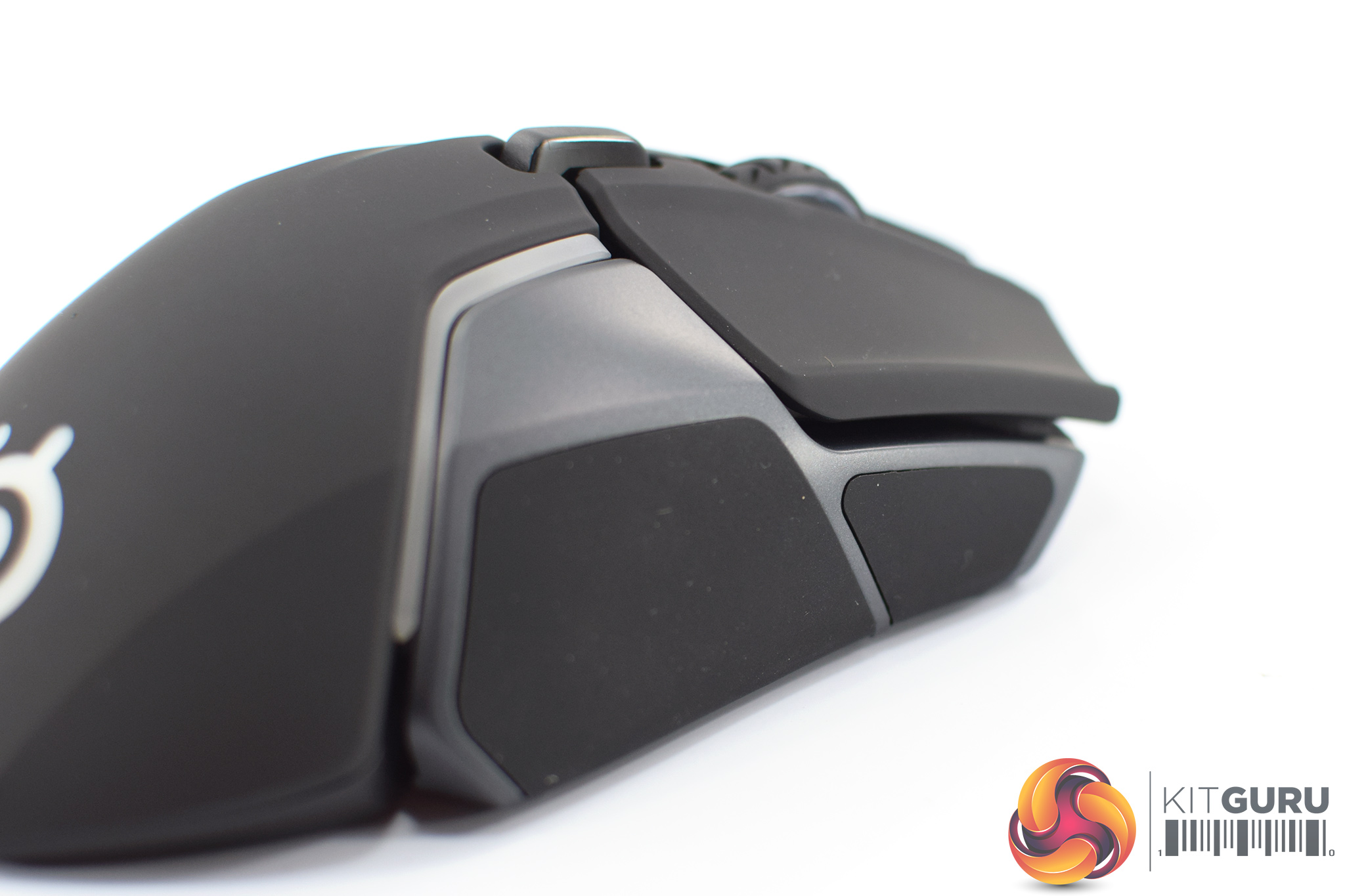
On the left-hand side of the mouse, we find the usual forward and back buttons, but there's also a third button pushed to the front of the mouse. That isn't something we see very often, if at all.
The right-hand side of the mouse is bare except for some rubber grip sections.
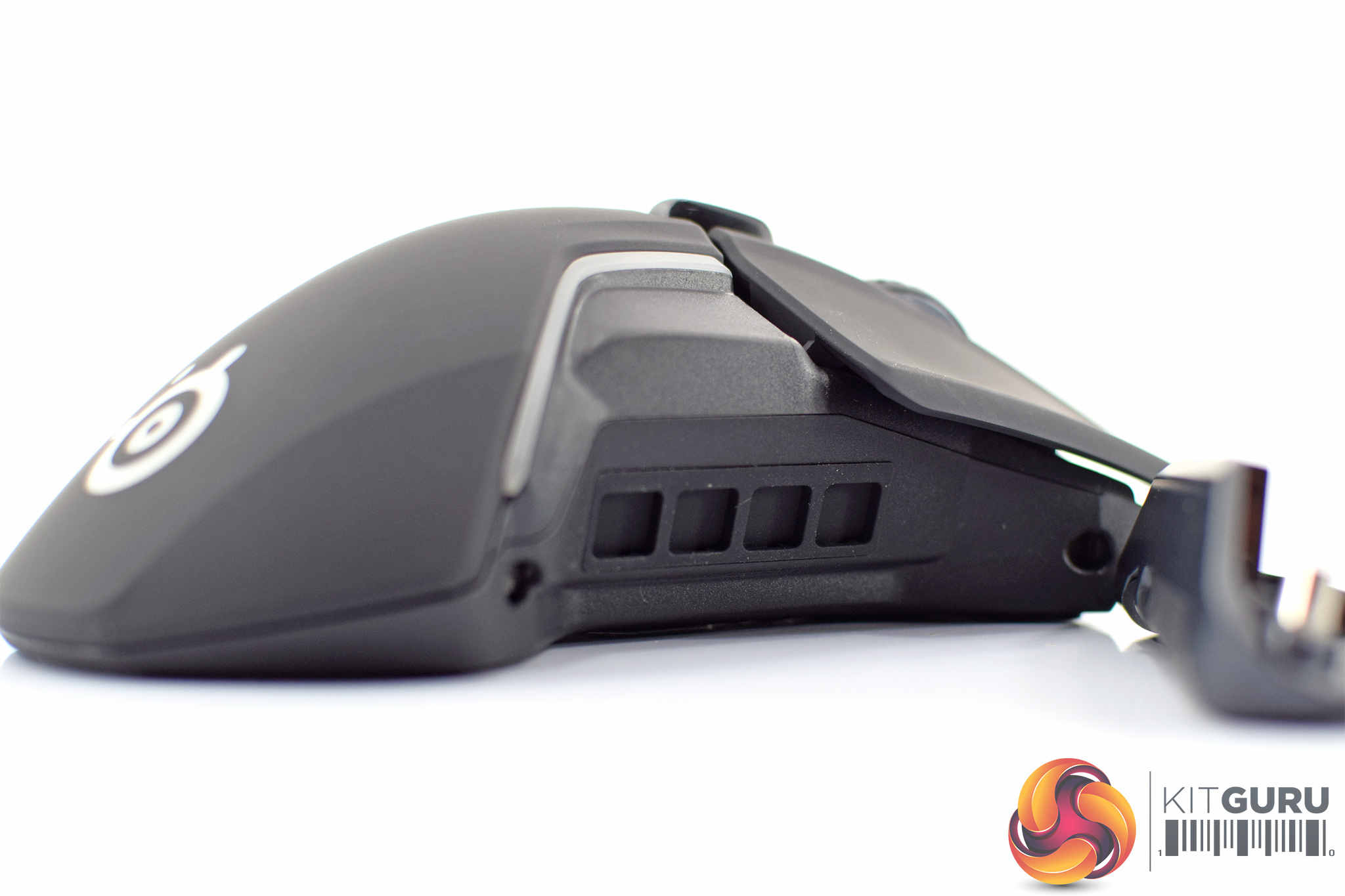
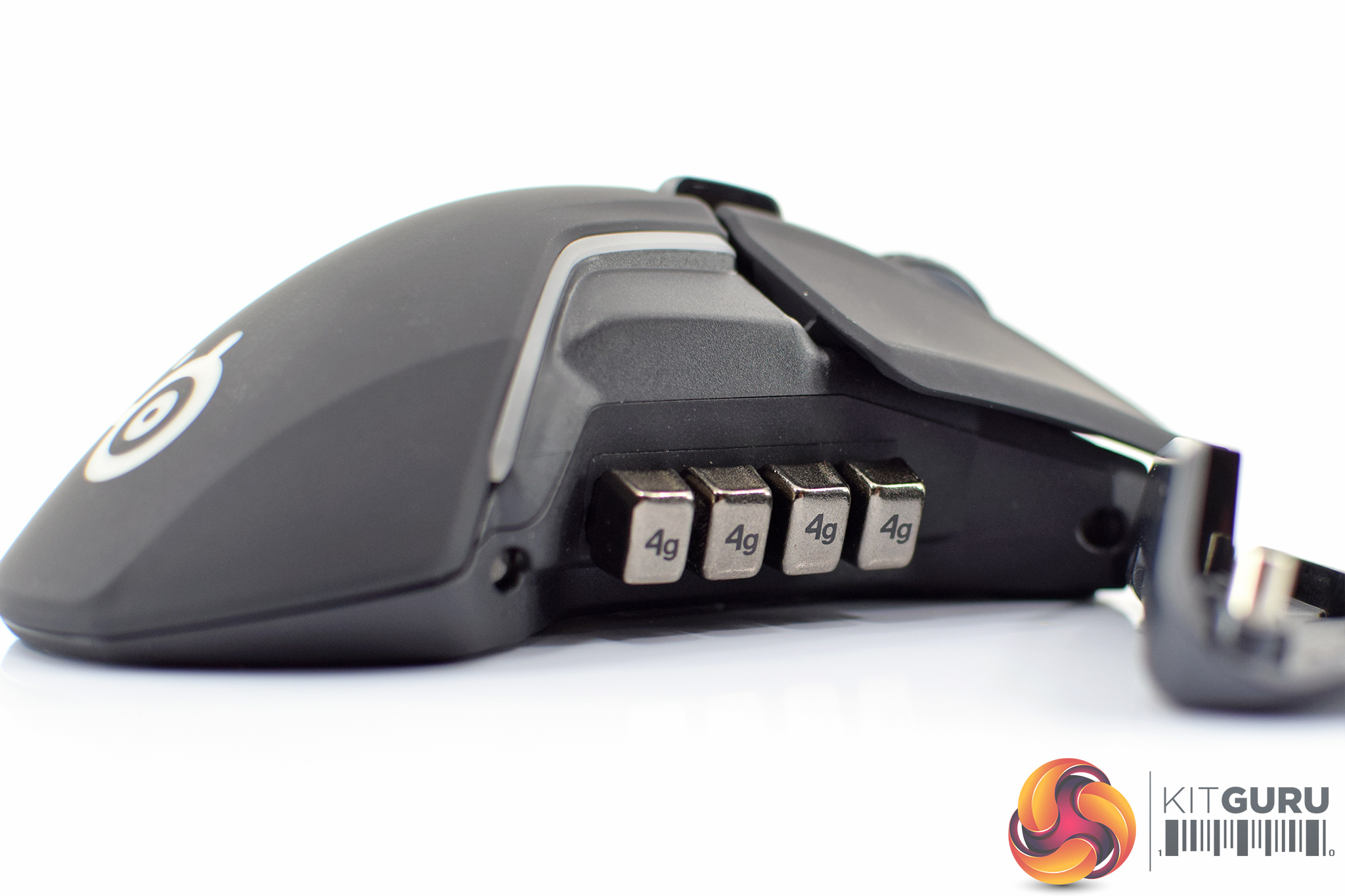
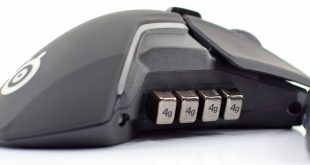
The main feature of the side grips, however, is that they can be removed – each grip is held in place with two magnets. Popping off each side reveals four small grooves in the main body of the mouse, and this is where you can fit up to 4 of those 4g weights.
You don't have to populate every slot, however, and that gives users a bit more control over the balance of the Rival 600. Without any weights, the mouse weighs 96g, and this can be increased in 4g increments up to 128g.
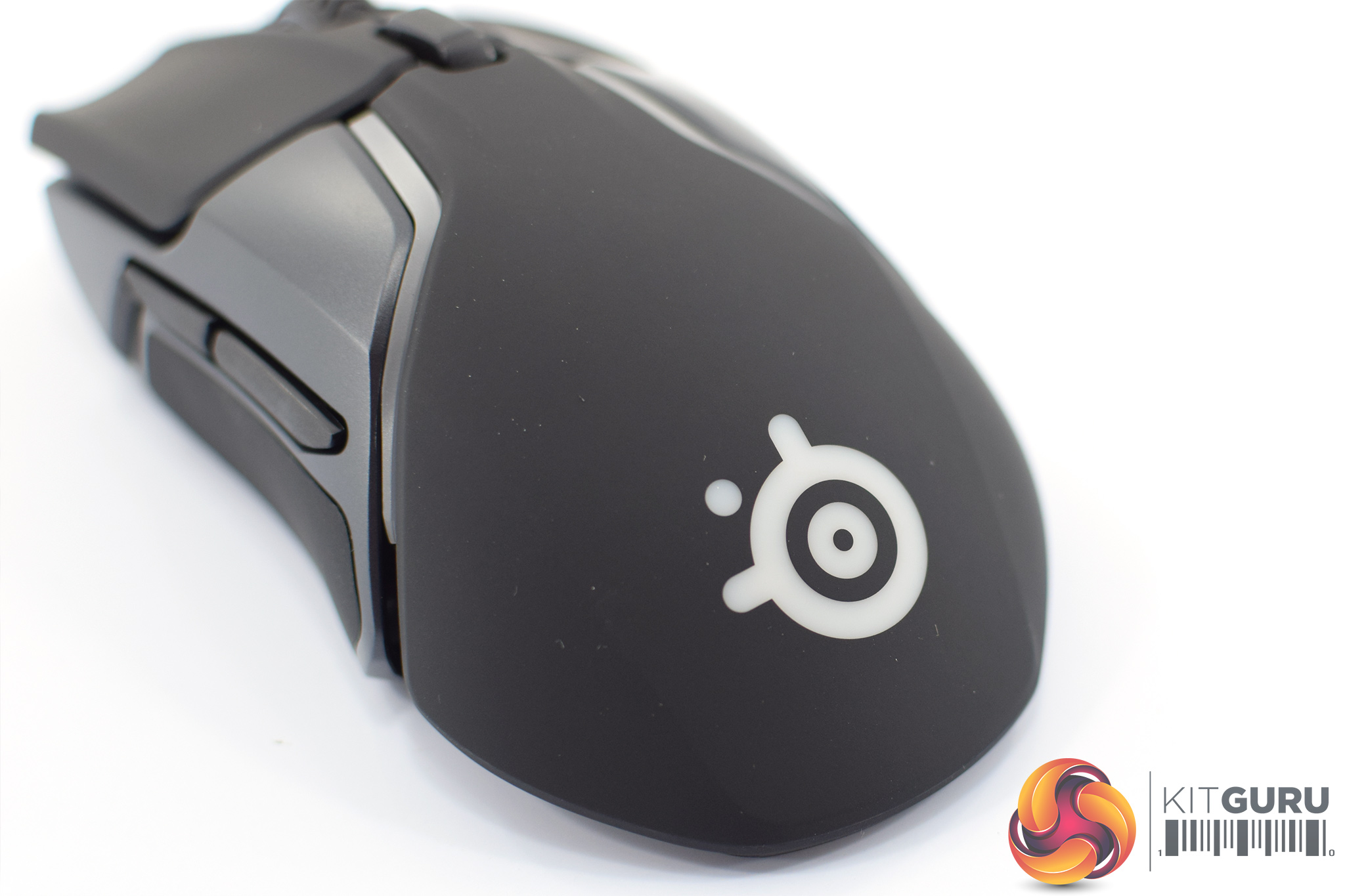
Elsewhere, the bottom of the mouse is home to the SteelSeries logo – one of eight RGB lighting zones.
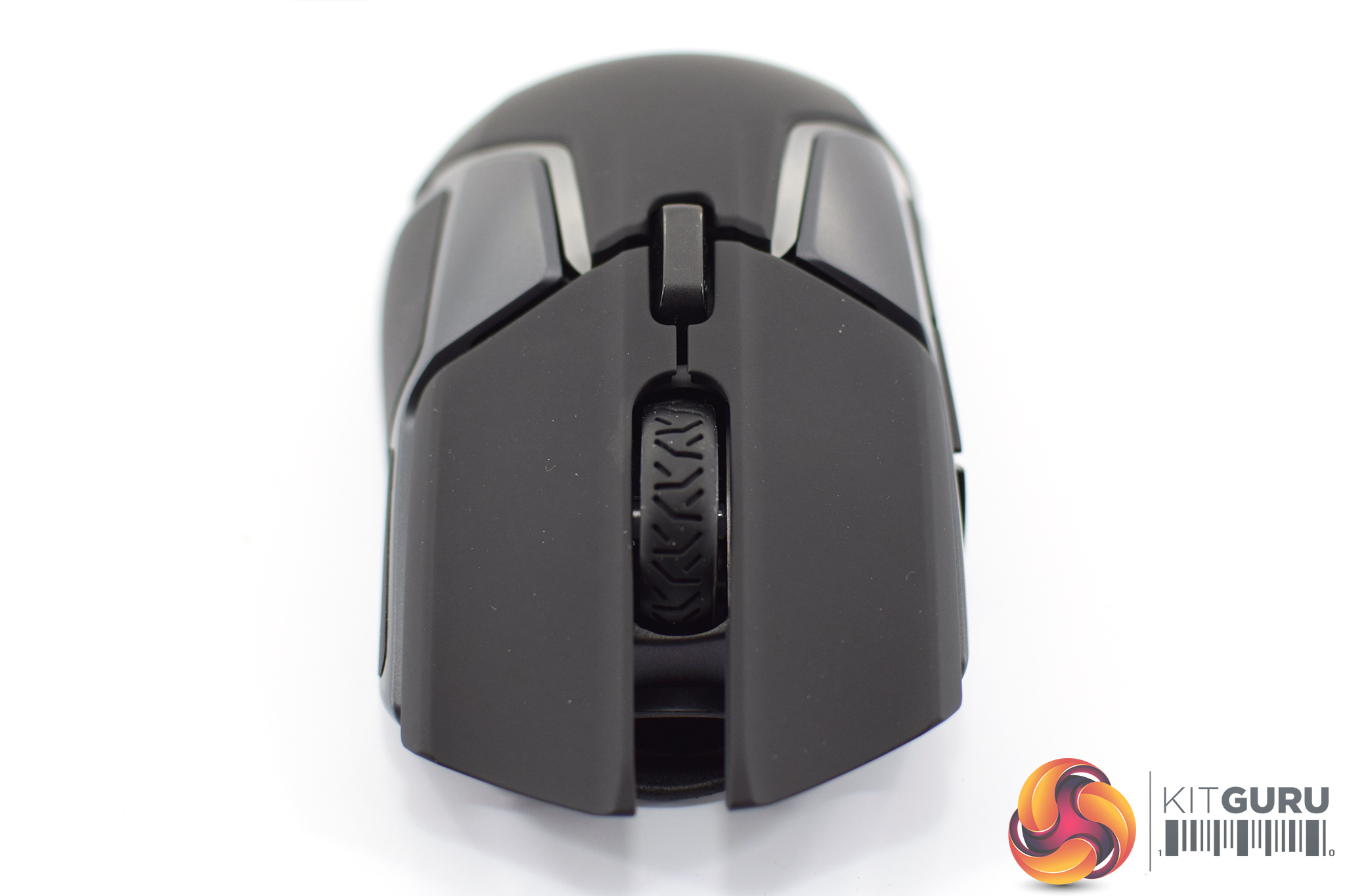
At the top of the mouse, the separate mouse buttons use SteelSeries branded switches – not Omrons – that are rated for 60m clicks. The scroll wheel sits in-between the primary buttons, with a single DPI button just below that.
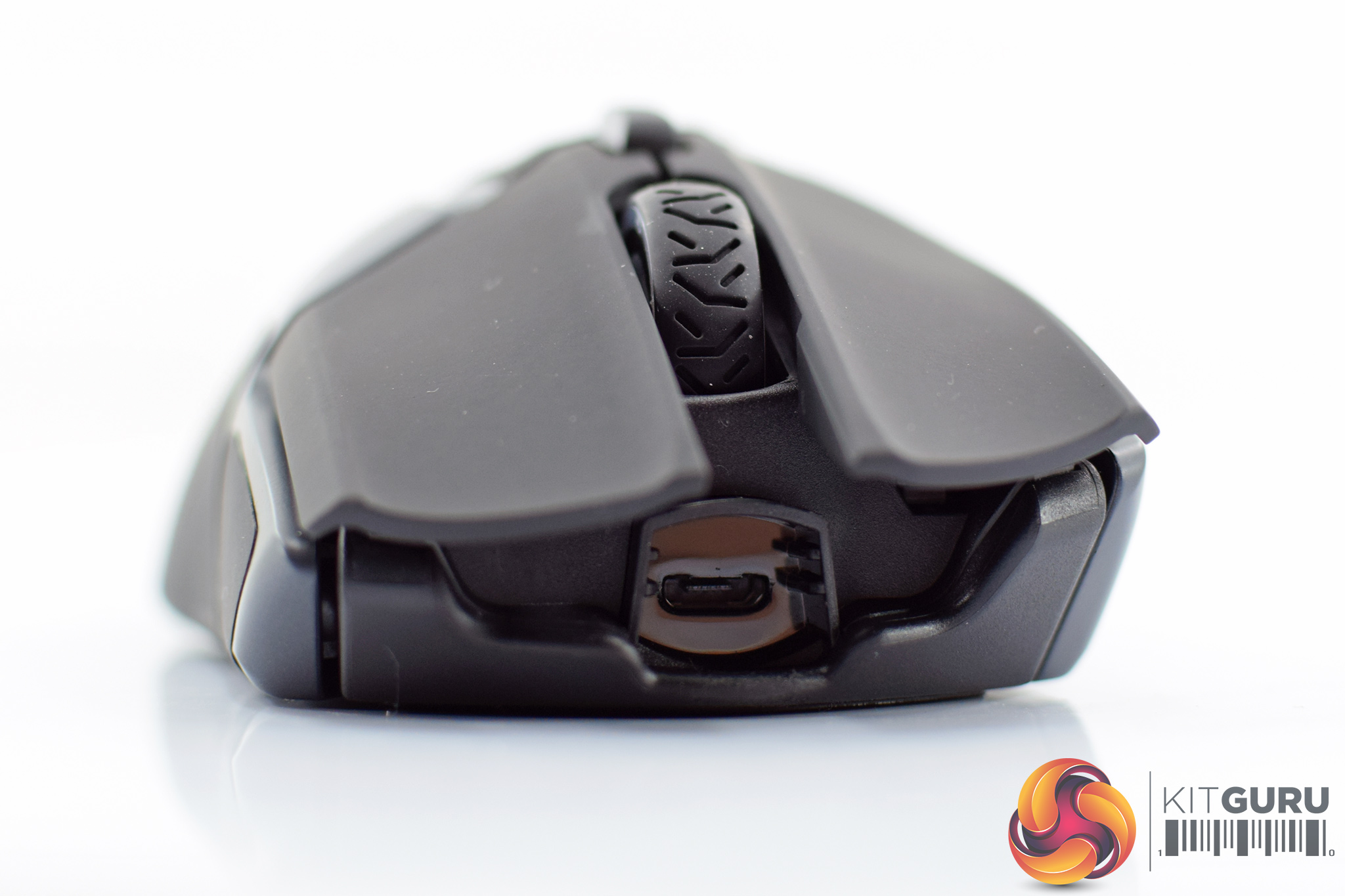
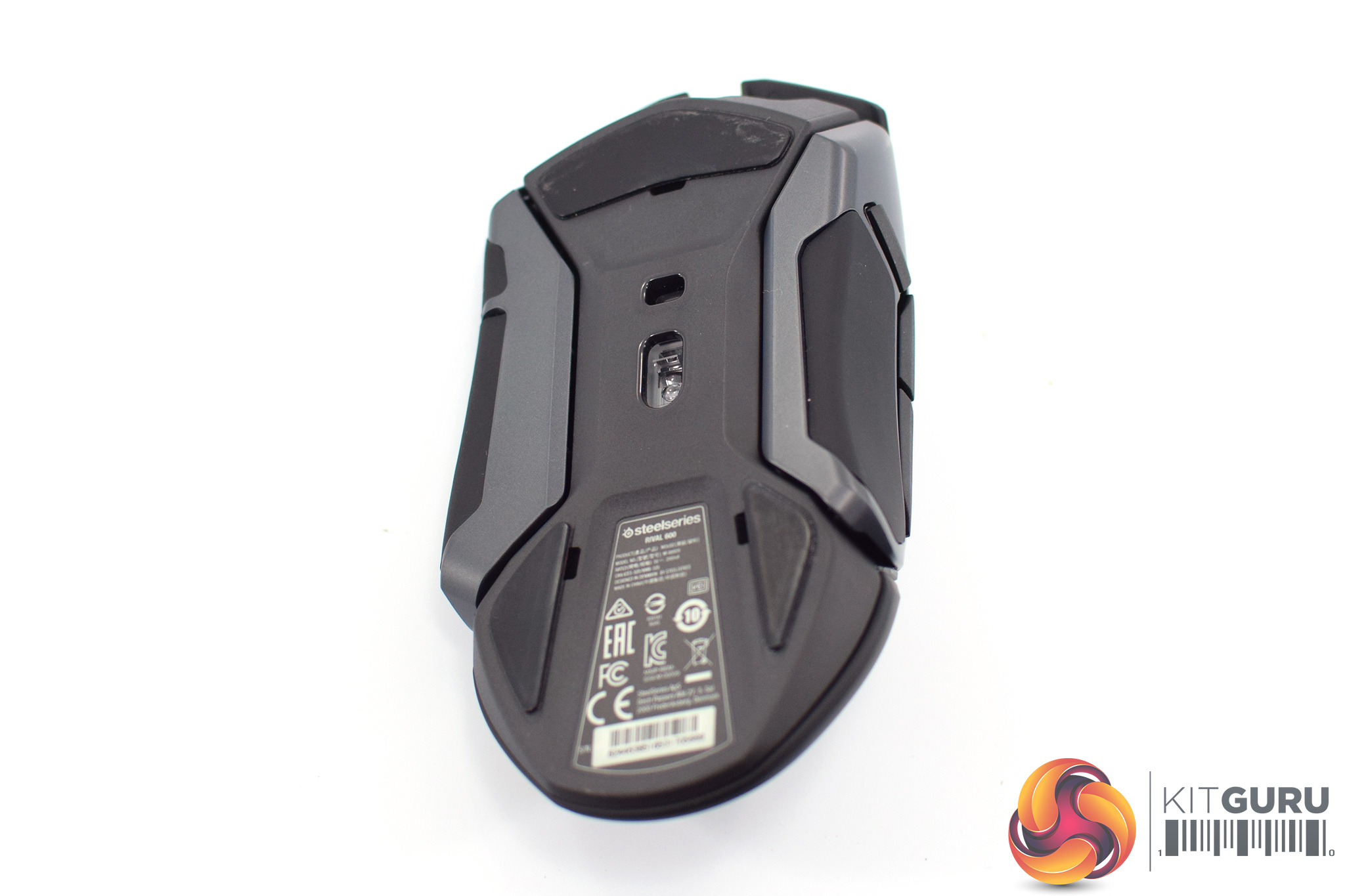
The detachable cable connects at the very front of the mouse via microUSB. However, it uses a keyed connector which slots into the gap at the front of the mouse, so a regular microUSB may not stay in. I think SteelSeries has missed a trick by not using the same connector as found on the Rival 700 – being able to use the braided cable that comes with the Rival 700 would've been a nice touch.
Lastly, the bottom of the mouse reveals three PTFE mouse feet, as well as the sensor. The TrueMove 3 is based on the PixArt PMW 3360, while the secondary sensor for measuring LOD sits just above the primary sensor.
Software
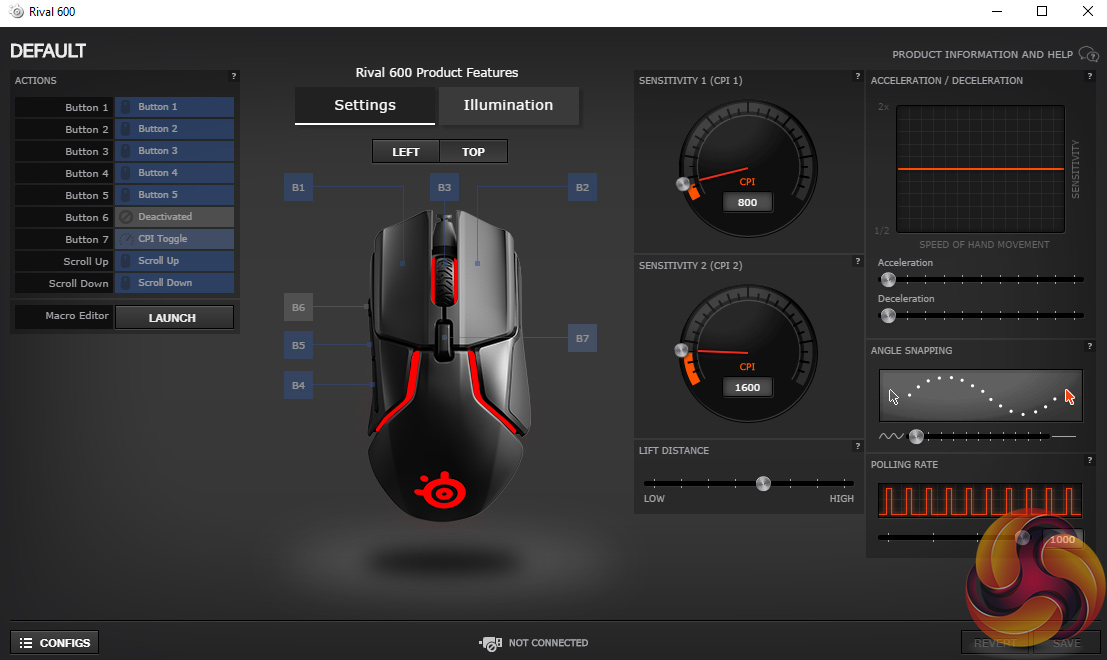
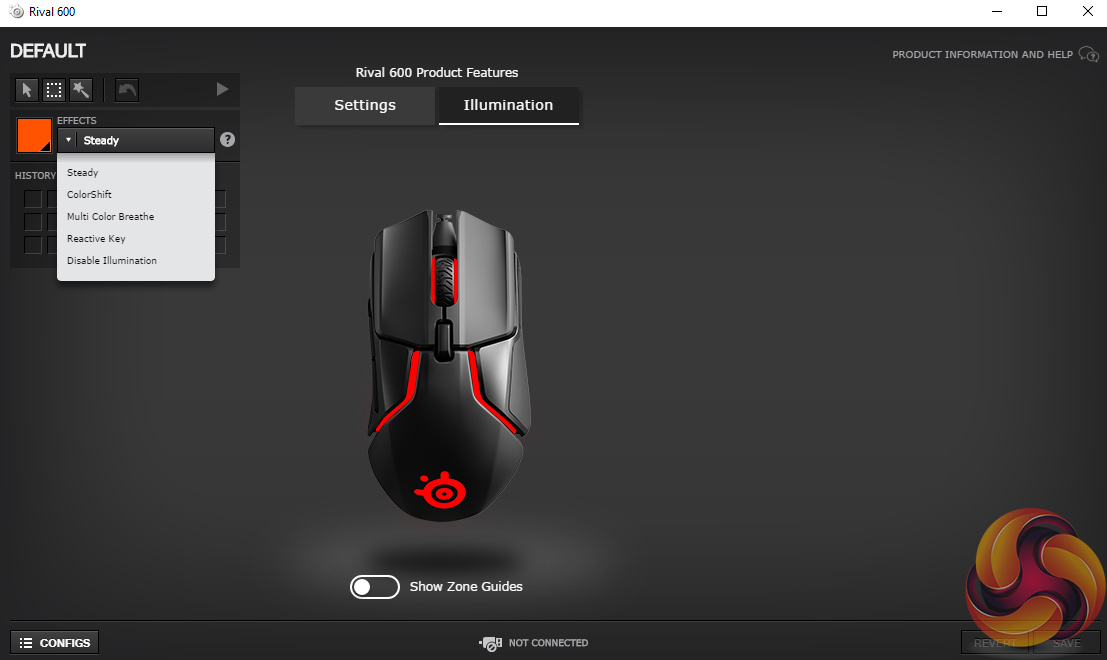
The Rival 600 uses SteelSeries Engine 3, the same software we've seen before with the likes of the Rival 700 and 310.
It's very simply laid-out, with just two main tabs – one for adjusting performance settings like LOD, angle snapping and acceleration, and another tab for the lighting. I really like this approach, everything is easily accessible but you still get control over all the key areas of the mouse.
Lighting

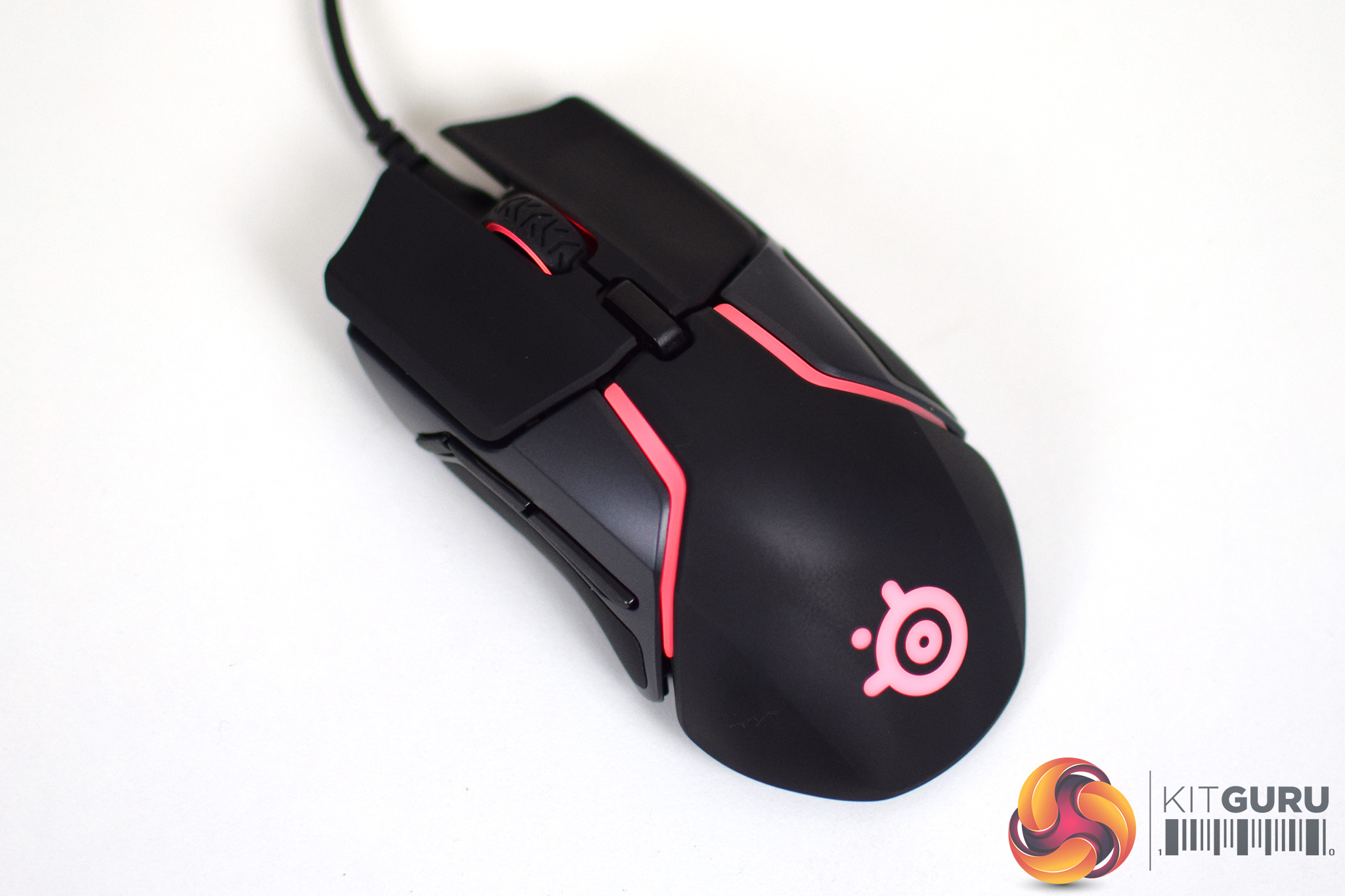
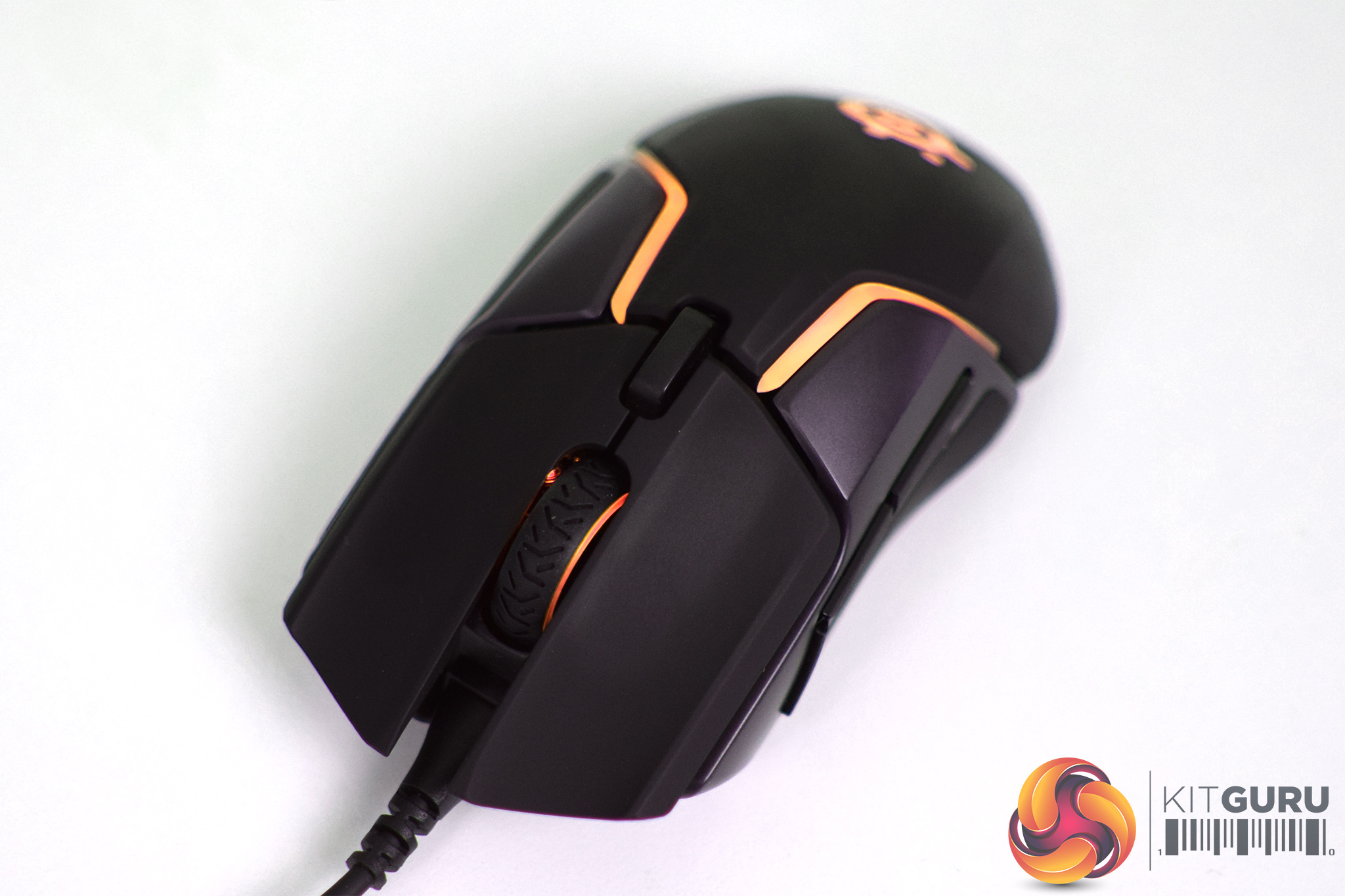
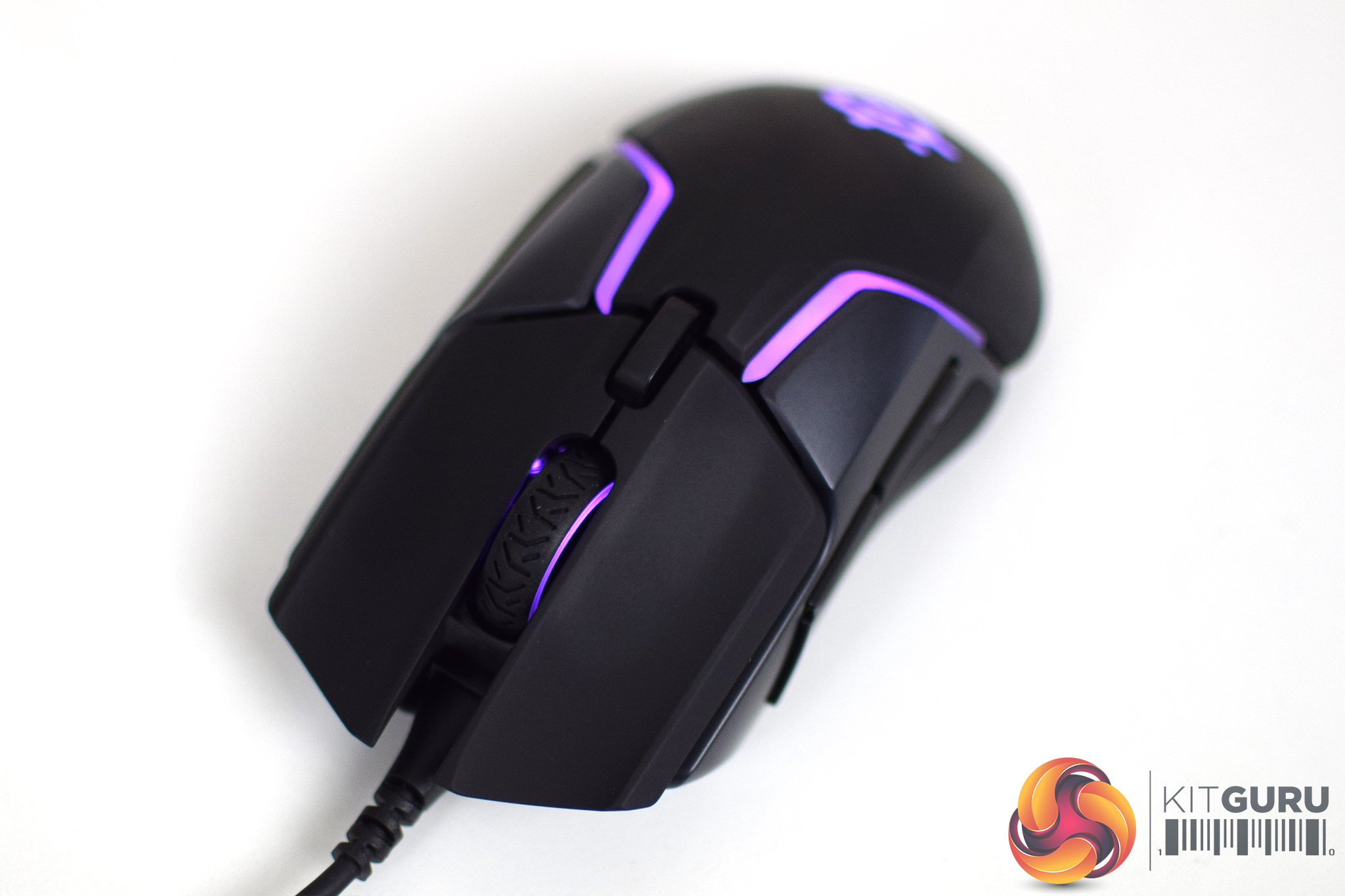
The Rival 600 sports a grand total of 8 RGB zones – the scroll wheel, the SteelSeries logo, and then three zones per each RGB strip. The overall effect is certainly impressive for those who are into their RGB lighting. There are various effects to choose from in the software, including colour shift and reactive. You can't go to town creating new effects – Razer mice are best for that kind of thing – but the LEDs come through clear and strong with the Rival 600.
Day-to-day usage
Getting to the main part of our review, I'll start with the overall build quality and design of the Rival 600. While it exhibited no rattling sounds when shook, nor did it feel particularly flimsy in hand, I have three significant issues with the overall design and build of the mouse.
The first is the fact that the Rival 600 is not balanced – it is noticeably bottom-heavy. Using the mouse with my preferred claw grip, I put a fair bit of pressure on the base of the mouse with the bottom of my palm. This caused the front of the Rival 600 to lift up off the mouse mat, which was obviously very frustrating.
I can appreciate that adding some of the included weights would've fixed this issue. However, at 96g the Rival 600 is already a touch heavier than I would like, and adding another 8g isn't going to help. I feel the Rival 600 should be balanced in the first place – users shouldn't be forced to use the weights system just to get a balanced mouse.
The second issue I had – which it would seem is very common – is to do with the primary buttons. My sample's LMB button worked perfectly – it was snappy, quite fast and felt great. The RMB, however, felt so mushy in comparison, it was not pleasant to use at all. Gamers who frequently use the RMB are likely to find its lack of tactility very off-putting.
Lastly, the DPI buttons is simply too tall. It protrudes from the main body of the mouse quite a ways, and in practice this meant I was accidentally clicking the DPI button when I was really trying to click in the scroll wheel. It's things like this which just make no sense to me – the low-profile button on the Rival 310, for instance, is absolutely fine. To my eyes, there was absolutely no need for SteelSeries to change the design of the DPI button and make it awkward to use.
Apart from that, the mouse is fairly comfortable to hold. It's a medium-large ergonomic design, and while I prefer the Rival 310 shape, I can see the Rival 600 proving comfortable for palm and claw grip users.
One last thing to mention is that the detachable cable uses a keyed microUSB connector which slots into the front of the mouse. The cable measures 2m long and is of high quality – I had no issues with it dragging or getting in the way. Being detachable simply makes it easier to replace should it break.
Moving onto performance now, the TrueMove 3+ sensor(s) is a very capable unit. We first saw the TrueMove 3 implemented within the Rival 310/Sensei 310 and it is essentially a modified PMW 3360. The TrueMove 3+ is the same thing, but now with a secondary sensor dedicated to LOD.
Immediately, this presents itself in the software where users can choose between 8 different LOD settings, which adjust LOD between 0.5-2mm. At the lowest setting, the Rival 600 actually stopped tracking on some areas of my mouse mat, so I left LOD at the default, middle setting. At its maximum value, the sensor stopped tracking with two DVDs wedged under the mouse.
In terms of the rest of the optical sensor, performance is as perfect as you'd expect from a modified 3360. I experienced no unwanted acceleration, smoothing or angle snapping, and tracking pixel by pixel was smooth and precise. The sensor as a whole behaved flawlessly.
Elsewhere, aside from the mouse as a whole being imbalanced, the additional weight system works well. Being able to add up to 32g to the 96g base weight definitely broadens the appeal of the mouse – as we found recently, the 90-110g weight range is the most popular among KitGuru readers. For me, though, I just can't get over the simple issue that the mouse isn't balanced by default.
Lastly, the scroll wheel is a high-quality unit, with distinct steps and a lovely textured rubber grip area. It's also relatively easy to click in which can't be said for all mice. The side buttons are also quite crisp and satisfying to press. I couldn't reach the furthest-forward button, but this is disabled by default and I didn't miss it while gaming.Considering its feature set and £80 price, I had high hopes for the SteelSeries Rival 600. However, it has a few significant issues which really hampered my time with the mouse.
The biggest issue for me was the fact that the mouse is imbalanced – it is bottom-heavy, which meant by putting pressure on the bottom end of the mouse, the front of the mouse would pop up from my mouse pad. This is a fundamental issue with the Rival 600 and I'm not sure how it didn't get flagged before mass-production.
Elsewhere, the RMB on my sample felt quite mushy and really unsatisfying to press, despite the LMB being really crisp and tight. The DPI button is also raised far too high from the body of the mouse, resulting in plenty of accidental clicks when reaching for the scroll wheel.

The best part of the Rival 600 is undoubtedly the TrueMove 3+ sensor – it performs excellently and gives very close control over the LOD of the mouse, something we haven't seen from SteelSeries mice until now. If this same dual-sensor system is implemented in more SteelSeries mice, that can only be a good thing.
Lastly, the weight adjustment system is an effective way to broaden the appeal of the Rival 600. It's base weight of 96g might alienate those who prefer lighter mice – myself included – but its 96-128g weight range lines up almost perfectly with our general findings.
On the whole, though, the Rival 600 is a flawed mouse. I would expect significantly better build quality for its £79.99 asking price, and there are definitely some design flaws which are very questionable. Unless you really like the idea of the TrueMove 3+ sensor, both the Rival 310 and Sensei 310 offer better designs at lower prices.

You can buy one from Overclockers UK for £79.99 HERE.
Pros
- Excellent sensor.
- Weight adjustment system.
- 8-zone RGB.
Cons
- Imbalanced weight distribution.
- Mushy RMB.
- DPI button is too tall.
- Expensive.
KitGuru says: While the TrueMove 3+ may be a very exciting sensor, the Rival 600 as a whole is a poor implementation of that sensor, and is very expensive for a gaming mouse.