 KitGuru KitGuru.net – Tech News | Hardware News | Hardware Reviews | IOS | Mobile | Gaming | Graphics Cards


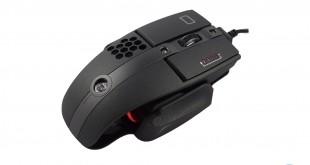
Back in 2012, we reviewed Tt eSports’ Level 10M mouse, and now there is an updated ‘Advanced’ edition. With 3 zone RGB lighting, a 16,000 dpi sensor and adjustable height options it comes fully kitted out. it will be interesting to see how the Level 10M Advanced fares as a gaming mouse in 2016.
It has a MSRP of £54.99 in the UK, less than its predecessor – which cost around £90 at launch in 2012. We assess the Level 10M Advanced and see if it is worth the asking price.
Features
- Effective DPI up to 16000.
- Avago 9800 laser sensor.
- 3-zone RGB lighting.
- Customisable height.
- OMRON switches rated at 50 million clicks.
- Measures 131 x 87 x 41mm (LxWxD).
- Braided cable with gold-plated USB plug.
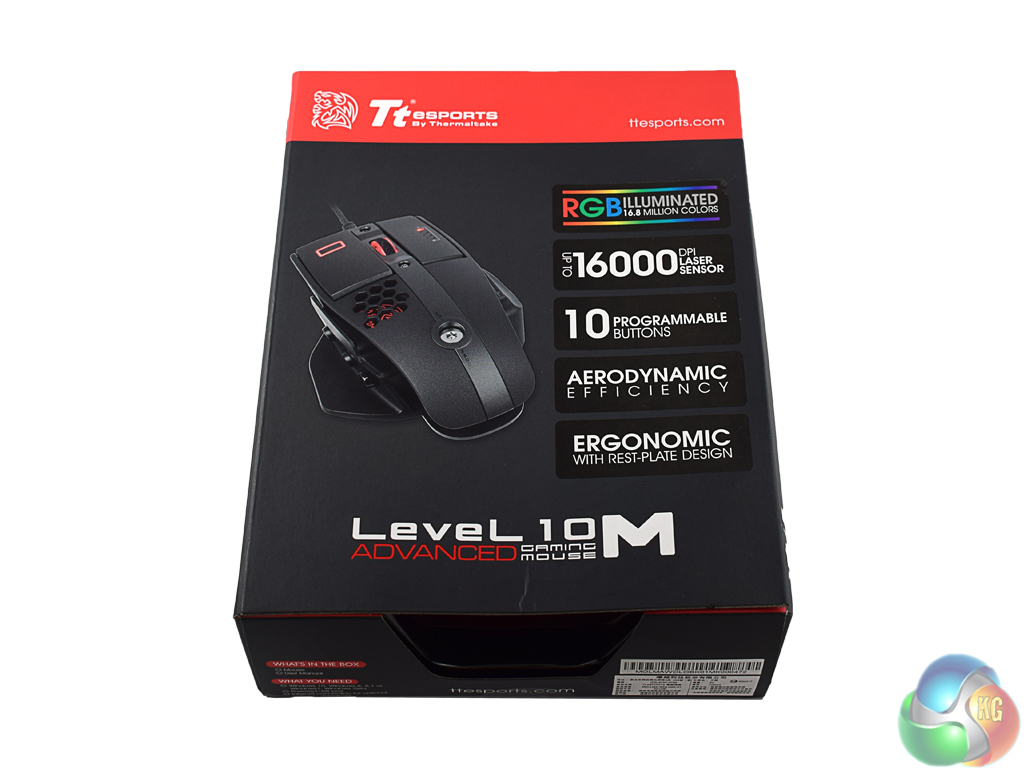
The Tt eSports Level 10M Advanced ships in a sleek black box, with a red bar at the top. A picture of the mouse is visible on the front, while some key features are also highlighted.
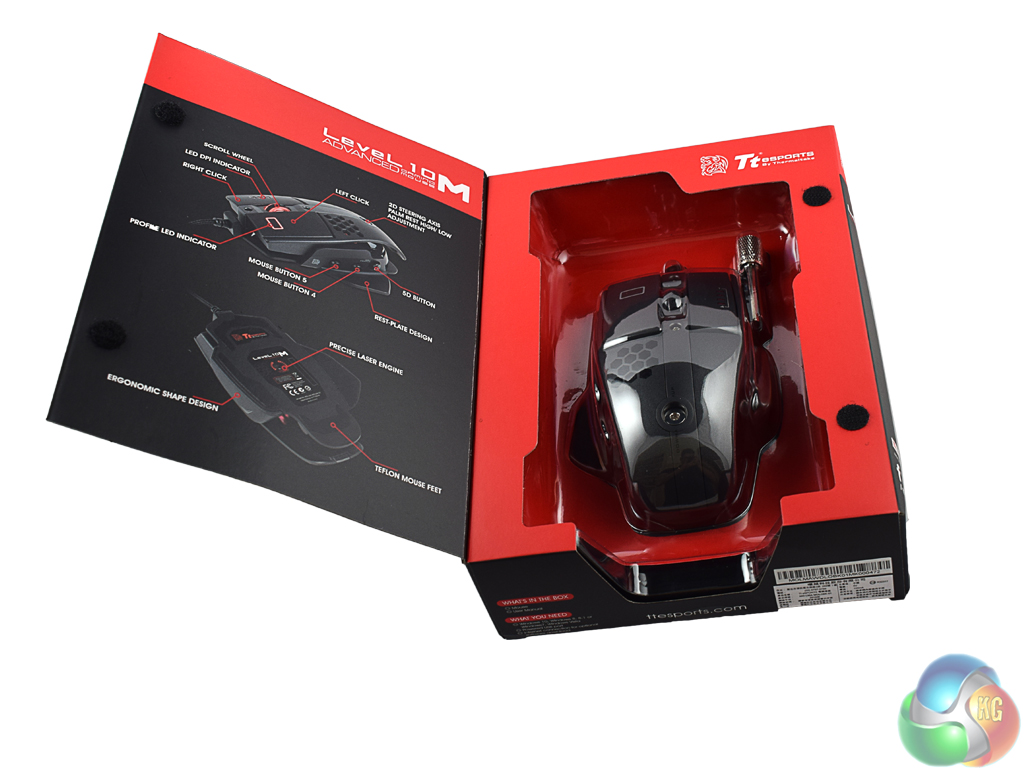
The front of the box is actually a lid attached with some Velcro, so lifting it off reveals the mouse below – encased in a plastic shell.
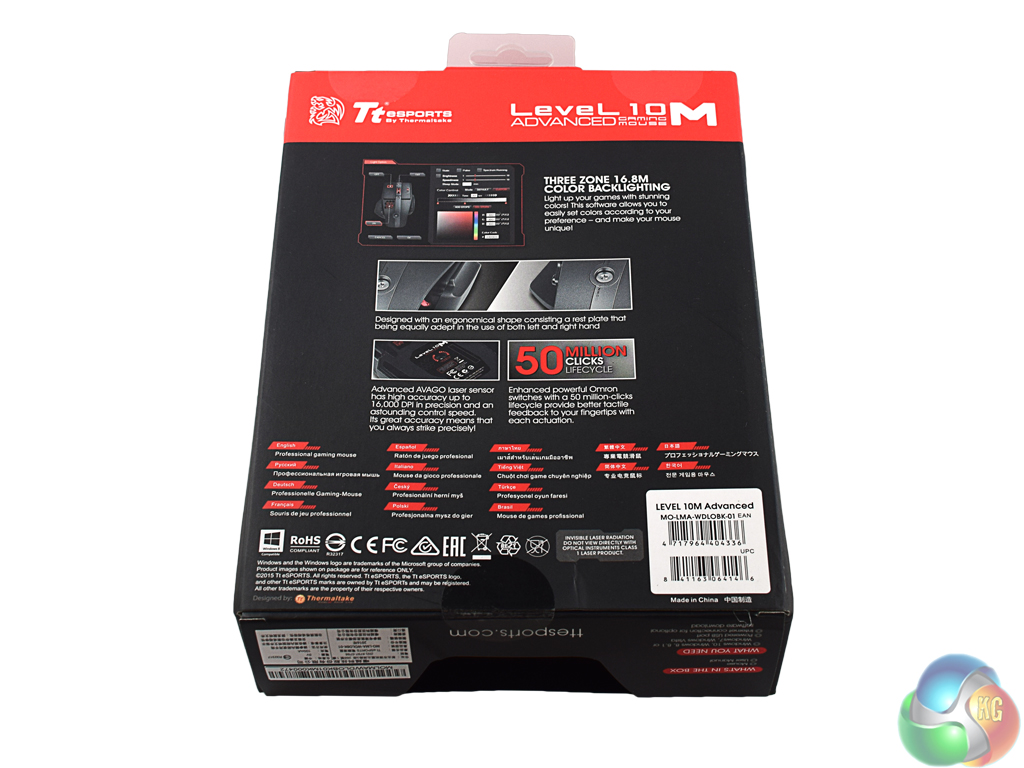
On the back there are more key features as well as the words ‘professional gaming mouse' translated into several languages.
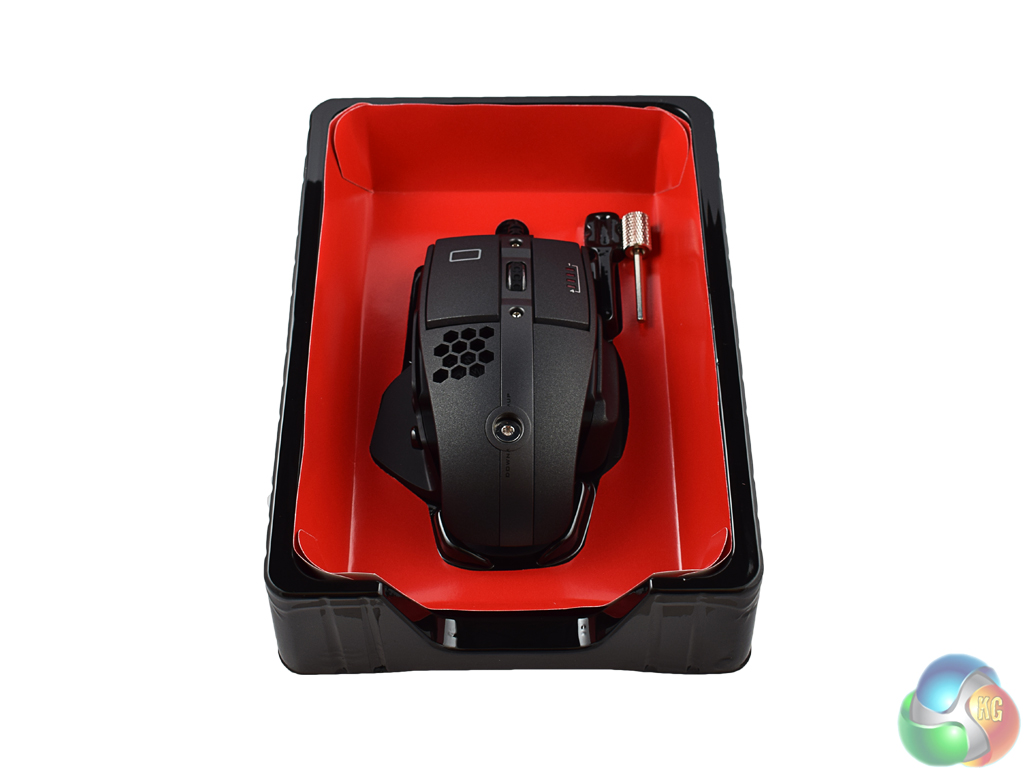
Inside, the mouse sits in a plastic mould with a special tool next to it – which we will come to later.
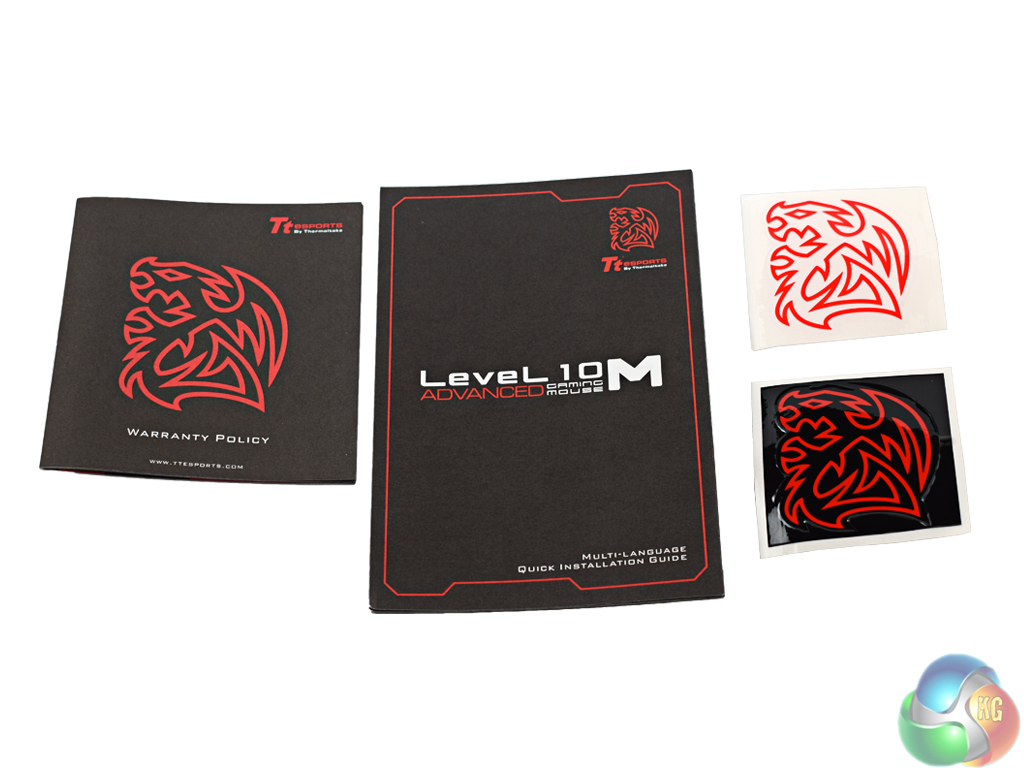
There are also two product booklets and two stickers for you to jazz up your PC case with.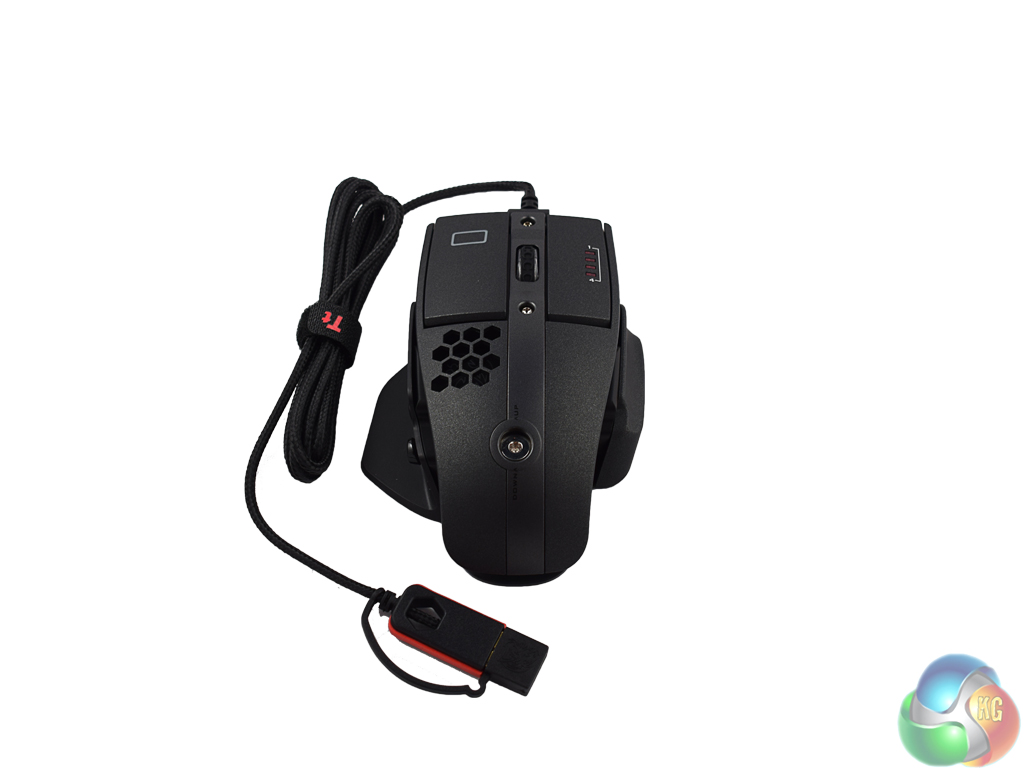
While the Tt eSports Level 10M Advanced may look identical to its predecessor at first glance, a few changes have been made.
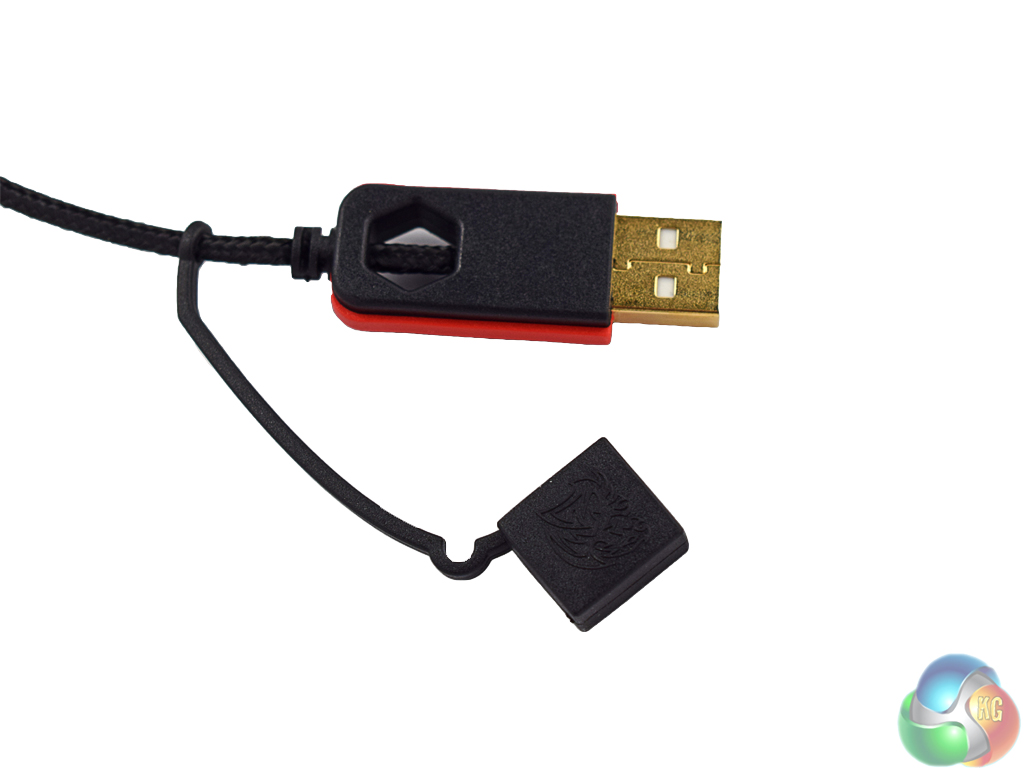
The first thing to note is the braided cable – which measures 1.8m. The USB port is gold-plated and has a protective cap to keep it safe when travelling.
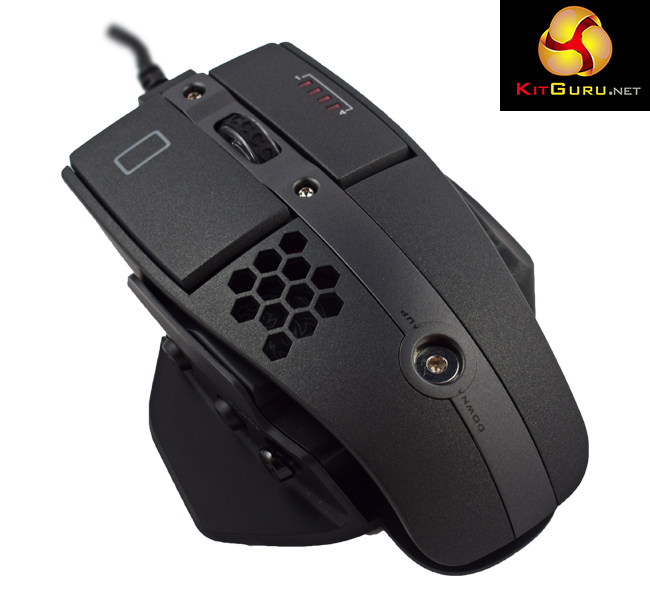
The mouse itself is certainly an elegant piece of kit. My sample is entirely black (though it looks more like a dark grey/charcoal to me) and is very sleek and attractive. You can clearly see the ‘open' nature of the design, too – done deliberately to keep your hand cooler than a typical ‘closed' mouse would.
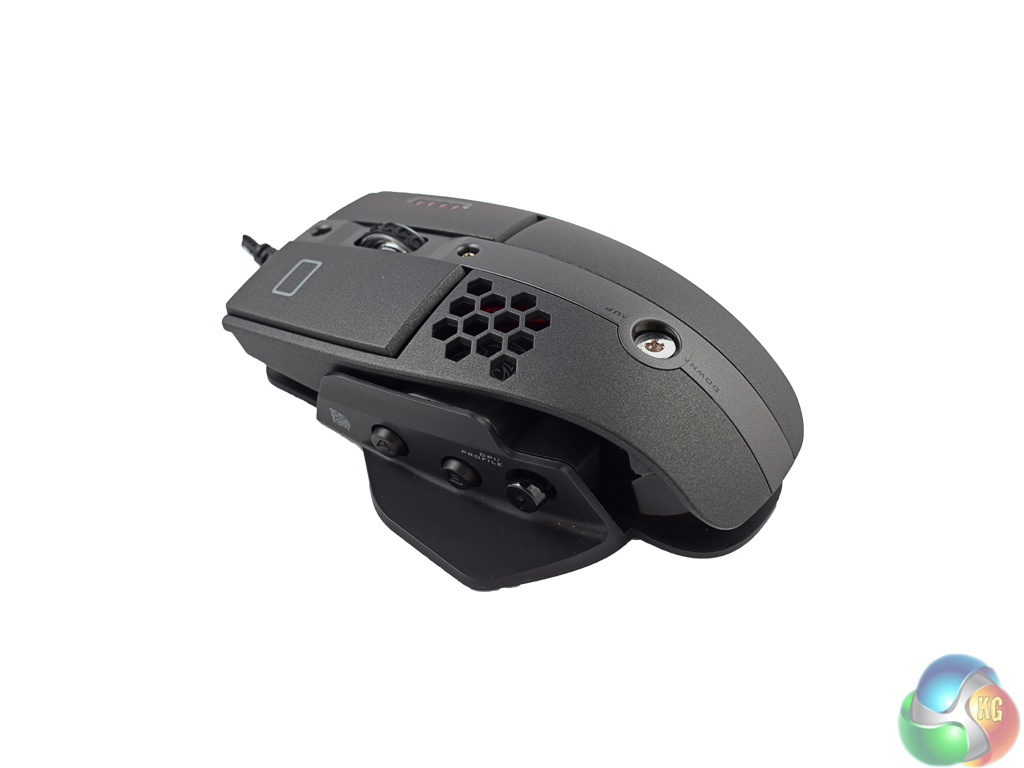
One new addition is the base plate, which protrudes out onto the left-hand side to act as a thumb-rest. On the same side are three buttons – A, B and Z. By default both the A and B buttons perform simple browser-navigation duties.
The Z button is more interesting as it is actually a ‘5 axis' button. By default, you can click it and the lighting profile will change, while it can also be flicked left and right – which changes the DPI setting. It can be flicked up or down, too – but you need to programme the action you want performed as it is empty by default.
This is a very cool feature, if you ask me.
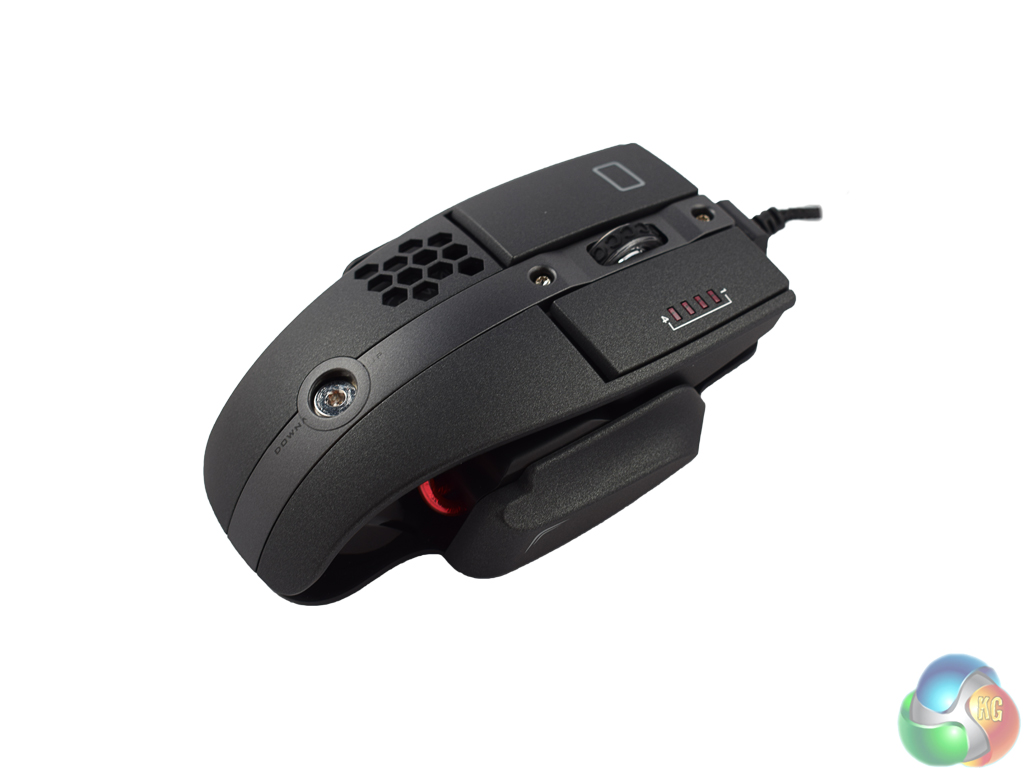
The right-hand side of the Level 10M Advanced has also changed – with a new, shaped ridge for your fourth-finger to lie while you use the mouse. This feels a lot more ergonomic than a completely flat side, but it does mean there are no programmable buttons on the right-hand side.
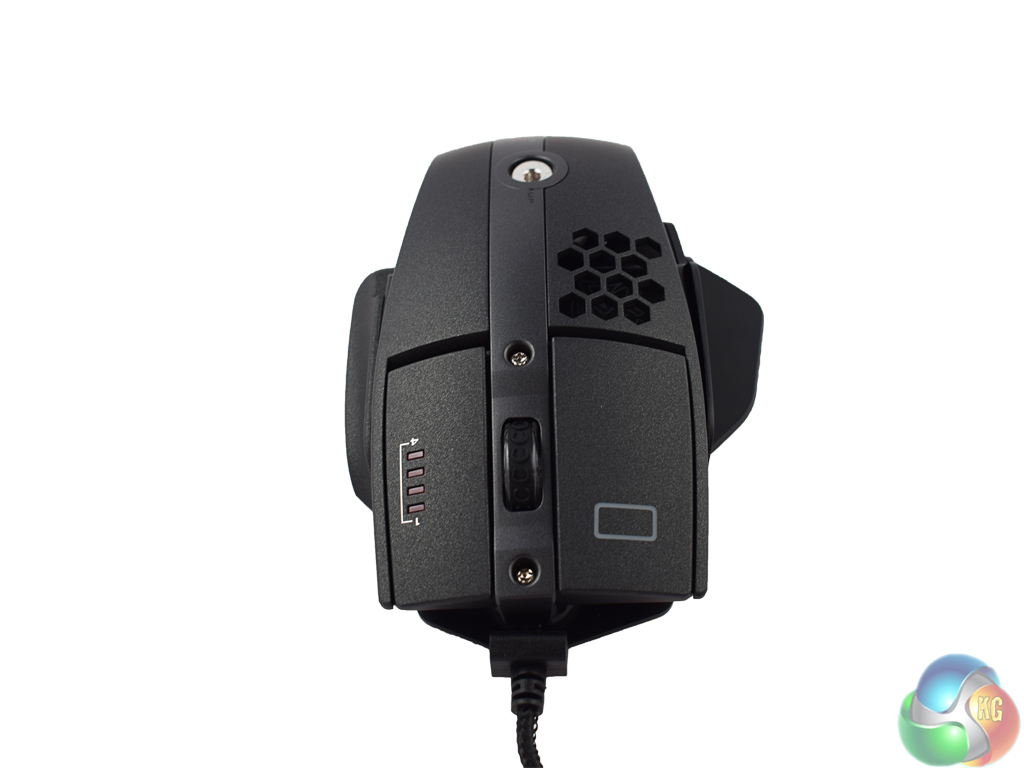
At the top of the mouse one can find the mouse wheel and left/right buttons. The scroll wheel is textured for extra grip and has a lovely click action – while scrolling is also very smooth. Both the left and right buttons have an excellent matte coating which improves your grip on the mouse.
While we are here, a small rectangle is visible on the left mouse button. This is one of 3 RGB lighting zones, while the mouse wheel acts as another. The right mouse button also features four smaller LED indicators which tell you the DPI stage you are currently using.
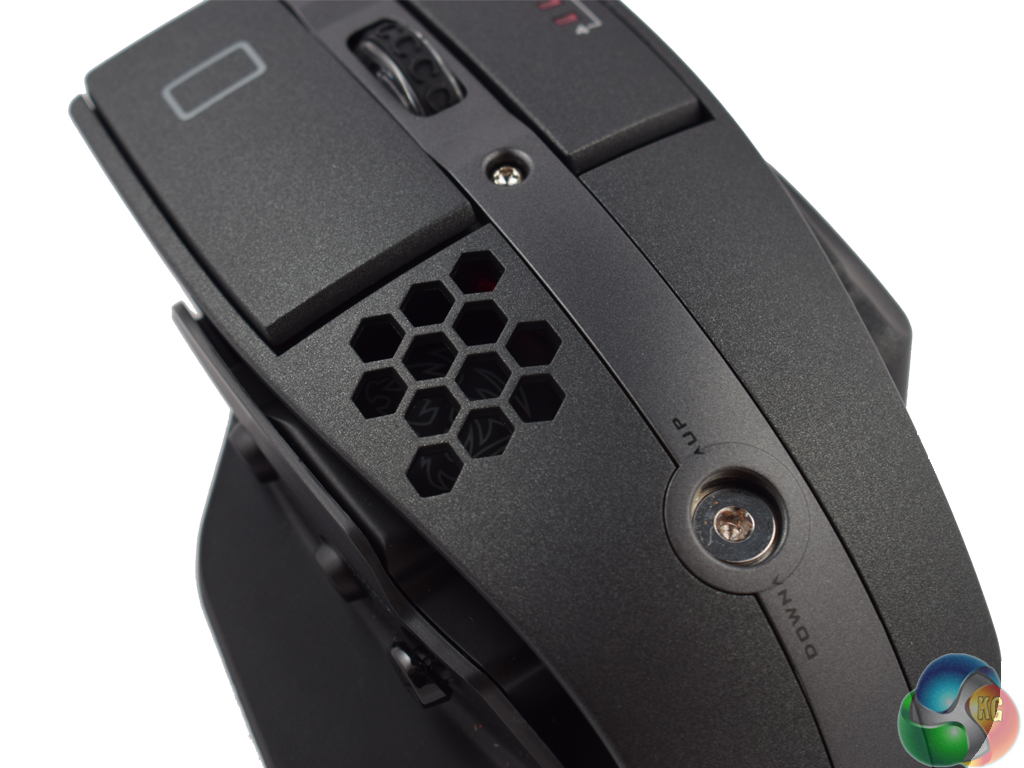
Below the left button is a honeycomb mesh – underneath which the Tt eSports logo is visible. This is the third of the 3 RGB lighting zones.
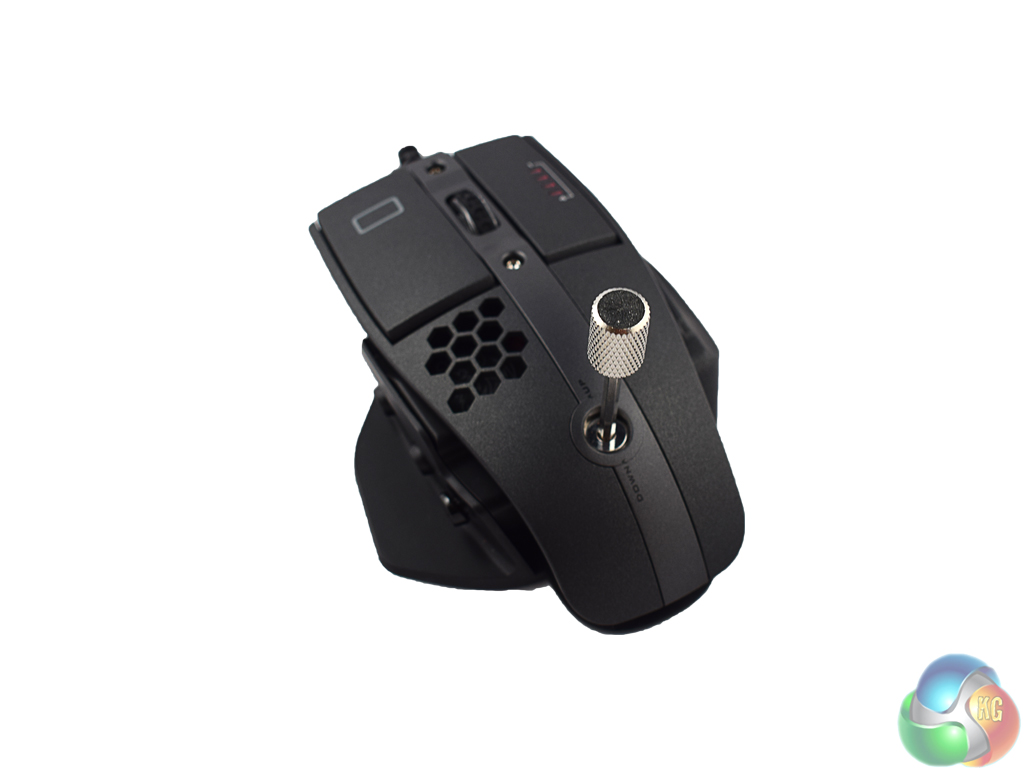
My favourite thing about the design of the Level 10M Advanced, though, is the adjustable height. Using the supplied key, you can crank the height of the mouse up or down, depending on your preference. This takes customisation to a whole new level.
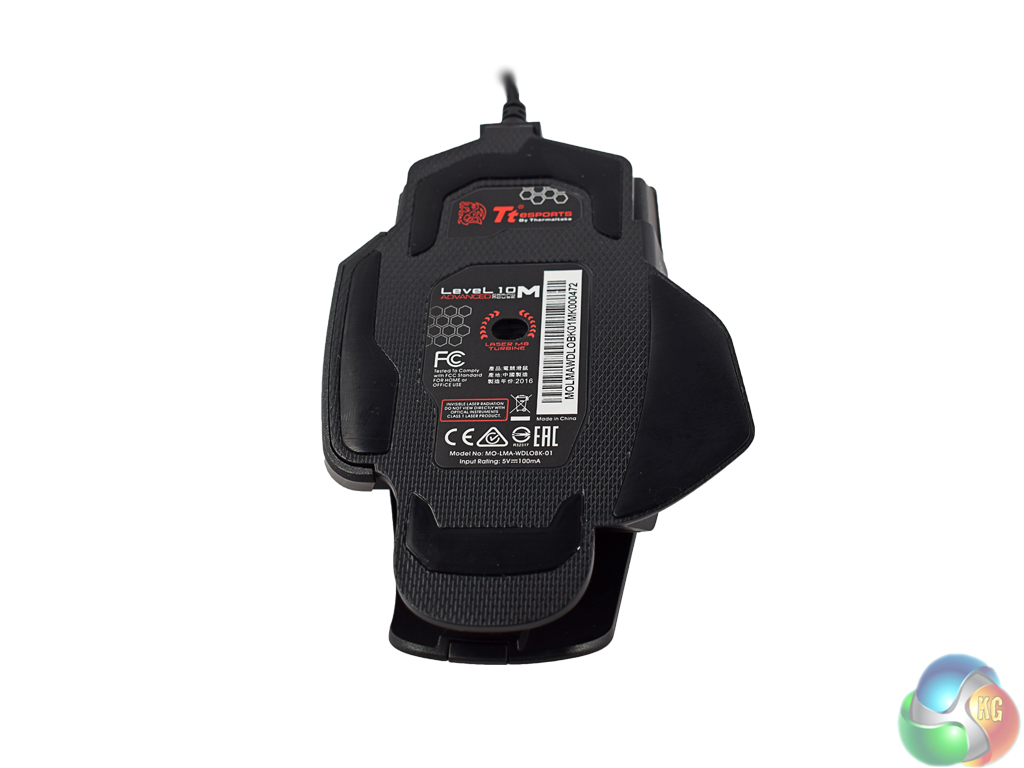
Finally, the base of the mouse. The Level 10M Advanced actually uses four Teflon feet – which glide very smoothly. You can also see the Avago 9800 sensor used here. As with any gaming peripheral, the first thing to do is take a look at the accompanying software side of things. Interestingly, Tt eSports have made a new piece of software called the ‘Command Center.' This works in a similar manner to Corsair's CUE software or Razer's Synapse, meaning it is one software suite for all of Tt eSports' future peripherals.
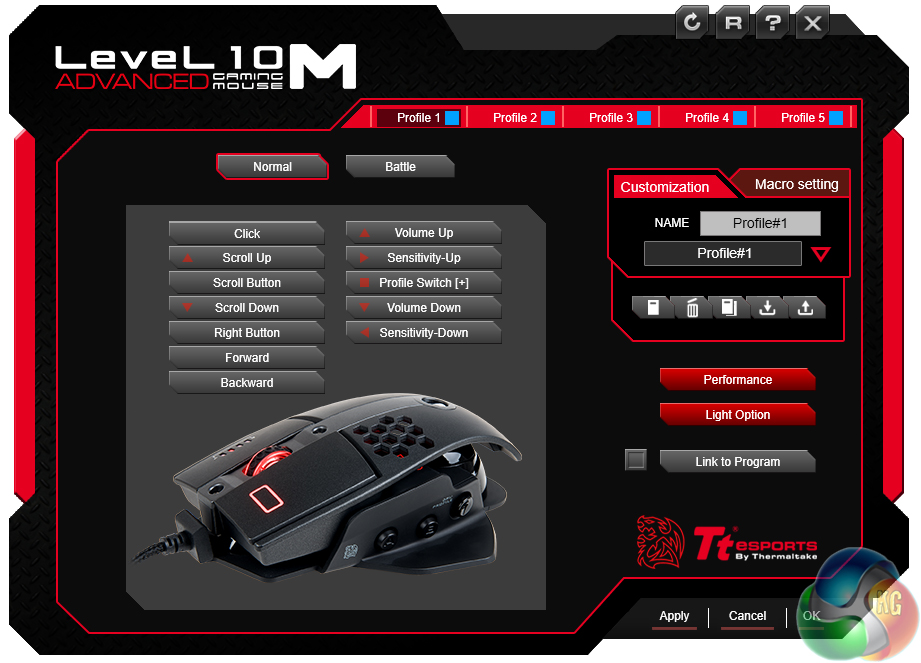
The opening page features the standard button assignment options, as well as the ability to choose, save or delete your profiles.
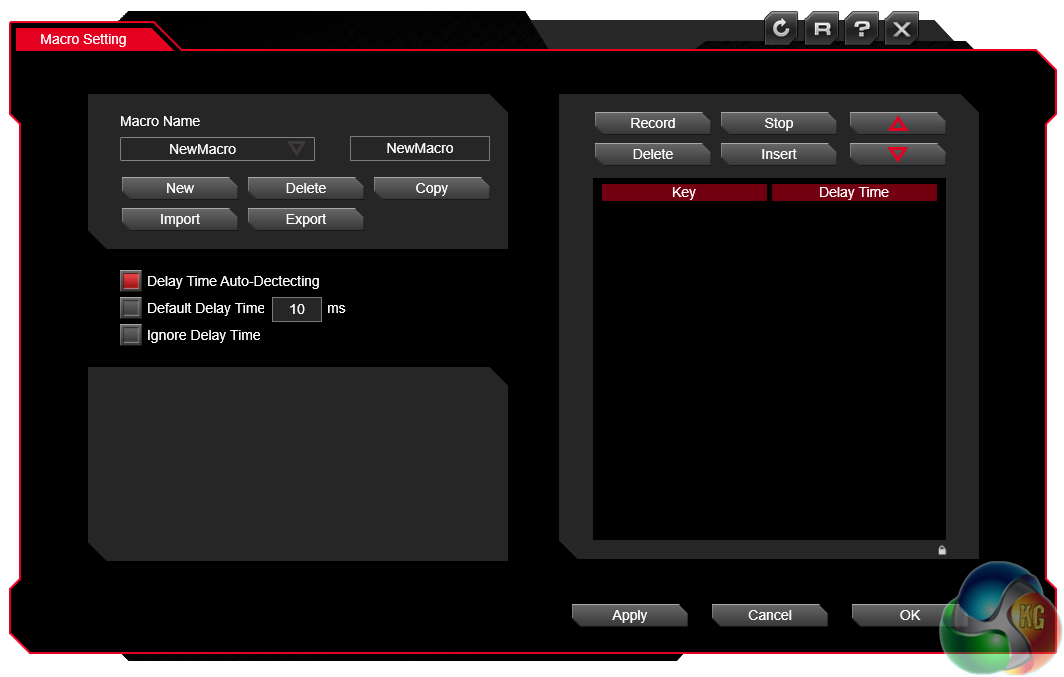
The macro sub-tab lets you record, import and export macros as you like. I don't personally use macros but many gamers do, so the option is there.
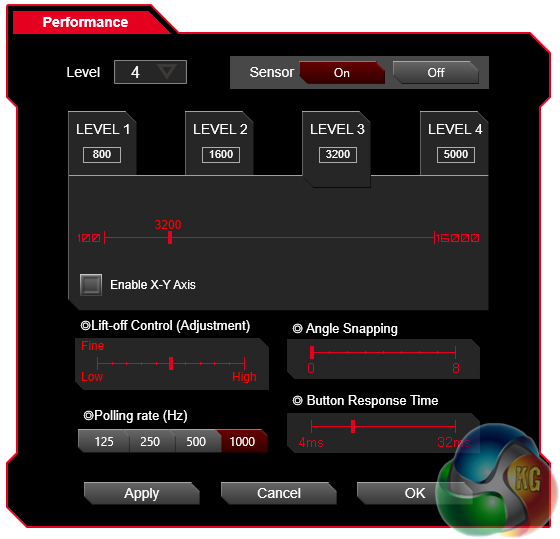
There is also a performance section, where you can set DPI stages, with a top setting of up to 16000. You can also adjust polling rate and lift-off control here, too.
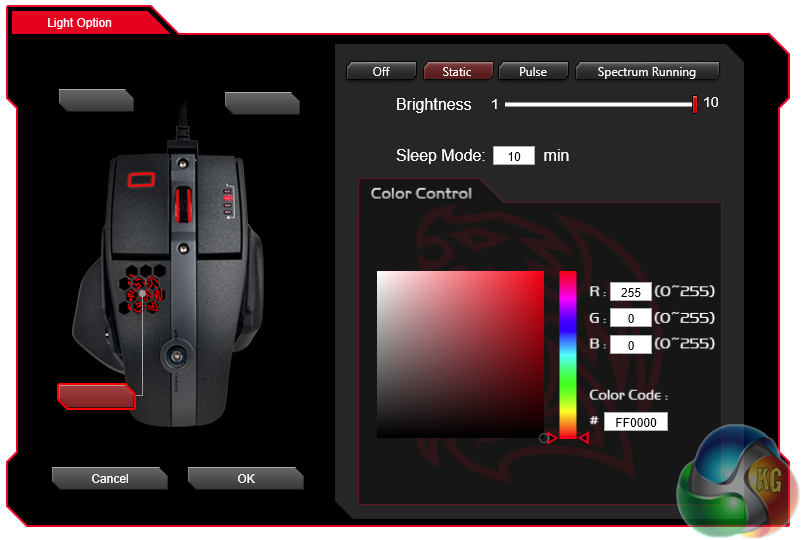
Finally, my favourite section – the RGB lighting control. Here, Tt eSports give you good control over the 3 zones of lighting, with the option for static, pulse or ‘spectrum' lighting effects. You could argue that, compared with Corsair's CUE utility, there are not so many visual effects. However, Tt eSports do include a ‘battle' mode, where the lighting intensity changes depending on the frequency of your clicking – the faster you click, the brighter the lights. In practice this works really well and adds an extra level of excitement to an already frenetic gaming session.
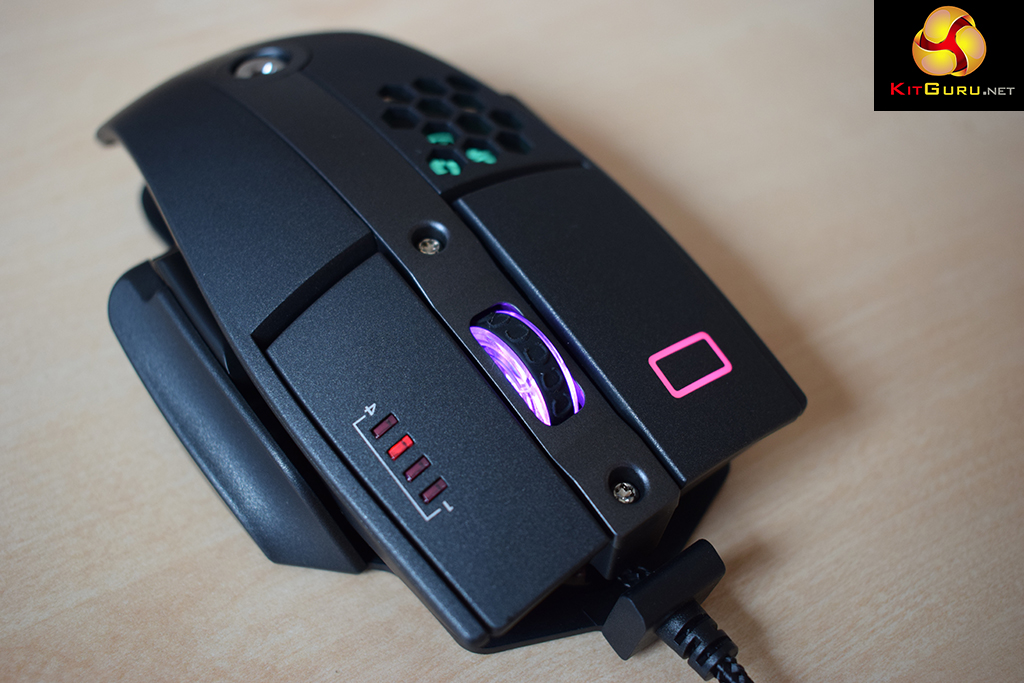
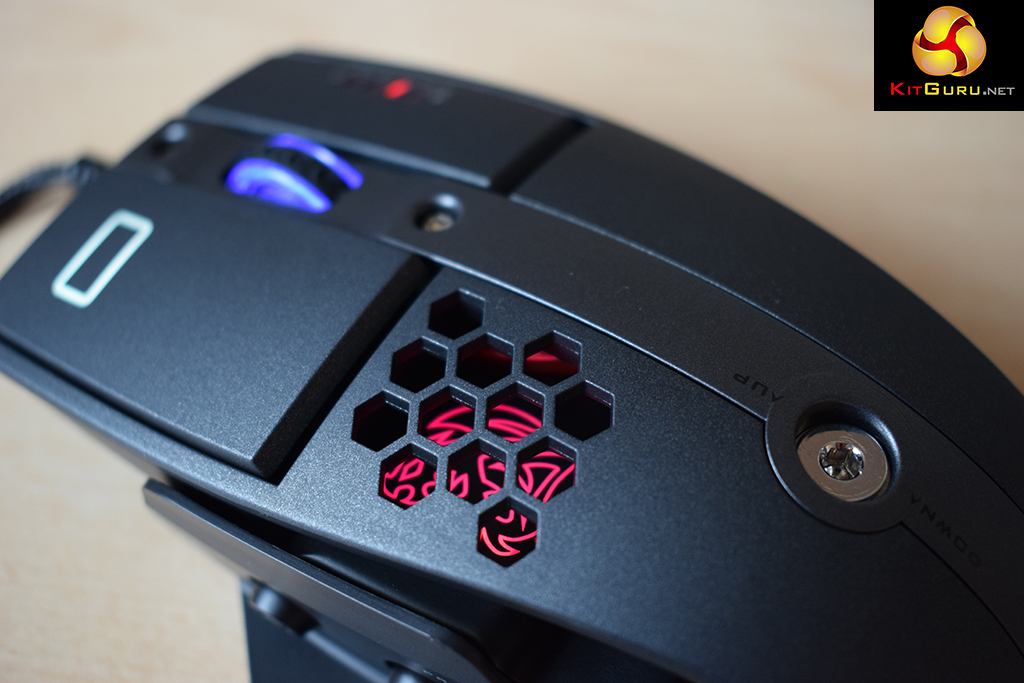
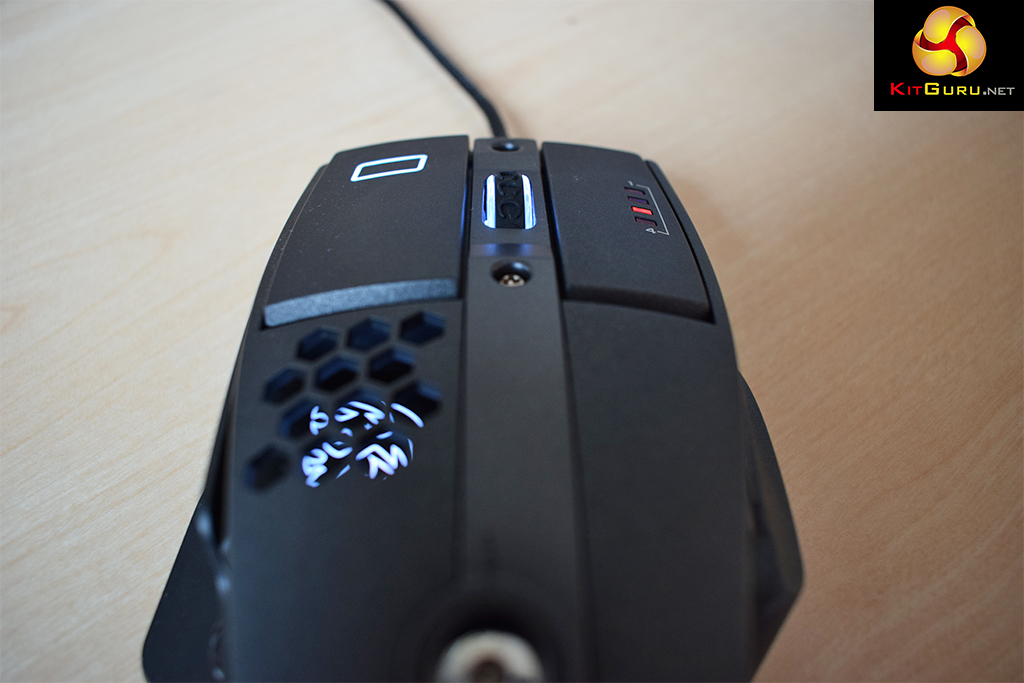
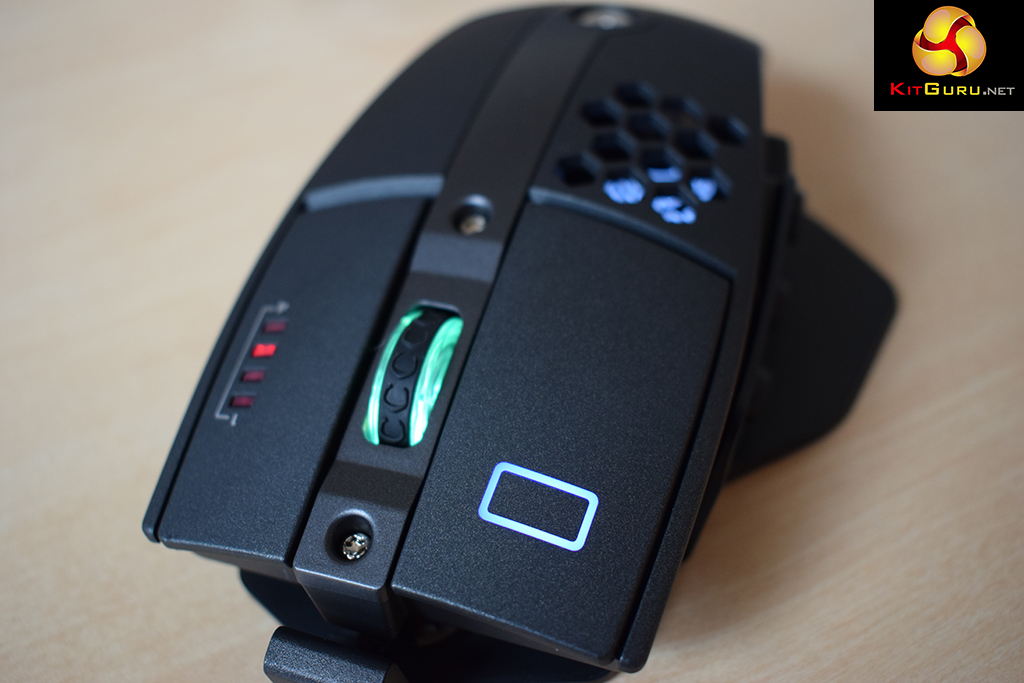
As I'm sure you will agree, the lighting looks great. I prefer static colours, and they are reproduced very well. As my PC is a black/white build I set all 3 lighting zones to white and it looks very smart. Some RGB LEDs don't deal so well with pure white and look blueish, but the Level 10M Advanced does not fall down here. All in all, I am very happy with the RGB lighting.
Software aside, we must move on to testing the hardware side of things. And in the real world, the Level 10M Advanced mouse is a joy to use.
To start with, the adjustable height option is a really nifty feature which just lets you choose how you would like the mouse to sit in your palm. I cranked the height up nearly to the maximum to provide a nice arc for my hand, but of course some users may prefer a flatter mouse – and that is possible too.
The Z button – which acts like a joystick – is a great addition, too. When flicking it left or right, the DPI goes up or down, saving you having to cycle through all the different stages as with a typical DPI button. The options for flicking up or down are left for each user to configure, and I set them to act as volume controls – which is really, really cool.
As you can see, the Level 10M Advanced is packed full of features – but it does not stop there. The ‘open' design of the mouse, along with the honeycomb section on the top, allows for a great deal more ventilation than with a typical mouse. As such, I really did notice my palm staying cooler during gameplay and even normal use.
I can't write a review of the Level 10M Advanced and not mention the Avago 9800 laser sensor, either. It has a native DPI of up to 8200 – enough for most, I think you'll agree. However, Tt eSports do not agree, which is why they have implemented an overdrive mode for the sensor – allowing it up to an effective DPI of 16000. This is unbelievably sensitive – and I can only imagine you must need a multi-monitor 4K setup and still like your mouse to be on the twitchy side to ever use the maximum sensitivity.
Either way, I stuck at the 3200 DPI mark and found the mouse tracks very well. Being able to quickly flick the sensitivity down using the Z button is also very handy for Photoshop work or anything where fine precision is key.
Finally, I will just mention the matte coating on the Level 10M Advanced. Not only does it look great, but it provides wonderful grip as well. I did not notice my fingers or palm slipping at any point which is always beneficial.The Tt eSports Level 10M Advanced is a fantastic mouse.
It is expertly designed, with a lovely matte surface – which looks good and helps grip, too. The ventilated design also notably helps to reduce the temperature of your palm.
Far and away the stand-out feature of the design, though, is the adjustable height of the mouse. This simply provides great flexibility for all end-users – as there is the option to fine-tune the mouse's stature to your liking. It is safe to say I love this feature.
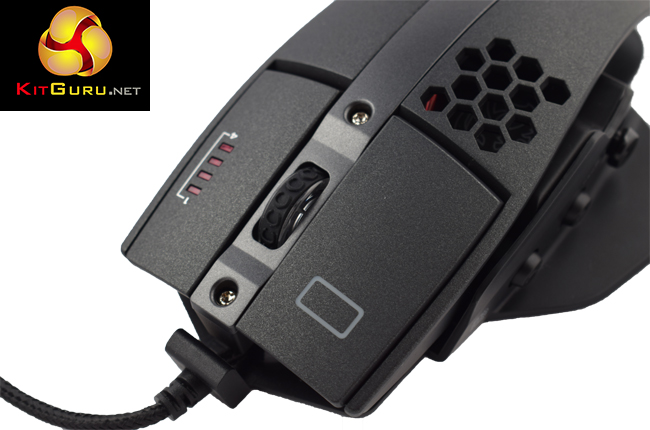
As such, using the Level 10M Advanced on a daily basis is a great experience. It is very comfortable and has the ability to go up to a whopping 16,000 DPI. I stuck around the 3,200 DPI level as it was more than enough for my needs.
I also really like the ‘5 axis' Z button, which works like a joystick – as it can be clicked down or flicked left, right, up or down. This brings great control without cramming the mouse full of extra buttons.
Finally, the RGB lighting also rates highly, giving you the ability to choose a colour for each of the 3 zones. While there are slightly limited visual effects – letting you choose between static, pulsing or a full spectrum effect – the quality of the colours more than make up for it.
At just £54.99, the Level 10M Advanced is also priced very aggressively. Given its predecessor launched around the £90 mark, I was expecting something similar for the new model. However, Tt eSports have managed to add in extra design features, RGB lights and reduce the price at the same time. You really can't afford not to.
Discuss on our Facebook page, over HERE.
Pros
- Lovely matte finish.
- Ventilated design.
- Adjustable height.
- ‘5 axis' Z button.
- DPI up to 16000.
- RGB lighting is excellent.
Cons
- Lighting effects are slightly limited compared to other RGB mice.
KitGuru says: For the price, the feature-set of the Level 10M Advanced is terrific. Users have fine control over the lighting as well as the height of the mouse, not to mention the ‘5 axis' Z button and the ventilated design.


as Samuel explained I can’t believe that anyone can make $5530 in four weeks on the computer . over here http://clck.ru/9vNCb
hghjhj78787