KitGuru KitGuru.net – Tech News | Hardware News | Hardware Reviews | IOS | Mobile | Gaming | Graphics Cards


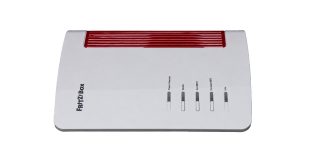
We've generally been impressed by AVM wireless broadband routers here at KitGuru. They're a little quirky, but performance is generally good and the features are top of the pile, with unique telephony and smart home capabilities. Since we last looked at one of the company's products, the AVM name has disappeared and now it's just FRITZ! This doesn't mean any change in ownership, however, just a simplification. Speaking of simplifying things, the FRITZ!Box 4690 is for people who already have a cable modem or fibre, so don't want the complication of a device with this built in. It's intended to deliver the fastest home networking to an already rapid broadband connection.
The FRITZ!Box 4690 returns to the wave-like design we've seen in many previous routers, such as the AVM FRITZ!Box 7690. Apart from the lack of a built-in VDSL/ADSL 2+ modem, the 4690 has a very similar specification to the 7690, although it also lacks the latter's support for Zigbee, a wireless standard for controlling smart home devices such as lightbulbs, roller blinds, temperature and motion sensors, smart plugs, and switches. It does still offer the signature FRITZ!Box support for telephony, however.
With its focus on users with an existing fast broadband modem, the WAN connection is 10Gbit, but you get a second of these and all the remaining LAN connections deliver 2.5Gbit. WiFi 7 is of course supported, albeit only in dual-band form. The 4690 is BE7000 rated, combining 5,760Mbits/sec at 5GHz and 1,200Mbits/sec at 2.4GHz. There's no 6GHz signal with this router, unlike the AVM FRITZ!Box 5690 Pro. There are optional extras to create a mesh network, too, although units to test this weren't supplied for our review.
Telephony options include two RJ11 phone ports on the back plus a single German TAE on the side. You also get a single USB 3.0 connection for media server storage, NAS options, or mobile data backup. All this comes in at around £330, which is pricey for a router but not one with this range of features available. Read on to see how the promising specifications shape up in reality.
The is available from Amazon UK for £330.31 inc VAT.
Specification:
- Wireless protocols: MU-MIMO with 802.11b/g/n/be 2.4GHz, 802.11a/n/ac/ax/be 5GHz
- Performance: BE7000 (5,760 + 1,200 Mbits/sec)
- Antenna Configuration: 4×4 internal antennas
- Ports: 3 x 2.5Gigabit Ethernet LAN, 1 x 10Gigabit Ethernet LAN, 1 x 10Gigabit Ethernet WAN, 1 x USB 3.0, 2 x RJ11 phone, 1 x TAE phone
- Modem Support: 10Gigabit Ethernet WAN
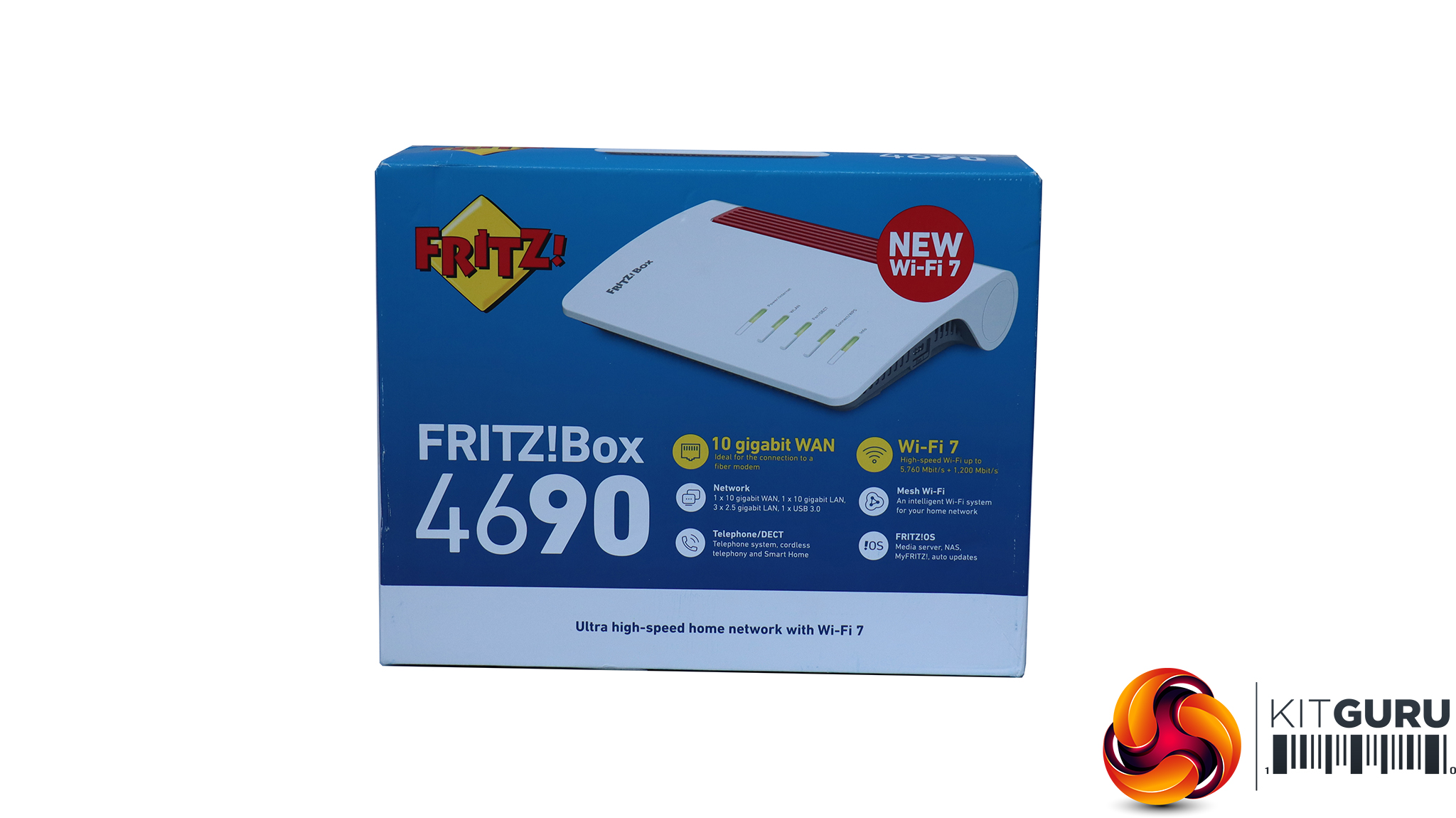
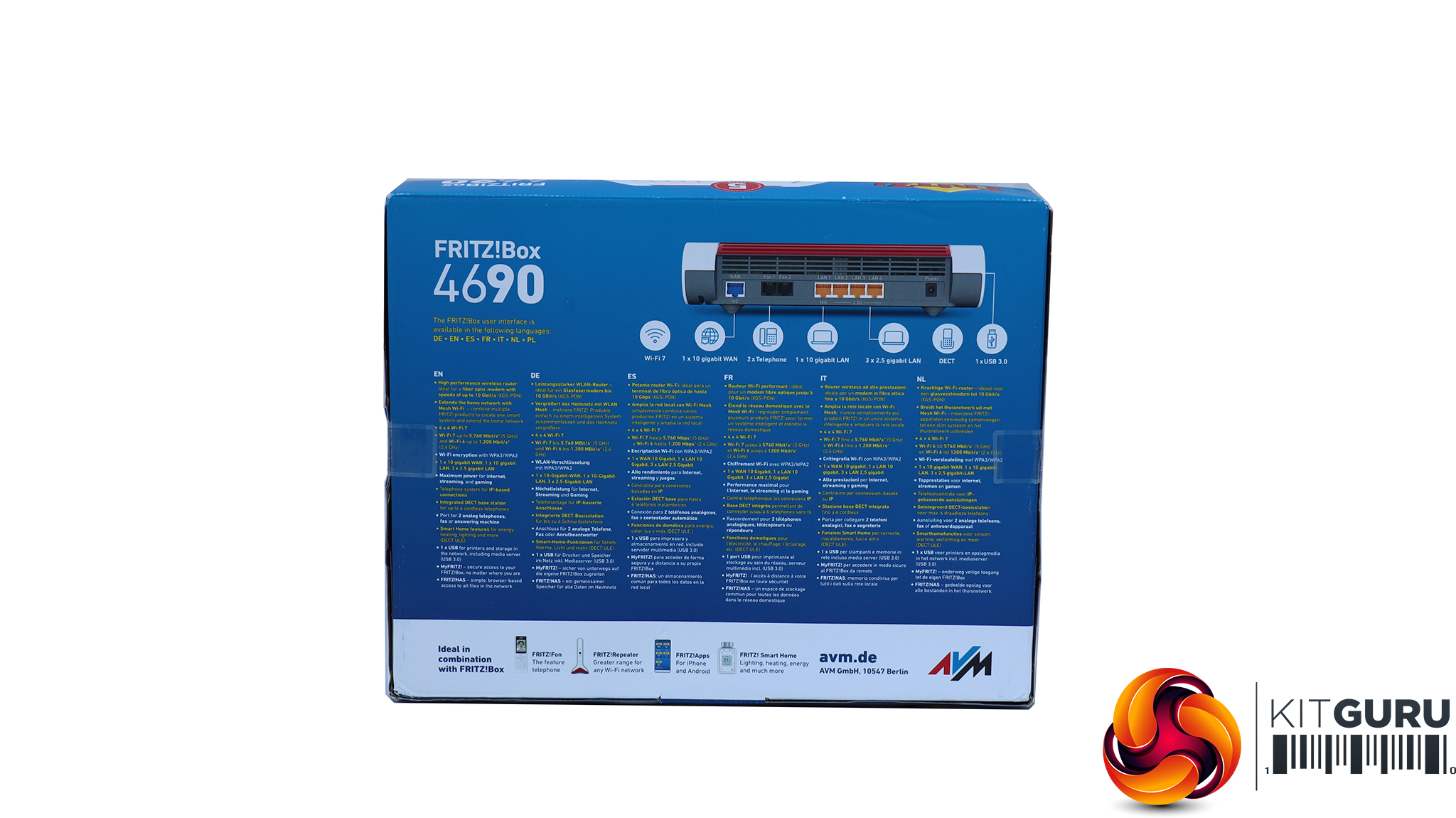
The FRITZ!Box boxes echo the non-monochromatic nature of the products themselves. But being a German brand, FRITZ! also of course offers plenty of detailed information.
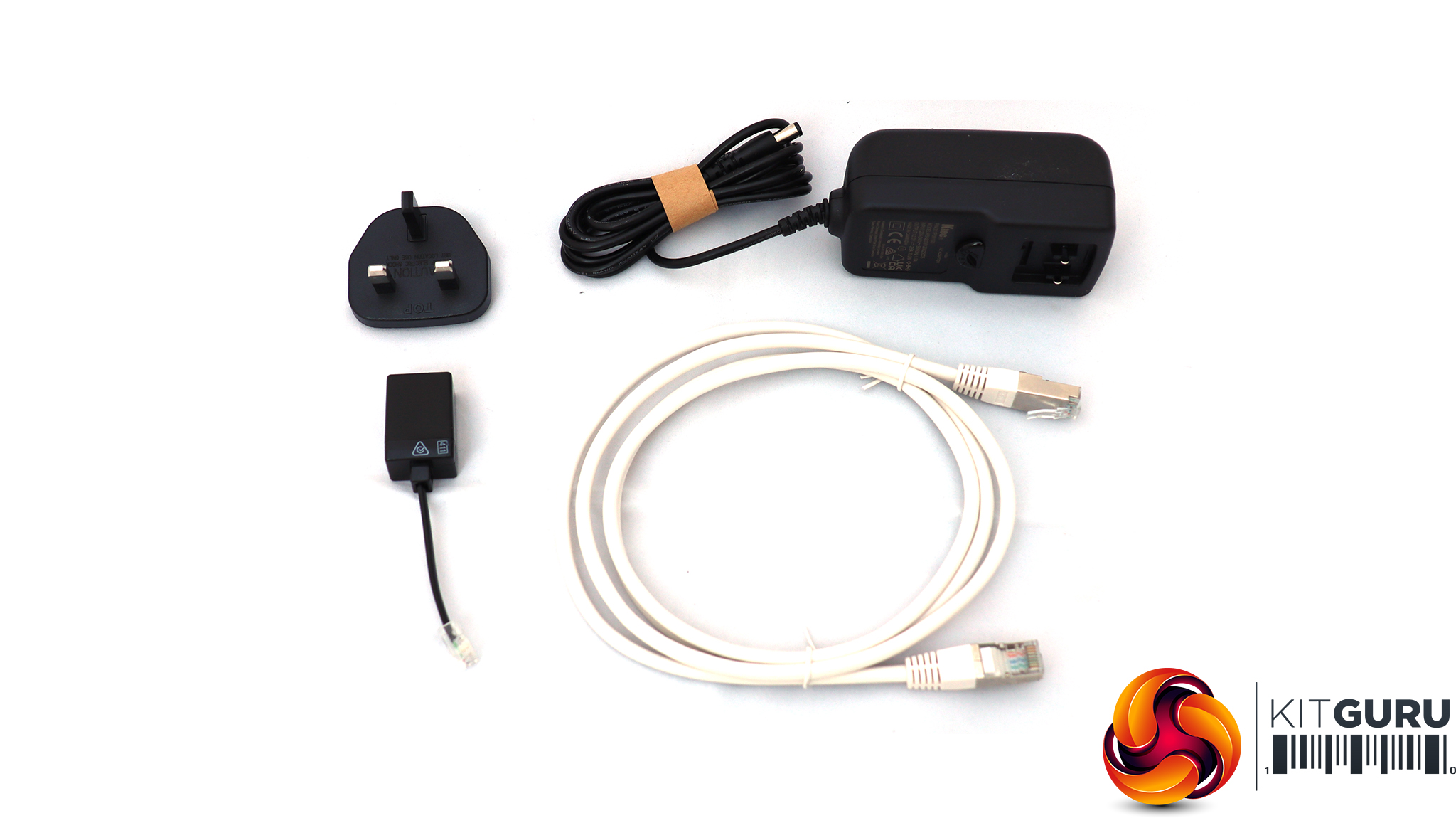
As this is a UK edition of the FRITZ!Box 4690, the package only includes a power adapter for British plugs, plus an Ethernet WAN cable supporting 10Gbit, and an adapter from RJ-11 to a BT phone connection.
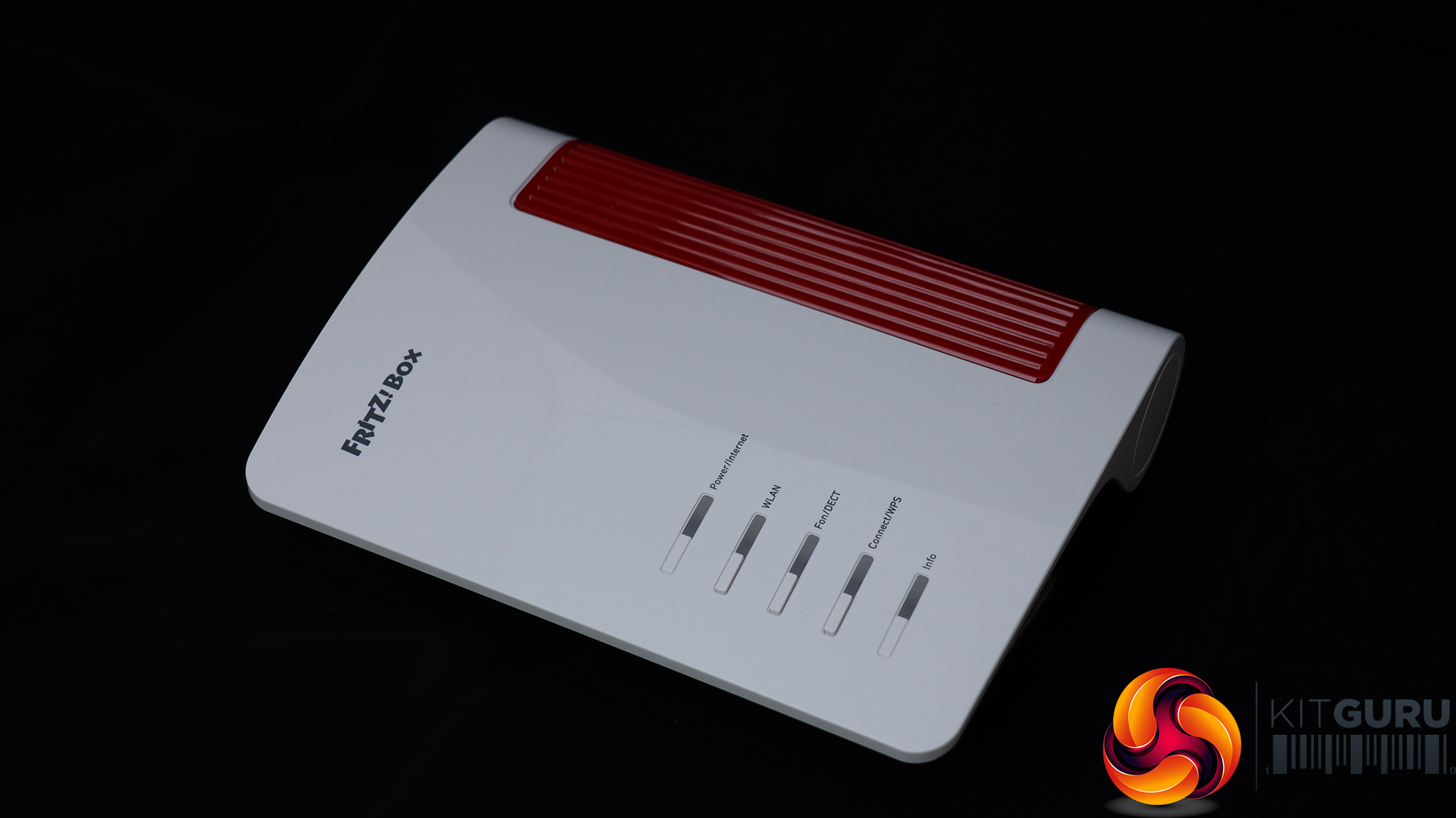
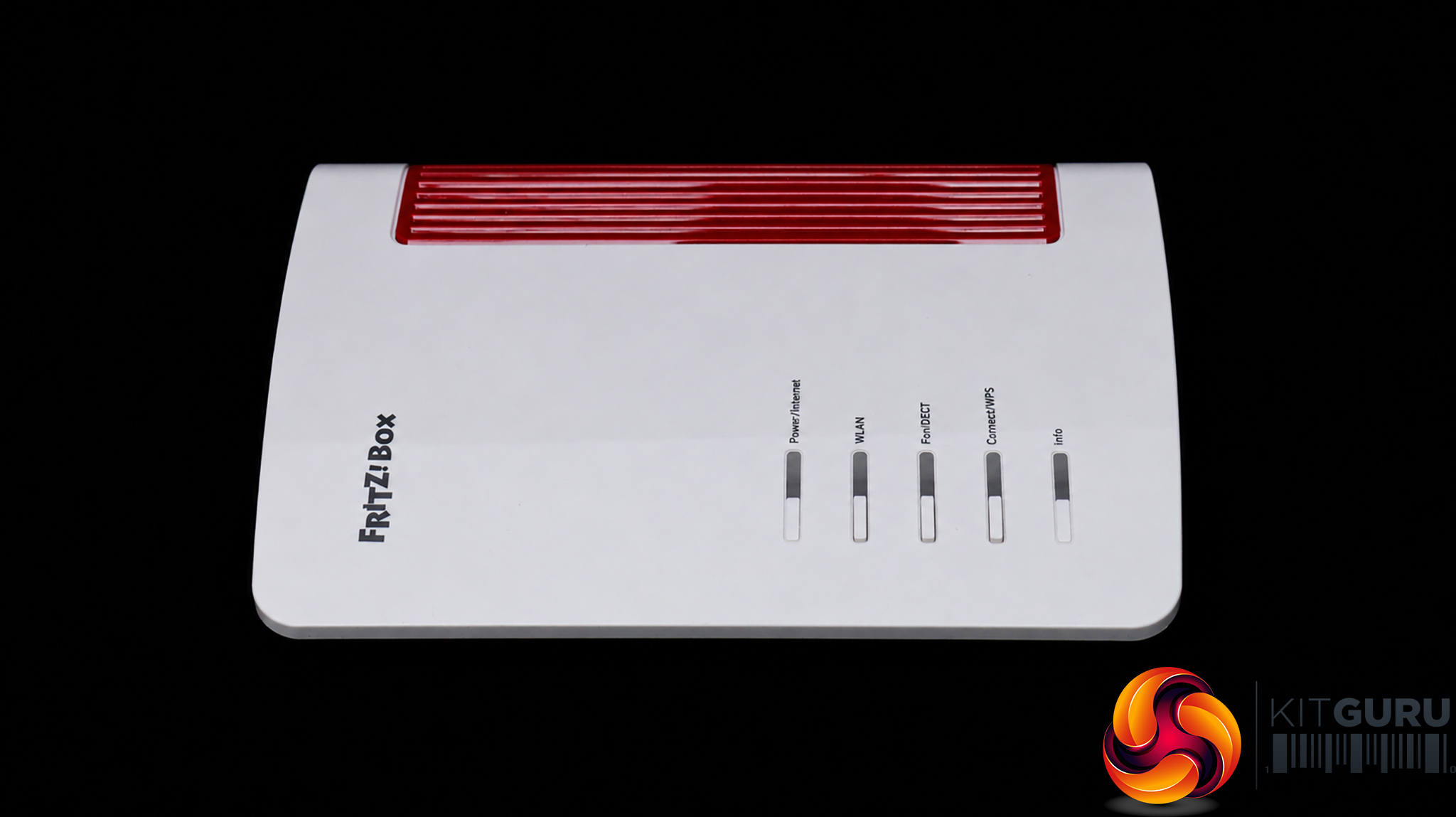
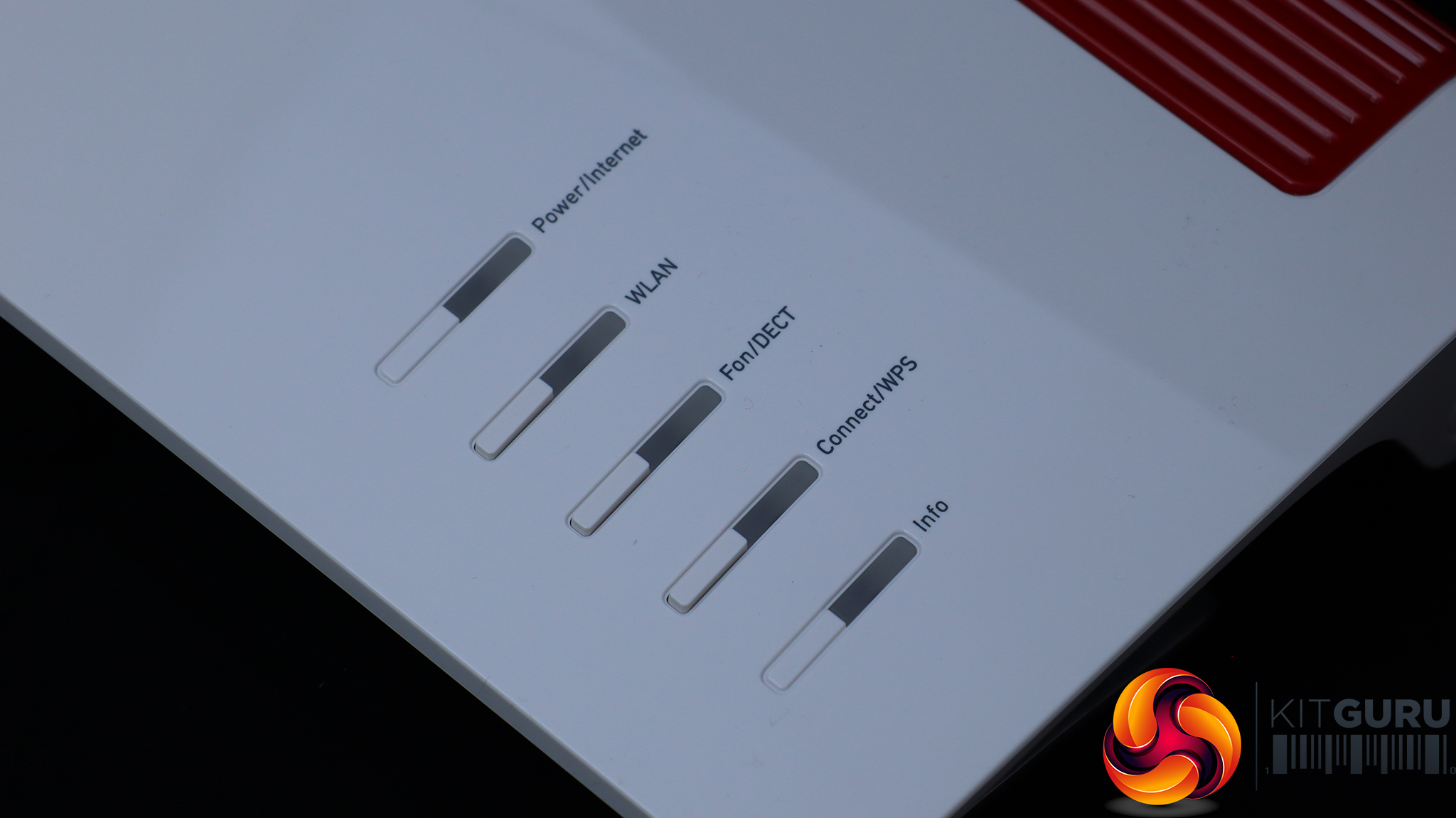
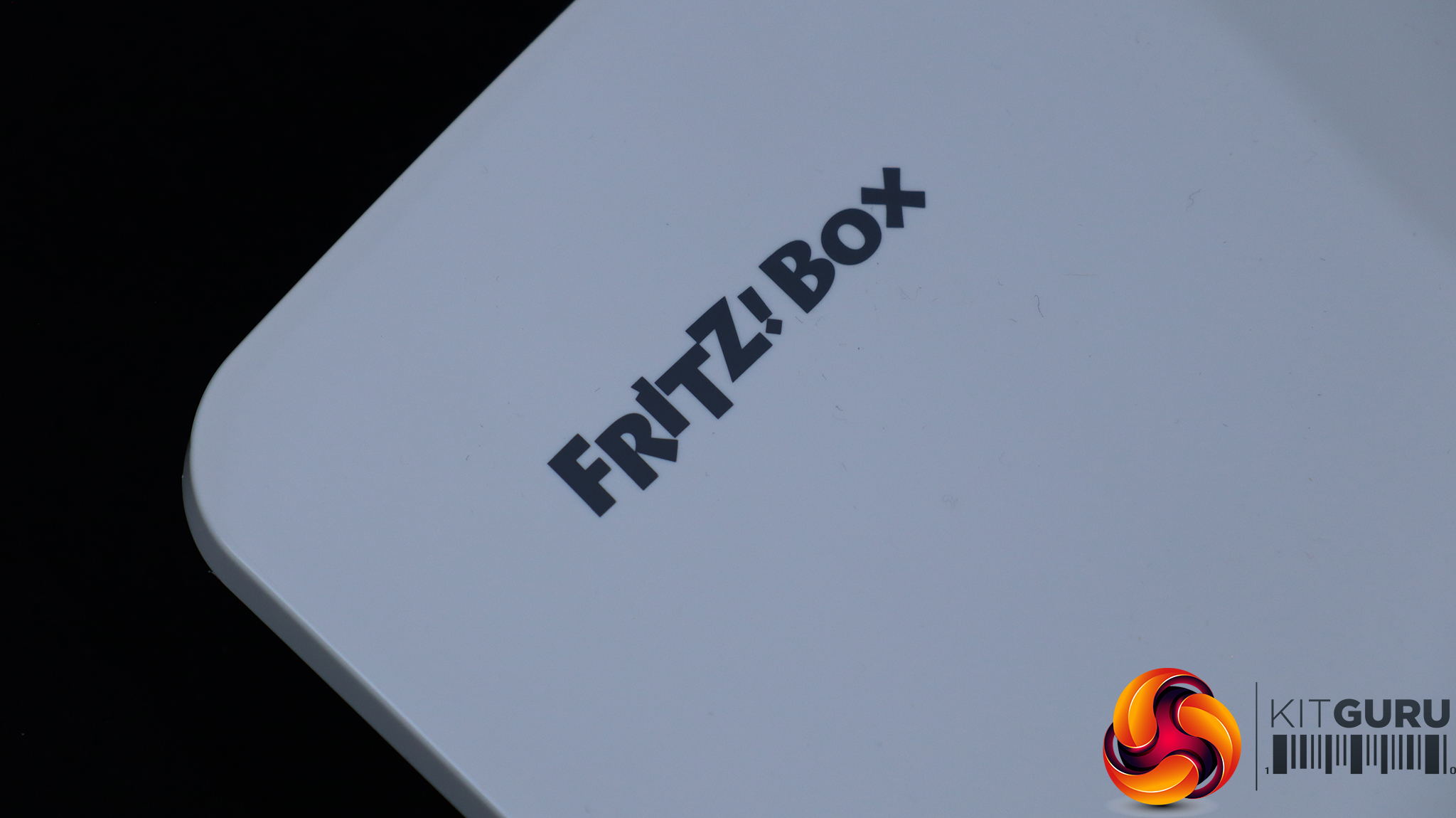
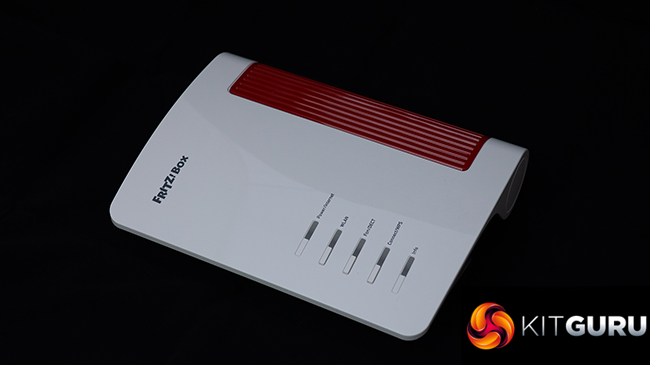
The 4690 maintains the flowing wave appearance we have seen with so many FRITZ!Box routers in the past, with a cheerful combination of slightly creamy white alongside red. There are status lights on the top for power, WLAN and phone activity (with buttons to turn these off), a WPS button with status light, and an info light that will tell you that something needs attention.
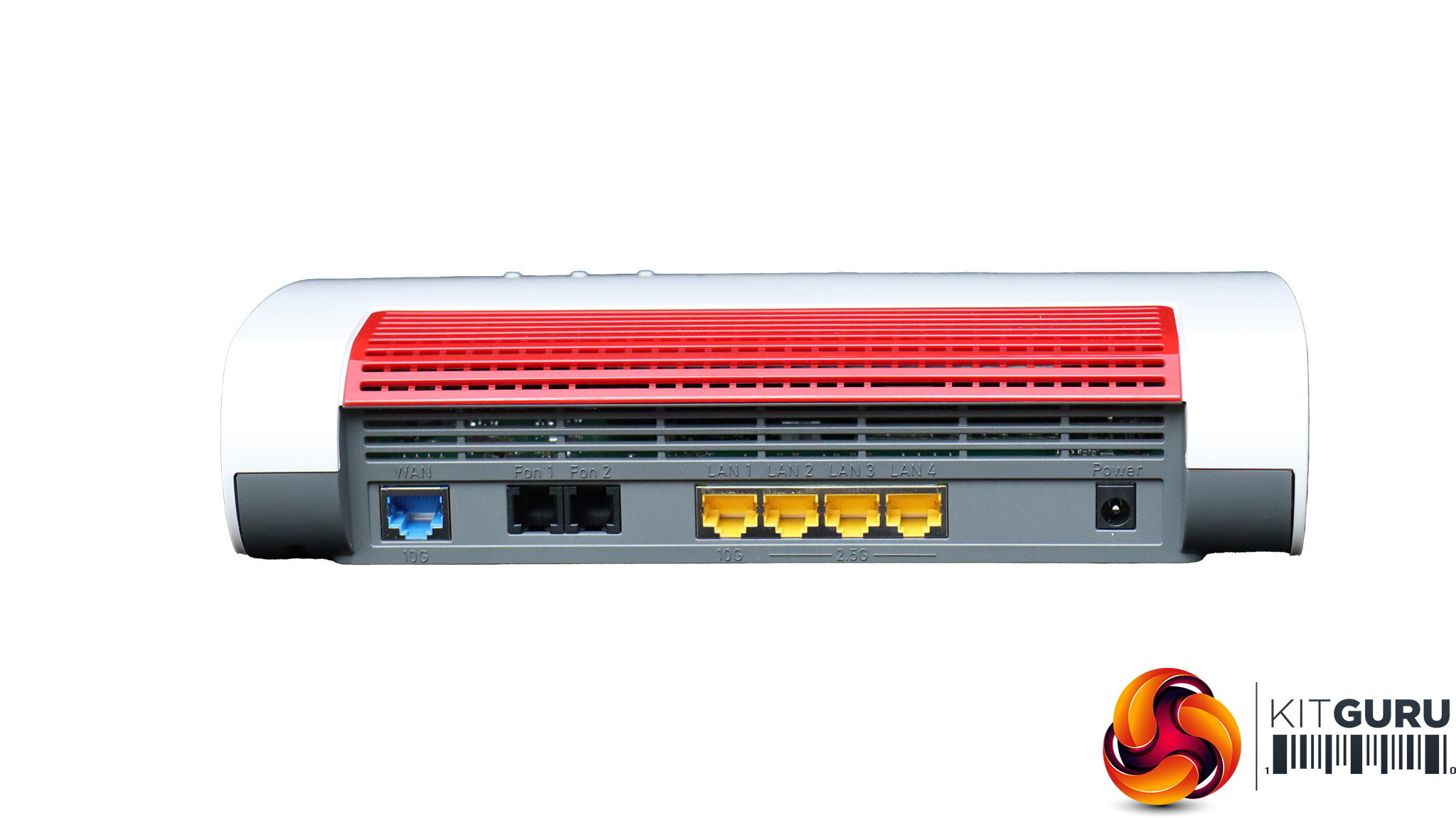
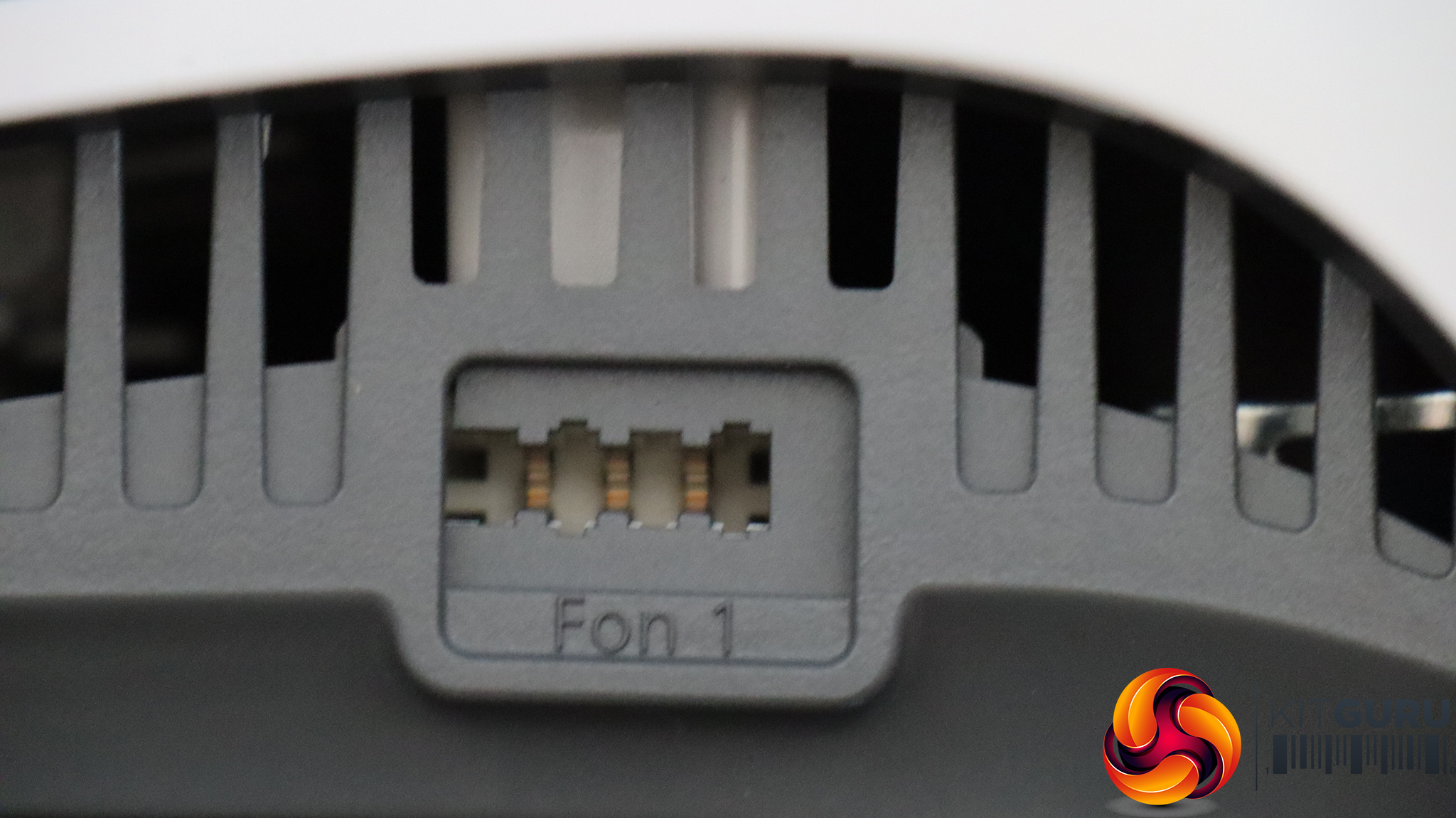
The wired networking is where the 4690 particularly shines. The WAN port is 10Gbit, so will provide full benefit from current and future super-fast broadband options. Then there are the two RJ-11 ports, although FRITZ! only supplies a single adapter for a UK BT phone connection. Next along is a four-port LAN hub, which won't hold back your broadband connectivity either. One of these ports is also 10Gbit, so ideal for your main desktop workstation, gaming rig, uplink to a switch, or a NAS that is shared by other devices. Then the other three LAN ports are still quick, offering 2.5Gbit wired connection. The port for the power brick completes the rear connectivity.
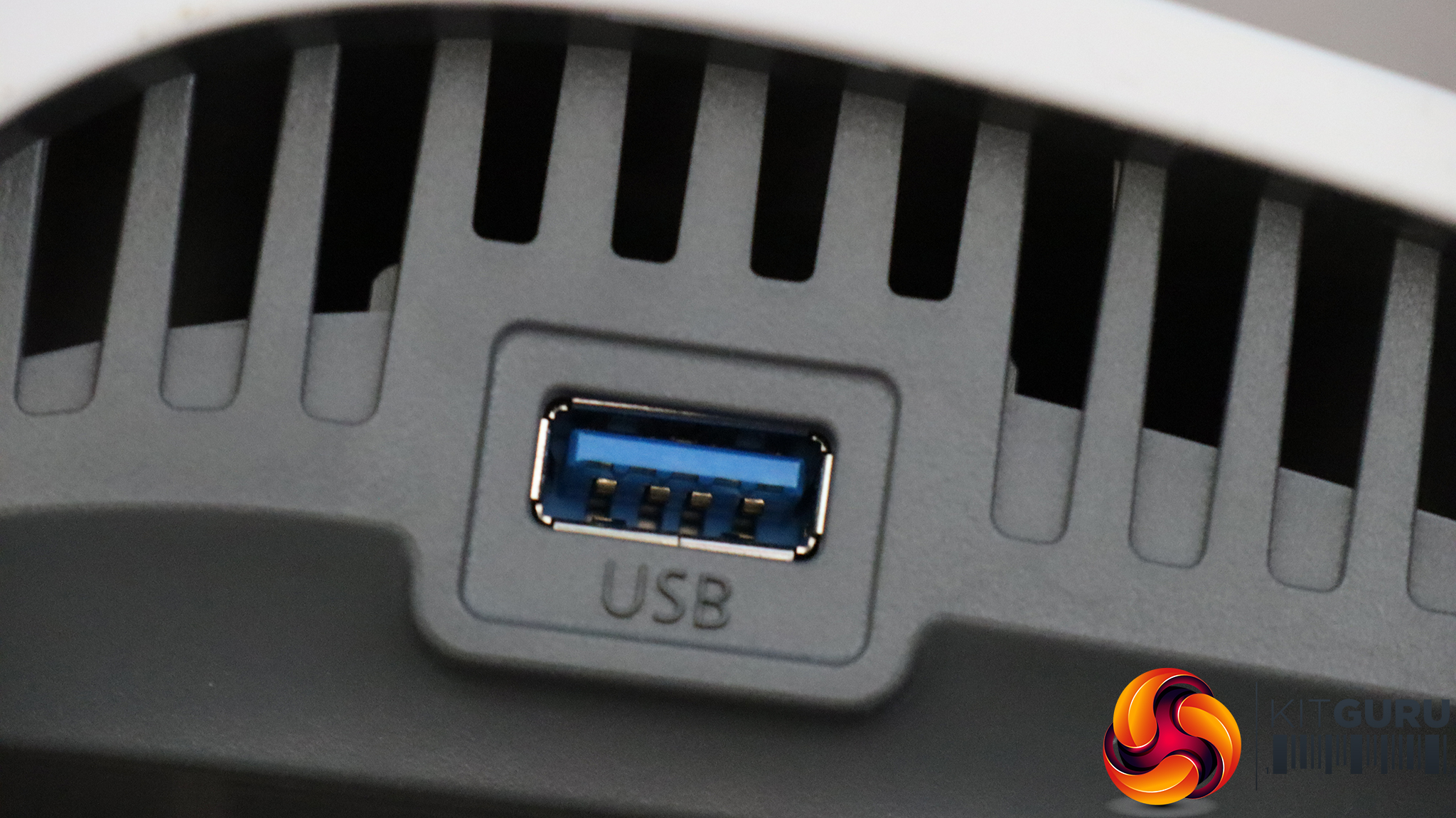
On the left is the USB 3.0 port, which supports sharing storage, printers, and even a fallback mobile data dongle. On the right, and probably not that useful for UK users, is a German TAE telephony port.
Acer Swift 14 AI WiFi 7 Laptop
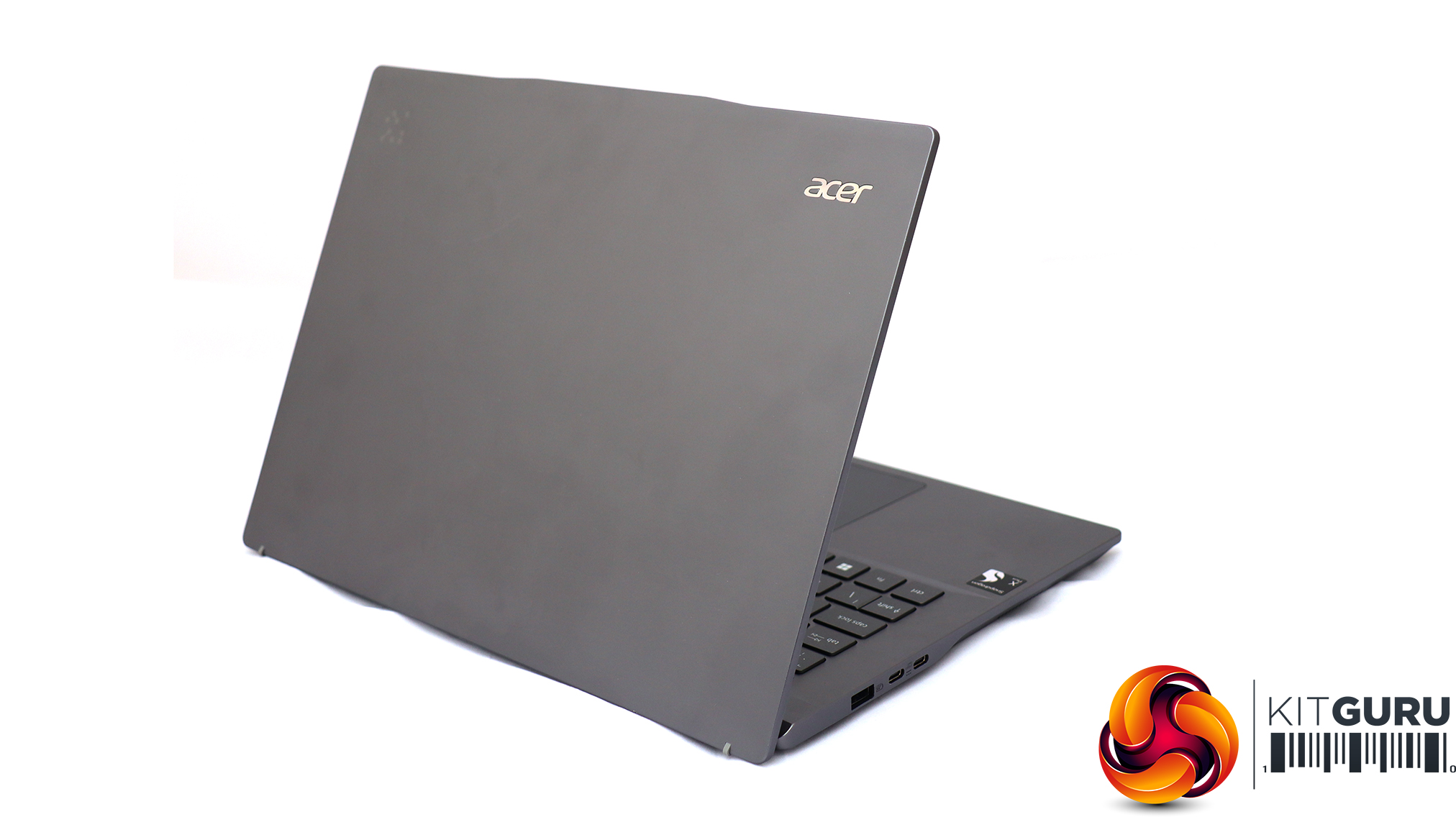
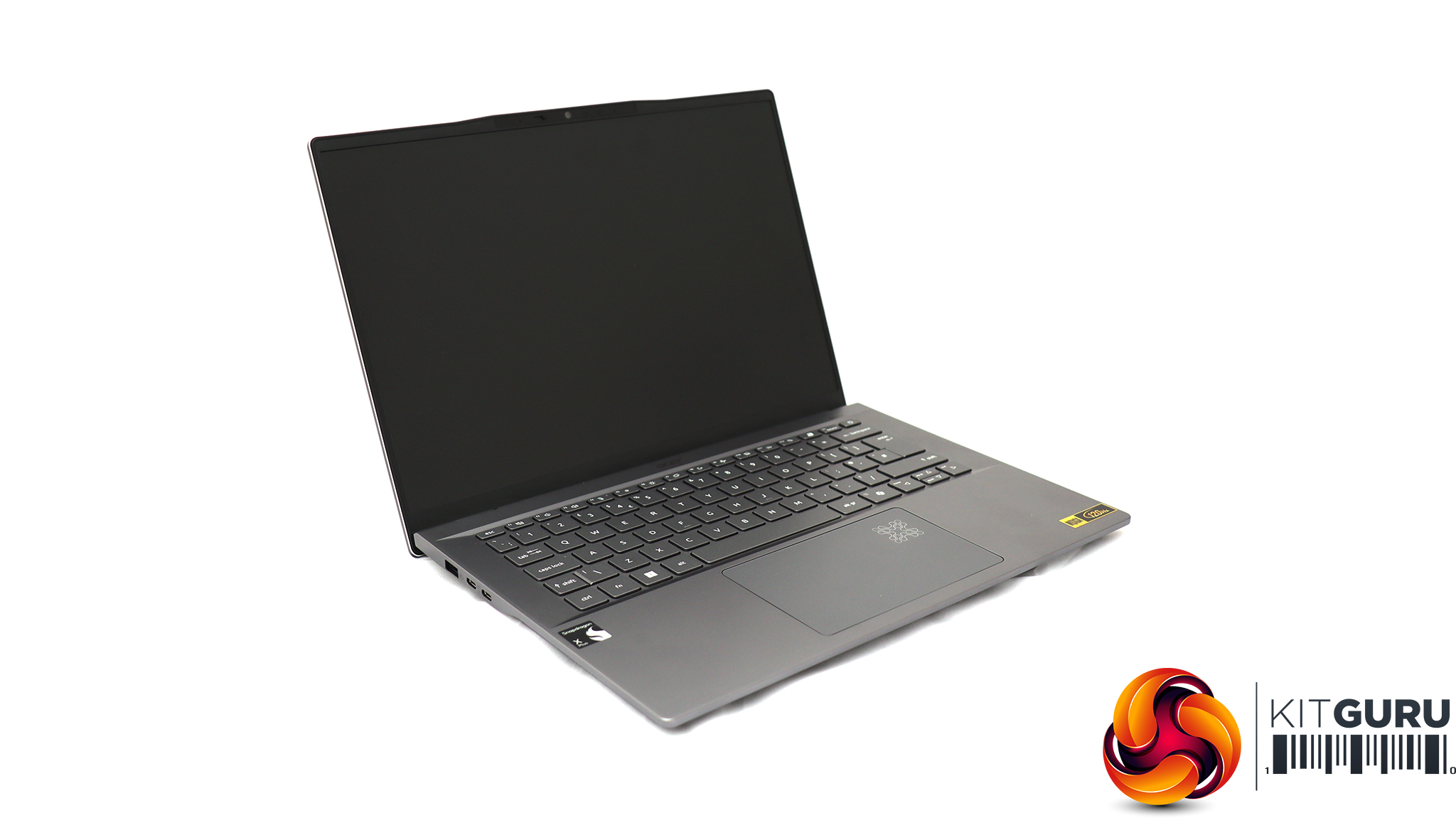
For testing the latest WiFi 7 wireless networking, Acer sent us its Swift 14 AI notebook, based around a Qualcomm Snapdragon X Plus Oryon X1P-64-100 CPU. This is a ten-core processor running at up to 3.4GHz across all cores, although without a single-core boost frequency (you need the X1P-66-100 for that). Our sample was supplied with 16GB of LPDDR5x memory and a 1TB SSD. Although this is an ARM-based laptop, it can still run Windows 11 and our standard WiFi testing software, iPerf3. It's a solid choice for road warriors who need to spend days away from a reliable power source, thanks to a 26-hour battery life.
Once you've plugged everything in and powered up the FRITZ!Box 4690, you need to enter the URL “http://fritz.box” into a web browser to locate the router.
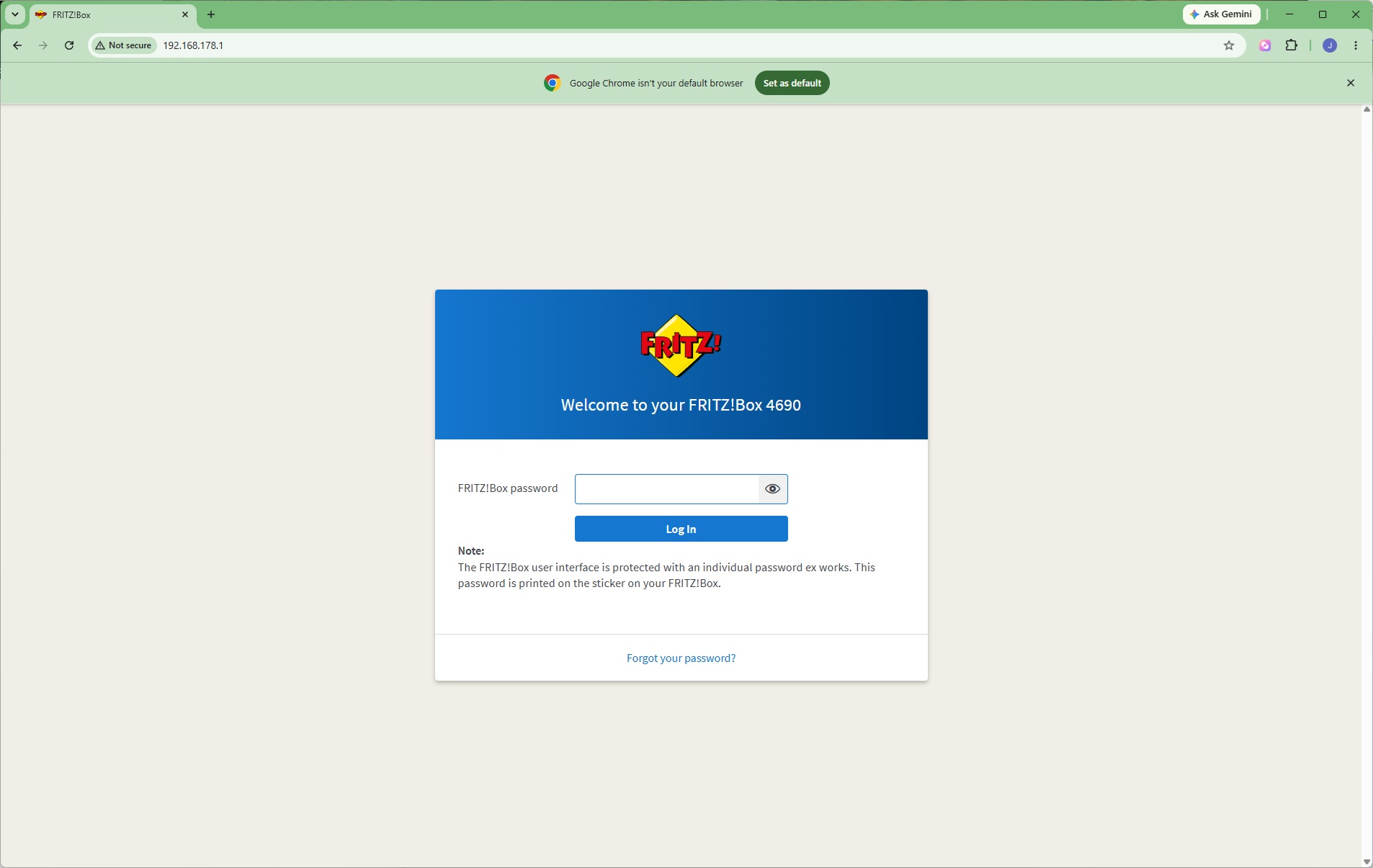
Some FRITZ! routers will ask you to define your language, but as our FRITZ!Box 4690 was a UK edition it took us straight to the sign in. There's a password printed on a card you can use to enter the interface.
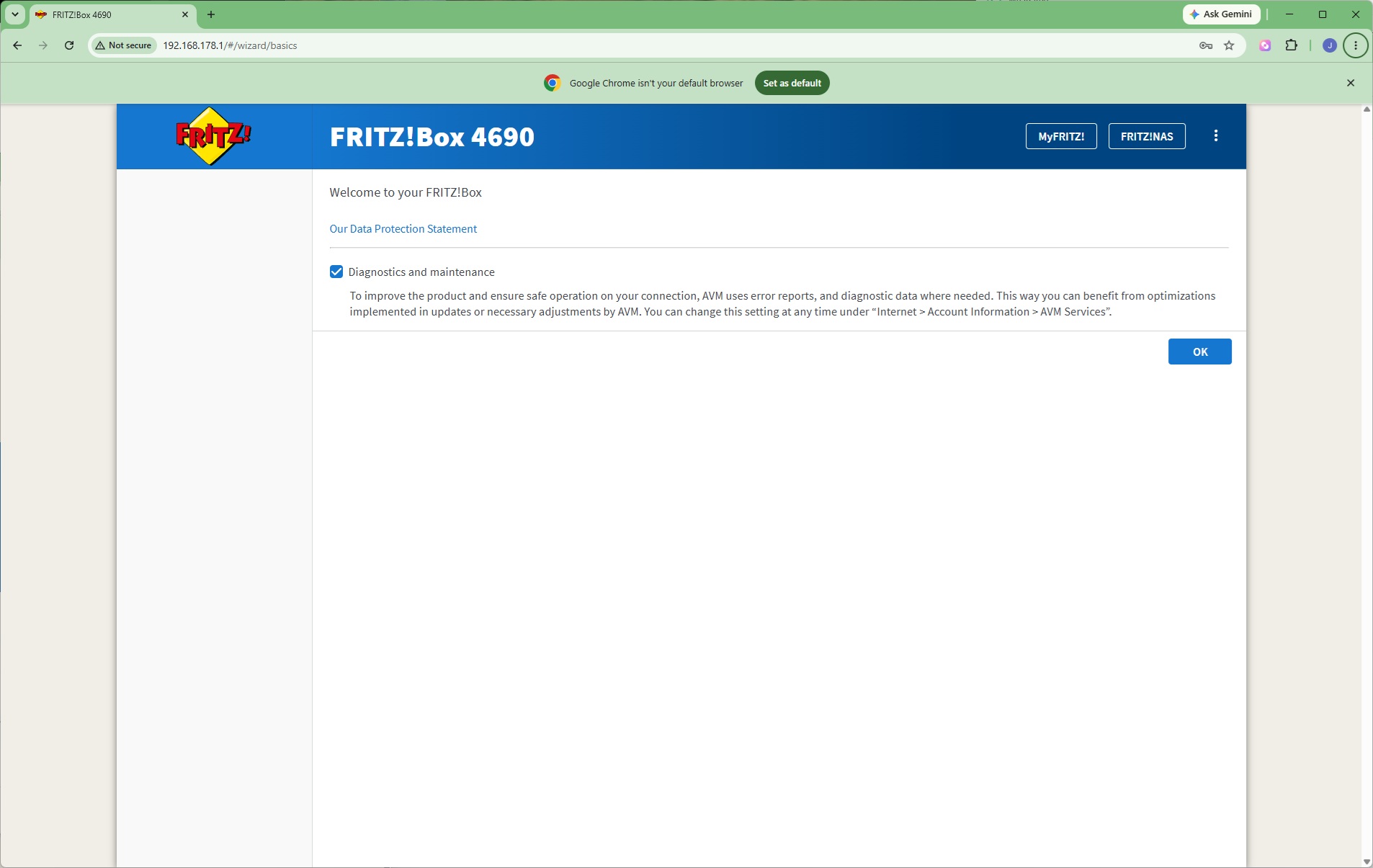
Next up is a data protection dialog, which you will only have to agree to once.
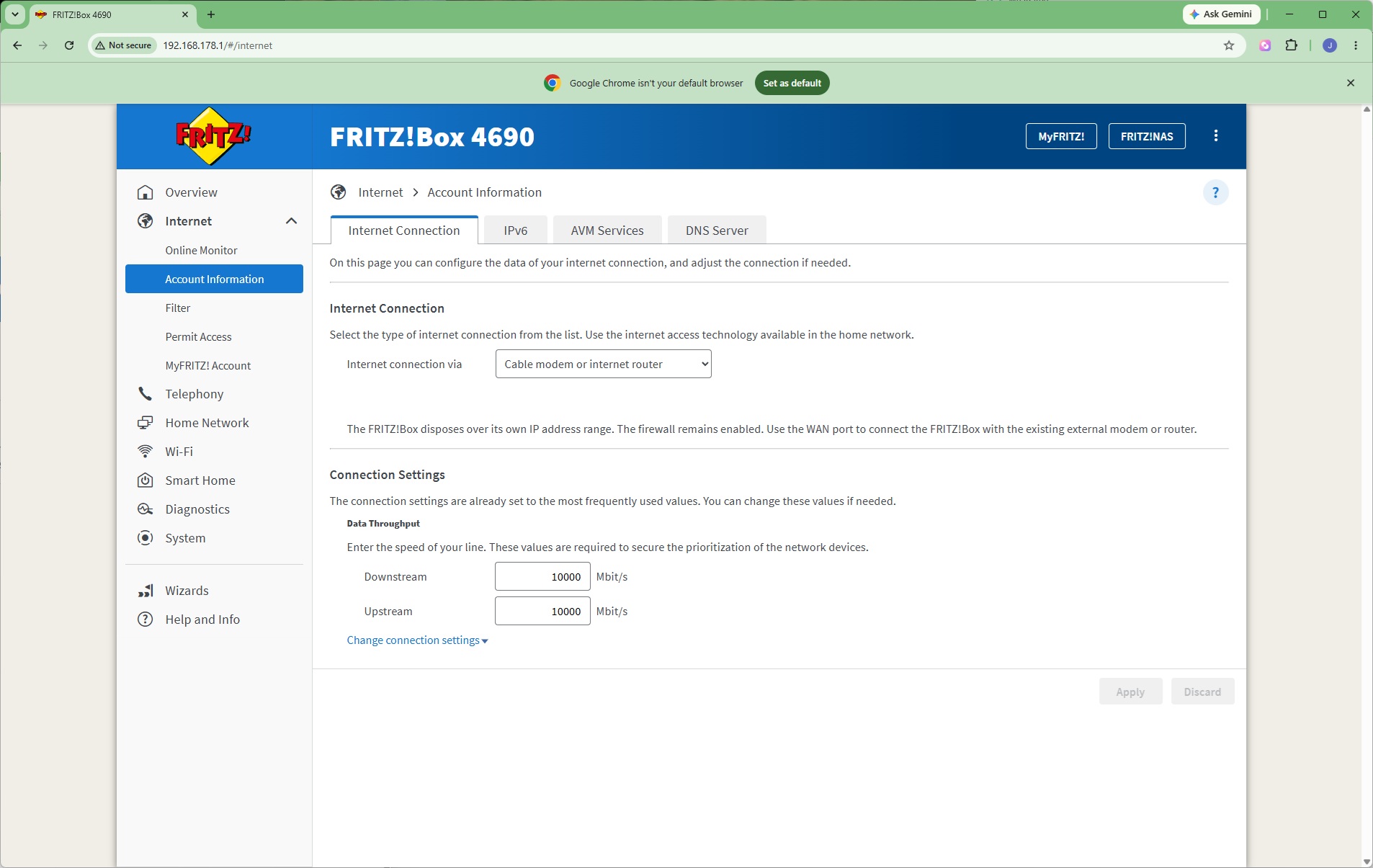
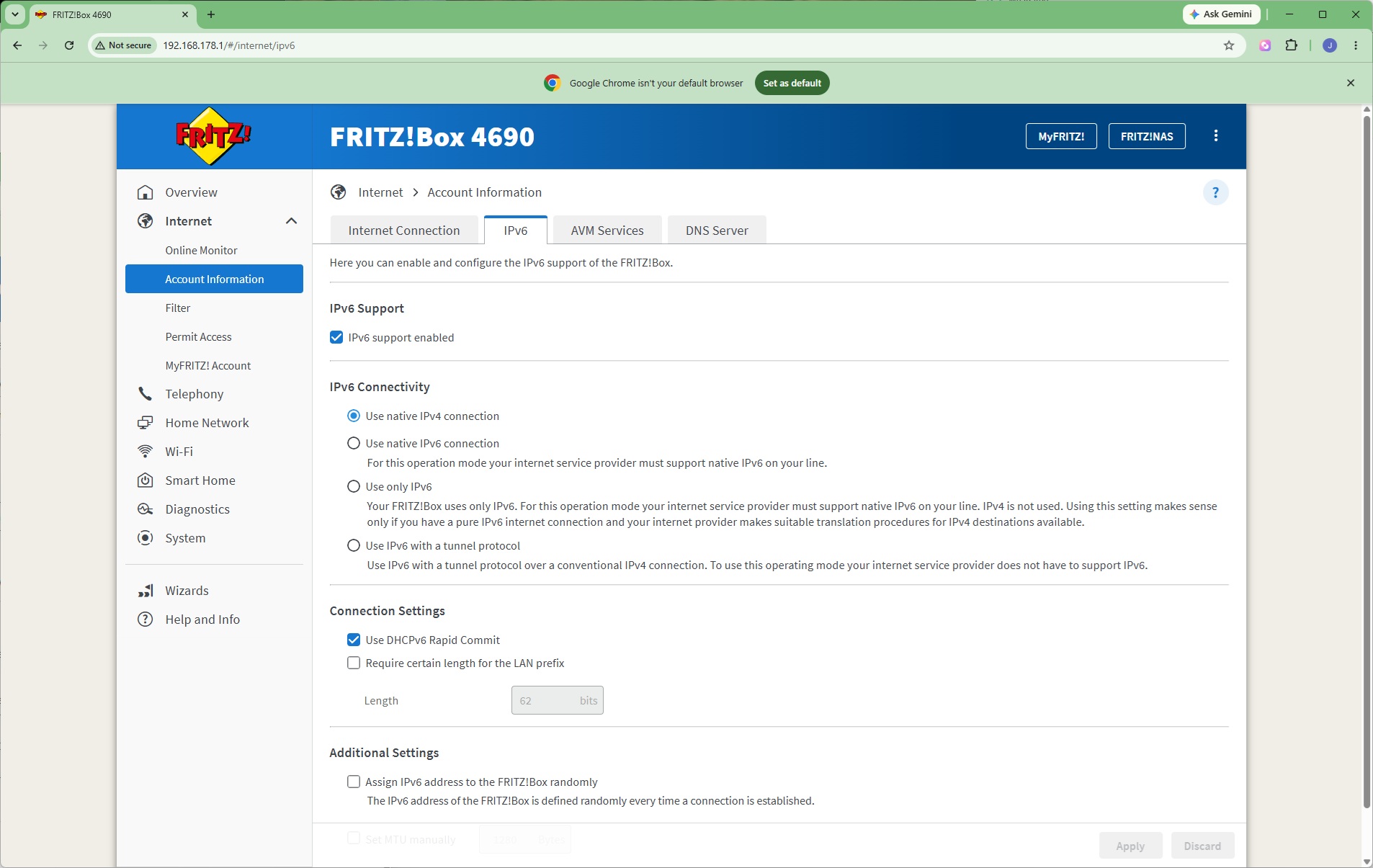
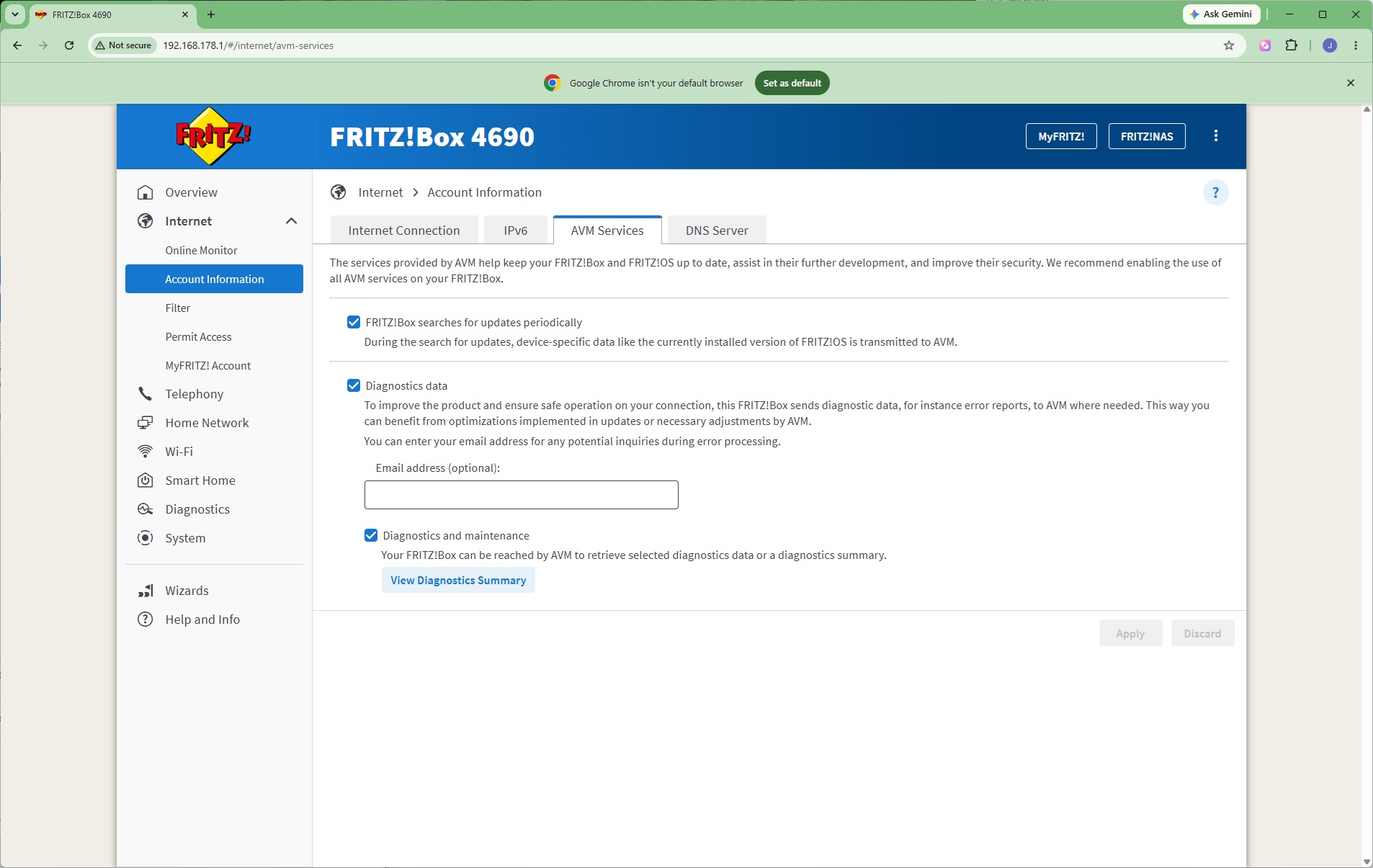
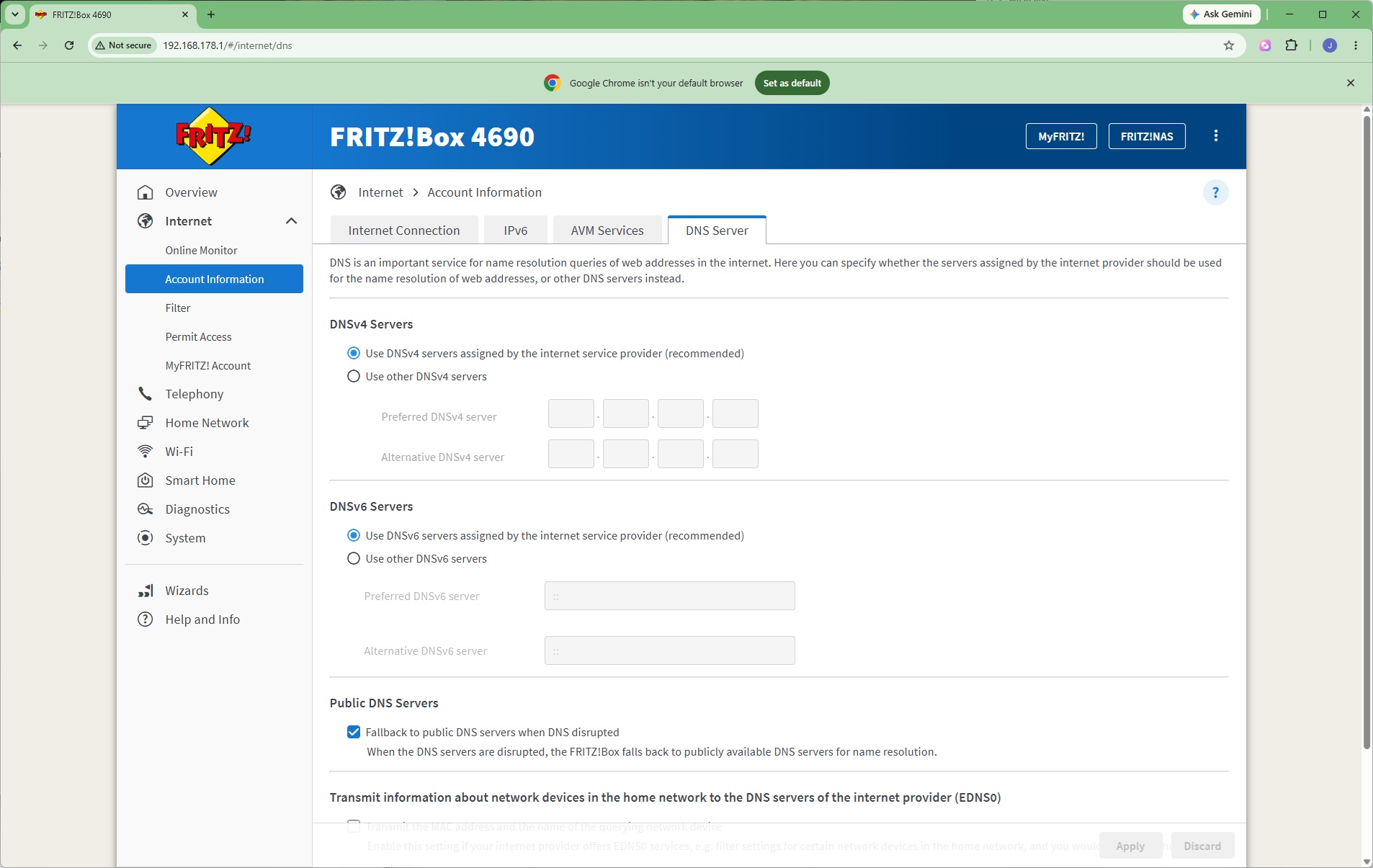
You're then asked to define your Internet connection type, followed by a choice of IPv4 or IPv6 native connectivity. You then define how the router interacts with FRITZ's services (note that this page still mentions AVM…). Finally, you can choose whether the DNS server is automatically detected or a fixed IP address.
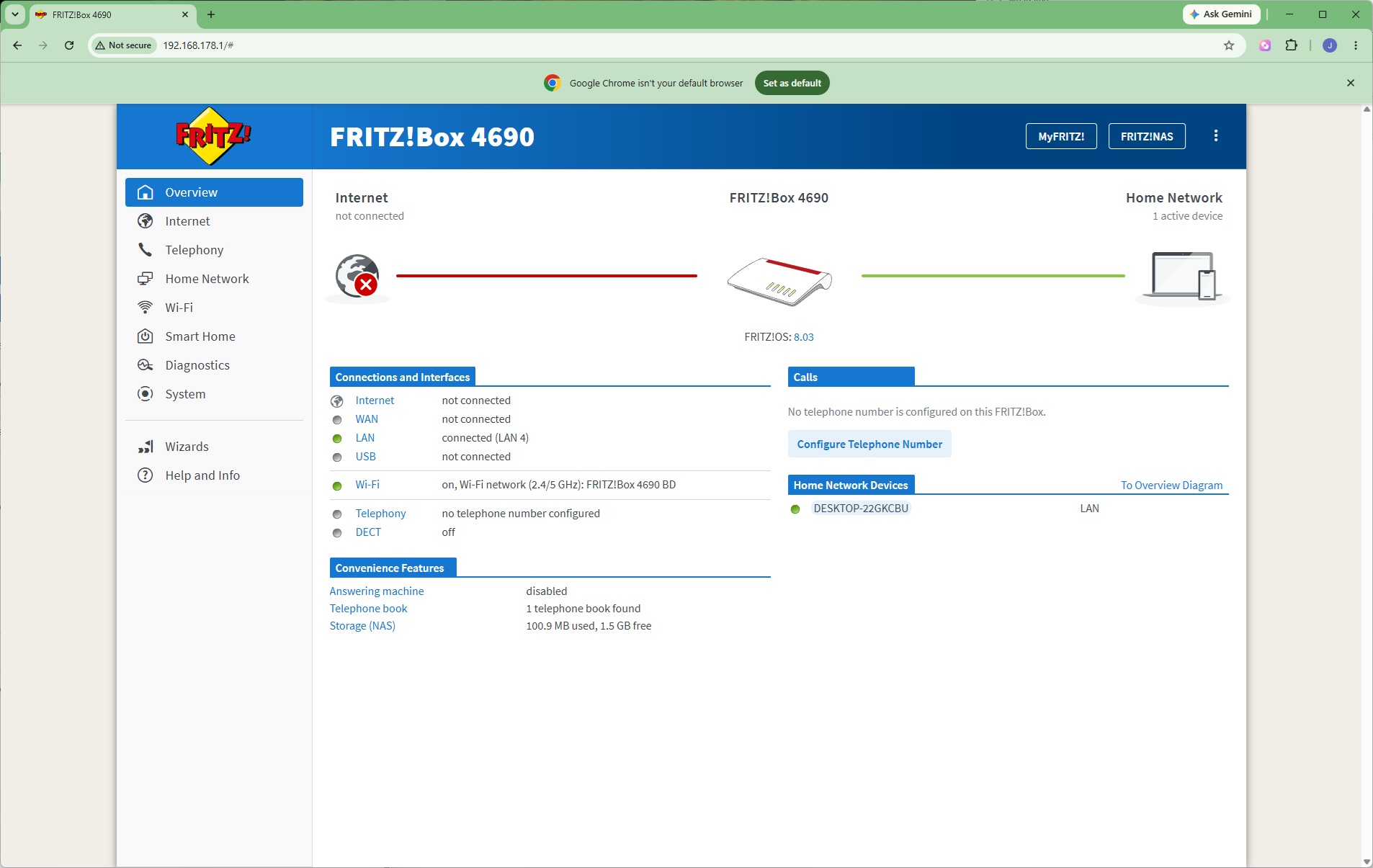
Once things are initially configured, you can see your settings in the Overview window, which isn't as graphical as some routers. Note that we hadn't connected our broadband in this screengrab (we disconnect this during throughput testing to avoid any online updates interrupting bandwidth).
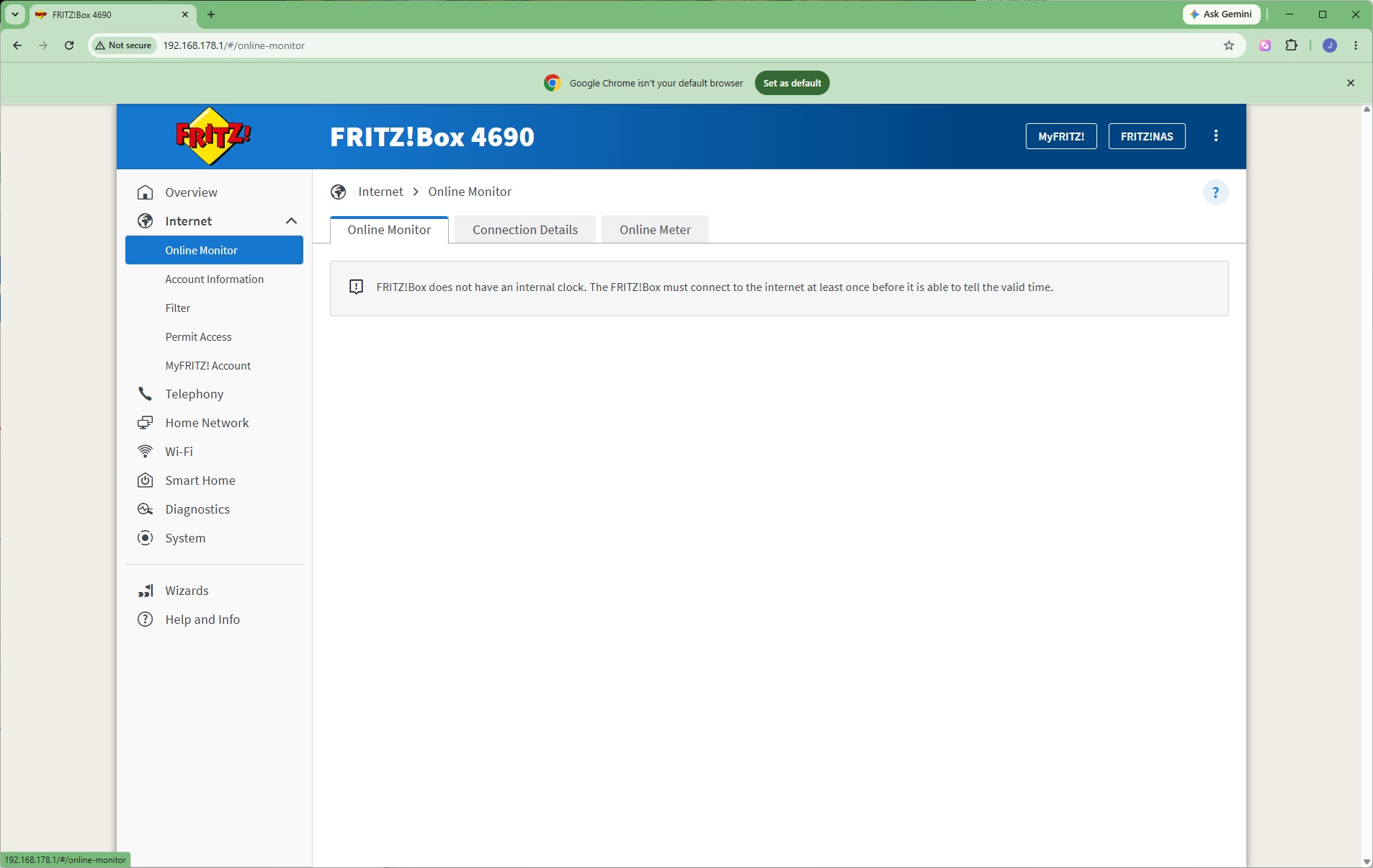
With the broadband connection not yet active, the online monitoring tools weren't yet available, but when that's operational this section will show traffic rates so you can see if anything is hogging bandwidth.
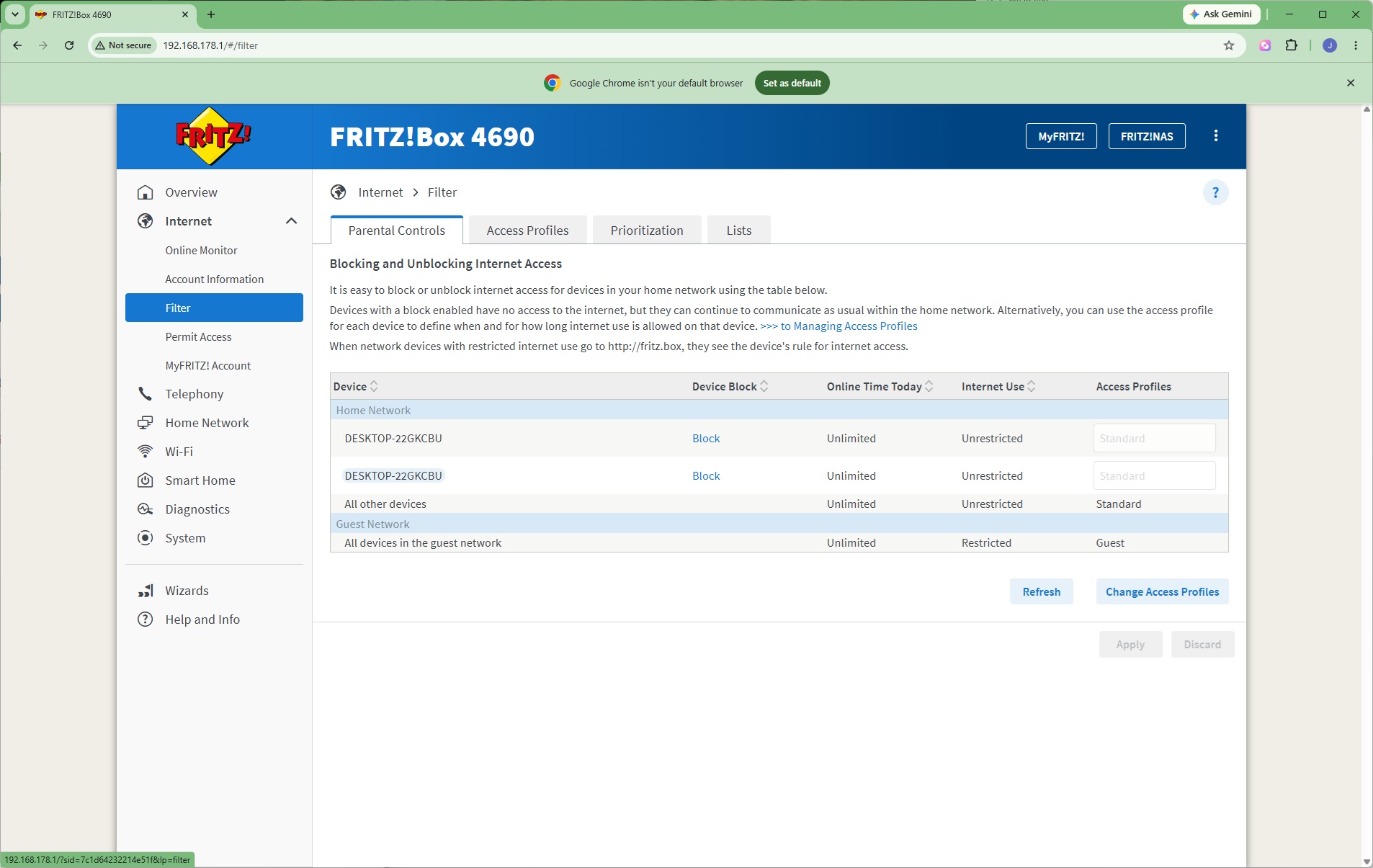
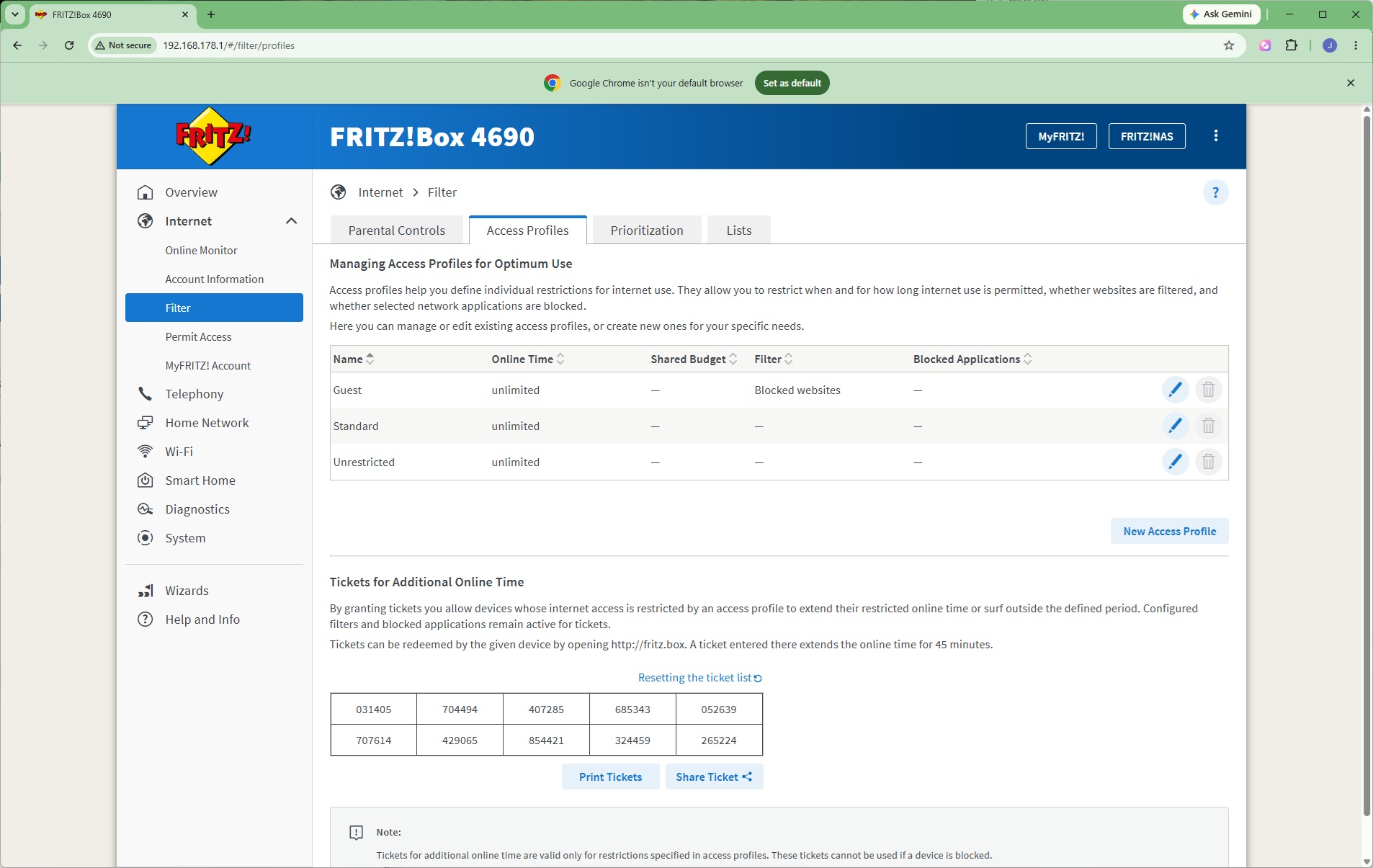
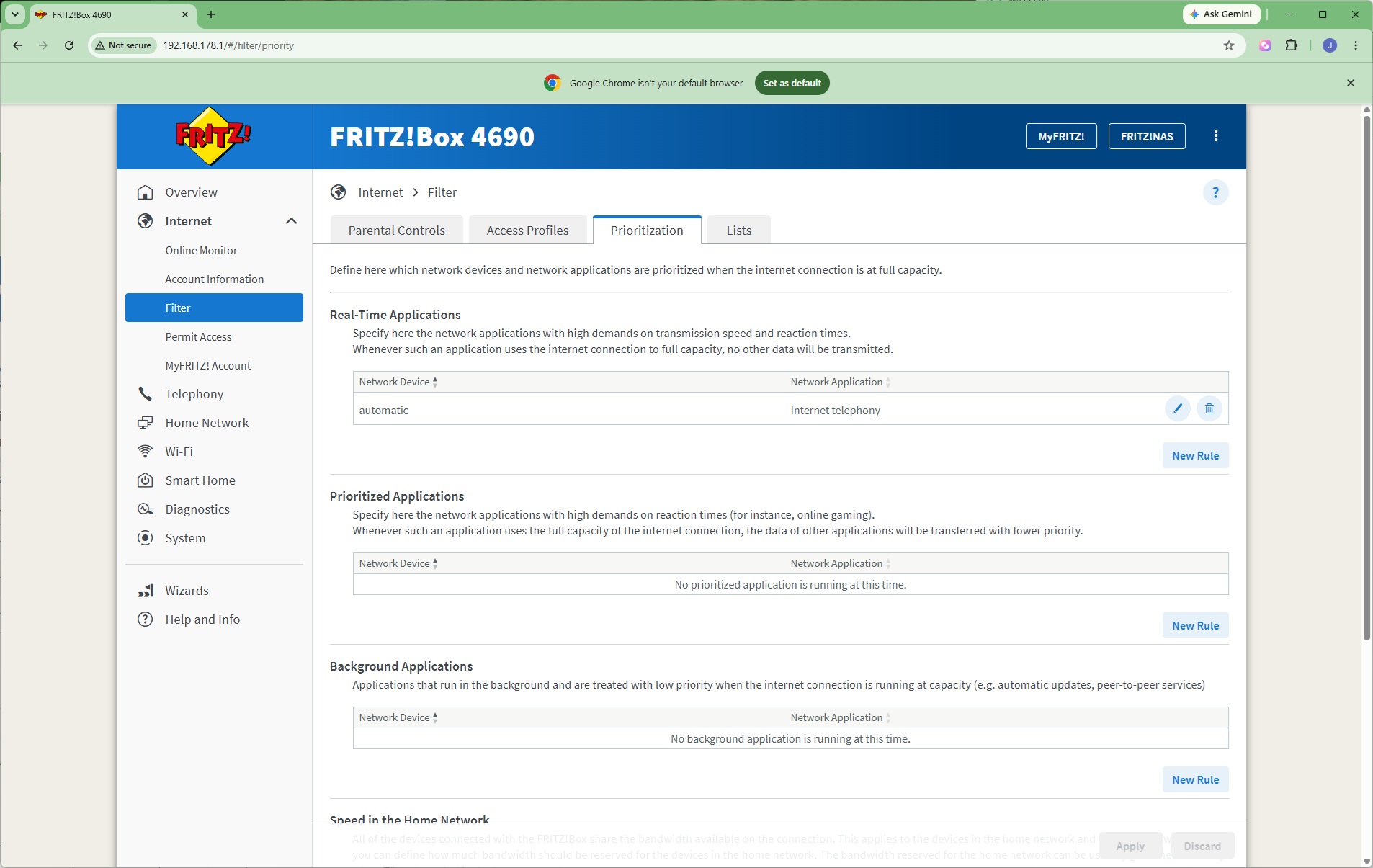
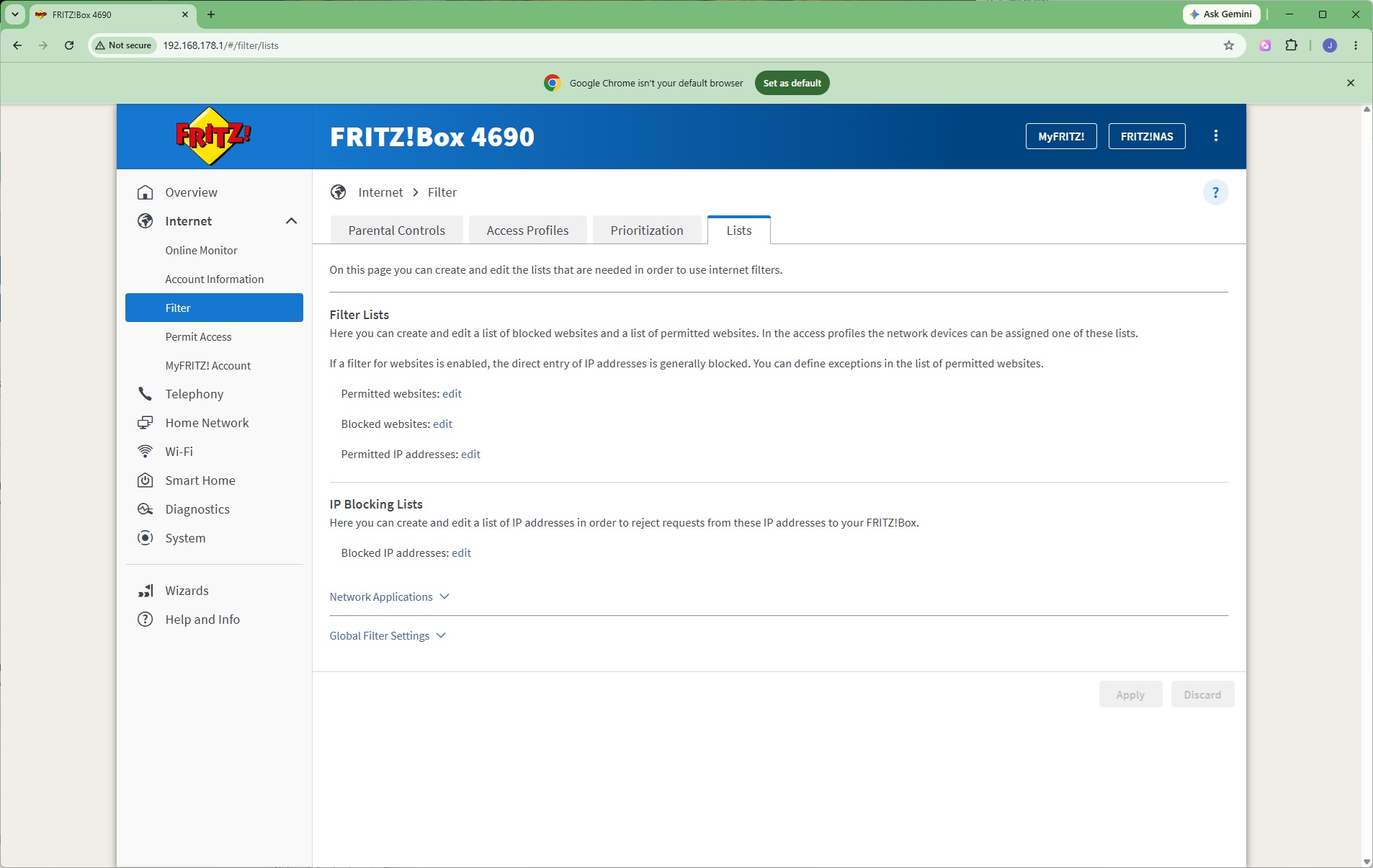
The FRITZ!Box 4690 has built-in connectivity controls, starting with the ability to block systems or restrict their access. You can set up access profiles to streamline this process. You can introduce quality of service rules by prioritising certain types of traffic. You can also create website and IP access lists, either by permission or blocking certain URLs and addresses.
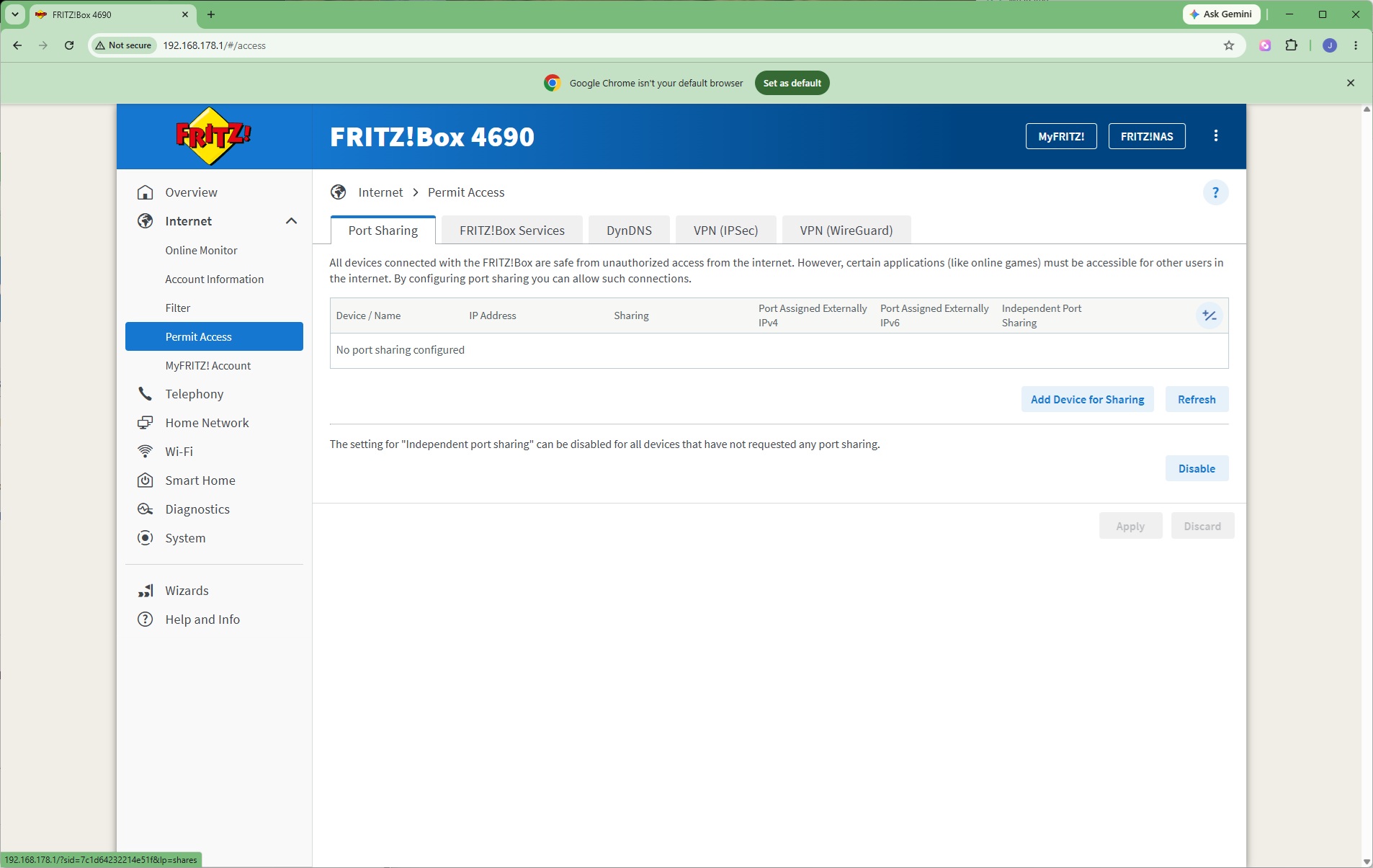
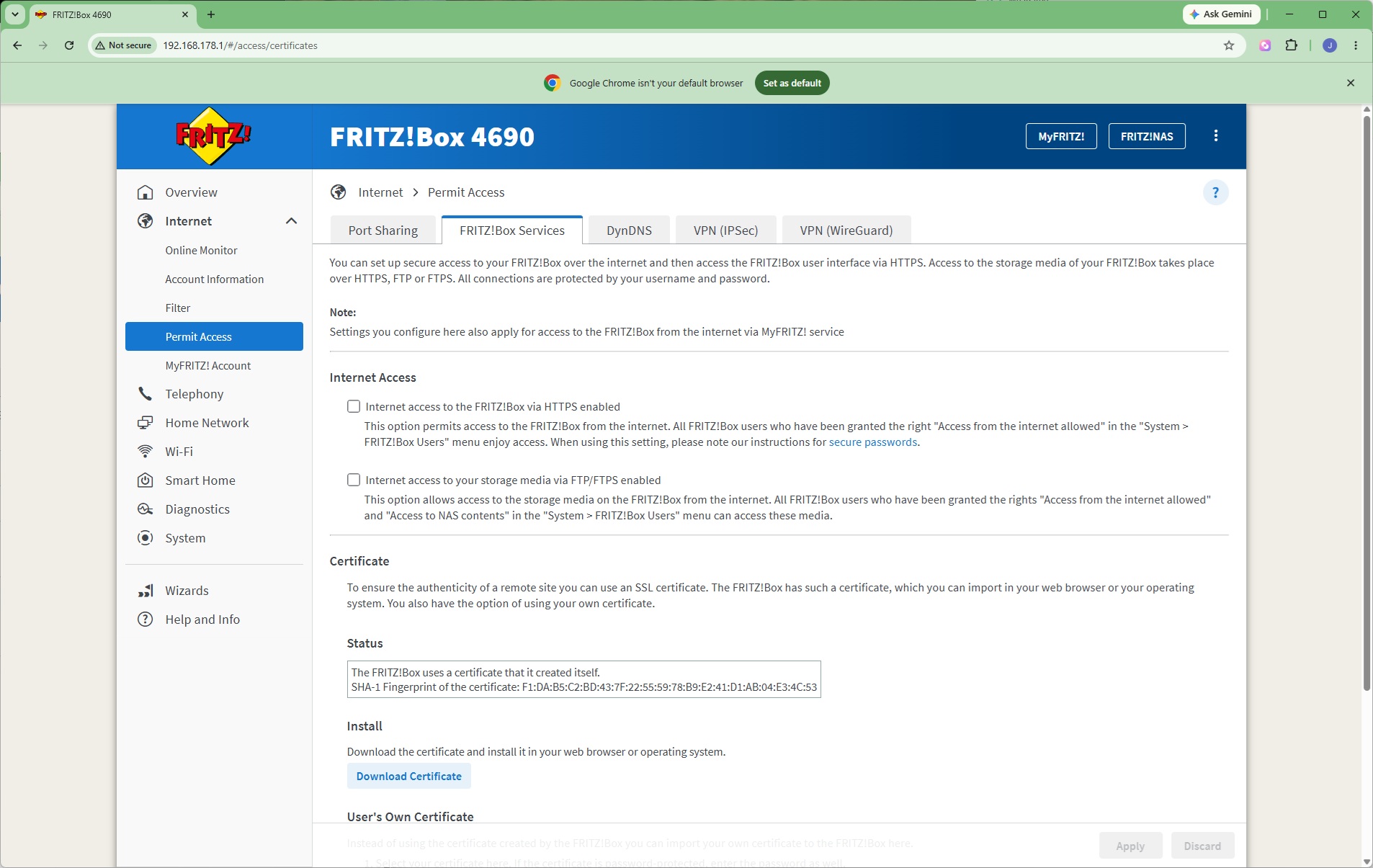
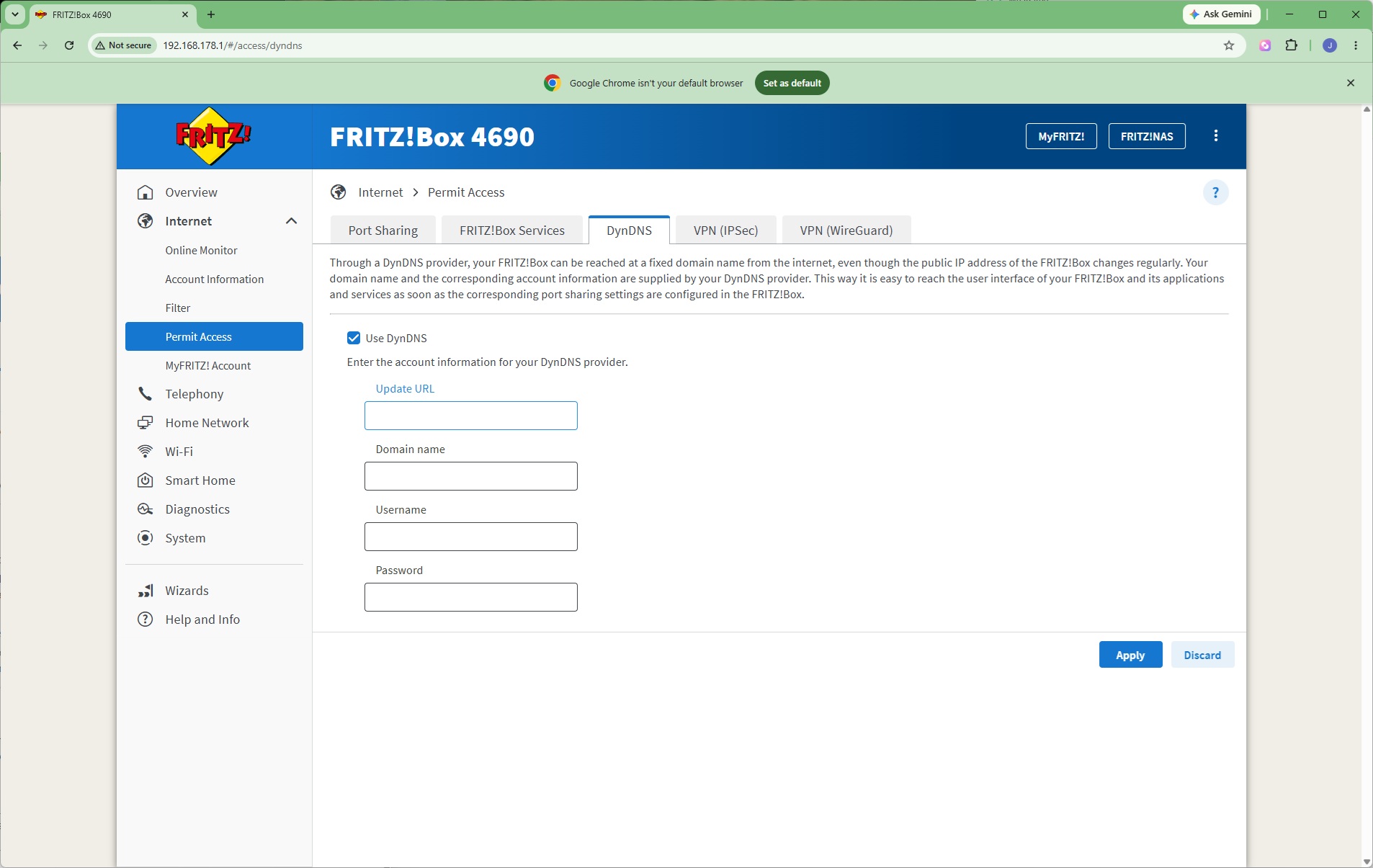
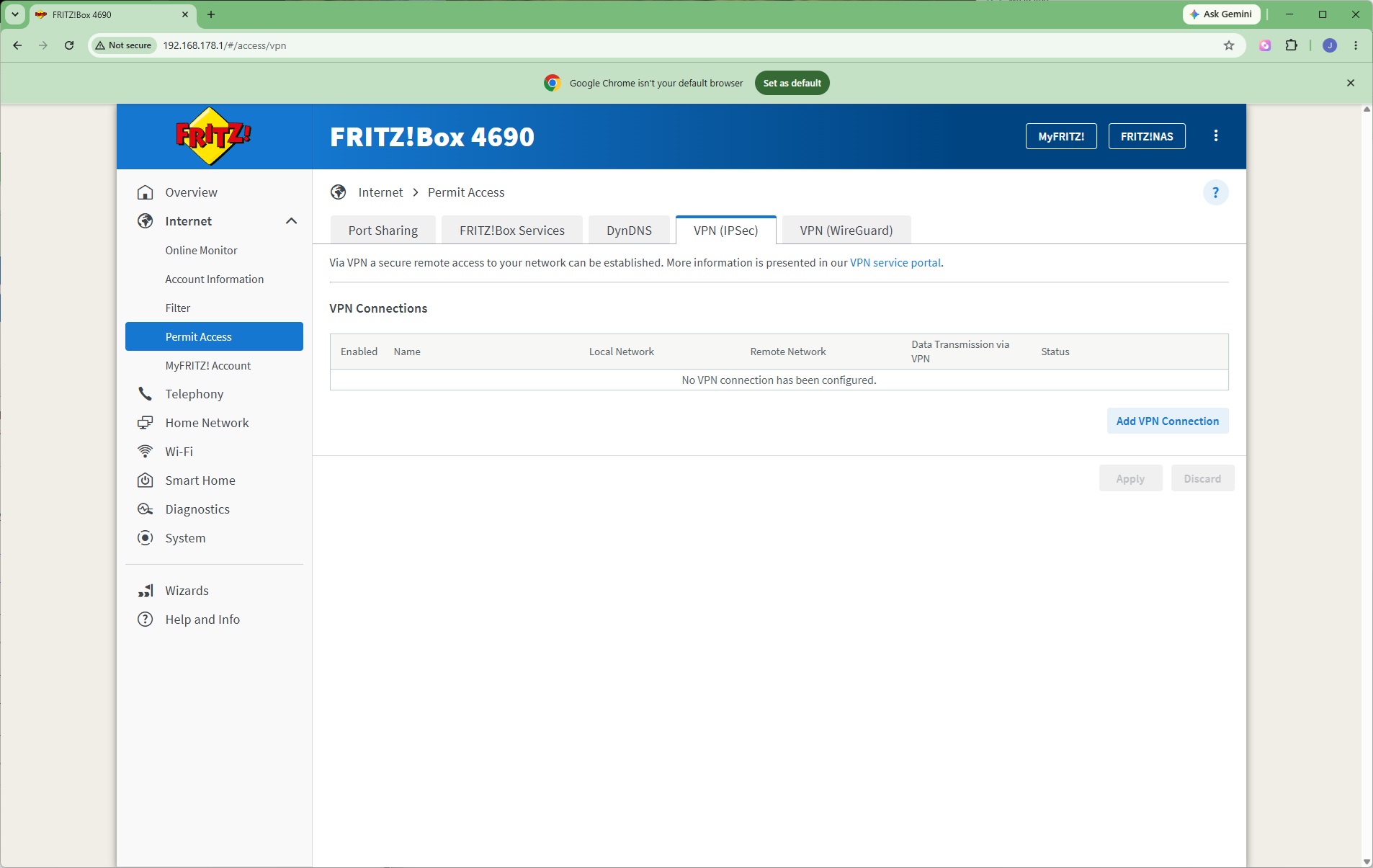
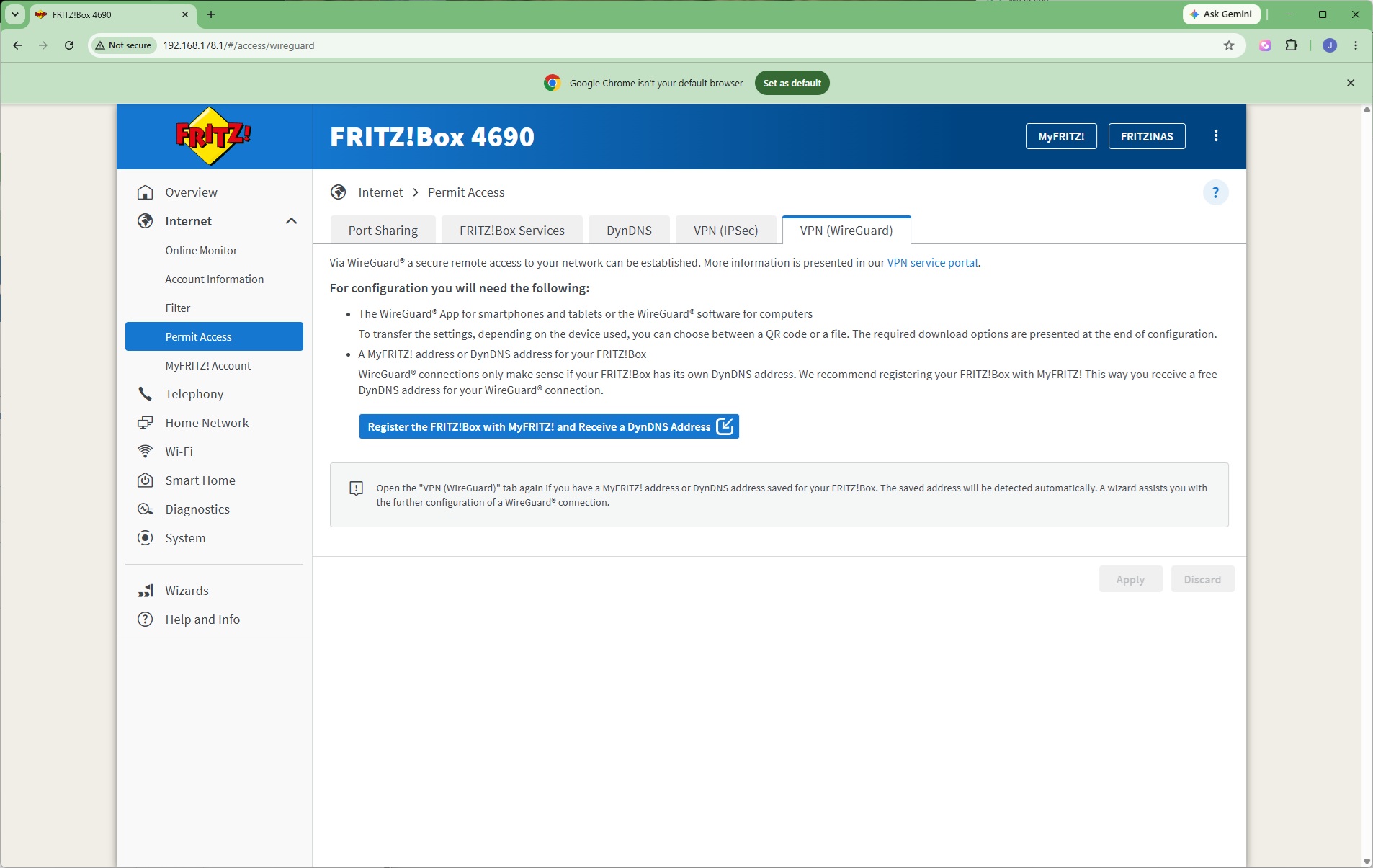
The FRITZ!Box has further permission options, starting with the ability to share devices on the local area network with the Internet through port forwarding. You can also choose whether the FRITZ!Box itself is externally accessible, although this is secured by certificate. There's support for DynDNS, but you have to enter more details yourself here than some routers. You can configure IPSec or WireGuard VPN connections too.
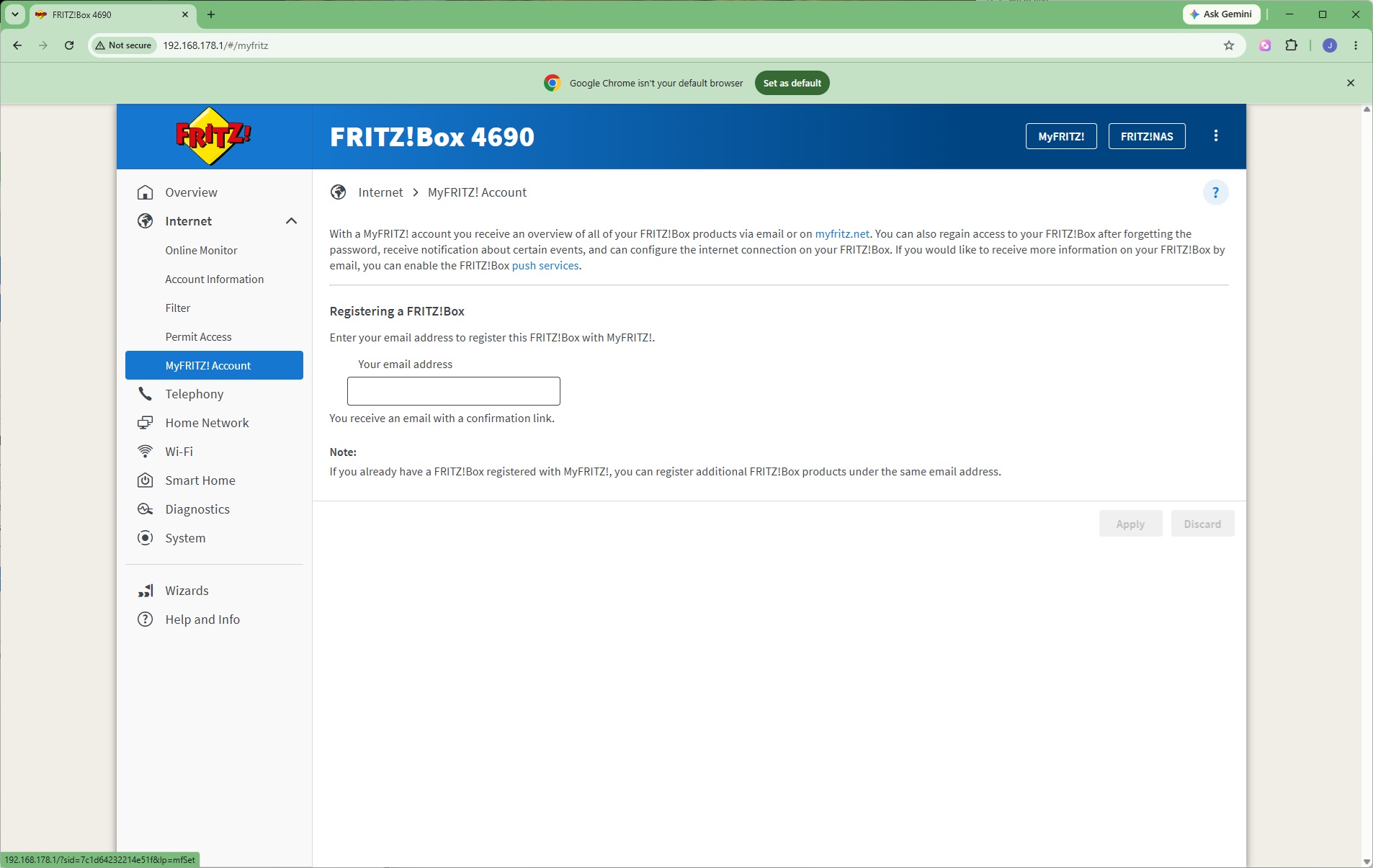
Registration of your FRITZ!Box with FRITZ! is built into the interface.
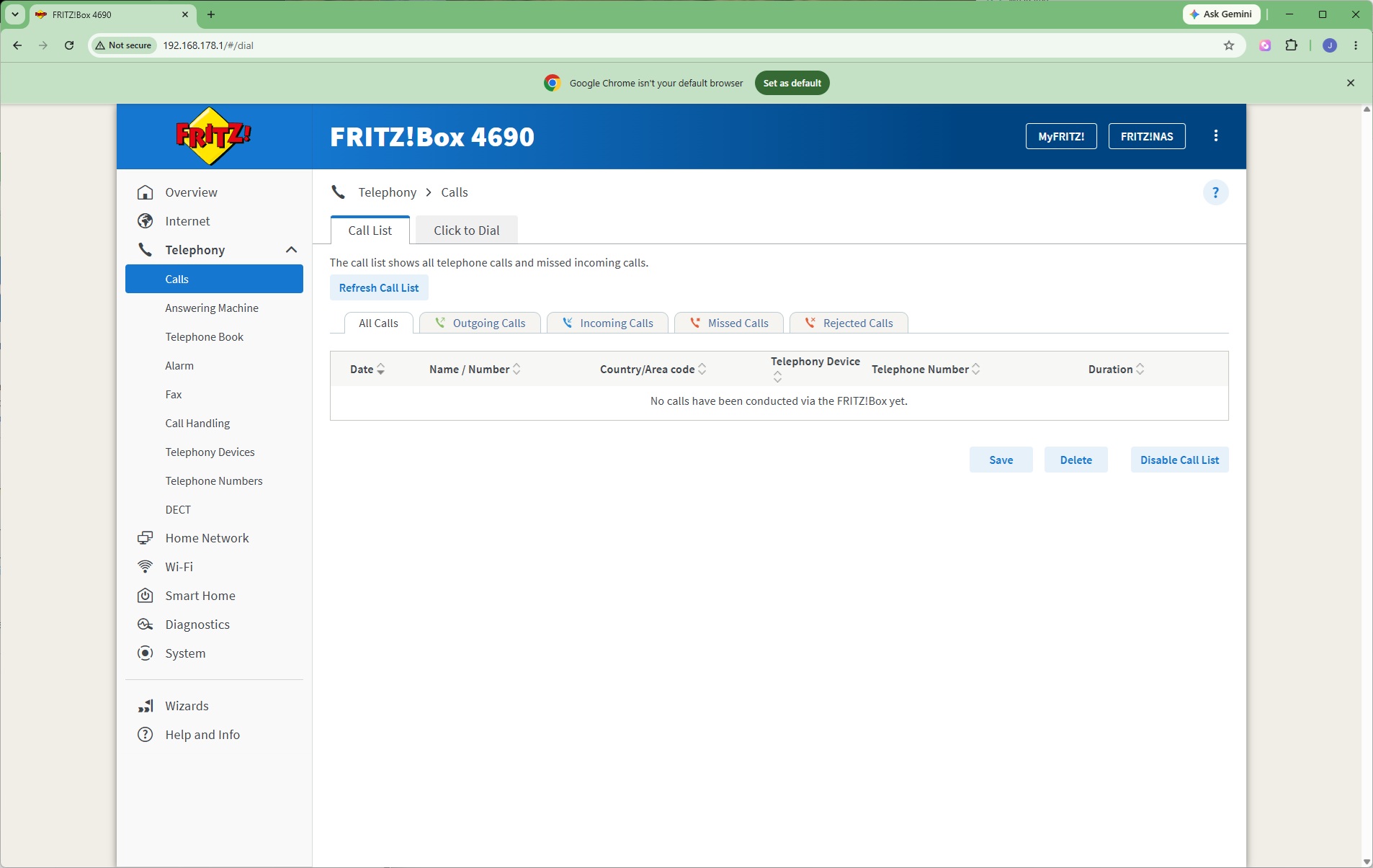
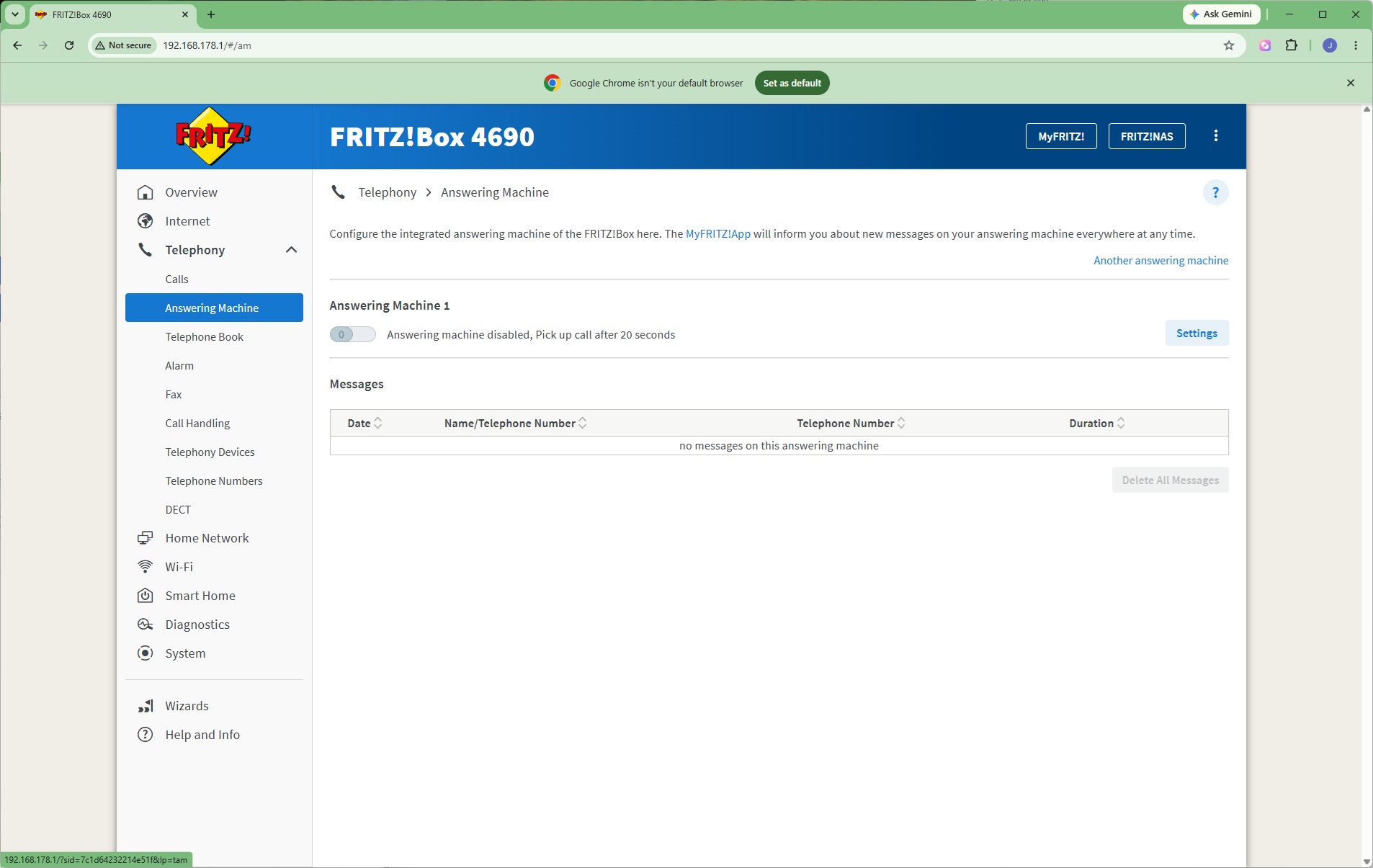
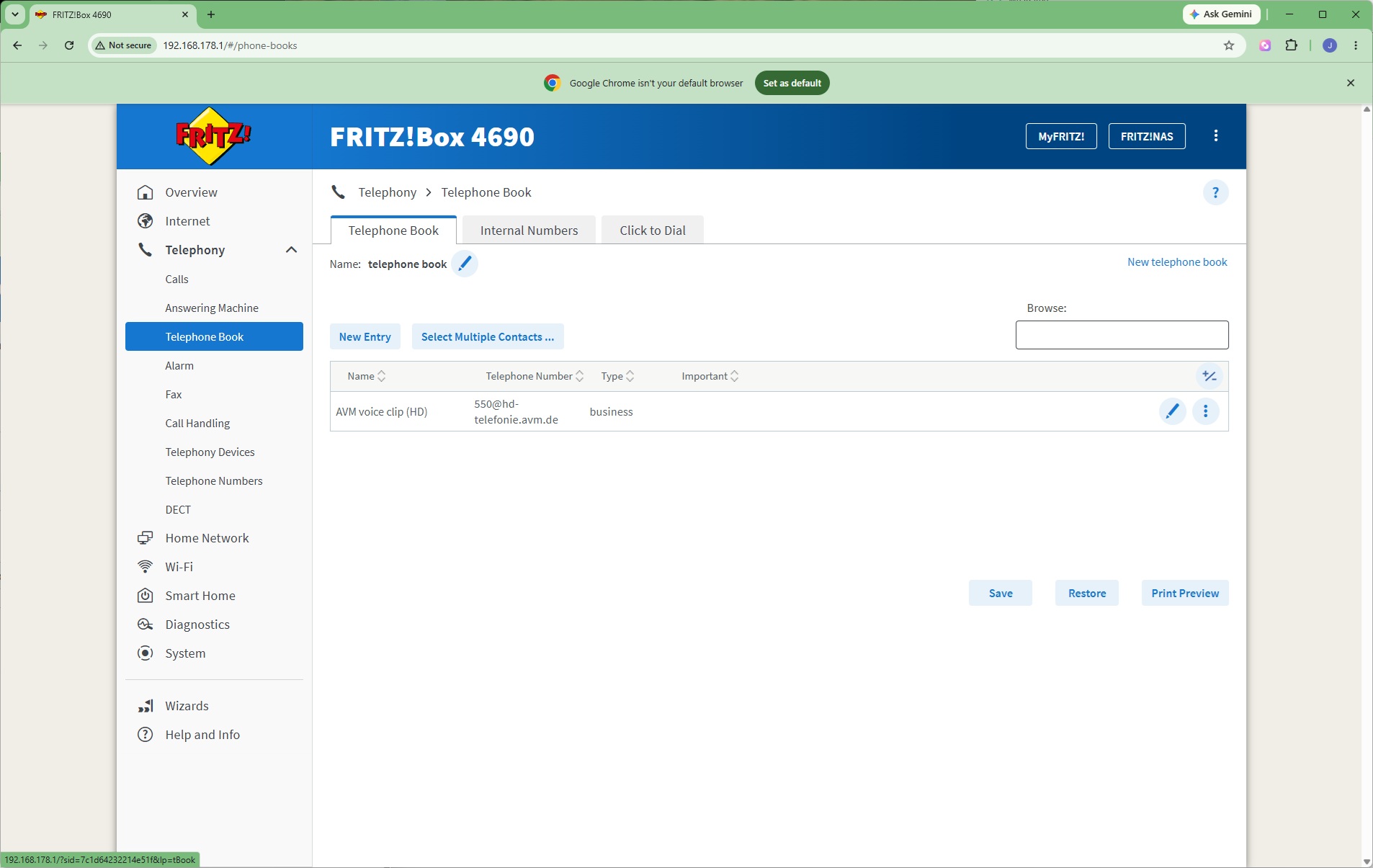
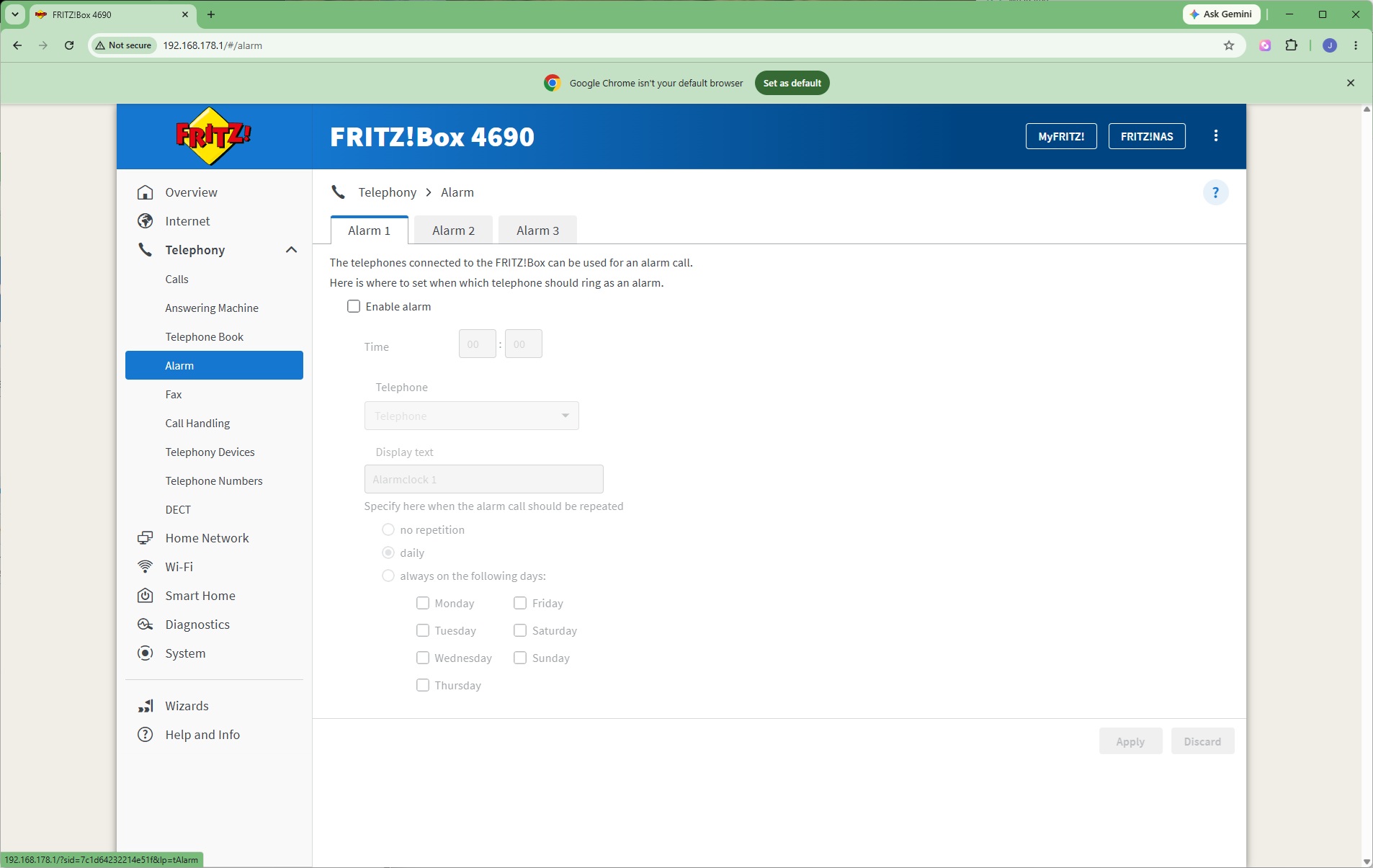
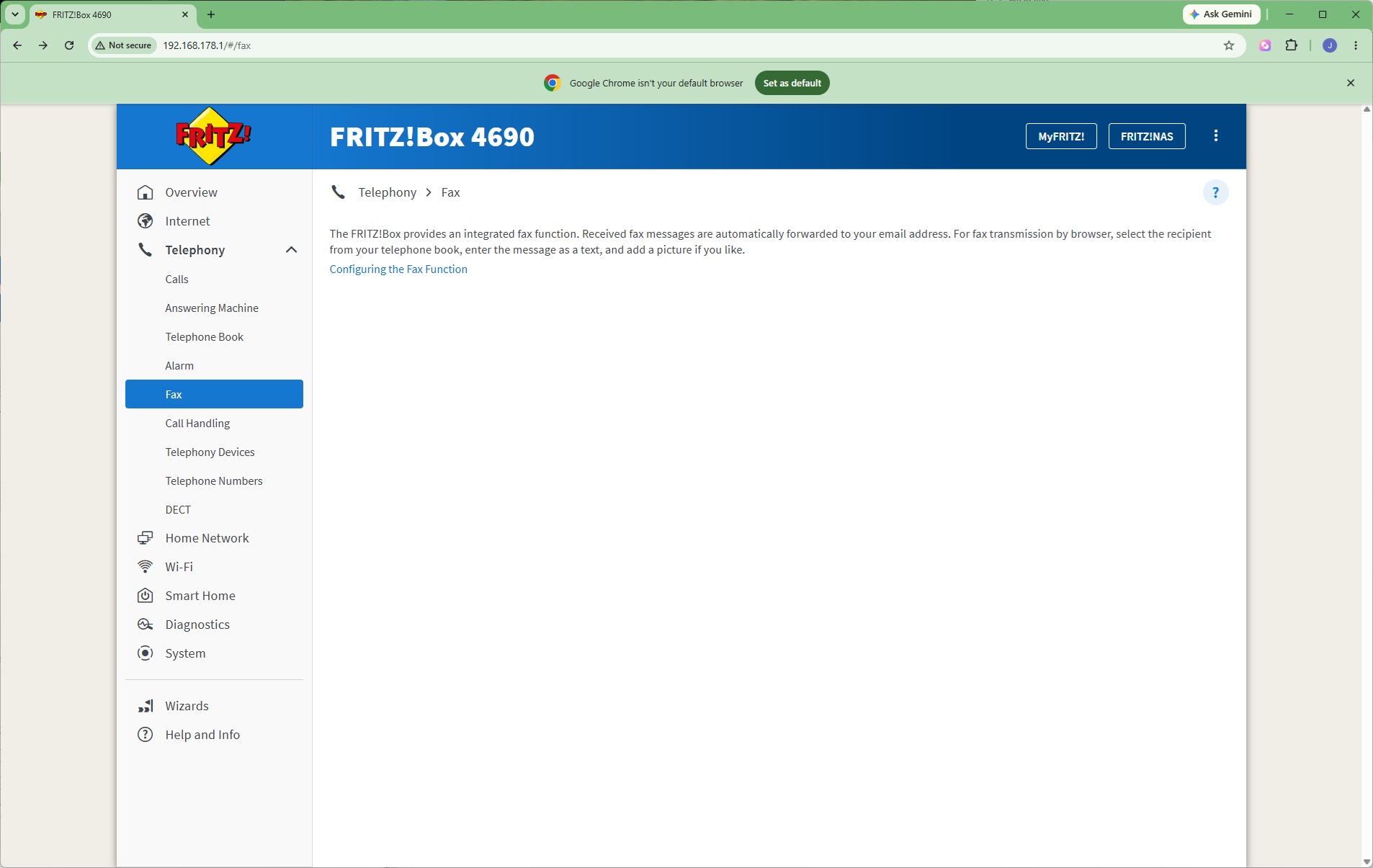
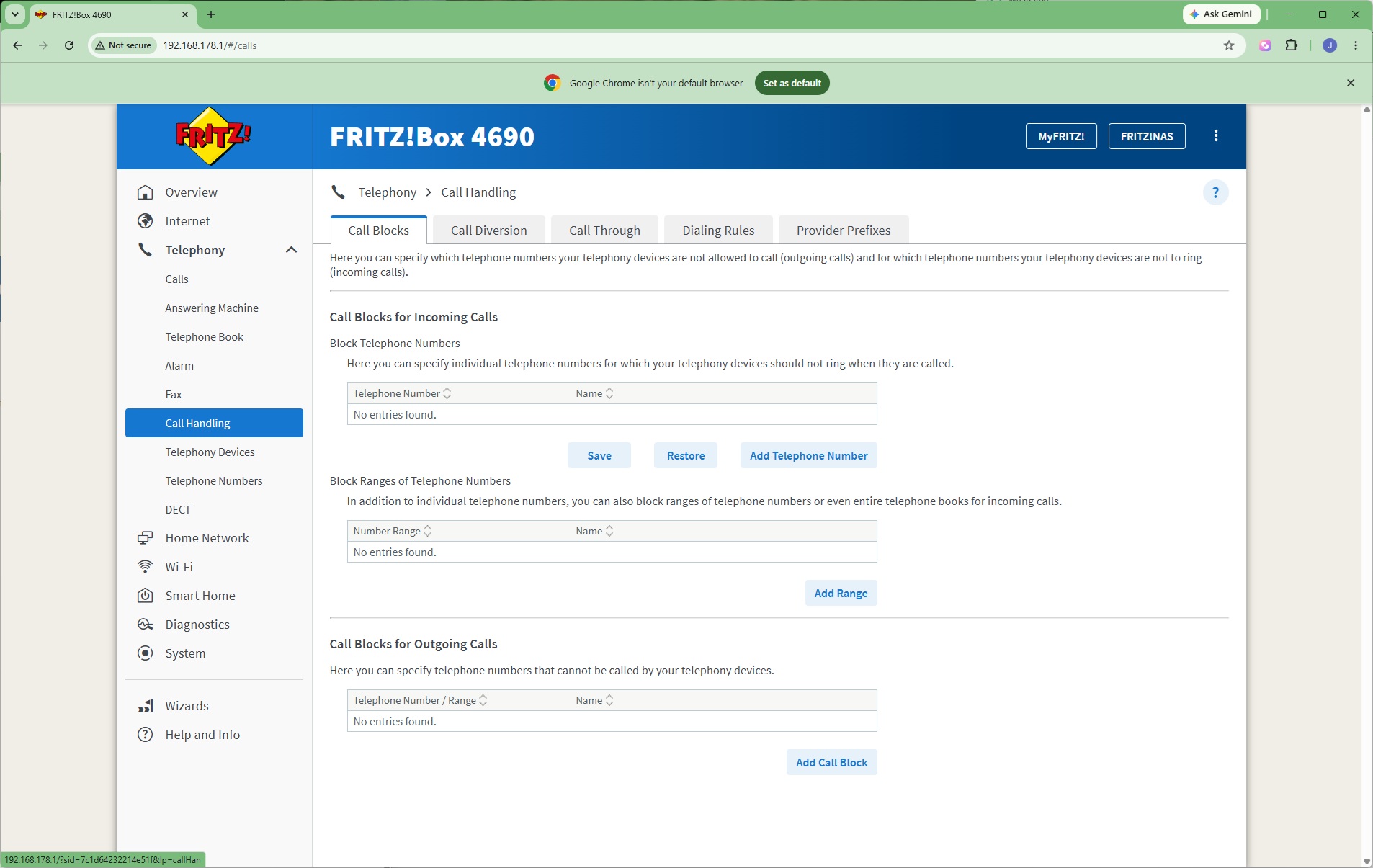
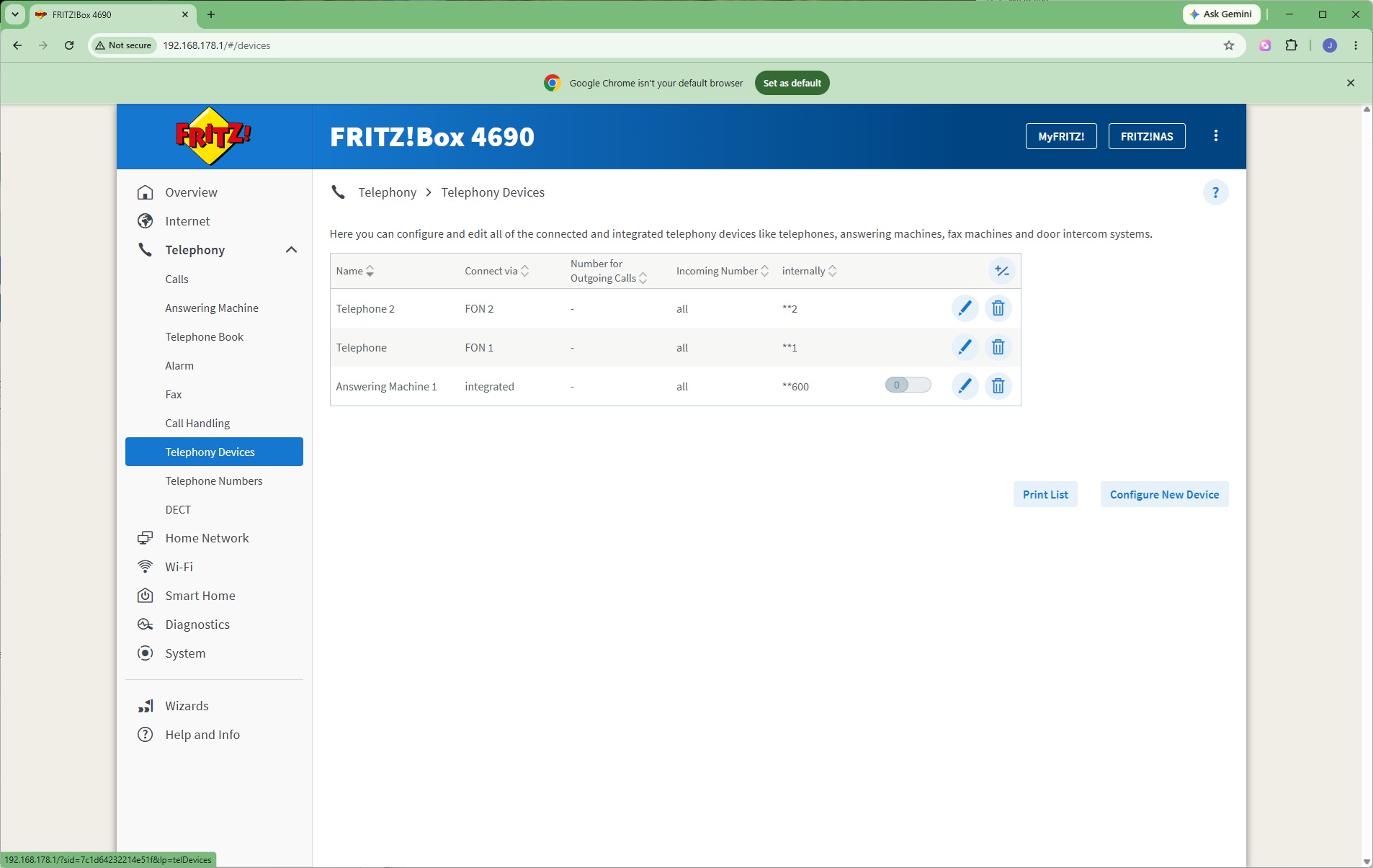
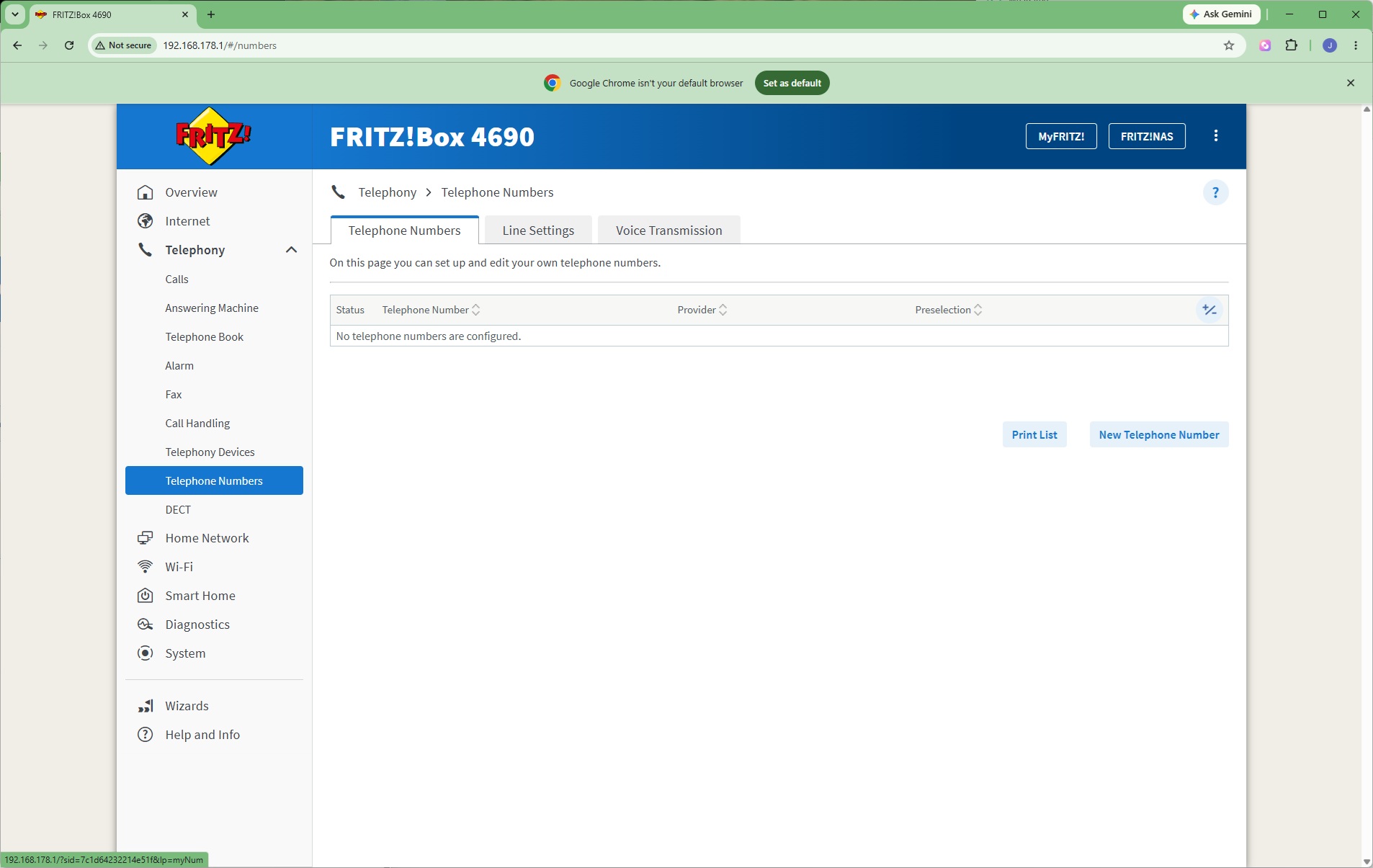
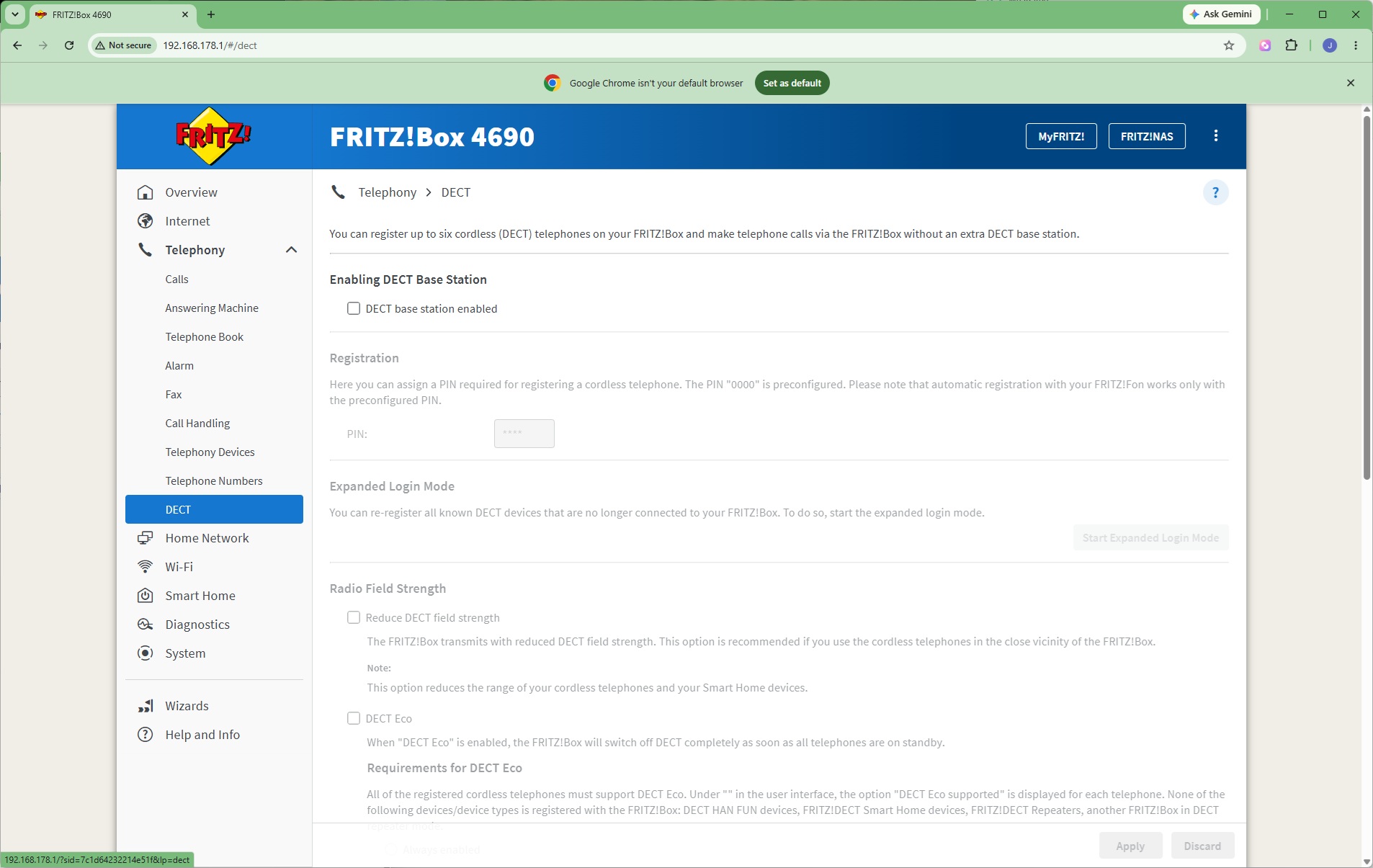
The Telephony section is, of course, huge on the 4690 – this is a FRITZ!Box after all! Telephony is one of the company's USPs. You can view calls, set up a digital answering machine, and create an online telephone book. The alarms let you ring a handset at a fixed time as a reminder. The FRITZ!Box can even send and receive faxes. Call handling rules are available, so you can block known spammers, for example. Interestingly, the system also supports door intercoms as well as regular handsets.
The telephony system primarily revolves around SIP. You enter your provider details under Telephone Numbers, or alternatively use FRITZ!Box's own service. Alongside the RJ-11 and German TAE wired telephony ports, the 4690 can act as a DECT hub, too, communicating wirelessly with handsets.
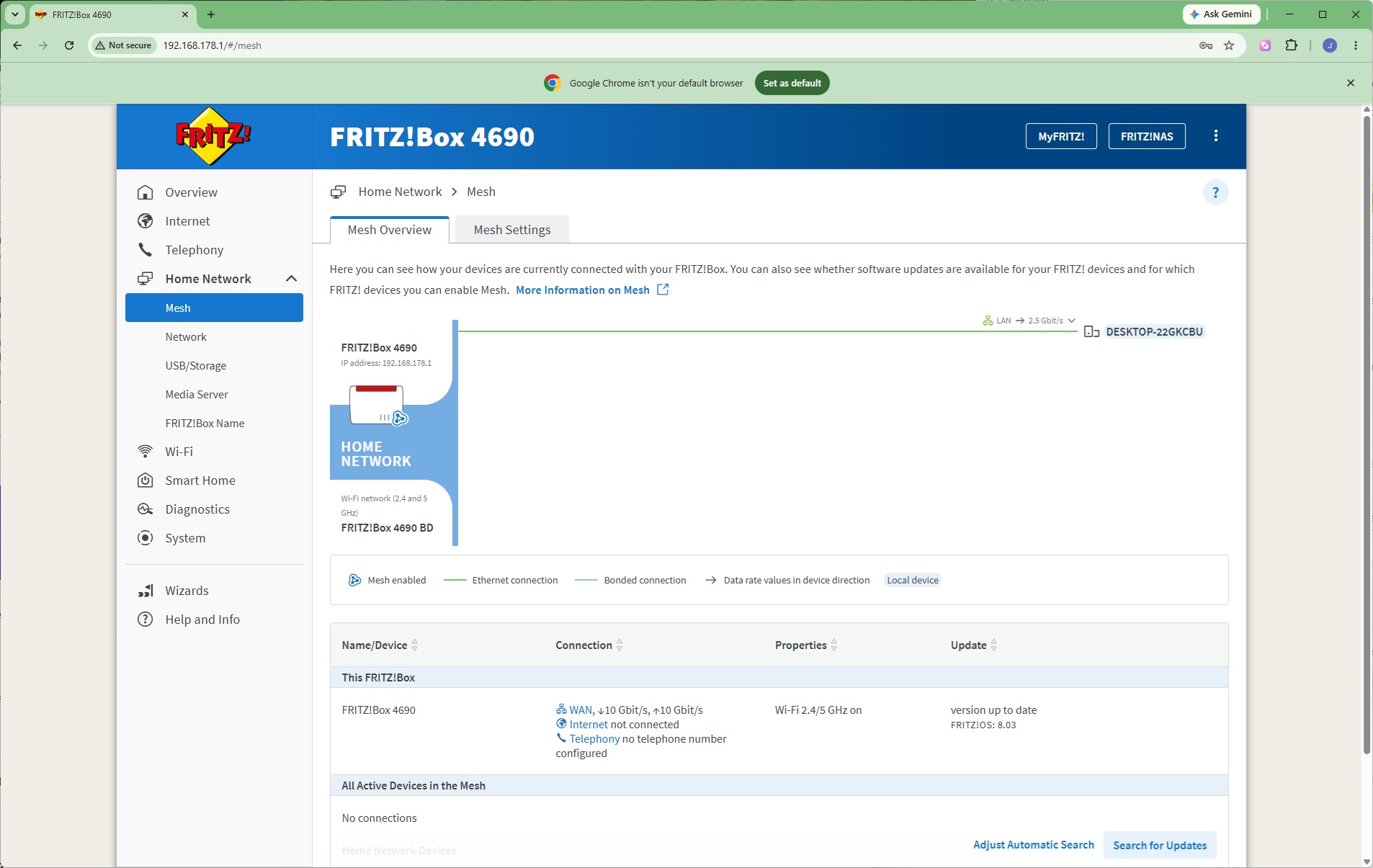
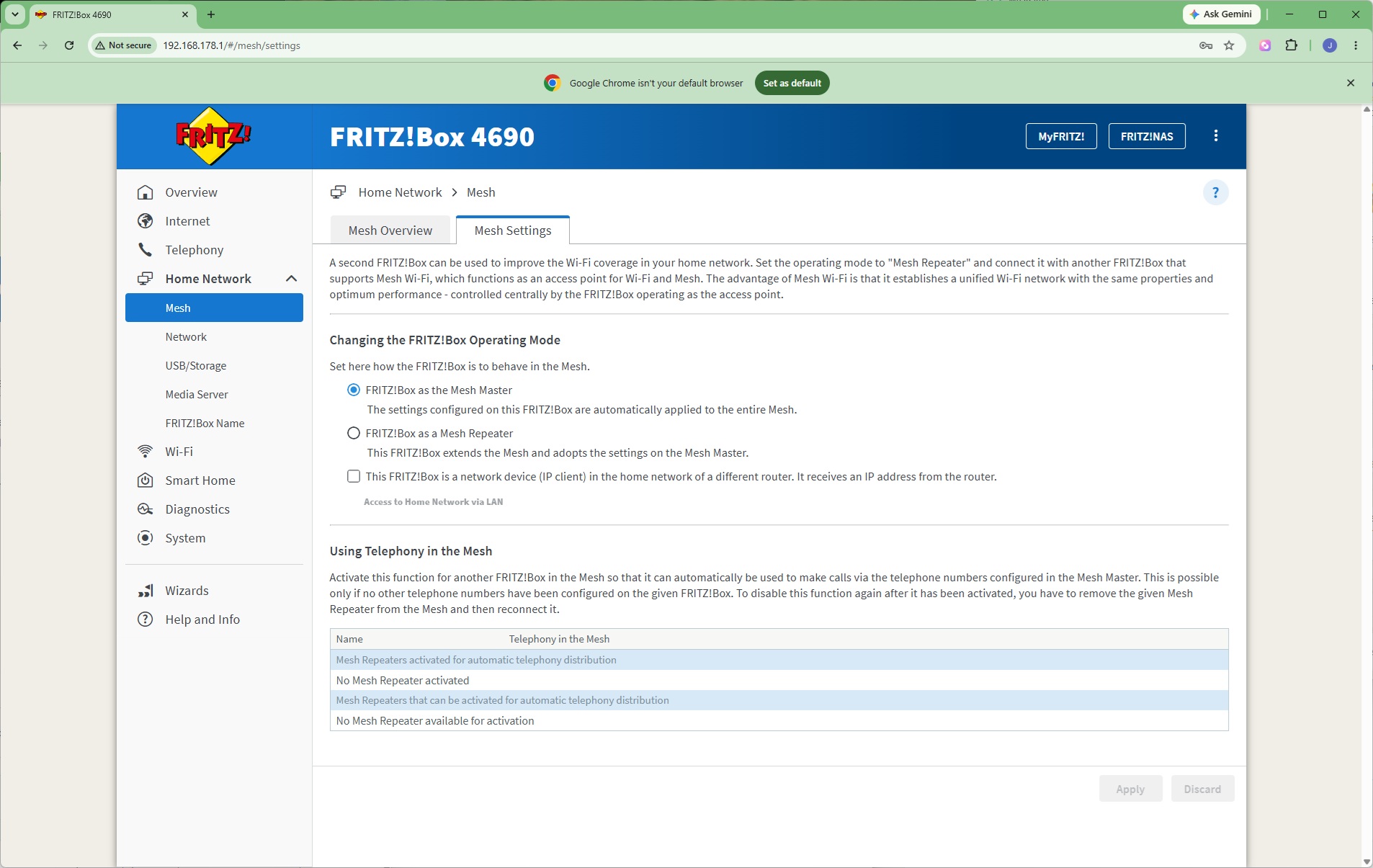
The FRITZ!Box 4690 can also act as the hub of a wireless mesh network. You can set up additional units as Repeaters. Powerline networking can be used to connect the Master to its Repeaters as well.
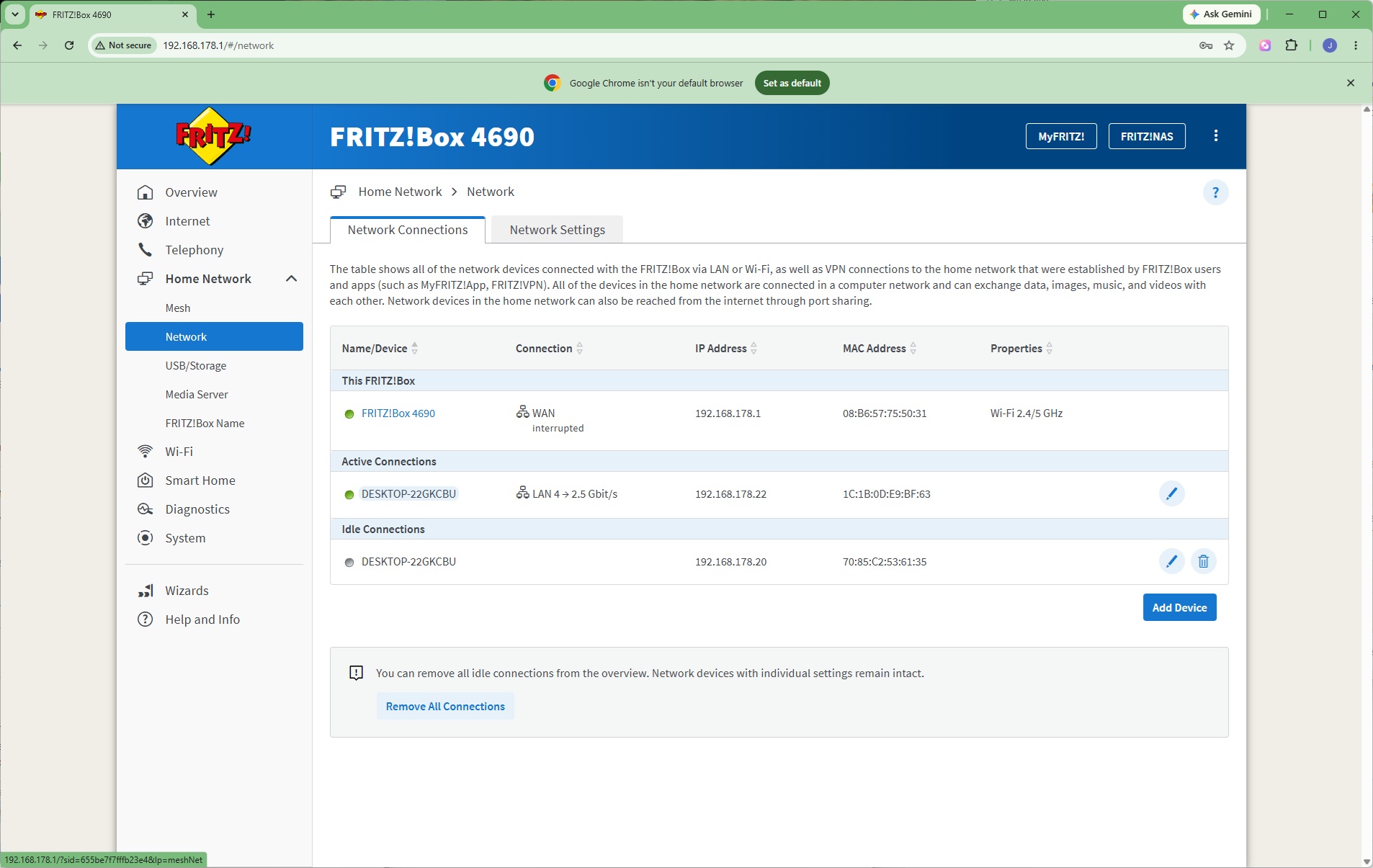
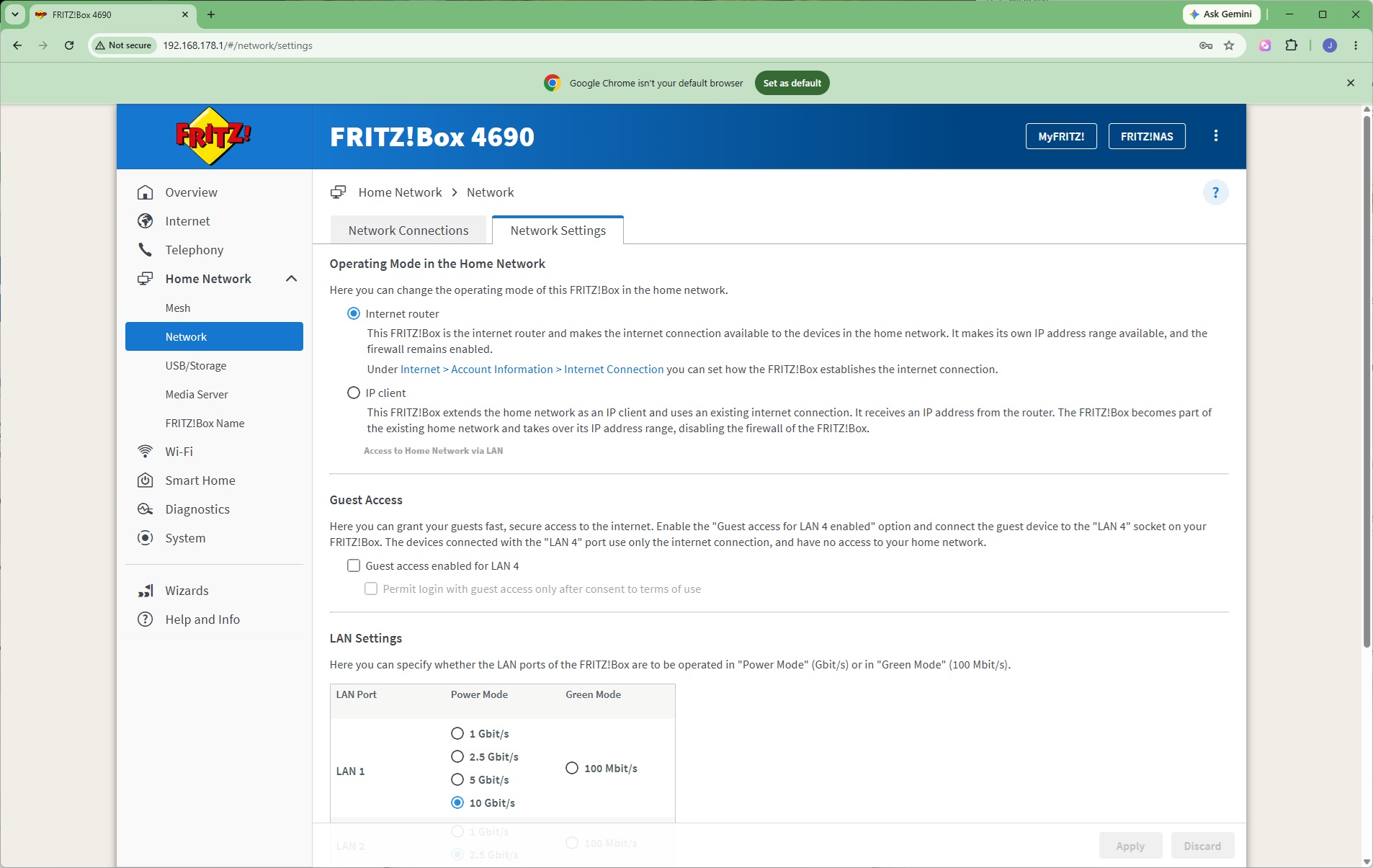
Under the Network section, you can see which devices are connected to the system, and choose how the router behaves as well as individual LAN ports.
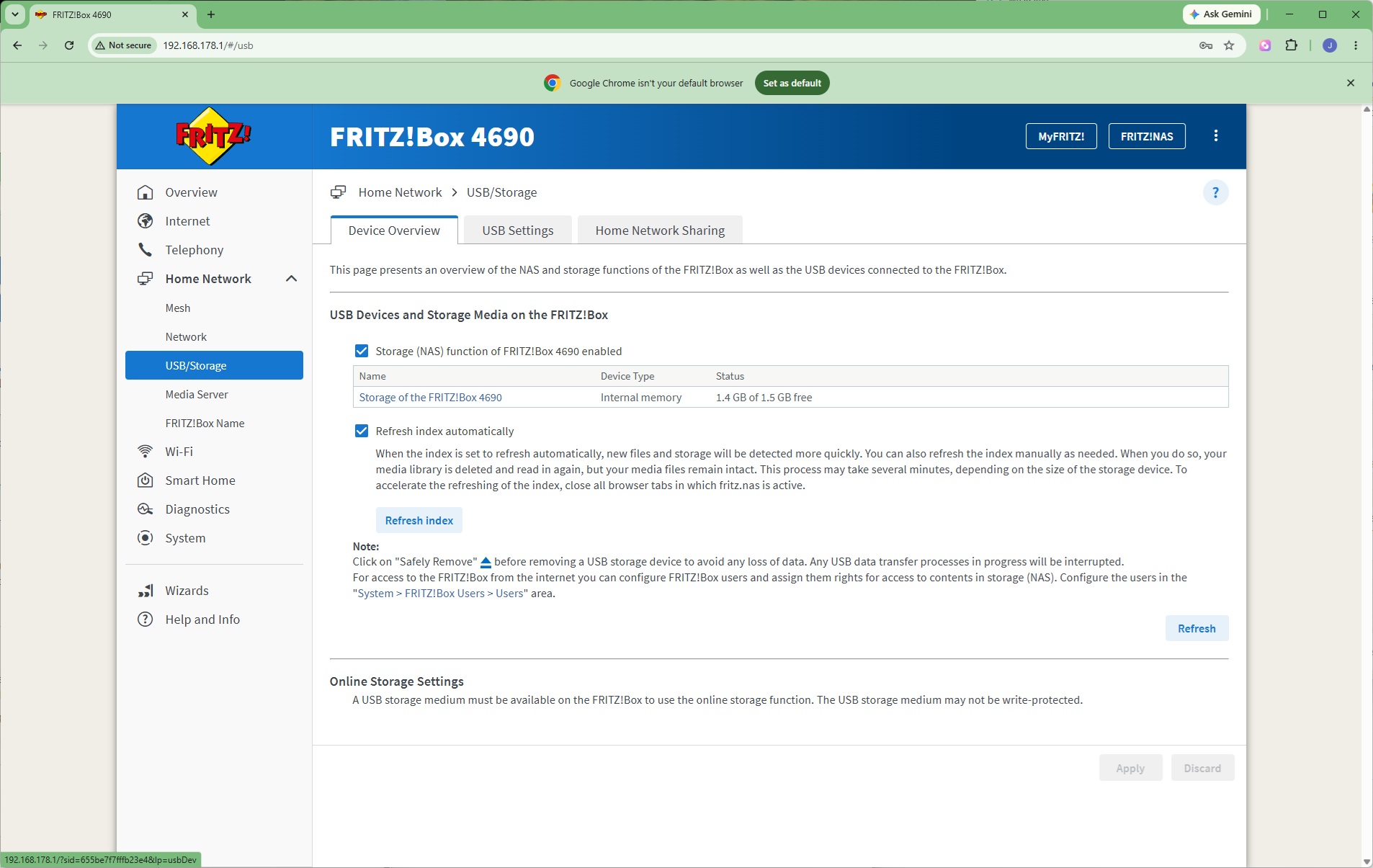
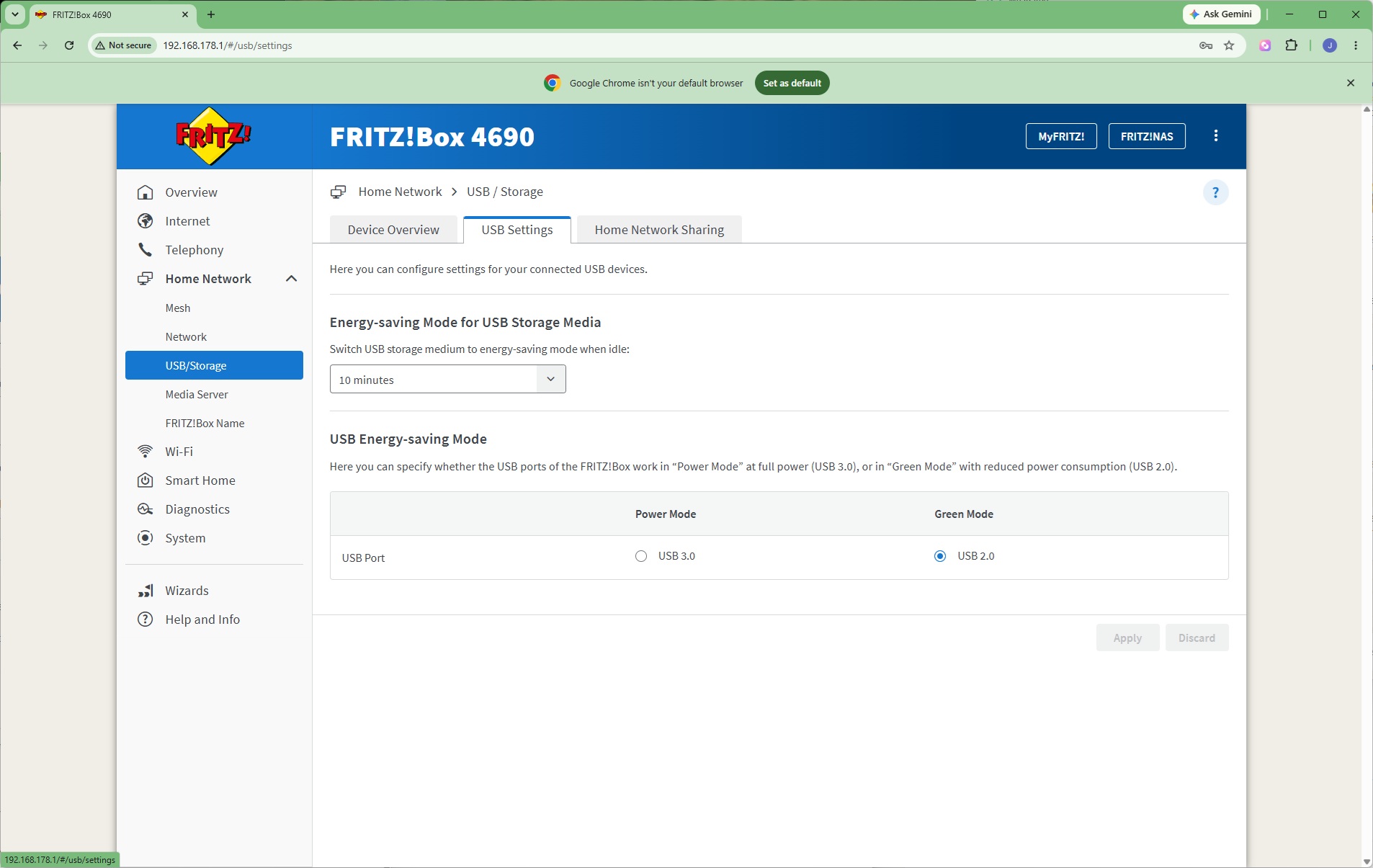
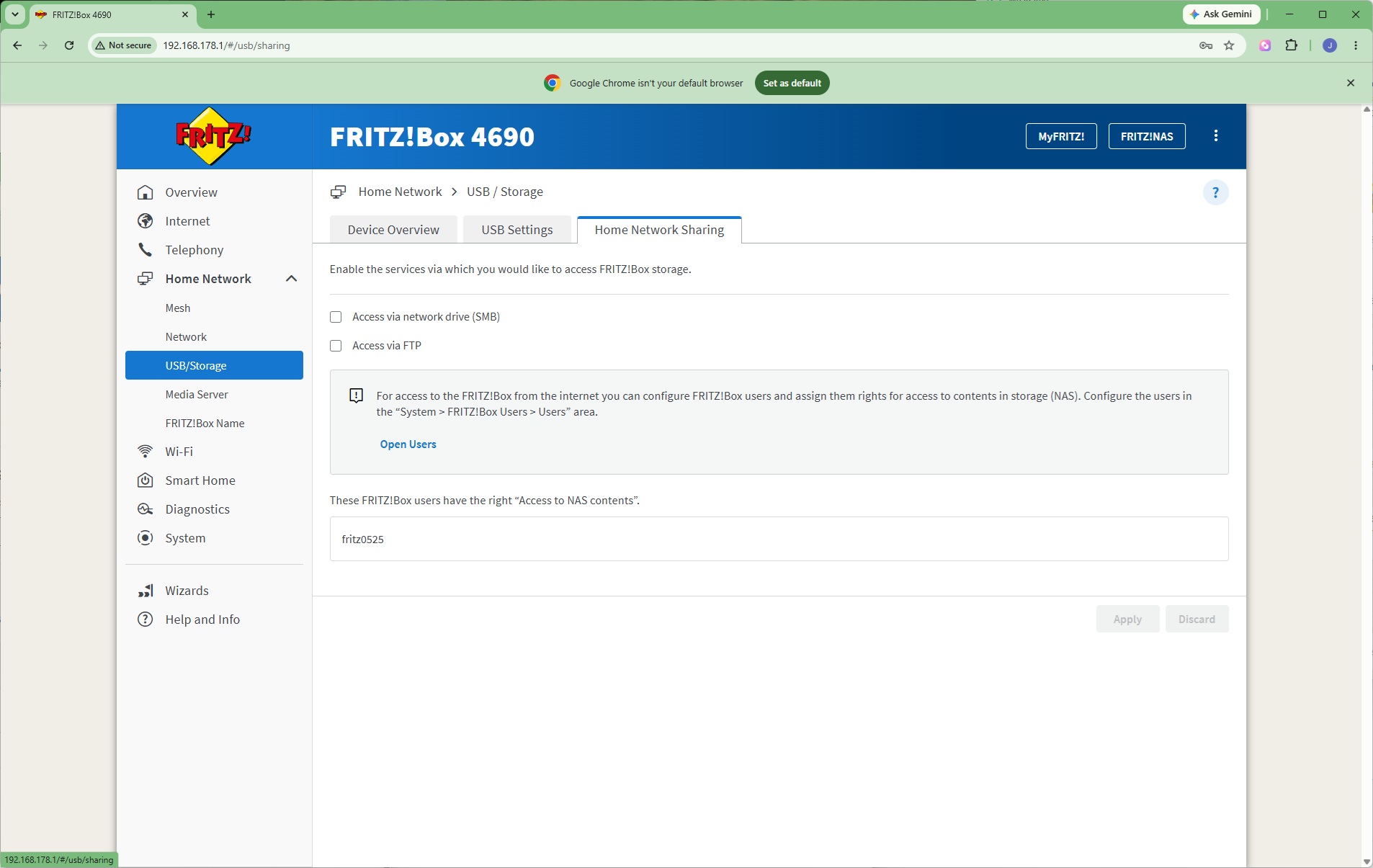
You can use the FRITZ!Box's 1.5GB of internal storage as a NAS repository, but if you connect a USB storage device that can be shared across the network as well. It's also possible to select whether the USB ports operate in full 3.0 mode or 2.0 mode to save power. The onboard and USB storage can be shared via SMB (Windows network file sharing) and / or FTP.
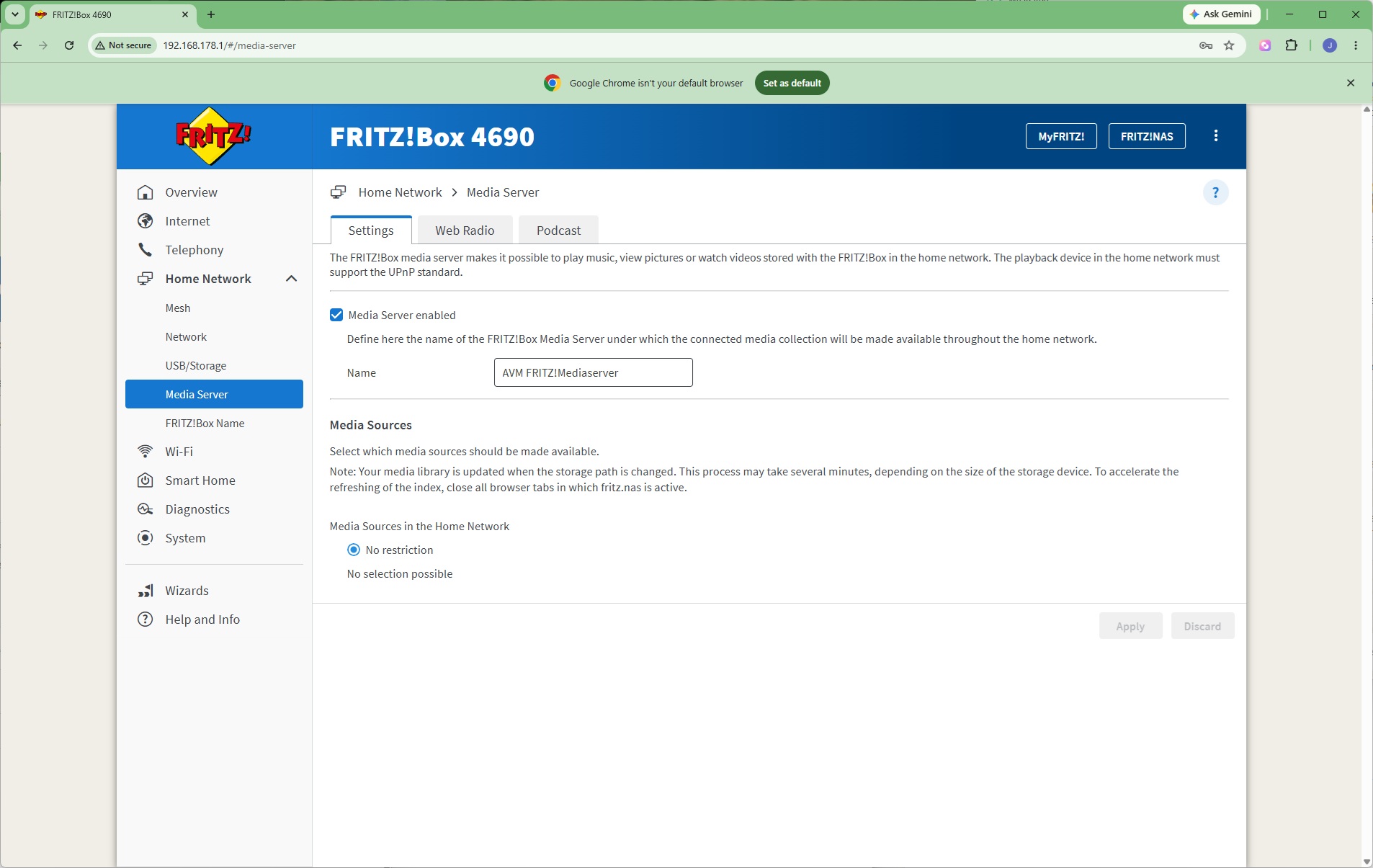
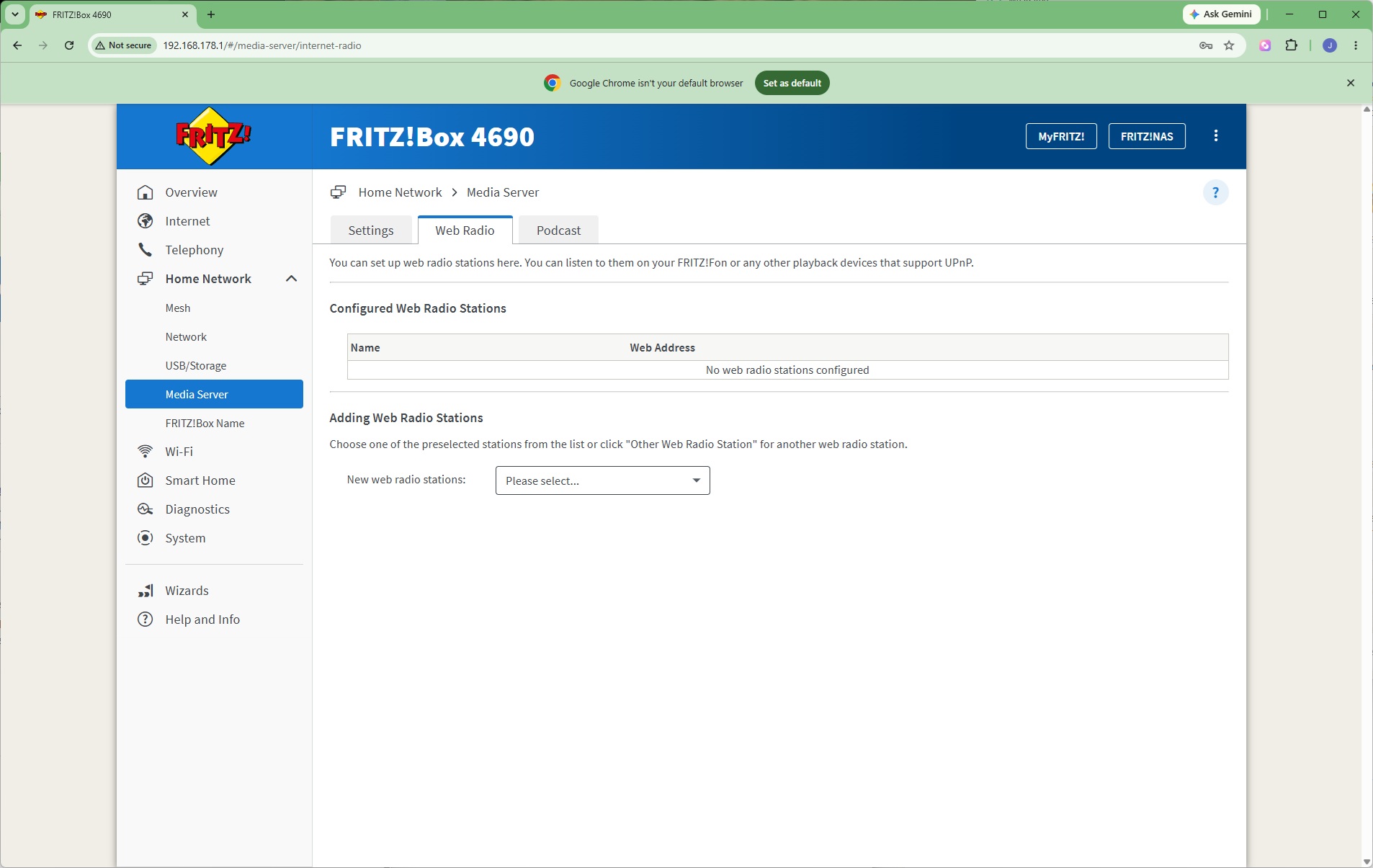
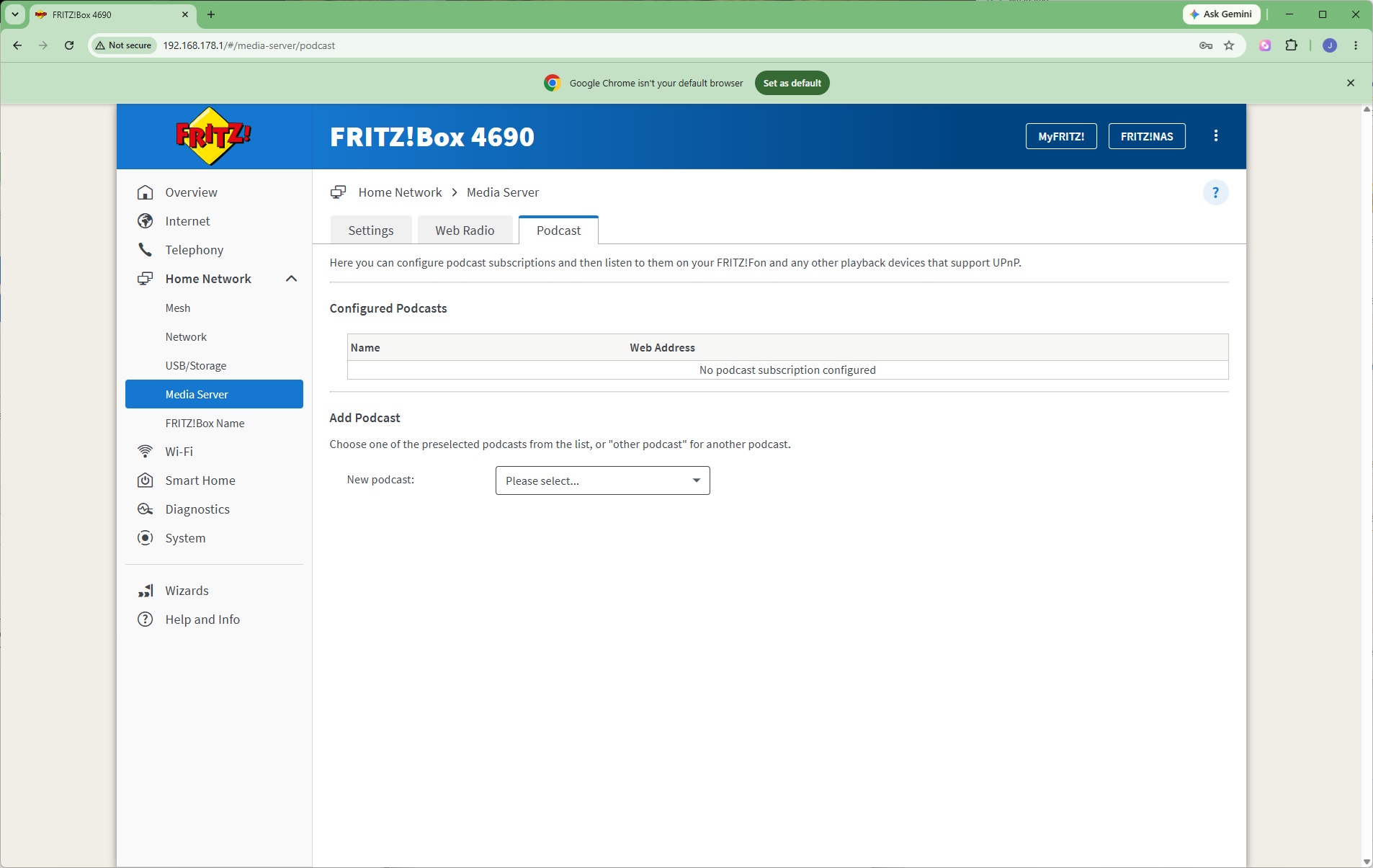
The onboard storage can also be presented via UPnP as a media server. This can stream Web Radio stations and podcasts as well. You can even stream audio to telephony devices.
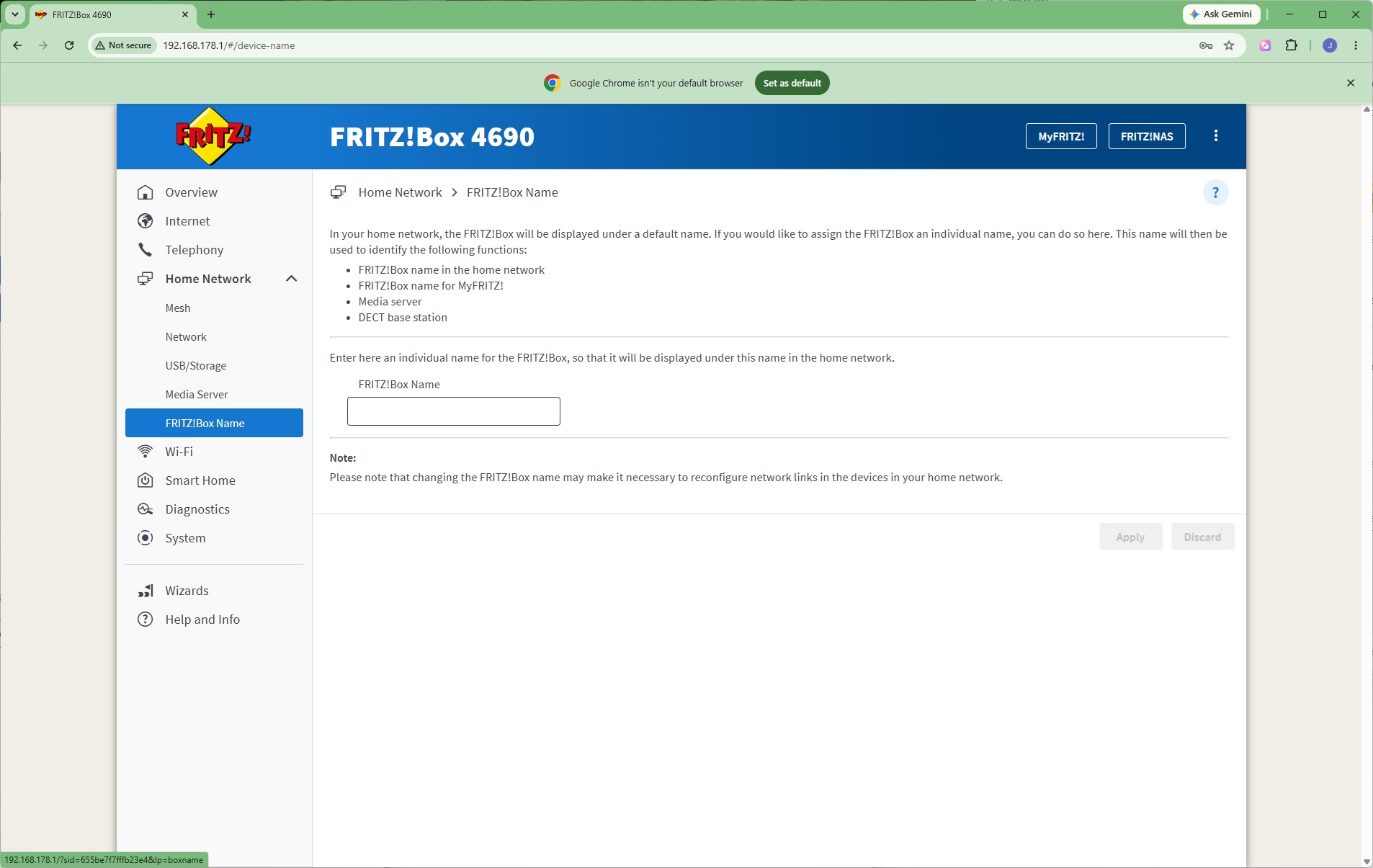
If you have multiple FRITZ! devices, or just don't like the default option, you can rename the 4690.
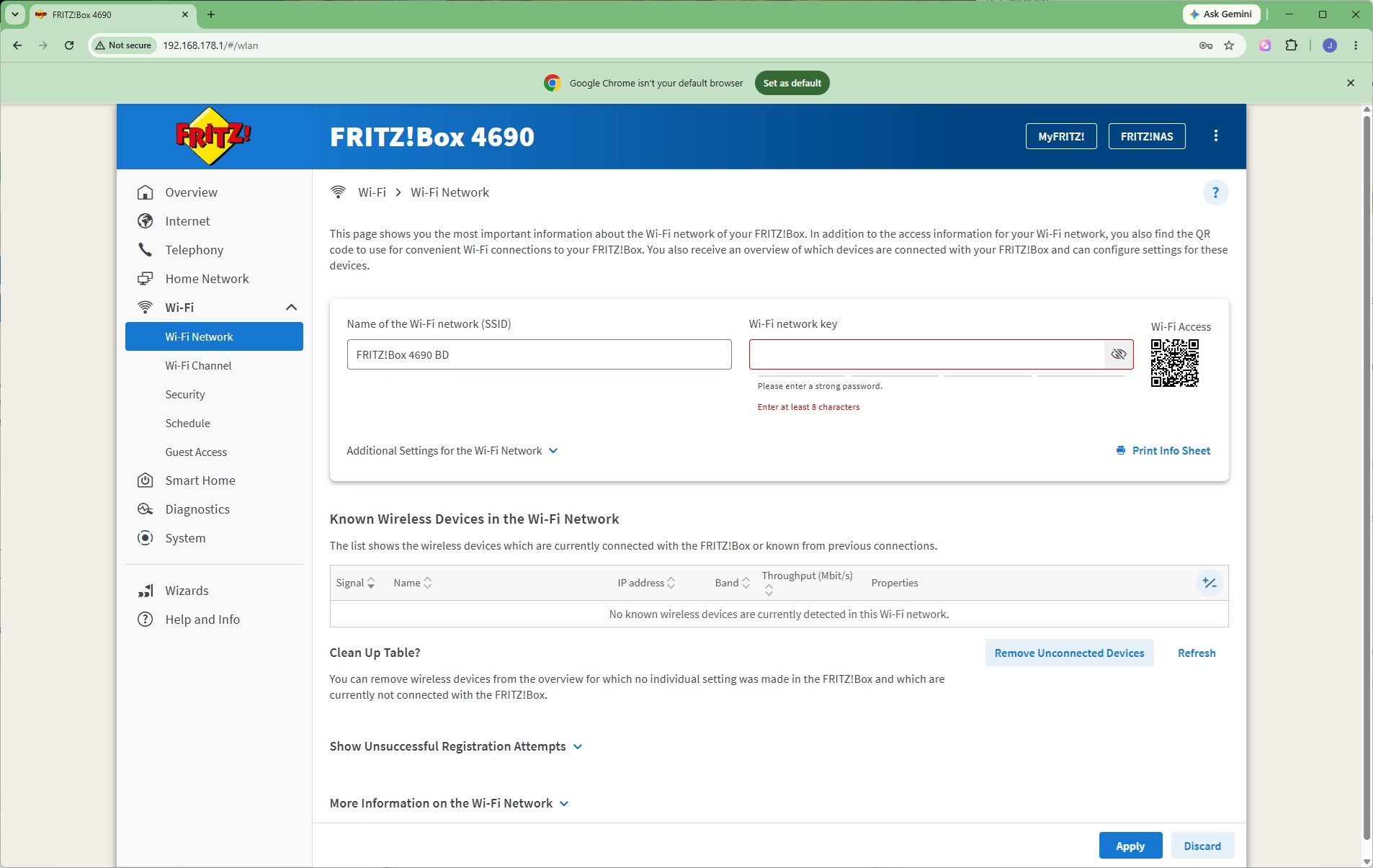
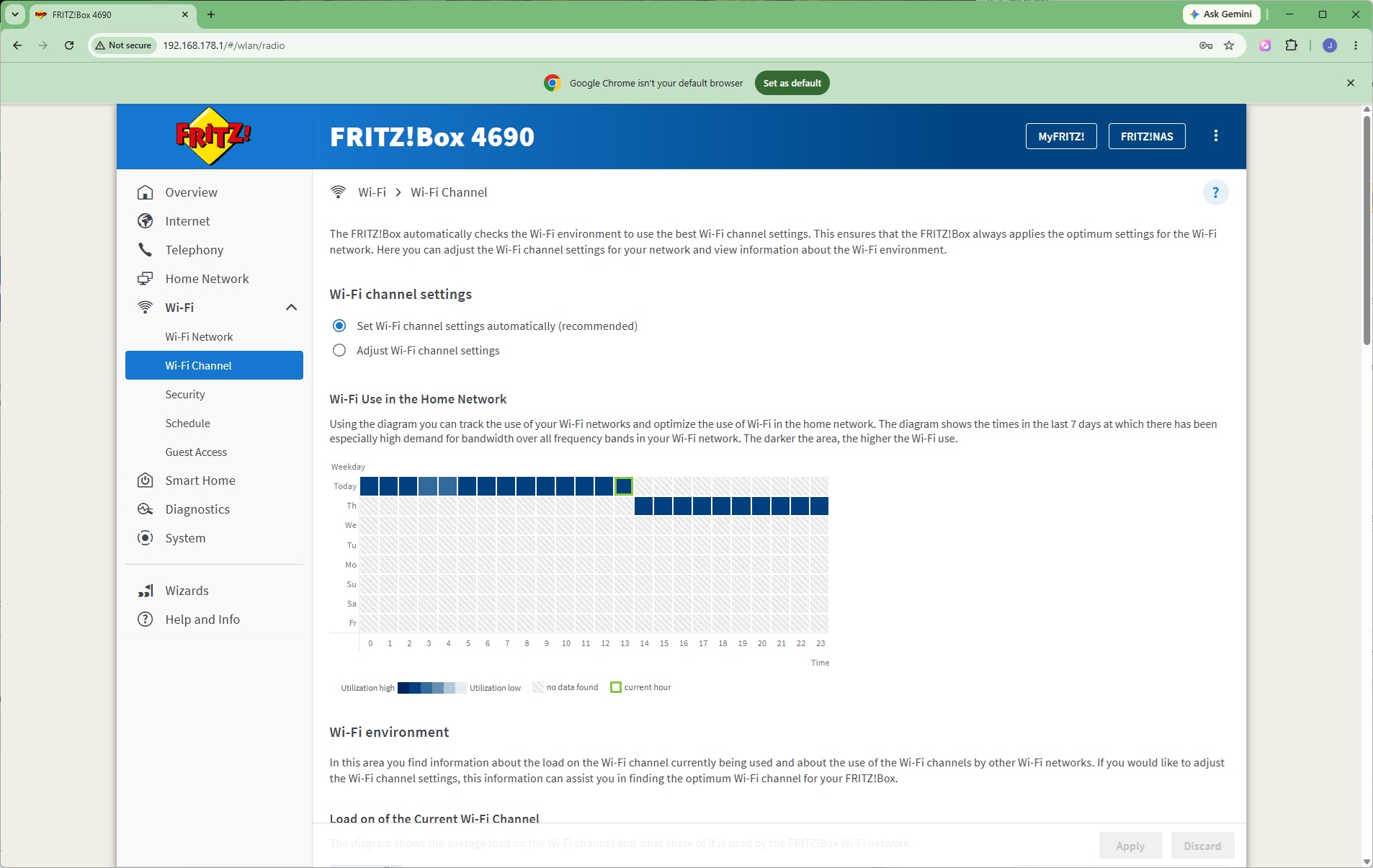
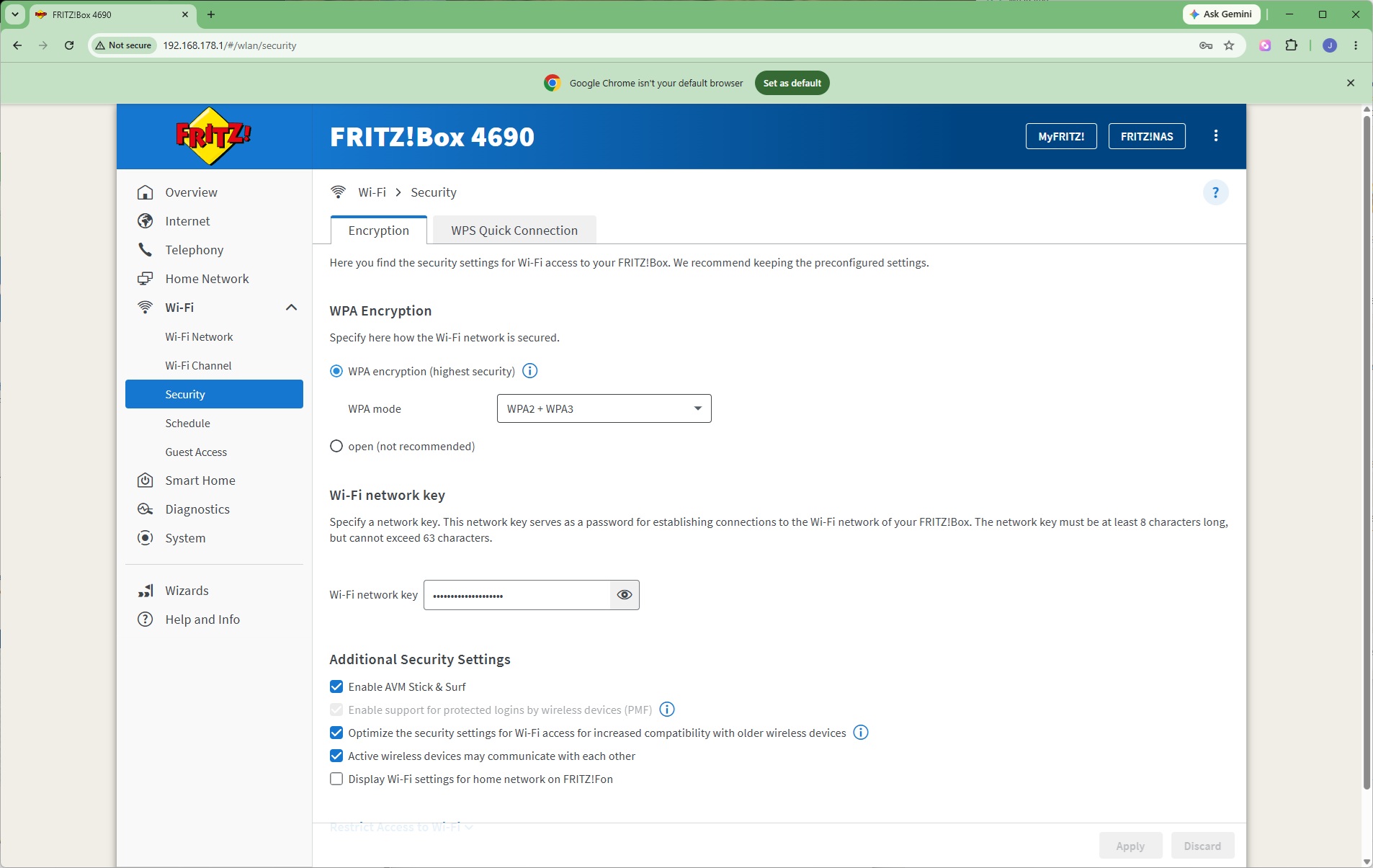
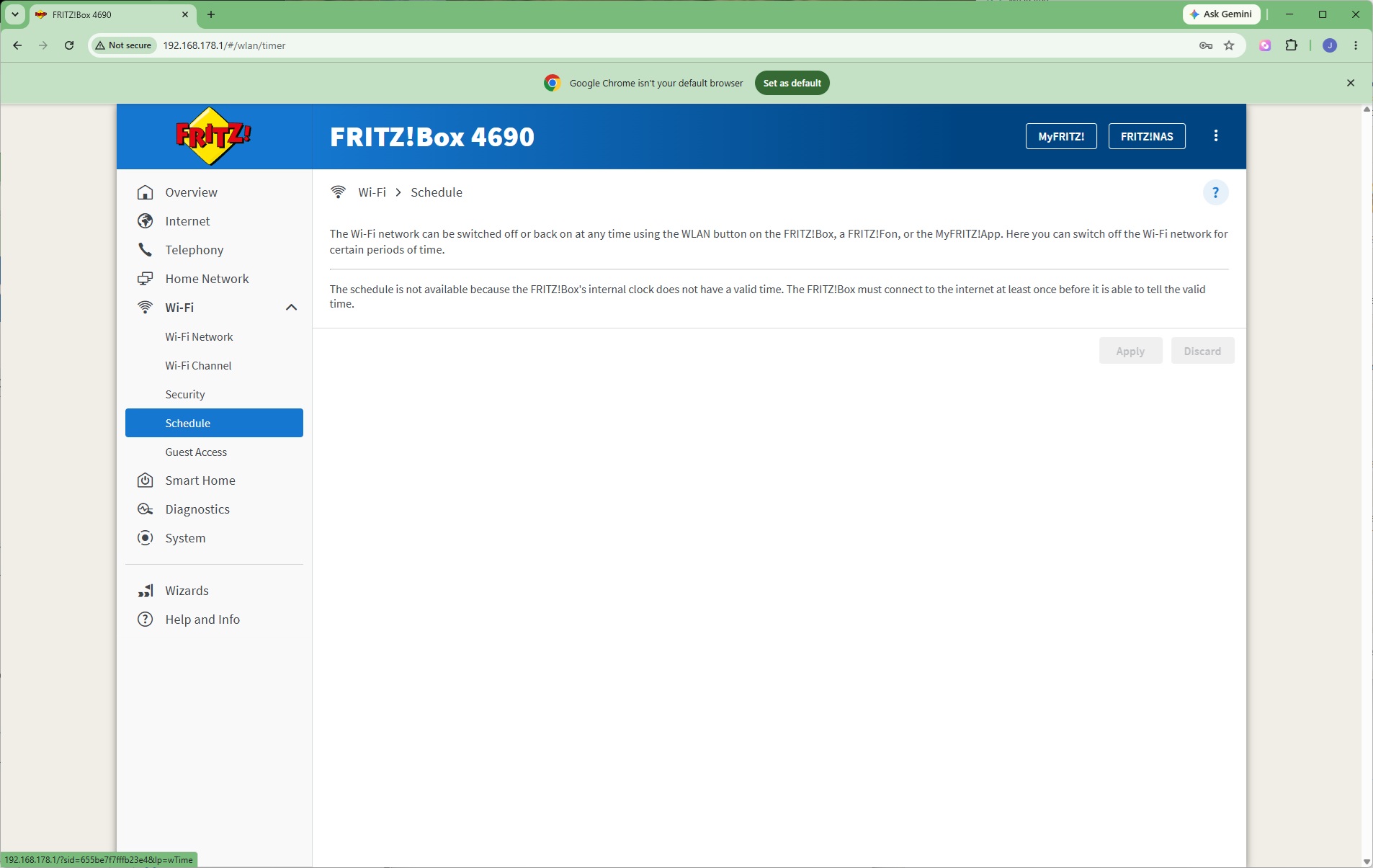
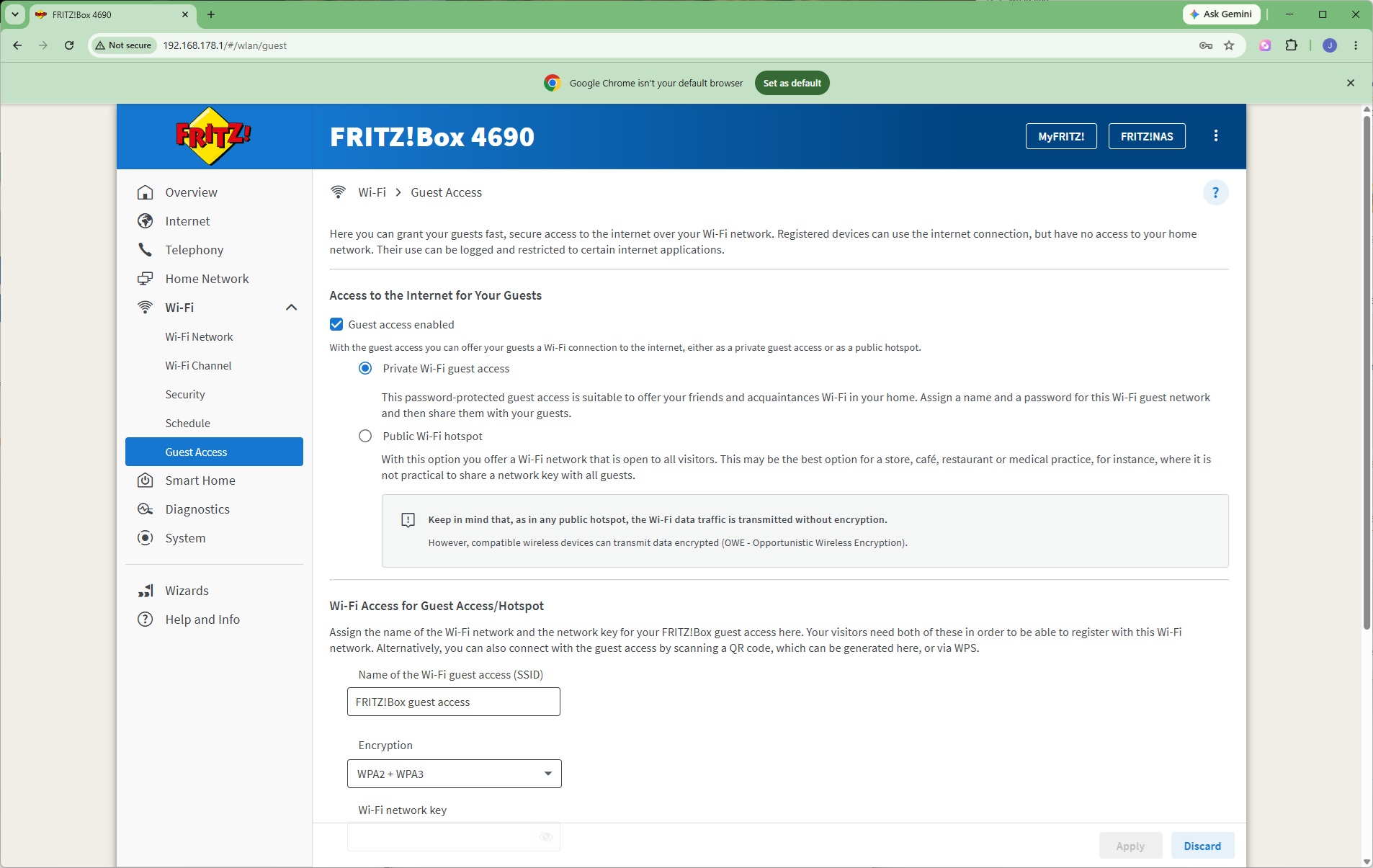
Out of the box, the FRITZ!Box WiFi has a rather long numerical network key, but you can change this. You can also choose either to assign WiFi channels automatically or manually, and select which WPA mode the signal encryption uses (or none at all, if you want to leave yourself open to hacking). There's an option to create a schedule so the WiFi is only on at certain times of the day, and there's a facility to create a separate Guest WiFi network to keep visitors distinct from permanent home users.
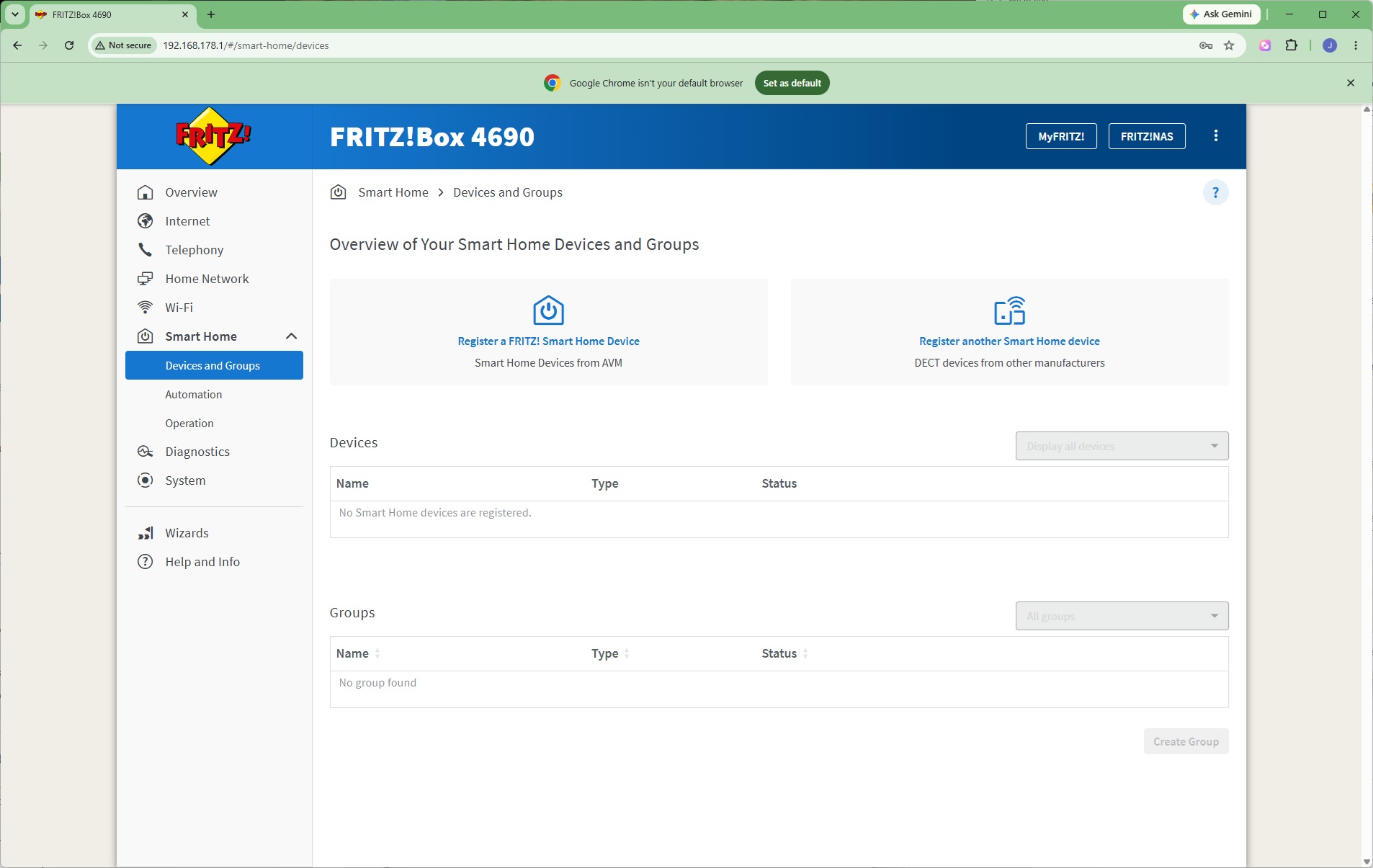
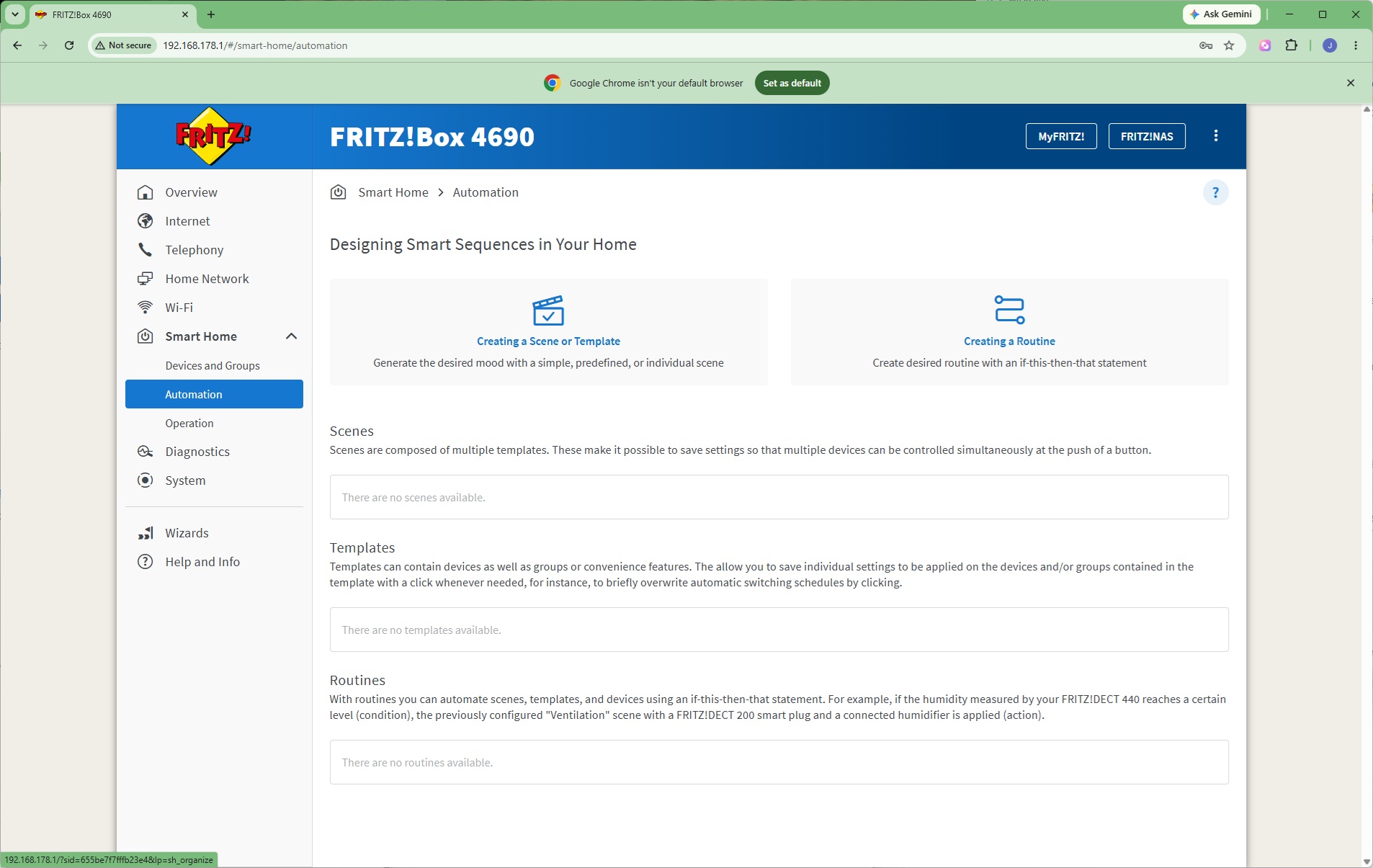
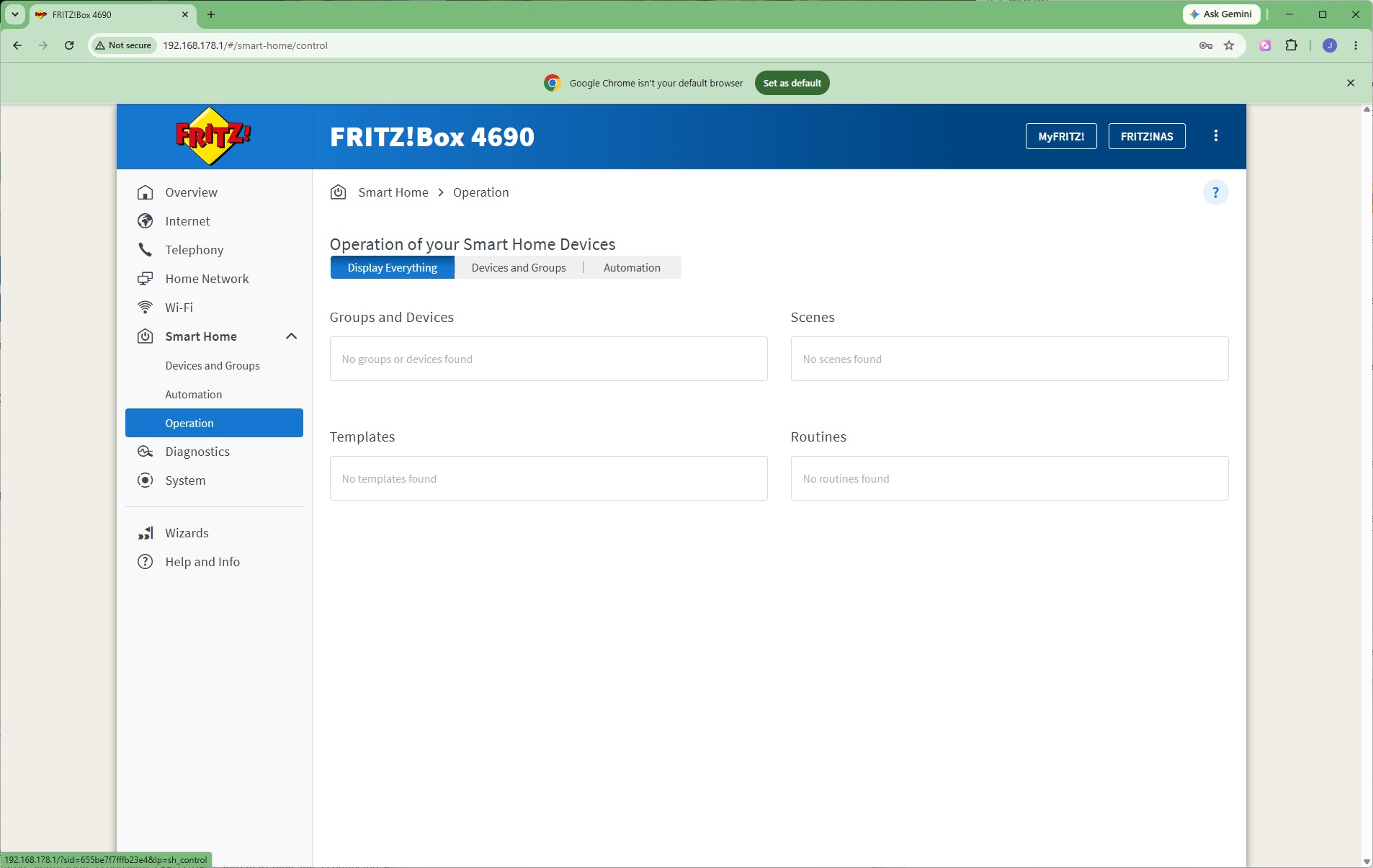
Although the FRITZ!Box 4690 doesn't support the Zigbee smart home ecosystem, unlike some FRITZ! routers, it does work with the company's own devices, which include power plugs, radiator controls, current sensors, and door/window sensors as well as a gateway to DECT, Zigbee and Matter. At the moment, however, these seem to be EU-only. There is support for devices from other manufacturers that operate via DECT. You can create Scenes, Templates and Routines to orchestrate these devices via automation.
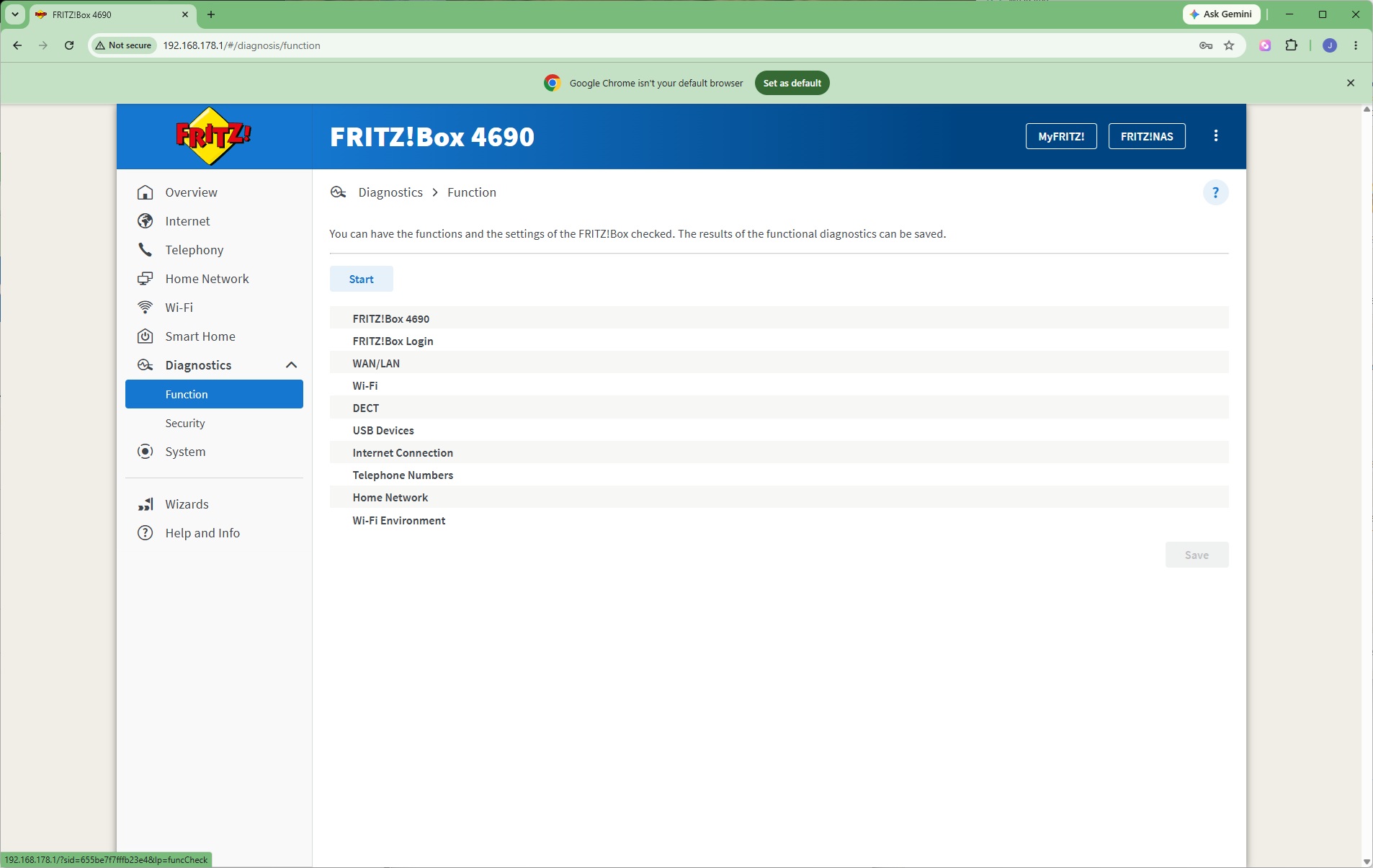
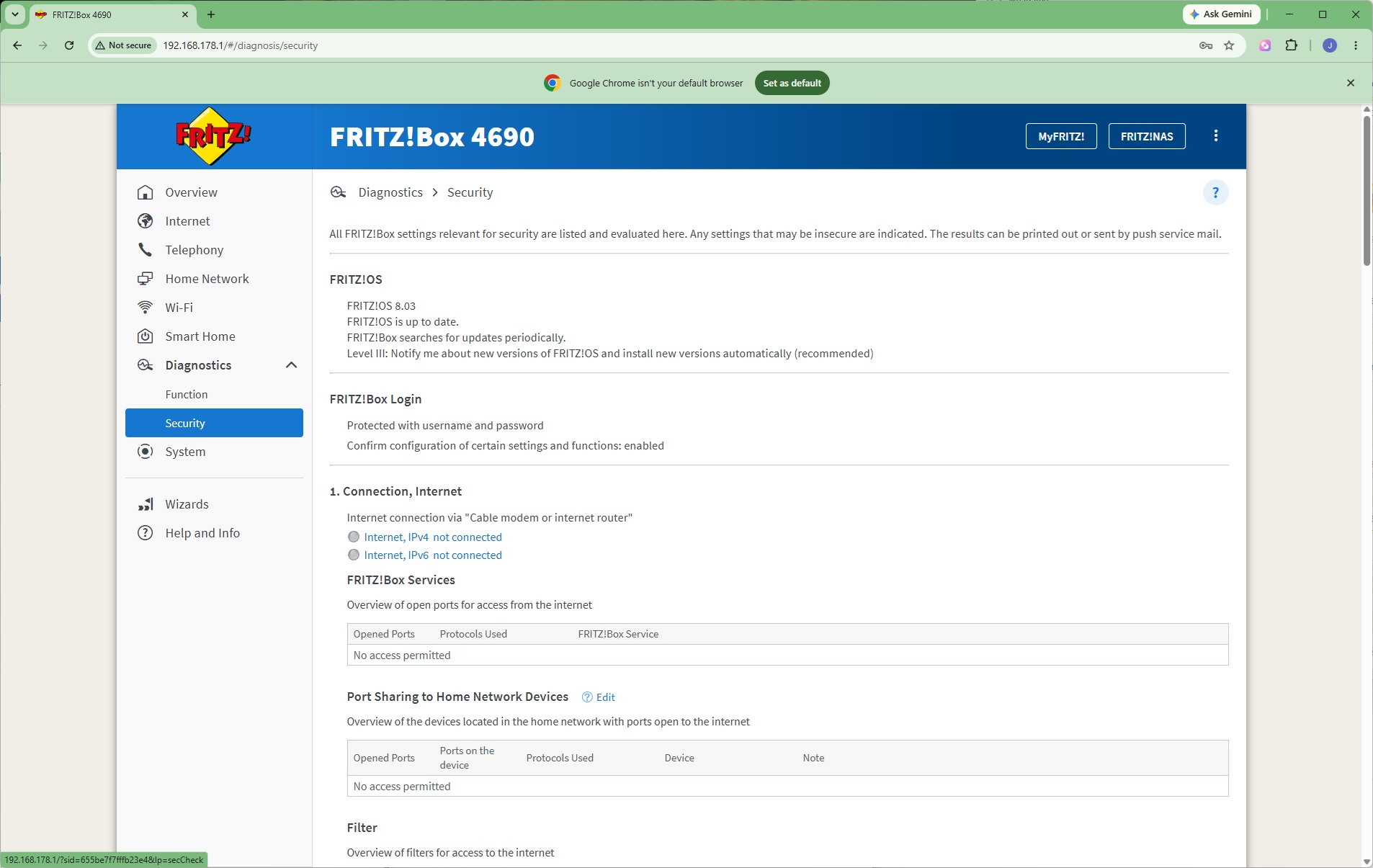
Diagnostics include a full status check of all functions. There's also a section aggregating all settings involved with security.
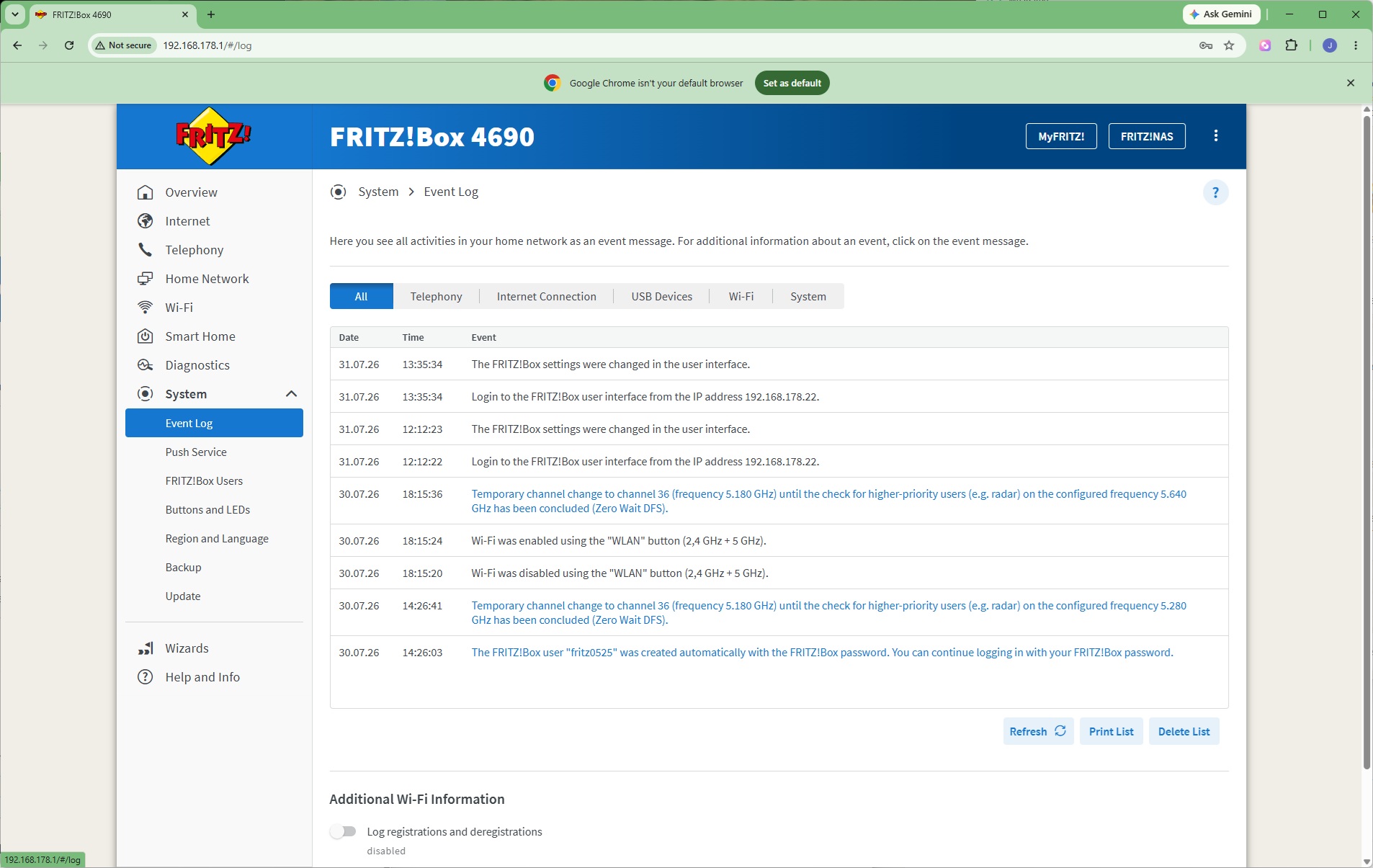
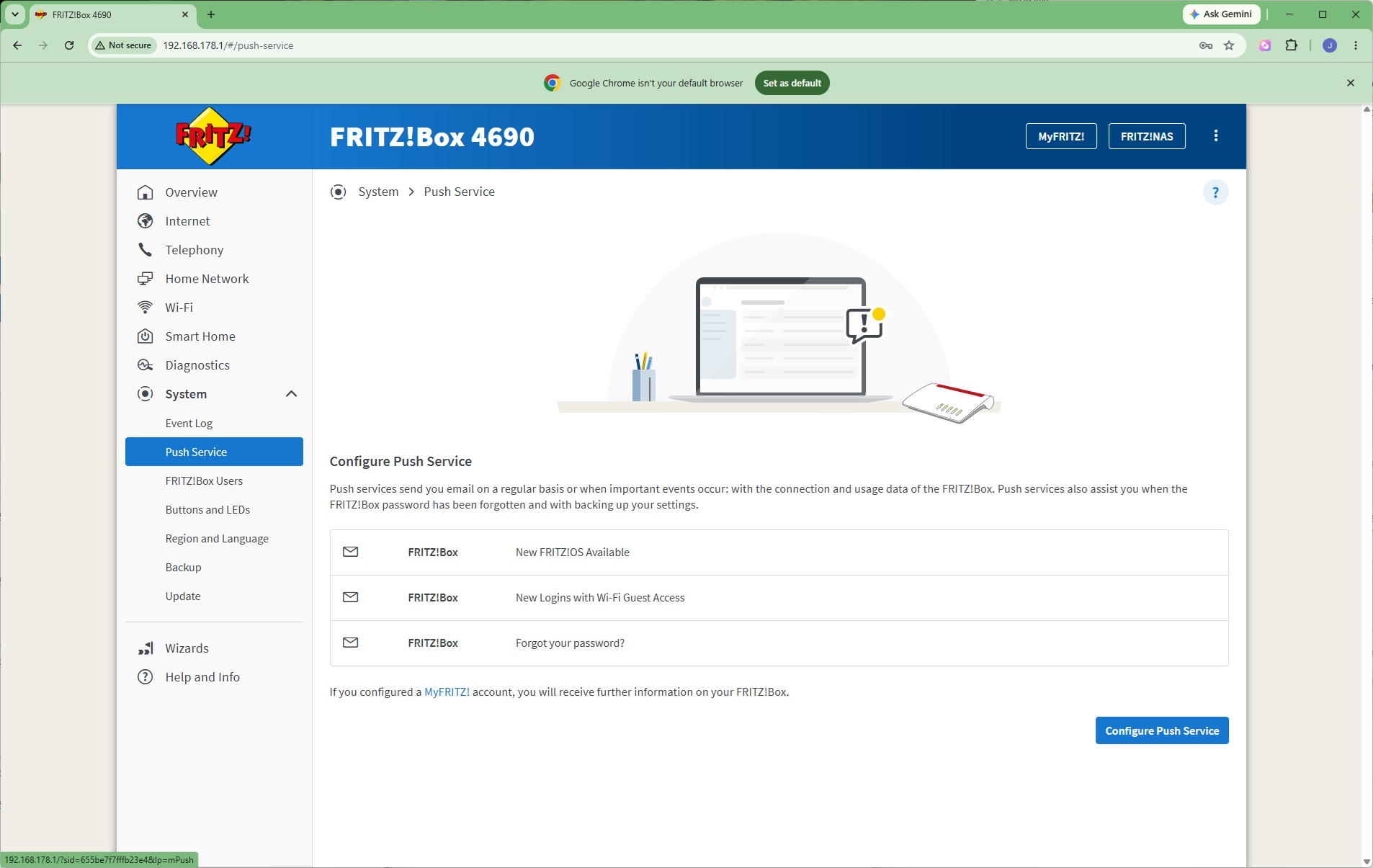
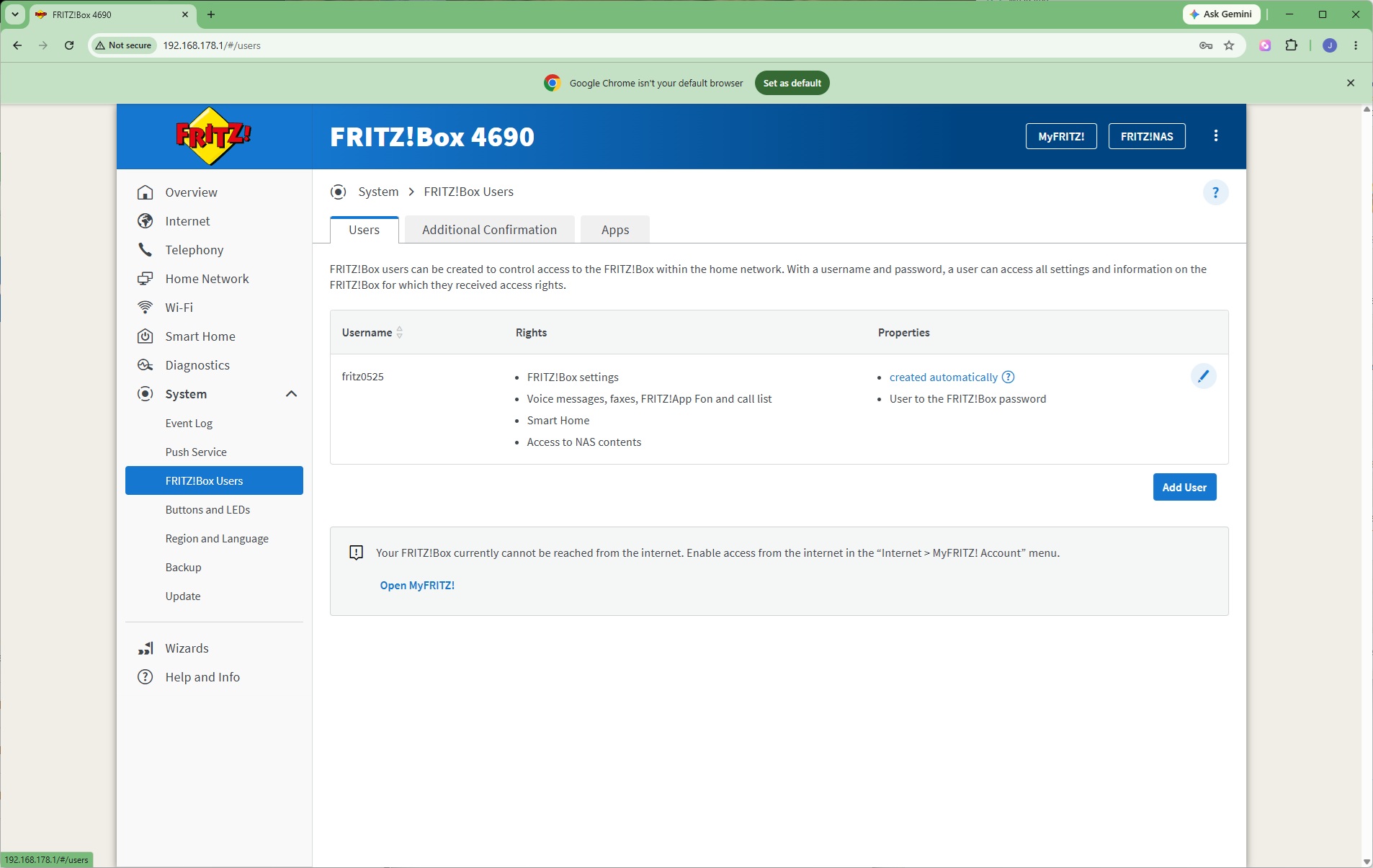
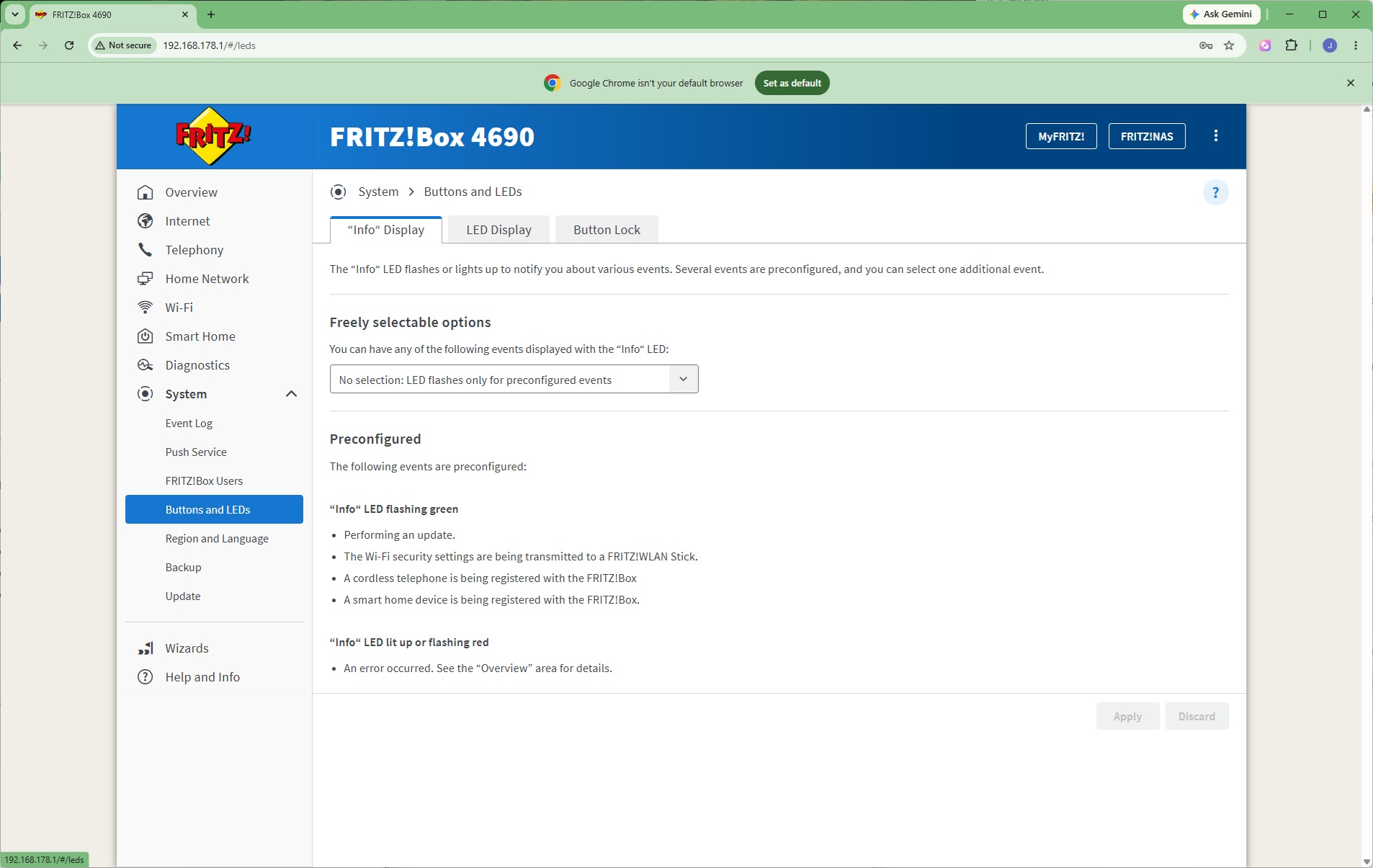
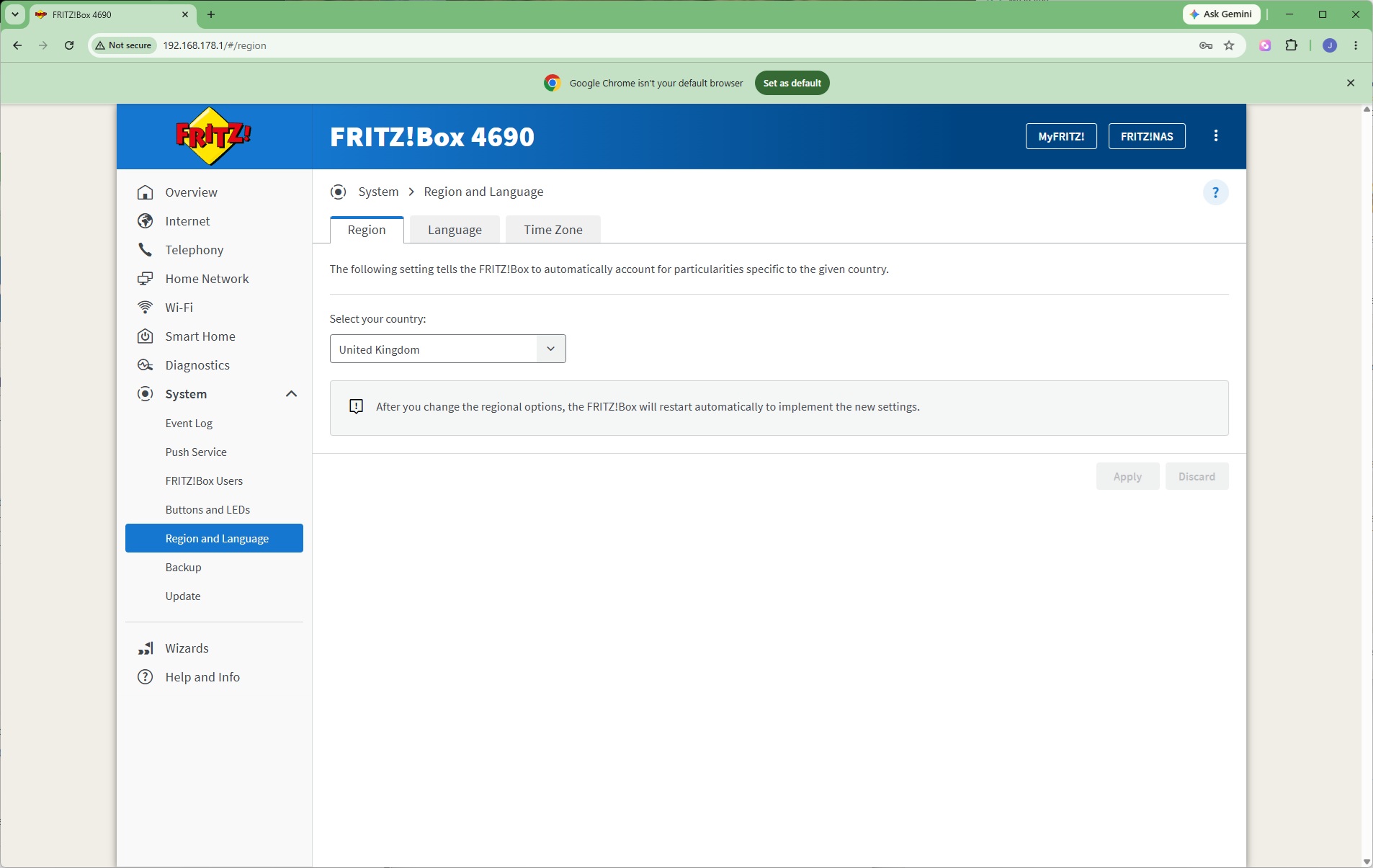
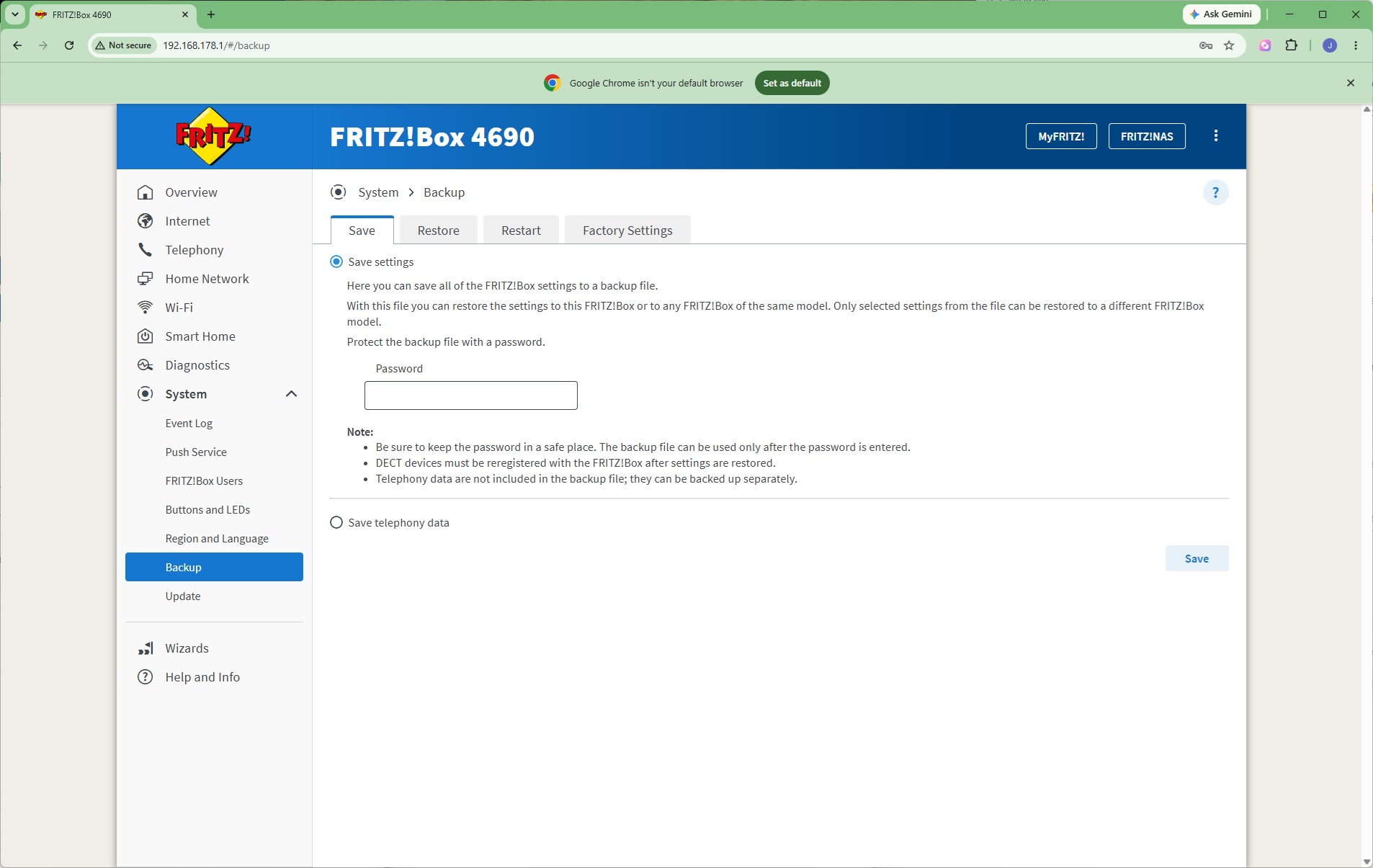
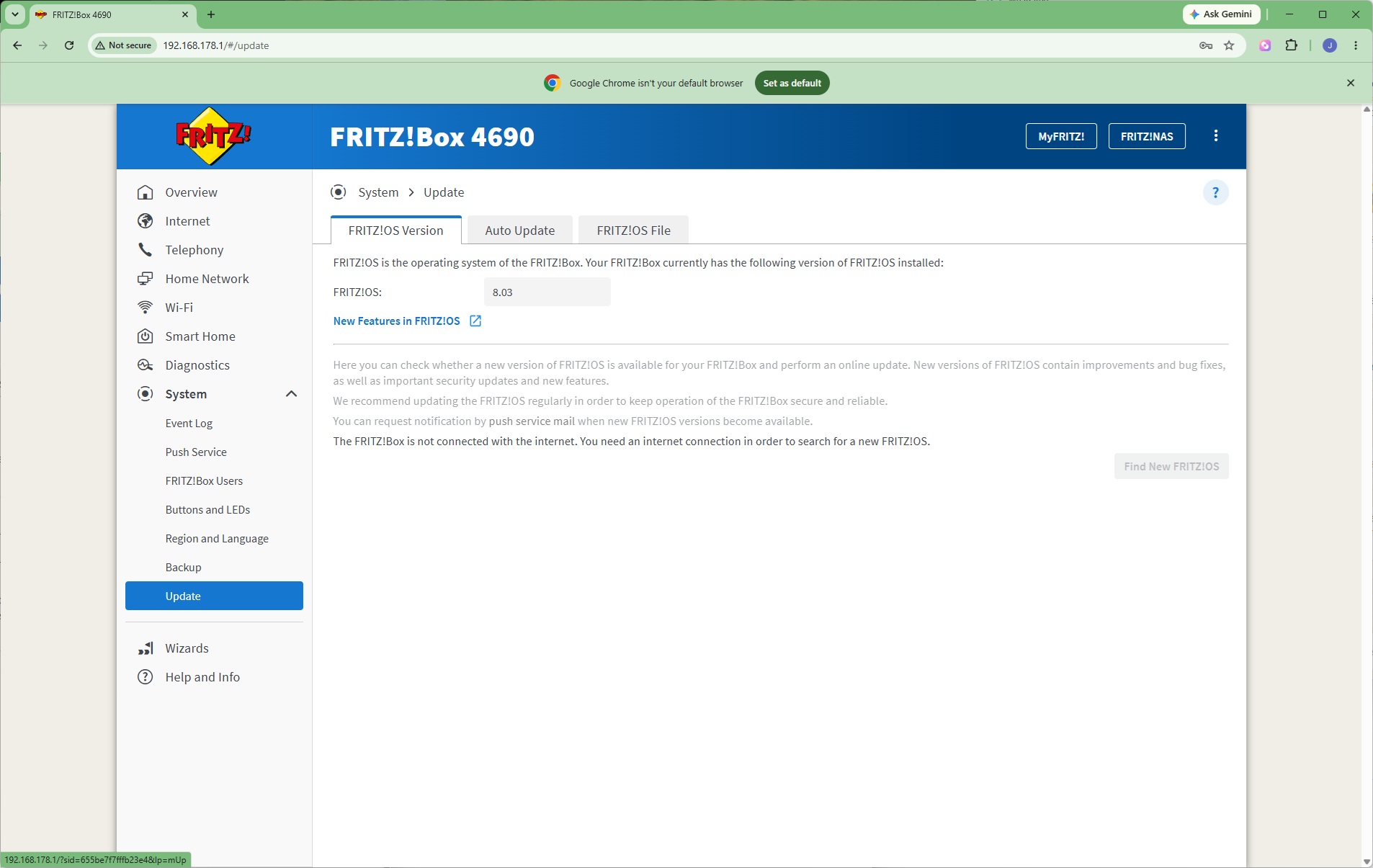
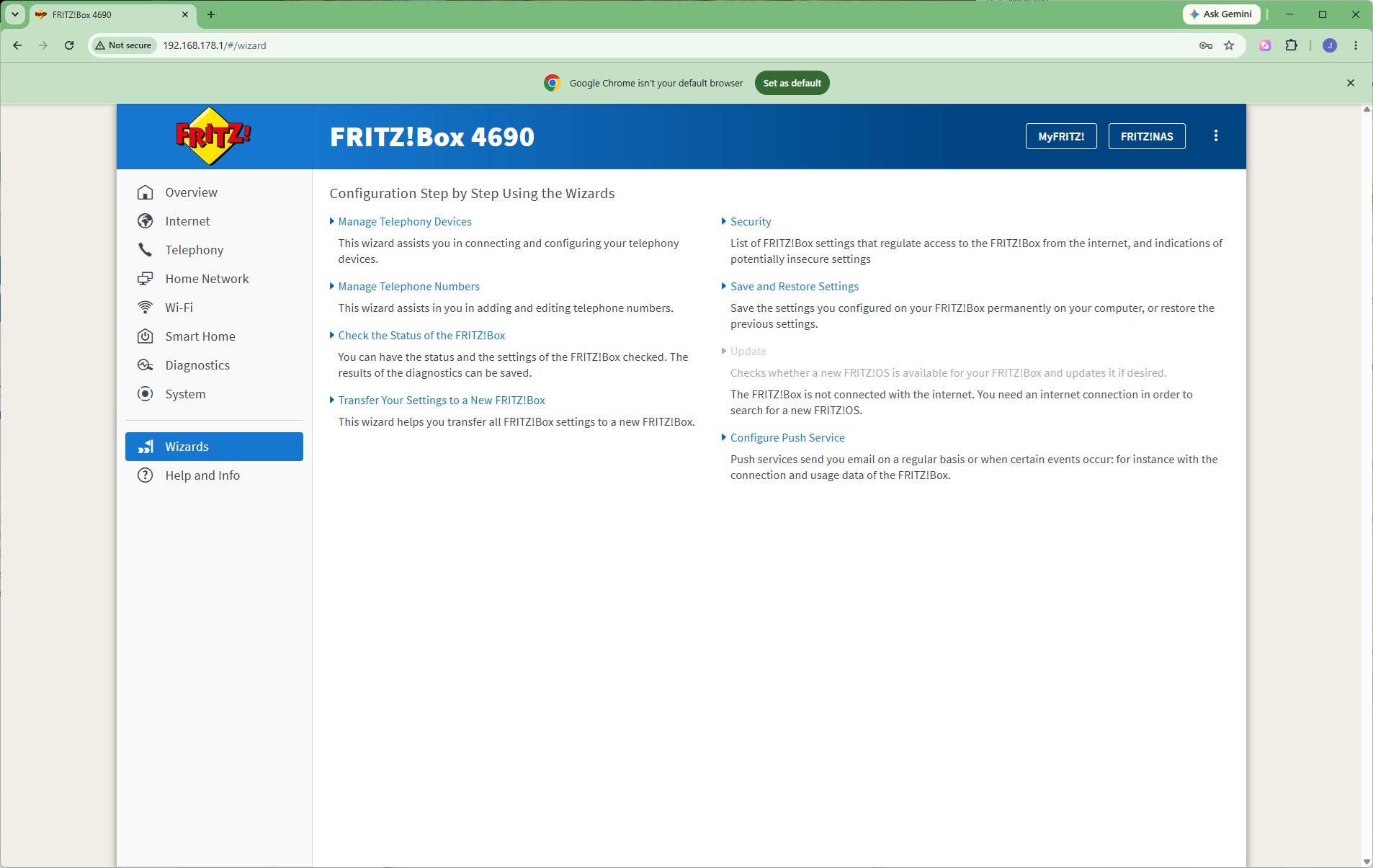
In the System section can be found copious event logs for all the different functions. You can even get certain notifications pushed to an administrator via email. Further FRITZ!Box users may be set up, and the behaviour of the buttons and LEDs on the unit itself configured. While this unit came preconfigured for the UK, other regions, languages and time zones are available. The settings can be backed up and restored, or the device returned to factory settings. Finally, this is where the firmware is updated.
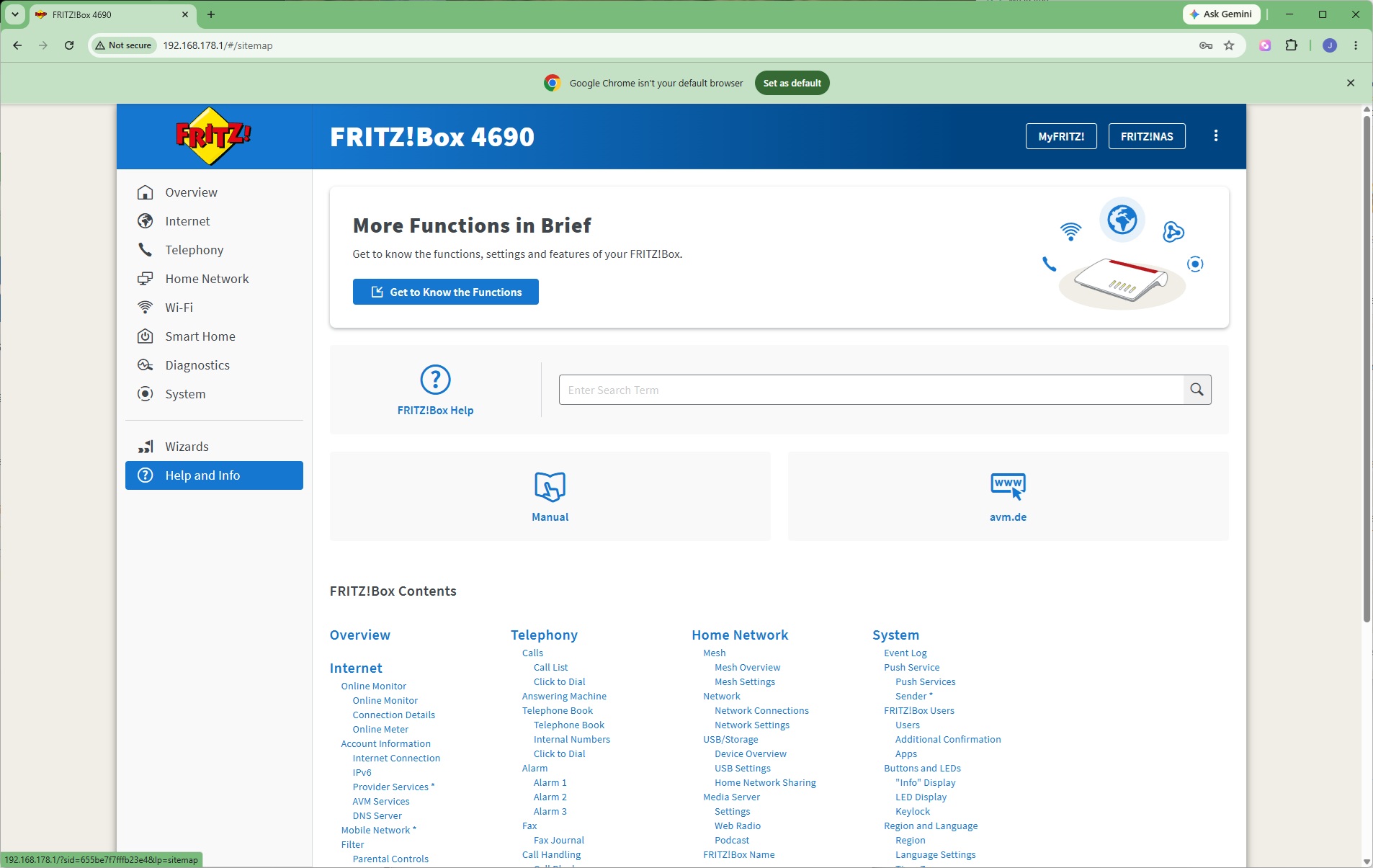
Finally, plenty of help is available via setup and a searchable database of functions.
As with other FRITZ!Box routers, the 4690 is jam packed with features. Most other manufacturers don't include telephony capabilities, and nobody does these better than FRITZ! If you were hoping to make your router the hub of a smart home experience, this may not be the model for you as there are other units from FRITZ! that offer broader capabilities. Otherwise the options are comprehensive. But you buy this model to combine fast WiFi with the solid wired connectivity, so next we turn to that area.
We tested the raw throughput of the AVM FRITZ!Box 4690 across the four different WiFi standards it supports – 802.11be, 802.11ax, 802.11ac and 802.11n.
We used the open-source iPerf 3.1.3 software for testing, which can simulate multiple clients streaming at once. Five Windows systems were employed. Our desktop base was an Armari 32-core AMD Ryzen Threadripper workstation running Windows 11, connected to the router via its 10Gbit Ethernet LAN port. For WiFi 7 testing, we used an Acer Swift 14 AI notebook, then a Dell XPS 17 notebook (for WiFi 6), a fourth was an MSI WS63-7RK (802.11ac) notebook, and finally an HP Folio 3 notebook (802.11n only – to show performance with legacy devices). The Acer and Dell notebooks and Armari workstation were running Windows 11 but the other two notebooks were Windows 10-powered.
For all tests, the notebooks were tested using their various WiFi connections (802.11be / WiFi 7 for the Acer, 802.11ax / WiFi 6 for the Dell, 802.11ac / WiFi 5 for the MSI, 802.11n for the HP). The notebooks were then placed in four different locations – within 1m of the router, approximately 5m away with a wall in between, 10m away and on a lower floor (with multiple walls and a floor in between), and then 15m away on the same lower floor. We tested all four distances with the four WiFi standards.
With each WiFi standard and distance, we took 60 readings of throughput at one second intervals and calculated the average (iPerf does this automatically). We tested the FRITZ!Box against the MSI Radix AXE6600, NETGEAR Nighthawk X10 R9000, Synology RT2600ac, NETGEAR Nighthawk XR500, NETGEAR Nighthawk XR700, Synology RT6600ax, NETGEAR Nighthawk AX12, NETGEAR Nighthawk RS300, Acer Predator Connect X7 5G CPE, AVM FRITZ!Box 5690 Pro and AVM FRITZ!Box 7690.
802.11be (WiFi 7)
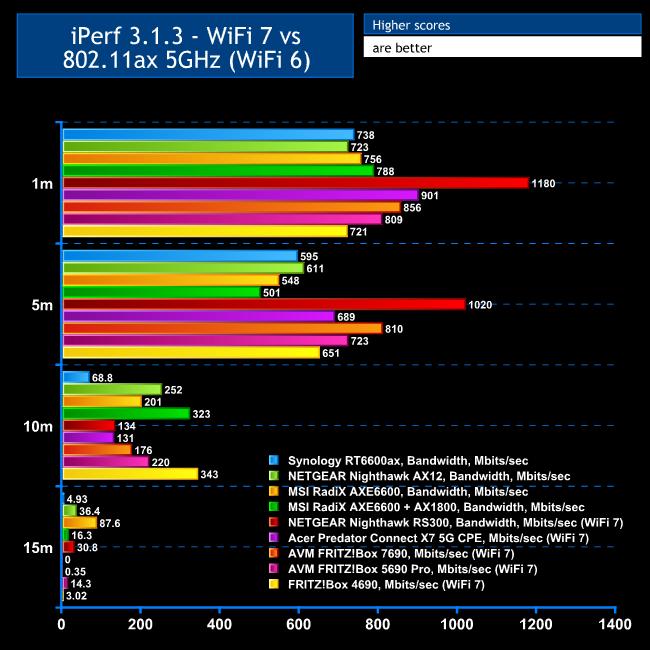
For this test, we show the WiFi 7 results compared to WiFi 6, so you can see the potential bandwidth benefit of the new standard.
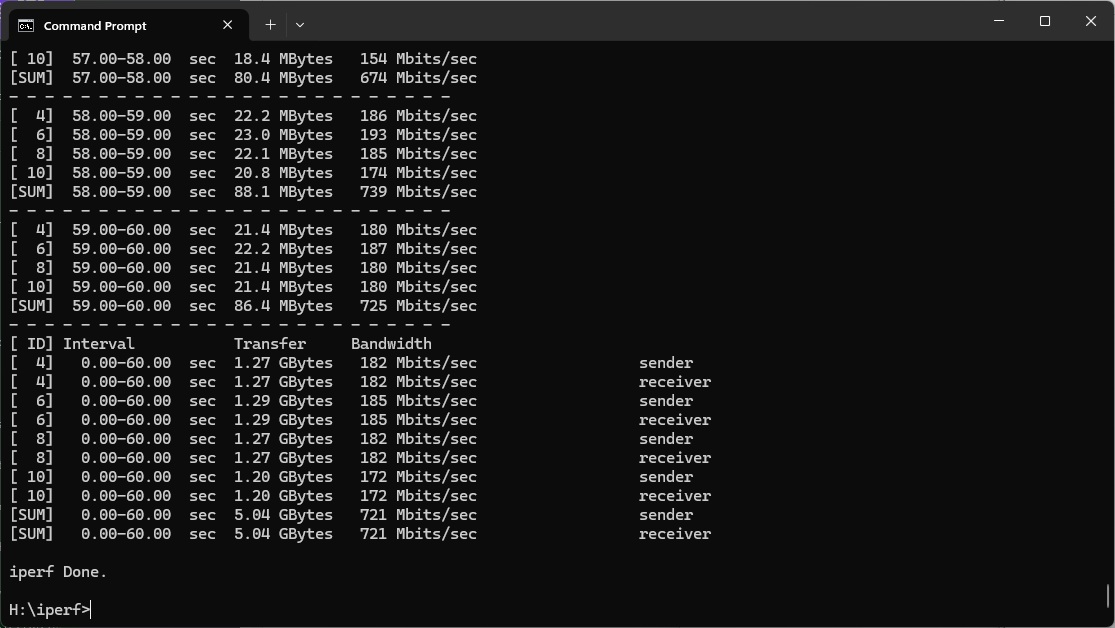
In the past, we have seen variable WiFi 7 performance from FRITZ!Box routers. At the closest 1m proximity, the 4690's bandwidth is no better than WiFi 6 routers, but 721Mbits/sec isn't exactly slow.
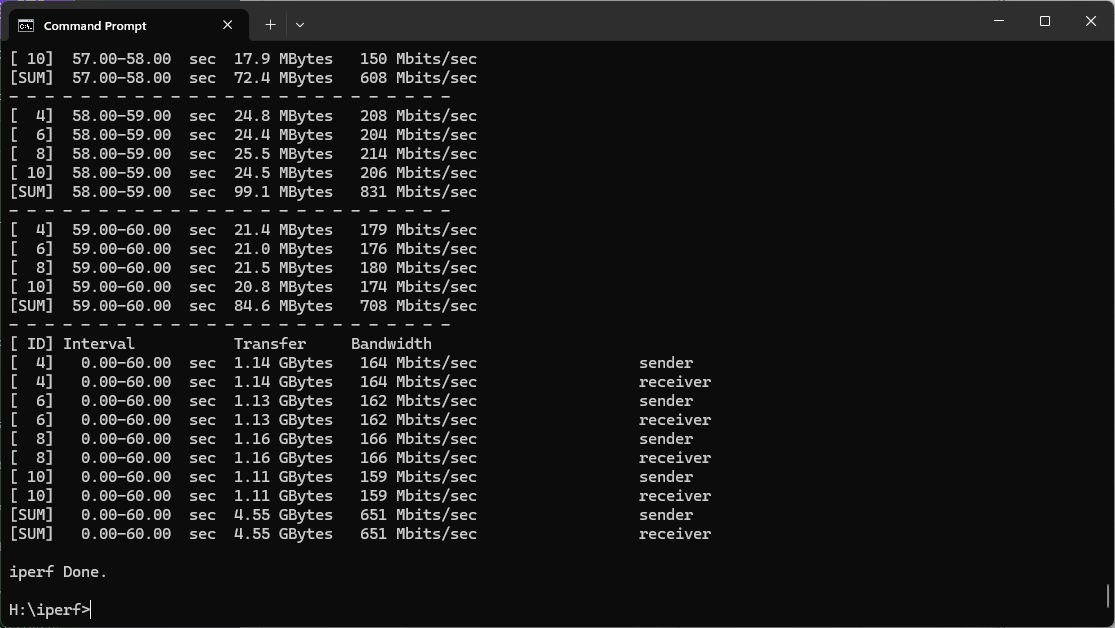
Moving out to 5m, and the FRITZ!Box 4690 pulls ahead of the non-WiFi 7 routers with 651Mbits/sec, although still behind other WiFi 7 competitors.
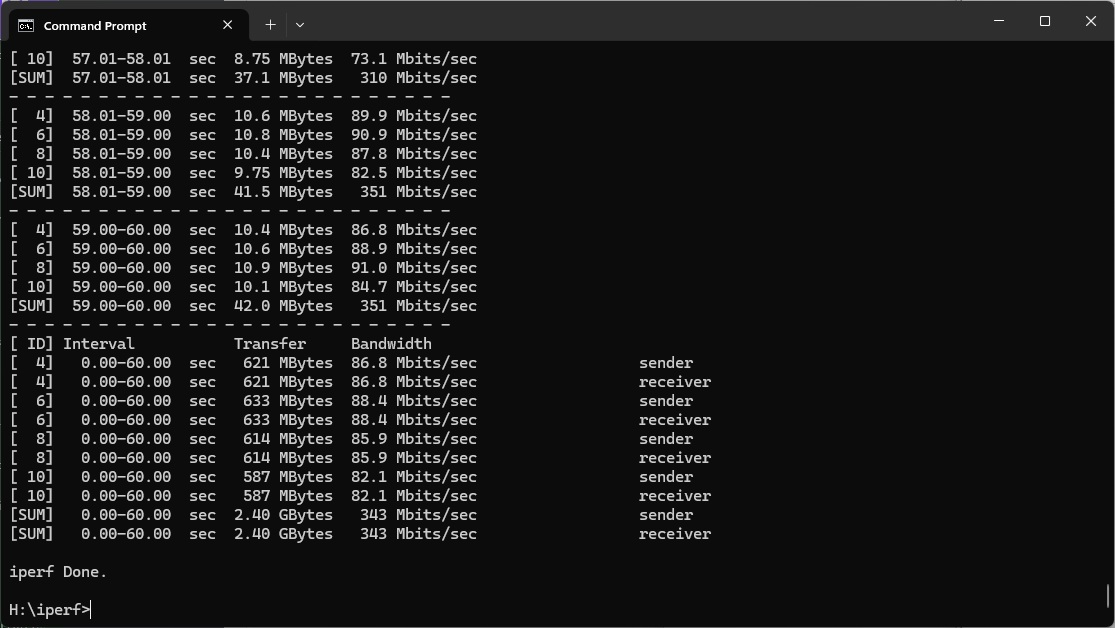
Incredibly, at 10m, the 4690 is the fastest standalone router we've seen, hitting 343Mbits/sec.
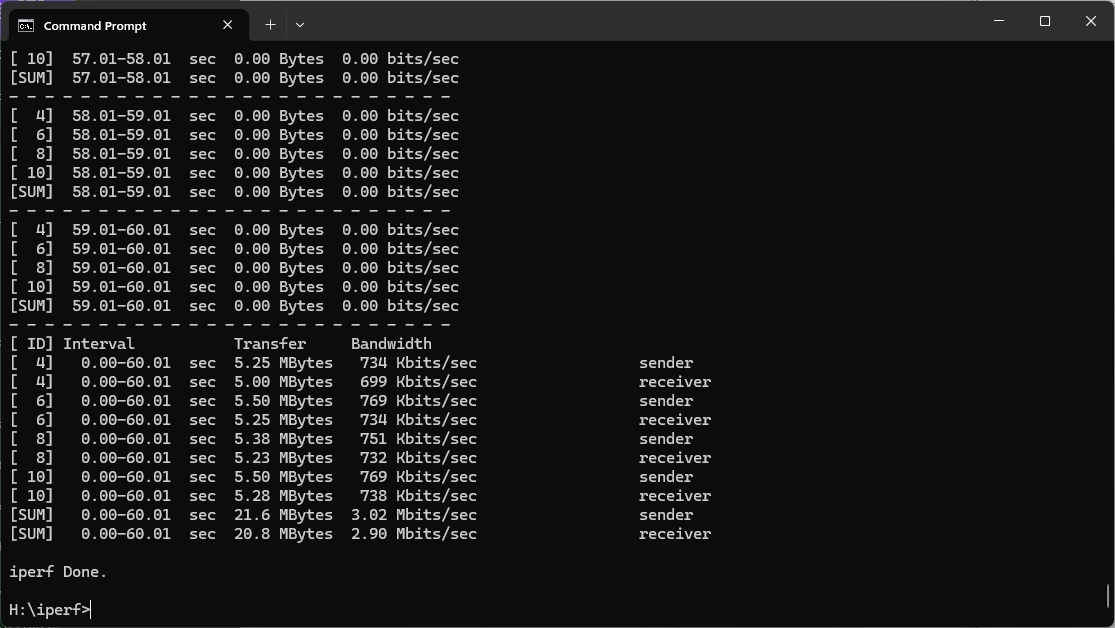
However, it drops back considerably at 15m, with a barely usable 3.02Mbits/sec.
Overall, the FRITZ!Box has decent mid-range coverage but lacks raw performance, most likely because it doesn't offer a 6GHz waveband.
802.11ax 5GHz (WiFi 6)
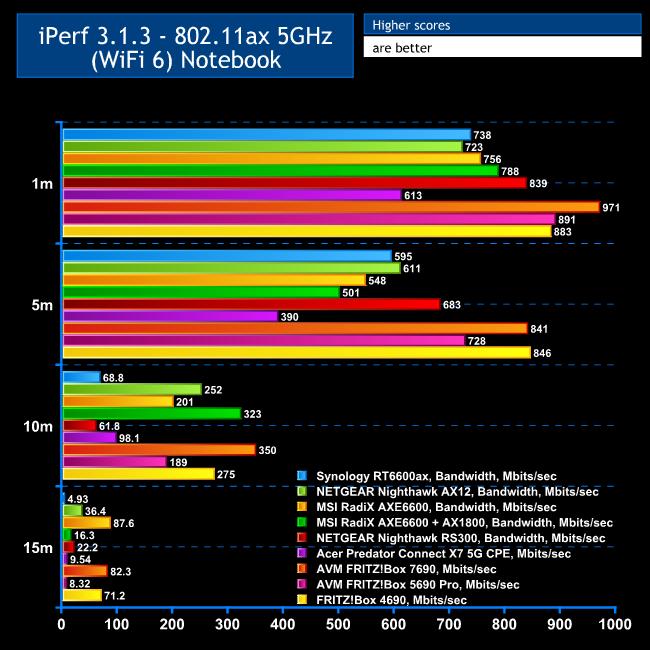
Switching to WiFi 6 is a different story, and arguably this is currently more important with WiFi 7 clients still sparse.
The FRITZ!Box 4690 provides a very commendable 883Mbits/sec at 1m, faster than its WiFi 7 performance and the third fastest standalone router we've seen.
The throughput is even more competitive at 5m, hitting 846Mbits/sec and faster than any WiFi 6 router we've tested.
The 10m result drops the 4690 to third, but 275Mbits/sec is still a very commendable bandwidth.
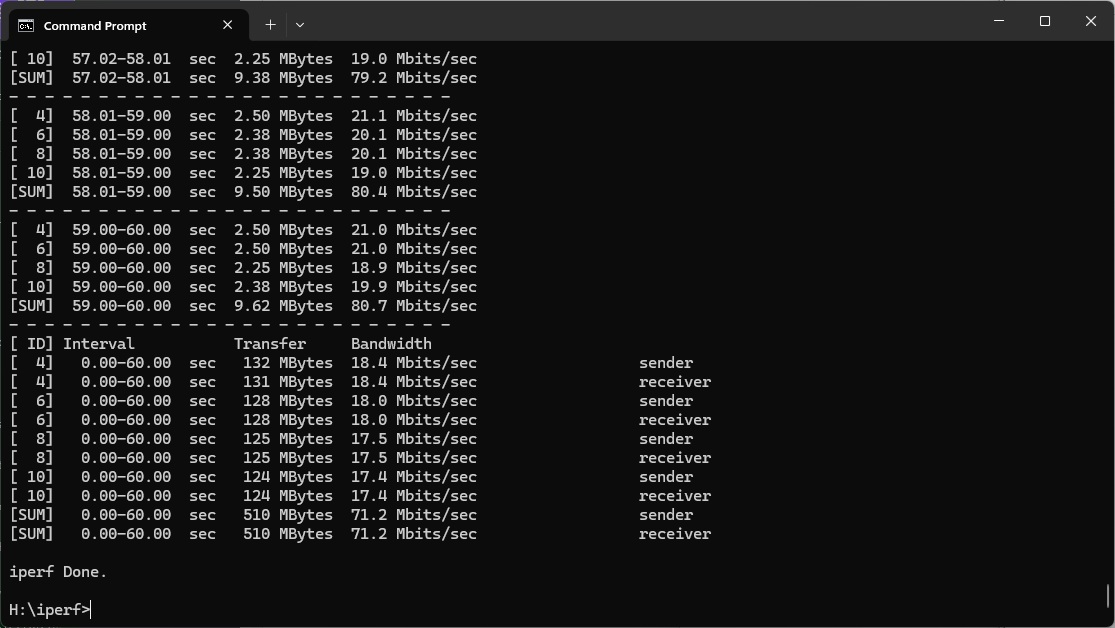
The FRITZ!Box 4690 remains in third place at 15m with a very useful 71.2Mbits/sec.
Overall, this will be an excellent router for WiFi 6 devices, able to cover up to 15m distance with very useful throughput.
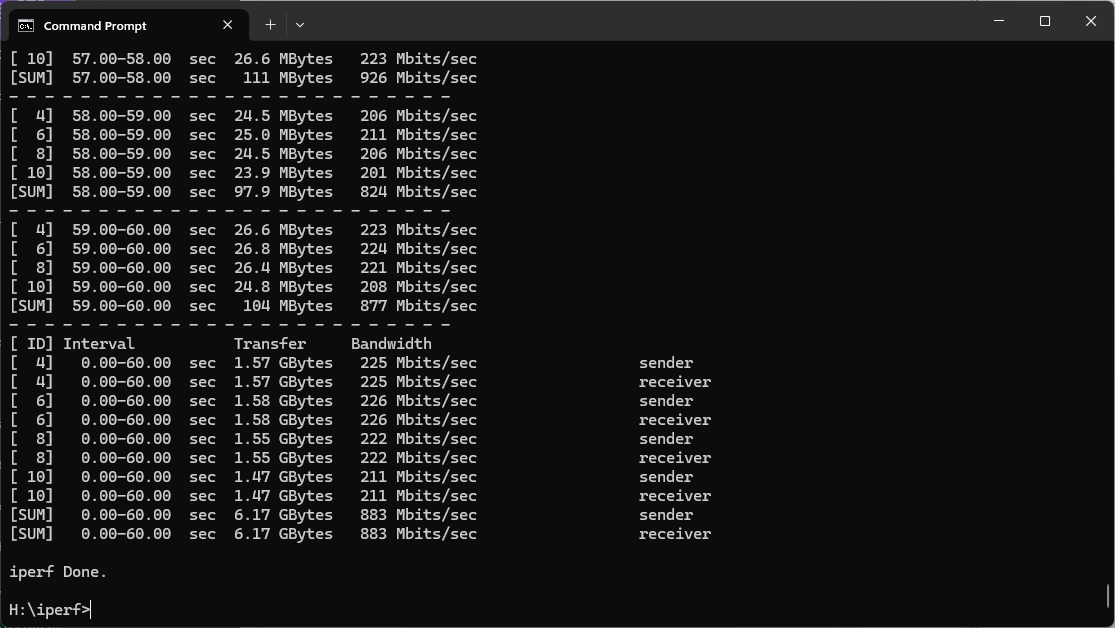
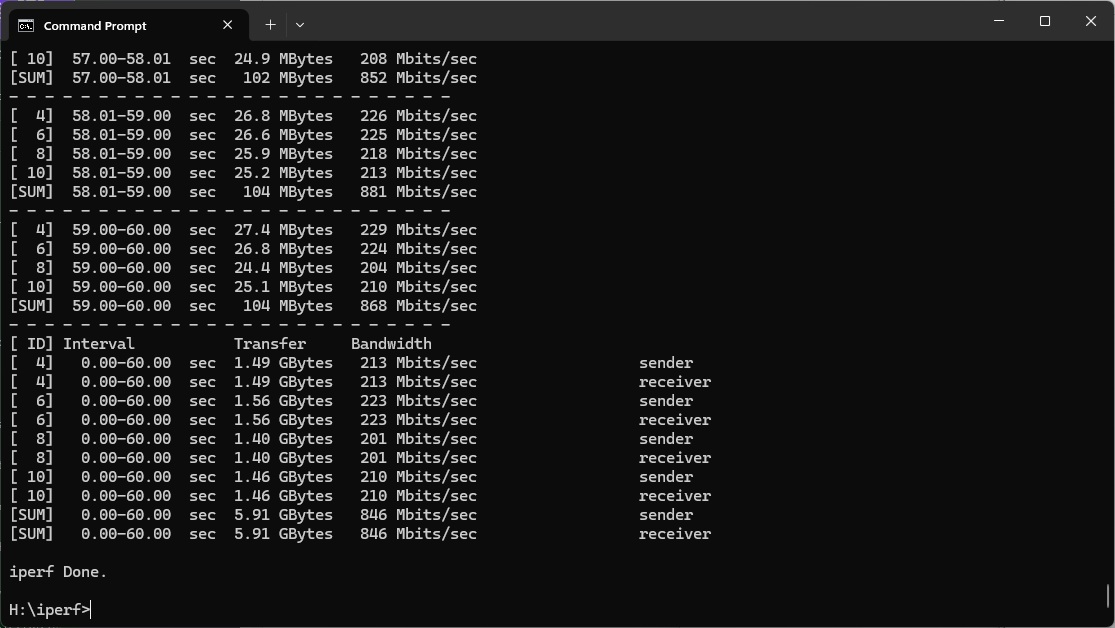
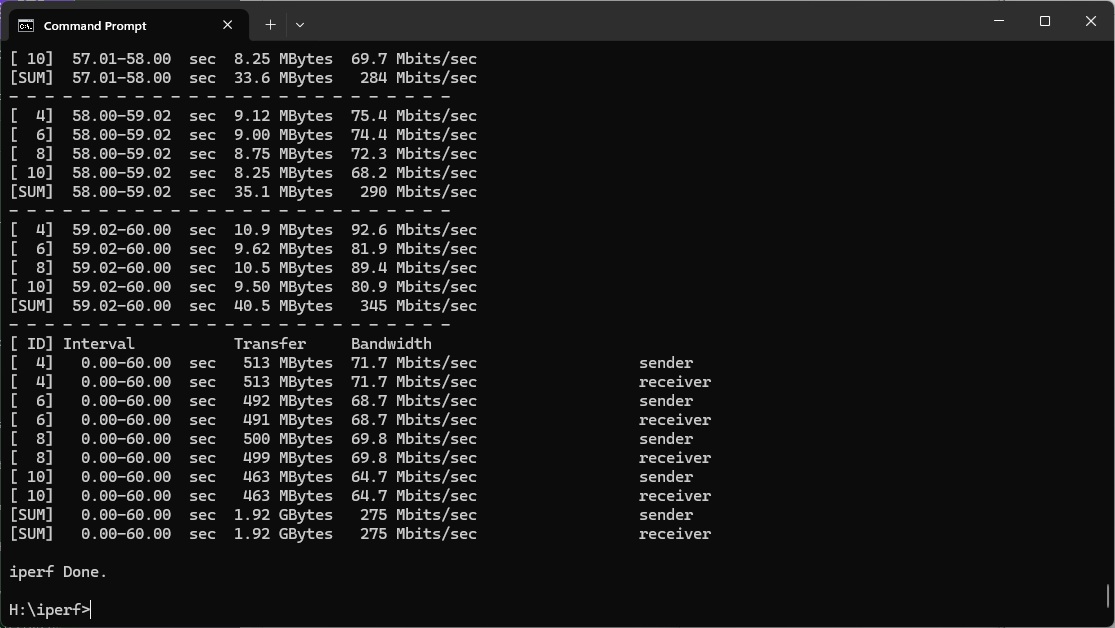
802.11ac 5GHz (WiFi 5)
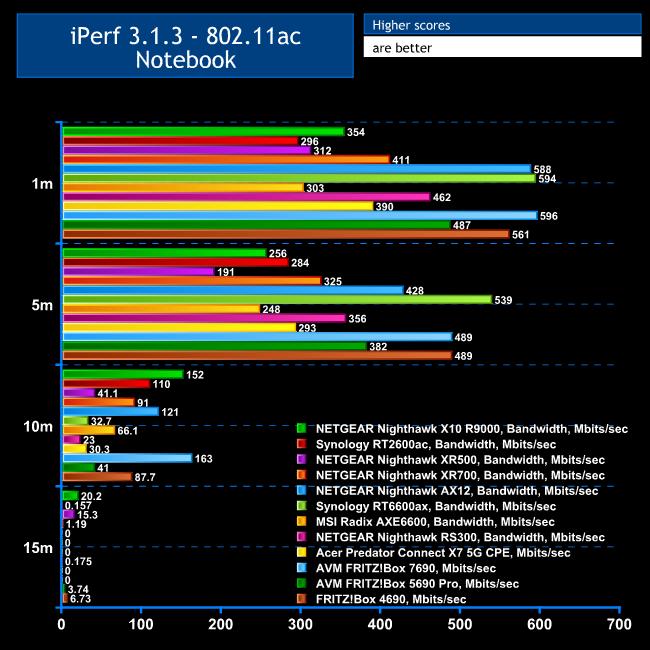
The solid WiFi 6 performance is complemented by still strong WiFi 5 abilities.
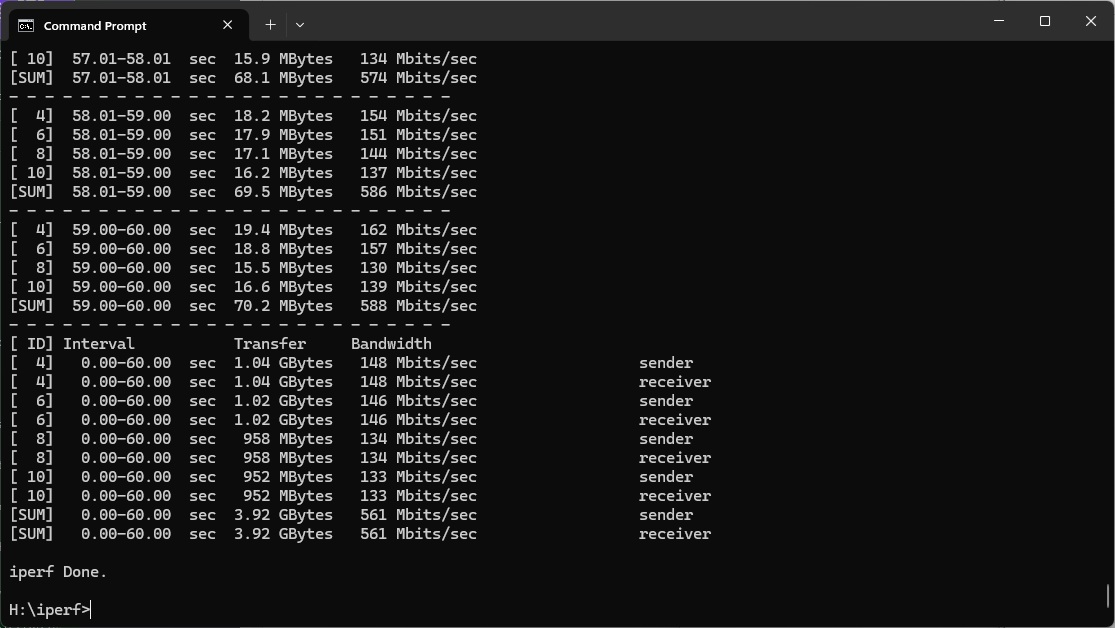
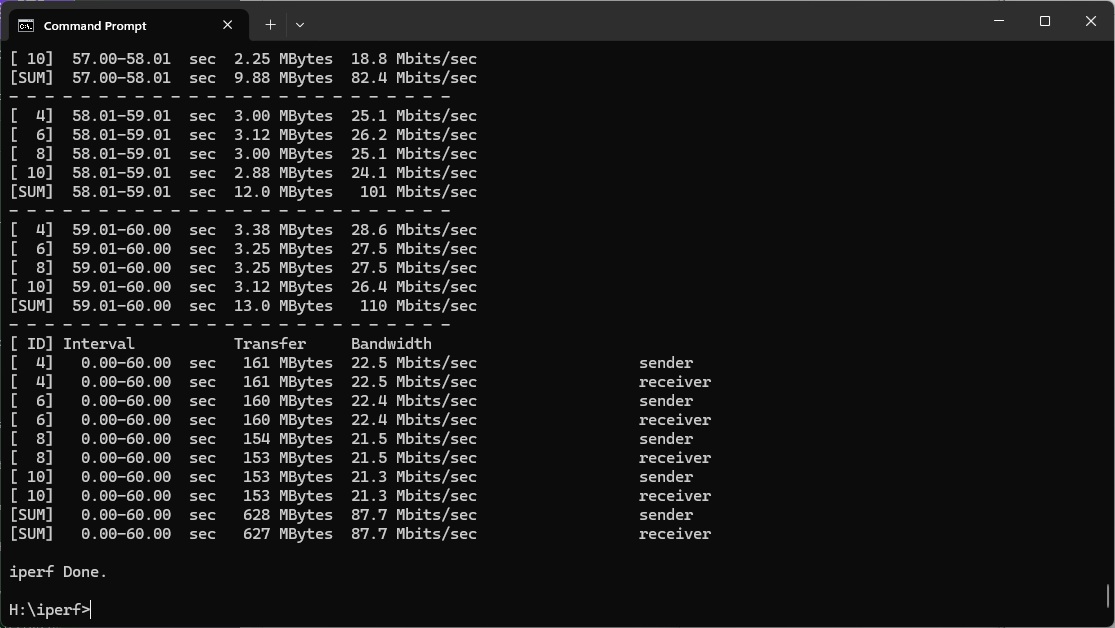
At 1m, the 4690's throughput of 561Mbits/sec is fourth fastest we've seen but not too far behind the leaders.
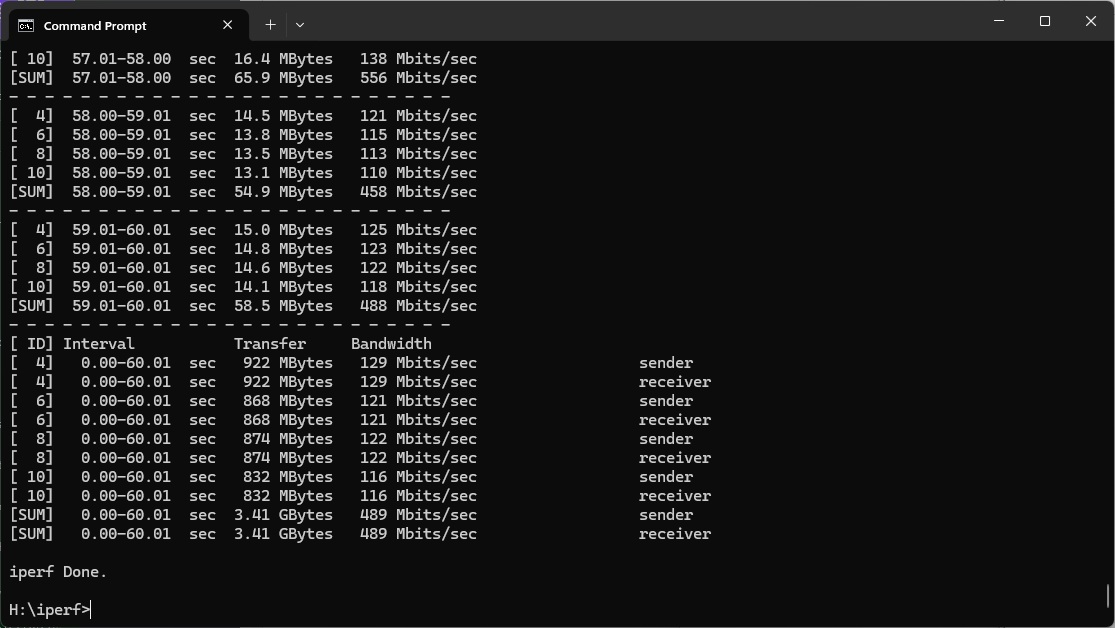
It does even better at 5m, with 489Mbits/sec bandwidth placing equal second.
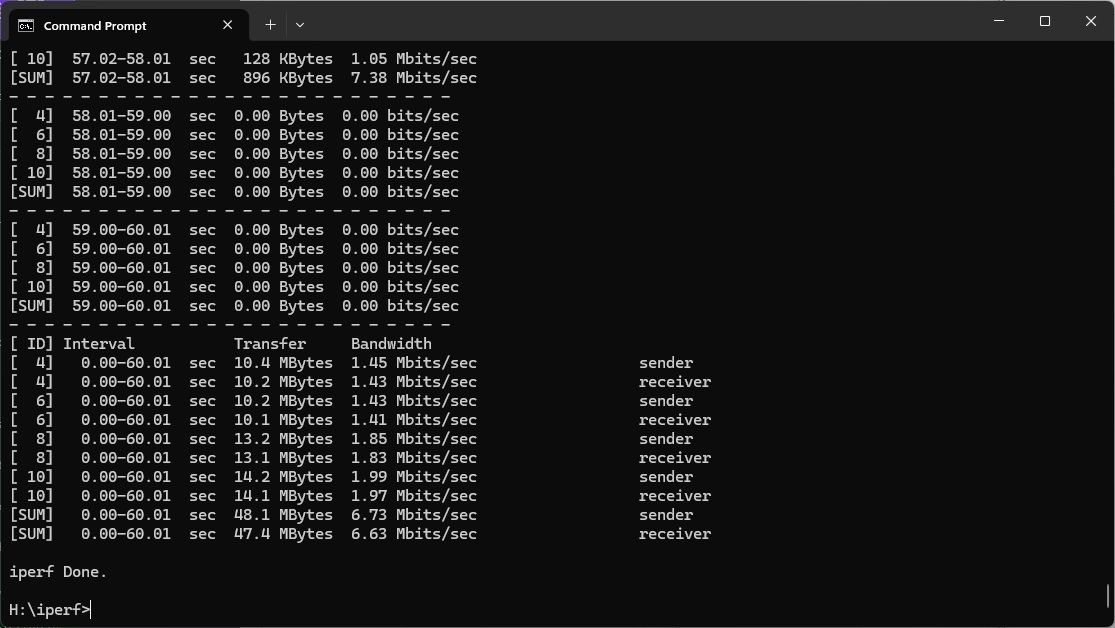
At 10m, however, the 4690 drops back considerably to 87Mbits/sec, and at 15m to 6.73Mbits/sec, which is just about usable but you wouldn't want to stream video over it.
Although you will probably have least WiFi 6 devices these days, it's reassuring that the FRITZ!Box 4690 can still deliver competent WiFi 5 coverage.
802.11n 2.4GHz – Legacy
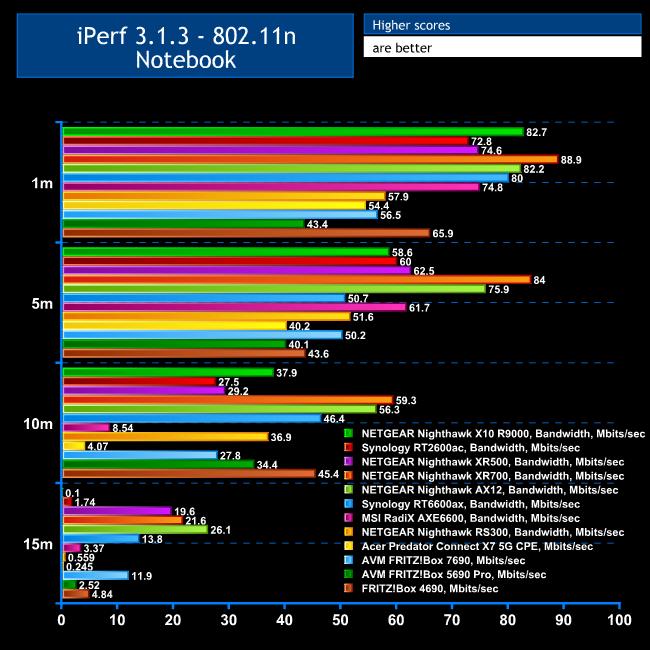
Although 802.11n clients are getting few and far between – the one we use for testing is over ten years old now – you might still have something that operates with this standard, such as an Internet-of-Things device like a smart lightbulb.
At 1m, the 4690 delivers a respectable 65.9Mbits/sec.
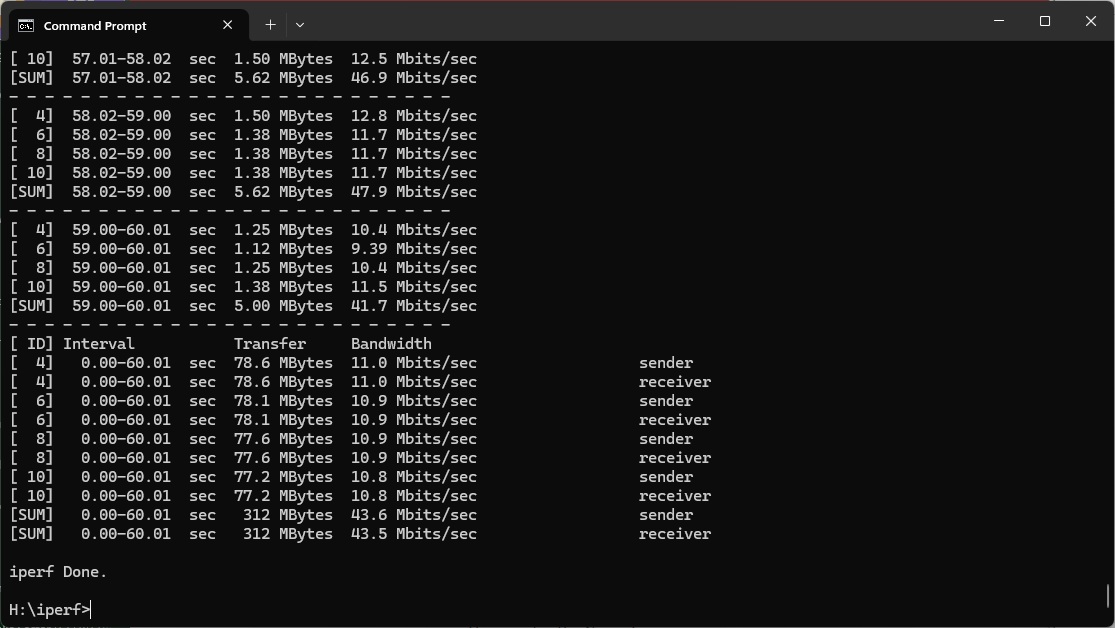
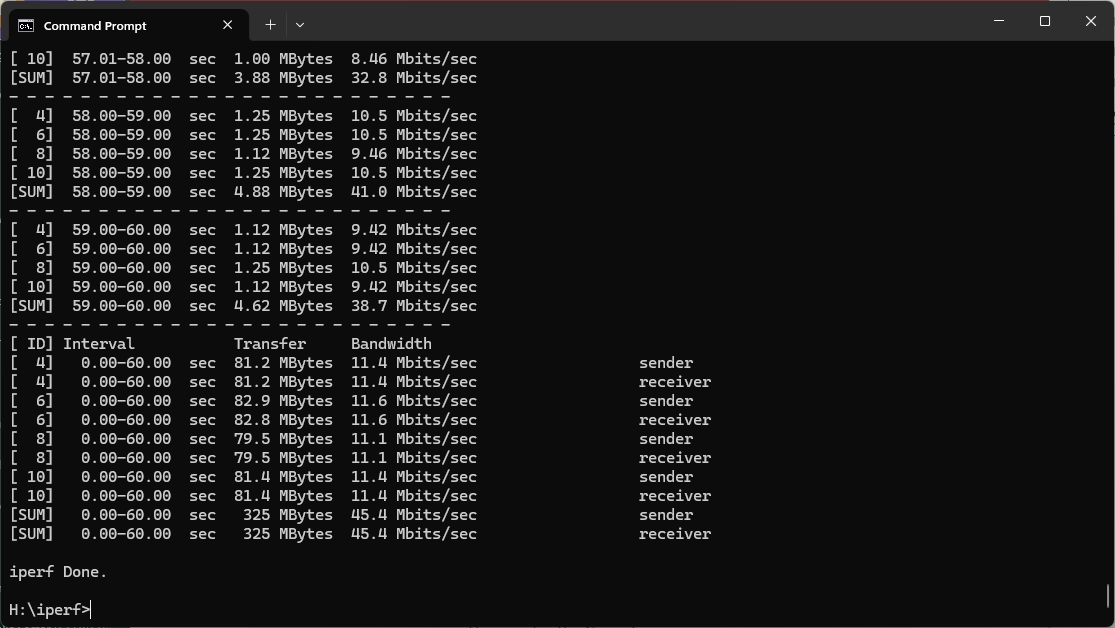
This drops considerably to 43.6Mbits/sec at 5m, but strangely rises again to 45.4Mbits/sec at 10m.
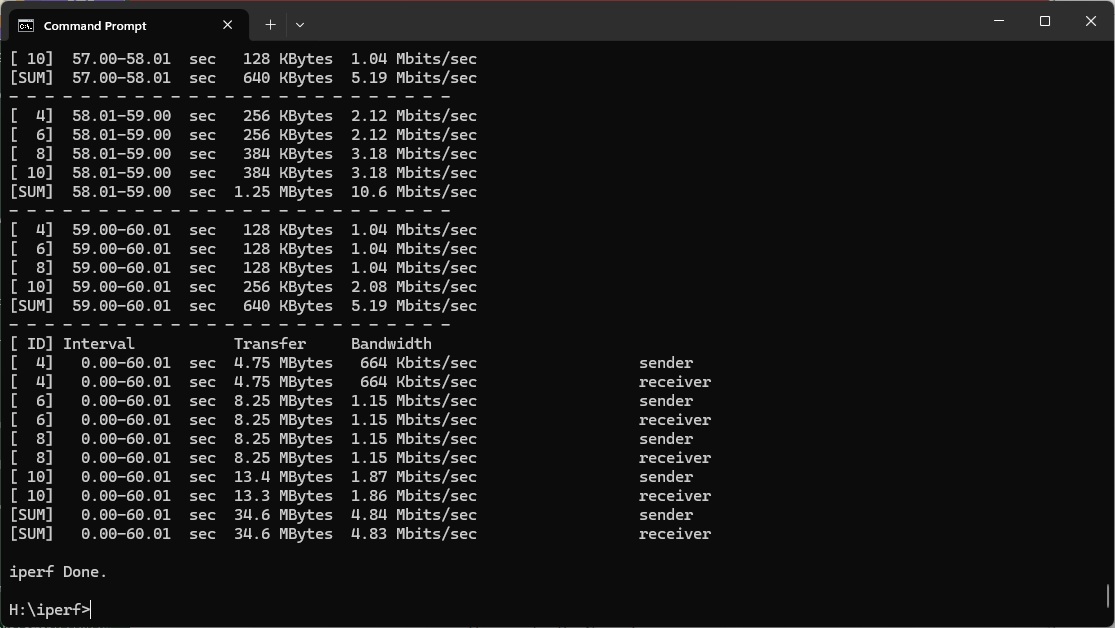
The performance of 4.84Mbits/sec at 15m would just about be usable for IoT or light web browsing.
But the FRITZ!Box 4690 holds its own for legacy 802.11n WiFi.
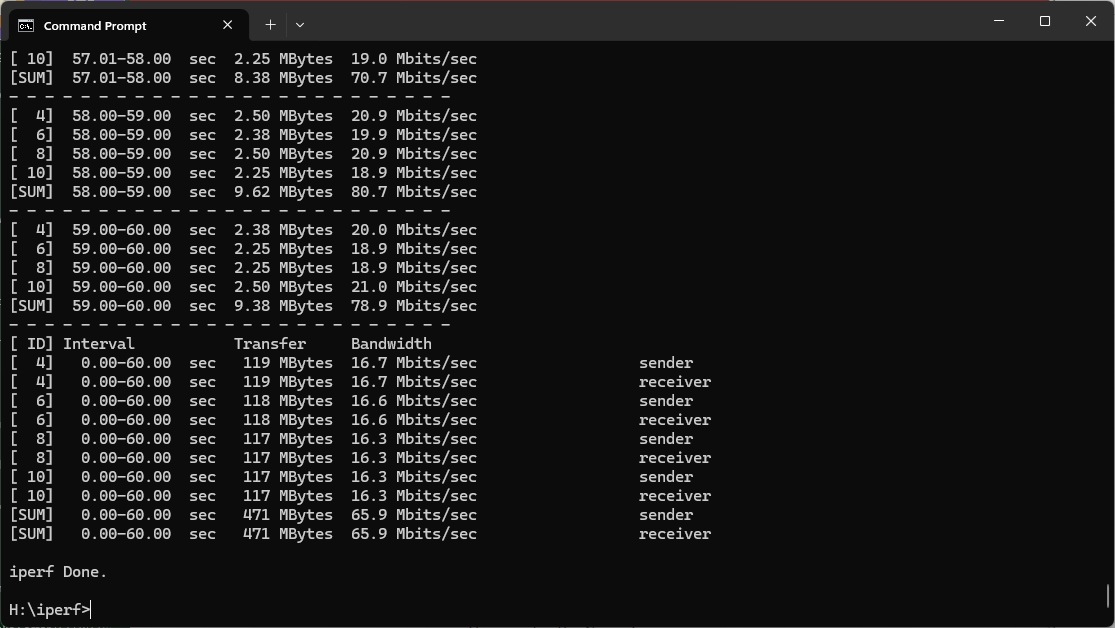
Overall, while the FRITZ!Box 4690 is disappointing for raw WiFi 7 throughput, its WiFi 6 and WiFi 5 performance are both excellent and 802.11n very usable. Since you'll probably be using a variety of devices of different ages, rather than just the latest WiFi 7 ones, this broad ability is very welcome.
The FRITZ!Box 4690 continues the company's tradition of solid, feature-rich routers with the added bonus of telephony. The smart home features on this model are less extensive than some of the recent FRITZ! models we've reviewed, but there are at least some options here as well. The mediocre WiFi 7 performance is the only chink in the armour, although that's not a disaster – just a little less than we'd hope for from this supposedly super-fast standard.
On the other hand, the wired networking capabilities are top notch, starting with the 10Gbit WAN connection that will avoid broadband bottlenecks for generations to come. You've then got another 10Gbit connection that could be useful as a trunk for a switch, plus three 2.5Gbit Ethernet ports. So your local wired network devices can all connect at high speed.
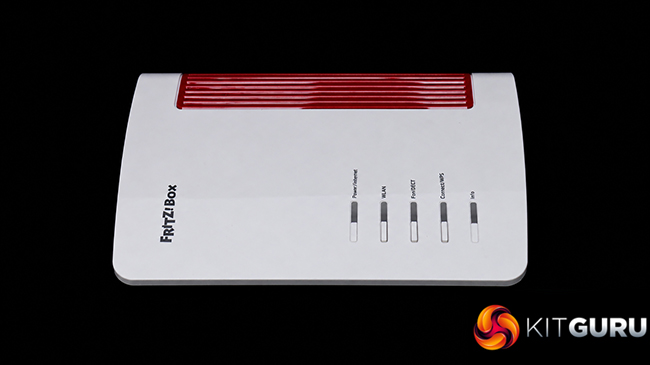
At the time of writing, the 4690 seemed relatively pricey in the UK compared to the €284.99 it's available for in the EU direct from FRITZ! We suspect that full stock hasn't arrived in Britain yet and the price will drop a little when it does. NETGEAR's Nighthawk RS300 still tops the list for WiFi 7 performance, but the FRITZ!Box 4690 is similarly priced and provides lots of features, great performance with other WiFi standards, and superb wired networking. It's well worth buying as a do-it-all home router, and then you could add the mesh abilities on top for wider coverage.
The AVM is available from Amazon UK for £330.31 inc VAT.
Pros:
- Excellent WiFi 6 and 5 performance.
- Decent 802.11n performance.
- Built-in DECT and analog telephony.
- Smart home device support.
- 10Gbit Ethernet WAN.
- Four-port LAN switch with 10Gbit and 3x 2.5Gbit ports.
- Mesh WiFi capability with additional units.
- USB 3 connection for storage and media server sharing.
- Feature-rich management interface.
Cons:
- Mediocre WiFi 7 performance.
- Fewer smart home features than some other FRITZ! routers.
- Setting up DynDNS takes a little more technical knowledge than is typical.
KitGuru says: The FRITZ!Box 4690 is another solid router from the company, with the focus on fast wired networking. The WiFi 7 performance is mediocre and smart home features behind some other FRITZ! routers, but throughput with other WiFi standards is excellent. If a router with rapid LAN abilities is your priority, it's a great choice.