KitGuru KitGuru.net – Tech News | Hardware News | Hardware Reviews | IOS | Mobile | Gaming | Graphics Cards


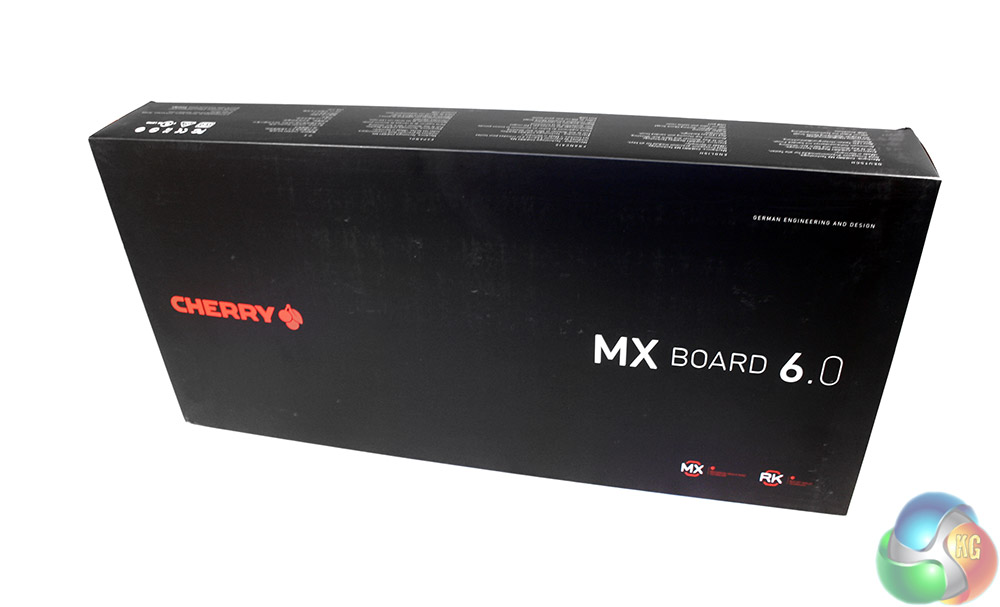
The packaging for the MX Board 6.0 is very subtle and quite sophisticated. It is matte black with nothing but the Cherry logo and the name of the board on the front.
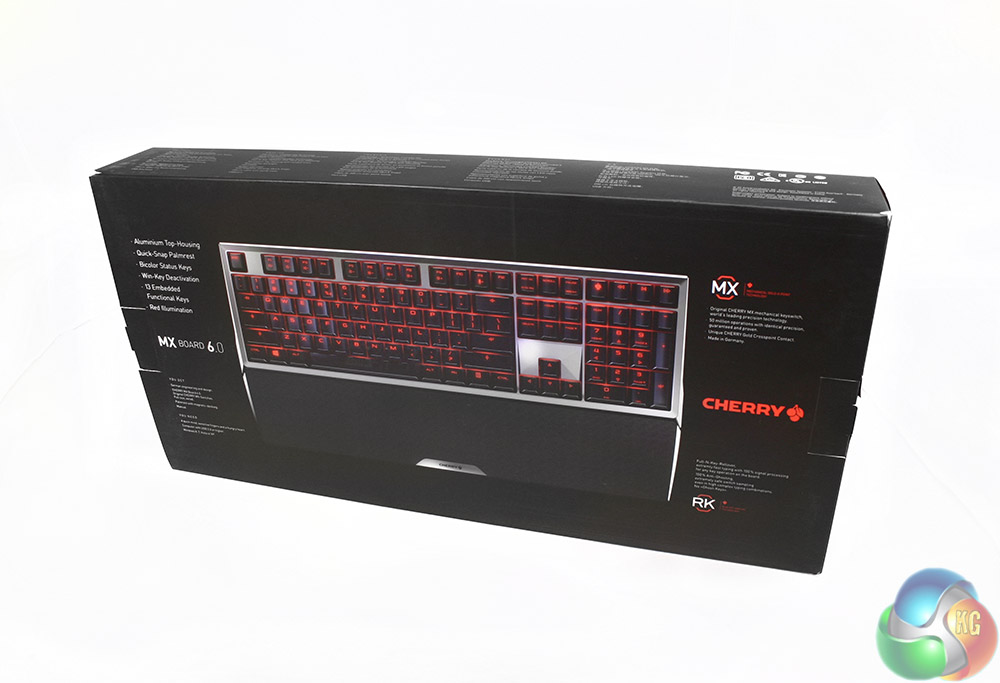
The back makes things a little more interesting by giving us a giant picture of the board when it is all lit up, as well as some bullet points that cover the main features of the Board 6.0.
Inside, there is another box, this one entirely red with just a Cherry indented logo to break up the flat colour.
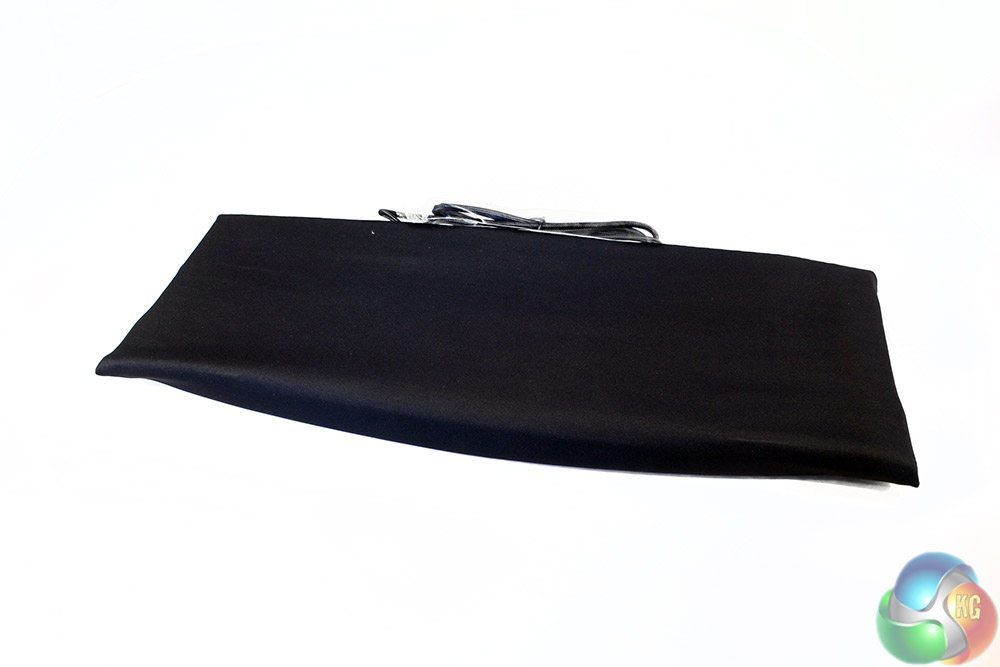
The board itself comes wrapped in a cloth cover. This not only helps protect it during transit, but would be handy for those who frequently attend LAN events.
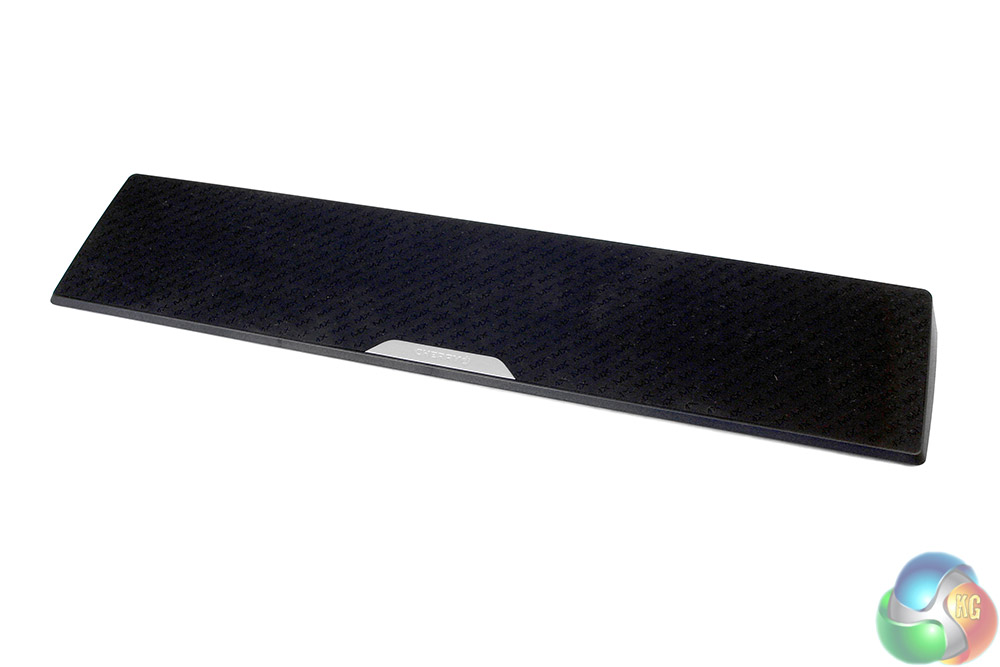
Along with the 6.0 keyboard itself, there is a small instruction/set up manual and a large, rubber coated wrist rest. It features a magnetic connector for attaching it to the main keyboard.