 KitGuru KitGuru.net – Tech News | Hardware News | Hardware Reviews | IOS | Mobile | Gaming | Graphics Cards


This IPS display from AOC follows a new trend in PC displays, by presenting a native resolution of 2,560 x 1,440 (WQHD) with a 25-inch screen size, rather than the more common 27 inches. With all the usual benefits of an IPS display, including wide viewing angles of 178 degrees, along with full sRGB coverage and strong Adobe RGB performance we find out today if it offers stunning image quality that goes some way towards justifying its suggested retail price. We are living in an era where the rules on PC display sizes and resolutions are being turned on their head. There’s a choice of ultra-wide 21:9 monitors, 4K screens between 27 and 40 inches, TN, IPS and AHVA panel technology, and so on.
But a 25-inch screen size is a relatively new trend. Until now, the next step up from 24 inches was fixed at 27 inches. The Q2577PWQ is therefore new territory for AOC, and relatively early to the party, joining a fairly short list of manufacturers in offering this screen size, including Dell, HP and Asus.
24-inch displays look just about perfect at either 1920×1200 (16:10) or 1920×1080 (16:9) resolution, but any higher and the pixel pitch starts to be a bit too small for comfort, making text difficult to read and icons just slightly too small … without raising the DPI setting in Windows.
Upgrading to a 27-inch panel usually means getting a screen with a 2,560 x 1,440 (WQHD) resolution, and it looks great, except for some people a display of this size is a bit on large for their desks. 25 inches is a fair compromise, allowing for a WQHD resolution without being uncomfortably small.
WQHD is precisely four times the size of 720p, with a pixel count of 3,686,400. On a display with a 27 inch diagonal screen size, that means a PPI (pixels-per-inch) figure of 108.79. Drop the diagonal screen size to 25 inches, as on the AOC Q2577PWQ, and the PPI becomes 117.49, with a dot pitch of 0.2162mm, which still seems comfortable.
Add a high quality flicker-free IPS panel, great colour reproduction and phenomenal brightness levels and AOC’s Q2577PWQ is a strong offering from their professional line-up.
AOC Q2577PWQ Features:
- Boasting a stunning Quad HD resolution of 2560 x 1440 pixels (which is four times the resolution of an HD display) and ample screen real-estate with 25 inches.
- Resolution 2560×1440 @ 60hz. Response time: 5ms.
- IPS technology is one of the highest performing panel technologies currently available for displays. This way, AOC makes sure users will greatly benefit from high accuracy in colour, contrast and wide viewing angles.
- In order to give users a variety of options for connecting different input sources, the AOC Q2577PWQ comes with DisplayPort, HDMI, DVI and VGA.
- Also comes with a feature that ensures a zero-flickering viewing experience.
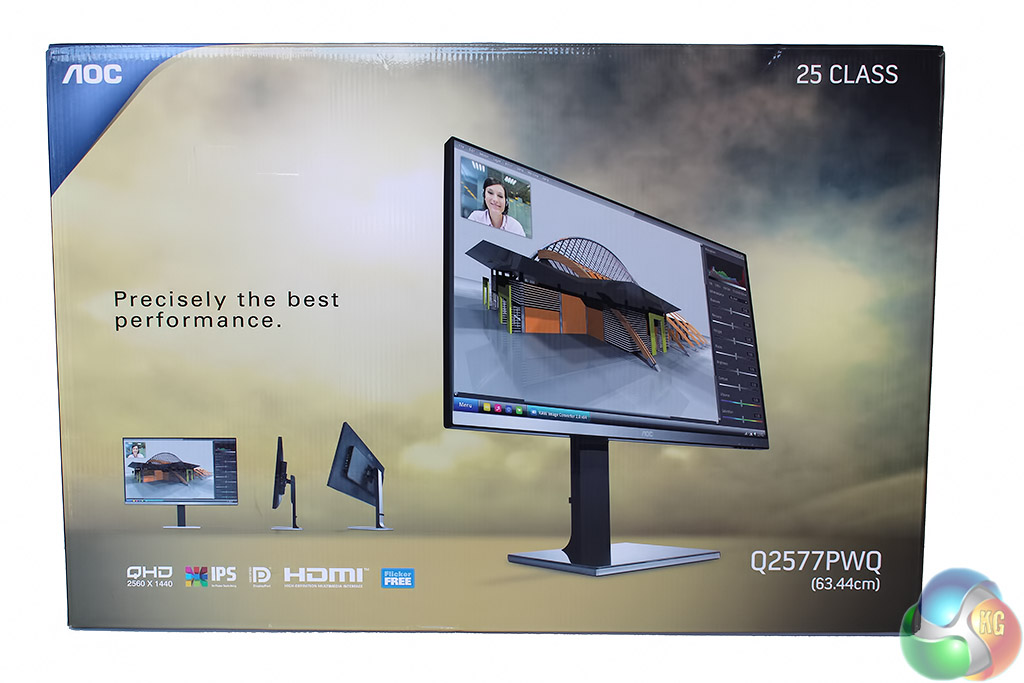
Unlike some of the TV-sized displays we’ve reviewed recently, being just 25-inches in size, the AOC 2577PWQ ships in a box that’s more than manageable.
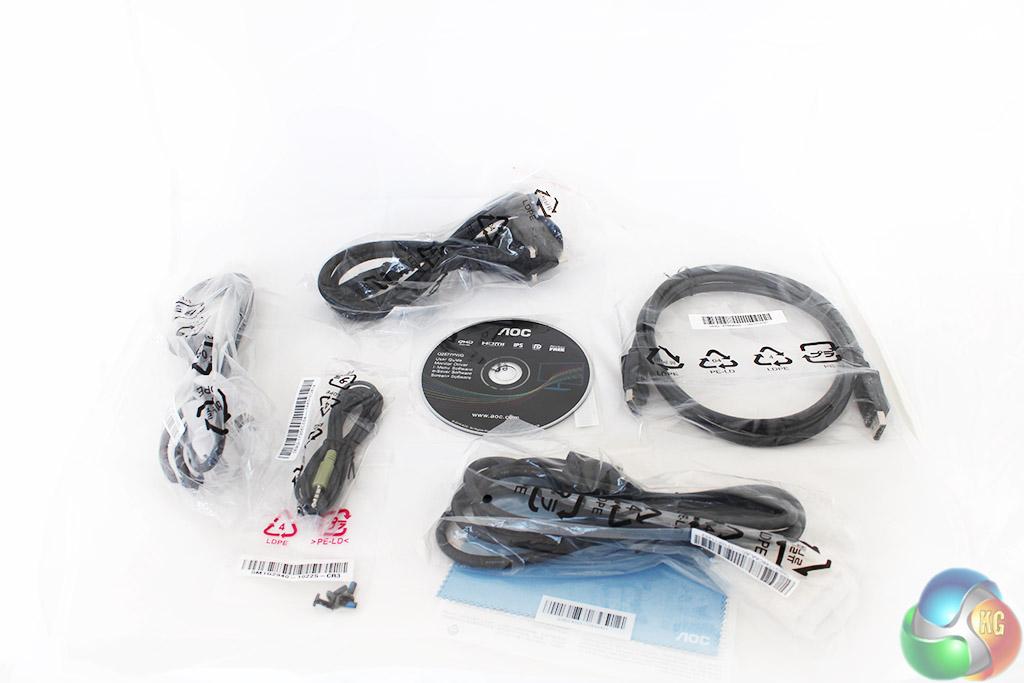
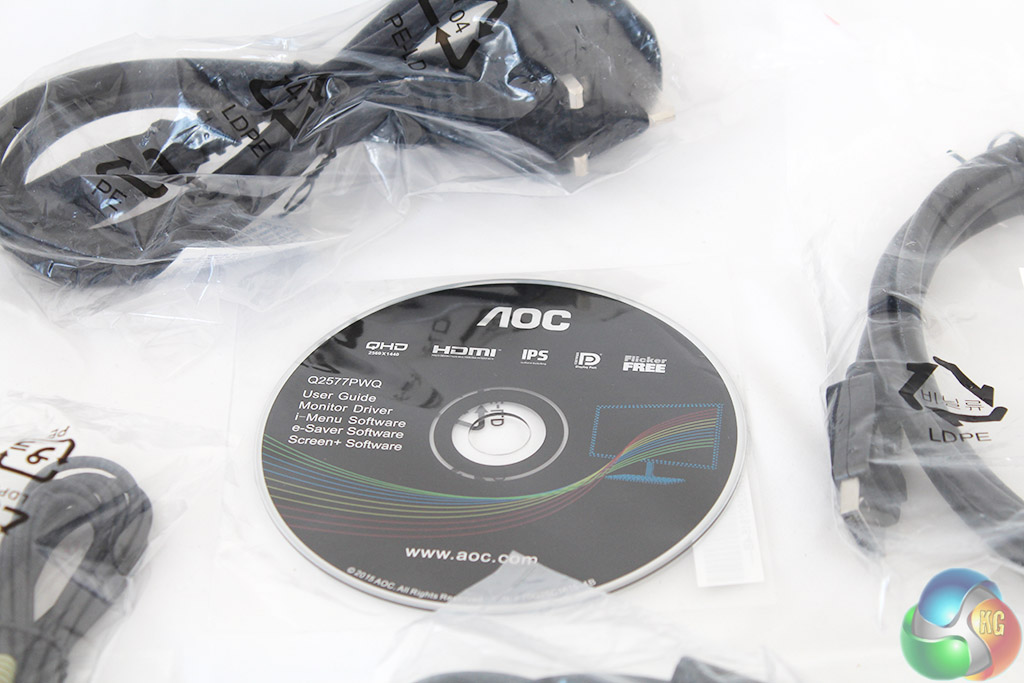
The box contains a DVI cable, VGA cable, DisplayPort cable, power cable and a 3.5mm audio pass-through cable. The CD contains some additional software, a driver and the user manual, which is not included as a physical copy.
There’s also a micro-fibre cleaning cloth and the screws that are required to attach the stand to the back.
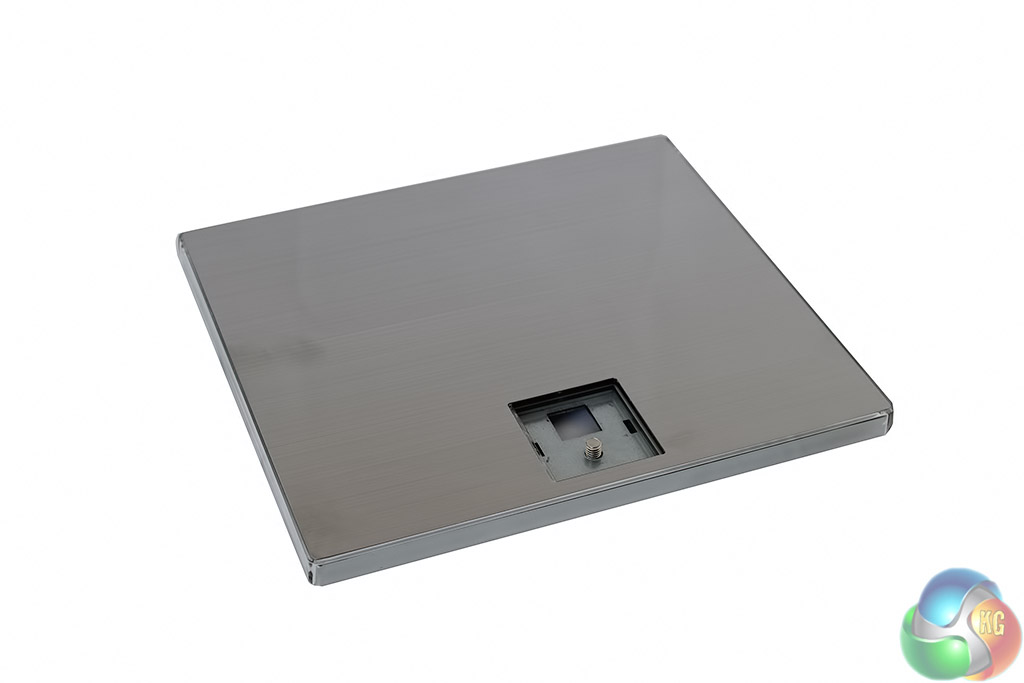
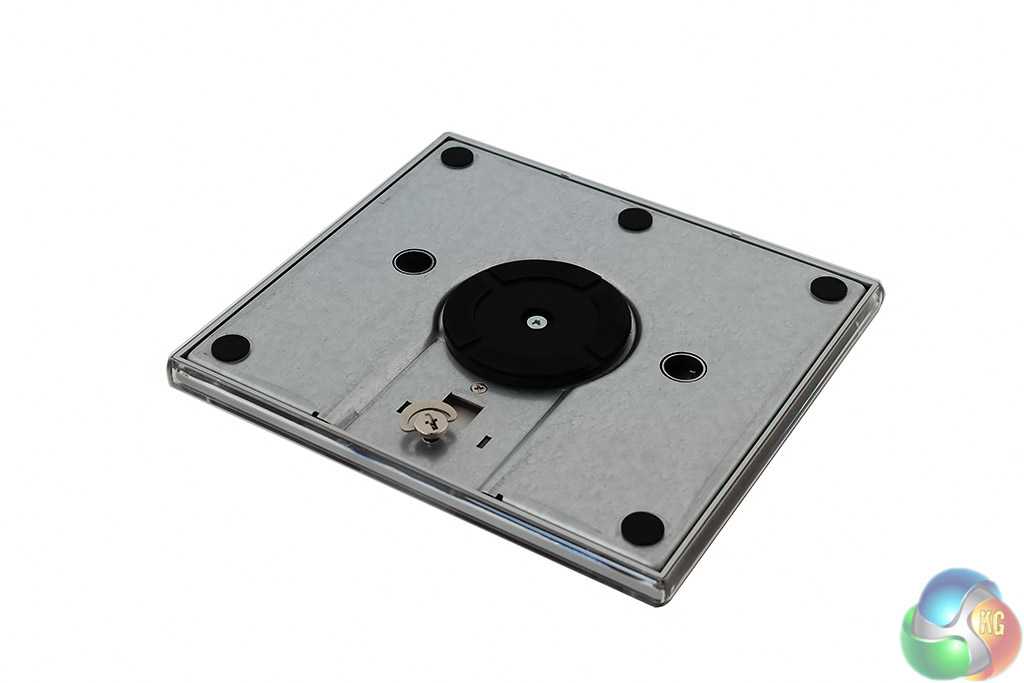
The stand’s base has a reflective metal look, although it’s covered in a small layer of transparent plastic. Underneath we can see the familiar “key” locking system to secure it to the stand.
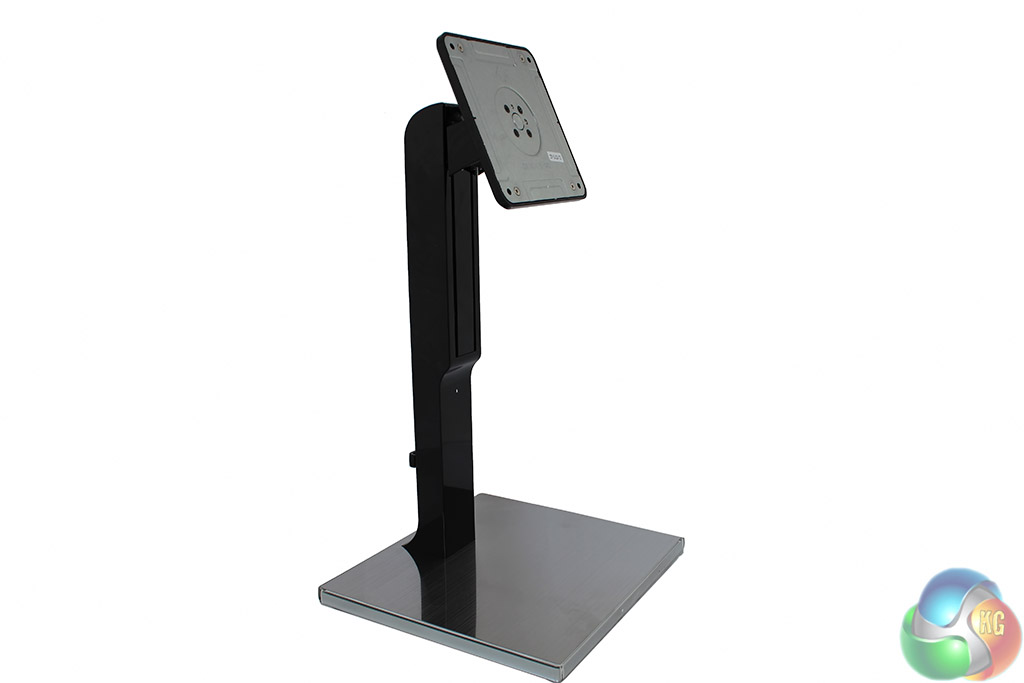
The rest of the stand comes in a single piece. It clips neatly into the base, before it can be secured by turning the metal key.
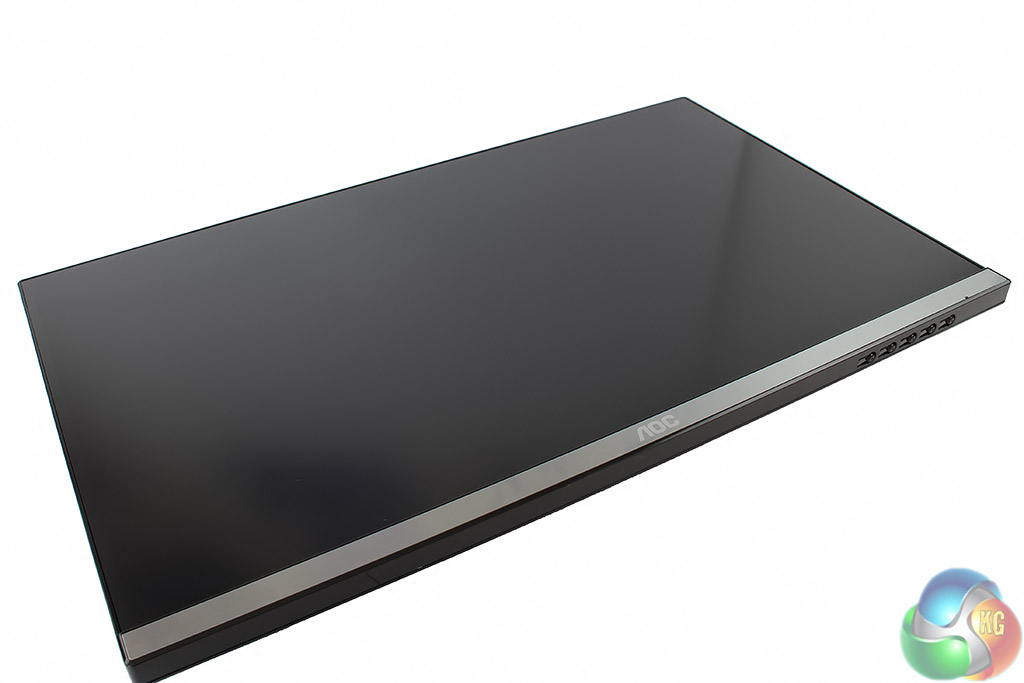
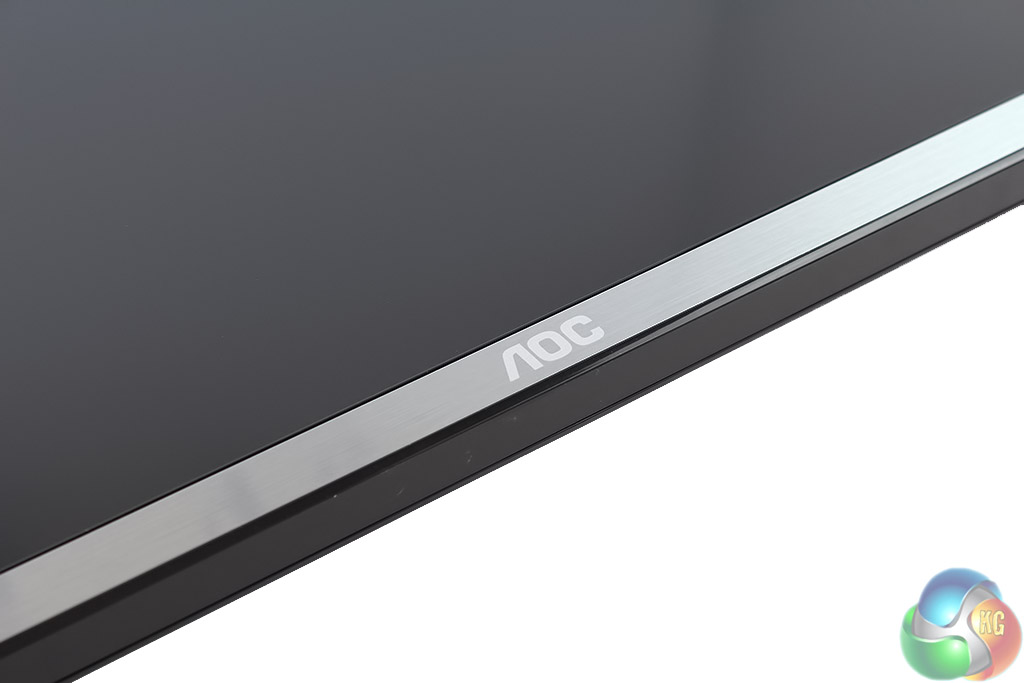
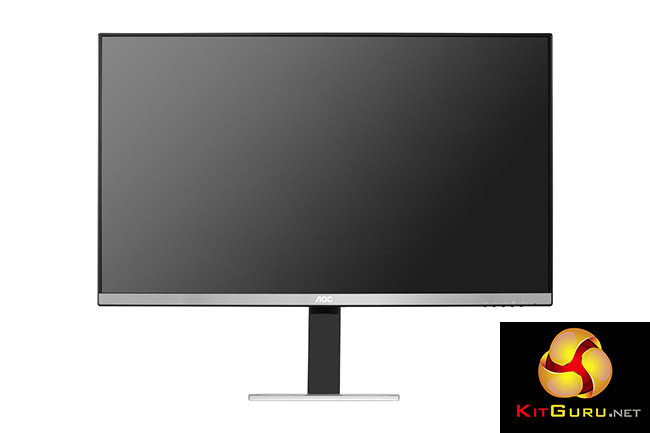
The panel has a dark matte finish, with a slim bezel around the side. There’s a metallic silver lower frame with the AOC logo in the centre, which is actually covered in plastic, as with the base.
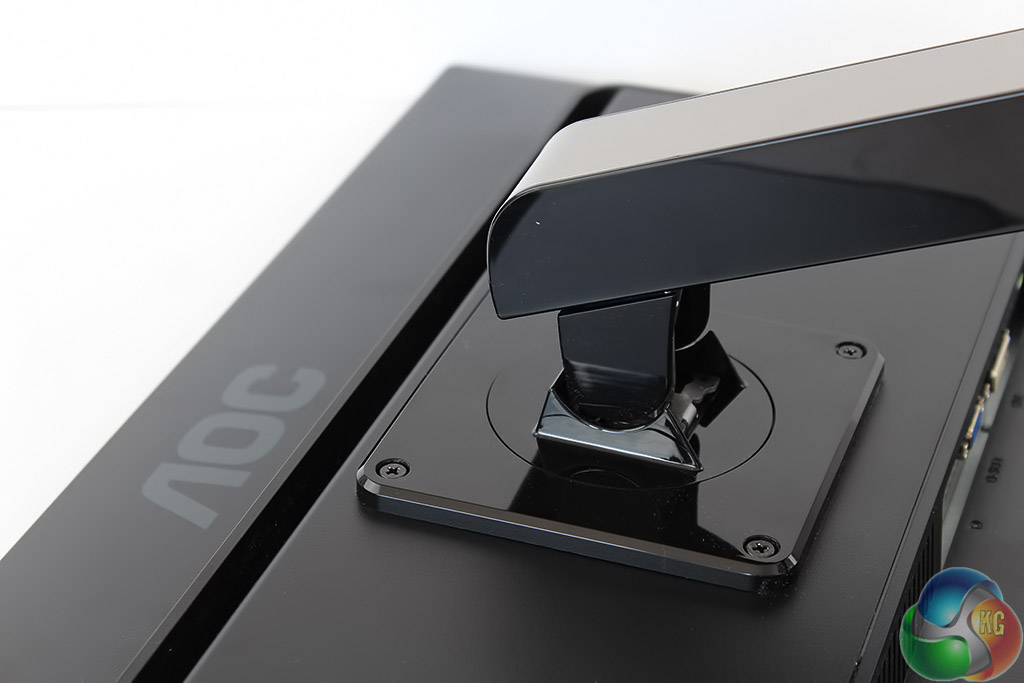
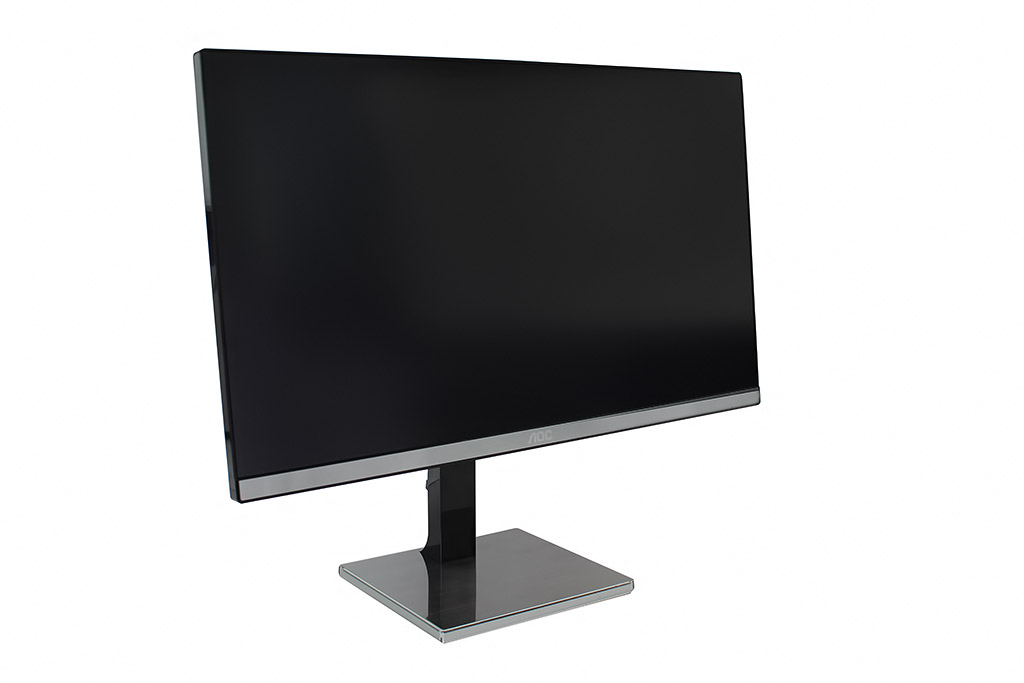
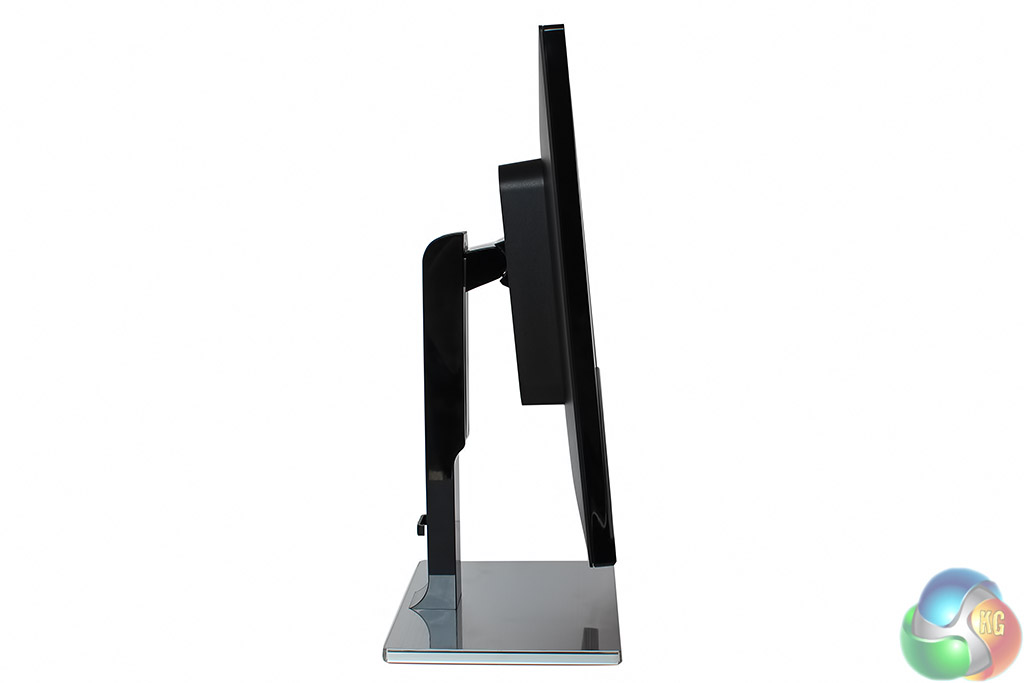
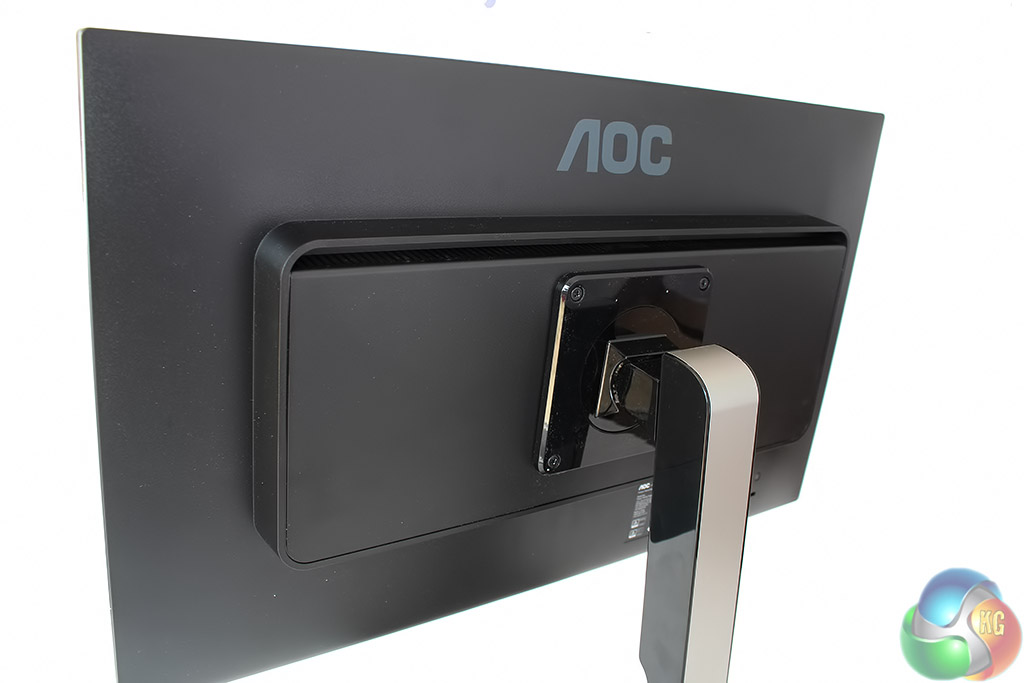
The stand has to be screwed into the back of the display manually, using the 100mm VESA holes. When attached it’s very flexible, with tilt between -5 and 23 degrees, and it can be raised up to 130mm. It also supports pivoting 90 degrees into portrait mode.
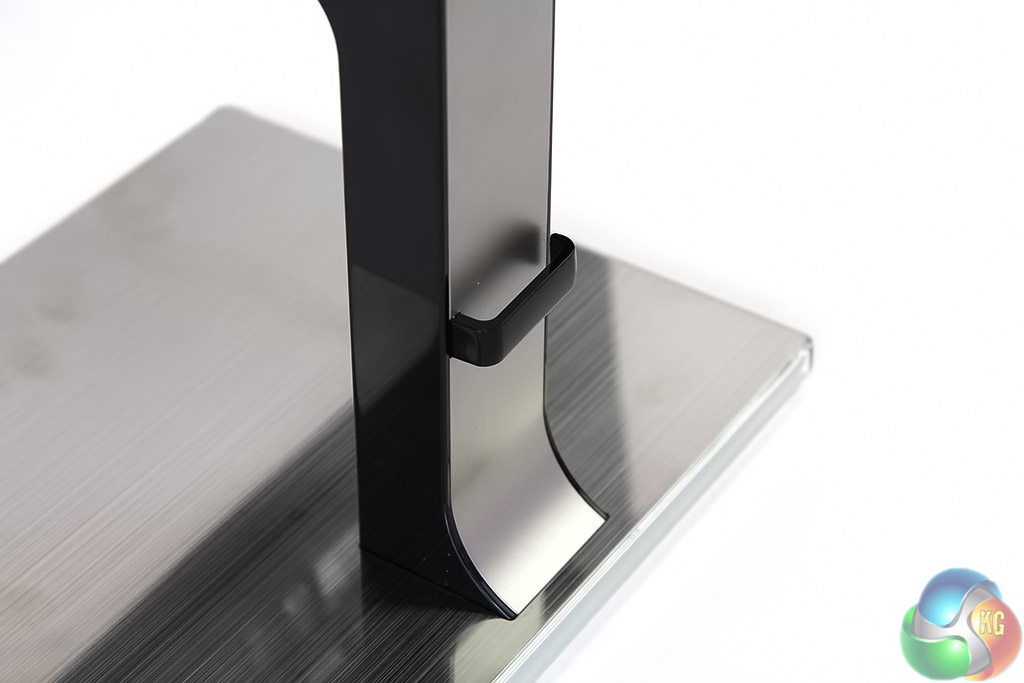
At the very bottom of the stand is a small plastic cable management accessory.
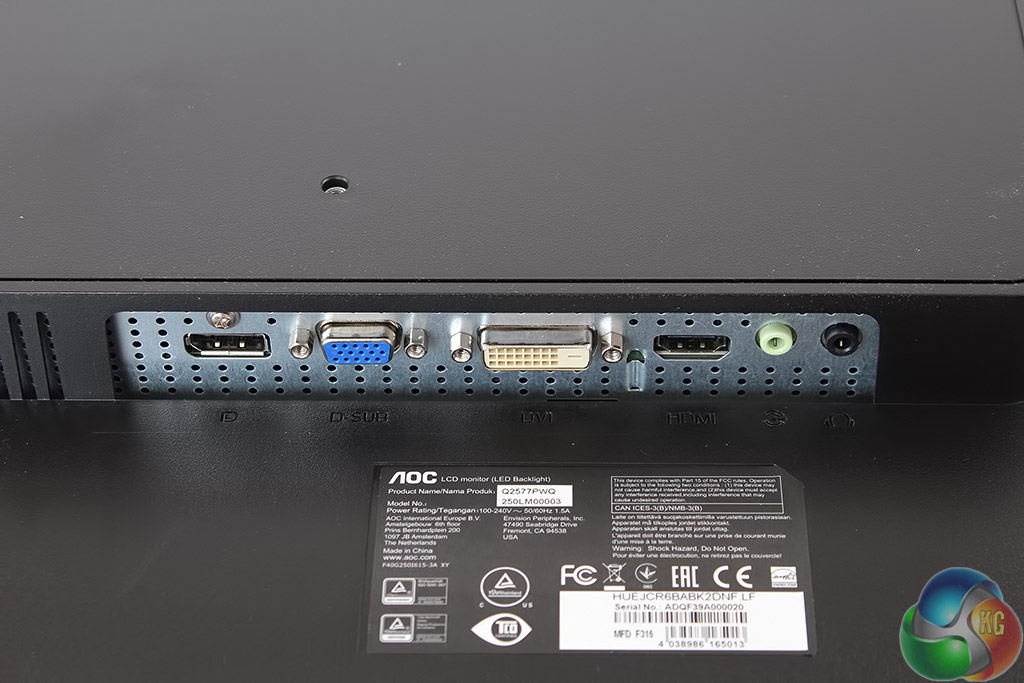
There are four display inputs on the right-hand side. From left to right we have DisplayPort, VGA, DVI and HDMI, which supports MHL connections from Android phones. Next to them are audio connectors.
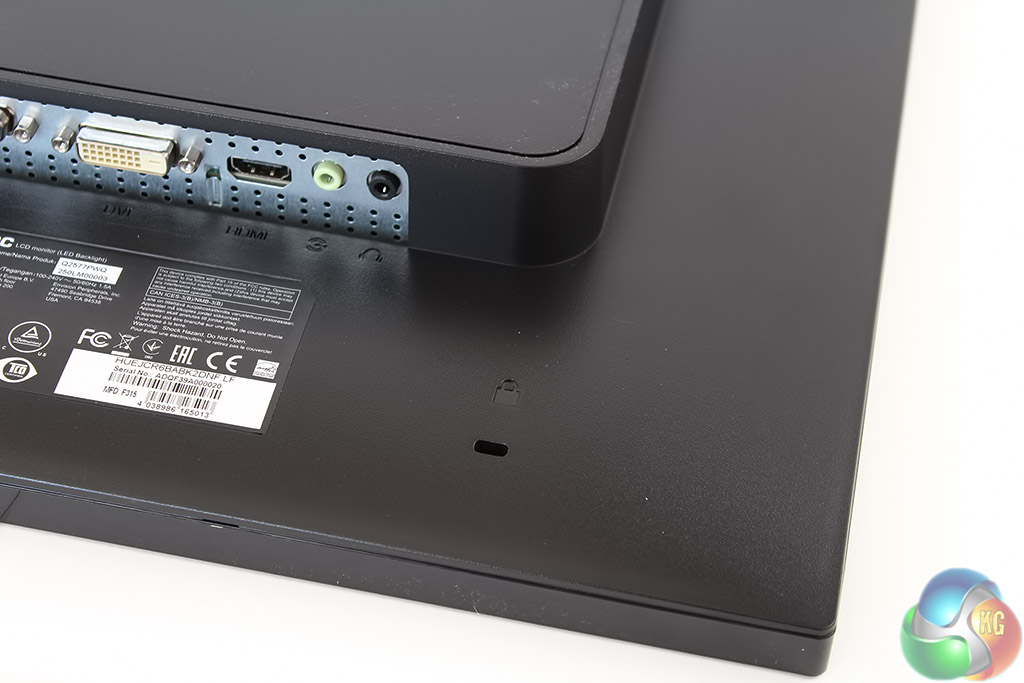
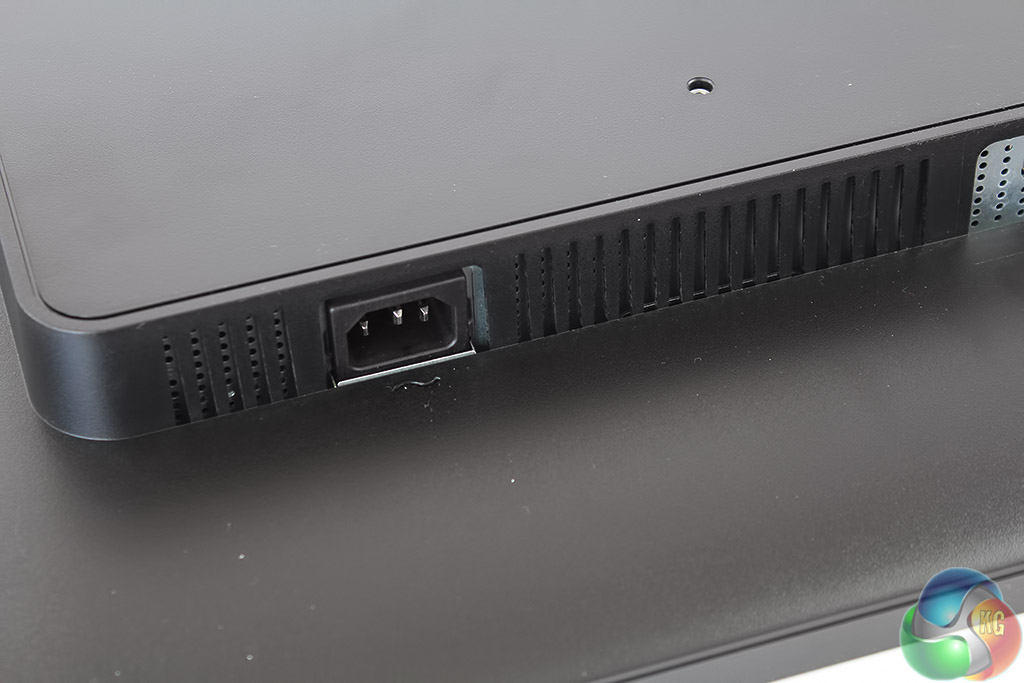
There’s a Kensington lock underneath the video inputs, and on the left-hand side is a standard IEC power connector.
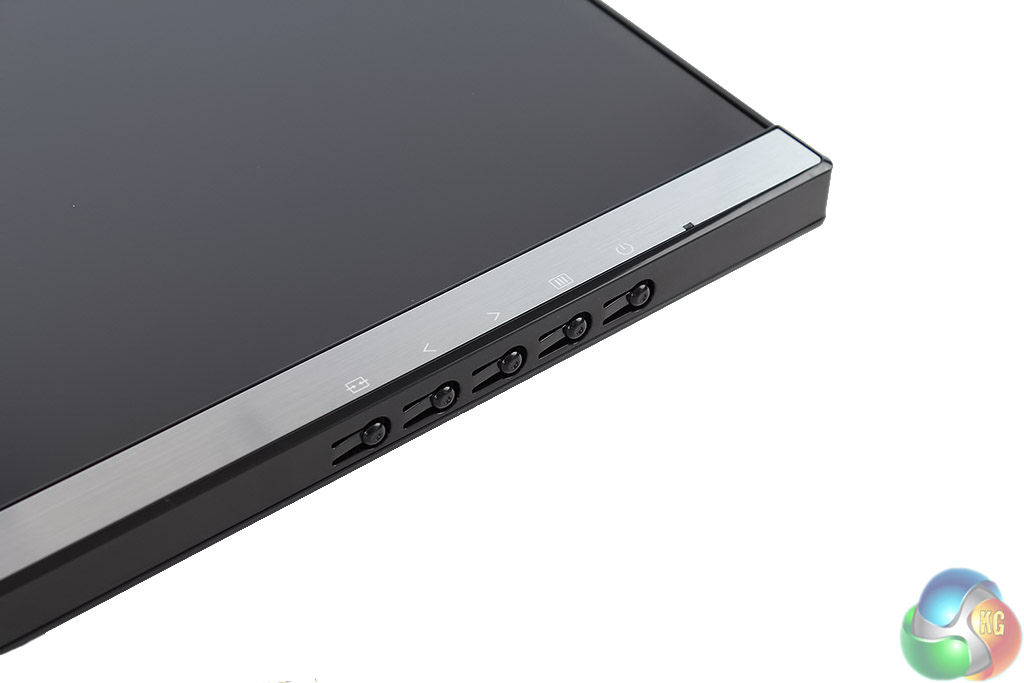
At the bottom are five physical buttons to control the OSD. These look identical to those on AOC’s Q2778VQE but work much better here due to the improved legibility of the white labels on the metallic frame.
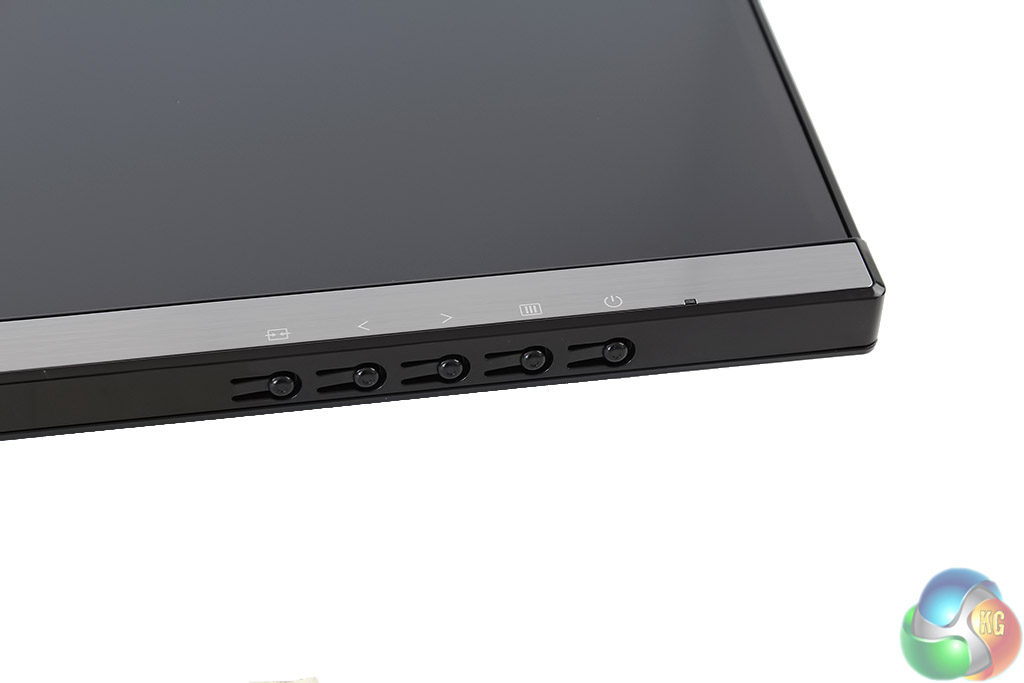
The buttons used to control the OSD aren’t the only similarity with other displays from AOC, since the menu options and factory default settings are almost identical too.
The first button on the left allows switching inputs. The second cycles through ClearVision modes, with ‘Weak,’ ‘Medium’ and ‘Strong’ presets offered.
The third button brings up an on-screen volume control for the built-in 3w speakers. The fourth button displays the main OSD menu.
The last button powers off the device, next to a small power status LED that glows blue when the Q2577PWQ is on, and red when it’s in standby mode.
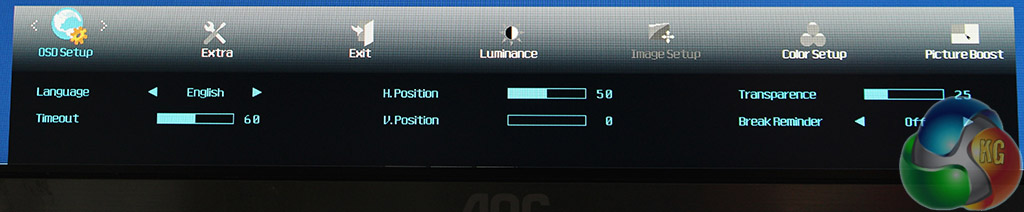
The first menu lets you set up the OSD, including adjusting the timeout and adding a break reminder, which displays a warning on your screen to take a break every time you’ve been sat at the PC for an hour.
You can adjust the transparency of the menu here, which might be useful if your icons show through from behind. You can change the position of the menu too, by adjusting the H.Position and V.Position.
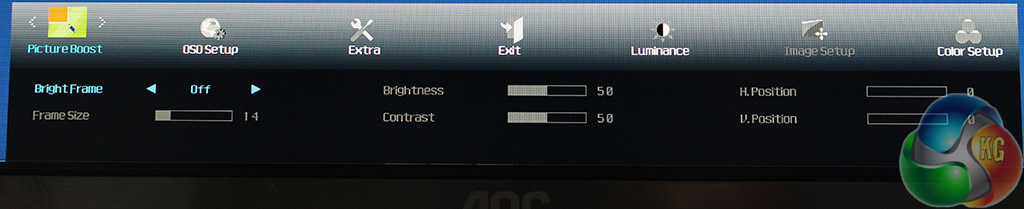
The Picture Boost menu features the same Bright Frame feature we saw on the AOC Q2778VQE, where a patch of the screen is illuminated. You can choose where this will be, again via the H.Position and V.Position, with settings to adjust its size, brightness and contrast.
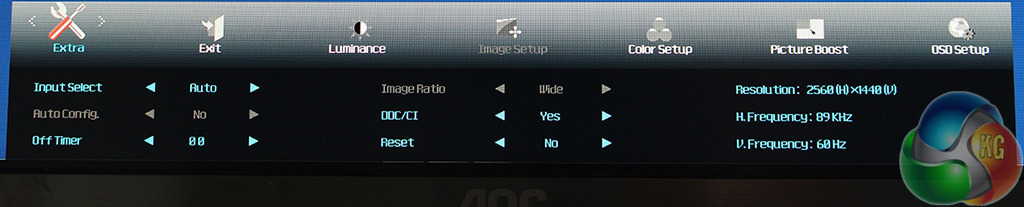
In the Extra menu, the InputSelect options lets you choose which video input is used. The OffTimer setting chooses how long before the display goes into standby mode, with the default 00 being set to never.
The DDC/CI option is used to control external sensors. The Reset option returns the Q2577PWQ to its default settings.
Finally the currently used resolution and refresh rate are listed at the side.
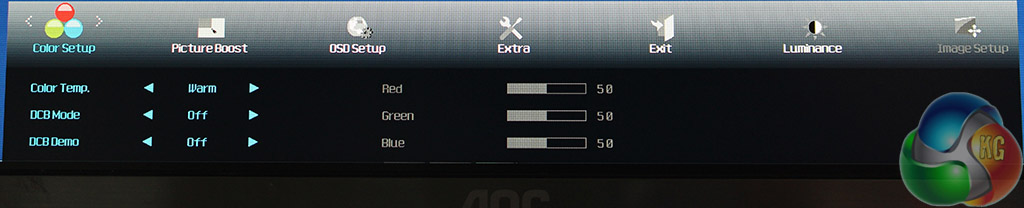
The Color Temp is set to Warm by default. Other options include Normal, Cool, sRGB and User, with each setting being just presets for the RGB values on the right.
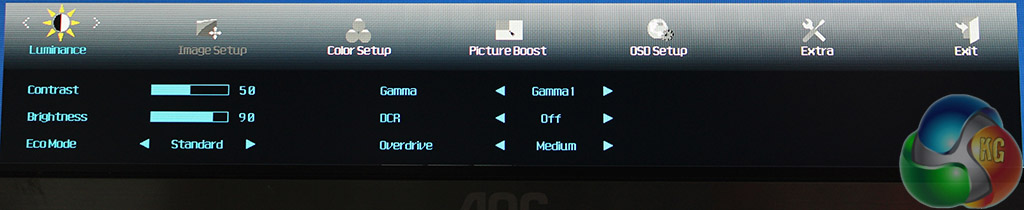
The Luminance menu provides brightness and contrast controls, with three gamma settings listed. By default, brightness is set to 90 per cent.
There’s an Overdrive setting for ghosting reduction in games and a Dynamic Contrast Ratio setting. The Eco mode is a set of preset brightness and contrast settings for different situations, including Standard, Game, Movie, Sports, Text and Internet.
When first turning on the AOC Q2577PWQ, its high luminance level is immediately noticeable. If you’re used to an older display with a washed-out screen, when you look at an image it will appear strikingly bright with reds and whites that really pop out at you, with some impressive black levels too.
And these results are only confirmed with the data from the Spyder4 Elite colorimeter used for testing.
Here are the uncalibrated results.
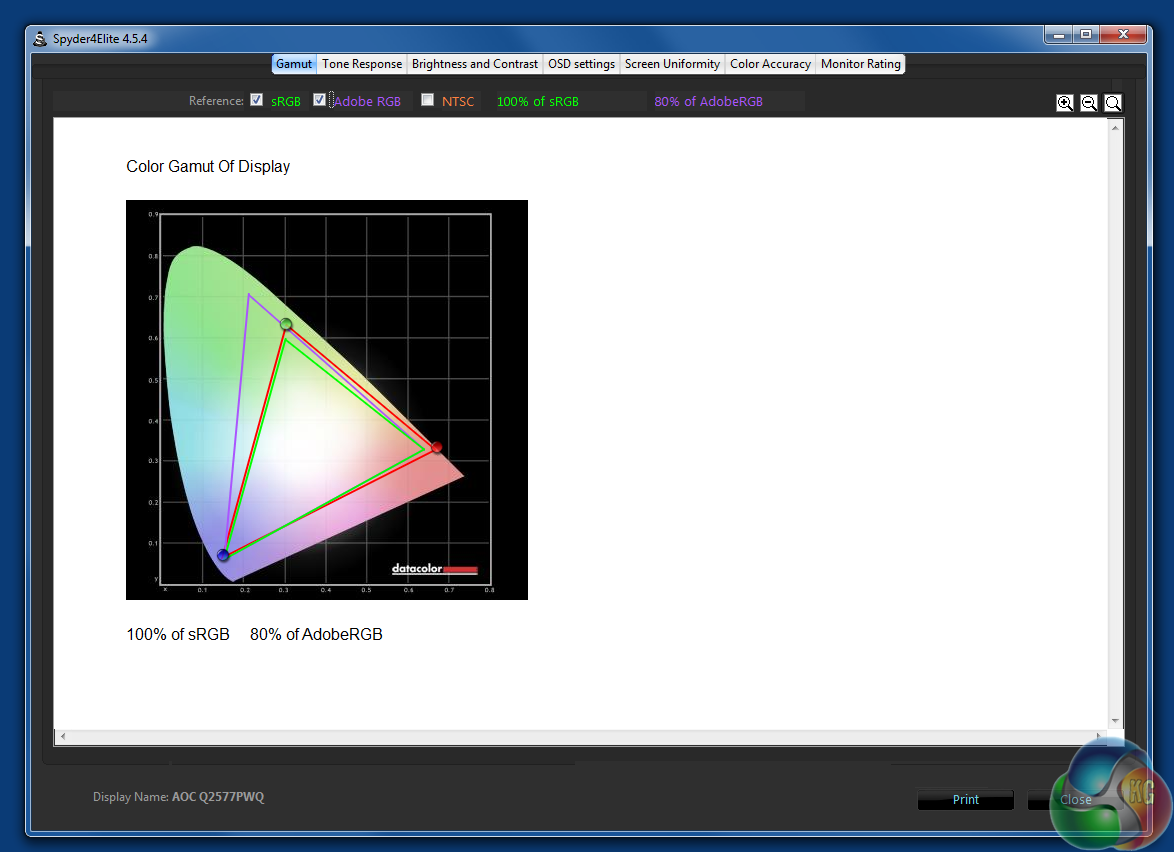
The uncalibrated Q2577PWQ manages 100 per cent sRGB coverage and 80 per cent Adobe coverage, which are both excellent results, with the Adobe score in particular being one of the highest we’ve seen.
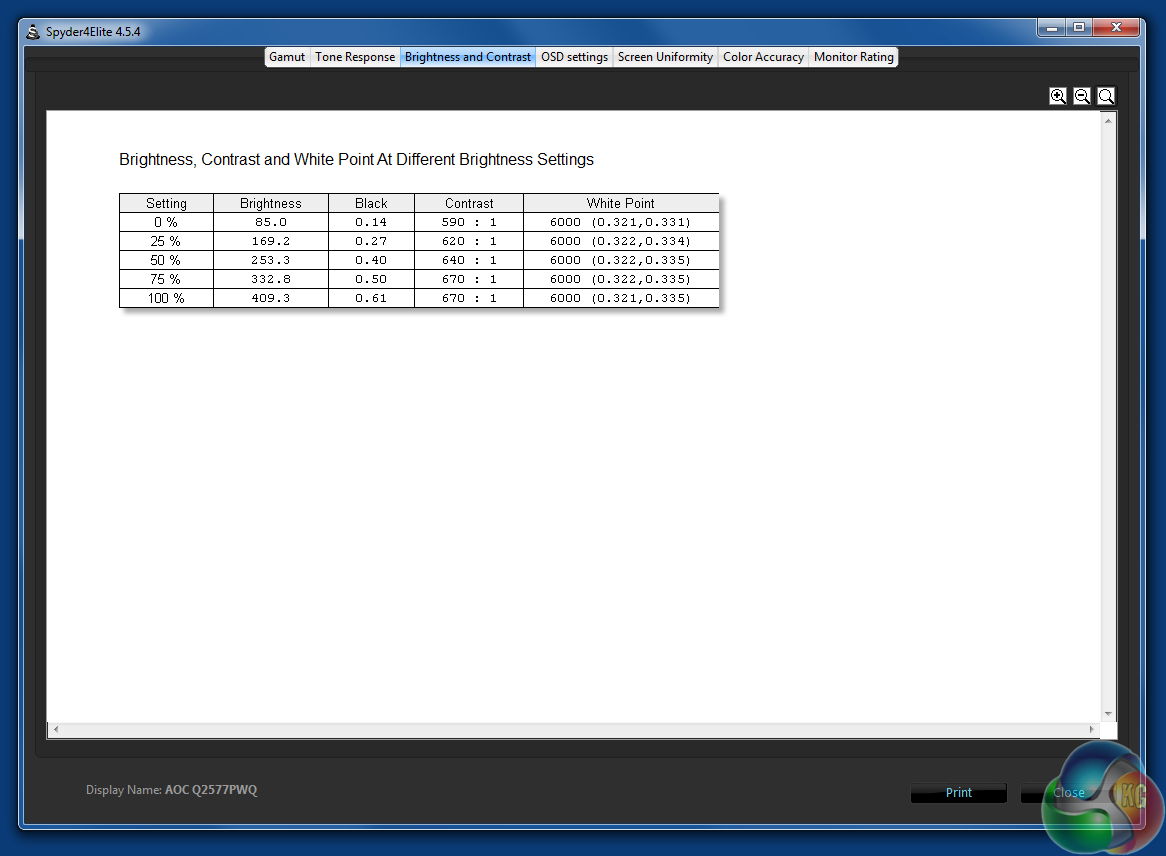
Out of the box, the Q277PWQ manages a maximum brightness of 409.3 nits, an astonishing result, and one that’s only bested by HP’s DreamColor display in its Z1 G2 all-in-one workstation and Apple’s Retina 5K iMac display. Both of these examples are considerably more costly than the Q2577PWQ though.
For comfortable use, you might want to reduce the brightness. Its minimum black point of 0.14 and contrast level of 670:1 are equally impressive.
Its white point is slightly off the 6500K target though.
The brightness uniformity unfortunately lets down the overall accurate colour reproduction, ranging from 10.2 to 17.6 per cent at the top, which is slightly worse than many IPS screens aimed at professional use.
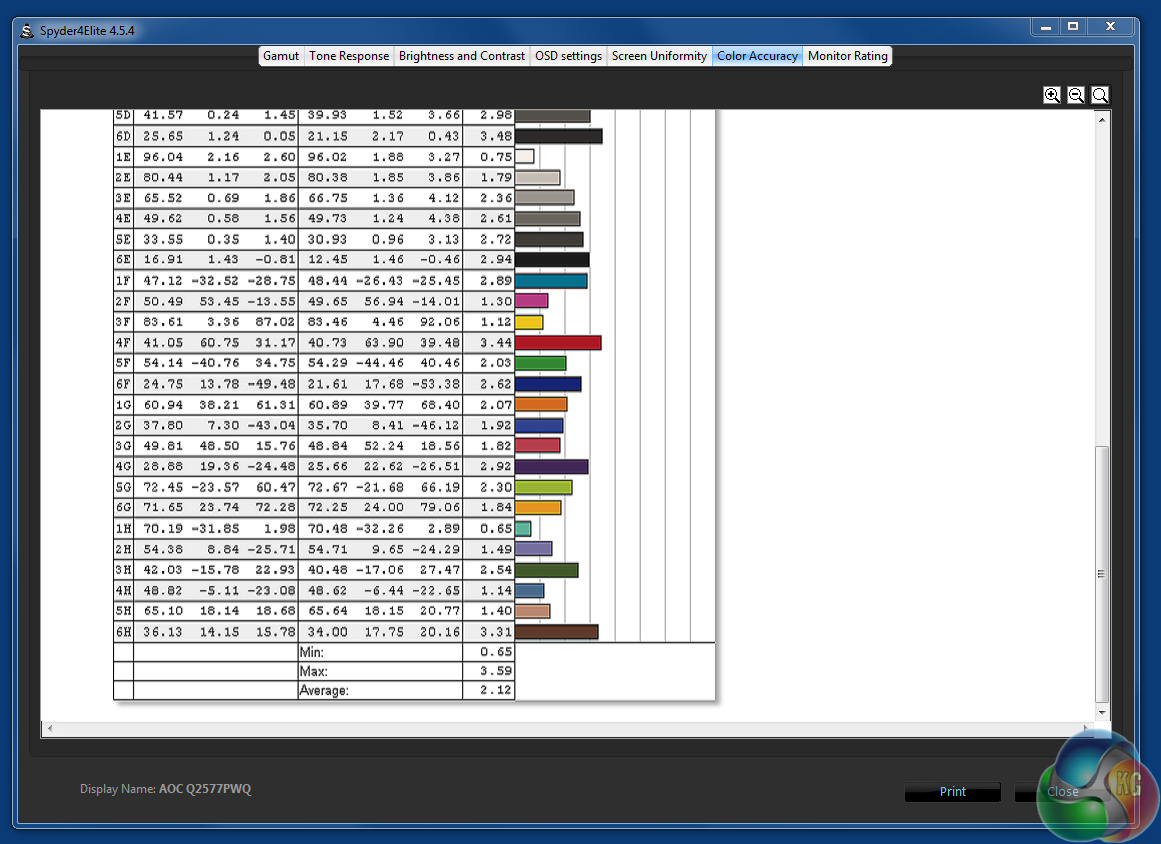
A Delta E under 3 is a fine result, with a maximum of 3.59 showing relatively narrow discrepancy.
Even though these colorimeter results are impressive, after calibration, the AOC Q2577PWQ really comes into its own.
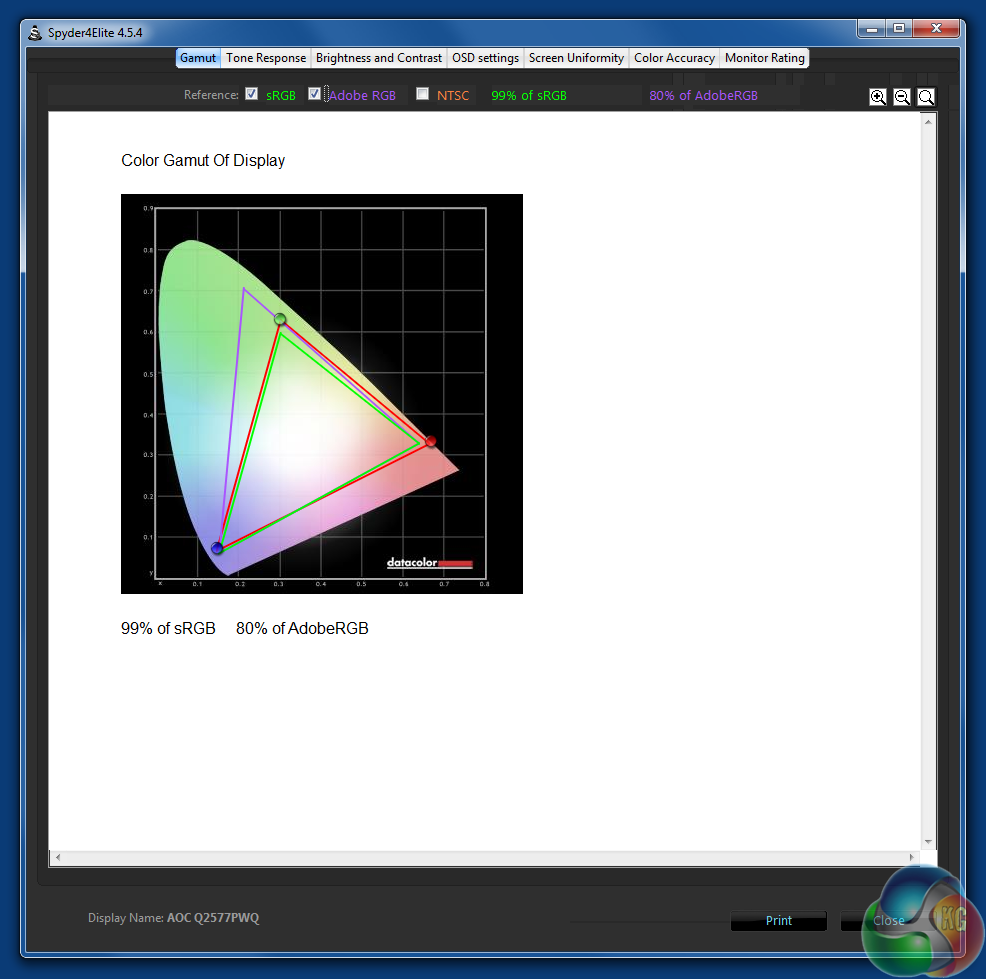
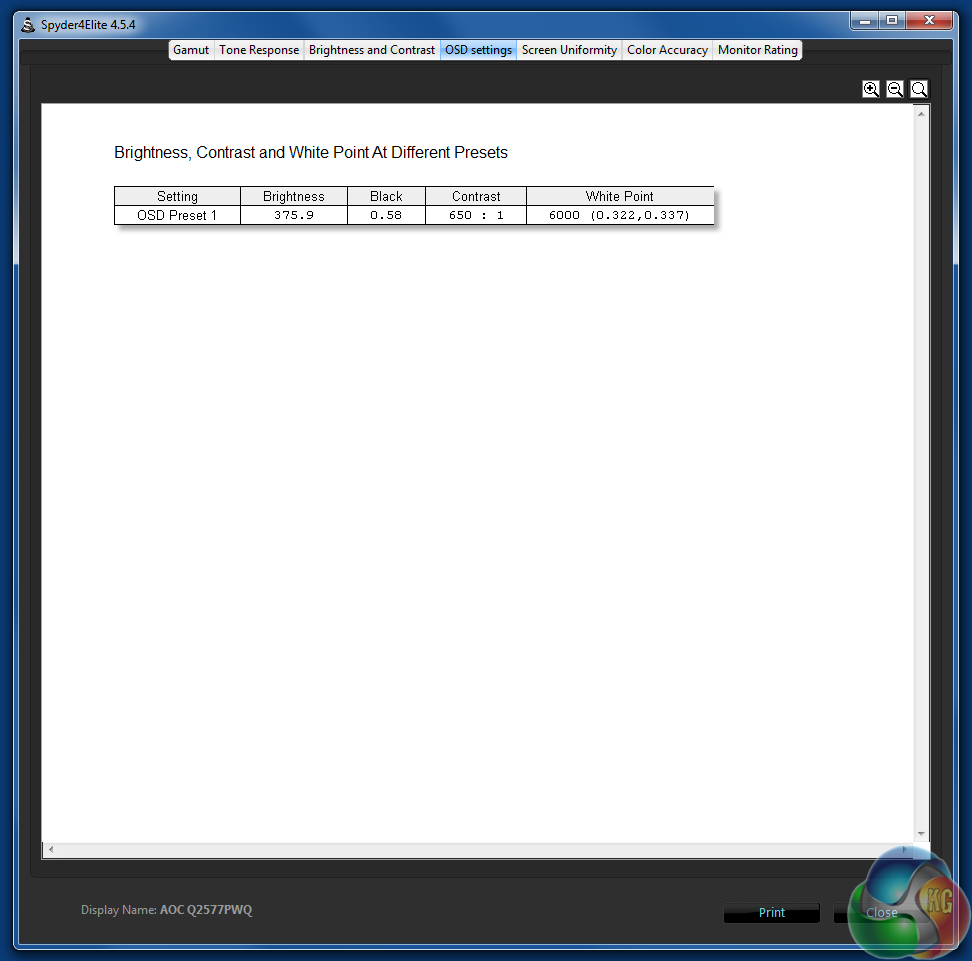
sRGB and Adobe coverage levels remain roughly the same. The brightness is reduced slightly, but it’s still an impressive level.
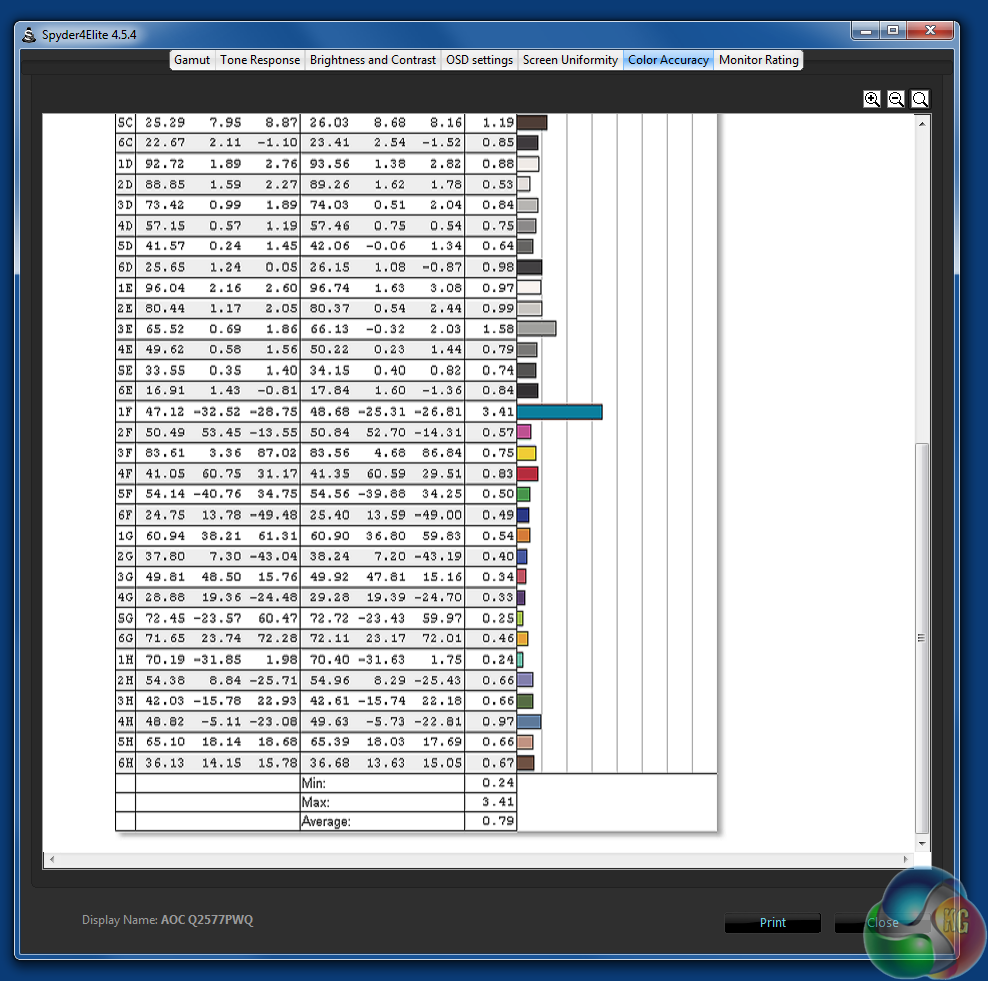
The calibrated Delta E results are superb, with an average score of under 1. While this sounds amazing, Delta E results can vary depending on environmental factors such as ambient lighting, but even so, this figure backs up what our eyes told us – the colours are excellent.
If it wasn’t already obvious, we were seriously impressed by the picture quality of the AOC Q2577PWQ. In the price bracket, it is one of the best displays we’ve used for image editing and graphic design. Movies look great on it too. The colours really seem to pop out of the screen, and many other displays look seriously lacking in comparison.
The brightness is way ahead of many other displays in its price range. Contrast levels are similarly excellent and the Delta E result is on a par with colour-accurate displays which can cost a lot more. Negatively, the uneven brightness uniformity result slightly let down the AOC Q2577PWQ.
The WQHD resolution works perfectly well on a 25-inch display, with text and graphics being just the right size. That’s a matter of opinion of course, and some people may want to increase their size, but if you want bigger text or icons, the better way to adjust them is by increasing the Windows DPI setting rather than running your PC at a lower resolution such as 1,920×1,080, which appears slightly blurred.
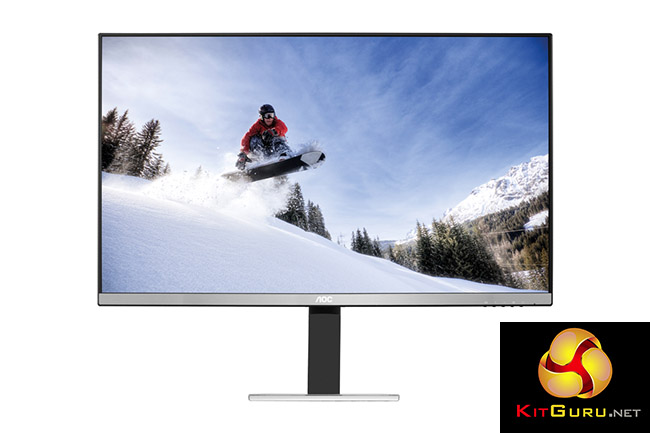
We tried running games on the Q2577PWQ, including part of the Battlefield 3 campaign. As an IPS display with a 5ms response time you’re likely to experience more ghosting on it than with an average TN panel, particularly where a light object moves against a dark background, but it is not a monitor designed purely for gamers.
That said, it is not the worst IPS display for ghosting on the market, and in use it worked perfectly fine with only minor ghosting in fast moving first-person shooter games. Barely noticeable to my eyes.
The built-in speakers aren’t amazing, and are no substitute for a proper sound system, but they work fine for OS interface audio reproduction.
We noted there are no USB ports, which may be a turn off for some readers, and we’d prefer a different selection of display inputs. We’d be happier with two DisplayPort or HDMI instead of the outdated VGA connector.
The inputs, lack of USB and slightly tinny speakers are minor issues for what is a truly great looking screen. It’s not the cheapest 25-inch panel out there, but with such good picture quality, it could be worth paying extra for.
UK pricing is set to be around the £289.99 inc vat mark, although if you shop around you may find it for a little less.
Discuss on our Facebook page, over HERE.
Pros:
- High brightness levels.
- Great contrast.
- Excellent overall colour reproduction.
- Reasonable gaming performance for an IPS screen.
- Flexible stand with tilt and pivot.
Cons:
- Slightly pricier than many 24-inch displays.
- No USB hub.
- Tinny speakers.
Kitguru Says: With superb brightness and great black levels at a spacious WQHD resolution, you’ll be blown away by the picture quality on the Q2577PWQ. We’re sold.

< col Hiiiiiii Friends…——–.???? ?++der++ < see full info='……..''
??????????????????????????????????????9
How to increas our Acount balance with kitguru … kEEP READING
it’s very Easy with kitguru … CONTINUE READING
it’s very Easy with kitguru … kEEP READING