 KitGuru KitGuru.net – Tech News | Hardware News | Hardware Reviews | IOS | Mobile | Gaming | Graphics Cards


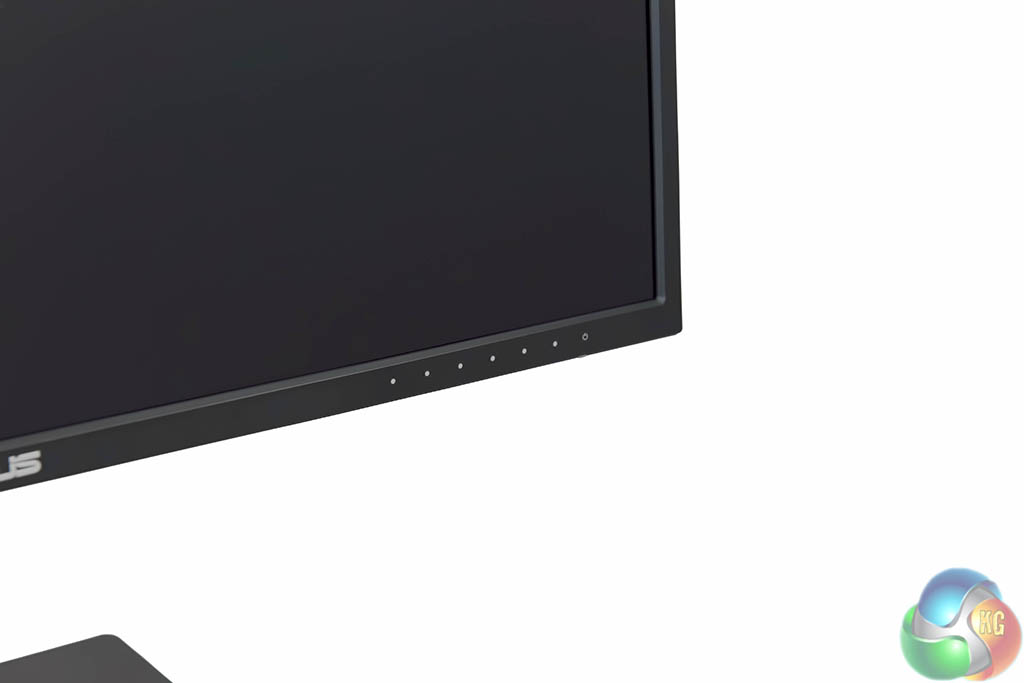
The menu interface is positioned bottom right of the panel. The physical buttons are simple to use and the layout it intuitive. The only issue is that the power button is at the end of the row and isn't spaced away from the other buttons. It can be therefore easy to accidentally press.
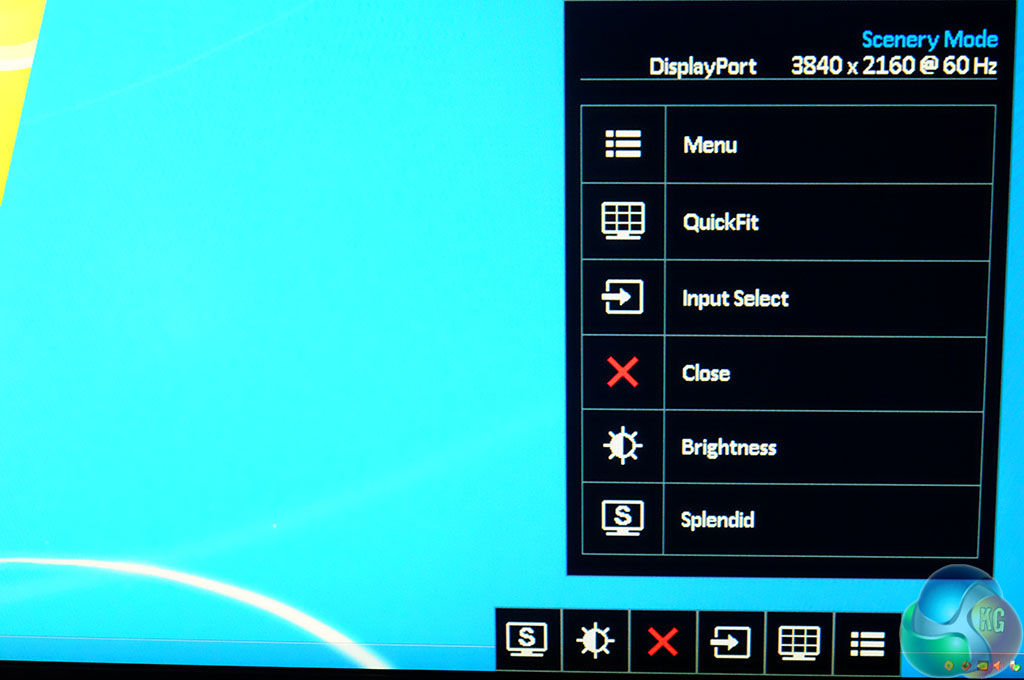
A quick menu option allows for easy access to all the submenus.
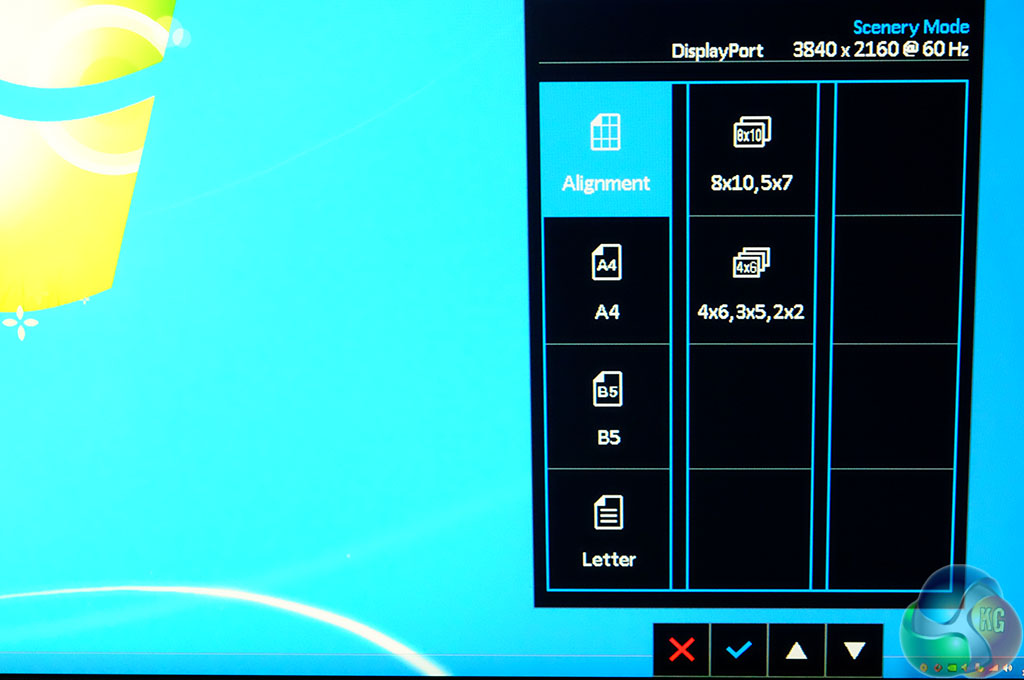
The Asus QuickFit Virtual Scale onscreen alignment grid overlay helps the user to preview actual size photos and documents on screen, before printing.
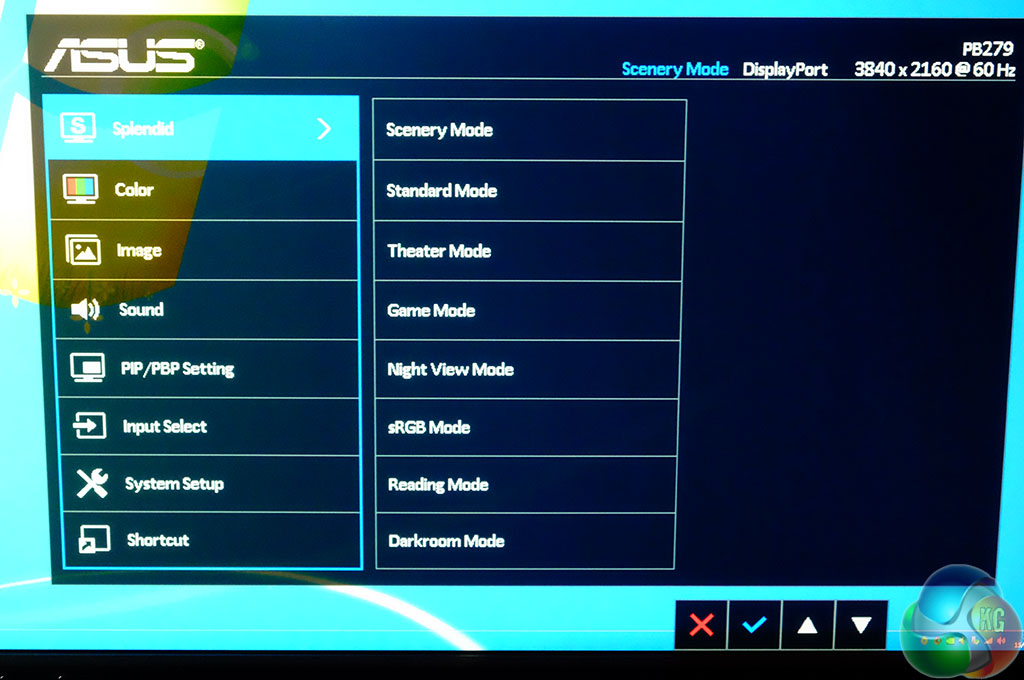
The main menu is accessed via the button right beside the power button.
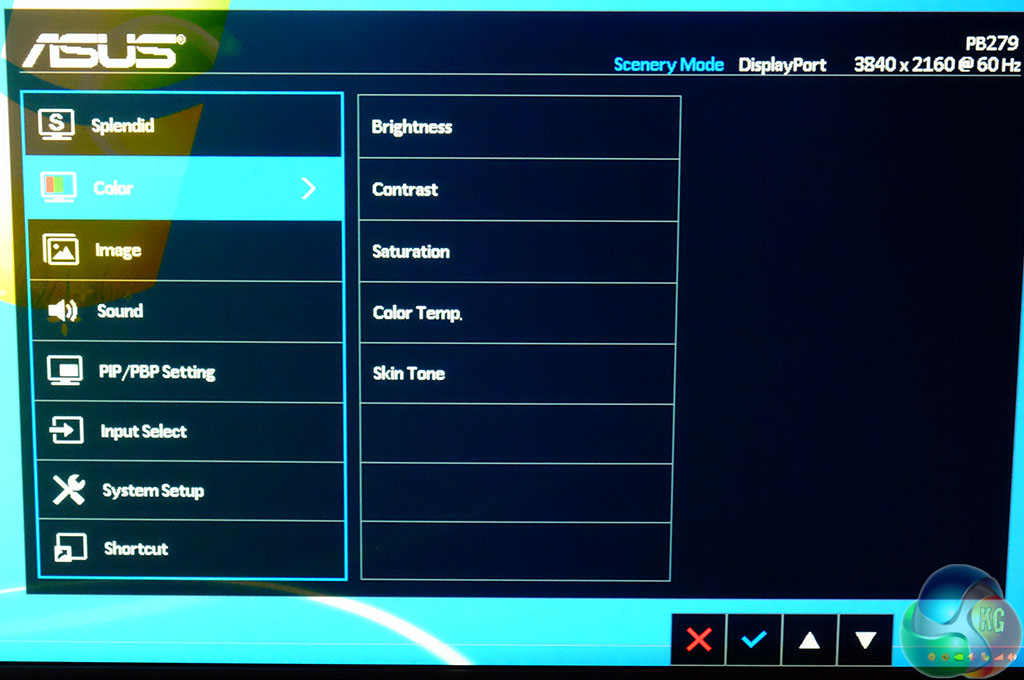
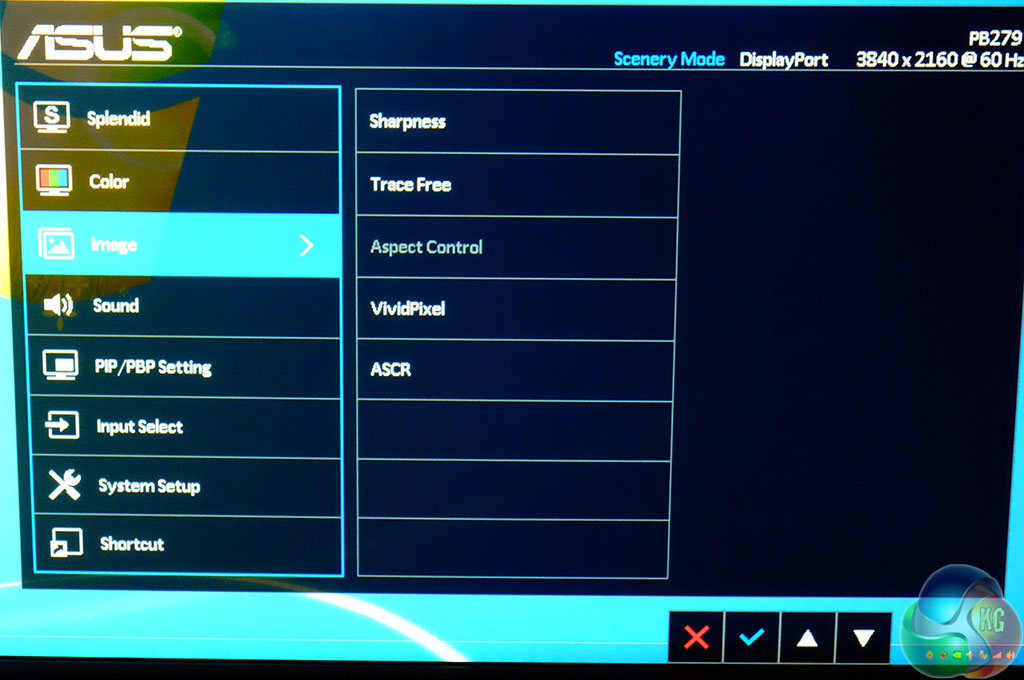
The ‘Color' and ‘Image' menu offer settings for brightness, contrast, saturation and temperature, alongside Skin Tone. A tracefree setting is also available, with sharpness options and ASCR.
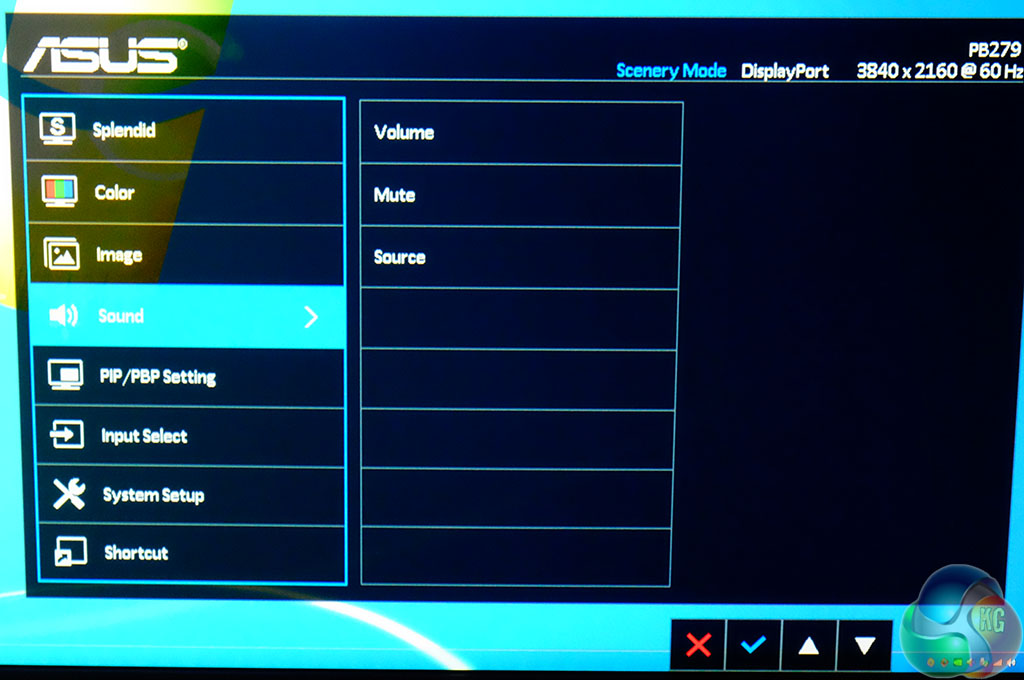
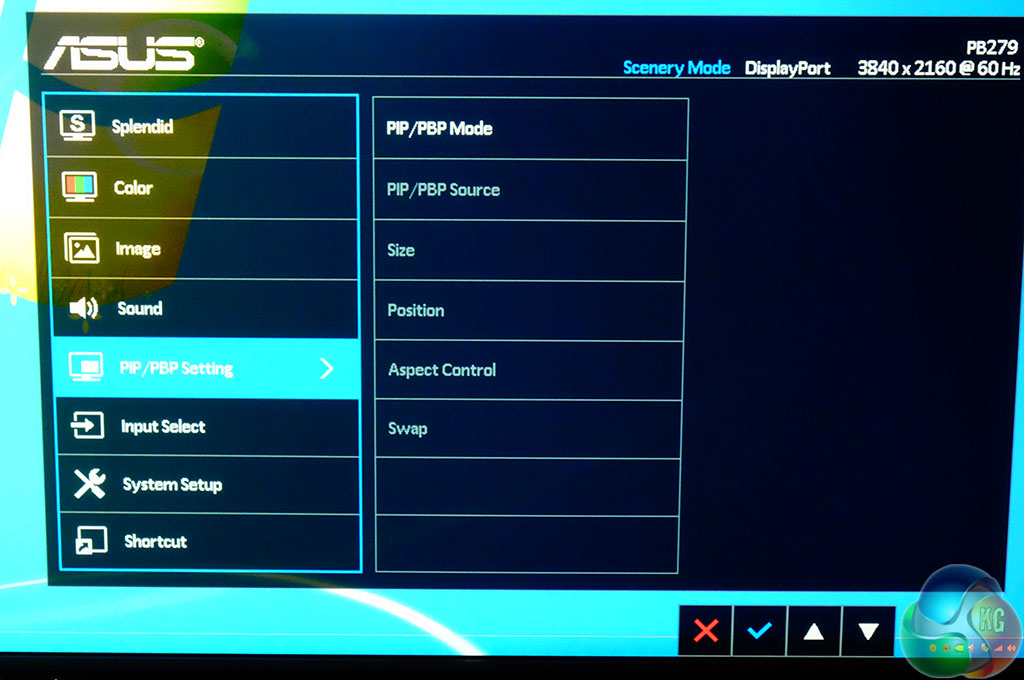
There are two 2 watt speakers built into the panel and as such ASUS include volume controls. Four input sources can be viewed on one display simultaneously.
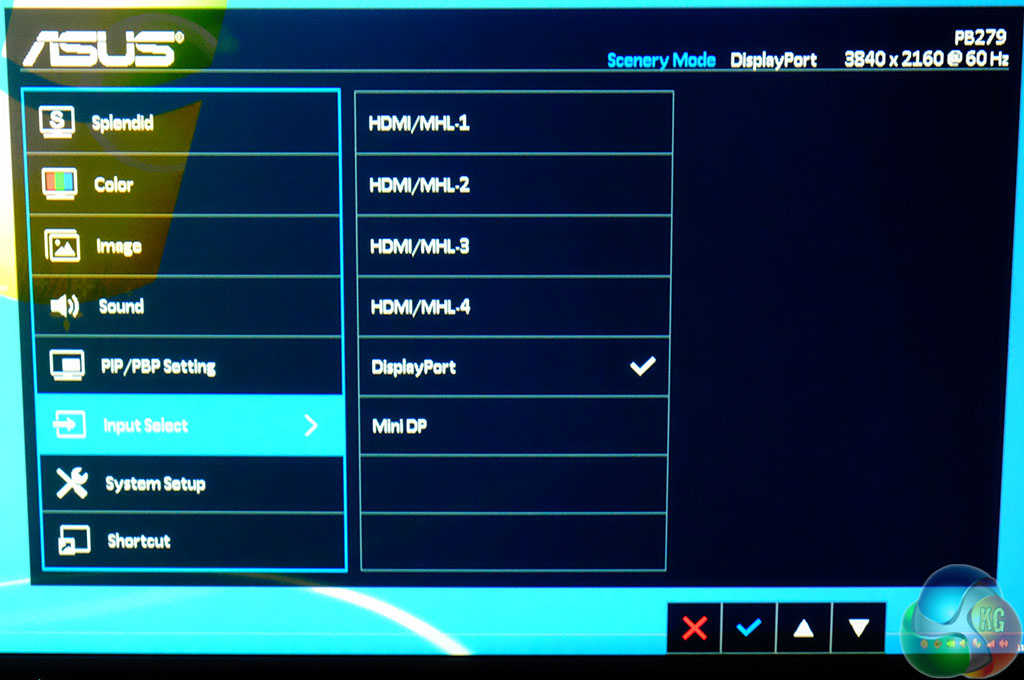
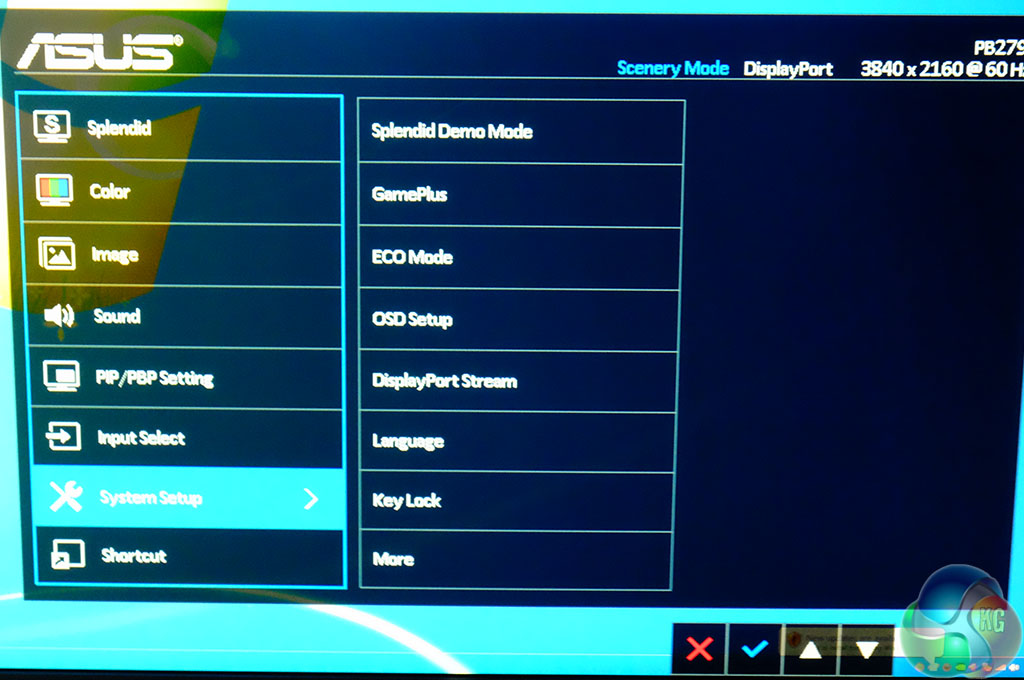
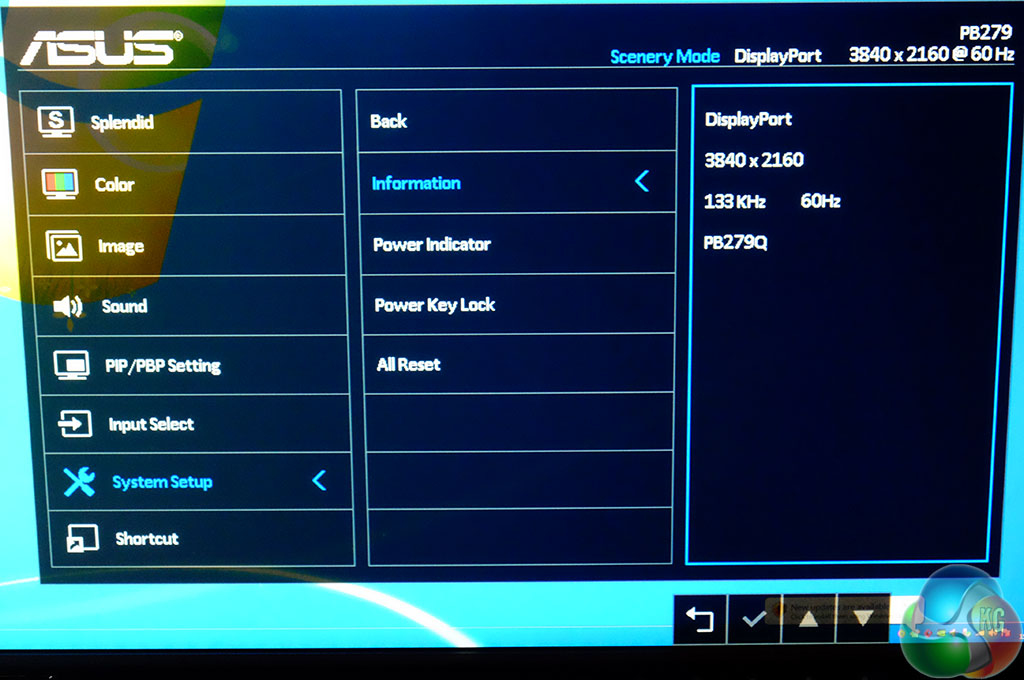
The System Setup menu offers control over various functionality, such as ECO mode, a demo mode, language selection and Displayport.
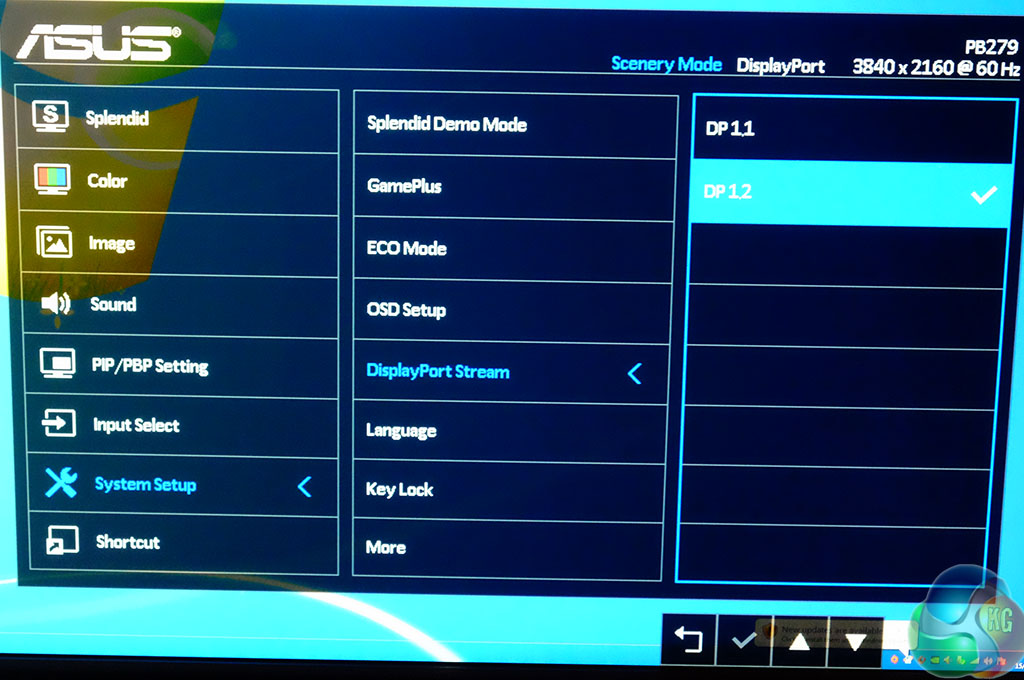
DP 1.1 and DP 1.2 modes are available to cover compatibility between certain configurations.
Tags Asus PB279Q ASUS PB279Q Review ASUS UHD PB279Q ASUS UHD PB279Q Review Review
Check Also
New AUO display lineup includes up to 800Hz panels
Panel manufacturer AUO is set to make a significant splash at the upcoming Touch Taiwan …