 KitGuru KitGuru.net – Tech News | Hardware News | Hardware Reviews | IOS | Mobile | Gaming | Graphics Cards


Surround sound has been the oft-under-appreciated holy grail of home theatre and gaming set ups for well over a decade. Traditionally this was something you could only achieve with speakers, but today, headsets are more than up to the task. However, splashing out on a fully realised 7.1 headset with that many drivers in it is certainly expensive, which is why a lot of headset makers offer software alternatives that provide a virtual surround experience at a fraction of the cost.
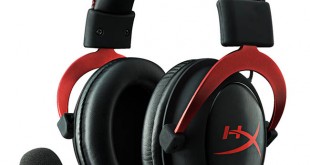
That is what Kingston has done with its latest rendition of our Headset of the Year 2014 winner, the HyperX Cloud. This one features the same memory foam cushions and metal-frame under the skin, but packs its own USB sound card and virtual 7.1 surround sound. Can it win me over quite like the original? Let us find out.
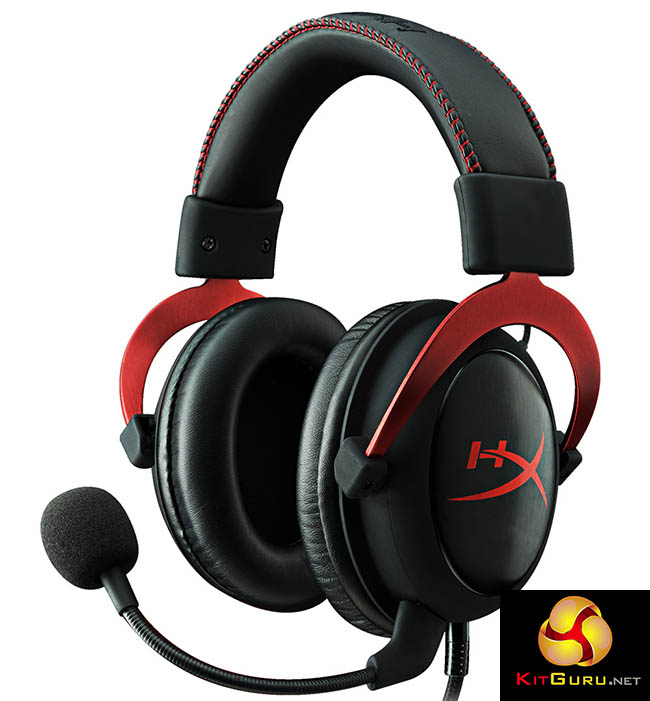
- Advanced USB audio control box with built-in DSP sound card.
- Hi-Fi capable with 53mm drivers for supreme audio quality.
- Hardware-driven virtual 7.1 surround sound.
- Comfortable, 100% memory foam on headband and leatherette cushions.
- Pro-Gaming optimized with closed cup design for passive noise cancellation.
- Compatible – USB connectivity for PC & Mac. Stereo compatible with PS4, Xbox One1 and mobile.
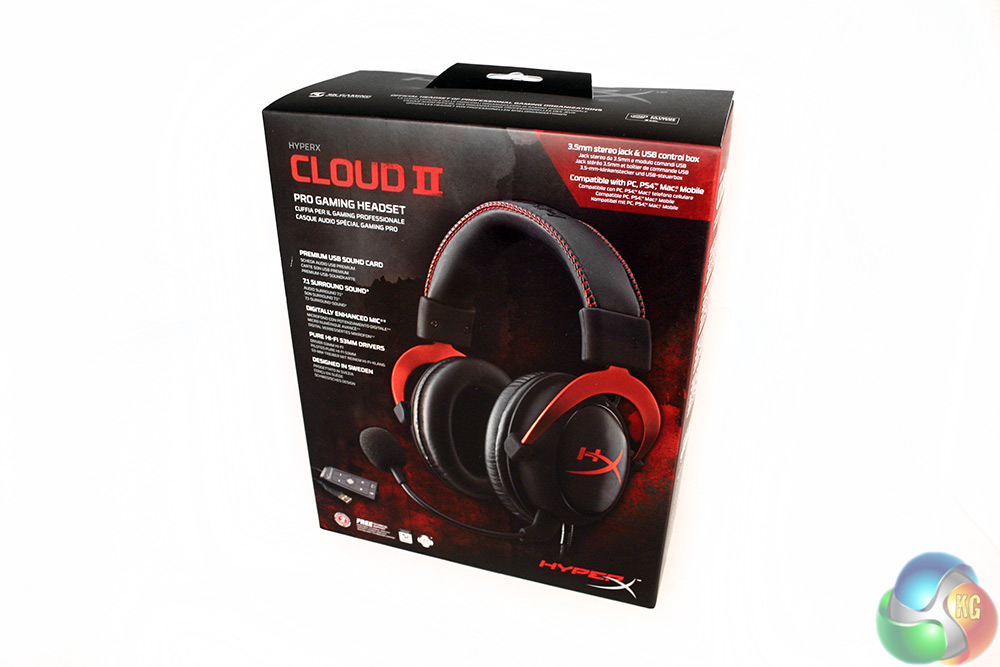
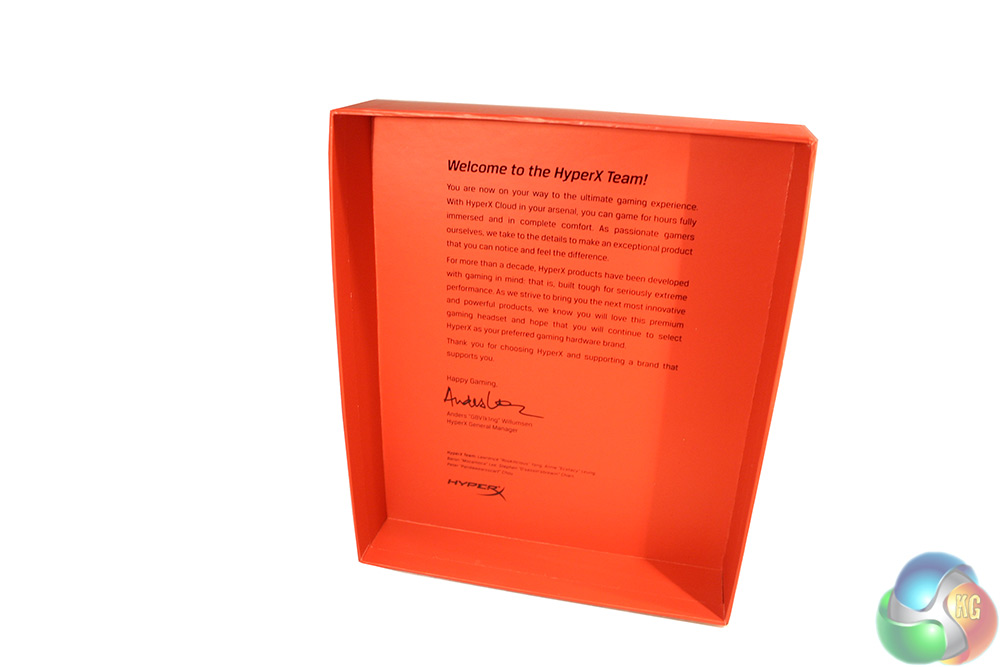
The packaging for the Kingston HyperX Cloud II is a very high quality and is surprisingly large too.
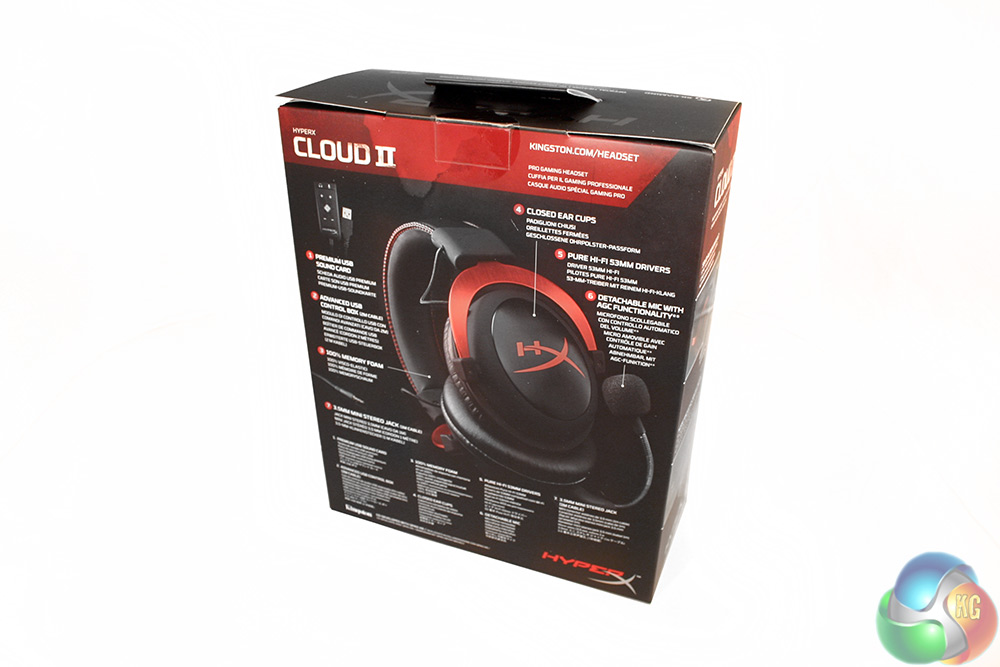
The sides, back and front all break down different features of the headset, including its virtual surround sound, noise cancelling microphone and the fact that you can swap out the earcup cushions if you prefer a fabric over leatherette.
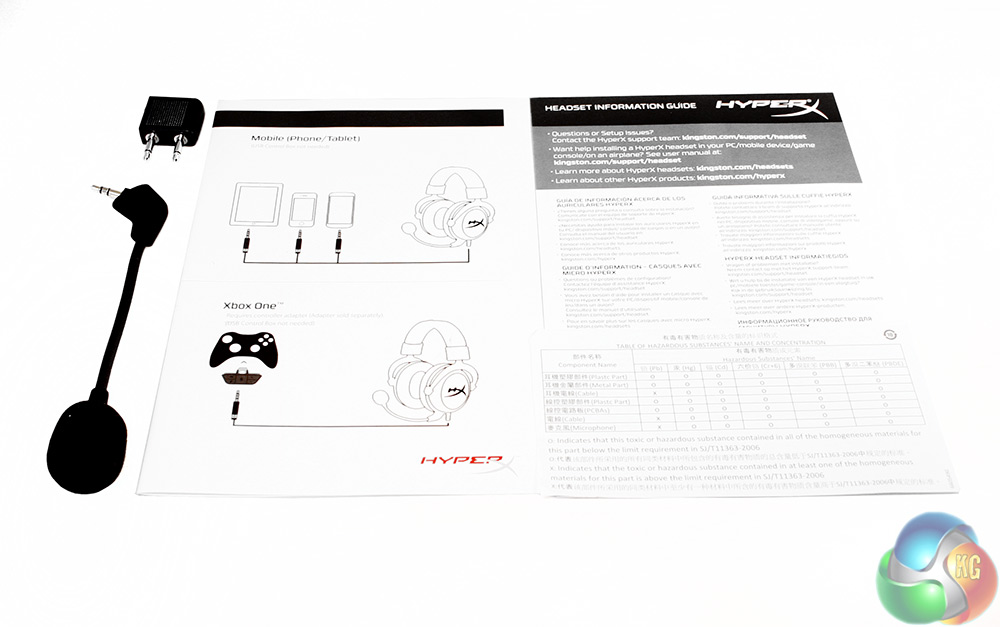
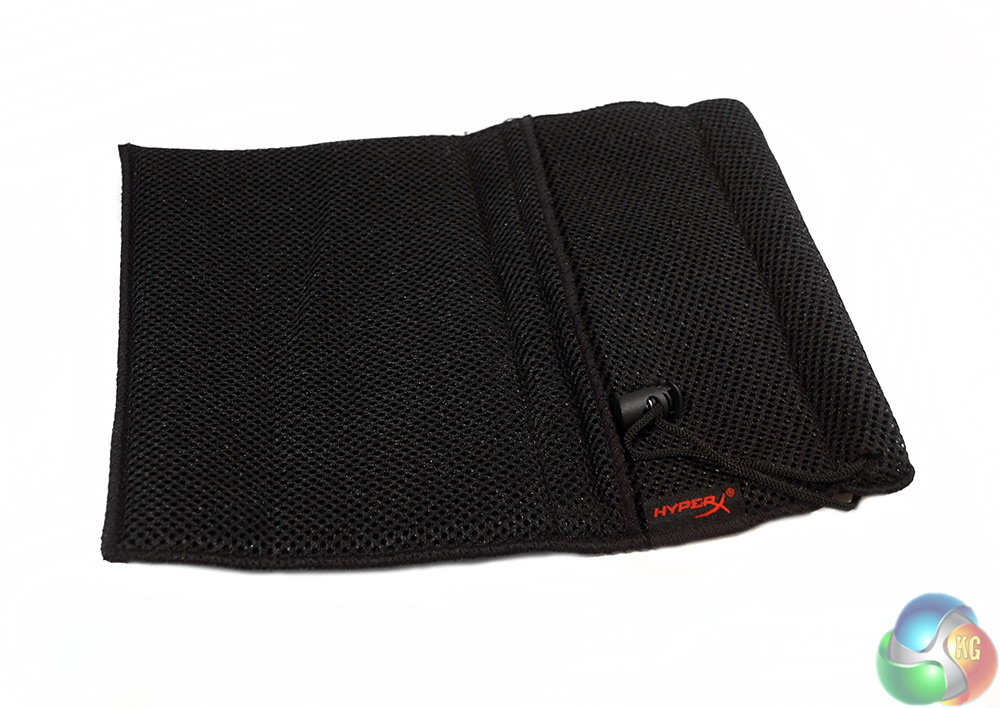
There are quite a few little extras with the Cloud II headset, including the set up and warranty leaflets. There is the flexible boom mic and a two pronged audio splitter, as well as a fabric carry case with draw string and side pocket for accessories.
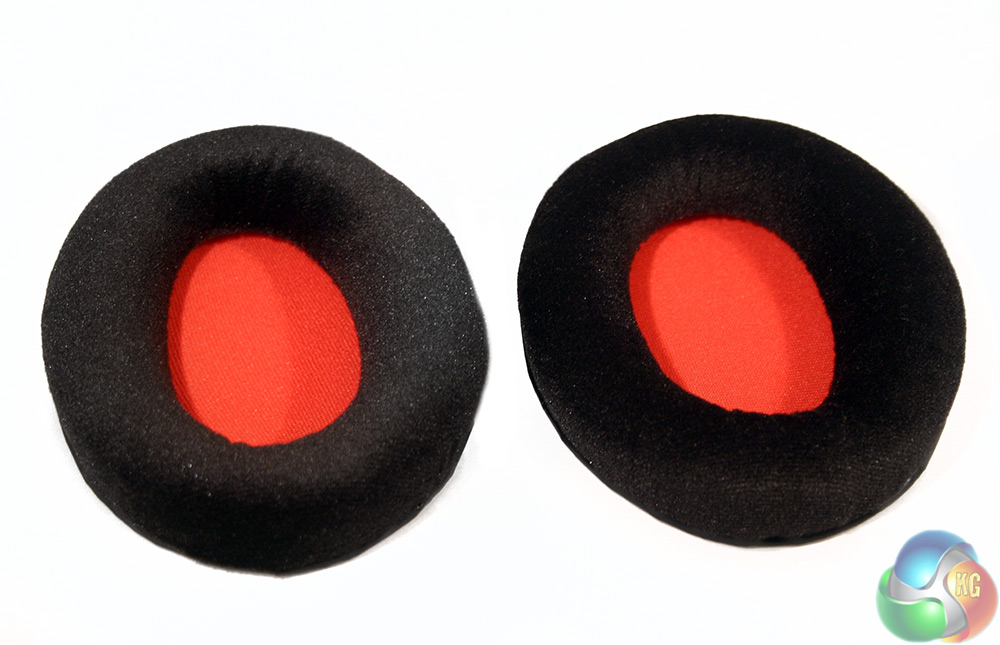
And to top it off, there is a pair of replacement velour earcup pads, giving you the option between fabric and leatherette.
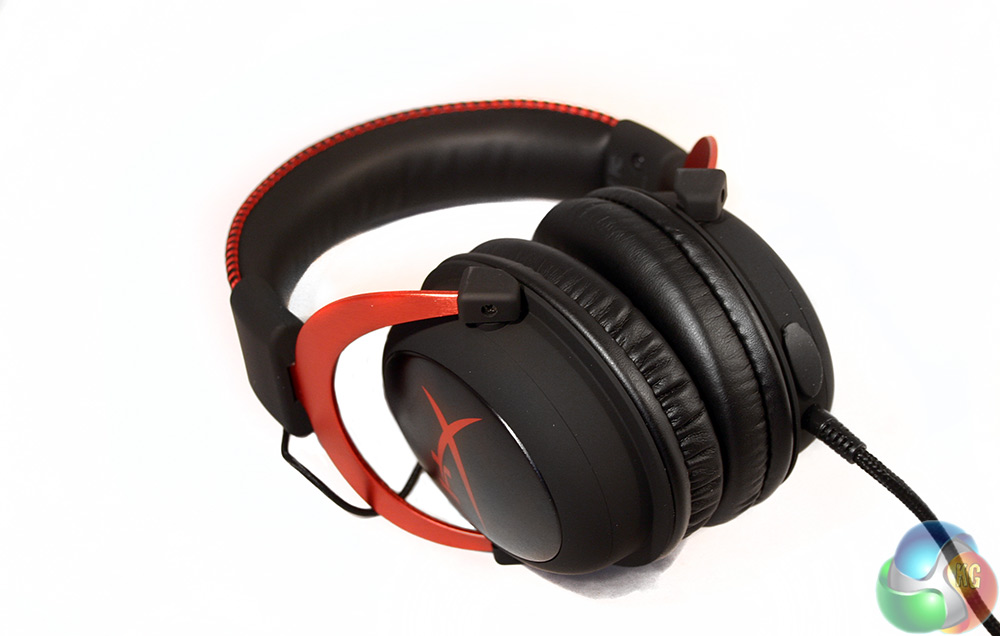
The Kingston HyperX Cloud II headset is almost identical to the one we reviewed last year. This one does not come in my favourite white and black combination, but there is always hope that Kingston will release that variant down the road.
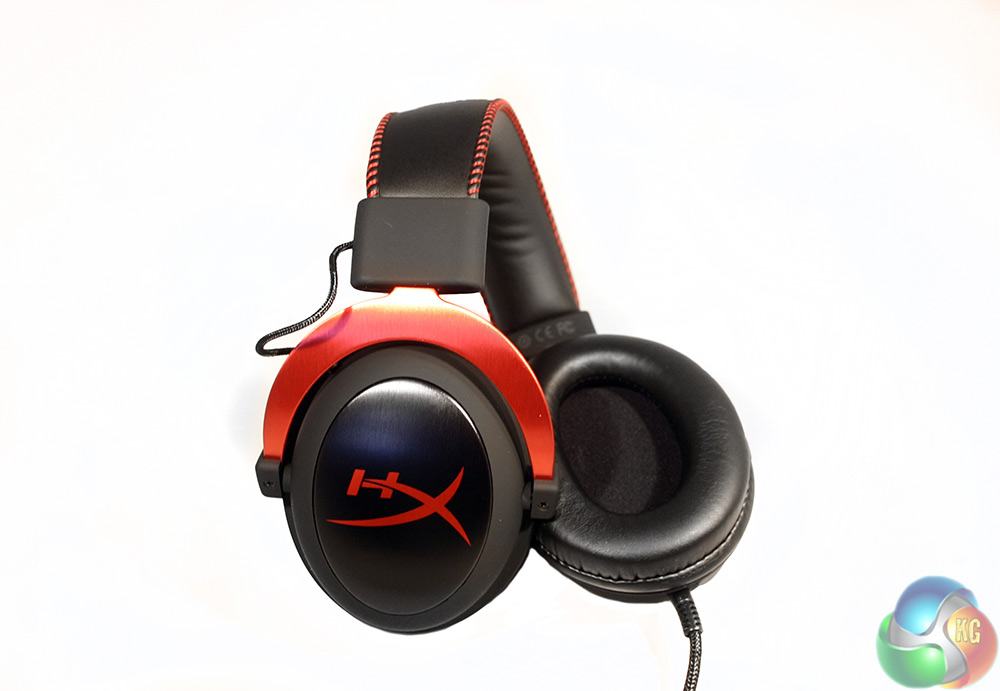
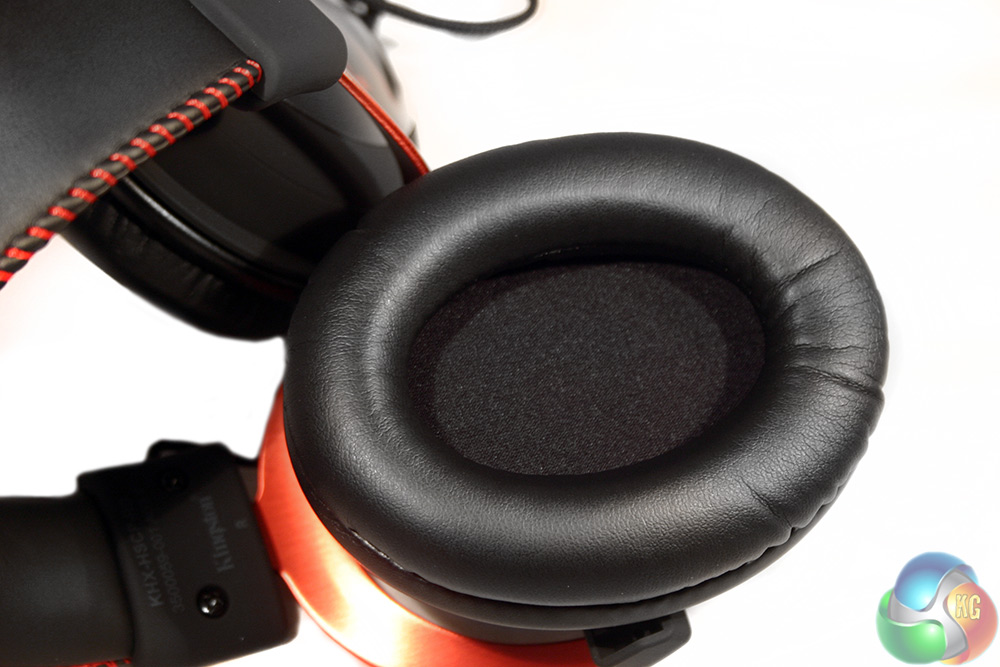
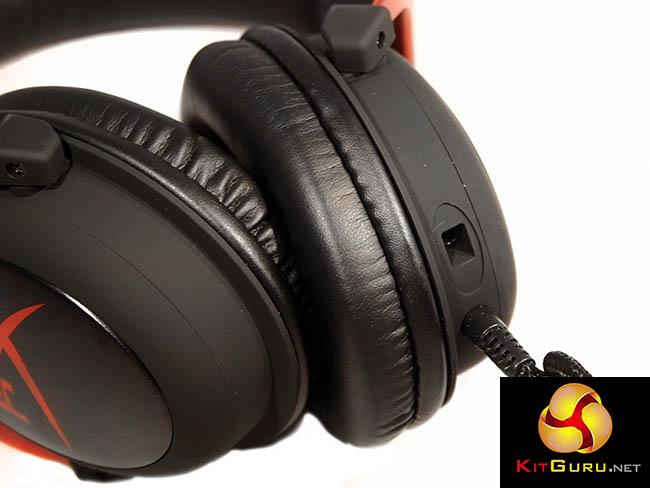
It does however feature the same anodized aluminium frame, which in this instance is a rich – almost Christmassy – red. The rest of the earcups are a silicon coated, matt black plastic with an aluminium centre featuring the HyperX logo.
The inside of the earcups are cushioned by memory foam with (at stock) a leatherette coating, though you can replace this with the included velour option if you prefer.
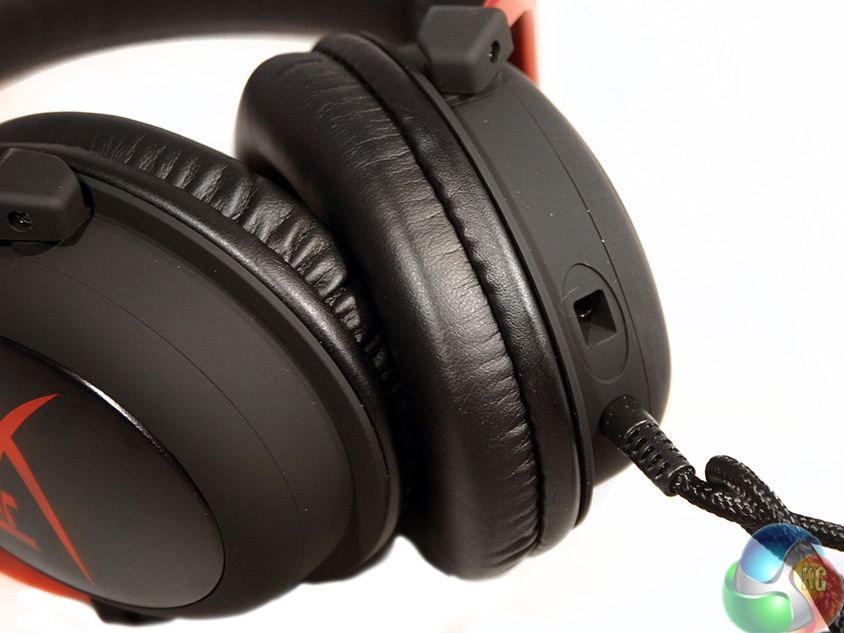
The microphone jack is located on the left hand side of the headset, the same as the data cable. It comes with a little rubber plug that keeps it from getting dusty when not in use and has a bespoke connector to prevent you plugging in something that is not applicable. However internally, it does use a standard two thread, 3.5mm connector.
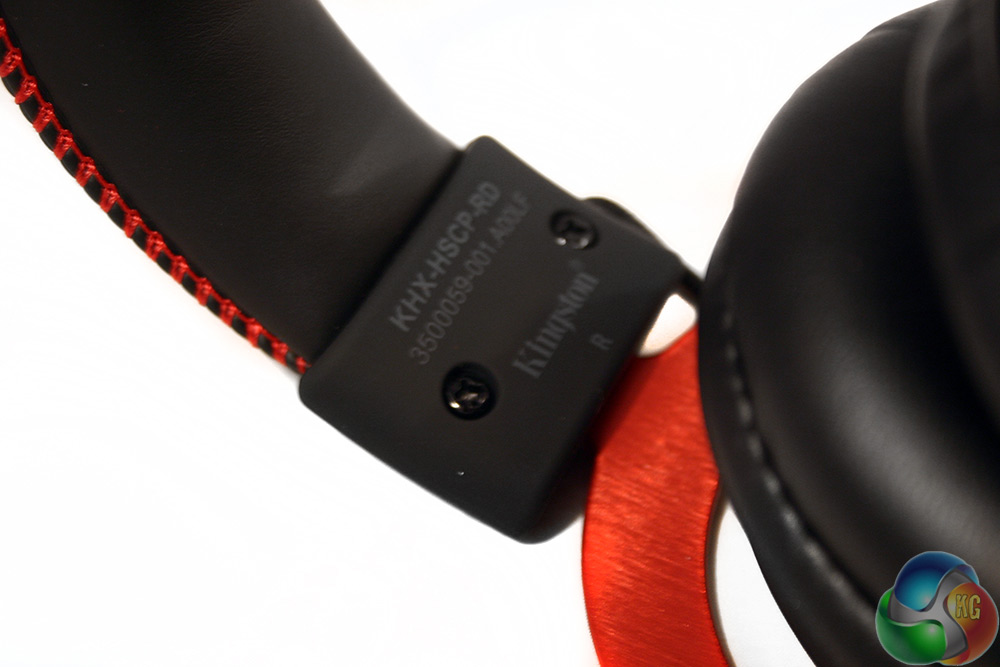
If you are unsure which way around the headset goes, there are little indicators on the base of the headband on each side to let you know. The band itself can be extended about two inches on each side for those with larger heads.
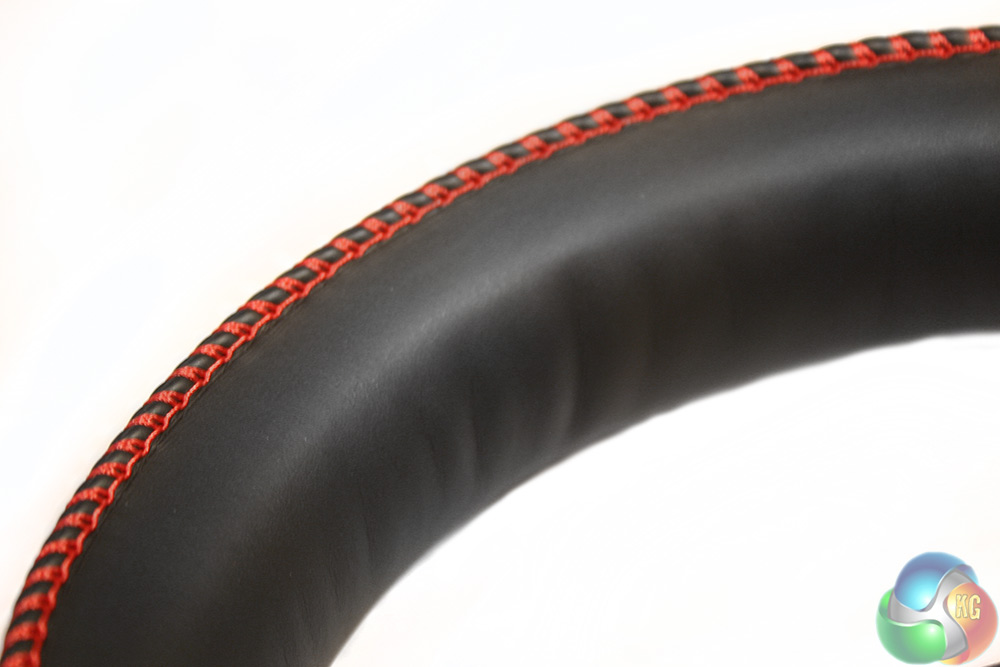
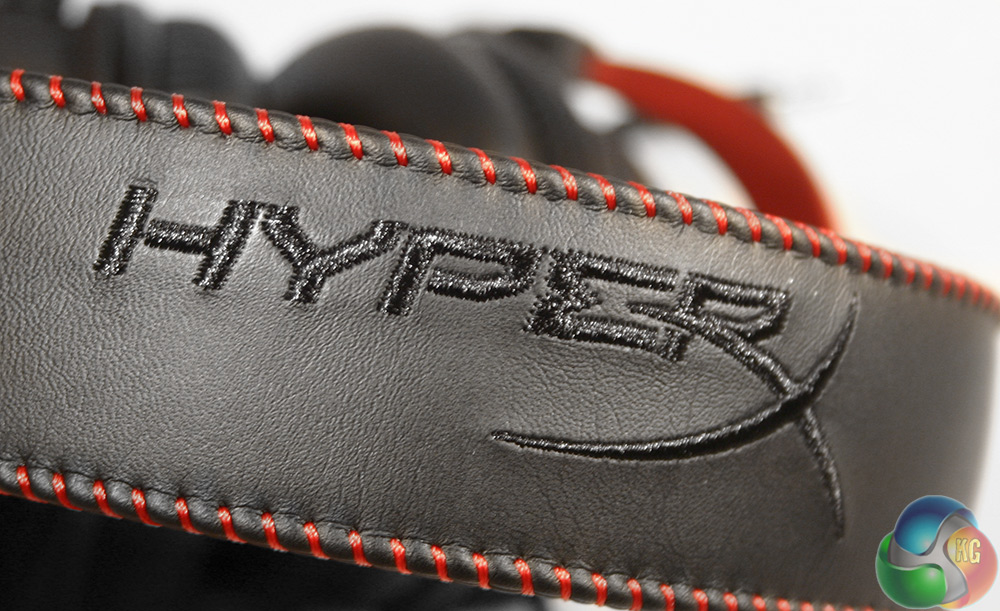
The headband uses the same memory foam and leatherette cushioning as the standard earcups and has a red stitching along the edge which gives it a real quality feel. The HyperX logo is similarly stitched into the top to the same standard.

While the headset's default connector is a short, 3.5mm braided cable, making it compatible with smartphones, the Xbox One, PS4 and (the non-advertised Wii U), if connecting to your Windows PC or Mac, you will want to plug it into the 7.1 amplifier, which comes with its own little volume control for the microphone and headphones and ends in a gold-plated USB connector.
To test this headset, I used it for over a week as our main audio device, using it to listen to lots of different music, watched a few different key movie scenes and of course, played a lot of games with it. During those multiple hour usage sessions, I took into consideration not only the audio quality, but its ability to deliver surround sound and its comfort.
Throughout the week-long test of the Kingston Cloud II gaming headset, I tried a lot of different genres of games, including fast paced action titles with plenty of explosions and bullets flying over my head (and invariably into my body as I was gunned down by superior players) and much more atmospheric, slower paced games. When it comes to the bigger and more bombastic titles, the Cloud II does a great job of conveying that you are in the thick of it, without ever feeling muddied and with a loss of clarity.
In standard stereo mode, the sound is punchy, with plenty of volume to spare for those that like to give their ear drums a pummeling. However, the 7.1 mode (enabled by pressing the button on the volume control) really stands out as giving you a fuller sound. When everything is kicking off and the enemy is advancing on your position guns blazing, you get a good general sense of where things are coming from.
However, take yourself into a more subtle game – something like Alien: Isolation, which as well as being terrifying also has brilliant audio, and it is a lot better. The skitters and screeches of the Xenomorph as it hunts you are incredibly haunting in the standard stereo mode, but switching into the software enabled 7.1 mode adds a whole new dimension.
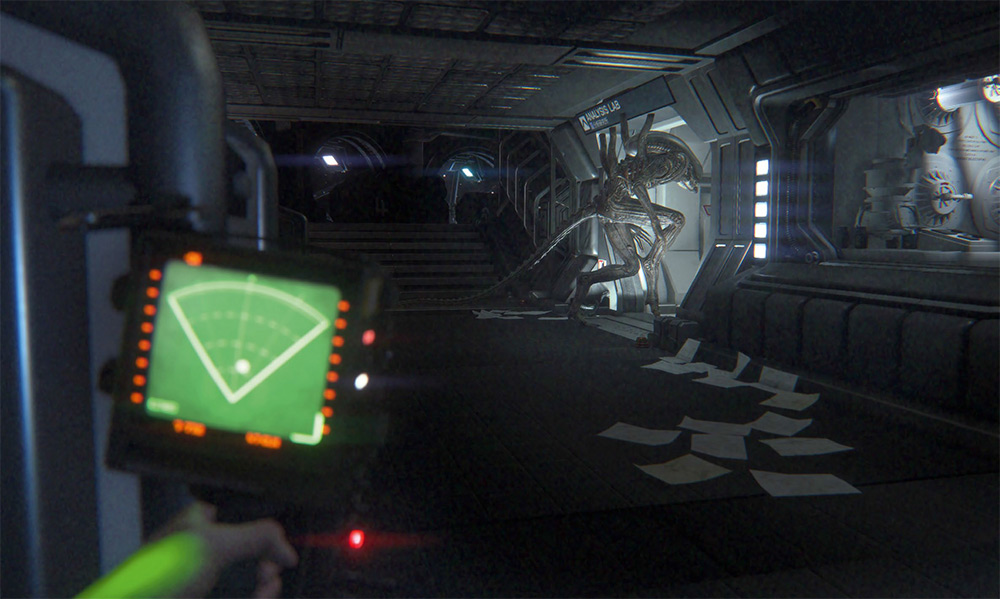
The only thing scarier than this, is if you turn around and just listen
While not quite as nuanced as true 5.1 and 7.1 headsets are in terms of accurately placing sounds, your brain absolutely ‘knows' that something is behind you when the Xenomorph starts stomping towards your position. Similarly so, you get a good feel for where something is when it's slightly behind and to the left or right. That said, its not perfect, but this is not a £150+ headset – it's £75, making it a great middle-ground surround-sound headset for gaming.
Funnily enough though, the 7.1 setting can actually pump up music as well. While purists will probably still prefer the standard 2.0 stereo mode, I quite enjoyed the fuller-sound effect that you get from enabling the mode, much like you would get from some of the ‘3d-environment' settings available via some sound-cards.
In terms of this headset's musical performance overall, I am impressed. It holds up throughout the frequency range, producing clear and crisp high notes while also getting dirty at the low and hitting you with some pretty thumpy bass too.
Vocals in particular come through very nicely and there is more than enough volume for everyone. This is not a headset that leaves you feeling let down in that respect.
Movies, unsurprisingly are very enjoyable with the headset. Real movie buffs will likely want to stick to surround sound speaker set ups for a better representation of 360 degree audio, but for those looking for an affordable solution that will also act as a great gaming headset, this should do the job.
Microphone clarity rates highly and you can expect your voice to come through loud and clear on VOIP software. The noise cancelling on this headset was not quite as good as on some others I have tested, with noise nearby clearly audible. However anything beyond a couple of metres away was nice and quiet, so you could easily play in comfort with someone else watching TV in the room with you without it affecting what your friends on TeamSpeak can hear.
Although for the most part this headset stands out as a strong performer, where it really shines is comfort. The memory foam/leatherette padding on the Kingston Cloud II is fantastic. I have worn it for hours at a time with no discomfort whatsoever and no ear-overheating, which is impressive considering the over-the-ear-style that the earcups employ. On top of that, the fact that it uses a metallic frame rather than a plastic one means there is no creaking when you move your head around, making this headset perfect for Oculus Rift gaming.
When testing this headset with my smartphone to make sure it was as compatible as the box art suggests, I encountered a problem where it would not connect. Fortunately, it turns out that in that instance simply plugging in the microphone to the headset made it work perfectly.
I asked Kingston a little about what compatibility for mobile handsets was like with the Cloud II and was told the following:
“Kingston's headsets will work with most mobile devices using the 3.5 mm headset jack. Headsets that have separate speaker and microphone jacks will require the included Y-splitter cable. There are two headset audio jack standards, Cellular Telecommunications Industry Association (CTIA) and Open Mobile Terminal Platform (OMTP). Our headsets use a CTIA standard connector which will work with the majority of mobile devices. Some mobile devices use the OMTP connector standard, if your mobile device uses an OMTP standard connector, you may experience connection issues. You can purchase a third party adapter cable to use the headset with an OMTP device.”
My only real (minor) complaint with the Kingston Cloud II headset was that I do not understand why the audio cable is on the left hand side. As far as I know, most gamers have their PC on the right, which means that the cable will be crossing their body. Thanks to the braiding on the cable, this can mean there is some noise as it drags across your clothing. It is not something that crops up a lot, but I would prefer that the cable be located on the right earphone instead of the left.
Being able to remove the cable entirely for transport would be nice too.
The Kingston HyperX Cloud II gaming headset is one of my all time favourites and I have only been using it for just over a week. It has excellent sound quality in a number of different scenarios and it is easily one of the most comfortable I have ever worn.
None of this is too surprising since I enjoyed using the original Kingston Cloud headset so much and this is merely a revamped version of that with 7.1 software support and its own hardware soundcard. That means that you get the same levels of ultra comfort over long periods, the same impressive music playing abilities throughout the frequency spectrum and the same punchy audio in games and movies.
The 7.1 system is not perfect and I would suggest those looking for a ‘real' surround sound experience save up and get themselves a headset with the correct number of drivers, but for a middle ground solution the Kingston Cloud II does an excellent imitation of surround sound audio that can add a whole new element to your gaming.
It is not quite as good as the real deal, but it is good enough for most gamers, especially if it is their first taste of surround sound.
Over all, Kingston has done a bang up job with its new Cloud II gaming headset and I have no problem recommending it to everyone, especially since it can be found for just a few pounds more than its stereo-only brother. However, if you do find yourself not wanting to stretch to this new version, I can still heartily recommend the original – especially in that more fetching white/black combination.

The Kingston HyperX Cloud II gaming headset is currently available via Overclockers UK for £74.99 inc vat.
Discuss on our Facebook page over HERE.
Pros
- Gaming audio is fantastic. Although imperfect, 7.1 setting adds new dimension to gameplay.
- Metal frame means no creaking, making it great for Oculus Rift gaming.
- Great for music too.
- Plenty of volume.
- Microphone clarity is excellent.
- Supremely comfortable over multi-hour periods.
- Although not advertised, works perfectly with the Wii U Gamepad.
Cons
- Virtual surround sound is not as good as the real deal.
- Audio cable should be on the right.
- Noise cancelling microphone is not perfect.
KitGuru Says: Kingston's newly revamped Cloud II headset does not change the formula much, but that is a good thing. The surround features add a new element to an already stellar product without bumping the price up too much.

Don’t agree with a con being that the connection should be on the right. That is completely down to the preference of the user. For me, having it on the left is more convenient as it is not dragged across my body.
Always the error with the “7.1 virtual” isn’t as good. Yes it is in headphones.
Headphones with several speakers are ALWAYS crap and useless. They cannot separate the sound properly and in fact end up worse.
Virtual dolby headphone is far superior. It provides perfect 360 degree sound field with no gaps. So I don’t know what this person is talking about, either he never listened to it or set it up wrong. It’s SO annoying.
This is the umpteenth time I have found a review praising this headset, went by all of the overwhelming positivity. Can someone tell me why no one has mentioned a lot of the day 1 headaches with the usb dongle causing the sound to pop and crackle?