KitGuru KitGuru.net – Tech News | Hardware News | Hardware Reviews | IOS | Mobile | Gaming | Graphics Cards


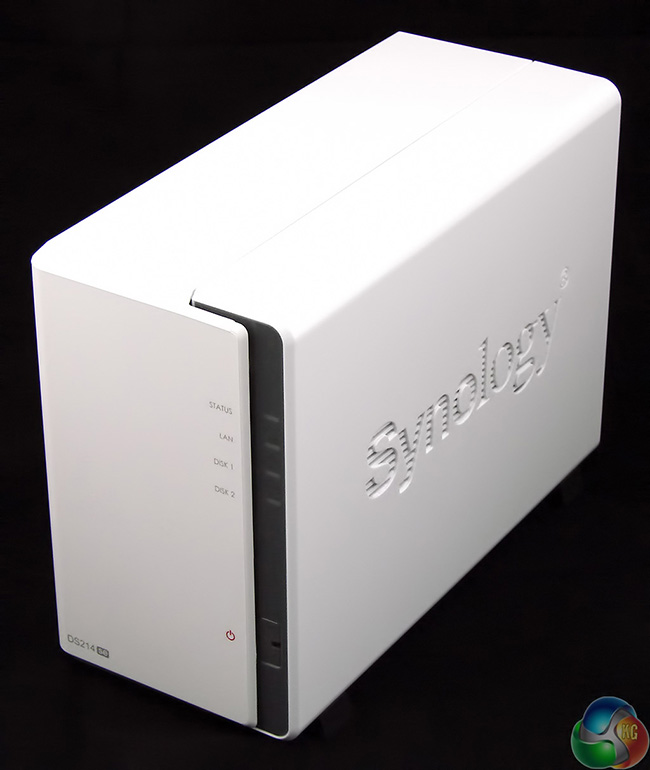
Synology offers a massive array of NAS (Network Attached Storage) devices in pretty much any permutation that you might imagine. There are DiskStations for the home and office and RackStations for the server environment. You can have between one and 106 drive bays (with expansion units), a choice of Gigabit and 10Gbe Ethernet, Wi-Fi and a host of processors that range from an ARM Marvell to an x86 Intel Core i3.
The only constant, apart from Synology's excellent software, is a price tag that is steep enough to sting. The average punter is likely to look at the price and then switch their attention to budget options such as the WD My Book Live Duo.
It seems long overdue for Synology to unveil the DS214se, which is a budget two-bay NAS. You know the form with Synology model codes; DS stands for DiskStation, 2 is the number of drive bays, 14 is the model year 2014 and the ‘se' suffix is new. Previously we have seen + for performance and j for entry level consumer however ‘se' gave me a pang of nostalgia as many years ago I owned a Yamaha XV750SE motorcycle. Where the SE suffix stood for Special Edition. In practice the Yamaha wasn't very special, unless you like chromed plastic, hence its deserved nickname Hardley-Davidson.
So imagine my disappointment when I learned that the DS214se is not housed in a chromed casing but instead is a budget model of DiskStation. In this instance the ‘SE' suffix stands for ‘single-role edition' which is another way of saying ‘suitable for light duties.'
Highlighted features:
- 102MB/sec Reading
- 58MB/sec Writing
- DLNA-Certified Media Server
- 19W Low Power Consumption
- Hassle-free System Installation
- Running on Synology DiskStation Manager (DSM)
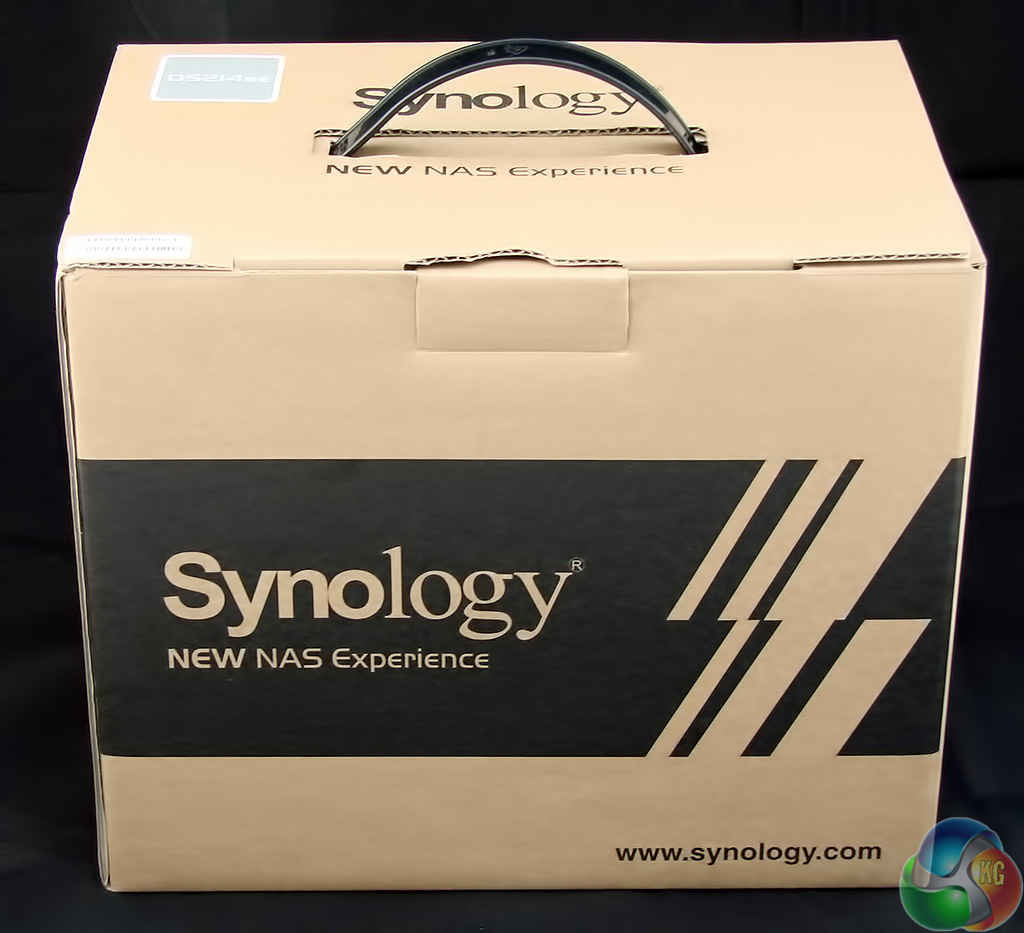
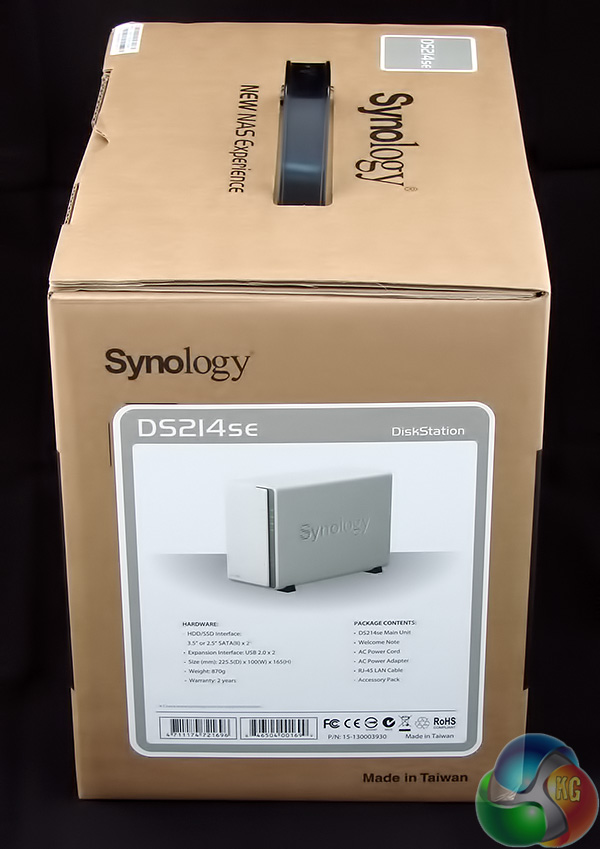
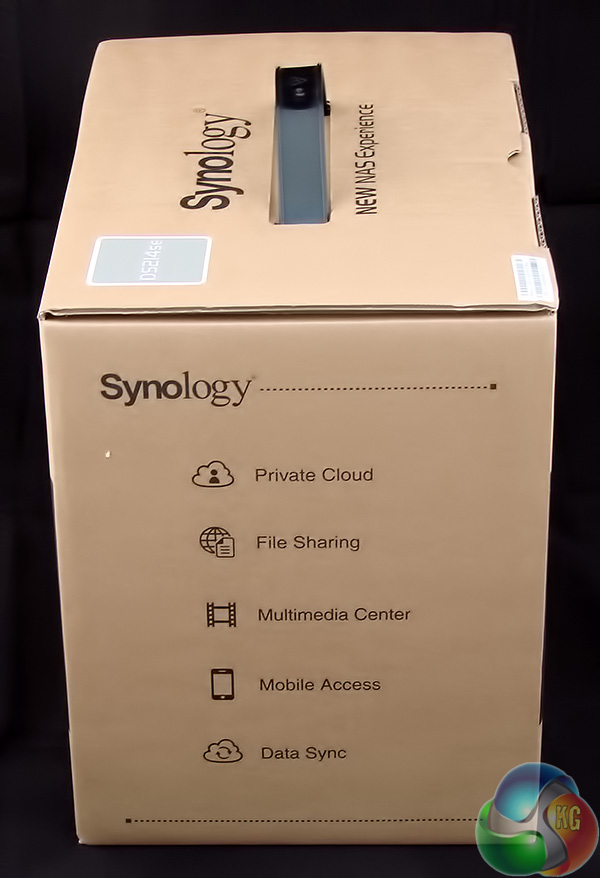
The packaging of the DS214se looks like a basic brown cardboard box however this is a cosmetic exercise, presumably to reinforce the no frills image.
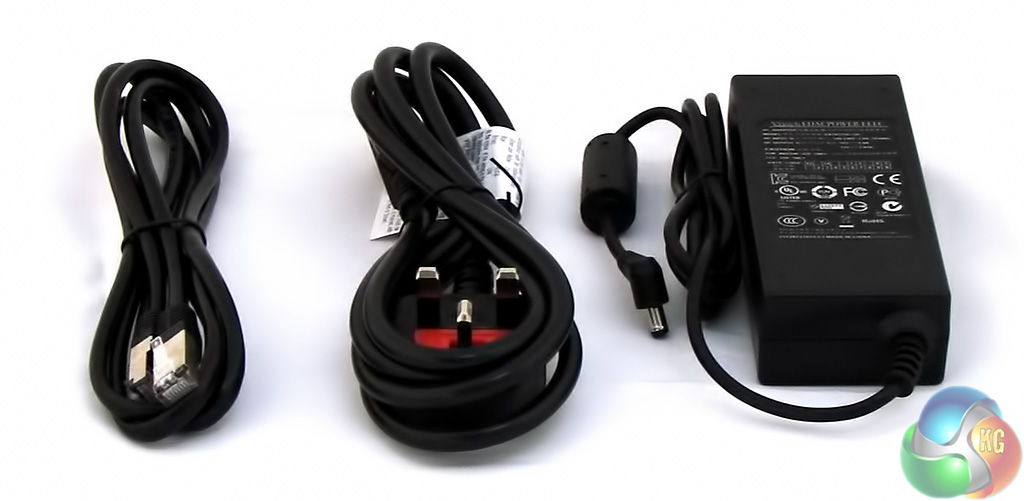
Inside the box you get the usual Synology package of power supply, country specific power cord, and an Ethernet cable.
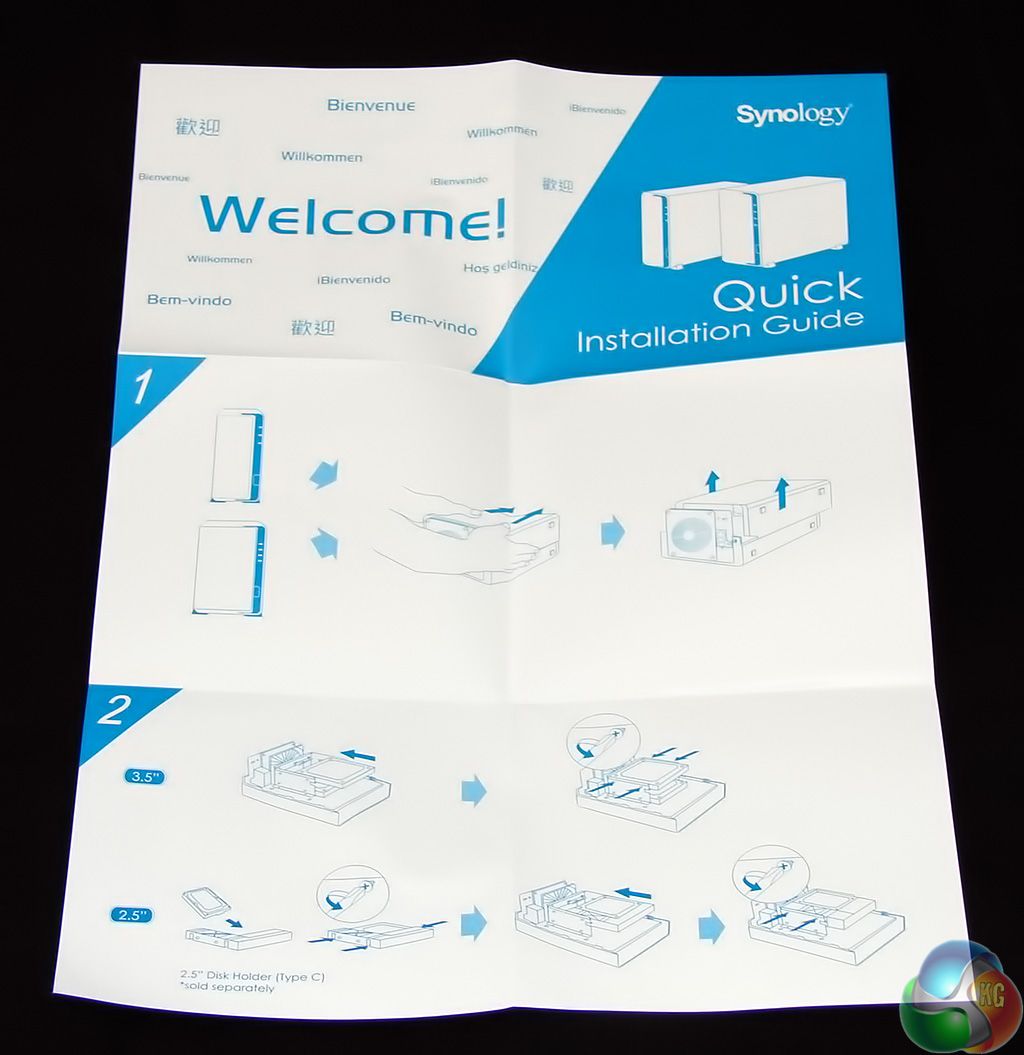
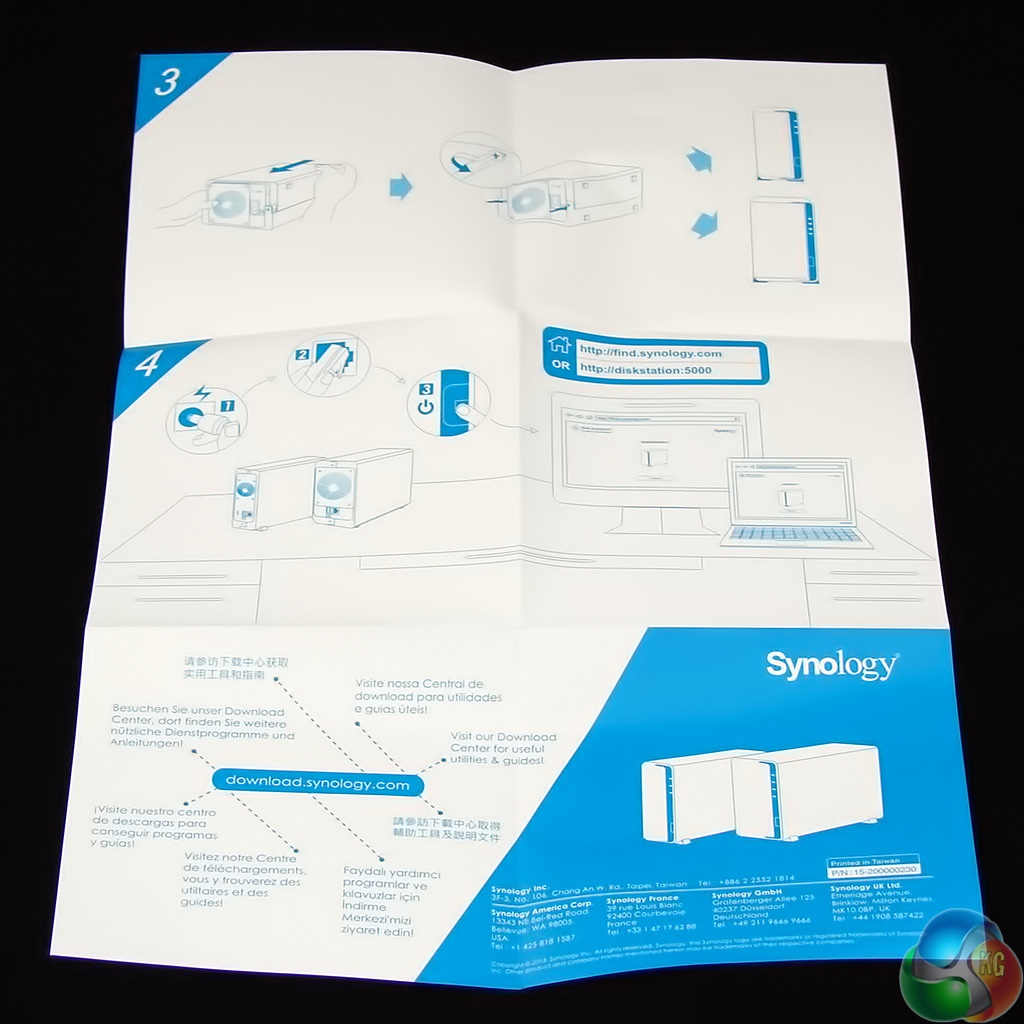
You also get a quick installation guide which is necessary as Synology alters its approach to drive installation with different models.
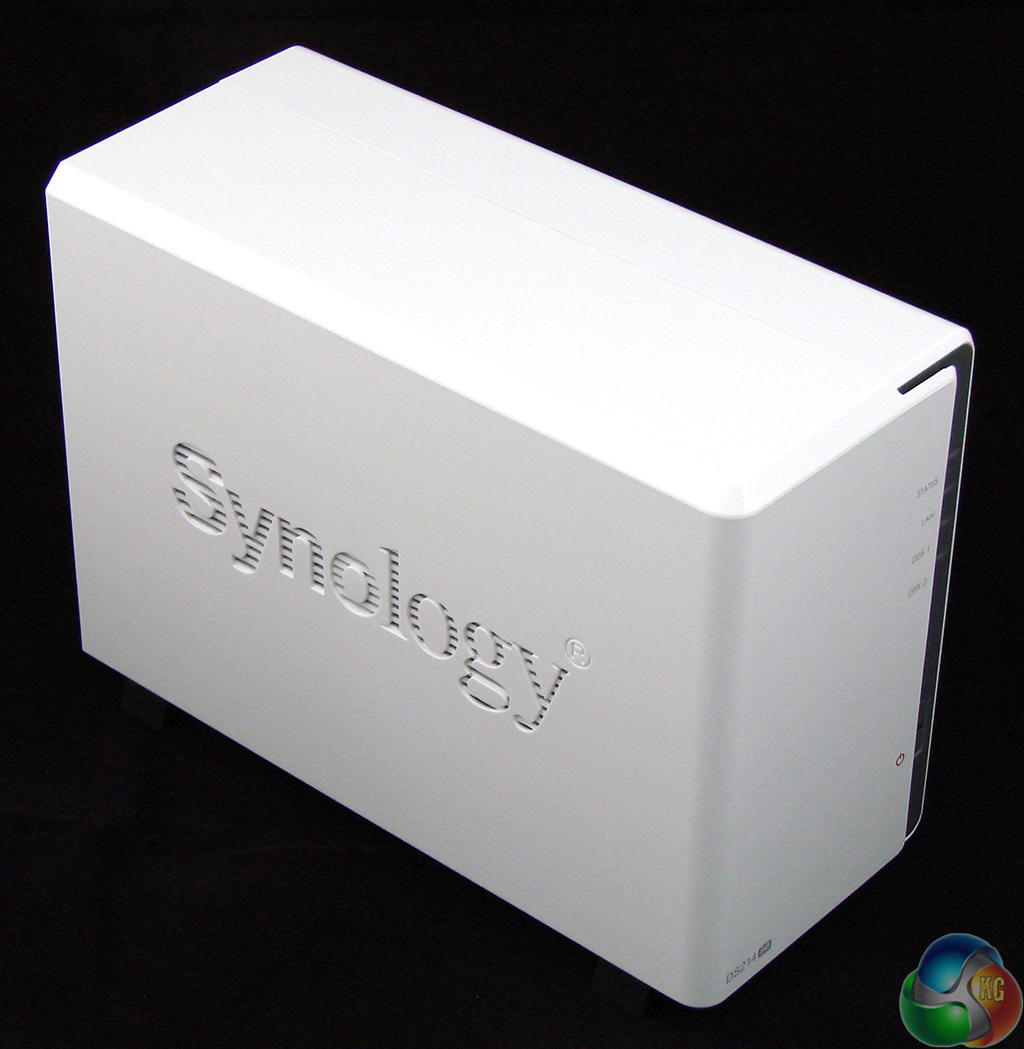
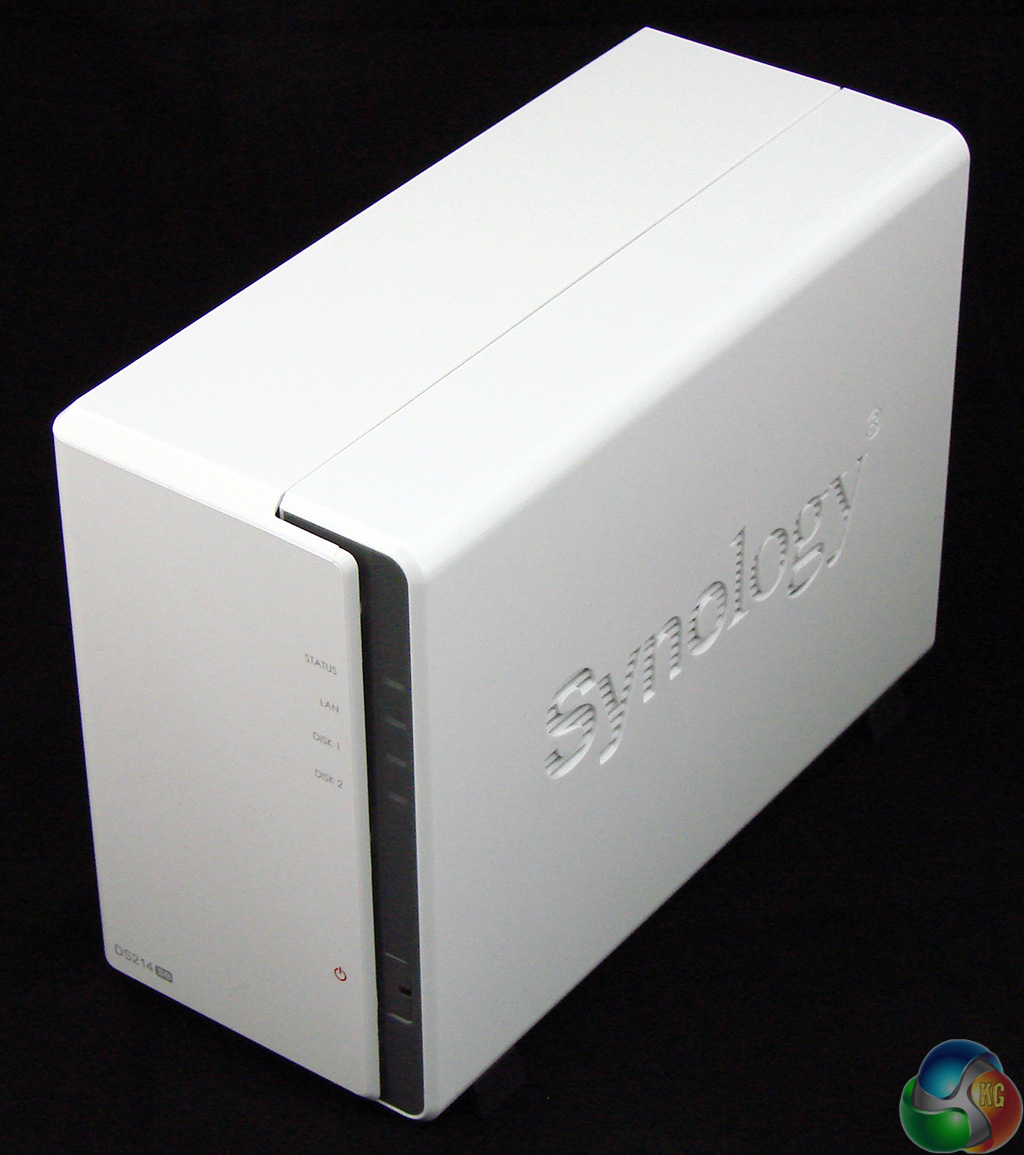
The DS214se uses Synology's familiar shiny white appearance. On the front you have the power button and activity LEDS with a moulded Synology logo on each side.
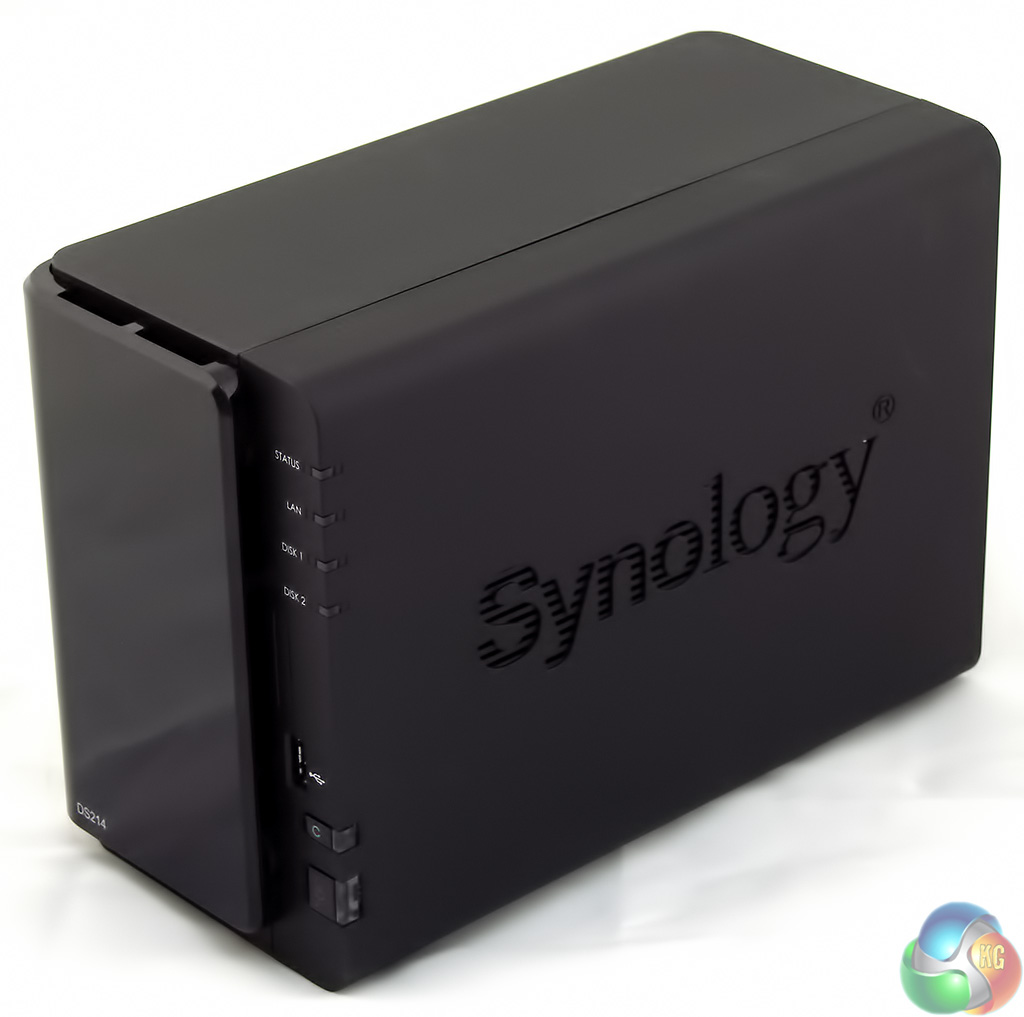
Although we have seen this styling before it is a little unexpected as the DS214 is black in colour.
There are other differences as the DS214 has a reset button on the front, as well as a power button, and also comes with a USB 2.0 port on the front and USB 3.0 on the rear. To my eyes the DS214se is actually based on last year's DS213j which has a 1.2GHz single core processor, 512MB of DDR3 RAM and is currently on sale at £160.
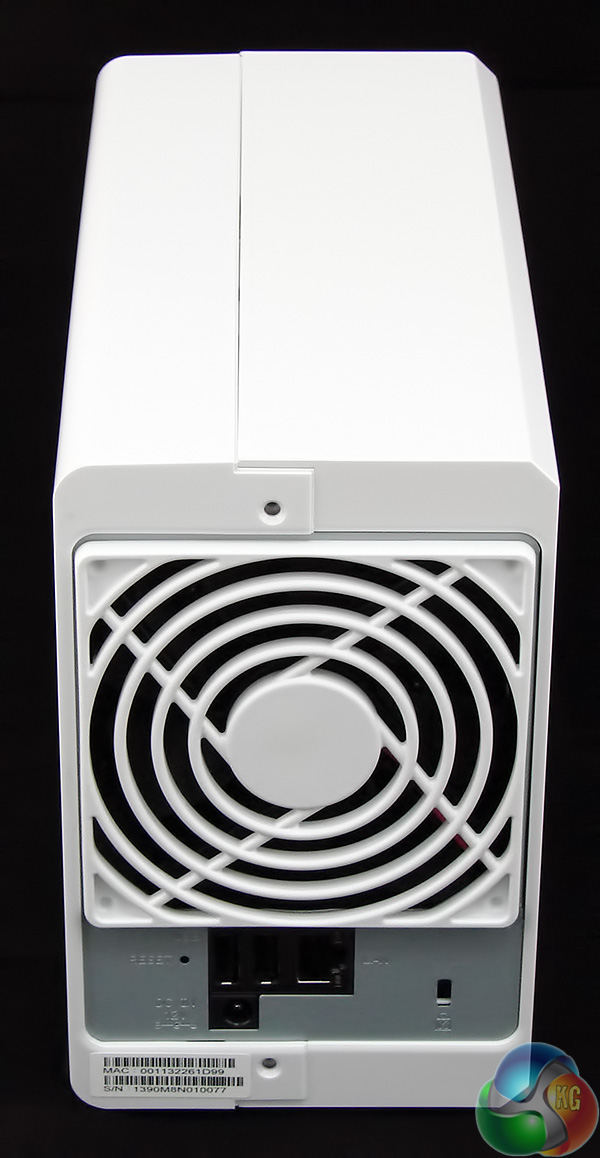
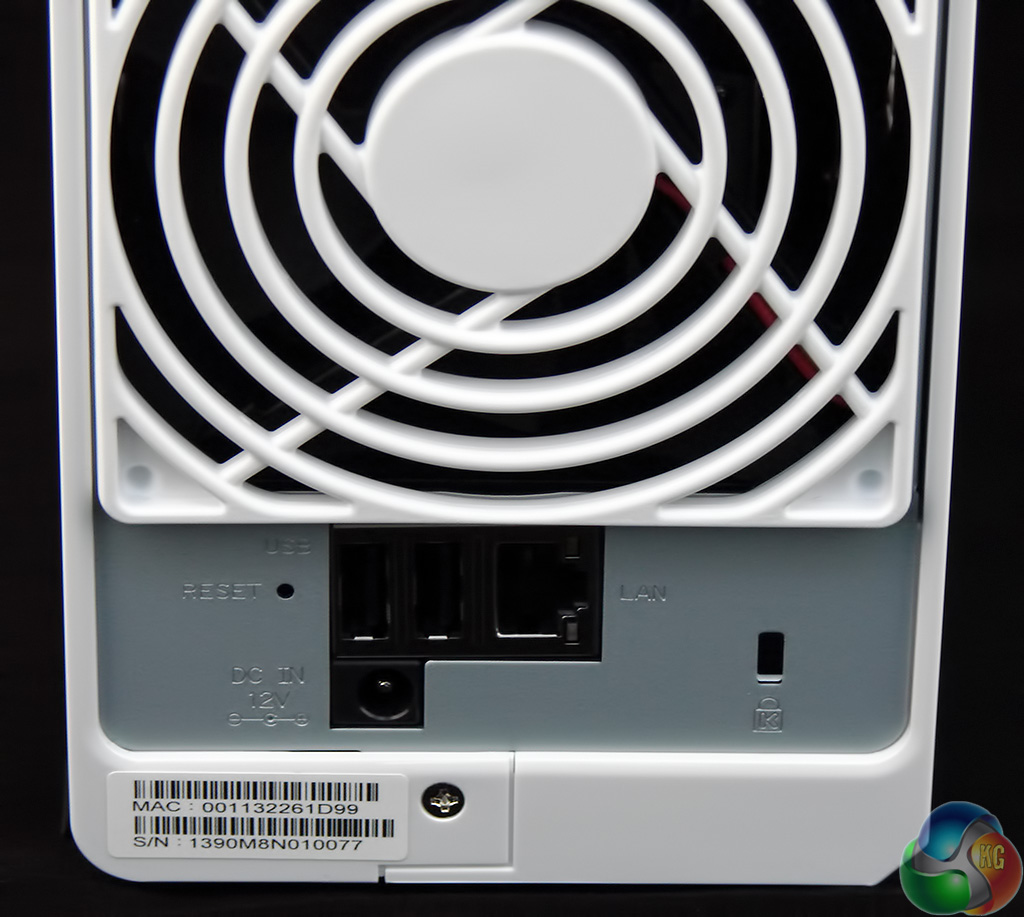
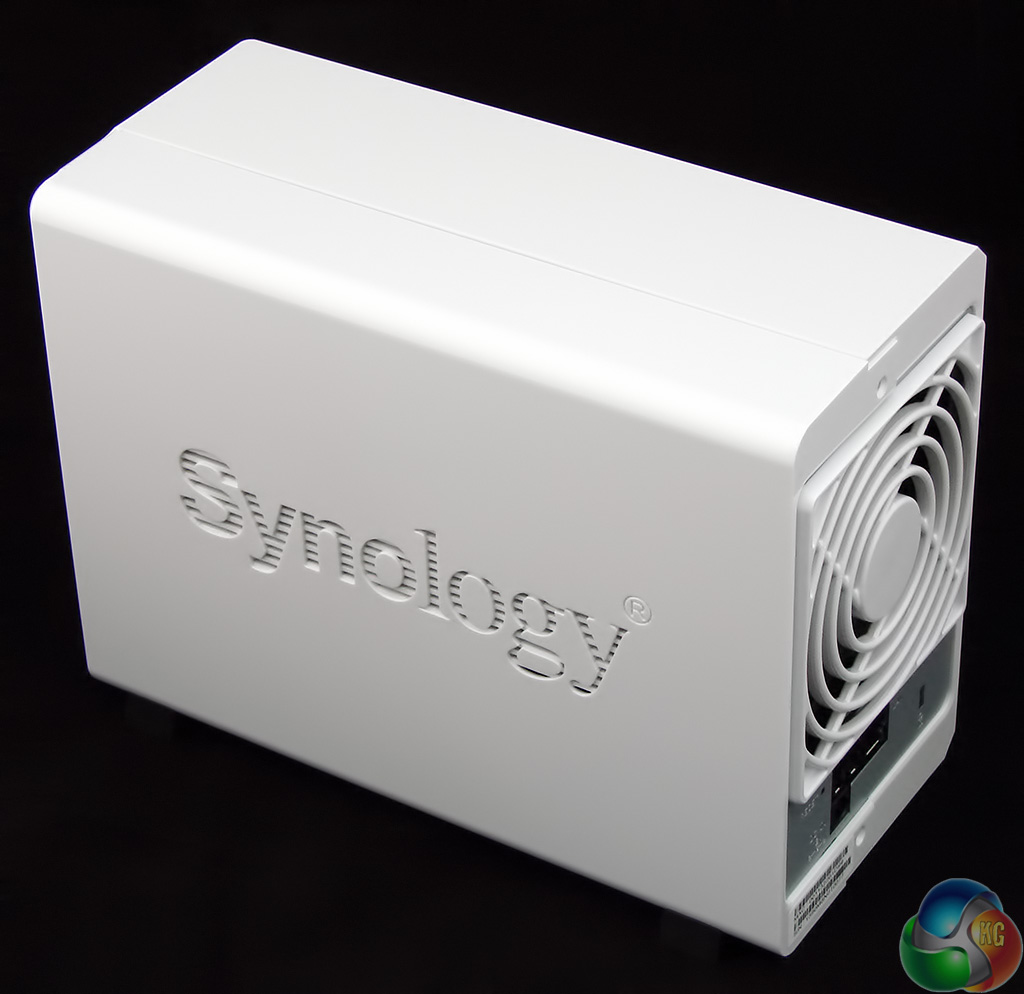
The rear of the DS214se is dominated by the 92mm cooling fan and below that you'll find two USB 2.0 ports, the Gigabit Ethernet port and the jack for the external power brick.
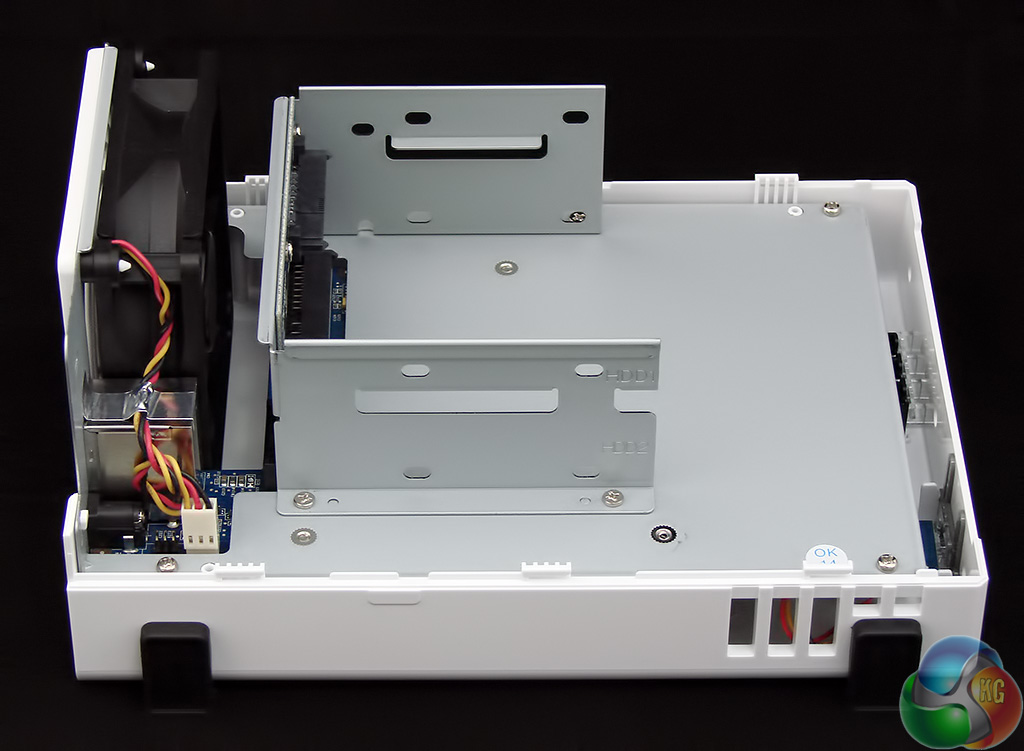
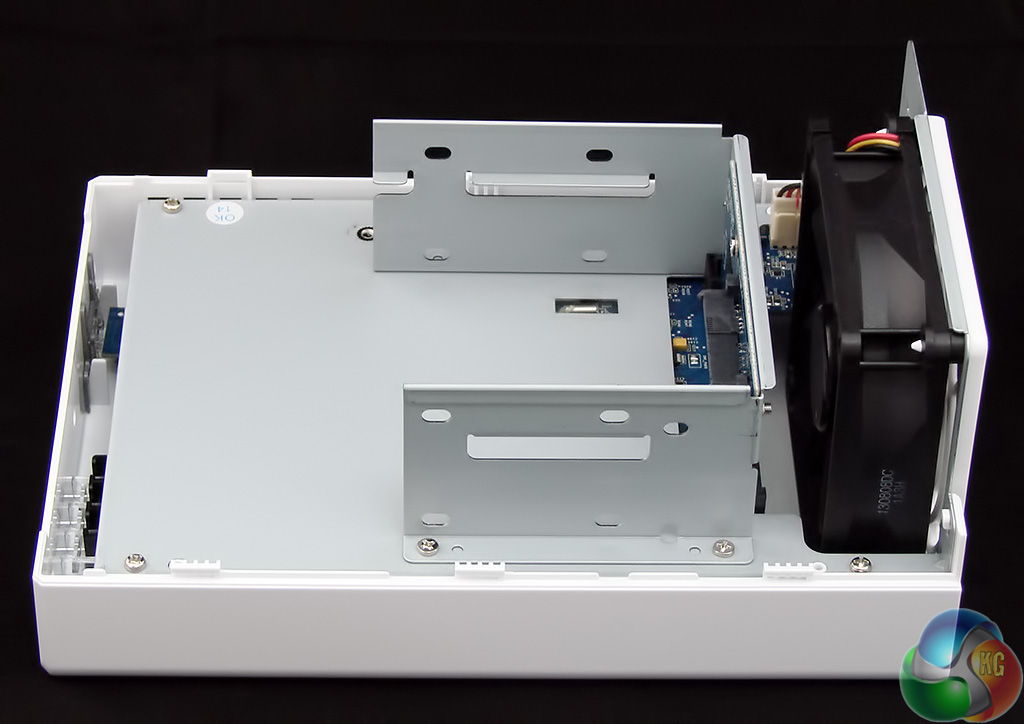
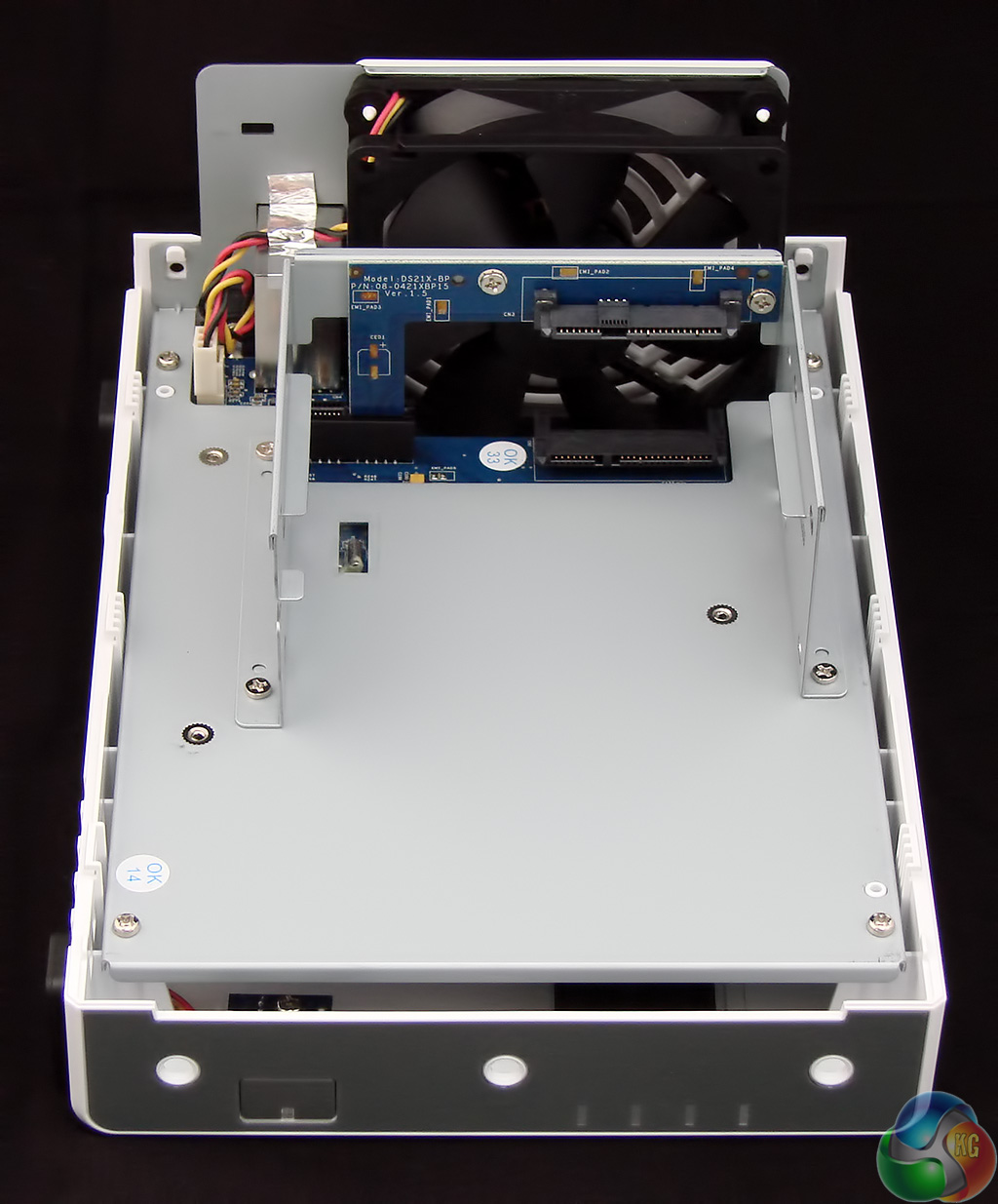
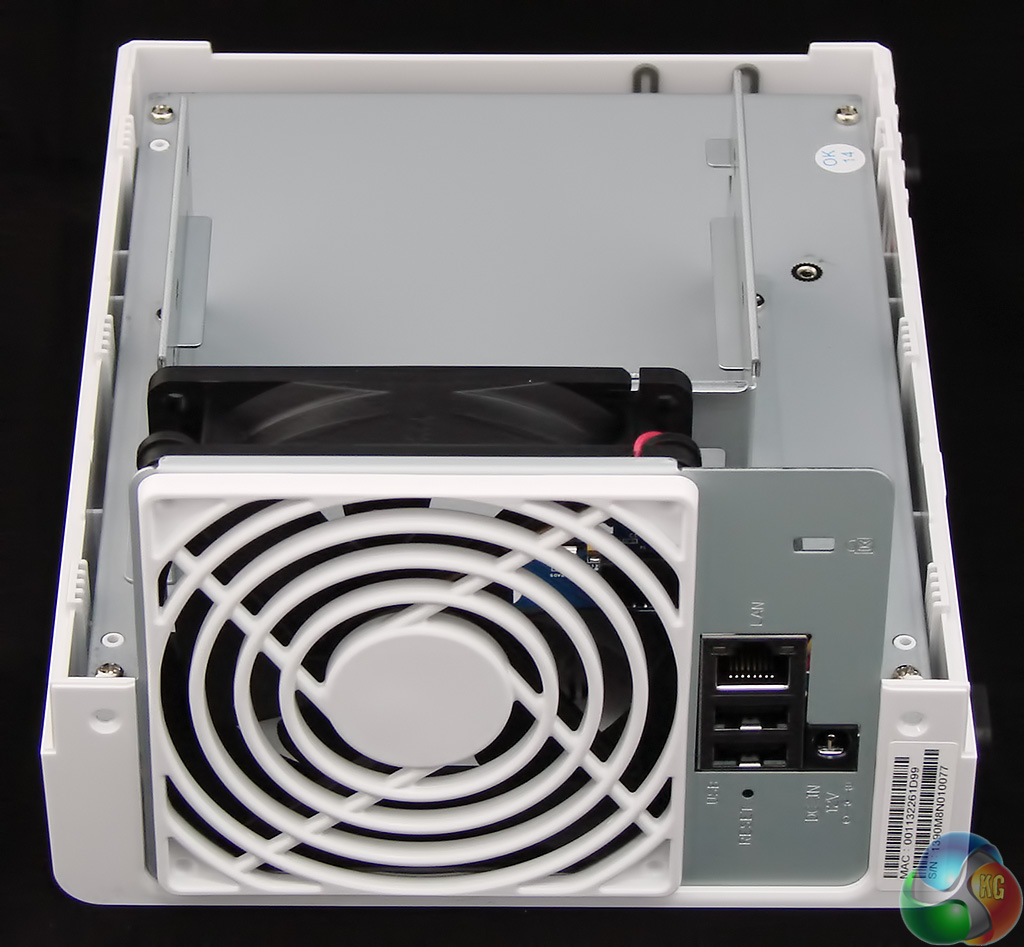
Pulling the main cover off the DS214se could hardly be any easier as Synology simply clips it in place. Once the drives are installed you use the two supplied screws to secure the cover after it is replaced.
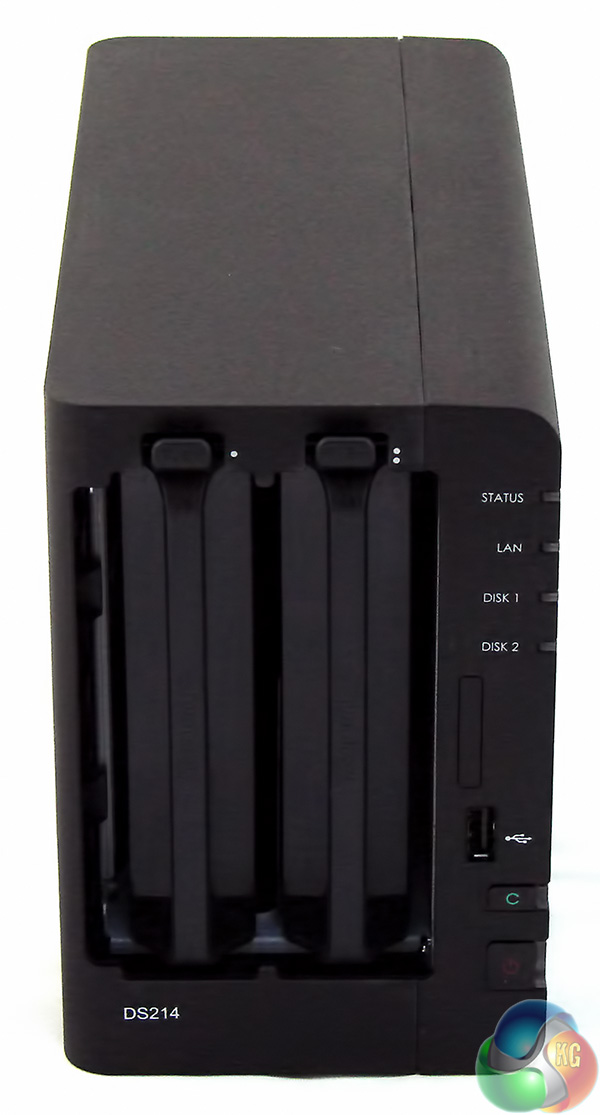
This is another major difference between DS214se and DS214 as the DS214 has a pop-off front cover and two tool-free drive caddies. You don't get to see the innards of the newer NAS unless you decide to do some dismantling work.
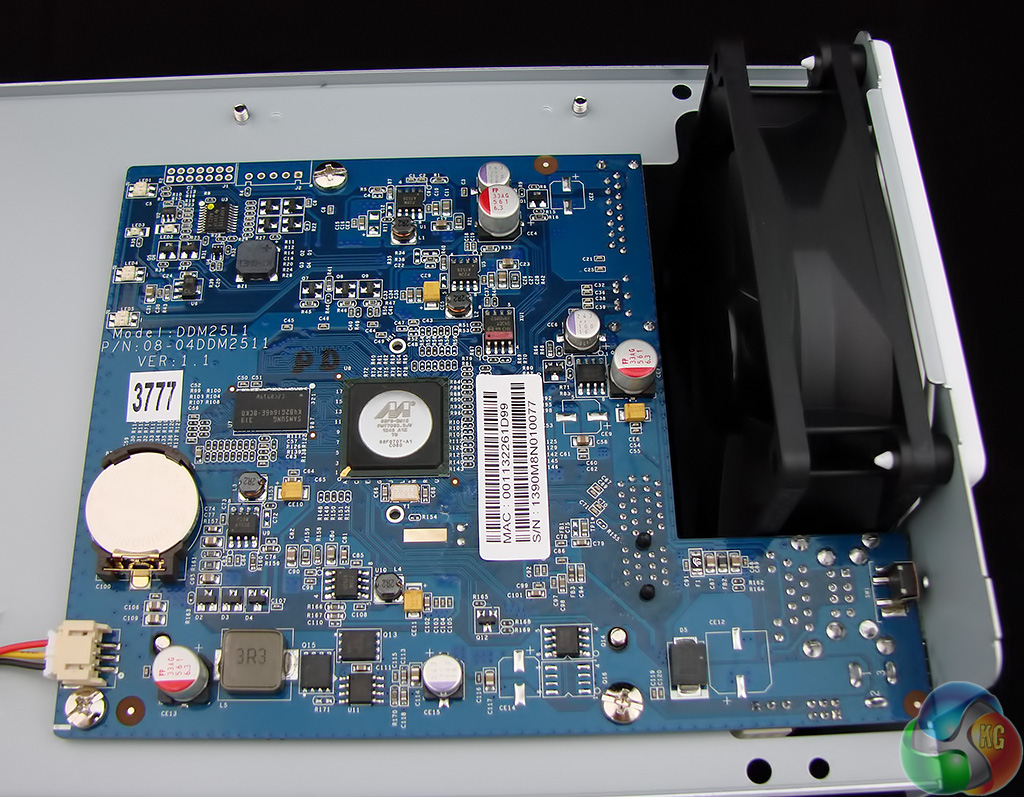
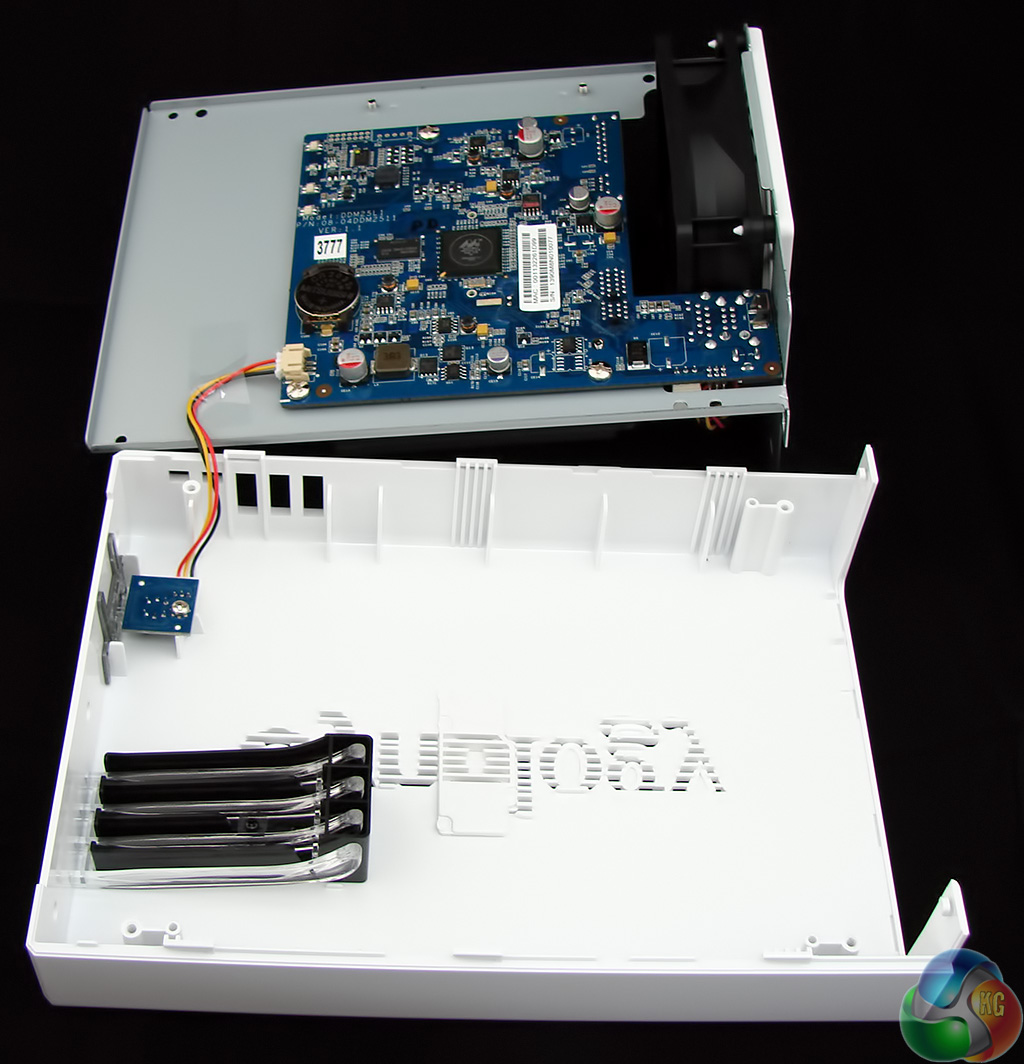
With the DS214se dismantled you can see the main board fully exposed, but realistically there are only two features of interest.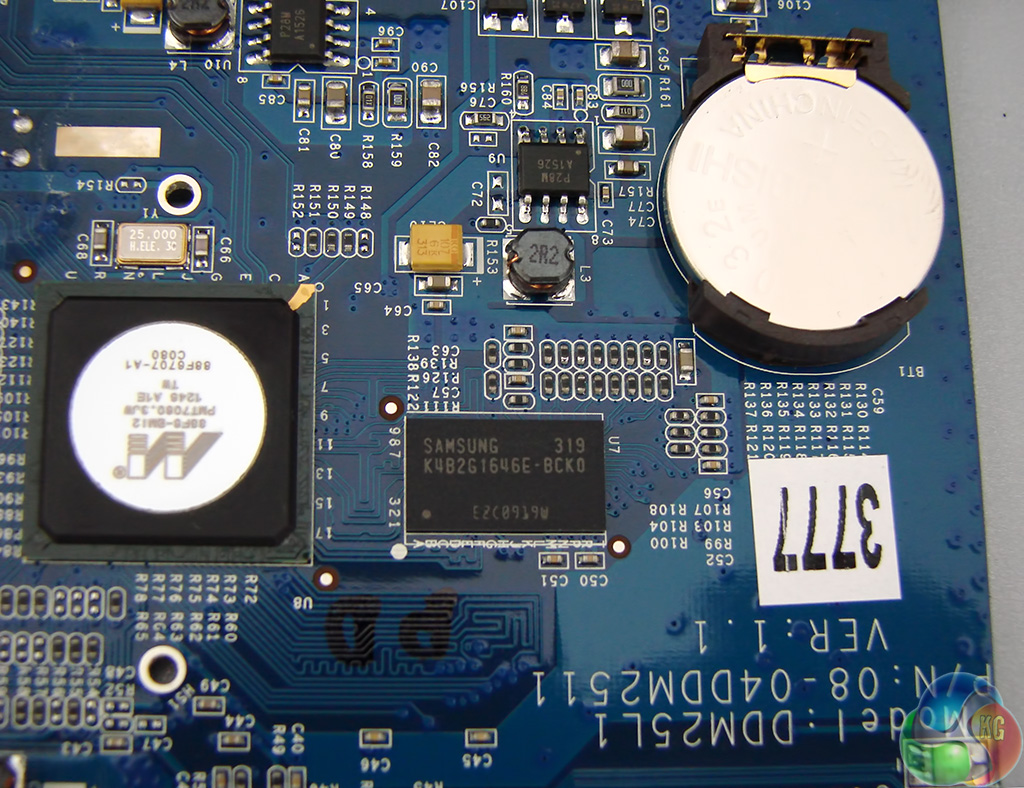
The first is the 256GB Samsung K4B2G1646E-BCK0 DDR3 cache chip.
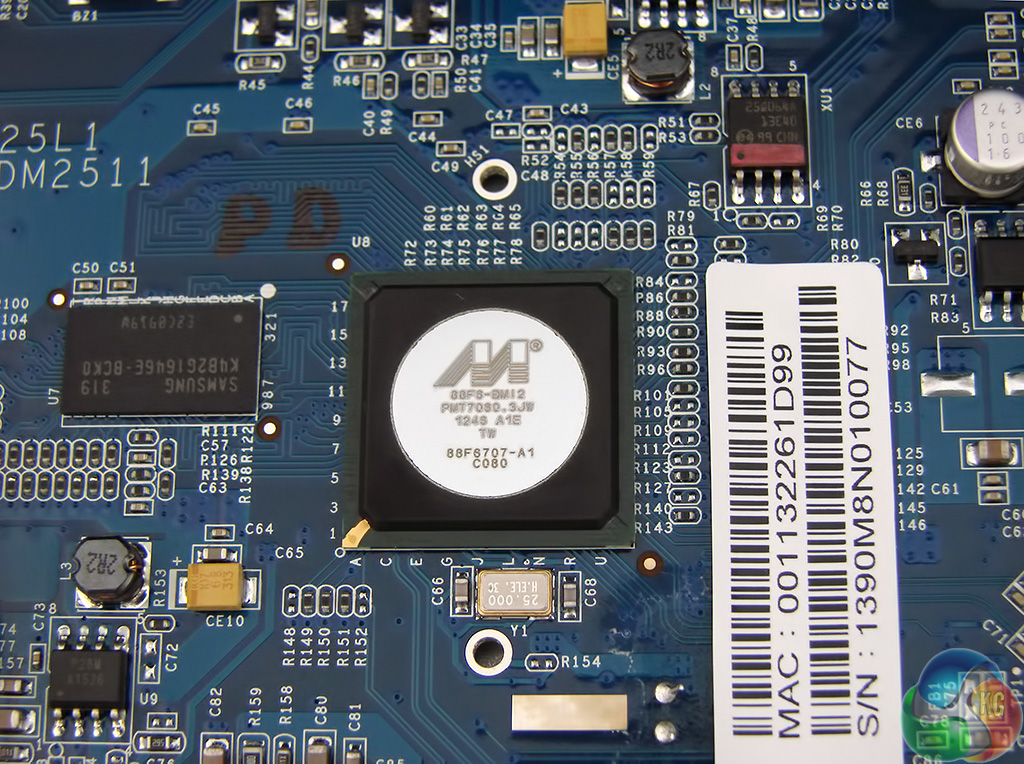
And the second is the Marvell 88F6707-A1 C080 controller, which has a single core that runs at 800MHz.
In all likelihood your mobile phone has a processor that has more grunt. What you cannot see is that the low clock speed means the DS214se only supports SATA 2.0/3Gbps and cannot support the current SATA 3.0/6Gbps standard. This isn't going to cause a problem when you consider the single Gigabit Ethernet connection but it sounds a bit weird, knowing your shiny new hard drive cannot achieve its potential.
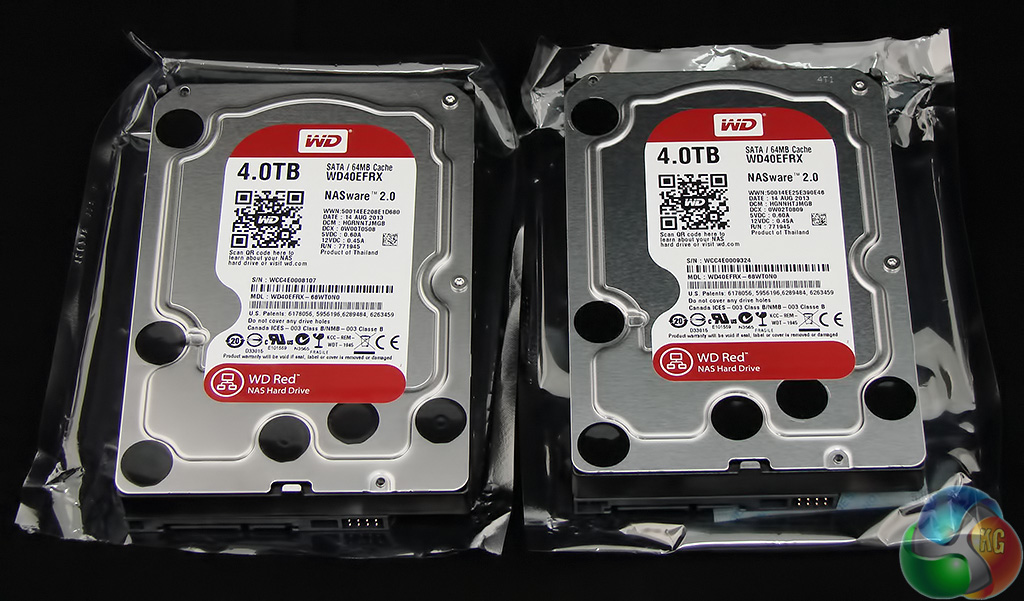
The natural partner for this NAS is WD Red and I plumped for a pair of 4TB drives that cost £140 each inc VAT.
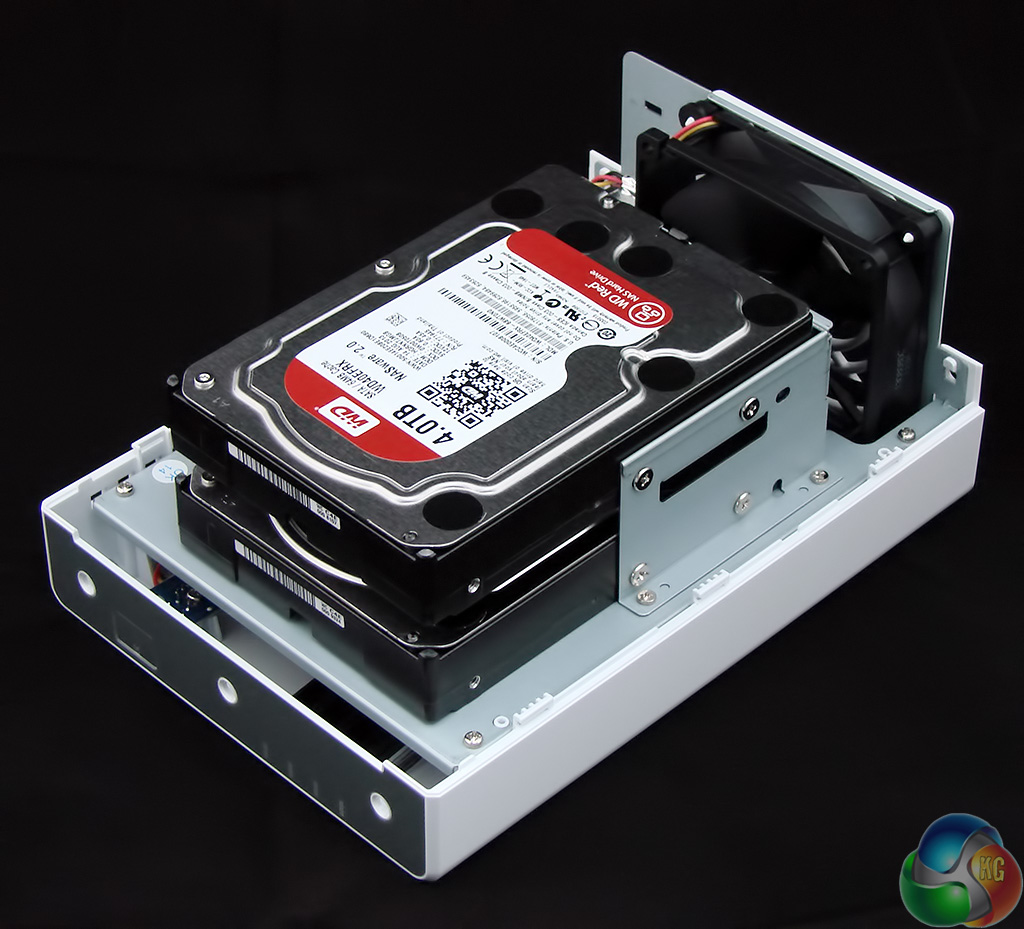
Installing the drive is simple and the supplied screws were in place in a matter of moments.
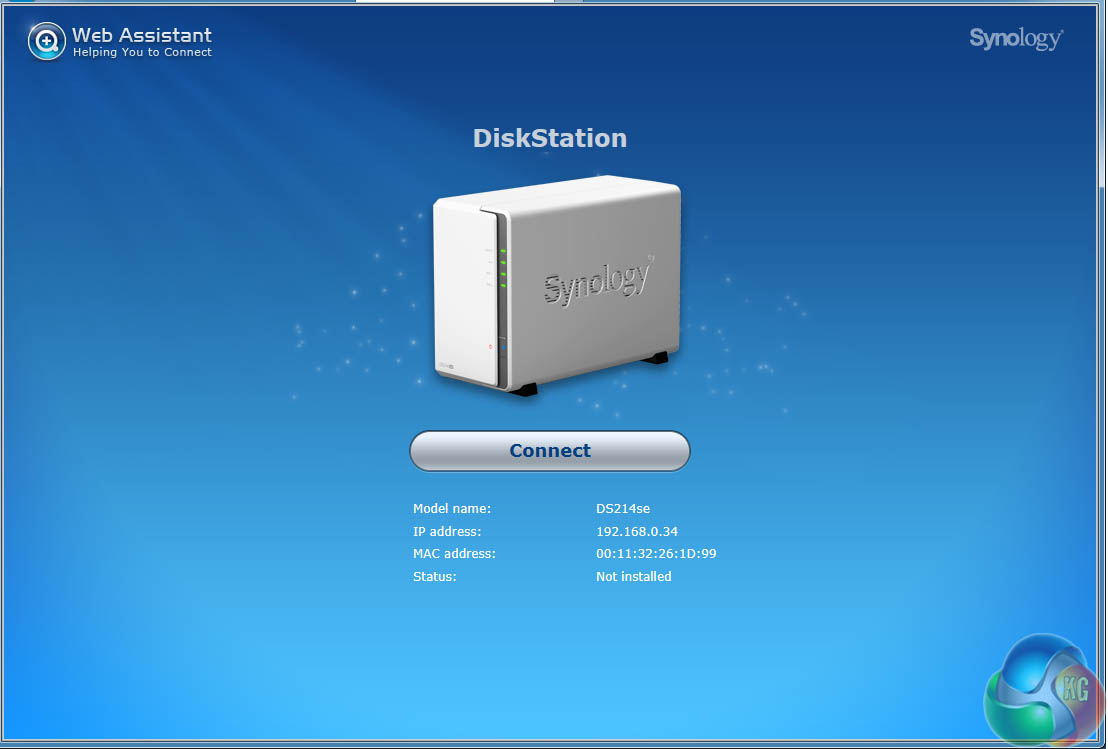
Reattach the main cover of the Synology, connect the NAS to your router, turn on the power and wait for the flickering lights to settle down.
Now step to a PC or laptop on the same network as the Synology, open a browser and head to The Synology web site.
The Synology Web Assistant will find your new DS214se on the network and report its status.
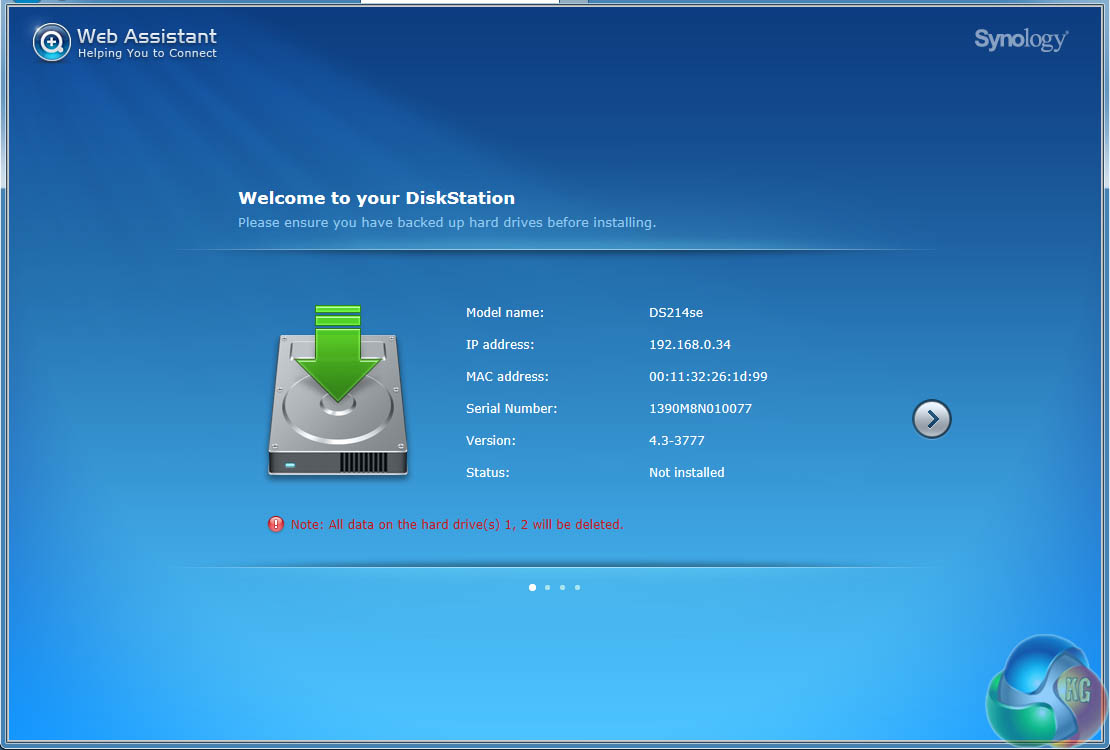
Click the Proceed button and, provided you have a decent Internet connection you are five or ten minutes away from having your NAS up and running.
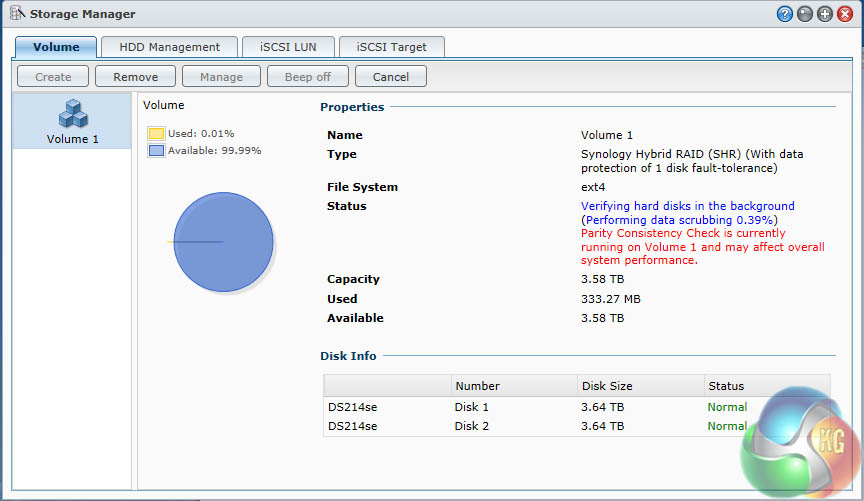
The Web Assistant downloads and installs the latest version of DSM, which is currently v4.3. I had settled for the default option of Synology Hybrid RAID which mirrors the two drives to protect your data. The two WD drives yielded 3.58TB formatted capacity, however the software had to crunch through a drive verification process that took 20 hours in all.
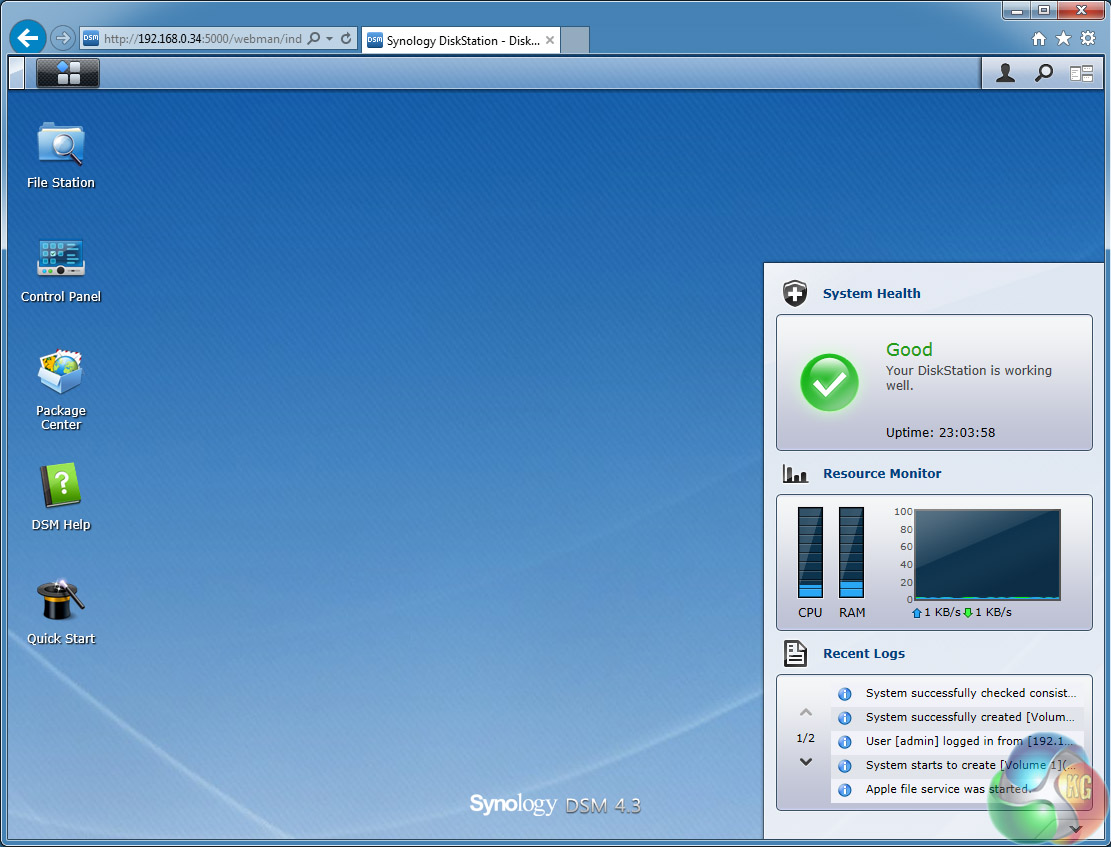
Once that was finished I was faced with four happy green LEDS (Status, LAN, Disk1 and Disk 2) on the front of the DS214se plus a blue LED for power and the home screen for the DSM software. You'll need to have Java installed and enabled to run DSM.
There is nothing new to say about DSM4.3 since KitGuru's previous Synology reviews as the software hasn't changed and continues to be flipping brilliant.
My test set-up is somewhat different to the usual KitGuru regime as I do not have Gigabit or 10Gbe switches lying about the place. That's OK as the DS214se is aimed at the mainstream user with more humble hardware such as my Virgin SuperHub which is made by Netgear. Connected to the router I have a homebuilt Windows 7 PC powered by an Intel Haswell CPU and running on a SanDisk Extreme II SSD.
I copied folders of files back and forth between the Windows 7 PC and the Synology, timing each transfer. One folder contains two hefty MKV files that total 10GB while the other contains 240 photos that total 500MB.
I ran each test ten times, took an average of the times and then calculated the transfer speed.
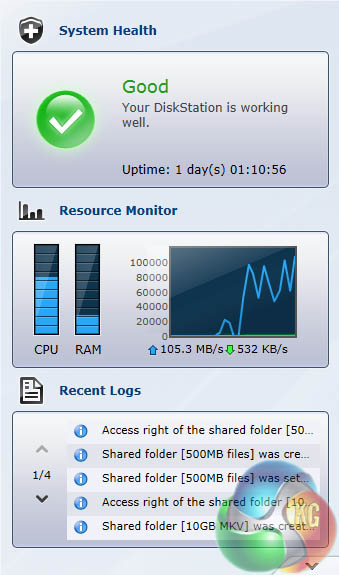
Downloading the 10GB files from the DS214se ran smoothly.The Resource Monitor in DSM indicated the CPU was running at 70 percent load with the RAM at 20 percent. Although the meter said the speed was fluctuating between 45MBps and 70MBps my stopwatch gave a time of 133 seconds which comes out at 75.2MBps. This is short of the 102MBps claimed figure.
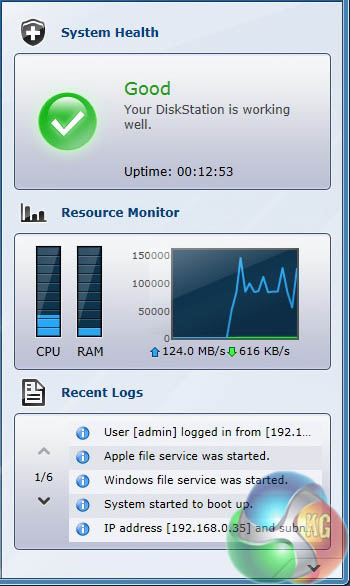
Clearly you would be unwise to compare my test figures with other NAS reviews on KitGuru as the test set-up is different however I also have a DS214 here and was able to perform back-to-back tests using the same WD Red drives. This first test showed the faster dual core processor in the DS214 was only loaded at 20 percent but more to the point the DS214 finished the job in 110.7 second which works out at 90.3MBps.
It is worth remembering at this point that the DS214 costs £215 while the DS214se costs £120.
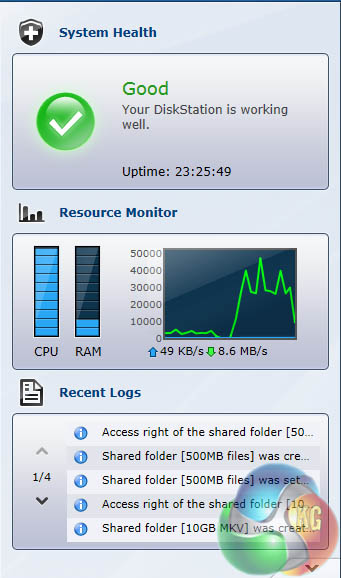
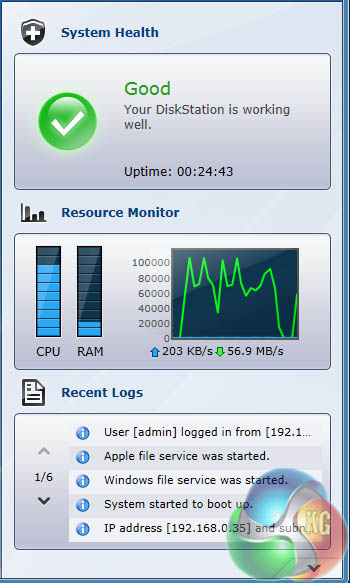
Uploading or writing the 10GB files to the two Synology NAS really showed the importance of the processor. The DS214se loaded the processor at 100 percent and limped along at 27.6Mbps. It took 361.8 second to complete which is just over six minutes.
By contrast the DS214 hammered the processor at 80 percent without reaching full load and the consequence is a time of 141.3 seconds and a speed of 70.8MBps which is two and a half times faster.
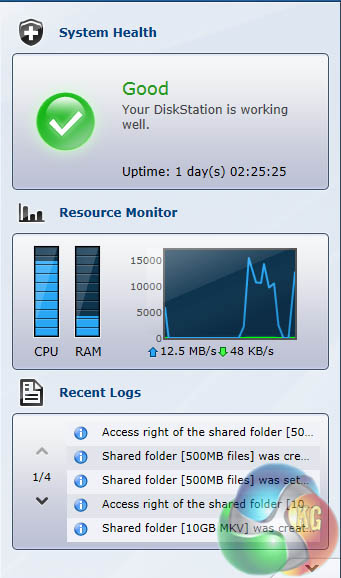
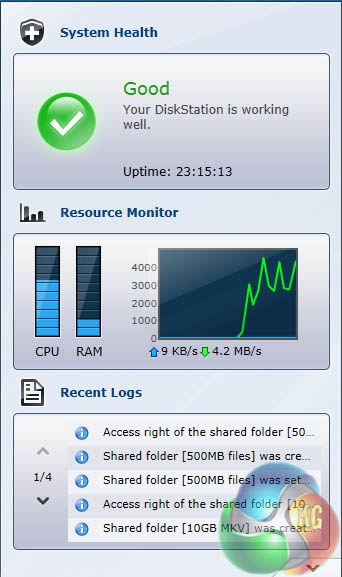
Uploading and downloading the 500MB of photos was less intensive and took the DS214se to 75-80 percent load. In both cases the DS214 was faster by a healthy margin but nothing like the amount seen in the 10GB upload test.
Noise
The DS214se is whisper quiet. The fan was almost inaudible above the background noise level in the room and didn't top 45dBA. The hard drives were also very quiet and could be heard rustling away under load if you listened very, very carefully.
DS214 is slightly more noisy but the meter said the difference was less than 1dBA. It was undeniable the tone of the fan in the DS214 was slightly harsher. In both cases the WD drives ran at 30 degrees or less and were barely warm to the touch.
Power Demand
The DS214se draws 15W idling in DSM which rises to 17W during normal workloads. The highest figure I saw was 22W while installing the DSM software. These are the same figures as the DS214.
Synology clearly thinks very carefully about the processing power it specifies for each NAS. If money is no object there is no question you want a fast dual core processor and no doubt a quad core would be even better. It's just like your mobile phone except that we don't have to worry about battery life with a NAS.
The snag is that you pay extra for more processor so it makes sense to buy just as much hardware as you need and no more. If you're confident your NAS will be used by one or possibly two people simultaneously and you're not hell bent on top notch performance then the DS214se is an absolute gold plated winner.
For office use or a busy home the DS213j is the better bet and if you're not sure one way or the other you should pay the extra £40 and buy the DS213j anyway.
If you want USB 3.0 you're going to have to shell out a load more cash and plump for the DS214.
You can buy from Amazon for £119.98 inc vat.
Discuss the review on our Facebook page, over HERE.
Pros
- Impressively low price
- Synology DSM 4.3 software
- Decent performance, provided you have realistic expectations
- Very quiet
- Low power draw
Cons
- Heavy duty file transfers will crucify the DS214se
- Simultaneous multiple users are a no-no
KitGuru says: A wonderfully cheap way to combine RAID with Synology DSM software.