KitGuru KitGuru.net – Tech News | Hardware News | Hardware Reviews | IOS | Mobile | Gaming | Graphics Cards



The box for the Microvue is all white with a very clean looking and simple design … this could easily be mistaken for a medical product.
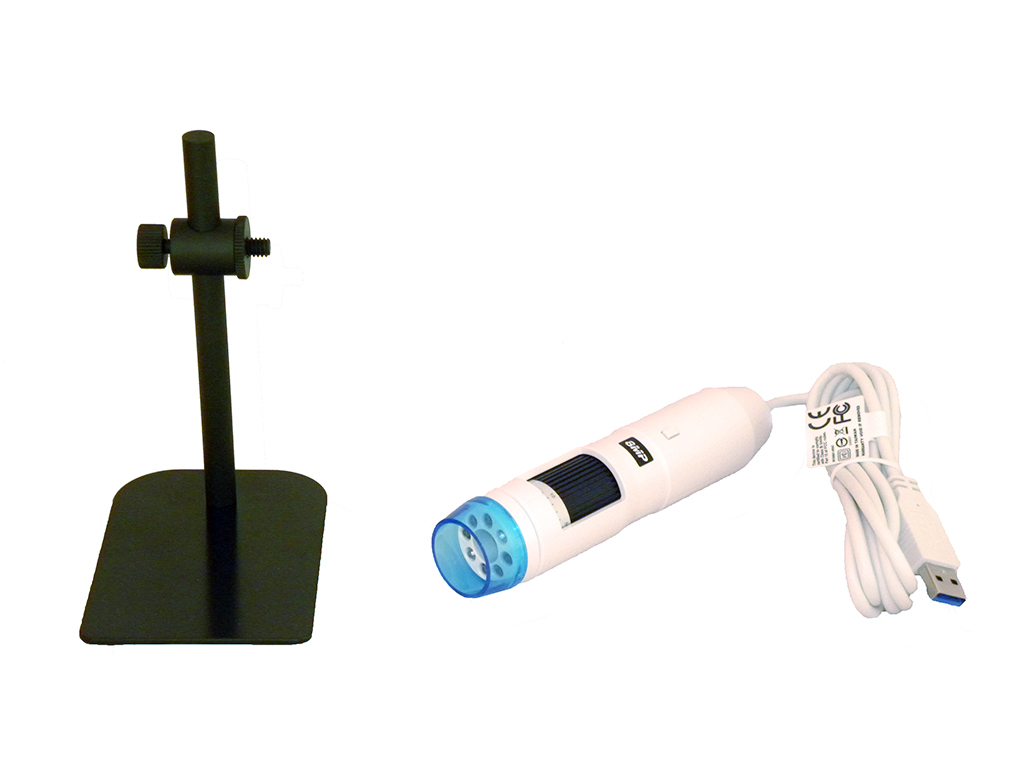
Once inside the box we have the Microscope itself, a plain software disk, a Microscope stand, a clip holder and a calibration plate.
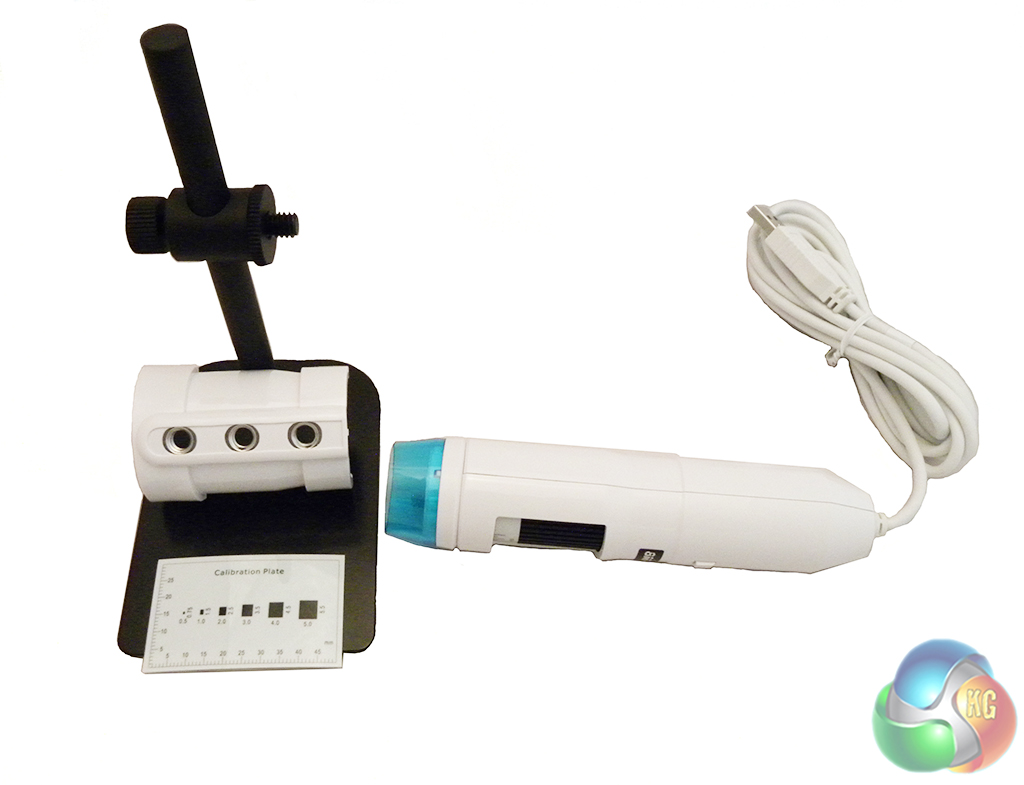
The stand is optional, although it will do wonders for keeping the image steady when zooming in really close.
To attach the Microscope onto the stand you just have to screw the clip holder on to the side and then the Microvue will snap in to place. The stand does allow you to adjust the height of the microscope but we found it to be a little too short to get the full picture for certain items. For example, we weren't able to fully see a £1 coin on the base of the stand while the microscope was as high as it could go.