KitGuru KitGuru.net – Tech News | Hardware News | Hardware Reviews | IOS | Mobile | Gaming | Graphics Cards


The PG32UQ offers a fully functional and detailed OSD system, split into 8 main tabs: Gaming, Image, Color, Input Select, PIP/PBP Setup, Lighting Effect, MyFavorite, and System Setup…
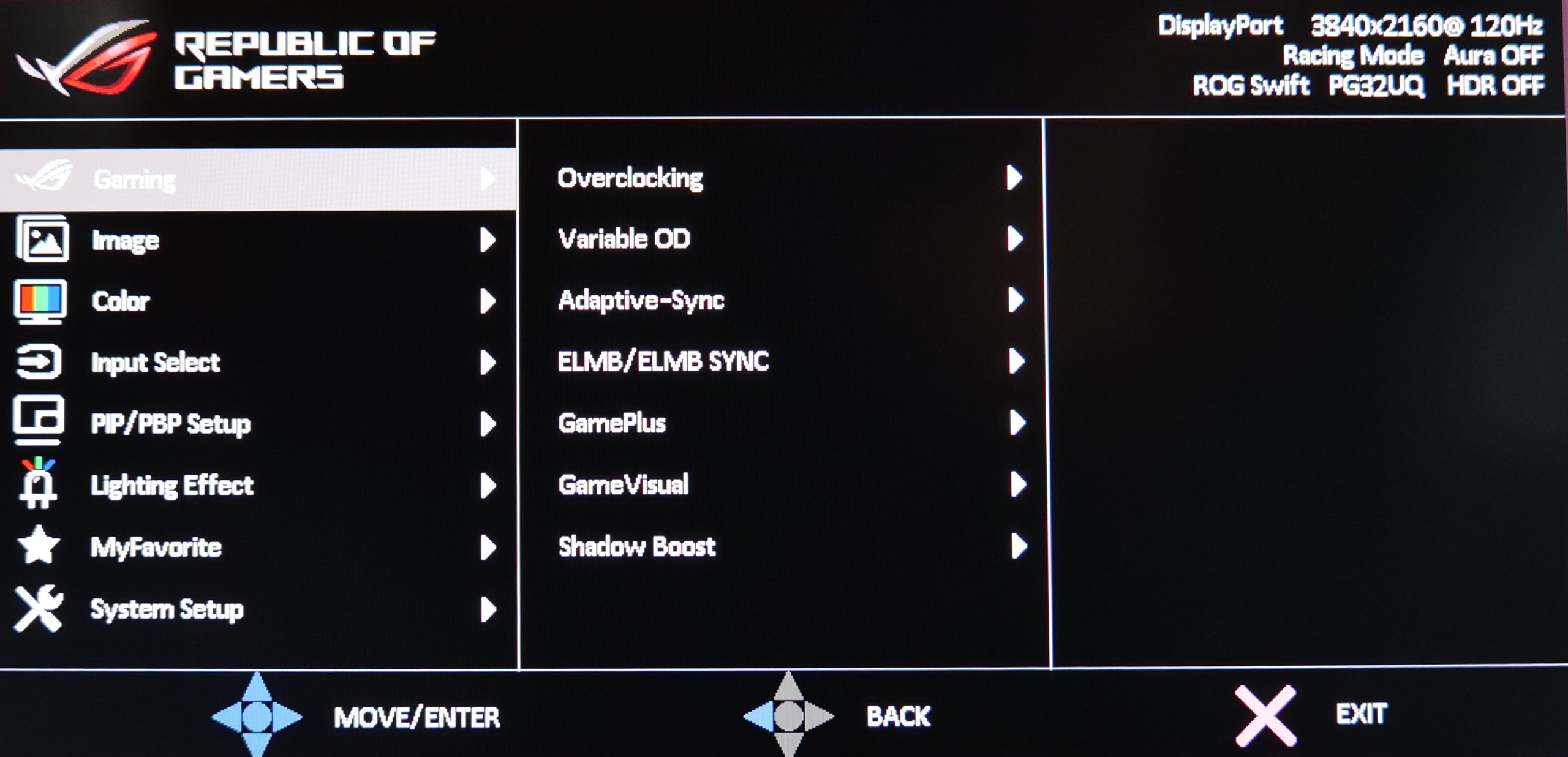
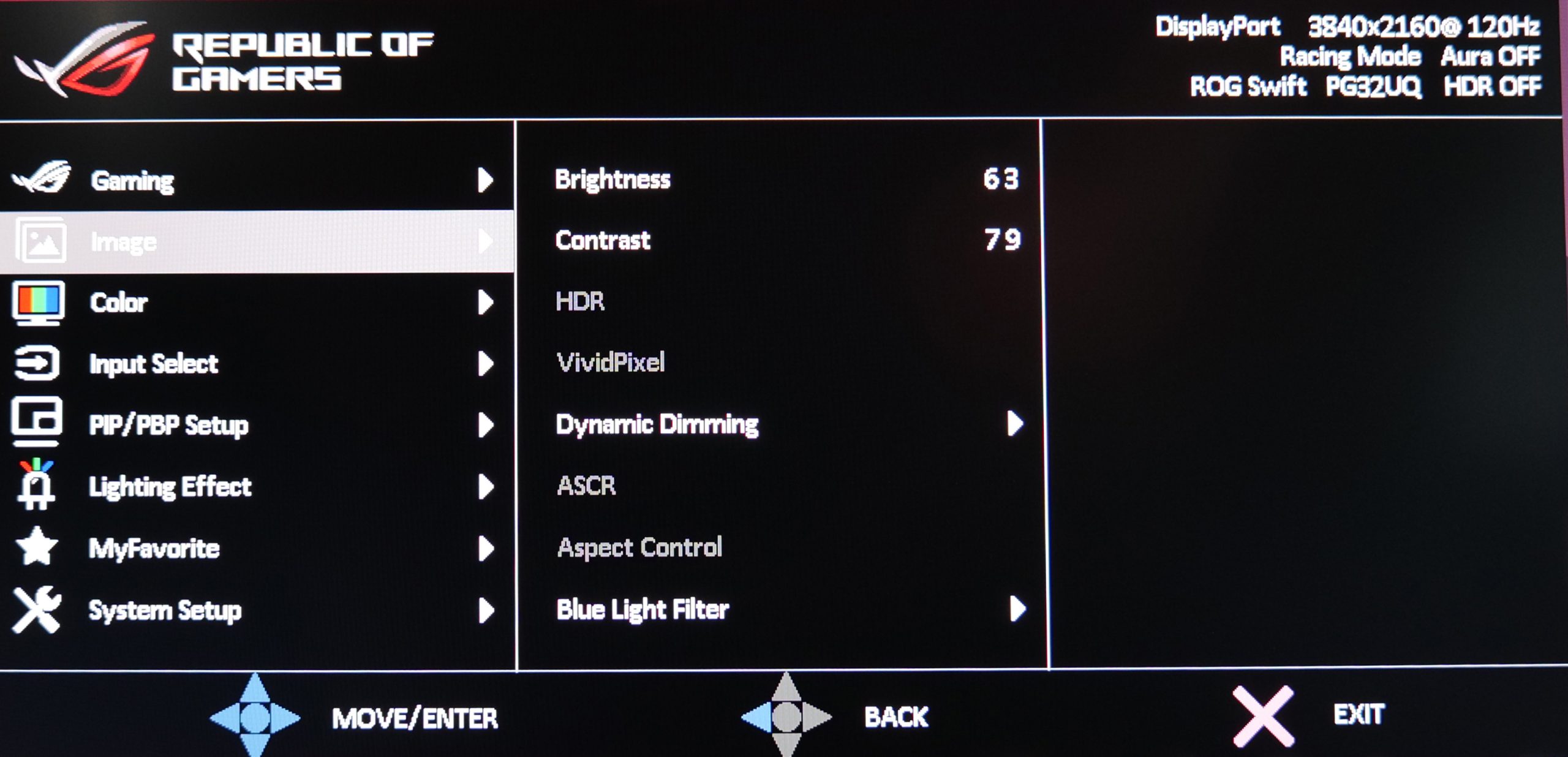
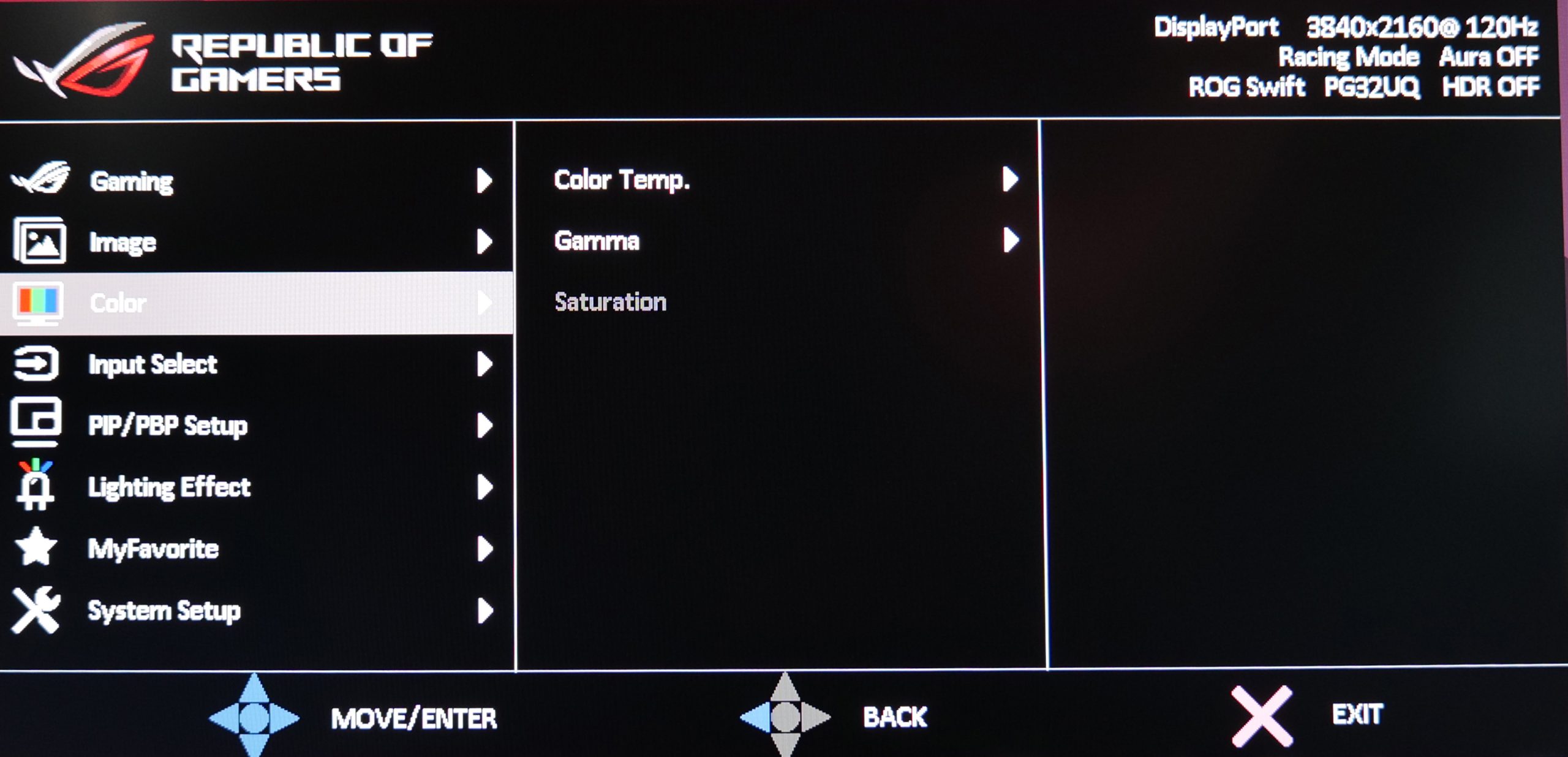
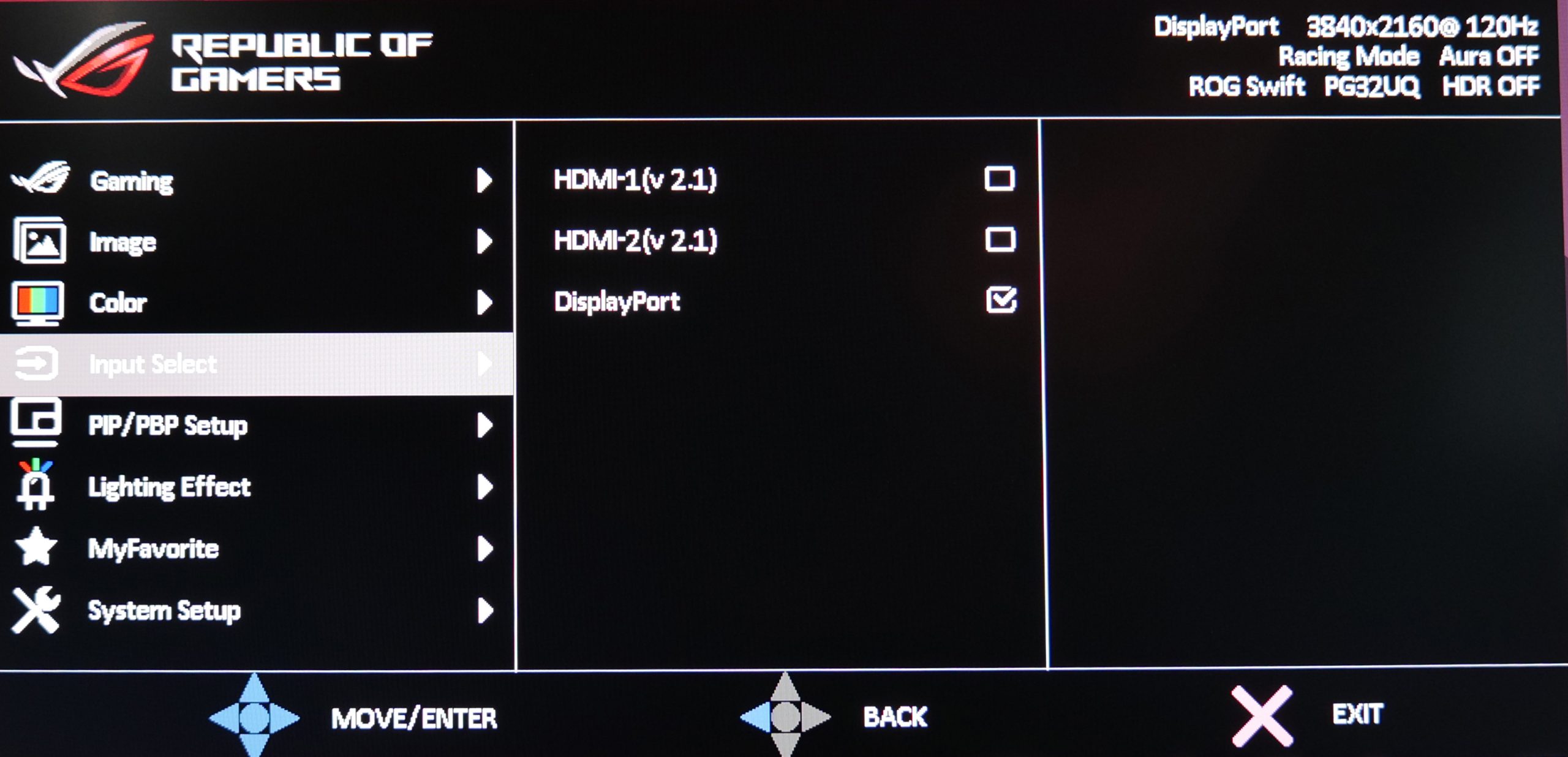
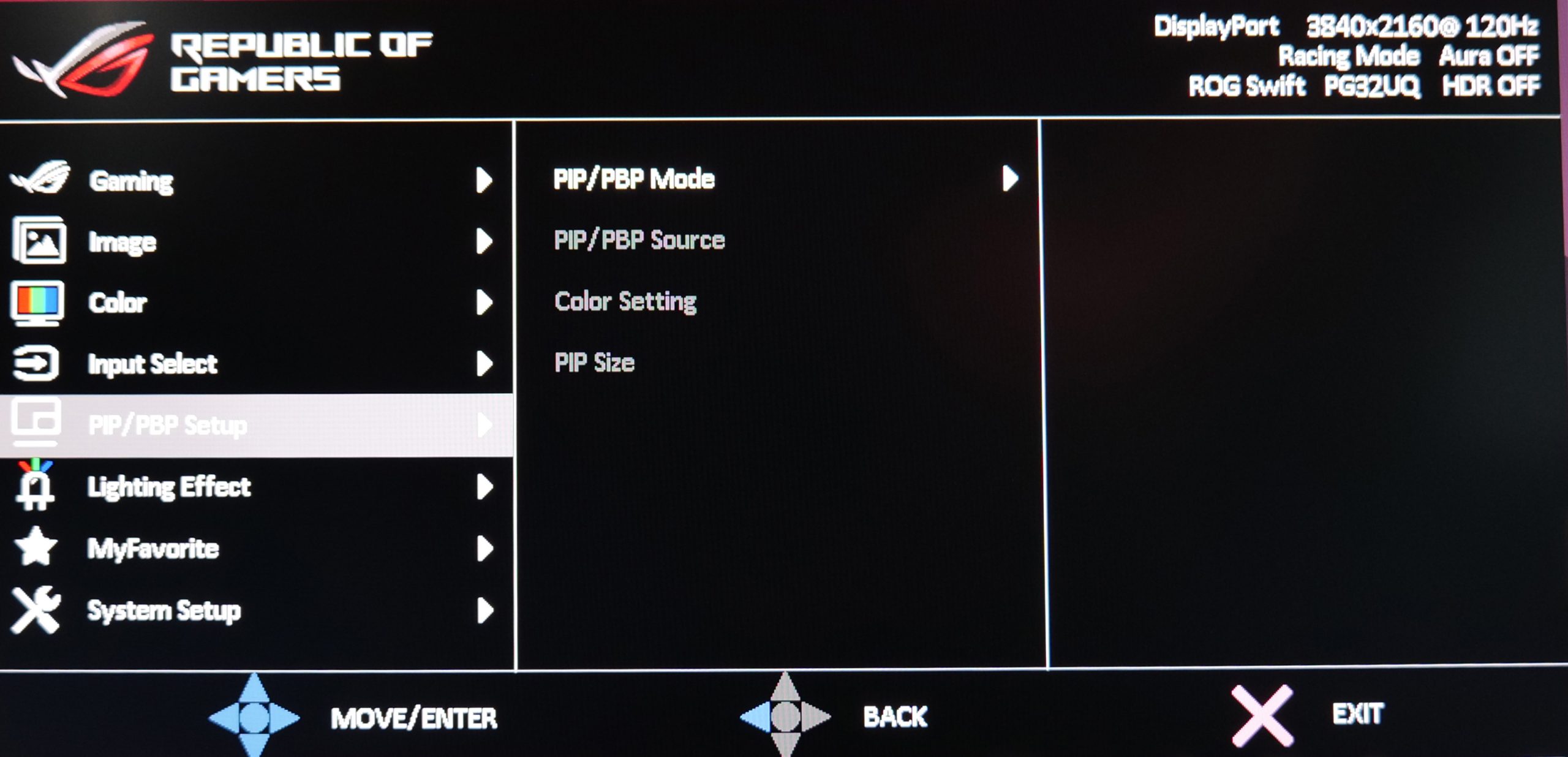
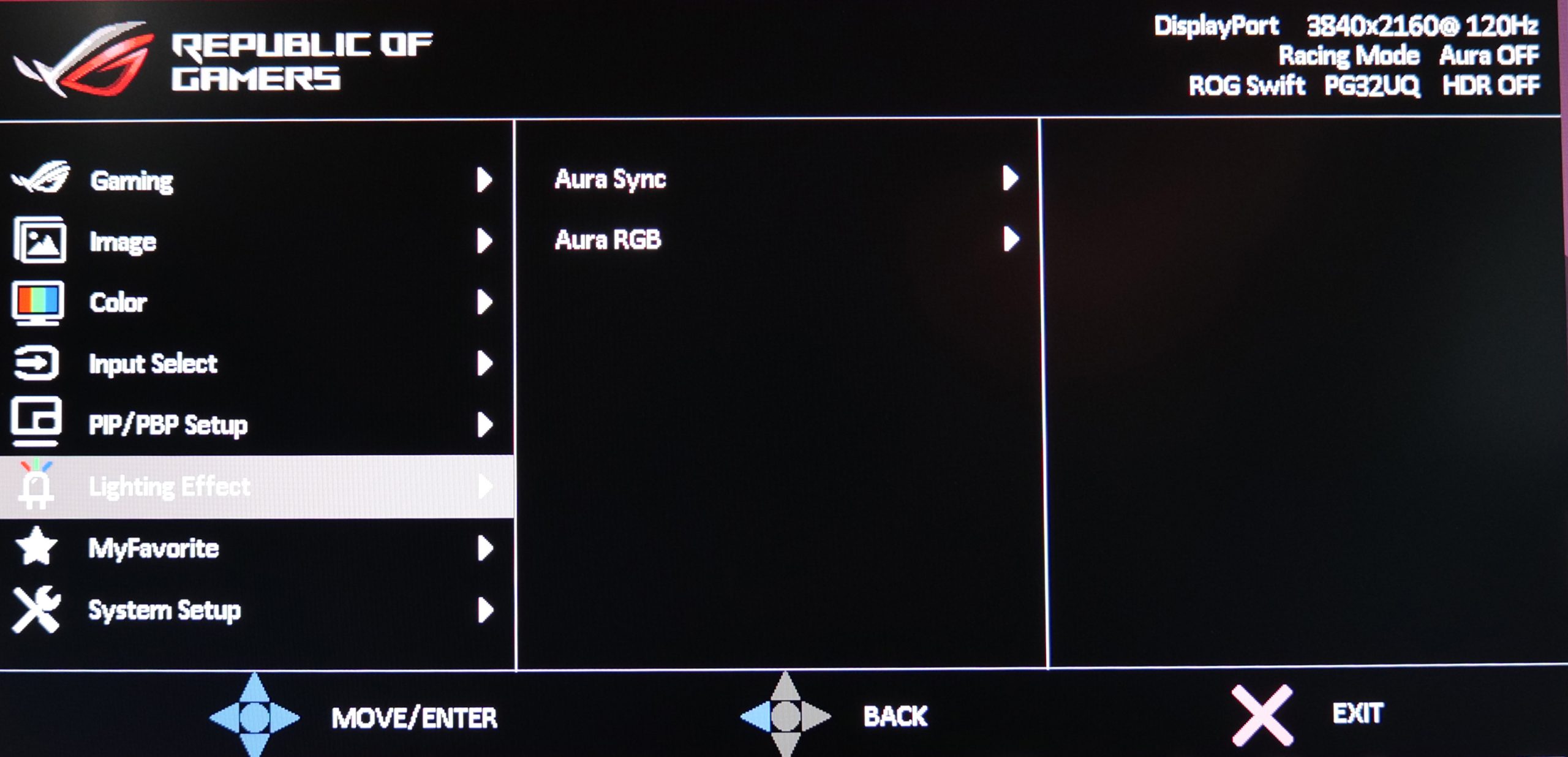
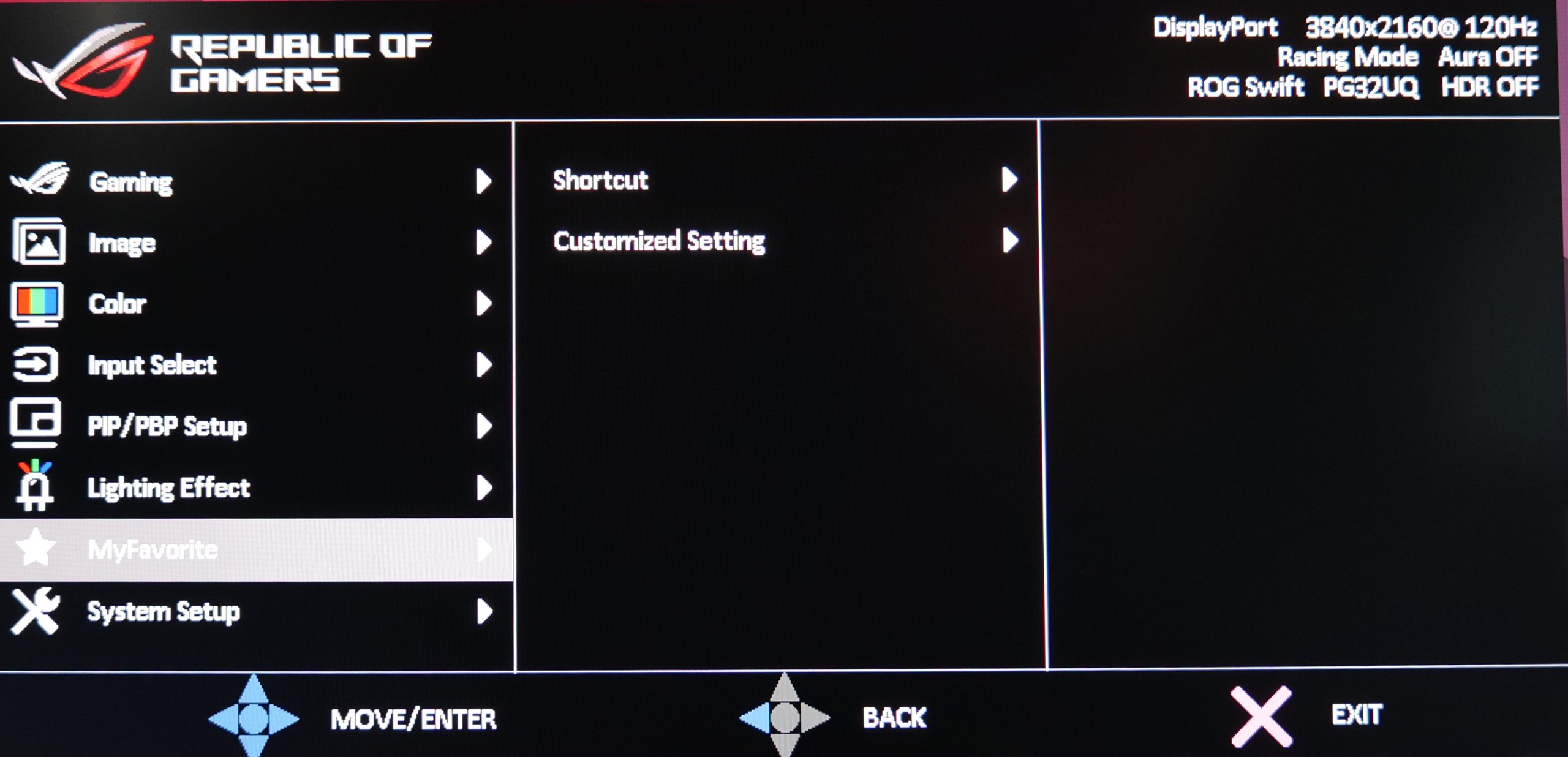
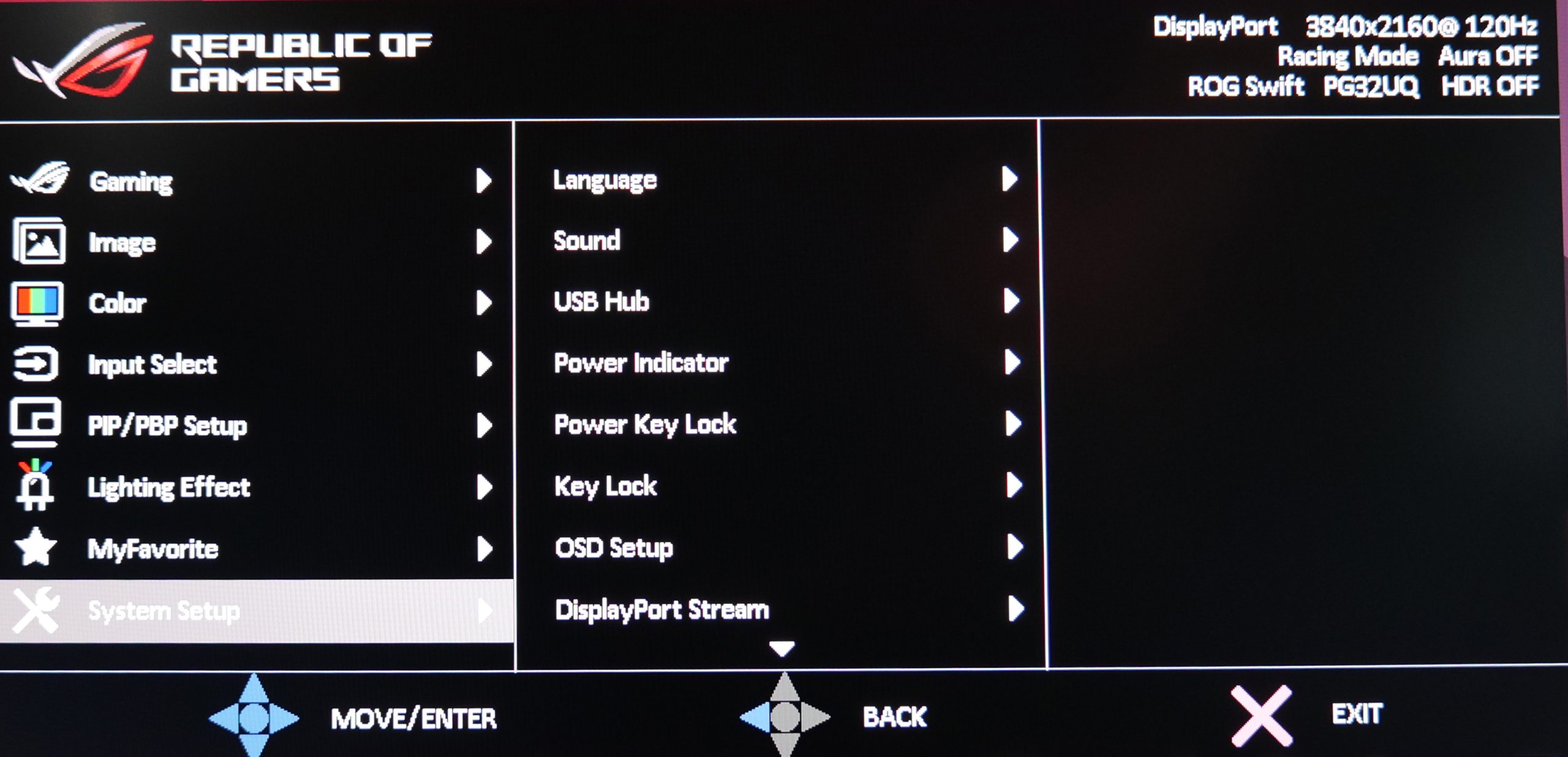
Everything is laid out and clearly, I didn't notice any missing features, and in fact ASUS offers a ton of gaming-centric features – including on-screen crosshair, shadow boost, FPS counter and more.
My only real gripe with the system comes down to the secondary buttons that ASUS has positioned below the joystick. It's a very minor point, but ASUS has programmed these buttons to access user-configurable quick shortcuts, like brightness or input selection. That's not bad in itself, but I am used to flicking the joystick either up, down, left or right to access such shortcuts. With the PG32UQ, any press of the joystick, in any direction, brings up the quick access menu, and then you have to click one of the secondary buttons.
It would make more sense to me to ditch the buttons, and just map the difference shortcuts to a push of the joystick in a different direction, but it's hardly a big deal.