KitGuru KitGuru.net – Tech News | Hardware News | Hardware Reviews | IOS | Mobile | Gaming | Graphics Cards


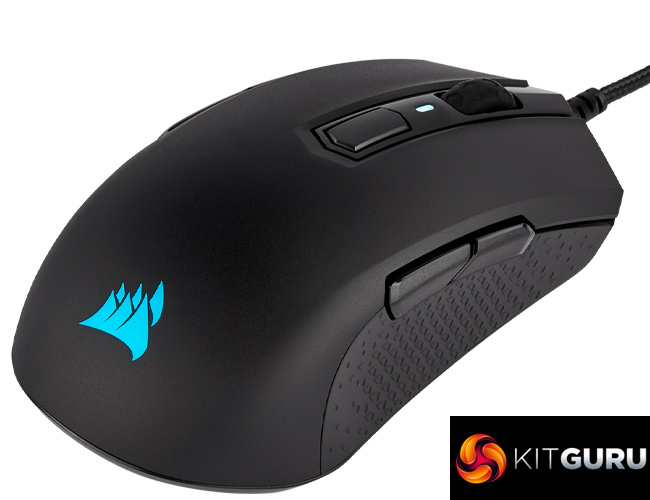
Corsair has already released several new mice this year – though most have been refreshes or updates to existing models like the Harpoon, IronClaw and Glaive. Today, Corsair has unveiled something entirely new, the M55 RGB Pro. It sports an ambidextrous design, PixArt PAW3327 sensor, and is quite lightweight at 86g. With an MSRP of £44.99, is Corsair onto a winner?
It's been a long time since Corsair last released an ambidextrous mouse – in fact, it was nearly four years ago when the Katar launched and it's been unavailable for some time now. It makes sense for Corsair to get back into this market with the M55 RGB Pro, which boasts other features such as a braided cable, a RGB logo, and a total of 8 buttons – including a pair of side buttons on both the left and right sides of the mouse.
Specifications:
- Wired Connectivity: USB 2.0 Type-A
- Sensor: PAW3327
- Sensor Type: Optical
- Resolution: 200 DPI – 12,400 DPI, with 100 DPI steps, 220 IPS, 30 G
- On-Board Profiles: 1
- Backlight: 2-Zone RGB
- Buttons: 8
- USB Report Rate: 1000Hz
- Color: Black
- Mouse Feet: Large PTFE
- Cable: 1.8 m / 6 ft., braided fiber, black, fixed
- iCUE (Software): Supported
- Dimensions: 124.4(L) x 57.25(W) x 40(H) mm / 4.9”(L) x 2.25”(W) x 1.57”(H)
- Weight (w/o cable and accessories): 86g / 0.19 lbs.
- Warranty: Two years
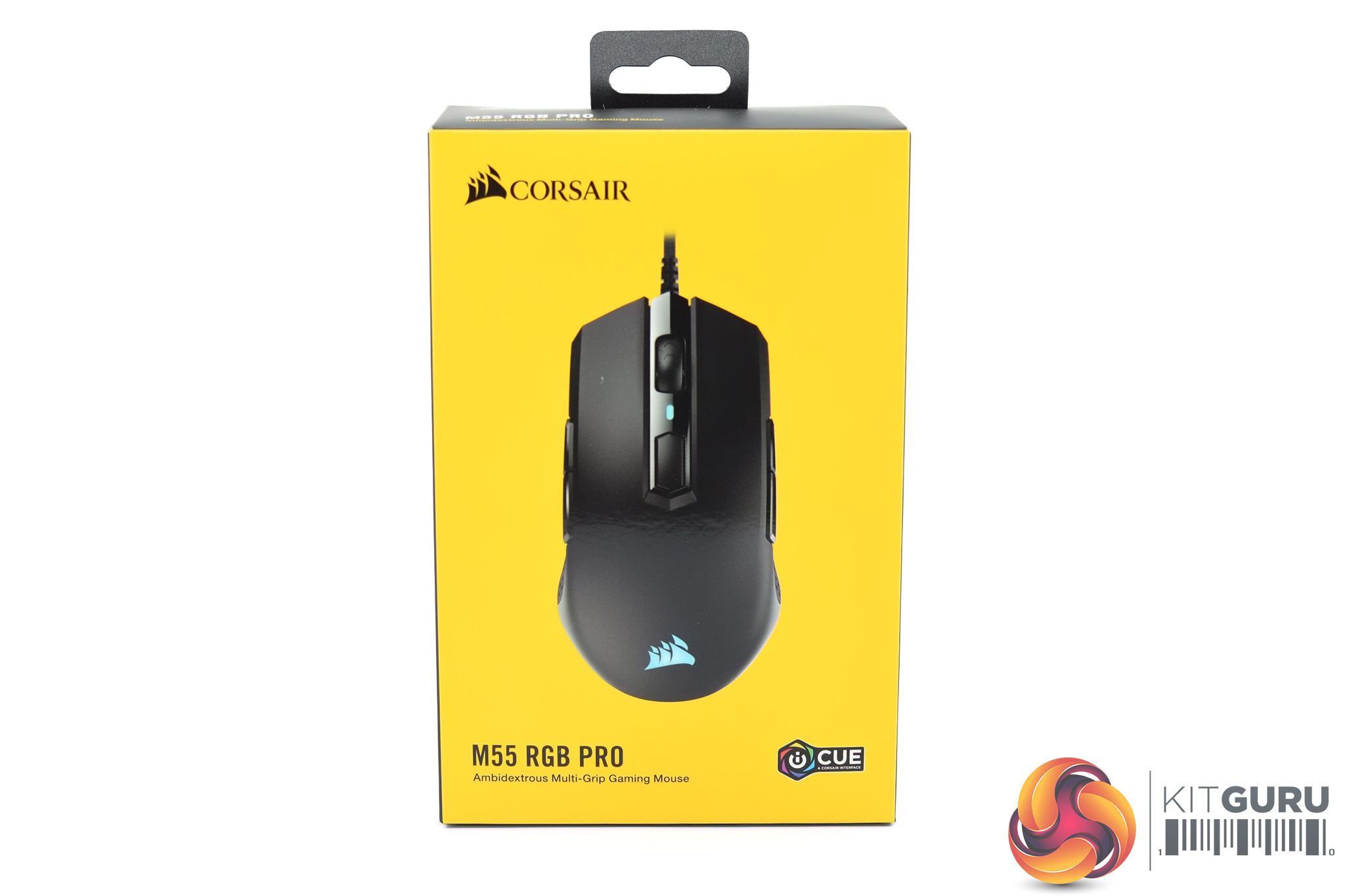
The M55 RGB Pro ships in a familiar-looking box – it uses Corsair's signature yellow colouring, with an image of the mouse taking up most of the front.
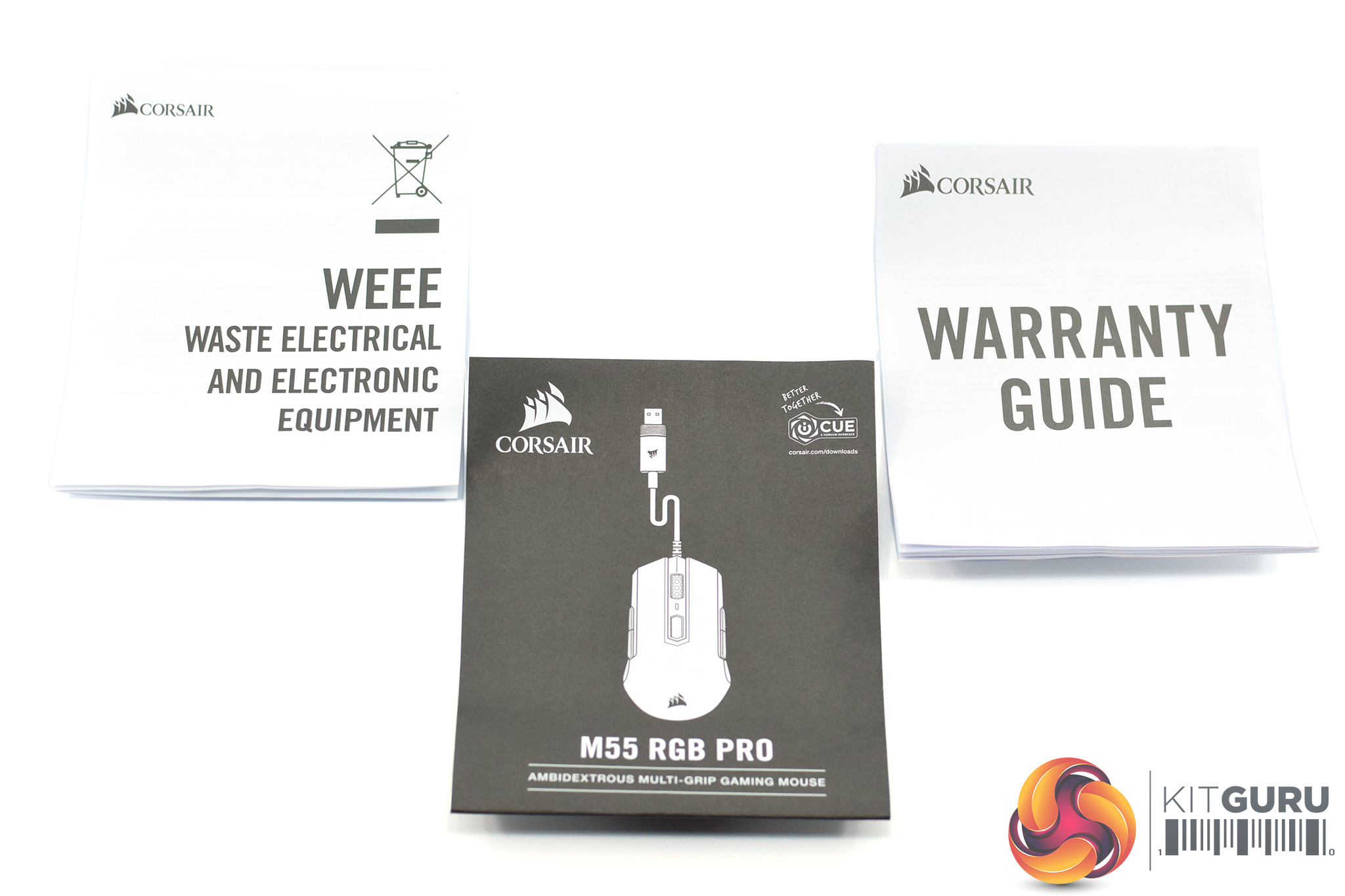
Inside, accessories are thin on the ground – we get a quick-start guide, warranty guide and electronic waste guide.
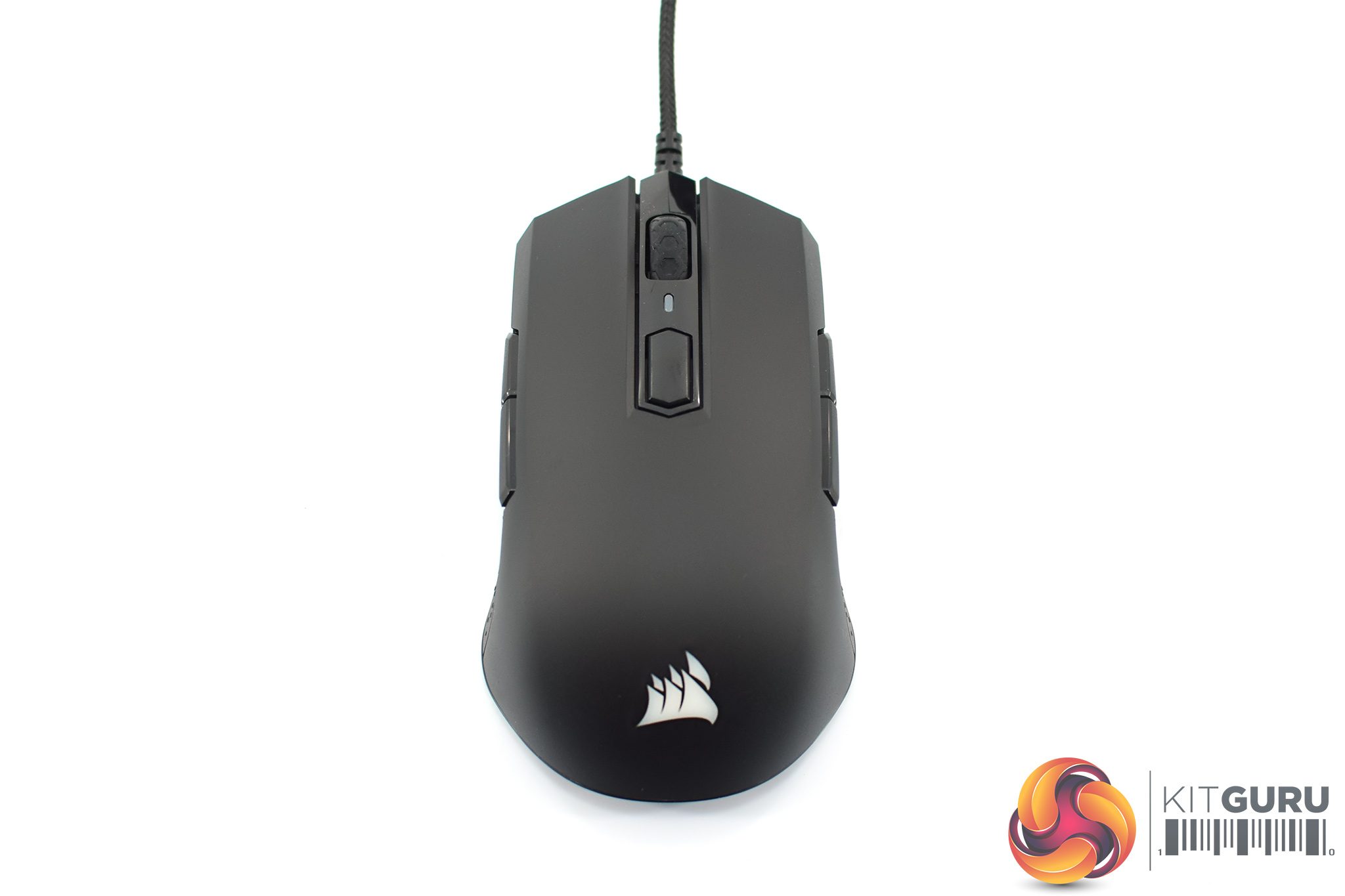
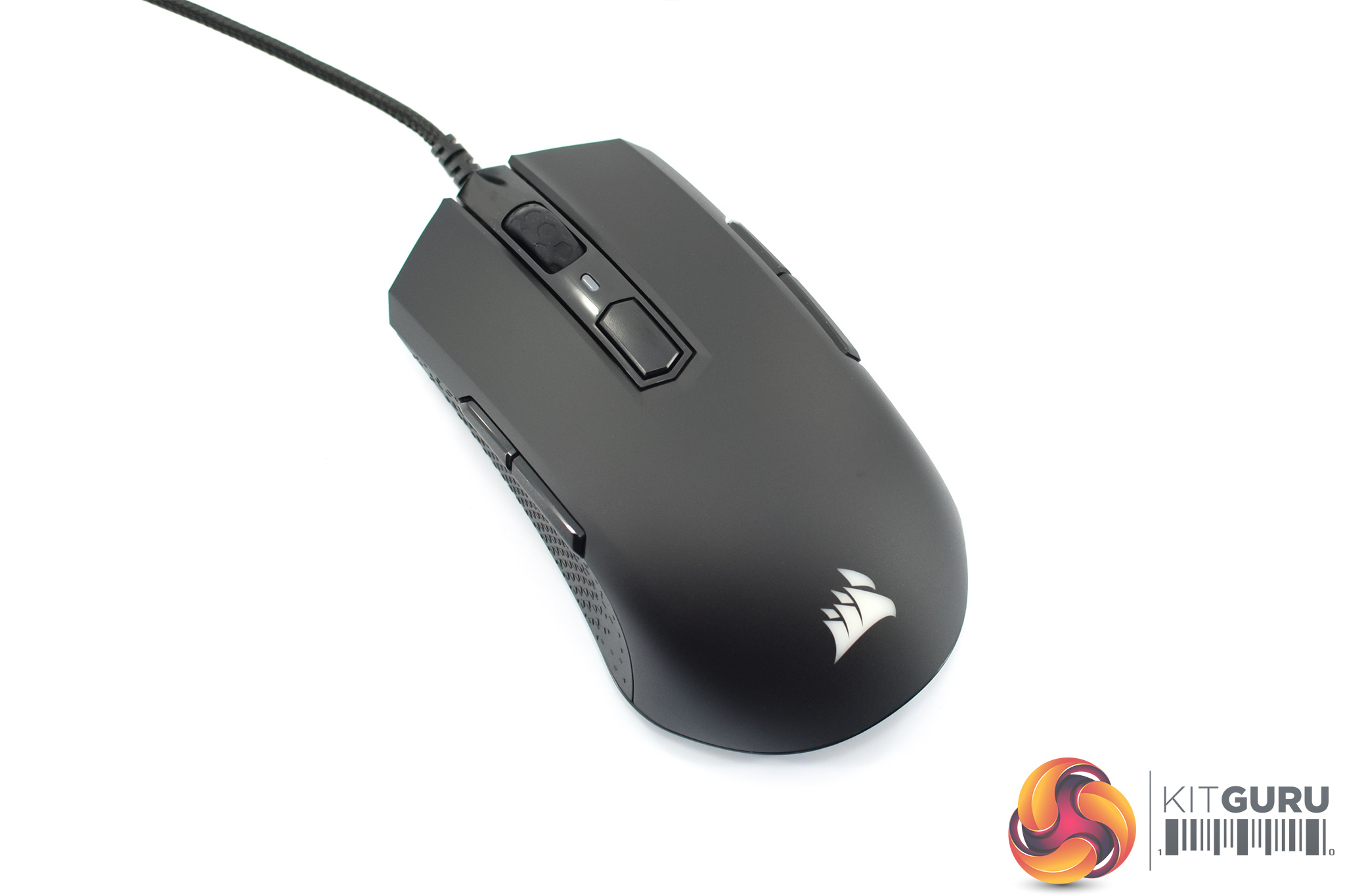
Coming to the mouse itself, my first impression was that the shape has some similarity to SteelSeries Sensei design, also found in other mice like the DM1 FPS. It's obviously symmetrical, while the rear of the mouse flares outwards in a fairly prominent manner.
It's not an exact copy of the Sensei shape, however, being a bit smaller – it measures 124.4(L) x 57.25(W) x 40(H) mm – while it doesn't have quite the same hump in the middle of the mouse. The front buttons and and rear of the mouse also give the M55 a slightly ‘sharper' look overall, and the sides of the M55 RGB Pro also curve inwards in a more pronounced way than the original Sensei. In my opinion it's still bears some resemblance to the Sensei shape, but I wouldn't call this an exact clone.
One more thing worth noting is the main plastic shell. It's obviously matte black, but the plastic is also slightly textured – it's subtle, but you can just about tell it's not entirely smooth.
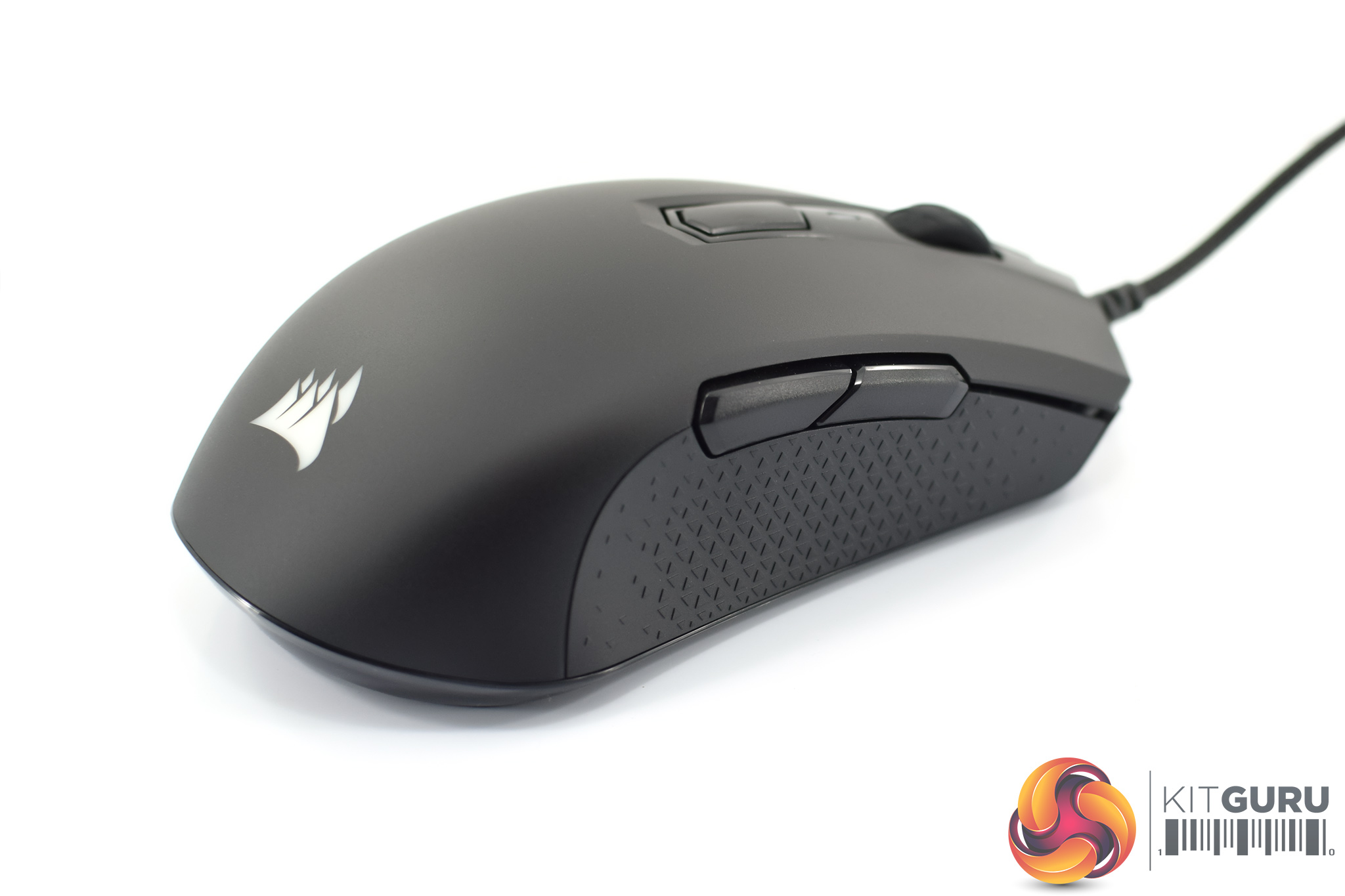
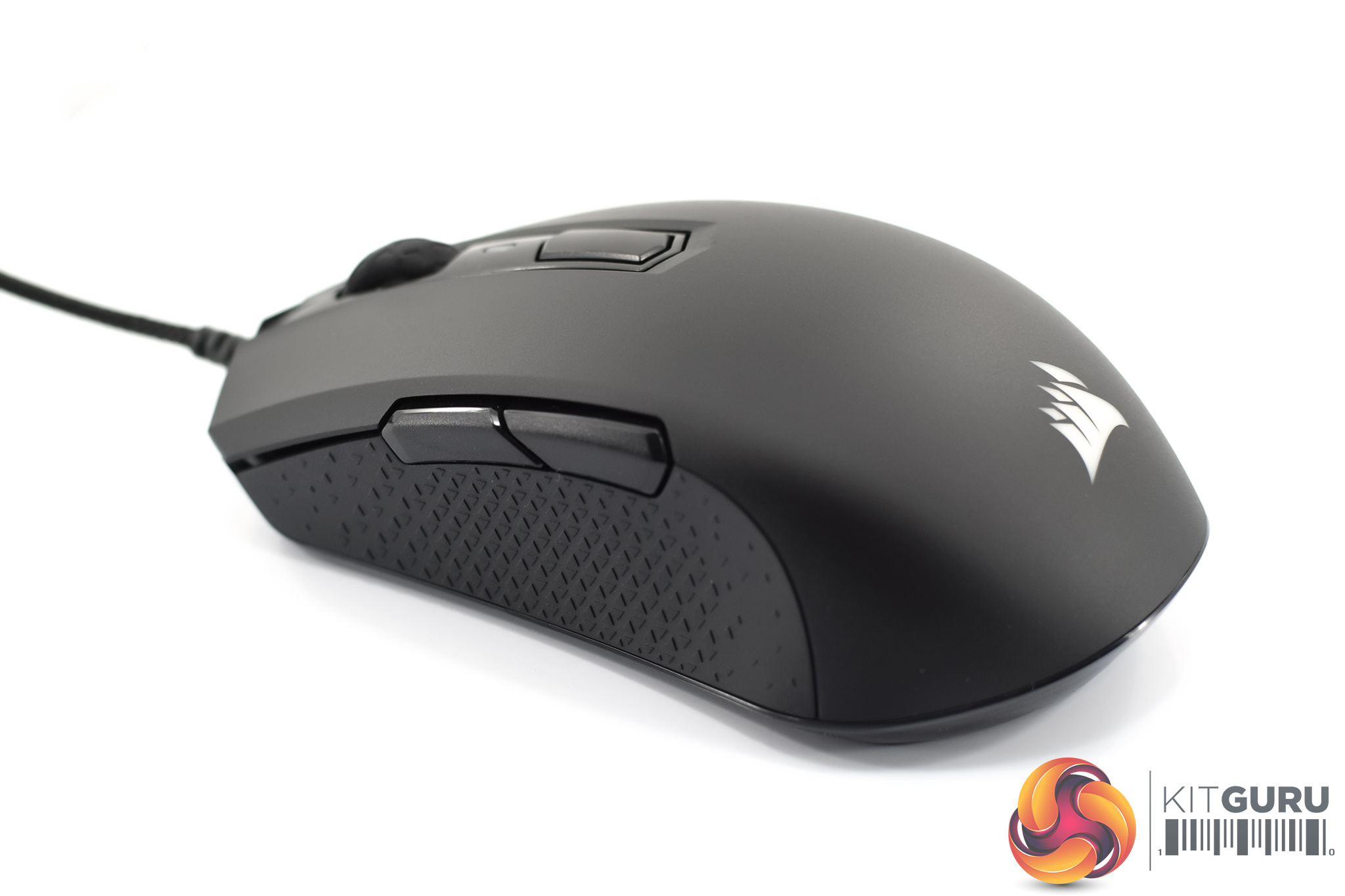
Coming to the sides of the mouse, both are exactly the same with a textured rubber grip and two side buttons. Incidentally, Corsair say these grips are ‘highly durable double-shot side grips', and they also appear to be moulded onto the mouse – as per the Harpoon RGB Wireless – rather than being rubber grips that have been stuck on.
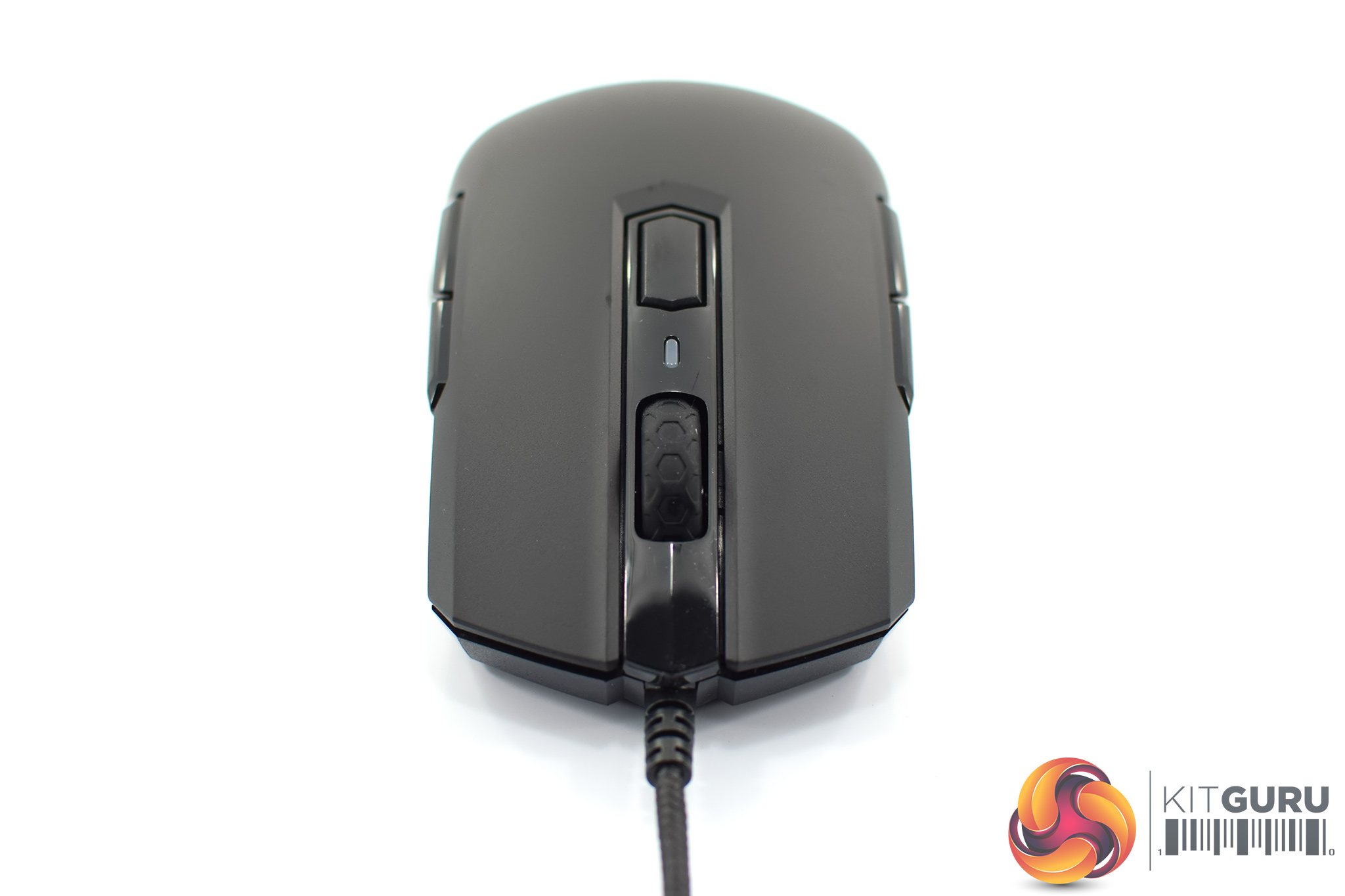
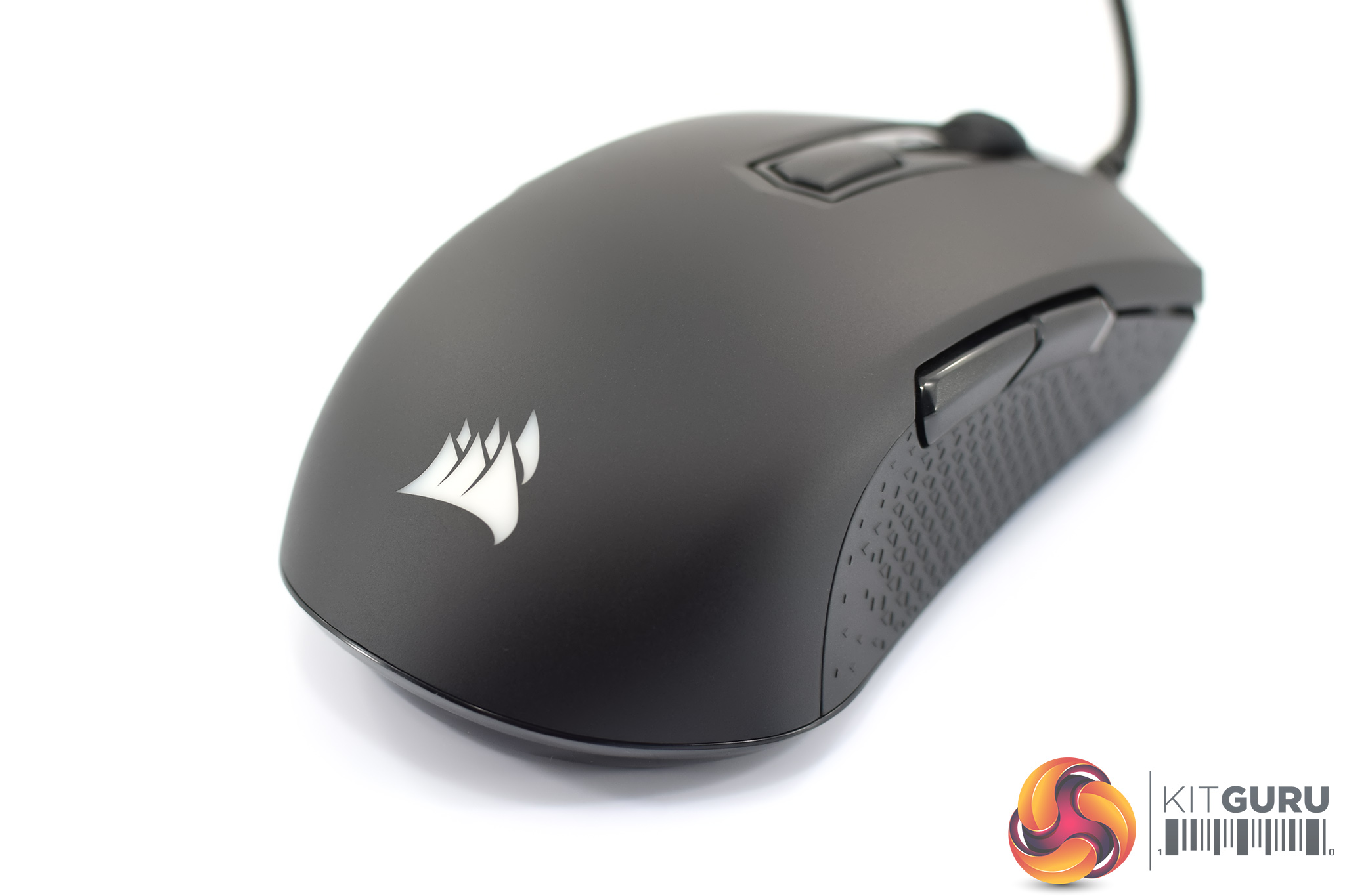
The front of the mouse houses the textured rubber scroll wheel as well as a single DPI button, with an LED indicator accompanying it. The primary buttons form part of the mouse's main shell – meaning they are not separate/split trigger buttons.
At the bottom of the mouse we get a closer look at the Corsair logo, which of course is RGB illuminated.
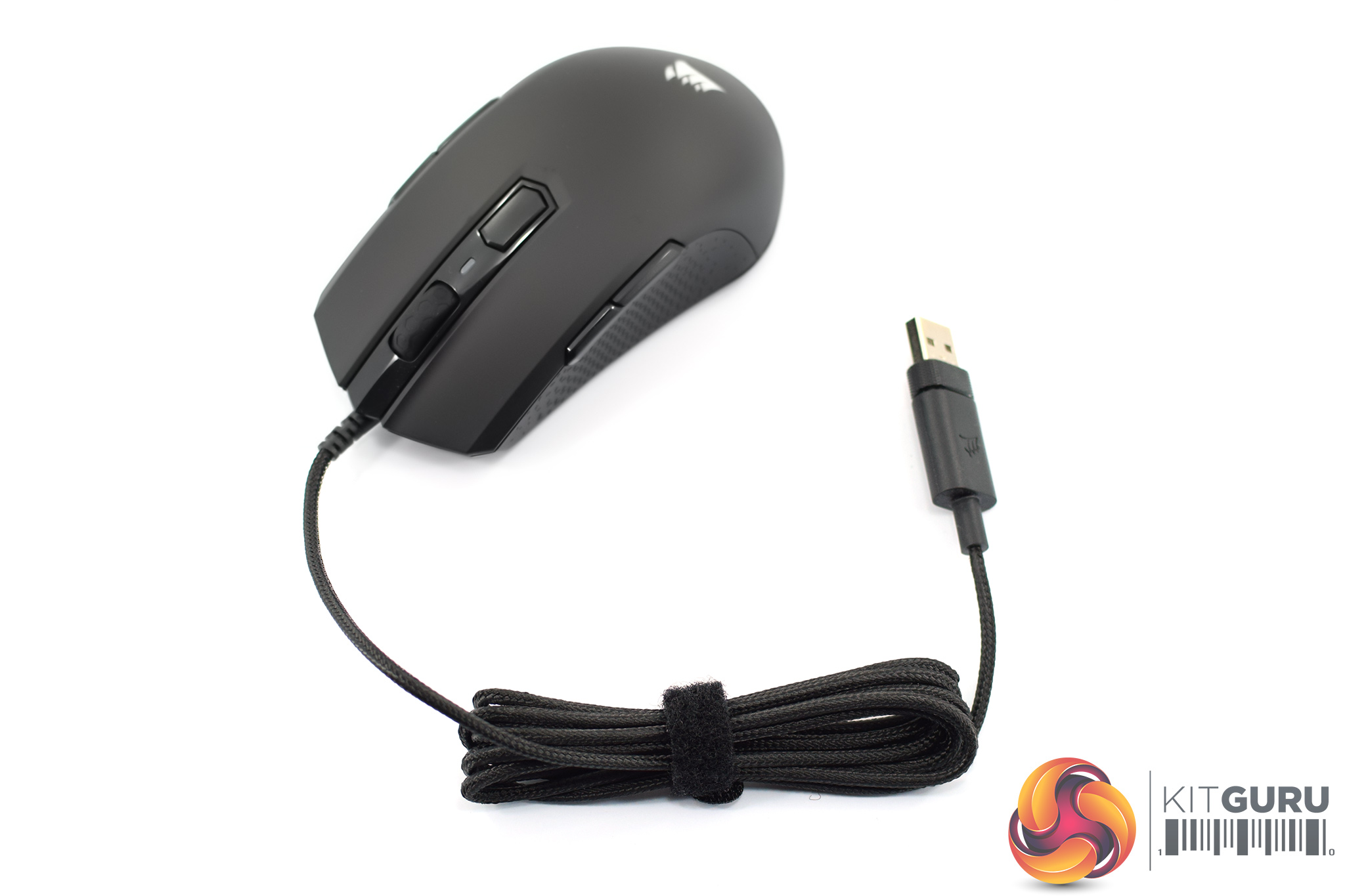
In terms of the cable, this is 1.8m long and is braided, while it uses a standard USB 2.0 Type-A connector.
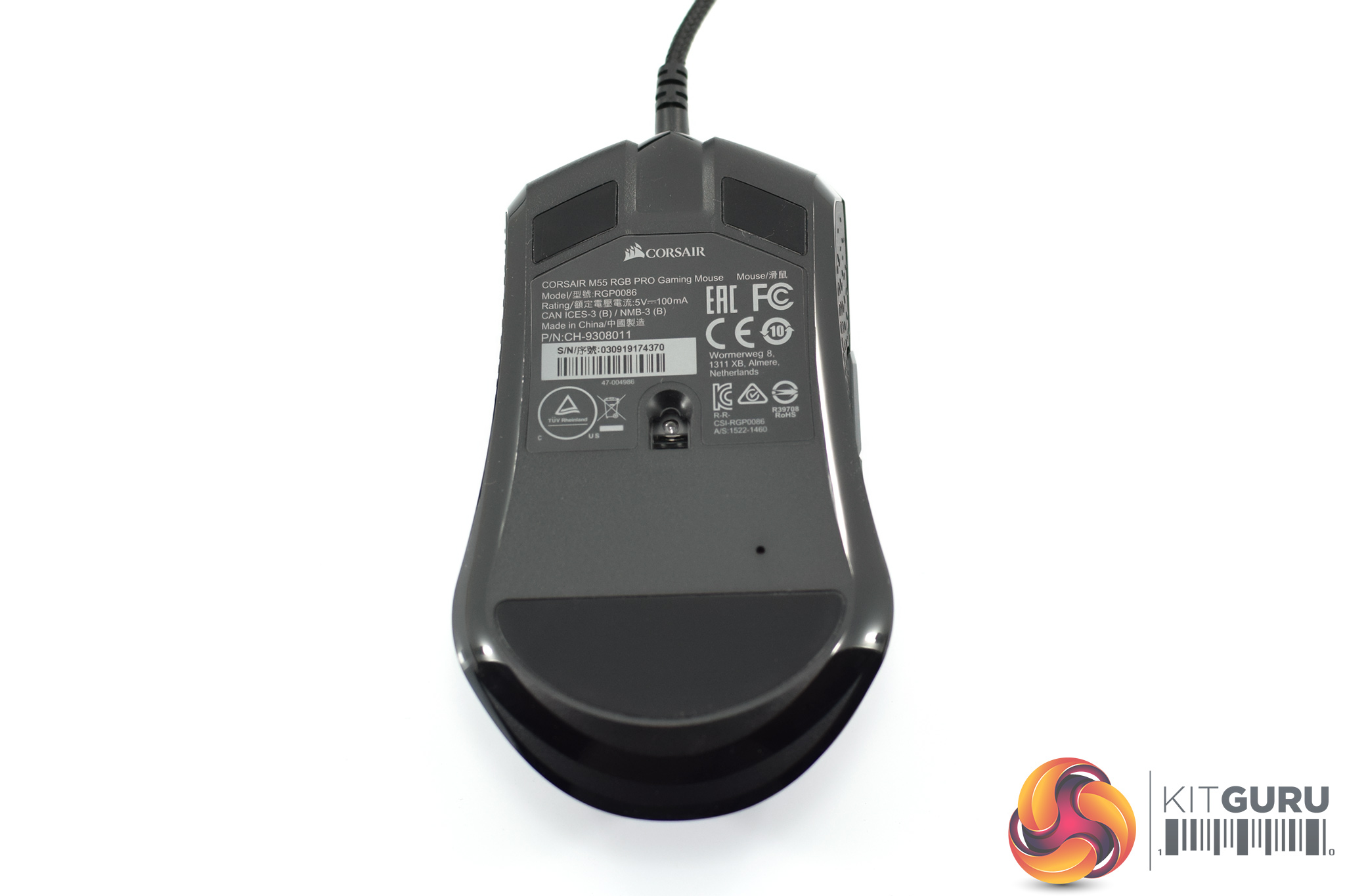
Turning the mouse over, we get a look at the three PTFE mouse feet – one large one at the bottom, and two smaller feet at the top – as well as the PixArt PAW3327 sensor. This is an optical sensor rated at 200-12400 DPI, and we talk about performance on the next page.To test the M55 RGB Pro, I used it as my daily driver for just over a week. We break down testing into four main sections: software, lighting, build quality and comfort, and performance.
Software
Note: if the above images are not displaying properly, you may need to disable your ad block software as they are known to interfere with our display code.
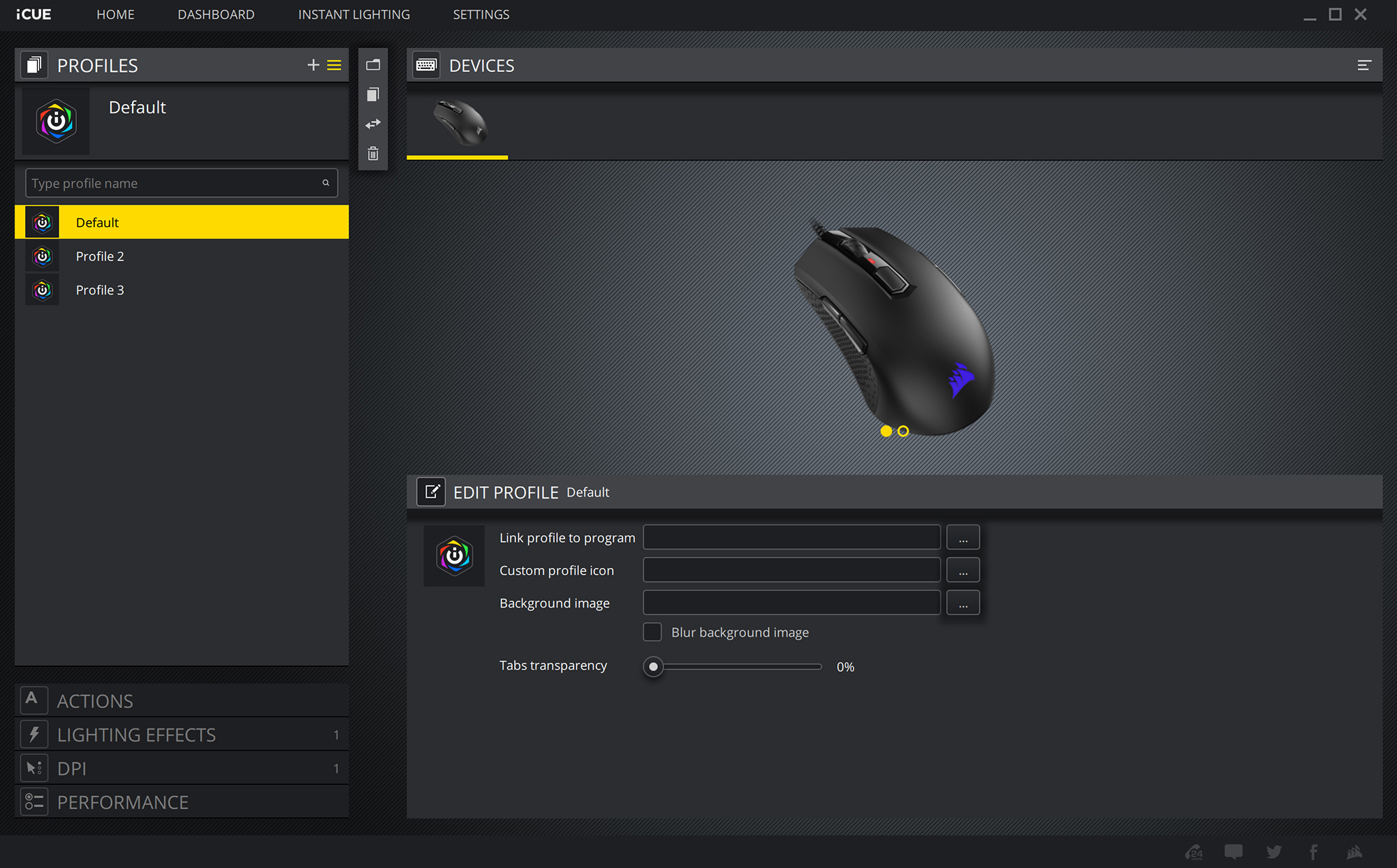
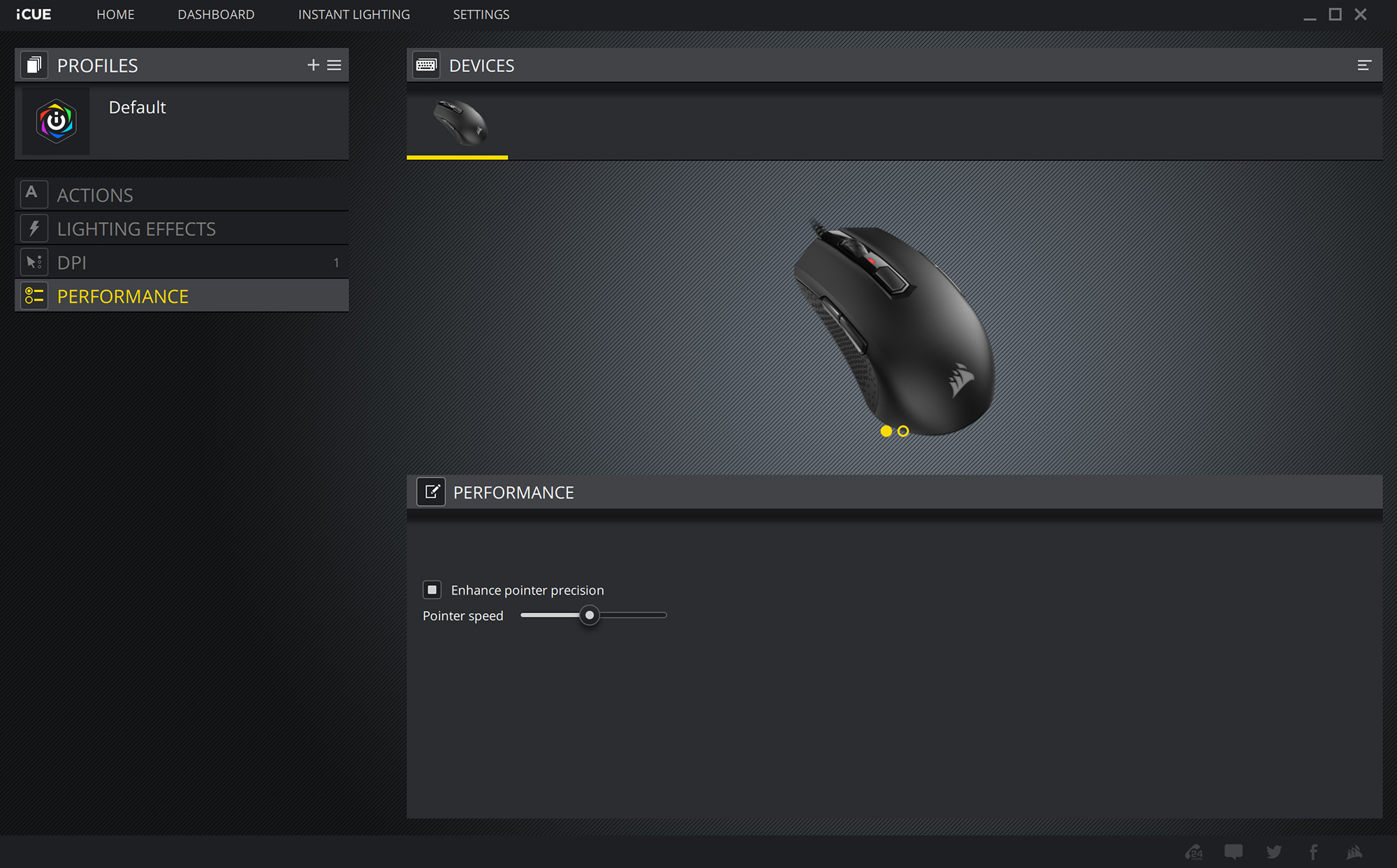
As we have now come to expect from Corsair’s latest peripherals, the M55 RGB Pro uses the company’s iCUE software. If you have a range of Corsair products or peripherals, they will all be controlled through this software.
As for what you get in terms of software control for the mouse, things are pretty much exactly the same as what we got with the Harpoon RGB Wireless that I reviewed earlier this year. First of all there is the Profiles tab, where you can configure different settings for each profile to your heart's content – but remember there's only space for one on-board profile for the M55.
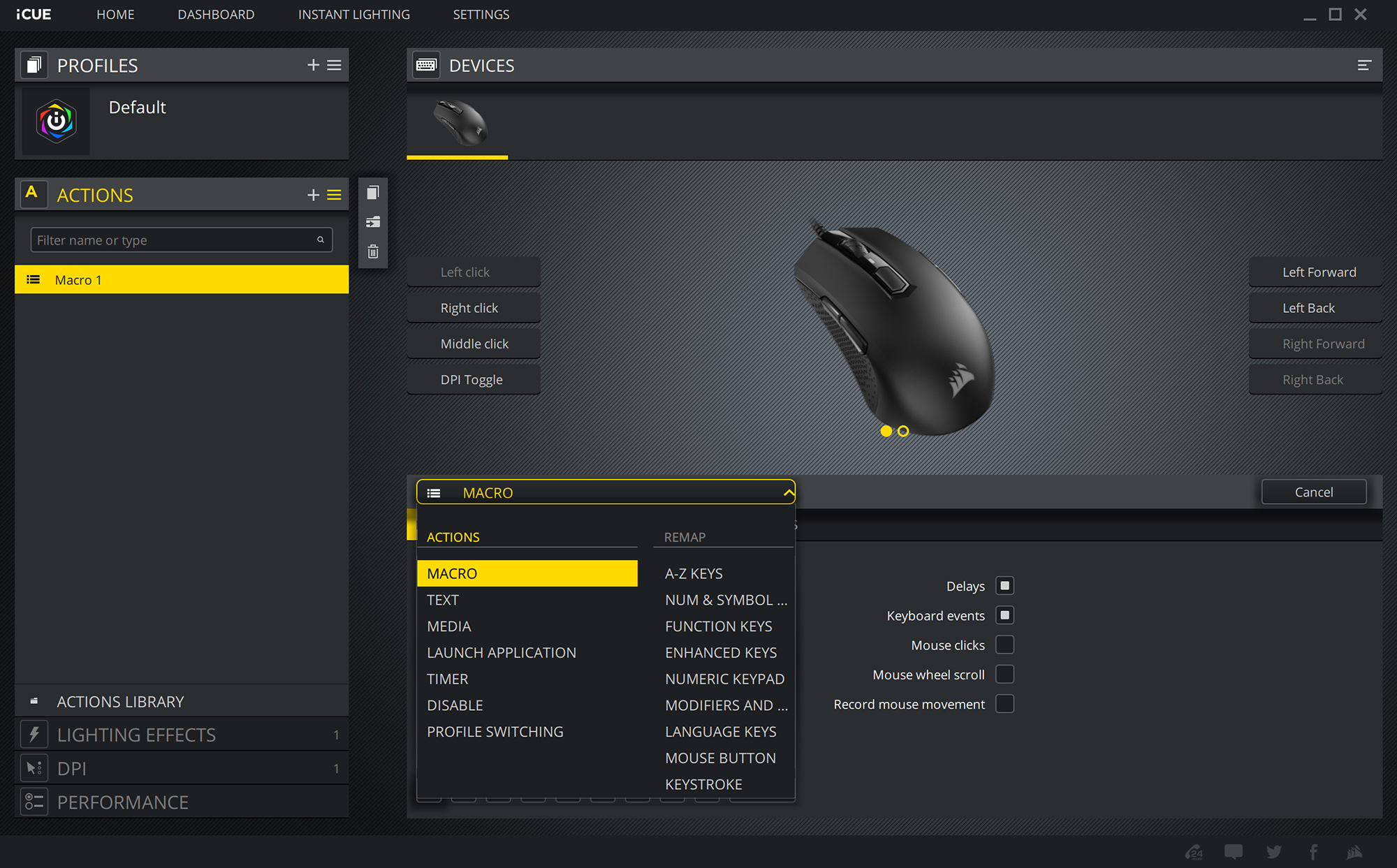
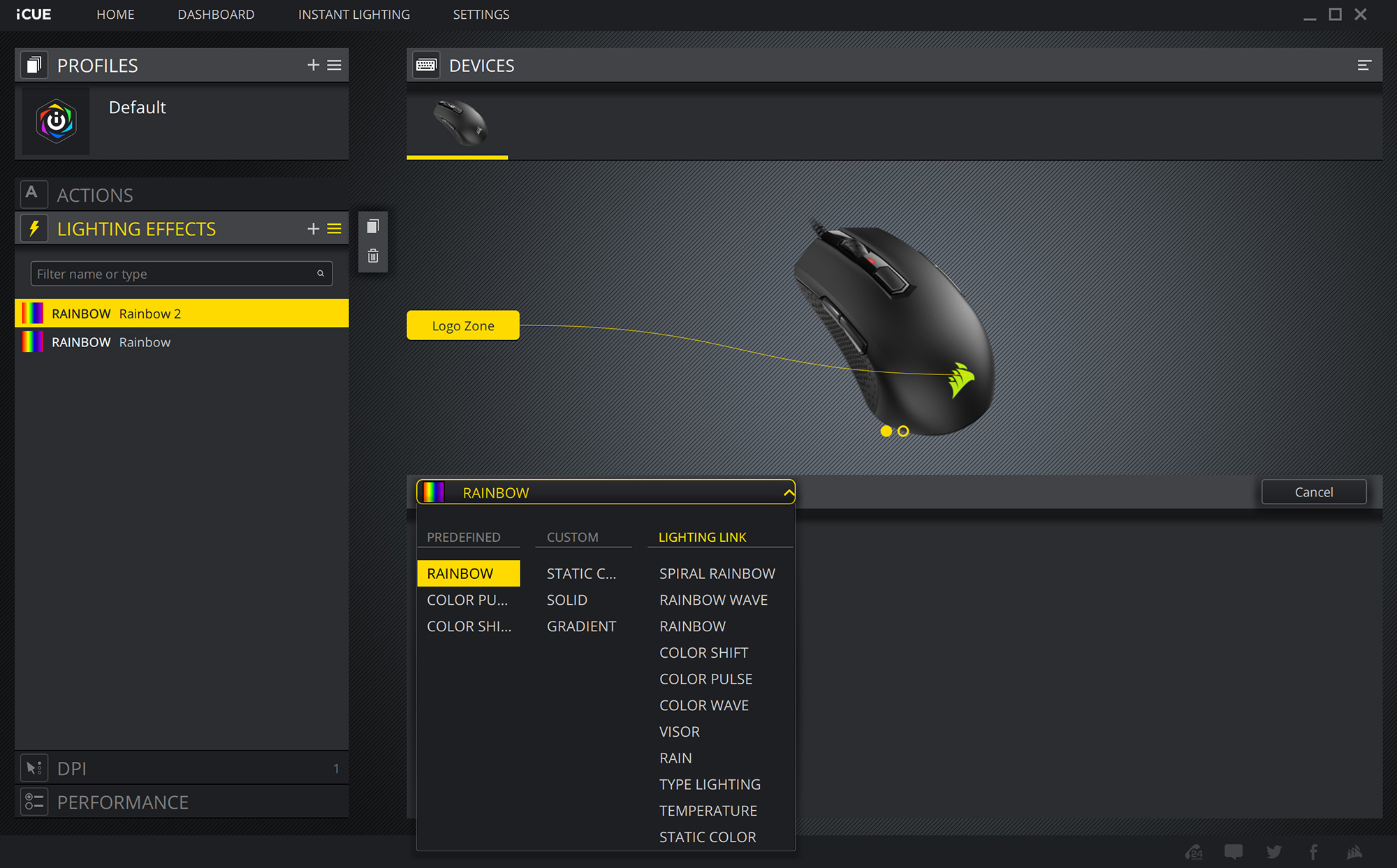
Next comes the ‘Actions’ tab where users can make their own macros or re-bind the various buttons, while ‘Lighting Effects’ offers various different presets – including ‘Rainbow', ‘Color Shift' and ‘Color Wave – for the RGB logo on the mouse.
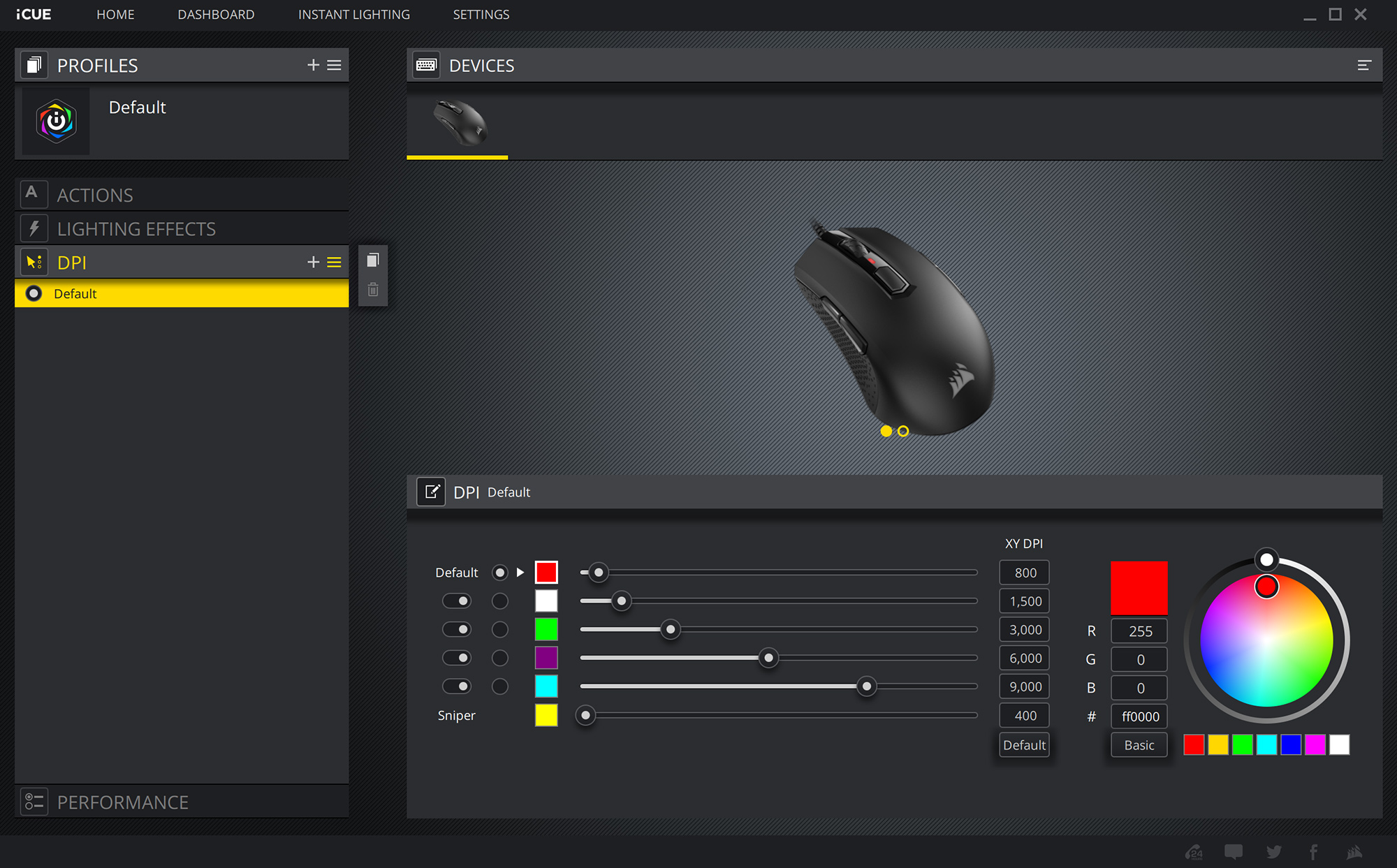
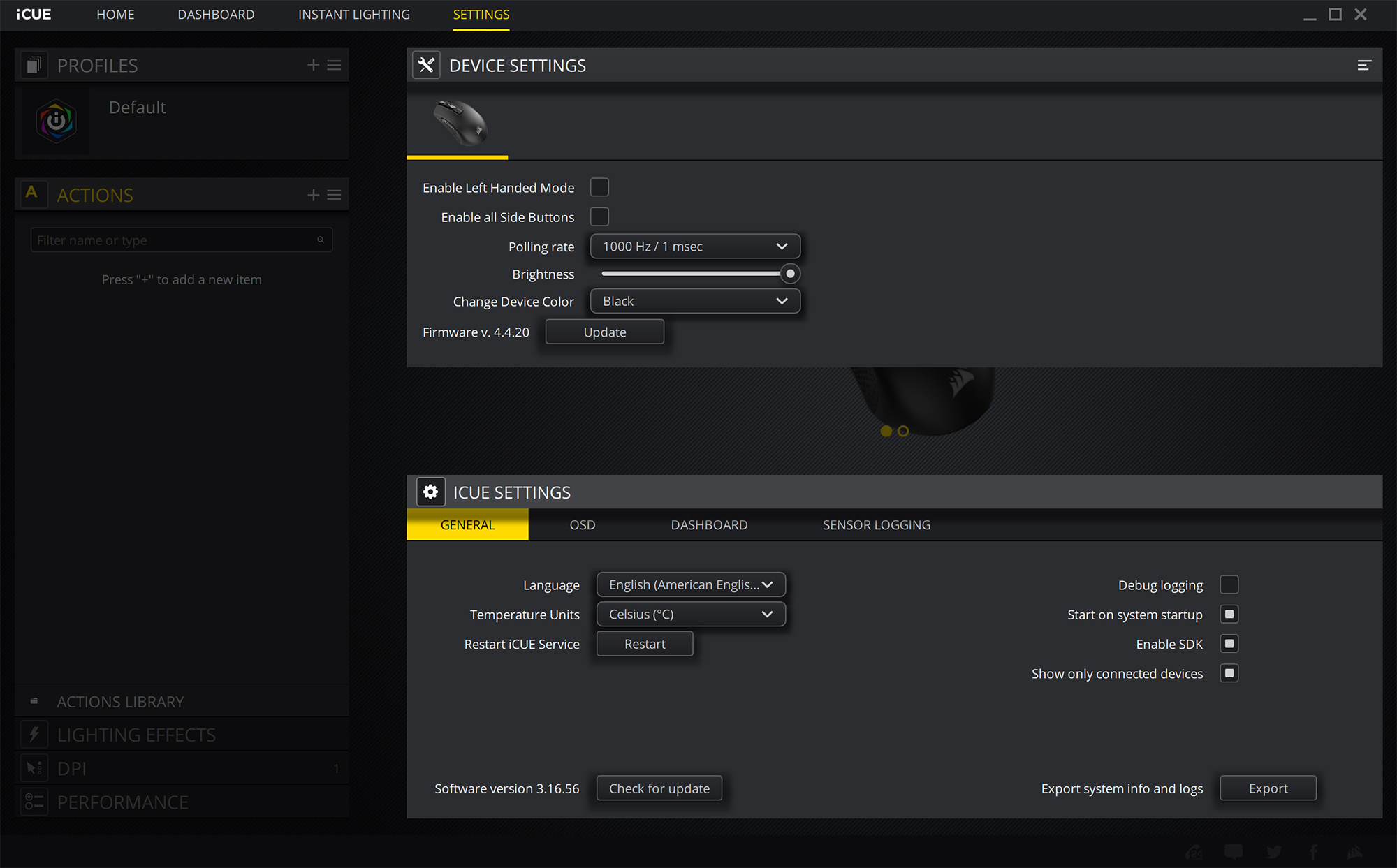
After that, the ‘DPI’ tab is pretty self-explanatory – you can set up to 5 DPI stages, plus one ‘Sniper' setting, while each stage can be represented by a different colour which changes the LED at the top of mouse. The final tab is about ‘Performance’, with two options to be adjusted – angle snapping and pointer precision.
There is just one last section to touch on, and that is the ‘Device Settings', where you can adjust polling rate and RGB brightness. There's also an option to enable ‘left handed mode', which will disable the side buttons on the right-hand side of the mouse and also switch the primary buttons – so left click becomes right click etc.
Overall, iCUE is as good as ever really – it's not doing anything out of the ordinary but you get all the control you could want for a mouse like this, presented in a clean and clear package. For me, I've had no issues with it.
Lighting
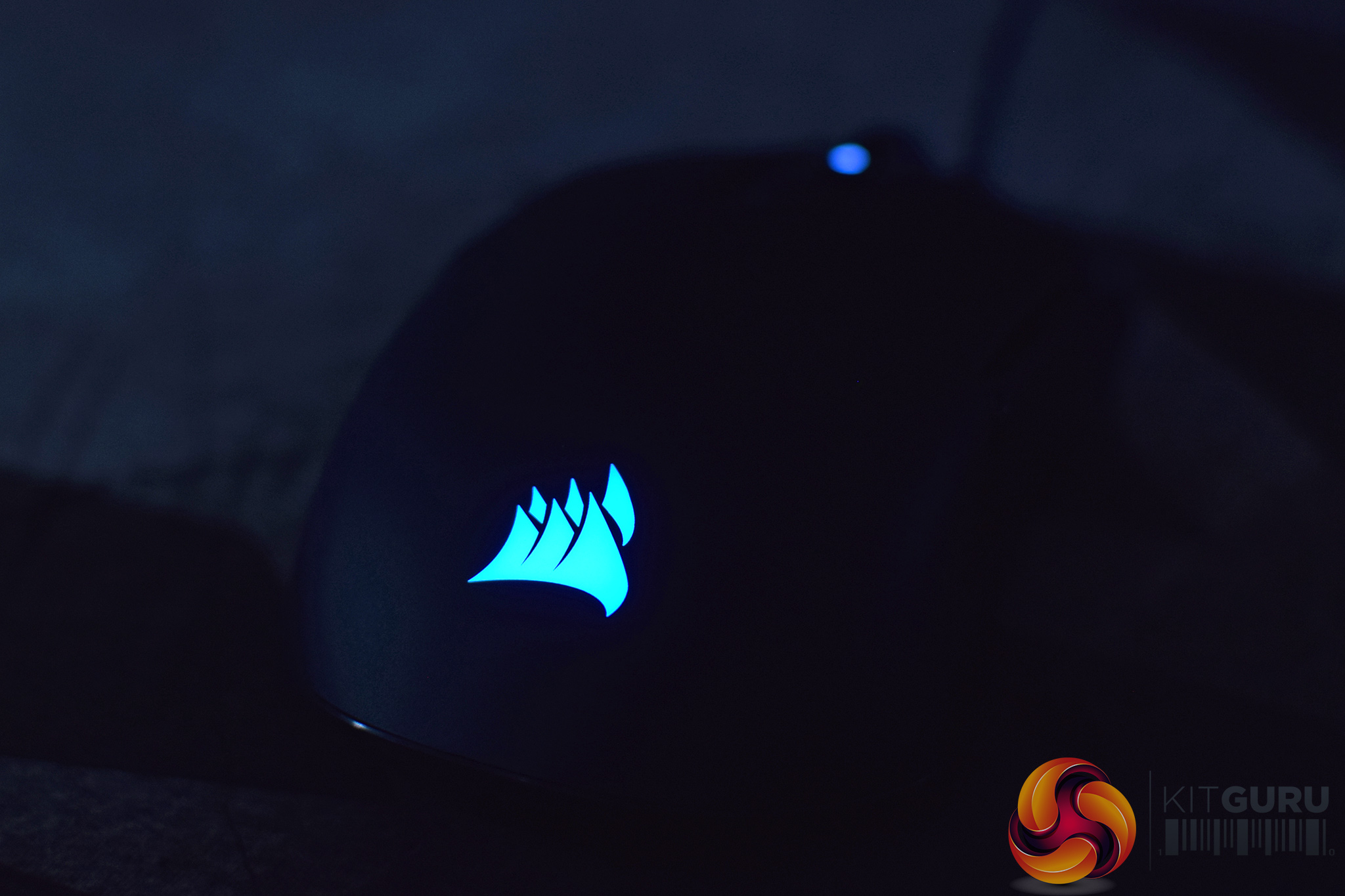
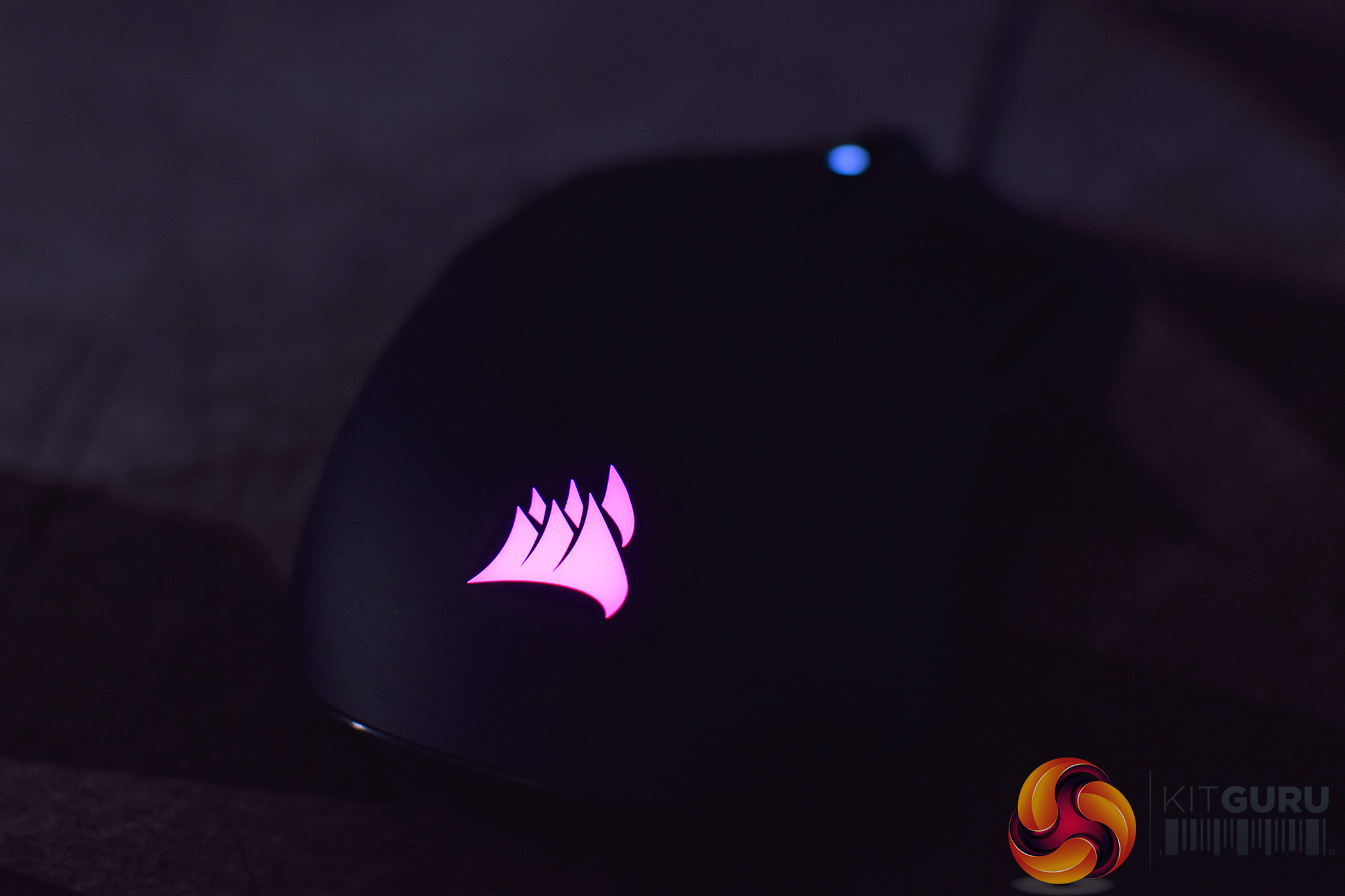
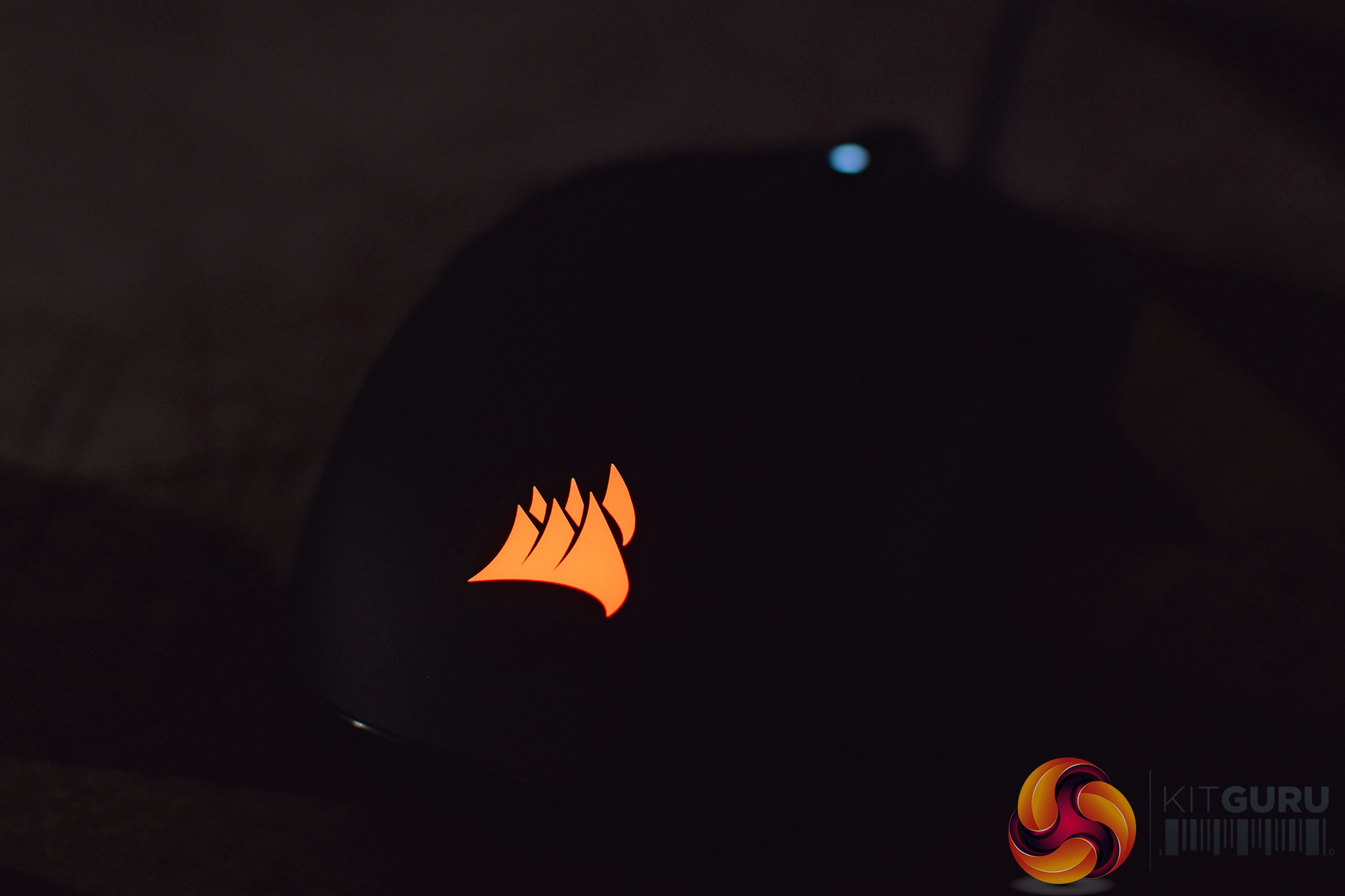
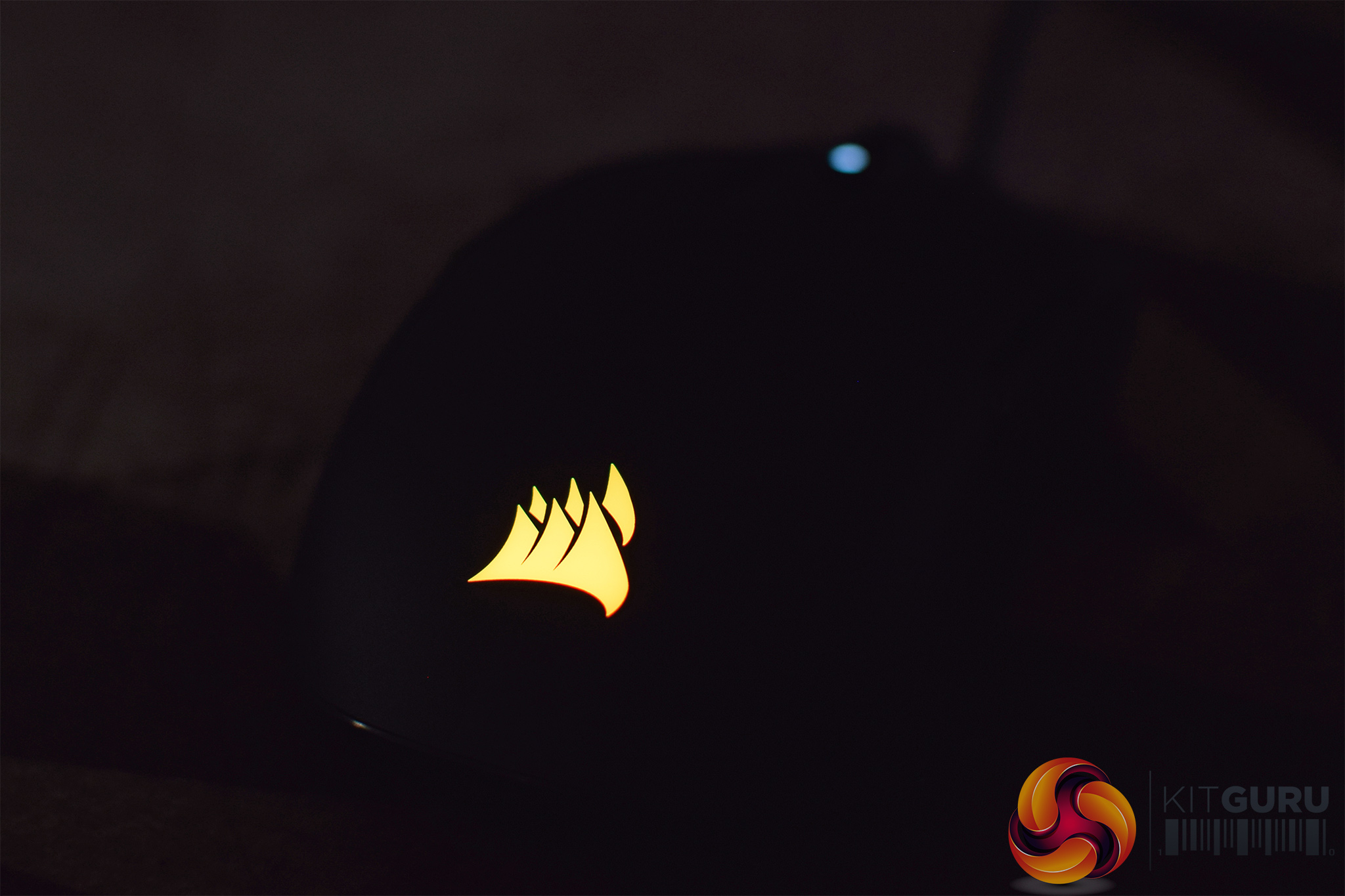
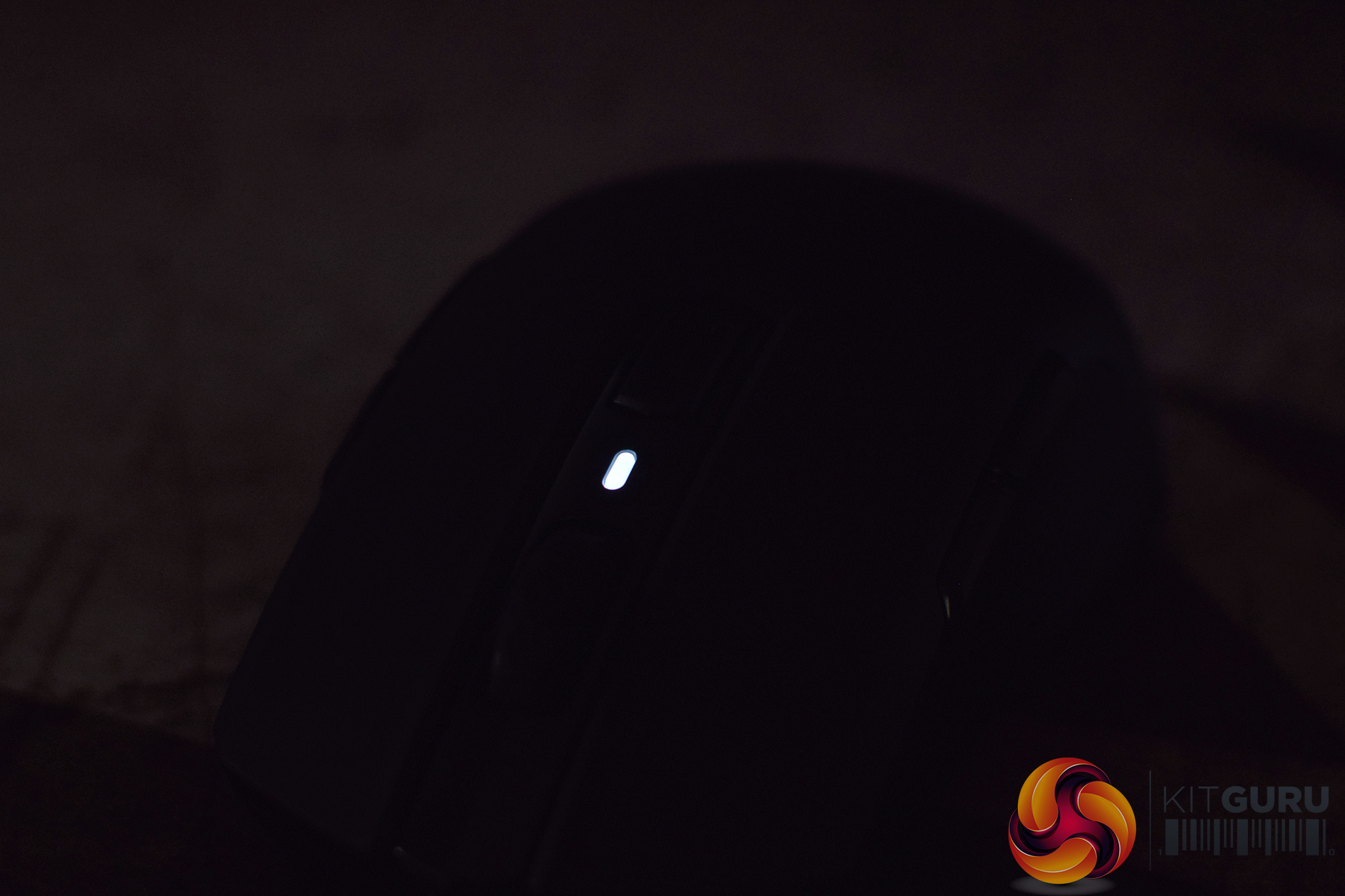
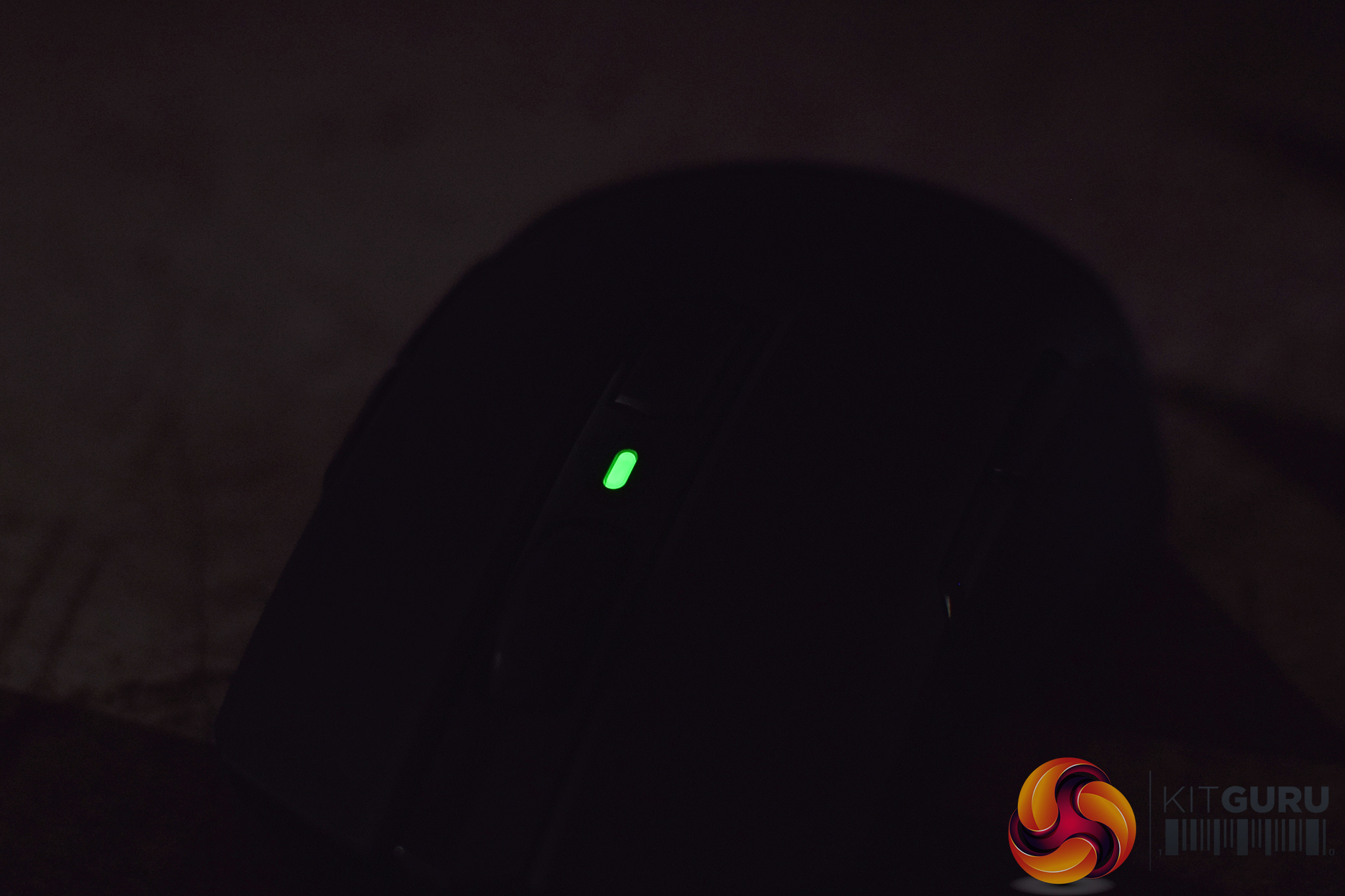
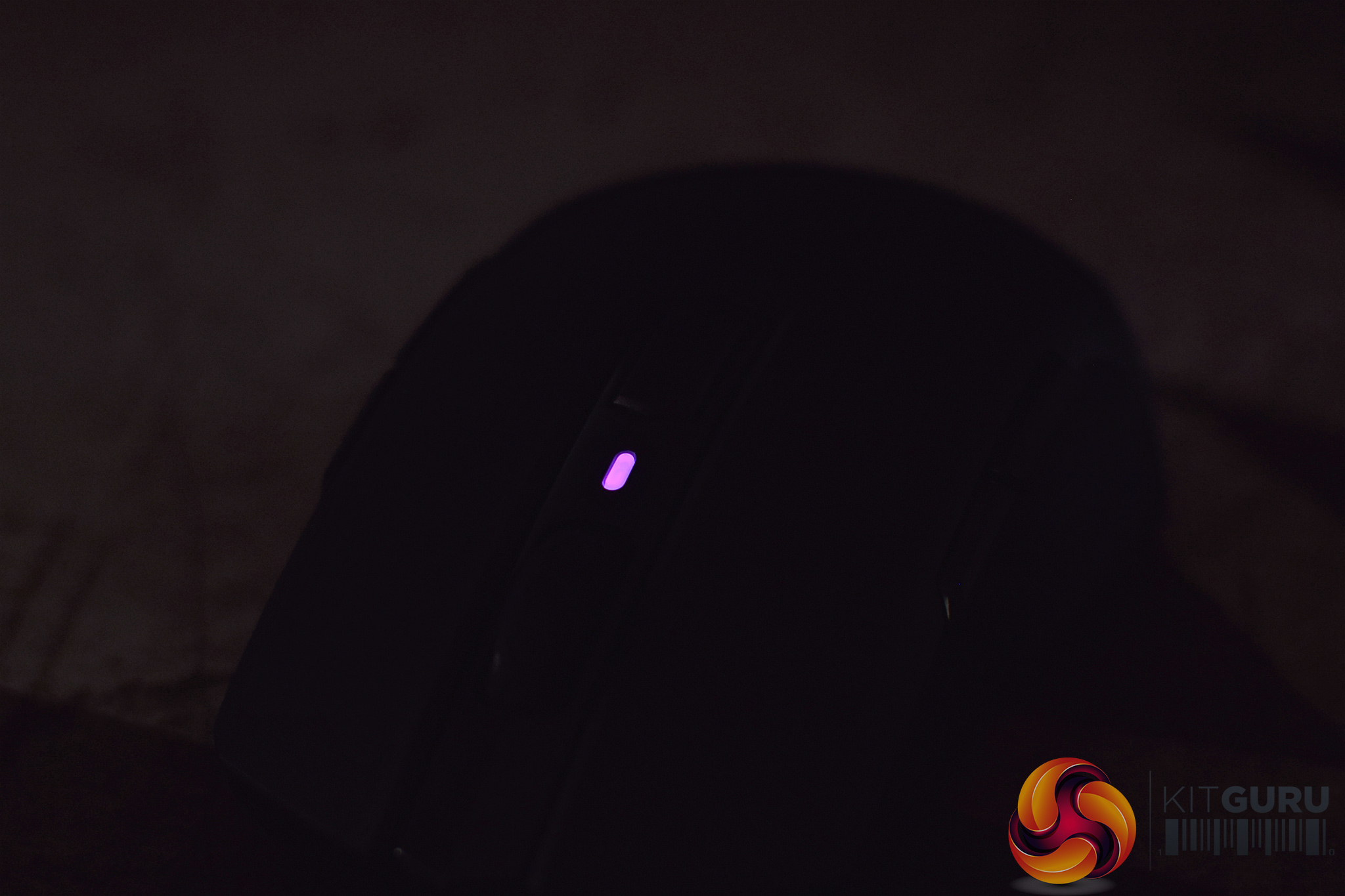
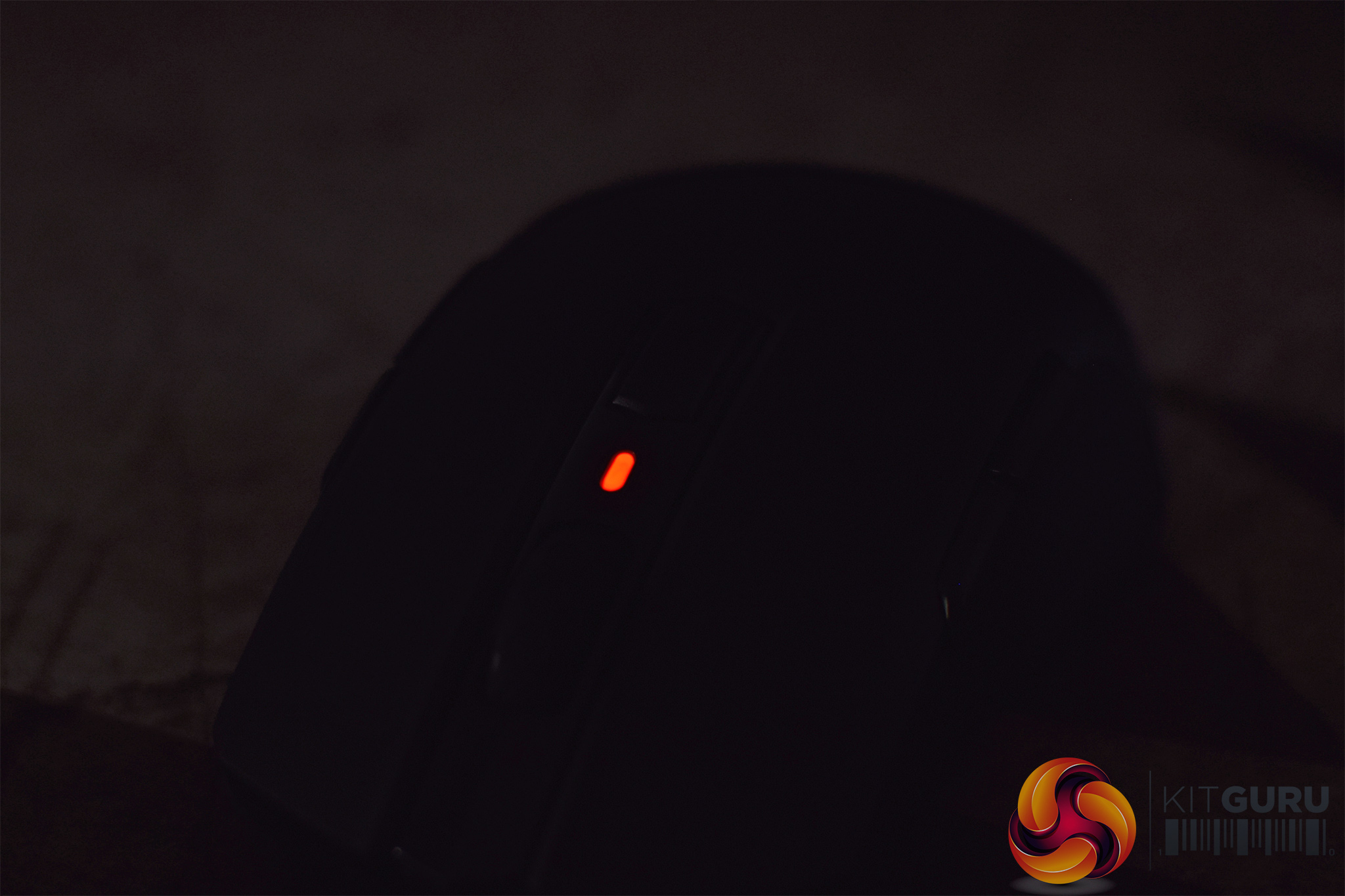
The M55 RGB Pro's lighting is pretty straightforward – the Corsair logo at the bottom of the mouse is what will show your lighting effects – like Rainbow, Wave etc – while the small DPI LED indicator at the top of the mouse will change colour depending on which DPI stage you are currently using.
It's pretty simple overall, but the RGB logo looks good and is evenly lit – you wouldn't buy it for the lighting alone, but anyone with other Corsair peripherals will like how the lighting effects can be synchronised in iCUE giving you that cohesive look. The LEDs can also be turned off if you want to go for a more subtle approach.
Build quality and comfort
Moving onto the M55's build quality, it overall feels pretty solid. It weighs 86g, so while it's not one of the new breed of ‘ultralight' mice like the Glorious Model O or Cooler Master MM710, it is by no means a heavy mouse. Even so, the main body of the mouse feels pretty solid and the sides don't creak or flex when pressure is applied, it does have an overall sturdy feel to it.
That said, there's a couple of issues I picked up. Firstly there is a bit of scroll wheel rattle – it's not terrible, but it is noticeable when making fast movements with the mouse, so low sensitivity gamers will likely pick up on this. Secondly, the primary buttons – in a very similar way to the Harpoon RGB Wireless – exhibit quite a fair amount of post-travel – not quite as much as the Harpoon, but still enough to be quite noticeable.
This gives the buttons a soft, mushy feel and it is overall quite unsatisfying. It isn't too noticeable when making slower, single clicks – but as soon as you start making more rapid button presses, that mushy feeling becomes quite apparent. Given I found essentially the same thing with the Harpoon RGB Wireless earlier in the year, I think Corsair needs to have a look at this – something isn't quite right with its shell designs if two mice are now exhibiting that extra bit of post-travel. It may not sound like much, but coming from a mouse with none of these issues (I was using the Logitech G305 previously) it is quite noticeable.
As for comfort, though, the M55 has a good shape and I think people will get on well with it. Like I said, it's similar to the Sensei shape but not an exact clone, but if you have used something similar in the past you'll know what to expect. For me, the extended rear of the mouse fills the bottom of my palm quite nicely, and I can claw-grip the M55 really well. It's versatile enough that palm and fingertip-grip gamers will also be just as happy with this mouse.
One thing I did notice is that, while gaming, my fourth finger would occasionally press the side buttons on the right-hand side of the mouse (I'm right-handed). This didn't happen too much, but every now and then – usually during a relatively tense firefight when I'm gripping the mouse more firmly – I would feel the buttons click in under my fourth finger.
Thankfully, the right-hand side buttons are disabled by default – you have to enable them in iCUE either by switching to left-hand mode, or by specifically enabling all four side buttons. I left things as they were out of the box, so even a few accidental presses had no bearing on gameplay.
Lastly, the M55 RGB Pro also features the same textured side grips as the Harpoon RGB Wireless. I do like these, they feel quite firm and not too soft or rubbery under your fingers, which for me helps keep a good grip – it's somewhat of a halfway house between having plain plastic side panels, and more traditional stuck-on rubber side grips.
Performance
I've already covered the primary buttons' performance and how I find them not the most satisfying to use, so we'll move onto the side buttons next. I have to say, these are much better – they have a relatively crisp, snappy action and for me there is the perfect amount of travel on these buttons. On top of that, both are within easy reach of my thumb so I was never stretching to press either button, but this will obviously depend on your hand size.
The scroll wheel is less impressive, though, as the steps aren't very distinct at all and it just generally feels a bit loose. I think it needs more tension, while it could be physically tighter in the mouse – it's quite easy to wobble it side to side, which explains the rattling noise heard when making fast movements with the mouse.
Moving onto the sensor performance, this is an interesting one as the M55 RGB Pro uses PixArt's PAW3327. I hadn't heard of this sensor before, and the fact that it uses the ‘PAW' prefix, not the standard ‘PMW', is something I am not familiar with. Corsair's reviewer's guide states this sensor was ‘developed in conjunction with PixArt', suggesting Corsair had some kind of involvement, but as far as I can tell it is also used in the ASUS TUF Gaming M5.
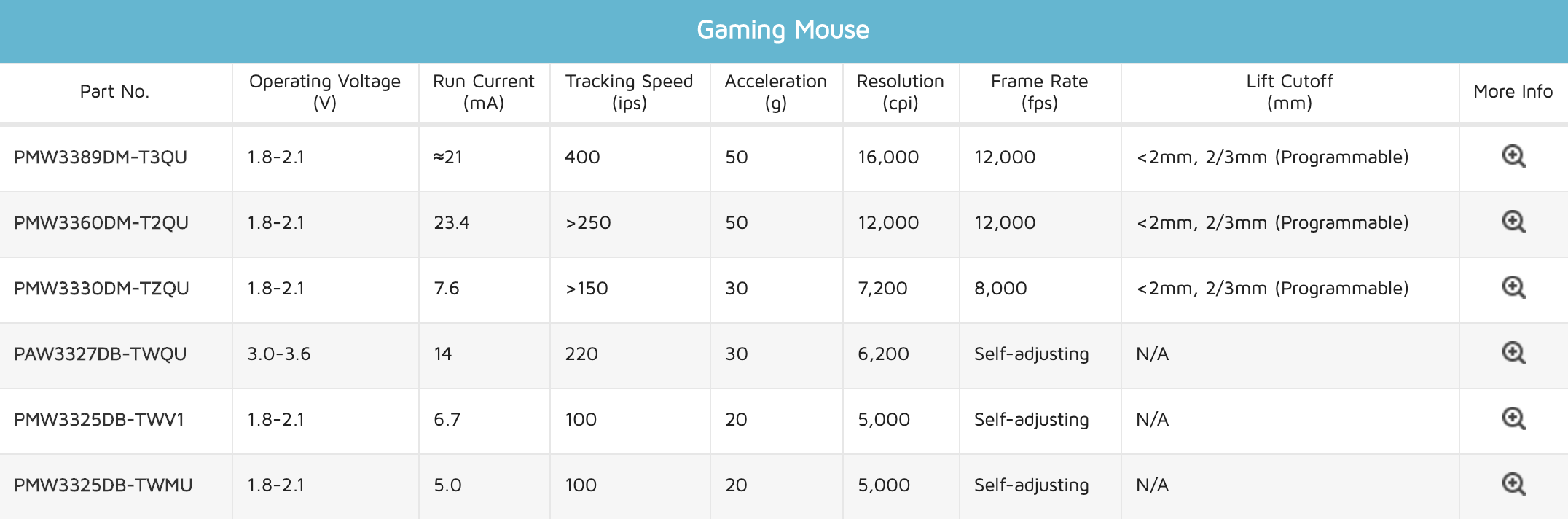
Source: PixArt
It is listed on PixArt's website, as per the graphic above, and while the name suggests it is some kind of modified PMW3325 – which was my initial guess – its specs are quite different, with an increased tracking speed of 220 IPS, and a higher 30G acceleration. Interestingly, it has up to double the operating voltage of the 3325, so it doesn't look like Corsair has just taken a 3325 and raised the maximum DPI.
Anyway, that aside, sensor performance is definitely very good. Using it day to day at my preferred sensitivity of 1200 DPI I experienced no issues in regards to general tracking, with no noticeable jitter or acceleration. The tracking speed of up to 220 IPS is more than high enough for me to not be able to cause the sensor to spin out, while I couldn't detect any smoothing either.
The one thing that I did notice with this sensor, and found annoying, was its high lift off distance (LOD) – which, funnily enough, was also the case for me when testing the Harpoon RGB Wireless. Using it with Corsair's own MM350 Extended XL mousemat, I found the M55 RGB Pro would still track with three DVDs wedged under both the front and rear of the mouse, and it required a fourth DVD at each end to finally stop tracking.
This is just too high – even the Harpoon RGB Wireless, which I previously criticised for high LOD, stopped tracking at three DVDs high. I really noticed this on a day to day basis, when just picking up the mouse to reposition it – the cursor would skip much further across the screen than it usually would. It means you're having to fight the sensor every time you're moving the mouse, and it's really not ideal for low sensitivity gamers who make big, sweeping movements with a mouse.
Lastly, I will just touch on the braided cable. I have to say, I think Corsair needs to improve this aspect of the mouse as well – I haven't reviewed a wired Corsair mouse in a while so I couldn't say if this is the same cable as used on its other high-end mice, but with the M55 RGB Pro, it is quite stiff and inflexible. Even after spending 5 minutes trying to work out all the kinks and loosen it up a bit, I was still noticing some resistance during normal mouse movements. Things improved noticeably when I started using the mouse with my bungee, but I think a standard rubber cable would've been the better option here – potentially even saving customers money in the process.Having spent the last week using Corsair's new ambidextrous M55 RGB Pro mouse, I think it is safe to say there is room for improvement.
Starting with the good, though, Corsair has gone with a pretty safe shape – it is what I would call ‘Sensei-inspired', being generally similar to the classic Sensei shape, but with a few differences here and there. That means it's comfortable to use with a variety of grip styles, while the mouse as a whole feels generally pretty solid in the hand despite its 86g weight.
On top of that, we have a good, albeit straightforward RGB implementation, while Corsair's iCUE software offers a range of control over profile, DPI stages, macros and more.
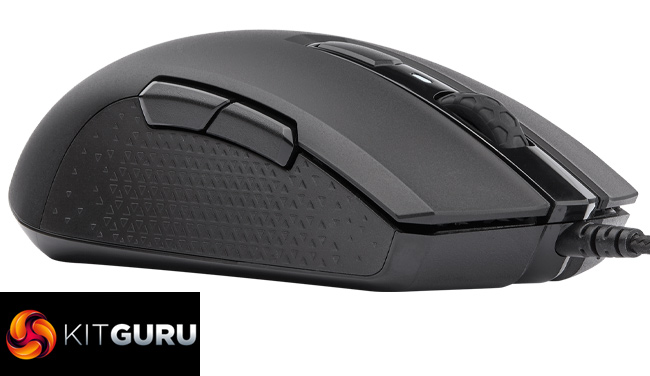
Unfortunately, I did run into a few problems with the mouse and its design. First of all, the primary buttons exhibit a fair amount of post-travel, giving the clicks a mushy feel, while the braided cable is also quite stiff. On top of that, while the PixArt PAW3327 sensor is great in terms of its tracking and general use, the lift off distance is very high – my sample would still track when placed on top of three DVDs.
Those issues, when looking at the mouse as a whole, aren't major enough to be absolute deal-breakers (though the LOD is the most significant problem for me), but I think they do really hold the mouse back when we look at the wider market. What I mean is this: I fully understand Corsair's approach here – they don't have an ambidextrous mouse in their product portfolio, and it's a market segment they want to target.
That said, the M55 RGB Pro is offering nothing new outside of Corsair's product stack – we've seen similar ambidextrous mice on the market for years from the likes of SteelSeries, Zowie, Logitech and so on. So when you consider that the M55 RGB Pro has an MSRP of £44.99, things become very difficult for it. To give you three examples of similar, ambidextrous mice you can get at the same price or less – there's the SteelSeries Sensei 310, Dream Machines DM1 FPS and Logitech G305.
A couple of years ago, I think this mouse would've scored 8/10 and earned a solid recommendation. However, the industry has really upped its game and there are now a lot of top-quality mice available at this price. In my opinion, each of those three mice listed above have better sensors than the M55, better primary buttons and better cables. Heck, the G305 is even wireless and costs £11 less than the M55.
So while the Corsair M55 RGB Pro may not be a bad mouse overall – it can certainly be improved, yes, but it's not terrible – we have to look at its place in the market as a whole. £45 might be relatively affordable in regards to Corsair's product stack, but you can get a number of higher-quality mice for the same money or less, by going elsewhere.

If you do want to buy the Corsair M55 RGB Pro, Overclockers UK has it in stock for £44.99 HERE.
Pros
- Comfortable shape.
- True ambidextrous design, with side buttons on both sides.
- iCUE offers control over all the key areas.
- Feels solid yet weighs just 86g.
Cons
- Very high lift off distance.
- Primary buttons have noticeable post-travel.
- Braided cable is stiff.
- Looks pricey for what you gets versus the competition.
KitGuru says: Priced at £30, as an ambidextrous sibling to the entry-level Corsair Harpoon, I think the M55 RGB Pro would do well. At £45, however, there are all-round higher quality options available.