KitGuru KitGuru.net – Tech News | Hardware News | Hardware Reviews | IOS | Mobile | Gaming | Graphics Cards


Although Iiyama is more a brand from which we expect to see professional screens, the company is also beginning to impress us with the good value of its gaming monitors. The Red Eagle G-MASTER GB2760QSU-B1 is essentially the bigger 27in brother of the Red Eagle G-MASTER GB2560HSU, which provides high-refresh gaming for a decent price. The GB2760QSU-B1 also offers 144Hz and adaptive sync, but ups the resolution to 2,560 x 1,440 to go with the larger diagonal.
At under £350, it's still quite reasonably priced, although gamers are starting to look at curved models now at all display sizes. A TN panel is used, allowing for a fast 1ms pixel response, plus a fairly typical 350cd/m2 brightness and 1,000:1 contrast.
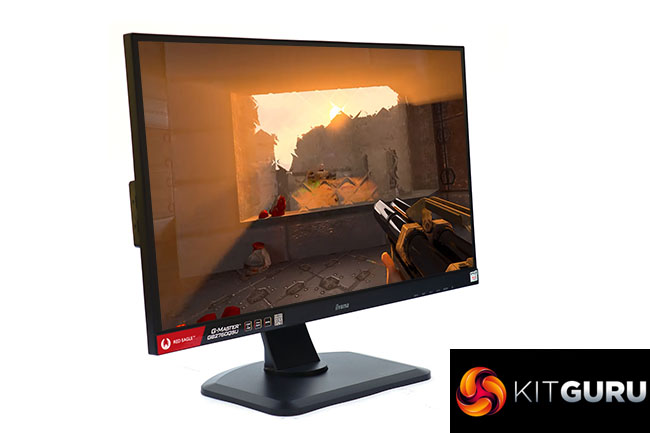
Video inputs include HDMI and DisplayPort, but there's also DVI in case you need to connect an older graphics card. In case you don't have separate audio amplification to hand, there are stereo 2W speakers, although a minijack is available for headphone attachment. You also get a two-port USB 3.0 hub to facilitate connecting external peripherals.
The usual physical adjustments are on hand, with the ability to swivel 90 degrees left or right, tilt forward 5 degrees and backwards 20 degrees, and even pivot into portrait. There's height adjustment, too.
So nothing obvious is missing from the specification, and with most 27in screens that offer 144Hz and this resolution costing more, there's plenty of potential here. Let's find out if the Red Eagle can put the cat amongst the pigeons.
Specification:
- Screen size: 27-inch, 16:9 aspect
- Native resolution: 2,560 x 1,440
- Refresh rate: 144Hz, AMD FreeSync
- Panel type: TN
- Contrast ratio: 1,000:1 (typical)
- Brightness: 350cd/m2
- Response time: 1ms Grey-to-Grey
- Display inputs: HDMI, DisplayPort, DVI
- USB hub: Yes, 2 x USB 3.0
- Tilt: 5 degrees forward, 22 degrees backward
- Raise: 130mm
- Swivel: 45 degrees left and right
- Portrait: Yes
- Other: Audio output, 2W stereo speakers
Retail Price: £338.99 (inc. VAT)
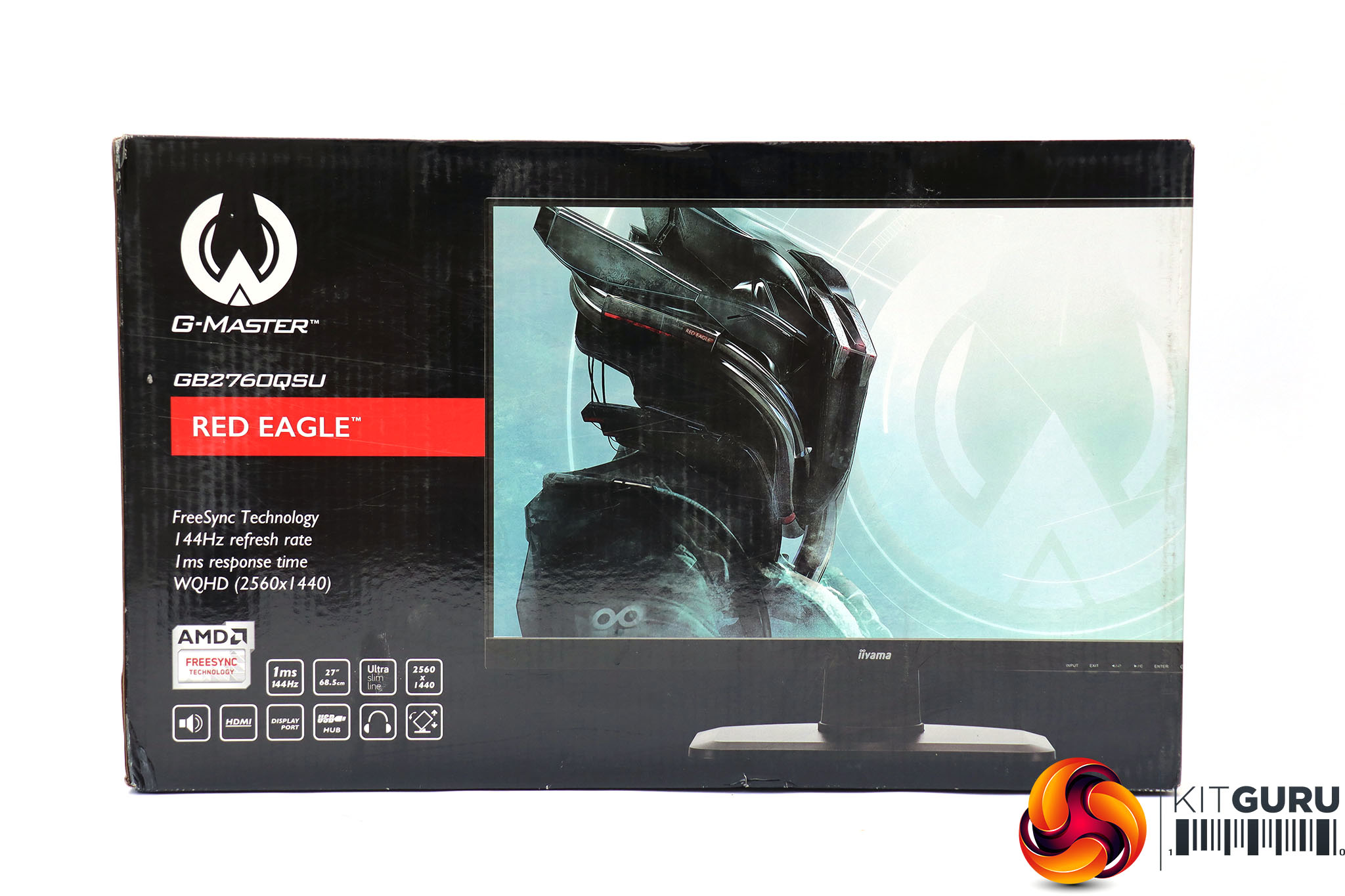
The Iiyama Red Eagle G-MASTER GB2760QSU-B1 comes in a considerably more exciting box than its professional siblings, sporting a the head of a futuristic power-armoured figure instead of a picture of the monitor.
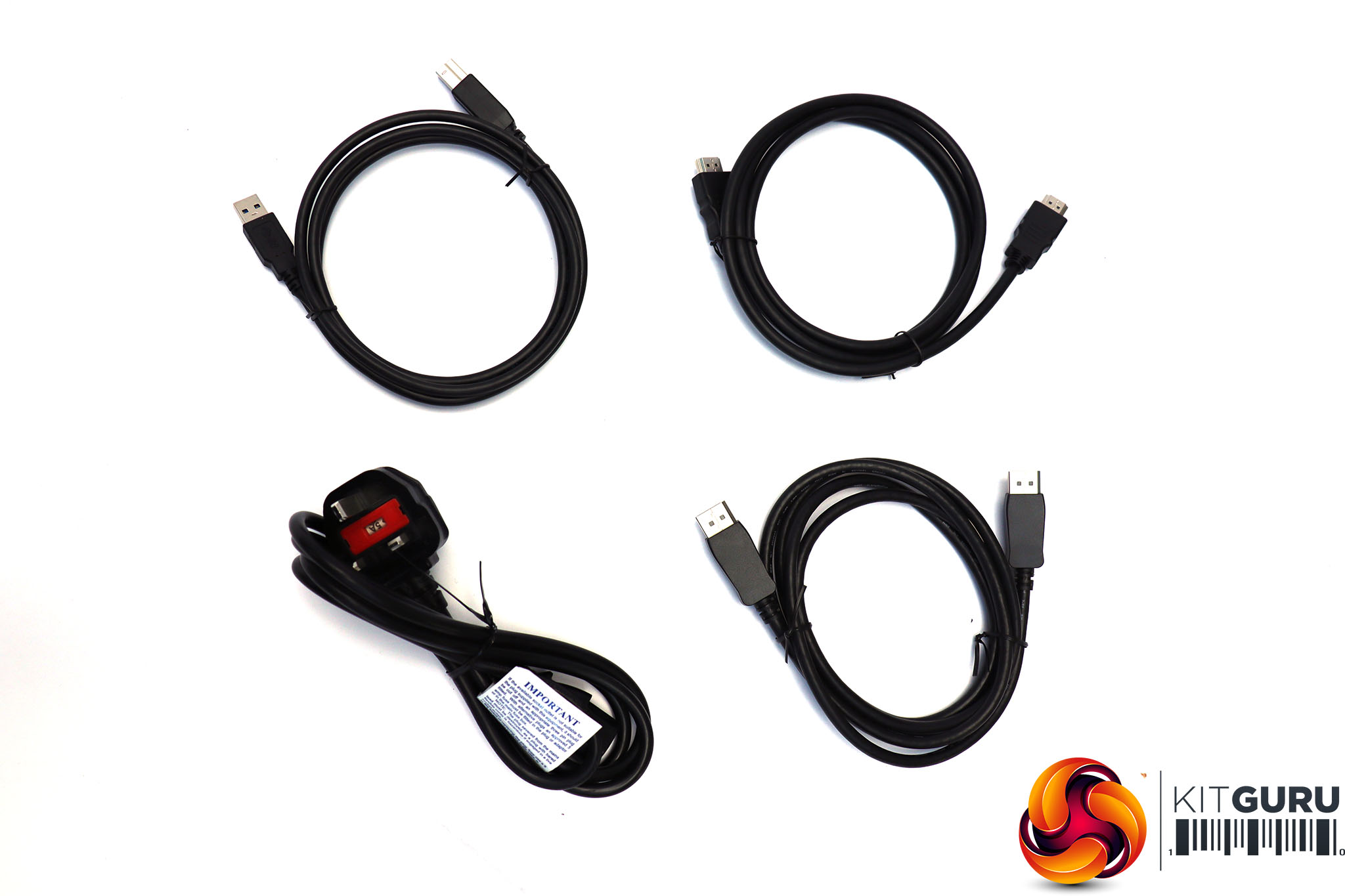
Inside, alongside a power cord, you get DisplayPort and HDMI cables plus upstream wiring for the USB hub.

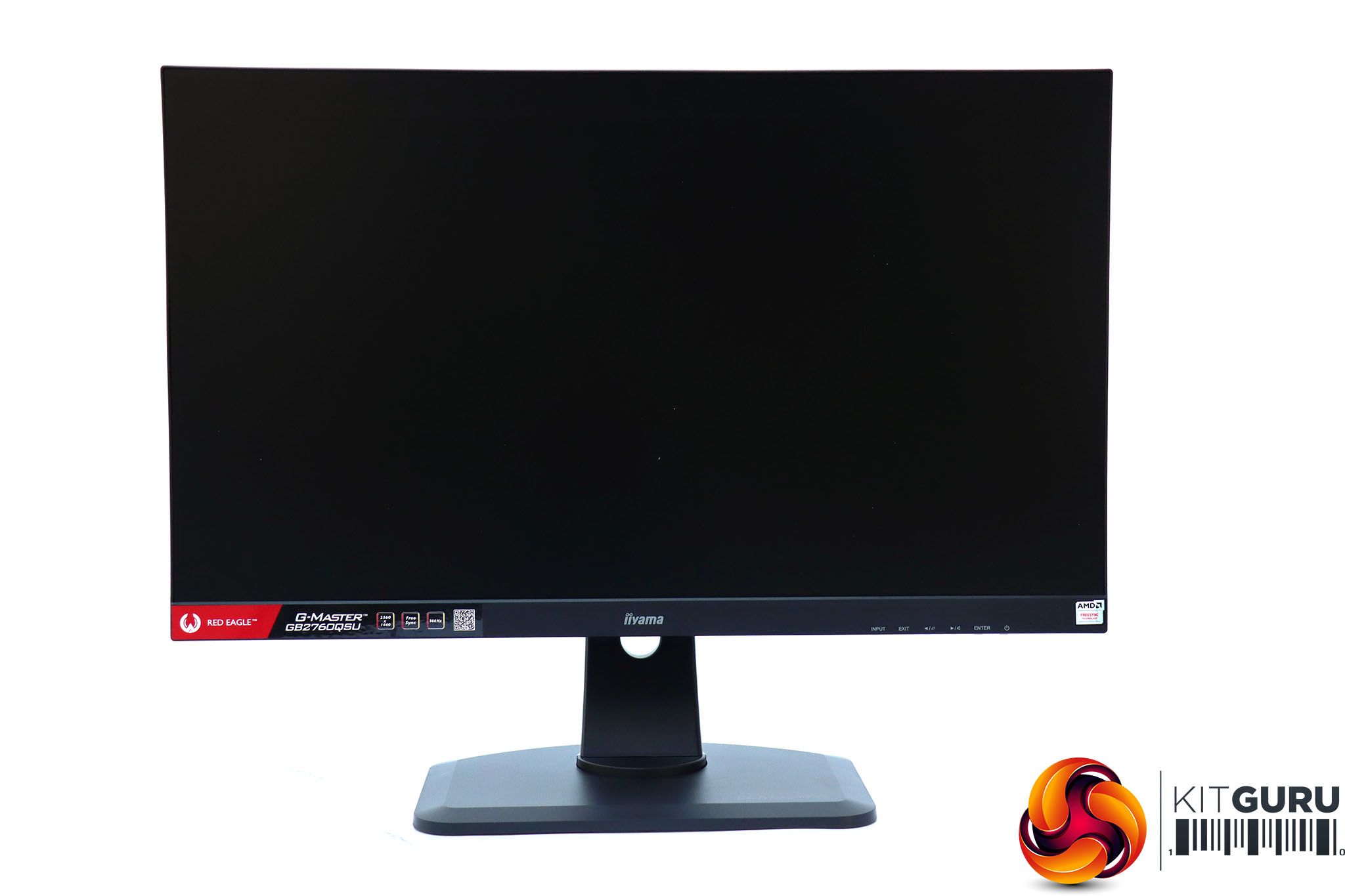
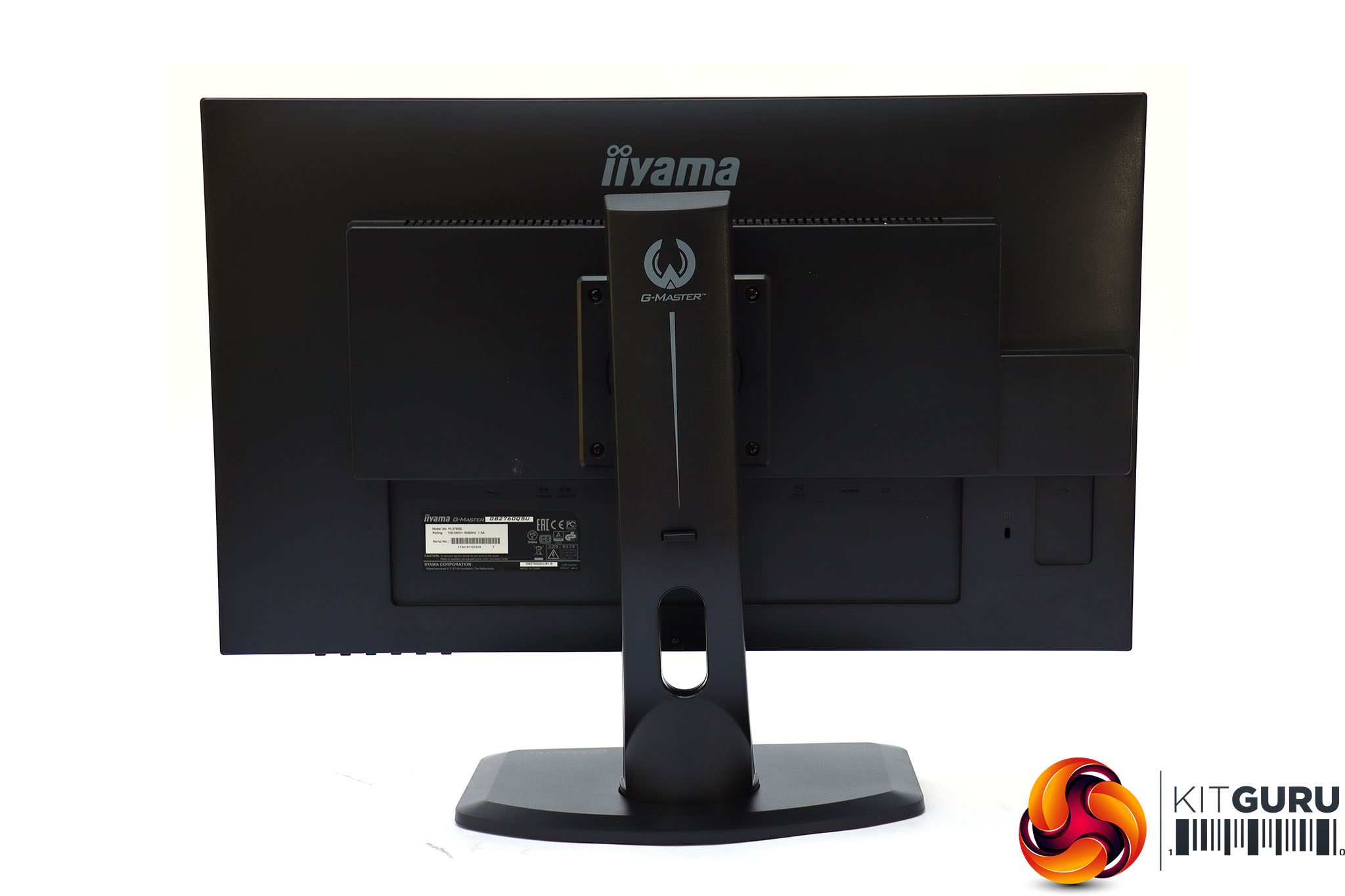
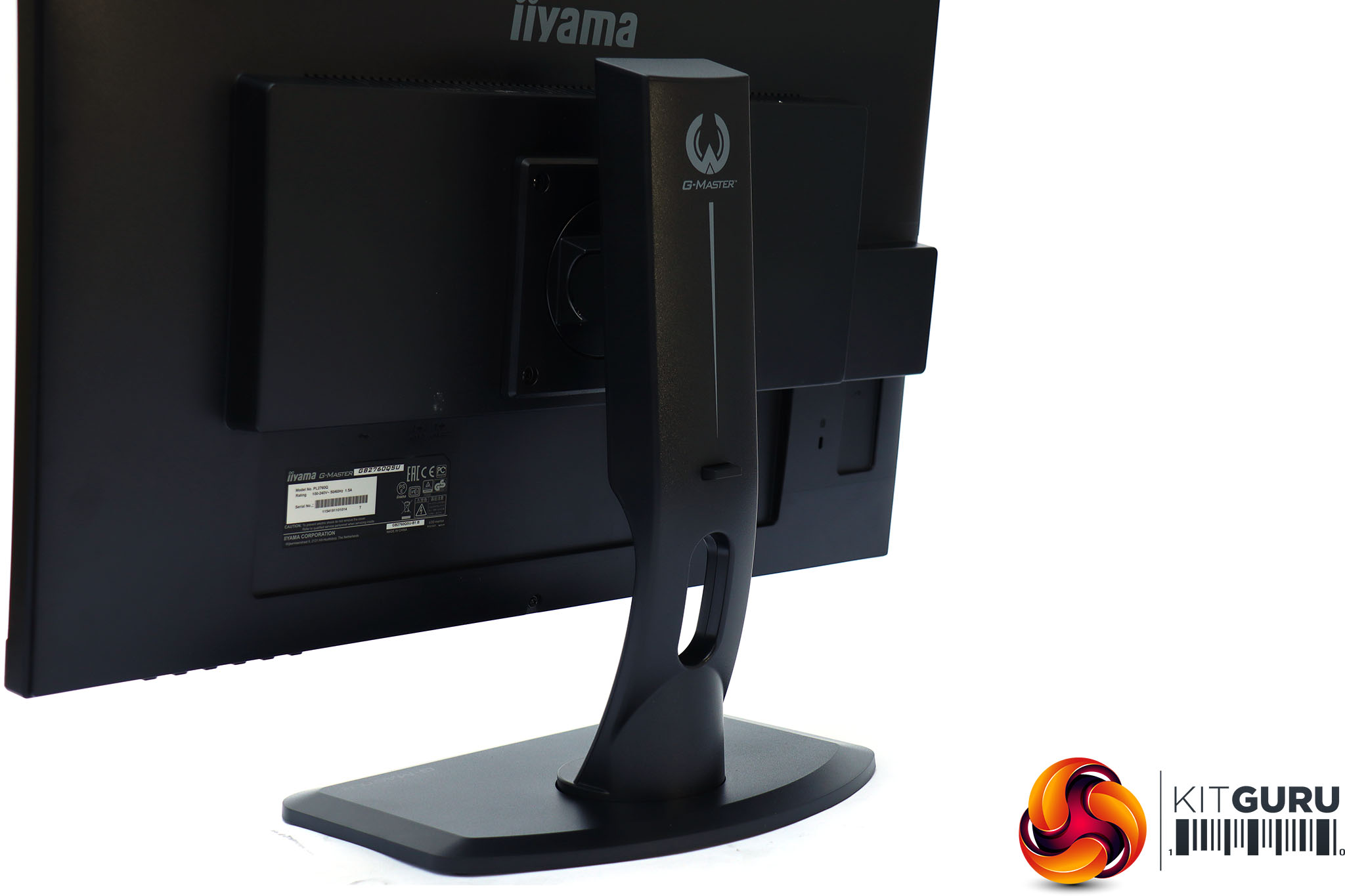
As with other Red Eagle G-MASTER monitors, the overall design motif is serious blackness. The appearance isn't as funky as some gaming screens, but has a reassuringly solid build.
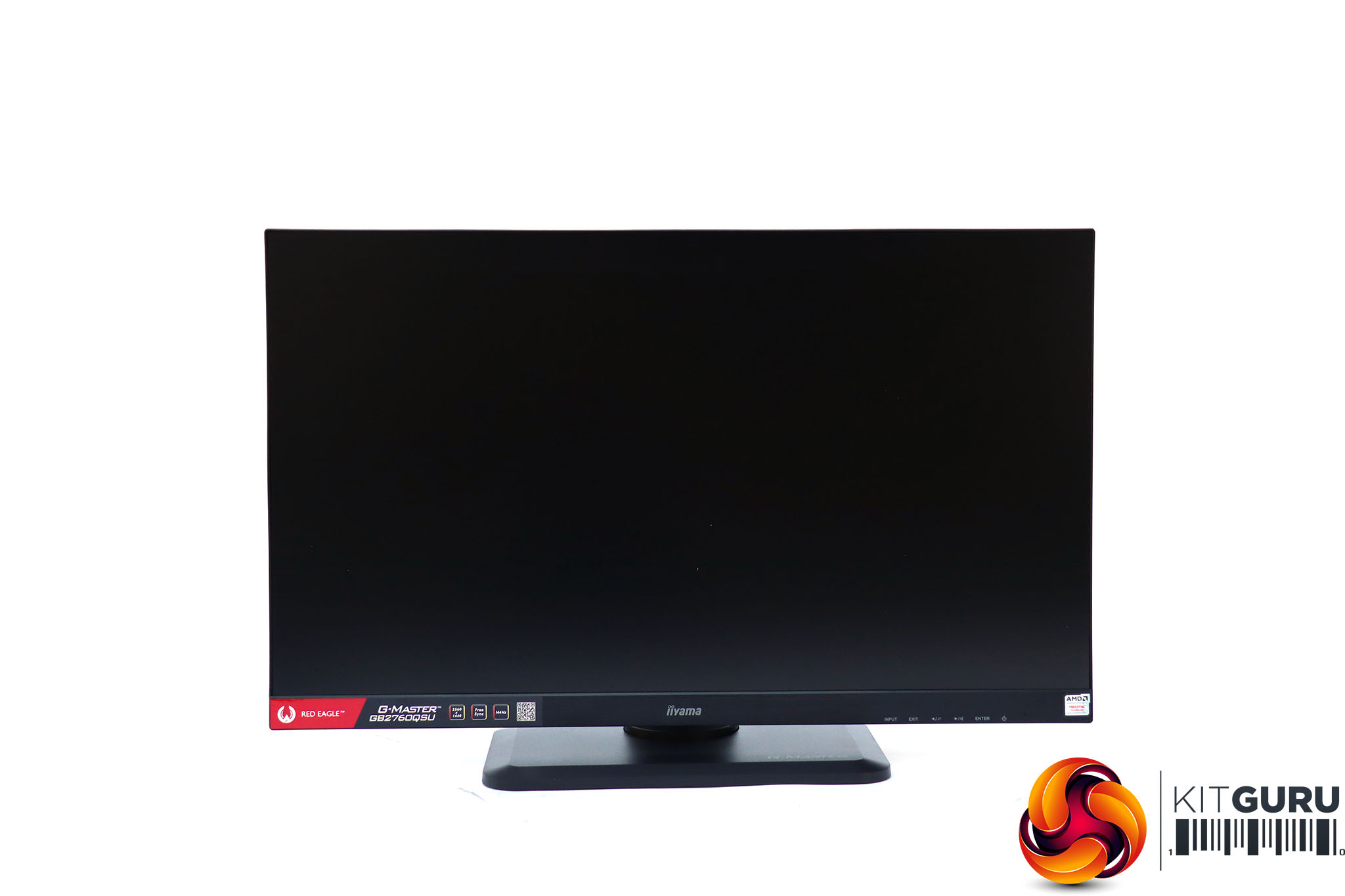
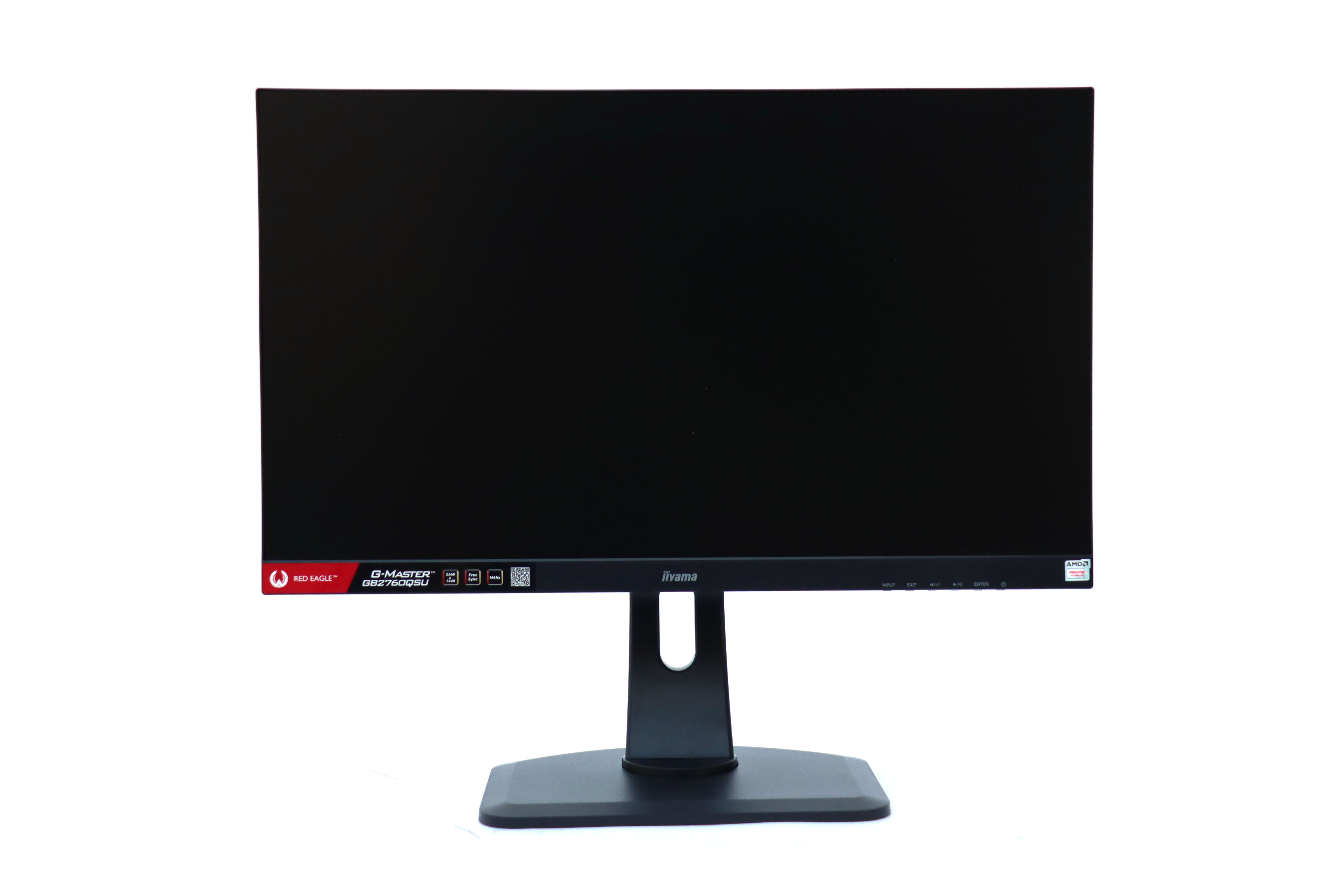
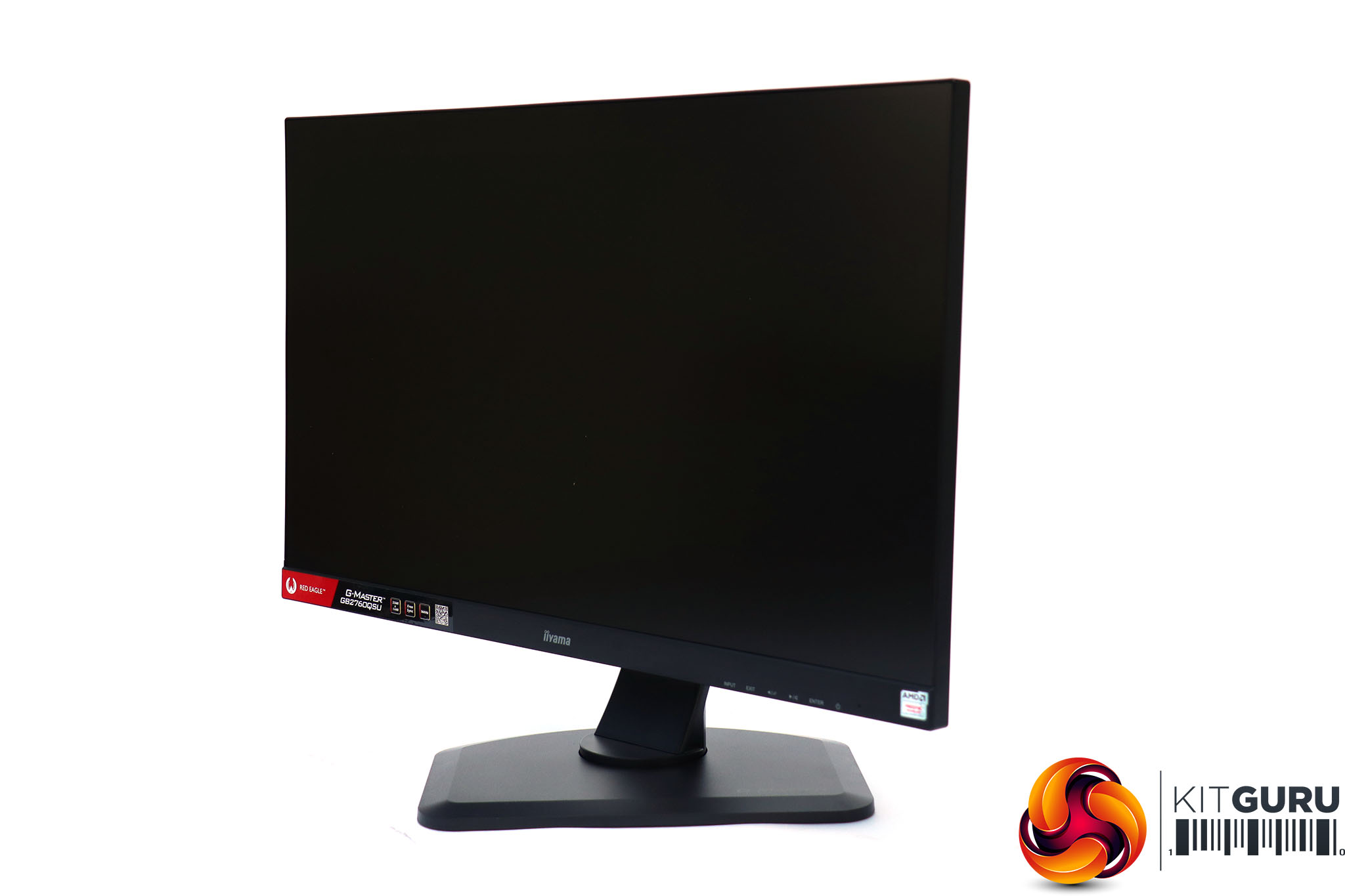
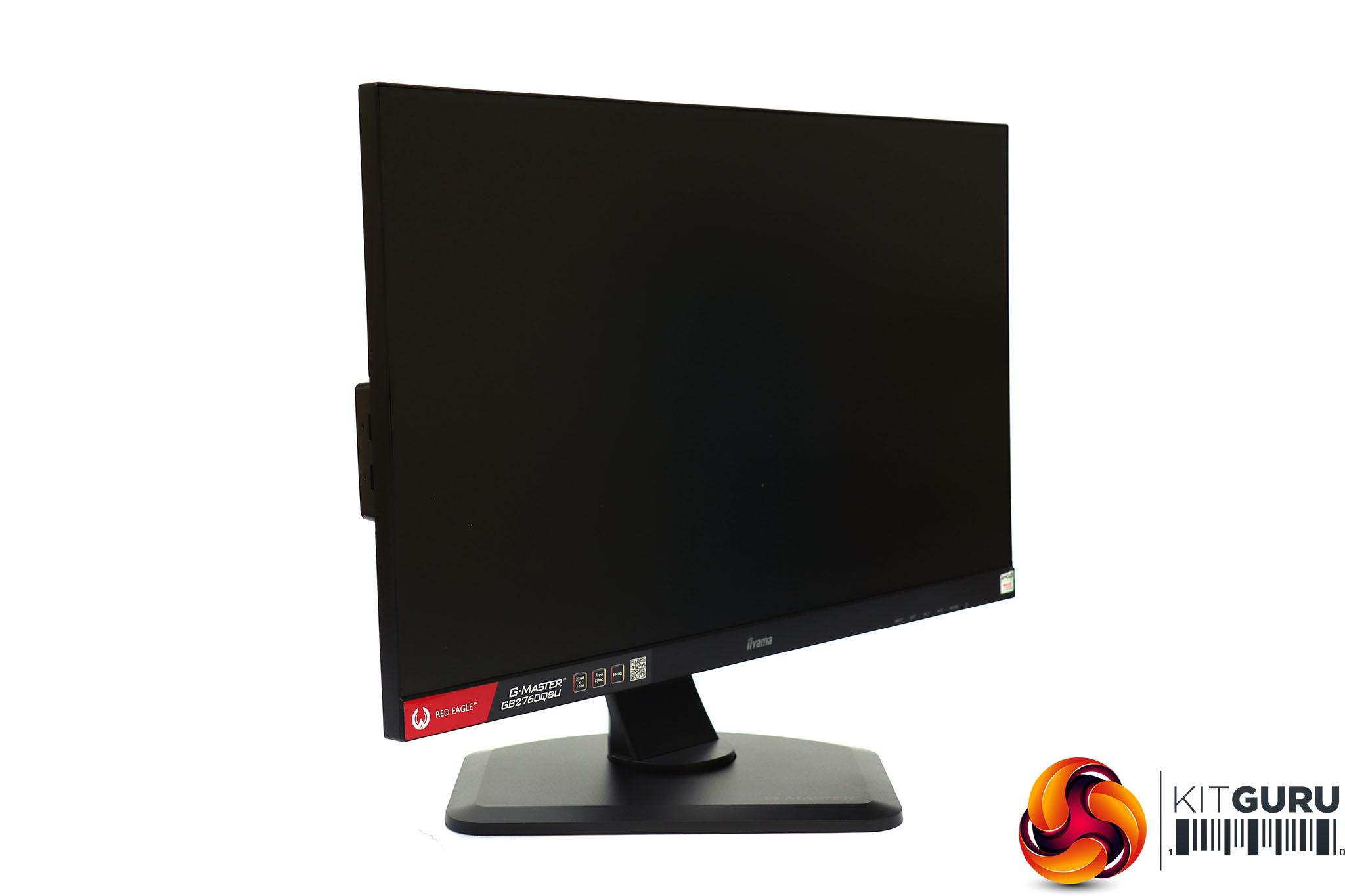
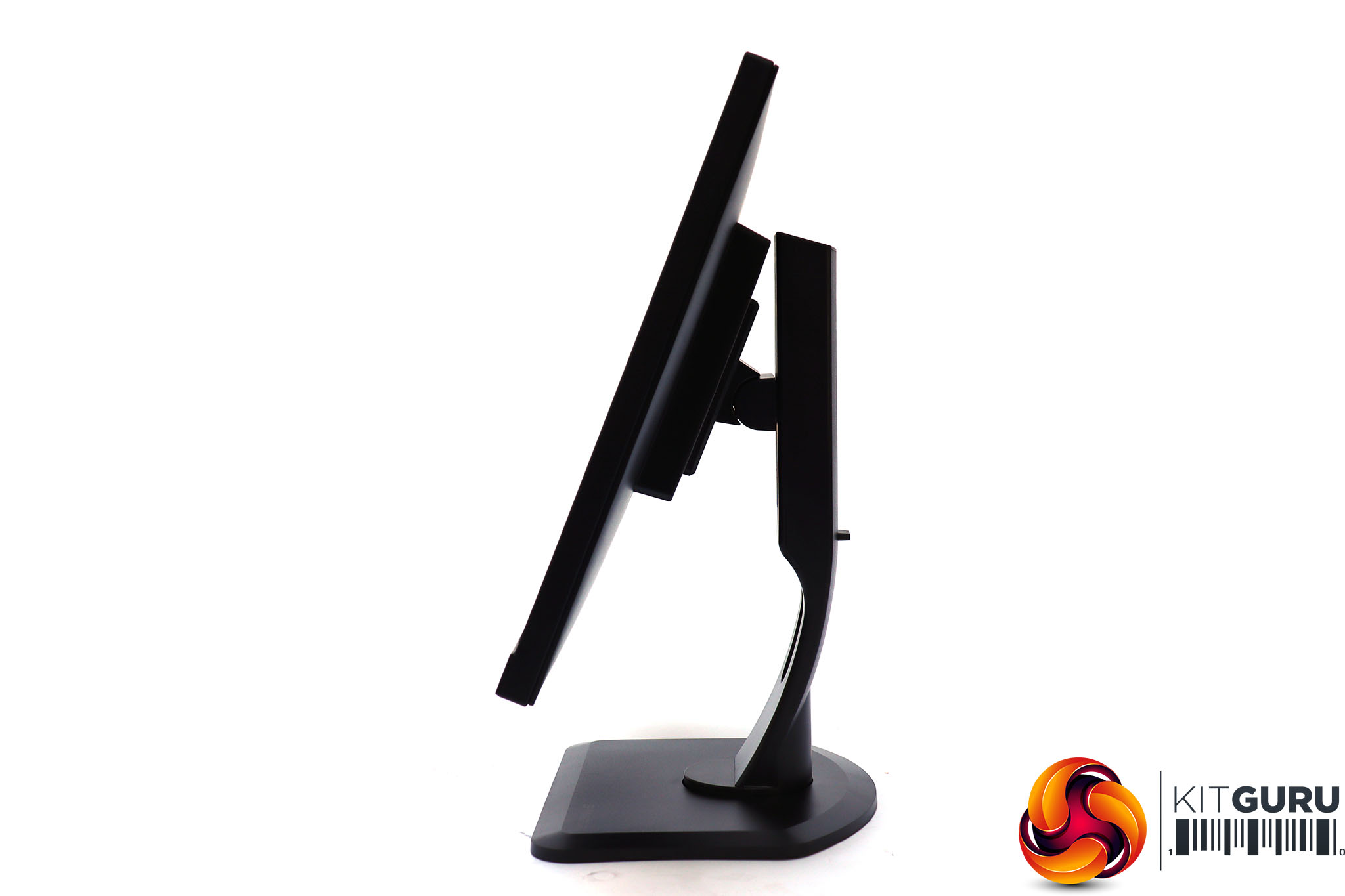
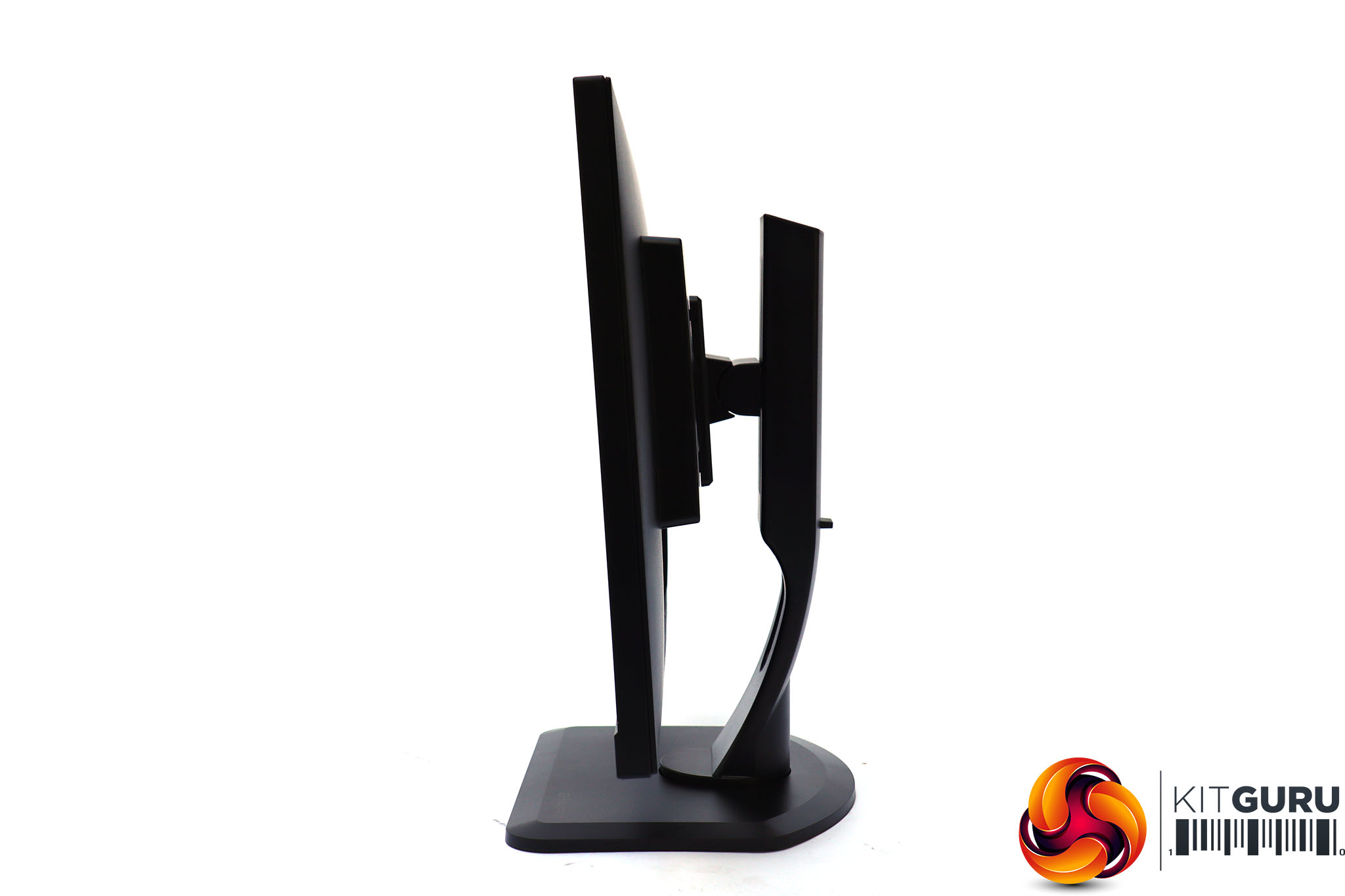
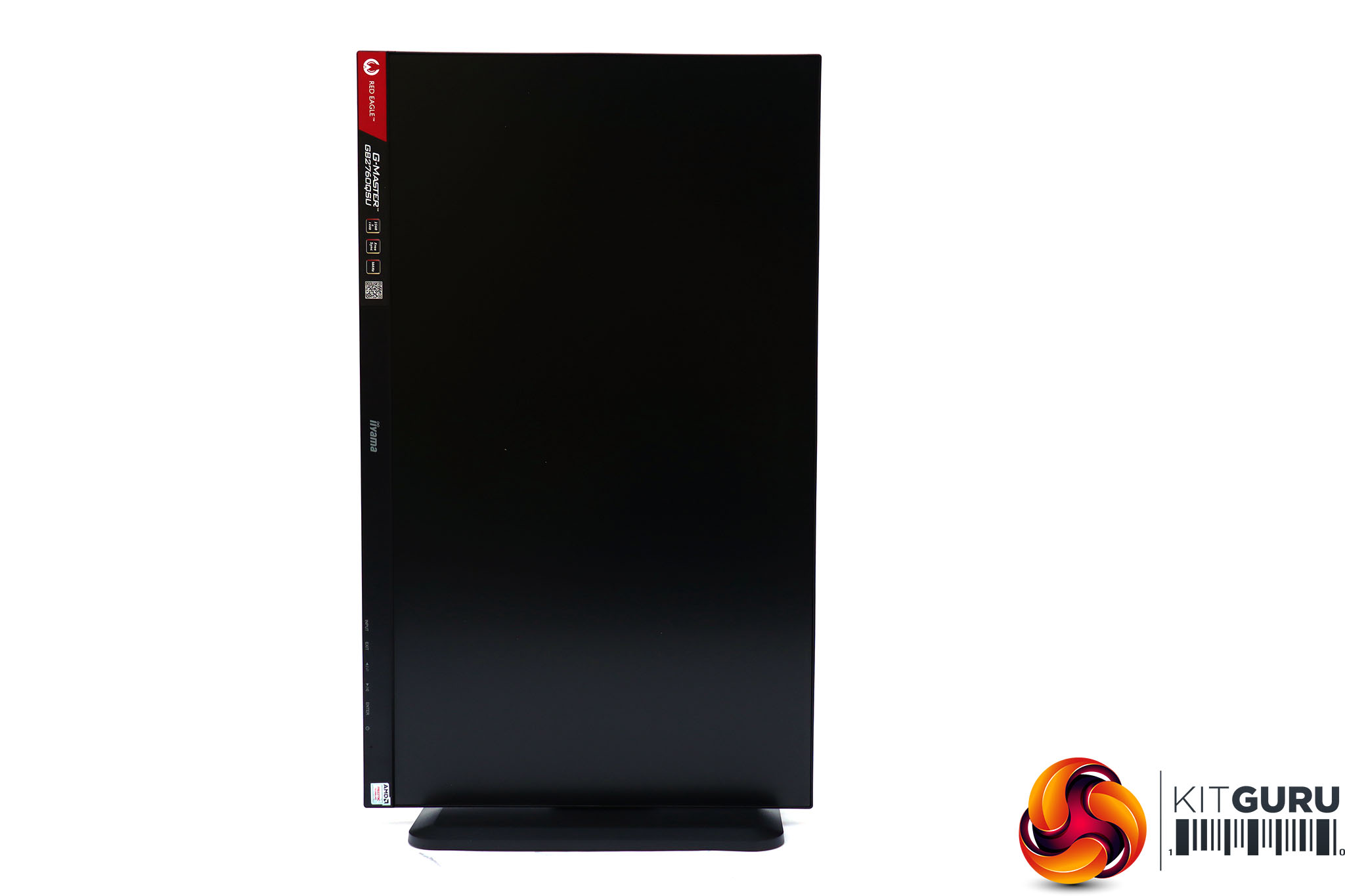
The physical adjustment possibilities are comprehensive. You can raise the screen up and down by 130mm, and rotate it 45 degrees left or right. The tilt angle is up to five degrees forward or 22 degrees backward.
You can also rotate the screen into portrait mode, just in case you want to use this screen to read a full-page document all at once.
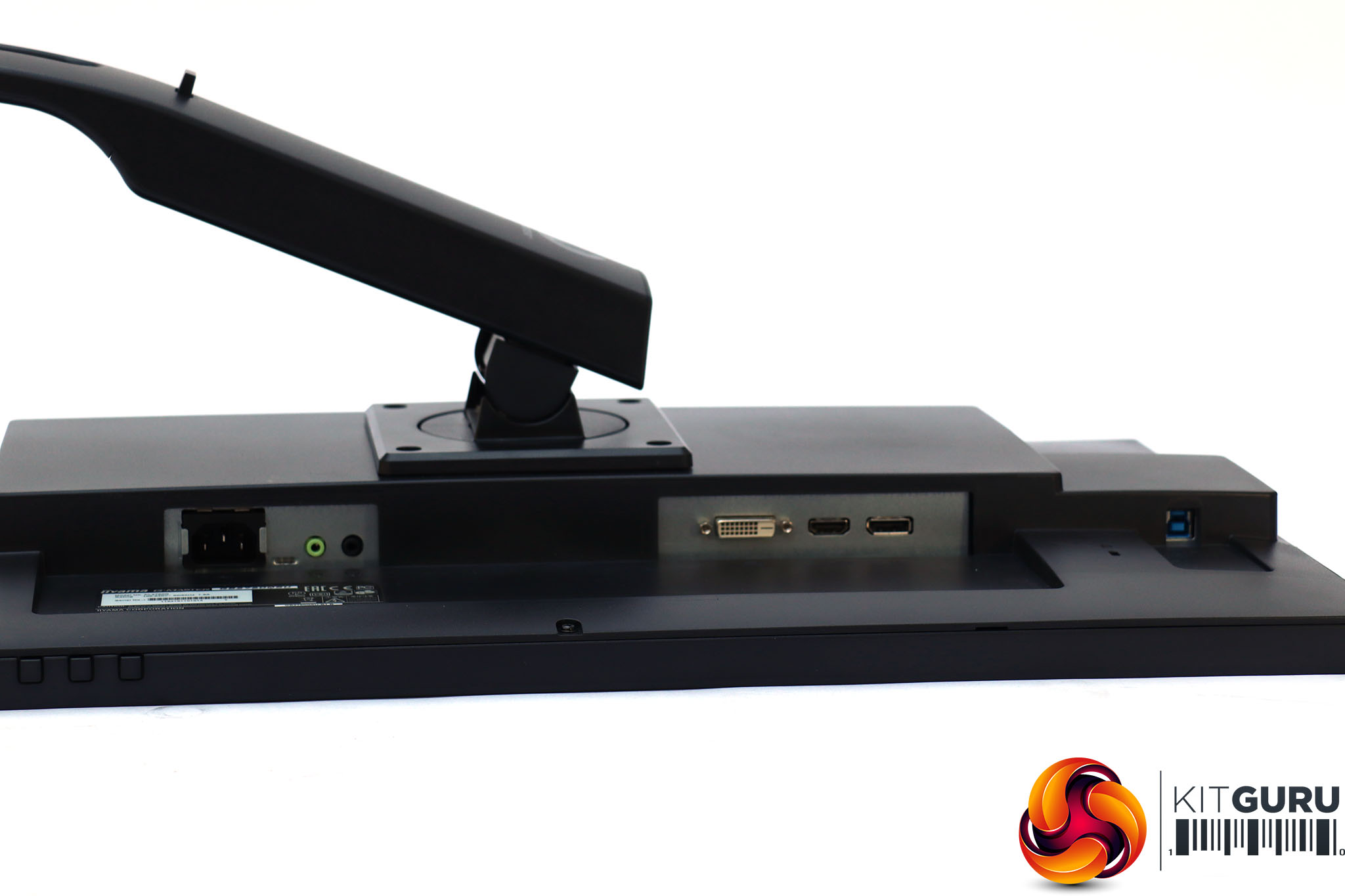
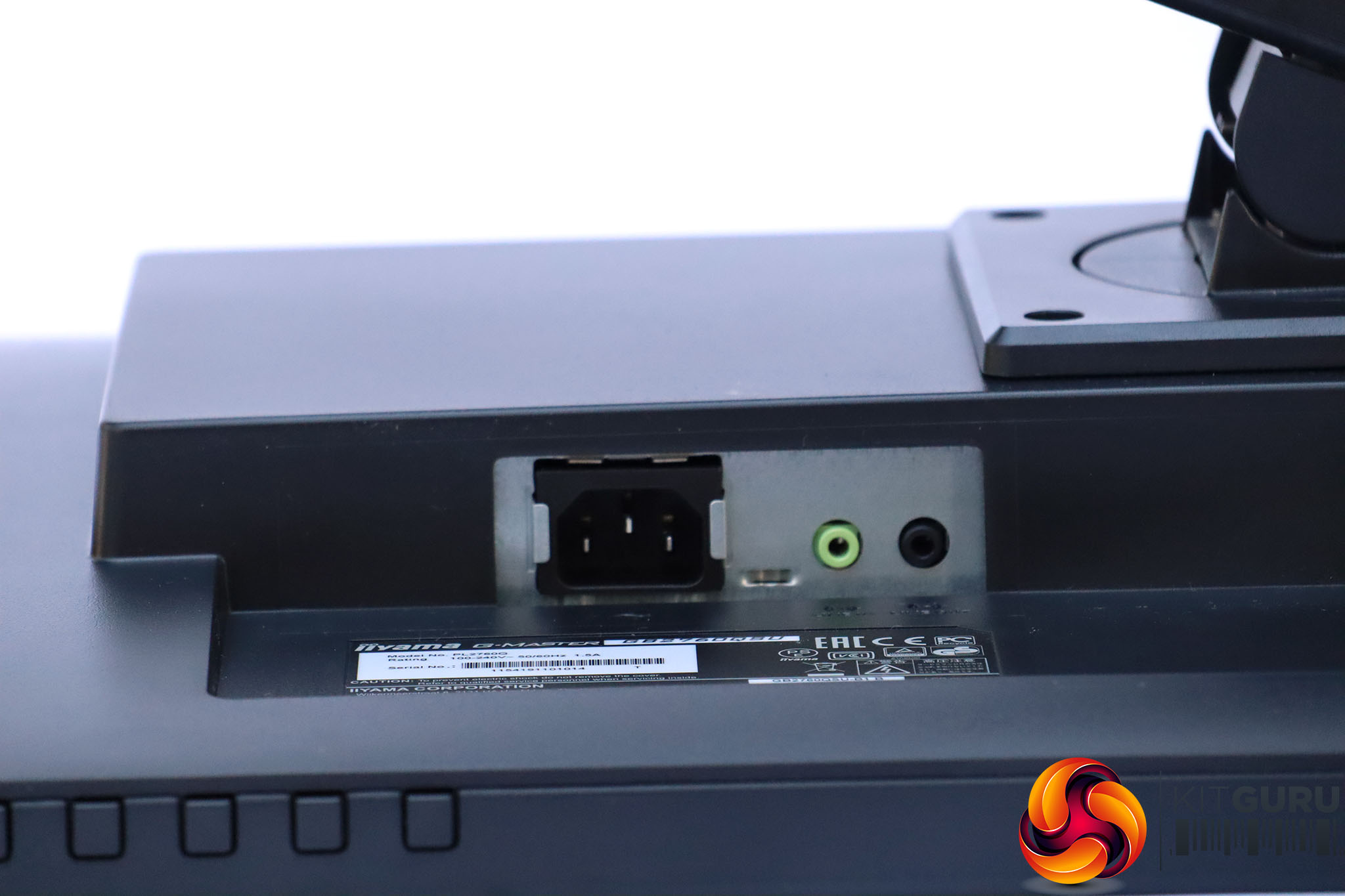
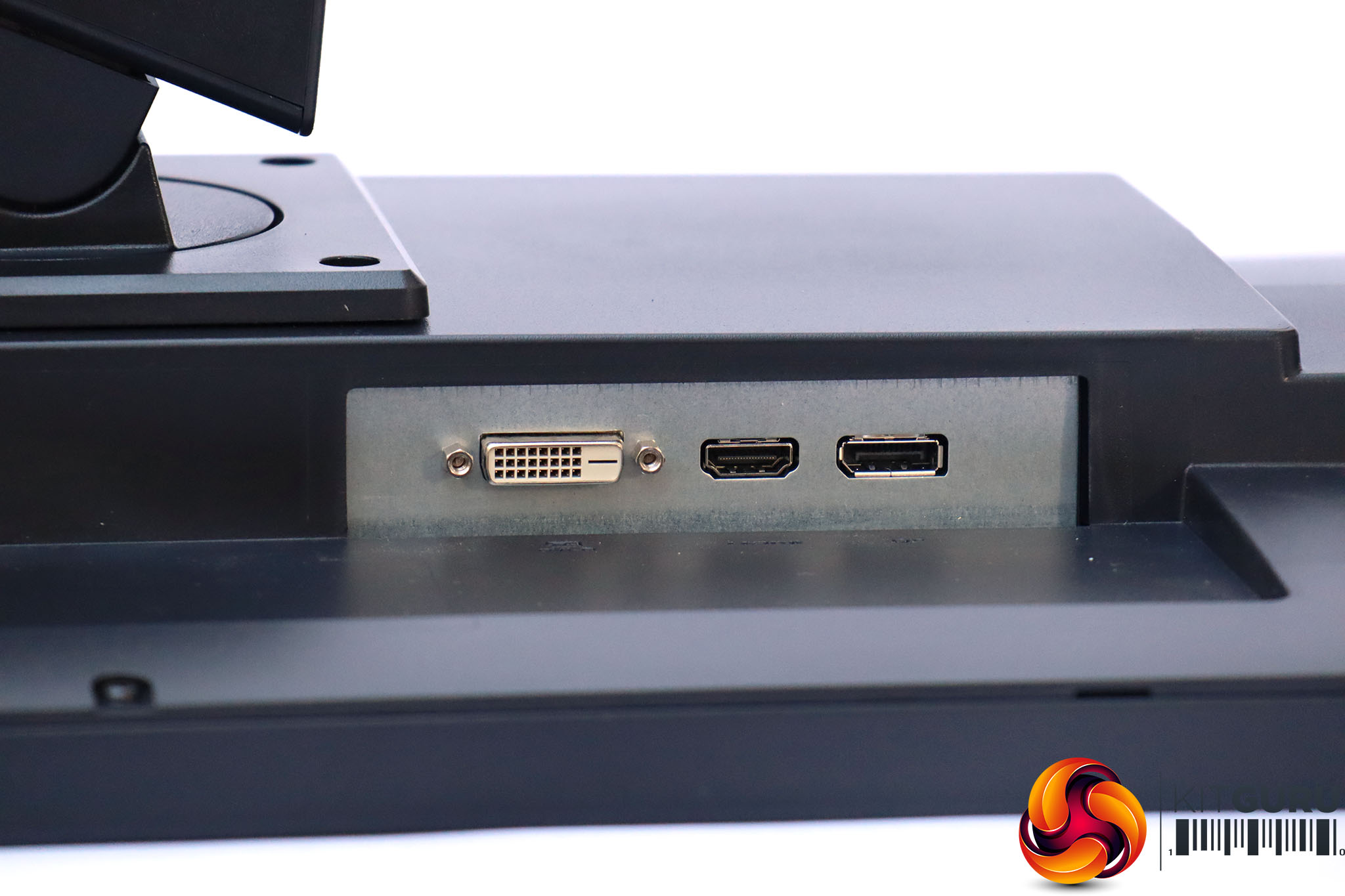
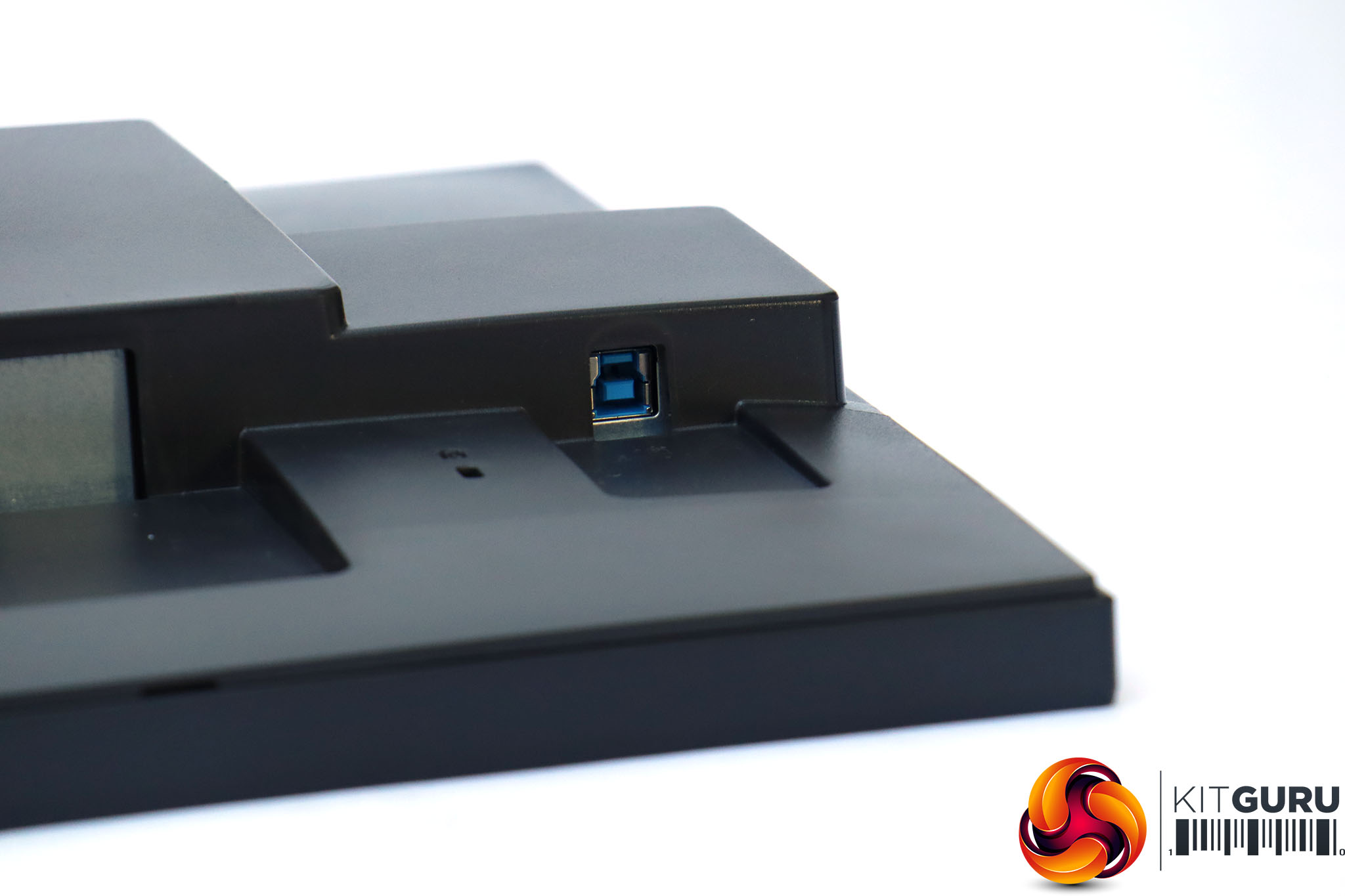
Next to the power socket are audio minijacks for headphones and analog input (presumably for when you're using the DVI connection). We would always prefer the headphone jack in a more convenient location than this. Next along, the other side of the stand, are the video connections, including DVI, HDMI and DisplayPort. Finally, there's the upstream USB 3.0 port.
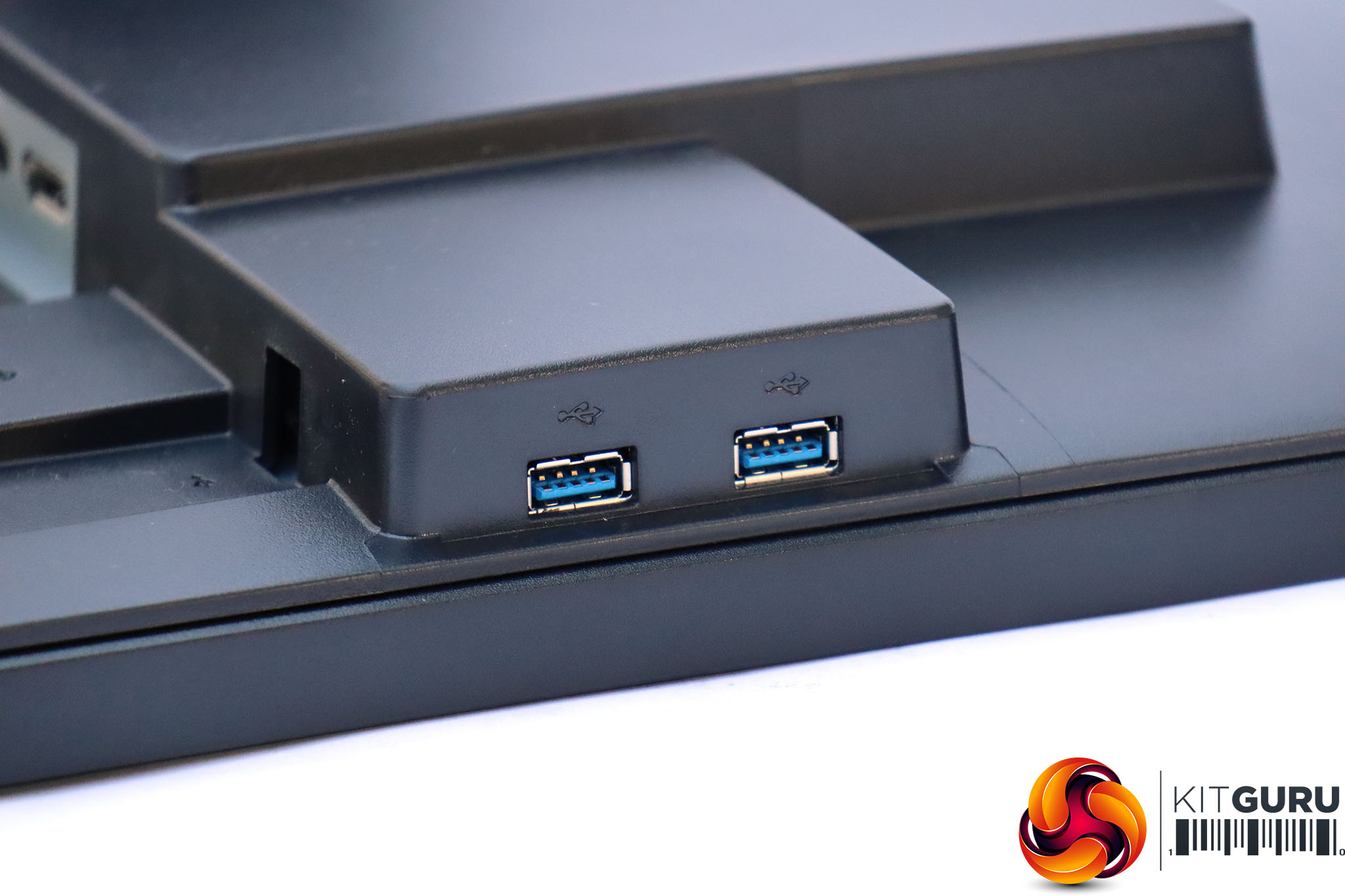
The two downstream USB 3.0 ports are on the side, which is a sensible and convenient place for them, although we would have been happier with more than just two, and for the headphone jack to be located here.
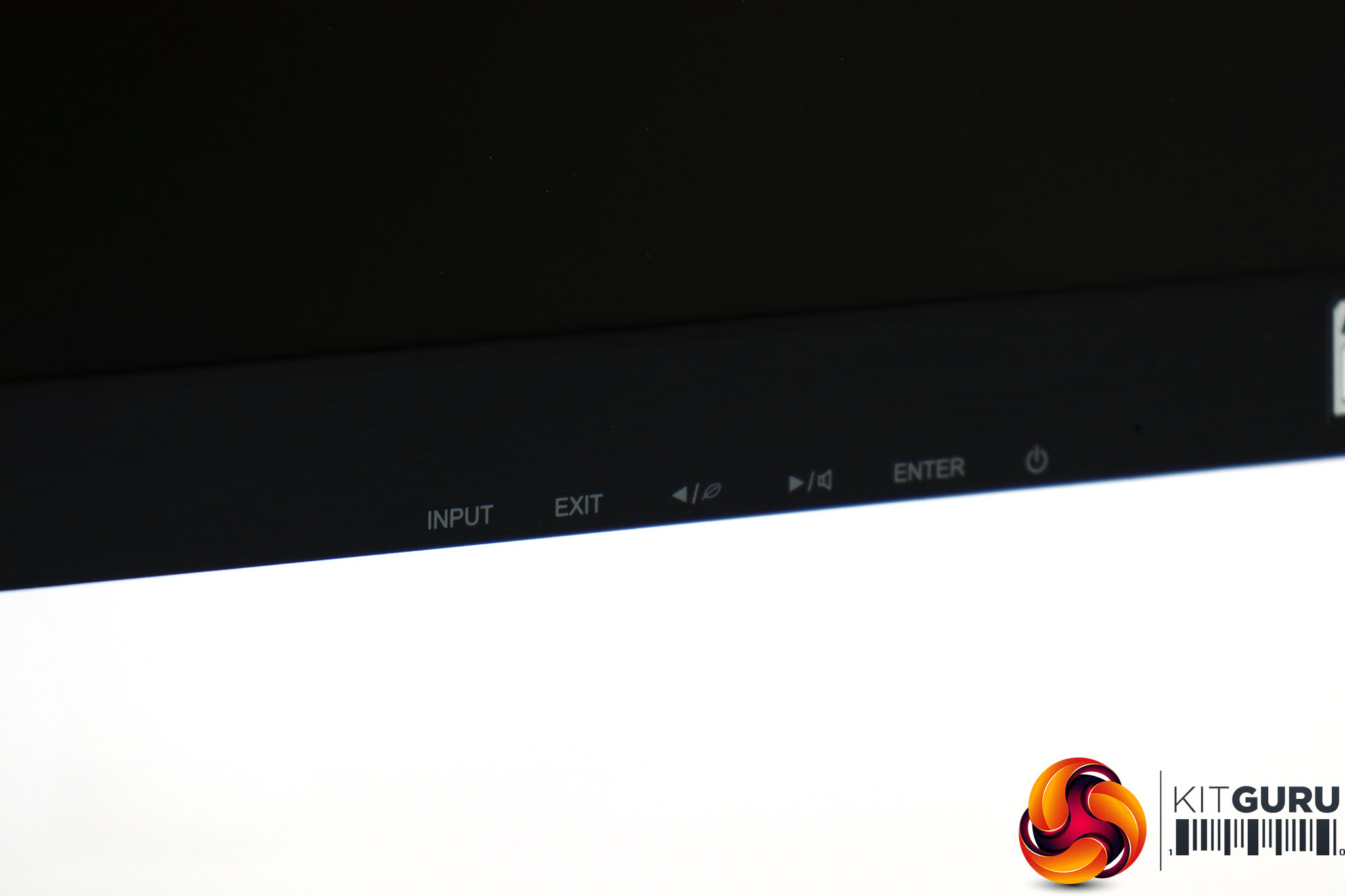
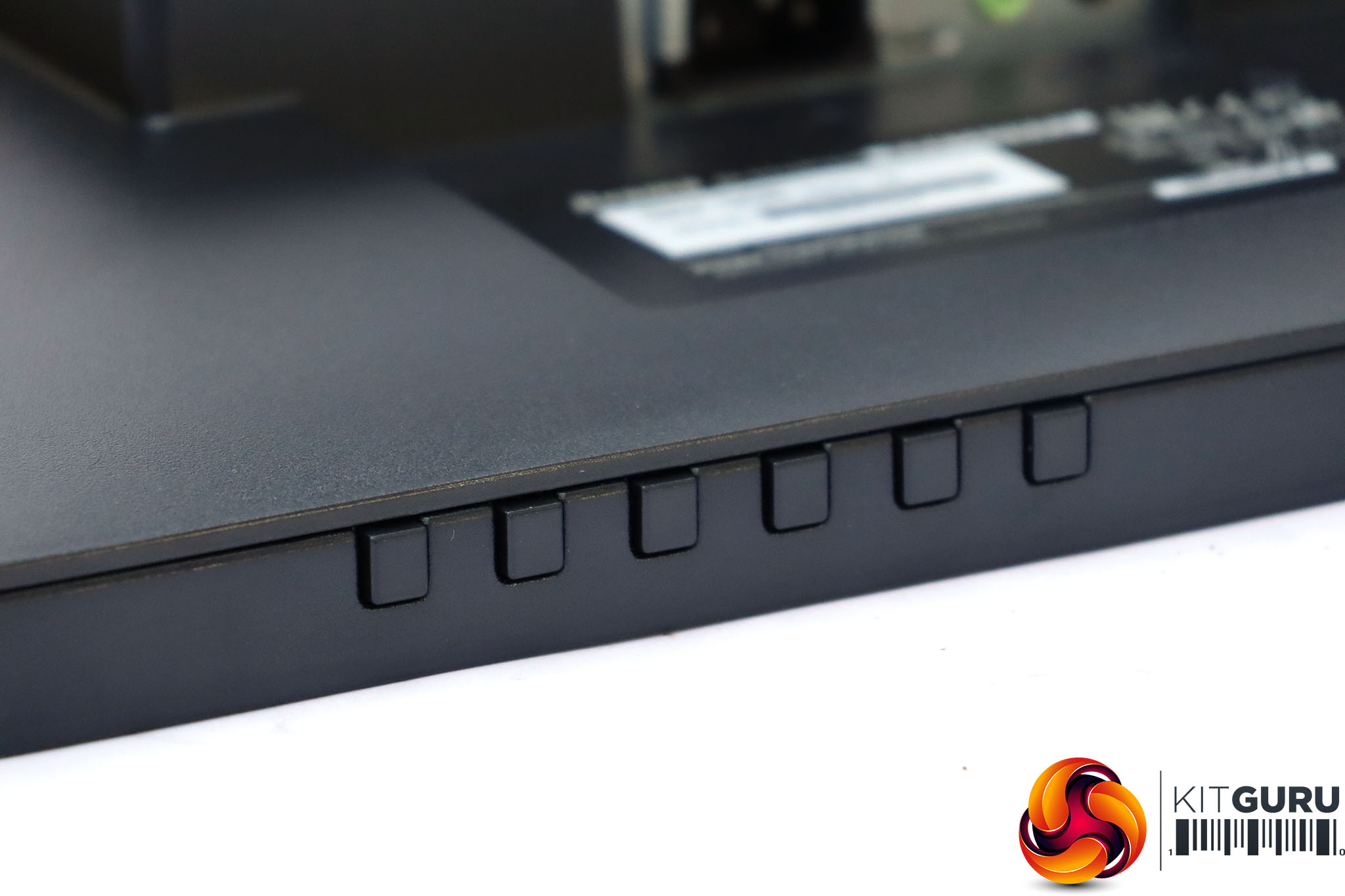
The onscreen menu is controlled with six buttons along the bottom right of the screen, which are clearly labelled on the front. This is decidedly retro now we see joysticks on so many screens, but it's a perfectly functional system.
The first four of the buttons from the left provide rapid access to various functions, the fifth calls up the main menu, and the last is for power.
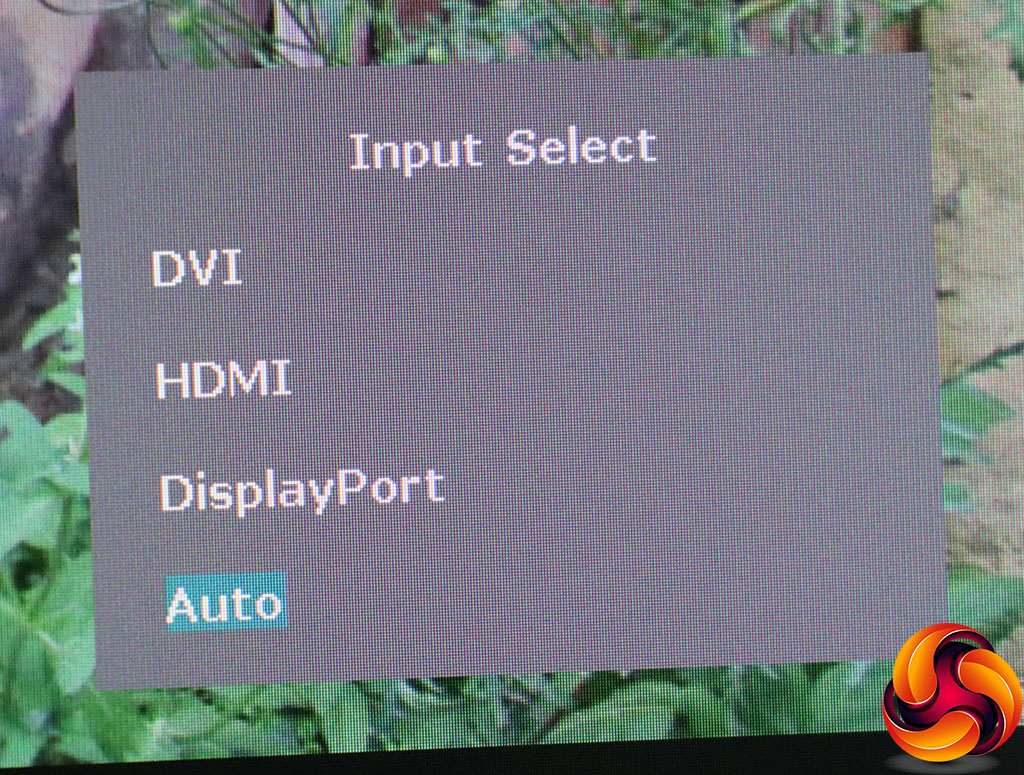
The first thing you will notice if you've used a recent Iiyama screen is that the OSD design has changed completely, even if the button icons and functions are the same. Instead of black and businesslike, the menu colour scheme is a softer white on grey with blue highlighting the currently selected option.
Nevertheless, the first button from the left lets you select the video input manually, as it has on previous Iiyama screens we have tested.
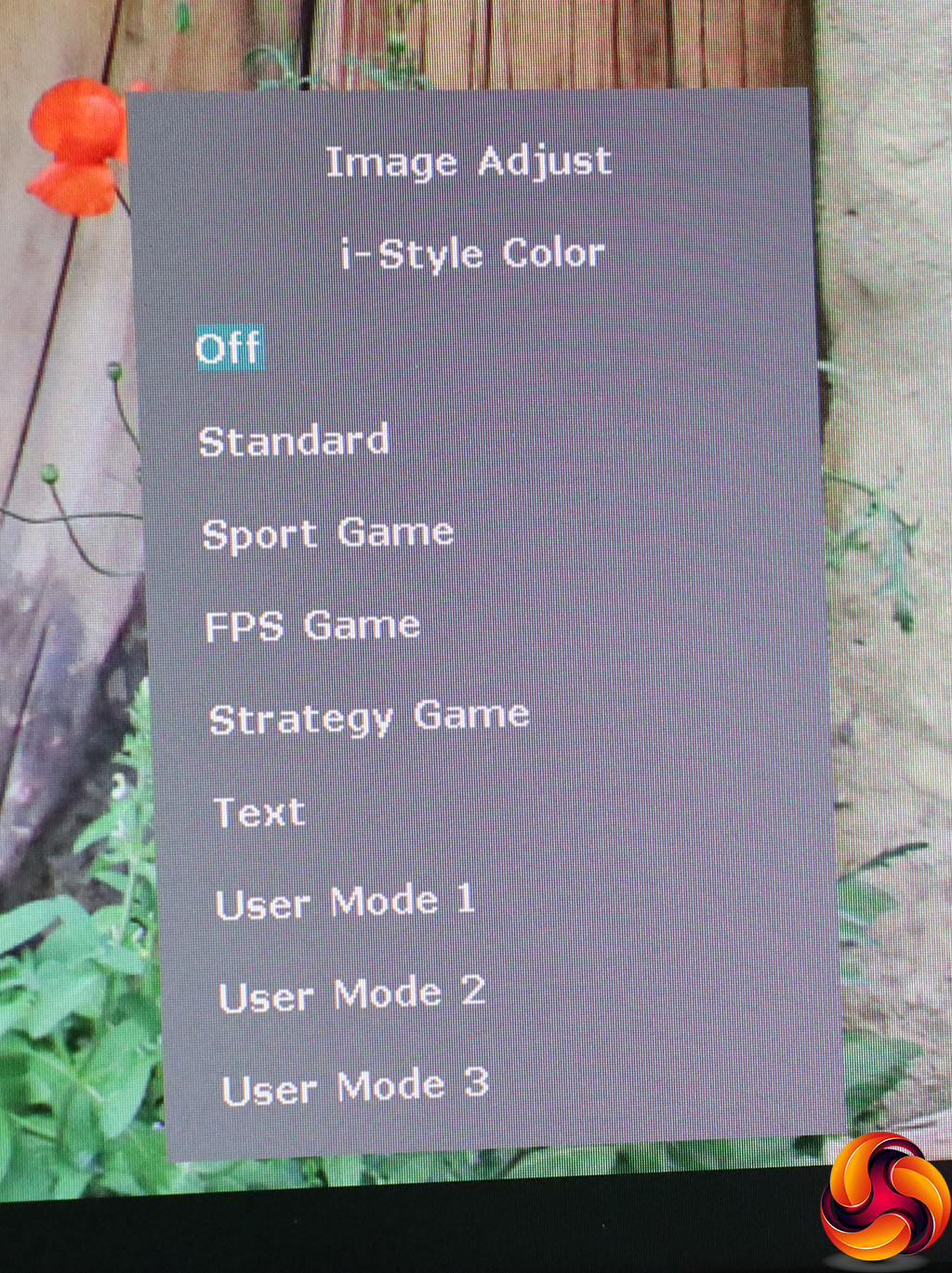
The next button from the left still gets you to the I-Style Color presets, with Off, Standard, Sport Game, FPS Game, Strategy Game, Text and three user-configurable options.
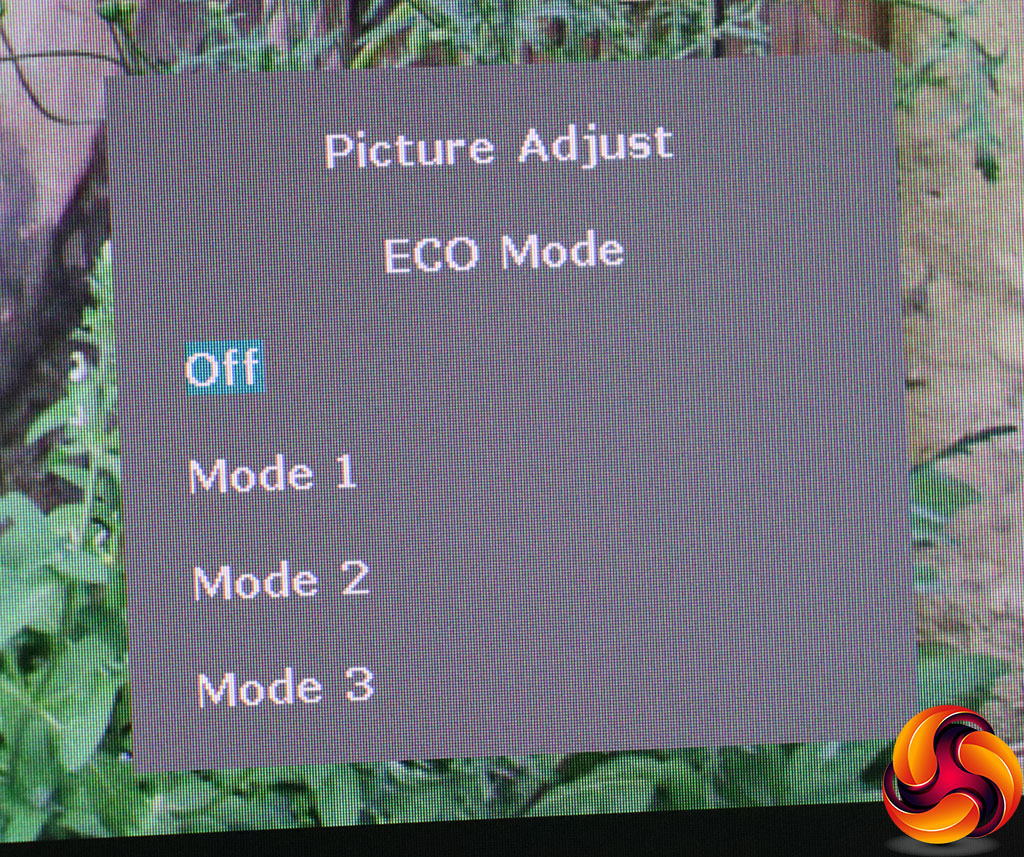
The third button along allows you to enable one of the three ECO Modes, to reduce power consumption.
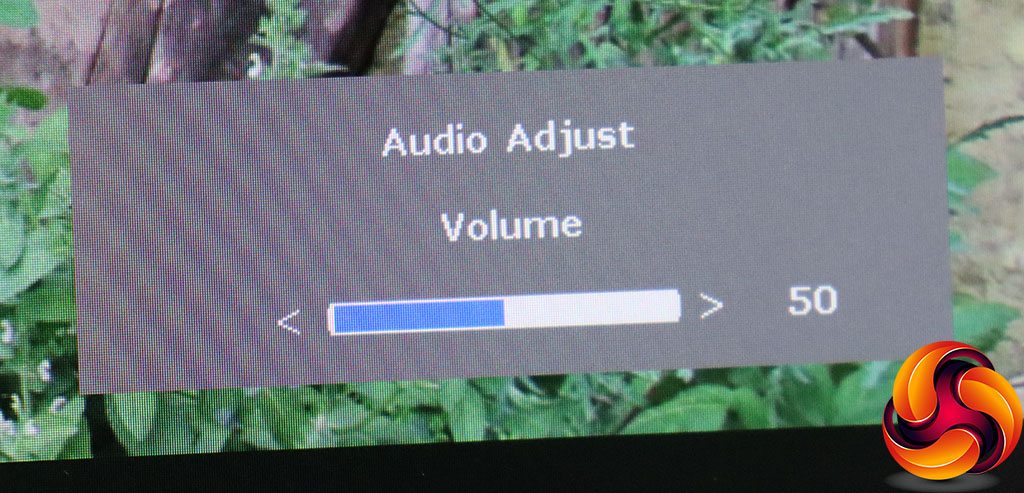
The fourth button calls up the volume control for the built-in speakers or headphones you've plugged into the minijack output.
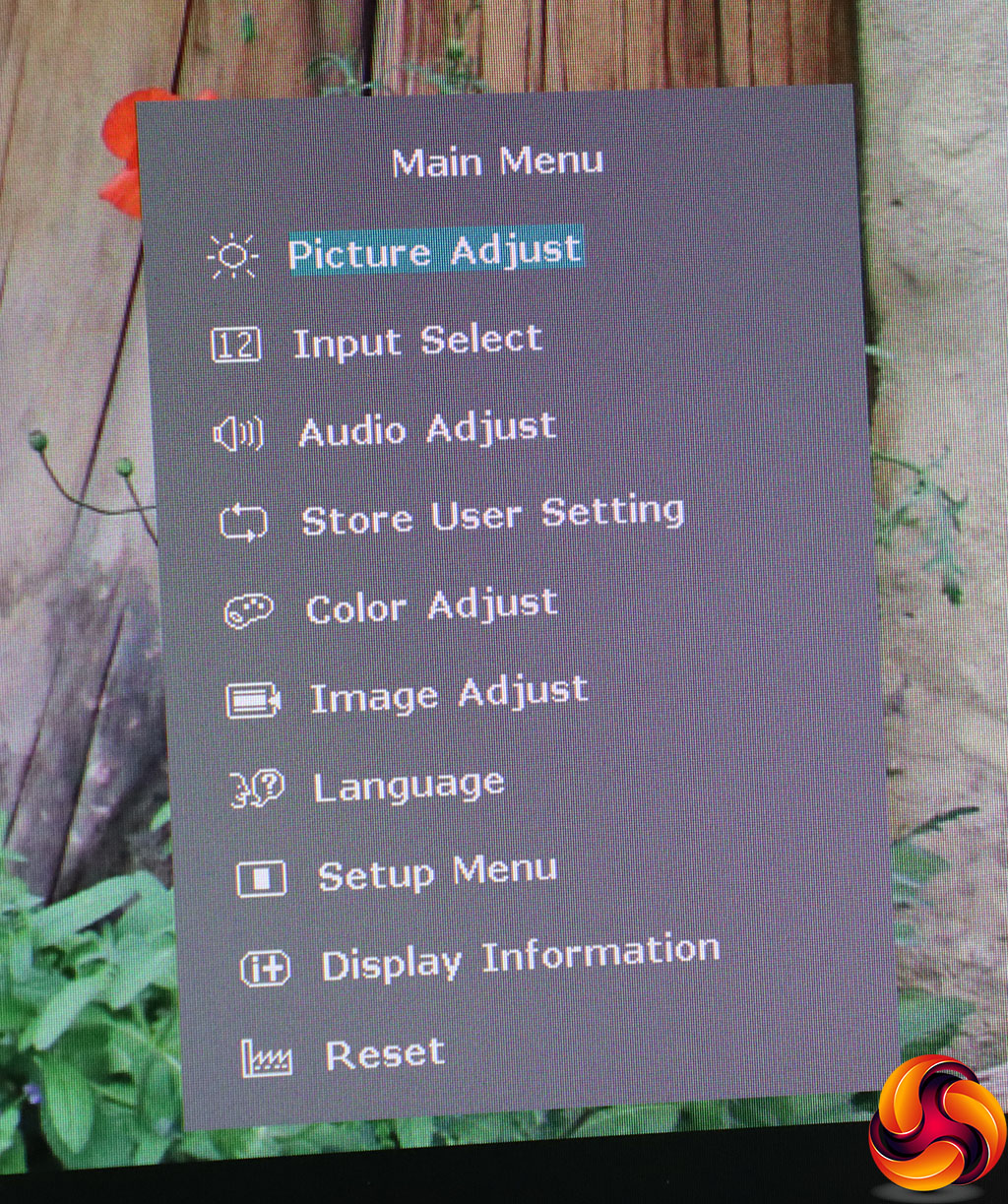
The ENTER button, fourth from the left, still calls up the main menu. But instead of a row of icons, you get a list of text descriptions with icons, which is a bit easier to understand.
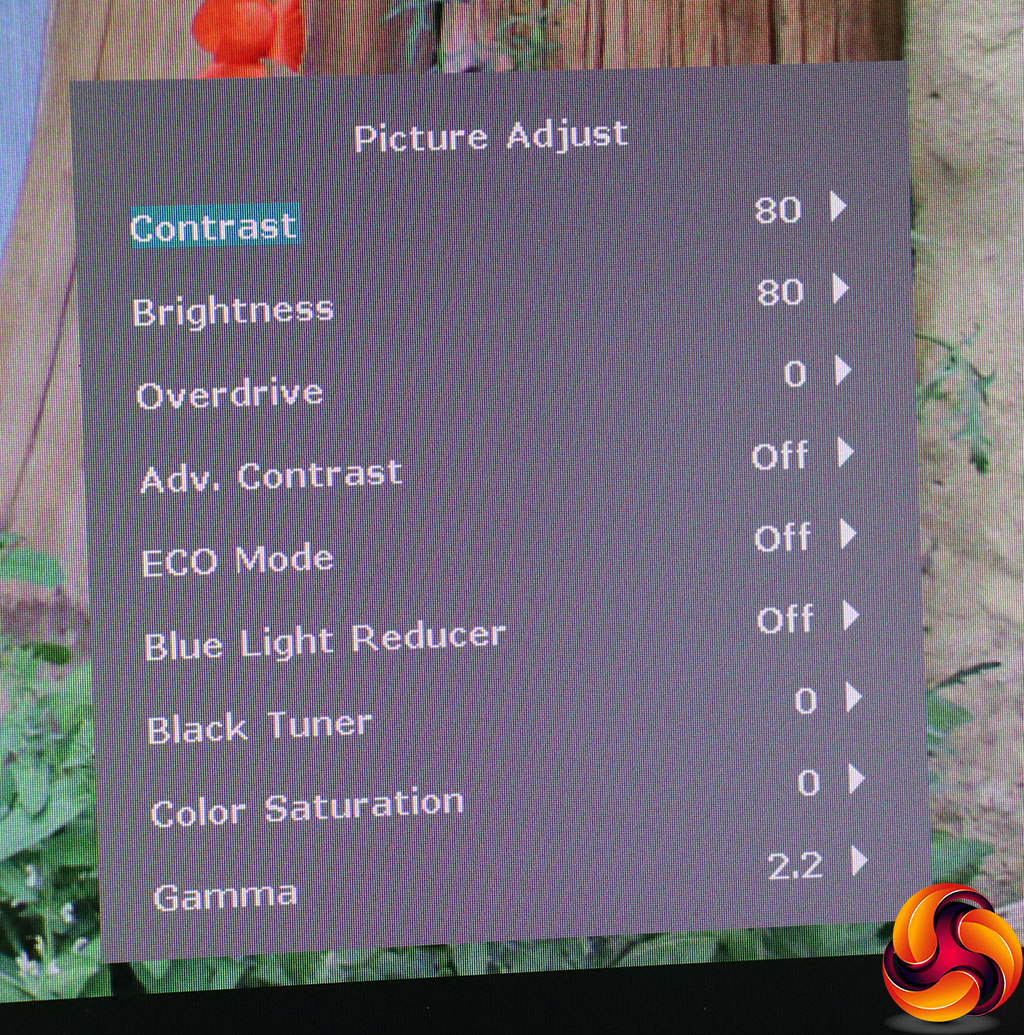
We did quite like Iiyama's previous main menu design. It was black, clear and functional. Nevertheless, the default option is Picture Adjust, exactly the same as before, and the options are exactly the same too. You can adjust contrast, brightness, and pixel overdrive. The latter has five levels as well as Off, from -2 to +2. You can turn on Advanced Contrast, which is the usual dynamic system that varies the backlight to produce a greater sense of contrast than the panel can natively display.
You can select one of the three Eco modes on this page, enable a Blue Light Reducer with three levels to soothe eye strain, and vary the black level or colour saturation. Strangely, the gamma options include just 1.8, the default 2.2, and 2.6, which is quite a stepping between each one.
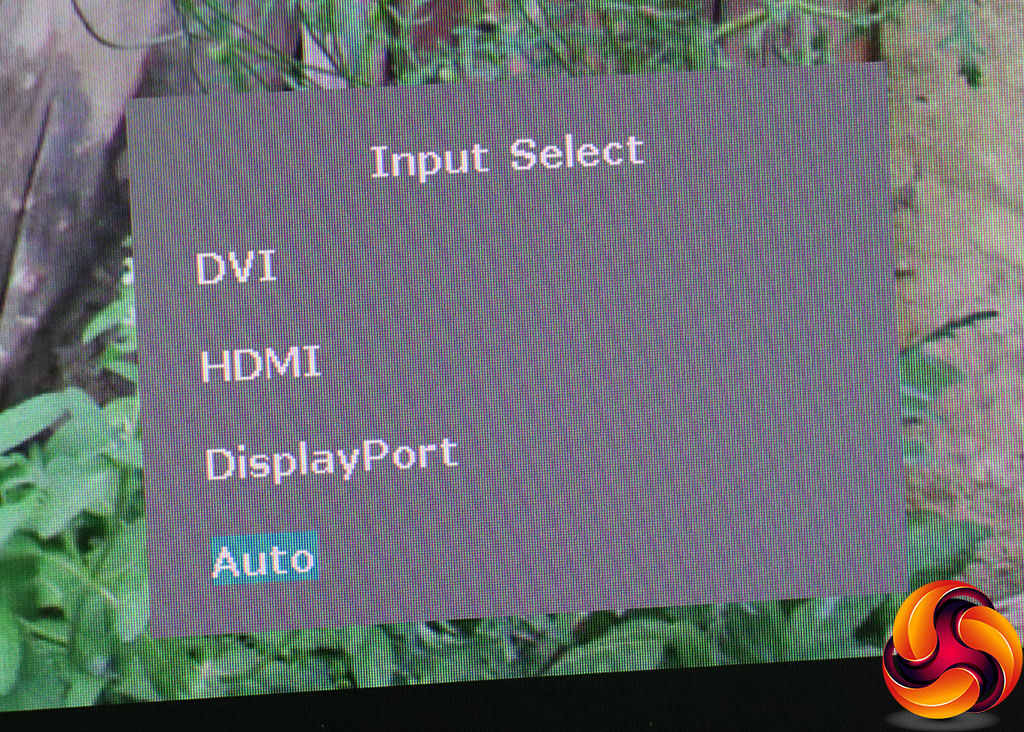
Next along is Input Select, providing exactly the same options as the quick menu version. In fact, it's the same interface.
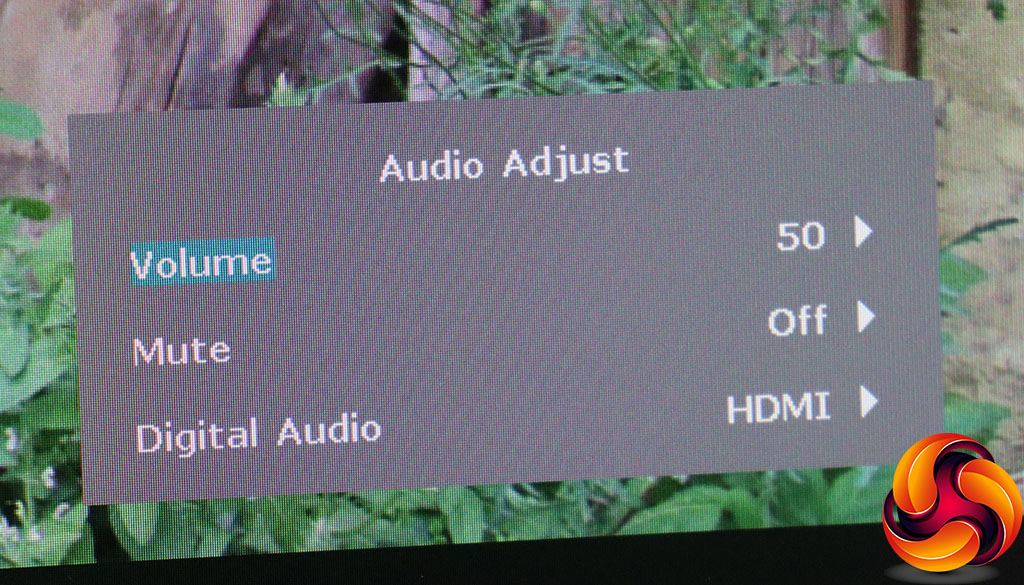
The Audio Adjust submenu provides a little more than the quick option, however. Not only can you vary volume, but there's also the facility to mute the audio and choose between the various digital and analog inputs.
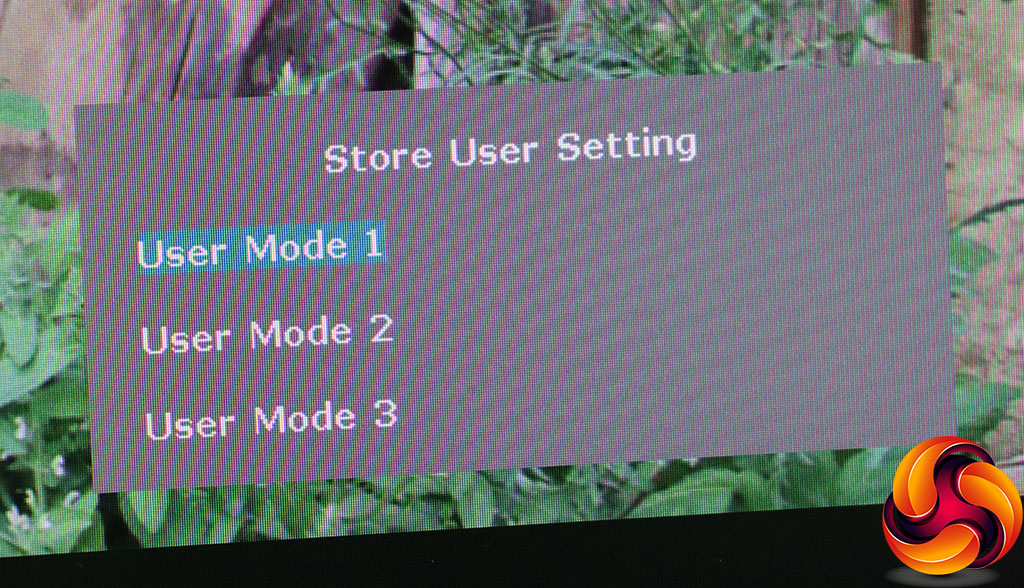
The Store User Setting section lets you save the current configuration to one of the three slots, which can then be recalled via the I-Style Color menu.
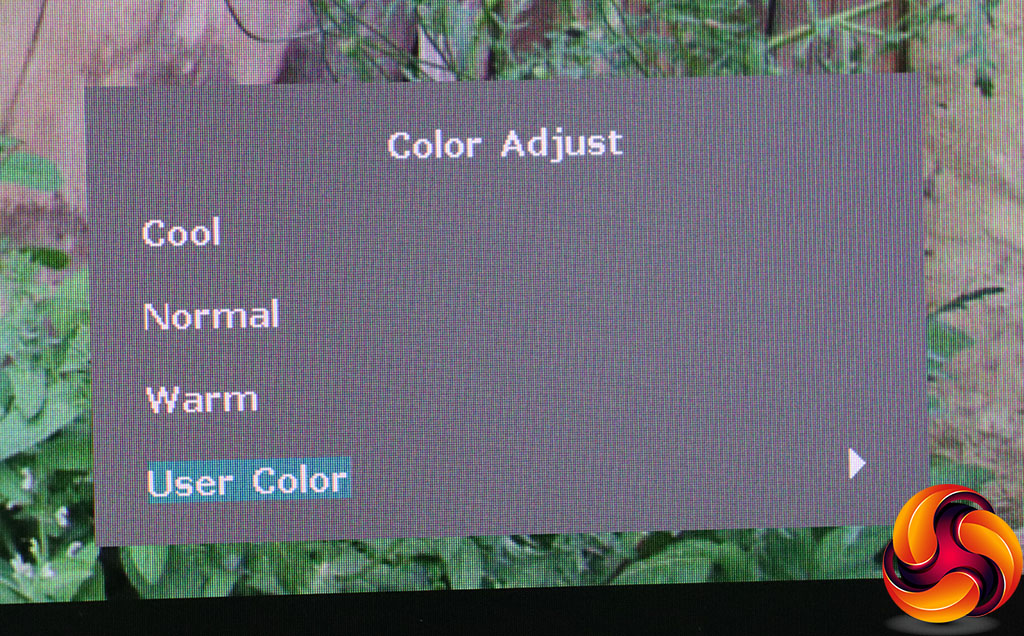
The Color Adjust menu is slightly different from previous Iiyama screens in that instead of quoting colour temperature in Kelvin values, the preset options are given names, although they probably equate to the same levels. The User Color option, as before, lets you adjust red, green and blue levels manually.
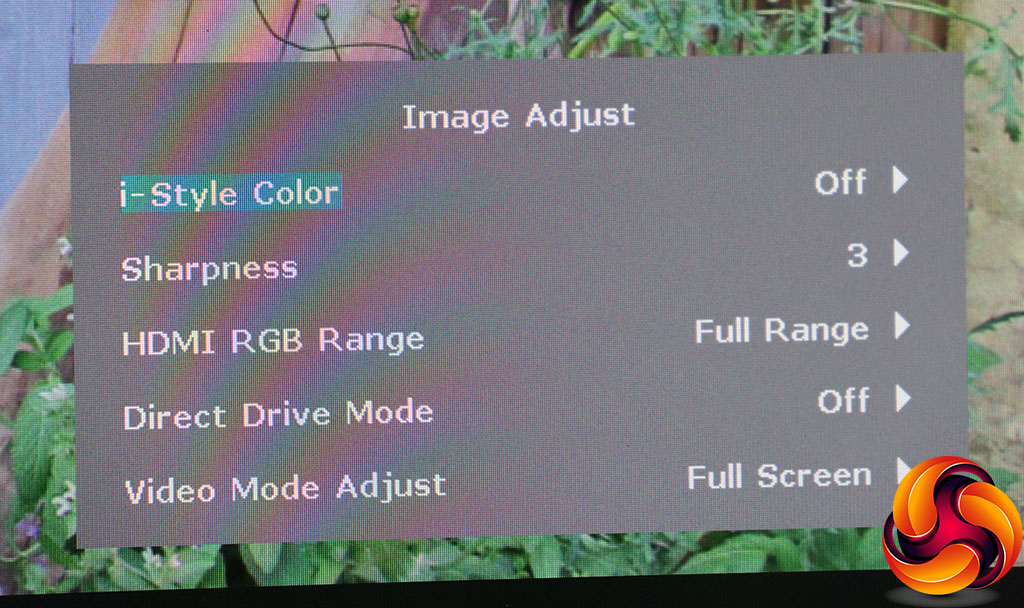
The Image Adjust section provides another route towards the I-Style Color presets, but adds quite a bit more. There's a sharpness control with six levels, and you can choose how much of the HDMI RGB Range to use – the full range or a limited range, for use with HDMI outputs that don't provide the full 256 steps of each colour.
You can turn on Direct Drive Mode, which reduces lag at the expense of quality, whilst Video Mode Adjust lets you switch to different screen sizes, including 17in, 19in, 19.5in, 21.5in, 23in, 23.6in, 24in, and Full. These enable the typical aspect ratio and screen diagonal for the size selected.
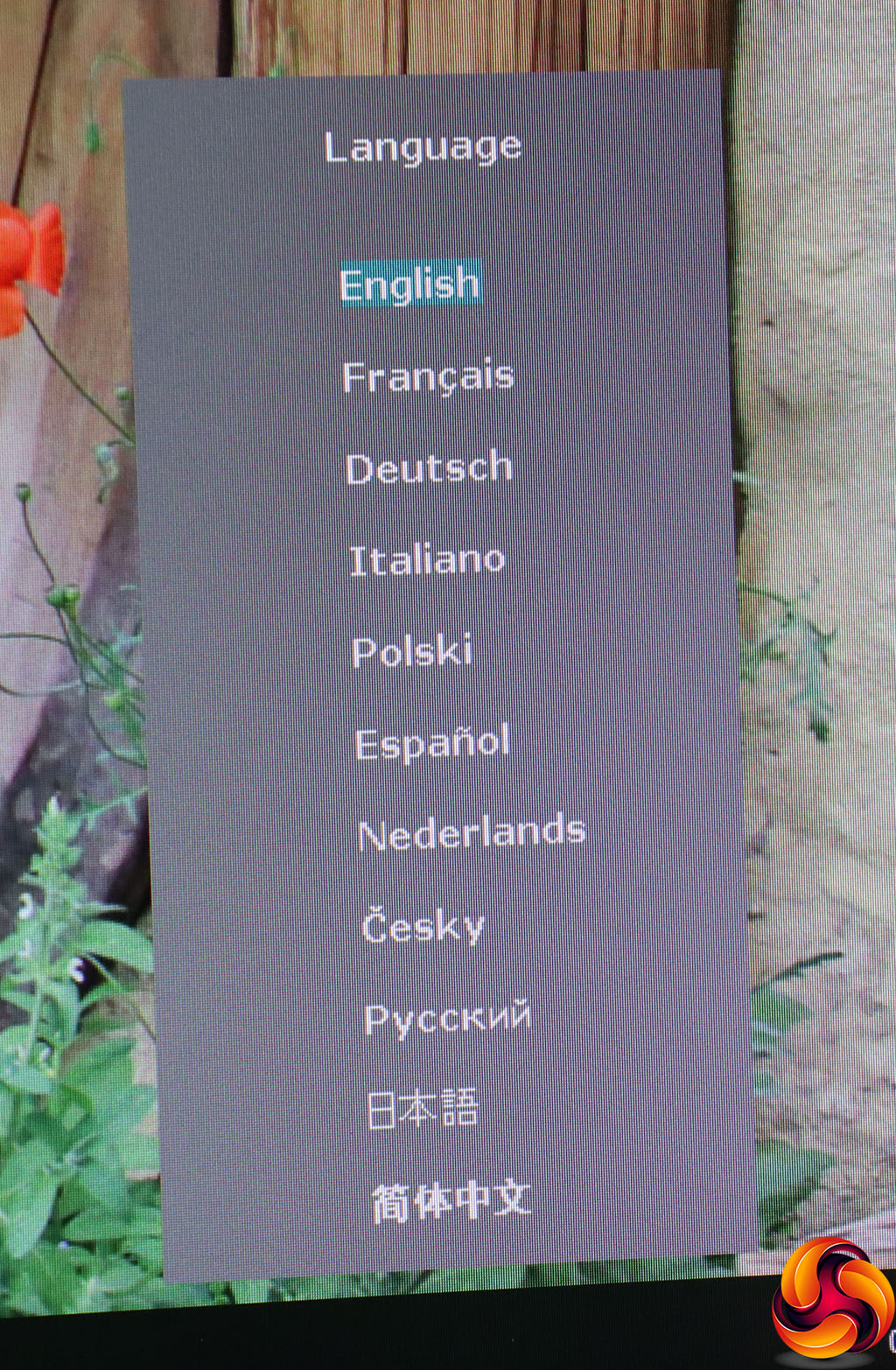
There are 11 different language options for the OSD.
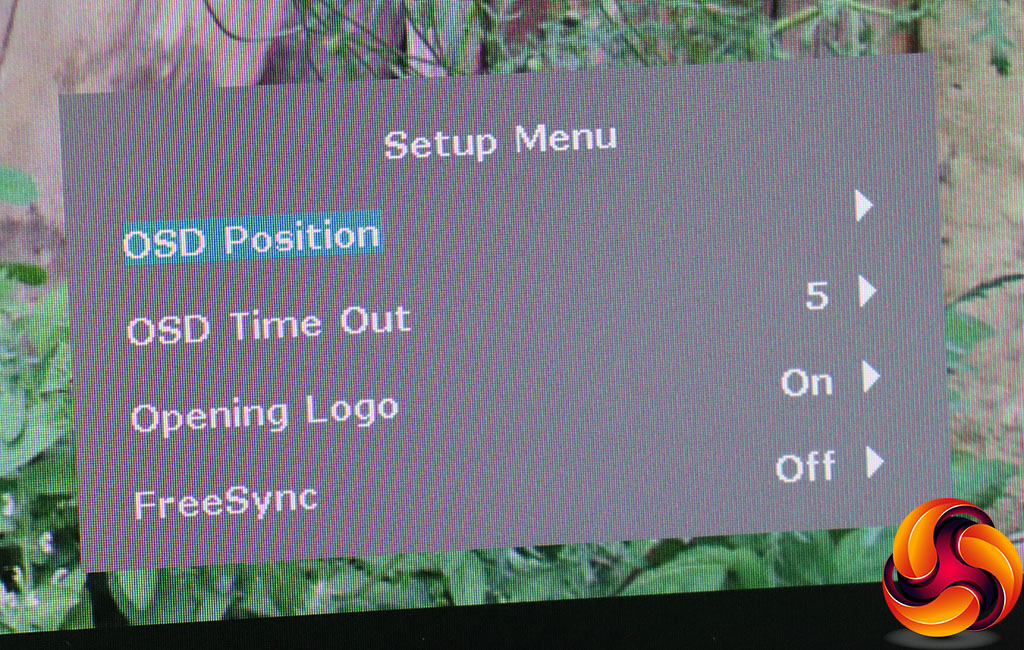
You can configure where the OSD appears in the Setup Menu, as well as how long it stays onscreen and whether a logo is displayed when the screen is turned on. Strangely, this is also where you can enable and disable FreeSync adaptive refresh.
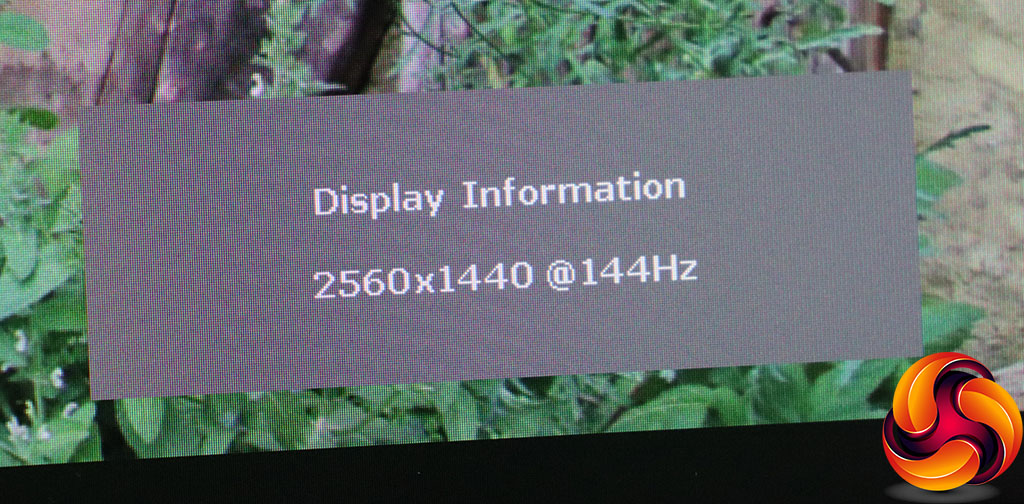
The Display Information option simply tells you the current resolution and refresh rate.
The final option resets the screen to defaults.
Overall, the range of options is pretty much the same as other Iiyama Red Eagle gaming monitors we've tested, just with a different look to the menus. There's more than enough here for most users. We still prefer the old main menu, but the features available are identical, taking the same number of button presses to get to. So the differences are entirely cosmetic.
Our main test involves using a DataColor Spyder Elite 5 Colorimeter to assess a display’s image quality. The device sits on top of the screen while the software generates colour tones and patterns, which it compares against predetermined values to work out how accurate the screen is.
The results show –
- A monitor’s maximum brightness in candelas or cd/m2 at various levels set in the OSD.
- A monitor’s contrast ratio at various brightness levels in the OSD.
- The brightness deviation across the panel.
- The black and white points.
- The colour accuracy, expressed as a Delta E ratio, with a result under 3 being fine for normal use, and under 2 being great for colour-accurate design work.
- The exact gamma levels, with a comparison against preset settings in the OSD.
We first run this test with the display in its default, out-of-the-box state, with all settings on default. We then calibrate the screen using the Spyder software and run the test again.
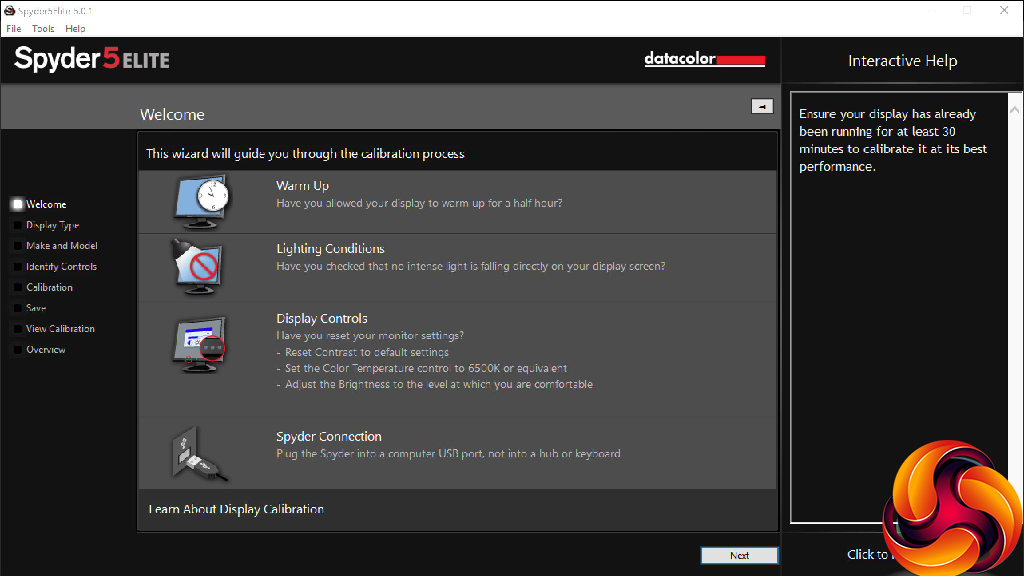
We always test the display subjectively on the Windows desktop, using it for general tasks such as browsing and word processing, and with games as well, even if the display is not intended solely for that purpose.
We pay careful attention to any artefacts, ghosting or motion blur, and enable any gaming-specific features, such as adaptive-sync settings like G-Sync or FreeSync, using a compatible graphics card in our test PC.
We performed the quality tests at the native 2,560 x 1,440 resolution in the default mode, after resetting the OSD, which uses a 60Hz refresh. Our test system was equipped with an AMD Radeon Vega Frontier Edition graphics card, which also supports FreeSync.
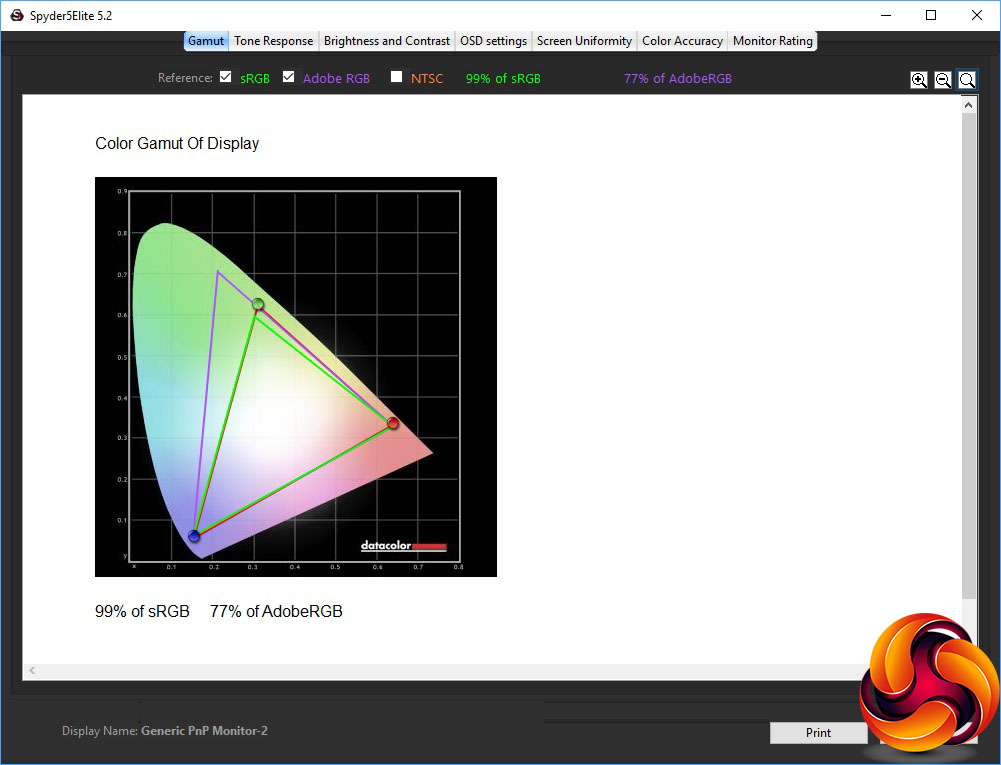
The gamut is rather mediocre at 99 per cent sRB and 77 per cent of AdobeRGB.
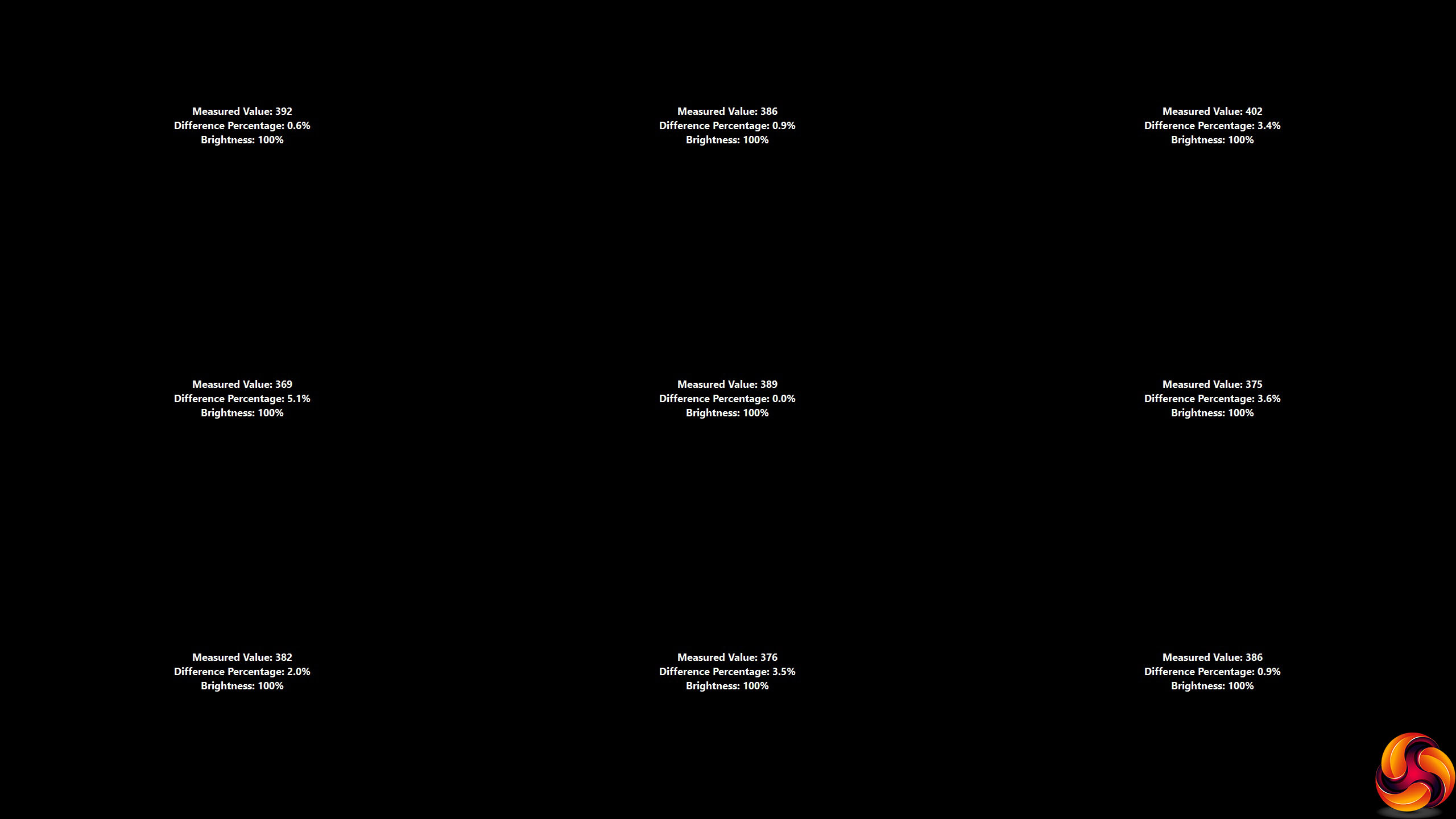
Brightness uniformity, on the other hand, is pretty decent, with every zone apart from left middle being under five per cent variation, and the left middle only slightly higher at 5.1 per cent.
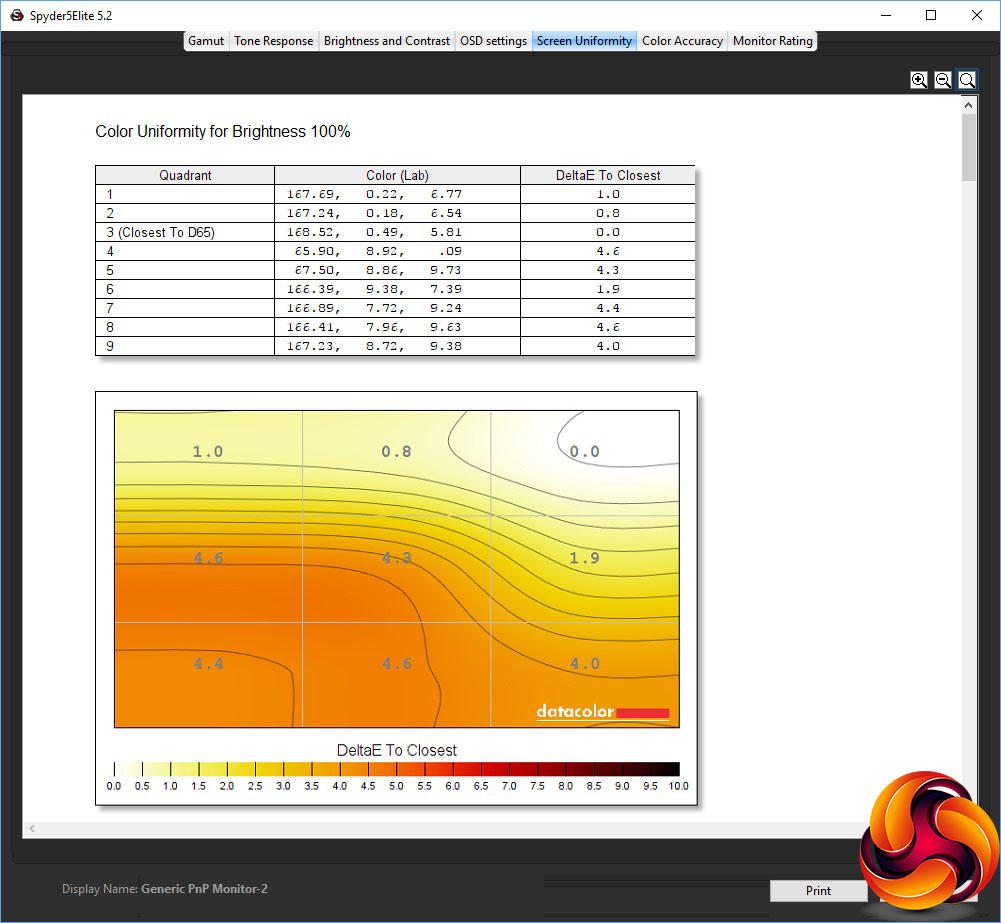
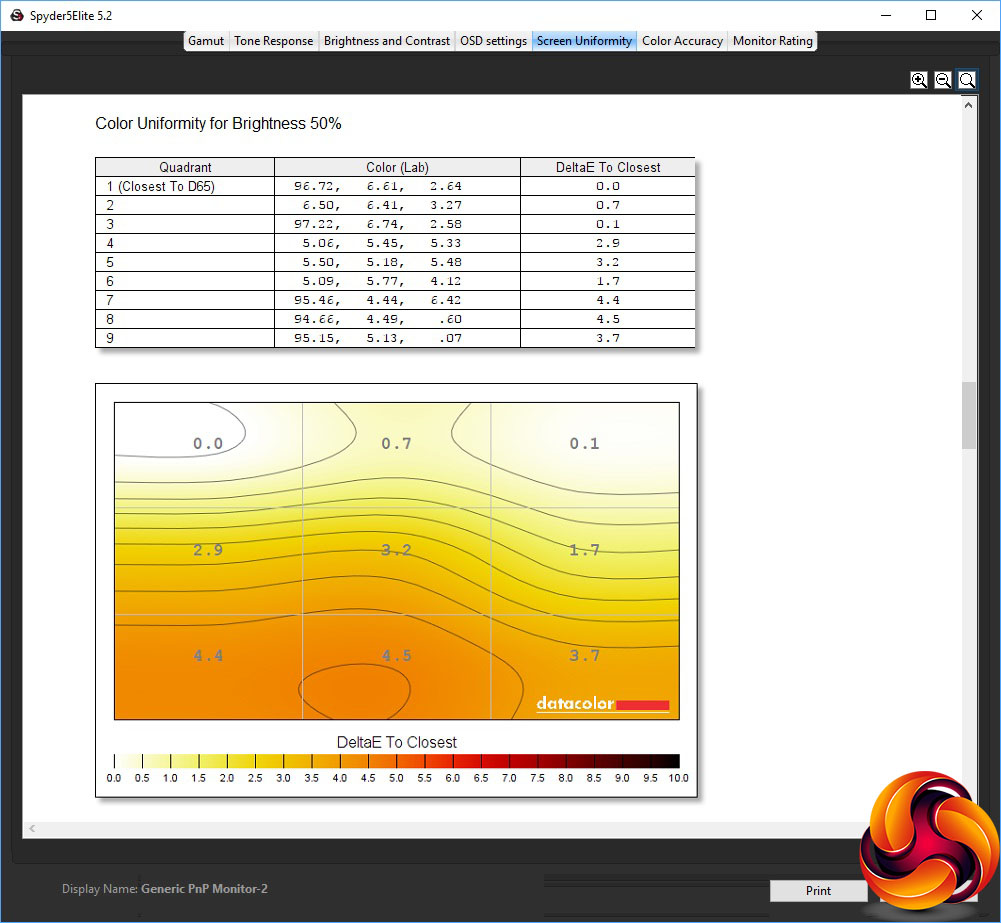
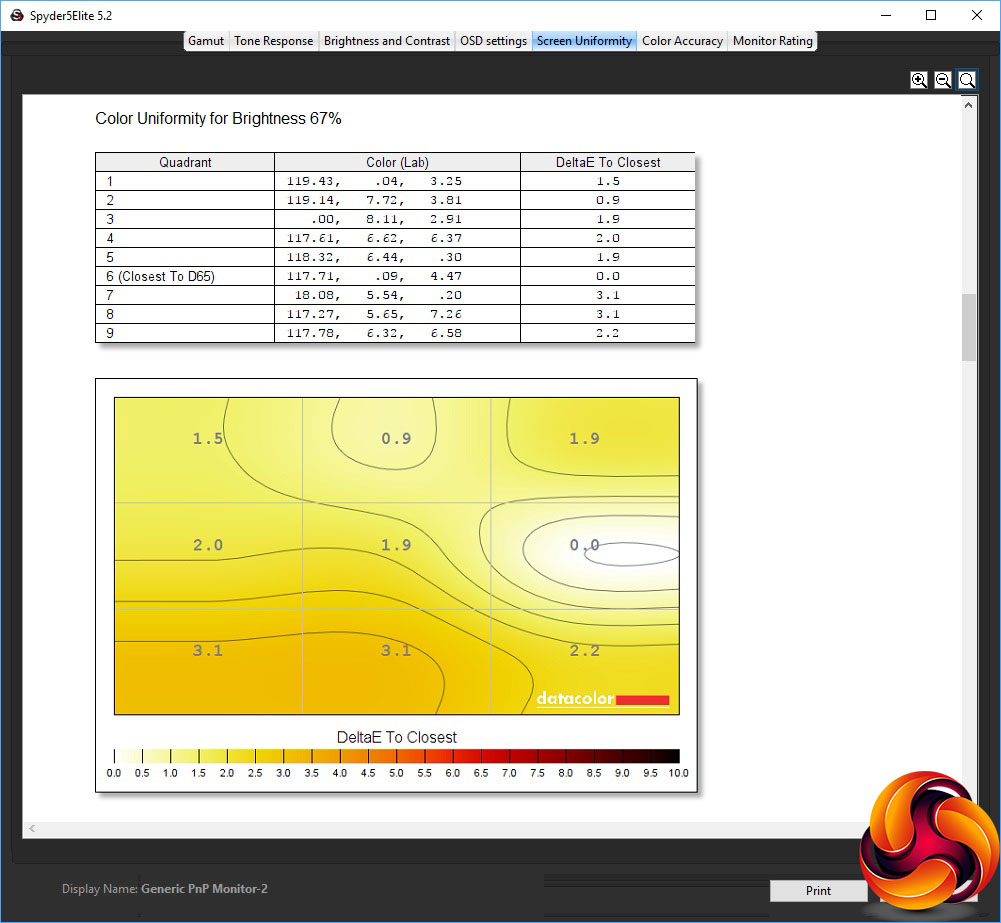

Colour uniformity is not too bad either, particulary around 67-83 per cent brightness.
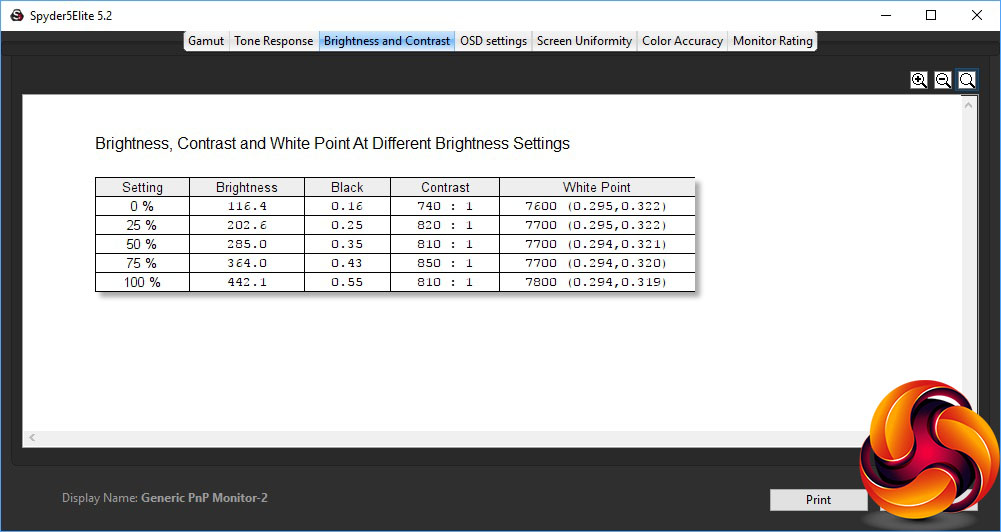
Although the screen is rated at 350cd/m2 brightness, it actually achieves this at around 70 per cent of its maximum setting, managing 442.1cd/m2 at 100 per cent.
Contrast wavers between 740:1 at lowest brightness and 850:1 at 75 per cent, although most of the range is more like 810/820:1. The white point goes from 7600K to 7800K, which is a little cool when the default for most screens is generally meant to be 6500K.
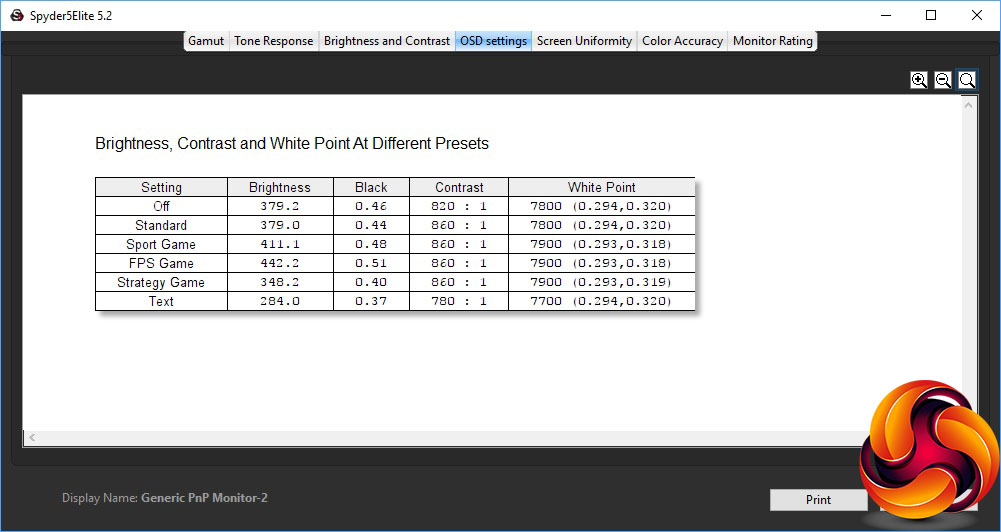
The Off and Standard modes aren't that different, with around 379cd/m2 brightness and 7800K white point, although contrast is lower at 820:1 for Off, compared to 860:1 for Standard. The Game options all use a cool 79000K white point and the same 860:1 contrast.
The only differences in this test are that Sport Game opts for a brighter than Standard 411.1cd/m2, FPS Game is even brighter at 442.2cd/m2, but Strategy Game drops down to 348cd/m2.
The Text mode, as we usually expect, opts for a lower brightness, in this case 284cd/m2, with a lower 780:1 contrast and slightly warmer 7700K white point, although this isn't a significant variation from the other presets.
We would have liked to see a Movie option here, considering that this could well be a screen that is used for watching online video content a fair bit, but at least you can set that up yourself via one of the User I-Style Color presets.
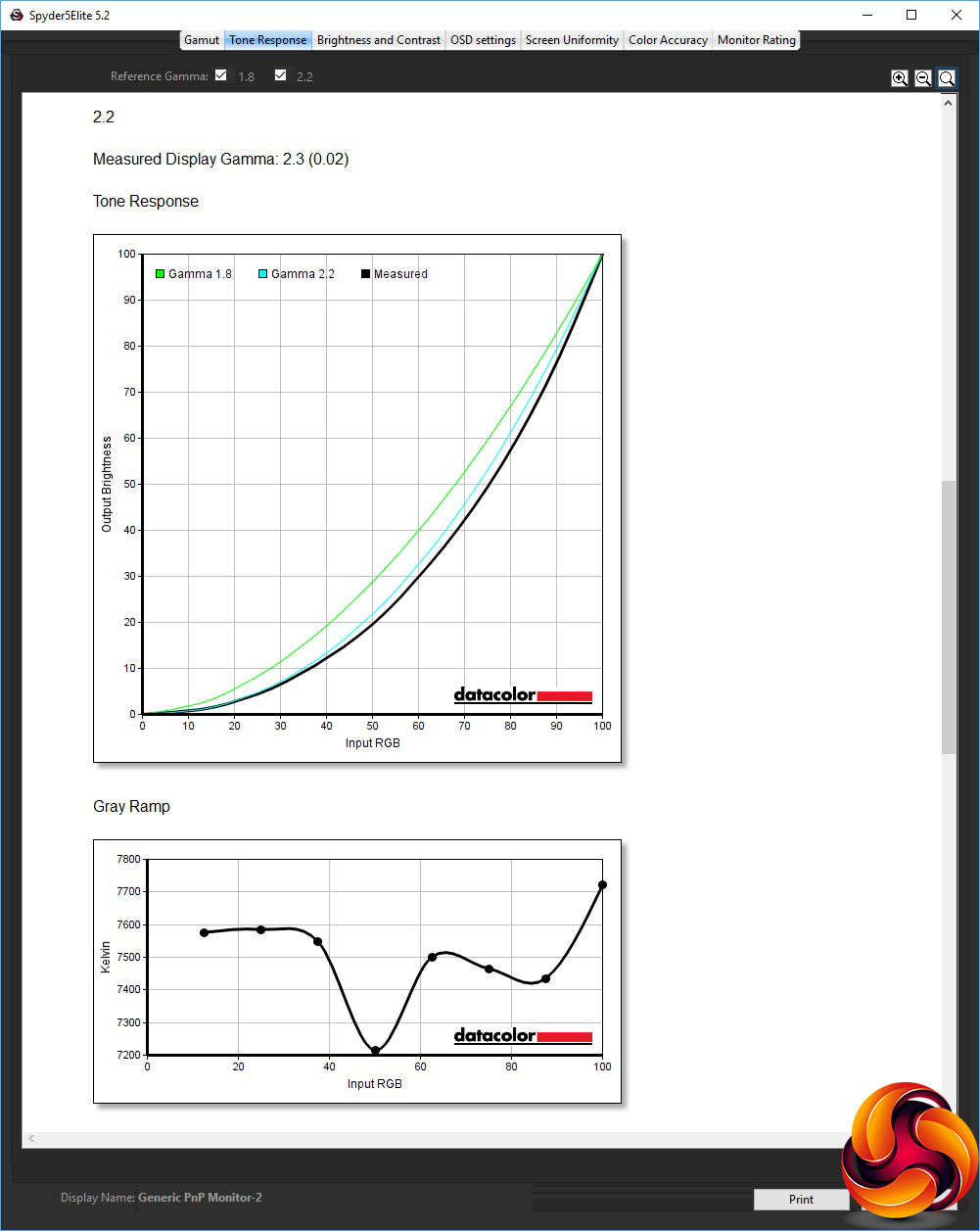
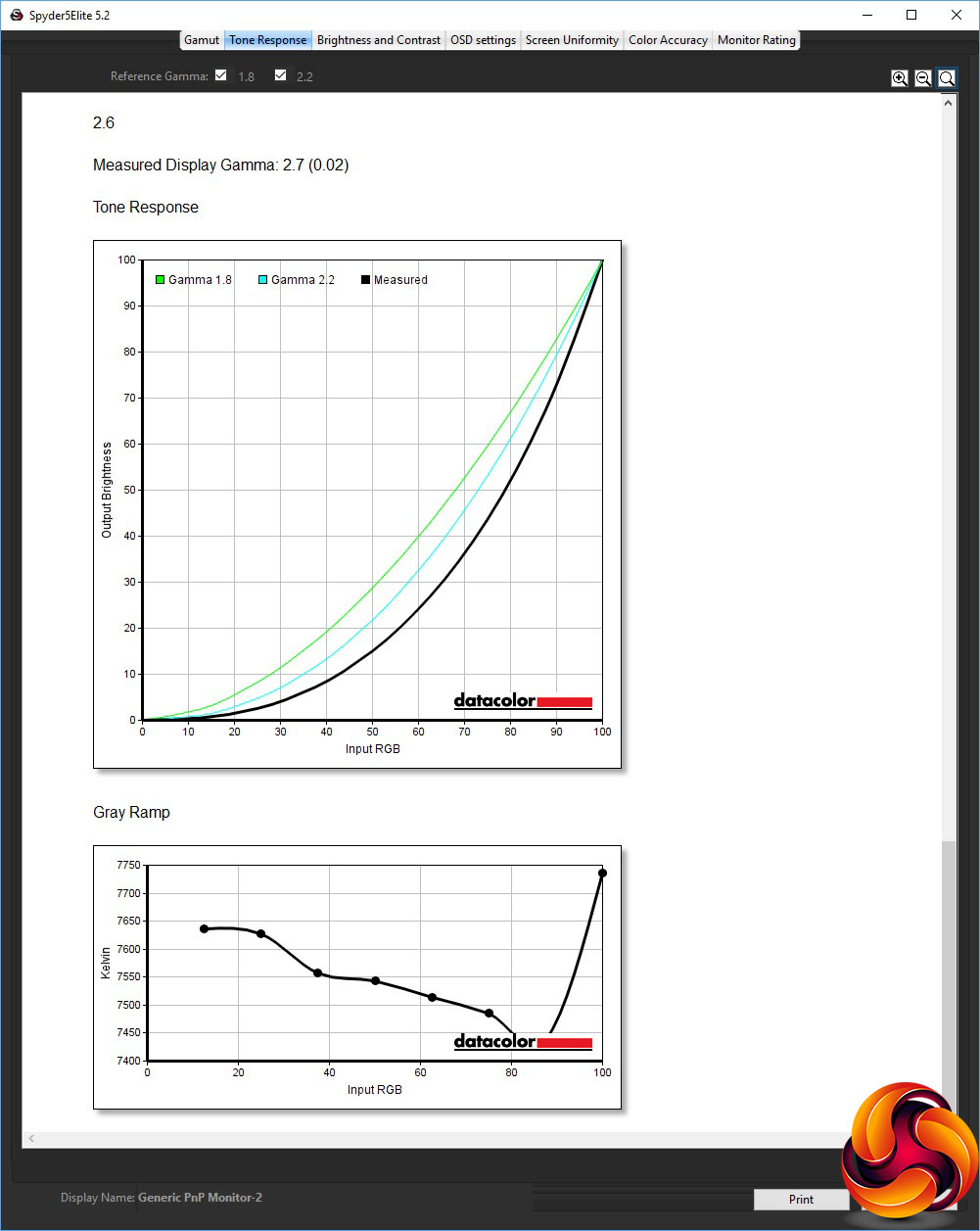
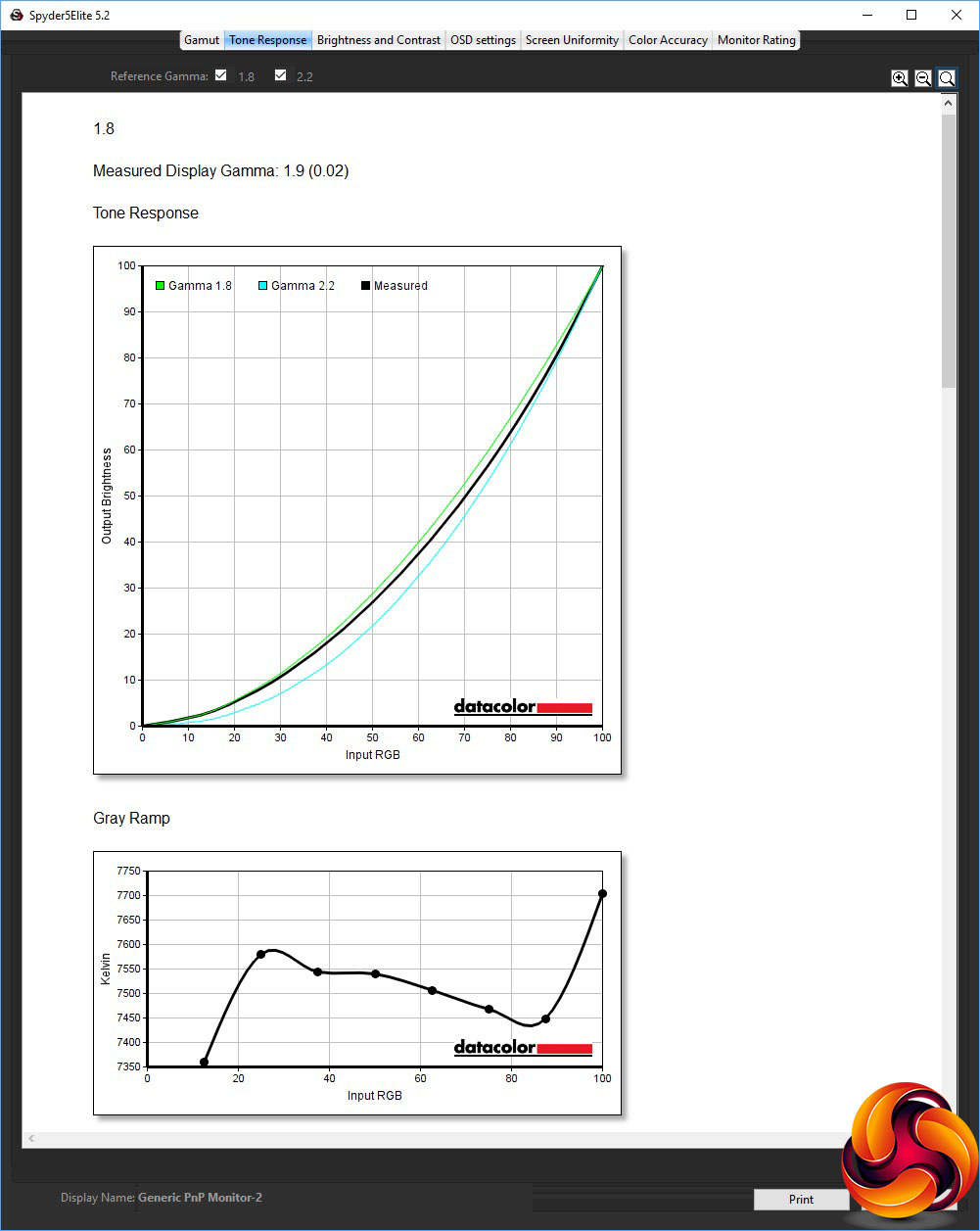
The three gamma modes are evenly spaced, and essentially under-report by 0.1 across the board. So the 1.8 option is actually 1.9, 2.2 is 2.3, and 2.6 is 2.7. So at least you know you're getting a decent spread, even if 2.0 and 2.4 options are curiously absent.
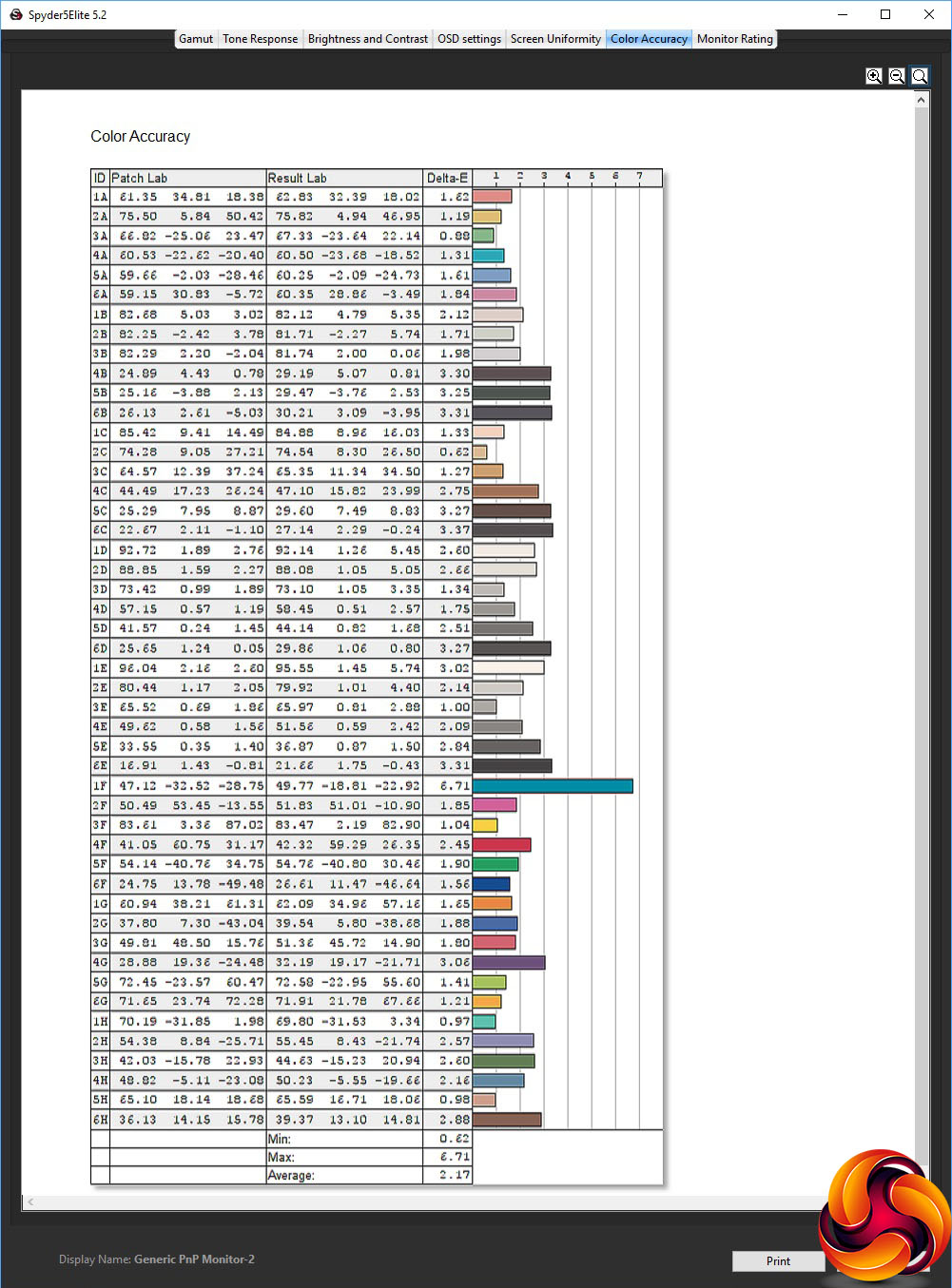
We have seen some impressive colour accuracy from Iiyama TN panels out of the box. Unfortunately, the GB2760QSU is merely good, with an average colour deviance of 2.17. So as usual we tried to improve things by invoking the Spyder's calibration function.
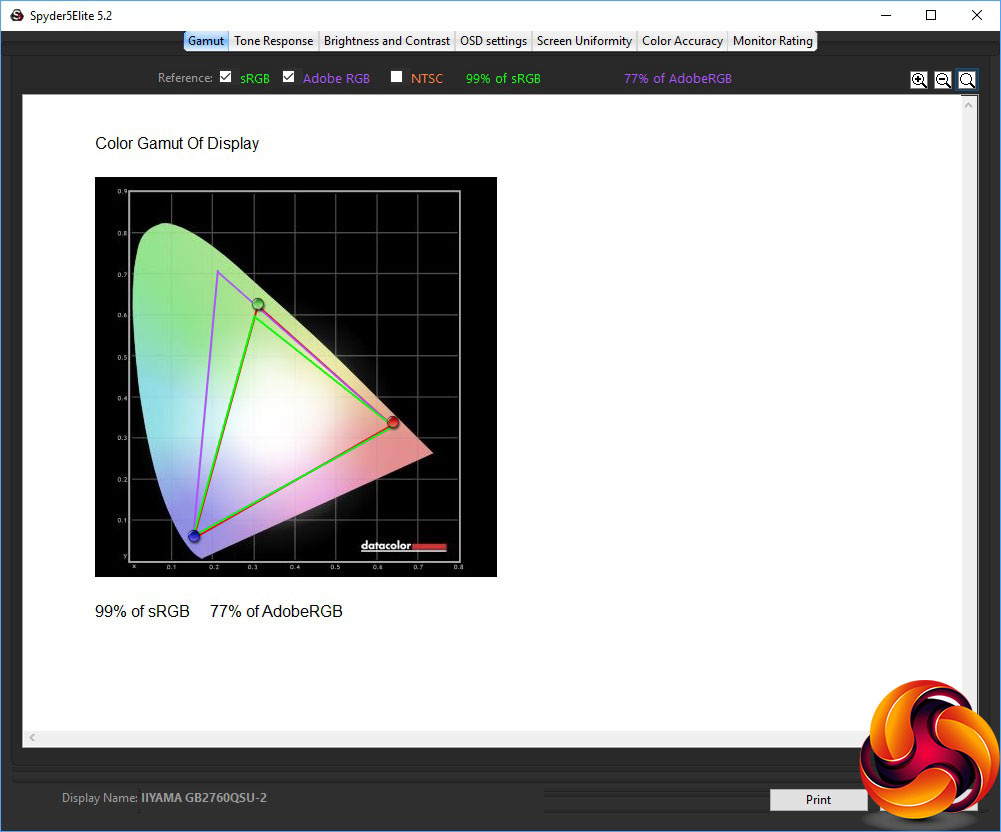
As is almost always the case, the gamut remains the same, which for the GB2760QSU is a mid-range 99 per cent sRGB and 77 per cent AdobeRGB.
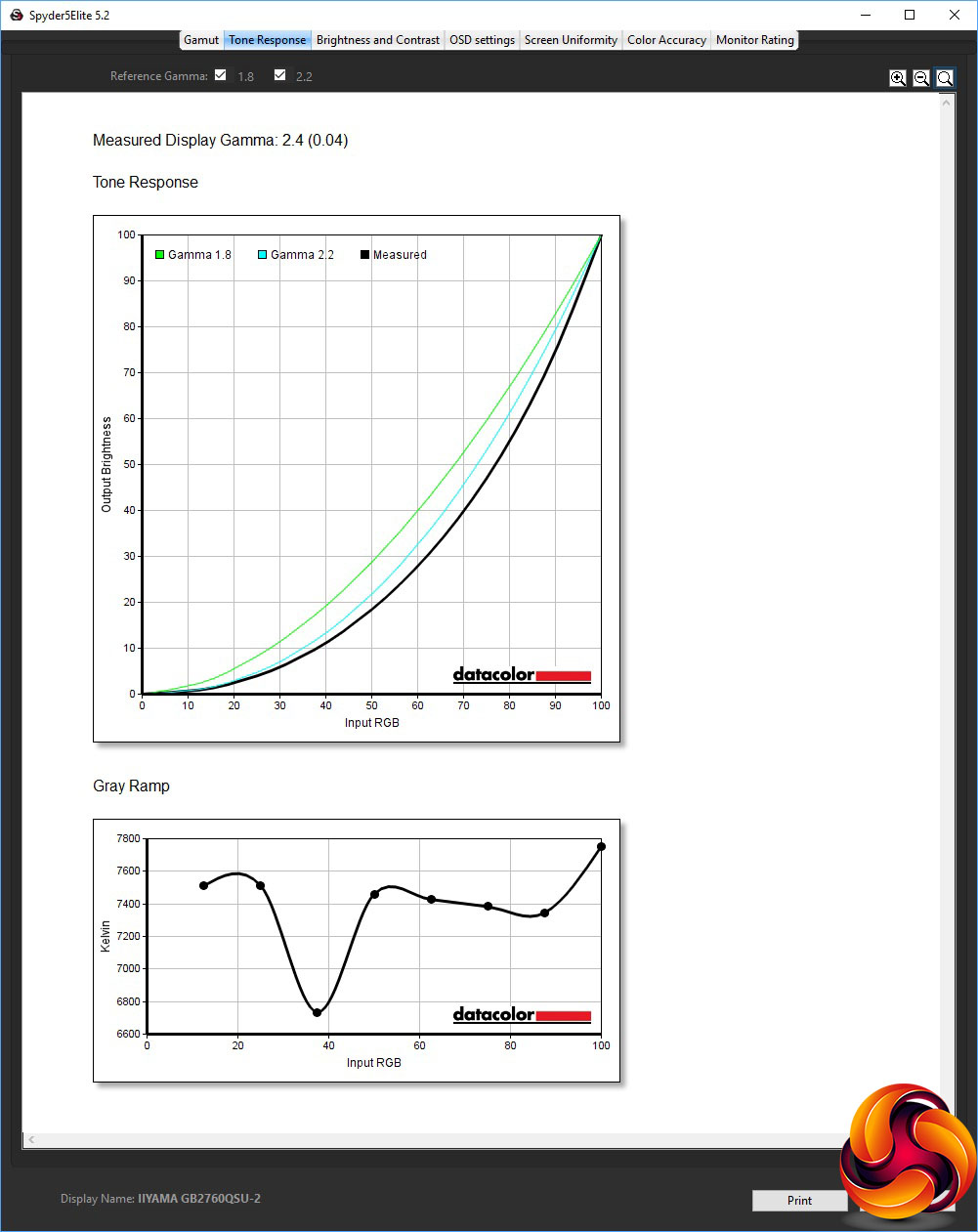
The gamma, on the other hand, has increased. We only retested the default 2.2 gamma preset, but this now registers as 2.4.
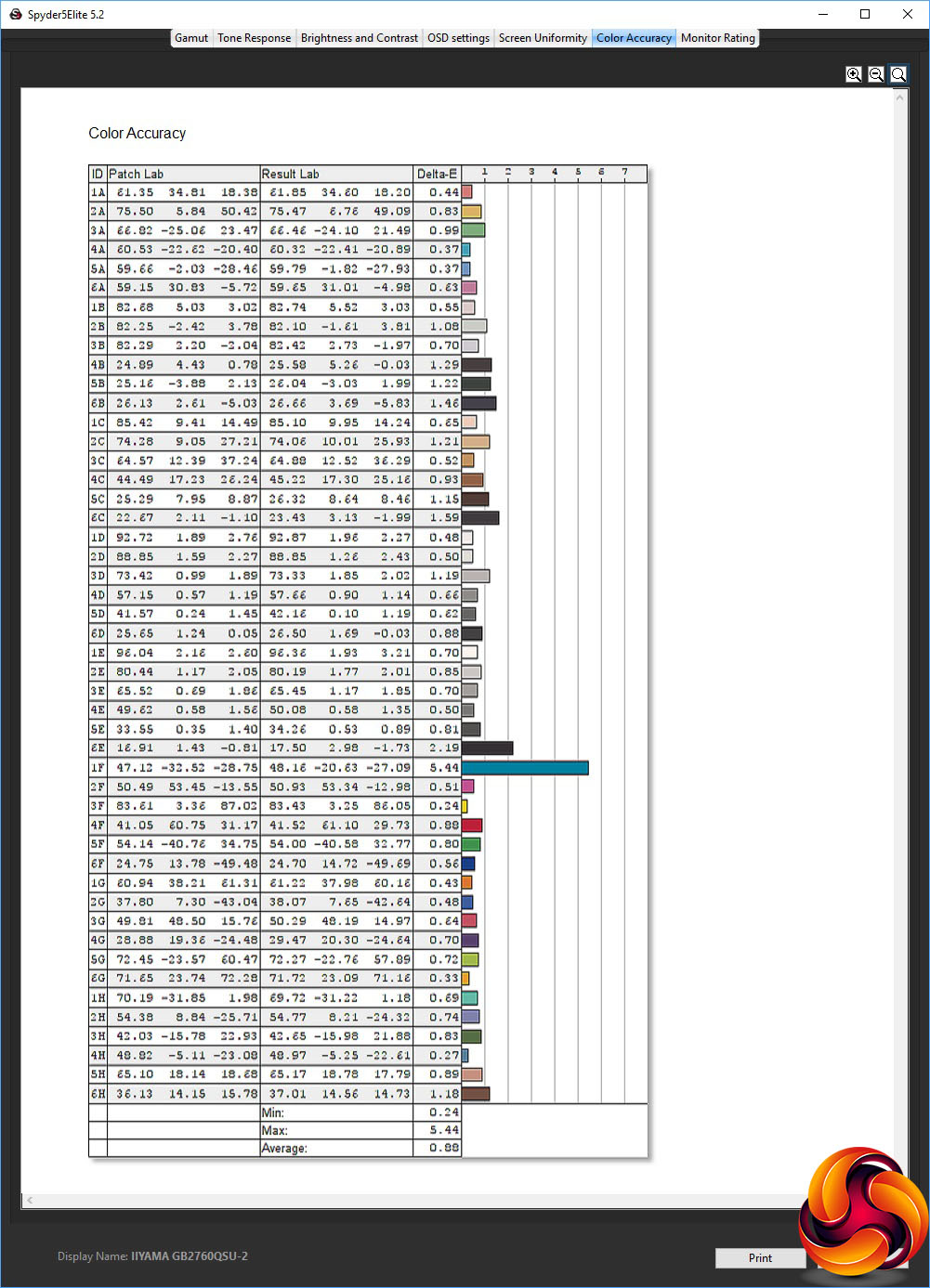
Colour accuracy, however, has improved to an excellent 0.88, which is in the realms of the best screens we have reviewed. This is very commendable for a gaming screen that isn't particularly on the premium side.
We also tested the GB2760QSU with games and everyday activities like retouching photos for a monitor review and video editing. For the gaming, we enabled FreeSync and set the screen to 144Hz, as our test rig had powerful AMD graphics able to drive this kind of frame rate and supply the necessary adaptive sync support.
We tried CS:GO, Shadow Warrior 2, Rise of the Tomb Raider and Tom Clancy's Rainbow Six Siege, using the FPS Game preset. The experience was very pleasant, with little sign of ghosting and smooth frame rates devoid of tearing.
Overall, whilst this isn't a bling curved gaming screen, it is a very competent performer at its given task, as we have come to expect from Iiyama.
The Iiyama Red Eagle G-MASTER GB2760QSU is a bit like the quiet kid at school who sits at the back of class and then gets some of the best test results in exams without anybody quite realising how. There are many gaming screens that look amazing but only deliver mediocre results. This monitor, on the other hand, looks fairly ordinary but provides some great performance at a relatively inexpensive price.
Colour accuracy, with calibration, is excellent, and you've got fast pixel response alongside 144Hz refresh and FreeSync. The resolution of 2,560 x 1,440 is a current sweet spot for higher-end graphics and is about right for a 27in diagonal as well. Only the mid-range gamut lets the side down a little.
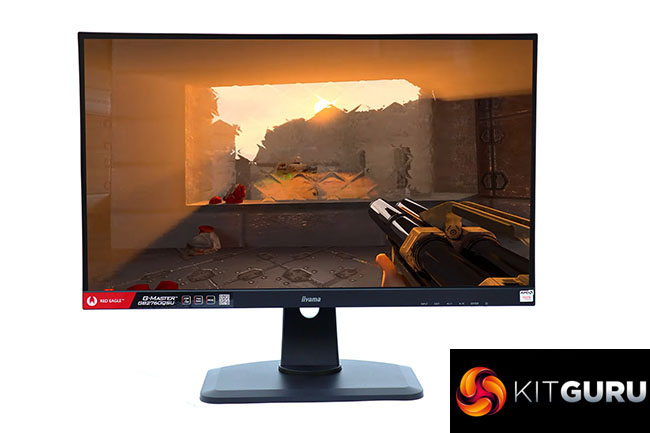
The two-port USB 3.0 hub adds convenience for attaching your keyboard and mouse or plugging in memory keys. We would have preferred more ports, but having the ones available on the side is very handy, and you get built-in speakers which are useful if you mostly use headphones and don't want to bother with external speakers.
There is a reasonable range of adjustment available in the OSD, which could have done with a movie mode but at least has three custom user preset slots.
The one caveat with the Iiyama Red Eagle G-MASTER GB2760QSU is that you might be considering a curved screen as your next upgrade, and there are now a few options around this price range with similar features and resolution. Nevertheless, this is a capable 27in gaming screen that does its job well without shouting about it too much.
The Iiyama Red Eagle G-MASTER GB2760QSU available from BOX for £338.99 HERE
Pros:
- Excellent colour accuracy when calibrated.
- 144Hz refresh-rate.
- FreeSync adaptive frame rate synchronisation.
- Lots of options via OSD.
- Comprehensive physical adjustment.
- USB 3.0 hub with convenient side ports.
- Built-in speakers.
Cons:
- Mid-range gamut.
KitGuru says: The Iiyama Red Eagle G-MASTER GB2760QSU provides competent gaming features, including great colour accuracy when calibrated and smooth 144Hz FreeSync gameplay for a reasonable price.