 KitGuru KitGuru.net – Tech News | Hardware News | Hardware Reviews | IOS | Mobile | Gaming | Graphics Cards


Although the discerning media user likely already has a home server with wireless connectivity and remote access this kind of set up is not always ideal. In-fact, all it takes is for you to lose access to a decent internet connection and suddenly you are media free – which for some can be a nightmare.
Fortunately then, Seagate has an eye catching solution with its 500GB wireless mass storage device. It is able to stream content wirelessly to your smartphone, tablet or laptop and can store movies and TV shows. It is even designed to cater to student houses and families, allowing up to three devices to stream from it at once.
Specifications
- Capacity: 500GB.
- Interface: WiFi, USB 2.0.
- Height: 125.36mm.
- Width: 125.36mm.
- Length: 24.5mm.
- Weight: 281g.
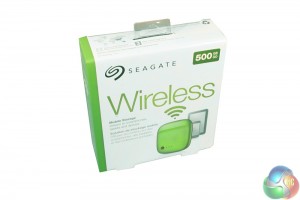
The box for the Seagate Wireless drive is pretty compact and although it breaks down a few of the drive's main features, is quite simple and clean, like the product itself.
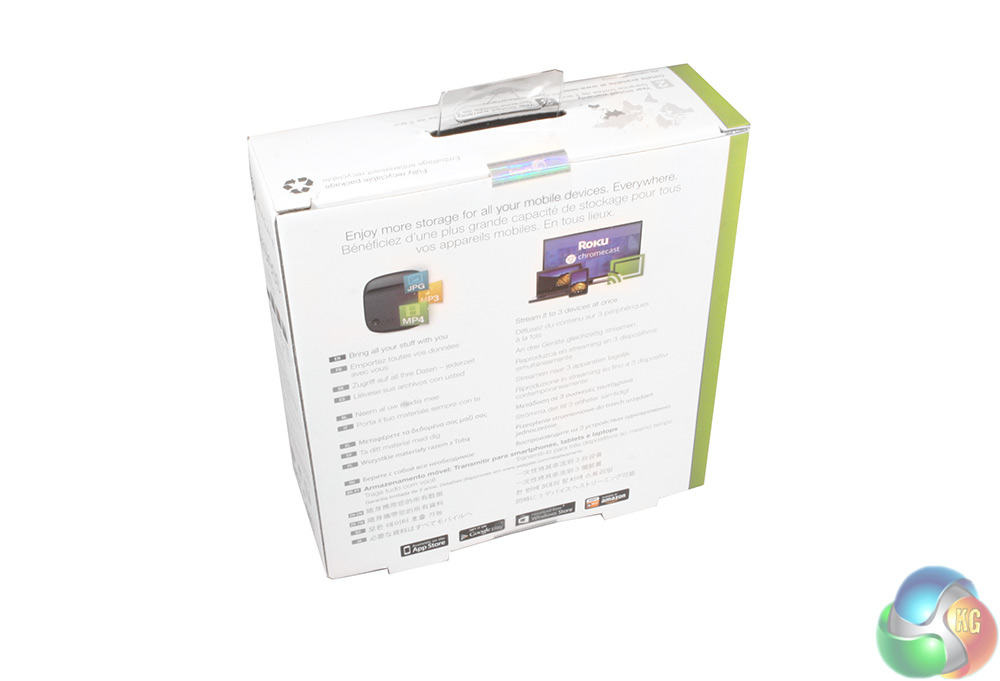
The rear explains that you can twin this device with set-top systems like Roku and Google's Chromecast, as well as built in support for videos, images and music.
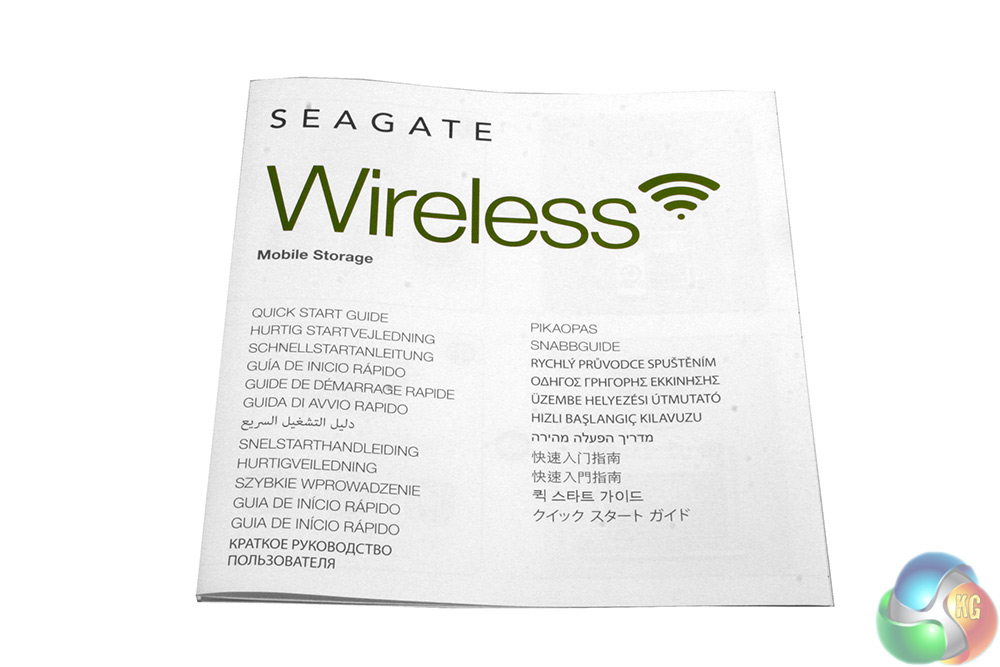
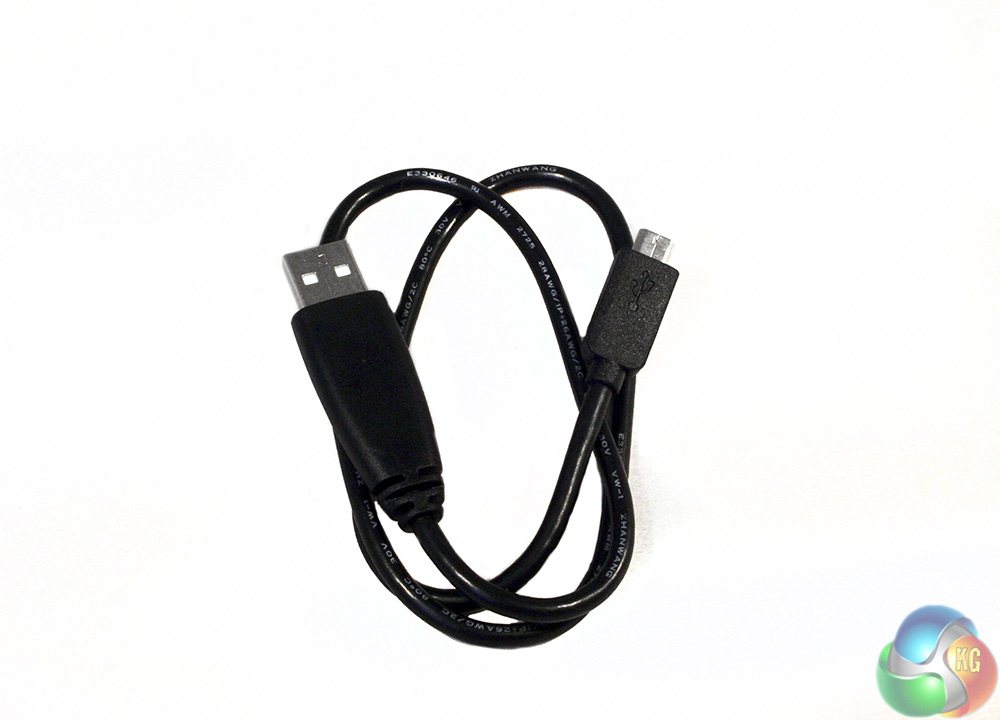
Accessories are nice and simple, including a quick-setup guide that is almost entirely picture based and a USB to micro-USB cable.
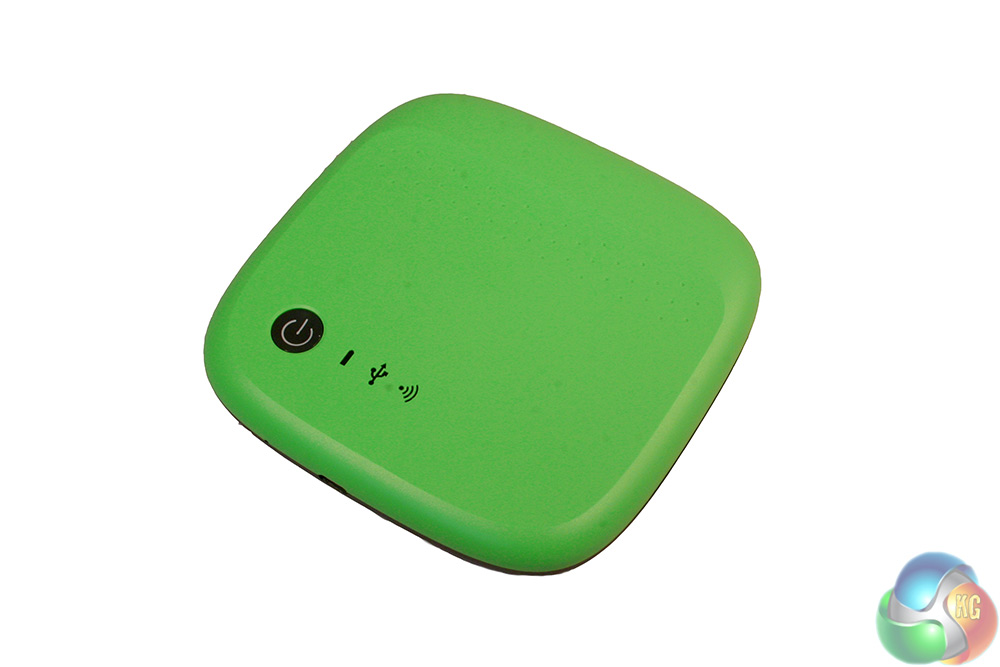
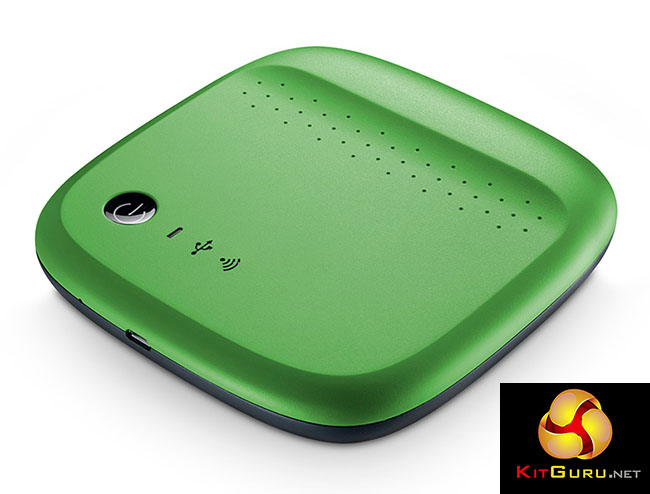
The drive Seagate sent us was the green version, which is actually a lot greener than the stock imagery suggests. The main casing is made from a hard plastic and is only broken up by the round, black power button on the bottom left and its nearby indicators, as well as a small ridge at the top.
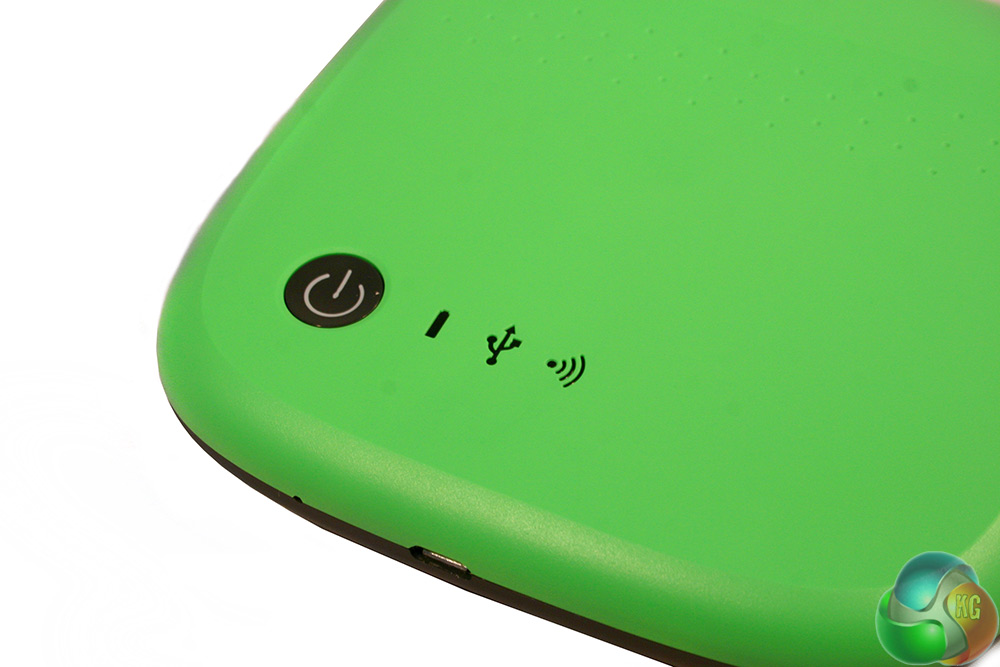
Next to the power button are LED indicators for power/battery life, USB connectivity and WiFi connectivity.
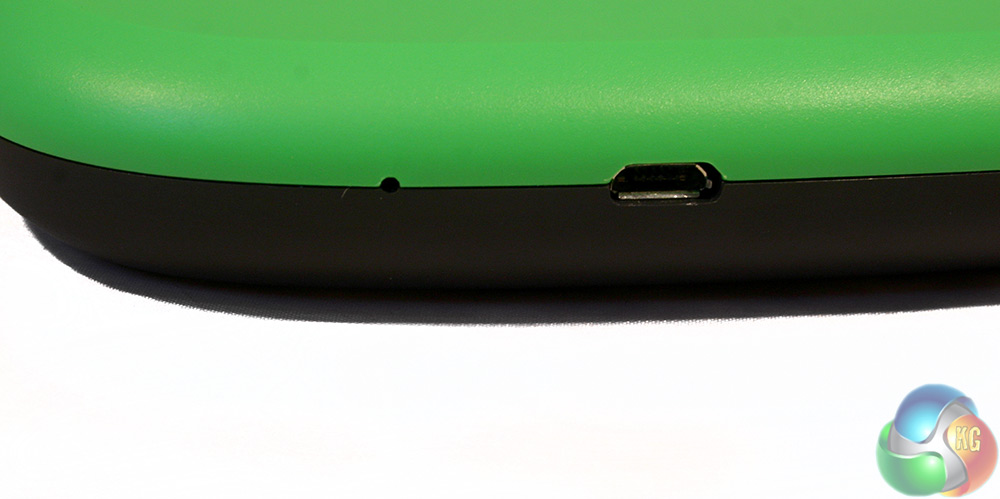
At the front, is the micro-USB connector for charging the internal battery and for sending over files from a non-WiFi equipped source, should you need to.
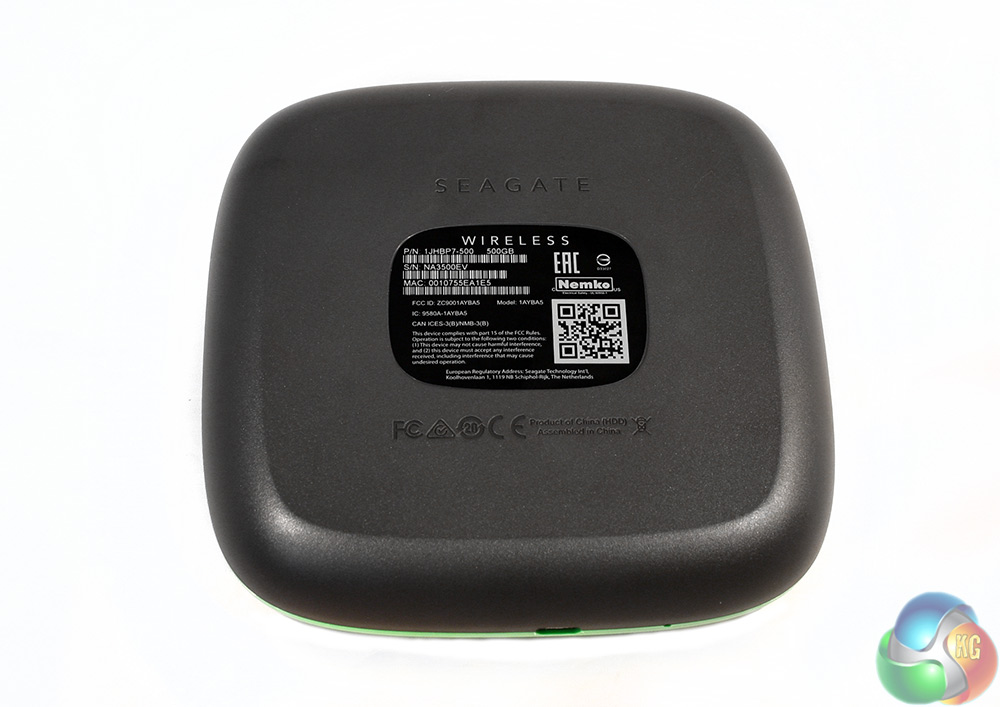
The underside is just matt black with little to make it stand out.
To test the Seagate Wireless storage device, I first charged it up using the included USB cable. This takes a couple of hours to complete and will show a flashing LED when doing so. When the battery runs out, a red LED will display when you attempt to turn it on and the device will have zero function until charged.
Once you have some battery life however, you can turn the drive on and then give it a minute or so to boot itself up. This would be a lot quicker if we were working with flash memory but since the Seagate Wireless 500GB uses an internal hard drive, you need to wait for it to spin up. Similarly so, this should make it a little more vulnerable to drops and damage, so be more careful than you are with your usual pen drives.
After it is reportedly ready to go (by lighting up the WiFi indicator) you can connect it to the device of your choice. For the smartphone end of things, you will need the Seagate app, which is downloaded from the Play, App, Windows or Amazon store – each has its own compatible application. However, we only tested this on an Android Xperia Z2 running Android 4.4.4.
With the app installed, you will still need to find and connect to the Seagate WiFi network in order to find the drive itself, but that takes mere seconds once initiated. From there, you then have full access to the internals of the Seagate drive, as there is no password by default – though you can set one.
We now have access to a number of different functions, which cater to the various types of users who might purchase this device. If you want to use it for personal back ups, you can wirelessly transfer photos, movies and documents from a phone straight to the Seagate drive manually, or you can have it do it automatically. This backup can be reserved for when you are within a WiFi network's range, or when charging if you so choose, or left to happen automatically when a picture is taken.
Another reason you might have purchased this drive though, is for its ability to transfer and stream media. With a smartphone connected, you can also play content straight to your handset. I had a little trouble getting some files to play, but if the app player doesn't like a certain file type (it had real trouble with .AVI files) you can use an external player.
Others played straight away, with almost no lag time. One aspect it was not so keen on was skipping through large chunks though, so be aware of that if you plan to resume watching a film half way through, that it can take a short while to jump ahead.
If you wait long enough, the entire video/film will be cached locally on your device – if storage is available – so waiting a few minutes can give you free rein to jump around as needed. When it came to smaller video files, images or music though, there were no issues with wireless playback at all.
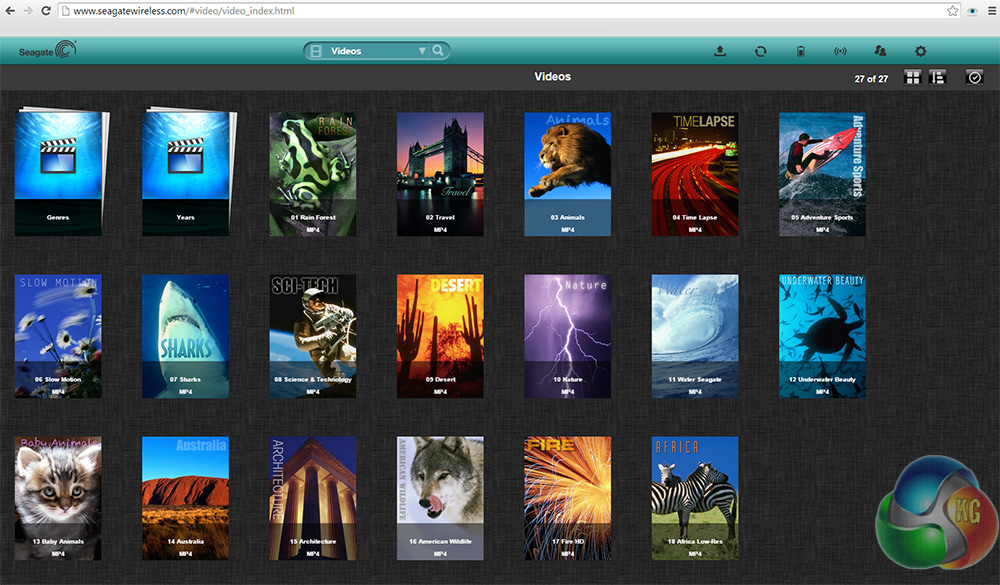
The PC direct connection interface
Accessing the same drive directly from your PC is not difficult either. You simply connect to it through your Wireless network manager and navigate to “www.seagatewireless.com” in a browser and you are greeted with all of your files.
Of course the Seagate Wireless 500GB drive is not just for connecting directly to. You can also connect it to other WiFi networks to make accessing it that bit easier from a multitude of home devices – such as your set-top box on your TV – as well as making it so that you do not have to constantly switch WiFi networks just to access your files.
It also means that you can connect to the internet through the drive, though this does have an impact on performance, making videos and other web content take a bit longer to load.
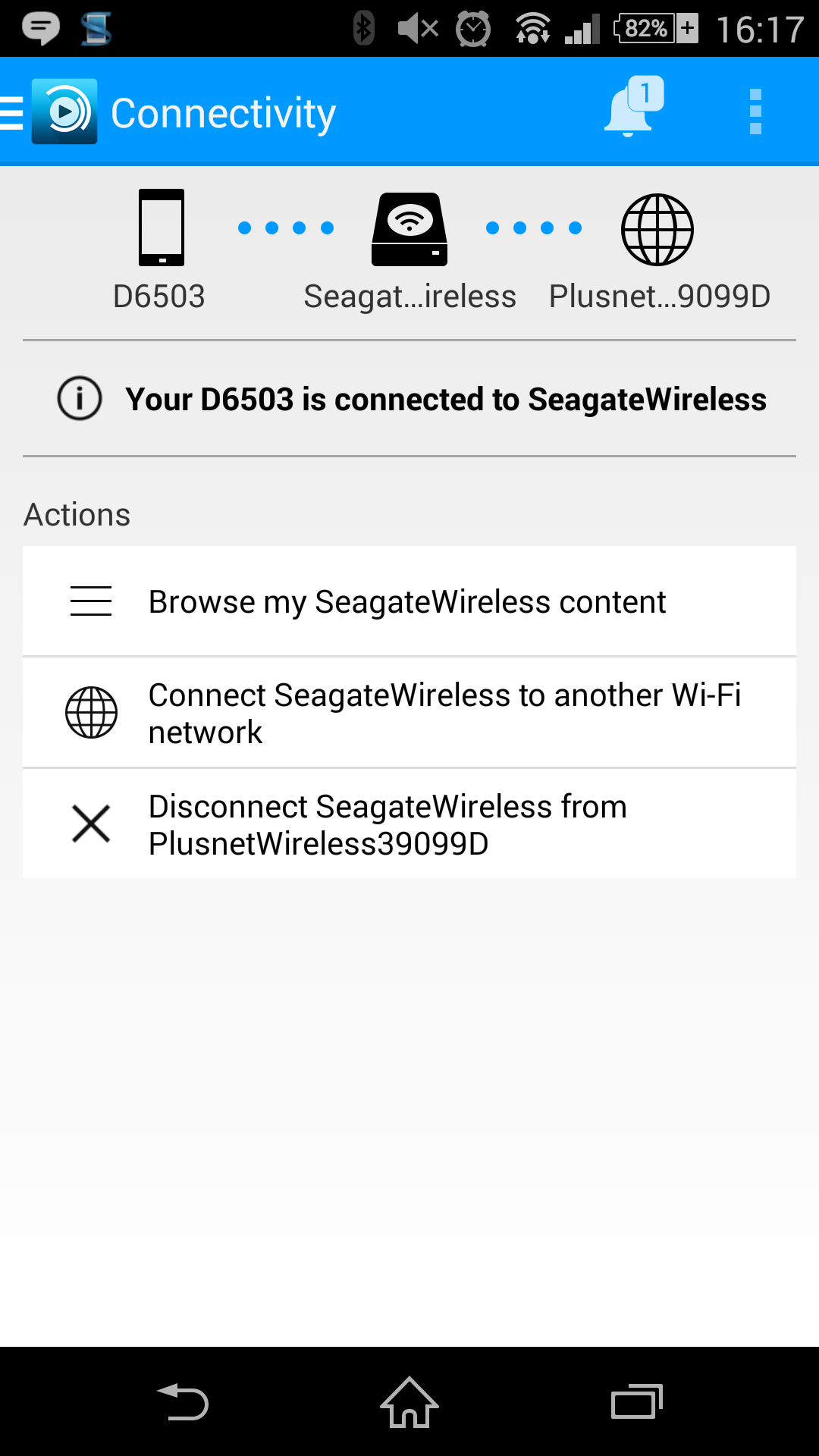
Connection options are all on the app's home screen
To make that possible, you need to again access the Seagate app and tell it to connect to your local WiFi network, which should be automatically detected after a few seconds of searching. Once that is achieved, you can access and transfer files to and from the drive via your home network on your PC, or again through the application on your phone if you choose.
However, while this makes the device that much easier to access, it does seem to slow it down. I found load times for movies took significantly longer to stream when connecting over a local wireless connection, rather than direct connecting to the device. At worst, it was over a minute, but the average was between 20 and 30 seconds. By comparison, full length, 720p movies would load in under 10 seconds when direct connecting.
Seagate has acknowledged that this is an issue and when trying to view media through your local WiFi connection to the Seagate drive, a warning pops up telling you that playback may not be ideal.
While I could recommend then that for speedy service you communicate with the Seagate Wireless 500GB drive directly, the app also has a few quirks which I hope Seagate irons out in the future. For example, the music player part of the app, will tell you it cannot play a file if you hit play before it is loaded. It will then proceed to play the song whether you have the app loaded up or not, which can be quite confusing.
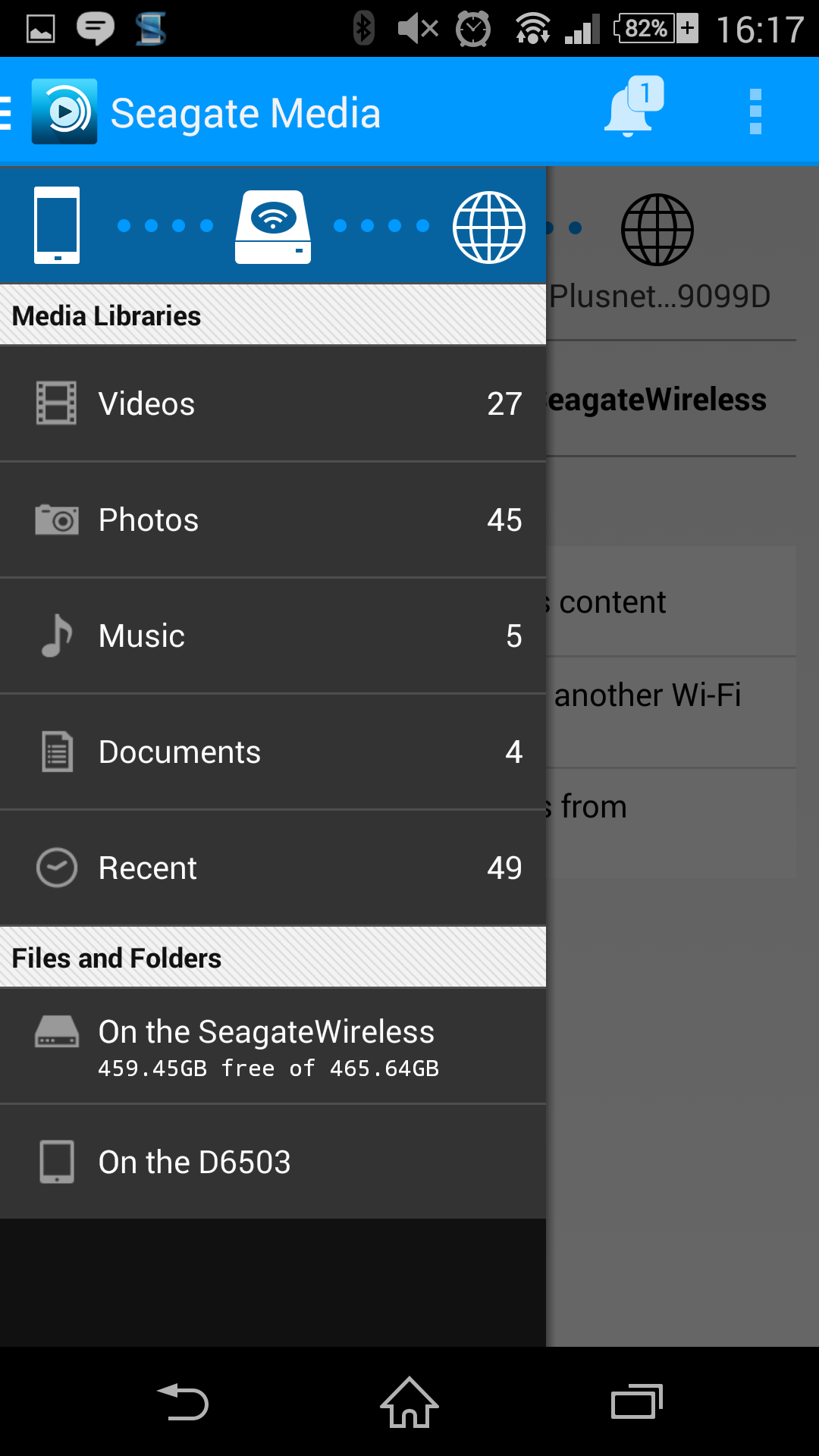
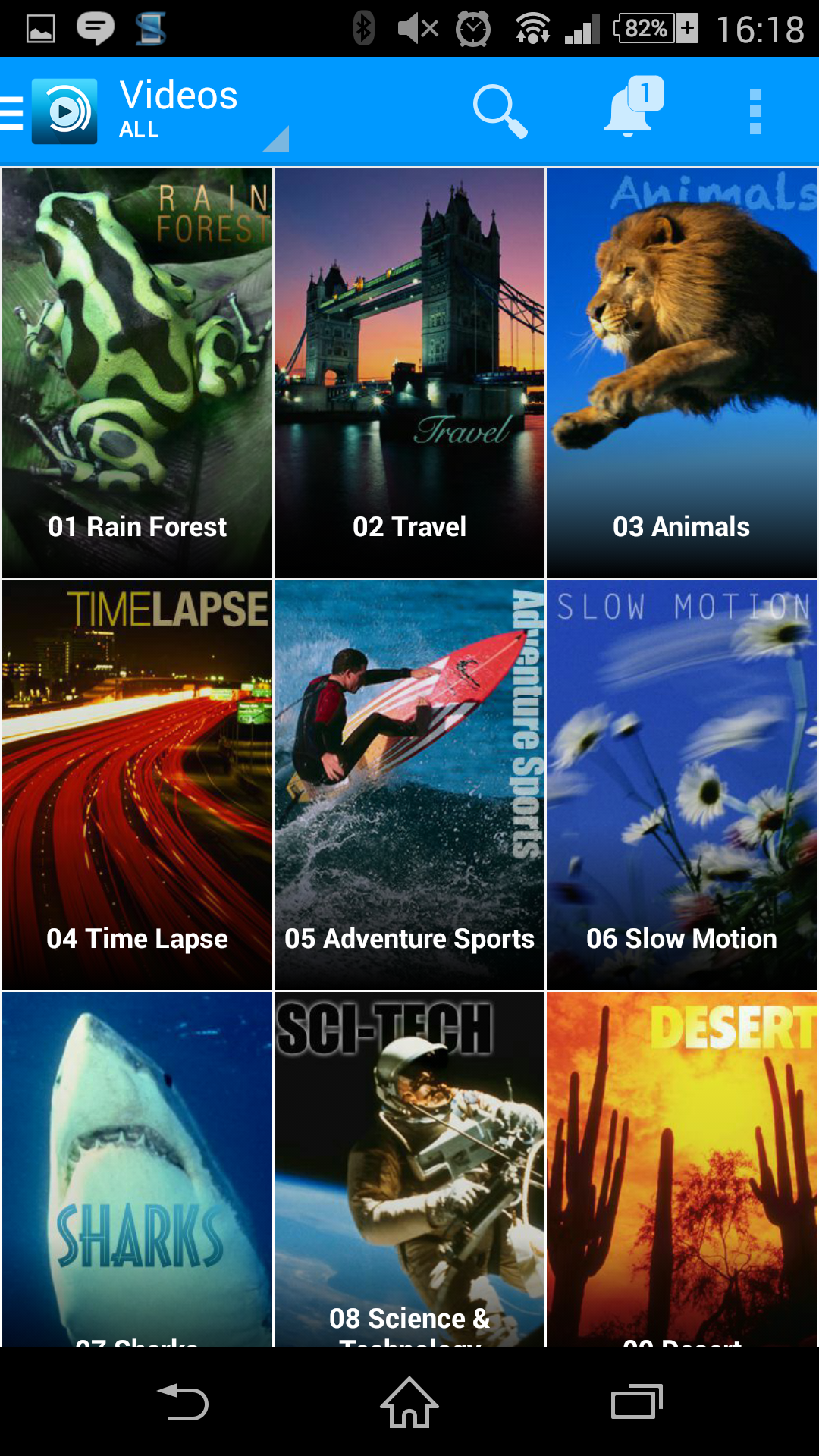
There is a slide out menu on the left for media browsing and a full, thumbnail equipped file system
If performing lengthy uploads from your phone or other device, make sure stamina and/or WiFi sleep modes are disabled, as this will cause problems beyond disconnecting and halting the upload. When it happened to me, reconnecting to the Seagate drive would become impossible and it would hang on “obtaining IP.” This issue was easily fixed by rebooting the phone, but it seems that the Seagate drive doesn't like you reconnecting after a previous disconnect that wasn't manually initiated.
In an unrelated incident, I was also forced to reboot my phone when the Seagate app seemingly got stuck on using an external application to play media files, none of which it would play for some reason, despite having worked perfectly a few minutes before.
In other instances, say if you wandered out of range it would reconnect without difficulty, but when you did, sometimes video files that are absolutely present would not show up in the file system. This could be fixed by jumping back and forth between categories a few times and forcing it to update the selection, but it seems odd that it does not do that for you.
Fortunately then, going out of range is reasonably difficult as the Seagate Wireless 500GB drive easily streamed data at a range of 30ft. It did however struggle if you started to put walls and windows in between your device and the drive and performance was significantly better at close range, so I would recommend close proximity for those wanting the best the drive has to offer.
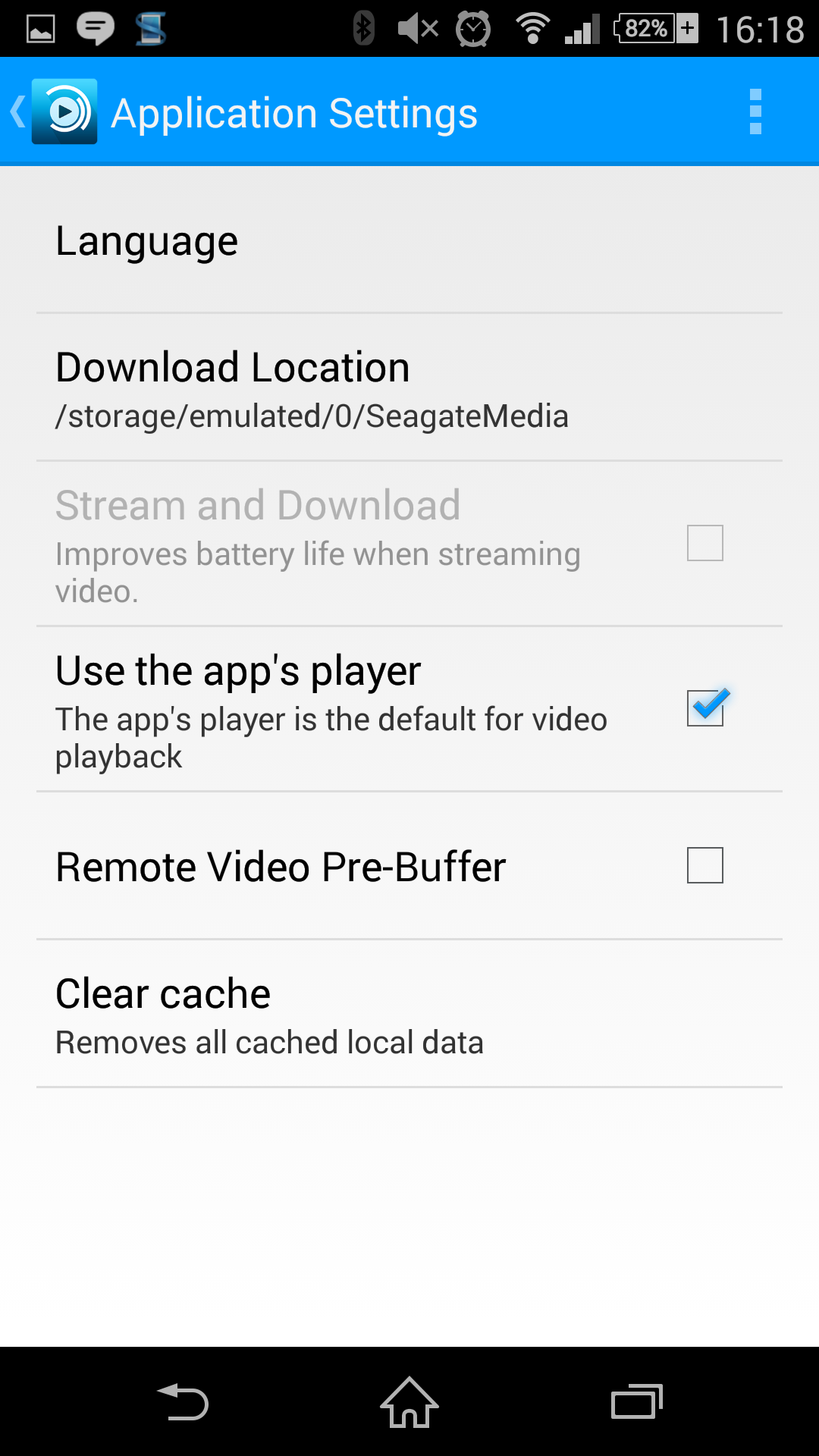
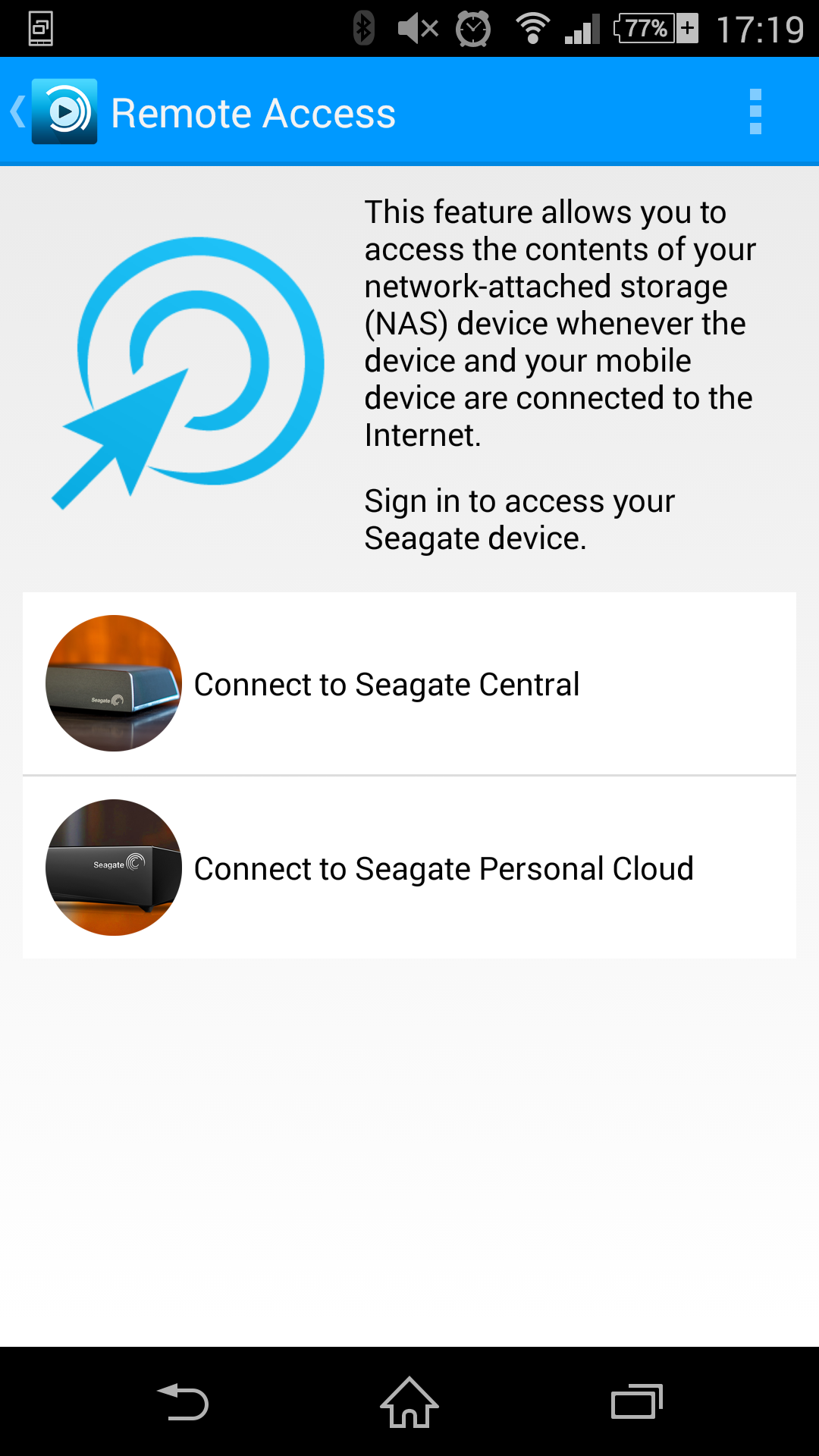
Settings let you tweak the app's function and there is even a remote access feature for those with other Seagate products
Battery life is listed at “up to,” six hours, which presumably is when it is in a passive mode. I was able to watch a full length movie and perform a number of tests on file transfers and miscellaneous media viewing before the app started to tell me that the device battery was low. The fact that it charges from a simple micro-USB port too, means that keeping it charged up should not be a problem, but this is not a drive that will go on and on without interaction.
It is also worth noting that for some reason the Seagate Wireless drive is not capable of connecting to devices wirelessly and via USB at the same time. If you are connected via WiFi to your smartphone or similar, plugging it in can actually kill the connection.
I really wanted to be a big fan of the Seagate Wireless mobile storage unit, but it had a few unfortunate issues that made using it a little frustrating.
I liked many of the features, such as the ability to automatically back up photos and video. This makes it a great tool for those who like to create their own media. The ability to stream media to a mobile device or laptop means it would be very handy to take on a trip with you somewhere where there may be limited entertainment access.
Sadly we would class overall performance as sporadic. There were several problems that forced me to reset my phone. Some of the app's settings could not be changed without a reset and the software itself felt a little finicky at times, producing strange errors that were difficult to get around without disconnecting and reconnecting, or rebooting.
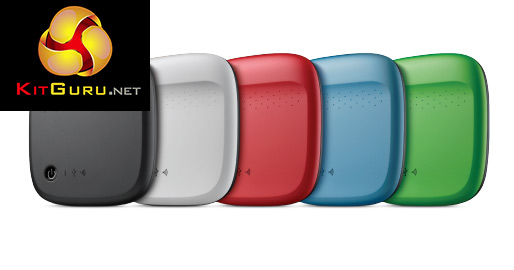
The drives come in a number of different colours
Fortunately then when it is working playback is excellent, though I would not suggest connecting through your local router's WiFi connection, as that severely impacts the performance. You can connect several devices at once without any real issues, though skipping around through movies can cause some lag as the internal drive struggles to catch up to what you are doing.
Usually the wait is not much more than 10 seconds, but it does leave you wishing for an internal solid state drive, even if the storage capacity would likely be much smaller (or the price tag that bit higher).
Overall, the Seagate Wireless 500GB mobile storage unit is a worthy companion to bring on the road to expand a media library and offers some nice backup functions to make sure important files and folders are stored somewhere else locally. It just lets itself down with some problematic software issues and a slightly laggy internal HDD.
The Seagate Wireless mobile storage drive can be purchased at Amazon for £101.
Discuss on our Facebook page, over HERE.
Pros:
- Compatible with all popular mobile operating systems
- Direct and WiFi throughput connections possible
- Has automated back up features
- Provides media play back on the move
- Range is reasonably good
Cons:
- App has a few connection and usability issues
- Connecting over your local WiFi is slow (though direct connect is fine)
- Internal hard drive struggles when loading large files or skipping through movies
KitGuru Says: Great backup and streaming features feel a bit let down by a problematic app, but the Seagate Wireless 500GB is still a fine choice for those that want media storage on the go.


If you’re too buy one now you’d best click the White version as It’s alot cheaper than it’s Black counter part.
If this worked with an openelec raspberry PI 2 I might be interested, although the cons kind of rule it out for media….
✈✈✈✈✈✈✈✈Make over 13k/M0NTH@af4:
Going Here you
Can Find Out
►►► ::>>https://WorkOnlineStore.com/get/position…
GO F*** YOURSELF