KitGuru KitGuru.net – Tech News | Hardware News | Hardware Reviews | IOS | Mobile | Gaming | Graphics Cards
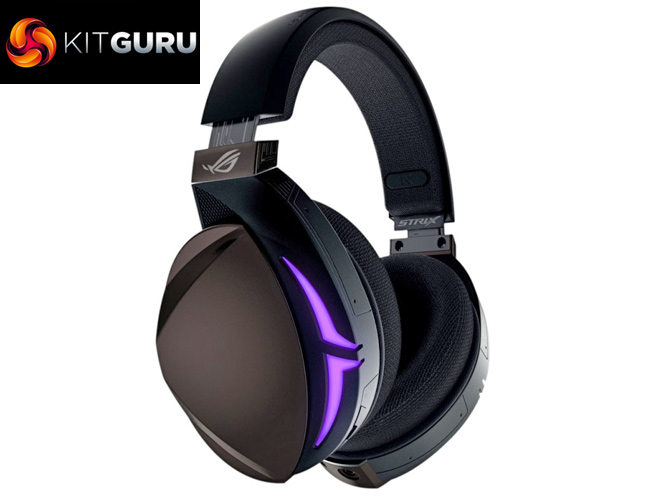
With ASUS Republic of Gamers focusing more and more on the peripheral side of things, it is no surprise to see a new line of headsets emerge from the company. The Fusion series is comprised of three different models – the 300, the 500 and the 700. Today we are taking a look at the 500, complete with intuitive on-ear touch controls, RGB lighting and virtual 7.1 surround sound.
With plenty more features to its name, there is no doubt that the ASUS ROG Fusion 500 headset is aimed at those who want the complete gaming experience. Because of that, the Fusion 500 does carry a fairly hefty price tag, coming in at £179.99 here in the UK. (Update 26/01/2018 – the Fusion 500 is now £159.95. See the last page for full details). Can a gaming headset justify that sort of money? Let's find out.
Specification
- Connector: USB
- Platform: PC, MAC, PlayStation® 4
Headphones
- Driver diameter: 50 mm
- Driver material: Neodymium magnet
- Impedance: 32 Ohm
- Frequency Response (headphones): 20 ~ 20000 Hz
Microphone
- Pick-up Pattern Microphone boom: Uni-directional
- Frequency Response Microphone boom: 50 ~ 10000 Hz
- Sensitivity Microphone boom: Sensitivity : -39 dB ± 3 dB
General Info
- Cable Length: 2 meter
- Weight: 360 g
- Accessories: USB cable, Quick start guide, ROG Hybrid ear cushion, 100% protein ear cushion
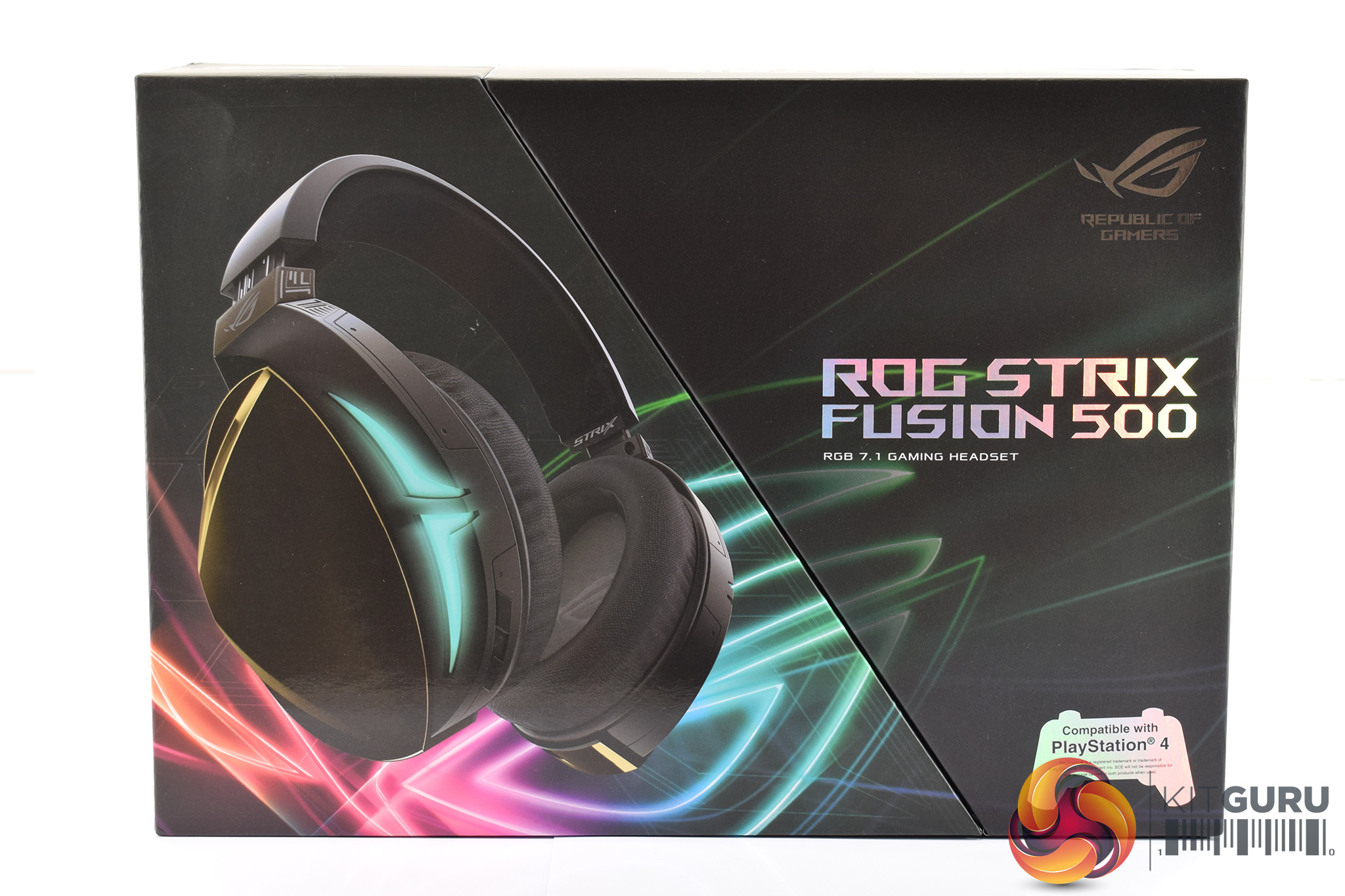
In classic ASUS ROG style, the Fusion 500 ships in a black box with neon accents. A photo of the headset dominates the left hand side of the box.
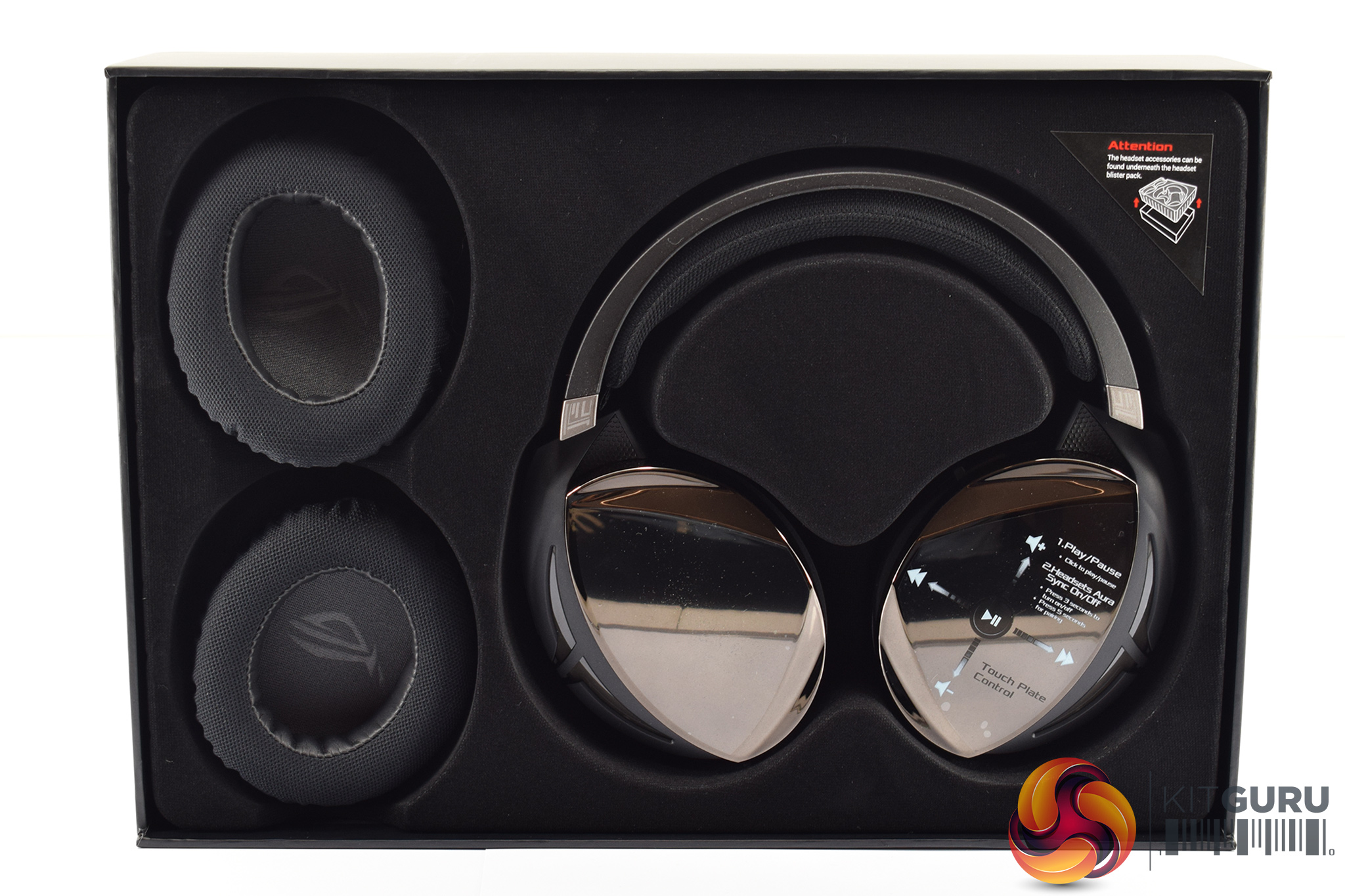
Inside, the headset is positioned neatly in a foam surround, while a second pair of ear cushions are sat on the left.
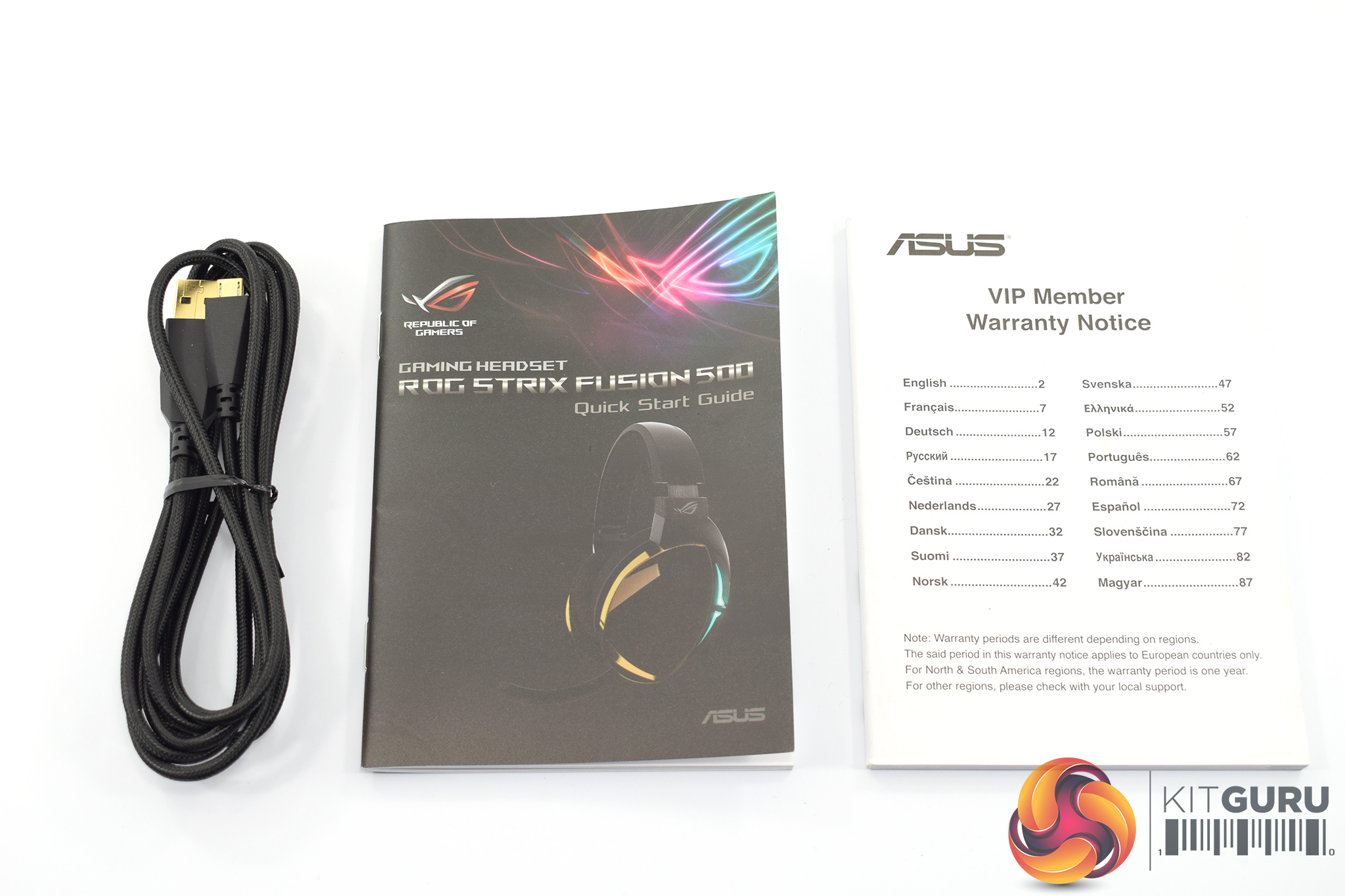
Other than that, the detachable cable, quick-start guide and warranty notice make up the rest of the included accessories.
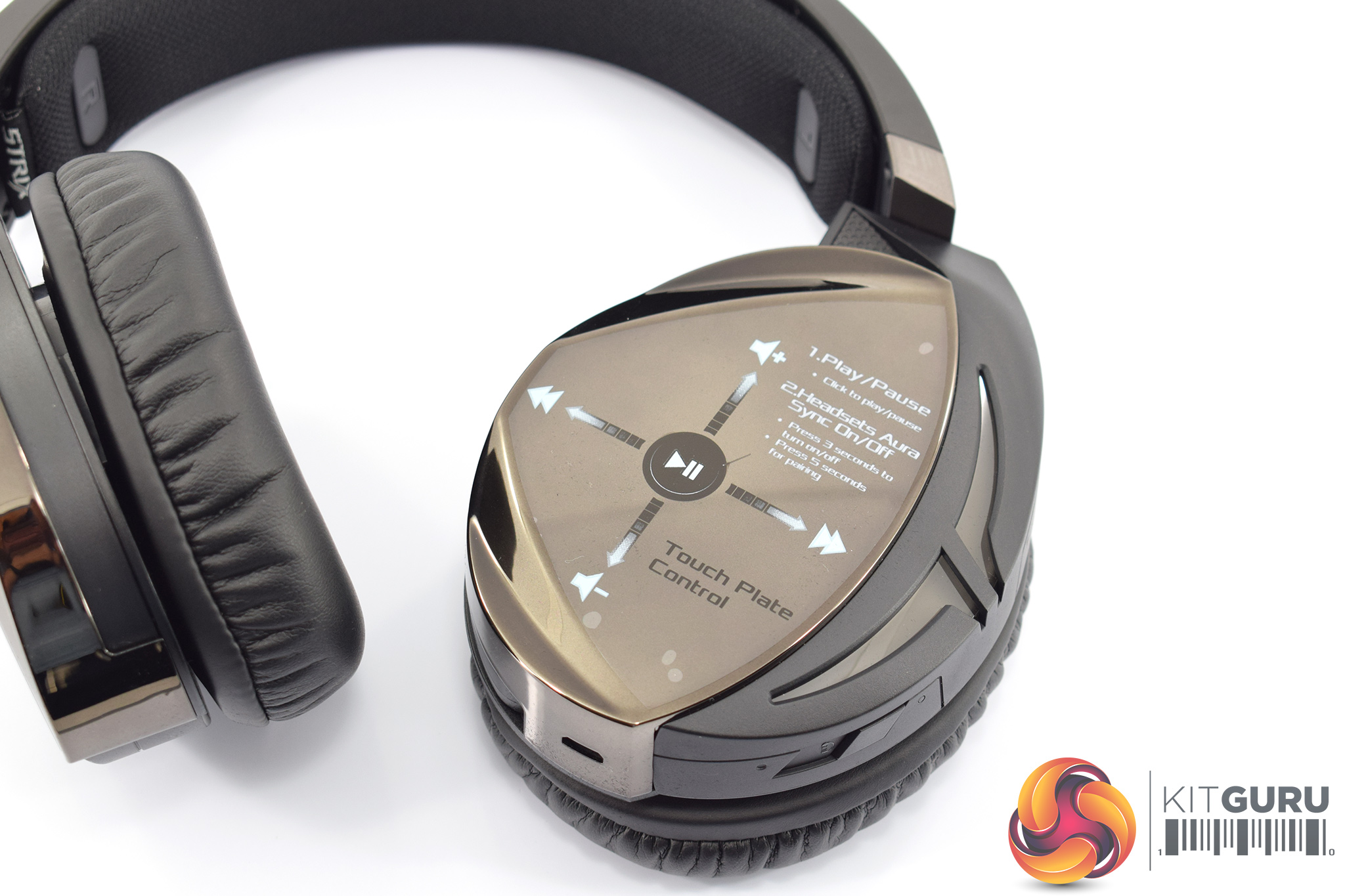
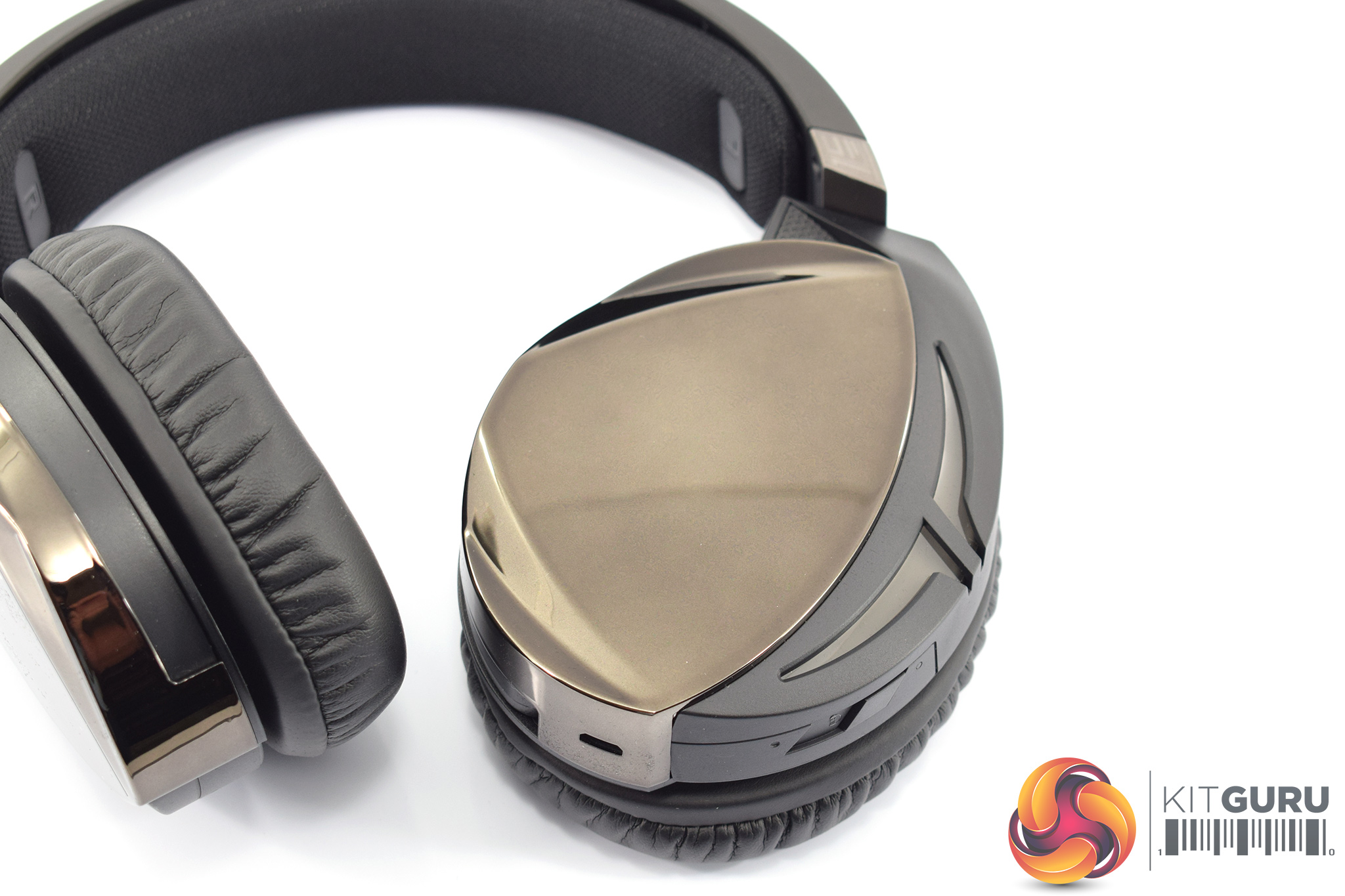
Moving onto the headset itself, we'll start with the ear cups. The Fusion 500 is a closed back headset, and the cups have a glossy – almost mirror – finish to them. The soft-gold colour is also quite unusual but it looks quite classy in my opinion.
You can see a sticker comes applied to the left-hand ear cup, with various symbols printed on it. This is to show you the touch controls for the left-hand cup – a press in the middle plays/pauses music, a swipe up or down will adjust volume and a swipe left or right will skip to the next/previous track.
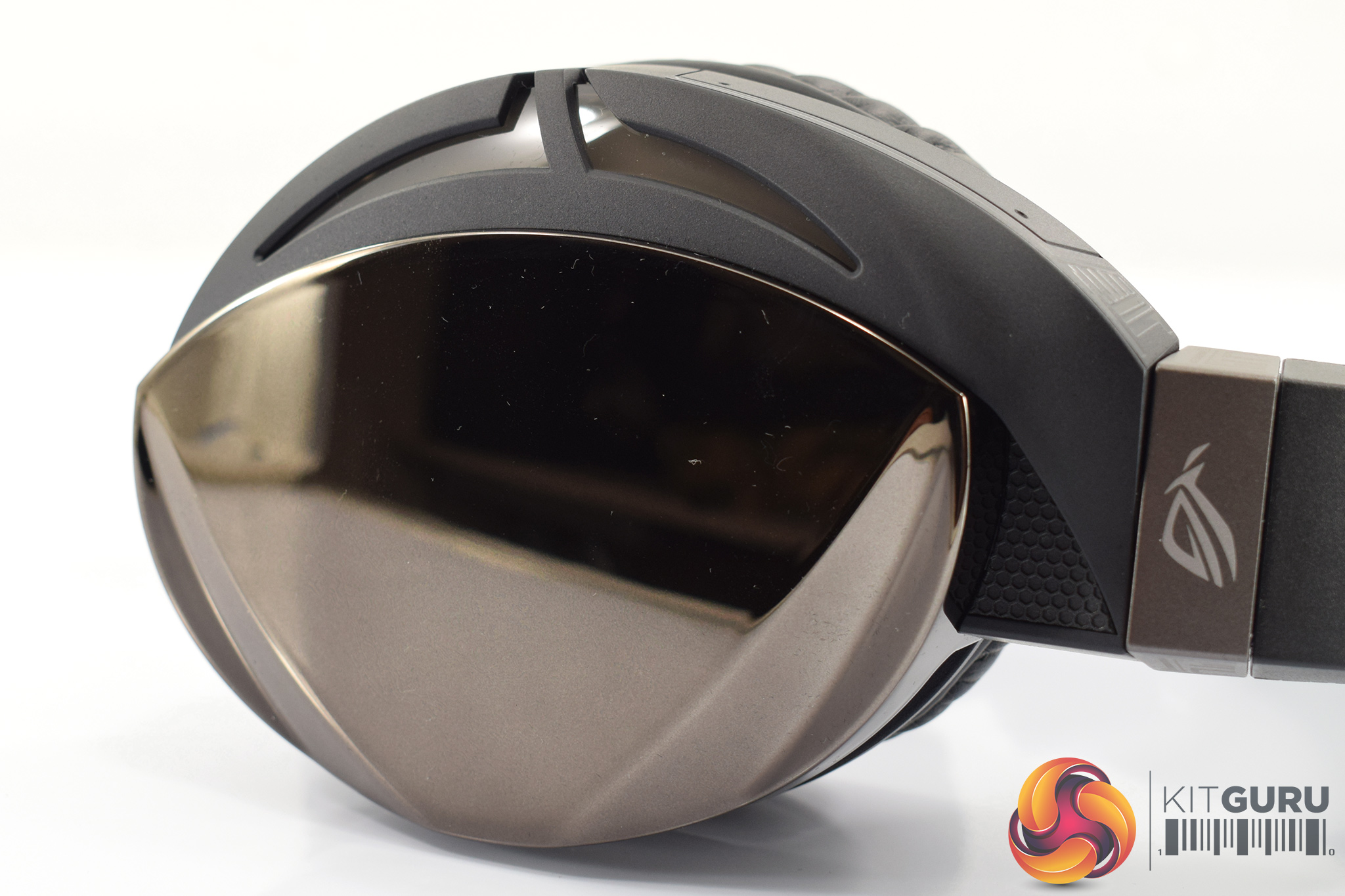
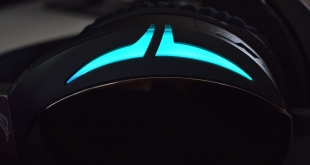
Also worth pointing out are the two RGB lighting sections on the back of each ear cup. These are positioned on the far side of each cup.
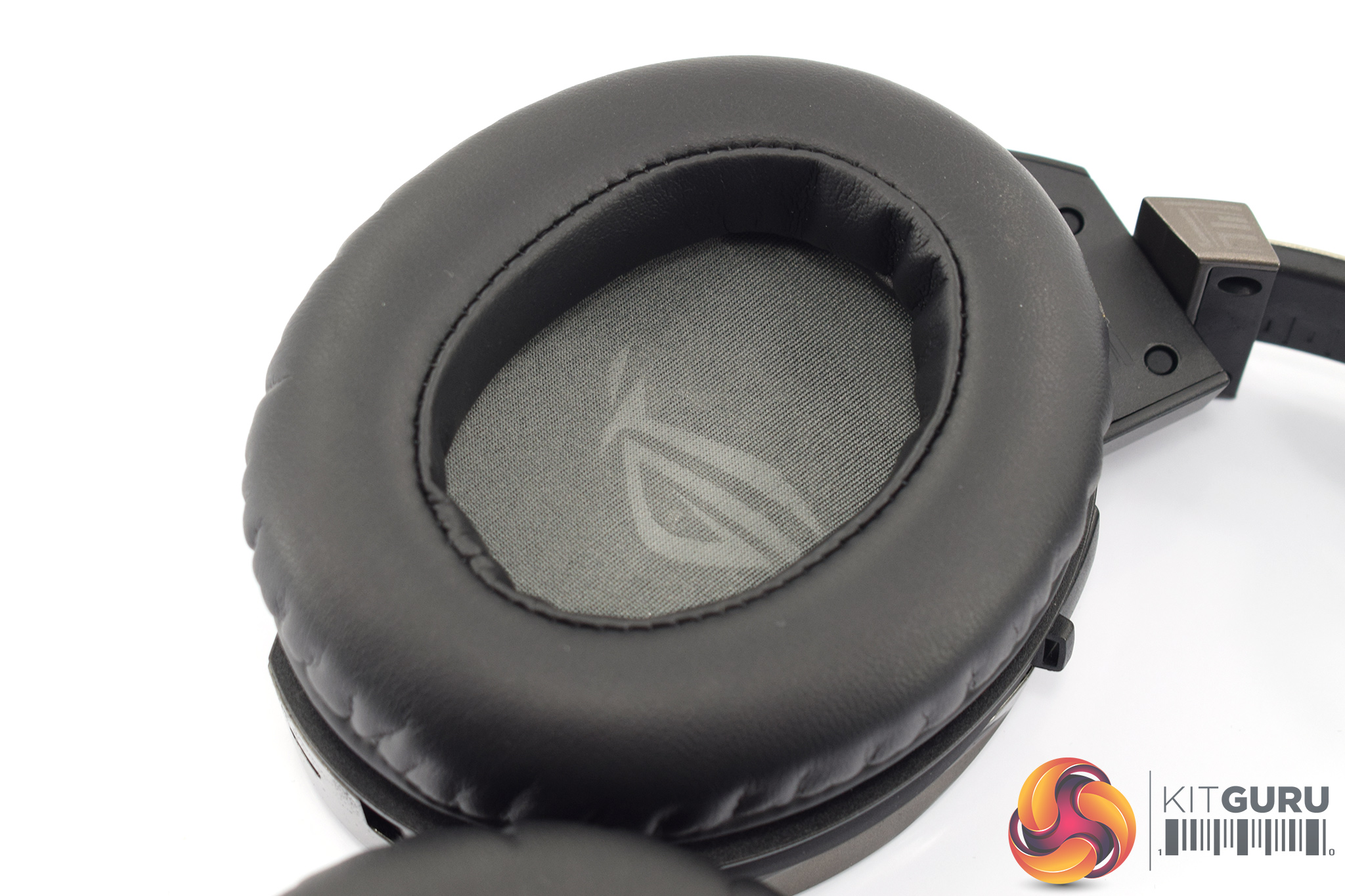
By default, the Fusion 500 comes equipped with ROG's ‘100% protein' cushions – faux-leather, in other words. However, as shown above, you do get a second pair in the box which have a fabric top but faux-leather inner walls. This is designed to be a ‘best of both worlds' solution as the faux-leather walls can provide superior sound isolation while the fabric top offers enhanced breathability.
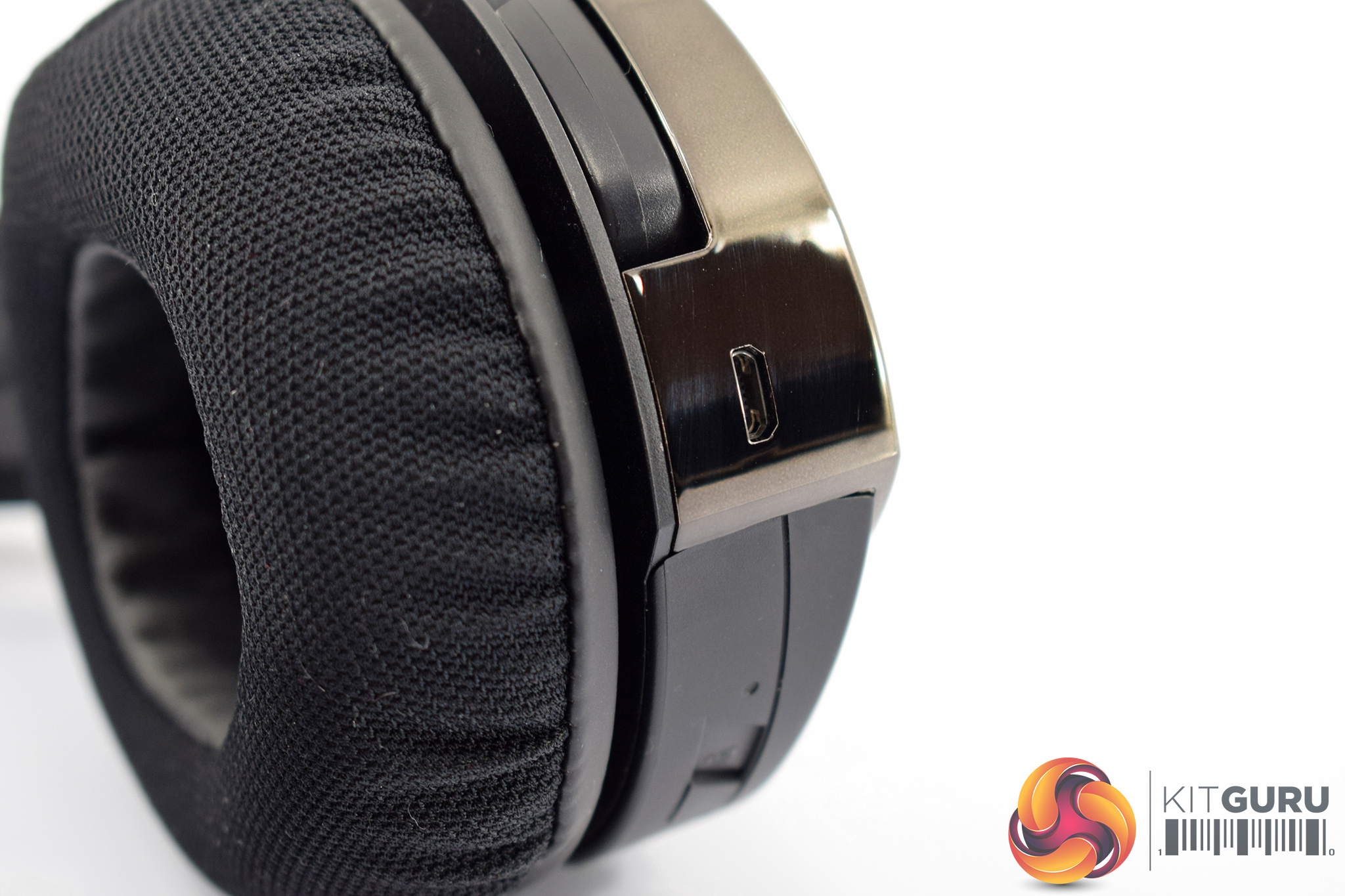
Also on the left ear cup, we find the micro USB port for the headset's detachable cable.
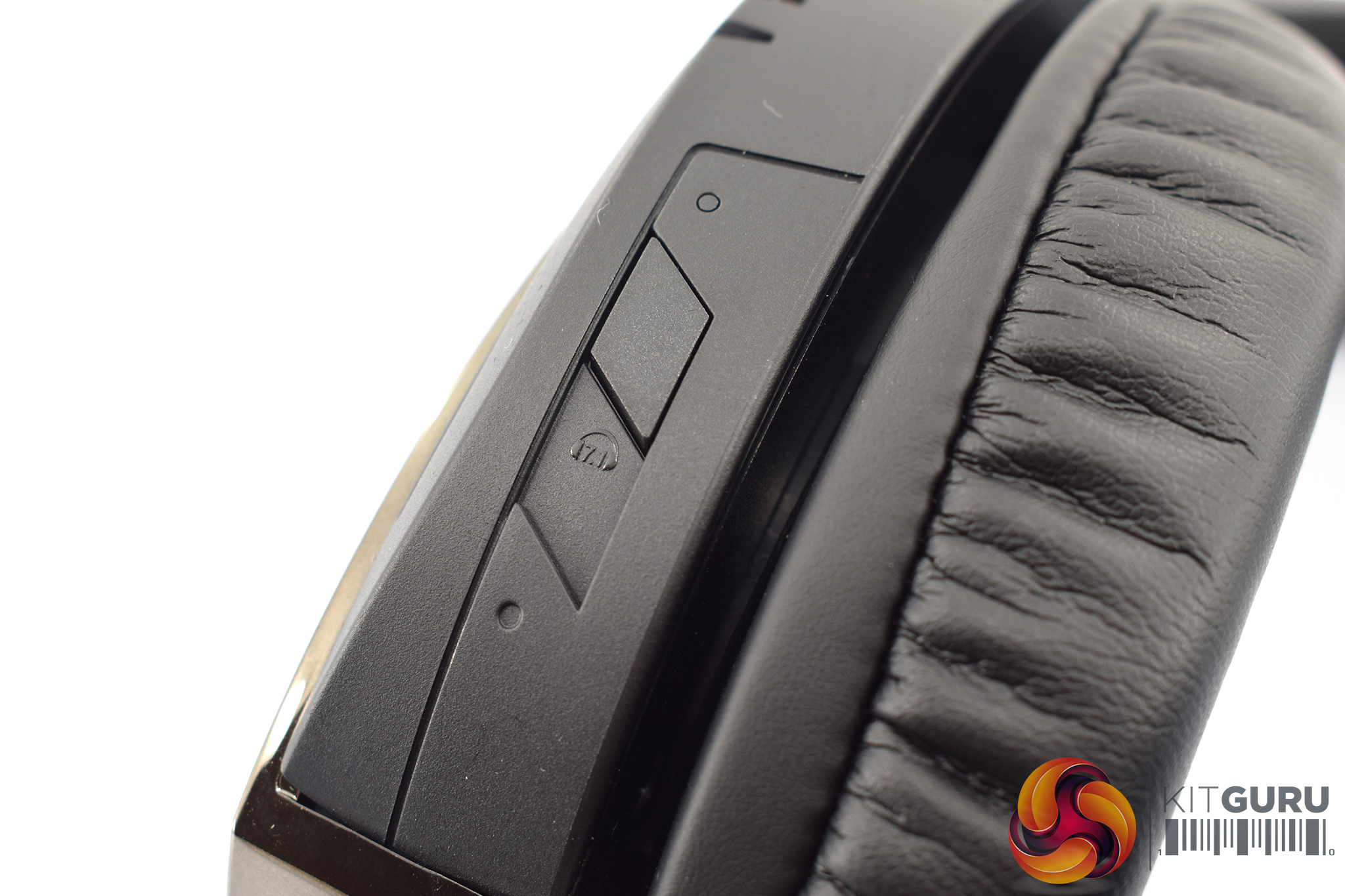
The other on-ear control is a virtual 7.1 button – pressing this enables virtual surround-sound, and a red LED will also turn on to let you know the 7.1 has been activated.
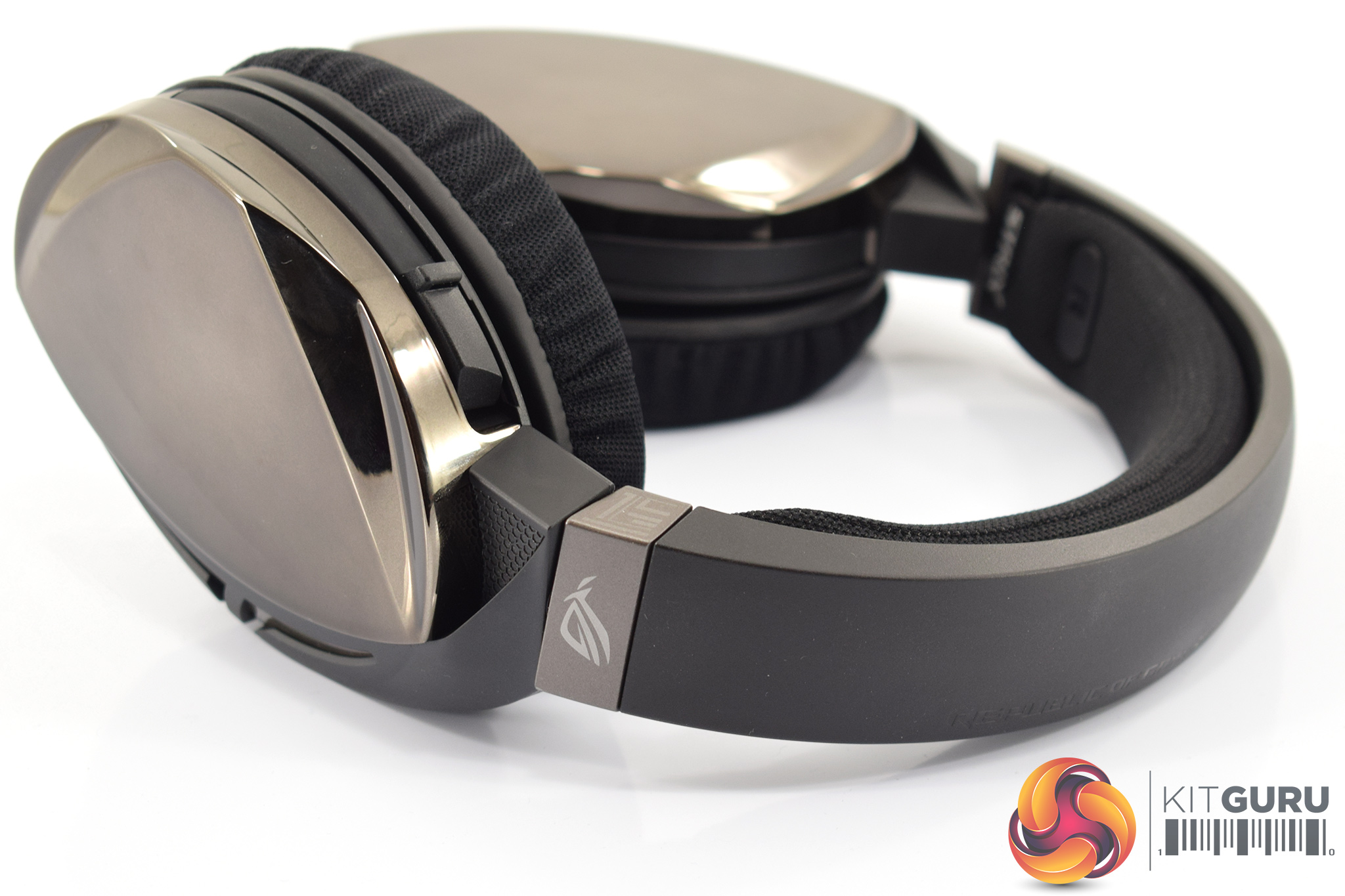
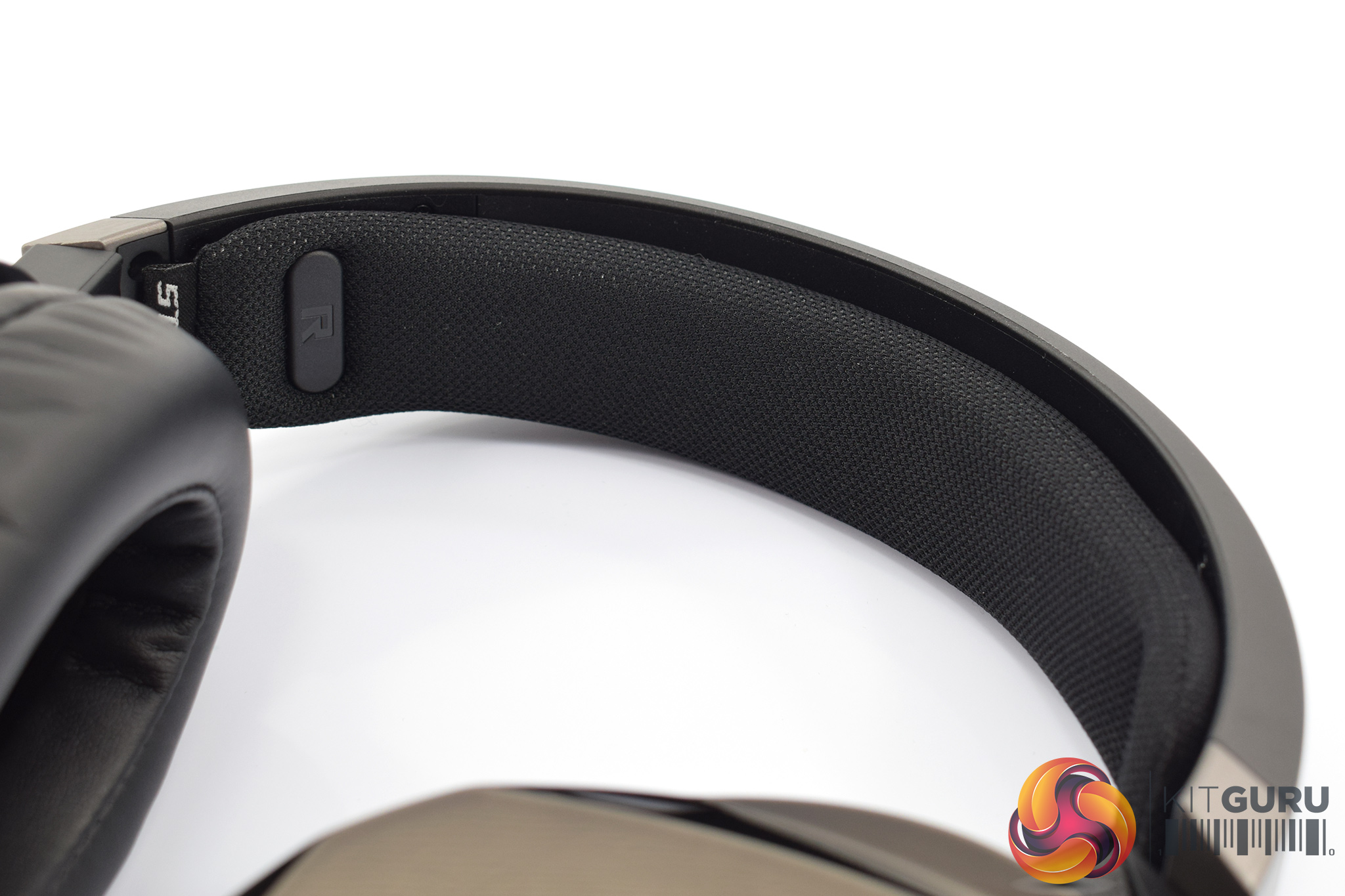
Moving onto the headband, the outer band is made of hard plastic with some ROG branding subtly printed onto it.
The inside of the headband, however, is padded with fabric-covered foam. The padding measures about half an inch thick.
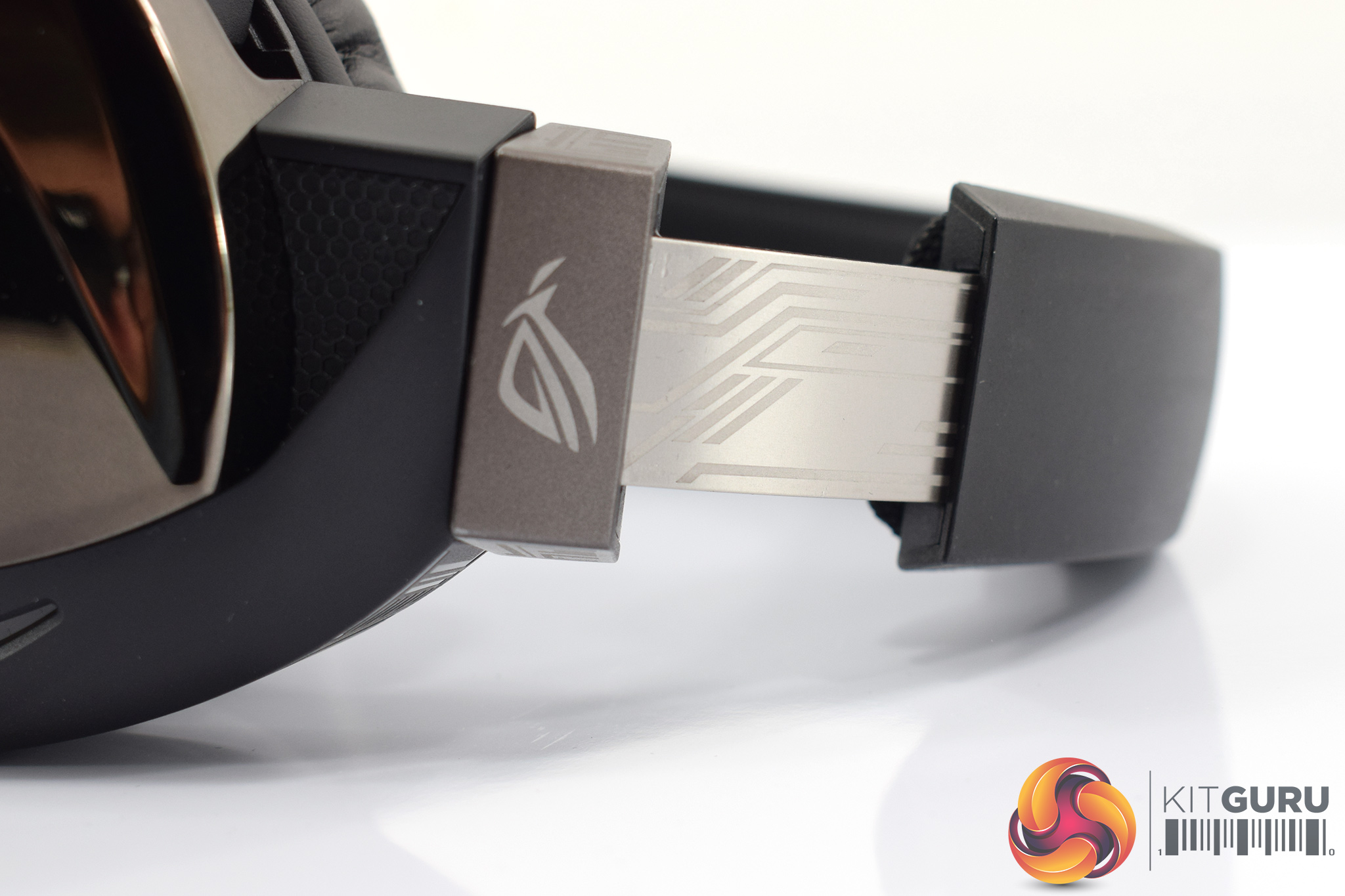
On the topic of the headband, ROG has also fitted a metal slider to allow users to expand the size of the headset. This sports ROG's trademark ‘Mayan-inspired' detailing.
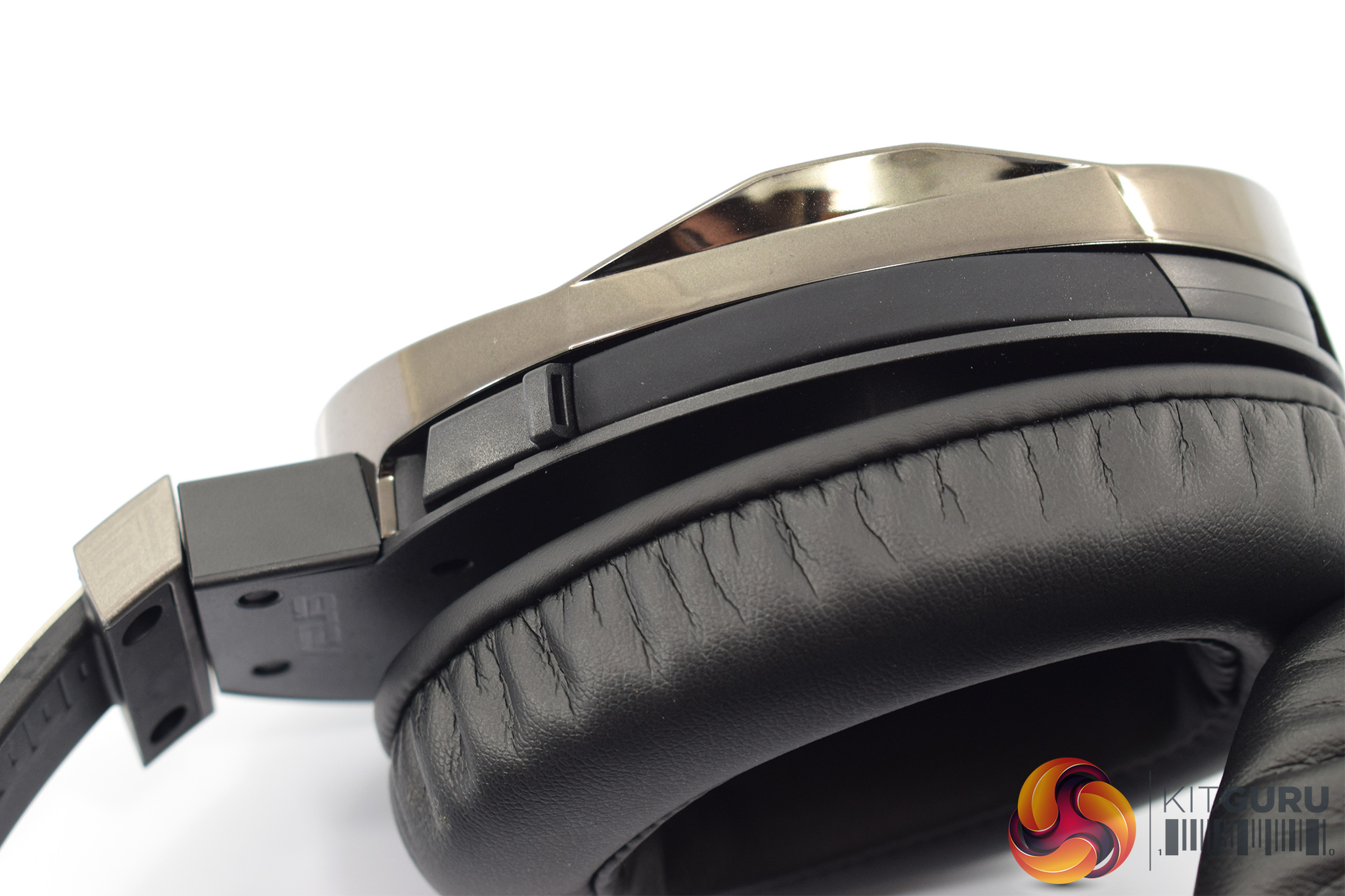
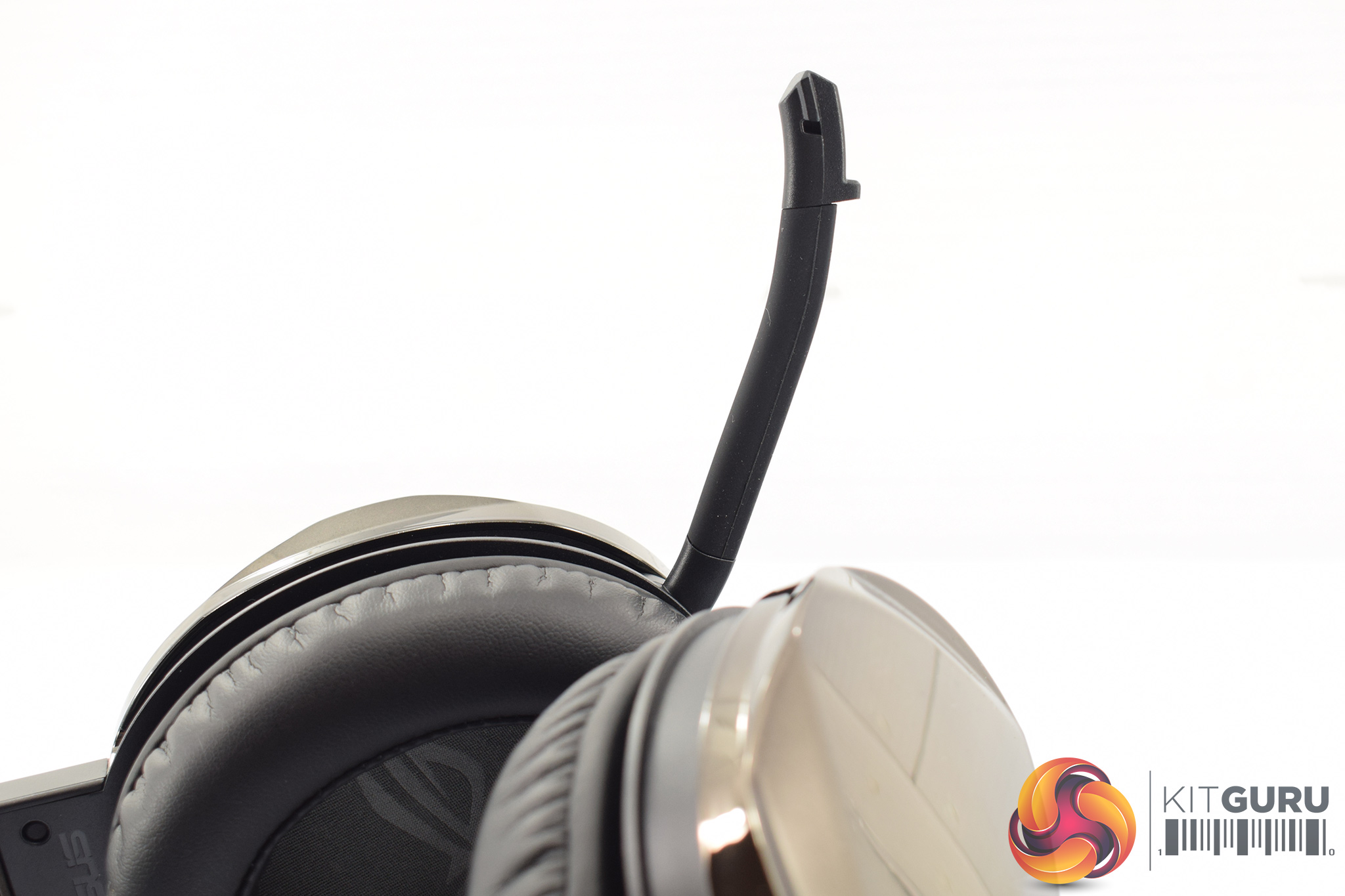
Lastly, the mic is capable of being fully stowed-away into the left-hand ear cup. A small plastic hook allows you to pull it down and position it to your liking.
As you stow the mic away, there is a very noticeable ‘bump bump' which lets you know the mic has been muted.To test the ROG Fusion 500, I used it as my go-to headset for one week. During this time, I used it while playing games, listening to music and watching videos.
This review page is split into five main sections – software, lighting, comfort, sound and features and lastly mic quality.
Software
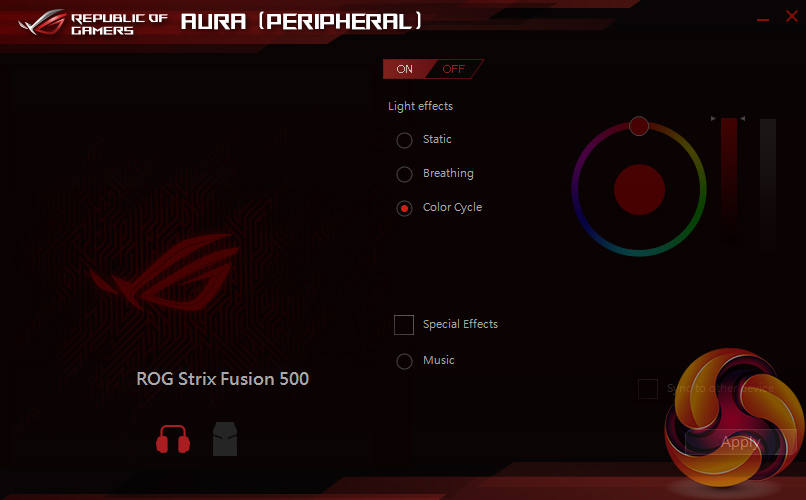
There's only one small piece of software for the Fusion 500 and that is to control the lighting. You can choose between static, breathing and colour cycle effects, while there is also a special music mode where the lighting reacts to any music being played.
All-in-all, it's simple and inoffensive enough so there's nothing to really complain about. I think an EQ setting wouldn't go amiss, but other than that the lighting control software is good enough.
Lighting
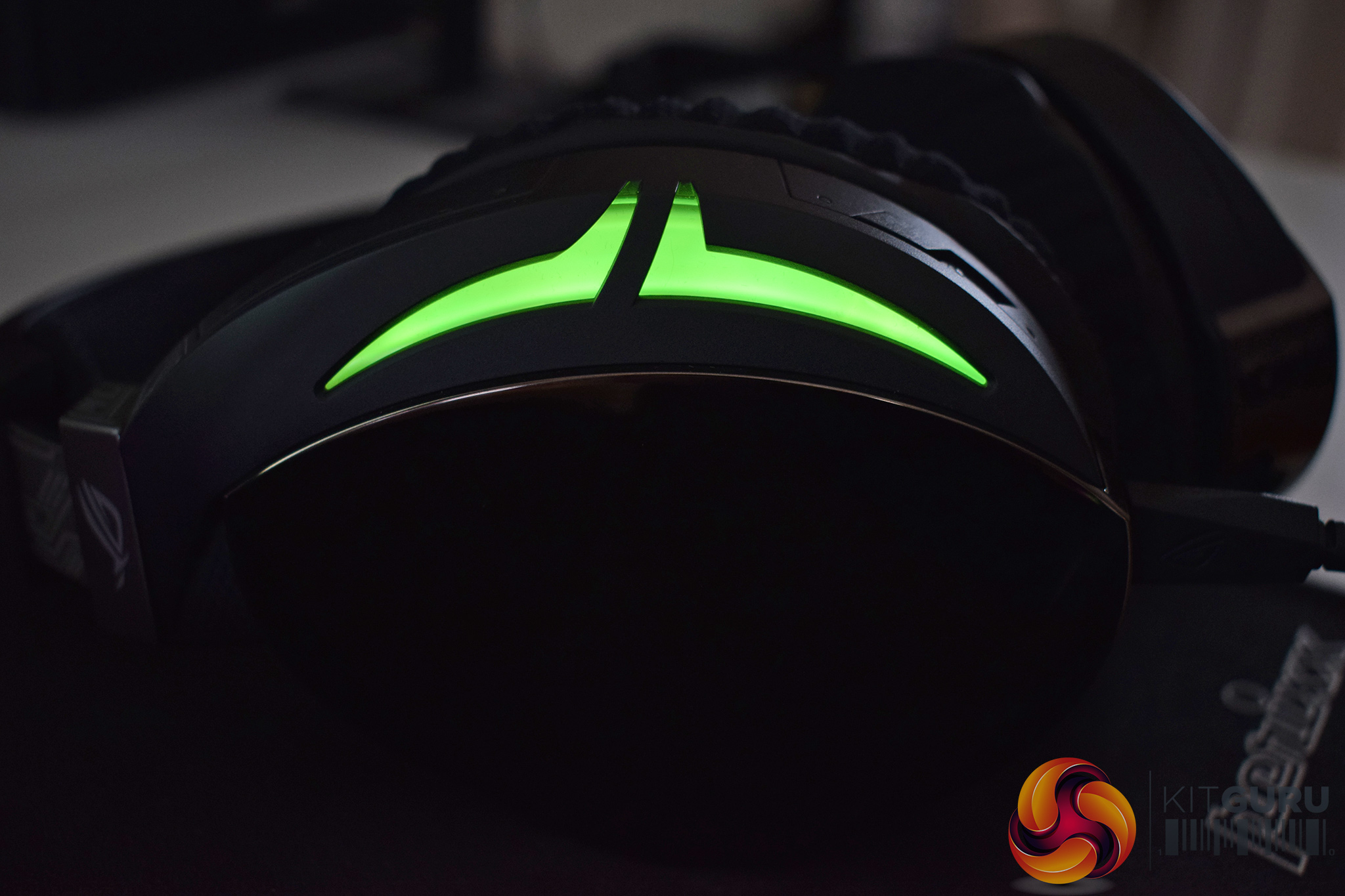

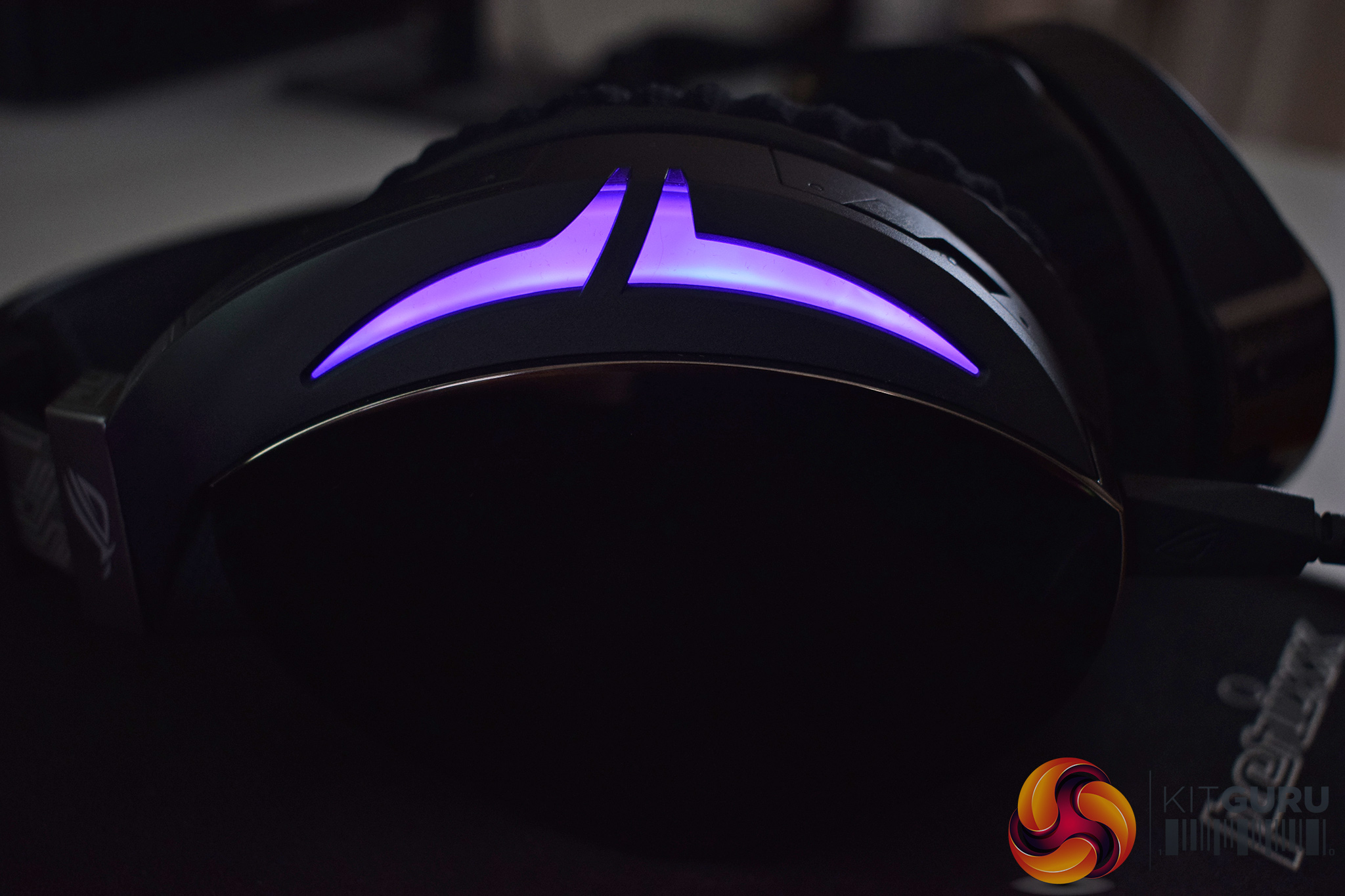

Taken on its own, the Fusion 500 lighting is fine – it provides something extra in a relatively subtle way. I still think lighting on a headset is pointless as you can only see it when you're not wearing the headset, but there we go.
The kicker to the Fusion 500's lighting, however, is its ability to sync with other Fusion 500 headsets nearby to give a coordinated light show, all controlled via a mobile app. Sadly I was only sent one headset, so I couldn't test this feature, but if you are part of an esports team and want to add a bit of synchronised bling to your squad, this is definitely one way to do it.
Comfort
Moving onto comfort, the Fusion 500 is overall a comfortable headset with just one slight issue that I encountered.
Getting right to it, that issue is clamping force – for the first few days, the headset would grip my skull really tightly, and it was quite uncomfortable. Thankfully, this issue can be resolved by stretching out the headband quite vigorously a couple times a day until the clamping force is lessened. Once you've done that, the fit is still quite snug – the headset certainly isn't going anywhere – but it is no longer uncomfortable.
Other than that, I had no issues with the Fusion 500. Both sets of ear cushions are nice and plush, though I preferred the hybrid pair as they didn't heat up my ears so much. The padded headband also distributes the headset's 360g weight fairly evenly so I can't complain there.
Overall, I was happy to wear the headset for a few hours at a time, and other than the initial clamping force, nothing jumped out to me as being an issue.
Sound and features
Getting to the main aspect of the review, it is time to talk about the Fusion 500's sound quality. This is potentially an area where the Fusion 500 could get the upper hand over its competitors, as the headset boasts a ‘Hi-fi-grade ESS ES9018 DAC and SABRE 9601K amp' which ASUS says its rivals lack.
However, for £179.99 I have to say I was slightly disappointed by the quality of music coming across from the Fusion 500. Don't get me wrong – it is not a bad headset at all, but for £179.99 I was expecting more. (Update 26/01/2018 – the Fusion 500 is now £159.95. See the last page for full details).
The main issue for me is the lacklustre mid-range. The bass dominates the mix (as expected), but the mid-range is somewhat recessed, and that makes vocals feel quite weak. The usually smooth and rich vocals of Michael Buble sounded like a pale imitation of the real thing, and that is a shame.
Fist-pumping house tracks sound really good, though, thanks to the thumping bass, while a bit of heavy metal doesn't sound too bad either. There could be a bit more detail and resolve to the high-end, though, as treble-heavy instruments like the violin do sound quite veiled. In the end, it is just quite clear that this is a gaming headset as you don't quite get the same clarity or smoothness as you would from a pair of dedicated headphones that cost a similar amount of money.
Talking of gaming, ROG has made a feature of its collaboration with Bongiovi Acoustics, who specifically designed the headset's virtual 7.1 with PUBG in mind. Naturally, I dived into a couple of games to test this out, and to be honest I was fairly impressed. I'm not usually a fan of virtual surround-sound solutions as they tend to completely remove any and all detail, but the Fusion 500's 7.1 is actually OK. It does make things a bit quieter, so you have to compensate by raising the volume, but I was still able to pick out audio cues with relative accuracy. Personally I'd still recommend using stereo mode, but for a virtual 7.1 implementation, this is one of the better ones I've heard.
Now, there's also the topic of the on-ear touch controls. I initially thought this was just a gimmick – I mean, what's the point? However, after a week of forcing myself to use the on-ear controls, I actually think it is a really good idea, and once you get used to it, it comes very naturally.
If you're not sure what I'm talking about, the left ear cup features a touch-sensitive plate which can adjust a few settings. For example, a short tap in the centre of the cup will play/pause your music, while a swipe up will increase the volume and a swipe to the front of the headset will skip to the next track. It does take some getting used to, but the actions are quite intuitive – swipe up to raise the volume, swipe down to lower the volume. It makes sense. Incidentally, each swipe will raise/lower the volume by 4% so it's best for small adjustments – anything more than that and you'd be faster using a keyboard shortcut or just changing the setting in Windows.
The only issue with the touch controls becomes apparent when putting the headset on or taking it off – it is too easy to accidentally start playing a song or skip to the next track. I quickly got used to handling the headset just by its sides, though, and that removes the issue.
One last thing to mention is the braided cable. Unfortunately, this is a sore point for me as the cable is quite thick and stiff which means microphonics is a significant issue. What I mean is, the cable will rustle and brush across your body very regularly and that creates a lot of noise in your left ear. I can understand that ROG has gone with the braided cable for durability, but a rubber cable would have been the smarter inclusion.
Mic quality
As always, rather than just droning on about the mic, above you can find a quick test of the Fusion 500's unidirectional mic to hear for yourself.
Overall, I think it is pretty good. My voice sounds clear – if a bit flat – but my friends didn't bring it up once while using voice chat via Discord, so it obviously can get the job done without any issues.It is clear to me that ASUS Republic of Gamers has created a rather good gaming headset in the Fusion 500.
It looks good, with swanky RGB lighting and classy gold ear cups, while it is also comfortable and you even get the choice between two different types of ear cushions.
Factor in the decent, if not jaw-dropping, unidirectional mic, the intuitive on-ear touch controls and the surprisingly good virtual 7.1, and surely ROG is walking away with this one?
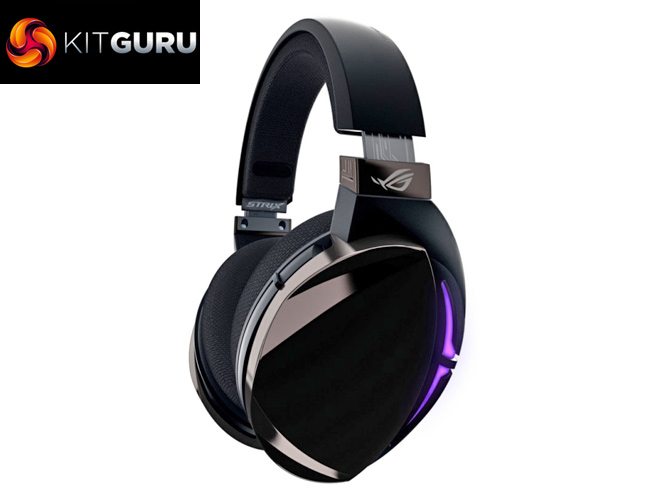
Unfortunately, that is not quite the case. I mentioned this is a good headset – which it is – but it just isn't worth £180. This is primarily due to the disappointing overall sound – my main issue being the lacking mid-range which removes all sense of emotion and feeling from vocals, though the high-end does sound a bit veiled as well.
I can appreciate this is a gaming headset so a bass-heavy sound is to be expected, but for the money the overall sound quality just isn't there. I'm not usually one to recommend buying a proper pair of headphones and then adding in a third-party mic, but when you're spending £180 that would give significantly better results overall.
I still think the ROG Fusion 500 is capable – it is just too expensive. At closer to £100, maybe £120, it could have its place in the market as it is very feature-rich and doesn't do much wrong. At £180, however, the sound quality just isn't good enough for a wholehearted recommendation from us.
Update 26/01/2018: The Fusion 500 has now had a price cut from £179.99 to £159.95. At this price the headset is certainly better value but it is still a lot of money and our initial conclusion stands.

You can pre-order the Fusion 500 now for £159.95 from Overclockers UK over HERE.
Discuss on our Facebook page, over HERE.
Pros
- Looks good.
- Touch controls work quite well.
- Comfortable to wear for hours at a time.
- Decent mic.
- Choice of ear cushions.
- RGB lighting can sync with other headsets.
Cons
£180£160 is asking a lot for a headset, even after the price cut.- Clamping force was initially uncomfortable.
- Braided cable drags and creates a lot of noise.
KitGuru says: £160 is a lot of money for a gaming headset, and we don't quite think the Fusion 500 is worth it. At a lower price, we could see it selling well thanks to its numerous good features. However, for £160, its sound quality does let it down.