KitGuru KitGuru.net – Tech News | Hardware News | Hardware Reviews | IOS | Mobile | Gaming | Graphics Cards


Over the last couple of years, peripheral manufacturers have been placing more and more emphasis on the budget market segment. In 2017, Corsair released its excellent £50 HS50 headset, and more recently Razer also hopped on board with its £50 Kraken X. Today we are looking at a similarly-priced headset from ASUS, the TUF Gaming H3. Designed to be a sturdy, no-nonsense peripheral that works across a range of devices, just how good is it?
Like most other budget-focused gaming headsets, the ASUS TUF Gaming H3 uses a standard 3.5mm jack. Unlike a USB headset, which will have its own built-in DAC, the upside is that the H3 can be used on pretty much everything – PC, Mac, PS4, Xbox, Switch and so on. On top of that, the H3 sports a unidirectional boom mic, 50mm ASUS Essence drivers and even virtual 7.1 surround-sound support thanks to Windows Sonic. With a UK MSRP of £49.99, is this worth buying?
Specifications
- Platform: PC, MAC, Mobile device, PlayStation® 4 ,Xbox 360®, Nintendo Switch
- Connector: 3.5 mm(1/8”) connector Audio/mic combo
- Driver diameter: 50 mm
- Impedance: 32 Ohm
- Frequency Response (headphones): 20 ~ 20000 Hz
- Microphone Pick-up Pattern: Uni-directional
- Microphone Frequency Response: 50 ~ 10000 Hz
- Microphone boom sensitivity: -40 dB
- Cable: 1.3m headset cable+1.3m splitter cable
- Weight: 294 g
- Accessories: Quick start guide, 3.5mm audio/mic splitter cable
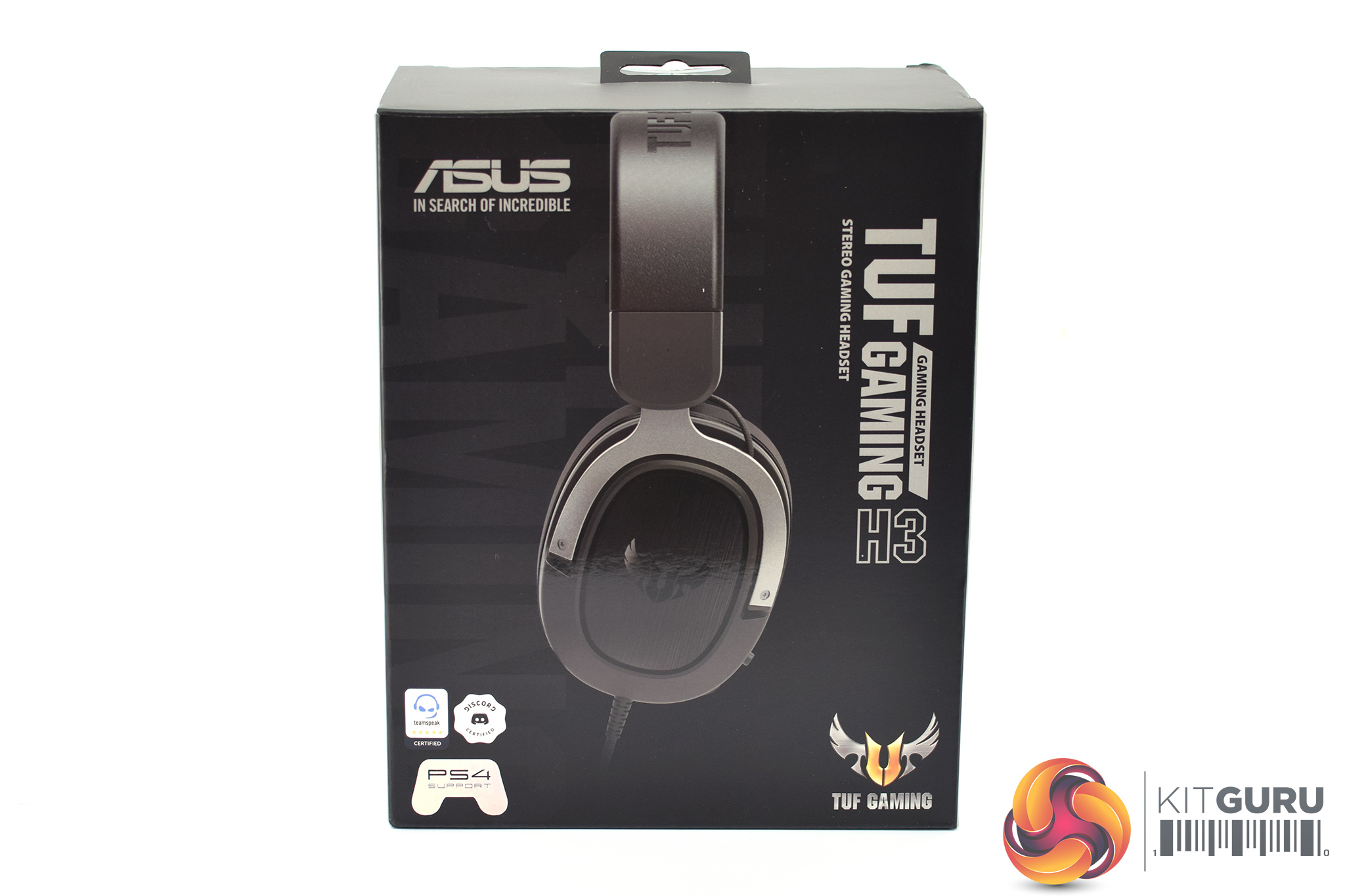
The ASUS TUF Gaming H3 ships in a tidy black box, with a large image of the headset visible on the front.
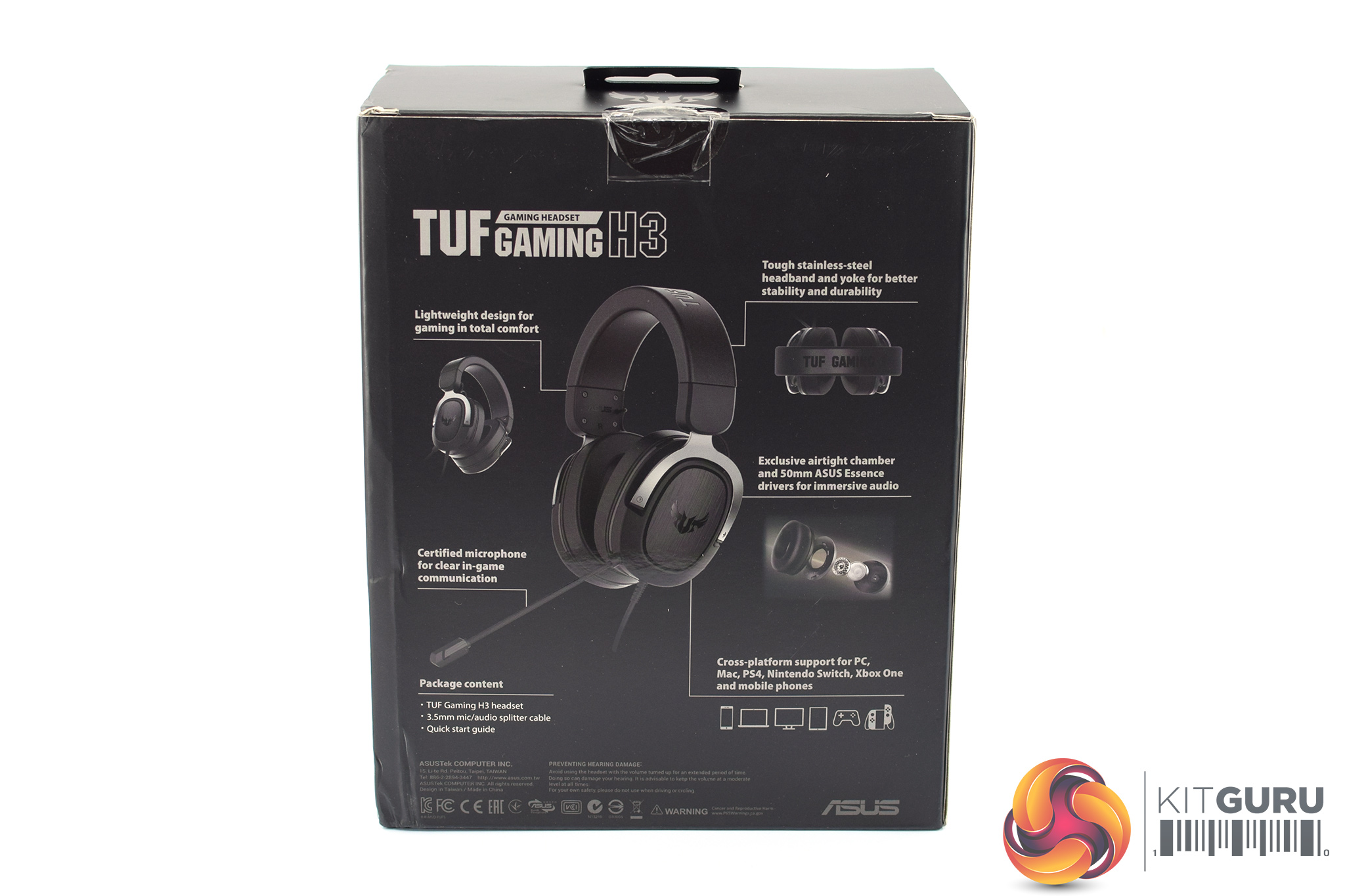
On the back, we find a smaller image of the headset with more detail on its various key features.
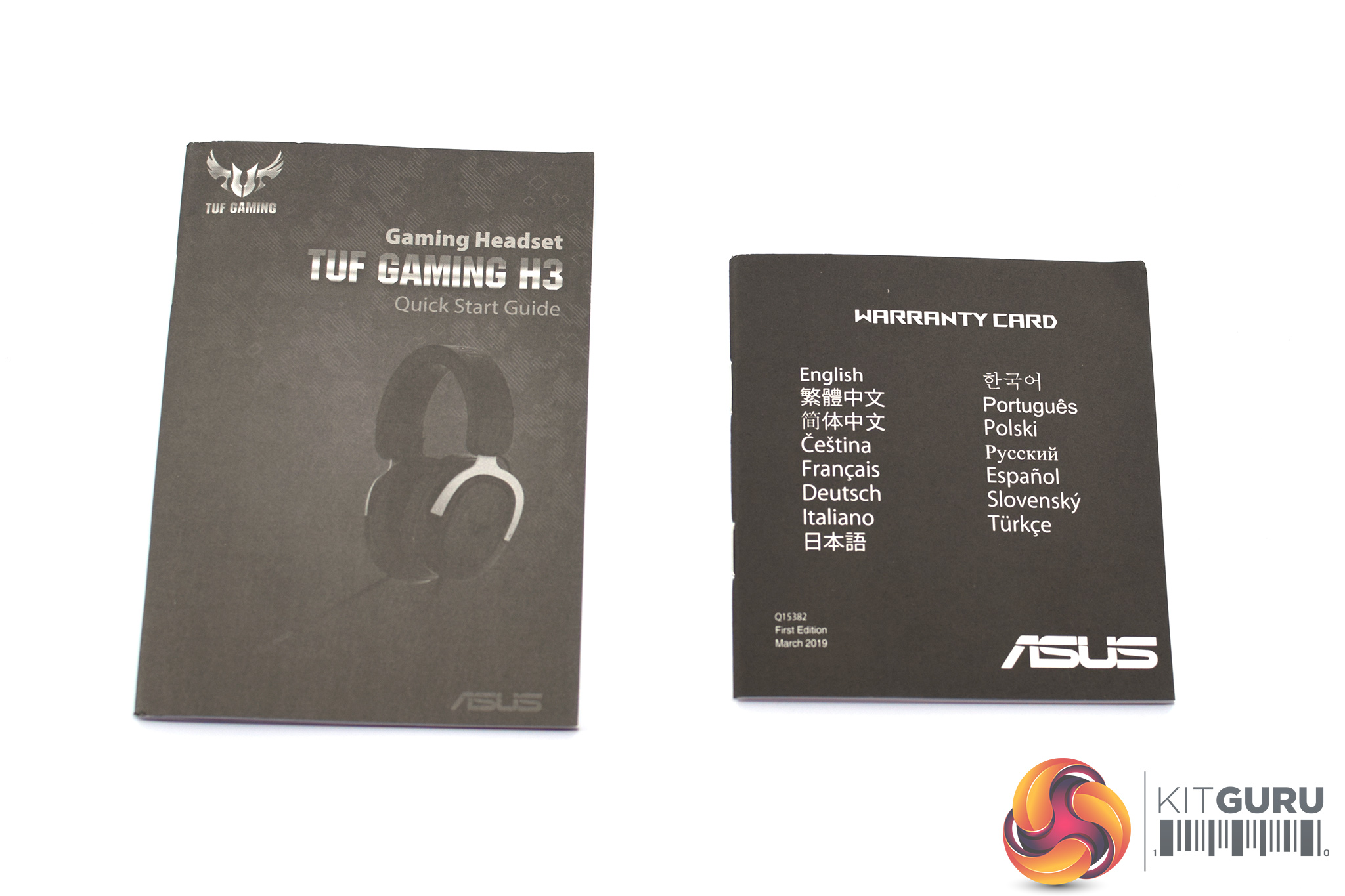
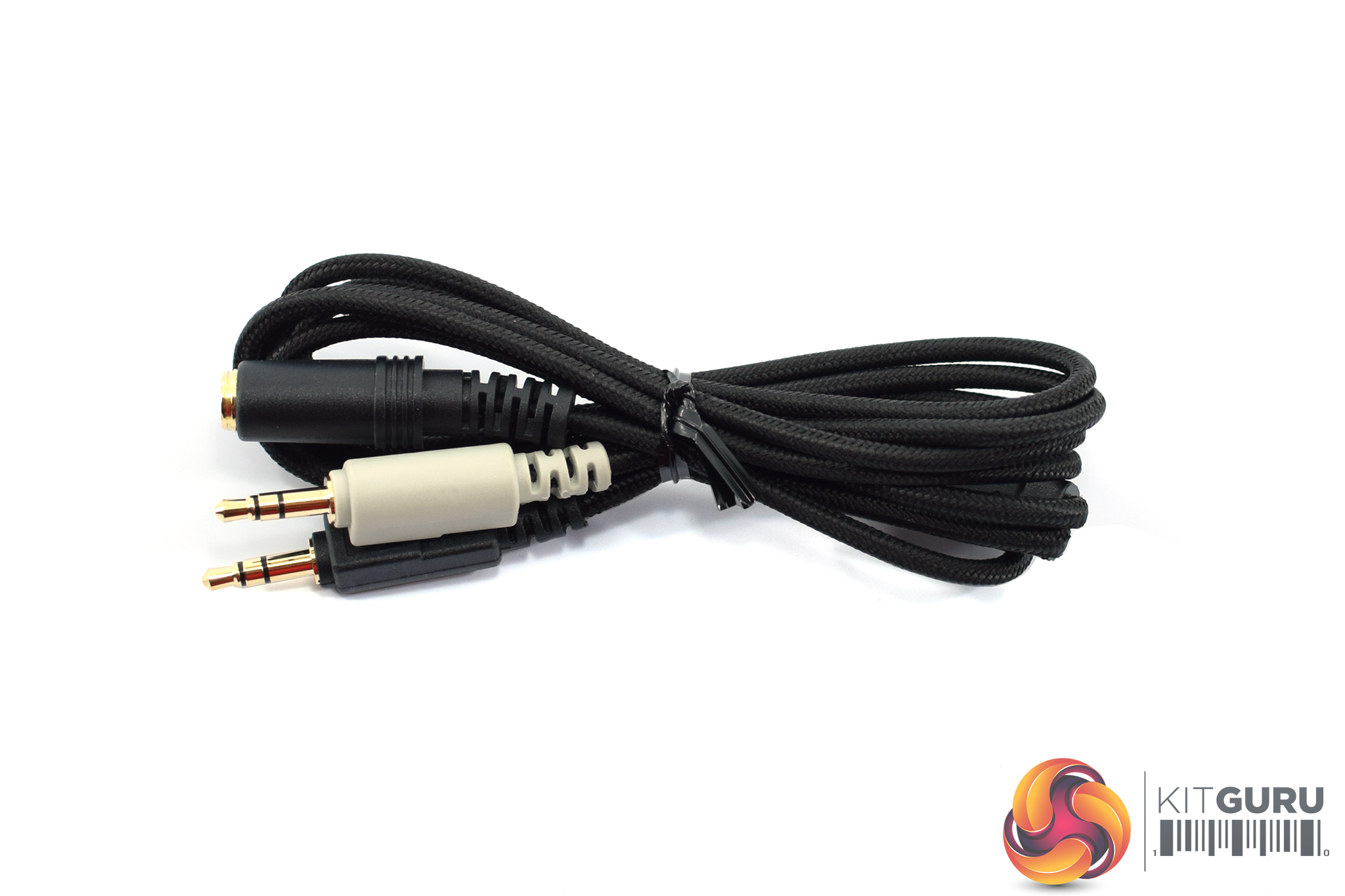
Inside, we find both a quick start guide and warranty card, as well as a 1.3m audio/mic splitter cable.
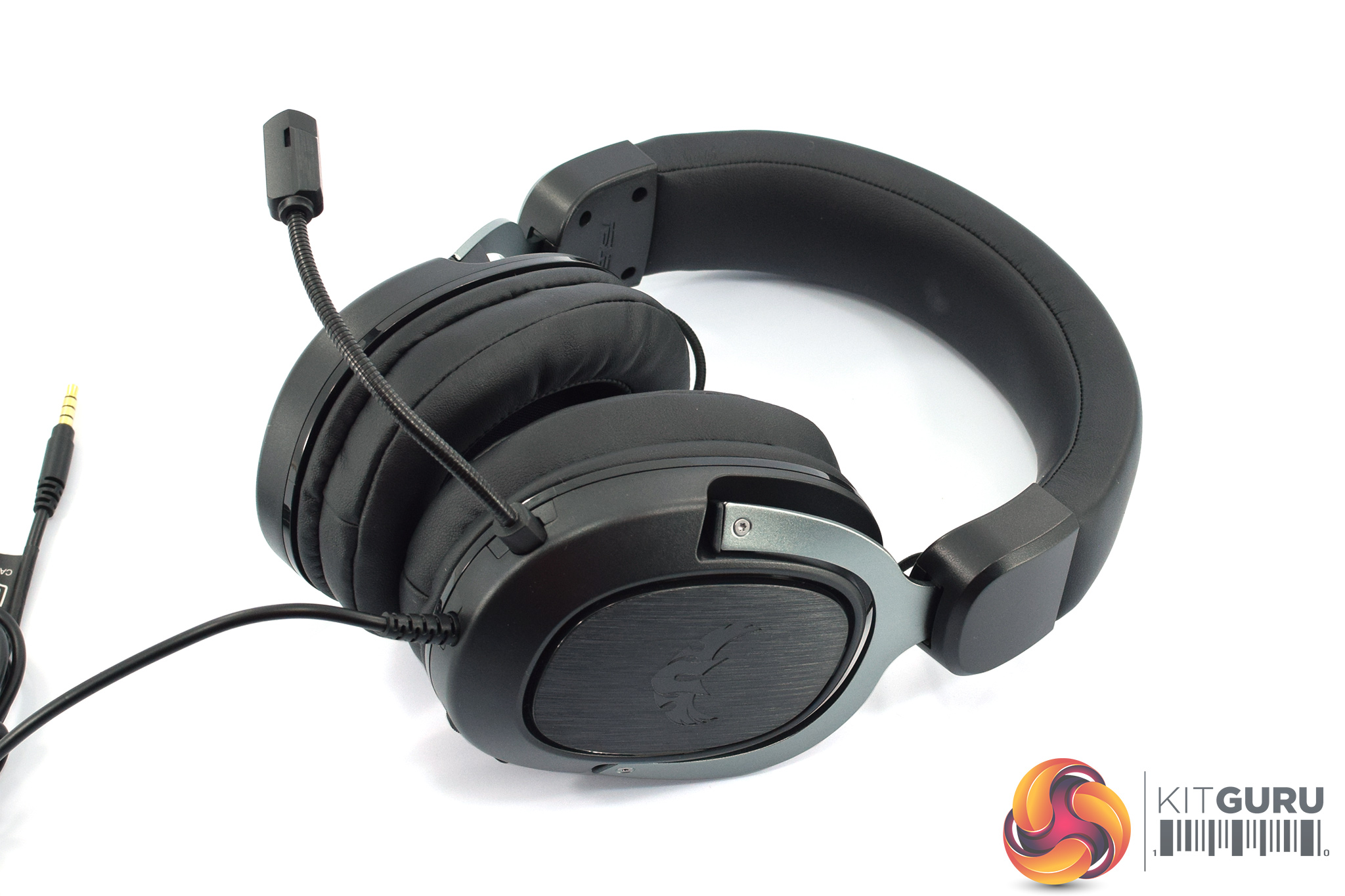
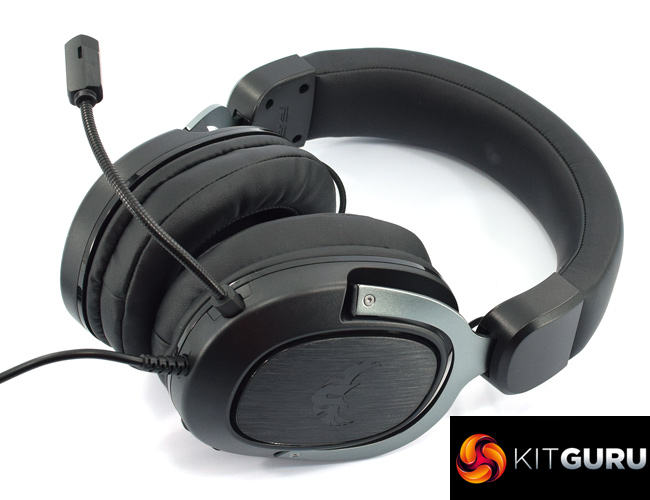
Moving onto the headset itself, above you can see an ‘overview' look at the H3, but below we will dive into all the different aspects of the design.
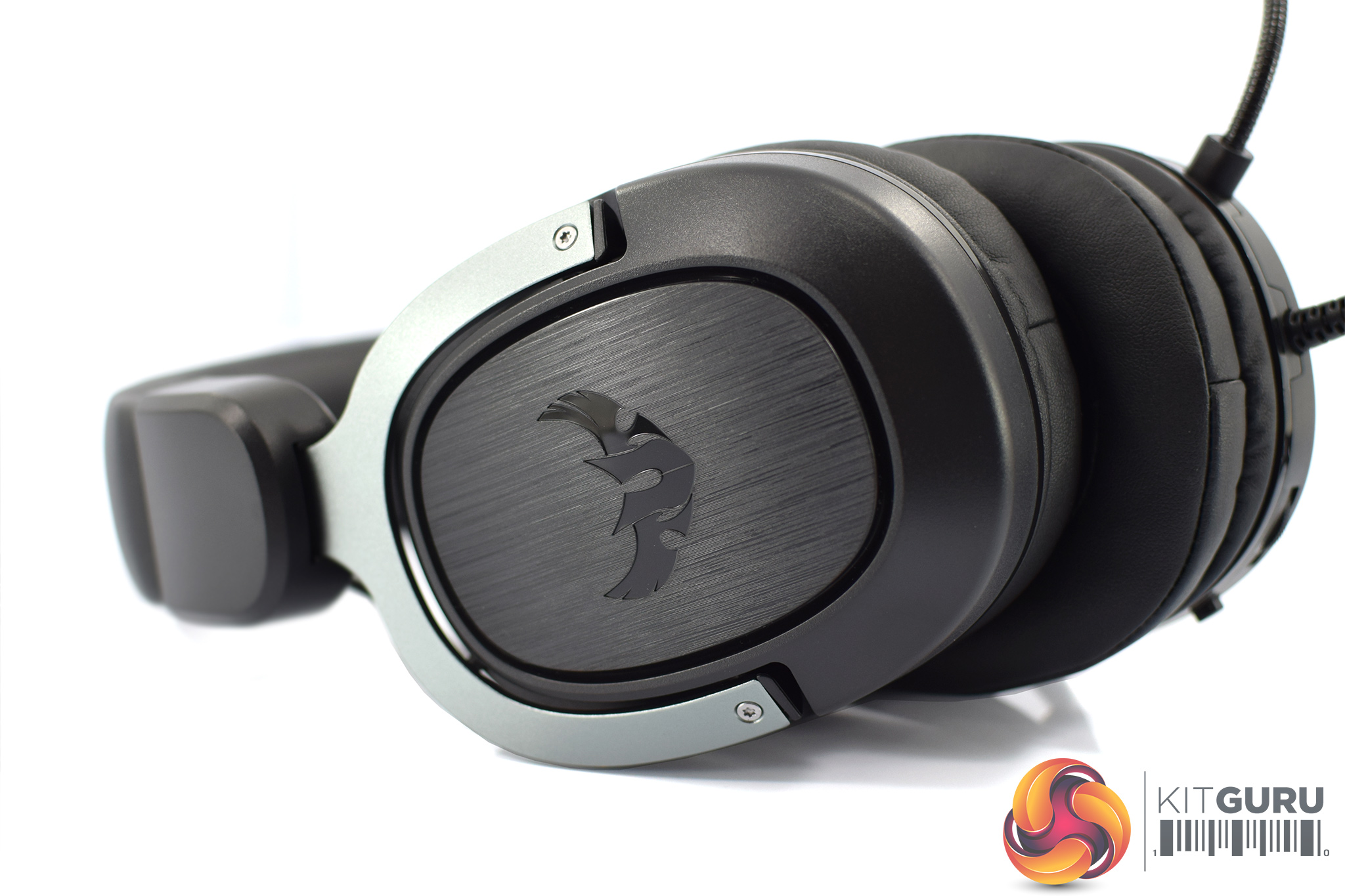
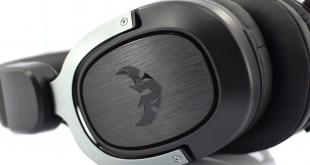
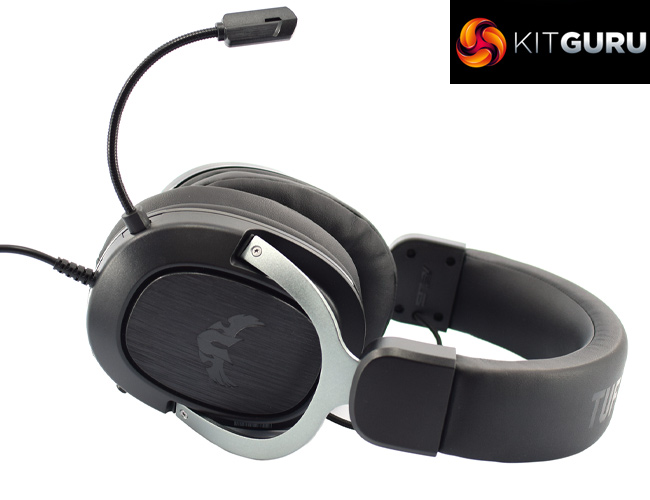
Starting with the back of the earcups, these are made from plastic but ASUS has incorporated a brushed metal effect in the middle of the cups, with the winged TUF logo also visible here. It's pretty obvious by now that this is a closed-back headset.
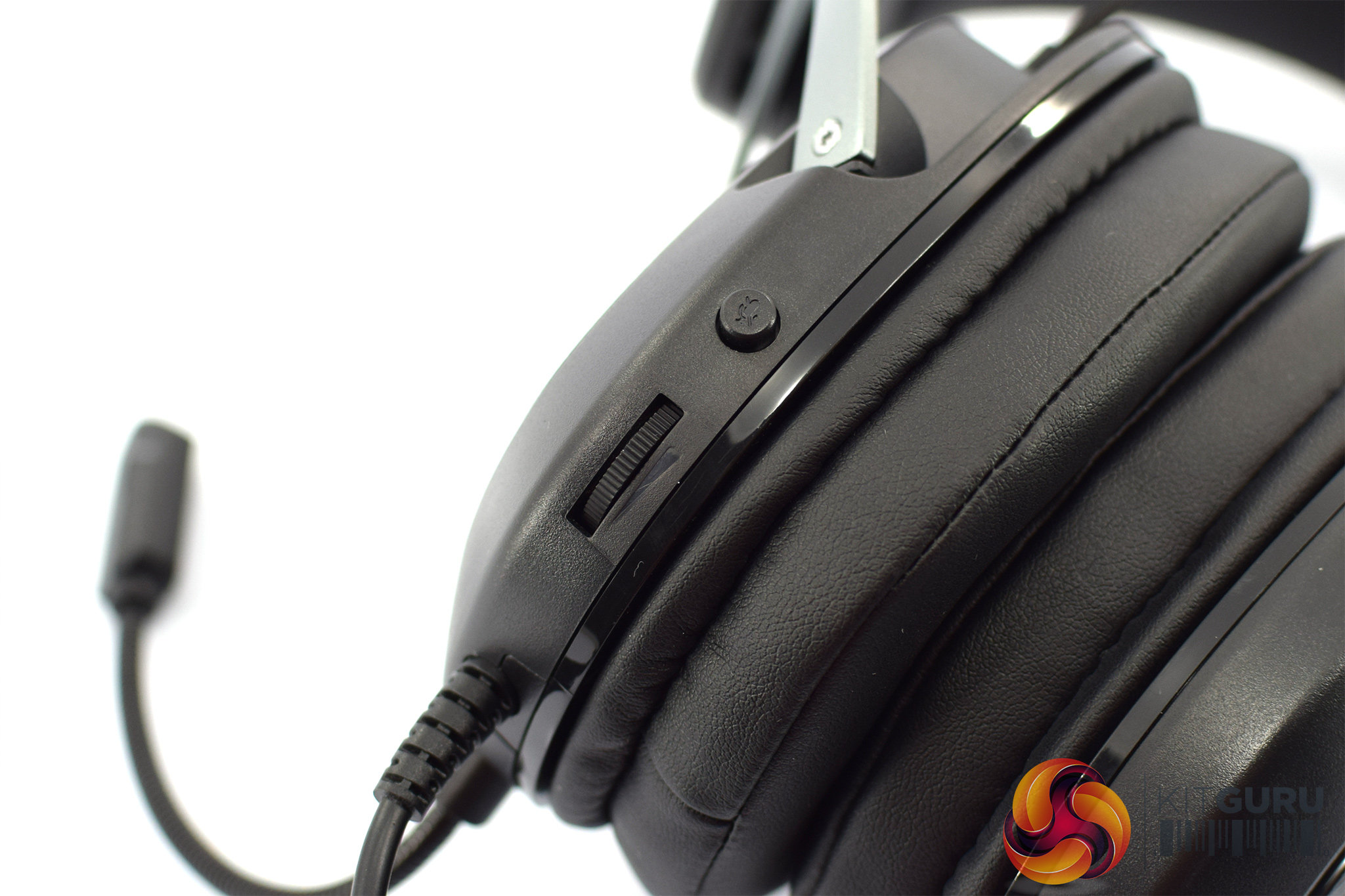
The left-hand cup sports some on-ear controls, with a simple volume wheel and a mic-mute button. There's no in-line controller, so this is all the control you get over the H3.
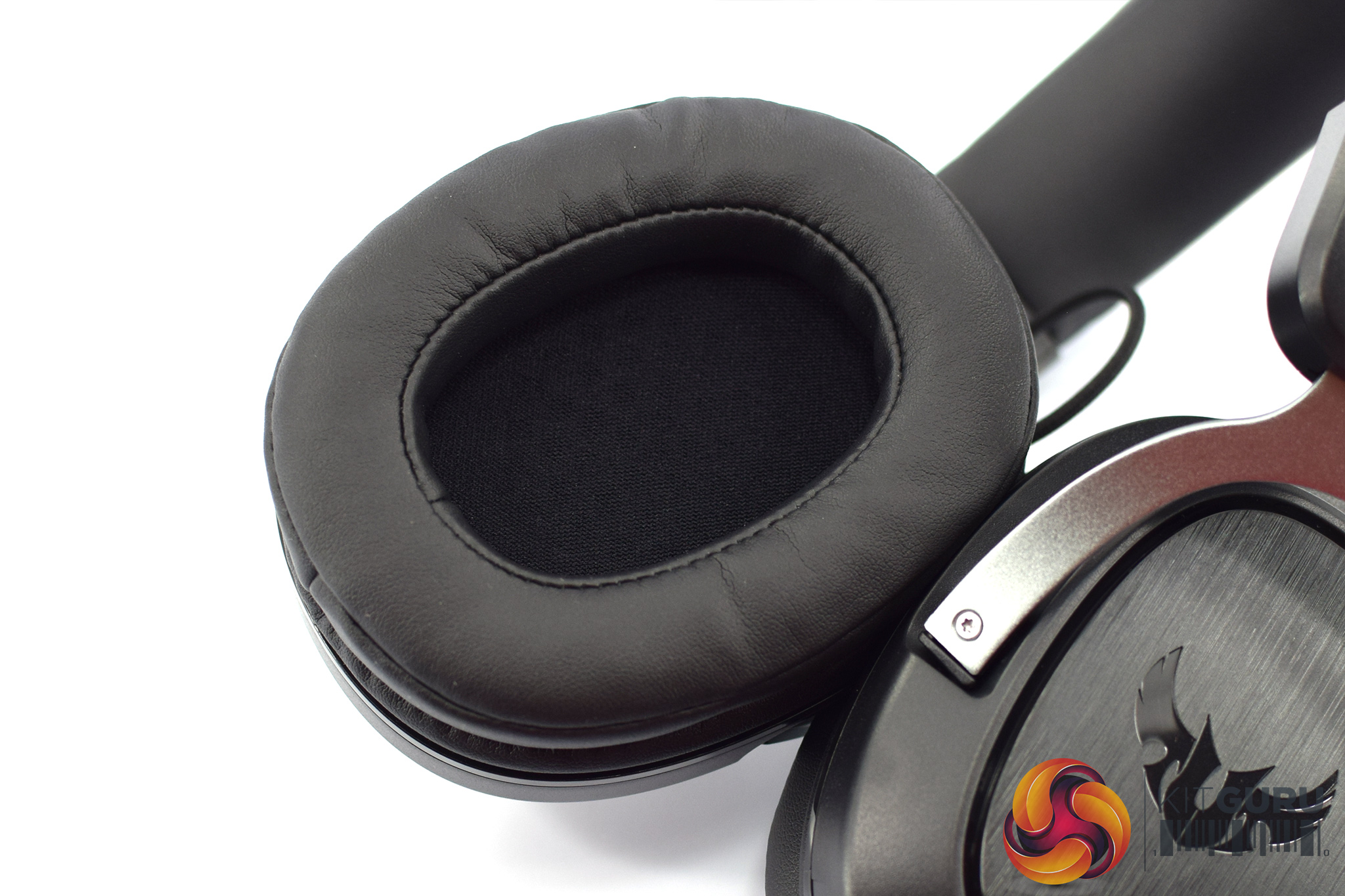
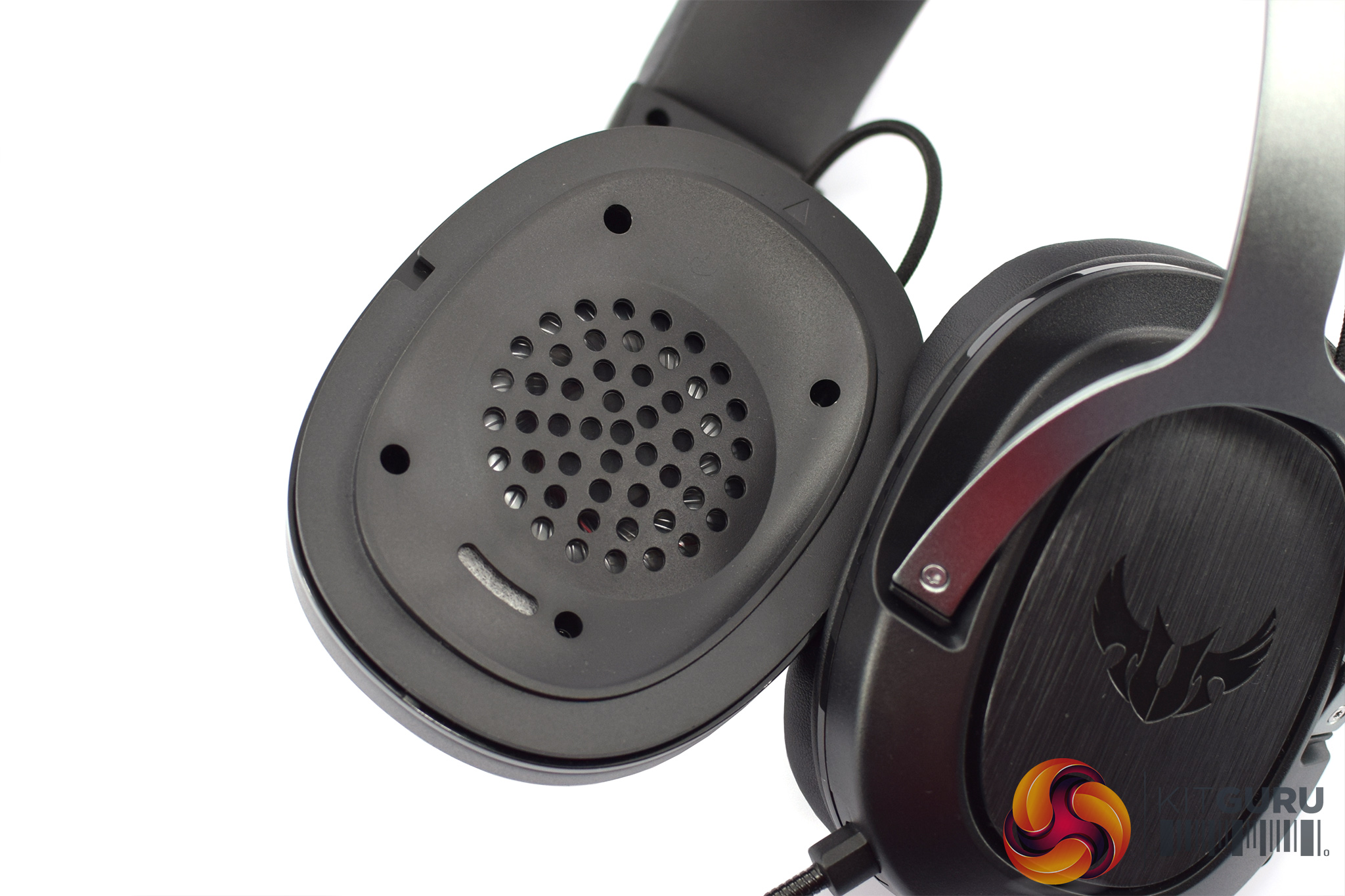
Moving to the inside of the cups, here we get a look at the ear cushions. These are covered with protein leather, and ASUS says the foam inside is ‘fast-cooling memory foam'. I do greatly appreciate that these cushions are removable, so you can swap them out for aftermarket ear pads if you have any that fit.
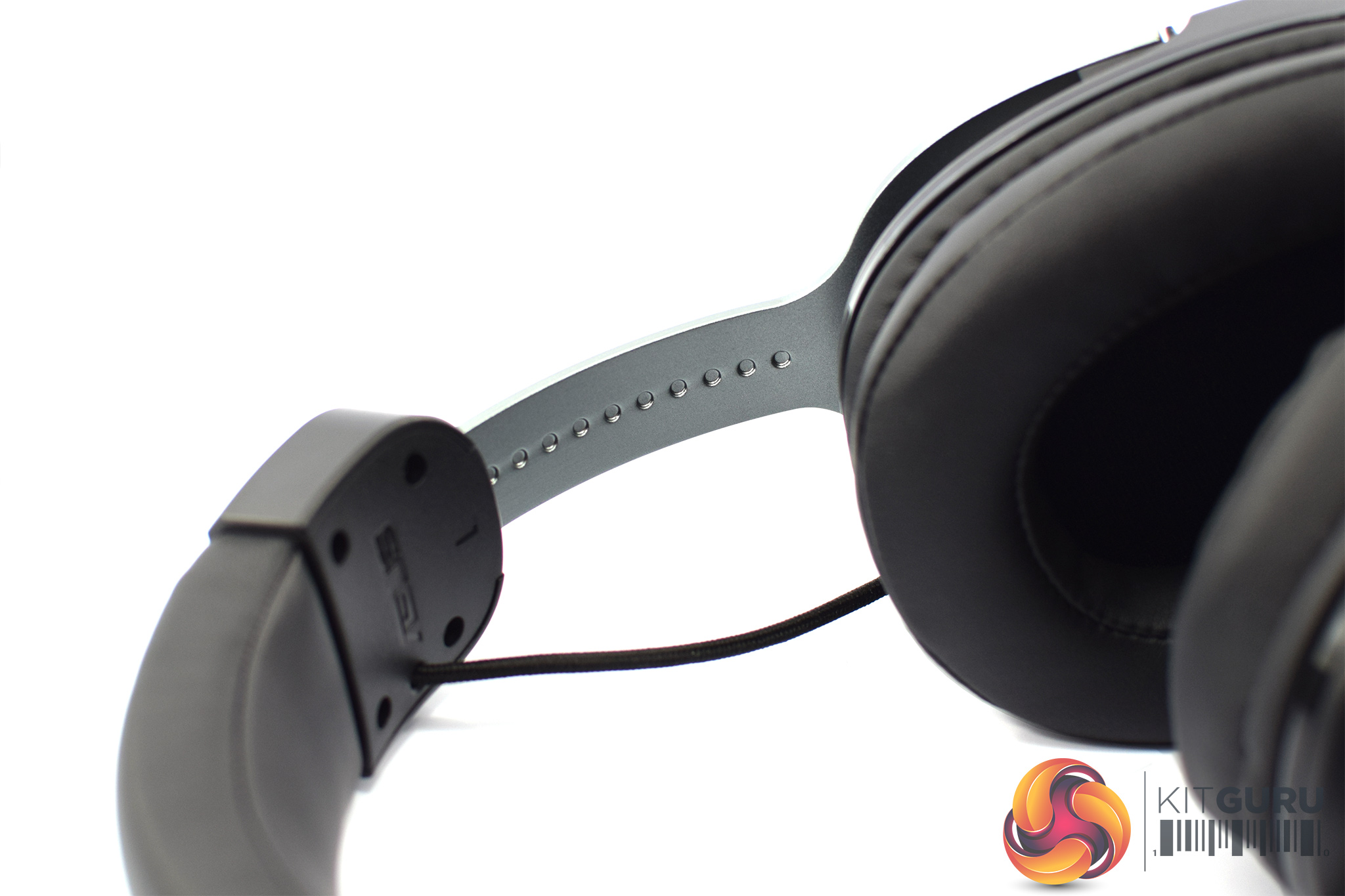
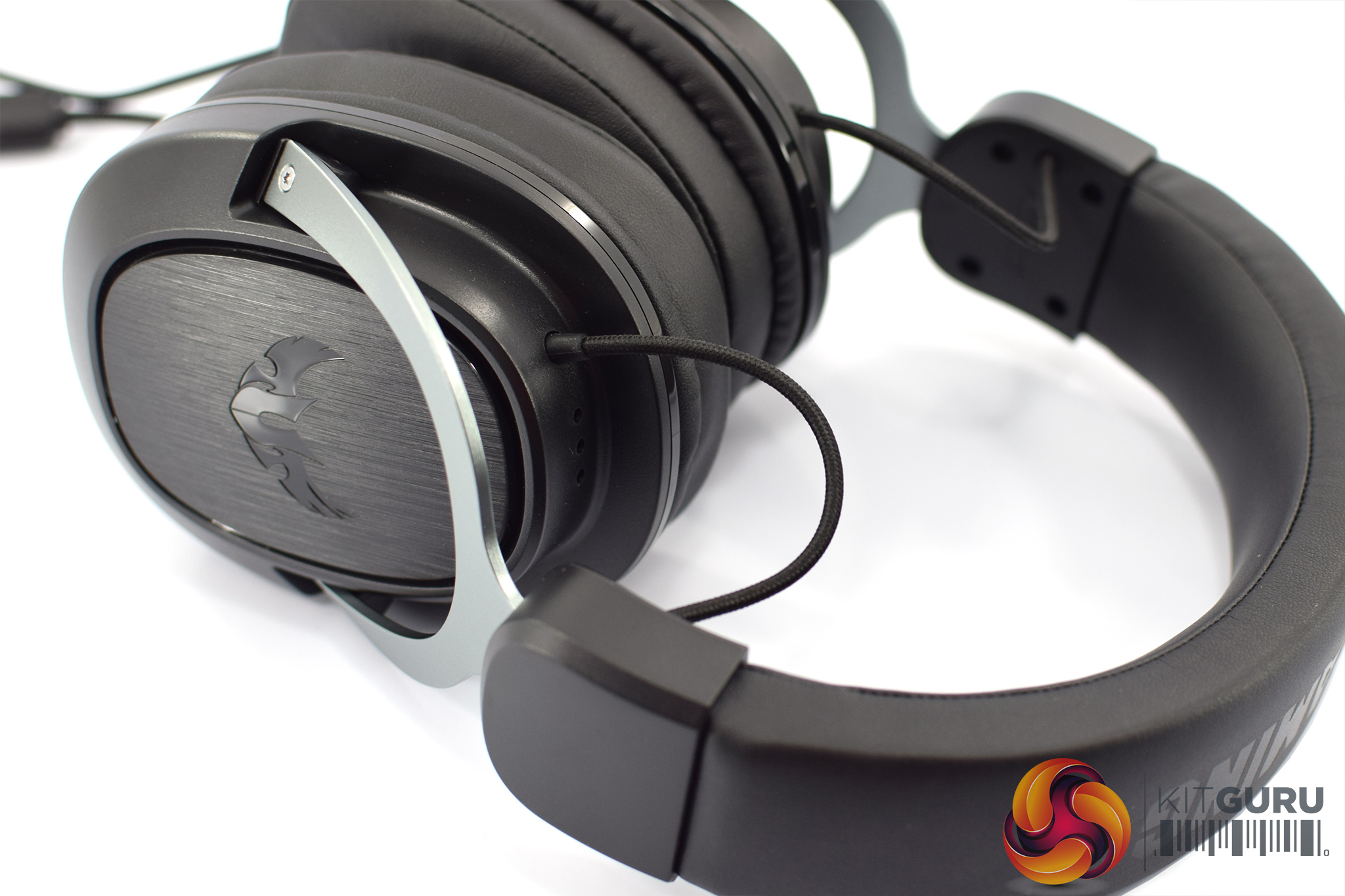
Connecting each earcup to the main headband are two stainless steel yokes. These also act as a headband slider, to adjust the size of the headset, and there are size markings on the inside of the slider.
It's also worth pointing out that there is some exposed cabling at the top of the ear cups which runs through the headband and connects one earcup to the other. This is done in a similar style to the classic HyperX Cloud II.
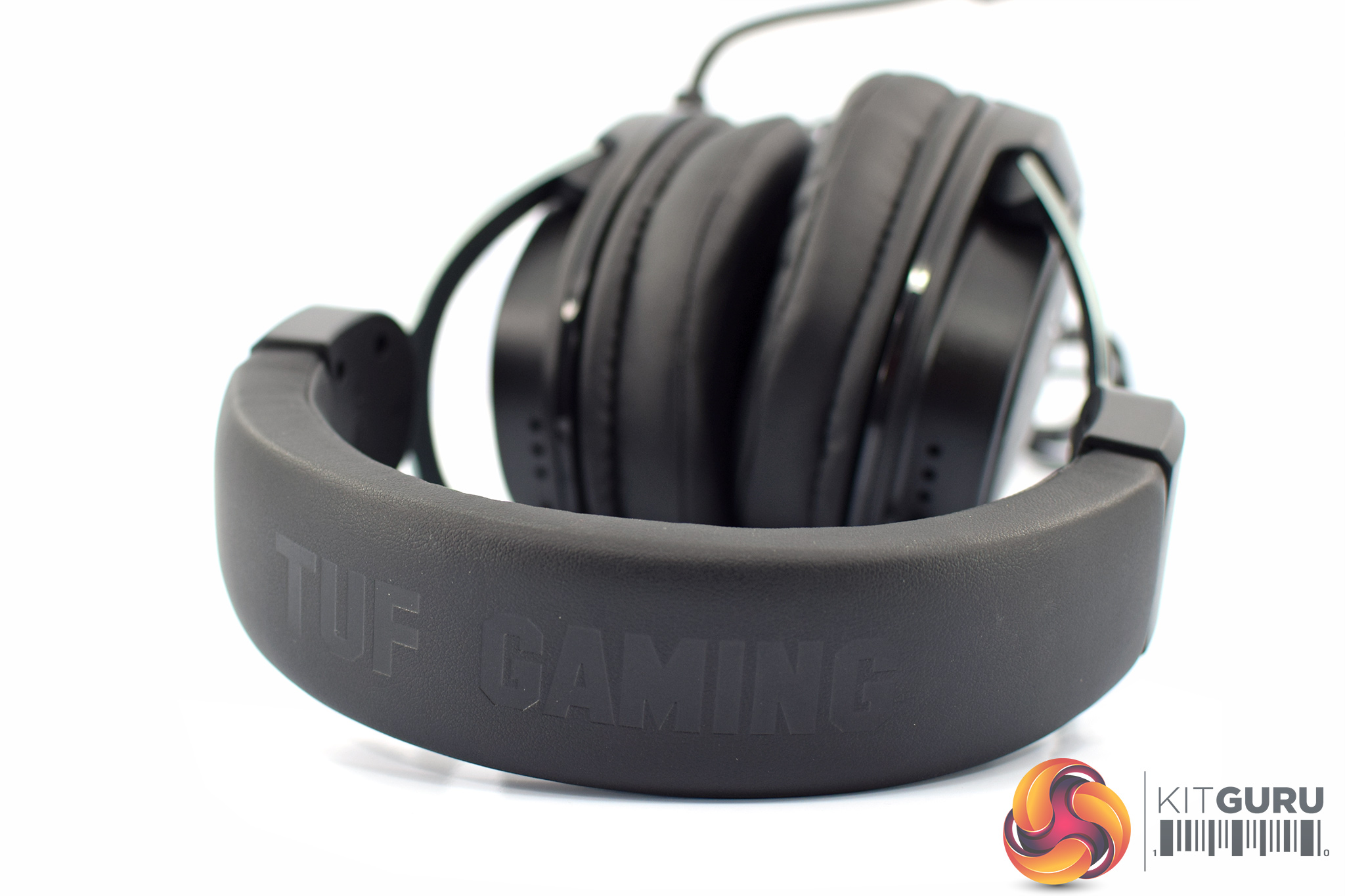
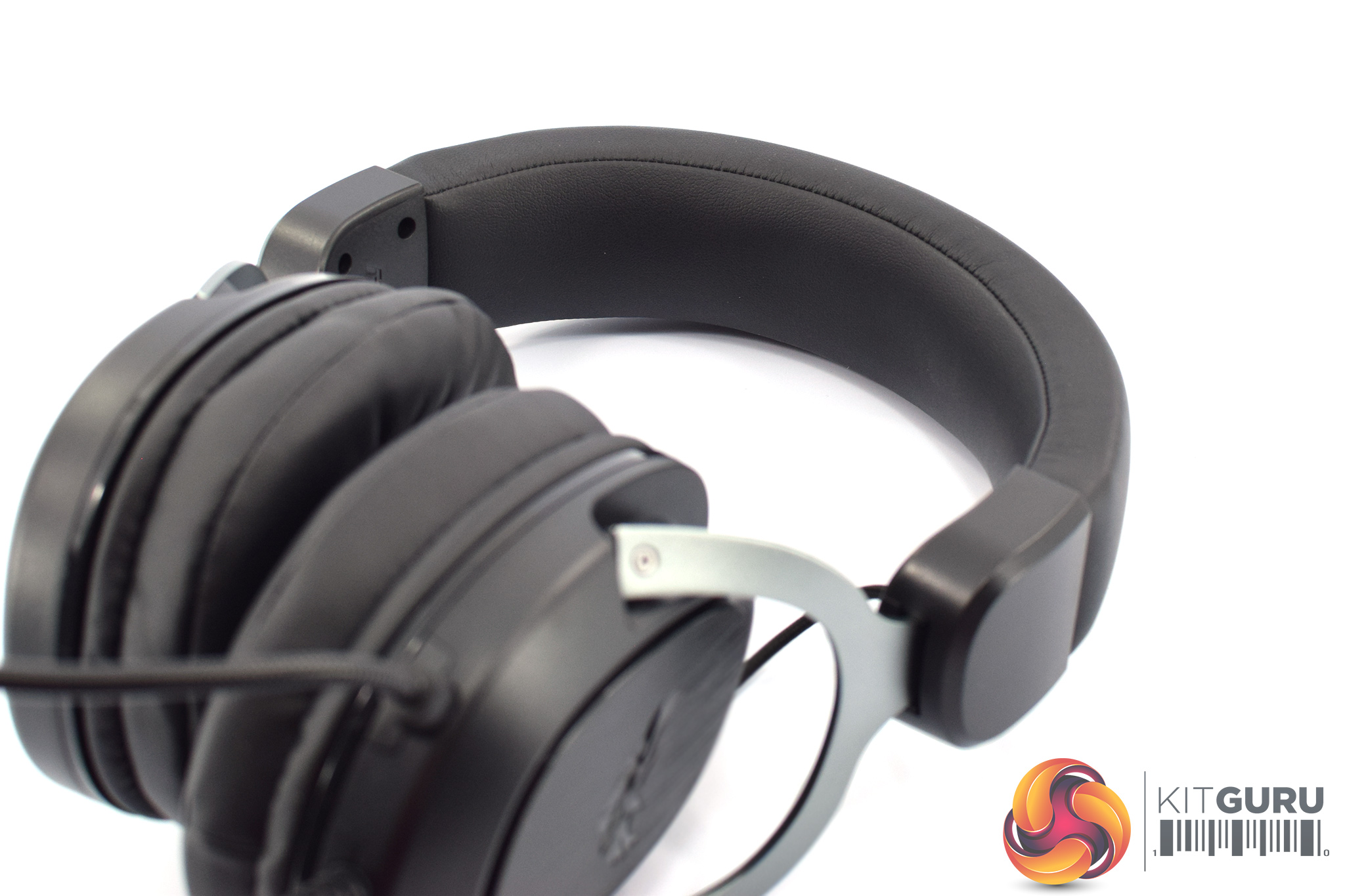
Speaking of the headband, this is covered with more protein leather and on the top side of the band we can see the TUF Gaming branding. The inside of the band is plain, covered with more of that protein leather.
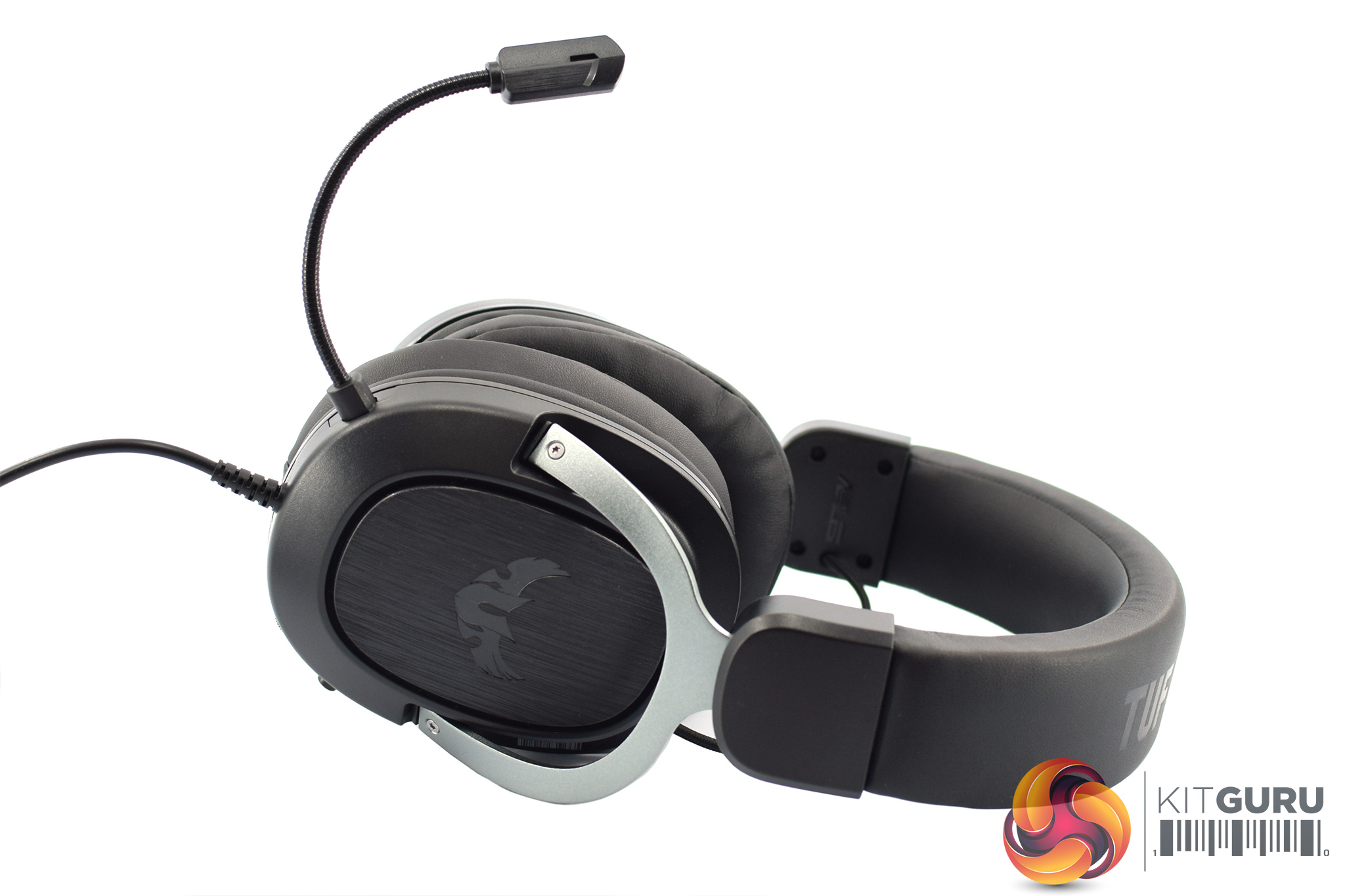
As for the microphone, this is non-removable but sports a ‘goose neck' design, so it can be twisted around and moved into pretty much any position that you want. The mic itself is unidirectional with a 50-10000Hz frequency range.
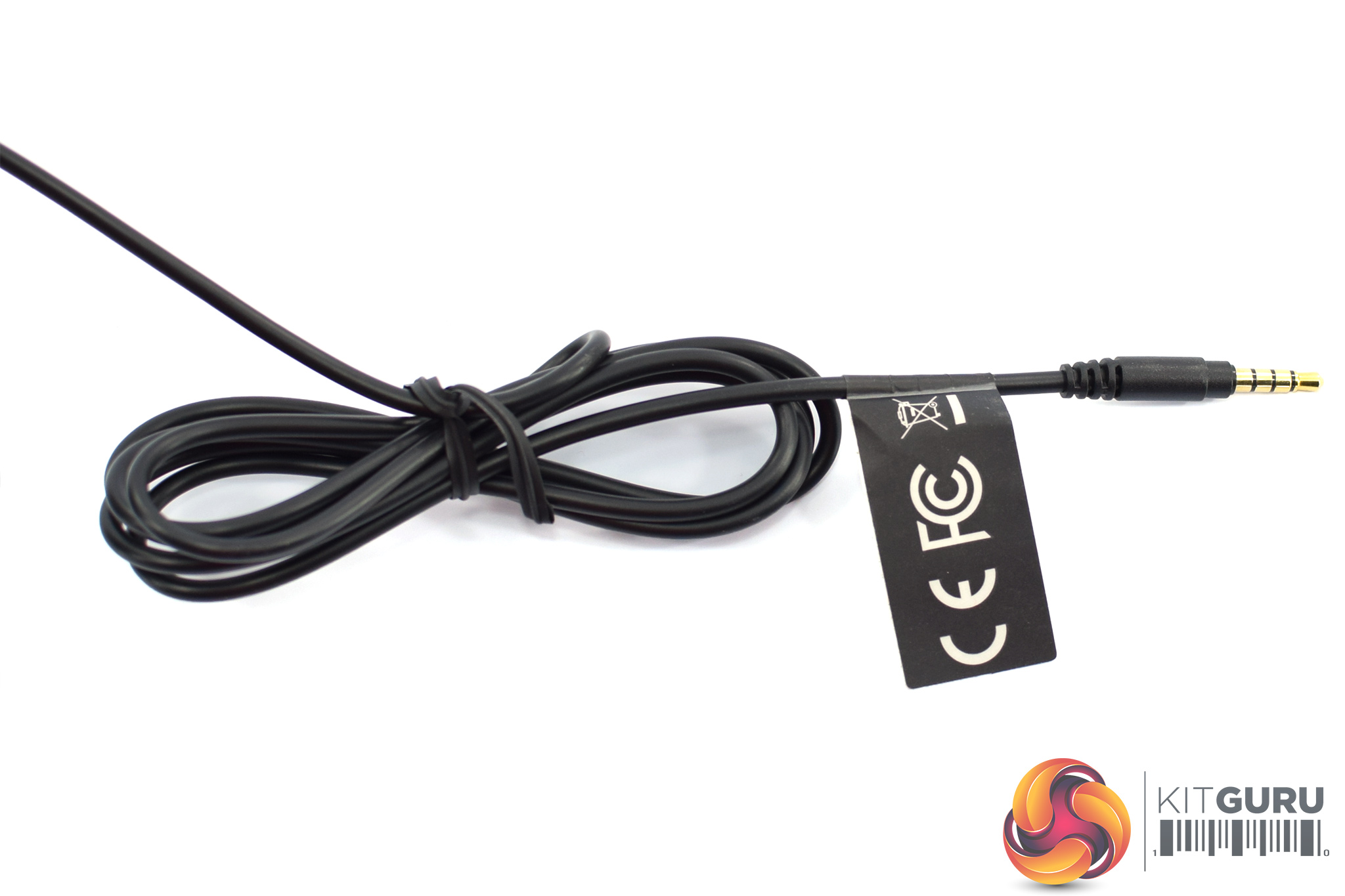
Lastly, the cable attached to the headset is also non-removable and measures 1.3m, terminating in a 4-pole 3.5mm jack connector. Do bear in mind, though, that the 1.3m splitter cable is also included which gives extra length, as well as dedicated audio/mic inputs.To test the TUF Gaming H3, I used it for just under a week while gaming and listening to music. We break our testing down into three sections – build quality and comfort, sound, and mic. We usually include a look at the accompanying software, but as this is an analog headset there is no extra software.
Build quality and comfort
Starting with overall build quality of the H3, it is certainly a pretty solid headset. The first thing you'll notice in terms of build quality are those stainless steel yokes/headband slider which make a good first impression – compared to the all-plastic Razer Kraken X, this is an immediate point in ASUS' favour, though the Corsair HS50 does also have metal yokes.
Balanced against that I would say the earcups themselves do look and feel quite plasticky, but it's still very solid plastic which doesn't flex or creak which is re-assuring. This is still a budget headset so I wouldn't go throwing it around, but the overall feel and rigidity of the H3 is definitely better than that of the Kraken X, and probably on par with the HS50.
There's more stainless steel in the headband, too, which is covered by protein leather. This does the job well as it's pretty flexible and adjustable, but also doesn't clamp too hard on the top of your head. This was one of the first things I noticed when I put the H3 on for the first time – the lack of a sore/overly strong clamping force – and ASUS even says it has ‘20% less clamping force than the previous stainless steel headbands we've used'.
In a similar vein, the headset itself is quite lightweight, coming in at 294g. This is slightly heavier than the Kraken X and Corsair HS35 which both weigh 250g, but it is 25g lighter than the HS50. In practice, I didn't notice any unwanted fatigue or pressure, even after playing PUBG for multiple hours at a time, so it's a definite plus for the H3.
The last thing to mention are those memory foam ear cushions. These proved very soft and comfortable on my ears and the sides of my head, while there is also enough padding (about 1.5-2cm) that my ears never came into contact with the driver housing. I am also very glad to see that the ear cushions themselves are removable so you can swap them out if you want. I do find protein leather cushions like this make my ears quite warm after prolonged usage, but the option to swap them out for fabric covered cushions is there.
Sound
Moving onto the sound quality of the H3, I would describe it as a relatively laid back ‘v-shaped' sound signature, with some emphasis on bass and treble but nothing overbearing.
When gaming, I first noticed that prominent bass adding a fair amount of weight to the overall sound. The ‘red zone' in PUBG, for instance, sounded threatening while I also found the roar of my car's engine in Rocket League was pleasingly satisfying. The bass isn't over done, though, and I've certainly heard bassier headsets. It obviously depends on your preference, but for me this works really well for games or music.
The one thing I would say about the bass is that it can occasionally sound a touch distorted, which I noticed most when listening to music – it's less obvious when gaming. In all honesty, though, this is pretty much par for the course for a headset at this price, so it's not really much of a criticism, but is worth noting.
The mid-range is arguably the most important aspect of the mix for a gamer, and the H3 does equally well here. The mids aren't recessed at all, instead they're just slightly forward so vocals carry very well and I was never unable to hear a team-mate over VOIP, for instance. Footsteps also come through loud and clear which is crucial for FPS, though on that topic I did find the H3 to have a particularly narrow soundstage – gaming headsets typically don't sound that expansive, but the H3 is definitely on the smaller side.
As for the treble, there is a slight boost to these frequencies, but it's subtle. I noticed this most when listening to music, with hit-hats and cymbals sounding fairly crisp but not at all sharp or fatiguing. It's enough to add a better sense of detail than what I heard from the Kraken X, but I'd say even if you are particularly treble-sensitive this won't cause you issues.
Overall, for a £50 headset the TUF Gaming H3 sounds surprisingly good. It's an overall well-balanced sound – for my tastes, at least – with a punchy but not overbearing bass, clear mid-range and slightly boosted treble. The one thing holding it back for me is the narrower soundstage, which is where the HS50 does particularly well, but I am still very impressed with what I have heard.
The last thing to mention before moving on is ASUS' claim that the H3 supports virtual surround-sound. This is technically true as ASUS is simply claiming the headset can be used with Windows Sonic, Windows' own virtual 7.1 tool – but the same can be said of any other 3.5mm headset on the market, so just be aware you're not getting anything specially designed for the H3 in terms of 7.1 software.
Mic
TUF Gaming H3 Mic test, compared with Corsair HS35 and Corsair HS50
Coming now to the microphone, above you can hear a three-way comparison with the HS35 and HS50 also brought in to the recording. In my opinion, the H3 has a much better mic than the HS35, though it is also the more expensive headset, but up against the HS50 it is a narrow win for that Corsair headset. As I hear it, the H3 just sounds a touch more tinny and nasally than the HS50, which has a slightly fuller and more natural sound.
That said, it is still a very capable mic for the money and you can clearly hear what is being said. Compared with the HS50 side by side, however, I do think the Corsair headset just has the better mic.We've reviewed a number of oriented gaming headsets over the last few months – in fact, the ASUS TUF Gaming H3 is the third sub-£50 headset to come through our doors in as many months.
As a humble analog headset, using a 3.5mm jack, you get a lot of versatility from the H3 as it can be used across a wide range of devices. It's also reassuringly well built for a headset of its price, thanks to its sturdy metal yokes/headband slider and a stainless steel headband.
Despite that, the H3 weighs less than 300g and is very comfortable to wear for long gaming sessions. I did find the supplied ear cushions kept my ears on the warm side, but thankfully they are removable so you can easily swap them out for aftermarket pads if that is your preference.
I was also impressed by the overall sound quality of the TUF Gaming H3. It has no obvious weaknesses in terms of its overall balance, and I'd imagine the punchy but not over-emphasised bass will appeal to a lot of people. The mids are also nice and clear, while the treble just adds a touch of crispness to the mix.
My main criticism of the sound would be the narrow soundstage, as you don't get much depth or width from the sound at all. This is almost always the case with closed-back gaming headsets, but in comparison the Corsair HS50 does sound noticeably more ‘expansive'. Lastly, the microphone is also very good, but I do feel the HS50 sounds a touch more natural.
Overall, the ASUS TUF Gaming H3 is a quality headset at a good price. I would definitely recommend it over the Razer Kraken X due to its superior build quality (while costing the same amount of money), but things are a lot closer when we bring the HS50 into the equation. In my opinion, that Corsair headset is the best you can get for £50, but ASUS is not far behind at all.
The TUF Gaming H3 is not yet on sale but we are expecting availability in October. The UK MSRP is £49.99.
Pros
- Well built.
- Sounds very good for £50.
- 3.5mm jack adds versatility.
- Decent mic.
- Removable ear cushions.
Cons
- Strong competition from the HS50.
- Mic is not detachable.
KitGuru says: ASUS has done a great job with the TUF Gaming H3. It's well built, sounds good and can be used across a wide range of devices.