 KitGuru KitGuru.net – Tech News | Hardware News | Hardware Reviews | IOS | Mobile | Gaming | Graphics Cards


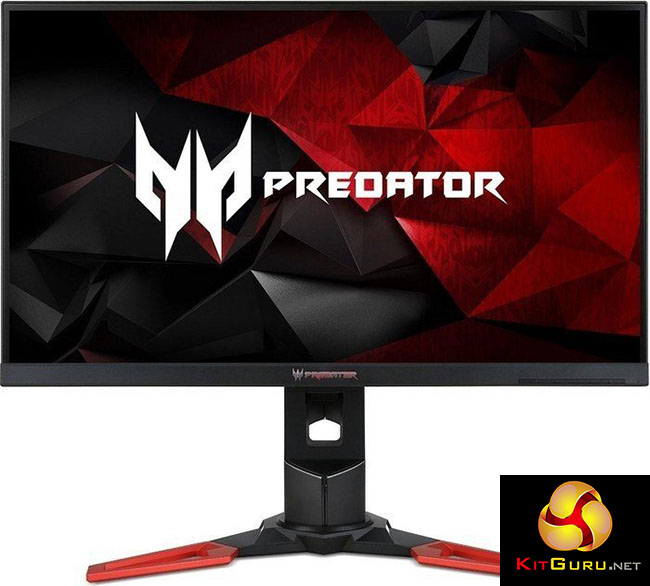
The Acer Predator XB271HK is a 27-inch IPS display that offers both 4K resolution and 60Hz G-Sync support – with a complete package of high-end features and nice touches to round it off.
Acer was the first company to bring a 27-inch 4K display with G-Sync technology to market, beating arch rival Asus by a few months with the XB280HK (Review HERE) which we covered last September.
That display offered good G-Sync performance, but it was lacking in two areas. While the picture quality was generally pretty good, it was based around a TN panel, and therefore with notably worse viewing angles than an IPS display.
And it used a tired-looking design, with a cheap base and a plastic frame that wasn’t really befitting of an expensive, high-end display.
The Acer Predator XB271HK is its successor, a new 4K G-Sync display that addresses both of these issues, as it’s now based on IPS panel technology and sports a slick physical design.
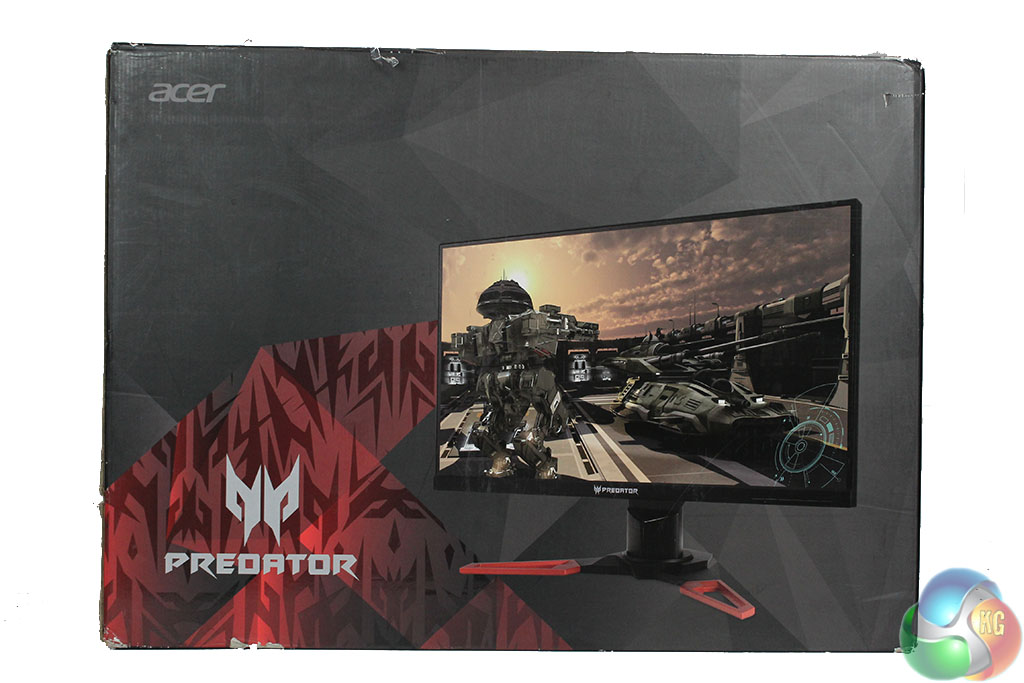
It’s part of a range called Predator XB1, with branding that you’ll find splashed all over Acer’s website and on the packaging. But Acer informed us that this branding covers a few displays, including the Predator XB271HK as well as the XB271HU, a similar 27-inch IPS screen, but with a 1440p resolution and a 165Hz refresh rate.
The new appearance of the Predator displays uses an angled, solid metal base, like we saw recently on the Acer Predator Z35 (Review HERE) and the Acer Predator X34 ultra-widescreen monitors. There’s a grey lip at the lower side of the bezel and it supports full motion of pivot, rotate and raise/lower.
The menus have been upgraded too, with a much more attractive and functional system than we’ve seen from some Acer displays of the past. Even the G-Sync module has been updated, now supporting HDMI to go along with the DisplayPort input.
It puts the Acer Predator XB271HK on a roughly equal footing with the Asus ROG Swift PG27AQ (Review HERE) which earned itself one of the highest scores we’ve awarded a monitor.
With a 10-bit IPS panel and a 4ms response time, a good physical design and comprehensive menus, it’s a very well rounded offering, and about as good as it gets for a display that combines 4K and G-Sync right now.
That’s on paper. What about in practice? Let’s check out the Acer Predator XB271HK.
Price: £599.99
Specification:
Screen size: 27-inch
Native resolution: 3,840 x 2,160
Refresh rate: 60Hz
Panel type: IPS
Display inputs: DisplayPort 1.2, HDMI 1.4
USB hub: 4x USB 3
Tilt: Yes
Raise: Yes
Swivel: Yes
Other: G-Sync support, 2w speakers
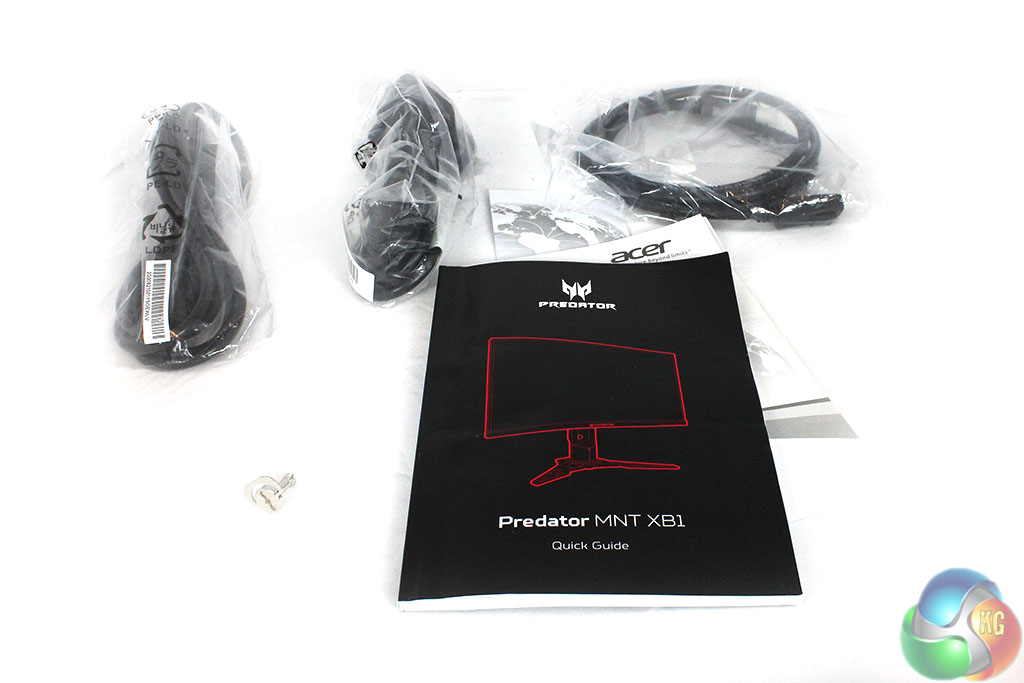
In the box you get the usual literature, with a USB 3 uplink cable, DisplayPort cable and power cable.
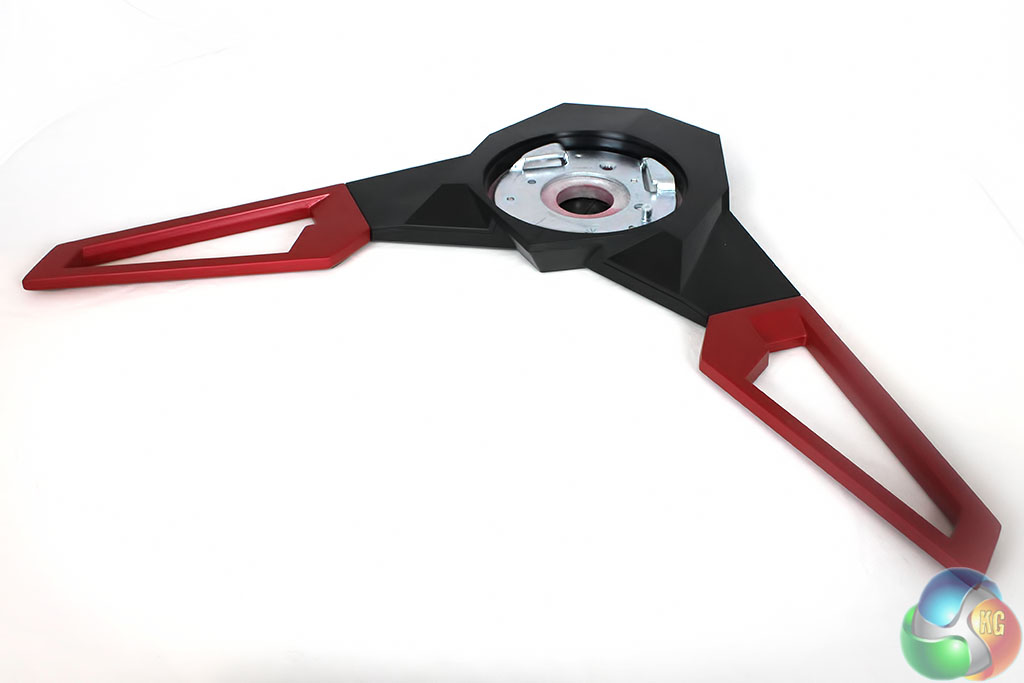
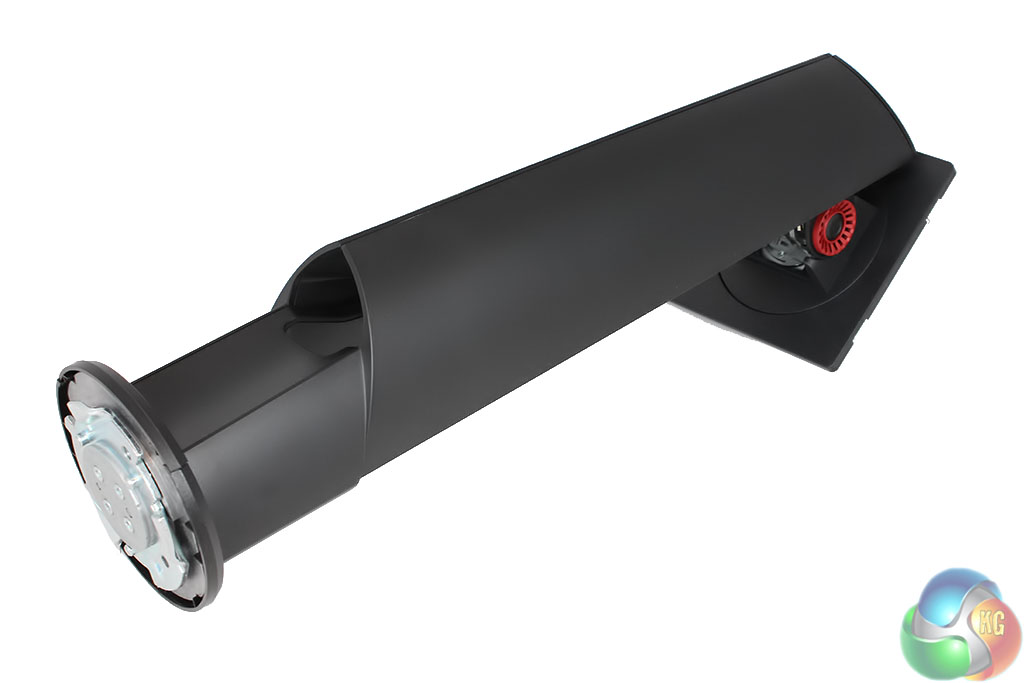
The stand is assembled by screwing the base into the support, which locks into place tightly.

It's then secured with the usual “key” fitted in underneath, then attached to VESA compliant square section at the rear of the screen.
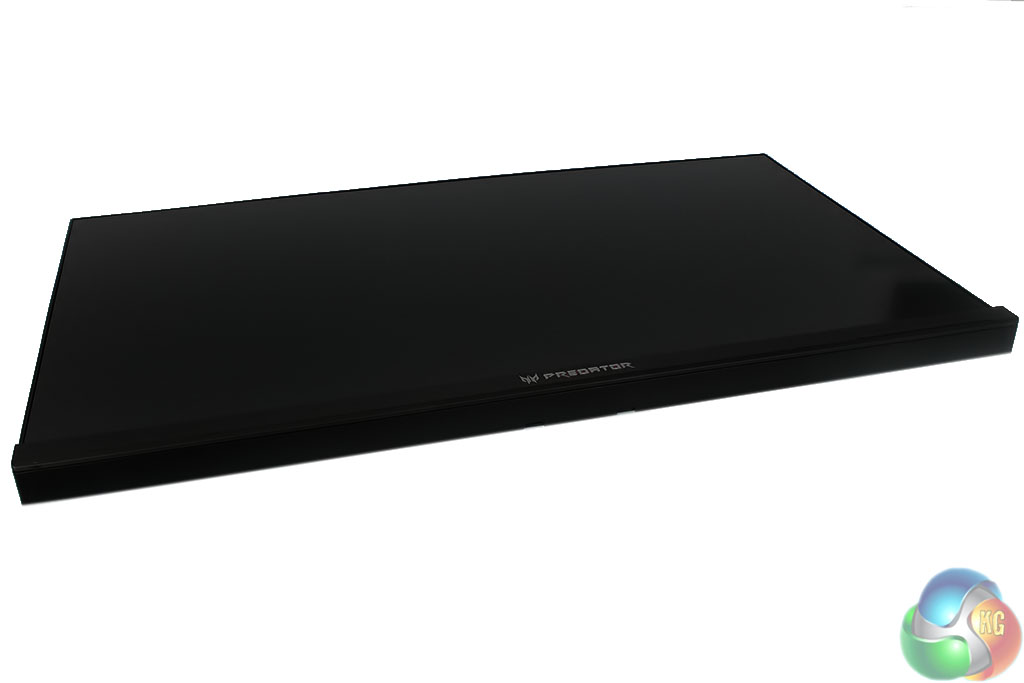
The screen uses an anti-glare coating
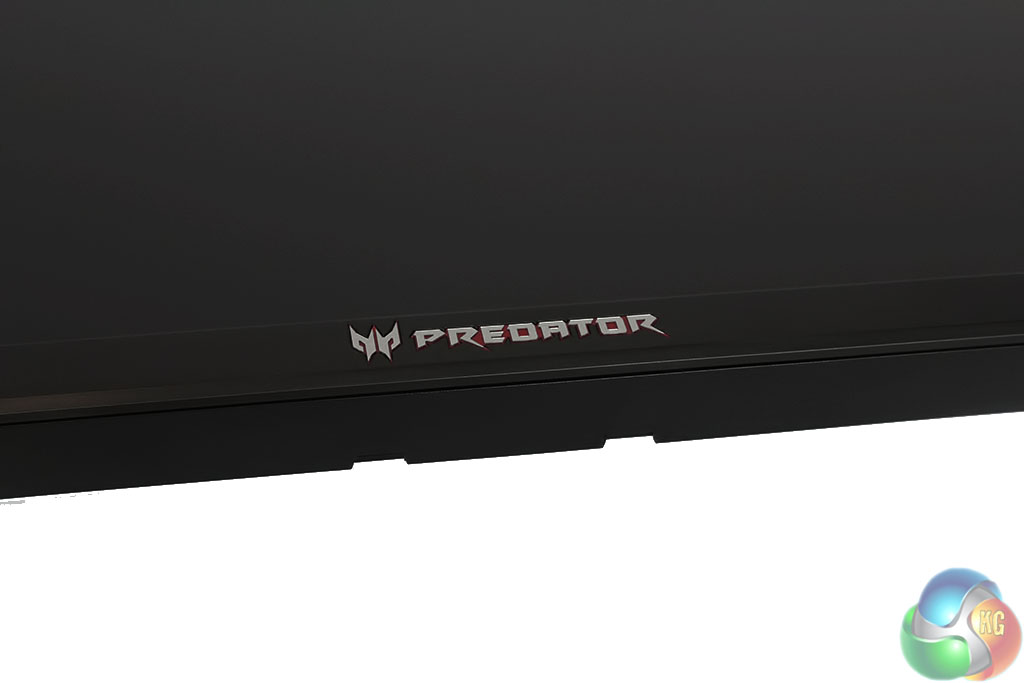
The shape angled base is complimented by a sharp, angled logo used for all of Acer's Predator range, placed in the middle of the bezel.
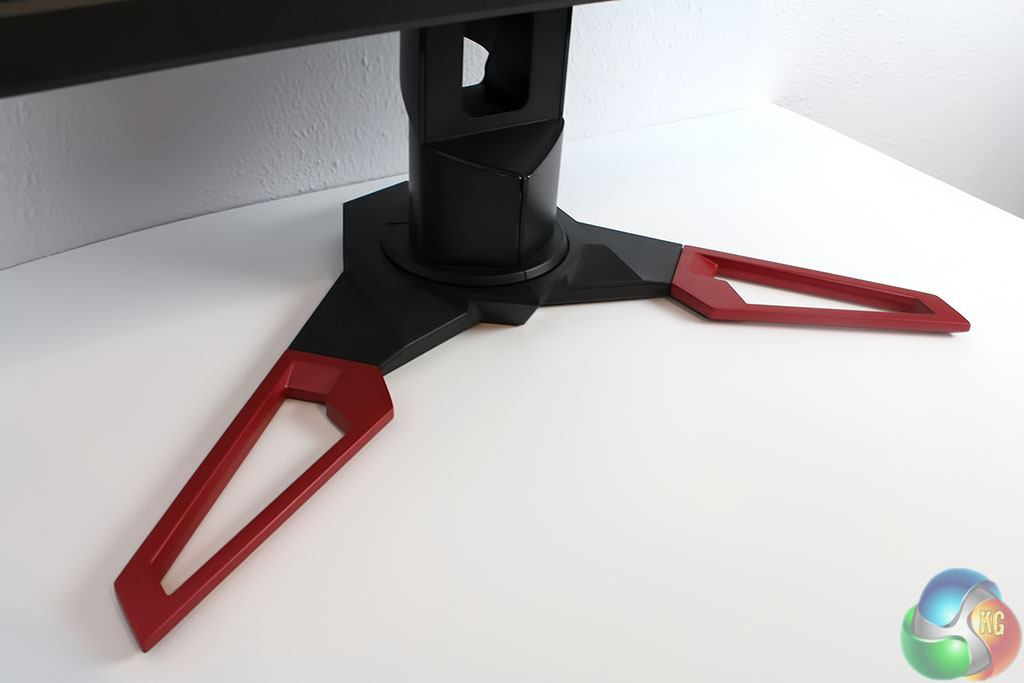
Sitting on a desk the red, angled base looks pretty neat.
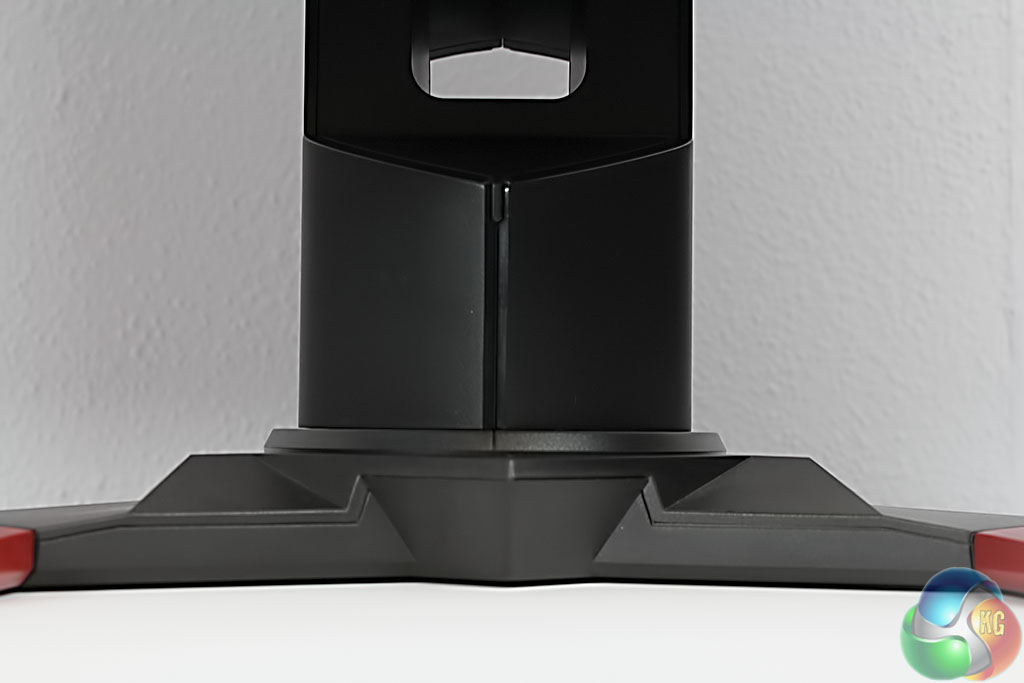
Acer has, of course, remembered the useful hole for cable management in the stand.
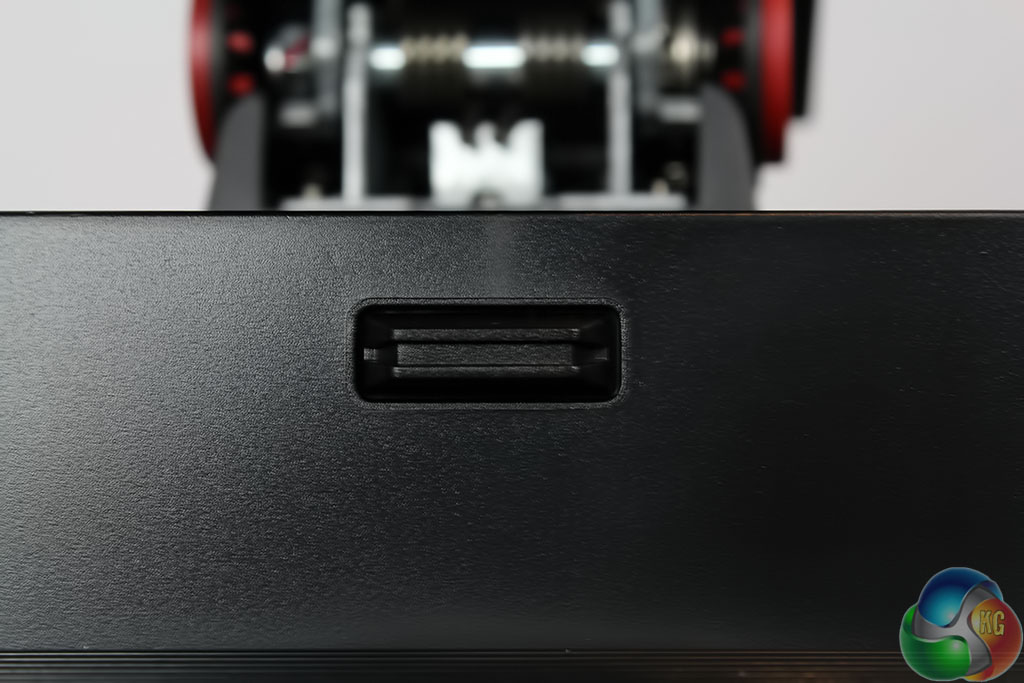
To remove the stand from the panel, there's an eject button behind the screen.
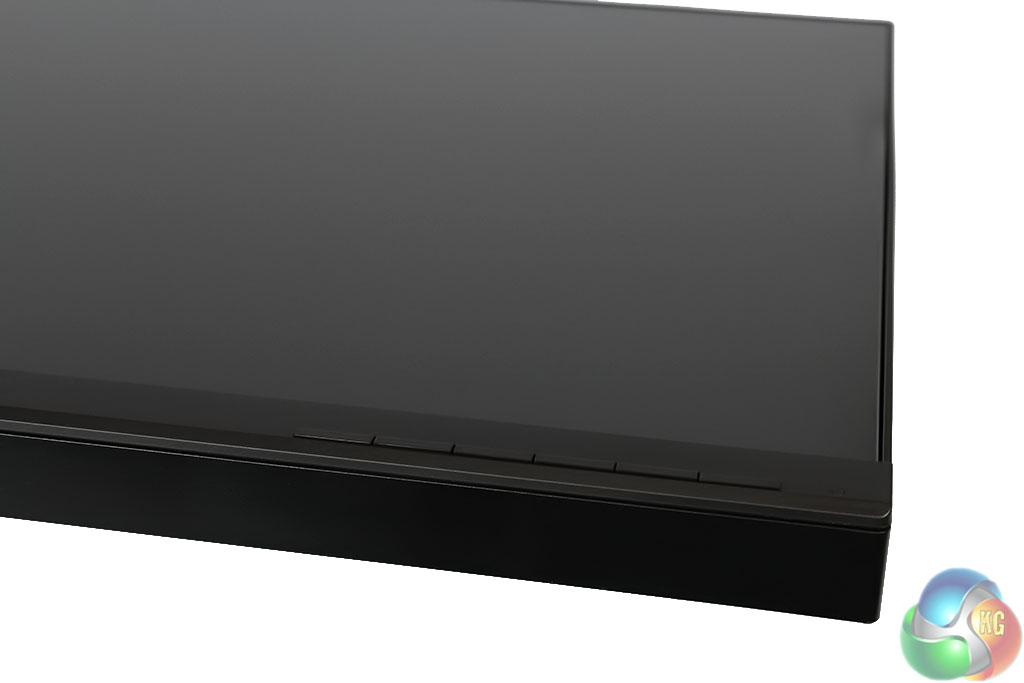
The on-screen display and menus (described in detail on the next page) are controlled with five physical buttons on the lower right side of the screen.
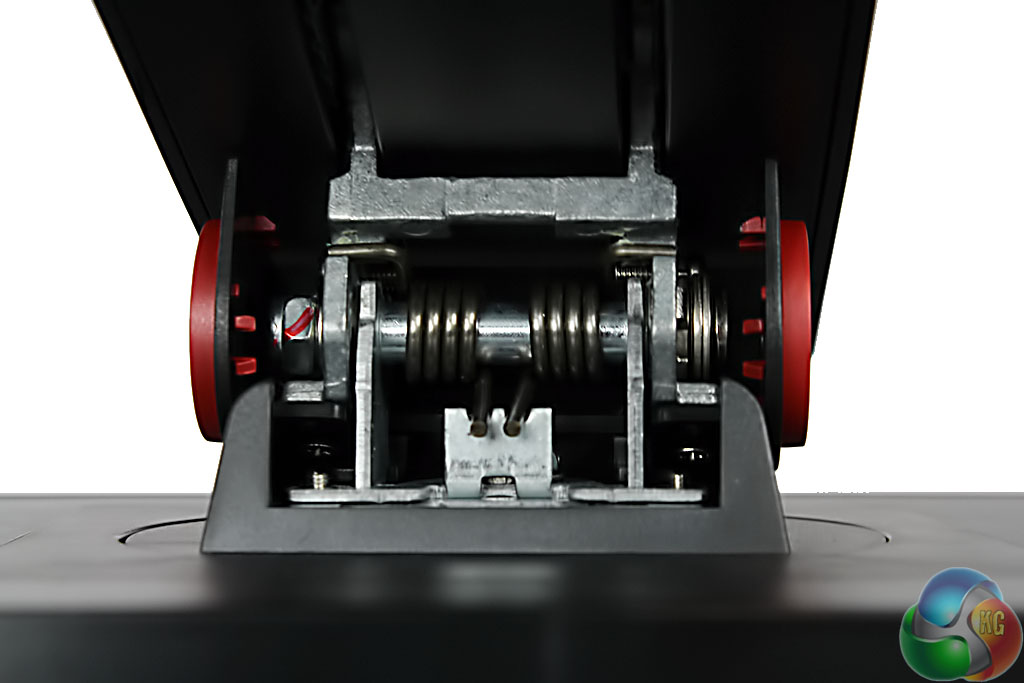
There's no better example of the tough, brash industrial look than in the hinge, with its attached springs and solid look. Don't put your finger in there.
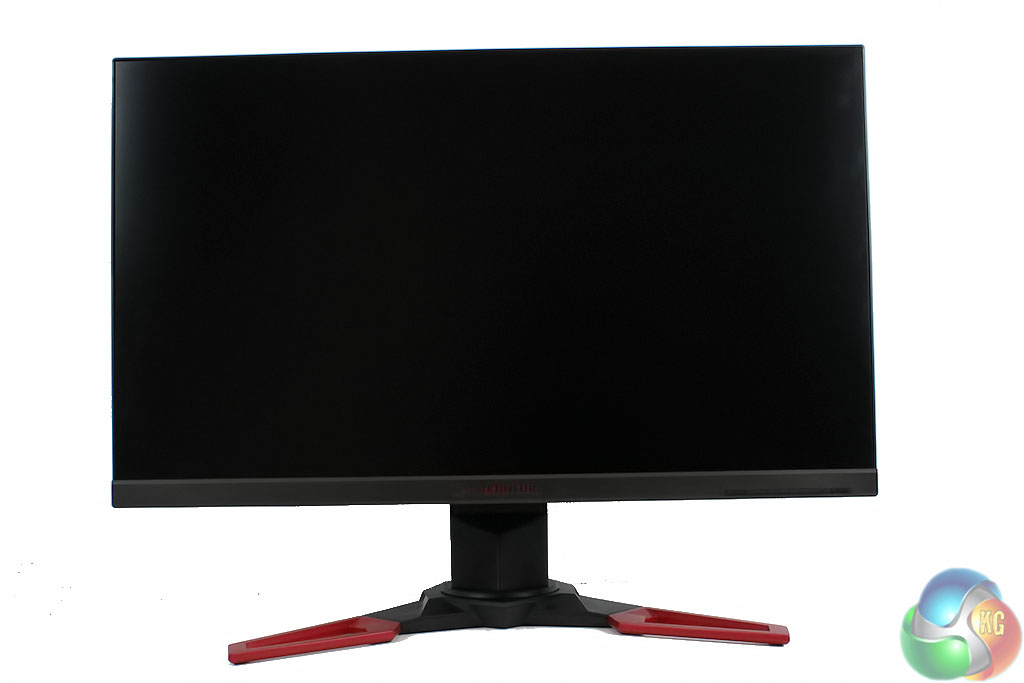
Here is the Acer Predator XB271HK, fully assembled, in all its glory.
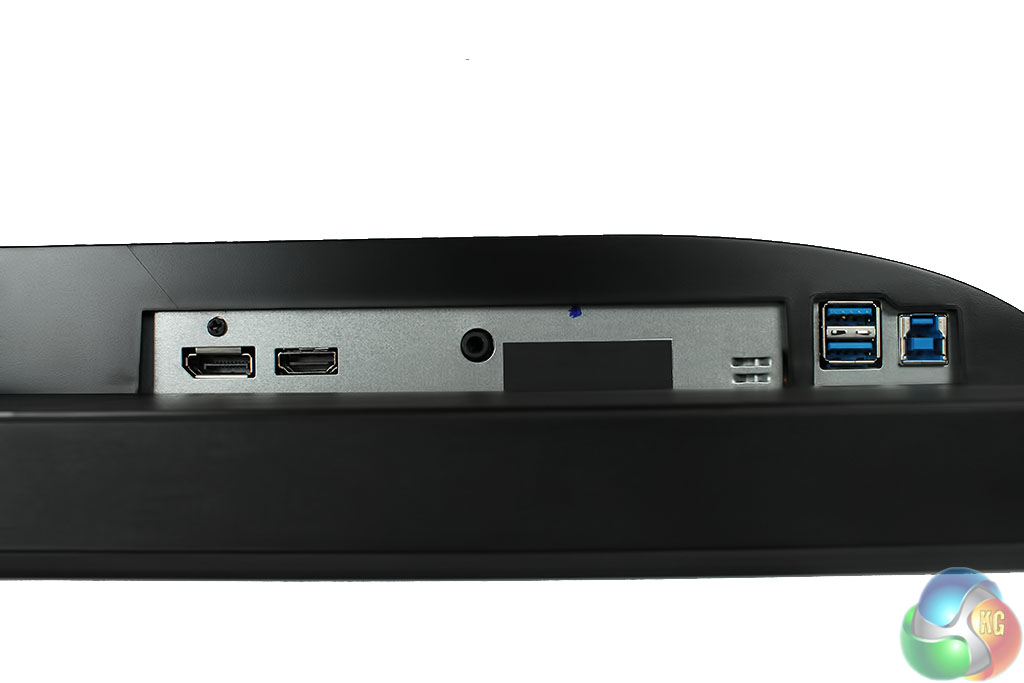
G-Sync unfortunately restricts the number of display inputs. The predecessor to the Acer Predator XB271HK used a G-Sync 1.0 module, with only a single input, but with G-Sync 2.0 there is now an additional HDMI 1.4 input.
Joining that is a USB uplink port and two standard USB 3 ports.
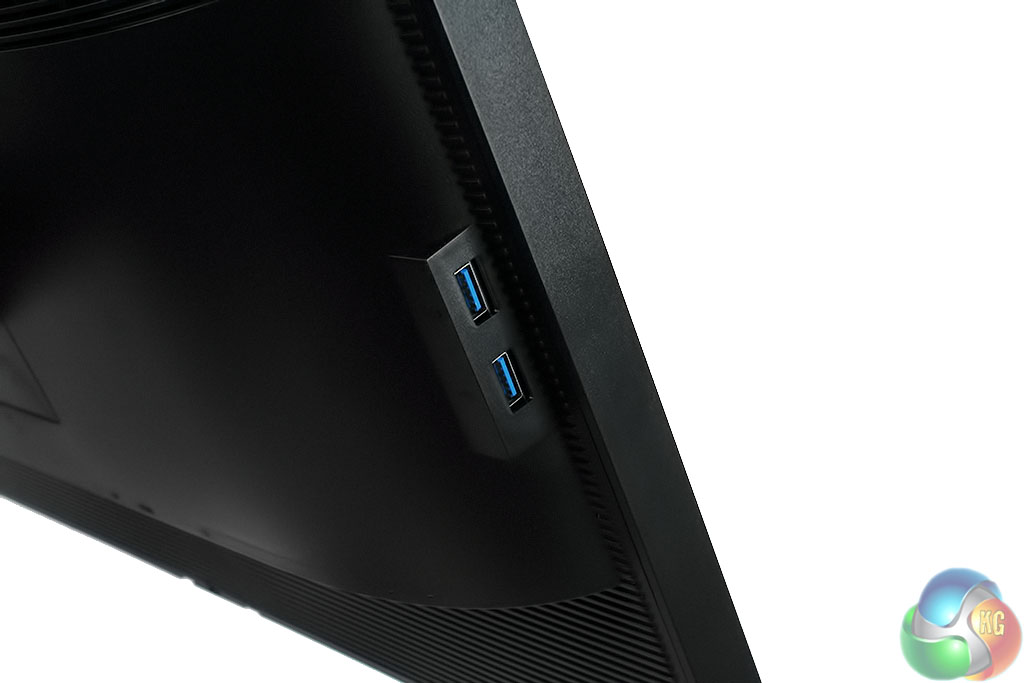
With another pair on the left-hand side.
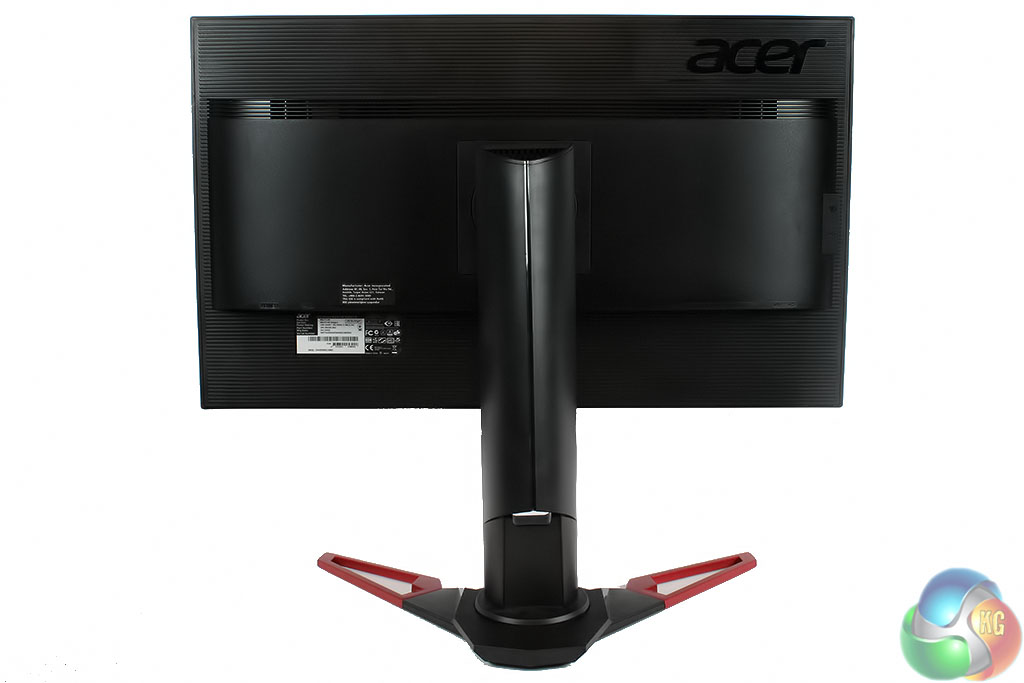
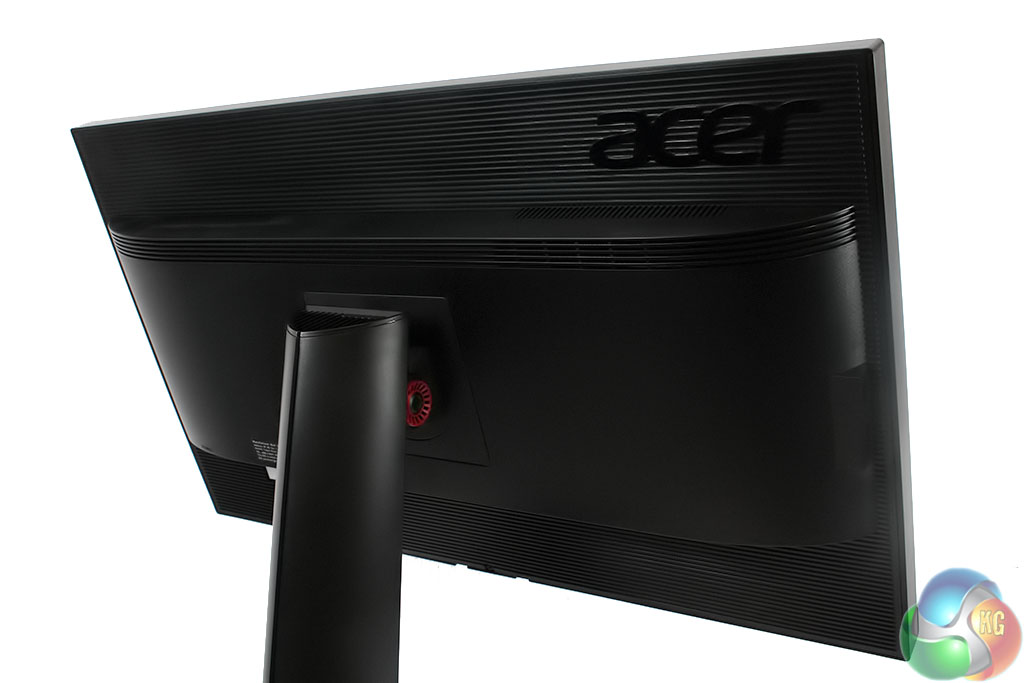
As usual, a large Acer logo dominates the rear of the casing, with an indented groove that gives it a modern feel.
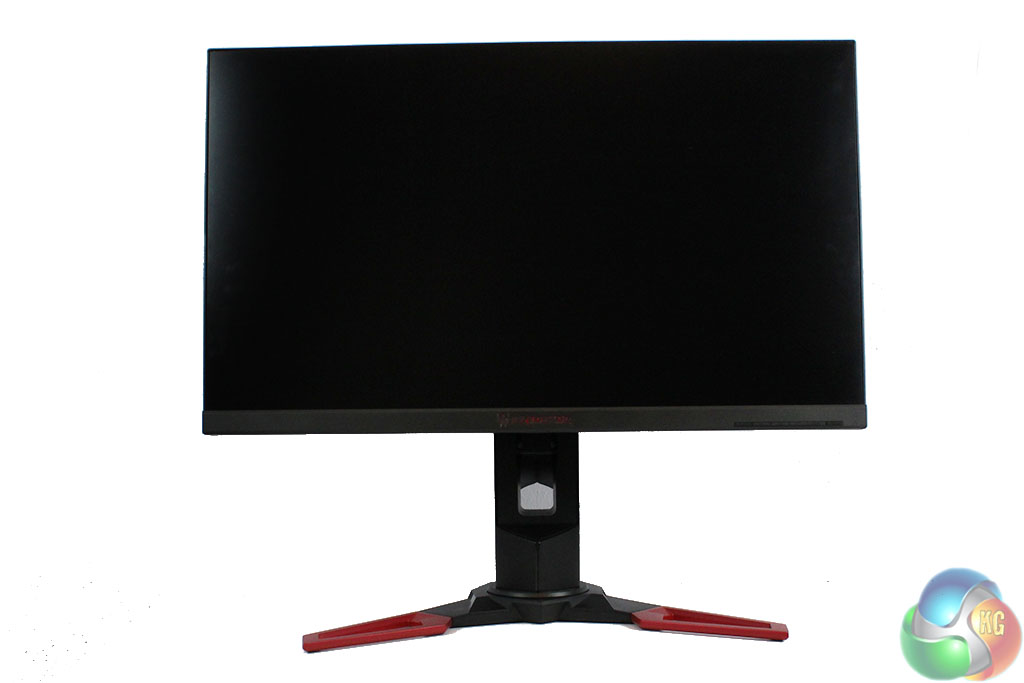
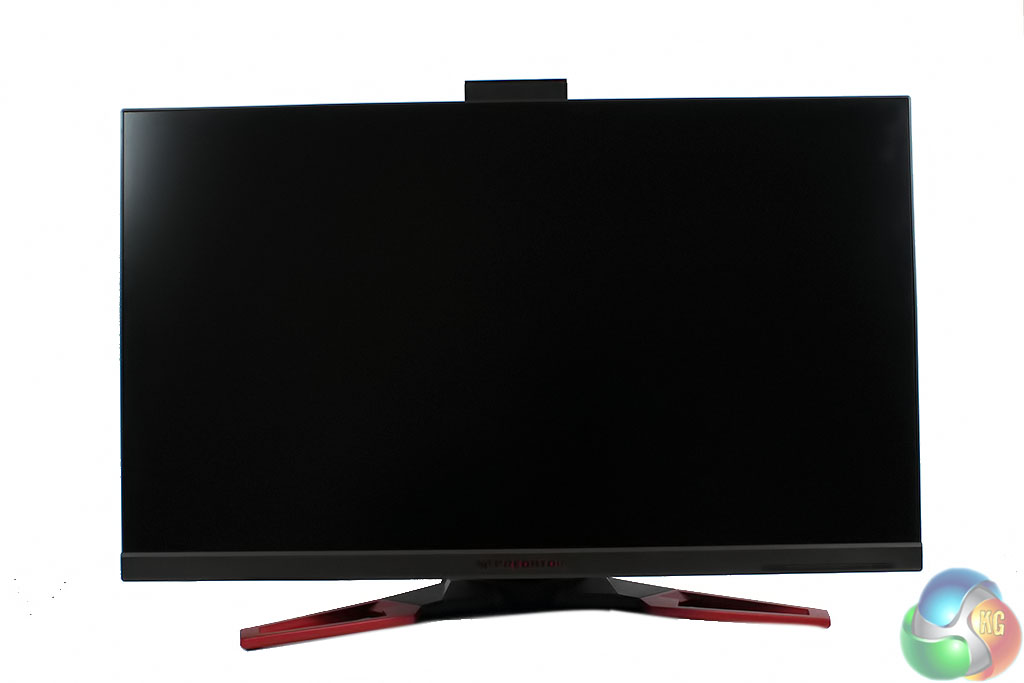
The Acer Predator XB271HK offers a full range of motion, with the ability to rotate and lower the display.
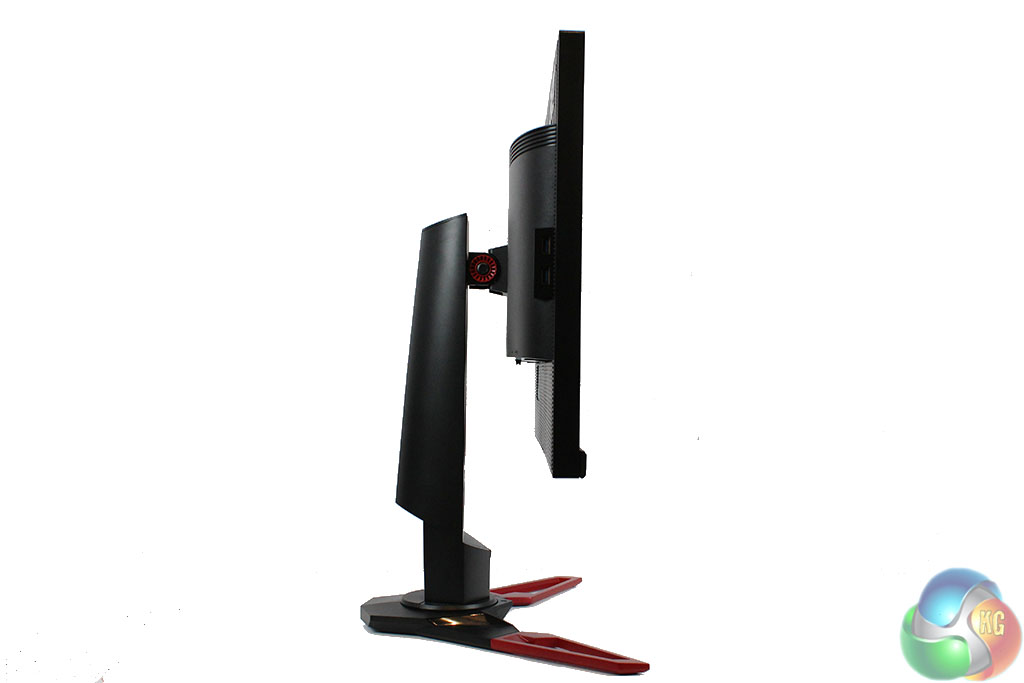
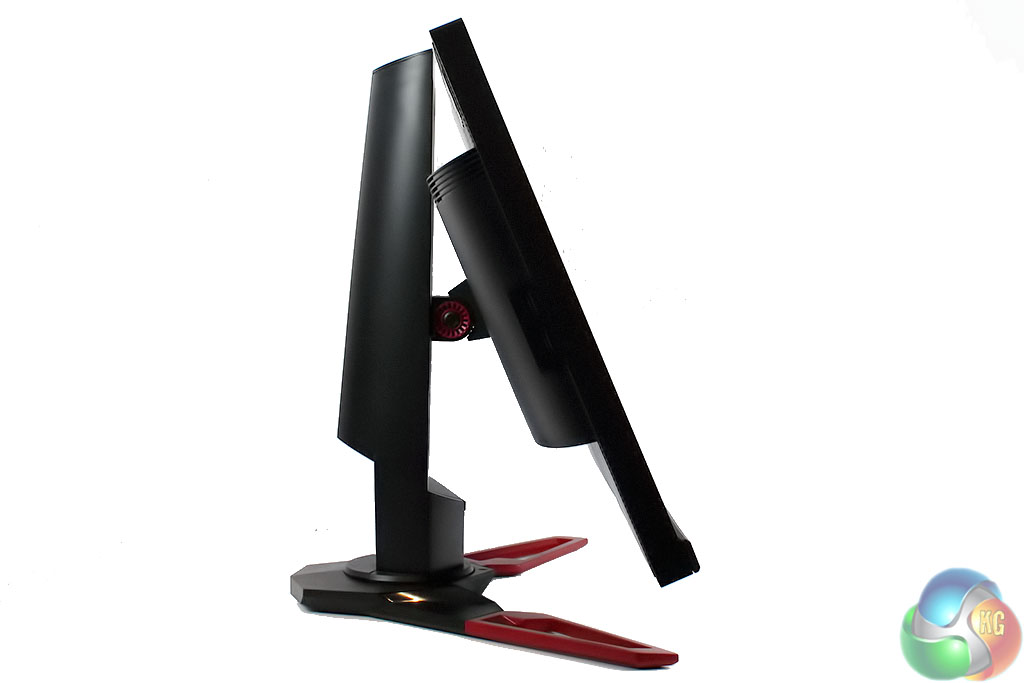
It tilts back and forth between -5 and 35 degrees …
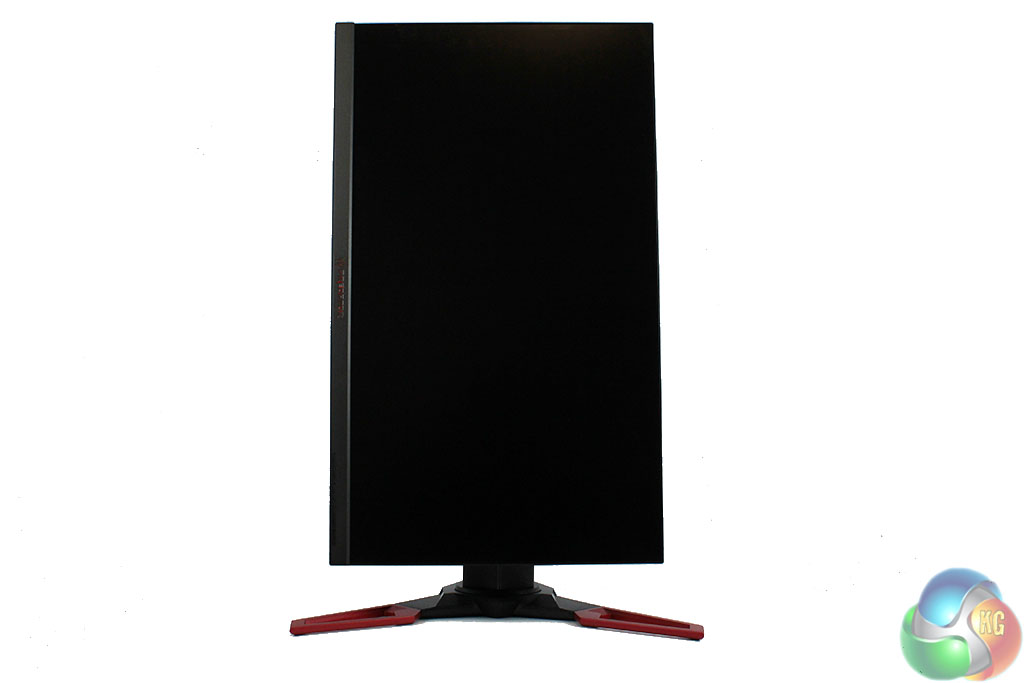
… and can be swivelled around into portrait mode.
The on-screen menu system of any display is key to how usable the product is. The visual and logical structure of the menus affects how easy it is to find settings, customise the image quality and access all the various features.
Some manufacturers haven't realised this yet. Some displays are sold with fiddly menus that take forever to load pages, with redundant settings and they end up being frustrating to use. On entry-level displays, this is forgiveable, but with the addition of new technology that drives up prices for high-end monitors, it seems reasonable to expect every effort goes into all the aspects of a product.
For the Predator range, Acer has redesigned its menu system with a sharp visual appearance, plenty of settings to adjust and a simple structure that makes it easy to find and adjust settings. Simple icons, quick response times and well chosen colours make it easy to see, with a red (what else?) primary colour for status bars and the like.
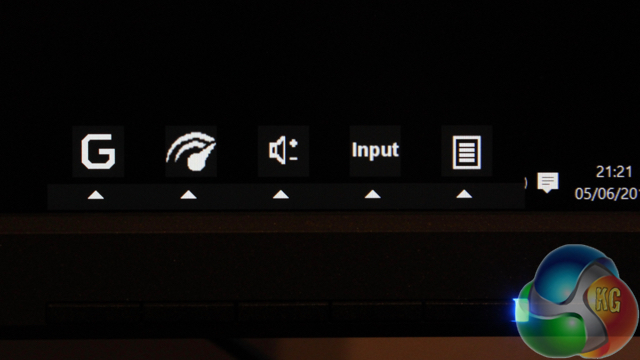
A quick press of any of the buttons on the bezel brings up shortcuts to the volume control and Nvidia Overdrive function.
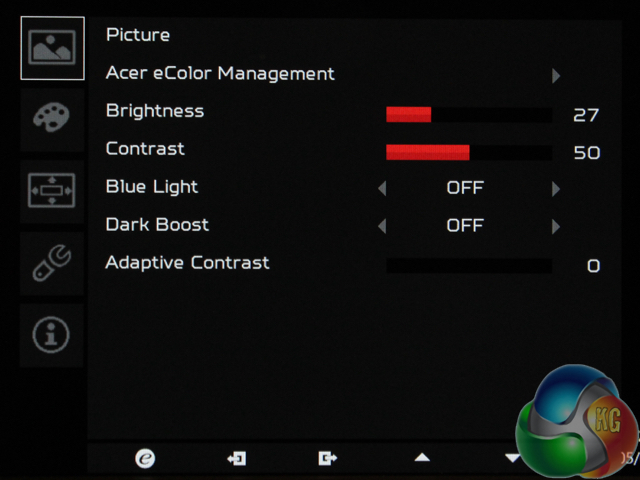
The Picture menu offers most of the main settings to adjust the image, including brightness and contrast, a dark boost, the low blue light mode and adaptive contrast function.
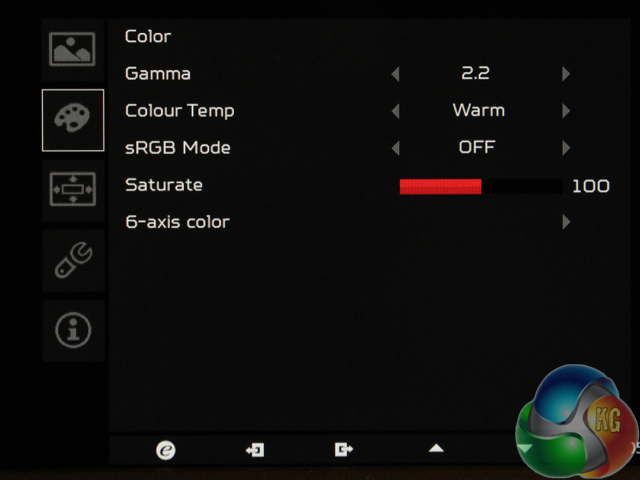
The Color menu lets you change the gamma between settings labelled 1.8 and 2.2, the colour temperature, and enable an sRGB mode, which brightened up the display considerably in use. There's a six-axis colour setting as well. You can save these to one of three presets.
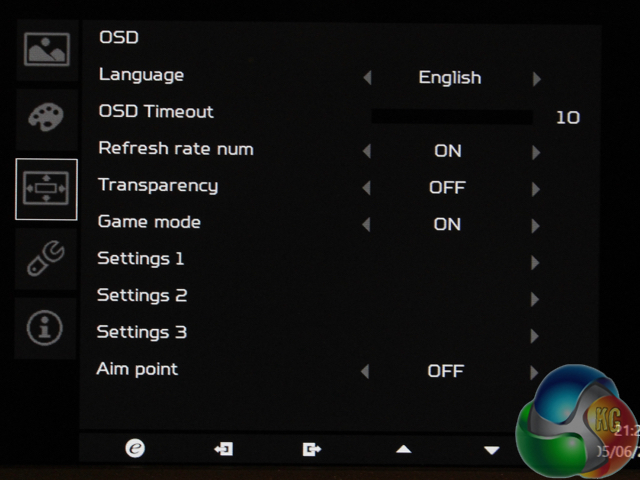
The OSD menu adjusts various system settings.
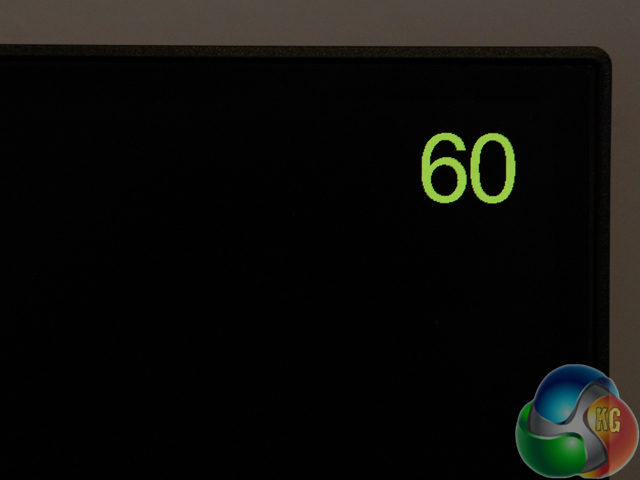
You can switch on an on-screen FPS counter, that's linked to your frame rate. Like with other G-Sync displays, as the displays refresh rate is linked to your graphics card's frame rate, this counter will be accurate, but only up to the maximum refresh rate of the display, which in the case of the Acer Predator XB271HK, is 60Hz.
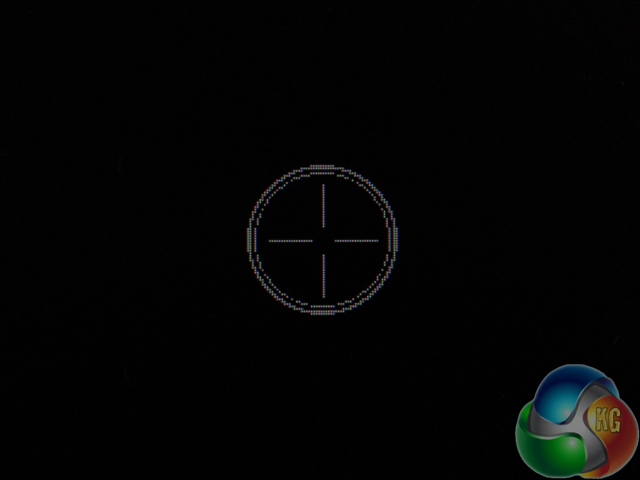
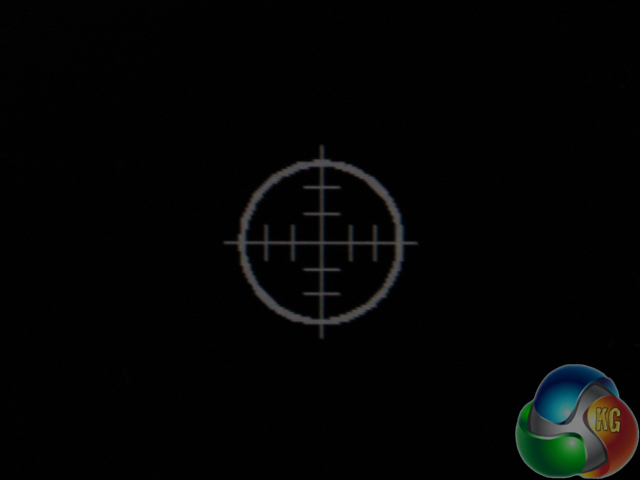
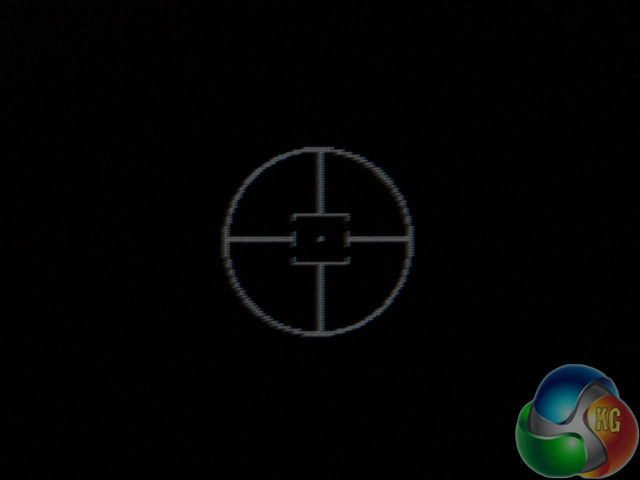
There are also three aiming guides to choose from.
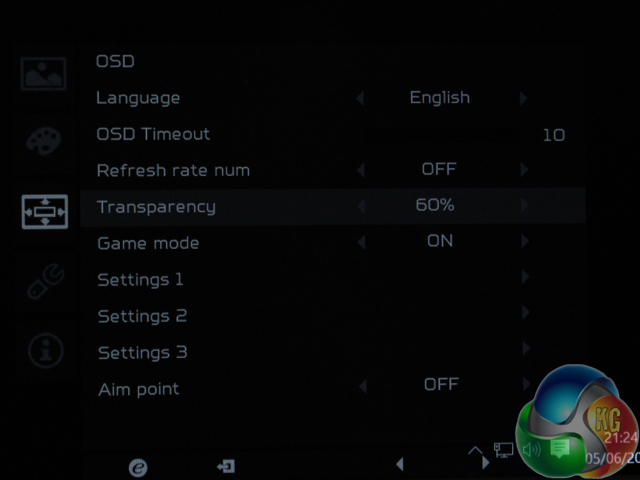
And the transparency setting adjusts the brightness of the OSD. Here it is at 60%, which is why the above image is barely legible.
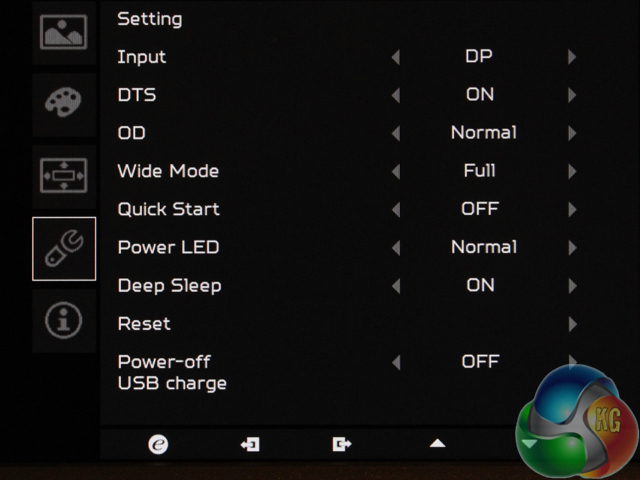
Further display settings are found in the next menu. There's support for DTS-format audio, a quick start setting and adjustments for the power LED. Note the useful “Power-off USB charge setting, which keeps devices powered up if the Acer Predator XB271HK goes into standby mode.
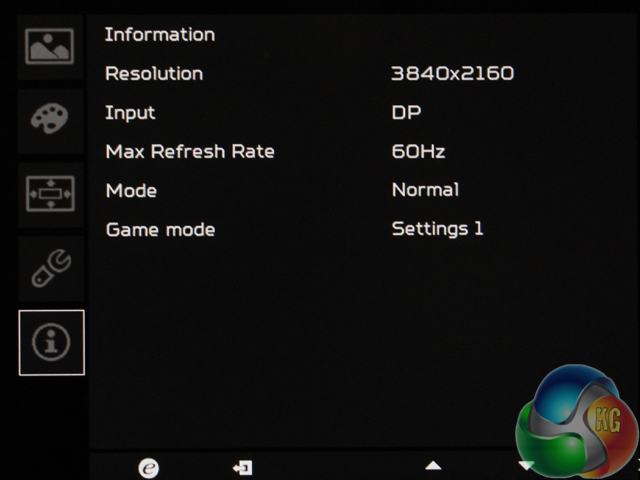
Lastly, an info menu shows basic information about the current display settings.
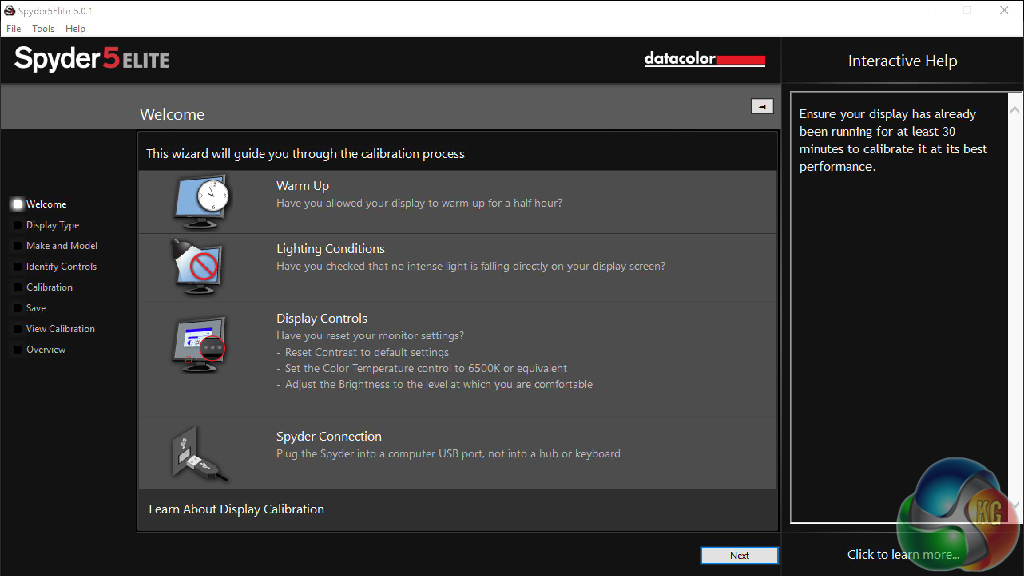
Our first test involves using a DataColor Spyder Elite 5 Colorimeter to assess a display’s image quality. The device sits on top of the screen while the software generates colour tones and patterns, which it compares against predetermined values to work out how accurate the screen is.
The results show –
- A monitor’s maximum brightness in candelas or cd/m2 at various levels set in the OSD.
- A monitor’s contrast ratio at various brightness levels in the OSD.
- The brightness deviation across the panel.
- The black and white points
- The colour accuracy, expressed as a Delta E ratio, with a result under 3 being fine for normal use, and under 2 being great for colour-accurate design work.
- The exact gamma levels, with a comparison against preset settings in the OSD.
We first run this test with the display in its default, out-of-the-box state, with all settings on default. We then calibrate the screen using the Spyder software and run the test again.
We always test the display subjectively on the Windows desktop, using it for general tasks such as browsing and word processing, and with games as well, even if the display is not intended solely for that purpose. We pay careful attention to any artefacts, ghosting or motion blur, and enable any gaming specific features, such as adaptive-sync settings like G-Sync, using a compatible graphics card in our test PC.
We also measure a display’s power consumption at 100% brightness and with the screen calibrated to 120 cd/m2, to compare its efficiency against other displays.
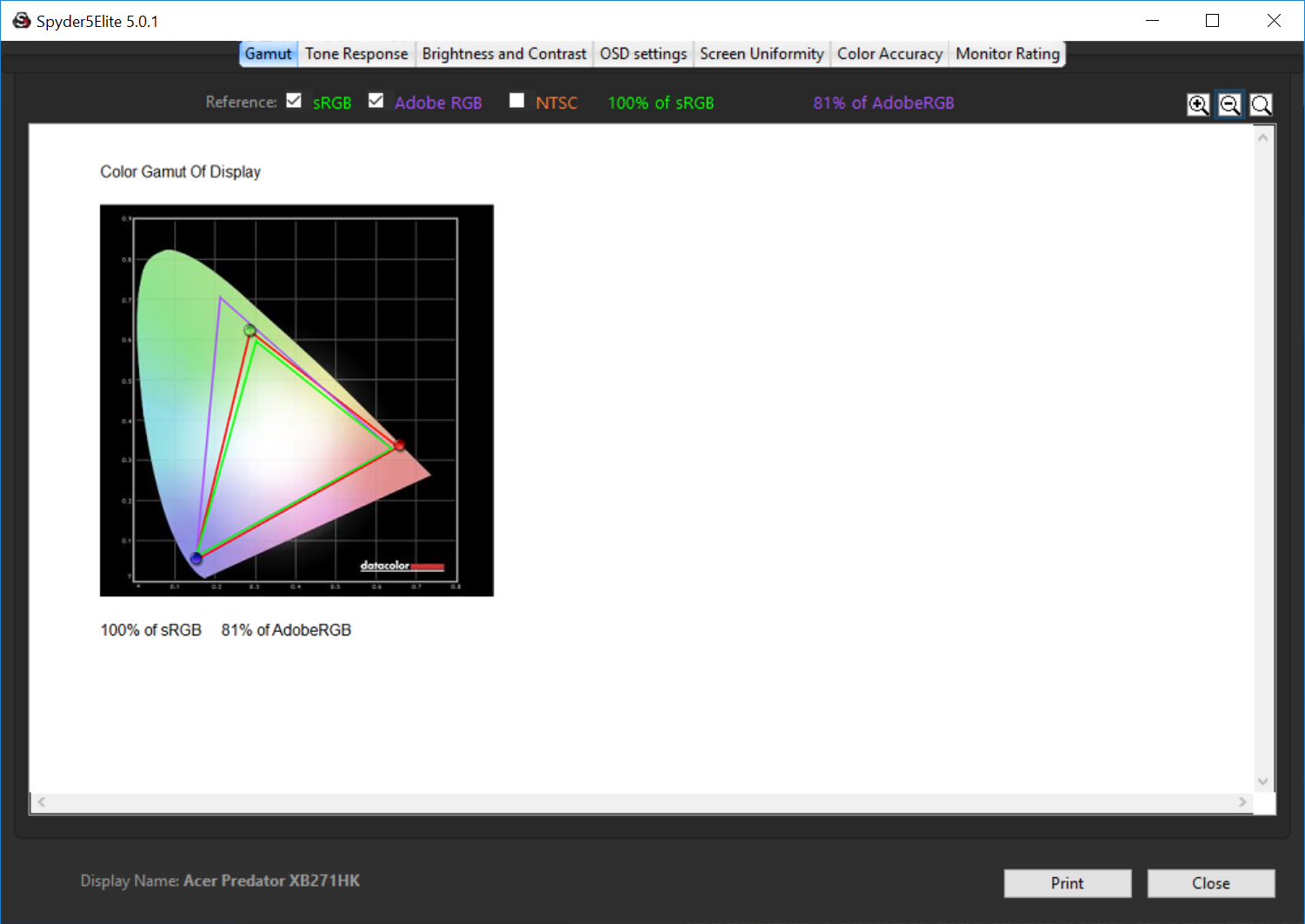
100% sRGB of 81% AdobeRGB are roughly on a par with most consumer-grade IPS panels, and to be expected.
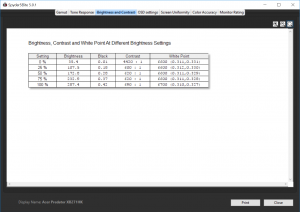
With the Acer Predator XB271HK set to 100% brightness it achieves under 300 cd/m2 white levels. This result is interesting for two reasons. The competing Asus ROG Swift PG27AQ 4K G-Sync display has the same characteristic, which points to the two screens using the same panel. And more importantly for any would-be purchasers, it's not noticeable in use, with a bright desktop image that looks no different to other displays.
In its factory uncalibrated state, we spot the white balance is slightly off the 6500k target and the contrast levels hit a good 690:1
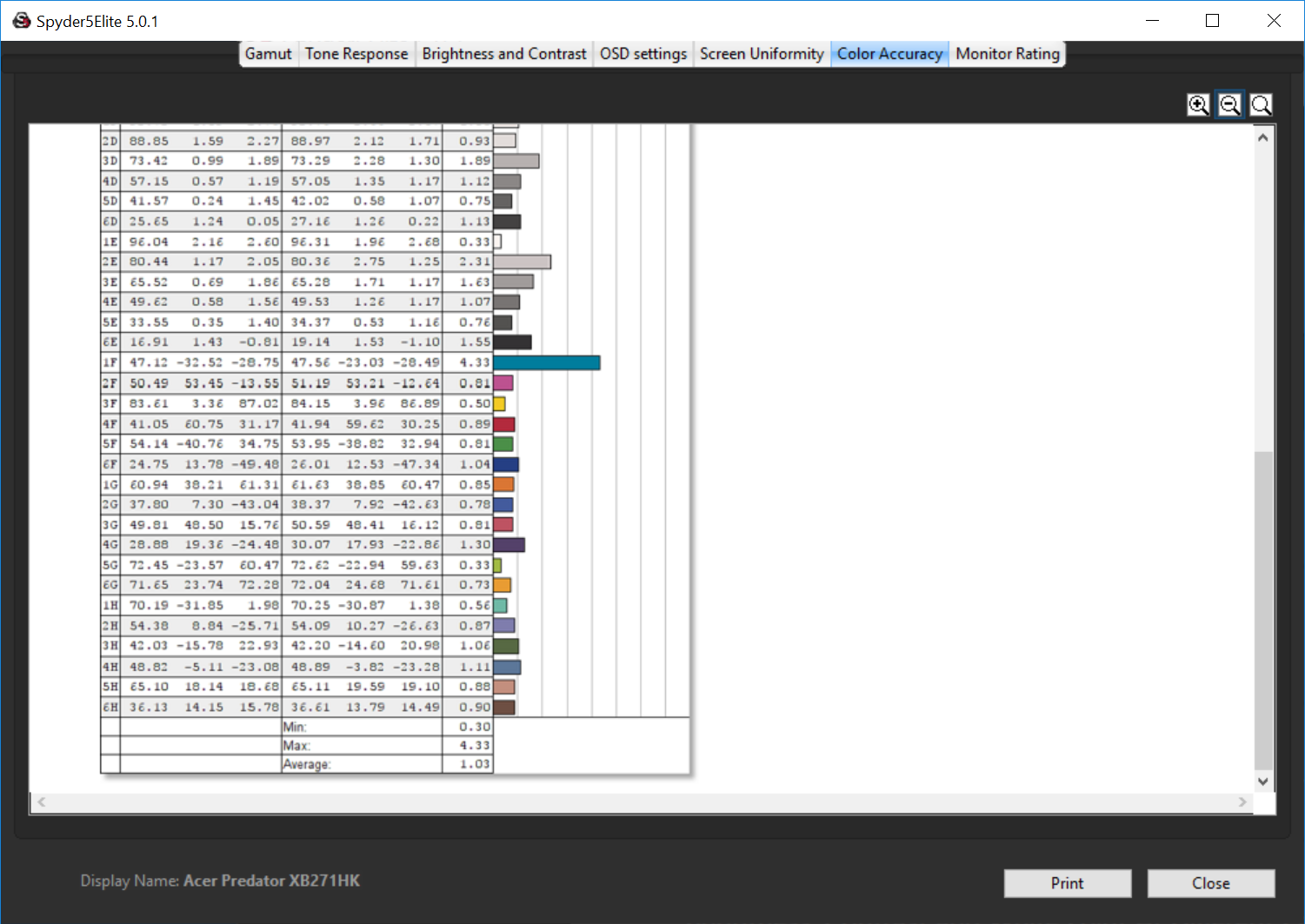
An average Delta E of 1.03 is an excellent result, an expected for a modern 10-bit colour IPS panel.
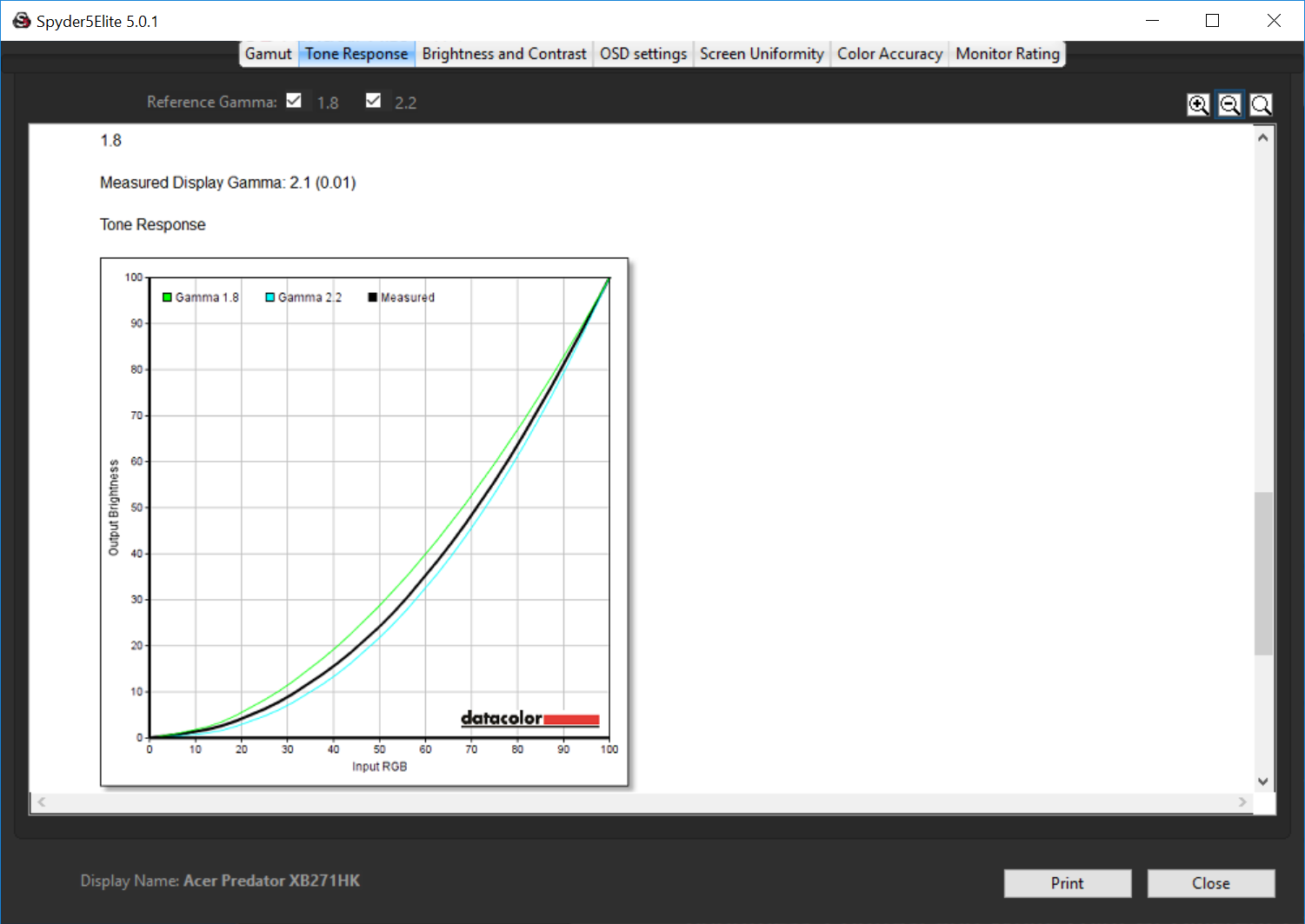
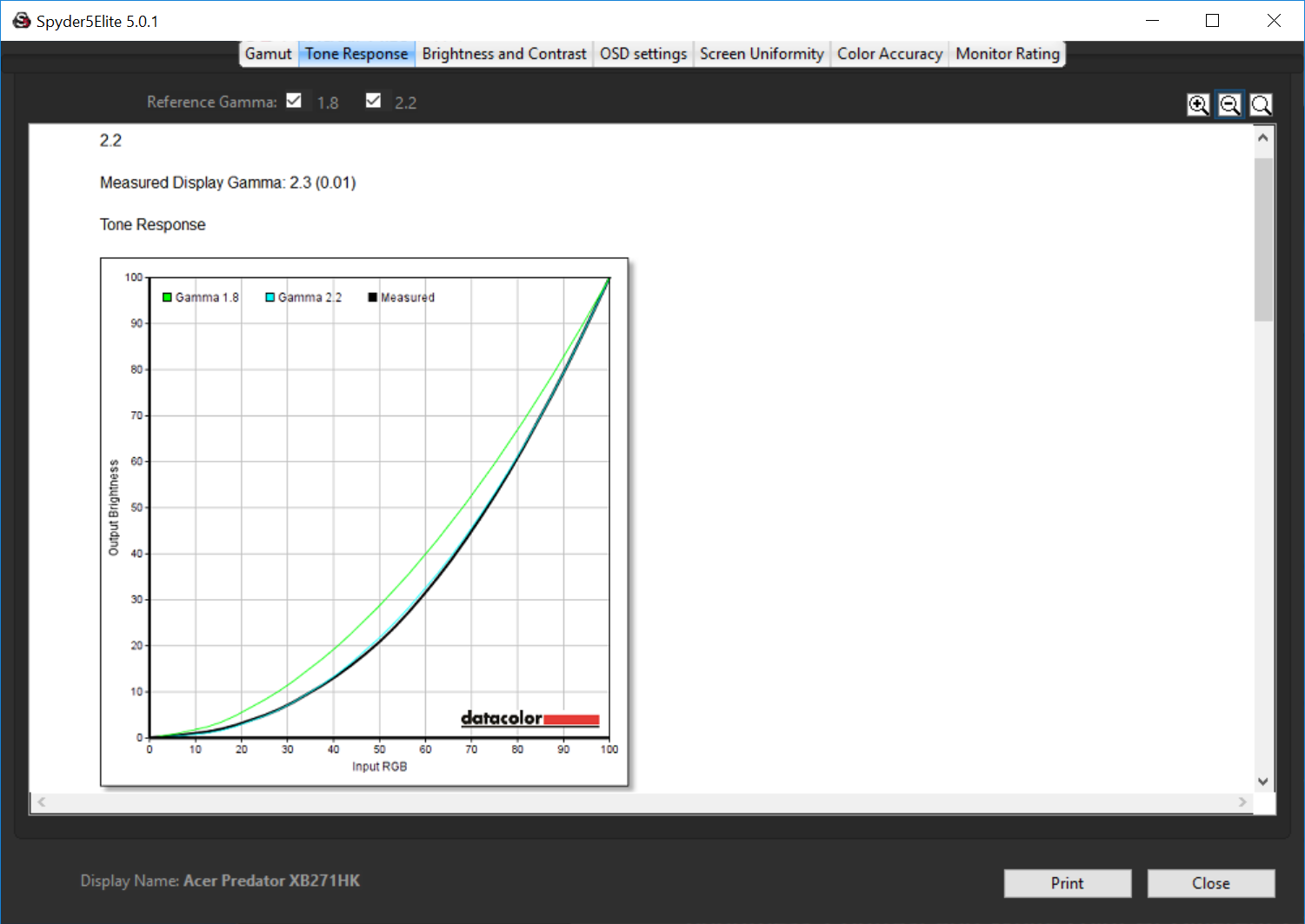
The gamma settings are both slightly out, with the one labelled 1.8 set far too high. The 2.2 setting is out by a smaller gap, of just 0.1.
Then after calibration to 120 cd/m2.
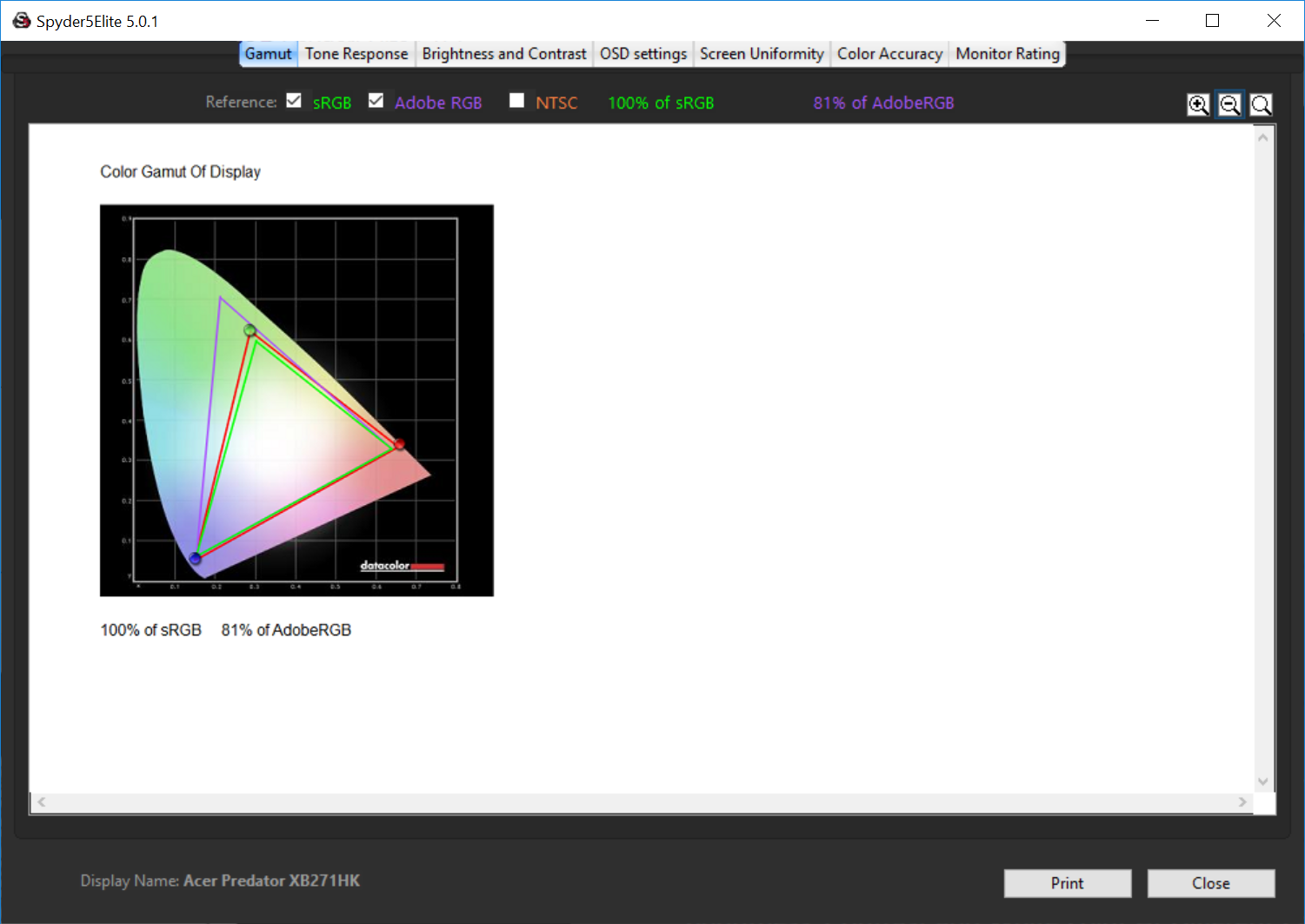
The gamut remains at 81%.
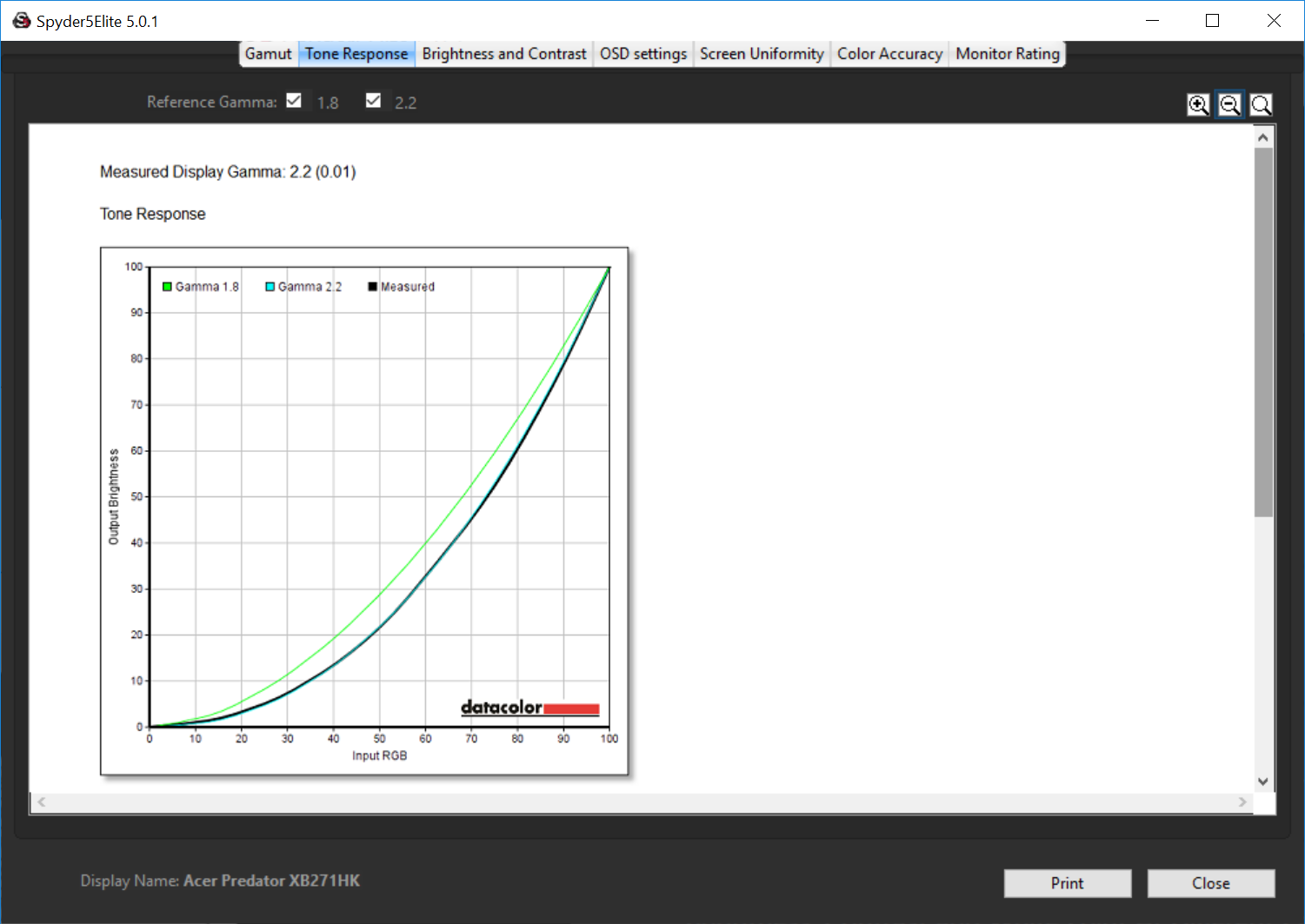
The gamma hits a perfect 2.2.
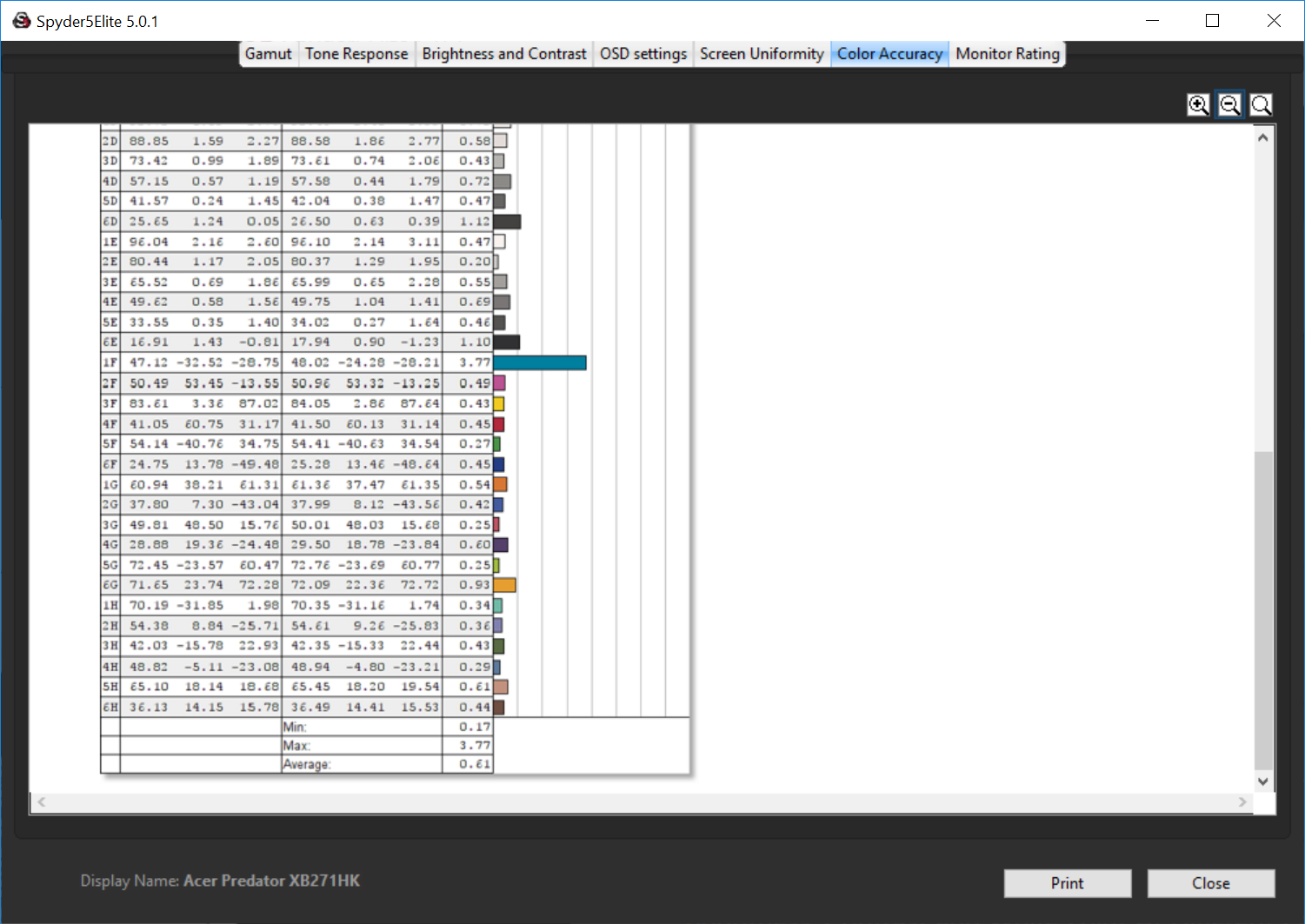
And the accuracy hits a Delta E below 1, a truly awesome result that means the Acer Predator XB271HK is a good and workable screen for graphic design, although entirely expected for a 10-bit panel (1.07 billion colours).
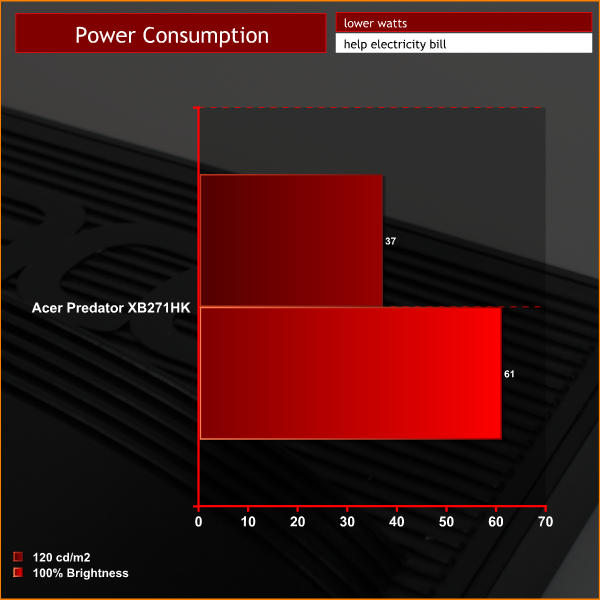
Power consumption is perfectly reasonable, with a result at 100% brightness that may look high, but is actually relatively efficient and to be expected given the large number of pixels on a 27-inch 4K display.
How about some subjective analysis to round it?
Firstly on the Windows desktop, as previously stated, the picture is bright, crisp and colourful. With 178 degree viewing angles that you get with IPS, there are no complaints at all.
In games, the G-Sync module works as it does on other displays. We tried a few games of Battlefield 4 and there is a notable improvement to animation over a non G-Sync display, but without the same level of smooth animation you get from a 144Hz display.
And as stated on the previous page, the ergonomics of the Acer Predator XB271HK make it a joy to use, with easy access to its menus and settings. If you're upgrading from an older, cheaper display, the improvements will be very noticeable.
The Acer Predator XB271HK is superb. Acer’s second crack at a 4K G-Sync display hits the target, bang on the mark.
Most importantly, the picture quality is spot on. In use it’s razor sharp, the viewing angles are excellent, as it’s an IPS panel, the colours look good and in our tests it shows good contrast and colour accuracy, although perhaps not the highest brightness we’ve ever seen. And it wont disappoint in games. When G-Sync kicks in, it works very well, reducing tearing and making animation super smooth in all games, when using an Nvidia graphics card.
Although it relies on traditional button operation on the front edge, the menu system is perhaps slightly better than Asus’ already commendable efforts on its ROG Swift PG27AQ, with a slightly neater menu structure. It’s easy to find settings and customise the image, and there are a few other useful gaming related features such as an FPS counter, linked to your game’s frame rate up to 60fps, as well as on-screen crosshairs, if you choose to use them.
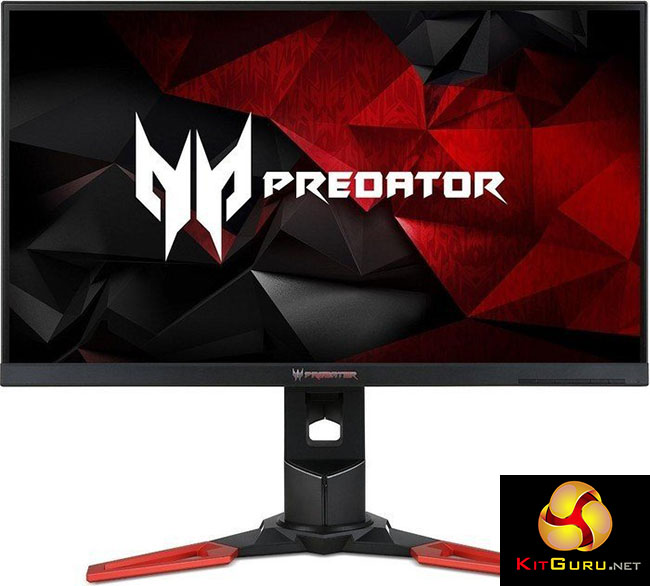
The design is good too, although we’re not entirely sure this industry-wide move towards big, brash design will have universal appeal. We’ve seen Asus introduce it on one of its displays too, and the red metal base is common across all Acer’s Predator monitors. We like it, but accept that some people would prefer a more traditional monitor design. Then again it’s a lot more modern and better quality than some of Acer’s older displays.
We’ve already mentioned Asus’s ROG Swift PG27AQ a few times for a good reason – the two rival firms are the only companies to have produced 4K G-Sync displays.
Side-by-side, the two products are incredibly similar, and from our tests, the brightness on both is slightly on the low side (which on neither display is noticeable in use, we add). This makes us suspect both screens are using the same AU Optronics panel.
Whether that’s the case or not, there’s little more than a razor’s edge to put between the two. They’re both well built and offer a great picture.
The Acer Predator XB271HK is about 10% cheaper though, which will be a big draw for anyone considering a 4K display with G-Sync.
But while that works out in Acer’s favour, the combination of 4K and G-Sync is arguably slightly less impactful now, given that refresh rates above 60Hz will be possible with a next-generation video card that supports DisplayPort 1.4. We’d hazard a guess that the first of such displays to support higher 4K refresh rates will land before the end of the year, although that entirely depends on panel availability.
But future gazing can’t detract from what is a very strong product. The Acer Predator XB271HK hits all the right notes, delivering a harmony of gaming performance and image quality at a price that’s competitive with other high-end displays. While it doesn't offer the colour accuracy, or wide gamut of high-end professional displays, for general-purpose use, the Acer Predator XB271HK is excellent and will be just fine for graphic design work, while in games, while it doesn't go above 60Hz, the G-Sync feature still means tear-free animation and a better experience all round.
Discuss on our Facebook page, over HERE.

Buy from Overclockers UK for £599.99 inc vat HERE.
Pros:
- Great desktop image quality.
- G-Sync module works fantastically well.
- Plenty of useful features in on-screen menu.
Cons:
- Displays with 4K refresh rates above 60Hz may be on their way this year.
- Slightly low recorded brightness.
- The combination of G-Sync and 4K bumps the pricing of a display considerably.
Kitguru Says: 4K resolution, great picture quality, G-Sync, an attractive design, and a competitive price. Acer has a winner here.

What the hell? Why are you still using DP 1.2 and HDMI 1.4?!?! What’s the point of this monitor anyway being so late and only 60Hz? There are already GPUs supporting DP1.3 and 1.4 and HDMI 2.0! Come on, 120Hz 4K, 144Hz Ultrawide QHD release them already! If you are going for a 60Hz 4K monitor, at least make it HDR! ACER YOU SUCK SOOOOO BAD!
And yet decent 1440p monitors are still pretty expensive… Come on 4K, become the mainstream so I can get a cheap upgrade from 1080p :L
<"my room mate Mary Is getting paid on the internet $98/hr"…..!td270y
two days ago grey McLaren. P1 I bought after earning 18,512 Dollars..it was my previous month's payout..just a little over.17k Dollars Last month..3-5 hours job a day…with weekly payouts..it's realy the simplest. job I have ever Do.. I Joined This 7 months. ago. and now making over hourly. 87 Dollars…Learn. More right Here
!td270u:
➽:➽:.
➽.➽.➽.➽ http://GlobalSuperJobsReportsEmploymentsPermanentGetPay$98Hour…..
★✹✹★✹✹★✹✹★✹✹★✹✹★✹✹★✹✹★✹✹★✹✹★✹✹★✹✹★✹✹★✹✹★✹✹★✹✹★✹✹★✹✹★::::::!td270y….,…
You can literally pick up a 40 inch freesync 4k monitor for less than this..