KitGuru KitGuru.net – Tech News | Hardware News | Hardware Reviews | IOS | Mobile | Gaming | Graphics Cards


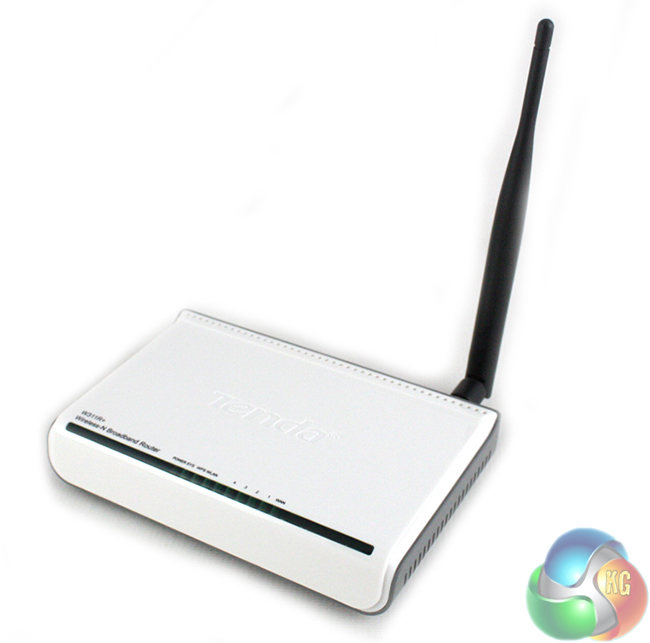
Today we are going to take a look at the Tenda W311R+ Wireless router which is designed for home and small office environments, offering reasonable performance at an affordable price.
Tenda are not a particularly well-known brand but we have tested some of their products before and have been generally impressed with what they have to offer. They focus primarily on the value segment of the market where competition is tough.
We are interested to see how the Tenda W311R+ performs in our tests.
Specifications:
- Standards: IEEE 802.11n, IEEE 802.11g, IEEE 802.11b, IEEE 802.3, IEEE 802.3u
- Interface: 1*10/100M WAN Port (Auto MDI/MDIX), 4*10/100M LAN Ports (Auto MDI/MDIX)
- Antenna: 1* 5dBi detachable omni-directional antenna
- Dimensions (L*W*H): 159.95mm*110.02mm*31mm
- Wireless Speed: Up to 150Mbps
- Frequency: 2.4GHZ
- Wireless Security:64-/128- bit WEP, WPA-PSK, WPA2-PSK, WPS, Wireless Access Control (Wireless MAC filter)
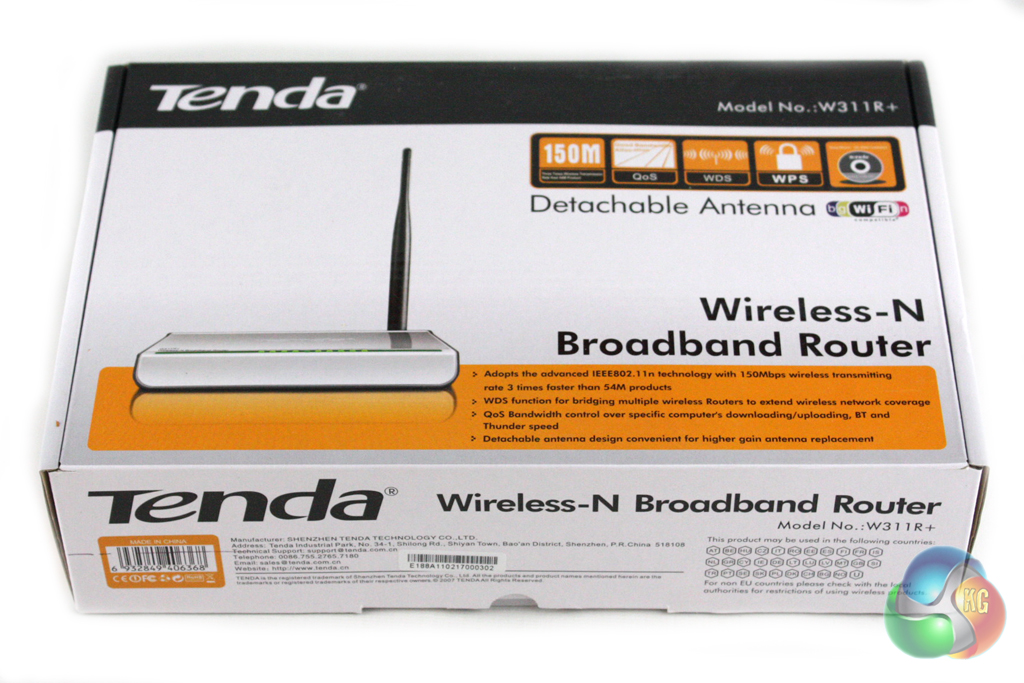
The Tenda W311R+ is supplied in a fairly substantial box which features a black, white and yellow livery. The front of the box features a large image of the router within and details some of the key features of the router.
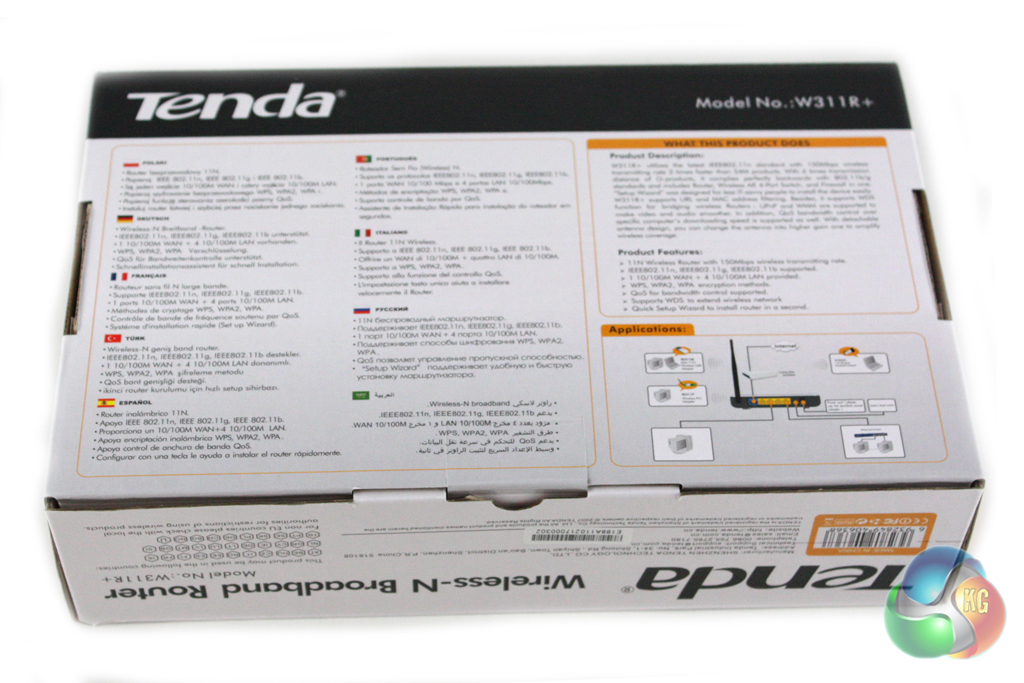
Turning the box over reveals a more detailed breakdown of the features and specifications of the router within. These are repeated in nine different languages. There is also a promotional blurb explaining some of the key features of the router. The box itself feels fairly good quality and should provide a decent level of protection during transit.
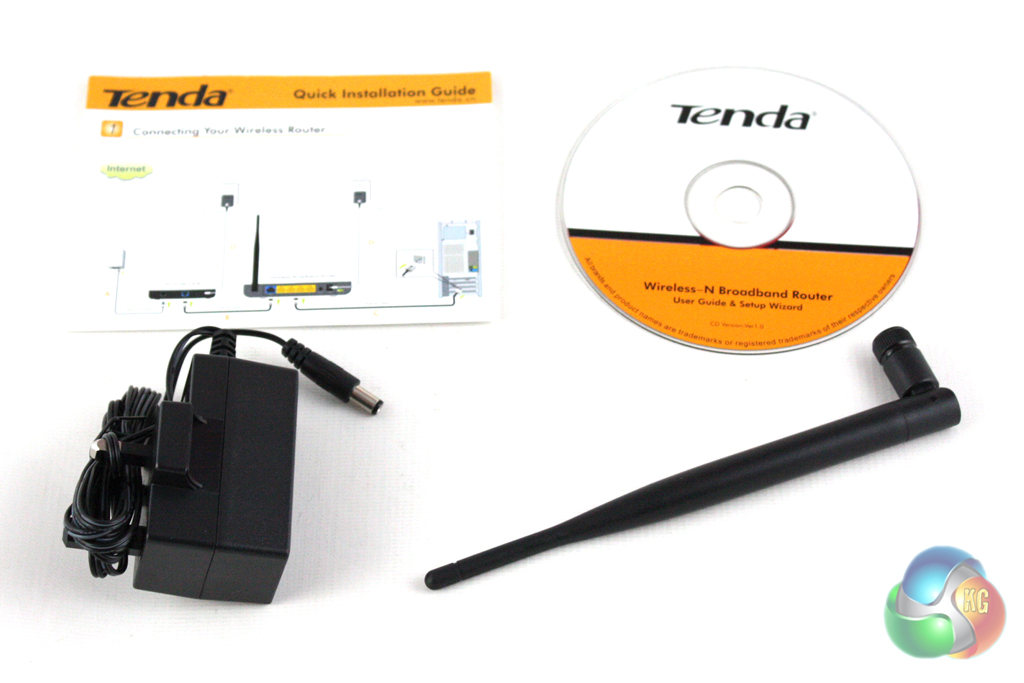
Inside the box, there is a fairly simple bundle included which comprises an AC adapter, the antenna, an installation CD and a user guide.
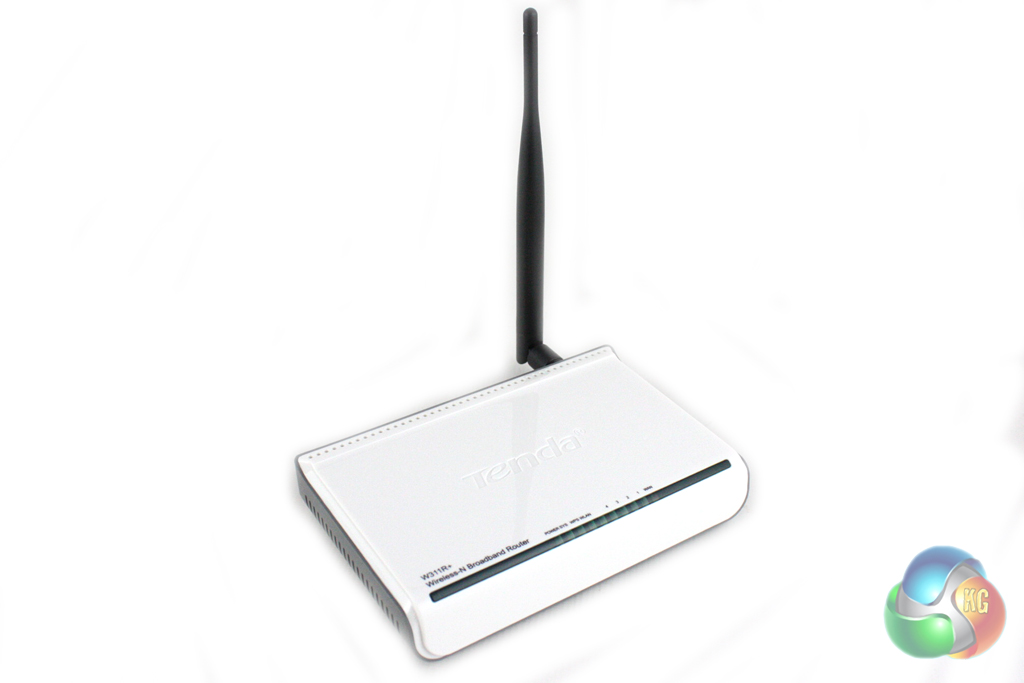
There isn’t anything particularly exciting about the aesthetic design of the W311R+, although we cannot realistically expect anything much more interesting at this price point.
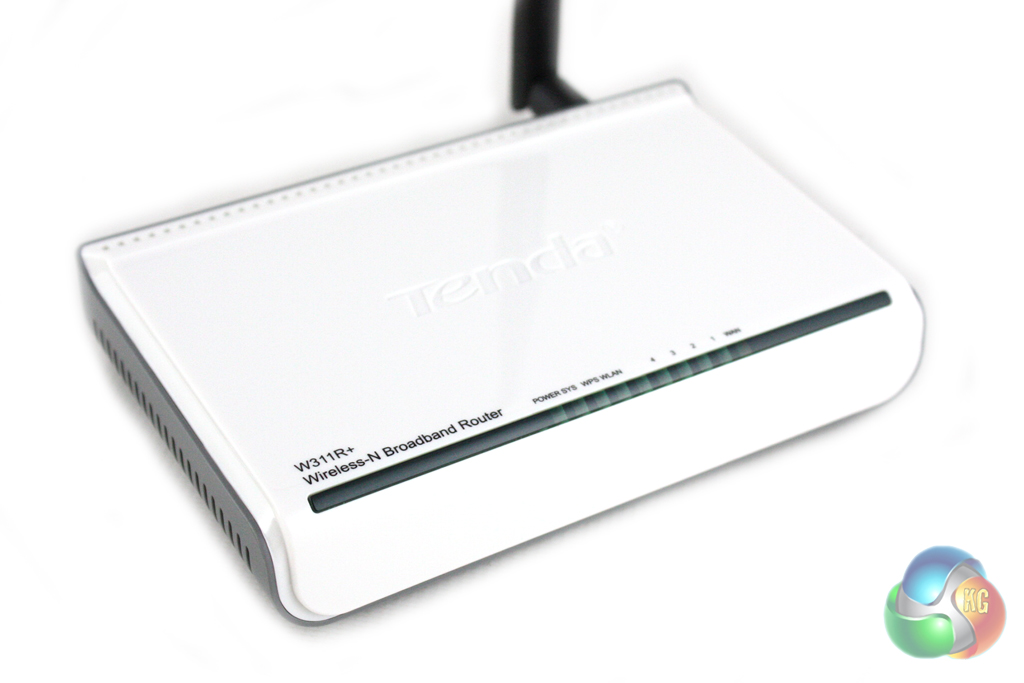
The top of the router is finished in gloss white and features a series of LED indicator lights across the front of the unit.
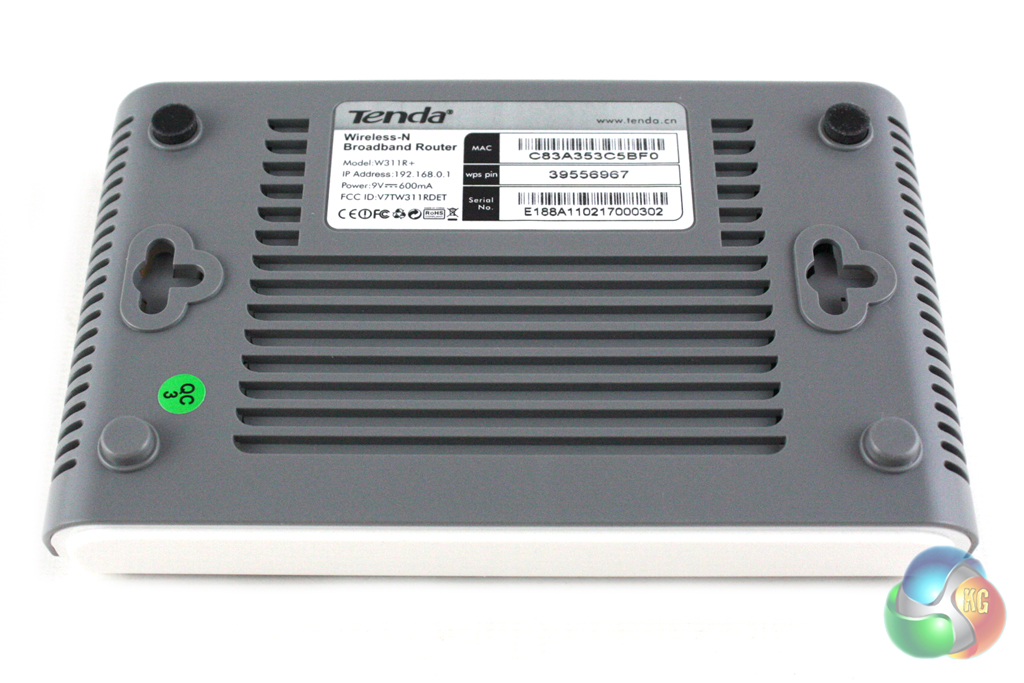
Turning over the router reveals a grey plastic underside with a series of vents cut into it to cool the components inside. There are two rubber feet which stop it from moving around on your desk, and two screw hooks which let it be mounted to a wall.
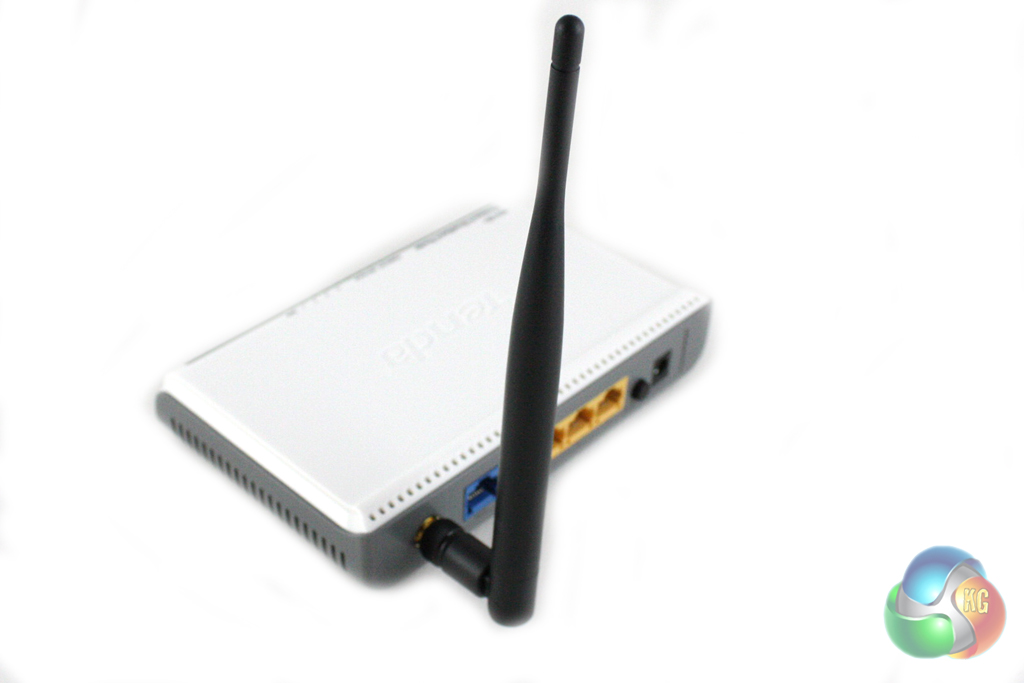
Unlike a lot of routers, the W311R+ only features one antenna. This is quite large in size, but can be easily re-positioned or removed for storage purposes.
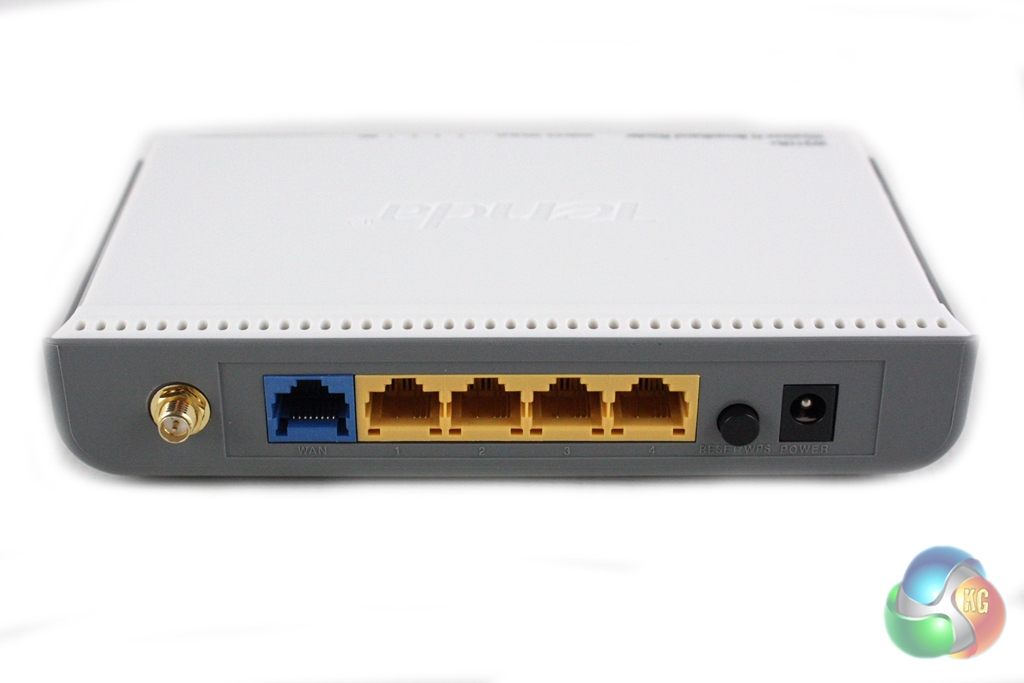
Along the back edge of the router we find a fairly basic selection of ports. From left to right we find the antenna attachment point, one blue Ethernet jack to connect the router to the internet, four yellow Ethernet jacks for other devices, a reset / WPS button and the DC-in jack.
We were quite alarmed when accessing the browser interface that it doesn't actually require a password at all. Looking through the ‘Advanced' settings there is an option to set a password, but those less savvy users may not be aware of this default oversight.
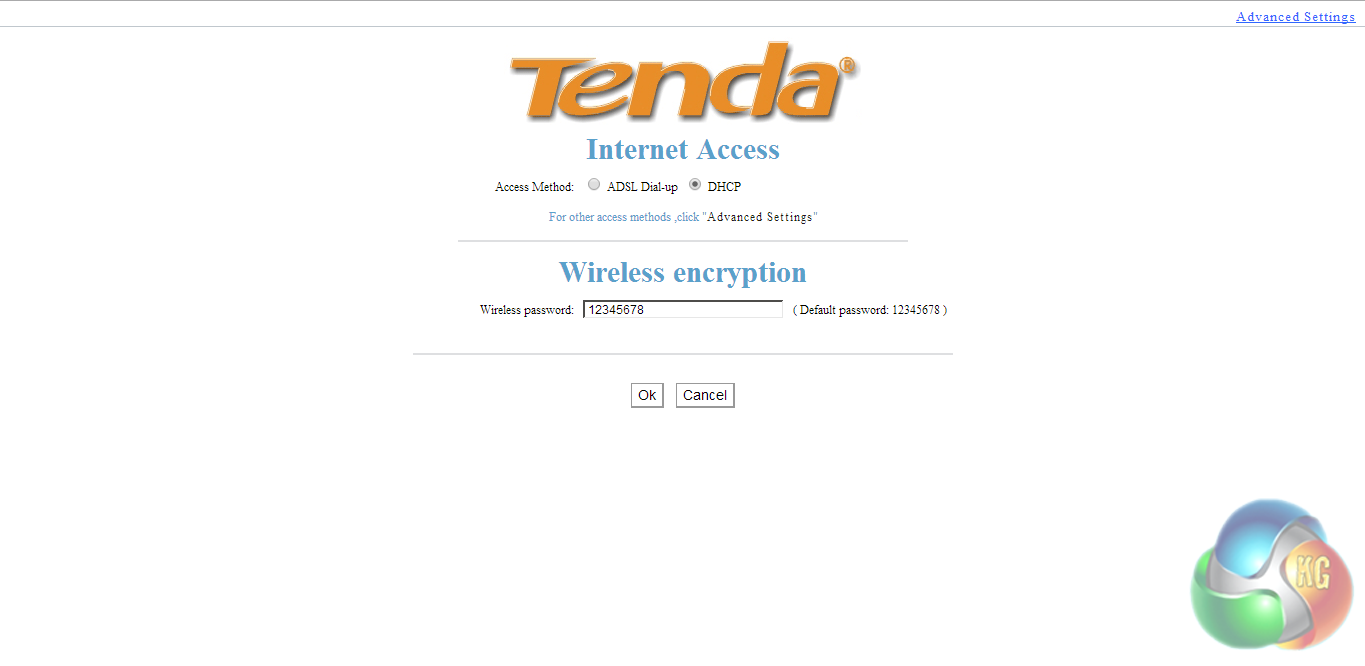
On the first page we are greeted with is a very simple setup screen which lets us configure some of the most basic settings such as the WEP code.
Clicking the advanced tab in the top right hand corner brings up a whole host of other settings.
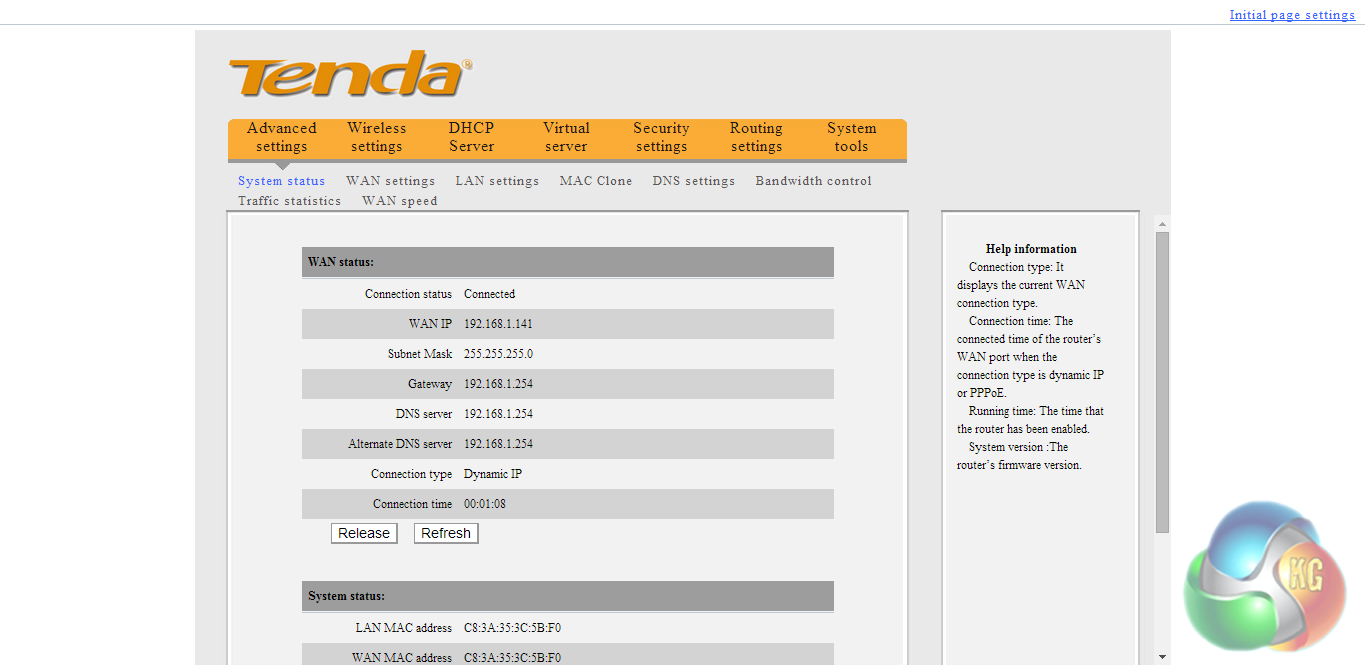
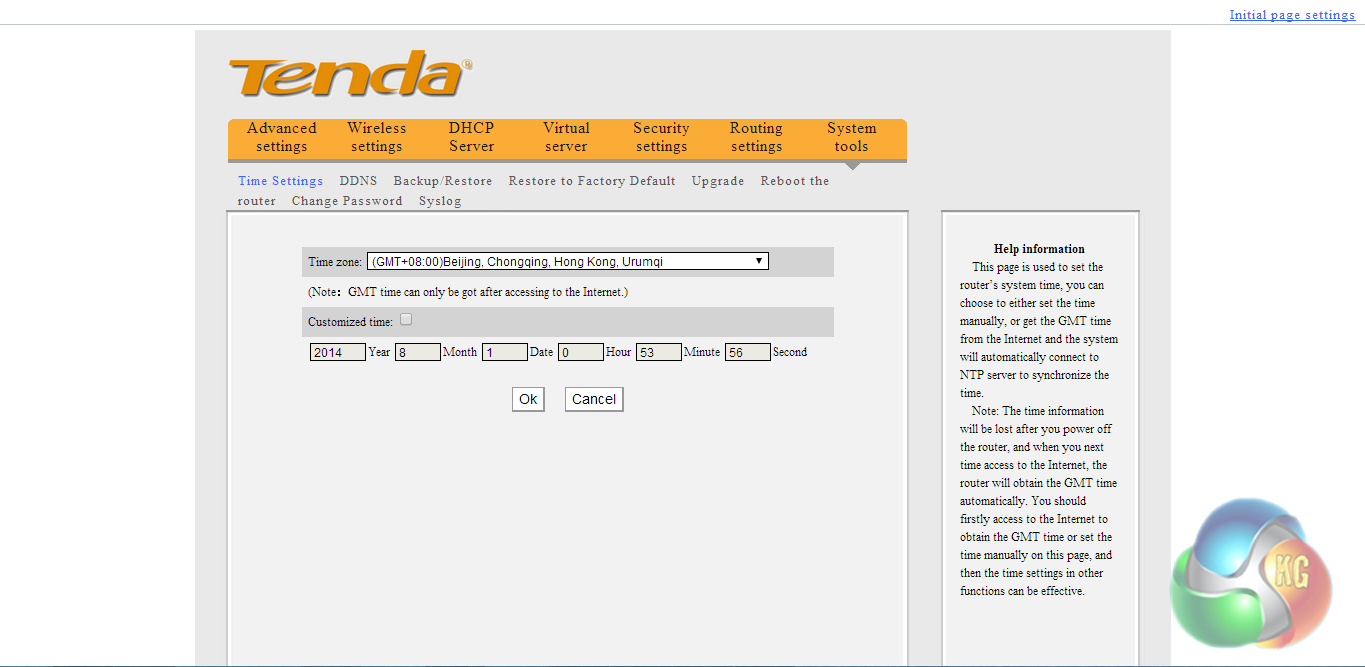
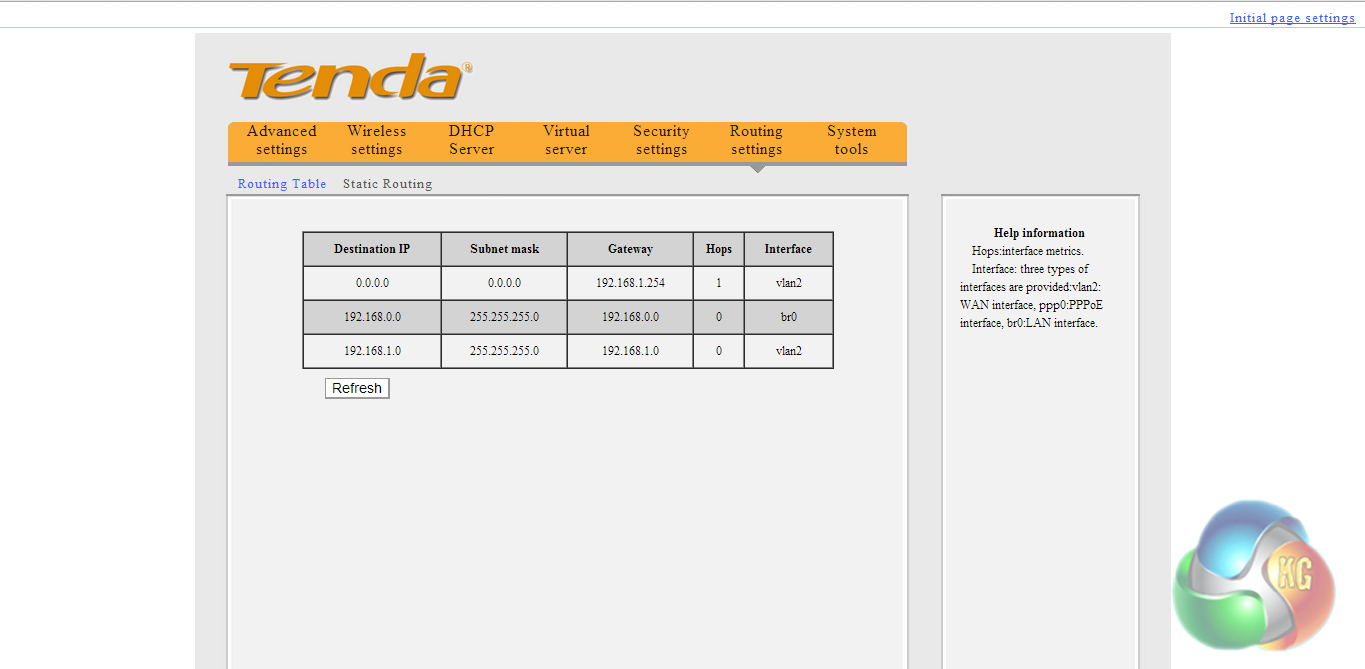
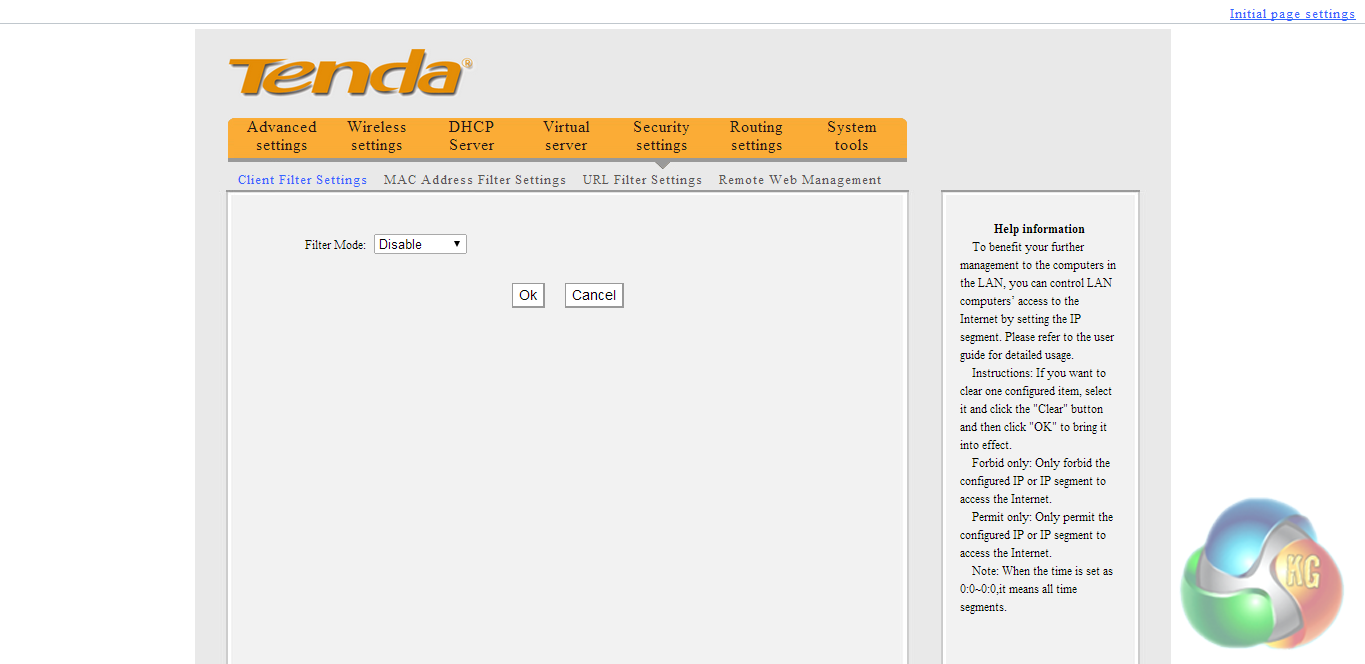
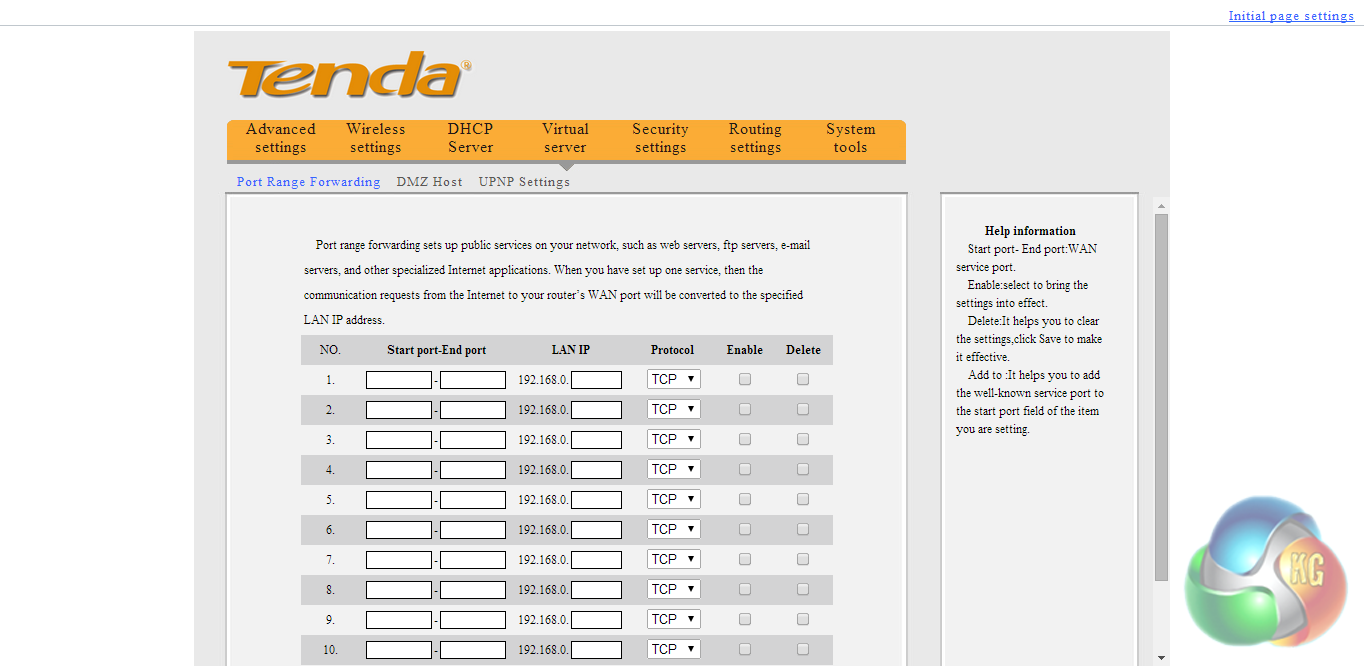
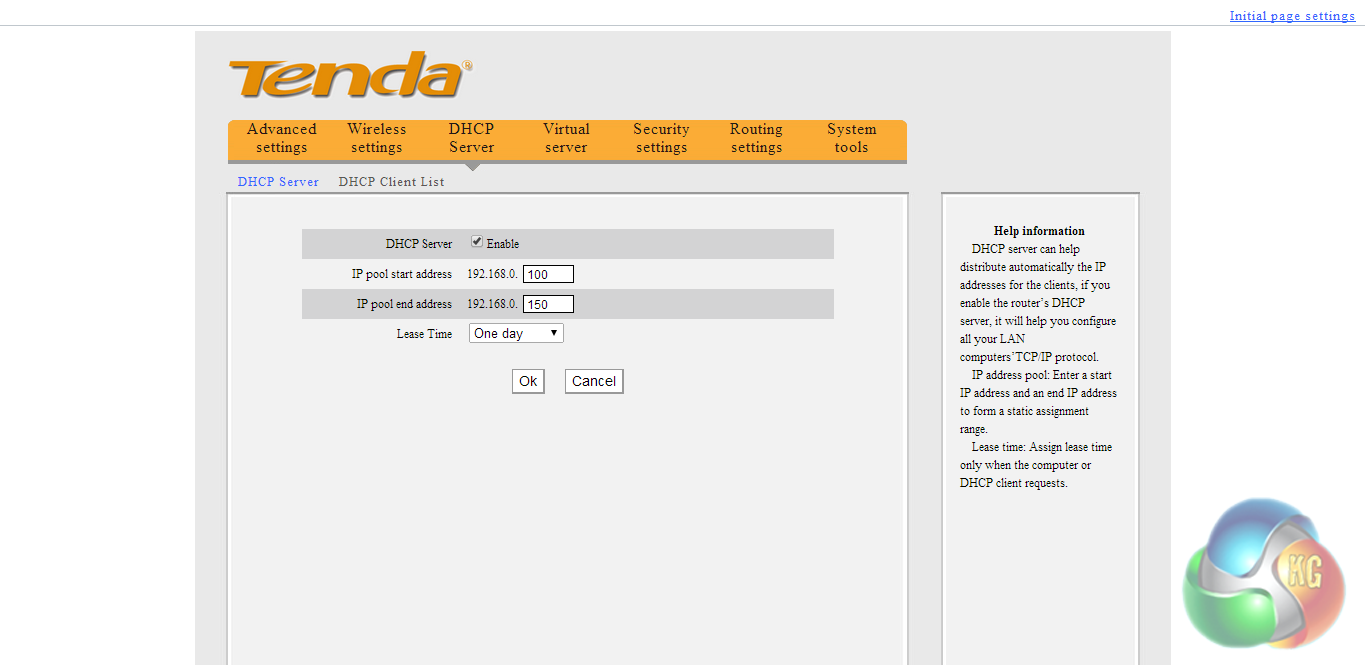
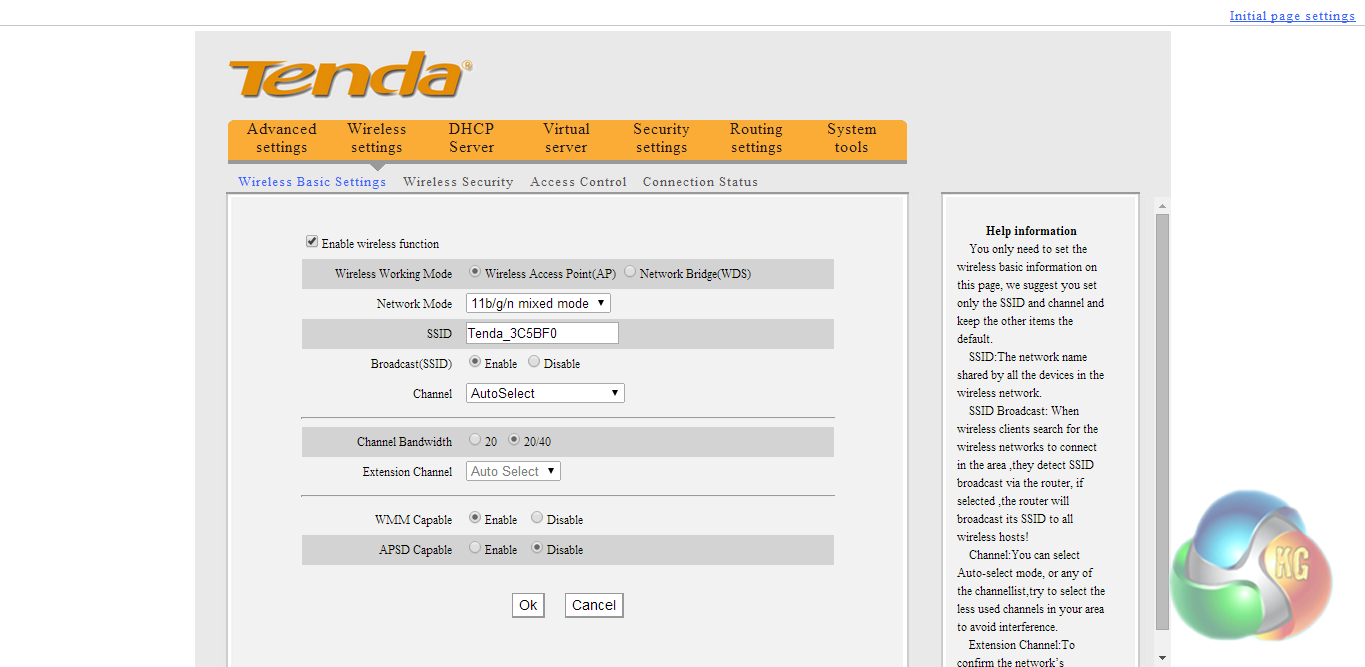
As you can see from the screenshots above, there are a good deal of configuration options available, which is quite impressive considering the price point of this model. Sure, the interface isn't pretty but it is certainly functional. We found it fairly straightforward to access all of the settings we went looking for.
To test the Tenda W311R+ Wireless Router, we used Totusoft’s LAN Speed Test software to measure the real-world network throughput. LAN Speed Test provides real-world performance results as it creates the file, measures the time taken to transfer it, and calculates the effective network throughput.
To eliminate potential bottlenecks, the ‘server’ computer was connected via Ethernet cable to the Tenda W311R+. It is important to point out that the walls in my home are very thick which does have a negative impact on a wireless signal.
We tested the performance of the router and range extender in three different positions:
- Short Range: Router and Range Extender positioned next to each other, with the ‘client' laptop three feet away, to show the best performance scenario.
- Long Range: Range extender and laptop located 20 feet from the main Router on the floor below, with the signal passing through one solid wall.
Note: The ‘server' computer is a Lenovo Thinkpad X220i with an Intel 82579LM Gigabit Ethernet Card and the ‘client' computer is a Dell Inspiron 15 with an Intel Dual Band Wireless-N 7260 Wireless card.
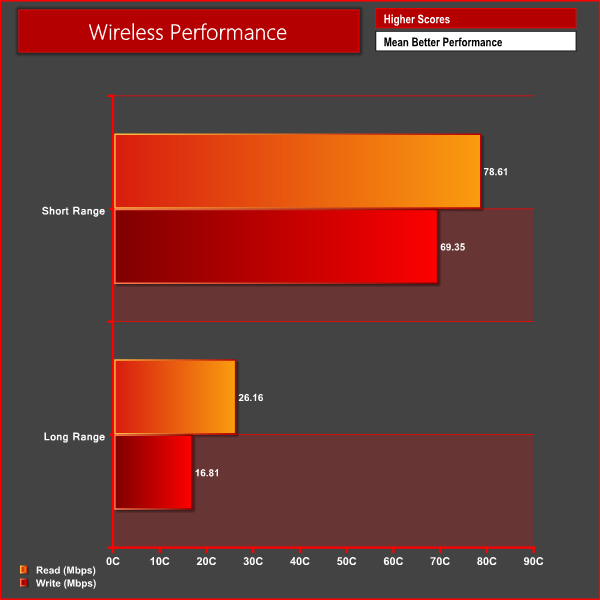
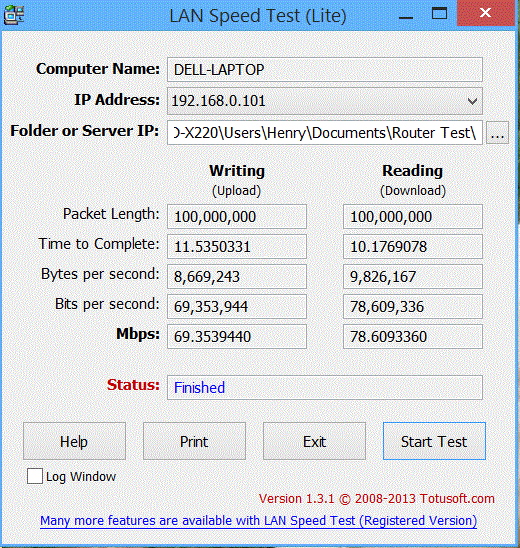
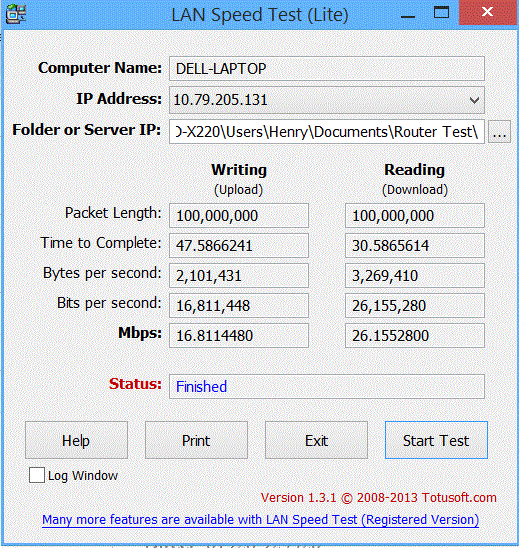
We couldn't quite match the claimed 150 MB's transfer speeds but these aren't too shabby. There was a significant drop in performance at long range, though.
Overall we are pretty impressed with what the Tenda W311R+ Wireless Router has to offer. It may not be particularly well endowed in terms of features, however it offers all of the basic essentials.
In terms of performance, it would be unrealistic to expect great things from the W311R+. We didn't manage to match the claimed 150 MB/s transfer speeds, however in terms of real world performance we didn't notice much difference in performance when compared to much better routers, apart from when transferring large files over the local network.
The build quality and design of the W311R+ is perfectly acceptable for the price point. The gloss white and grey finish isn't going to appeal to a lot of users but it is far from offensive to look at.
At a price of £24 from Amazon, it offers decent value for money and is ideal for those looking for a simple but effective wireless router and switch. It may not be packed with features, but that cannot be reasonably expected at the price point and all of the basics are accounted for.
Discuss on our Facebook page, over HERE.
Pros
- Great value
- Well put together.
- Simple set up.
- Plenty of configuration options.
Cons
- Doesn't support the latest wireless technologies.
- No password protection for browser interface.
KitGuru says: A great wireless router for those on a strict budget.