KitGuru KitGuru.net – Tech News | Hardware News | Hardware Reviews | IOS | Mobile | Gaming | Graphics Cards


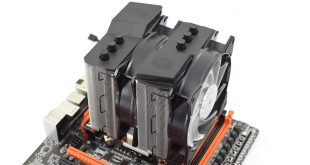
Cooler Master's new MA620P is a big, dual-tower air cooler that ships with two MF120R RGB fans. It is available in two models – the MA620P we have here, or the MA621P which is exclusively for Threadripper CPUs. At £74.99 in the UK, it's certainly not cheap for an air cooler but can the MA620P prove that it is good value for money? Let's find out.
The next iteration of Cooler Master's MasterAir series, the MA620P follows the MA410P and the MA610P that we reviewed last year. Both of those coolers were a bit disappointing, though, so hopefully we will see improved thermal performance from the MA620P thanks to its dual-tower nature and two included fans.
Specification
- Product Name: MasterAir MA620P
- Product Number: MAP-D6PN-218PC-R1
- CPU socket: Intel® LGA 2066/2011-v3/2011/1366 / 1156 / 1155 / 1151 / 1150 / 775. AMD® AM4 / AM3+ / AM3 / AM2+ / AM2 / FM2+ / FM2 / FM1 /
- Dimensions: 121.8X135.7X164.5 mm (4.8X5.3X6.5 inch)
- Heat Sink Dimensions: 116X110.1X158.4 mm (4.6X4.3X6.2 inch)
- Heat Sink Material: 6 Heatpipes / CDC 2.0 / Aluminum Fins
- Heat Sink weight: 850 g (1.87 lb.)
- Heat Pipe Dimensions: Ø6 mm
- Fan Dimensions: 120 x 120 x 25 mm (4.7 x 4.7 x 1 inch)
- Fan Speed: 600-1800 RPM(PWM)± 10%
- Fan Air Flow: 53.4 CFM±10%
- Fan Air Pressure: 1.65mm H₂O ± 10%
- Fan MTTF: 160,000 hours
- LED color: RGB
- Fan Noise Level: 31 dBA (Max)
- Fan Connector: 4-Pin (PWM)
- Fan Rated Voltage: 12 VDC
- Fan Rated Current: 0.30 A
- Fan Safety Current: 0.37 A
- Fan Power Consumption: 3.6 W
- Warranty: 2 years
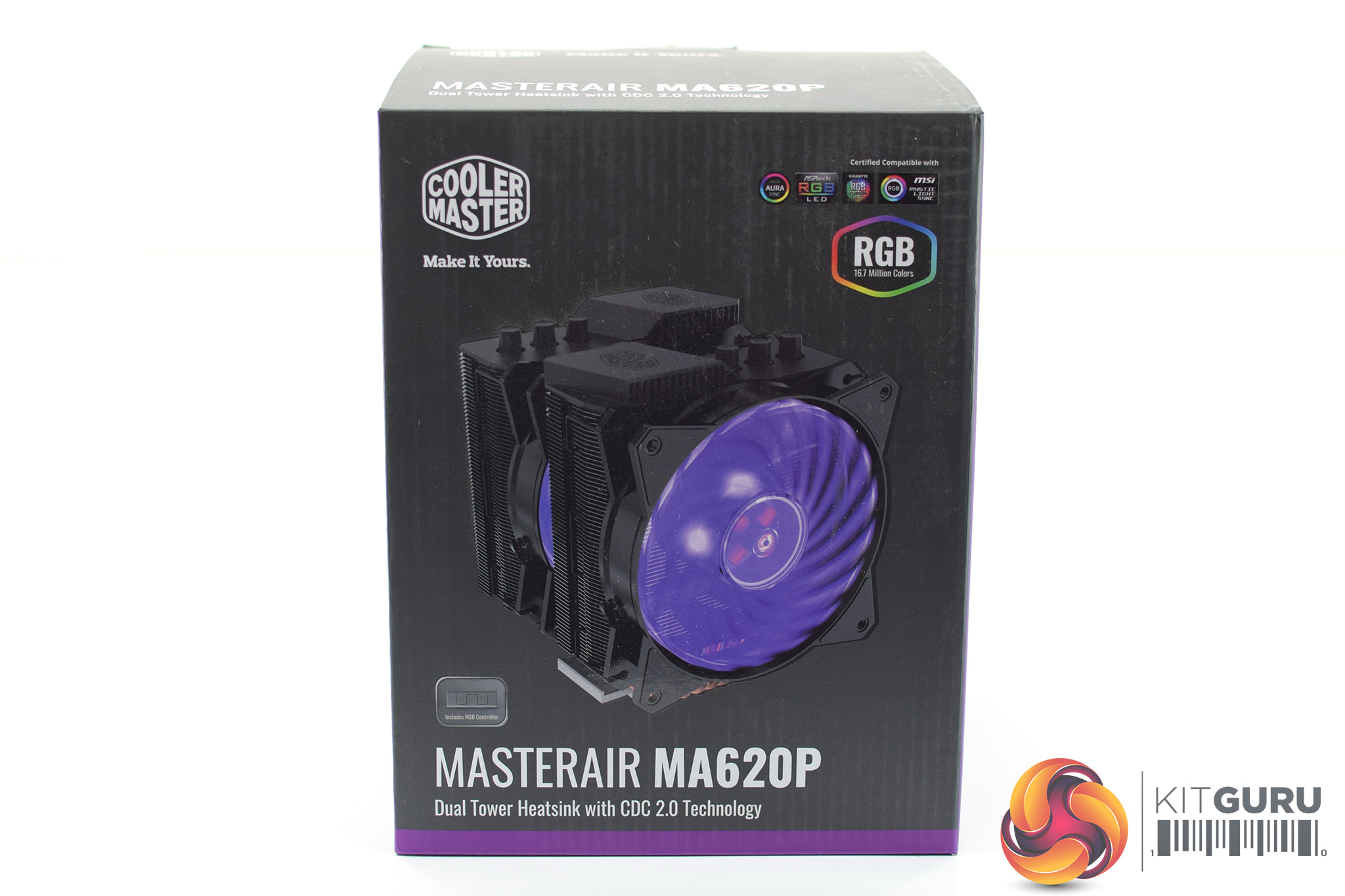
The MA620P ships in a dark box with a large image of the cooler on the front. The RGB fan is very visible as that is a key feature of the new MasterAir products.
Inside, we find an installation manual as well as a warranty information booklet.
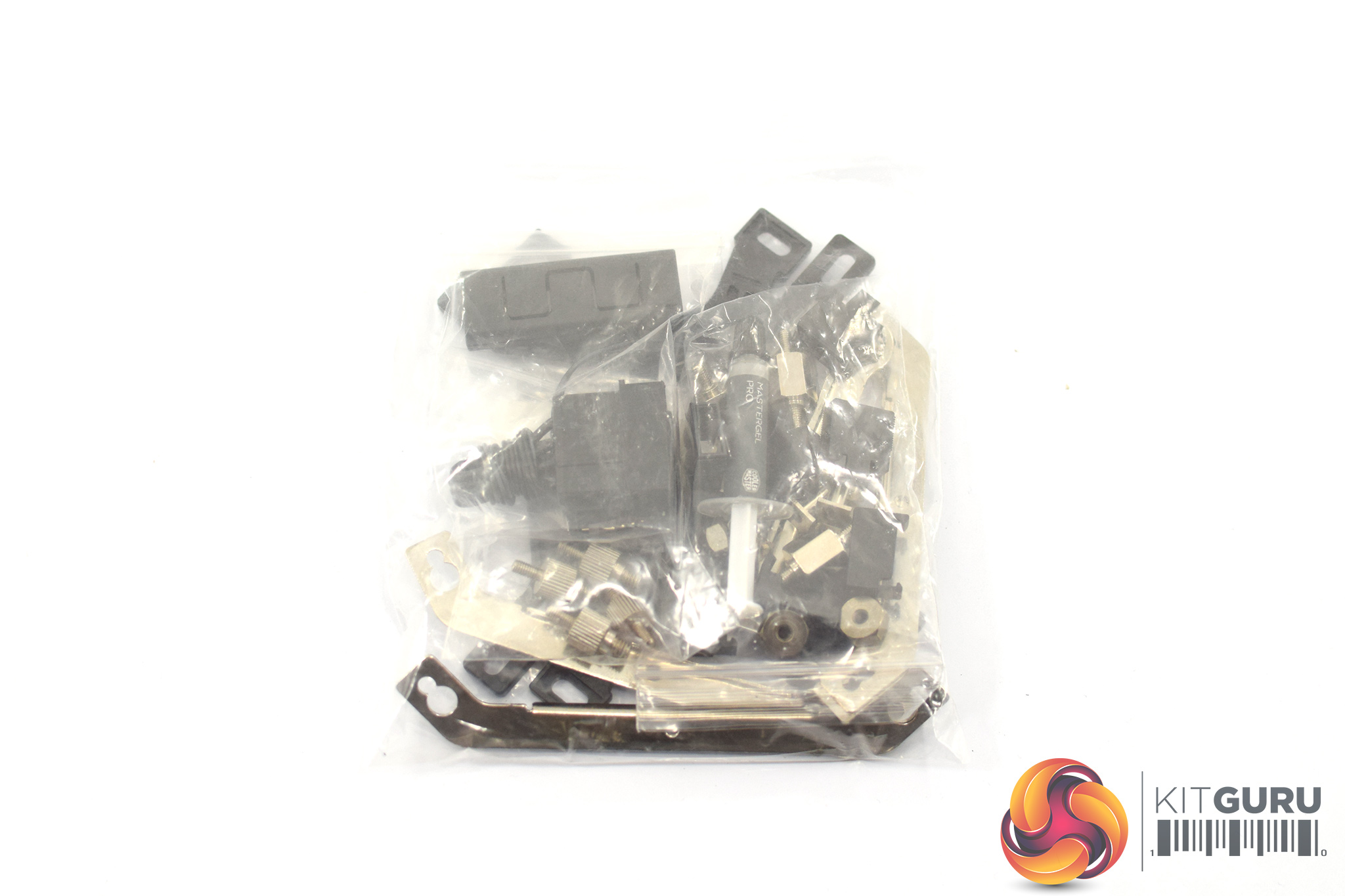
All of the installation hardware comes in one big bag – it's not quite the same level of presentation as the MasterAir Maker 8, that's for sure.
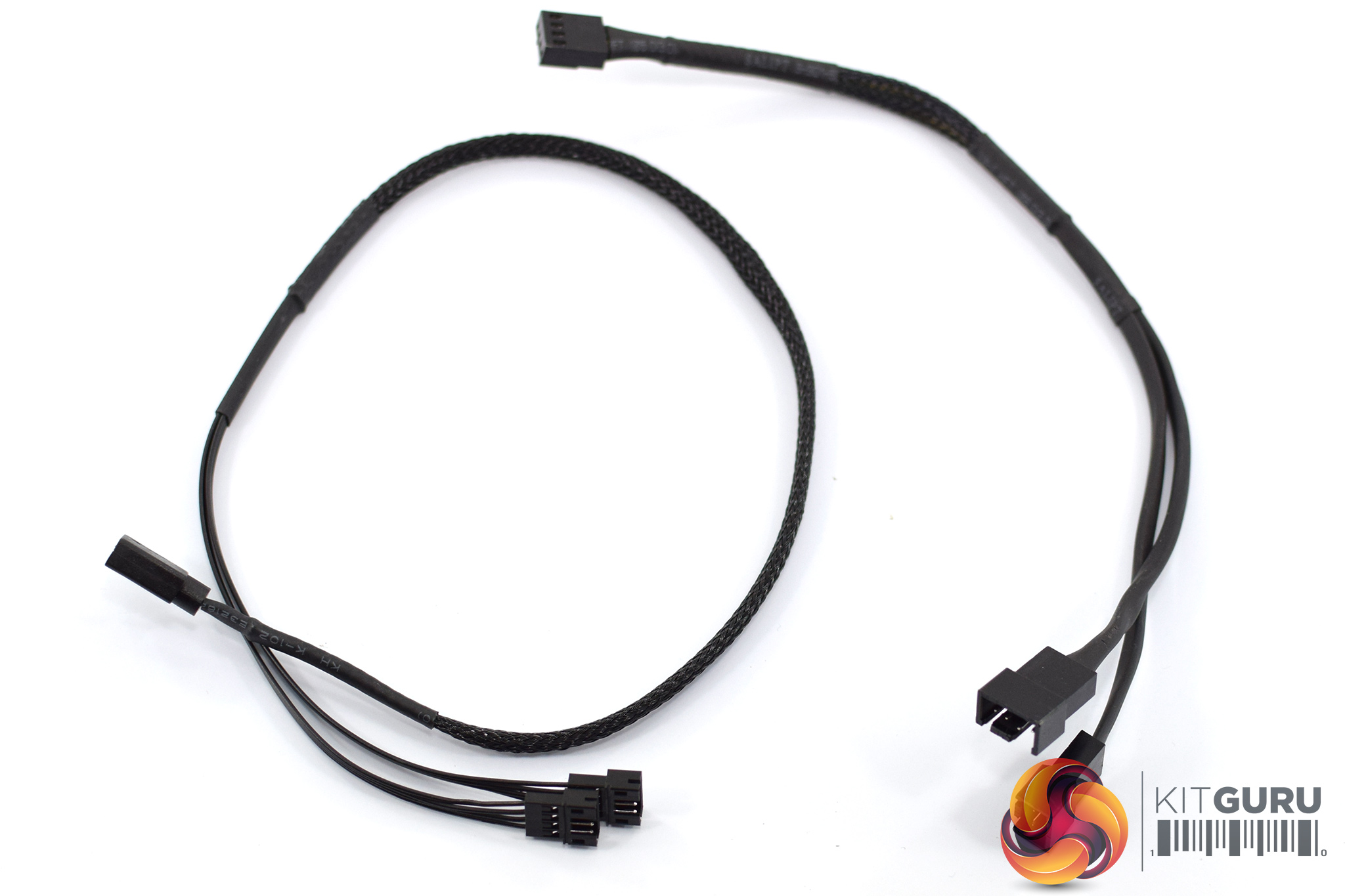
Two cables are also included – one is a 4-pin RGB splitter for connecting the two RGB fans, while the other is a 4-pin PWM fan splitter.
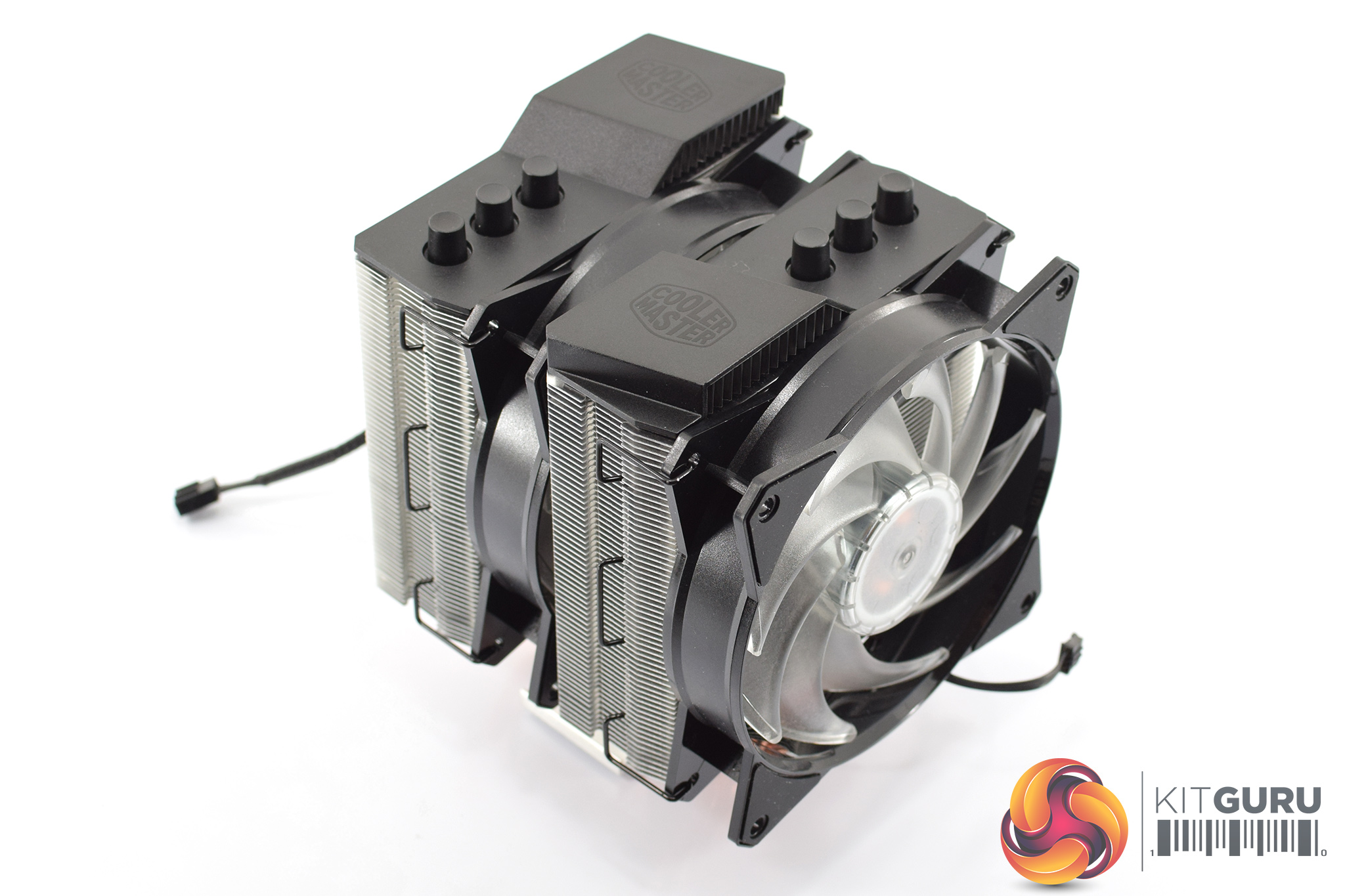
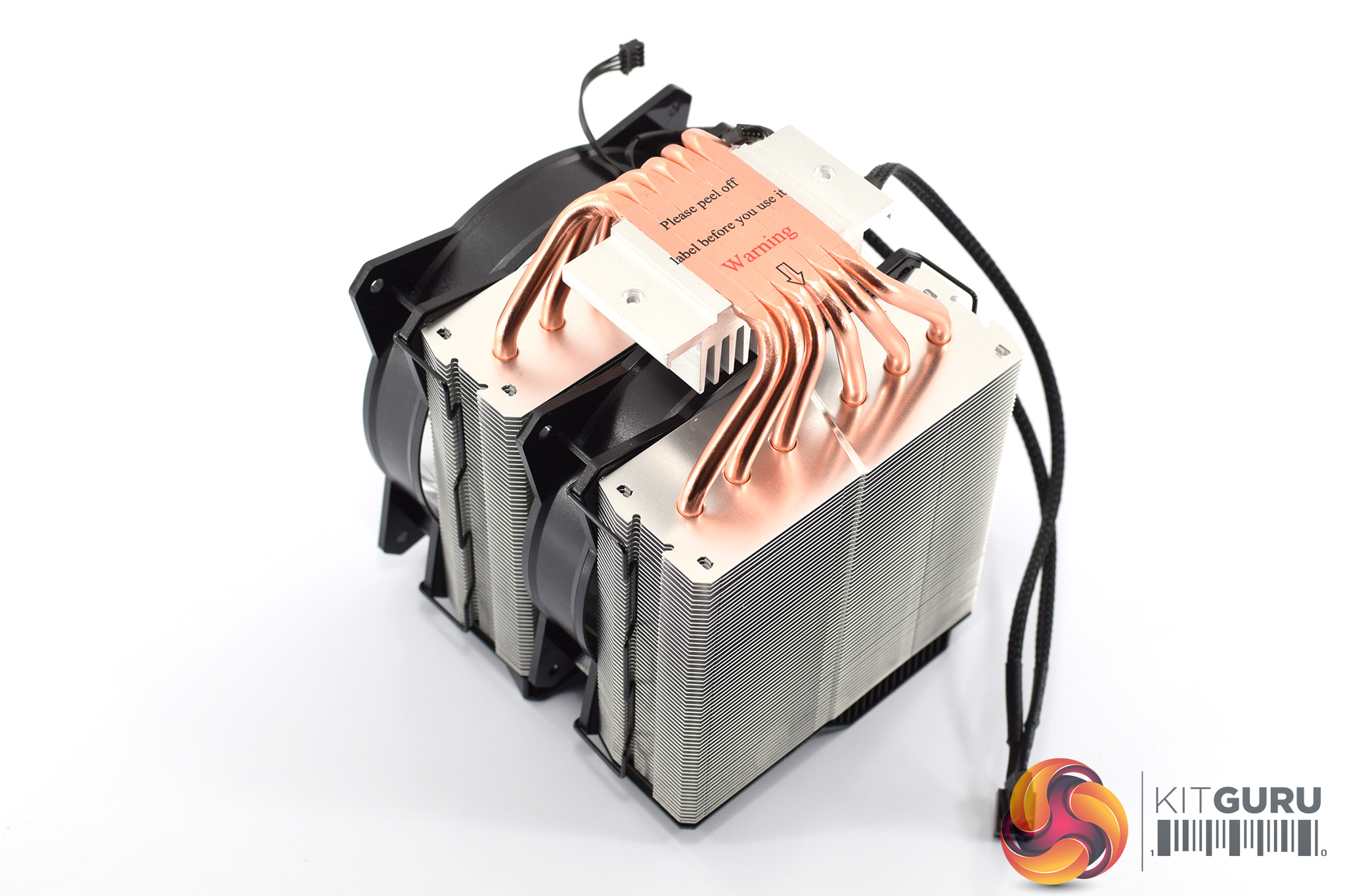
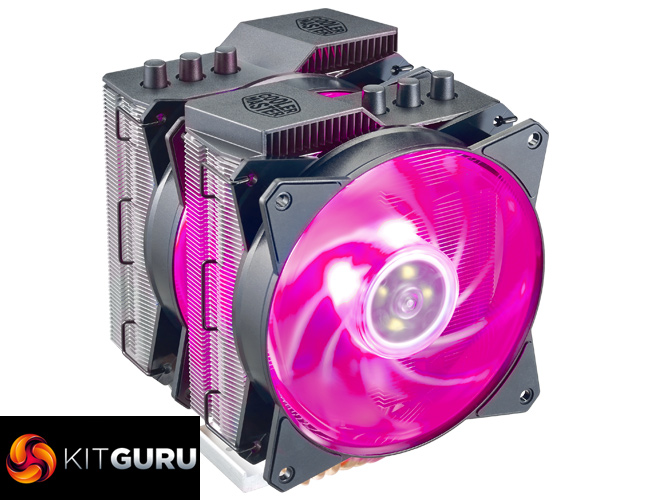
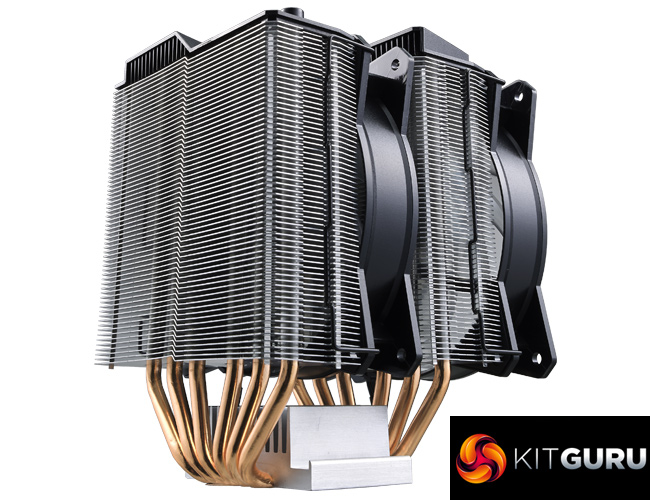
Coming to the cooler itself, the MA620P is clearly a big unit. Including the front fan, it measures 164.5mm x 136.1mm x 121.8mm (H x W x D), while the heatsink alone weighs 850g.
Its six copper heatpipes measure 6mm thick, while the fin array is manufactured from aluminium.
As mentioned, the included fans are Cooler Master's MF120R RGB models. These are pre-installed to the heatsink and don't have to be removed during the installation process which is a nice touch – but more on that on the next page.Here I will walk you through the installation process. It is worth noting we test using a Z97 motherboard – socket LGA 1150. The process below reflects that.
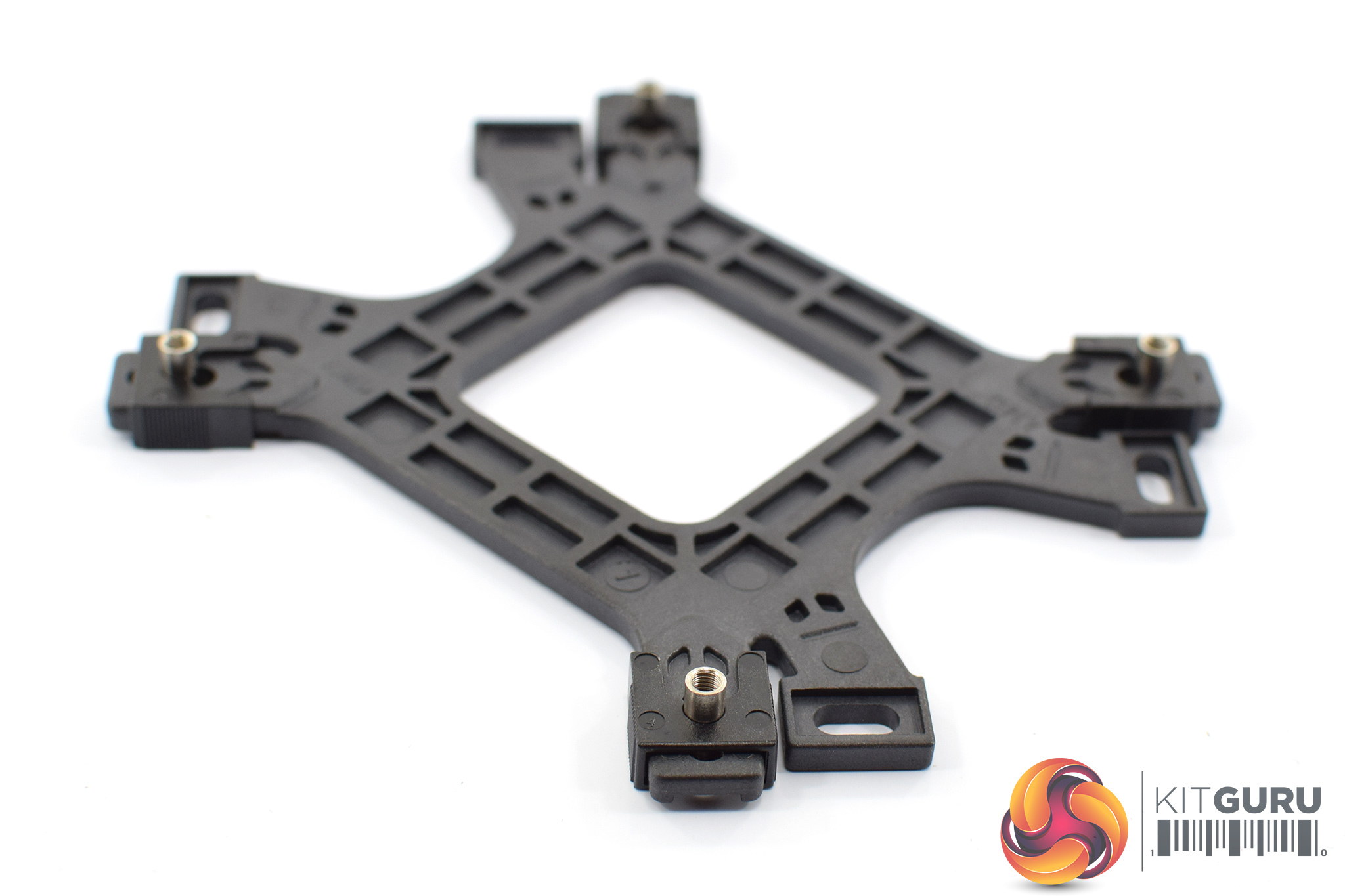
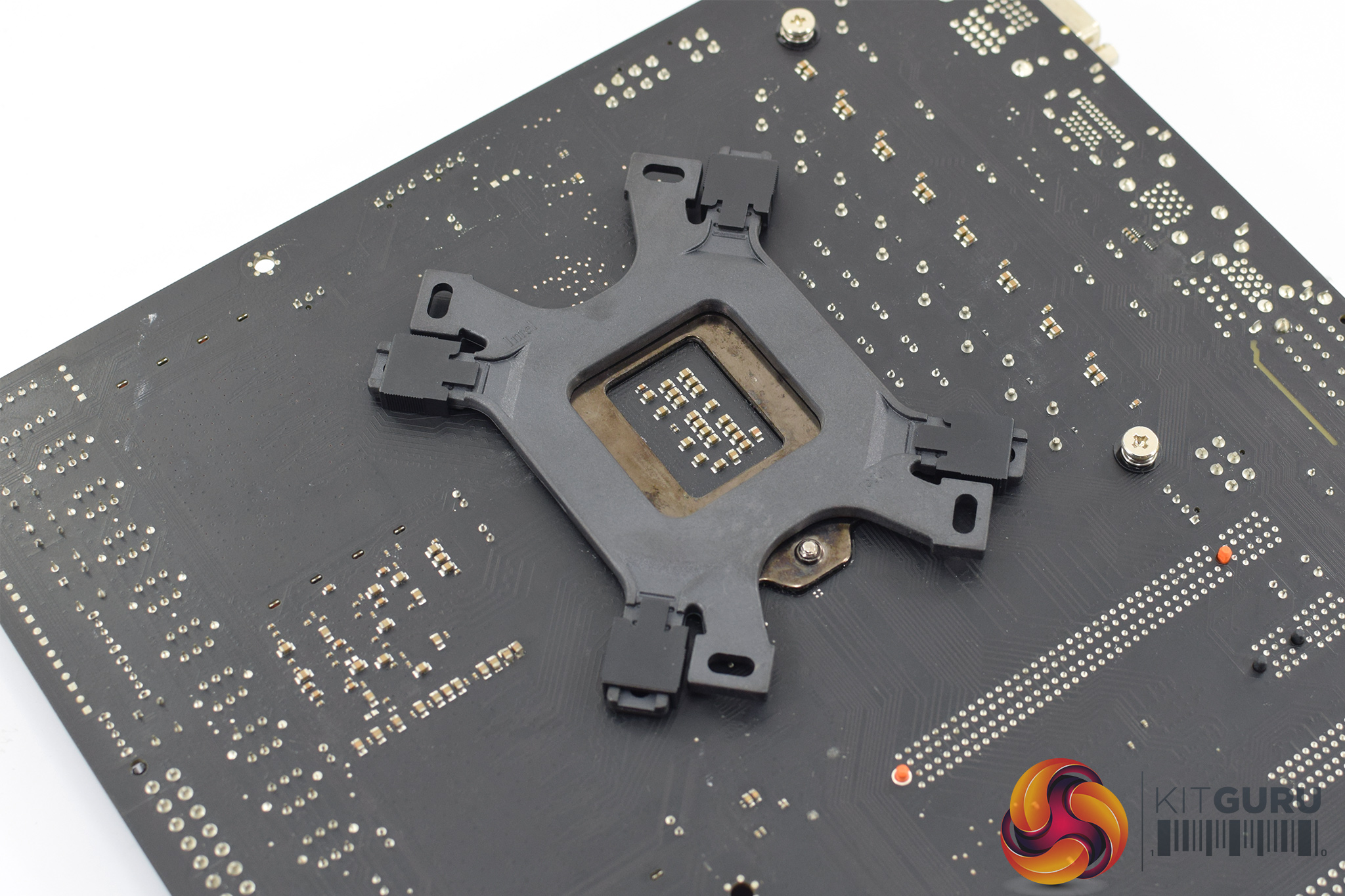
First of all, we need to prepare the backplate for our Z97 motherboard. Four small screws are pushed through the small holes in the backplate and are secured with four clips to stop them moving around.
The backplate can then be placed on the underside of the motherboard.
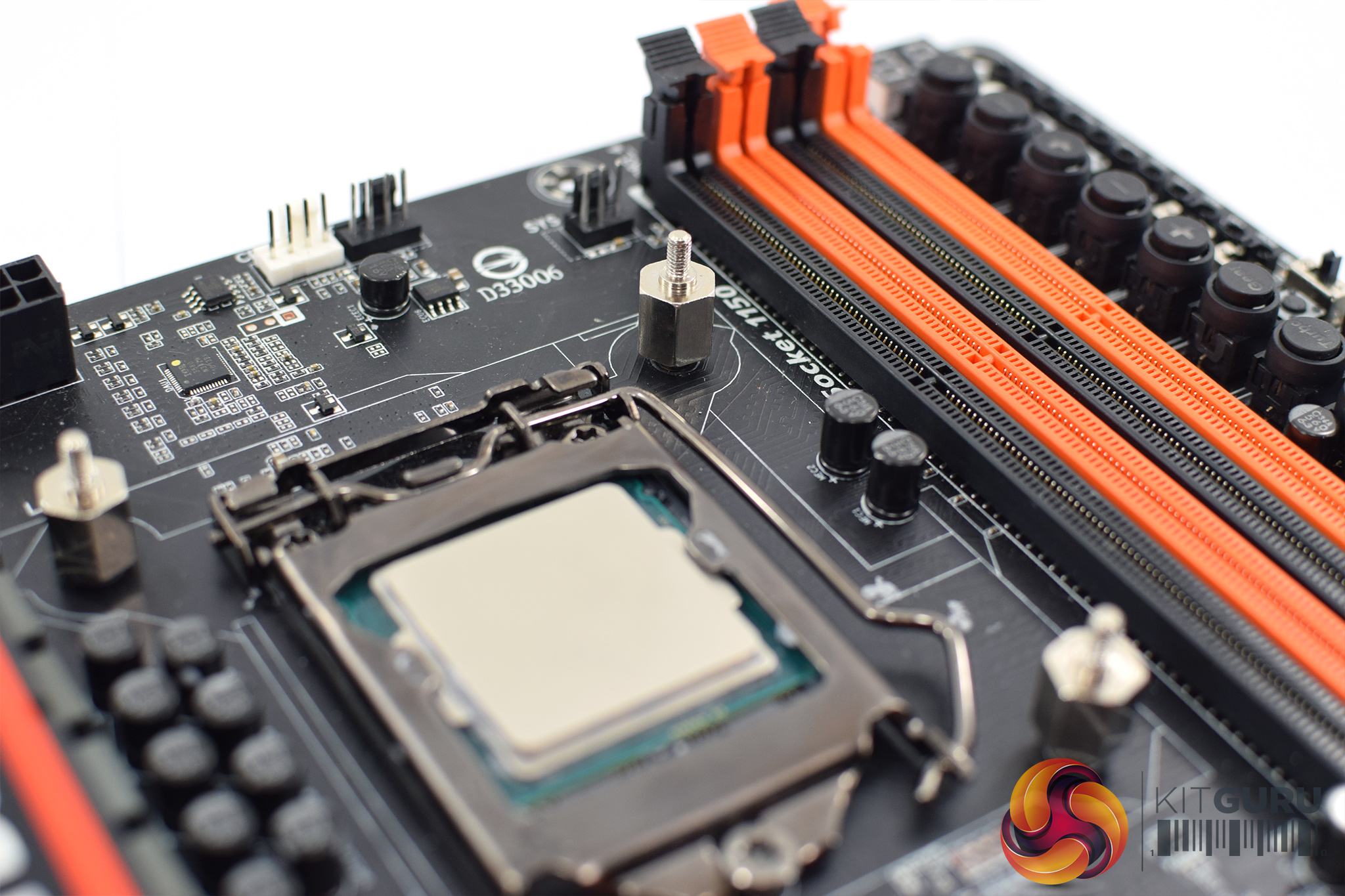
Four standoffs are then screwed into the backplate to keep it in place.
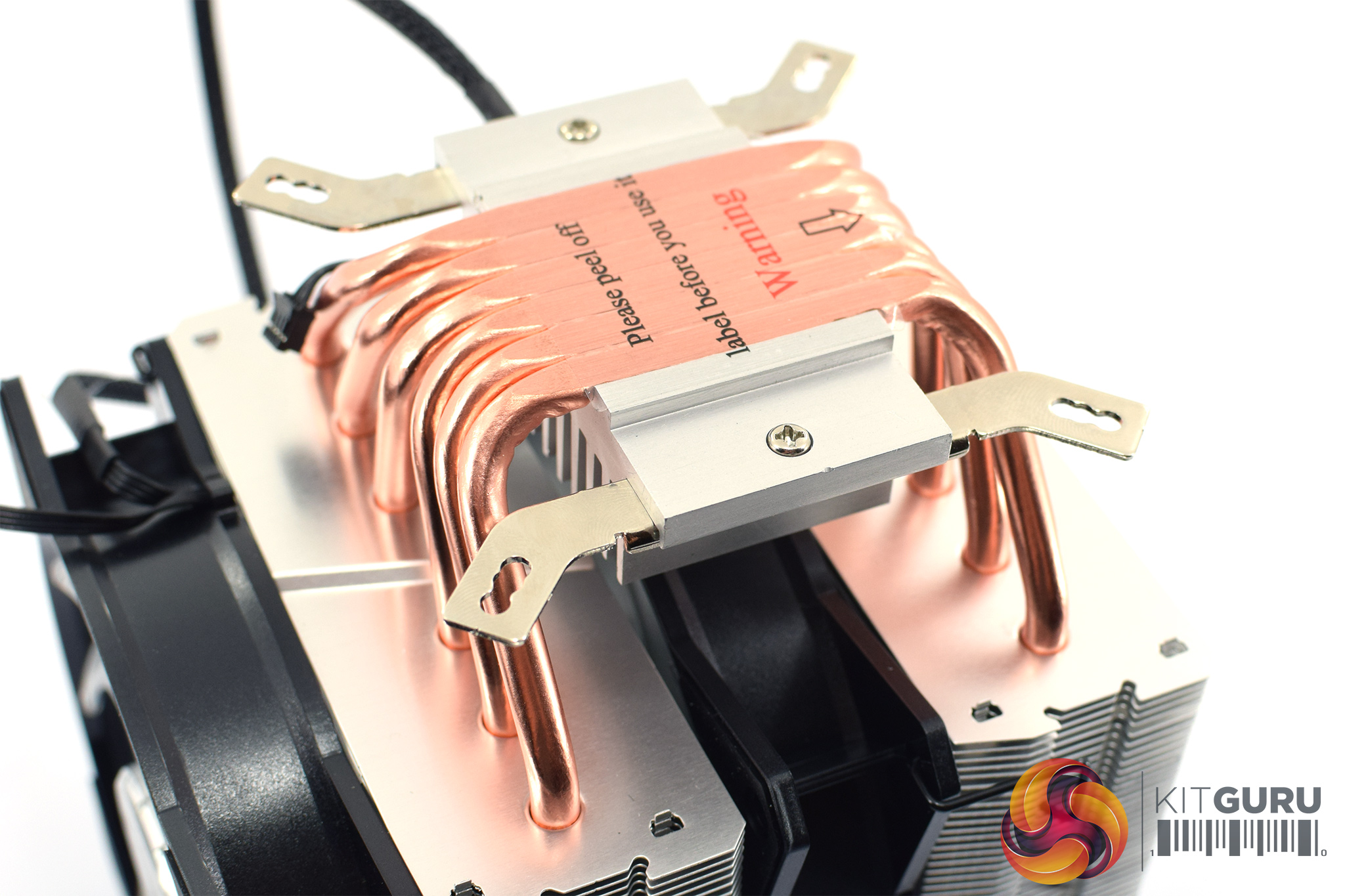
After that, the mounting brackets need to be screwed onto the heatsink. Each bracket only requires a single screw to lock it down.
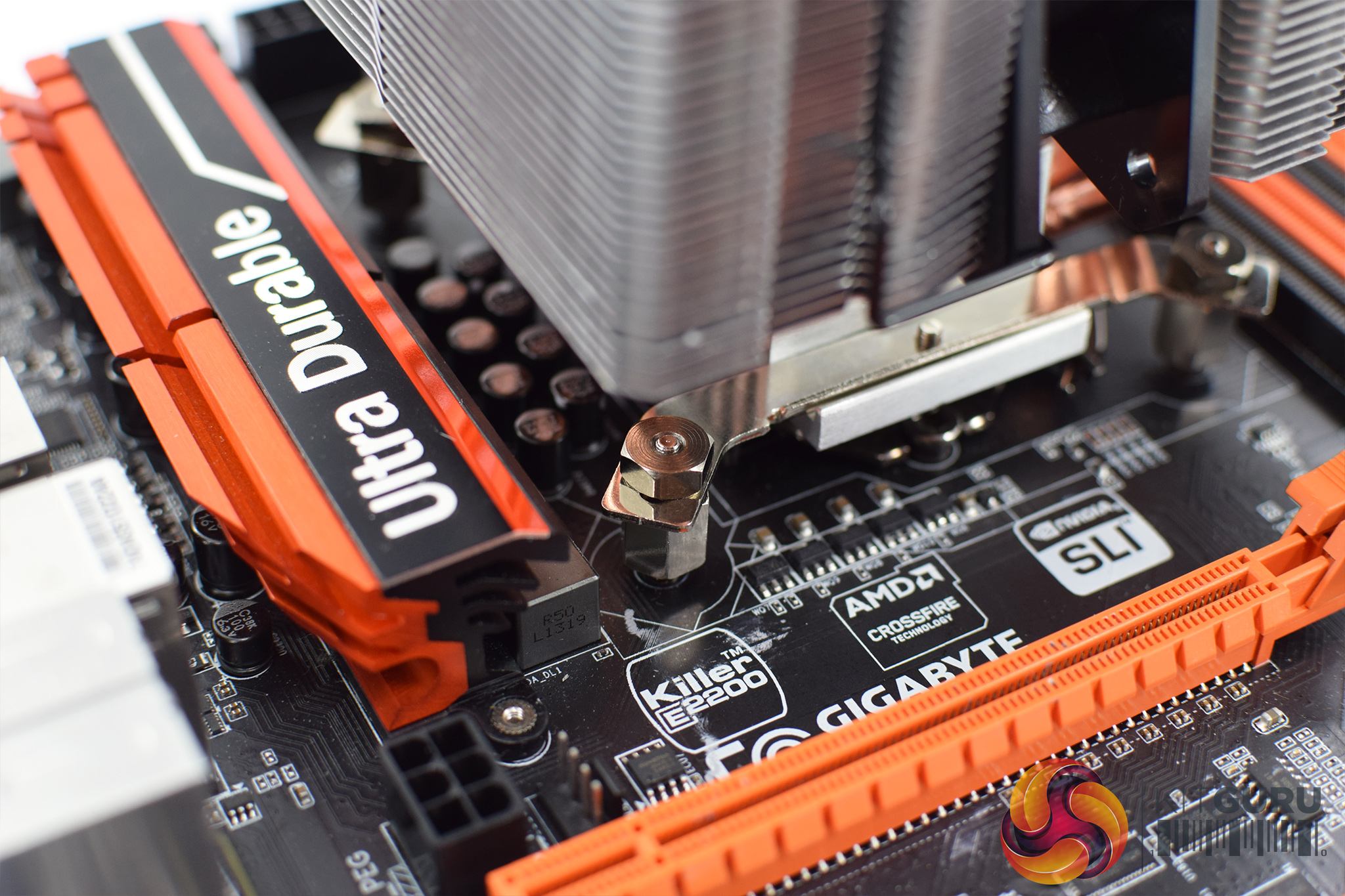
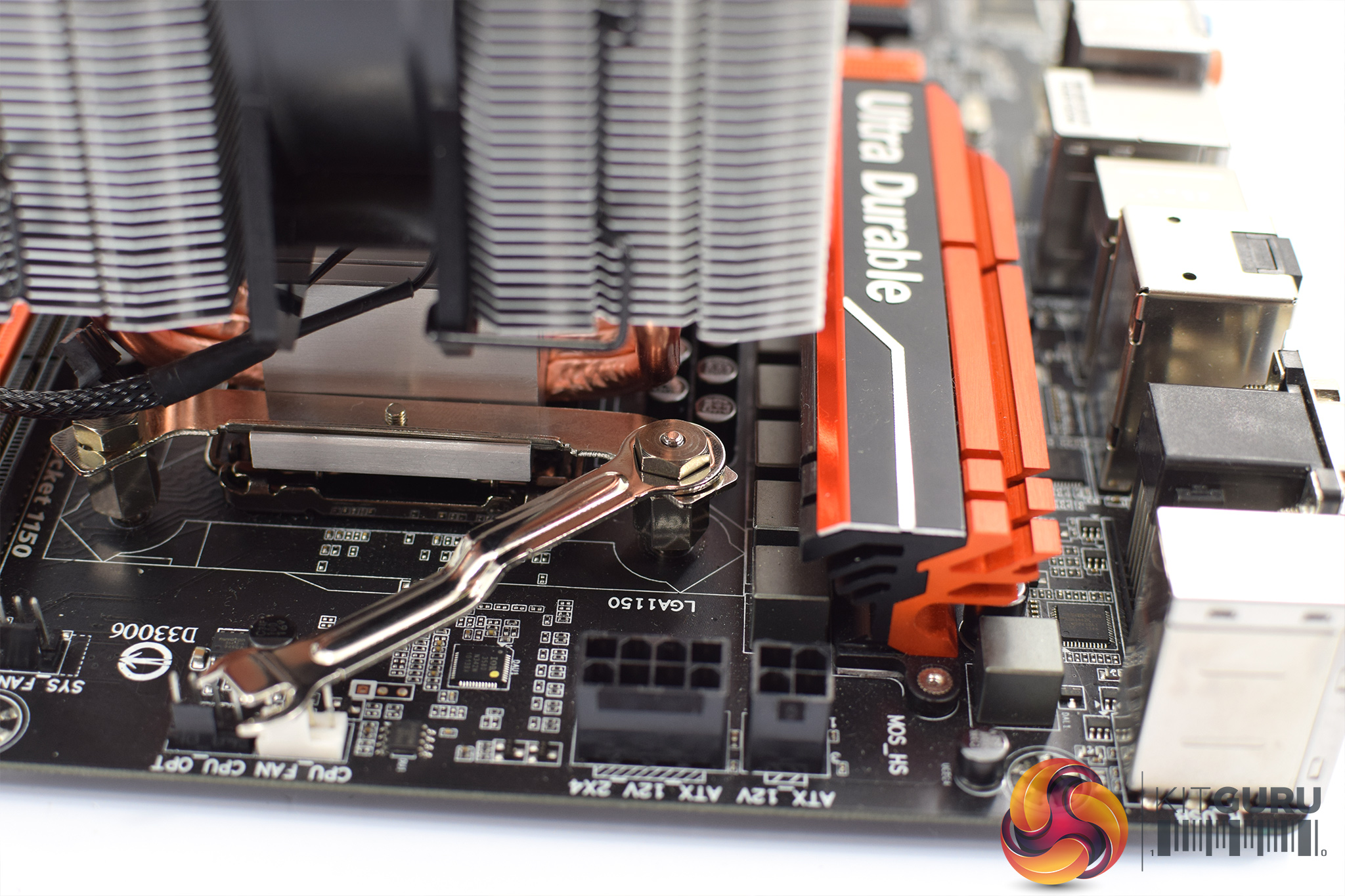
With that done, the heatsink can be mounted to the CPU. Four small nuts are used to tighten it down, and Cooler Master provides a small wrench to get the nuts nice and snug.
I must admit this bit was quite fiddly as actually getting the nuts in place requires you to slide your hand under the heatsink and pop the nuts on top of the standoffs. That'd be OK if you have the nimble fingers of a small child – however, any adult is likely to struggle.
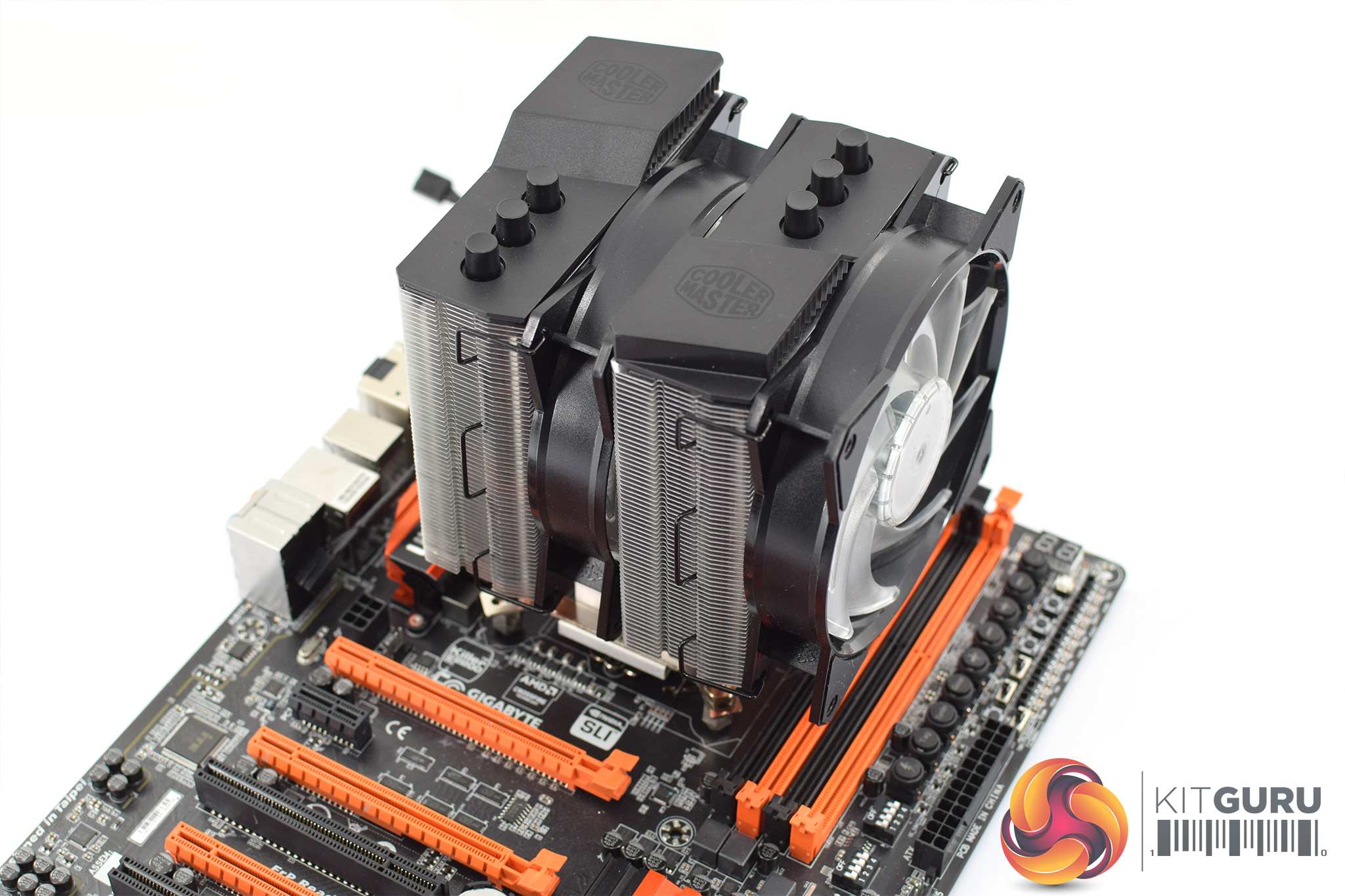
With the nuts tightened, though, that is the installation complete.
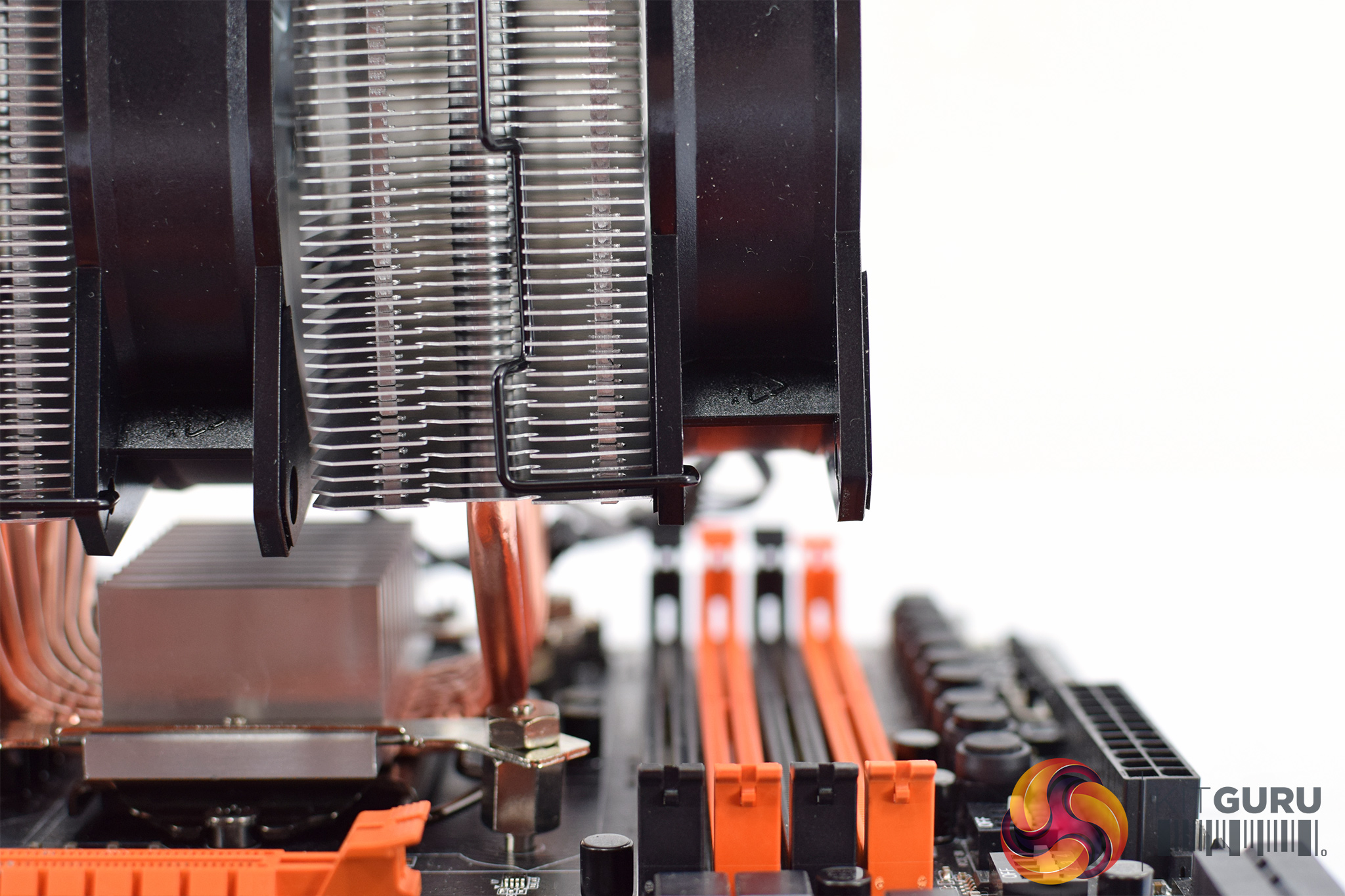
However, there is a slight spanner in the works. As you can clearly see from the image above, the MA620P overhangs all but one of my Z97 motherboard's DIMM slots. By default, that limits the height of your RAM to just 40mm, which is obviously far from ideal. You can just about re-position the front fan, though, and this will give up to 53mm clearance for taller heatspreaders which is more reasonable.
However, on my test motherboard, the furthest left DIMM slot wasn't blocked by the fan – it was blocked by the aluminium heatsink itself. Since you obviously can't adjust the height of the heatsink, those with 4 RAM sticks which are taller than 40mm may still struggle.
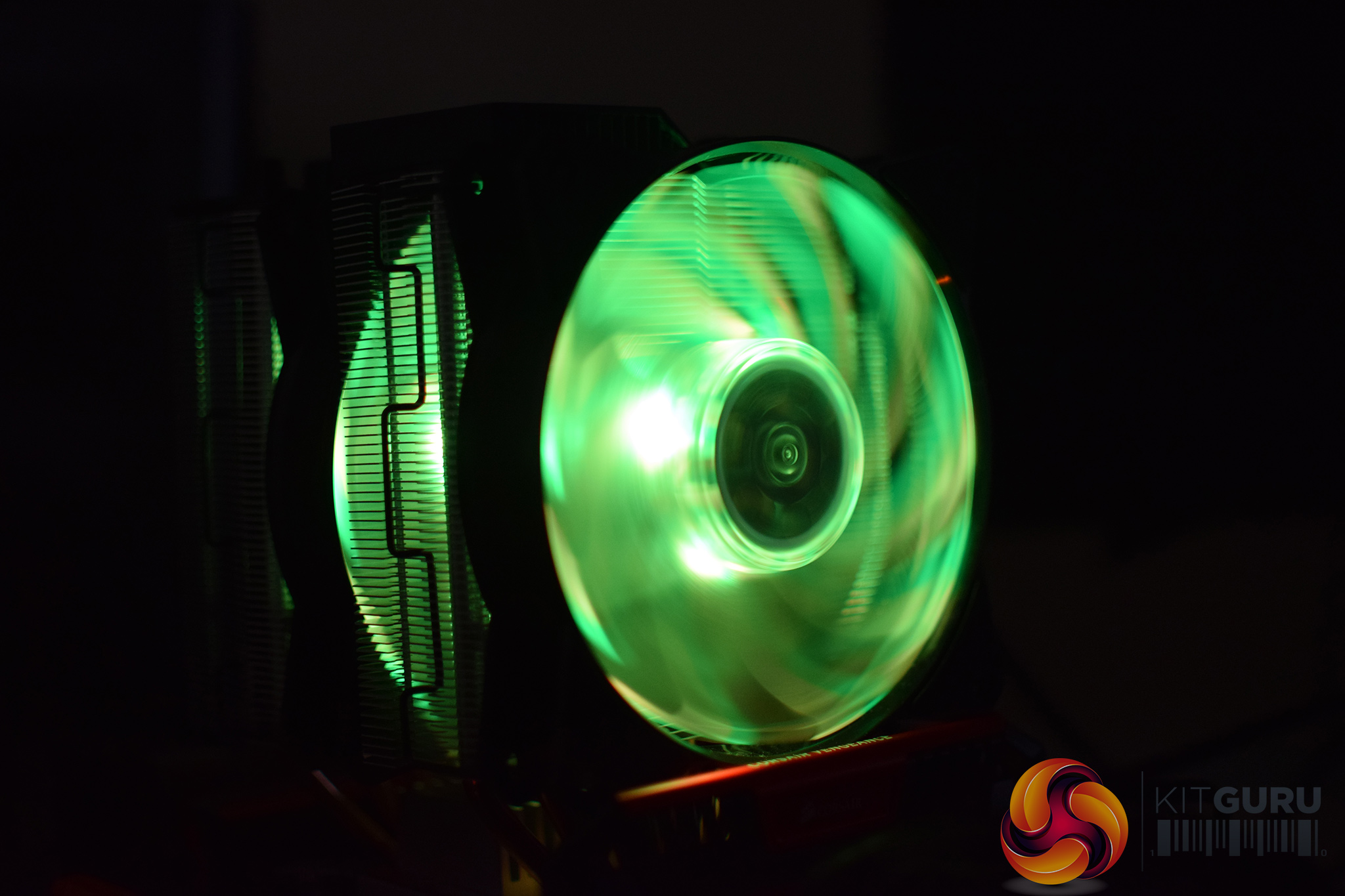
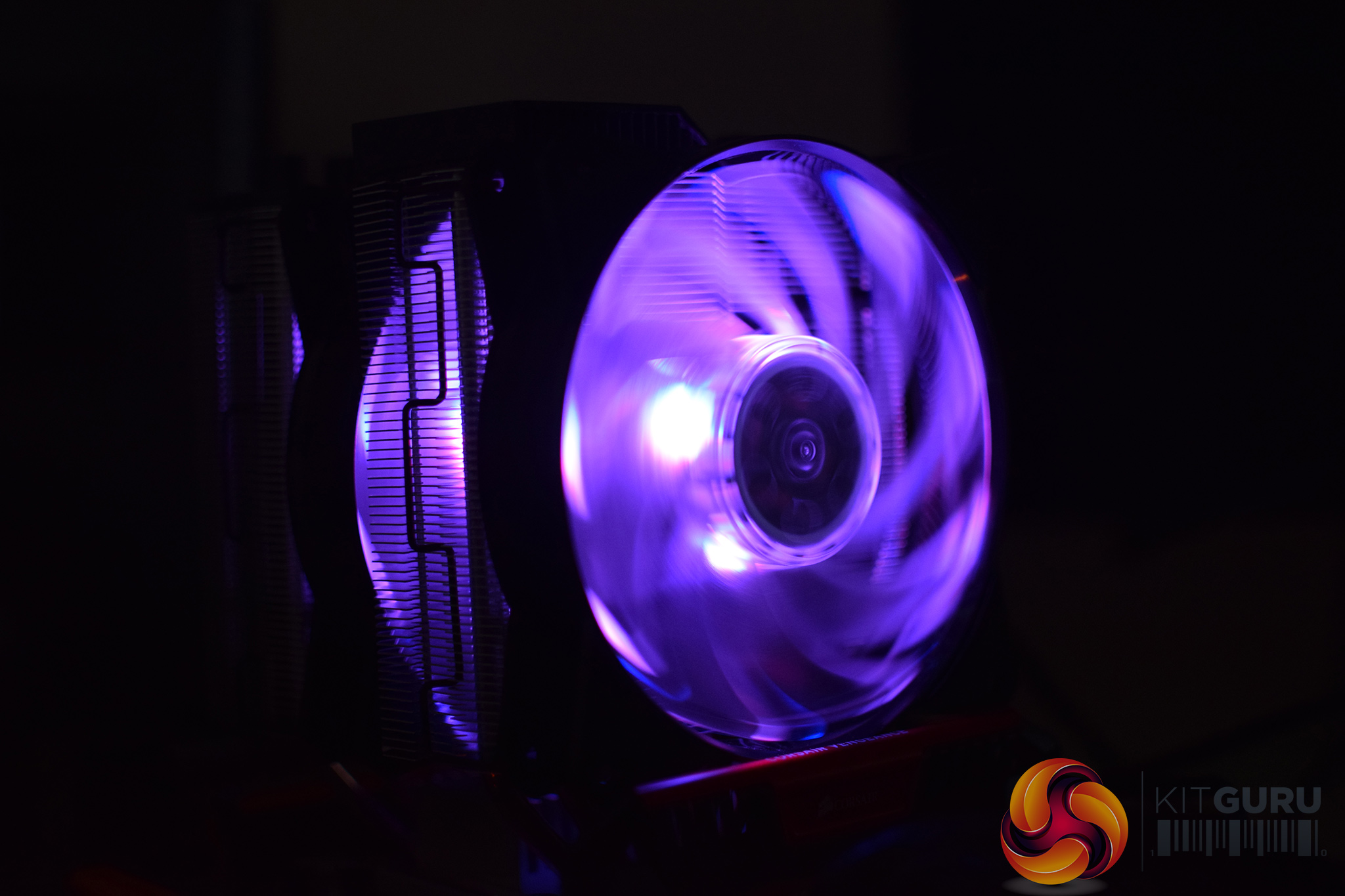
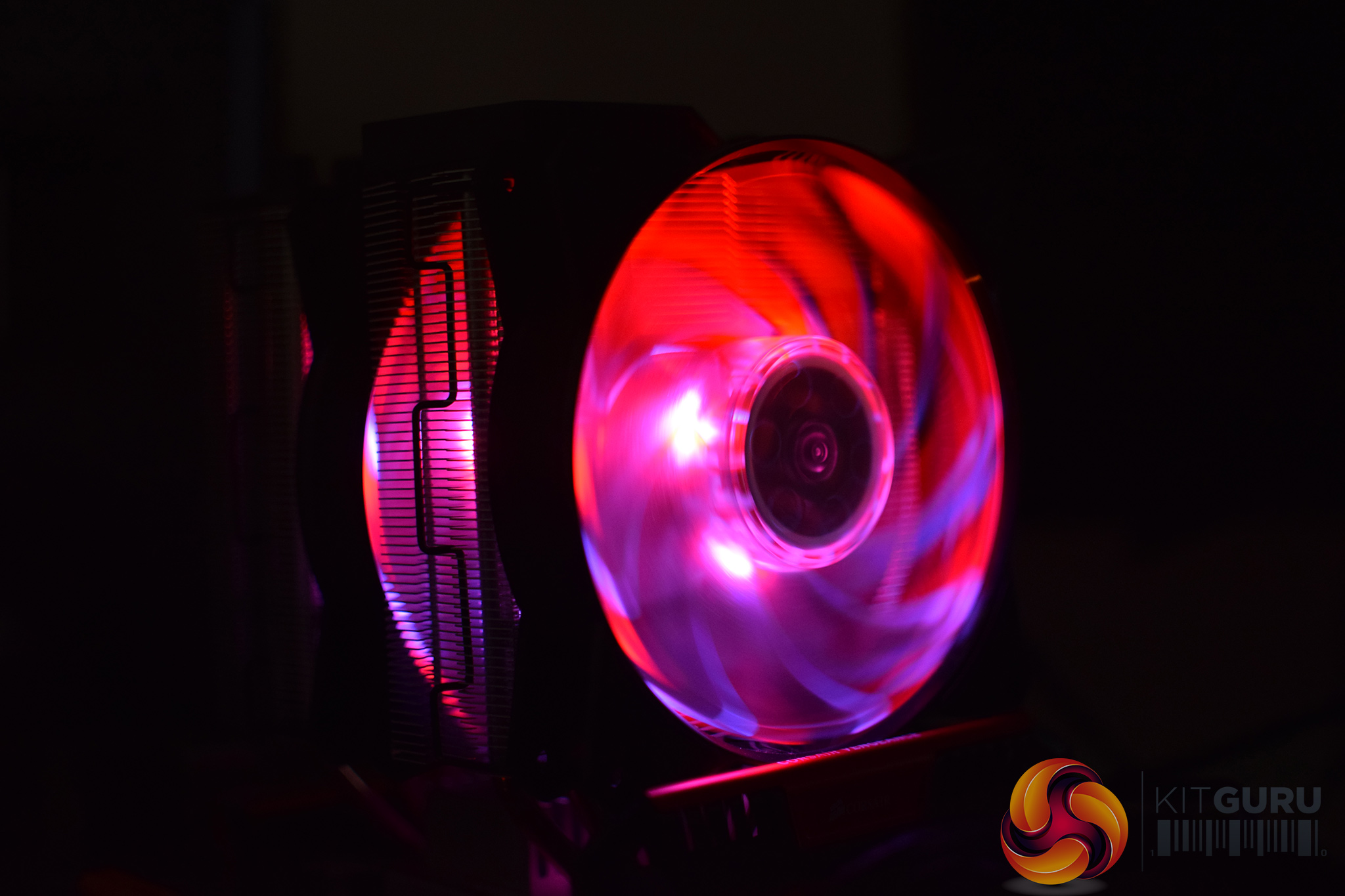
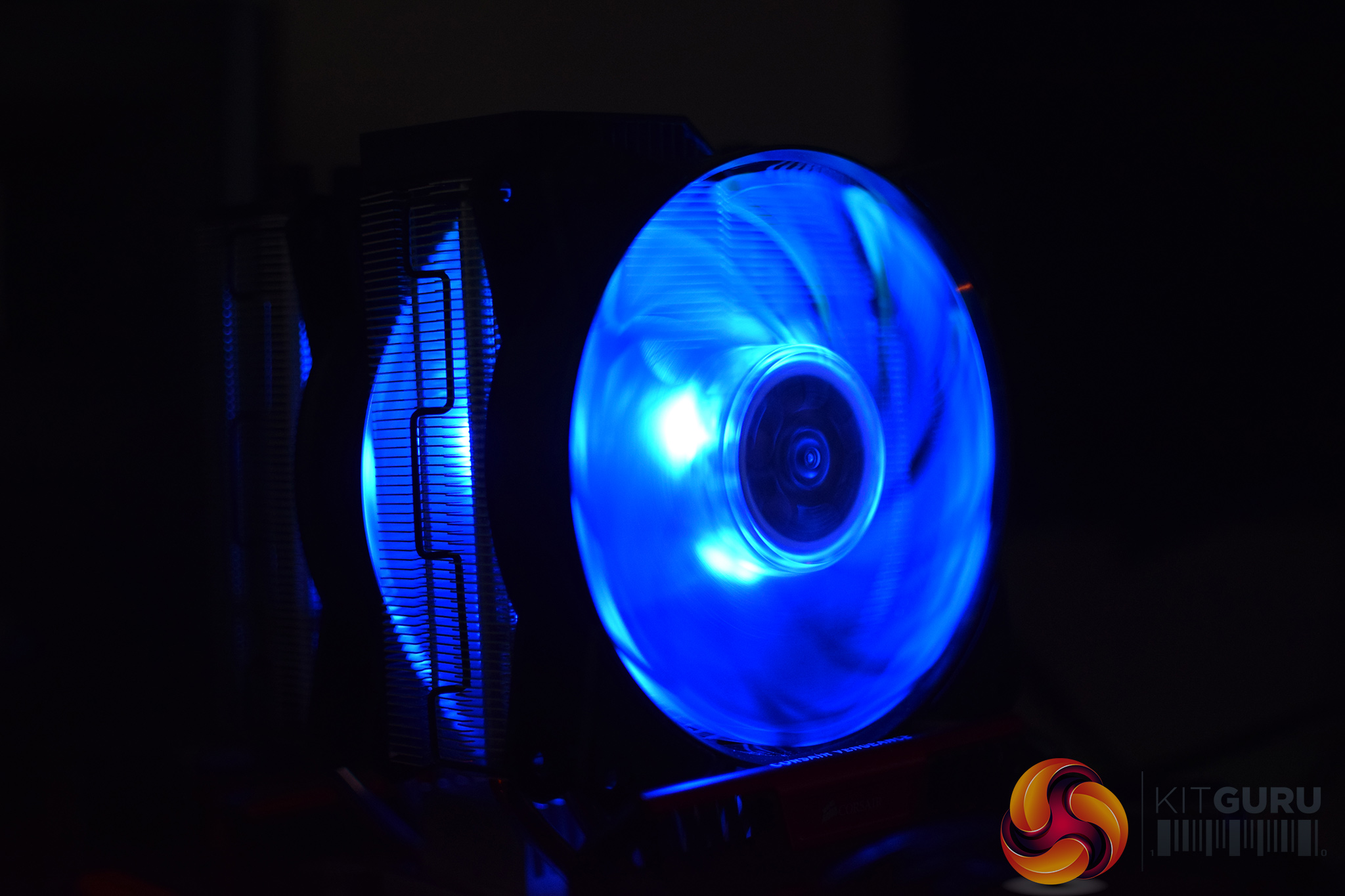
Coming to the RGB lighting, the MA620P can connect to a motherboard with a 4-pin RGB header, or you can use the small controller which is included in the box.
It's the same controller we saw with the MA410P and the MA610P, and my view of it hasn't changed – it's very basic, but it gets you up and running. For any sophisticated RGB control, however, you will want to use a compatible motherboard.
Still, I'm not too sure why Cooler Master bothered with two RGB fans – the one sandwiched in the middle is almost entirely blocked by the heatsink which makes its lighting seem a bit redundant.
To test all CPU coolers, we devised an easily repeatable test with no variables other than the coolers themselves. This ensures that figures from every cooler we test are comparable with each other.
Test rig
Using an open-air test bench, we deploy an Intel Core i7-4790K plugged into a Gigabyte Z97X-SOC Force motherboard. Alongside this is 16GB of 2400MHz Corsair Vengeance DDR3, as well as a 120GB OCZ Trion 150 SSD. Powering everything is a Corsair RM750x PSU.
The test process
Testing coolers involves taking a total of 4 temperature readings per cooler. First, we measure the idle temperature of the i7-4790K at stock speeds (turbo boost disabled), before measuring its temperature under load at stock speeds. Next, we overclock the CPU to 4.5GHz using a 1.3 Vcore, ensuring greater heat output. In its overclocked state we then measure the idle and load temperatures of the CPU again. The figures we present are temperature deltas – meaning we take each temperature reading and minus the ambient temperature from it. This allows us to test in an environment that is not temperature-controlled.
To ward off potential comments or questions, we know 4.5GHz using a 1.3 Vcore is not the ‘best’ overclock – this particular CPU could reach that frequency at closer to 1.25 on the Vcore, which is more efficient. That is not the point, however. We are trying to stress the coolers to see how they deal with excess heat … hence the higher than necessary Vcore.
Where possible, each cooler’s fans are plugged directly into the motherboard using the CPU_Fan or CPU_Opt headers. Some AIOs, however, ship with their own fan controllers or PWM hubs. If we are unable to plug the fans directly into the motherboard, it is specified in the performance section of the review.
An idle reading comes from leaving Windows on the desktop for 15 minutes. A load reading comes from running Prime95’s (version 26.6) Small FFTs test for 15 minutes – enough time for temperatures to plateau.
Noise output
Unfortunately I am unable to accurately measure the sound output of CPU coolers using a digital sound meter. This is because I am based alongside a busy road (with high ambient noise levels). Using a sound meter is, as such, not possible as there are variables out of my control. However, I will try my best to subjectively describe the noise output in a helpful manner.Temperatures
All temperature charts are sorted with lowest load temperatures at the top.
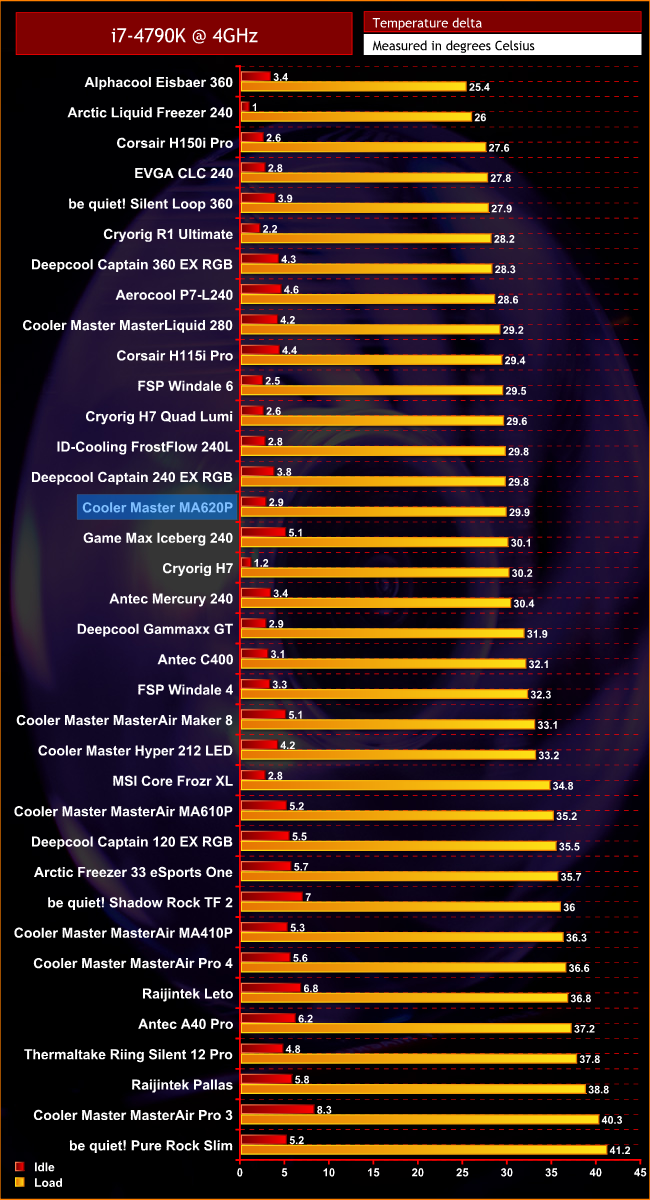
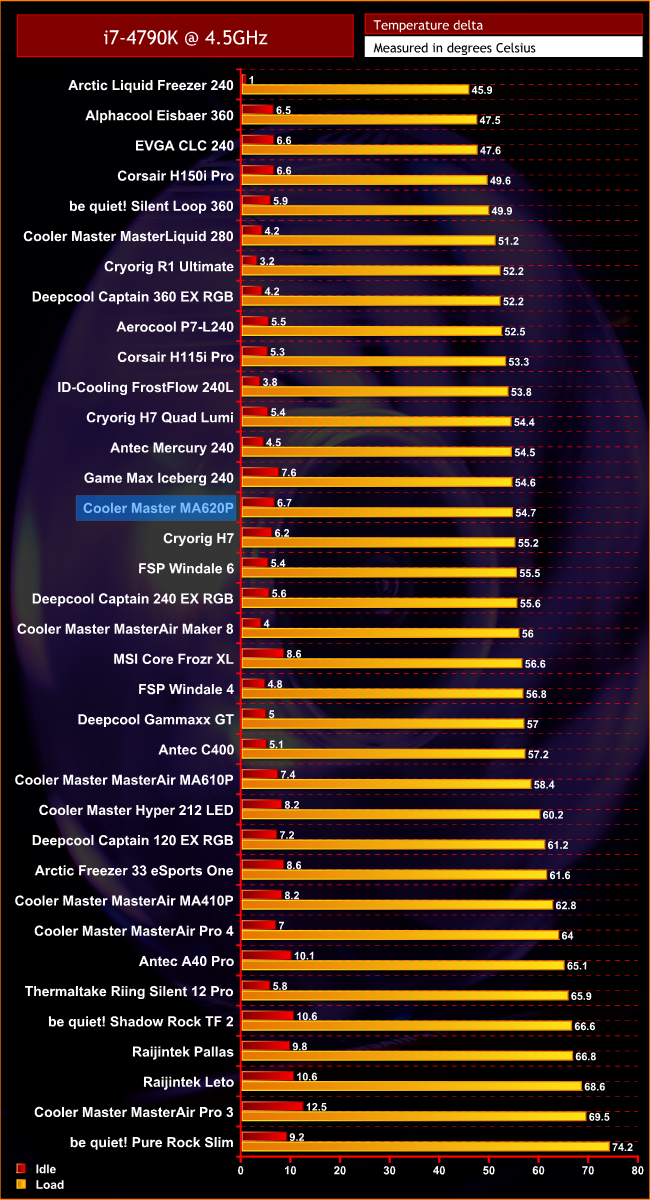
The MA620P is quite a competitive air cooler. It may not seem that high up the charts, but once you get into the top third of our cooling charts, the margins become very fine indeed – an extra two degrees is all that separates the MA620P from being in the top five coolers.
It also beats a couple of liquid coolers as well – the Deepcool Captain 240 EX RGB, for instance, can't cool as well. Overall, the MA620P is Cooler Master's best performing air cooler that I have seen to date.
Acoustics
It's also a quiet cooler, with idle noise being essentially non-existent. Even when under full load, with the CPU at stock clocks, the fan noise is barely audible.
Once our CPU overclock was applied, we did hear a bit more of a whirr from the MA620P, but even then I have heard much worse from the likes of the ID-Cooling FrostFlow.The MA620P is a strong return to form for Cooler Master's air cooling division.
For starters, it looks good and the two included RGB fans perform well and can be connected to a compatible motherboard. The included RGB controller is a bit basic, though.
Still, thermal performance is very good for an air cooler – in fact, it's the best performing air cooler from Cooler Master that we've seen over the last few years.
In terms of acoustics, the MA620P also impresses. It's far from intrusive, and if you're running it on a stock-clocked CPU, you won't even know it's there.
The only real issue is RAM compatibility. Due to the sheer size of the cooler, there is a 40mm memory module height limit which can be raised to 53mm with some fan re-positioning. I would've liked to see Cooler Master implement a similar system to the MasterAir Maker 8 – where the fans could be raised via screw-on brackets to allow use of taller RAM sticks.
Still, the cooler is likely to fit in most systems, but we can't guarantee it'll work with them all. For those who do get the cooler up and running, though, we think you'll find it a great bit of kit from Cooler Master – the MA620P is well worth buying.
UK MSRP is £74.99 for the MA620P. We will post a buy link when we have one.
Pros
- Good looking.
- Competitive thermal performance.
- Pre-installed fans.
- Nice and quiet.
Cons
- RAM compatibility could be improved.
KitGuru says: The MA620P is a very competent cooler from Cooler Master. With a more sophisticated height adjustment system, it would be pretty much perfect.