 KitGuru KitGuru.net – Tech News | Hardware News | Hardware Reviews | IOS | Mobile | Gaming | Graphics Cards


The lack of included cable may seem a minor complaint as Sapphire’s TriXX 7.0 software, which includes a feature called NITRO Glow, does a perfectly decent job of controlling the lighting in the graphics card. The better approach, as we show in our video, is to use ARGB to link the graphics card to your motherboard.
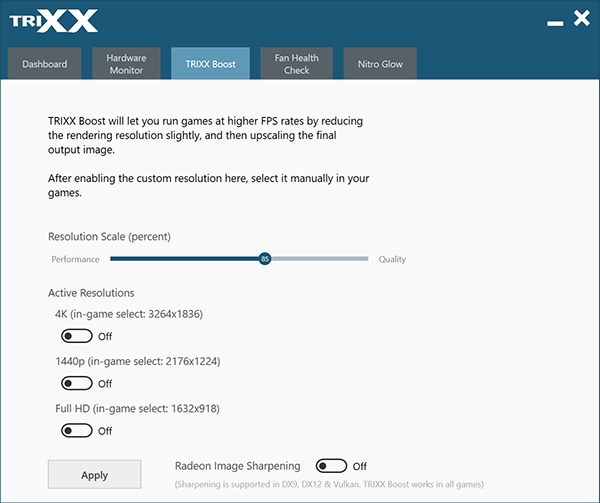
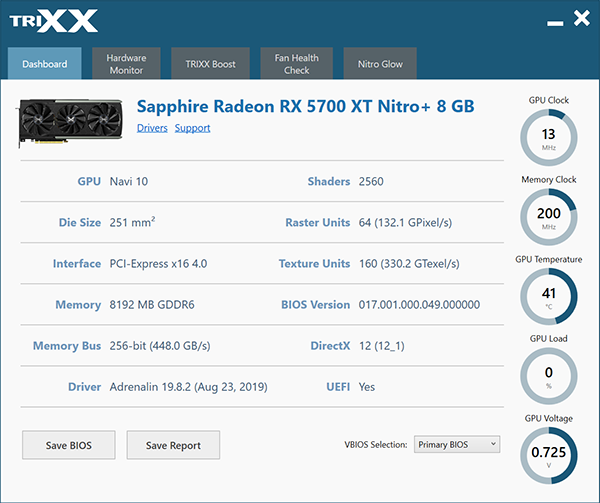
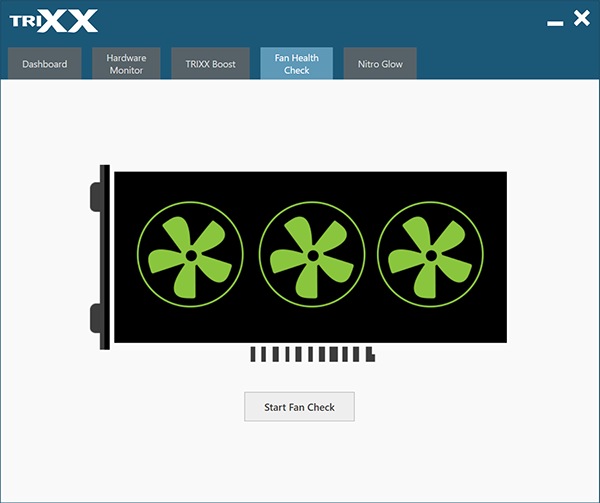
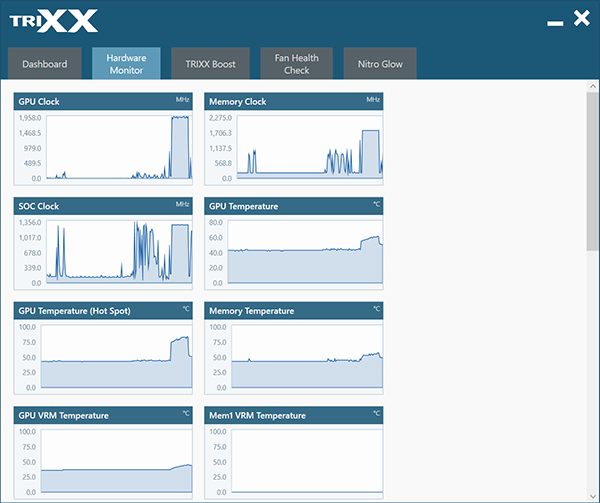
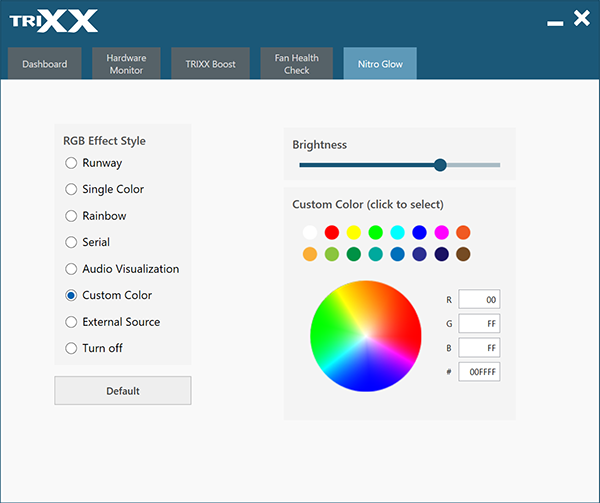
This is especially significant if you decide to invest in Sapphire’s optional ARGB fan upgrade kit when it is launched at the end of the month. It is disappointing we did not receive a sample of the fan kit as it would have been interesting to see the full ARGB show in action.
TriXX 7.0 also has a hardware monitoring function but cannot be used to overclock your graphics card.
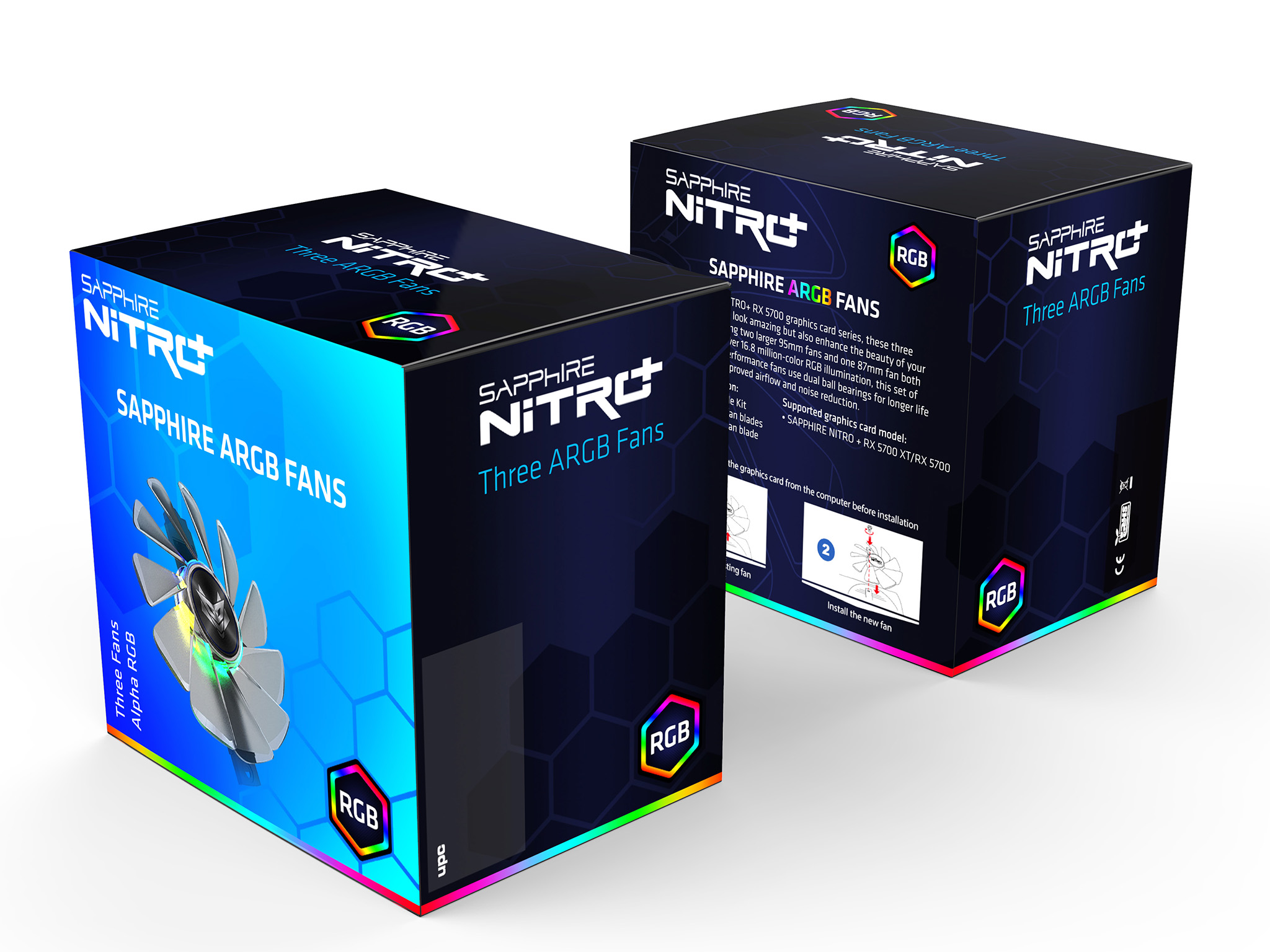
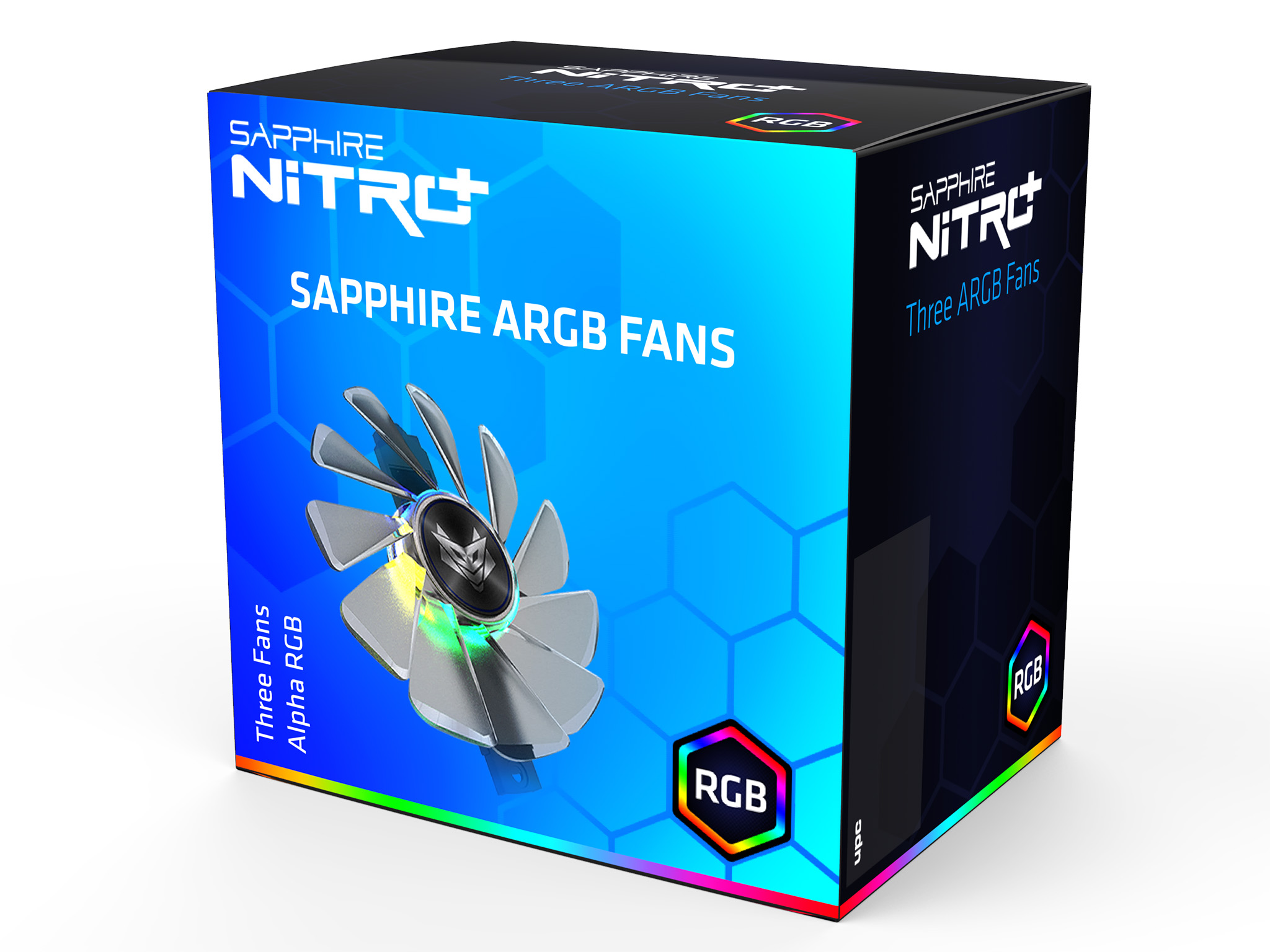
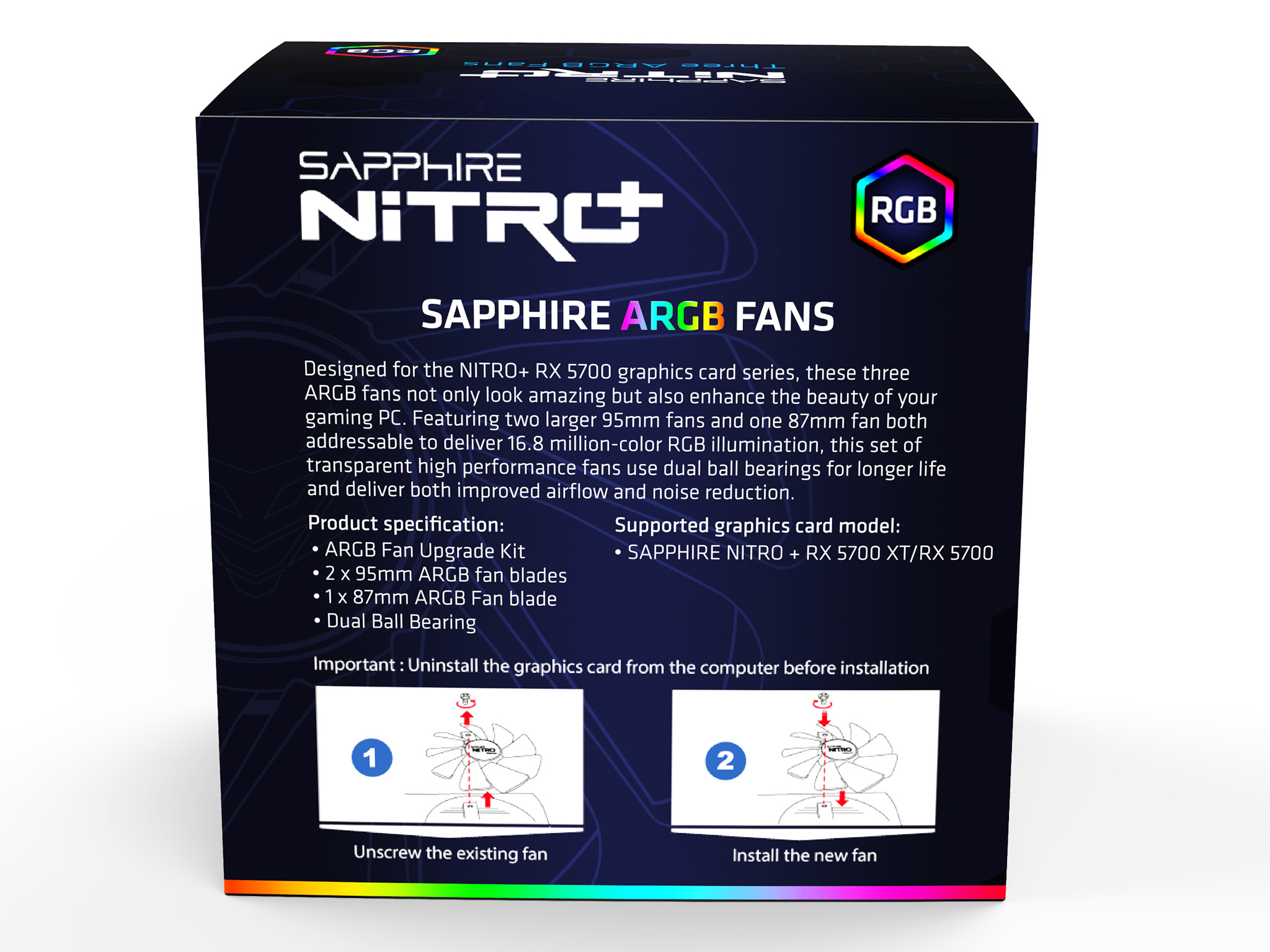
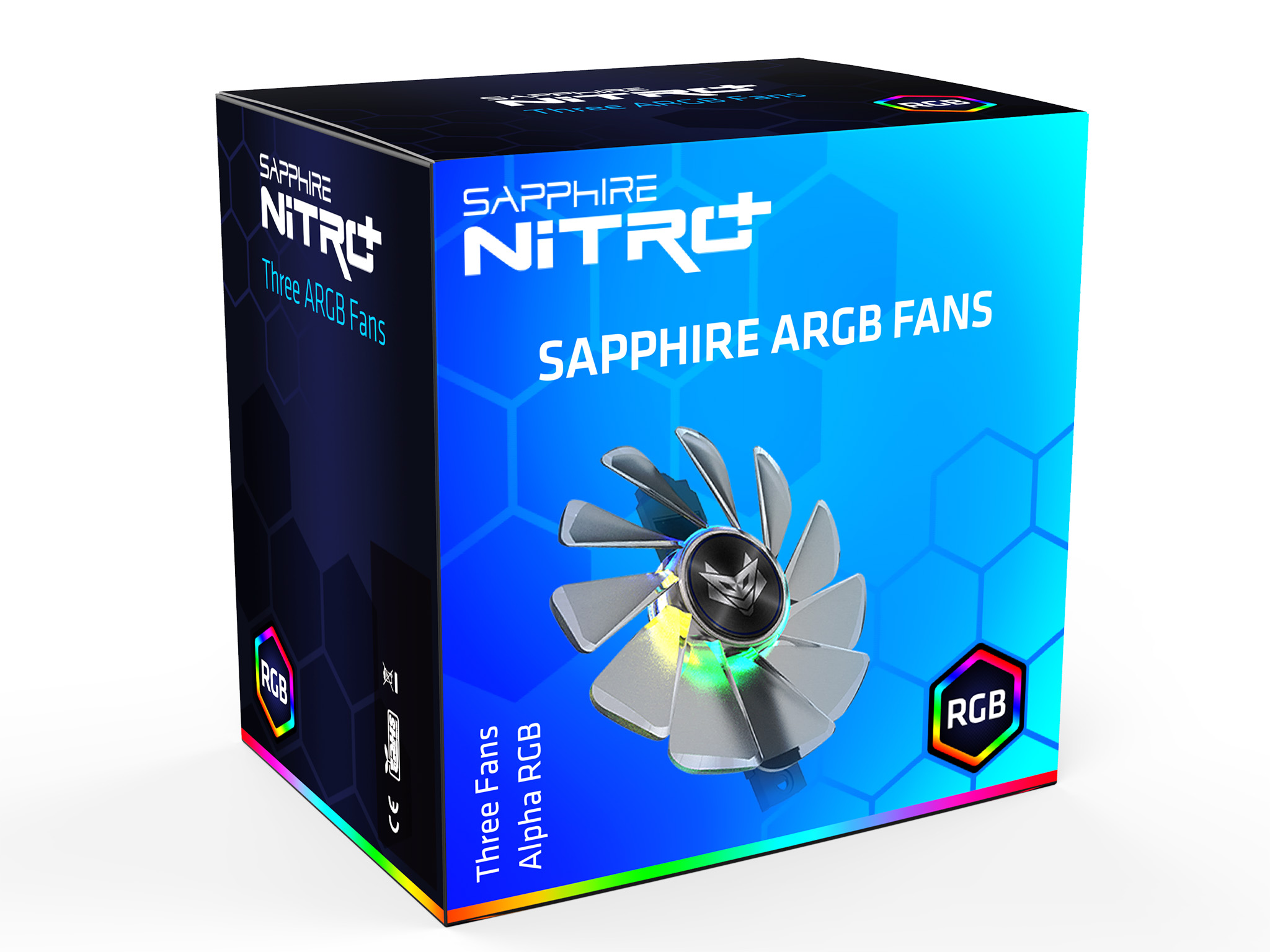
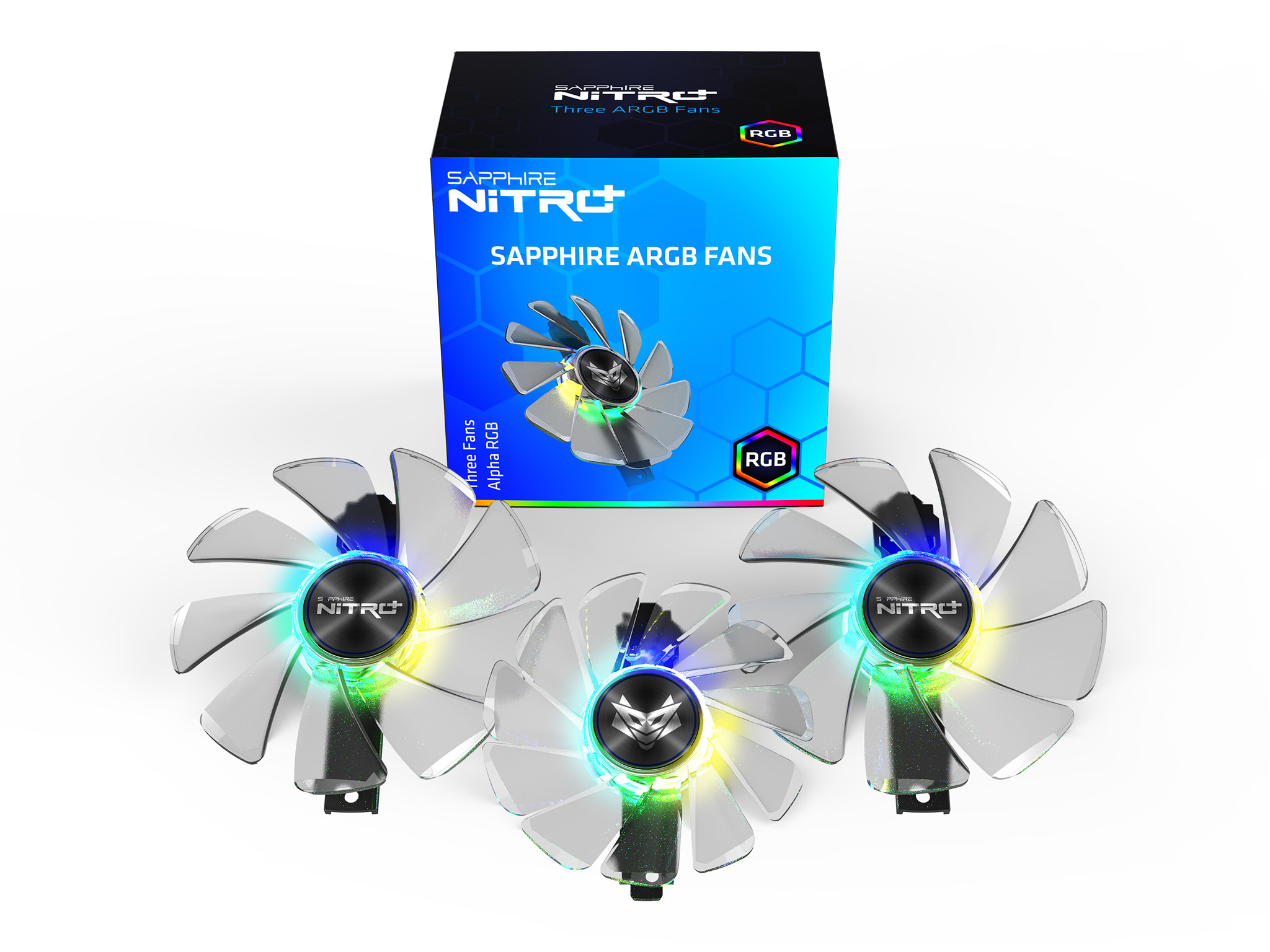
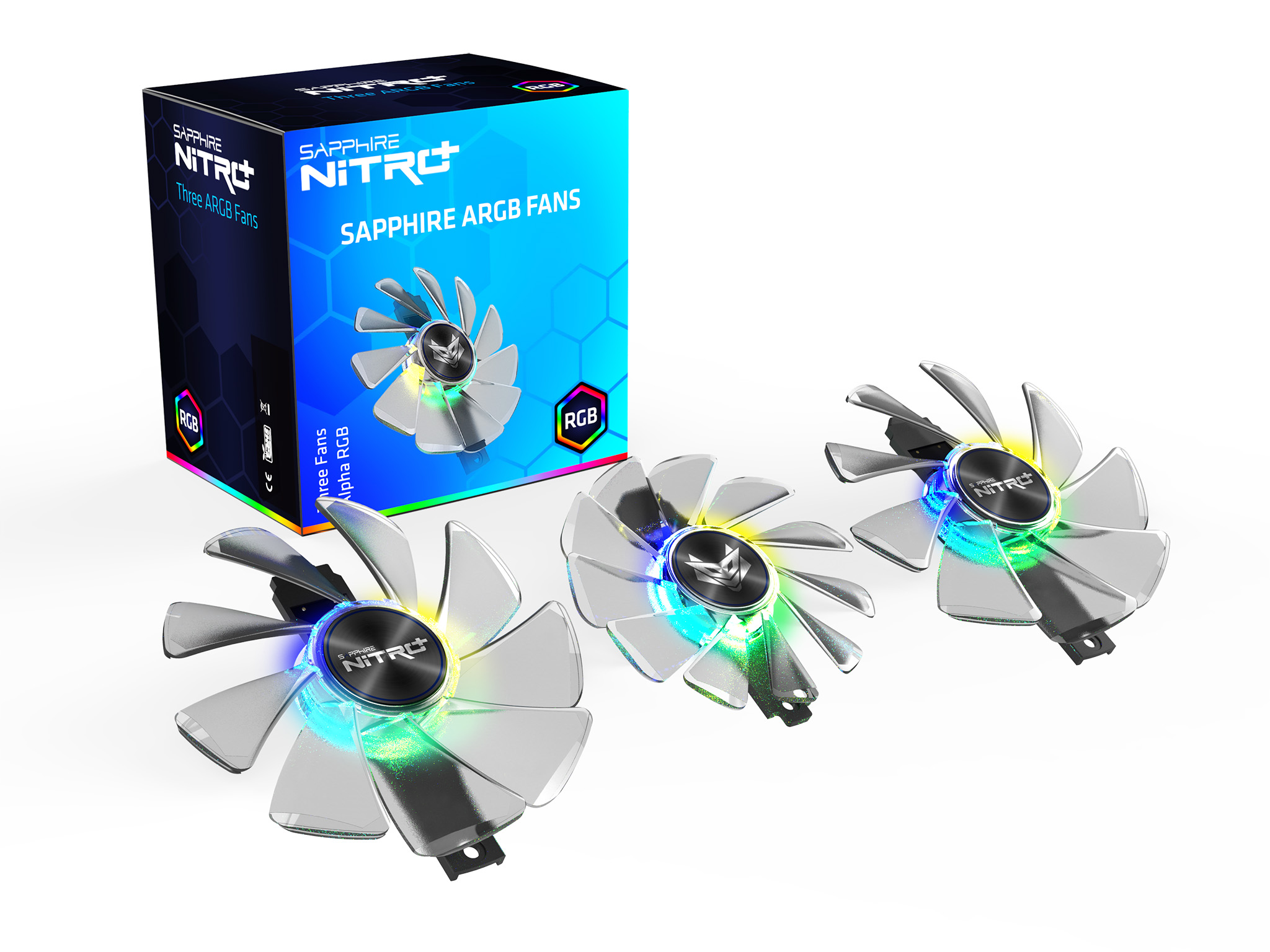
Swapping out the fans is a simple matter of removing one screw for each fan and the lifting away the assembly in one unit.
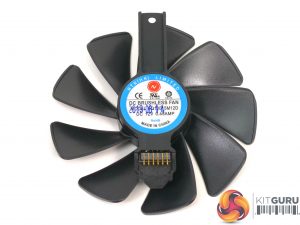
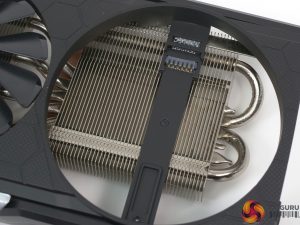
Specification of Sapphire ARGB Fans
- Number of Fans in package: 3
- Dimensions: 2x 95mm x 15mm, 1x 87mm x 13.5mm
- Fan Bearing: 2 Ball-Bearing
- Precision Fan Control IC: Yes
- Fan Quick Connect Support: Yes
- Airflow (CFM): 57.5CFM for 95mm and 43.1CFM for 87mm
- Static Pressure: (mm/H2O) 4.4mmAq for 95mm, 4.25mmAq for 87mm
- Maximum Sound Level (dBA): 42.5dB for 95mm, 32.5dB for 87mm
- Maximum Speed (RPM): 3200+/-200 RPM
- Power Usage: 5.4W
- Supported Graphics Card: Nitro+ RX 5700 XT/ Nitro+ RX
