 KitGuru KitGuru.net – Tech News | Hardware News | Hardware Reviews | IOS | Mobile | Gaming | Graphics Cards


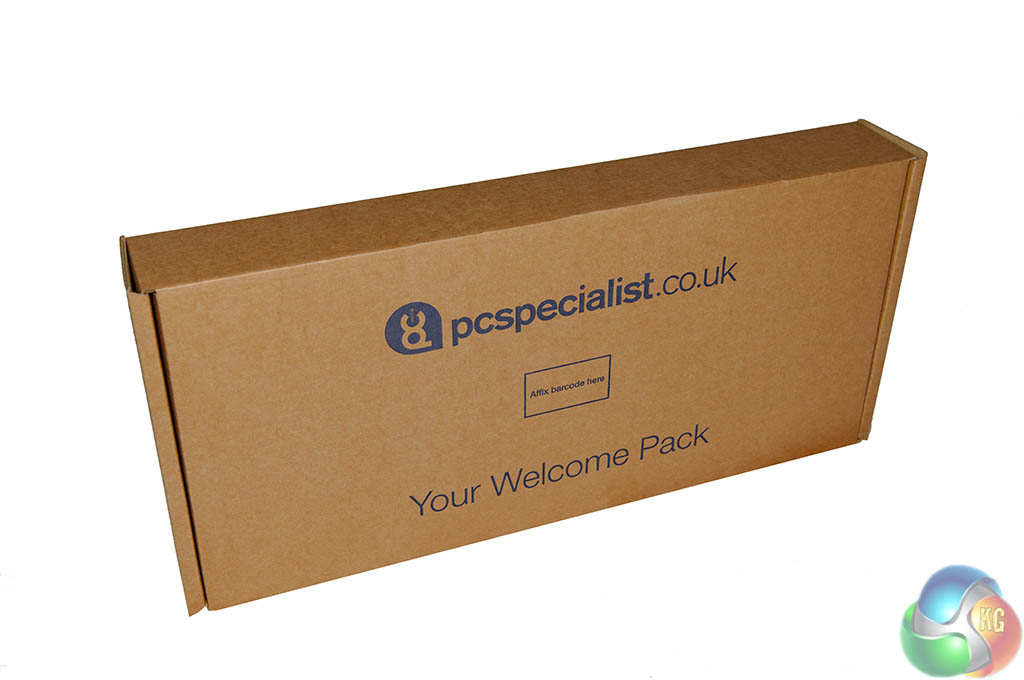
The PC Specialist Infinity 7850K is well protected, securely sealed inside a very thick brown box. Inside the main shipping container is a flat brown box containing the peripherals.
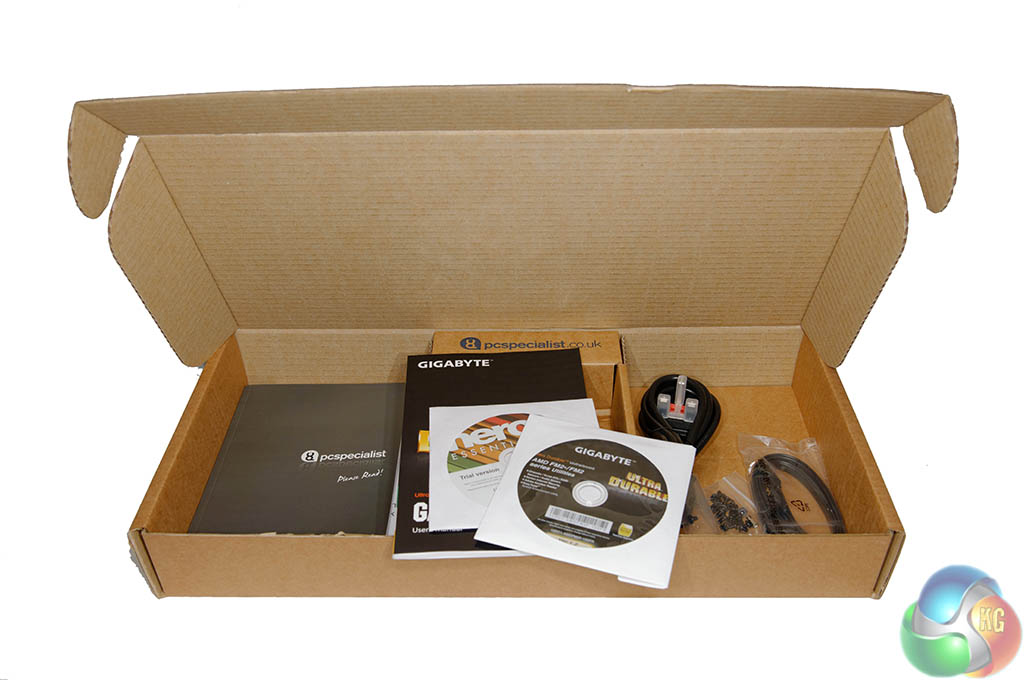
Inside the box are all the driver discs, a power cable and some literature on how to set the system up.
You will need to open the Infinity case to remove some blue protective shipping foam. PC Specialist stick a warning label to the side of the case so you won't forget.
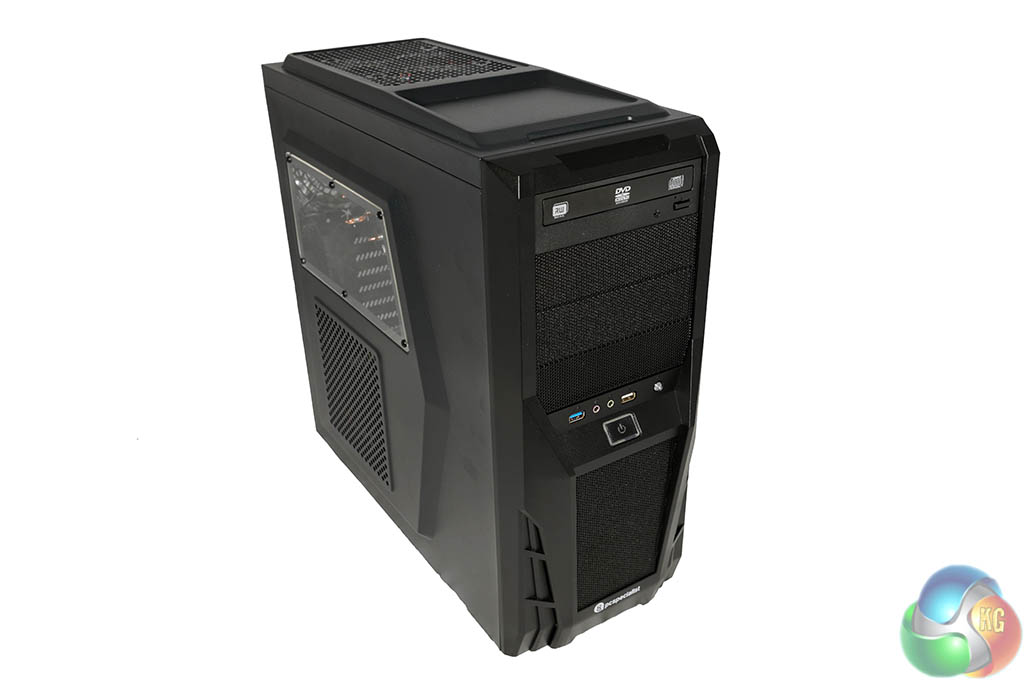
PC Specialist are using one of their own branded cases – called the ALPHA TRION 7622B. This case is designed to keep the price of the system down as much as possible. We wouldn't say it was the most beautiful design, but it looks functional.
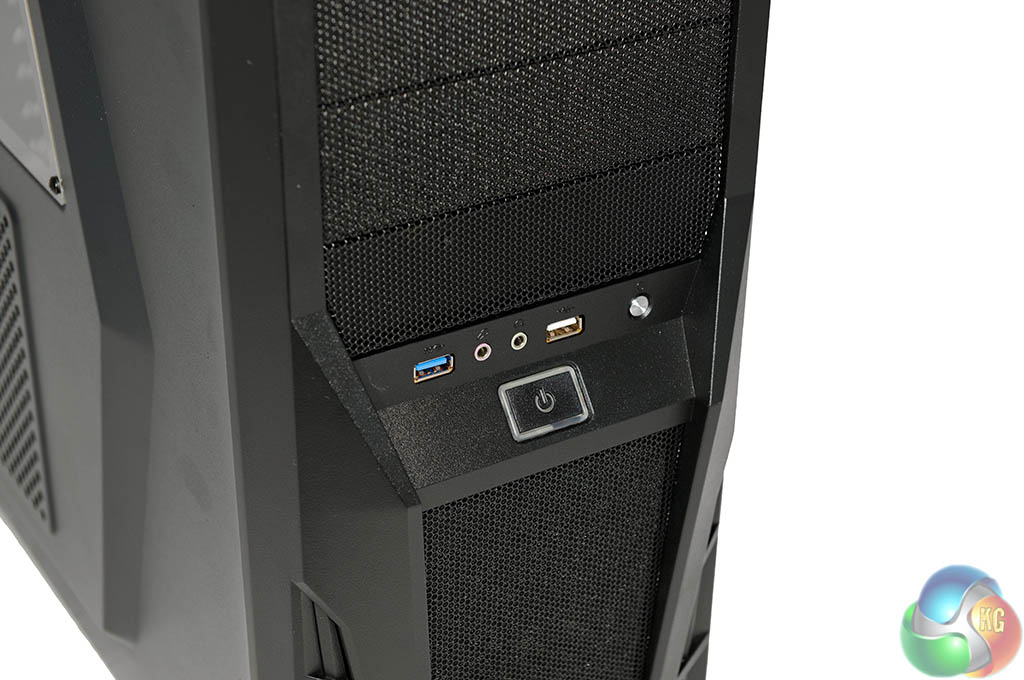
The I/O ports are not at the top of this case, they are fitted into the center point of the chassis. There is a headphone, microphone jack here, alongside a USB 2.0 and USB 3.0 port. On the far right is a reset button.
Below this is a power button which glows blue when the system is on. This light also doubles up as a hard drive activity light – changing colour on the right side from blue to red.
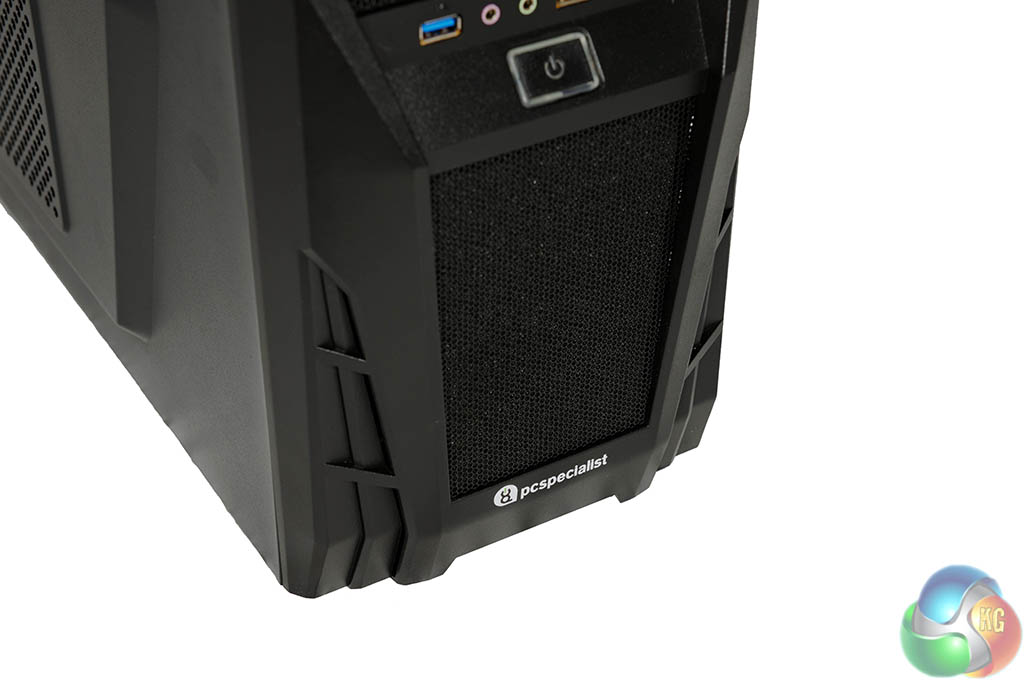
Along the bottom is a cooling vent, and a PC Specialist company badge.
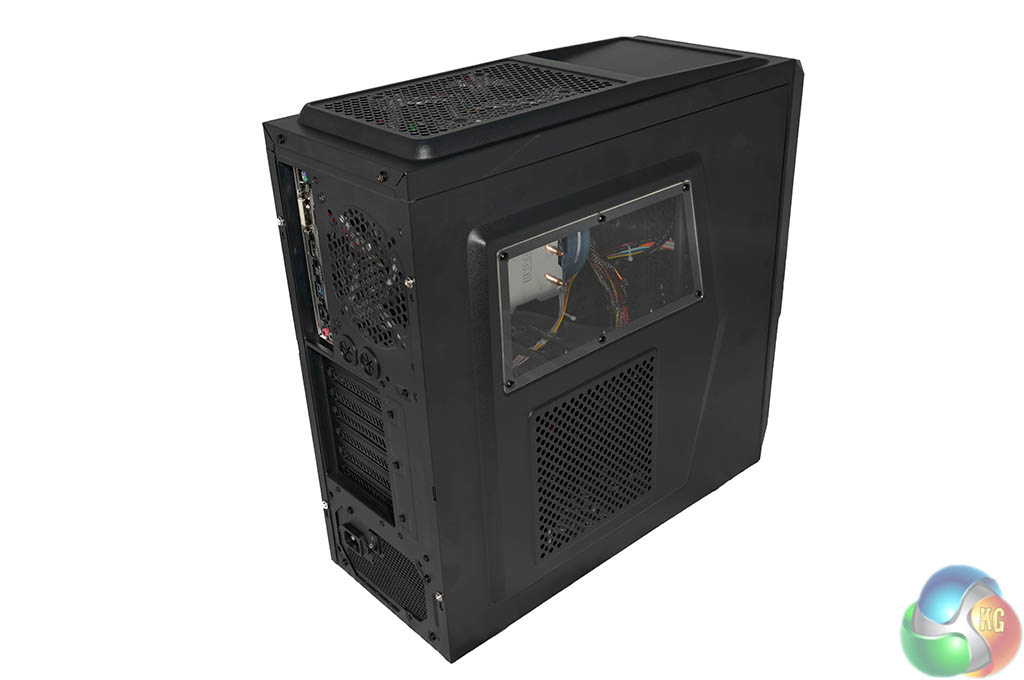
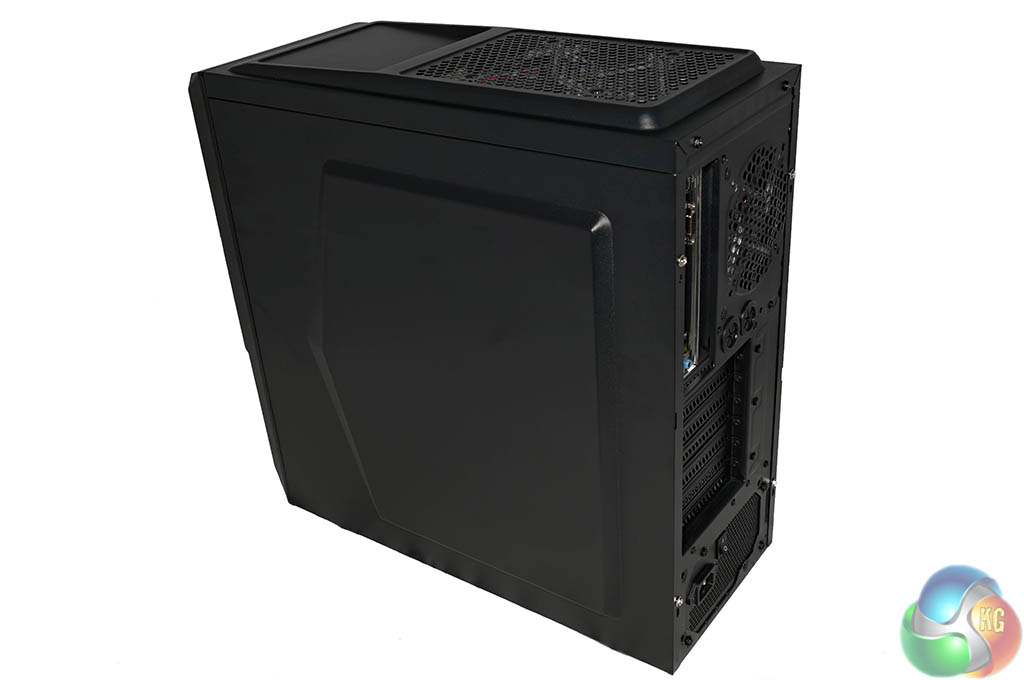
The left side of the case as a little window – exposing the CPU cooler. There is no window on the other side of the chassis. Sadly neither of these panels use thumbscrews, you will need a screwdriver to remove them.
Both panels flex a little, but given the budget nature of the build, we can accept this. We noticed that both panel screws didn't lock firmly in place, they spin endlessly after you tighten to a specific tension.
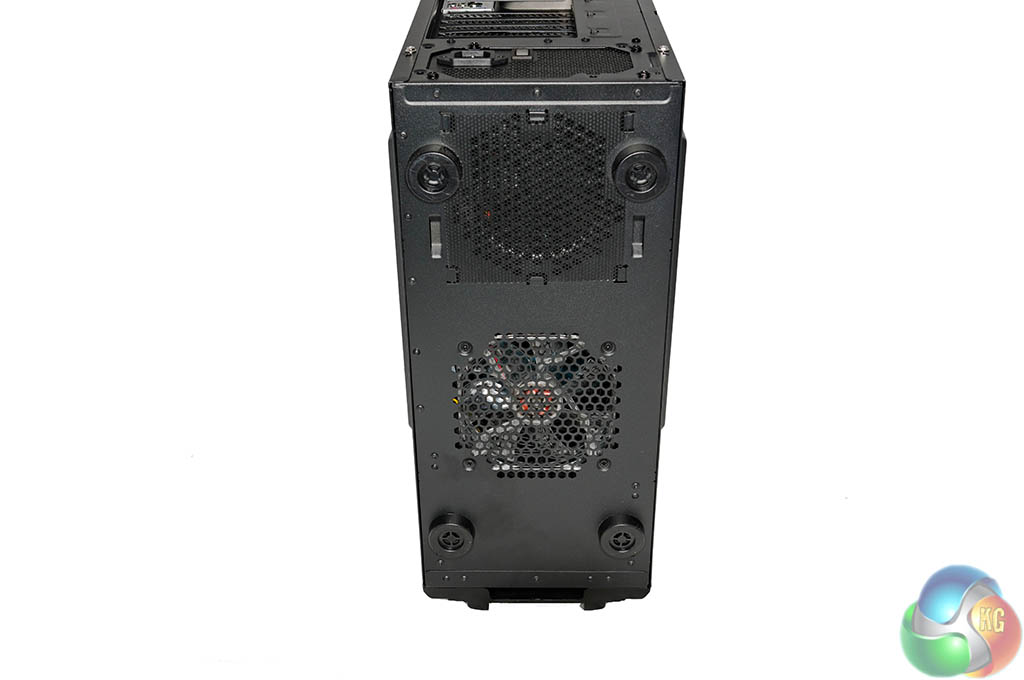
Underneath the case is a cooling fan fitted in the middle, just in front of the power supply.
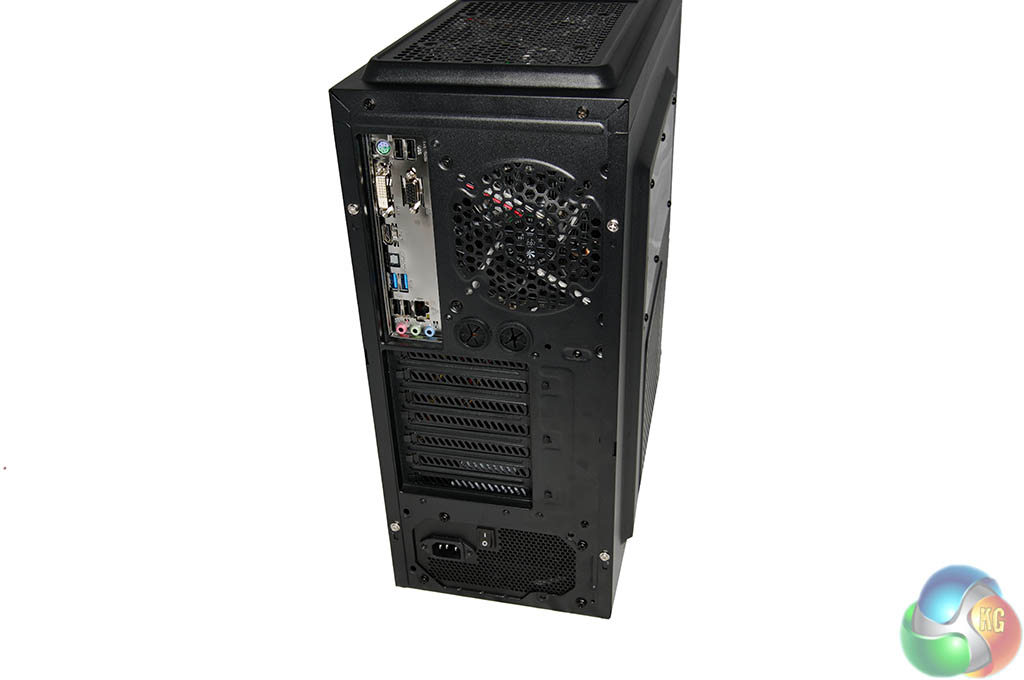
PC Specialist are using a Gigabyte F2A88XM-D3H FM2+ motherboard which offers plenty of connectivity.
- 1 x PS/2 keyboard/mouse port
- 1 x D-Sub port
- 1 x DVI-D port
- 1 x HDMI port
- 2 x USB 3.0/2.0 ports
- 4 x USB 2.0/1.1 ports
- 1 x RJ-45 port
- 1 x optical S/PDIF Out connector
- 3 x audio jacks (Line In, Line Out, Mic In)
As there is no discrete graphics card installed, all of the expansion slots underneath are available. The power supply is mounted at the bottom of the case.
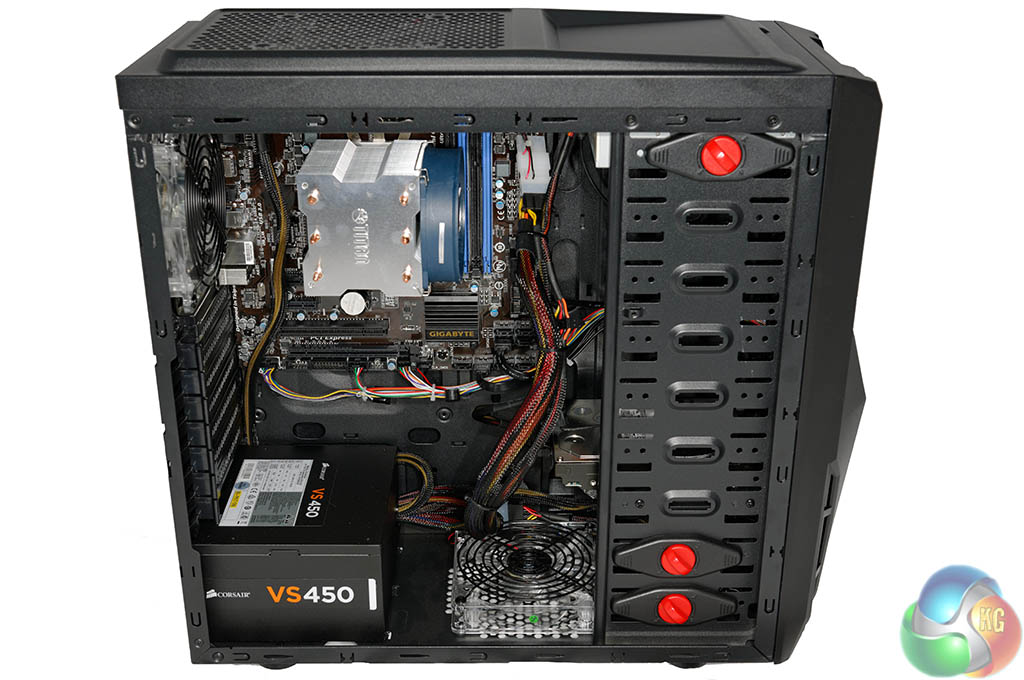
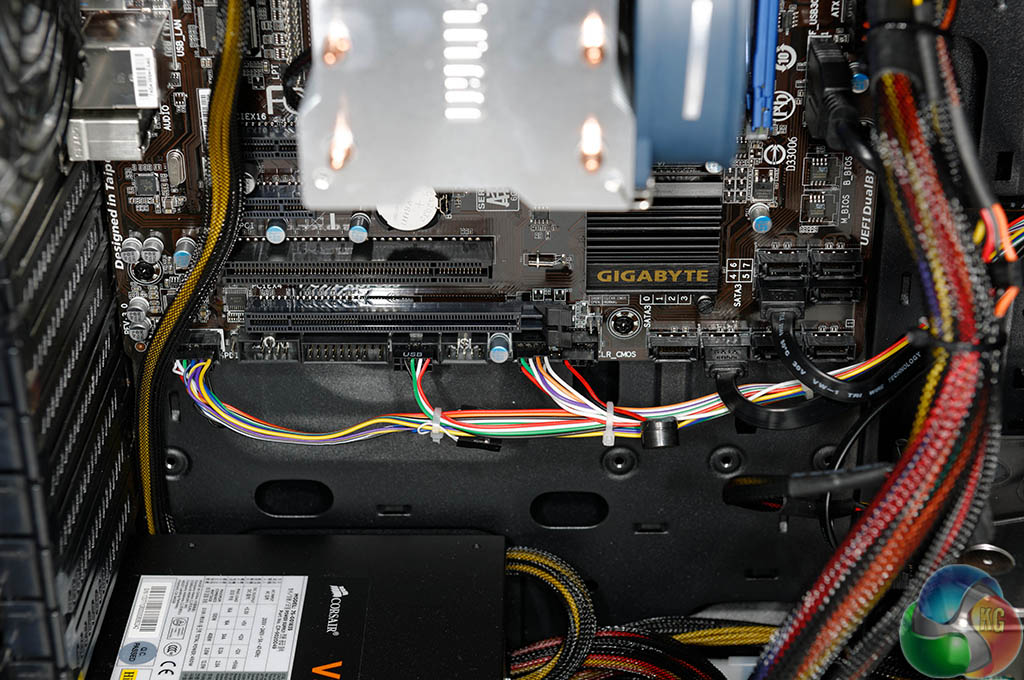
The internal build is clean although there are not a lot of cable routing holes in the motherboard panel. This has forced a lot of the cables to be in plain view, just above the bottom mounted case fan and behind the hard drive.
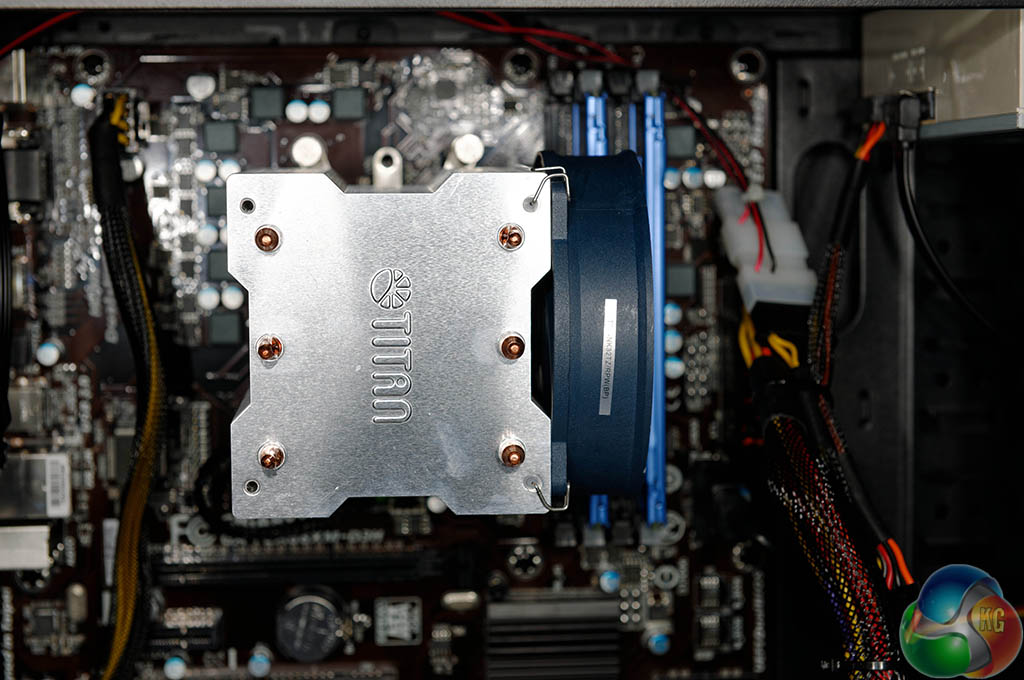
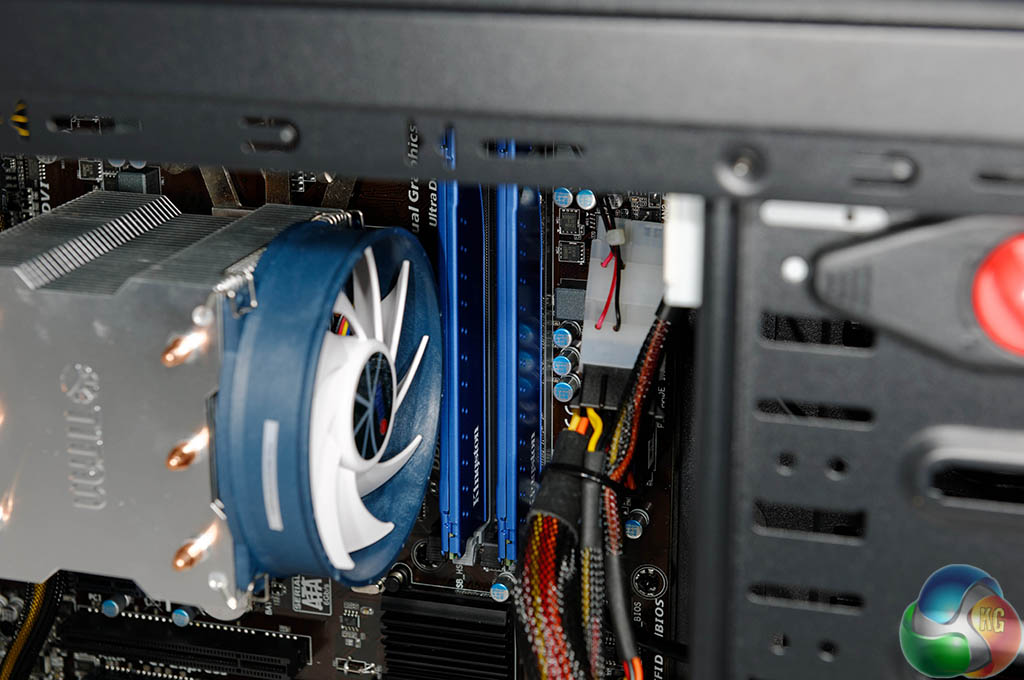
PC Specialist have opted for a fairly large CPU cooler for this build -a triple heatpipe design. It will be more than adequate to cool an A10 7850K processor. It is reassuring to see PC Specialist have not opted for a cheap ‘no name' memory brand – Kingston HyperX 1600mhz memory is installed. We are quite surprised that PC Specialist haven't installed 2,133mhz memory as it makes a huge performance difference to an AMD A10 build.
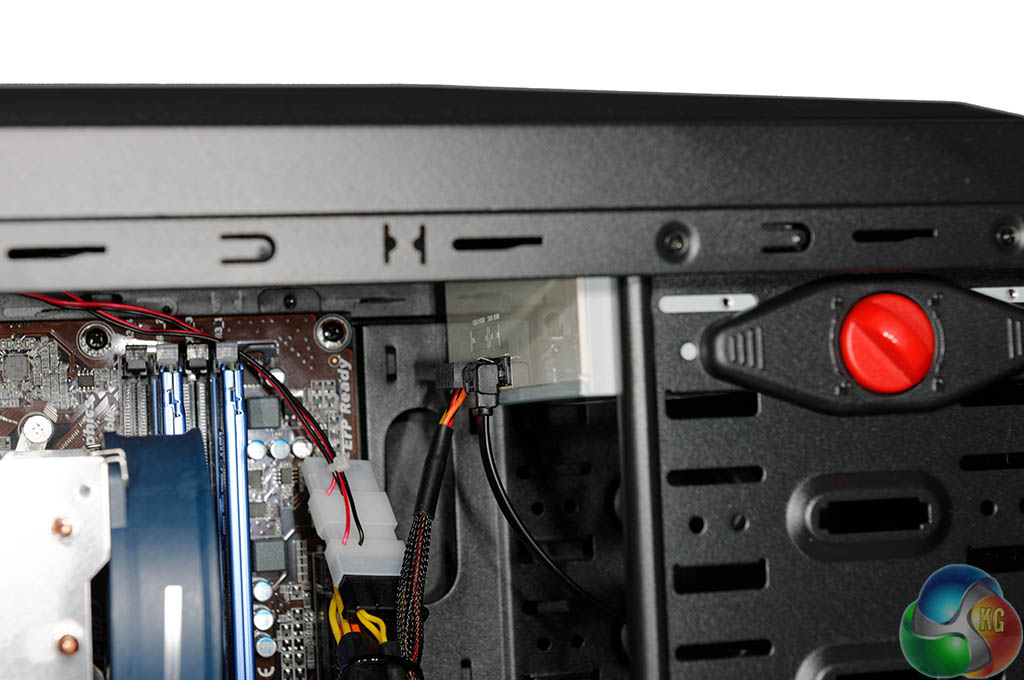
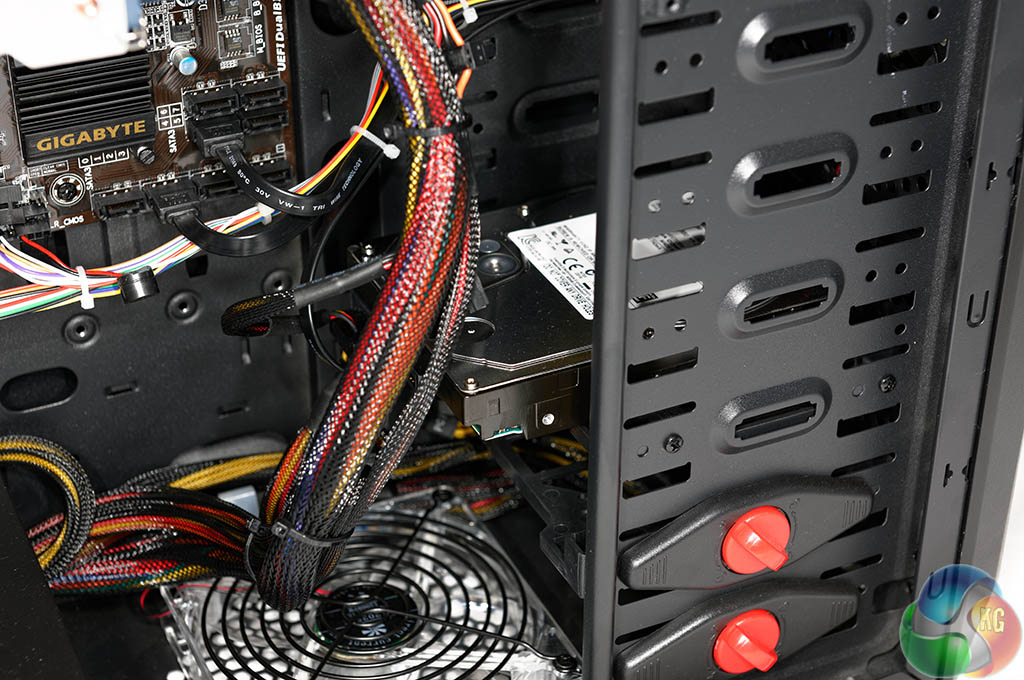
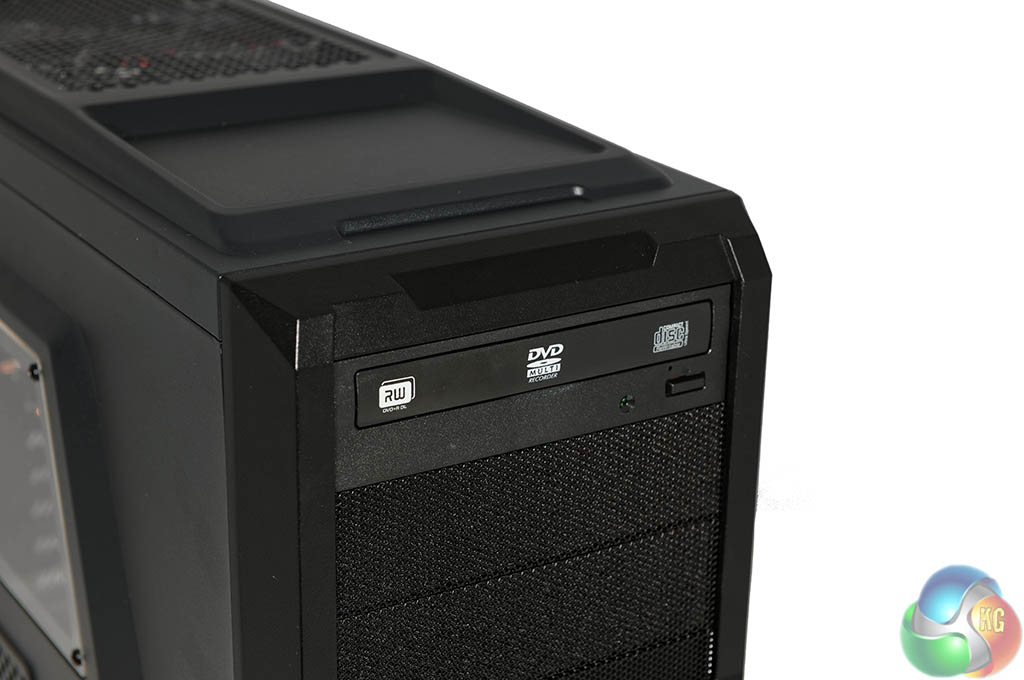
PC Specialist have fitted a no frills Bluray/Dual Layer DVD writer and a 2TB 7,200 rpm mechanical hard drive. No Solid State drive unfortunately, but we are sure PC Specialist would fit a small one as the boot drive, if you paid a small premium over the base unit price.
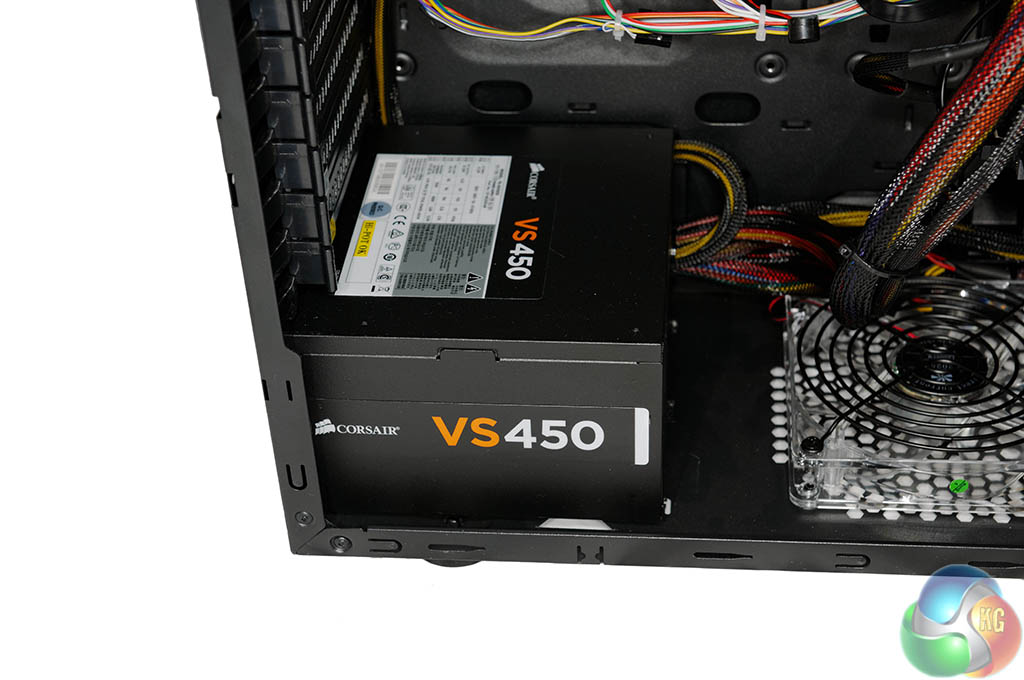
PC Specialist have fitted a quality Corsair VS450 power supply – which will be more than enough to power this modest system.
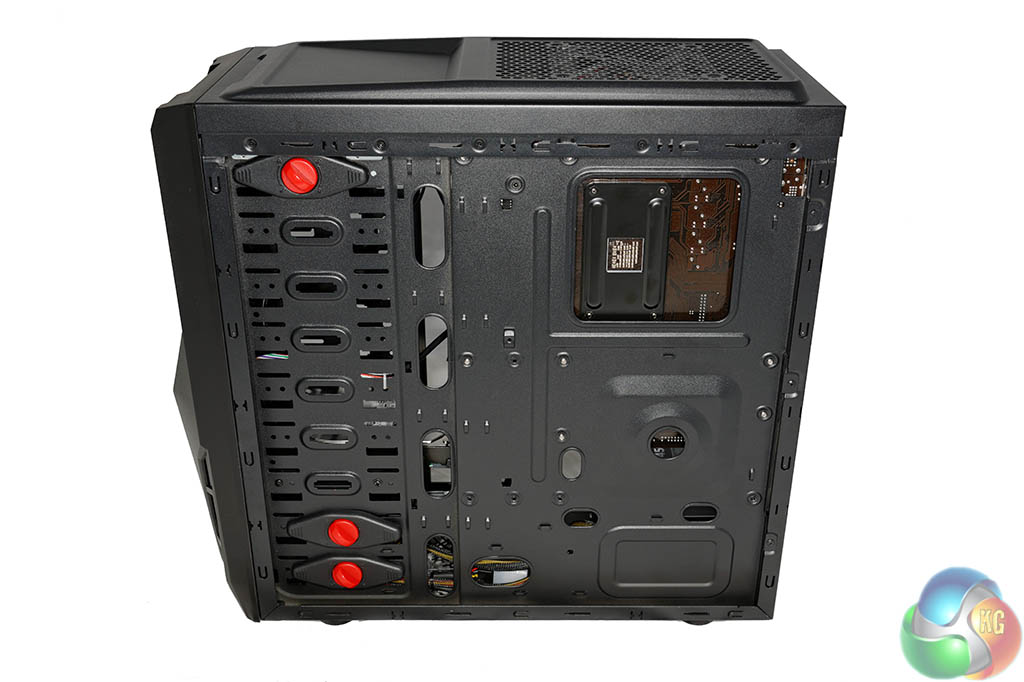
As we mentioned earlier, the budget ALPHA TRION 7622B chassis has very little space for routing cables behind the motherboard tray, so the other side of the system is ‘cable free'.
