 KitGuru KitGuru.net – Tech News | Hardware News | Hardware Reviews | IOS | Mobile | Gaming | Graphics Cards


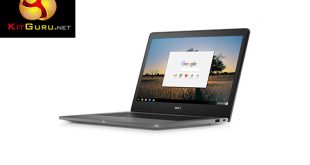
Chromebooks are typically inexpensive and plasticky devices, targeting those who want just a basic laptop experience at a low pricepoint. Dell's Chromebook 13 7310 bucks that trend rather emphatically, as pricing can go up to £913 for this particular model with a Core i5-5300U, 8GB RAM and a 13.3inch 1080p touch screen.
Clearly, Dell are targeting users who want the streamlined user experience that ChromeOS brings, but in a premium package. In this review today I take a look at the Chromebook 13 7310 and ask whether it is worth its £913 asking price.

Specifications
- Processor: Intel® Core™ i5-5300U (3M Cache, up to 2.90 GHz)
- Memory: 8GB Memory
- Hard Drive: LITEON 32GB Solid State Drive
- Display: 13.3″ FHD (1920×1080) Touch LCD
- Battery Life: Up to 12 hours of battery life
- Warranty: 1Yr Collect and Return Included
- Ports: 1 USB 3.0, 1 USB 2.0, 1 HDMI 1.4
- Slots: MicroSD, Noble Lock Slot
- Keyboard: Backlit chiclet keyboard: Chrome OS layout
- Touchpad: Precision touchpad, seamless glass integrated button: 105mm x 60mm
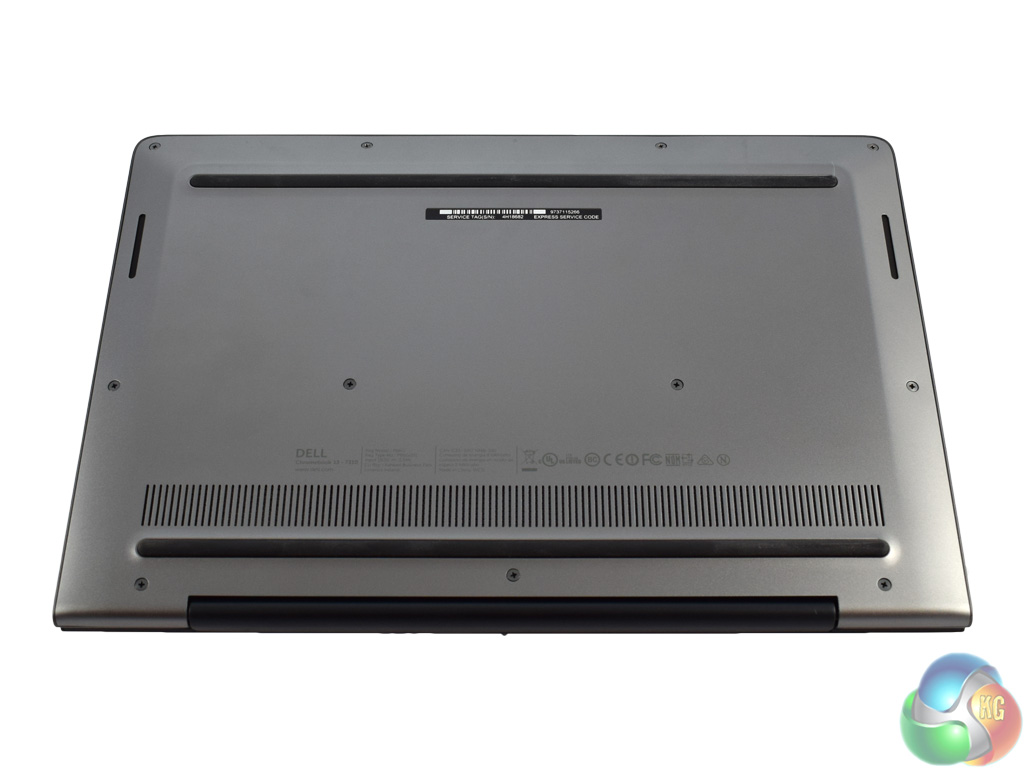
- Height: 19.9 mm (0.78″) x Width: 381.9mm (15.04″) x Depth: 252.5 mm (9.94″)
- Weight: 2.17 Kg (4.8lbs)
- Wireless: Intel® Dual Band Wireless-AC 7260 802.11AC Wi-Fi + BT 4.0 LE Wireless Card
- Primary Battery: 67WH 6 Cell Battery
- Battery: 6 cell (67 WHr)
- A/C Adapter: 65W AC adapter
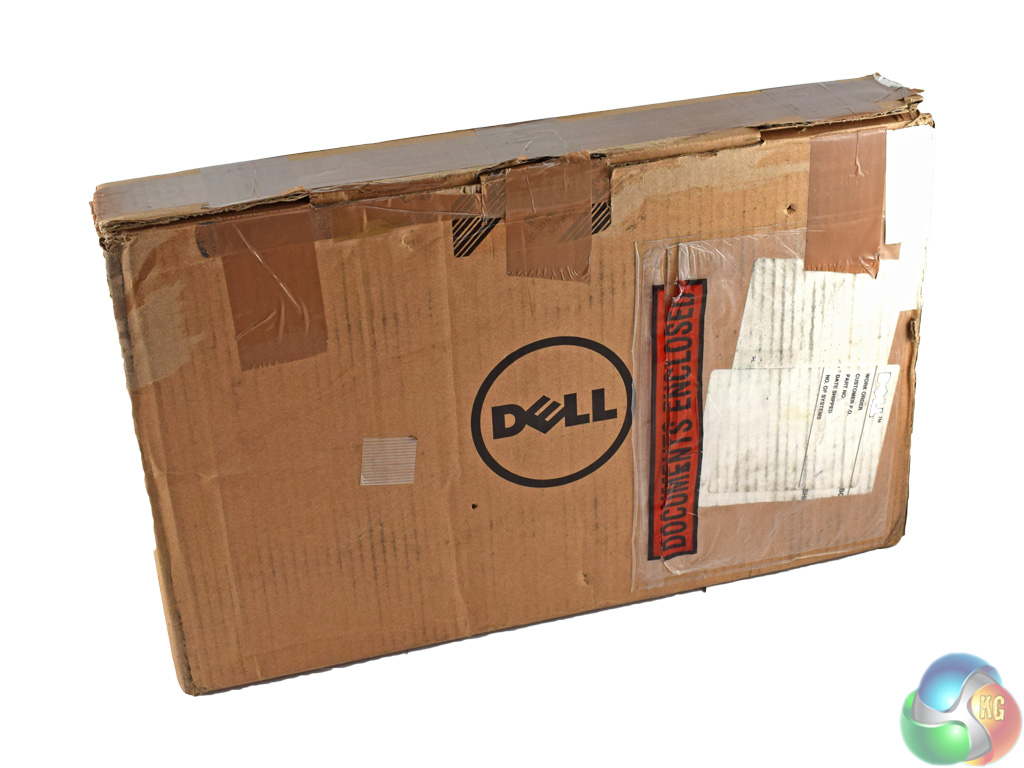
The Dell Chromebook 13 7310 ships in a plain box with just a Dell logo on the front. My sample arrived in a fairly battered-looking box – but no doubt this has been shipped to other reviewers too. A brand new one would of course look pristine.
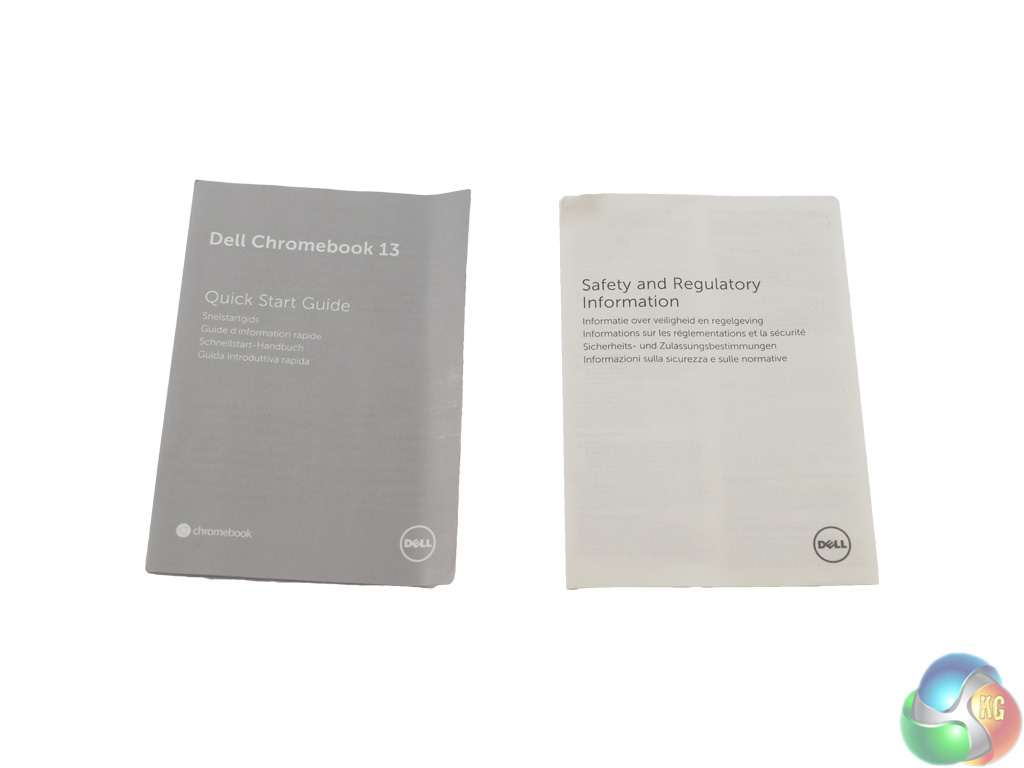
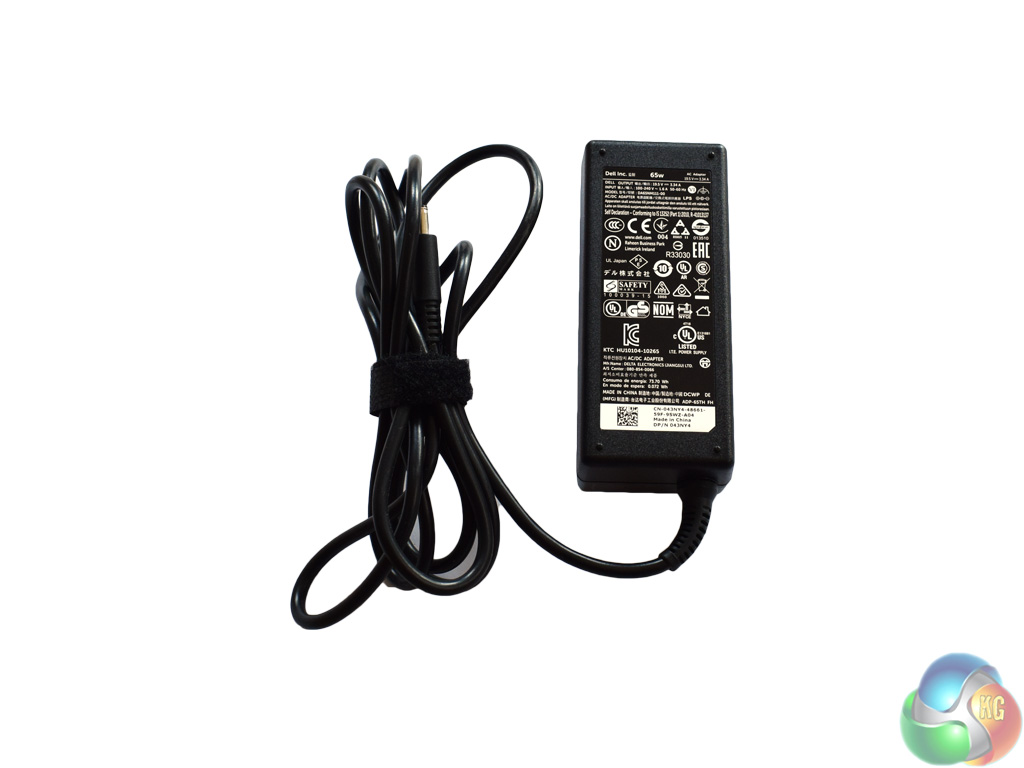
Inside, there is not much in way of accessories. Two small booklets and the power brick is all that is included. Incidentally, the power brick is rated at 65W.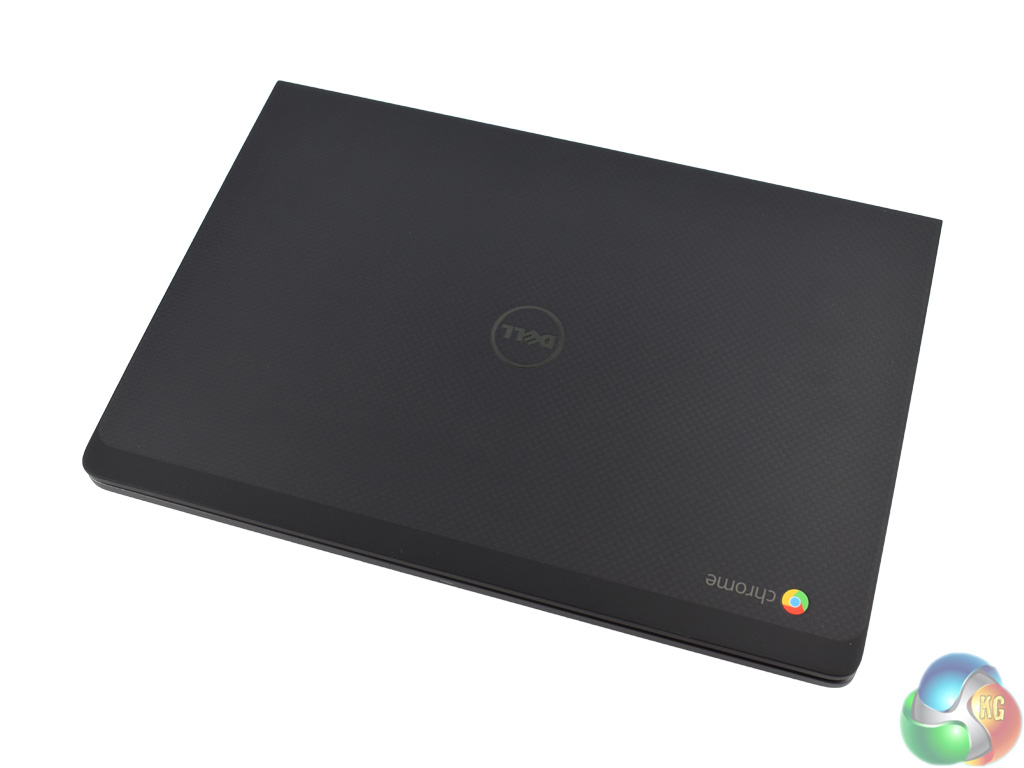
The first look you get of the Chromebook 13 7310 is, of course, of the lid. It has a rubberised, matte black finish – though it is patterned, meaning it is not entirely plain.
The base of the Chromebook is made from a magnesium alloy with a carbon fibre finish – according to Dell. It certainly looks good, and feels both classy yet sturdy.
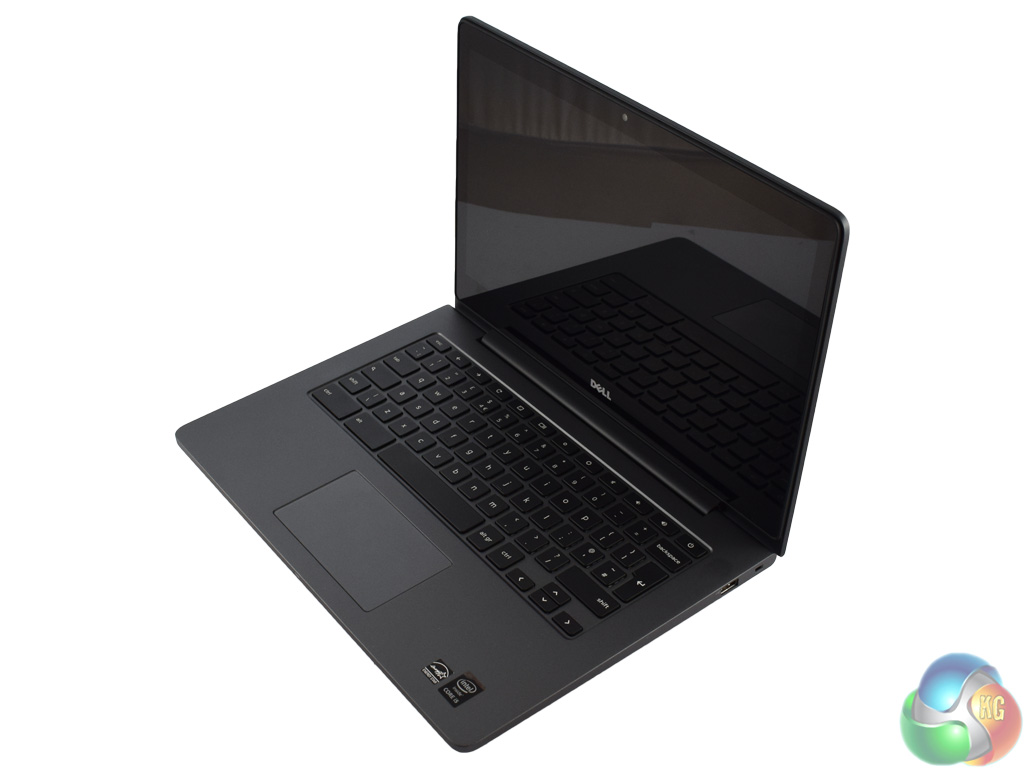
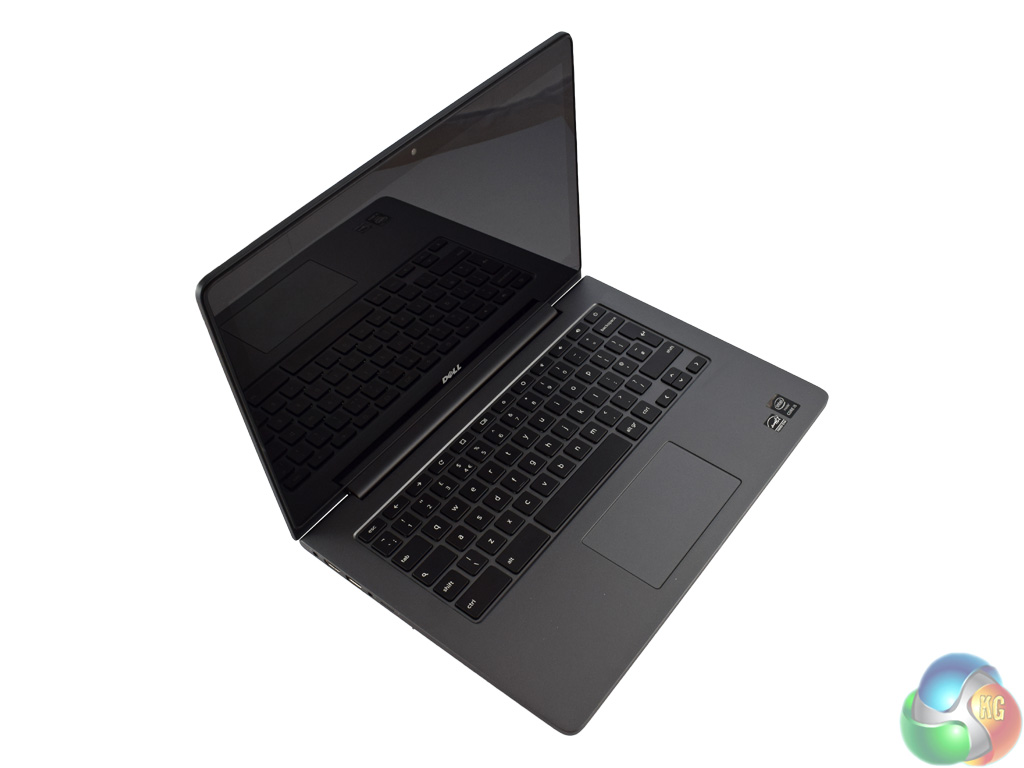
Opening the lid, you can see a continuation of this magnesium alloy – it is used for the entirety of the bottom section.
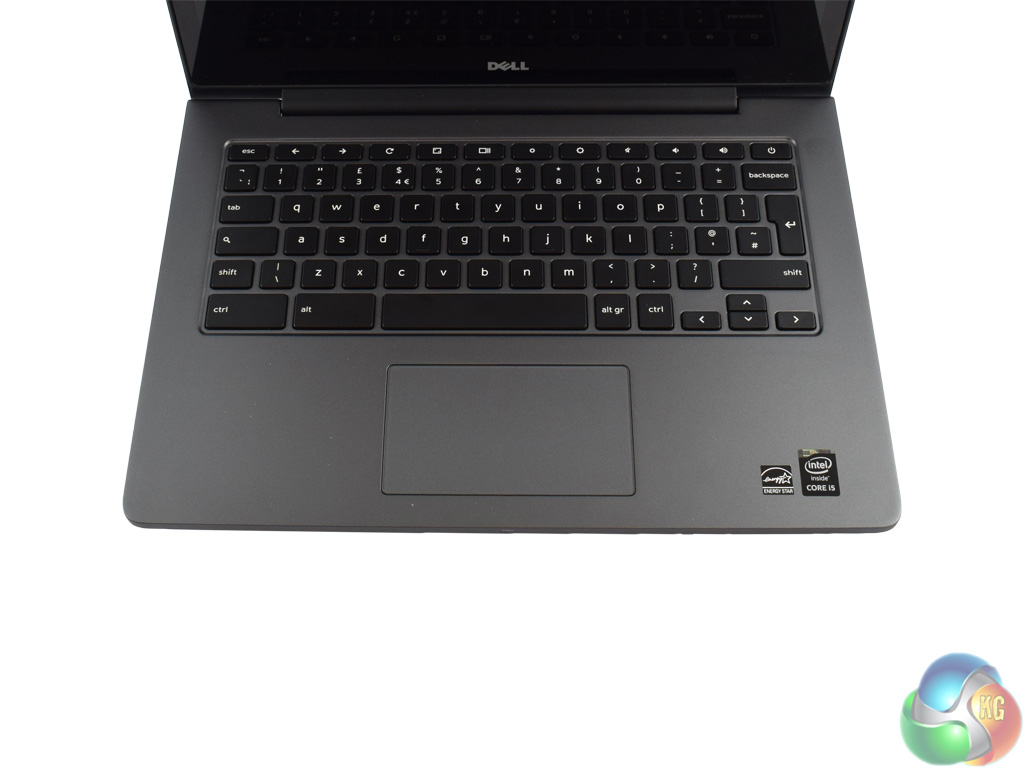
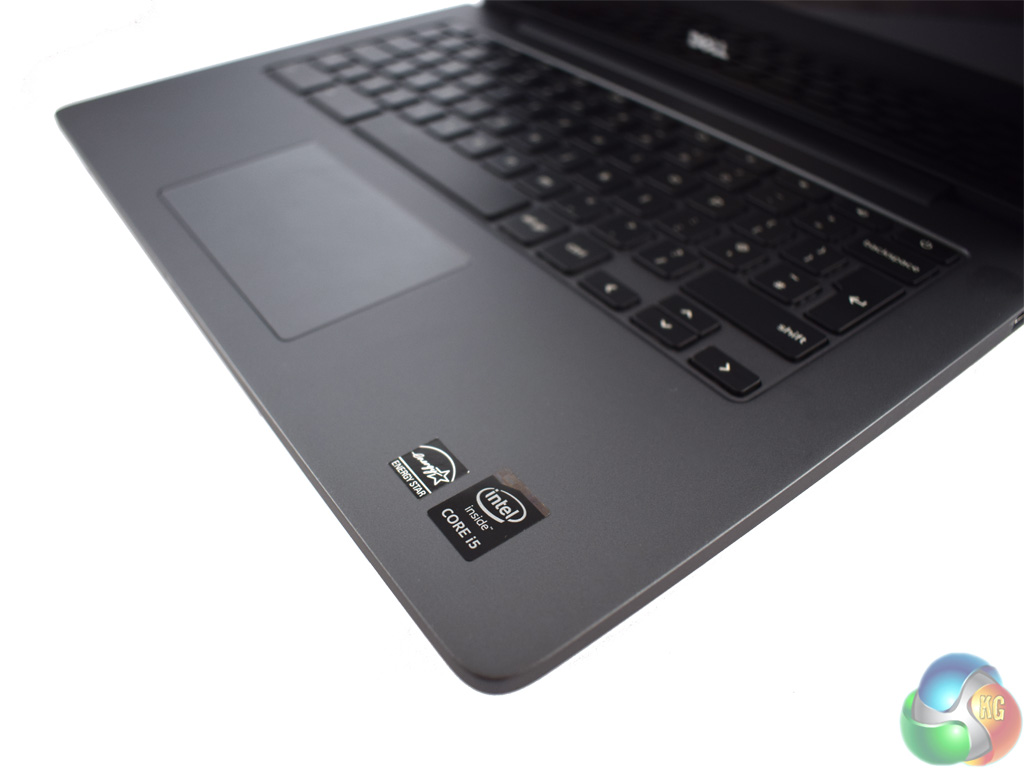
The chiclet keyboard has a white backlight which does not turn off. It is not visible in daylight, but provides the required underglow to let you use the device in low-light conditions. On the whole I think the keyboard is a decent unit. Key travel is minimal – as it would have to be for a laptop measuring only 19.9mm thick. The keys are very well spaced out, though, and I found this helps the adjustment period – as coming from a desktop keyboard to a much smaller laptop keyboard can sometimes be tricky. However, with the well spaced-out keyboard on the Chromebook 13 7310, it is certainly a much smoother adaptation process.
The touchpad is not split into two, either – it has just a single, integrated button. In my experience the touchpad is truly excellent – sliding your finger over it is very smooth and I encountered zero resistance from it. This helps tracking to stay accurate, and just gives a lovely feel to the touchpad. Having integrated buttons also looks better, as there is not the extra clutter of two further buttons below the trackpad.
In the lower right-hand corner are two stickers – both blend it well with the dark metal base.
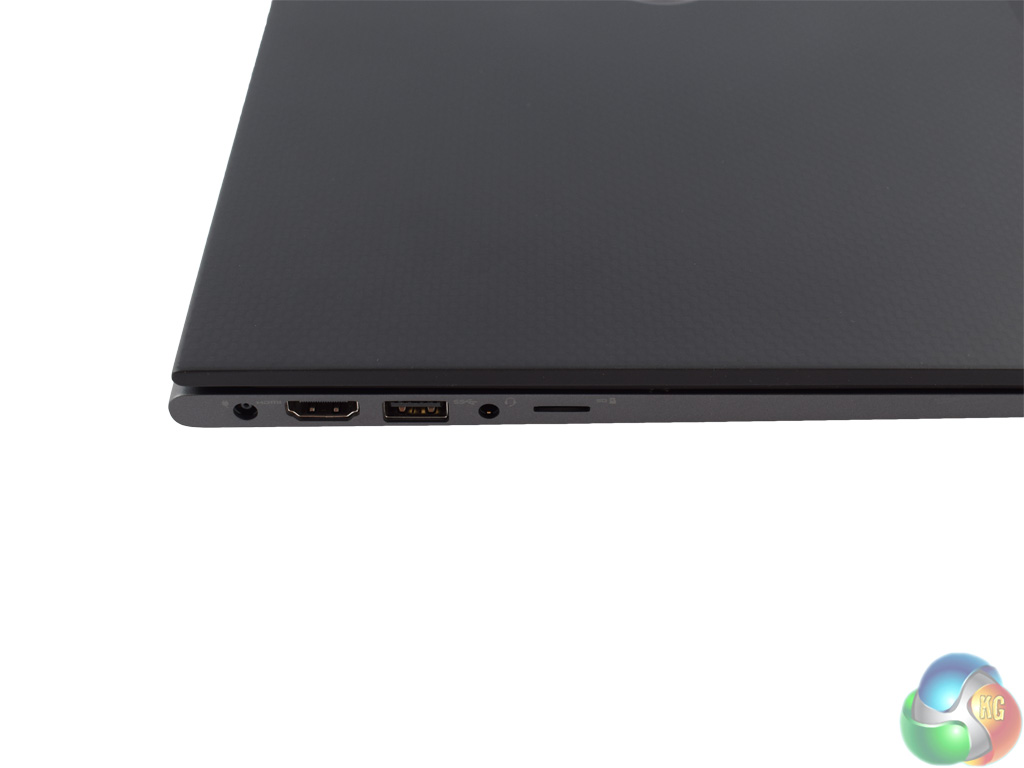
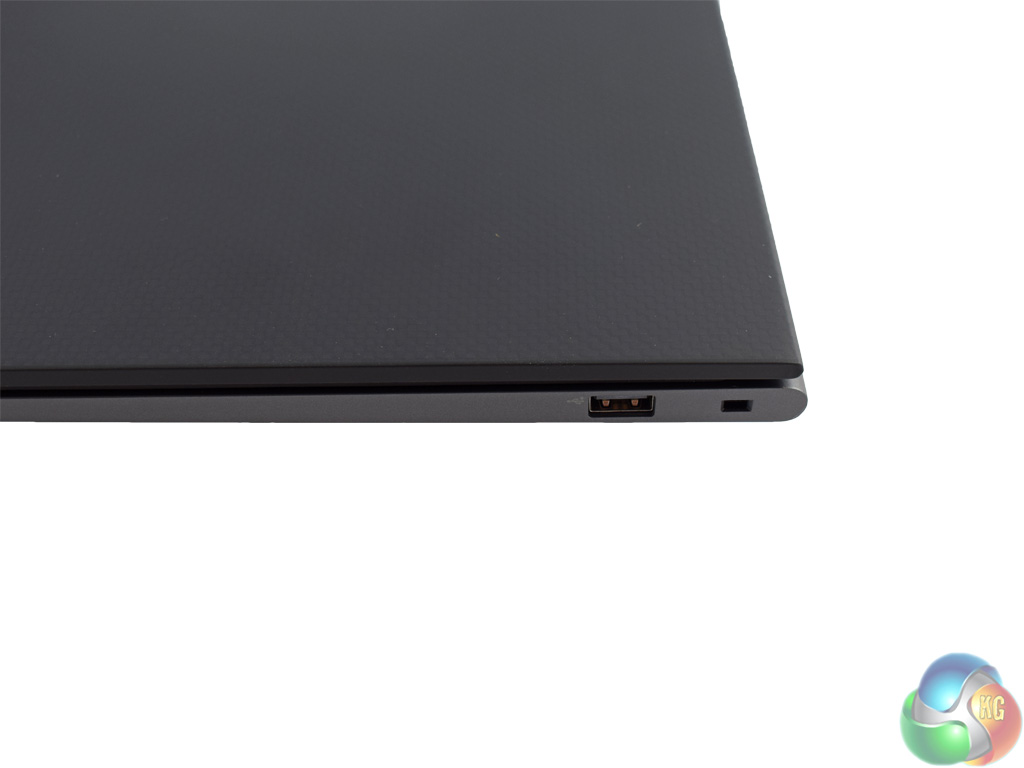
Above we get a look at the ports on the outer edges of the Chromebook. The left side sports the power input, 1x HDMI 2.0 output, 1x USB 3.0, 1x headphone jack and a microSD reader. The right side has just a USB 2.0 and a Noble lock.
Here you also get a good indication of just how slim the Chromebook is – coming in less than 2cm thick.
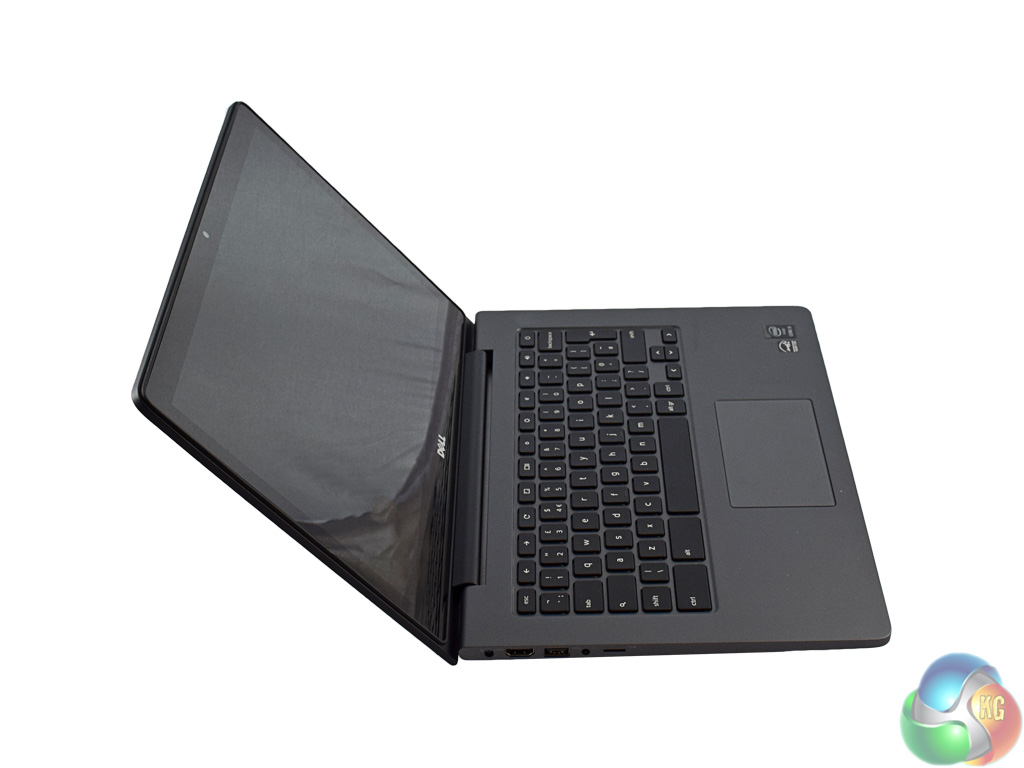
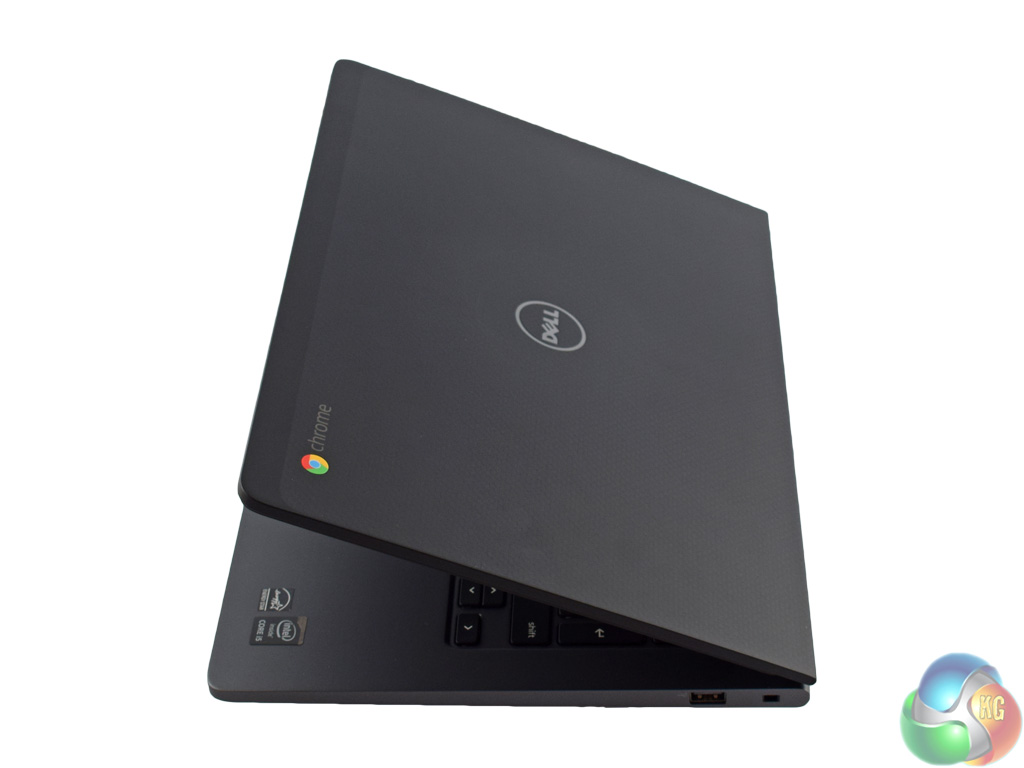
Above, the image on the left shows the furthest the Chromebook can tilt backwards. It is certainly enough for any scenario I can think of.
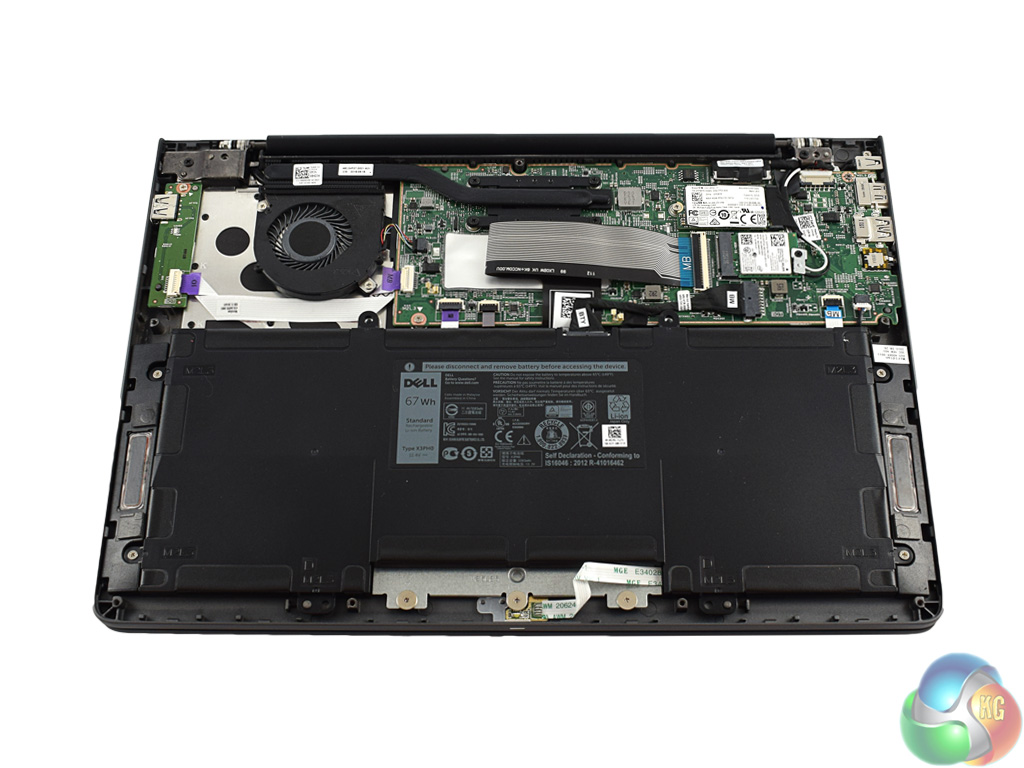
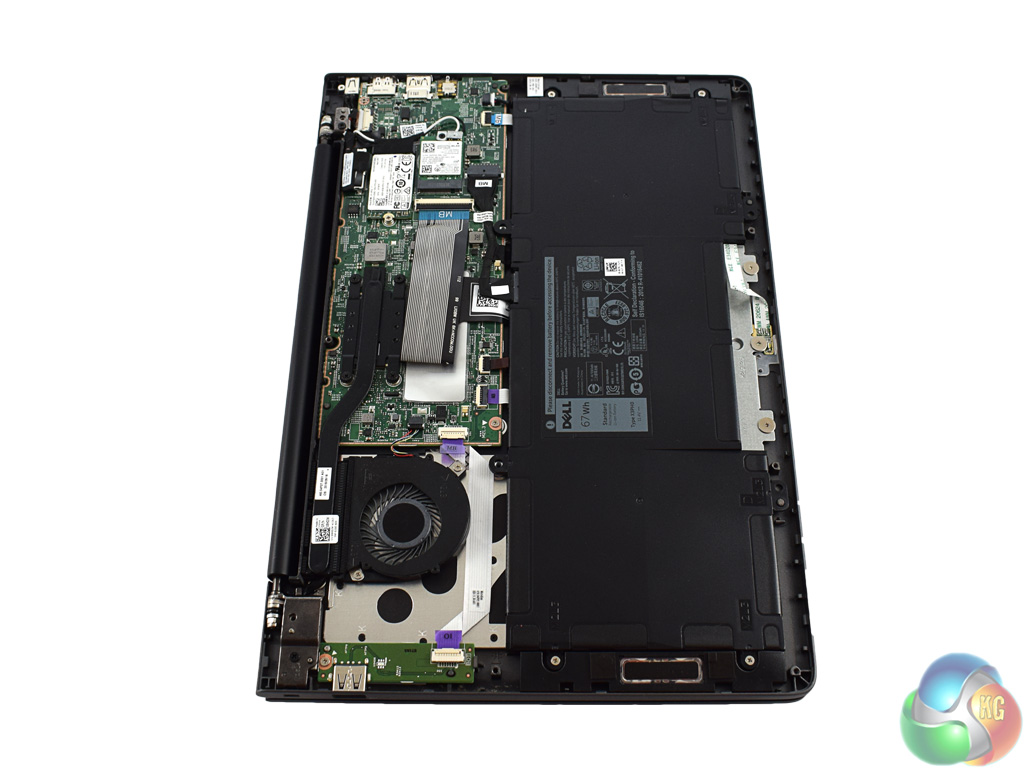
Finally we get a good look at the insides of the Chromebook. The battery takes up over half of the space – while very little is serviceable. Theoretically you could change out the 32GB LITEON M.2 SSD, but whether a new one would be recognised by the Chromebook is another matter entirely. 8GB of RAM, too, must surely be enough for even the most demanding of Chromebook owners.Testing a Chromebook is a tricky matter – as our usual benchmark suite is not compatible with ChromeOS. Previously we could have used a browser-based benchmark called Peacekeeper – but this is no longer supported. As such, testing the Chromebook 13 7310 becomes more about ensuring the OS works as it should and that the general user-experience is smooth.
First, let's take a brief tour around ChromeOS.
Above is the desktop which greets you once you have logged in.
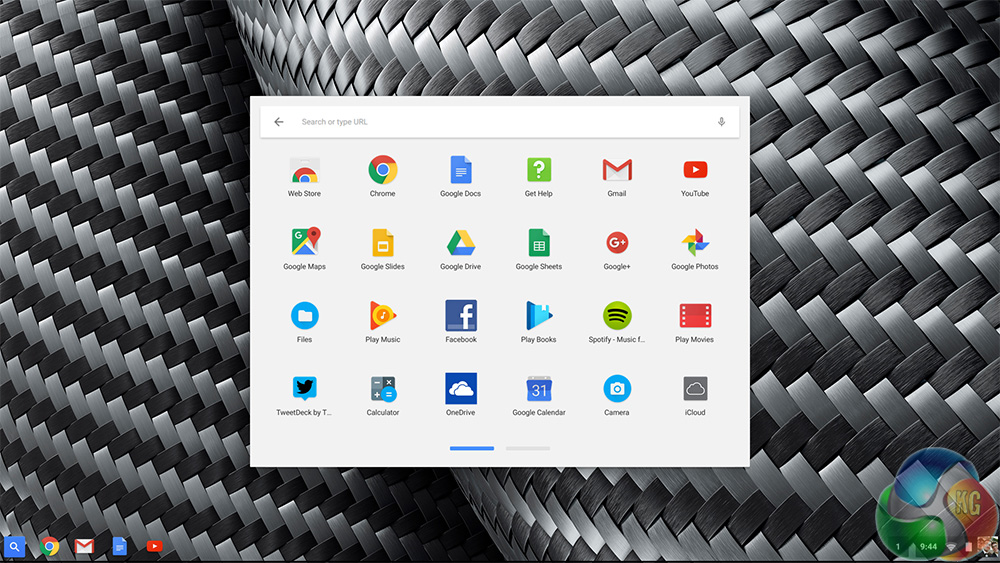
From the desktop, you can find the launcher for all your apps. Apps are downloaded from the Chrome store.
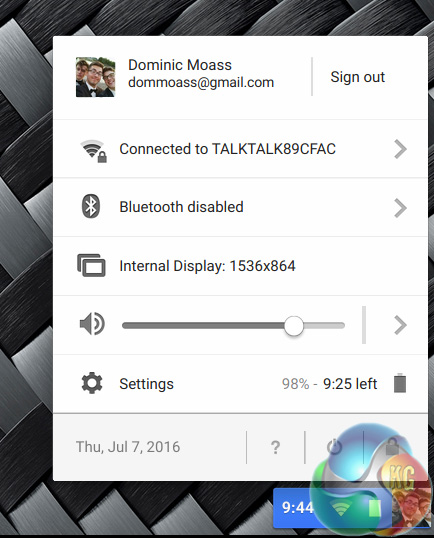
You can also access some basic settings and scaling options from the ‘system tray' (as it would be called in Windows.) The scaling is important, as 1920×1080 across 13.3inches can make for hard viewing – everything is definitely on the small side. I scaled down the resolution size to 1536×864- effectively increasing the display scaling.
There are lots of other internal resolution options available, too. Depending on how large or sharp you want the picture to look, you can choose between the following resolutions:
- 960×540
- 1200×675
- 1536×864
- 1920×1080 (native)
- 2400×1350
The Chromebook 13 7310 certainly handles ChromeOS very well – after all, it is essentially just Google Chrome in OS form.
Boot times are lightning fast – and I have included a video above to show you just how fast it is to go from having the Chromebook switched off to logging in to your Google account. It is mere seconds until you are back working again.
The display is also very good – as previously mentioned, the 1080p resolution is razor-sharp across the screen size, and colours are nice and vibrant. The only trouble is that the particular model I was sent is touch screen-enabled. This means the screen reflects absolutely everything – it could almost be a mirror. Given that the craze of touch screen laptops seems to have died down, I would suggest this was not the best move from Dell.
However, viewing angles are stellar. I noticed absolutely no colour shift when testing the Chromebook, and even though Dell have not specified the panel type, this would certainly suggest to me it is an IPS screen. I would say that brightness levels could be higher, though. At 100% it is still just below where I would like it to be – something which is made more obvious by the fact that the screen is very reflective. A higher maximum brightness level would certainly have helped in this regard.
Finally, I will touch on audio quality. For basic tasks – such as YouTube videos, the stereo speakers on the underside of the Chromebook can do the job. Voices sound clear, and general audio playback does not sound muffled as I thought it might due to the placement of the speakers on the bottom of the Chromebook. However, for anything where crisp and quality playback is important, I would advise you to use a headset. As you would expect from small speakers on a 2cm-thick laptop, there is simply not enough bass or volume to give music any ‘punch.'. I would not say it was overly tinny, just rather flat. Still, audio-enthusiasts are not likely to be buying such a device for its sound quality, so it is not a big problem.
Battery life is very impressive. As I could not run our usual PCMark 8 benchmark, I simply tried to run down the battery in the conventional way, doing small tasks such as emailing, YouTubing and writing documents – things a Chromebook owner would typically be doing most of the time.

With screen brightness at 100% (to try and counteract the glaring reflections on the screen) I was able to use the Chromebook for just over 8 hours before it finally gave in. At lower brightness levels, it would go even further. For a day at the office, then, the Chromebook 13 7310 could certainly manage on battery-power alone.
Power consumption is higher than I thought it would be, but still relatively low.
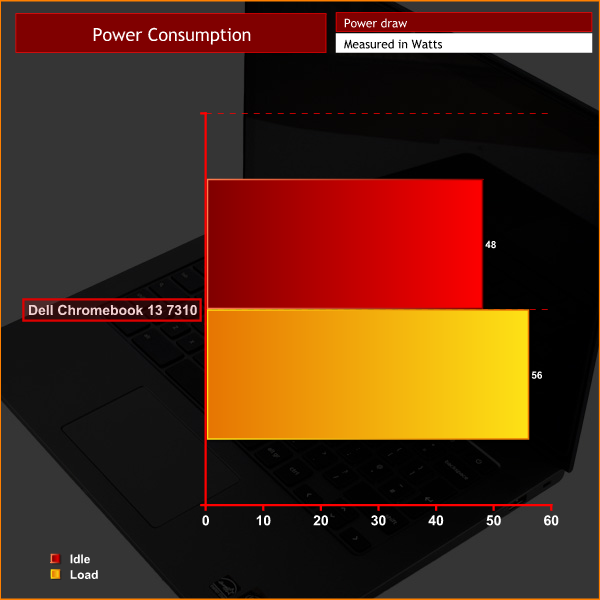
Idling on the desktop, the Chromebook pulls 48W from the wall, while 56W is the most I have seen the Chromebook use at any one time. Comapared to other systems I have seen with Broadwell-U CPUs, such as the PCSpecialist Lafite, this is fairly high. However, it is still low enough to not be a concern.If you want a premium Chromebook capable of running ChromeOS effortlessly, then the Dell Chromebook 13 7310 can do the job.
It is very well designed, with a sturdy yet classy-looking chassis – Dell say it is a magnesium alloy with a carbon fibre finish. It certainly looks great and elevates the Chromebook 13 7310 above the cheap, plasticky Chromebooks we are used to seeing.
Performance is very smooth, too – although it is hard to prove this without benchmark data. A Core i5-5300U, though, is more than enough to run ChromeOS. Boot times are also lightning fast thanks to the 32GB SSD and the slimmed-down nature of ChromeOS.

So, as I have said, if you want a Chromebook but in a premium package, the Dell Chromebook 13 7310 is a very good option. However, the model I reviewed via Dell costs a whopping £913.
For me, £913 for a Chromebook is simply too much. With that money, you could be looking at a decent gaming laptop, or a premium Ultrabook – two options which can simply do more than a Chromebook.
Still, if ChromeOS is what you want, the Dell Chromebook 13 7310 is worth considering. Before you part with your cash, though, I would suggest you just look at the sort of thing you could be getting if you were to buy a Windows laptop. It may be that you are sure you want ChromeOS, which is fair enough. But there are a lot of other options out there than can simply do a lot more for the same money.
You can buy one from Dell for £913 HERE.
Pros
- Classy chassis.
- ChromeOS is very fast and responsive.
- 1080p display is crystal-clear.
- Impressive battery life.
Cons
- Expensive for a Chromebook.
- The screen reflects absolutely everything.
KitGuru says: If you are 100% sure you want a Chromebook, they do not come much better than the Dell 13 7310. However, it is a lot of money to spend when you could be getting a very capable Ultrabook at the same price.


I am making around $6000-$8000 on monthly basis working online. Anyone prepared to do simple online jobs for 2h-5h each day from your living room and earn decent profit while doing it… Then this opportunity is for you… CHILP.IT/dba5a53