 KitGuru KitGuru.net – Tech News | Hardware News | Hardware Reviews | IOS | Mobile | Gaming | Graphics Cards


If you ever thought that most gaming mice do not have enough buttons for you then Corsair's new Scimitar MMO/MOBA mouse is probably what you need. It incorporates 12 side buttons as well as the usual ones at the front end. The optical sensor has a class leading 12,000 DPI rating.
As you would expect from a contemporary high end mouse it also comes fitted with RGB LEDs, powerful back end software and some innovative, ergonomic styling.
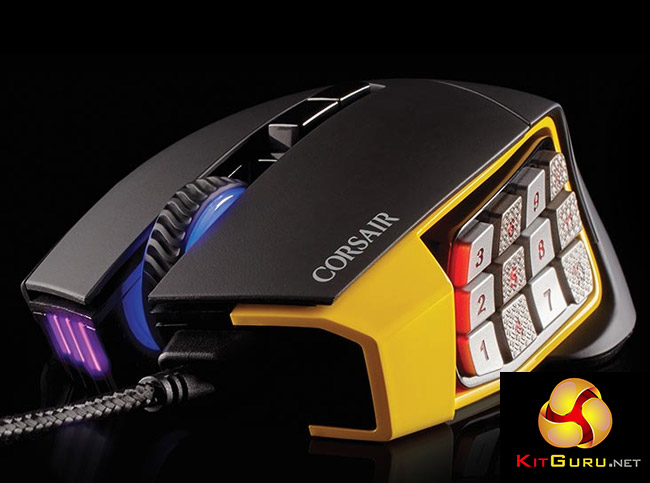
This is a complete package that will certainly cater to a specific audience who demand a complex button layout. We think it looks rather impressive too, as shown in the picture above.
Features and Specifications
- 12,000 DPI sensitivity – optical sensor.
- 12 button key slider.
- Four zone dynamic RGB lighting.
- Front mounted cable protector.
- Braided cabling.
- Ergonomic design.
- Supports powerful back-end Corsair Utility software.

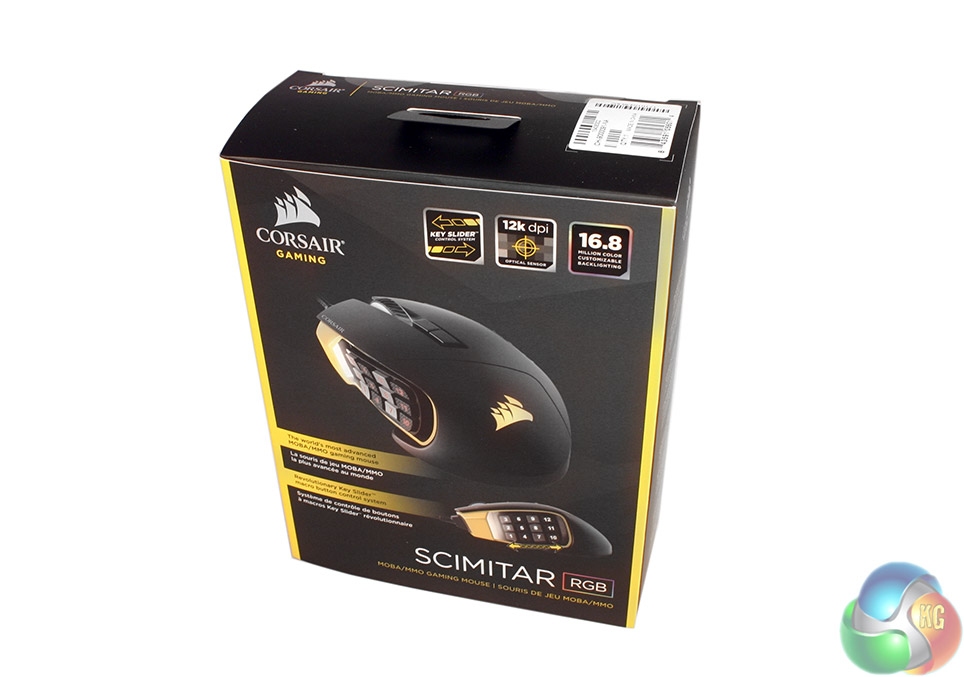
I very nearly got one of these mice, it truly has amazing build quality and feels terrific, but the deal breakers are that the slider the number pad is on slides too easily and there is no way of securing the slider and the corners of the buttons feel like they could cause blisters after long periods of use
Hey, Optical G600! 138>147grams, but better all around!
Really…”The mouse is also a little heavy, so smaller, weaker gamers may find it tiring after a couple of hours heavy use.”
Nice review. I wonder, is Scimitar’s scroll wheel (not button) mappable? For instance, is it possible to program it to make a continuous keystroke while scrolling? As I understood correctly from your Naga review, Razer Naga Chroma has that functionality, but I’m not sure about Scimitar.
Also, is there any shift function, similar to logitech’s G-shift, on either Scimitar or Naga?