KitGuru KitGuru.net – Tech News | Hardware News | Hardware Reviews | IOS | Mobile | Gaming | Graphics Cards


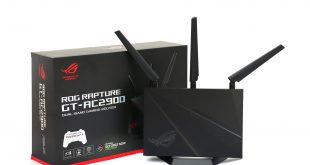
Networking for games is about more than just raw throughput. You also want the lowest latency possible, as well as the ability to prioritise gaming traffic over other applications that make use of the network. As a result we have seen a number of gaming-focused broadband routers hit the market over the last few years. Latest to arrive on the testing bench is the ASUS ROG Rapture GT-AC2900. Alongside a raft of features, its gaming cred is ratified by being an ‘NVIDIA GeForce Now Recommended Router'.
The underlying hardware is dual-band and ASUS claims AC2900 performance. This is made up of up to 750Mbits/sec of 2.4GHz performance plus 2,167Mbits/sec at 5GHz. But this is thanks to support for 1,024QAM, which requires client devices supporting this as well. So normally the maximum bandwidth will be 450Mbits/sec and 1,733Mbits/sec respectively. The GT-AC2900 has three external antennas that are used both for 2.4GHz and 5GHz, with a single internal antenna for additional 5GHz support.
This router also support's ASUS's AiMesh technology, so it can form part of a mesh network with other ASUS devices supporting this system, although this works better when tri-band devices are used. There are security features from Trend Micro built in, including a lifetime subscript to AiProtection Pro, which uses regularly updated signatures to detect and provide protection against external attacks. The GT-AC2900 is also endowed with ASUS Aura Lighting, so you can set your router to have a technicolour light scheme to go with your other ASUS ROG devices that also have Aura compatibility.
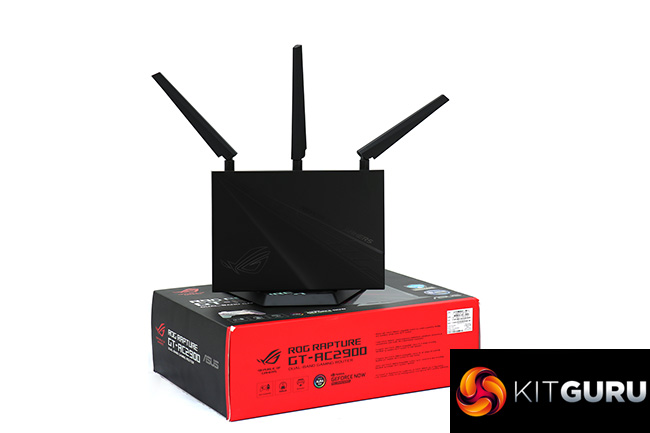
The GT-AC2900 is intended to sit upright on a stand, rather than flat, with the antennas sticking out the top. The ports are therefore along the bottom of the rear, including four LAN, WAN, and two USB. The underlying hardware is fairly meaty. The device is based around a 1.8GHz dual-core processor, with 256MB of Flash ROM and 512MB of RAM. There's extensive VPN support, and you can use the USB ports for print, storage and media serving.
For under £250, the GT-AC2900 is a promising proposition for the serious gamer looking to upgrade their router so it's more focused for their everyday entertainment activities. It's around the same price as the NETGEAR Nighthawk Pro Gaming XR500, so let's find out how it compares.
Price: £229.99
Specification:
- Wireless protocols: MU-MIMO with 802.11b/g/n 2.4GHz, 802.11a/n/ac/ac 5GHz, 1024QAM
- Performance: AC2900 (2,167 + 750 Mbits/sec)
- Antenna Configuration: 3×3 External Antennas for 2.4, 3×3 External + 1 internal Antennas for 5GHz
- Ports: 4 x Gigabit Ethernet LAN, 1x Gigabit Ethernet WAN, 1 x USB 3.0, 1 x USB 2.0
- Modem Support: VDSL/ADSL 2+ or cable
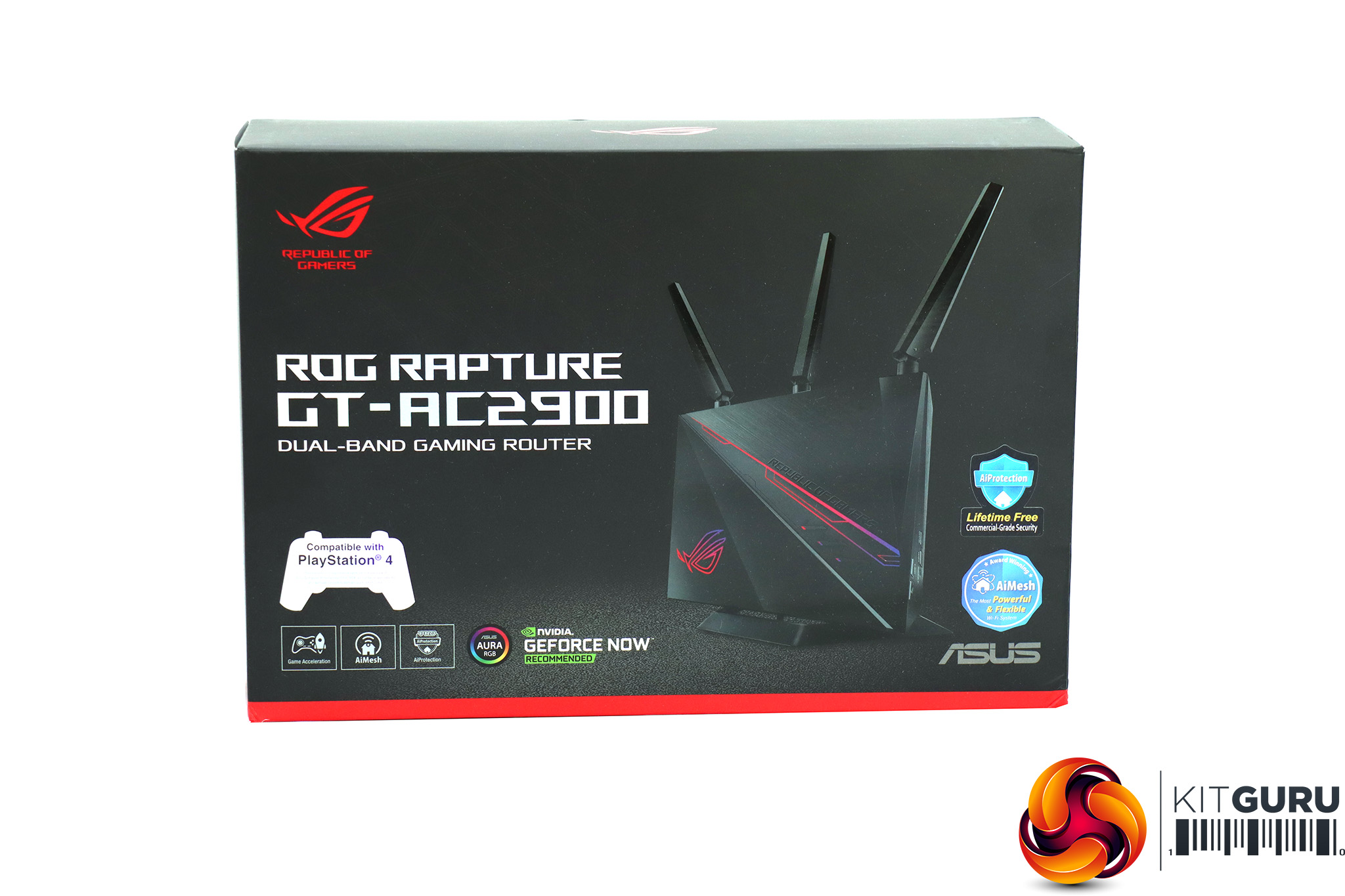
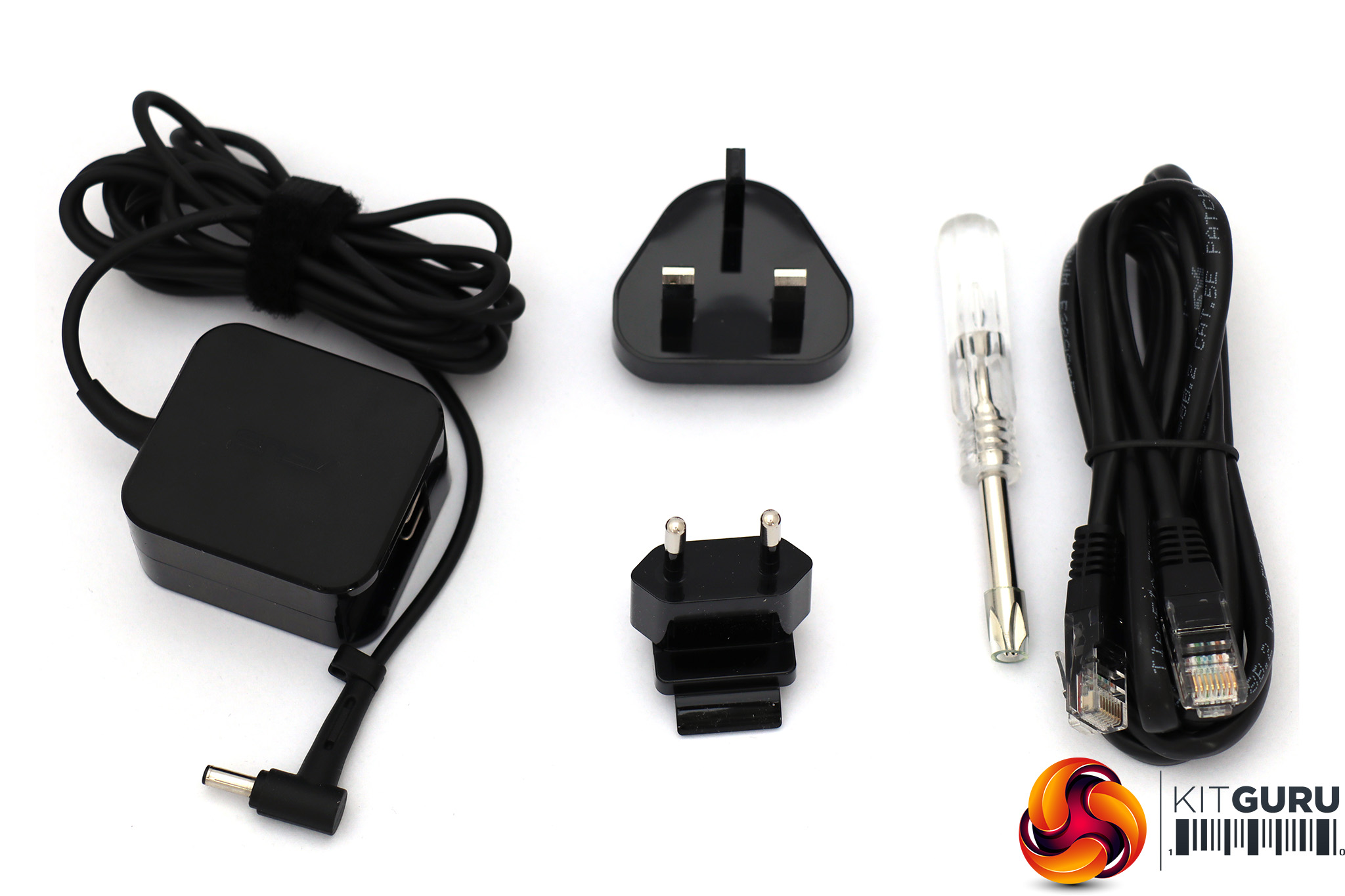
The stylish black box the ASUS ROG Rapture GT-AC2900 comes in contains the usual power supply along with UK and EU plug options. There's also a handy little Philips head screwdriver in case you don't have one to attach the base of the unit to the main body.
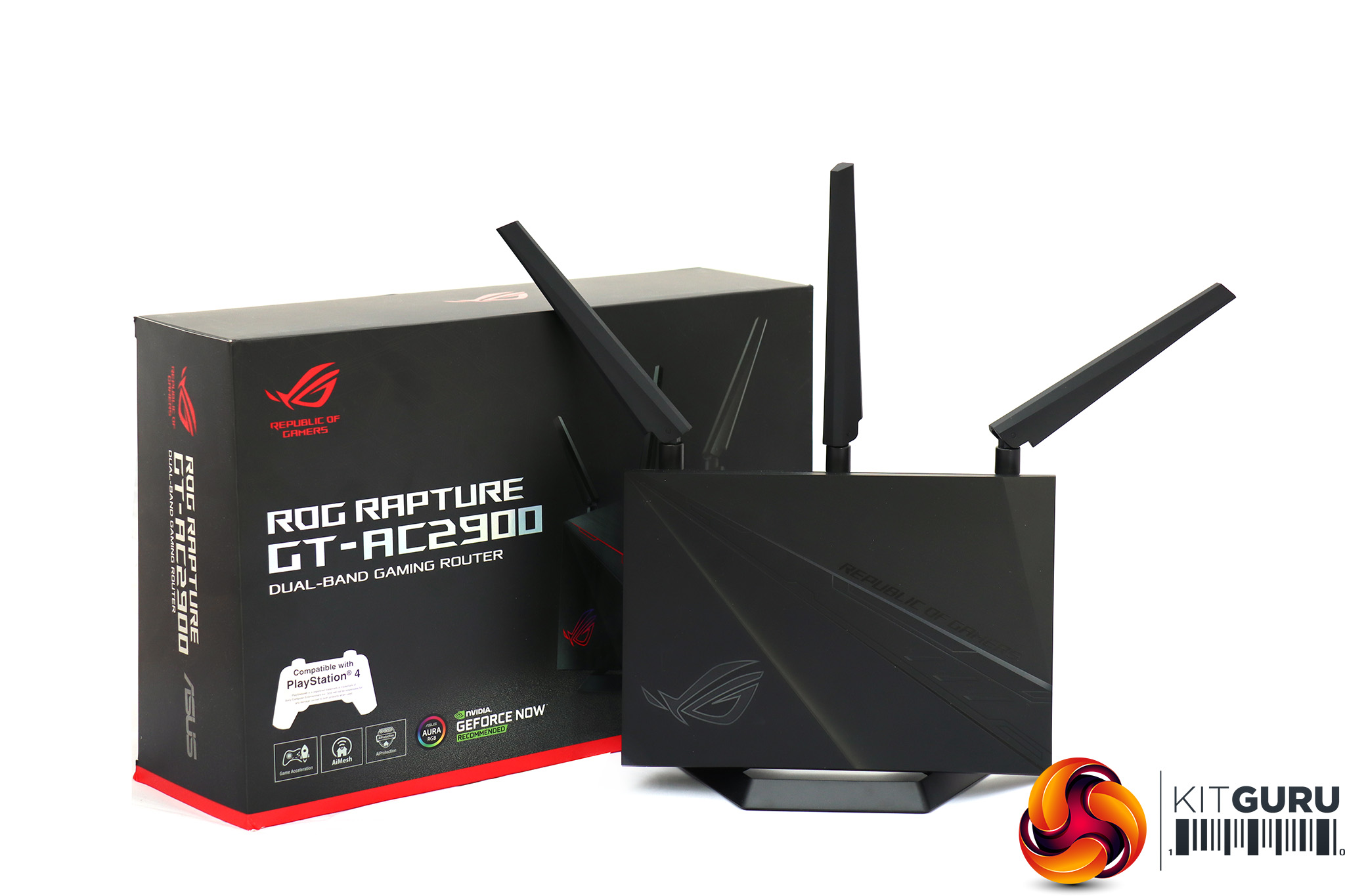
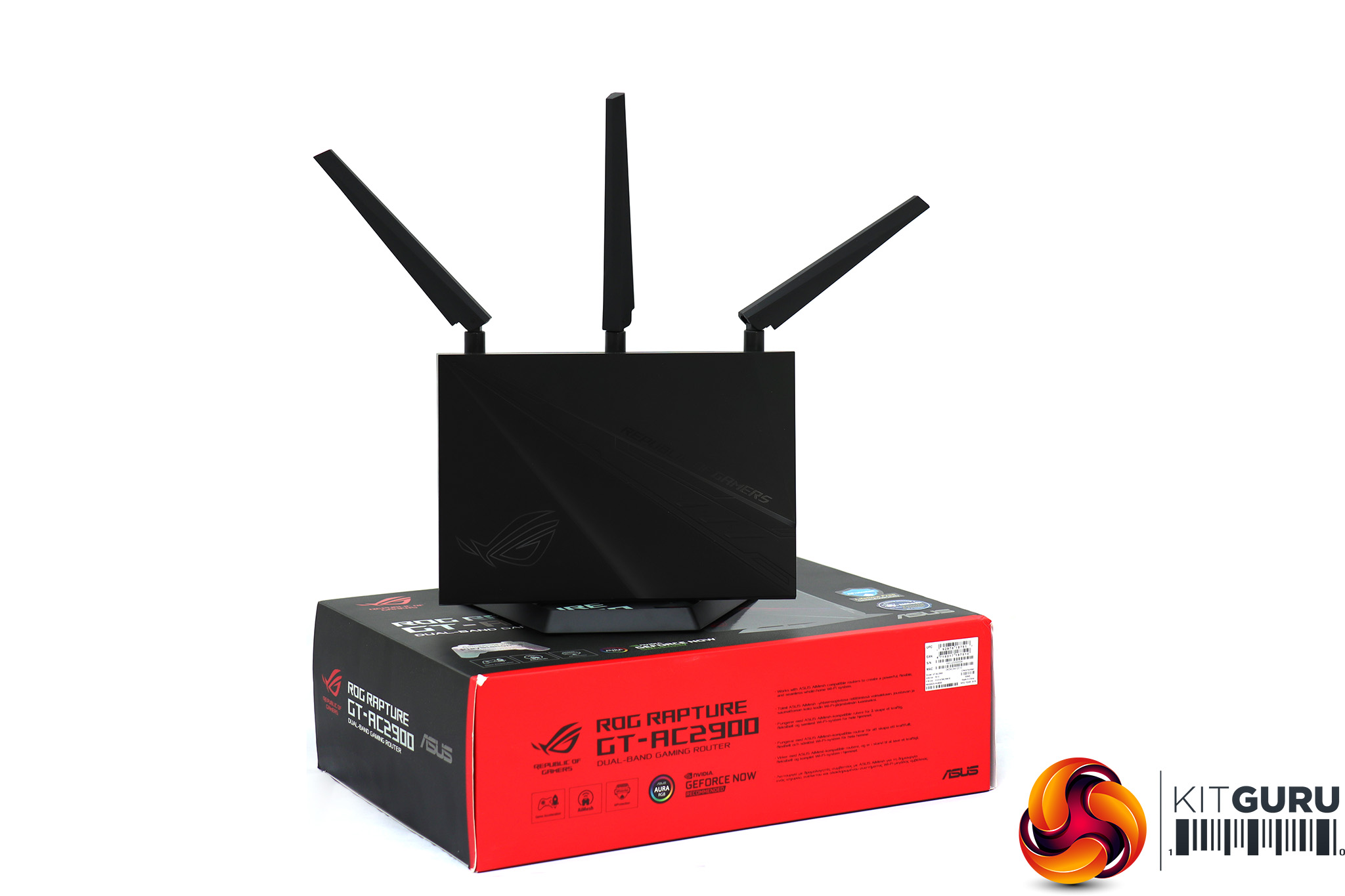
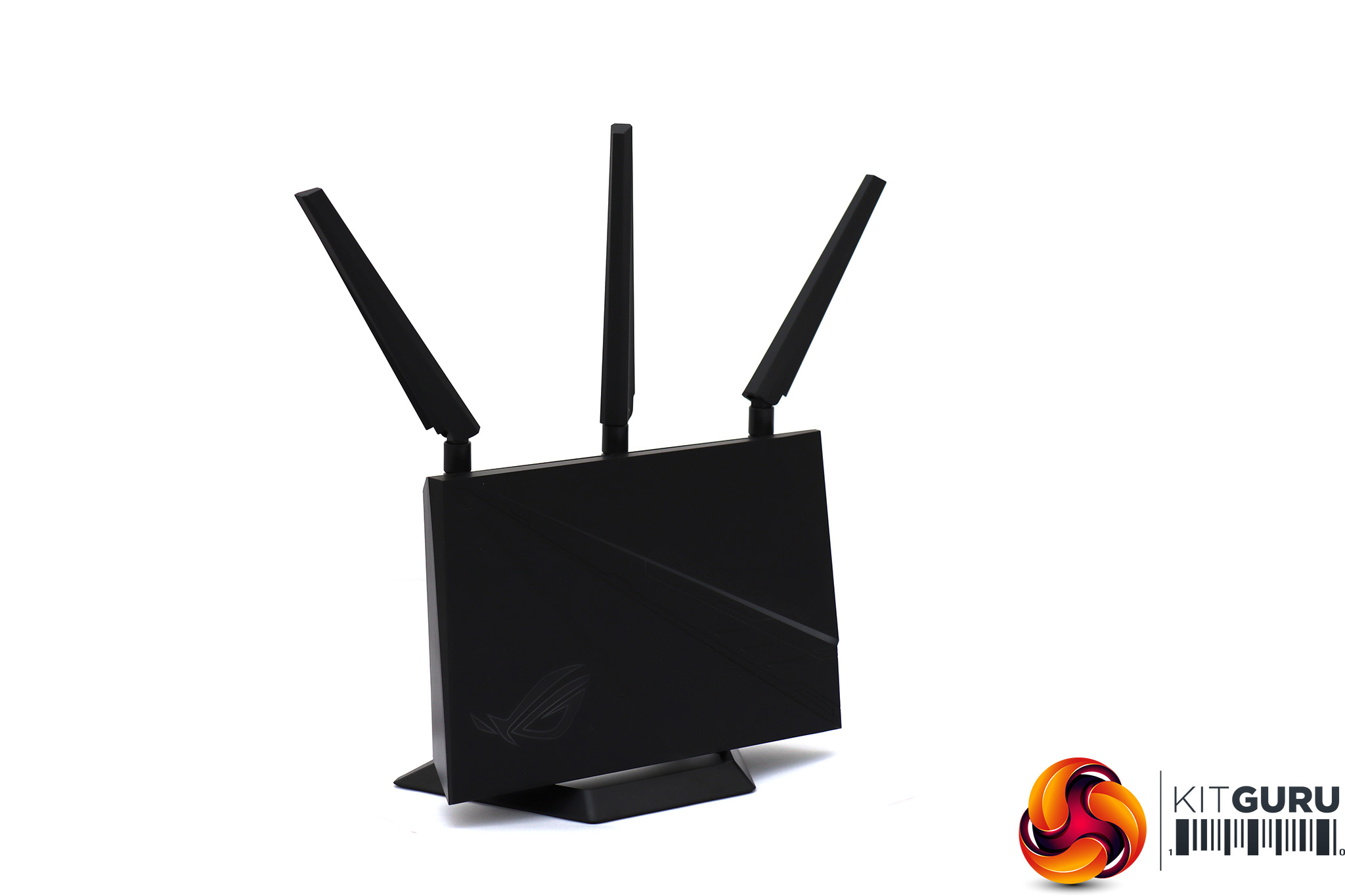
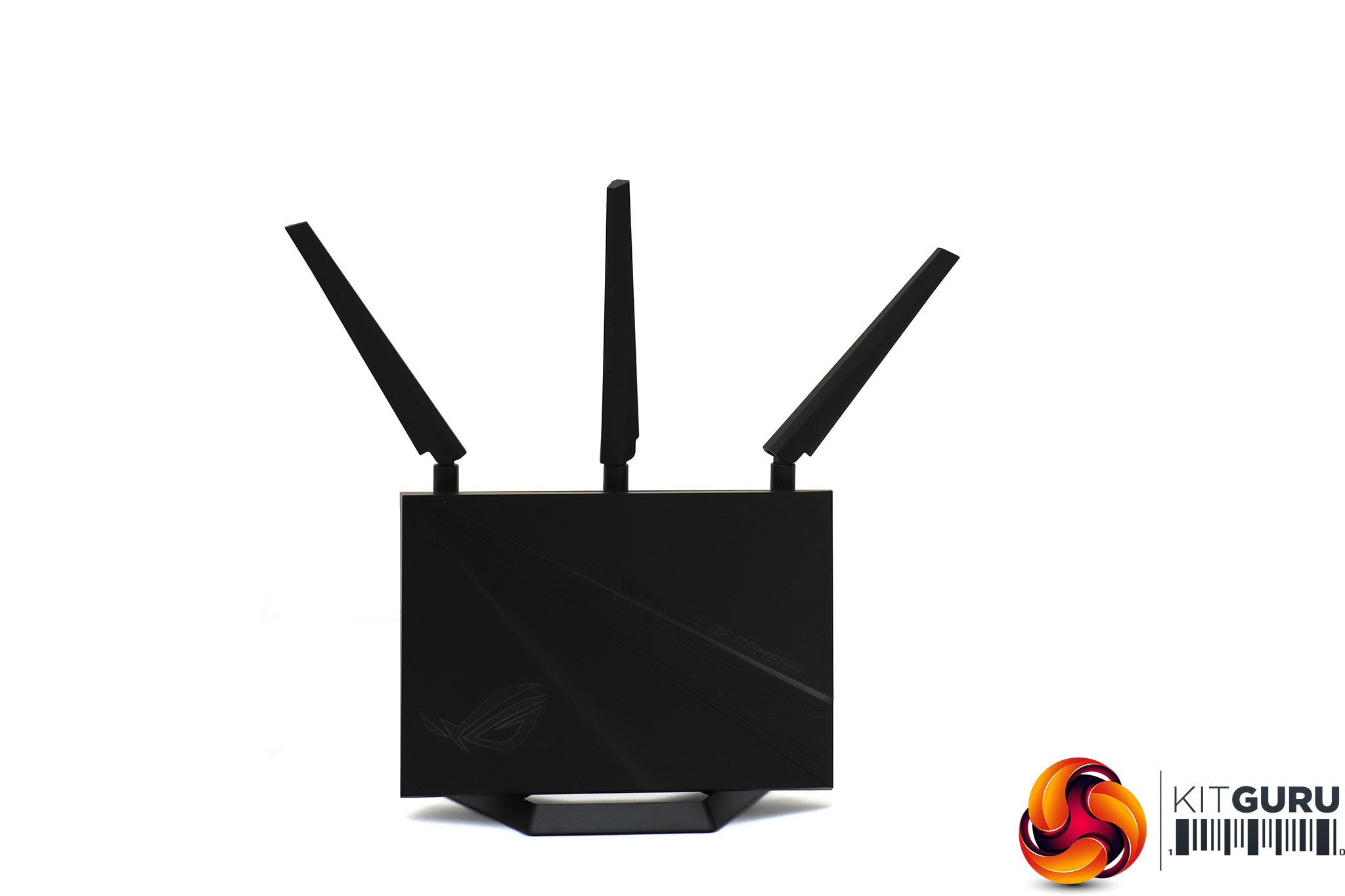
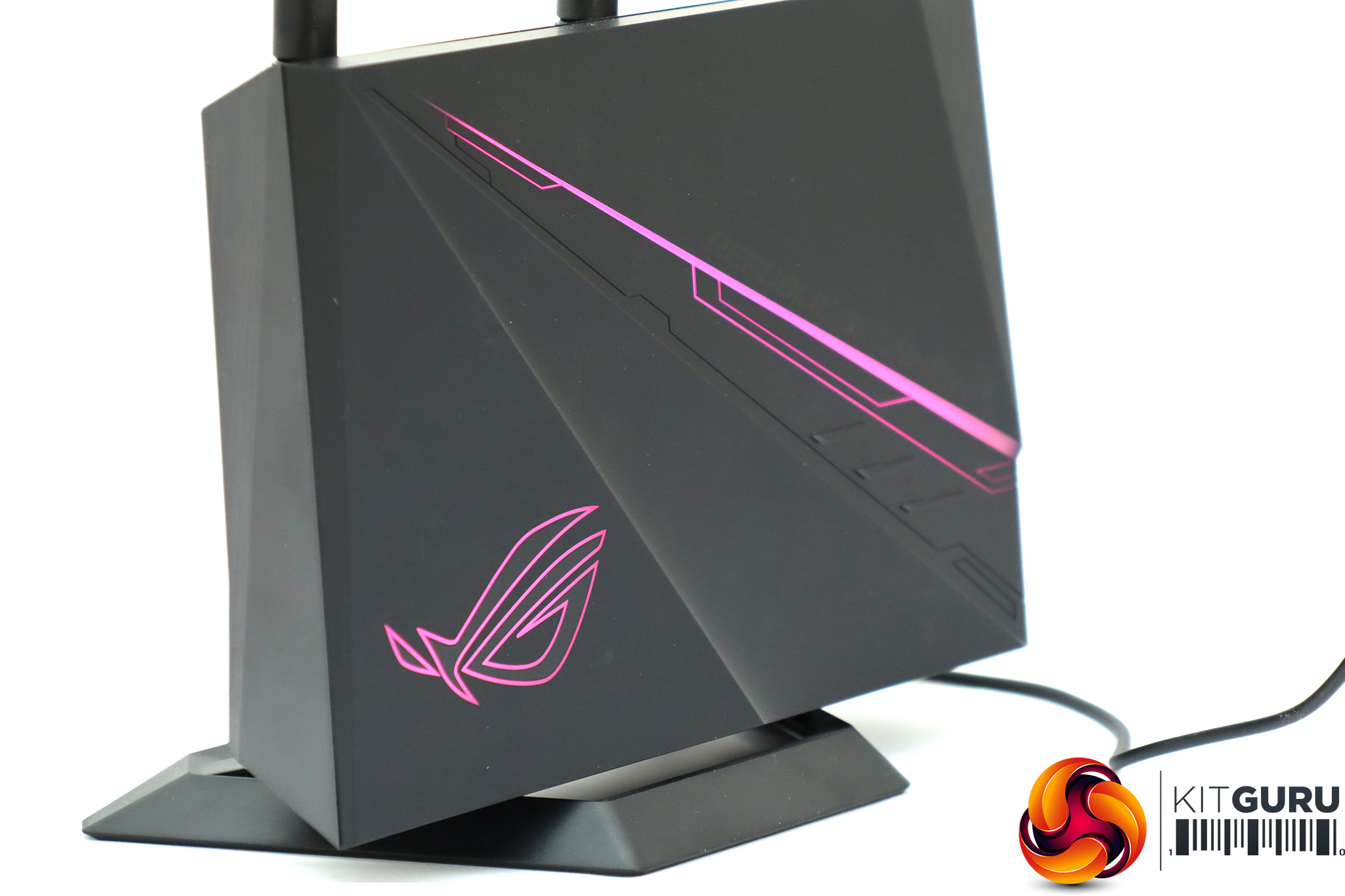
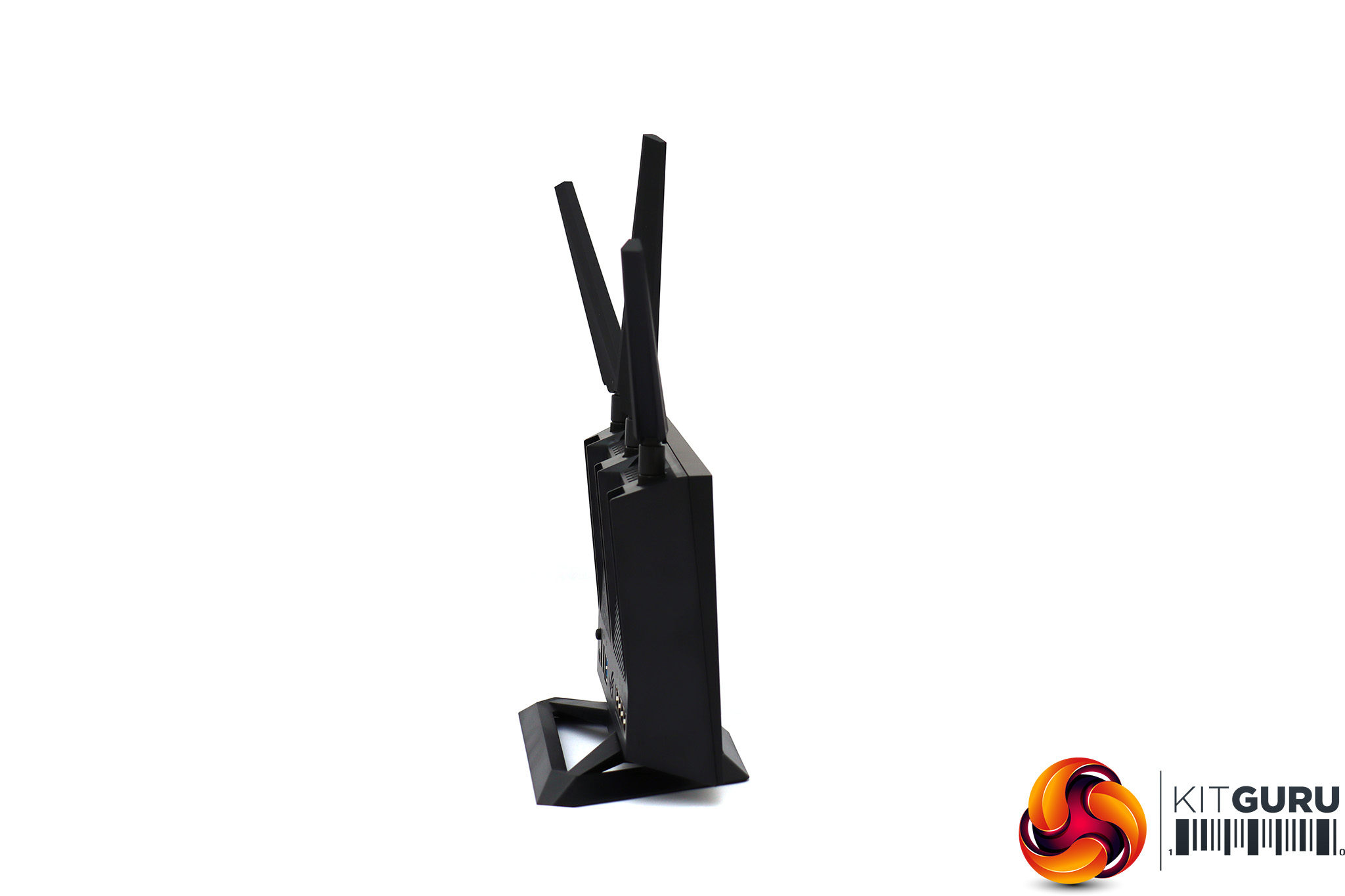
Aside from the vertical orientation, when turned off the GT-AC2900 is a fairly typical black box, with a bit of contouring and a couple of ridges to break the monochrome monotony. However, when powered up the AURA lighting adds much more colour, and (as we'll see when we turn to discussing the management interface) you can customise this to fit your tastes.
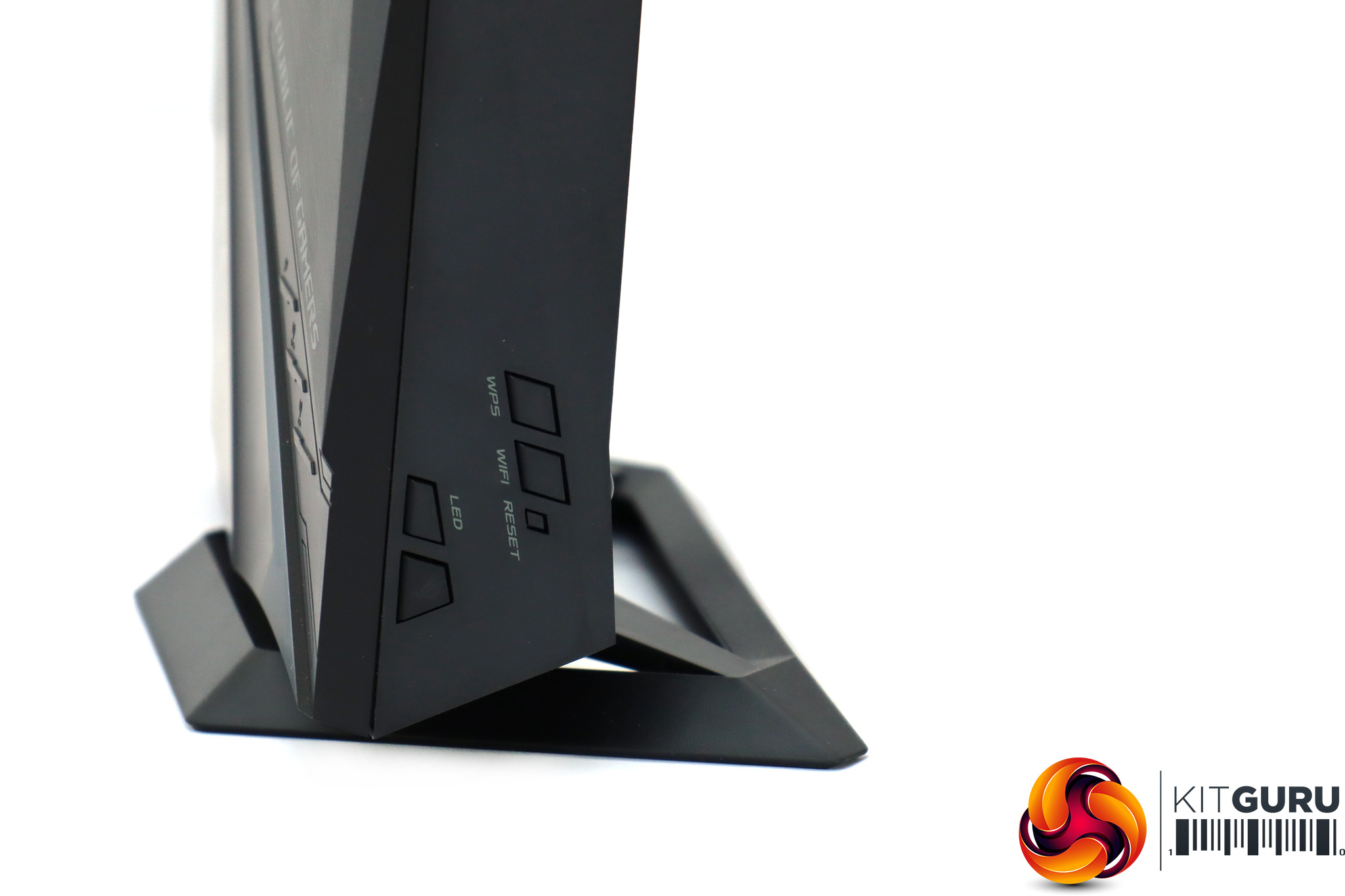
There are five buttons on one side of the unit. One controls the LED lighting, another is called the Boost Key and can be customised (more on that later), then there's one to call up WPS and another for turning off the WiFi radios. The tiny button beneath the latter is more recessed and is for a hard reset.
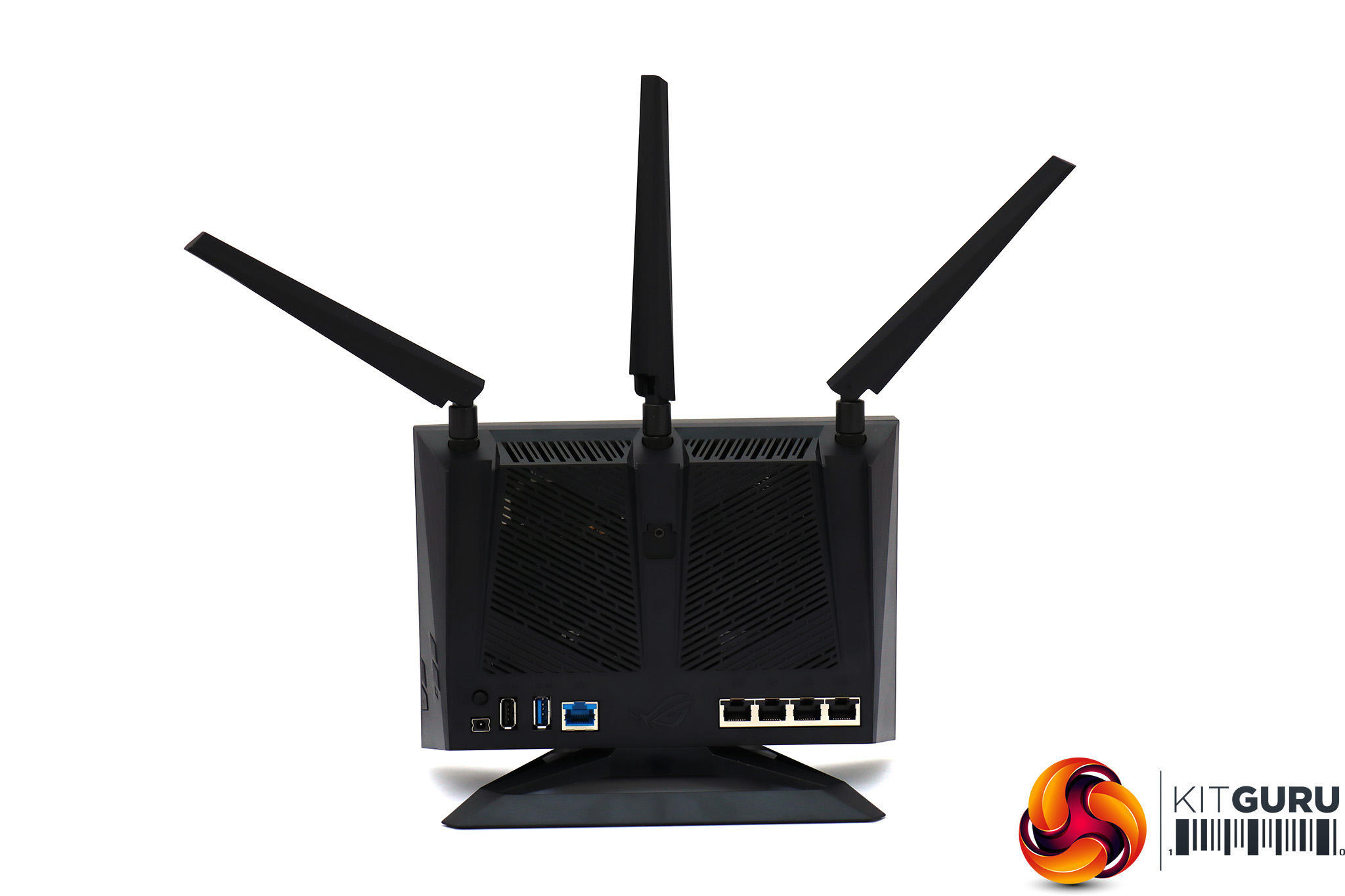
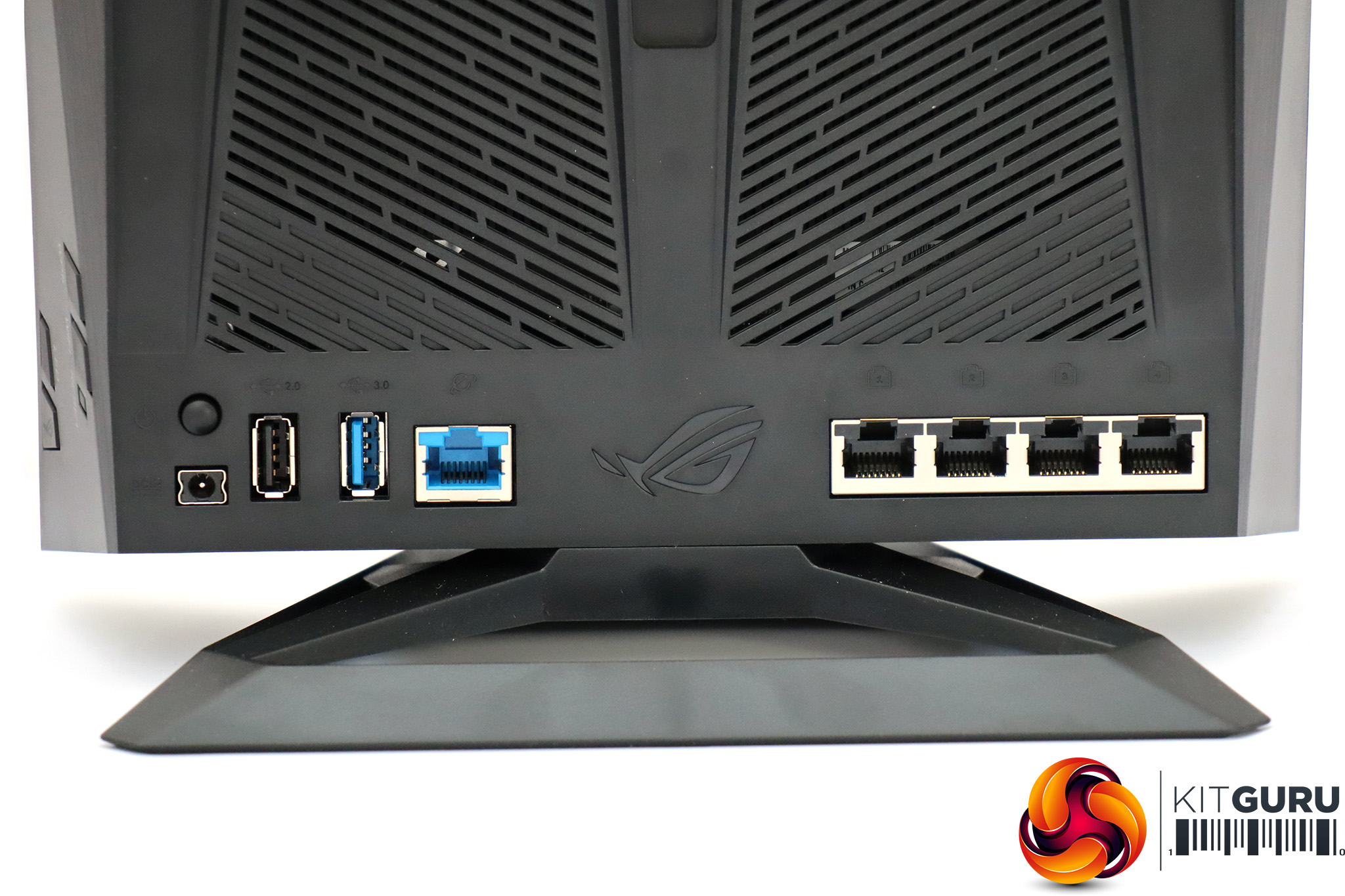
On the rear, next to the power socket for the external supply, are two USB ports. The one furthest left is USB 2.0, then the next one along supports USB 3.0. Then there's the Gigabit Ethernet WAN port. The other side of the ROG logo houses the four-port Gigabit Ethernet LAN switch. We're not sure quite why only one USB port supports 3.0, but you probably won't find it a big restriction, and the port allocation is otherwise pretty standard for a broadband router in this class and price range.
Overall, you get pretty much what you would expect in terms of hardware with the GT-AC2900.
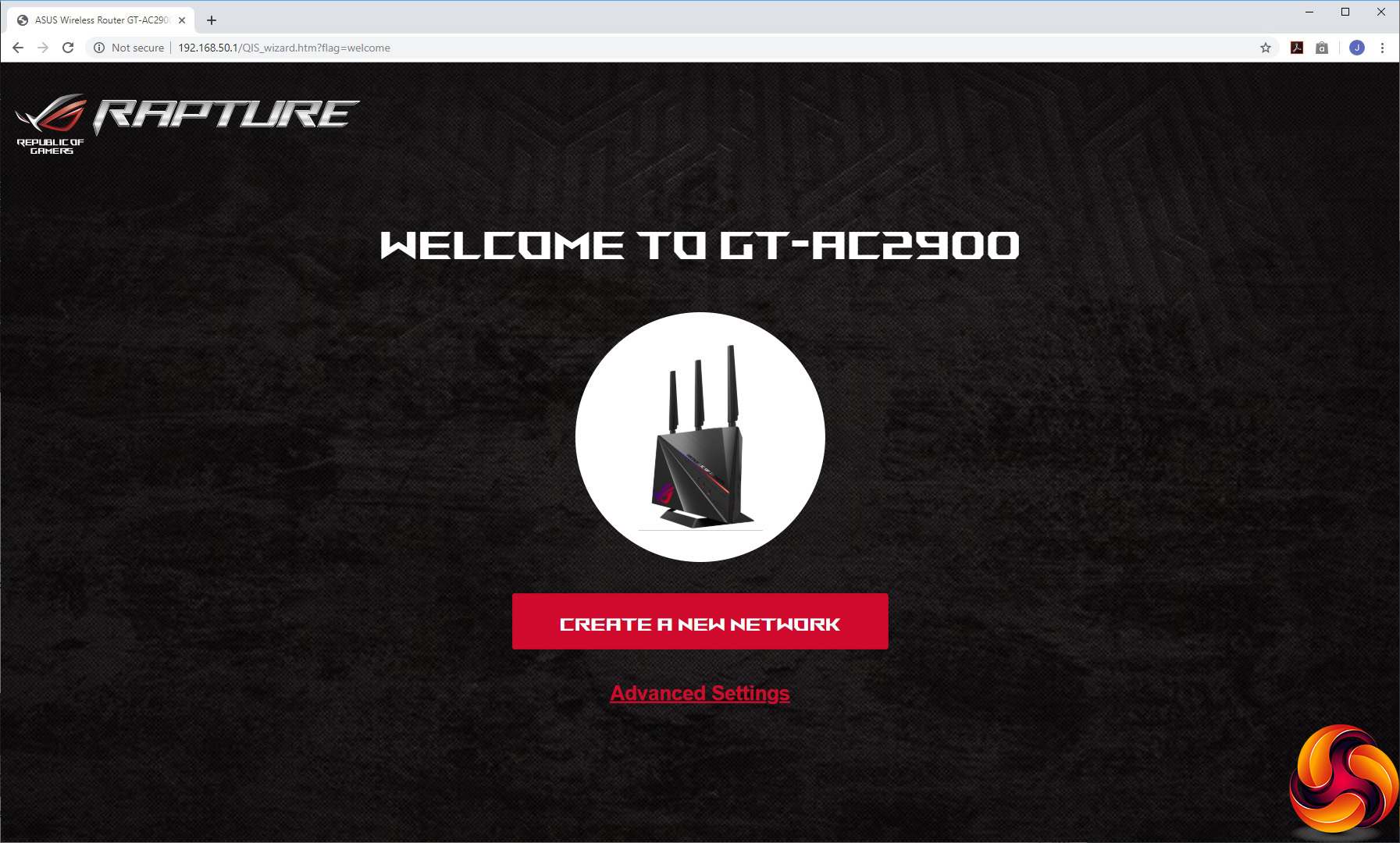
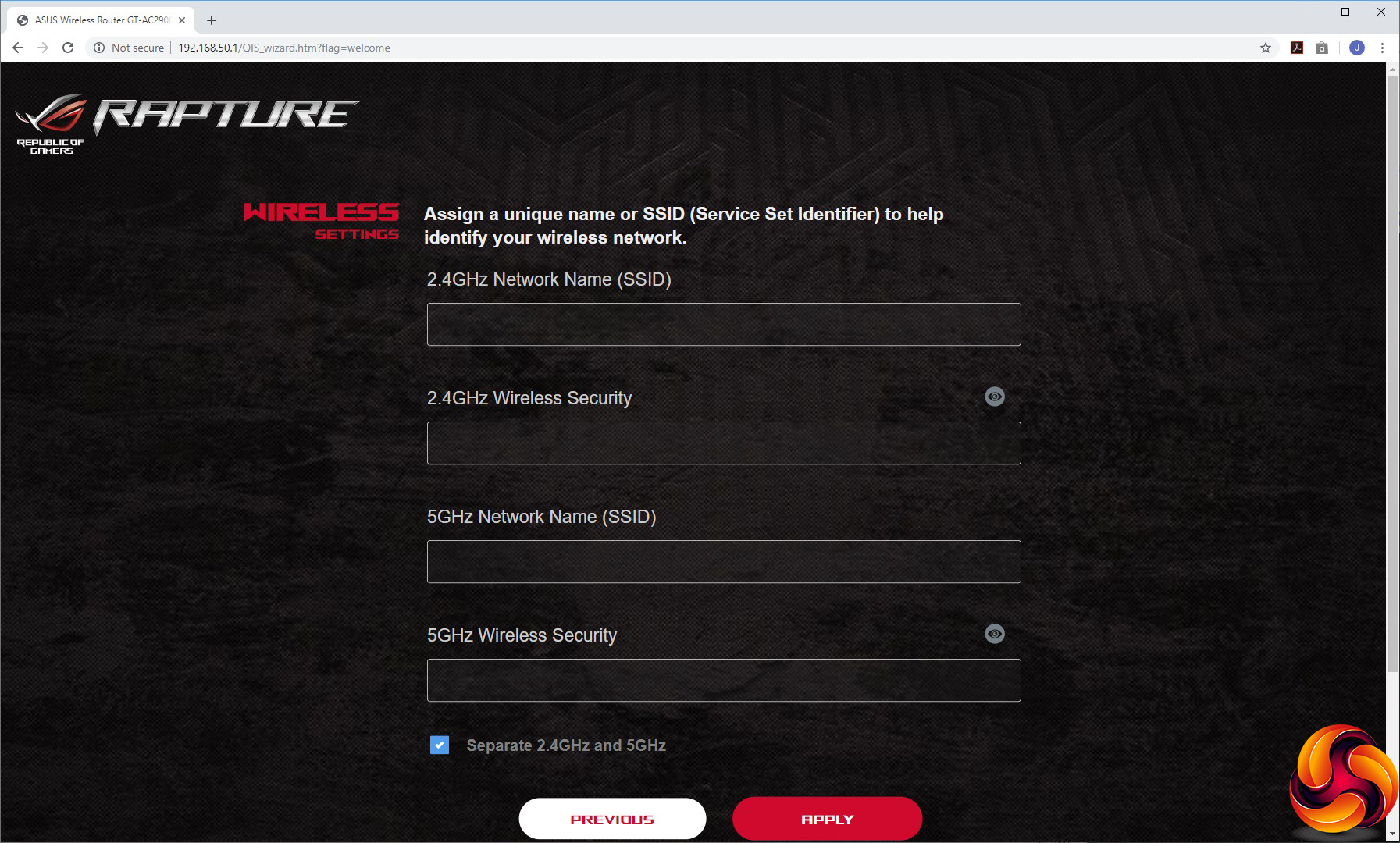
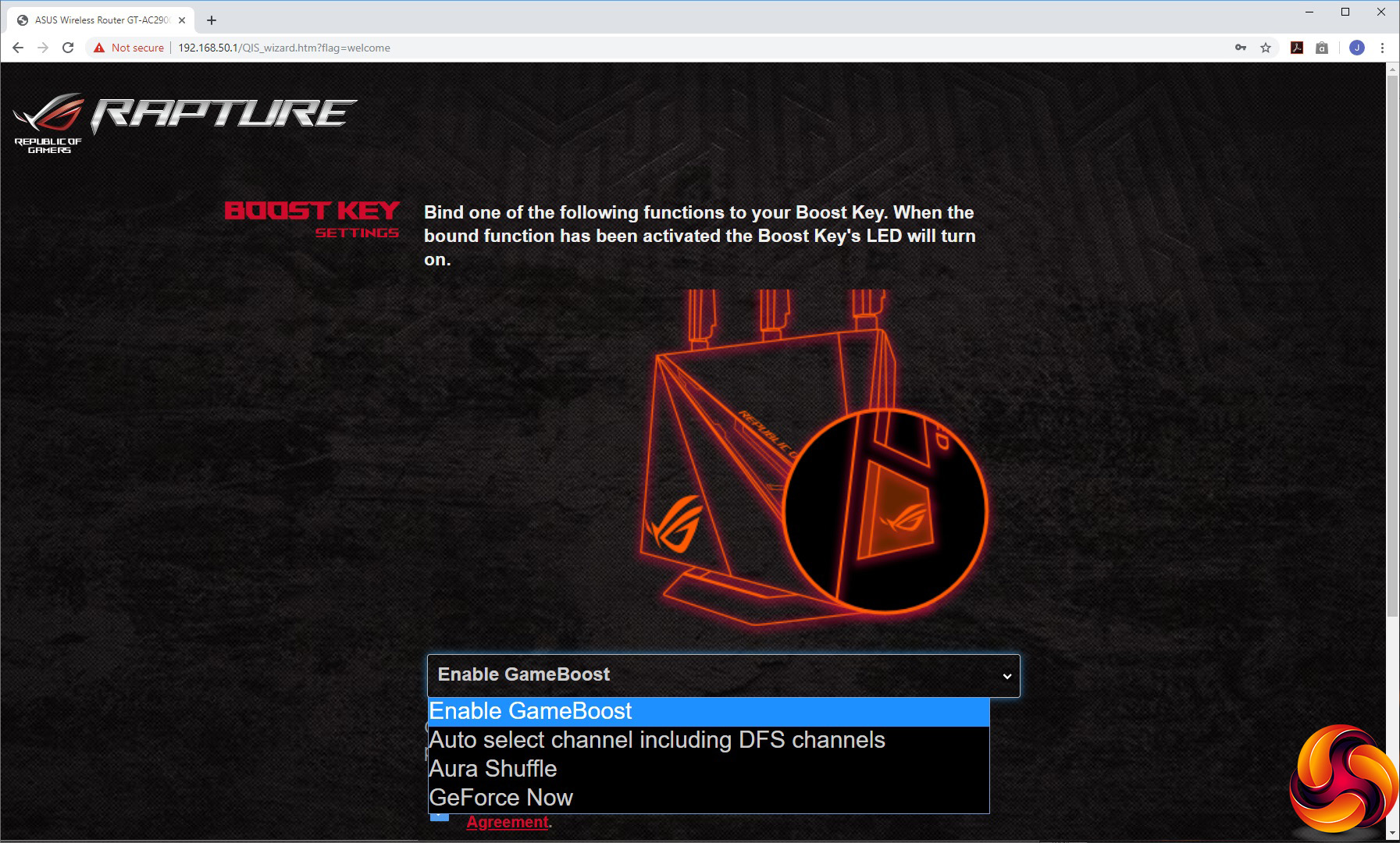
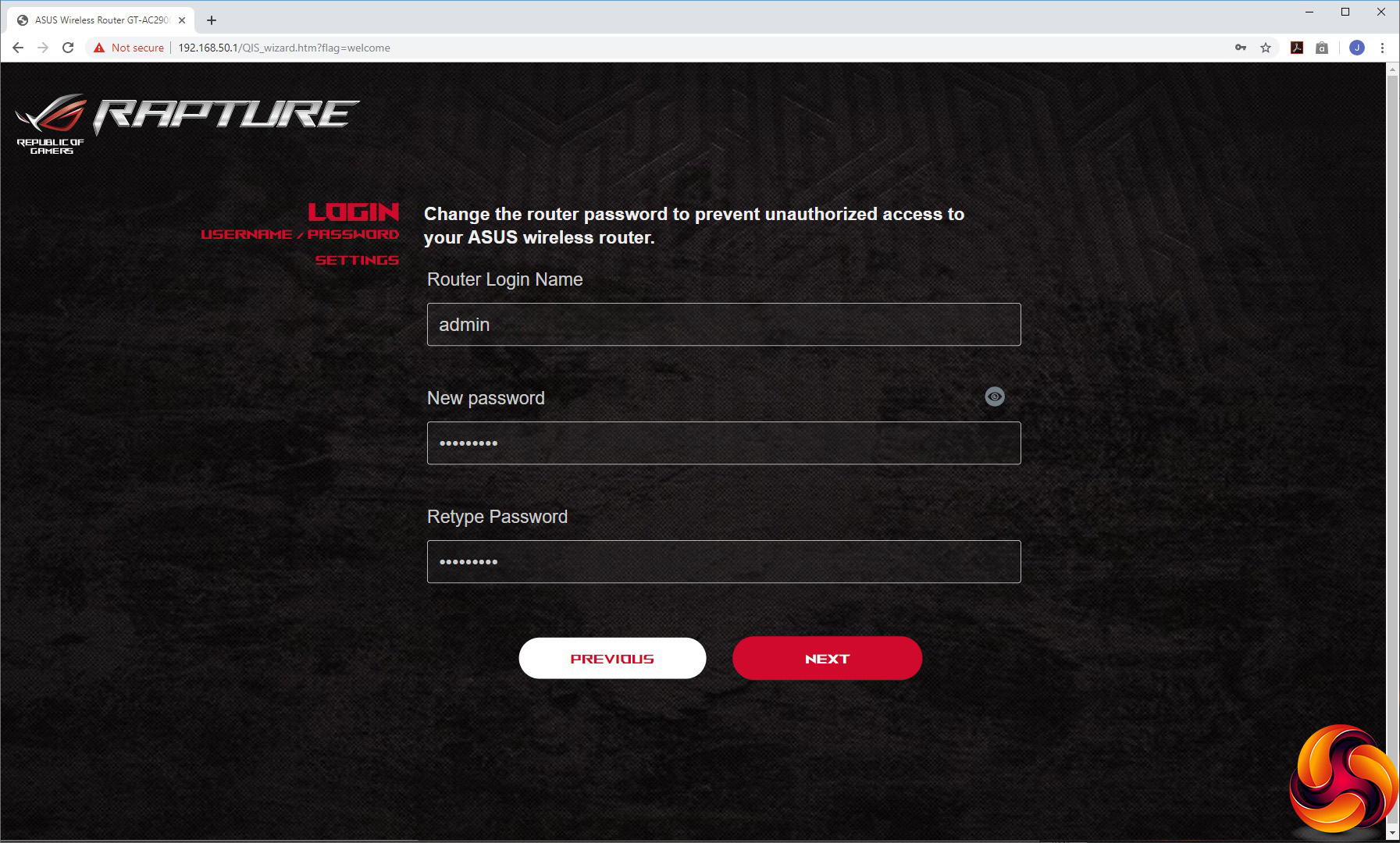
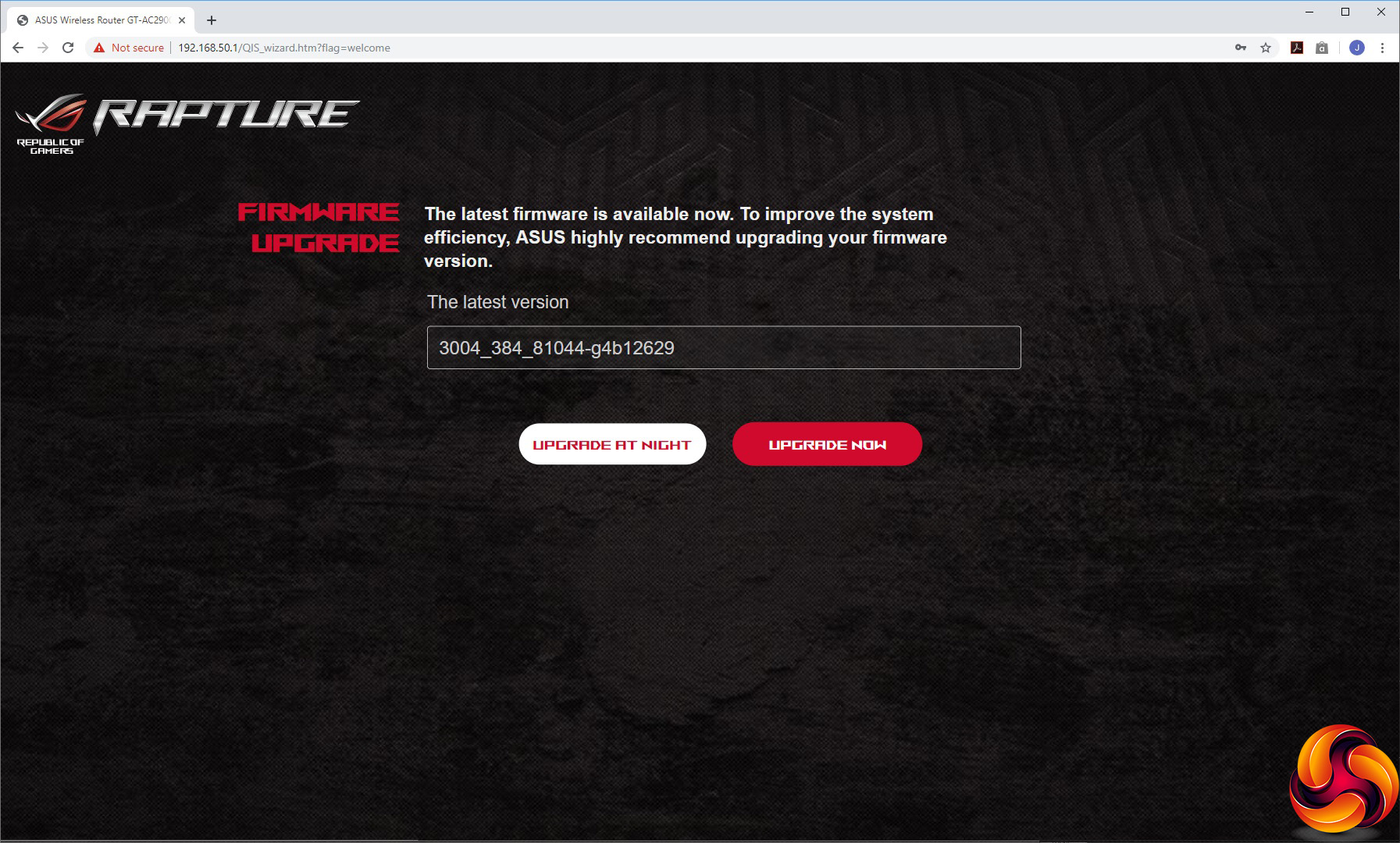
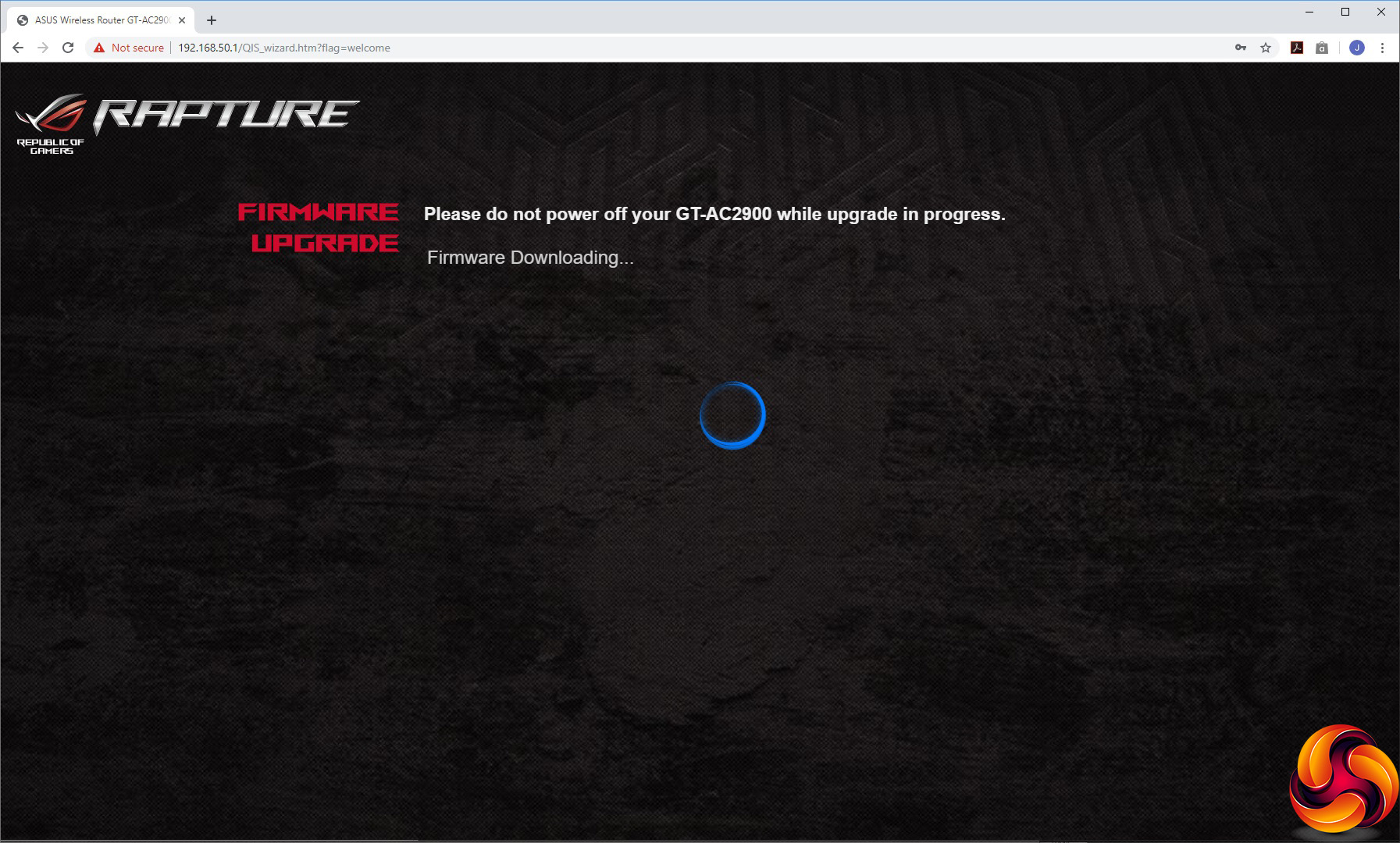
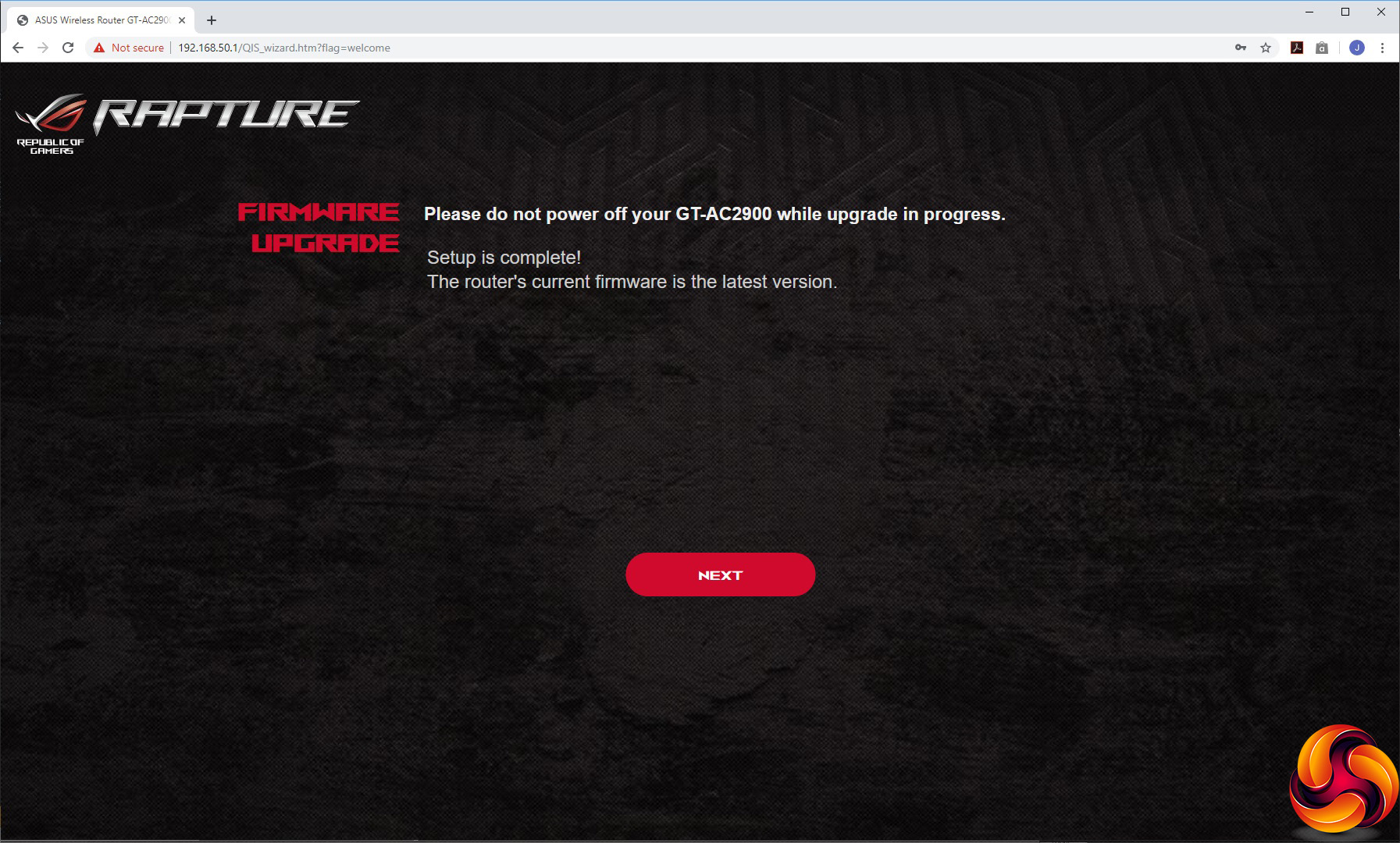
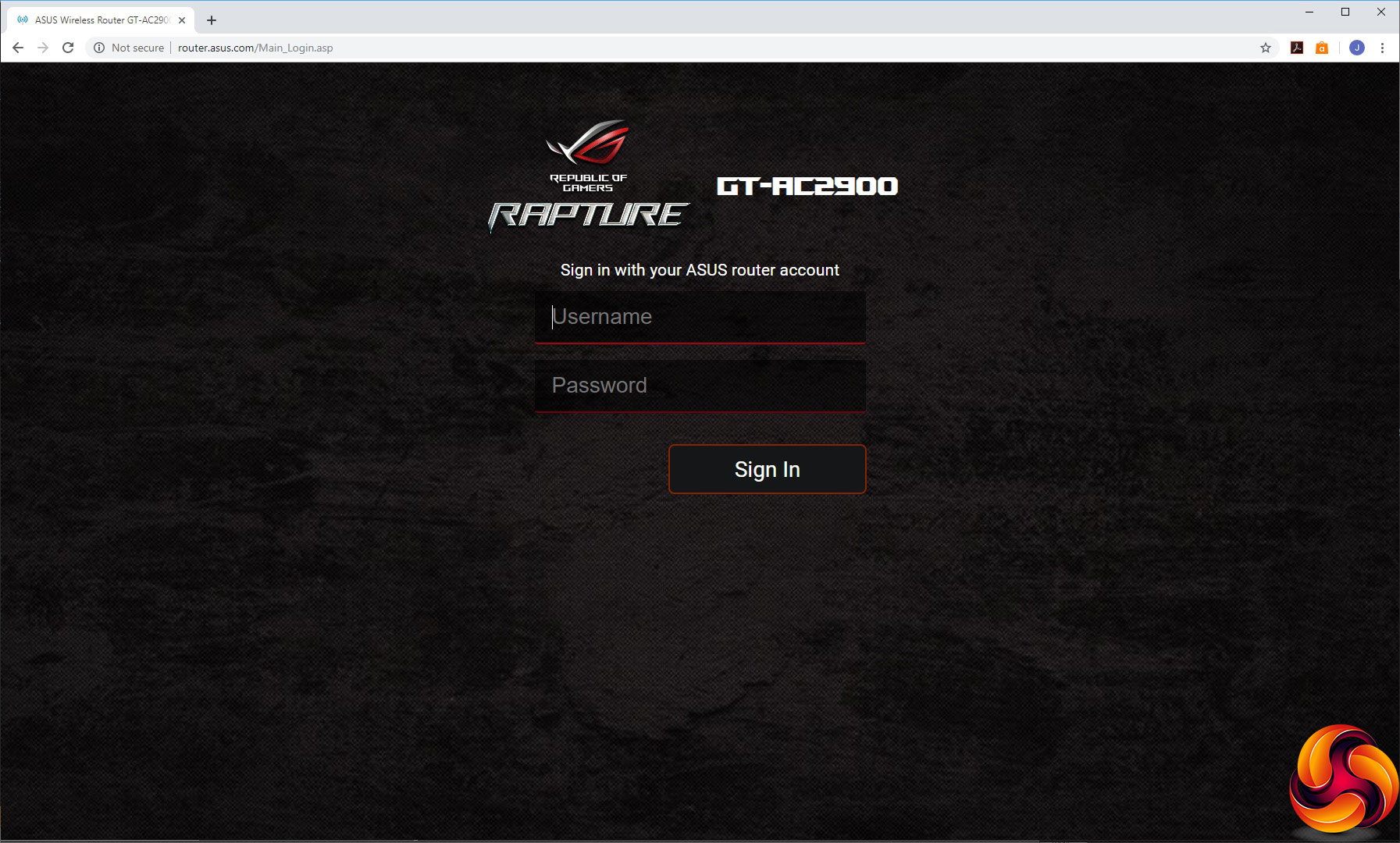
Heading to the router's IP address for the first time with a Web browser invites you to go through the setup wizard. Aside from setting up the SSIDs and passwords for the 2.4GHz and 5GHz WiFi radios (or keeping them the same), you're invited to set the function of the Boost key on the side of the device. Then you set the admin username and password, before being prompted to upgrade to the latest firmware (assuming you have a working Internet connection). Finally, it's time to login to the administration backend.
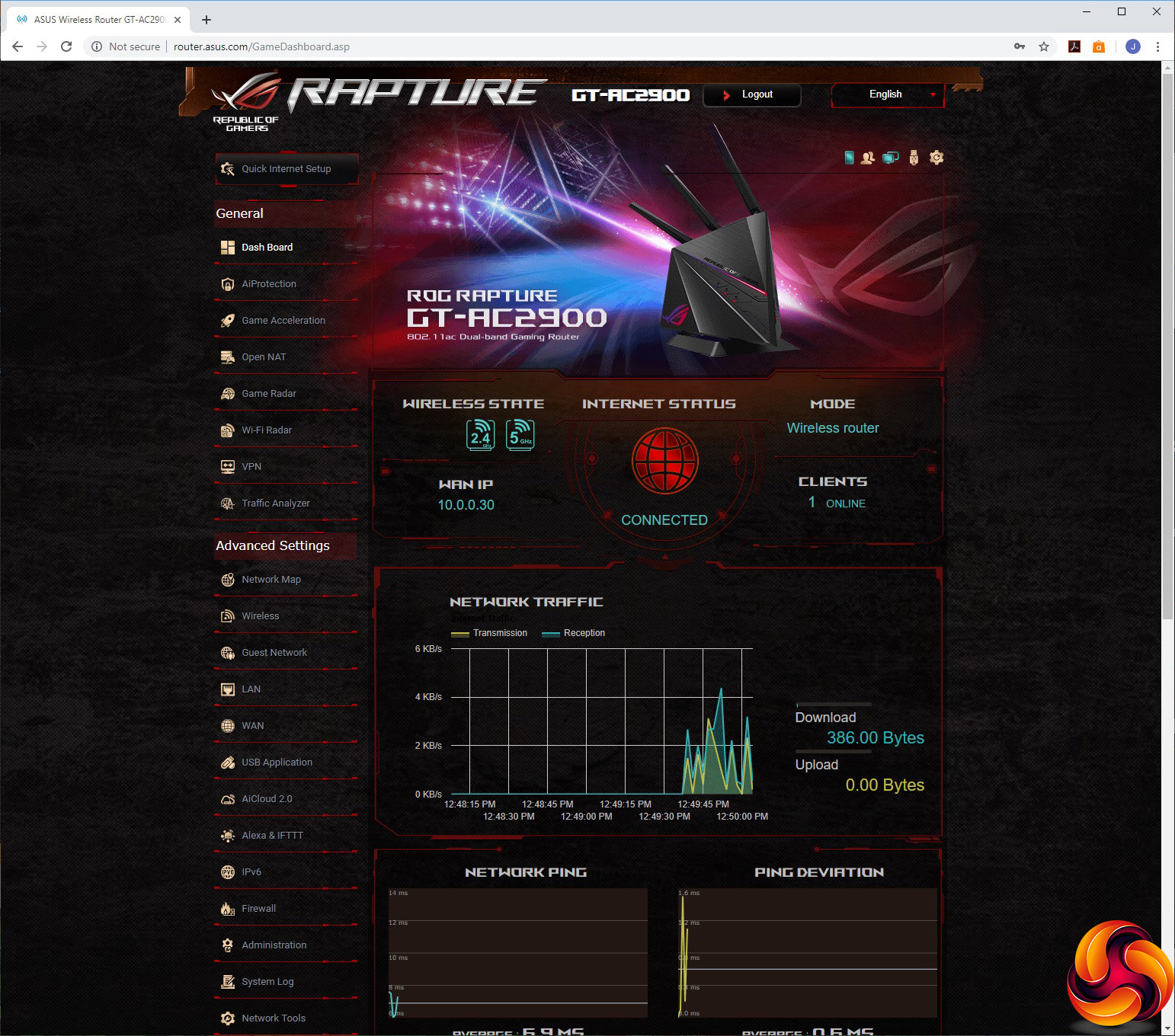
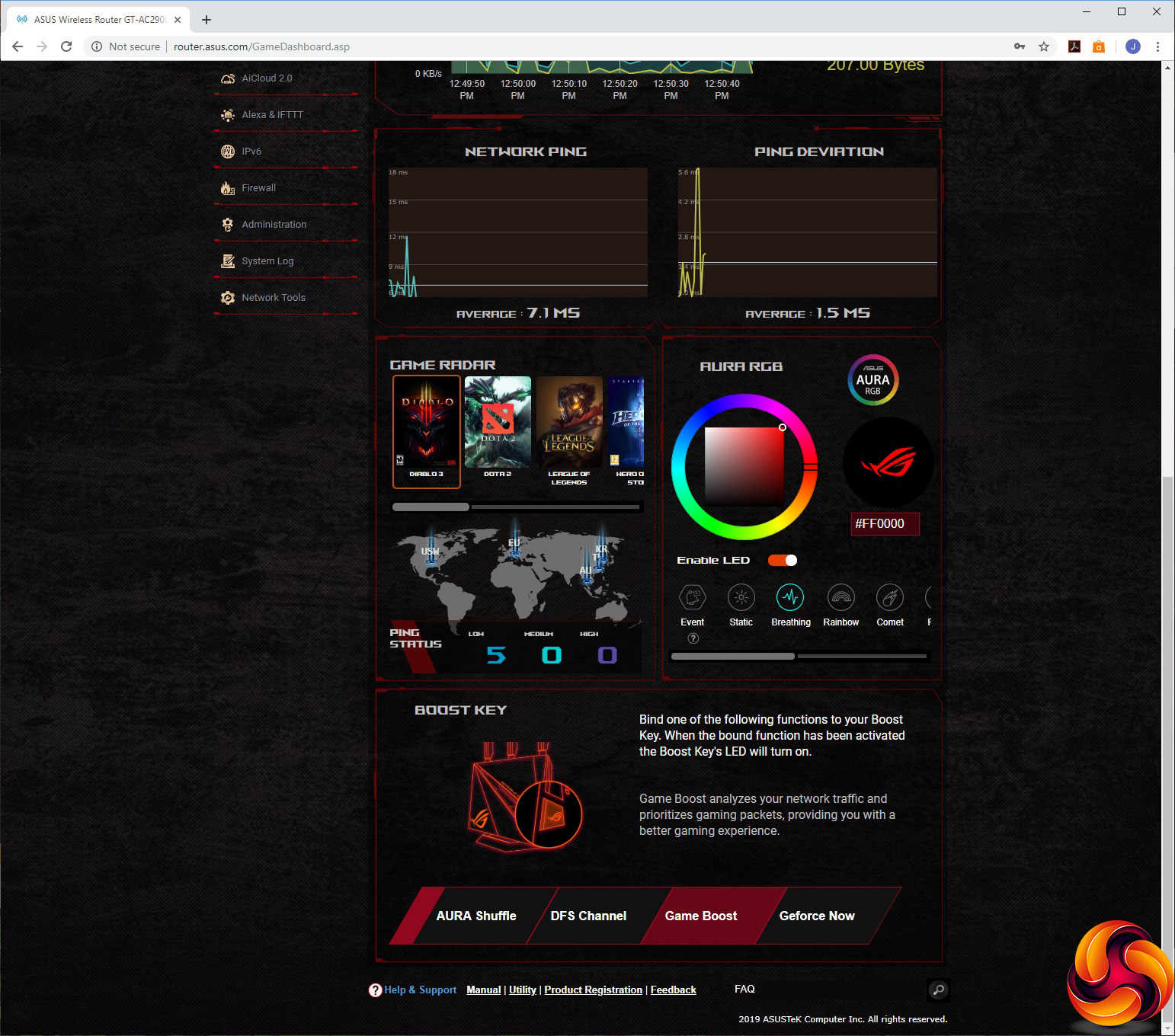
As we have come to expect from ASUS routers, the administration interface is absolutely packed with features. The overall look is a little more exciting than regular ASUS routers thanks to liberal usage of colourful imagery. But it's still a huge list of options, and the appearance is much more busy than the DumaOS used by NETGEAR's gaming routers.
Nevertheless, the range of features is equal or possibly even greater than the NETGEAR Nighthawk Pro Gaming XR700 or XR500. The initial admin screen displays status information, and if you scroll down you can use the Game Radar function to look at ping status for various global game servers, adjust the configuration of the router's Aura RGB lighting, and change the function of the Boost button.
One of the options for this button is GeForce Now, NVIDIA's technology for streaming games from your accounts on Steam, Uplay and others to any device, even one with quite puny hardware. However, for PC users the service is still in beta and there's a lengthy waiting list to get on the trial. The GT-AC2900 doesn't act as a GeForce Now client, but it will prioritise the remote traffic so it will run more smoothly on your home network.
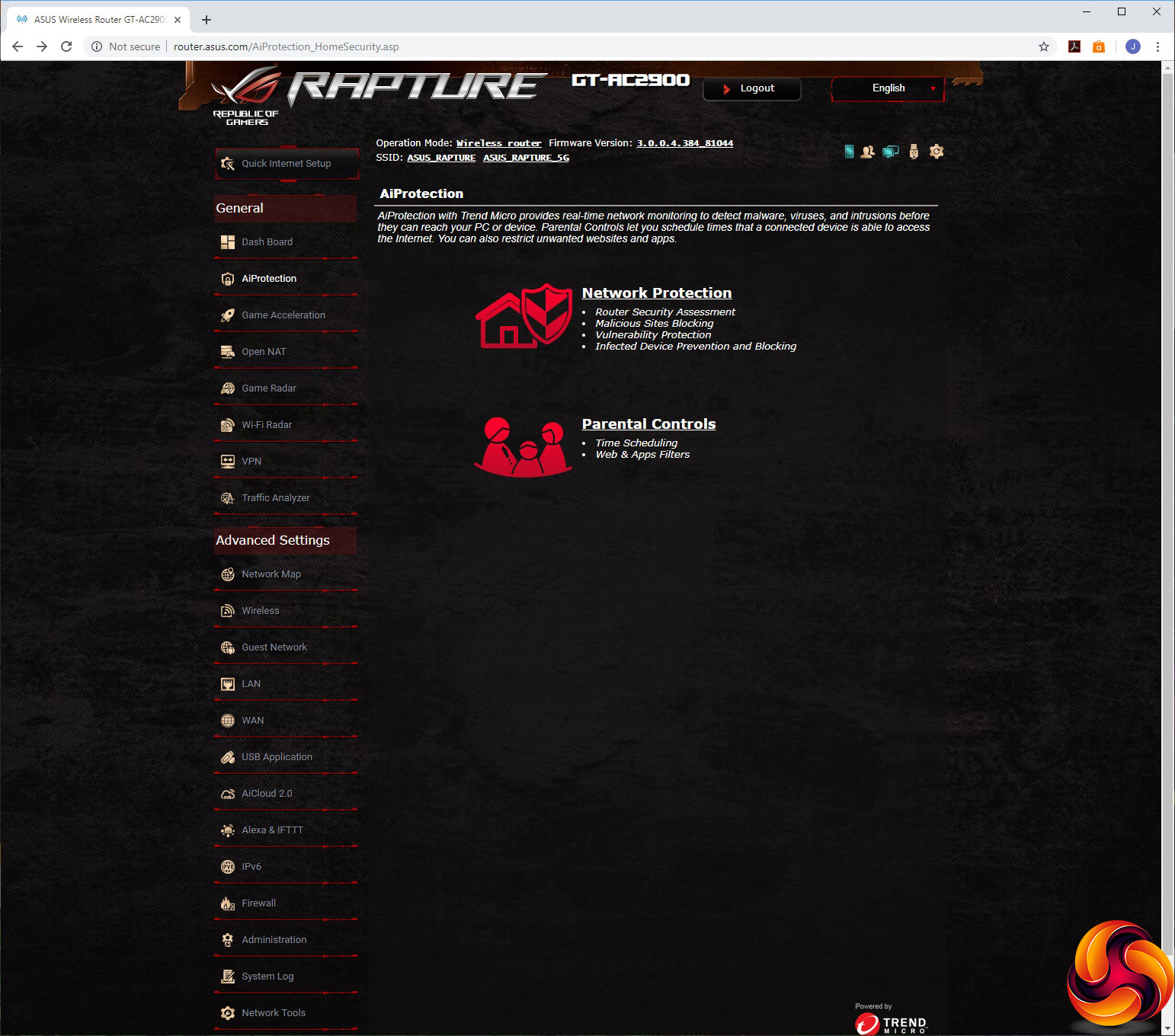
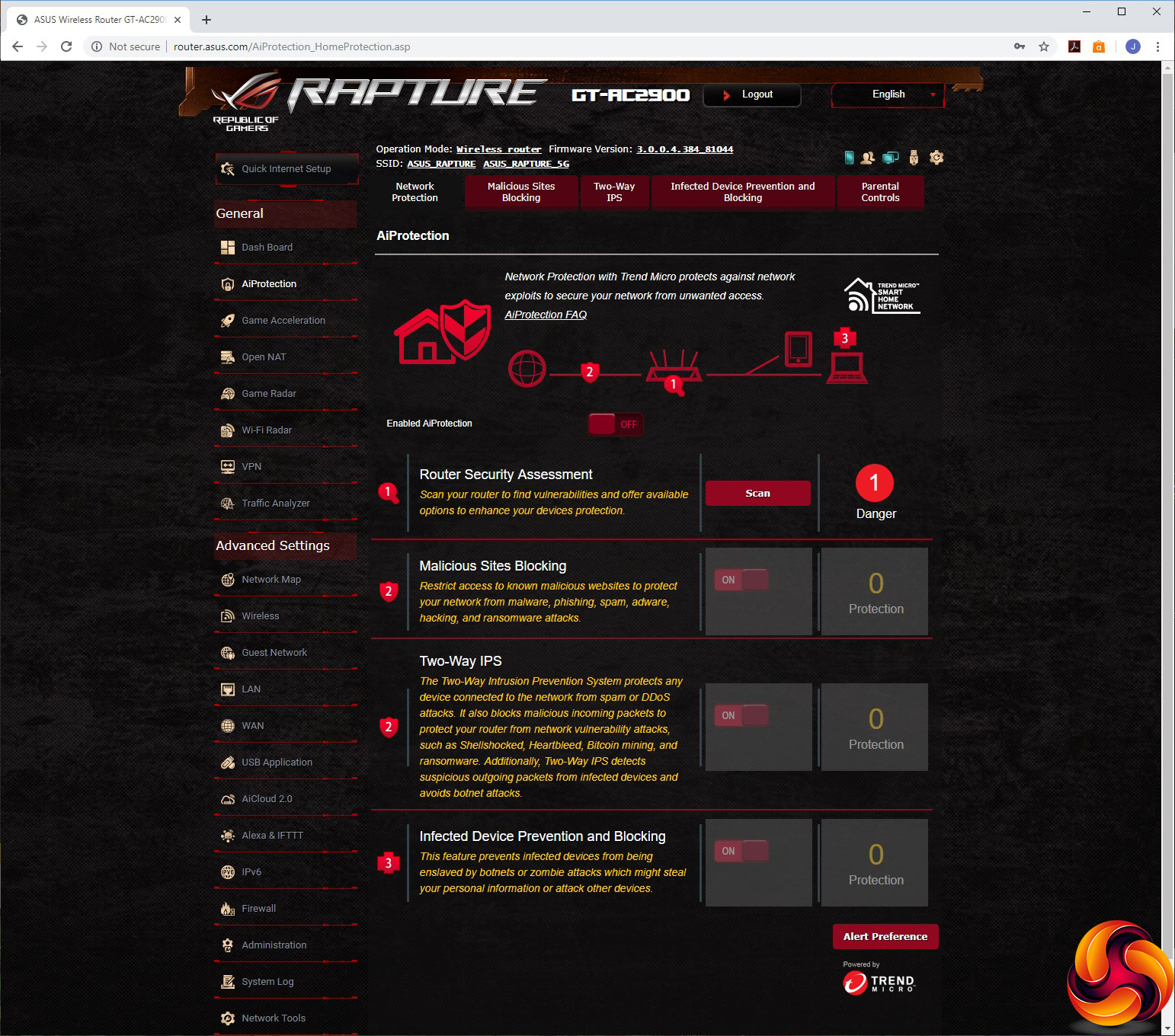
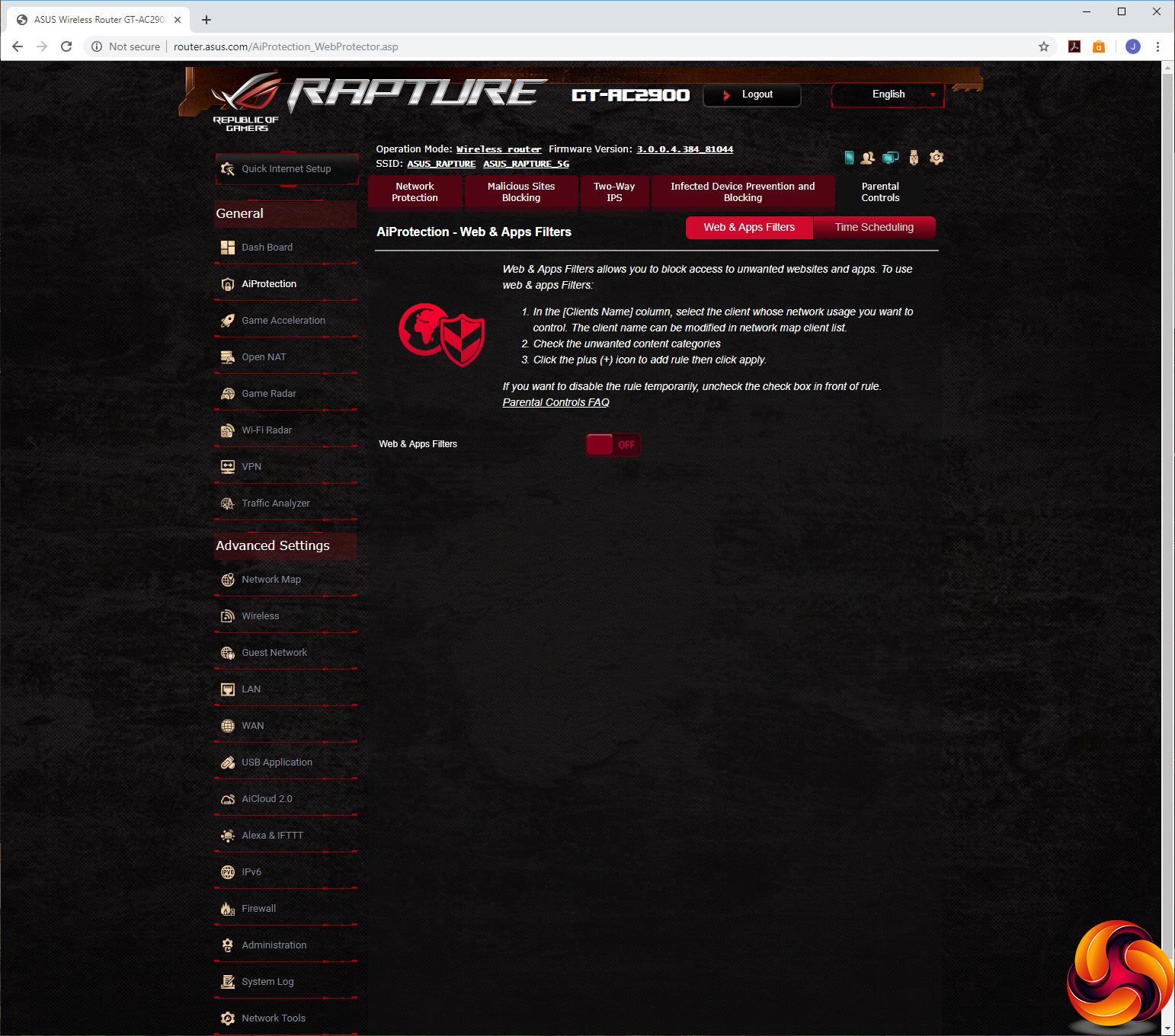
The next option on the General list is AiProtection. This includes Network Protection and Parental Controls. The former includes a useful vulnerability scan, the ability to block known malicious websites, two-way Intrusion Protection, and blocking of devices that have been enslaved by botnets or turned into zombies. The Parental Controls let you block adult content, Instant Messaging, P2P file transfer, and media streaming for individual clients by MAC address. You can also set up times when specific devices can use the Internet.
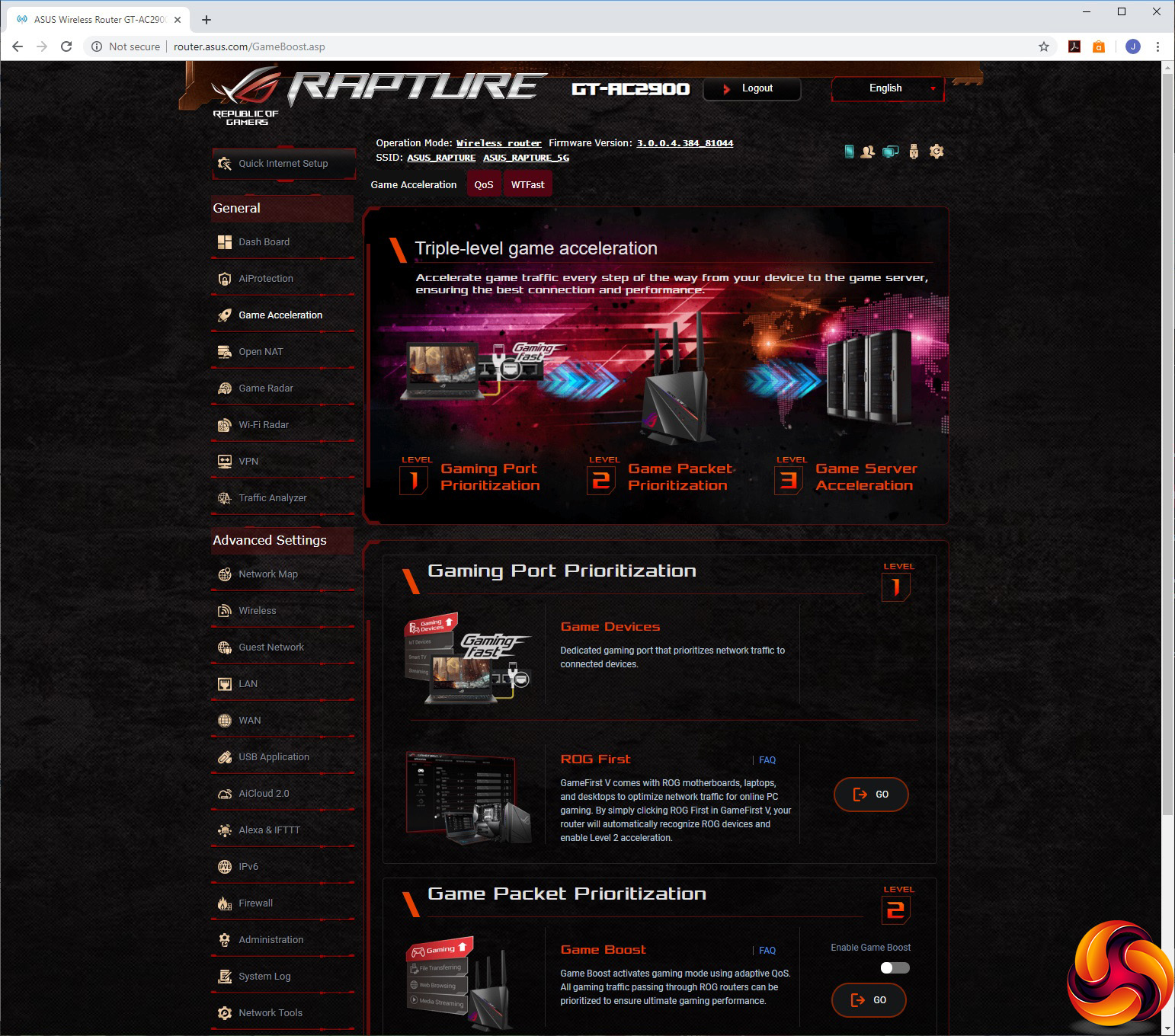
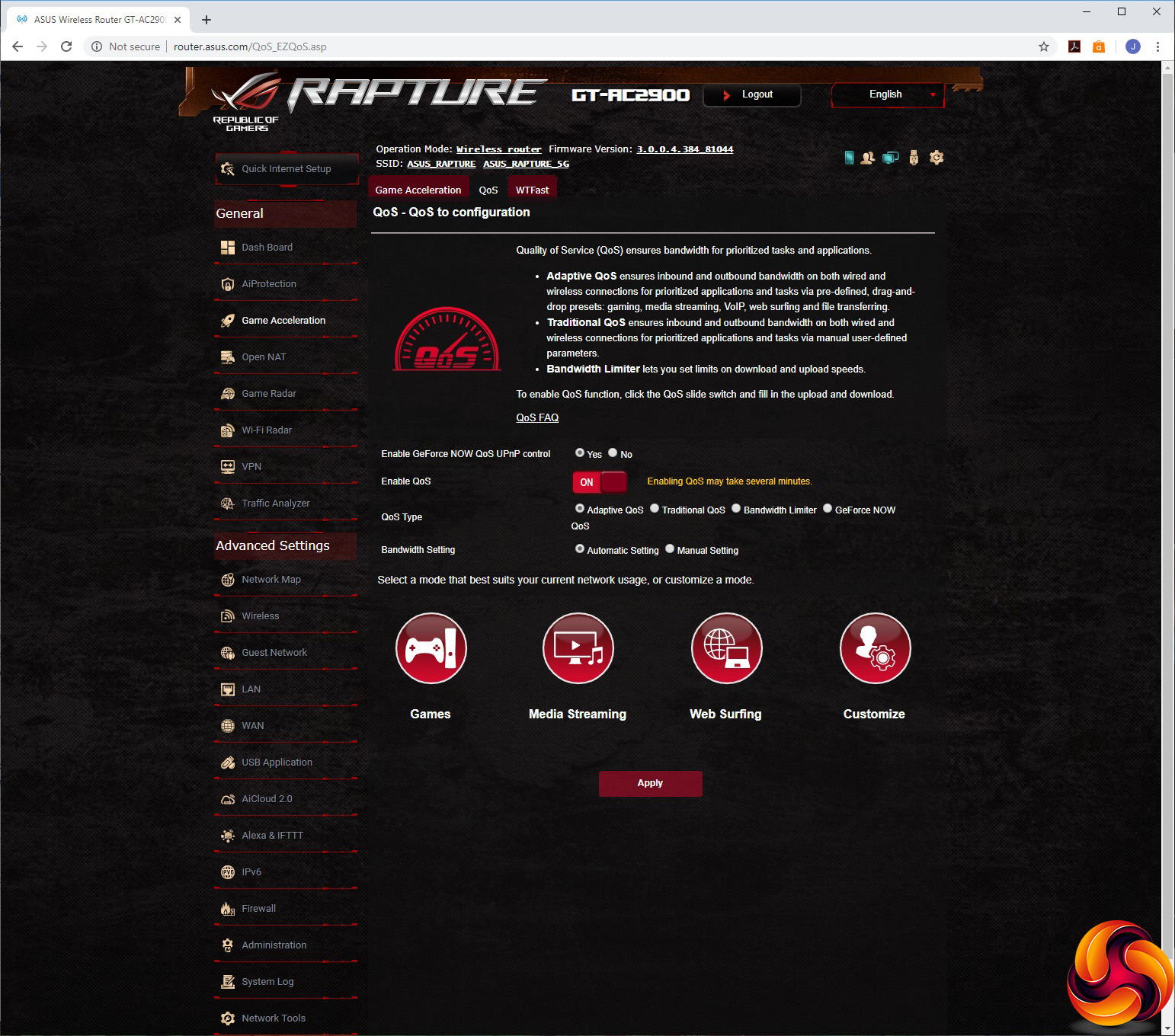
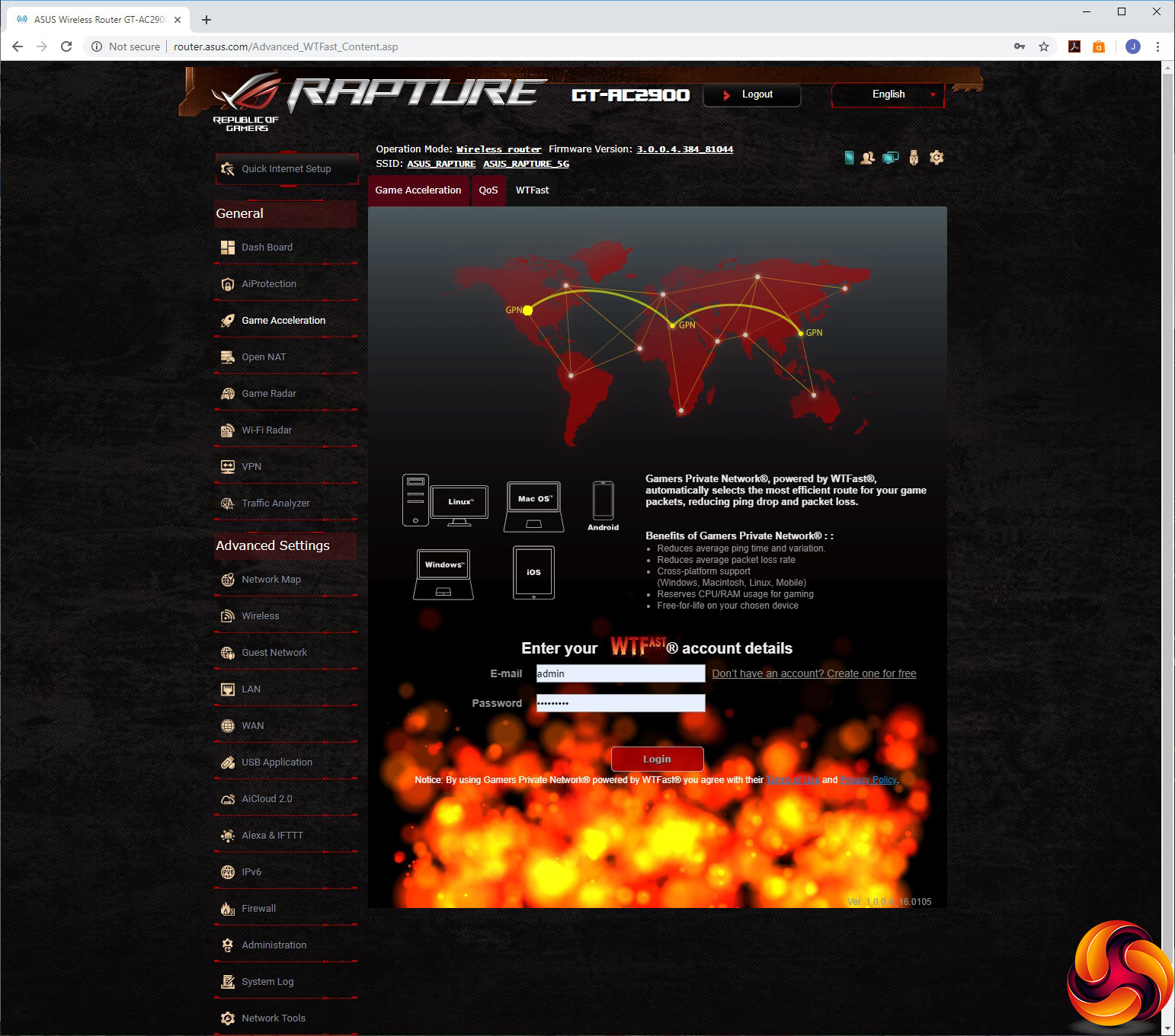
There are a lot of options under the Game Acceleration section, and this will be particularly central to what you buy this router for instead of a more general one. There are three “levels” of Game acceleration – Port Prioritization, Packet Prioritization, and Server Acceleration.
Game Port Prioritization is actually about you owning other ASUS ROG devices with GameFirst V, which allows the router to automatically detect them and prioritise their game traffic. Game Packet Prioritization is a more mainstream Quality of Service (QoS) system that provides four mode options for different usages – Games, Media Streaming, Web Surfing and your own Custom setting. The latter lets you choose which traffic gets the highest priority and which the least.
Finally, Game Server Acceleration is supplied by WTFast. This is a service that connects your home network to your game's server via the route with the lowest latency and ping time. You need an account to set this up, but it's free. Normally, you'd pay $9.99 a month for this service so it's a valuable inclusion with the GT-AC2900.

The Open NAT section will be another useful one for the intended gamer audience. This is essentially port forwarding, but ASUS has designed the interface very nicely, allowing you to scroll through a graphical list of current games, choose the one you want, and associate the built-in rules with a client system on your network. It's very easy to use.
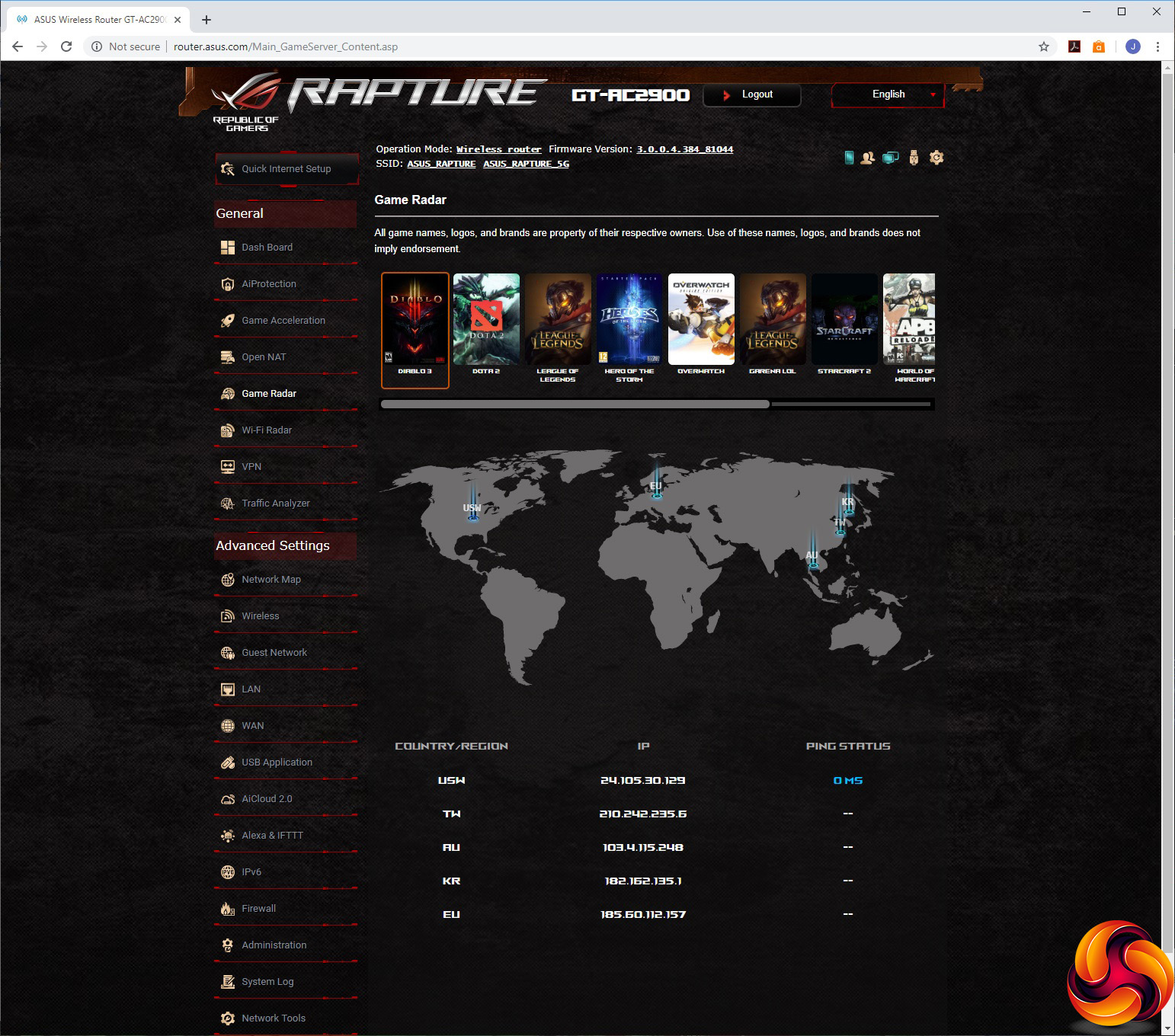
The Game Radar has a similar list of currently popular games, allowing you to look at the pings of various servers so you can choose the best one to game on.
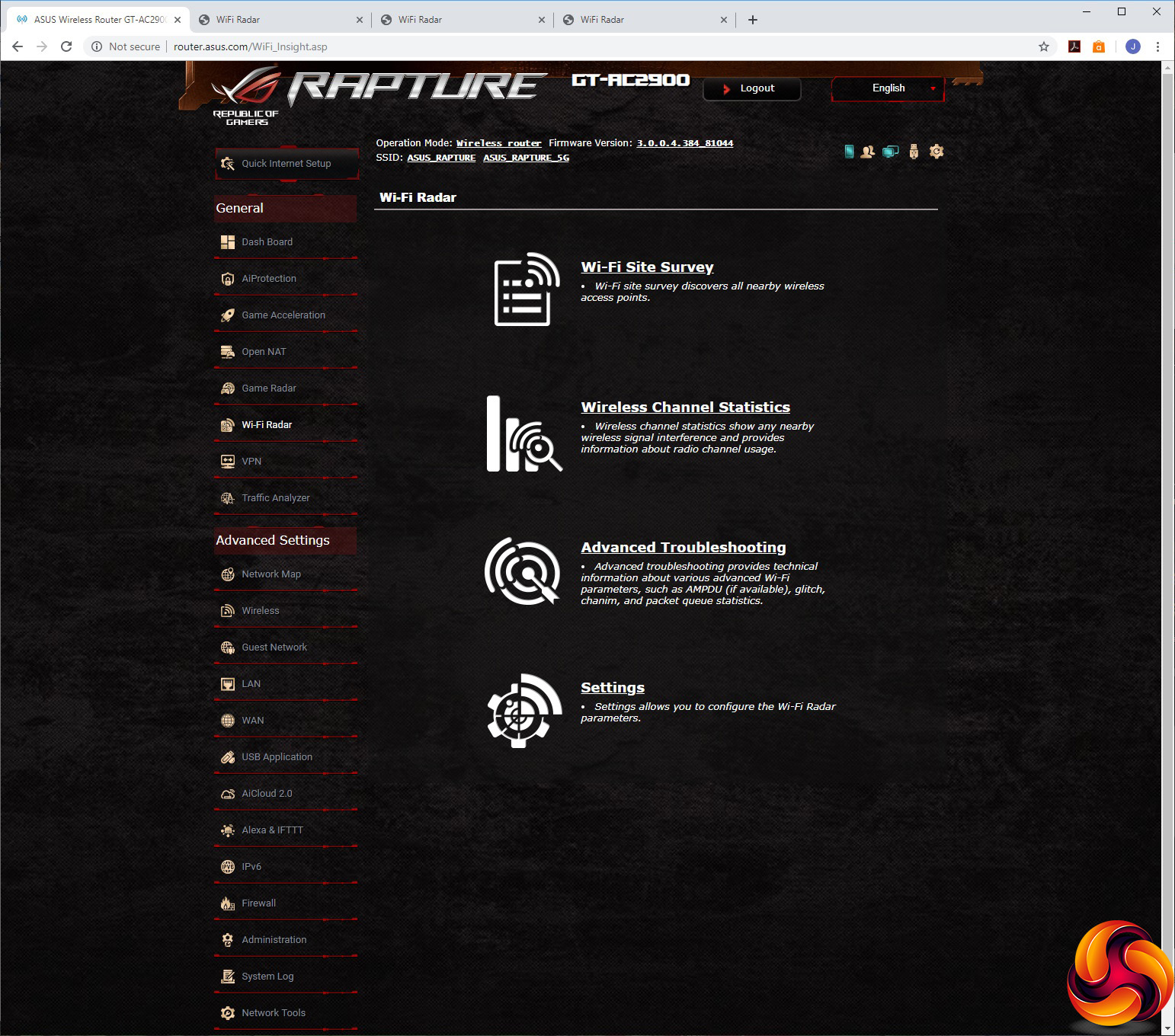
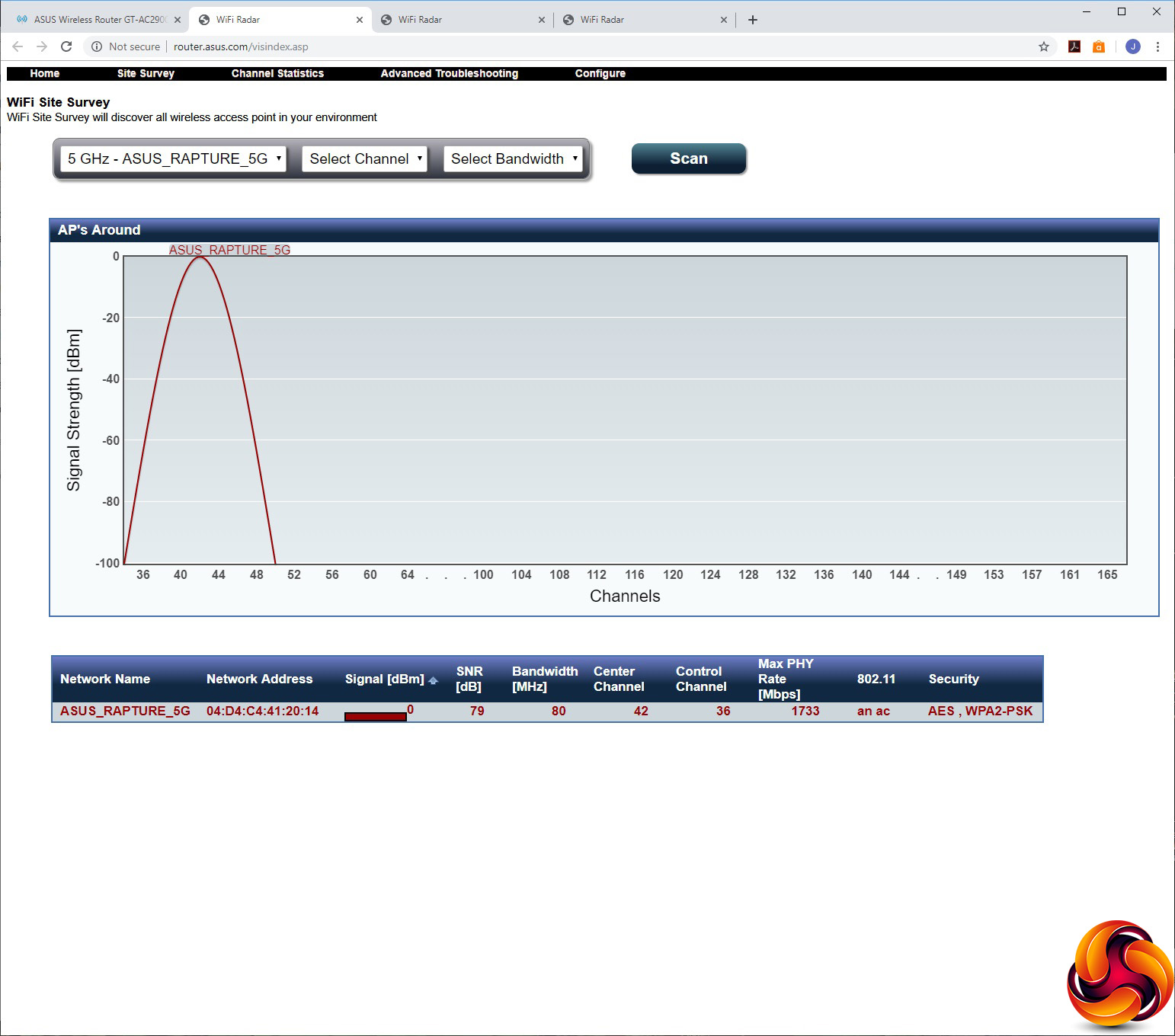
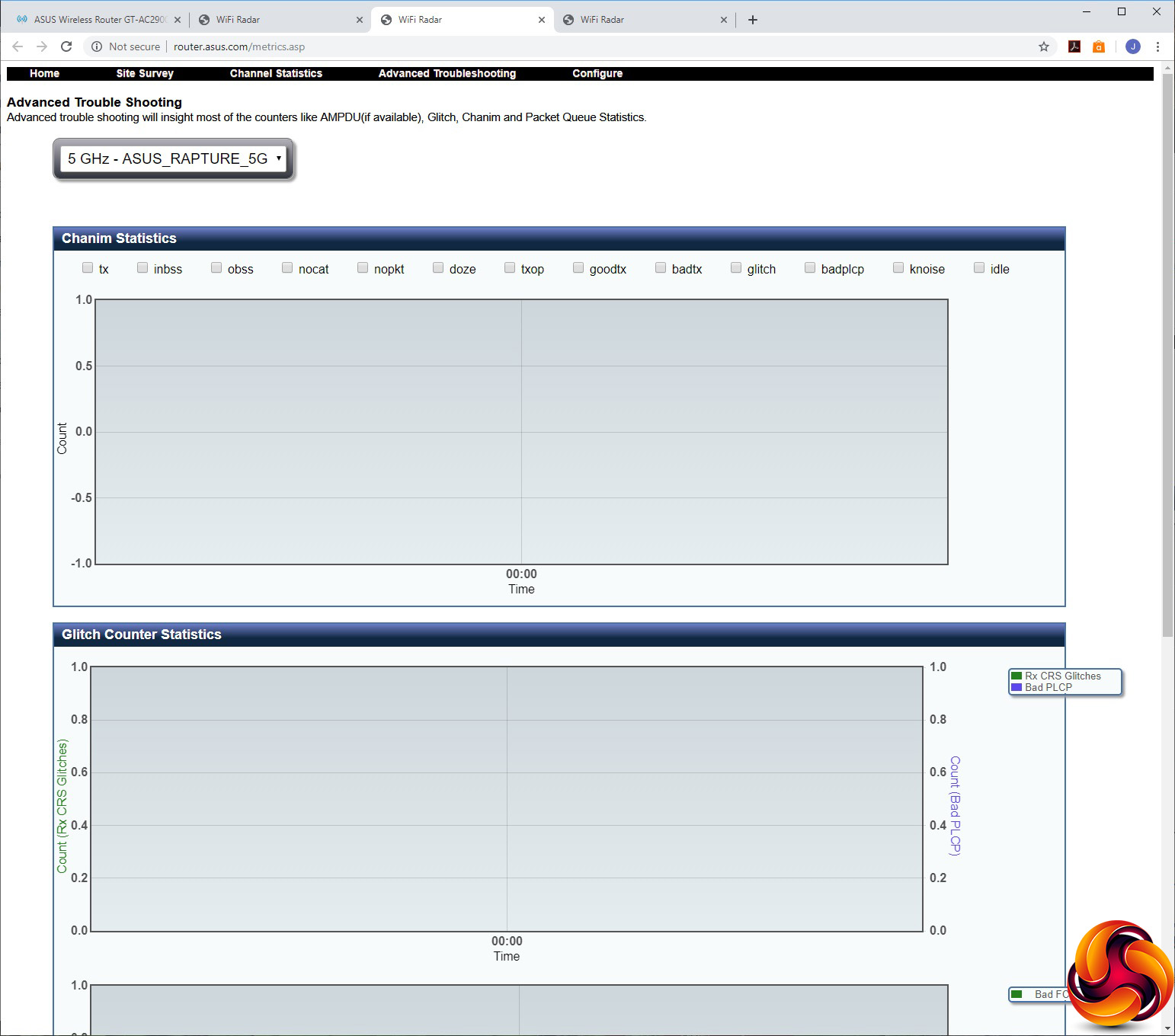
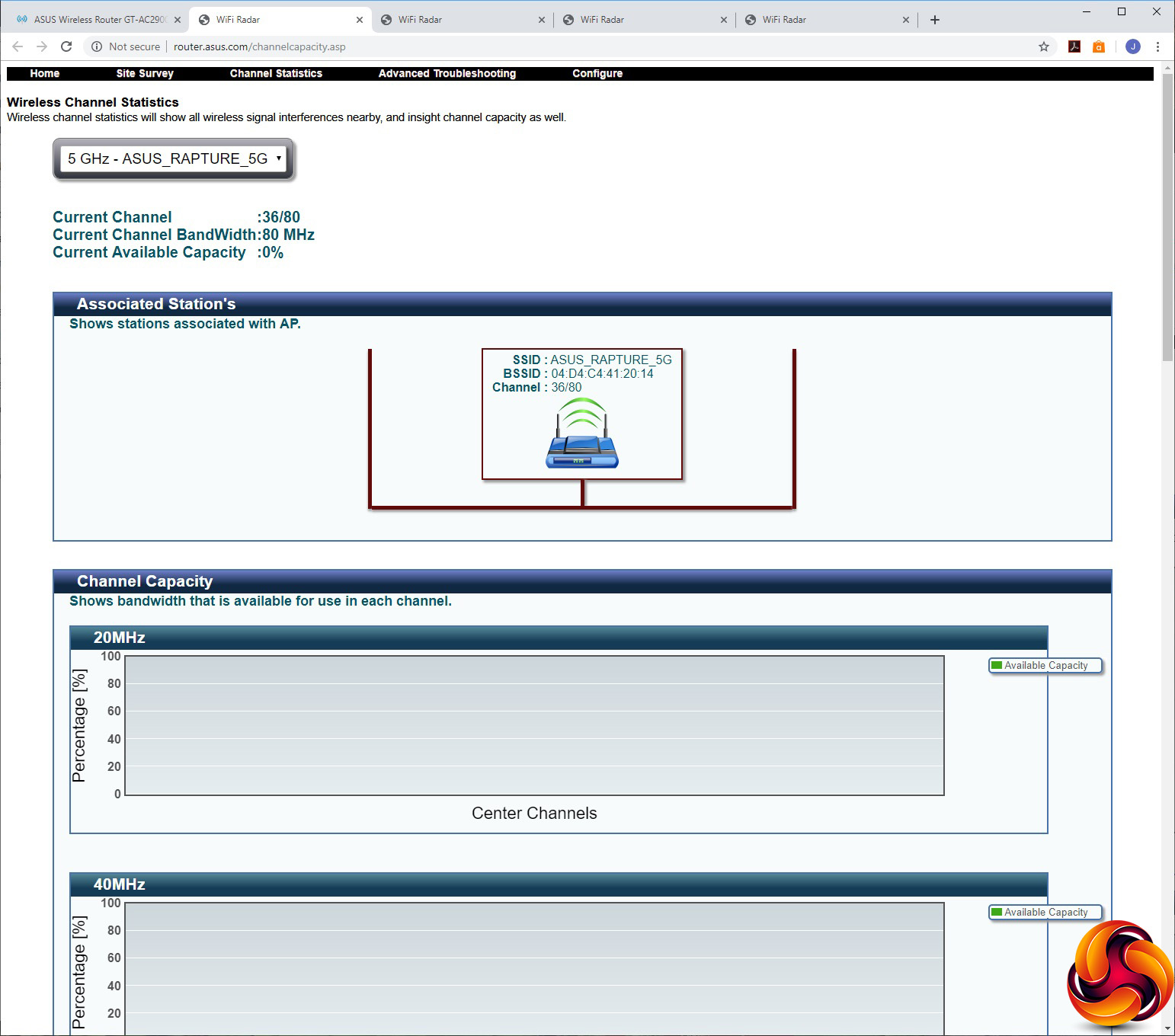
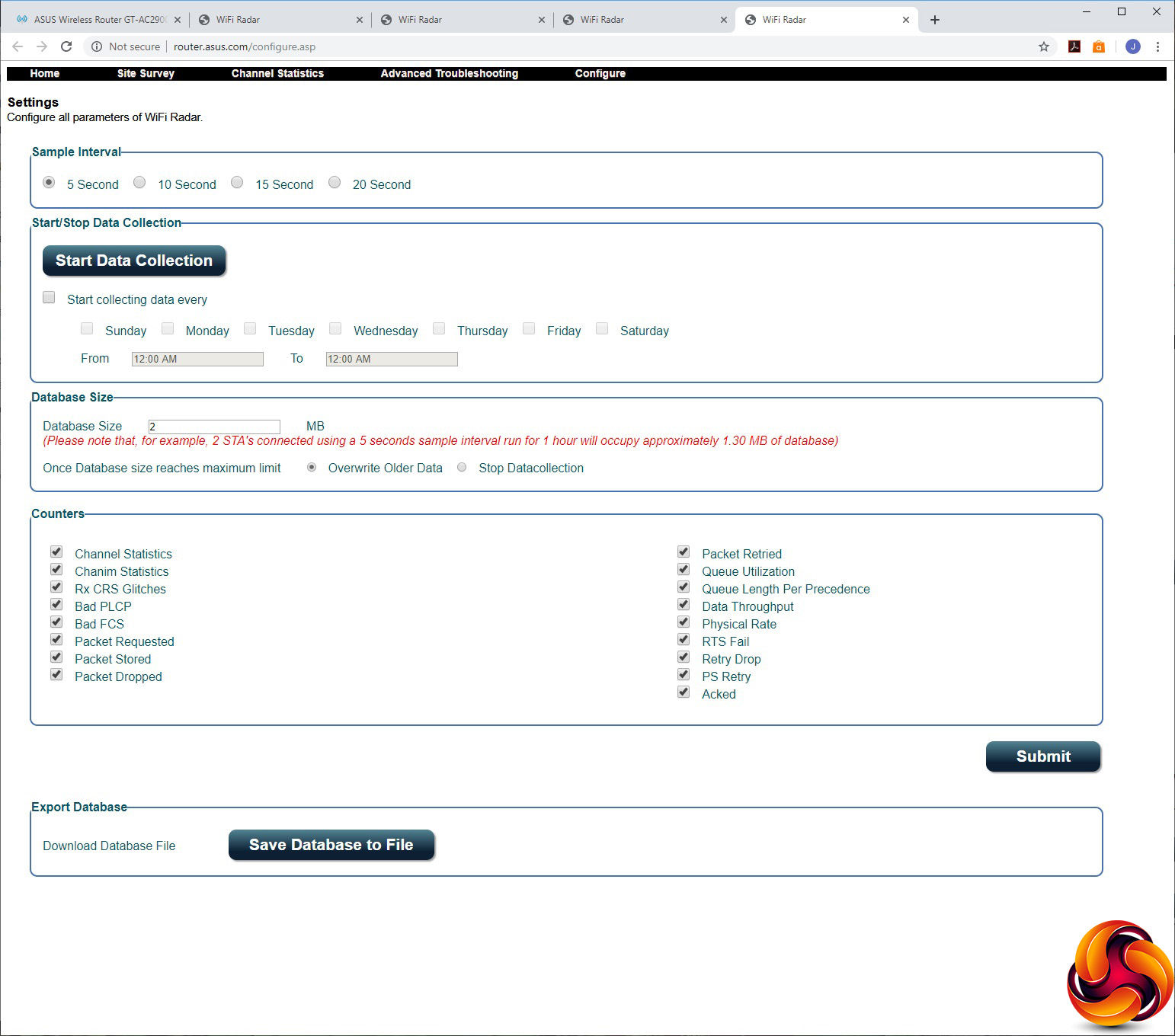
The WiFi Radar may have a similar name, but its function is completely different. Clicking on any of the four options opens a completely different interface where you can scan the spectrum for other routers, although at first we thought this didn't seem to pick anything up in our test environment, when in fact there were loads of other routers in the vicinity.
You can view the statistics of the current channels used by your router, troubleshoot issues, and configure how data is collected. It all looks very useful to optimise your WiFi, but the one thing that isn't obvious is that you need to hit “Start Data Collection” before it shows any information.
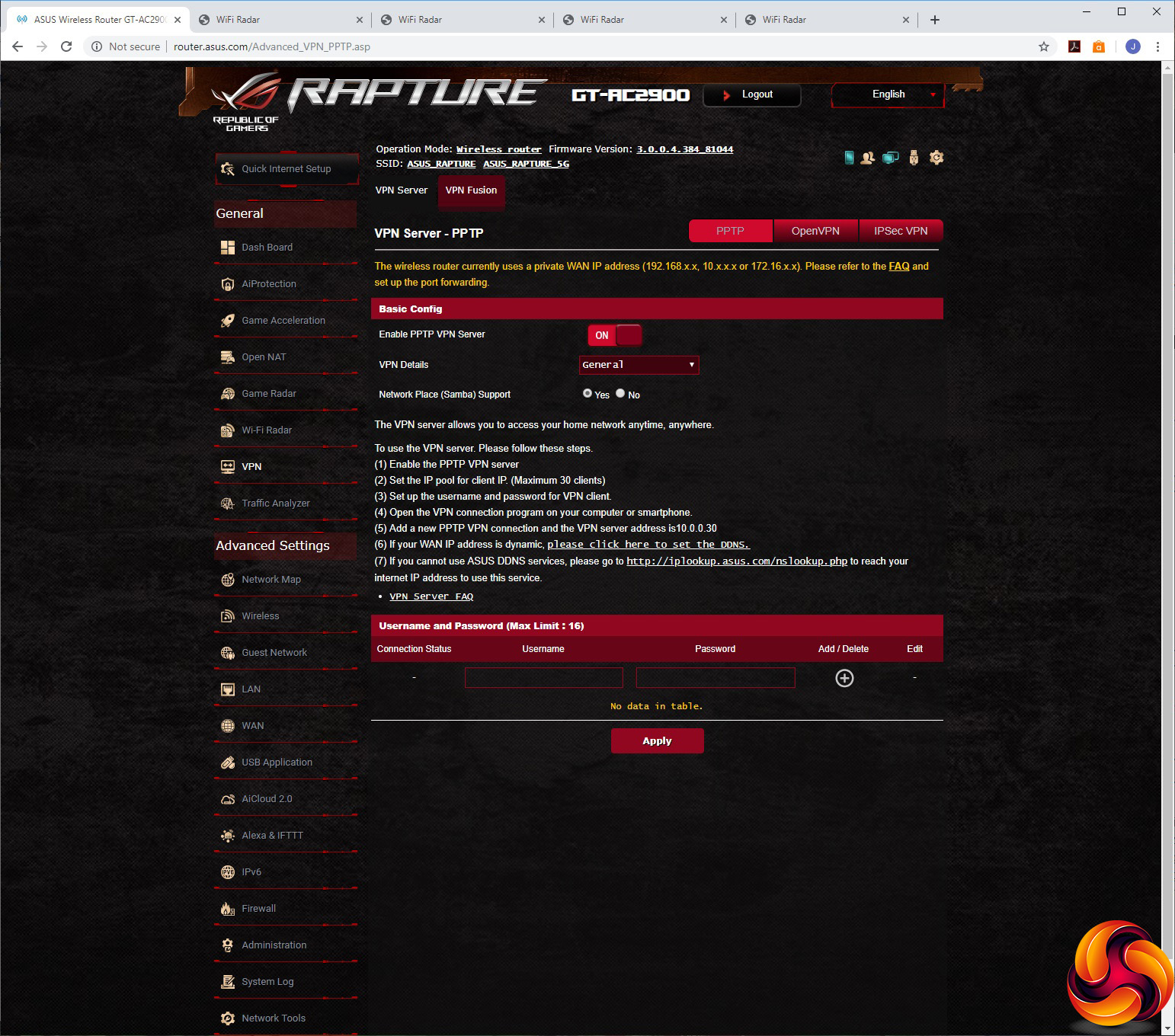
If you thought this router was just about games, think again. You still get ASUS's comprehensive VPN support, where the router can act as a VPN server via PPTP, OpenVPN or IPSec. You can even connect to multiple VPN servers at once via the VPN Fusion option.
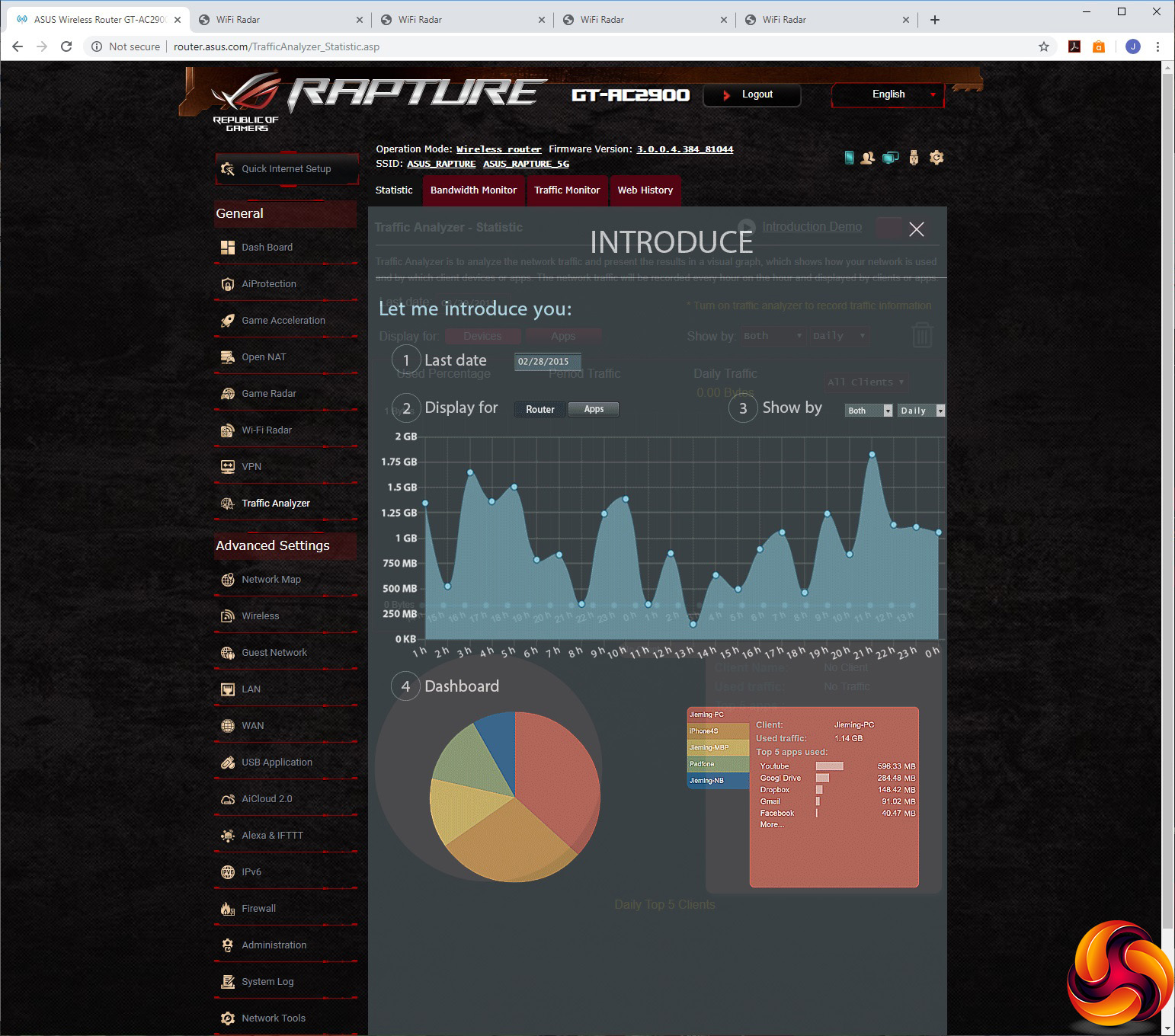
The Traffic Analyzer lets you monitor bandwidth usage and traffic, as well as revealing which websites have been visited – although you need to turn the latter on before it starts capturing URLs.
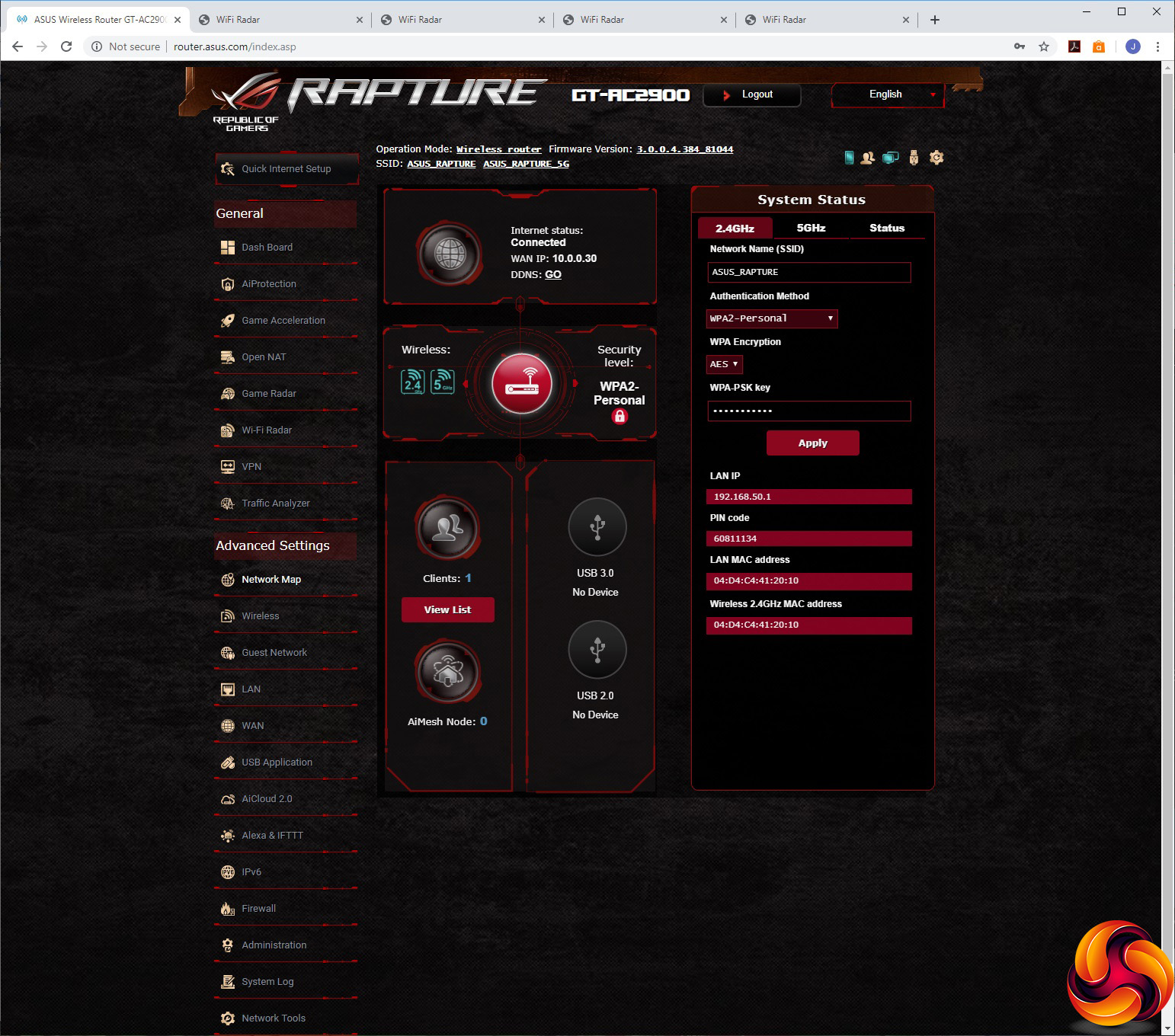
The Advanced Settings section is like a whole new interface, and starts off with its own overview in the Network Map section. You can also alter SSIDs and passwords here.
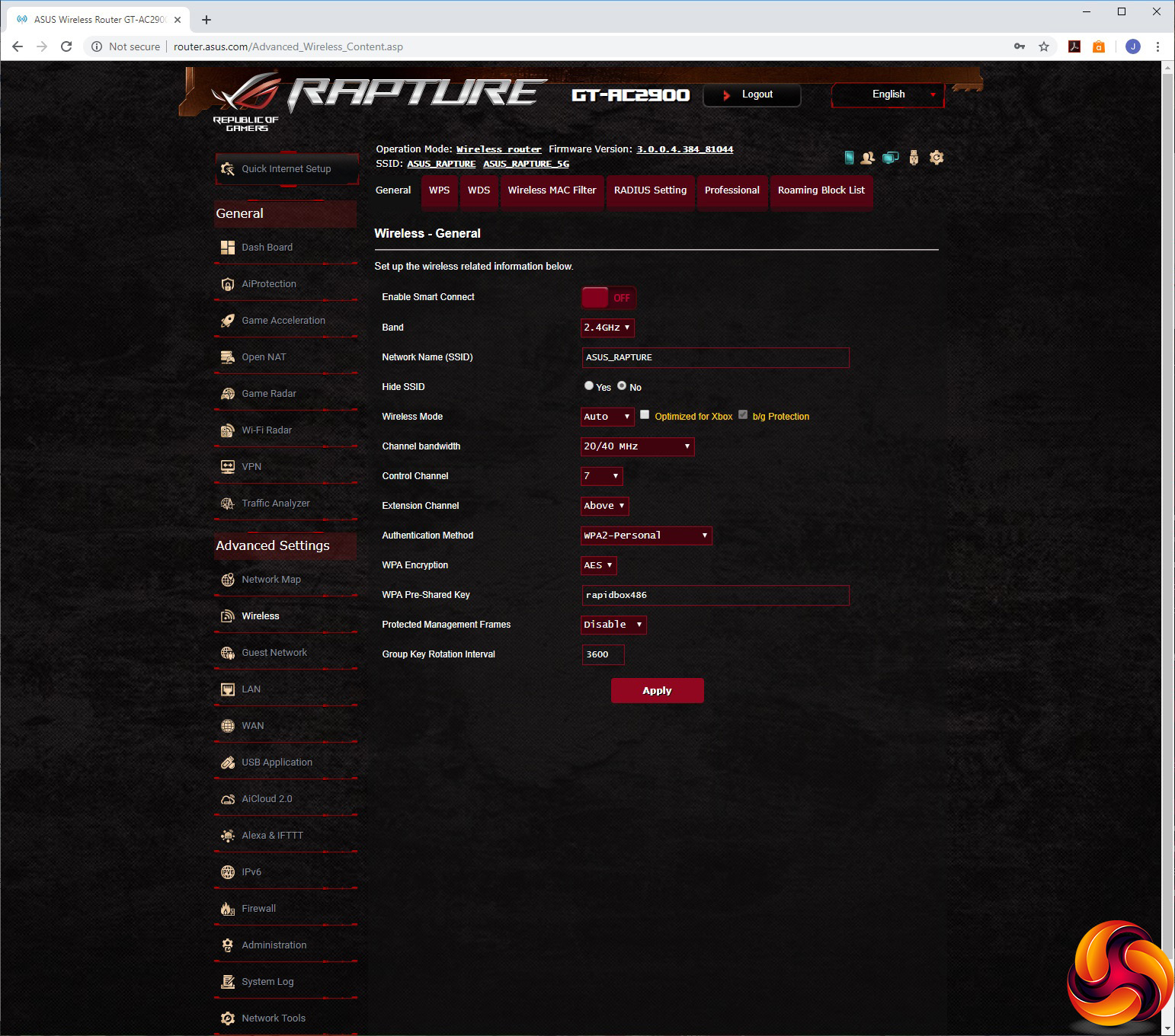
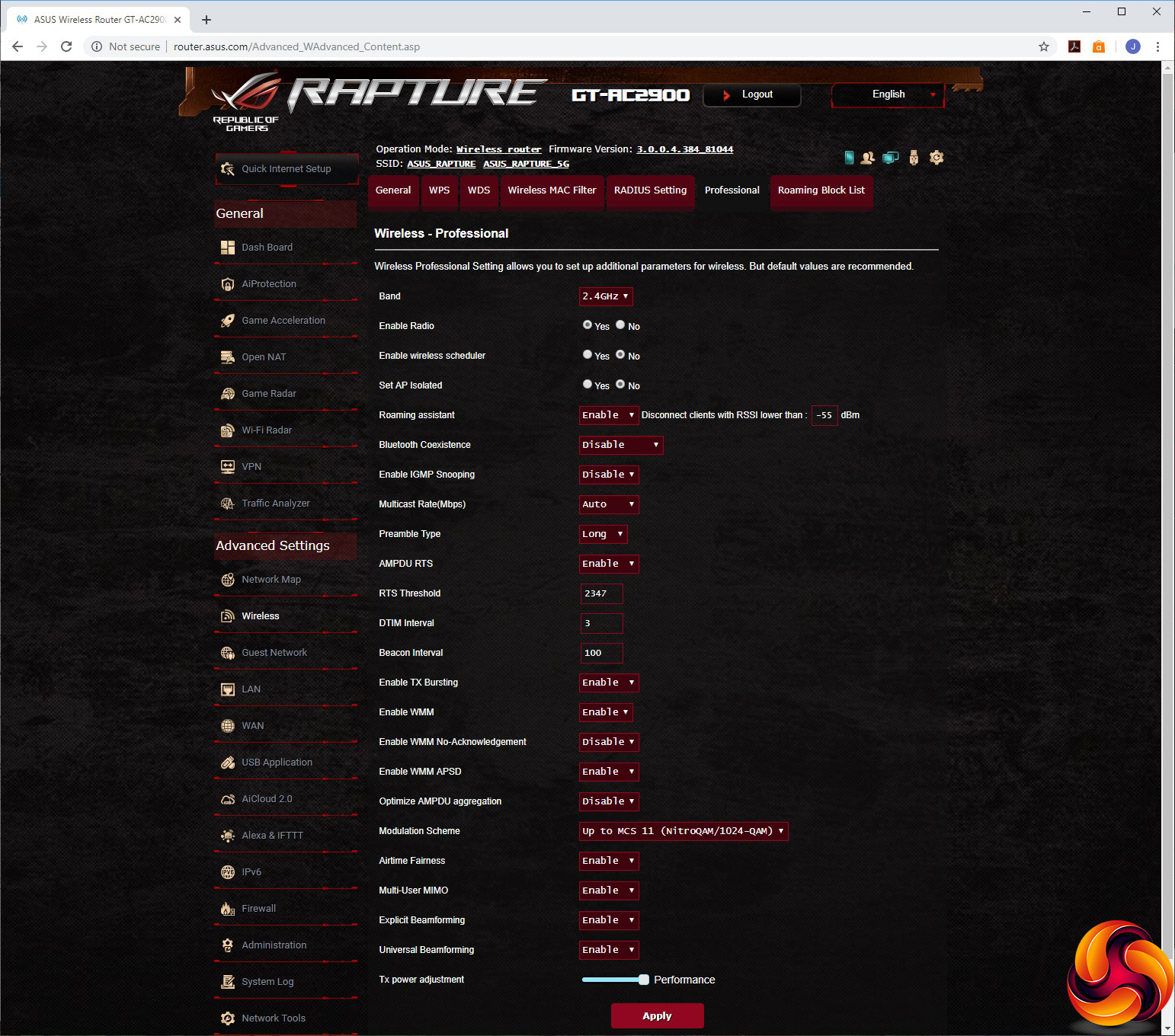
The Wireless section offers a massive range of options, from setting the shared key, to WPS and configuring the router as a WDS bridge. You can filter wireless devices by MAC address, and even set up parameters for authorising clients through a corporate RADIUS server – something we think will be unlikely for most gamers. The Roaming Block List is for use with ASUS's AiMesh, and prevents devices from moving between router nodes.
The Professional section lets you configure a huge range of granular WiFi options like RTS Threshold or Beacon Interval. We suspect most users will never touch these at all during everyday use, but it's nice to know you could if you wanted to.
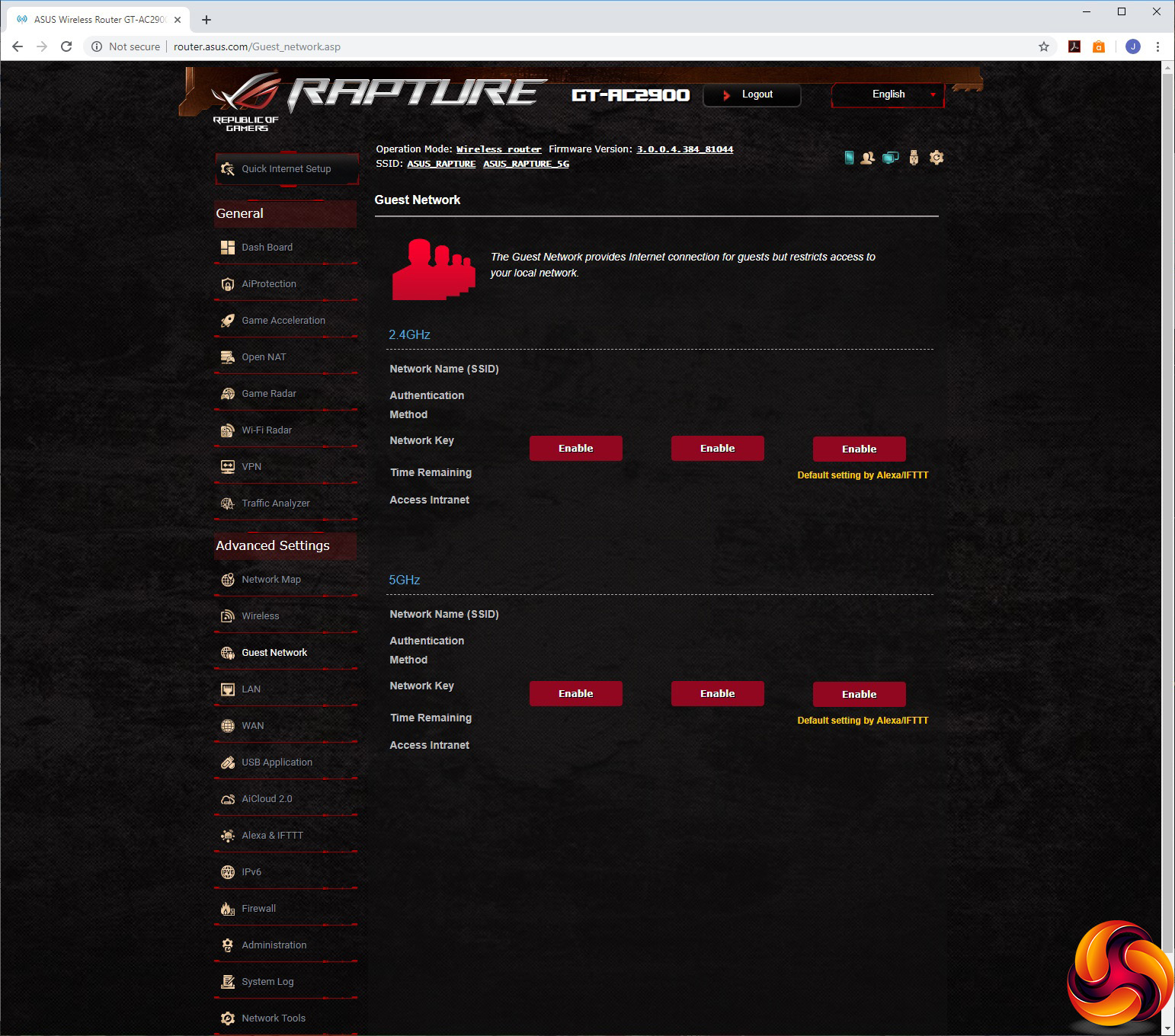
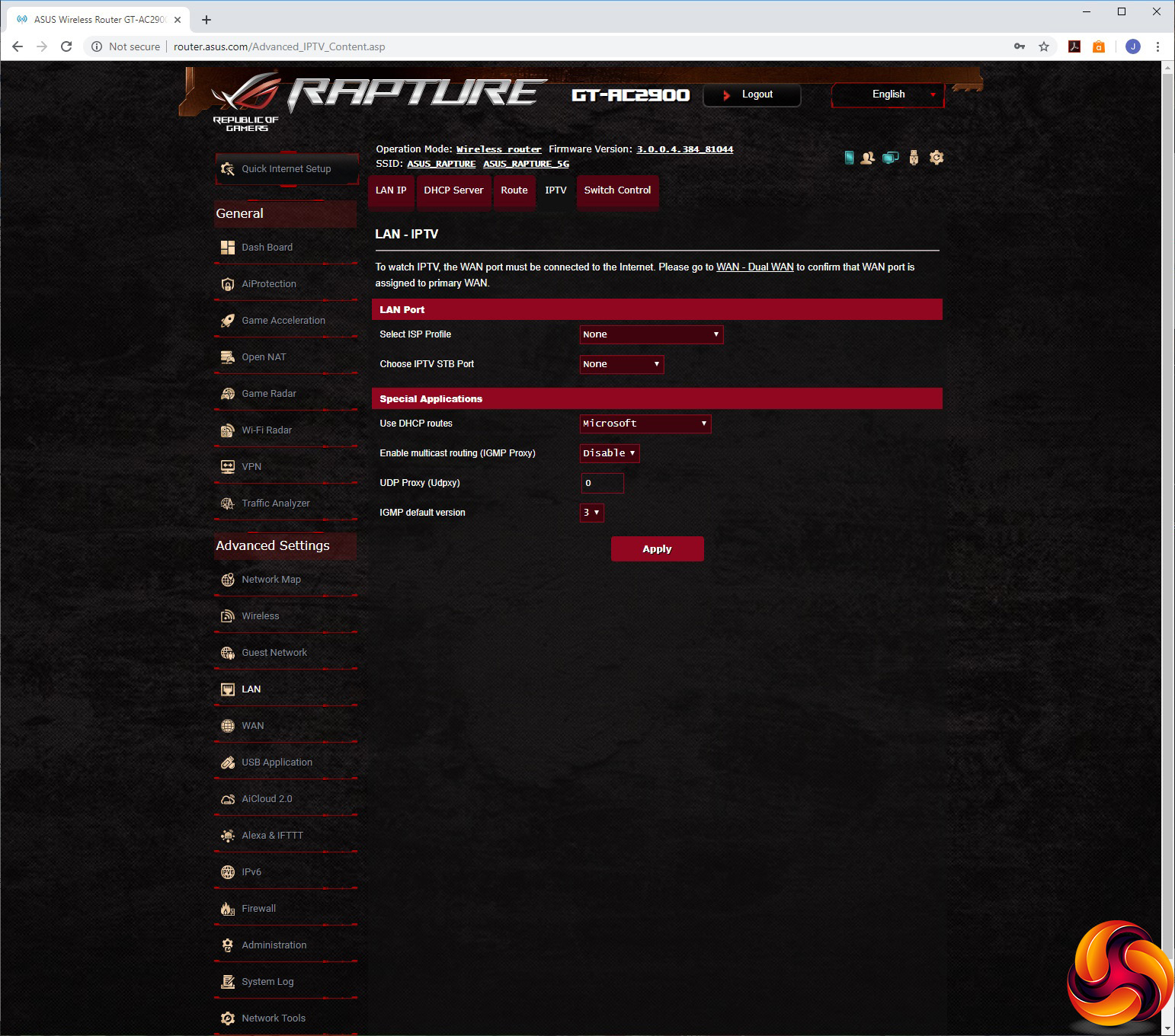
You can set up a guest WiFi network, and the LAN section lets you set up the router IP, DHCP server range and switch control options including Jumbo Frame and Link aggregation for the LAN 1 and 2 ports. There's even the option to provide specialised support for an IPTV STB over one of the LAN ports, or two if necessary.
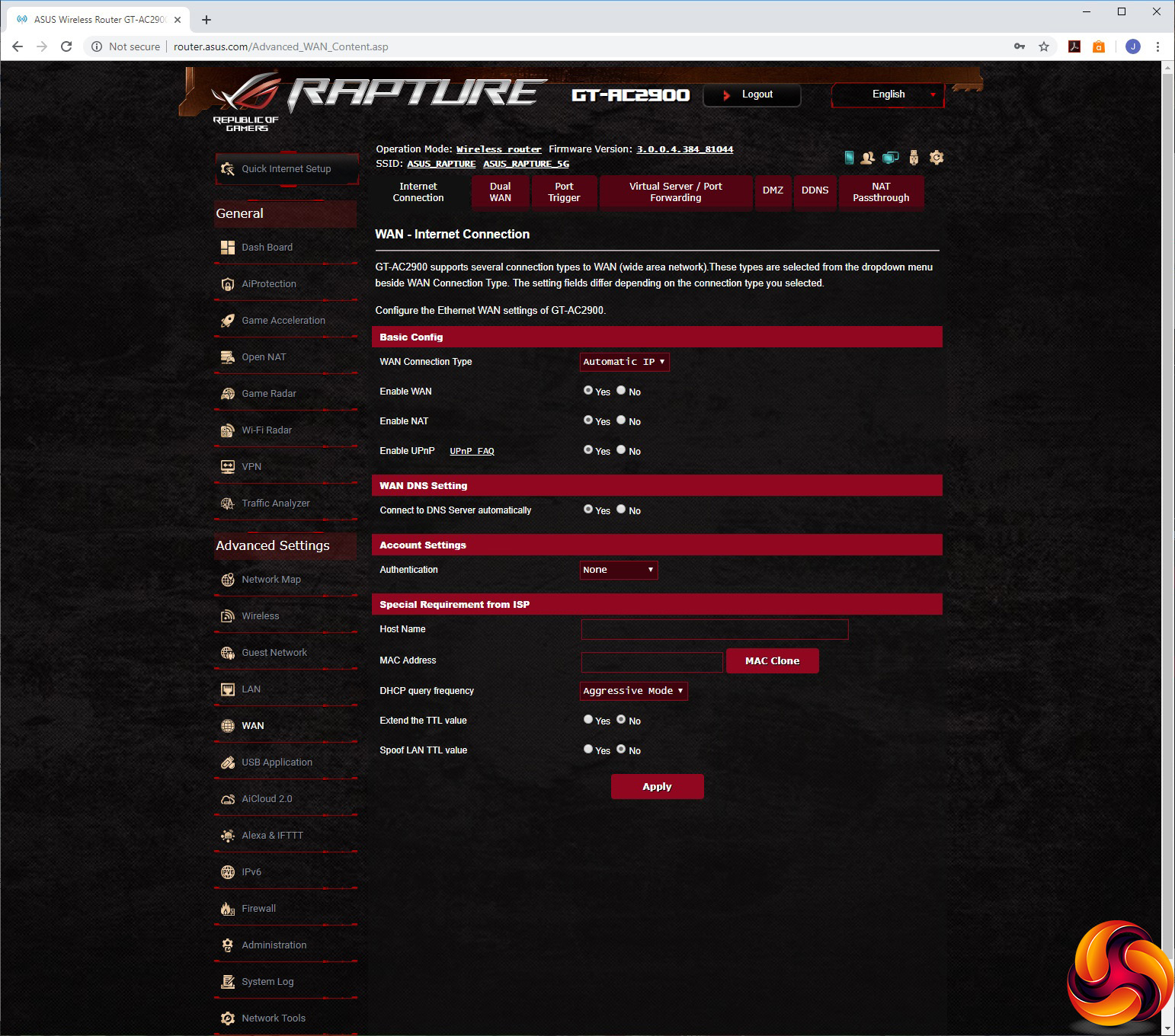
Under WAN, you can set up how the broadband connection is configured, but also set up Dual WAN where either another LAN port or a USB connection is used for Fail Over or Load Balancing. You can enable port triggering and port forwarding, nominate a DMZ, and set up DDNS through a wide variety of services including ASUS's own and the usual favourites like DynDNS and No-IP. Finally, you can enable NAT passthrough for your VPN connections.
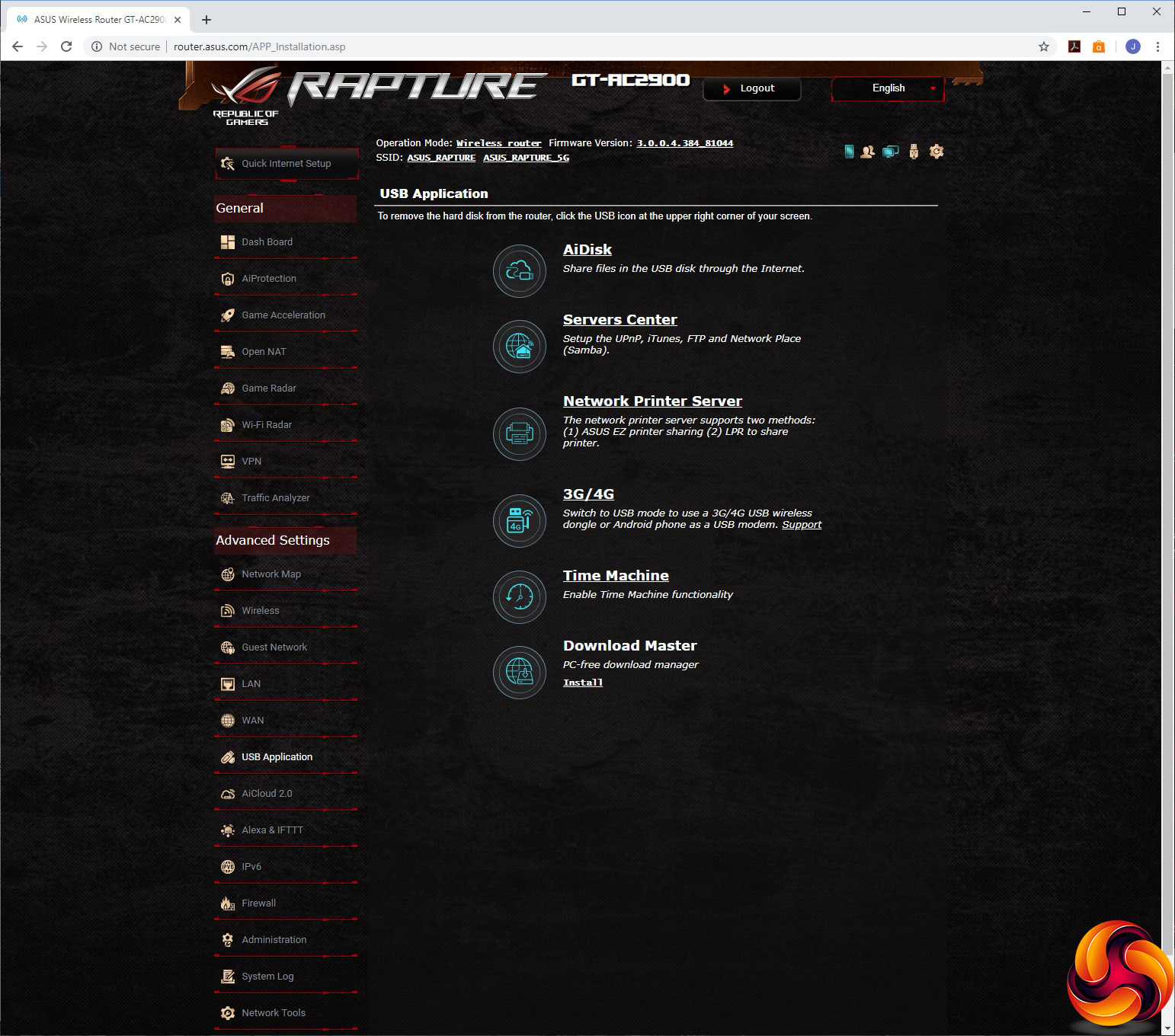
The USB Application section gives you lots of options for how the USB ports are used, from AiDisk network storage, UPnP media servers and FTP, networking printing, 3G or 4G USB mobile data dongle, Apple Time Machine backup and a download interface for leaving the router to manage your P2P downloads directly, without a PC.
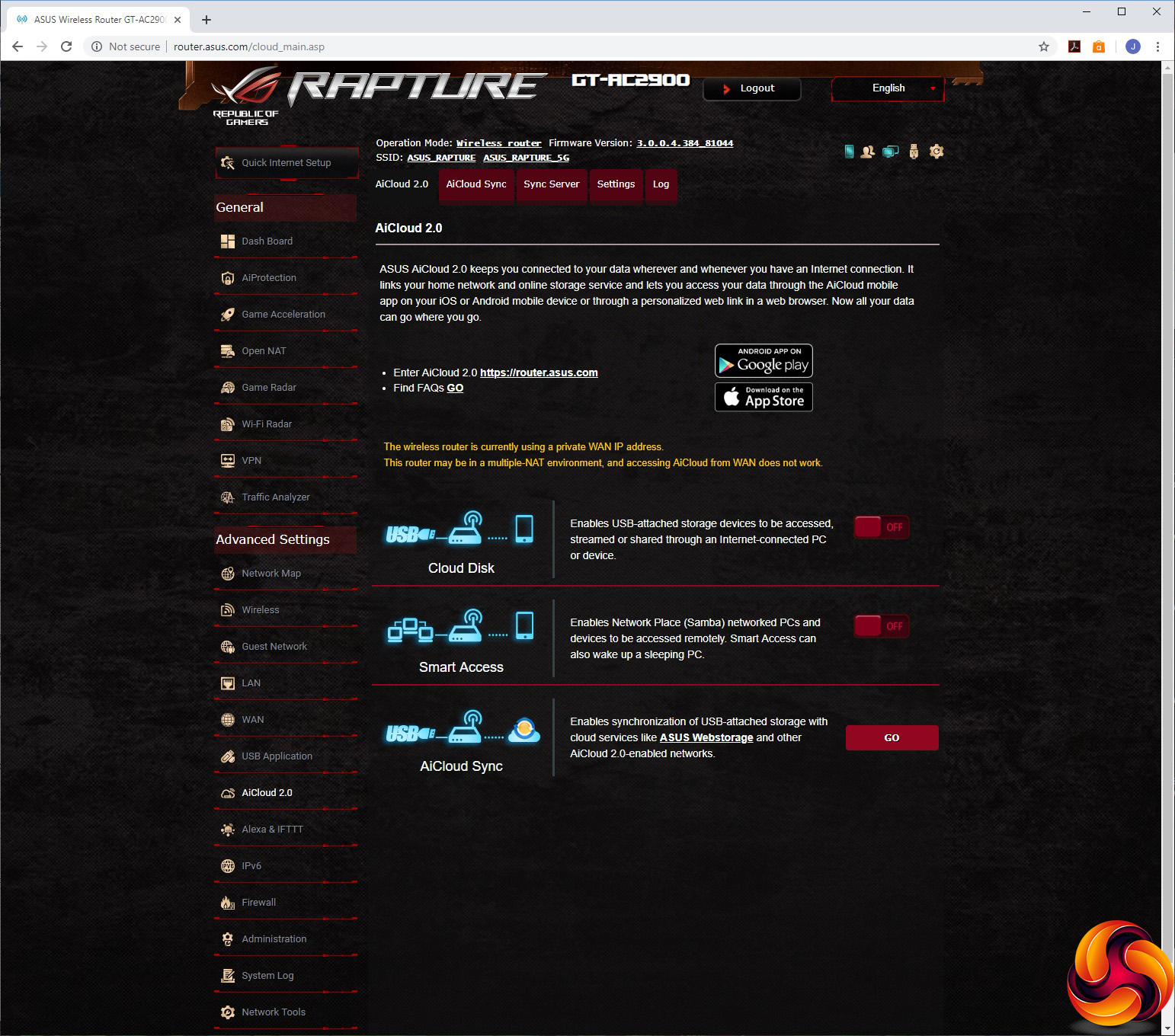
The GT-AC2900 supports ASUS's AiCloud 2.0, allowing you to get onto your local router-attached storage and PC servers via a remote link to access the files, and also synchronise USB storage to ASUS's online Webstorage.
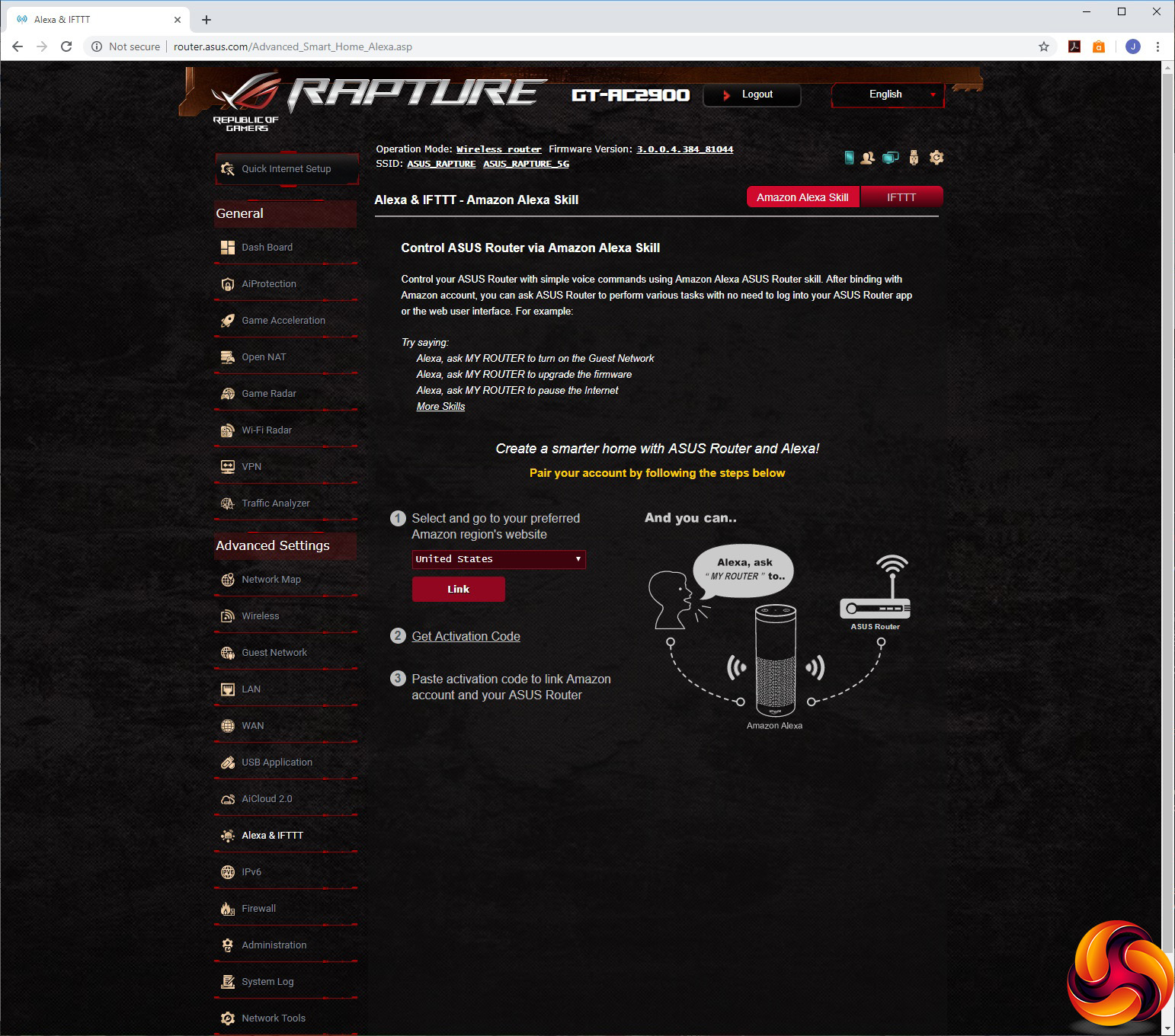
There's support for Alexa and IFTTT, so you can use voice commands set up as Alexa skills or conditions you set via IFTTT's service to trigger router behaviours.
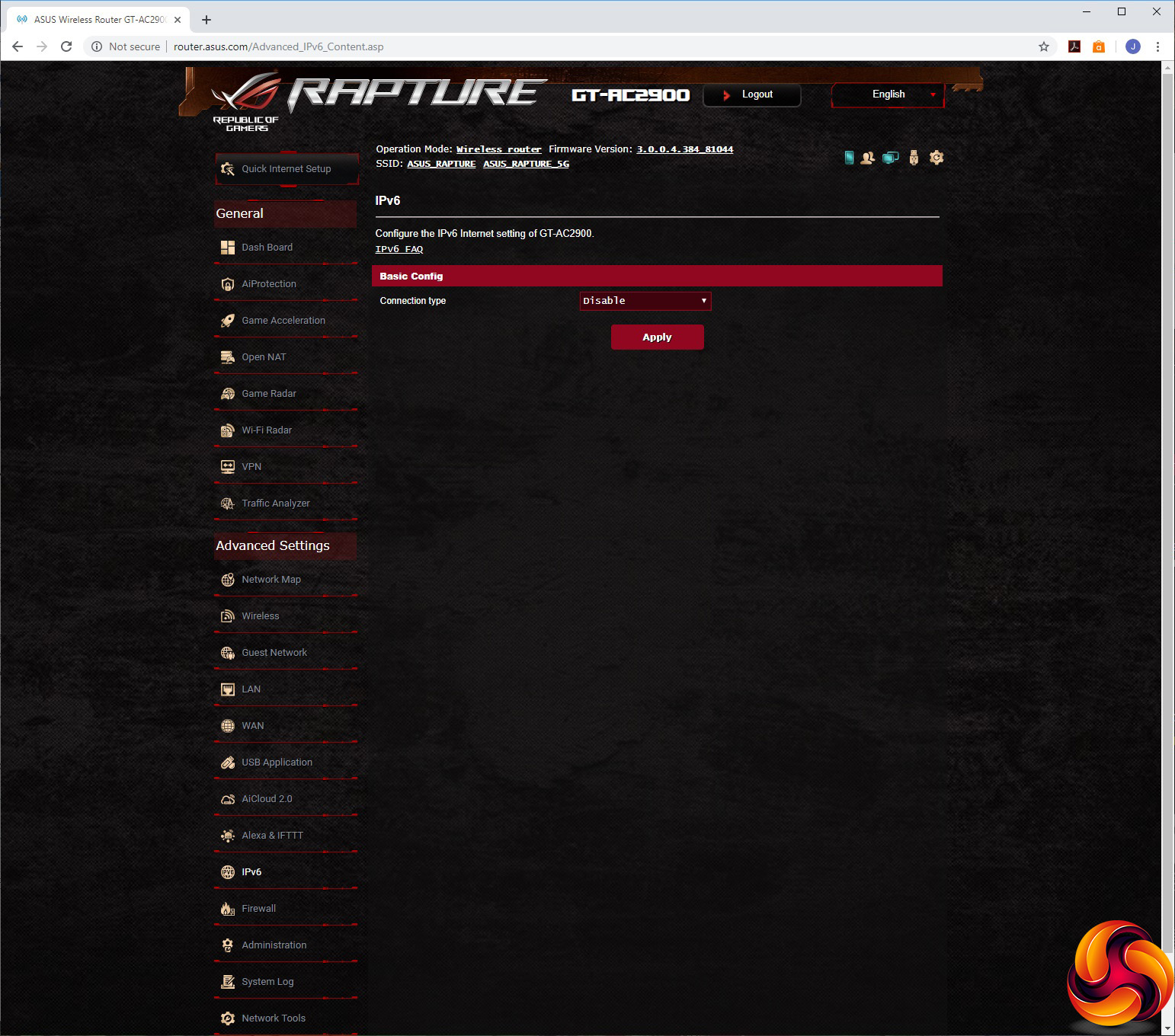
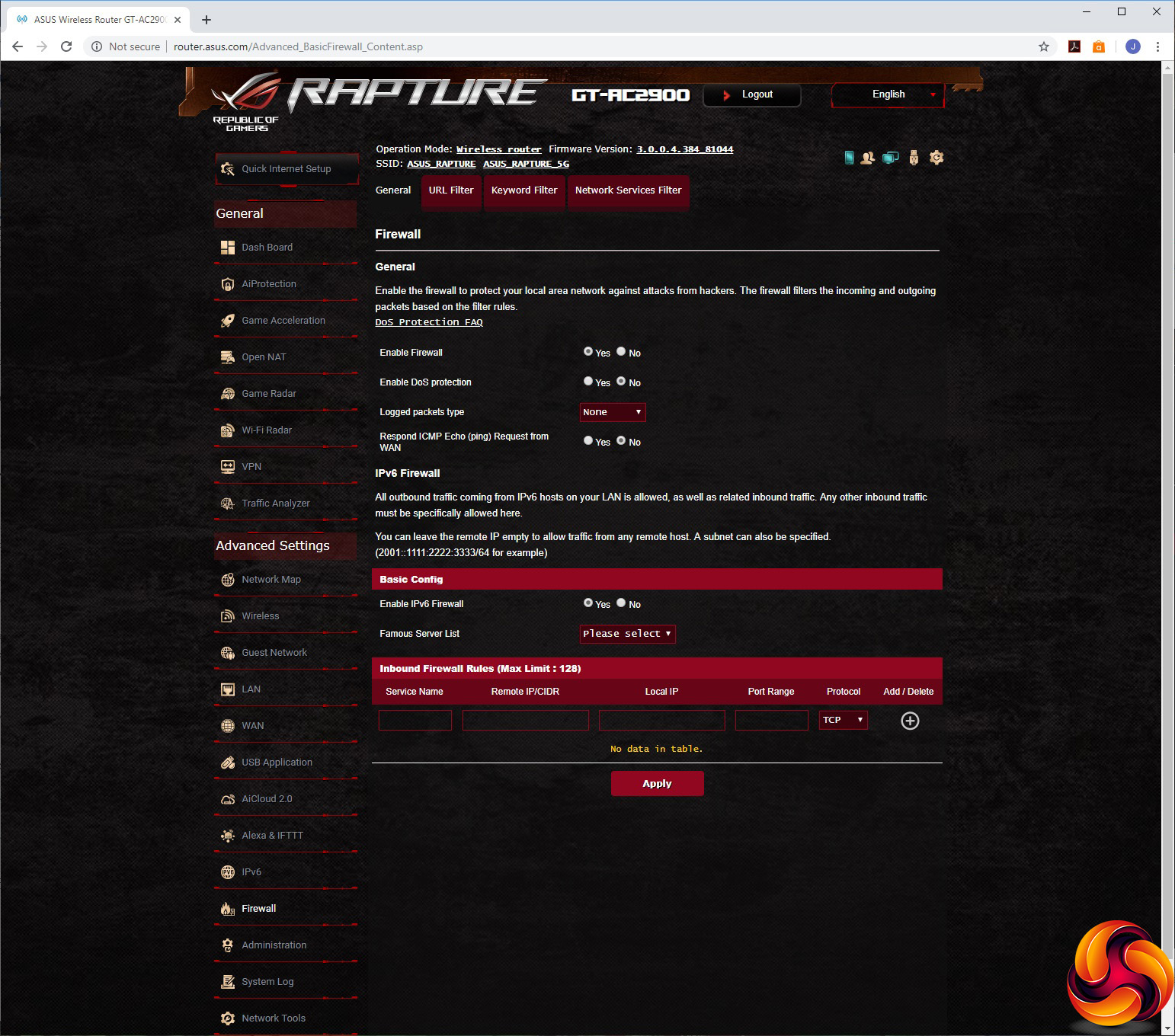
You can enable support for a wide variety of IPv6 Internet connections, and configure the built-in firewall with URL, keyword and network services filters. However, you don't get templates for common URLs and keywords, and the network services suggested just include WWW, Telnet and FTP.
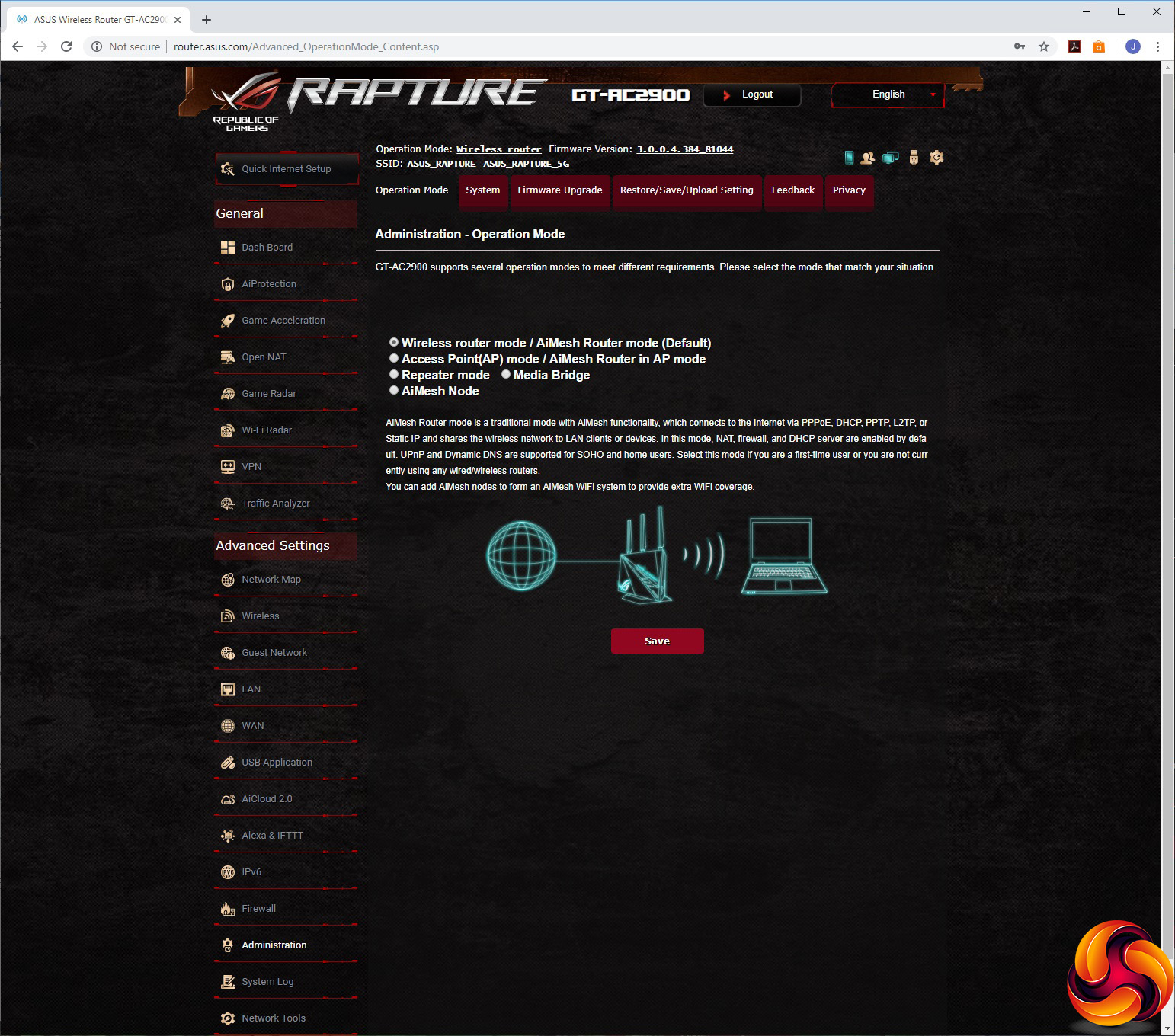
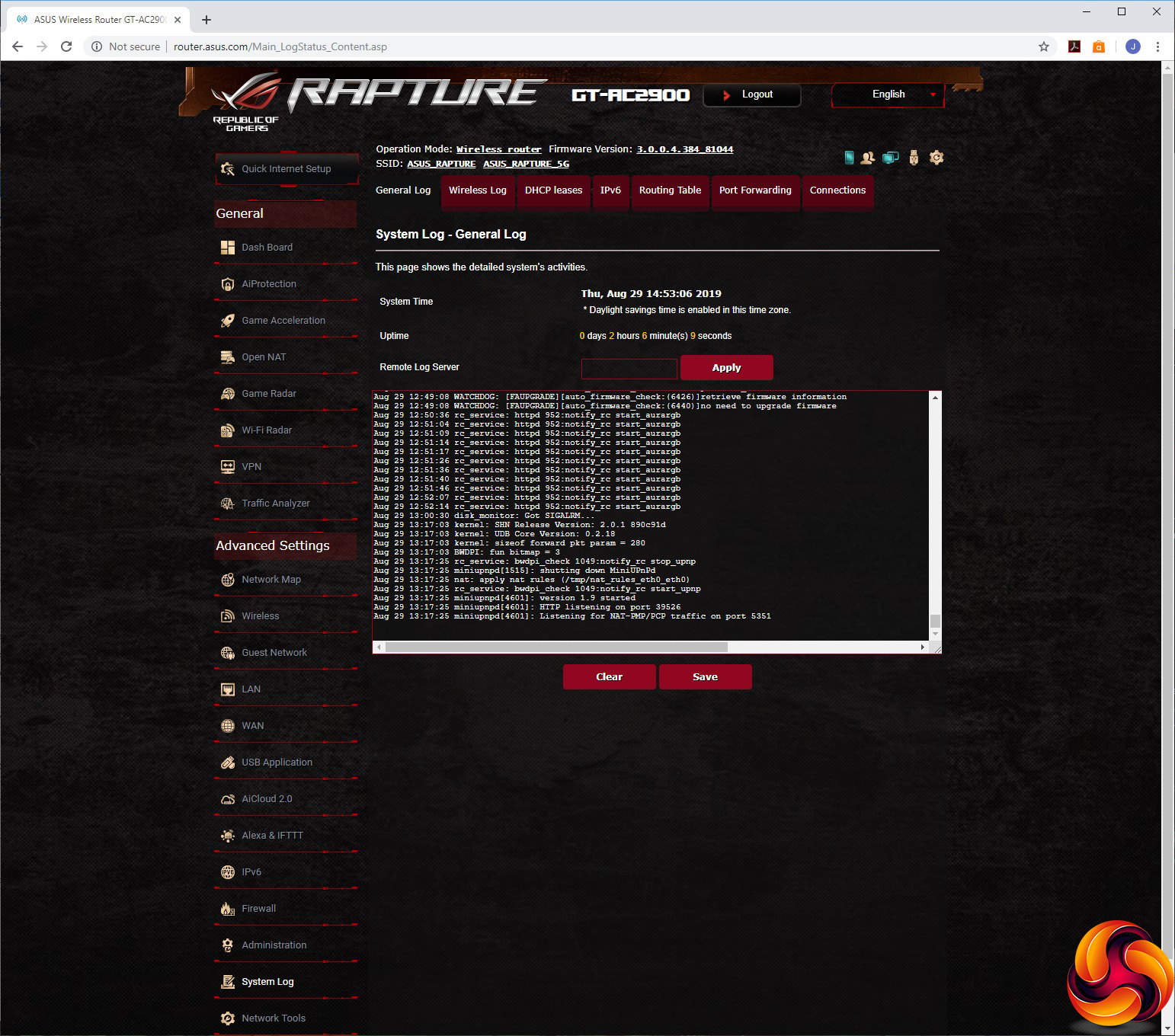
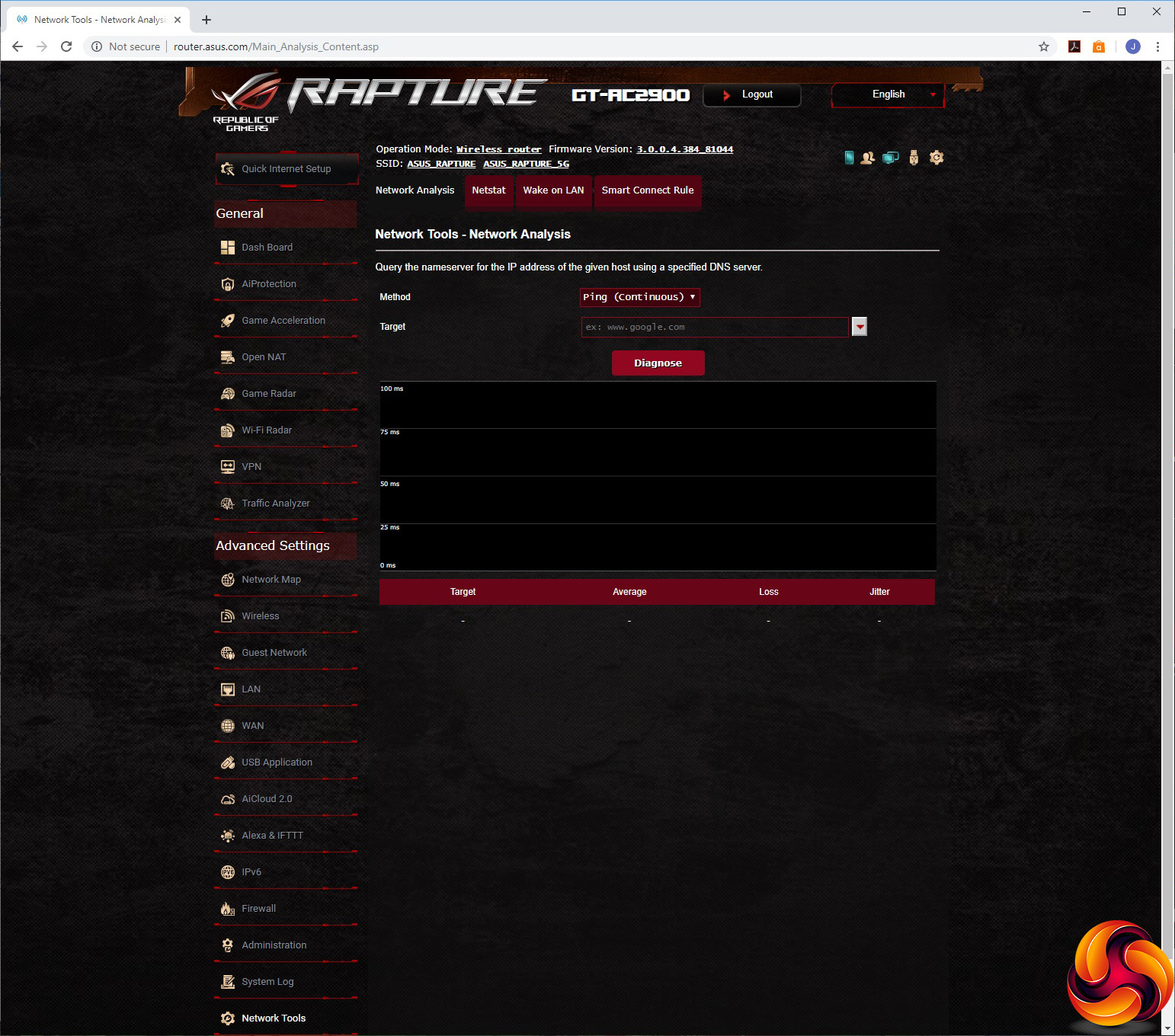
Finally, the Administration section lets you choose between router, AP, repeater, media bridge and AiMesh node modes. You can configure various system settings, upgrade the firmware and restore, save or upload the router settings. The logging system includes General, Wireless, DHCP, IPv6, routing table, port forwarding and connections sections. Network tools include ping, traceroute, netstat, Wake on LAN options, and the ability to set up Smart Connect Rules. The latter is likely to scare most users into quickly selecting another section.
Overall, the GT-AC2900 has a huge backend packed with features. If there's anything missing let us know, because we couldn't spot anything. The core router settings are comprehensive, and the gaming options that have been added are full of abilities too.
We tested the performance of ASUS ROG RAPTURE GT-AC2900 in two ways. First, we wanted to assess the raw throughput across the two WiFi standards it supports – 802.11ac and 802.11n. We also tested the speed of the USB 3.0 port via 802.11ac.
For the first test we used the open-source iPerf 3.1.3 software, and for the second test we used a 3.7GB file collection. Three Windows systems were used. One was an Armari AMD Threadripper workstation running Windows 10, then a MSI WS63 7RK (for 802.11ac) and finally an HP Folio 13 (802.11n only).
For all the wireless tests, the workstation was connected to one of the GT-AC2900's Gigabit Ethernet ports, and the notebooks via WiFi connections (apart from the wired test, which also used Gigabit Ethernet). The notebooks were then placed in four different locations – within 1m of the router, approximately 5m away with a wall in between, 10m away and on a lower floor (with multiple walls and a floor in between), and then 15m away on a lower floor. We tested all four distances with the two WiFi standards, but only the 1m distance with the file copy.
With each WiFi standard and distance, we took 60 readings of throughput at one second intervals and calculated the average (iPerf does this automatically). For these tests, we are also comparing the GT-AC2900’s performance with the NETGEAR Nighthawk XR700, NETGEAR Nighthawk XR500, Linksys WRT 3200 ACM, NETGEAR Nighthawk X10 R9000, Synology RT2600ac, and NETGEAR Nighthawk AX12 (802.11ac only).
802.11ac 5GHz
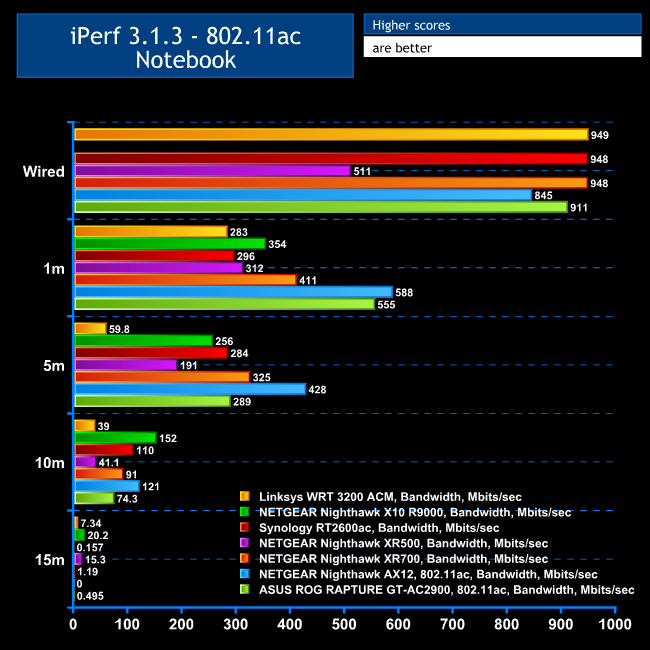
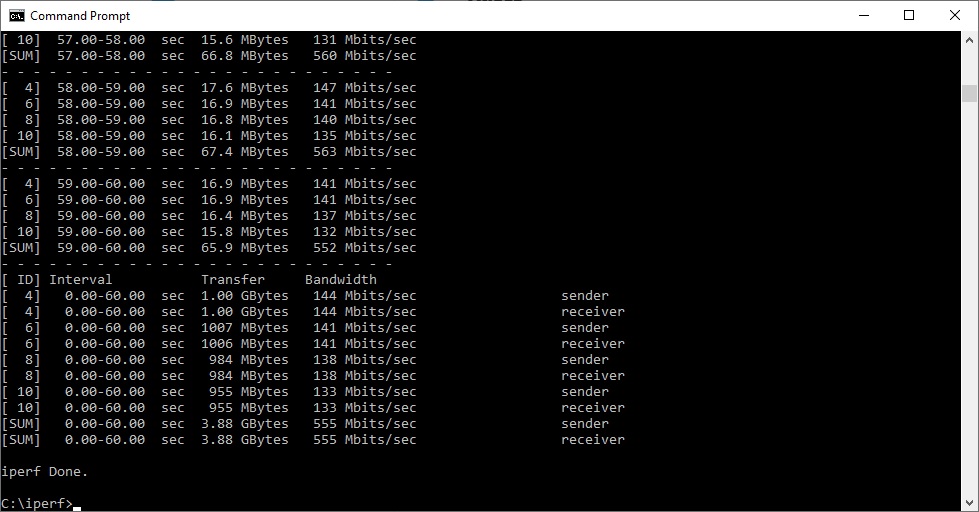
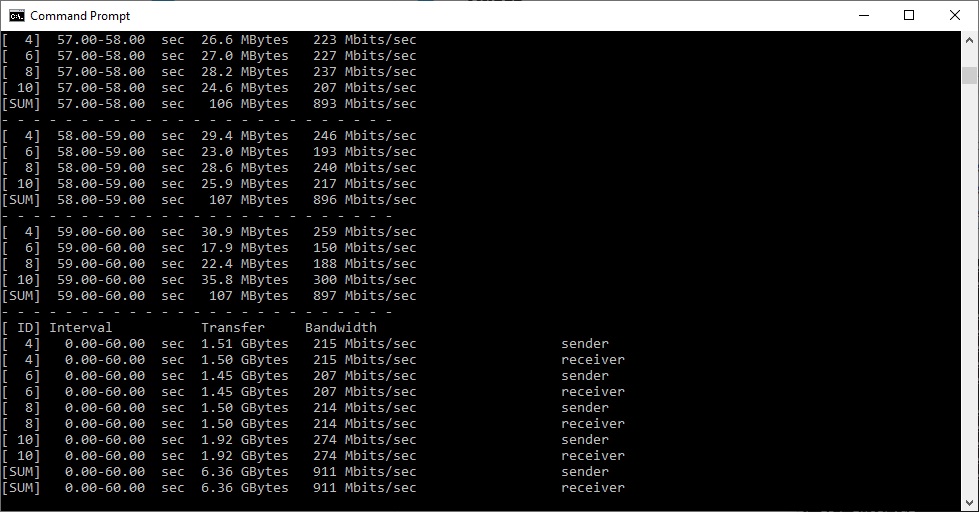
At a close 1m range, the GT-AC2900's 802.11ac speed of 555 Mbits/sec is excellent, second only to the NETGEAR Nighthawk AX12.
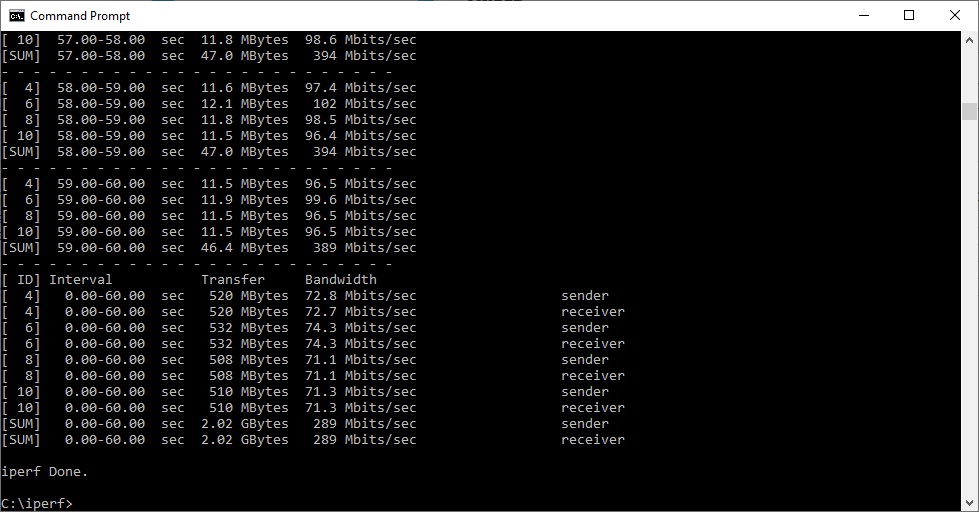
Moving out to 5m it's not quite so outstanding, but still good. The 802.11ac speed of 289 Mbits/sec is third in this collection, behind the NETGEAR Nighthawk XR700 and considerably behind the AX12.
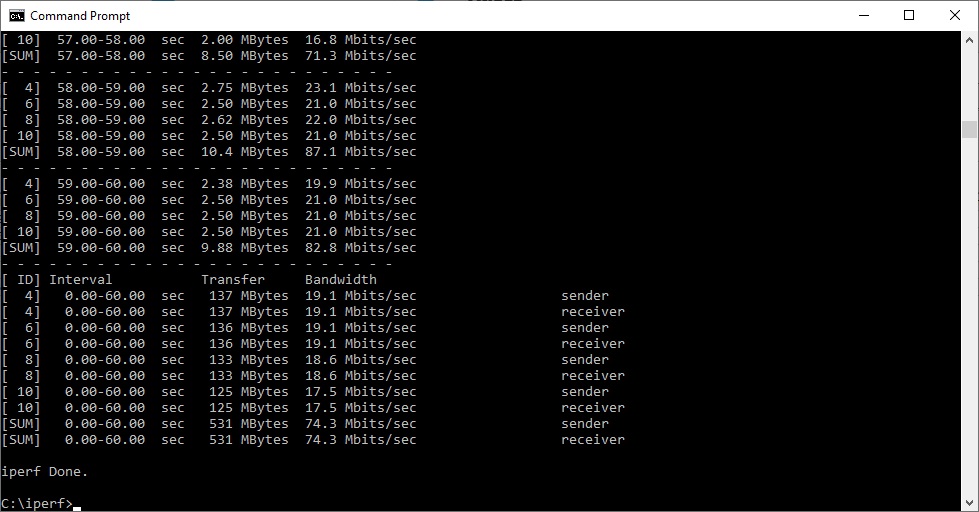
At 10m, the GT-AC2900's 802.11ac speed is still impressive with 121 Mbits/sec, this time second only to the NETGEAR Nighthawk X10 R9000.
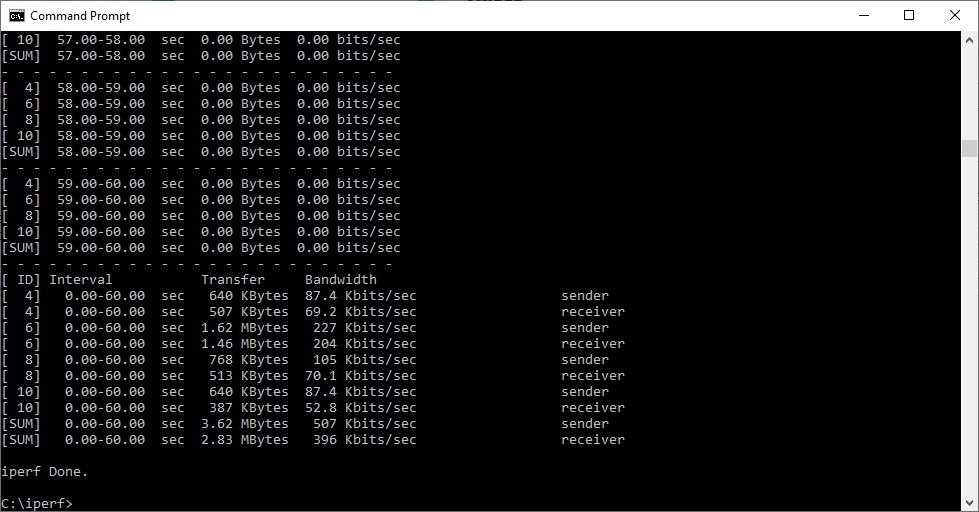
However, performance drops off almost completely at 15m with a 802.11ac client, only reaching 0.495 Mbits/sec, which will be virtually unusable.
802.11n 2.4GHz
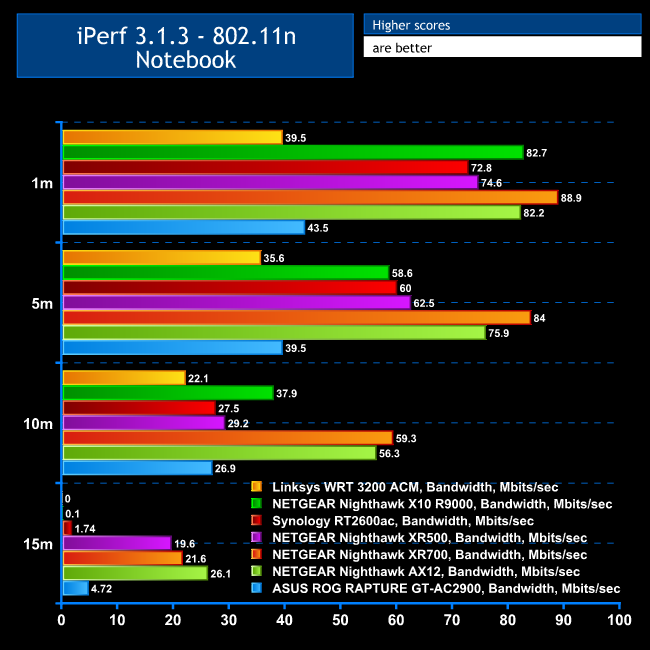
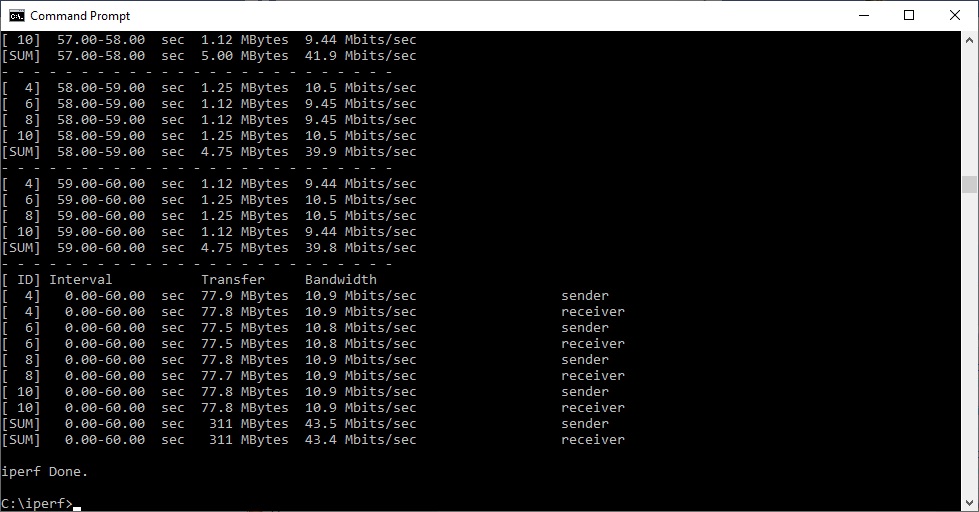
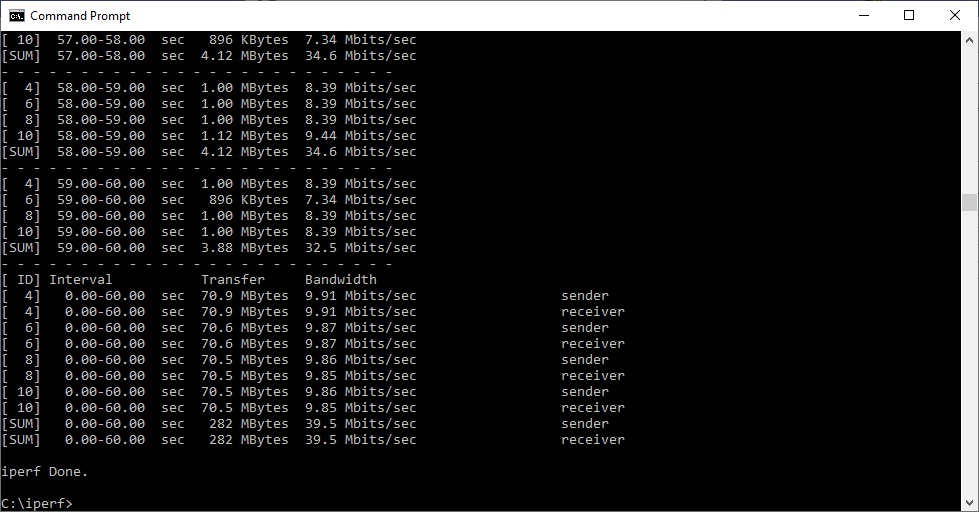
Performance is not so impressive with 802.11n. At a close 1m range you get a mere 43.5 Mbits/sec, only faster than the Linksys WRT 3200 ACM. This disappointment continues to 5m, with the throughput of 39.5 Mbits/sec the second slowest after the Linksys WRT 3200 ACM.
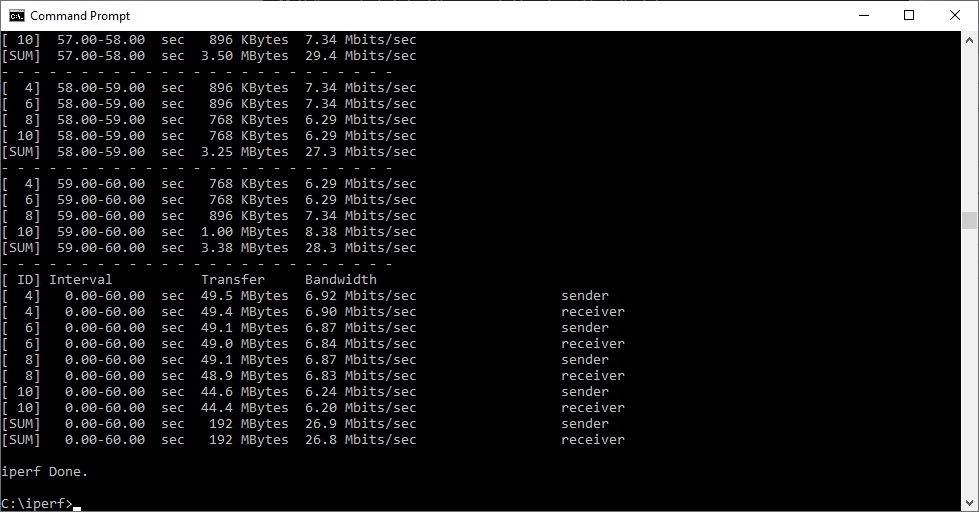
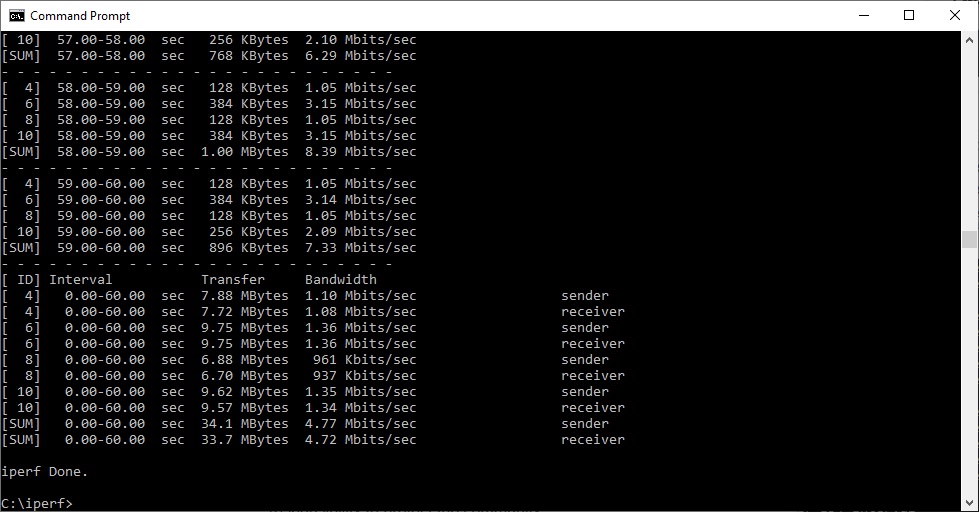
The GT-AC2900 is a bit more competitive at 10m, with the speed of 26.9 Mbits/sec more amongst the pack, albeit still numerically second slowest. At 15m range, the speed of 4.72 Mbits/sec is better than with 802.11ac, but NETGEAR's Nighthawk XR500, XR700 and AX12 are all still way ahead.
USB 3.0 File Copy
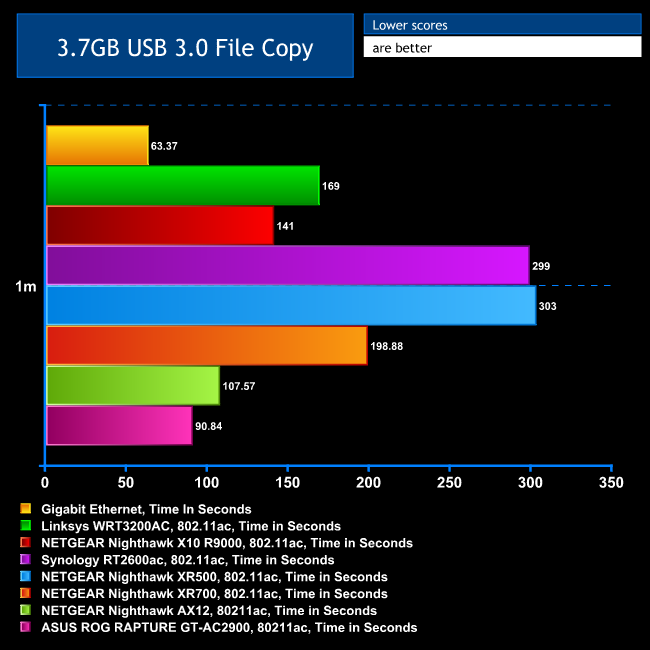
For this test, we hooked up a 32GB SanDisk Ultra USB 3.0 Flash Memory key to the GT-AC2900's USB 3.0 port and configured it via the USB Application interface as network storage. We then copied the 3.7GB Windows 10 installer ISO (unpacked into individual files) to the MSI notebook via 802.11ac at a 1m range.
This was actually the GT-AC2900's best result, beating everything else hands down, showing that the router's USB port is fast and its Windows sharing provides optimum throughput.
Overall, these performance results are a mixed bag. At short range and with an 802.11ac client, the GT-AC2900 is very impressive indeed. But at over 10m or with 802.11n, it's not so commendable.
The ASUS ROG RAPTURE GT-AC2900 is a capable piece of hardware, although it's not perfect in every way. The range of configurability is huge, and the added gaming features are many. We particularly like the graphical way you can choose game-oriented port forwarding and prioritisation, and how contemporary the choices are. We hope ASUS continues to keep this fresh as new titles are released, too.
WiFi performance over 802.11ac is excellent, but this does tail off with distance and 802.11n speeds are not that great. So this is very much a router to use with the more recent 5GHz WiFi standard, and at ranges up to 10m. But you will get great performance out of USB-attached storage, and there are many other options here such as cloud storage synchronisation, printer sharing, and even attaching a backup USB mobile data modem.
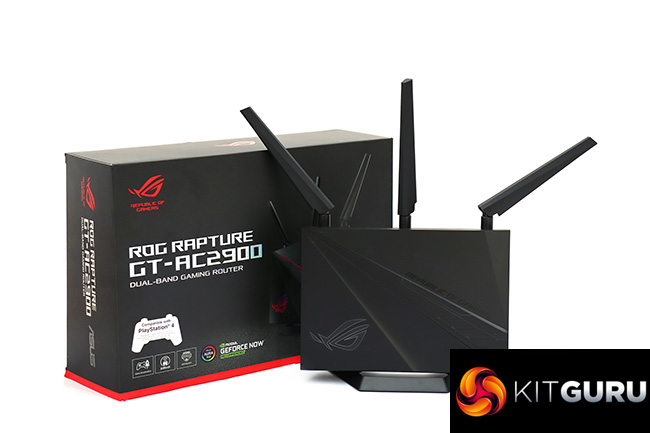
If you already have a range of ASUS ROG hardware, it's also attractive that this router will look in keeping with your other kit, including the RGB lighting. And, of course, the standard router facilities are there, including four-port Gigabit Ethernet hub, USB ports, and buttons to control key features without needing to fire up the Web interface.
Despite the excellent features and 802.11ac performance up to 10m, this isn't a particularly expensive router. If you're looking to upgrade your online gaming, the ASUS ROG RAPTURE GT-AC2900 is well worth buying.

You can buy the ASUS ROG RAPTURE GT-AC2900 from Overclockers UK for £229.99 HERE.
Pros:
- Excellent 802.11ac performance at up to 10m.
- Excellent USB 3.0 storage performance.
- Massive range of configuration options in management interface.
- Great game optimisation and prioritisation features.
- Fun customisable RGB lighting.
- Reasonable price.
Cons:
- Disappointing 802.11n performance.
- 802.11ac performance drops off fast beyond 10m.
KitGuru says: The ASUS ROG RAPTURE GT-AC2900 is a great gaming router. Although it has limited 802.11n performance, the range of features and 802.11ac speed are top notch.