KitGuru KitGuru.net – Tech News | Hardware News | Hardware Reviews | IOS | Mobile | Gaming | Graphics Cards


The OSD is split into no less than 12 different tabs:
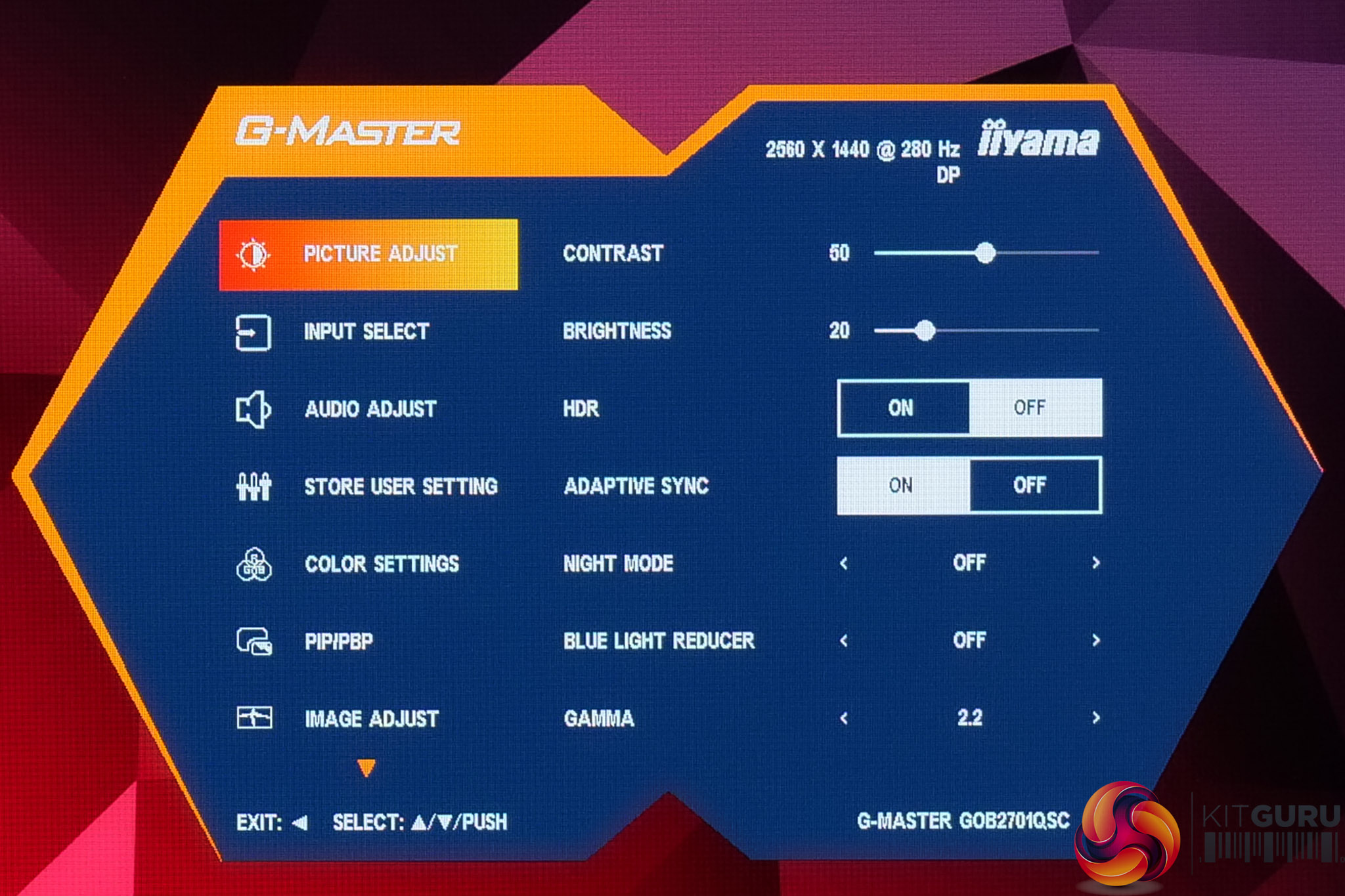
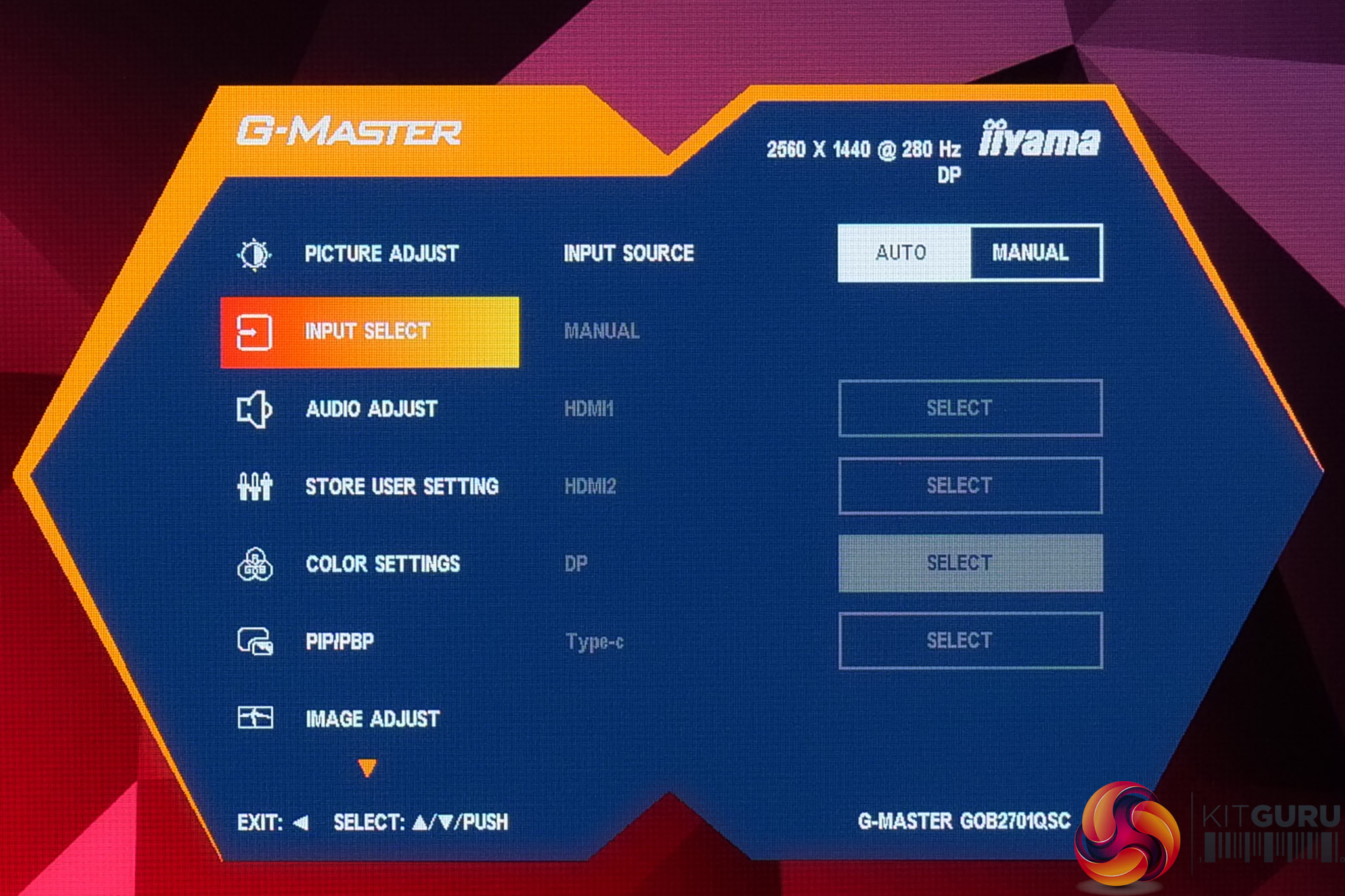
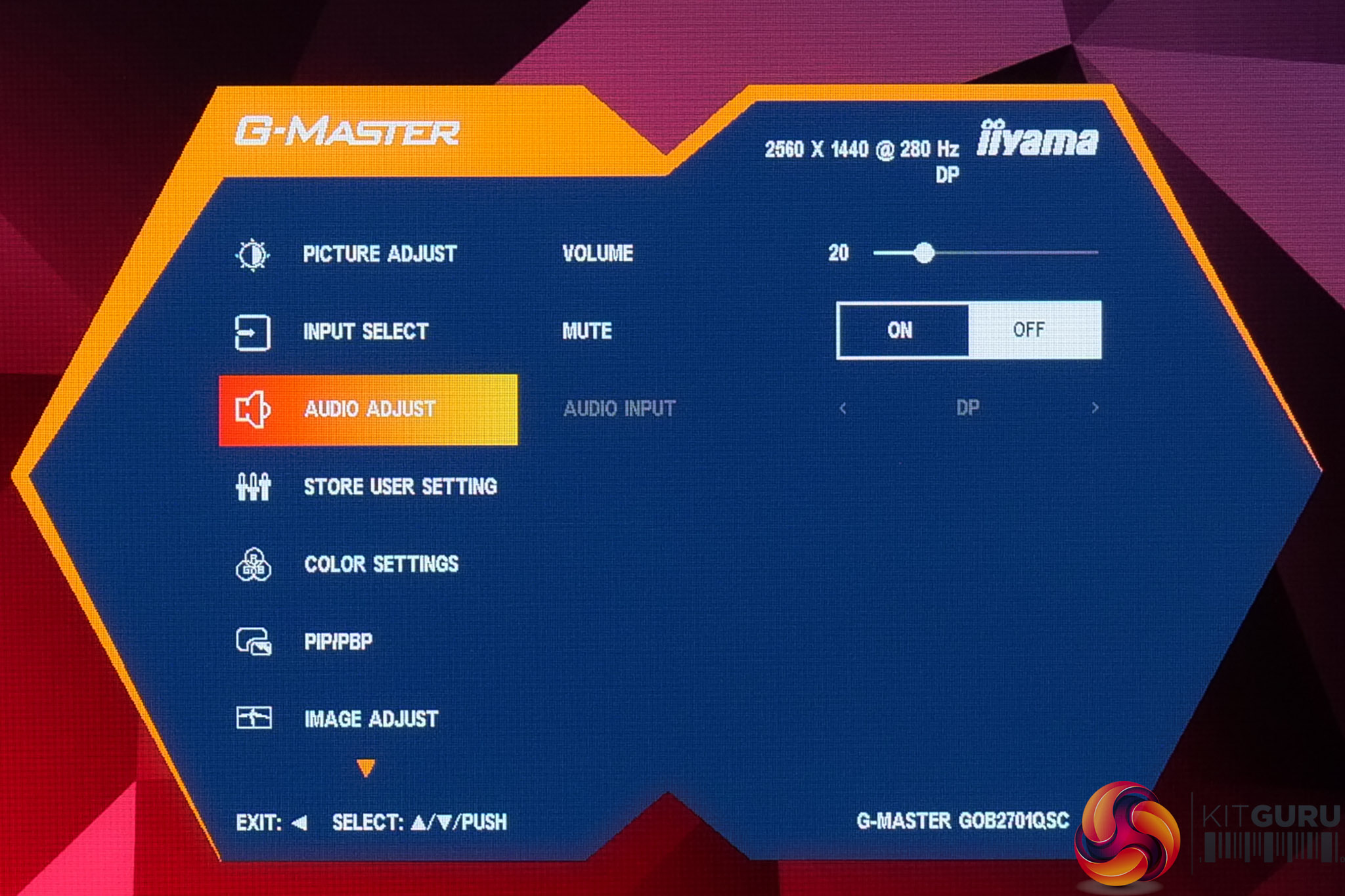
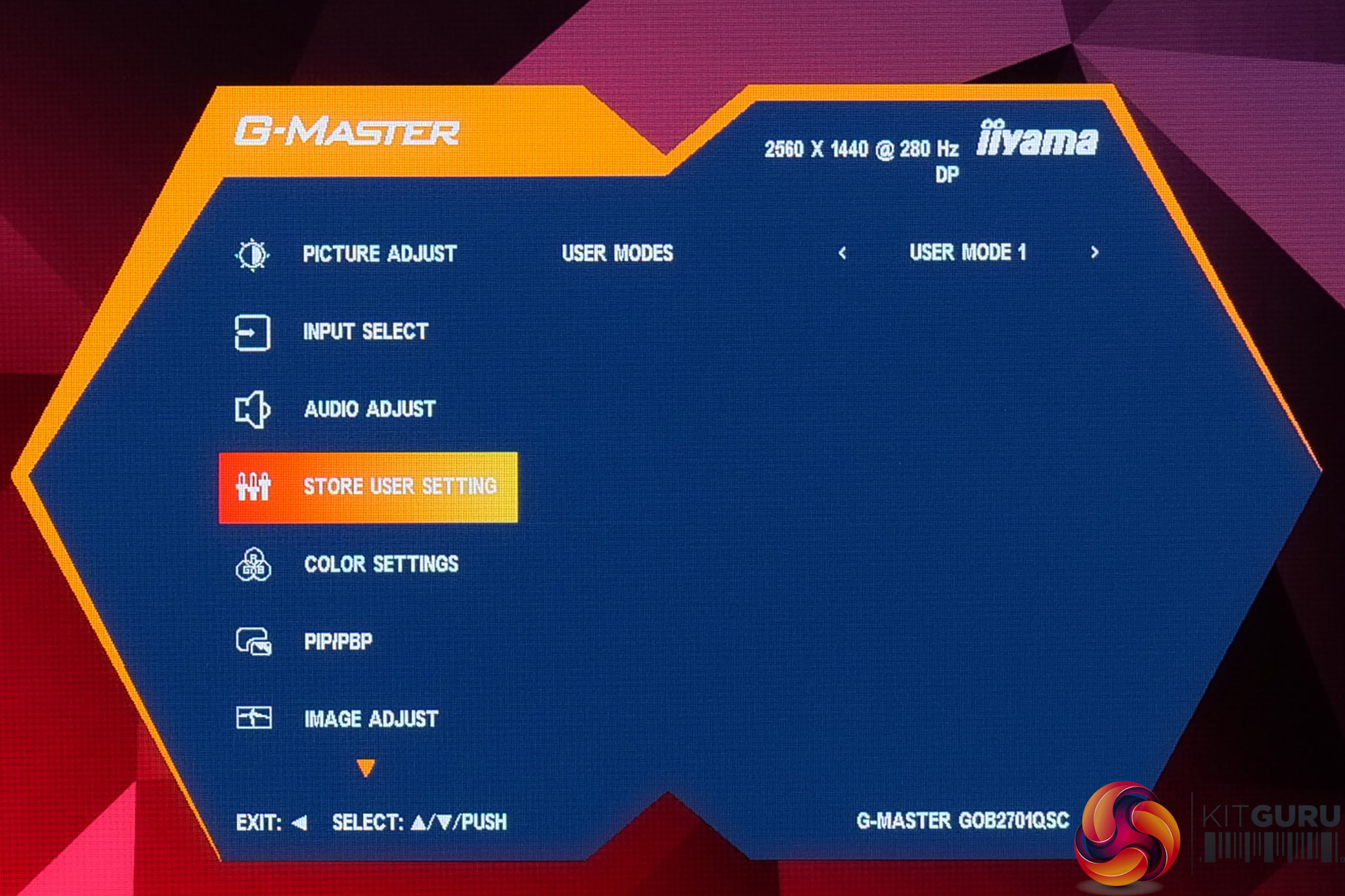
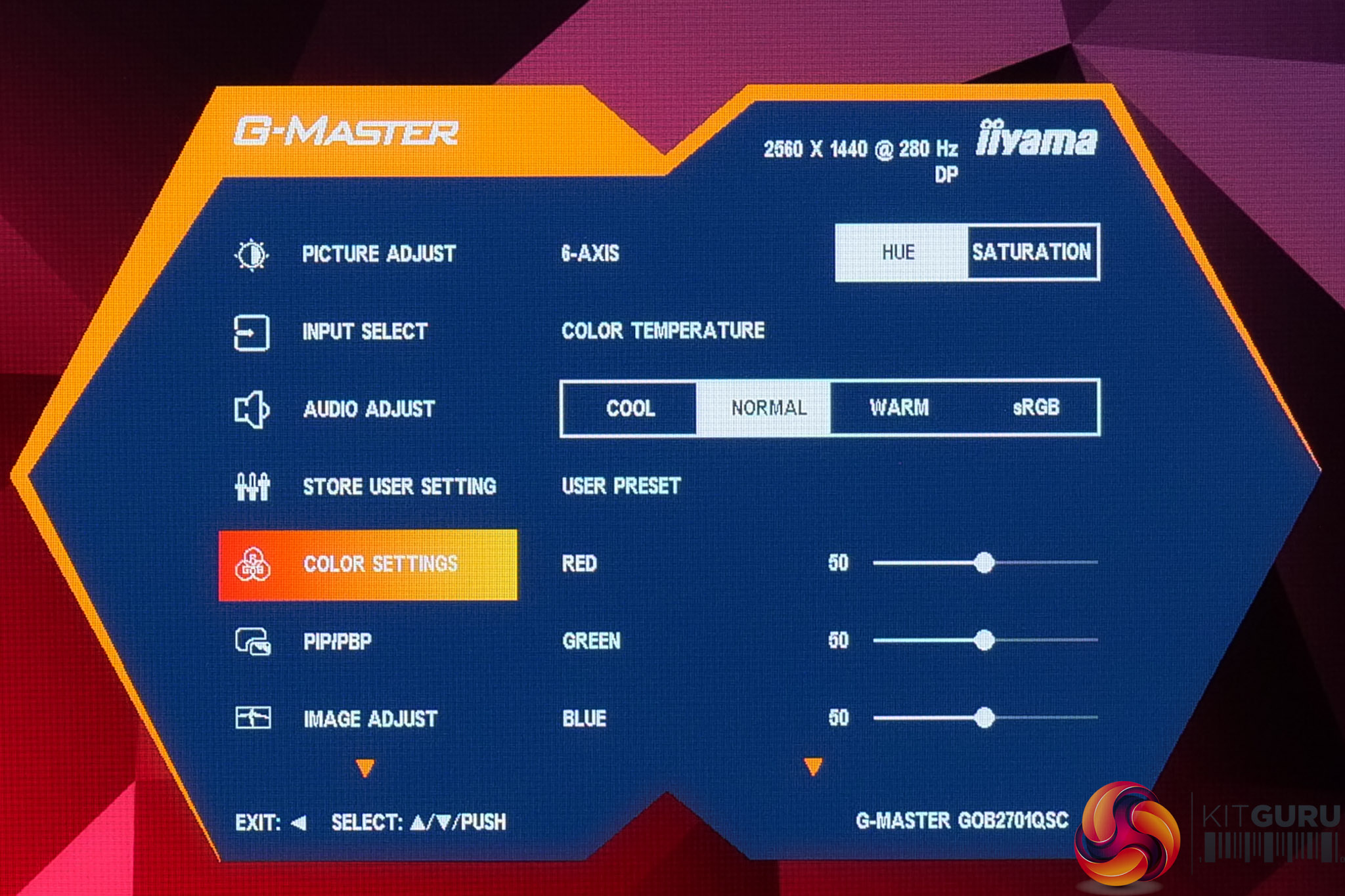
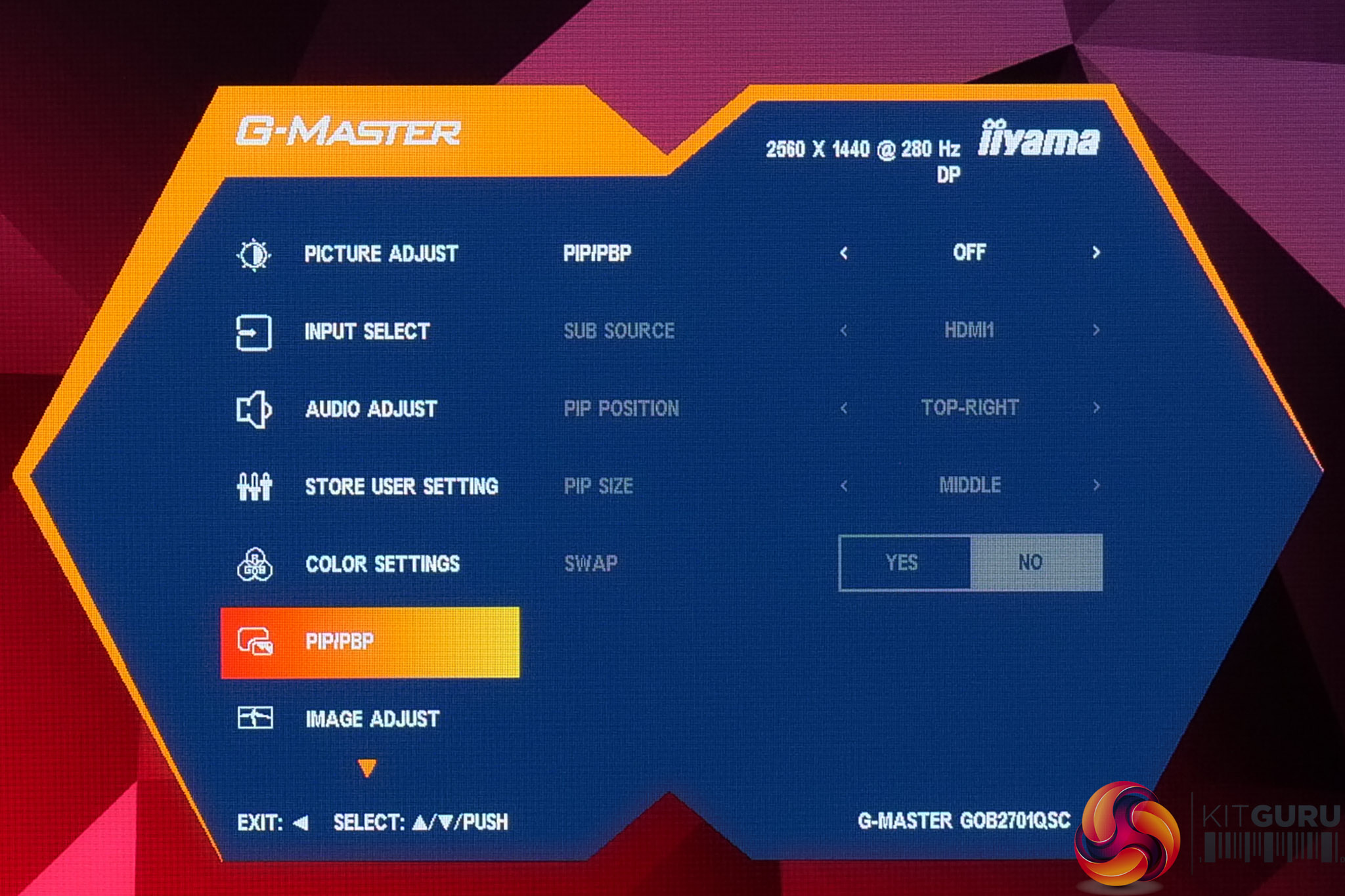
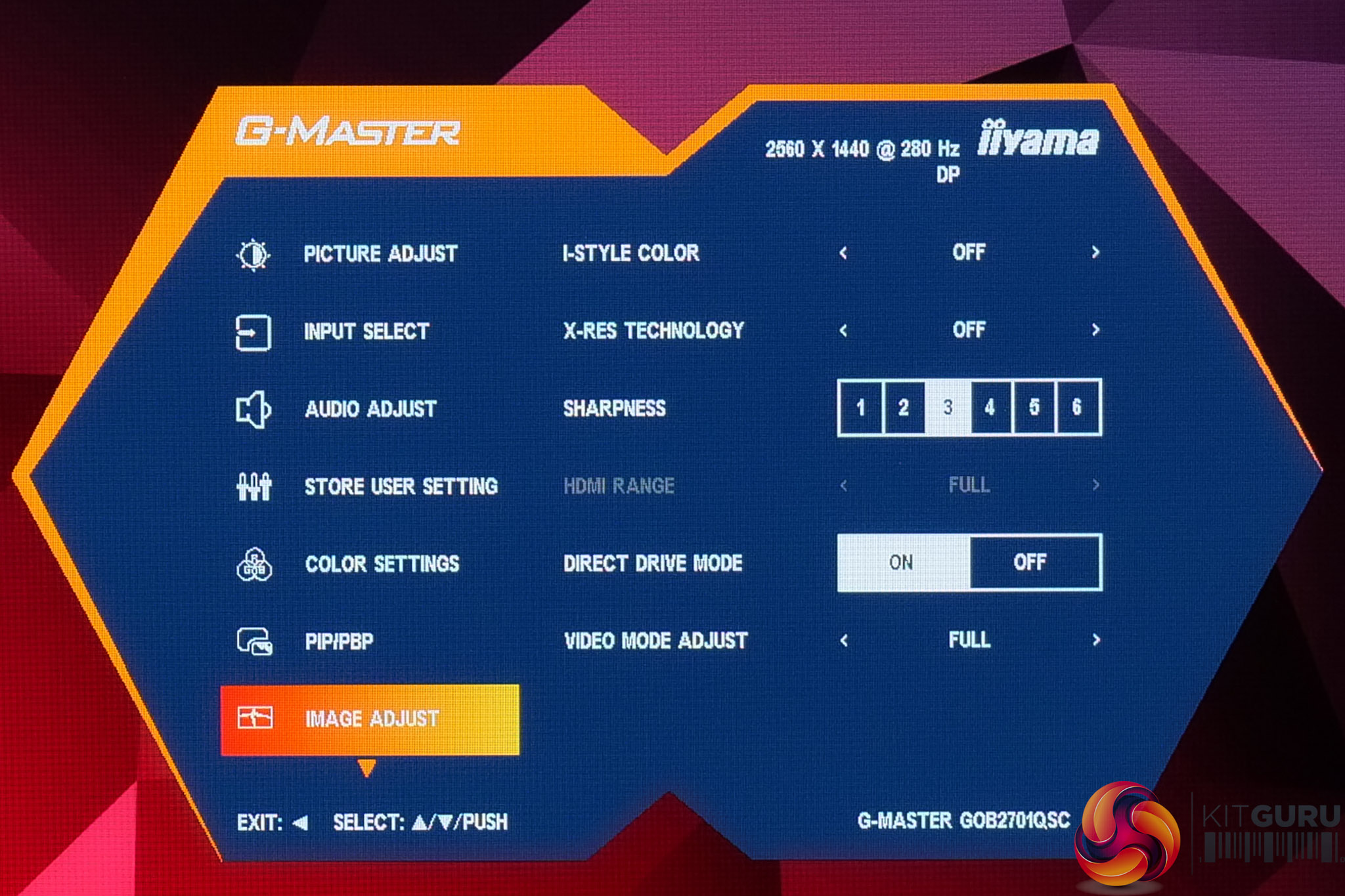
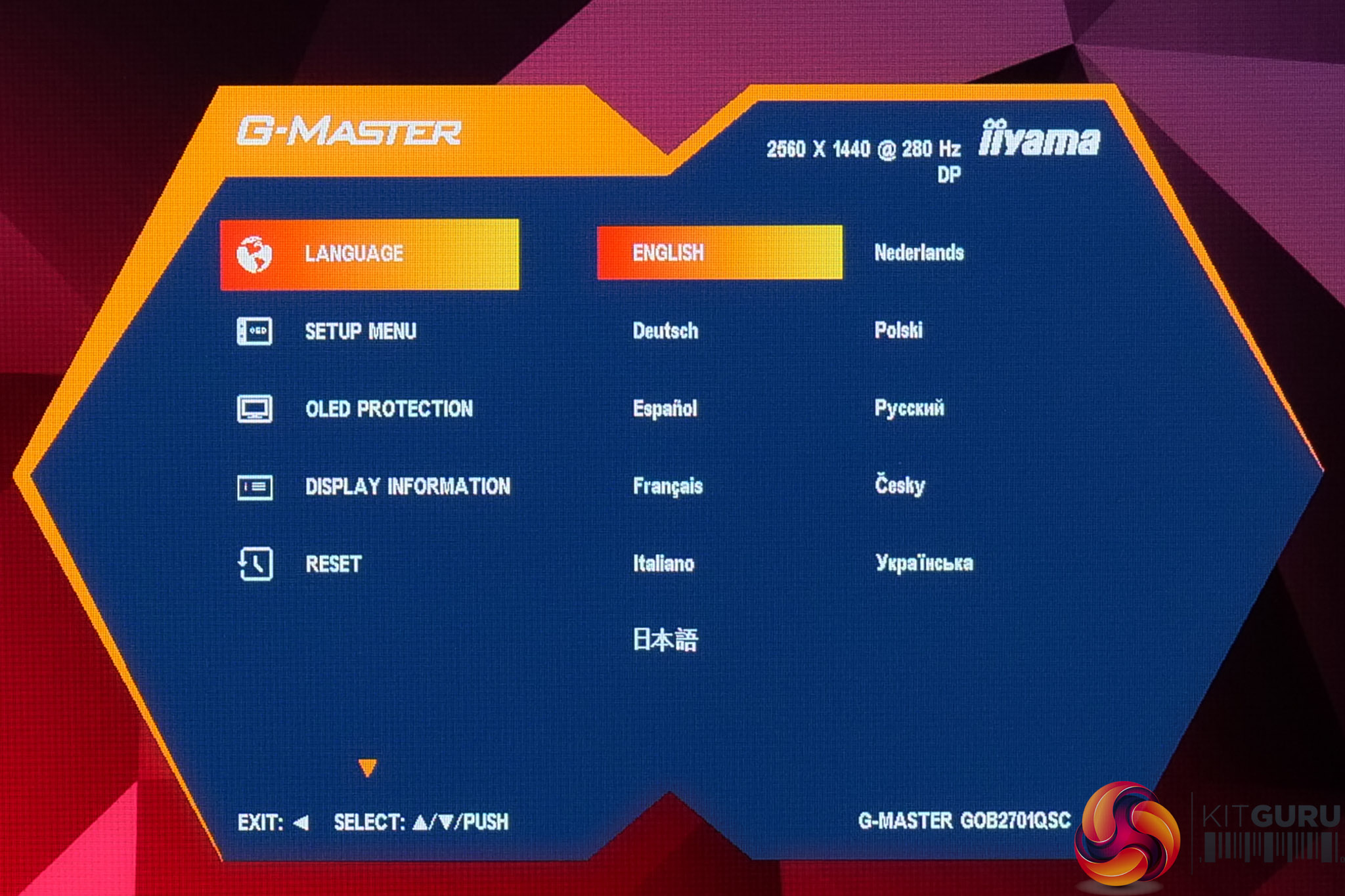
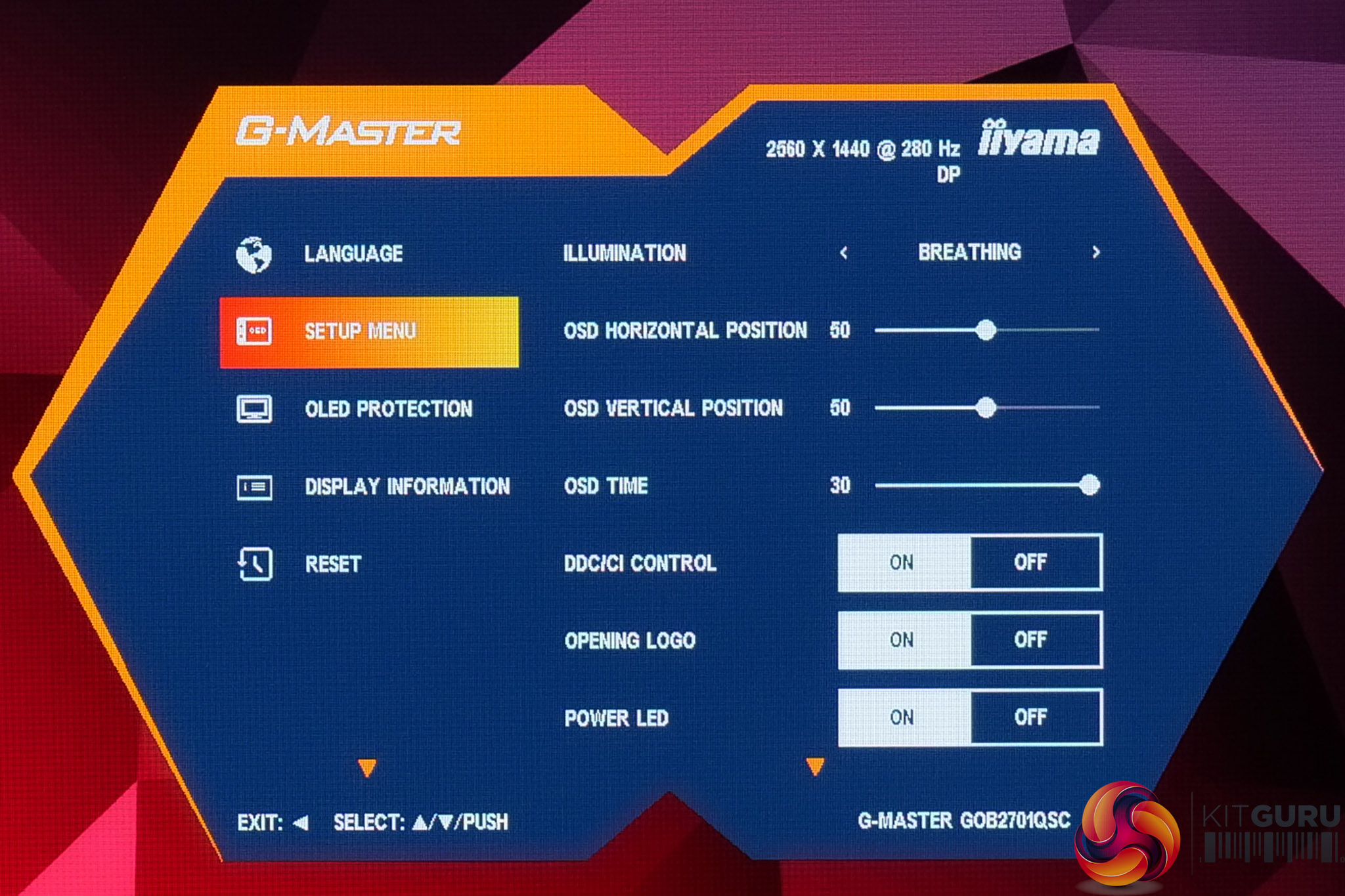
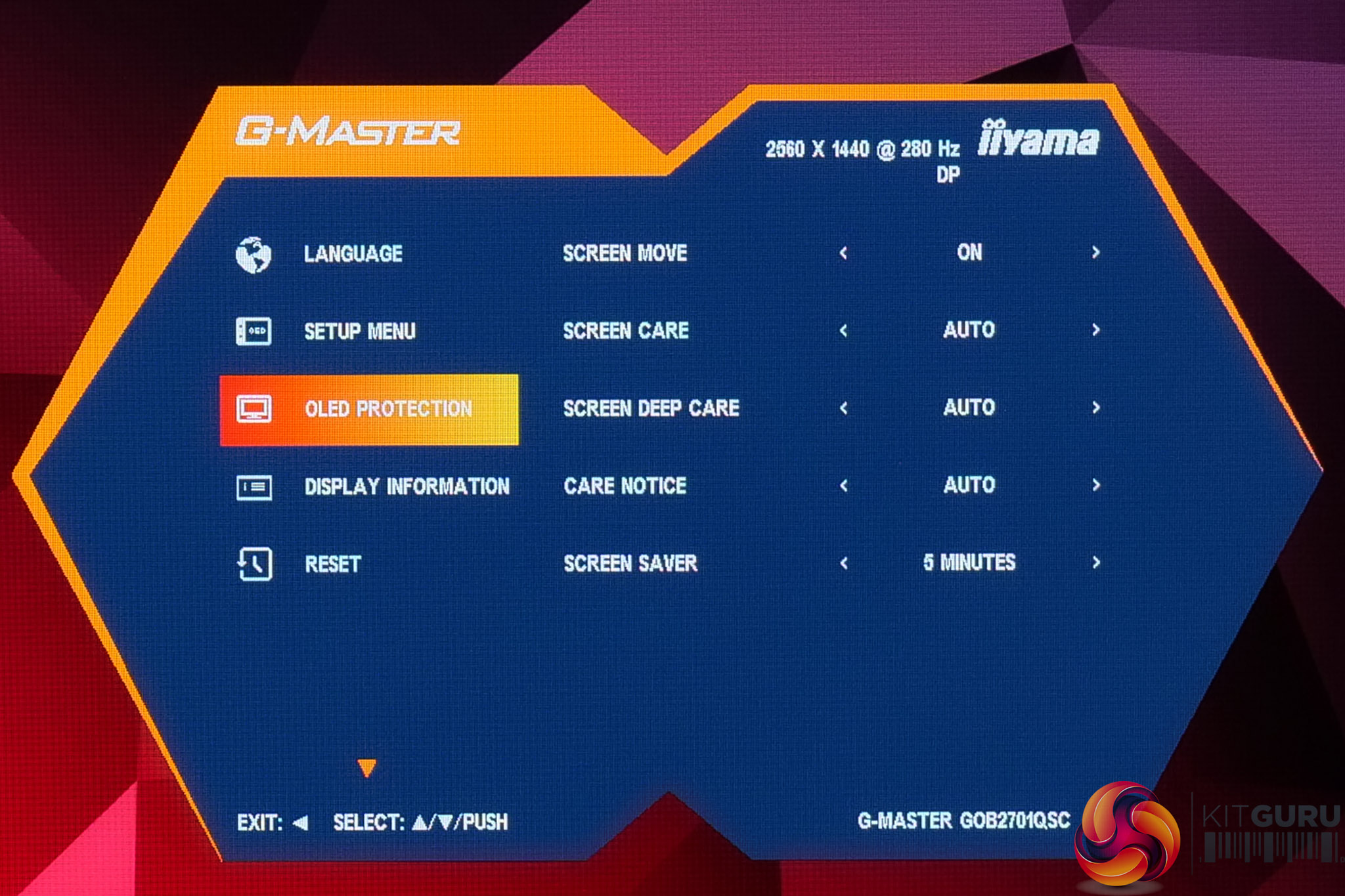
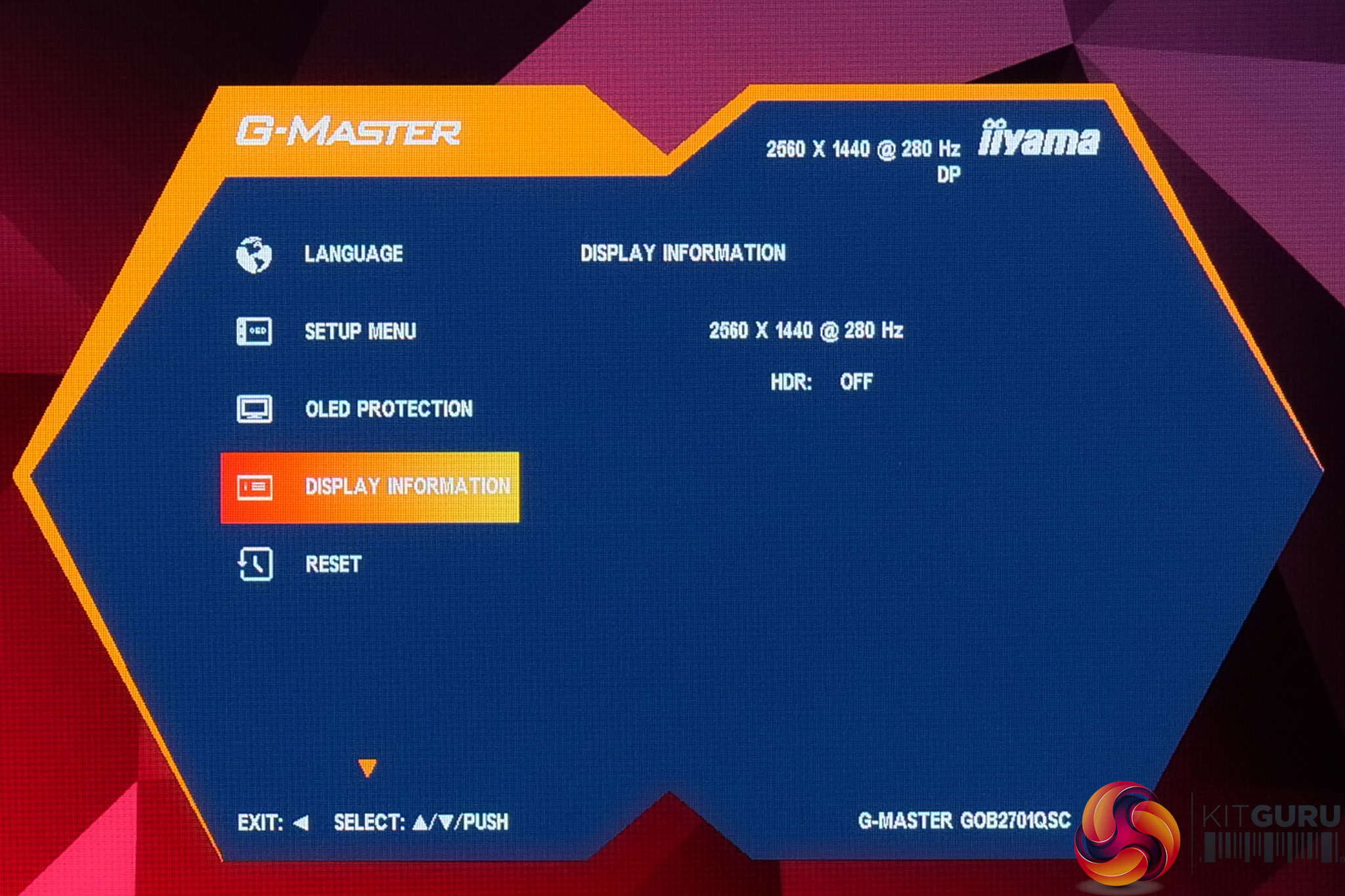
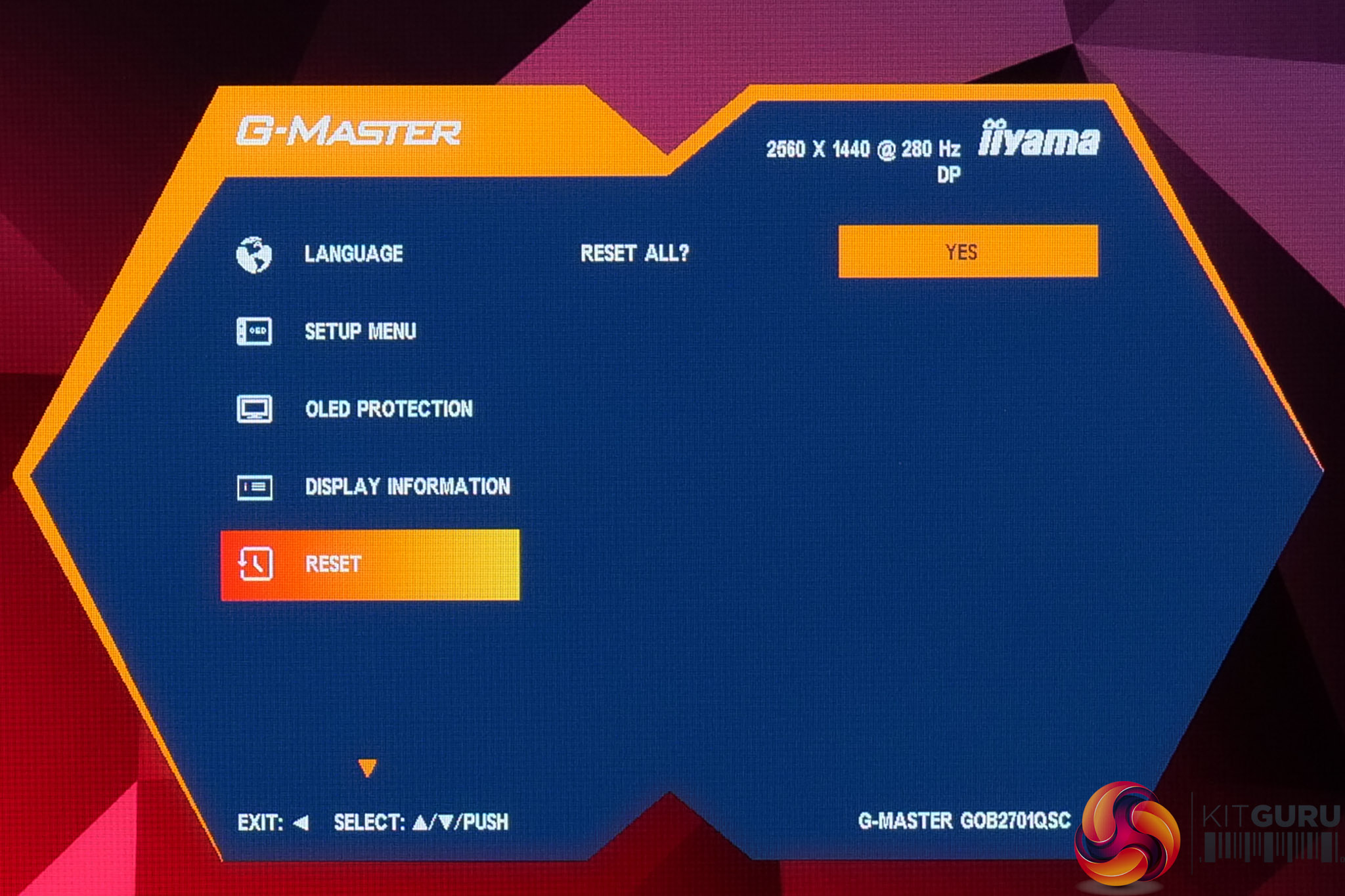
In terms of the OSD itself, this appears to be the same core system as we saw from the GB2771UHSU. It may not be the cleanest or most modern-looking UI in the world, but there are plenty of options to choose from – including OLED Care settings – alongside manual colour balance control, an sRGB mode and more.
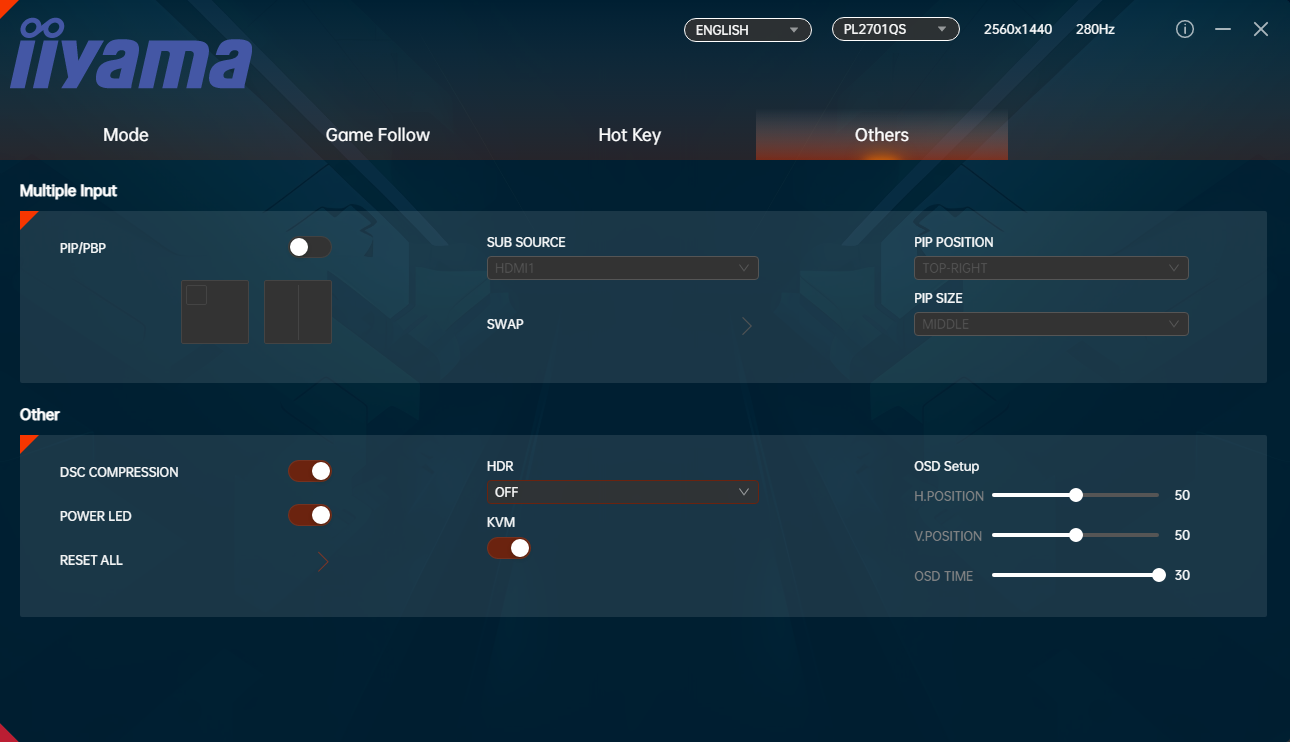
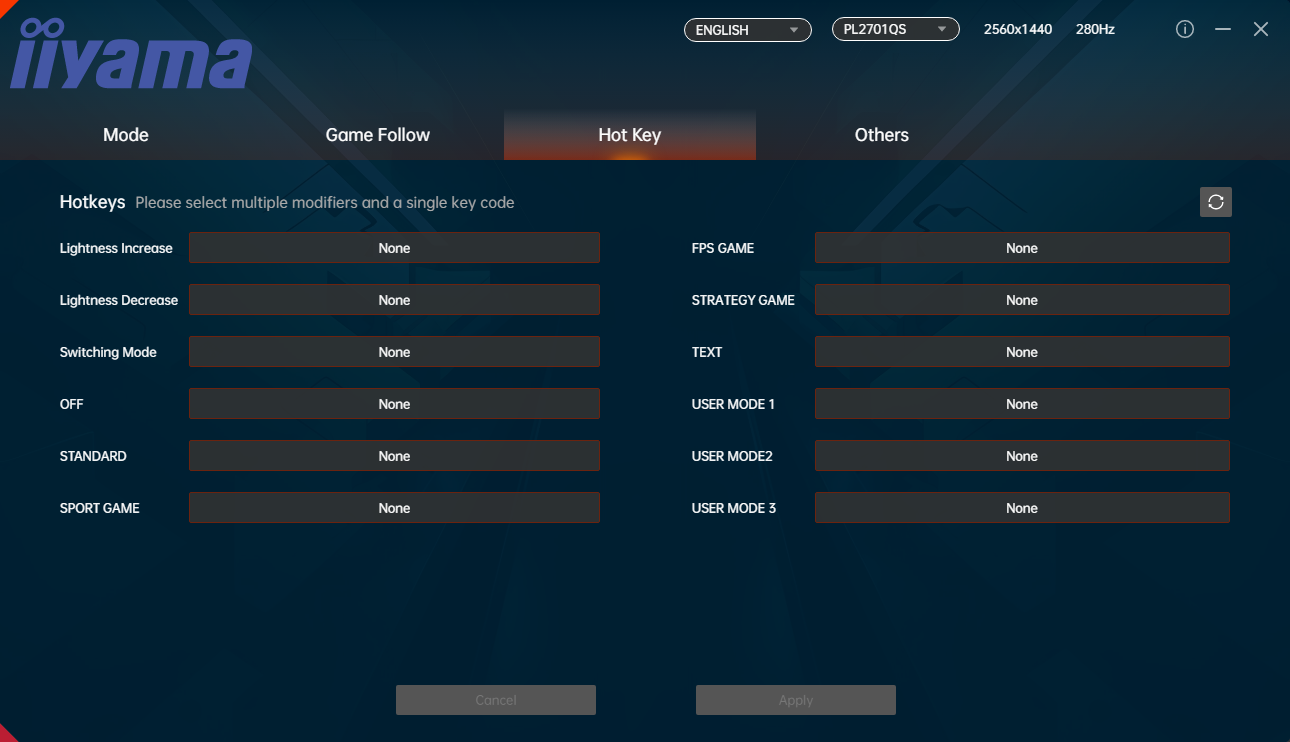
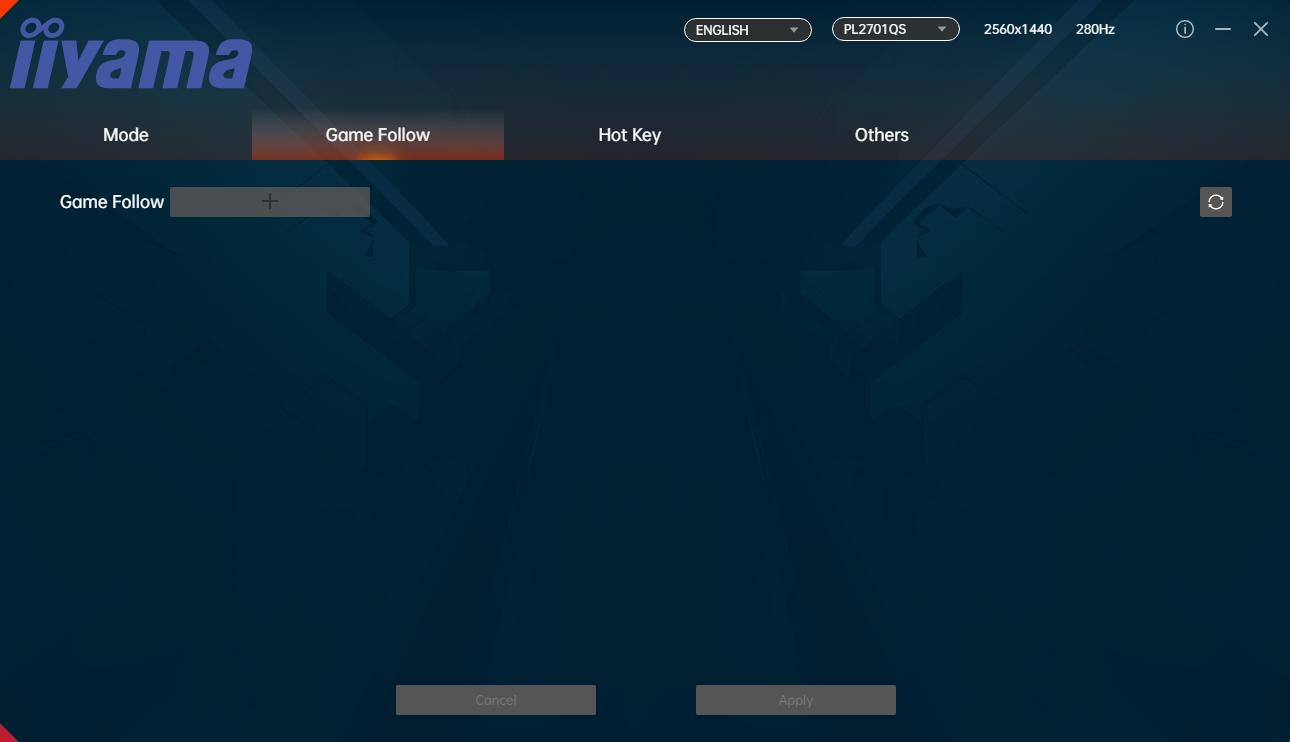
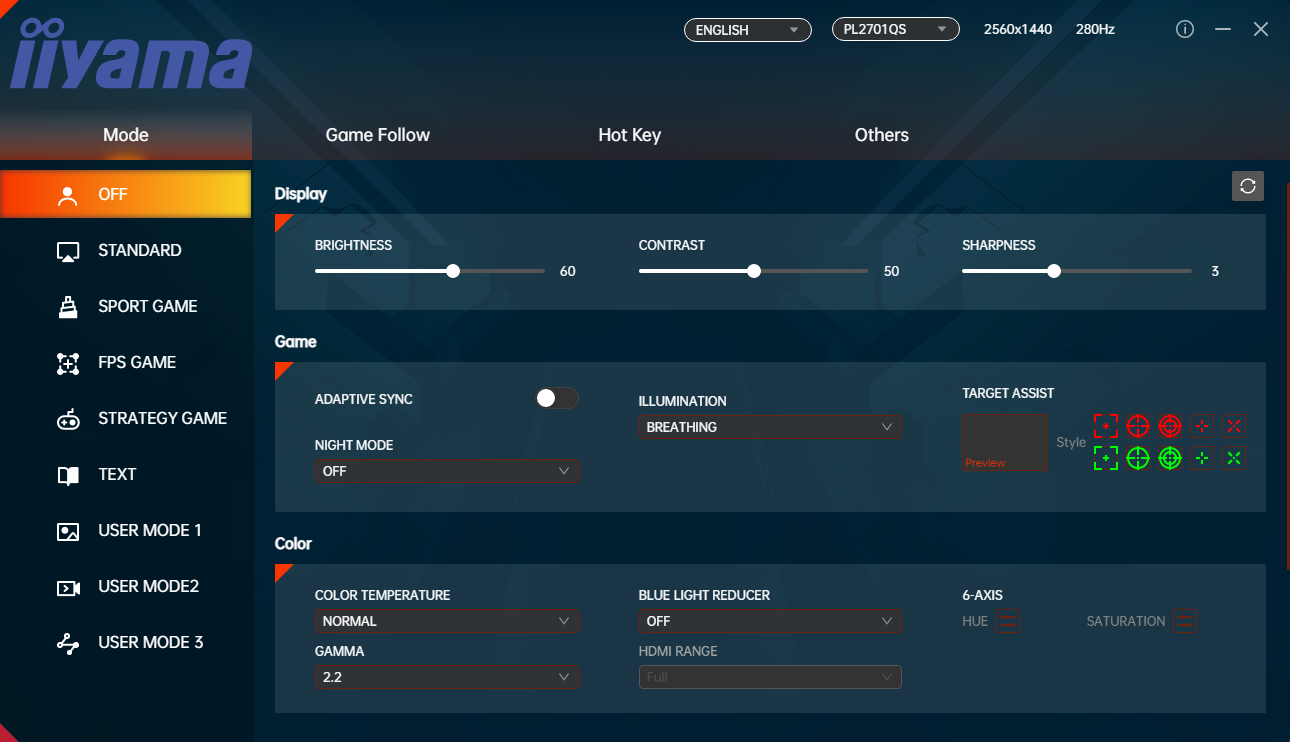
This is also the first time, to my knowledge at least, that iiyama has offered a software suite for its G-Master gaming monitors – fittingly called G-Master Control. Again, it's not as sleek as some competitor's options, but it's a welcome addition. The only snag is that it doesn't seem to directly support firmware updates – I asked iiyama about this and they told me ‘there are two methods end-users will be able to update firmware on the GOB2701QSC-B1. Once there is a new FW available, the methods of updating the firmware will be communicated.'
It is possible to see which firmware is installed, but it's not particularly intuitive as it can only be done by accessing the factory menu:
- First power on the display.
- Unplug the power cable.
- Press and hold down on the OSD joystick before re-connecting the power cable.
- Once the screen is on, press the joystick button again and the factory menu appears in the top-left corner.