 KitGuru KitGuru.net – Tech News | Hardware News | Hardware Reviews | IOS | Mobile | Gaming | Graphics Cards


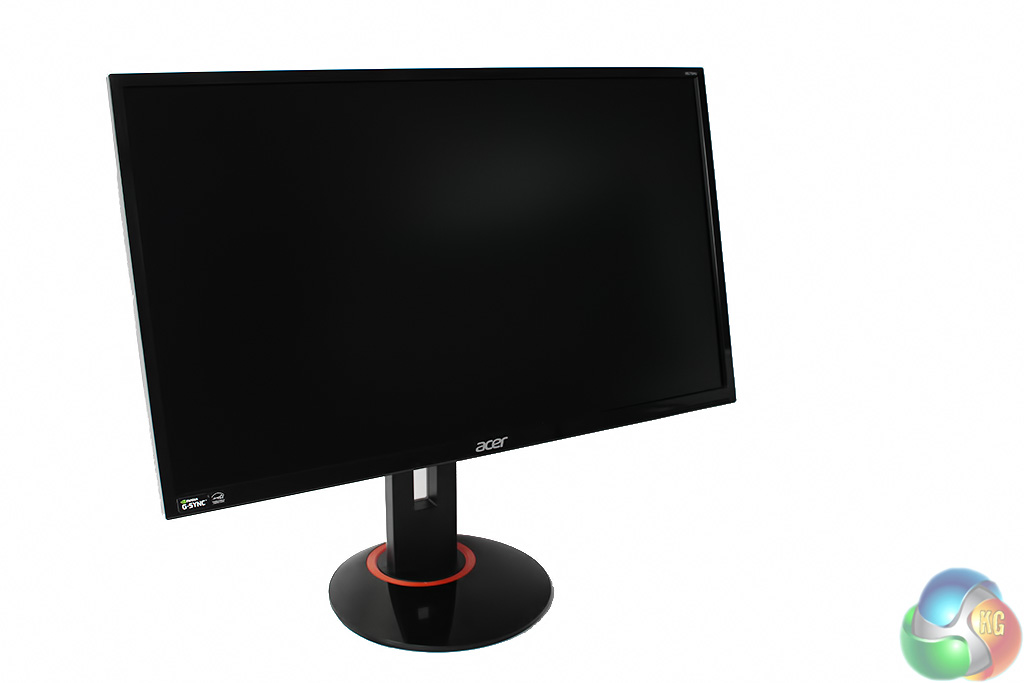
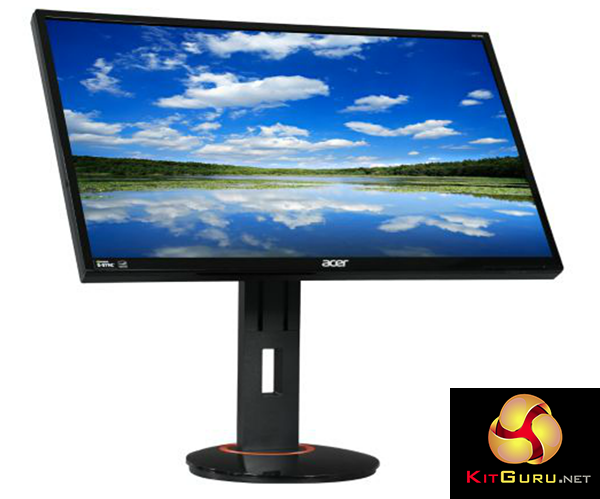
Acer’s XB270HU is a 27-inch G-Sync display with a bright IPS panel. It supports a native WQHD resolution of 2,560 x 1,440 and a refresh rate of 144Hz, with Nvidia’s ULMB technology to boot, rounding off an impressive specification that puts it directly in competition with high-end adaptive-sync gaming displays from other manufacturers.
2015 saw Acer pursue the high-end gaming display market more aggressively than ever, particularly with monitors offering either 4K resolution or adaptive-sync technology. We’ve had the Acer Predator XB280HK (review HERE ) which is a 4K twisted-nematic (TN) display with G-Sync, and the Acer S277HK (review HERE ), which is a standard 4K IPS display but with a really striking metallic design.
The company is clearly serious about maintaining a foothold in this market, but there’s some strong competition. Asus in particular has a huge range of G-Sync and Freesync displays, spread across both TN and IPS panels, at varying refresh rates up 165Hz, with a crop of other manufacturers such as Viewsonic launching high-end gaming displays as well, as evident from many of the stands at this year’s CES.
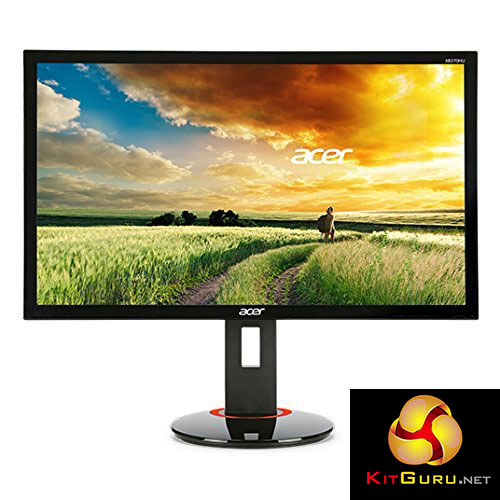
The 27-inch Acer Predator XB270HU spearheads the company’s gaming lineup as as it has a 144Hz refresh rate, with both Nvidia G-Sync and Ultra-Low Motion Blur (ULMB).
It has an 8-bit IPS panel, which is based on AU Optronics’ AHVA tech but is effectively a similar thing. This presents superior overall viewing angles than similarly sized TN screens, but with a 4ms refresh rate which is now common on modern IPS panels, without the serious ghosting that affected early IPS screens.
Specification:
Screen size: 27 inch
Native resolution: 2,560x 1,440
Refresh rate: 144Hz
Panel type: IPS (AHVA)
Display inputs: DisplayPort 1.2
USB hub: 4x USB 3
Tilt: -5 to 20 degrees
Raise: yes
Swivel: yes
Other: G-Sync, Nvidia ULMB
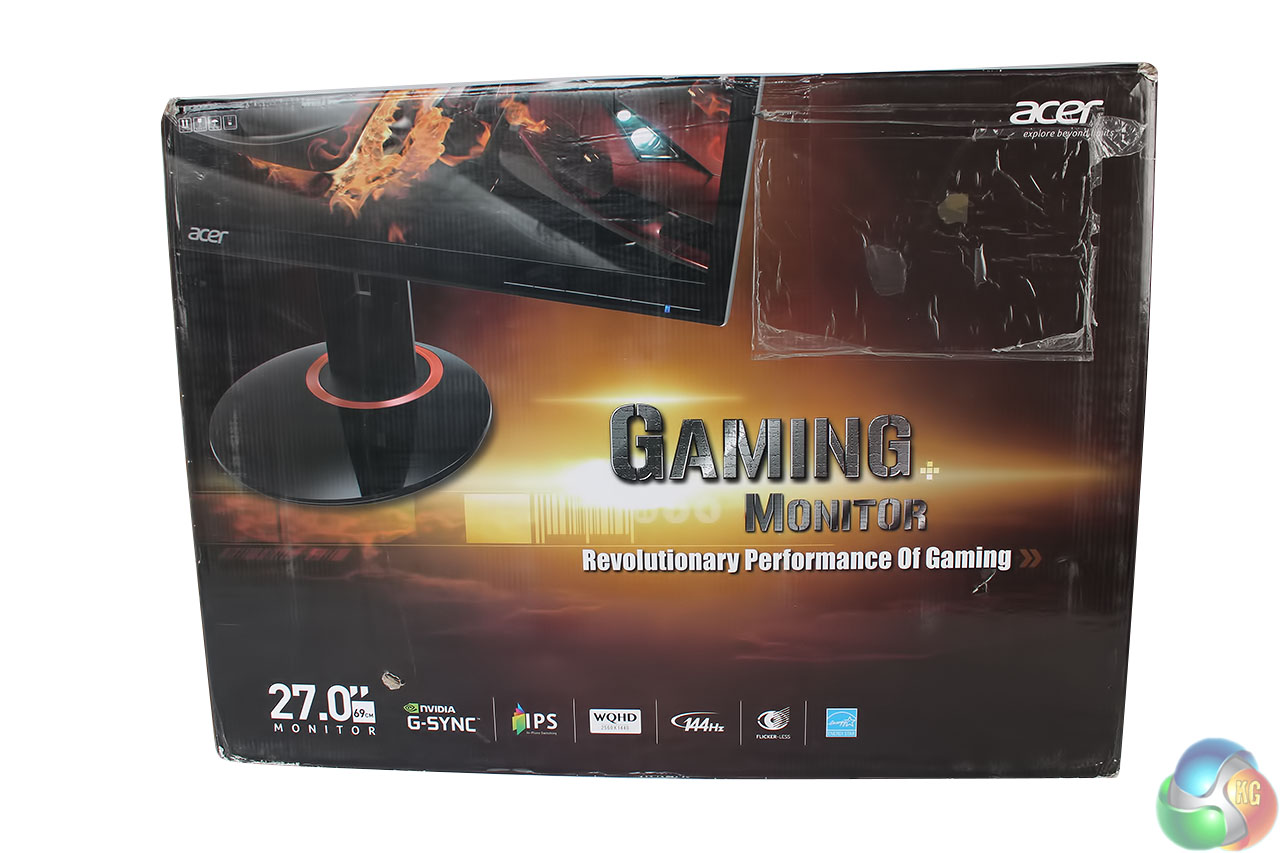
The external packaging of our review sample arrived in a slightly tatty state, but the outside of the box makes clear what are the main features of the Acer Predator XB270HU. It advertises Nvidia G-Sync, a 144Hz refresh rate, flicker-free panel and the screen’s WQHD resolution.
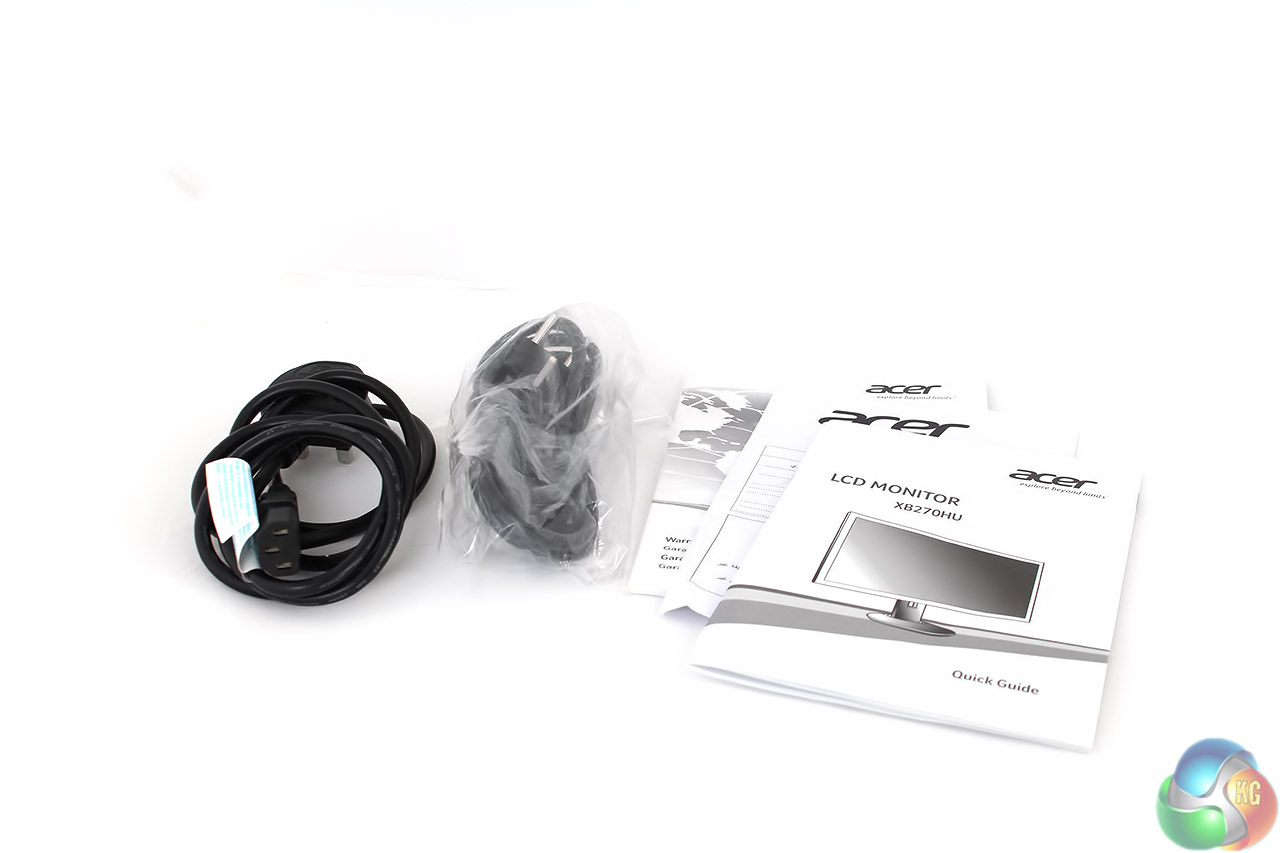
Likewise, the accessories in our review sample were fairly slim, with just a warranty form and quick-start guide included, along with UK and EU power cables. Expect a DisplayPort cable in the retail box.
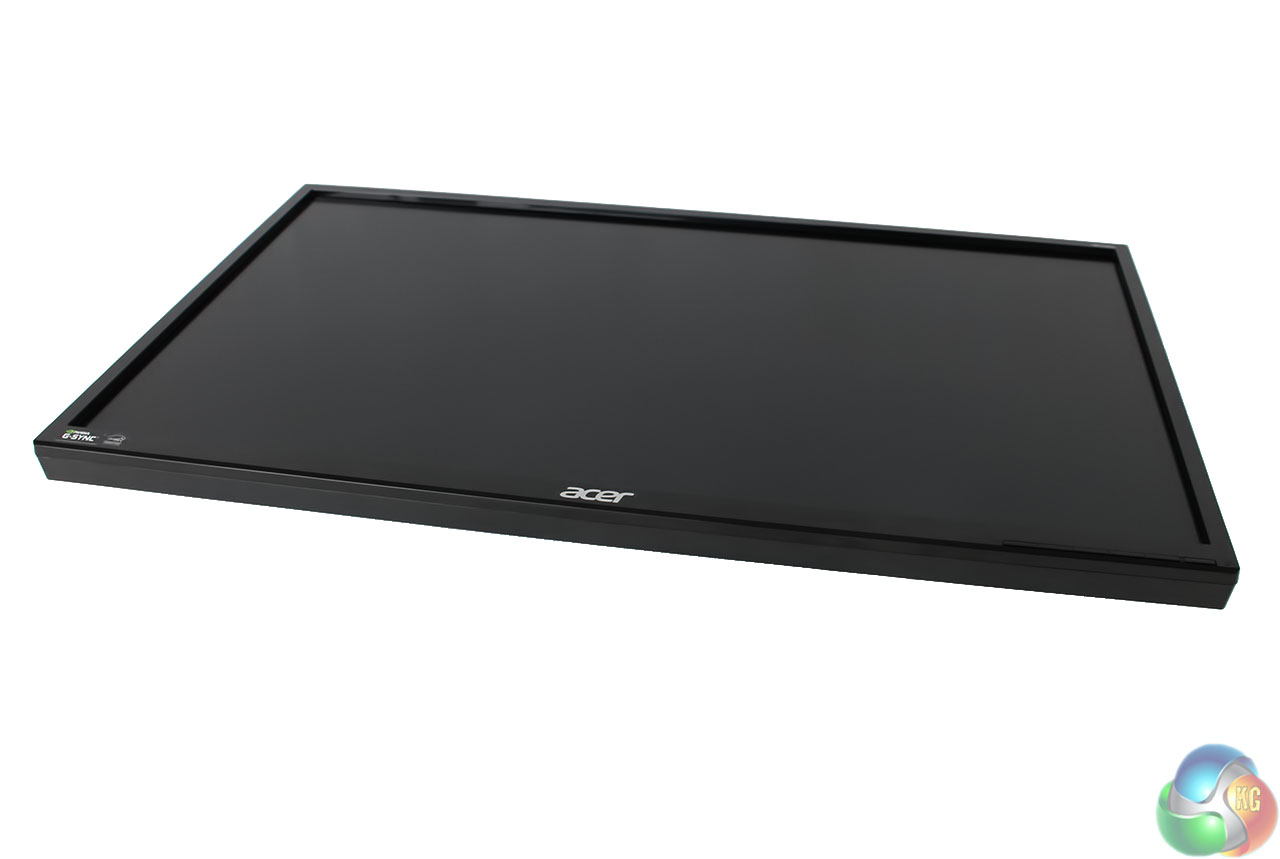
The chassis uses a bezel made from glossy black plastic with a chunky overall feel to it at the front. The overall design is not particularly pleasing to the eye, with a look that doesn’t befit a high-end display, in our opinion.
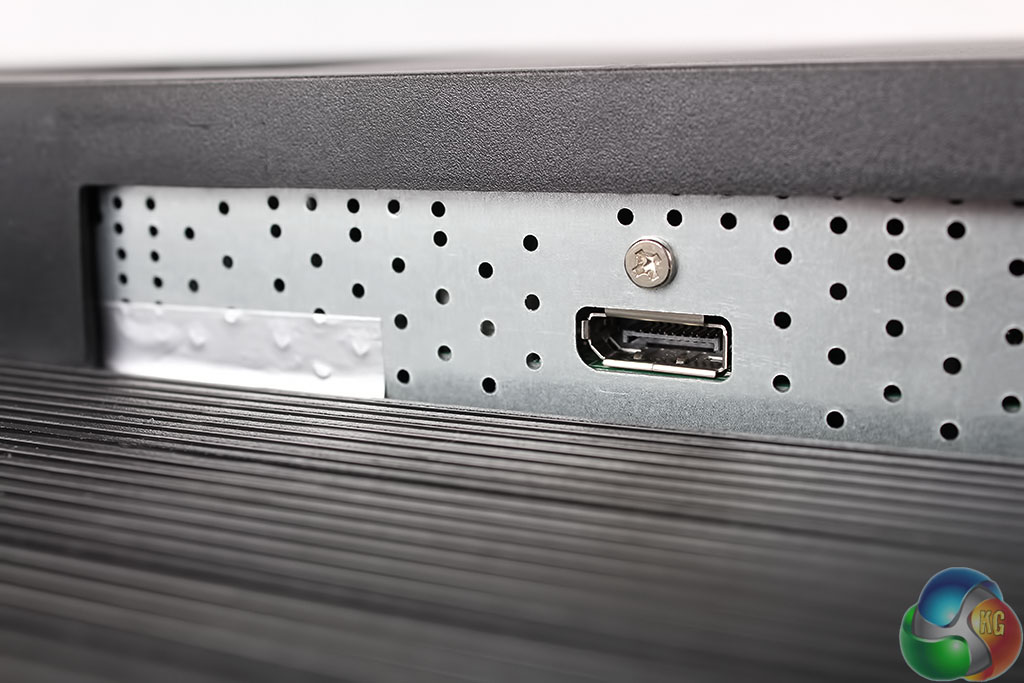
As a first-generation G-Sync display, the XB270HU only has a single DisplayPort 1.2 connector. This means only one active input is possible. A new generation of G-Sync screens features a secondary HDMI connector as well.
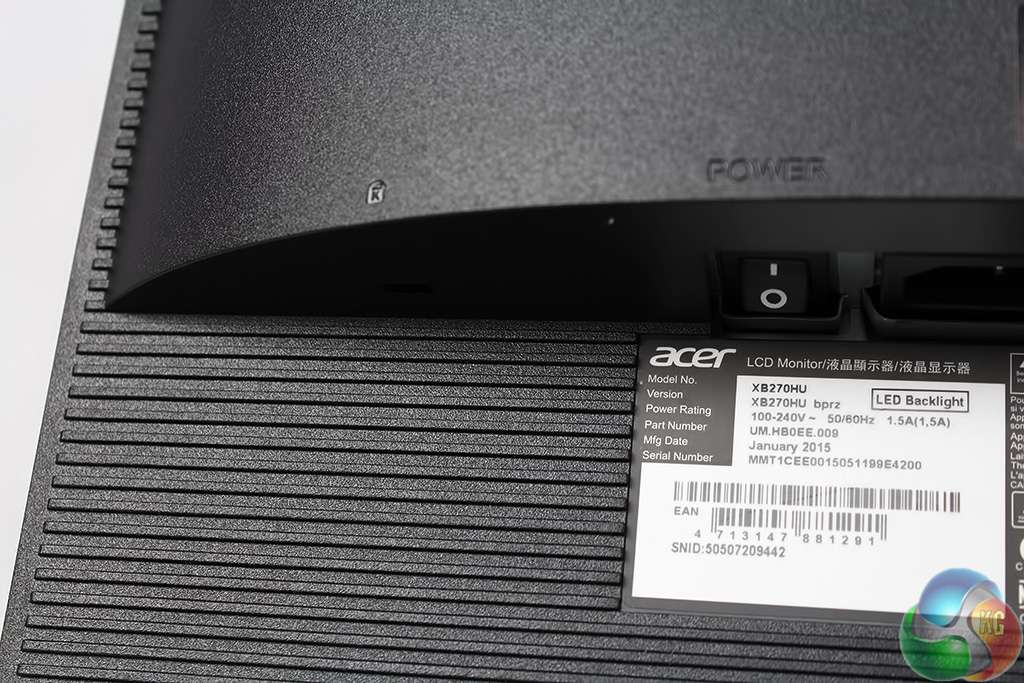
The Acer Predator XB270HU uses an internal power supply, so only an IEC ‘kettle’ lead is required to connect power to the unit. There’s a hard power switch.
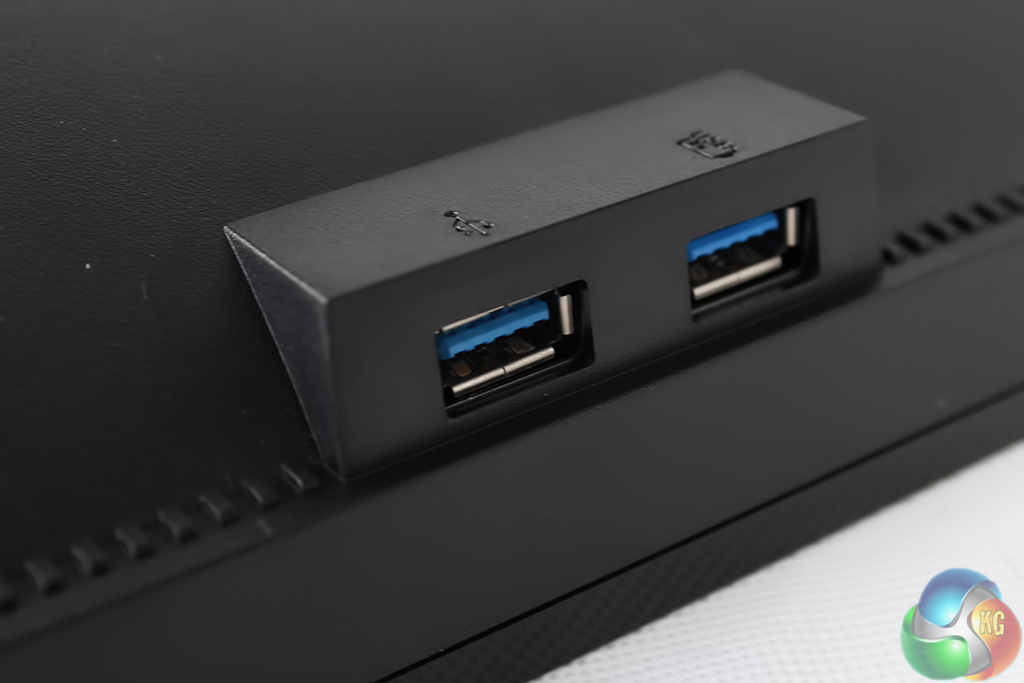
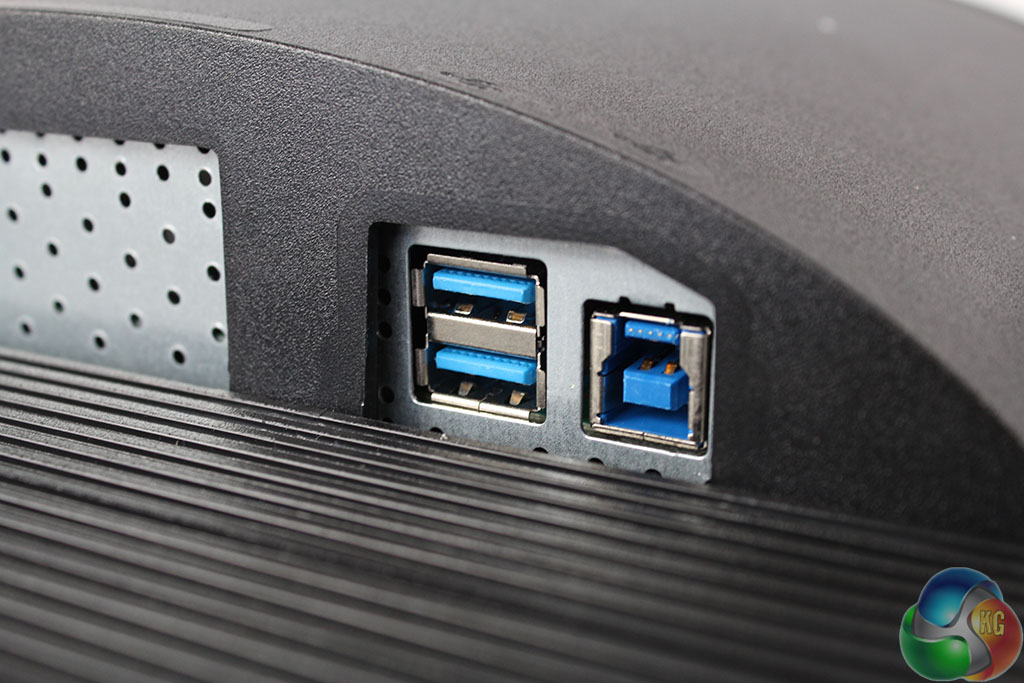
There are four USB 3.0 ports, with two at the side of the Acer Predator XB270HU, and two more underneath, positioned with the uplink port.
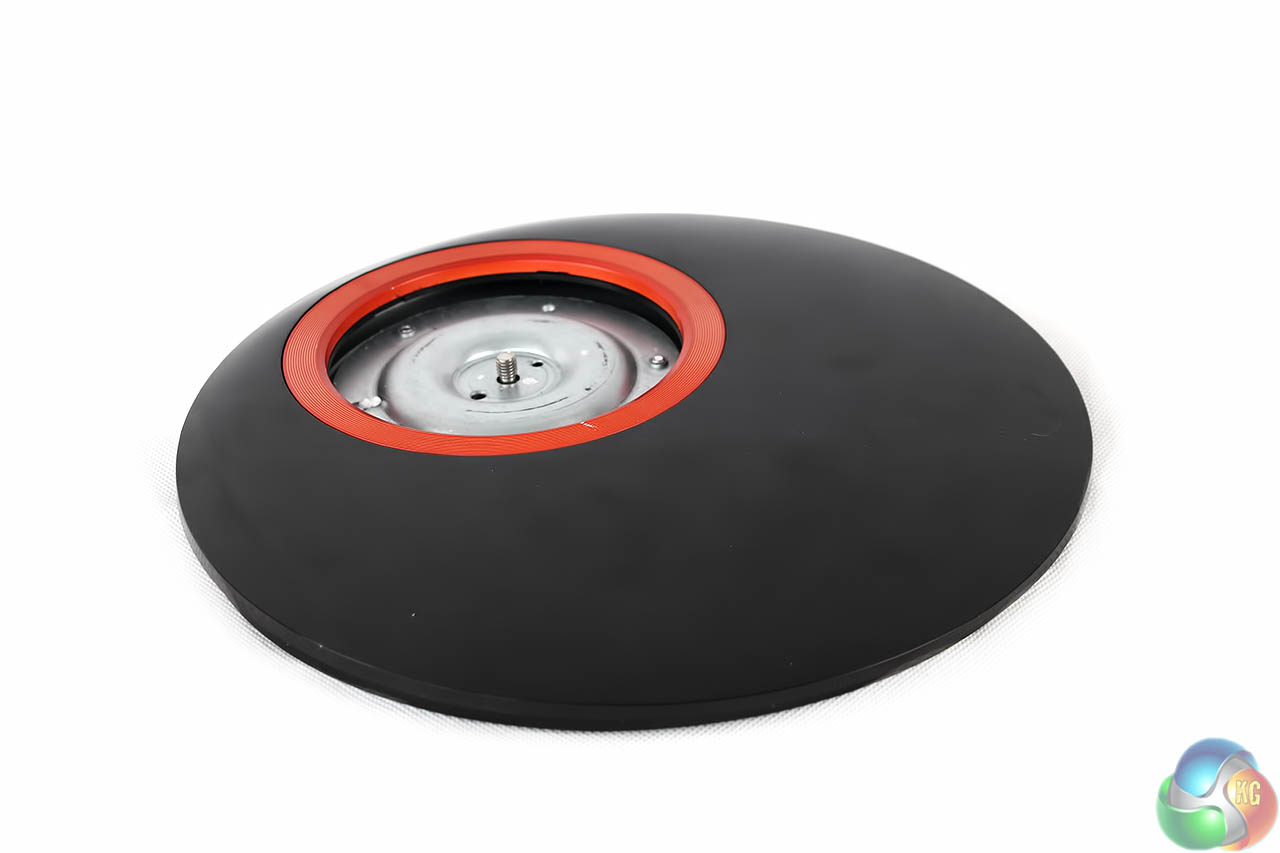
The base of the display has the red trim associated with other Acer displays that use the Predator branding. The main section uses the same glossy black plastic as on the front of the display.
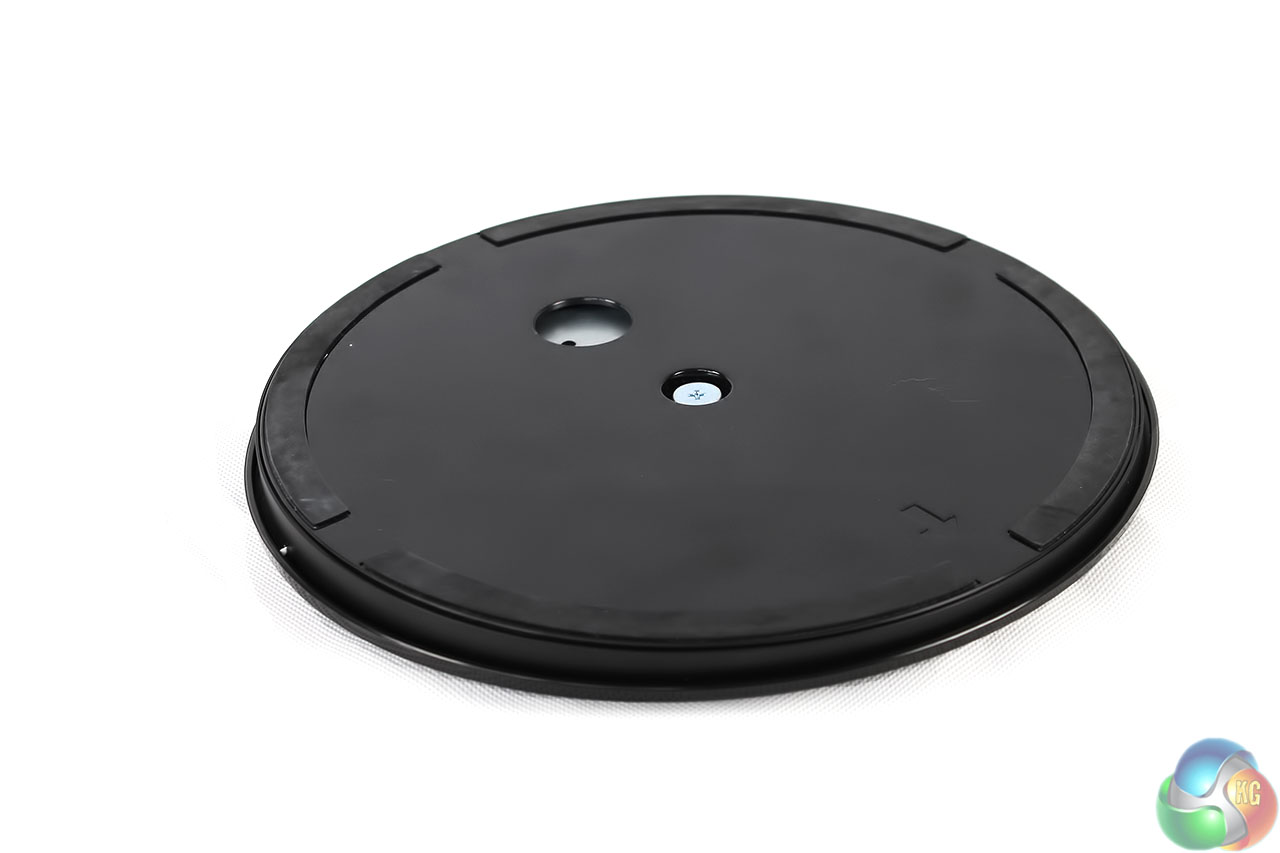
Underneath is the same key locking mechanism favoured across most of the industry.
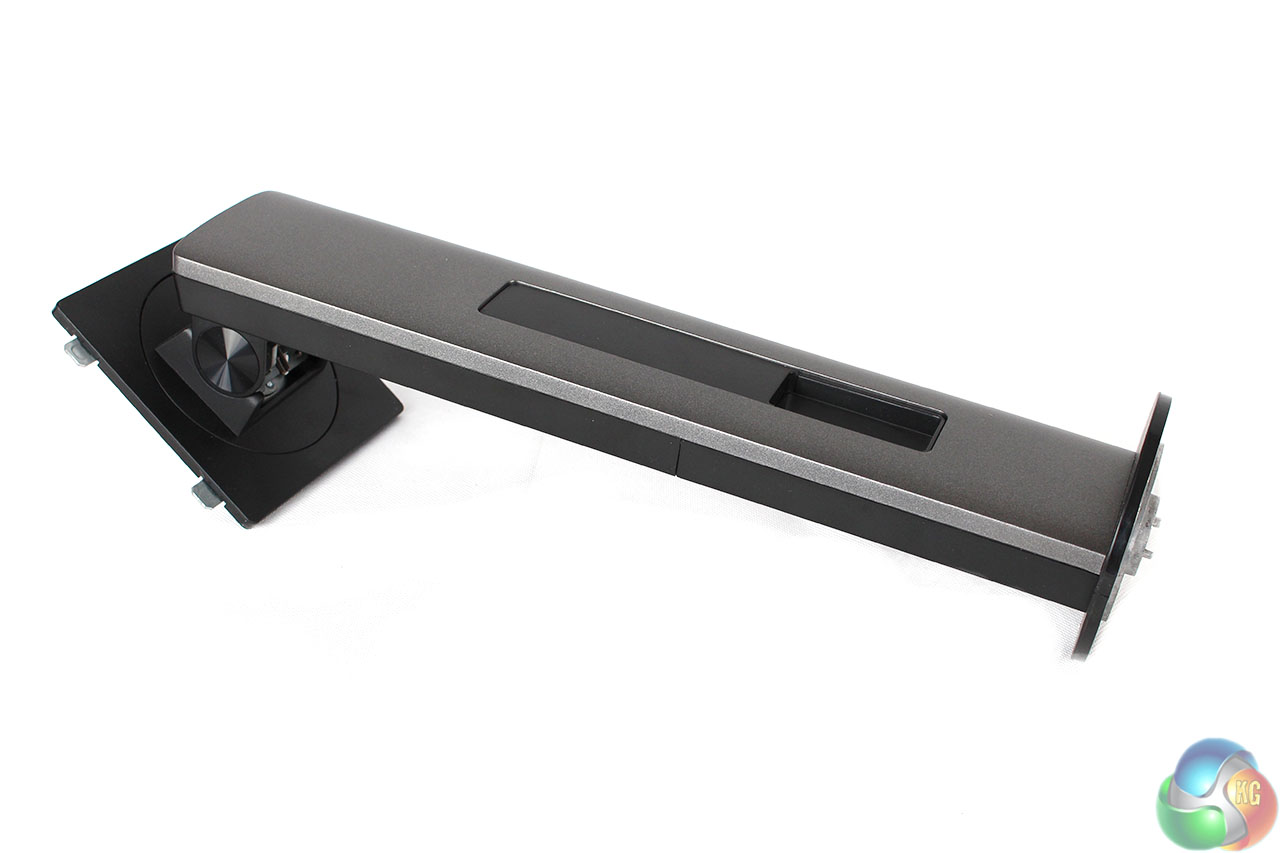
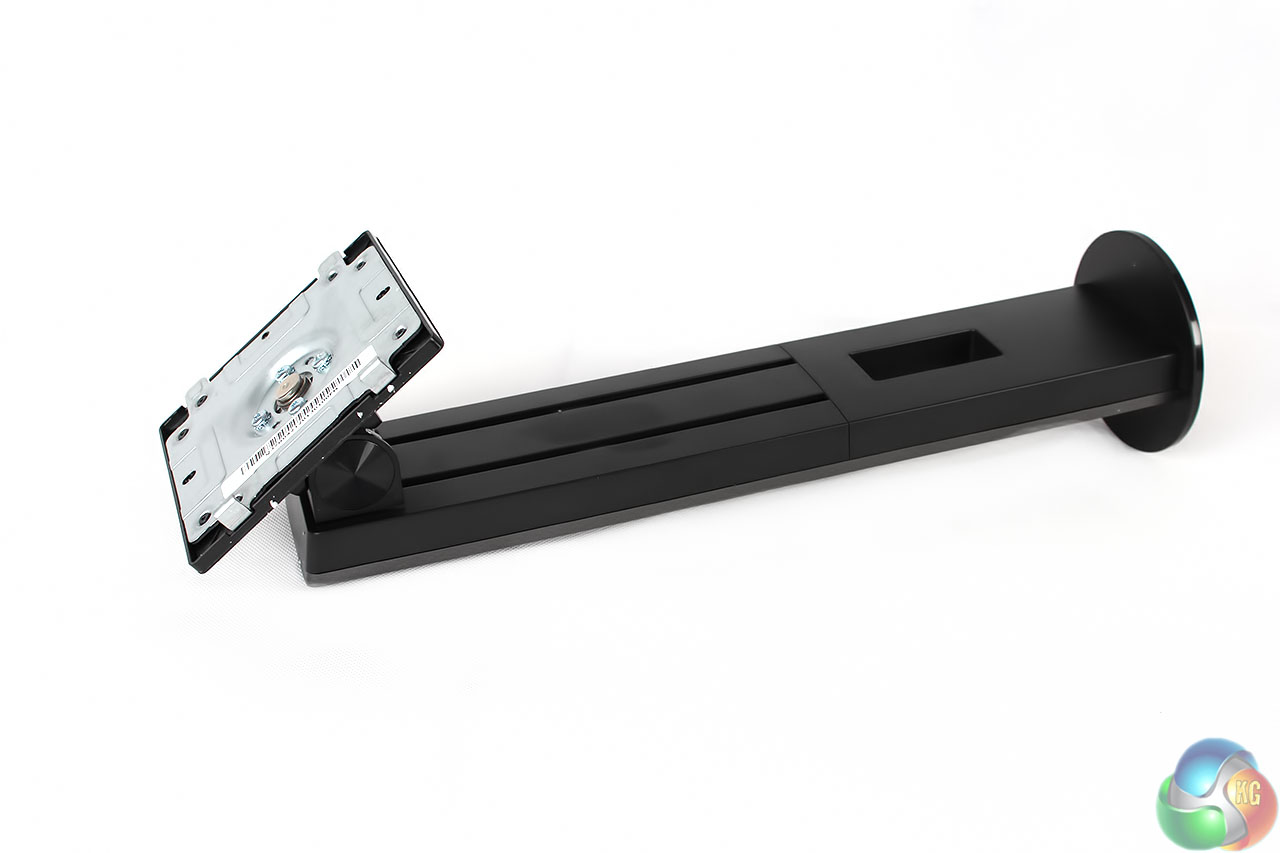
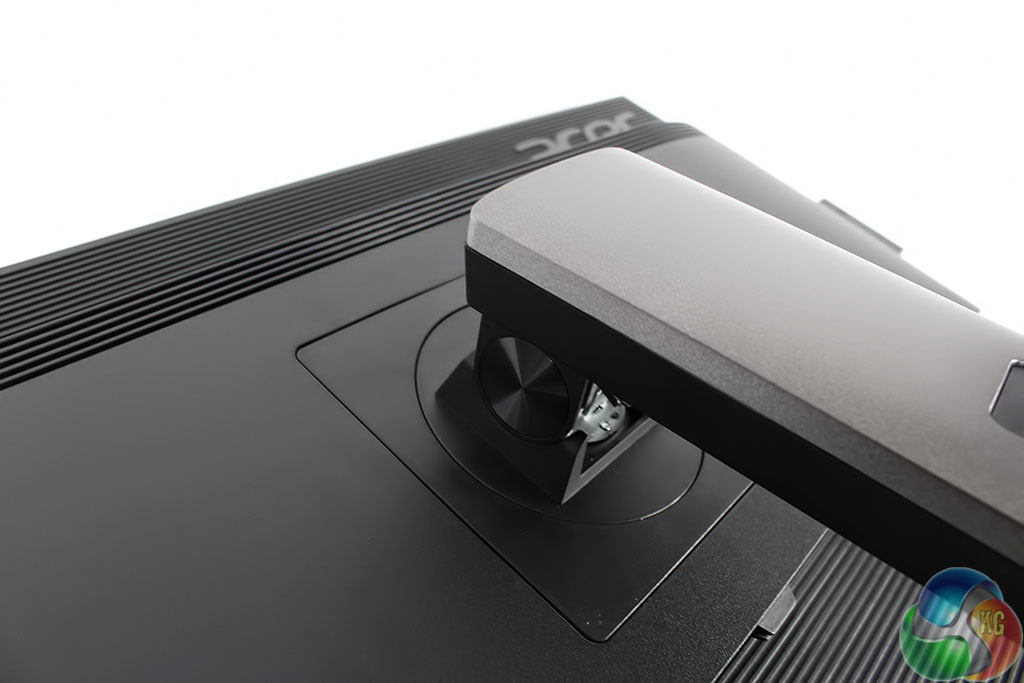
The stand is covered in a dark charcoal-grey material, locking into the VESA connector at the rear of the panel.
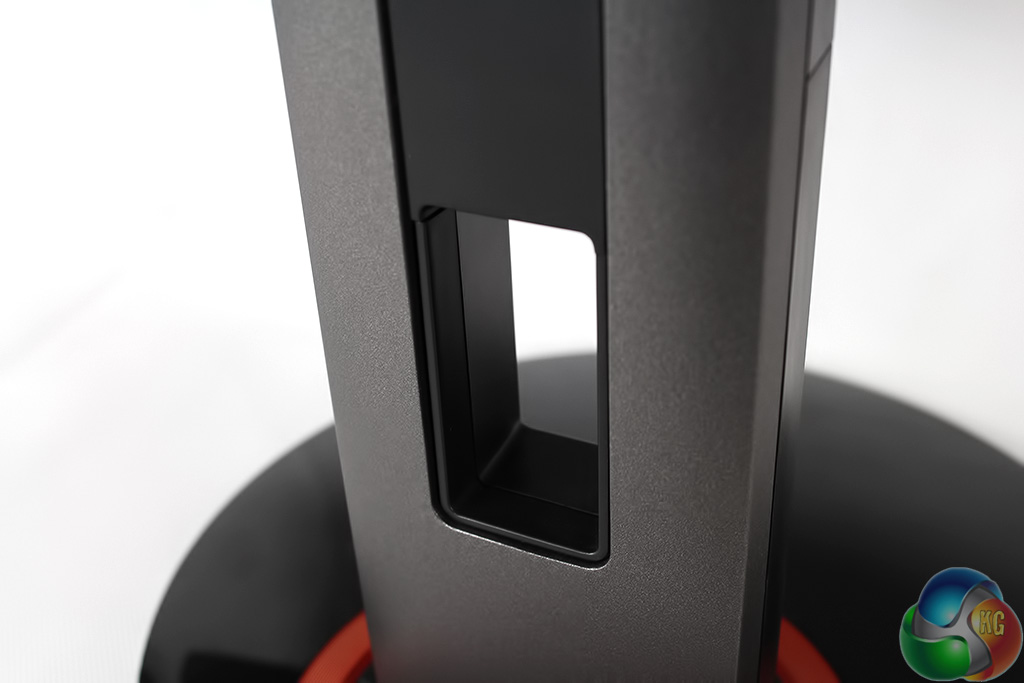
It has a large gap for cabling.
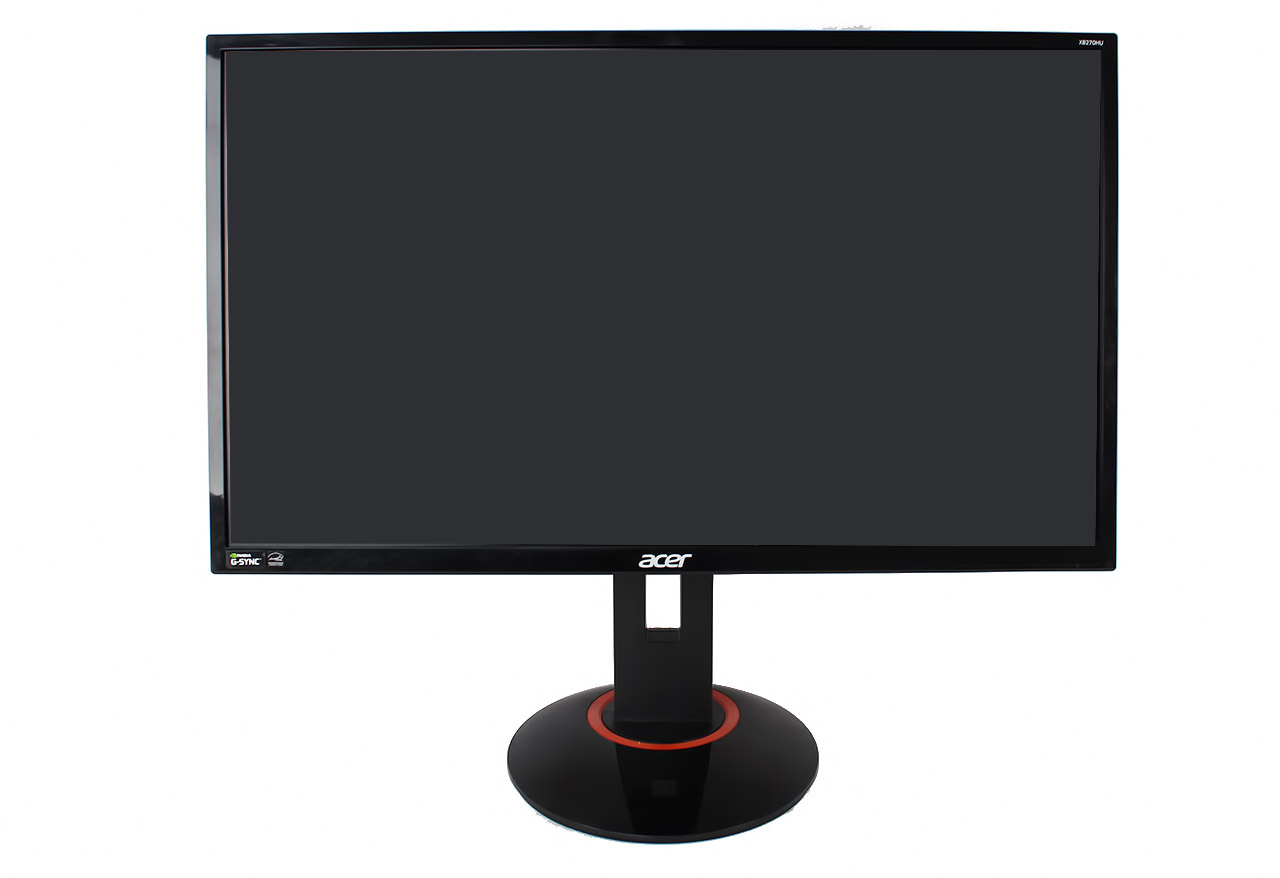
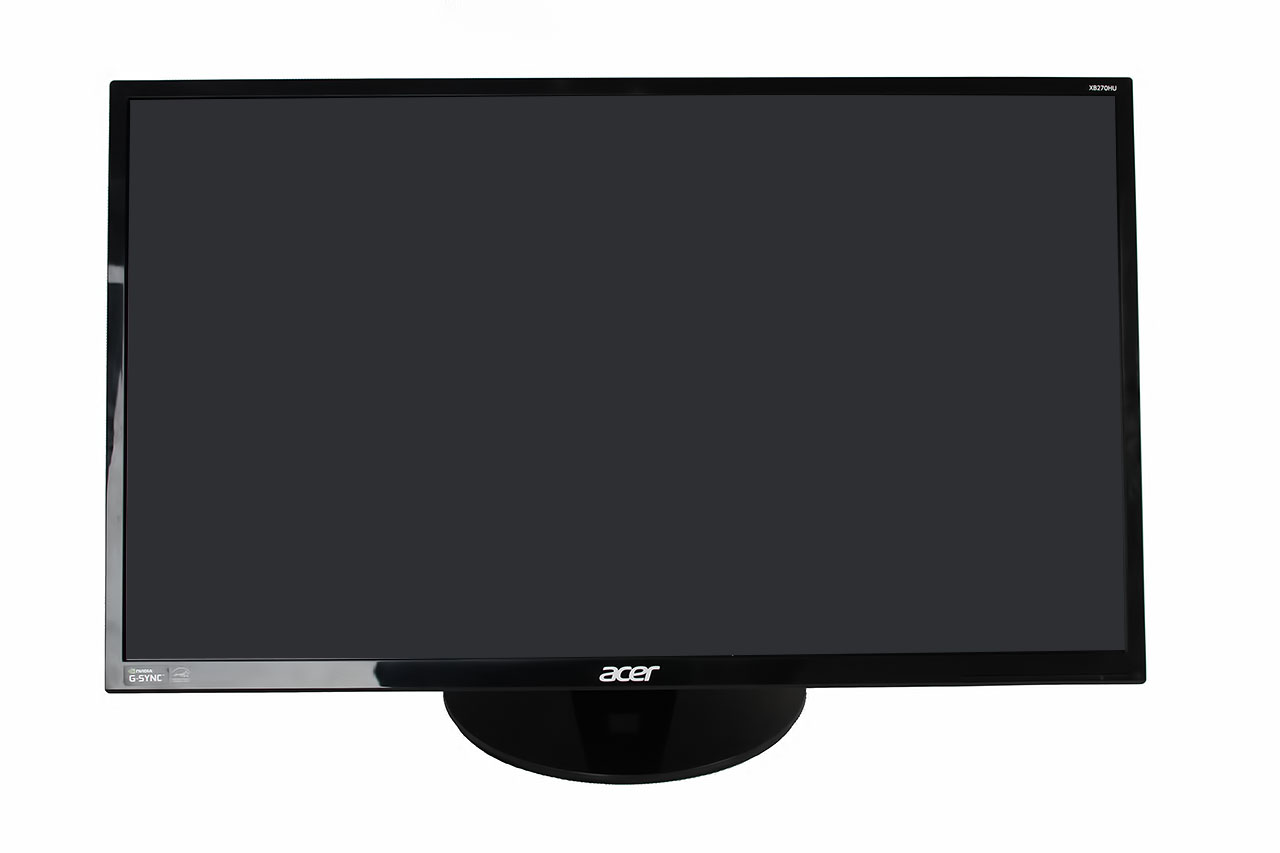
The stand allow the screen to be raised and lowered.
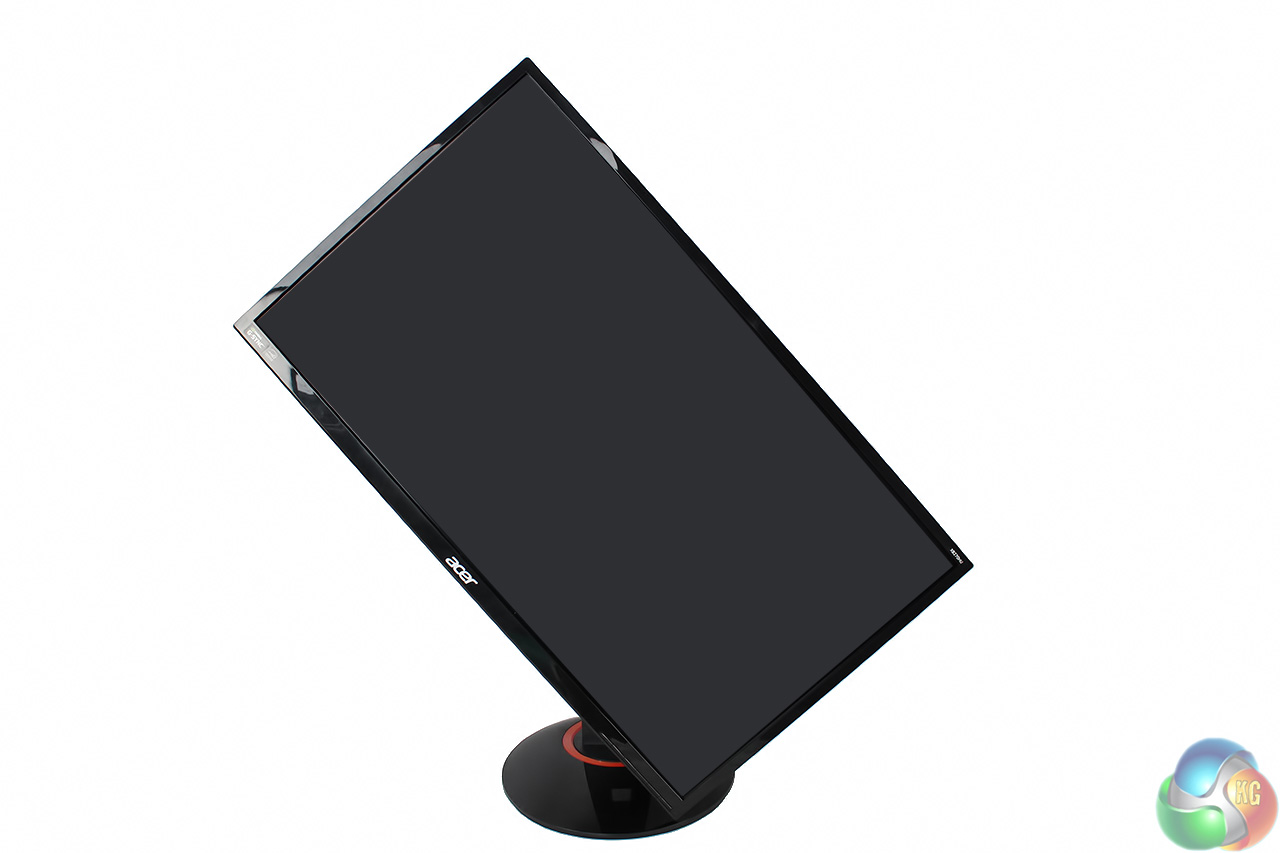
It can be swiveled around 90 degrees to be used in portrait mode.
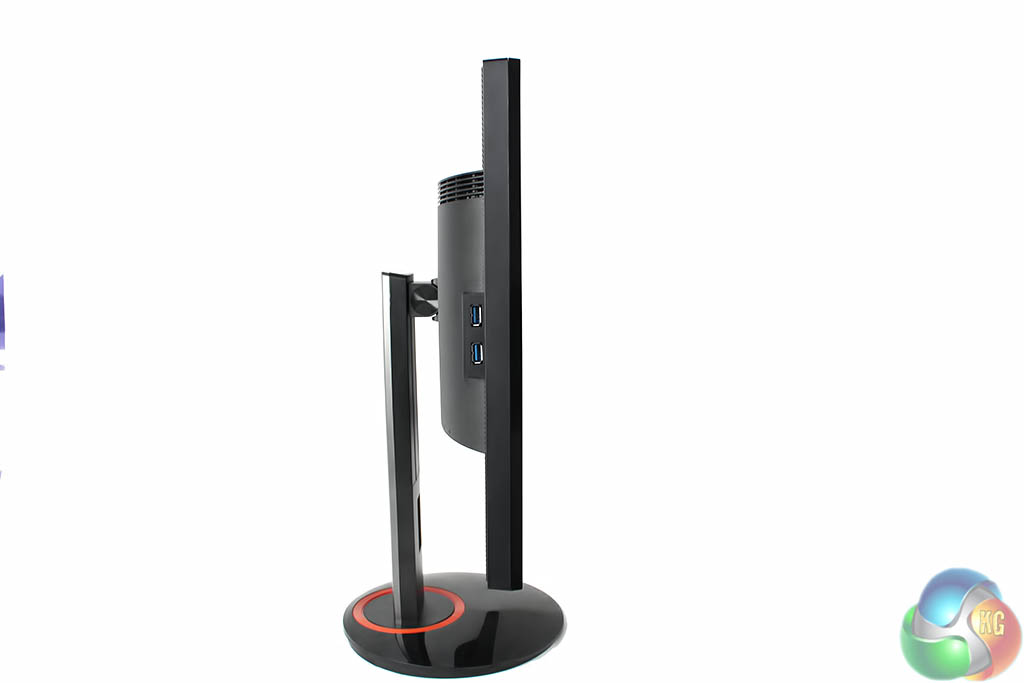
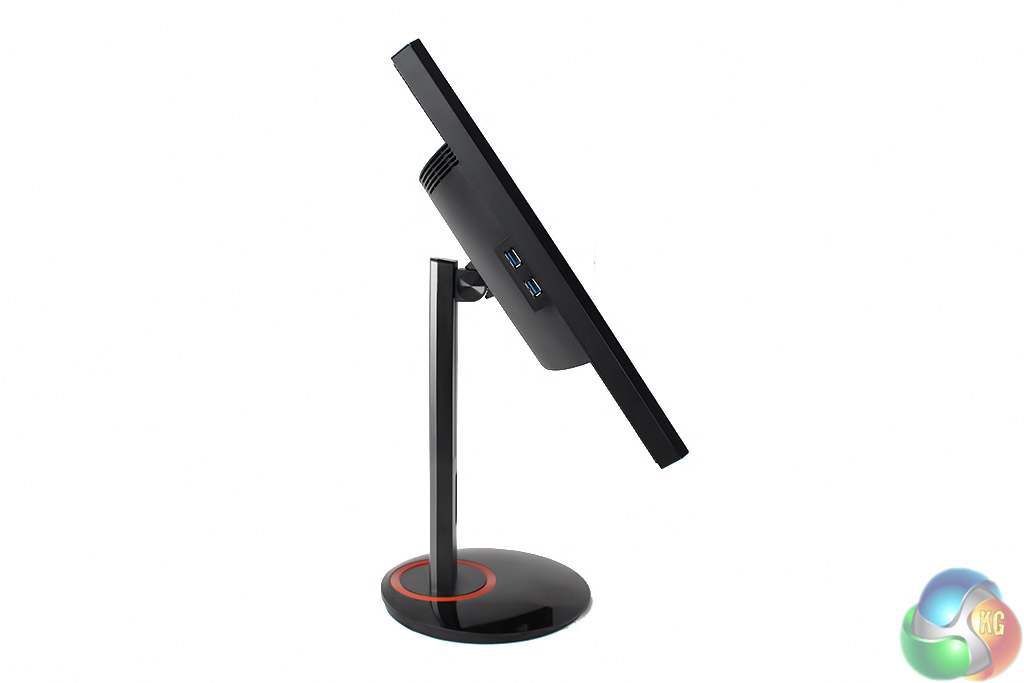
It can tilt between -5 degrees and 20 degrees.
And it can rotate 45 degrees to each side.
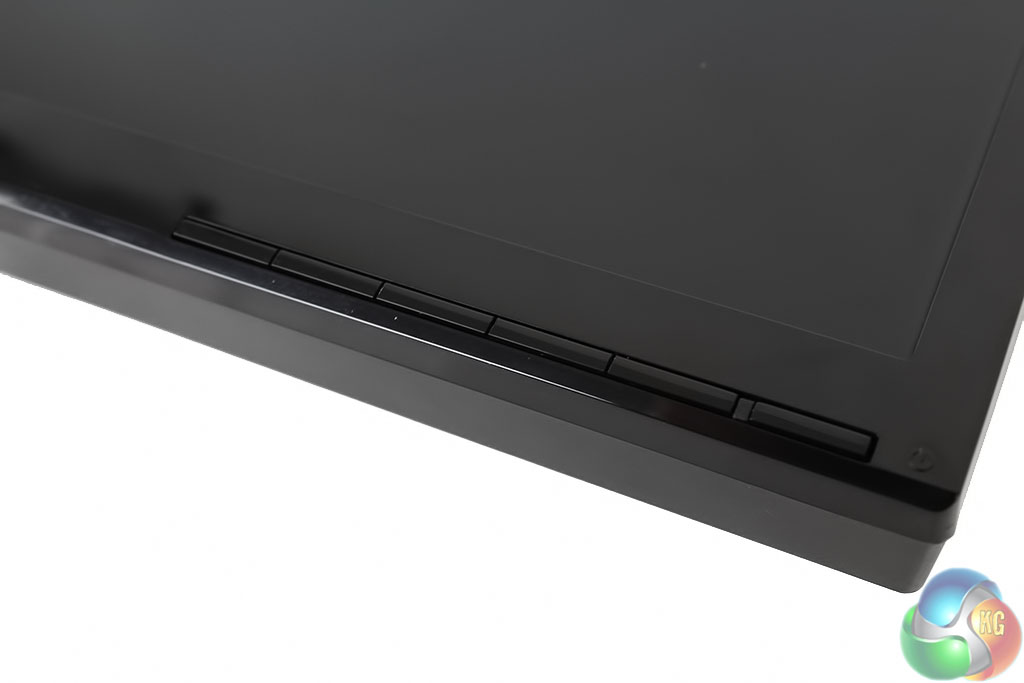
There are five physical buttons at the bottom right edge of the display, along with a solitary LED that glows blue when the display is powered on, and yellow in standby.
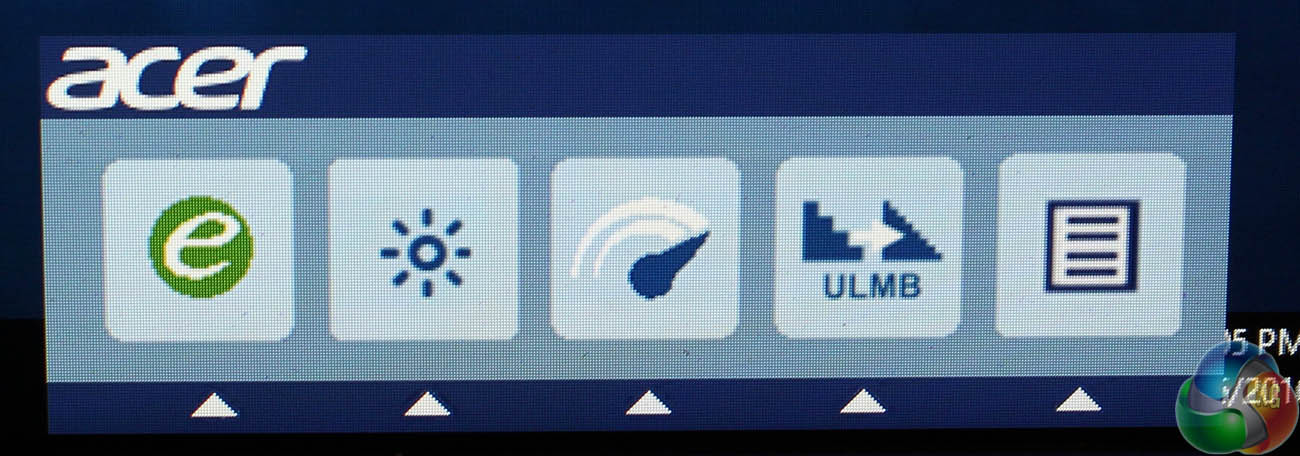
Pressing any one of the five buttons on the underside of the Acer Predator XB270HU brings up a single menu with five options.
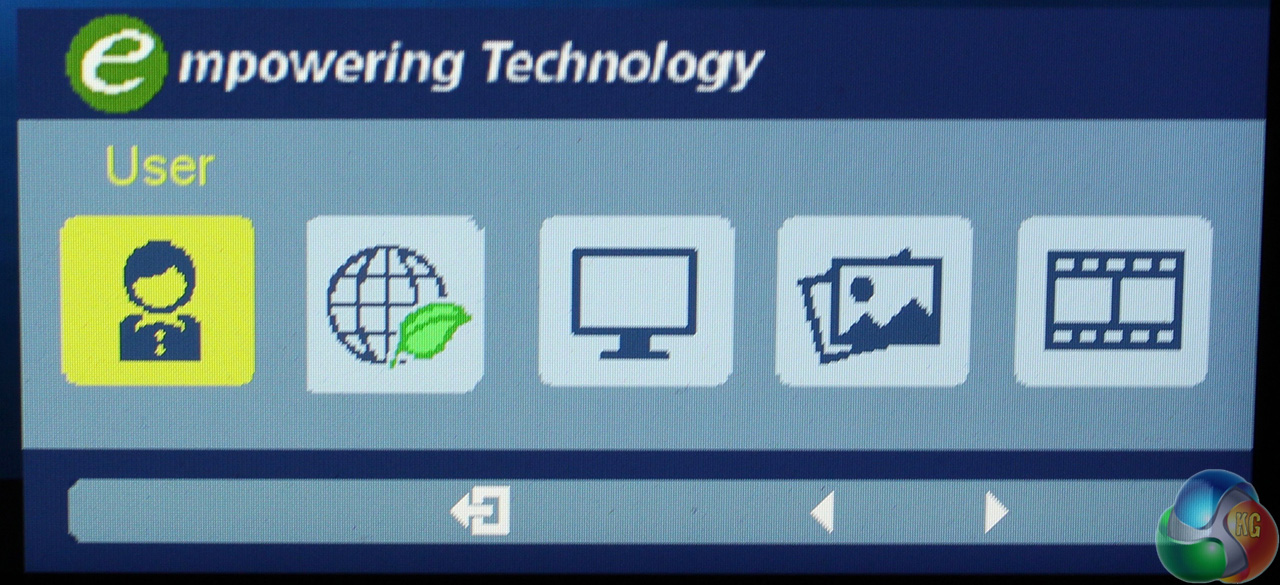
The first leads to “Empower” menu that provides access to the preset display modes.
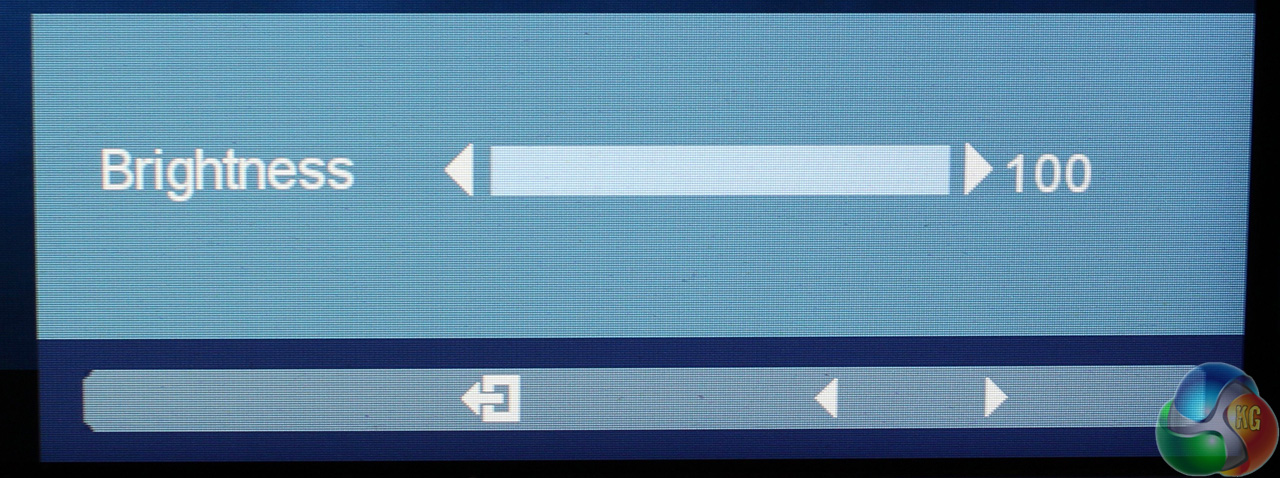
Next is a brightness control, which annoyingly only moves up and down very slowly, a test of anyone’s patience as it slowly ticks up, like adjusting the time on a 1980's digital alarm clock.
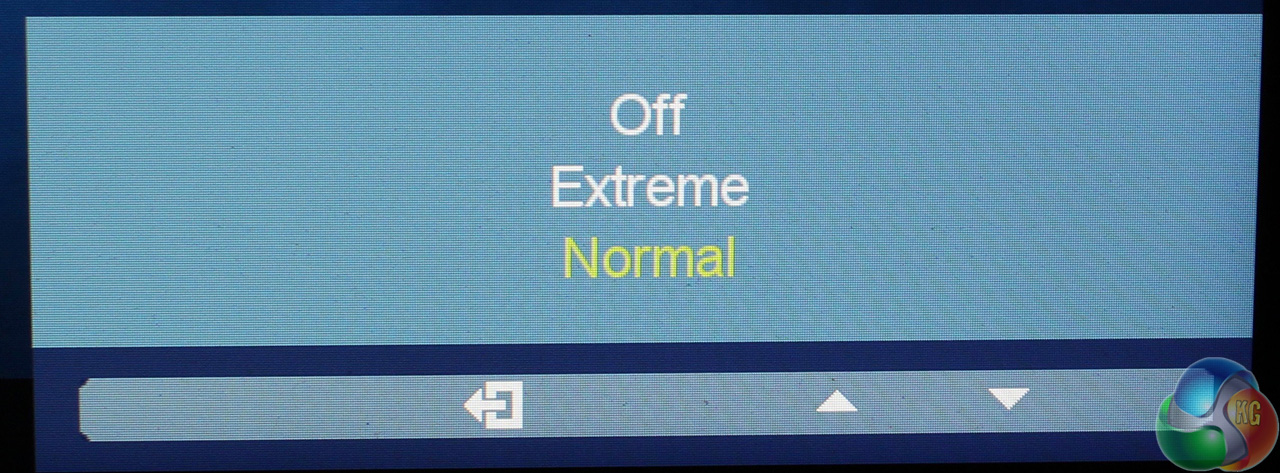
The Overdrive menu for reduced ghosting provides the usual normal, extreme, and off settings.
The fourth button controls Nvidia ULMB, while the fifth button leads to the main menu.
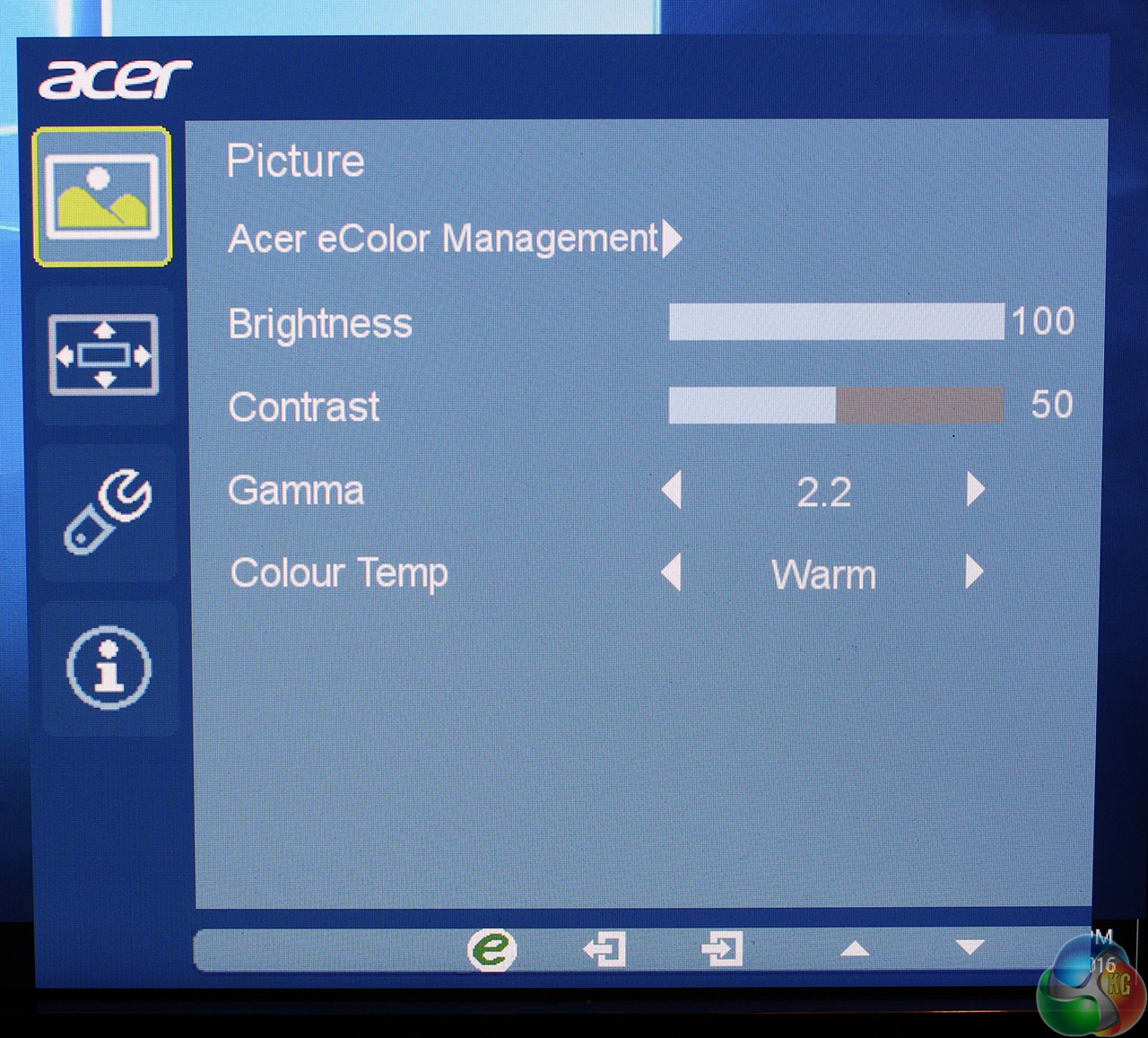
The main screen lets you change the brightness and contrast, gamma setting and colour temperature.
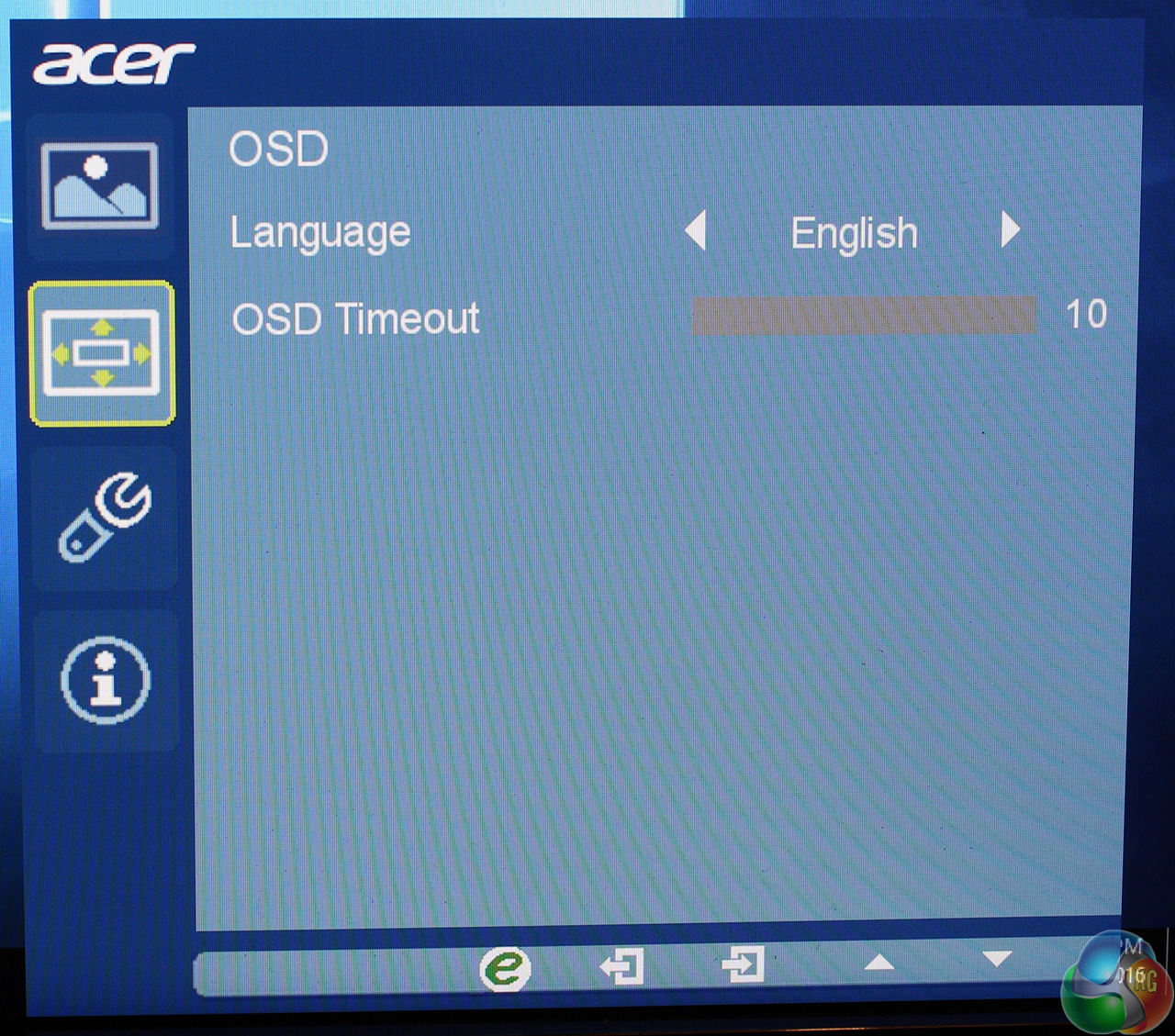
Move one screen down and you get a menu for adjusting the OSD position and timeout.
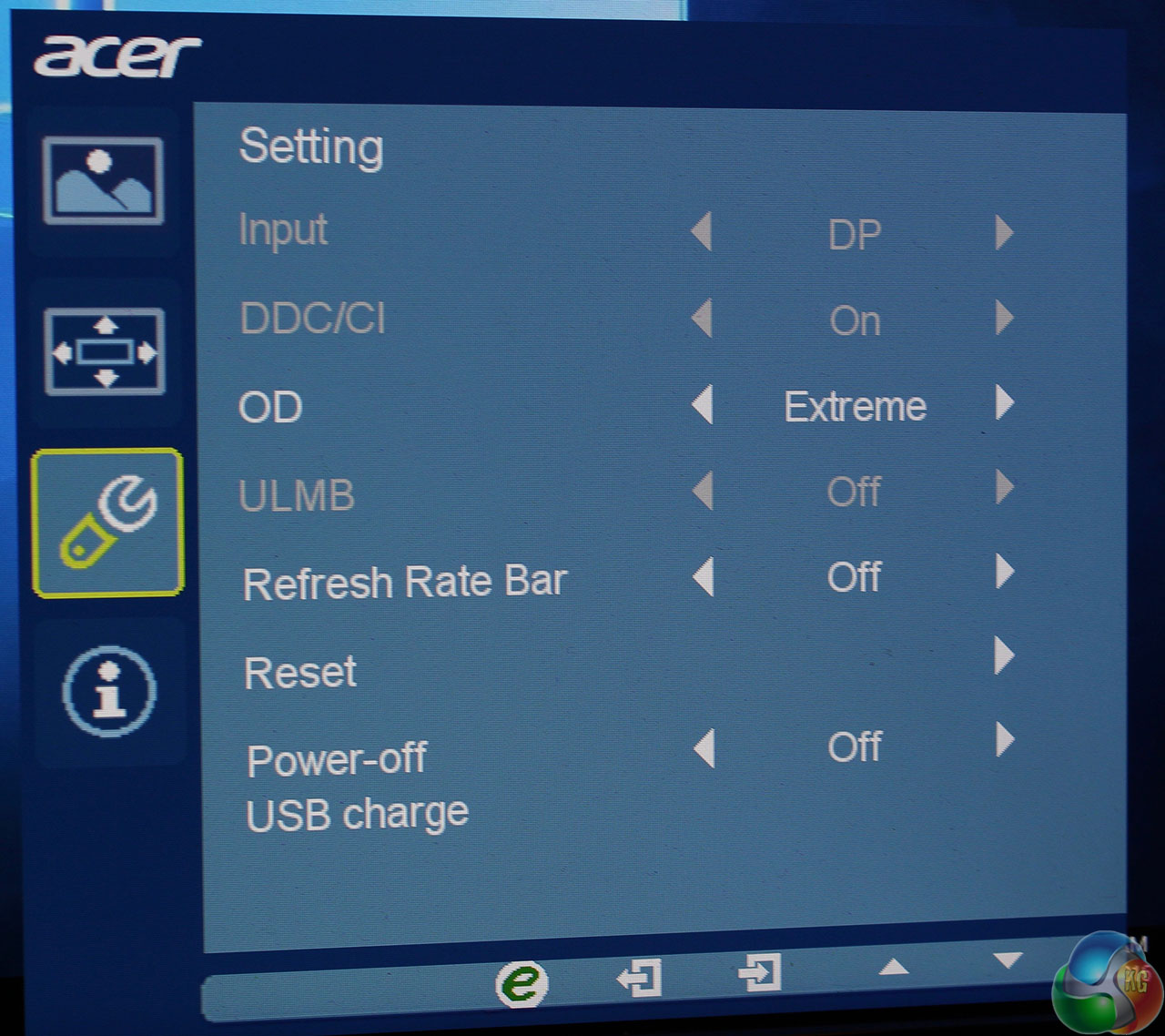
Move down one more screen for additional display settings such as the Overdrive function and a factory reset.
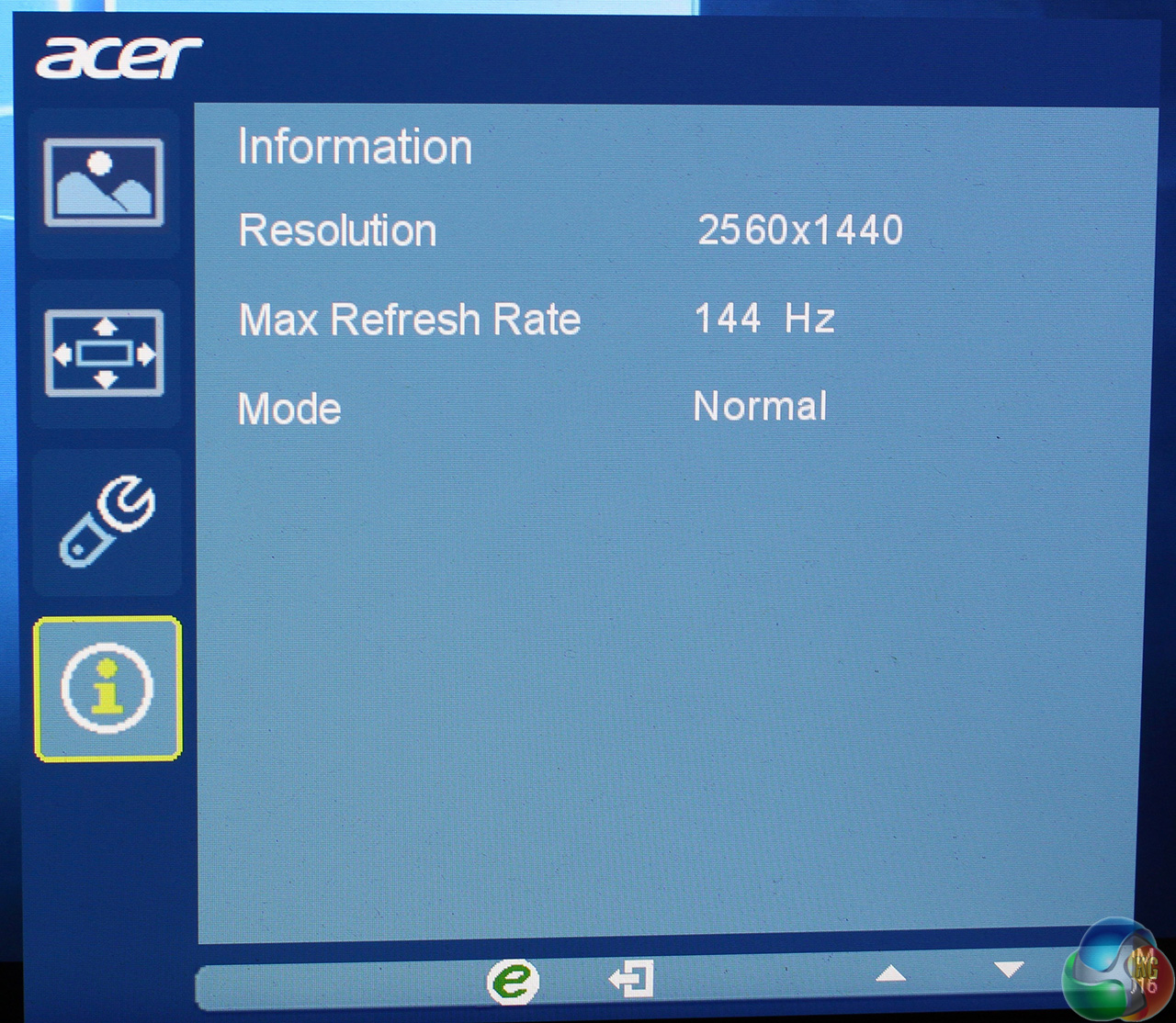
Move down one more screen and you can see some information about the current refresh rate, resolution and whether G-Sync is enabled.
The Acer XB270HU is the first display we have tested with a new colorimeter, the Spyder Elite 5 from DataColor. This new hardware is slightly more accurate, but with greatly improved software over the previous version.
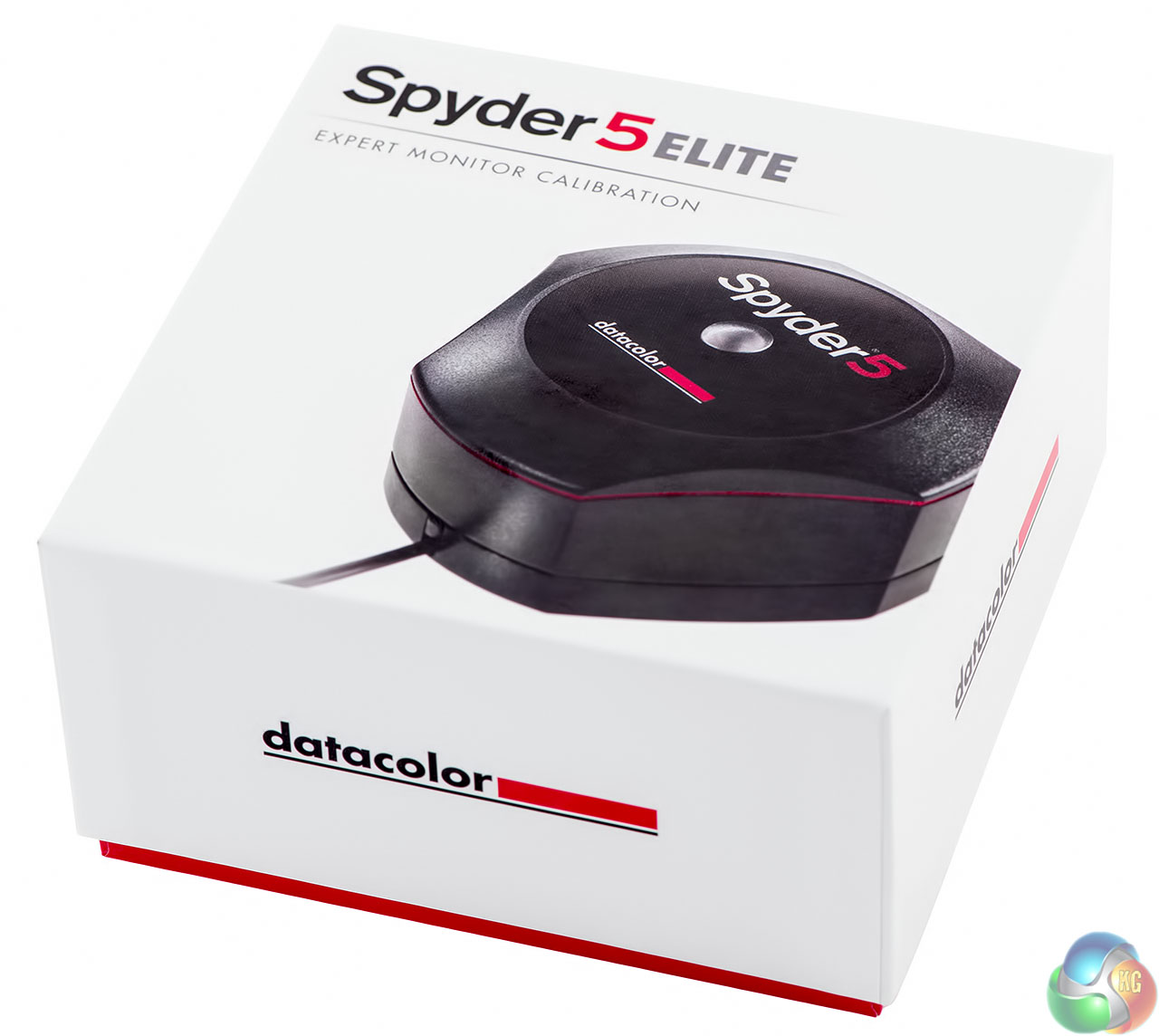
It measures a screen’s sRGB and Adobe RGB coverage, colour accuracy, brightness, contrast, panel uniformity, white and black points, and gamma levels. We first run the test on the screen with its default out-of-the-box settings, including testing different presets included in the OSD, then we calibrate the screen to 120 cd/m2 and measure it again.
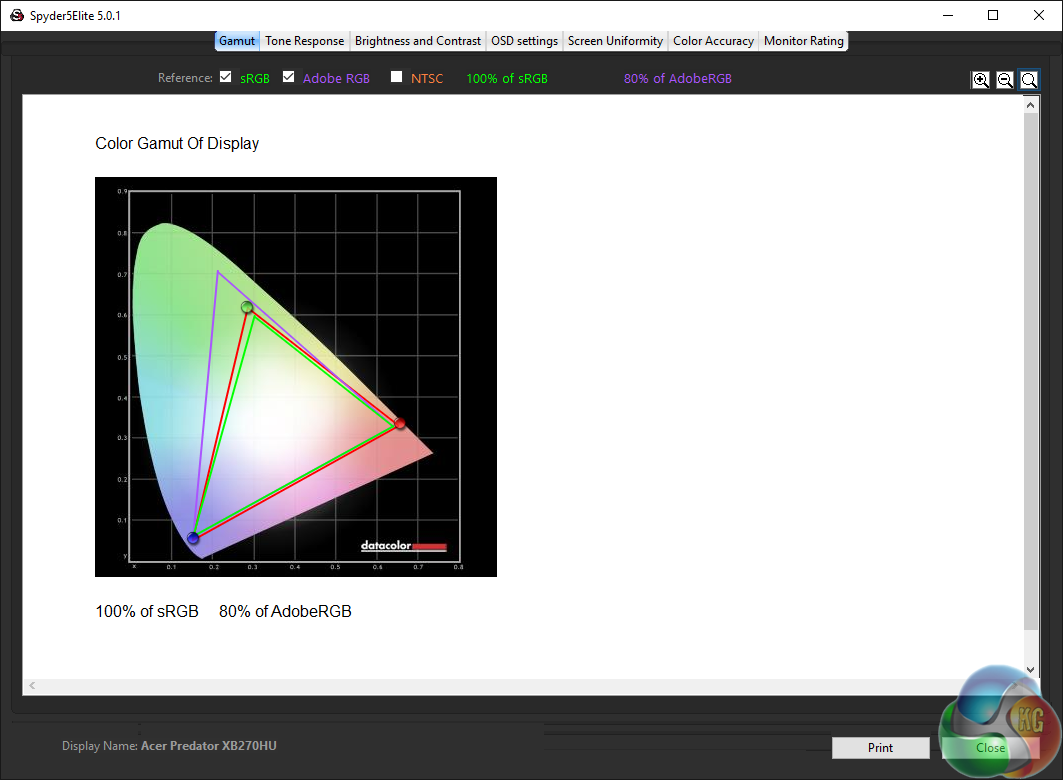
Out of the box, the Acer Predator XB270HU shows excellent gamut coverage, hitting 100 per cent sRGB and 80 per cent Adobe RGB. This matches most modern IPS displays, which manage between 70 and 80 per cent Adobe RGB coverage. It’s a good result for a gaming display, where you wouldn’t expect a high degree of colour accuracy to be required.

Panel uniformity is not quite as impressive, with a deviation of 17.4 per cent in the top central section and around 10 per cent in the top left and top right.
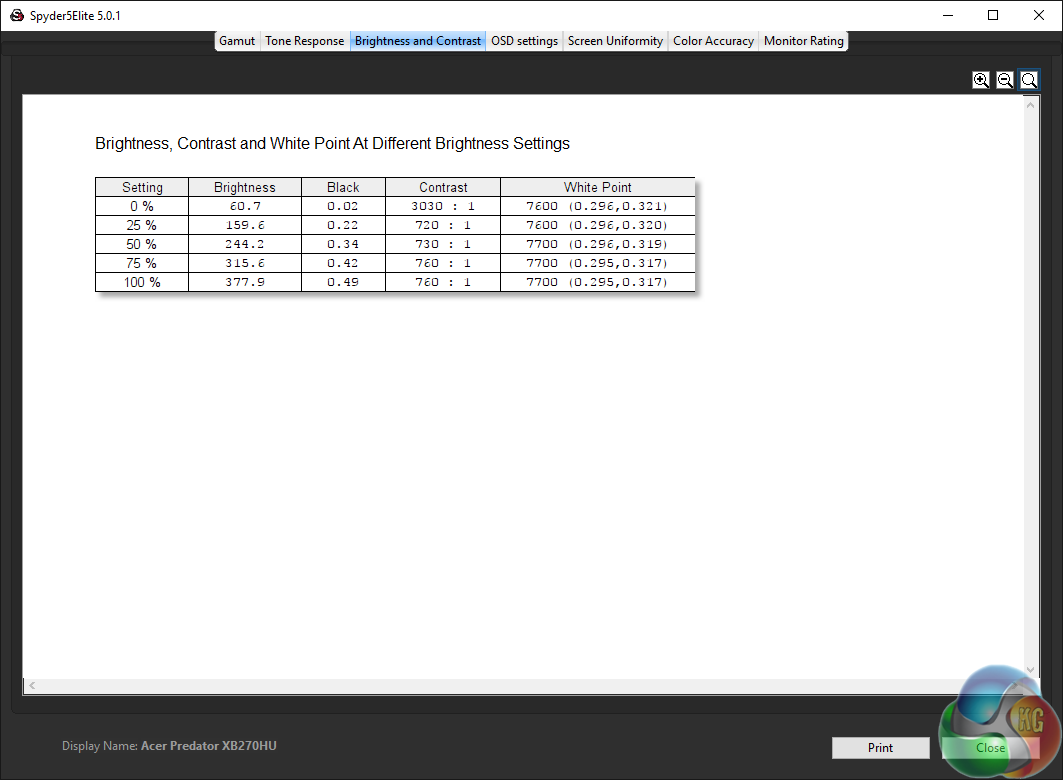
Brightness results at 100 per cent show 377.9 cd/m2, a great result that put the XB270 ahead of rival panels. And it shows in use too, with a notably bright screen in games and the Windows desktop.
Contrast ratios around 750:1 are a similarly excellent result, better than many competing displays.
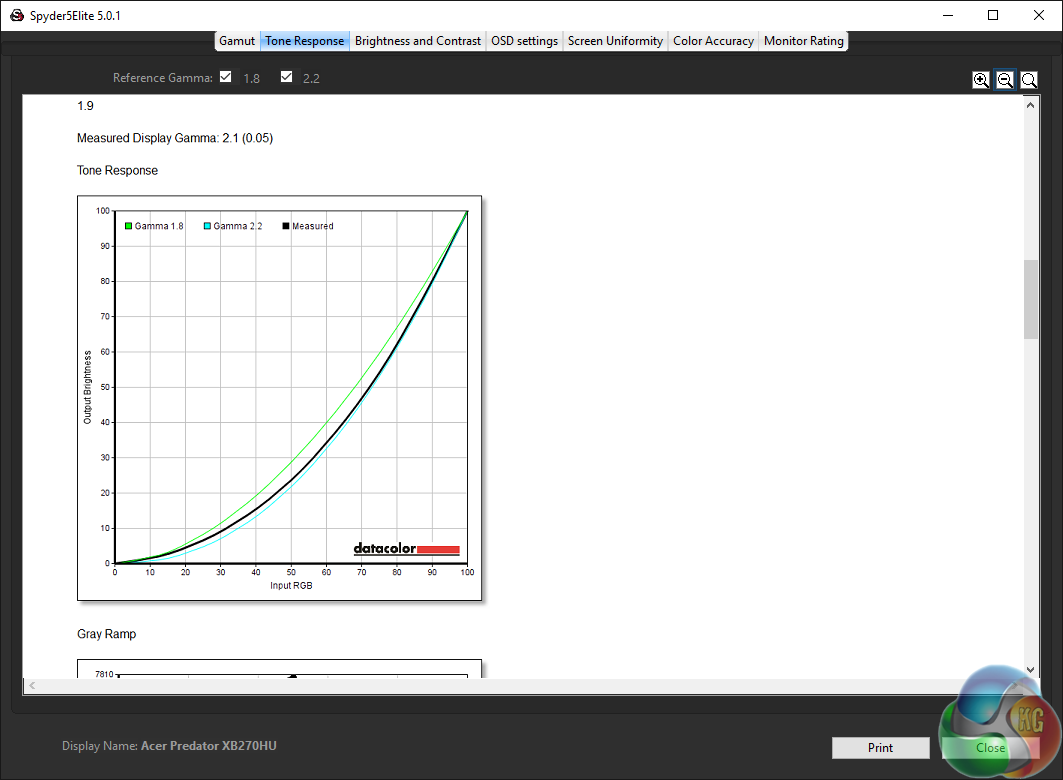
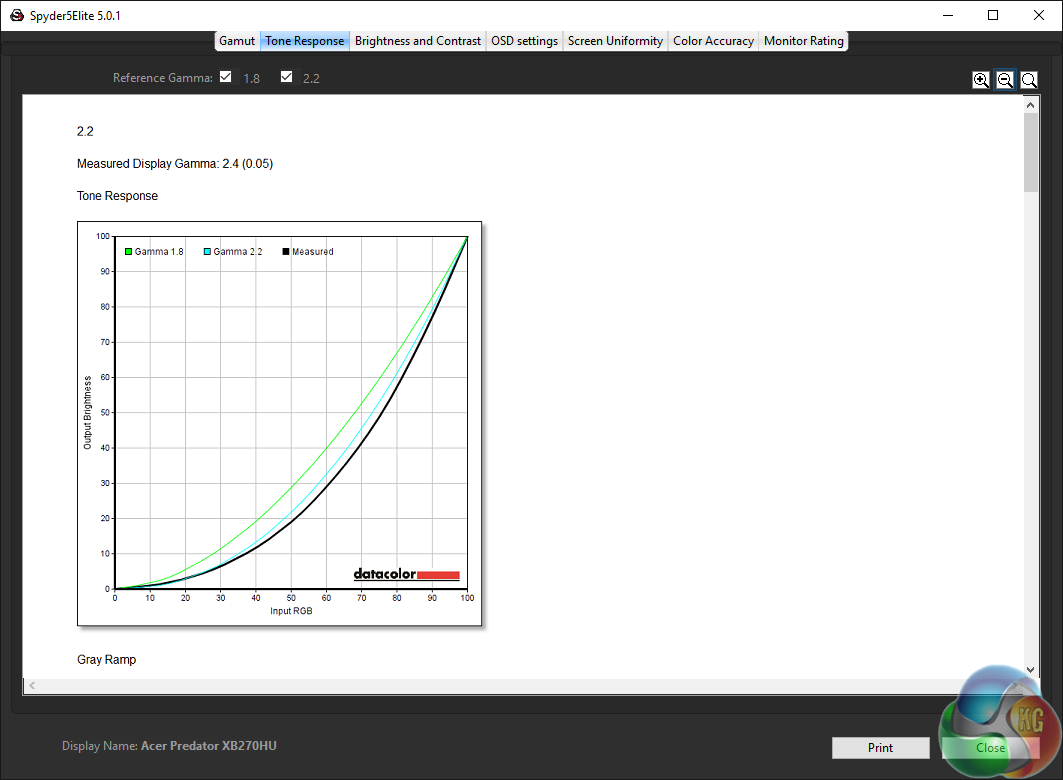
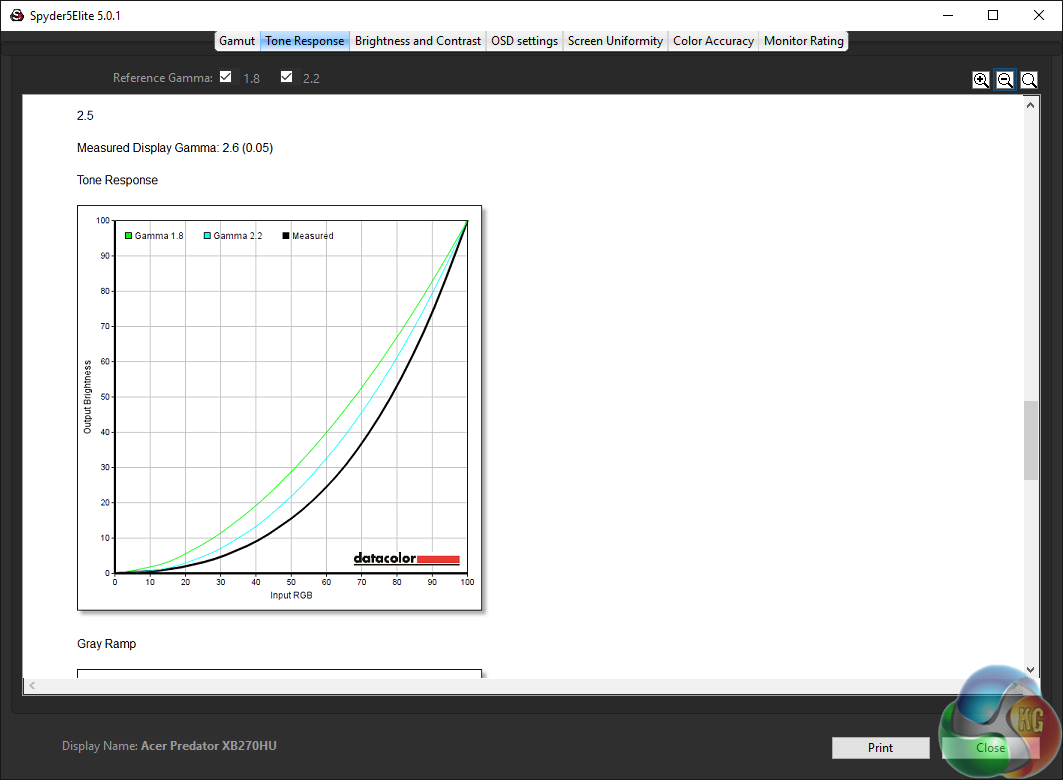
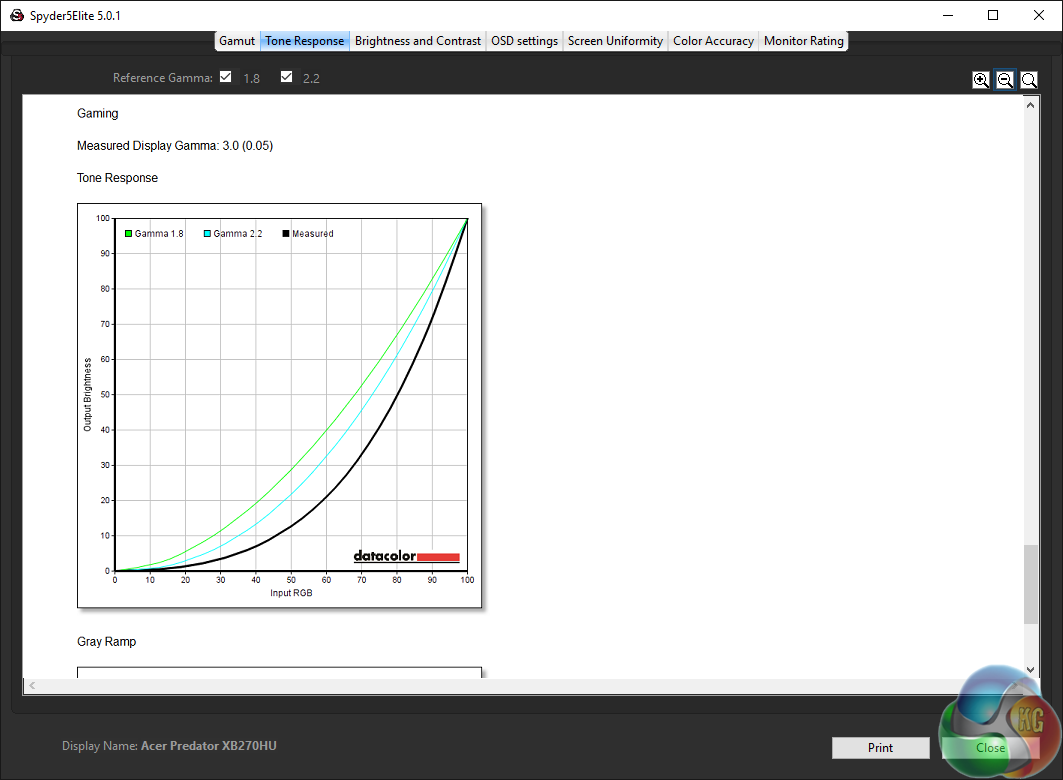
None of the gamma results are particularly close to their advertised values. There are four settings, 2.2, 1.9, 2.5 and “Gaming”. They are all slightly off by a value of 0.1 or 0.2, with the Gaming setting showing a figure of 3.0.
The black point hovers around 0.49, which is average for an IPS display, with the White Point at an unusually high 7700K. By default, this is set to “Warm” in the Acer XB270HU’s OSD, while “Normal” brings it more in line with the usual 6500K.
In use we found the Warm setting to be more pleasing to the eye, but this is a subjective viewpoint.
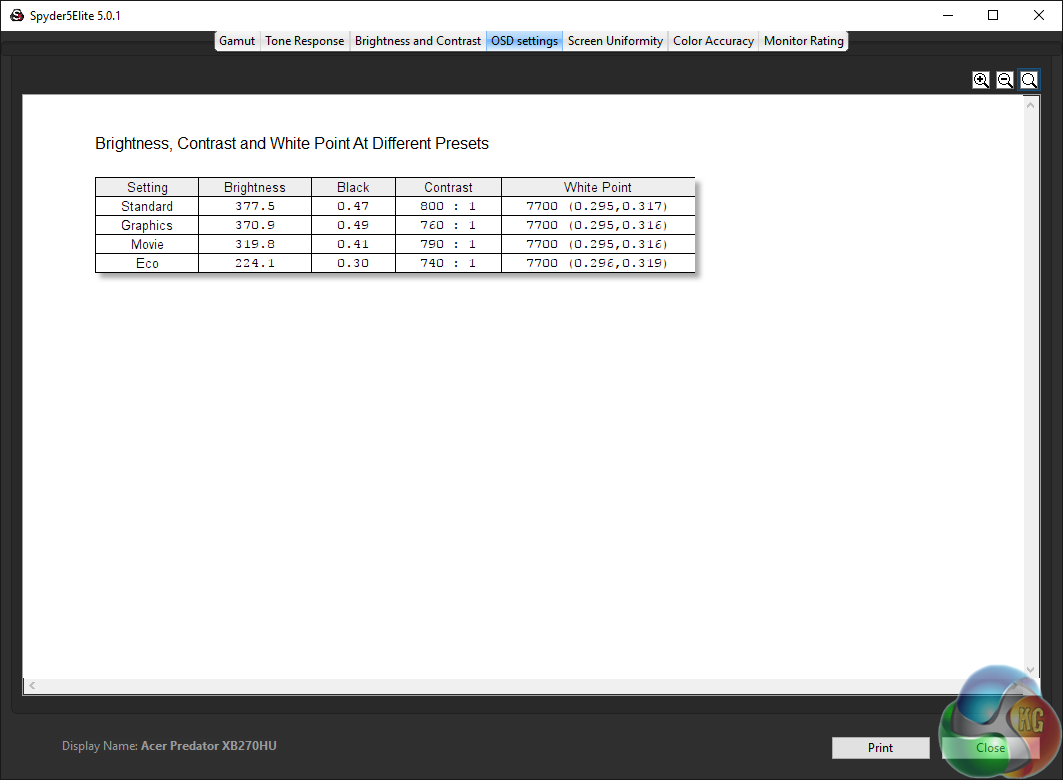
There are four image presets, Standard, Graphics, Movie and Eco. As expected, the Eco setting brings the brightness right down to save power.
The Movie setting has the lowest overall black point, with the best contrast result going to the Standard setting.
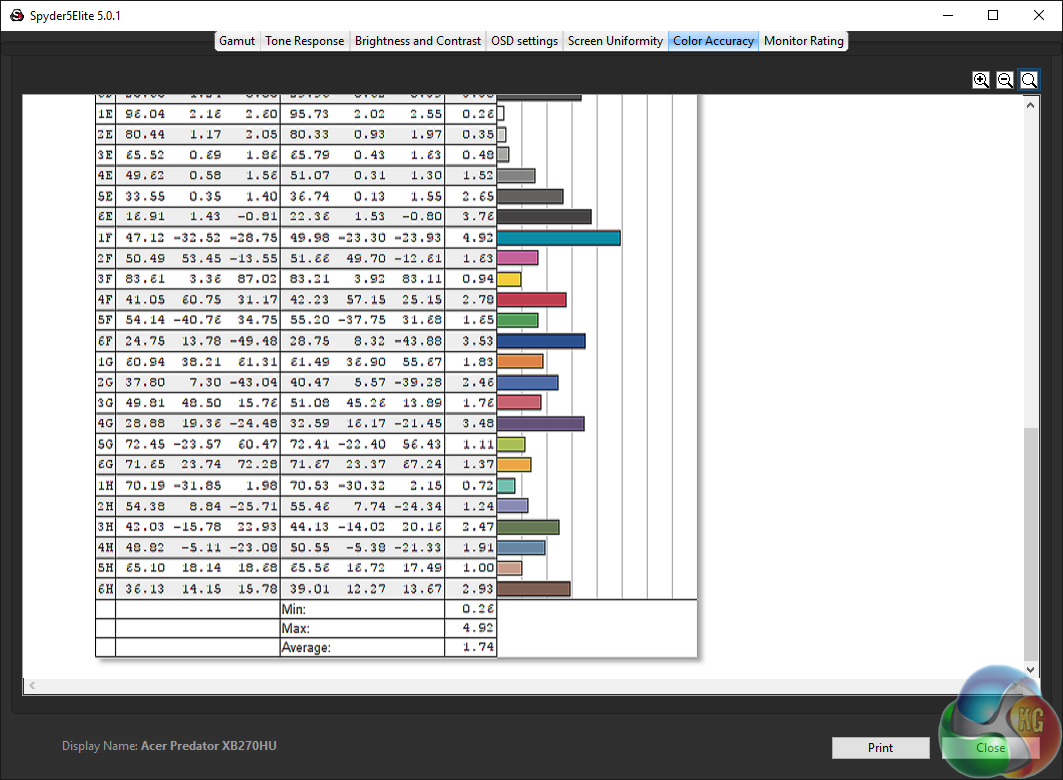
If there’s one area that usually separates gaming displays from those aimed at graphic designers, it’s colour accuracy, measured as a Delta E score. In recent years, improvements in panel technology has ensured screens have gone from offering a result around 3.0 to under 1.0 in the most accurate displays around.
Generally, for any kind of normal use, a result under 3.0 will be more than adequate, and previously, if you needed a display with better accuracy, you would need to spend a lot more money. In a display aimed at gamers, colour accuracy is usually not seen as particularly important.
In cheaper and older TN gaming screens, results sometimes hover around 4.0 or higher, but with the improvements in modern IPS panel design, even a gaming screen such as the Acer Predator XB270HU offers excellent results, here shown at a Delta E of 1.74.
As evident from our results, modern IPS displays present much better colour accuracy than the TN displays from years ago, even without calibration.
The calibration process with the Spyder Elite 5 is mostly the same as with the previous version, with a result that usually gives a whiter, cleaner appearance.
We reset the Acer Predator XB270HU to factory settings before calibration.
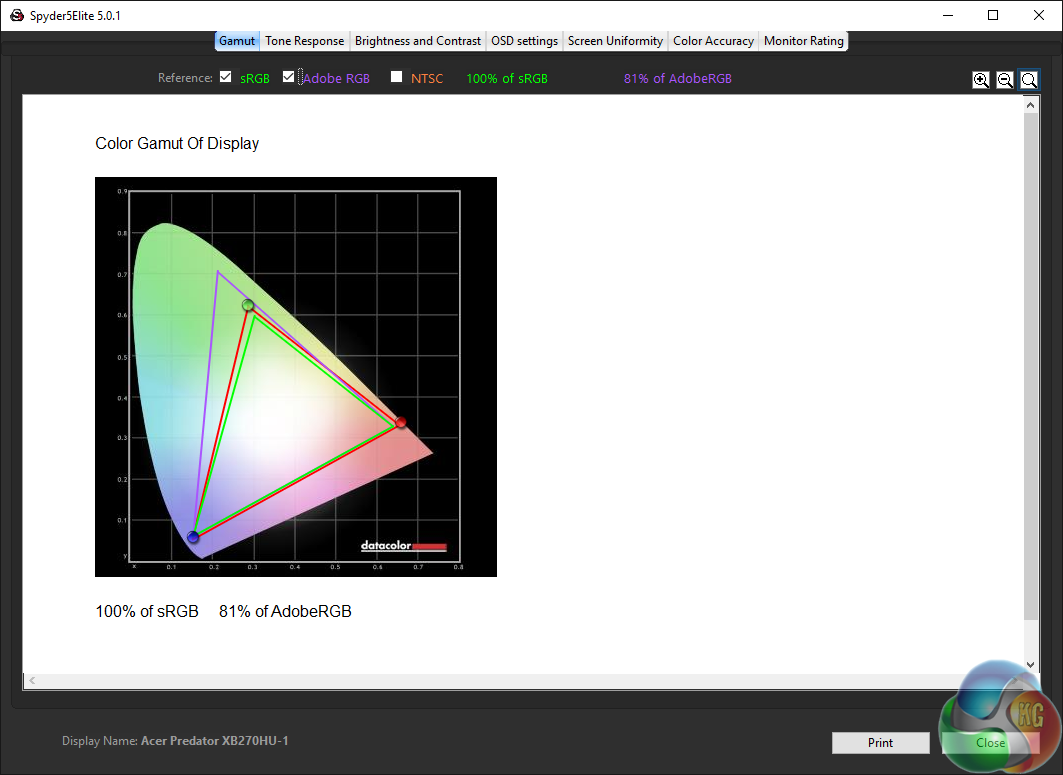
The Adobe RGB coverage saw a jump form 80 per cent to 81 per cent.
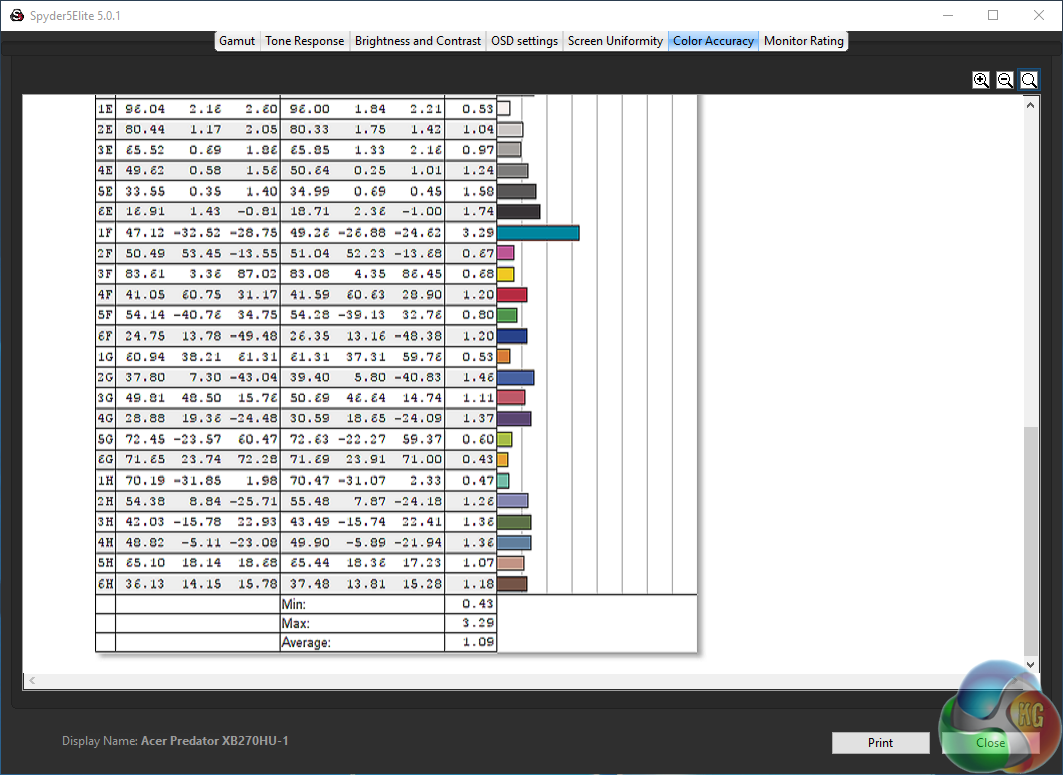
And the colour accuracy improved dramatically, from a result of around 1.7 to around 1.0, really showing off the quality of the panel in the Acer Predator XB270HU. Make no mistake, this will be a good display for both colour-accurate design work and gaming on.
Lastly the power measurement at 100 per cent brightness was 43.6 watts, slightly higher than some displays, reflecting the higher brightness of this screen.
There is a lot to like about the Acer Predator XB270HU. It works particularly well in 144Hz G-Sync mode, and is excellent for gaming with. The picture quality is superb as well. The high 377.9 cd/m2 brightness level of really stands out, while the notably good contrast around 750:1 really makes both games and graphics on the Windows desktop come alive. While it’s not the most colour-accurate display on the market, the Delta E scores below 2 are also excellent for a gaming display.
The only downsides to the picture quality are a notable dip in brightness on the top edge of the panel, and very light IPS bleed in the top right corner.
The stand offers the full range of movement, from rotation to swivel and pivot. There are lots of USB 3 ports, giving you the choice of connection on underneath or to the side of the screen.
However, there are a few omissions. Since this is a G-Sync 1.0 display, it only supports a single DisplayPort 1.2 input. Even with just an extra HDMI port, it would allow connection of a games console or second PC, but as it stands the XB270HU can only be used with a single computer at any one time.
It follows that there are no built-in speakers, or support for audio passthrough via a 3.5mm jack at the rear. This is possibly because HDMI is not present, but DisplayPort can also carry audio.
The design is reasonable, but nothing special. Glossy plastic has a rather cheap feel to it, compared with the more premium matte materials used on other screen.
It’s also a tad expensive. The Asus PG279Q for example offers the same 144Hz refresh rate, IPS panel and G-Sync support, but it also has built-in audio, a better menu system and a slightly lower price. There’s also a more expensive 165Hz version of that screen due for imminent release too.
That still leaves Acer’s effort as one of the best G-Sync displays around though. It’s hard to ignore the excellent picture quality, while the gaming performance is really superb.

Buy direct from Overclockers UK for £599.99 inc vat HERE
Discuss on our Facebook page, over HERE
Pros:
- Extremely bright, colourful image quality.
- Flexible stand.
- 144Hz G-Sync and Nvidia ULMB.
Cons:
- No built-in speakers or audio passthrough
- Only a single DisplayPort input
Kitguru Says: Excellent gaming performance and brilliant picture quality make the Acer XB270HU one of the better G-Sync panels around, although the design and lack of audio lets it down slightly.


Too bad you didn’t get the 165Hz version. I have this very same model but it has the option to overclock up to 165hz, seems the popular consensus is that all of the monitors built from November and on have that ability. I could see in your images showing the gui that they were different.
A few days ago new McLaren F1 subsequent after earning 18,512$,,,this was my previous month’s paycheck ,and-a little over, 17k$ Last month ..3-5 h/r of work a day ..with extra open doors & weekly. paychecks.. it’s realy the easiest work I have ever Do.. I Joined This 7 months ago and now making over 87$, p/h.Learn More right Here
3hrg……
➤➤
➤➤➤ http://GlobalSuperEmploymentVacanciesReportsSelf/GetPaid/98$hourly…❦.❦.❦.❦.❦.❦.❦.❦.❦.❦.❦.❦.❦.❦.❦.❦.❦.❦.❦.❦.❦.❦.❦.❦.❦.❦.❦.❦.❦.❦.❦.❦.❦.❦.❦.❦.❦.
I own this panel, probably the most I have ever spent on a single component/peripheral. However, it is stunning. The combination of: IPS, 2K, 144hz, G-Sync and 4ms latency, has to experienced by anyone who enjoys PC gaming.
Even if you don’t like acer I would encourage people to look at similar panels from Asus and AOC.
A few days ago new McLaren F1 subsequent after earning 18,512$,,,this was my previous month’s paycheck ,and-a little over, 17k$ Last month ..3-5 h/r of work a day ..with extra open doors & weekly paychecks.. it’s realy the easiest work I have ever Do. I Joined This 7 months ago and now making over 87$, p/h.Learn More right Here
bs
➤➤
➤➤➤ http://GlobalSuperEmploymentVacanciesReportsMoney/GetPaid/98$hourly…❦.❦.❦.❦.❦.❦.❦.❦.❦.❦.❦.❦.❦.❦.❦.❦.❦.❦.❦.❦.❦.❦.❦.❦.❦.❦.❦.❦.❦.❦.❦.❦.❦.❦.❦.❦.❦.❦