KitGuru KitGuru.net – Tech News | Hardware News | Hardware Reviews | IOS | Mobile | Gaming | Graphics Cards



The Dell UltraSharp UP2715K is the company’s flagship colour-accurate 27-inch IPS display with a number of unique features. Top of the list is an enormous 5K resolution, giving greater pixel density than even 4K screens. There’s also higher colour accuracy than many standard displays, with quoted 99 per cent Adobe RGB coverage, not to mention great brightness and contrast. This is certainly a professional-grade display, and it’s priced accordingly.
We're really spoilt by display technology these days. Even most entry-level 24-inch monitor offer a great picture, thanks to better technology and lower manufacturing costs.
IPS panels with wide 178-degree viewing angles are much more affordable than when they first appeared and work better too, and even TN screens screens look pretty decent, even though they don't offer the same viewing angles as IPS. Additionally, 4K displays are really coming down in price as well.

But if you're looking for something really high end, some monitors offer specific features that still command a high premium.
For example, ultra-wide curved displays such as the Philips BDM3490UC (Review HERE) and the inclusion of Nvidia G-Sync in the Asus PG27AQ (Review HERE) makes them more expensive than a standard 16:9 4K display.
You can also expect to pay considerably more for highly colour-accurate monitors aimed at professional photographers or graphic designers, who rely on colours to be as accurate as possible, require precise control over some aspects of the image, and want a picture that’s as bright as possible.
That’s where the Dell UltraSharp UP2715K fits in. It’s not competing with standard 4K screens, as its aimed squarely at graphic designers and is not really intended for gaming at all. Instead, it’s in a market dominated by brands such as EIZO and NEC, where most displays cost well over £1000, often more.
But one unique feature it has is a 5K resolution, with considerably more pixels and higher detail than even a 4K screen. With a resolution of 5,120 x 2,880, there are six million more pixels in the Dell UP2715K than you get on a standard 4K screen. Spread out over a 27-inch IPS display is like running a normal 1440p display with pixel doubling, or Retina resolution in Apple's world. The result is a PPI (pixels per inch) of 218, highly impressive for a screen this size, and an incredibly small dot pitch of 0.116mm.
Dell has had to ‘cheat' a bit to achieve this. The bandwidth limitation of the DisplayPort 1.2 standard is holding back monitor technology, limiting 4K displays to 60Hz refresh rates. In the same way, it’s not possible to squeeze the Dell UltraSharp UP2715K’s 14 million pixels at 5K resolution into a single cable, so like with early 4K displays, you’ll need two DisplayPort cables to achieve full 5K resolution.
The Dell UltraSharp UP2715K also supports 4K as well though, when using a single Mini-DP cable. This is very helpful because many mid-range graphics cards only have a single DisplayPort video output.
The screen is made of glass, with an anti-glare coating. Response time is pegged at 8ms, slightly higher than the 4ms or 5ms we now regularly see from IPS screens, evidence that gaming is not a major consideration here. There are also no HDMI ports.
But one entertainment feature Dell has thought of is a good sounding pair of 16 watt integrated speakers in a sound bar from Harman Kardon, to round off the product specification.
Specification:
Screen size: 27-inch
Native resolution: 5,120 x 2,880
Refresh rate: 60Hz
Panel type: IPS
Display inputs: 2x DisplayPort, 1x Mini-DP
USB hub: 5x USB 3
Tilt: yes
Raise: yes
Swivel: yes
Other: 10-bit processing, 12-bit colour look-up table, 99 per cent quoted Adobe RGB
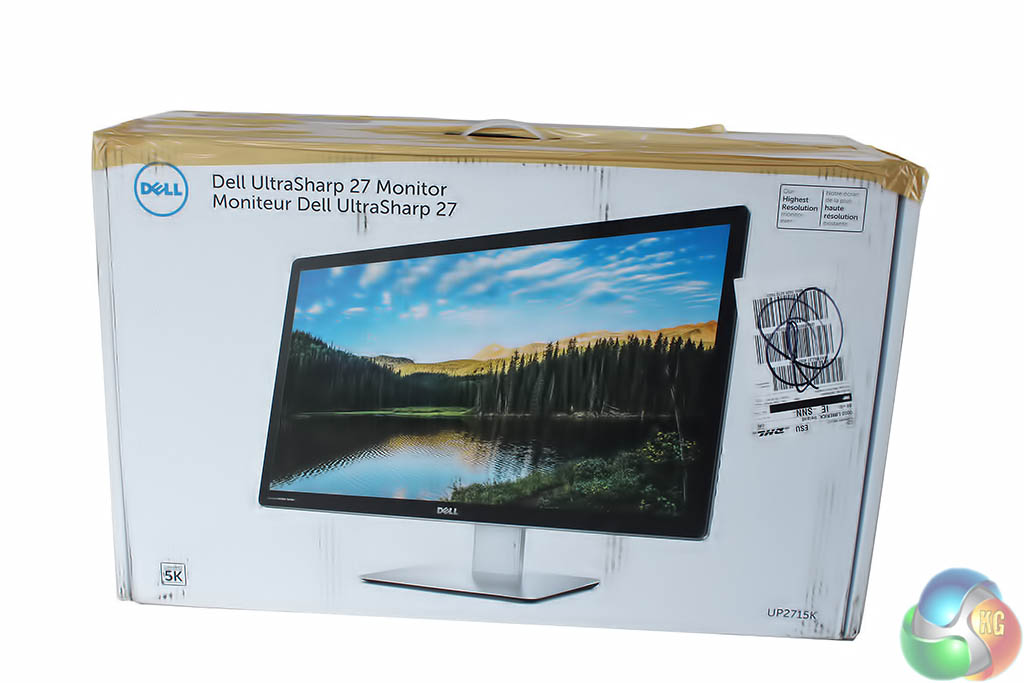
While the packaging our review sample arrived in looks rather shabby, more importantly the real goodies inside it were in fine working order.
The box is quite heavy, as we found when lugging it around for testing. Dell’s site says the full package is 13.5kg, while the screen itself is 7.14kg, something to bear in mind if you’re looking at VESA mounts.
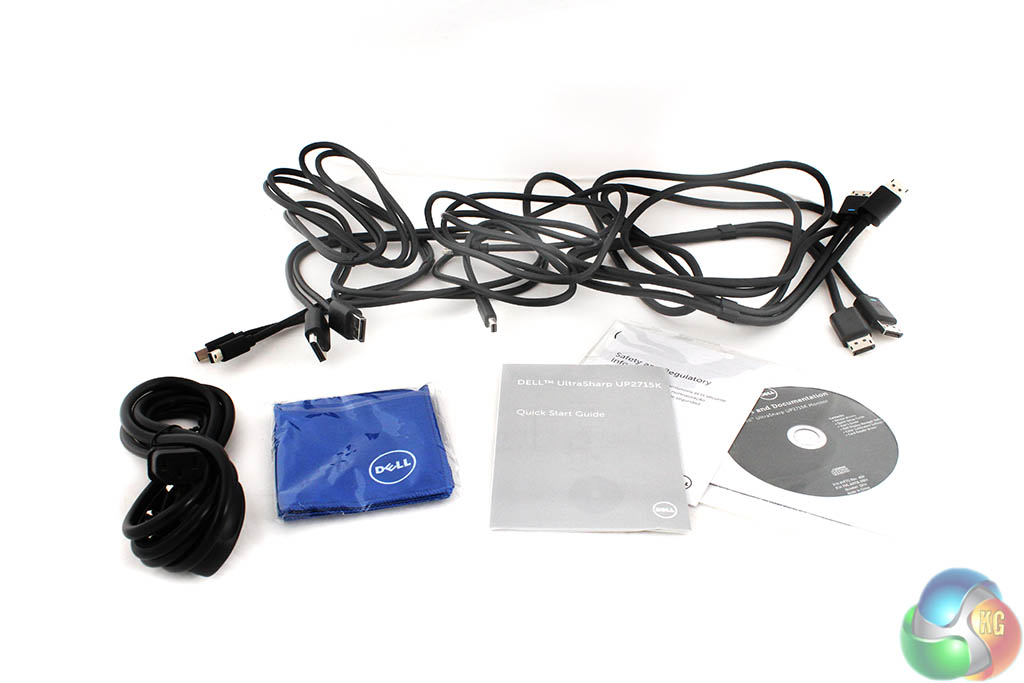
A number of unique cables are supplied, since the Dell UltraSharp UP2715K has some unique requirements. In a separate white box, there’s a dual-DisplayPort to dual-DisplayPort cable, dual Mini-DP to dual-DisplayPort cable and a standard Mini-DP to Mini-DP cable.
You also get a power cable, USB uplink cable, blue cleaning cloth, driver CD, calibration chart and quick-start guide.
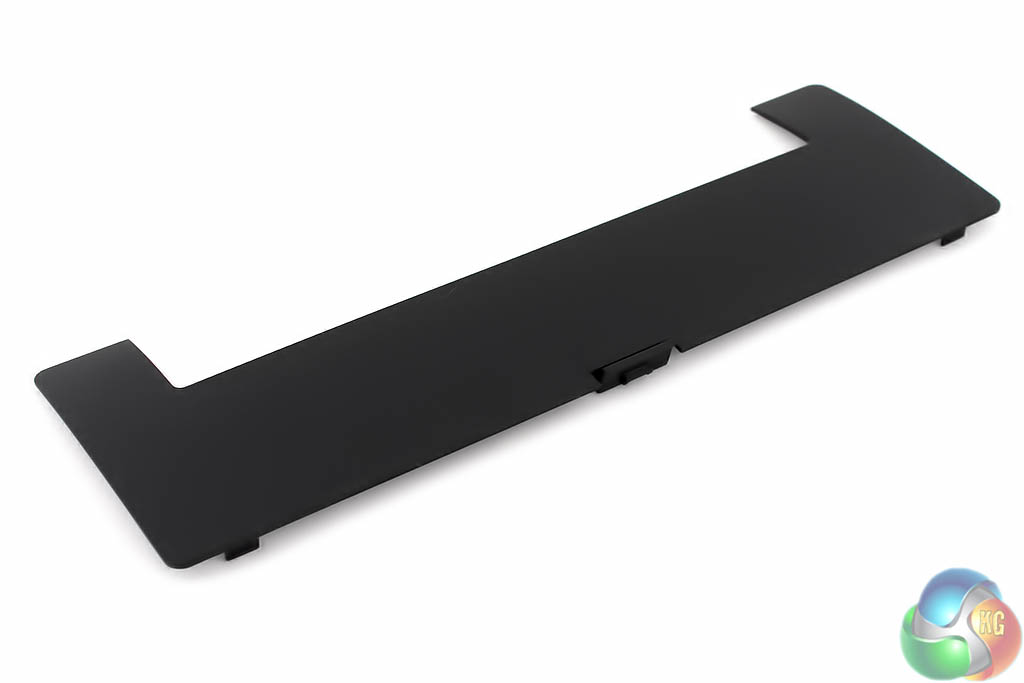
One last accessory is the removable plastic cover to place over the ports at the rear of the Dell UltraSharp UP2715K. Hardly essential, as most people don’t spend much time looking at the rear of their monitors.
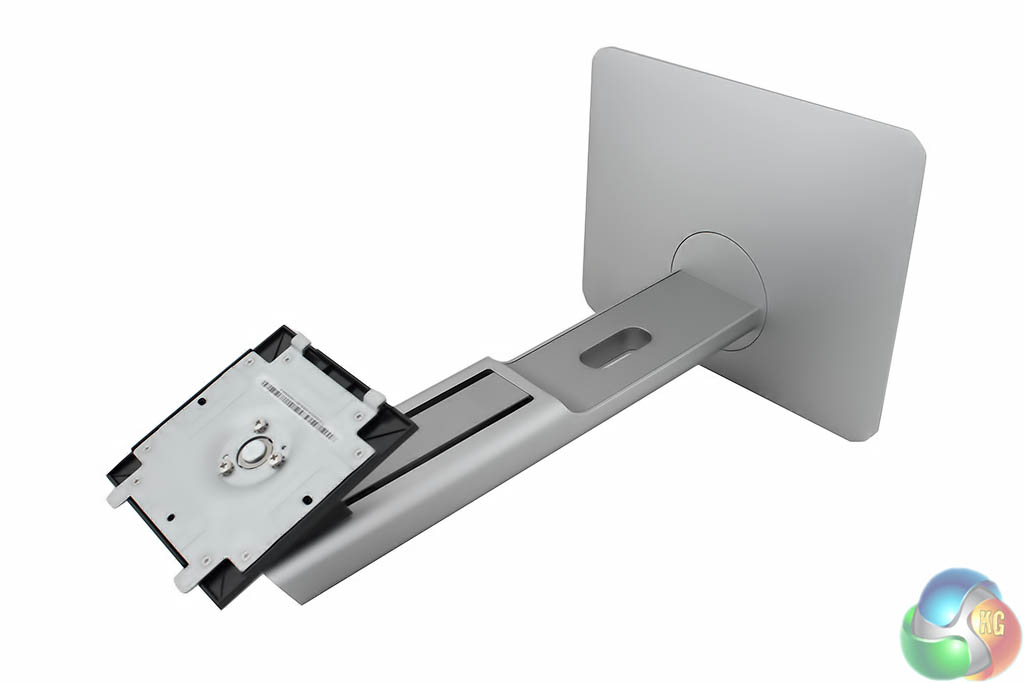
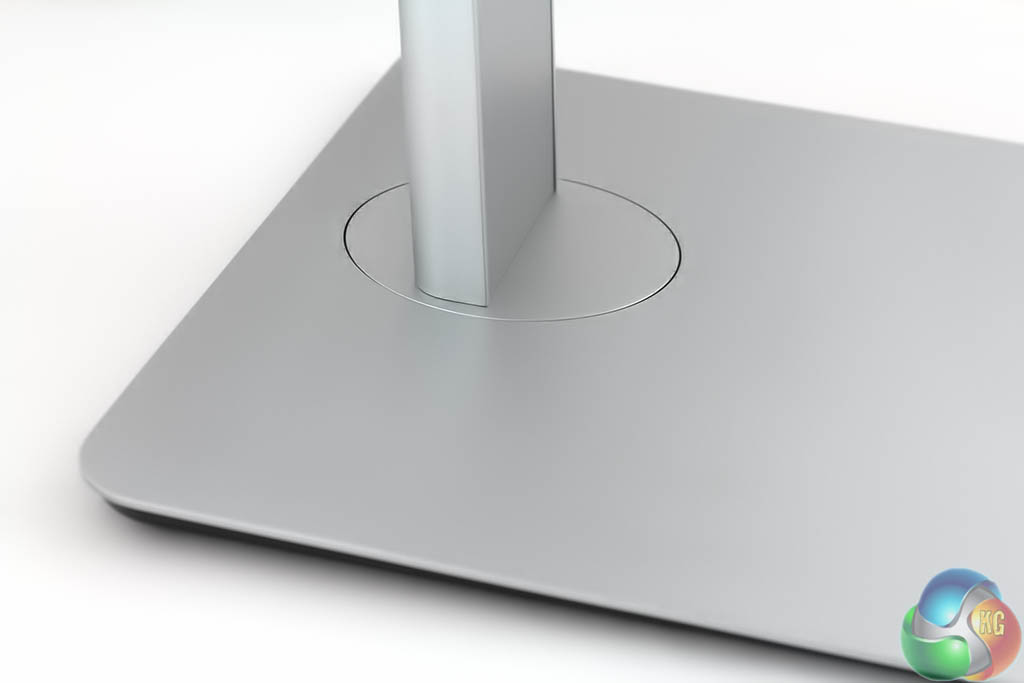
The stand is supplied already fitted together as a single piece. It cleverly sits in the packaging underneath the monitor, supporting the box.
It’s made from solid metal, and is quite heavy.
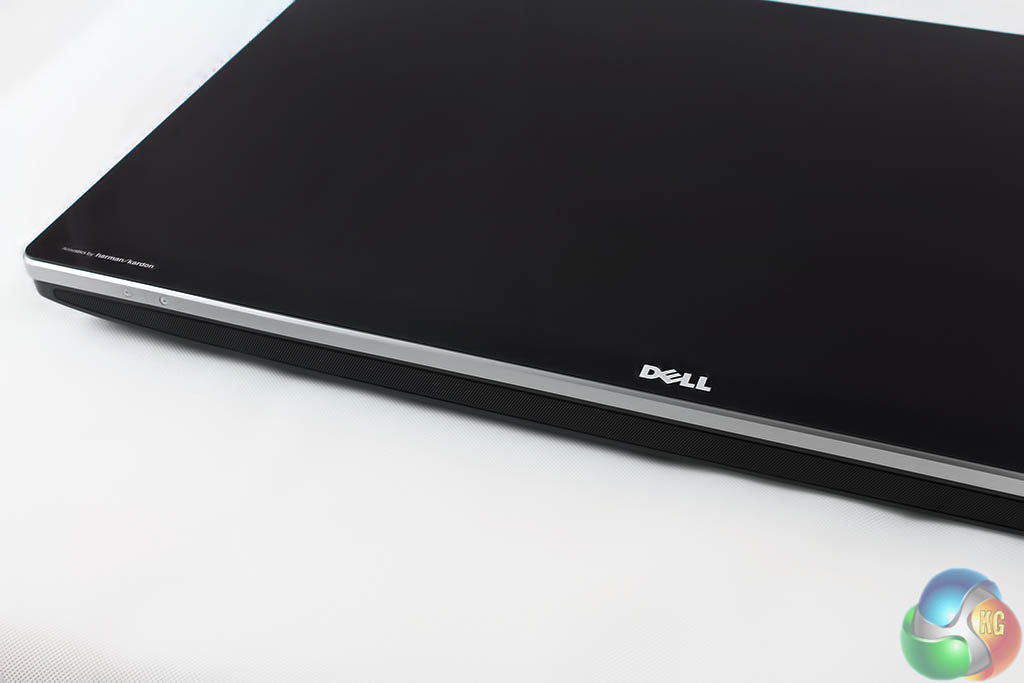
The screen is covered in glass and there’s a metal trim running along the edge.
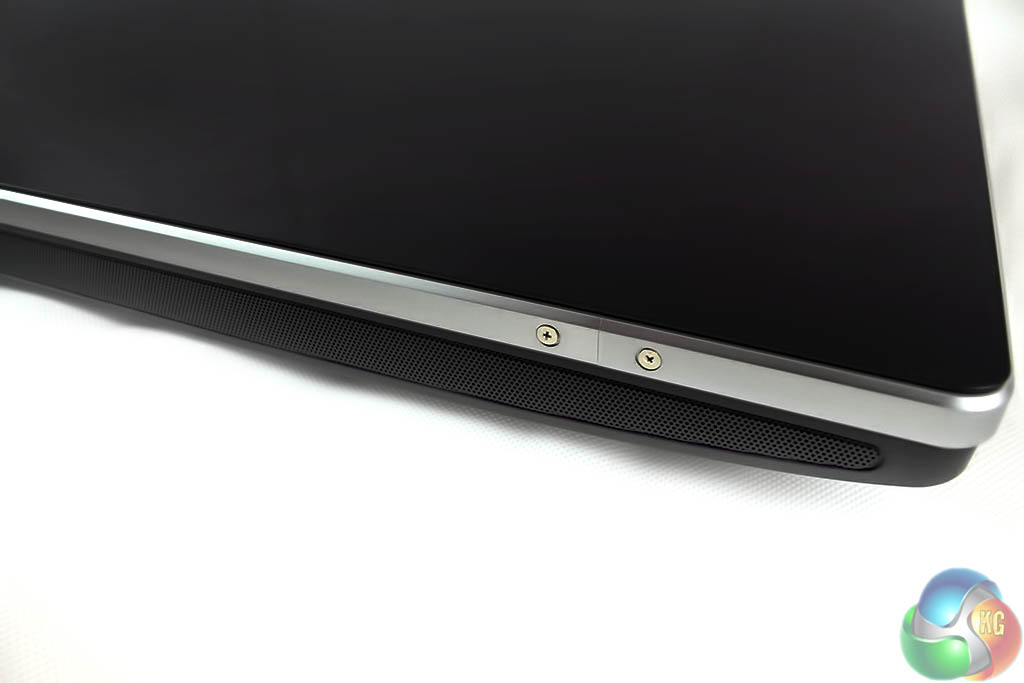
A sound bar runs underneath the whole length of the lower bezel.
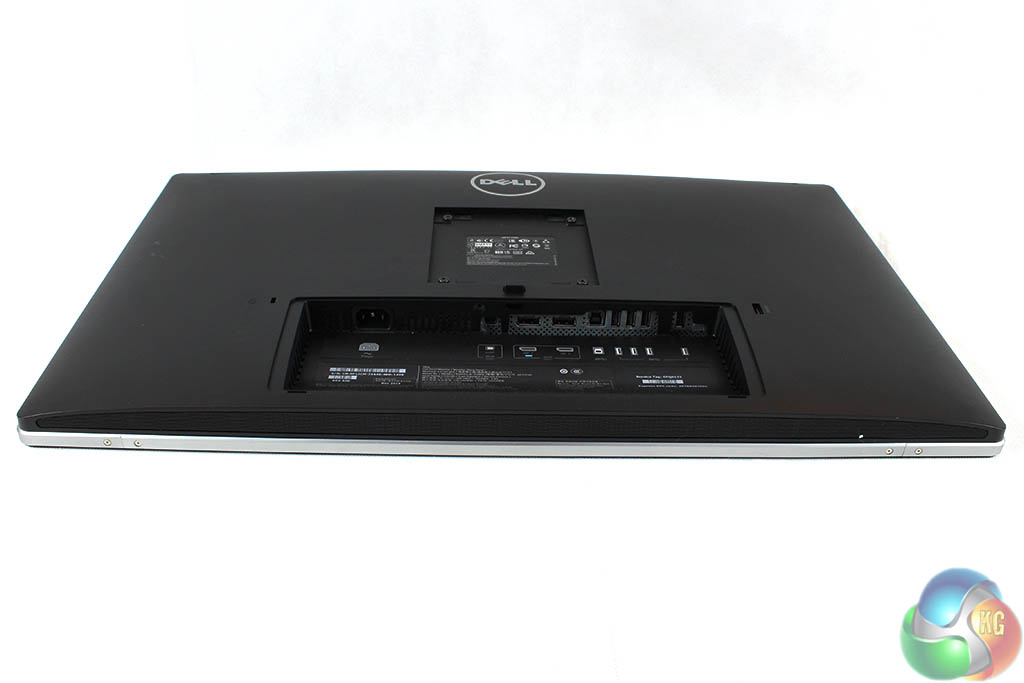
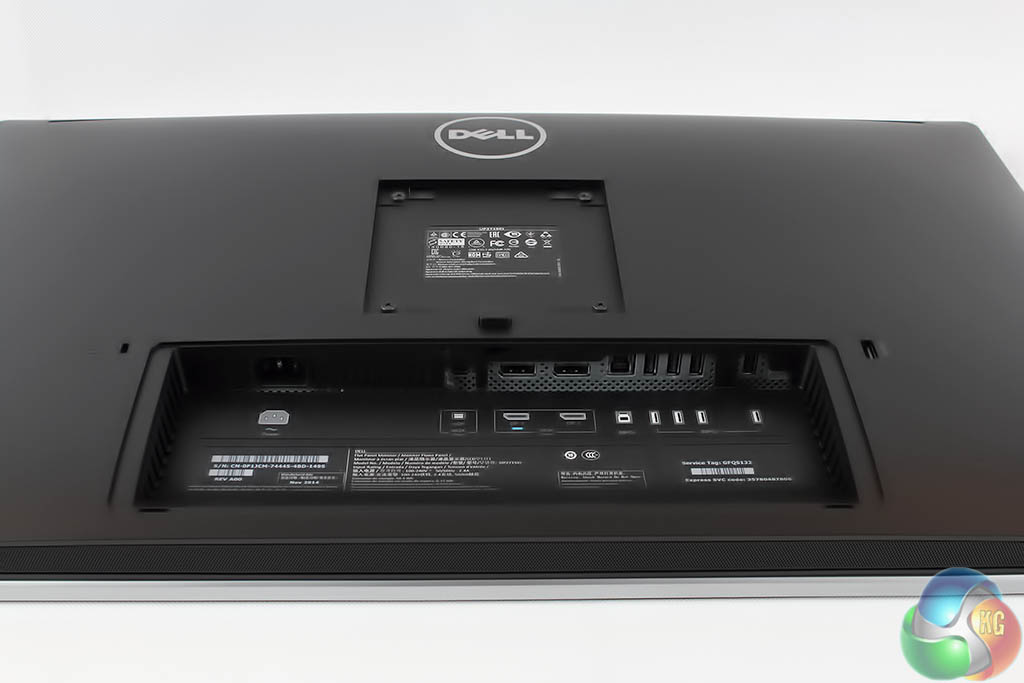
The rear is made from tough plastic.
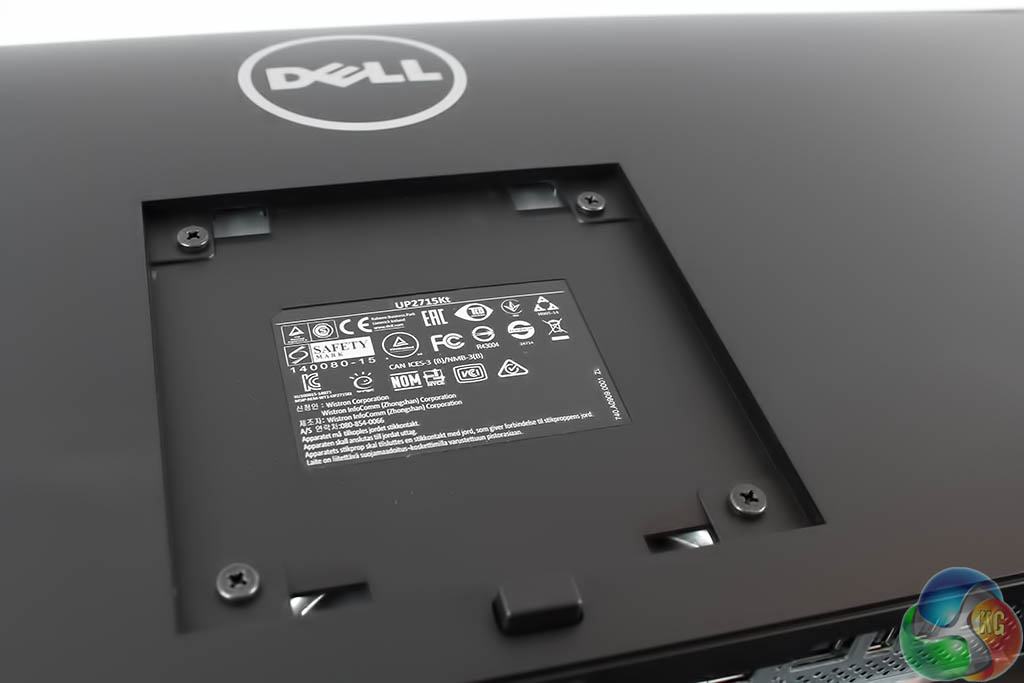
The stand connects to the screen with the usual 100mm VESA holes, which can be used with your own mounting arm if you like.

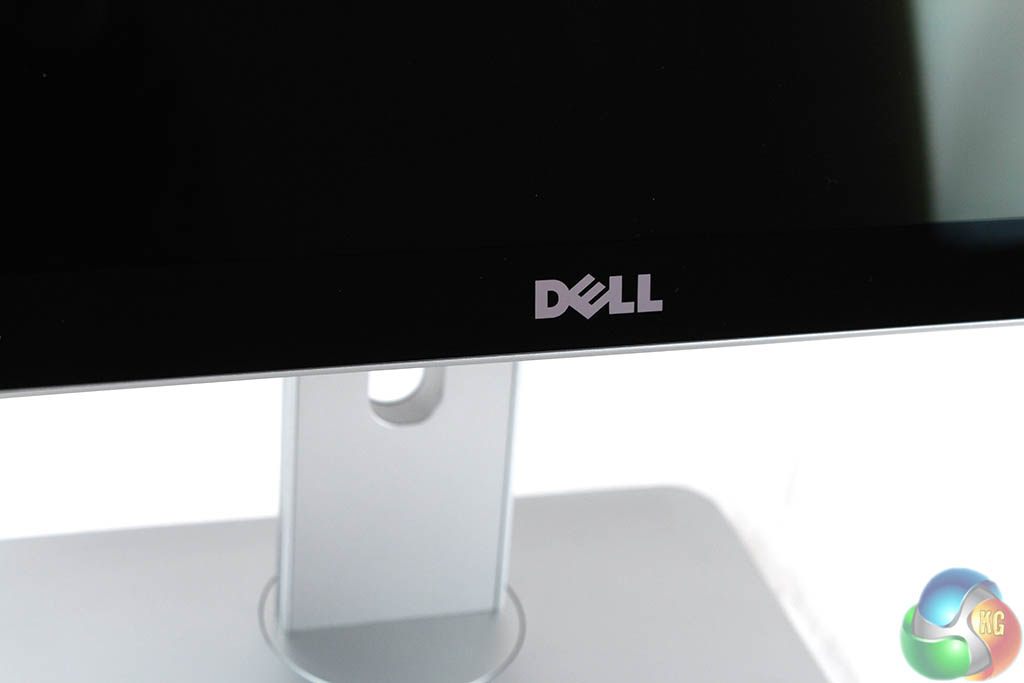
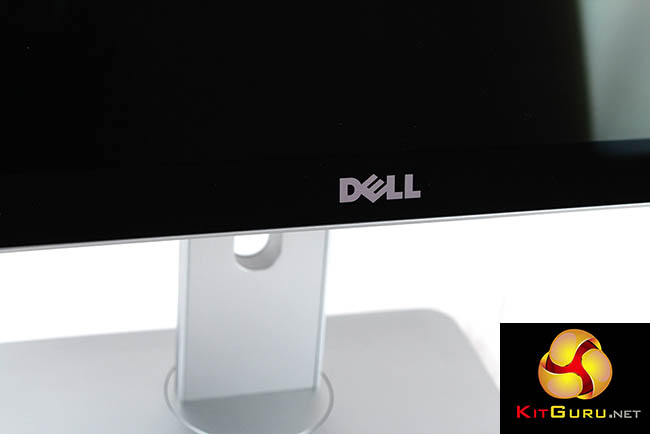
As is standard with all Dell displays, there’s a big circular logo at the back, one in the middle of the lower bezel at the front, and a Harman/Kardon logo on the left edge, advertising the inclusion of technology from this speaker brand.
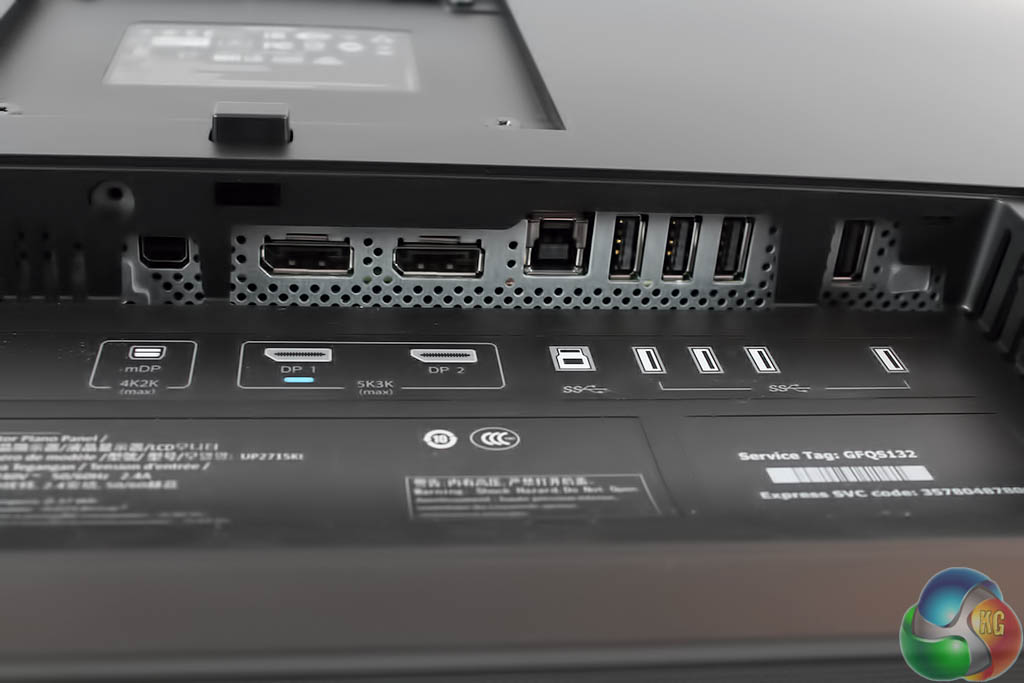
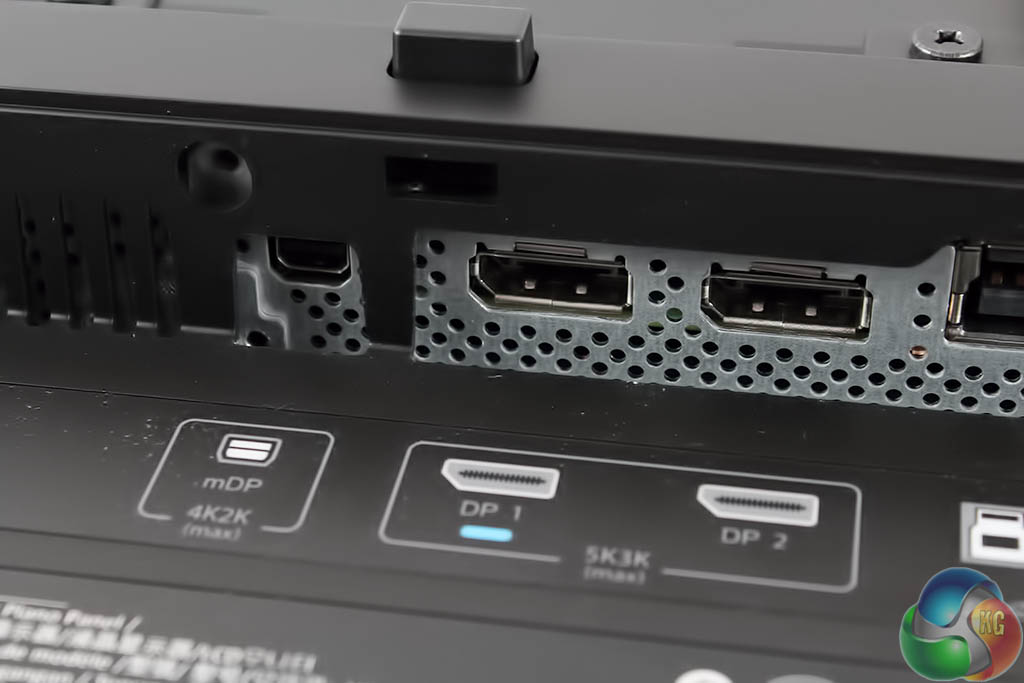
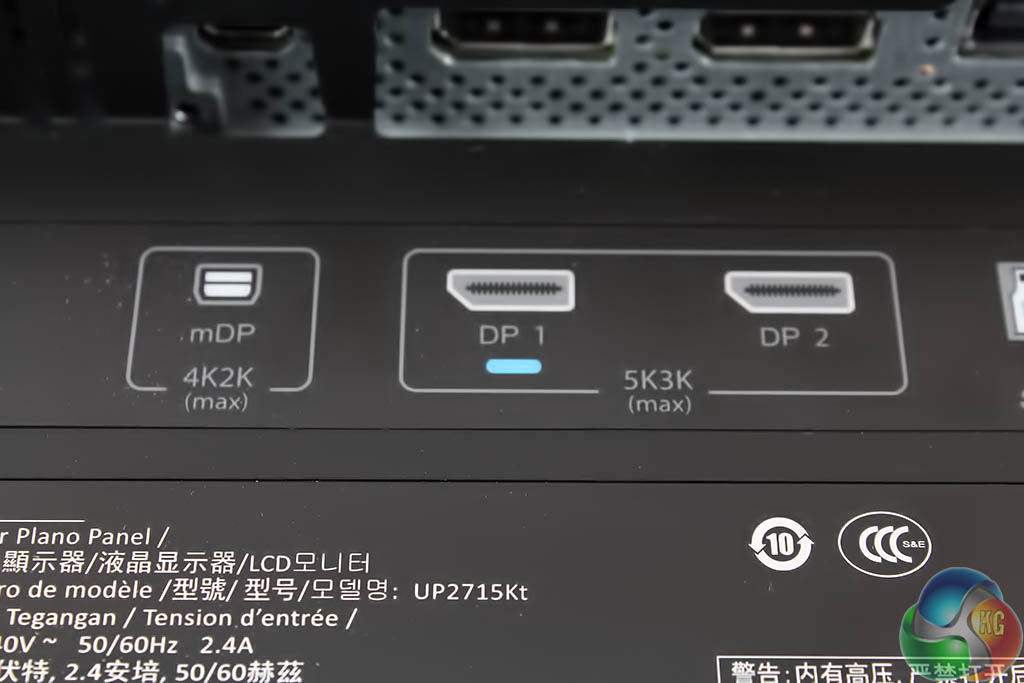
Sensibly, Dell has very clearly labelled how to connect the display to your computer. For 4K, use the MiniDP port on the left. For 5K, use the dual DisplayPort inputs on the right. It is not really intended to be used with secondary devices.
There are no HDMI ports for games consoles or suchlike. This is a monitor intended for serious business only, we assume. Only HDMI 2.0 would drive the screen at 4K resolution at 60Hz, and we’re not sure if it is possible for dual HDMI 2.0 to manage 5K.
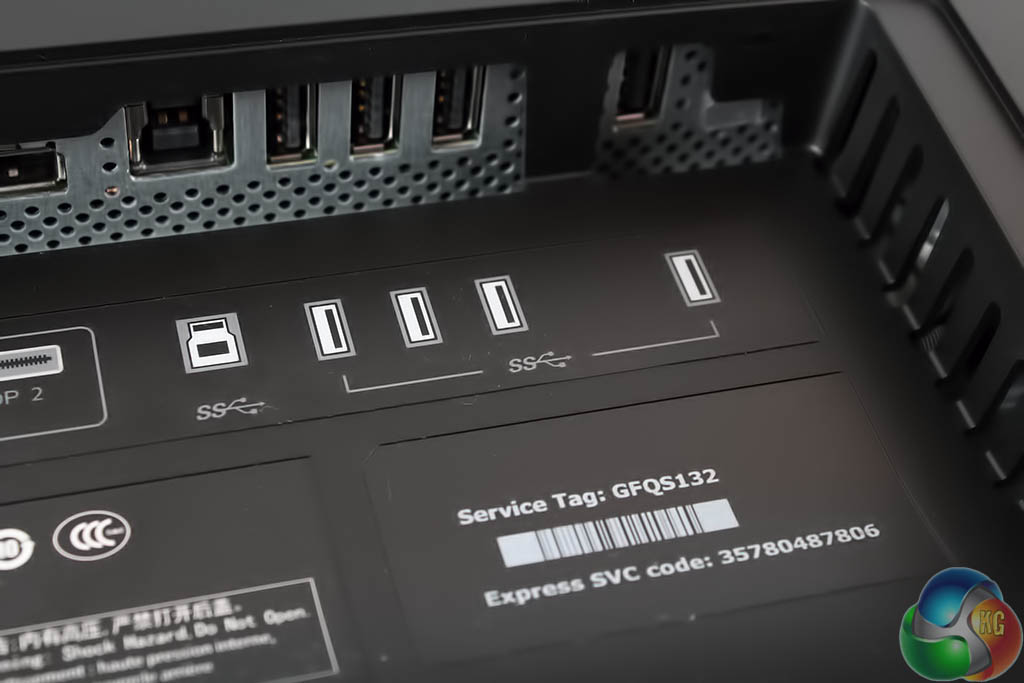
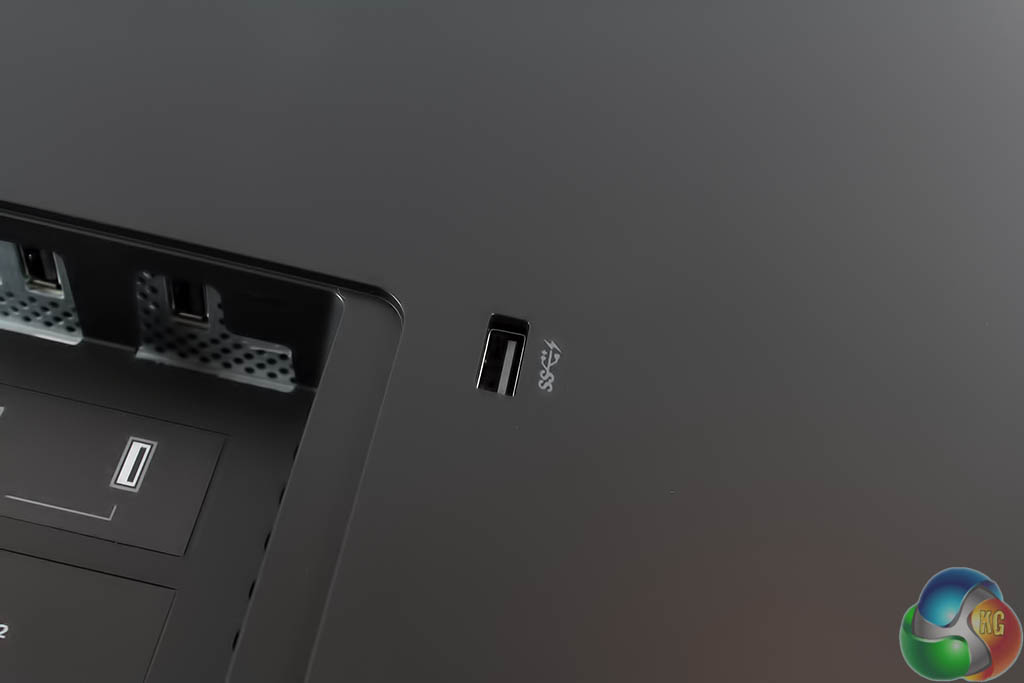
There are four USB 3 ports on the underside of the display, with another fast-charging USB 3 port to the right, making a total of five.
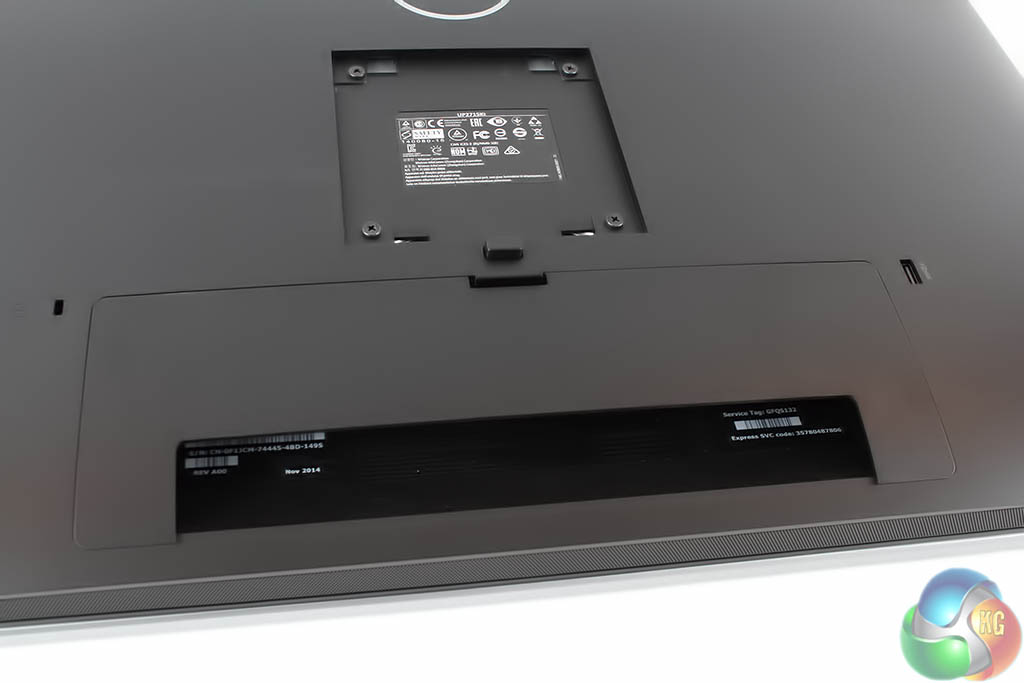
With the cover over the ports, we admit, it looks kind of cool and minimalist.
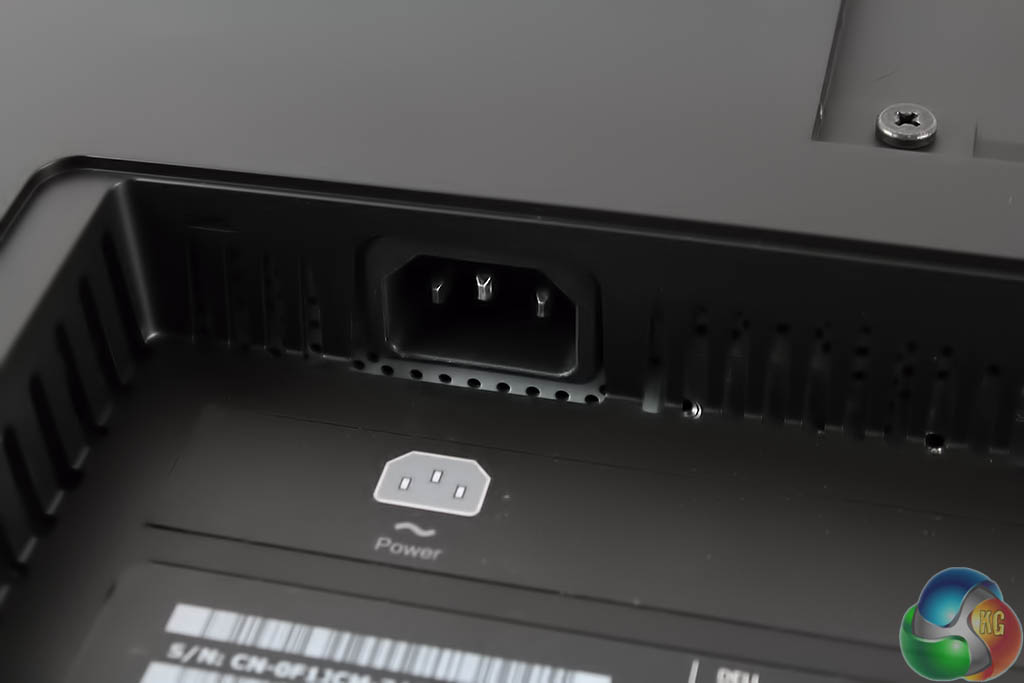
It takes a standard IEC kettle lead. No need for an external power supply.
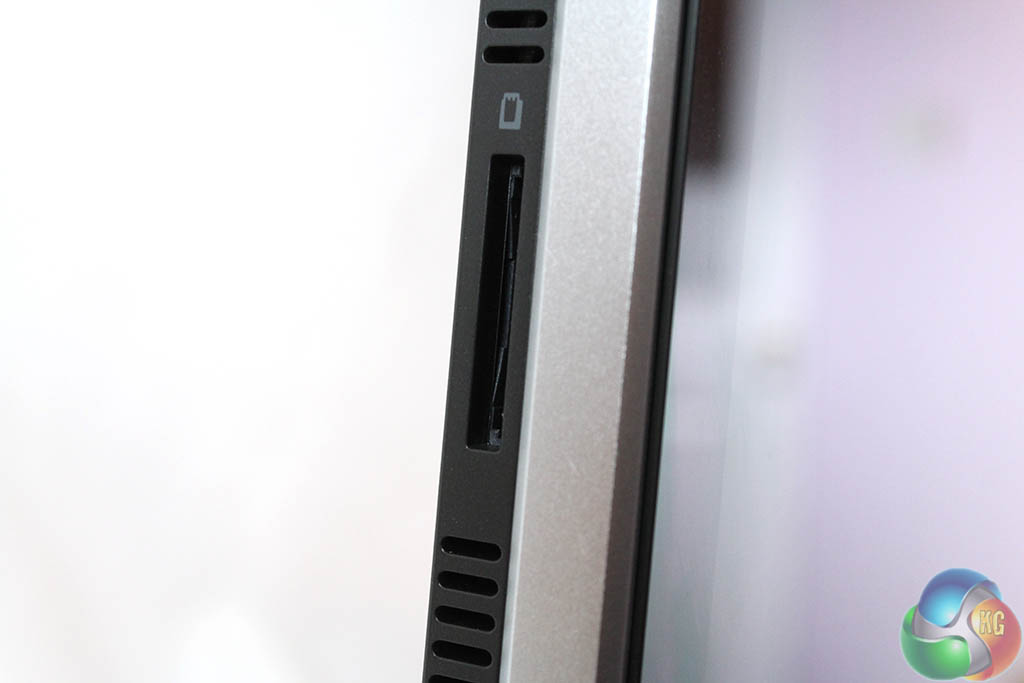
There’s also an SD card slot on the left-hand edge.
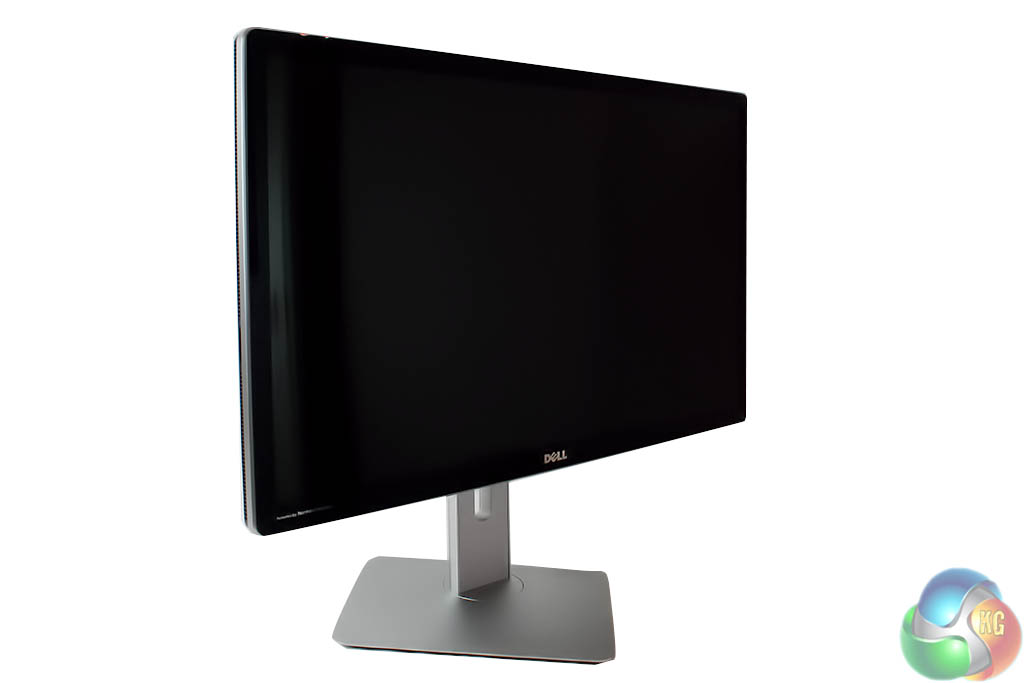
When assembled, the Dell UltraSharp UP2715K offers a full range of motion thanks to the flexible stand. It can rotate 60 degrees in either direction.
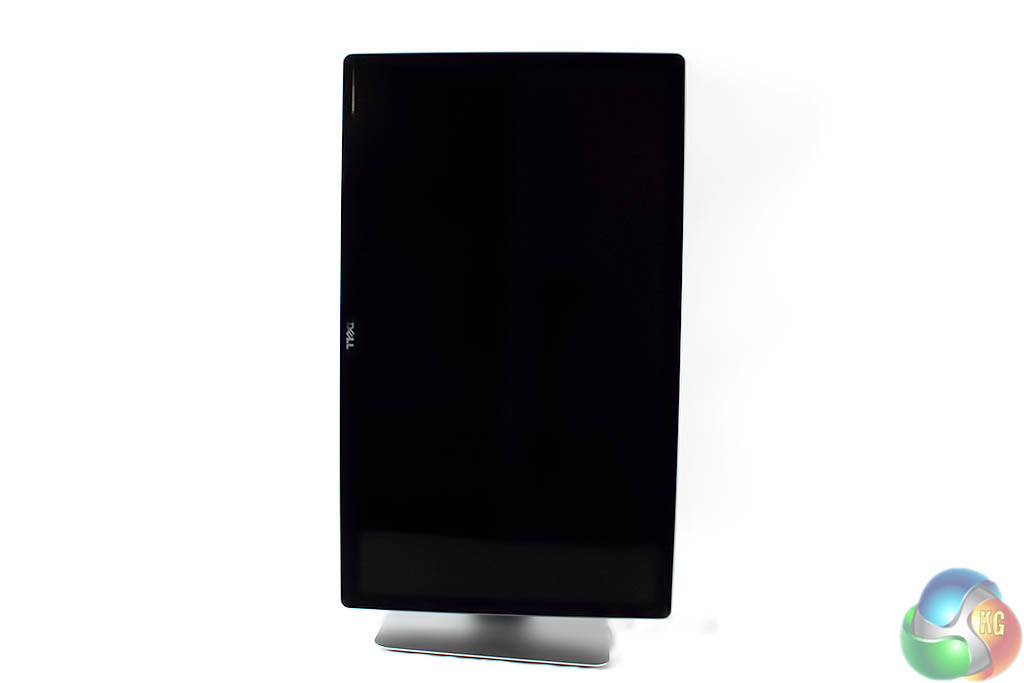
It can pivot into portrait mode.
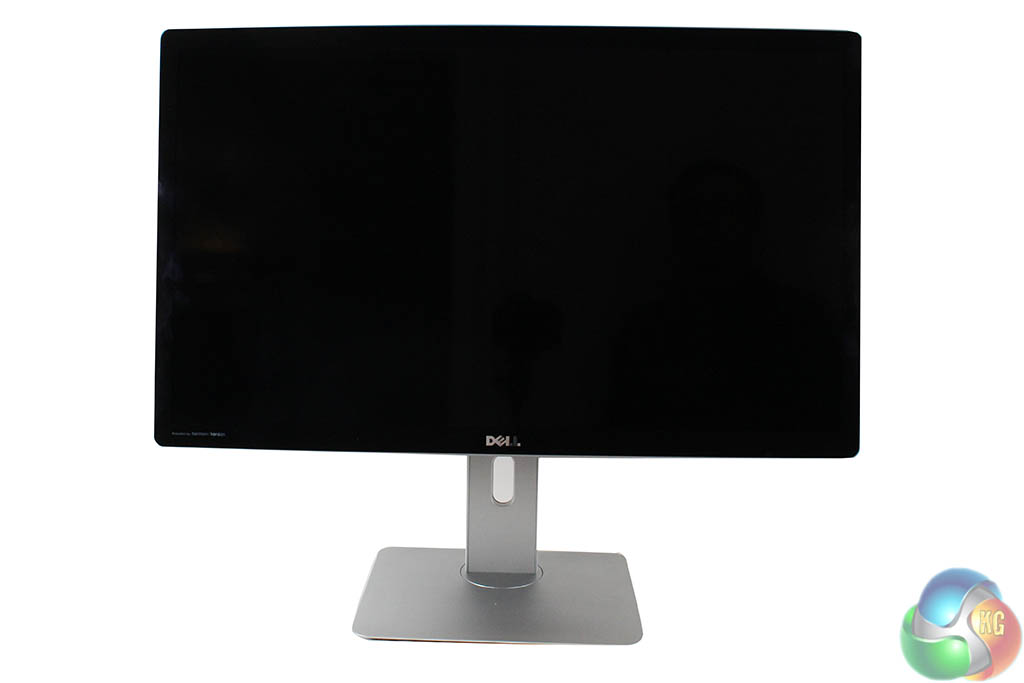
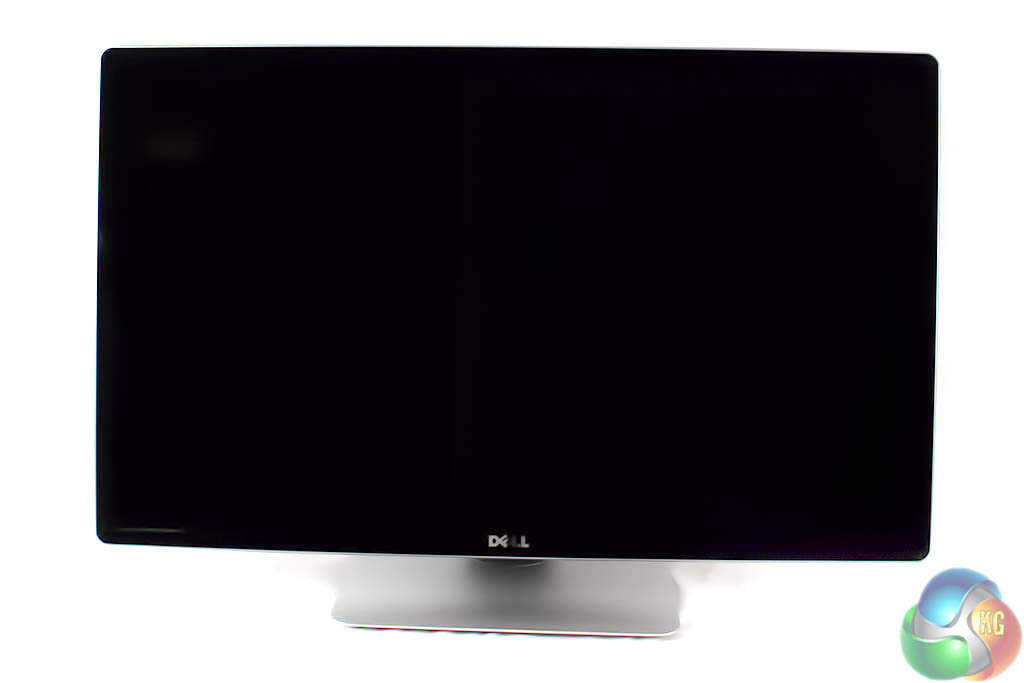
And the height can be adjusted.
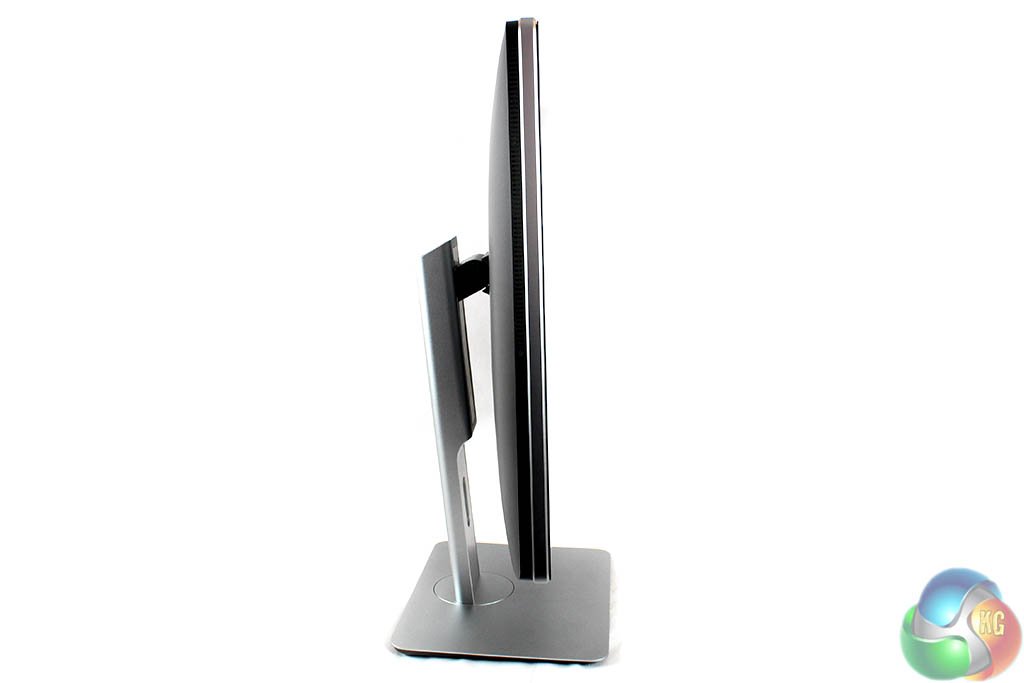
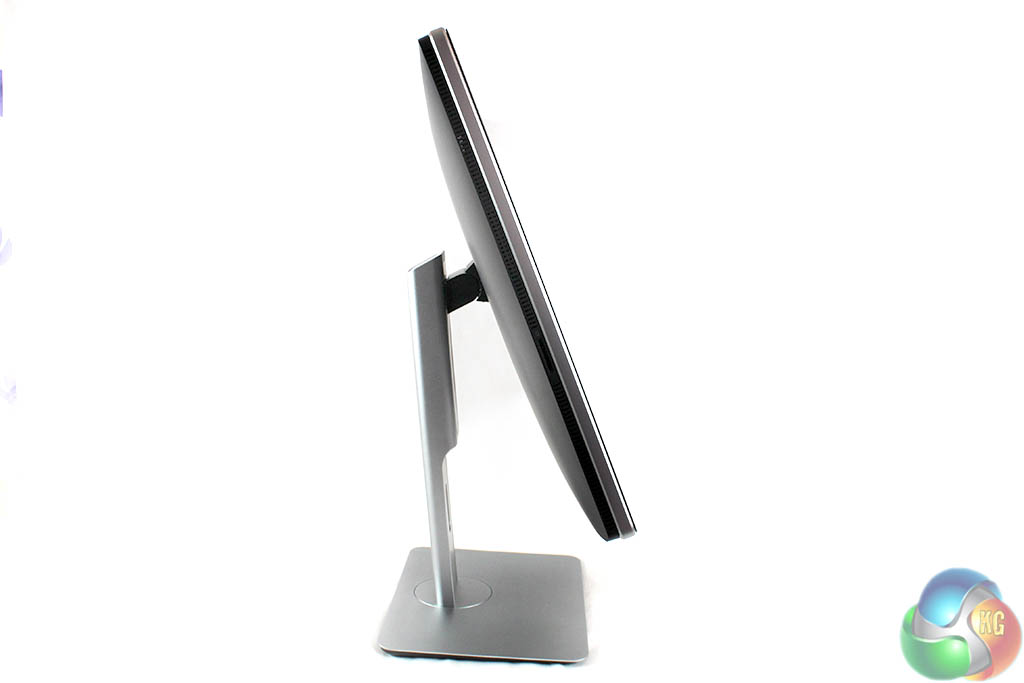
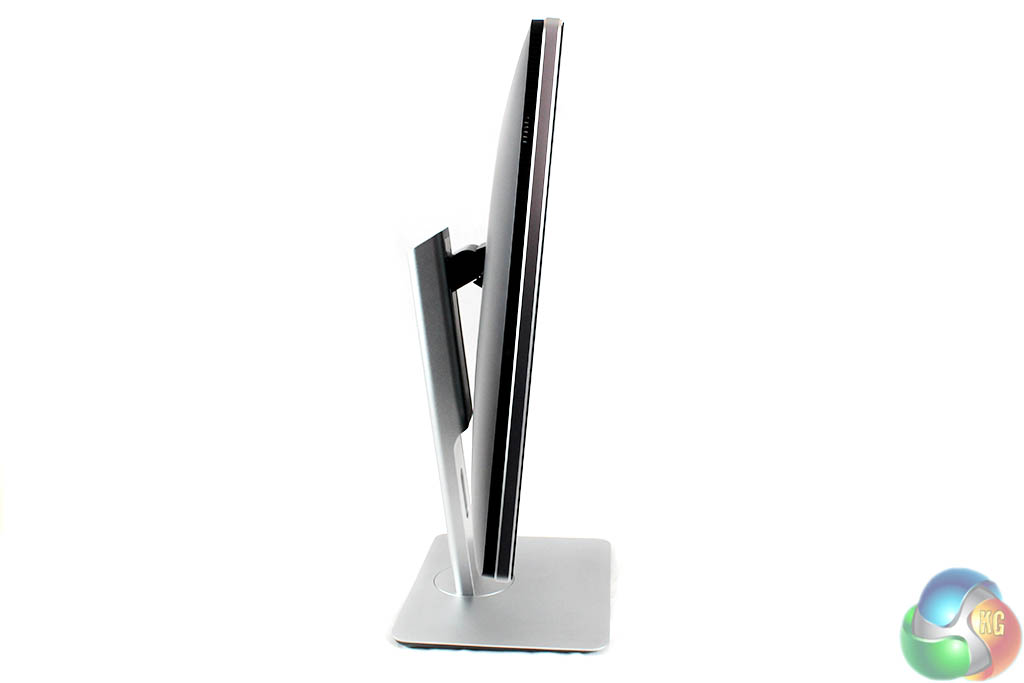
And the screen can be tilted forwards and backwards.
We did notice in use that while the screen is capable of plenty of tilting and rotating, it can be slightly wobbly. Not enough to be a major problem though.
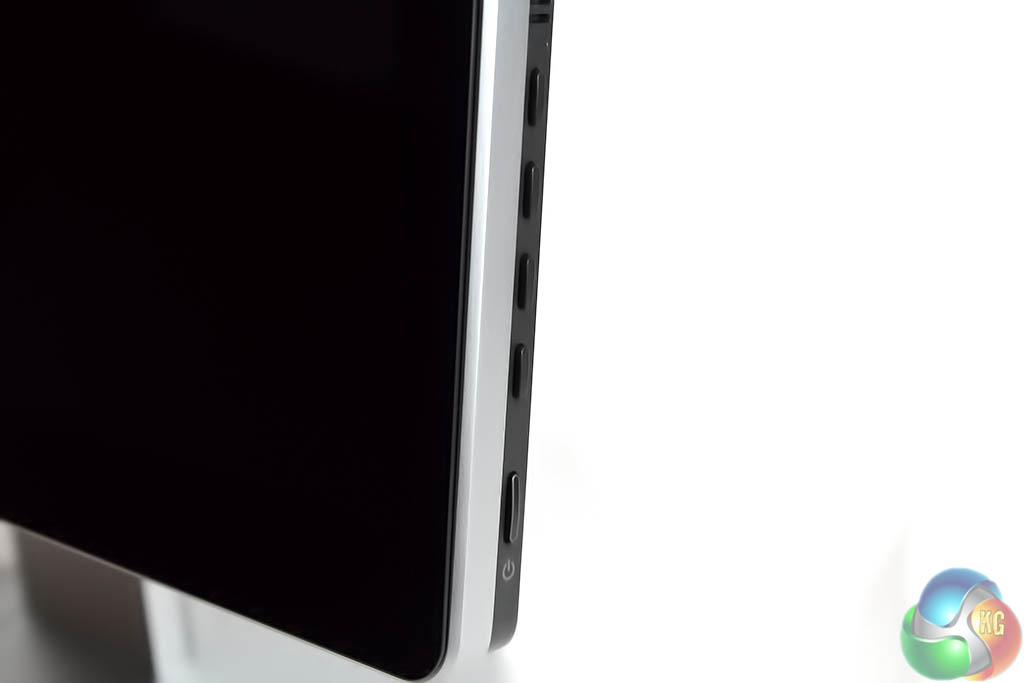
Finally, the OSD is controlled with physical buttons located on the right-hand edge.
While the lower button is for power, the other four are used to navigate through the menus in the Dell UltraSharp UP2715K. We’ll take a look at the on-screen menu system on the next page.
With a professional-grade monitor, we’re looking for more advanced features and settings than usual. We’re not interested in in-game crosshairs or advanced blur-reduction features, but instead, a selection of supported standard colour modes, and plenty of control over white point.
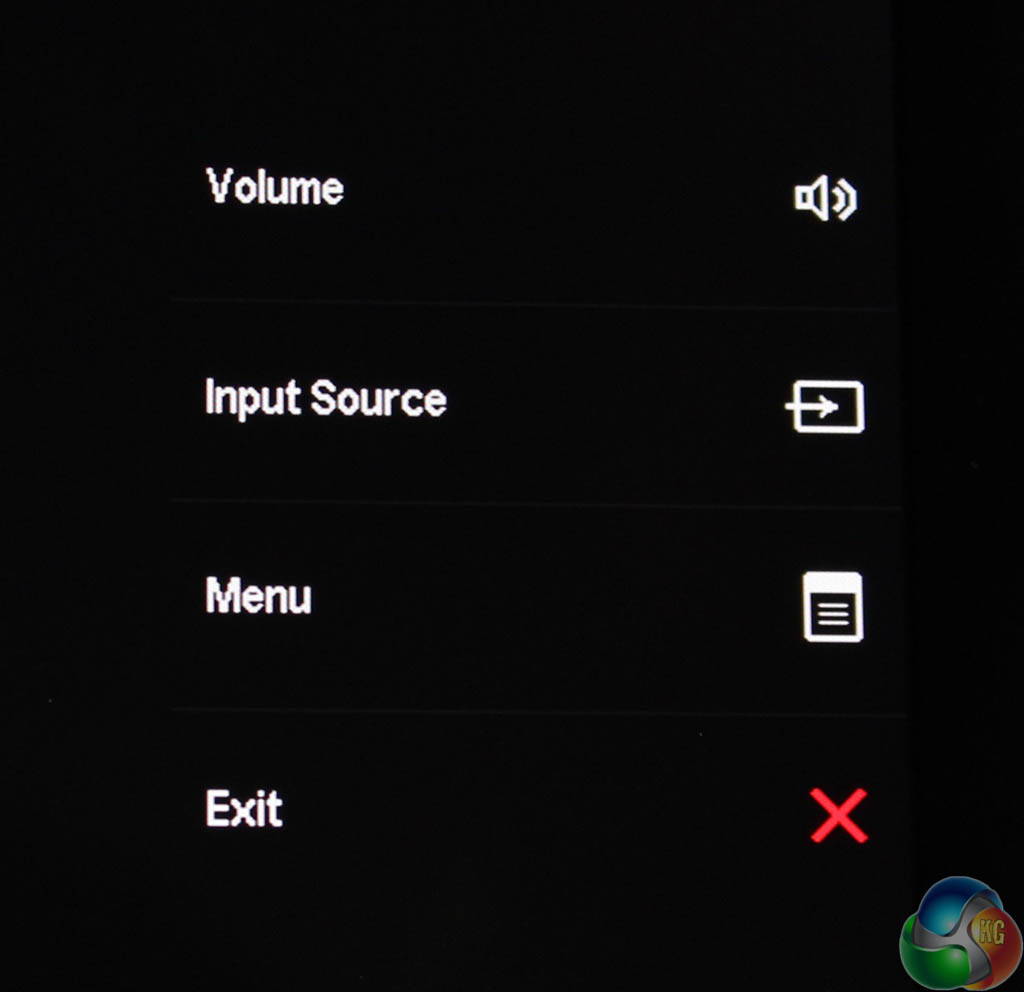
Pressing any of the top four buttons brings up an overlay of default shortcuts next to each button. It’s pretty self explanatory. The lower button with the red X closes the menu. The shortcuts can be customised by the user.
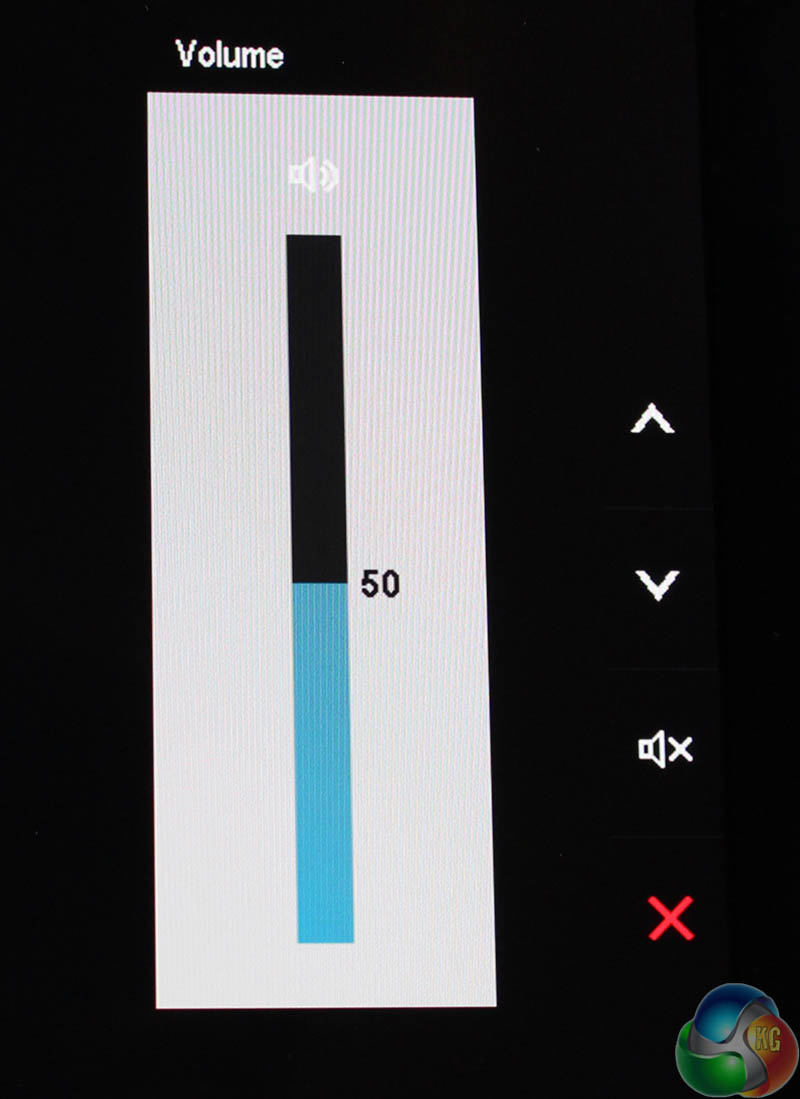
The volume can be adjusted. We suspect many users will replace this shortcut with a different setting.
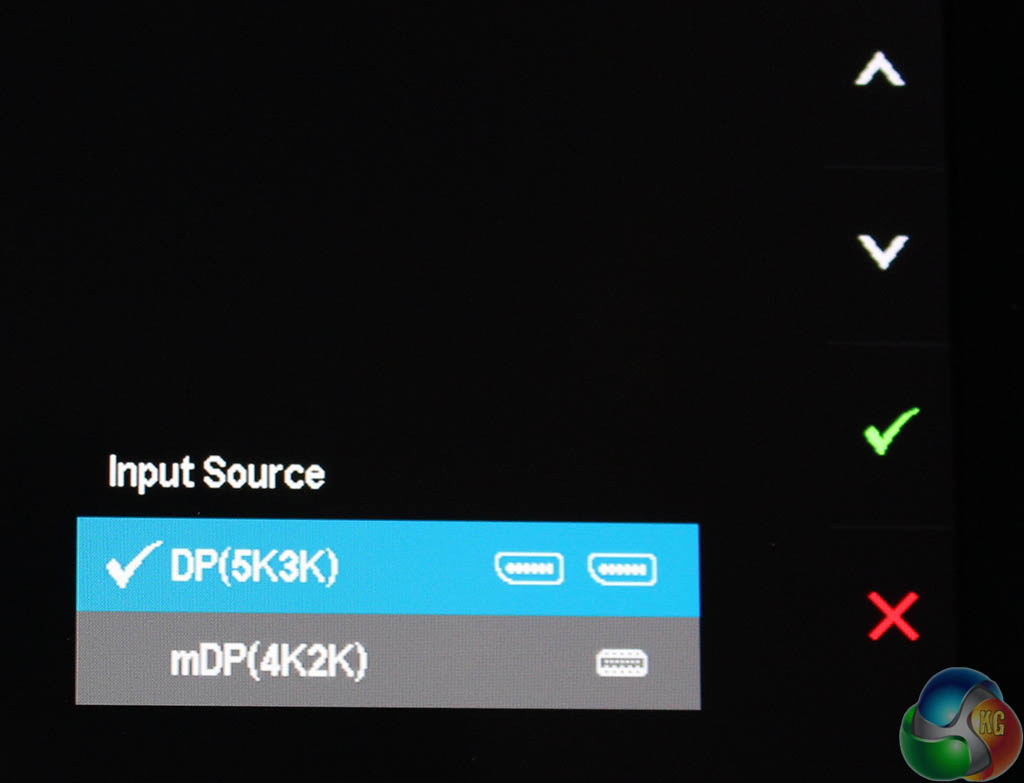
And you can switch between the inputs. Again, users may find another setting that’s more useful for their needs.
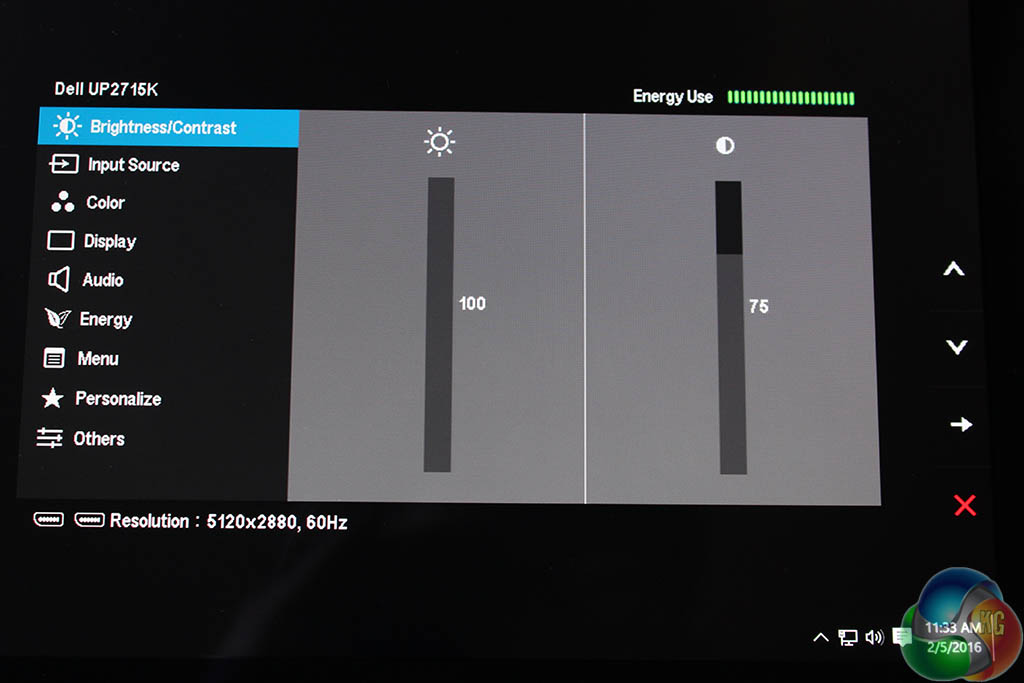
The main menu shows the current resolution of the monitor, the input method in use and the refresh rate in the lower left-hand corner. In the top-right is an estimate for power consumption, based on the current brightness setting.
It defaults to brightness and contrast controls which are raised and lowered using the buttons on the right. You know the drill. We raised the brightness to 100 per cent to make the OSD screenshots look better but in normal use it is set to 75 per cent.
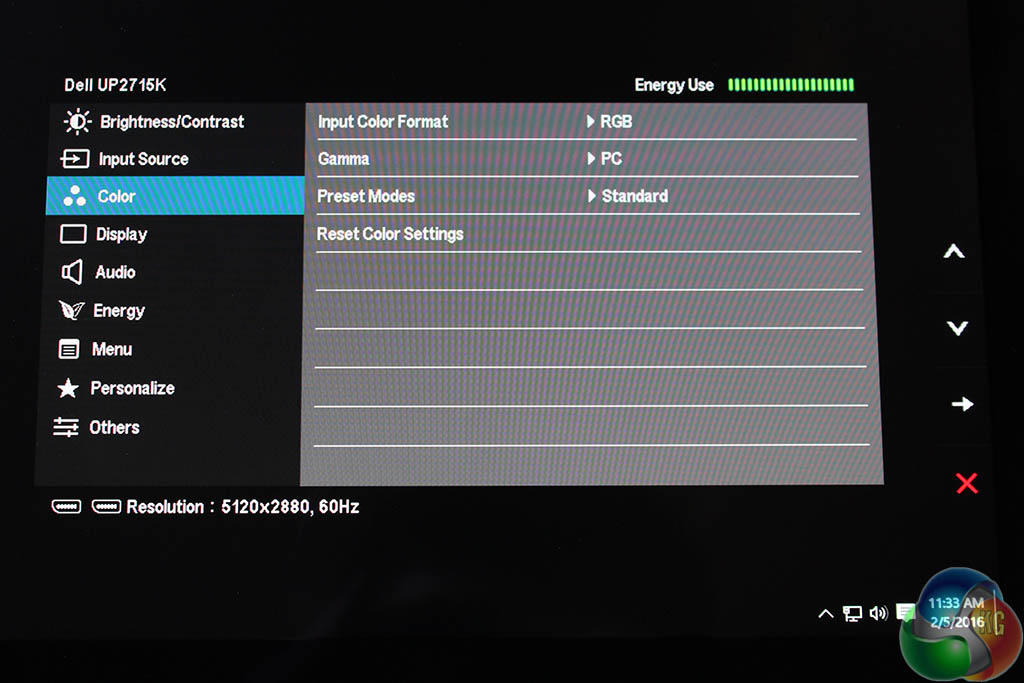
The next menu has some of the many potential image adjustments.
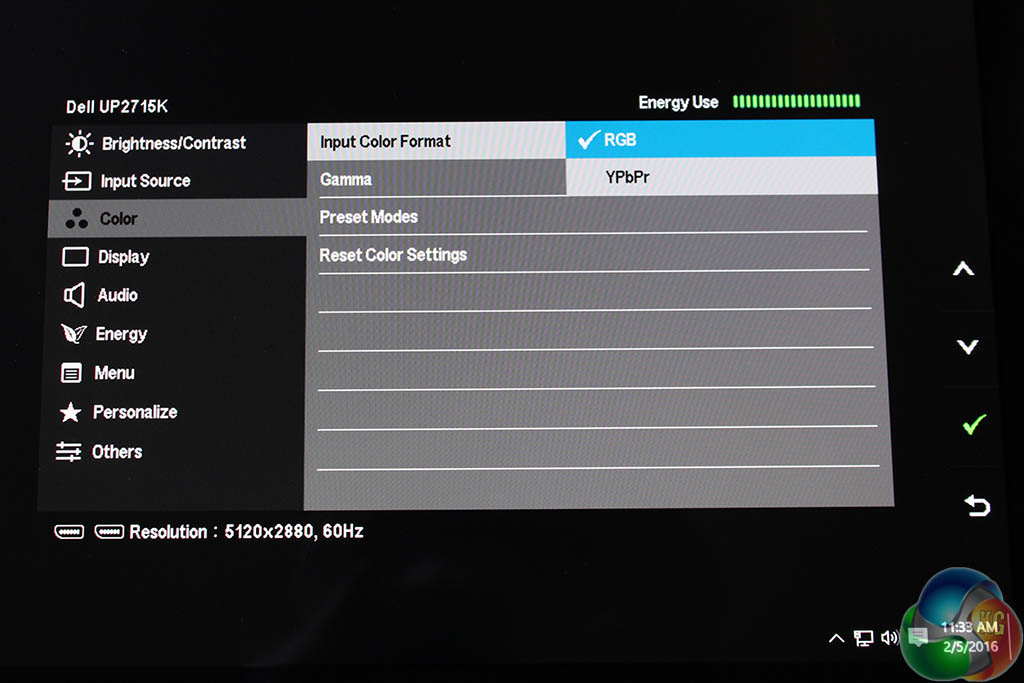
You can switch colour space between standard RGB and YPbPR (analogue component). Not a feature usually seen on displays.
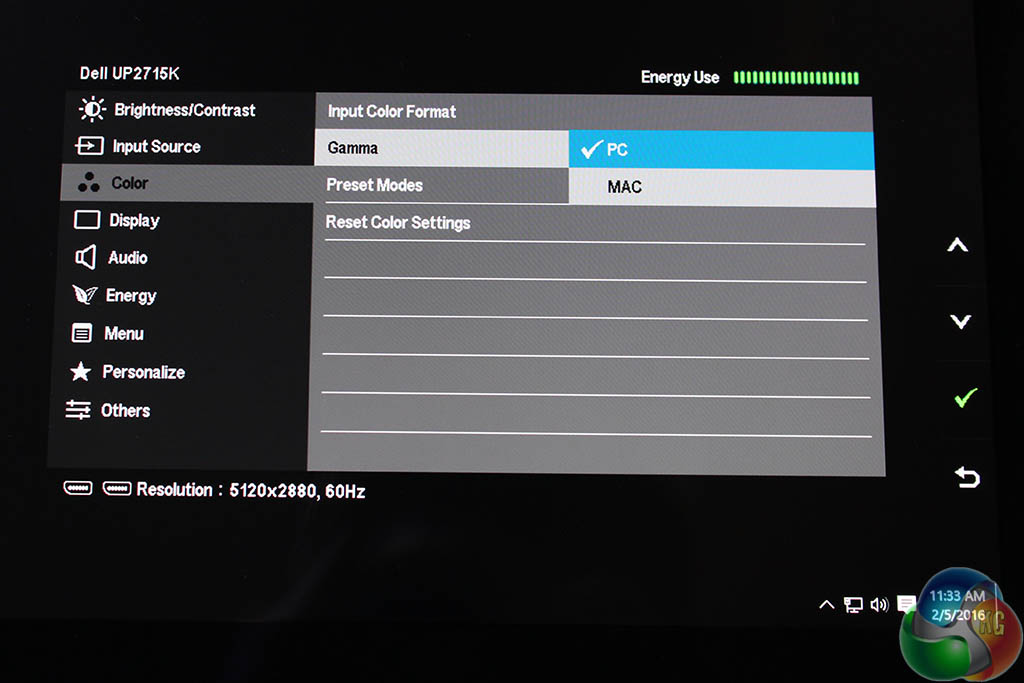
There are two main gamma settings labelled PC and Mac. During testing, we’ll find out exactly what they mean.
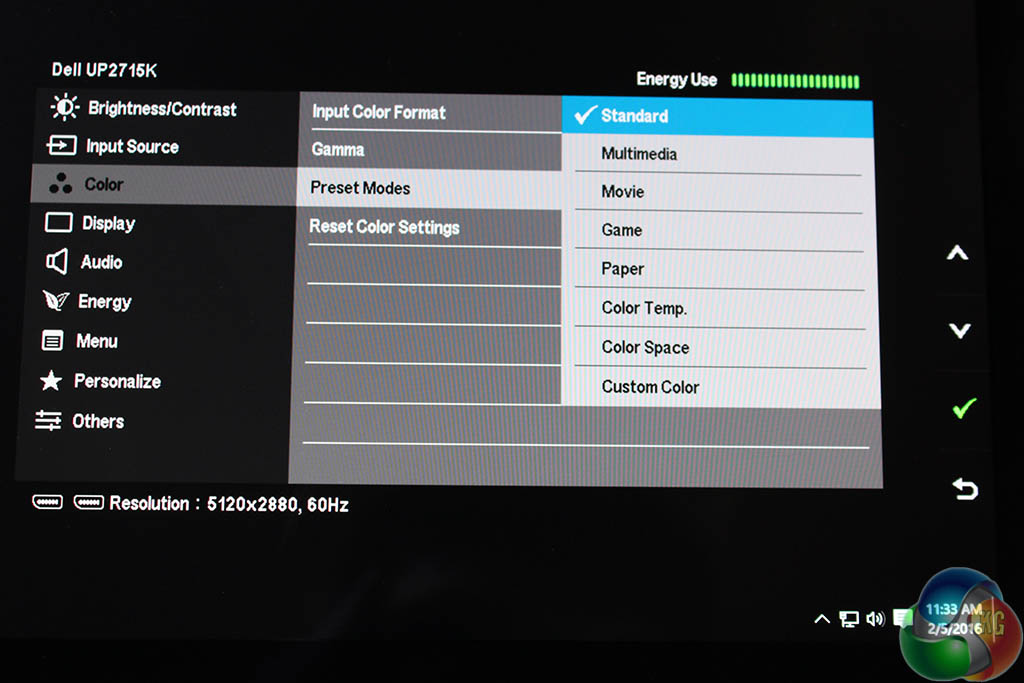
Under the preset modes sub header, there are as expected a number of preset display settings, with the usual labels such as ‘Standard’ and ‘Multimedia’. But at the bottom are two important settings hidden away.
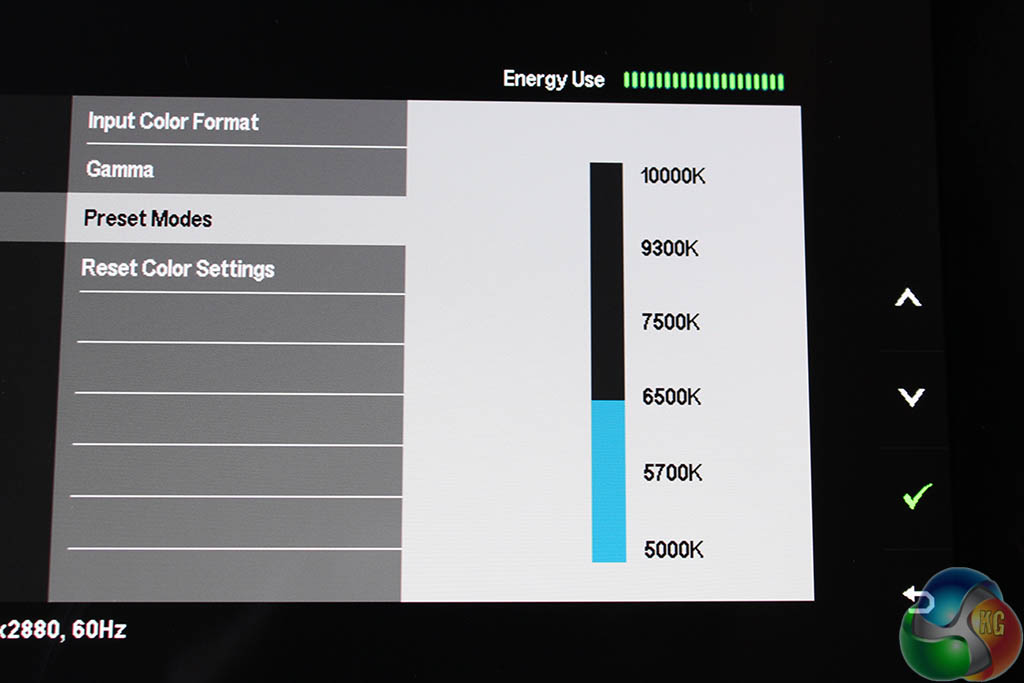
If you press the select button on ‘Color Temp’ you get a list of six white points ranging from 5000K to 10000K, with the default set at 6500K. We think this really should have been given its own menu option.
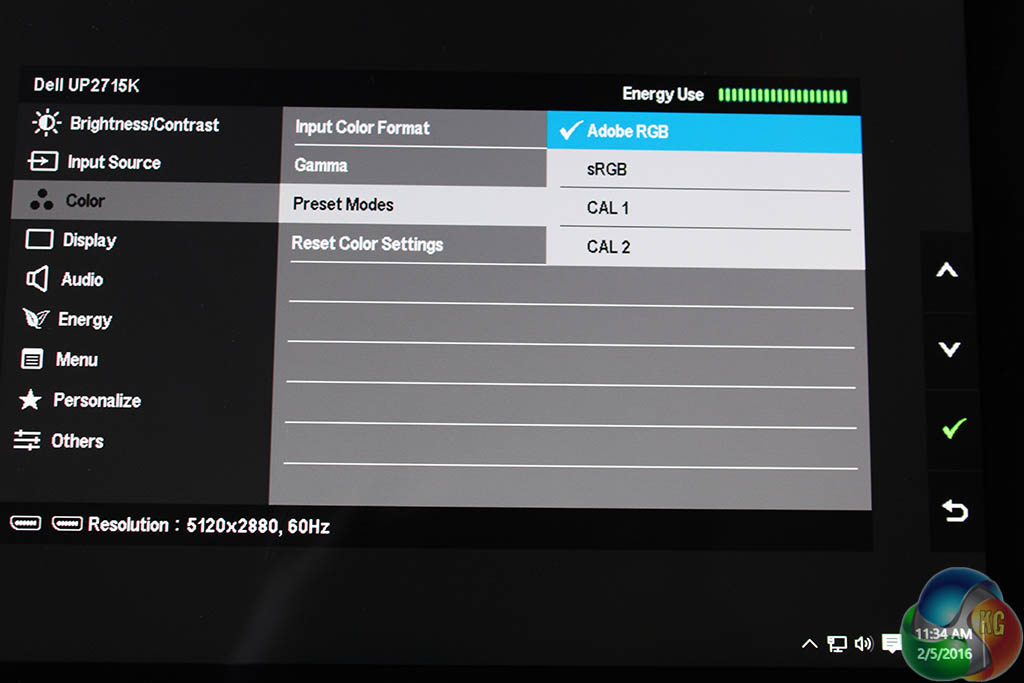
And likewise if you expand the ‘Color Space’ option you can choose between calibrations, with sRGB and AdobeRGB listed, along with CAL 1 and CAL 2 for user customisation.
A preset for AdobeRGB is a great feature and not one usually found on general-purpose displays.
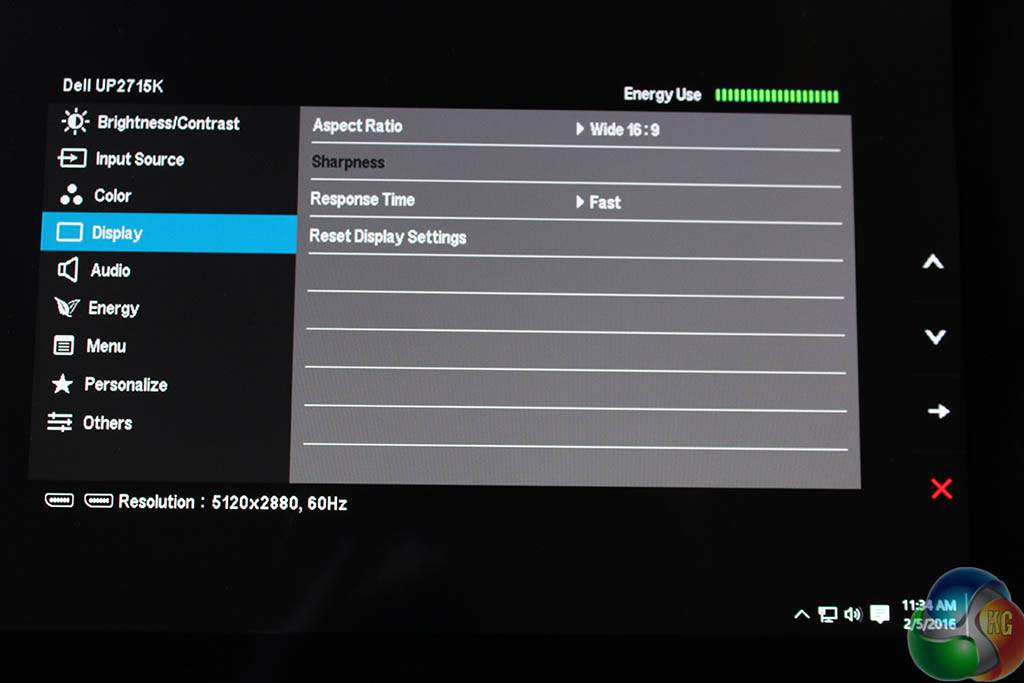
The display menu gives you access to response time and aspect ratio settings to force widescreen and so on, with another option to reset the display.
It’s a fair assumption that a bright 5K screen is going to require a lot of power, something confirmed during testing. The default brightness at 75 per cent consumes 60 watts, already more than most 27-inch displays, but when this is increased to 100 per cent brightness, the power consumption jumps to 75.5 watts.
It’s not the highest figure we’ve seen, but it’s still a lot for a PC display. Last year we tested the 40-inch Philips BDM4065UC (review HERE), which has a 4K resolution and at 100 per cent brightness that consumed 100 watts, comparable to a living room television.
This is probably why Dell provides a power meter, showing an estimate of the current power consumption, in the top right corner of the menu screens.
Then again, if you’ve already shelled out for the Dell UltraSharp UP2715K, you’re unlikely to be too worried about how much its high brightness and resolution will add to your electricity bill.
We used a DataColor Spyder 5 Elite colorimeter to test the Dell UltraSharp UP2715K, first with its out-of-the-box settings, then again after calibration.
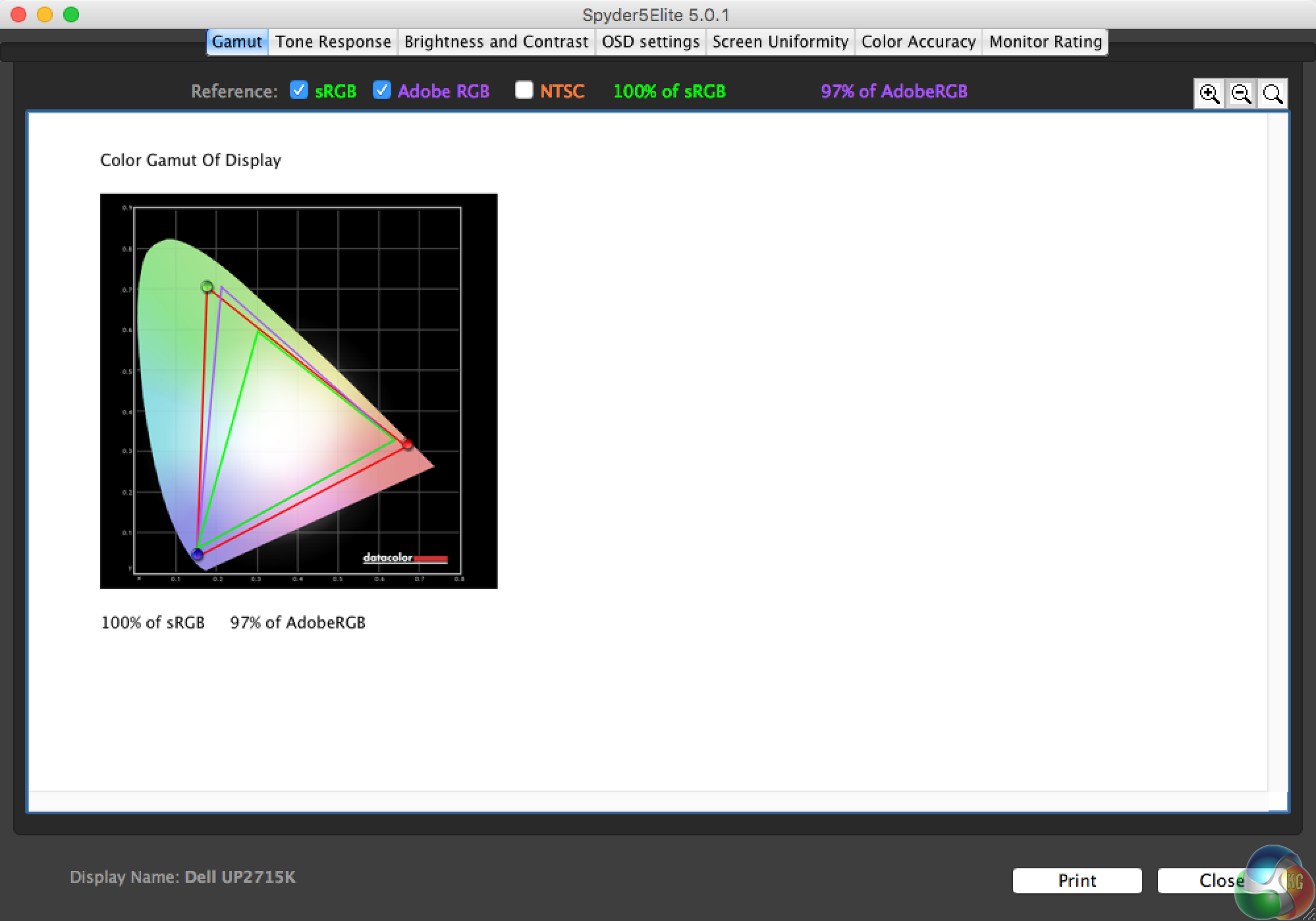
100 per cent sRGB and 97 per cent Adobe RGB are very close to the quoted results. It’s the Adobe RGB that’s the main focus here, and this result is notably better than most IPS displays, which achieve around 80 per cent.
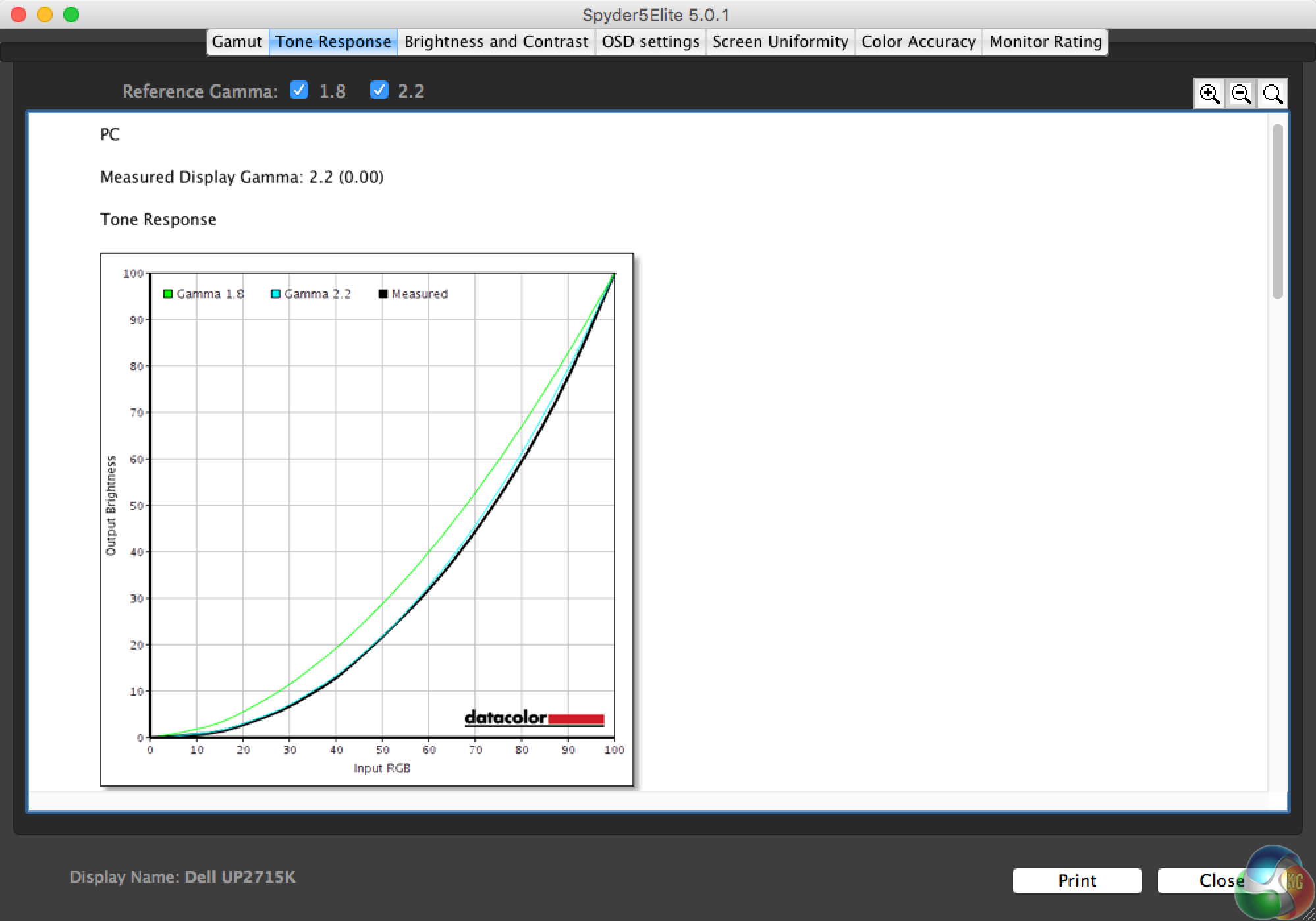
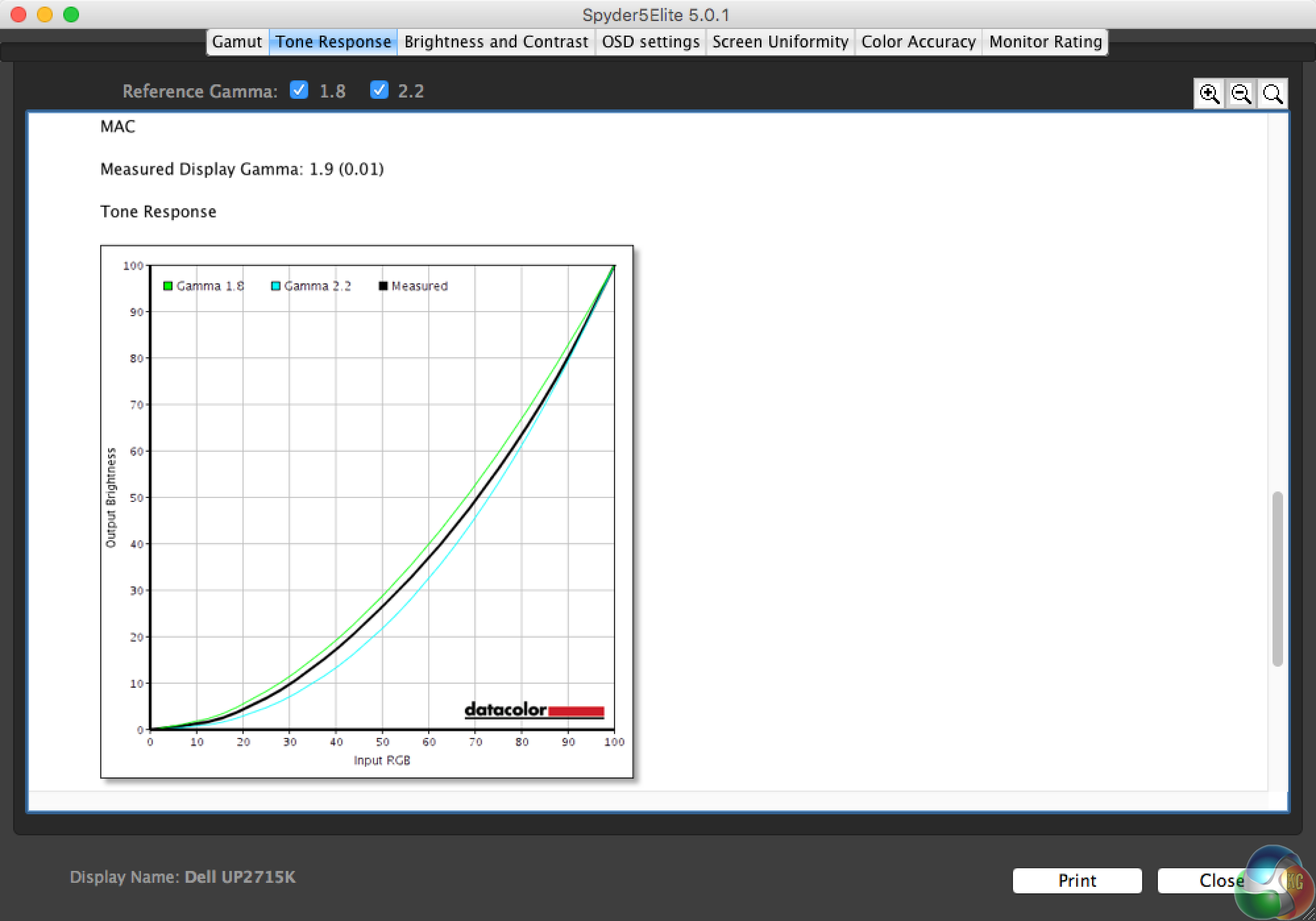
If you recall, there are two gamma settings in the OSD, labelled Mac and PC. PC is 2.2 and Mac is 1.9.
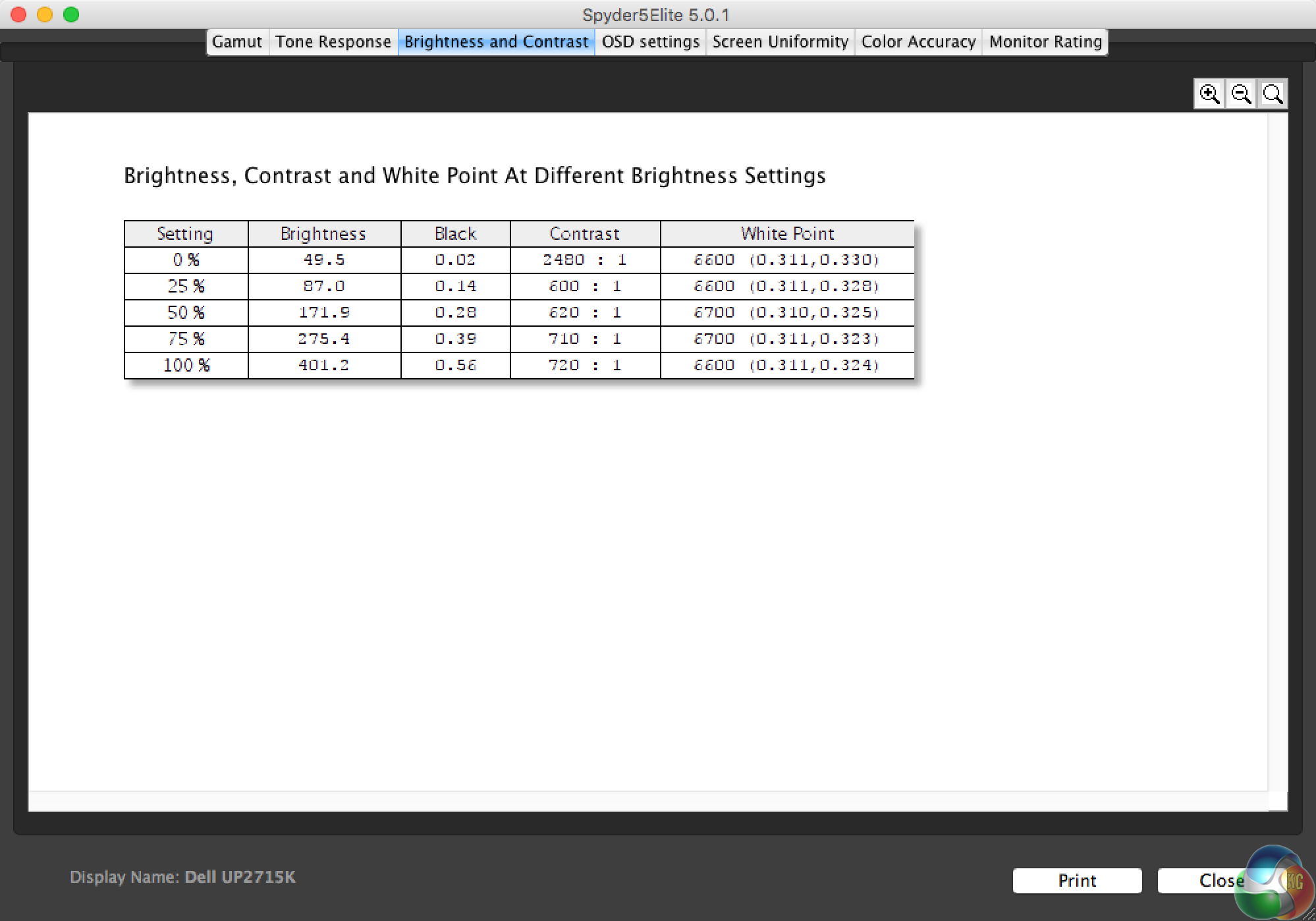
Brightness of 401.2 cd/m2 is one of the highest results we’ve seen. Contrast results of 720:1 is excellent, and the White Point is hovering around 6600K, just slightly off the 6500K target.
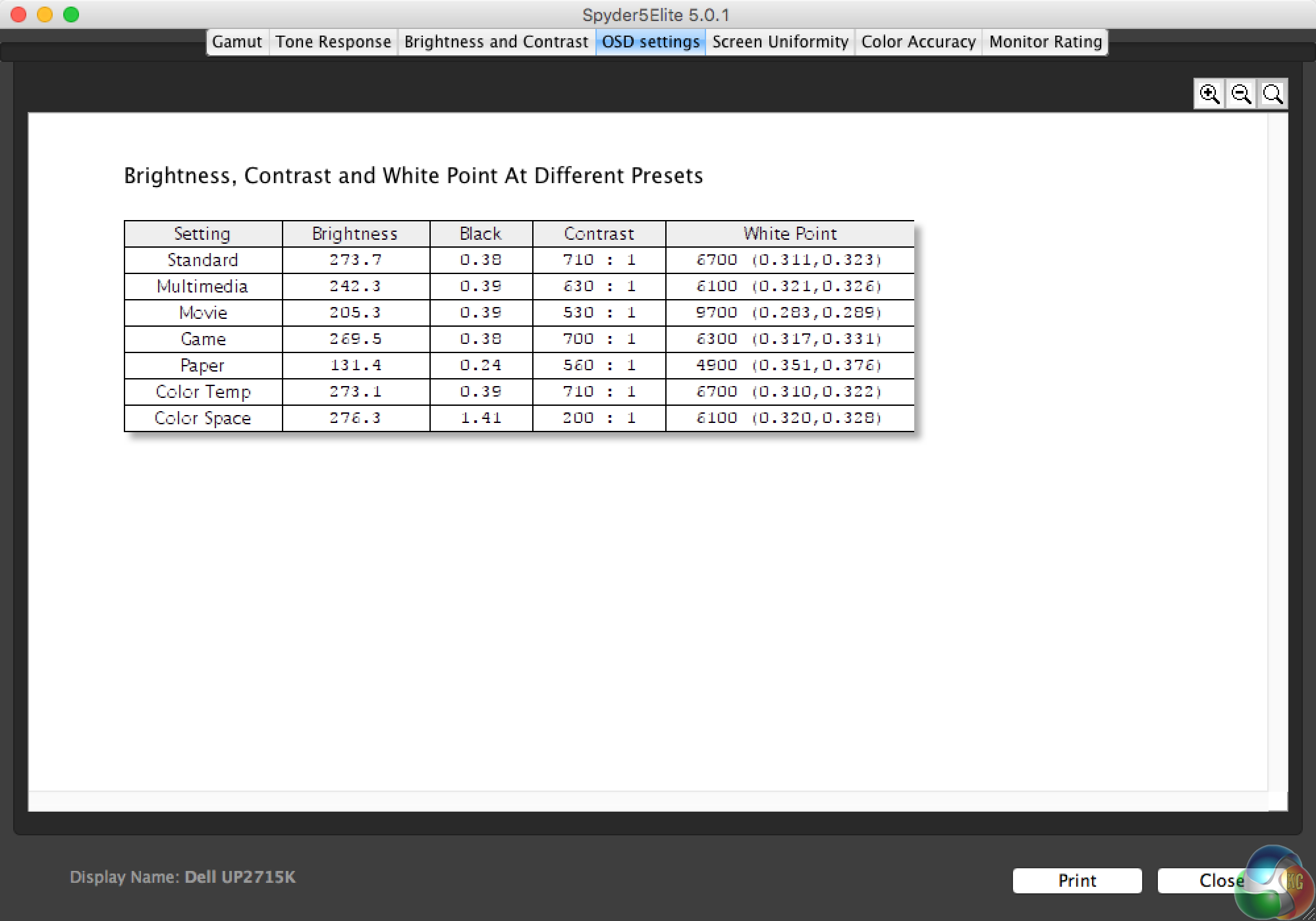
Of the seven presets (all tested at 75 per cent brightness) the Movie and Paper settings alter the White Point considerably. In use the Paper setting makes the screen look really yellow.
For Color Temp and Color Space we just tested the default settings.
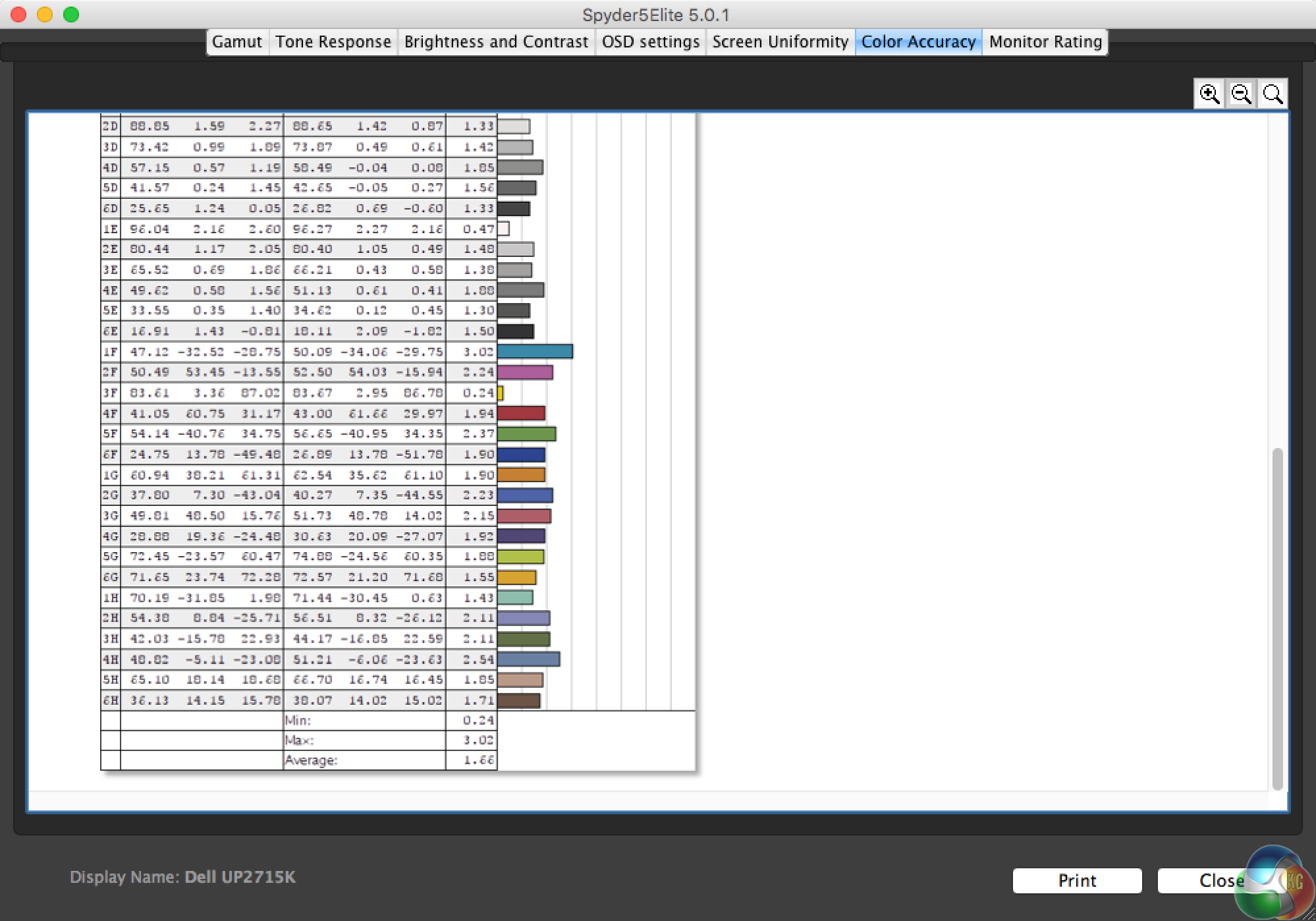
Interestingly, the out-of-the-box colour accuracy is not the best result we’ve ever recorded. A Delta E under 2 is still a great result but we have seen displays achieve scores under 1. However, in use it’s an imperceptible difference.
One interesting aspect of the testing process for the Dell UltraSharp UP2715K was that calibration did not seem to visibly affect the image in any way. Usually, regardless of the results, with nearly all displays we see the image shift towards the blue spectrum.
The Spyder software provides a quick way to compare the calibrated and uncalibrated views. The difference is always noticeable with other displays, but with the UP2715K it was impossible to see any difference. That’s some good factory calibration!
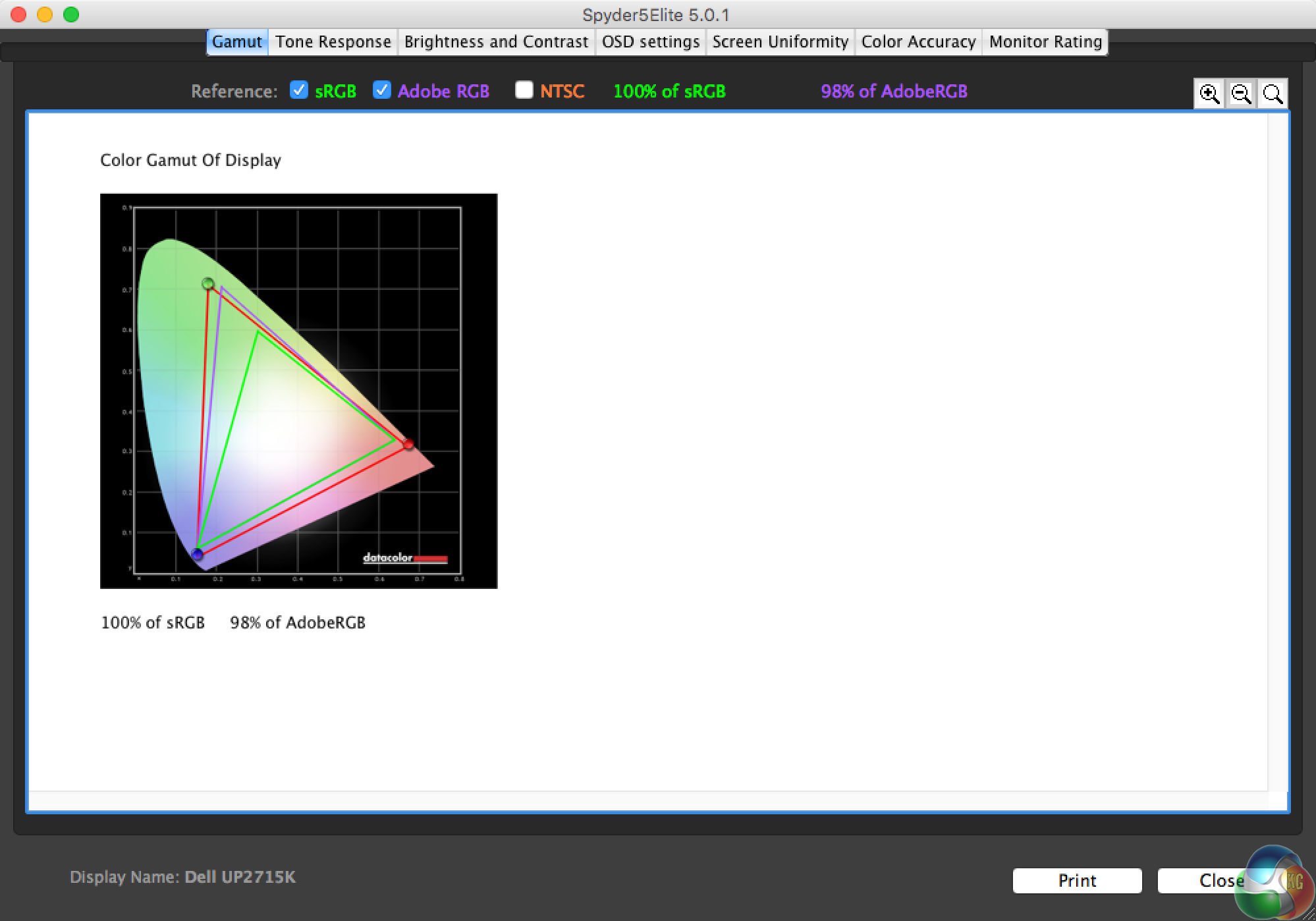
After calibration, the Adobe RGB coverage increases to 98 per cent.
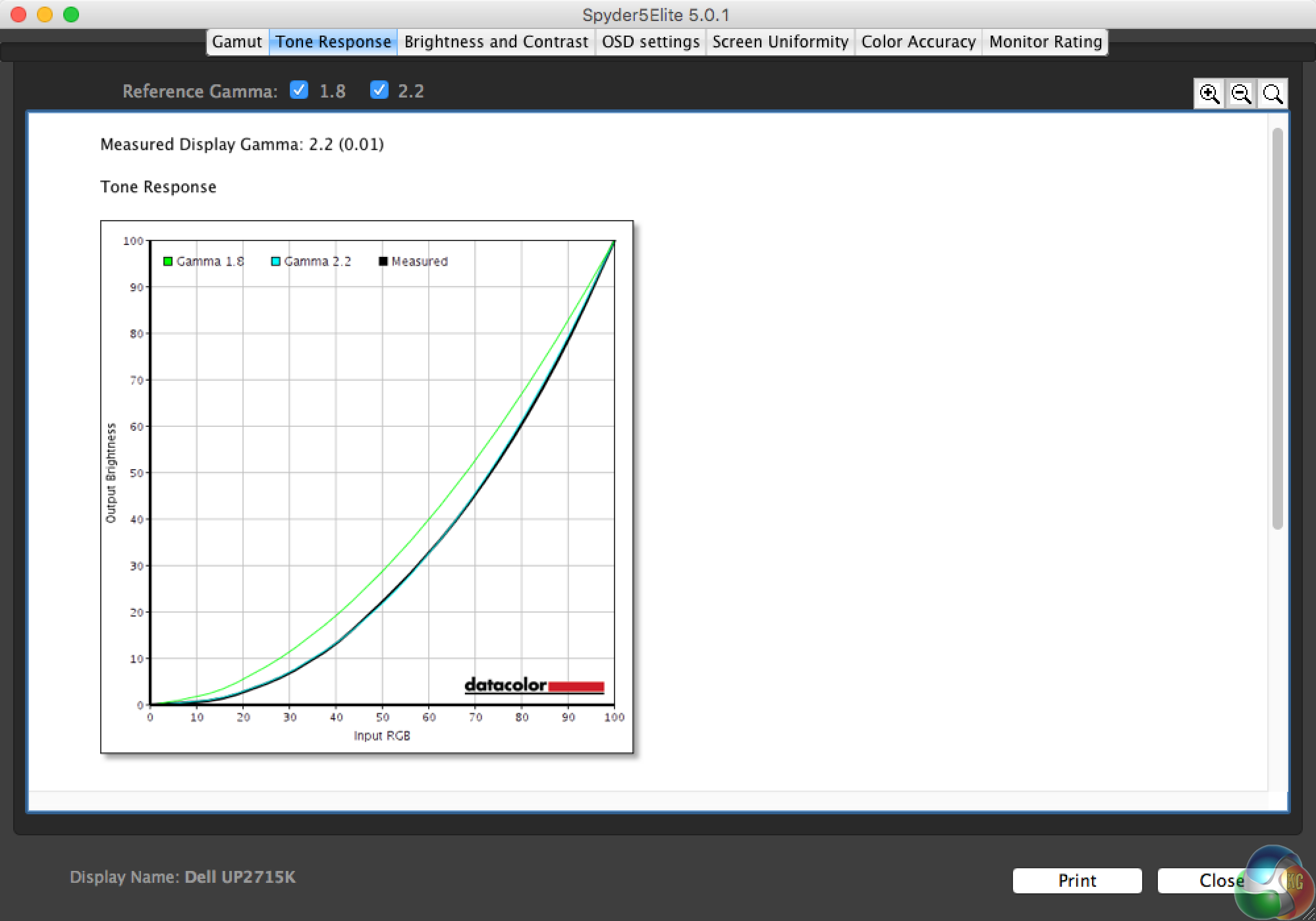
Gamma is unchanged.
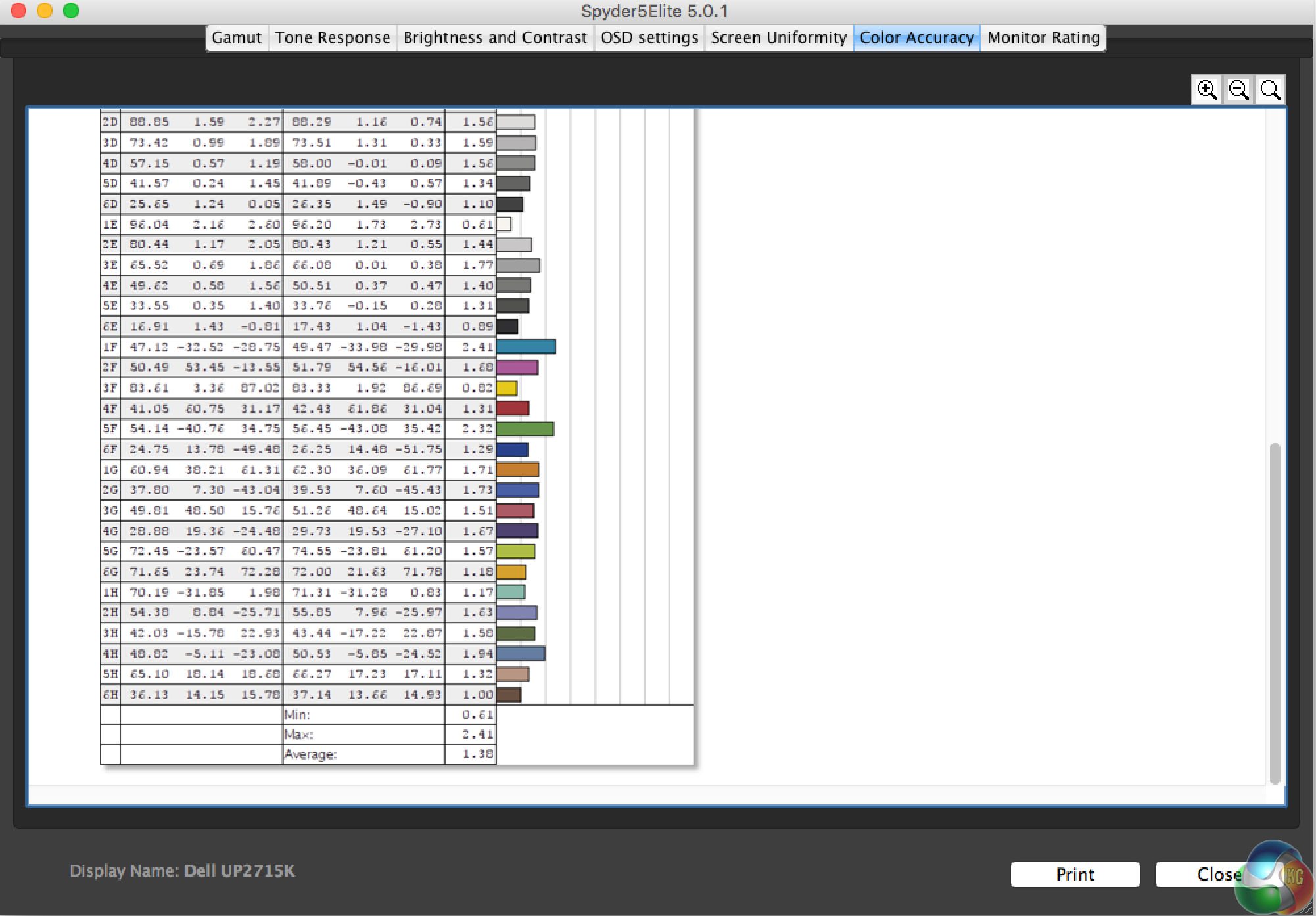
The color accuracy improves slightly, but not enough to bring it under 1.
The most important aspect of testing is the subjective element, how good a display looks in person, and it is here where the Dell UltraSharp UP2715K really stands out.
It simply looks amazing, and while you can get some idea of the bright, vivid colours from the test results, nothing beats seeing a display in person. There’s always a noticeable difference between expensive colour-accurate displays and normal monitors and it’s very noticeable here.
We viewed the same image on a standard PC monitor and the Dell UltraSharp UP2715K, and the colours on the Dell really stood out amazingly well. We tried playing a familiar game and the experience was really quite different when the blues actually showed up quite green, as intended, and reds and pinks were much brighter.
So an absolute thumbs up for the image quality, but not for every other aspect of the Dell UltraSharp UP2715K.
Dell could have put in at least one HDMI 2.0 port for 60Hz 4K. Sure, it’s aimed at graphics designers. But a lot of graphic designers also play games. It’s a very expensive monitor, it seems silly to artificially limit what you can do with it.
Likewise, they could have made a bit more effort on the buttons. They’re not especially fiddly, but they’re not that intuitive either. It’s the same system used on countless displays over the last decade. Other companies are trying harder, with small joysticks for navigation, and on a monitor that costs £1100, there’s no excuse for anything being less than top-notch.
Those are the only real sticking points. The design and build quality are lovely, the audio is very good, the stand is fully flexible (if just slightly wobbly), the menus are well thought out and easy to navigate, and having a 5K resolution is a lovely thing indeed.
That said, Windows does have some problems with it. Occasionally, when tabbing out of a full-screen application, the DPI resets to 100 per cent. You’ll need a magnifying glass to read text at this DPI setting.
Also, gaming at 5K is a lot more taxing on a computer than even 4K. It works just fine, but you will absolutely see your graphics card struggle with higher detail settings. 5K gaming is not really a possibility for most people. The 8ms response time isn't particularly good for gaming either. But that said, with the visibly bright colours and image, games look as good on this monitor as anything else.
Is the Dell UltraSharp UP2715K worth the extra money? Definitely. While you can get a dual-display setup with standard 4K monitors for slightly less than the cost of the Dell UltraSharp UP2715K, most screens cost with comparable specification cost a similar sum, so it isn't particularly expensive. For the extra outlay, you’re getting vivid and bright colours that really aren’t possible on more affordable screens.

You can buy direct from Overclockers UK HERE.
Discuss on our Facebook page, over HERE.
Pros:
- Amazingly bright and crisp picture.
- Fully flexible stand.
- Attractive design.
Cons:
- Colour-accurate displays are very expensive indeed.
- No HDMI ports.
- 5K resolution requires faffing around with multiple DisplayPort cables.
Kitguru Says: Dell rarely disappoints with its top-end displays, and the UltraSharp UP2715K delivers the goods. A great picture, a well built monitor and a well deserved award.