KitGuru KitGuru.net – Tech News | Hardware News | Hardware Reviews | IOS | Mobile | Gaming | Graphics Cards


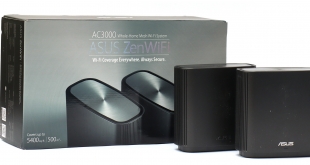
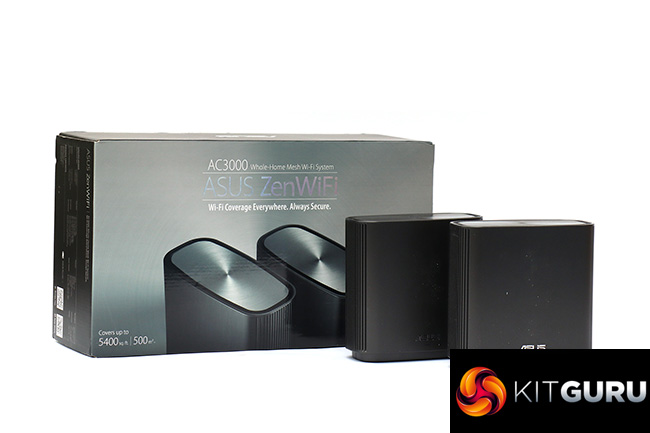
Mesh wifi has proven ability to extend your wireless networking a much greater distance around your home than a standalone router, and ASUS has been producing products to take advantage of this technology almost as long as the pure networking brands like NETGEAR and Linksys. The original Lyra was a capable triple-unit system from nearly three years ago, but with the ZenWiFi range ASUS is upping the specification, offering WiFi 5 and 6 versions. Here we're taking a look at the WiFi 5 AC (CT8) AC3000 option.
It might seem a false economy to be opting for an AC mesh system when AX ones are on the market, but they're at a huge premium. NETGEAR's Orbi WiFi 6 AX6000 is a whopping £700, and while ASUS's equivalent is cheaper, it's still over £400 when this AC version is £280. Its performance may be all you need, and WiFi 6 clients are still few and far between.
Unlike the Lyra, the ZenWiFi AC only uses two units. However, the tri-band radios have been upgraded from AC2200 to AC3000, which is the same as NETGEAR's original Orbi, so it potentially offers similar or better coverage. This is broken down into 1,733Mbits/sec 5GHz with 4×4 antennas dedicated to the 802.11ac “backhaul” between the two units, plus 400Mbits/sec of 2.4GHz 802.11n and 866Mbits/sec of 5GHz 802.11ac for the client devices on the router and satellite.
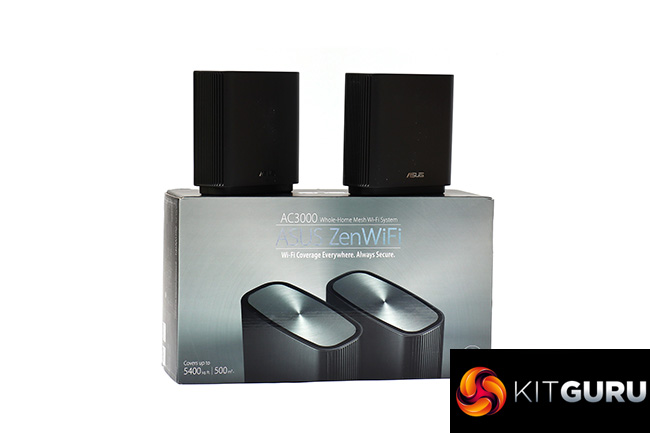
We say router and satellite, but the two units are identical. Both have a Gigabit Ethernet port labelled for the WAN, and three further Gigabit ports for wired devices. Both also have a single USB 3.1 Gen 1 connection, which can be used for network storage or printer sharing – a handy bonus that is lacking on NETGEAR's Orbis.
They're compact little units and at £280 not hugely pricey considering the top-of-the range specification. NETGEAR's Orbi AC3000 is still a bit more expensive at over £300. So the ASUS ZenWiFi has a fair bit going for it on paper. Let's find out how it performs.
Price: £279.99
Specification:
Wireless protocols: MU-MIMO with 802.11b/g/n 2.4GHz, 802.11a/n/ac 5GHz
Performance: AC3000 (1,733 + 866 + 400 Mbits/sec)
Antenna Configuration: 2×2 internal antennas for 2.4 and 5GHz; 4×4 for 5GHz only (6 total)
Ports: Router and Satellite: 1 x Gigabit Ethernet WAN, 3 x Gigabit Ethernet, 1 x USB 3.1 Gen 1
Modem Support: VDSL/ADSL 2+ or cable
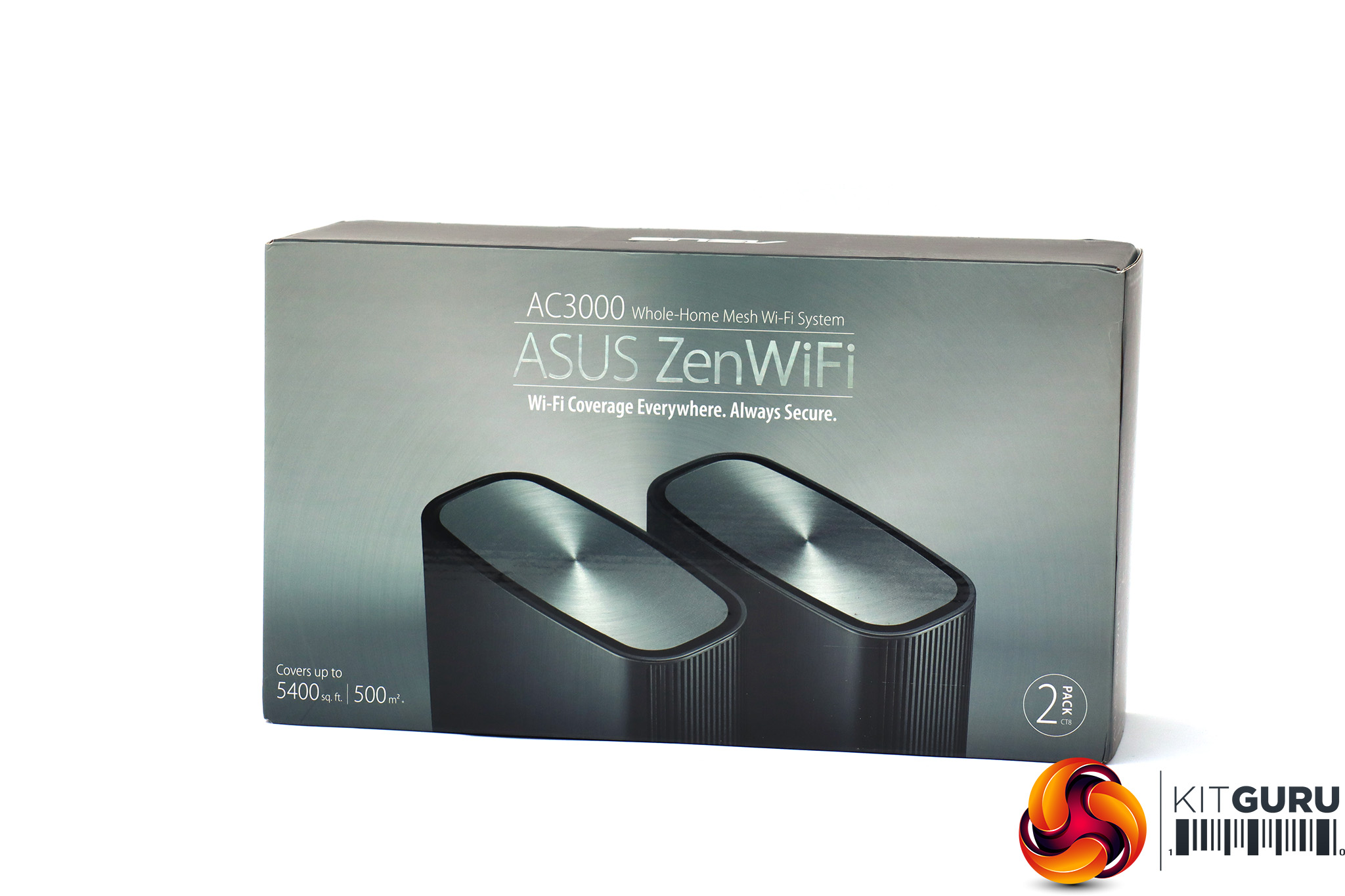
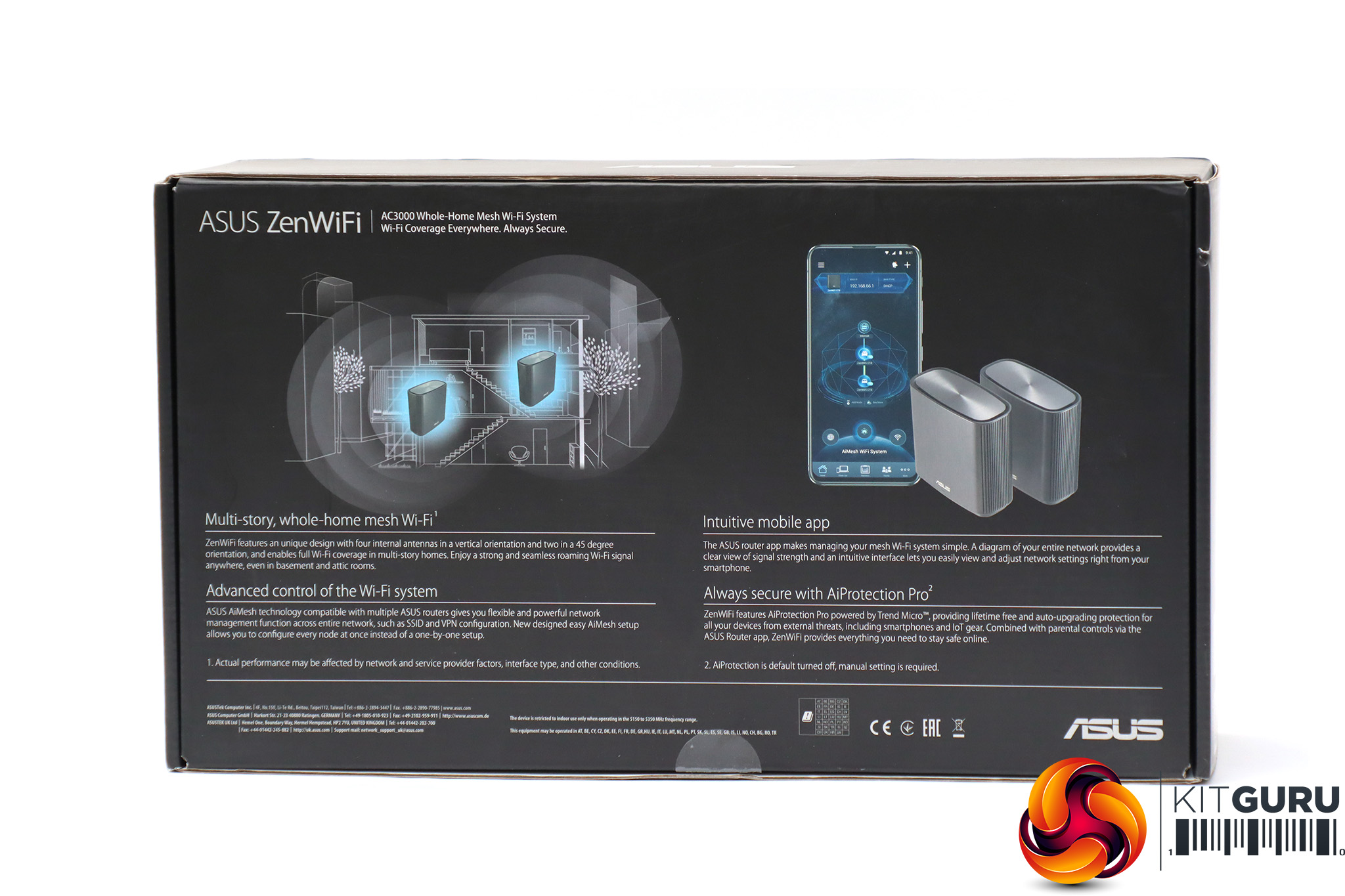
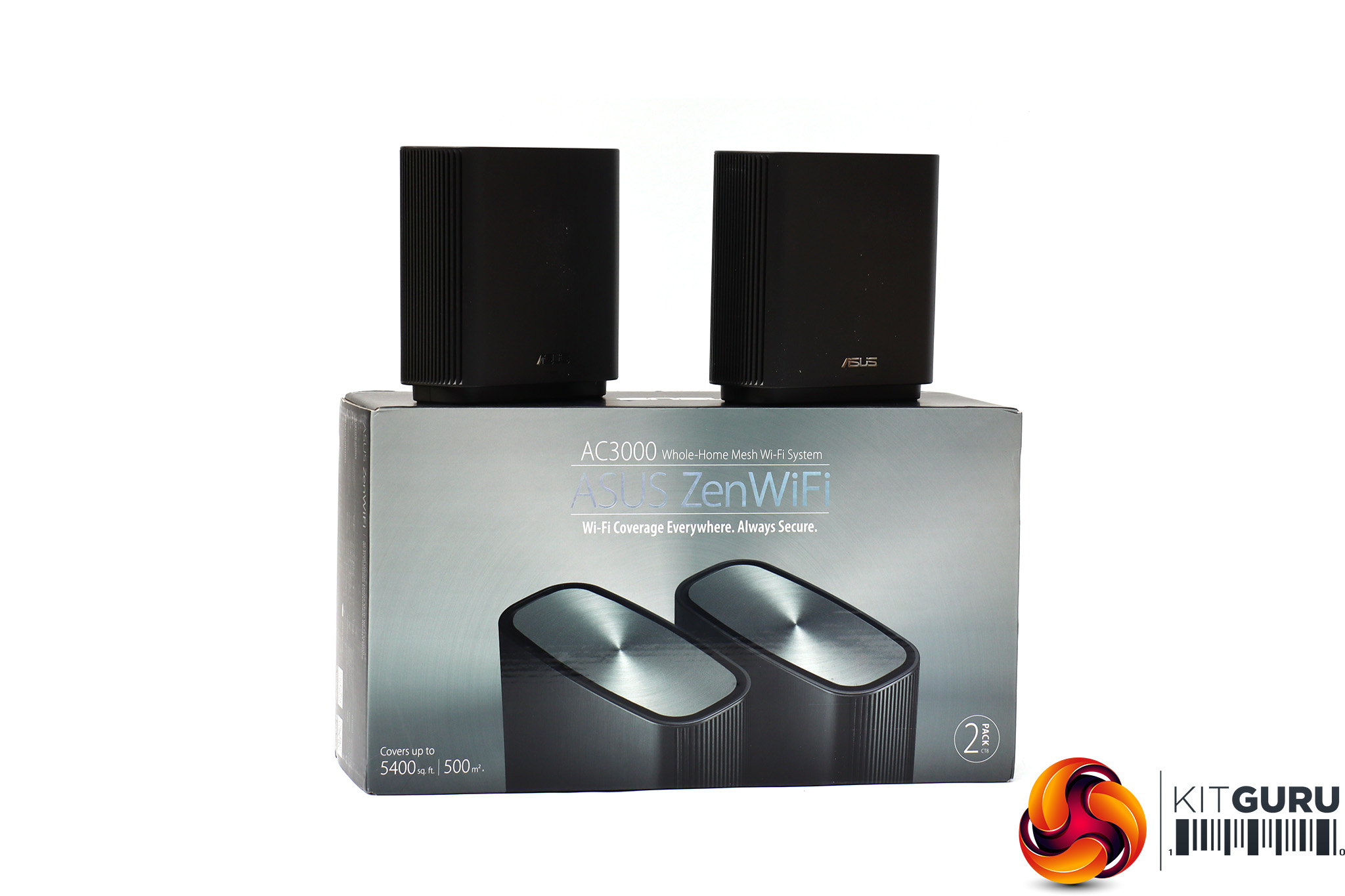
The ZenWiFi comes in ASUS's trademark reasonably exciting but still relatively sober packaging.
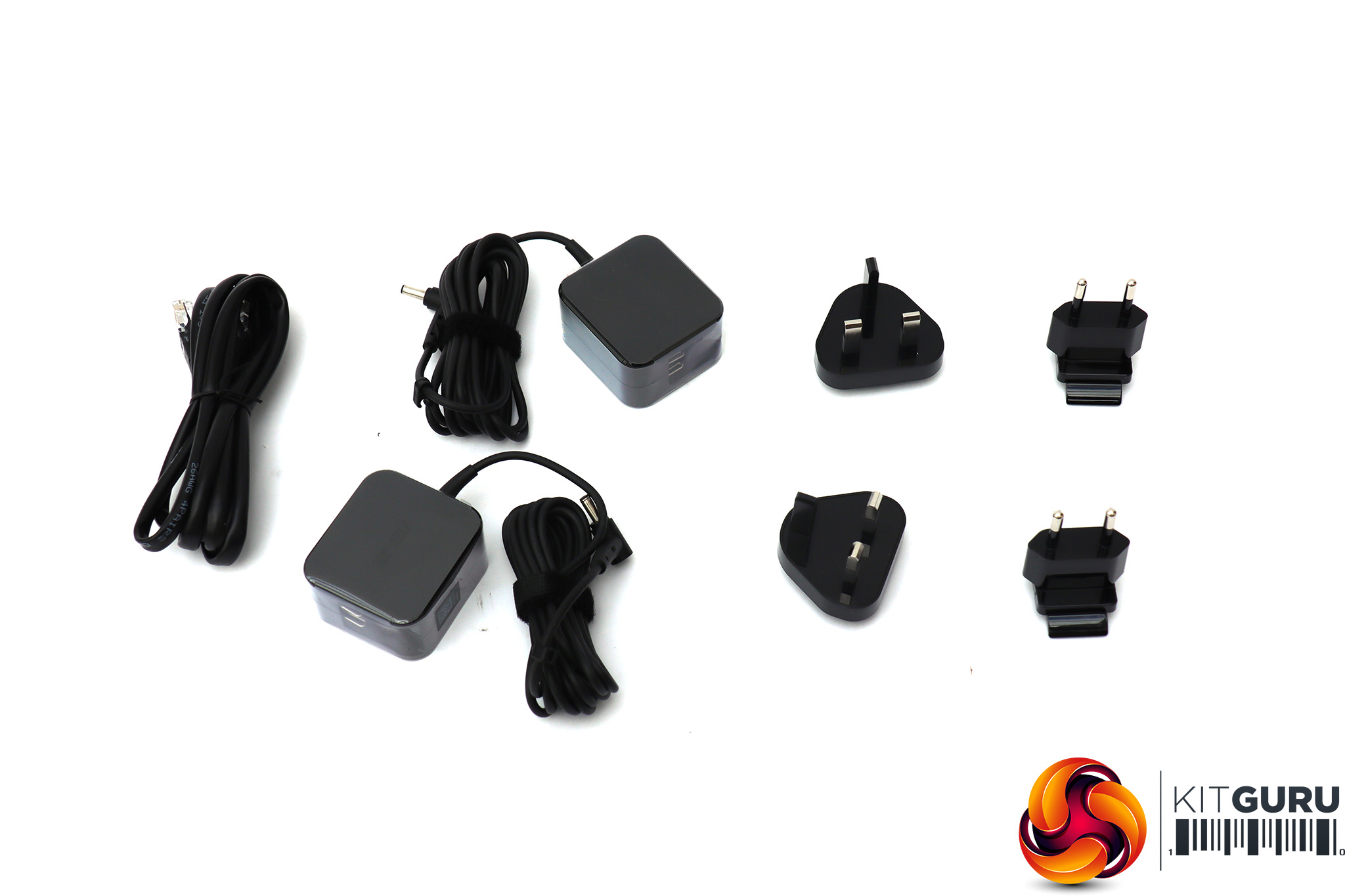
Inside is the usual array of power adapters for each unit and a choice of UK or European plugs, plus an Ethernet cable.
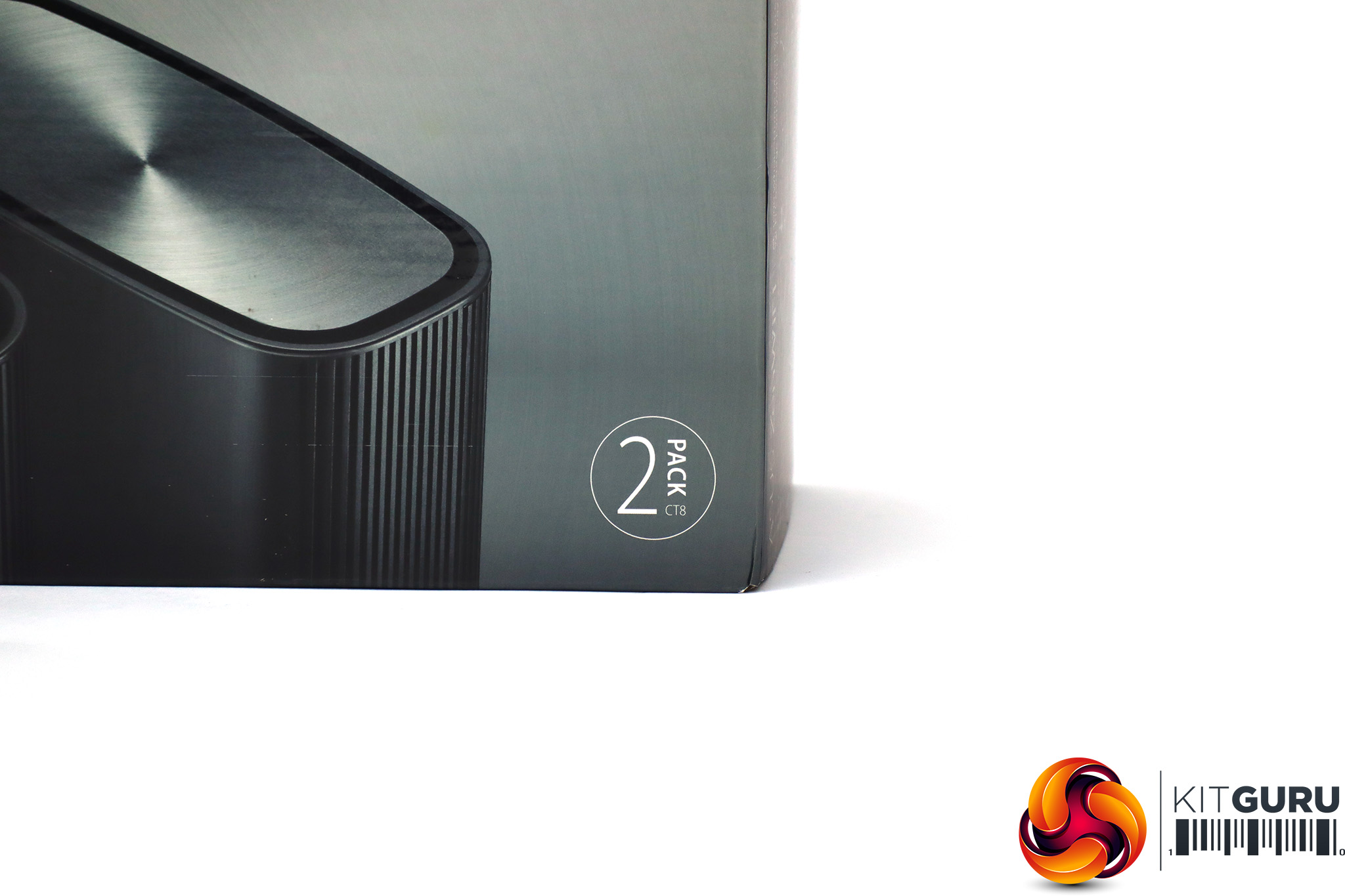
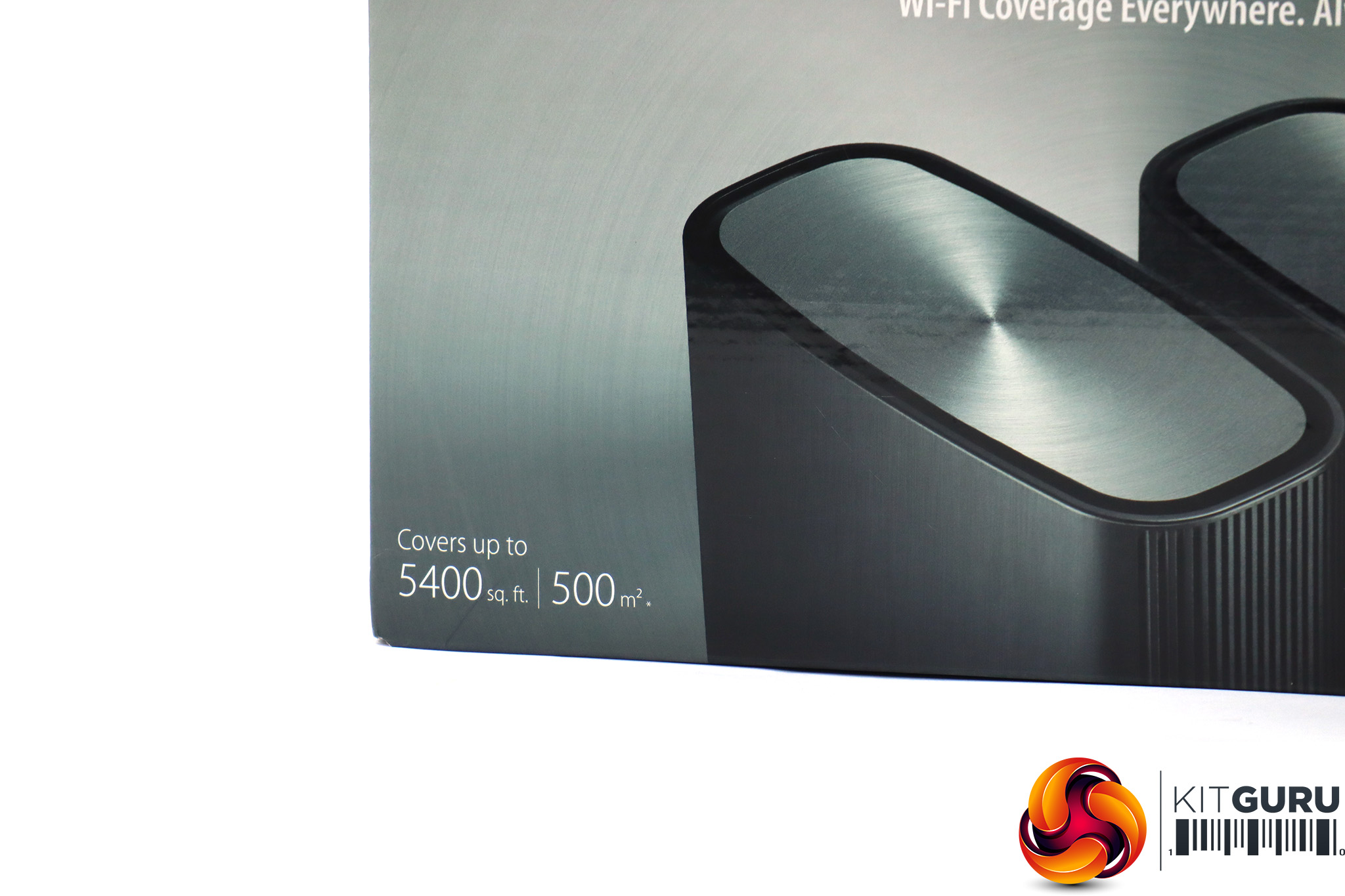
ASUS claims that the two ZenWiFi units together can cover a space of 5,400 square feet or 500m2.
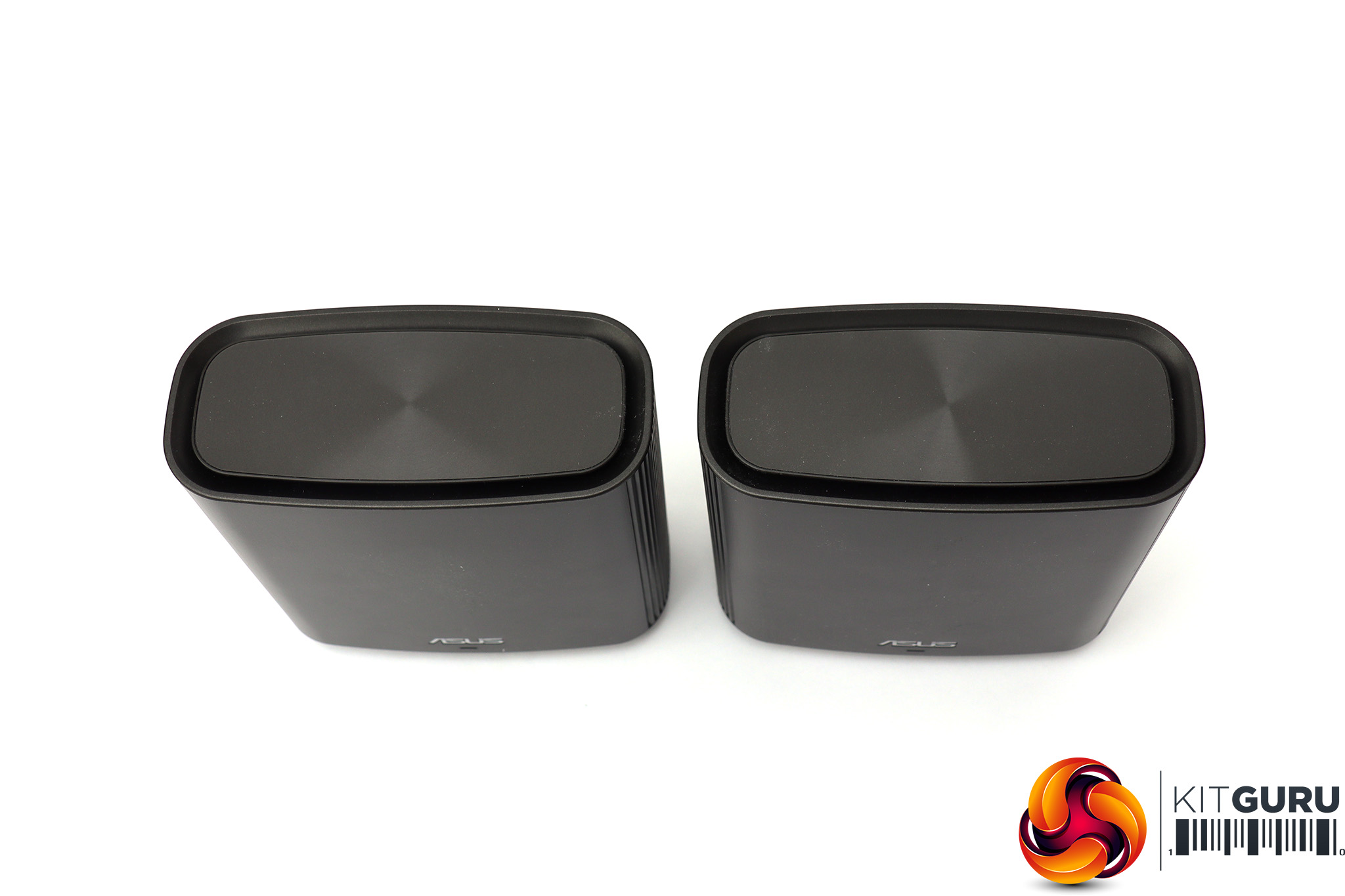
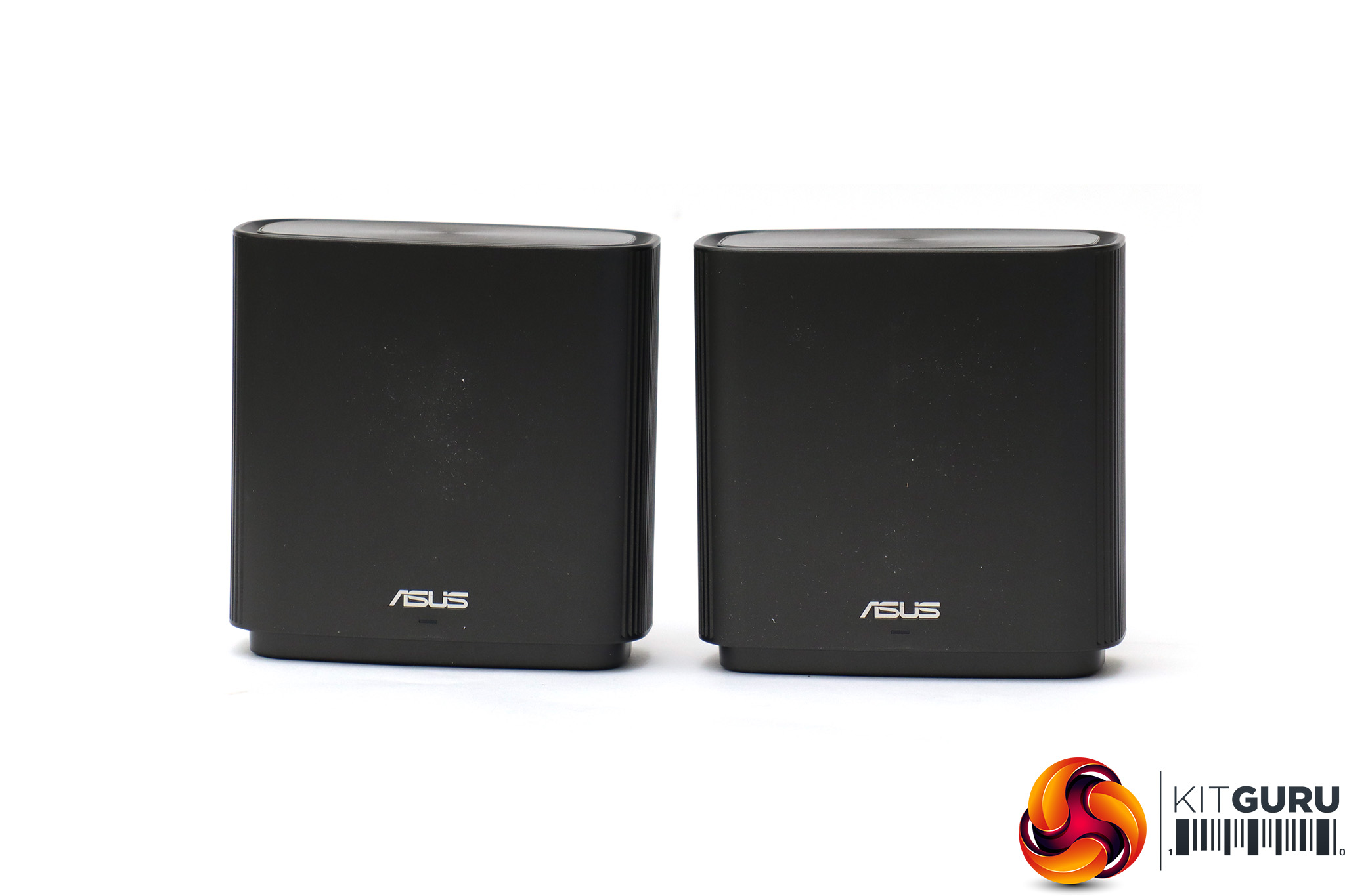
The ZenWiFi units are somewhat dark and unassuming, like a couple of mini speakers or voice-activated assistants. They are at least smaller than NETGEAR's Orbi, so won't be so obtrusive around the house.
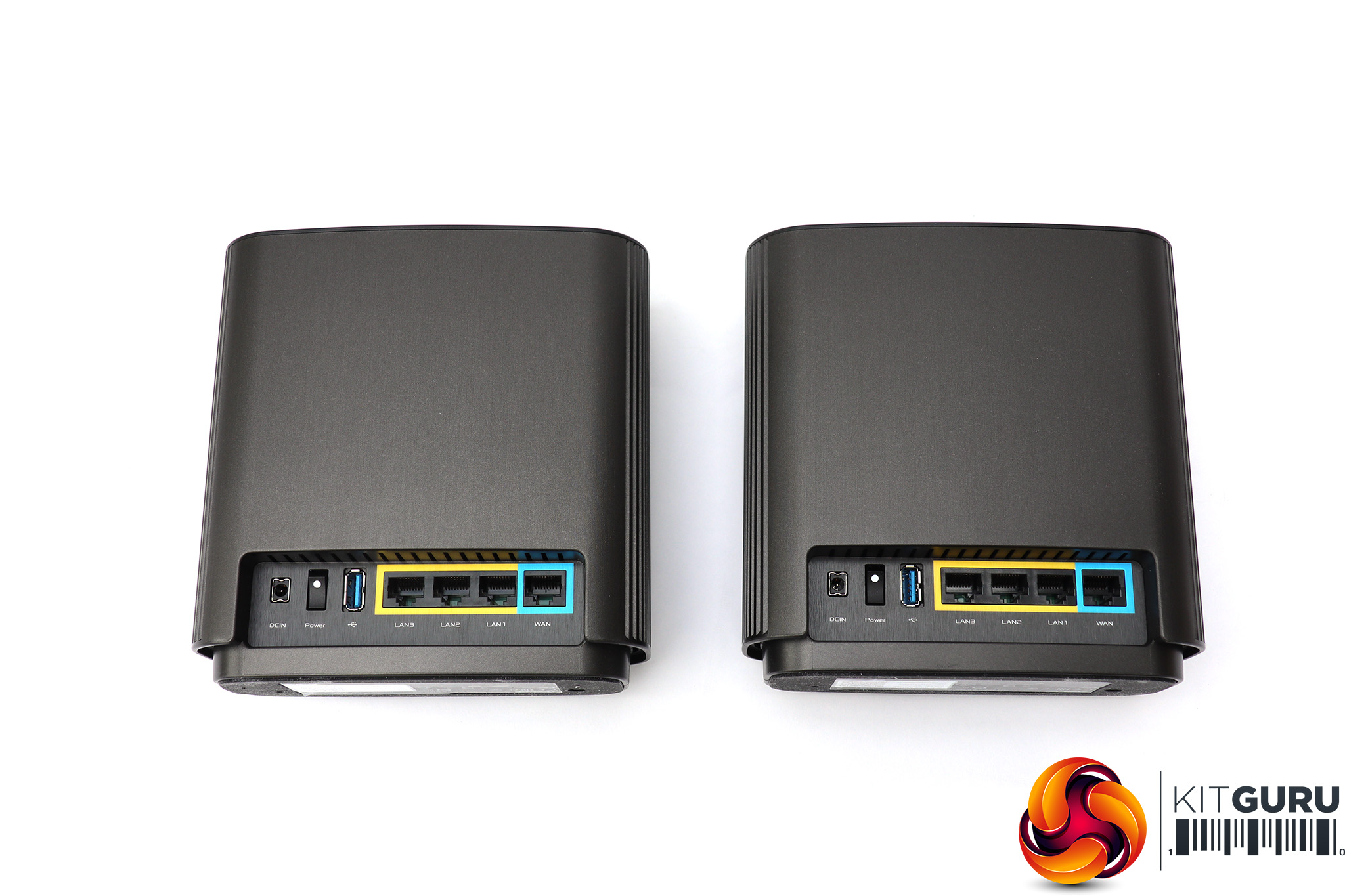

Unlike some mesh units, ASUS makes no distinction between the router and satellite. They both have four Gigabit Ethernet ports, with one specifically labelled for WAN usage, although on the satellite this can be used by a client device instead. There's a USB 3.1 Gen 1 port (aka USB 3.0) next to this for network storage or printer sharing. Then you get the physical power switch and input.
Overall, the ZenWiFi units are rather unassuming, considering the high-end 802.11ac wireless networking they can unleash around your house. Next, let's find out how easy they are to set up.
Like any self-respecting router these days, the ZenWiFi starts its setup process with a smartphone app. It's a pretty slick procedure. The Quick Guide recommends you start setup with the two units close to each other.
Once they are turned on and the one you've chosen to be the router is connected physically to your broadband via its WAN port, you turn on Bluetooth on your smartphone and fire up the ASUS Router App.

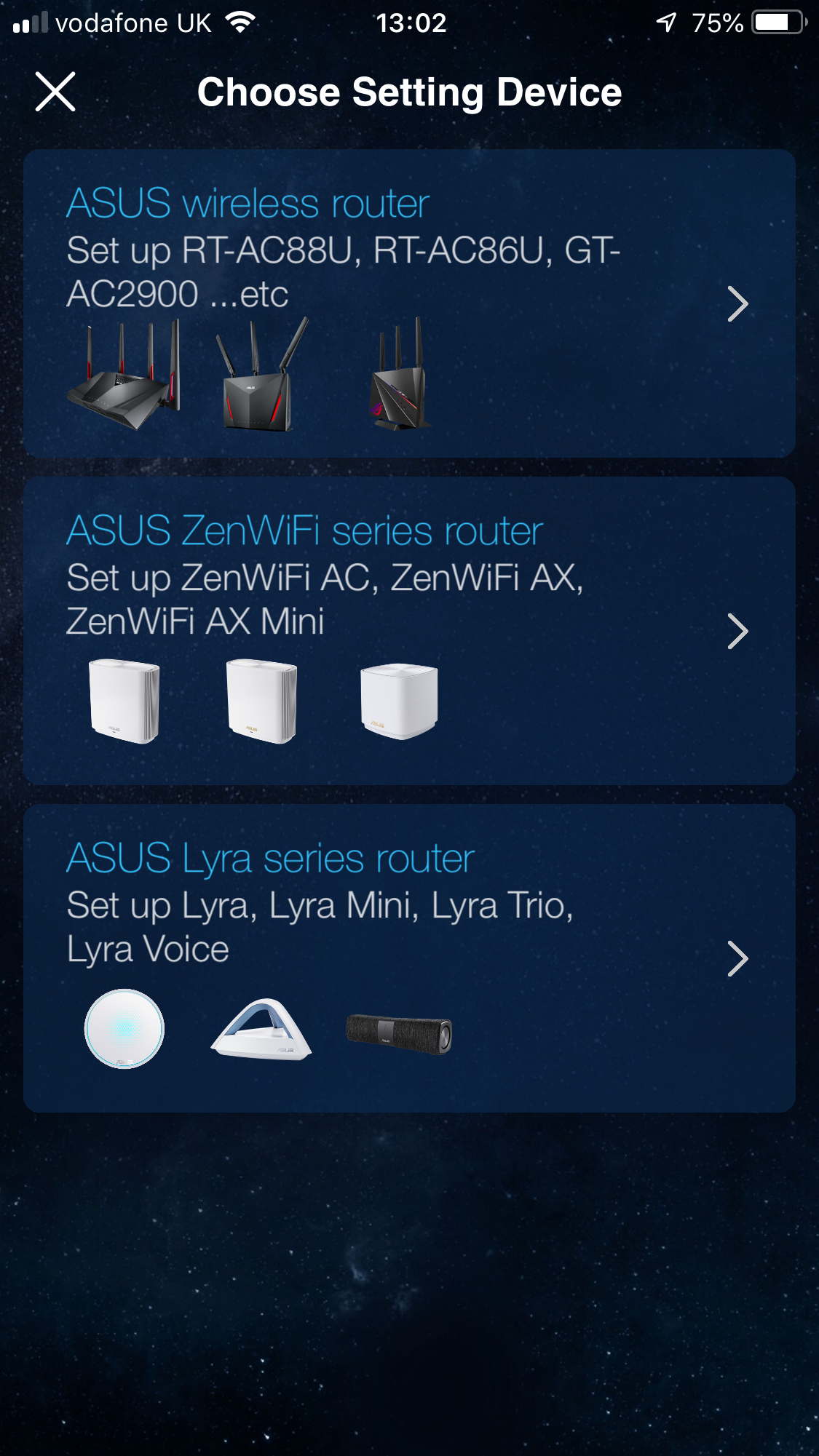
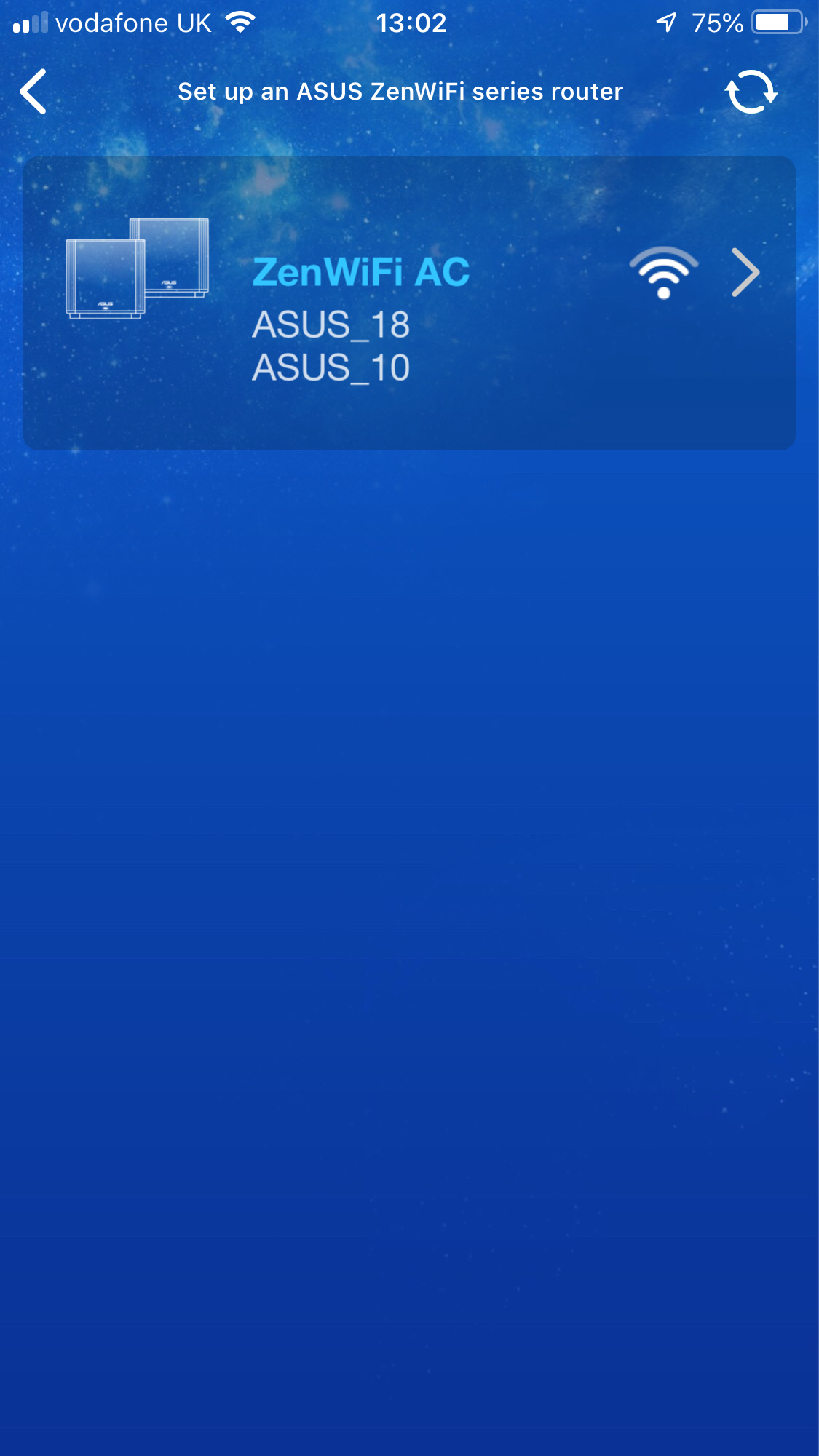
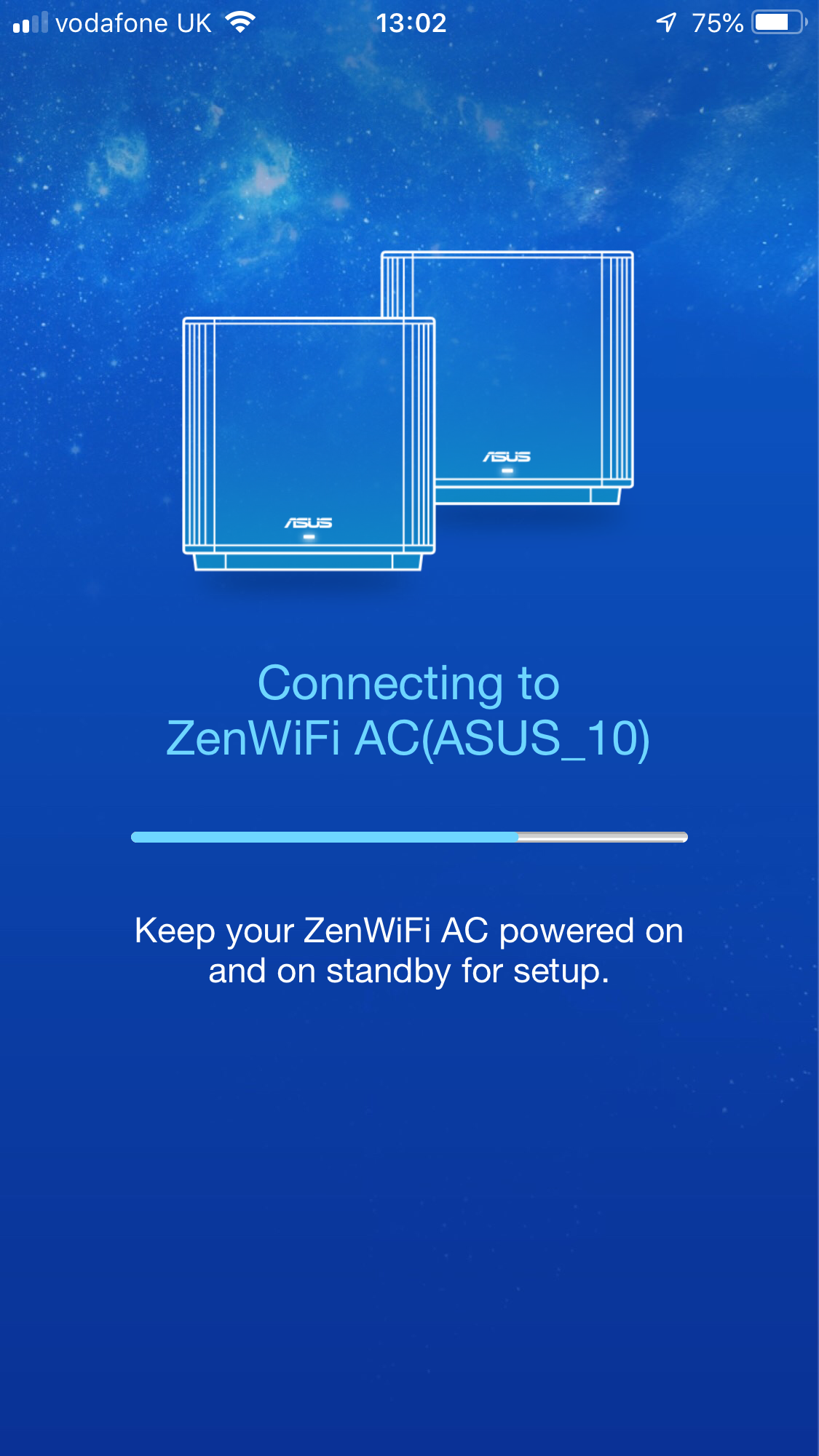
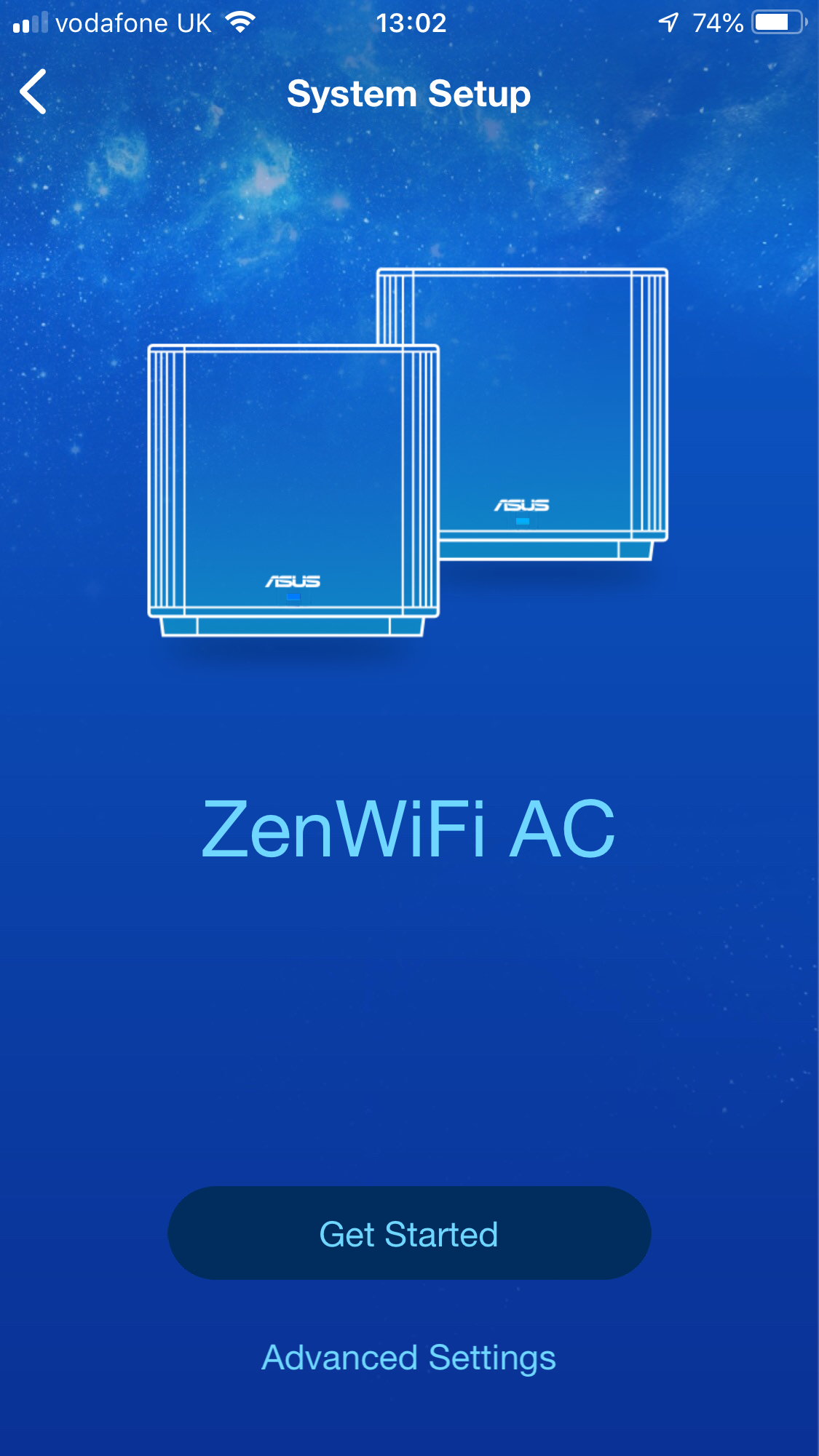

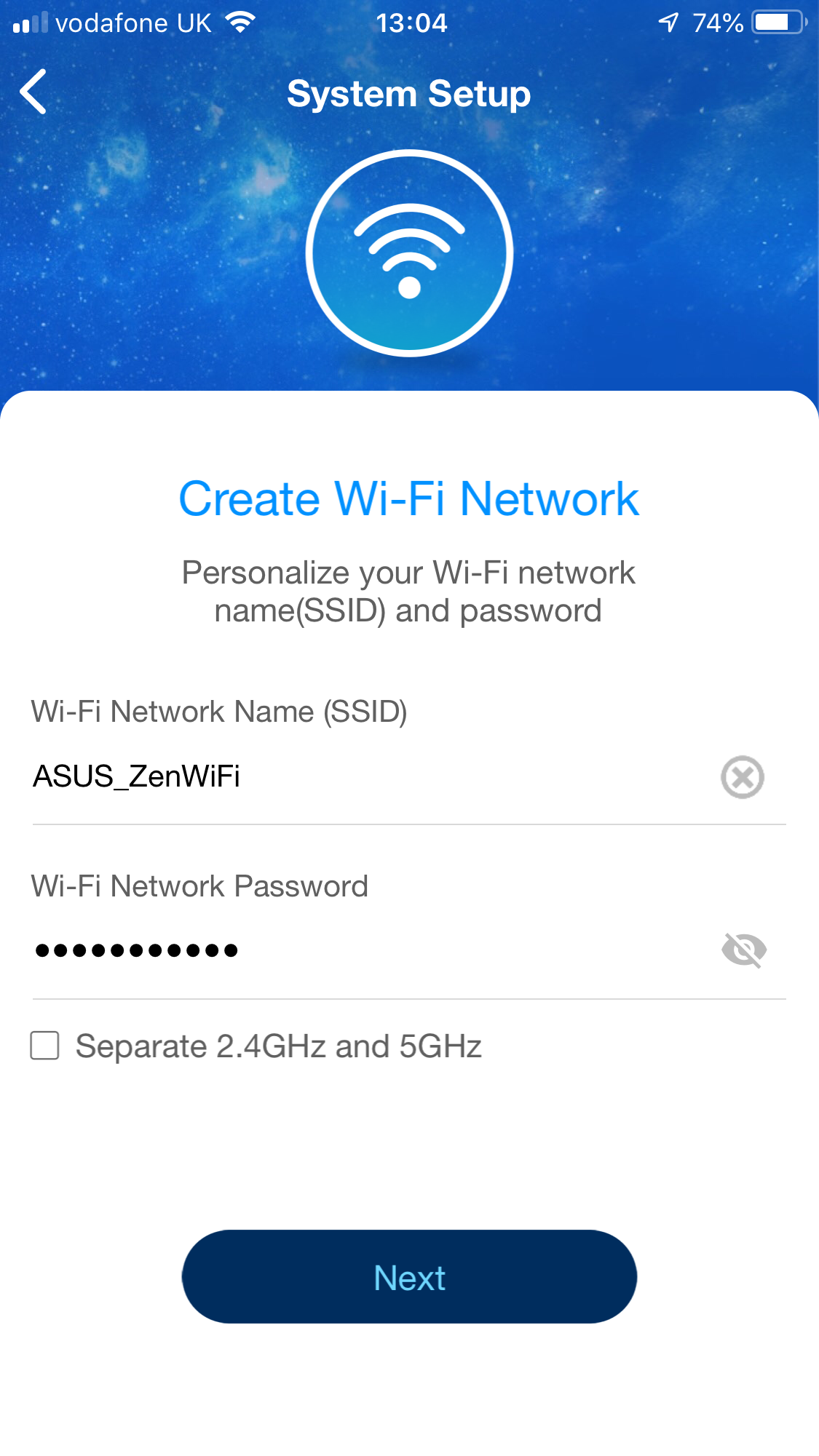
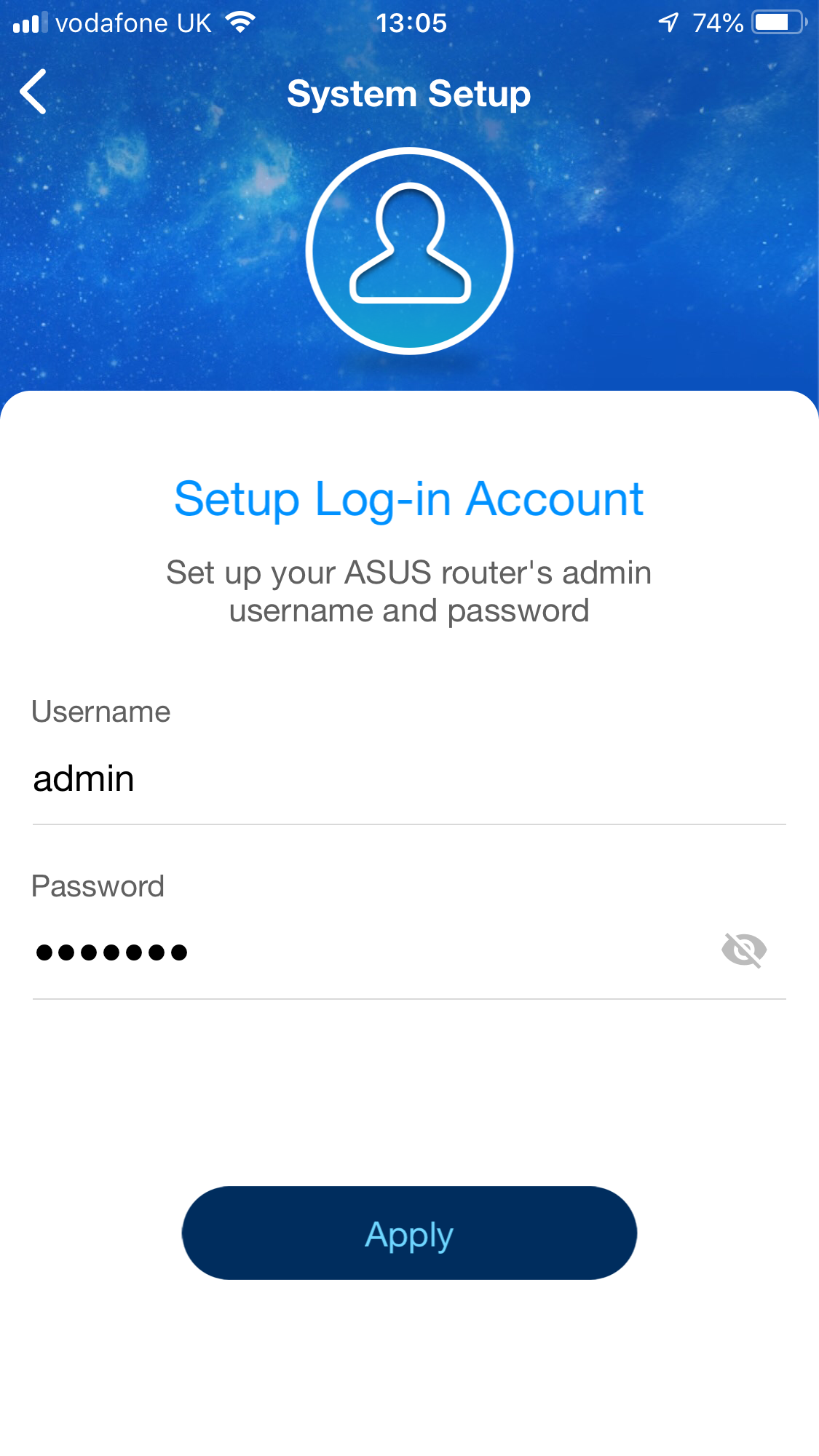
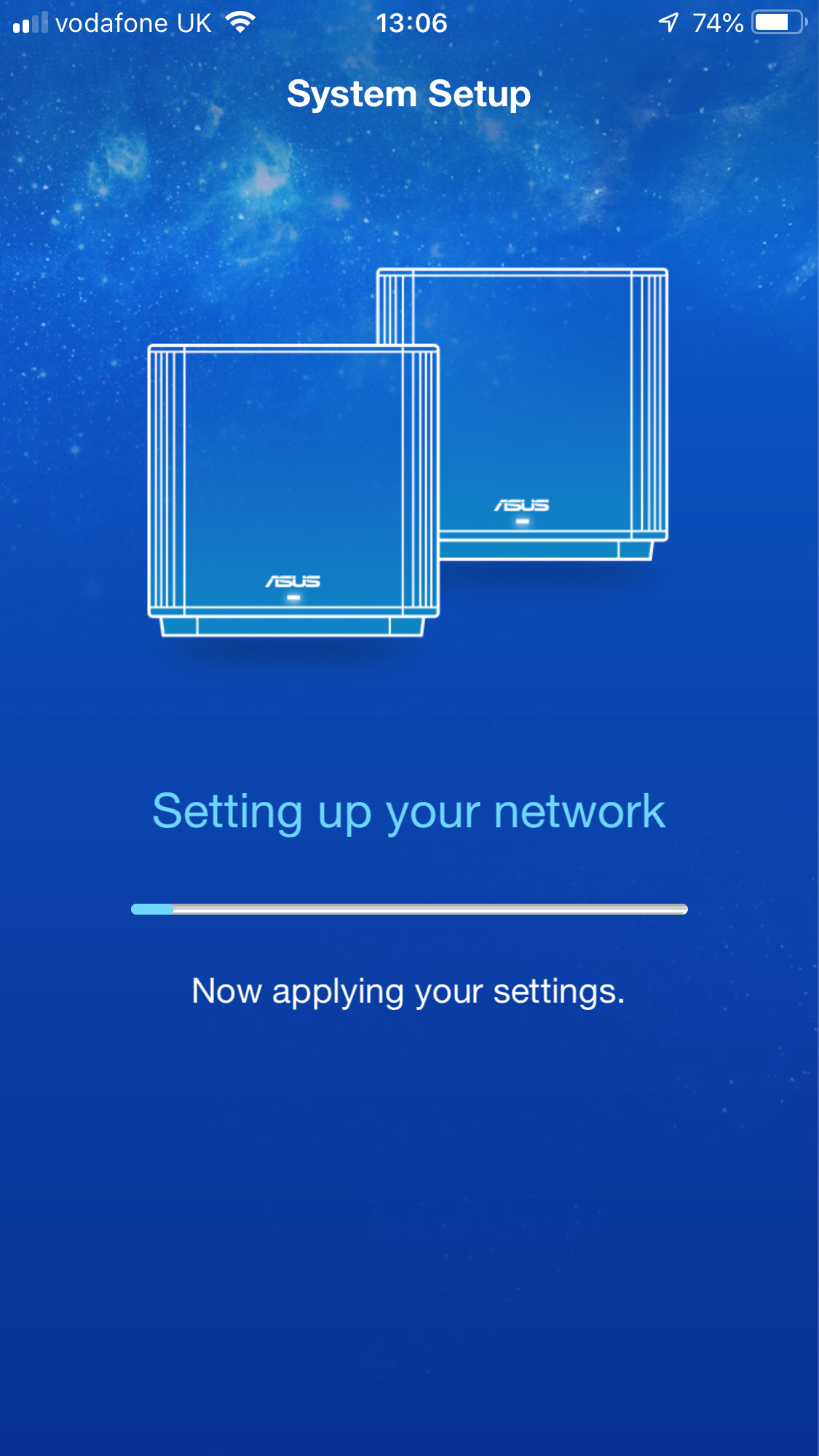
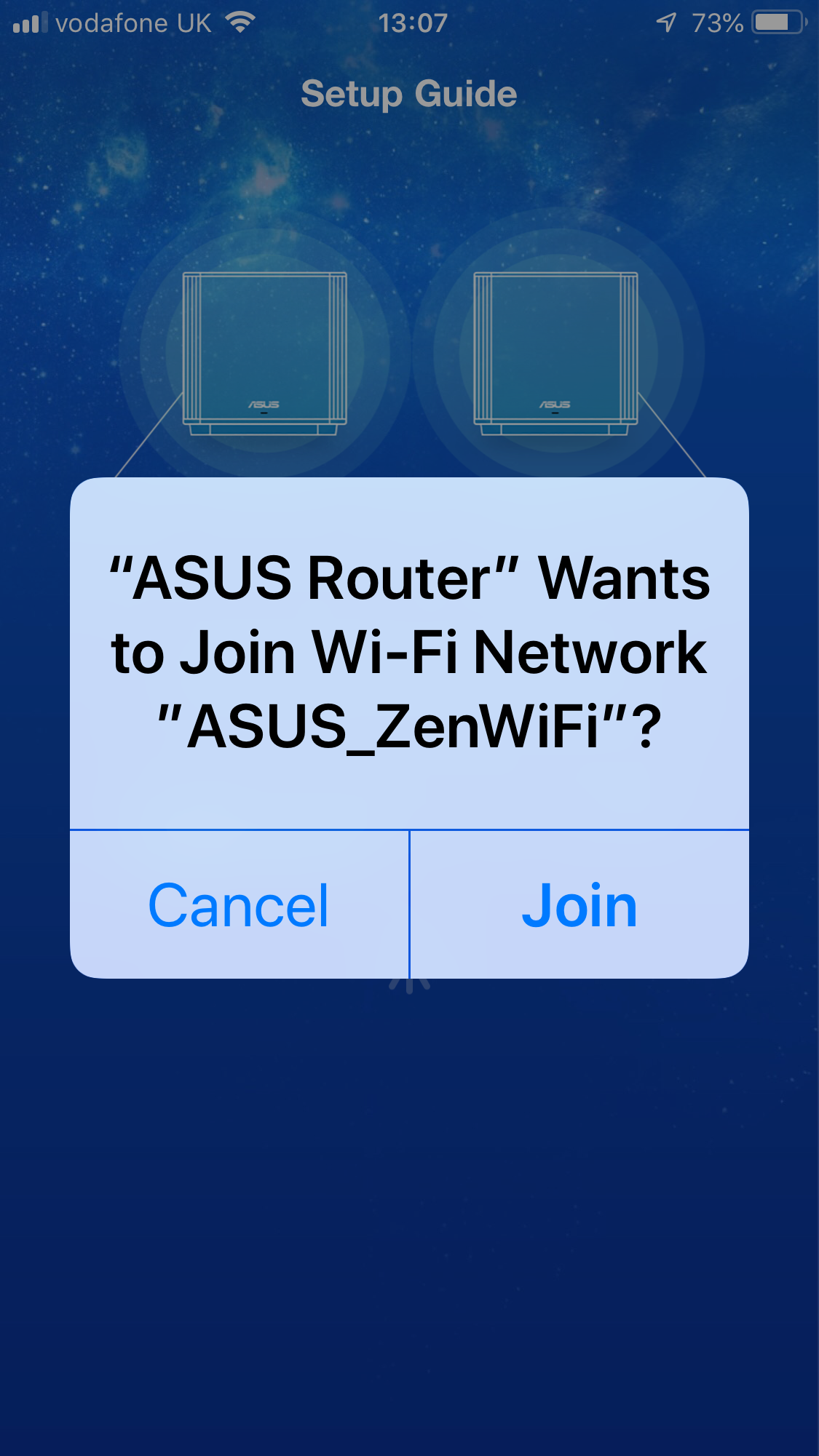
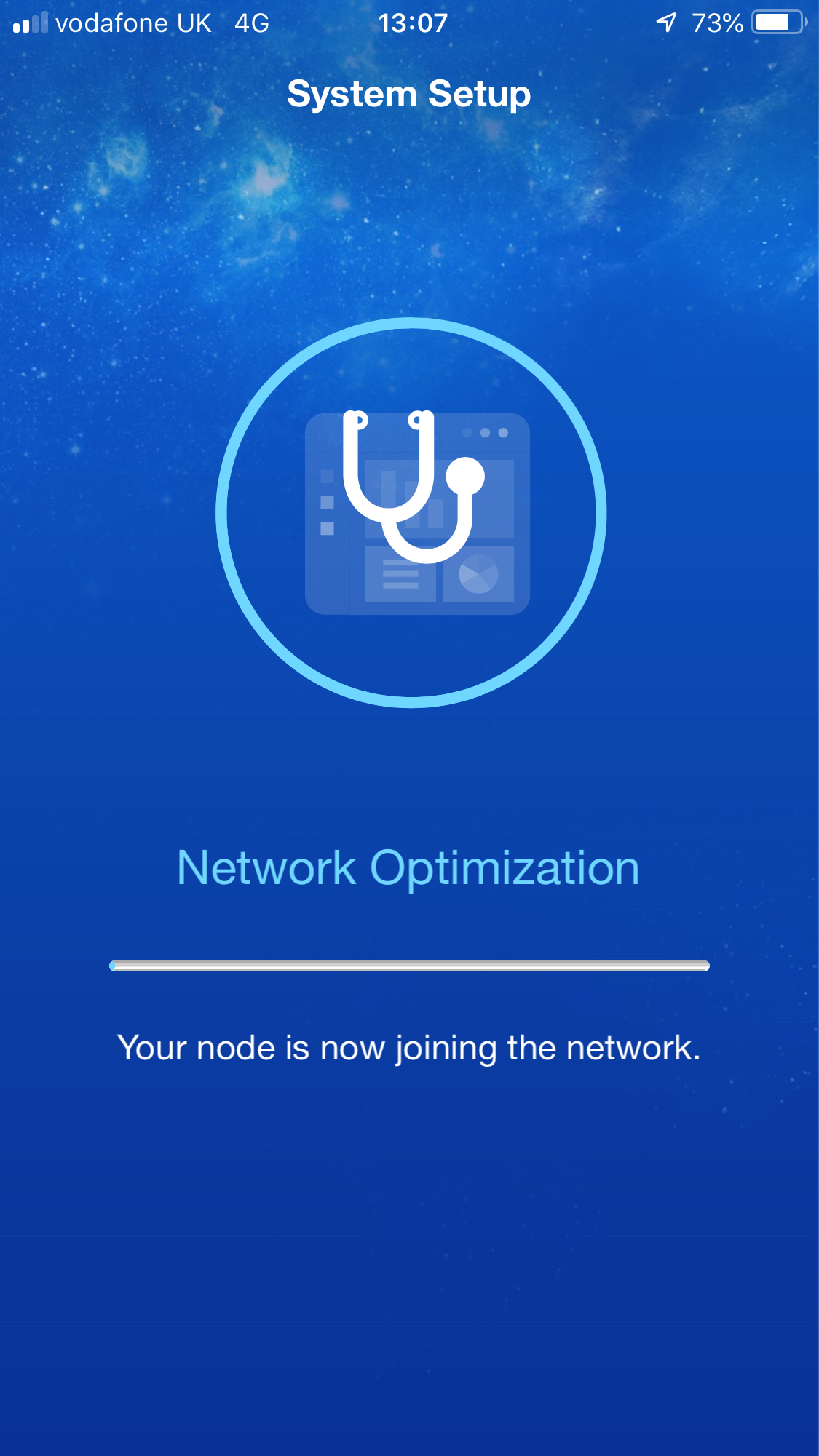
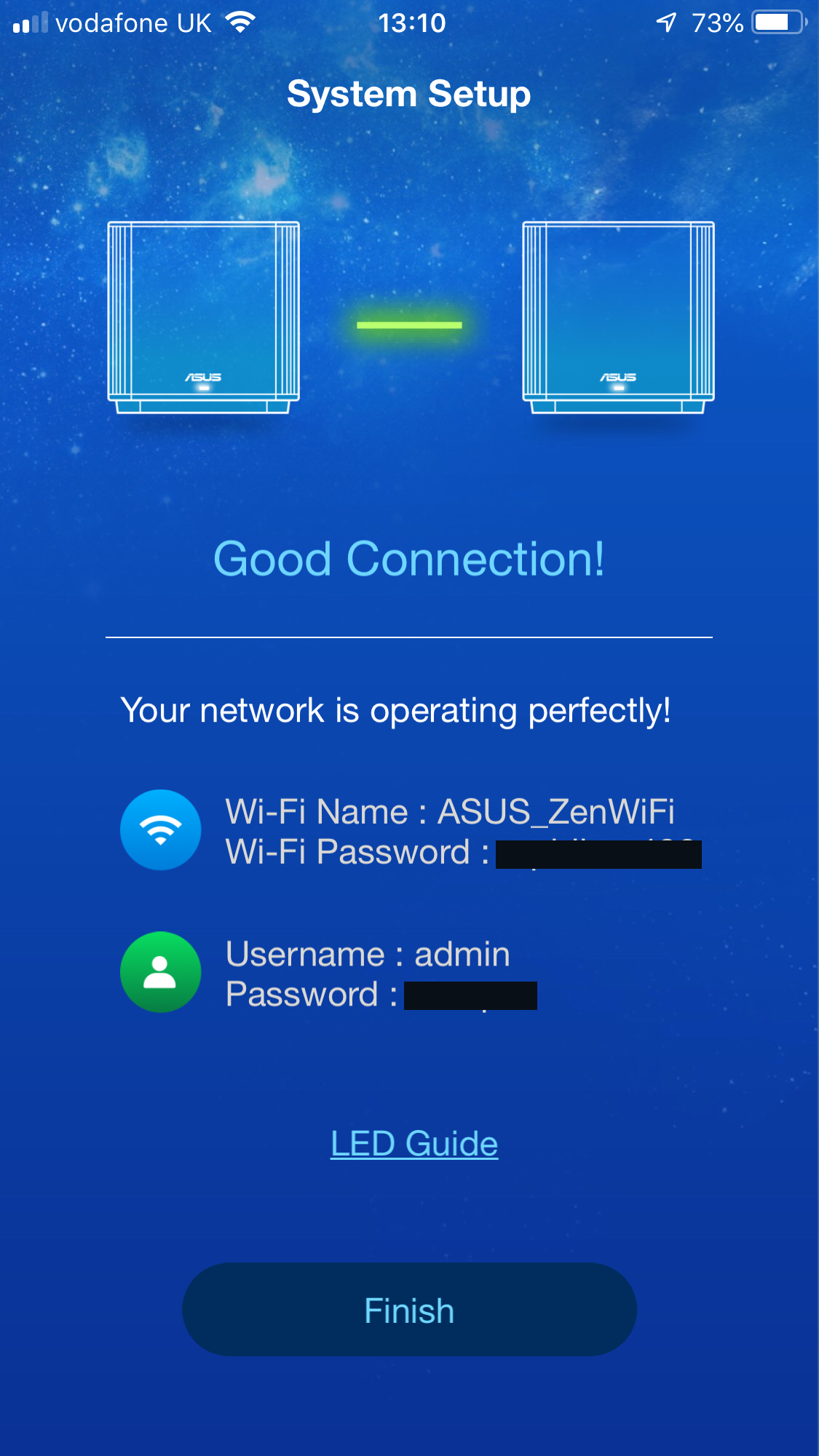
The smartphone app will ask you which ASUS router type you are wanting to set up, then find your ZenWiFi unit via Bluetooth and log you into its WiFi. The process is then a seamless one of following the wizard to add WiFi name and password, as well as admin login credentials. You're then logged into your new SSID, and after an optimisation process your ZenWiFi is ready.
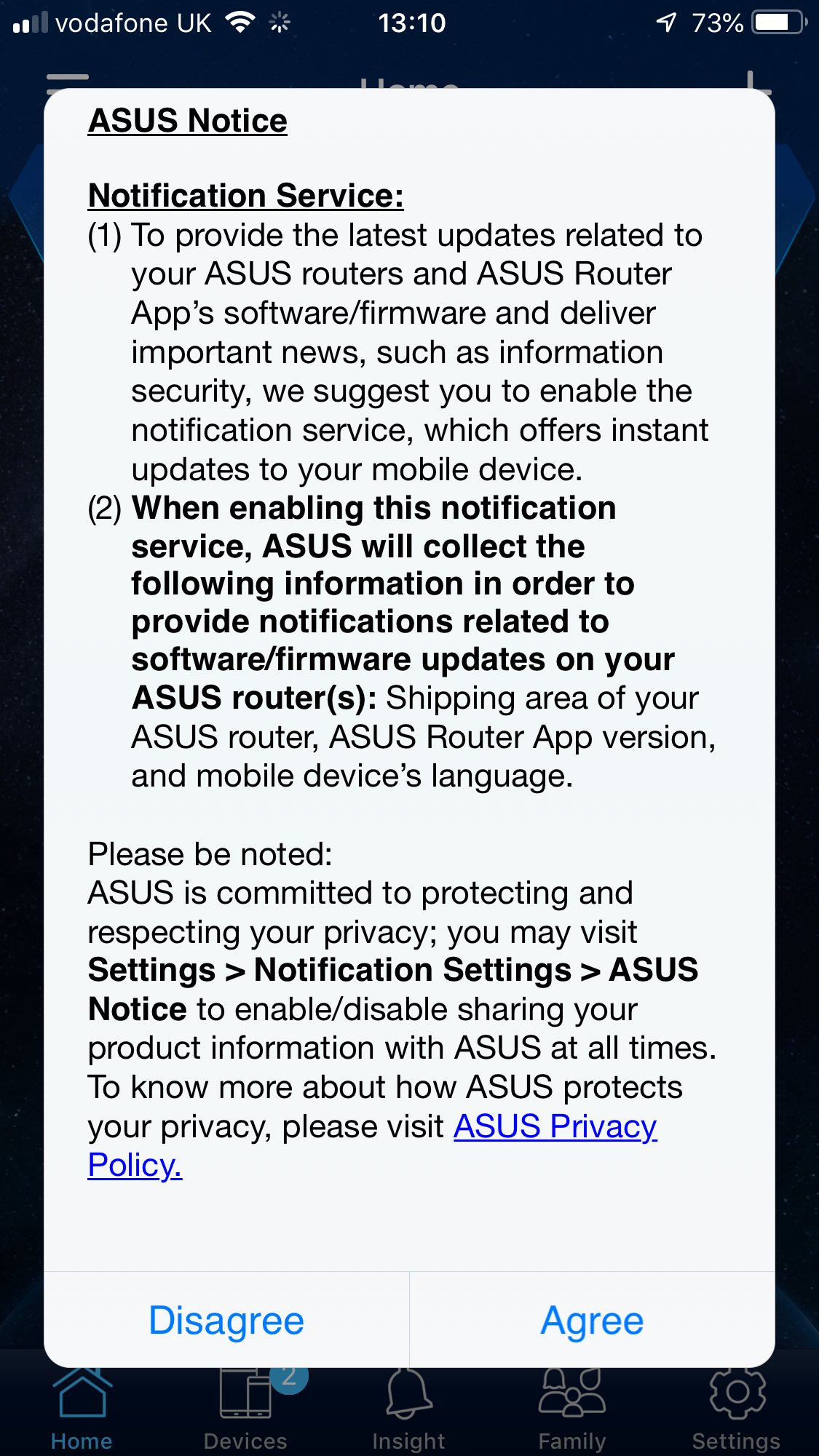
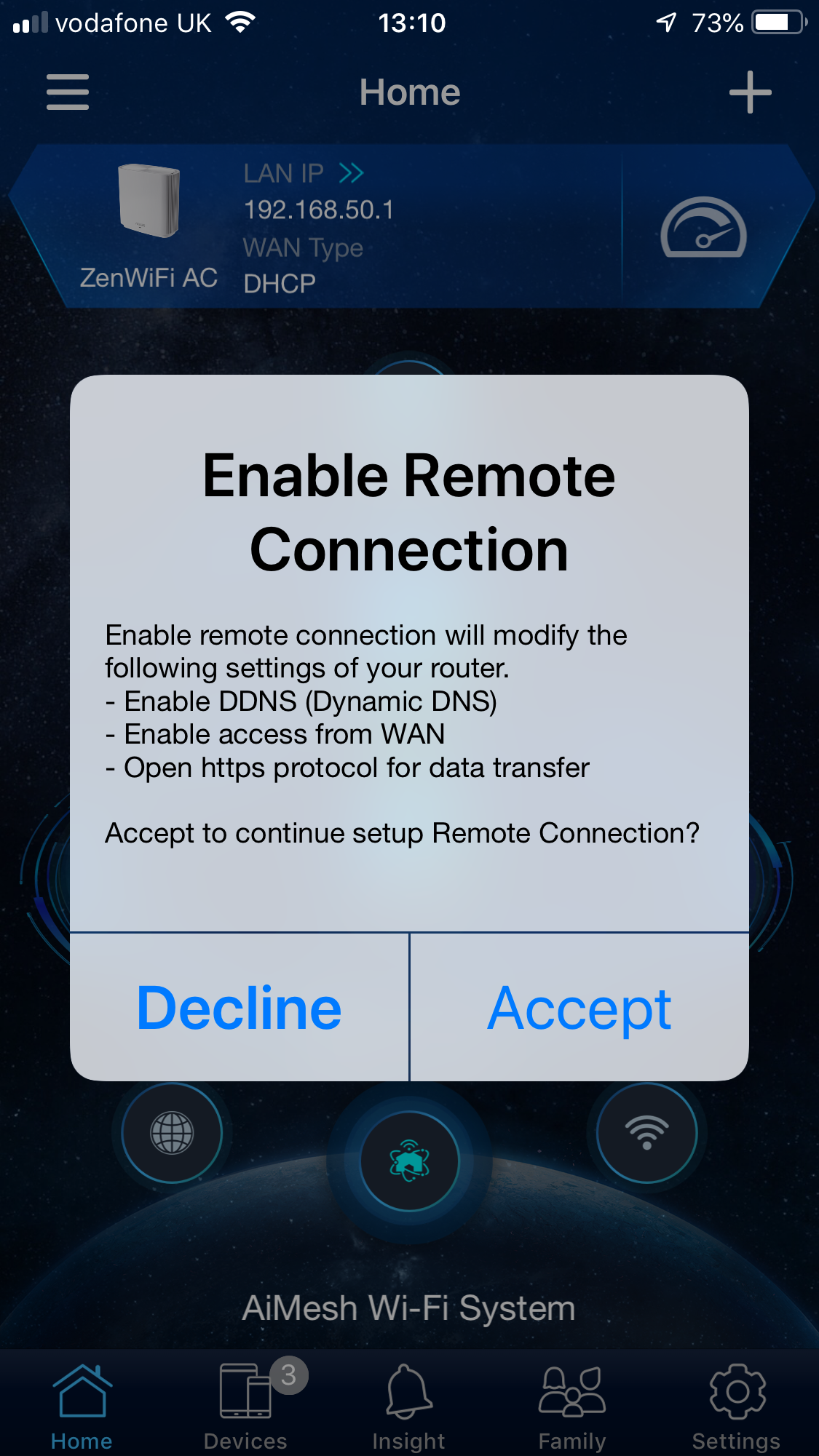
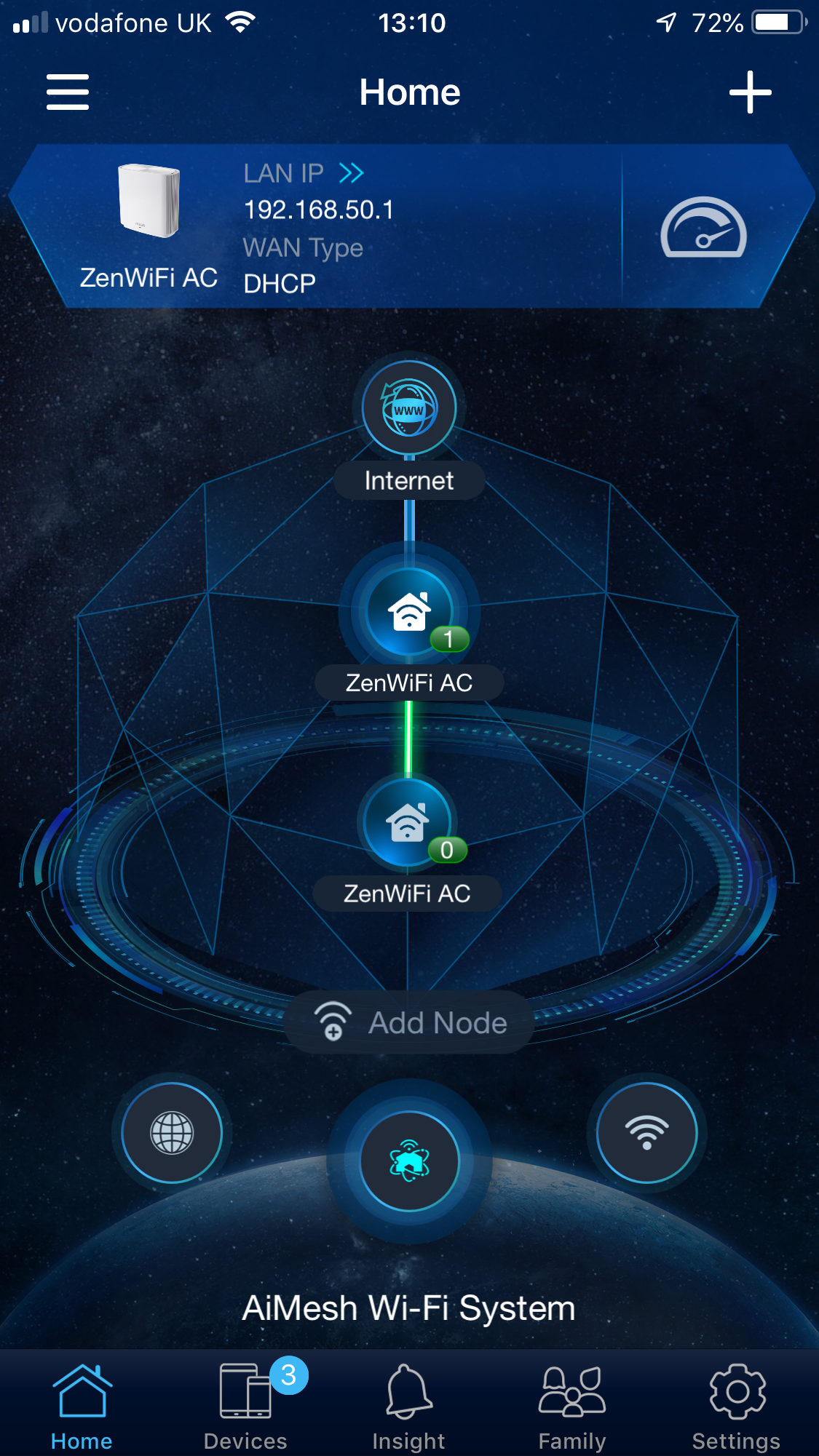
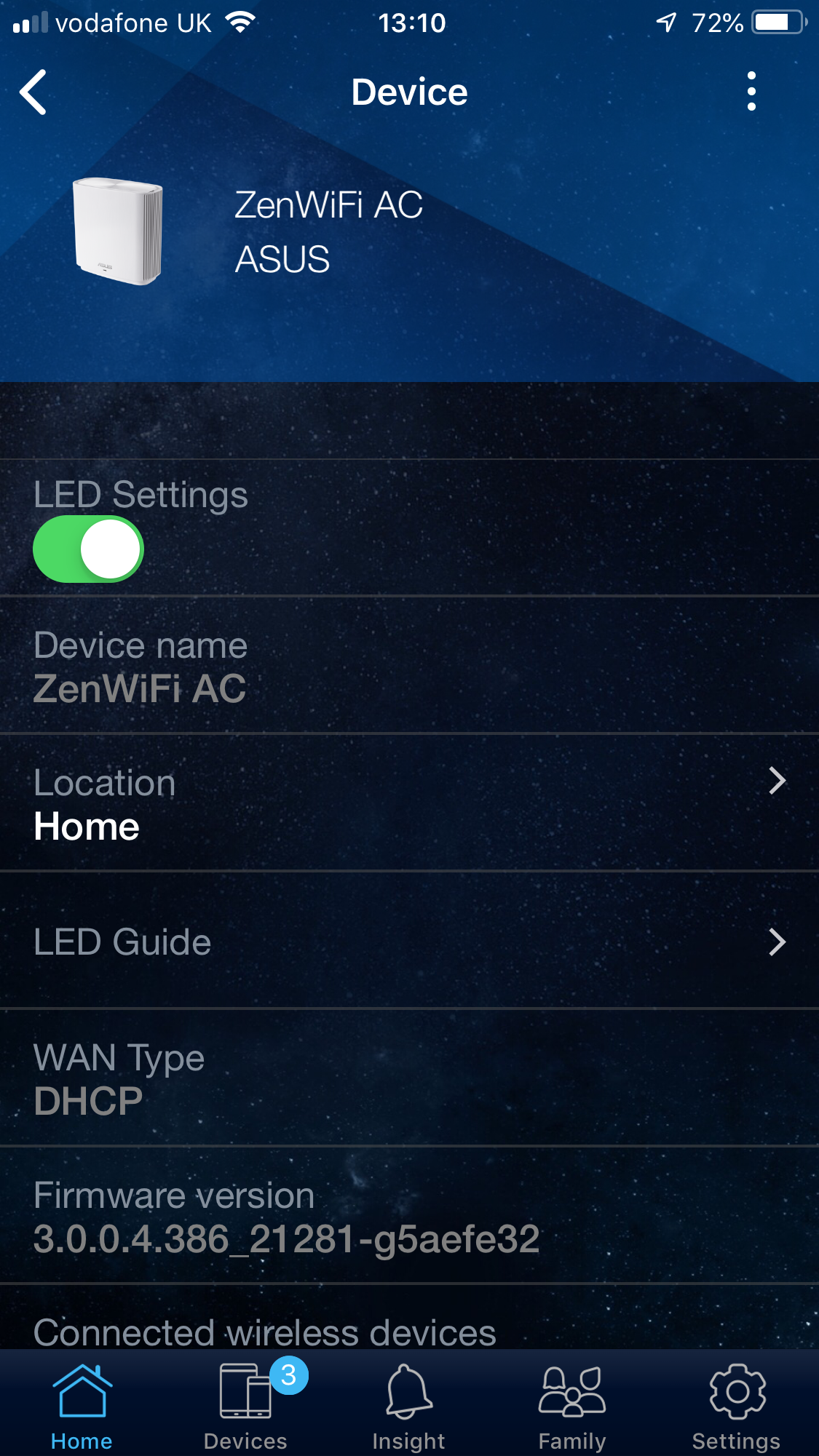
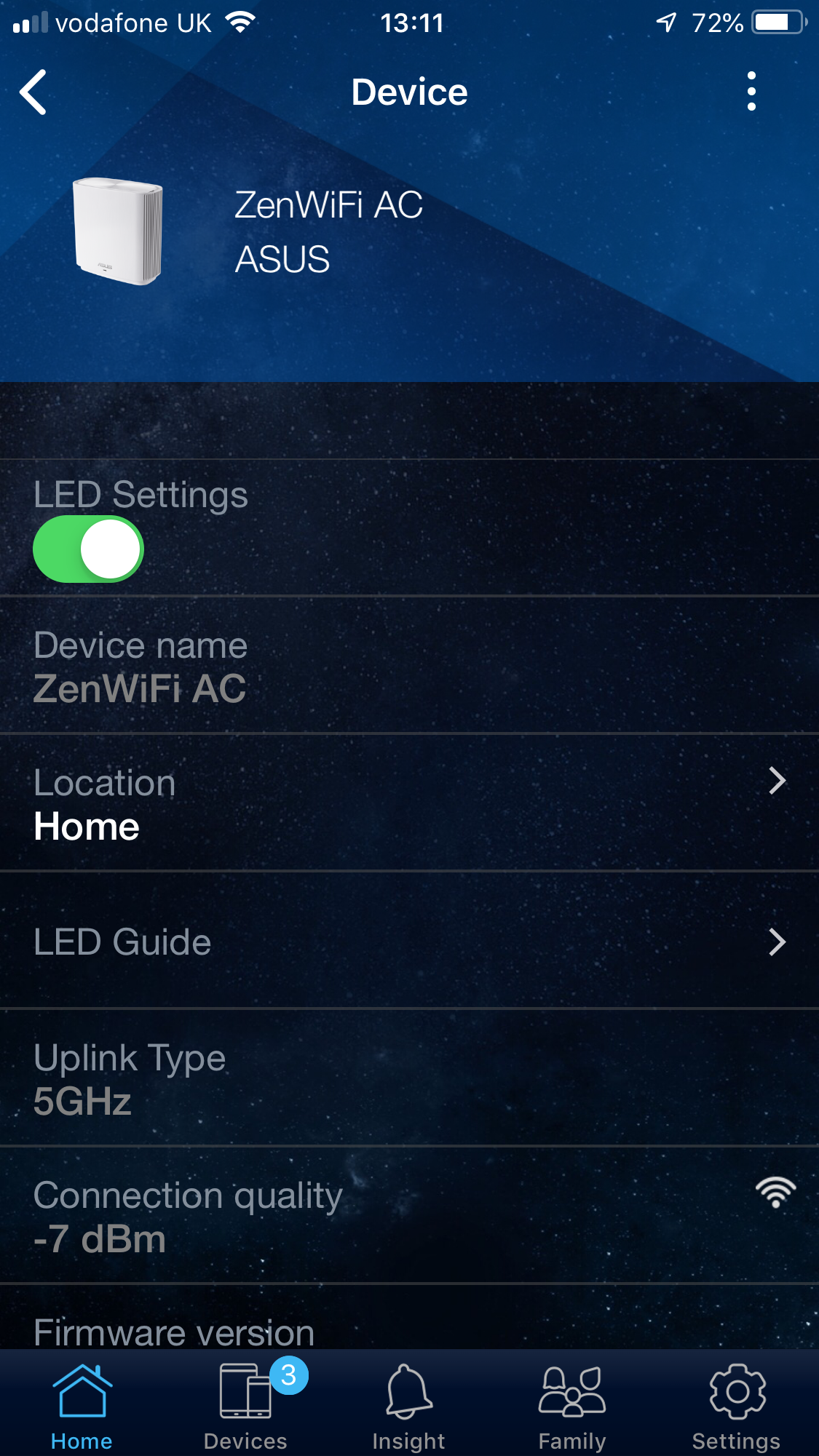
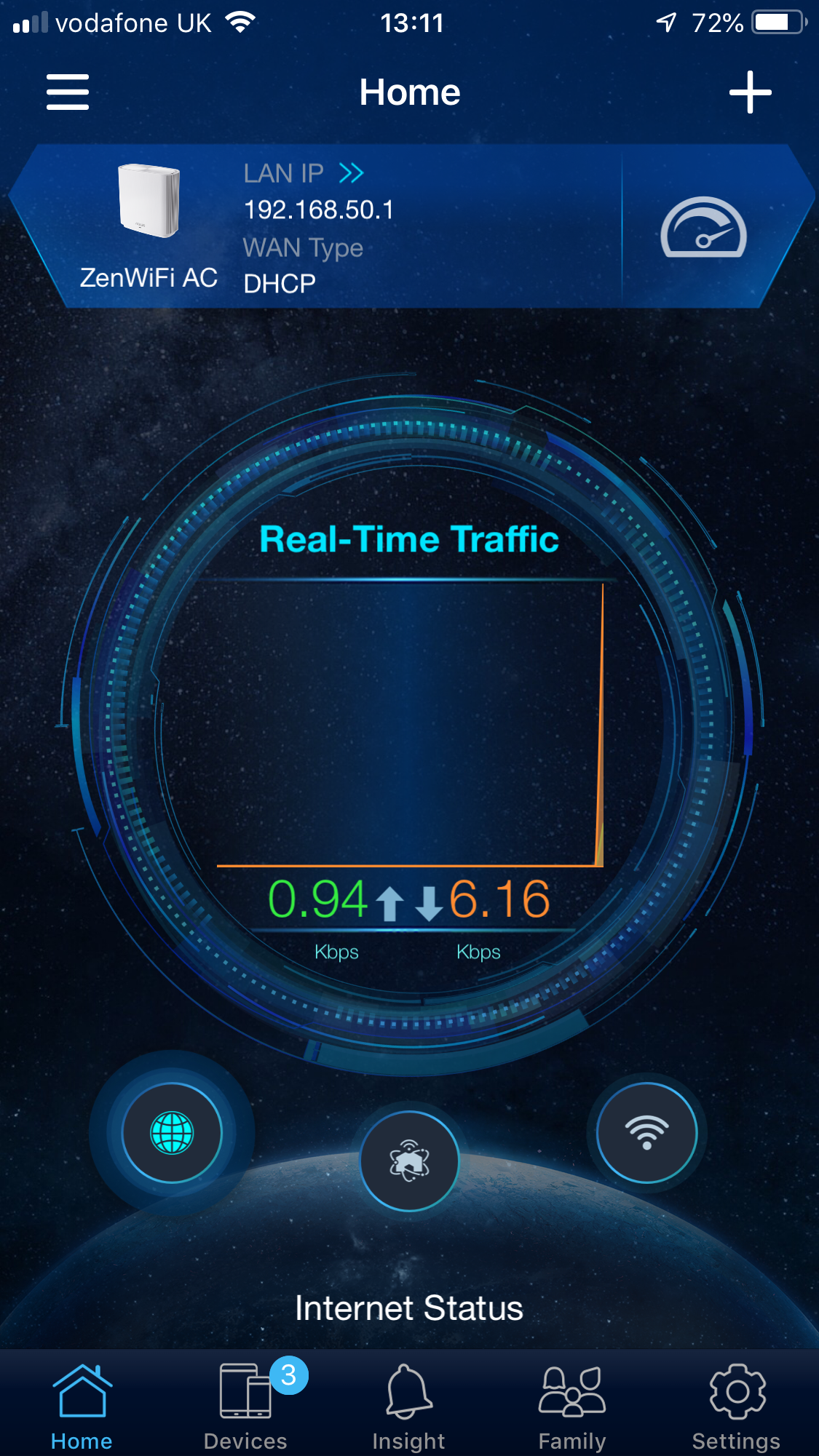
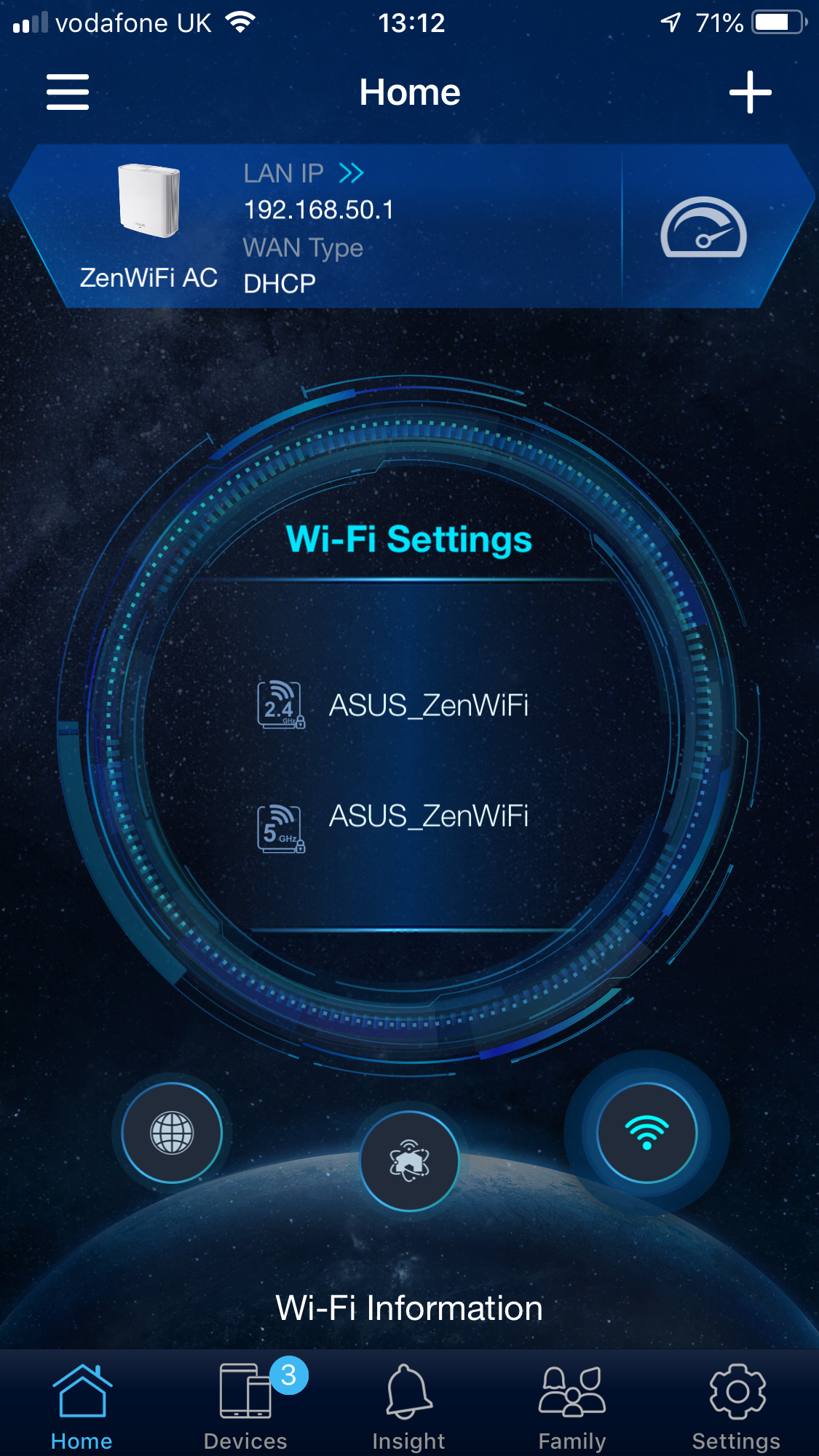
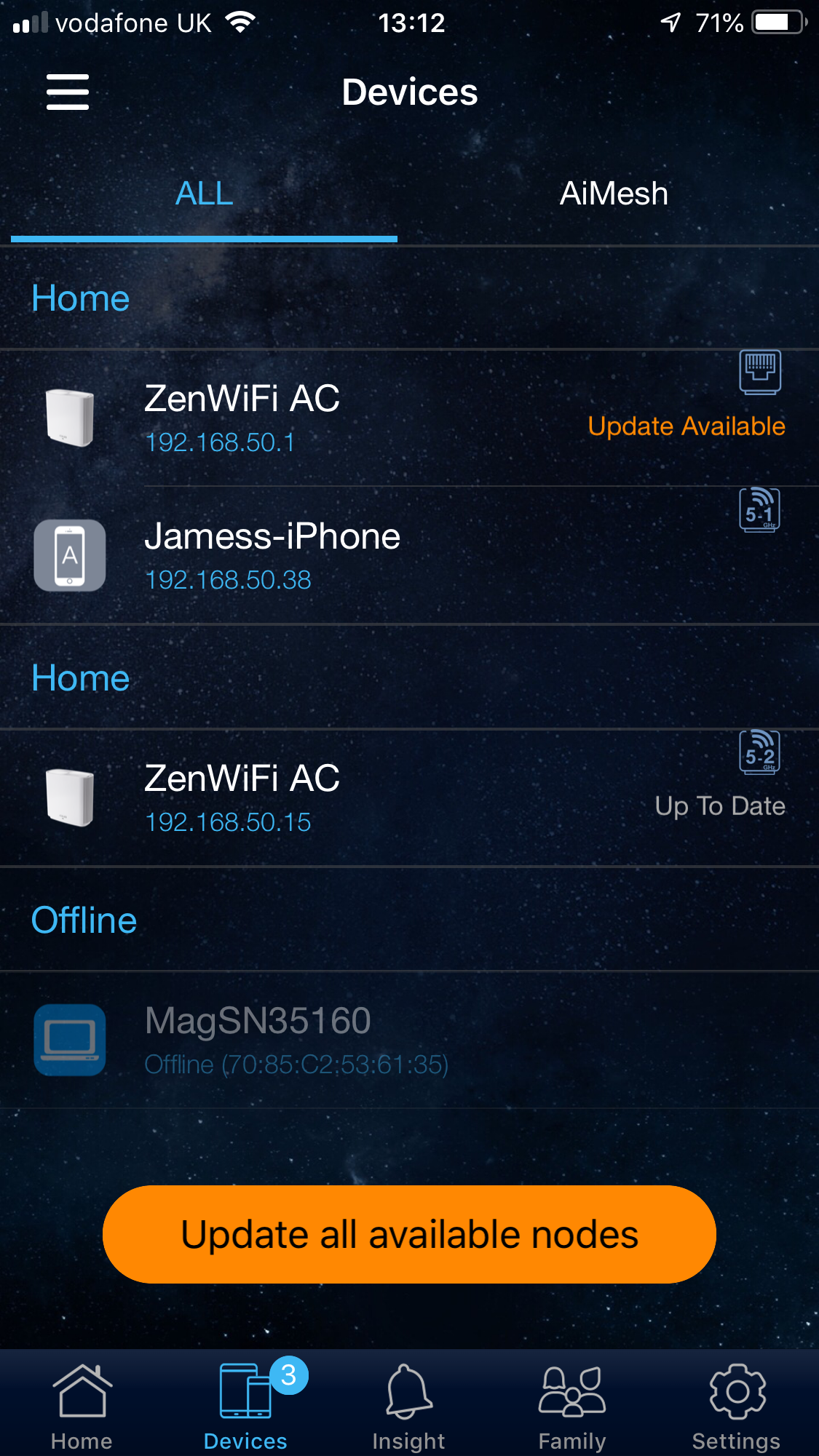
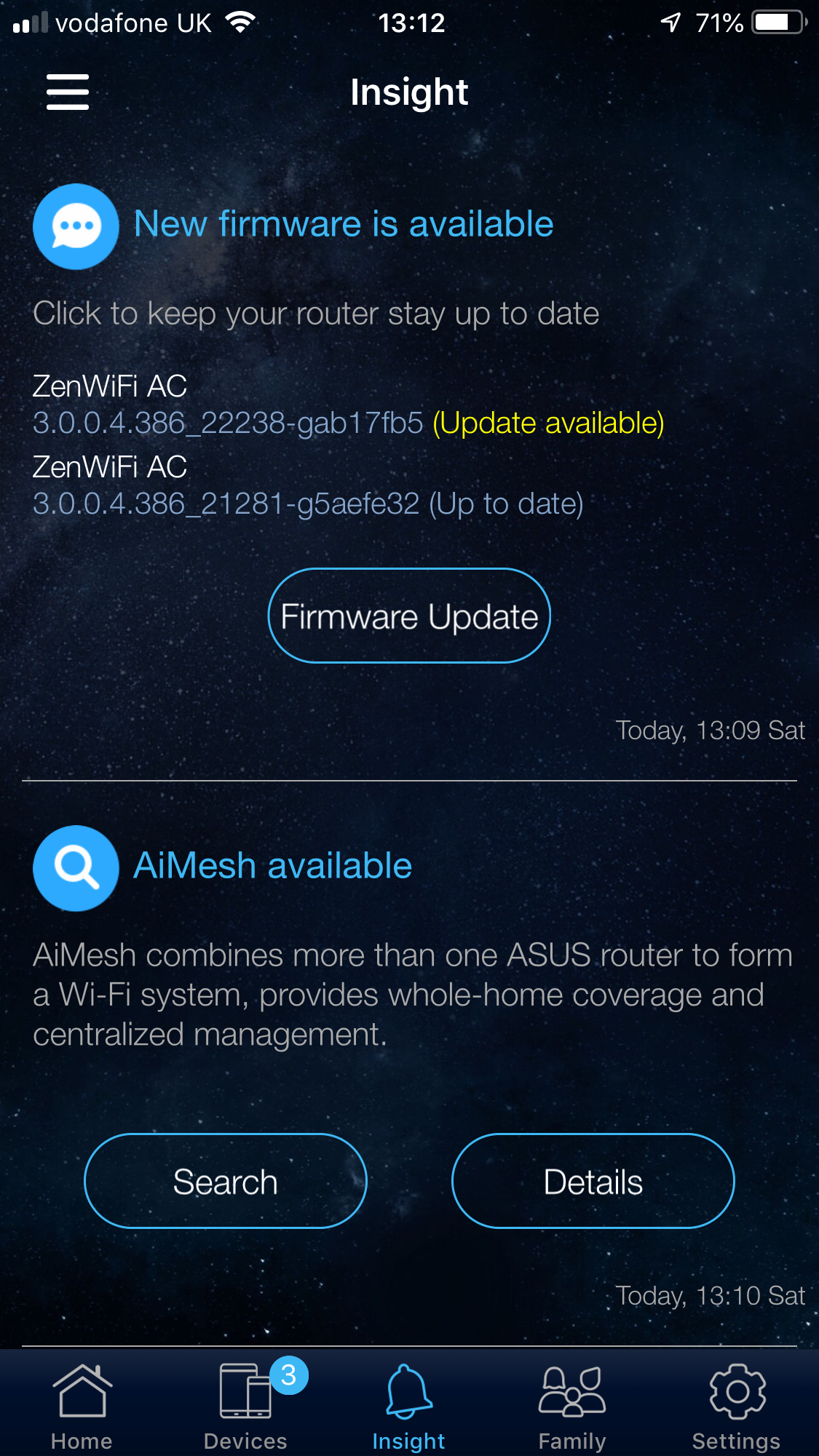
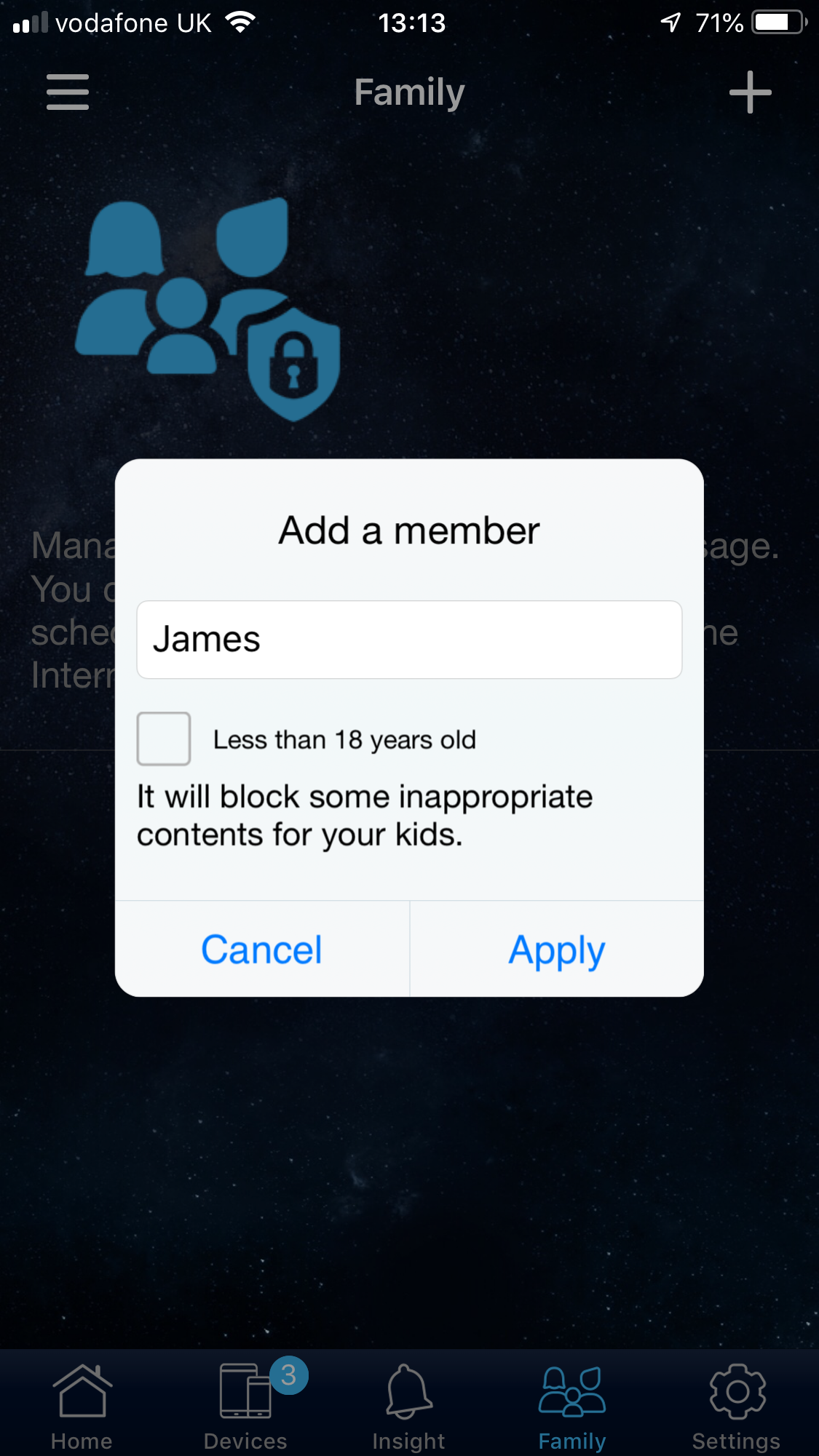
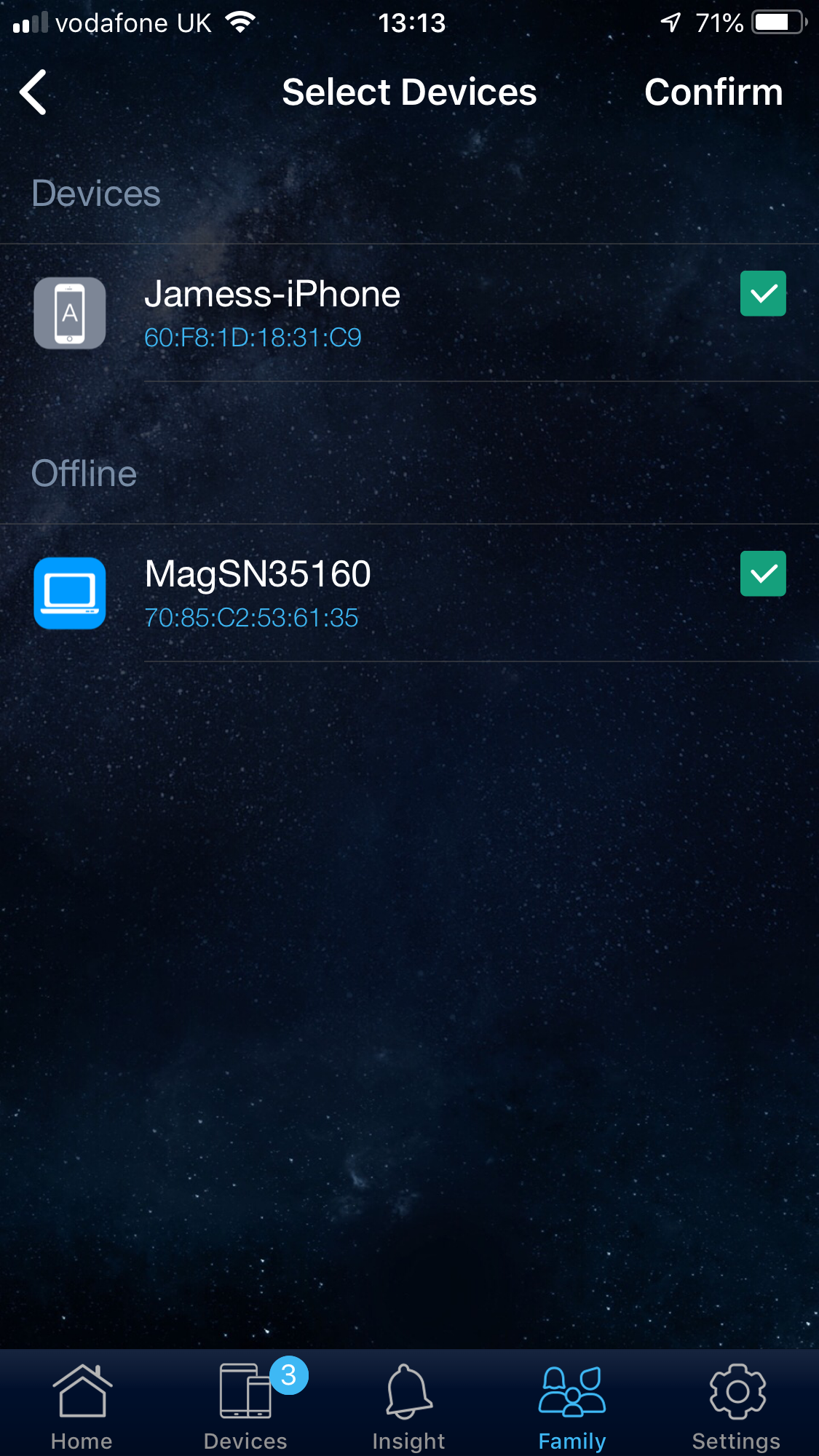
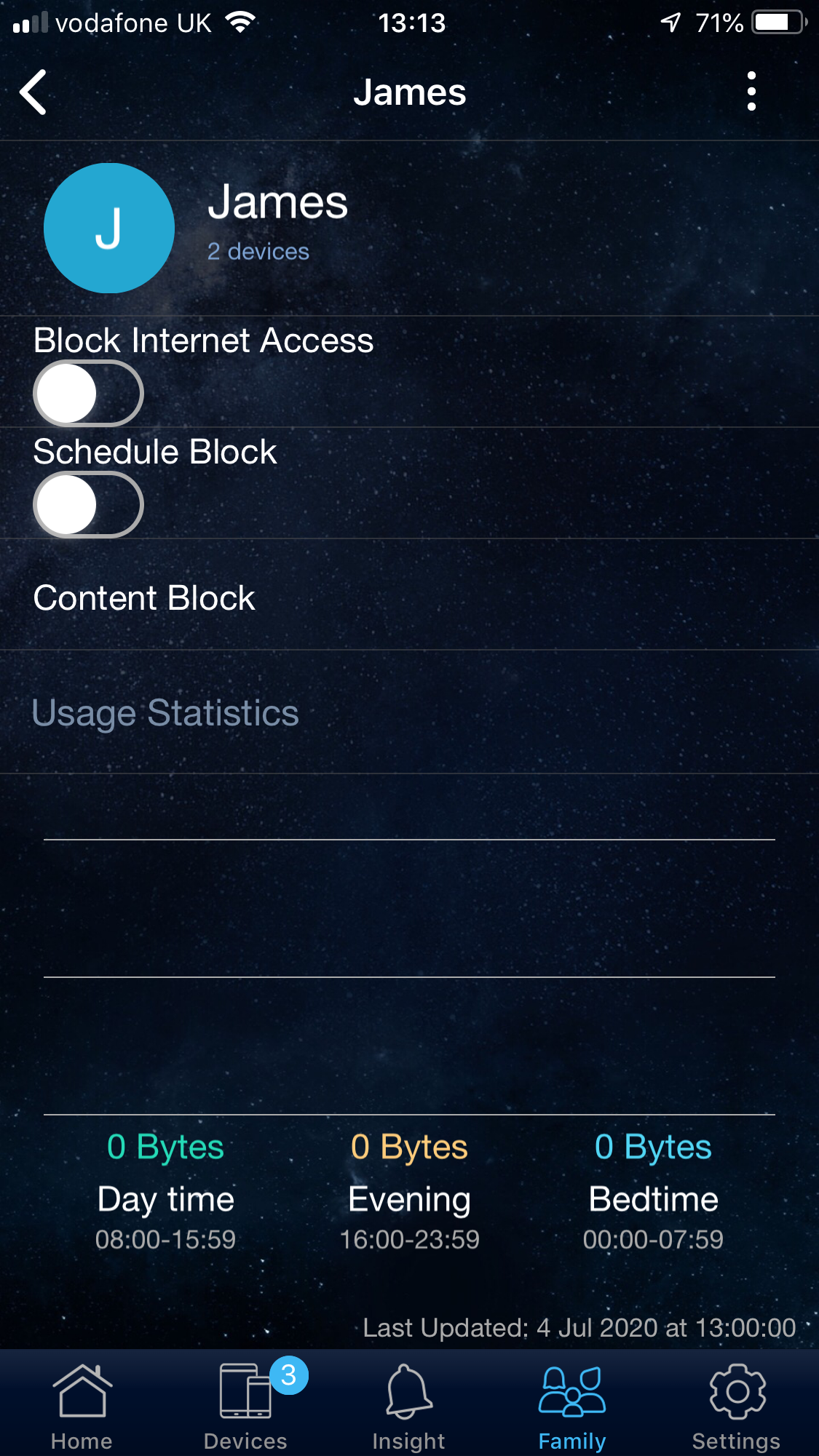
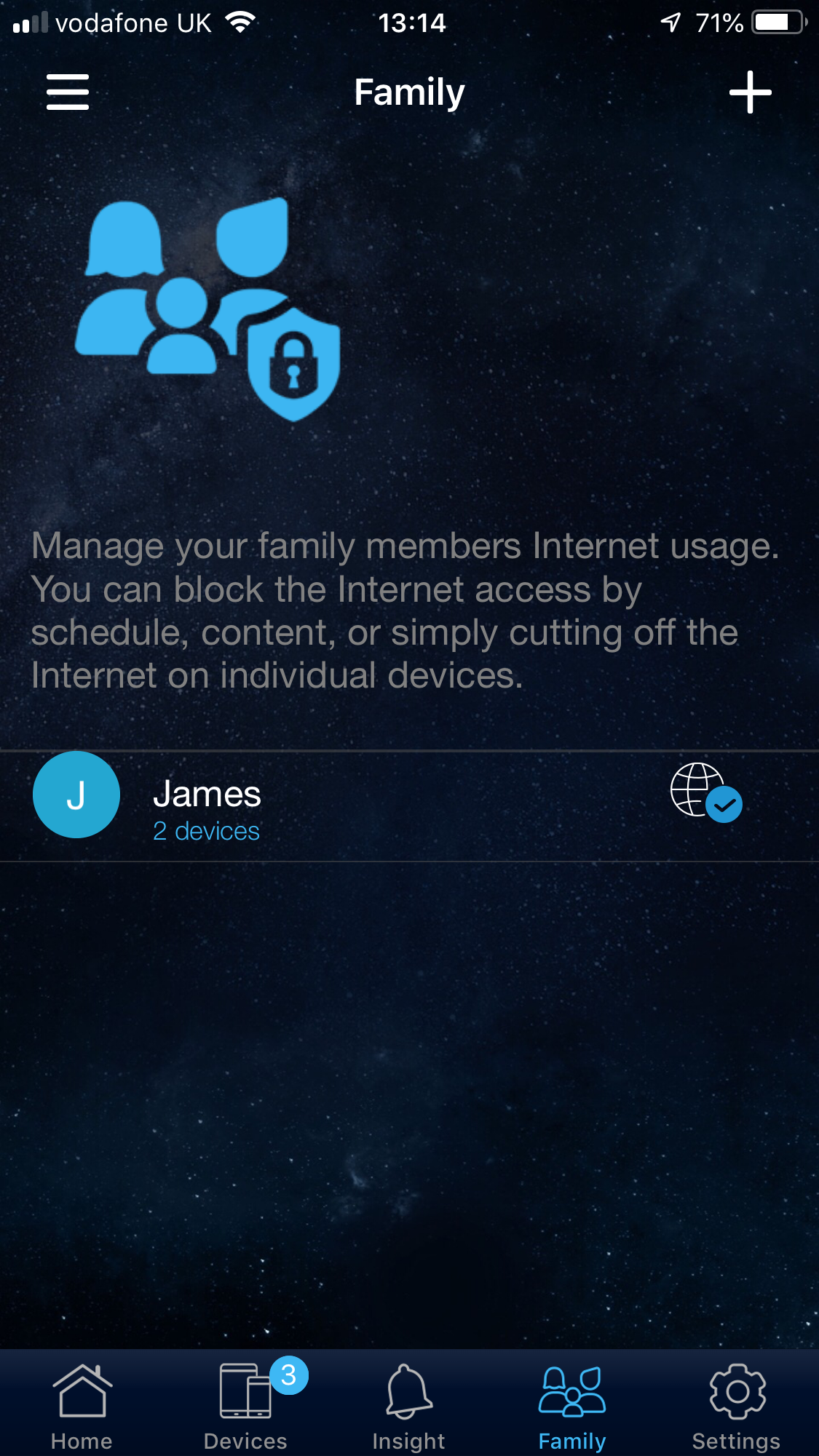
You're then taken into the app interface proper, with some T&Cs to agree to and the option to enable remote management. The first thing you'll notice when you're through these stages is that there is a lot more to do here than most smartphone apps for controlling routers. You can drill down to the router and satellite, and even reboot them.
There is a traffic monitor, access to the WiFi settings, and a device listing with the ability to update any ASUS units that have old firmware. There's a user-friendly parental control system, where you can define users and attribute more than one device to each one, then create rules to limit their Internet access in various ways.
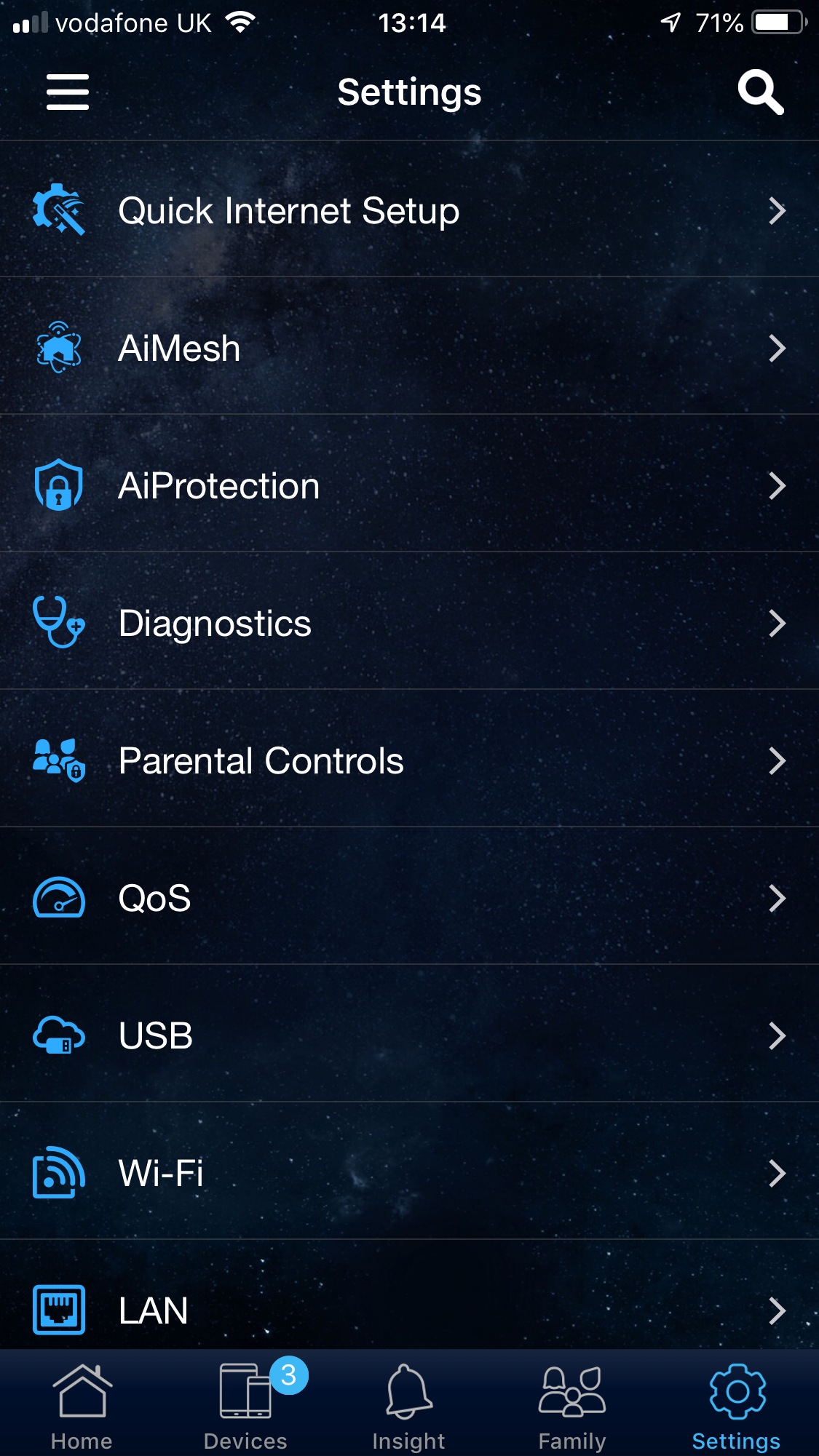
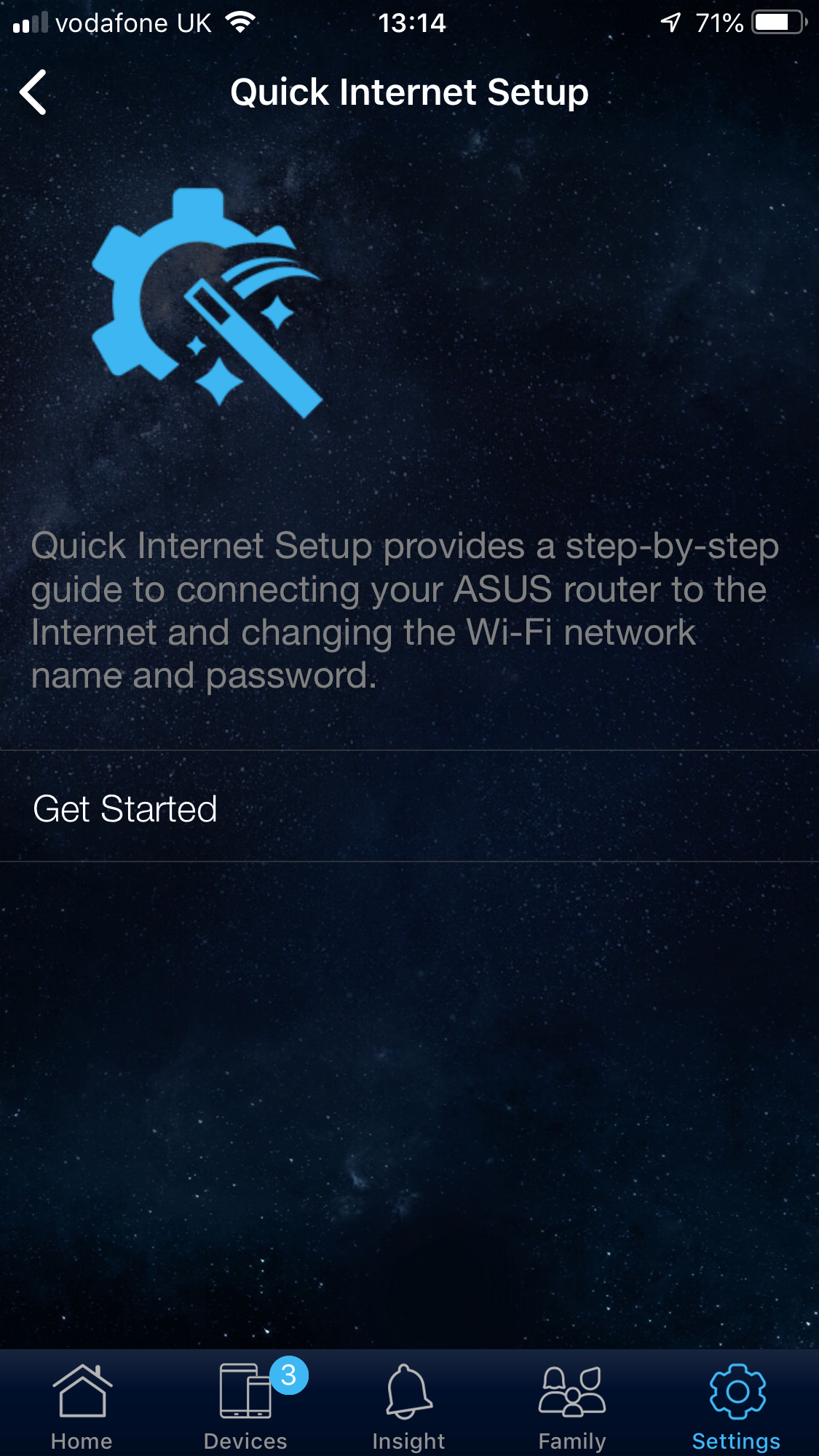
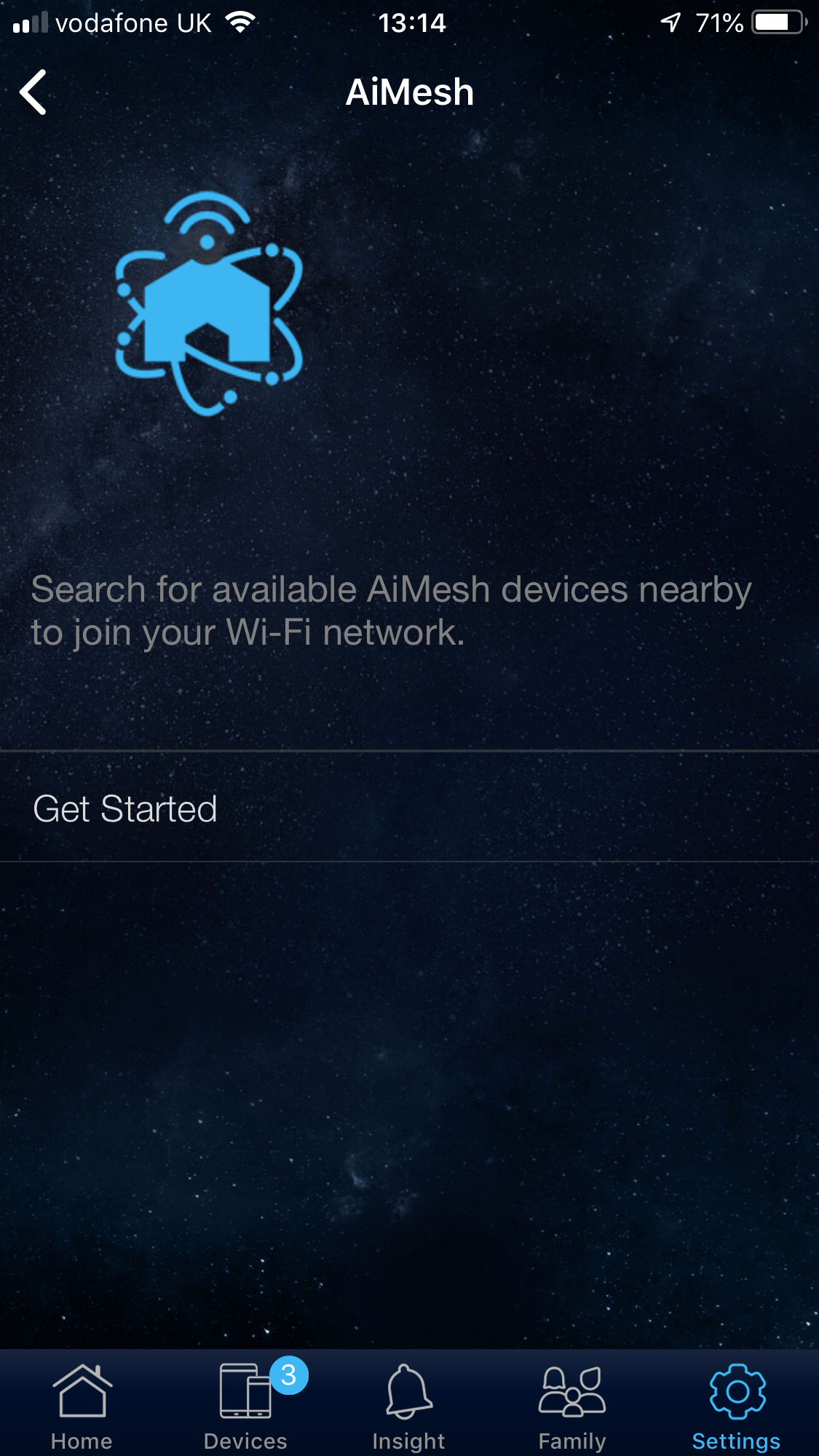
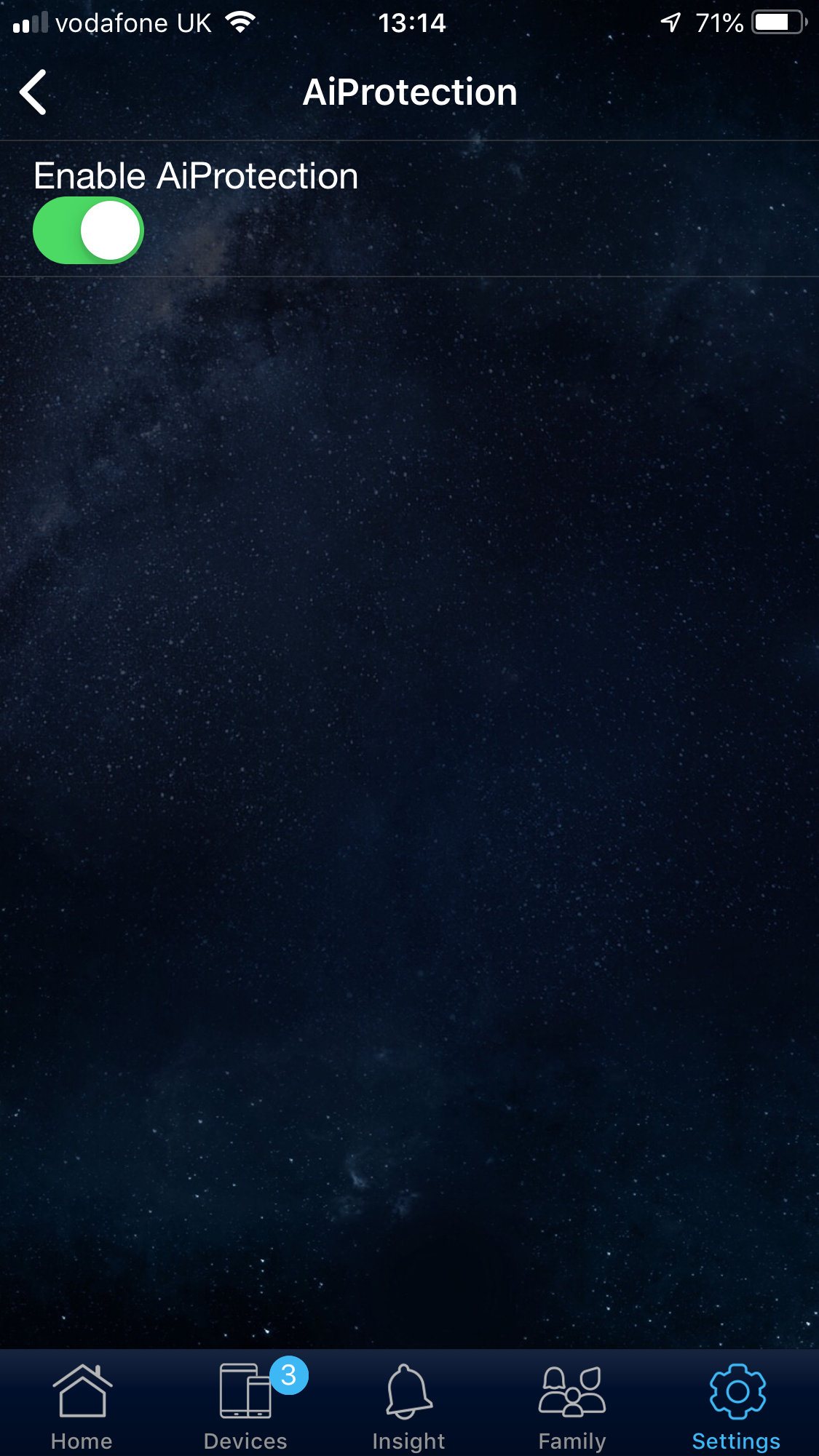
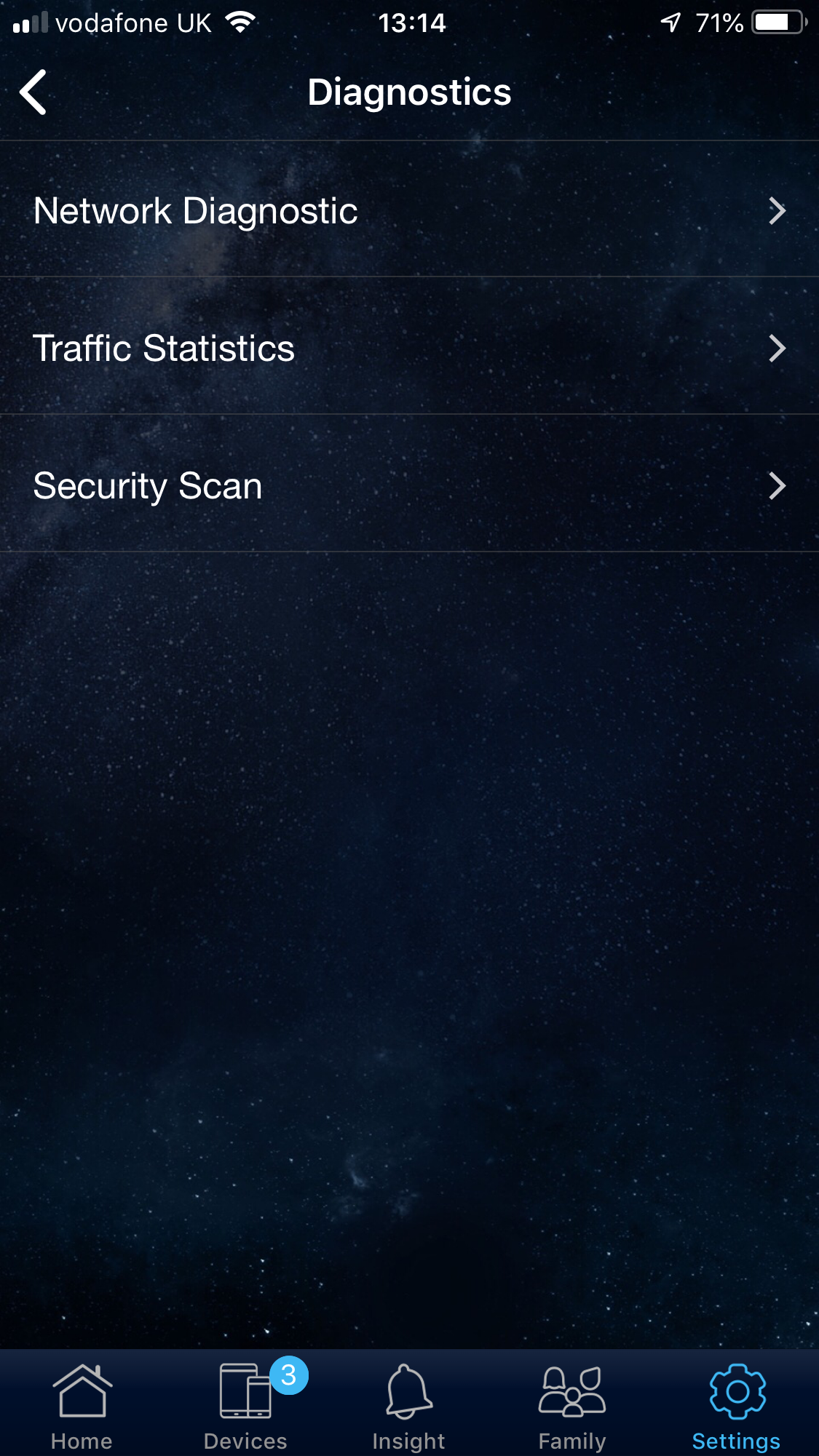
The Settings section provides much more fine tuning than other smartphone apps we've used. You can set up the Internet connection again, add further units to the AiMesh WiFi, enable the AiProtection firewall, and run a few diagnostics, including a security scan.
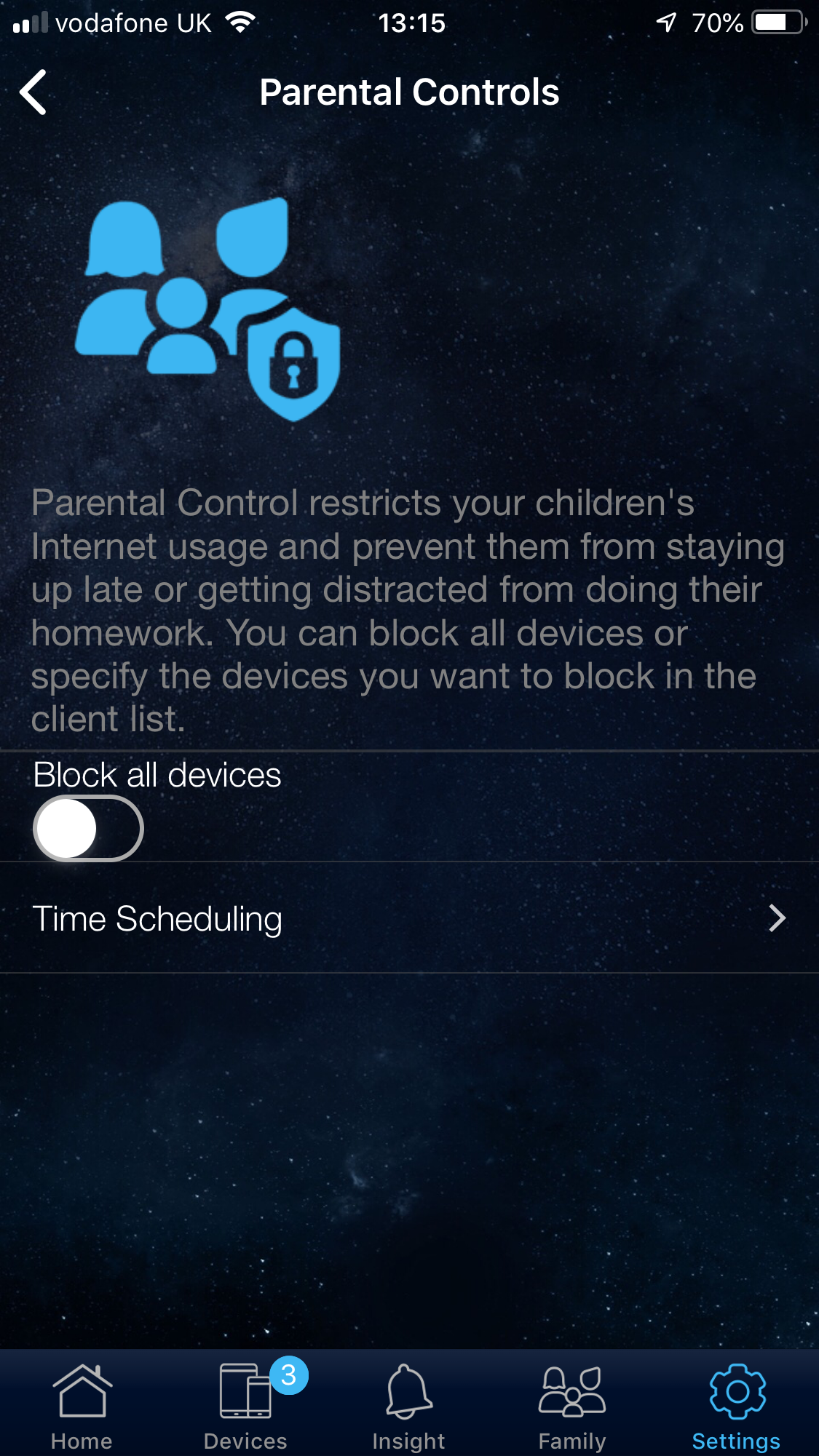
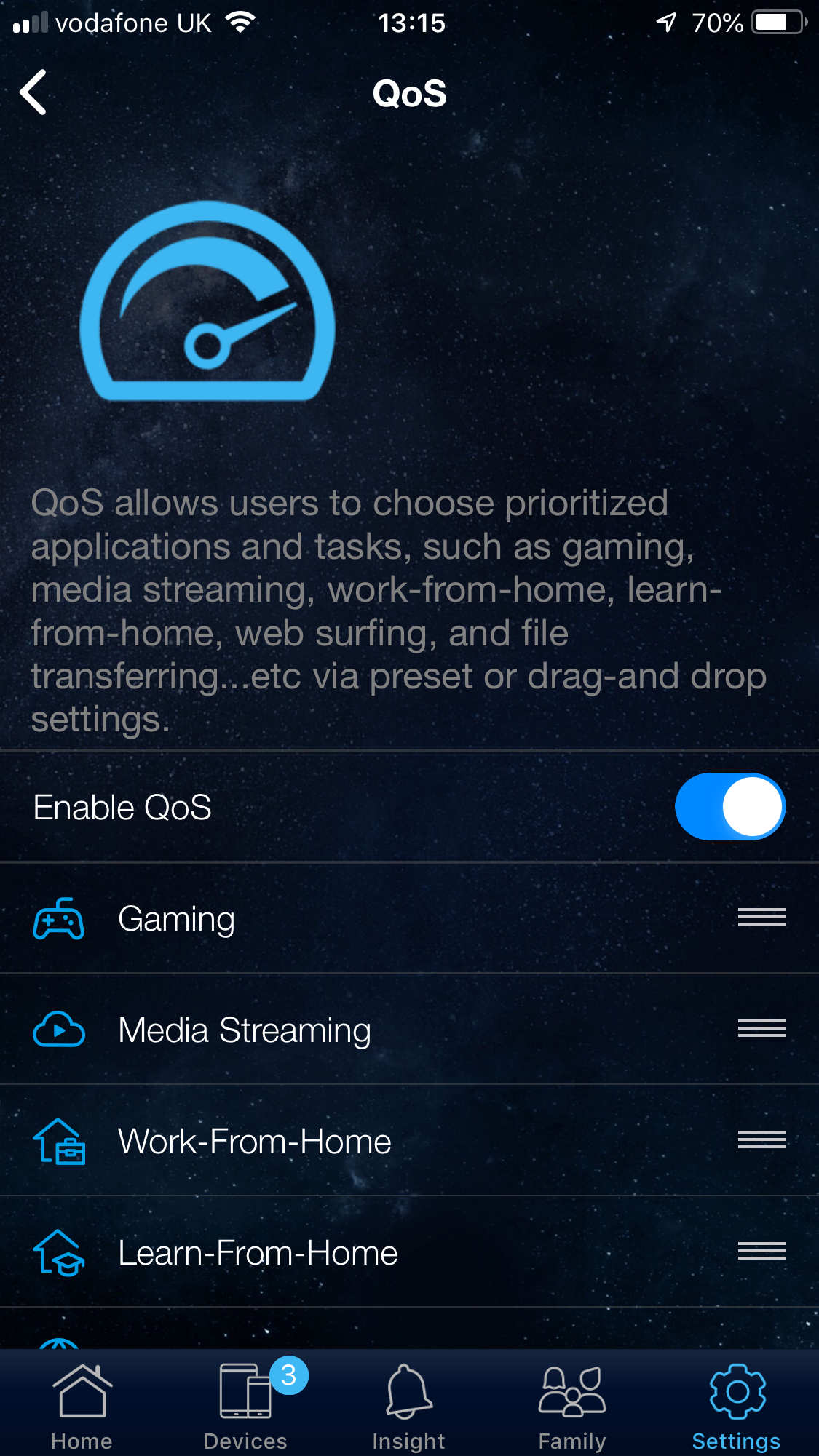
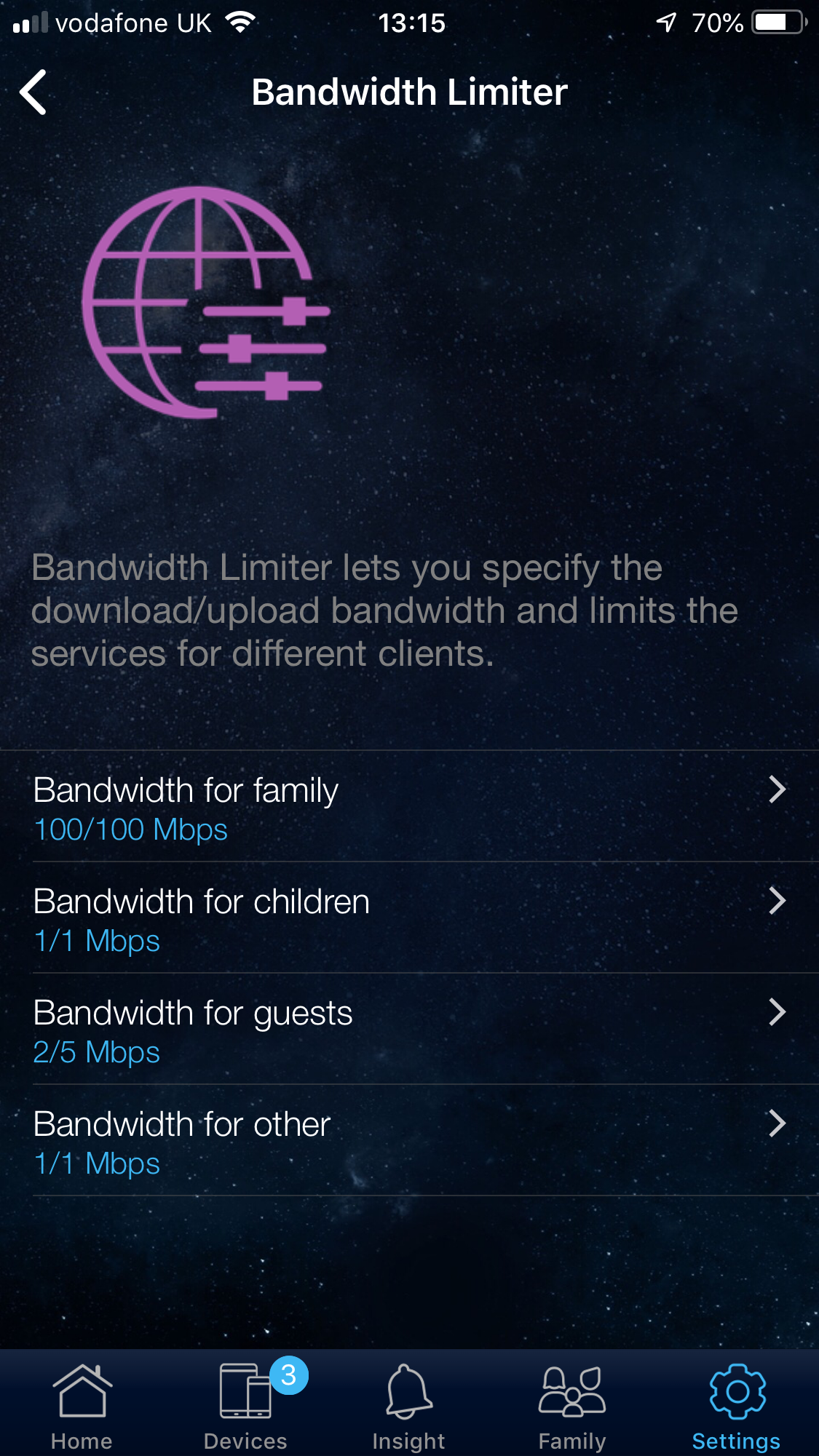
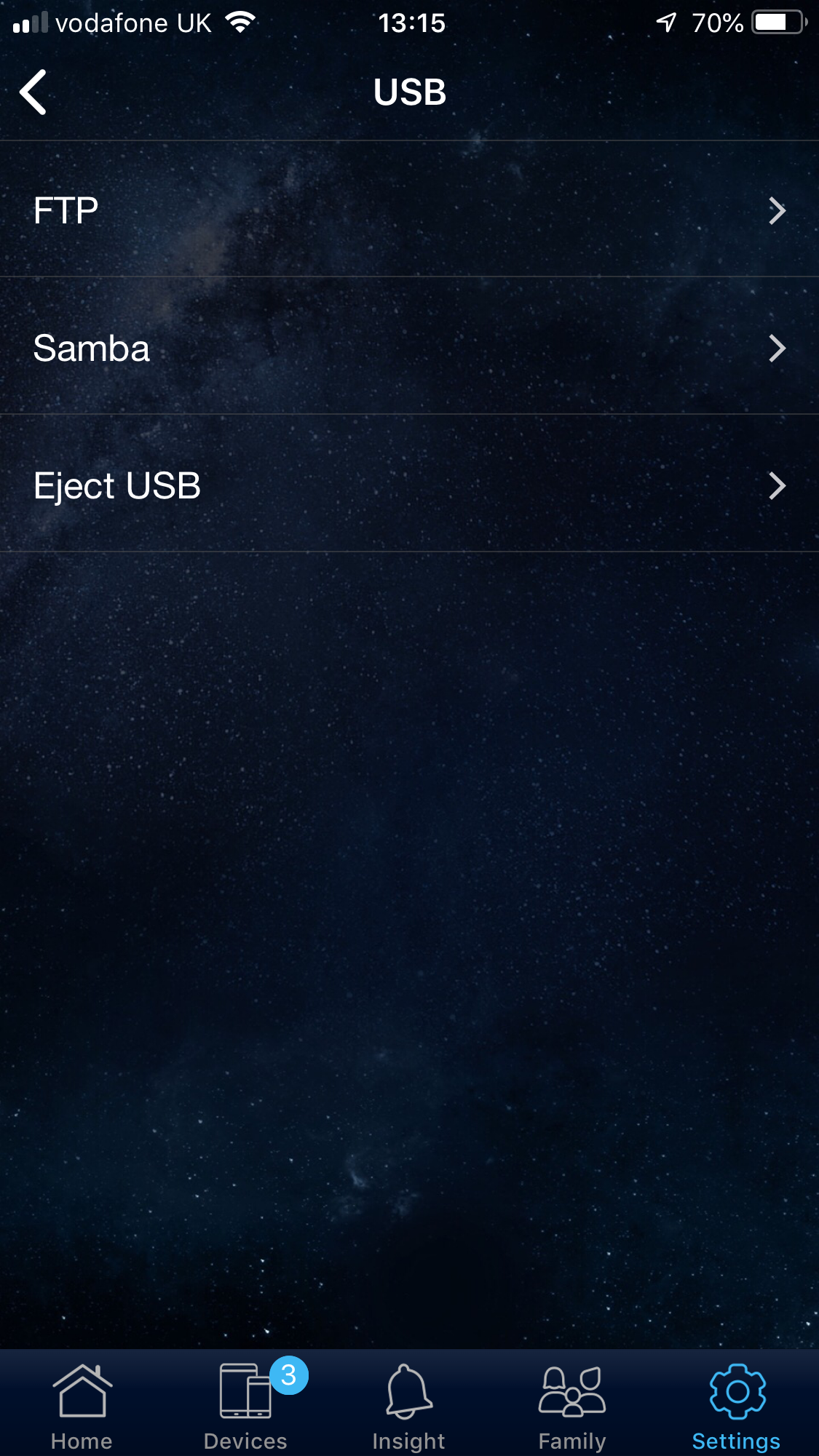
There's a global parental control option, quality of service (QoS) that allows you to prioritise traffic by category, such as gaming and media streaming. You can limit bandwidth for various categories of network user, and set up how network users can access what is attached to the USB port.
However, the options available here are a subset of what can be found in the Web interface, which we will be covering shortly.
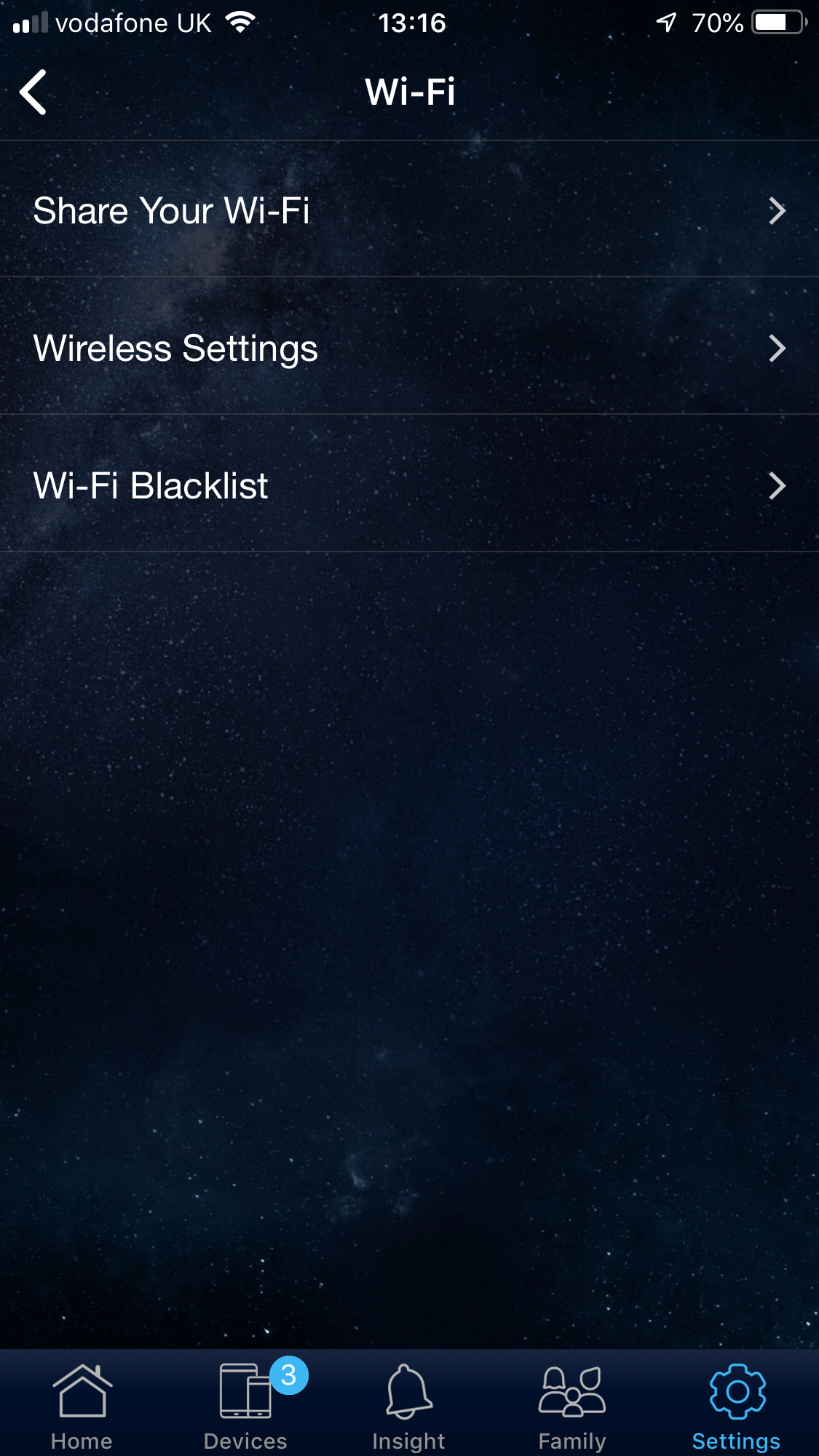
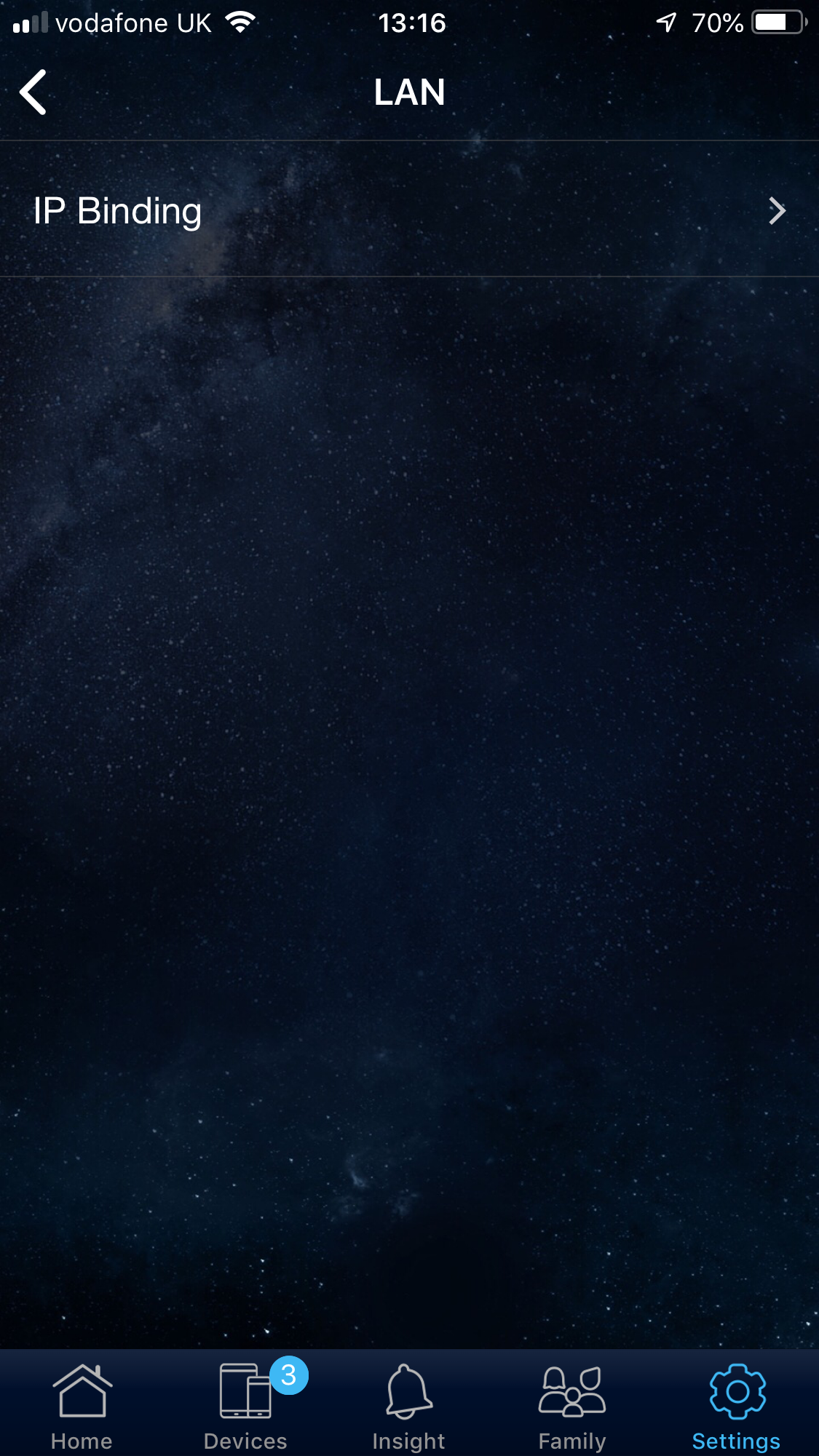
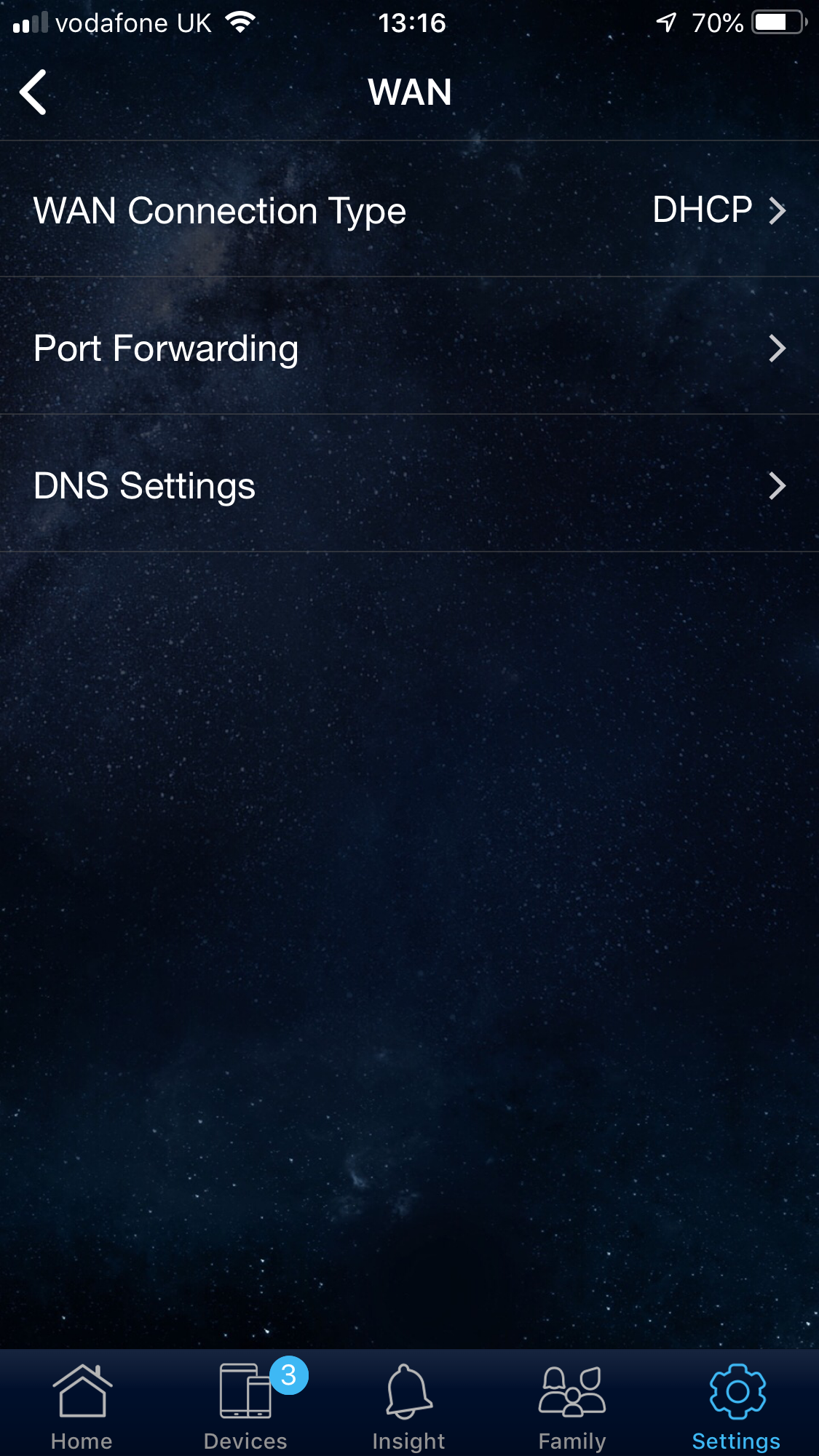
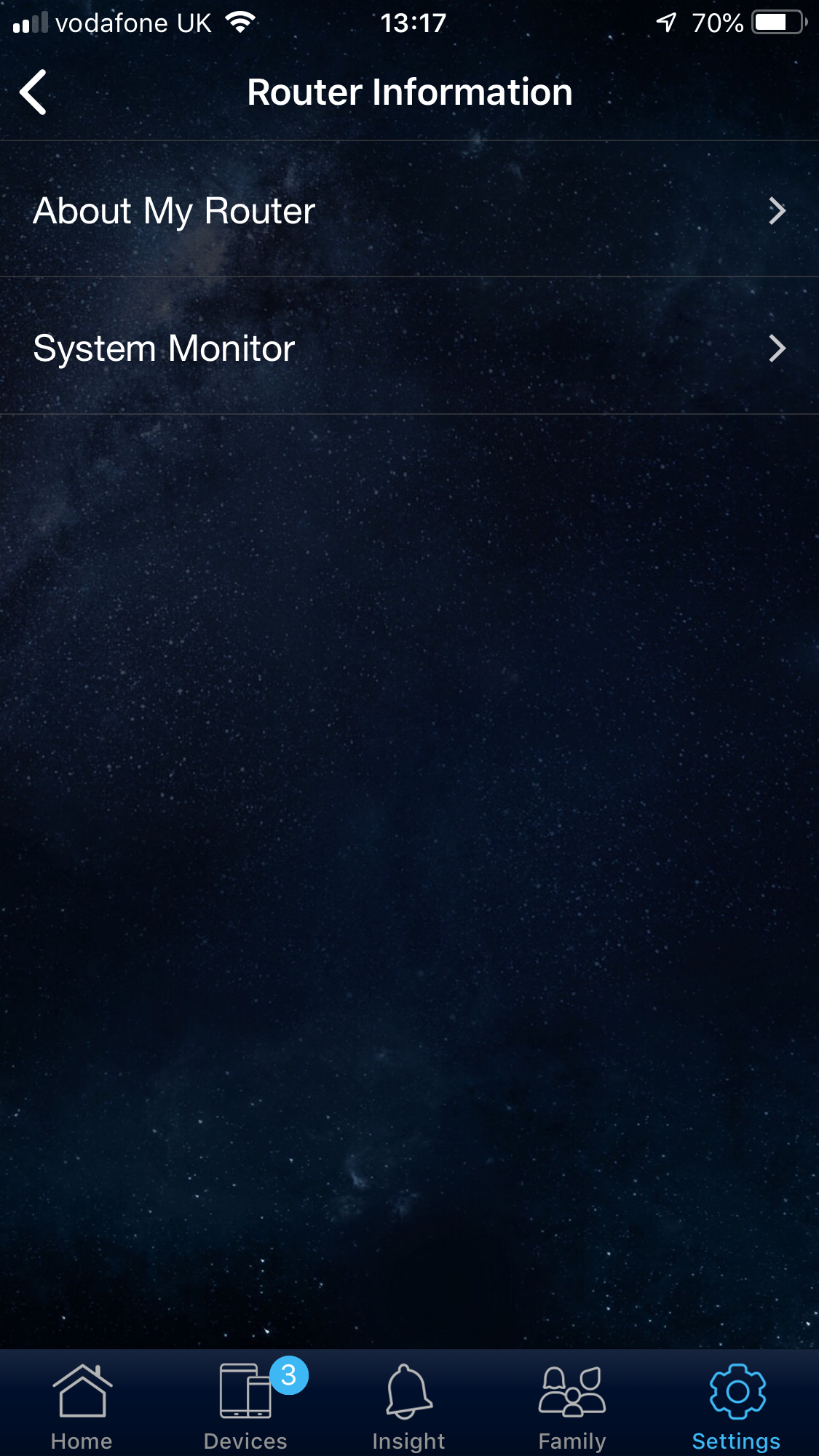
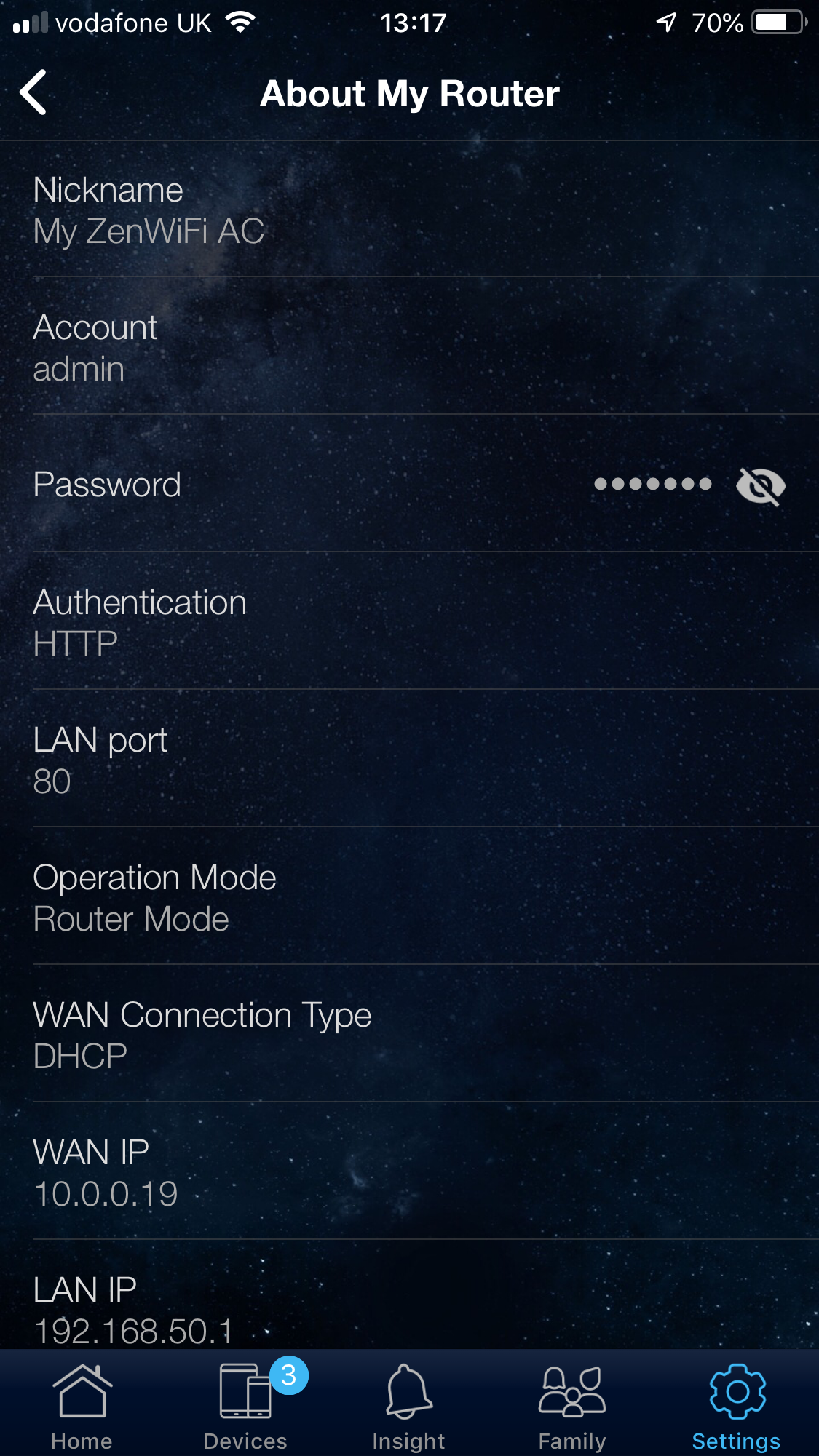
There are configuration options for your WiFi, including the ability to create a guest WLAN and blacklist certain clients. Under the LAN section you can permanently assign an IP address to a client.
In the WAN section, you can configure port forwarding – an expert feature you won't find in many smartphone router admin apps. Finally, you can see information about your router's configuration.
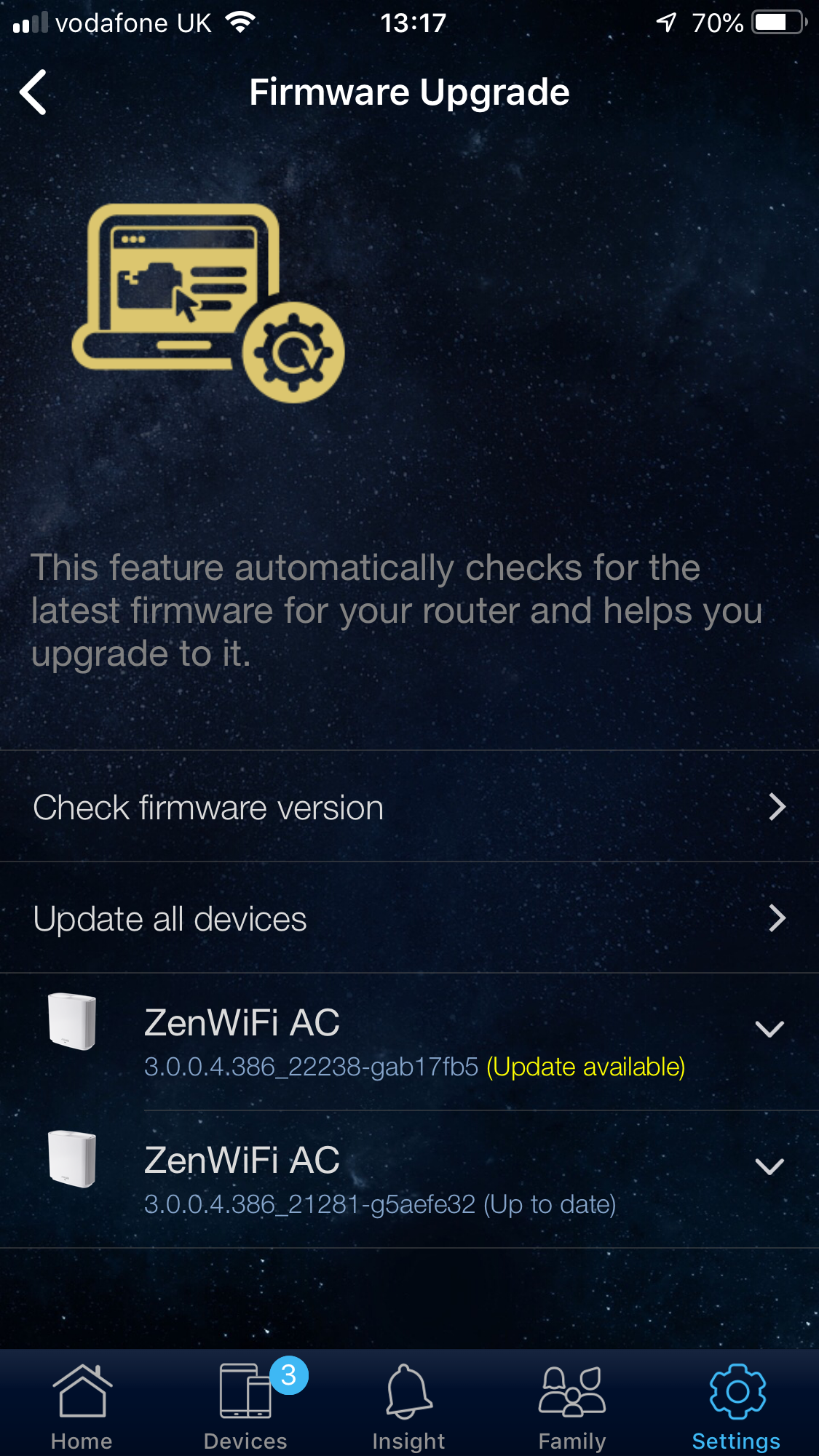
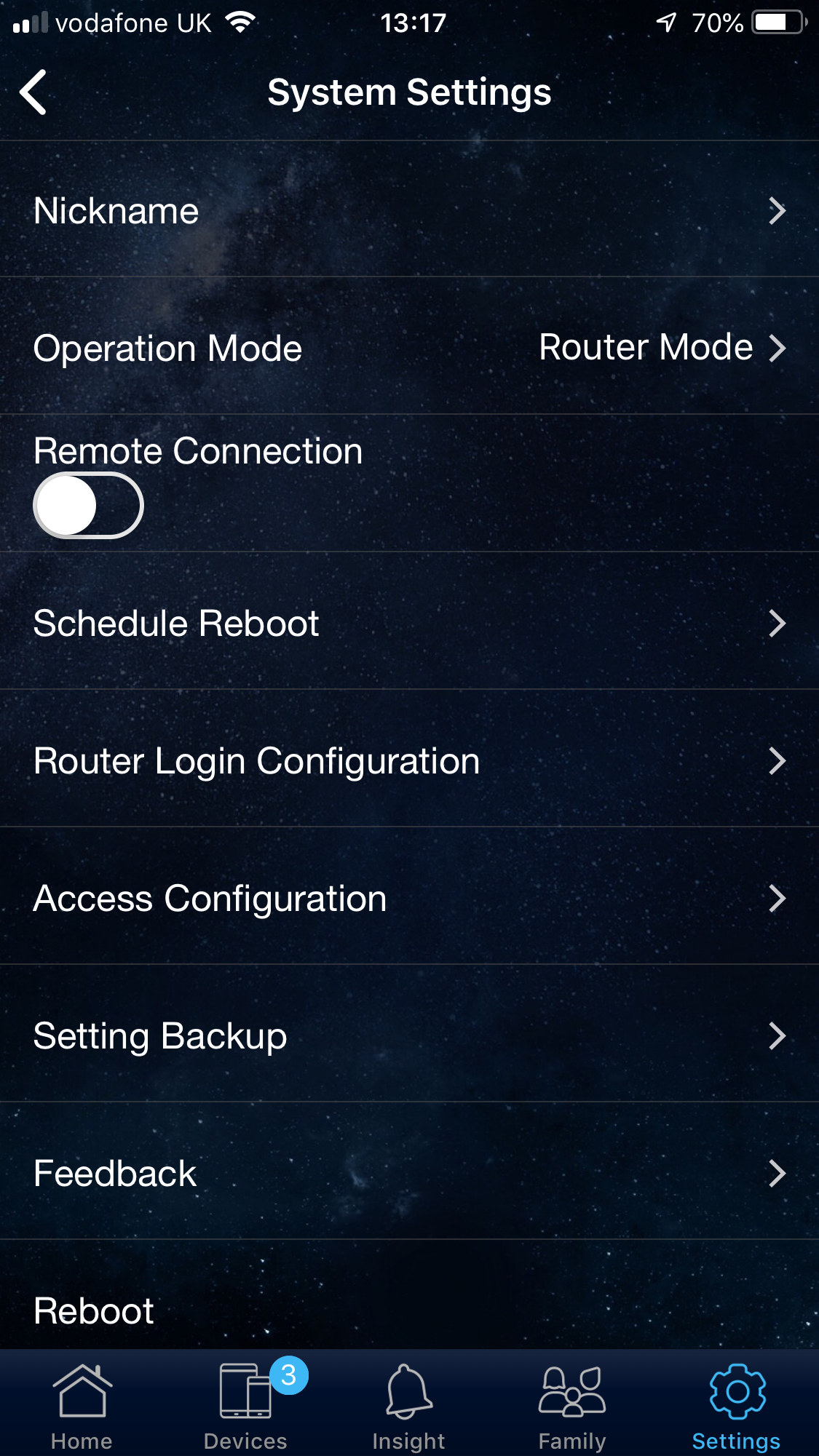
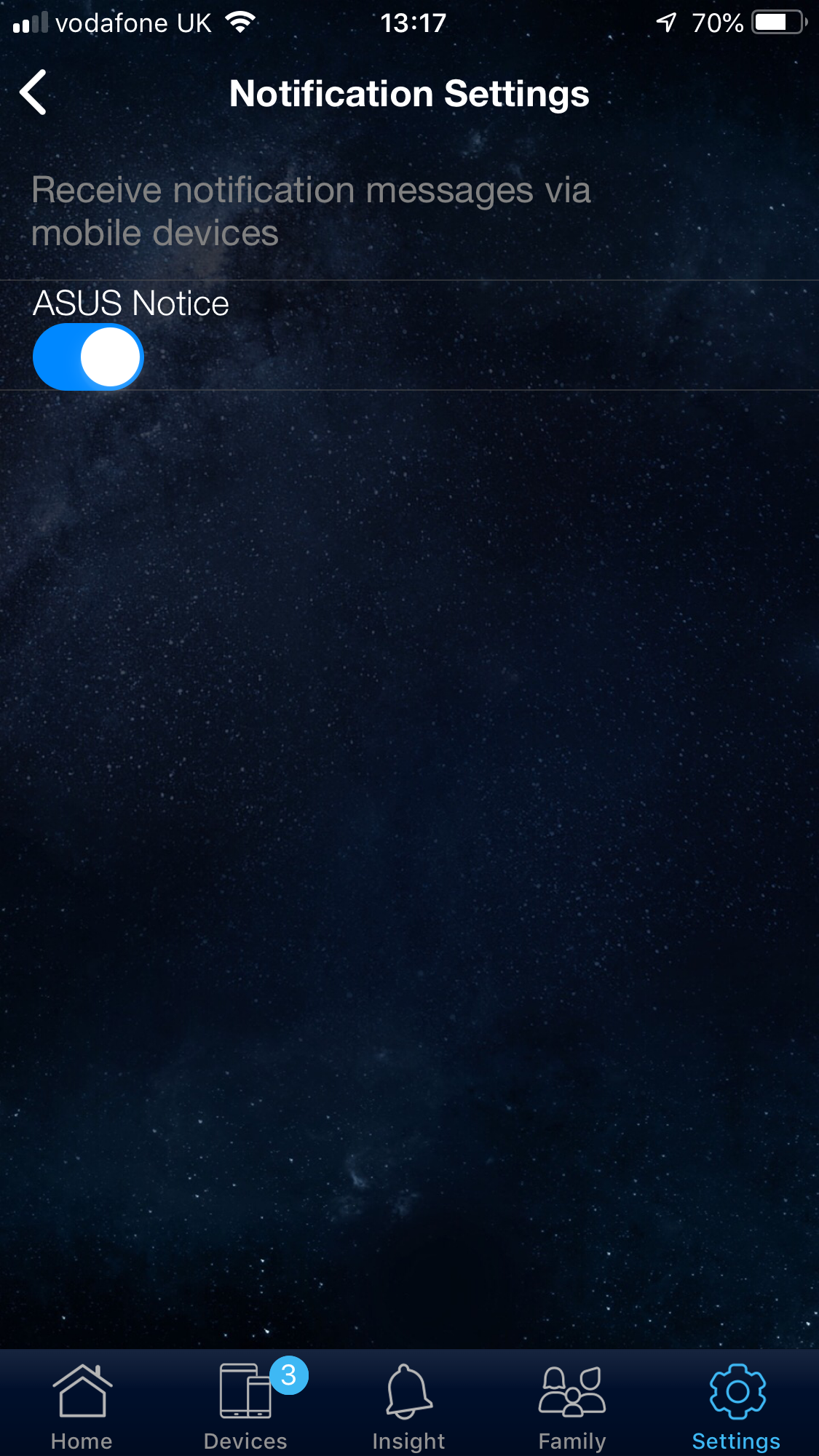
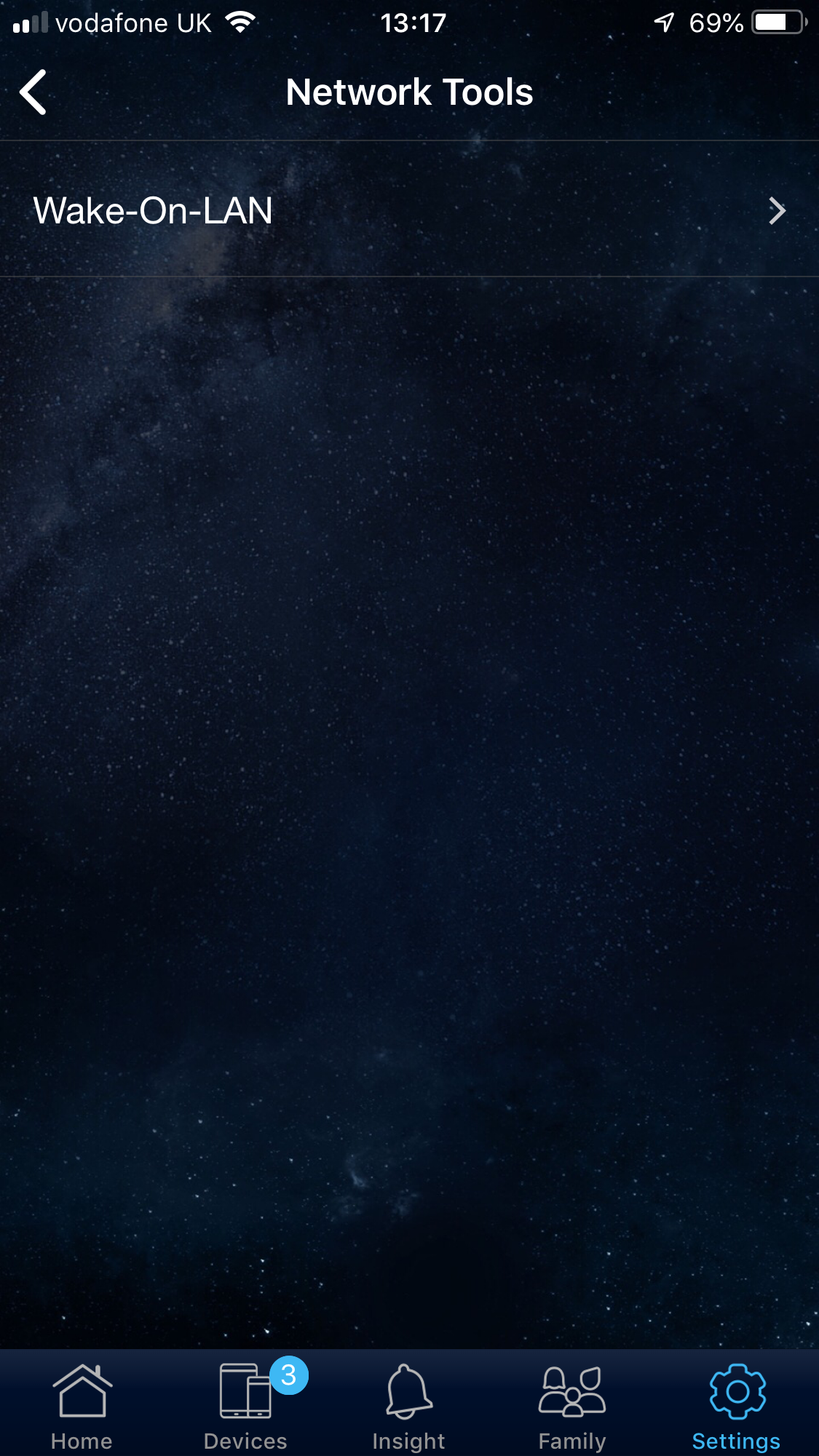
There's a specific section for firmware updating, plus a range of administration features including scheduling a reboot and backing up the router's settings. You can configure whether or not you receive notifications on your mobile devices, and (incredibly) enable Wake-On-LAN for certain devices.
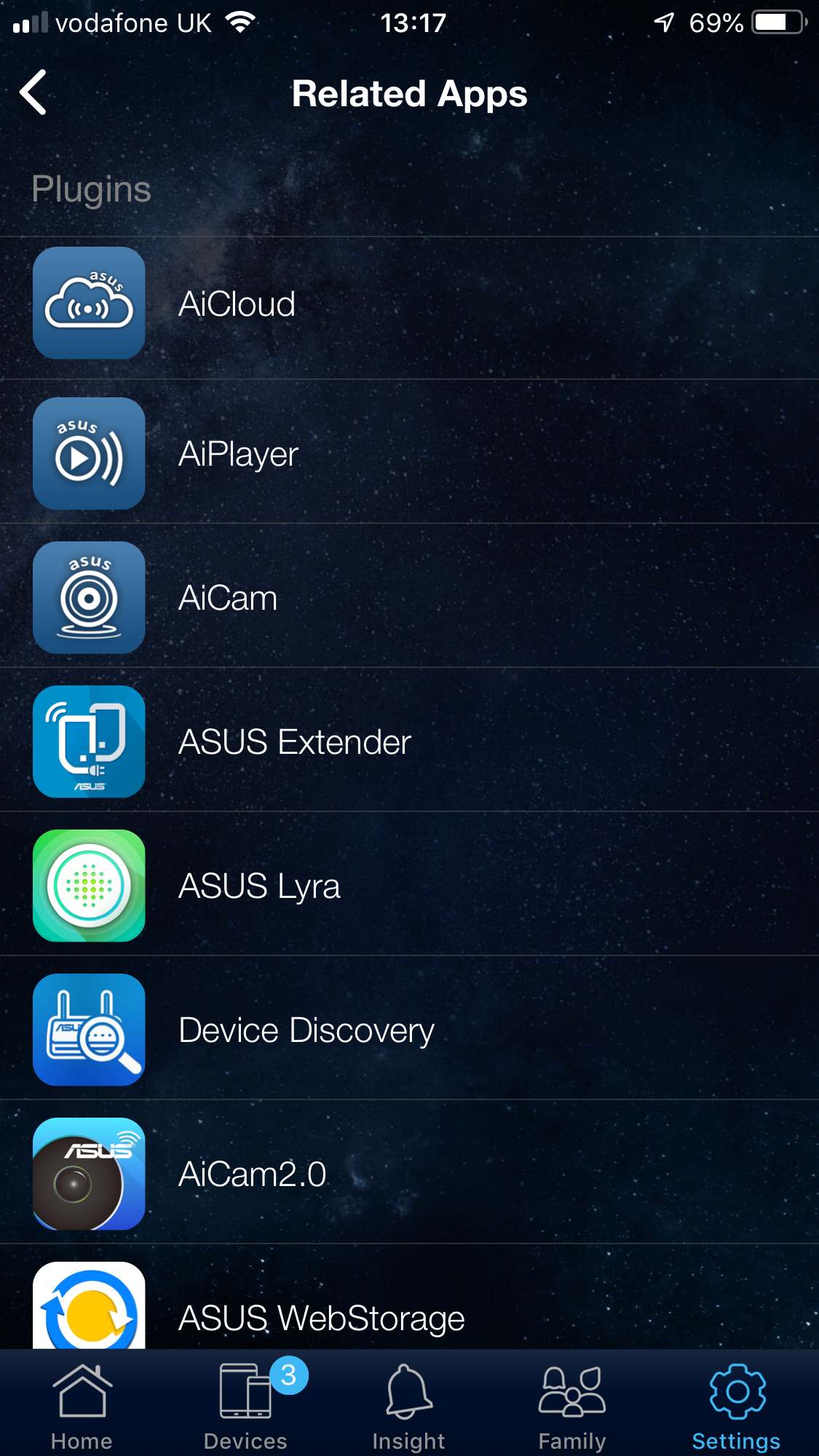
Finally, there's a facility to load related apps such as those linking to the ASUS AiCam security camera.
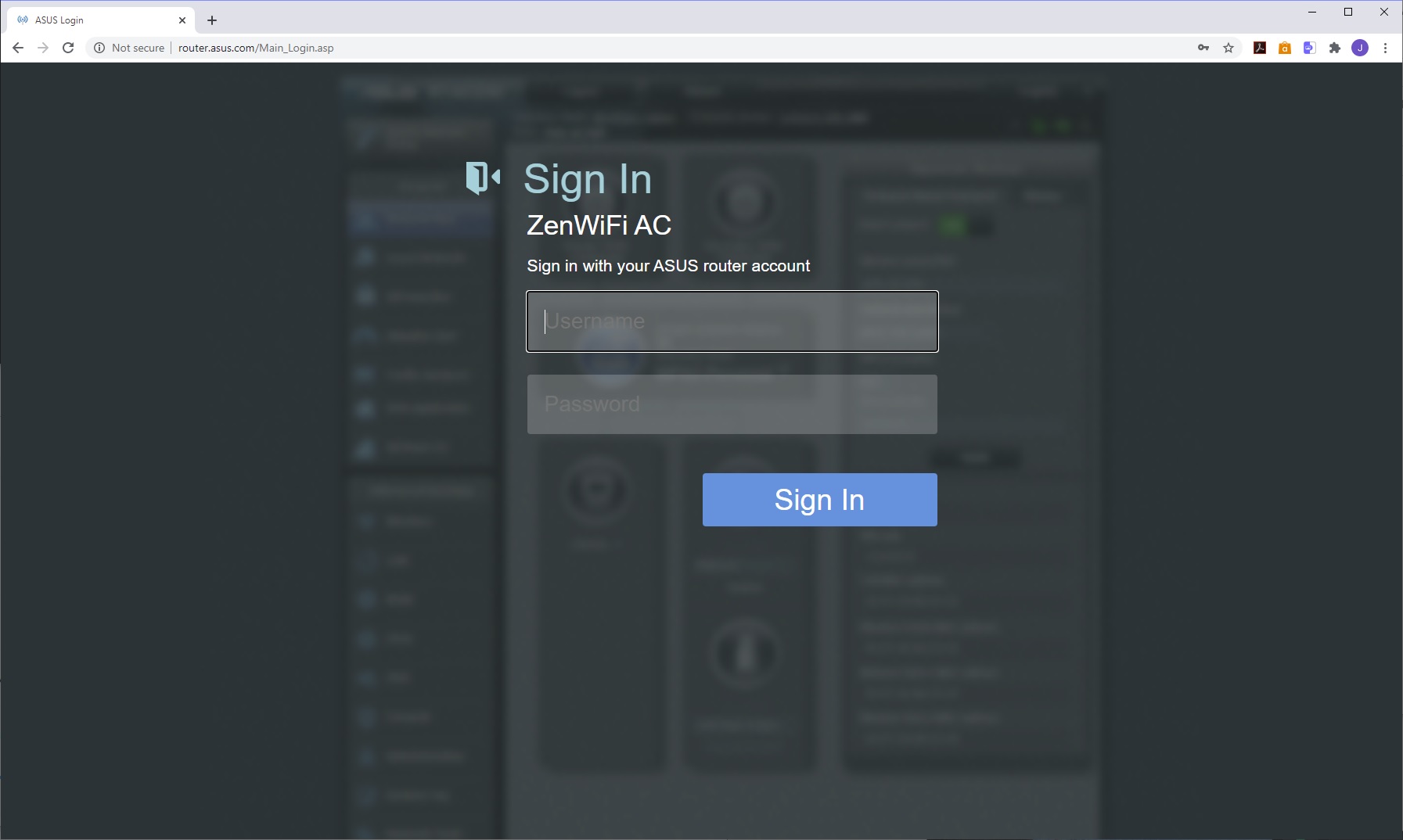
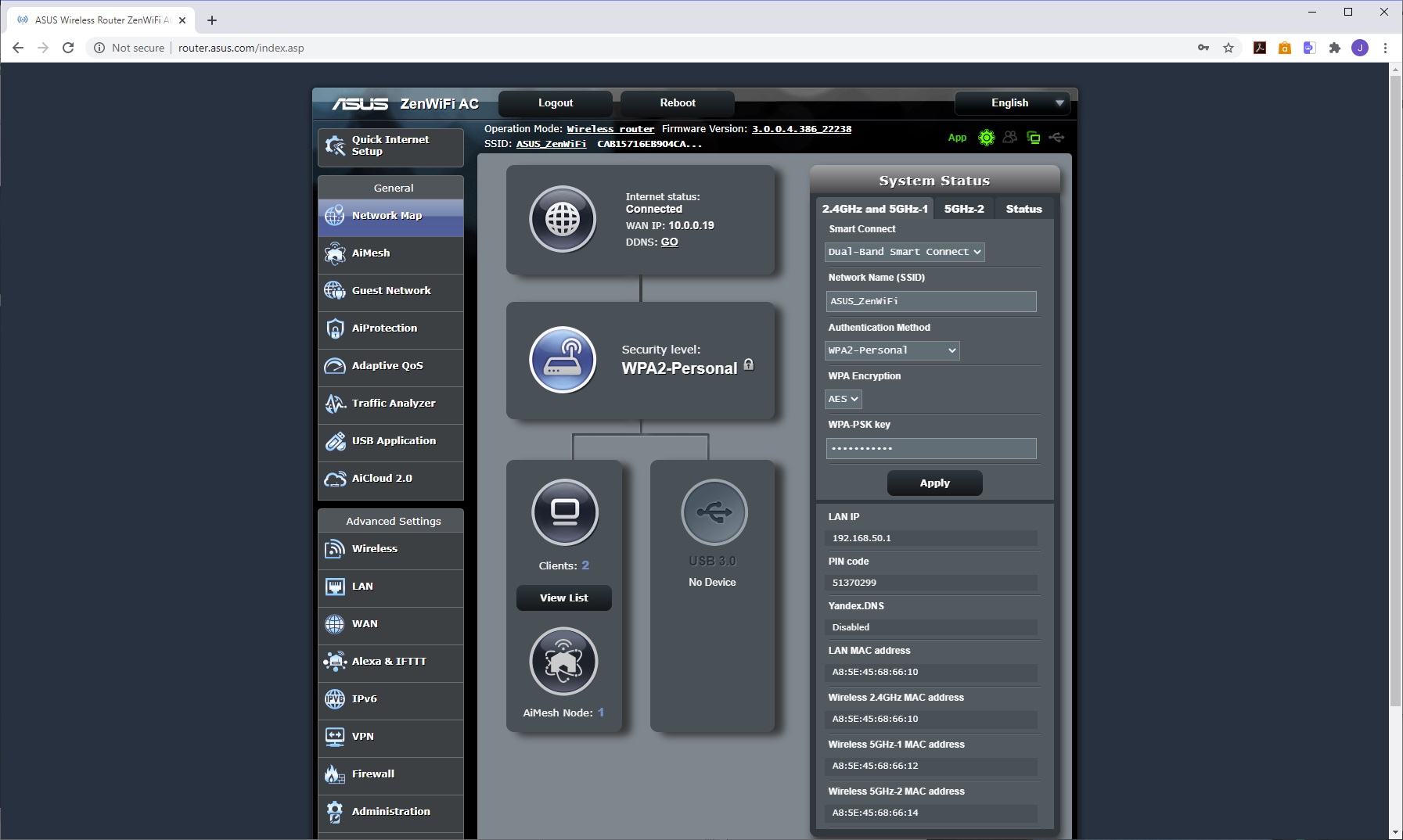
There is, of course, also a standard Web interface and this is the familiar feature-rich administration system we have come to enjoy from ASUS. The default view shows a network map of the devices attached including USB, and quick options to update the WiFi.
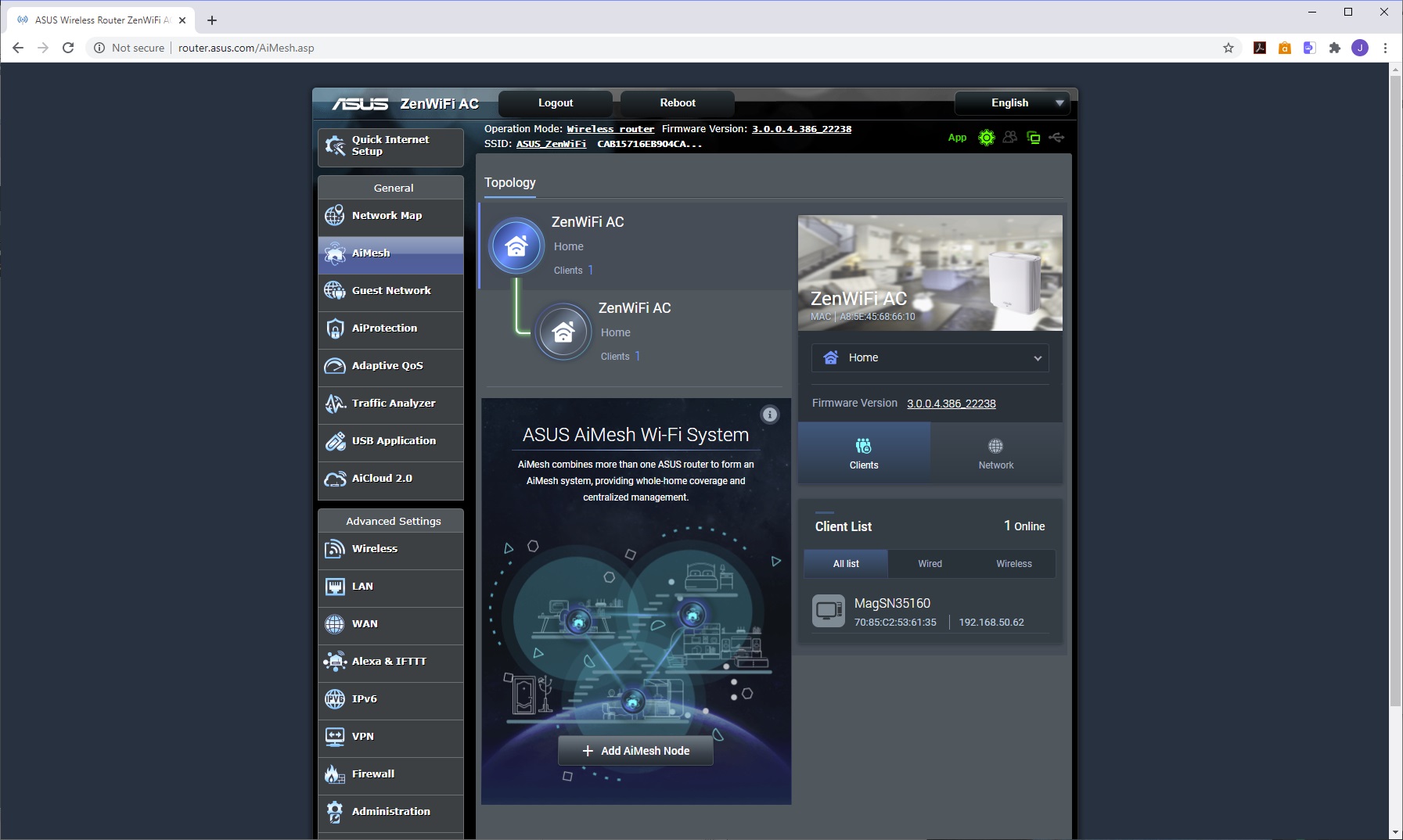
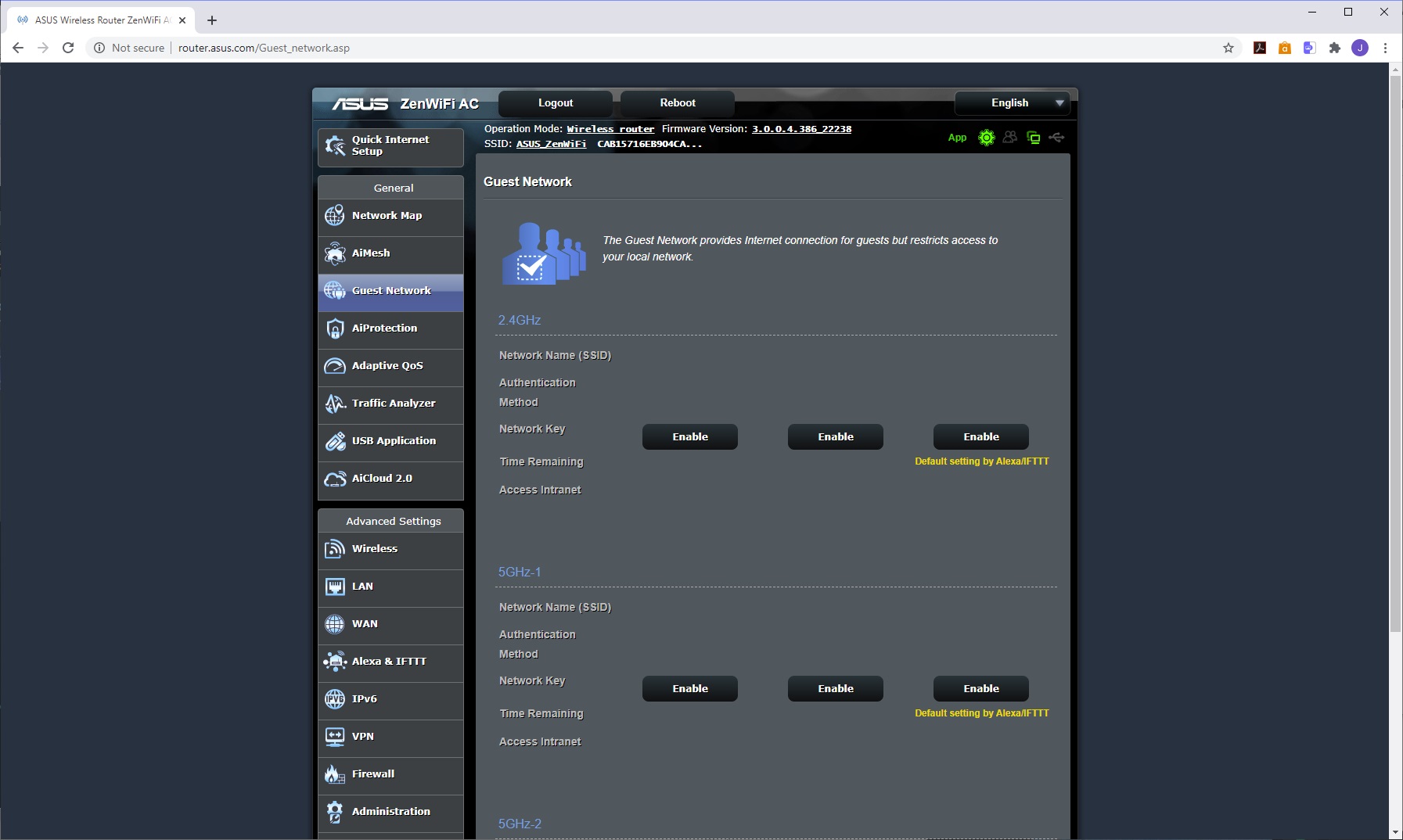
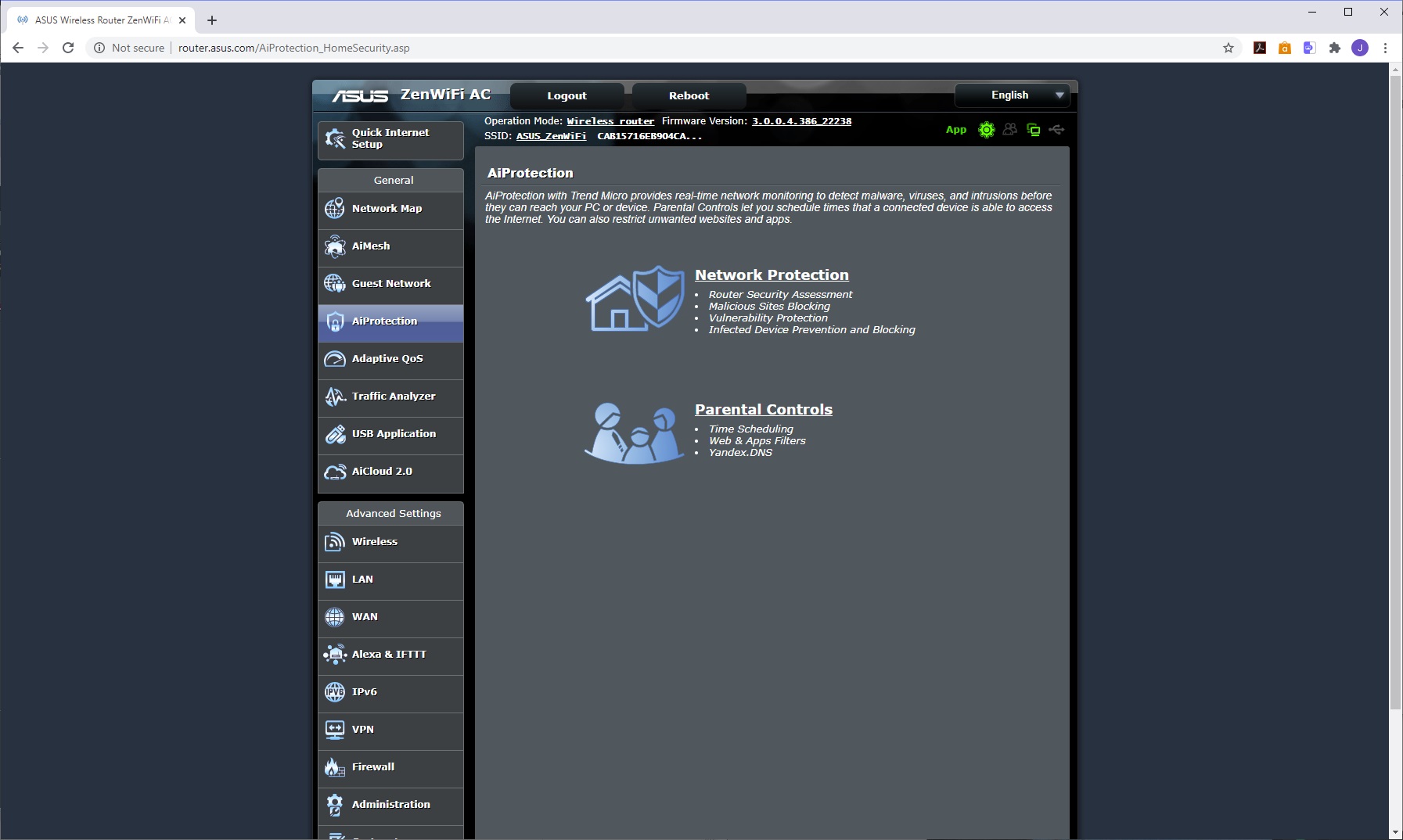
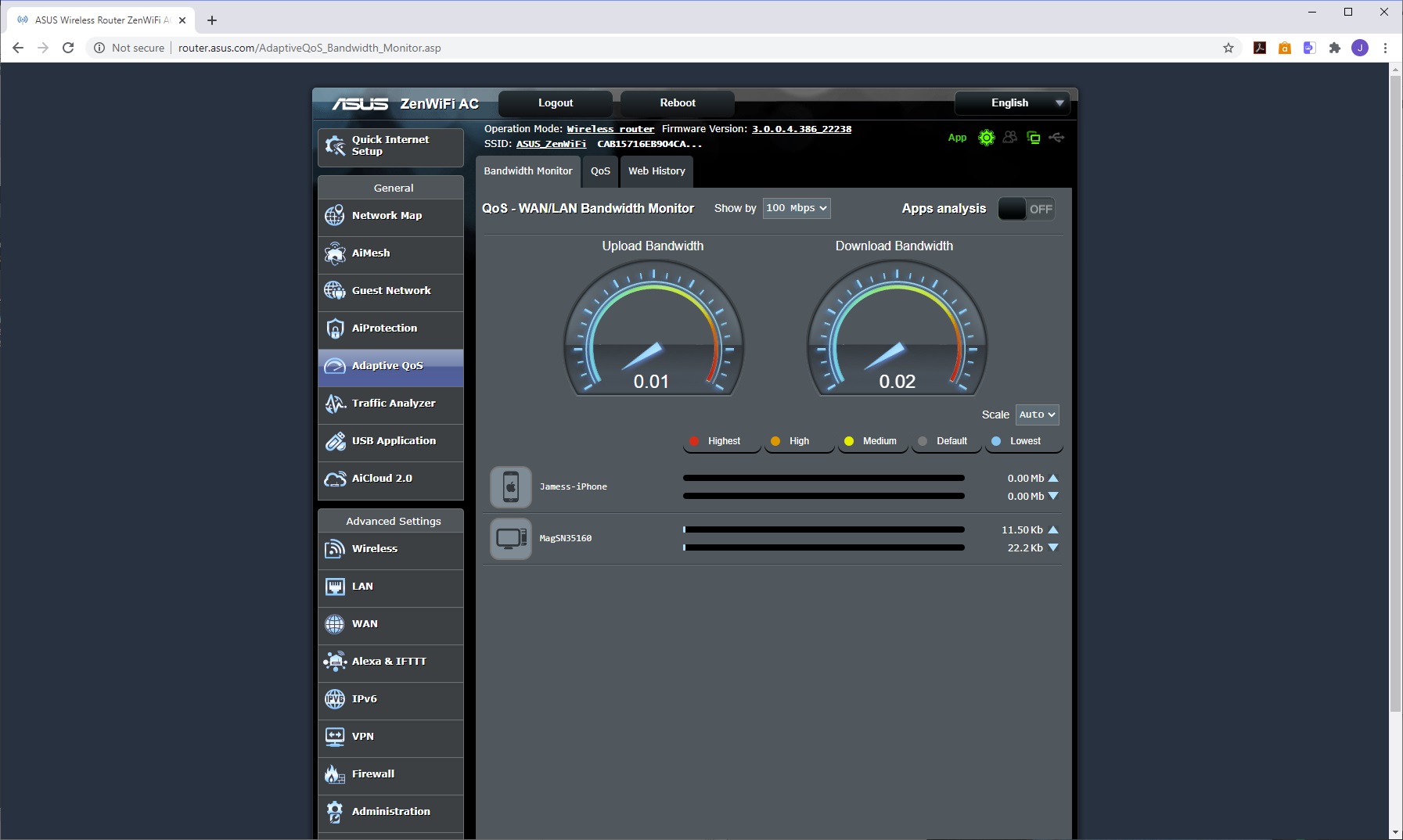
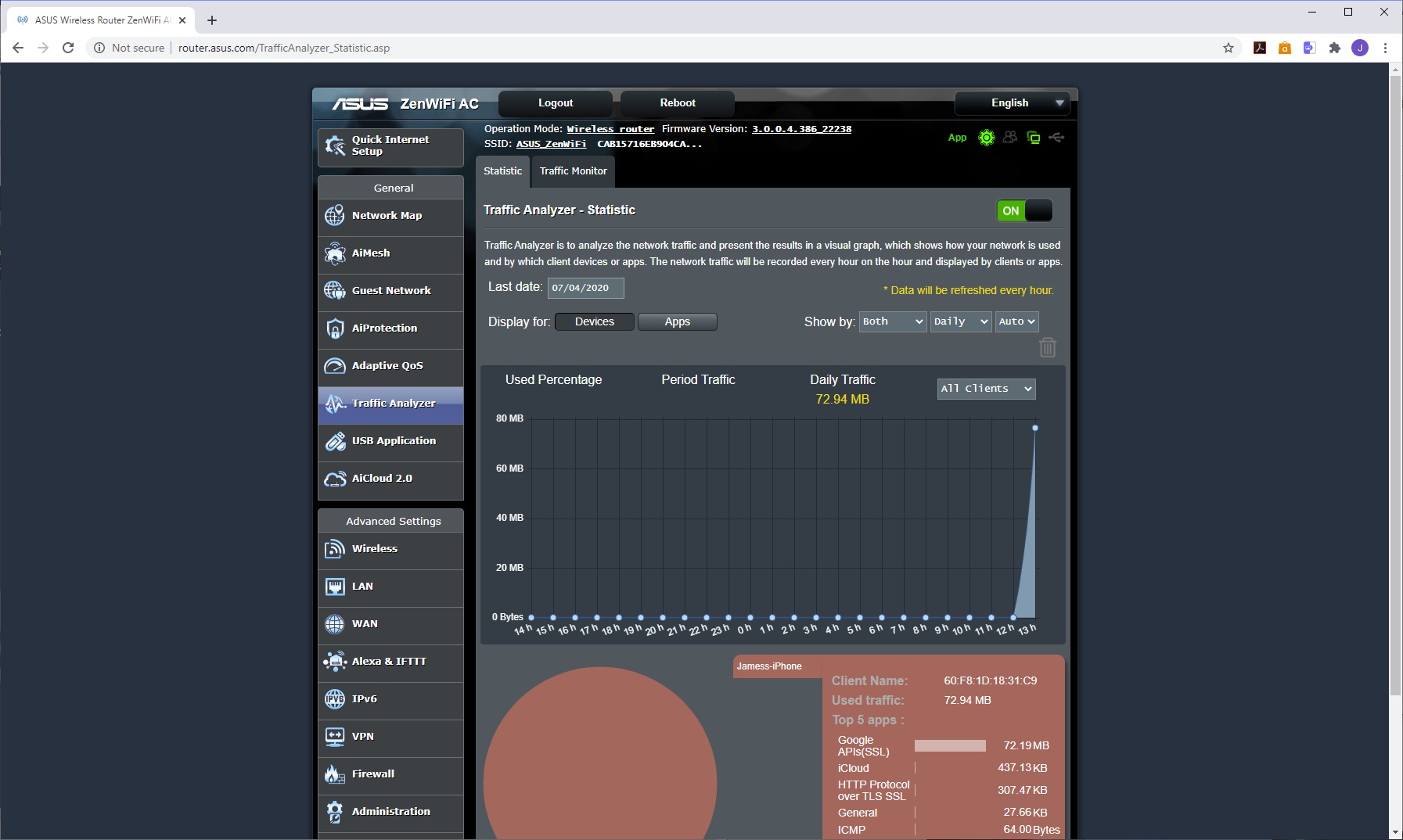
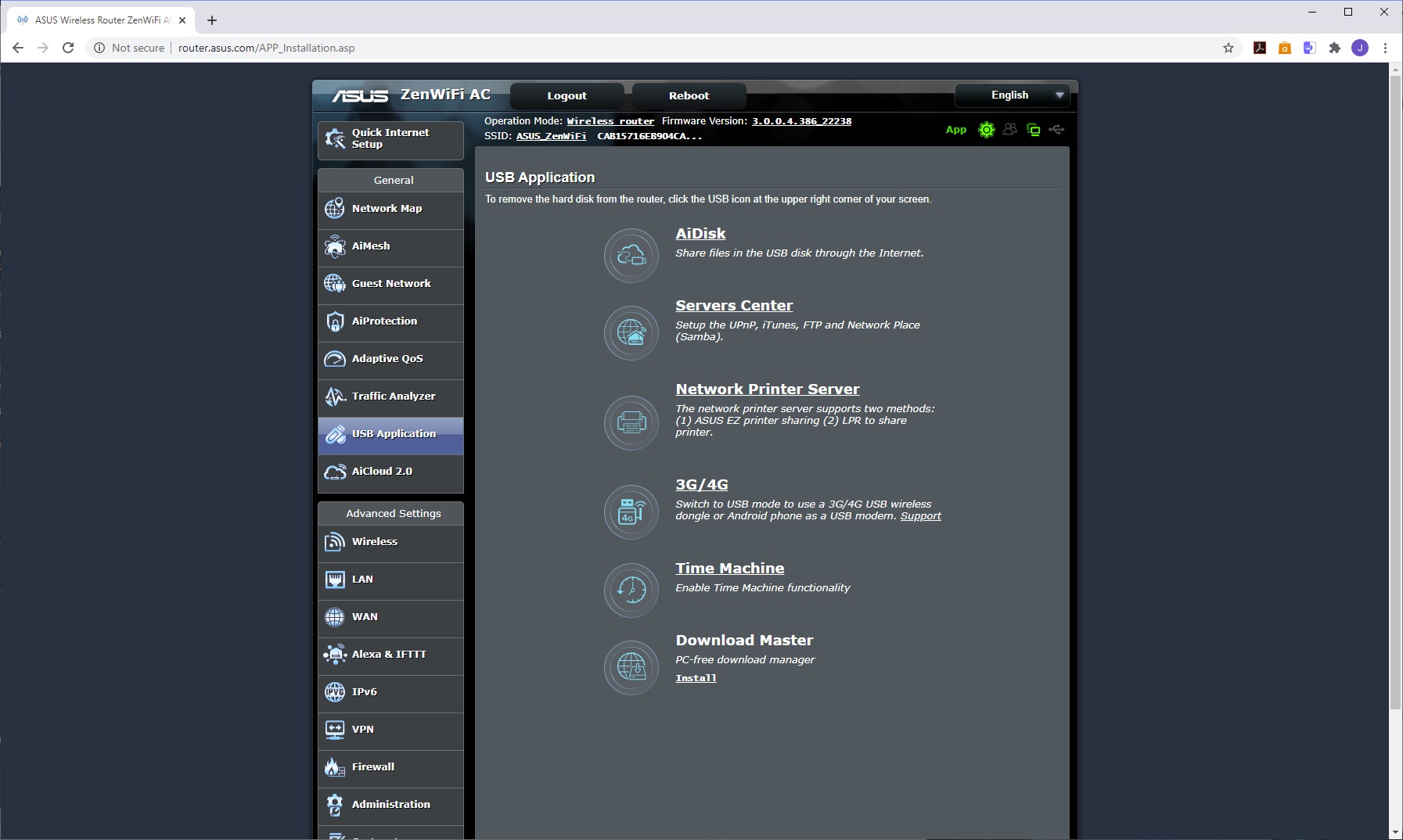
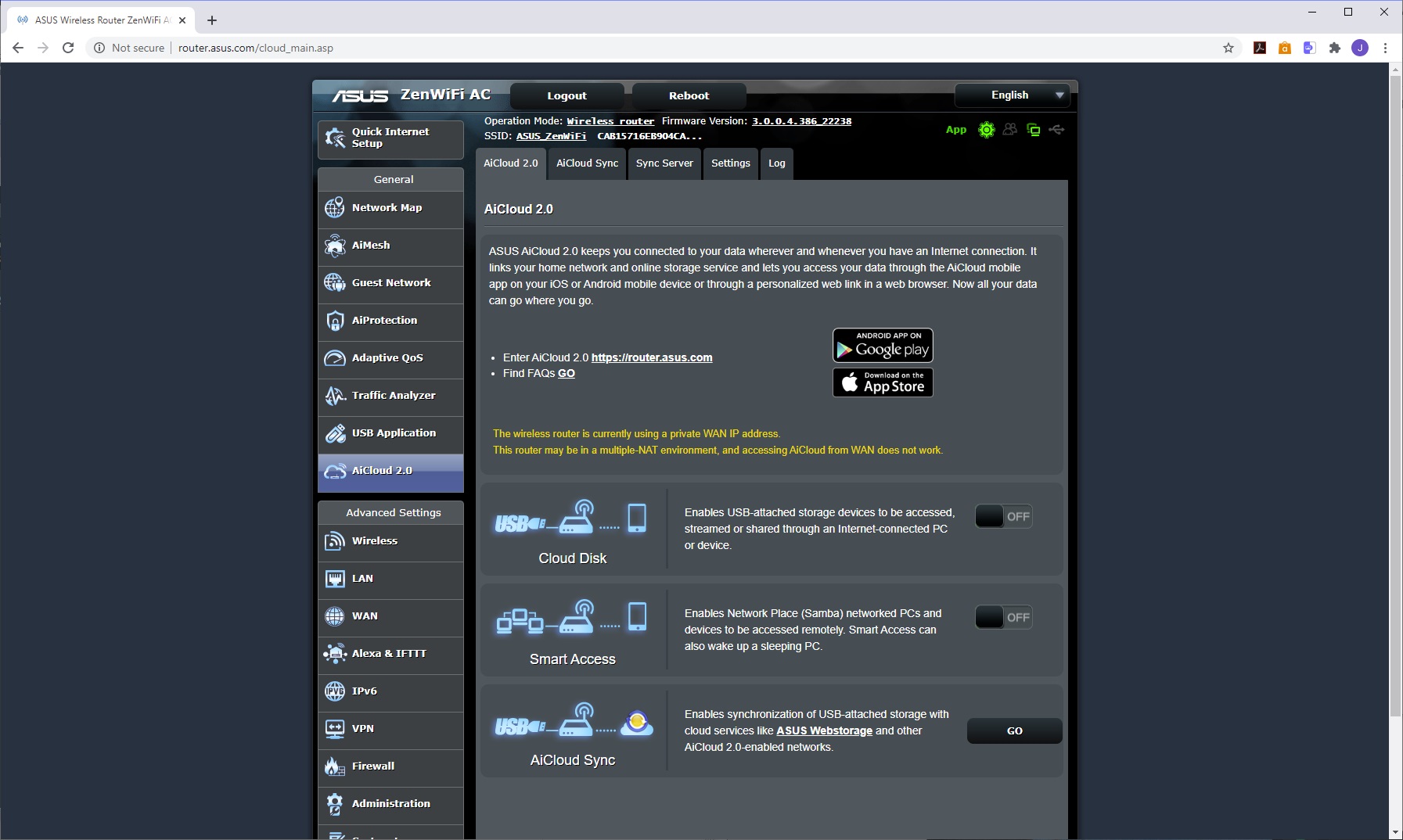
The next option on the menu lets you configure the mesh WiFi, adding more units if you have them. Next along is the ability to set up a guest WiFi network. The AiProtection system is a bit more explicit in the Web interface than the app, with options for configuring the firewall features and parental controls that ASUS groups under this category. Similarly, the Adaptive QoS section offers a bit more fine tuning than the app. The Traffic Analyser provides lots of detail about network throughput and where it's coming from.
As we mentioned, the Web interface also provides lots more options for the USB ports than the app. Instead of just file sharing from USB storage, you can create a UPnP or iTunes media server, configure a USB printer share, enable Time Machine backup and set up BitTorrent downloads.
You can even hook up a USB 3G or 4G dongle to make the ZenWiFi into a wireless broadband connection. This extends to the AiCloud 2.0 system where the USB storage and ASUS's online cloud storage can be synchronised into a hybrid configuration.
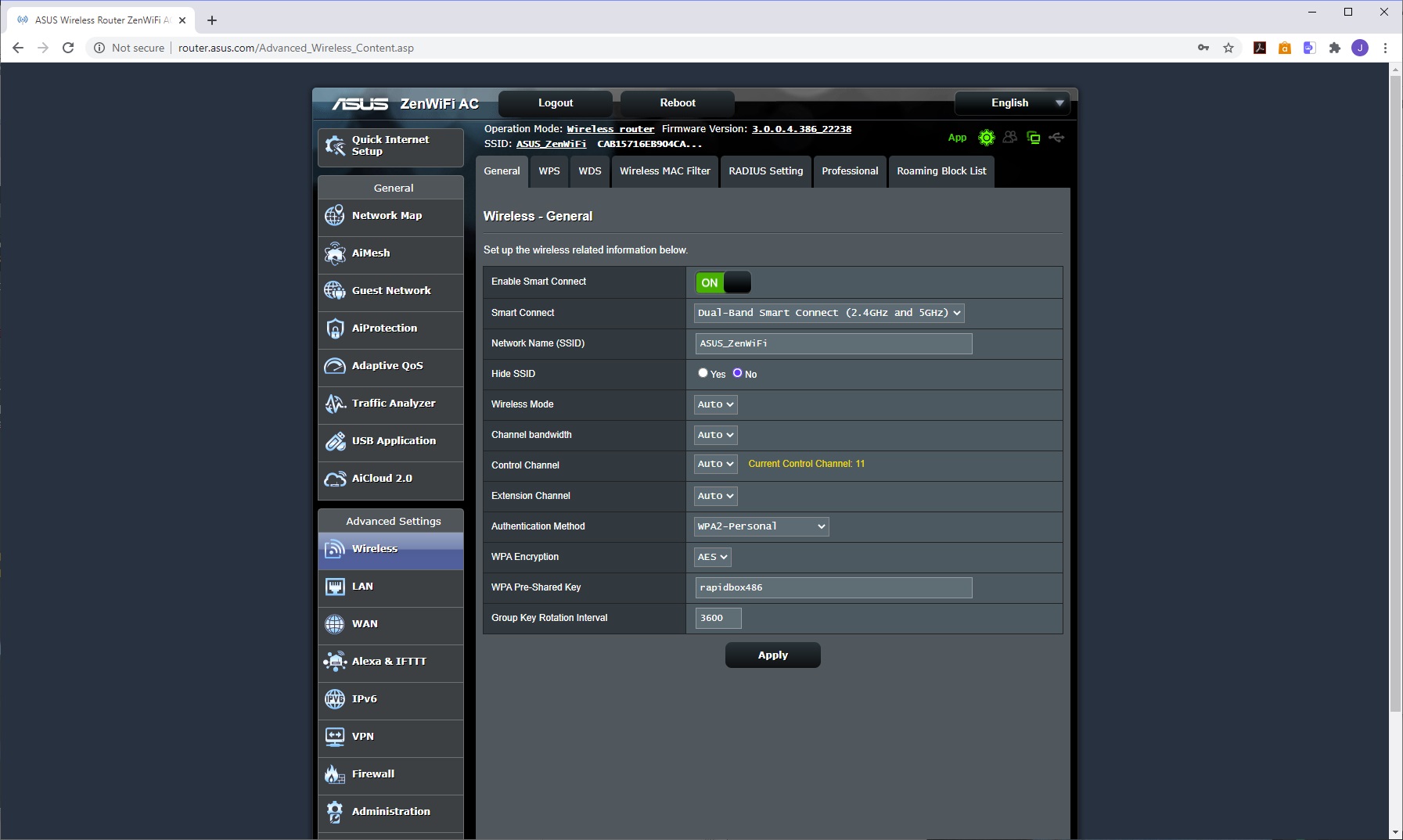
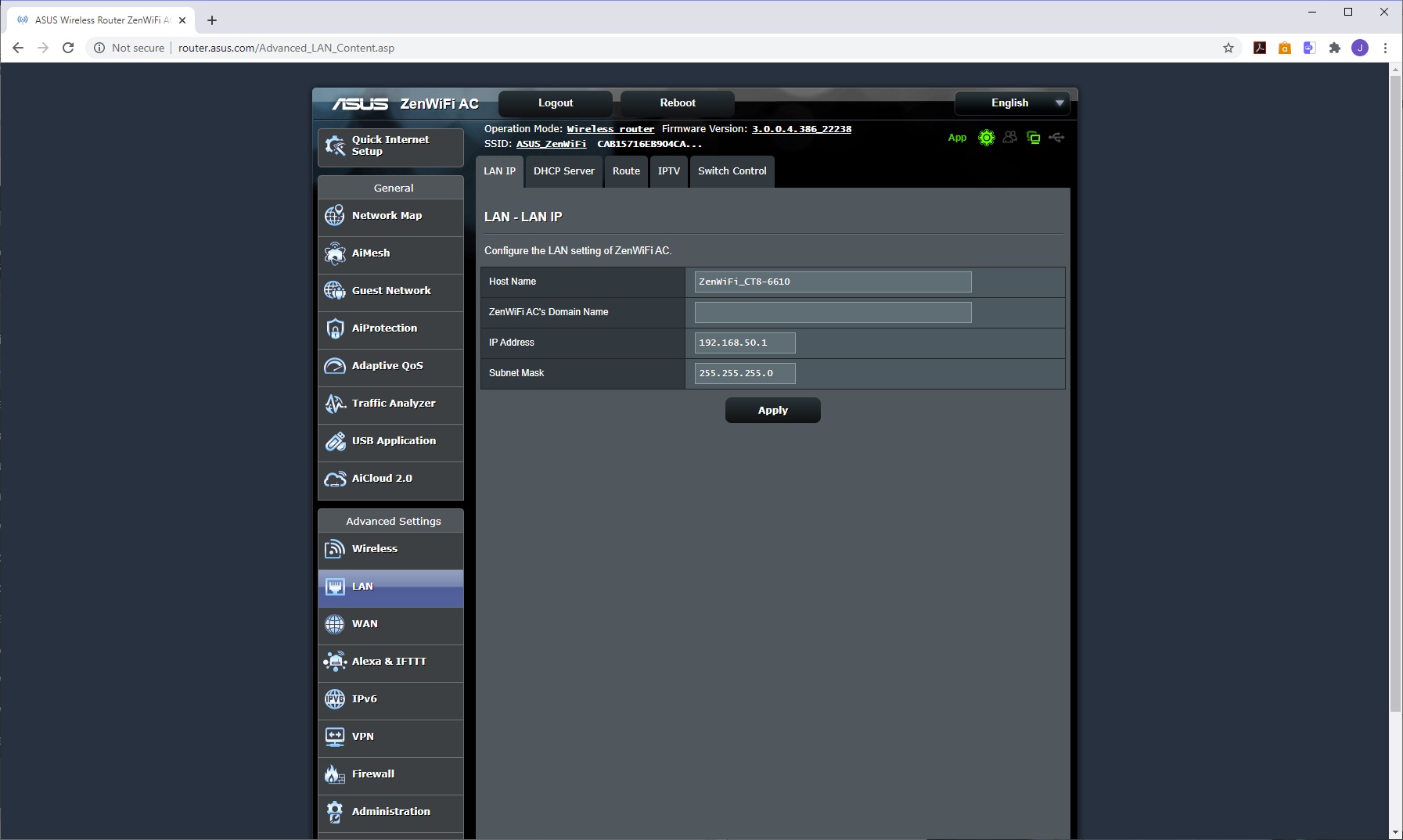
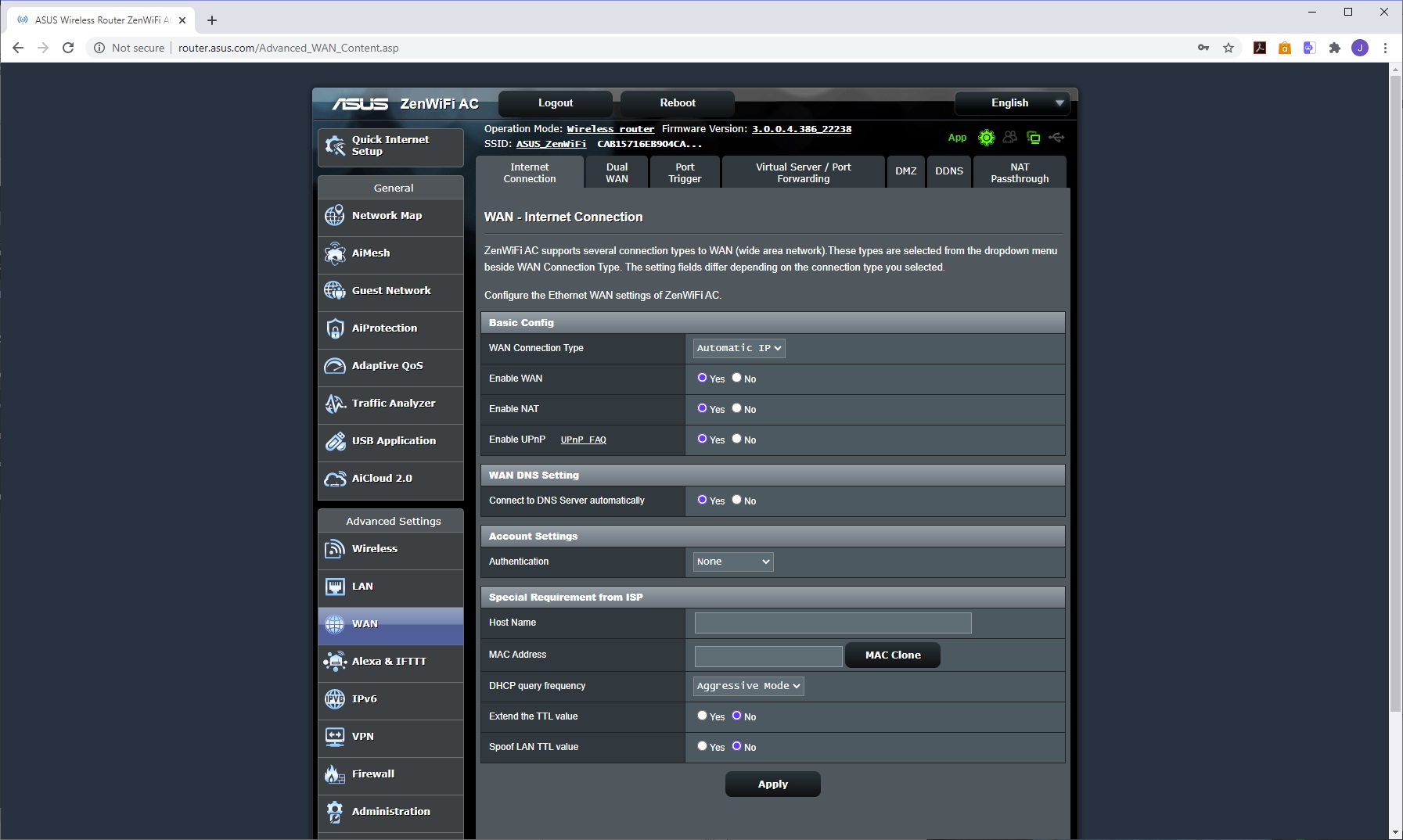
The Advanced network settings provide detailed configuration of the wireless setup, including MAC filtering and even connection to a RADIUS server – a feature that will be welcome for business users. The LAN section lets you adjust the behaviour of the built-in DHCP server, and even supports IPTV boxes from a wide variety of vendors.
Another expert feature, this time under the WAN section, is the ability to load balance between the WAN and a USB modem, so your connection has a failover. All the usual features like DMZ, dynamic DNS and virtual server / port forwarding are in evidence.
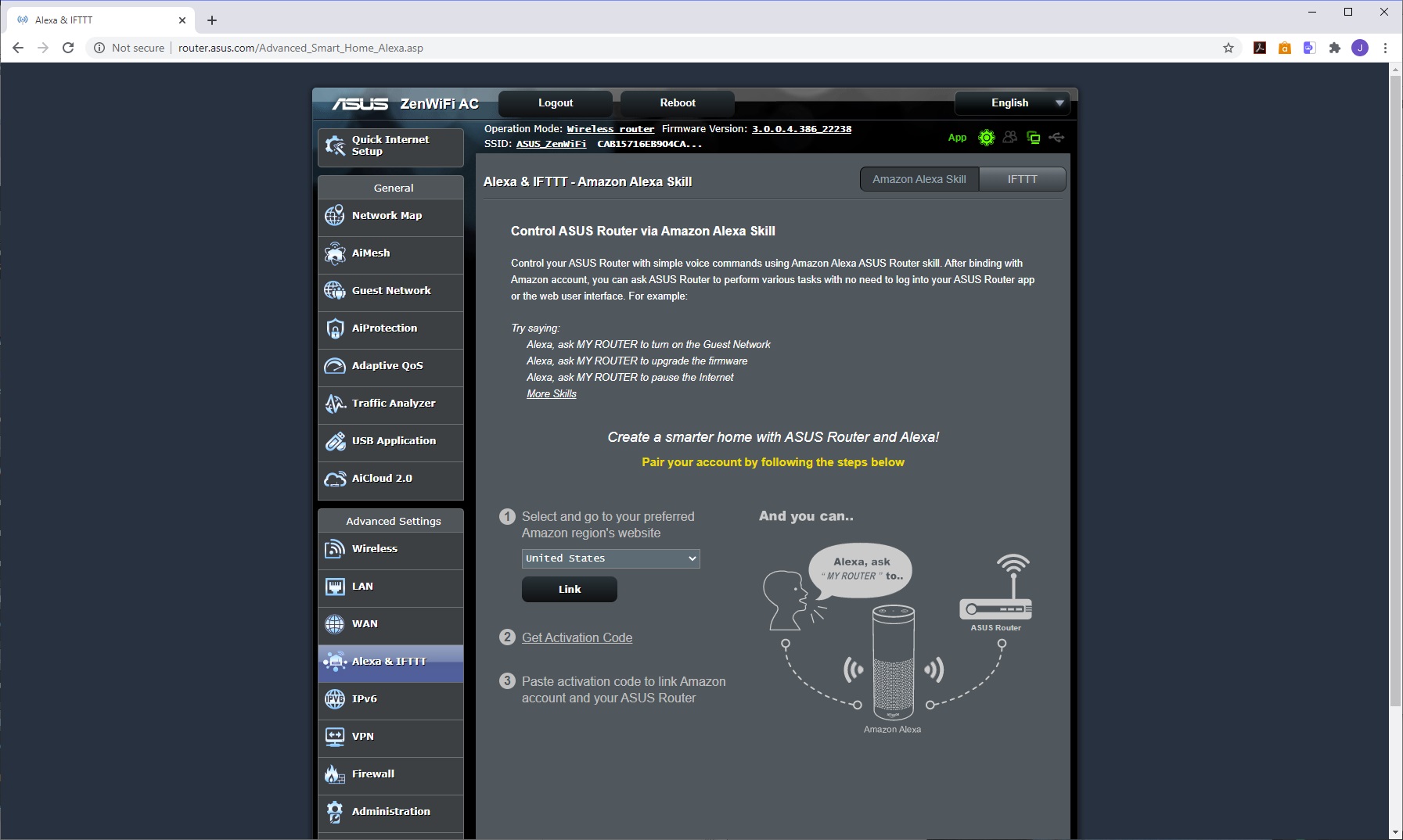
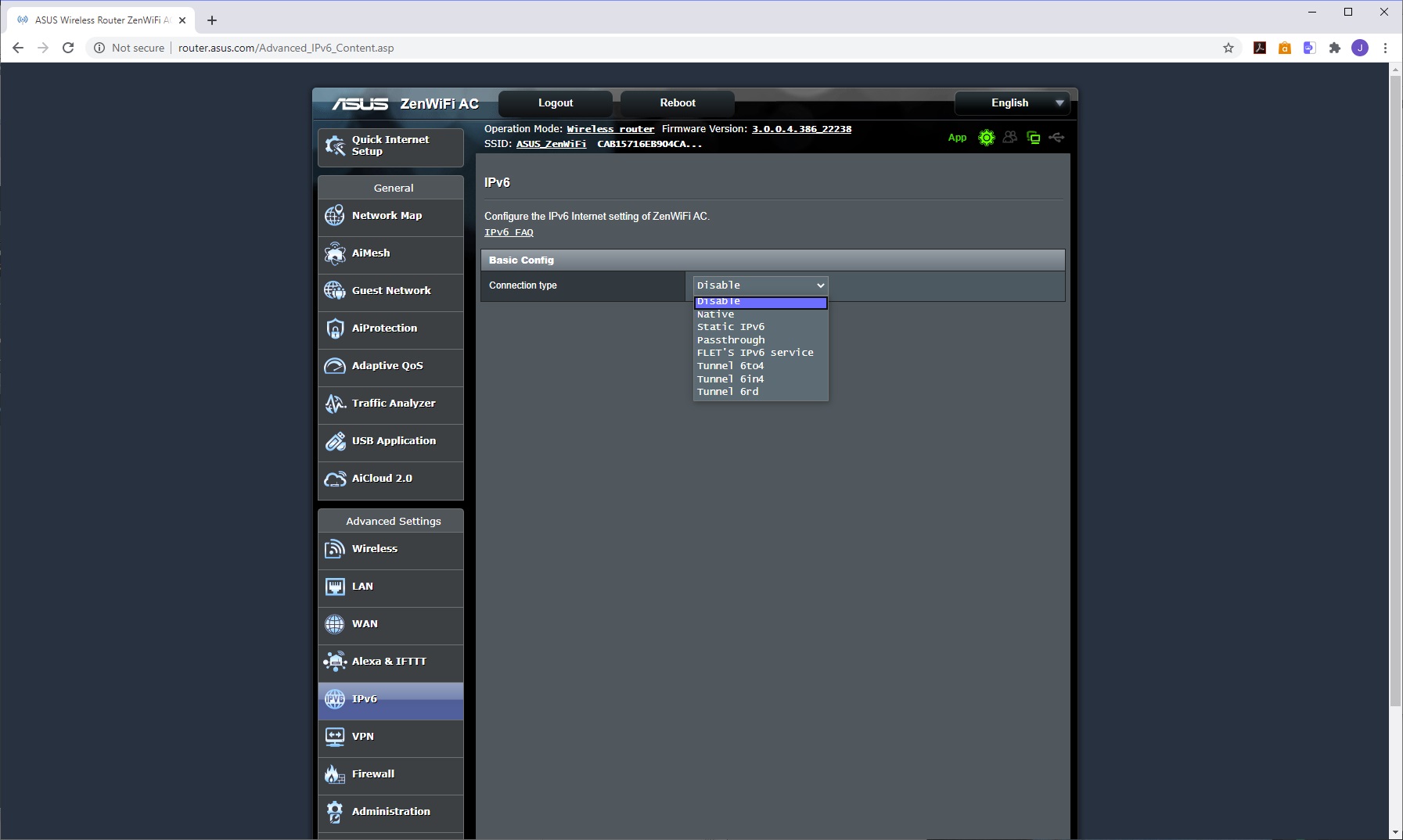
You can configure the ZenWiFi to be controlled by Alexa and IFTTT, so you can use your voice through your Alexa unit to change settings. A variety of IPv6 behaviours can also be enabled.
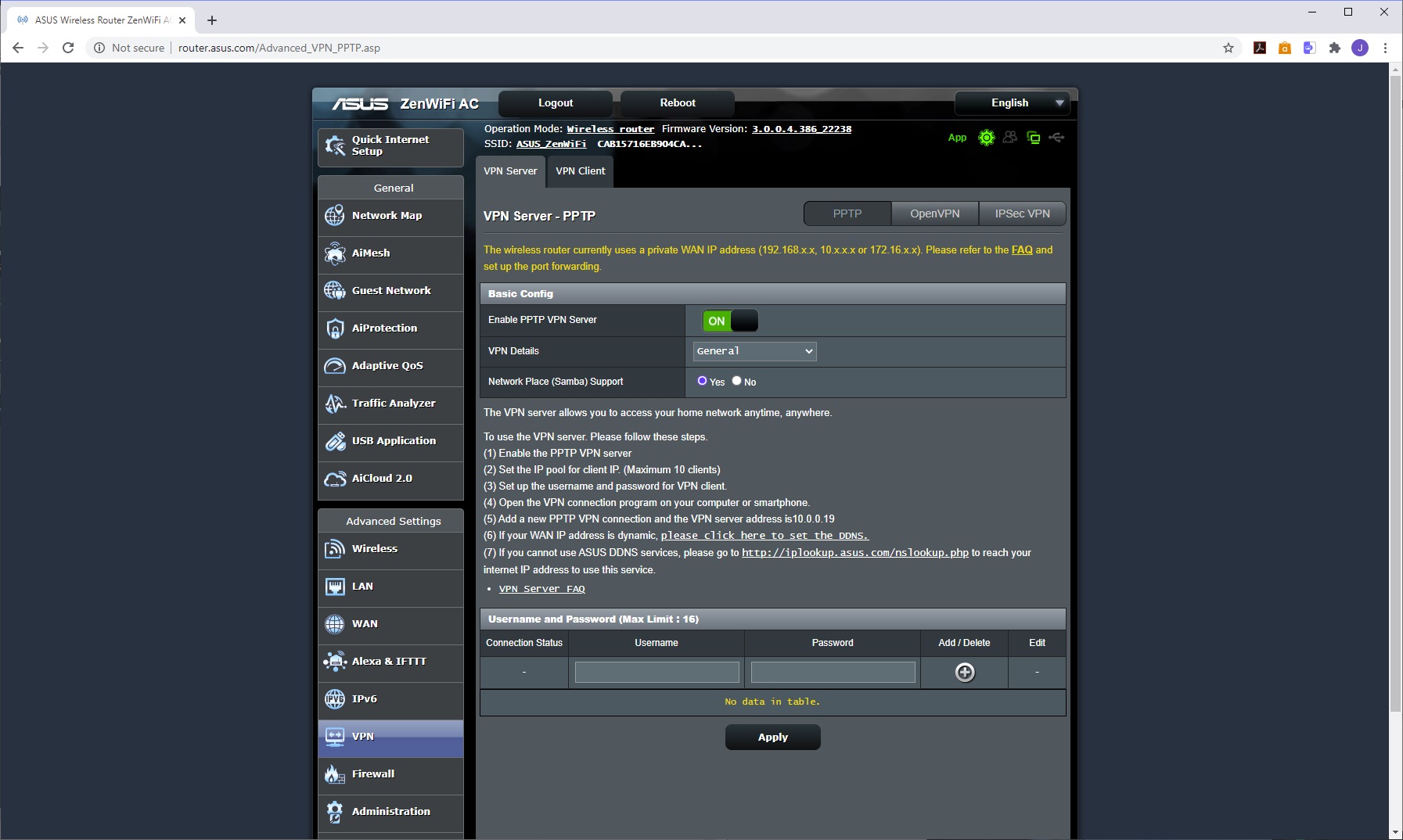
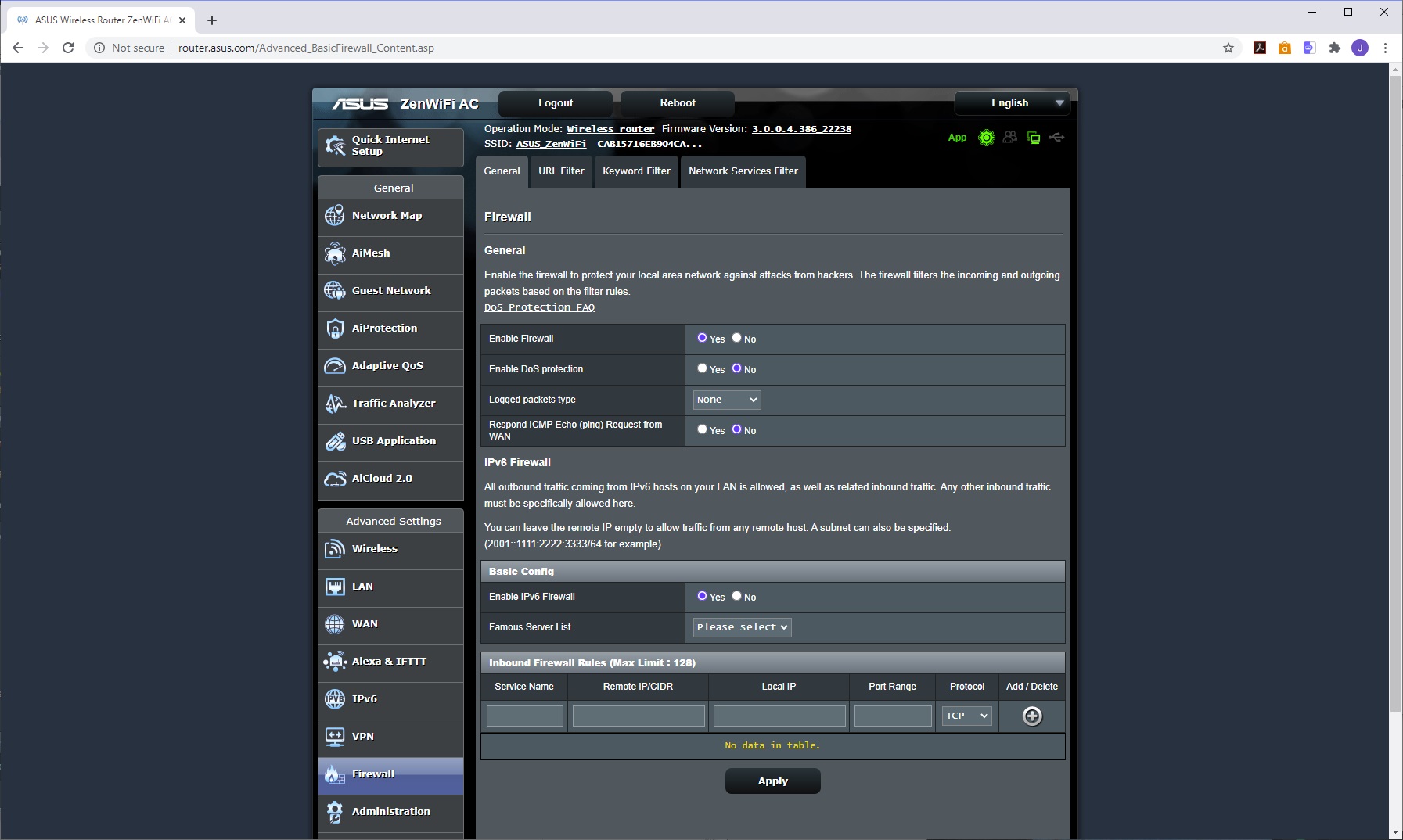
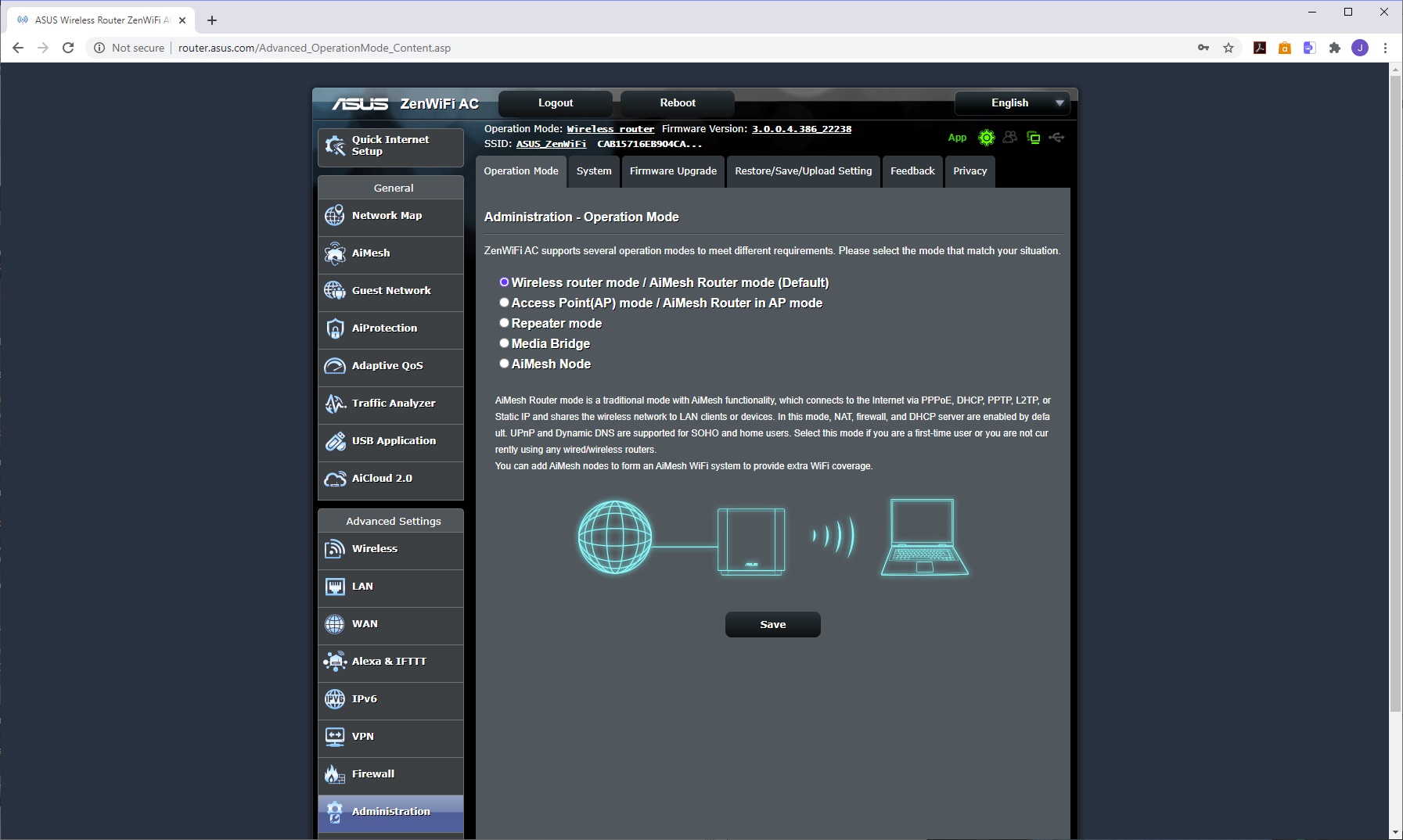
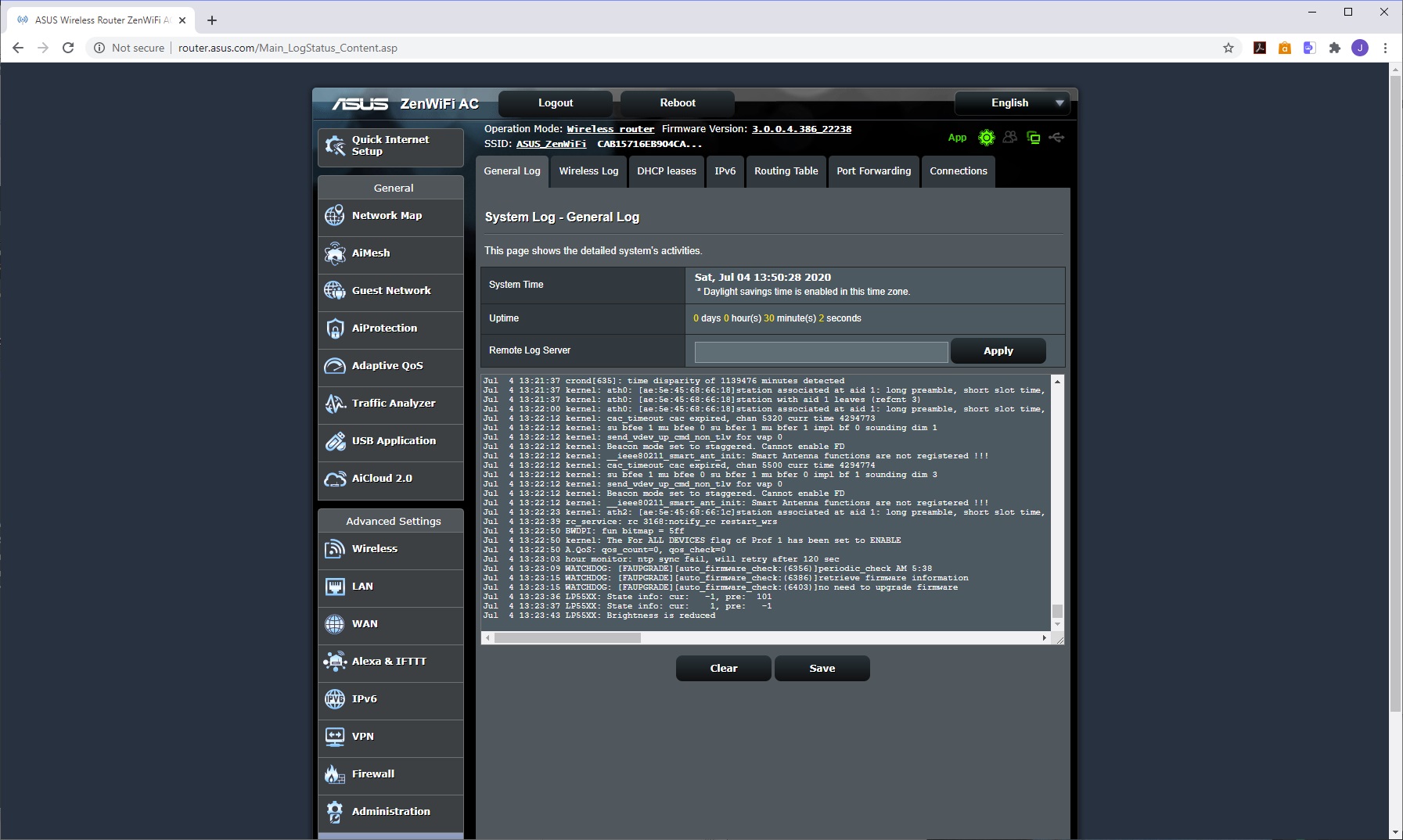
We've always been impressed by the VPN abilities of ASUS routers, and the ZenWiFi is no exception. It can act as both a server and a client, with support for all the main open protocols – PPTP, OpenVPN and IPSec. The firewall is sophisticated, too, with the ability to block URLs, keywords and services. The administration section lets you change the operation mode of the router, update the firmware and passwords, as well as saving or reloading settings.
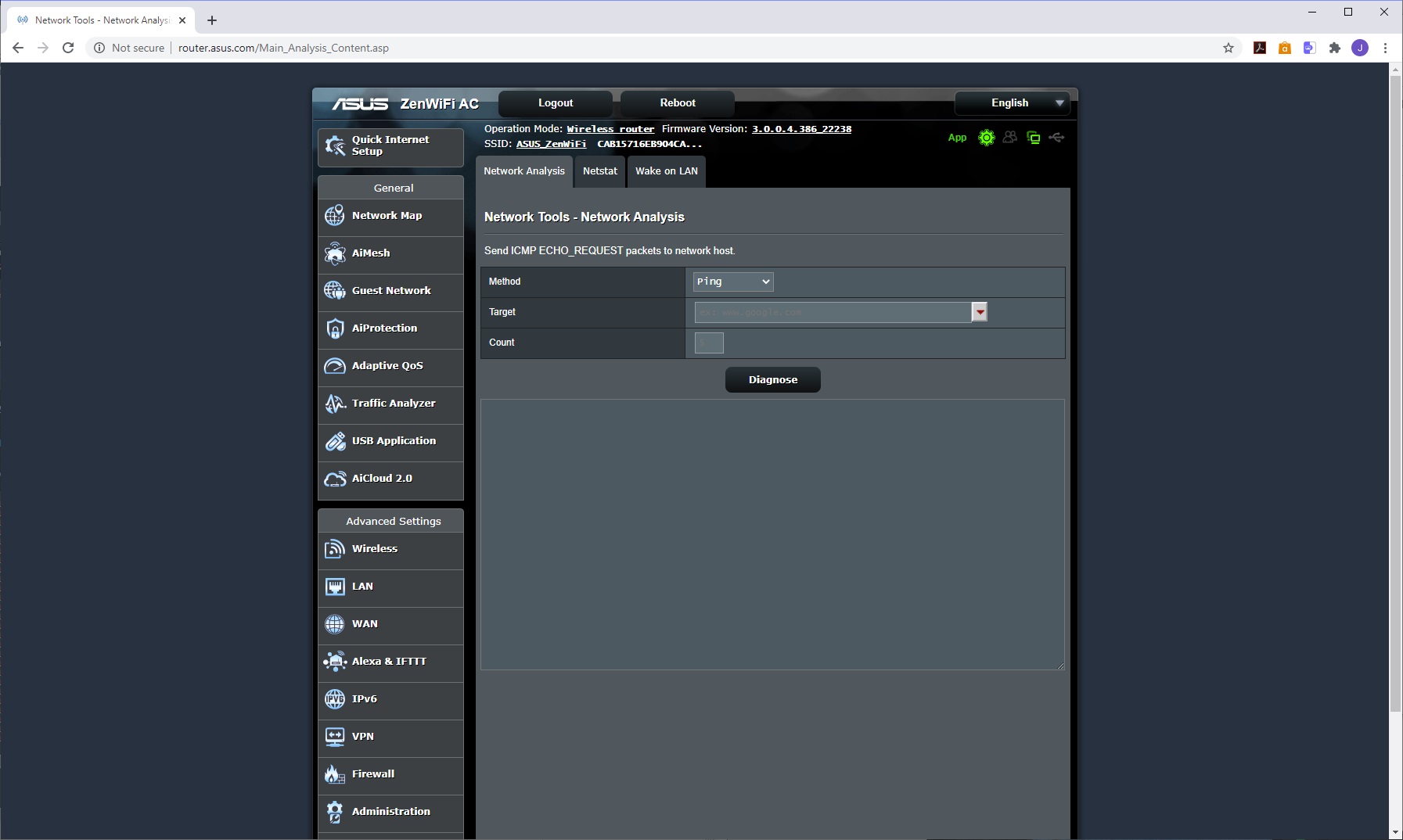
There's an extensive logging system, with specific sections as well as a general readout. Finally, the network tools let you use ping, traceroute, nslookup and netstat to check out the behaviour of your connection.
Overall, there is a wealth of configuration available, with nothing we could think of missing, other than more granular gaming-specific settings. However, this is a general-purpose mesh WiFi system, not aimed at gamers, so we can forgive that. The range of features you can control with the smartphone app is particularly impressive, and almost unique.
We replicated the testing from our Ultimate Mesh WiFi Router Shootout as closely as possible with the ASUS ZenWiFi AC. However, we no longer had the Apple Macbook Pro in our possession, so had to leave this set of tests out.
We repeated the positions from the Ultimate Mesh WiFi Router Shootout, with eight different locations for our test notebooks. The clients used were an MSI WS63 7RK notebook with 2×2 802.11ac WiFi, and an older HP Folio 13, which maxes out at 3×3 802.11n WiFi.
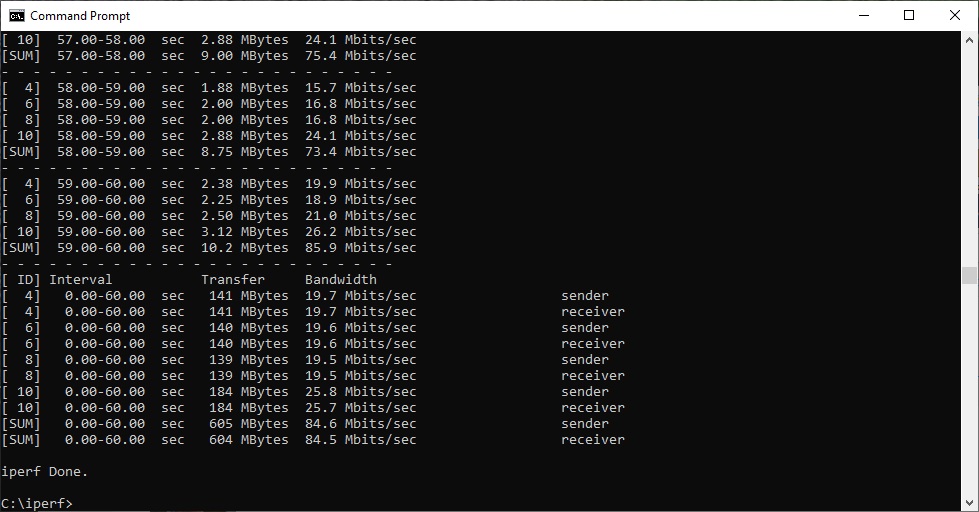
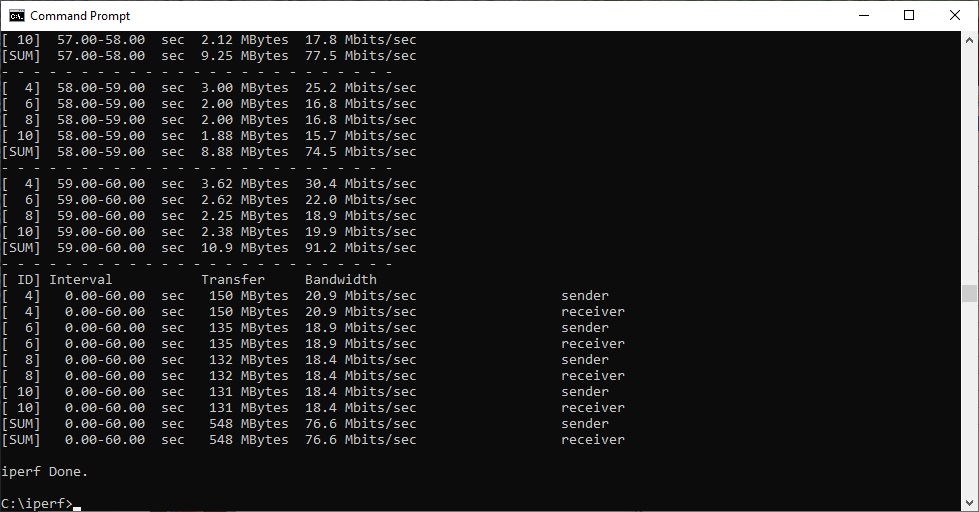
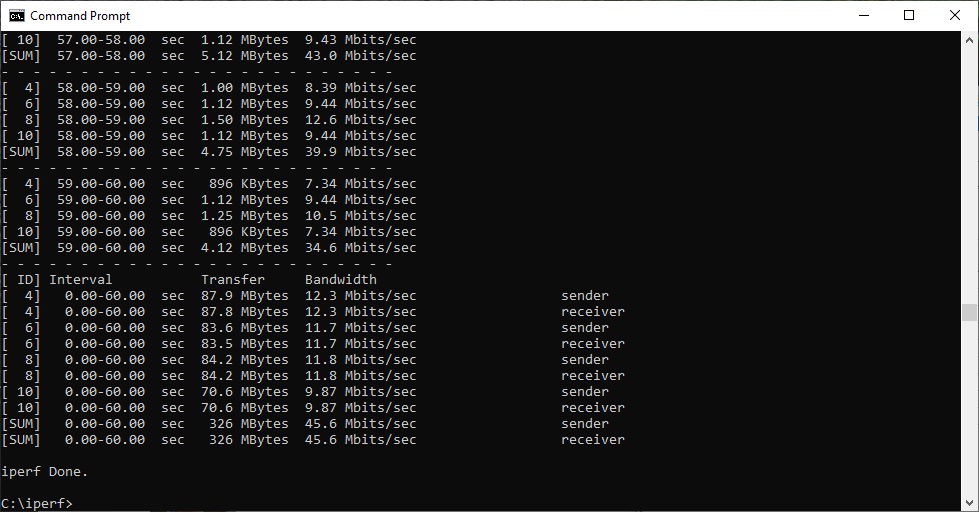
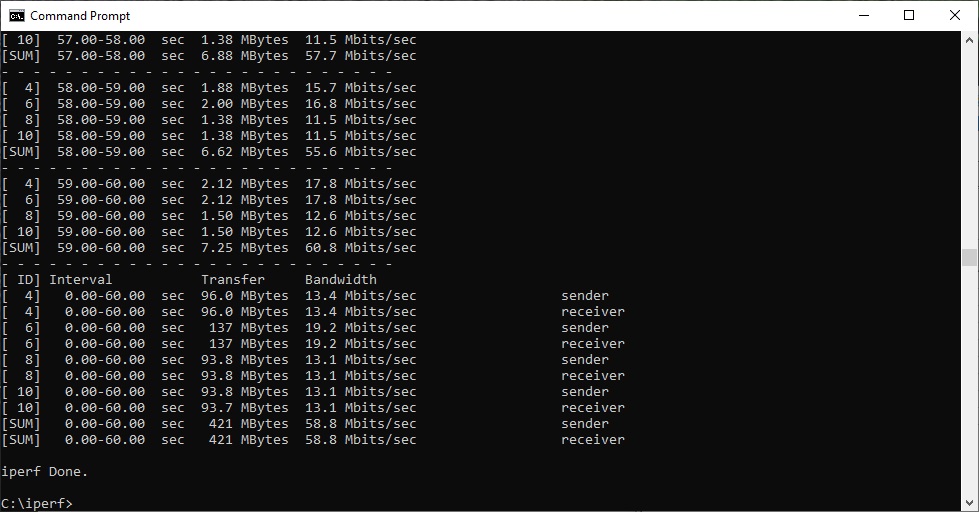
In each case, we used the freely available iPerf 3.1.3 software, which stresses a network by sending packets of random data and measures the throughput. One system acts as a server, and the other as a client, as data is sent between them. In all cases, we used an Armari Windows 10 workstation connected to the primary ZenWiFi unit via Gigabit Ethernet as the server, so that the WiFi was always the slowest connection.
These are the iPerf commands we used:
For the server: iperf3 –s –i 1
For the client: iperf3 –c <IP Address> –P 4 –i 1 –t 60
Note that the client command sends four streams of data simultaneously, simulating a multi-client connection as closely as possible with just one client. It takes 60 throughput readings at one second intervals and then averages the result.
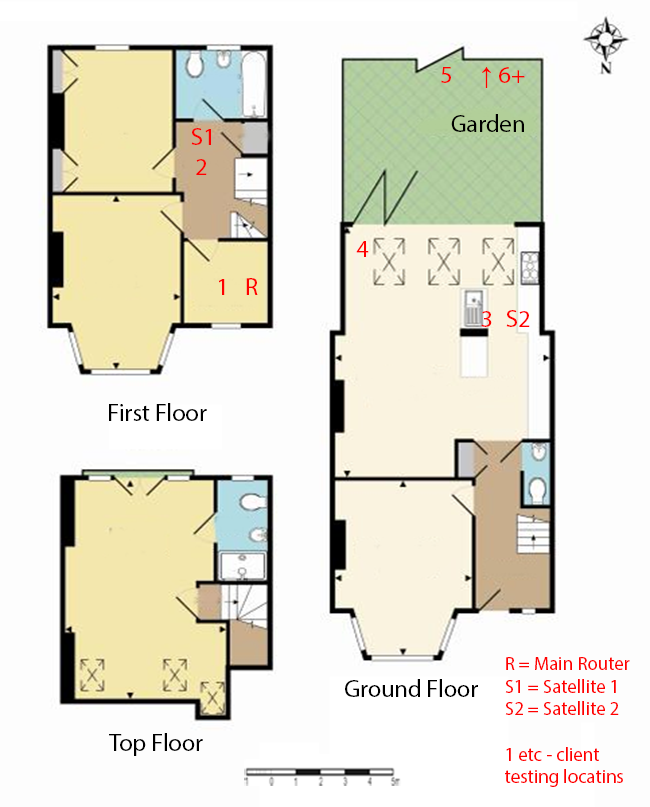
The above diagram shows the layout of the house we used for testing. Note that we didn't test on the top floor of the house because this was directly above the first floor and wouldn't have provided much of a range test. Instead, we used two locations on the same floor as the router (the first floor), then more distant locations on the ground floor extending out the back of the house into the garden.
Each test location, numbered in the diagram above, was approximately 5m away from the last one.
With the mesh networking and standalone router products used for comparison, location 1 was very near to the router, around 1m away. The next location – 2 – was around 5m away, with a wall in the way, but on the same floor. Location 3 was on the floor below, so had walls and a floor in between, but was a further 5m away. Location 4 was the last one actually inside the house. Locations 5 to 7 were then 5m further down the garden. Location 8 was only 2m further down, as this was the end of the garden, but also behind a shed, so posed a significant challenge that only a few mesh WiFi systems can cope with.
We should also say a few words about the location of the satellites. The routers or primary unit were always placed in the same location, in the first floor study next to the broadband. In the case of three-unit mesh systems such as BT Whole Home Wi-Fi and the top Velop option, the second and third satellites were placed at S1 and S2.
With the two-unit Google WiFi, the second unit was placed at S1, due to the recommendation of the setup software. However, in the case of the Orbi RBK50, it was possible to place the second unit at S2, due to the signal strength from these systems.
For the ZenWiFi system, we placed the primary unit in location R, with the first satellite at S2, as this was the configuration for the Orbi RBK50 and the ZenWiFi has a very similar WiFi specification.
802.11ac 5GHz
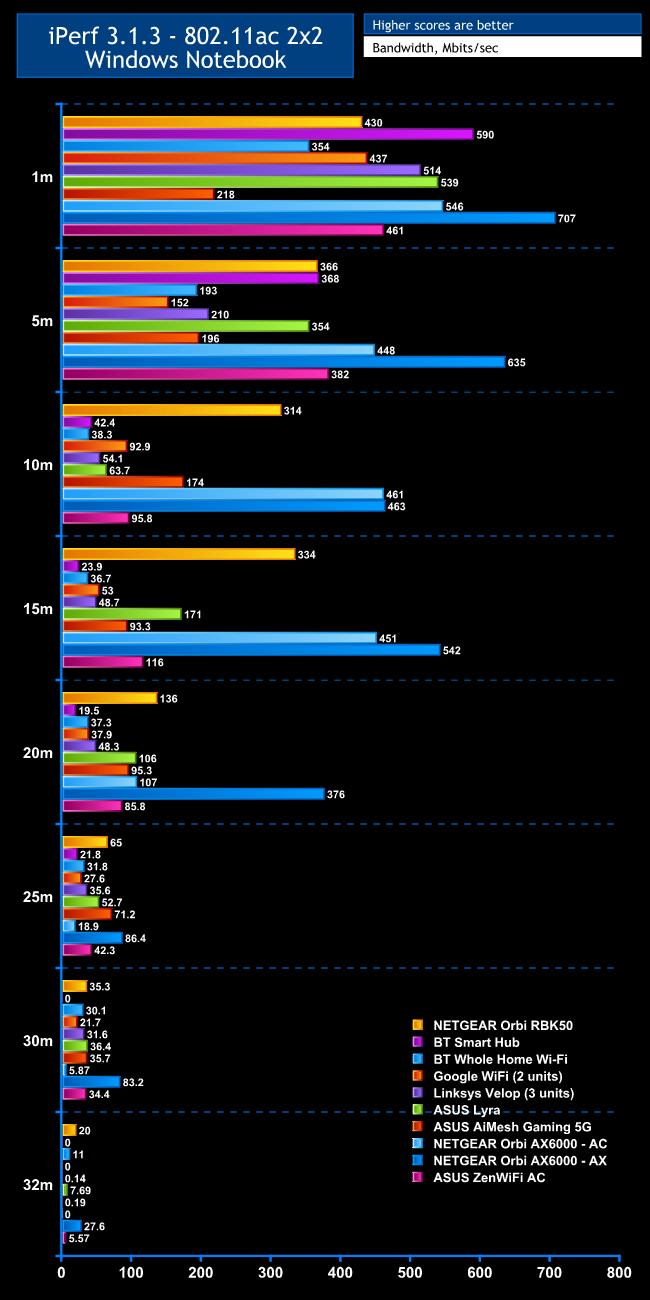
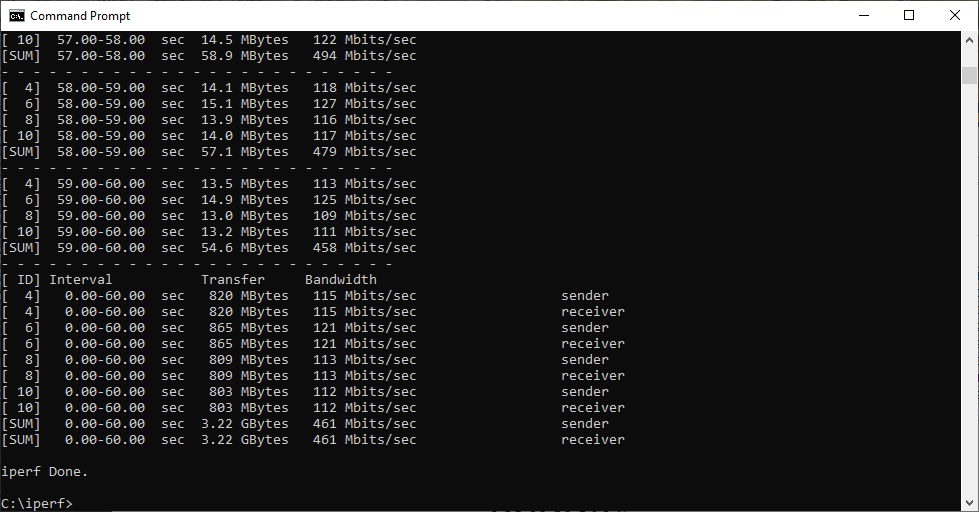
Within 1m, the ZenWiFi offers good throughput of 461Mbits/sec, which beats the NETGEAR Orbi RBK50 but there are plenty of alternatives that are better.
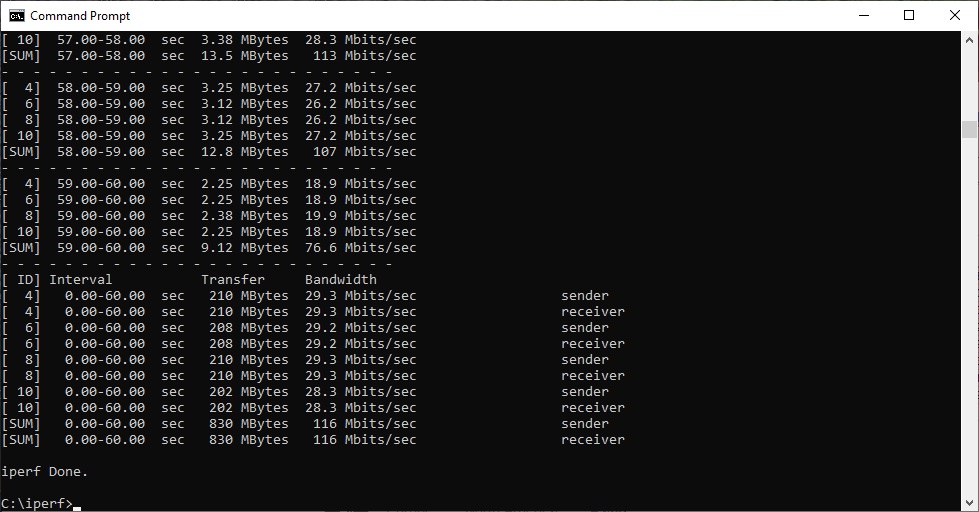
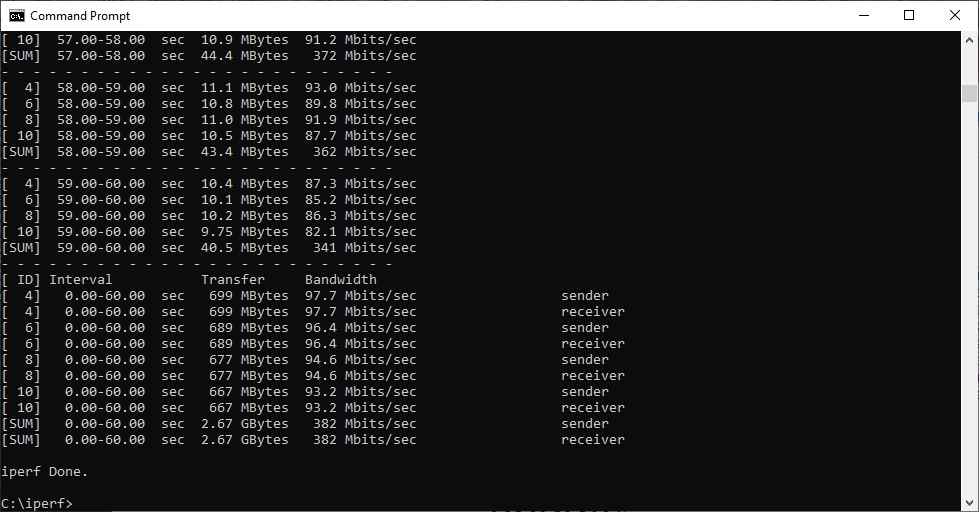
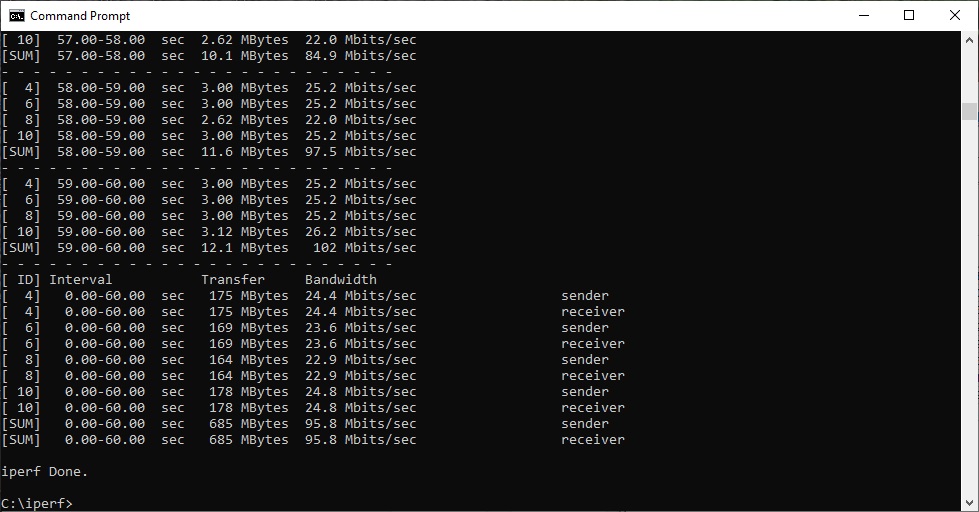
At 5m, the throughput of 382Mbits/sec is much more competitive, with only the WiFi 6-powered NETGEAR Orbi AX6000 going ahead. However, this drops considerably to 95.8Mbits/sec at 10m, which is significantly behind the Orbi RBK50 and AX6000. We suspect that the notebook was still talking to the router rather than the satellite, despite being sat right next to the latter at this location. At 15m, the throughput has improved again to 116Mbits/sec, which would imply our guess was right. This was a solid performance, but interestingly the ASUS Lyra was faster at this range thanks to its three units.
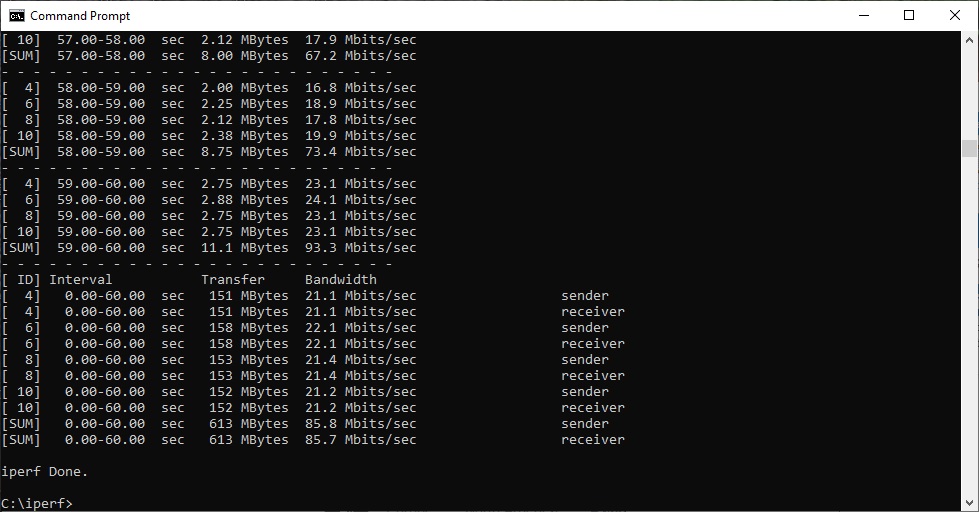
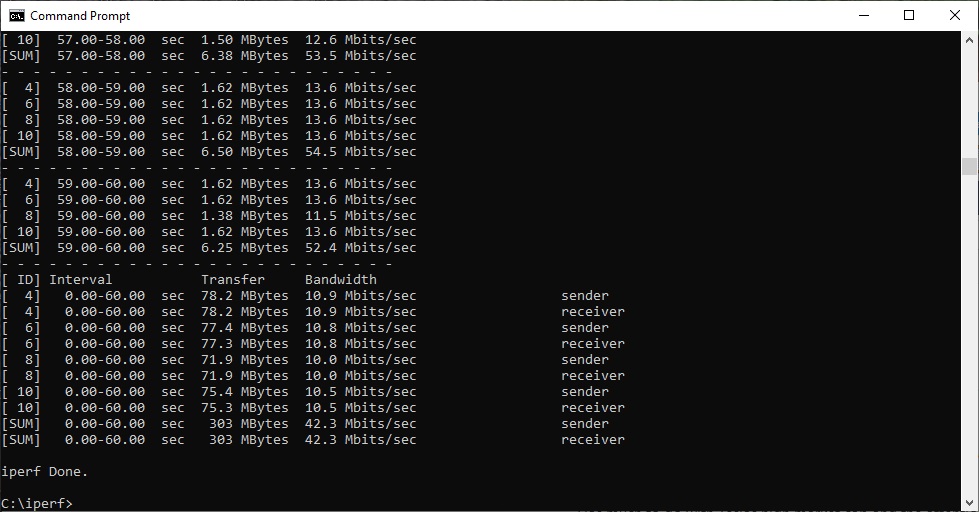
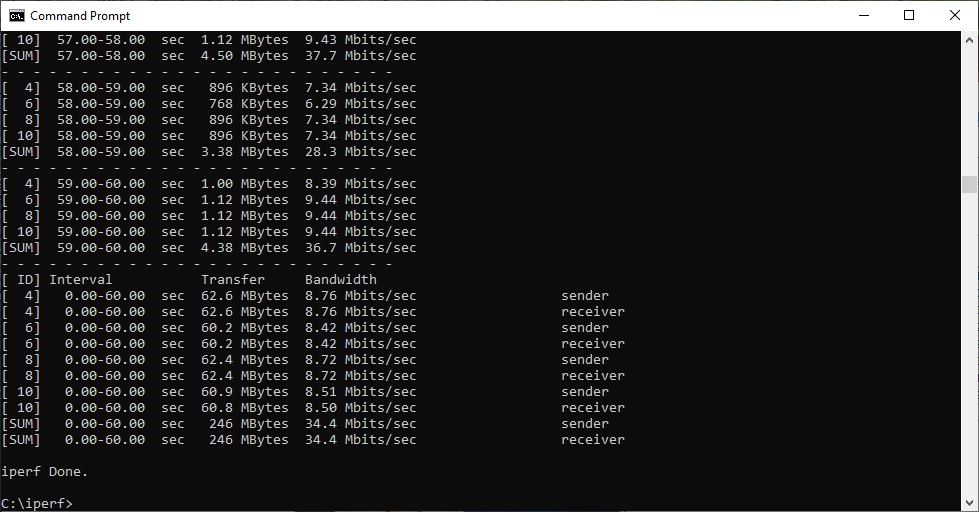
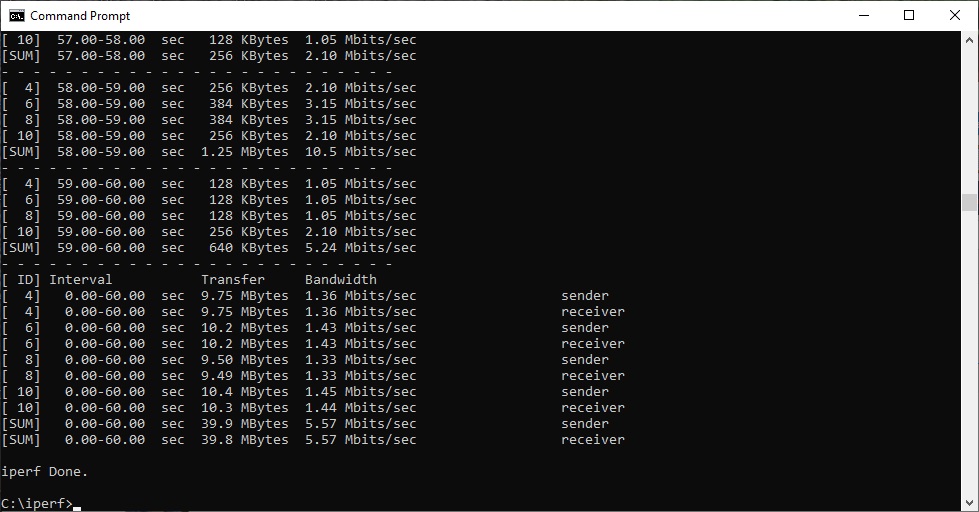
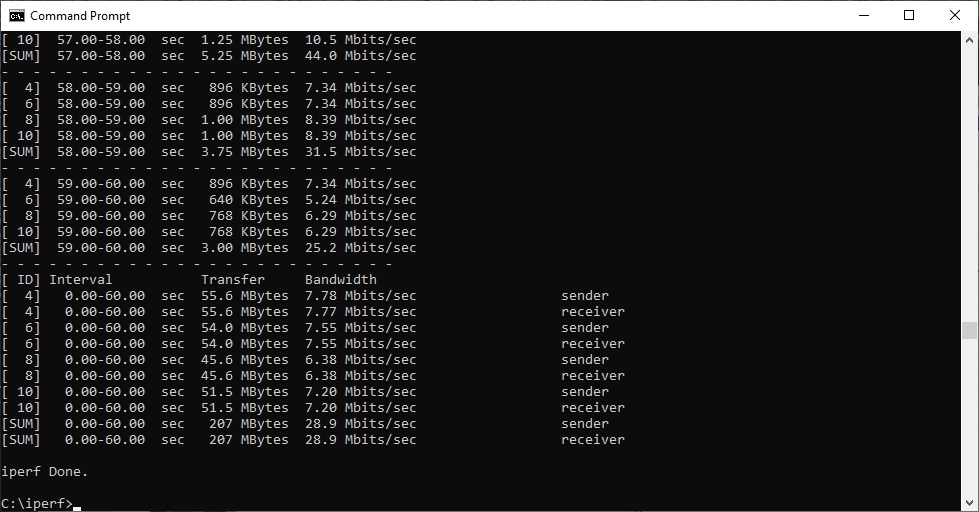
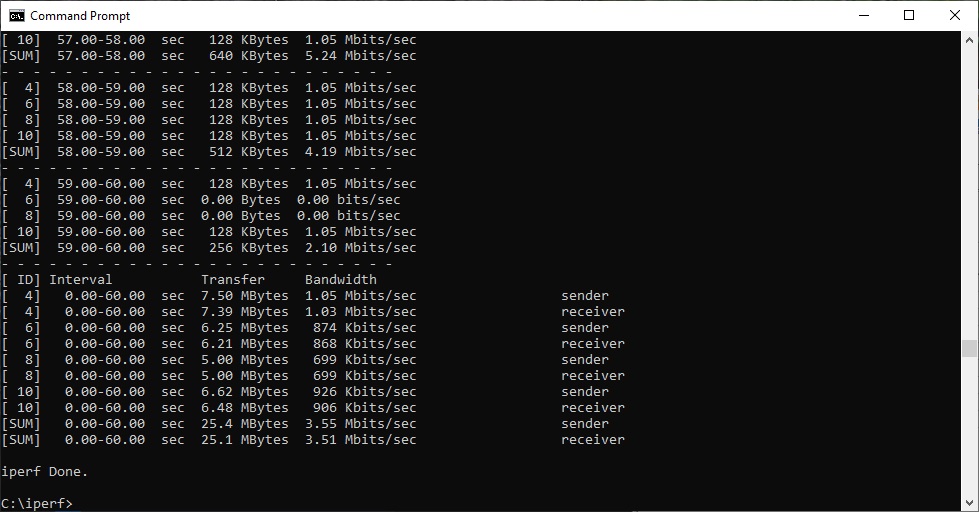
The 20m result of 85.8Mbits/sec puts the ZenWiFi in amongst the mesh crowd, but the NETGEAR Orbis were ahead and again so was the ASUS Lyra, and also ASUS's AiMesh Gaming 5G. Moving out to 25m, the throughput of 42.3Mbits/sec is usable but the AiMesh Gaming 5G system is better. This continues to 30m, although achieving 34.4Mbits/sec is commendable at this range. There was still a vaguely usable throughput of 5.57Mbits/sec at the 32m “behind the shed” distance, which many mesh systems and all standalone routers fail to achieve.
Overall, the ZenWiFi is capable of wide coverage, but not performance that's quite up with the best mesh WiFi systems beyond 5m.
802.11n 2.4GHz
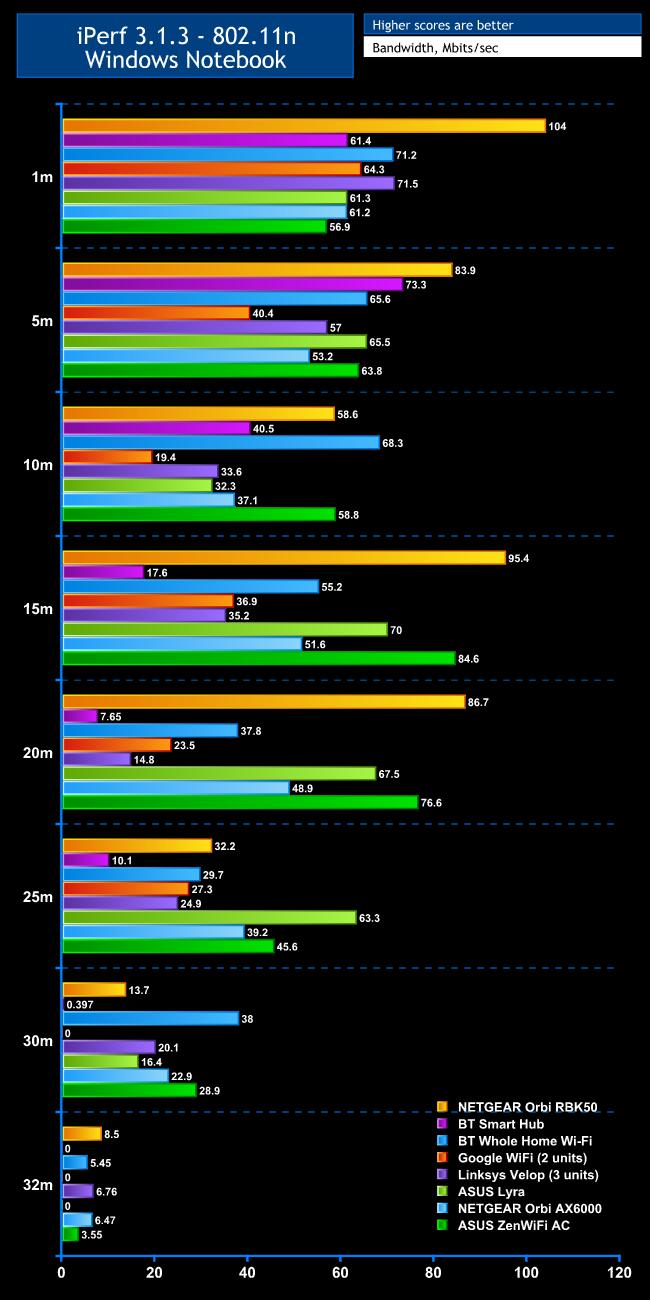
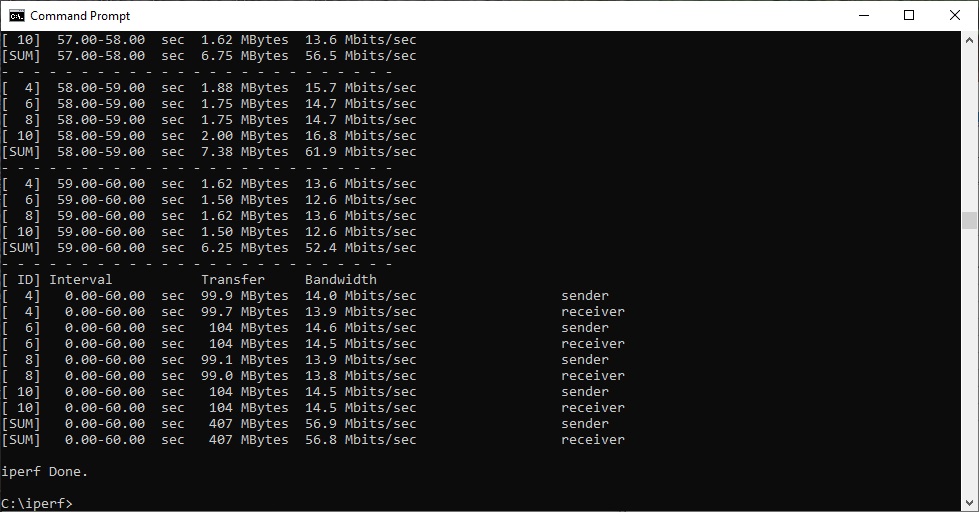
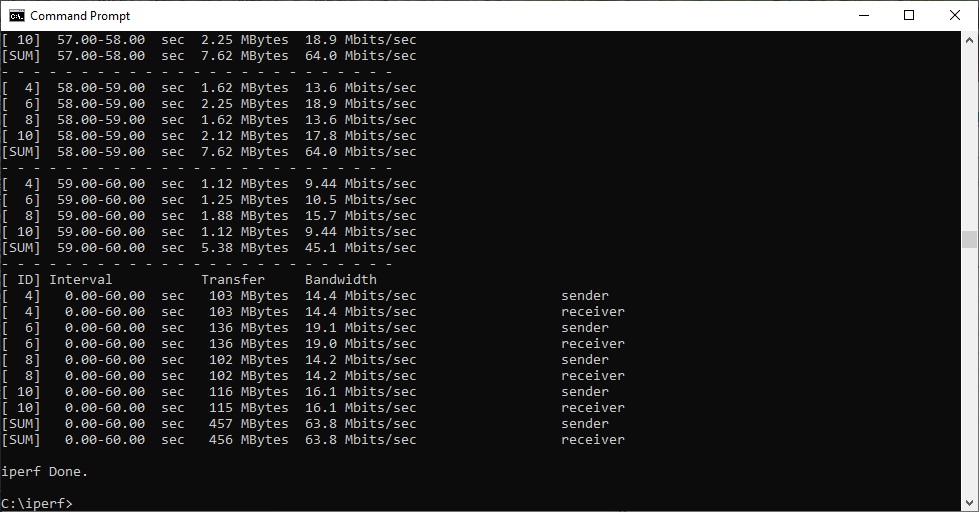
The results are a bit more persuasive with 2.4GHz 802.11n. The ZenWiFi posts a mediocre 56.9Mbits/sec at 1m, and at 5m the throughput of 63.8Mbits/sec is merely up with the pack.
However, at 10m, the ZenWiFi maintains a more competitive 58.8Mbit/sec, with only the NETGEAR Orbi RBK50 and BT Whole Home WiFi ahead. The ZenWiFi is the second fastest to the Orbi RBK50 at 15m, achieving 85.6Mbits/sec, and is in the same position at 20m, with 76.6Mbits/sec.
At 25m, the ZenWiFi is still second fastest with 45.6Mbits/sec, but this time to ASUS's own Lyra. It's second again at 30m, but now to the BT Whole Home WiFi. Only with our 32m “behind the shed” test does it drop to a barely usable 3.55Mbits/sec.
Overall, a good showing. Although it's not the fastest up close, it maintains speed to a good distance.
The ASUS ZenWiFi AC (CT8) has a lot going for it. The management software has absolutely loads of features, as we have come to expect from ASUS routers. Even better, a considerable subset of these are available through the smartphone app, which is fairly unique compared to ASUS's competitors.
The USB 3.1 Gen 1 port on both router and satellite means you can share storage or a printer, and perform network backup of your client devices or use the ZenWiFi as a media server.
In terms of features, the ZenWiFi surpasses any of NETGEAR's Orbi range. However, it doesn't in terms of performance. Although the ZenWiFi can deliver excellent 802.11ac range and very good 802.11n, its throughput can't compete with NETGEAR's in 802.11ac, although it is very fast at medium ranges with 802.11n.
In practice, having serviceable WiFi across a wide area will be what you notice, and the ZenWiFi delivers that, but in pure performance terms it's merely good rather than outstanding.
Overall, then, the ASUS ZenWiFi AC is worth buying for exceptional features and solid WiFi area coverage. It's also very reasonably priced at £280 – noticeably cheaper than NETGEAR's Orbi RBK50. But if you want the ultimate in mesh WiFi performance, there are better, albeit more expensive, options available.
The ASUS ZenWiFi AC (CT8) is available from Amazon.co.uk for £279.99.
Pros:
- Strong 802.11n coverage with good mid-range performance.
- Decent 802.11ac range.
- Tons of management features via Web admin interface.
- Smartphone configuration app has good subset of full feature set.
- USB ports on both router and satellite.
- Reasonable price.
Cons:
- Mediocre 802.11ac performance.
Kitguru Says: The ASUS ZenWiFi AC (CT8) offers a class-leading set of management features with plenty of options also available in the smartphone app for a reasonable price, although there are better mesh WiFi performers available.