KitGuru KitGuru.net – Tech News | Hardware News | Hardware Reviews | IOS | Mobile | Gaming | Graphics Cards


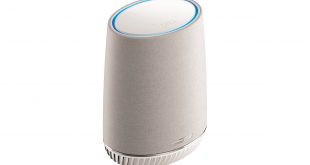
NETGEAR has arguably been the driving force behind the rapid adoption of Mesh WiFi, starting with the Orbi RBK50. But a parallel revolution has been taking place that is enabled, or at least made easier, by ubiquitous WiFi: smart speakers. The Amazon Echo range and Google Home were typical Christmas gifts last year.
The question is, how many separate devices do you need in your home, and what if you could combine your mesh with your smart speaker? This is the idea behind the NETGEAR Orbi Voice. It brings you not only NETGEAR's much-vaunted mesh WiFi, but also Amazon Alexa functionality and quality audio, all in one.
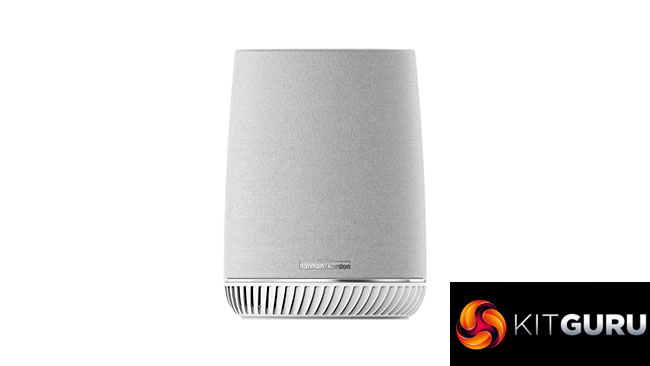
There are two ways of obtaining the Orbi Voice. The RBS40V kit just includes the satellite, while the RBK50V we have on test here bundles a router as well. The router included is the RBR50 from the RBK50 package that was our first taste of NETGEAR's mesh. But the RBS40V will attach to any of NETGEAR's mesh offerings as an additional satellite, extending the WiFi alongside its other capabilities.
The RBS40V looks similar to other Orbi units, except that it is quite a bit fatter and has a grey material covering. That's because it contains a reasonably hefty 35W speaker from Harmon Kardon. This includes a 1in tweeter and 3.5in woofer, with a wide 63Hz-20KHz frequency range. This puts the audio quality potentially in a different league to Google Home or Amazon Echo Plus. The former has a single 2in speaker, whilst the latter has smaller 0.8in tweeter with 3in subwoofer. The Orbi Voice is more in the league of the Sonos One where audio output quality is concerned.
Of course, the key feature is the voice command capability. The Orbi Voice has four field microphones on the top, with Amazon Alexa capabilities built in (like the Sonos One). There are standard Alexa buttons on the top, too, but they're touch-operated so you can't see them unless lit. The usual array of Alexa commands are supported, alongside a wide array of streaming music services.
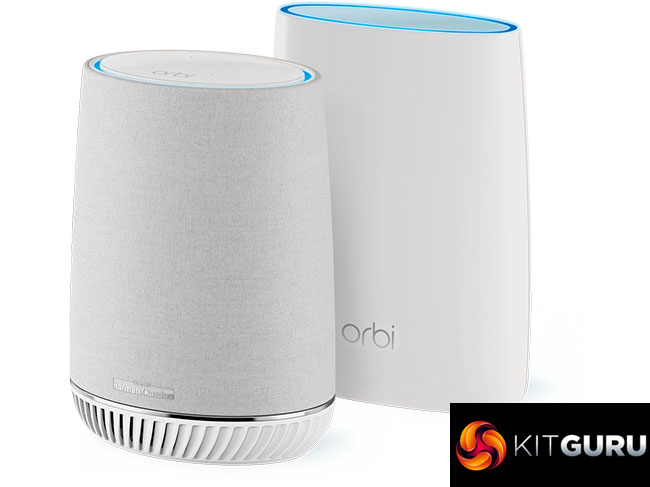
So this is a capable wireless Alexa-enabled speaker, but it can also extend your WiFi. Perhaps the only mild disappointment with the RBS40V is that, while the bundled RBR50 router has a 1,866Mbits/sec backhaul, the RBS40V only offers 866Mbit/sec, so in theory the mesh won't be as quick as with NETGEAR's RBK50 flagship. NETGEAR claims AC3000, but the satellite is only AC2200. Otherwise, the RBS40V's tri-band capabilities are decent, offering 5GHz 802.11ac for client devices at 866Mbits/sec and 2.4GHz 802.11n at 400Mbits/sec.
Overall, then, the NETGEAR Orbi Voice has a promising bundle of features. The Amazon Alexa speaker aspect is not a half-hearted addition, but has a premium specification. Unfortunately, this means a premium price, in excess of £400 for the bundle, and £280 for the standalone unit, both of which are significantly more than the basic Google and Amazon options, even if you factor in a mesh networking setup on top. So the Orbi Voice really needs to deliver on all levels. Let's find out if it does.
Price: £433.98
Specification:
Wireless protocols: MU-MIMO with 802.11b/g/n 2.4GHz, 802.11a/n/ac 5GHz
Performance: AC2200 (866 + 866 + 400 Mbits/sec)
Antenna Configuration: 2×2 internal antennas for 2.4 and 5GHz (4 total)
Ports: Router: 1 x Gigabit Ethernet WAN, 3 x Gigabit Ethernet, 1 x USB 2.0; Speaker Satellite: 2 x Gigabit Ethernet
Speaker: 35W RMS, 1in tweeter, 3.5in woofer; 4 x microphones
Modem Support: VDSL/ADSL 2+ or cable
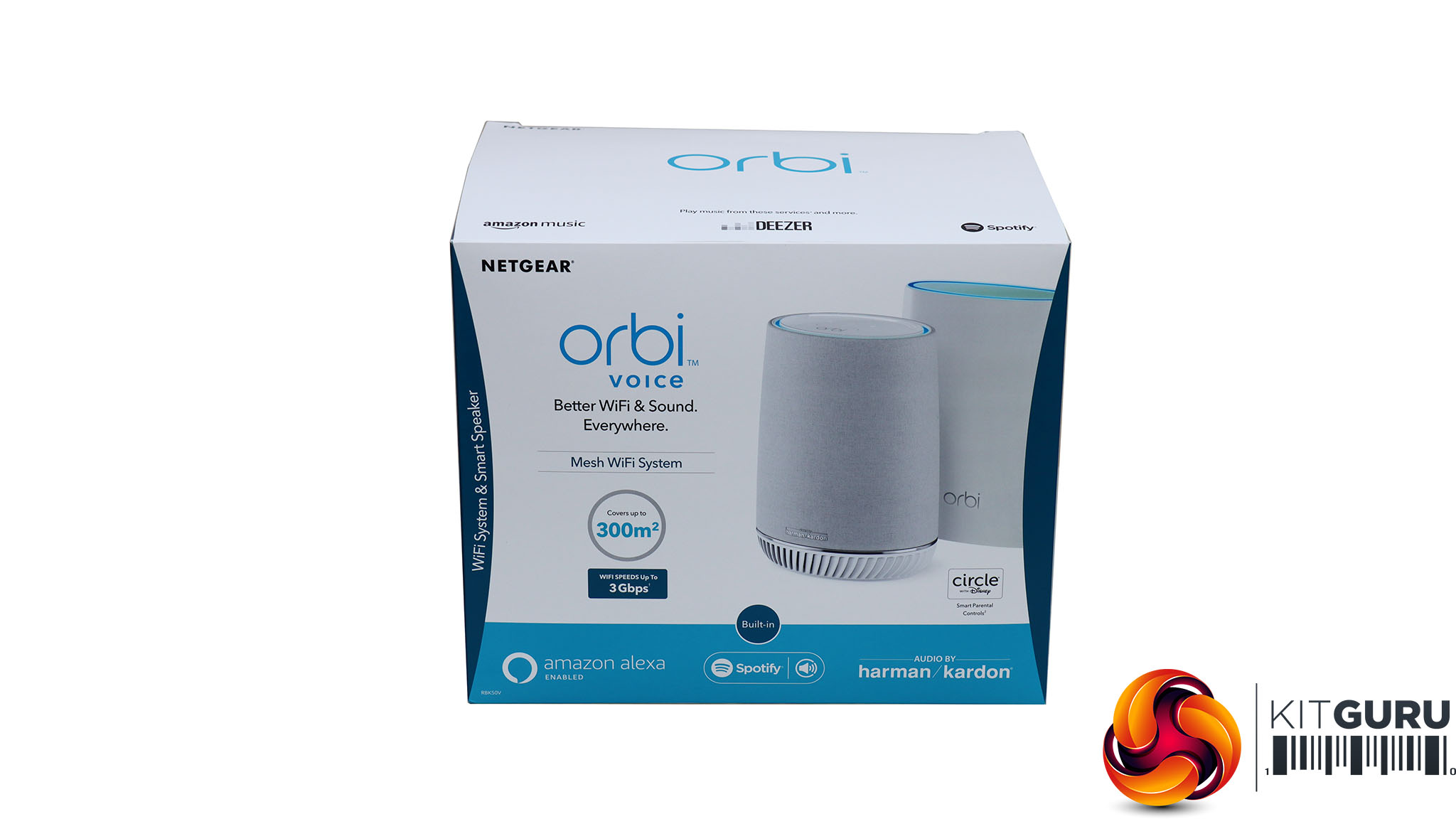
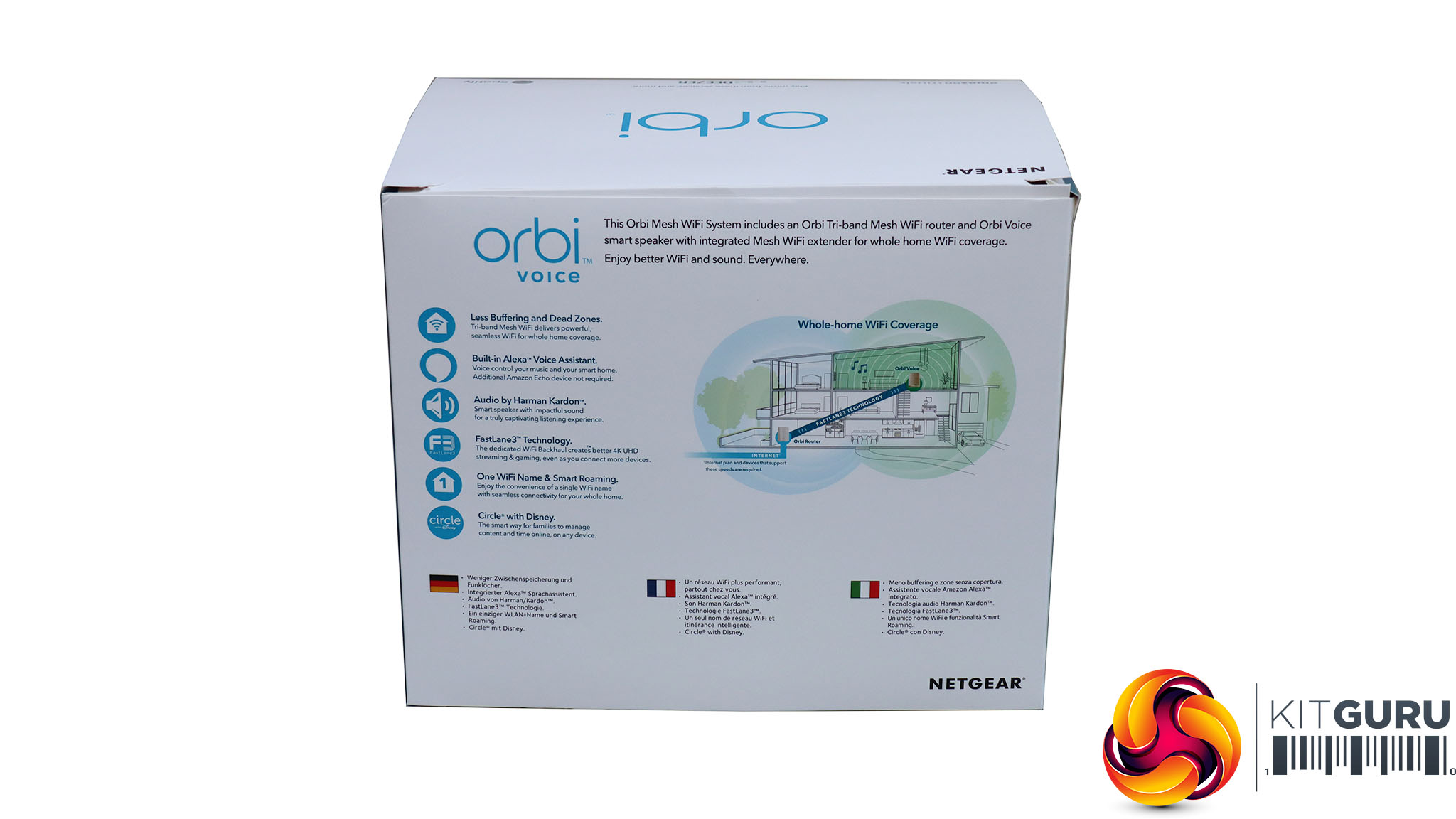
NETGEAR maintains the same packaging motifs as other members of the Orbi range.
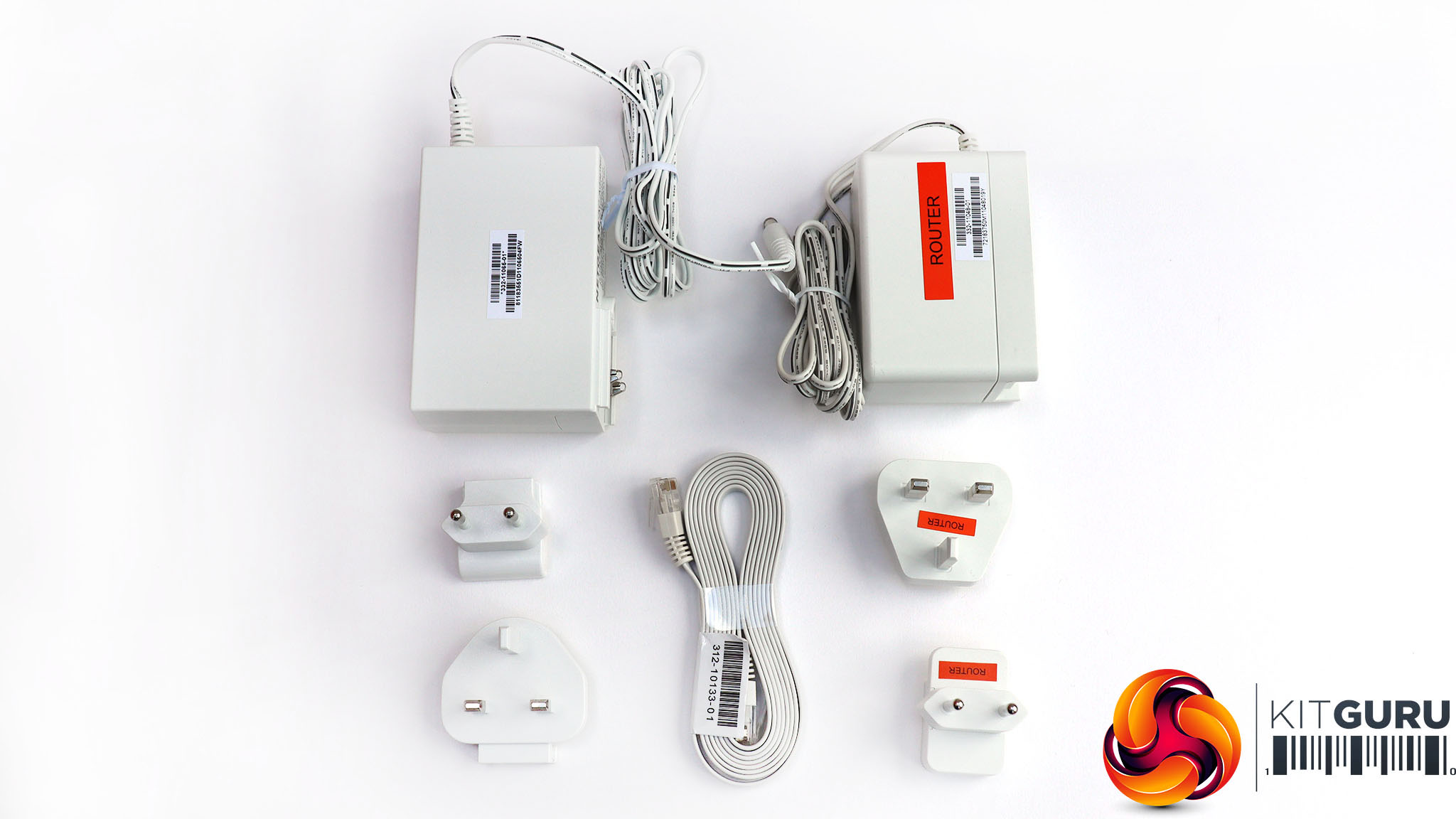
Apart from the units themselves, you get their respective power supplies, with adapters for UK and European plugs, plus a single ribbon Ethernet cable for connecting to your broadband router. You'll notice that the two power supplies are slightly different. The router's is 12V 3.5A, whilst the speaker satellite takes 19V 3.16A, as the audio output necessitates higher power consumption.
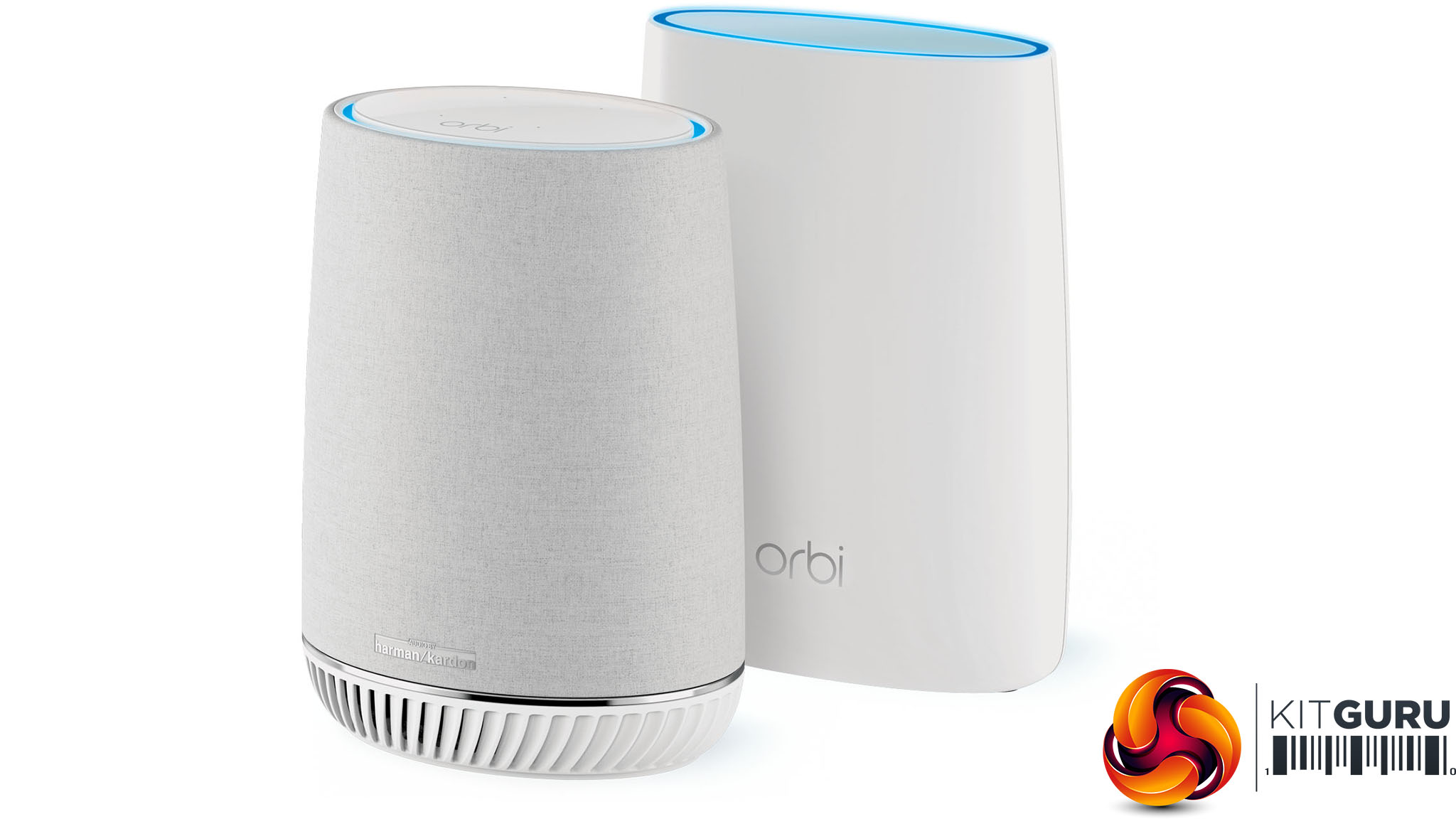
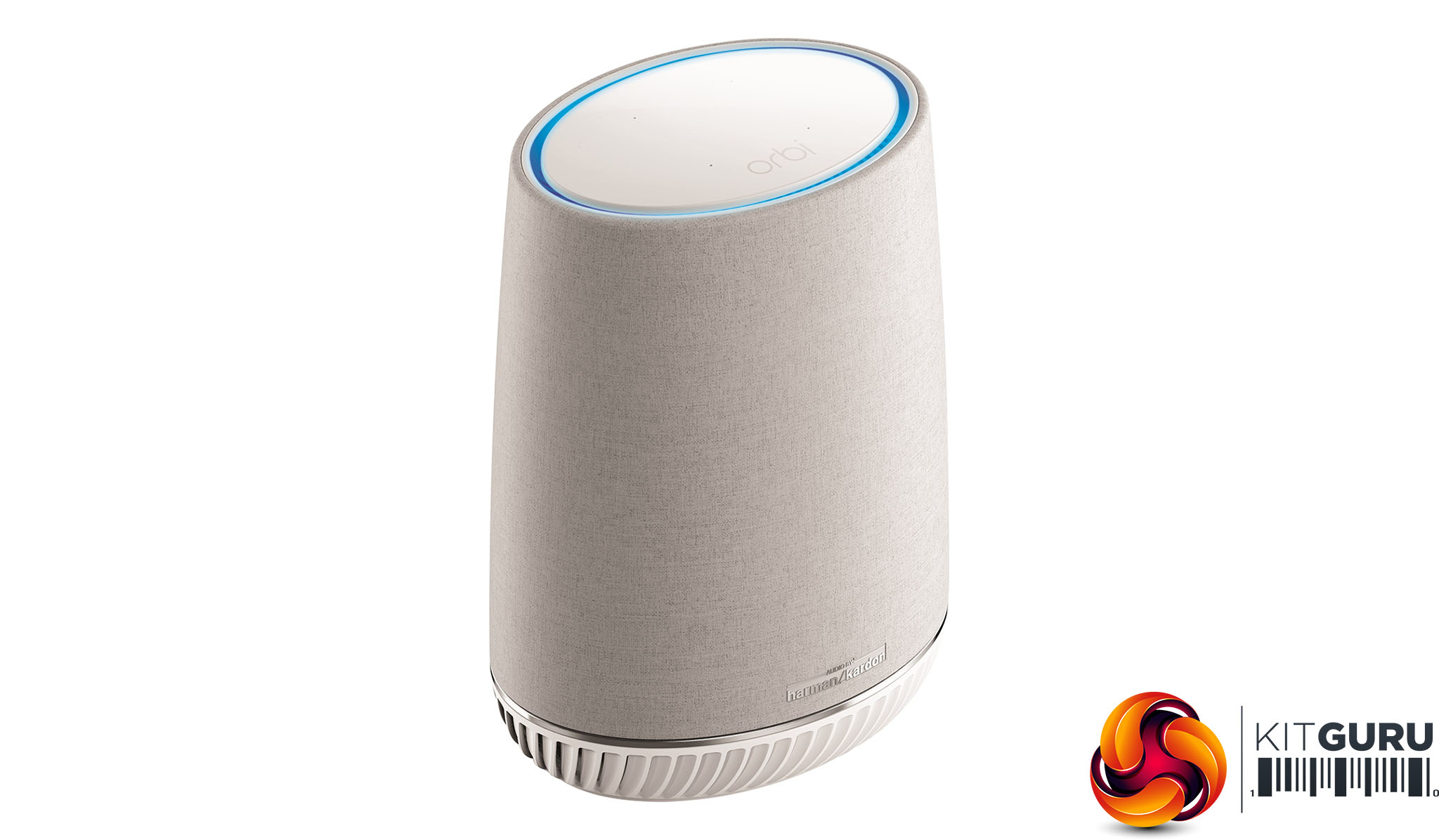
The RBS40V looks similar to the RBR50 router, but with an open grille at the bottom for the subwoofer, and grey speaker-style fabric over the main body.
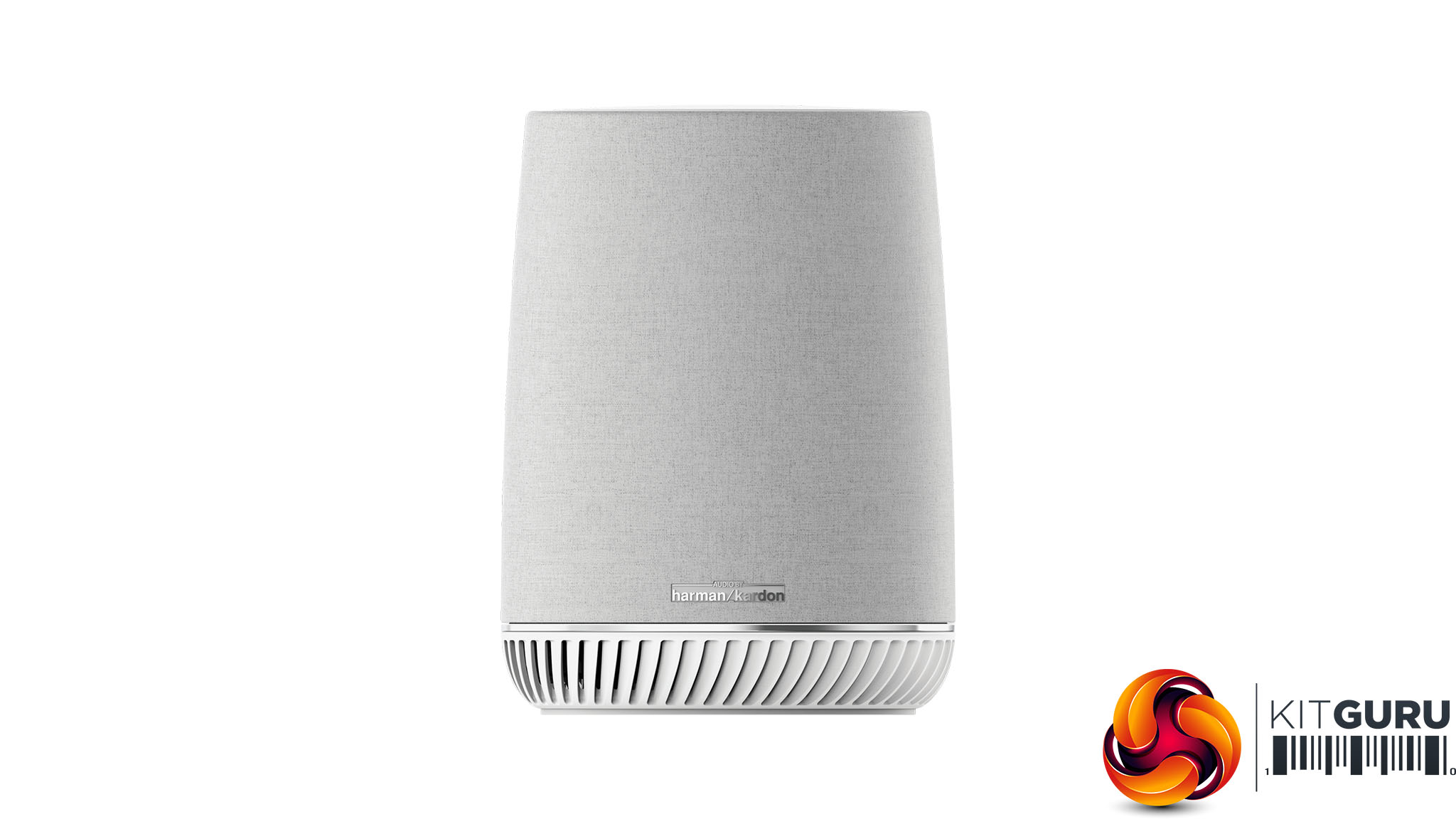
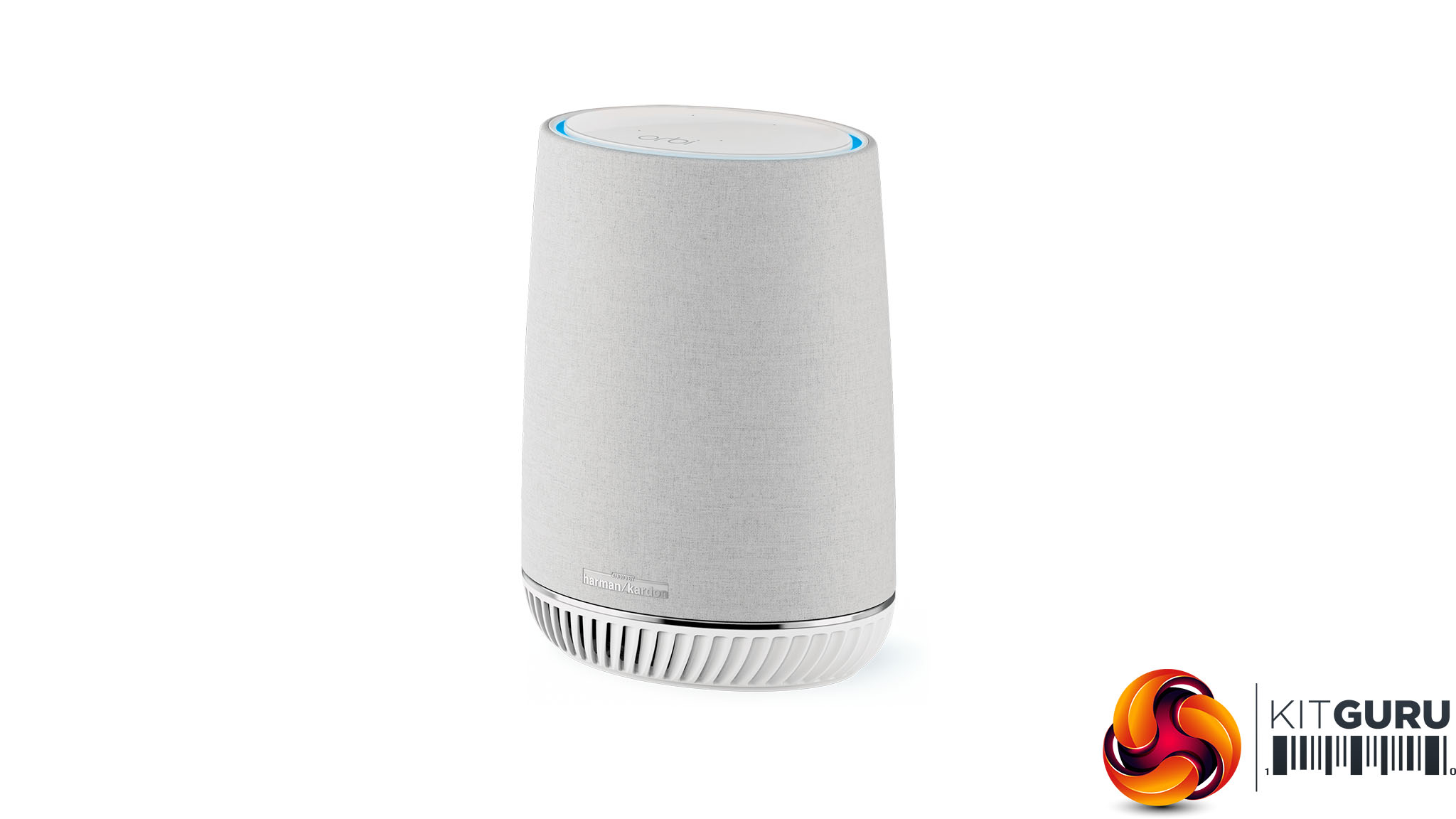
The material on the outside of the Orbi Voice satellite is mildly reminiscent of the Bang & Olufsen Beoplay products. It can't be a coincidence that NETGEAR is channelling the appearance of a premium audio brand, although the white plastic of the grille at the bottom and shiny top are more generic. The unit is also reassuringly heavy.
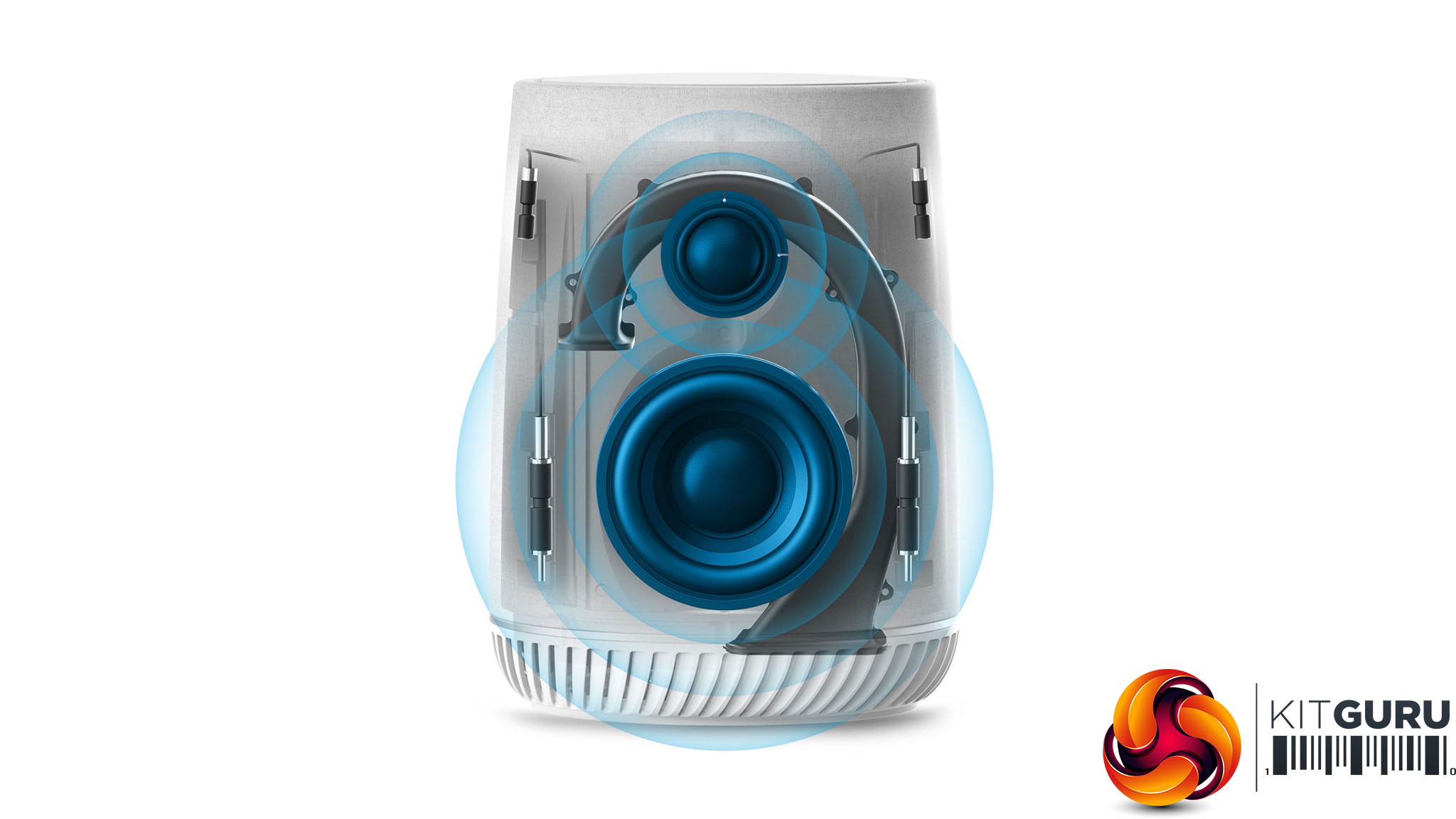
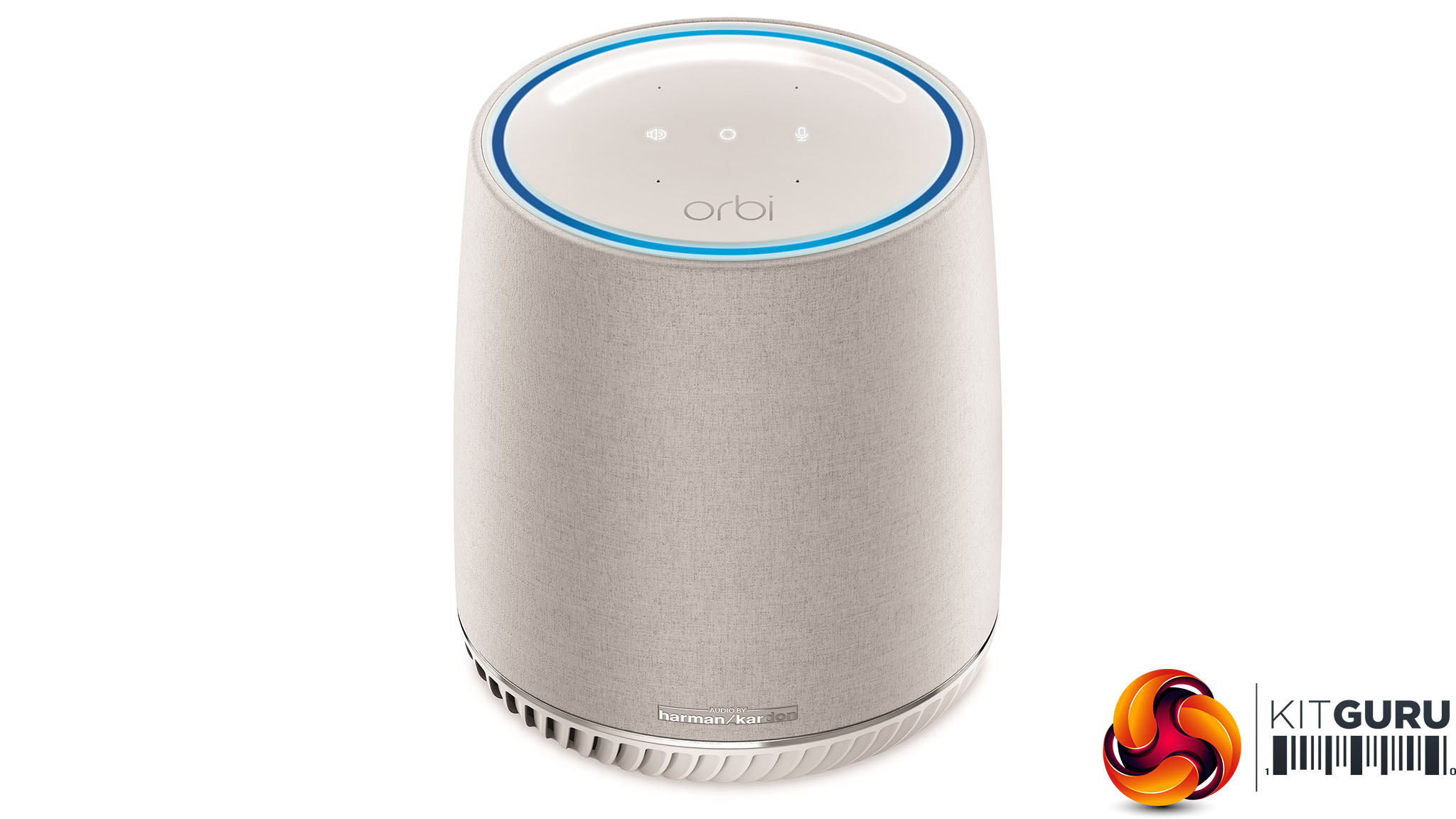
The speaker setup inside the Orbi Voice is definitely a cut above the average home voice wireless speaker. Let's compare the specification to a KRK ROKIT active studio monitor, since we happen to have a pair of the 6in versions in the lab. The ROKIT 4 has a 1in tweeter alongside a 4in woofer, so the Orbi's only slightly behind on tweeter size. The ROKIT 4 has 30W output power, so the Orbi's 35W means it can go a little bit louder. However, the Orbi's 63Hz-20KHz frequency range is behind the ROKIT 4's 51Hz-35KHz. However, given that most people can't hear frequencies over 20KHz, NETGEAR seems to have the important frequencies covered.
Although everything can be controlled via voice, there are still controls on the top. The power button is in the middle, you can turn on the microphone on the right, and mute audio output on the left. Neatest of all is the volume slider around the edge, which you slide your finger across to operate.
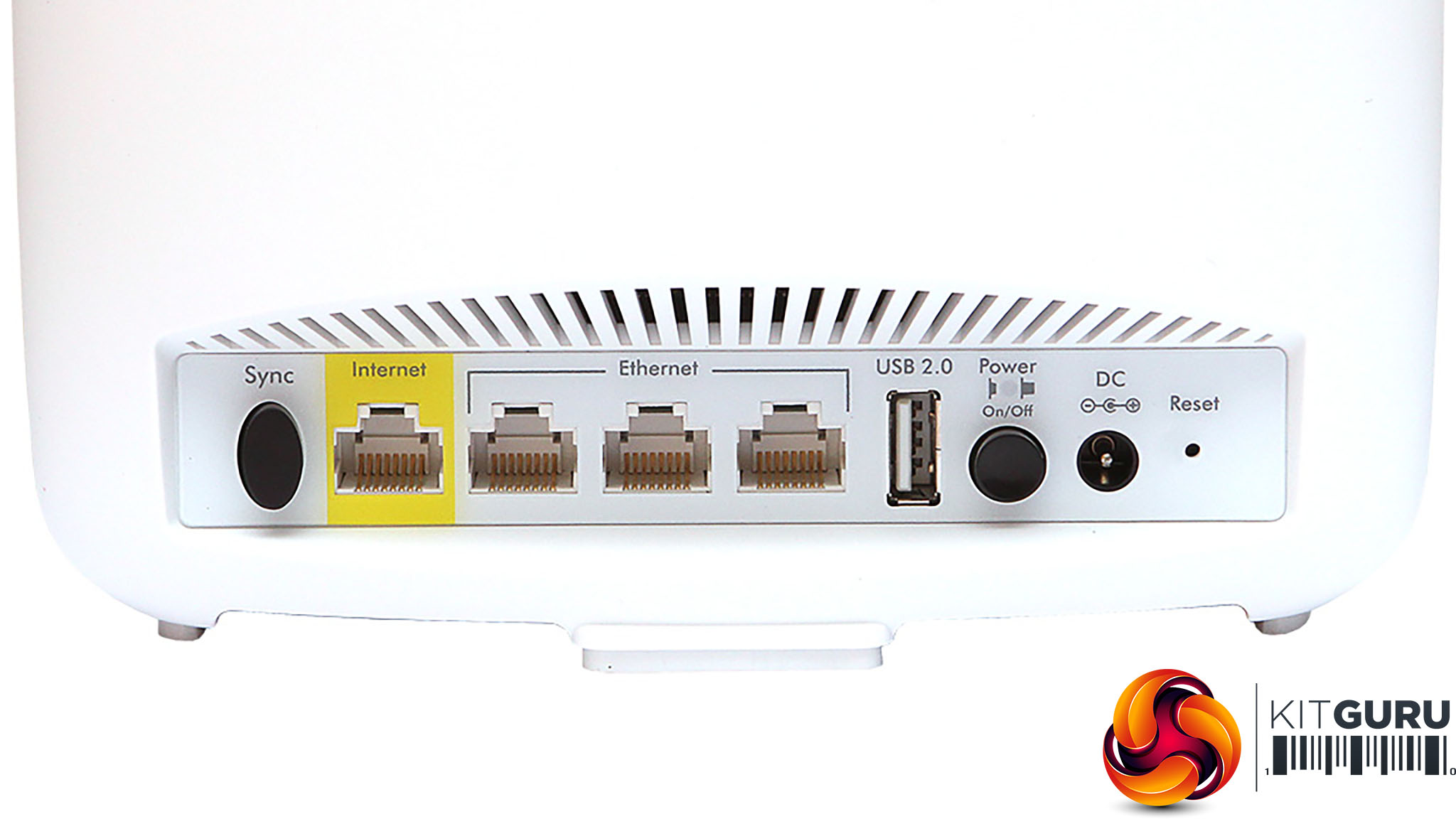
The RBR50 unit has four Gigabit Ethernet ports and a USB 2.0 connection. One of the Gigabit Ethernet ports is aimed at the WAN broadband connection, so you're left with three for wired LAN devices. The USB 2.0, which initially didn't do anything when the RBK50 was first released, can now be used for USB-connected printer sharing, but not for storage, strangely, although USB 2.0 is a bit slow for that anyway.
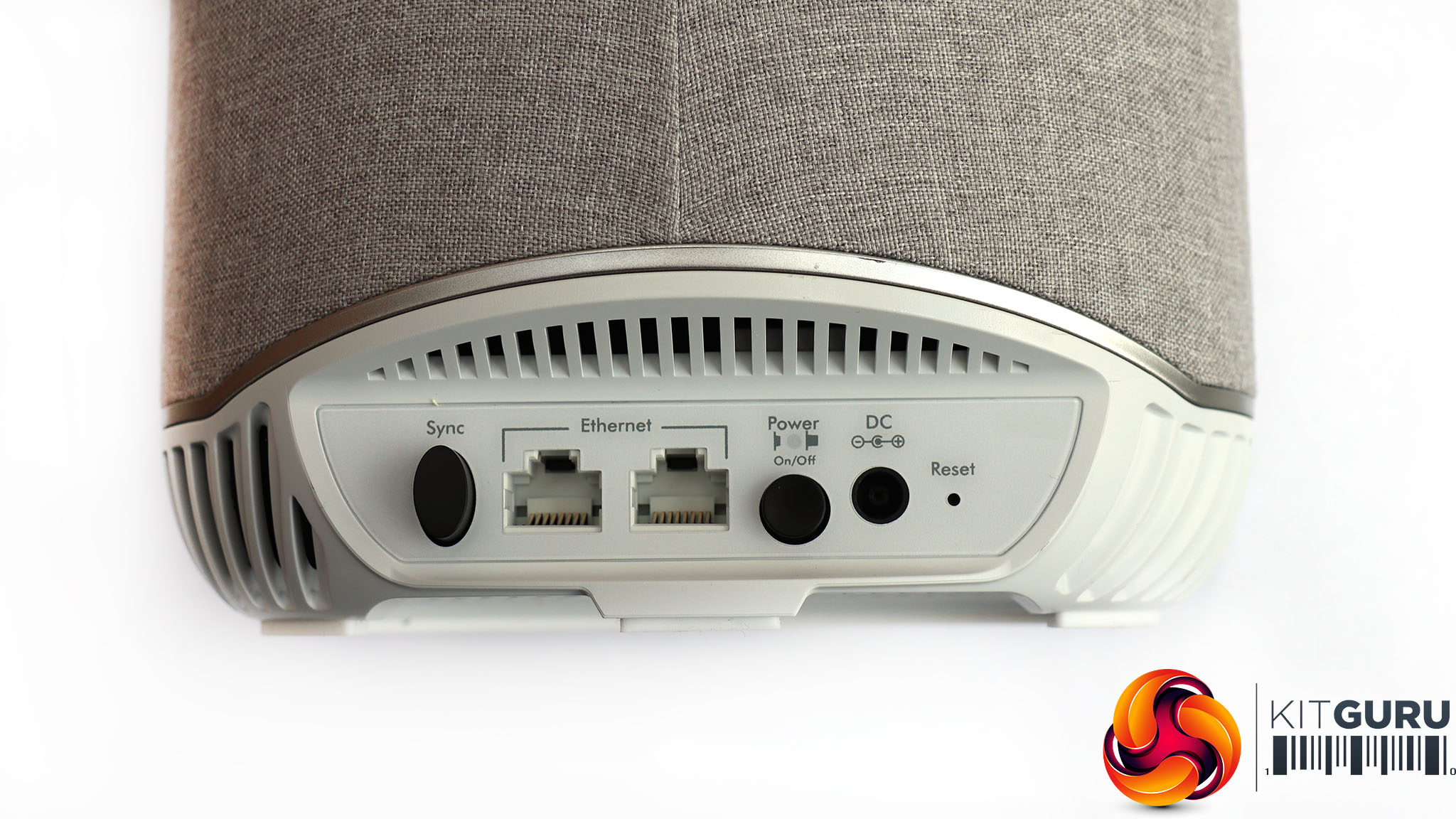
The RBS40V just has two Gigabit Ethernet ports. So if you do want to use the unit to share your network to wired devices around the house, that's possible.
Overall, from a hardware perspective, this is a quality bundle that could act as a complete replacement for an existing but less fully-featured broadband router. It's a shame you can't share USB storage on the router module, but at least there is printer sharing, and the three extra Gigabit Ethernet ports on top of the WAN port will be adequate for most home networks.
The Orbi units come pre-paired, so you don't need to do anything to get the router and satellite talking to each other. You just need to plug them in, hook up the broadband to the router unit, and power everything on.
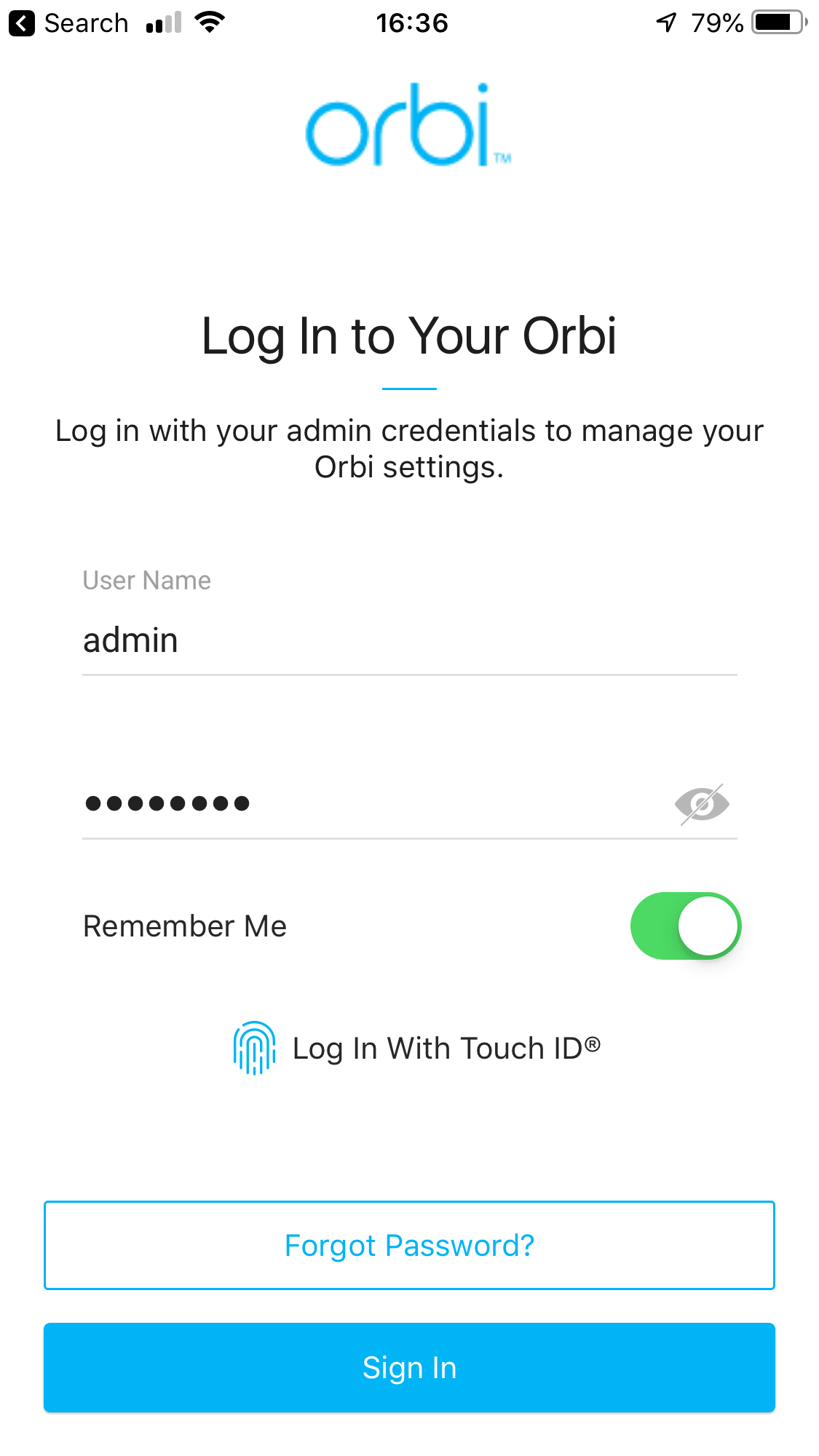
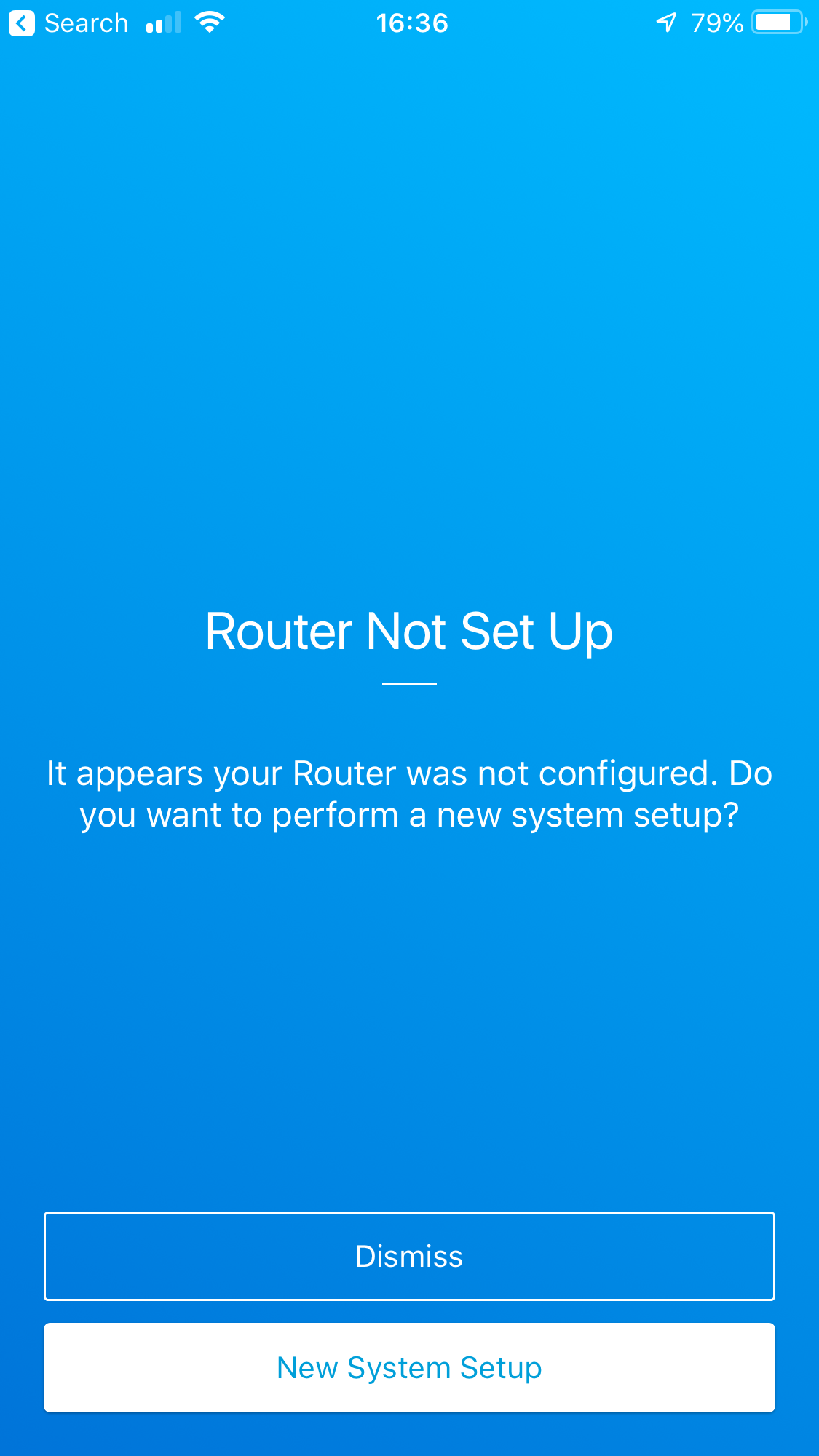
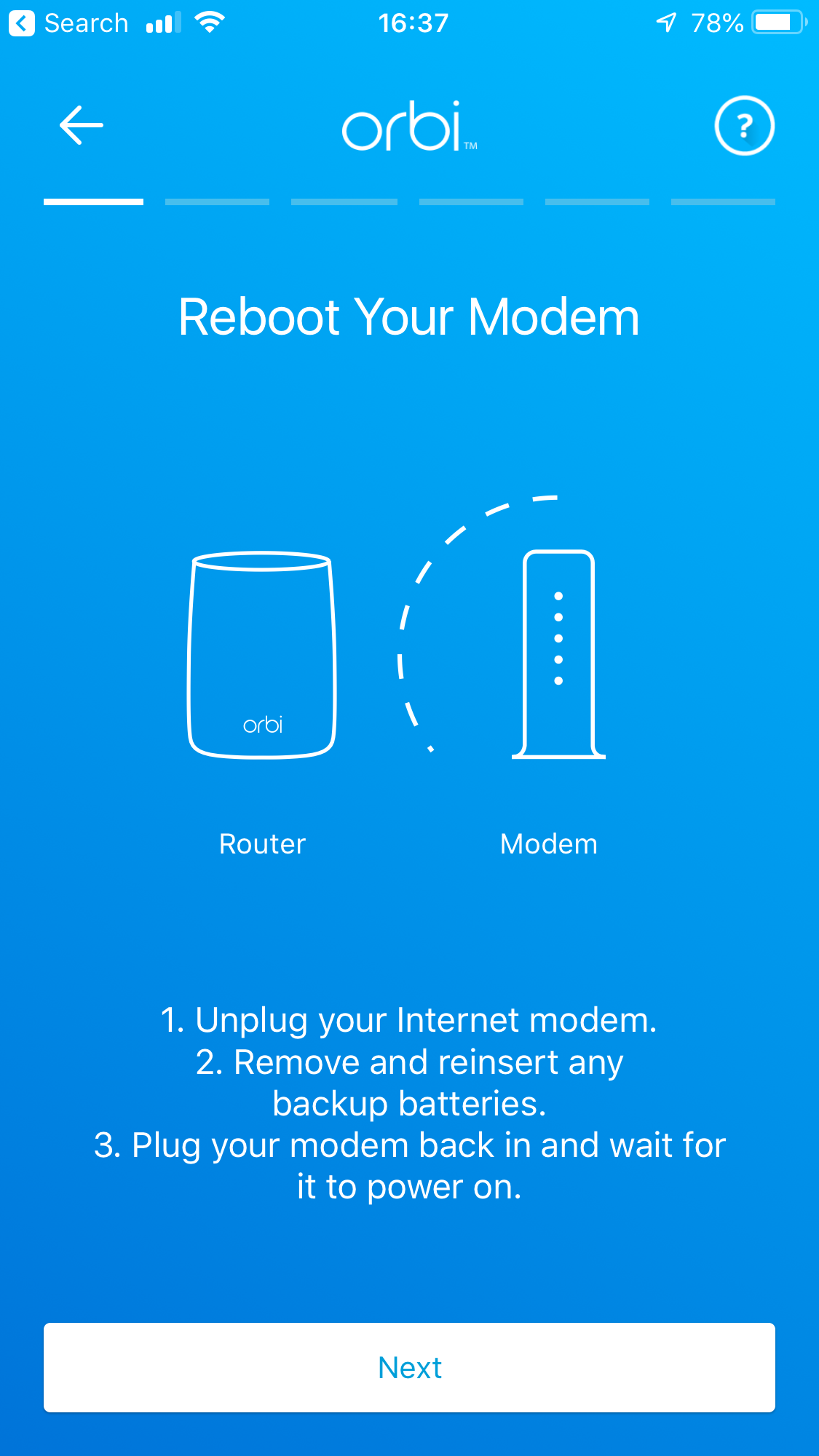
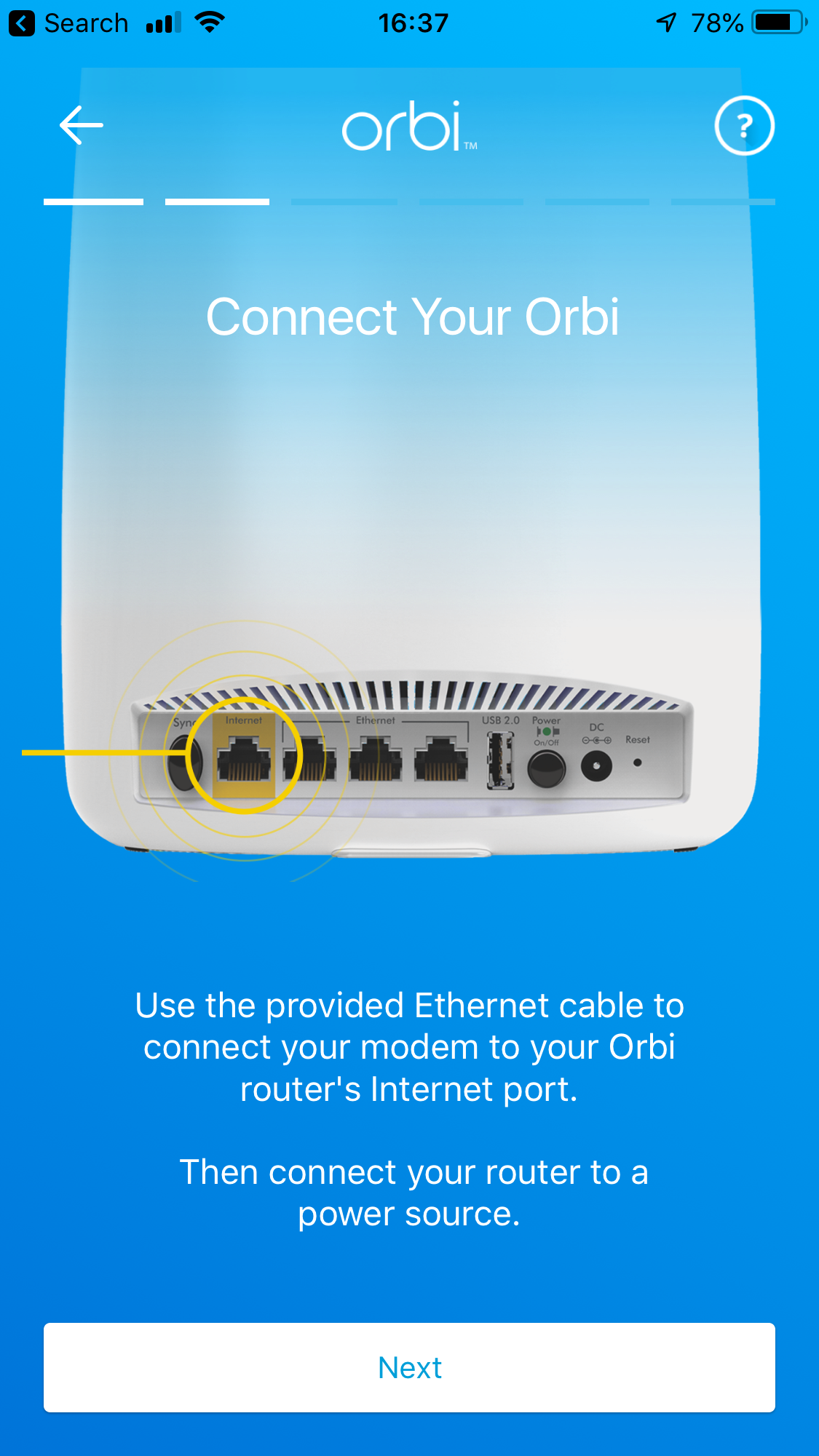
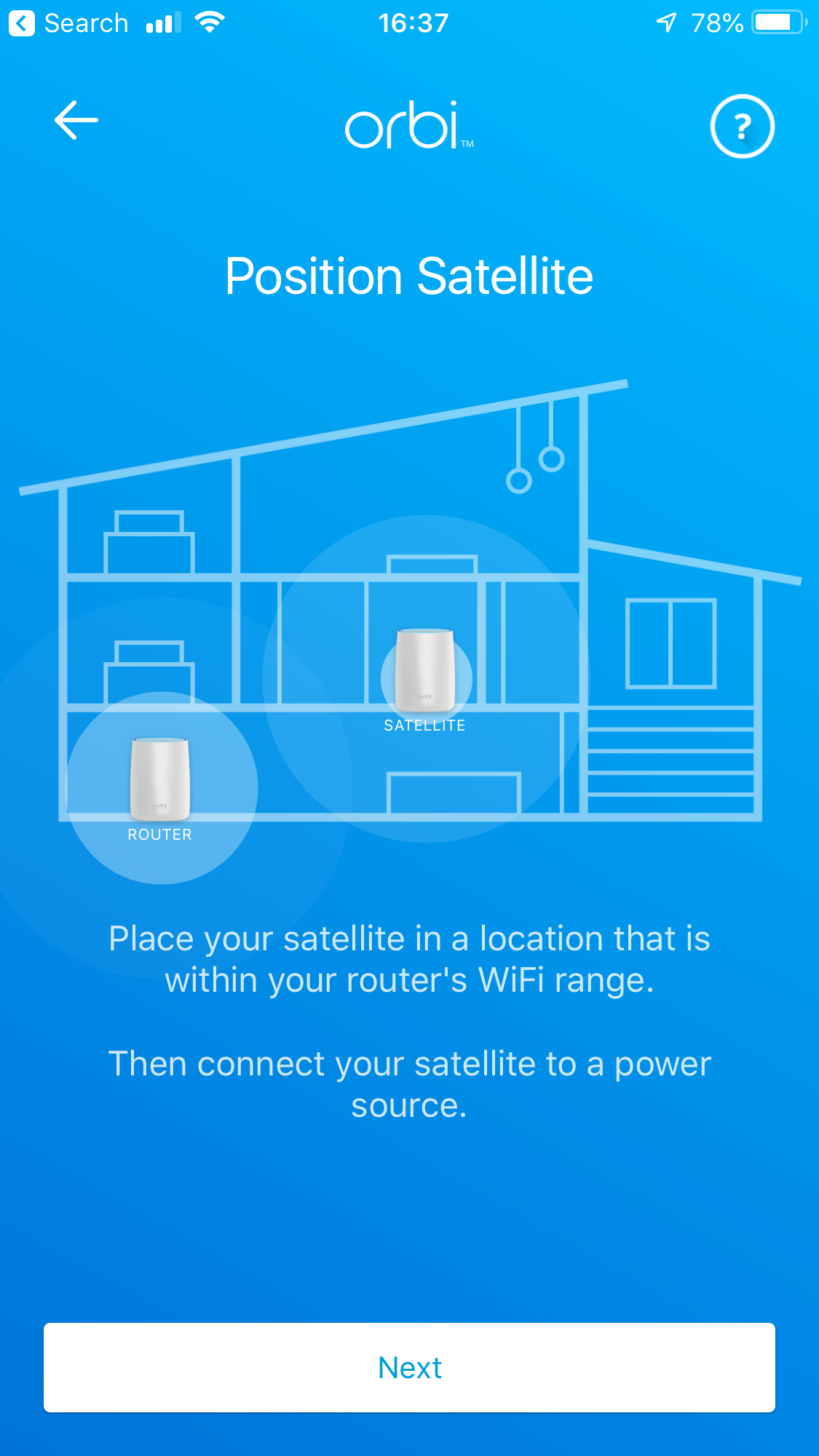
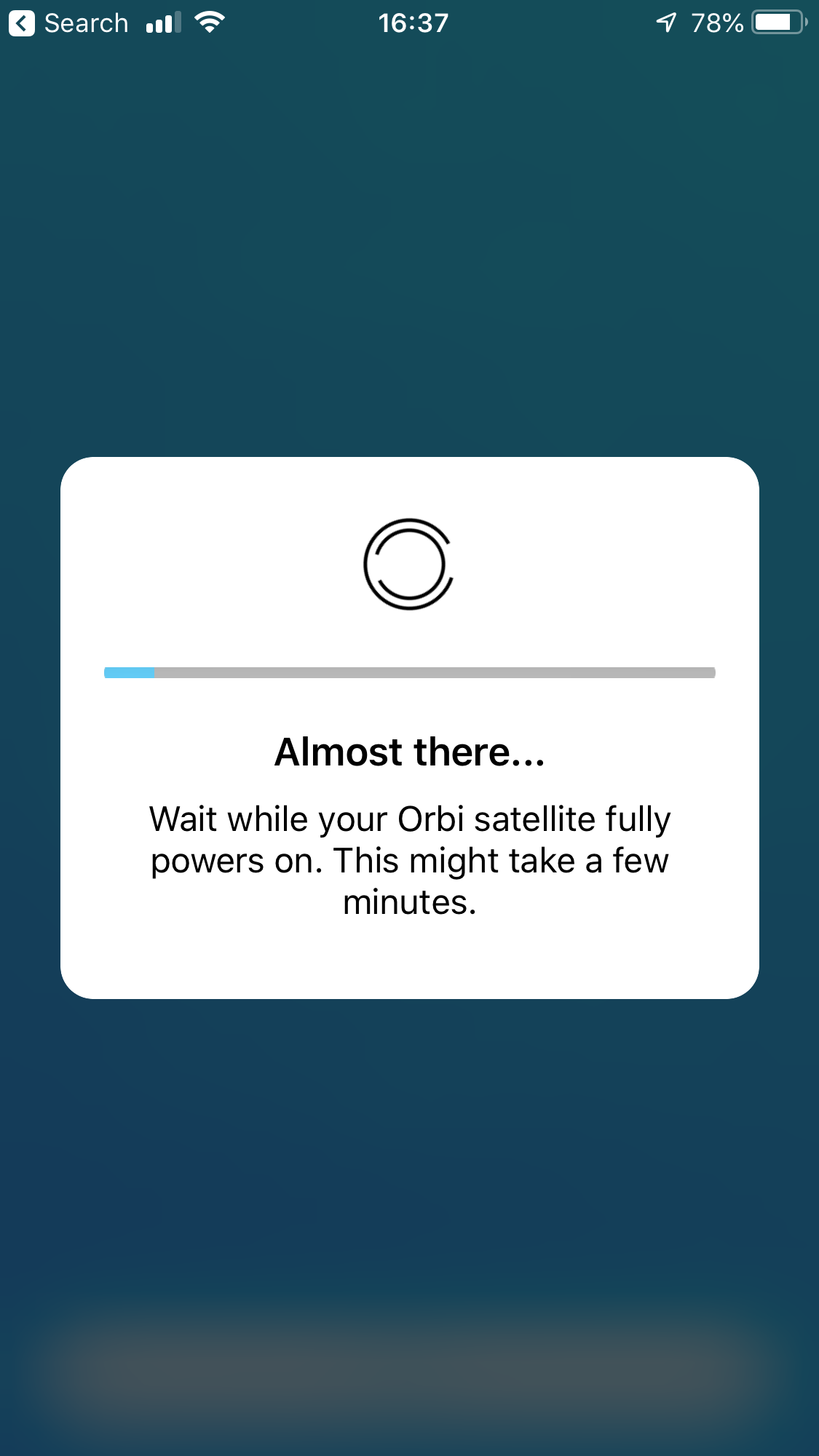
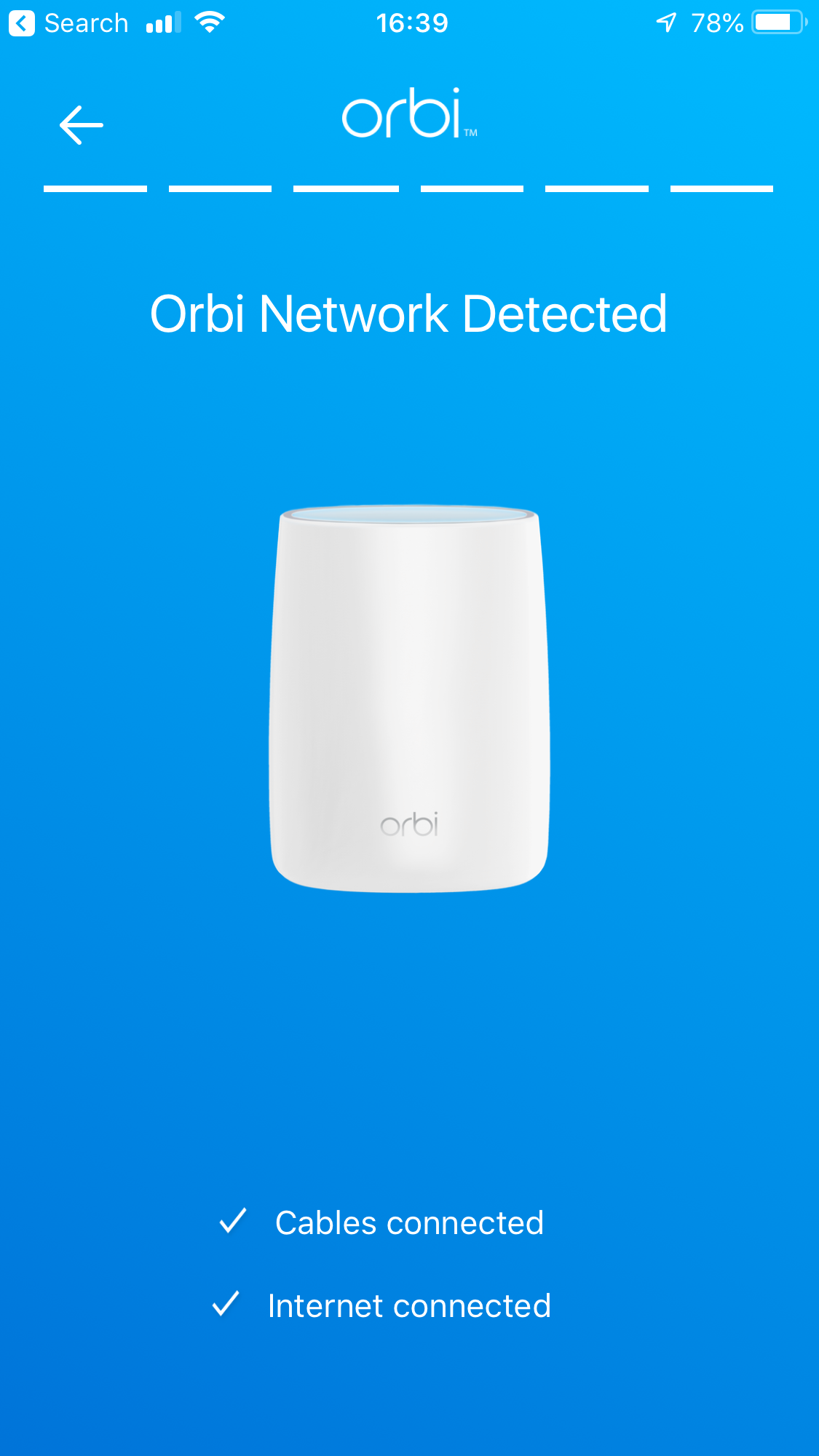
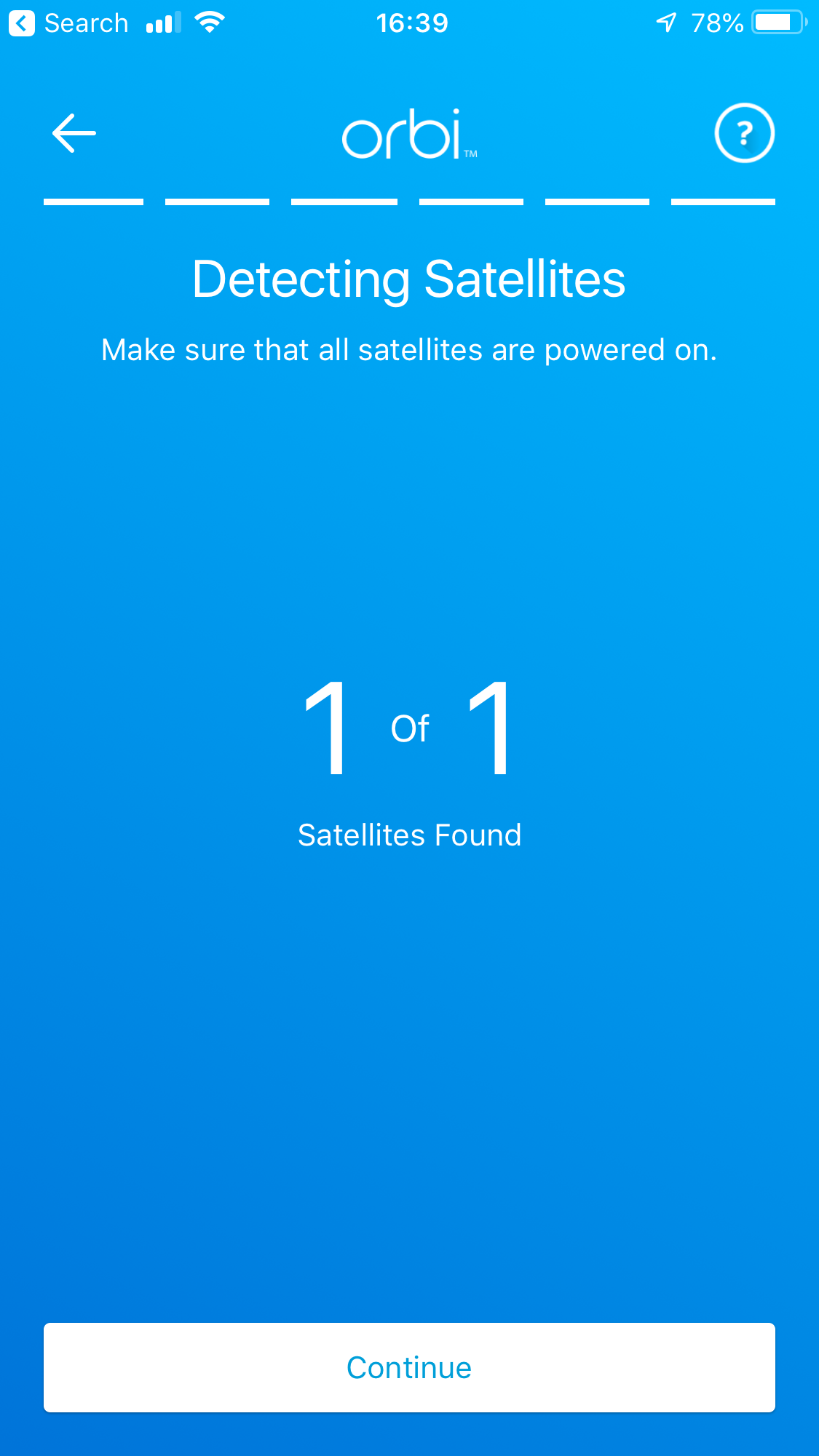
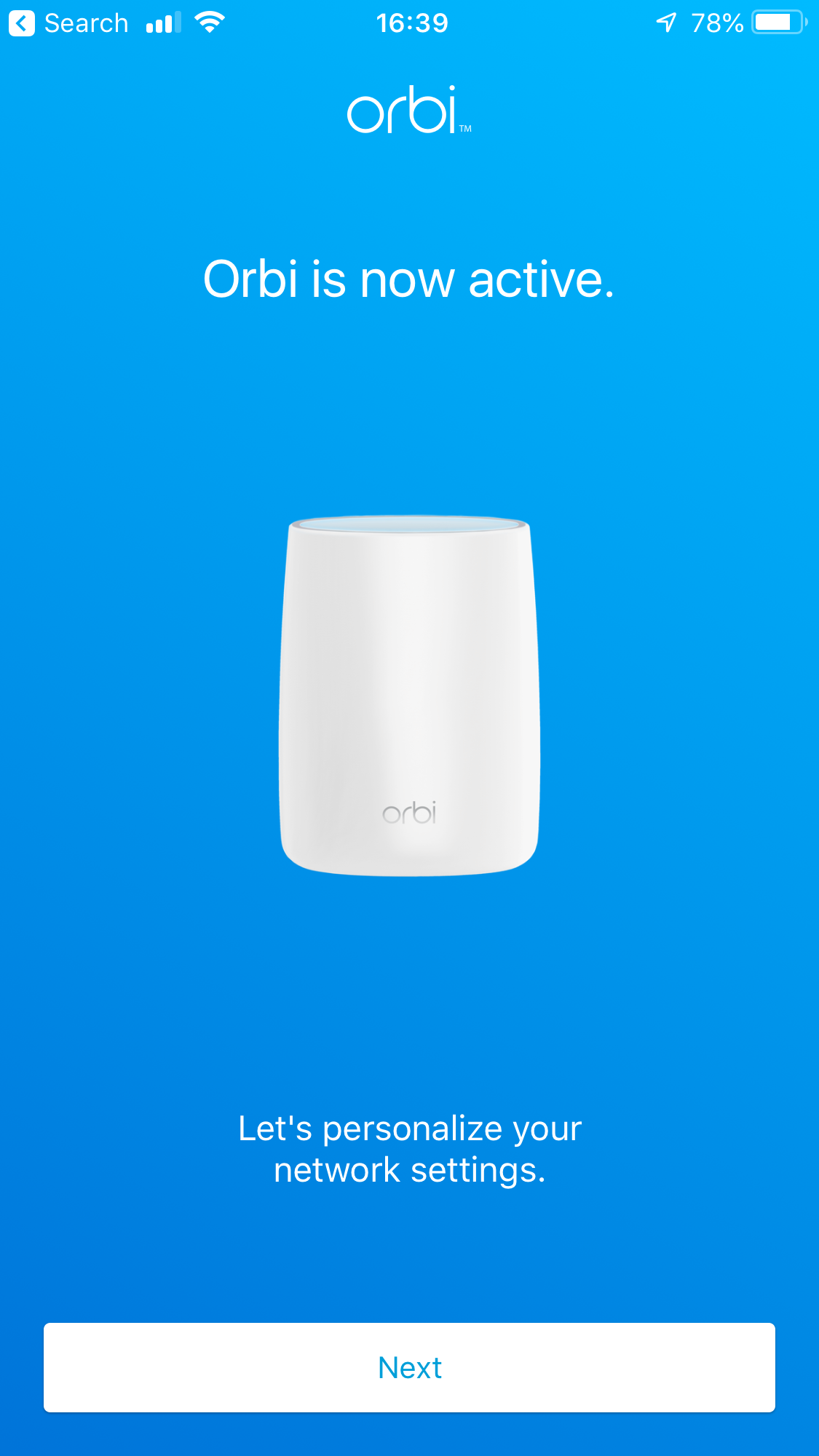
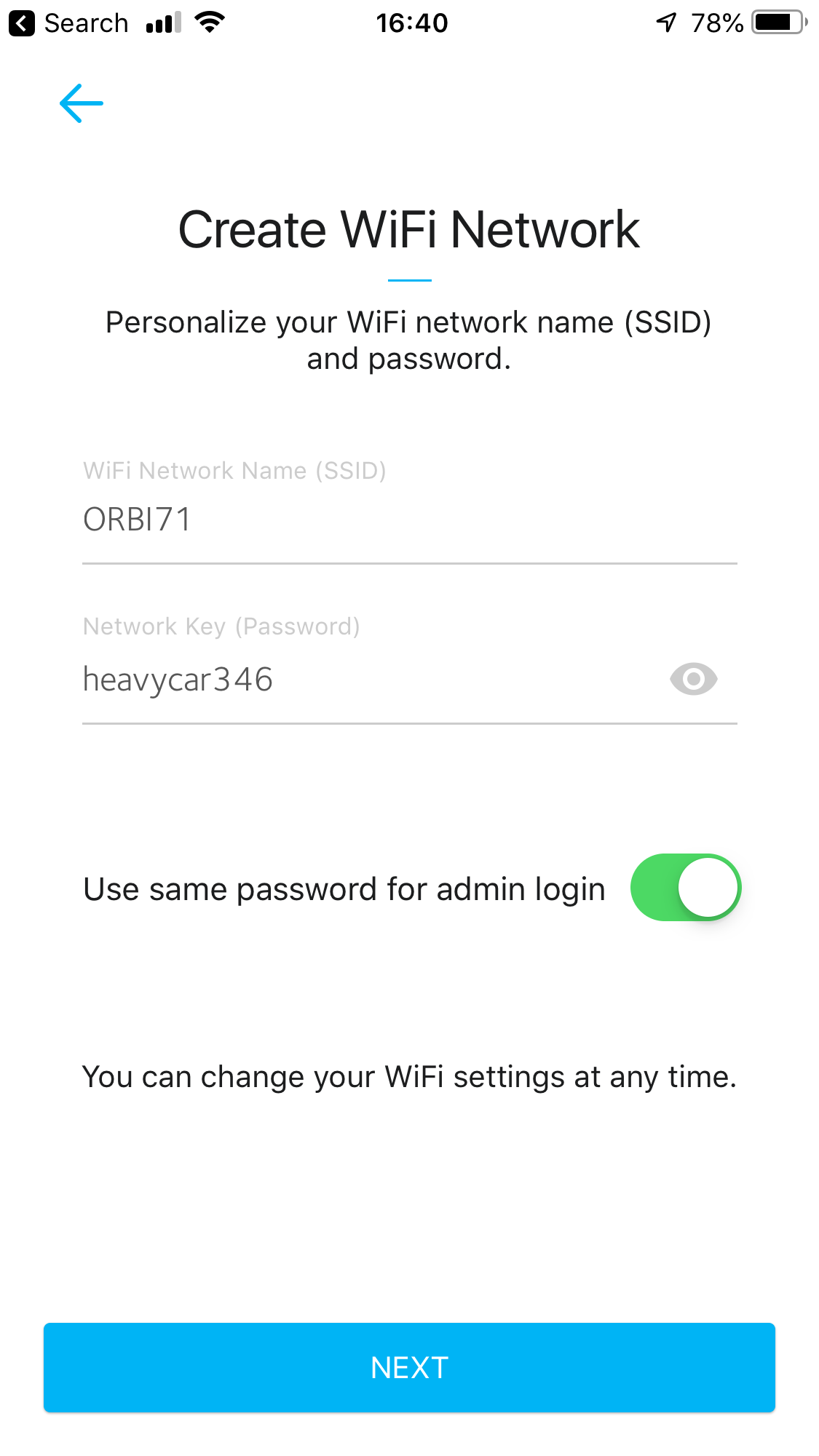
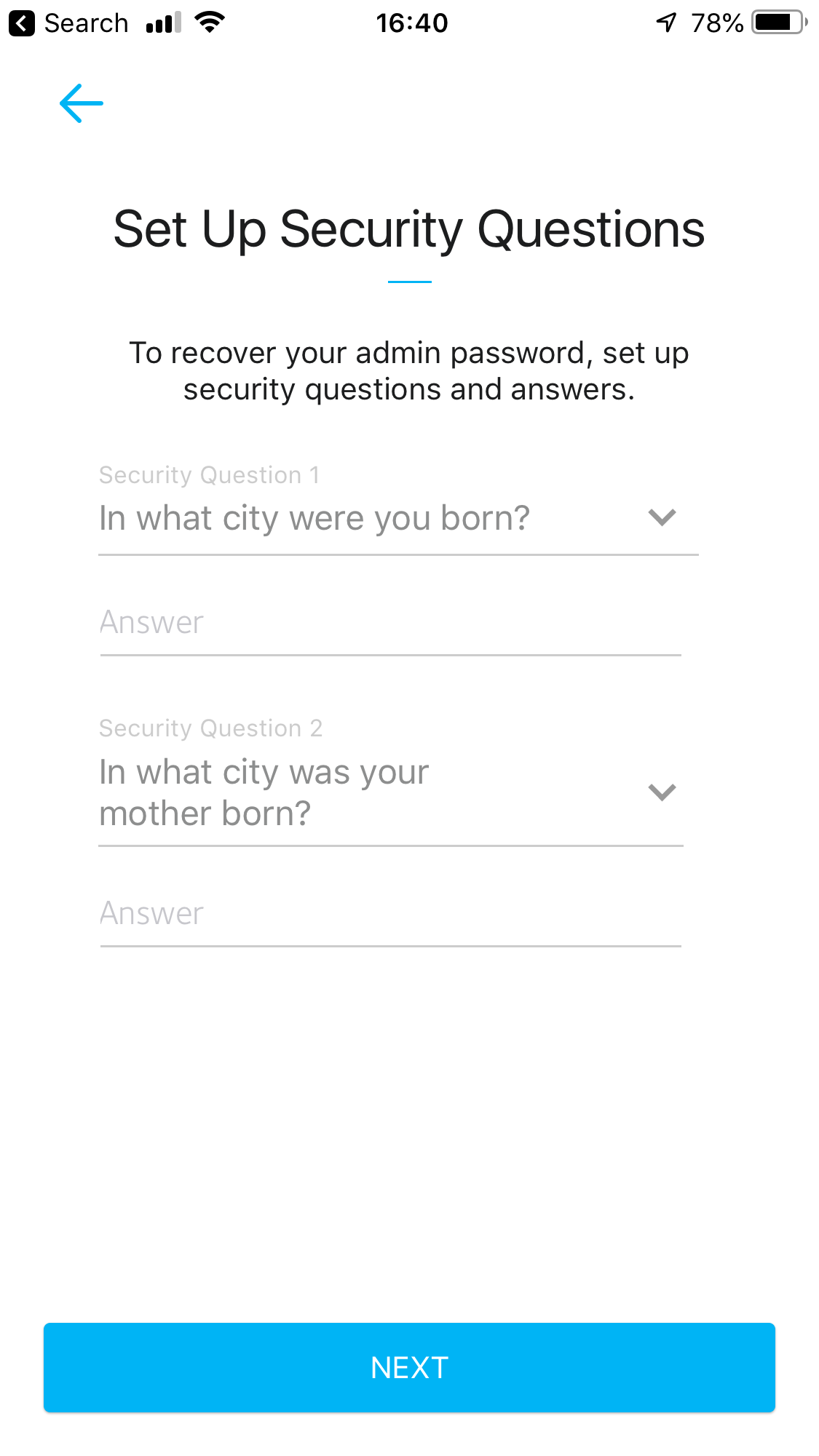
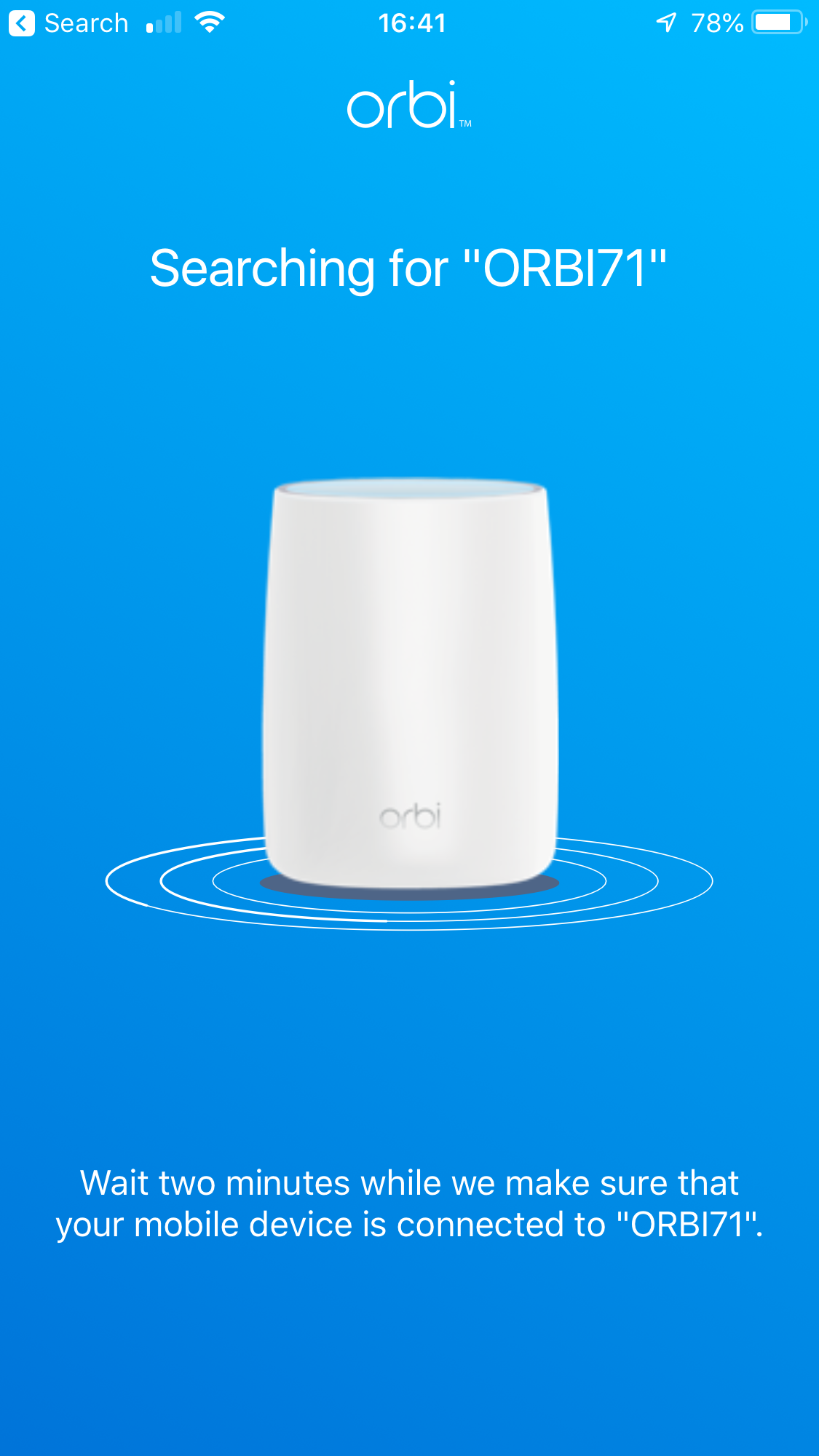
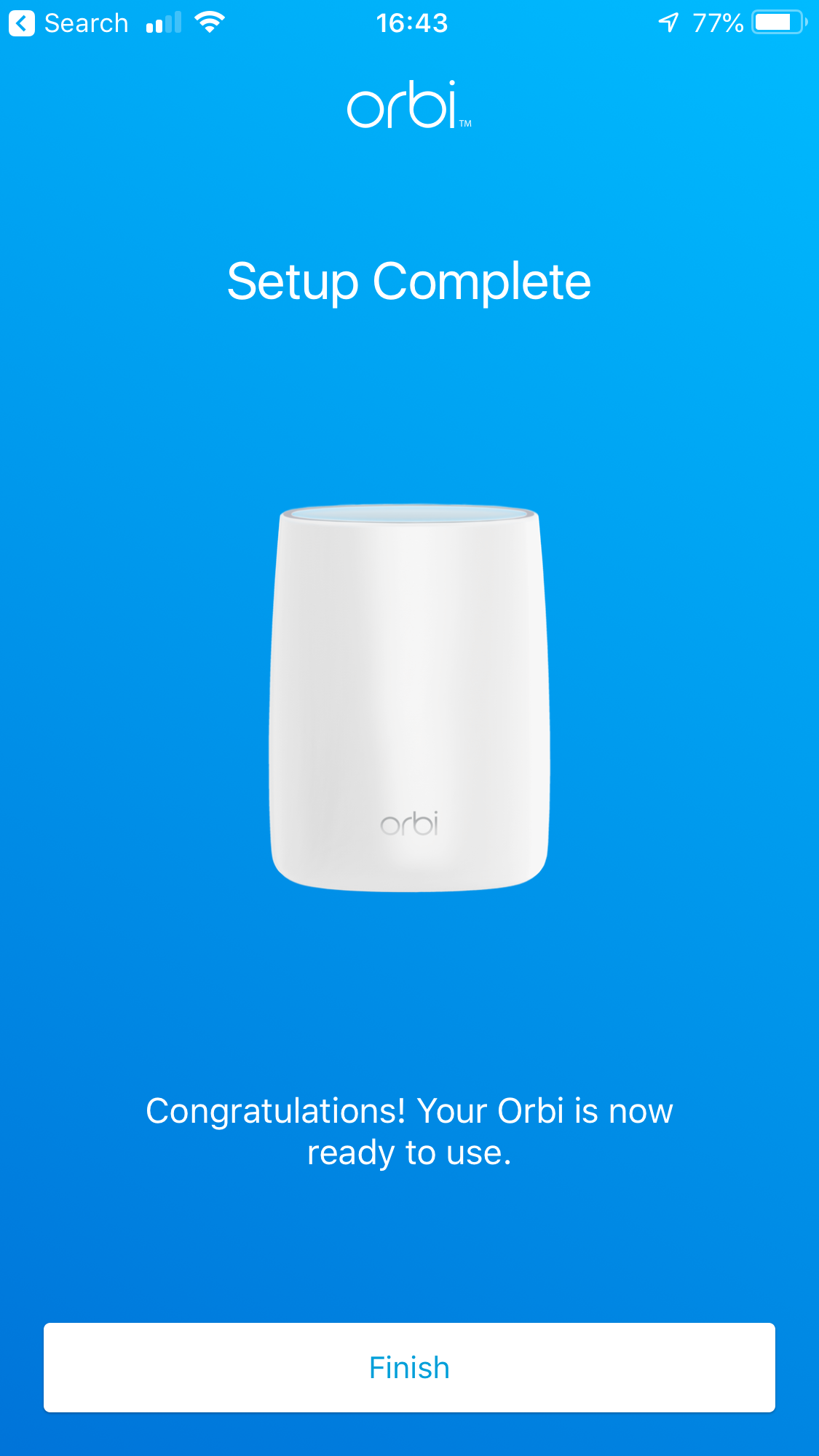
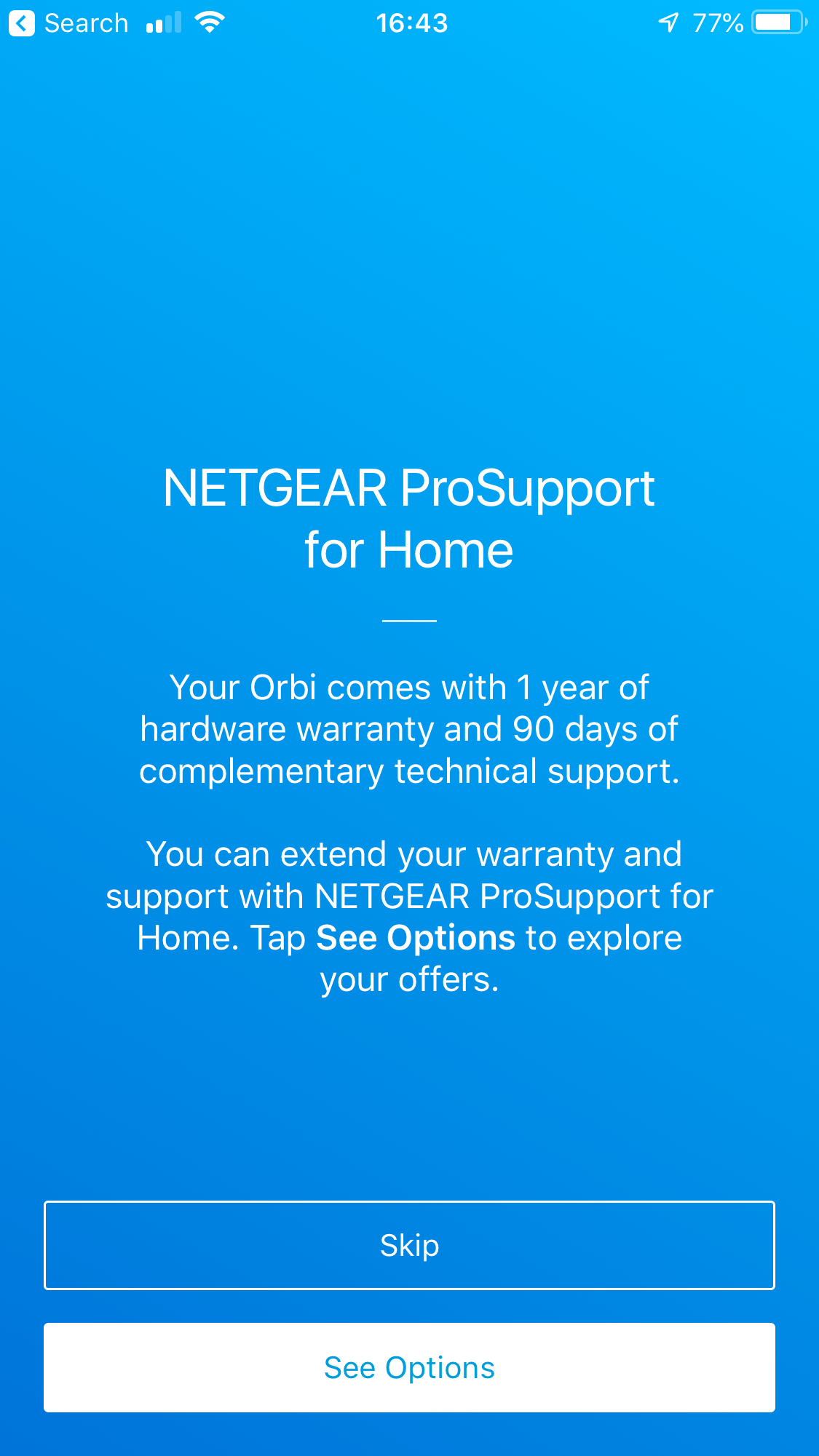
The router won't automatically connect to the Internet, however. So your next step is to download the NETGEAR Orbi smartphone app (for iOS or Android) and connect to the WiFi on the router. The SSID and password for this are indicated on a (removable) plastic strip on the to of the router. Once you've loaded the app, you're led through a wizard that finishes off the physical setup, makes satellite placement suggestions, provides the opportunity to change the WiFi and admin passwords, then finishes off the configuration. You're then prompted to extend your warranty, but you can skip that if you want.
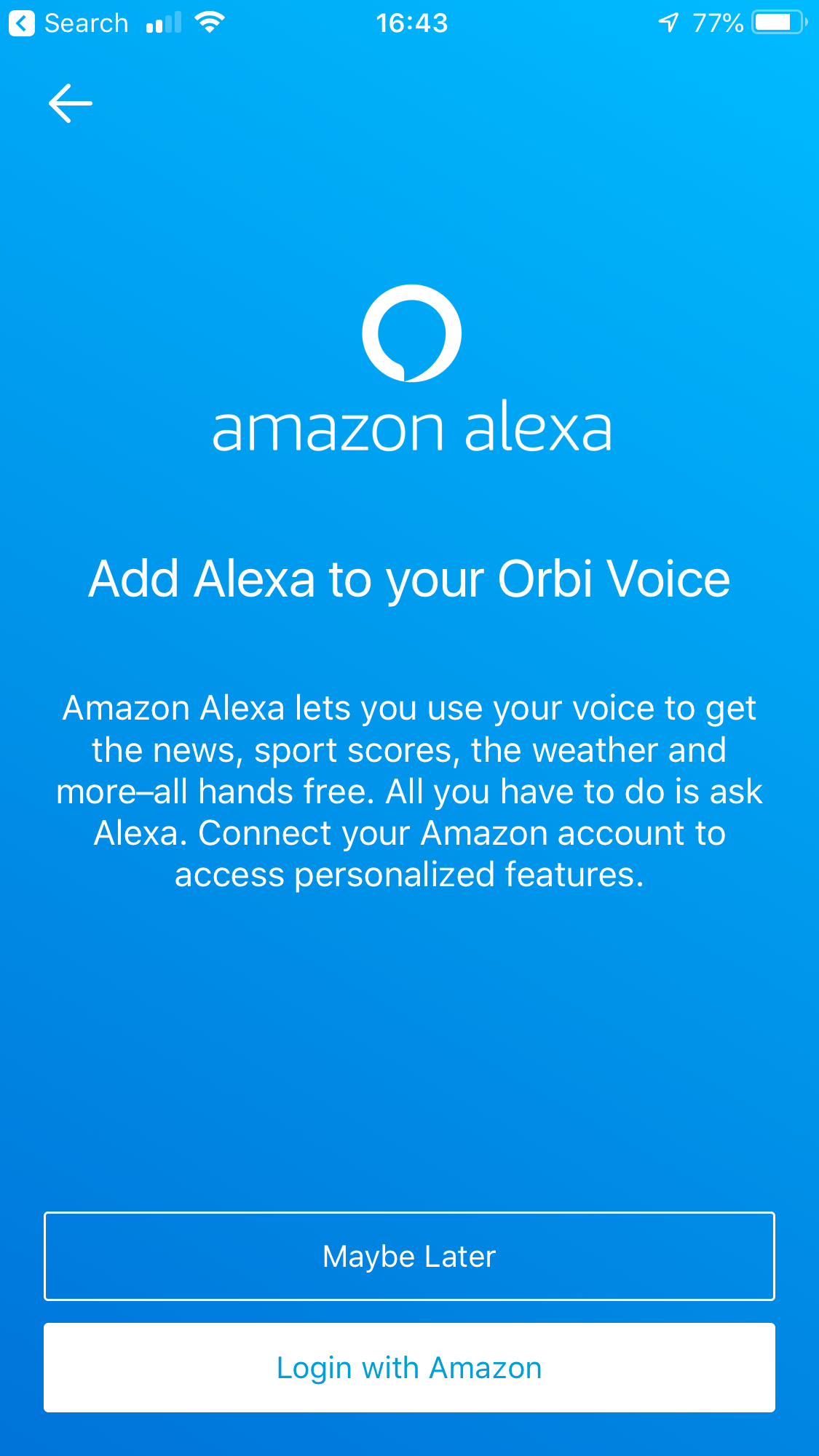
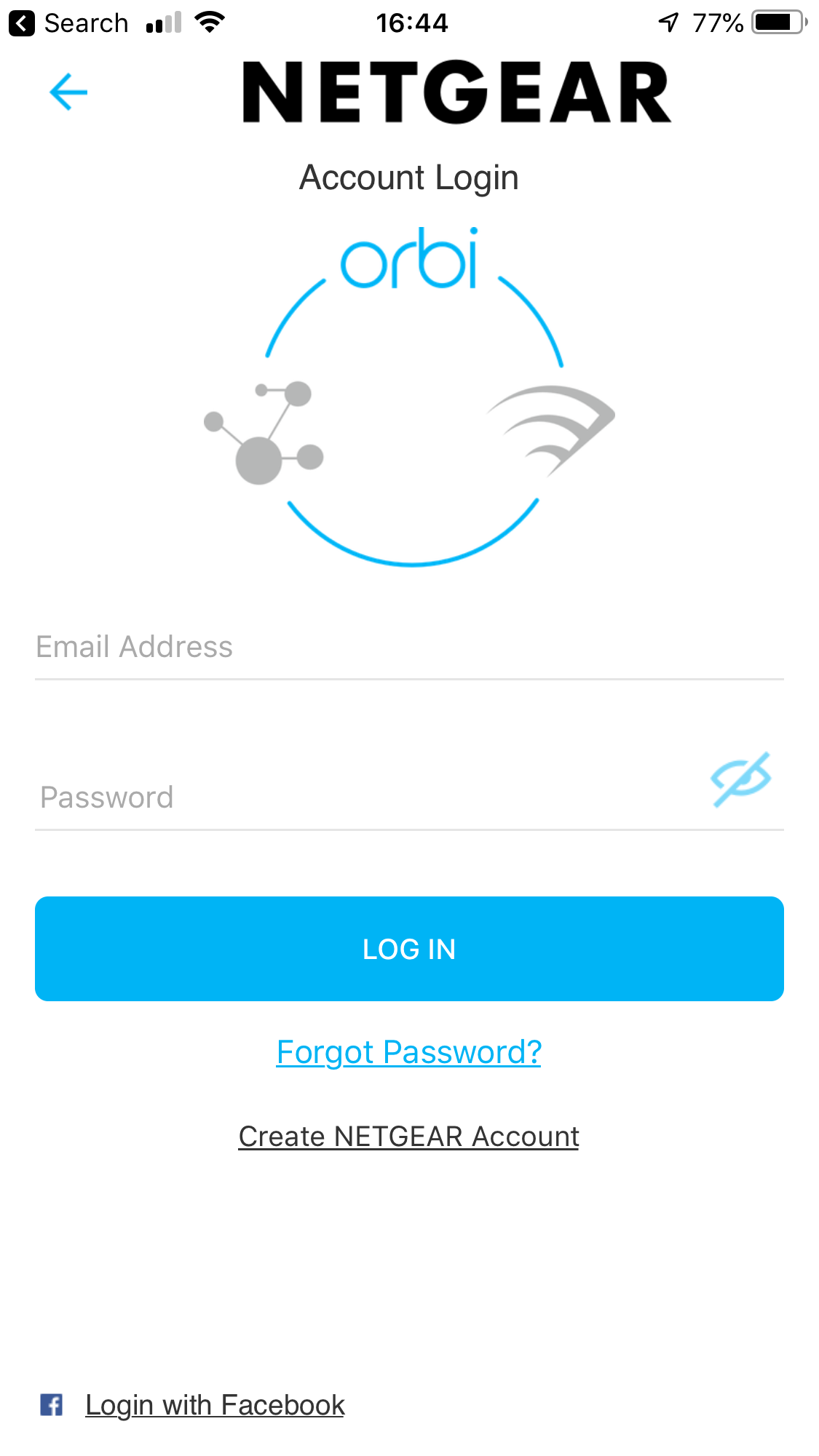
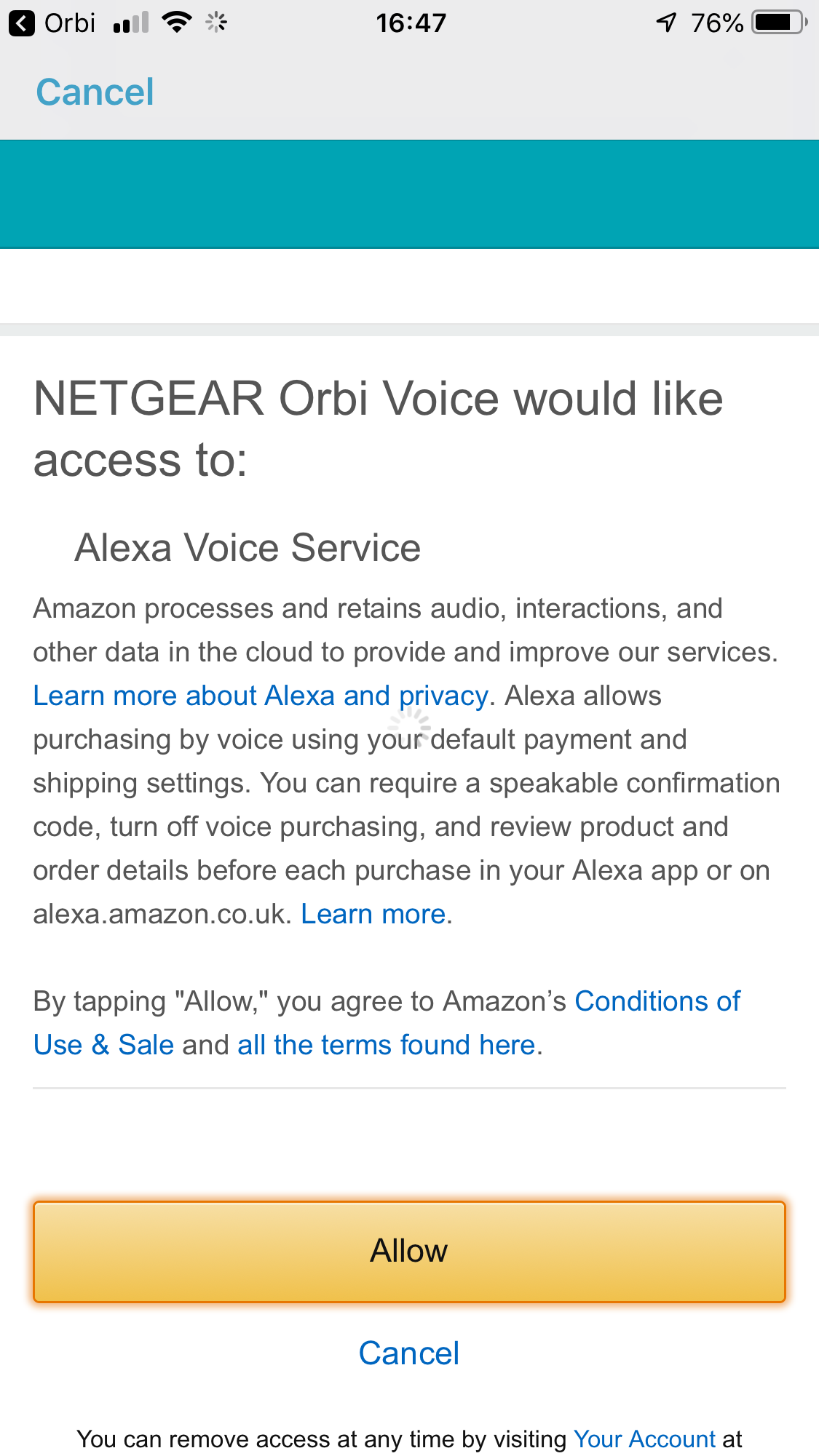
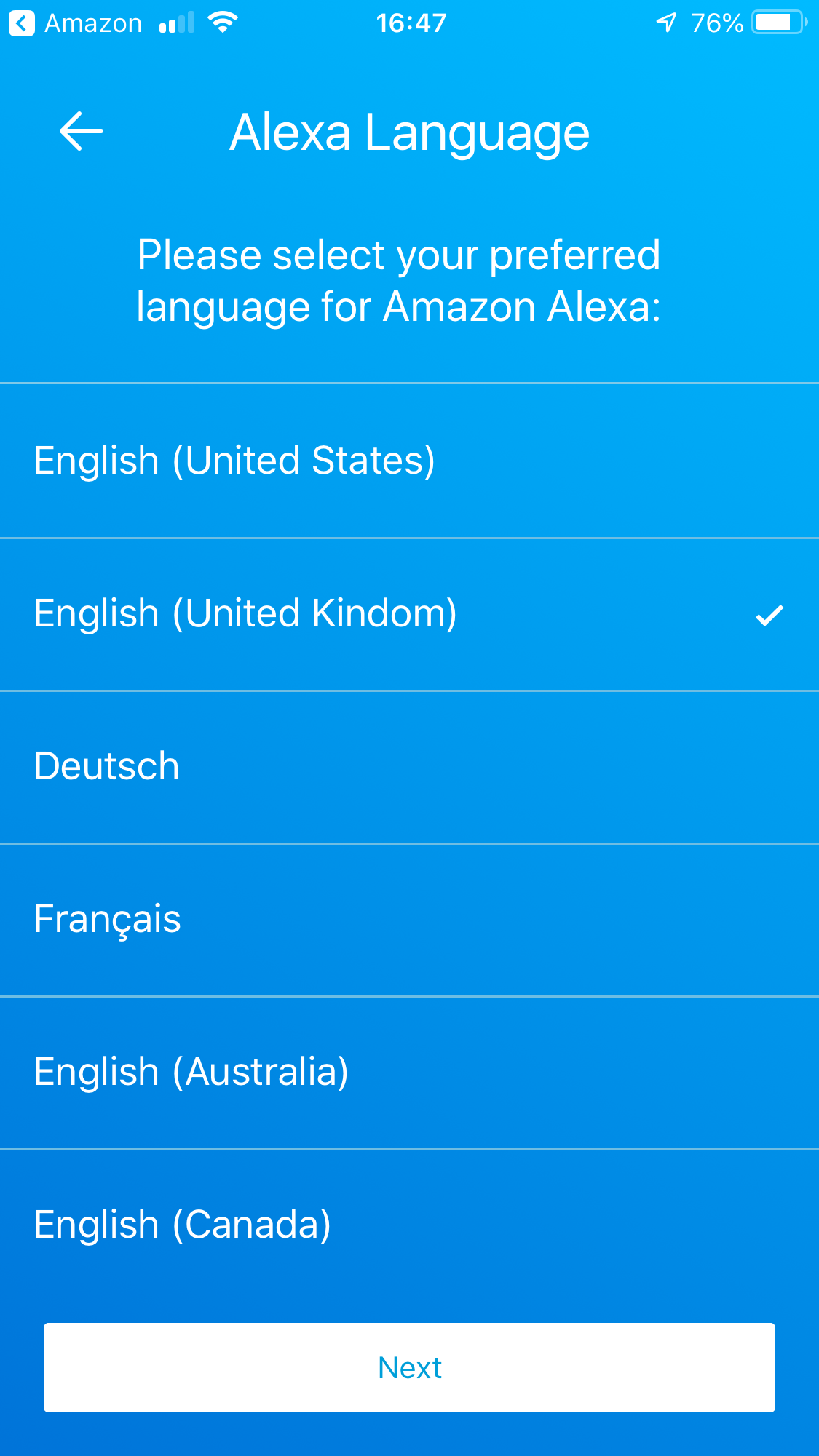
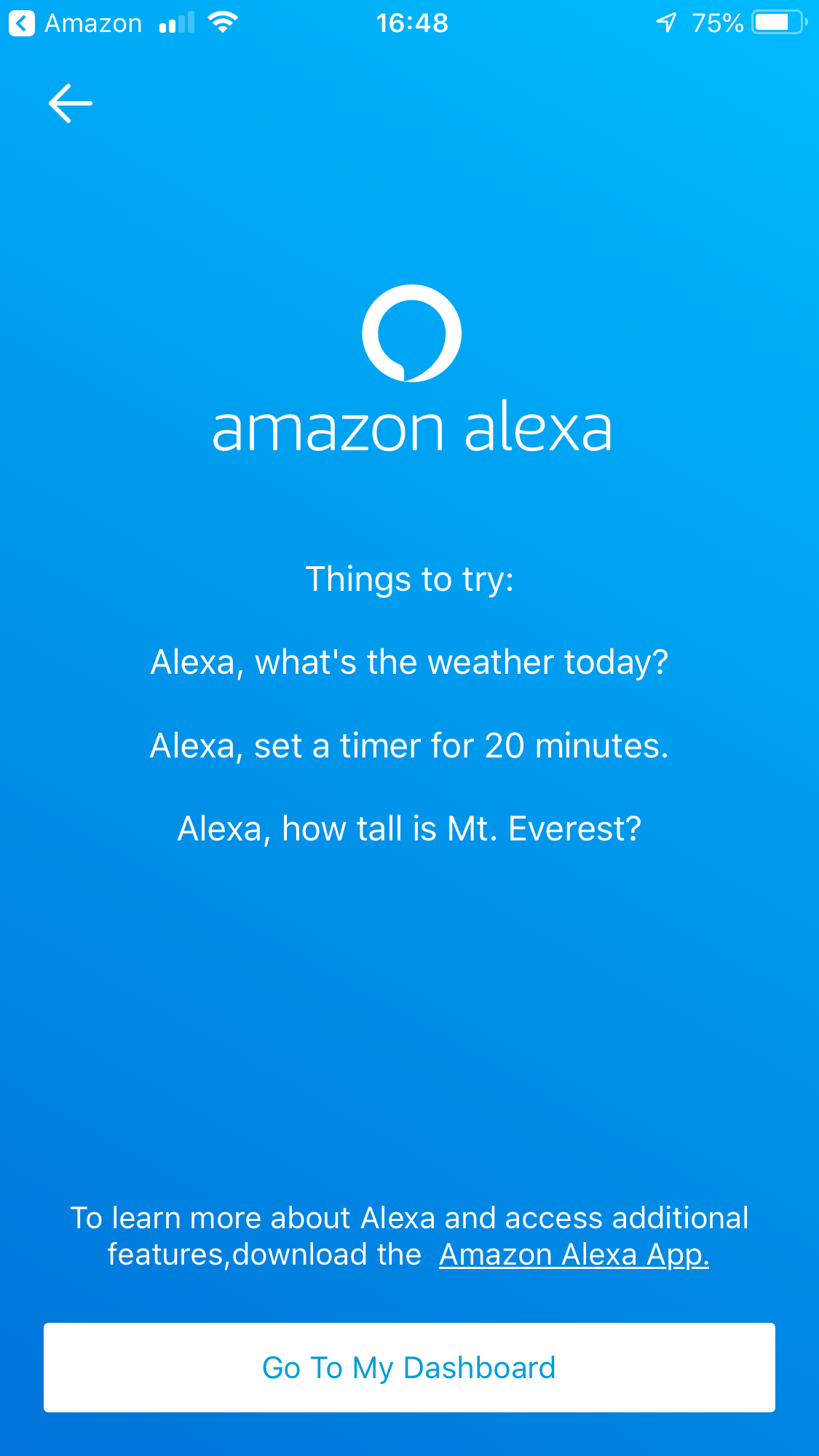
At this point, your WiFi will work, but Alexa won't function yet. If you try to access it using the “Alexa” activation word, the Orbi Voice will inform you that it's not set up. So you will need to go through the wizard some more to connect the Orbi Voice's Alexa functionality to your Amazon account. You must also select a language to use, which currently includes US, UK, Canadian and Australian English, German, and French. More languages will be added, according to NETGEAR. Once you've completed this process, Alexa is ready to receive commands.
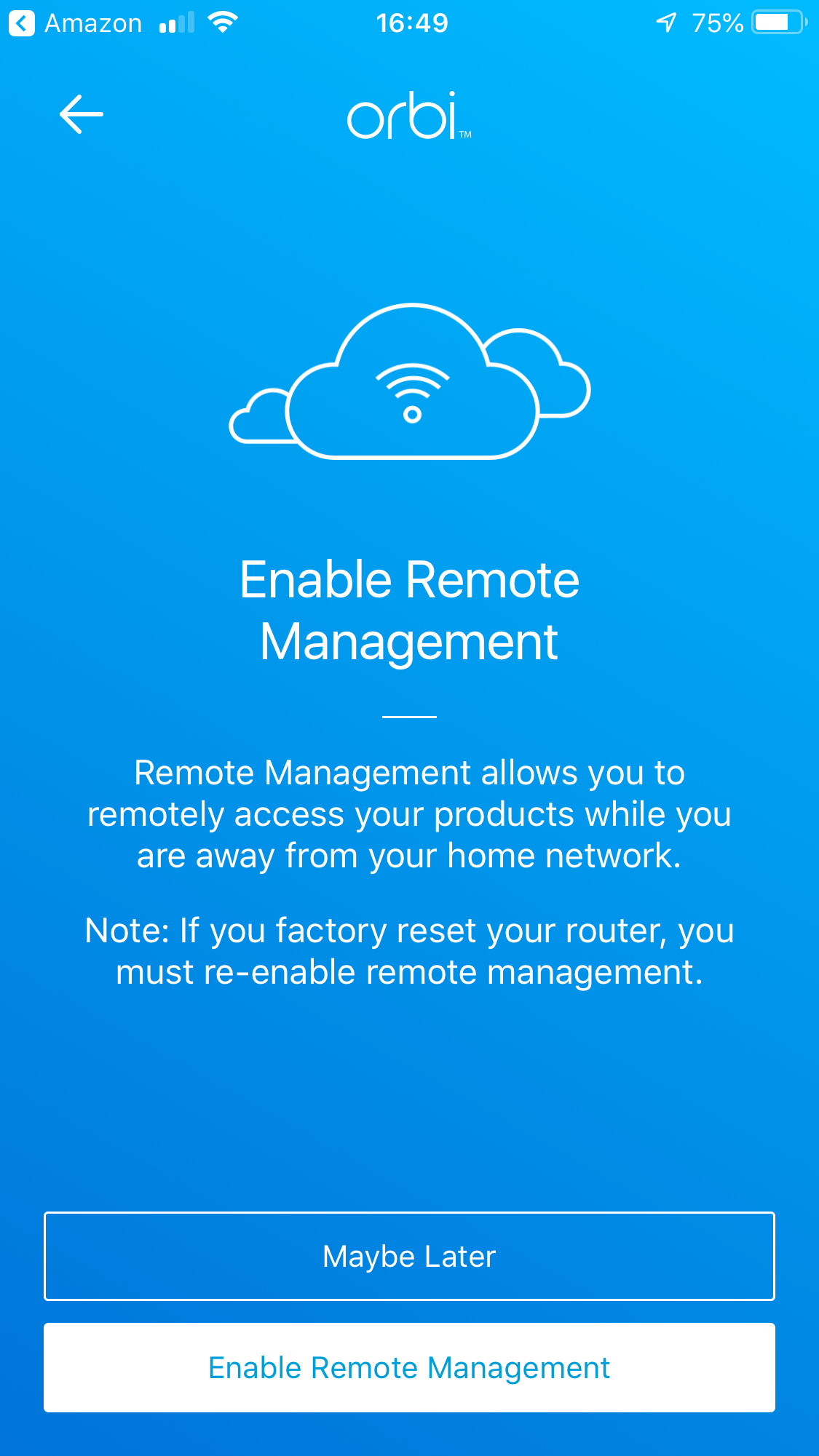
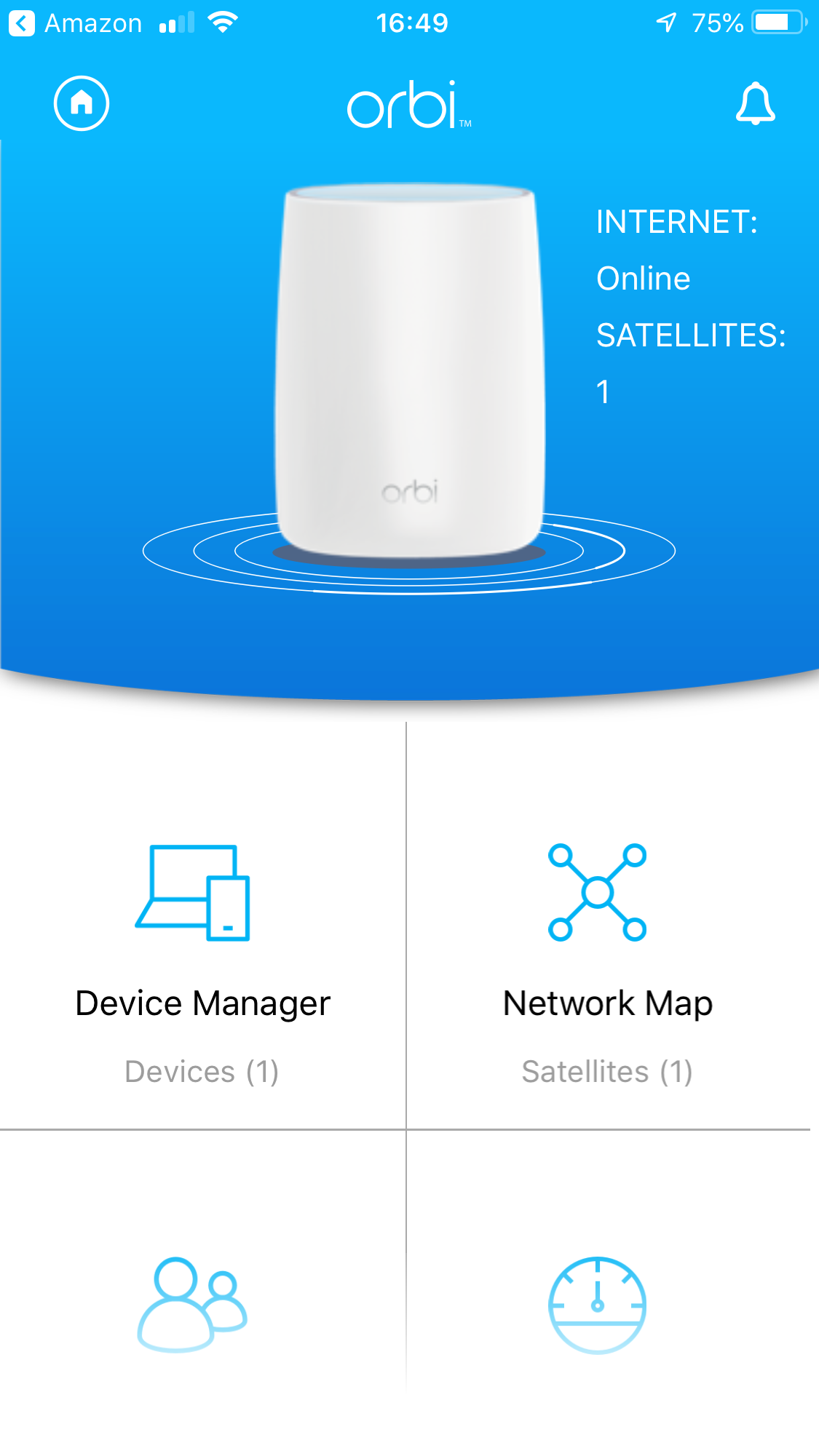
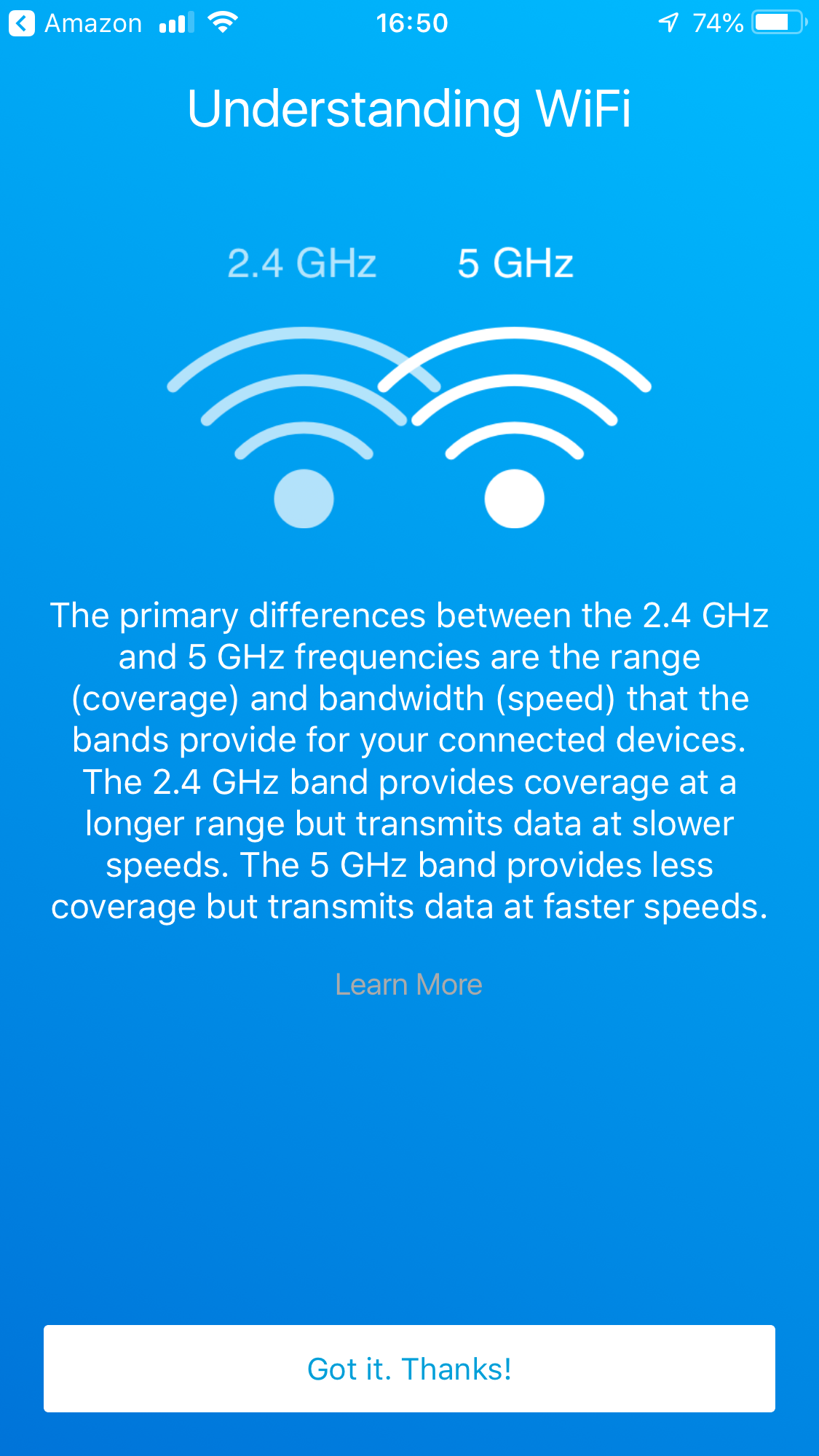
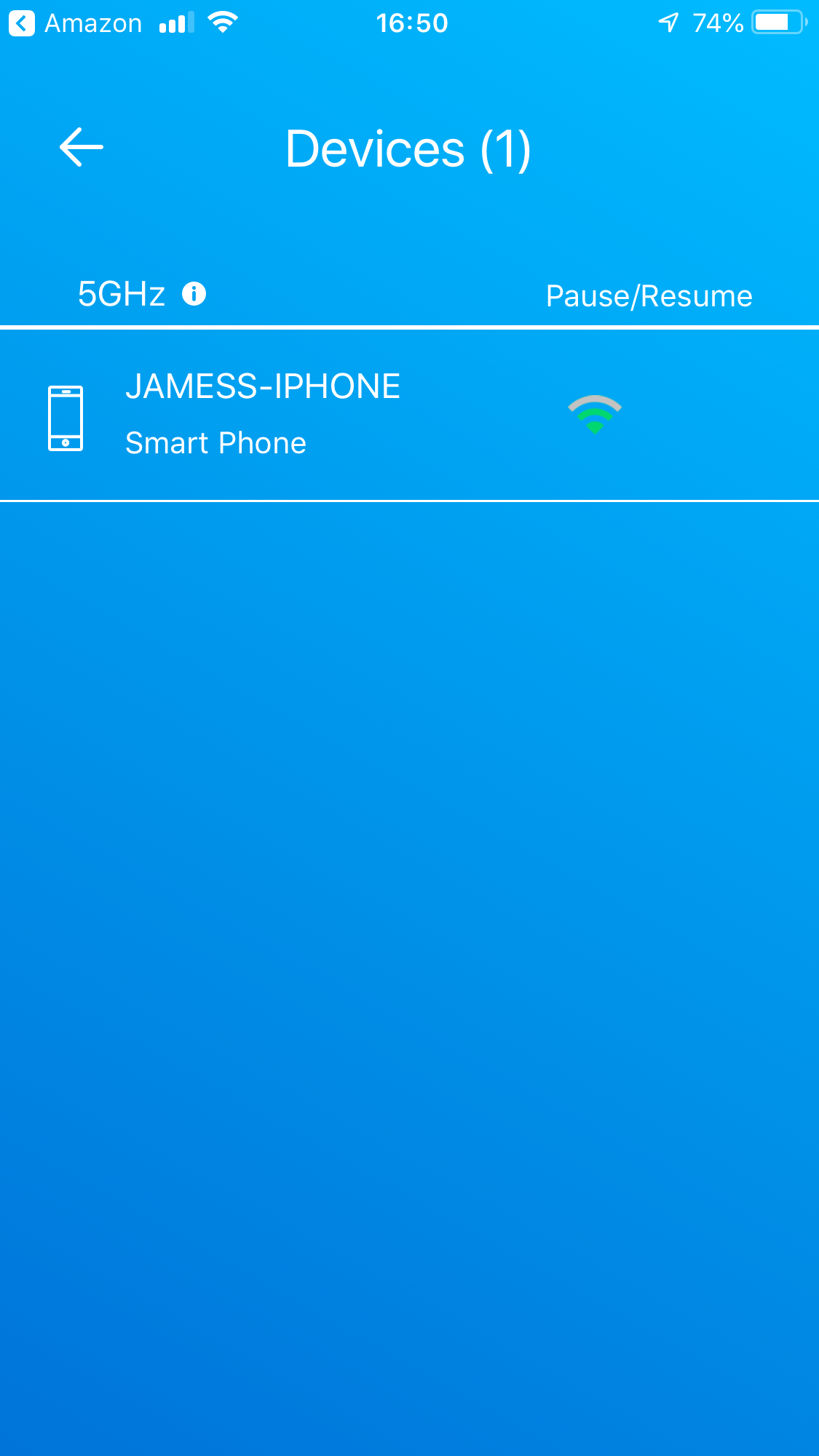
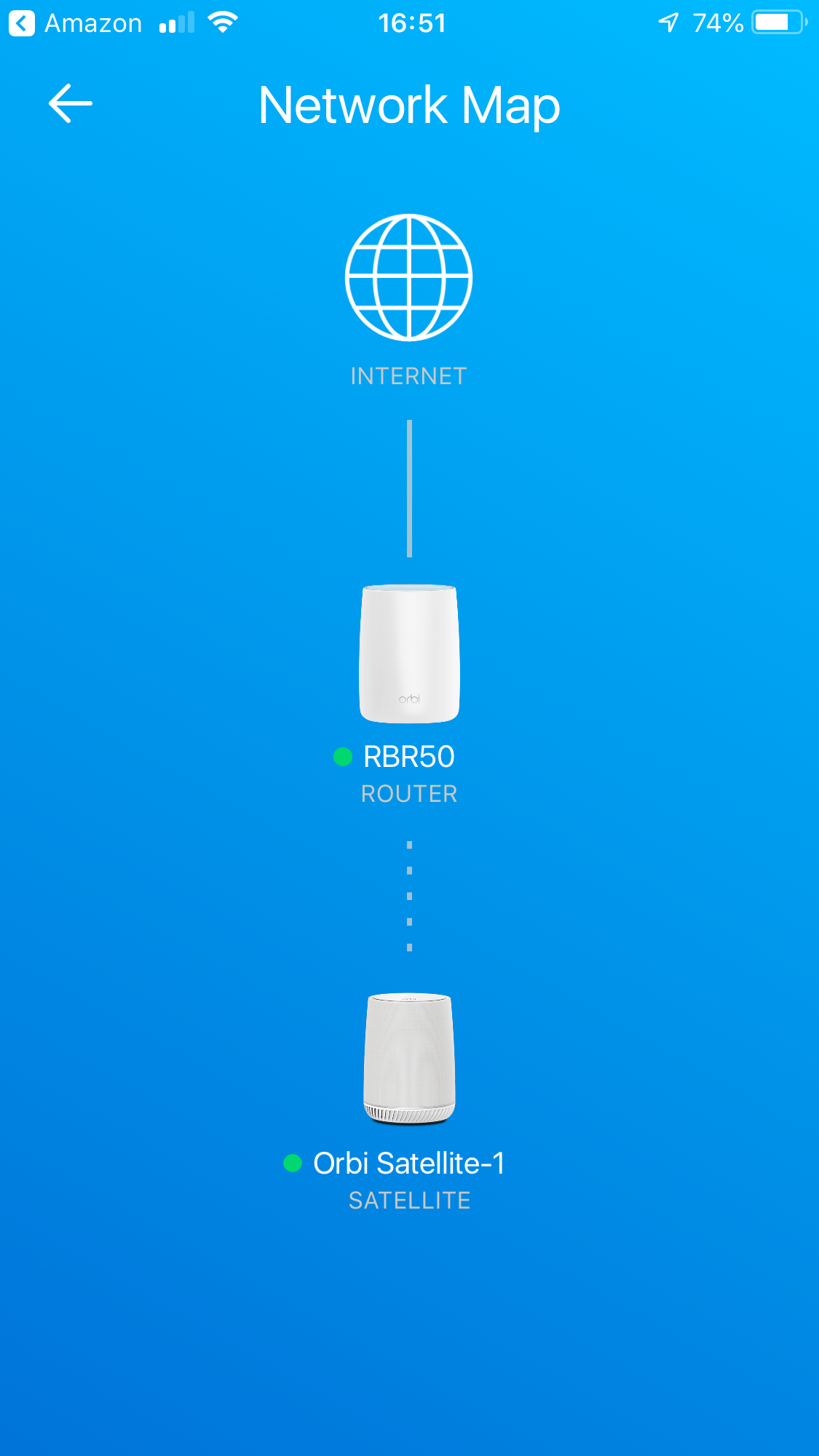
The NETGEAR smartphone app isn't just for configuring Alexa, however. It provides a decent set of administrative abilities too. Before you get there, you're asked whether you want to enable remote management. Then you're presented with a simple control interface. You can view the devices on the network and satellites on the WiFi mesh.
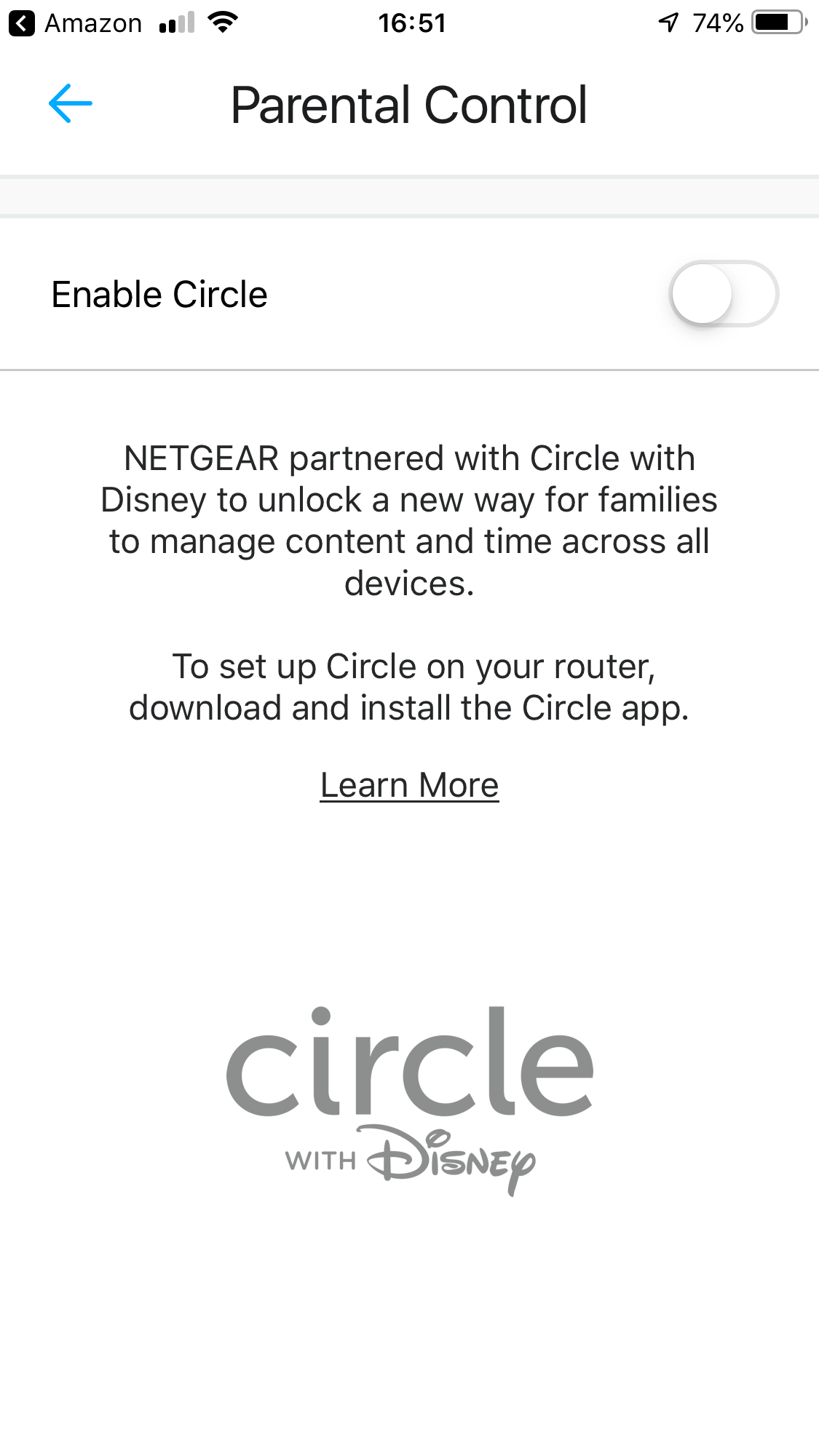
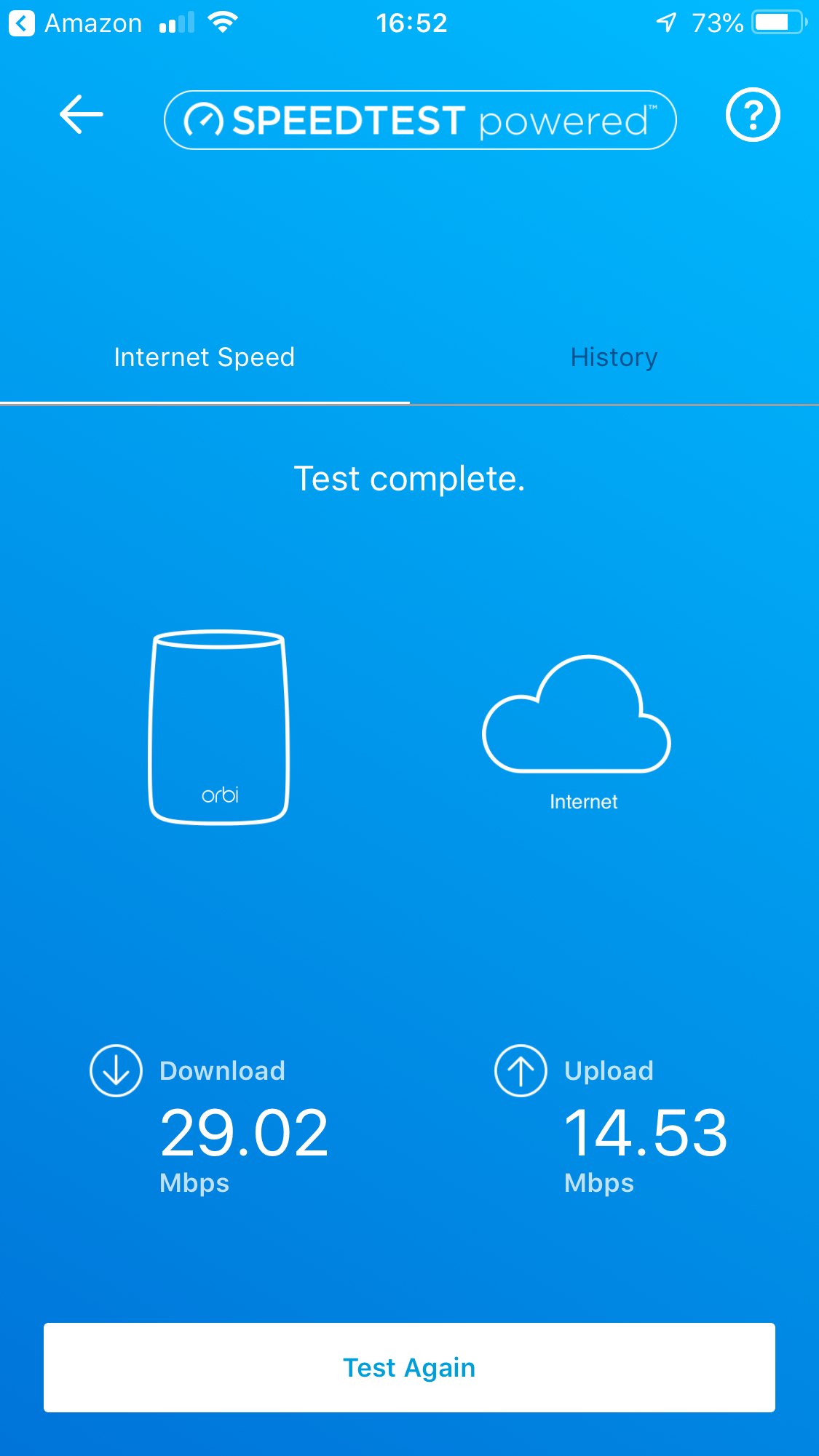
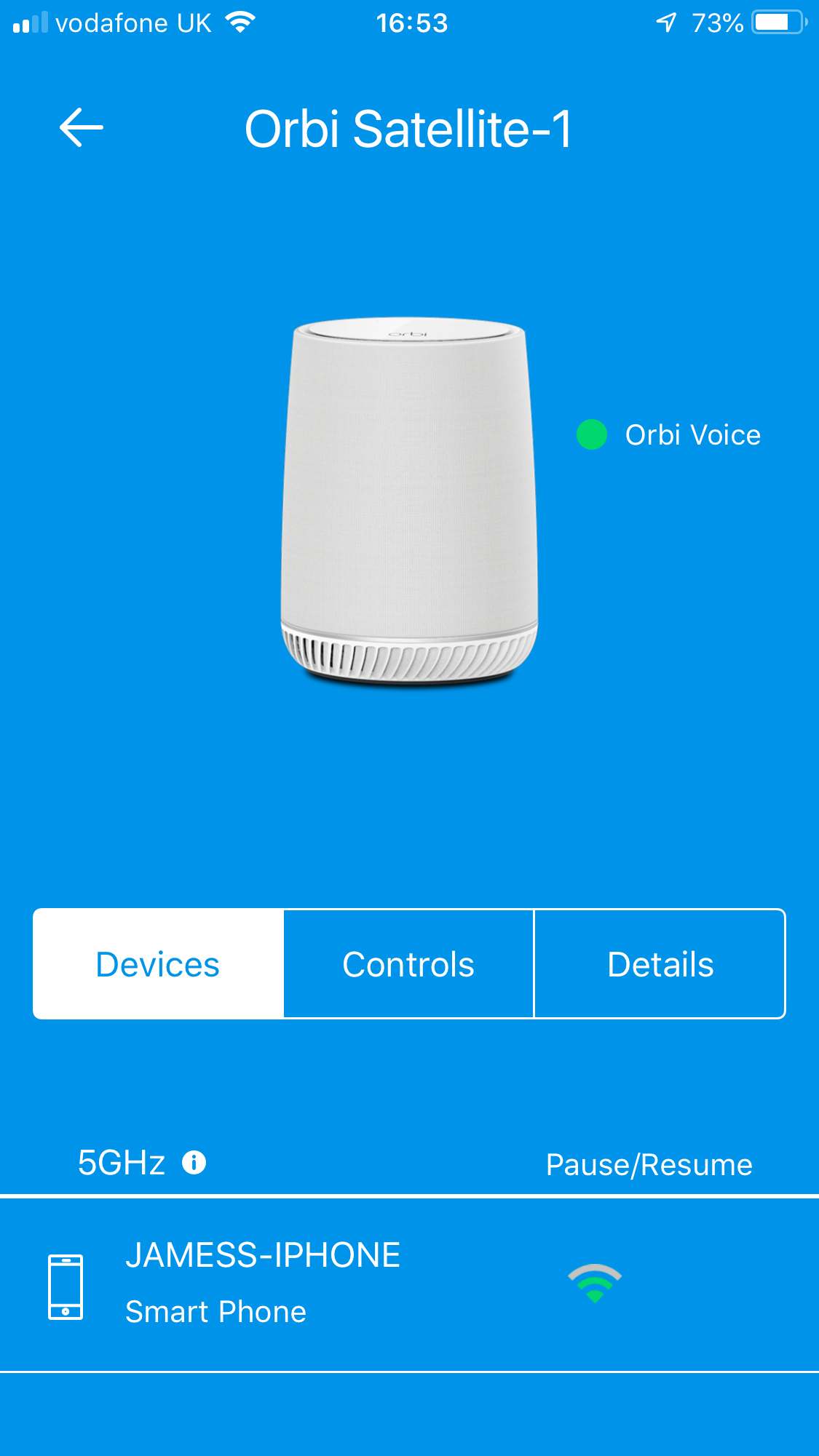
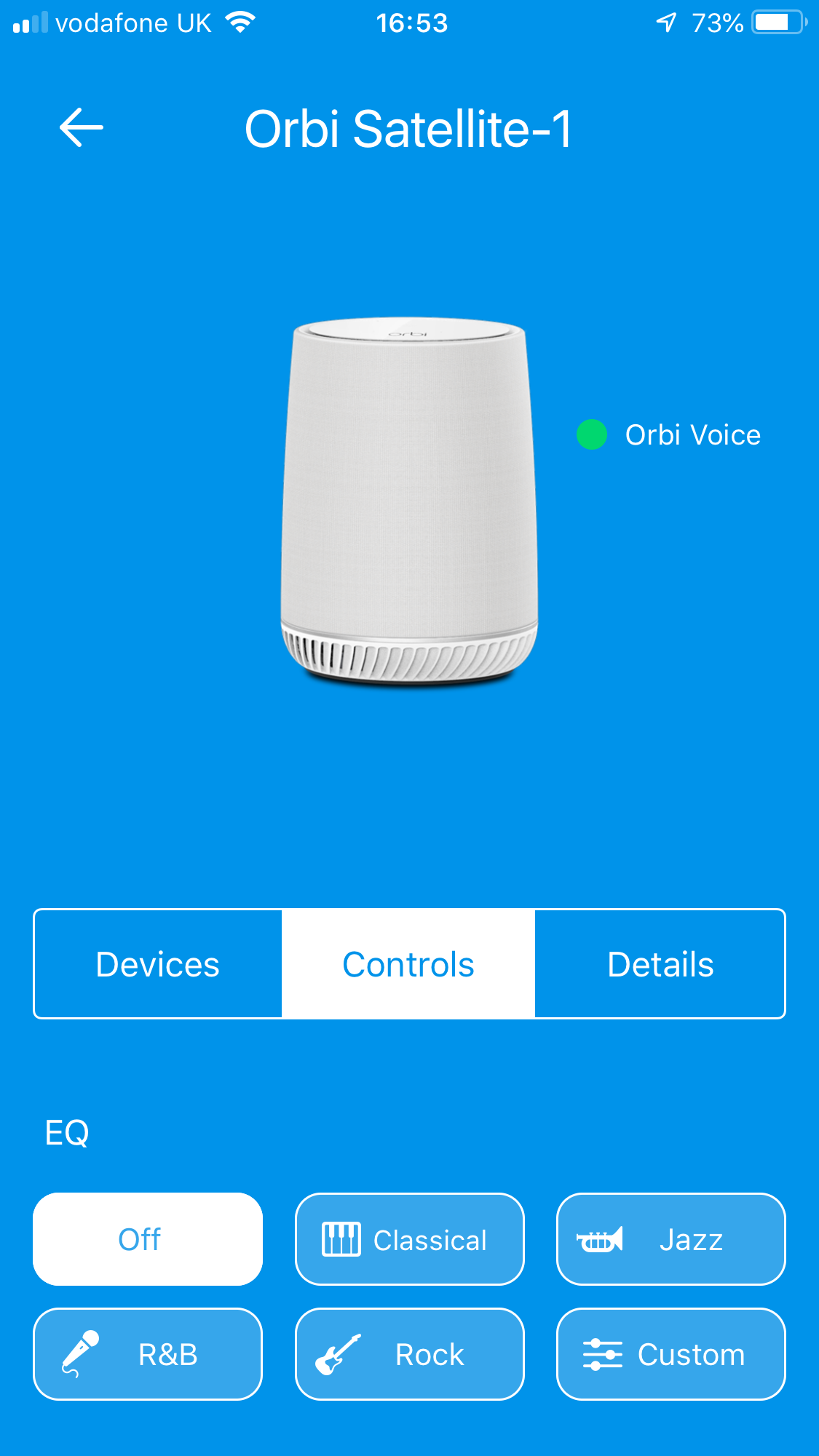
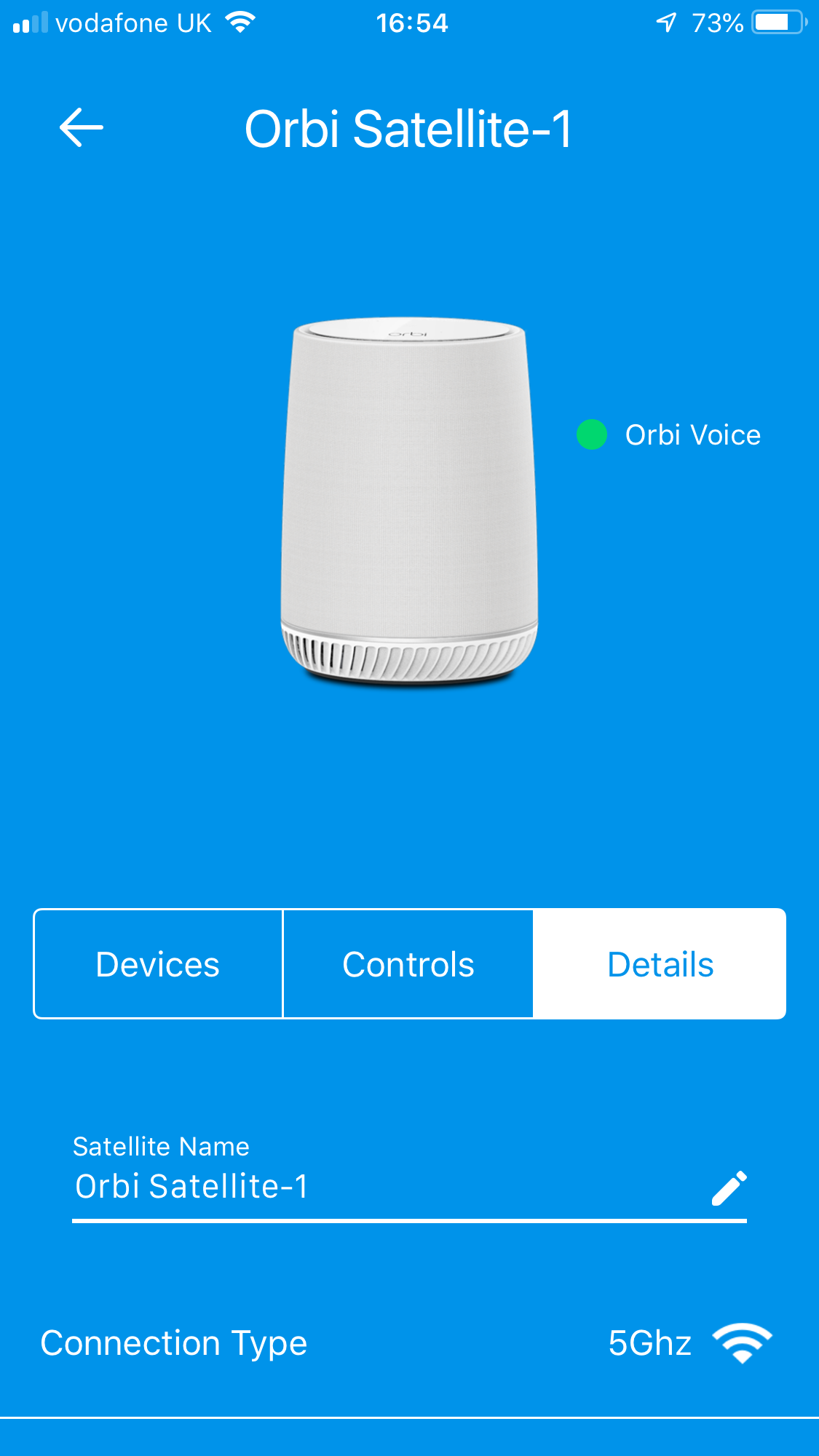
There are parental controls included, but only via the Disney Circle service, for which you will need to register. You can test your broadband speed. Then you get to the Voice Controls, which first lists the connected mobile devices. However, you can also add equalisation to your audio, using one of four presets or a custom configuration. The Details tab, however, unveils many more settings for the Alexa voice system.
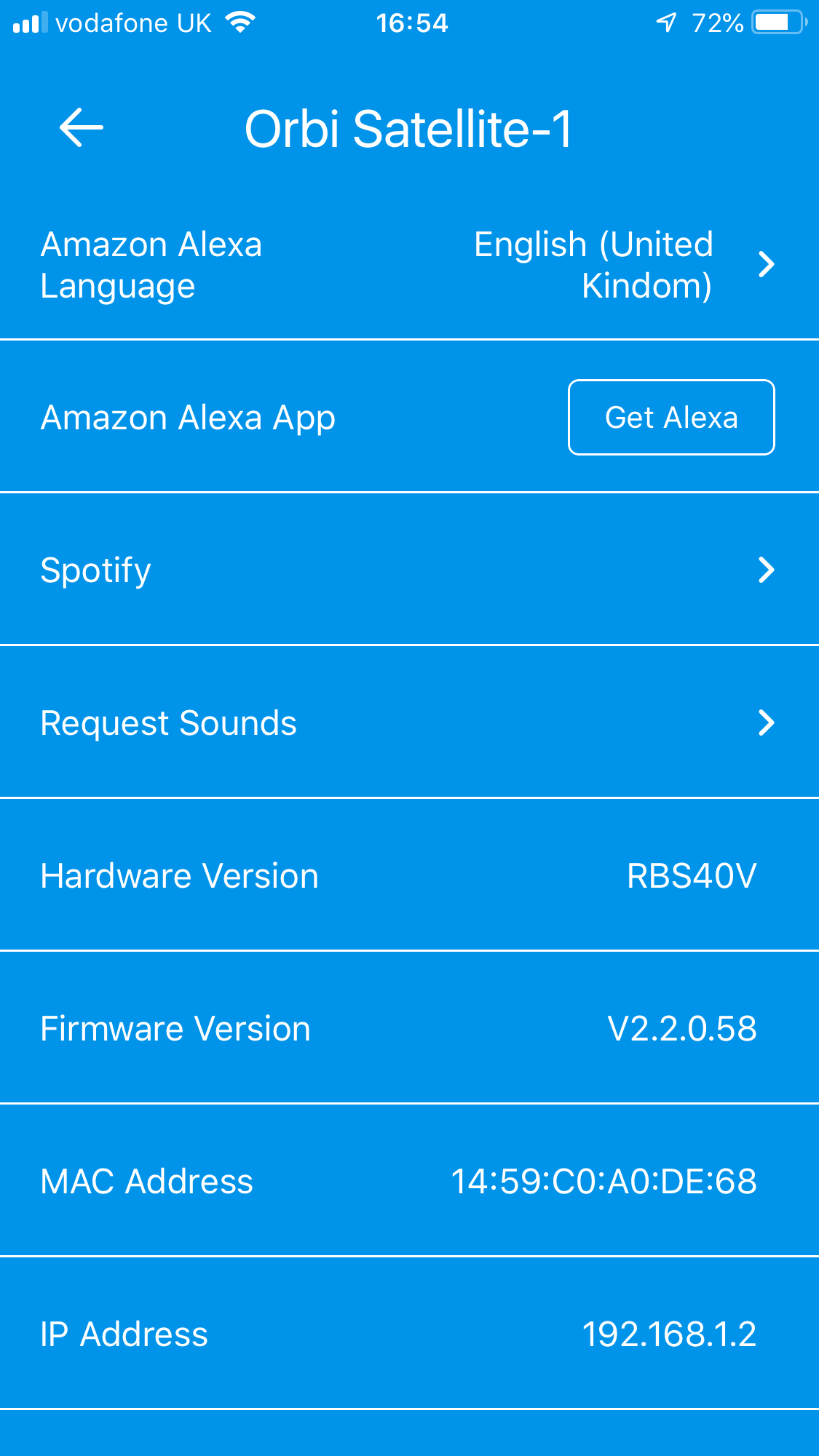
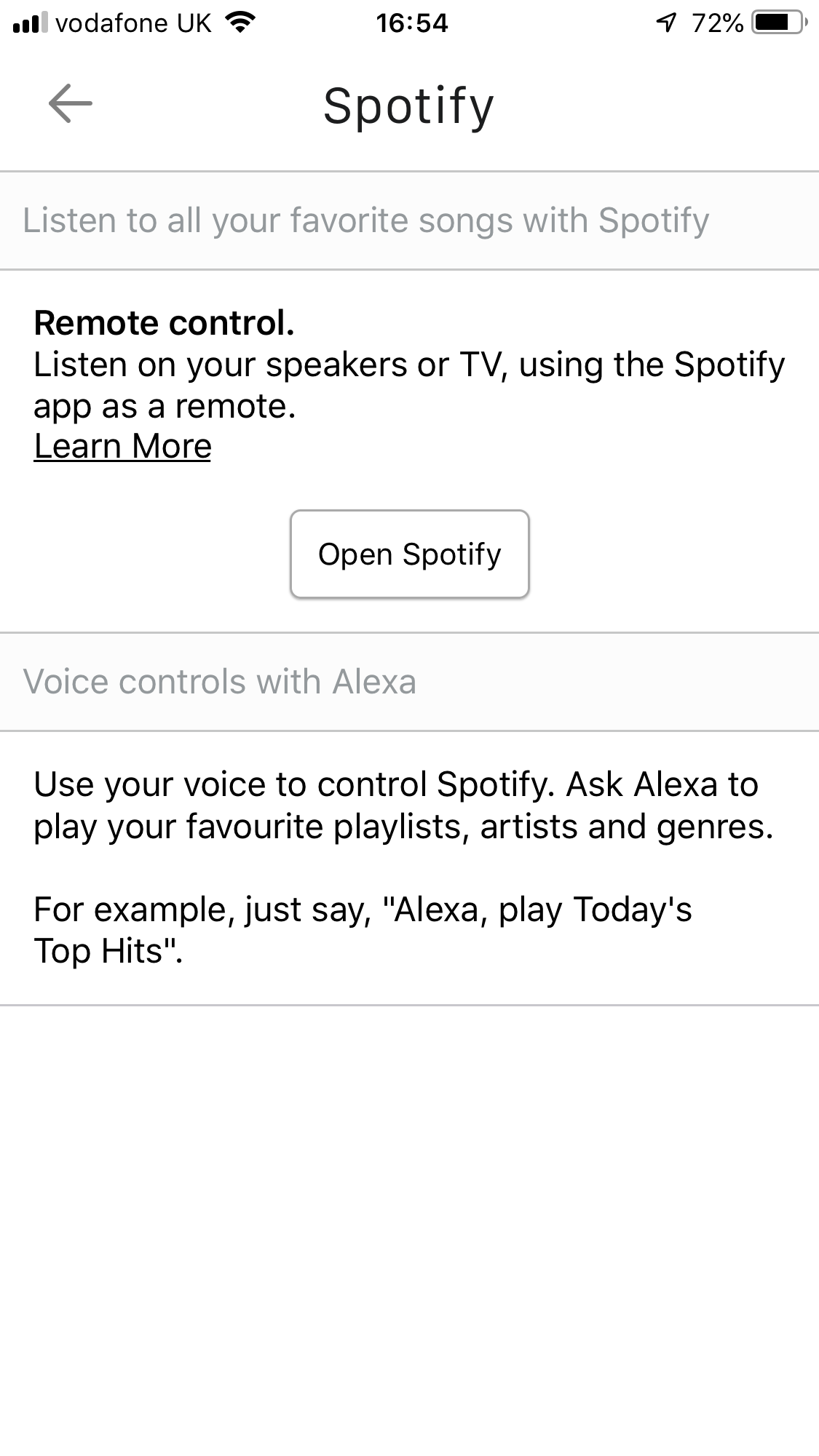
Aside from some information about your Orbi Voice Satellite, the Details section also contains information about using Spotify on your smartphone as a remote and provides a connection to the Alexa smartphone app, which is required for further functionality. But, before we get to that, let's finish off covering the other features of the smartphone admin interface.
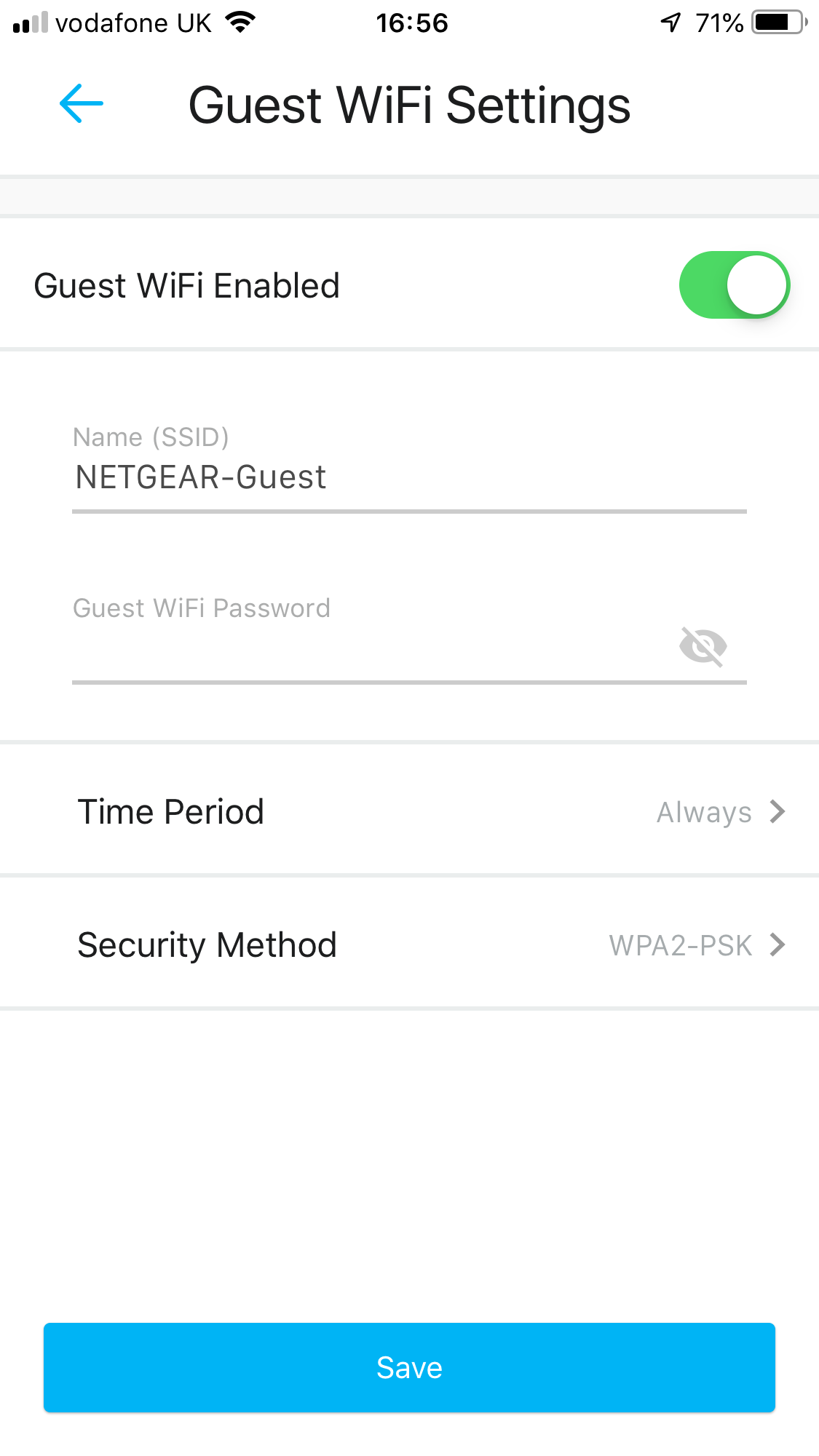
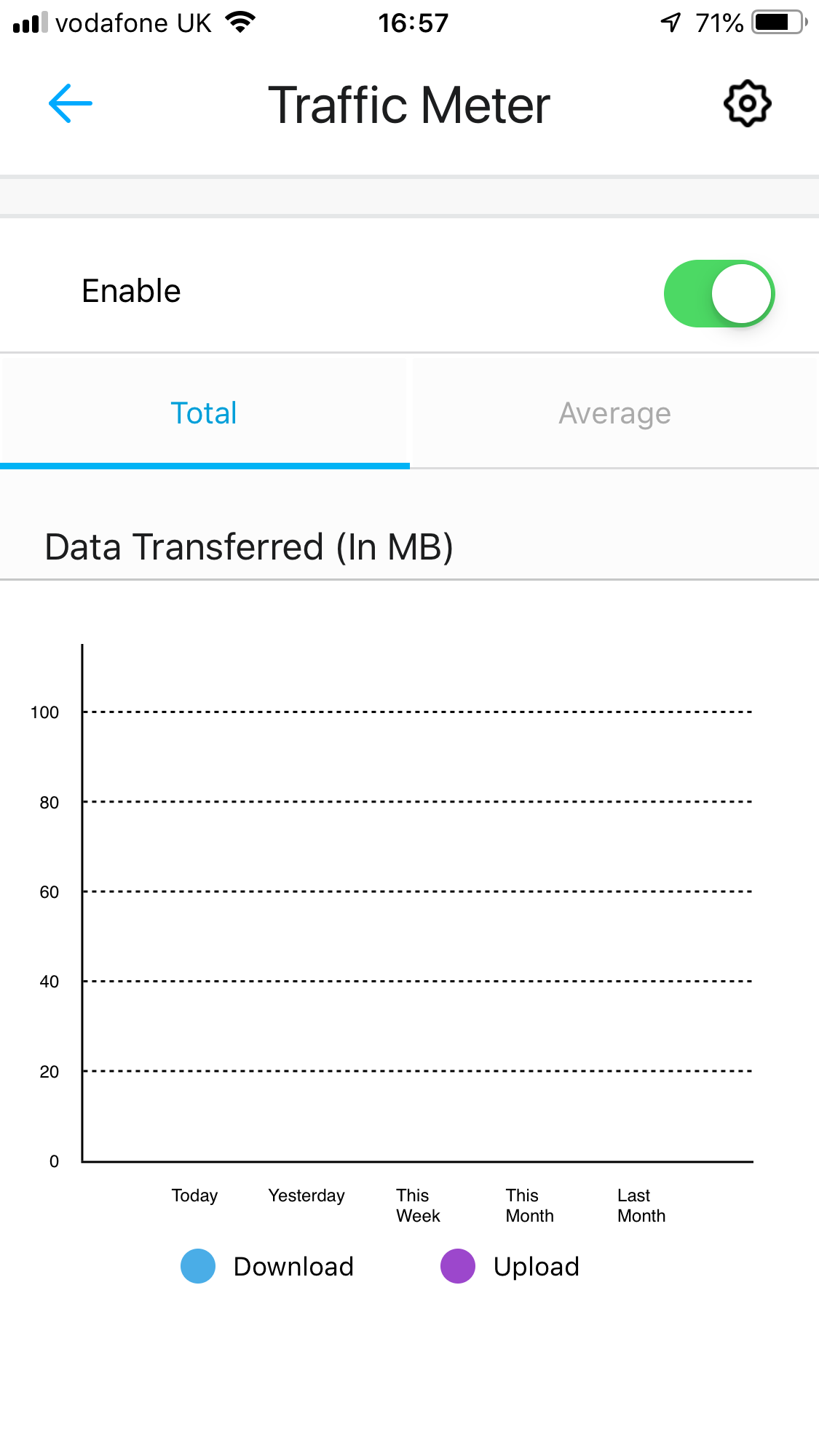
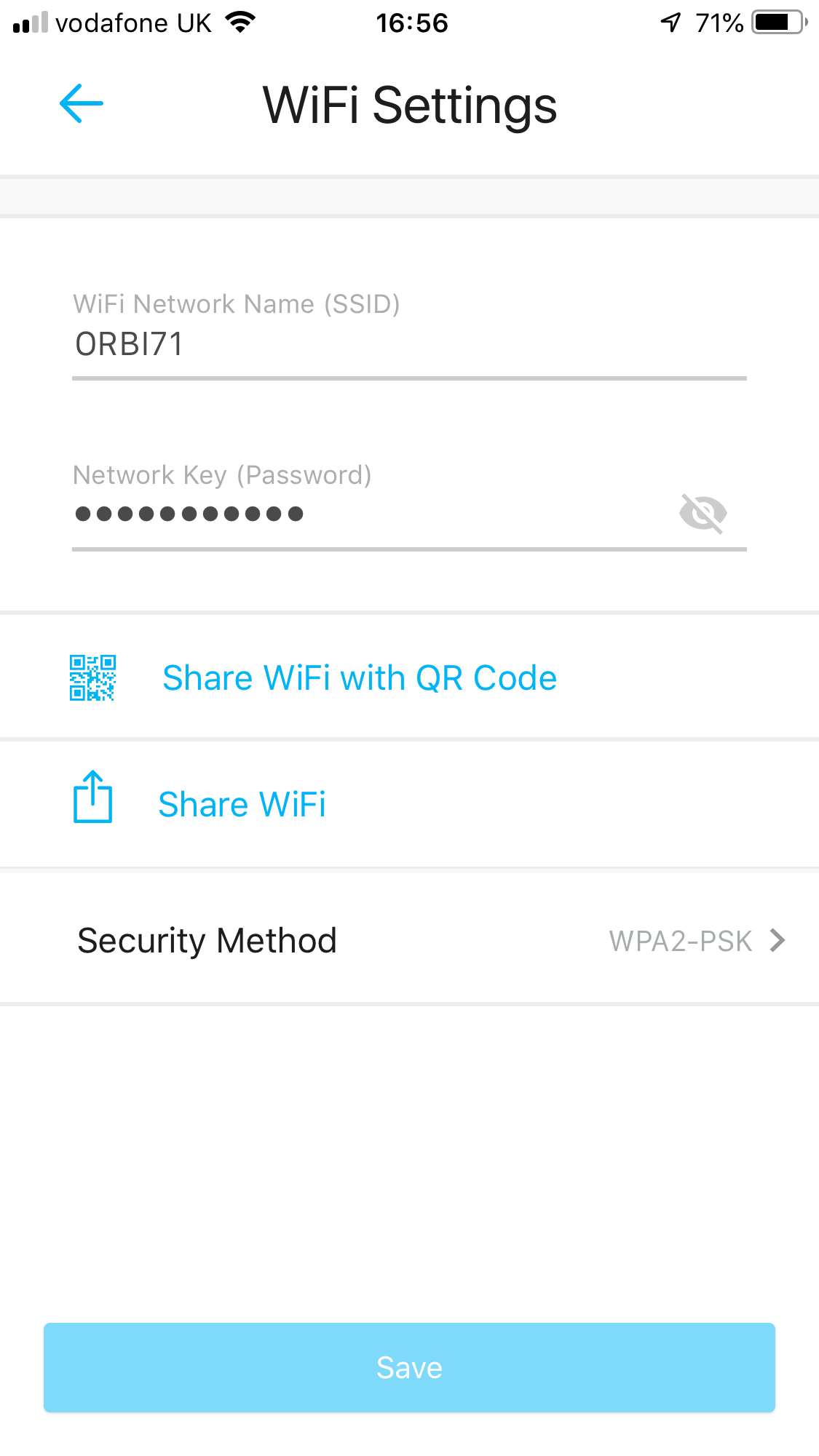
The final administration options include setting up a guest WiFi network, traffic monitoring, and general WiFi settings.
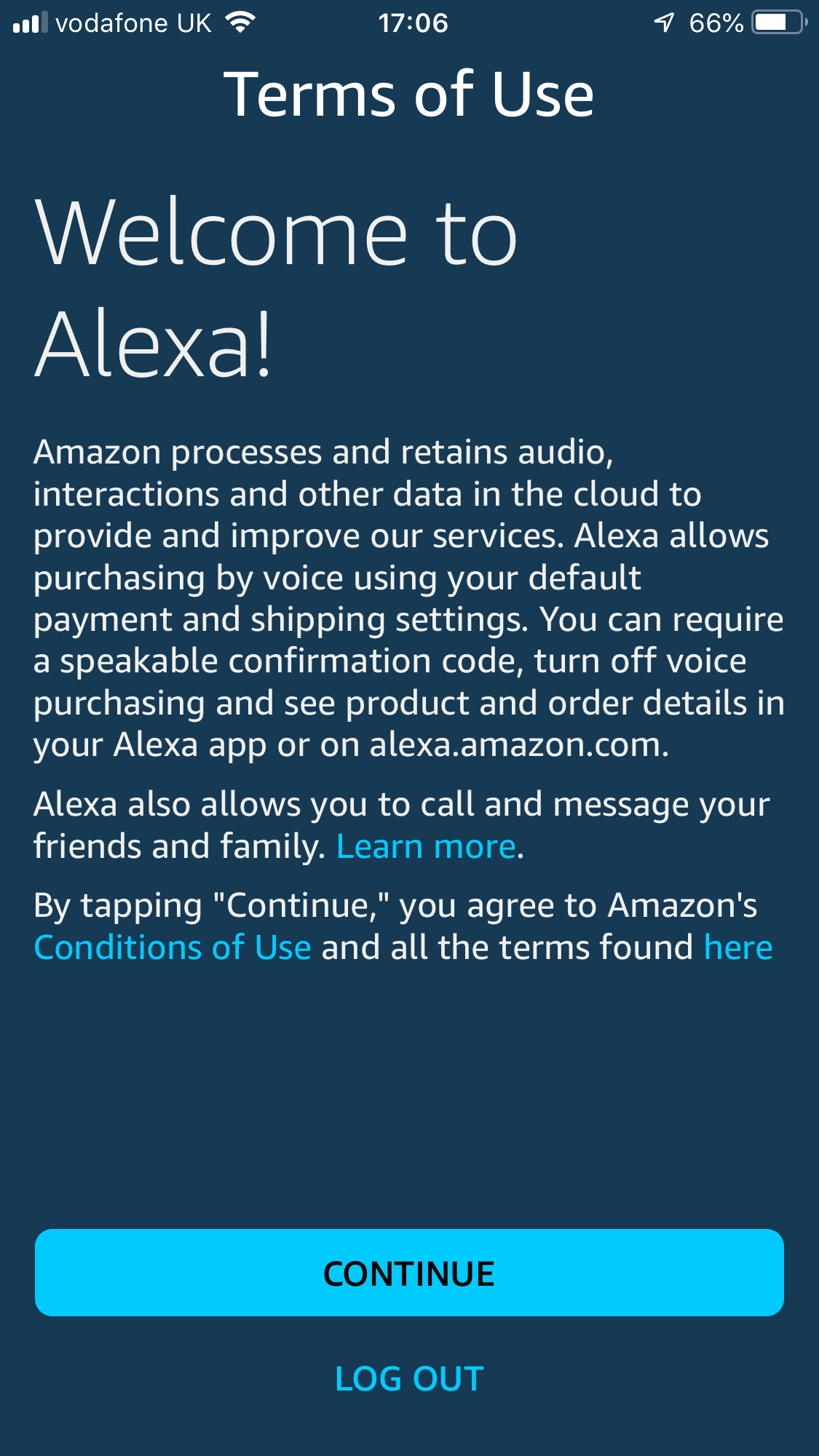
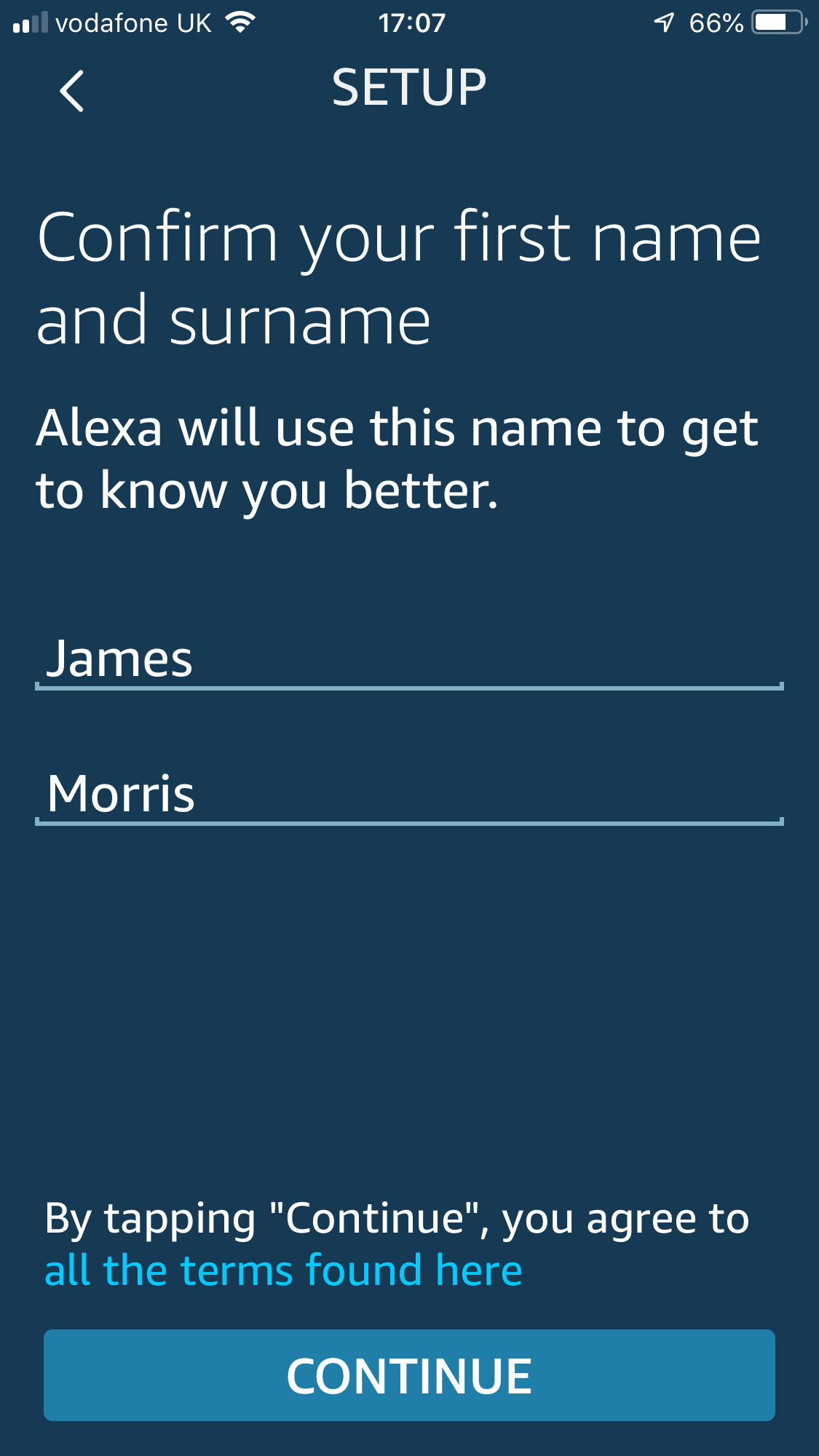
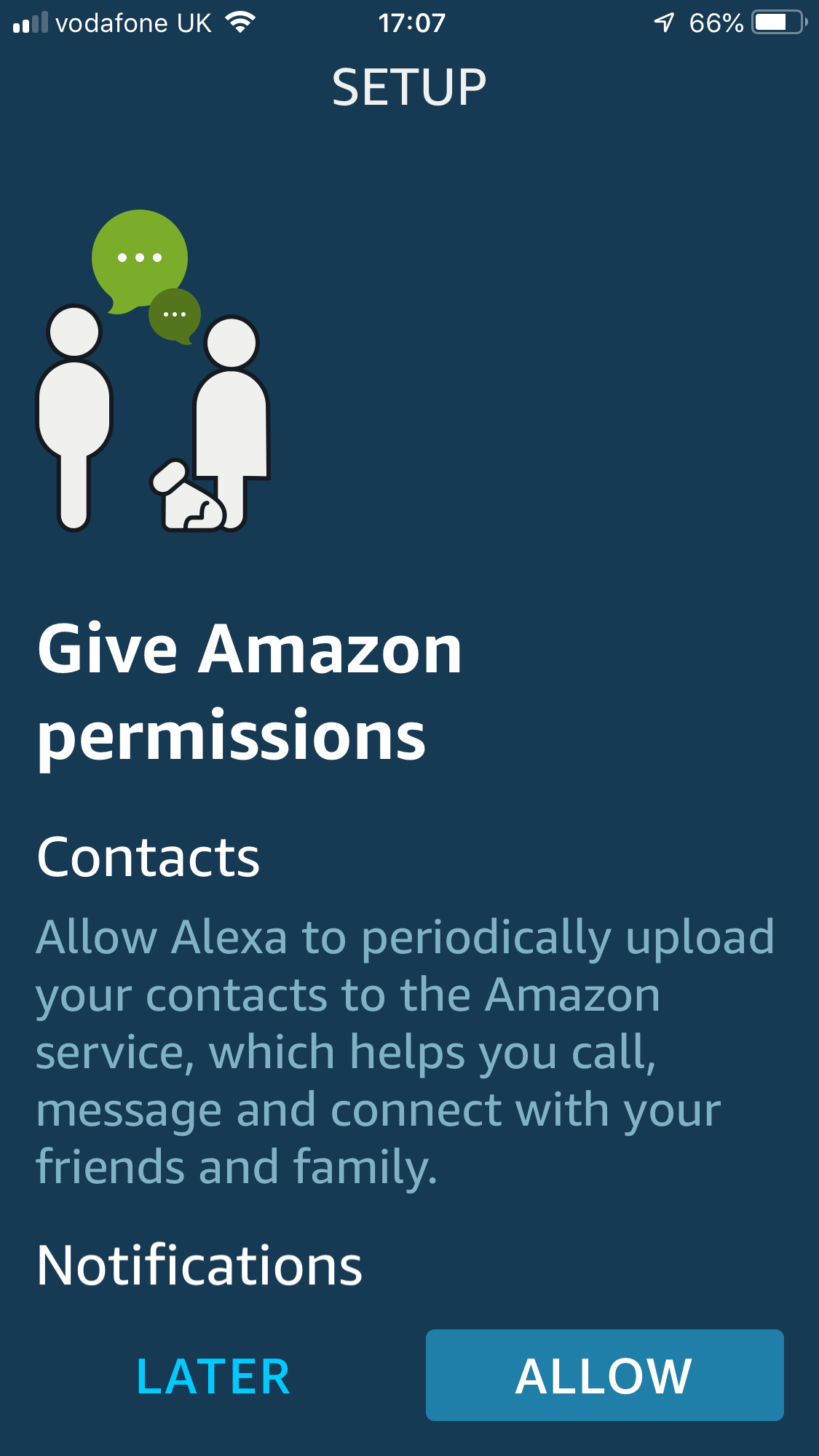
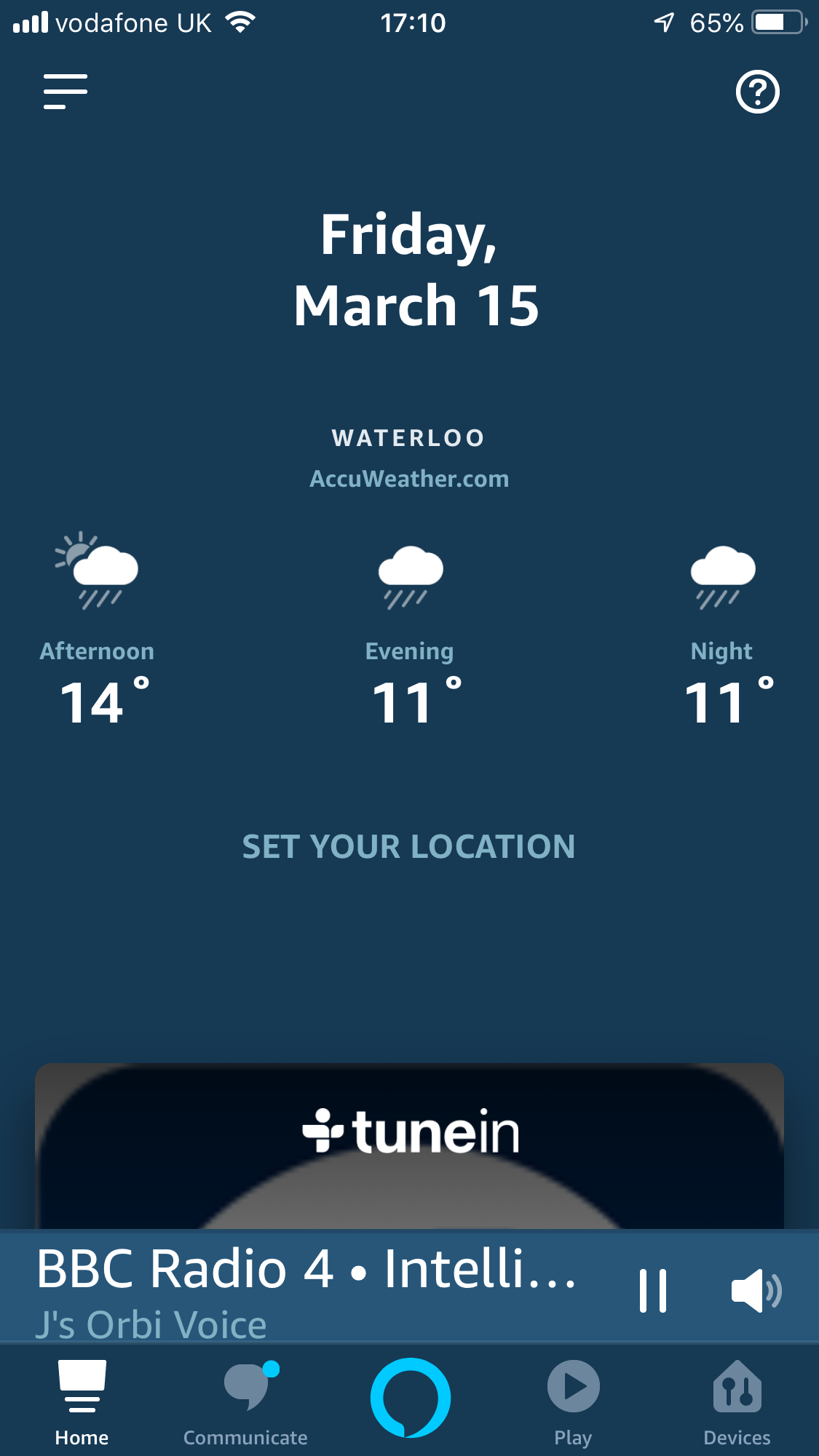
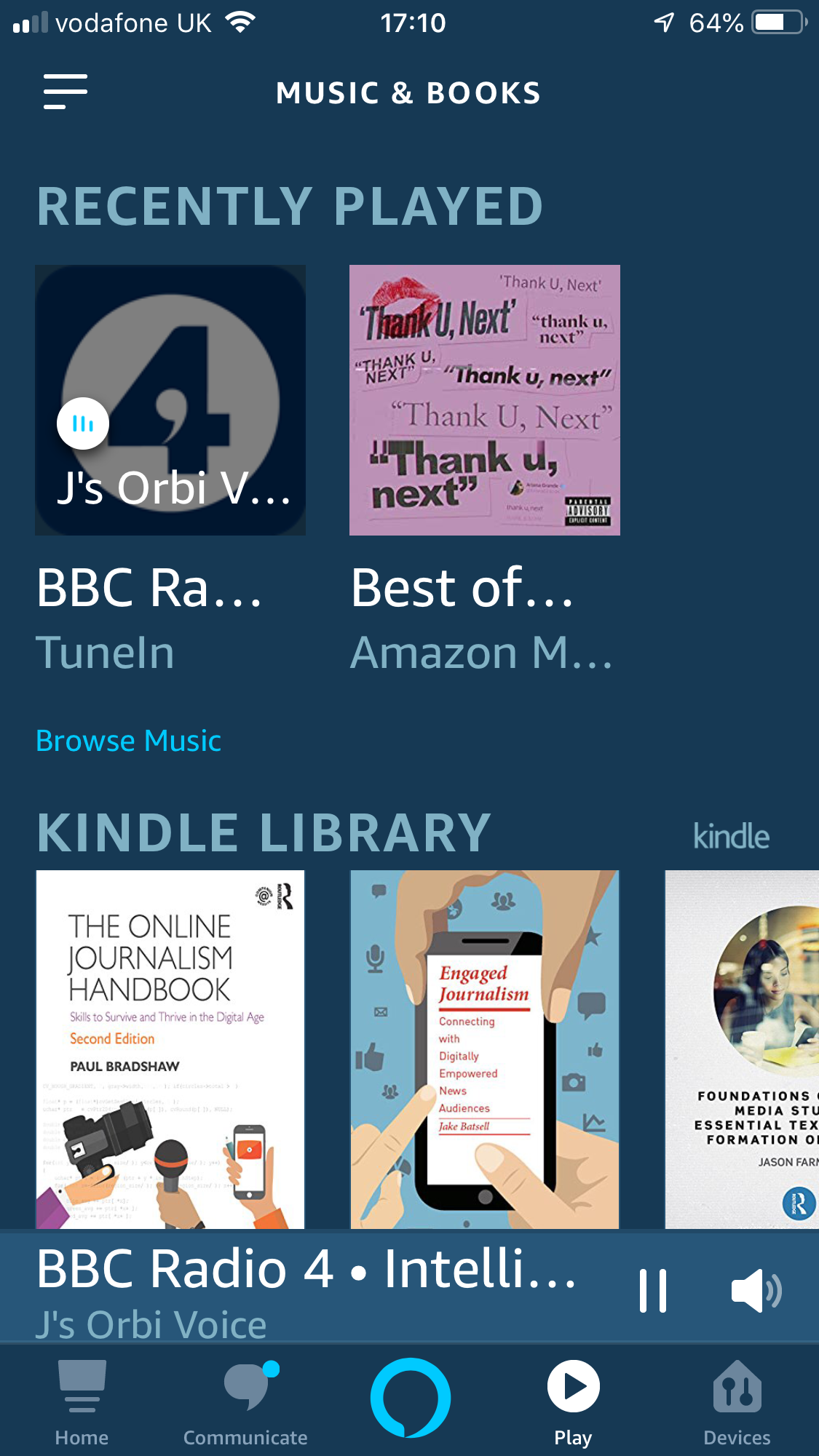

Even more functionality can be unlocked by installing the Amazon Alexa smartphone app. This takes you through a few general configuration settings, before ending up on the software's main interface. Here you can see some of the other abilities, such as reading your Kindle books to you, or playing radio stations via the TuneIn service. You also need to use the Alexa app to connect the Orbi Voice to your Spotify or Deezer account, allowing you to play all the music available here. You will need a premium Spotify account for this to work, however.
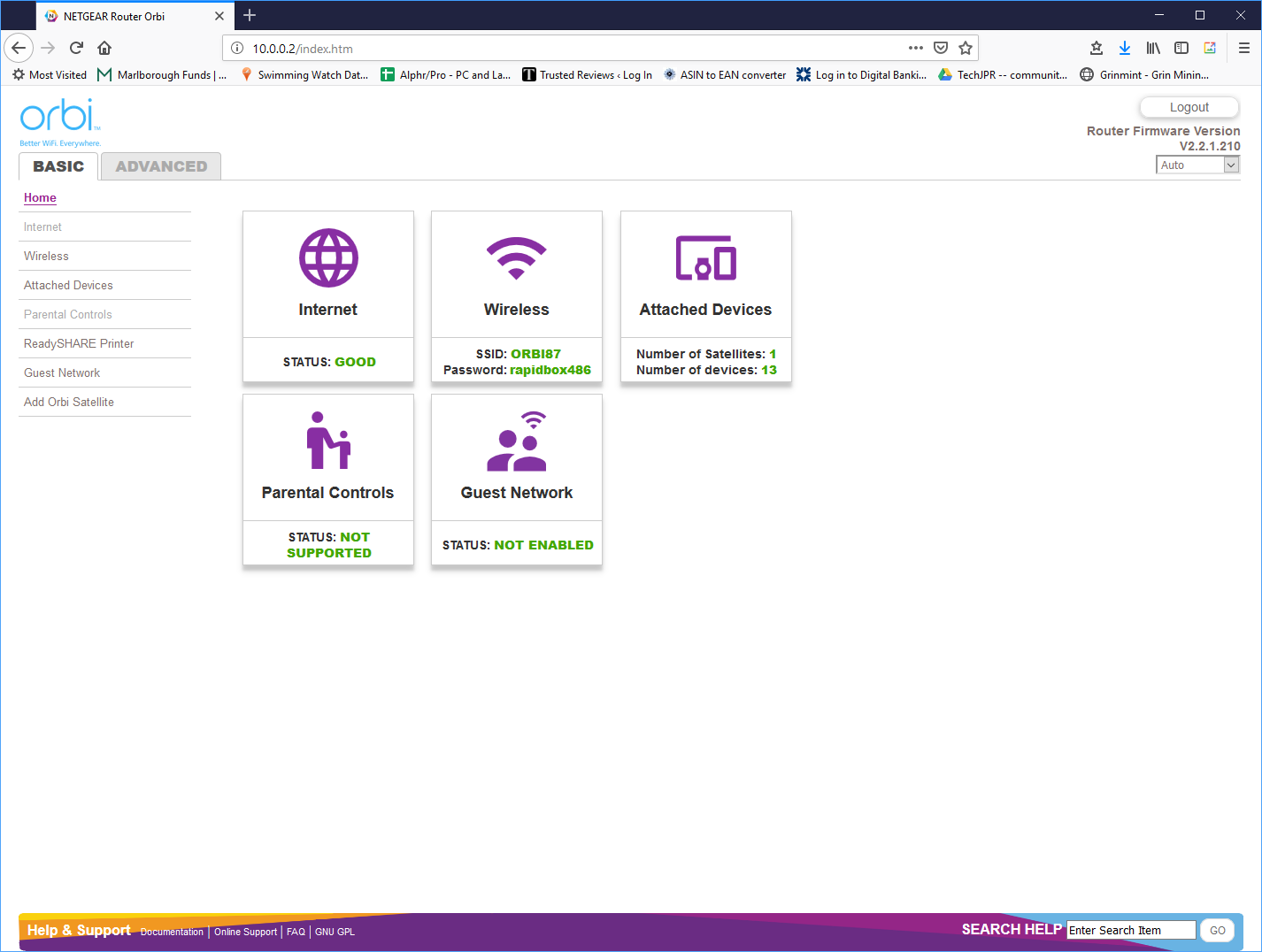
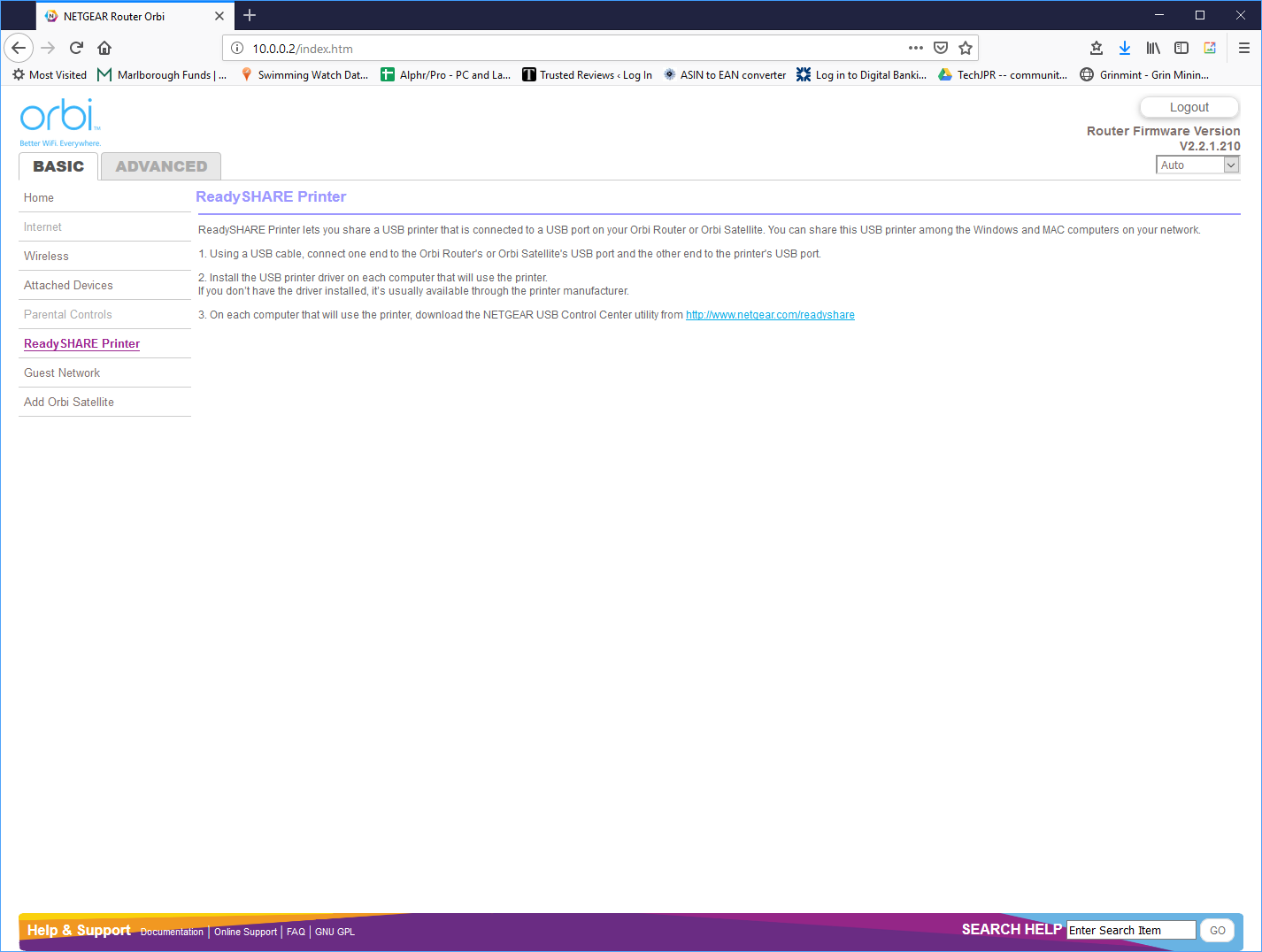
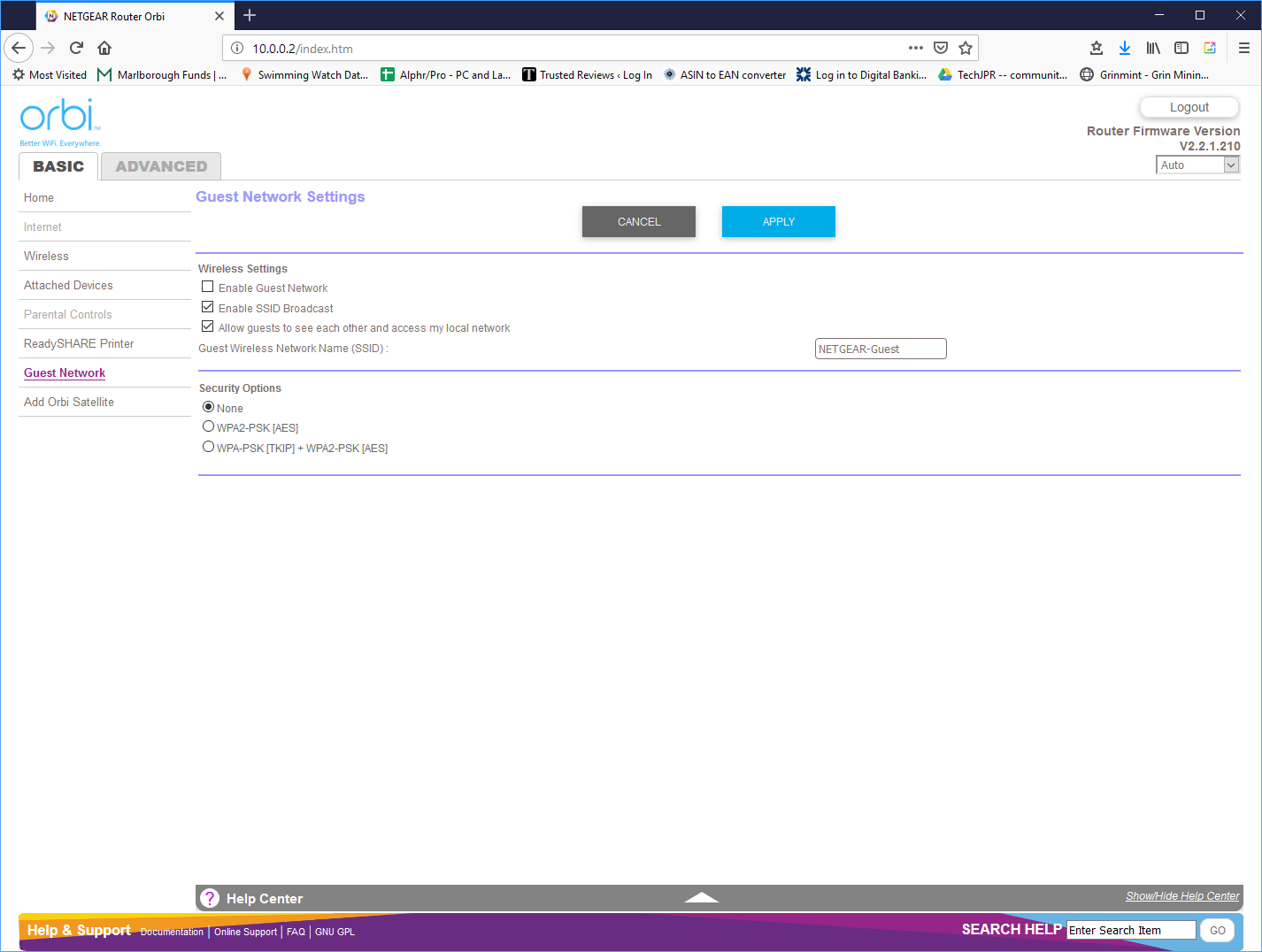
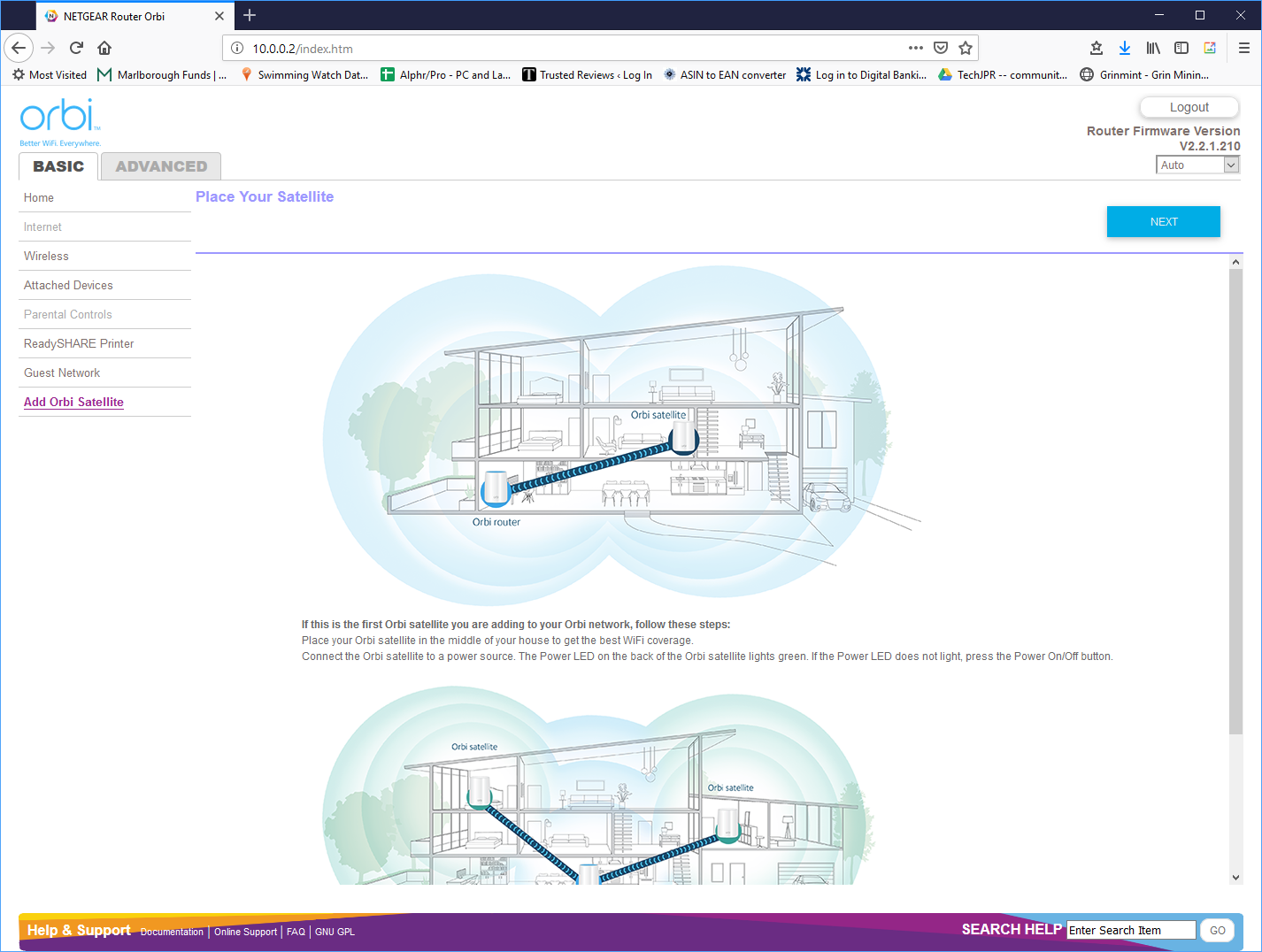
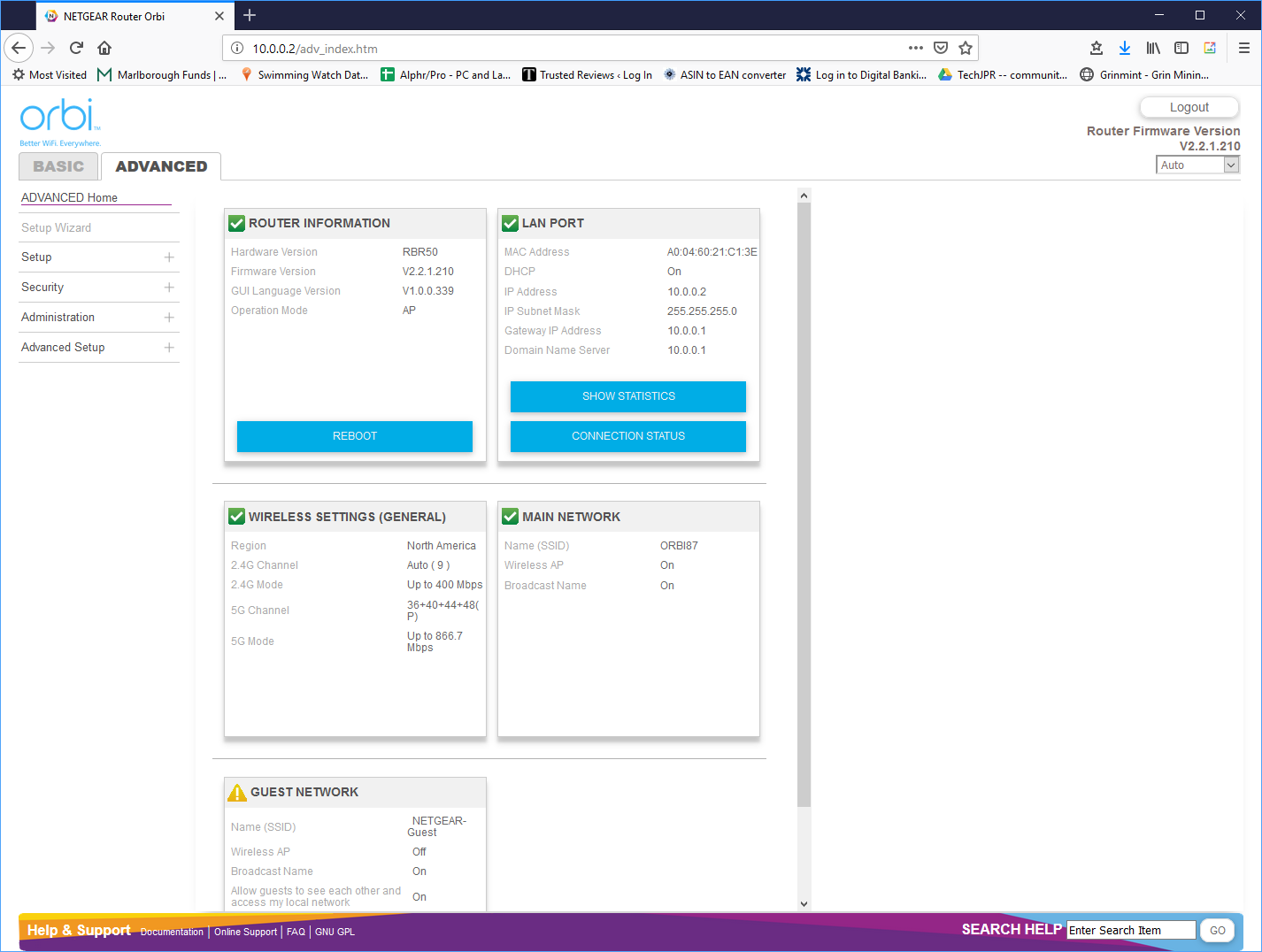
There is also a Web-based interface for the RBR50, but not a lot has changed here since our original review of the RBK50. The only big differences are the inclusion of ReadyShare so that the USB port on the router can be used for printer sharing, plus the ability to set up a guest network, and the option to add more than one satellite. The Advanced section hasn't changed much at all.
The Web administration features are nowhere near as extensive as NETGEAR's high-end standalone routers, such as the Nighthawk XR700 or X10 R9000. This is a more consumer-focused product, rather than one aimed at an expert looking to customise settings. But there's enough available for the home user who wants a little more than just to plug and play.
Once configured, the Alexa capabilities function as expected. If you've never used Alexa before, there is considerable initial fun to be had asking things like “what is the meaning of life” (42) or “what is Brexit?” (a much less amusing encyclopedia description). You can ask what the weather is, the results of mathematical equations and travel distances, but we couldn't get everything we asked for, such as traffic information, although there are optional “skills” you can enable to add this.
The music and audio abilities are impressive, however. Even without Spotify, you can listen to tracks on Amazon Music, and use TuneIn to play a wide selection of radio stations. Add in Spotify, and the faff involved with Bluetooth speakers starts to feel too much to bother with. You might not be able to get Alexa to understand every music command, such as playing an album that has the same name as one of its tracks, but you can use your smartphone to control playback instead in this situation.
Audio quality delivers on its promise too. As expected, it didn't quite match the KRK ROKIT 6 speakers in the lab. Aside from the lack of stereo, this is an unfair comparison anyway. But the Orbi Voice was also not so far off that an audiophile will be horrified. The bass is rich, the detail is audible, and the reproduction is faithful. The 35W capability can also be used right to its maximum without distortion. So if you want to use the Orbi Voice for a party, it has that potential.
Overall, then, the Orbi Voice is a capable Alexa wireless speaker system. But what about its mesh WiFi abilities? To clinch the deal, let's turn to performance testing.
We replicated the testing from our Ultimate Mesh WiFi Router Shootout as closely as possible with the NETGEAR Orbi Voice. However, we no longer had the Apple Macbook Pro in our possession, so had to leave this set of tests out.
We repeated the positions from the Ultimate Mesh WiFi Router Shootout, with eight different locations for our test notebooks. The clients used were an HP Spectre 13 X2 notebook with 2×2 802.11ac WiFi, and an older HP Folio 13, which maxes out at 3×3 802.11n WiFi.
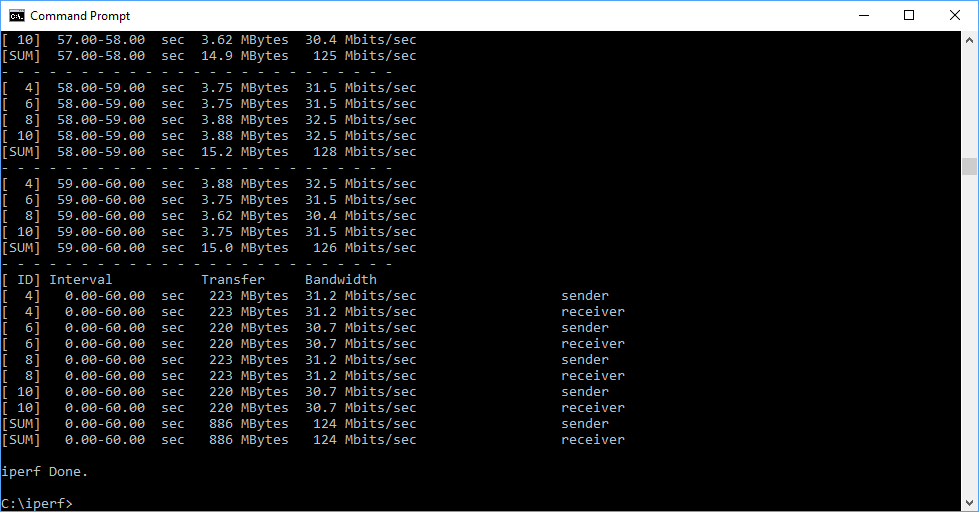
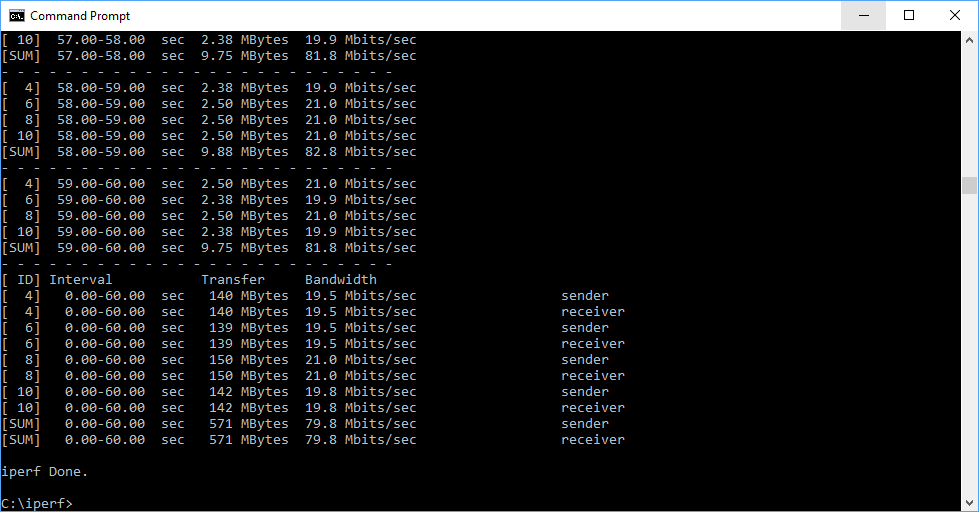
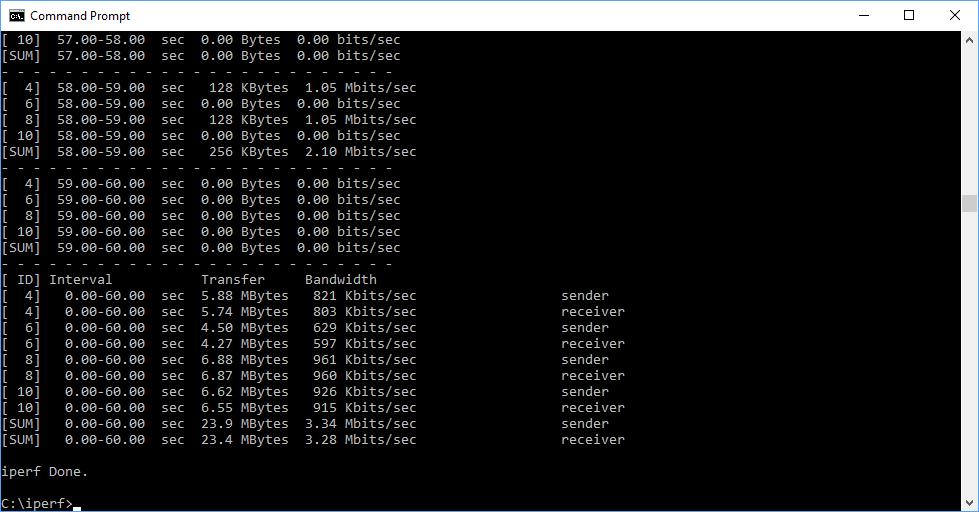
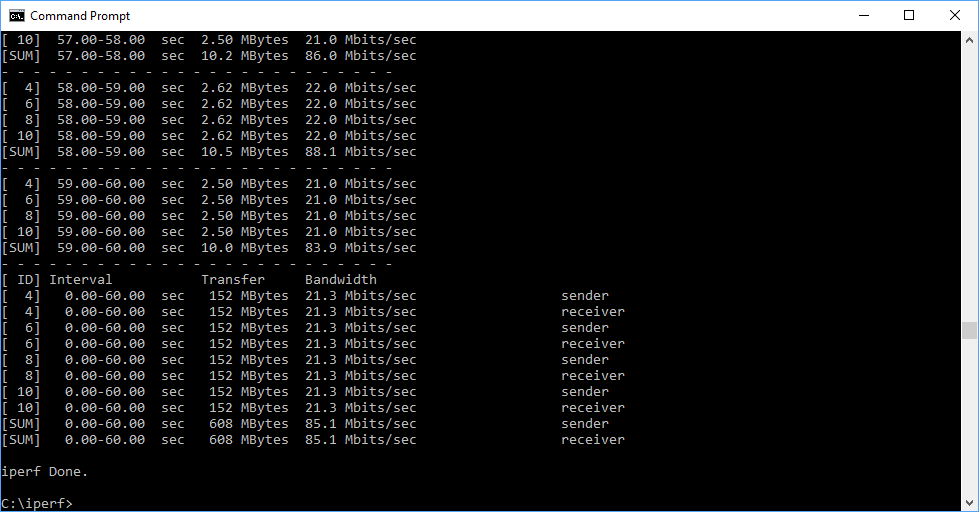
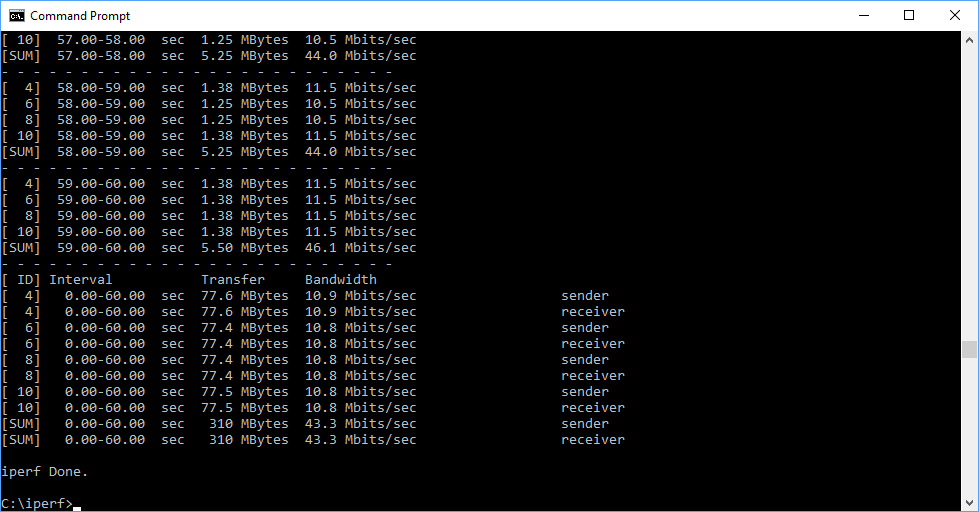
In each case, we used the freely available iPerf 3.1.3 software, which stresses a network by sending packets of random data and measures the throughput. One system acts as a server, and the other as a client, as data is sent between them. In all cases, we used an Armari Windows 10 workstation connected to the primary Lyra unit via Gigabit Ethernet as the server, so that the WiFi was always the slowest connection.
These are the iPerf commands we used:
For the server: iperf3 –s –i 1
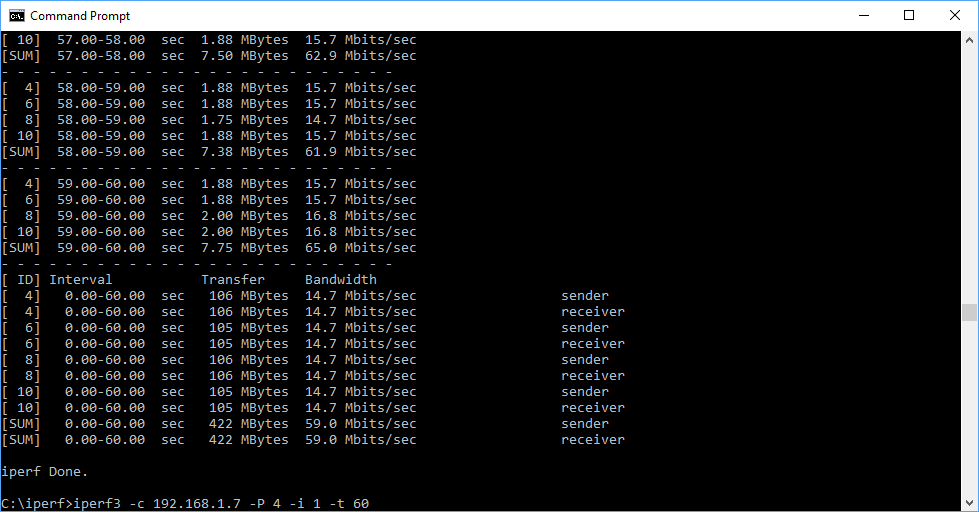
For the client: iperf3 –c <IP Address> –P 4 –i 1 –t 60
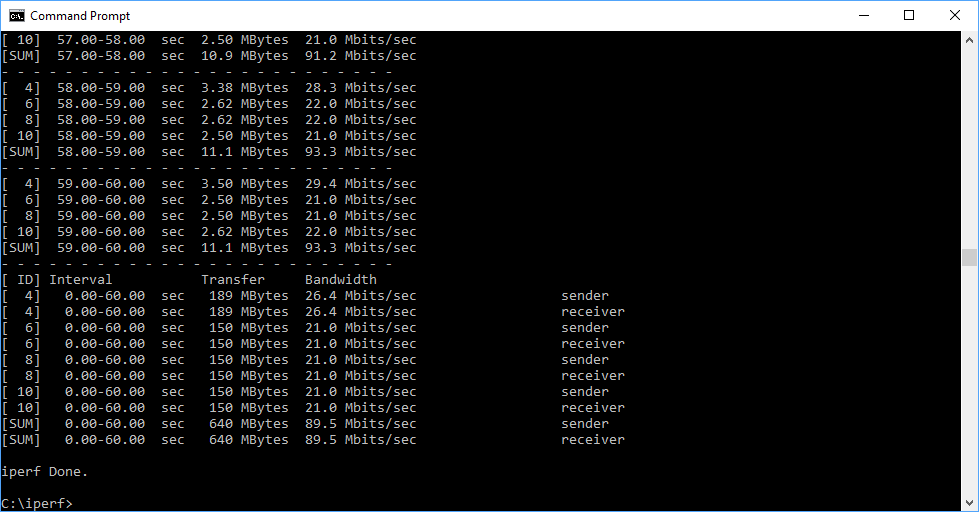
Note that the client command sends four streams of data simultaneously, simulating a multi-client connection as closely as possible with just one client. It takes 60 throughput readings at one second intervals and then averages the result.
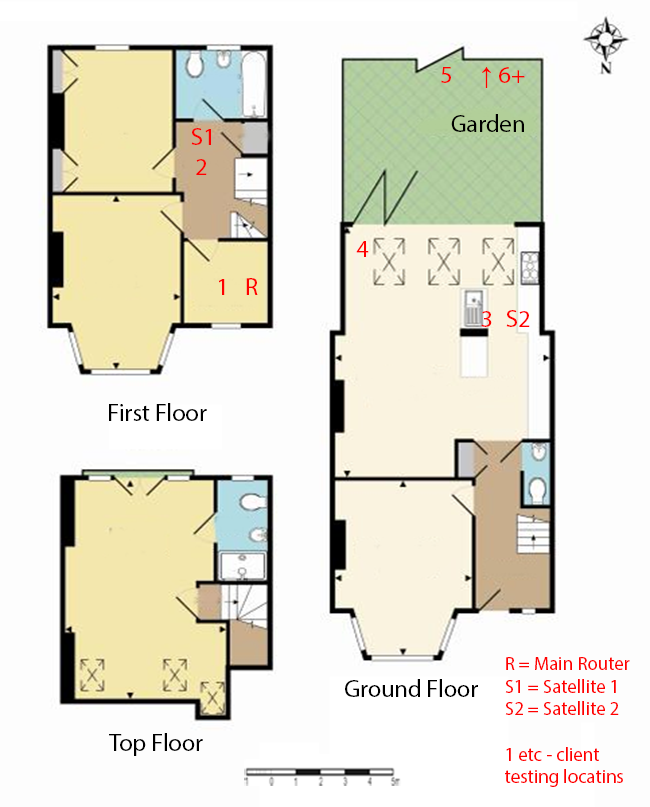
The above diagram shows the layout of the house we used for testing. Note that we didn't test on the top floor of the house because this was directly above the first floor and wouldn't have provided much of a range test. Instead, we used two locations on the same floor as the router (the first floor), then more distant locations on the ground floor extending out the back of the house into the garden.
Each test location, numbered in the diagram above, was approximately 5m away from the last one.
With the mesh networking and standalone router products used for comparison, location 1 was very near to the router, around 1m away. The next location – 2 – was around 5m away, with a wall in the way, but on the same floor. Location 3 was on the floor below, so had walls and a floor in between, but was a further 5m away. Location 4 was the last one actually inside the house. Locations 5 to 7 were then 5m further down the garden. Location 8 was only 2m further down, as this was the end of the garden, but also behind a shed, so posed a significant challenge that only a few mesh WiFi systems can cope with.
We should also say a few words about the location of the satellites. The routers or primary unit were always placed in the same location, in the first floor study next to the broadband. In the case of three-unit mesh systems such as BT Whole Home Wi-Fi and the top Velop option, the second and third satellites were placed at S1 and S2.
With the two-unit Google WiFi, the second unit was placed at S1, due to the recommendation of the setup software. However, in the case of the Orbi RBK50, it was possible to place the second unit at S2, due to the signal strength from these systems.
For the Orbi Voice system, we placed the primary unit in location R, with the Alexa satellite speaker at S2.
802.11ac 5GHz
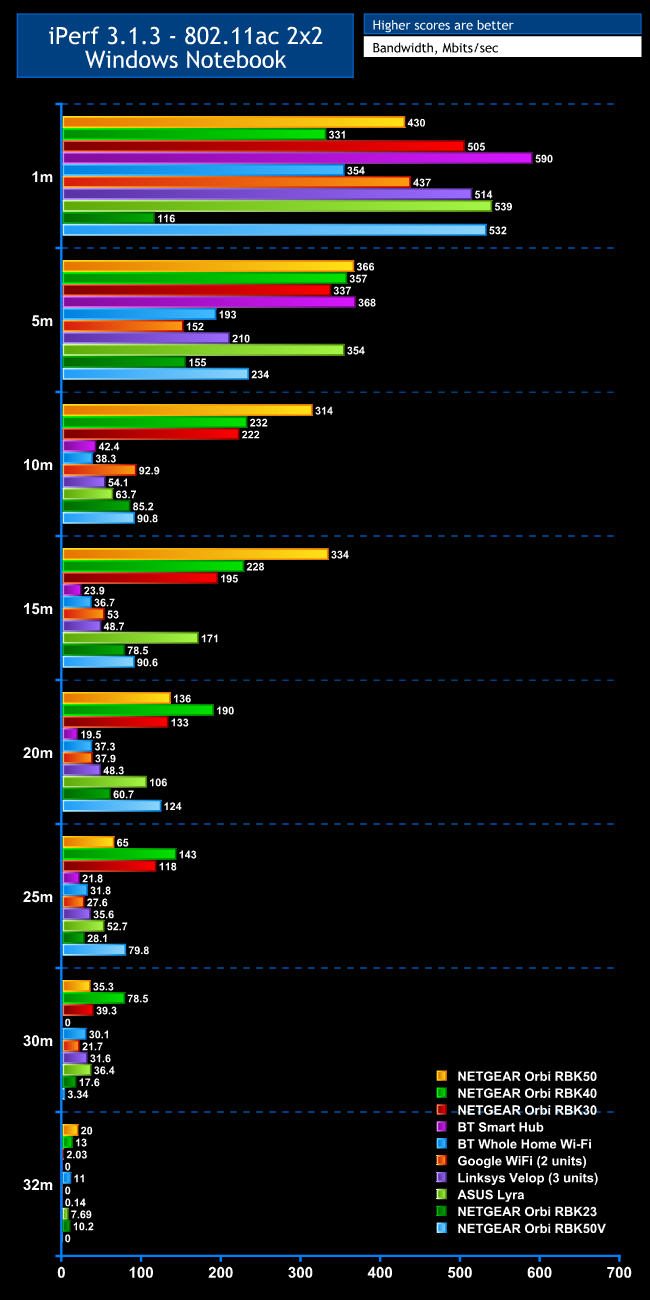
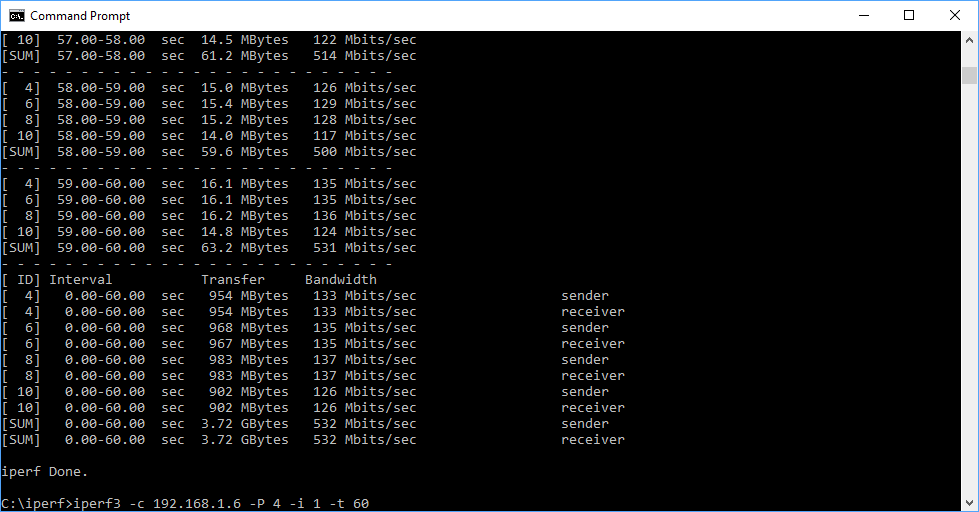
Within 1m, the NETGEAR Orbi Voice is up with the best, achieving 532Mbits/sec, just behind the ASUS Lyra, although the standalone BT Smart Hub still reigns supreme at close proximity.
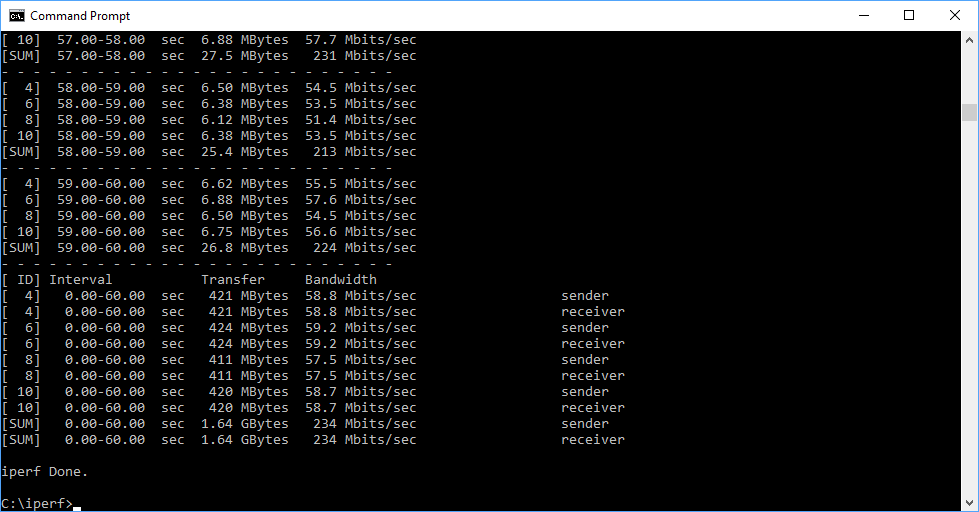
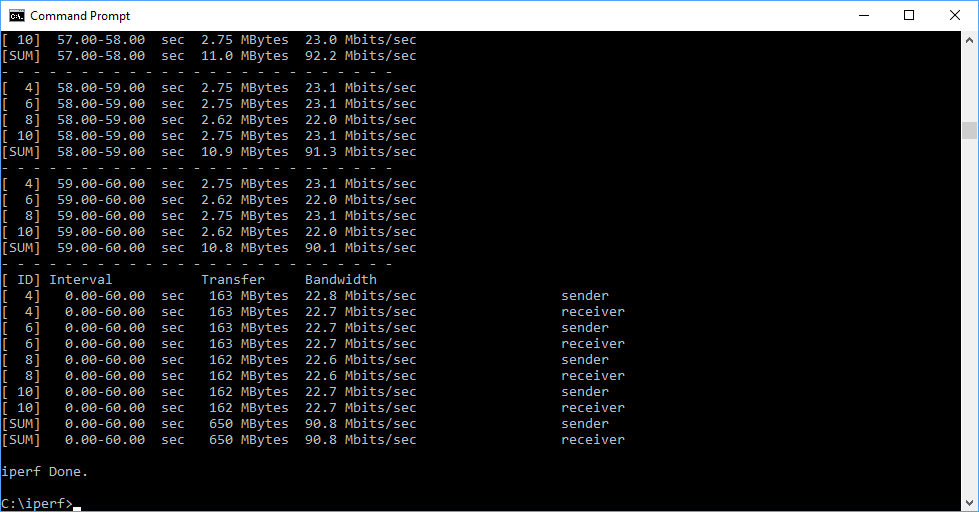
At 5m, the Orbi Voice isn't quite so stellar, dropping down to 234Mbits/sec, although this is still a decent throughput. Move to 10m, and the Orbi Voice drops down to 90.8Mbits/sec, which is considerably behind NETGEAR's mesh-only options, the RBK50, RBK40 and RBK30, but competing well with all other mesh WiFi options.
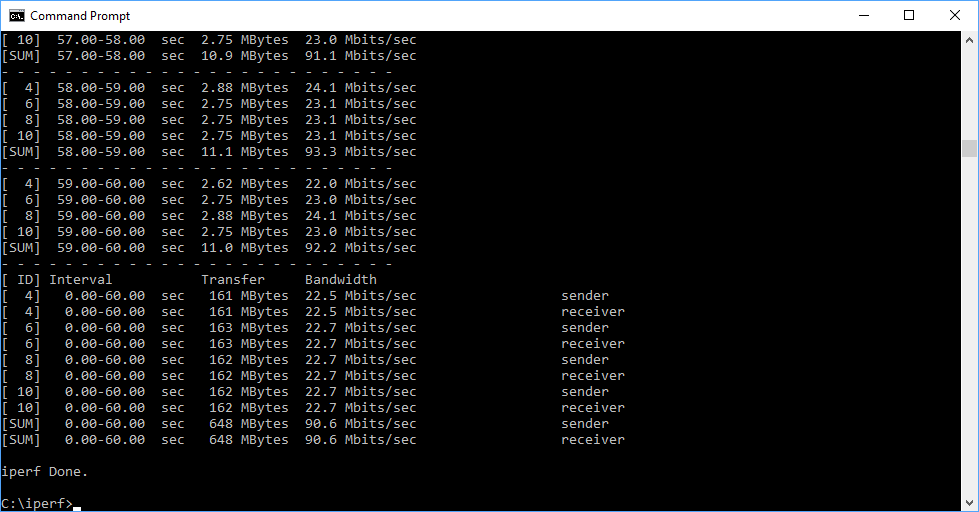
The story is similar at 15m, although the Orbi Voice has hardly dropped at all compared to 10m, managing 90.6Mbit/ssec, but this is still considerably behind the NETGEAR standalone options.
The 20m result, however, is actually better. The speed of 124Mbits/sec is back up amongst the NETGEAR standalones, and ahead of the other brands. Move out to 25m, and the Orbi Voice still manages a very credible 79.8Mbits/sec, which places above the RBK50. But at 30m performance drops like a stone to 3.34Mbits/sec – hardly usable – and at the 32m “behind the shed” distance, the Orbi Voice failed completely.
Overall, the Orbi Voice is great when close to the router, and its mesh abilities are credible up to and including 25m, although its midrange performance isn't as capable as the standalone Orbi products. Nevertheless, you are getting very respectable 802.11ac mesh WiFi along with your Alexa speaker.
802.11n 2.4GHz

The picture with 2.4GHz 802.11n is even more impressive than with 5GHz 802.11ac. The Orbi Voice manages an excellent 81.6Mbits/sec at 1m, and at 5m the throughput goes up to an even better 89.5Mbits/sec.
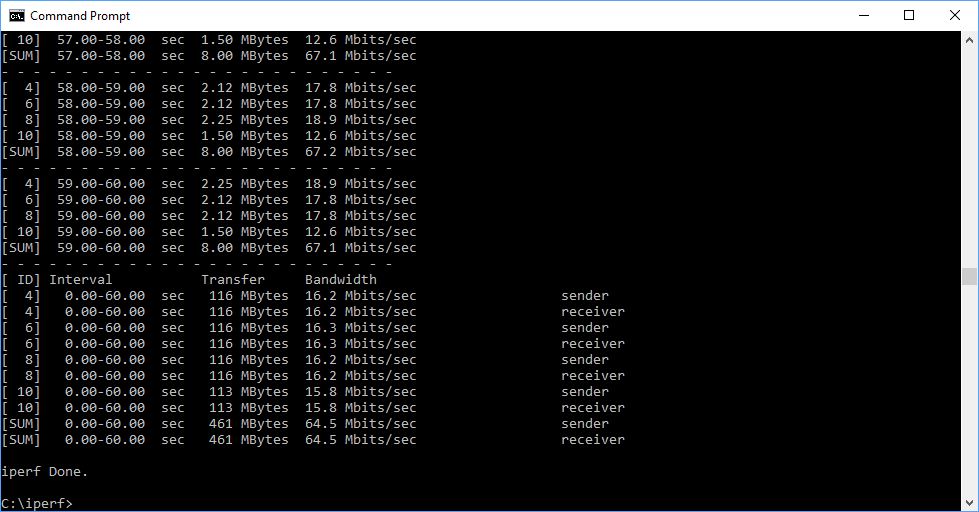
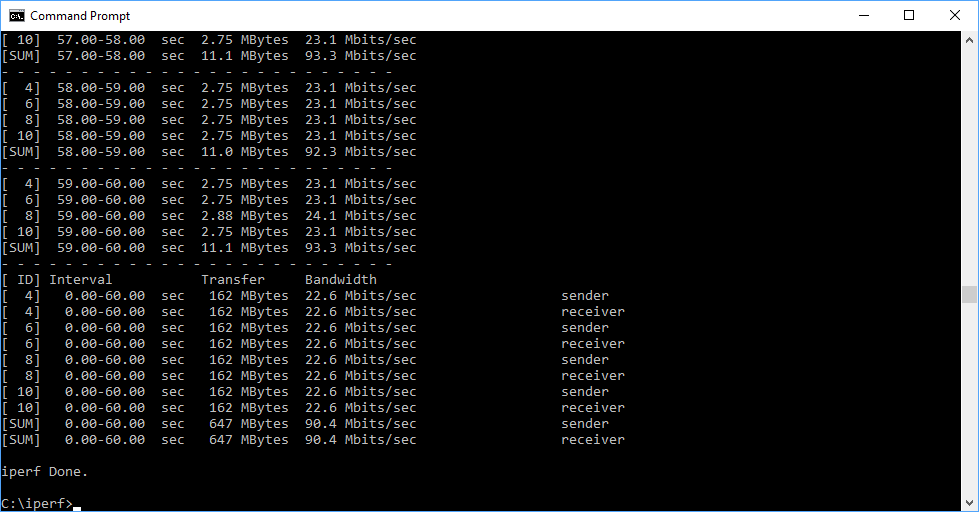
This drops down to a decent 64.5Mbits/sec at 10m, then back up to a very credible 90.4Mbits/sec at 15m, although all of NETGEAR's mesh systems excel at this range, presumably because the faster 802.11ac backhaul is covering most of the distance, with just a short 802.11n hop to the satellite.
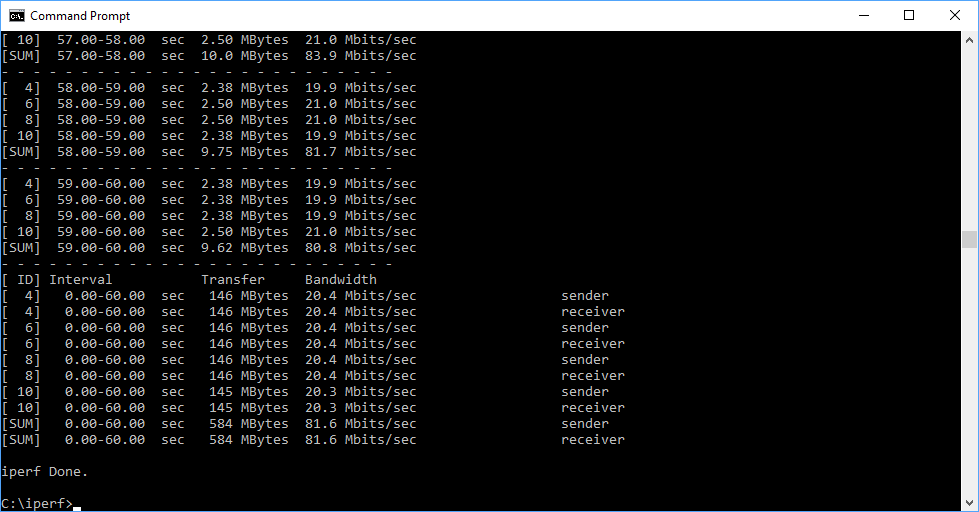
At 25m, the Orbi Voice is the fastest mesh WiFi system we've tested over 802.11n, managing 85.1Mbits/sec, quicker than it is with 802.11ac at this range. This drops to a still very capable 43.3Mbits/sec at 30m, but it couldn't get a signal to 32m. The shed in the way appeared to block the WiFi completely.
Overall, the Orbi Voice is particularly good with legacy 802.11n devices, up with the best mesh systems available.
The NETGEAR Orbi Voice is an impressive package. Its wireless networking abilities aren't quite as good as the best NETGEAR standalone mesh WiFi setups, but it's still better than the competition from other brands. So while we would still love to see this product with the RBS50 satellite as its basis, rather than the RBS40, a new purchaser will be perfectly happy with how much further their WiFi range will go. If you purchase the RBS40V on its own, to add to an existing RBK50 configuration, you'll be pretty contented too.
As an Alexa-empowered speaker, the Orbi Voice is one of the best around as well. We had no trouble getting its attention by incanting “Alexa”, even when the music was loud, and any issues we had with our commands were to do with the deficiencies of Alexa's AI rather than the speaker. The audio quality is excellent, and there is plenty of volume available without distortion. NETGEAR reckons the Orbi Voice is comparable to the Sonos One, Apple HomePod or Google Home Max, and we wouldn't disagree.
Overall, then, if you're looking to add mesh WiFi and an Amazon Alexa speaker to your home, the NETGEAR Orbi Voice RBK50V bundles both together with aplomb. It's best of breed as a speaker, and pretty close where the mesh networking is concerned too. If you're an existing NETGEAR Orbi mesh user looking for even better coverage and an Alexa speaker, it's a no brainer.
However, in either case you are paying a premium, particularly for the standalone RBS40V. Nevertheless, price notwithstanding, this is another great mesh WiFi product from NETGEAR, and a top recommendation if you're after the best.
The NETGEAR Orbi Voice (RBK50V) is available from Amazon.co.uk for £433.98.
Pros:
- Amazon Alexa and mesh WiFi in one package.
- Excellent mono audio quality and power.
- Great 802.11n coverage.
- Decent 802.11ac coverage.
- Smartphone app includes most key settings.
- Extensive features in Web management interface.
Cons:
- 802.11ac performance not as fast as standalone NETGEAR Orbi.
- Expensive.
- RBR50's USB port for printer sharing only.
KitGuru Says: The NETGEAR Orbi Voice bundles premium-grade Amazon Alexa speaker capabilities with very good mesh WiFi, albeit at a premium price.