KitGuru KitGuru.net – Tech News | Hardware News | Hardware Reviews | IOS | Mobile | Gaming | Graphics Cards


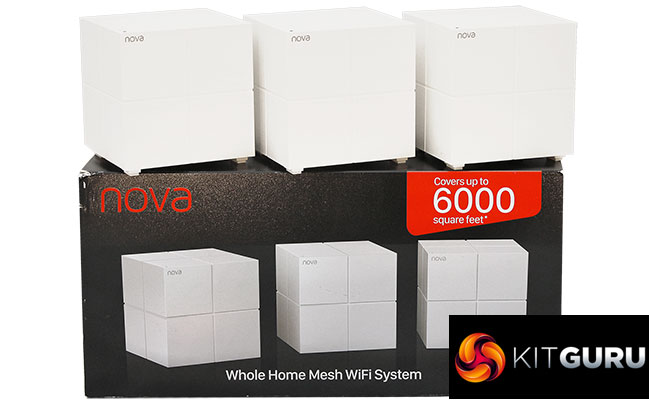
After witnessing many years of theoretical presentations but not much in terms of real product release, we are now seeing a deluge of mesh WiFi systems arriving on the market. Hot on the heels of ASUS's Lyra comes Tenda with the nova MW6. It joins the already wide selection we put through their paces in our recent Ultimate Mesh WiFi Shootout. With a very keen sub-£200 price for a three-unit configuration from some vendors, the Tenda nova MW6 could be a real bargain.
Like most mesh WiFi systems, the nova MW6 units are more “designer” than your average router, and all are identical. One will act as the router, but it doesn't matter which one this is. It's just the first one you set up, and the others then act as satellites of the primary unit. Also like a lot of mesh WiFi systems, each unit has two Gigabit Ethernet ports. The primary unit will use one of these for connecting to your broadband, and the other can be used for a wired LAN client device. The satellites can use both their Gigabit Ethernet ports for wired clients.
The WiFi specification isn't as potent as some mesh systems, which sets off a few alarm bells. Each unit has an AC1200 rating, with one 867Mbits/sec 5GHz radio and one 300Mbits/sec 2.4GHz radio. There's a 2×2 antenna configuration. But the nova MW6 is only dual-band, where a lot of the alternatives are tri-band. This means there is no radio and antenna dedicated to the “backhaul” link between the various units. The WiFi client devices will also be using the same bandwidth.
This has theoretical implications for performance, but the true test is how the system behaves in the real world, and throughput isn't everything anyway. Ease of setup and use are also very important. Tenda claims it sends its units out pre-configured, calling their system “plug and play”. So let's find out if the nova MW6 is a con-Tenda, or should be Tenda-ing its resignation (Seriously? Ed).
Price: £179.99
Specification:
Wireless protocols: MU-MIMO with 802.11b/g/n 2.4GHz, 802.11a/n/ac 5GHz
Performance: AC1200 (867 + 300 Mbits/sec)
Antenna Configuration: 2×2 internal antennas (3dBi)
Ports: Per unit: 1 x Gigabit Ethernet WAN; 1 x Gigabit Ethernet
Modem Support: VDSL/ADSL 2+ or cable
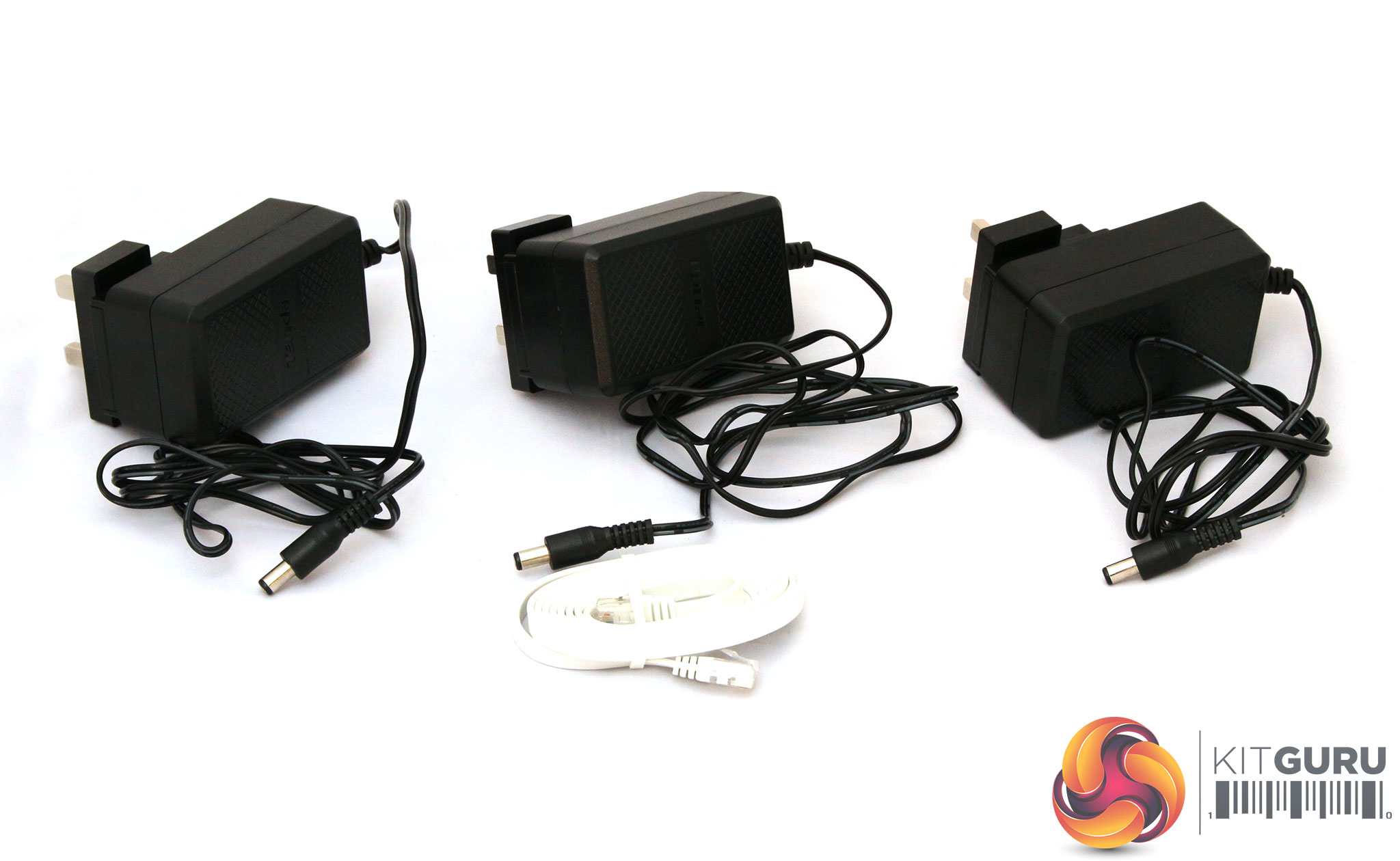
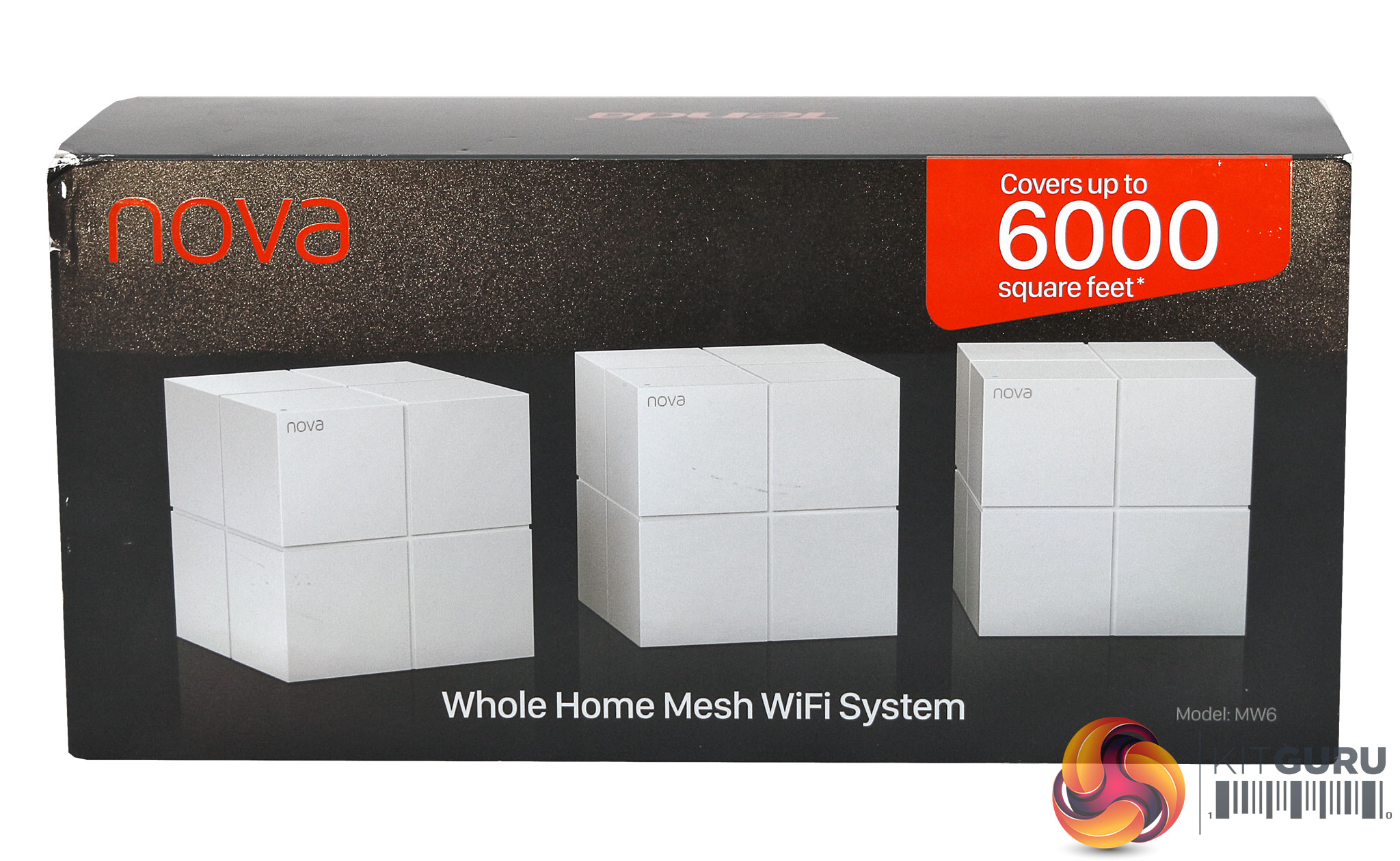
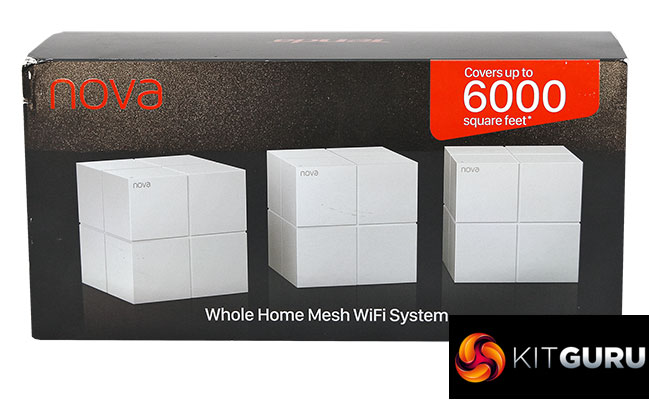
The box claims 6000 square feet of coverage. This is 1,000 more than NETGEAR does for the RBK50, which beat all comers in our Ultimate Mesh WiFi Shootout. Inside the box there are few surprises, with three power adapters and an Ethernet cable.
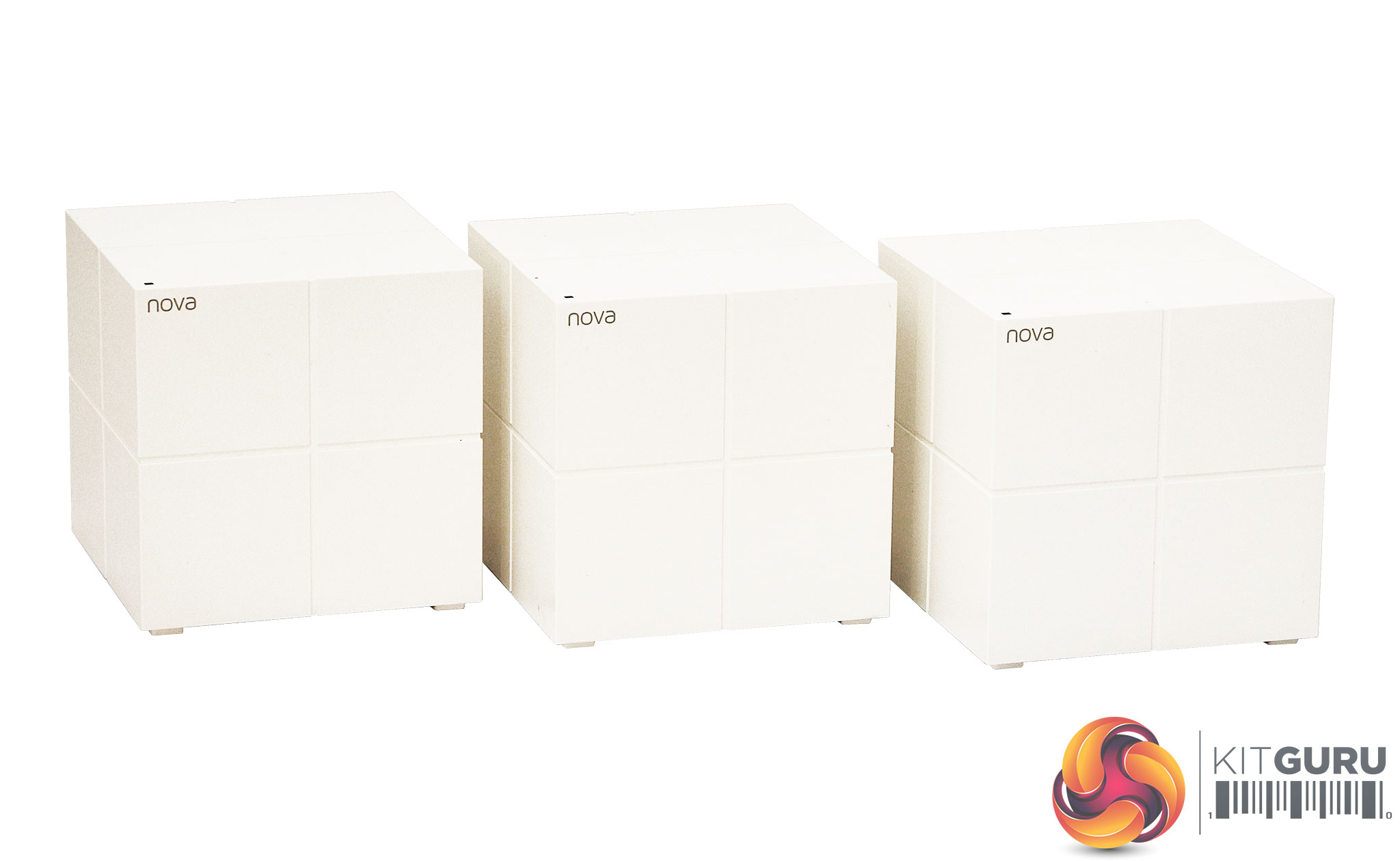
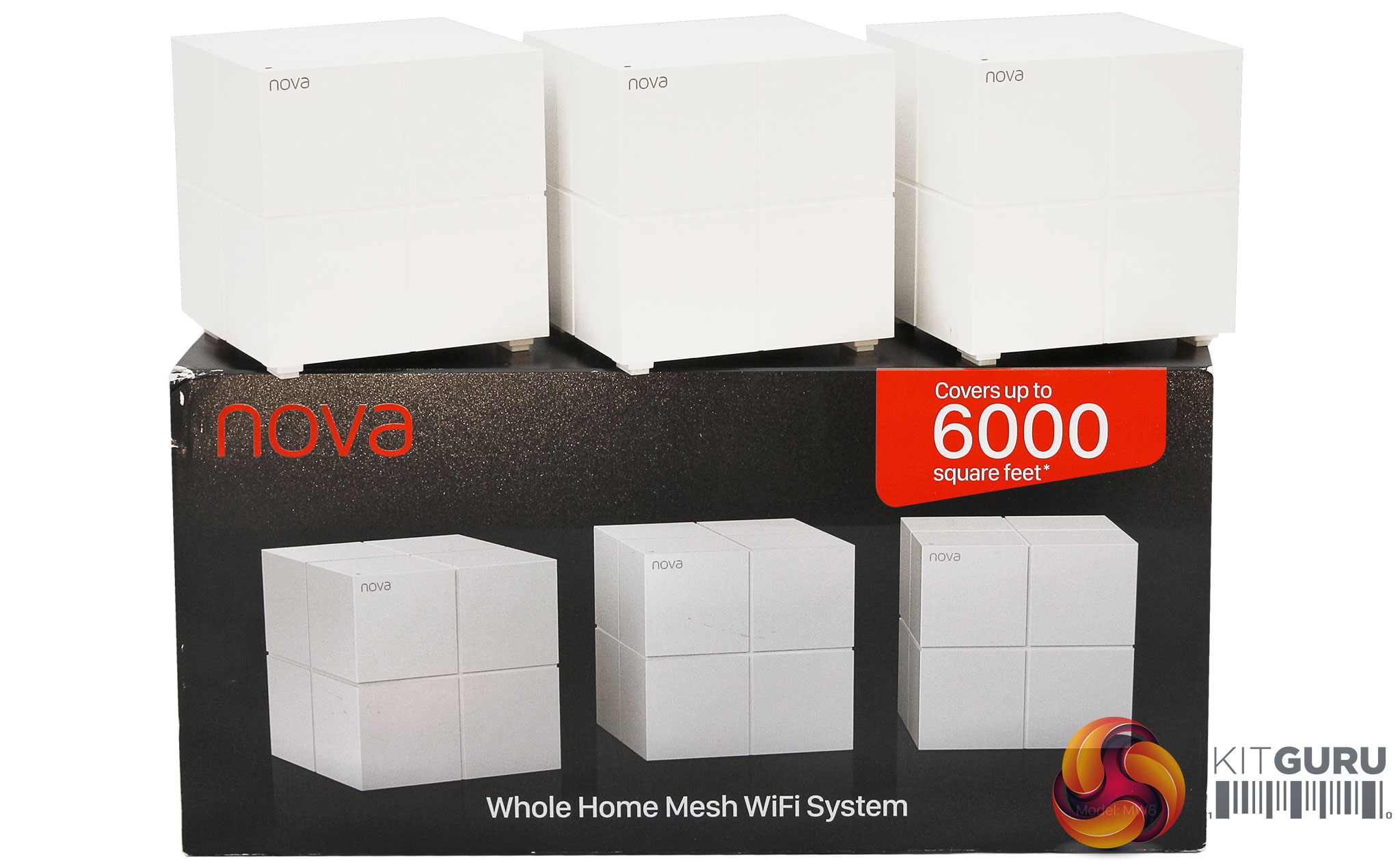
Tenda has chosen a fairly neutral cubic design for the nova MW6 units, with a larger cube subdivided into four smaller cubes, a bit like a Rubic's cube – only one that would be really easy to solve. The white finish should fit a lot of home interior designs, although the units are very light, which doesn't instill confidence in the build quality.
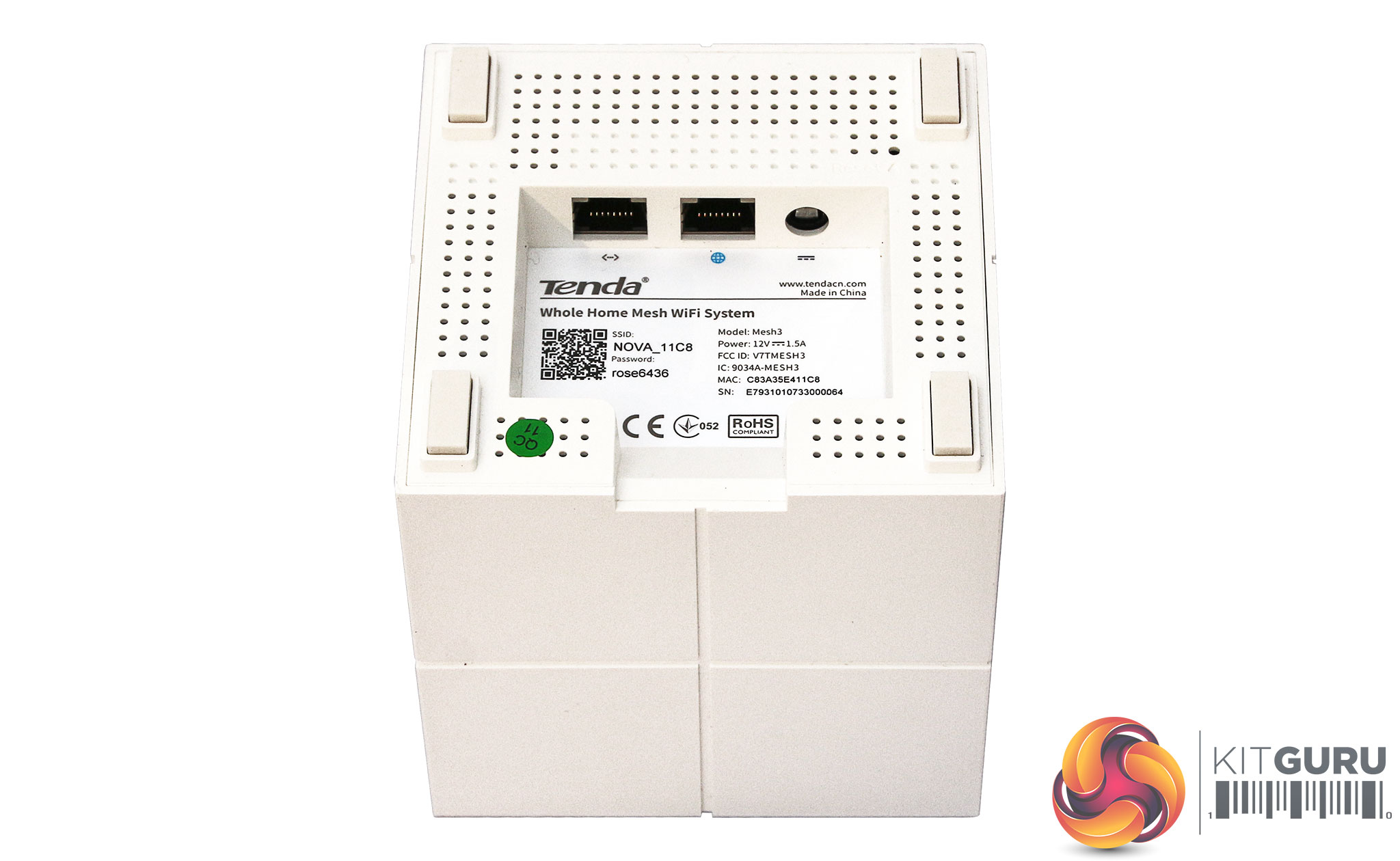
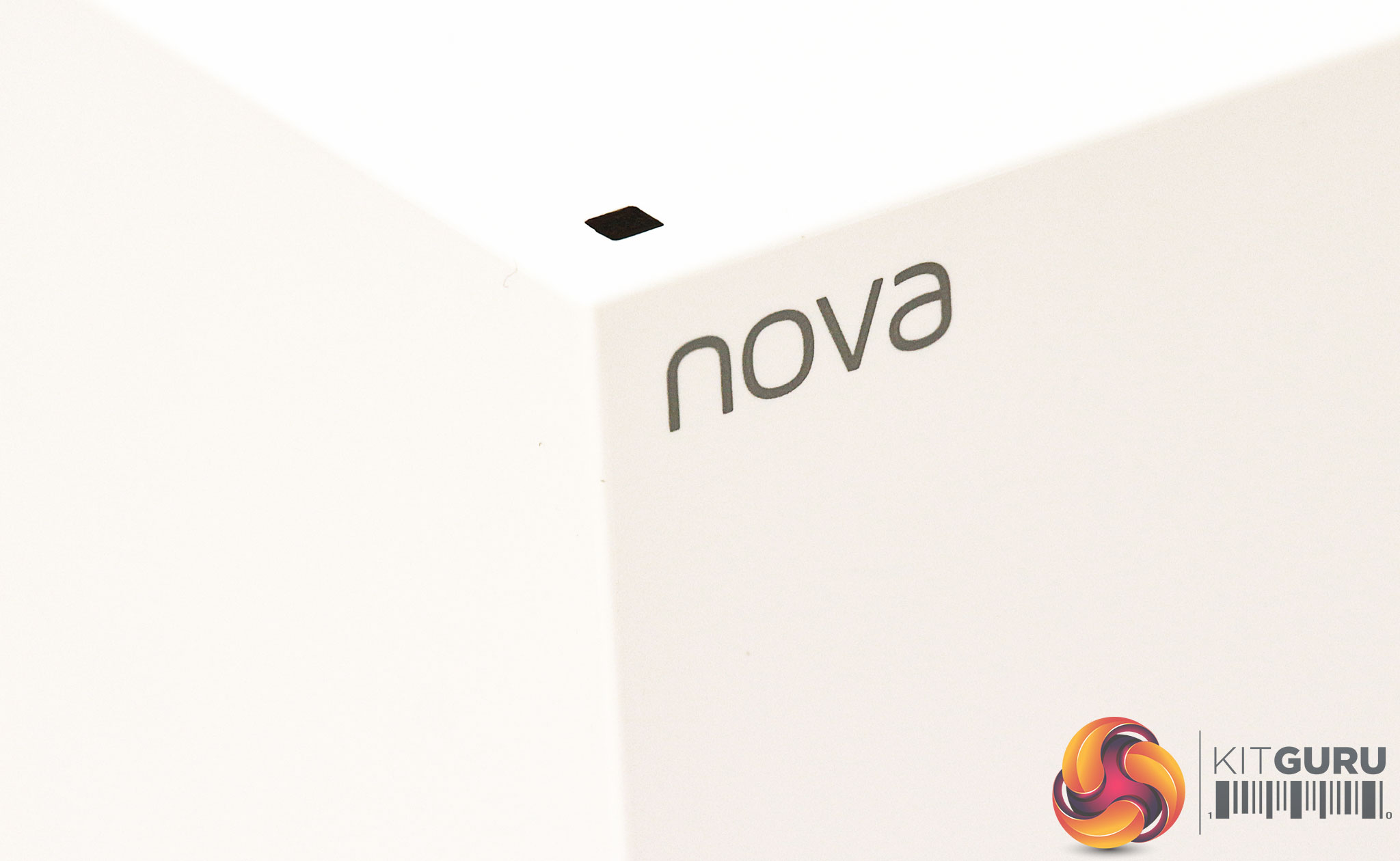
There's just a tiny status LED on the top of each unit, above the nova product name. Otherwise the sides and top of the units have no functional elements. The bottom is where all the workings are hidden, including the sticker with the default SSID and password.
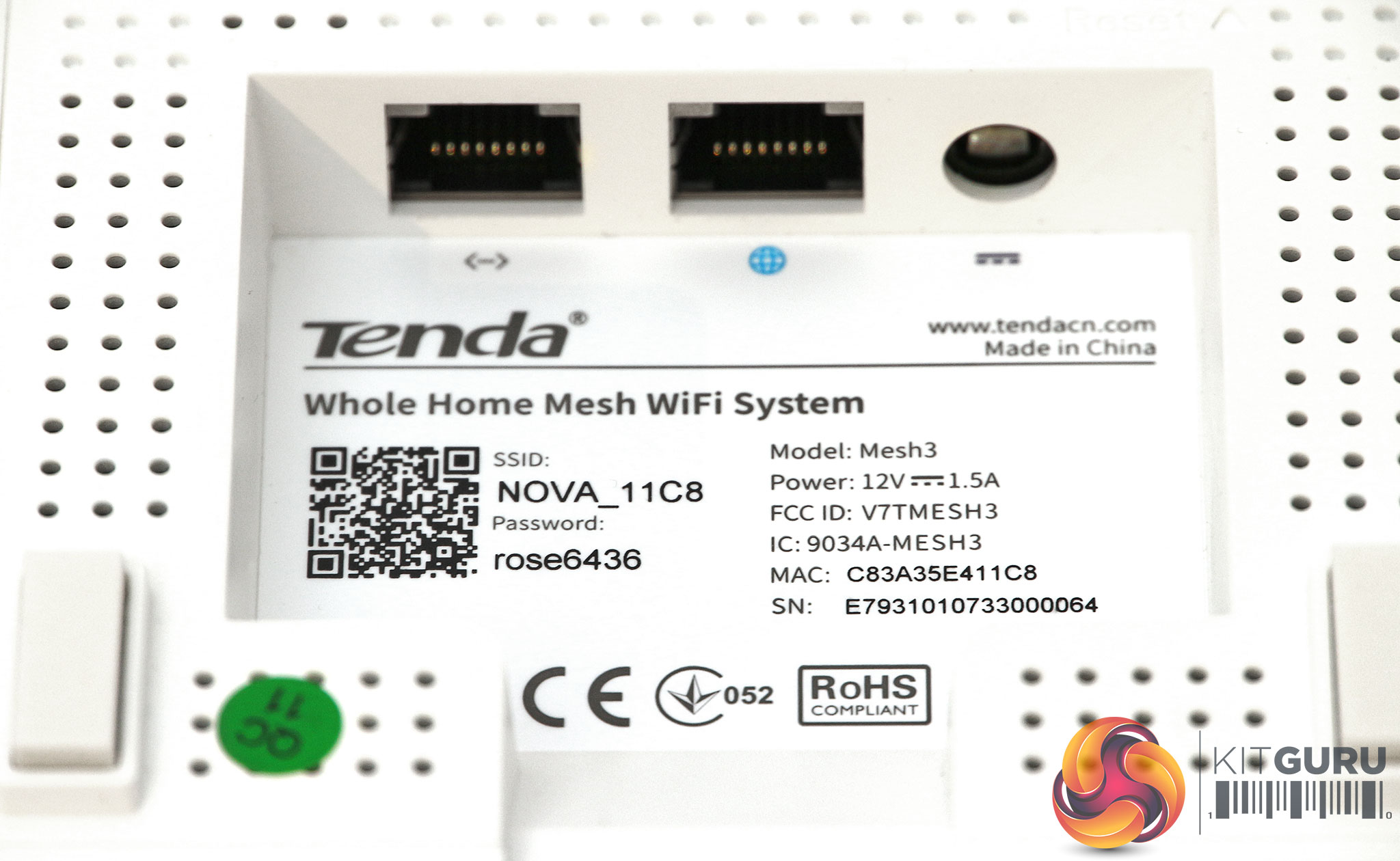
Next to the power connection, hidden under each unit, are two Gigabit Ethernet ports. One is marked for the broadband and one for client devices, but on satellite units both can be used by client devices.
Overall, the physical features of the units themselves are minimal. Power users would want more Gigabit Ethernet ports on each unit, as well as USB and maybe even a memory card reader. But the nova MW6 is clearly aimed at simplicity for consumers, so the streamlined design reflects this.Unlike any other router we've tested before, the Tenda nova MW6 doesn't appear to have a Web-based administration interface at all, only a smartphone app for iOS and Android. The quick-start instructios prompt you to plug one unit into the broadband to get the setup process going.

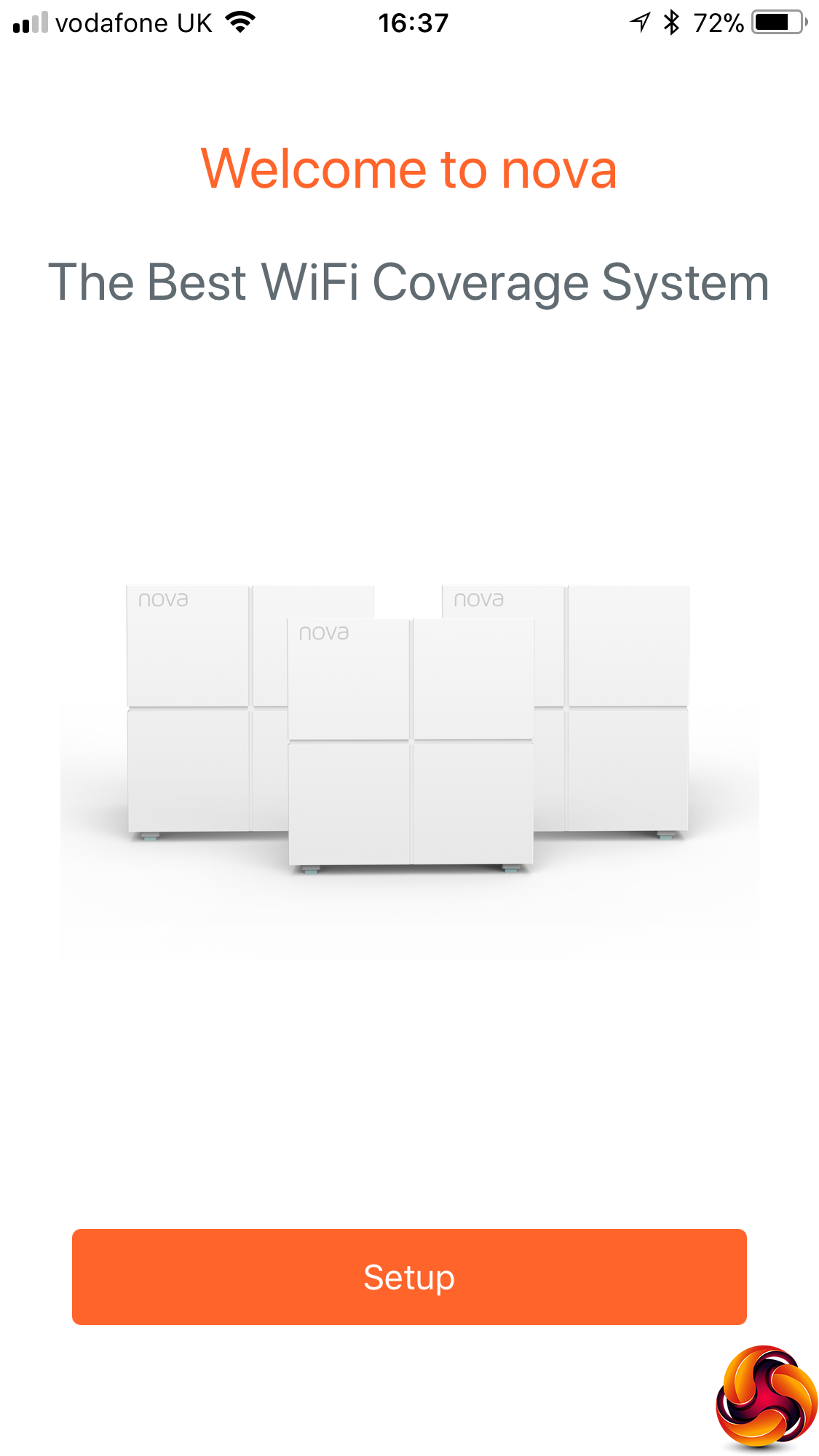
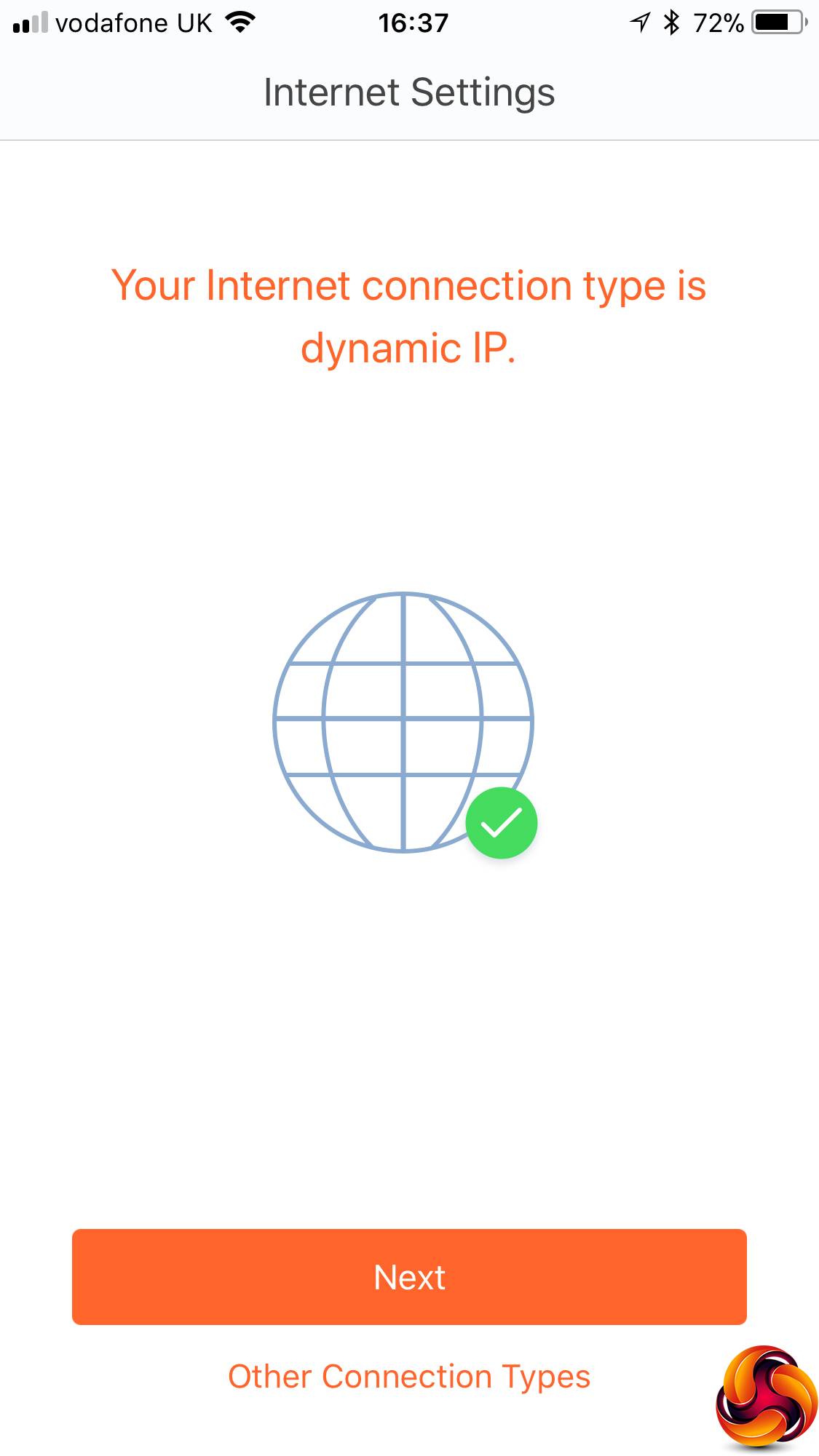
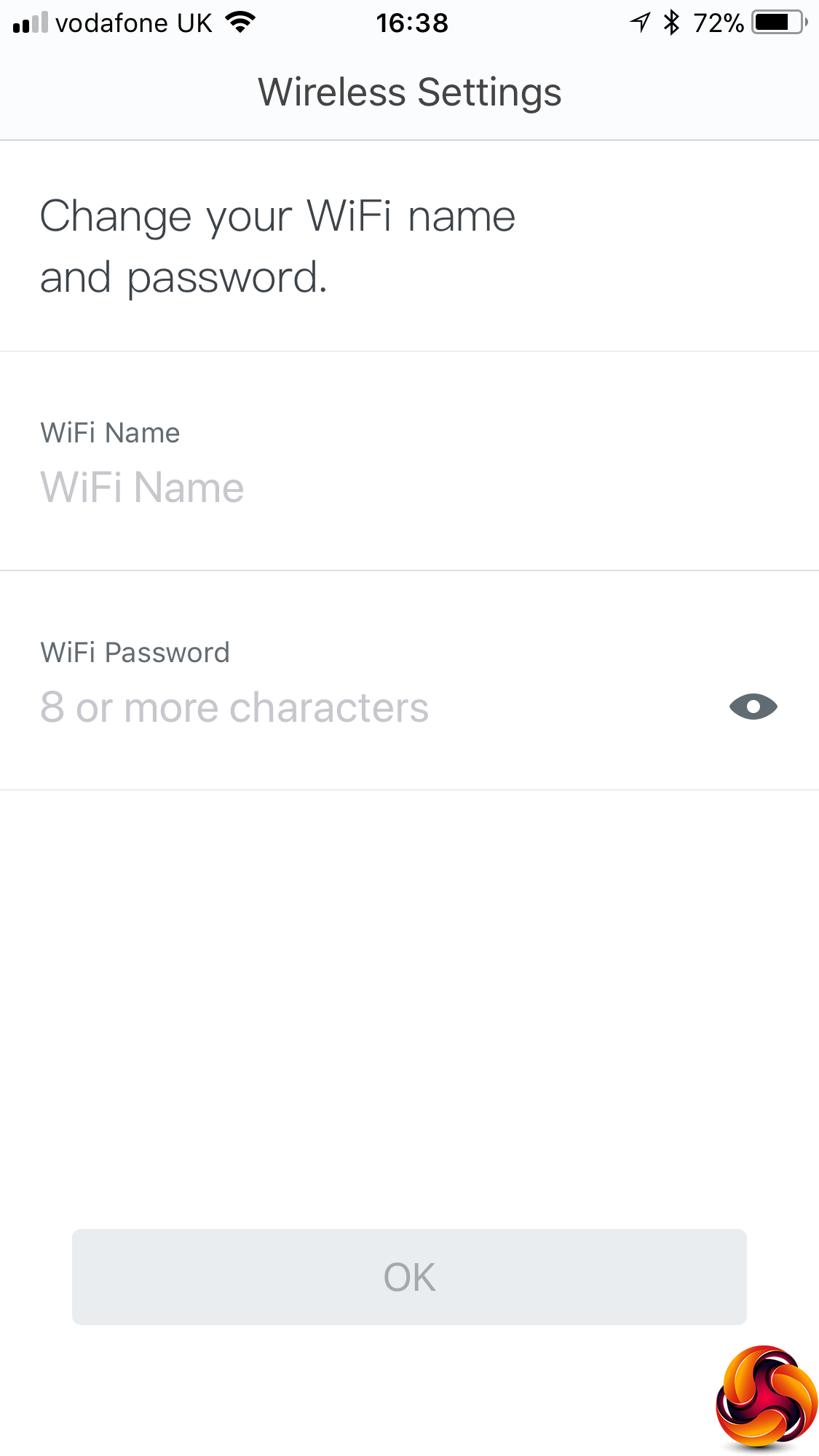
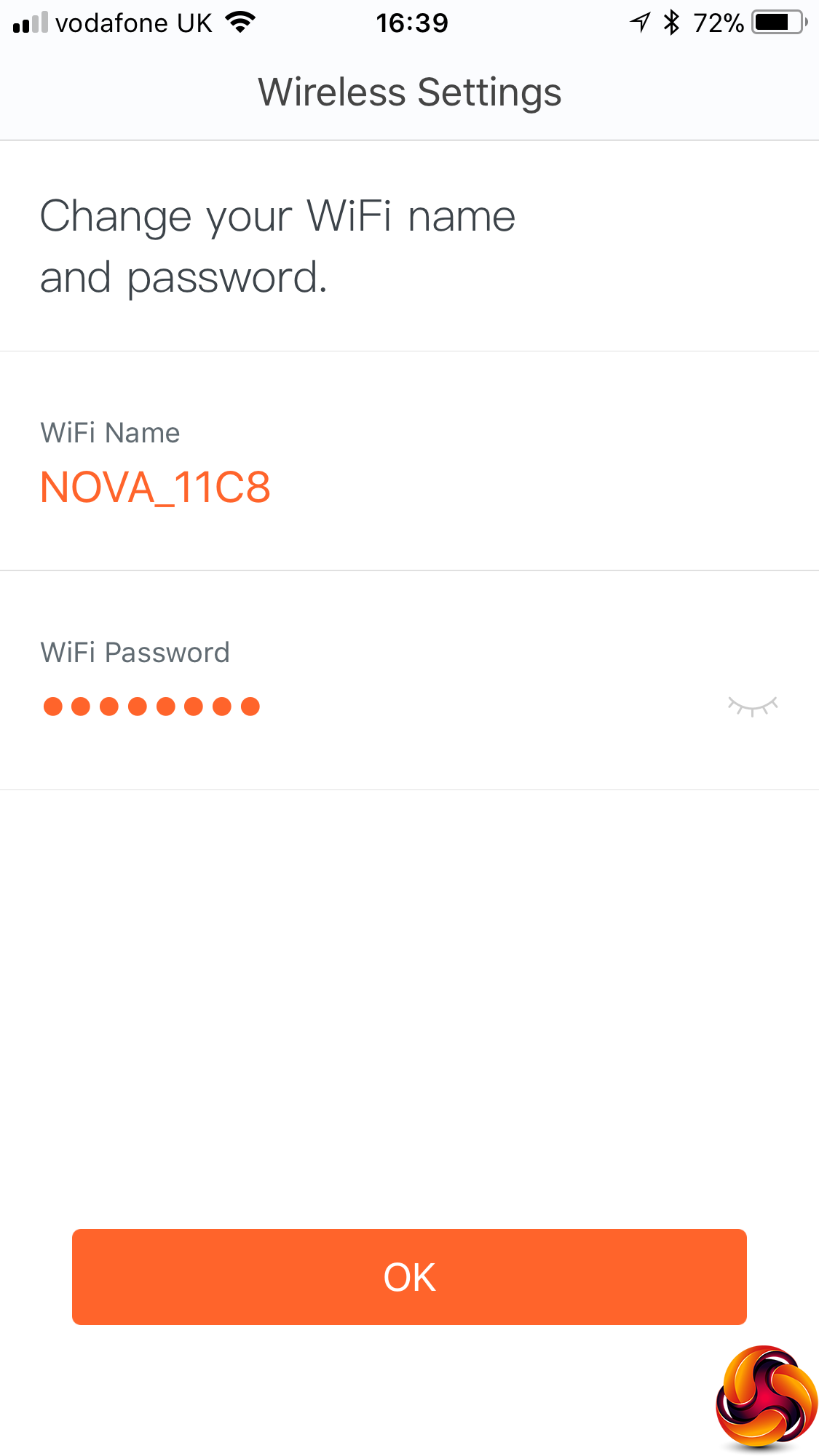
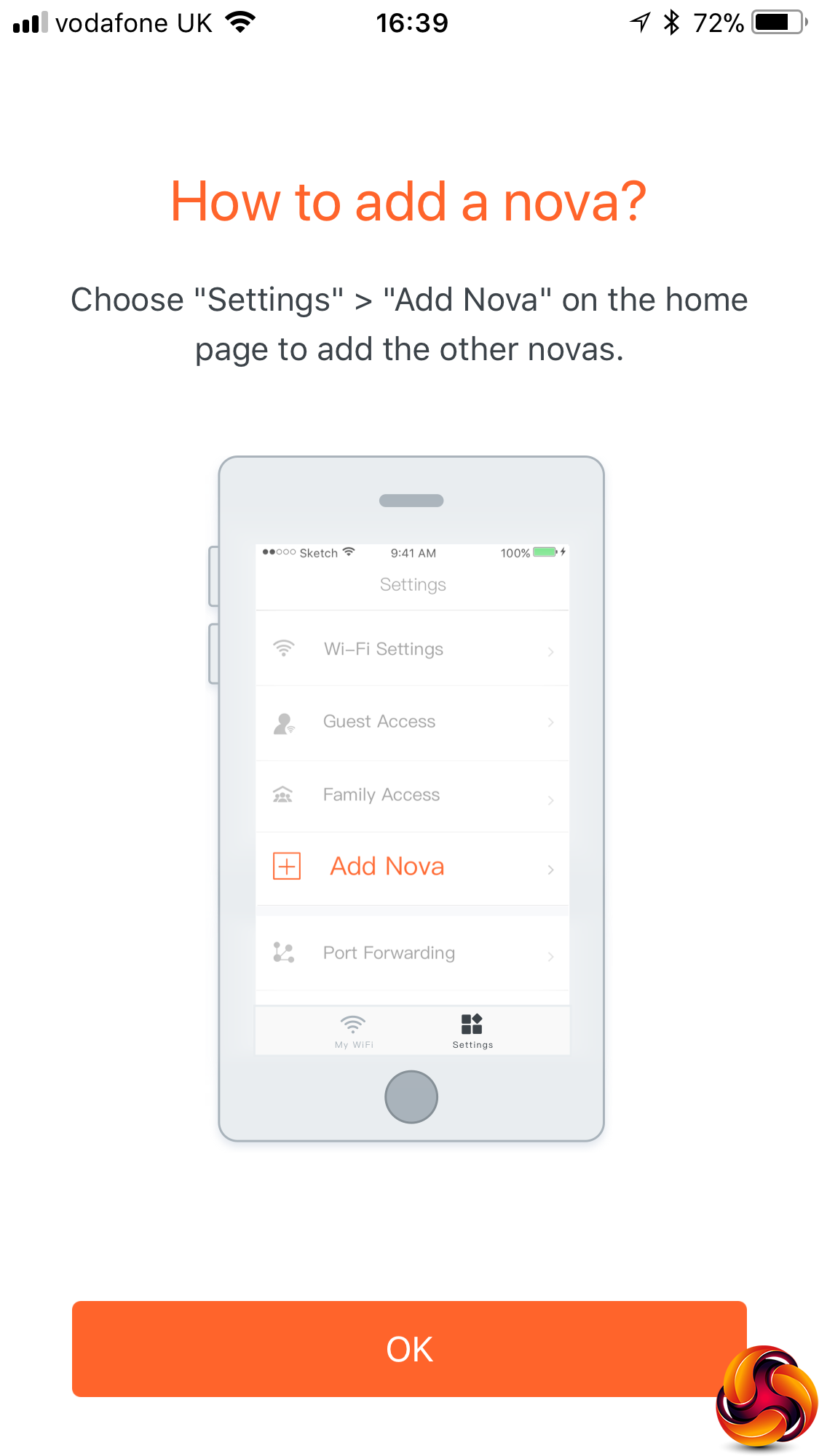
After using a QR code in the quick-start guide to locate the Tenda app and install it on your smartphone, you're prompted to join the nova MW6's WiFi. This uses the default SSID and password written on the bottom of each unit. The smartphone app then leads you through a wizard where you're prompted to change your WiFi SSID and password to your own settings. Then you're prompted to add further units to the mesh.
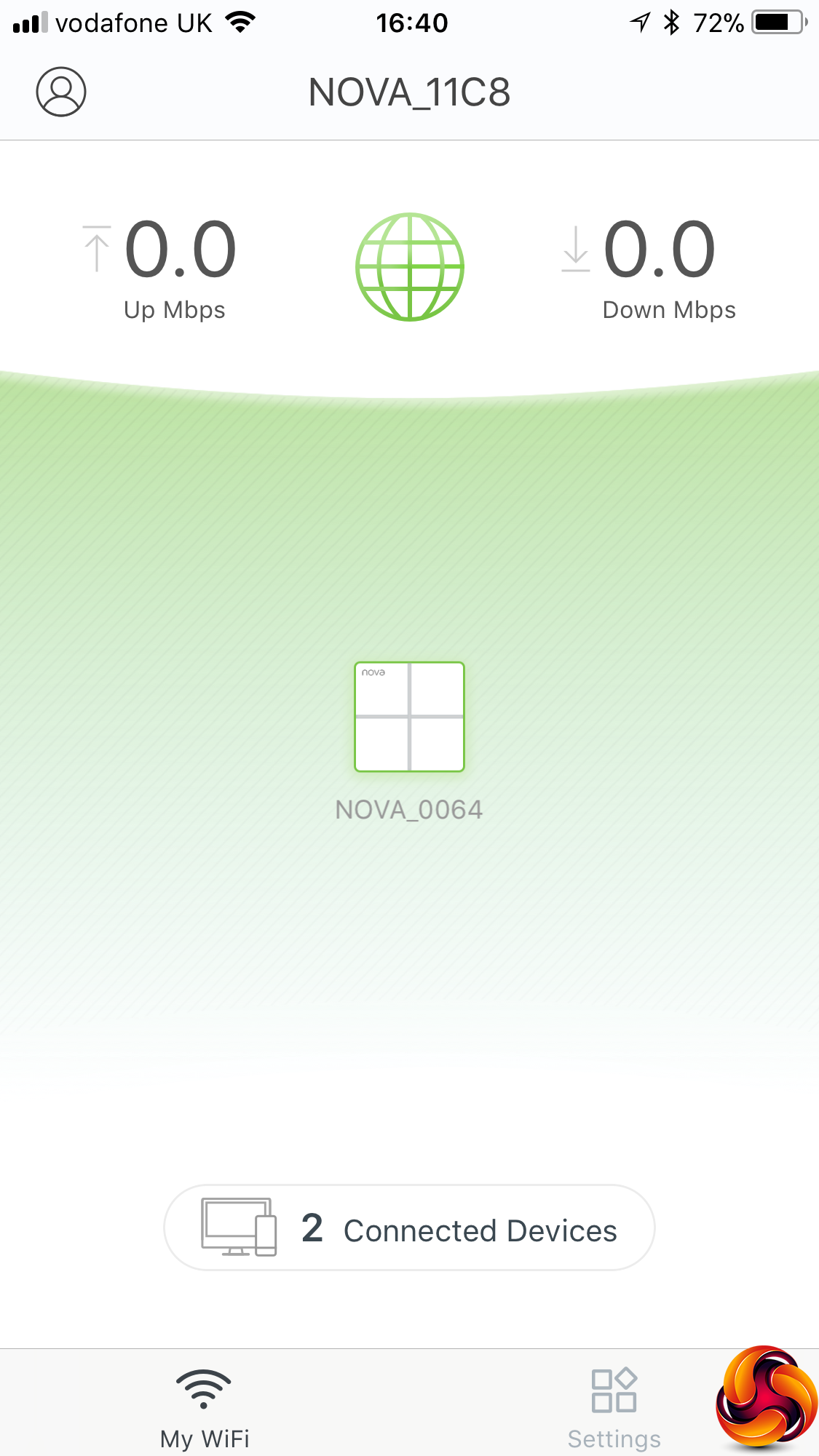
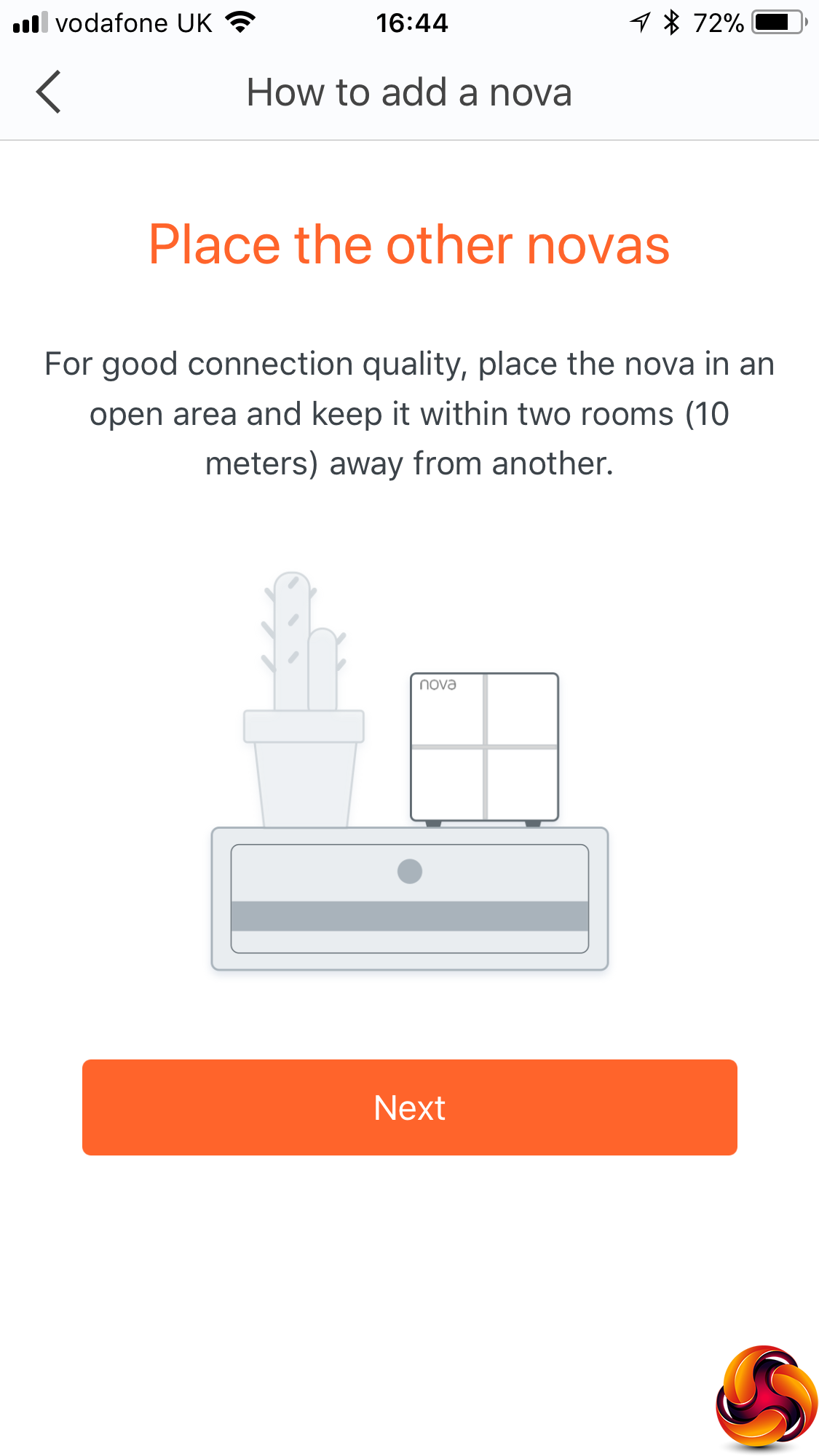
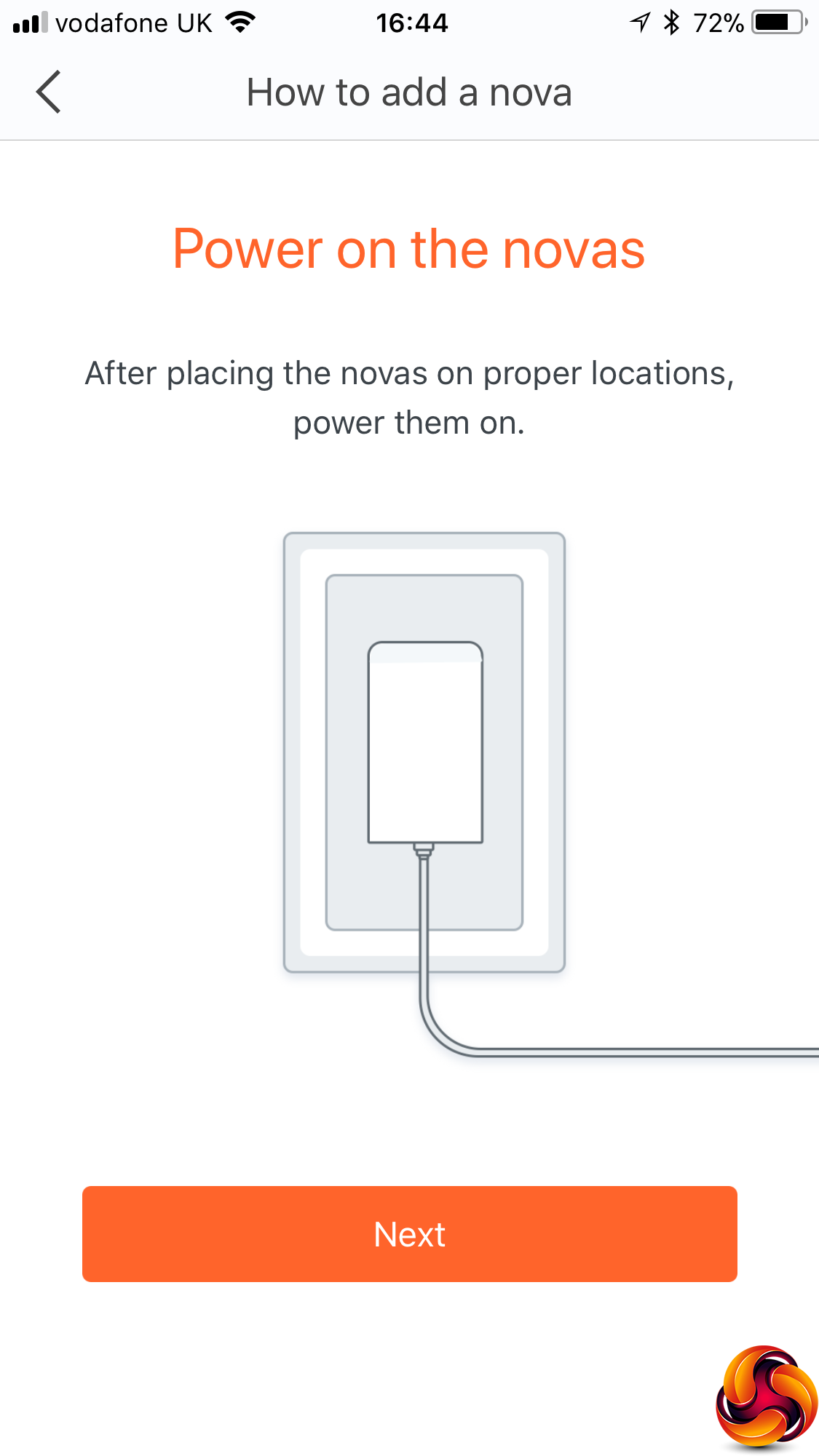
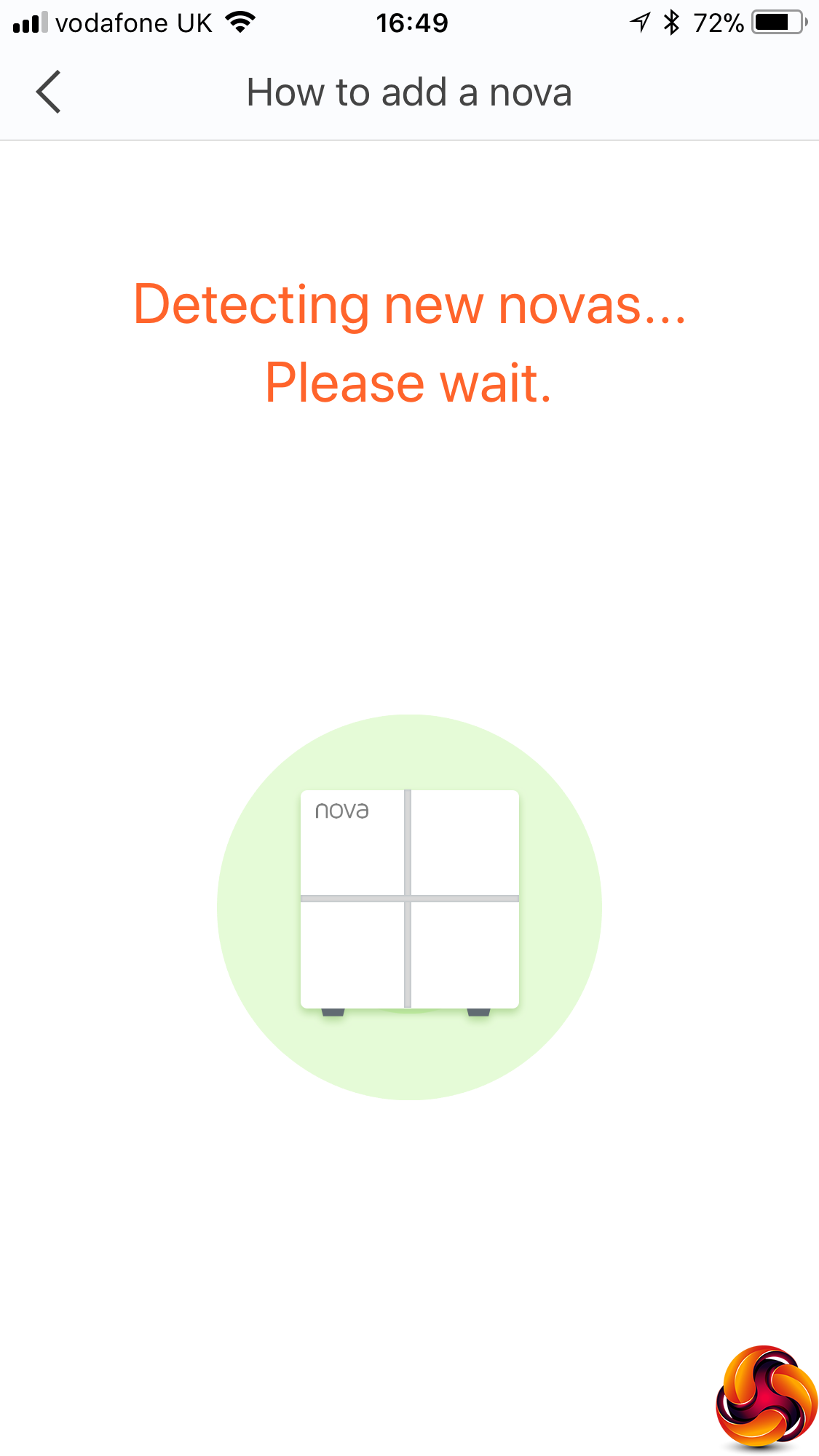
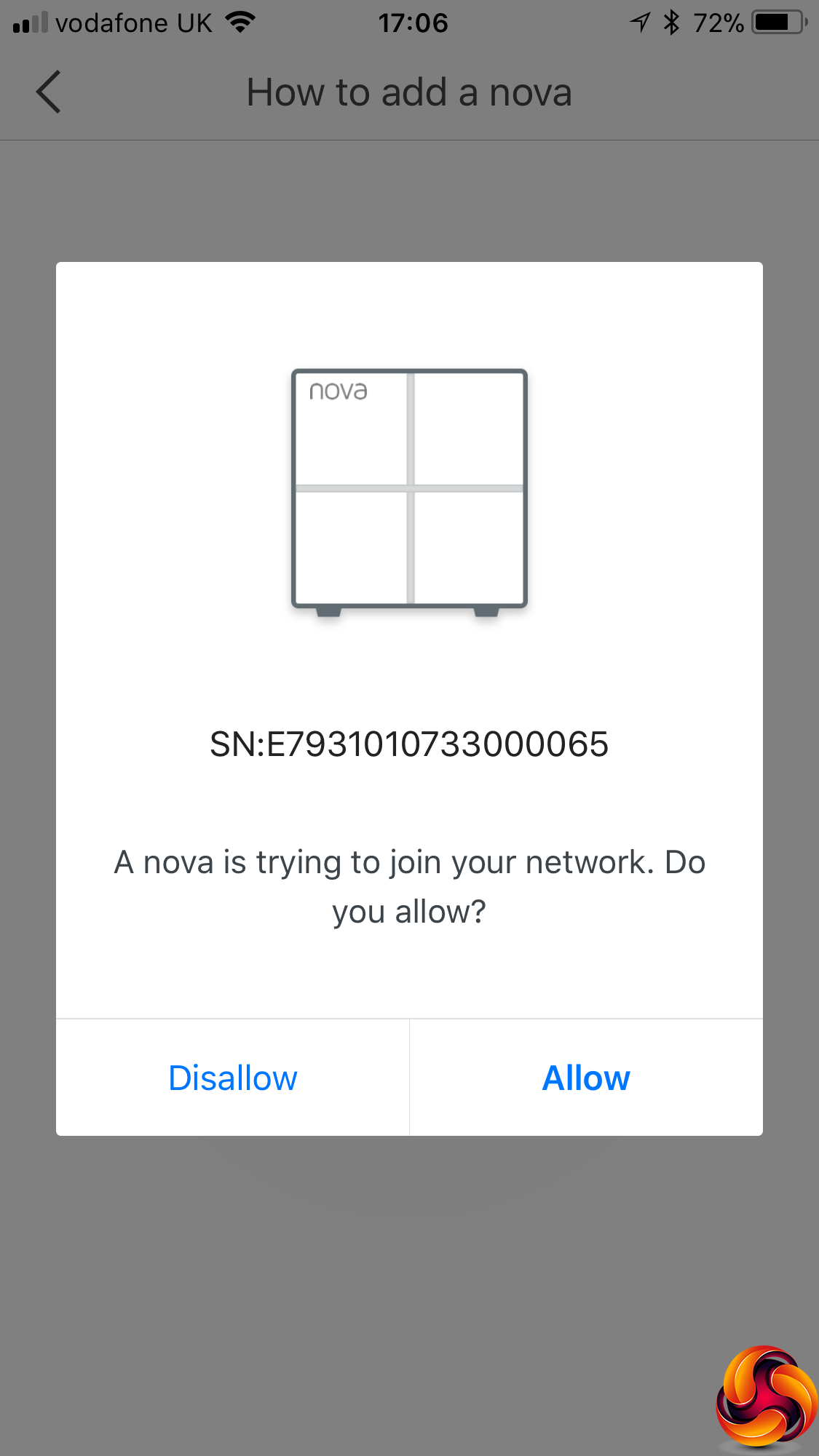
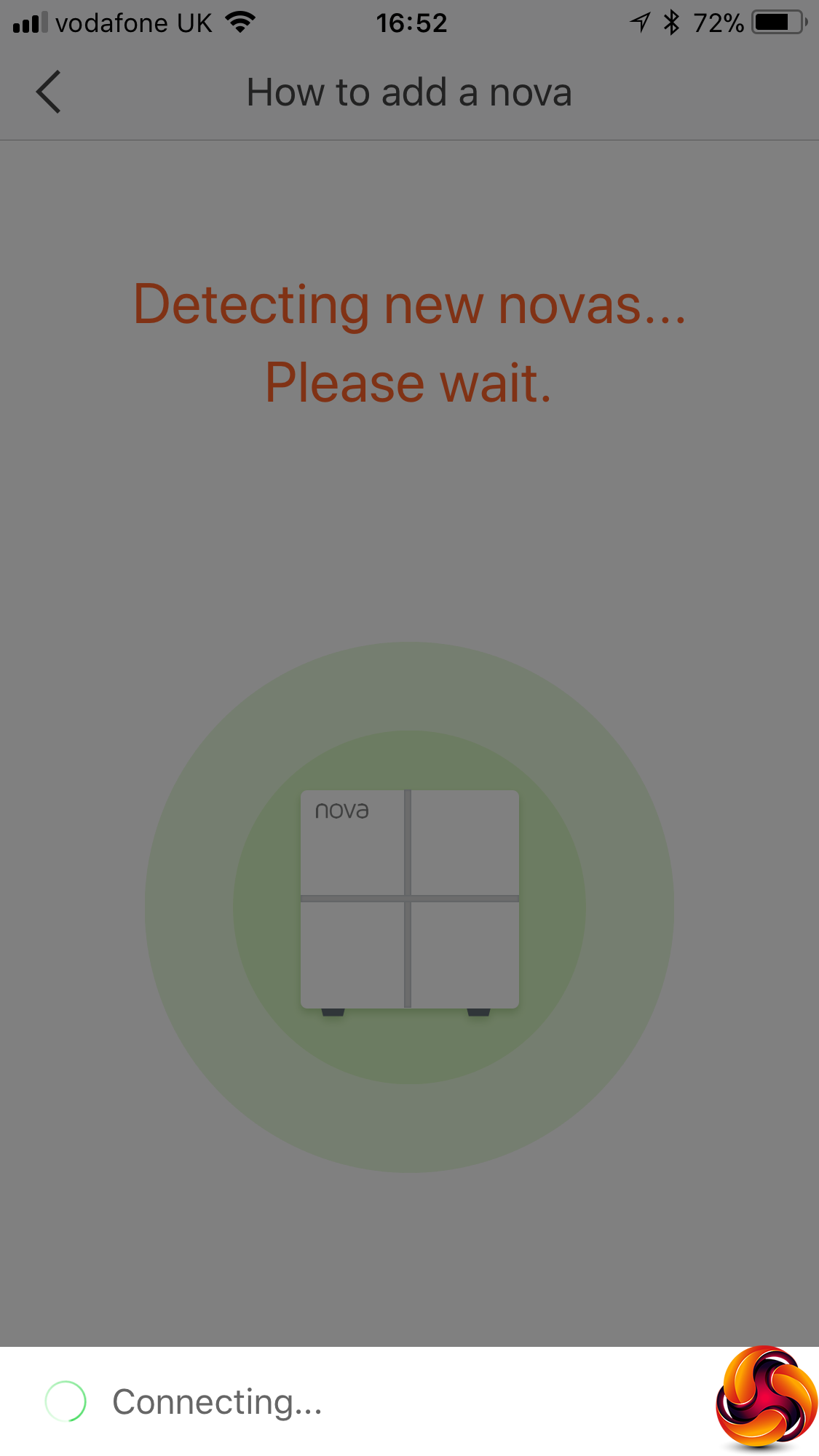
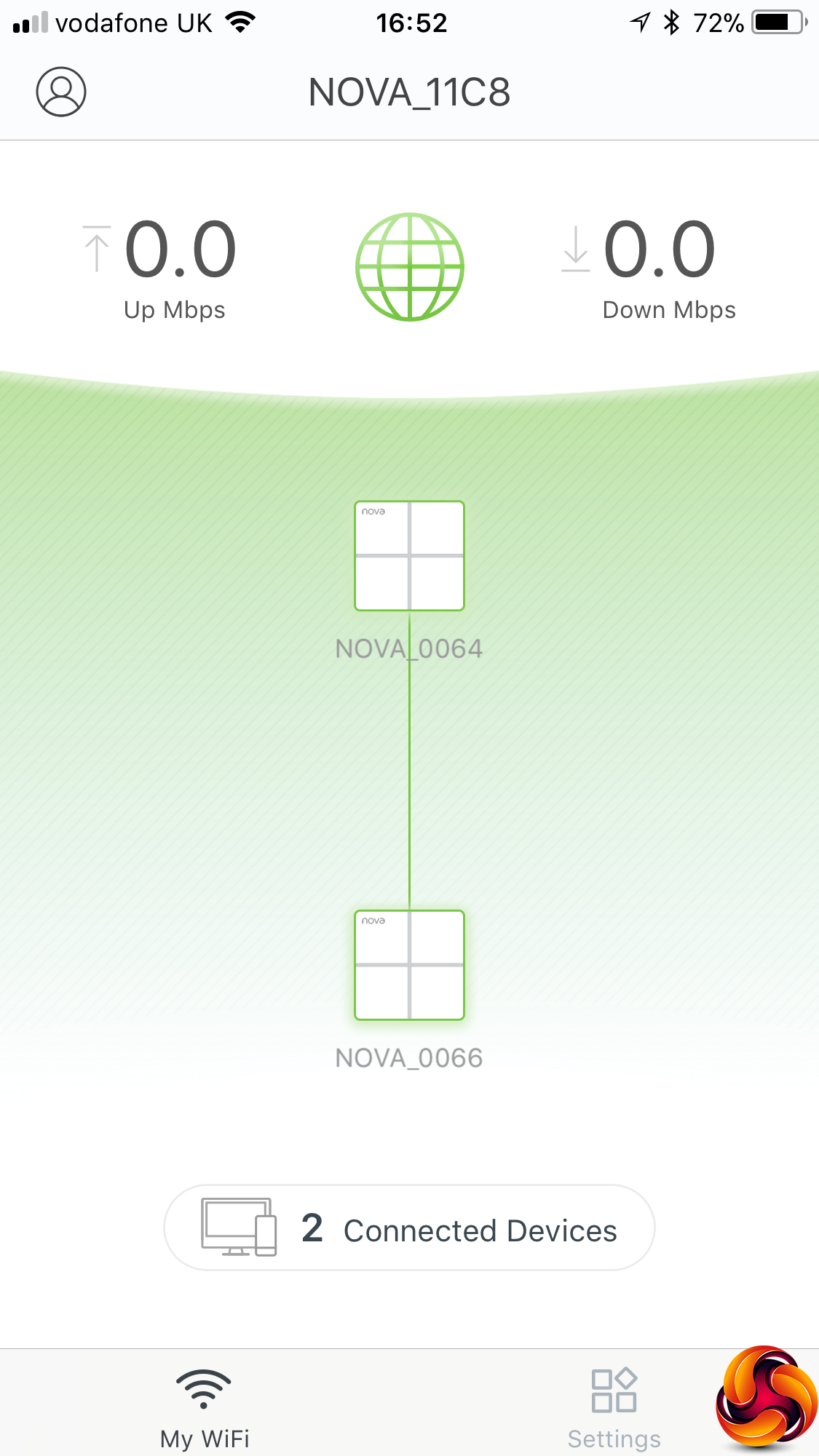
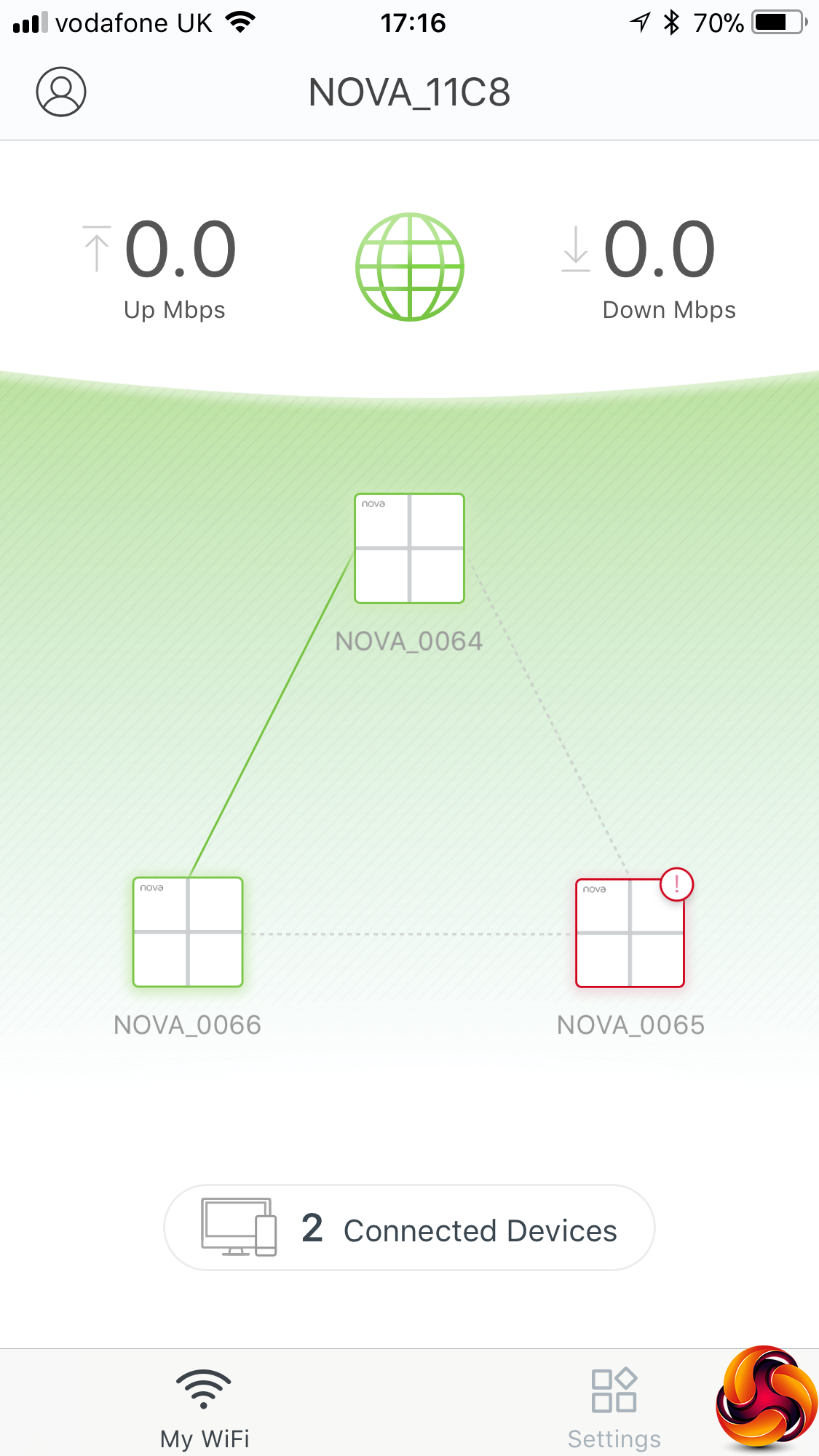
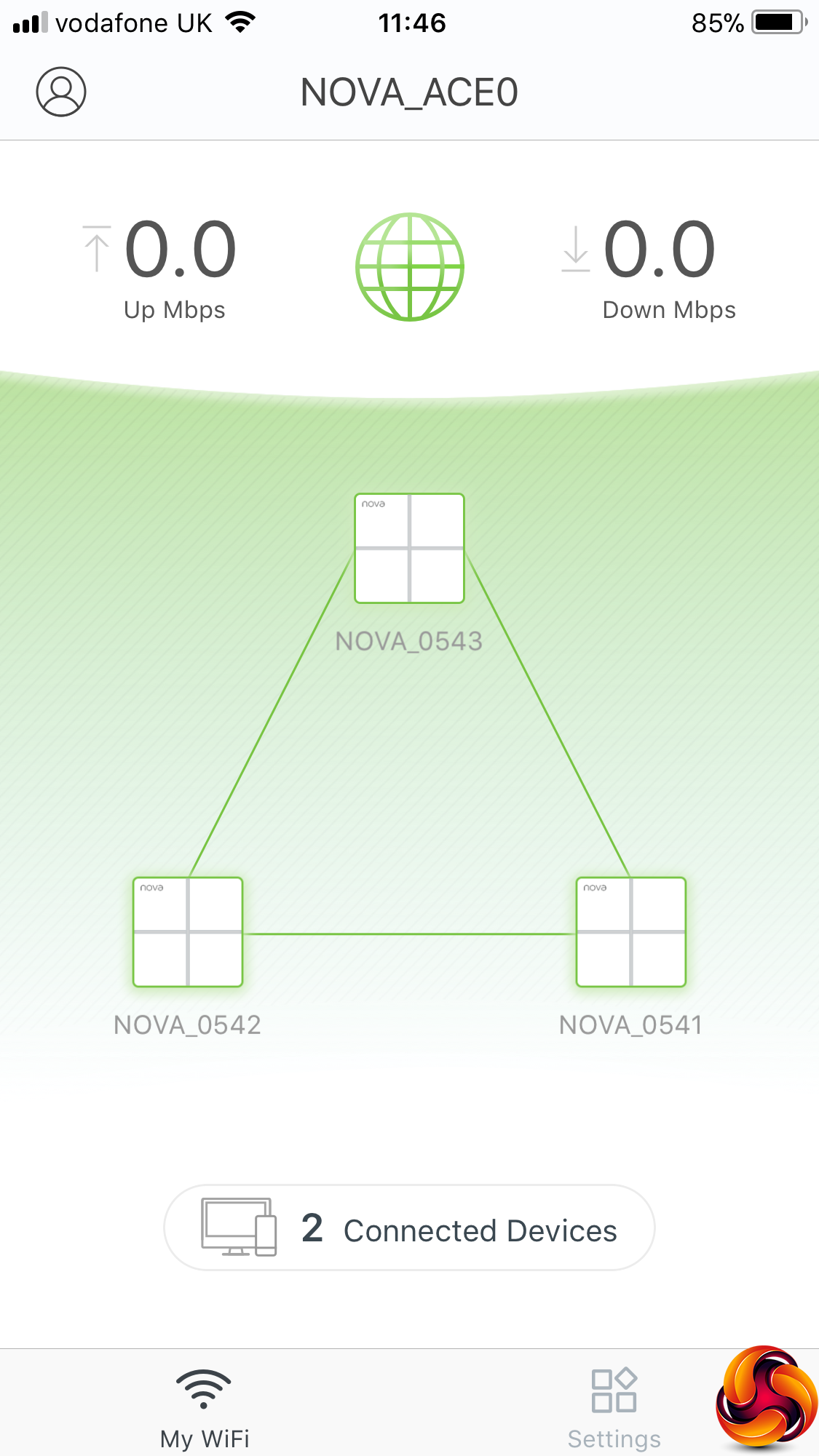
Initially, your mesh will just have a single unit, so you use the Add Nova option to bond further satellites. The wizard guides you through the process of connecting up a satellite and detecting it. Once a satellite has been detected, a message pops up and it is configured with the new SSID and password you created for your WiFi – which isn't quite the “entirely preconfigured” experience that Tenda promises in its marketing.
We also found that whilst the second satellite connected without a hitch, the third had enormous problems staying attached to the mesh, no matter how many times we hard reset it by holding down the reset button on the bottom for 30 seconds until the status LED went white. However, we had been sent an early sample, and later we were sent an updated production version that did seem to create its mesh without much trouble (shown in the final image above).
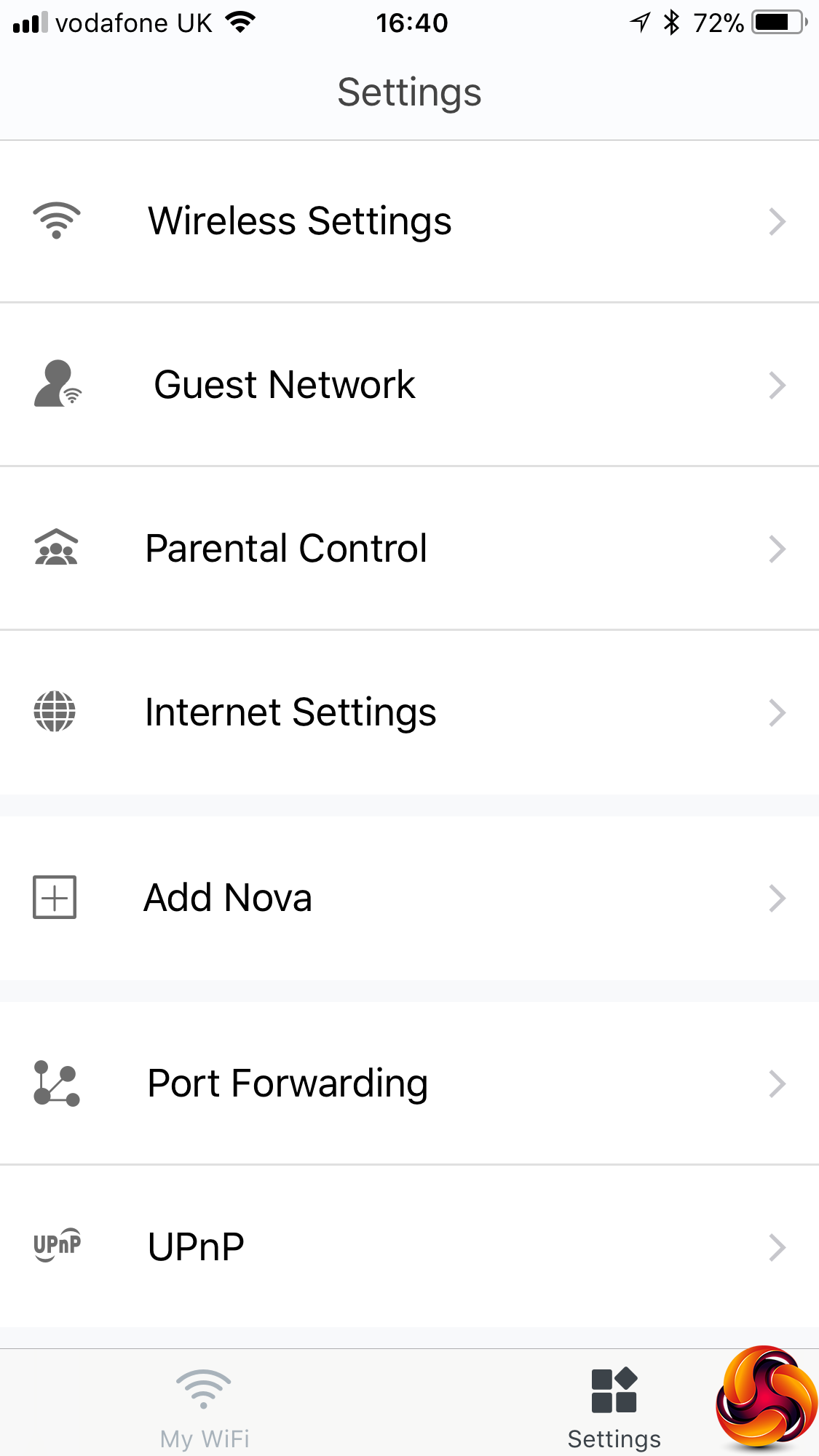
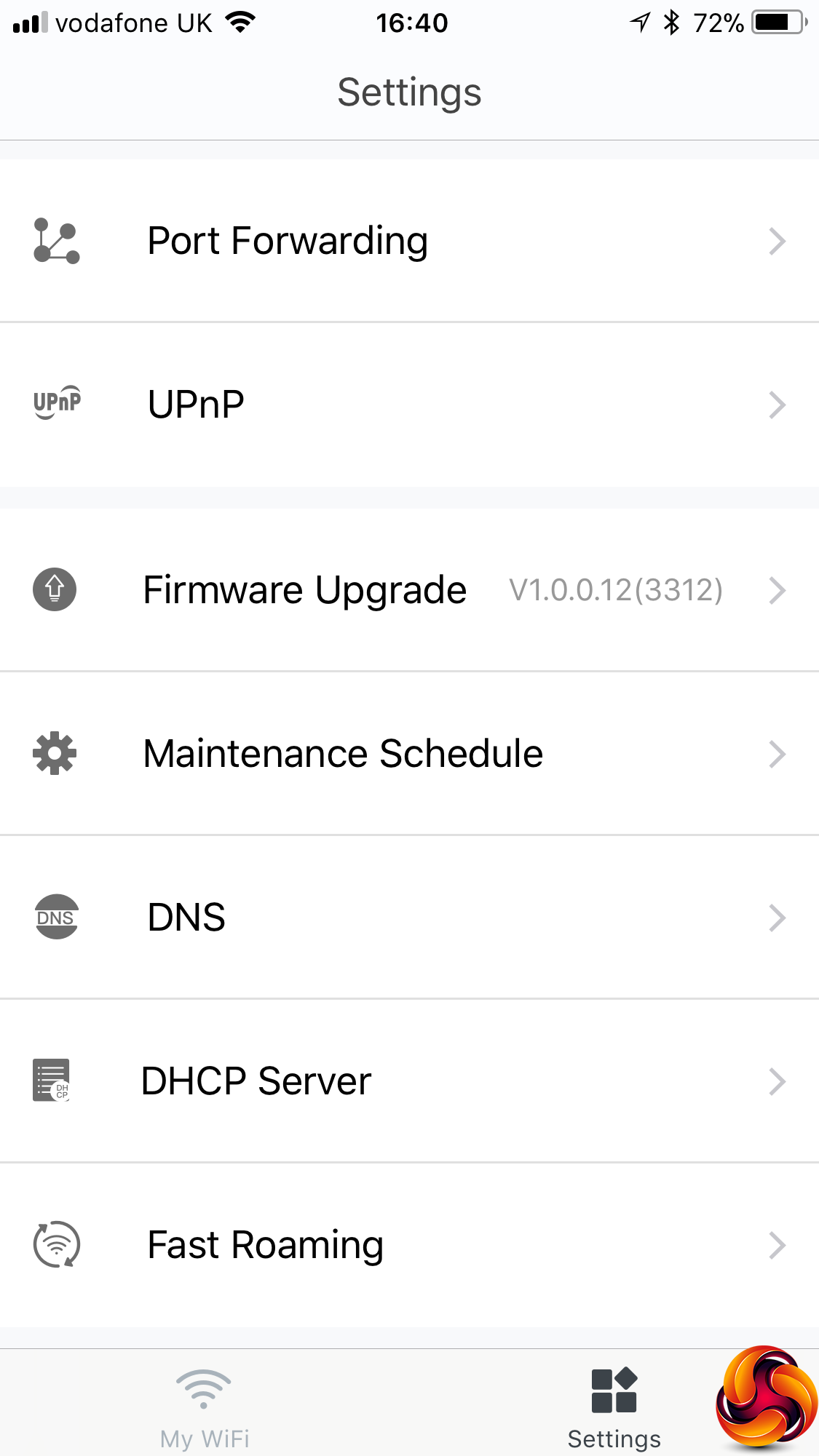
There are plenty of options in the main Settings menu in the smartphone administration app.
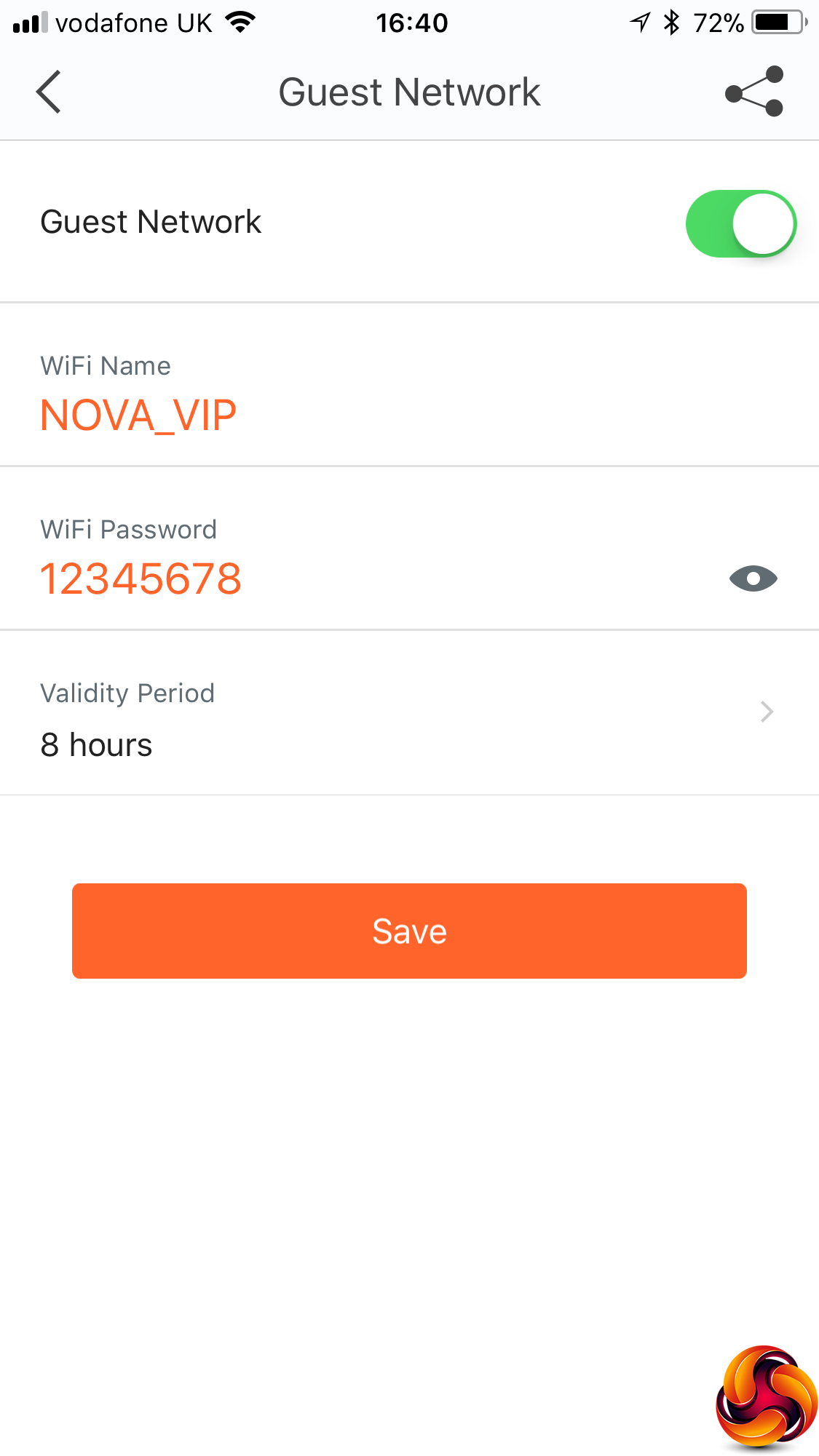
You can set up a guest WiFi network for visitors, so you never need to hand out the main SSID and password to occasional users, which can be a major security risk.
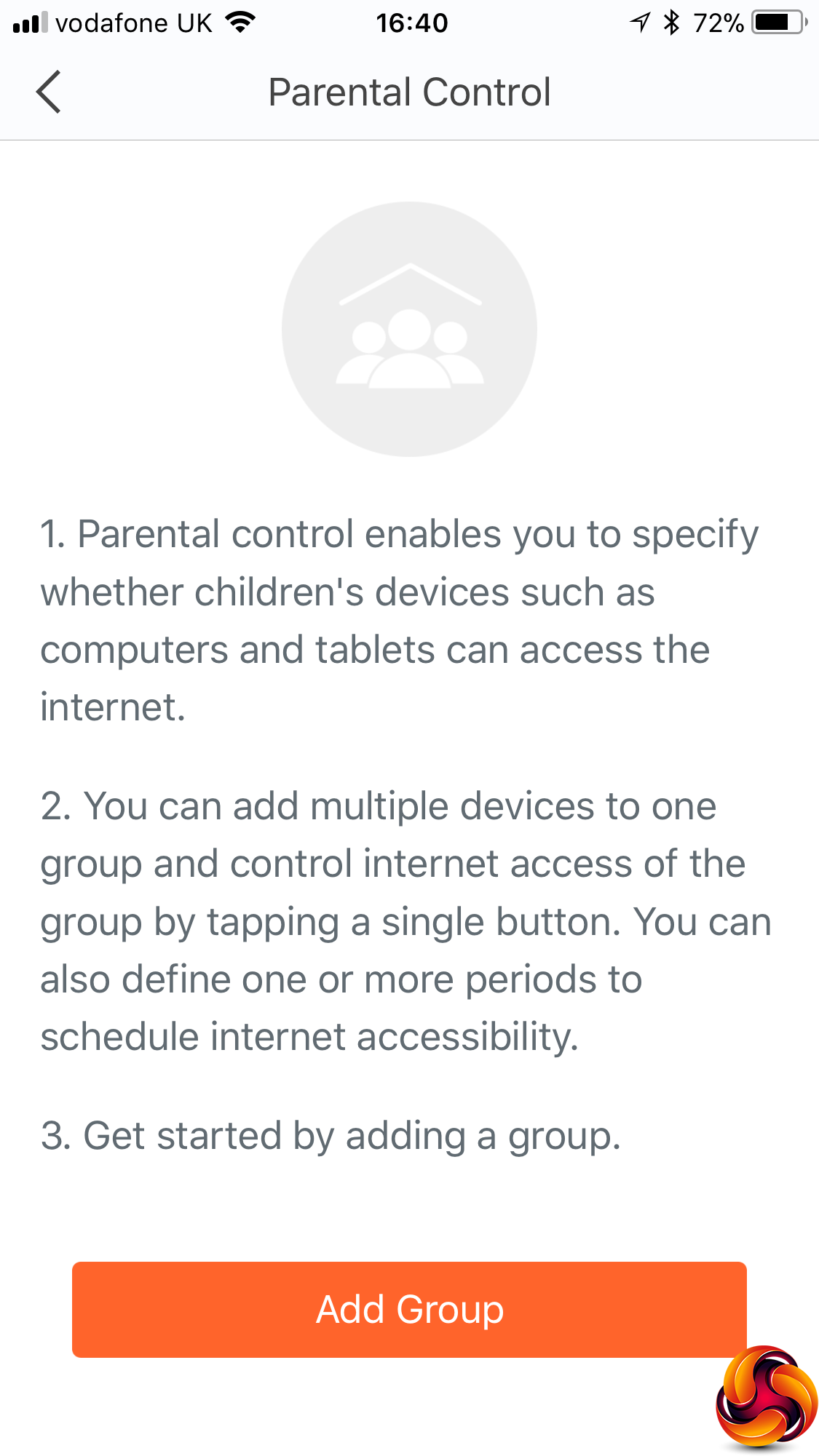
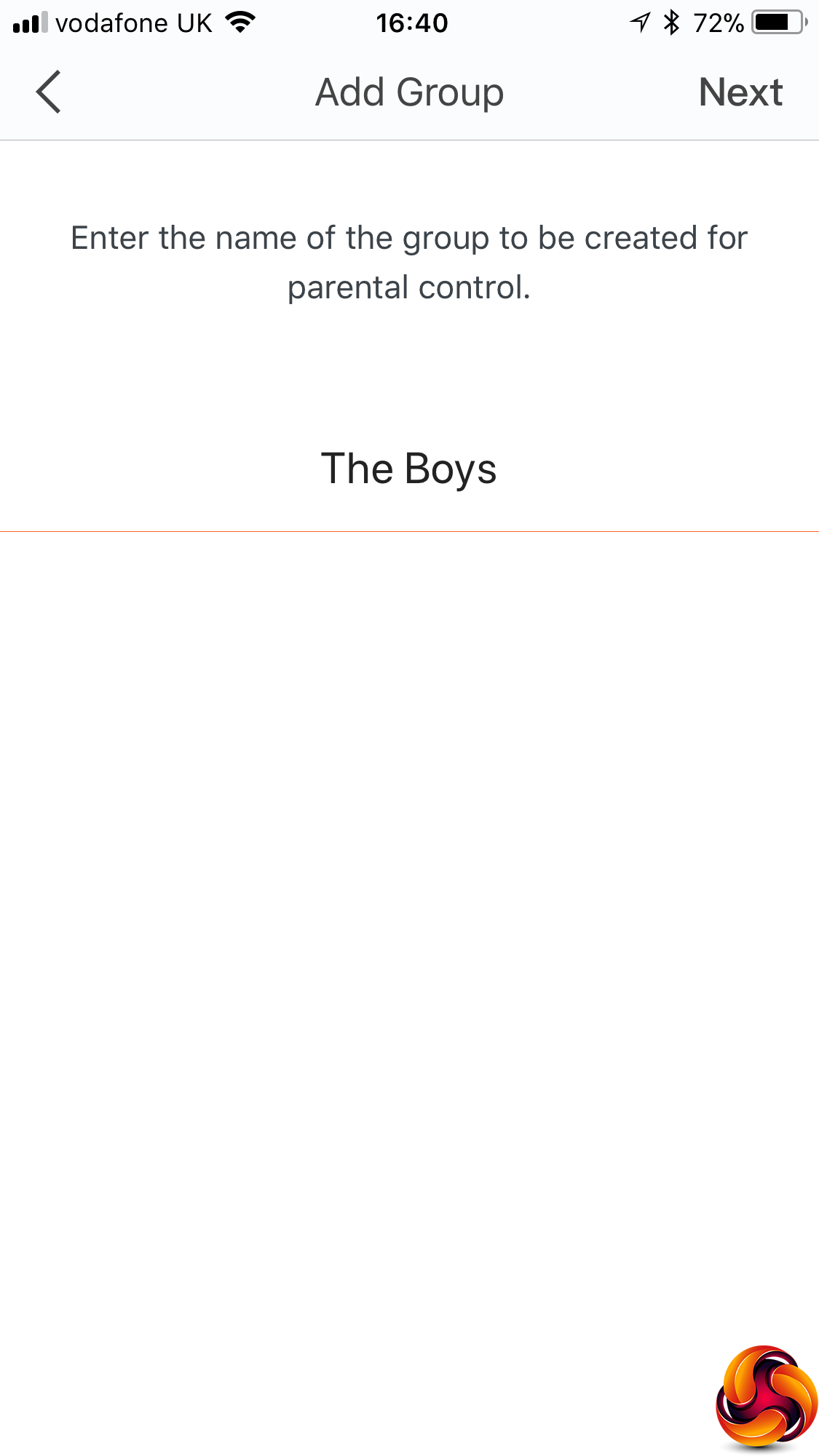
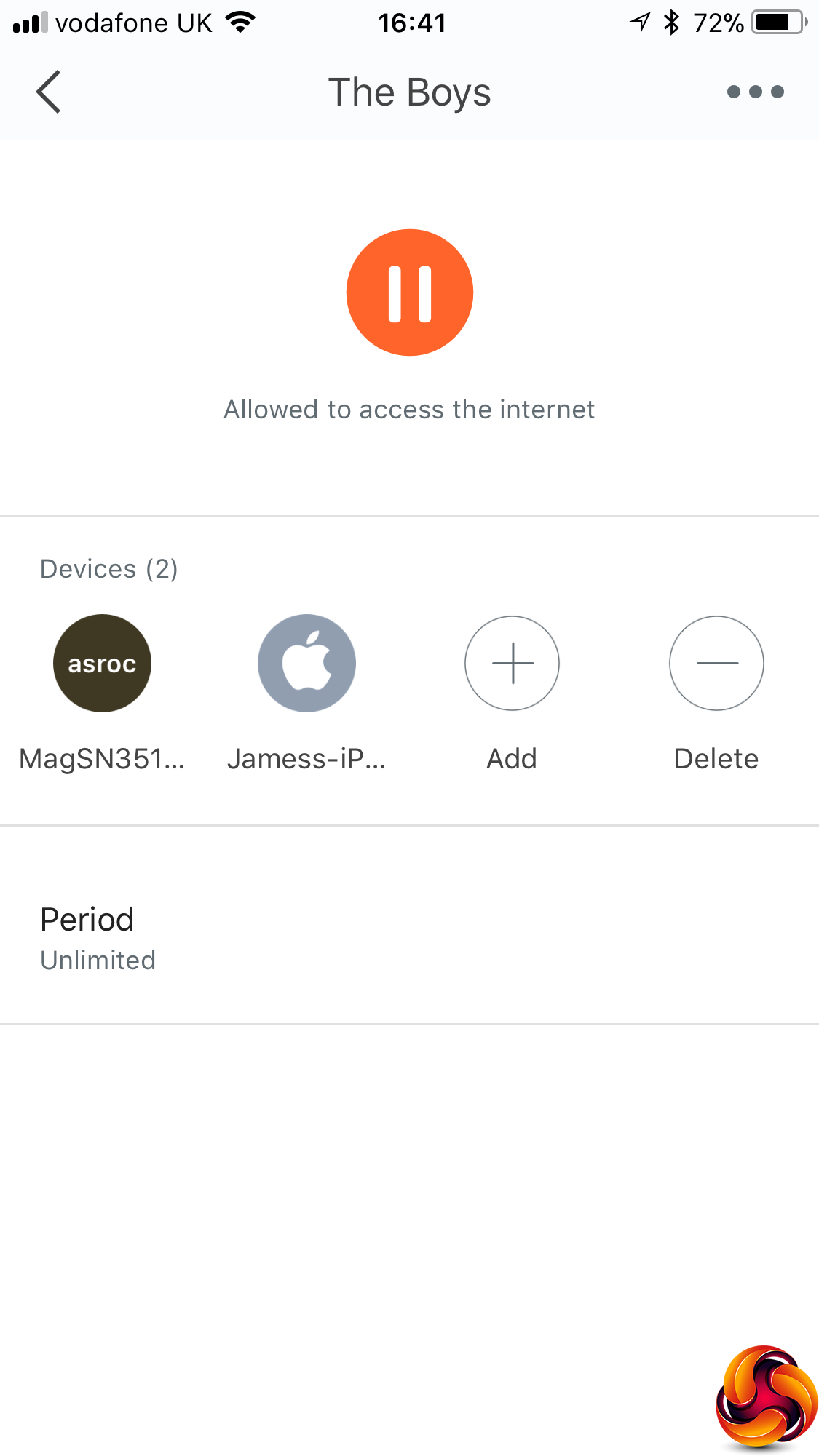
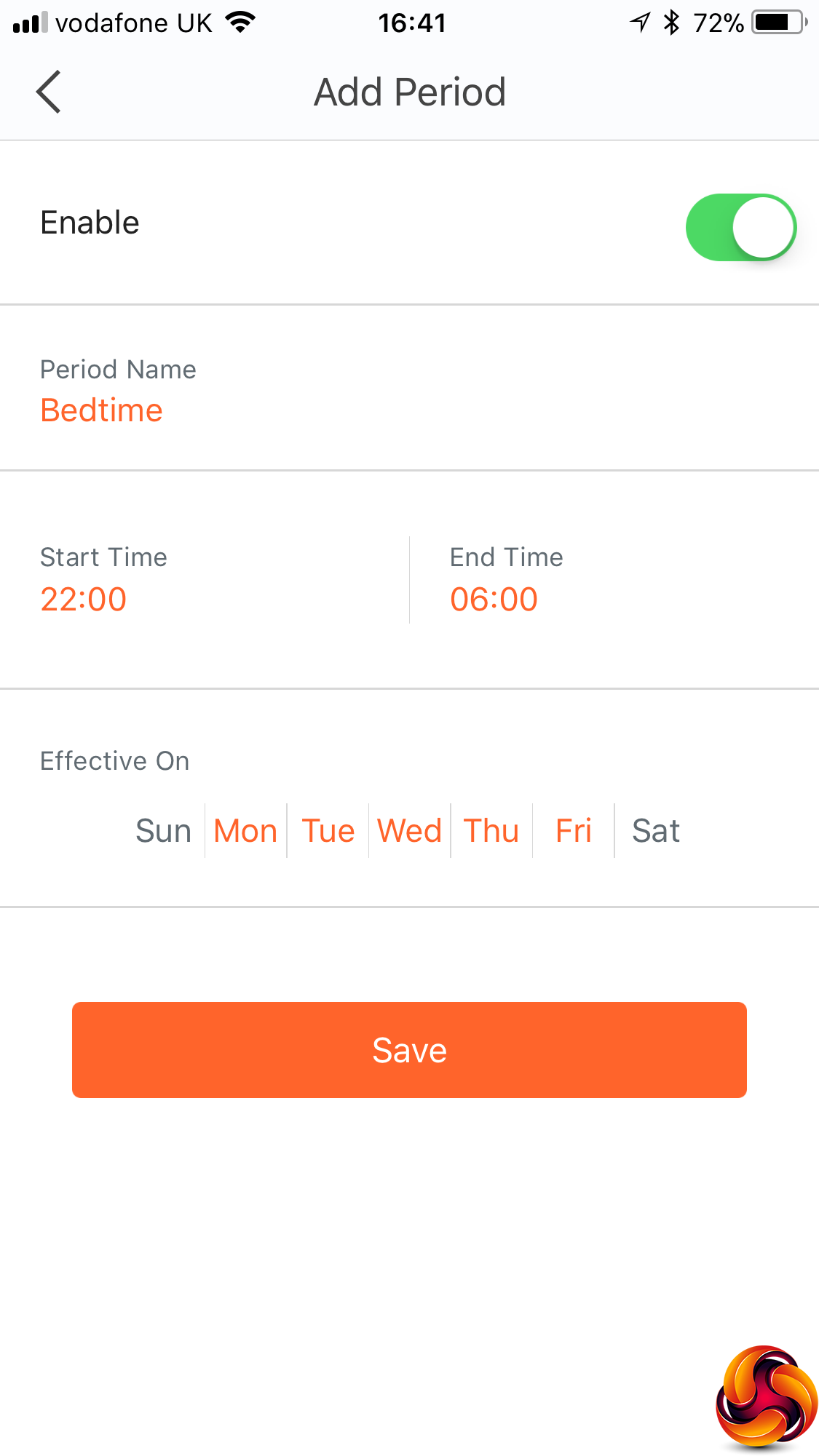
There are also some comprehensive Parental Control facilities whereby you can group users together by device, and then either manually turn off their network access or create a variety of automatic time-and-date-based regimes for this. There's no site URL or keyword-based blocking available, however.
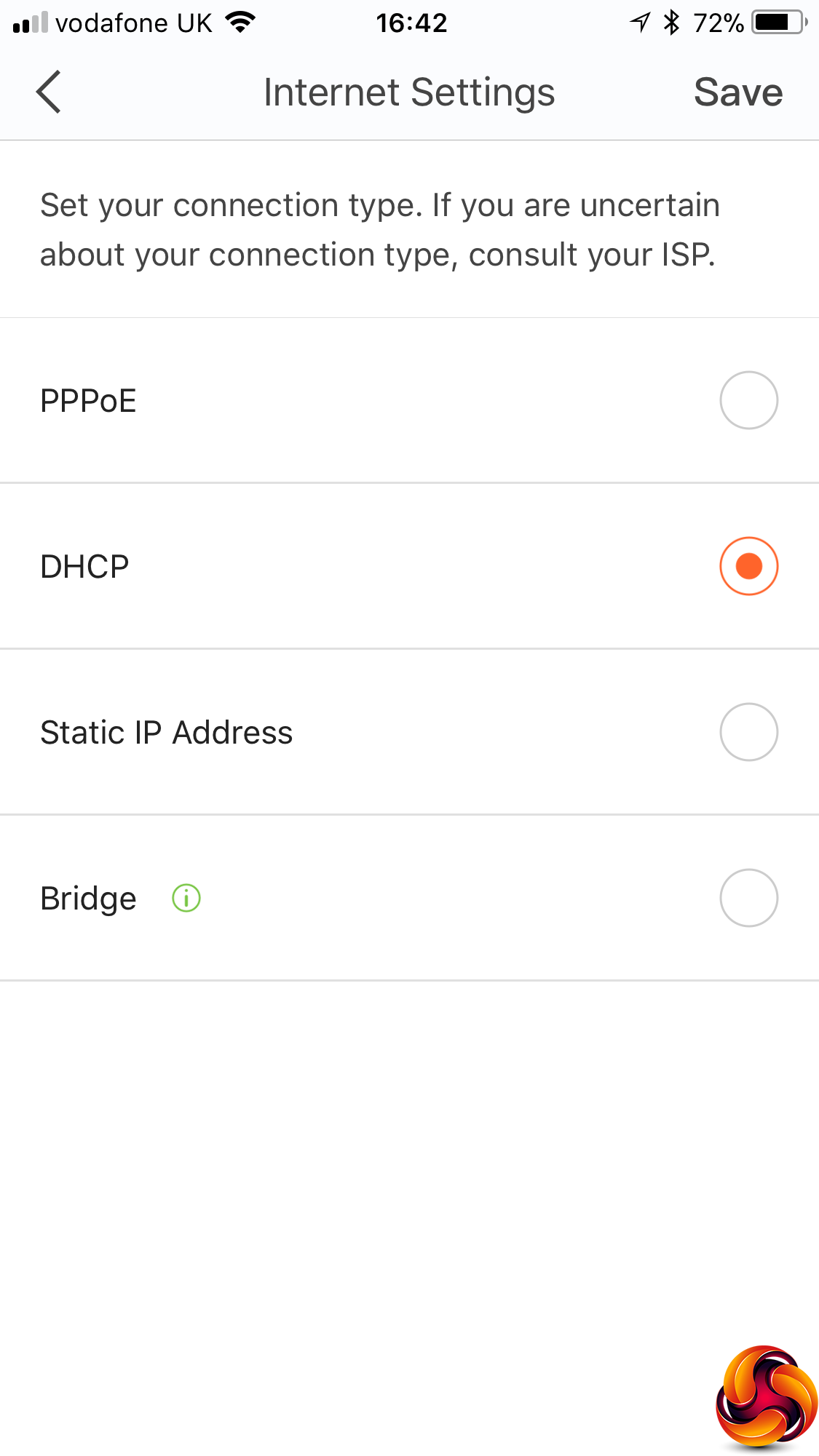
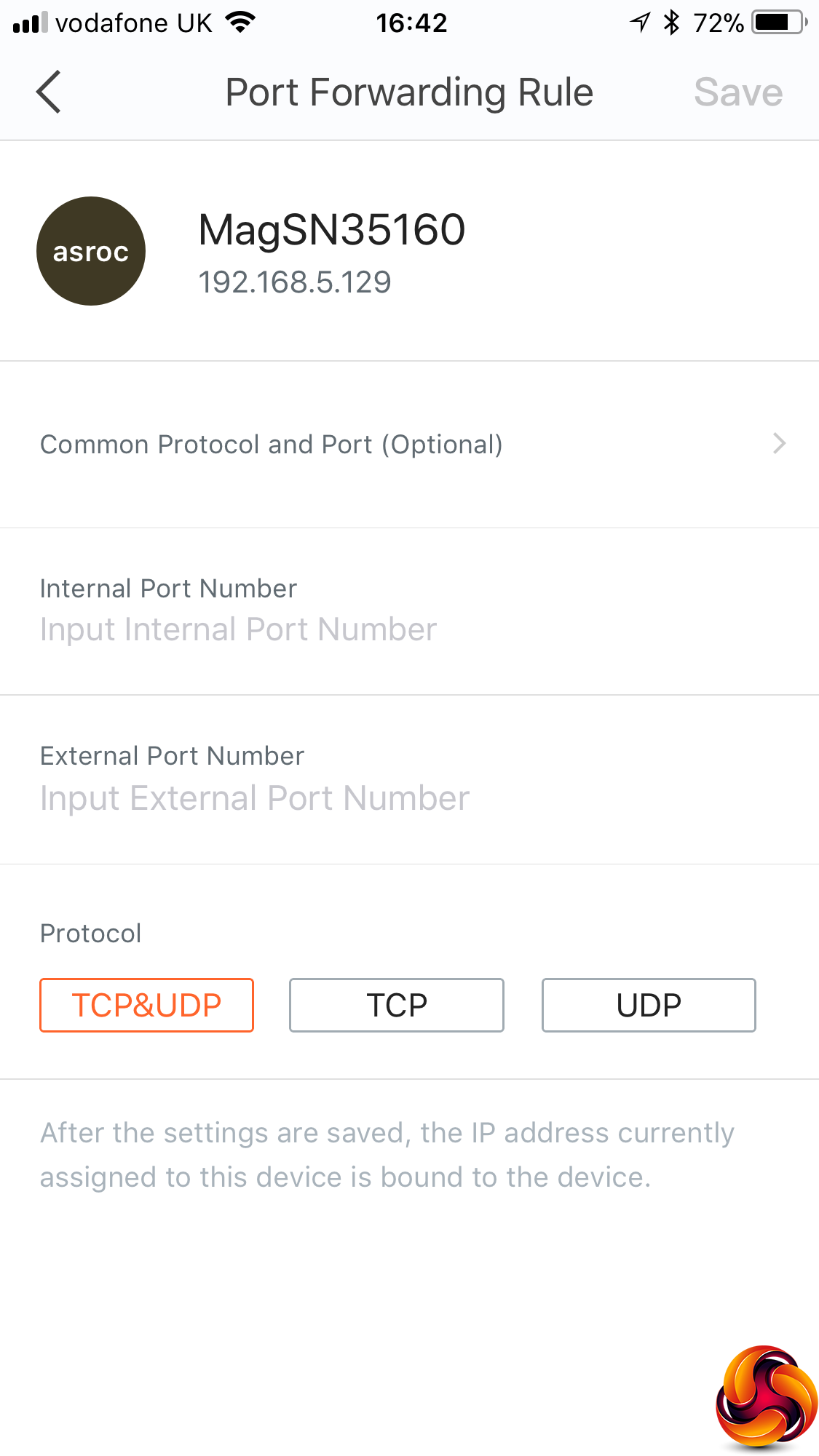
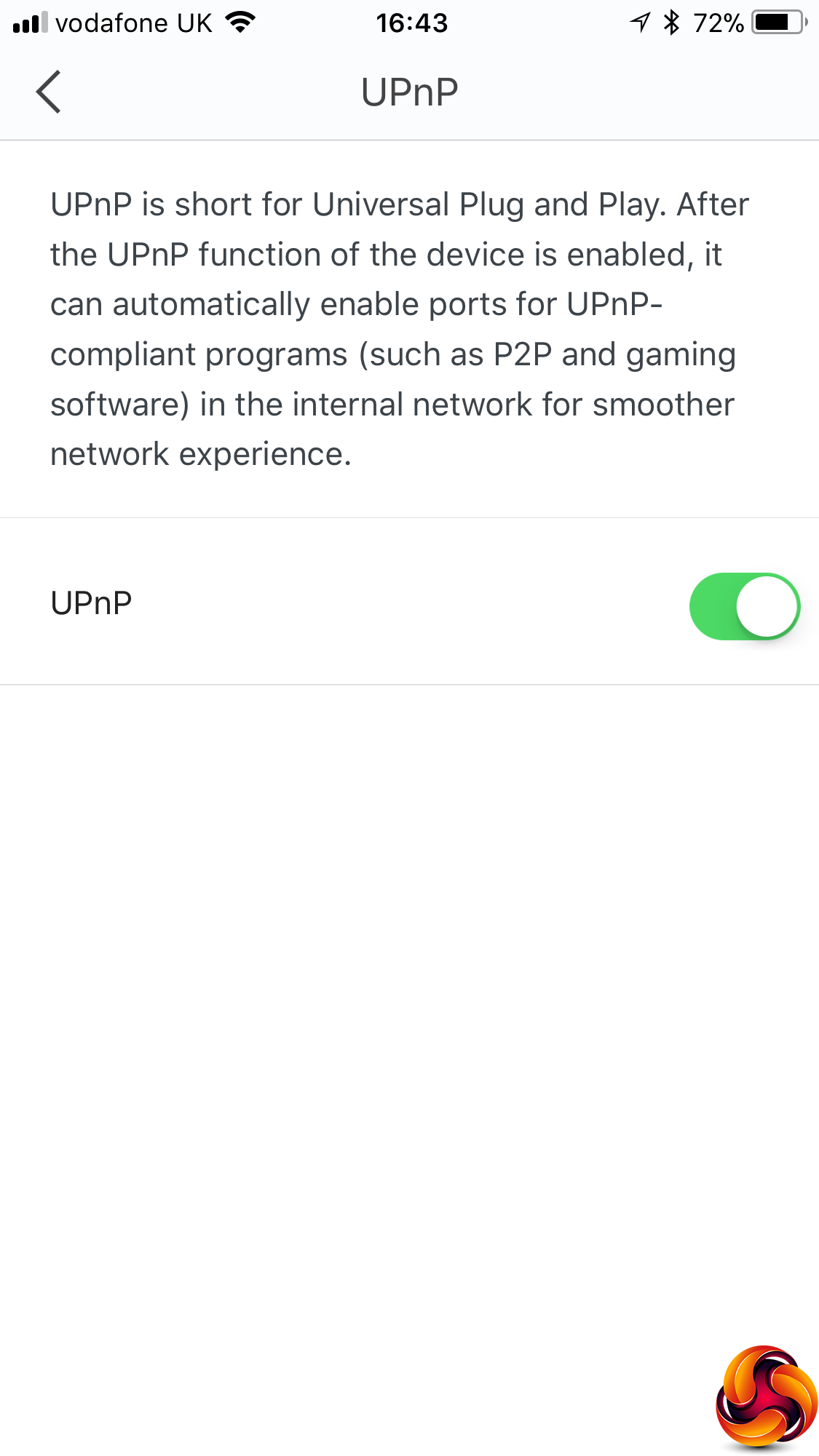
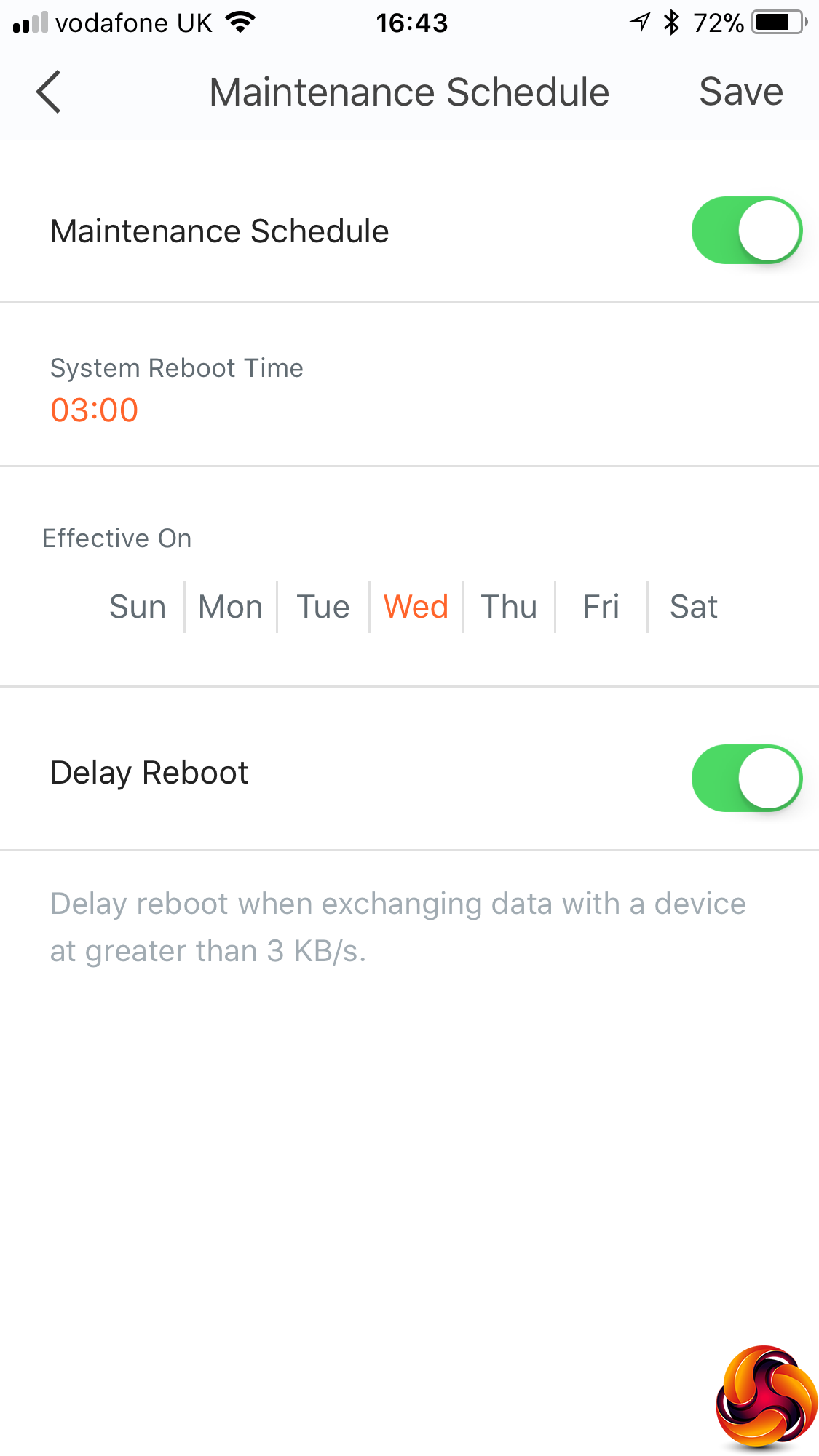
You can configure how the broadband connection works – via DHCP (the default) , PPPoE, a static IP address, or configure the nova MW6 in bridge mode. There are port forwarding facilities, which are useful for hosting an Internet game via a locally connected machine. You can turn UPnP off or on, and select a maintenance schedule that automatically reboots the system every day.
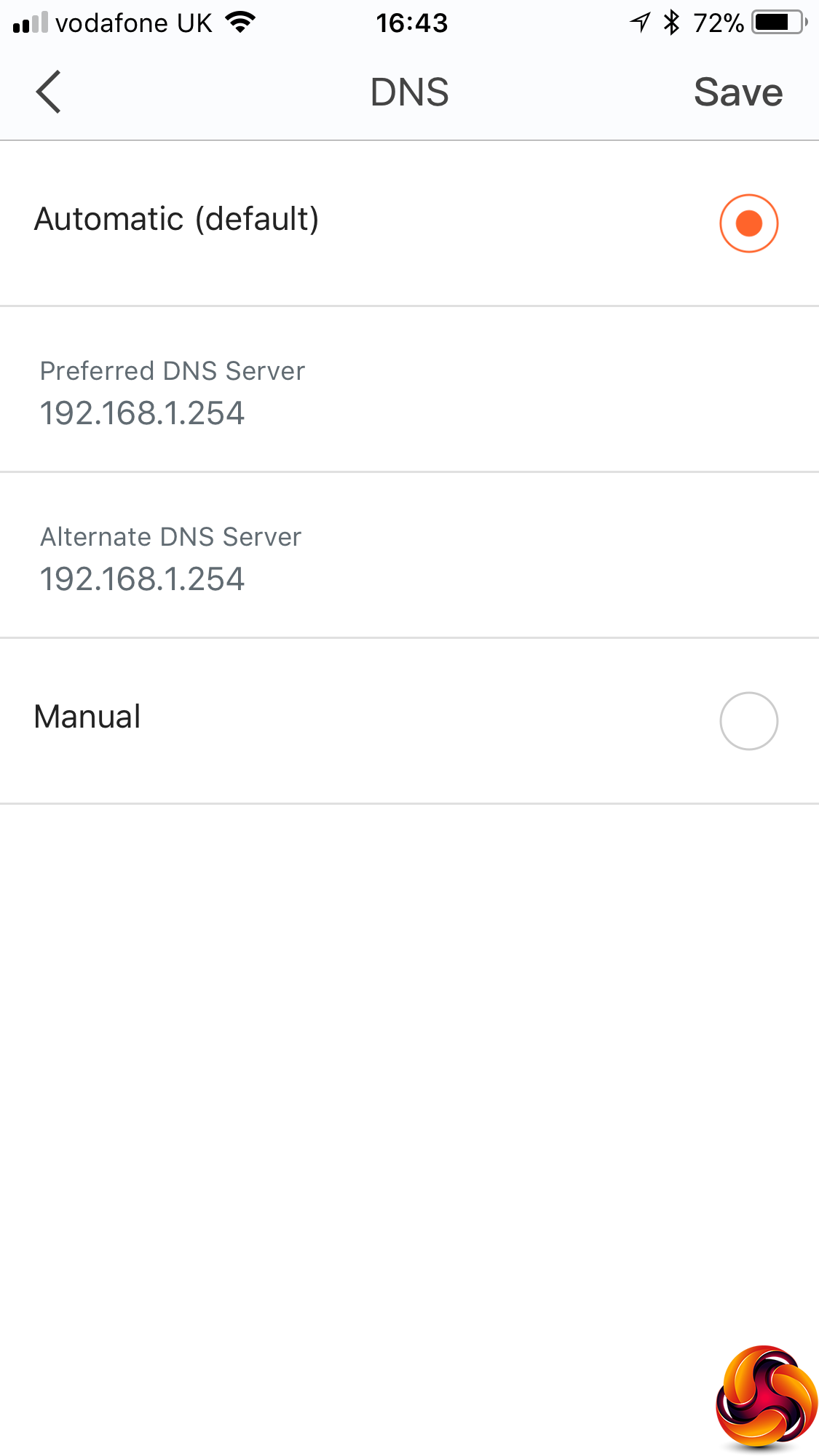
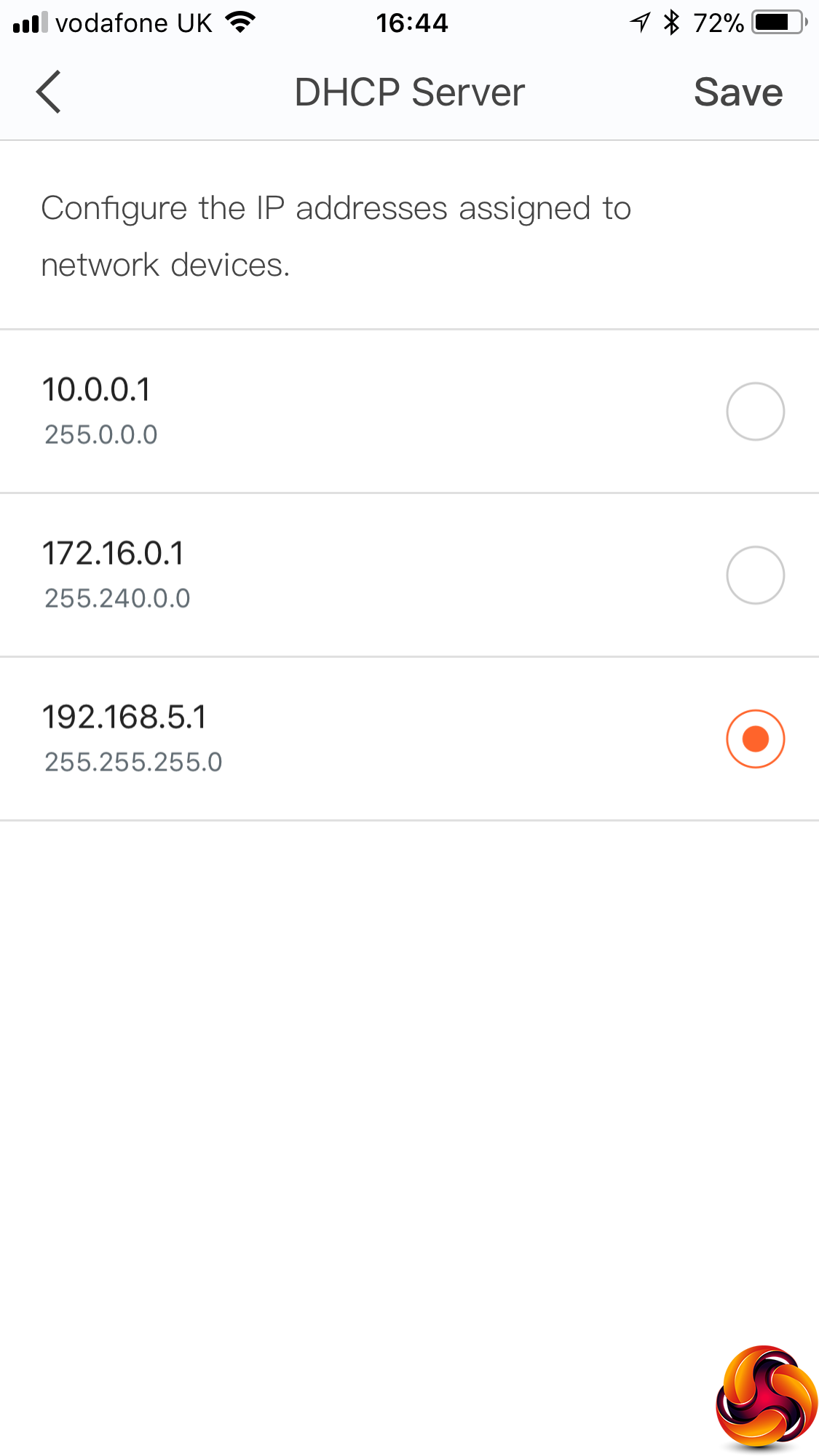
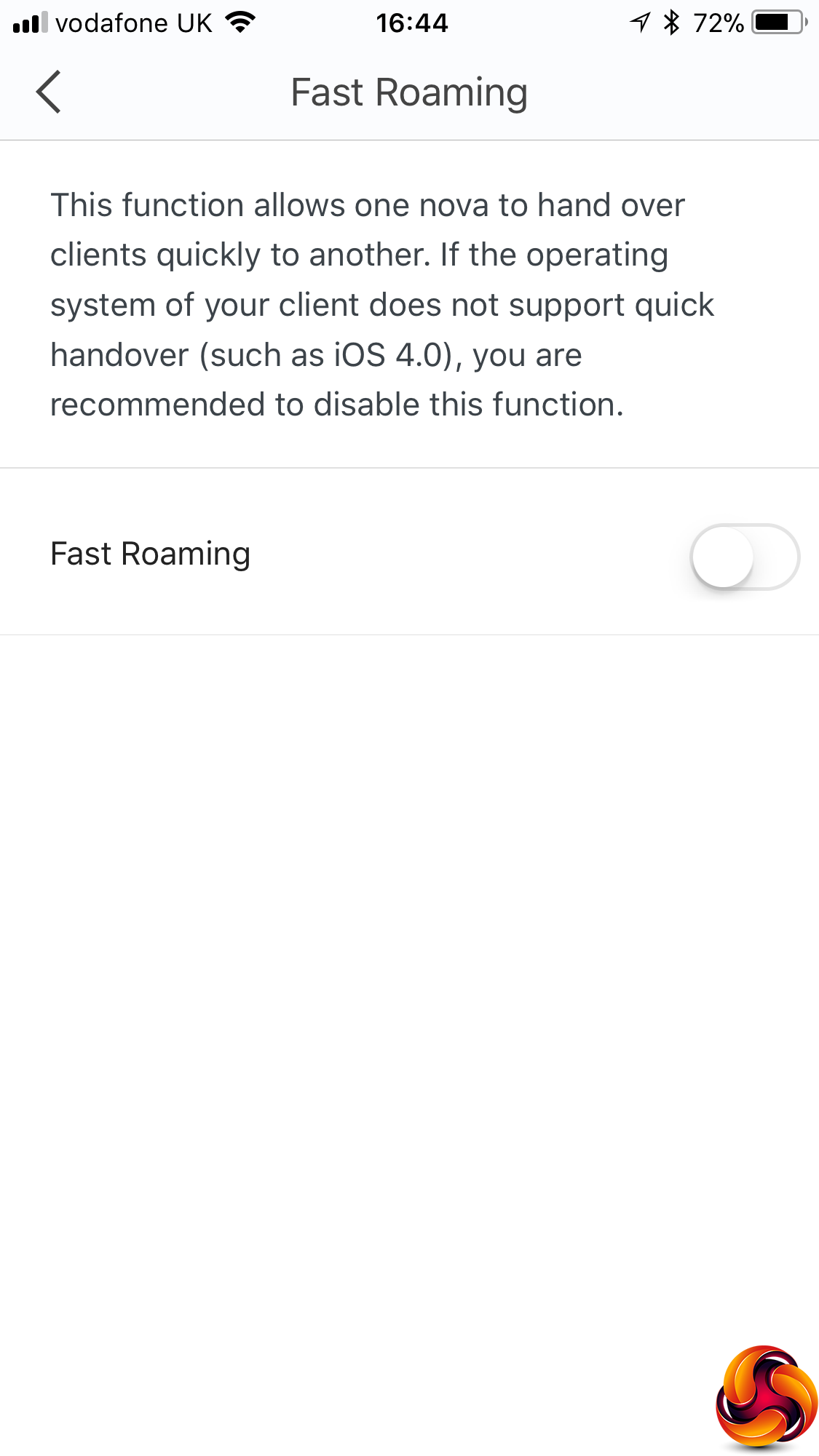
You can configure how the nova MW6 obtains DNS information – either automatically or you can set a fixed DNS server. You can also choose which of the standard NAT LAN ranges are used – 192.168.5.1 (the default), 10.0.0.1, or 172.16.0.1. These are the ranges reserved for internal network usage in IPv4.
Overall, there is a reasonable amount of configuration available via the smartphone app, with the parental controls particularly handy. However, we couldn't find any firewall facilities, which is a concern considering how common hacking attacks are. You would not want the nova MW6 to be your only home router. Instead, it would need to sit behind something that can provide greater protection for client devices from nefarious activities coming in via the Internet.
We tried to replicate the testing from our Ultimate Mesh WiFi Router Shootout as closely as possible with the Tenda nova MW6. However, we no longer had the Apple Macbook Pro in our possession, so had to leave this set of tests out, and the Acer laptop was replaced with an HP one that has an identical 802.11ac WiFi specification.
We replicated the positions from the Ultimate Mesh WiFi Router Shootout, with eight different locations for our test notebooks. The clients used were an HP Spectre 13 X2 notebook with 2×2 802.11ac WiFi, and an older HP Folio 13 which maxes out at 3×3 802.11n WiFi.
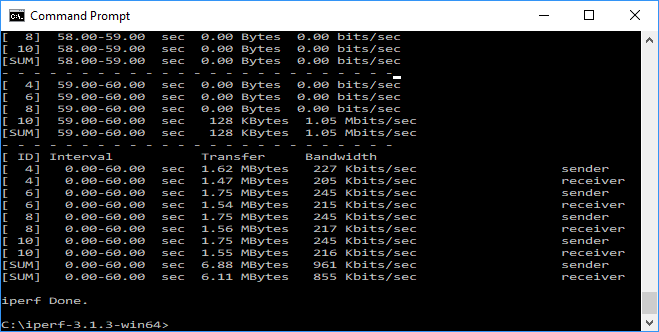
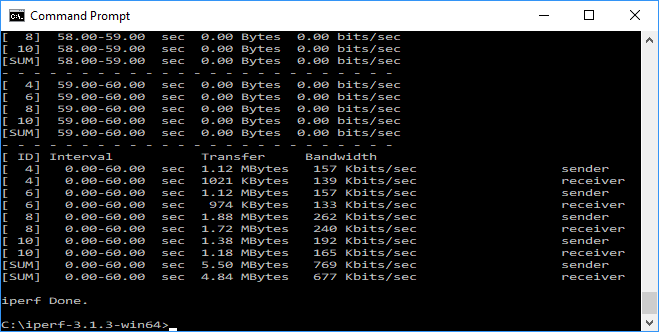
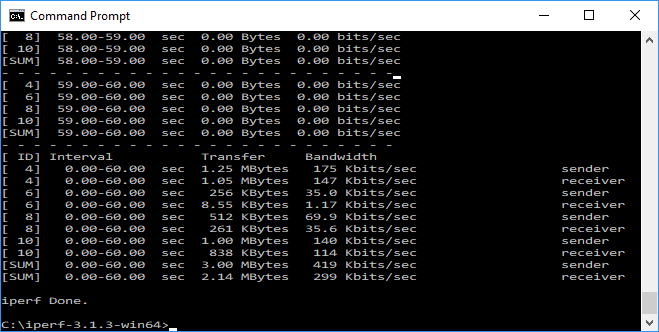
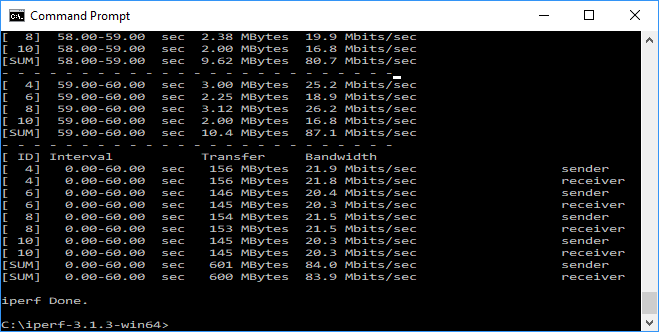
In each case, we used the freely available iPerf 3.1.3 software, which stresses a network by sending packets of random data and measures the throughput. One system acts as a server, and the other as a client, as data is sent between them. In all cases, we used an Armari Windows 10 workstation connected to the primary nova MW6 unit via Gigabit Ethernet as the server, so that the WiFi was always the slowest connection.
These are the iPerf commands we used:
For the server: iperf3 –s –i 1
For the client: iperf3 –c <IP Address> –P 4 –i 1 –t 60
Note that the client command sends four streams of data simultaneously, simulating a multi-client connection as closely as possible with just one client. It takes 60 throughput readings at one second intervals and then averages the result.
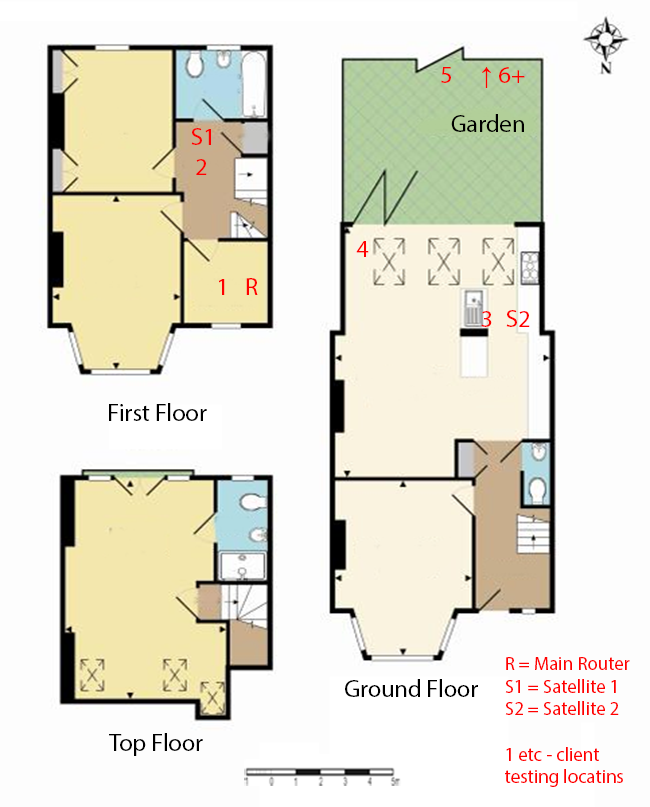
The above diagram shows the layout of the house we used for testing. Note that we didn't test on the top floor of the house because this was directly above the first floor and wouldn't have provided much of a range test. Instead, we used two locations on the same floor as the router (the first floor), then more distant locations on the ground floor extending out the back of the house into the garden.
Each test location, numbered in the diagram above, was approximately 5m away from the last one.
With the mesh networking and standalone router products used for comparison, location 1 was very near to the router, around 1m away. The next location – 2 – was around 5m away, with a wall in the way, but on the same floor. Location 3 was on the floor below, so had walls and a floor in between, but was a further 5m away. Location 4 was the last one actually inside the house. Locations 5 to 7 were then 5m further down the garden. Location 8 was only 2m further down, as this was the end of the garden, but also behind a shed, so posed a significant challenge that only a few mesh WiFi systems can cope with.
We should also say a few words about the location of the satellites. The routers or primary unit were always placed in the same location, in the first floor study next to the broadband. In the case of three-unit mesh systems such as BT Whole Home Wi-Fi and the top Velop option, the second and third satellites were placed at S1 and S2.
With the two-unit Google WiFi, the second unit was placed at S1, due to the recommendation of the setup software. However, in the case of the Orbi, it was possible to place the second unit at S2, due to the signal strength from these systems.
For the Tenda nova MW6 system, we placed the primary unit in location R, with the first satellite at S1, and the second at S2. However, although we eventually managed to get the second satellite to join the mesh when in close proximity to the primary unit, it completely failed to do this when placed at S2, so all initial testing was performed with just two units in the mesh.
We were later sent a production version of the nova MW6, where all three units bonded correctly, so this testing was done with units at R, S1 and S2.
802.11ac 5GHz
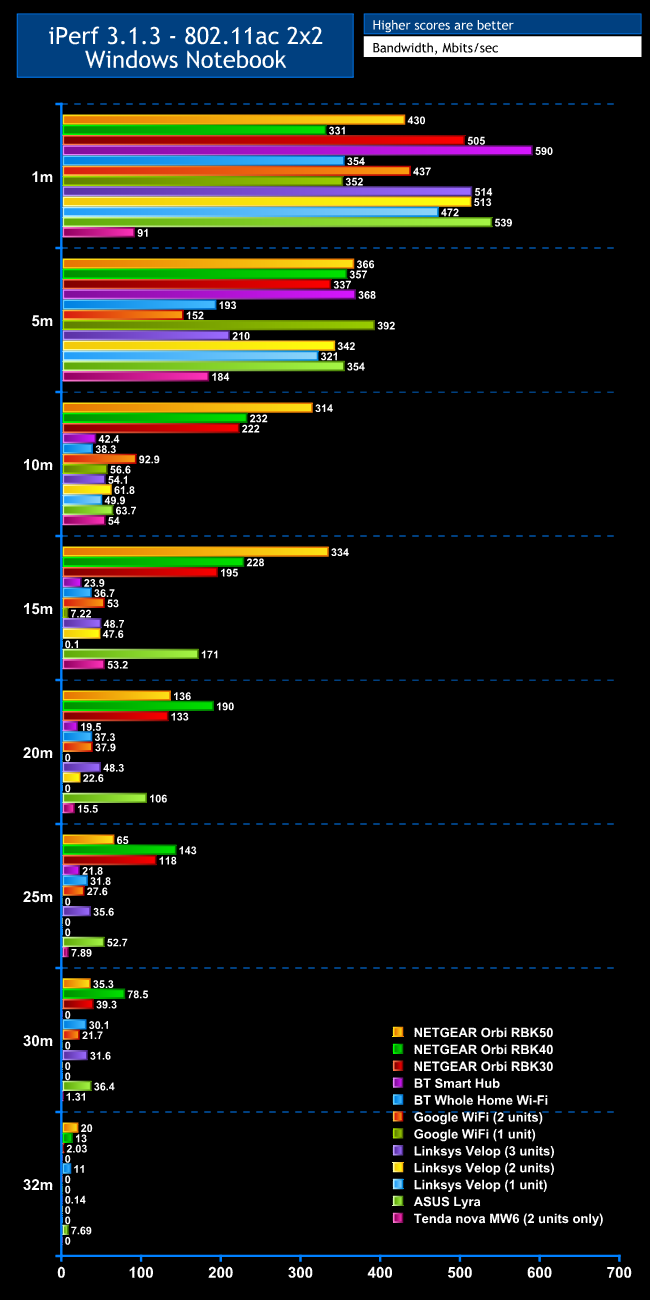
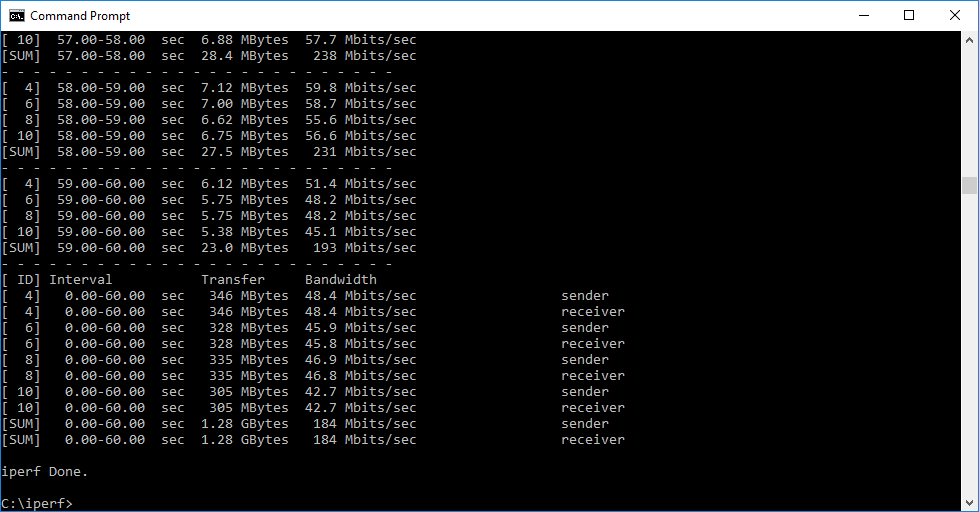
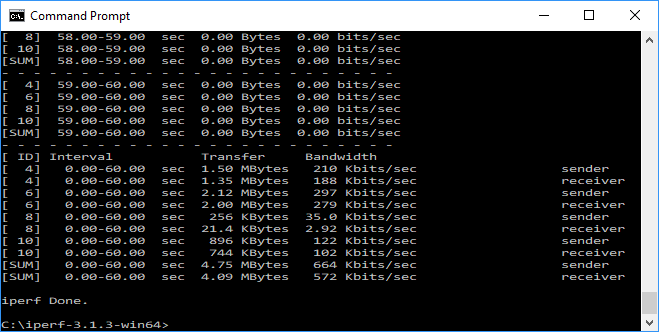
Even at close proximity, where the lack of the third unit wouldn't cause an issue, the nova MW6 doesn't offer very impressive 802.11ac performance. In fact, the 1m result of 91Mbits/sec is way behind every other mesh WiFi system we have tested, as well as the BT Smart Hub.
Matters improve a little at 5m, where the throughput of 184Mbits/sec beats a two-unit Google WiFi setup and comes close to BT's Whole Home WiFi as well as the three-unit Linksys Velop configuration. But it's still less than half what the best mesh WiFi systems can muster at this range.
The 54Mbits/sec result at 10m is a bit more respectable, placing it in the pack with the majority of mesh WiFi options, but way behind what NETGEAR's Orbis can deliver. Interestingly, this is where we normally place the second satellite, showing that the Tenda nova MW6's inability to bond its second satellite to the mesh at this location is not due to lack of WiFi range.
The nova MW6 managed 53.2Mbits/sec at 15m, which actually one of the better results, putting it on par with a two-unit Google WiFi setup and slightly faster than Linksys's Velop with two or three units. However, the NETGEAR Orbis are still way ahead, and the ASUS Lyra is more than three times as fast too.
Performance drops off after this, with a just-about-usable 15.5Mbits/sec at 20m, a barely usable 7.89Mbits/sec at 25m, and an unusable 1.31Mbits/sec at 30m. This is followed by no connection in our 32m “behind the bike shed” position.
Although the Tenda nova MW6 is achieving a decent range with two units, it's sorely missing that third unit beyond 15m, and never reaches high 802.11ac bandwidth even at close proximity.
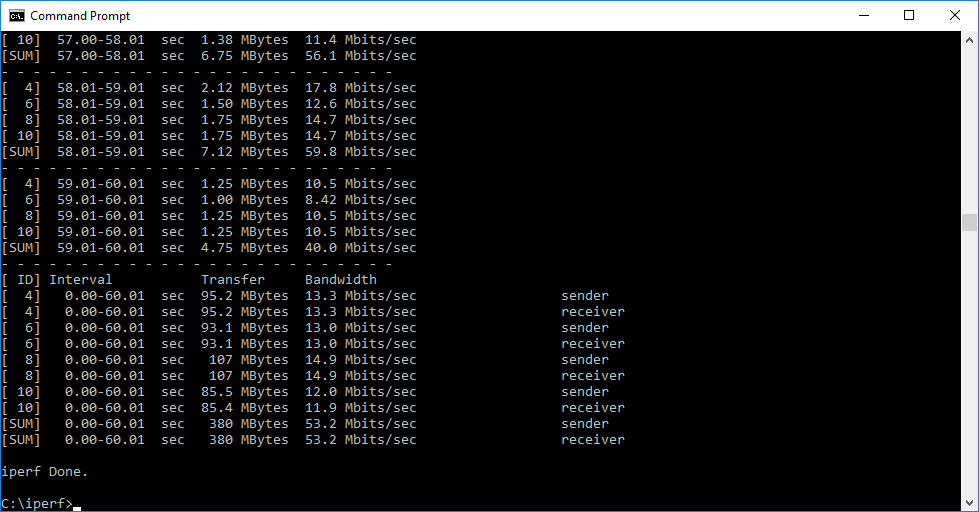
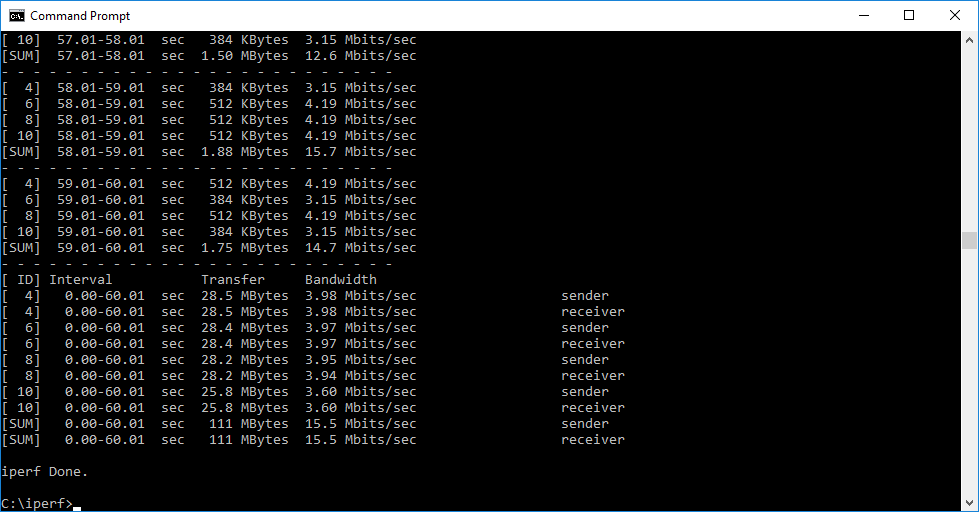
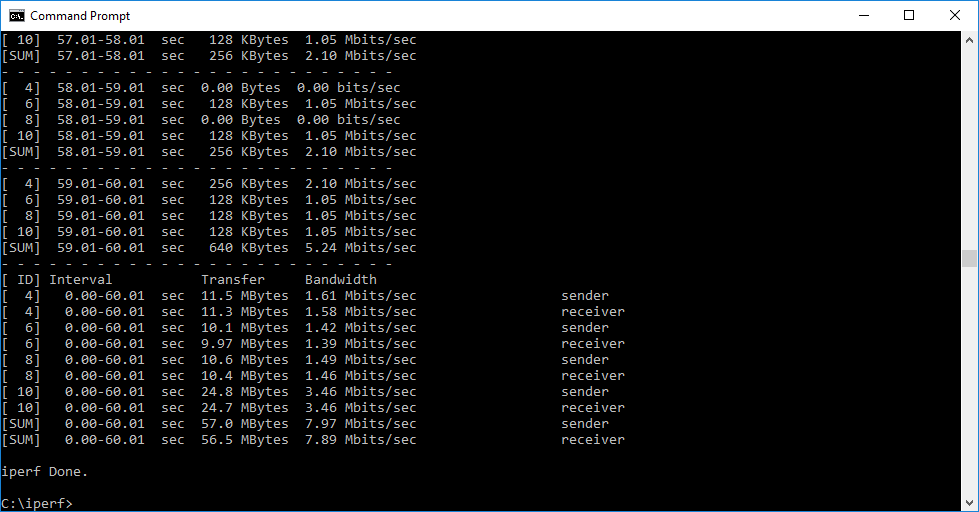
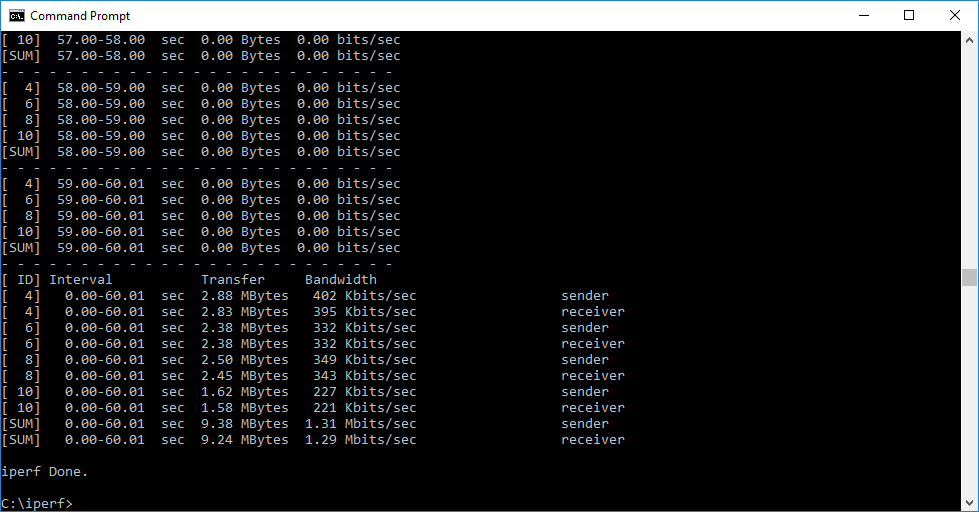
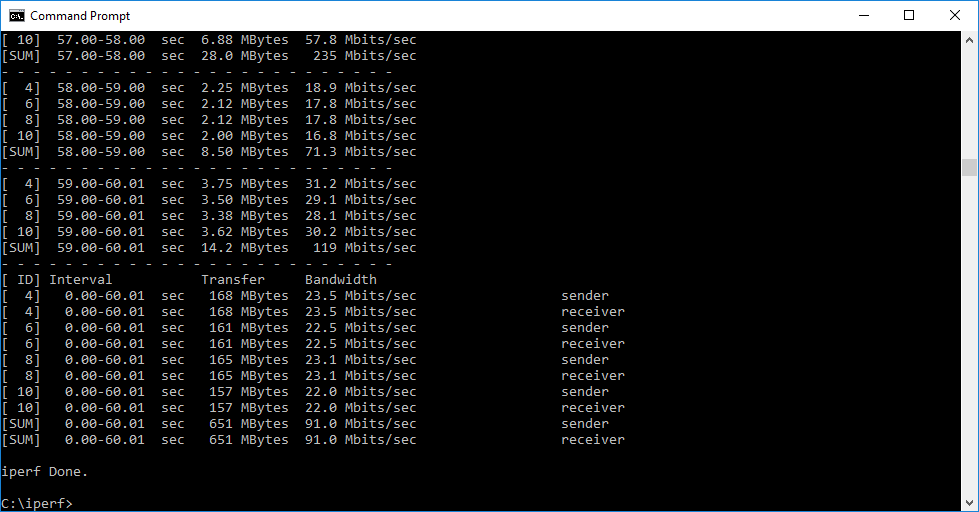
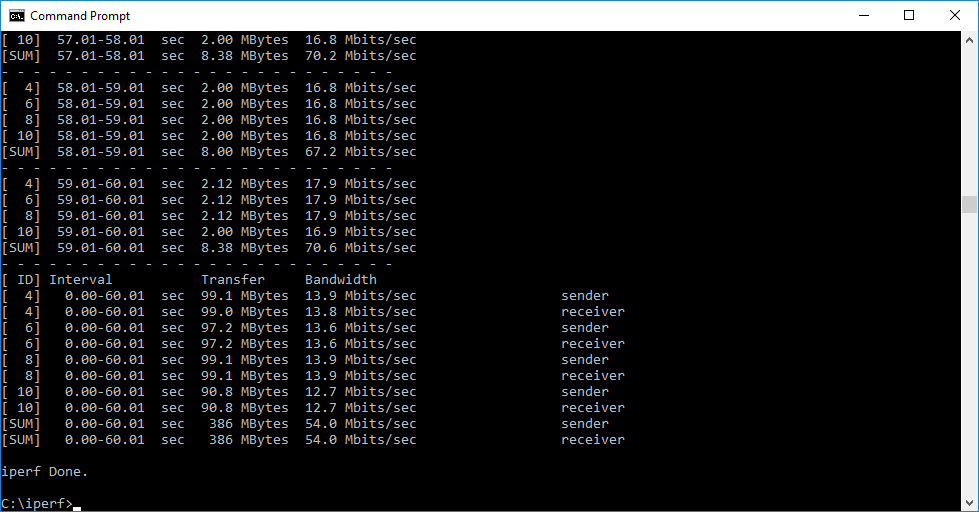
Once we received the production version of the nova MW6, we retested to see if this would show improvement.
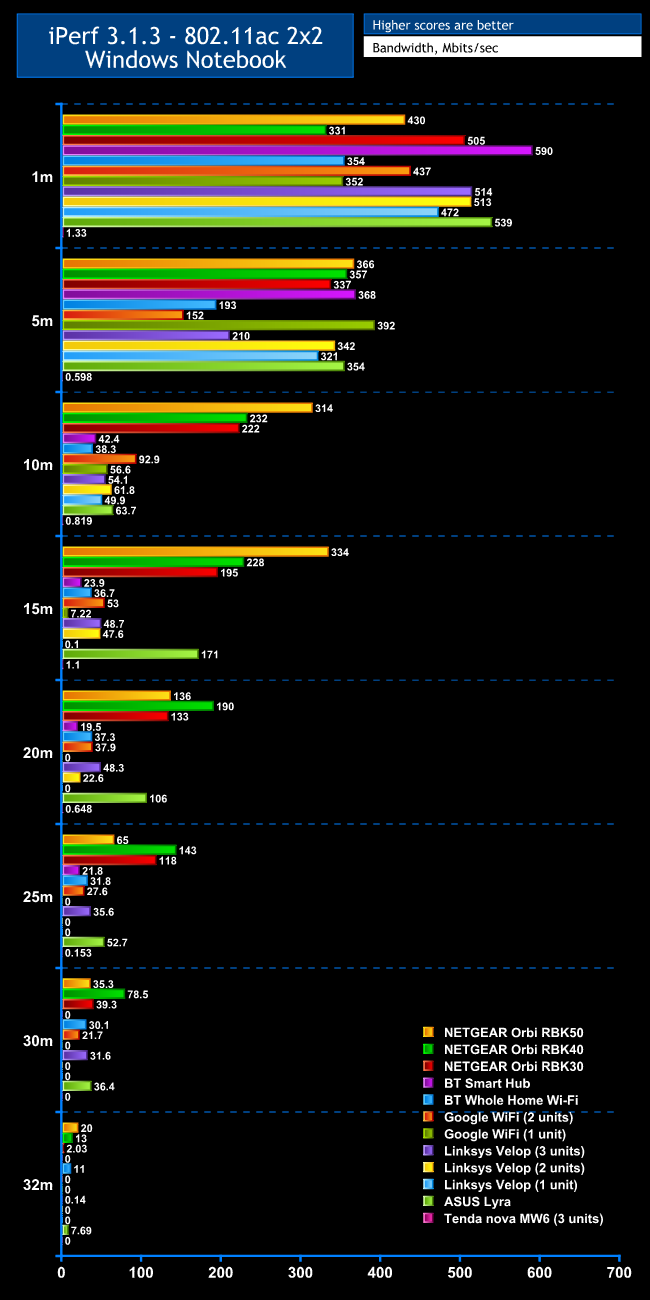
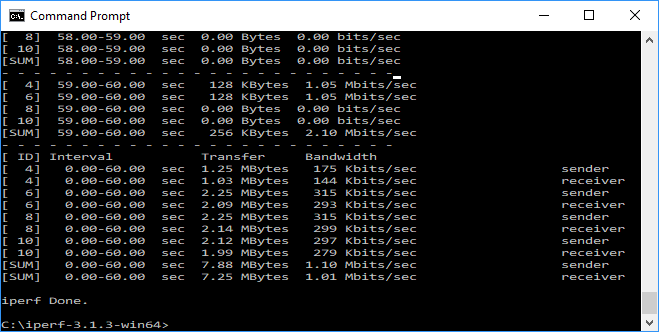
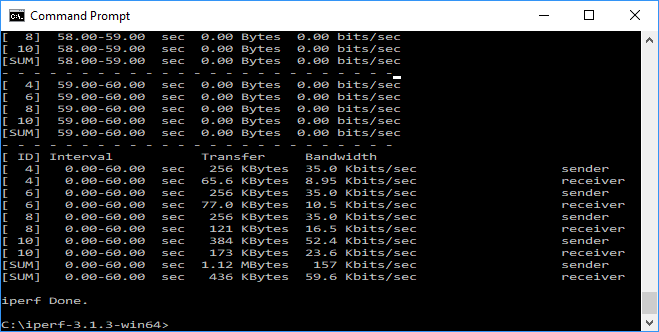
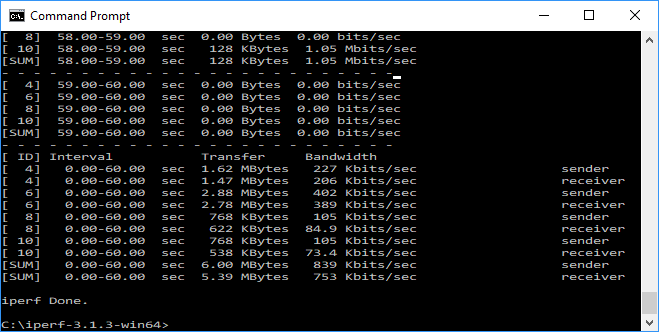
As you can see the answer with 802.11ac was a resounding “no”. The nova MW6 didn't seem to be supplying significant bandwidth at all at any range. We were so surprised by this result we retested a number of times, then tested our notebook and desktop with a different mesh system. But the latter performed as expected, implying something seriously wrong with the Tenda nova MW6.
802.11n 2.4GHz
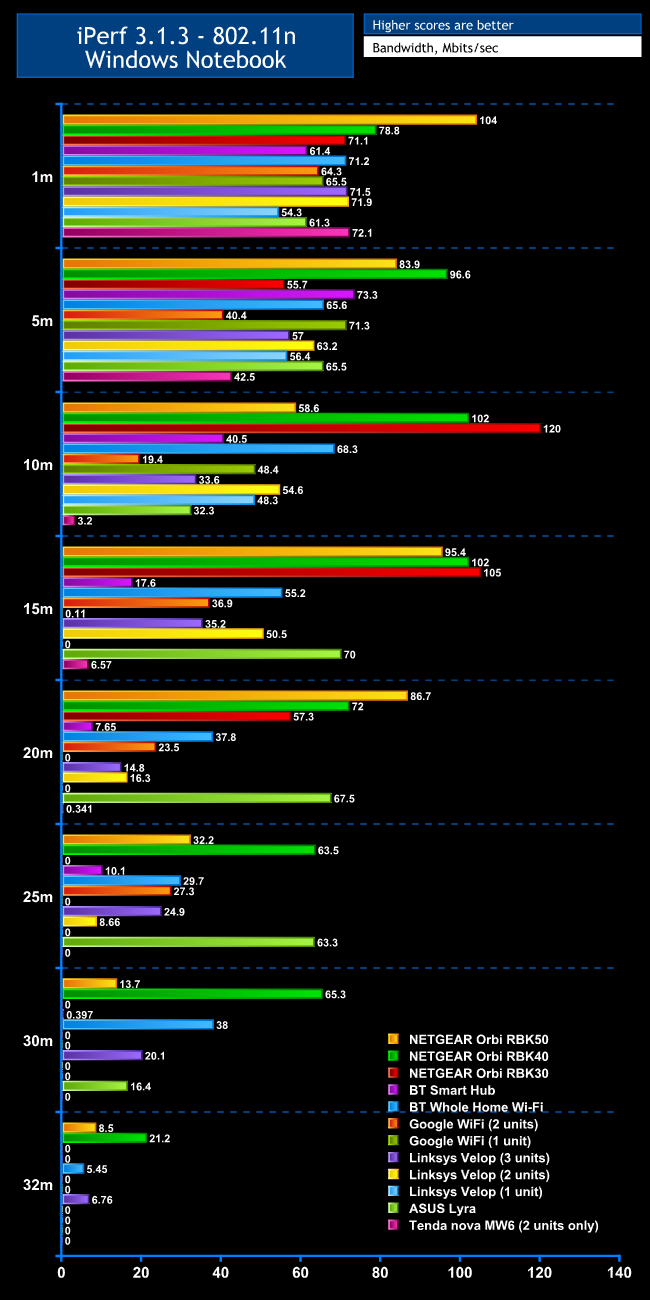
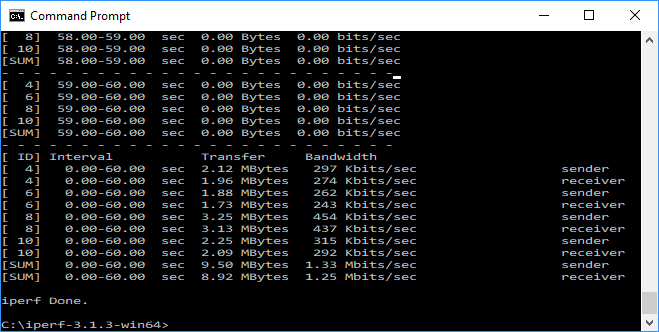
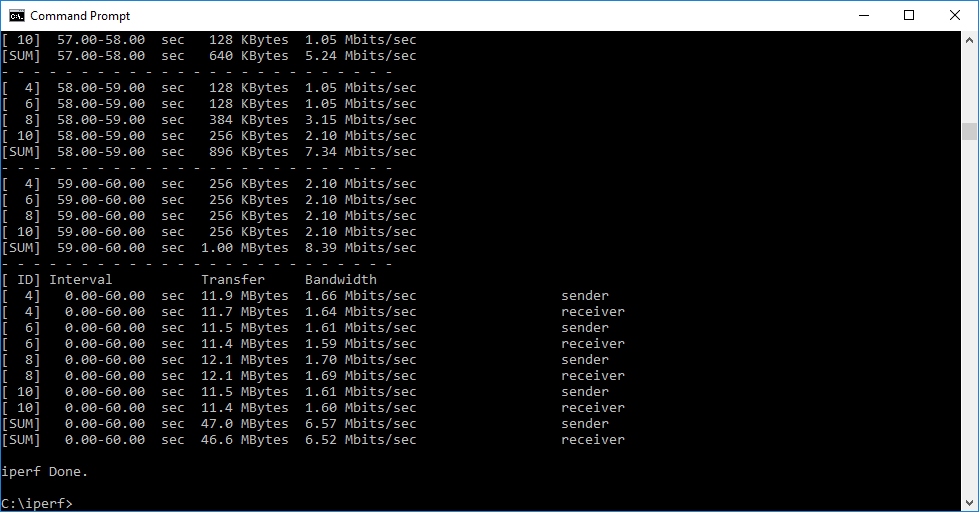
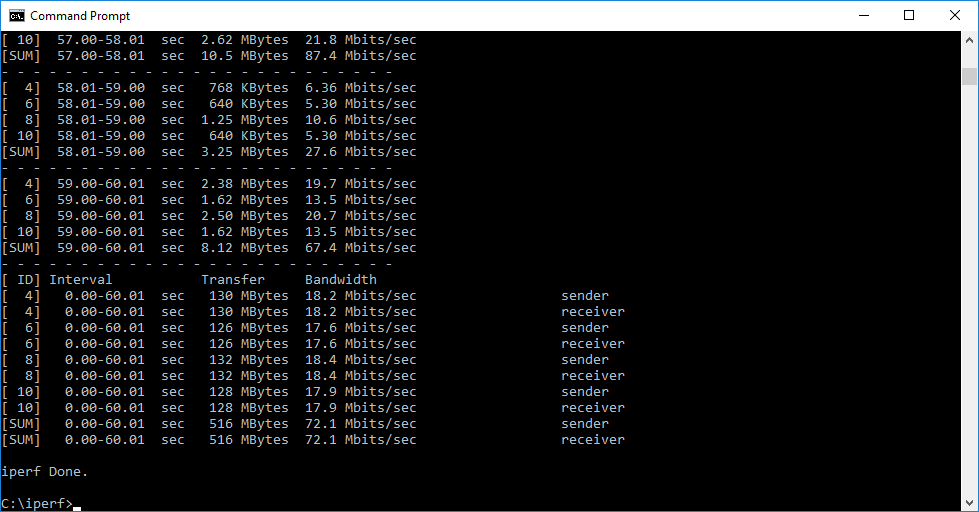
The 2.4GHz 802.11n results are even less distinguished than for 5GHz 802.11ac. Within 1m, the throughput of 72.1Mbits/sec is respectable, and in fact the third fastest we have recorded. However, performance at 5m drops to the second slowest with 42.5Mbits/sec, and it's downhill from there. Throughput at 10m is just 3.2Mbits/sec – barely usable.
This rises a little to 6.57Mbits/sec at 15m, but completely drops off the scale with 0.341Mbits/sec at 20m, and no signal at all beyond that.
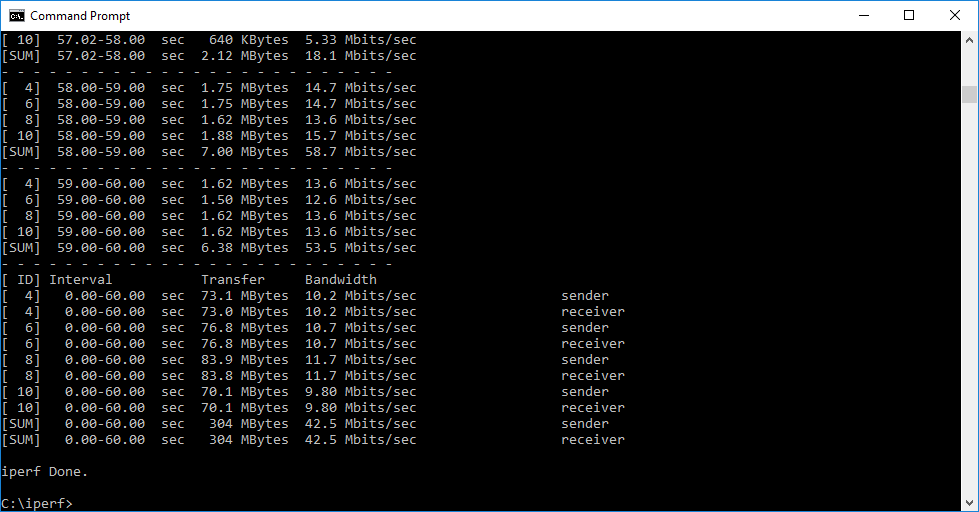
Overall, the Tenda nova MW6 may well have performed better if the third unit had worked, but we can only test what we are sent. Although this was an early sample, and Tenda may fix the bonding issue with a firmware update, in its current state the nova MW6 is one of the least speedy mesh WiFi systems we have tested.
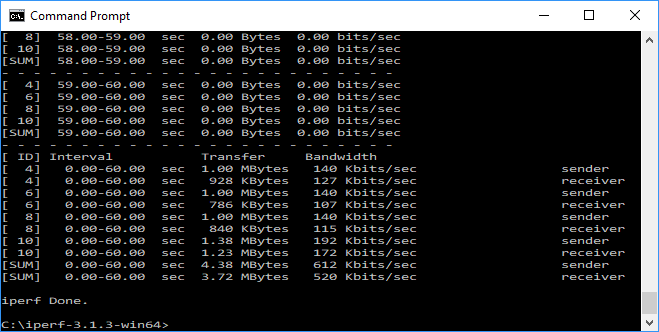
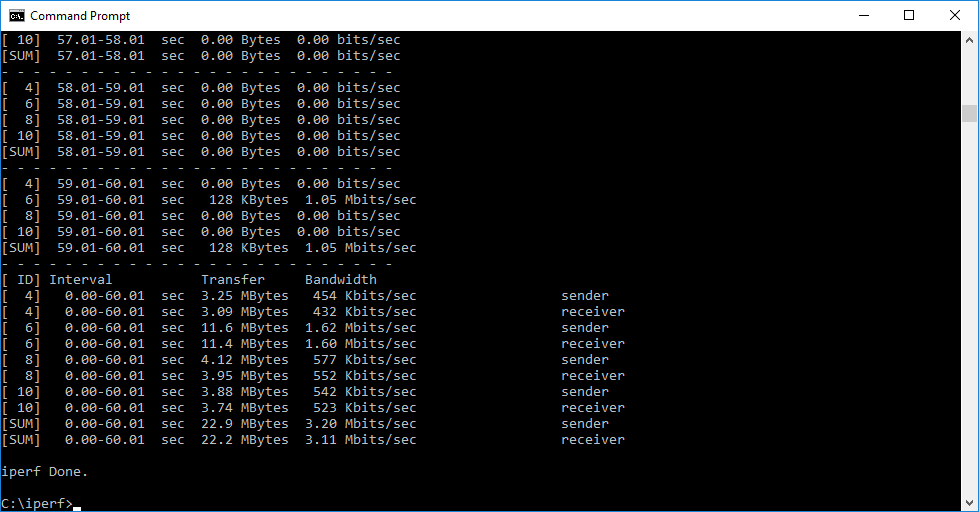
Again, we retested with the production bundle we were sent later.
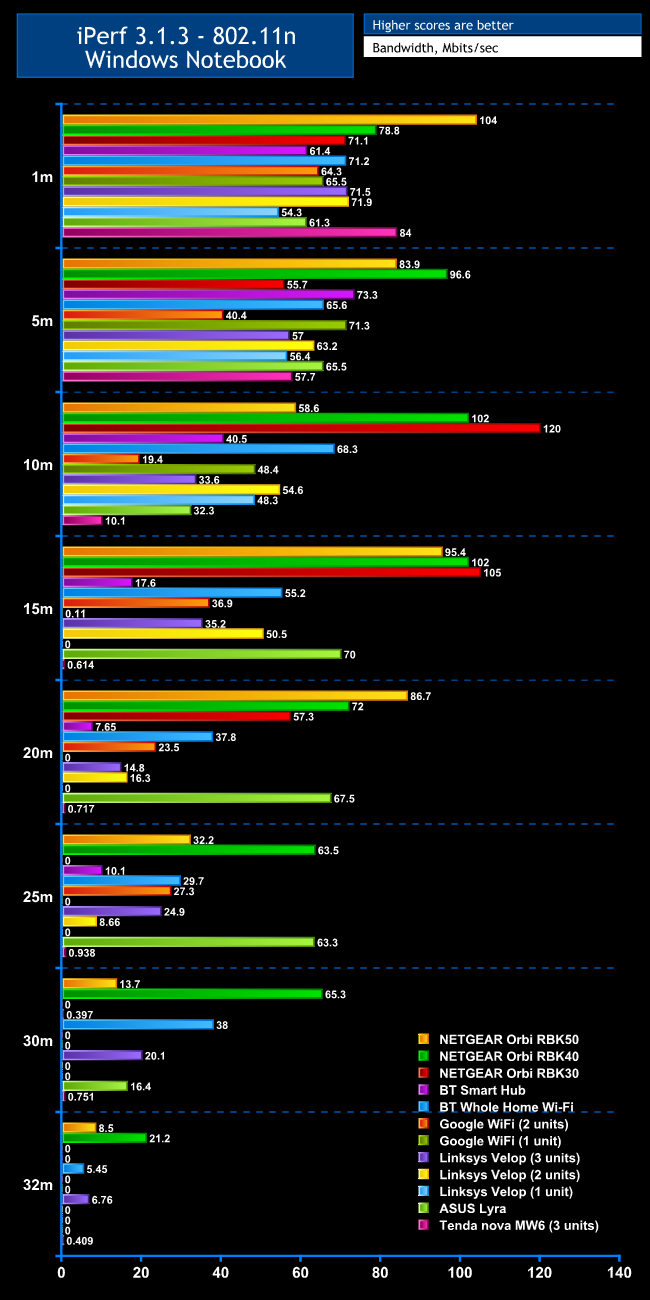
This is a little more encouraging than for 802.11ac, although performance still drops like a stone beyond 10m. The nova MW6 struggles on with a trickle of bandwidth to our maximum distance, but this is still just about the worst mesh WiFi system we have tested in terms of performance.
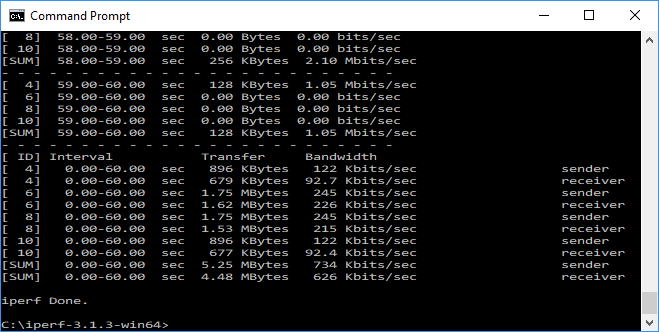
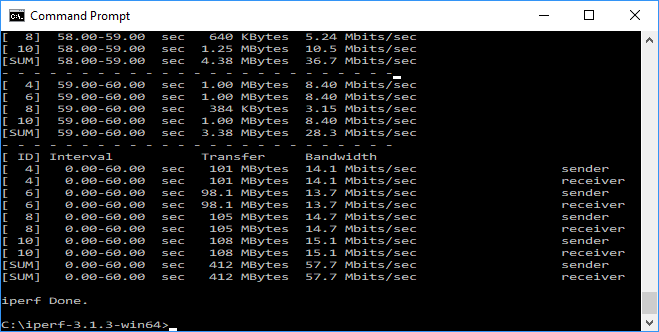
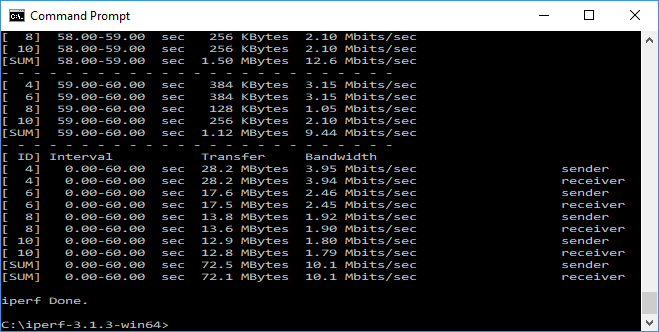
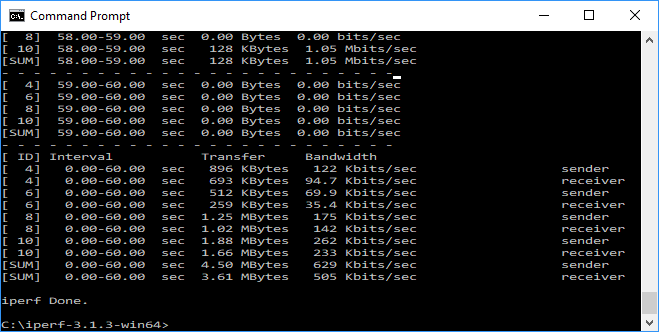
The Tenda nova MW6 proved to be a disappointment. It's very keenly priced for a three-unit system, but performance is nothing short of dire. This is almost certainly due to its lack of a third radio dedicated to the wireless “backhaul”. We're not sure how Tenda divides up its two radios to create its mesh, but clearly whatever system it uses isn't very effective.
We are also surprised by the lack of a Web management interface, forcing you to use the smartphone app for all setup and configuration. This does have some nice features, including parental control, but lacks a firewall, so you will only be advised to use the nova MW6 as an add-on for a router that does have decent firewall protection.
Mesh WiFi is a bit complicated, and you really need it to work without much fuss. There are alternatives that deliver in this area much better than the Tenda nova MW6. If you're after a sub-£200 mesh WiFi system with good coverage and are willing to compromise on raw performance, BT's Whole Home WiFi is a much better choice. And if you're willing to pay more, the NETGEAR Orbi RBK40 or RBK50, or the ASUS Lyra, provide much better performance and coverage. Infamously, “no va” means “it doesn't go” in Spanish, and we wonder if that was how this product got its name.
Discuss on our Facebook page, over HERE.
The Tenda nova MW6 is available from Novatech for £179.99.
Pros:
- Very cheap for a three-unit system.
- Parental controls in smartphone app.
- Routing functions including port forwarding.
Cons:
- Terrible 802.11ac performance.
- Poor 802.11n range.
- Management exclusively via smartphone app.
- No URL or keyword blocking.
- No firewall.
- No USB ports for printer or storage sharing.
Kitguru Says: The Tenda nova MW6 may be cheap, but its dire performance make it one to avoid.