 KitGuru KitGuru.net – Tech News | Hardware News | Hardware Reviews | IOS | Mobile | Gaming | Graphics Cards



The Razer Diamondback is one of the most iconic gaming mice Razer ever made, so it is with some fanfare that we can announce its return. Much like the original, this is a slimline, ambidextrous rodent, though it has updated ergonomics, styling and internal hardware – thanks to its more contemporary construction.
Of course it is also lit up by Razer's vibrant RGB lighting system, CHROMA, though for some reason it does not feature on the mouse's name tag. Unlike previous generations of the Diamondback though, this mouse features a laser sensor rather than an optical one.
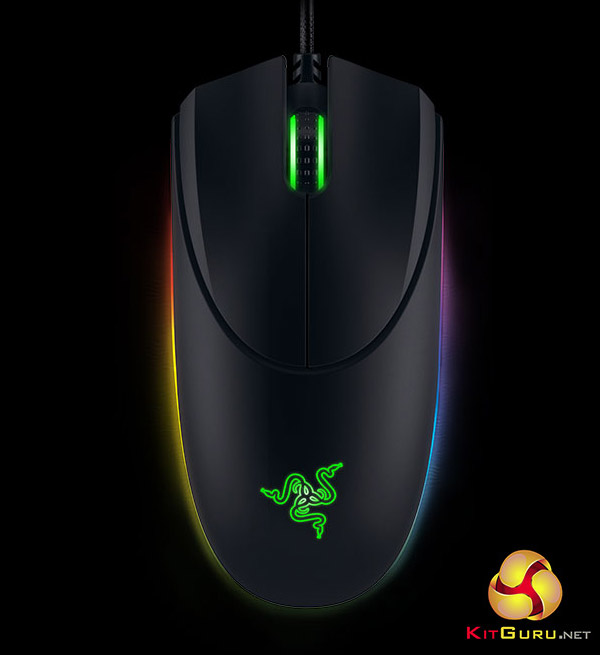
Priced at £80 (and an annoyingly much cheaper $80 in the U.S.) the Diamondback is not cheap. Will its design pedigree and upgraded feature set be enough to justify the price tag?
Specifications
- Ambidextrous form factor.
- 16,000 DPI 5G laser sensor.
- Up to 210 inches per second / 50 g acceleration.
- 1,000 Hz Ultrapolling.
- On-The-Fly Sensitivity adjustment.
- Chroma customizable lighting.
- Inter-device colour synchronization.
- 7 programmable Hyperesponse buttons.
- Razer Synapse enabled.
- 2.1 m / 7 ft braided fibre cable.
- Approximate size: 125 mm / 4.92 in (Length) x 60 mm / 2.64 in (Width) x 30 mm / 1.18 in (Height).
- Approximate weight: 89 g / 0.09 lbs (without cable).
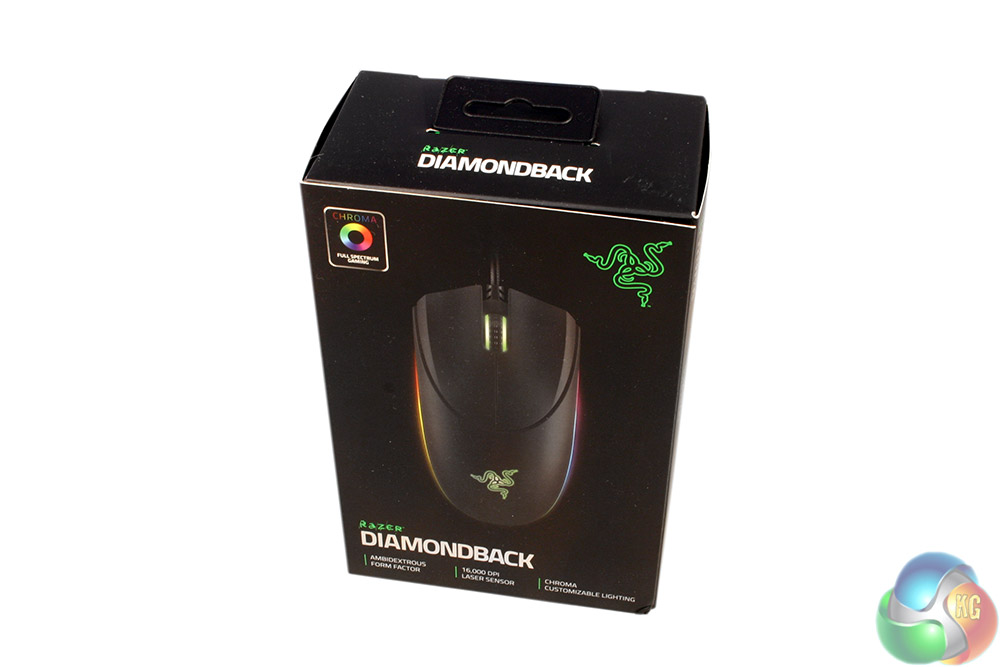
The packaging for the Razer Diamondback Chroma 2016 is as premium as Razer products usually are, with high quality matt card and a little touch of gloss for the picture of the Diamondback itself.
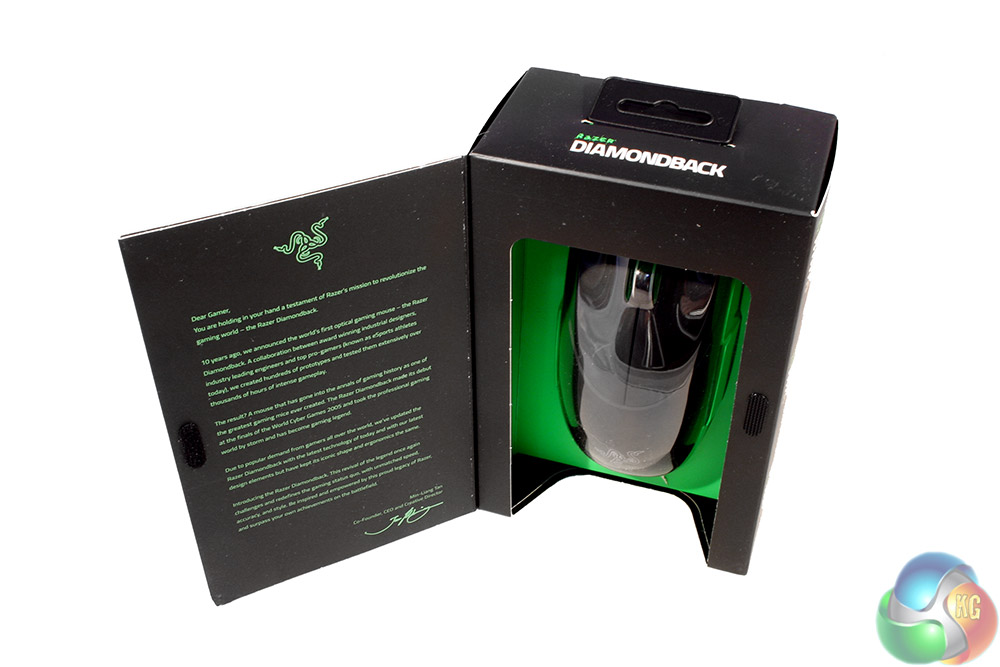
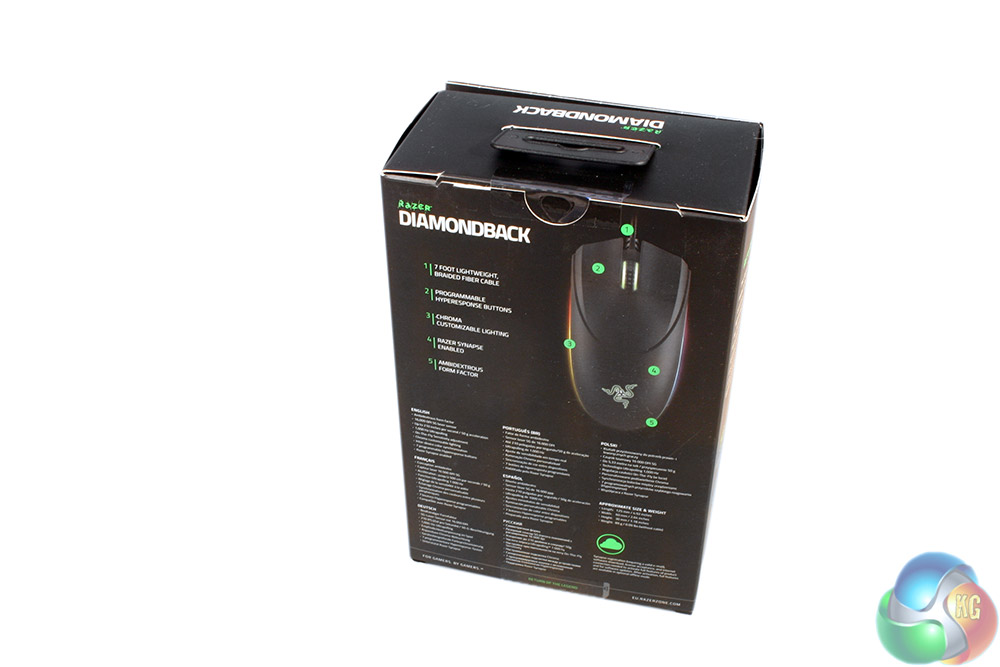
Flipping open the front gives you a lyrical waxing of the benefits of such a gaming mouse, its iconic history and some of its main features. The back however gives you a more comprehensive breakdown, showing you some of the important features and where they are found on the mouse itself.
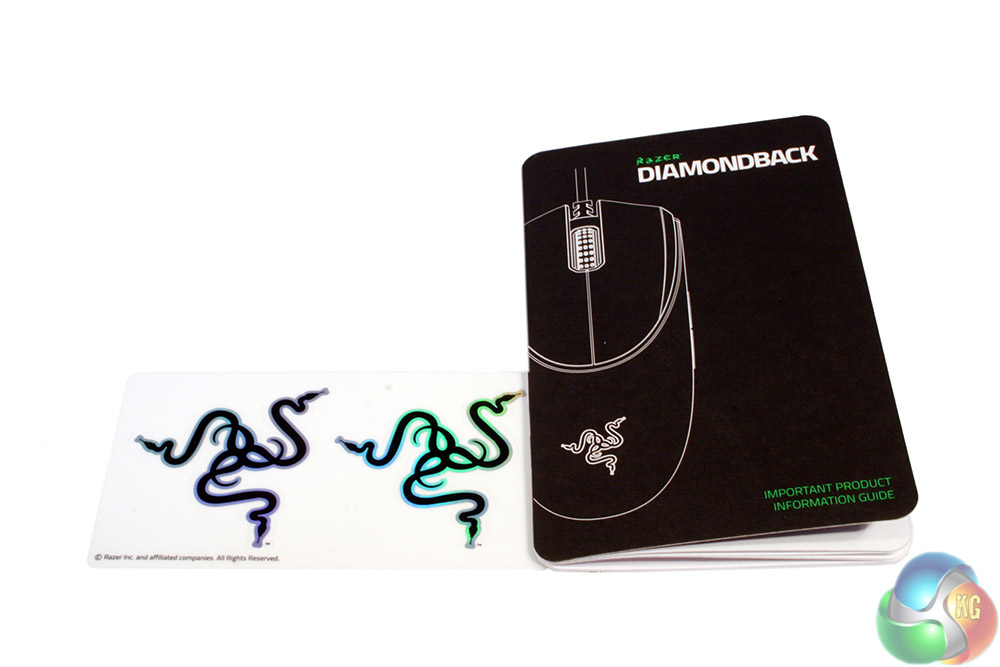
Along with the Diamondback there is a short set up manual which can help you with using the back-end software and the mouse's initial installation. There's a couple of Razer logo stickers too.
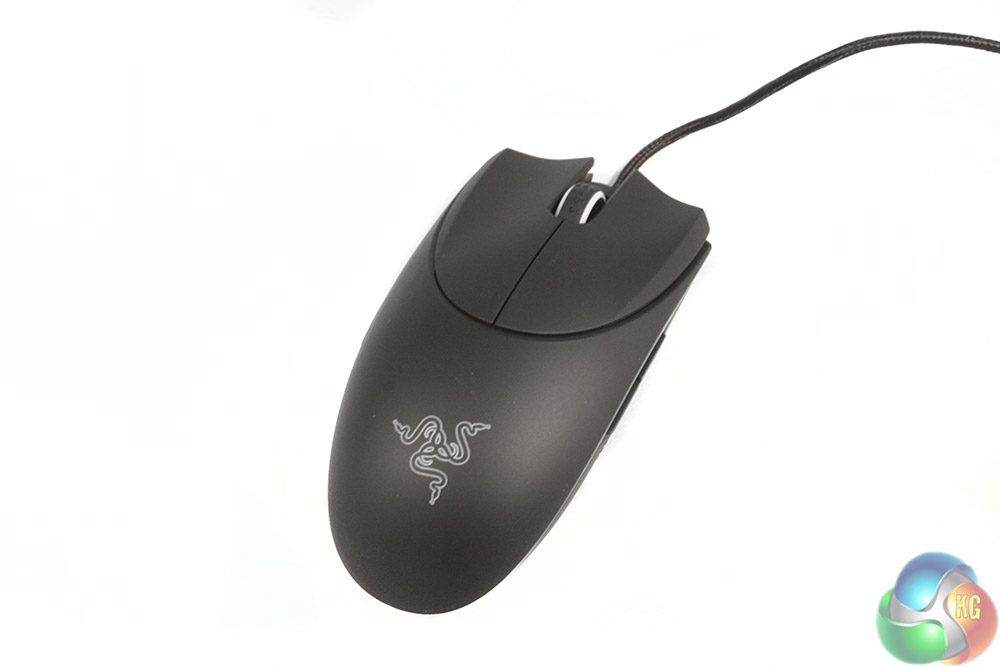
The Razer Diamondback Chroma 2016 is a very slim mouse. As well as being ambidextrous, and therefore lacking the somewhat common right-handed palm rest of some mice, this one also does away with any sort of extended finger rest. That means the Diamondback is only a few centimeters across at its narrowest point and is less than six at its widest.
The whole build is very solid, with no creaking in the frame when flexed or squeezed. The whole construction is black plastic, with a light texturing on the left/right mouse buttons for added grip and to avoid the slipping dangers associated with high-stress perspiration.
The clear Razer logo on the palm portion of the mouse does of course light up when in use in any variety of colours that you wish.
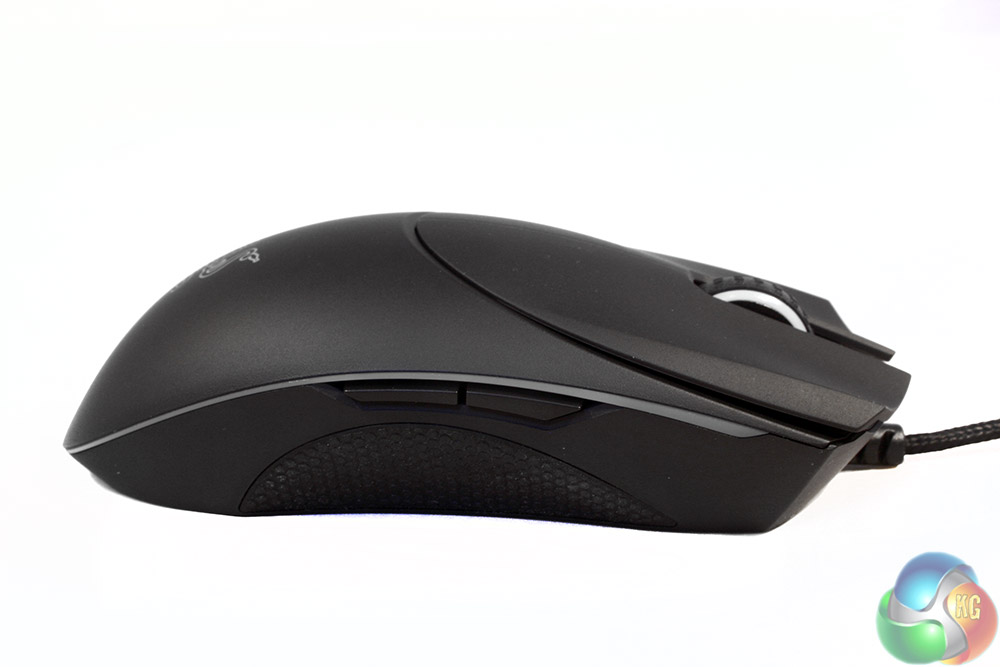
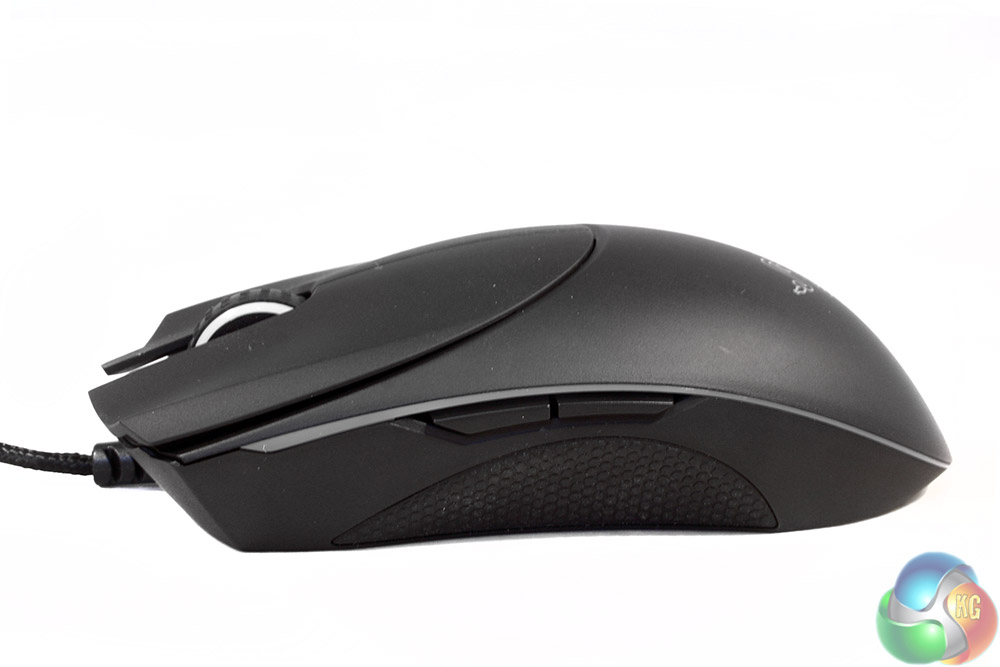
Side on you can see how low profile the Diamondback is; this is not a mouse for palm grippers. Both sides are also identical, featuring the same rubber finger/thumb grip which extends deep under the overhang of the upper body, making much of it inaccessible to all but the most slight fingers when in use.
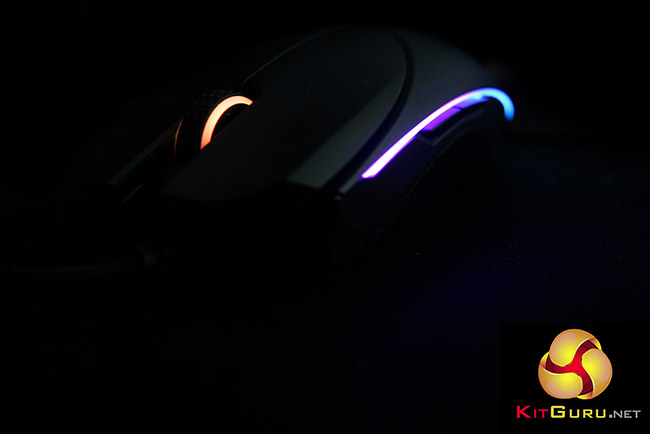
There are also two additional buttons on both sides, which at default provide forward/back functionality, though they can be remapped in the back-end Razer software. Above them both on each side are clear light strips, which flow through the various colours of the rainbow when first powered on.
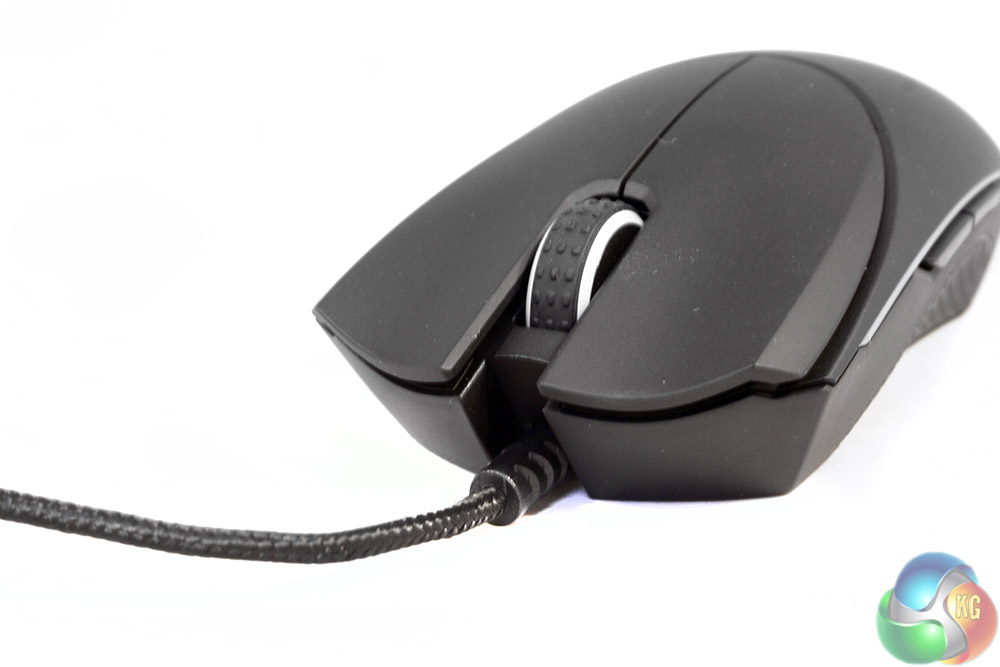
At the front end there are the usual left/right click buttons, nestled between which is the rubber coated scroll wheel, which also has a pair of light strips around its circumference.
Notice that there is no DPI selector switches or buttons around this part of the mouse. If you want to adjust those on the fly you will need to chance one of the side buttons to have that function. There is however a cable guard at the front, to prevent it shearing off against the frame over time.
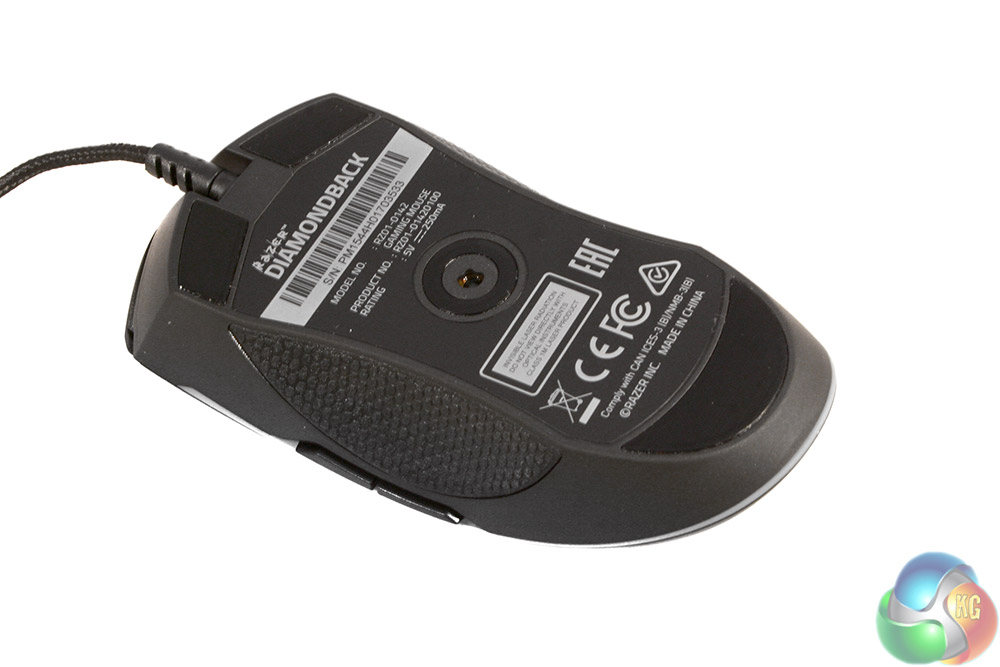
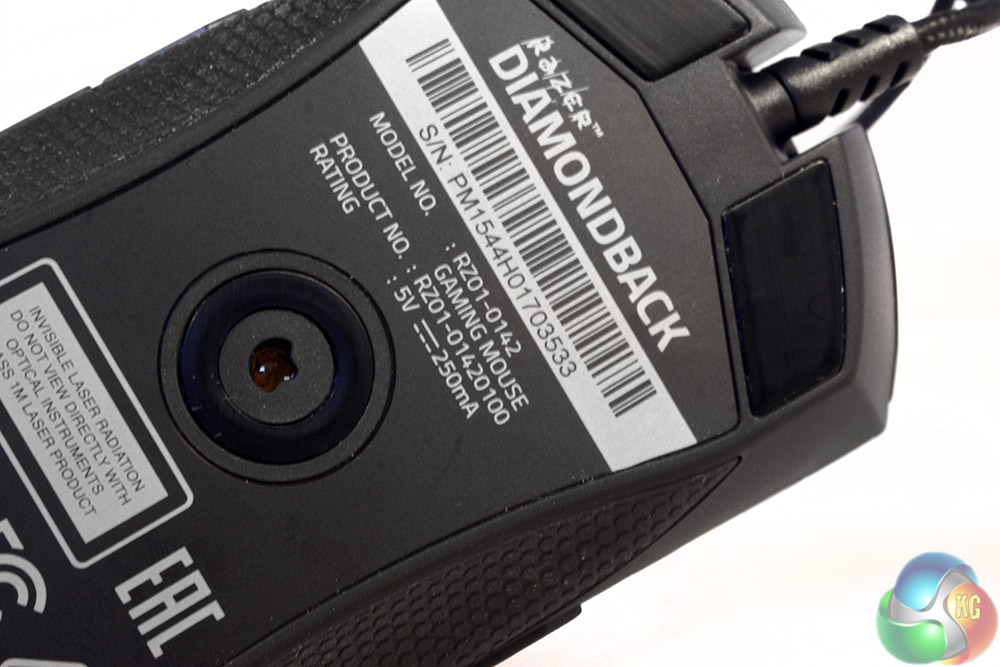
The underside of the mouse features a trio of PTFE pads, with the 5G laser sensor in the centre. The feet sit very flush with the frame, so seem less likely to build up muck over time, as is common with some gaming mice.
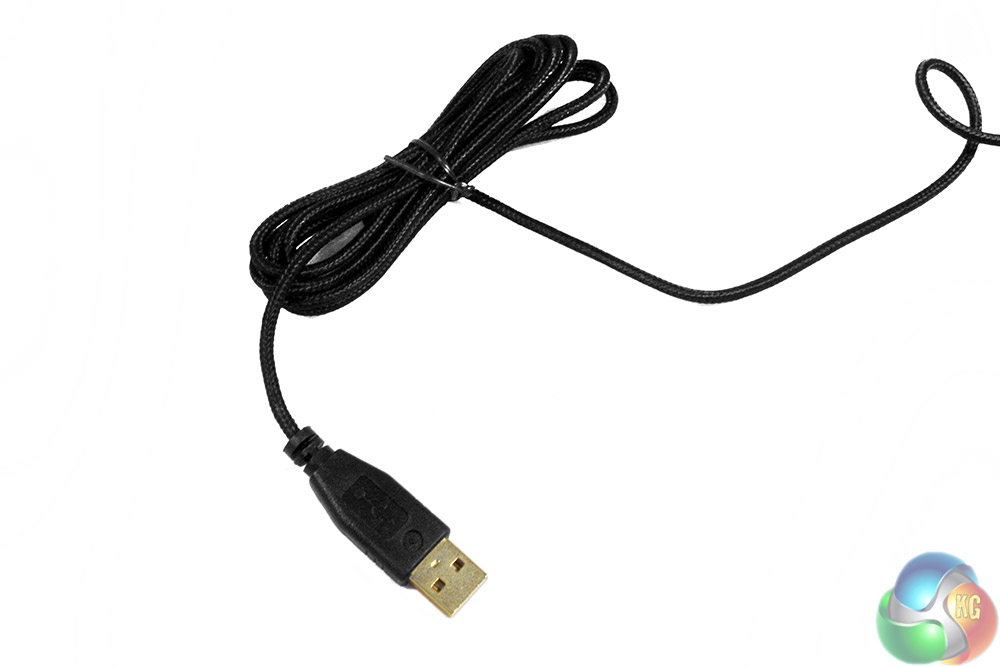
The cable is braided, but with a smooth coating, so there is almost no drag from it. The USB header is slightly customised too, with a gold plated connector to aid durability.
Testing the Razer Diamondback involves putting it through its paces in a number of games of different genres, as well as using it as my main office mouse for a week, in tasks like web browsing and photo editing. During testing I factored in its ability to operate in fast paced games, as well as more accurate, lower sensitivity scenarios. I also considered its overall comfort over long periods of use and the versatility of its back-end software.
The first step in using any gaming mouse as high-end as the Diamondback, is to install its companion software. Razer has a unified system for its peripherals known as Razer Synapse, which is quite a chunky install compared to some. I ran into a couple of issues when updating it however, as it managed to disconnect the USB keyboard I was using, as well as my attached Oculus Rift DK2.
It even crashed the Oculus service for some reason. I have contacted Razer about this issue and will update the review as and when I hear back.
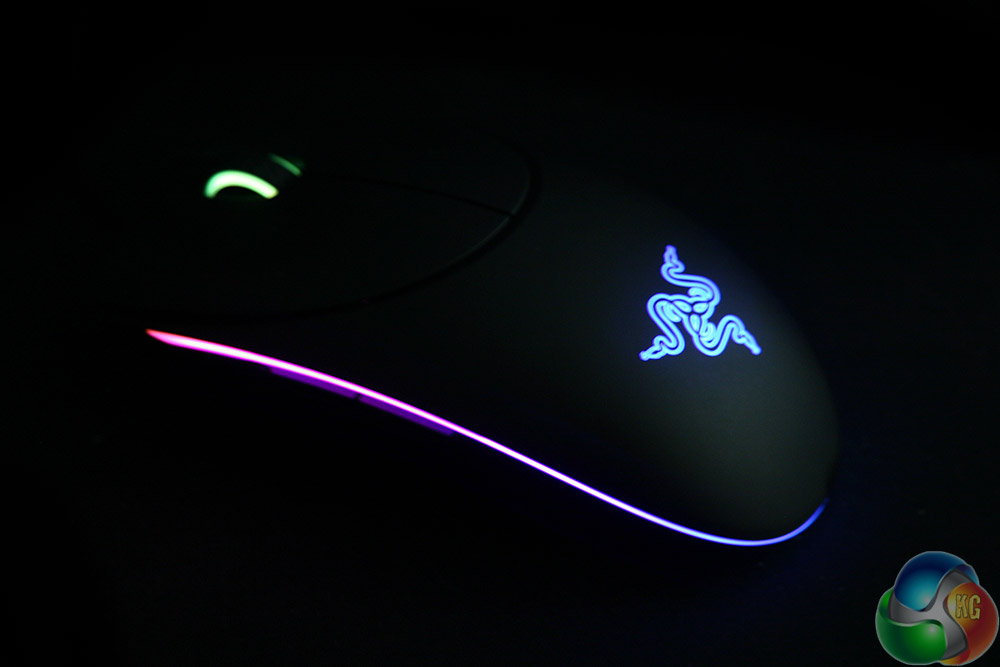
The Diamondback does look pretty when it is lit up
Fortunately a quick reboot fixed everything and I was straight on to testing. Gaming wise the Diamondback is a beautiful mouse to use. It is compact, fast and accurate under pressure. There was not one incident in game testing where I felt let down.
Whether it was fast paced RTS titles, frantic shooters, or slower puzzlers and point and click games, I found the Diamondback to be very capable. The lack of finger support on the right hand side does feel rather bizarre however and took some time to get used to. It rarely felt that it impacted my performance, though even after a week I still found myself wishing for the ability to grip lower down on the sides of the mouse, giving me a bit more room away from the buttons.
Although the sloped in sides does give the Diamondback a unique look, I do not know if they have any affect on its performance and as it stands, you simply cannot touch the very bottom of the side grips.
Somewhat surprisingly, I did not find myself missing the DPI selector switches which are so common among high-end gaming mice. To make sure the functionality was there, I did remap the two buttons on the right hand side to allow me to change on the fly, but for the most part I did not find myself using them.
That is perhaps testament to the fact that 16,000 DPI is complete overkill for almost all gamers. I found myself perfectly content at 4,500 DPI, but perhaps could see usage for those who might prefer something a bit quicker.
I can only really see 16,000 DPI being viable on a triple 4K monitor set up and even then it is probably difficult to be as accurate as you want. However since this is the sensor that Razer is putting in all of its top end mice like the Mamba, it makes sense for it to future-proof it for the ultra definition displays of years to come. It is also a nice big number for the marketing guys to play with.
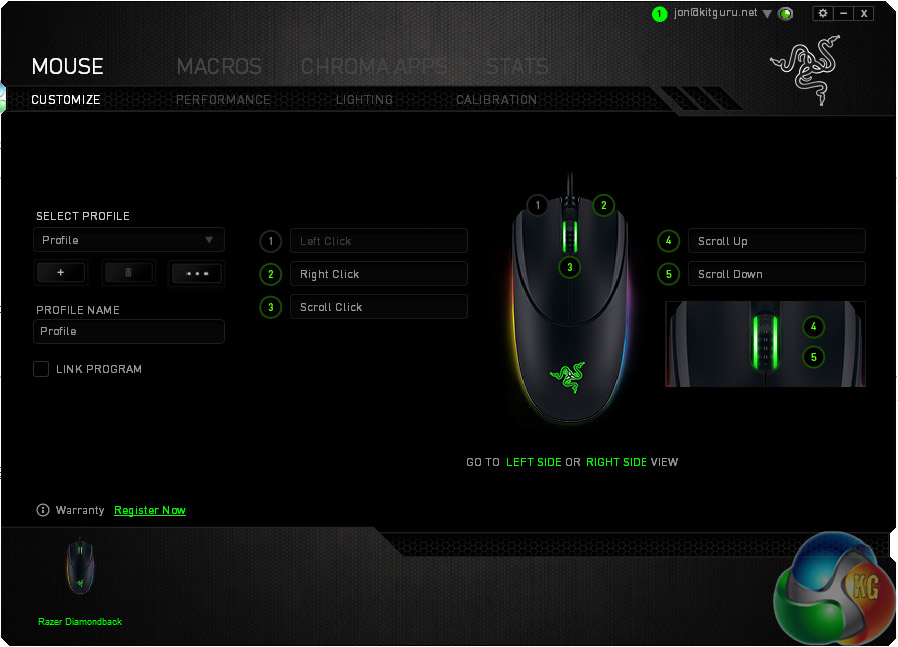
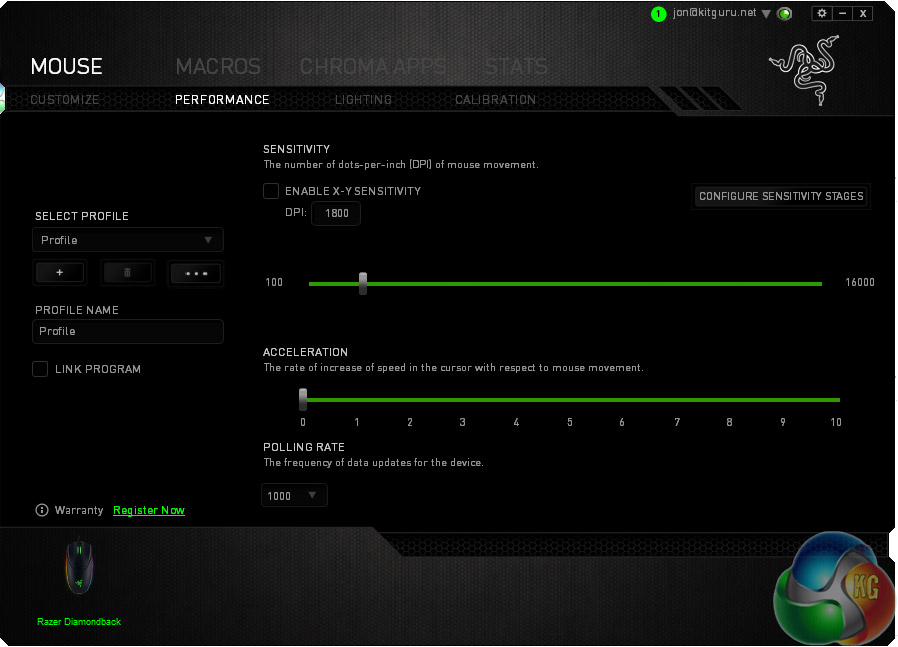
Remapping and setting adjustments are well laid out in the Synapse software
I have mostly the same positive feelings about using the Diamondback for day to day office work, but it is not quite as well suited to the task. The only movements I found the Diamondback not as strong with were really small ones. When making tiny corrections in Photoshop, or trying to select typos when writing, I occasionally found myself struggling to get it to move.
What I mean by that, is that while the Diamondback does big, sweeping movements without difficulty, it takes quite a large (relatively) amount of force to get it going in the first place. This means that as you gradually increase the amount you are pressing, pushing or pulling, it can suddenly jump a few pixels more than you intended.
I am not entirely sure if this is more to do with the placement or angling of the feet, as it does appear to be most apparent in lateral movements, but it does prove of annoyance now and again. Not a major issue, but certainly one worth noting if you spend a lot of time editing pictures or making minute movements.
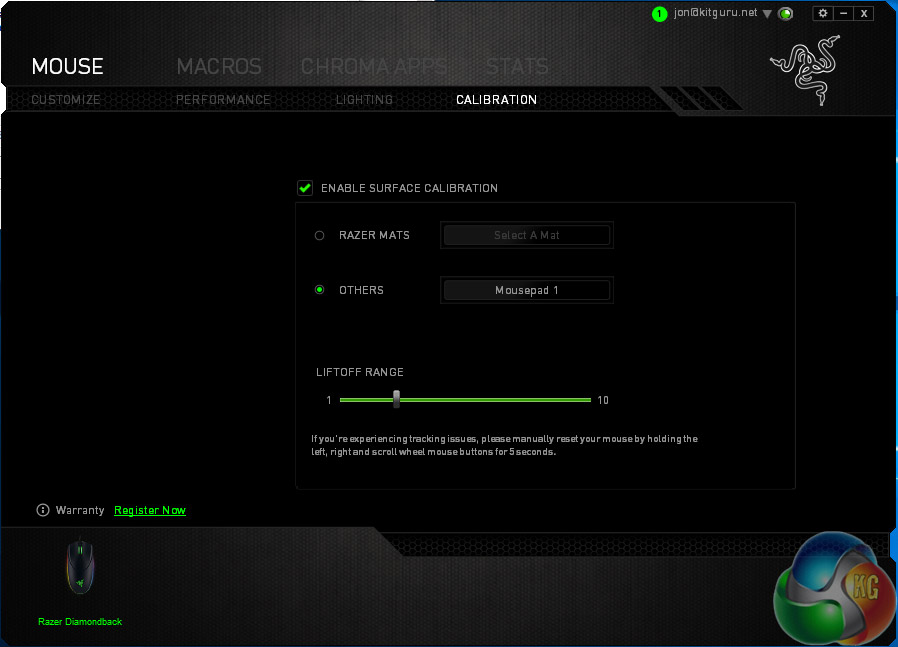
Comfort wise, the Diamondback is passable. It does not do much cushioning of your palm or hand due to its small stature, so you will spend much of your time leaning on a mouse mat – make sure you have a comfortable one. Since it has a laser sensor you can use it without, but I would not recommend it – you will scratch up those lovely PTFE feet.
That lack of support does seem to manifest itself in a bit of wrist ache too. I am a 12 hour+ a day PC user and have ongoing issues with carpal tunnel because of it, but the Diamondback did seem to bring it out a little more than others. It is not horrendous by any means, but I felt the lack of support at times because it forces you to hover your pinky, or try and fuse it with your ring finger.
Perspiration build up does not appear to be much of an issue thanks to the rubber side grips and textured front buttons.
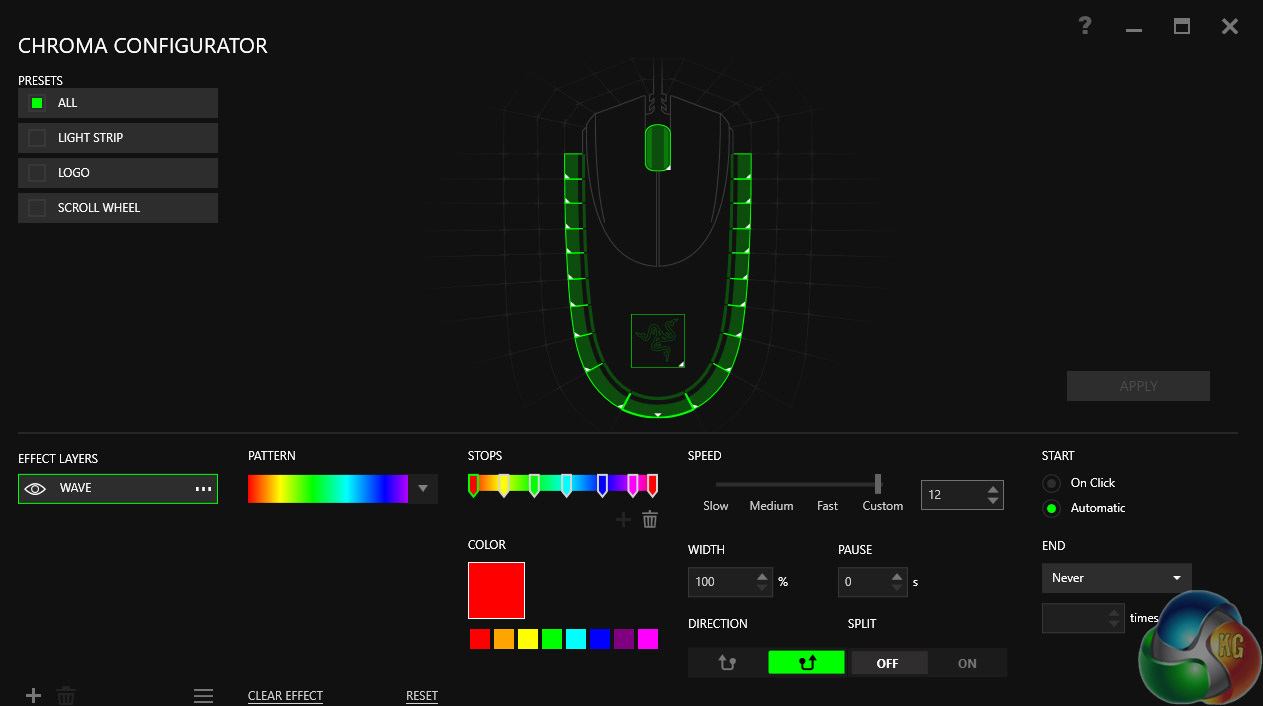
The Razer Chroma lighting configurator is excellently put together. Deep and intuitive.
As much as the Razer Diamondback is a unique shape and design, I would like to see slightly less severe drop offs on the sides of the mouse, as my preference is to grip near the base for control. That may be just me and other gamers may grip higher without issue, but if I could hold this mouse closer to the base, I think it would be one of my favourites.
I do wonder also if the sides leave enough room for those with big hands. Mine are quite small and did occasionally feel a little cramped.
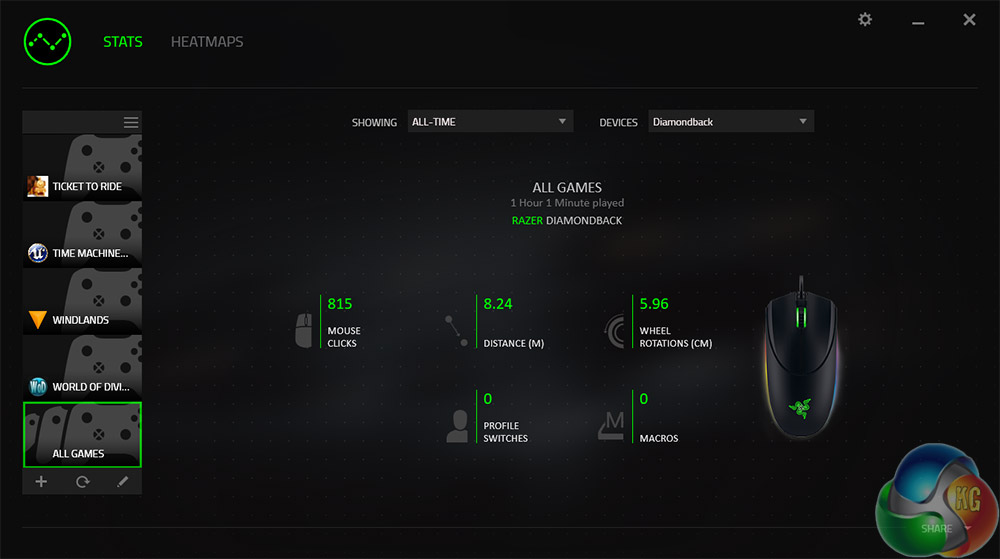
The Razer Synapse software is strong as ever, with a number of options for macros, setting tweaks and profile storage. The Chroma lighting configurator is also excellent and even allows for the use of third party applications which can make it do all sorts of fun things.
The original Razer Diamondback was a classic mouse and although I am sure Razer was hoping for the same with the Diamondback Chroma 2016, it has not quite hit the mark. This is a good mouse by any measure and the appearance and design stand out among a plethora of rather generic mice. However the lack of support for your hand feels missed, and drives pressure back on to your wrist.
Perhaps that is because I am more of a finger grip gamer than the claw style that would best suit this sort of mouse. If that is the case, the Diamondback is a solid gaming companion, offering high-speed accuracy, with wide and deep sensitivity and other options to play with in the software to really customise the mouse to your playstyle.
It does feel more suited to playing with too. Higher speed games benefit the most from its abilities, but I found it equally capable in slower, more methodical titles. It was only really in minute movements that it was not quite as useful.
The laser sensor on this mouse is excellent, working well on a variety of surfaces and although 16,000 DPI feels overkill, it is quite future proof. That is unless someone comes up with a better sensor design before we all have multiple 8K displays!
I like the Diamondback, but it is not my favourite mouse. It has a unique look and design and will no doubt be suited to some gamers very well, but it is difficult to wholeheartedly recommend it when it has so many strong competitors, especially at its price point.

You can buy the Razer Diamondback Chroma 2016 from Overclockers UK for £79.99 inc vat HERE.
Discuss on our Facebook page, over HERE.
Pros
- Looks fantastic, unique design.
- Highly accurate, super-sensitive sensor.
- Great back end Synapse system.
- Lighting is top-notch.
- Excellent build quality.
Cons
- Lack of finger rests can be fatiguing on the wrist.
- Razer offers better mice at a comparable price.
KitGuru Says: Although the sharply sloped sides on the Diamondback give it a unique look and feel, its lack of support left this reviewer a little wrist-fatigued by the end of testing. It is a solid all-round package, but just misses the mark in a few key areas.

Haven’t tried laser mice in the past 3-4 years, but god damn they were awful back then.
A minha análise – http://combocaster.pt/2017/09/analise-razer-diamondback/