KitGuru KitGuru.net – Tech News | Hardware News | Hardware Reviews | IOS | Mobile | Gaming | Graphics Cards


We always love it when a company tries something new, and today we are reviewing iiyama's first ever OLED monitor – the G-Master Titan Falcon GOB2701QSC. It's built on a 4th Gen Tandem OLED panel from LG, with a 1440p resolution and 280Hz refresh rate. That panel technology has been out for almost a year now, but iiyama is adding an extra layer of intrigue, given the monitor is currently on sale for just £299… Let's find out if it's worth buying.
Timestamps
00:00 Intro
01:00 Pricing situation
01:44 Design + ergonomics
02:28 Connectivity & OSD
03:56 Other OLED specifics
05:58 Panel analysis
09:06 sRGB mode + calibrated results
10:01 Response times + motion clarity examples
11:30 Real-world gaming experience
12:04 HDR analysis
14:05 Closing thoughts
First things first then, the pricing. As mentioned, the iiyama G-Master GOB2701QSC is indeed retailing for just £299 at the minute, though this is a temporary deal to celebrate the 10th anniversary of the G-Master brand, running until 27th September. Even at the regular £420 MSRP, though, it's still cheaper than the likes of the Gigabyte MO27Q28G or ASUS XG27AQWMG which use the same panel – even if the difference isn't nearly as big as it is with the temporary deal.
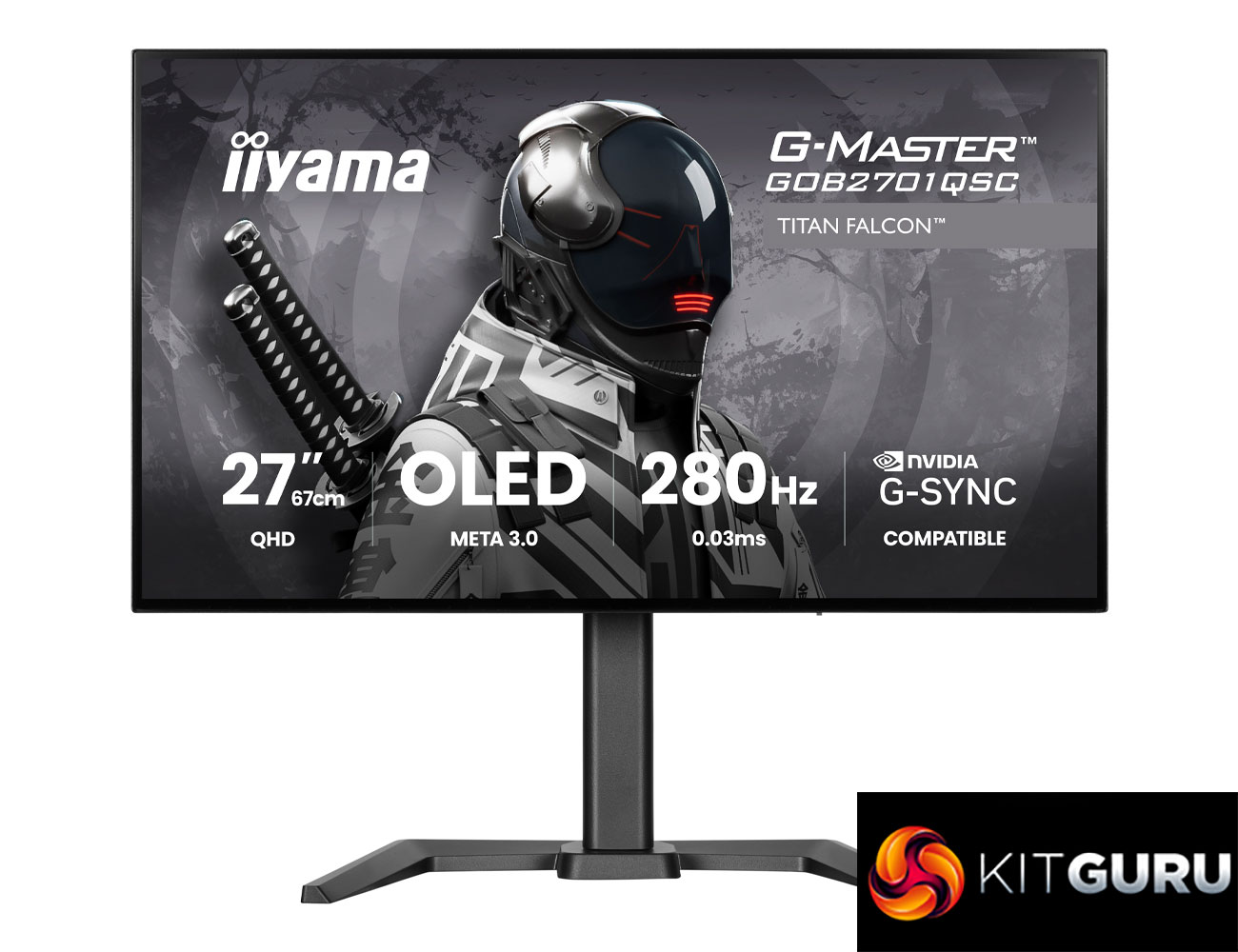
Specification:
- Design: Gaming flat
- Diagonal: 27″, 68.6 cm
- Panel: META3 OLED 4th generation
- Native resolution: 2560 x 1440 @280Hz (approx. 3.68 megapixels, WOLED)
- Aspect ratio: 16:9
- Brightness: 1500 cd/m² peak HDR
- Static contrast: 1,500,000:1
- Response time: 0.03ms (GTG)
- Viewing zone: horizontal/vertical 178°/178°, right/left 89°/89°, up/down 89°/89°
- Colour support: 1.07B, 10-bit (sRGB 150%)
- Horizontal sync: 30–463kHz
- Viewable area (W x H): 586.75 x 330.05 mm
- Pixel pitch: 0.2292 mm
- Colour: Black
- Signal input: HDMI x2 (v2.1, max 2560 x 1440 @280Hz), DisplayPort x1 (v1.4 DSC, max 2560 x 1440 @280Hz)
- USB hub: 2x USB 3.2 Gen1 Type-A (5Gbps, 5V)
- USB-C dock: 1x USB-C with 65W Power Delivery, USB 3.2 Gen1 5Gbps
- HDCP: Yes
- Headphone connector: Yes
- KVM switch: Yes
- Blue light reducer: Yes
- Adaptive Sync support: G-SYNC, 2560 x 1440 @48–280Hz, DisplayPort only
- Extra: OLED protection function
- HDR: HDR TB400
- Speakers: 2 x 5W
- Convenience: Kensington-lock™ prepared, DDC/CI, DDC2B
- Display position adjustments: height, swivel, tilt, pivot
- Height adjustment: 150 mm
- Rotation (pivot): 90°
- Swivel stand: 90°; 45° left; 45° right
- Tilt angle: 23° up; 5° down
- VESA mounting: 100 x 100 mm
- Included cables: Power cable (1.8m), USB cable (1.5m), HDMI cable (1.8m), DisplayPort cable (1.8m), USB-C cable (1.0m)
- Other accessories: Quick start guide, safety guide
- Power supply unit: External
Firmware tested: V1.0.10