KitGuru KitGuru.net – Tech News | Hardware News | Hardware Reviews | IOS | Mobile | Gaming | Graphics Cards


Multi-tasking
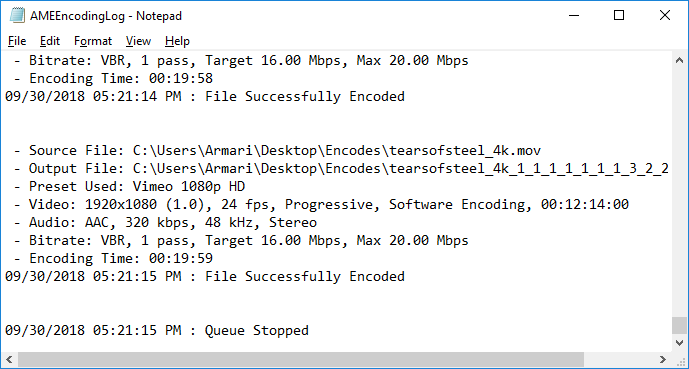
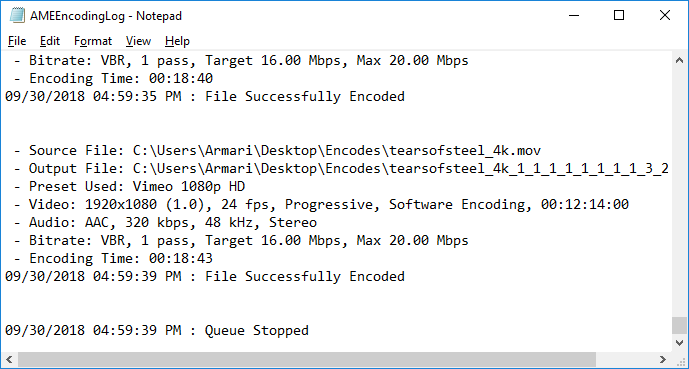
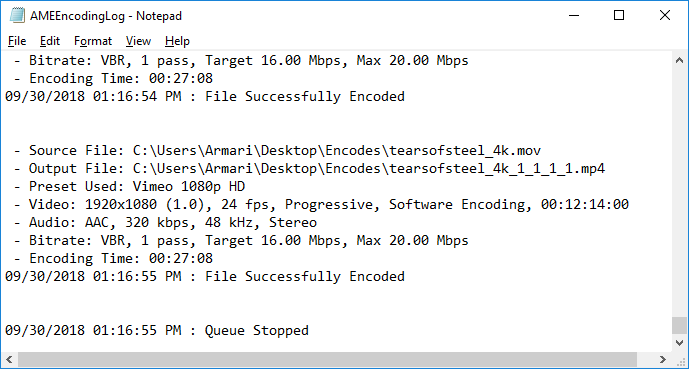
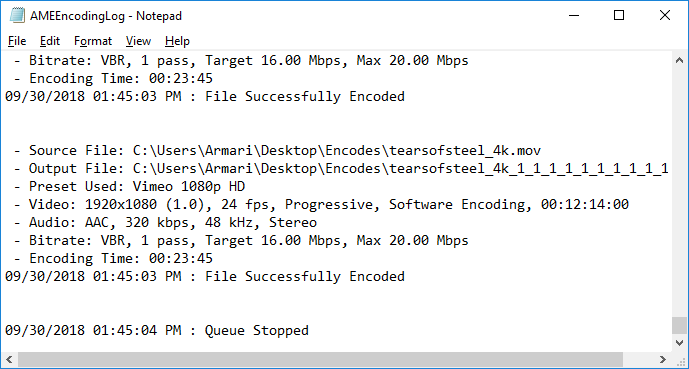
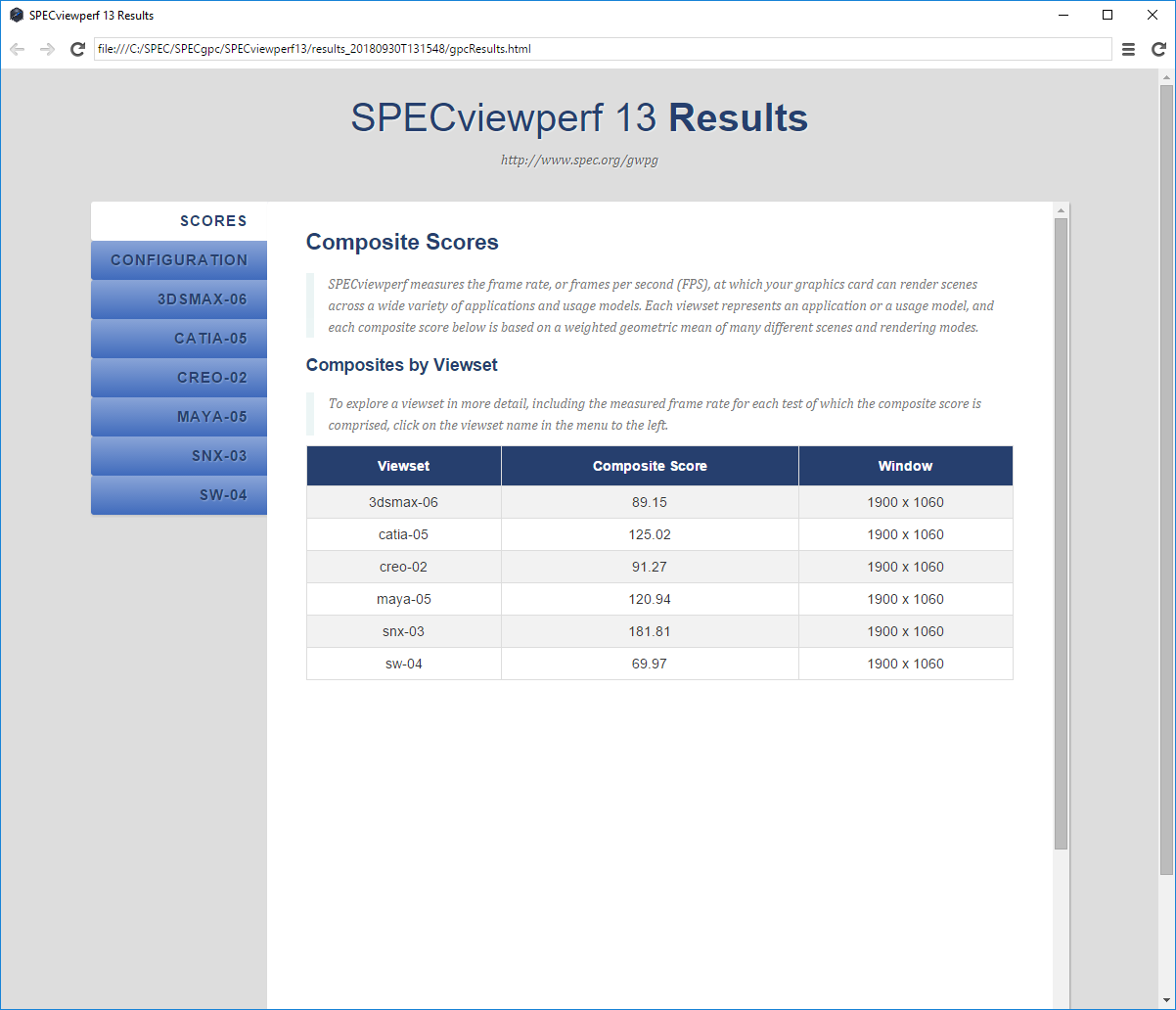
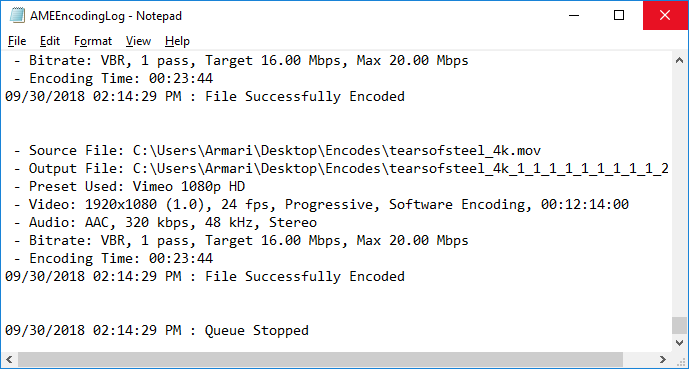
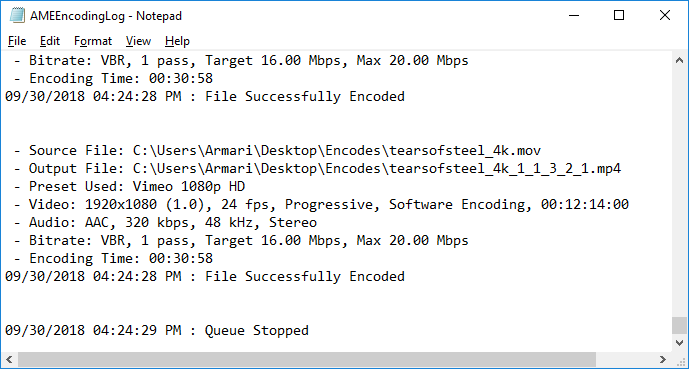
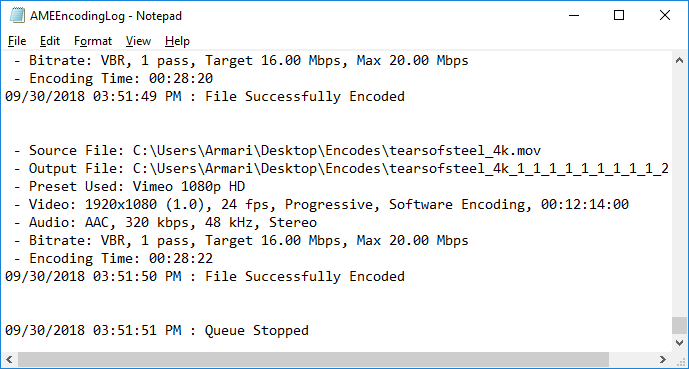
For our final test, we put one of AMD's most unusual claims to the test. AMD reckons that its WX 8200 is much more capable of doing multiple tasks at once than its NVIDIA competition – in particular, real-time modelling and another task that includes GPU Compute such as rendering or video encoding. So we ran a subset of SPECviewperf 13 at the same time as ten simultaneous encodes of the 4K Tears of Steel movie to the Vimeo HD preset, using Adobe Media Encoder CC 2018. This runs all the encodes at the same time, which means there is no break between files where the GPU is not under load.
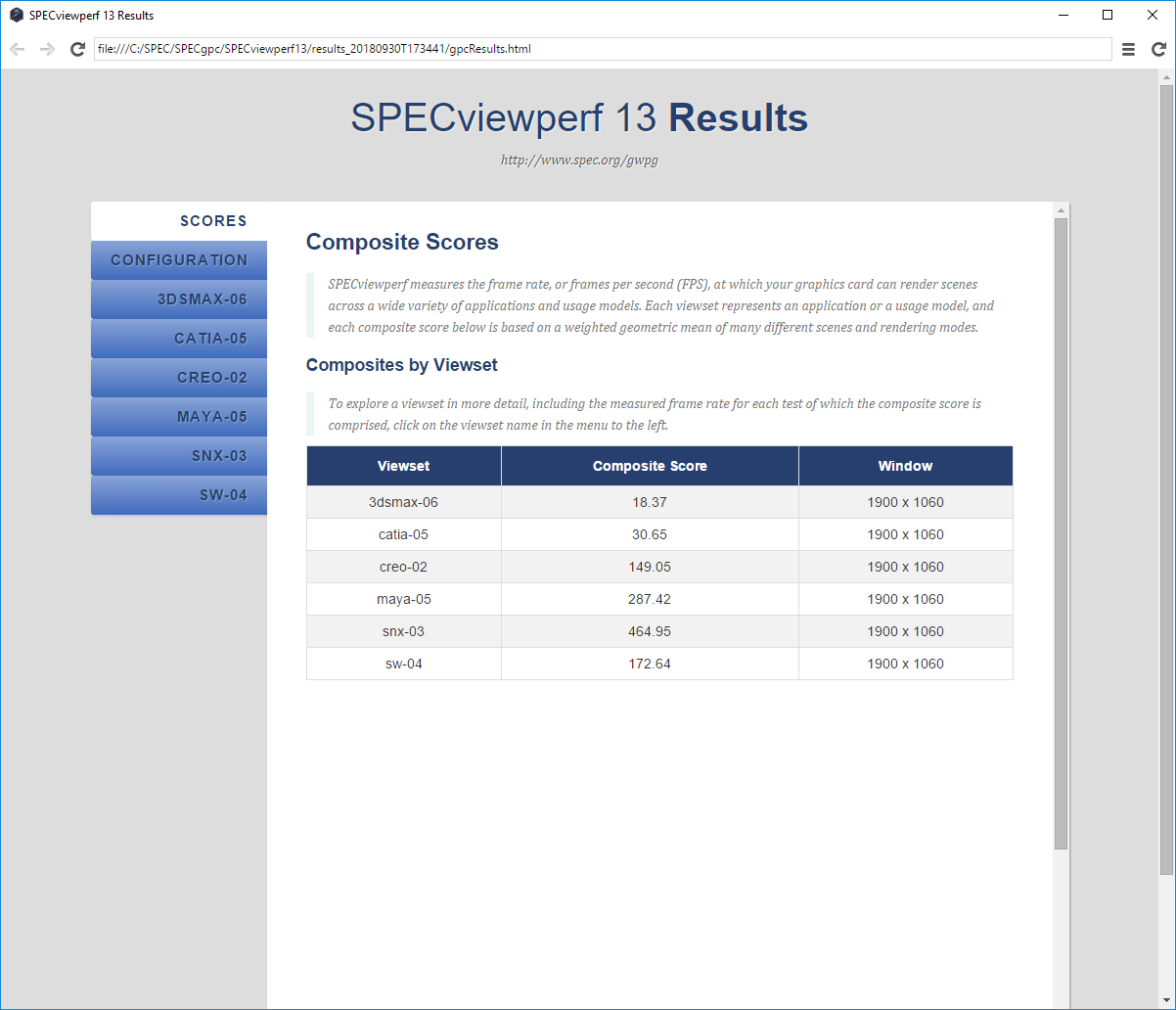
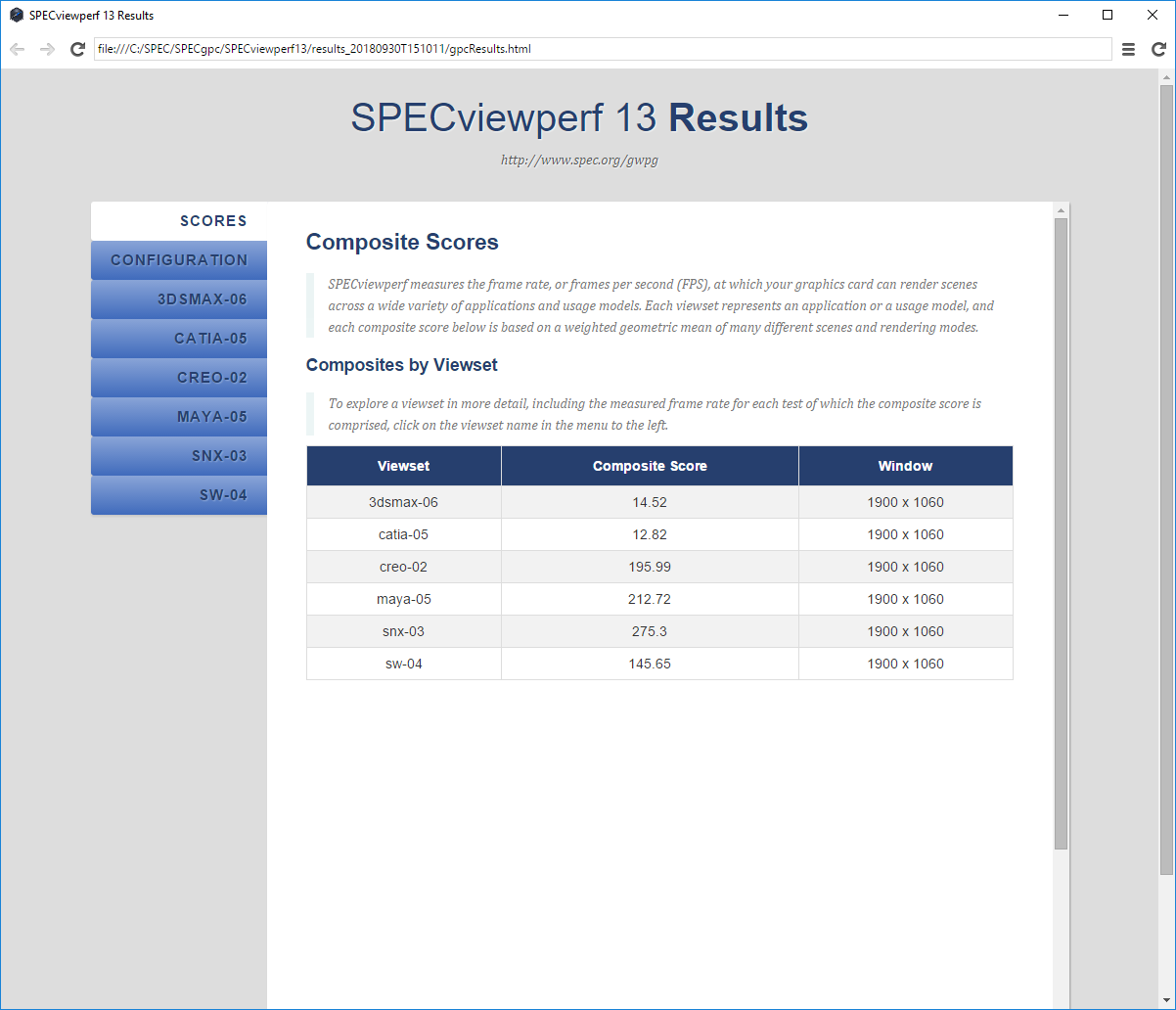
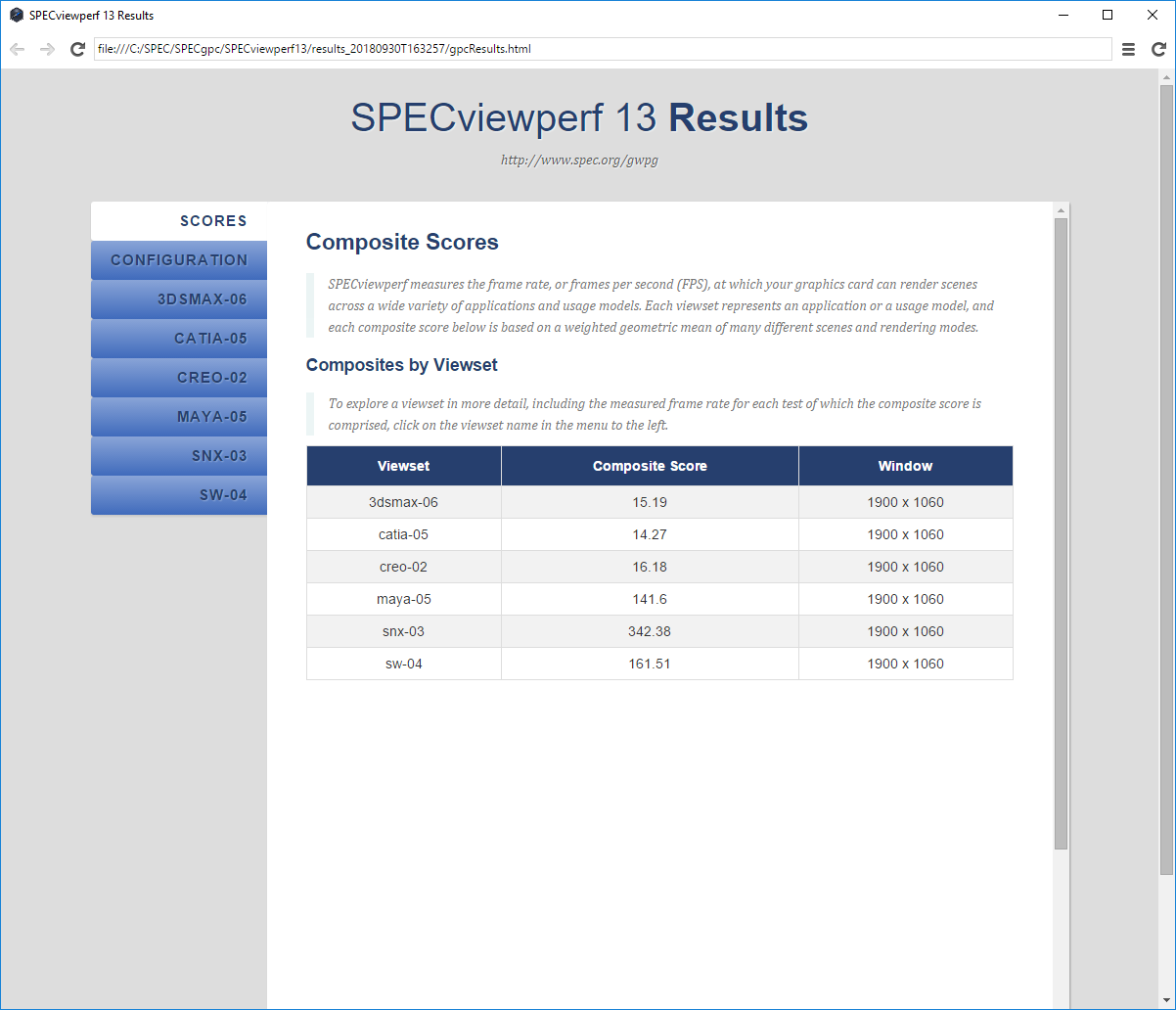
However, the graphics cards varied as to how many of the SPECviewper 13 viewsets they could get through during the encoding time. The grapsh below only include the viewsets that were completed whilst the encode was still running. For all viewsets completed after the encode was over, we have entered a score of zero, although in the raw results at the bottom of this page you can see that performance (as expected) went back up to the levels when no other tasks were being performed at the same time.
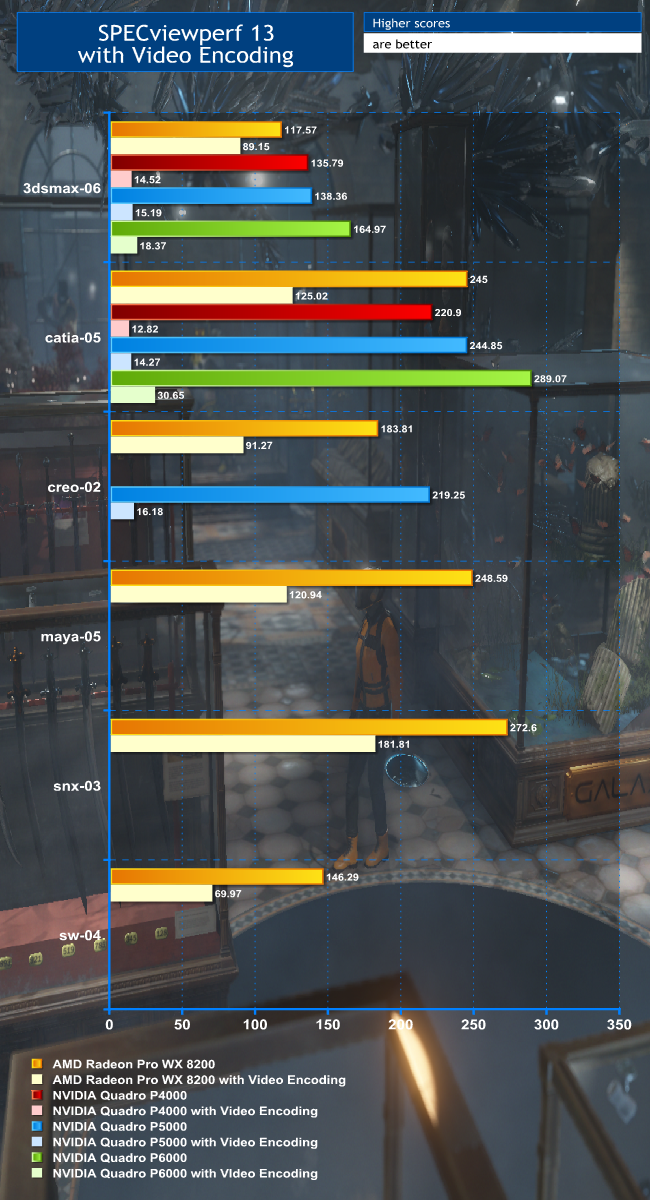
The first thing to note is that the AMD Radeon Pro WX 8200 managed to complete six viewsets during the encode time, whereas the NVIDIA Quadro P4000 only completed two in a similar timeframe. The drop in 3D modelling performance for the WX 8200 was also far less than for the P4000. Whilst the WX 8200 was still providing usable frame rates in all the viewsets it completed, the P4000 had dropped to a completely unusable level where the jerky response would make any designer give up.
The P5000 and P6000 didn't fare much better. The P6000 managed to hit 30.65 in catia-05, but that's scarcely ten per cent of what it can achieve doing 3D modelling on its own. It only complete two viewsets within its encoding time, but as you will see from the next graph, the P6000 is much quicker when encoding to multiple targets simultaneously than the other graphics cards.
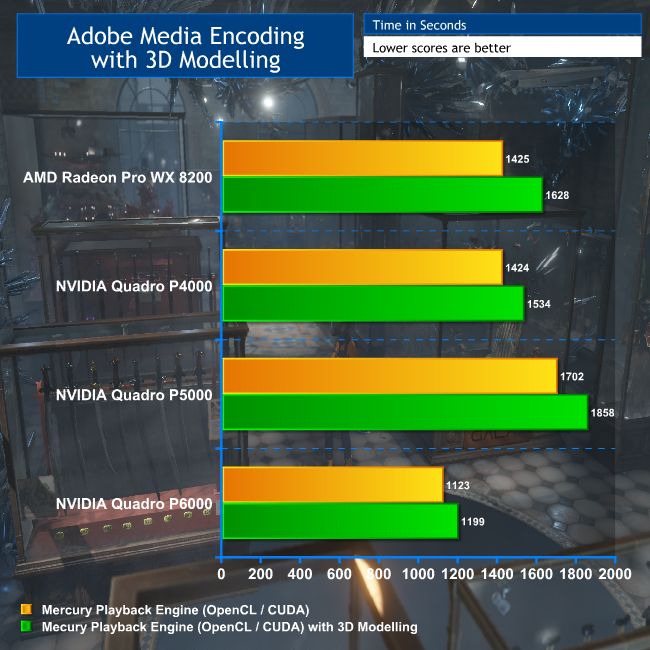
The WX 8200 does take a bit more of a hit in its encoding time (14 per cent longer to complete) than the NVIDIA cards (9 per cent or lower). But in the balance, you can encode with the WX 8200 using GPU Compute acceleration whilst doing useful 3D modelling at the same time, whereas you can't with any of the NVIDIA Quadros, even the P6000.