 KitGuru KitGuru.net – Tech News | Hardware News | Hardware Reviews | IOS | Mobile | Gaming | Graphics Cards


We are comparing the NUC 9 Extreme Ghost Canyon against a pair of high-powered laptops that Leo reviewed recently.
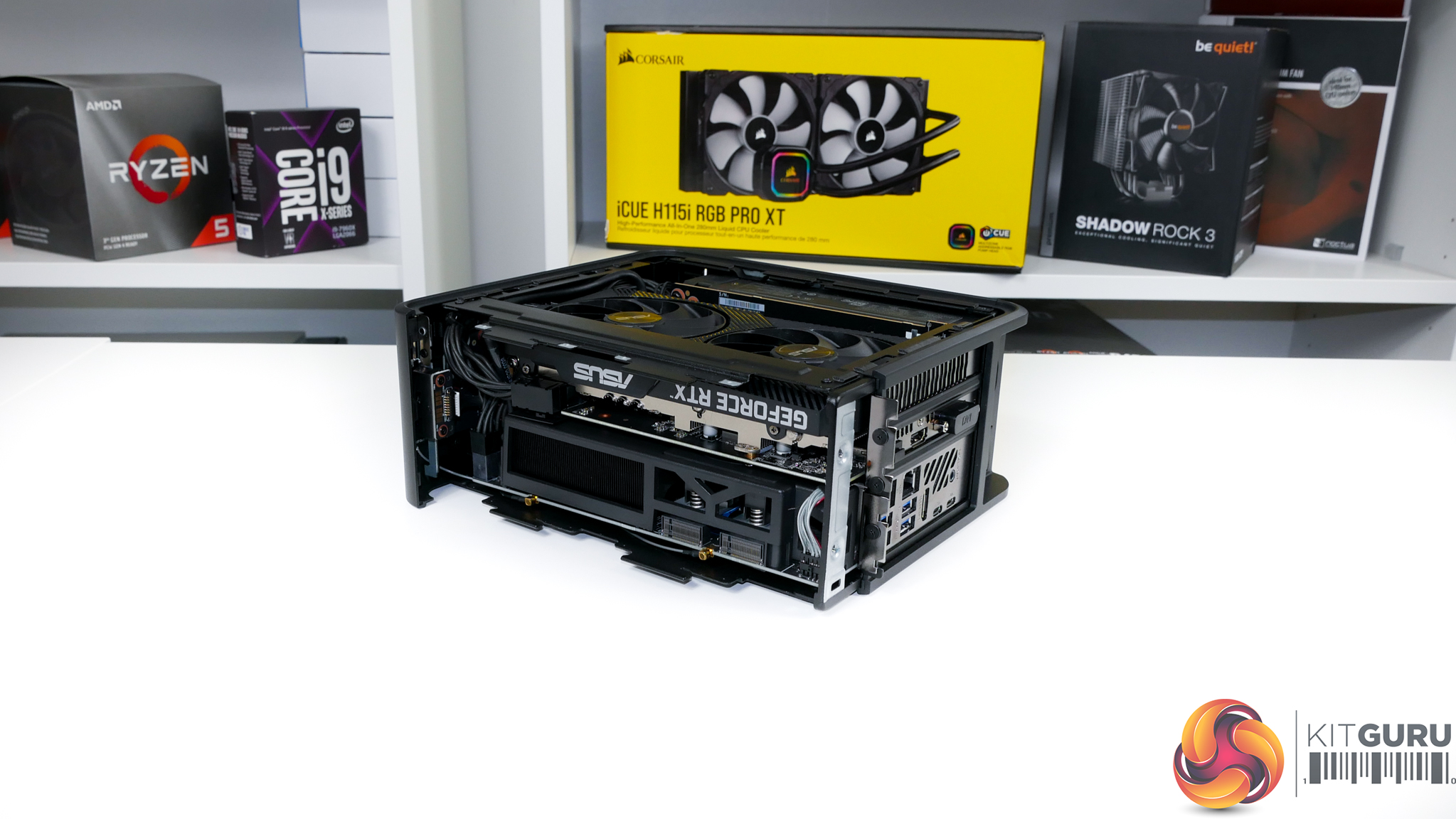
The base Core i9-9980HK-powered NUC9i9QNX version of the NUC 9 Extreme Ghost Canyon that we are using retails for £1,640 including VAT in the UK, albeit with a free 8GB RAM kit and 128GB M.2 SATA SSD (which realistically are of minimal value).
Beef it up to our configuration with 16GB of DDR4, a 1TB Kingston KC2000 M.2 PCIe SSD, and the ASUS Dual RTX 2070 Mini graphics card and the all-in price is around £650 higher at about £2300. Once you add in the 380GB Intel Optane 905p M.2 SSD that our test unit ships with, that adds another £500(!) onto the cost. That’s around £2800 all-in for our unit, excluding the cost of a Windows license, of course.
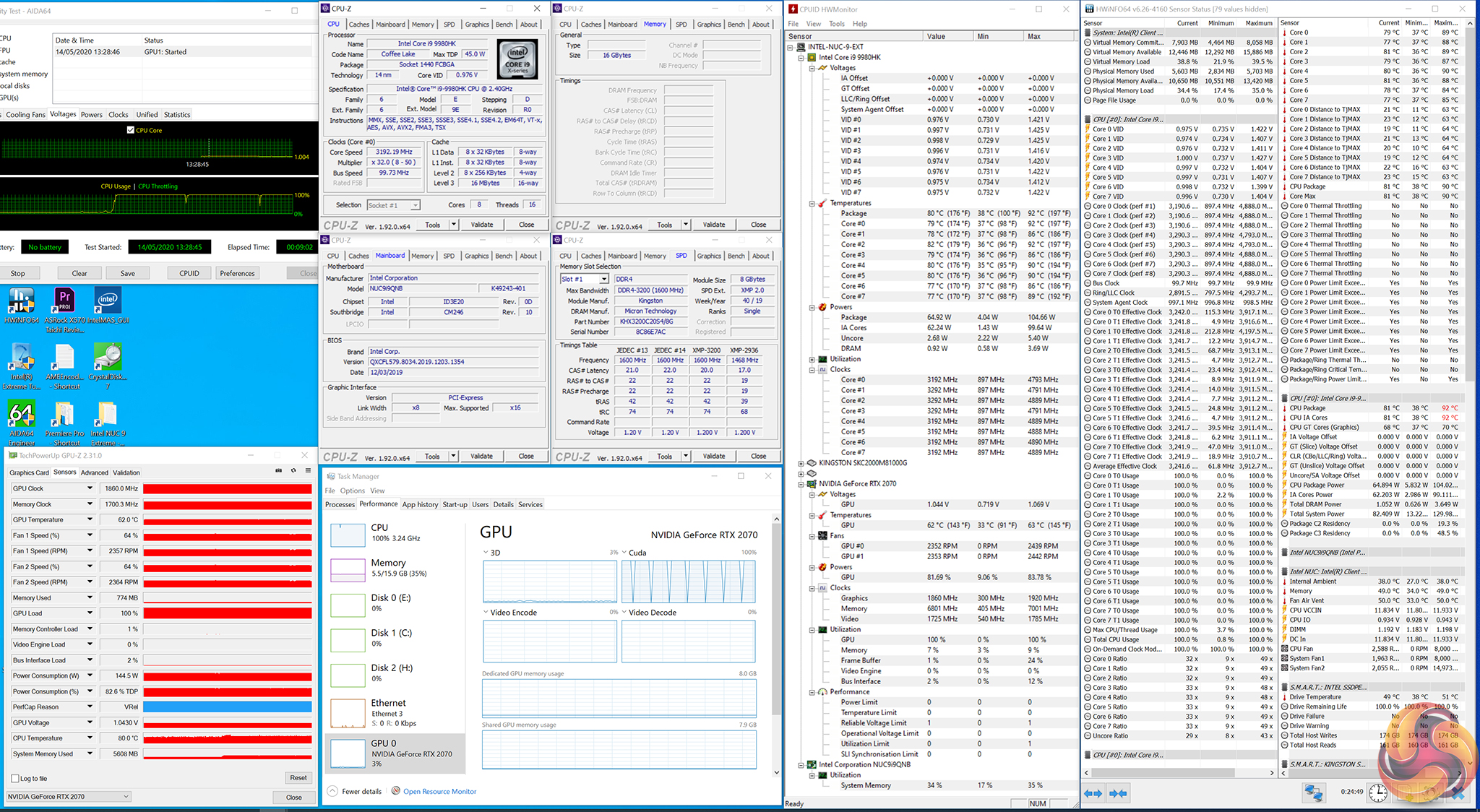
Intel NUC 9 Extreme (NUC9i9QNX) Test Configuration:
- Processor: Intel Core i9-9980HK (65W long duration power limit, 107W short duration power limit, 28.00 TAU).
- Memory: 16GB (2x8GB) Kingston HyperX SO-DIMM DDR4-2666MHz.
- Graphics Card: ASUS Dual RTX 2070 Mini 8GB.
- System Drive: Intel SSD 905p Optane 380GB M.2 SSD.
- Secondary SSD: Kingston KC2000 PCIe NVMe 1TB.
- CPU Cooler: Intel Compute Element default 80mm fan and vapour chamber (‘Cool' UEFI fan settings).
- Power Supply: FSP FSP500-30AS 80-Plus Platinum Flex-ATX 500W.
- Chassis: Intel NUC 9 Extreme NUC9i9QNX chassis (‘Cool' UEFI fan settings).
- Operating System: Windows 10 Pro 64-bit.
Comparison Systems:
- ASUS ROG Zephyrus G14 Gaming Laptop @ £1700
- AMD Ryzen 9 4900HS, Nvidia RTX 2060 Max-Q, 16GB DDR4-3200MHz
- MSI GE65-9SF Gaming Laptop @ £2100
- Intel Core i7-9750H, Nvidia RTX 2070 Max-Q, 16GB DDR4-2666MHz
Tests
- Cinebench R15 – All-core & single-core CPU benchmark (CPU), Stress test (Temperatures & Power Consumption)
- Cinebench R20 – All-core CPU testing (CPU)
- Blender 2.82a – All-core rendering of the BMW (CPU), Stress test (Temperatures & Power Consumption)
- SiSoft Sandra – Memory bandwidth (Memory)
- AIDA64 – Memory bandwidth, memory latency (Memory)
- 3DMark – Fire Strike (1080p) test, Time Spy (1440p) test (Gaming)
- F1 2019 – 1920 x 1080, 2560 x 1440, Ultra High quality preset, DX12 (Gaming)
- Red Dead Redemption 2 – 1920 x 1080, 2560 x 1440, High settings manually applied, DX12 (Gaming)
- Shadow of the Tomb Raider – 1920 x 1080, 2560 x 1440, Highest quality preset, no AA, DX12 version (Gaming)
- The Division 2 – 1920 x 1080, 2560 x 1440, Ultra quality preset, no AA, DX12 version (Gaming)
