KitGuru KitGuru.net – Tech News | Hardware News | Hardware Reviews | IOS | Mobile | Gaming | Graphics Cards


Audio and headset manufacturers have long been trying to recreate surround sound through a pair of stereo headphones. In fact, there's a whole catalogue of different software standards all trying to give you that immersive experience – think Dolby Surround, DTS 7.1, THX Spatial Audio and so on. Creative has chosen to go another route, however, with its Super X-FI (SXFI) Amp – a hardware solution that is designed to offer the ‘listening experience of a high-end multi-speaker system' … but through your headphones. Is it any good?
After the KitGuru team got hands-on with the Creative SXFI Amp back at CES 2019, we have been testing the amp at our labs for the last couple of weeks and can today present our full review. As this is a review of the SXFI Amp and its ‘holographic audio' experience, we obviously need some headphones to use it with, and Creative also supplied the E-MU Teak closed-back headphones for our testing today.
Specifications:
Audio
- DAC: AKM AK4377
- SNR: Up to 120 dB
- SUPPORTED INPUT FORMAT: 2.0/5.1/7.1 channel, 24 bit/96 kHz
- THD + N: Up to -110 dB (0.0003%)
- IMD: < 0.0022%
- CROSSTALK: < -75 dB
Amplification
- GAIN: 3X
- MAX POWER (16 ohm): 425 mW
- MAX POWER (32 ohm): 370 mW
- MAX POWER (300 ohm): 51 mW
- MAX POWER (600 ohm): 26 mW
Connectivity
- PC / Macs: Windows 10 Creator's Update (ver. 1703), macOS 10.13 High Sierra, Linux
- CONSOLES: PS4, Nintendo Switch
- MOBILE: Android 7.0 and above only
- USB: Low-jitter Asynchronous USB UAC2, No drivers required
Physical
- PRODUCT TYPE: Wired
- CHASSIS: Aluminium Unibody
- FINISH: Matte-Black Fine-Textured Anodized
- DIMENSIONS: (In mm) 9.7 (D) x 17.5 (W) x 67 (H)
- WEIGHT: 15 g
- CONNECTOR: (Input) USB Type-C , (Output) 3.5 mm TRRS jack
Creative SXFI Amp
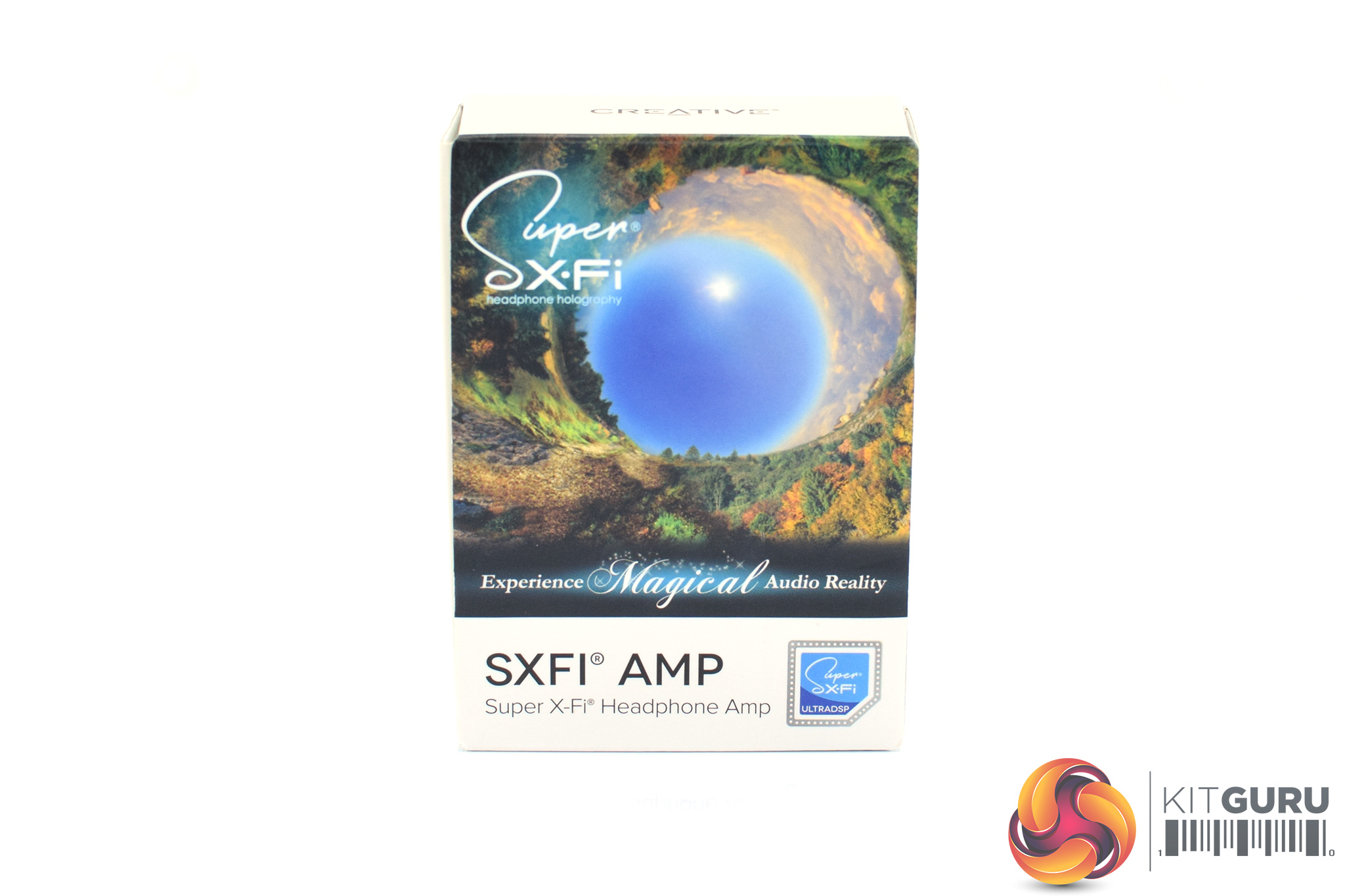
The Creative SXFI Amp ships in a tiny box, with a colourful and very ‘trippy' image on the front, which reminds me somewhat of ‘Cooper Station' from Chris Nolan's Interstellar where they were able to solve the ‘gravity equation'.
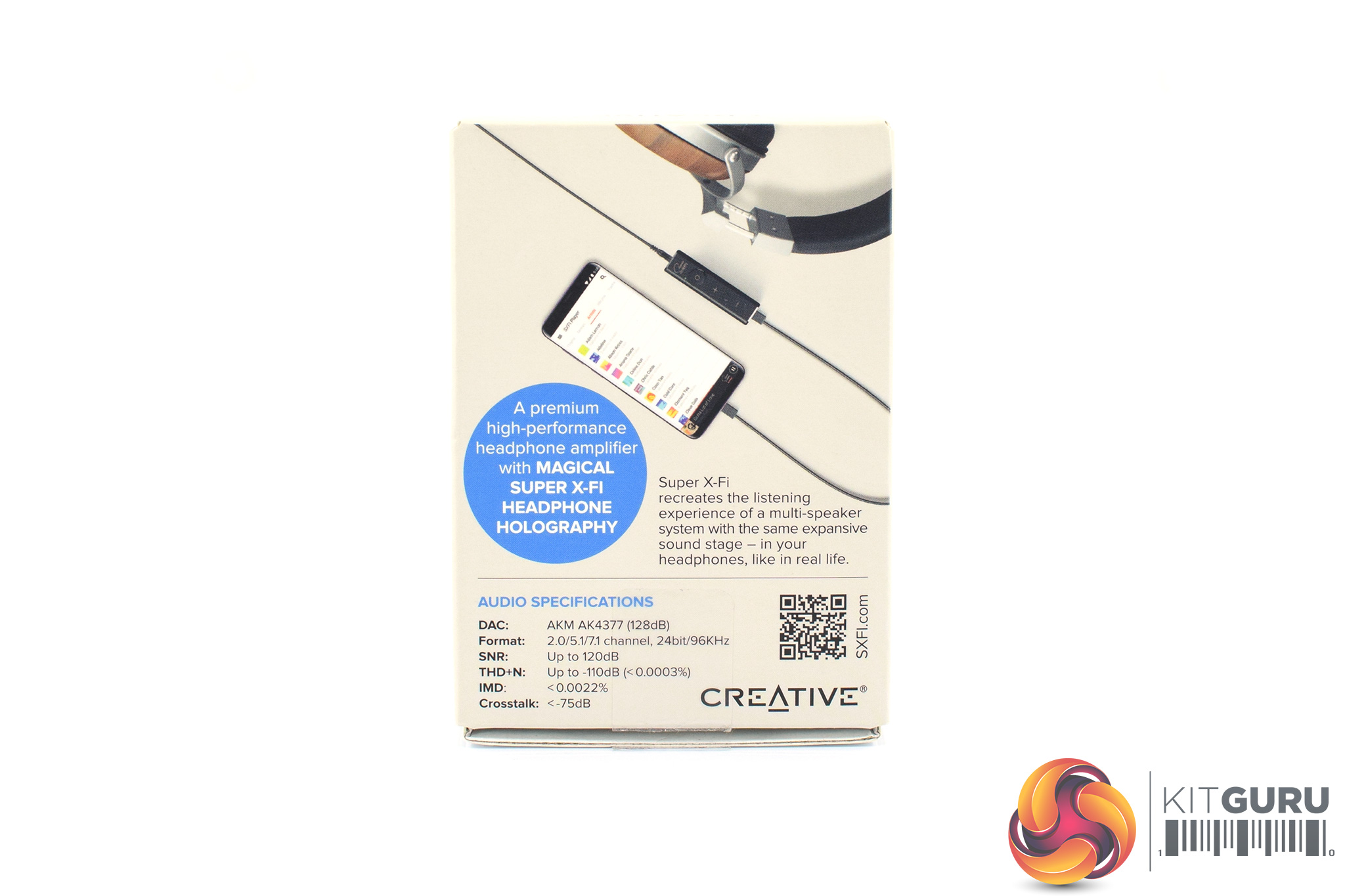
On the back, there's a few specifications relating to the amp as well as a short description of the SXFI technology.
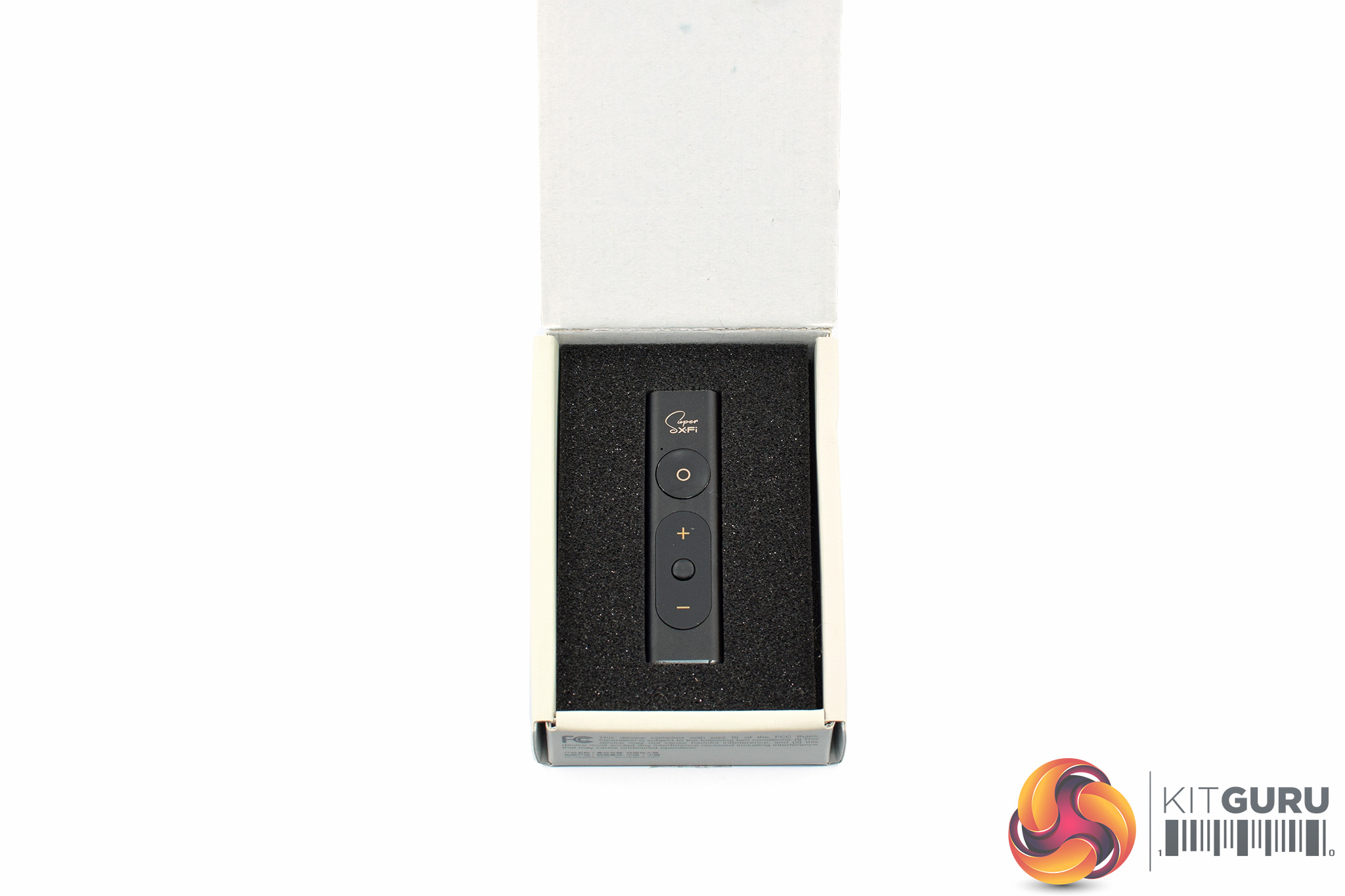
Opening up the box, the amp itself is tidily presented in a foam surround – but more on that later.
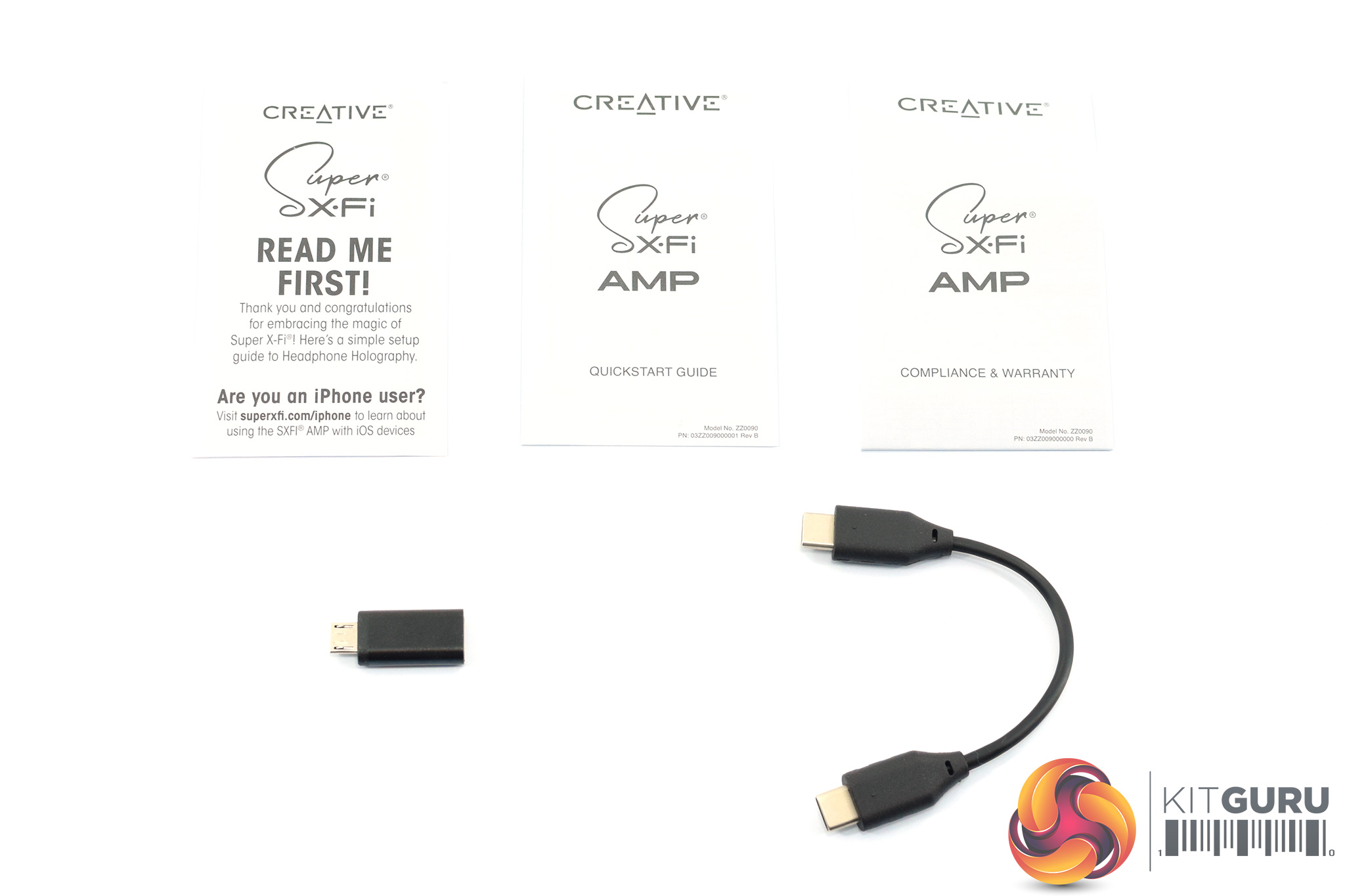
There's a few accessories to touch on first, including three small leaflets – one ‘read me', one quick start guide, and then one for warranty information. Alongside that we find a USB-C to USB-C cable that measures approximately 12cm, while a USB-C to micro-USB adapter is also included.
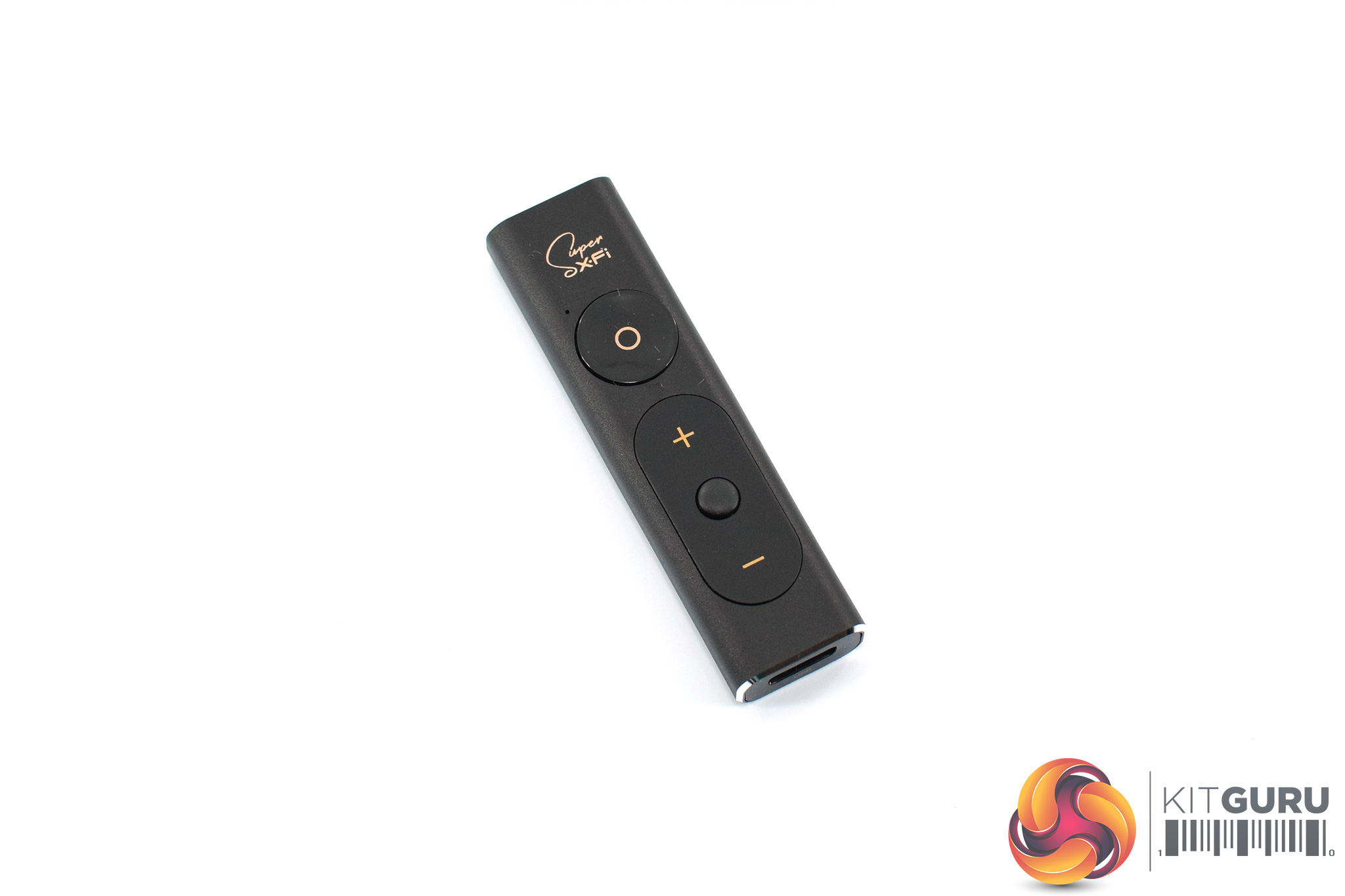
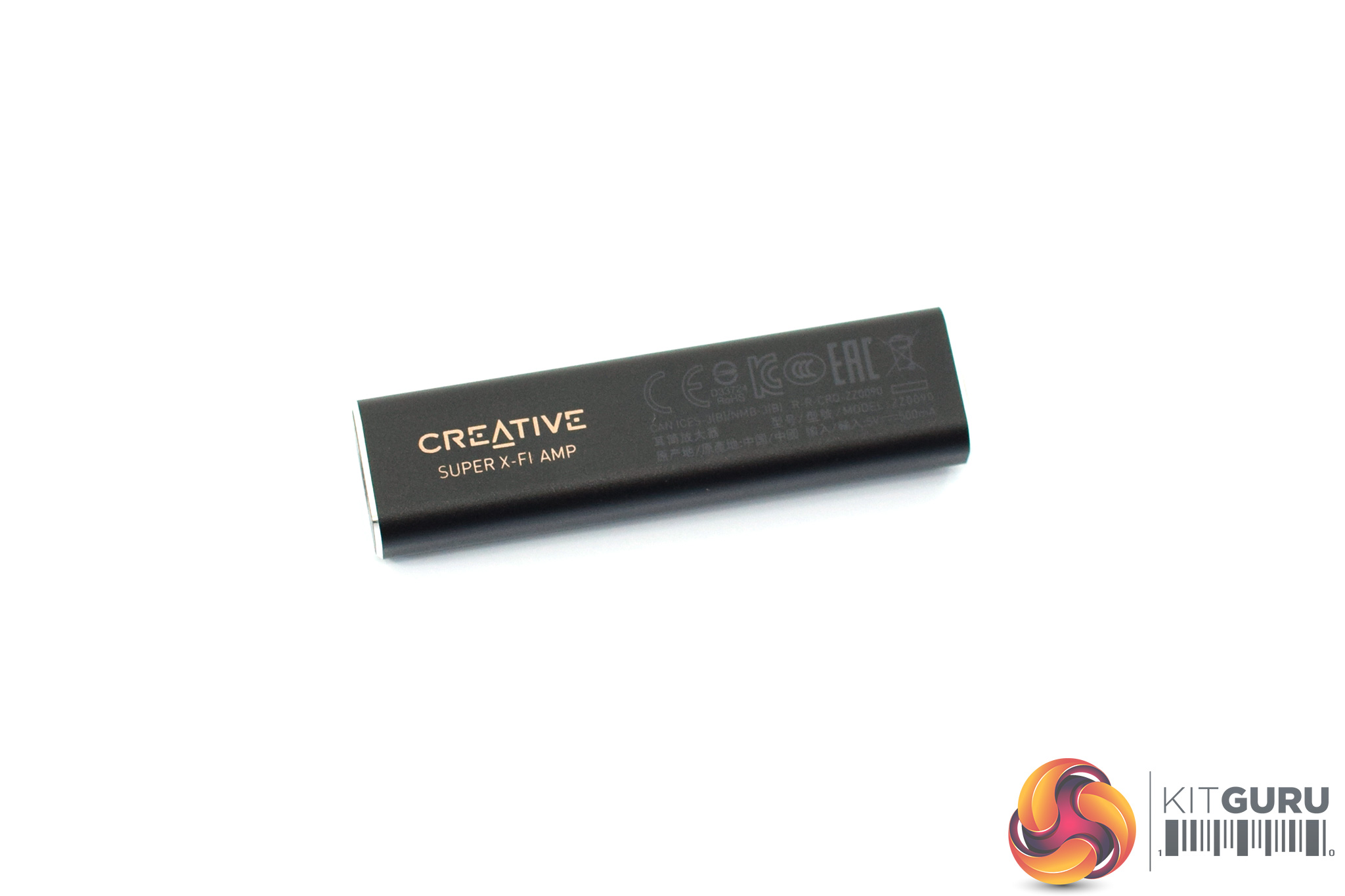
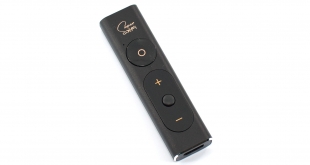
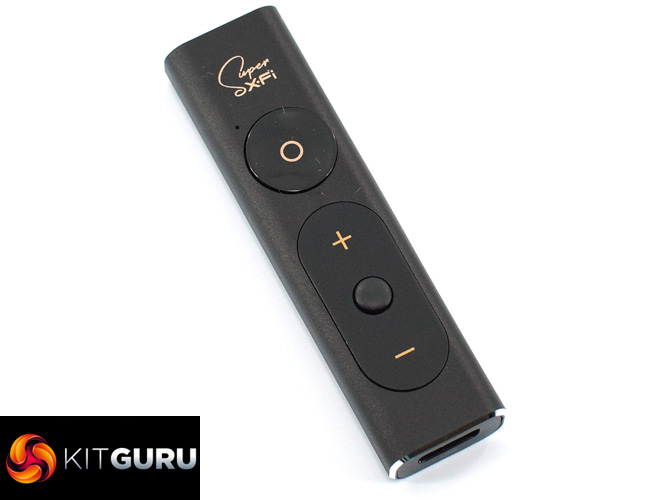
Now we come to the SXFI Amp itself. The first thing to note is just how truly tiny it is – it measures just 67mm long and only weighs 15g. You could easily stuff this in a pocket with your phone and quickly forget about it. Despite that, it also feels well-built thanks to its anodised aluminium housing, while the rounded edges means it doesn't dig into your fingers as you hold it.
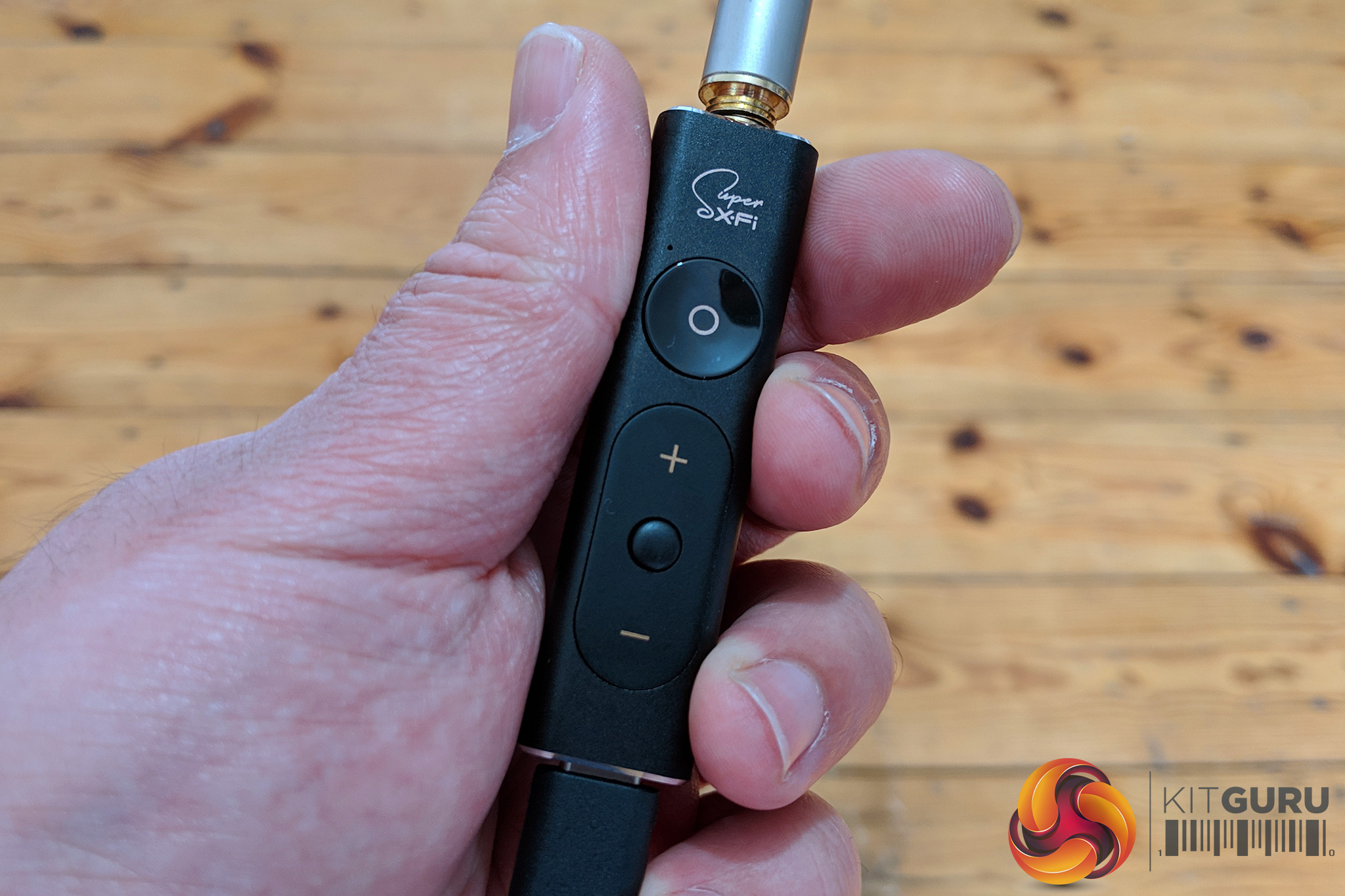
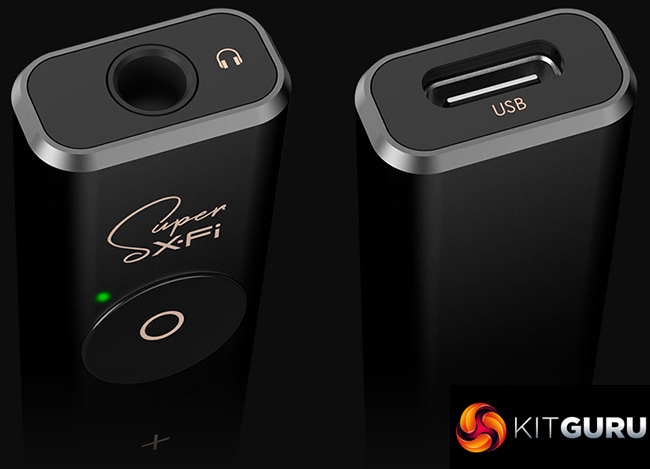
On the top side of the amp are four different controls. Starting from top to bottom, the first button – with a small ‘o' symbol – enables or disables the SXFI technology. Below that there are volume up, play/pause, and volume down controls.
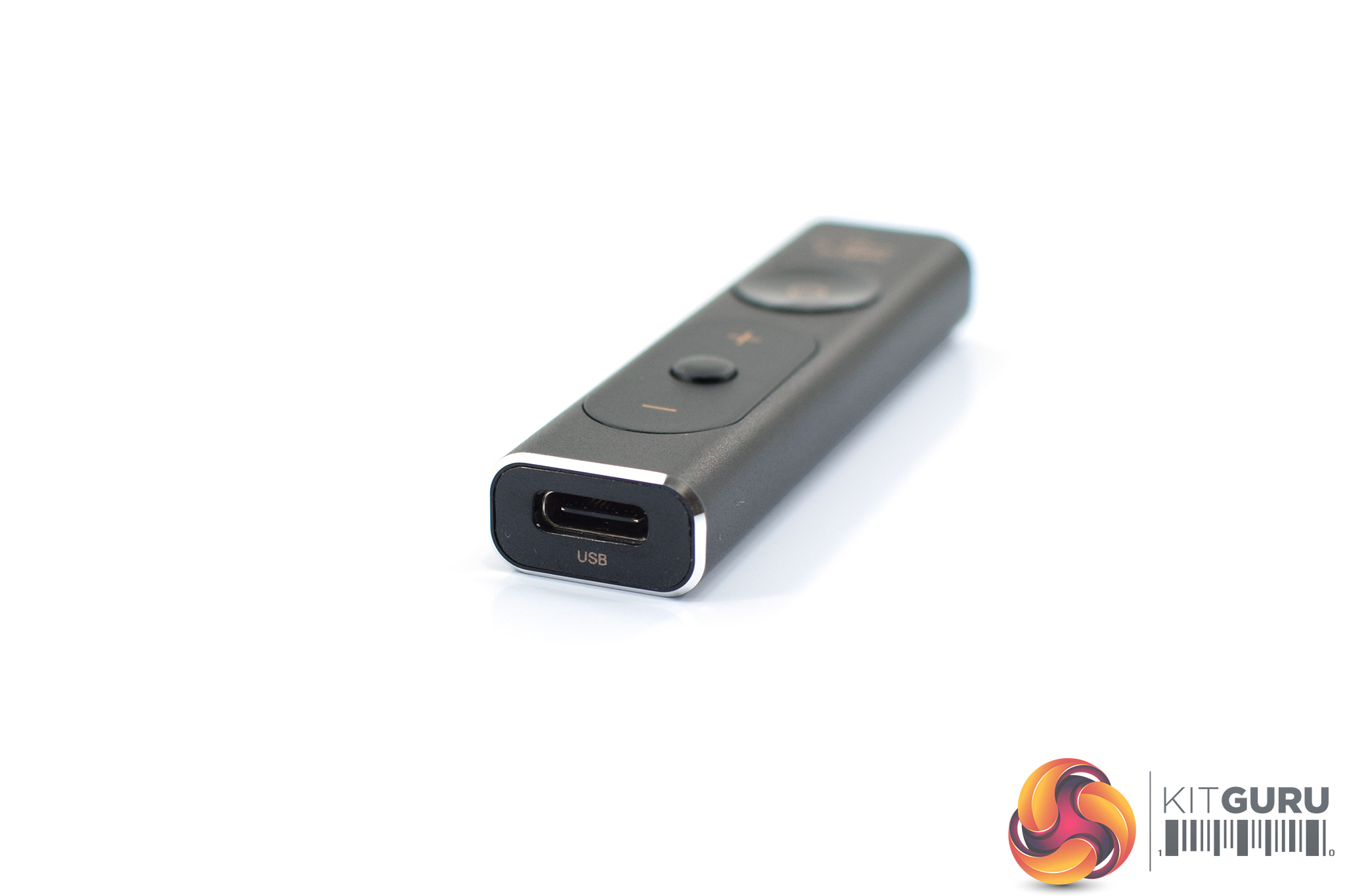
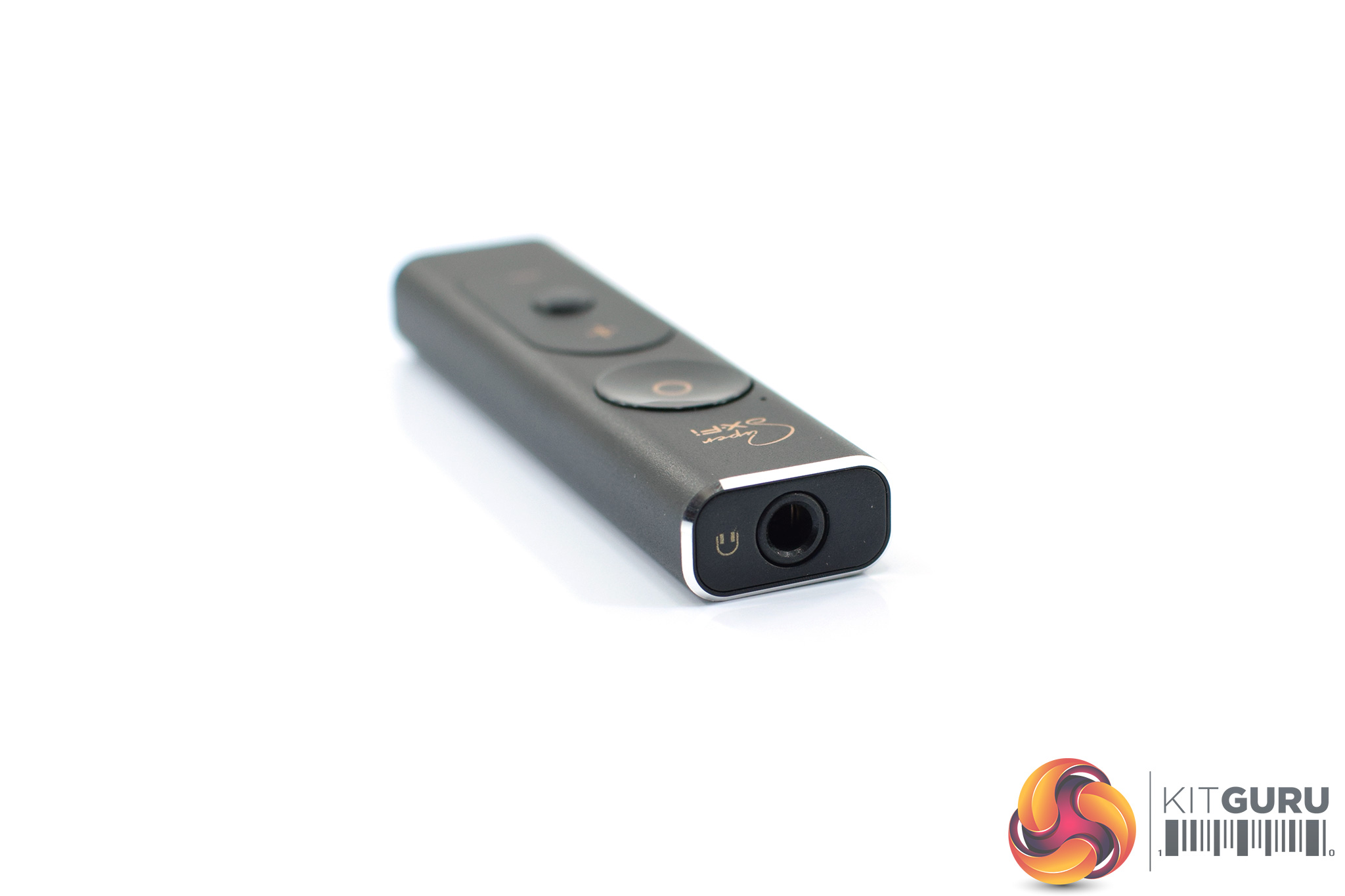
The inputs and outputs are positioned on either end of the amp. The USB-C input is below the volume controls, while the 3.5mm output is at the top above the SXFI logo.
And that is it for the amp – it's small and straightforward, with nothing really to get to grips with, though there is a setup process you need to go through before using the amp, but that is detailed on the next page.
E-MU Teak Headphones
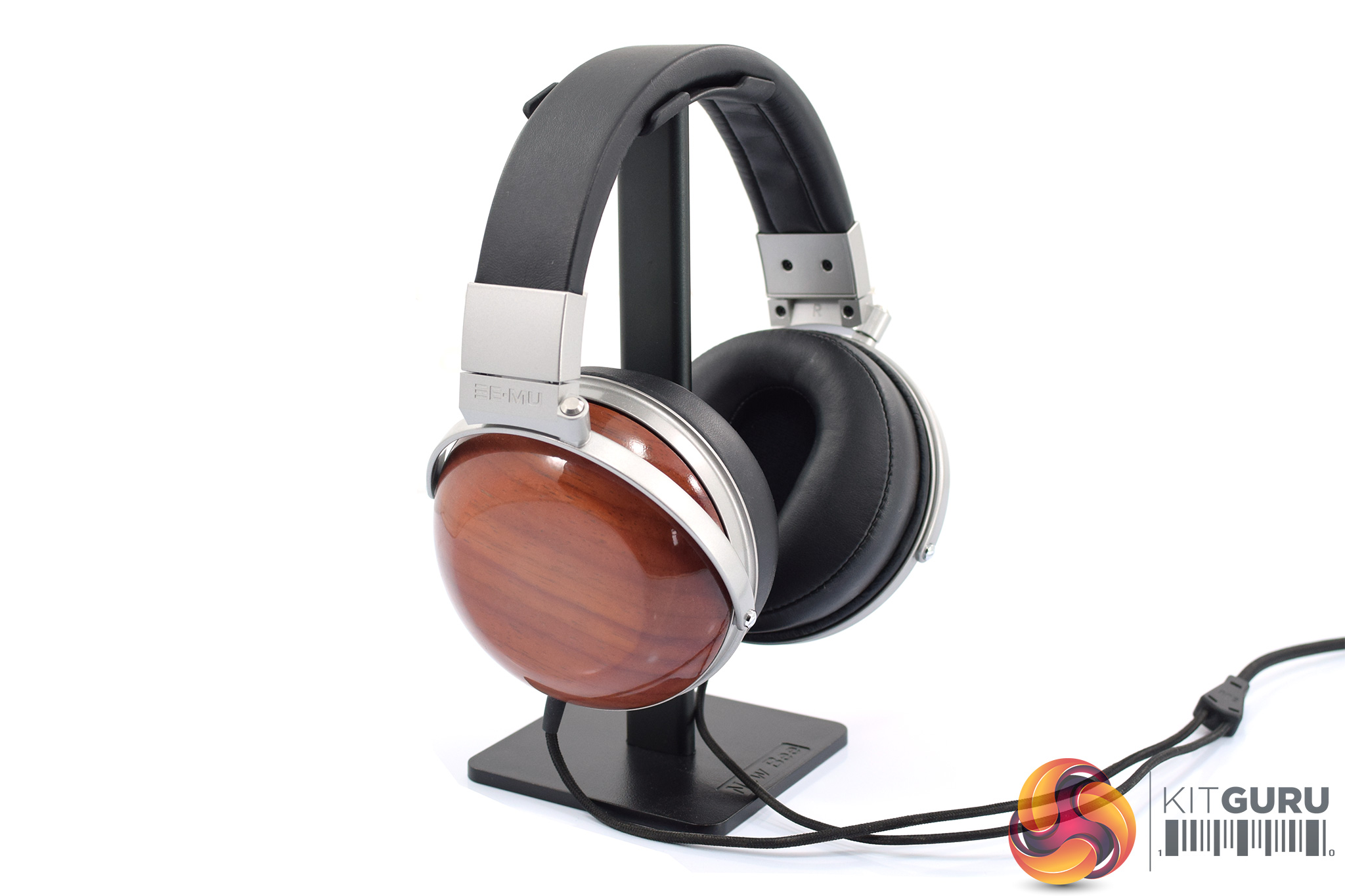
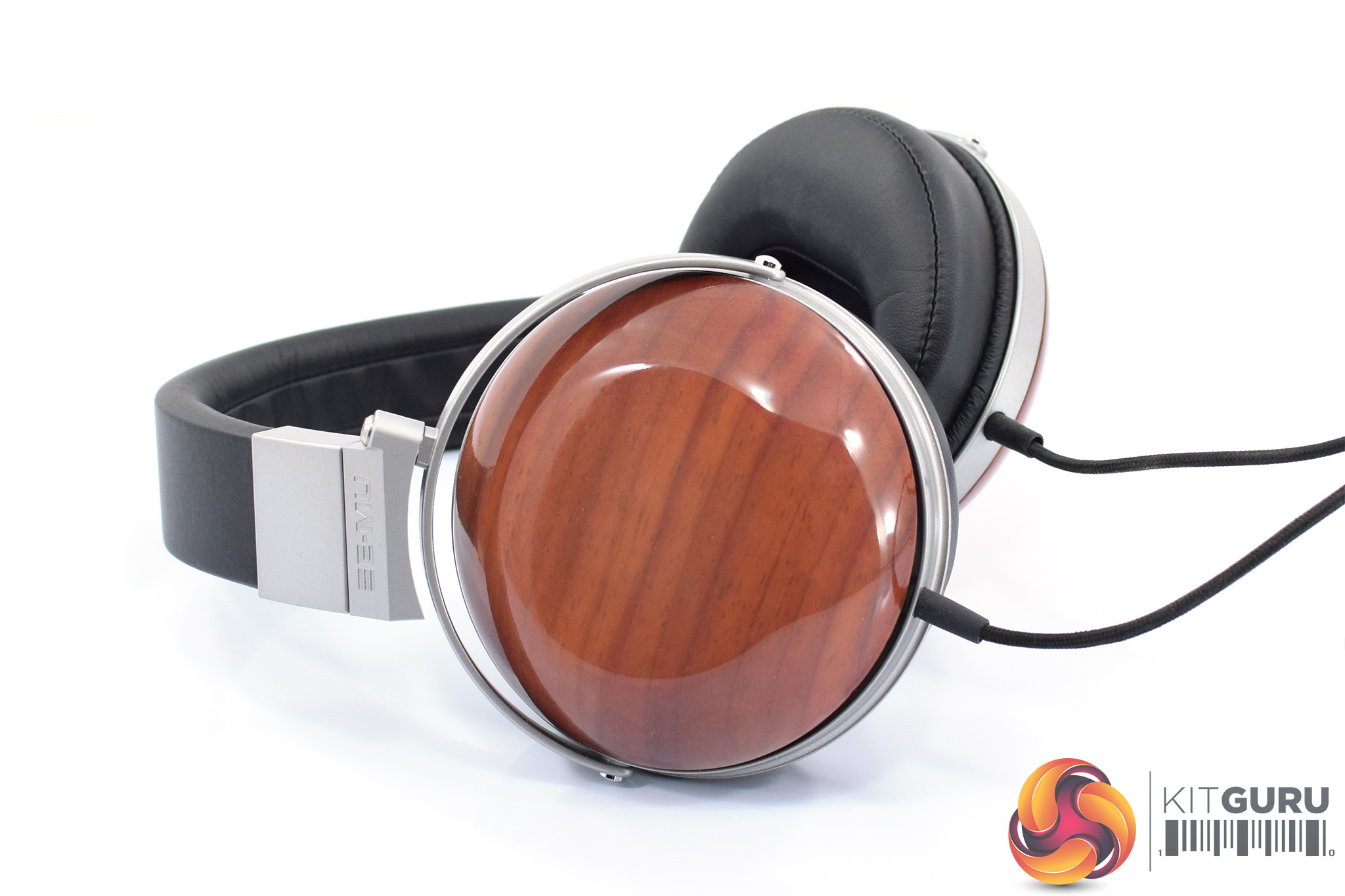
Creative also sent us a pair of E-MU Teak headphones to test with the SXFI Amp. To be clear, this isn't a review of the headphones – we're talking about the amp and its SXFI technology – but obviously we need headphones to use with the amp, and as we will see on the next page, only certain brands and models are ‘SXFI certified'. Creative owns E-MU, so naturally these headphones are certified.
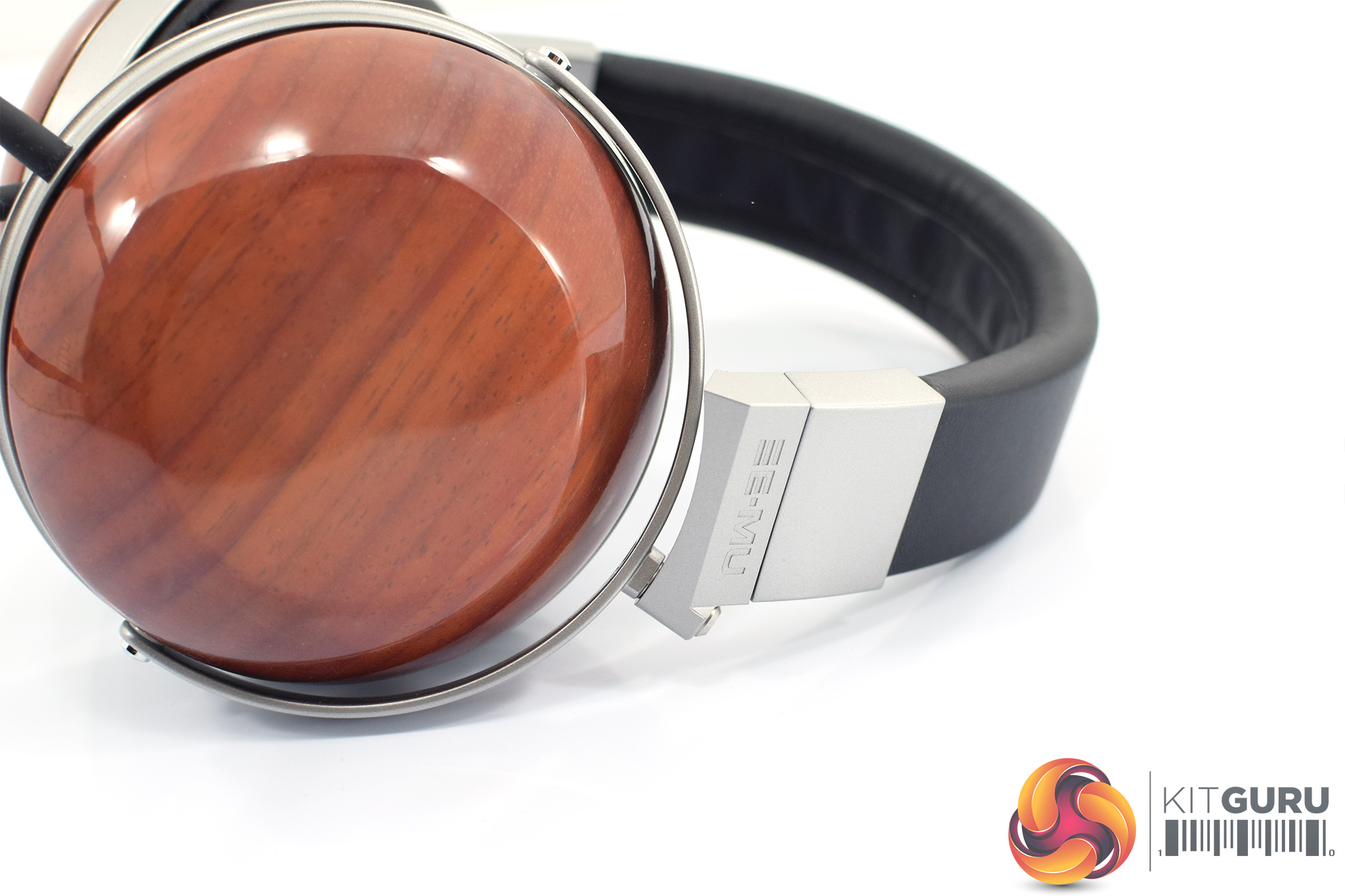
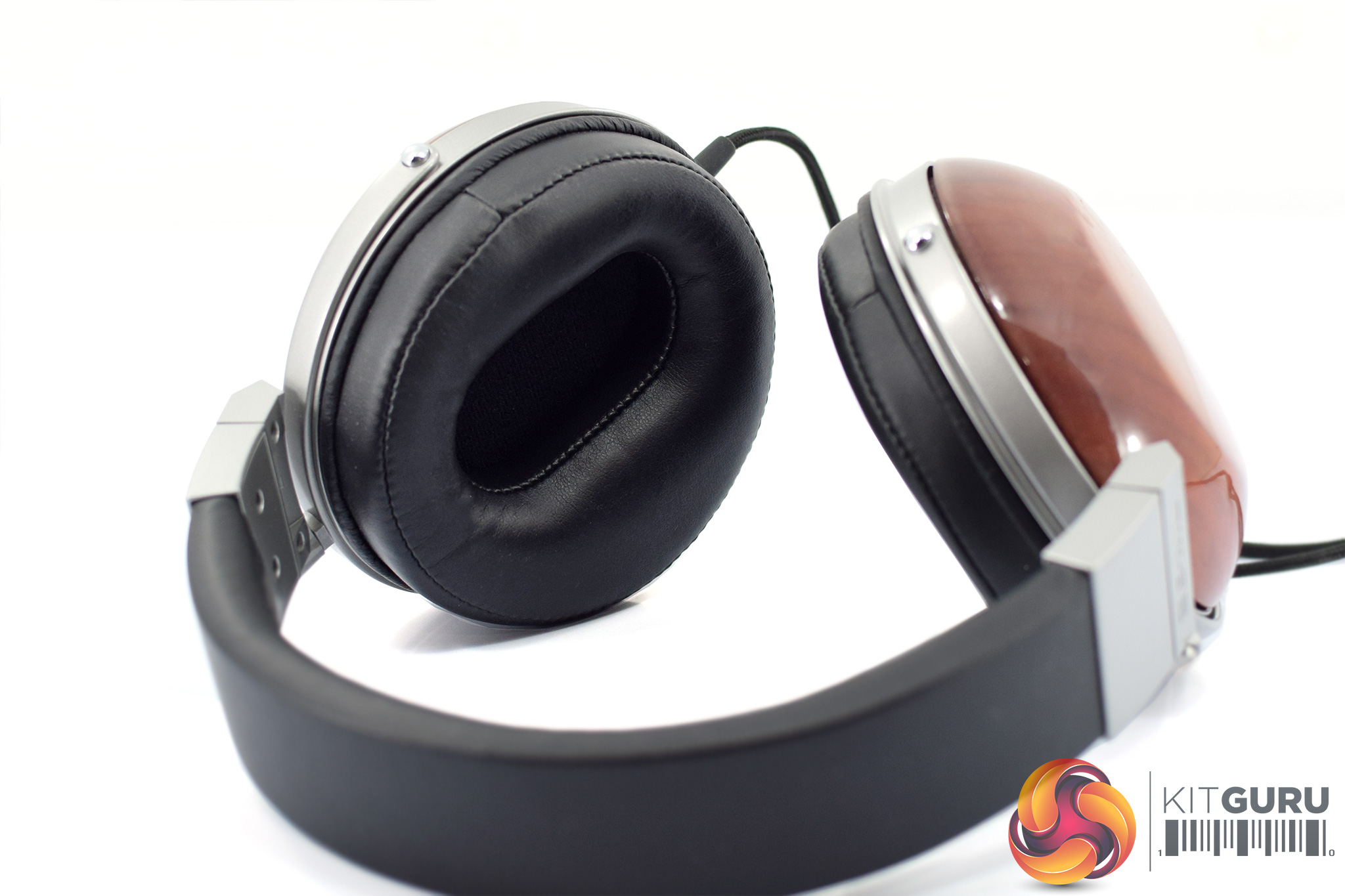
As it happens, the E-MU Teak headphone is a variant of the Foster 443742. Foster is the parent company of Fostex, and this same 443742 OEM model is also used as the basis of other popular headphones such as the Denon ADH-D5000, Fostex TH610 and the Massdrop x Fostex TR-X00.
That means the E-MU Teak sports 50mm neodymium drivers, but with a bio-cellulose diaphragm. The cans are obviously closed-back, with lovely wooden cups – I have the ‘Rosewood' model, but there are also plain Teak and Ebony options. The frequency responses is rated at 5Hz – 45kHz.Before diving right in and connecting your headphones to the amp, there is a short setup process to go through first. First things first, you will need to download the SXFI App available from the Play Store. You can (just about) use the SXFI Amp on an iPhone, but we'll talk about that more below. For the initial setup, you'll need a phone running Android 7.0 or later.
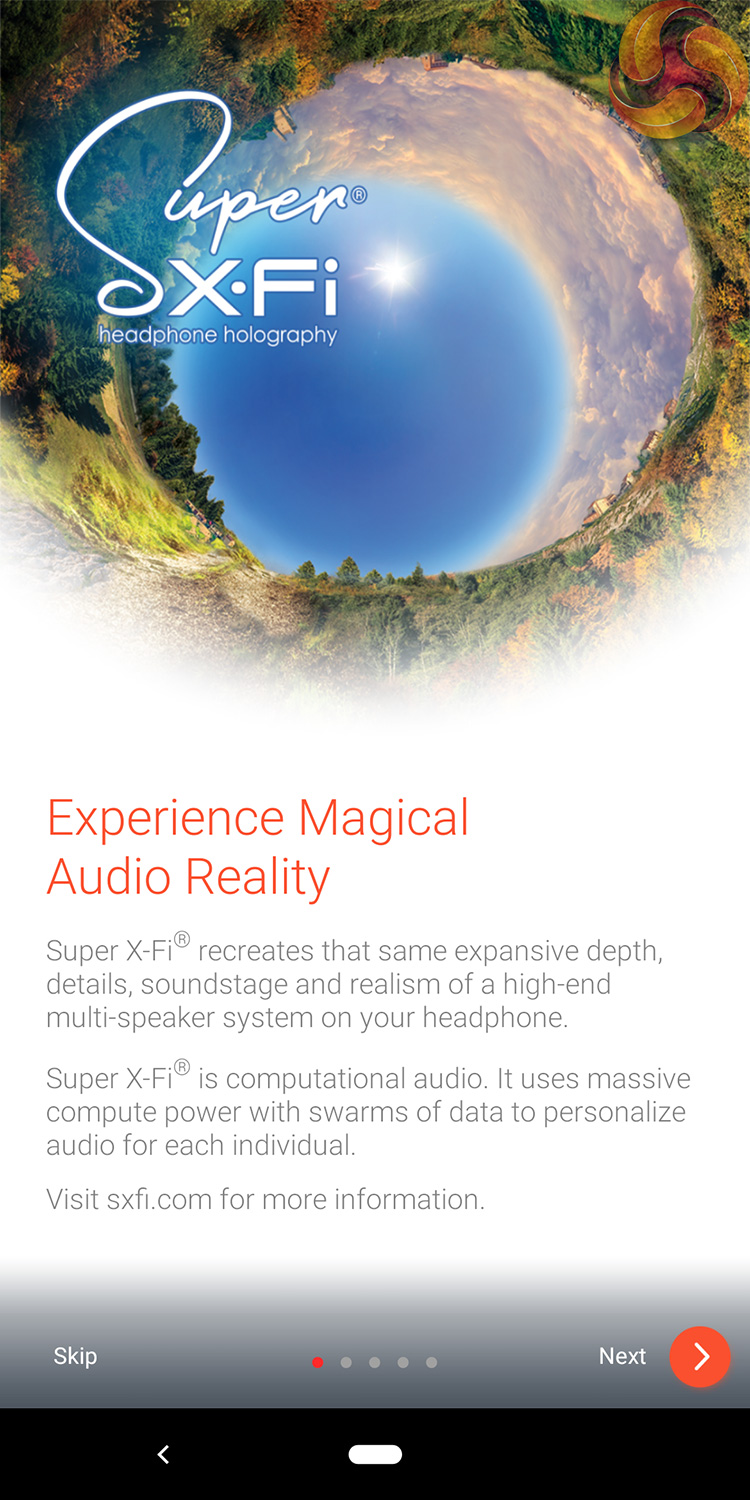
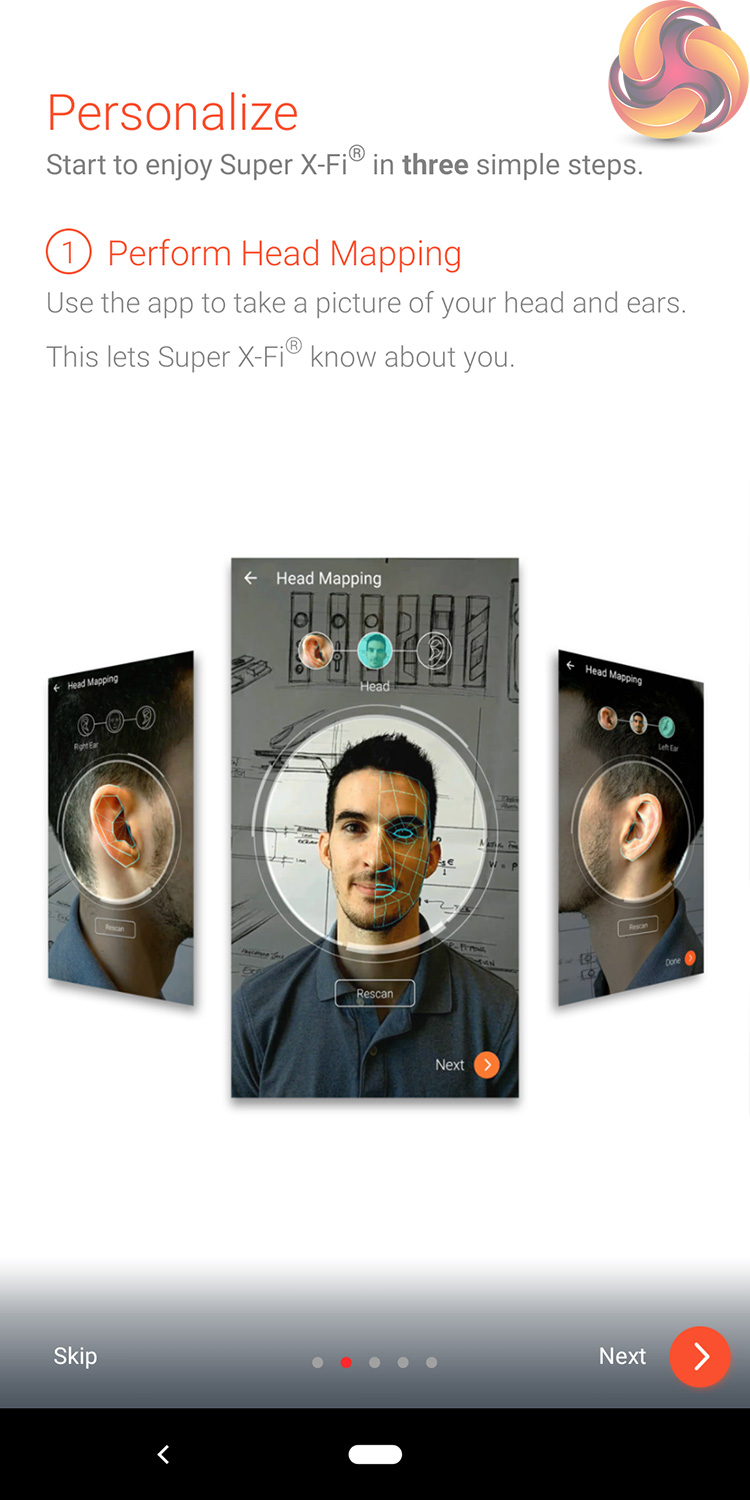
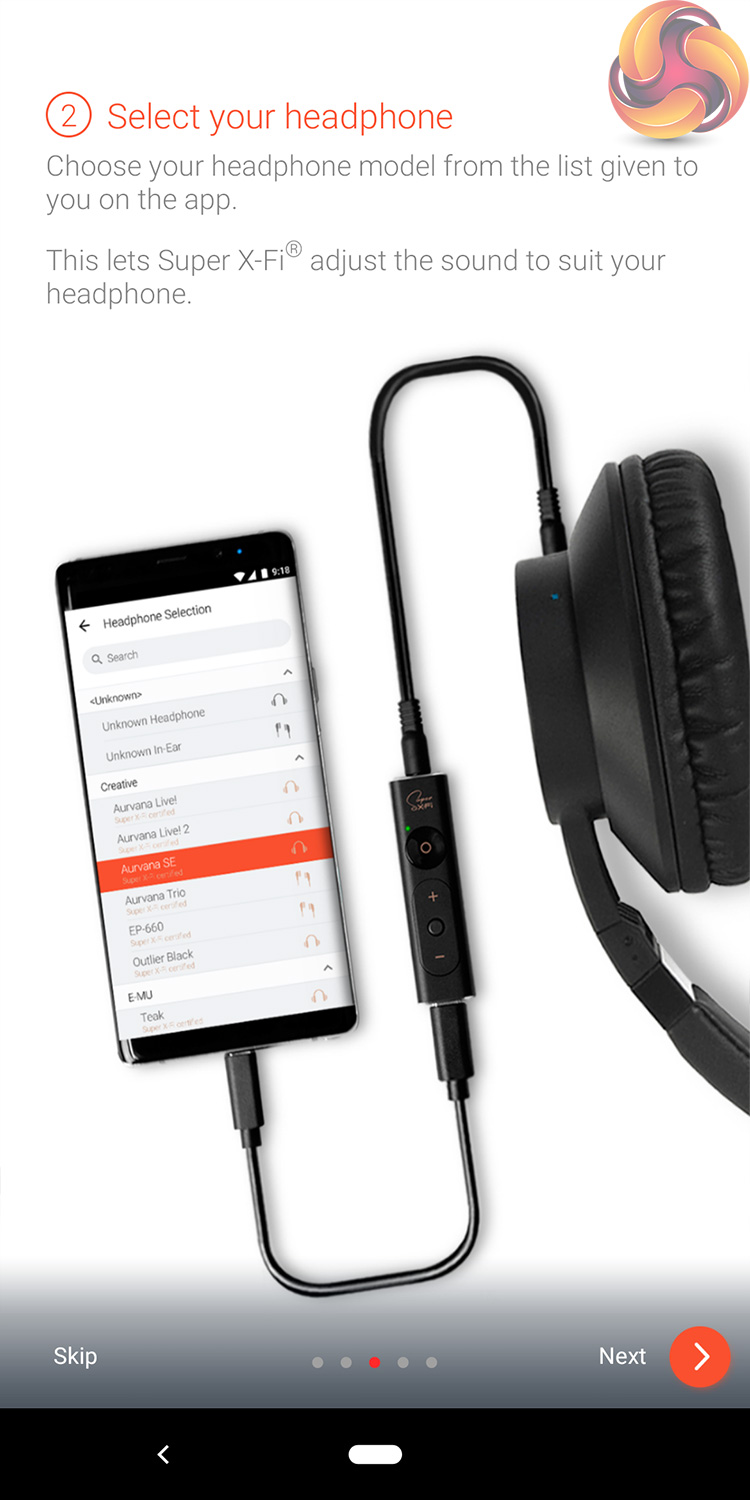

When you first open the app, a short guide takes you through the steps of setting up the amp and getting to grips with the SXFI experience.
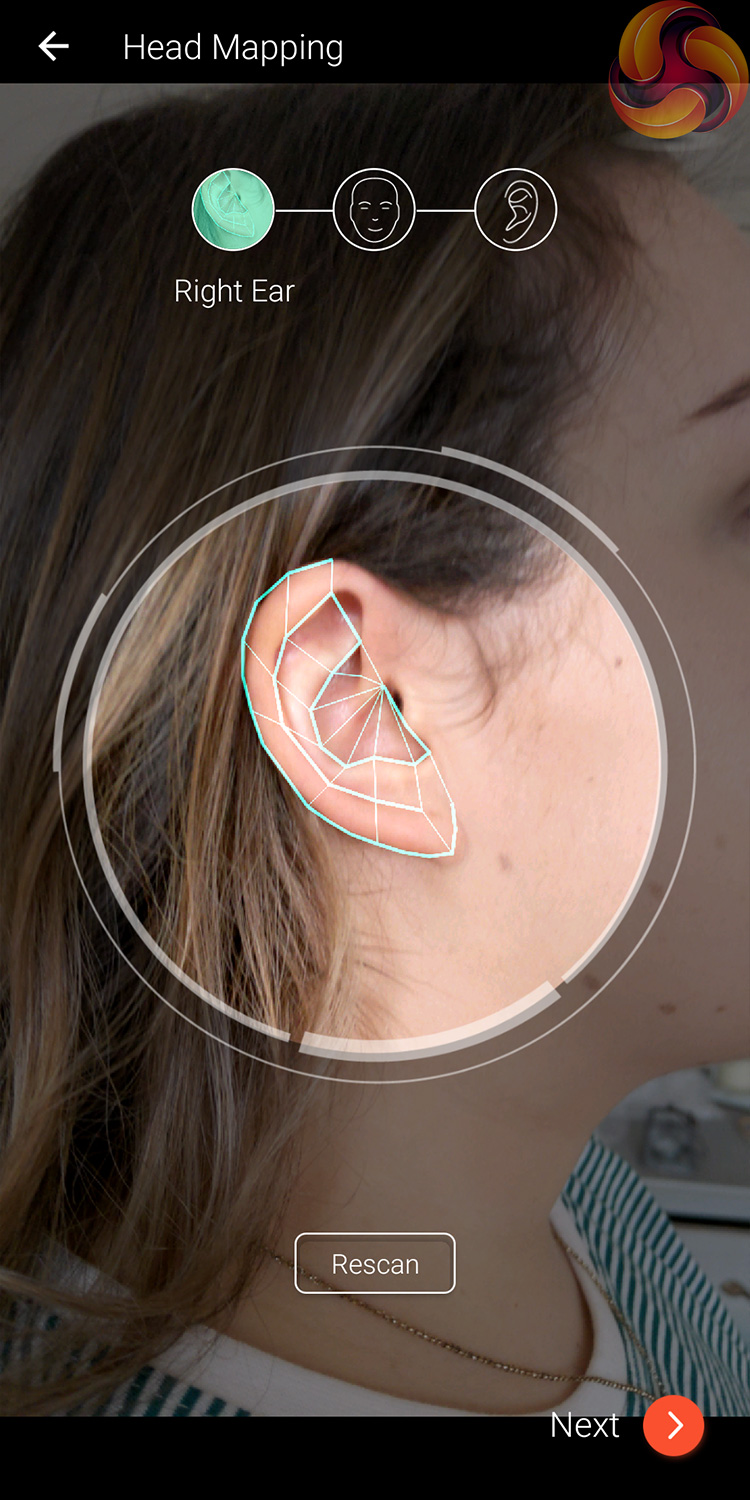

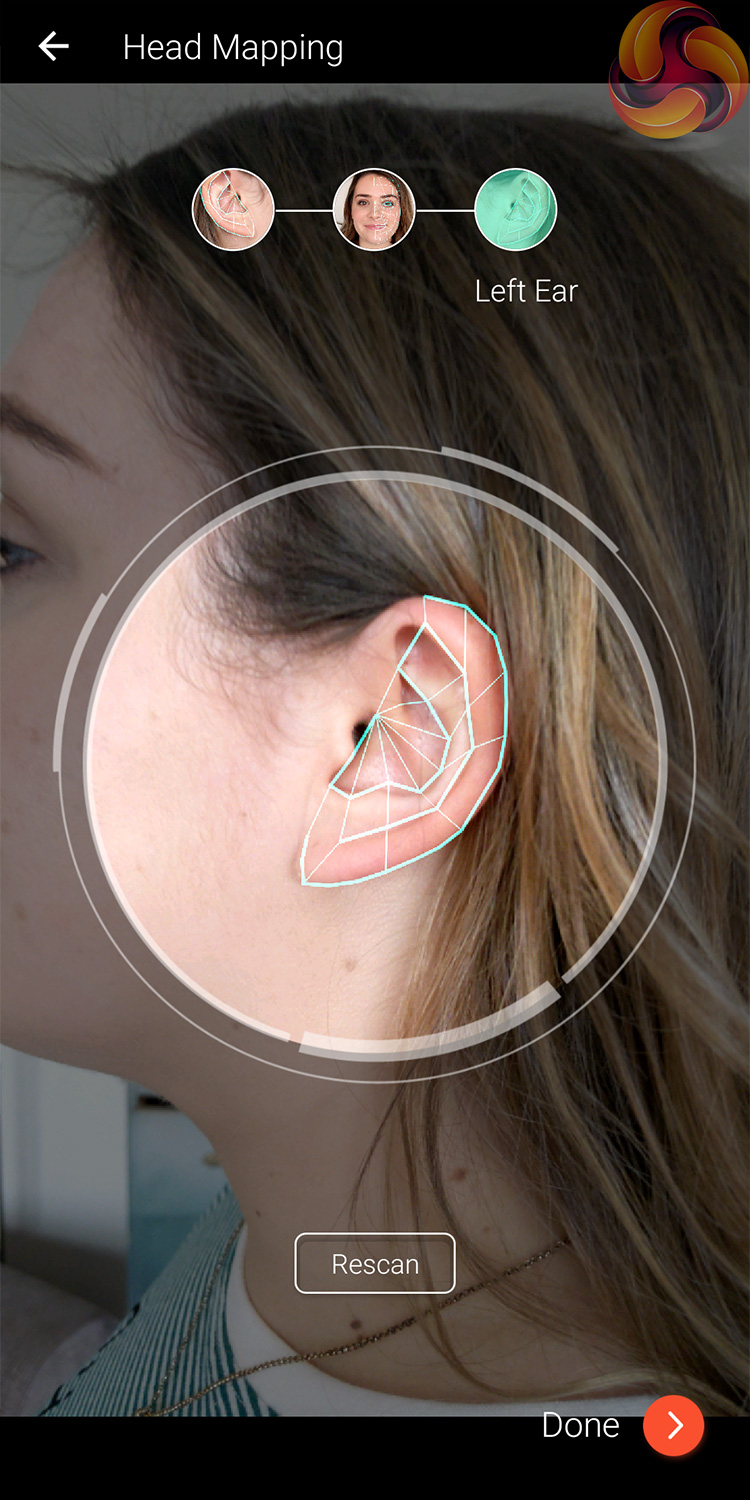
The first of these steps is using the SXFI App to take three pictures of yourself – one of each ear, and then one of your face. This is because the app tailors the listening experience to how you perceive sound – information it can get via the camera by looking at your ear and head shape and structure.
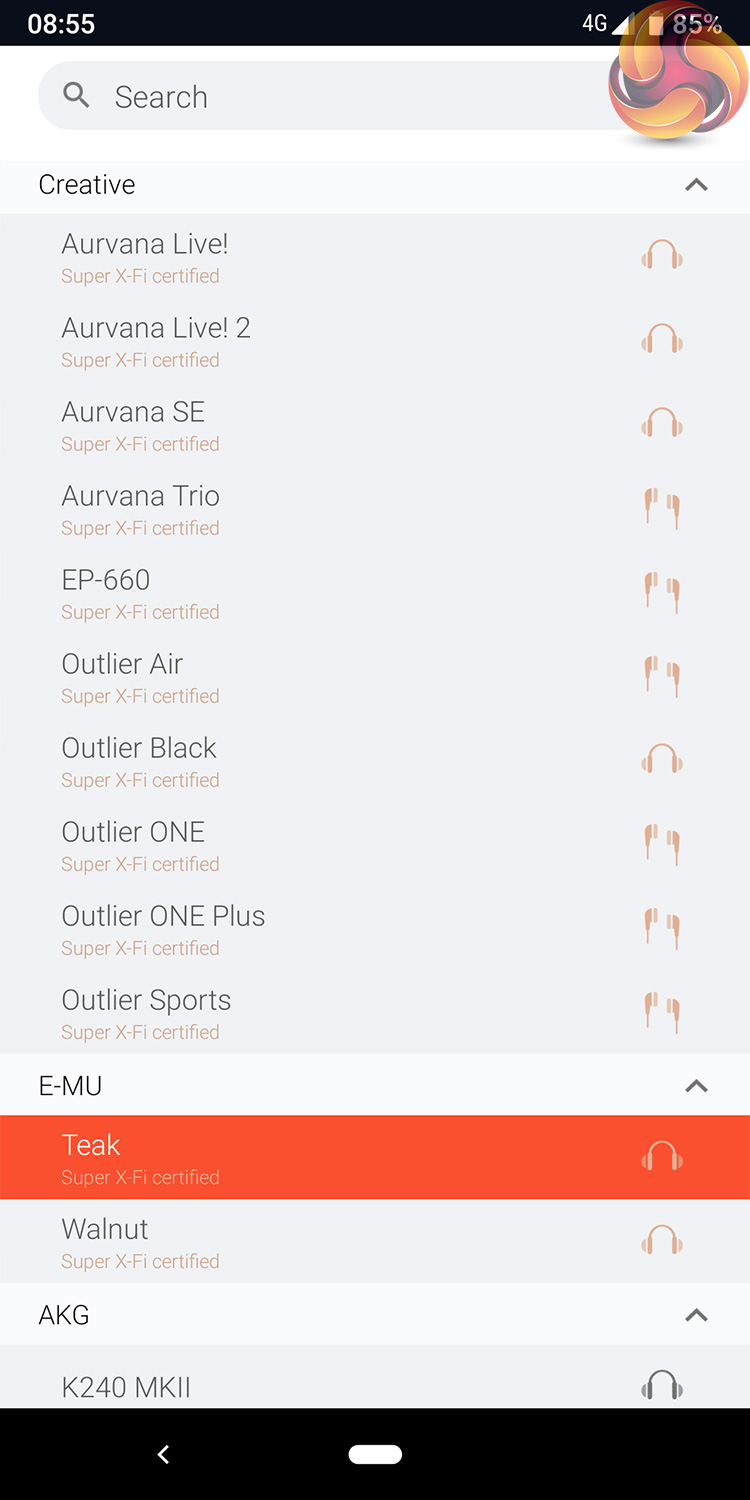
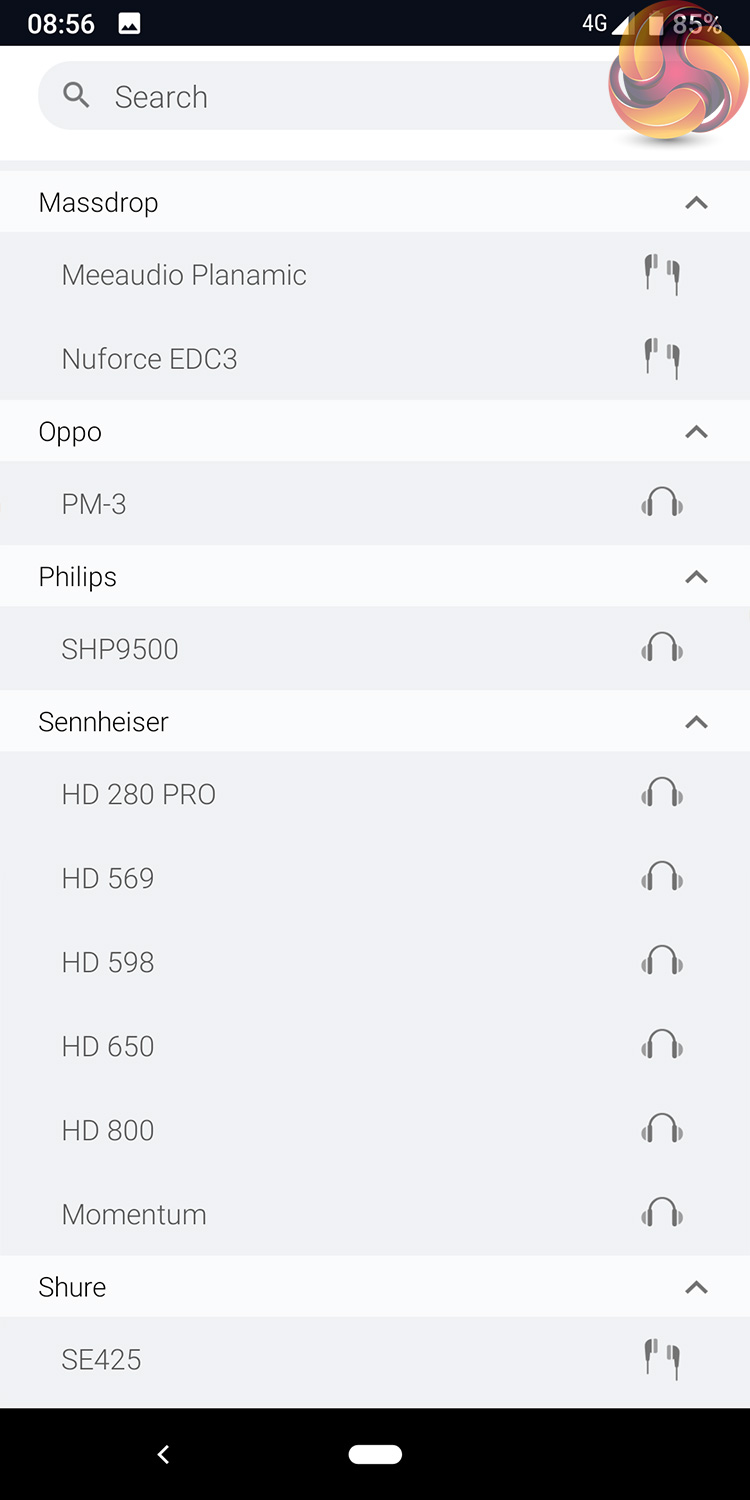
After that, a list of headphones that are certified for use with the SXFI Amp will pop up. We're using the E-MU Teak so we chose that, but there are also certified models from AKG, Sennheiser, HifiMan and more. If you don't have a certified headphone or earphone, you can choose the ‘unknown' option at the top of the list.

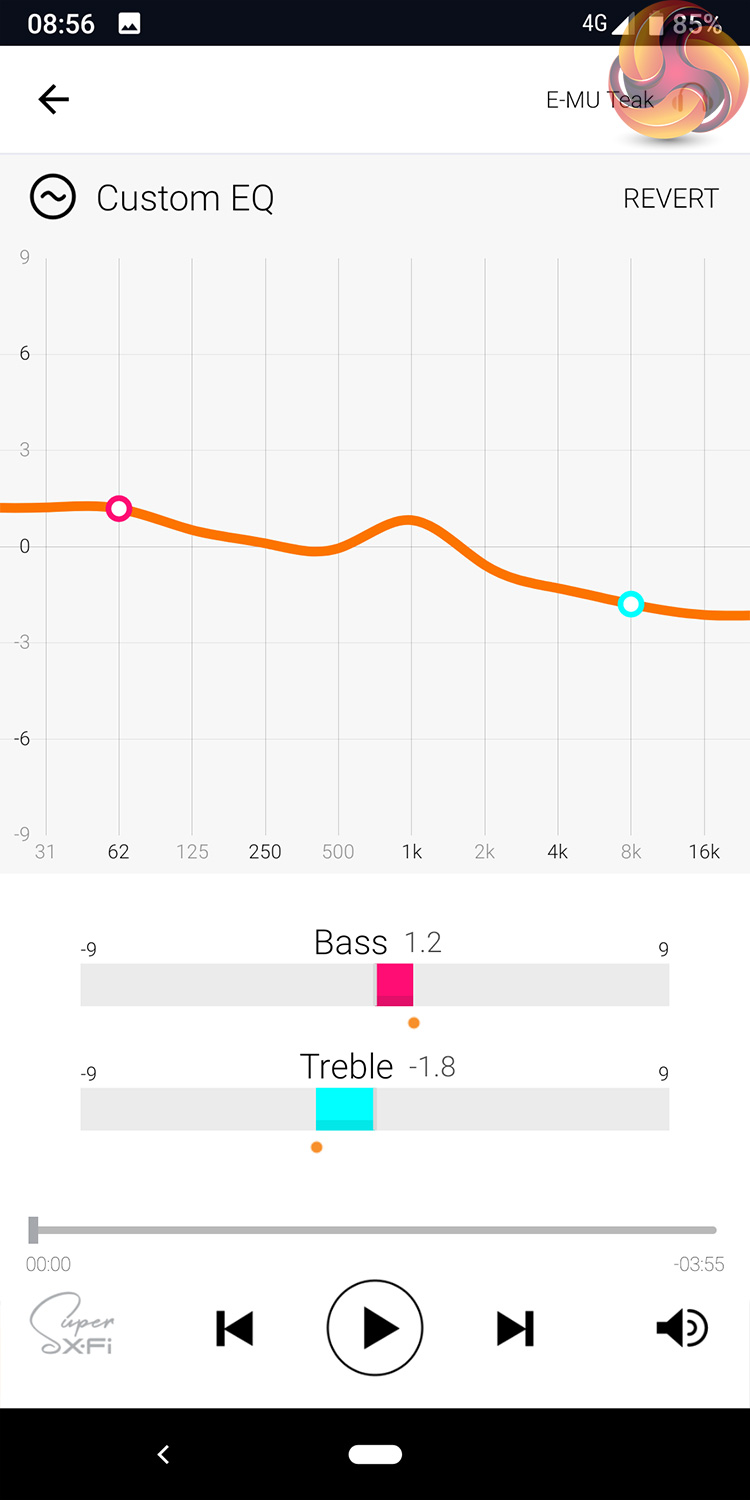
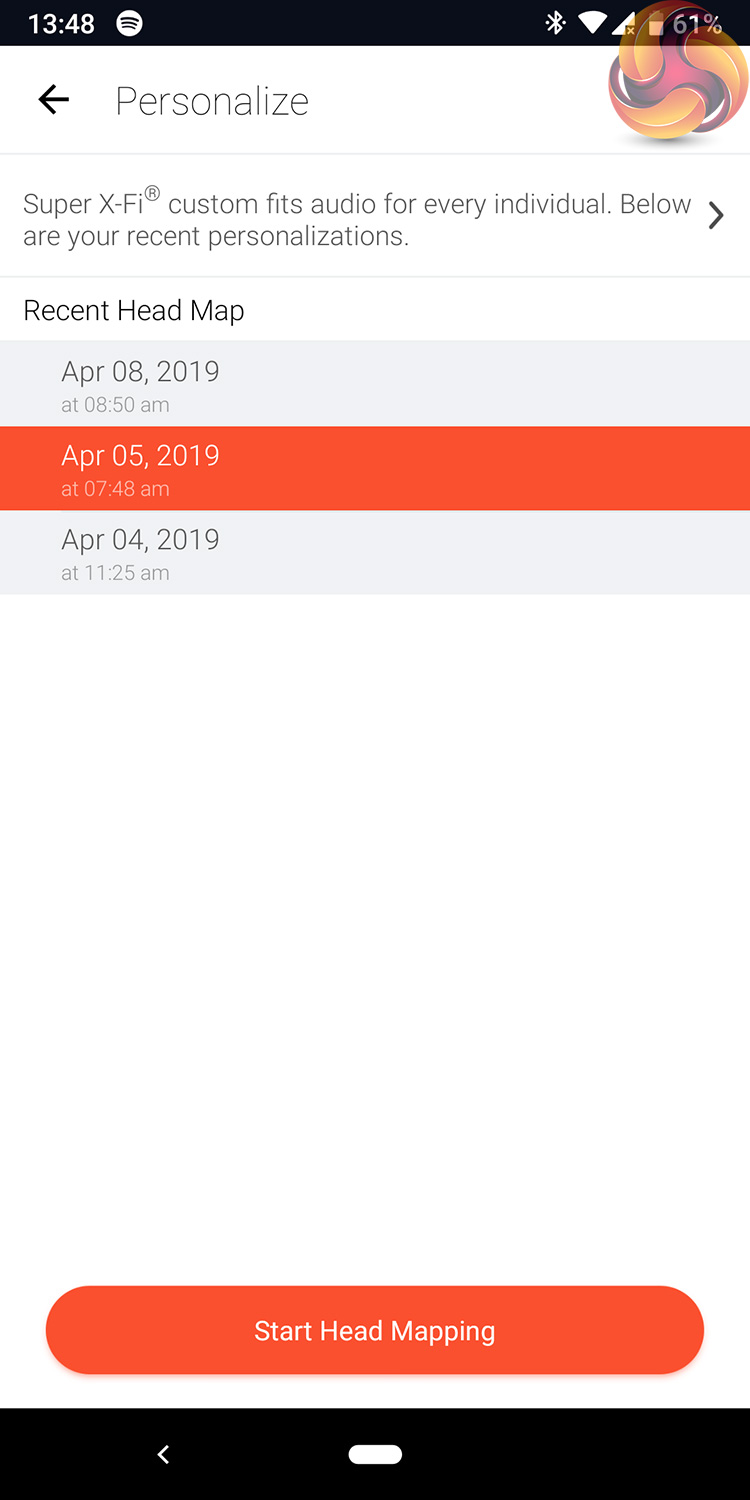
Moving into the rest of the app, the default homepage when the app is first opened is the ‘Browse Music' section, where any music files you have stored locally will appear. There's also an equaliser built into the app which has a number of presets but also allows users to customise their own frequency curve. Lastly, if you ever want to add another head-mapping profile, or switch between your saved profiles, these are stored under the ‘Personalize' section of the app.
Once you have selected a profile within the app, this profile is then saved directly to the amp as well – allowing you to use the amp on other phones, laptops, desktops, even Nintendo Switch and PS4, without needing additional software on each device.
This is how you can use the amp with iOS devices, too, as there is not yet native support for iPhones via an app for iOS. You will need a couple of adapters, though, including a Lightning to USB Camera adapter and then a USB-A to USB-C dongle.To test the SXFI Amp, I used it alongside my Google Pixel 3 and desktop PC for a week. Primarily I used it while listening to music with my phone, but also tried it when watching videos and playing some games.
SXFI Off
The first thing I want to touch on is what the amp is like when you're just using it as you would any other amp – with no SXFI holographic technology enabled, just listening to music as if it were a normal OTG amp.
In that sense, I have to say it is really good. For starters, it is rated for headphones with up to 600 ohm impedance and I found it really capable of driving a wide variety of headphones. E-MU Teaks, for instance, have a 25 ohm impedance and 106dB sensitivity, and I barely had to increase the volume via the amp to get a pleasant listening experience.
Sheer volume isn't the whole story though, and while I was even able to get my HD 800 S from Sennheiser playing more than loud enough for my ears, this amp wasn't quite able to deliver the same full sound that you'd get from a more expensive, powered desktop amp. But that is really at the extreme end of things – you'd never buy this amp to pair with a proper flagship headphone like the HD 800 S.
I tried plenty of IEMs and other headphones with the SXFI Amp, however, and it was really able to drive them very well. In fact, the overall sound is definitely superior to what I'd get from using the official Pixel 3 USB-C to 3.5mm dongle. This is thanks to the SXFI Amp's use of the AKM AK4377 DAC, and overall I'd describe it as a relatively neutral presentation, but perhaps with a slight low-end emphasis.
To be clear, this amp isn't going to take your cheap headphones and suddenly make them sound great, but if you pair it with some decent headphones or earphones, you get excellent results. The bass response from my Tin Audio T2s was noticeably improved with SXFI Amp versus a standard Pixel 3 dongle, for instance, while the mid-range retains all of the clarity you'd expect from the T2.
As for the E-MU Teaks, these are a lovely-sounding pair of headphones with a fun tuning that is really enjoyable for a variety of dance, rock and acoustic music. It's not a headphone for listening to music analytically, but it has a lovely warm sound and is also forgiving of lower-quality recordings.
I'd describe the overall presentation as a ‘polite v-shape' in that there is some emphasis to the bass and treble, with a slightly recessed mid-range, but it is not a really aggressive tuning. It is definitely right up my street for casual listening, though – sometimes you just want to sit back and listen to your favourite tracks presented in a fun and enjoyable manner, and that is where these headphones excel.
The SXFI Amp is able to drive them perfectly, too, and I definitely felt the SXFI Amp offered better high-end clarity than my desktop Magni 3 amplifier. We're not talking night and day differences here, but what I am really trying to get at is this: the SXFI is just a great little amp for normal use, be it at home or on the go.
SXFI On
Unfortunately, the moment you hit that button on the amp to enable the SXFI technology, things go down hill – at least they did for me. Remember, the SXFI technology is designed to re-create the experience of listening to a multi-speaker setup but through your headphones. It does this by using its integrated SXFI UltraDSP chip to offer a ‘custom fit' audio solution, which is tailored to each individual via the ear and head mapping process we looked at on the previous page.
What that means in practice, is that once SXFI is enabled via the button on the amp, the sound coming through your headphones changes in a lot of ways – most of which I don't like.
Starting with what the SXFI technology does well, however, the main thing is definitely the increased soundstage. And I mean it is really increased – for lack of a better explanation, with SXFI is enabled it feels like the headphones are suddenly playing from above and below you, and not just to the left and right. The whole aural presentation is just massively expanded.
It's such a dramatic change that when you switch back to playing music with SXFI off, everything feels claustrophobic by comparison. Even the HD 800 S – which has a legendary soundstage – sounds narrow in comparison once you go from SXFI on to SXFI off.
While that in itself is a definite plus, enabling the SXFI technology changes more than just the soundstage. If that was all it did, this would be a 10/10 review – but the musical presentation changes as well, and not for the better.
First of all, I noticed a prominent increase to the mid-bass which, in my opinion, made the low-end feel quite bloated. On top of that, the treble also sounded somewhat harsher and more sibilant on occasion, something which is not usually a part of the E-MU Teak's sound, but it was definitely noticeable – and not overly pleasant – with SXFI enabled.
What I noticed first, however, was just how ‘echoey' vocals sounded. SXFI introduces a lot of noticeable vocal echo, to the point where speech and singing just sounds bad. This is what put me off using the amp when watching videos, as anything that has a lot of speech sounds like its been run through a basic reverb plugin.
Lastly, despite the overall soundstage increasing massively with SXFI enabled, in my experience the technology actually makes it harder to pick out individual instruments and sounds. With SXFI off, for instance, the E-MU Teaks have accurate imaging which lets you isolate and pick out different aspects of your music. With SXFI on, the overall soundstage expands but the different layers seem to blur into each other.
Not only does that make music feel a little jumbled up, it's not really a good thing for gaming. I connected the SXFI amp to my PC (you have to supply your own USB-A to USB-C cable) and loaded up Shadow of the Tomb Raider, and with SXFI turned on it was harder to get an exact sense of where sound was coming from – voices coming from my direct left with SXFI off, for instance, sounded like they were just ‘generally in front of me' with SXFI on.
Don't get me wrong, the massively increased soundstage does contribute to the overall atmosphere when gaming, but it doesn't help when it comes to identifying the precise location of different sounds. Footsteps, too, sound quite echoey which is also off-putting.
In case you are wondering, the majority of my listening was done with the E-MU Teak headphones – provided by Creative for specific use with this amp as they are SXFI certified. I did try a few other earphones and headphones with the amp – including my 1MORE Quad Drivers, HD 800 S and even the Corsair HS50 – but the overall effect was the same. The intensity of the echo and sibilance varied slightly between the headphones I used, but it was never at a level where I'd be happy using SXFI for prolonged periods.
Lastly, I did also try re-mapping my head profile within the SXFI App – thinking that perhaps it hadn't been configured properly. But after creating three separate profiles for my head and ears, nothing seemed to change between the three – so my overall impression of the SXFI technology is not great.After years in the audio industry, Creative's latest product is the SXFI Amp – a tiny piece of kit designed to offer a multi-speaker experience through your headphones.
There's a lot to like about it. For starters, it is extremely small and portable – it is barely any bigger than my little finger and weighs just 15g. It still feels well-built, though, thanks to the aluminium construction, while the on-amp controls are very straightforward.
Using it as a regular amp is also a great experience. It simply has a clean and clear sound that is capable of driving pretty much anything you throw at it. I'm not saying this is going to replace your mains-powered desktop amplifier anytime soon, but if you're out and about and want something of a higher quality than your phone's 3.5mm jack (or USB-C dongle) this is a great option.
The main feature of the amp, though, is the SXFI technology – the ‘holographic' audio experience, as Creative describes it. Unfortunately, from my experience, I just don't think it is very good. In fairness, it does massively expand the soundstage of your music – audio definitely feels like it is coming from outside of the headphones you are using.
Alongside that increased soundstage, however, is a noticeable increase in treble sibilance, while vocals sound really echoey as well – it's just not pleasant to listen to, and means I wouldn't want to use the amp when gaming or watching films.
Despite that, I am going to continue to use the Creative SXFI Amp – I do really rate it as an excellent portable amp for use with a phone. I just won't be using the SXFI feature which, in my opinion, degrades the overall audio quality.
If you do want to buy the amp, it costs £139.99 directly from Creative HERE. For a limited time, Creative is bundling the Aurvana SE headphones for free with an amp purchase.
The E-MU Teak headphones that I used alongside the SXFI Amp for this review are also available from Creative HERE. These are only available from Creative's Singapore branch, but they do ship worldwide. The price is 849 Singapore Dollars, or roughly £480 at the time of writing.
Pros
- Very compact and portable.
- Well-built with an aluminium body.
- Easy to setup and use.
- Excellent to use as a regular amp/DAC.
Cons
- SXFI technology makes the bass feel bloated, while also adds sibilance.
- Soundstage increases, but audio separation gets worse with SXFI enabled.
- Echoey vocals with SXFI on is very distracting.
KitGuru says: The amp itself is top quality, but I can't say I've been impressed with the SXFI technology.