KitGuru KitGuru.net – Tech News | Hardware News | Hardware Reviews | IOS | Mobile | Gaming | Graphics Cards


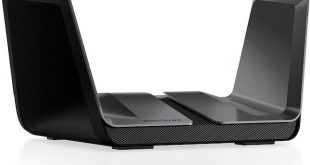
Good WiFi is now up there with food and breathable air as a basic human need for many people. Thankfully, the 802.11ac standard that arrived at the end of 2013 seemed like it had plenty of bandwidth for years to come, with up to 3,467Mbits/sec of possible throughput. Today more and more devices are using WiFi, so wireless networking has had to adapt and grow. The new standard is called 802.11ax, and our first taster of it comes from NETGEAR with the Nighthawk AX12.
The official IEEE classification for the new standard might be 802.11ax, but vendors consider its arrival so monumental that the whole name system for wireless is being updated, so the new title for 802.11ax is also WiFi 6. This makes 802.11ac WiFi 5, 802.11n WiFi 4, and the 802.11a/b/g standards that came before that are now WiFi 3. This is a bit easier to understand (and remember) than the underlying IEEE standard number, and is a bit more in line with the 3G/4G/5G used with mobile data.
Where 802.11ac aka WiFi 5 maxes out ata theoretical 2,167Mbits/sec using 1024-QAM, but with most devices only hitting 1,733Mbits/sec using 256-QAM, WiFi 6 can hit as high as 9,608Mbit/sec. WiFi 5 can theoretically go to 3,467 with 160MHz channels, but in reality few routers reliably support this, despite Rivet Networks' attempt to make use of 160MHz channels. WiFi 6 can hit 4,804Mbits/sec with 80MHz channels and eight aerials, or 9,608Mbits/sec with 160MHz channels. Where 1024-QAM was an occasional option with WiFi 5, it's now a standard part of WiFi 6.
Another advantage of WiFi 6 is that it supports OFDMA as standard. This means it can send data to multiple devices in parallel at the same time, so there is less chance of experiencing lag or stuttering real-time data streams. As a result, more devices can be supported at once, so the WiFi won't appear to slow down if lots of people are using it intensively at the same time.
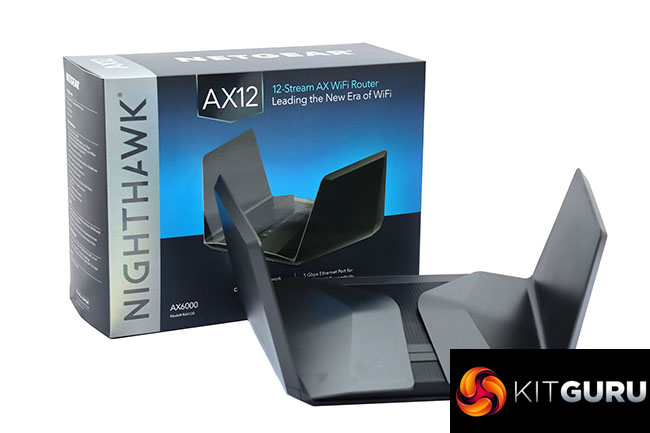
Within this context, NETGEAR's WiFi 6 offerings aim to take full advantage of the possibilities, with the AX12 sitting at the top of the range. There are actually two devices with this name – the RAX120 we have on test here, and the RAX200 that wasn't yet available for review.
The primary difference between them is that the RAX120 is dual-band, whilst the RAX200 is tri-band. However, the latter isn't necessarily the obvious premium choice, because although it's the most expensive member of the range, both devices are 12-stream. The RAX200 splits this into three lots of four, whereas the RAX120 uses one of eight and one of four to make up the total.
This means that whilst both offer 4,804Mbits/sec WiFi 6, the RAX120 can do this with 80GHz channels, and the RAX200 will require 160MHz channels. So in theory the RAX120 will have greater range whilst the RAX200 will support more devices. There are a few other mild differences too, but we'll cover those when we focus on the RAX200 in a future review.
Apart from the entry-level AX4 RAX40 model, the new Nighthawks all sport the same mean and futuristic winged appearance with external antennas hidden inside the flaps on either side. The RAX120 offers 4,804Mbits/sec at 5GHz and 1,147Mbits/sec at 2.4GHz. There's a 2.2GHz quad-core CPU inside with 512MB of RAM and 1GB ROM, so the internal hardware specification is pretty meaty to cope with all that throughput.
You get the usual quartet of Gigabit Ethernet ports for wired devices, plus a fifth one dedicated to the Internet WAN connection. But there's also a “Multi-Gig” port that will support 5Gbit and 2.5Gbit as well as 1Gbit LANs. There are two USB 3.0 ports as well for sharing external storage across the network.
So there is a premium hardware specification here. The big news is WiFi 6, though, so let's take a look at the hardware details, management interface and then get to the main question – exactly how fast is it in the real world?
Price: £359.99
Specification:
- Wireless protocols: MU-MIMO with 802.11b/g/n/ax 2.4GHz, 802.11a/n/ac/ax 5GHz
- Performance: AX6000 (4,804 + 1,147 Mbits/sec)
- Antenna Configuration: 4×4 + 8×8 External Antennas for 2.4/5GHz
- Ports: 5 x Gigabit Ethernet, 1x 5Gigabit Ethernet, 2 x USB 3.0
- Modem Support: VDSL/ADSL 2+ or cable
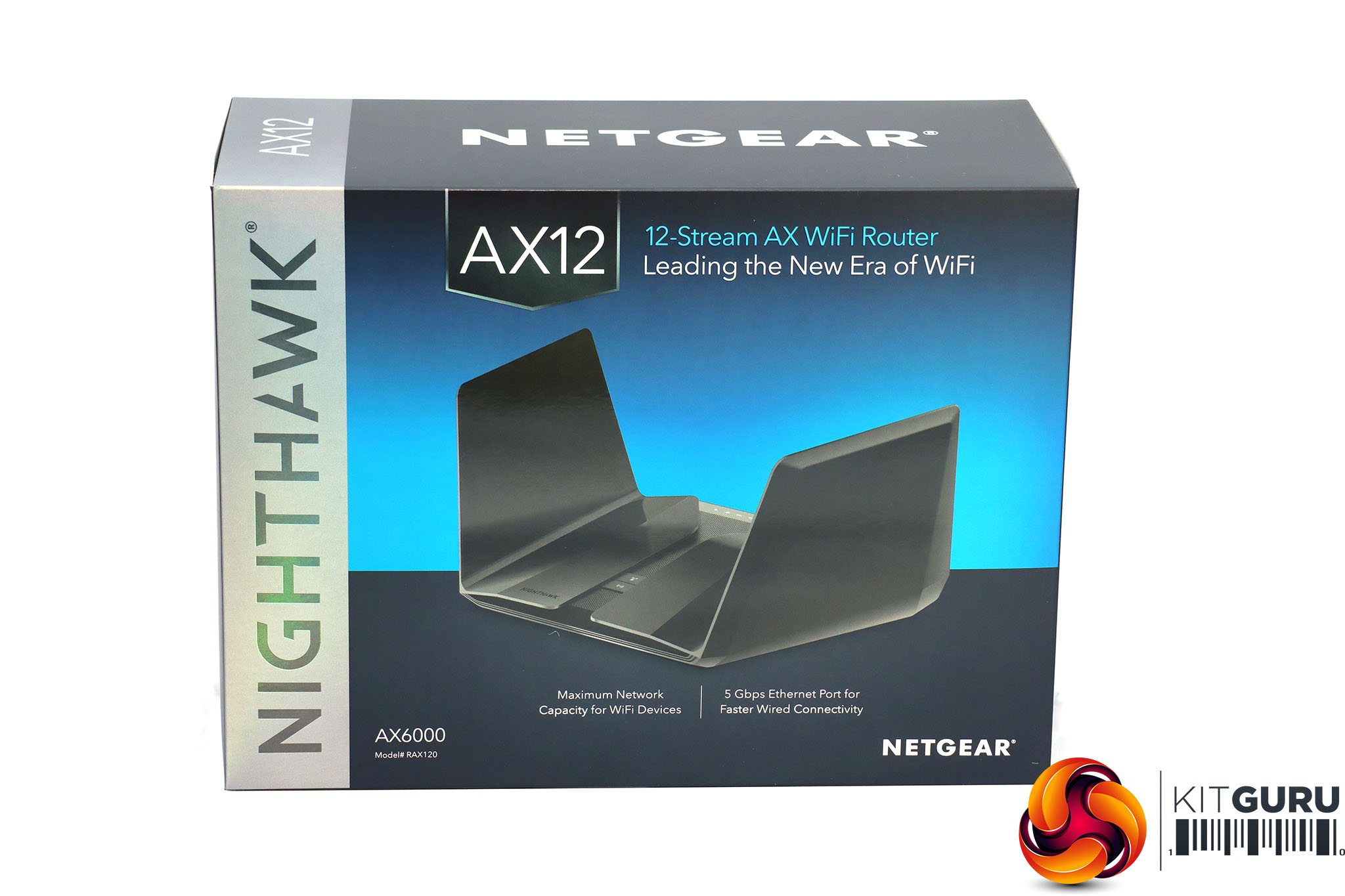
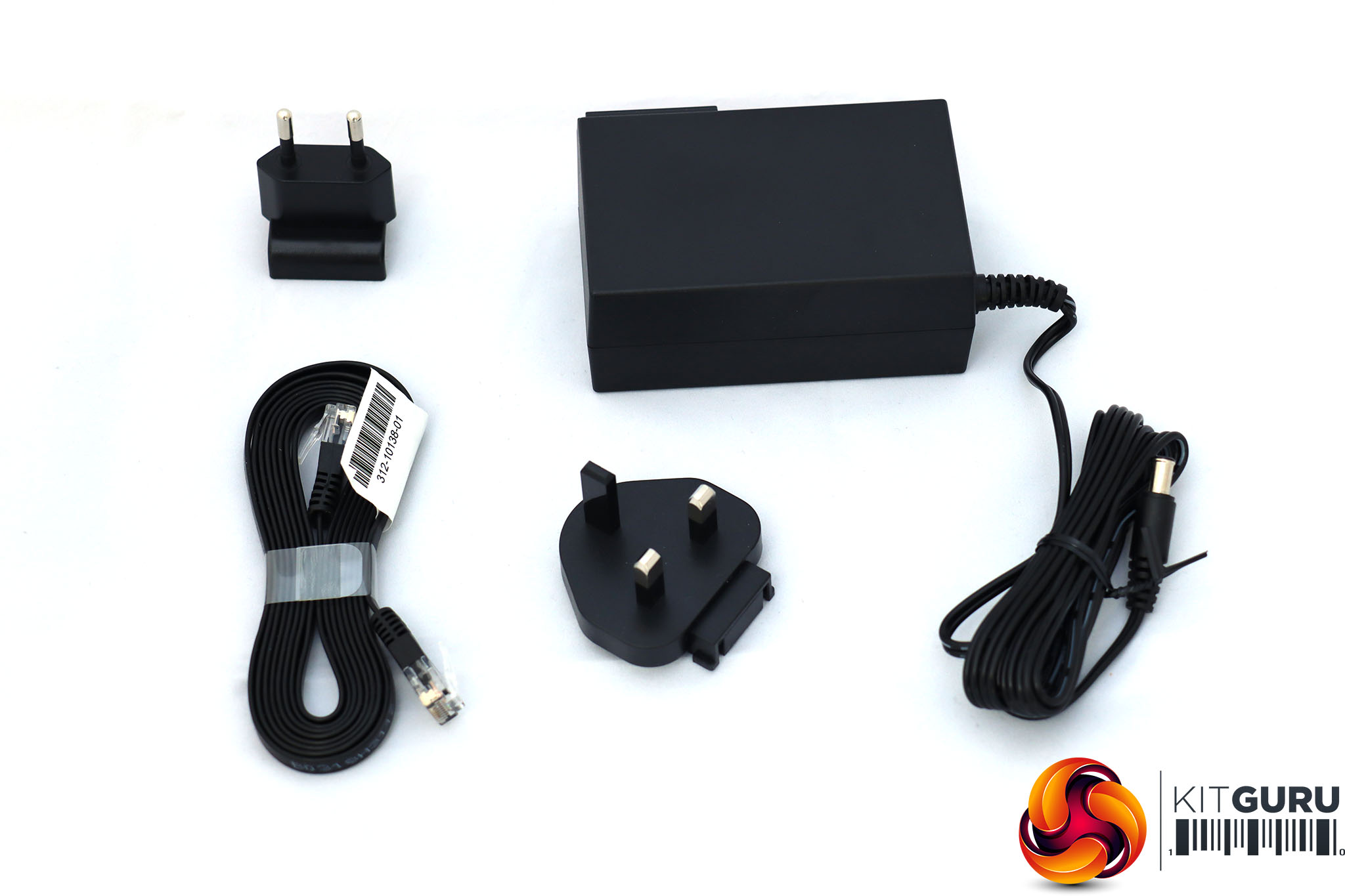
Since the NETGEAR Nighthawk AX12 is our first look at a new range, it comes with a new box design. Apart from the router, the contents are the usual external power supply with UK and EU plug options, plus a ribbon Ethernet cable.
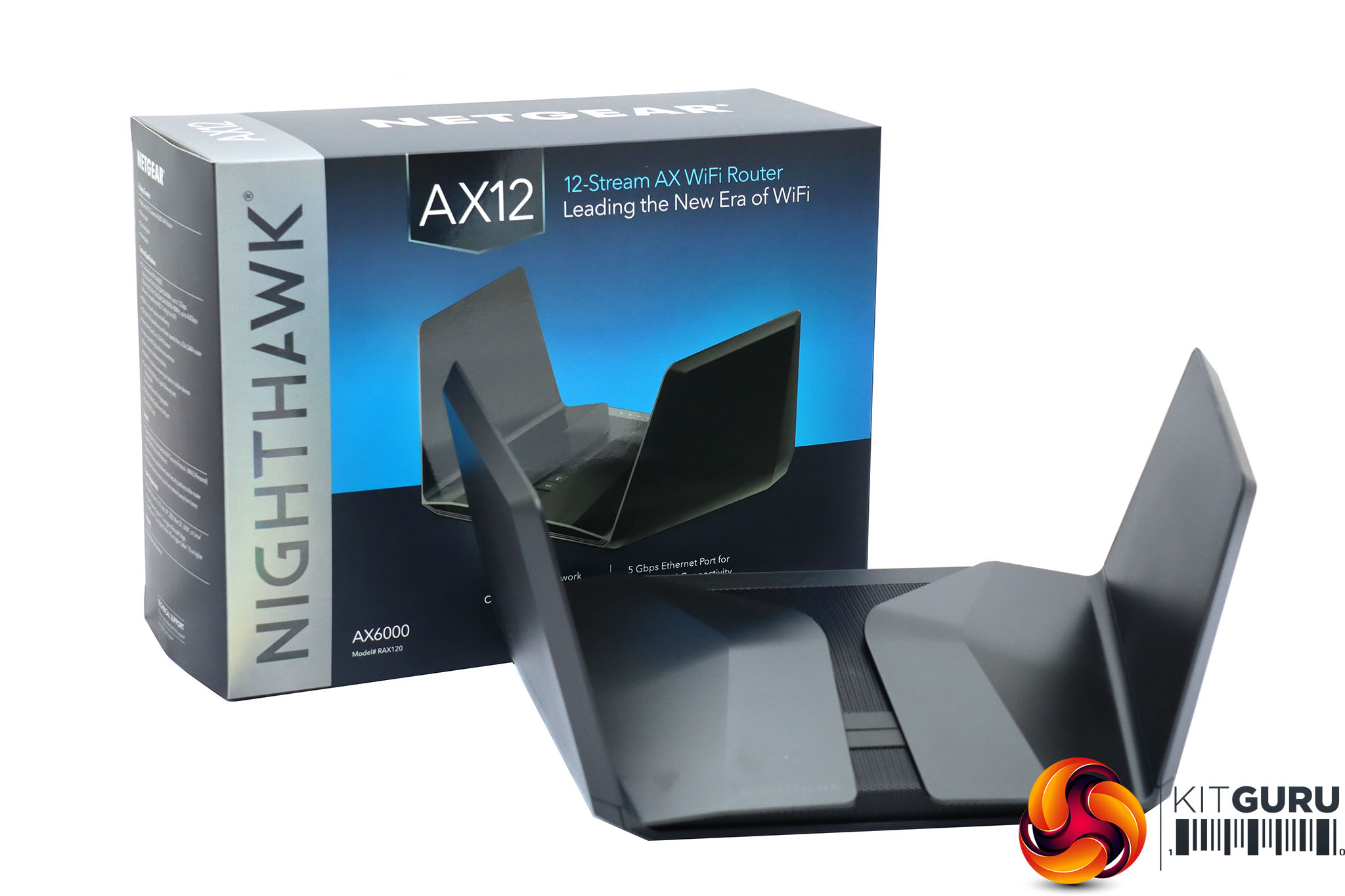
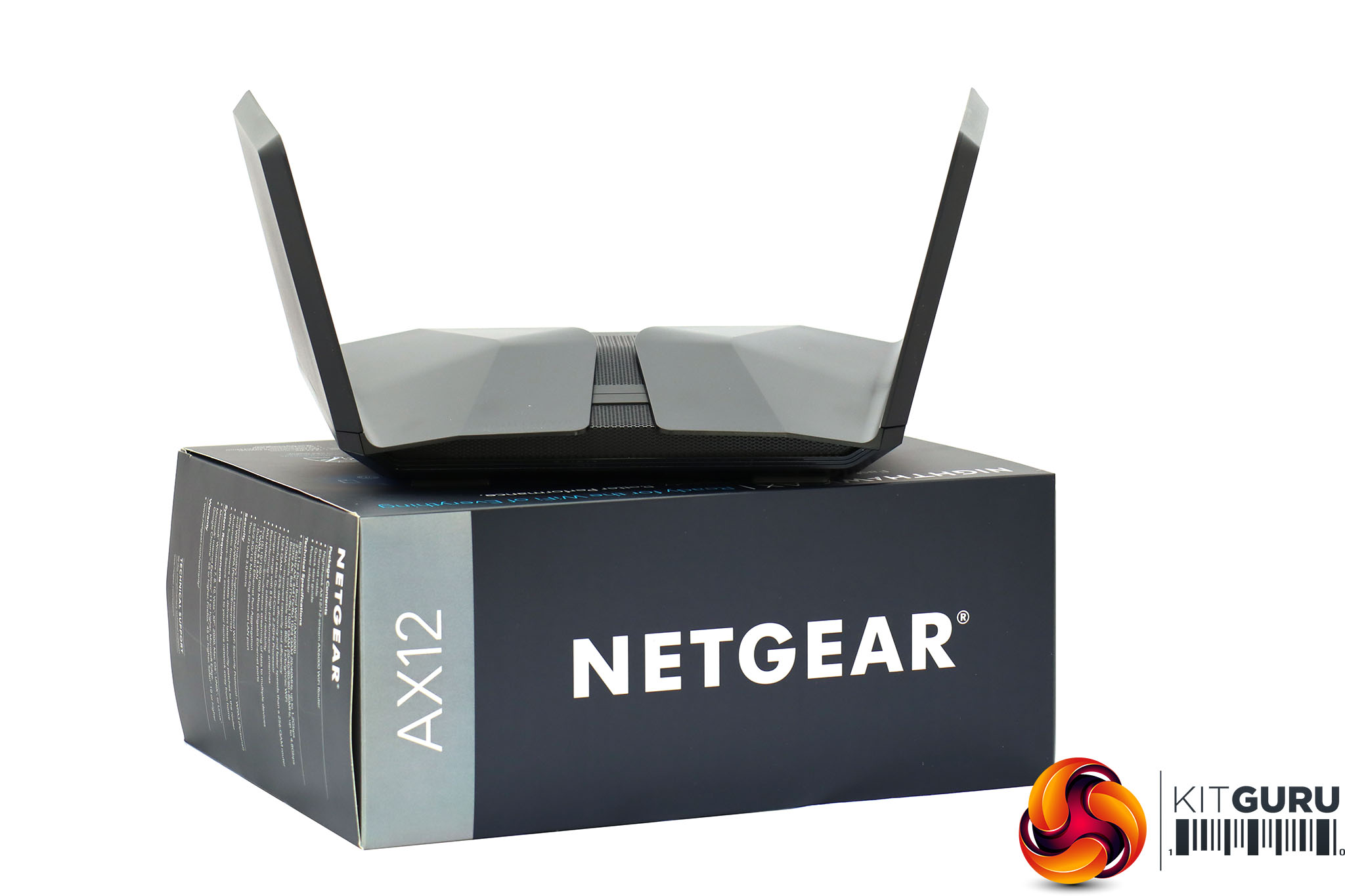
The AX12 is a sizeable piece of kit. The two arms on either end lift up and lie flat inside the box. These house the eight antennas used by the WiFi system.
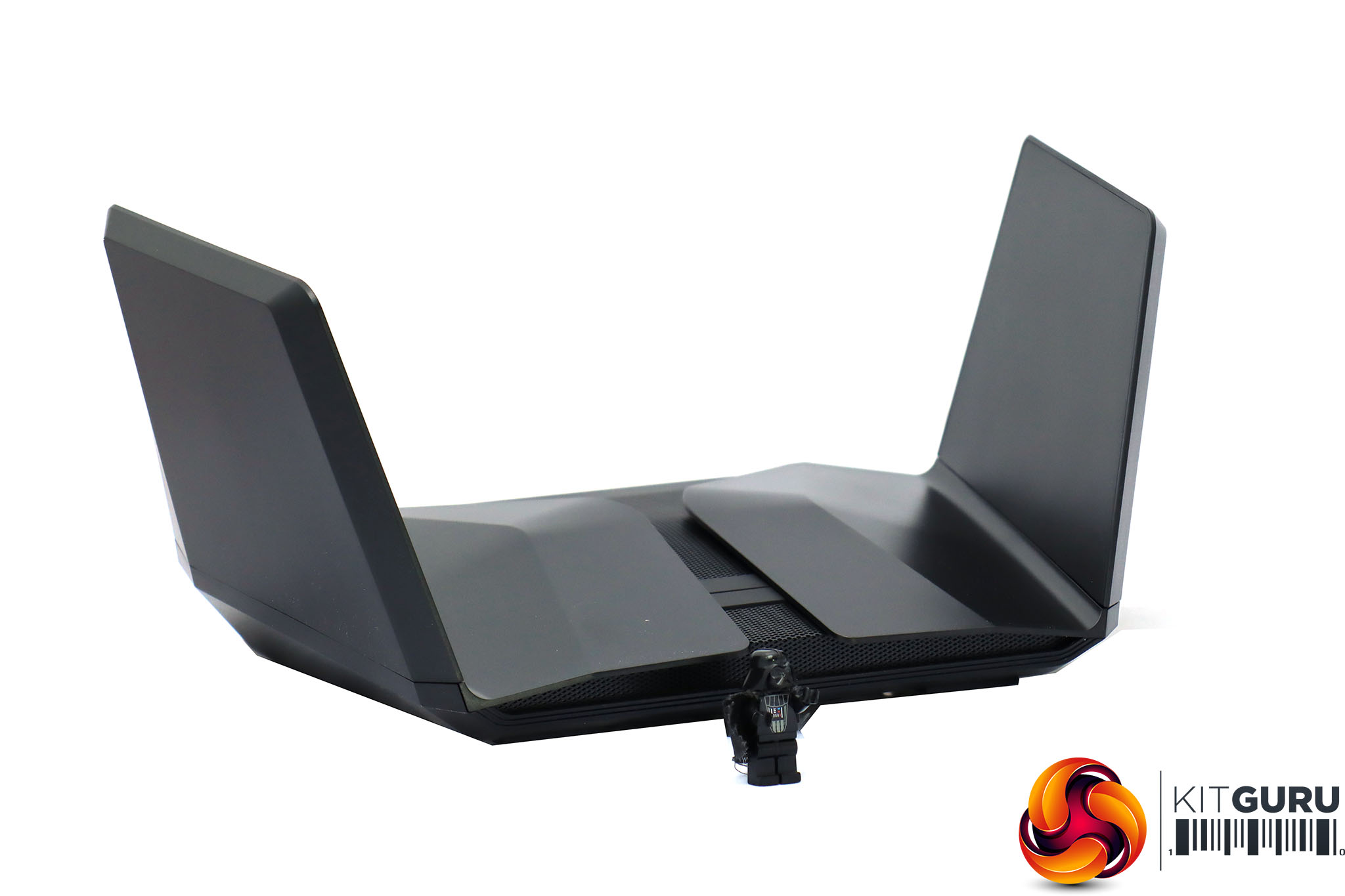
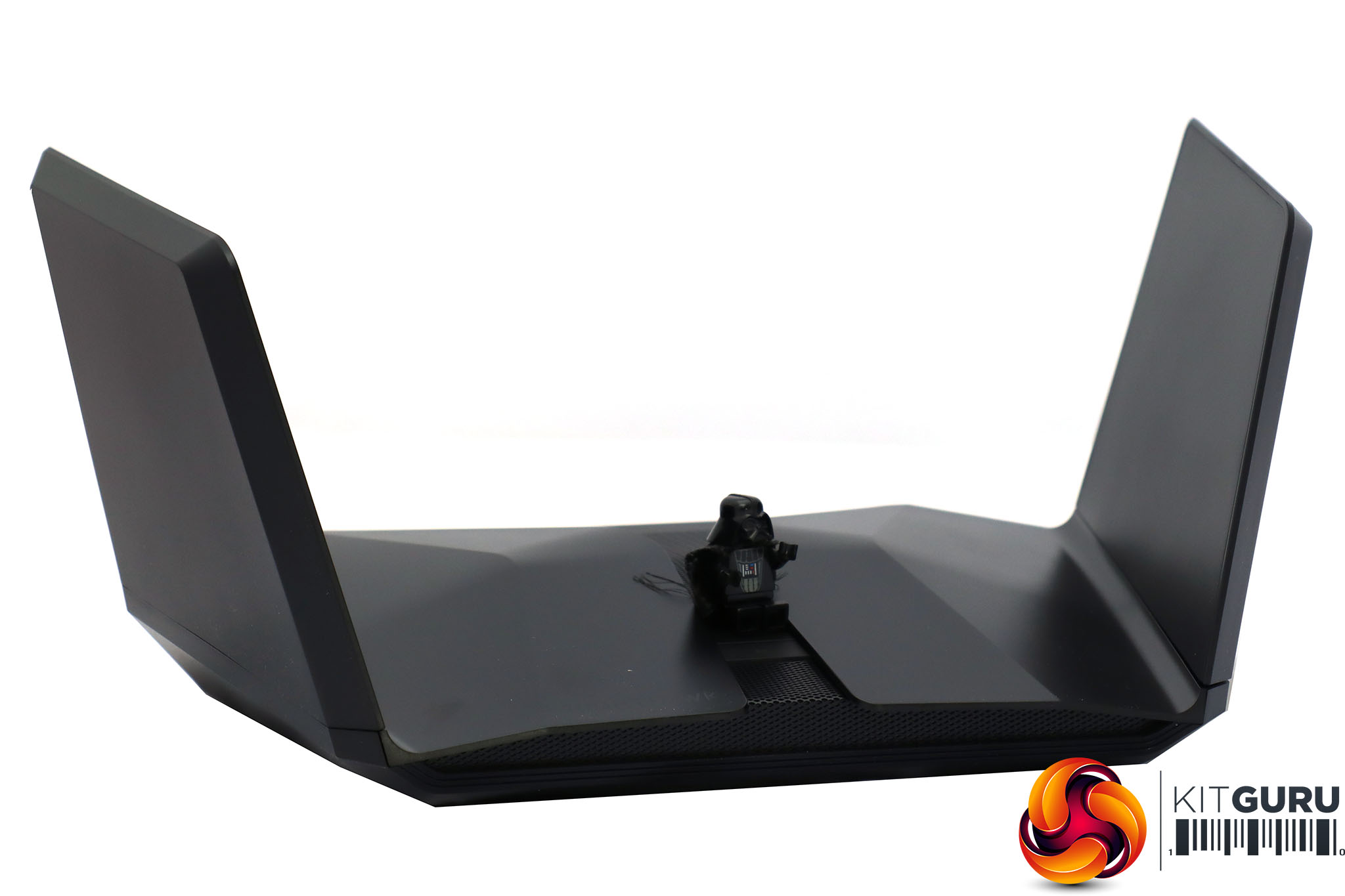
We couldn't help spotting the more than passing resemblance that the AX12 has to an Imperial Shuttle from the Star Wars films, and Darth Vader seemed completely at home next to the router.
If you're shooting a fan movie, the AX12 could make a great spaceship model. (Note Darth Vader is not included with the AX12… even if we think he should be!)
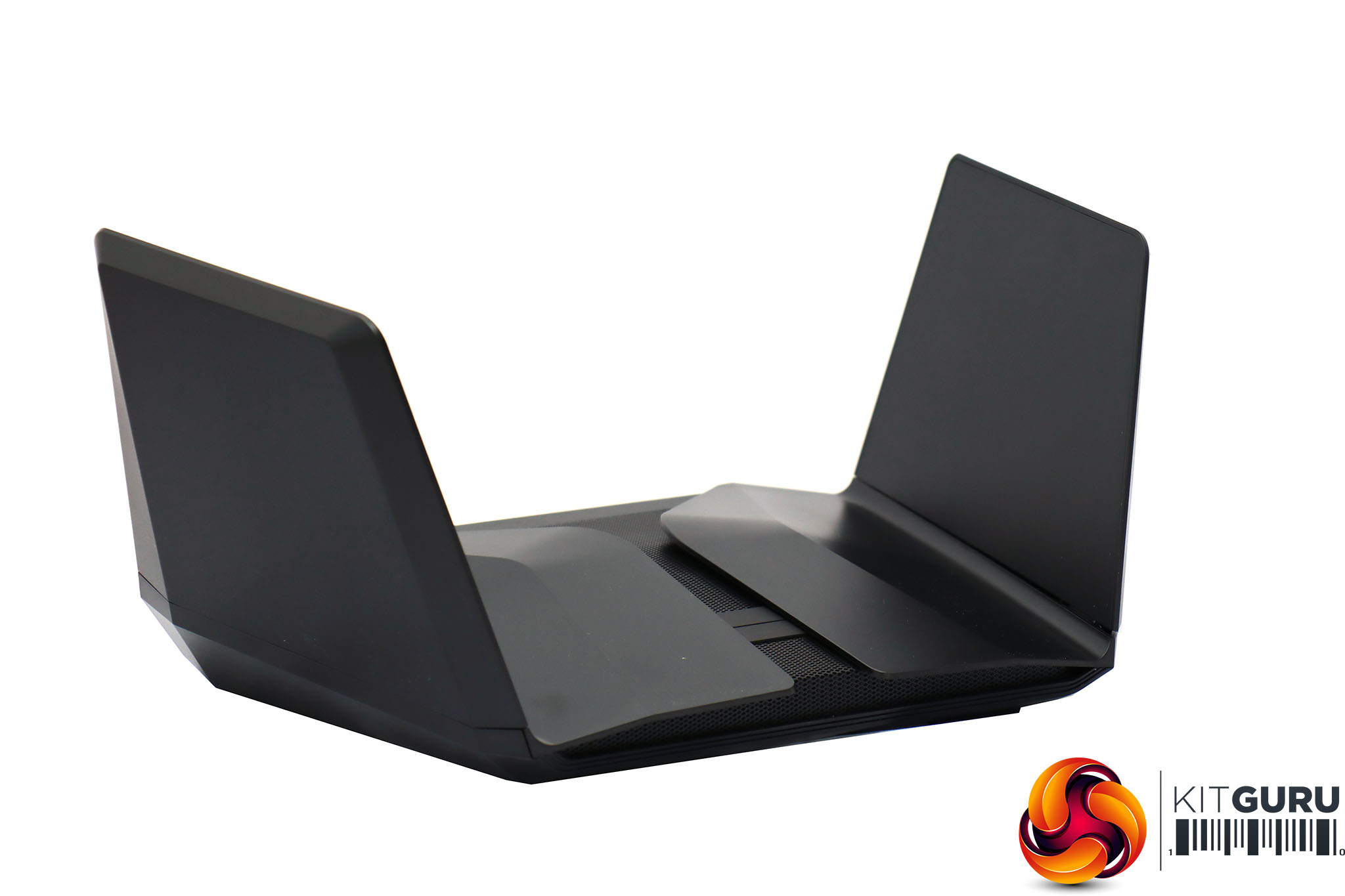
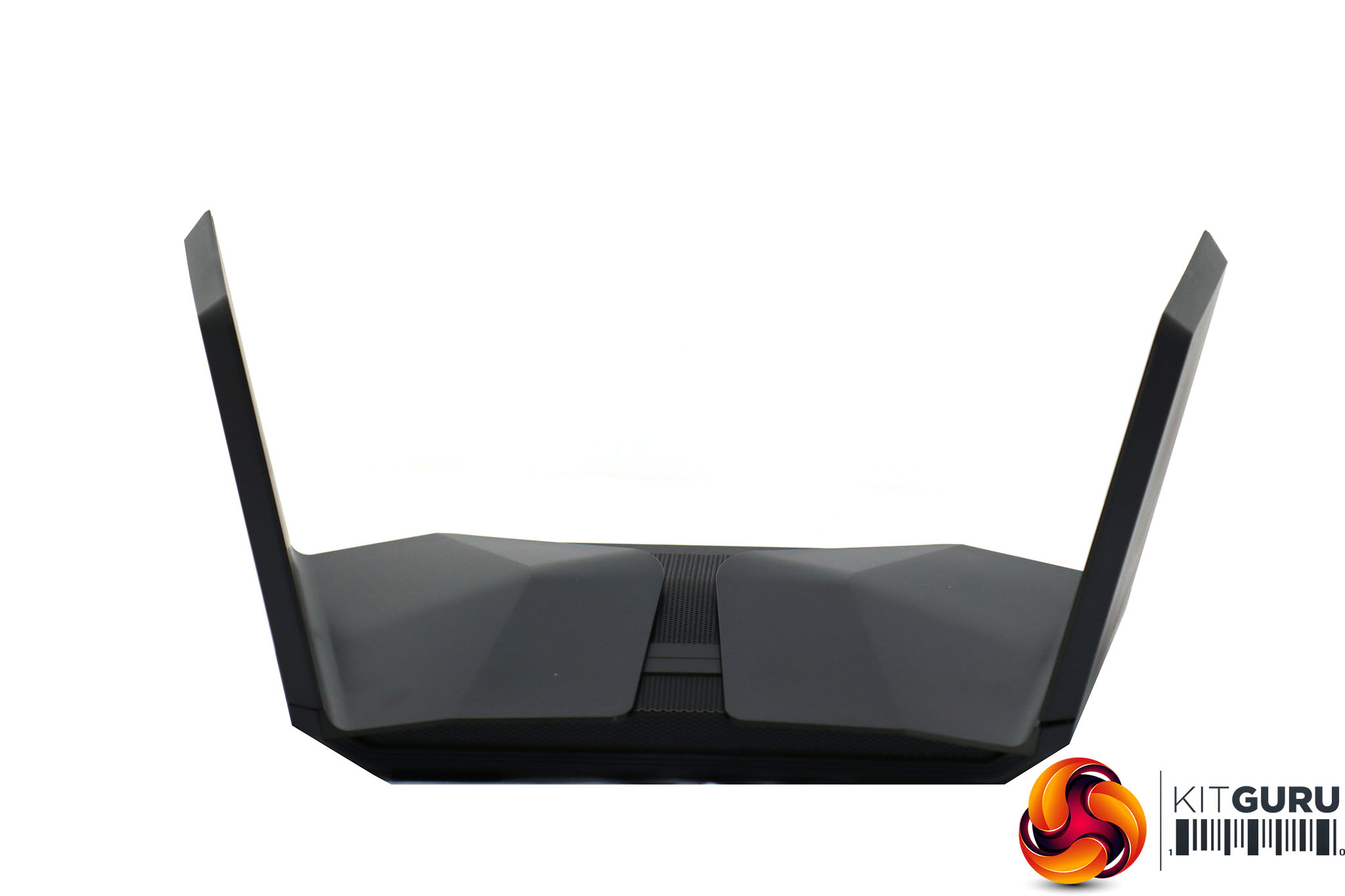
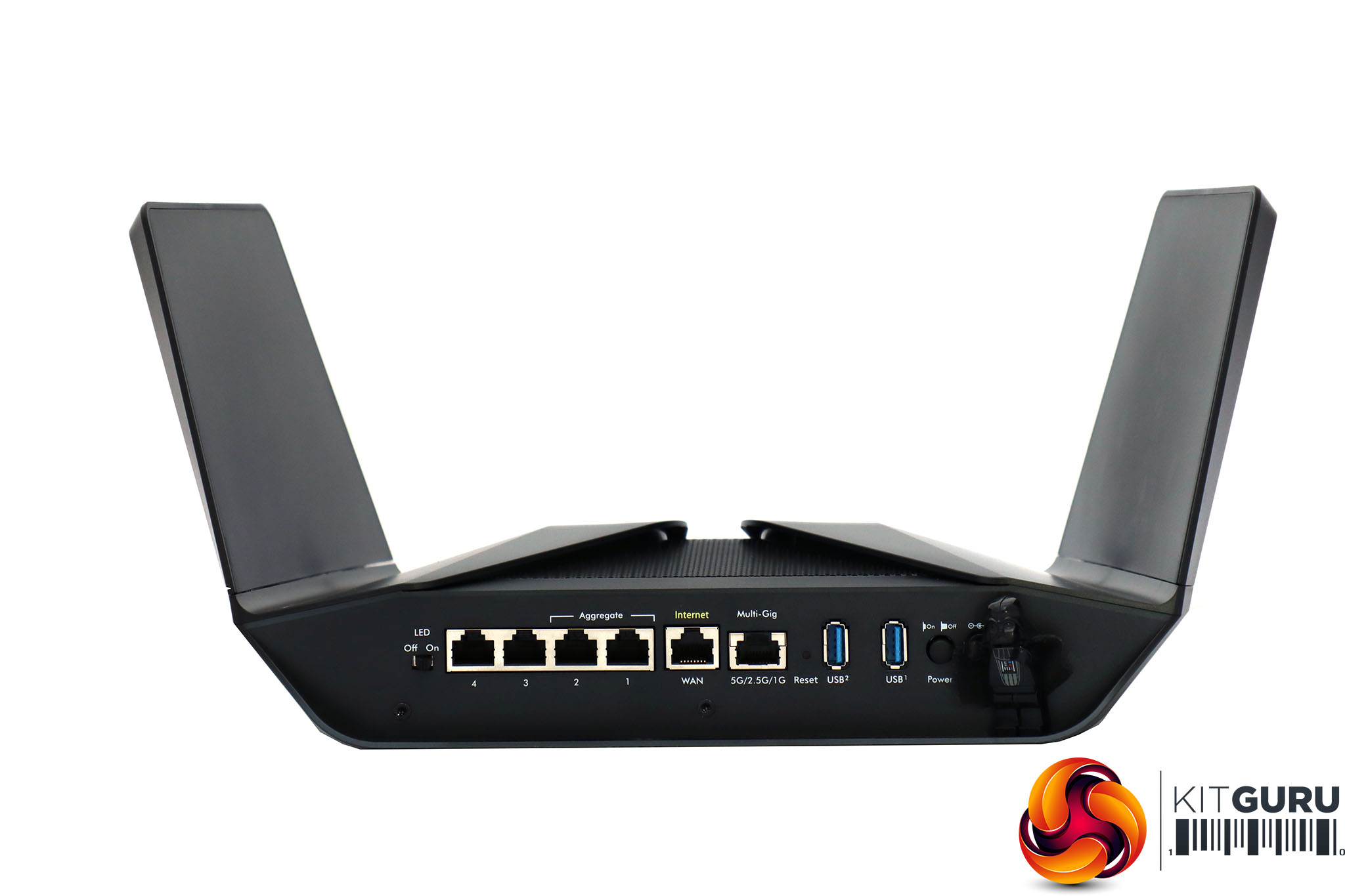
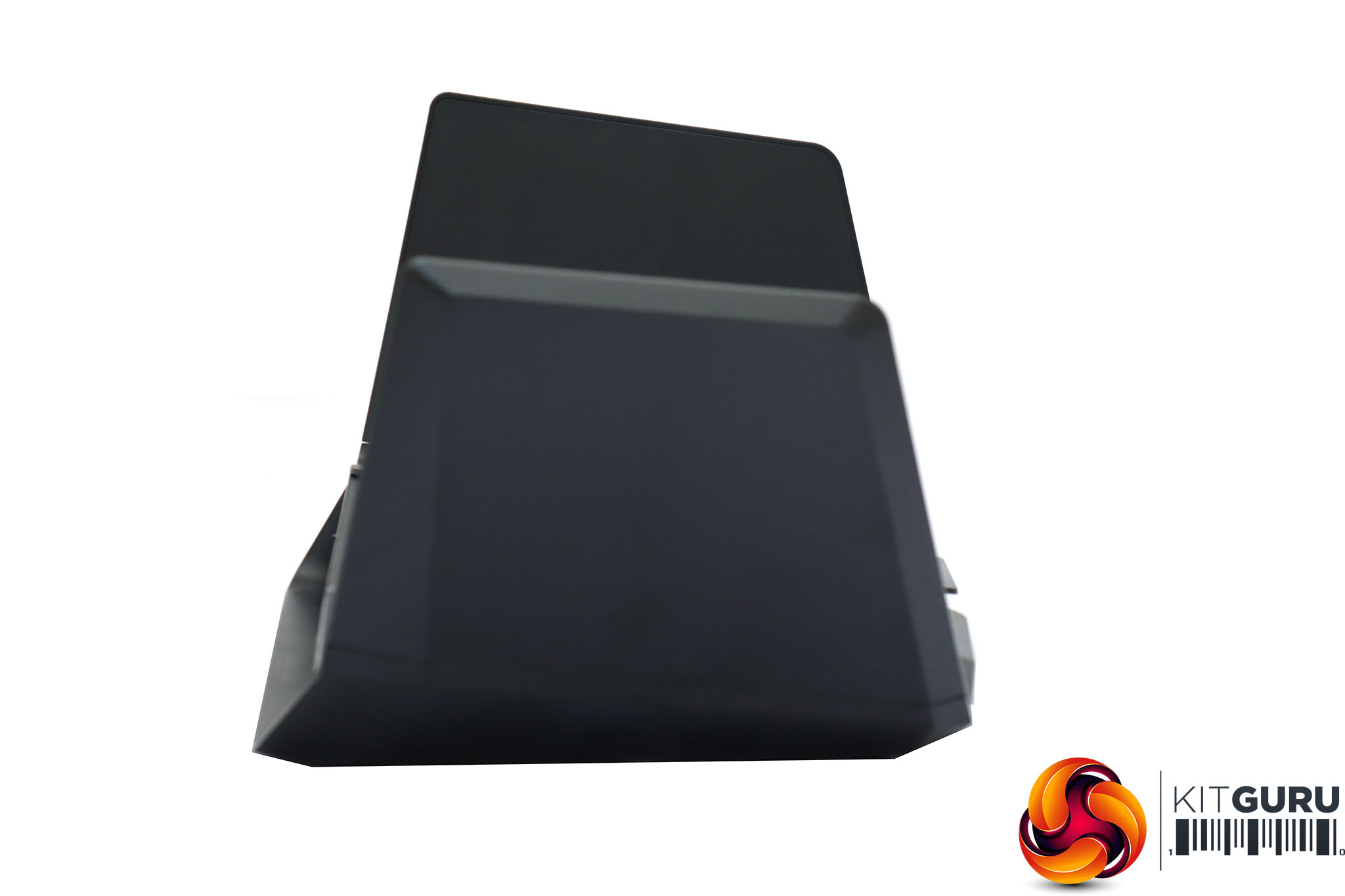
Unobtrusive is not a word you would use to describe the design of the AX12. However, as a statement of being aggressively up with the latest technology, this router's looks are sure to get attention – until everyone has one, of course.
There are actually buttons hidden near the front on the top. One is for turning the WiFi radios on and off, whilst the other enables WPS for rapid setup of client devices that support this system. There's also a row of status LEDs on the top at the back, but they're not visible until the unit is powered up and they are lit.
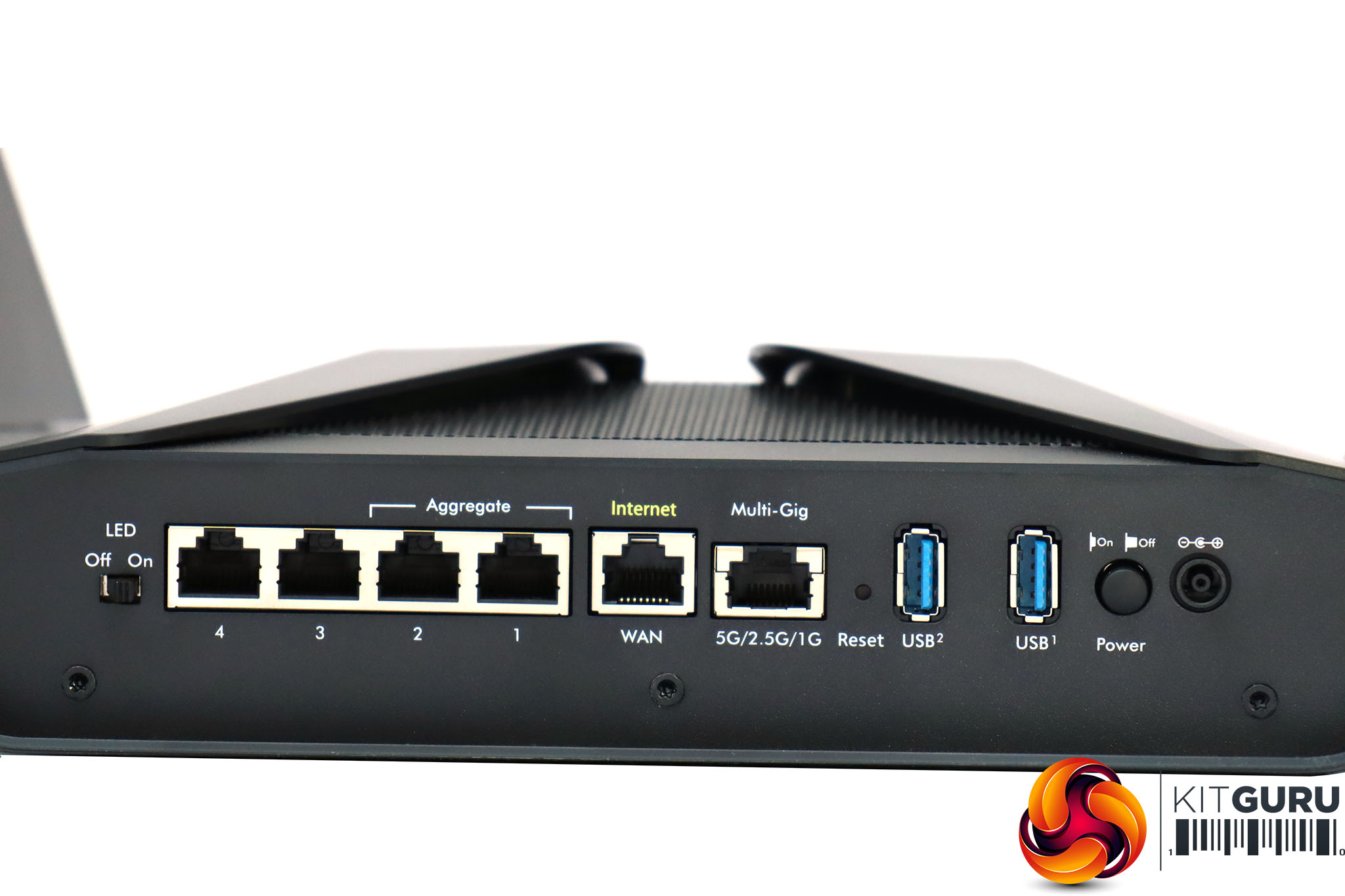
Since this is a premium router, it's reassuring to see the rear bristling with connectivity. There are two USB 3.0 ports, in between the power and reset buttons. Then there's a “Multi-Gig” port that provides Ethernet speeds up to 5Gbit, which will be great for hooking up a server or NAS box with this connection, or expanding the wired networking with NETGEAR's own SX10 gaming switch.
That's if the four regular Gigabit Ethernet ports aren't enough for you. The first two Gigabit LAN ports can also be aggregated for faster throughput, and of course the 5Gbit port can act as a fifth Gigabit port. You won't need to use one of these for the broadband WAN, either, as there's a separate Gigabit port for connecting your ADSL or cable modem.
Overall, then, there's precious little to fault the physical design of the AX12. It has comprehensive connectivity, looks futuristically mean, and has a reassuringly heavy and solid build.
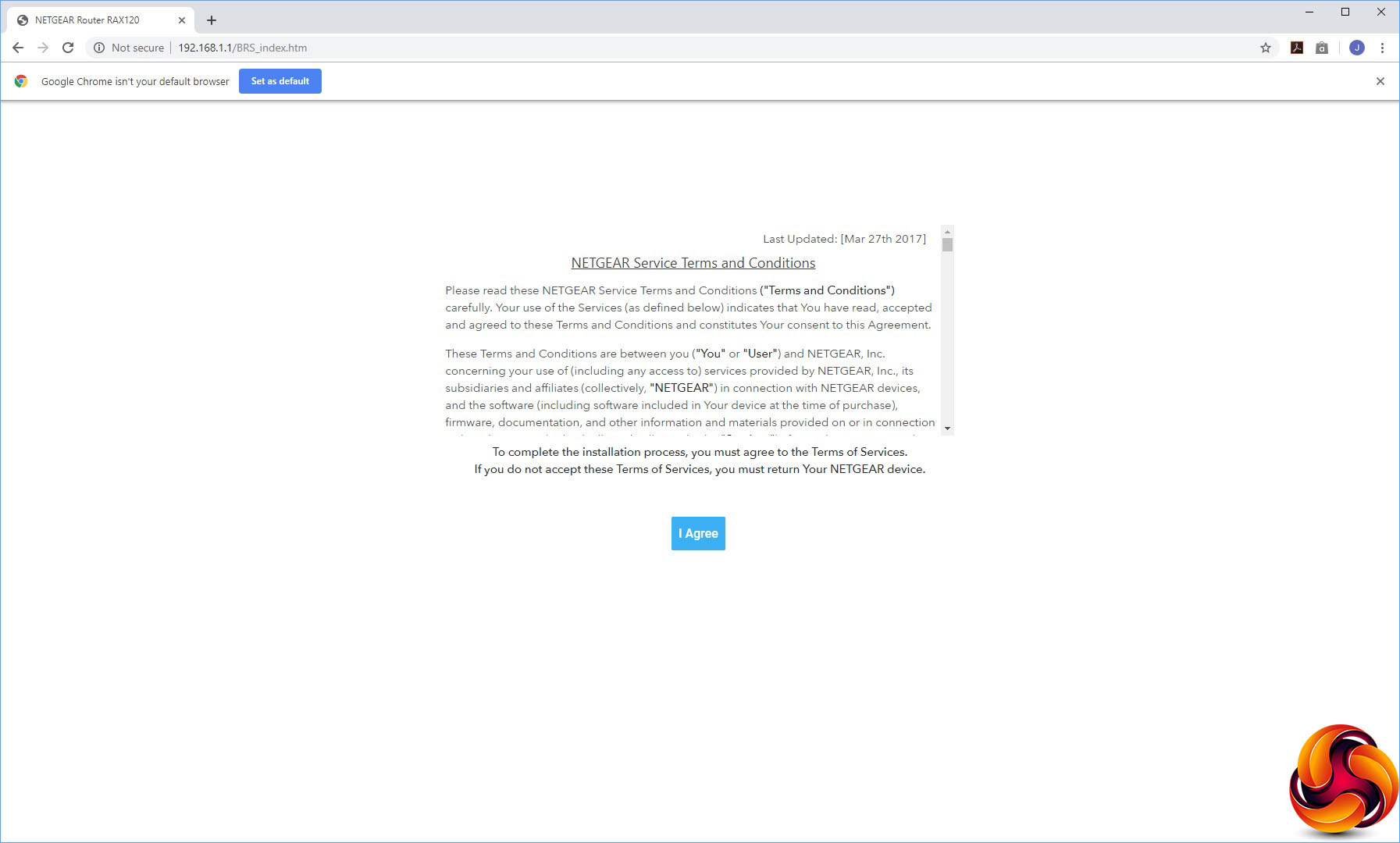
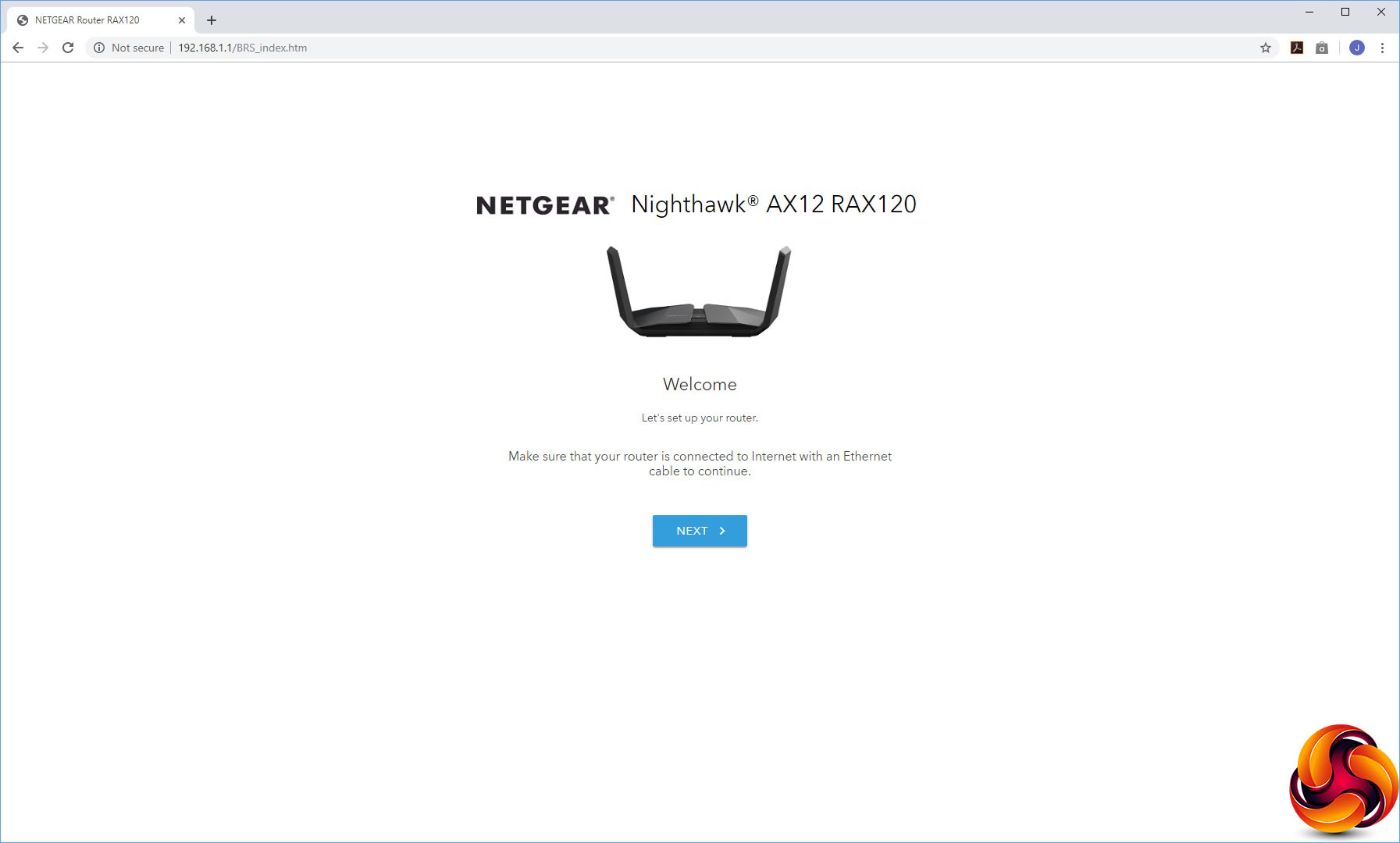
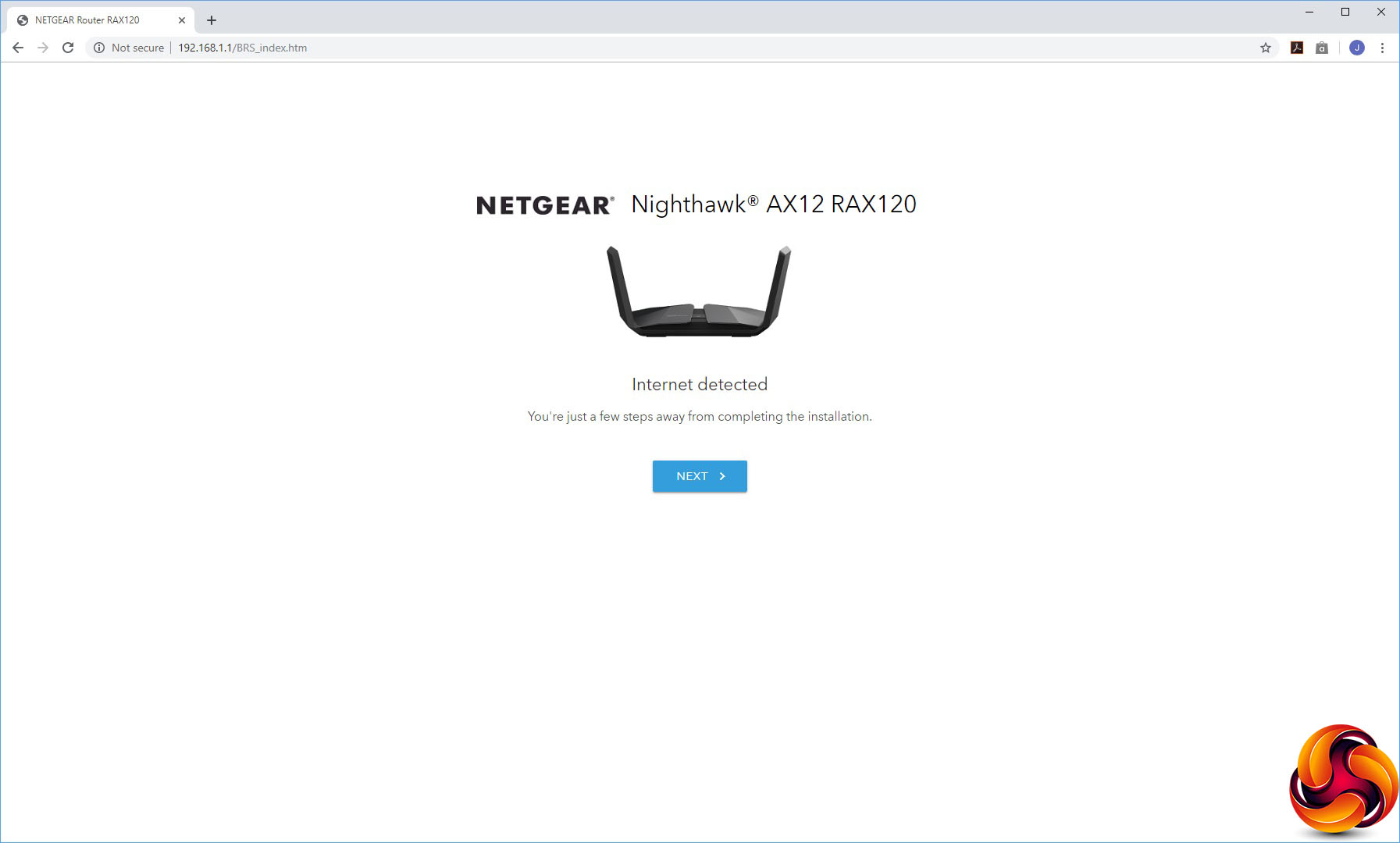
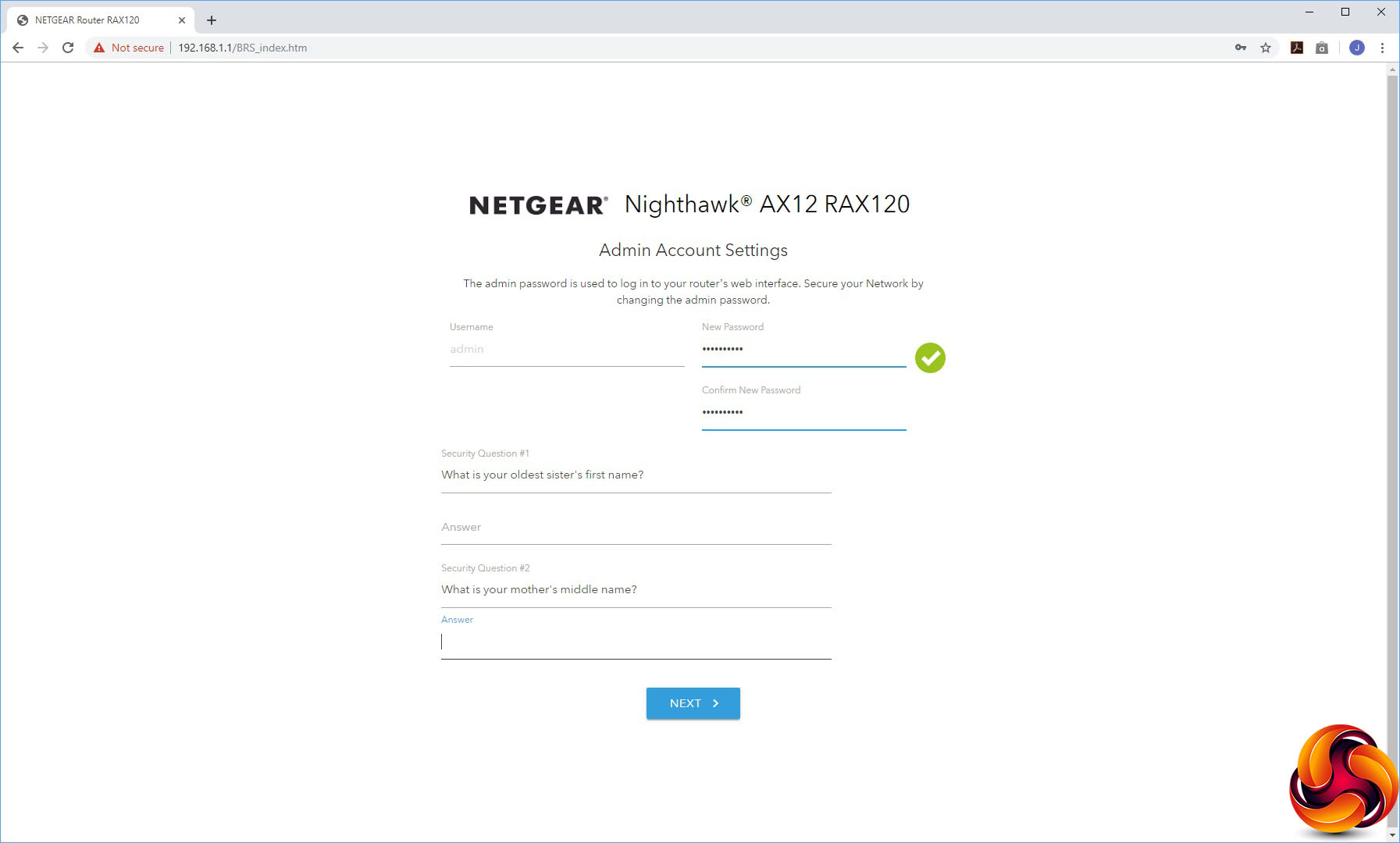
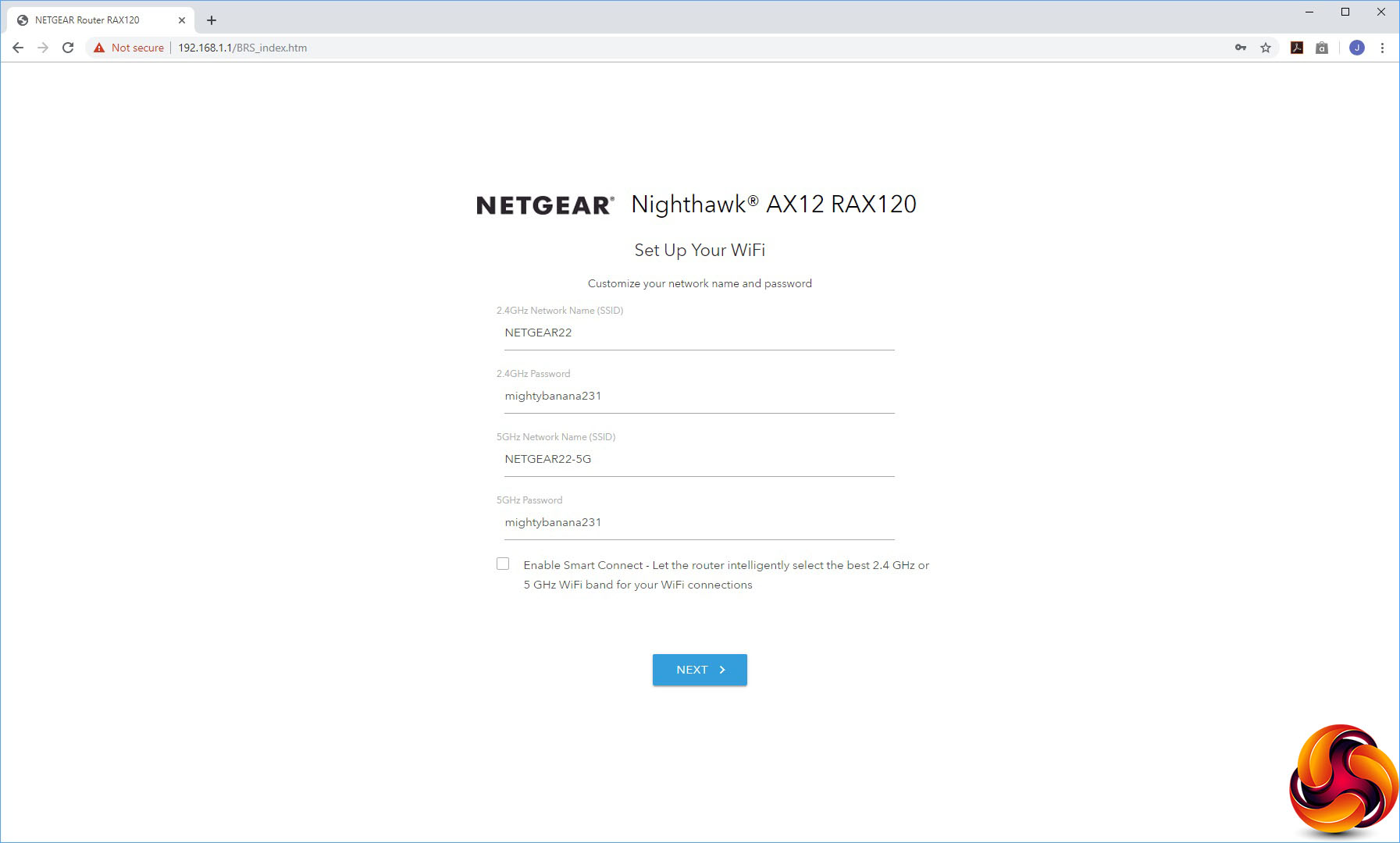
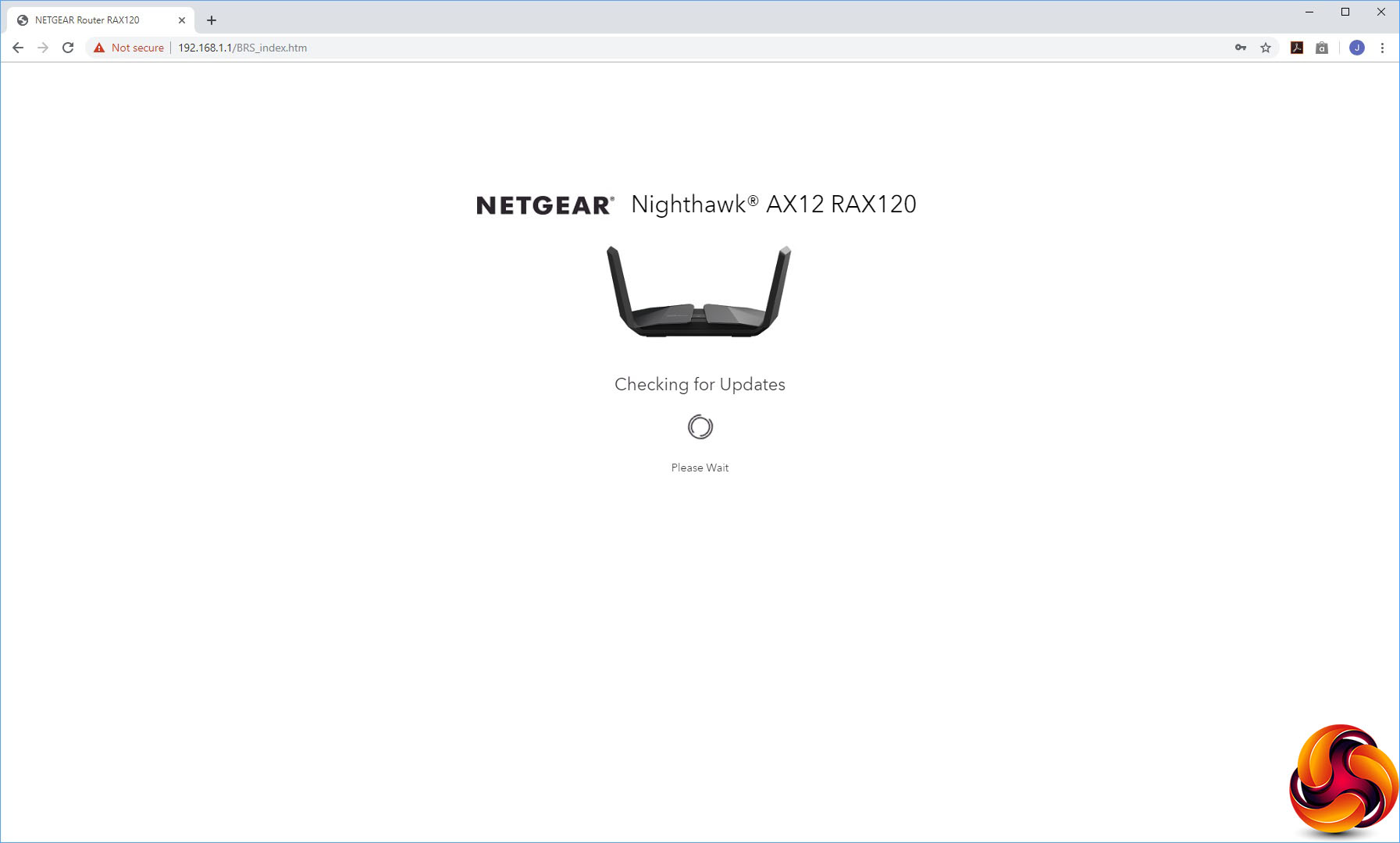
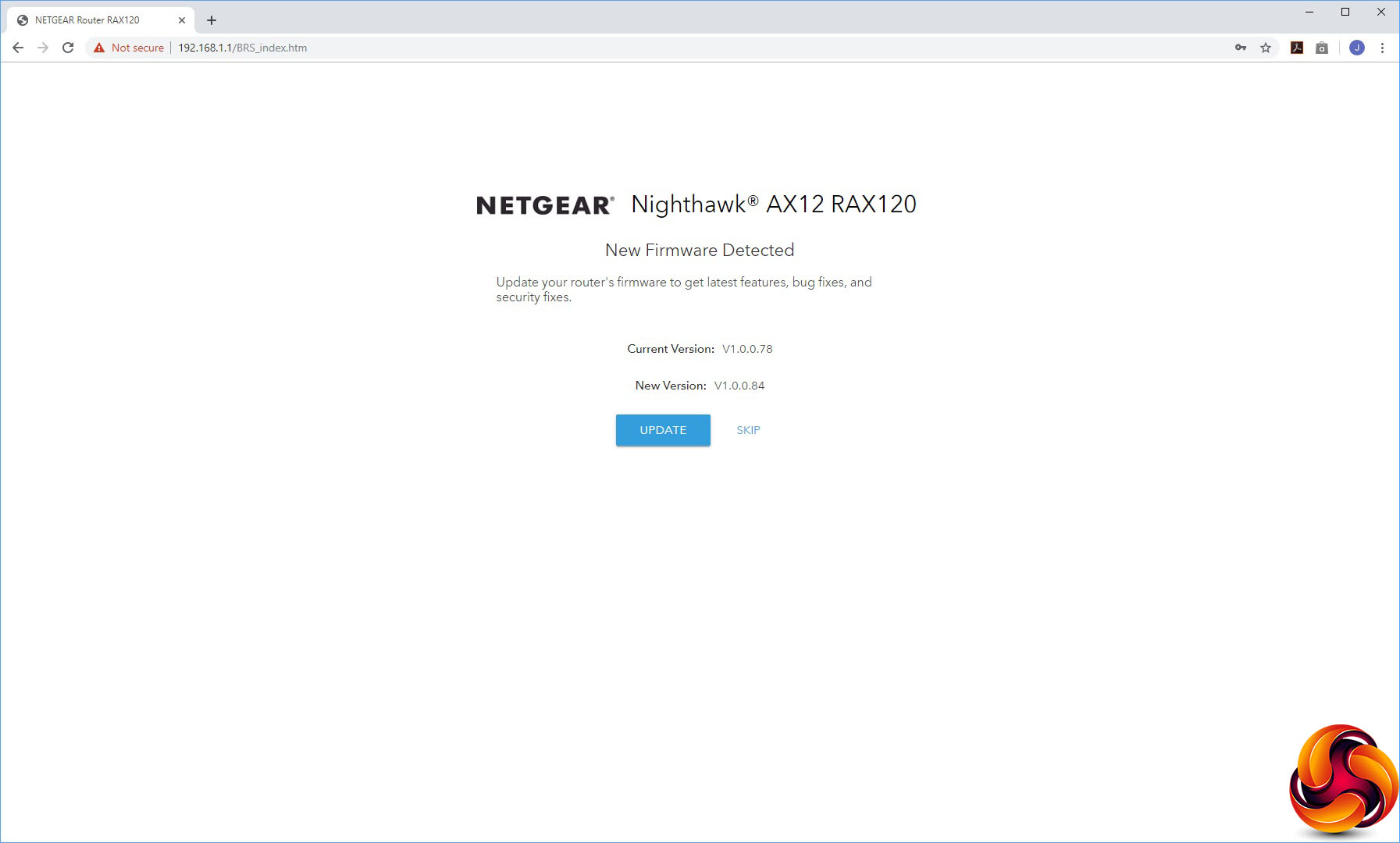
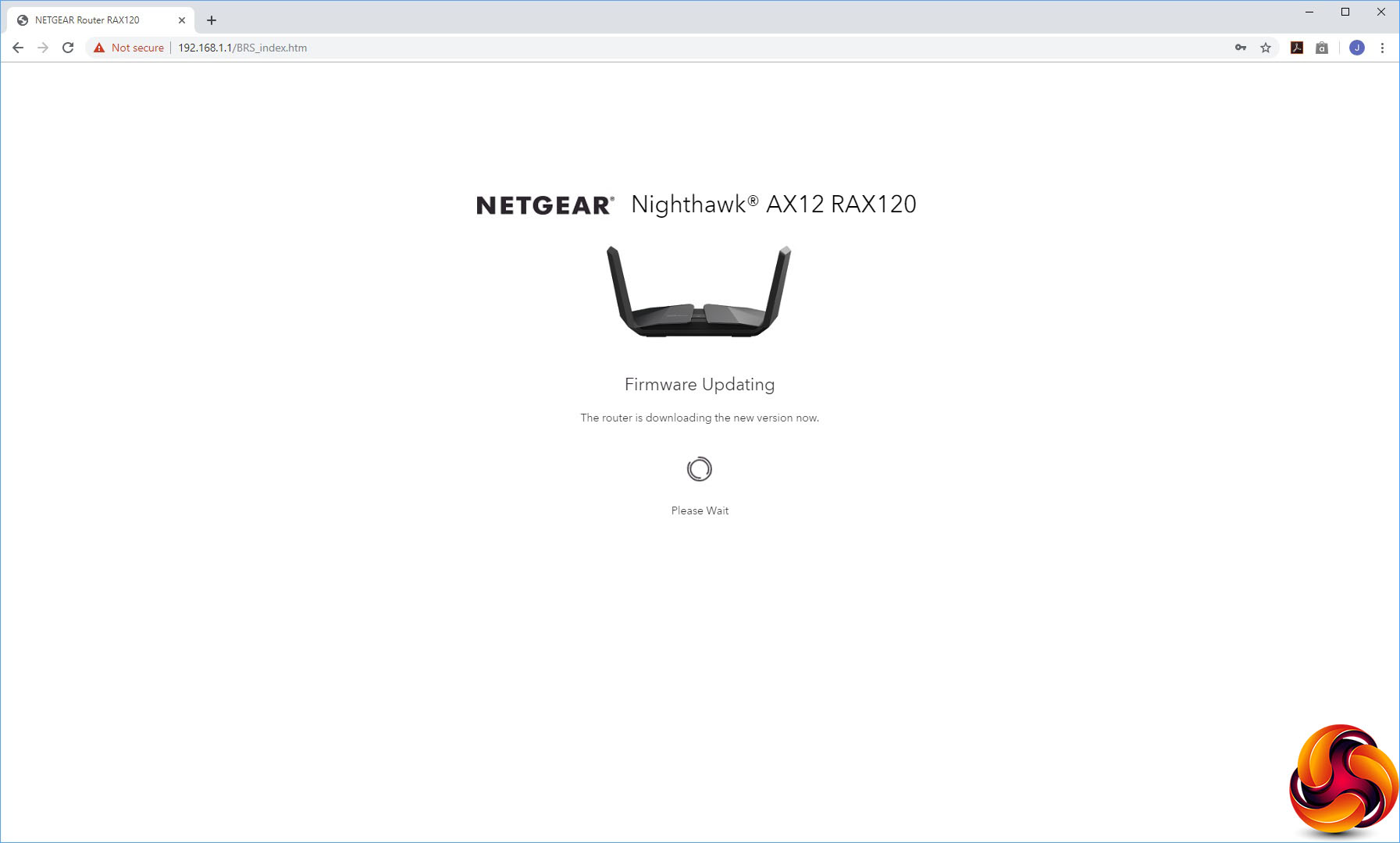
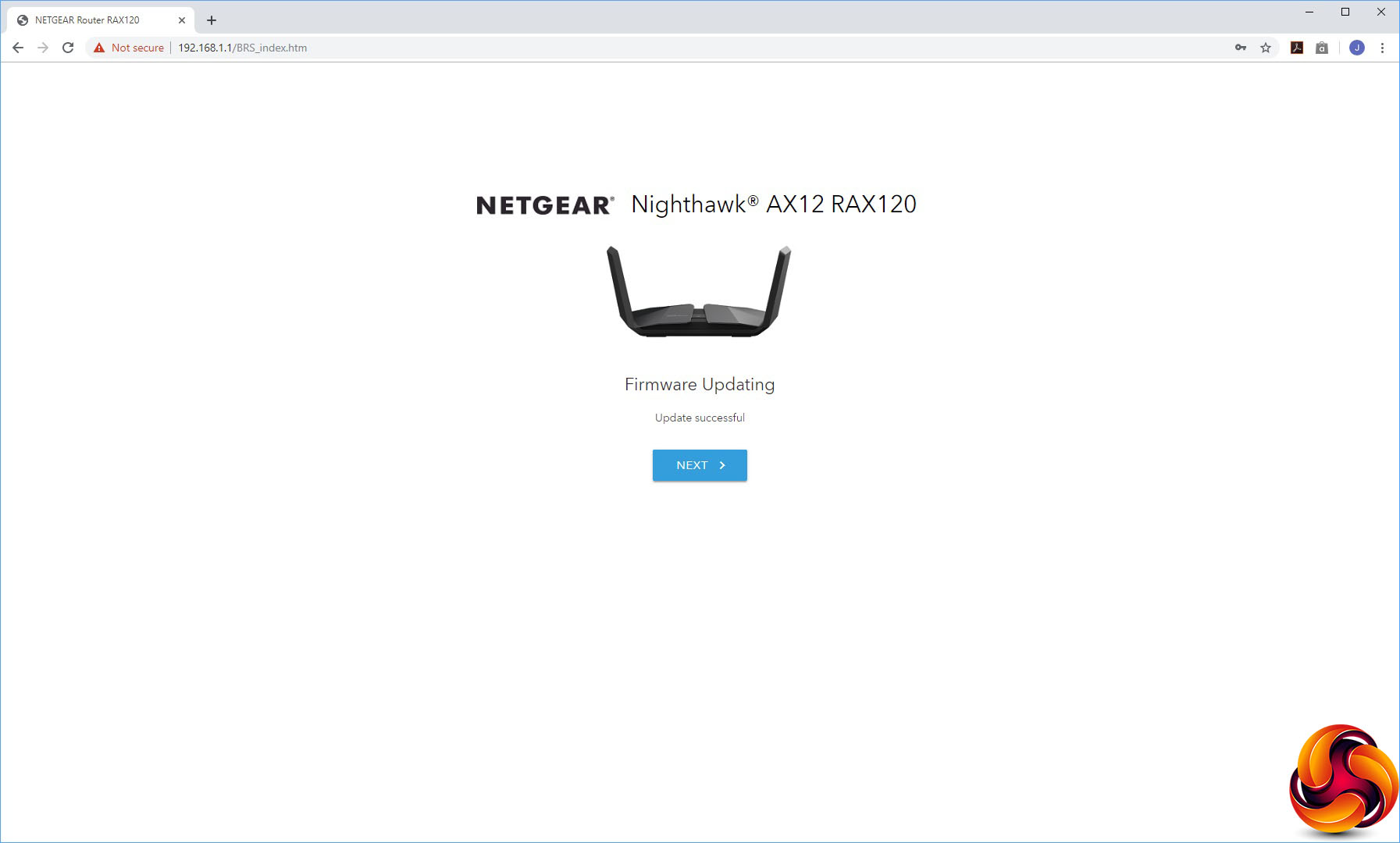
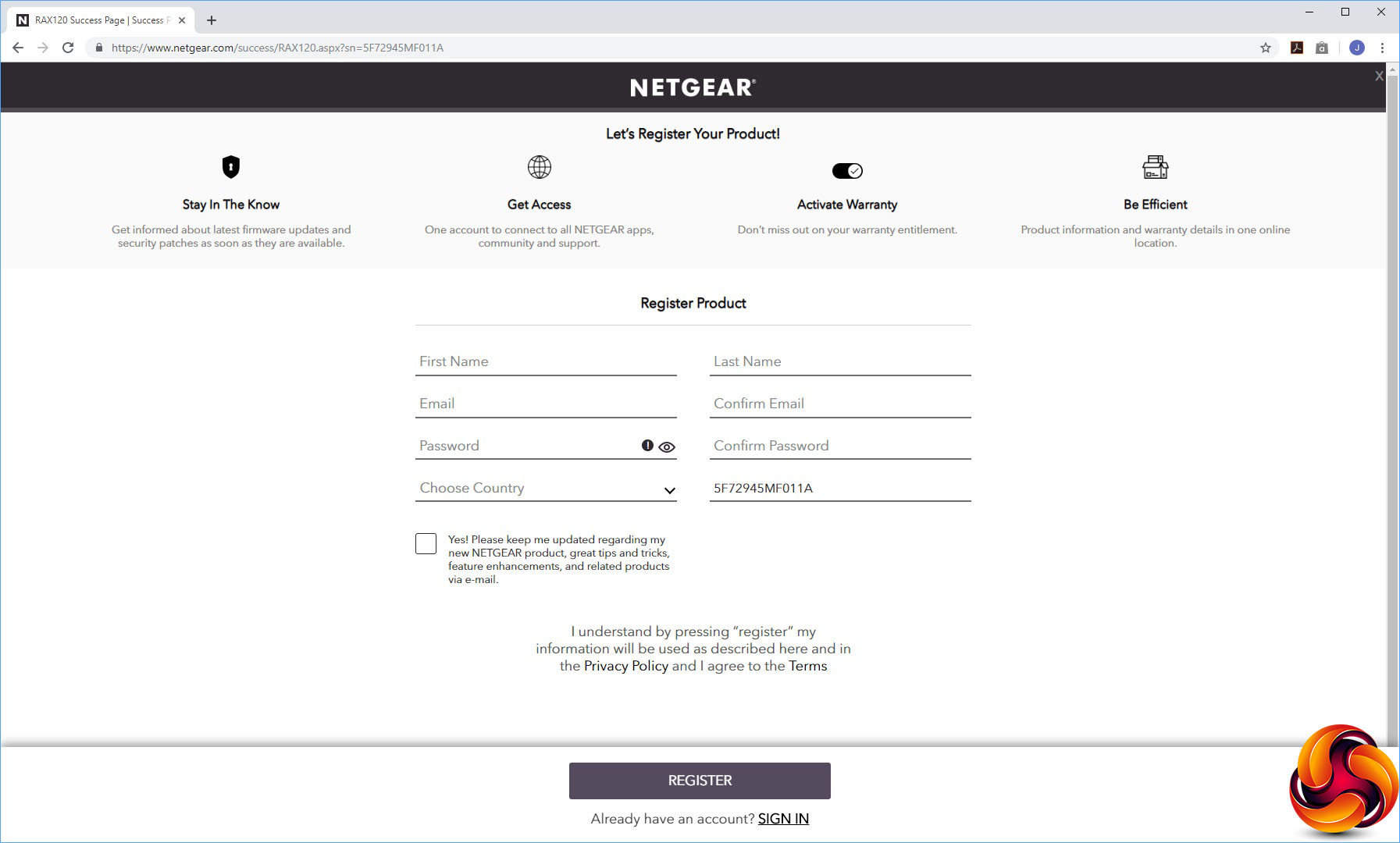
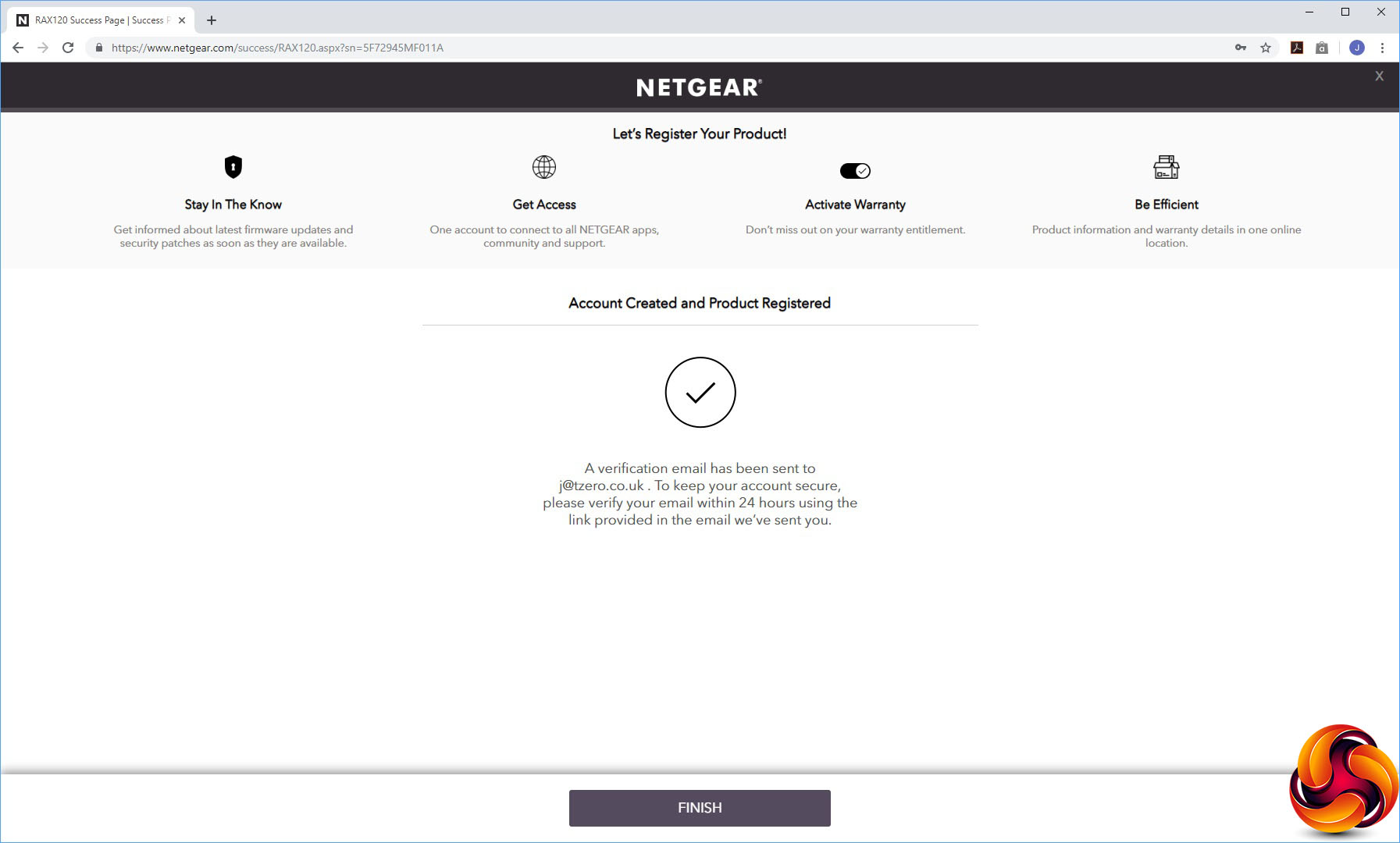
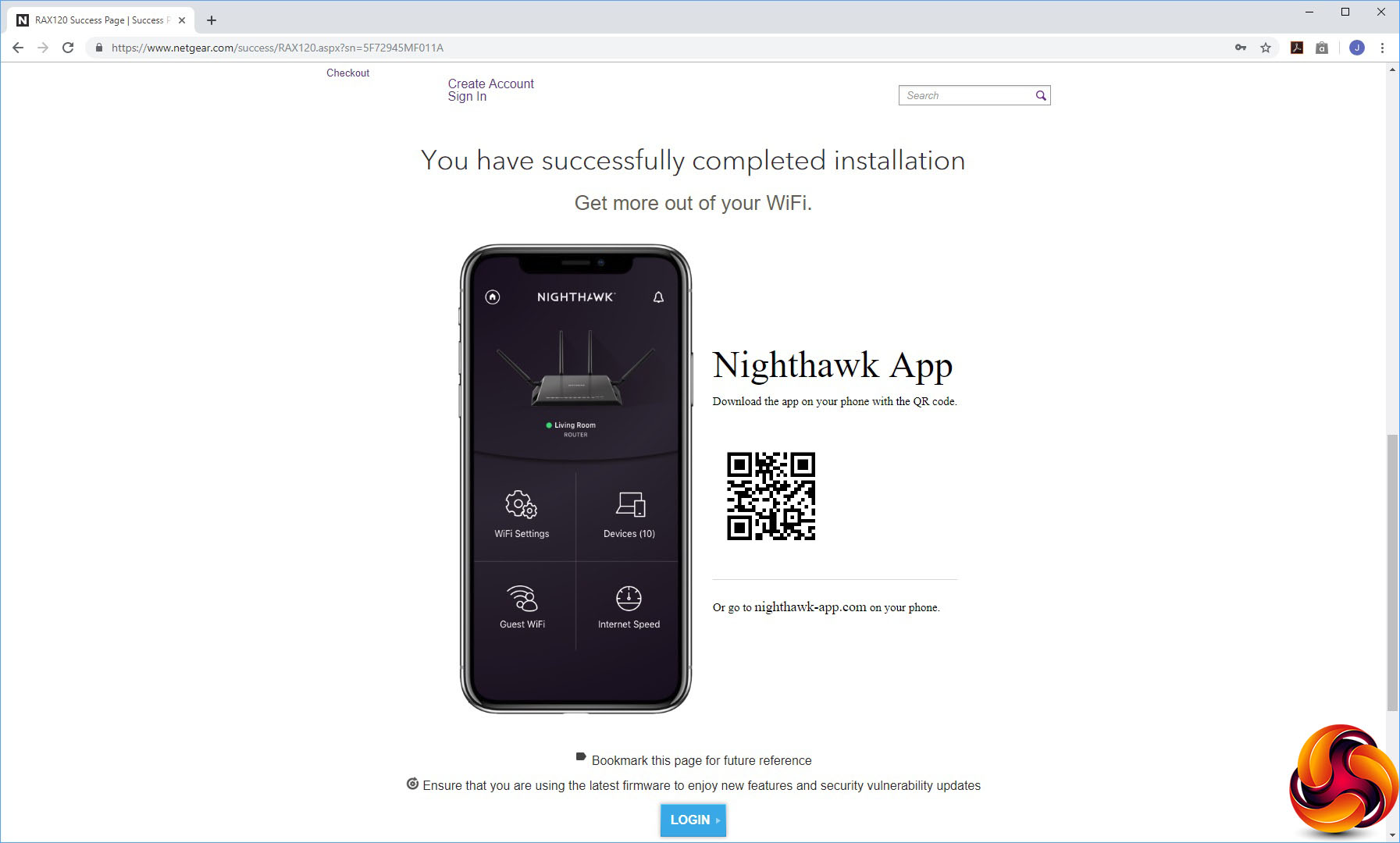
When you first aim a browser at the AX12's default IP address, you're met with some terms and conditions to agree to. You're then guided through an initial setup wizard that checks your Internet connection, prompts you to set up an admin account followed by WiFi SSIDs and passwords.
Then it will check for updates and install any new firmware it finds. Finally, you will be prompted to register the device with NETGEAR and download the Nighthawk App. Your AX12 will finally be ready to use after this.
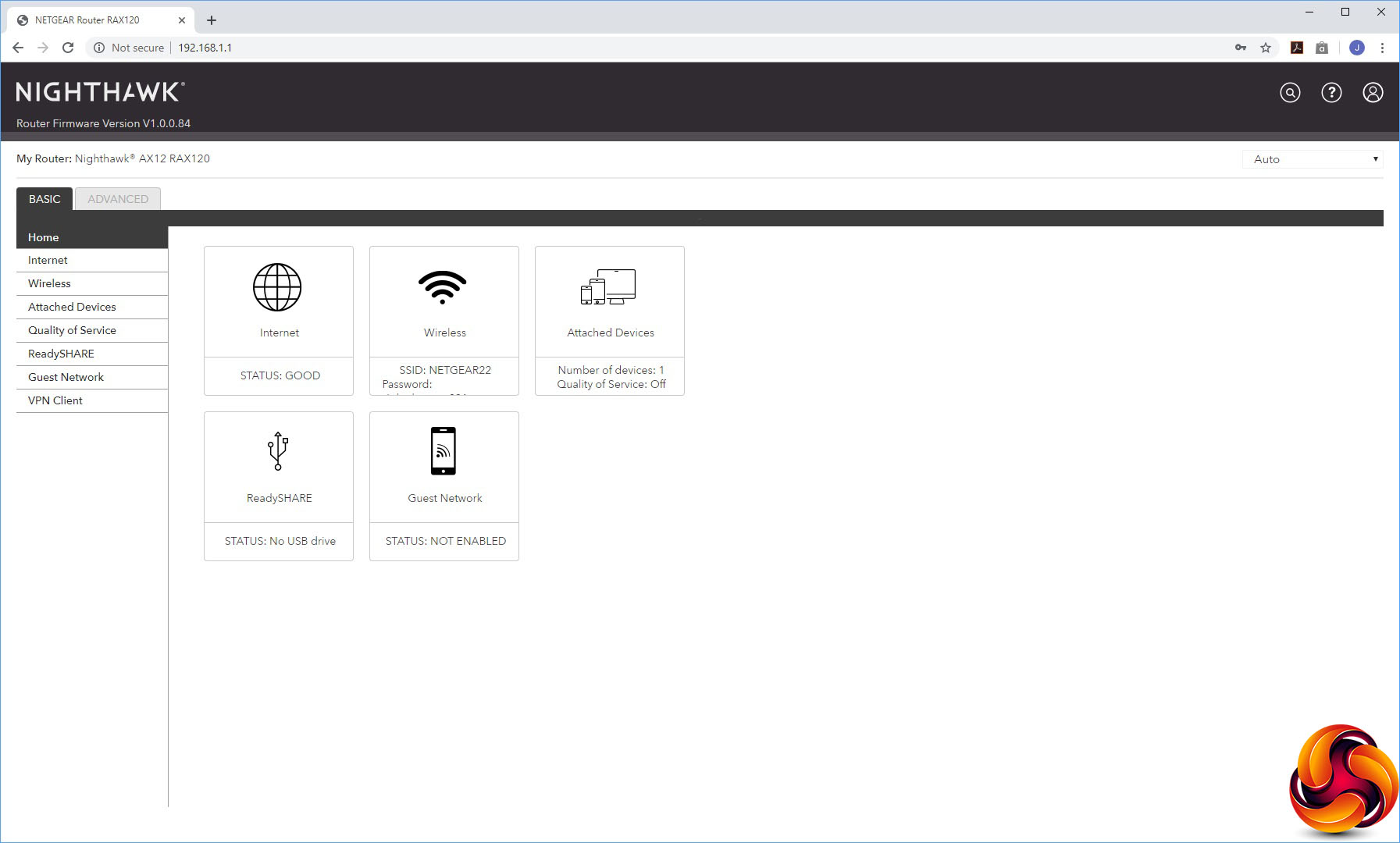
After you've logged into the system again, the Nighthawk Web interface is revealed. It has had a bit of a redesign, but this is more aesthetic than functional. The options are all pretty much in the same place as they have been for some years now. The initial Home screen presents an overview of the router's status.
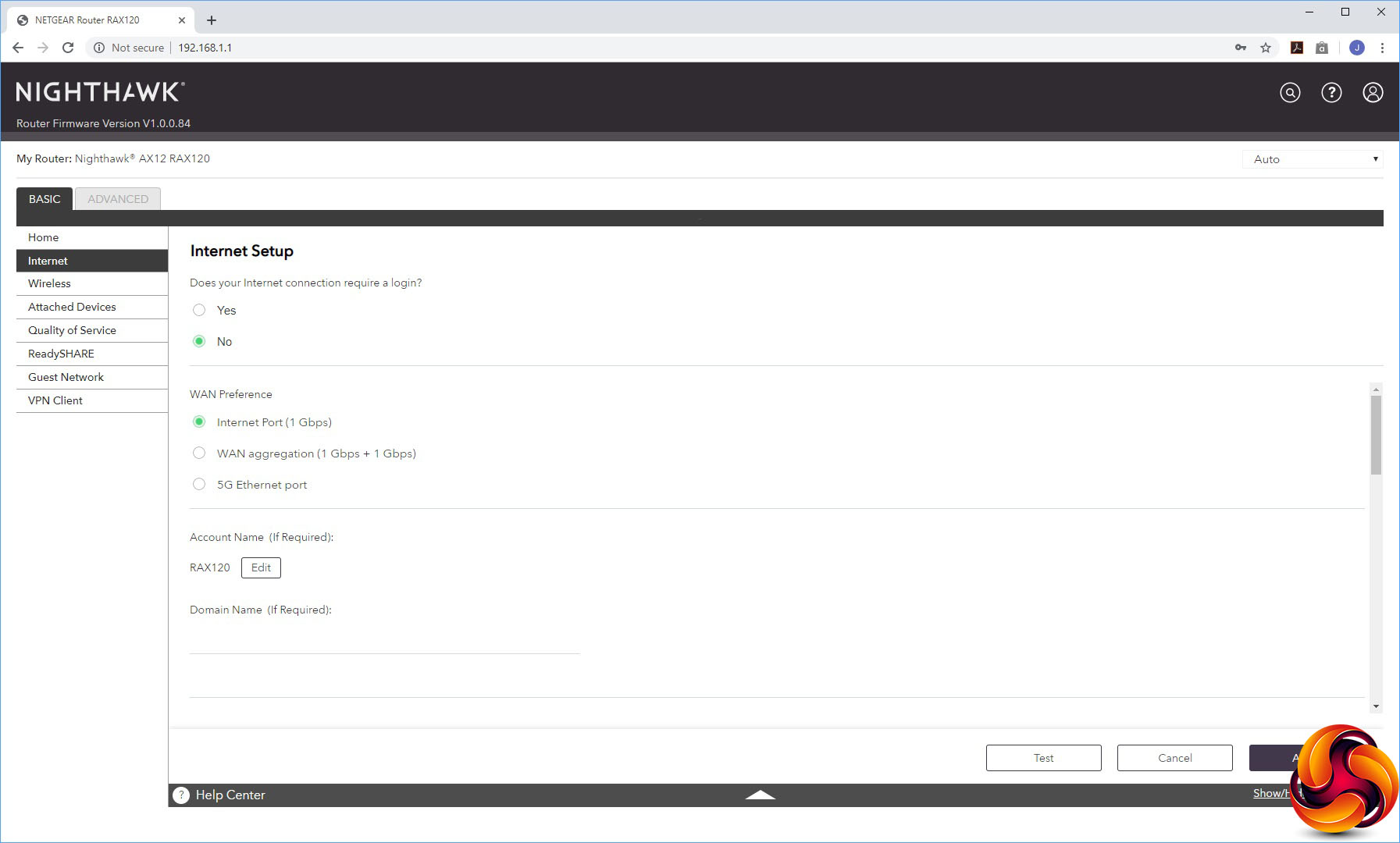
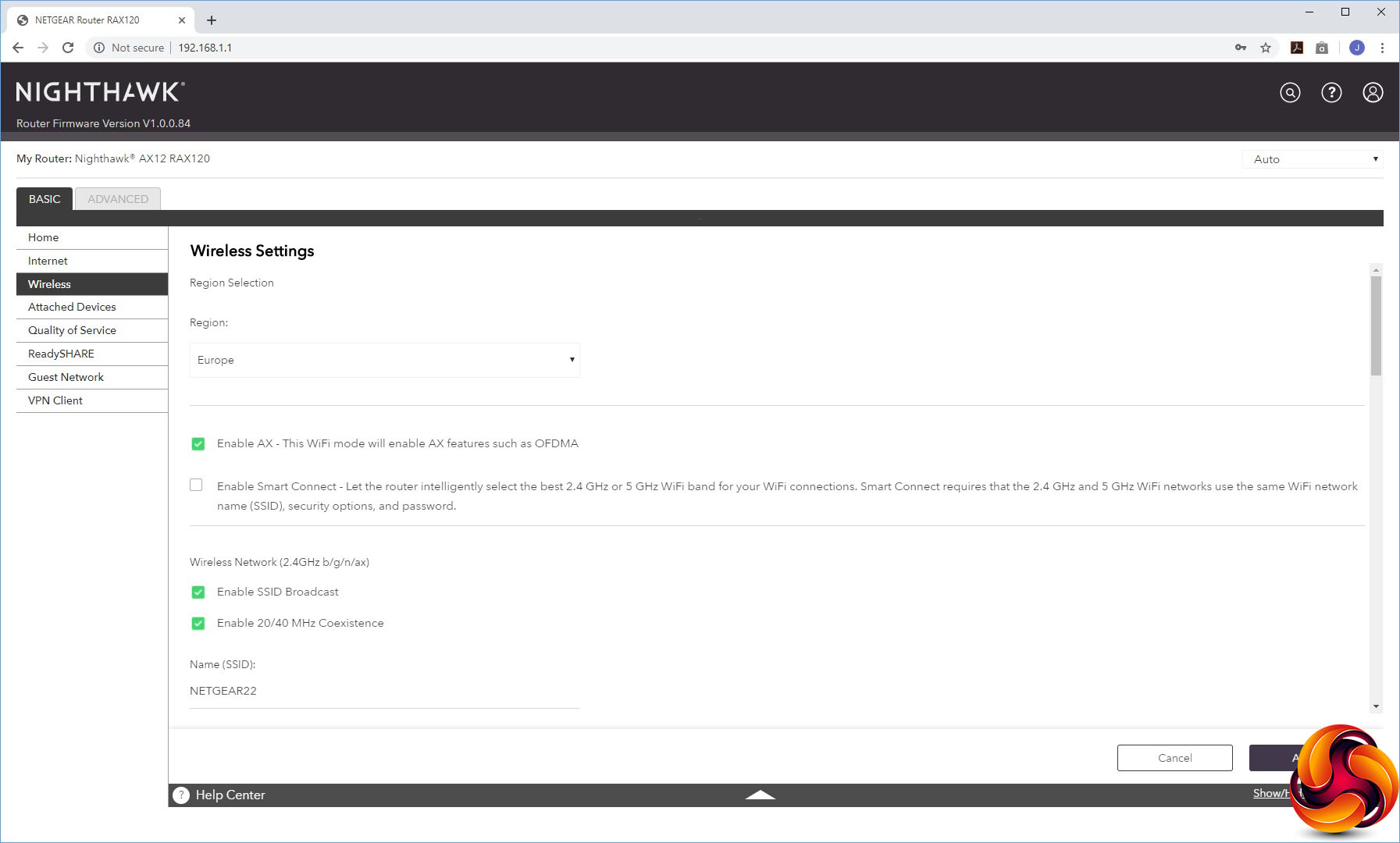
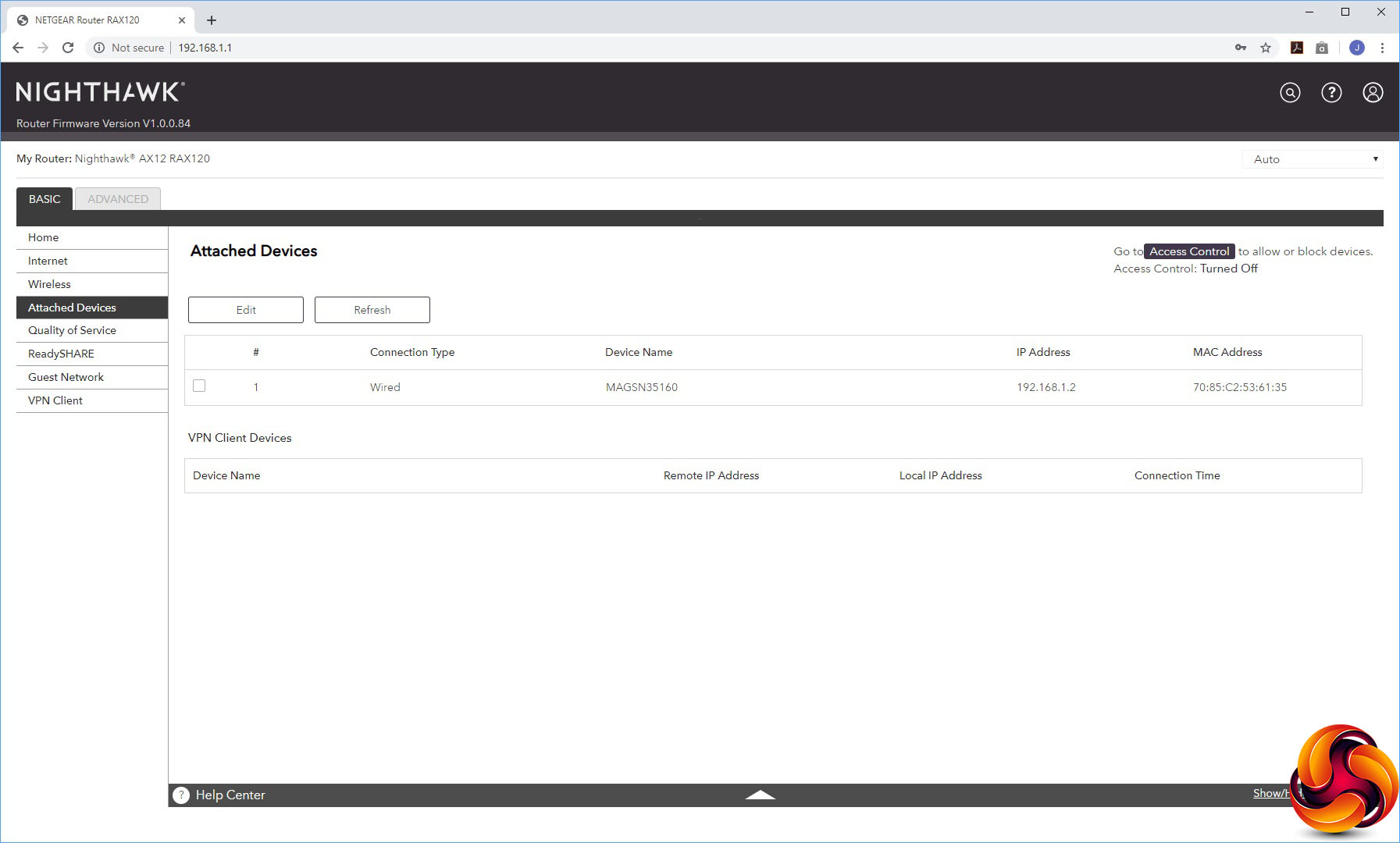
The first couple of menu options under the Basic tab let you reconfigure your Internet connection, including the option to use the 5G Ethernet port or aggregate two Gigabit ports for the WAN, and alter some basic settings for the WiFi radios. You can also view devices attached to your network, giving you the option to go to the Access Control section to block any of them.
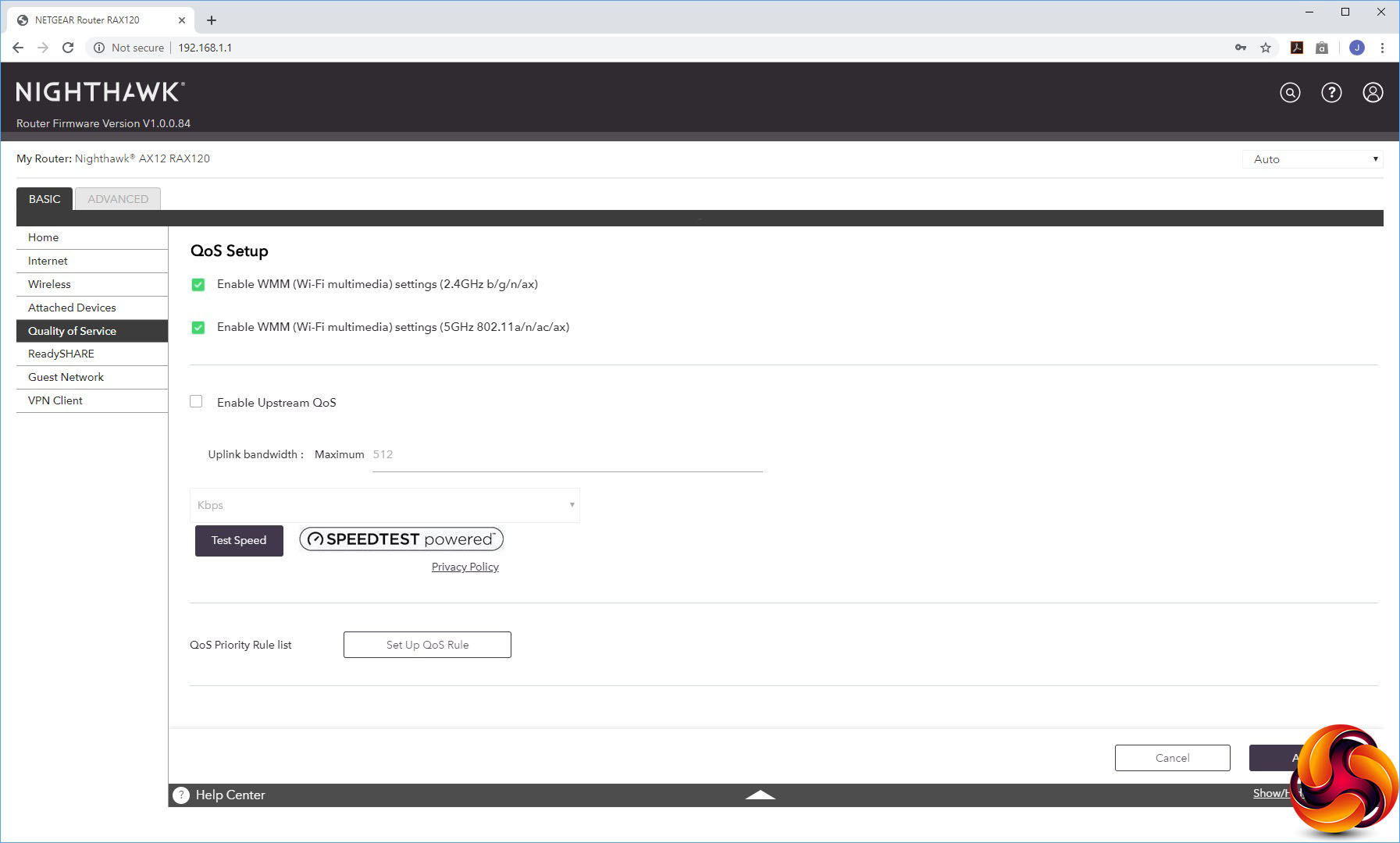
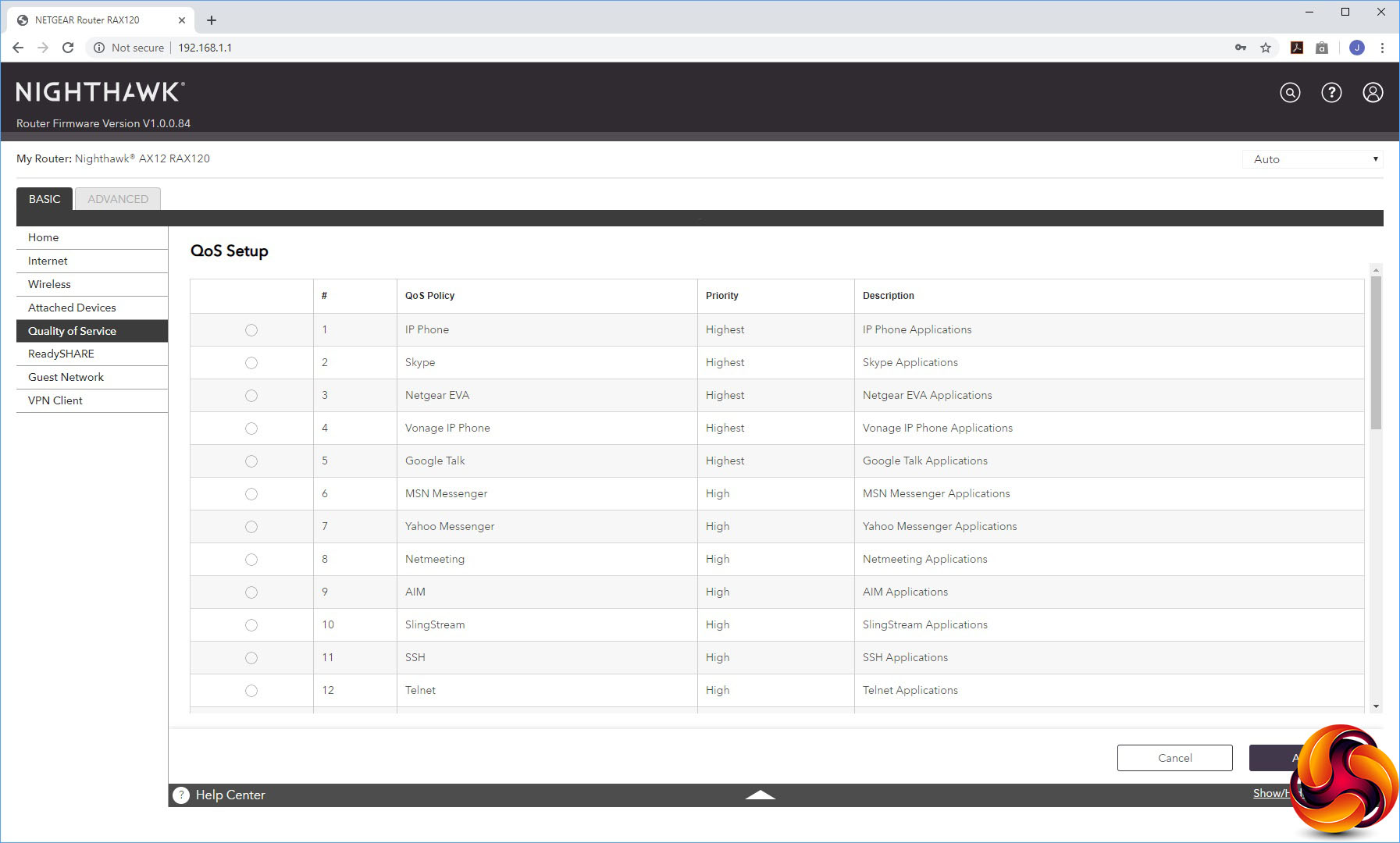
The Quality of Service section lets you set some global rules and test bandwidth, but also prioritise certain types of real-time streaming traffic such as IP Telephony.
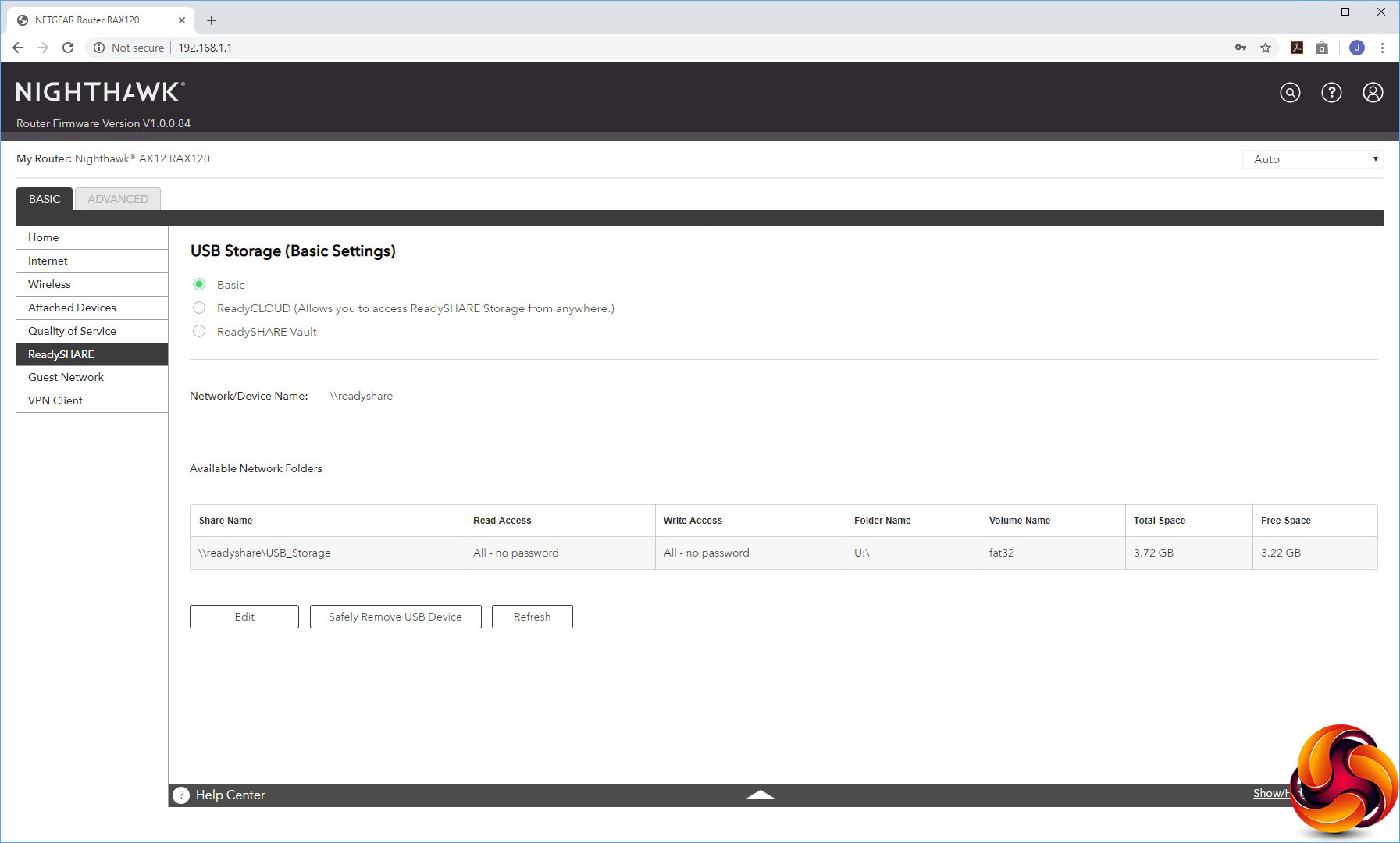
The ReadySHARE system allows you to share a USB thumb drive attached to the AX12 either just across the local network, or externally, or use it as a ReadySHARE Vault cloud backup system.
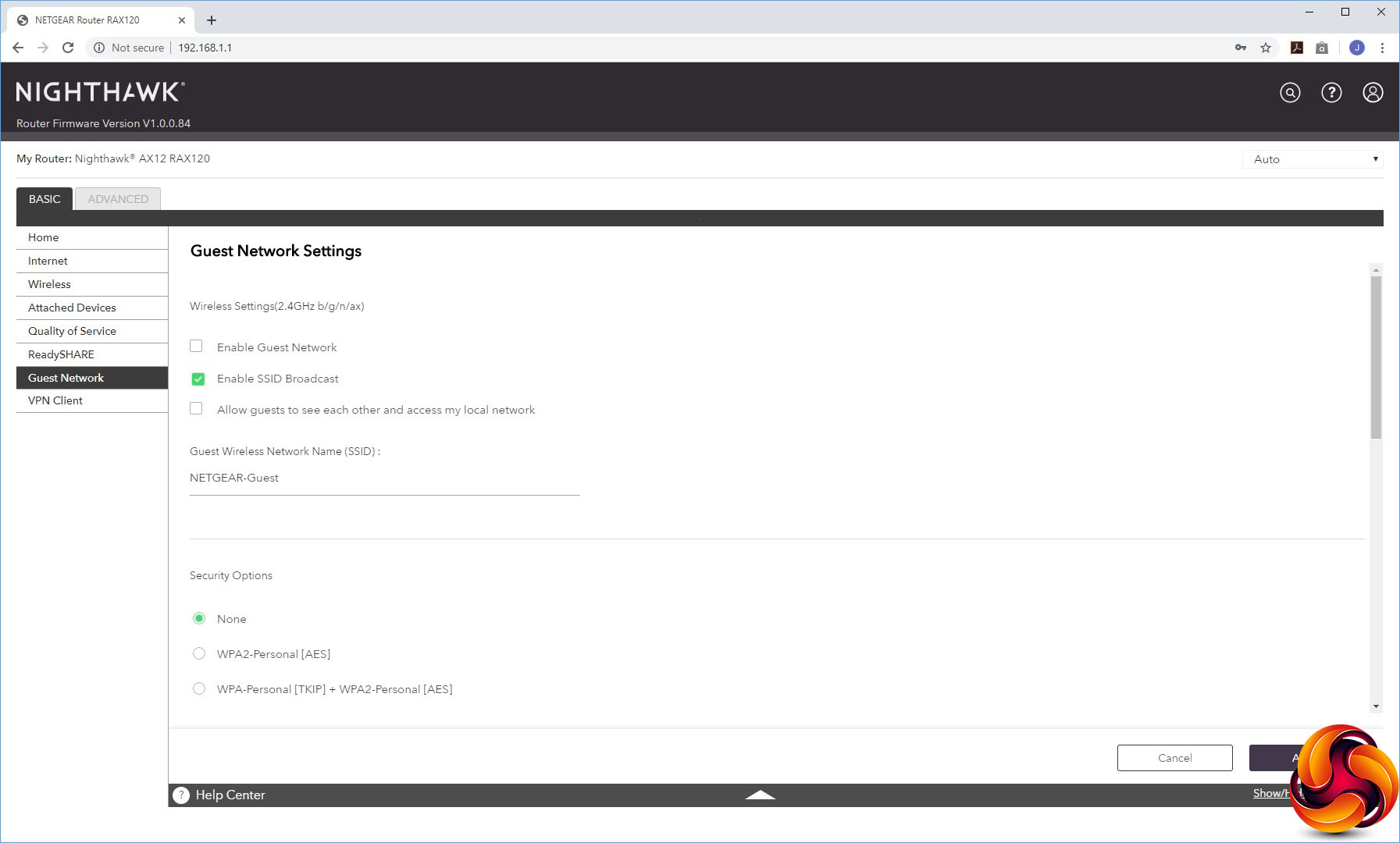
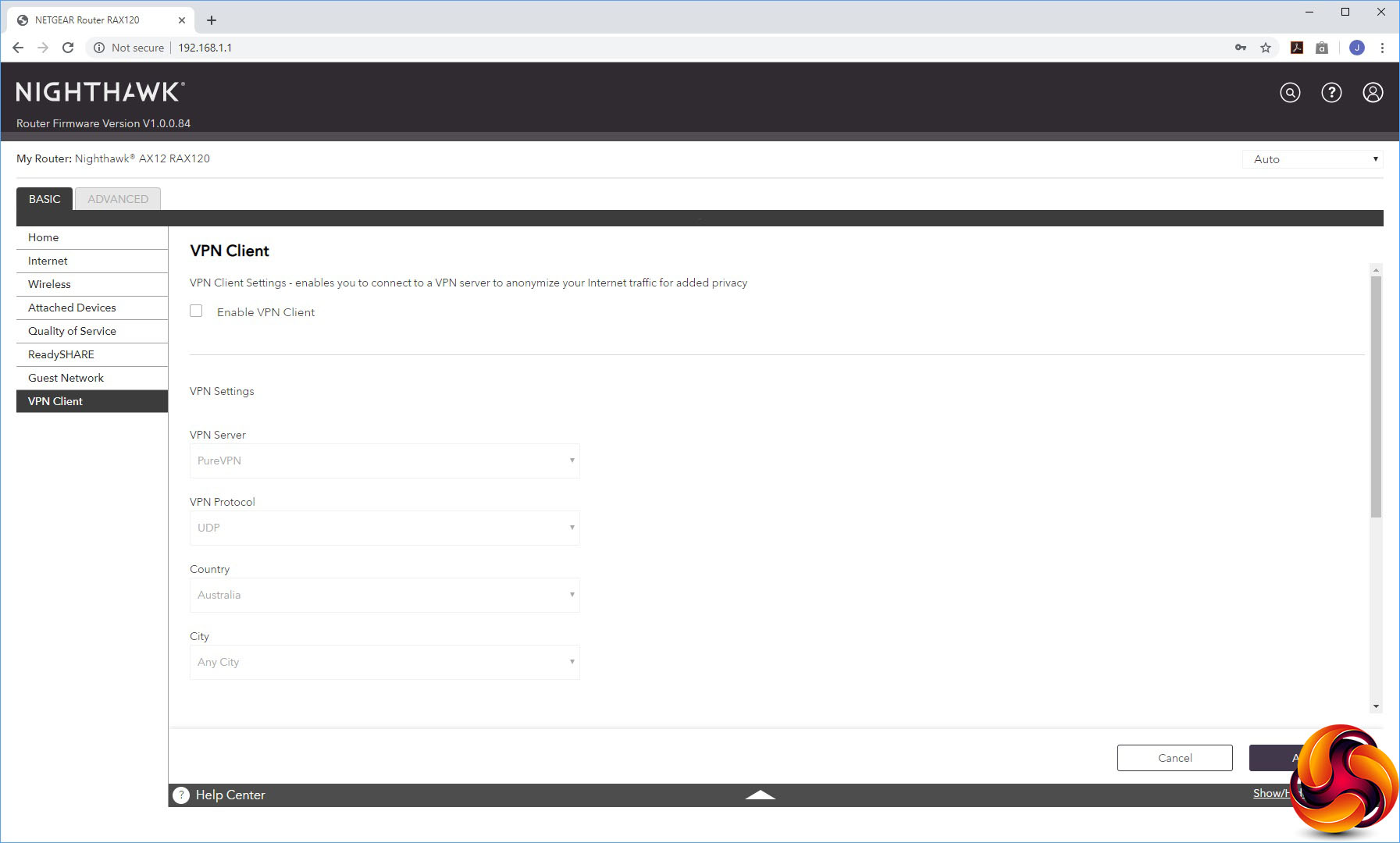
You can set the AX12's WiFi up to offer a guest WLAN, and also have it act as VPN client for the PureVPN system.
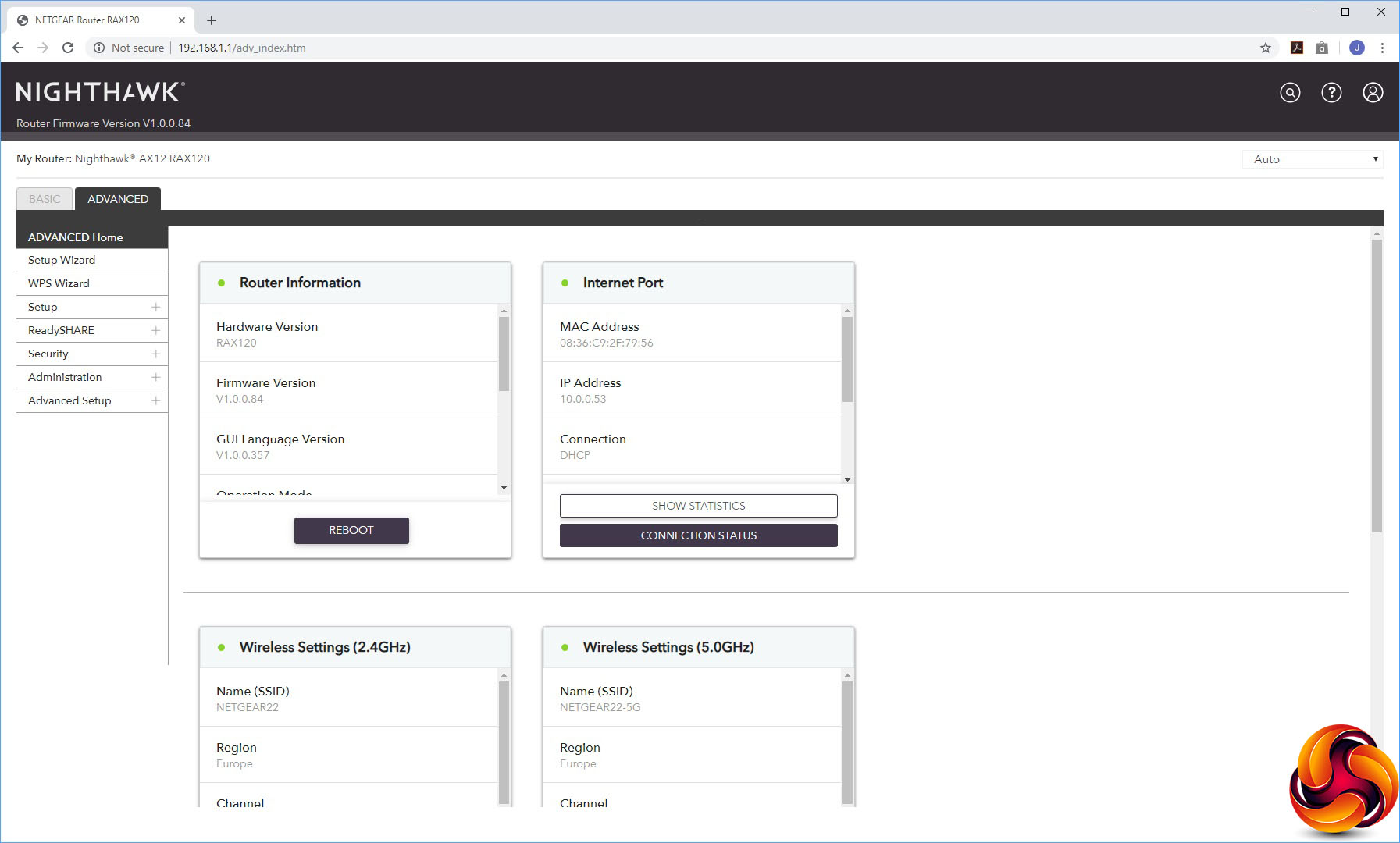
The Advanced tab also has its own Home section with a bit more information than the Basic one.
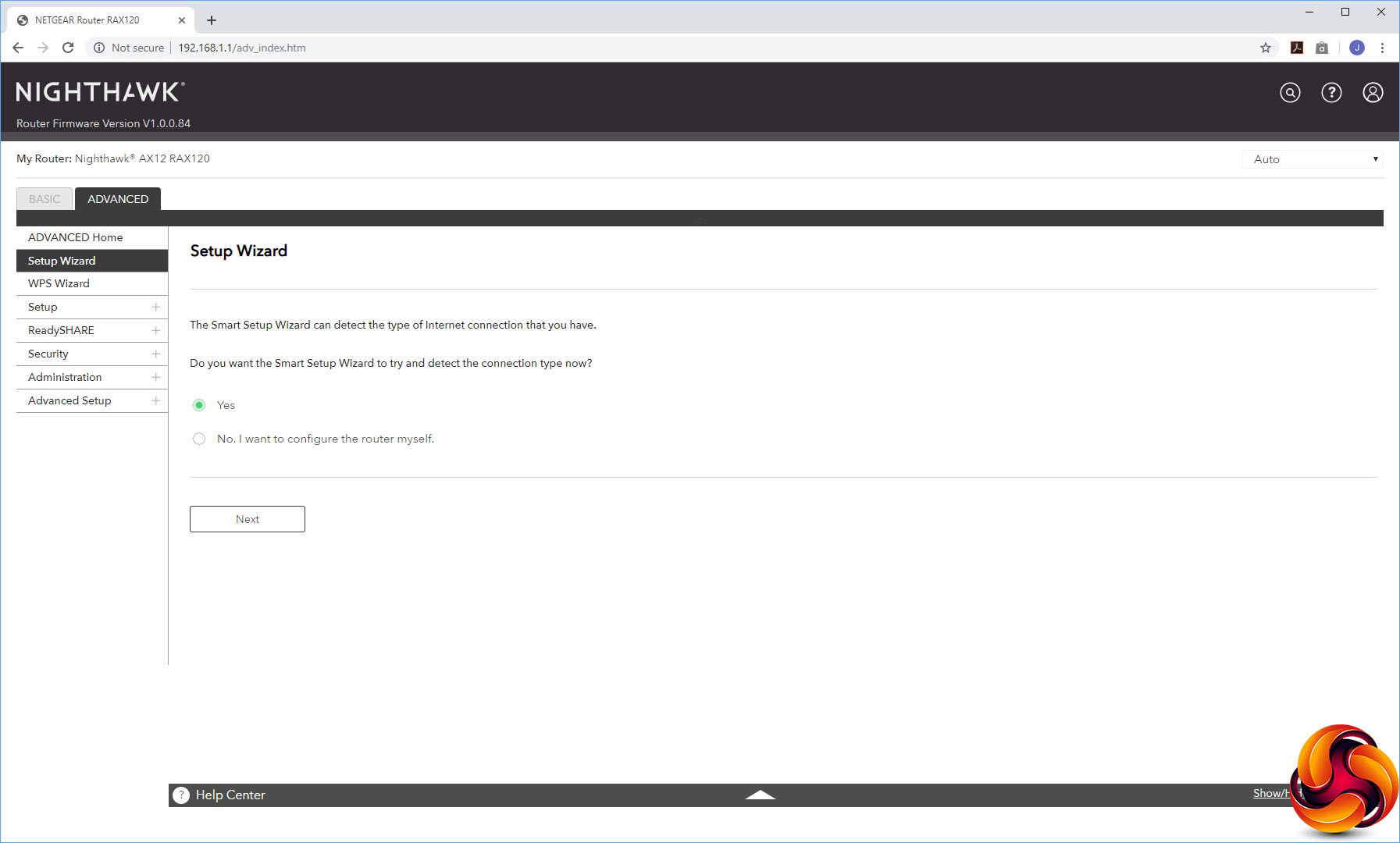
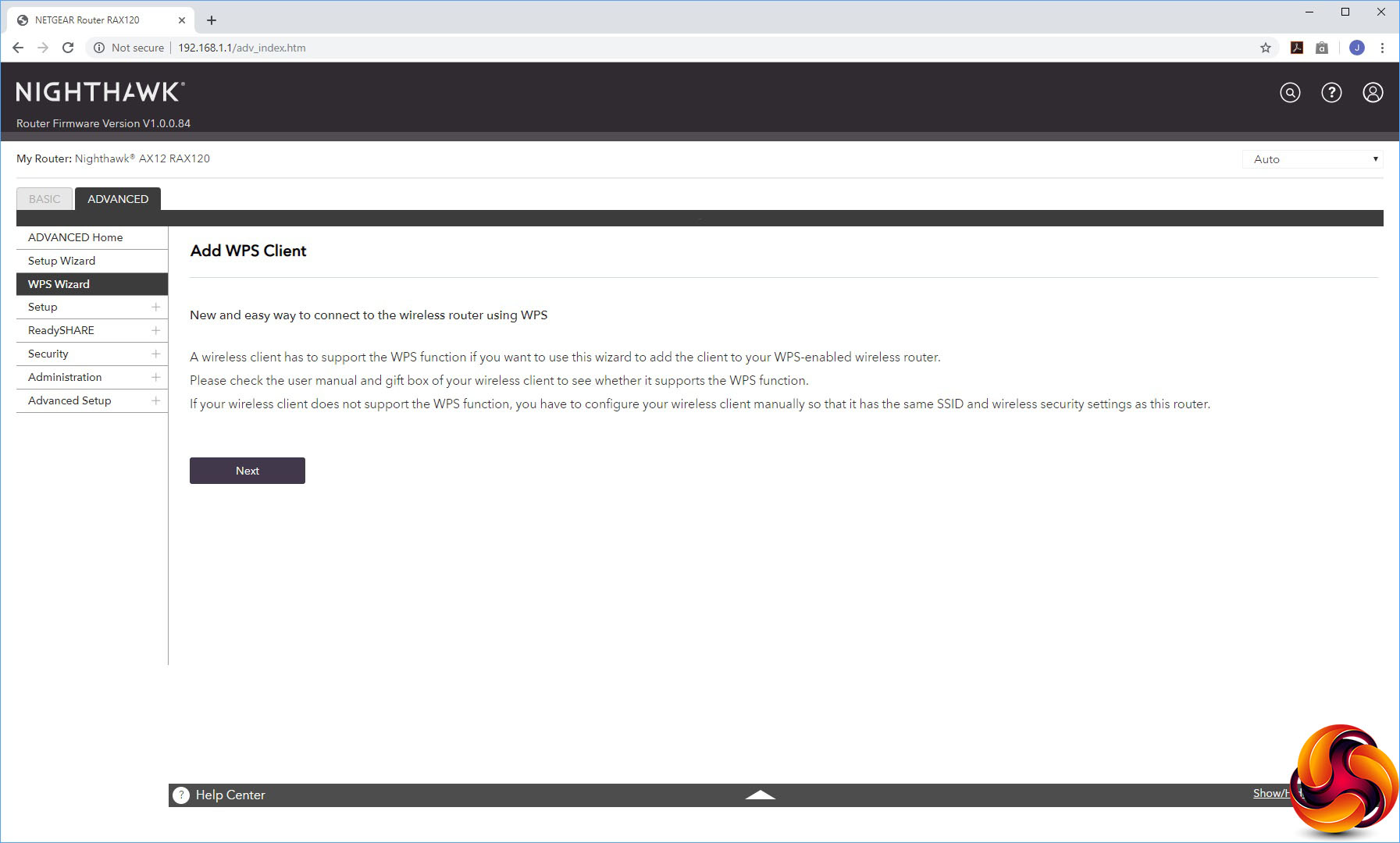
The first couple of options let you re-invoke the setup wizard, or connect clients via WPS (although the button on top of the AX12 is even easier for the latter).
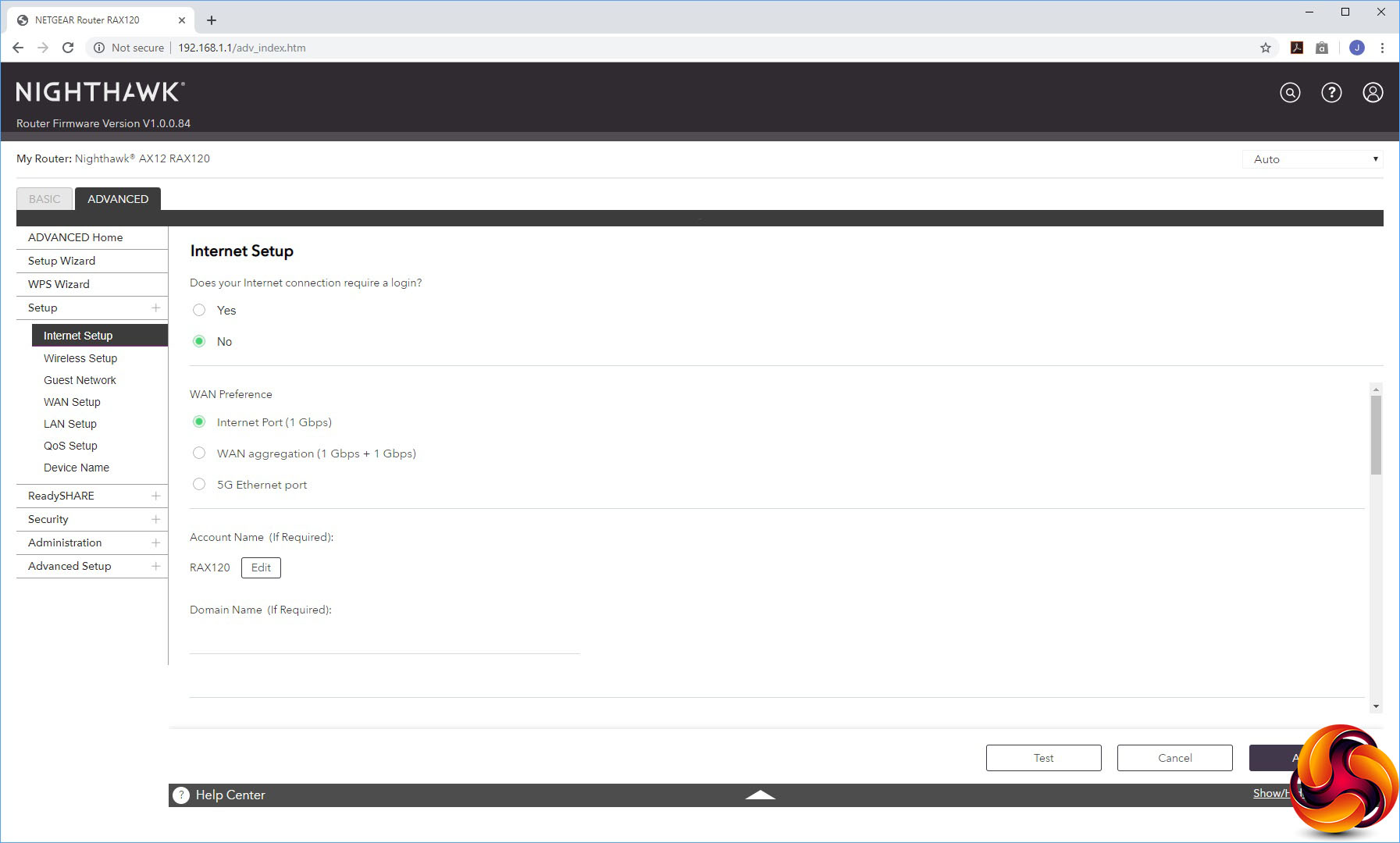
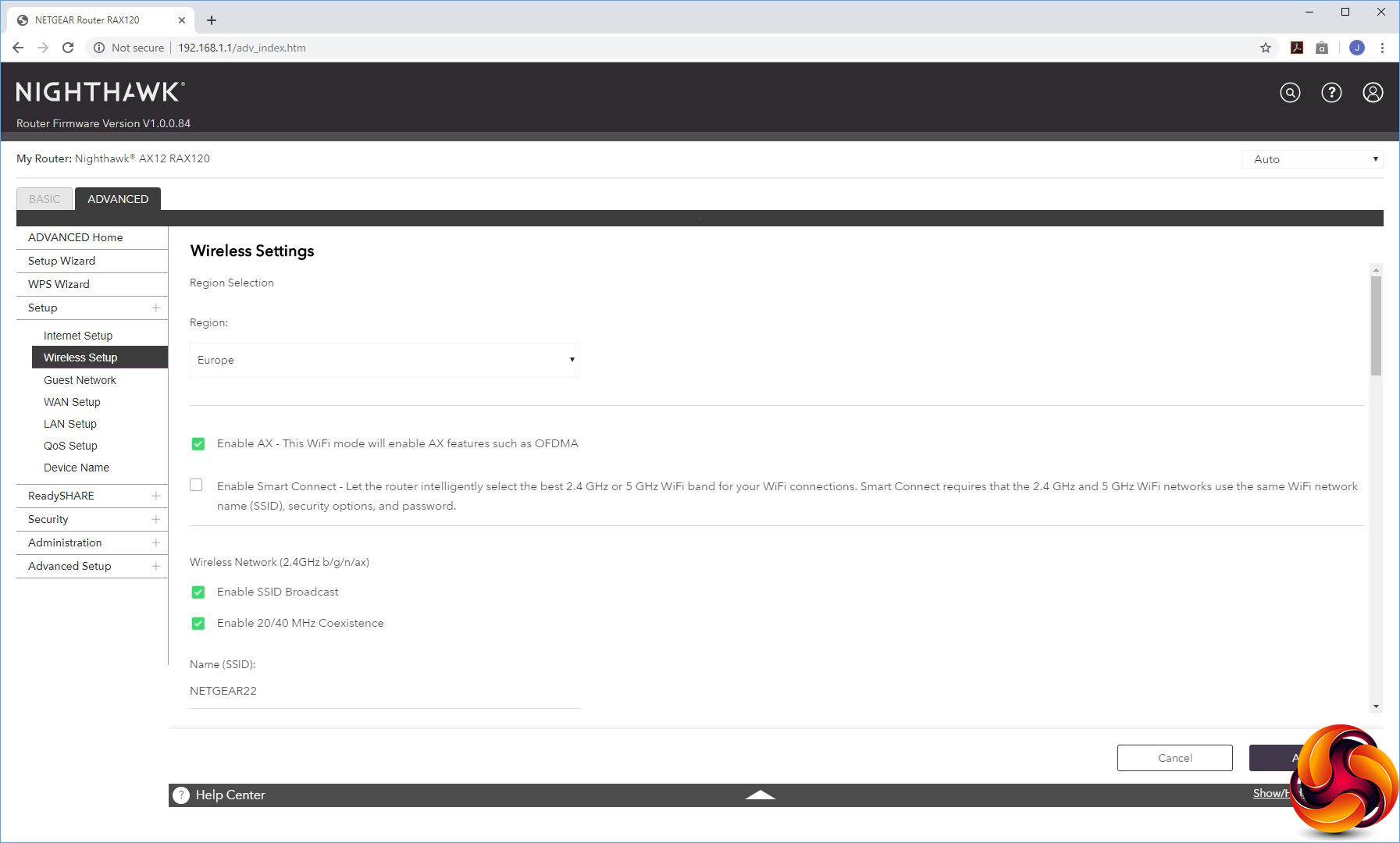
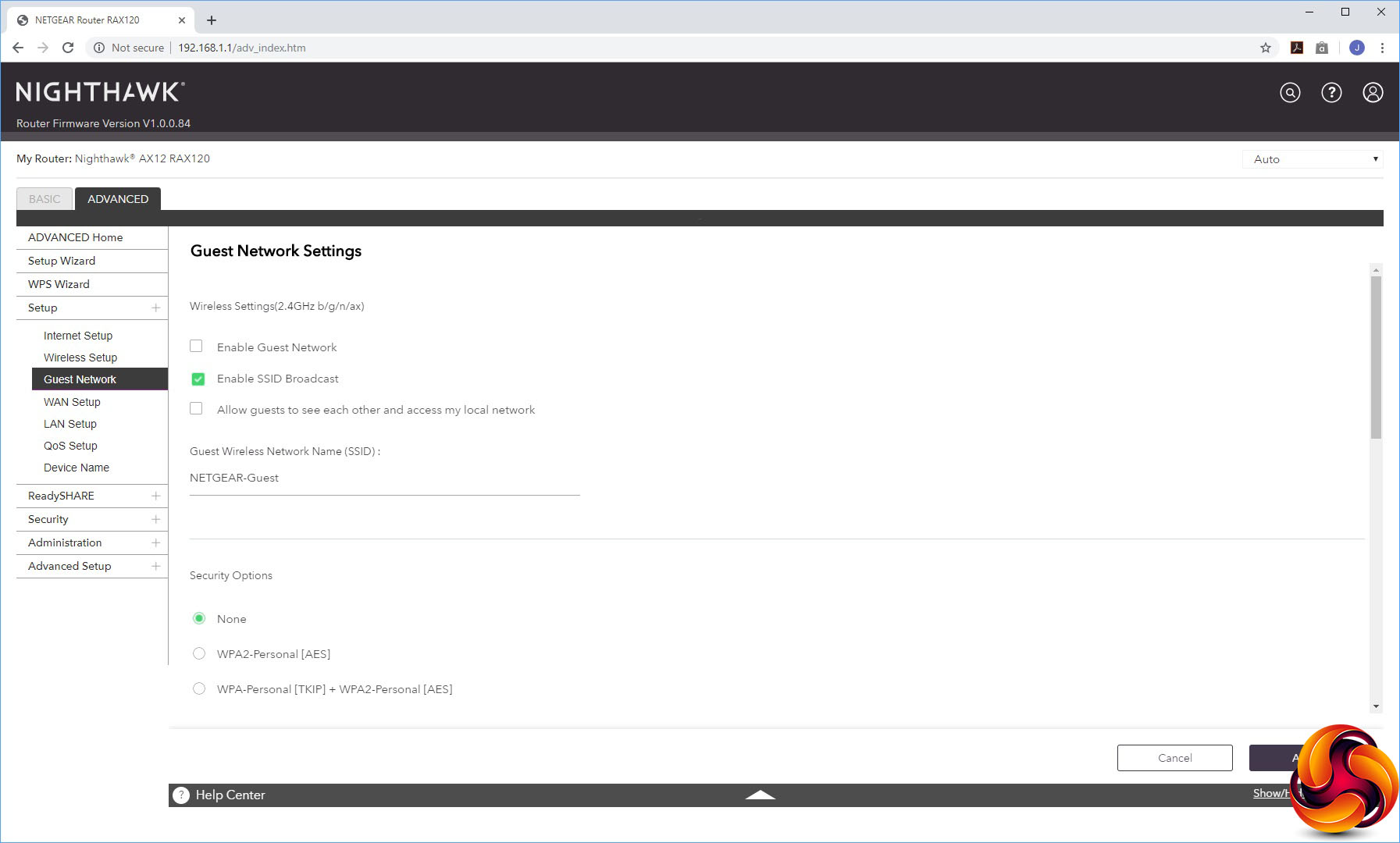
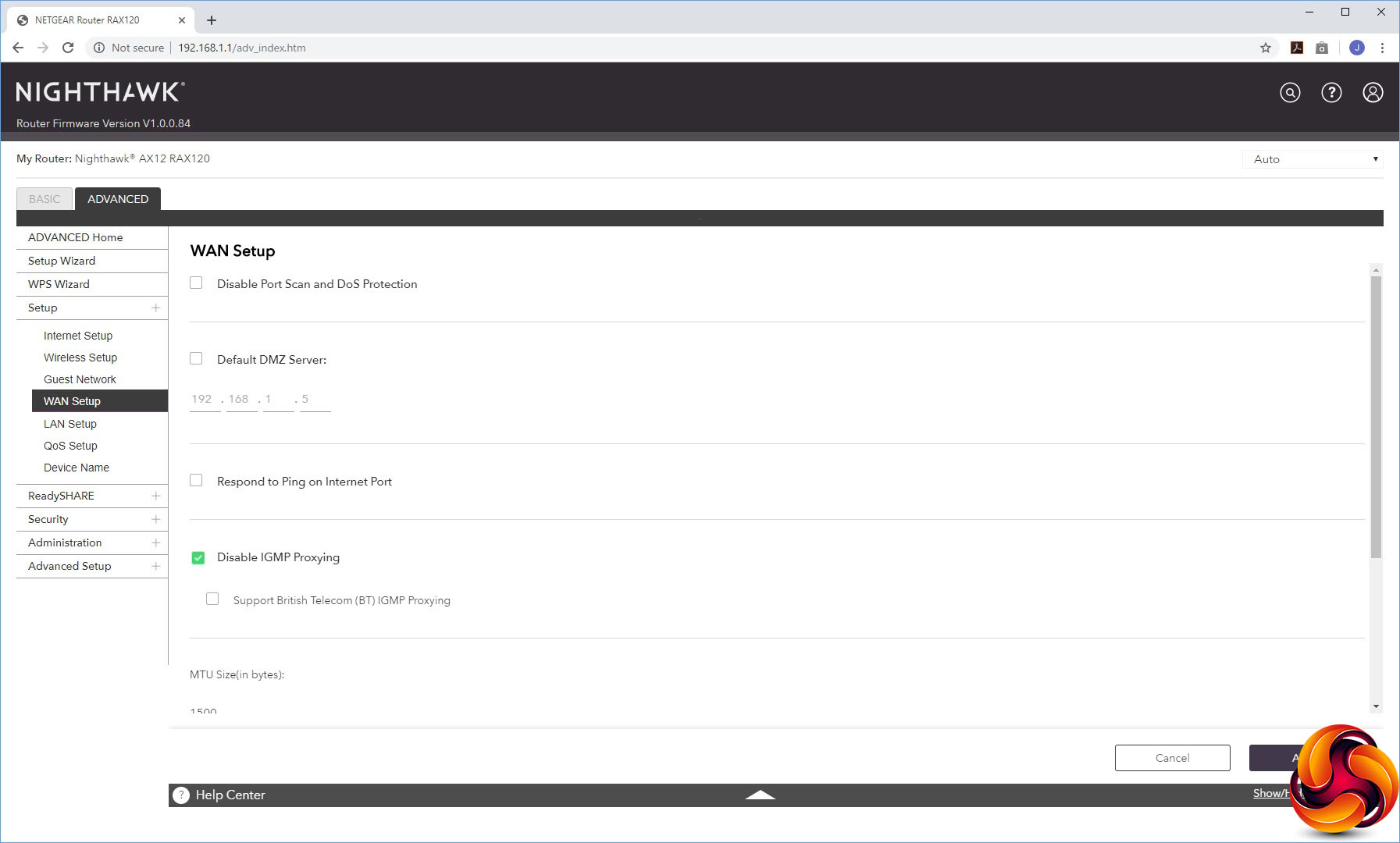
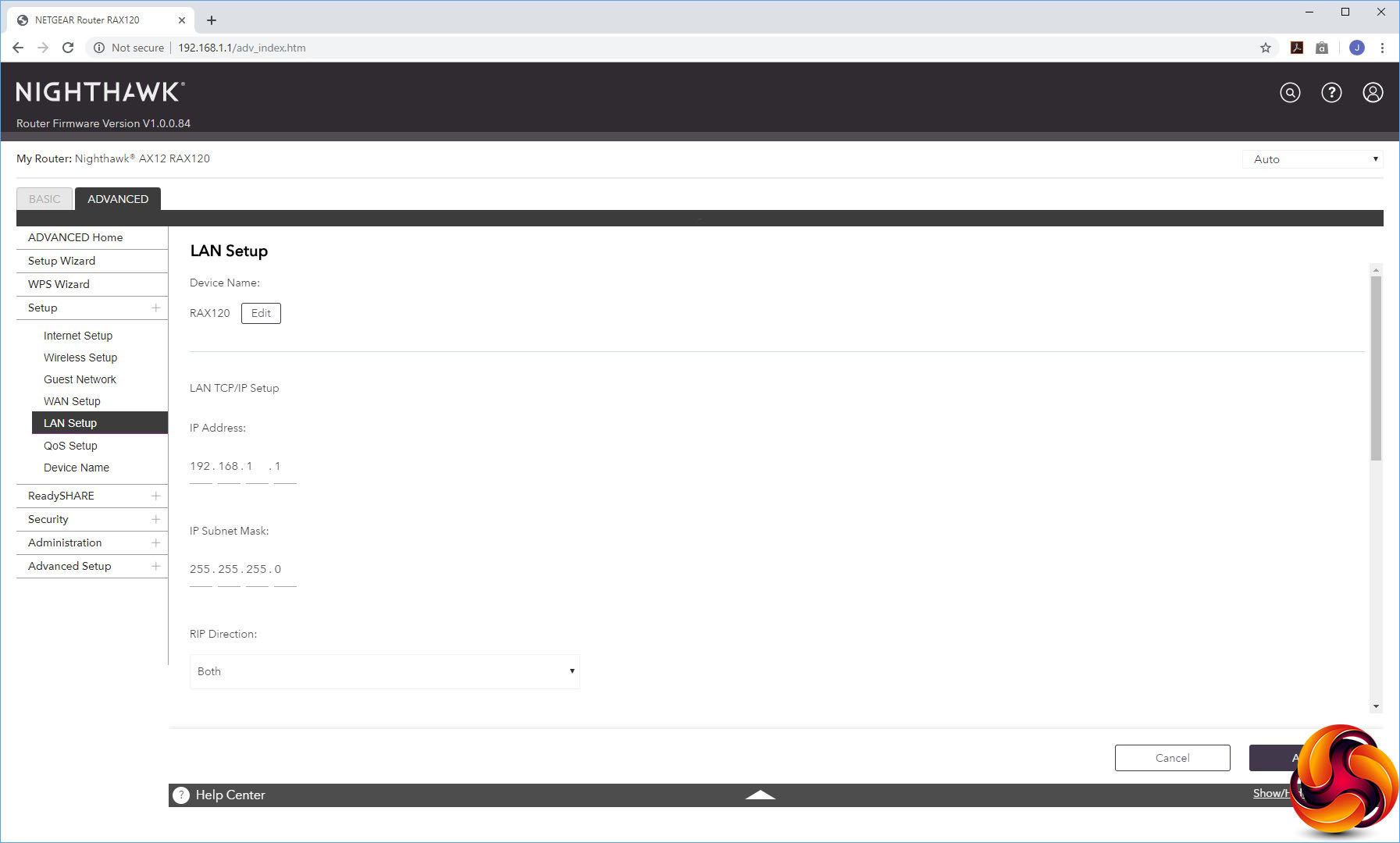
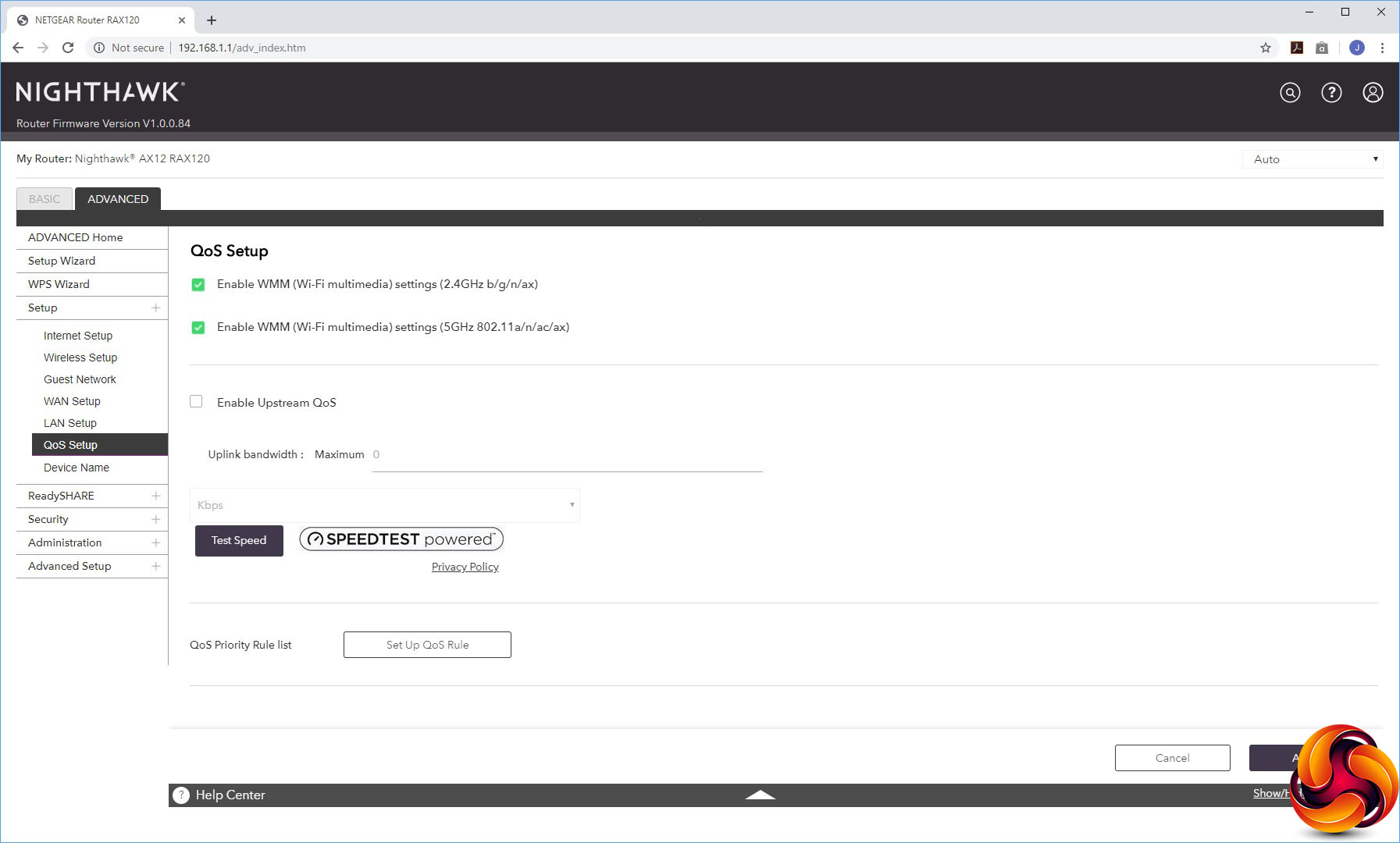
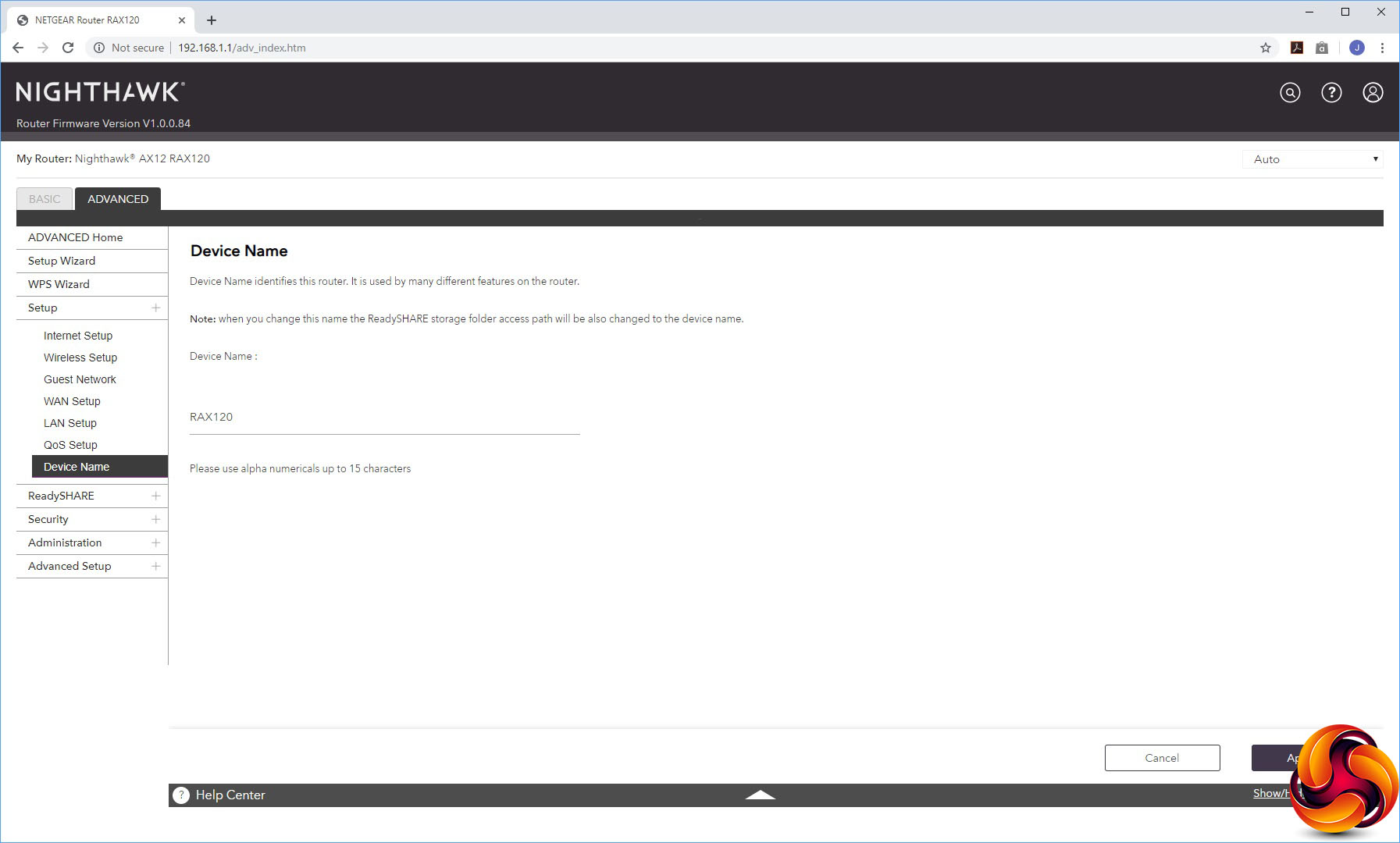
The Setup section has five different sub-sections. First comes the Internet Setup dialog, then the Wireless Setup and Guest Network option, all as found in the Basic section. The WAN Setup section lets you create a DMZ and alter other detailed options like MTU size.
You can change the IP range used and device name in the LAN Setup, whilst QoS Setup offers the same parameters as the Basic version. Finally, there's a separate menu option for changing the device name from the default of “RAX120”.
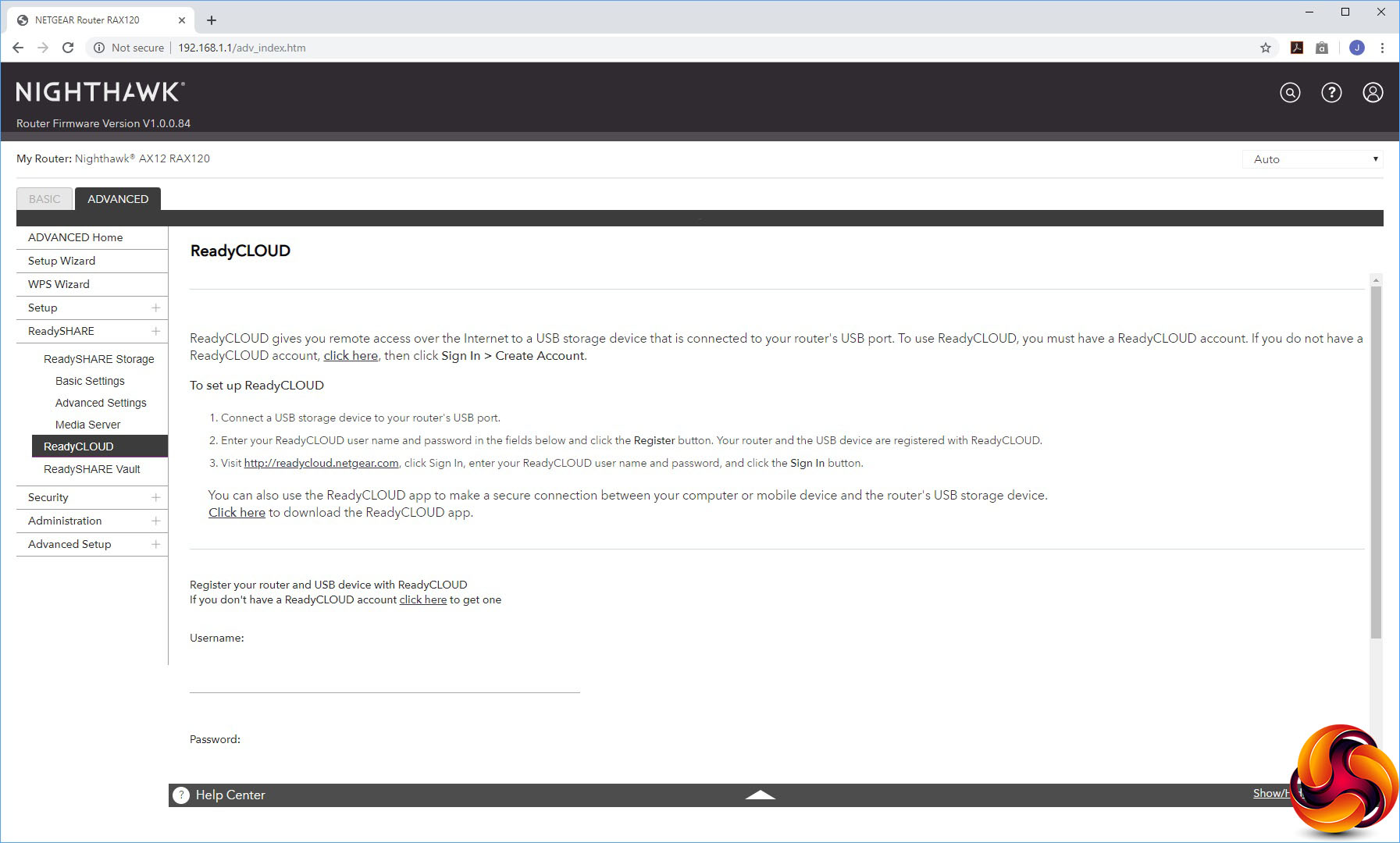
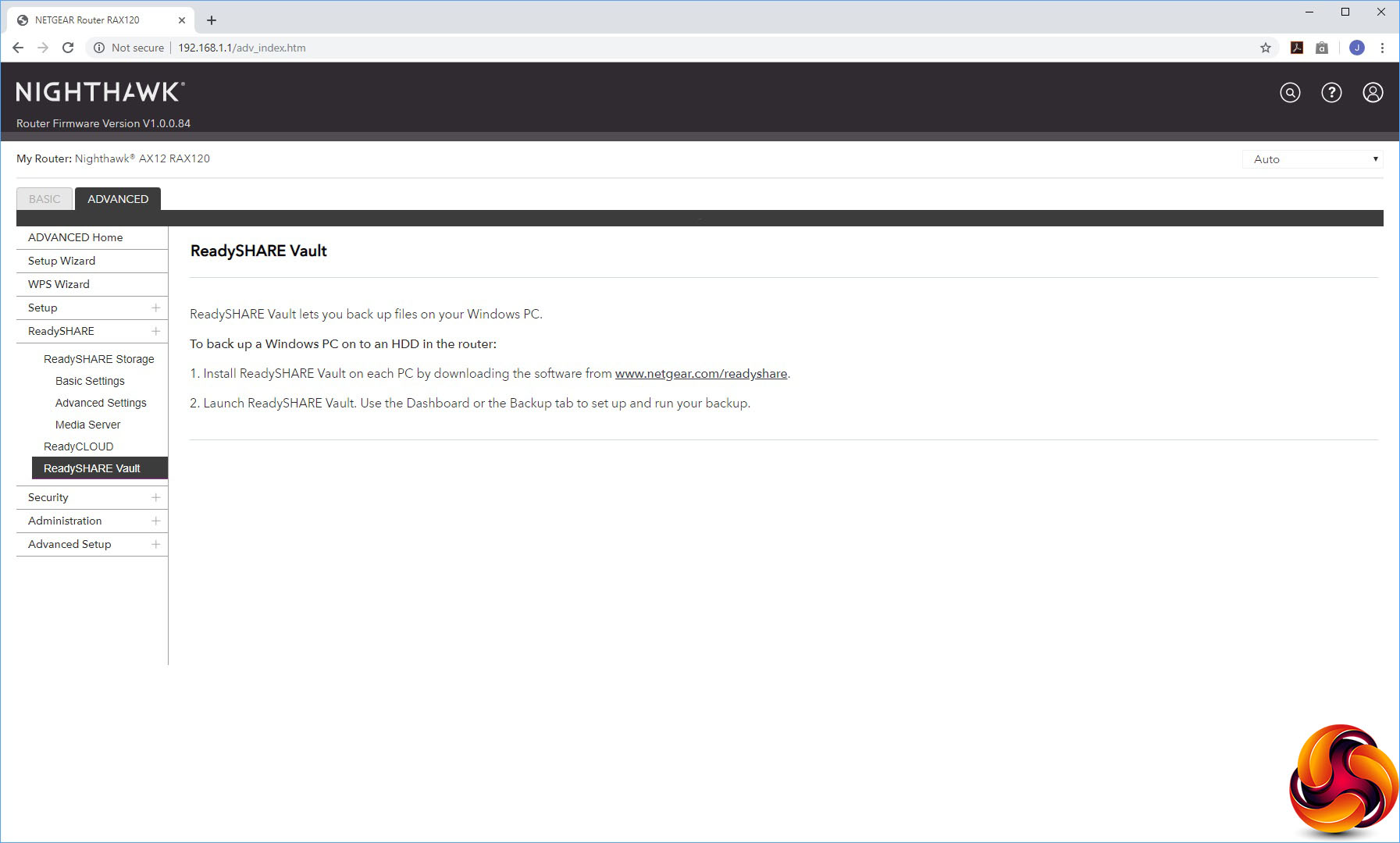
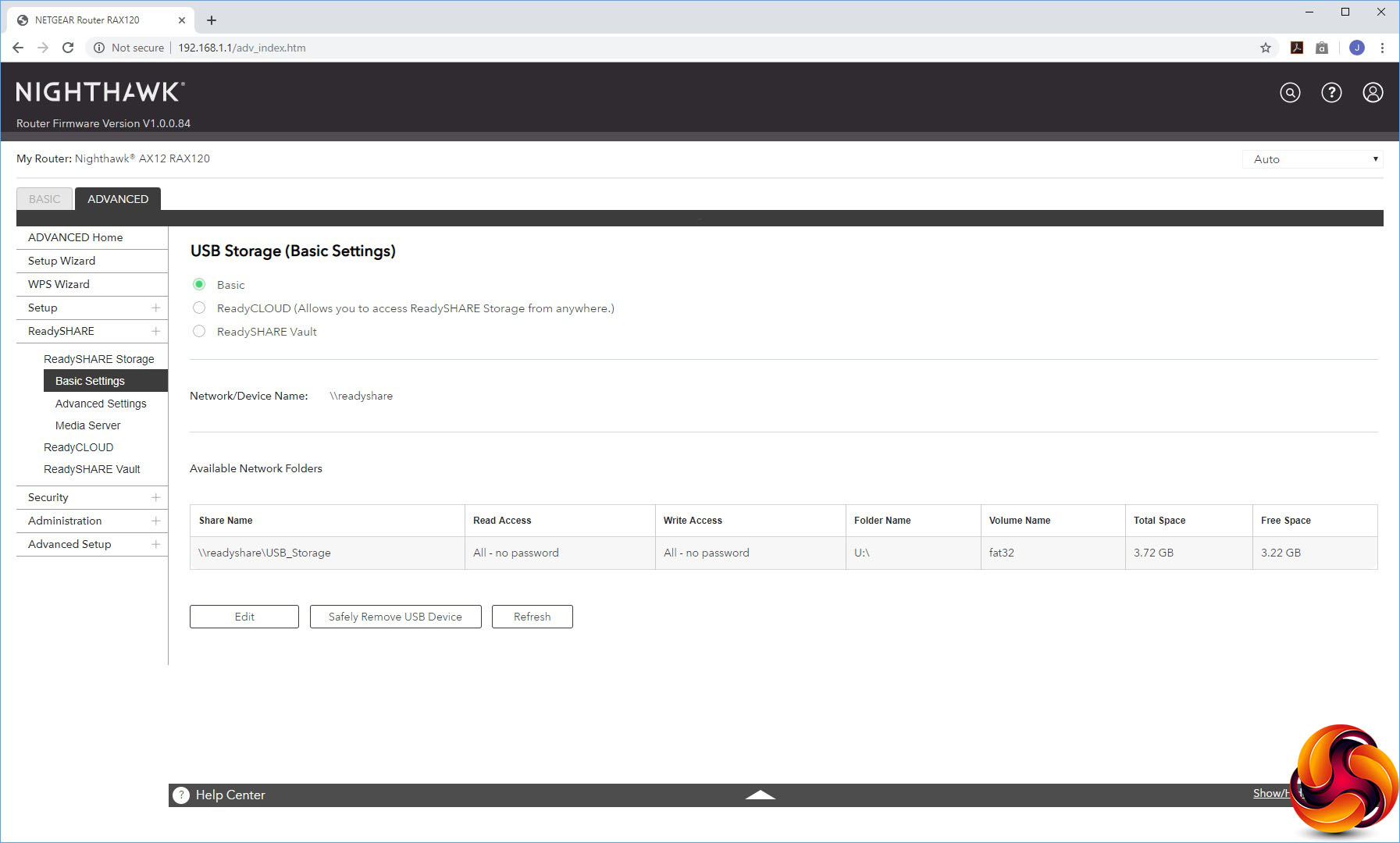
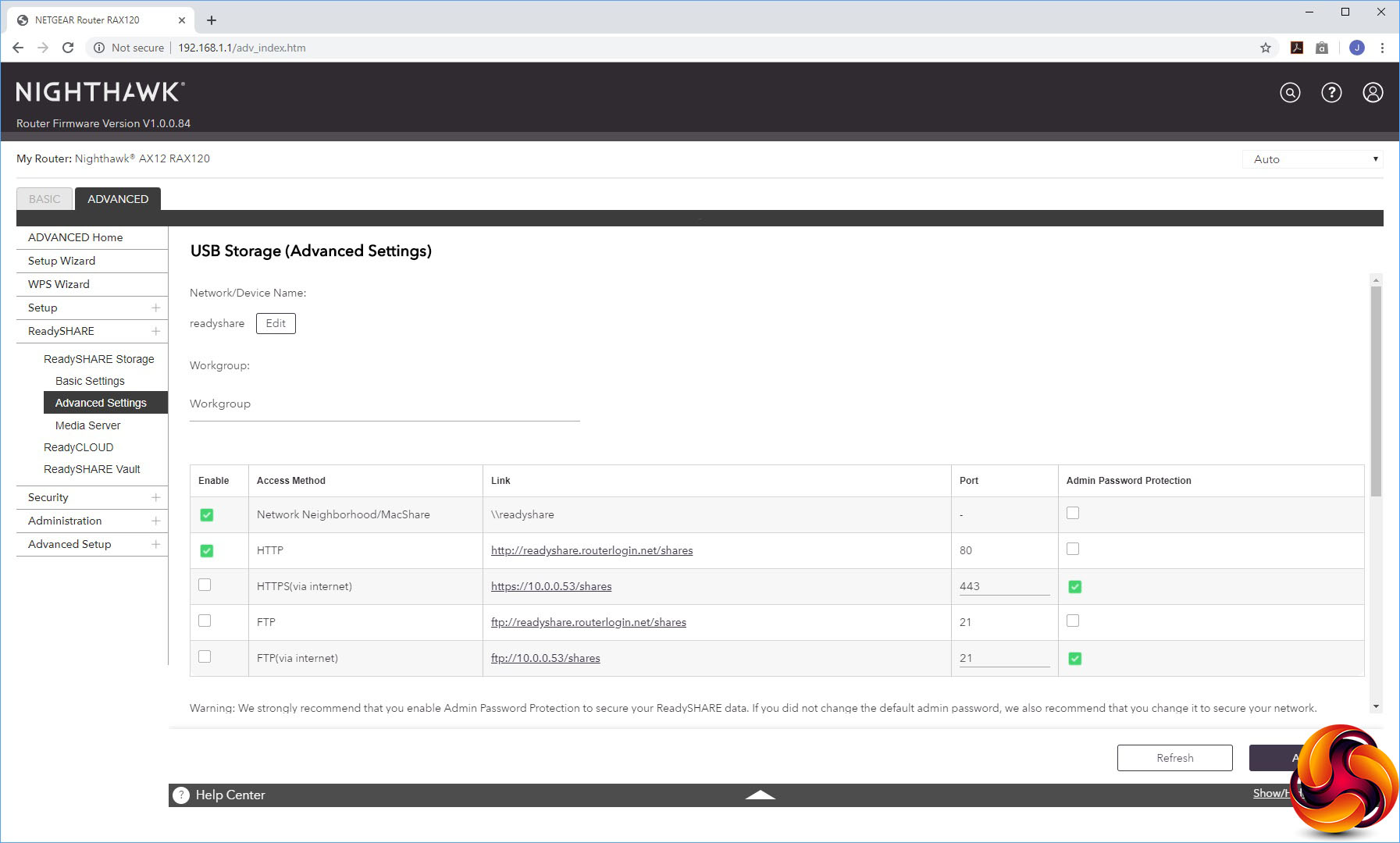
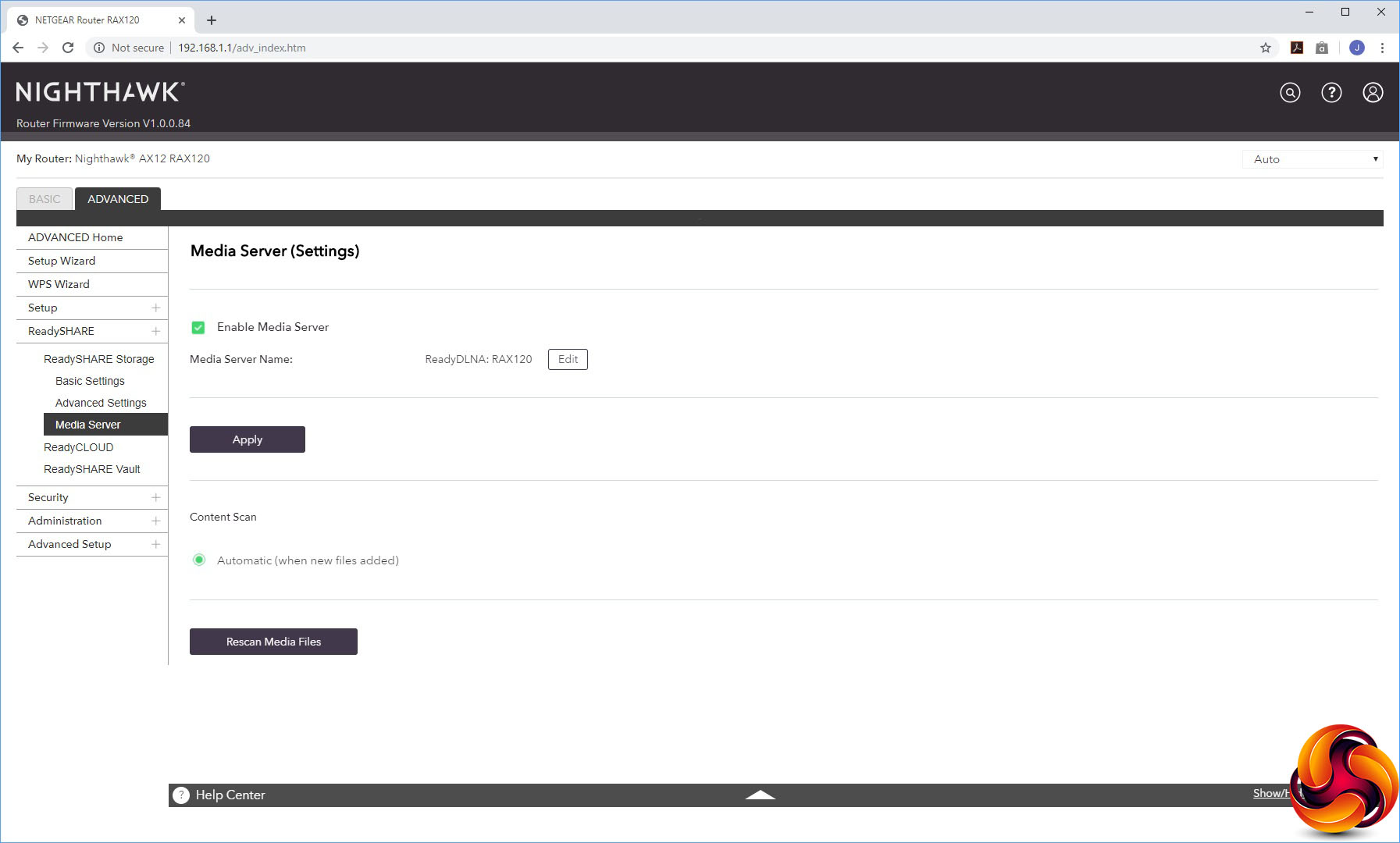
The Advanced ReadySHARE section exposes a lot more of the features for attached storage devices. You can choose whether your USB memory is presented via HTTP, HTTPS, and FTP, or just a regular Windows network file share.
By default, it's also available as a DLNA media server, but you can turn this off. ReadyCLOUD lets you access the USB storage from the external Internet, whilst ReadySHARE Vault turns the USB storage into a network backup repository for use with NETGEAR's client backup software.
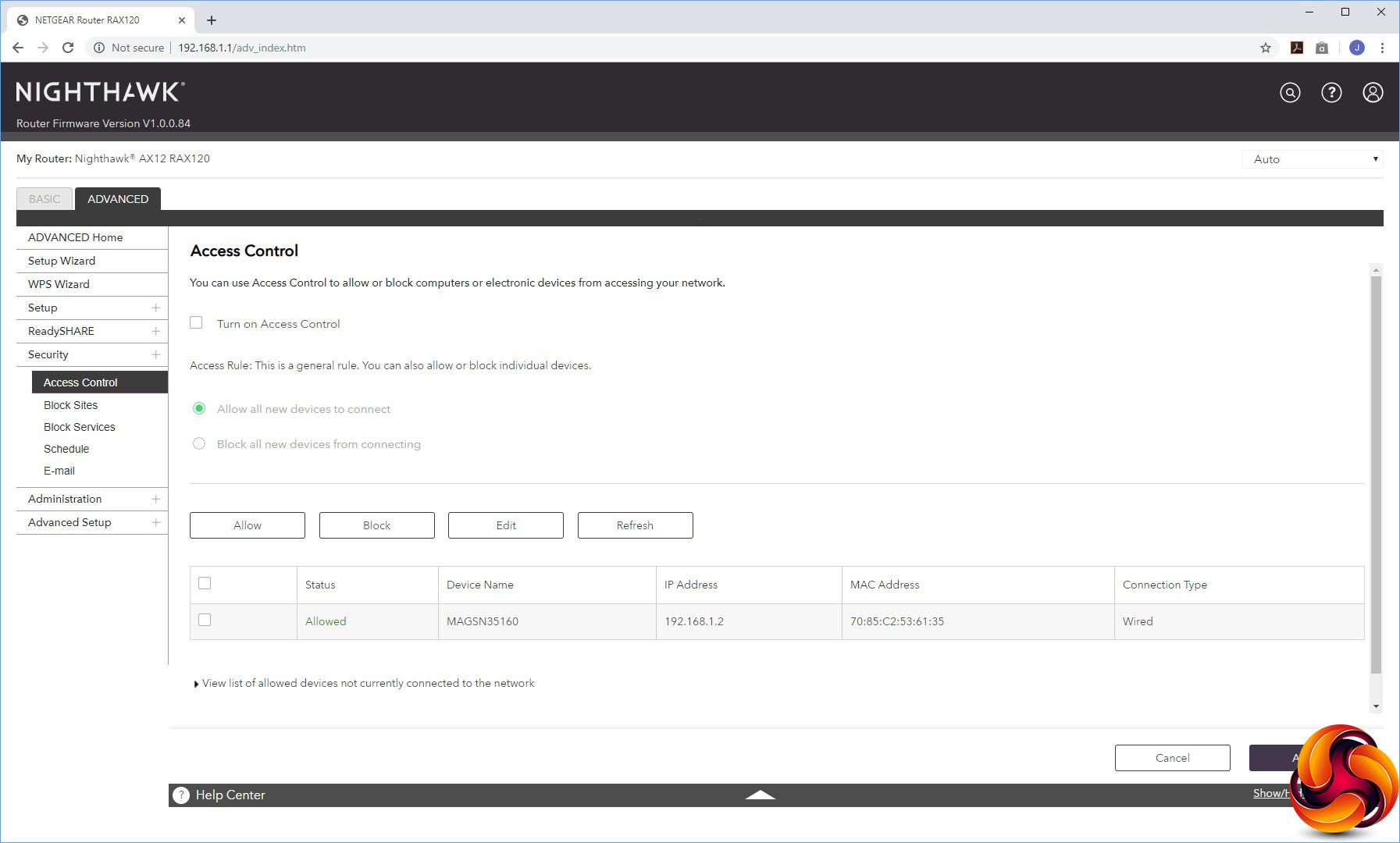
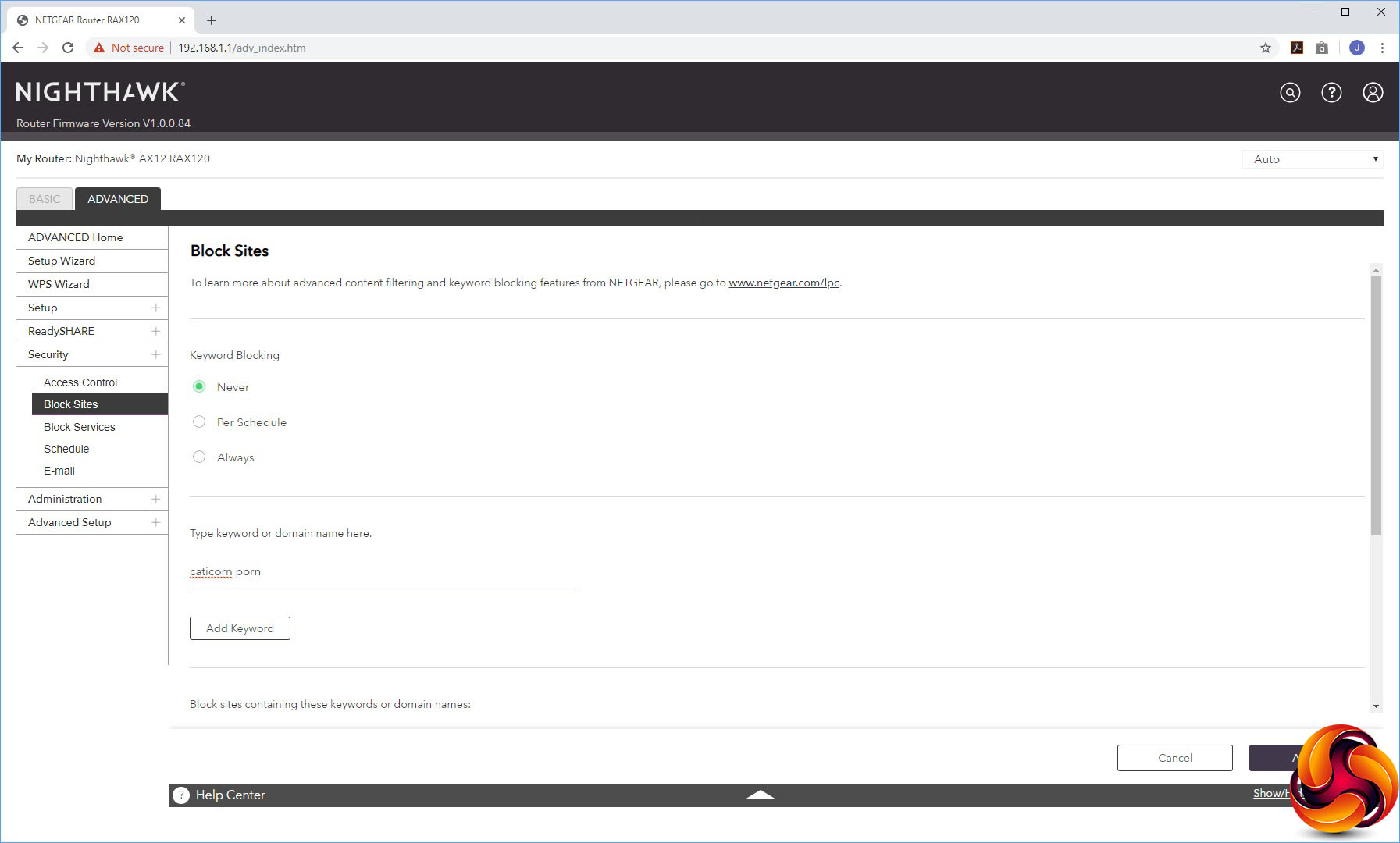
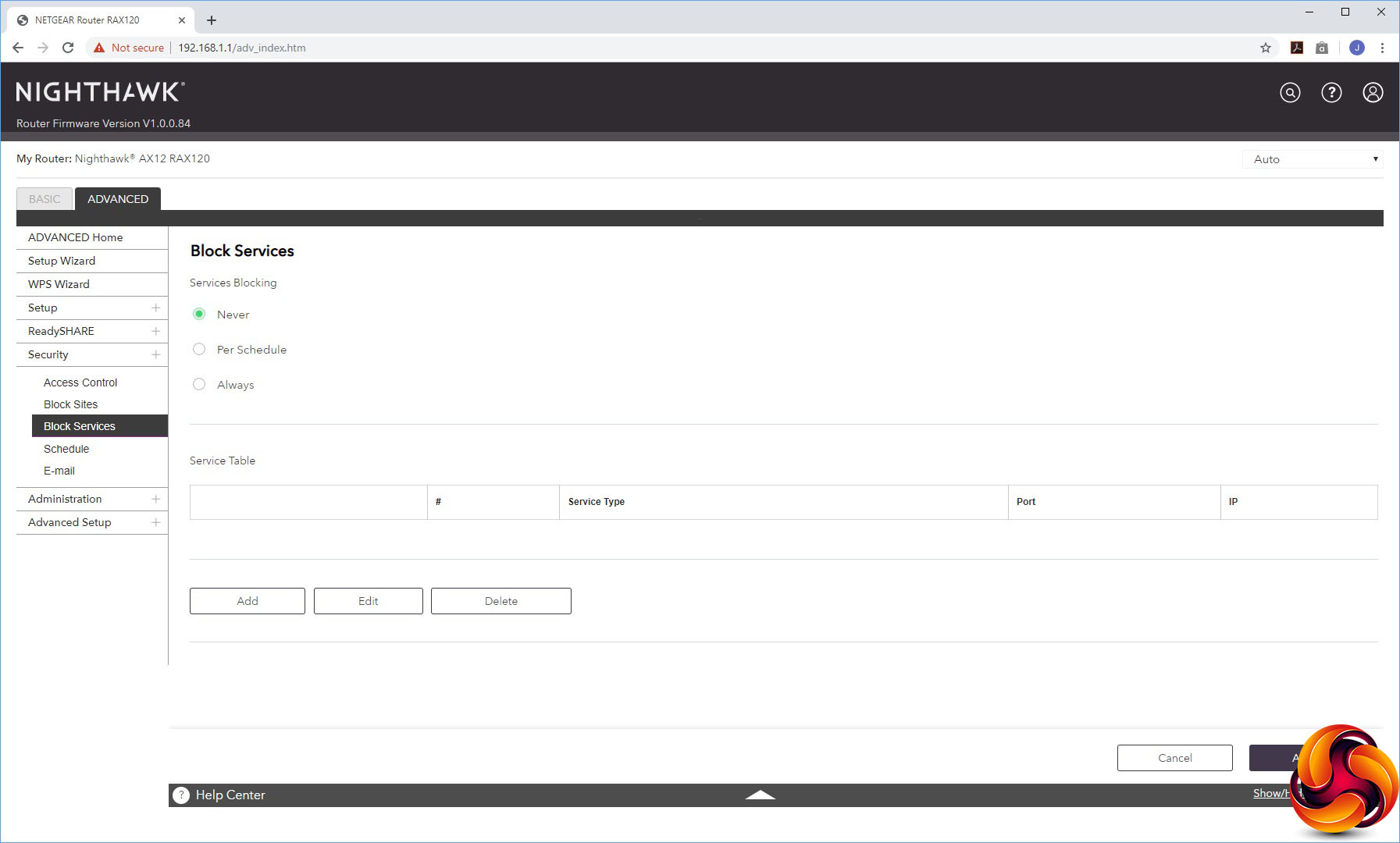
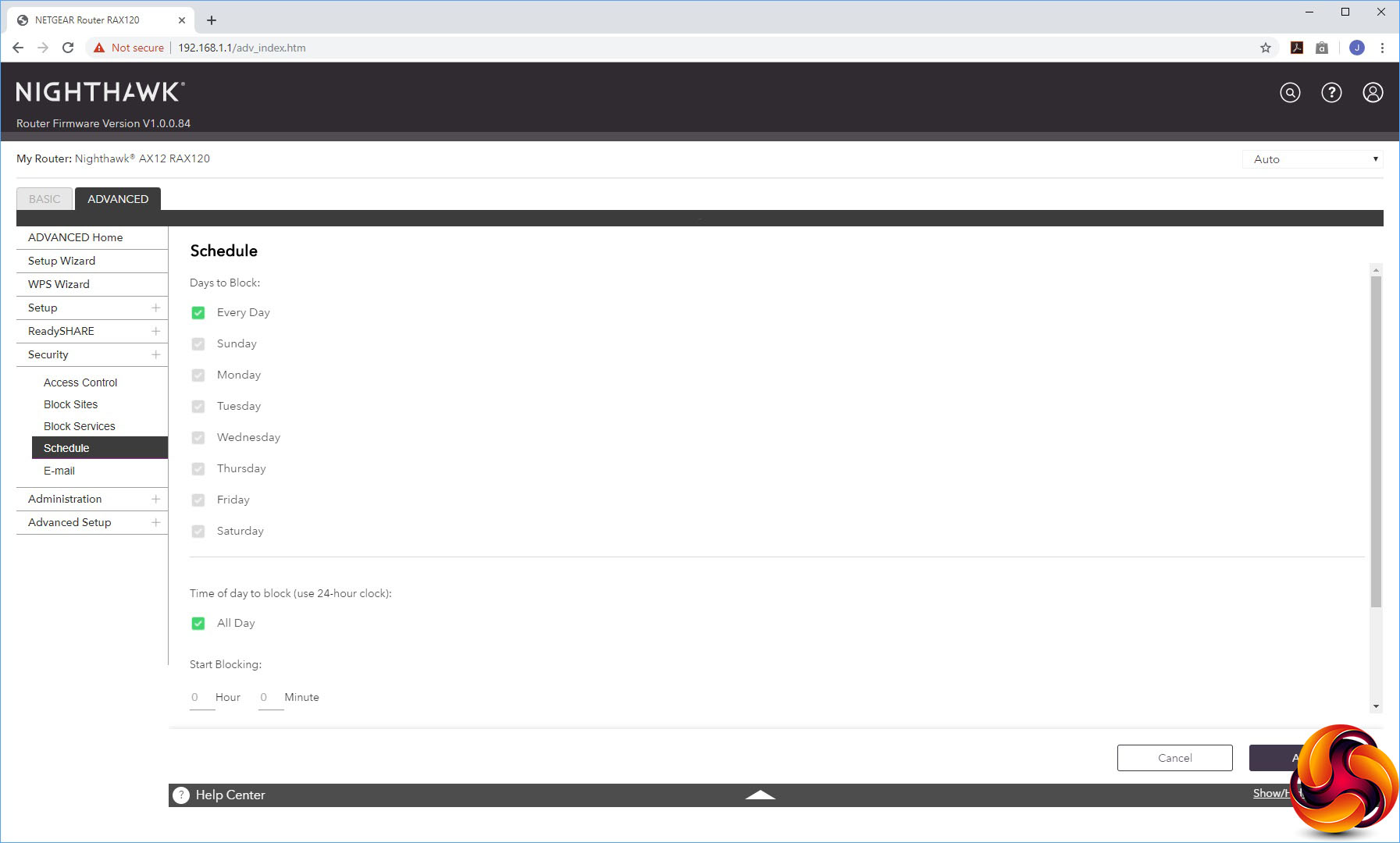
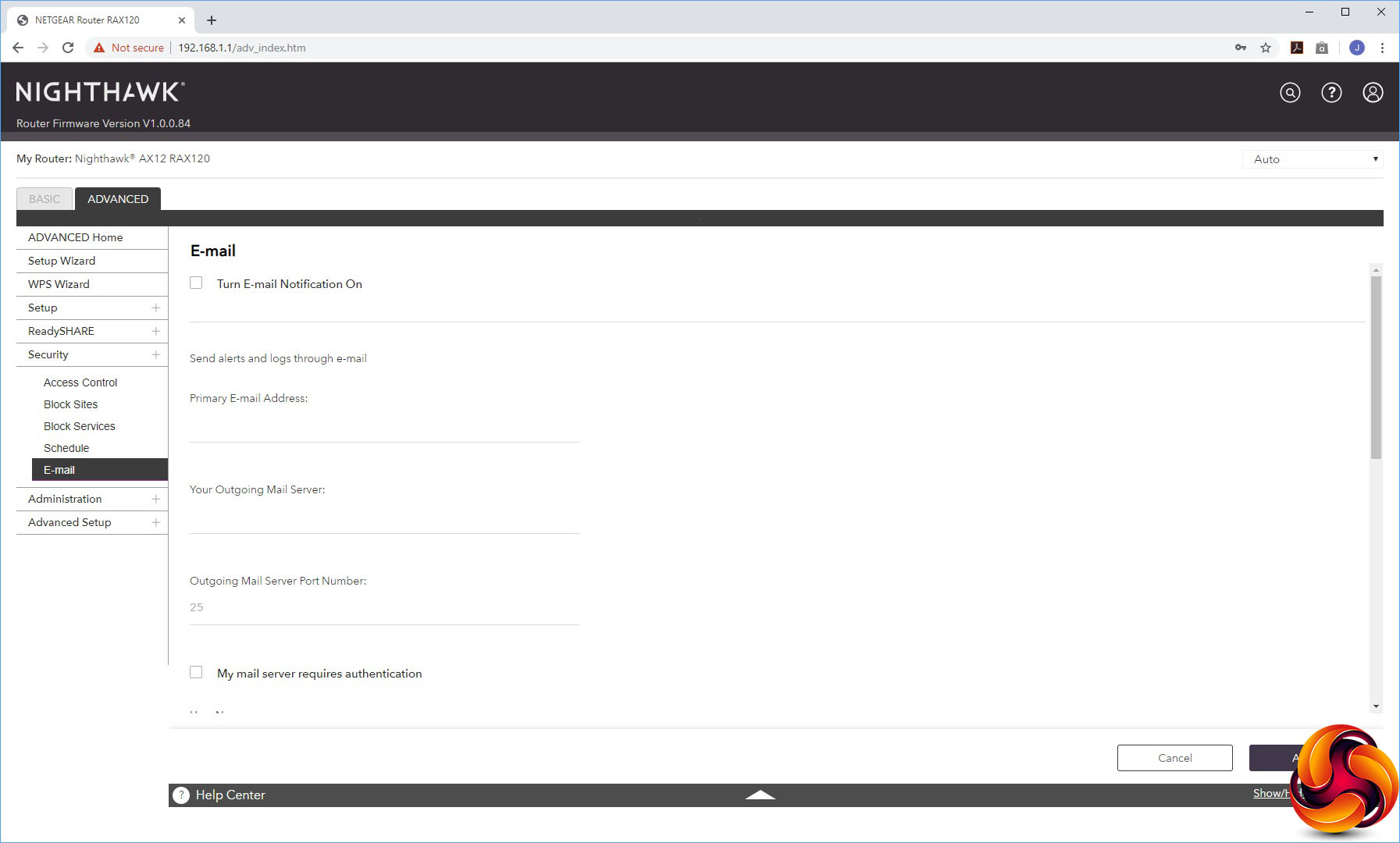
Under Security, you can block or allow specific devices on the network. You can also block sites by keyword or domain, or specific services. The latter can be according to a schedule – for example disallowing a gaming port during the day time or after a certain time at night. You can also block Internet access according to a schedule, and set up an email address for alerts.
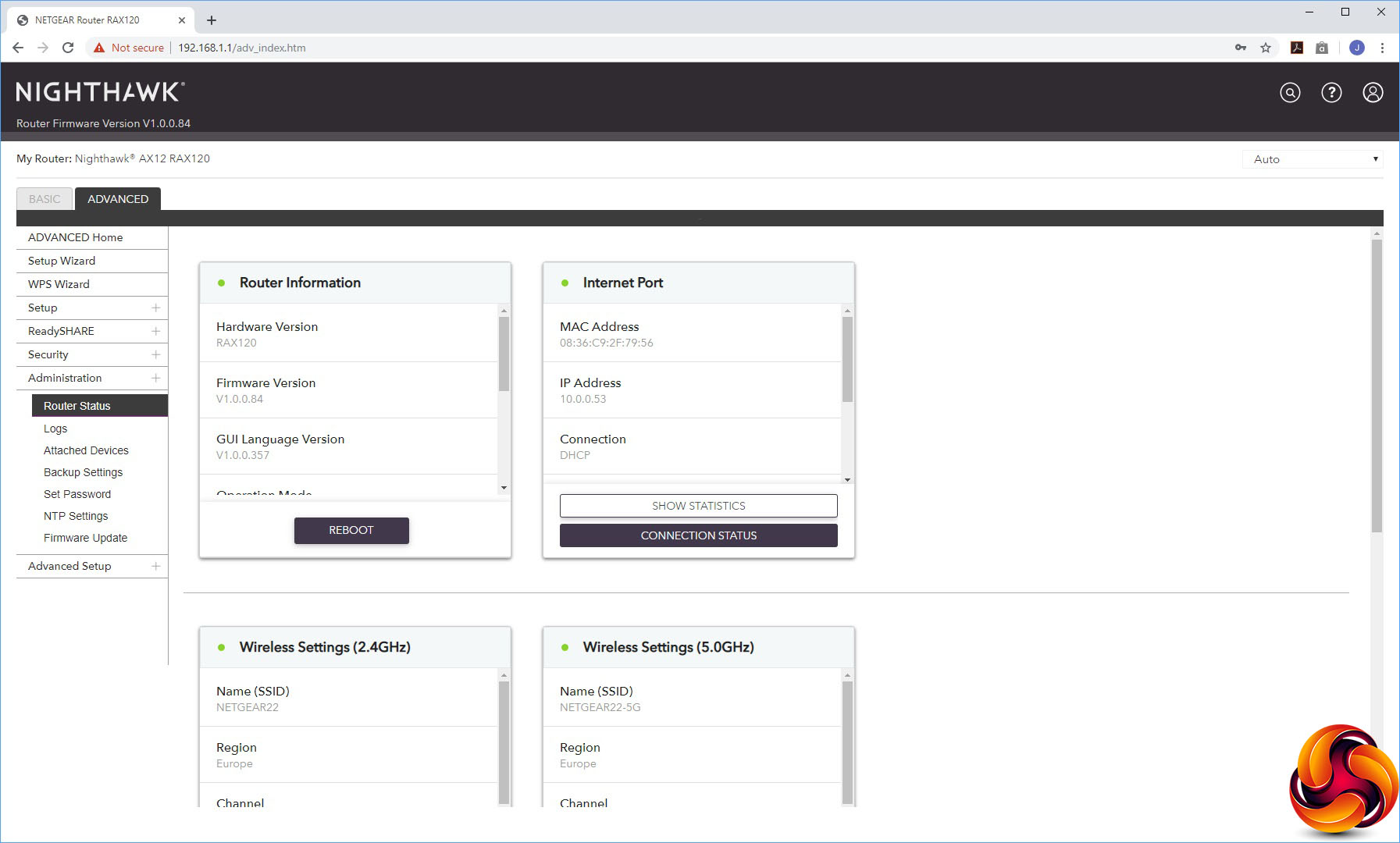
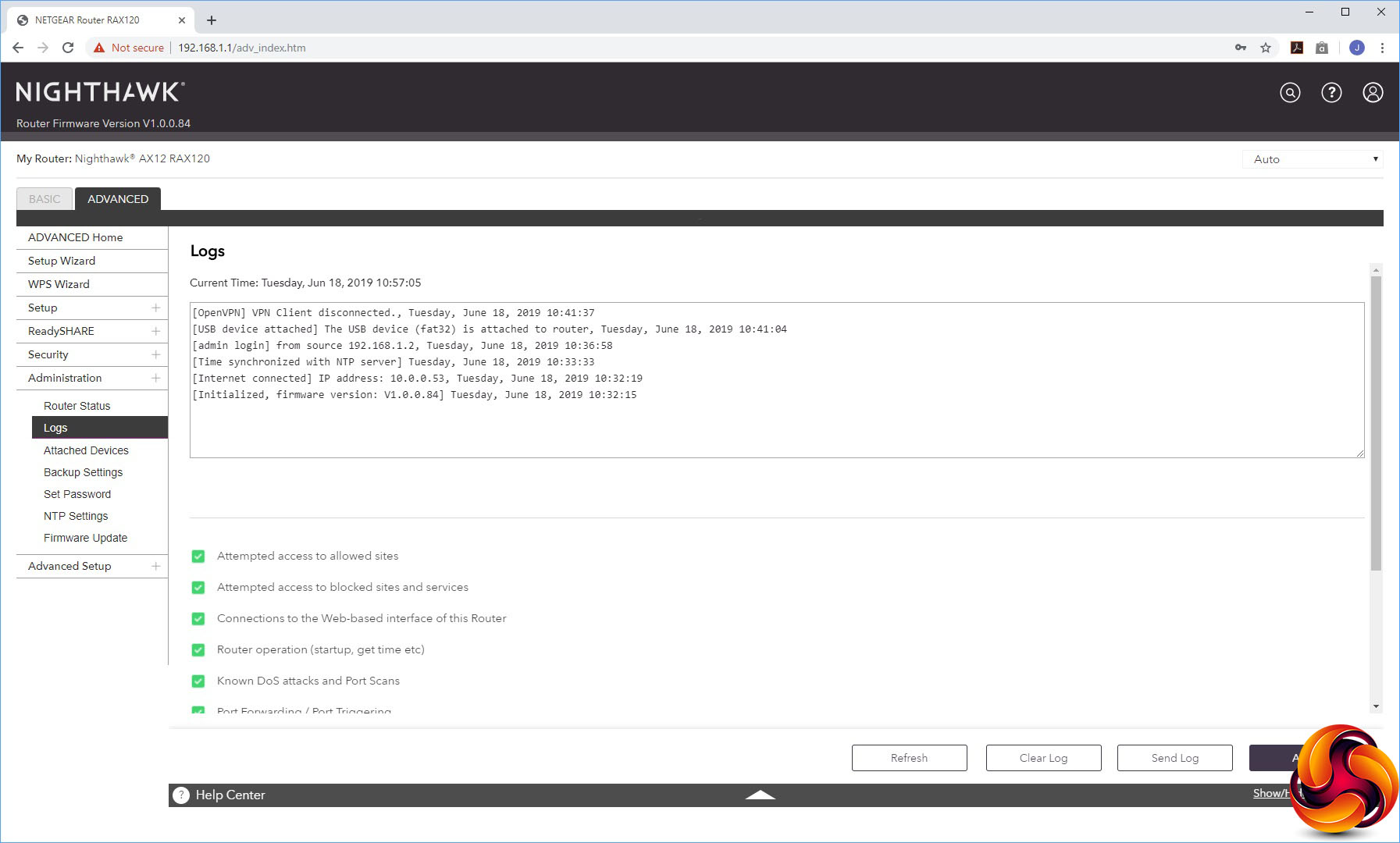
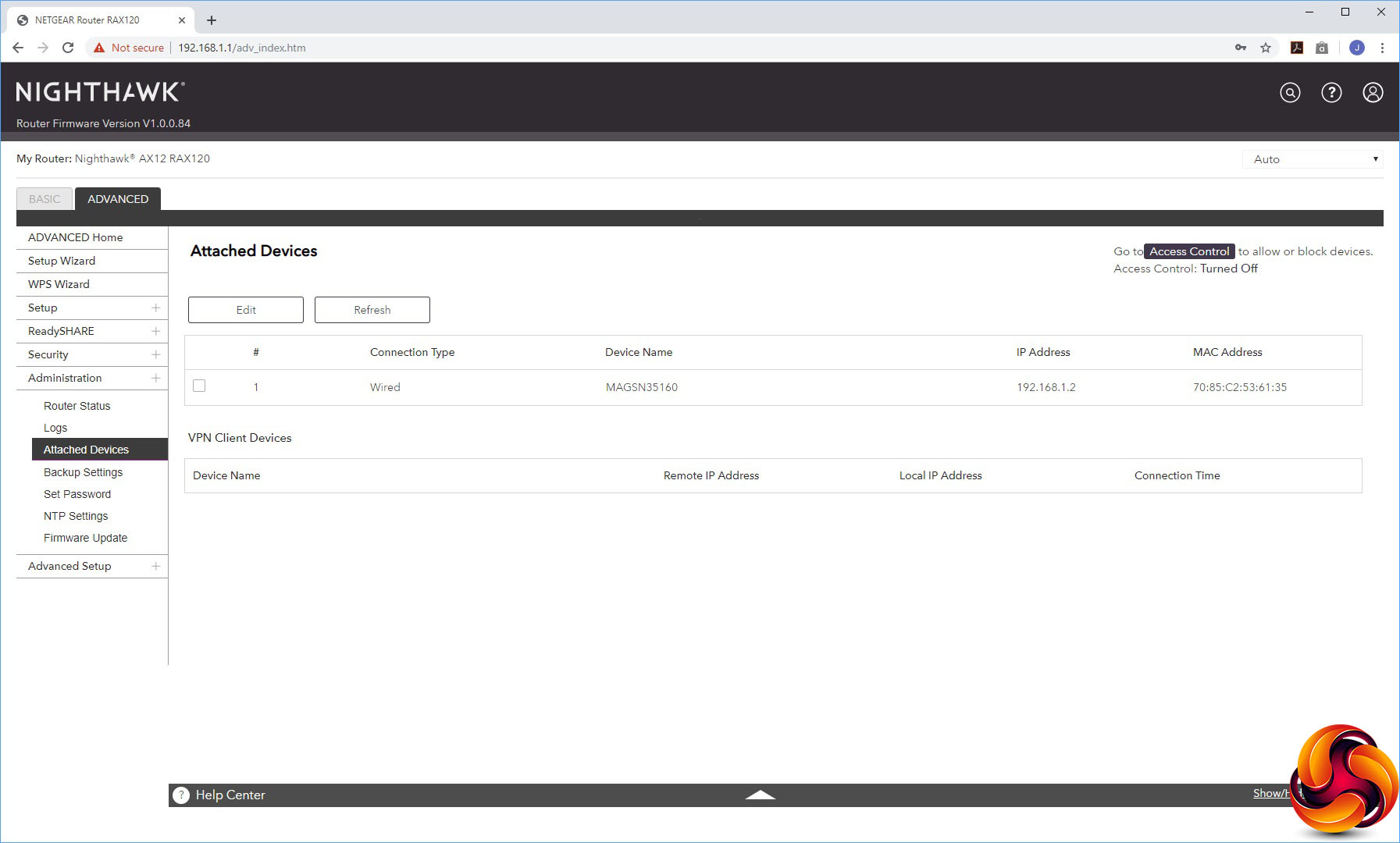
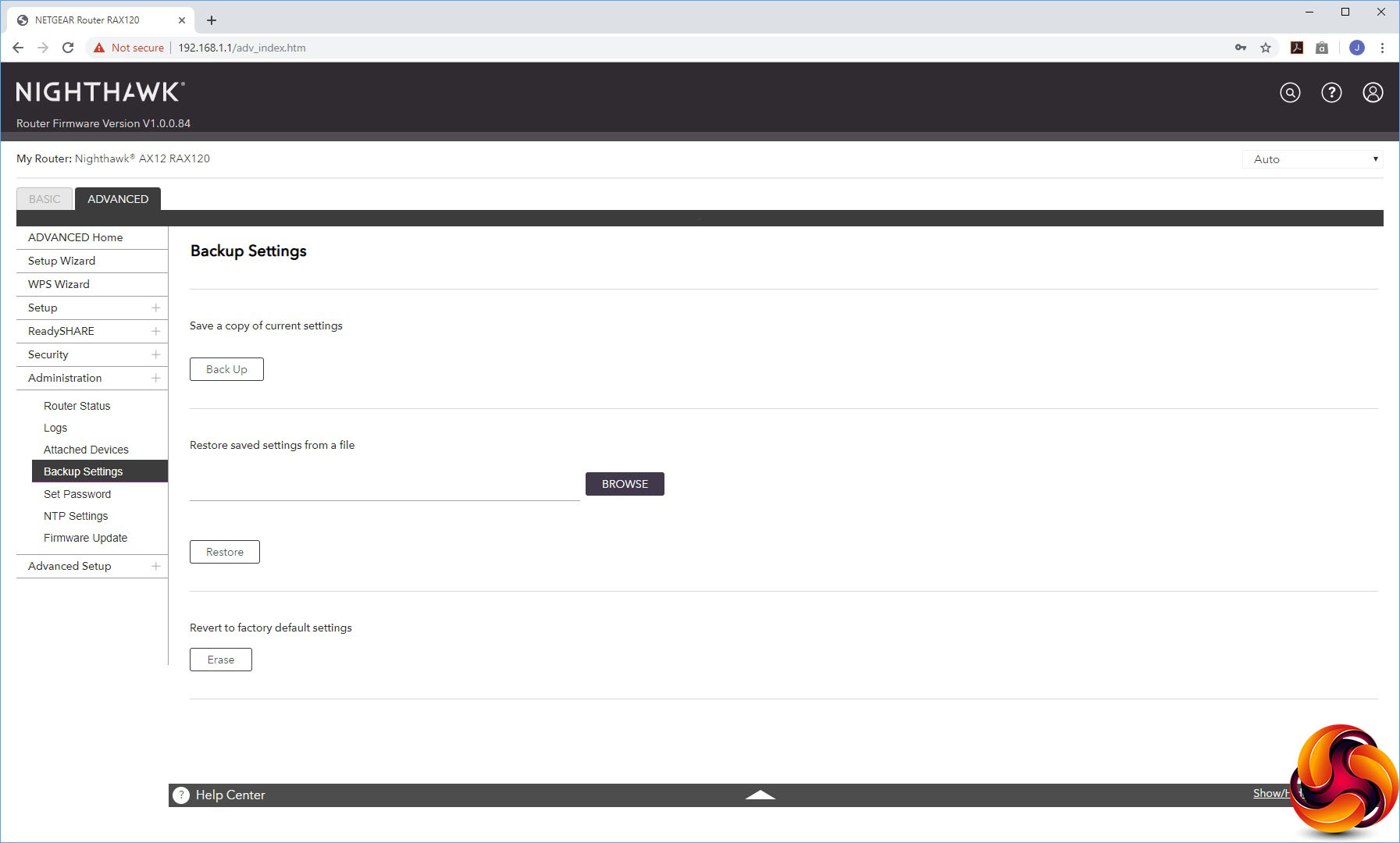
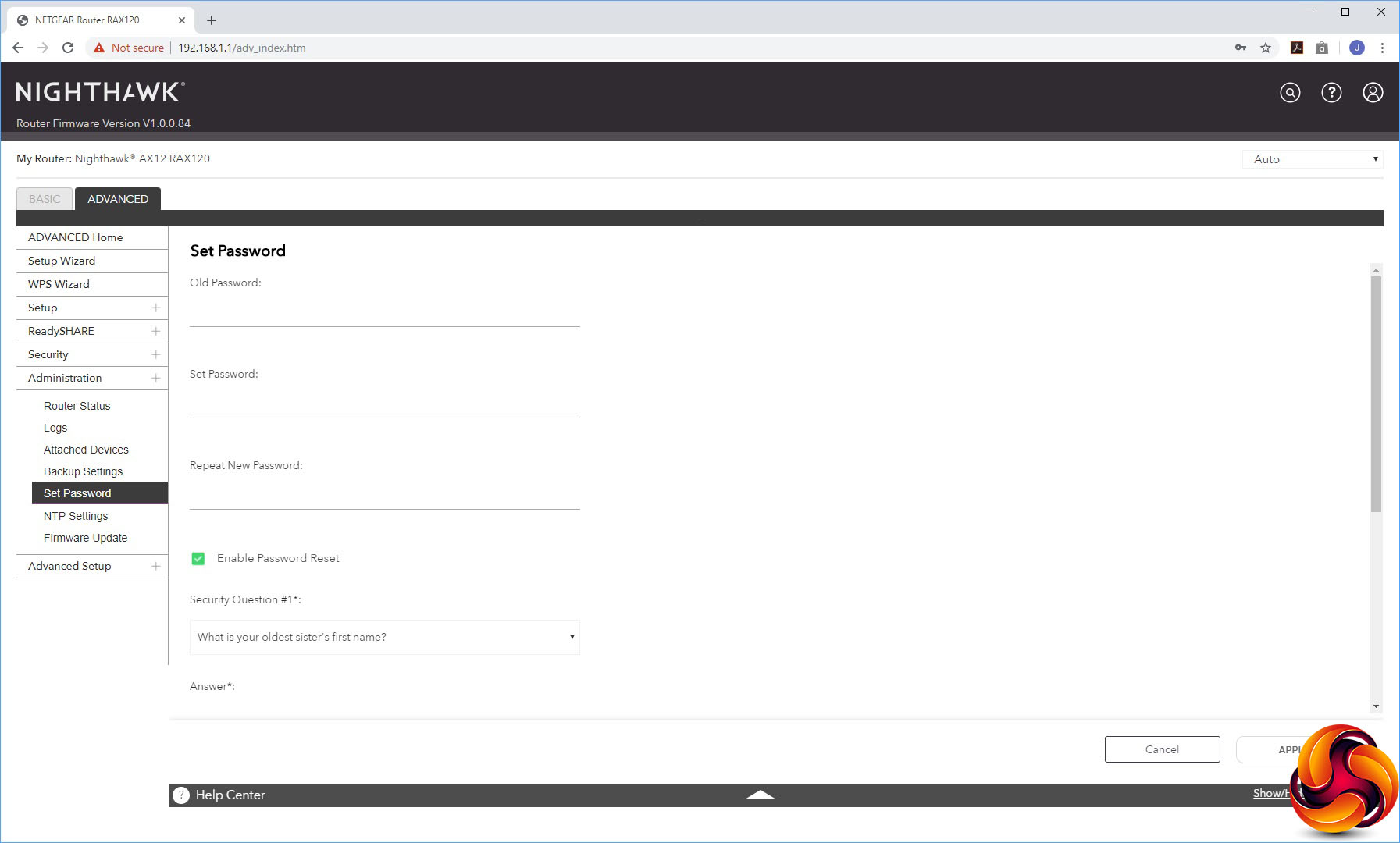
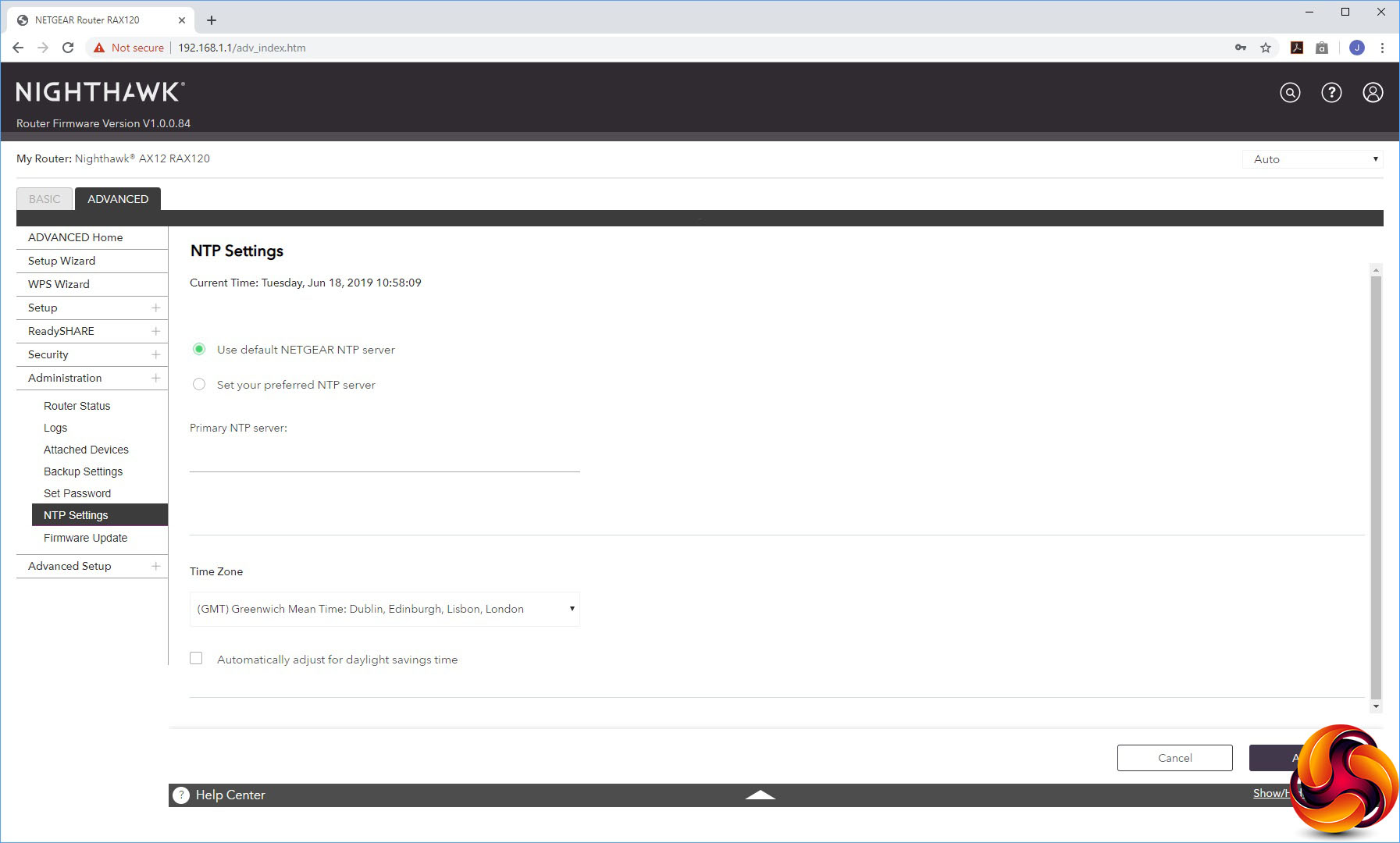
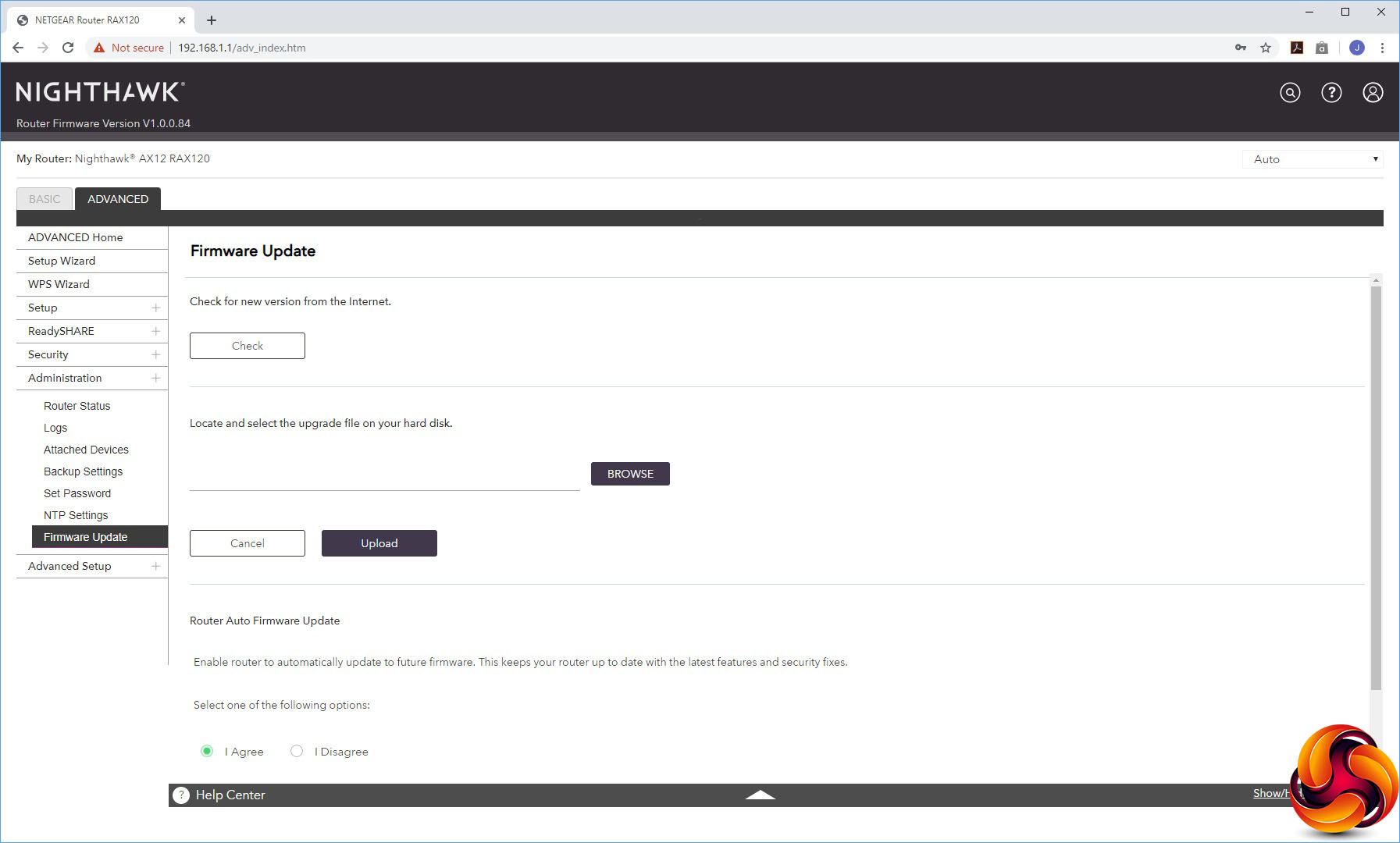
The Administration section offers sundry facilities like the status panel from the Home section, a view of activity logs, a list of attached devices, the ability to backup settings, set the admin password, configure which time server to use for setting the AX12's internal clock, and a firmware update facility.
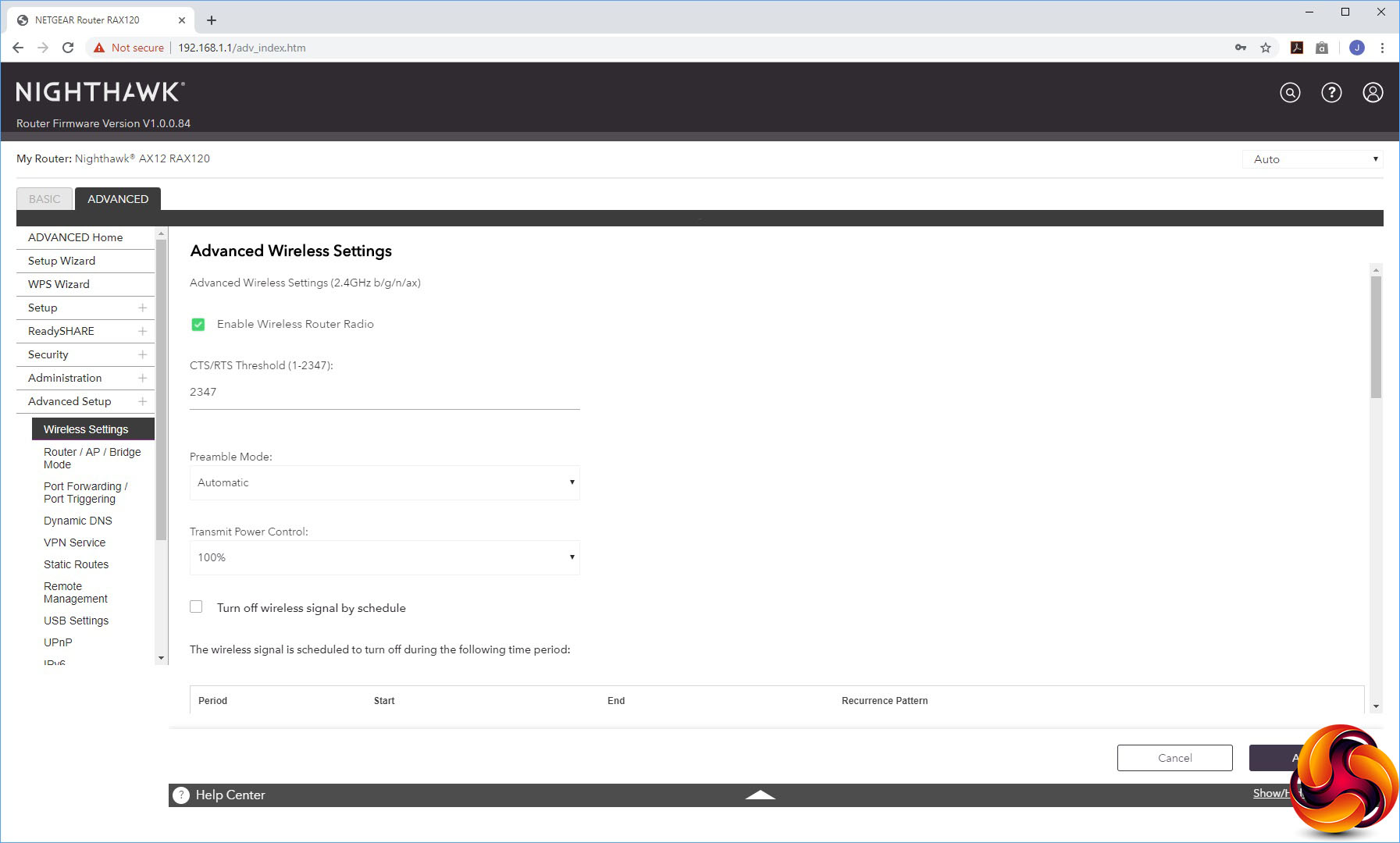
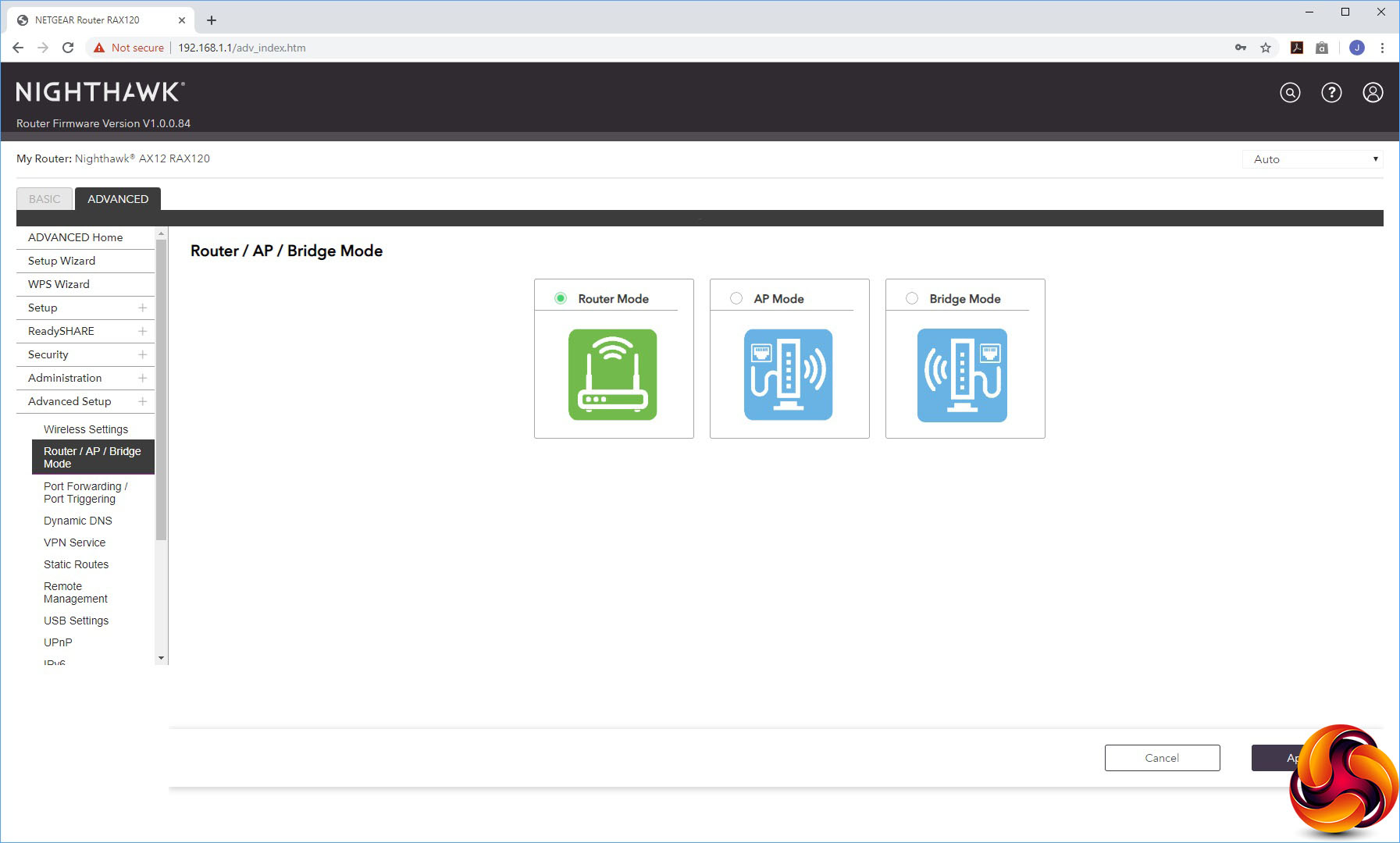
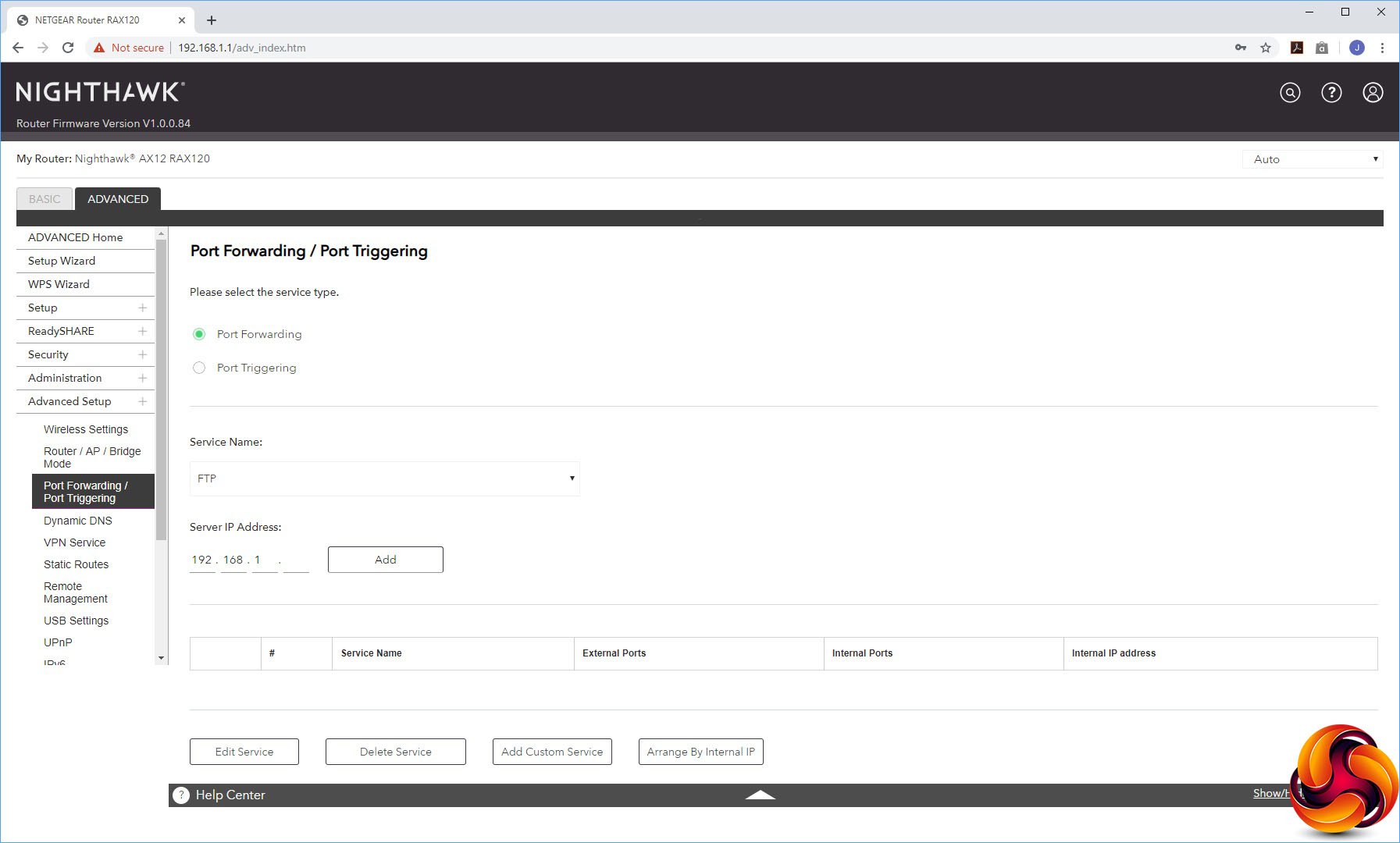
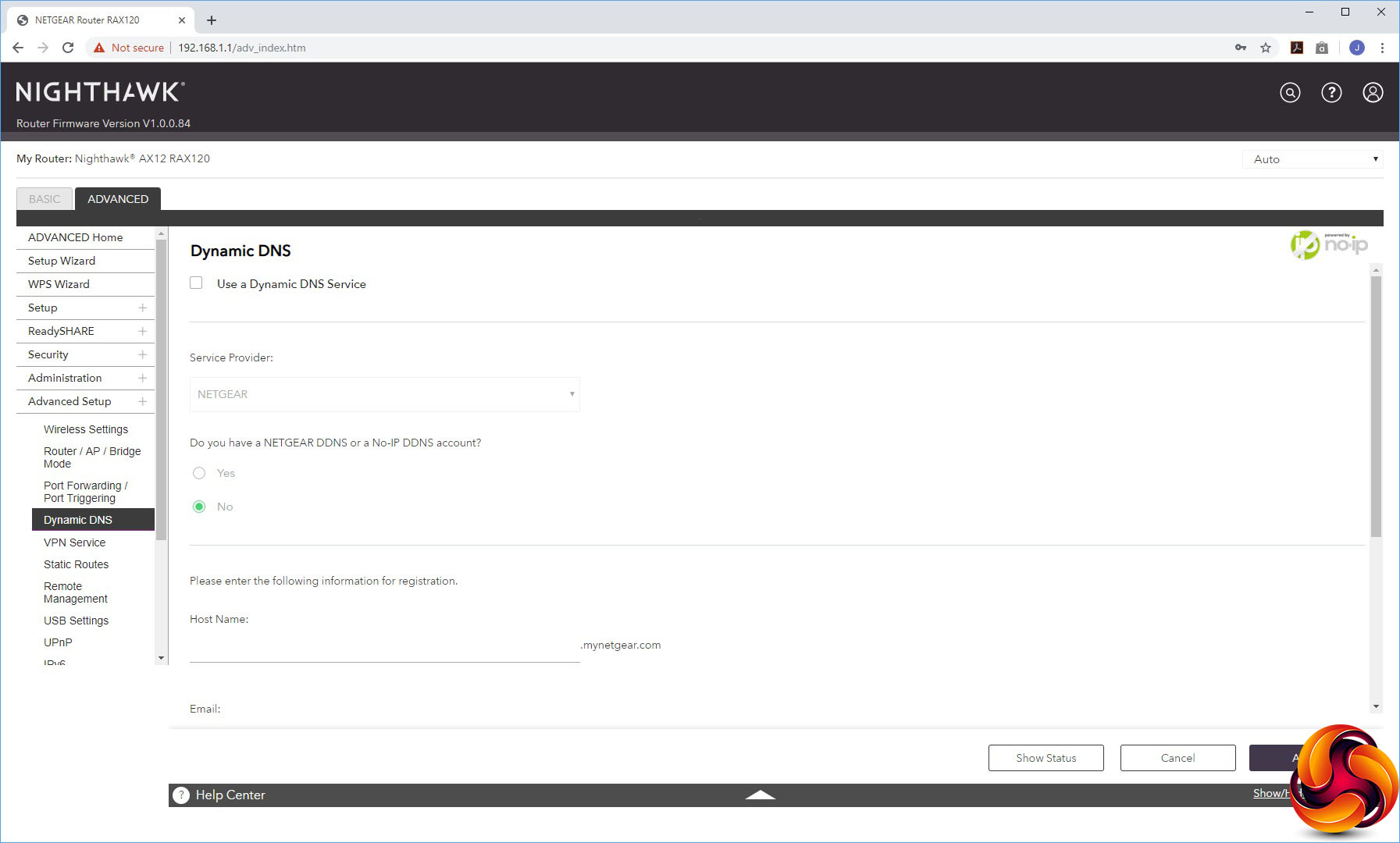
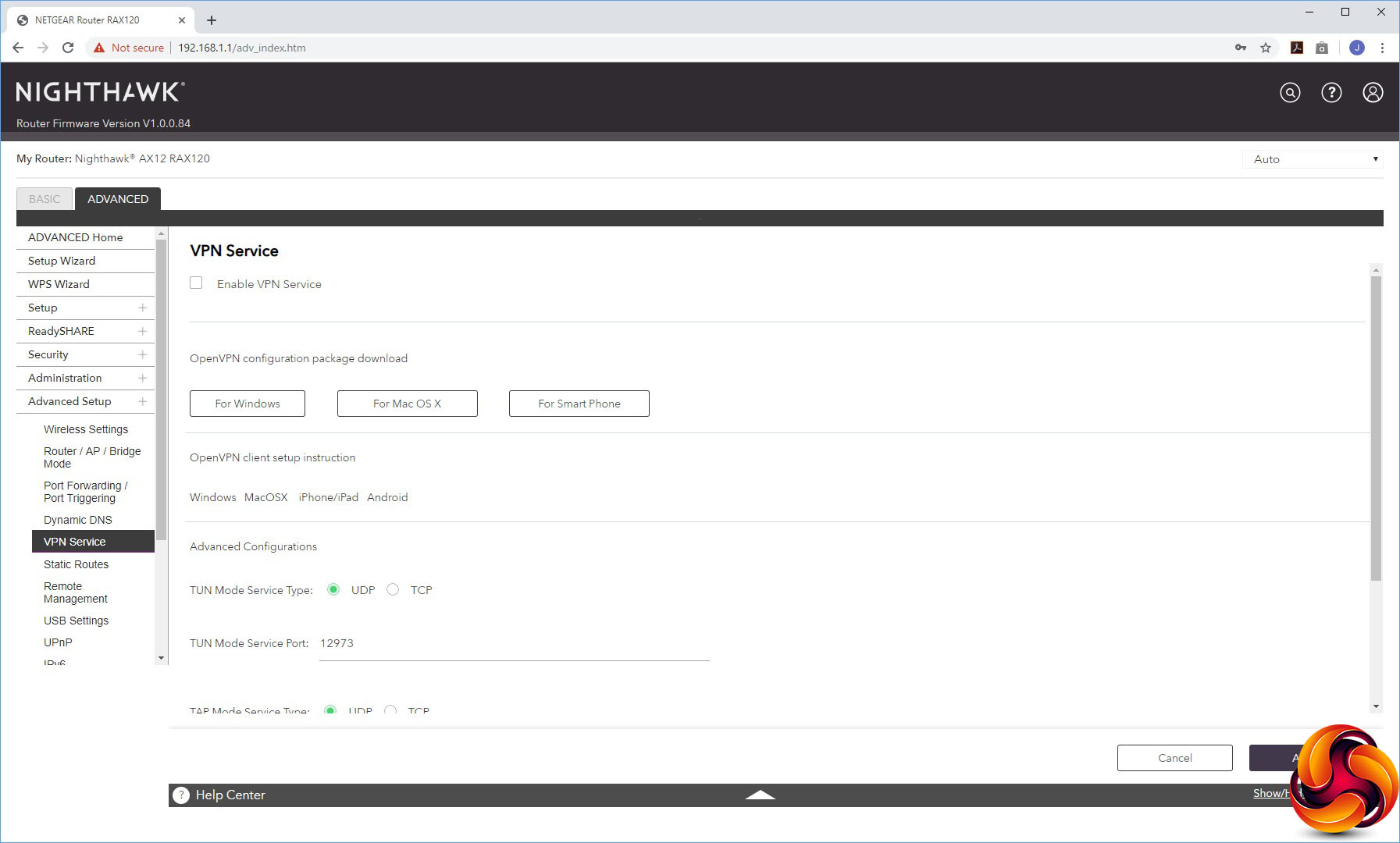
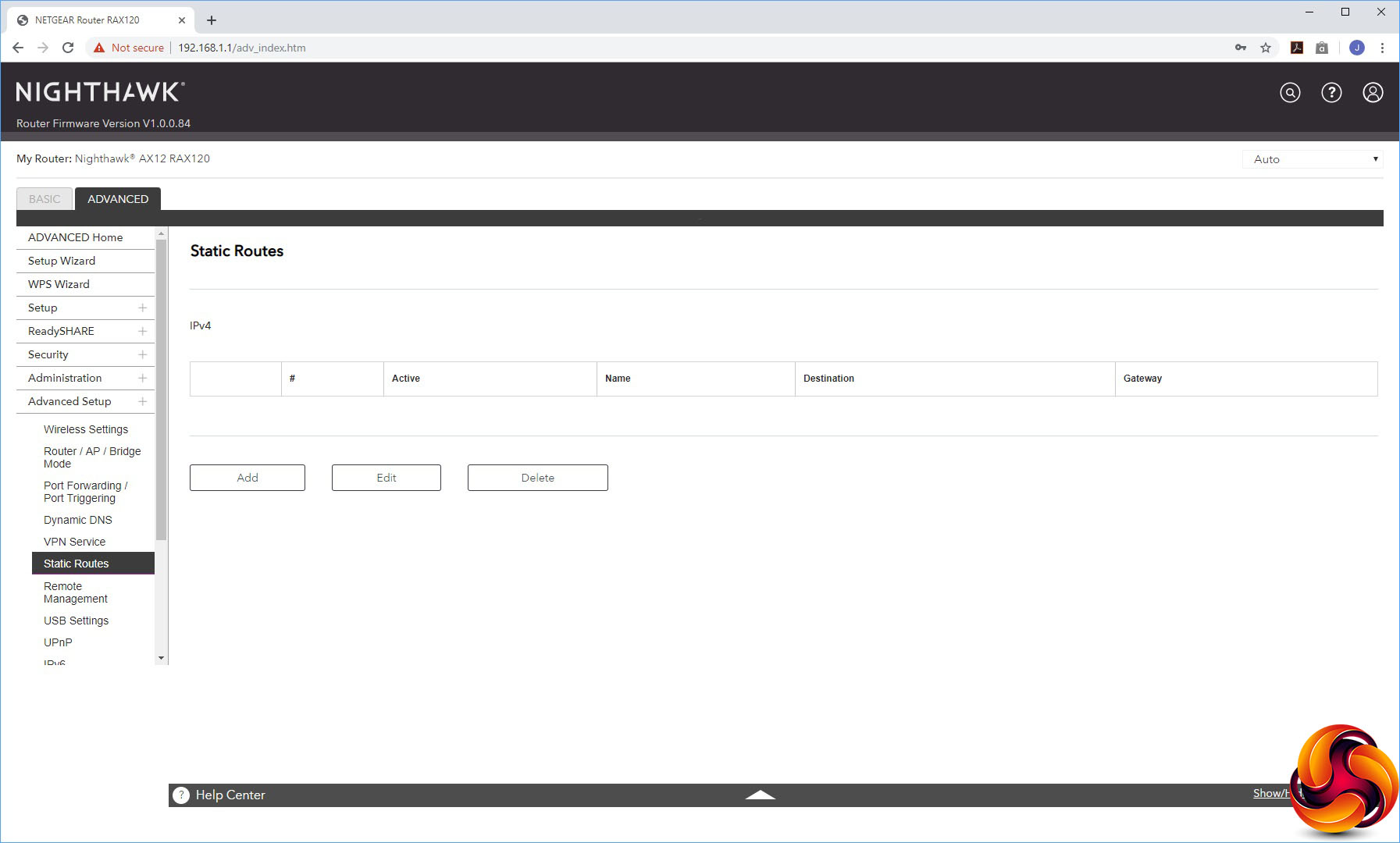
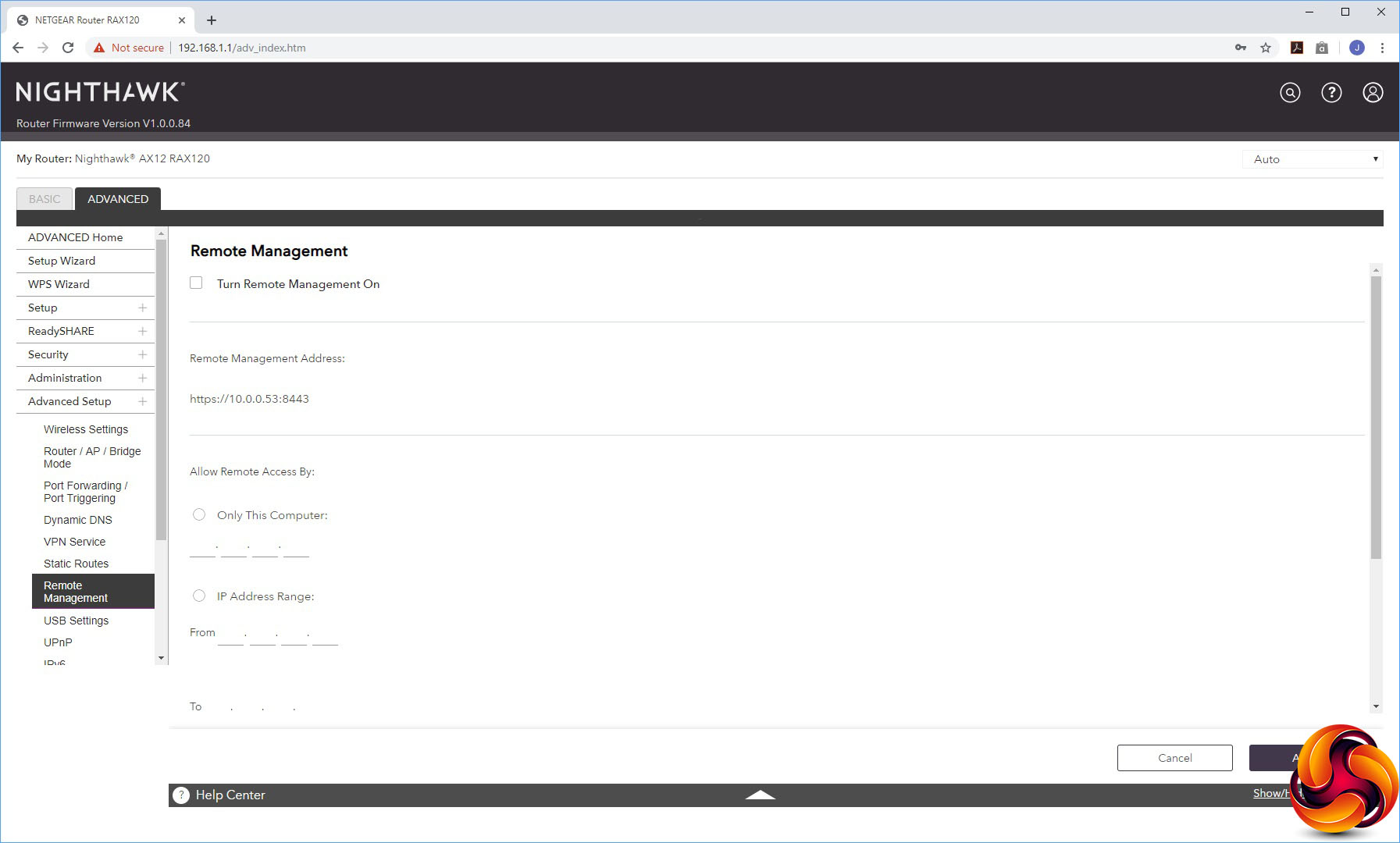
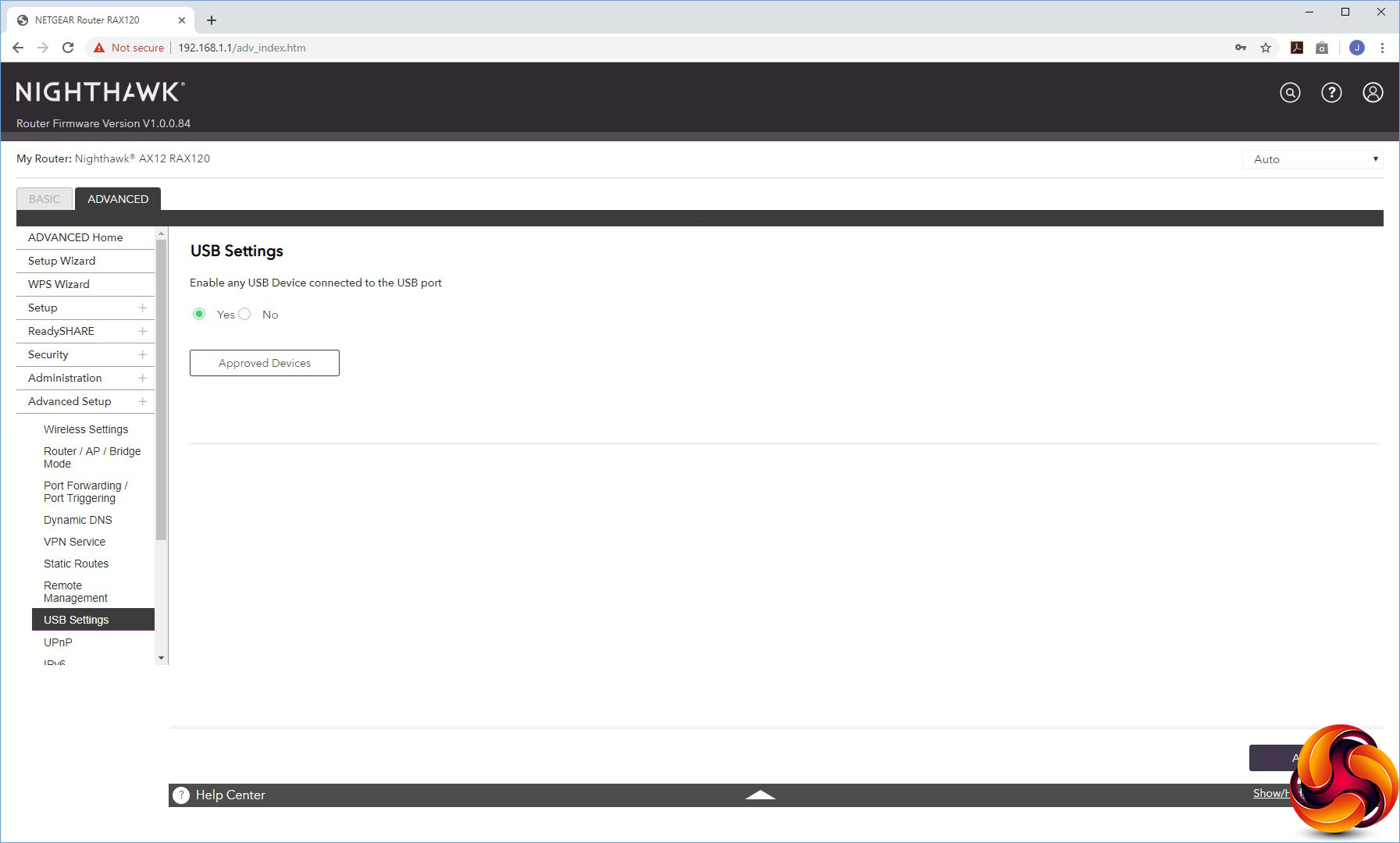
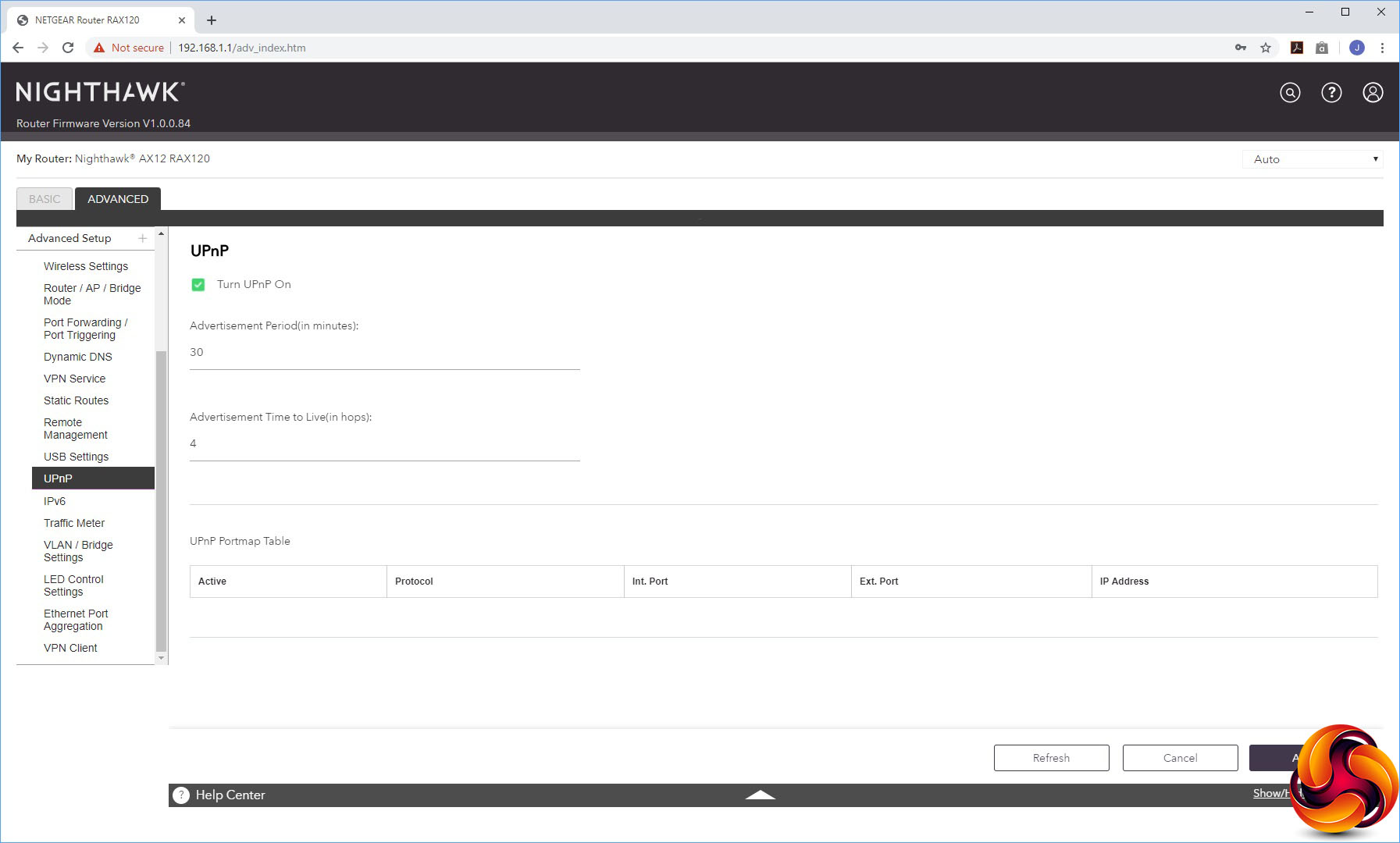
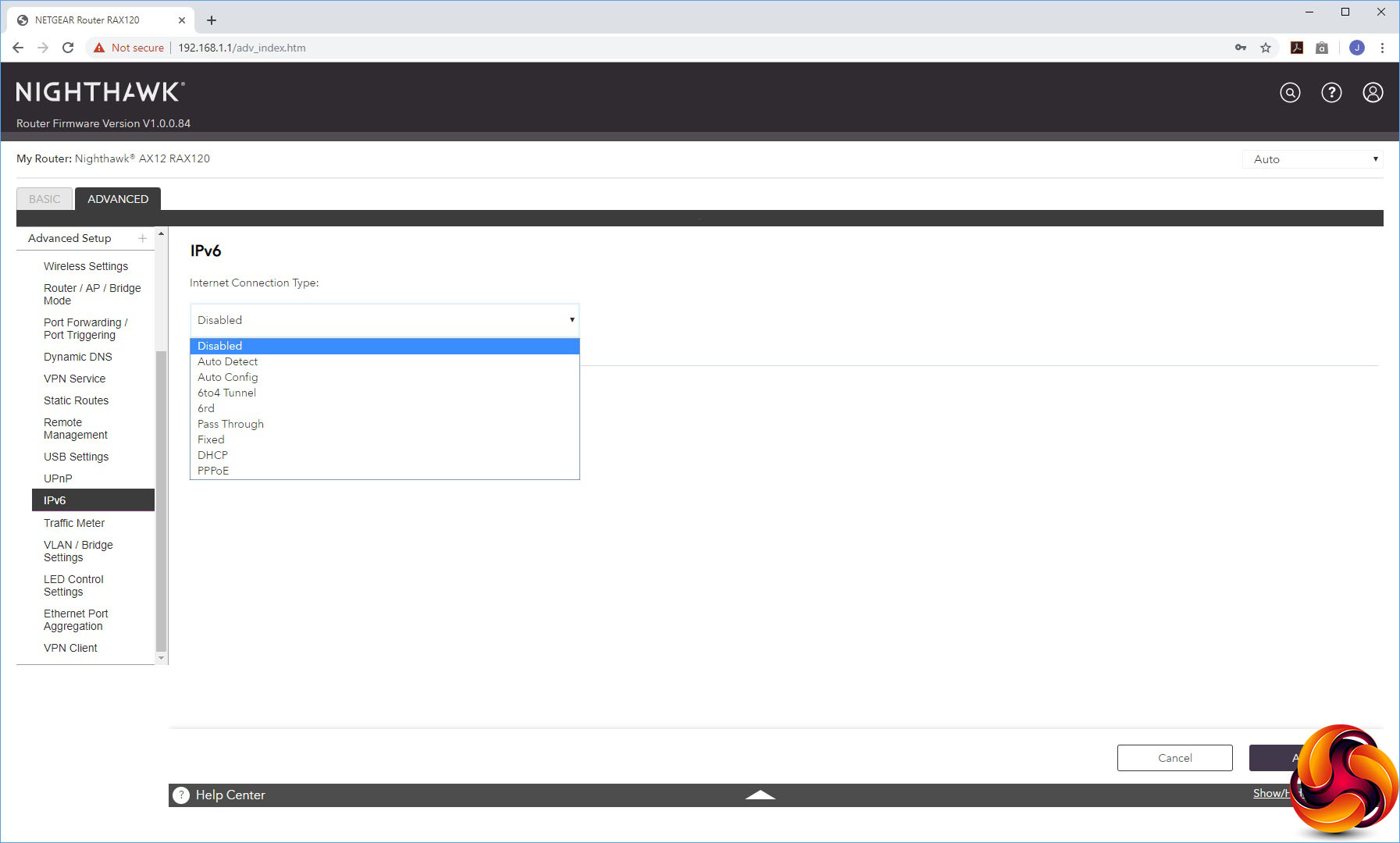
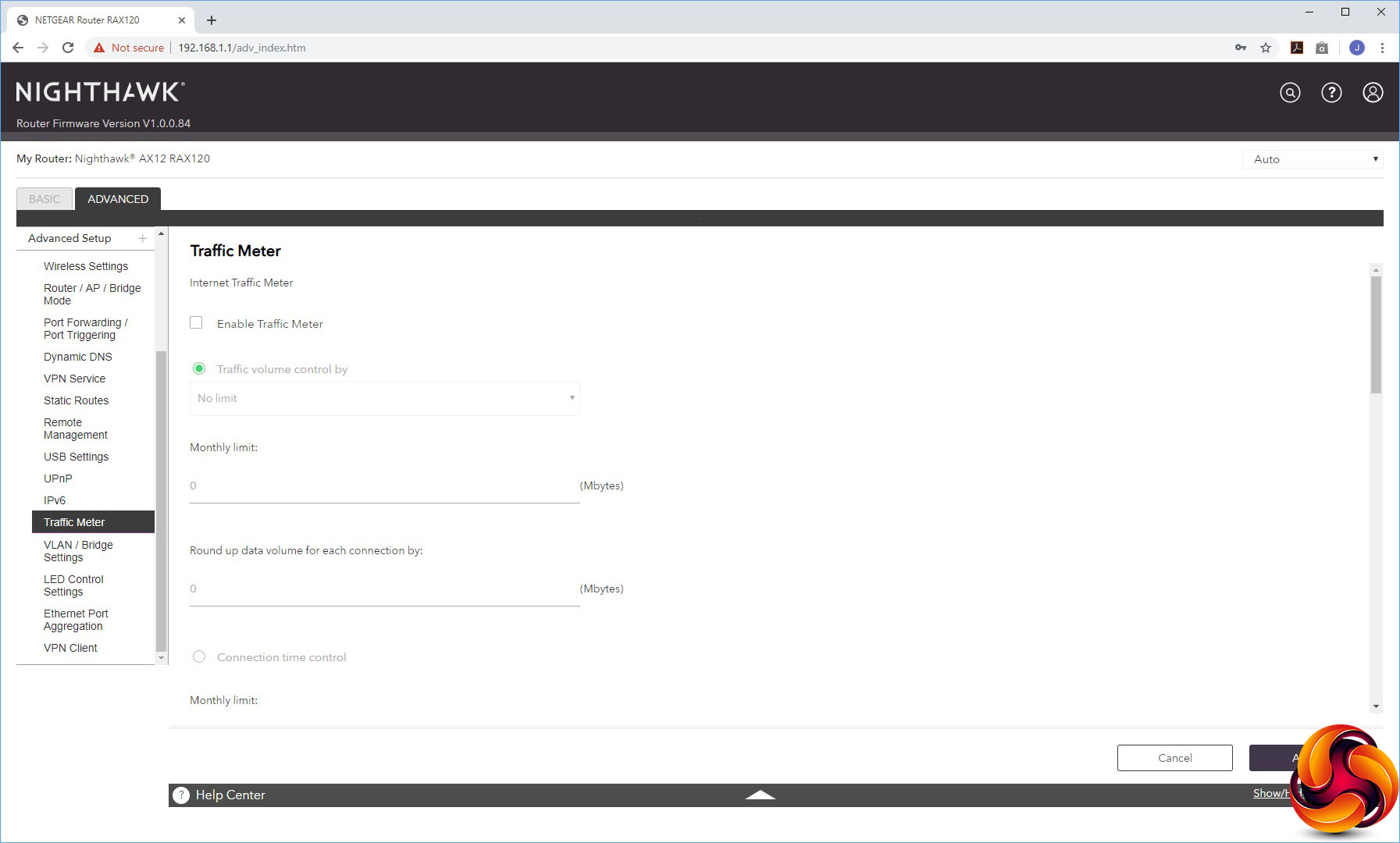
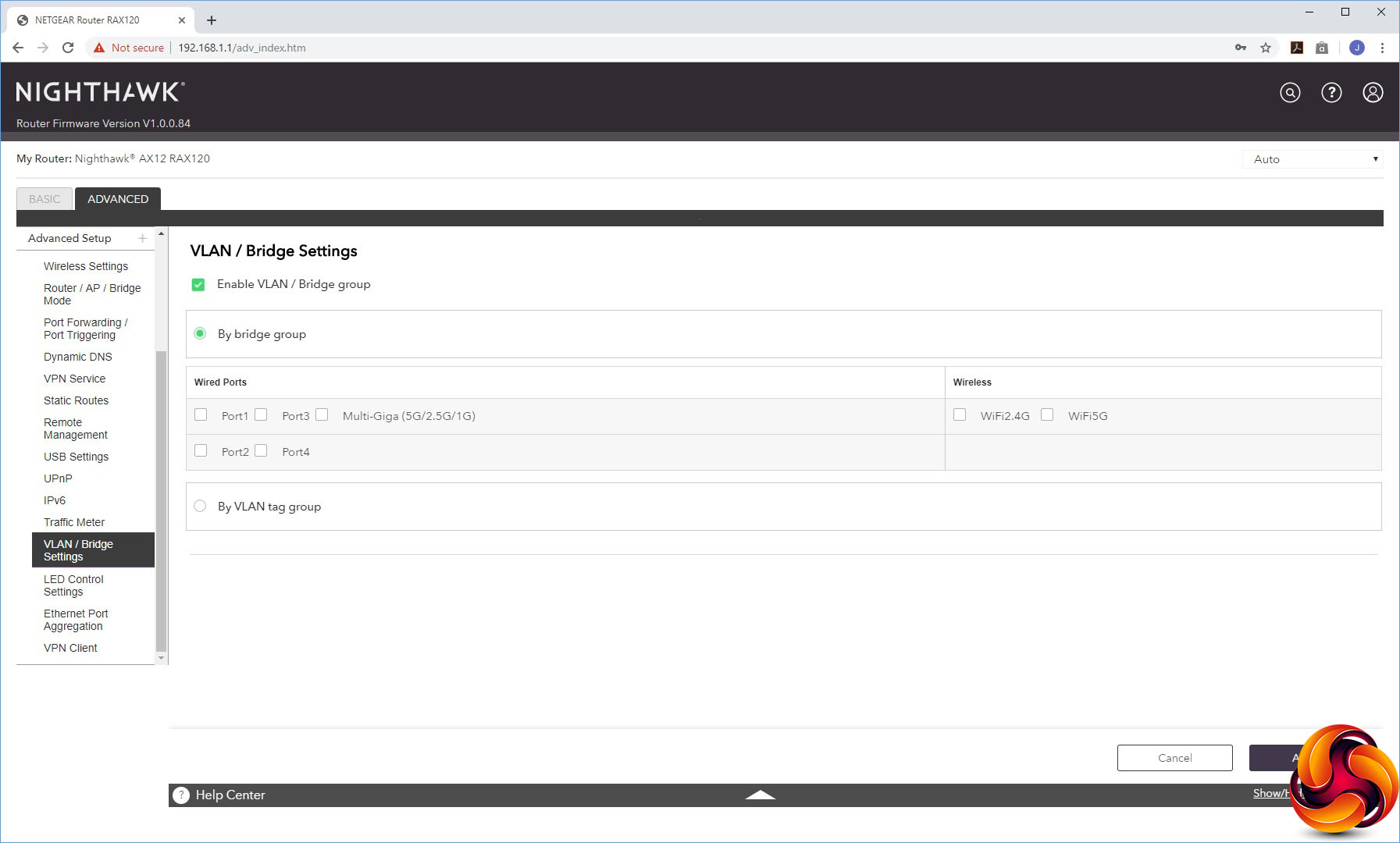
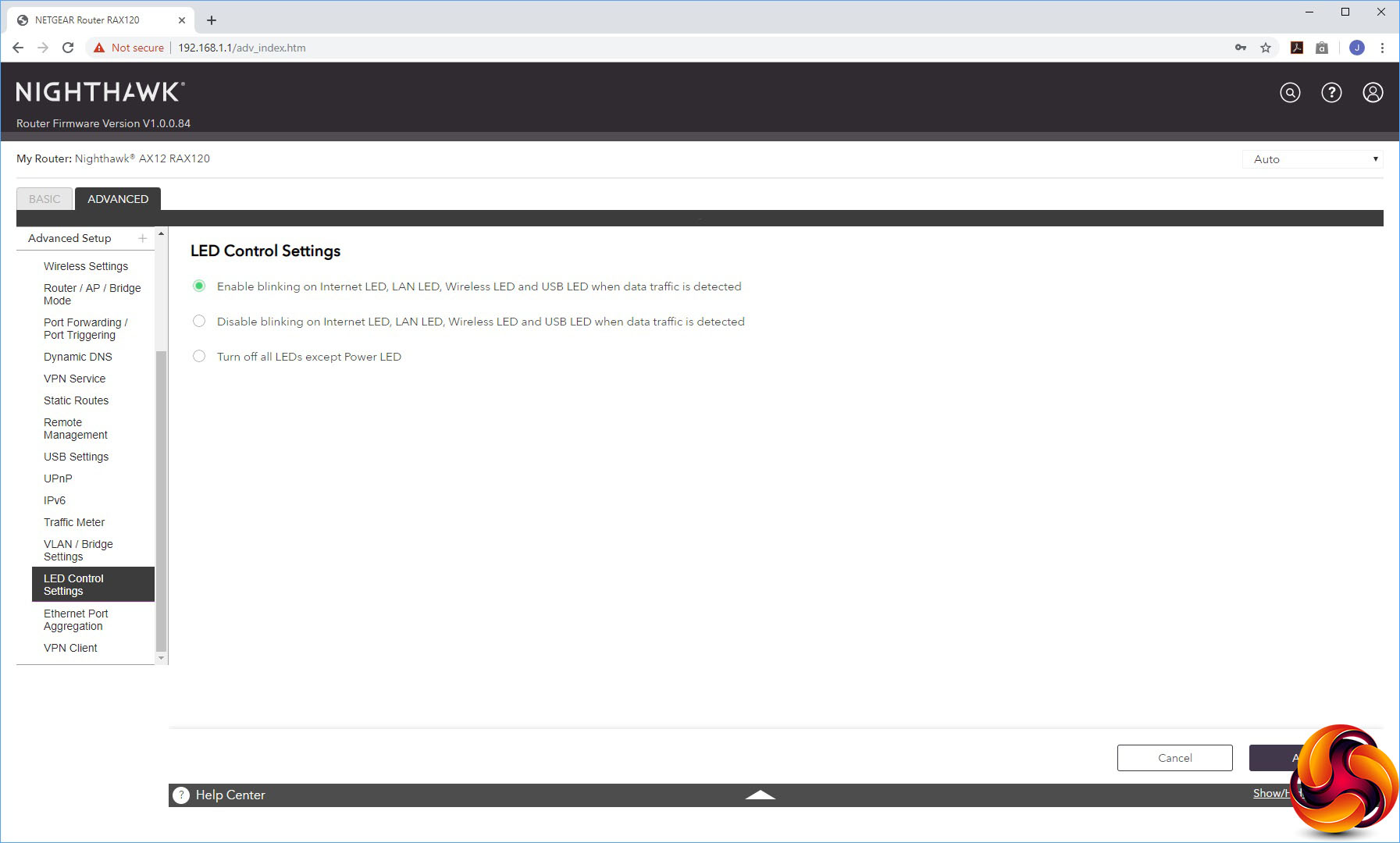
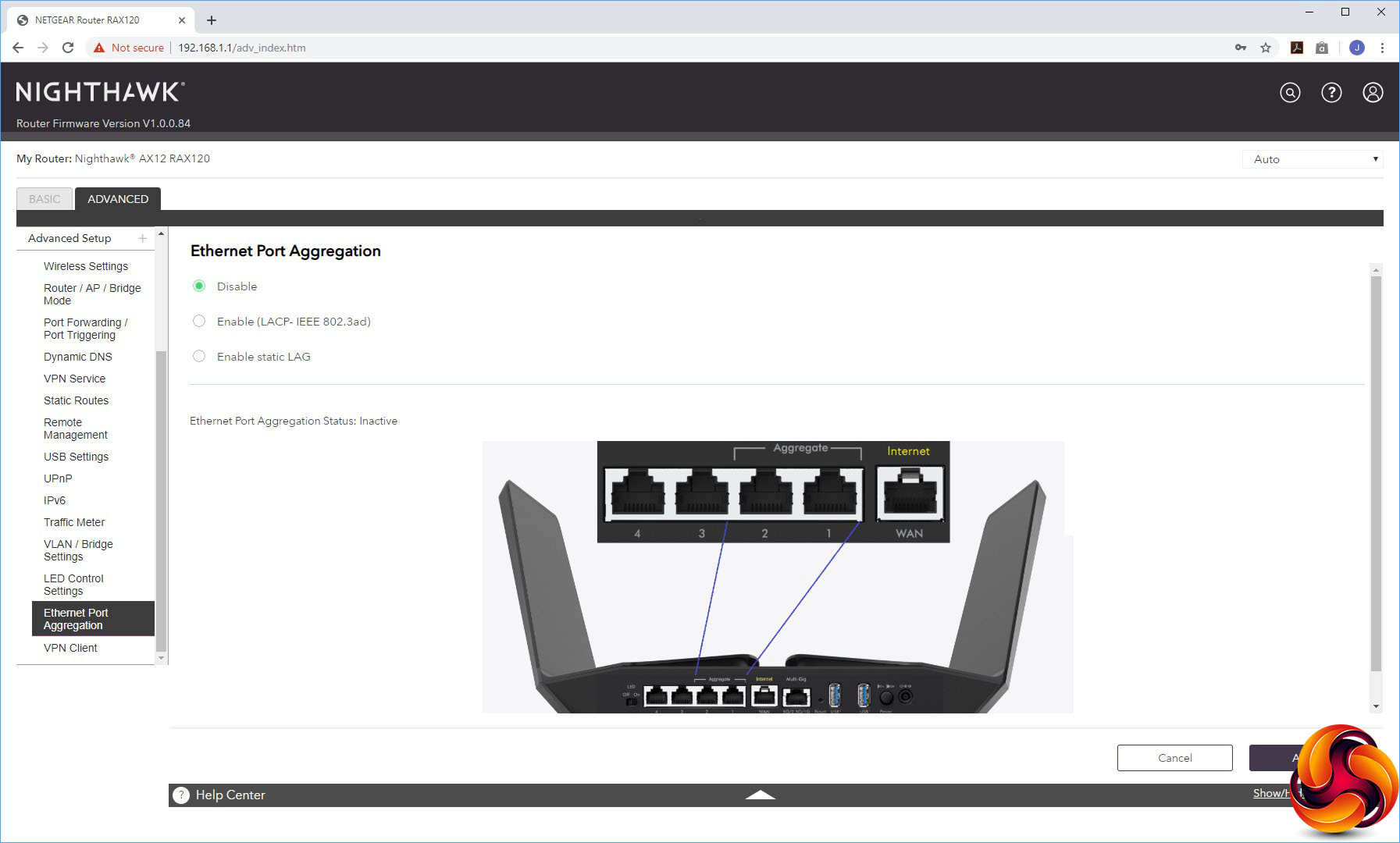
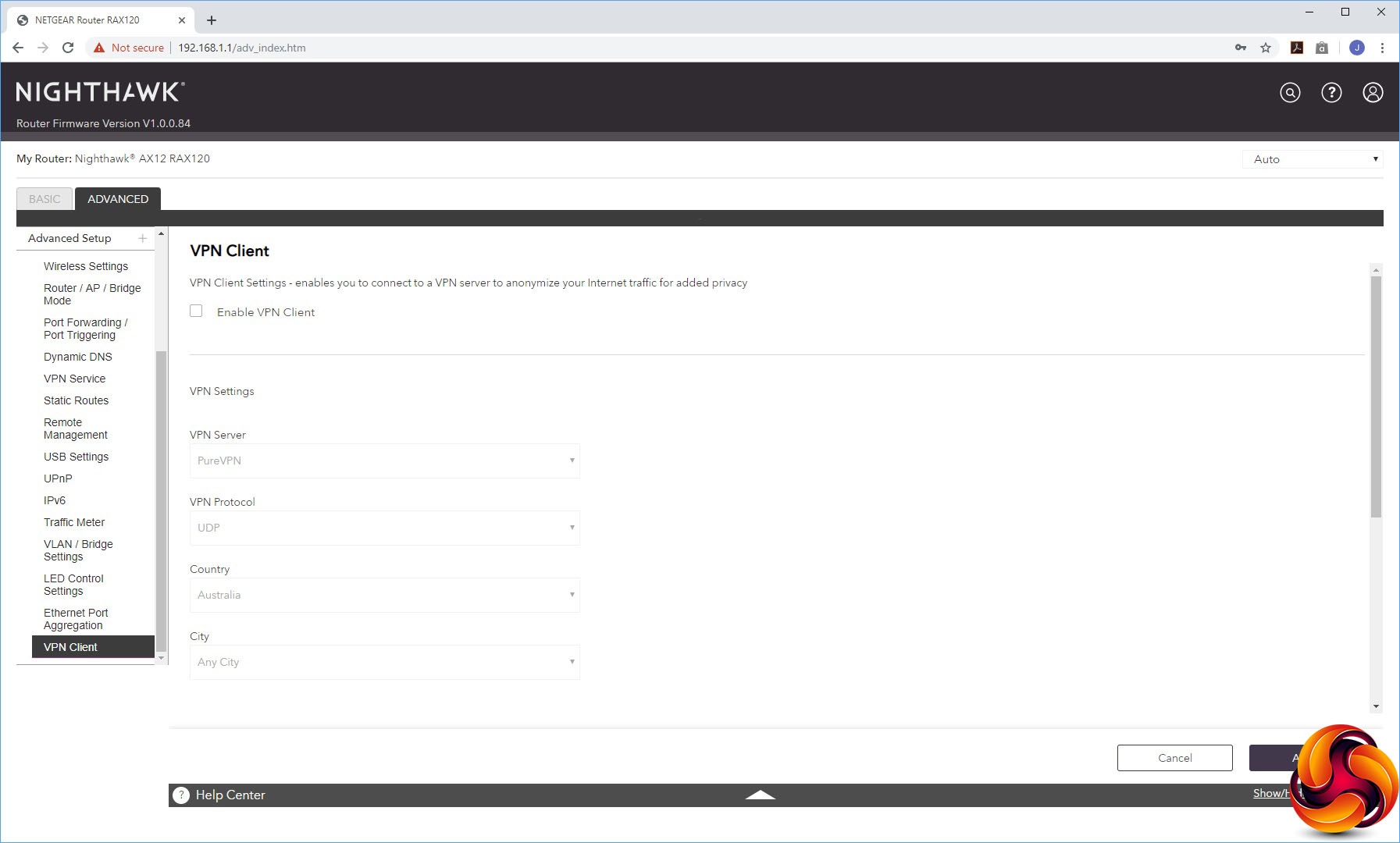
The Advanced Settings houses a smorgasbord of useful capabilities, starting with more detailed control over the wireless radios. You can select whether the AX12 operates in AP or Bridge mode instead of the default Router mode. The port forwarding facilities are found here, although the built-in options are as antiquated as always with NETGEAR routers, including applications like NetMeeting, Quake II/III and Real-Audio. NETGEAR really needs to update this list.
You can turn on dynamic DNS via NETGEAR's own service, No-IP or Dyn. The VPN section here allows you to make the AX12 into a VPN server instead of a client, using the OpenVPN system. You can set up static routes, enable remote management via the Internet, disable the USB ports, and configure both UPnP and IPv6. There's a Traffic Meter for imposing monthly data limits so you don't go over your broadband contract quantity.
You can set up VLANs or a Bridge Group, and control which LEDs are lit. This is also the section where you can turn on port aggregation of the first two LAN ports, either via the LACP-IEEE 802.3ad protocol or a static LAG. Last on the list is another route to using the AX12 as a VPN client.
Overall, this is a comprehensive management interface, but nothing more significant than previous high-end NETGEAR Nighthawk routers. Other than the aesthetic makeover and addition of 802.11ax-related options, it offers the same capabilities. But there's nothing major missing here either.
Finally we get to the most important question – just how fast is WiFi 6? We tested the performance of NETGEAR Nighthawk AX12 in two ways. First, we wanted to assess the raw throughput across the three main WiFi standards it supports – 802.11ax aka WiFi 6, 802.11ac and 802.11n. We also tested the speed of the USB 3.0 port via 802.11ac and 802.11ax.
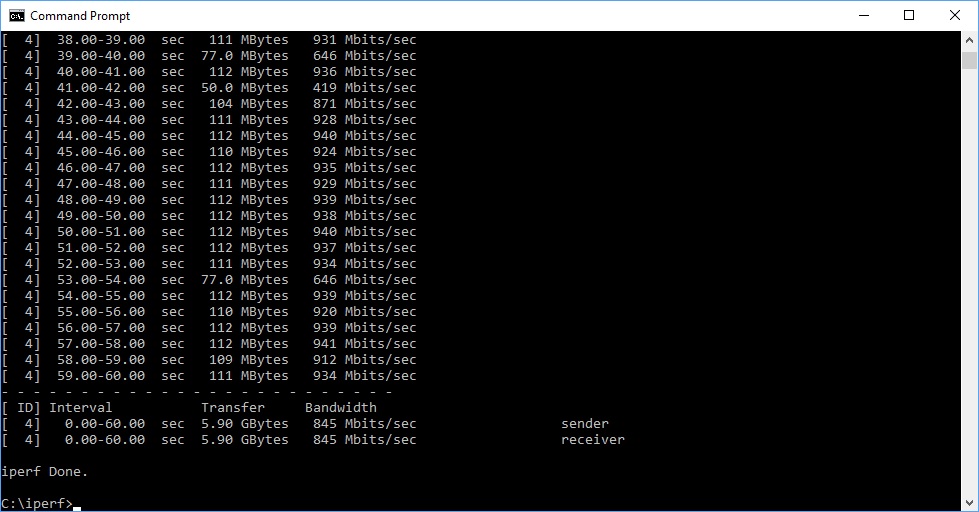
For the first test we used the open-source iPerf 3.1.3 software, and for the second test we used a 3.7GB file collection. Four Windows systems were used. One was an Armari AMD Threadripper workstation running Windows 10, the next a Dell Latitude 5490 notebook lent to us by NETGEAR (as it's one of the few systems with WiFi 6 so far available), then a MSI WS63 7RK (for 802.11ac) and finally an HP Folio 13 (802.11n only).
For all the wireless tests, the workstation was connected to the AX12's Multi-Gigabit Ethernet port using a USB-C adapter (to maximise WiFi 6 throughput), and the notebooks via WiFi connections (apart from the wired test, which used Gigabit Ethernet). The notebooks were then placed in four different locations – within 1m of the router, approximately 5m away with a wall in between, 10m away and on a lower floor (with multiple walls and a floor in between), and then 15m away on a lower floor. We tested all four distances with the two WiFi standards, but only the 1m distance with the file copy.
With each WiFi standard and distance, we took 60 readings of throughput at one second intervals and calculated the average (iPerf does this automatically). For these tests, we are also comparing the AX12’s performance with the NETGEAR Nighthawk XR700, NETGEAR Nighthawk XR500, Linksys WRT 3200 ACM, NETGEAR Nighthawk X10 R9000, and Synology RT2600ac.
802.11ac and 802.11ax 5GHz
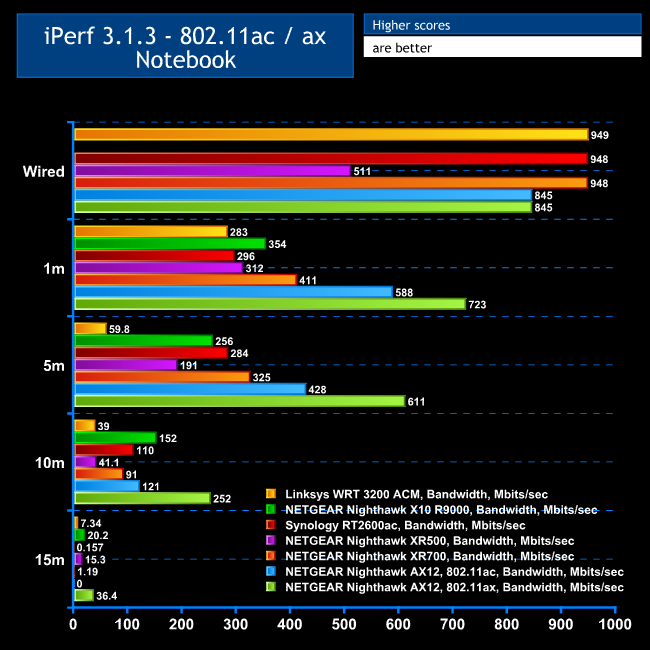
As we have no other 802.11ax comparisons just yet, we've grouped the WiFi 6 testing alongside the 802.11ac results so you can see just how much faster it is.
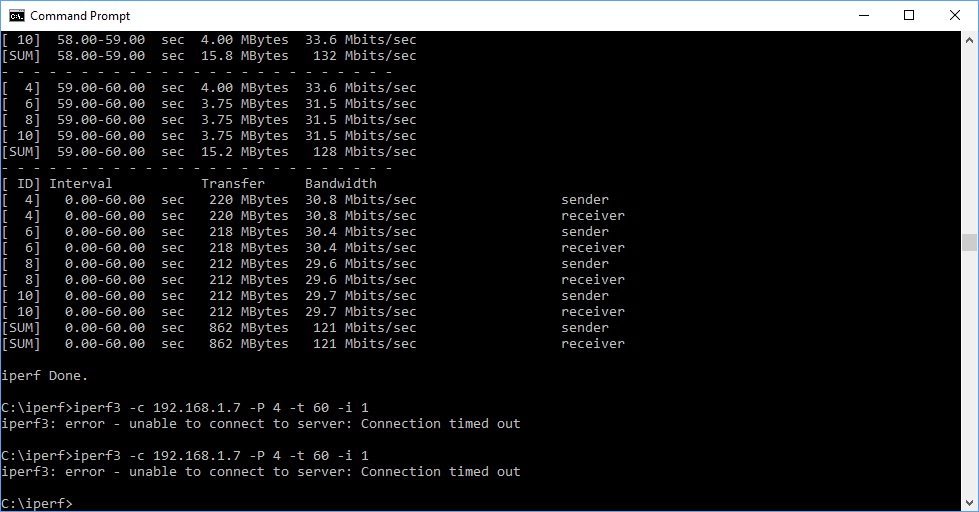
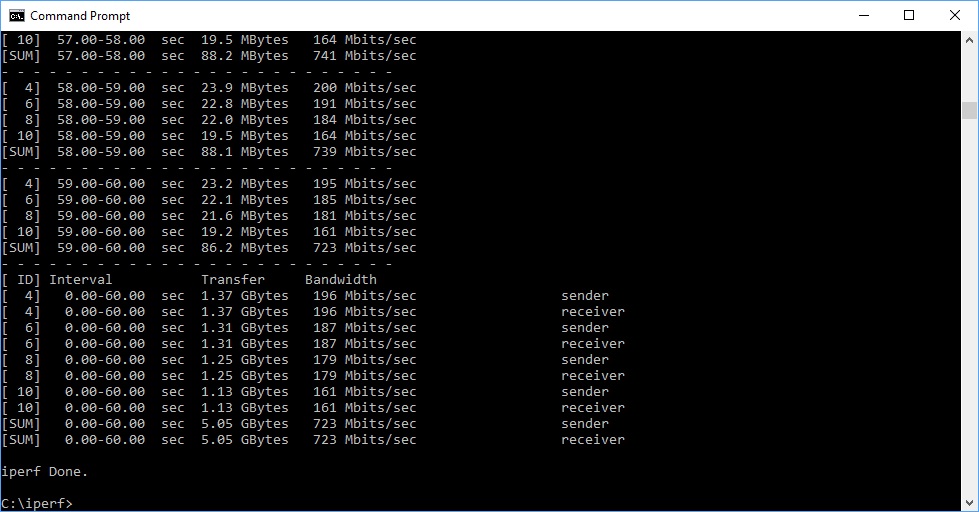
At a close 1m range, the AX12's 802.11ac speed of 588 Mbits/sec is exceptional, but its 802.11ax result of 723 Mbits/sec is beyond anything we have seen before. In fact, it's more than twice what most regular 802.11ac routers can deliver.
Moving out to 5m tells a similar story. The 802.11ac speed of 428 Mbits/sec is amazing, but again the 802.11ax throughput of 611 Mbits/sec is twice what most regular 802.11ac routers are capable of.
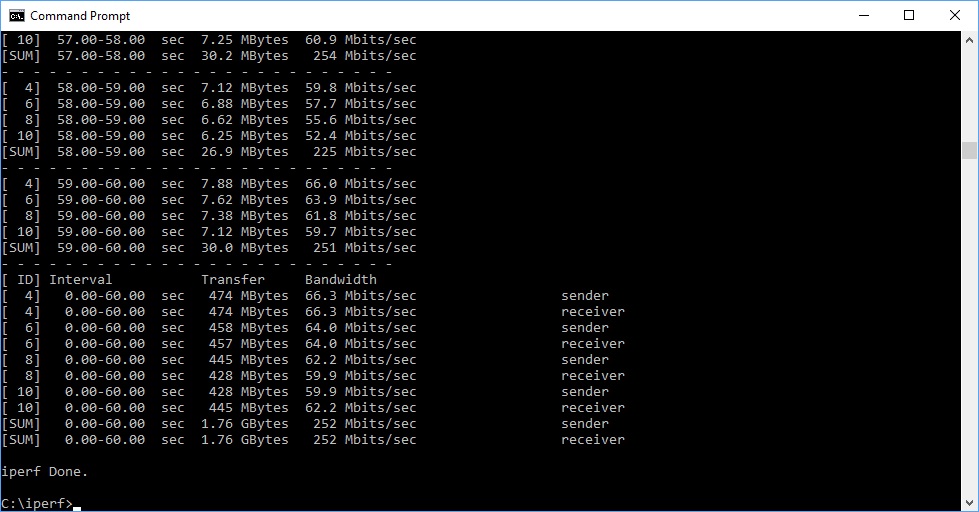
At 10m, the AX12's 802.11ac speed has settled down to be merely amongst the best at 121 Mbits/sec. But the 802.11ax speed of 252 Mbit/sec is still twice as fast as most 802.11ac options.
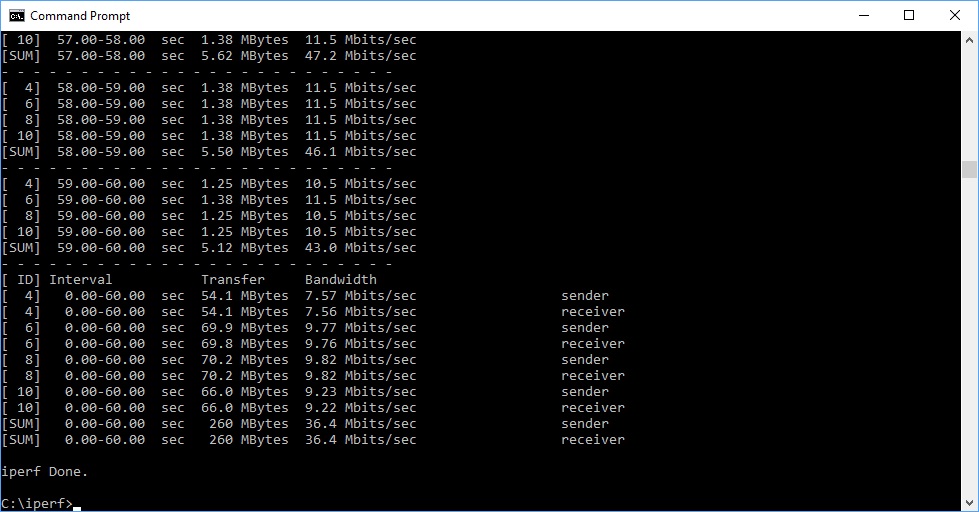
The AX12 can't reach 15m with a 802.11ac client, but with the 802.11ax Dell notebook, it's still managing a very usable 36.4M bits/sec, way beyond any other standalone router we have tested, showing the extra ability of the new WiFi 6 system.
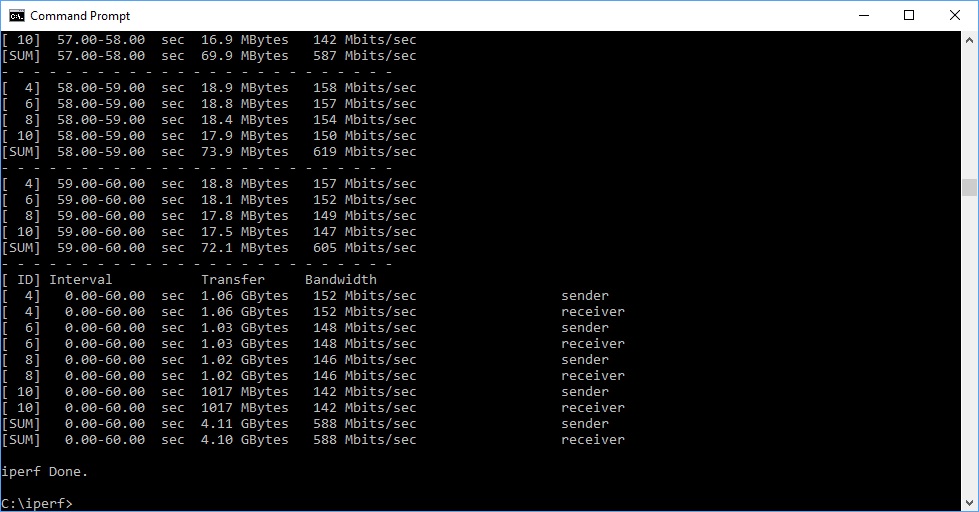
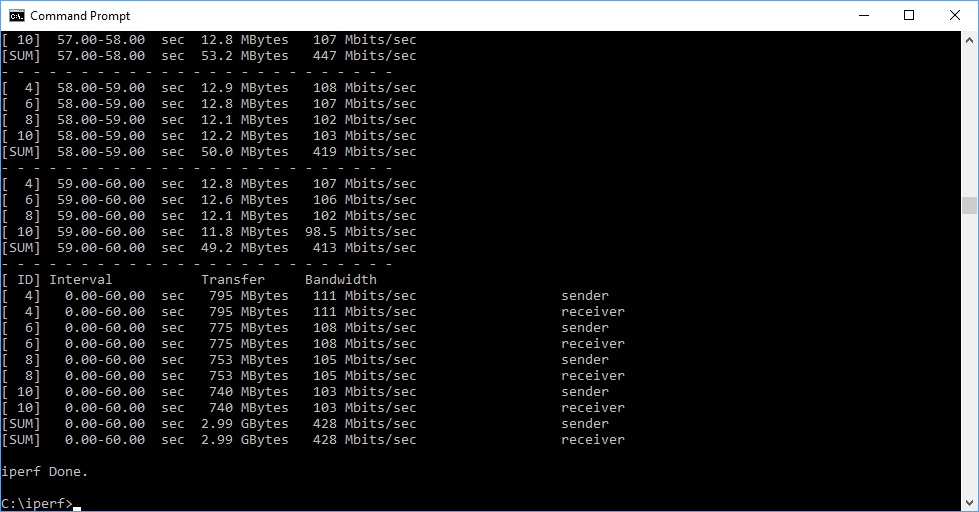
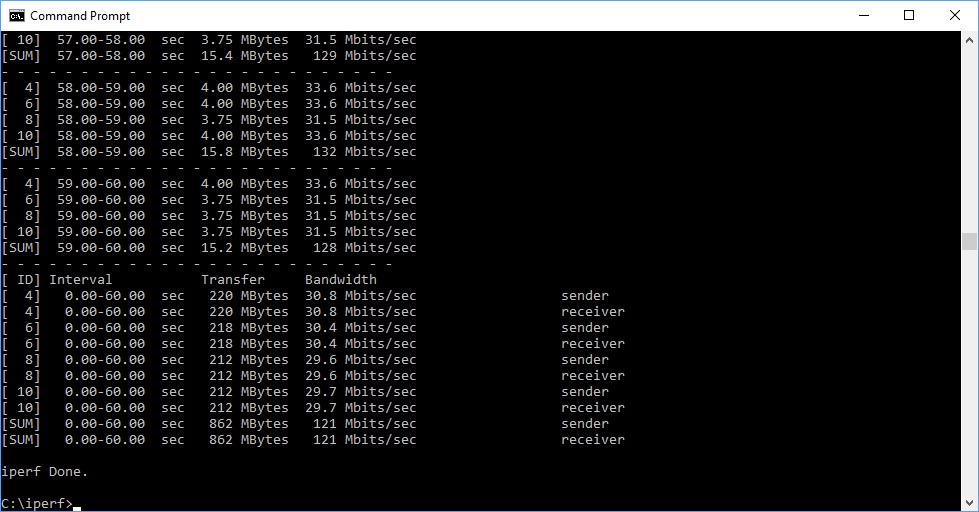

802.11n 2.4GHz
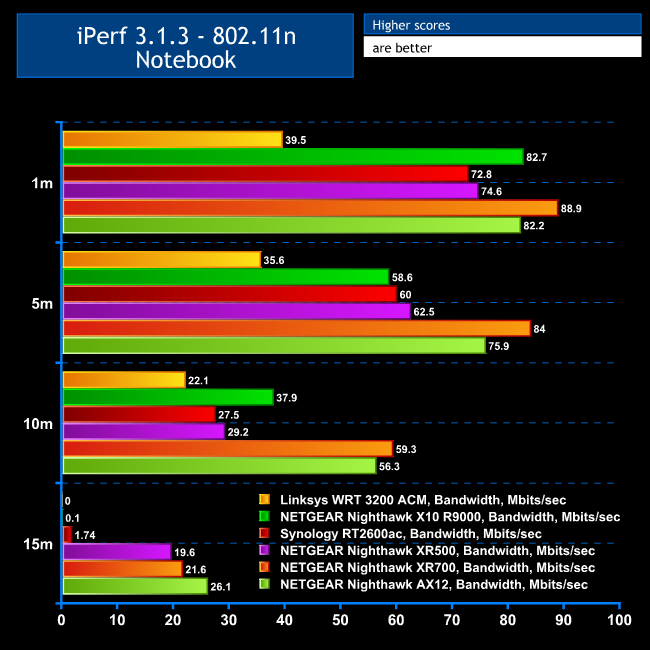
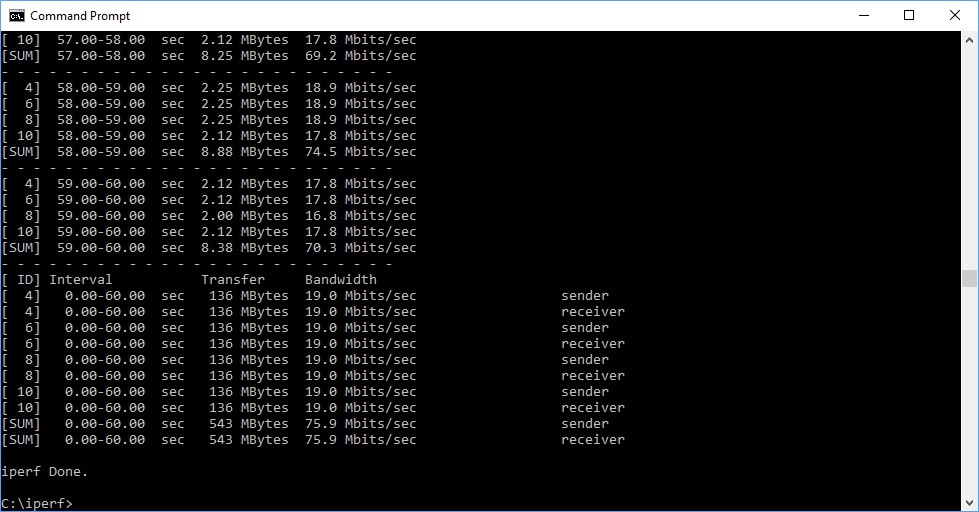
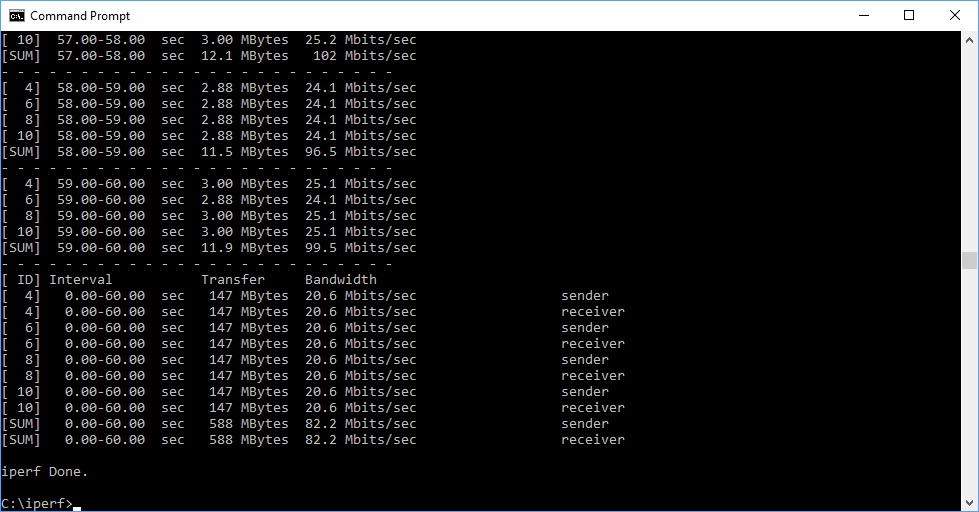
Although WiFi 6 will be your main reason for getting the AX12, you also want your legacy 802.11n devices to perform well, and the good news is that this is an accomplished router here too. At a close 1m range performance is amongst the best at 82.2 Mbits/sec, and this ability continues to 5m, with the throughput of 75.9 Mbits/sec the second fastest we have seen at this range for a non-mesh system.
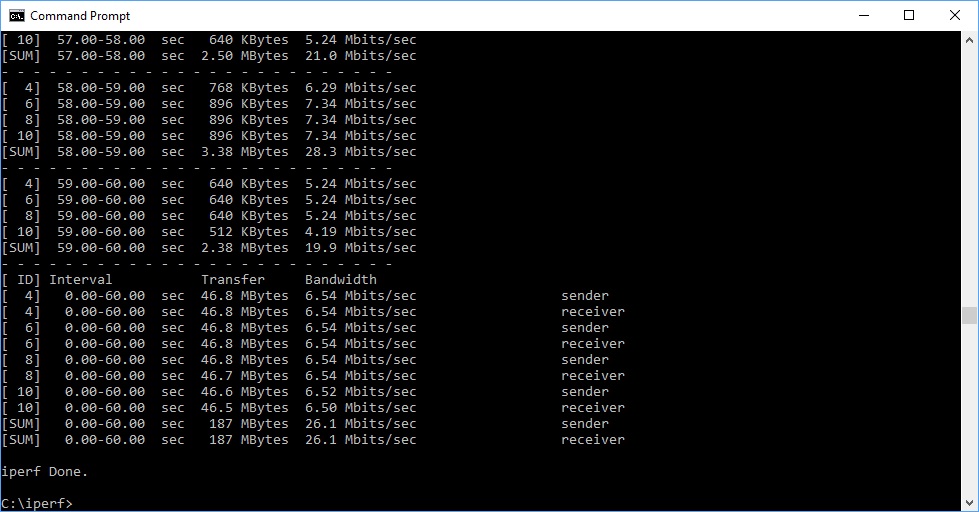
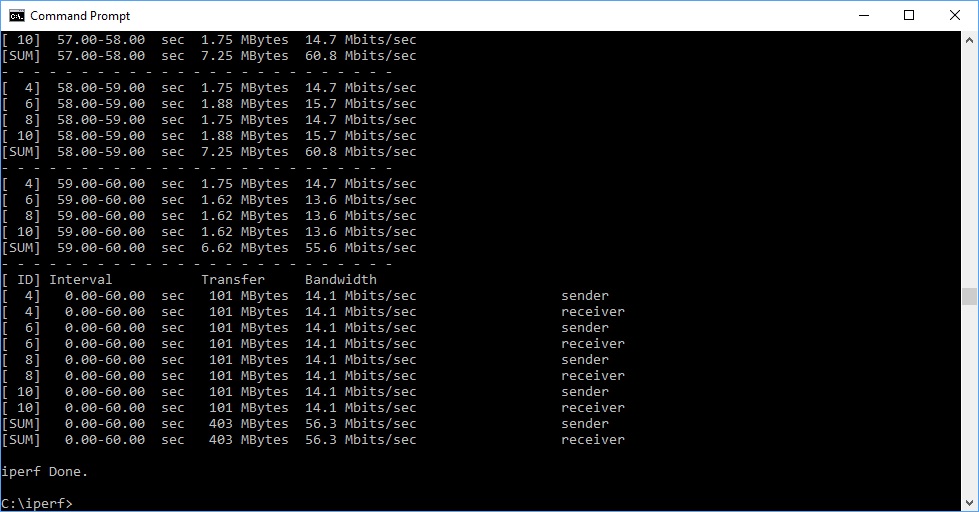
The abilities continue to 10m, with the speed of 56.3 Mbits/sec only bettered by NETGEAR's own Nighthawk XR700. At 15m range, you're still getting 26.1 Mbits/sec, which is faster than most 802.11ac routers at this range and almost as fast as the AX12 manages with 802.11ax.
USB 3.0 File Copy
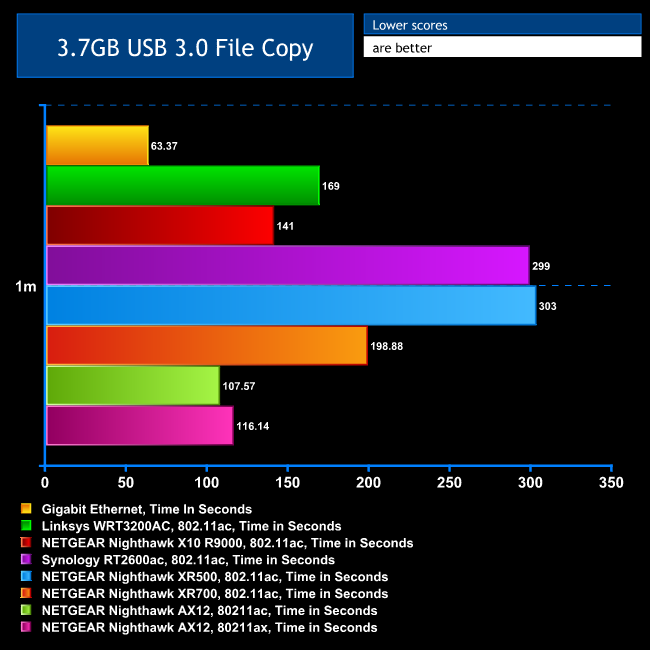
For this test, we hooked up a 32GB SanDisk Ultra USB 3.0 Flash Memory key to one of the AX12's USB 3.0 ports and configured it via the ReadyShare interface as network storage. We then copied the 3.7GB Windows 10 installer ISO (unpacked into individual files) to the MSI notebook via 802.11ac and the Dell notebook via 802.11ax, with both at a 1m range. We also used the MSI notebook's Gigabit Ethernet port as a comparison.
Strangely, performance here with 802.11ac was a few seconds faster than 802.11ax, but both were phenomenally quick. This shows the performance of the USB 3.0 port on the AX12 as well as its WiFi abilities. You're getting as close to Gigabit Ethernet wire speed over WiFi with this router as we have ever seen, whether using 802.11ac or 802.11ax.
Overall, the AX12 showcases the abilities of the new WiFi 6 standard. It really is in a different league to the previous WiFi generation for performance and range. In 802.11ax mode with a compatible client, the NETGEAR Nighthawk AX12 is twice as fast as 802.11ac at most ranges, and it's the fastest router we've tested with 802.11ac too.
The NETGEAR Nighthawk AX12 shows exactly what a leap in performance is in store with the arrival of WiFi 6. It's also a very capable router in terms of features. The Multi-Gigabit networking port will be a particularly welcome inclusion if you want to create a fast uplink to a similarly-equipped switch such as NETGEAR's Nighthawk Pro Gaming SX10, for a more extensive wired network.
The makeover of the management interface provides a fresher look, but the range of features isn't significantly different to previous high-end NETGEAR routers. Nevertheless, that's nothing negative because the features available are comprehensive, including LAN port aggregation and the ability to function as VPN client or server. The USB ports are fast and offer options for network storage sharing and backup, as well as media serving.
But it's the performance that really makes the AX12 such an exciting prospect. Even if you don't have any 802.11ax clients yet, WiFi speeds with 802.11ac is above other routers too, although the case for buying this router if you don't have any WiFi 6 devices is much less strong, and at the time of writing they are still in short supply.
Nevertheless, you're not paying more than the price of a premium router to future proof your WiFi with the AX12. So if you plan to upgrade to WiFi 6 clients in the near future, it could be a wireless networking enhancement well worth your purchasing pounds.
You can buy the NETGEAR Nighthawk AX12 for £359.99.
Pros:
- Fastest router we have tested thanks to the new WiFi 6 standard.
- Fastest single-router 802.11ac bandwidth we've tested up to 10m.
- Excellent 802.11n performance and range.
- Multi-Gig Ethernet port for uplinks up to 5Gbit.
- Port aggregation option.
- Comprehensive management interface.
- Fast USB port connectivity.
- Extensive USB storage capabilities.
- Looks like a Star Wars Imperial Shuttle.
Cons:
- WiFi 6 clients still quite rare (but coming soon).
- Antiquated port forwarding presets.
- Darth Vader not included.
KitGuru says: The NETGEAR Nighthawk AX12 debuts the new WiFi 6 standard with great style, providing the fastest wireless networking we have ever seen by a country mile, and offering extensive premium features.