KitGuru KitGuru.net – Tech News | Hardware News | Hardware Reviews | IOS | Mobile | Gaming | Graphics Cards


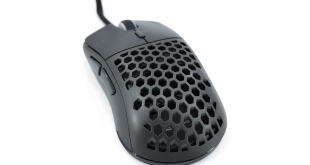
It's been a while since we last reviewed a product from Sharkoon, but that changes today with our look at the Light2 180. Following in the footsteps of the successful Light2 200 we reviewed last year, the Light2 180 offers a symmetrical shape reminiscent of the Zowie S2, in a package that weighs just 63g. It is also very competitively priced at £35 here in the UK, making it well worth closer inspection…
Aside from the obvious difference in the shape, the Sharkoon Light2 180 is pretty similar to the Light2 200 on paper. It offers the same swappable top shell, giving users a choice of a solid or perforated panel, while the RGB implementation appears to be consistent across both mice too. Unlike the Light2 200 though, the Light2 180 comes equipped with PixArt's PMW 3360 optical sensor, offering a maximum DPI of 12000.
Specifications:
- Max. DPI/CPI: 12,000
- Min. DPI/CPI: 400
- Sensor: PixArt PMW3360
- Onboard Memory for Game Profiles: ✓
- Capacity of Onboard Memory: 64 kB
- Illumination: RGB
- Max. Polling Rate: 1,000 Hz
- Lift-Off Distance: 2-3 mm
- Frames Per Second: 12,000
- Inches Per Second: 250
- Max. Acceleration: 50 g
- Honeycomb Structure: ✓
- Customizable Design: ✓
- Mouse Feet: 3, 100 % PTFE
- Color Versions: Black, White
- Weight Without Cable: 63 g
- Dimensions (L x W x H): 120 x 63.5 x 39 mm
- Supported Operating Systems: Windows
- Number of Buttons: 6
- Programmable Buttons: 6
- Durable Omron Switches in Left and Right Mouse Buttons: ✓
- Operating Life Cycles of Buttons: Min. 20 Million Clicks
- DPI Levels: 400; 800; 1,200; 2,400; 3,200; 6,400; 12,000
- DPI Switch: ✓
- DPI Indicator: LED
- Gaming Software: ✓
- Number of Profiles: 5
- Customizable DPI Levels: ✓
- Connector: USB
- Gold-Plated USB Plug: ✓
- Textile Braided Cable: ✓
- Cable Length: 180 cm
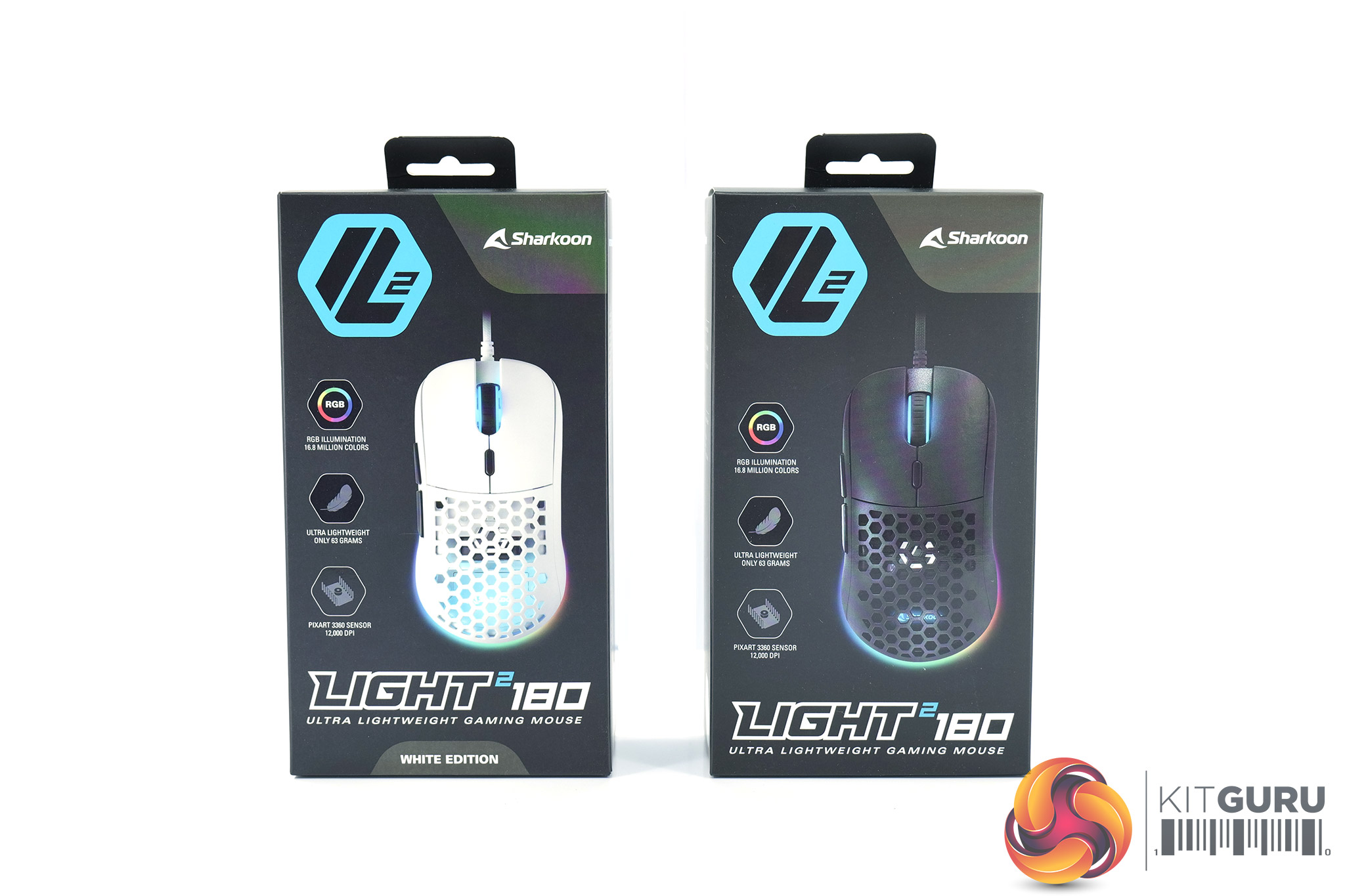
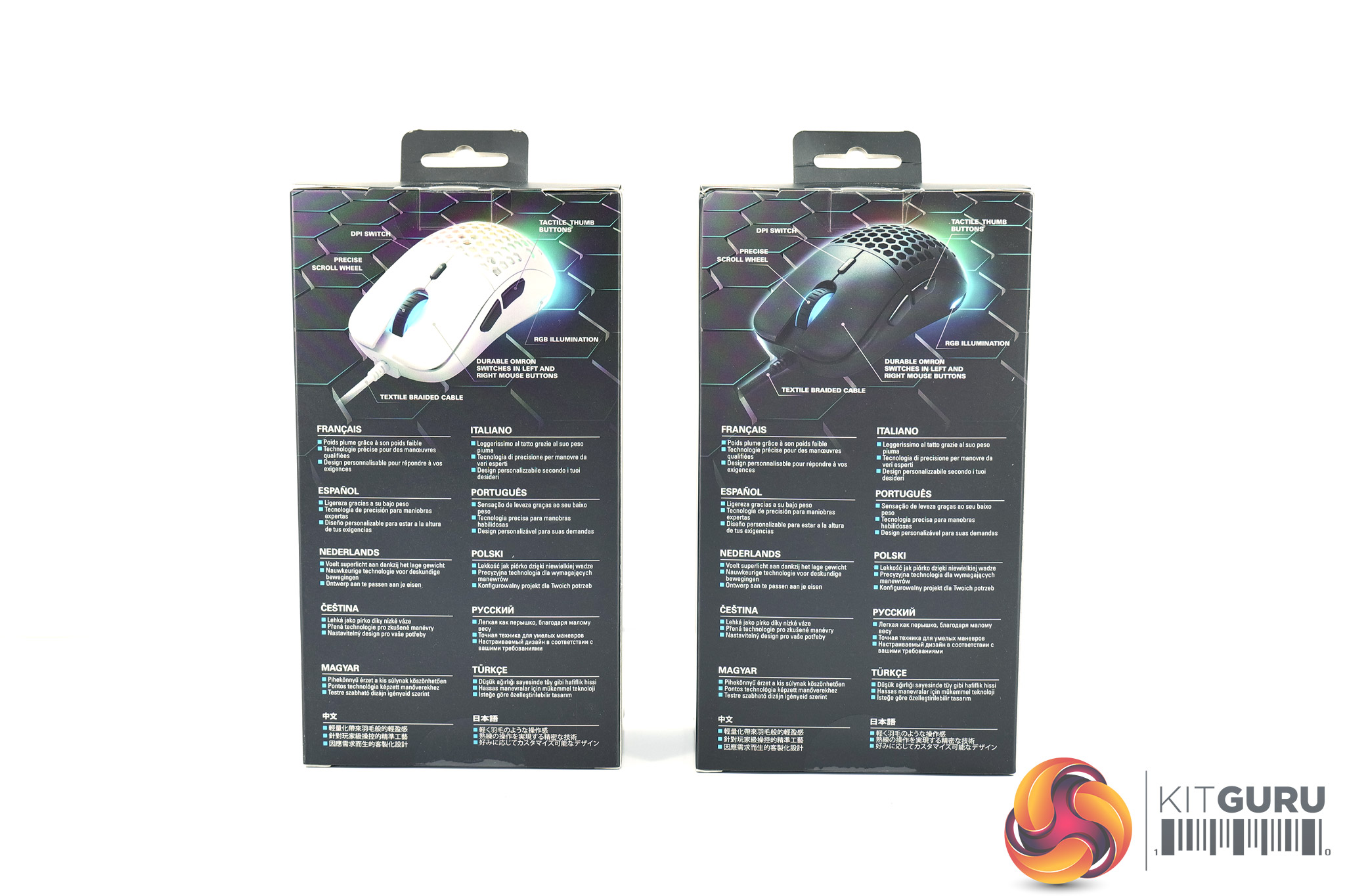
The Sharkoon Light2 180 ships in a black box, with a large image of the mouse taking up most of the front side. On the back, three key features are highlighted in multi-lingual text.
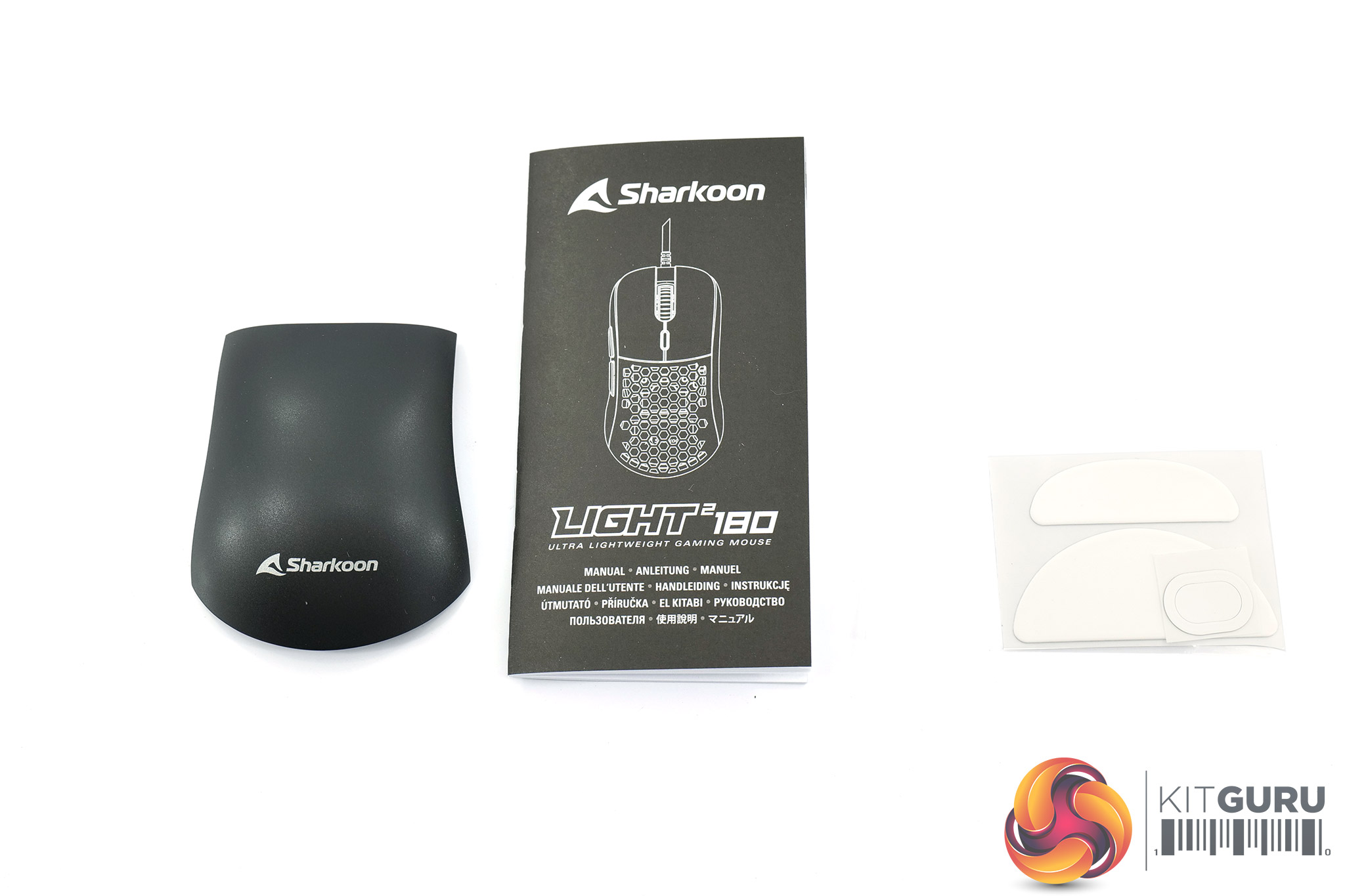
Inside the box we find a quick-start guide, three spare mouse feet and the solid panel for the replaceable top shell section.
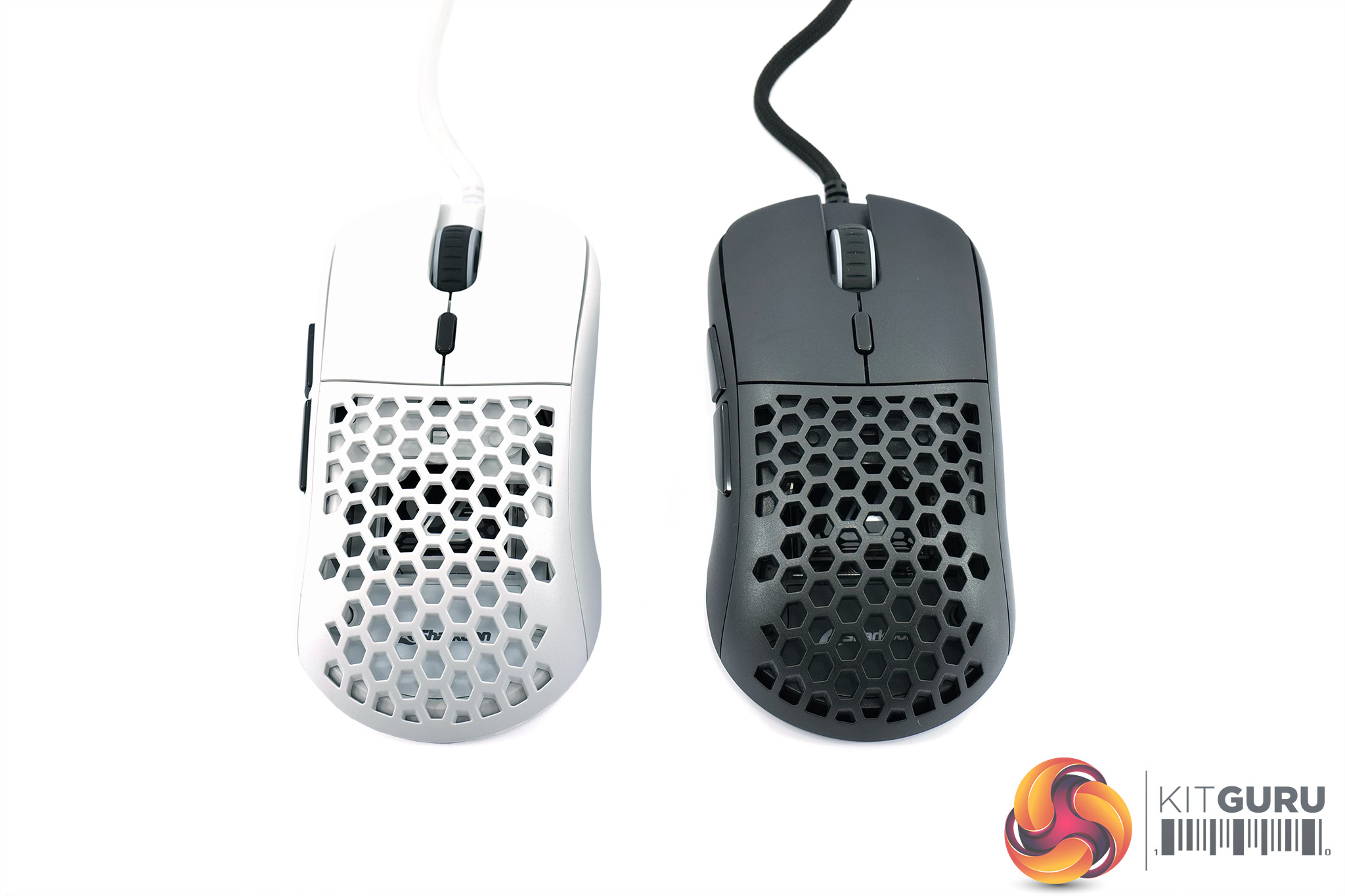
As you can see, the Light2 180 is available in both matte black and matte white, but for the purposes of this review, I'll be focusing on the black version (just because it is easier to photograph!)
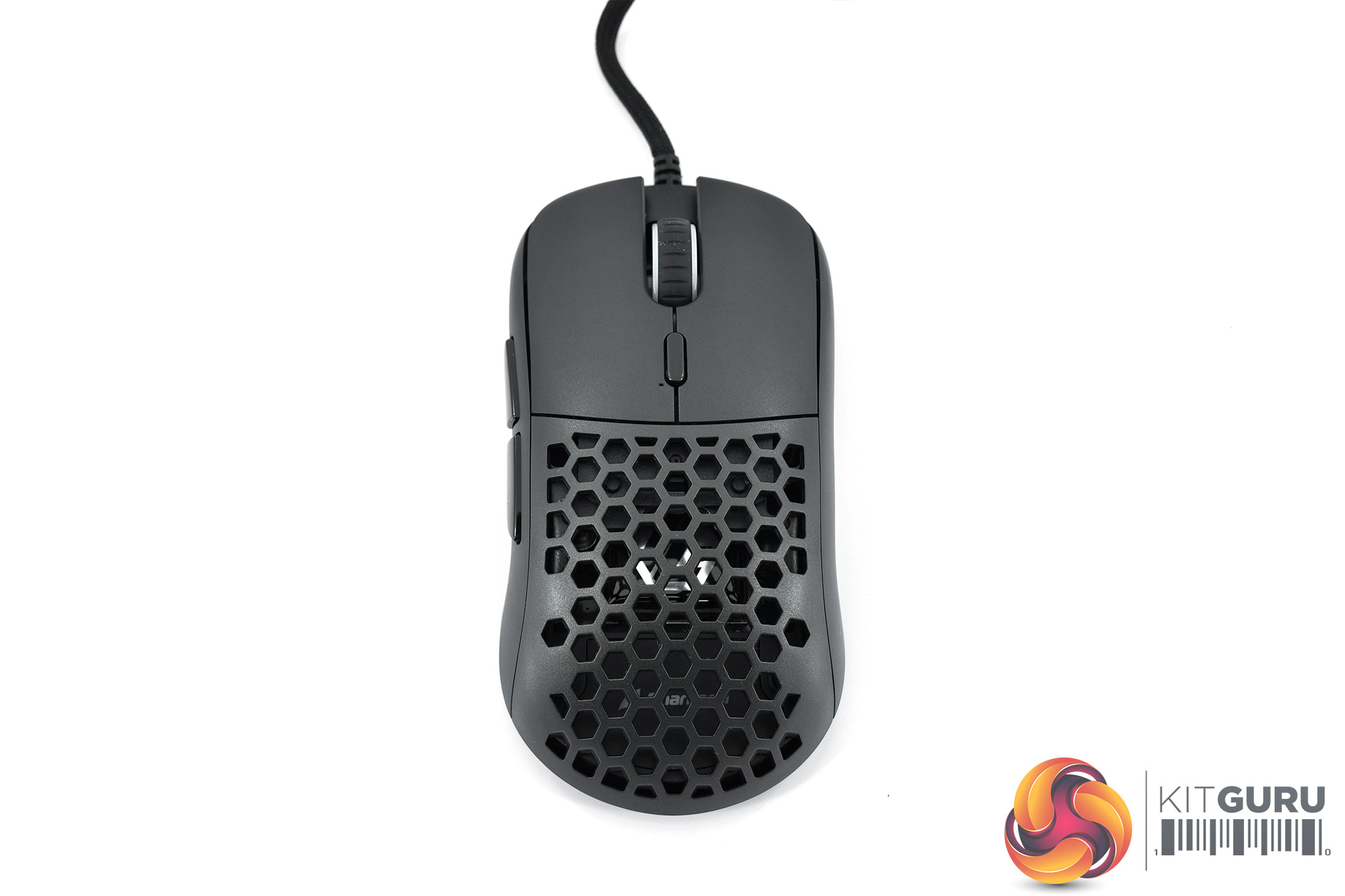
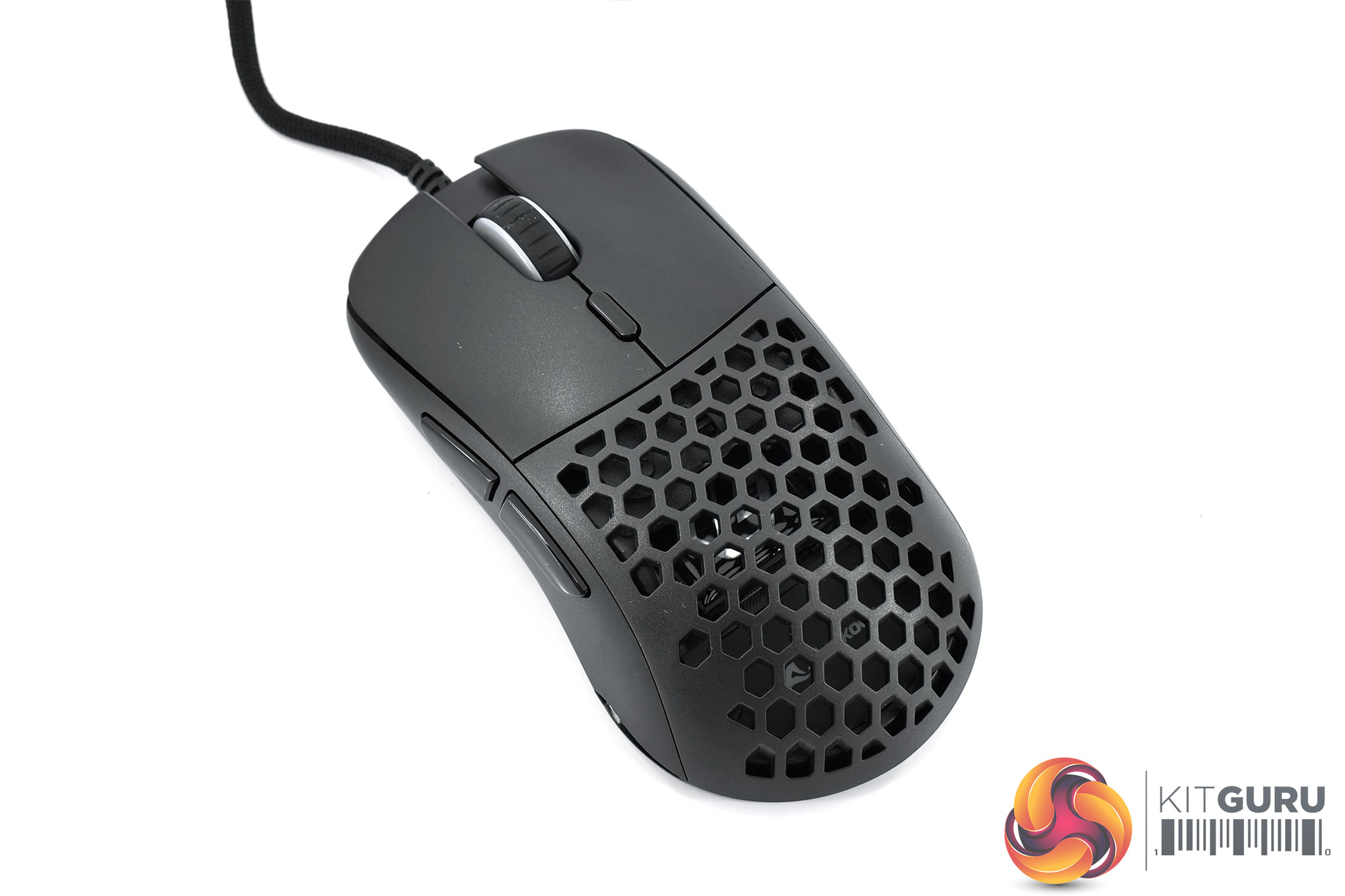
Taking a closer look at the design of the mouse then, starting with the shape. It is clear to see that it has been heavily influenced by the Zowie S2 and I'd say calling it a ‘clone' is not inaccurate. That means it's a symmetrical shape (though not fully ambidextrous as it only has side buttons on the left), with the sides flaring out slightly towards the back, while the top of the mouse also raises to a hump about two thirds down the length of the shell.
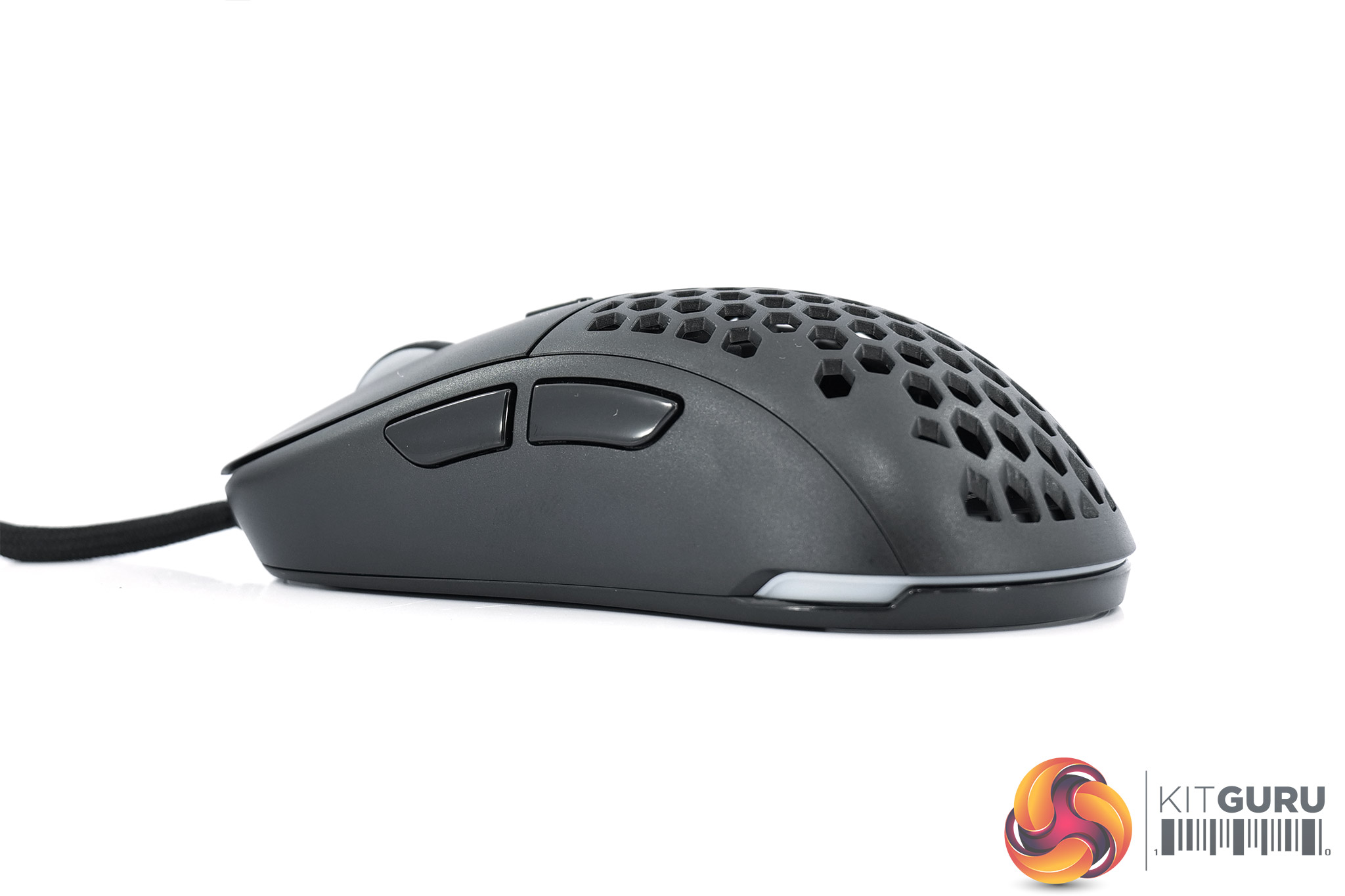
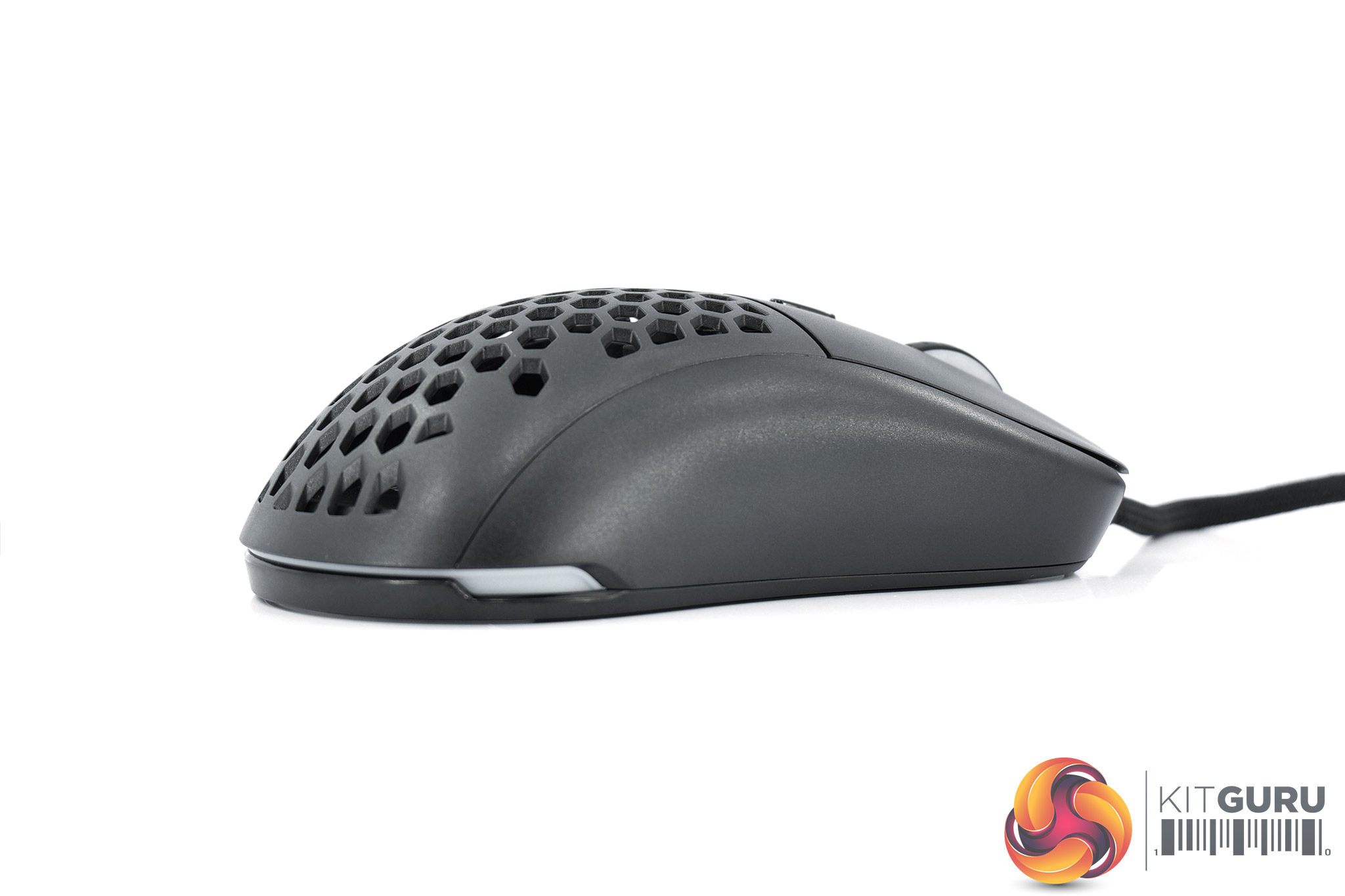
Those side buttons are fairly prominent on the left-hand side, while the right-hand side is left bare. Incidentally, the entirety of the mouse is made from a smooth plastic, though we talk more about build quality and comfort on the next page.
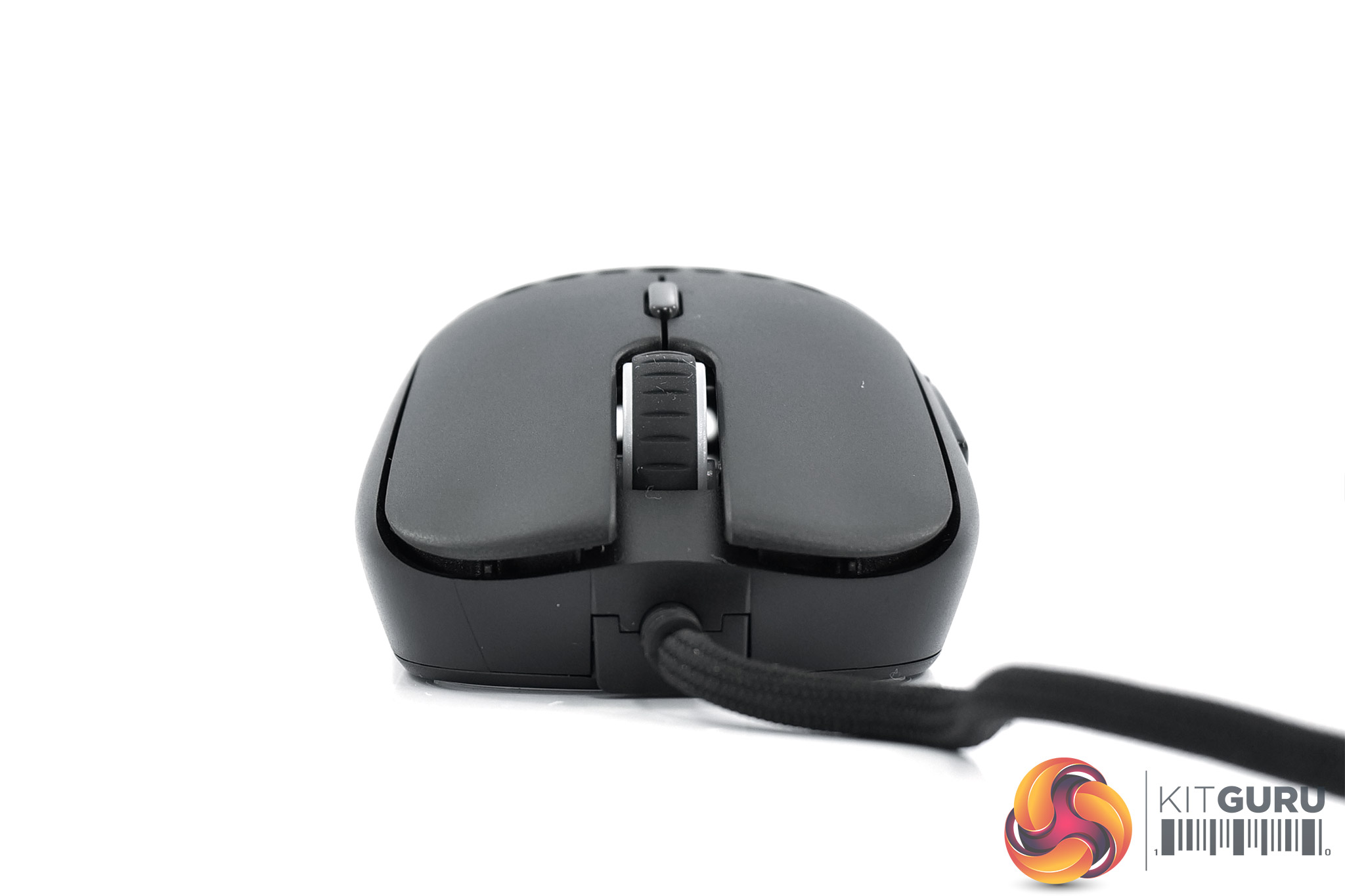
At the front of the Light2 180 we get a look at the two separated primary buttons, along with the textured rubber scroll wheel. A single DPI button sits just behind the wheel.
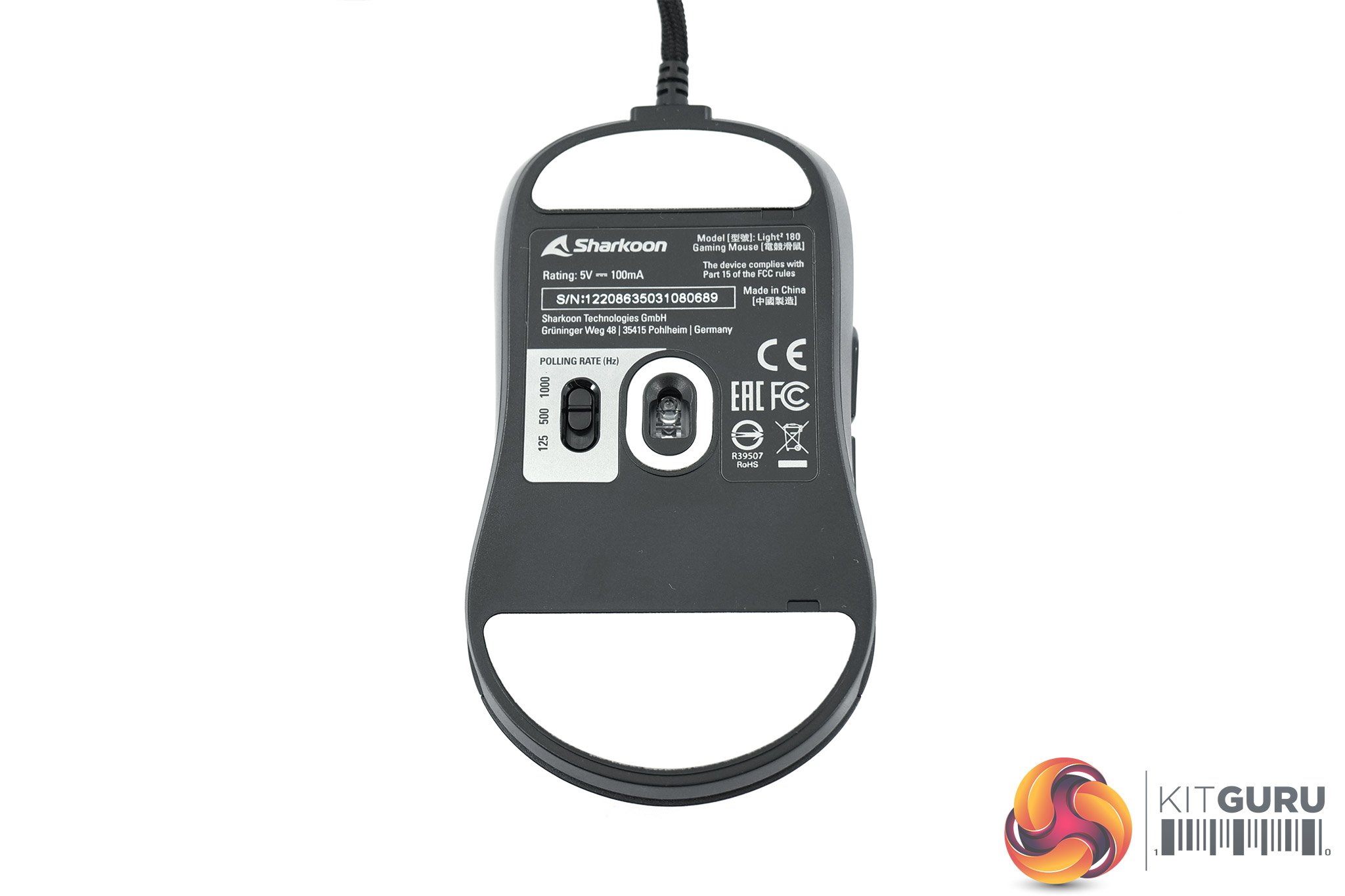
And then on the underside, two large 100% PTFE feet are immediately obvious, while a third, much smaller pad sits around the sensor lens. The sensor itself is PixArt's PMW 3360 – a former flagship that has since been superseded by the PMW 3389 and PAW 3370. We can also note a three-step slider which lets user configure polling rate to 125Hz, 500Hz or 1000Hz.
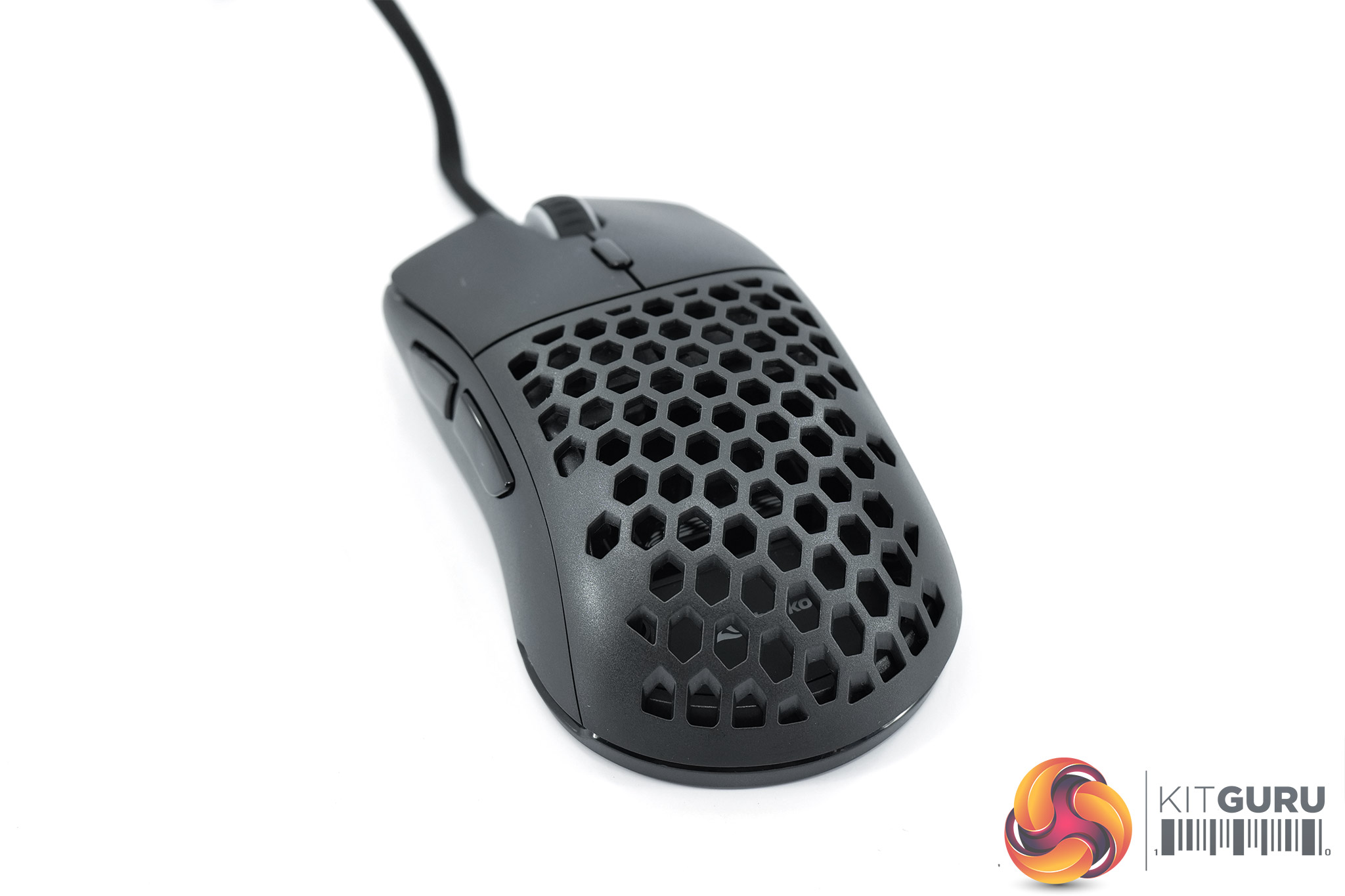
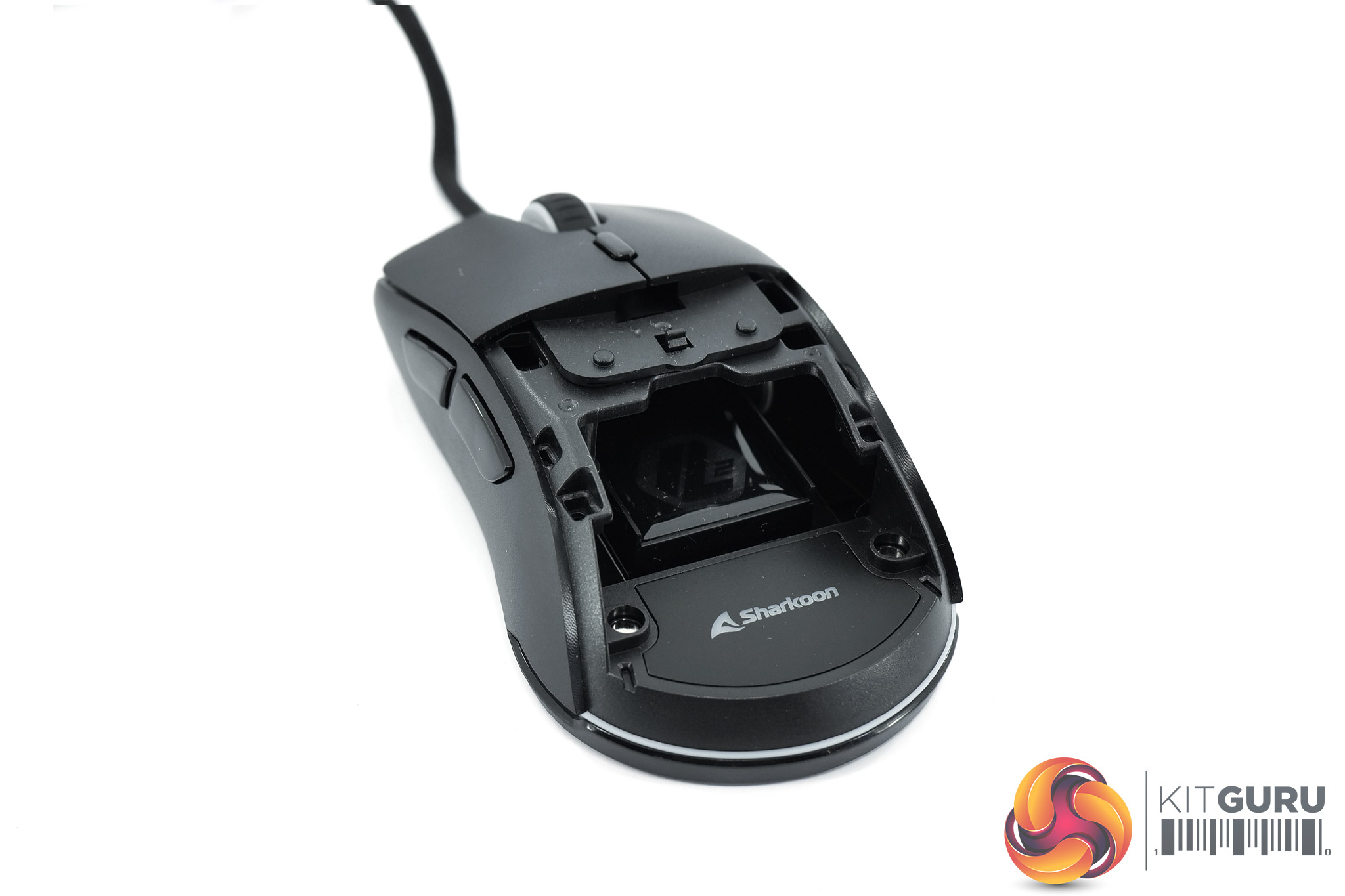
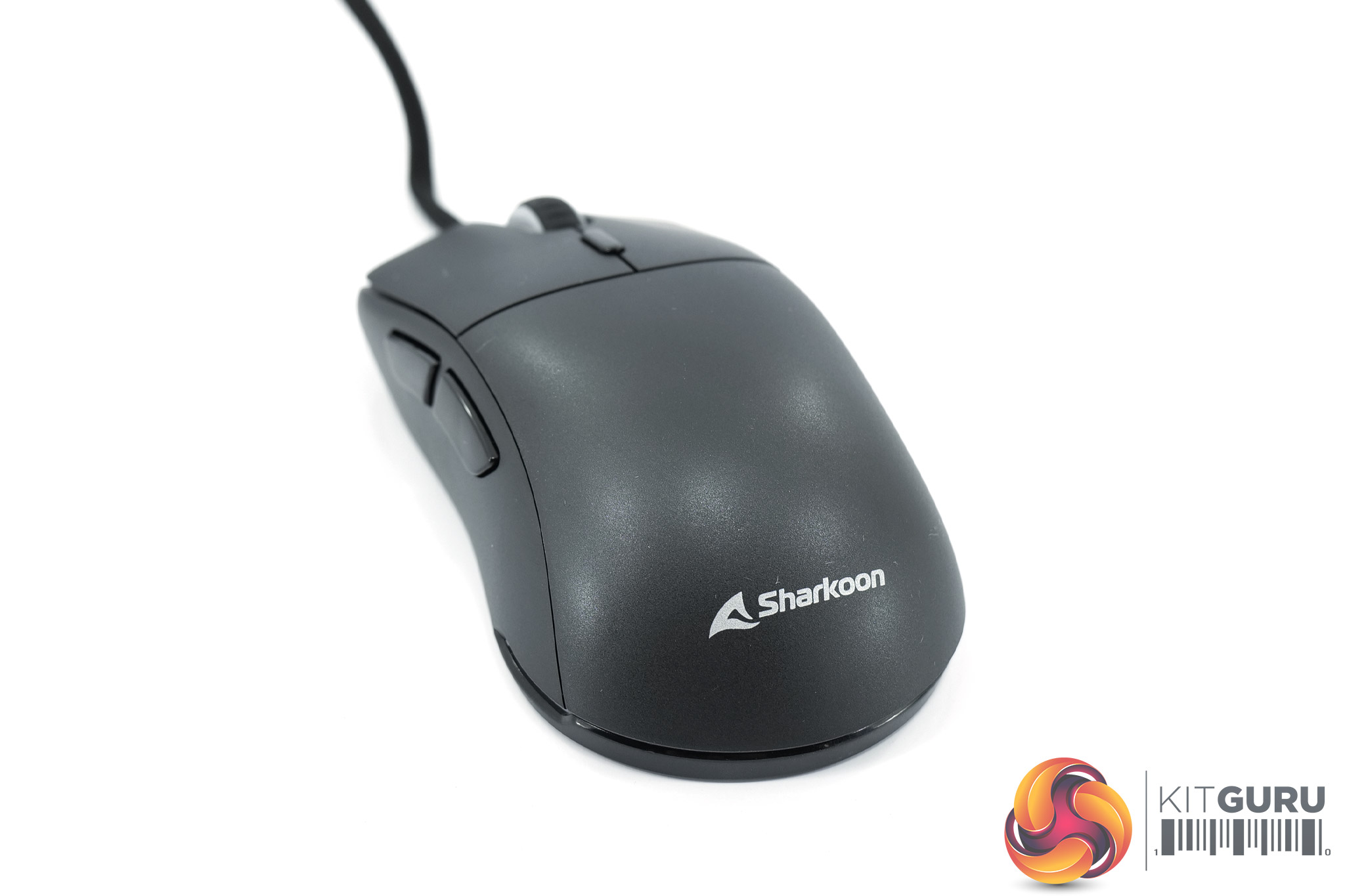
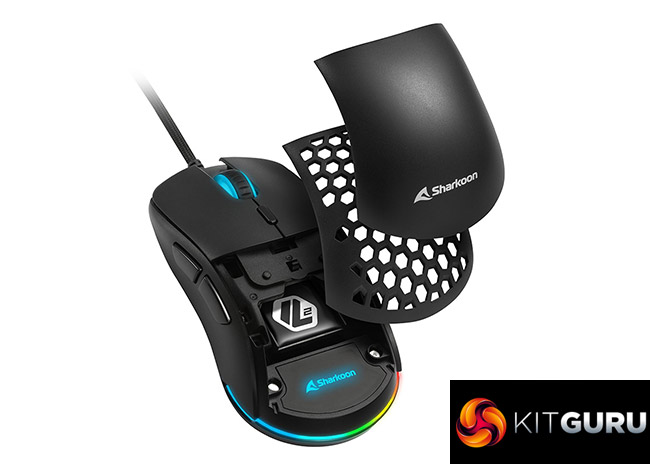
Back to the top of the mouse though, it's worth showing the removable shell in more detail. Essentially, the back section of the top shell is completely removable, allowing users to choose between a solid panel or a perforated one. These interchangeable pieces attach to the main shell via small clips and is easily removable by lifting towards the back of the mouse.
The perforated panel is lighter, at 5g on my scales, while the solid option weighs in at 7g. I'm not sure if 2g will make any difference from a performance perspective, but it's certainly a nice touch from a visual standpoint.
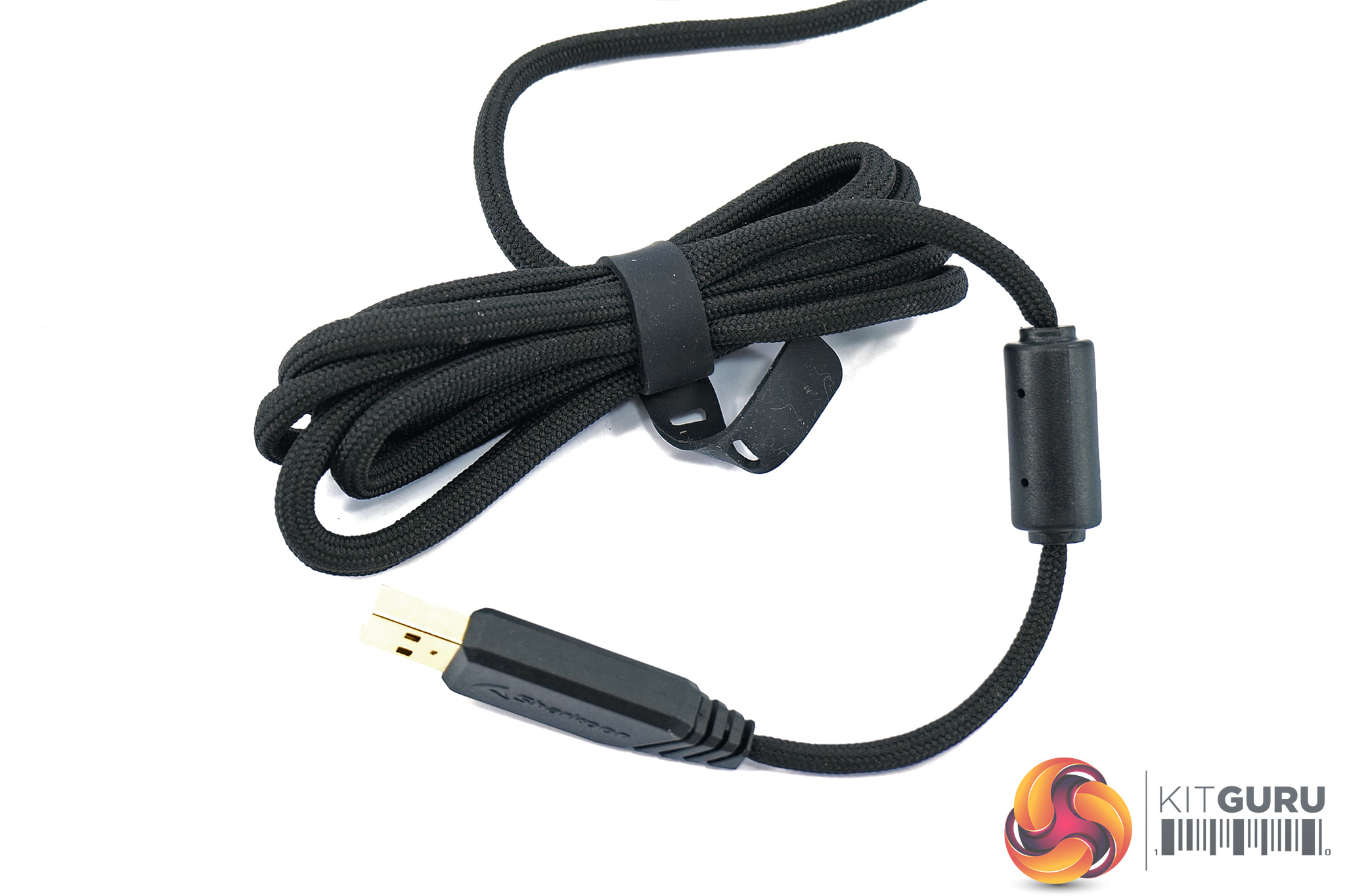
As for the cable, this is a paracord-style design, measuring 1.8m long and terminating in a gold-plated USB Type-A connector.
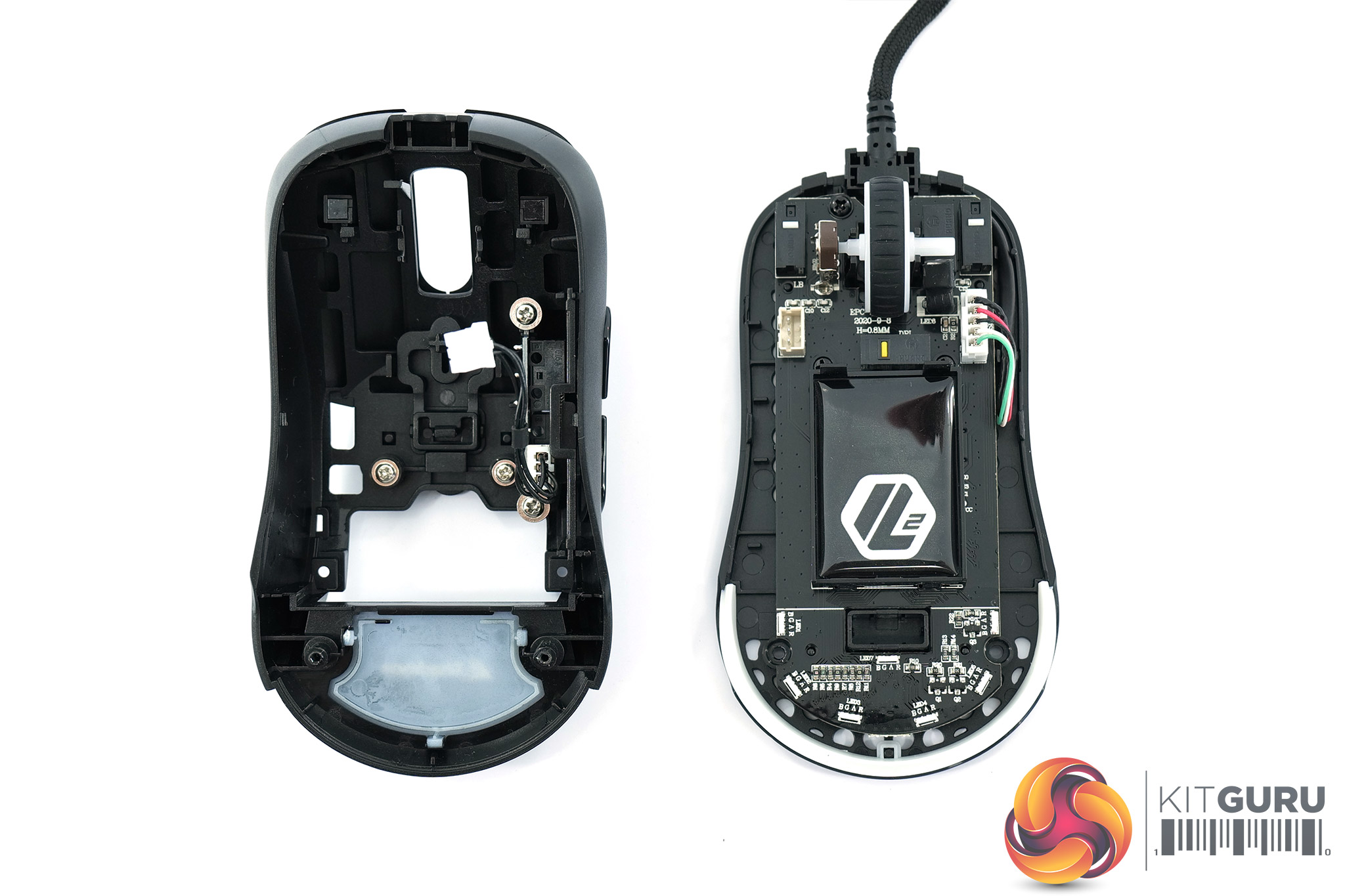
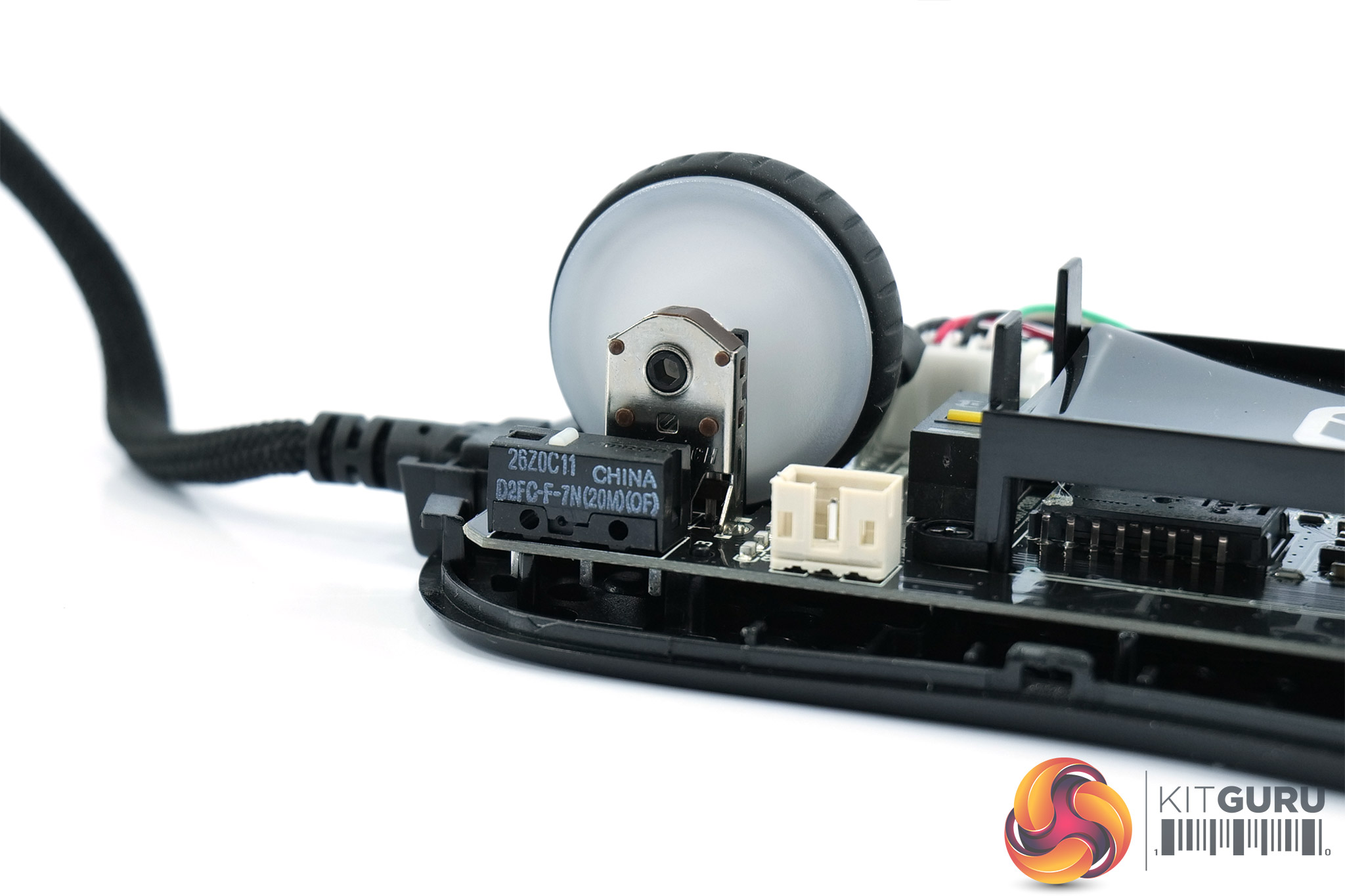
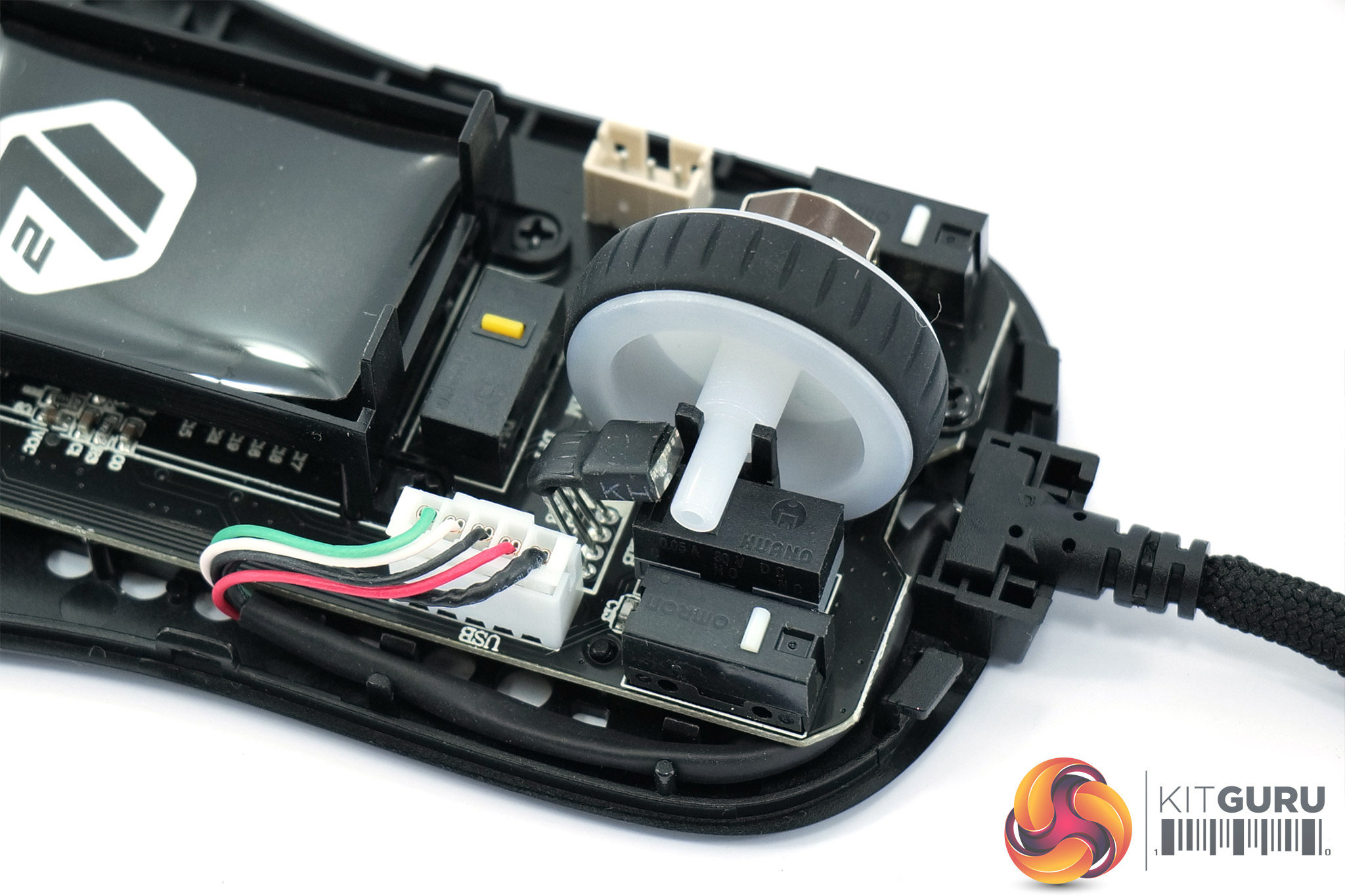
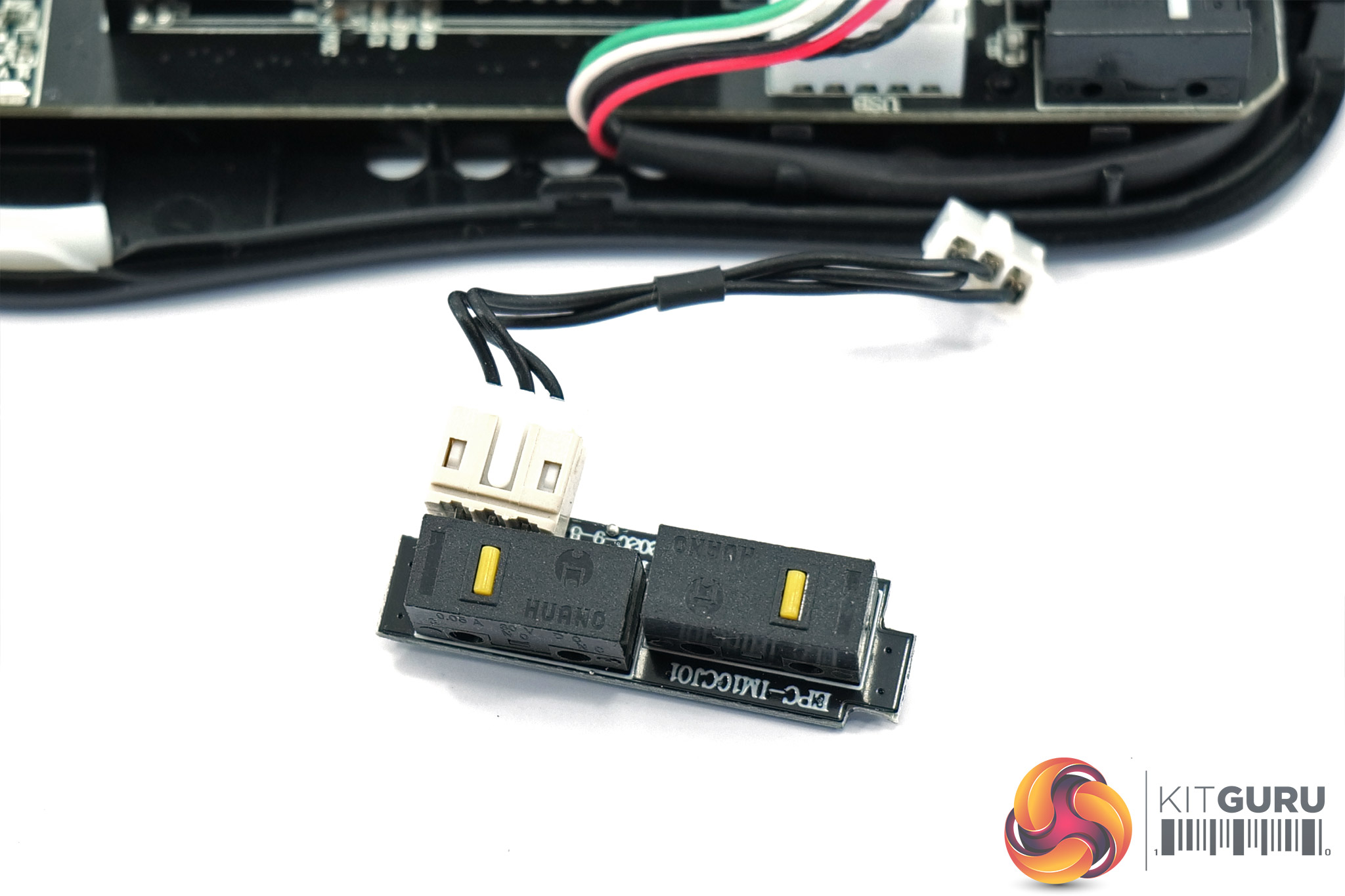
Internally, there are a few areas of note. The first is the use of Omron D2FC-F-7N(20M) switches, the same as found in the Light2 200 and numerous other mice – though the use of Huano and even optical switches are becoming more and more popular.
Speaking of Huano, Huano yellow switches are used for both the side buttons and the DPI button. A Huano blue switch is used for the scroll wheel click, with the encoder manufactured by F-Switch.
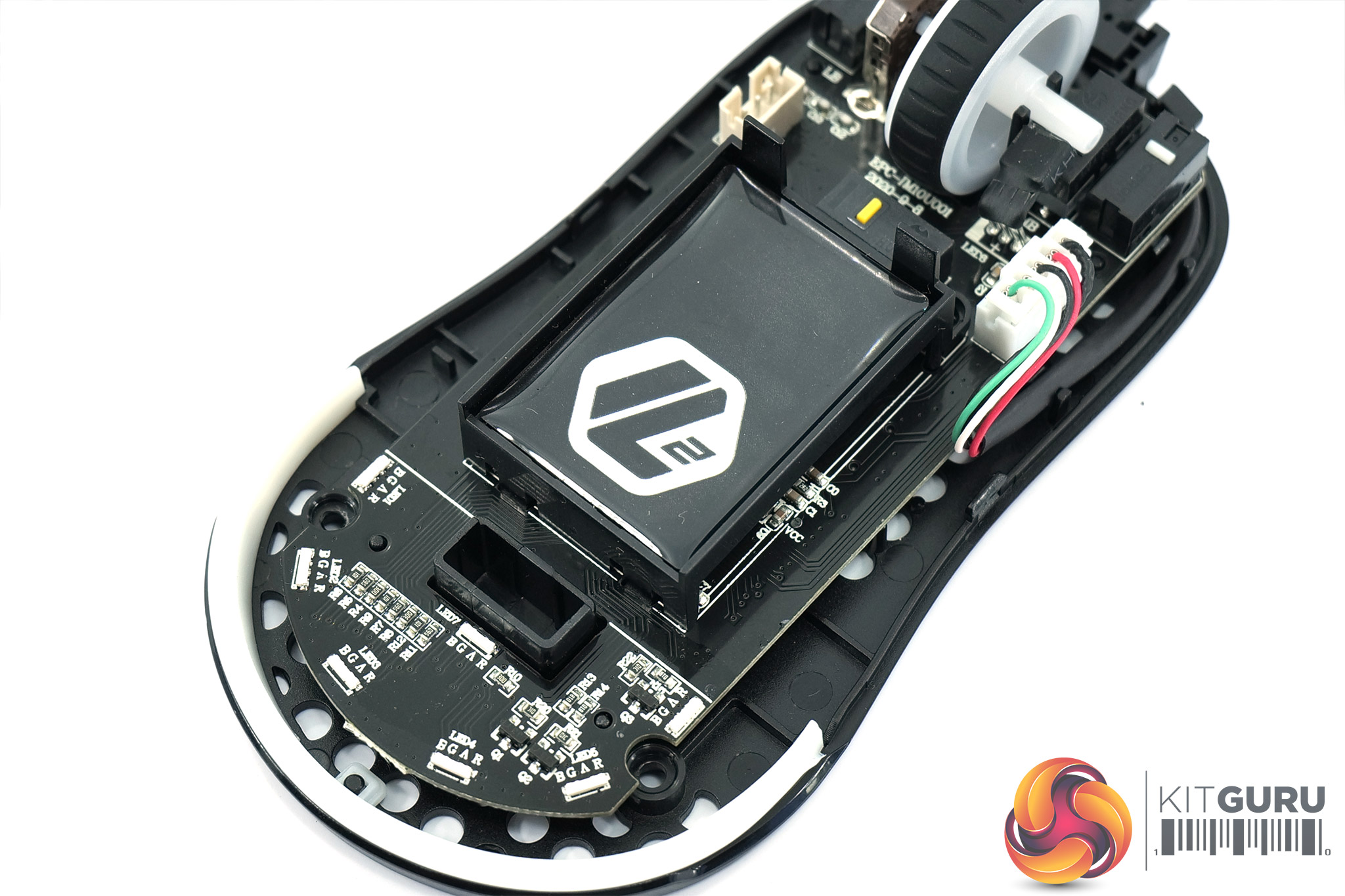
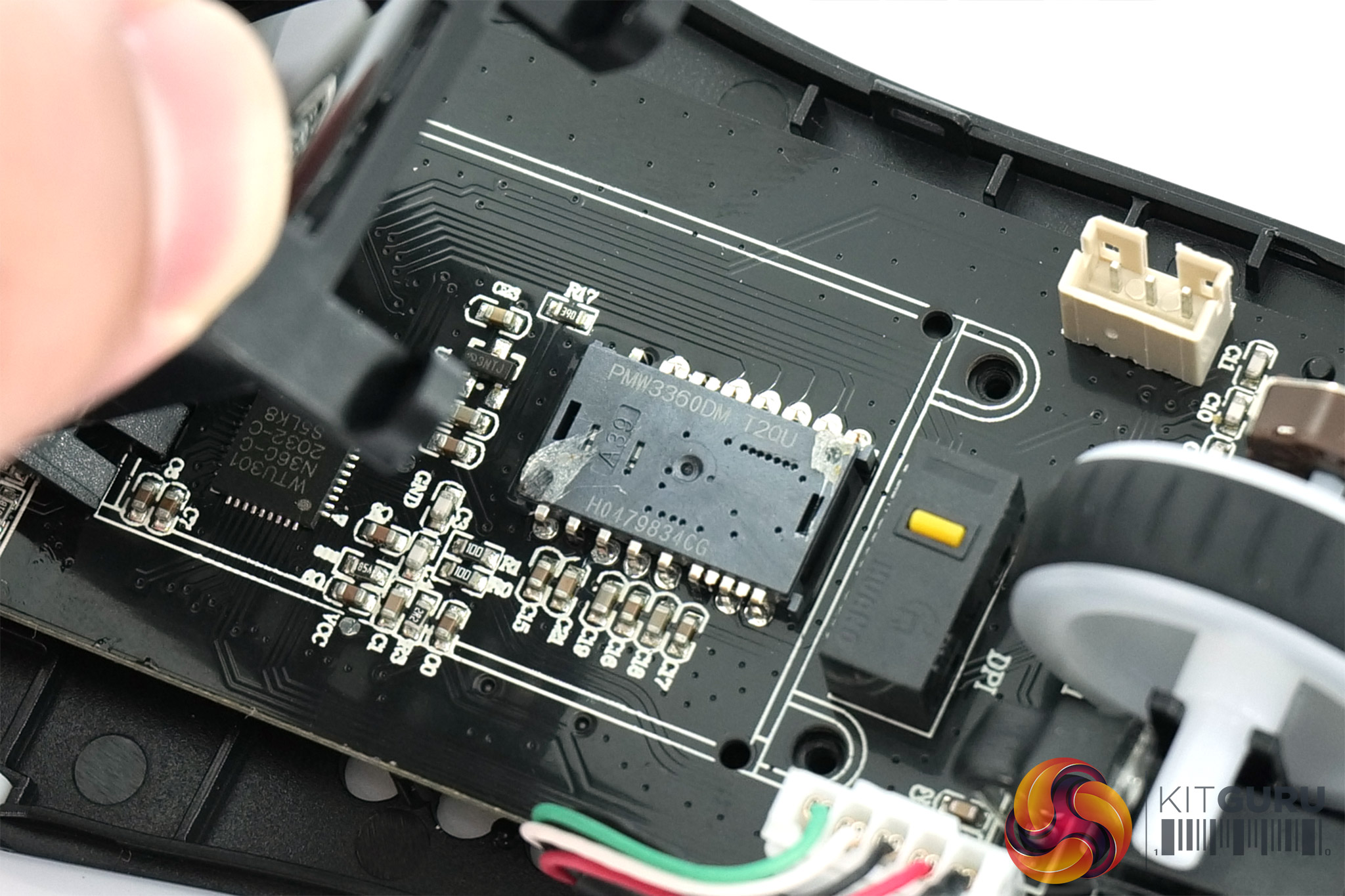
Just like the Light2 200, a large piece of plastic, sporting the ‘L2 ‘ logo covers the middle of the PCB. We were previously told this was for both aesthetic reasons and also to prevent any dust or dirt getting into the sensor, as the sensor itself is directly underneath this plastic piece. As mentioned, PixArt's PMW 3360 is used.
We break down testing into four main sections: software, lighting, build quality and comfort, and performance.
Software
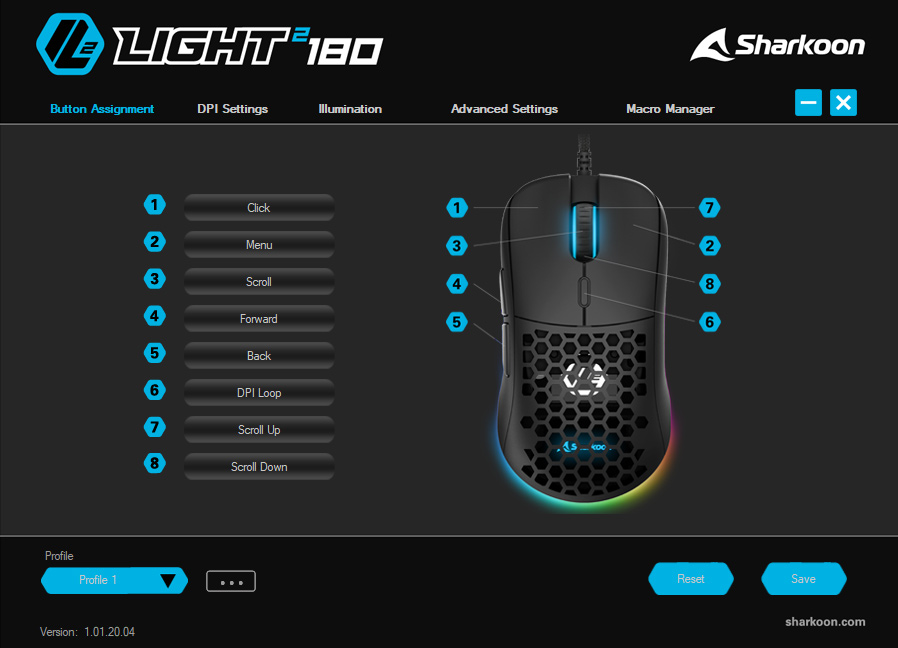
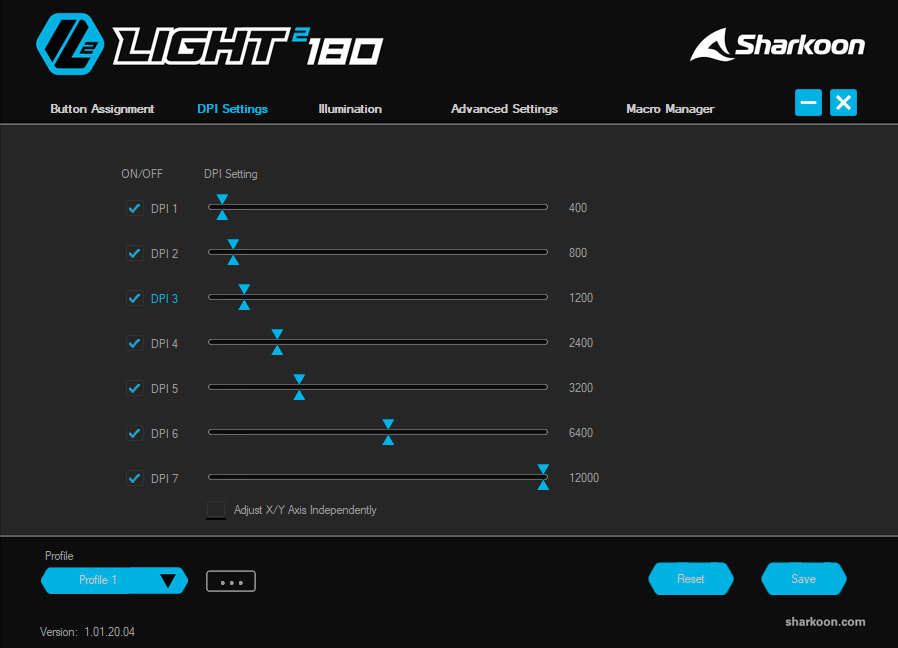
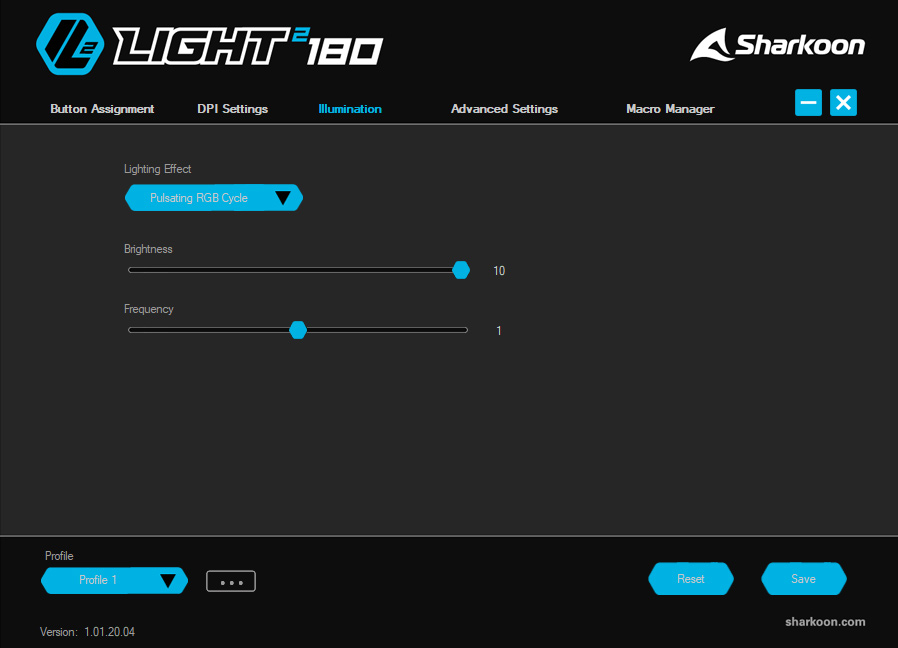
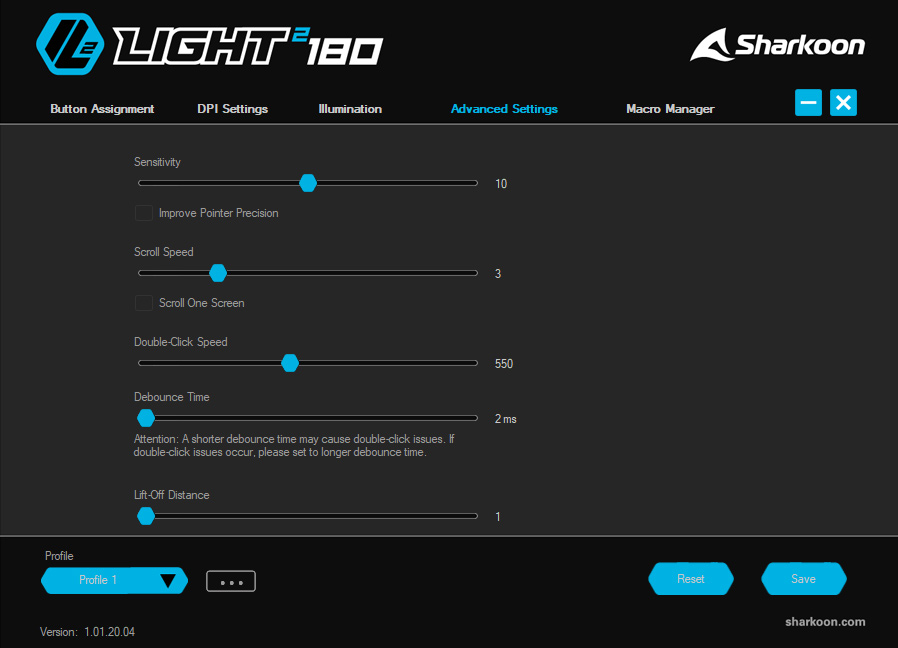

The software suite for the Light2 180 appears to be identical to that of the Light2 200. That's not necessarily a bad thing, but we did say at the time that the UI isn't the cleanest or slickest, so I would have liked to see some change considering it's almost been two years since we looked at the Light2 200.
In terms of control over the mouse's settings though, it's hard to complain. We get the same five tabs, each offering control over a different area. These are as follows:
- Button Assignment lets you re-map the 6 different buttons on the mouse, with two extra options to remap scroll up and scroll down – for a total of 8 remappable functions.
- DPI Settings enables you configure up to 7 DPI stages, adjustable in increments of 100.
- Illumination lets you choose from nine lighting presets, adjust brightness and speed, or turn off the lighting entirely.
- Advanced Settings offers control over mouse sensitivity, scroll speed, double click speed, debounce time and lift-off distance.
- Macro Manager is used to record and edit macros.
Aside from the dated appearance – and the fact that the UI did not scale on my 4K screen – I don't have any major complaints about the software. I wouldn't want to use it frequently, but it does offer control over all the key areas I'd want from a mouse. Additionally, it's great to see there is the option to save five profiles directly to 64KB of on-board memory, allowing you to configure the mouse's settings as desired and then simply uninstall the software.
Lighting
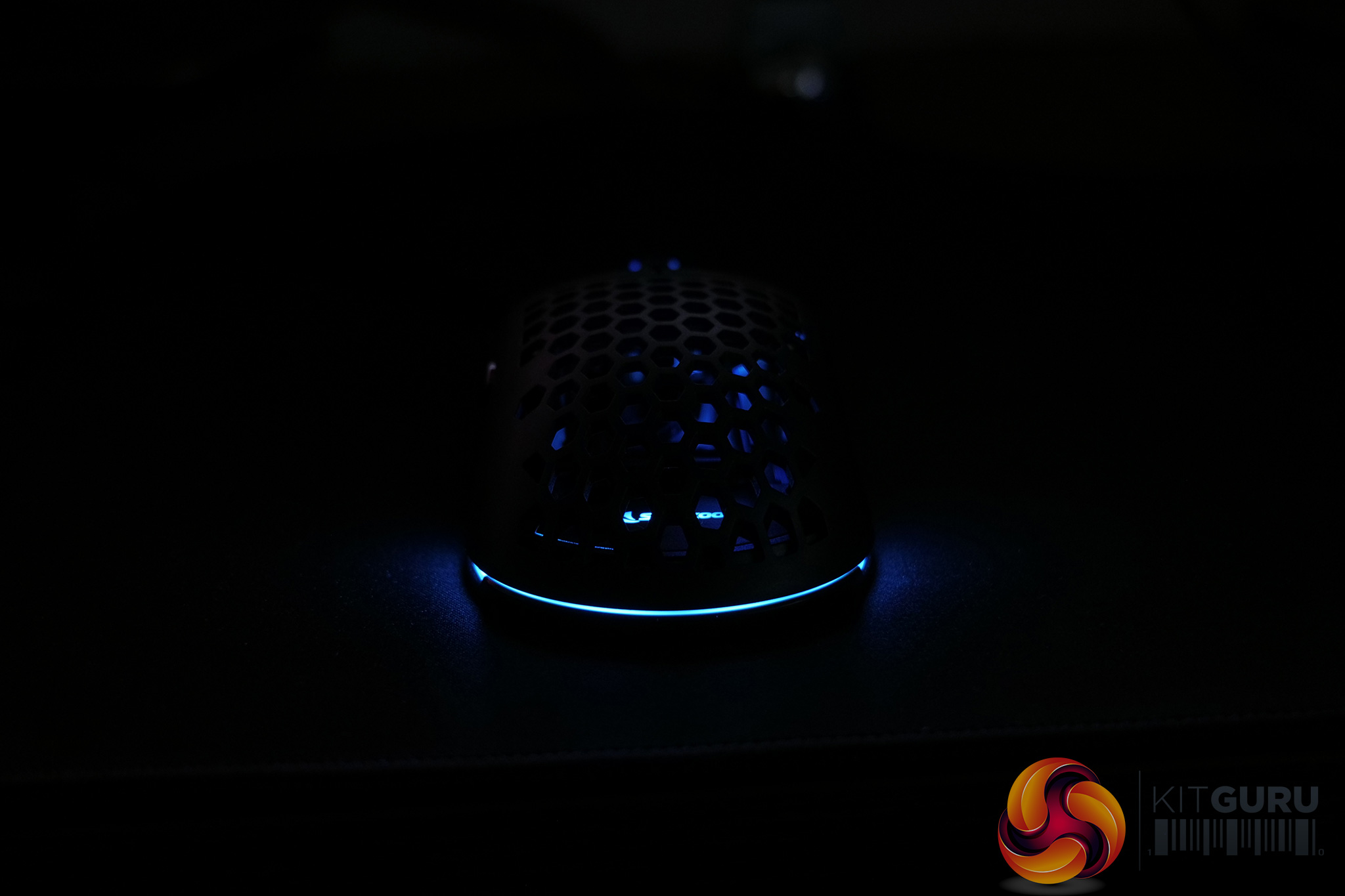
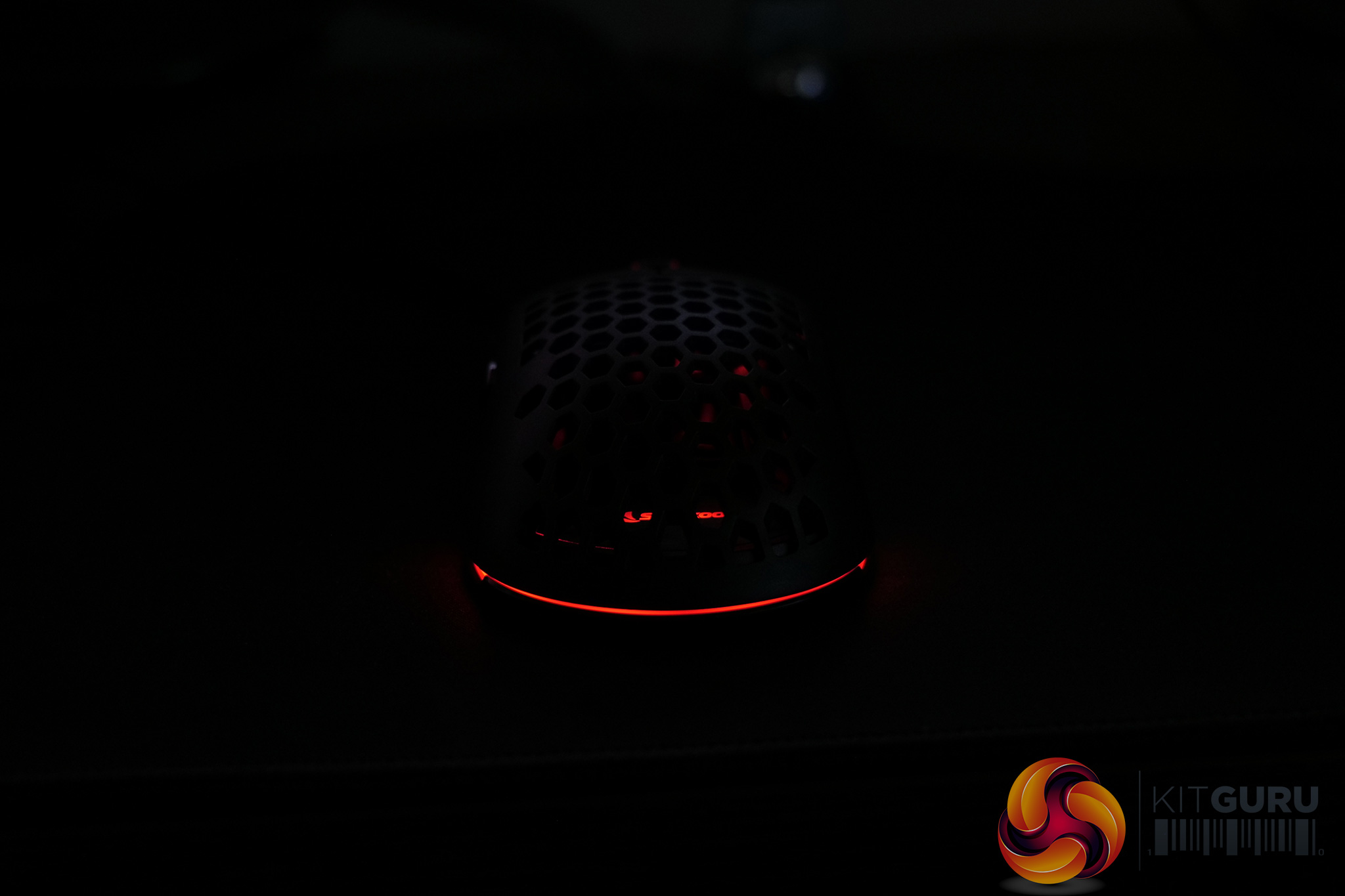
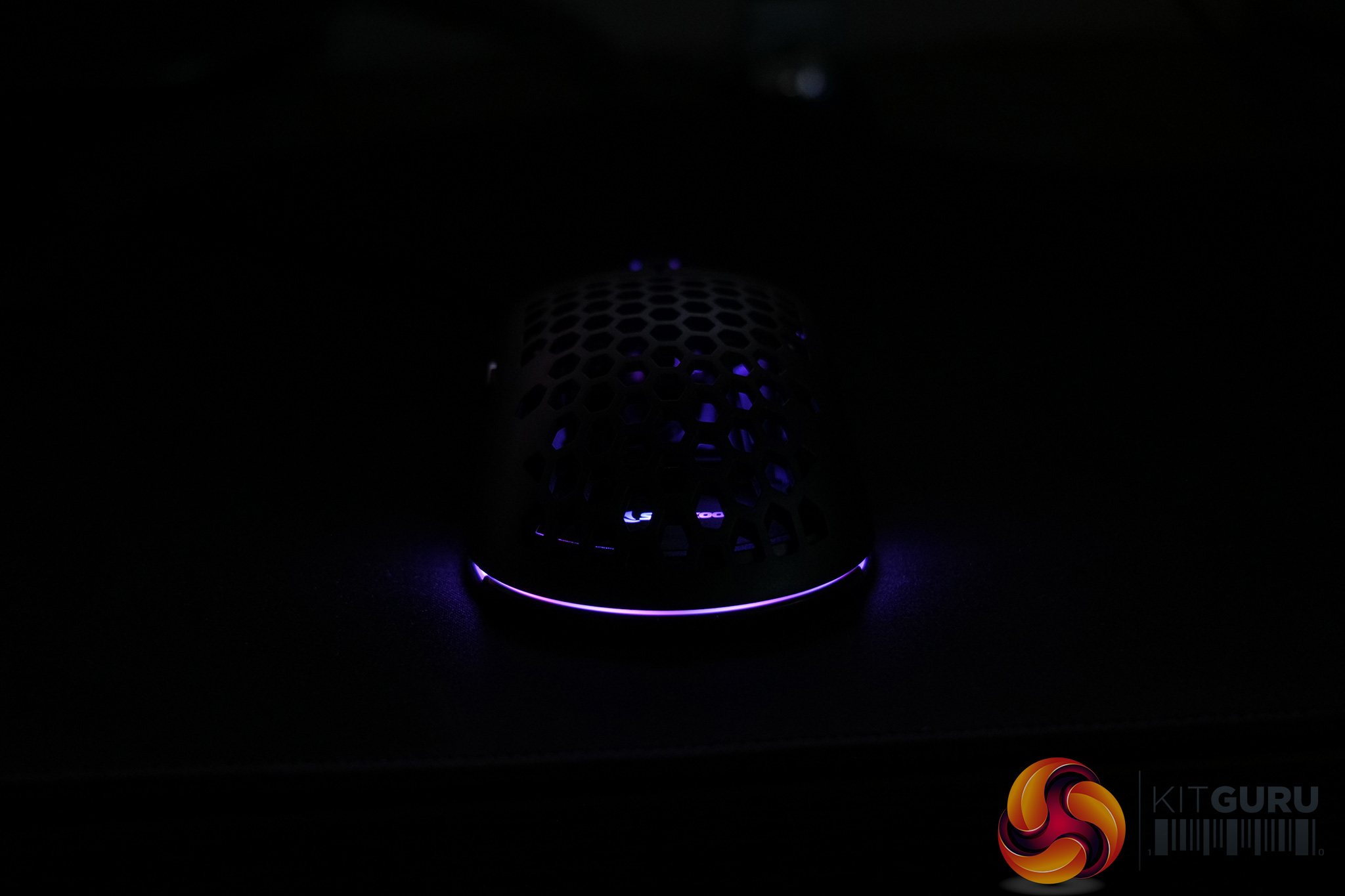
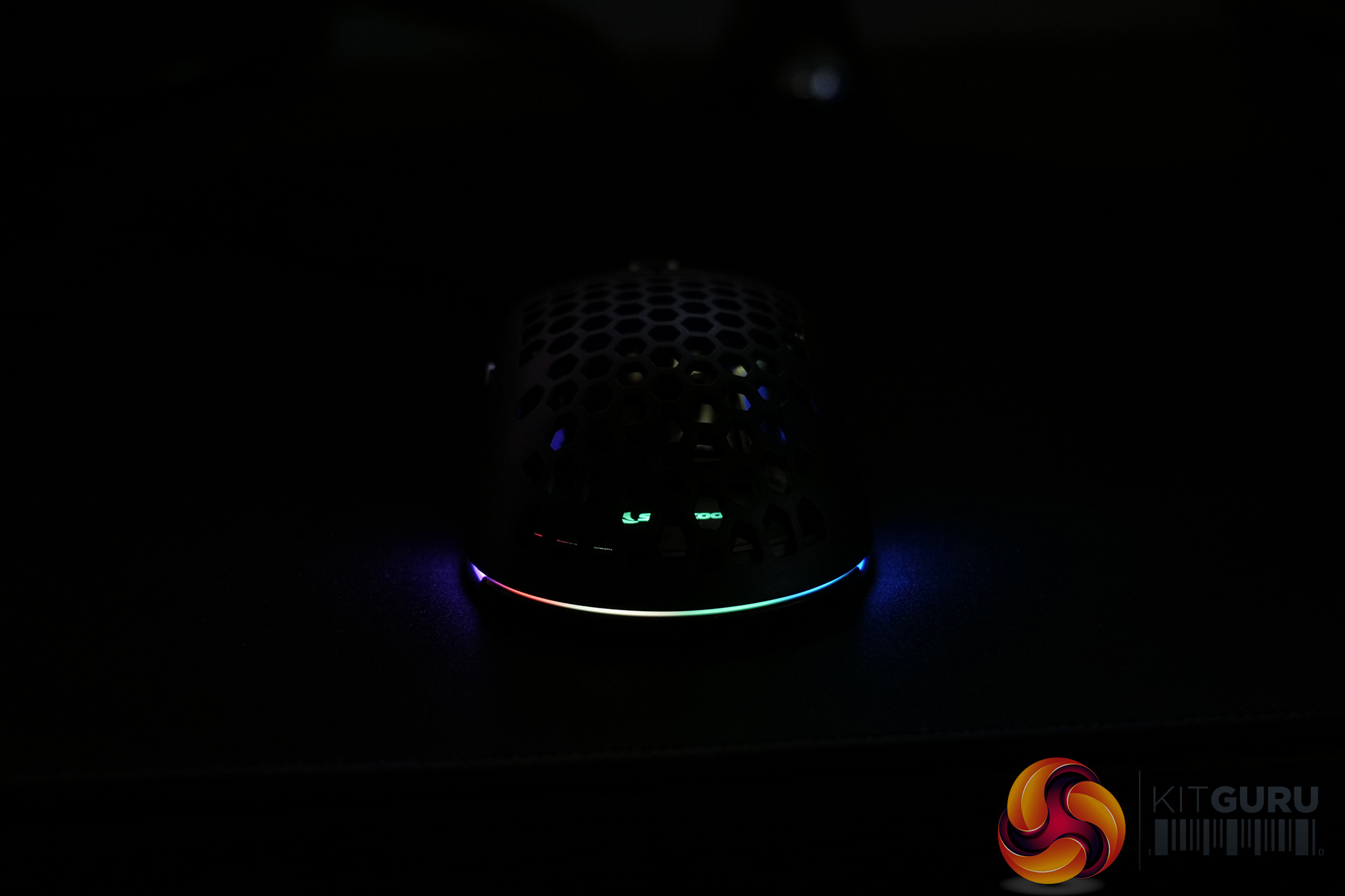
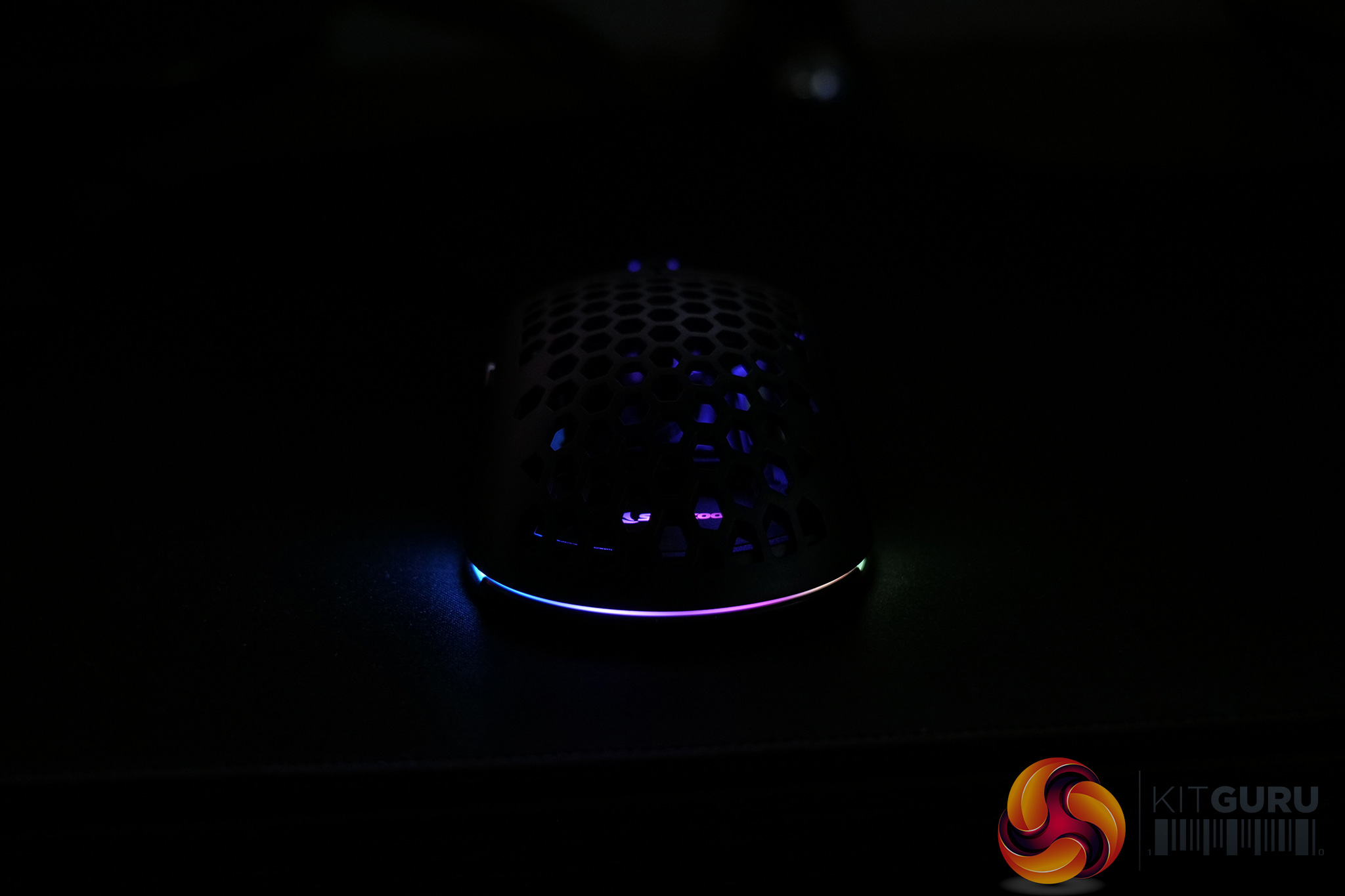
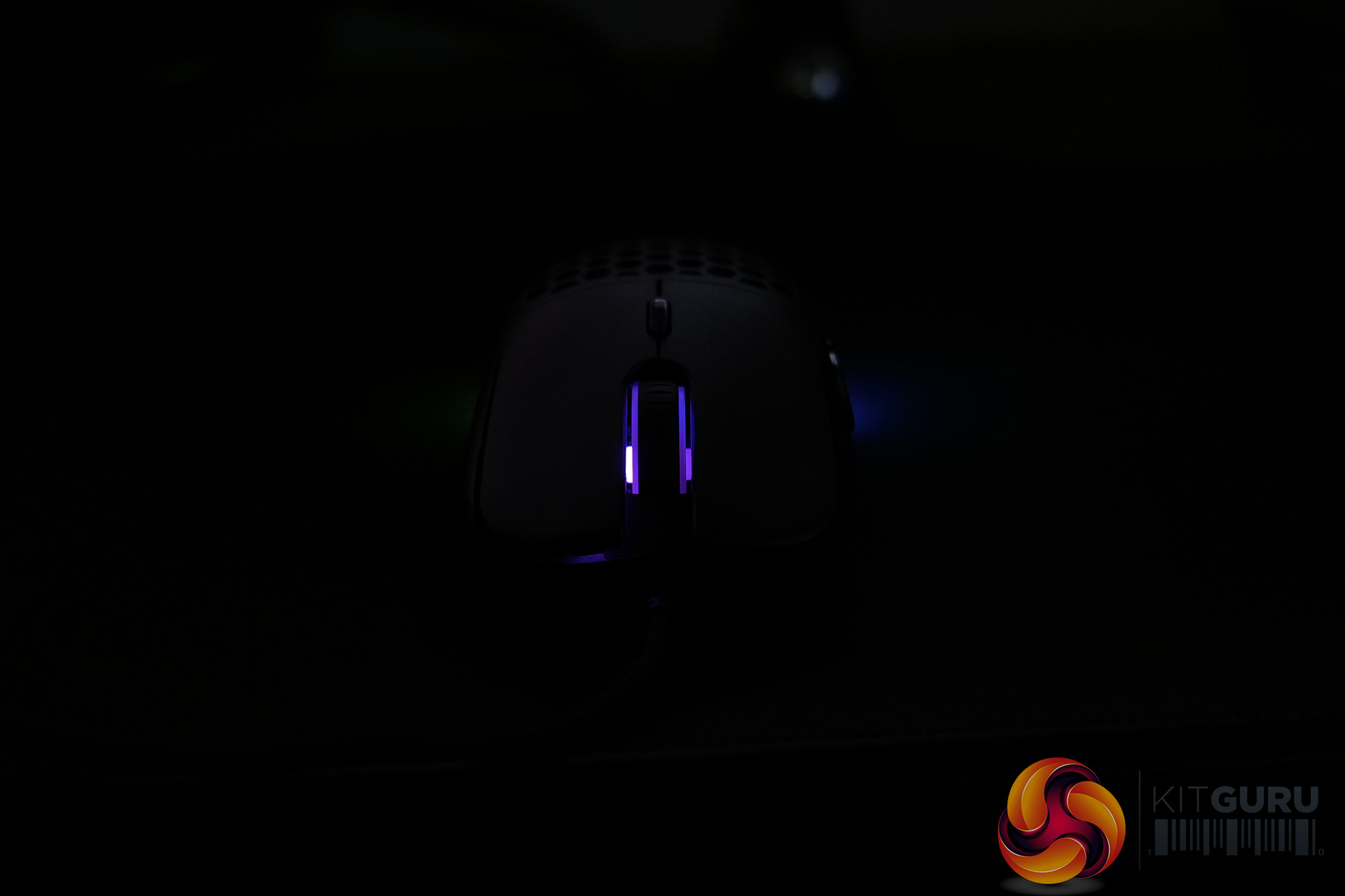
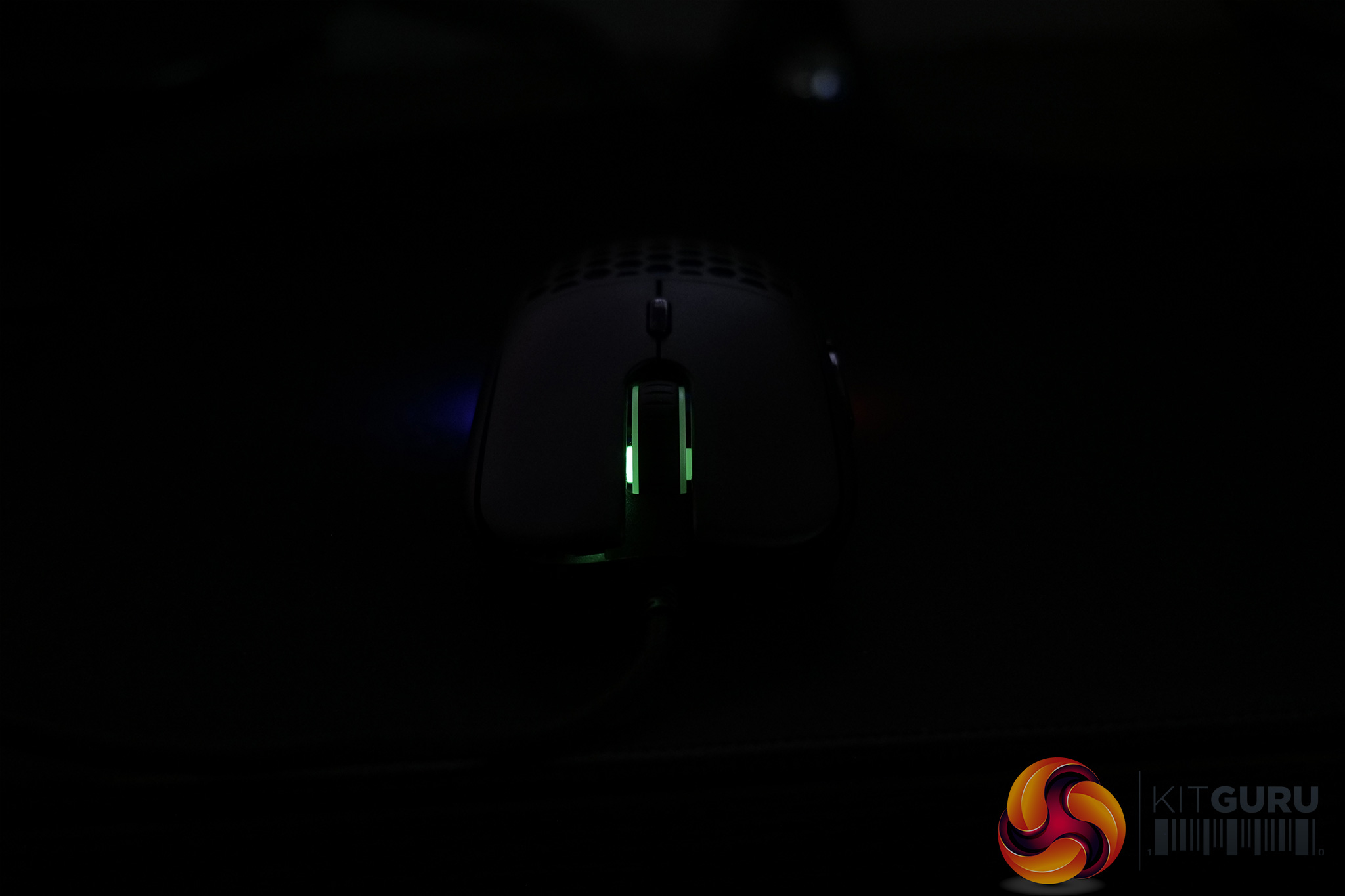
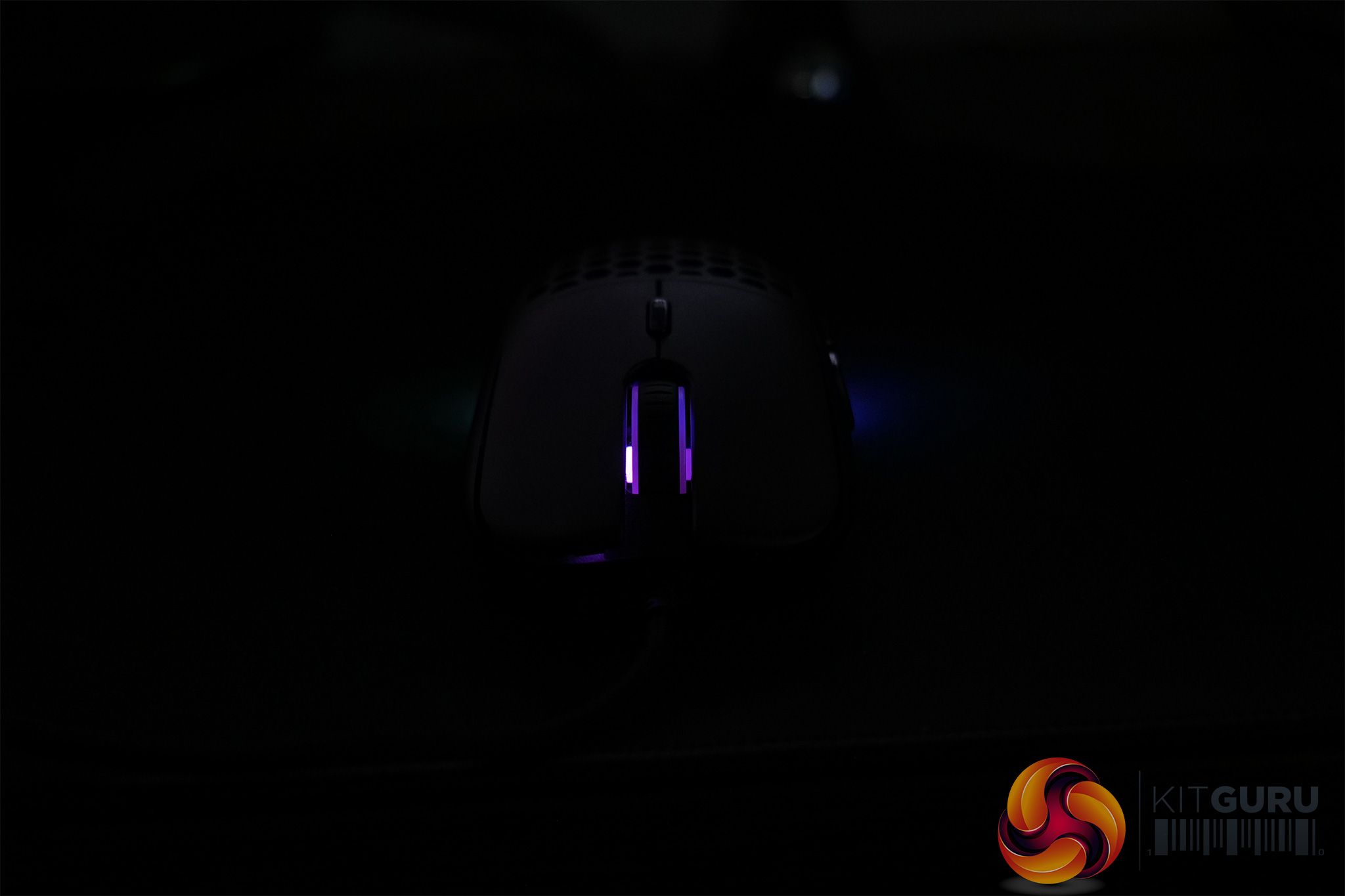
There's three different areas with RGB lighting on the Light2 180 – the scroll wheel, the Sharkoon logo underneath the top shell, and a small LED strip at the very back of the mouse. All three areas are treated as a single zone however, so you can't set the scroll wheel to one colour and the Sharkoon logo to another.
Still, the lighting itself is fine. The LEDs aren't particularly bright and if you look closely, a couple of hotspots are visible on the rear LED strip, but that is being quite picky. It's not on the same level as Corsair or Razer but it will get the job done.
Build quality and comfort
Next up is build quality, and here the Light2 180 does very well. It's not absolutely flawless, but for a mouse weighing less than 65g, we cannot complain.
The first thing to note, then, is almost no rattle when the mouse is shaken – I did hear just the faintest amount of this, but it was incredibly quiet and only noticeable when I physically picked up the mouse and shook it as fast as I could. During actual gameplay, it was not an issue at all.
The rest of the construction is very solid, too. Using the perforated top shell, there is a tiny amount of flex if you push down hard on the plastic, but again that was only very minor. Using the solid top shell completely removed any flex as well. Additionally, it is just about possible to actuate the side buttons by squeezing the mouse, but once more the sheer amount of force required to do so means this just will not happen during day to day use.
I also want to give Sharkoon some credit for tightening up the swappable top shell mechanism. With the Light2 200 I found there was a bit of play in the shell, so it could move back and forwards by a millimetre or two. It wasn't the end of the world but it was noticeable on occasion. That simply does not happen here with the Light2 180 and I don't think you'd even know the top shell isn't part of the main body of the mouse just by looking at and using it.
As for comfort then, the Light2 180 is a fairly safe shape, being based on the Zowie S2. My daily driver is the Endgame Gear XM1 so it wasn't a huge adjustment when switching over. Still, I'd say the Light2 180 is best suited to claw or fingertip grip due to its shape. You could palm it, but for me it's just a bit too flat overall for that to be comfortable, while it's also not overly large.
One other thing to note is that I personally preferred using the Light2 180 with the perforated top shell because I found it gave be a bit more grip. The plastic coating on the solid top shell isn't the most grippy coating I've ever used, whereas the cut-outs in the other shell help create a bit of natural friction. I had no issues anywhere else though, and button placement worked very well for me, with the side buttons within easy reach of my thumb.
Performance
Time to talk performance then, starting with the buttons. I will describe each of these below, but if you want to hear them for yourself, here is the Light2 180 soundtest:
The primary buttons use the same Omron D2FC-F-7N(20M) switches as found in the Light2 200, and the feel is very consistent between the two, though something must have changed with the trigger design as the Light2 180 is noticeably louder. The buttons still feel crisp and snappy though, with only minimal pre and post-travel, so overall they are very satisfying to use.
Much the same can be said for the side buttons. These use Huano yellow switches and offer a tight actuation. The forwardmost side button on my sample is absolutely perfect, with no pre or post-travel, though the rear side button does exhibit a fair bit more pre-travel, but it was still fine to use in-game.
Next is the scroll wheel which I got on really well with. It's using an F-Switch encoder and offers very tactile steps which is quite satisfying. Despite that, you can still scroll at high speed if you want to, though the scroll wheel click (using a Huano blue switch) is a bit heavier than I would've liked – I use scroll wheel click for melee in COD: Warzone and it just felt a bit cumbersome to try and hit it two or three times in quick succession.
As for the sensor, the Light2 180 uses a PMW 3360 from PixArt. This was a flagship sensor a few years back but has since been superseded by the PMW 3389 and, more recently, the PAW 3370. We asked Sharkoon why they opted for the 3360 instead of one of the newer options – the Light2 200 for instance uses a PMW 3389 – and they told us it was simply due to cost, with the Light2 180 coming in cheaper than the Light2 200, opting for a PMW 3360 helps make that possible.

Image credit: PixArt
It's still a top class sensor even in 2021, and being honest I can't tell the difference between the two when switching back and forth. On paper, the PMW 3389 is superior, with higher tracking speed and maximum DPI, but I simply had no issues with the Light2 180 at all in this department – tracking was smooth and responsive, while I didn't notice any jitter or angle snapping either.
There are configurable lift-off distance (LOD) settings within the software too – 1, 2, or 3 (presumably those numbers are referring to millimetres.) On my HyperX Fury mousepad, with LOD 1 enabled, the Light2 180 wouldn't track from 1 DVD high. It did track from the same height when using LOD 2, but when we got to 2 DVDs high, neither LOD 2 or LOD 3 would track. That's on the low side, but there is at least some adjustment available.
Lastly, Sharkoon is using – as far as I can tell – the same cable as found on the Light2 200. That's not necessarily a bad thing as it is a paracord-style design, but even back when I reviewed the Light2 200 I commented that we have used more flexible cables than Sharkoon's, so at this stage in 2021 I would have liked to see some improvement. Don't get me wrong, it's not a bad cable at all and would definitely be better than plain rubber, but compared to the likes of the Cooler Master MM720 and Endgame Gear XM1 (braided version), it is definitely a step or two behind in terms of the flexibility and overall suppleness.
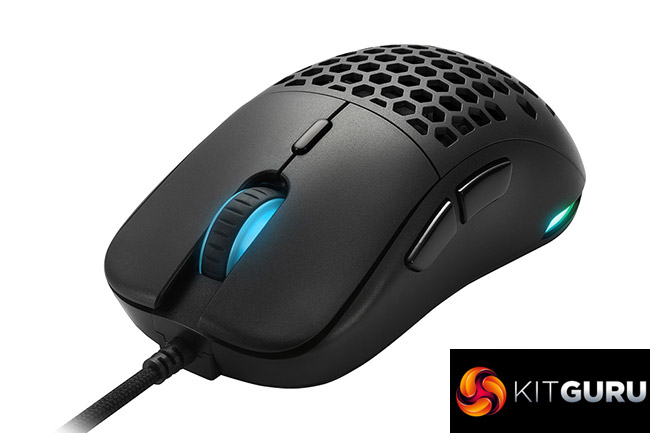
Having been impressed by the Sharkoon Light2 200 when I reviewed it last year, I had fairly high hopes for the Light2 180 and it is safe to say I have not been disappointed. Available for just £35 on Amazon UK, the Light2 180 has proved itself to be a high quality yet affordable gaming mouse.
That starts with the shape, with Sharkoon clearly taking a lot of inspiration from the Zowie S2. It's not original, but it is a safe and popular design, so Sharkoon is not limiting the appeal of this mouse to just a niche audience. Factor in the high quality buttons, swappable top shell and flawless overall performance, and you can see why I am impressed with this mouse.
It's not perfect though. Almost two years on since we reviewed the Light2 200, I would have hoped to see both a more flexible cable, and also some sort of update to the accompanying software suited. It looks very dated at this point in 2021, with no changes that I could spot compared to the Light2 200's software from January 2020.
If I were feeling picky, I could also argue that the PMW 3360 is a step-down from the PMW 3389 used in the Light2 200. Technically that is true as the 3360 is objectively inferior in terms of tracking speed and maximum DPI. However, the differences are so small I simply could not tell the difference between the two, and the PMW 3360 remains a fantastic, raw sensor for gaming in 2021.
Overall, should you be on the hunt for an affordable but still high-quality gaming mouse, the Sharkoon Light2 180 needs to be on your final shortlist. A couple of small changes would make it even better, but for £35 it is very hard to argue with the overall package here.
You can buy the Light2 180 for £36.44 on Amazon UK HERE.
Discuss on our Facebook page HERE.
Pros
- Great price.
- Comfortable shape that will suit a lot of people.
- Choice of solid or perforated top shell.
- High quality buttons.
- PMW 3360 still holds up very well in 2021.
Cons
- Cable is still lagging behind the competition.
- Software needs an overhaul.
KitGuru says: The Sharkoon Light2 180 is a great example of a high quality mouse that doesn't cost the earth.