KitGuru KitGuru.net – Tech News | Hardware News | Hardware Reviews | IOS | Mobile | Gaming | Graphics Cards


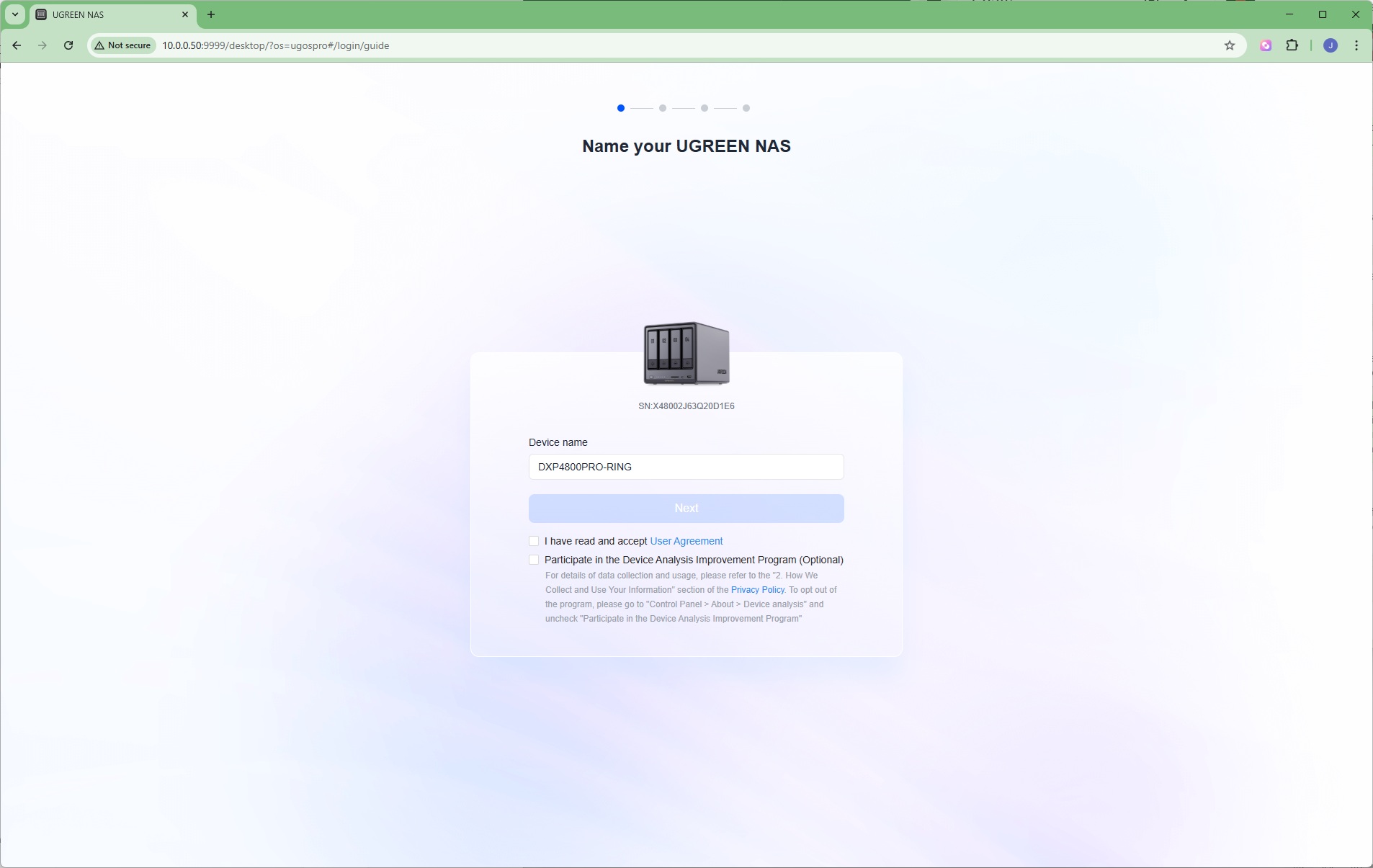
You can set up the Ugreen NAS with a Windows software app or a browser connection. We located the IP address the unit had been given on our network and chose the latter route. Ugreen uses an operating system called UGOS Pro, which is based on Debian 12 Linux. While we had some issues setting up the Plus when we reviewed it, no such problems were encountered with the Pro. At the first screen, you give the device a name and accept some agreements.
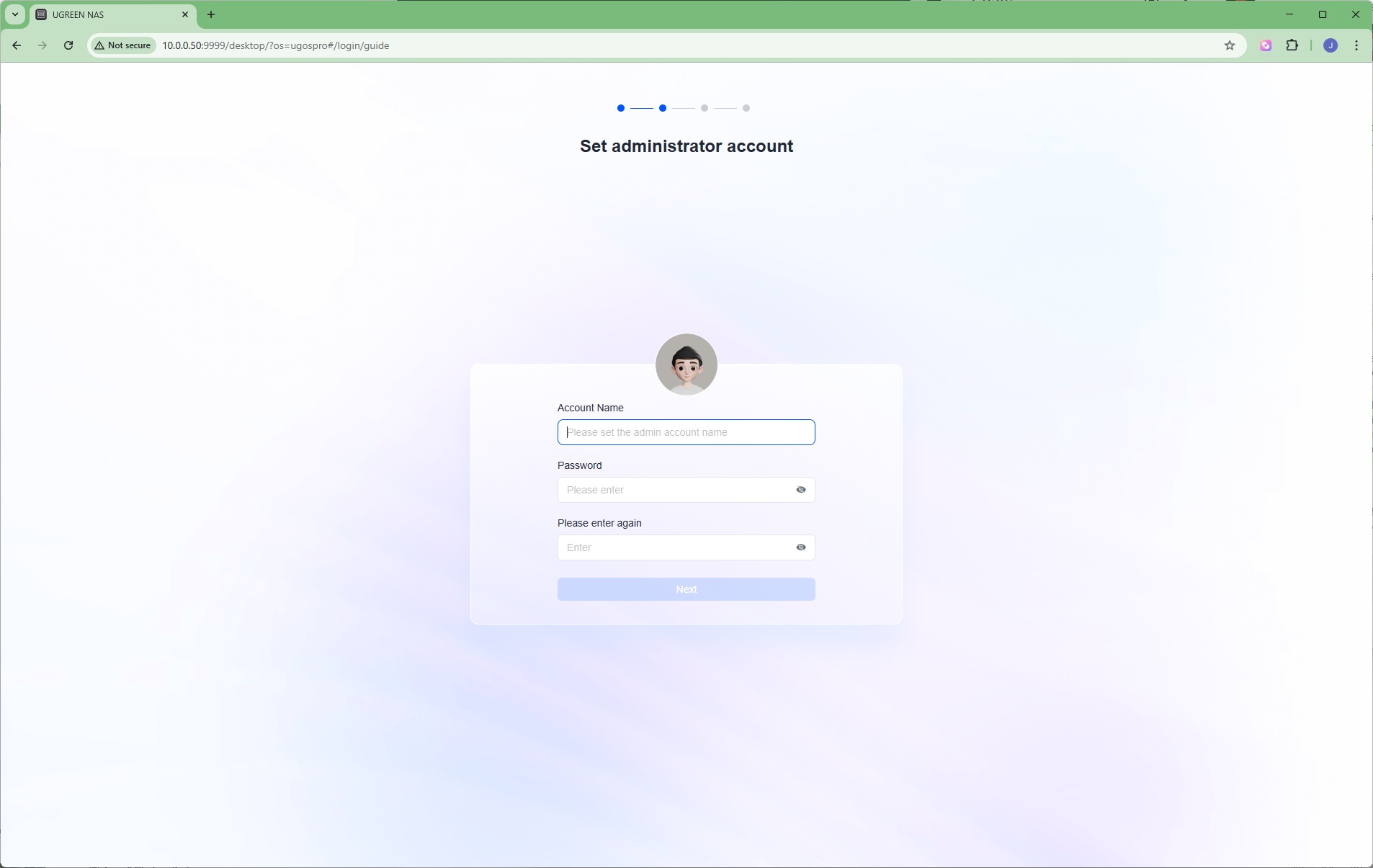
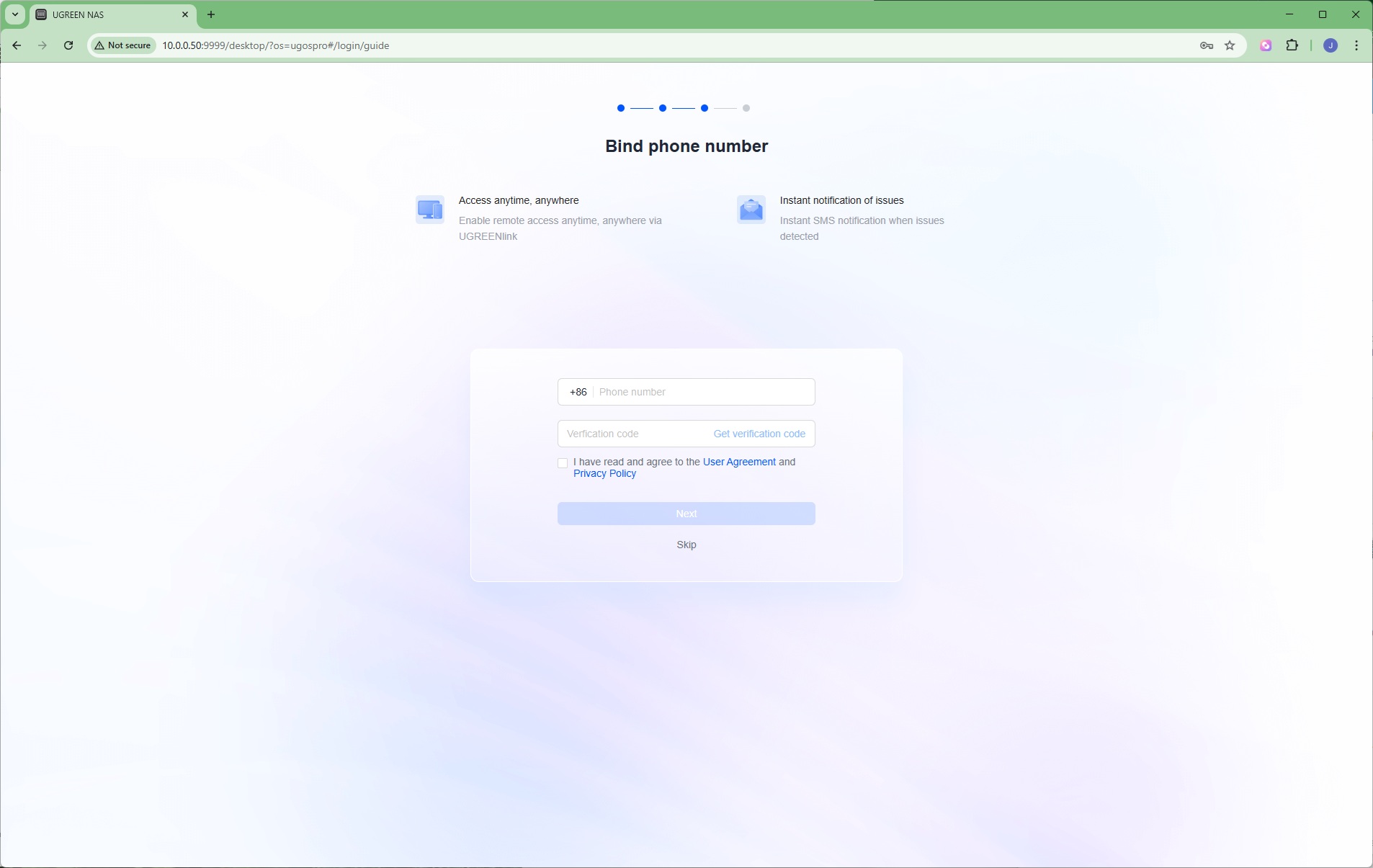
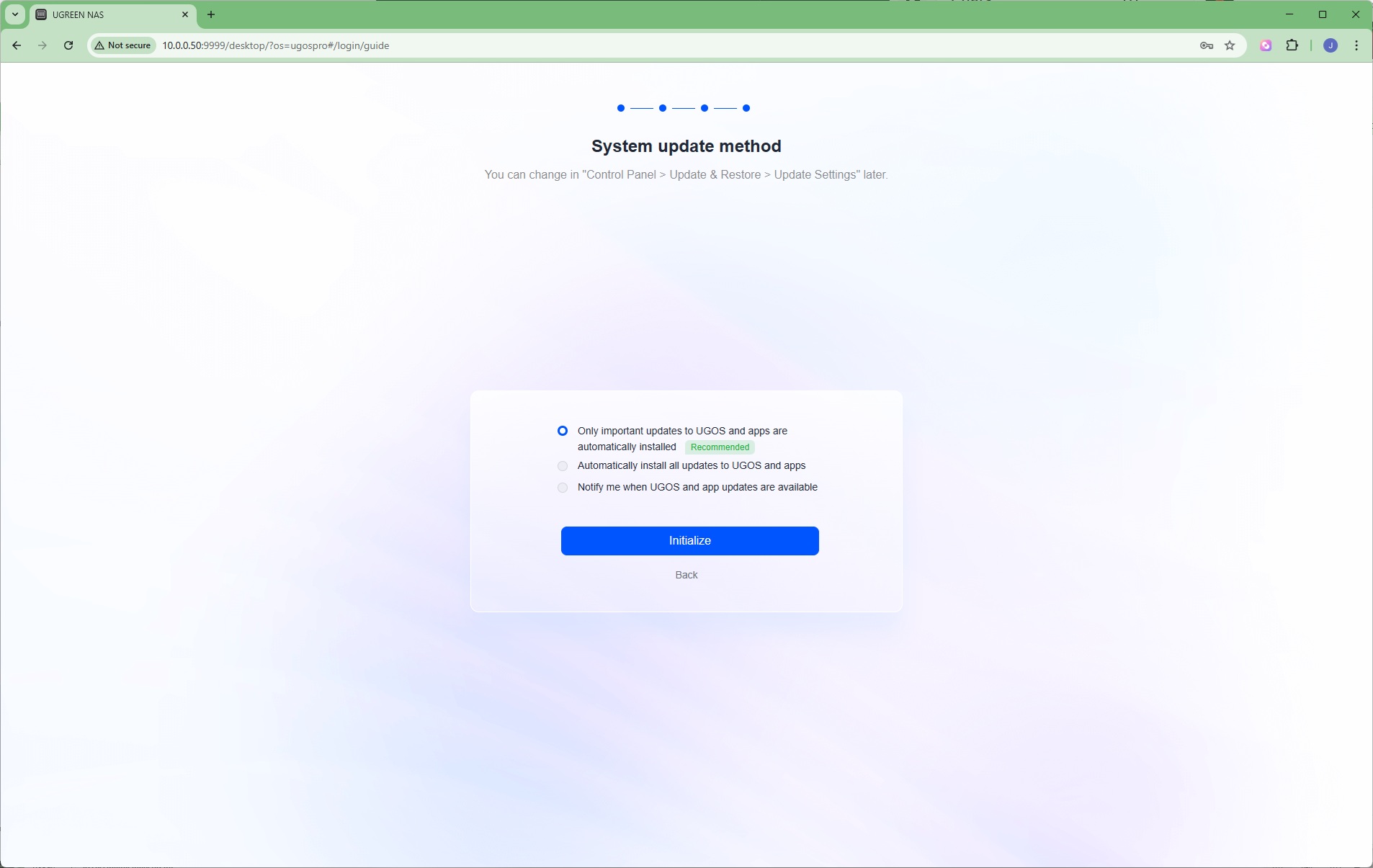
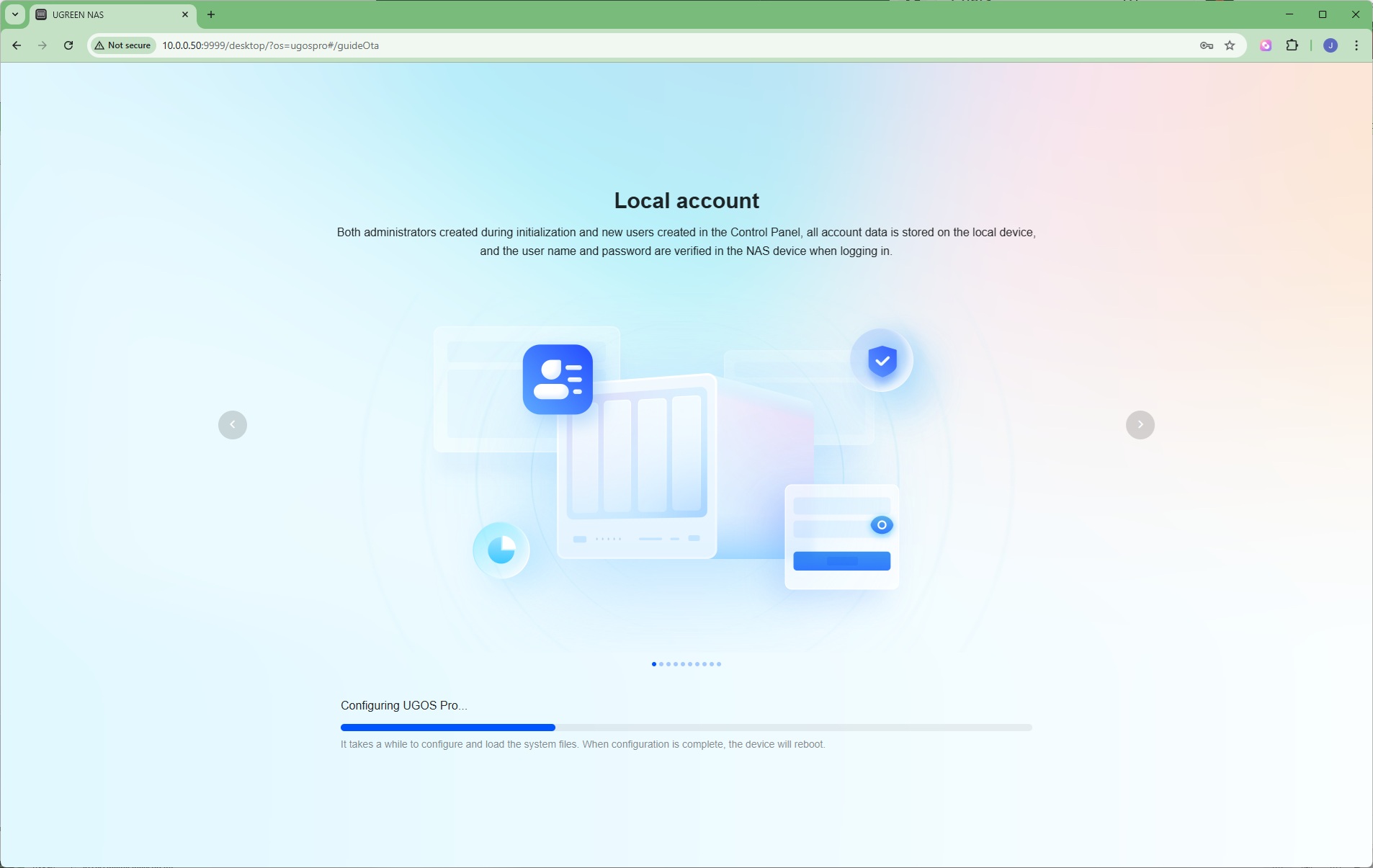
The second screen then takes you through configuring administration username and password. You're then asked to bind a phone number, but we found we couldn't change the country code from +86 (China), and as we don't live in the PRC, had to skip that section. You're then given a choice of how the device software will be updated, after which the NAS box will spend a few minutes setting itself up and rebooting. It was a relatively painless process.