KitGuru KitGuru.net – Tech News | Hardware News | Hardware Reviews | IOS | Mobile | Gaming | Graphics Cards


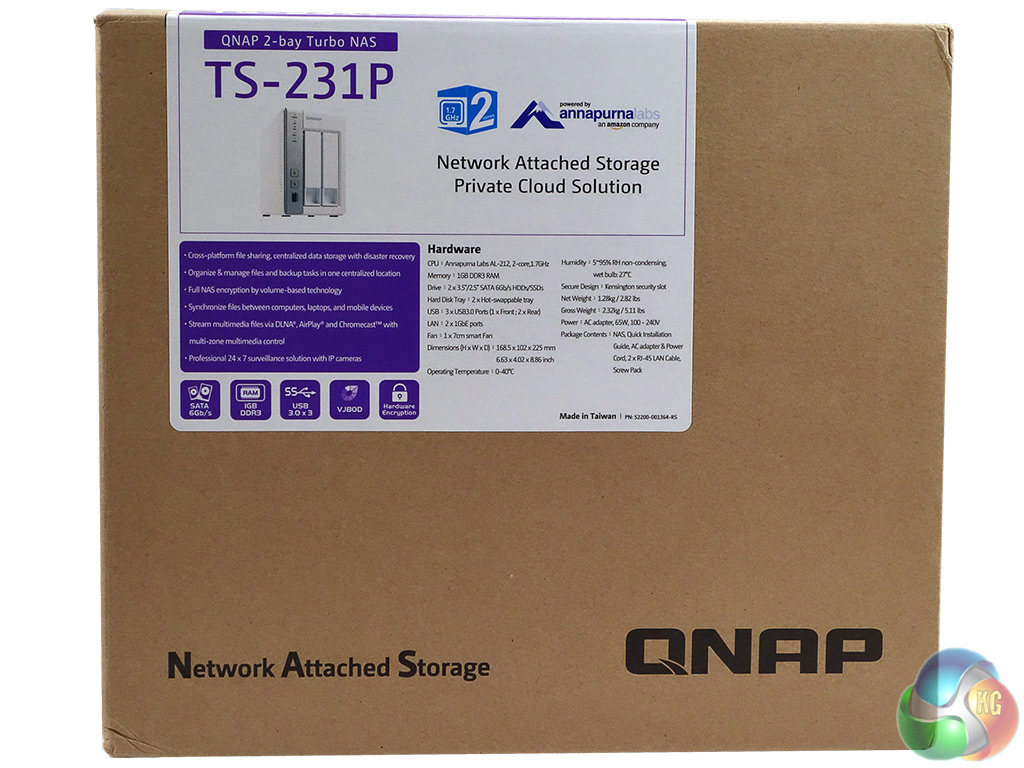
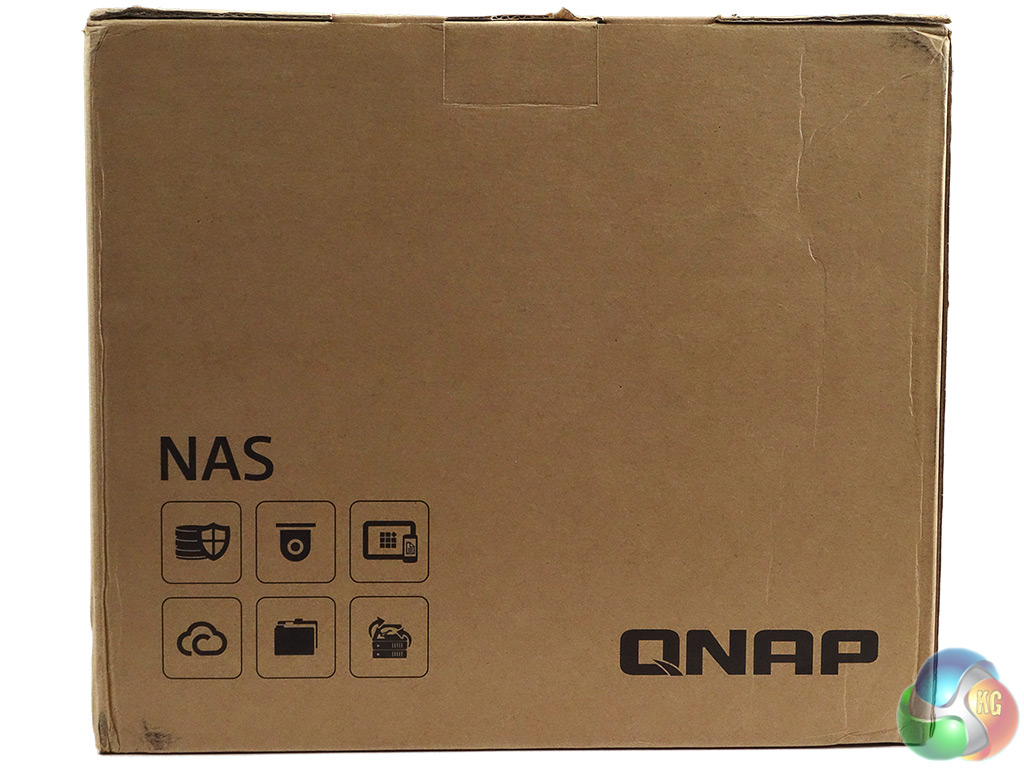
The TS-231P comes in a compact box with an image of the drive, a pretty comprehensive hardware table and some AnnapurnaLabs branding on the front label. The rear of the box has six icons describing what the NAS can be used for but with no explanation as to what these mean.
But as we've looked at another QNAP NAS lately we can say that the top row describes Data Protection, Surveillance Station and Mobile Management while the bottom row represents Private Cloud, File Sharing and Backup Station.
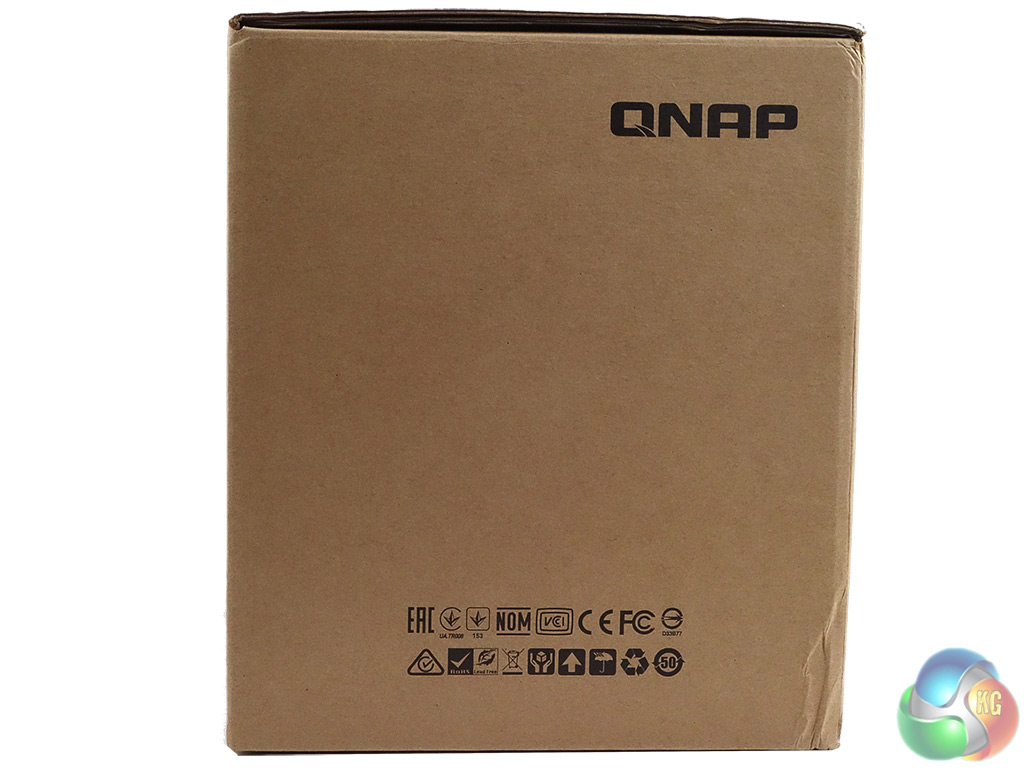
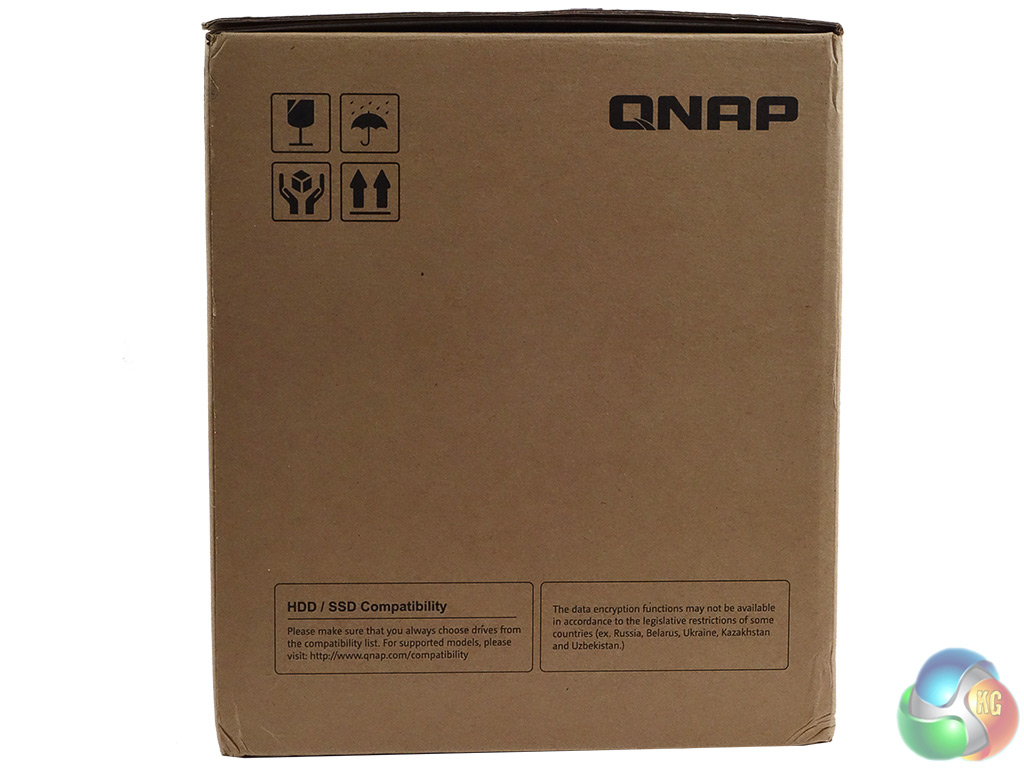
One side panel just has an icon list of the standards the drive meets while the other side has some handling icons and a small panel on the bottom describing drive compatibility and data encryption.
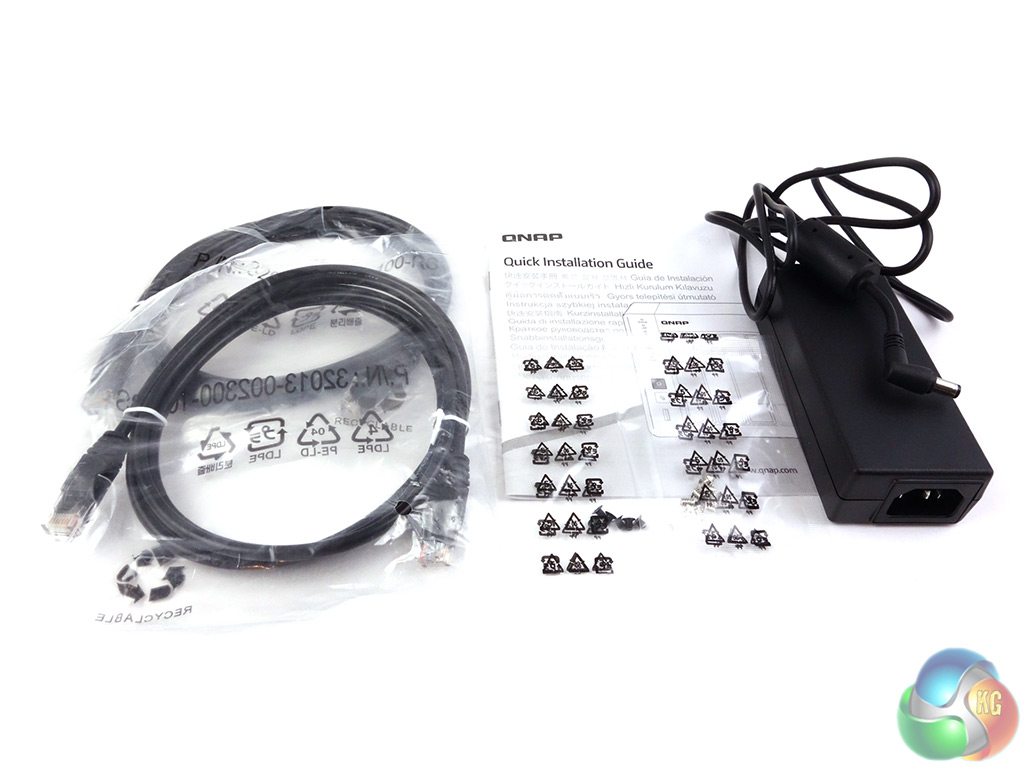
There's not much to the box bundle other than what you need to get started with the TS-231P; Delta Electronics DPS-65VB LPS 65W power adapter, two LAN cables, quick start guide and mounting screws for both 3.5in and 2.5in drives.