 KitGuru KitGuru.net – Tech News | Hardware News | Hardware Reviews | IOS | Mobile | Gaming | Graphics Cards


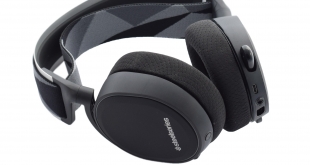
A few weeks ago we reviewed SteelSeries' flagship mouse, the Rival 700, but today our attention turns to gaming headsets, and the Arctis 7. A wireless headset, the Arctis 7 has a metric ton of features including virtual 7.1 surround-sound, ChatMix support and on-ear volume controls to name just 3. It will set you back a fair bit, though, as it is currently priced at £129.95.
While £130 may sound like a lot of money for a gaming headset, the SteelSeries Arctis 7 is widely considered to be one of the best gaming headsets out there. We'll take a look at the build quality, features and performance before giving our final verdict.
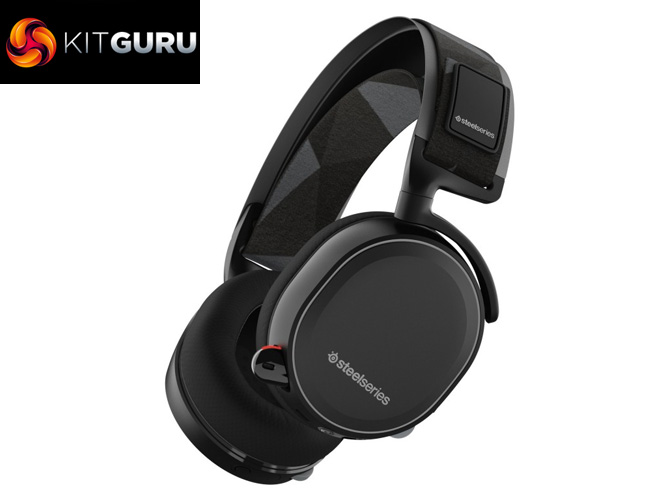
Specification
Speaker Drivers:
- Neodymium Drivers: 40mm
- Headphone Frequency Response: 20-22000 Hz
- Headphone Sensitivity: 98db
- Headphone Impedance: 32 Ohm
- Headphone Total Harmonic Distortion: < 3%
- Headphone Volume Control: On Ear Cup
Microphone:
- Microphone Frequency Response: 100Hz – 10000Hz
- Microphone Pattern: Bidirectional
- Microphone Sensitivity: -48 db
- Microphone Impedance: 2200 Ohm
- Microphone Noise Cancellation: Yes
- Microphone Location: Retractable
- Microphone Mute Toggle: On Ear Cup
Connection:
- Connector Type: Wireless USB and wired analog options. Single 3.5mm, 4-pole plug when wired
- Cable Length: 3m, 10ft
- Cable Material: Rubber
- Adapter: Single 3.5mm, 4-Pole Plug
- Share Jack: Yes
- Detachable Cable: Yes
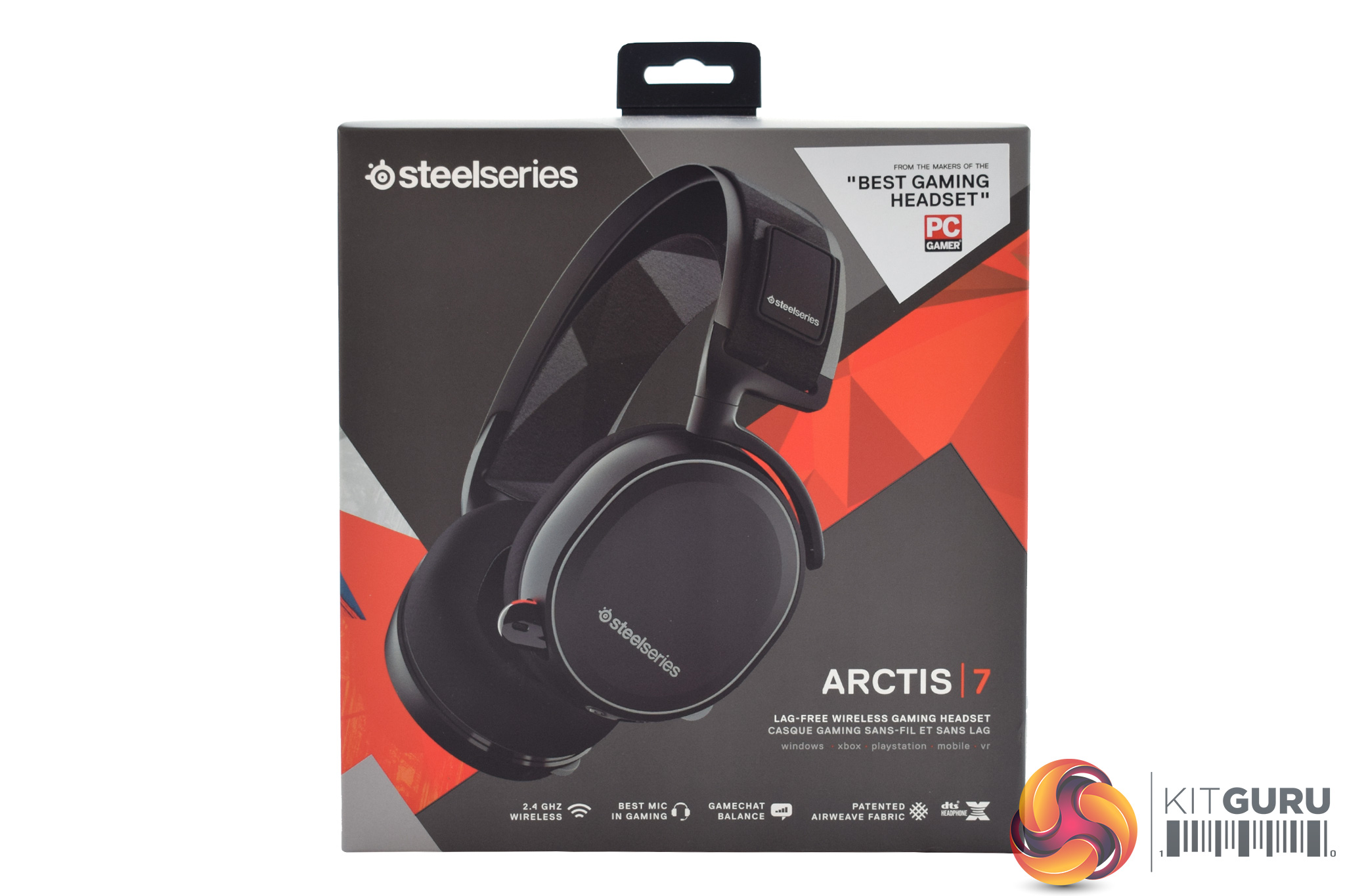
The SteelSeries Arctis 7 ships in an attractively designed box, with a photo of the headset itself on full show.
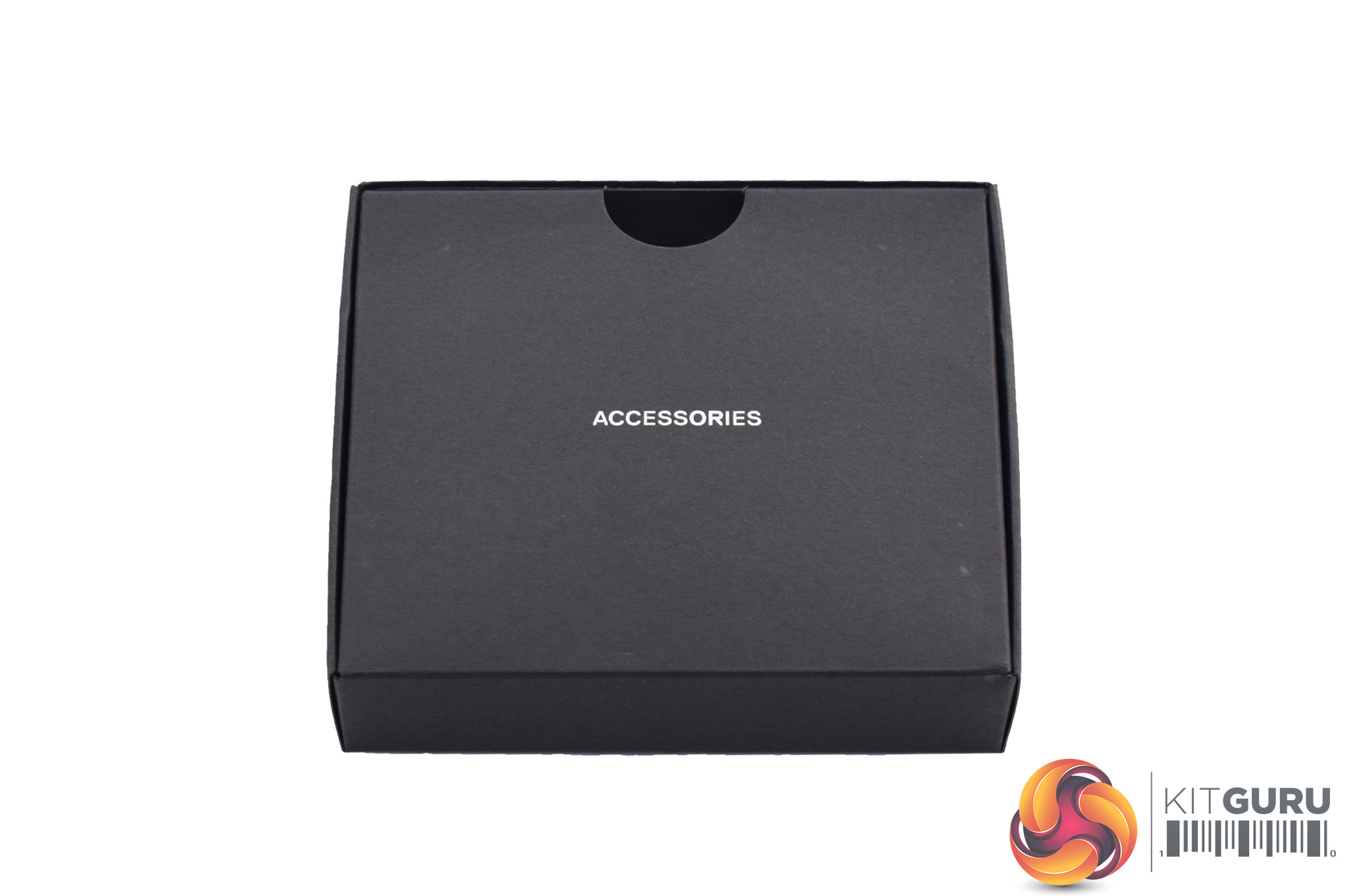
Inside, before getting to the headset, it is worth looking at the included accessories which come in a smaller, wedge-shaped box.
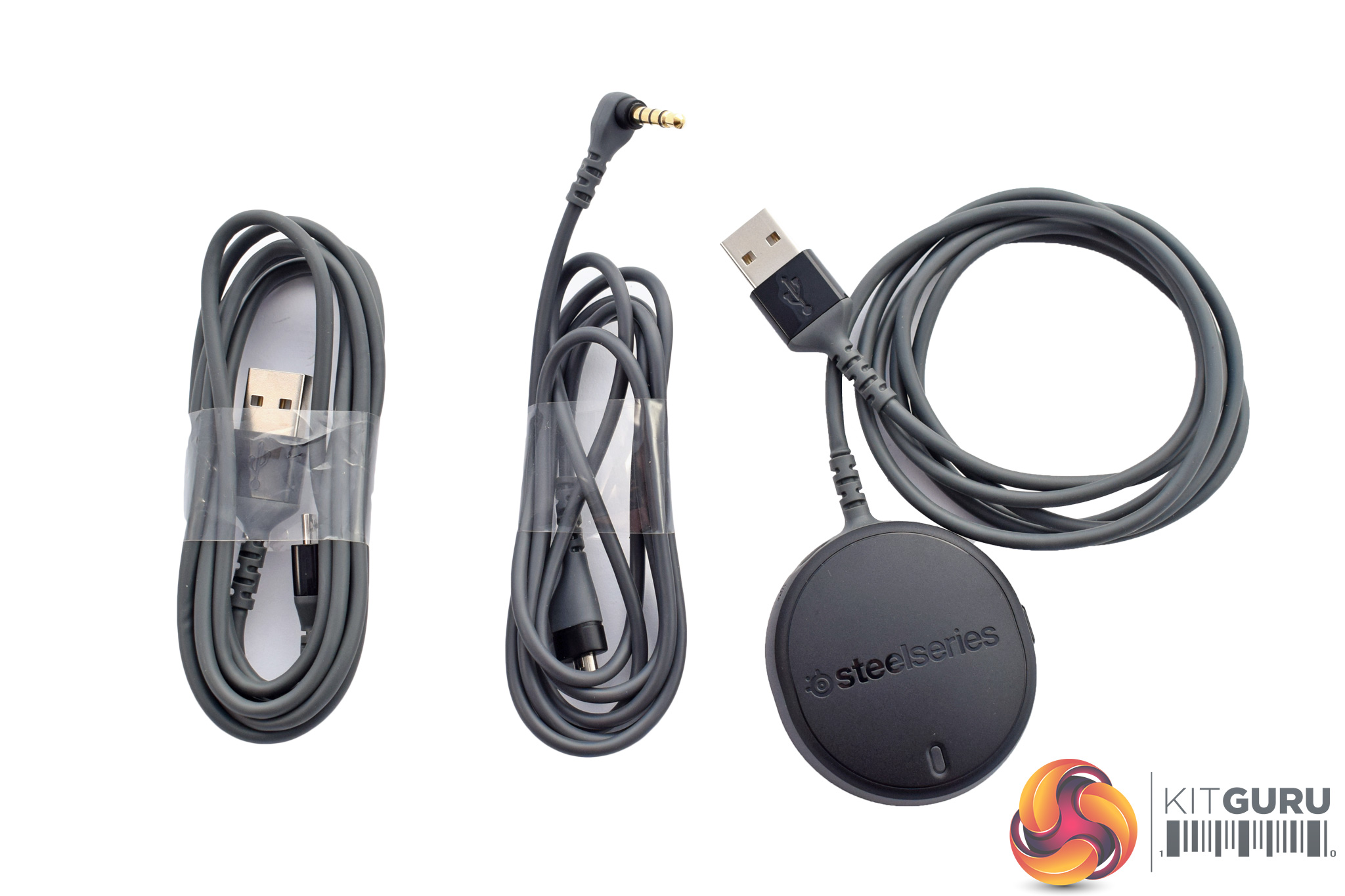
Those accessories are essentially three different cables. From left to right we have: 1x charging cable, 1x 3.5mm cable (for use with a phone/console) and 1x USB wireless receiver (for use with your PC/Mac).
Lastly, there are two included booklets: 1x quick-start guide and 1x support leaflet.
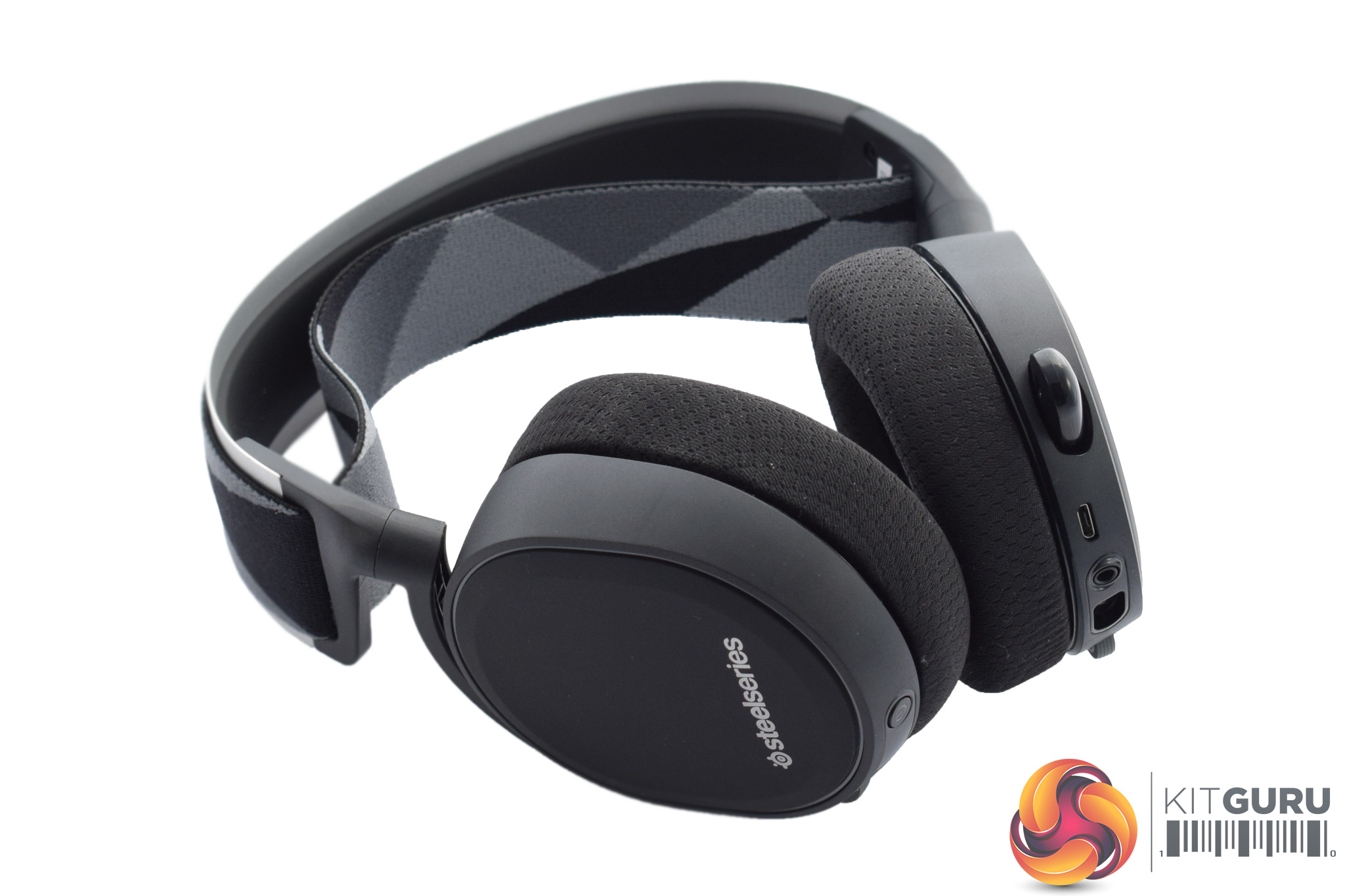
Now, moving on to the headset itself. Above you can see a ‘big picture overview' of the headset as a whole, but below we will go in for a closer look at the different features and parts of the Arctis 7. Before we get to that, though, it is worth mentioning we were obviously sent the black Arctis 7, but there is a white version too.
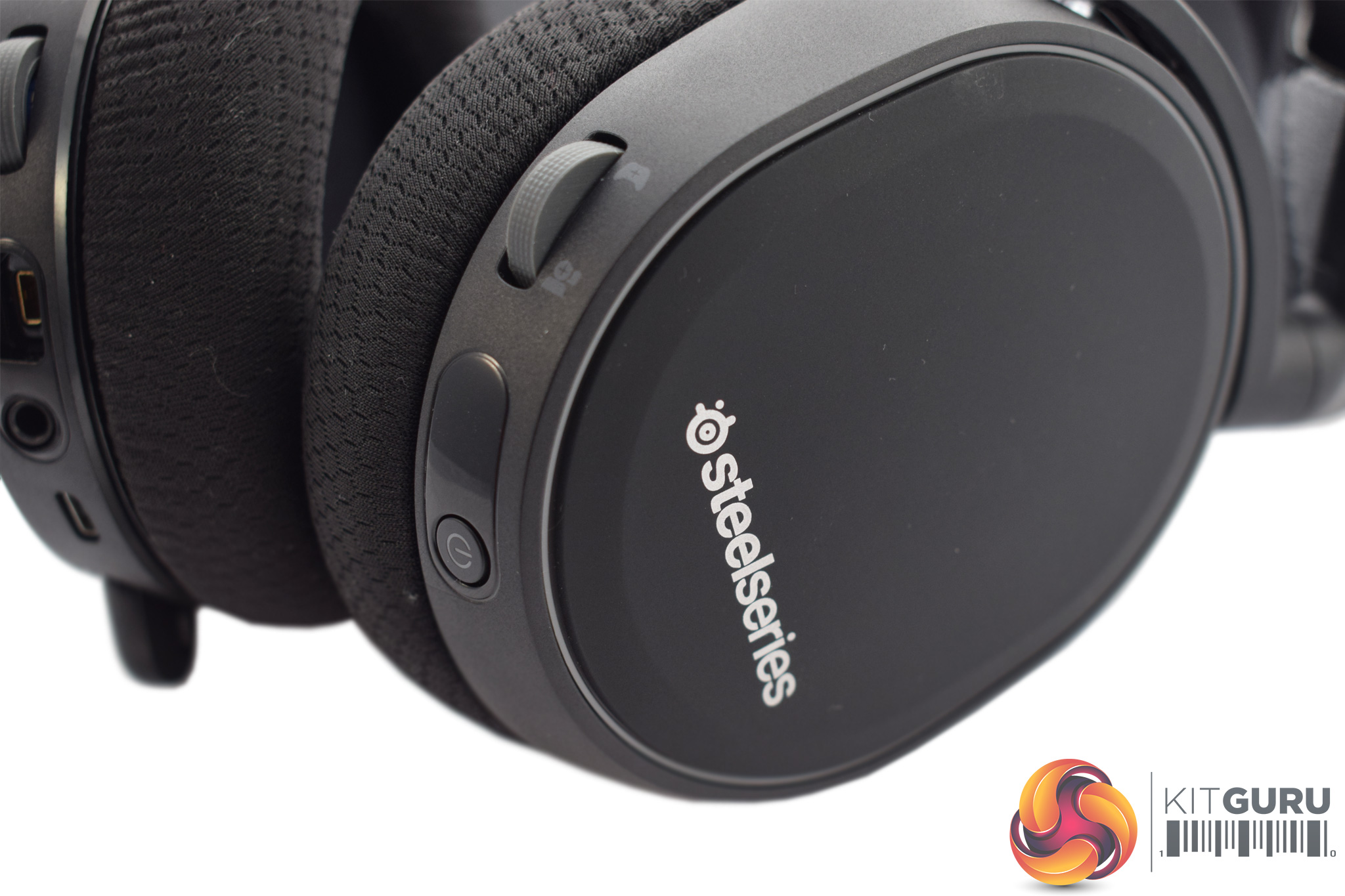
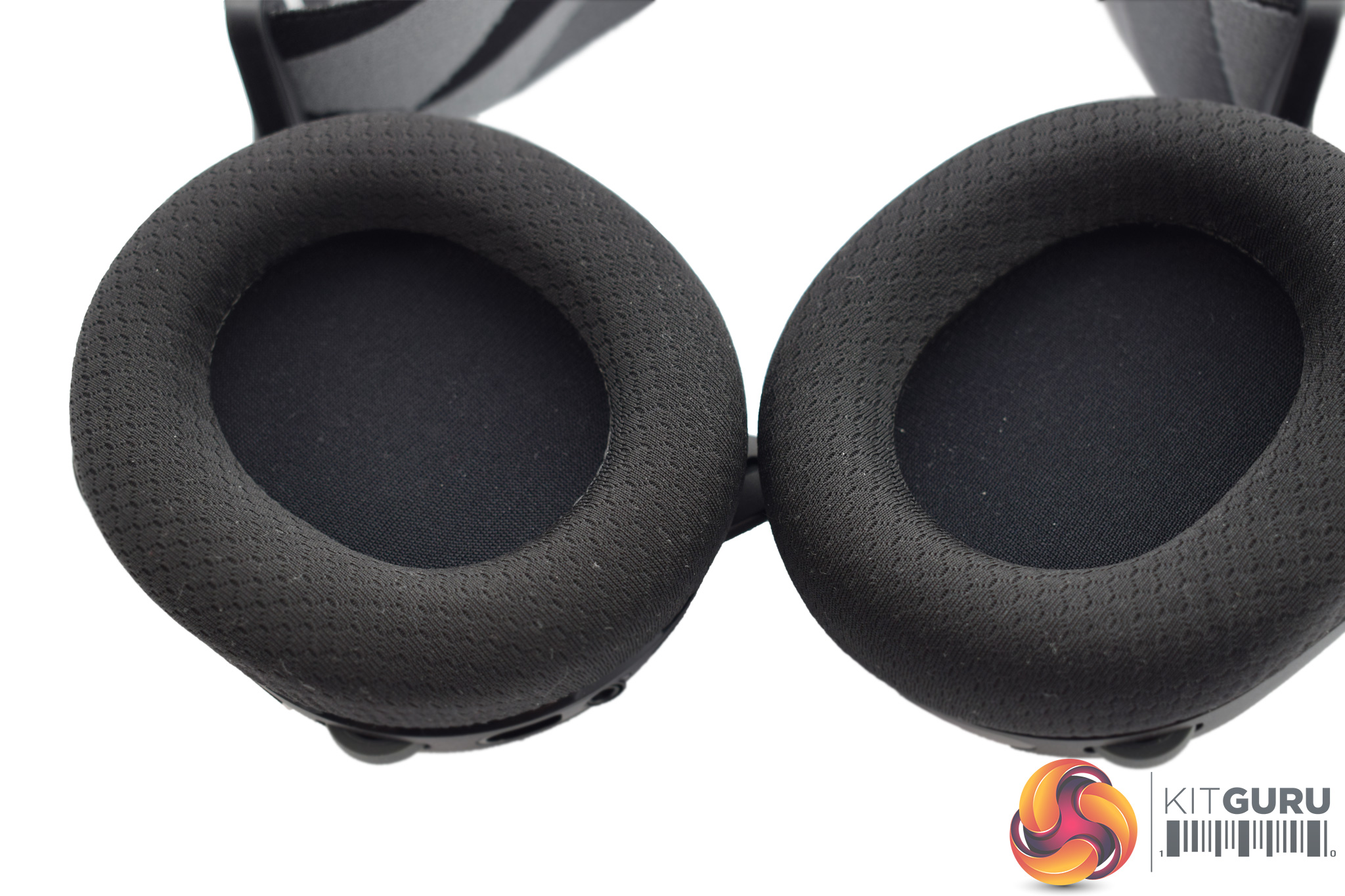
Diving in closer, let's start with the ear cups. As with the majority of gaming headsets, the Arctis 7's cups are closed back in design. The back of each cup is covered with a rubberised matte finish, too, which is surprisingly fingerprint resistant and I think it looks quite smart.
On the inside, as you can see in the image above right, the cups themselves are attached via a rotating hinge so they can be laid flat – great for those who will be regularly transporting the headset.
The foam cushions are also interesting as they are covered by what SteelSeries call its ‘AirWeave' material. This is essentially a light and breathable fabric which should hopefully keep your ears nice and cool in use.
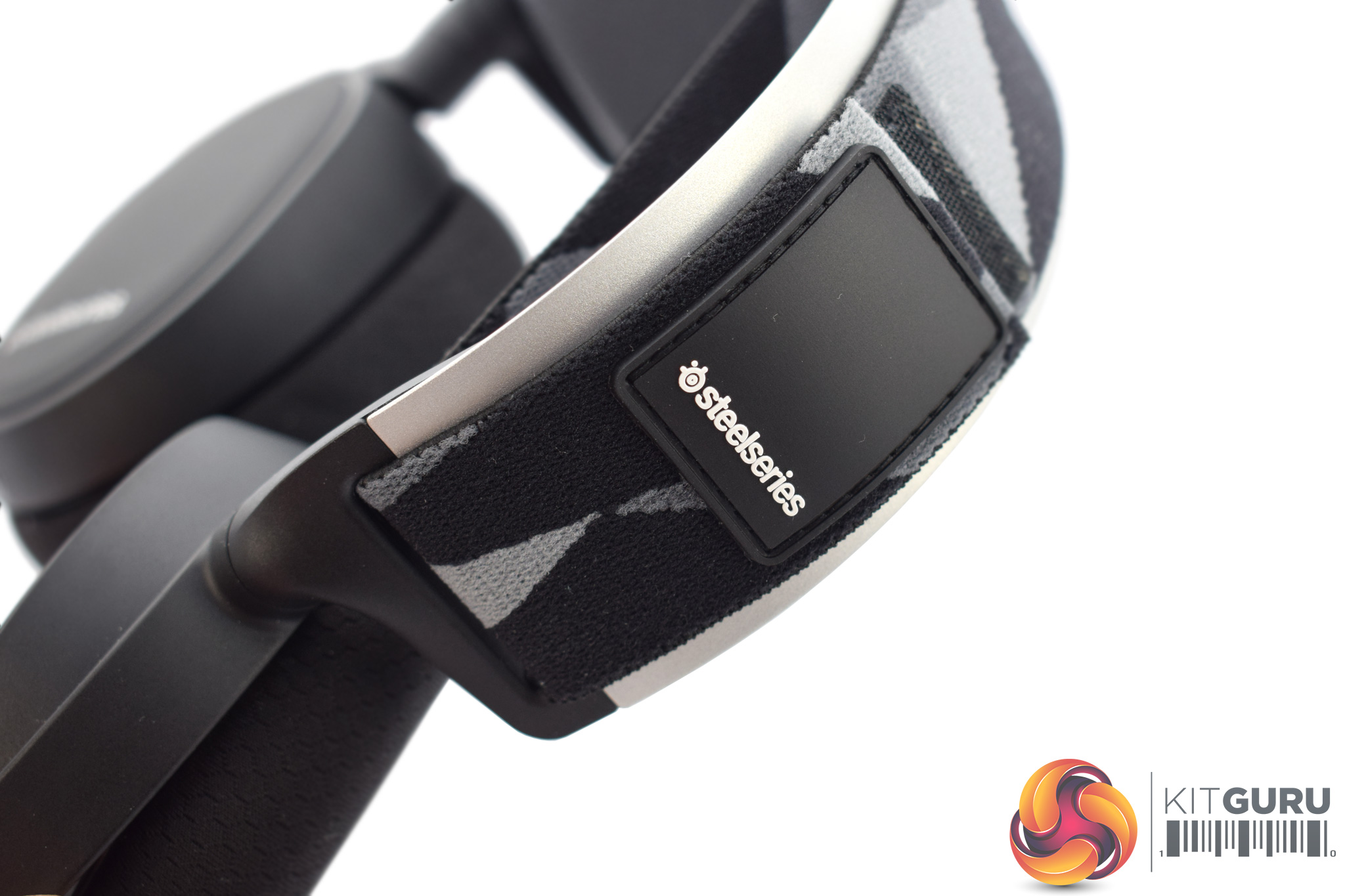
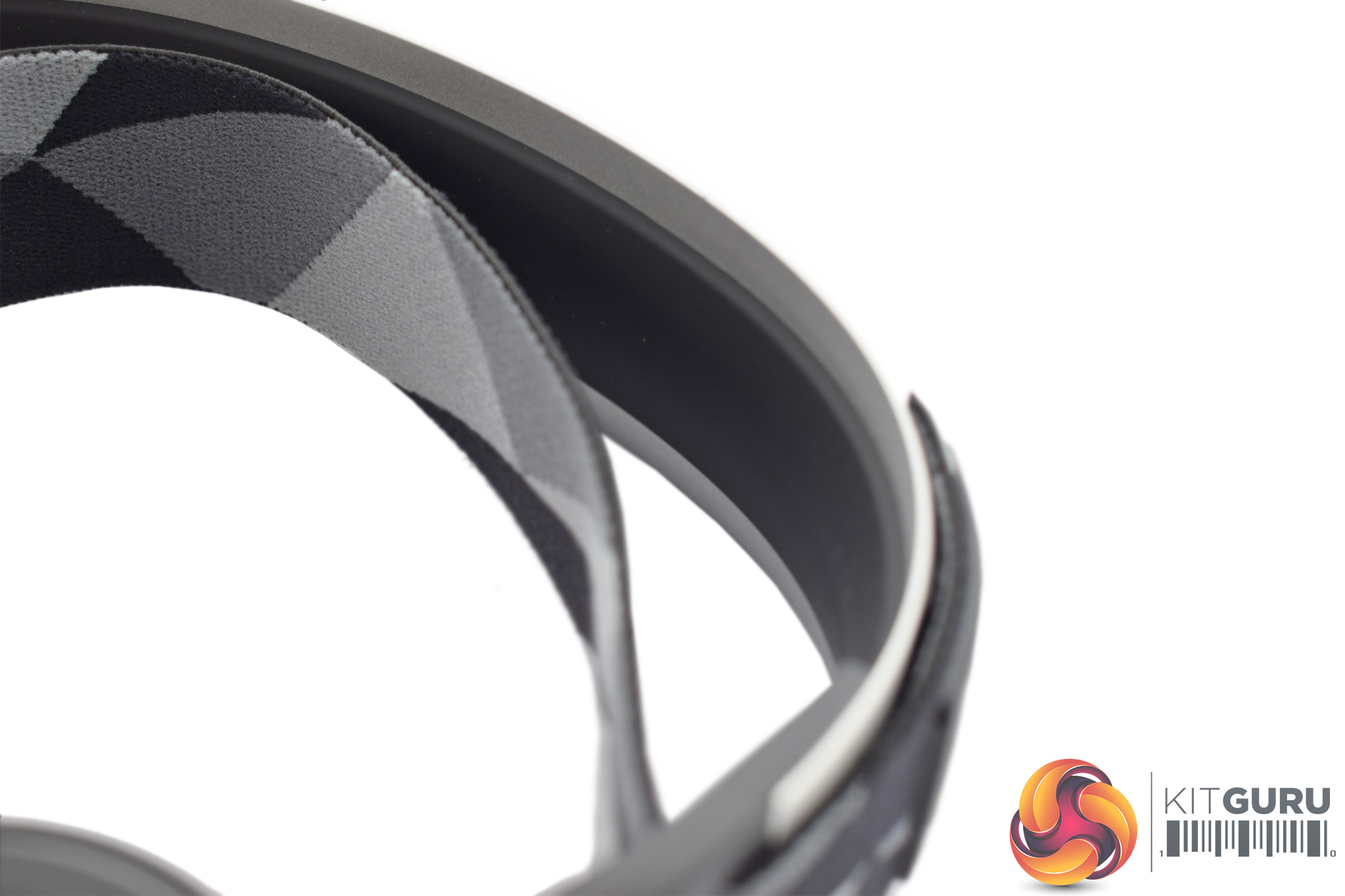
The headband is another unique aspect of the Arctis 7. Here, SteelSeries has opted for a ski goggle-esque design, rather than a more conventional style of headband. To loosen the overall fit of the headset, just adjust the Velcro strap.
The metal frame also sports a relatively thin piece of rubber padding so your skull is not making direct contact with the frame itself.
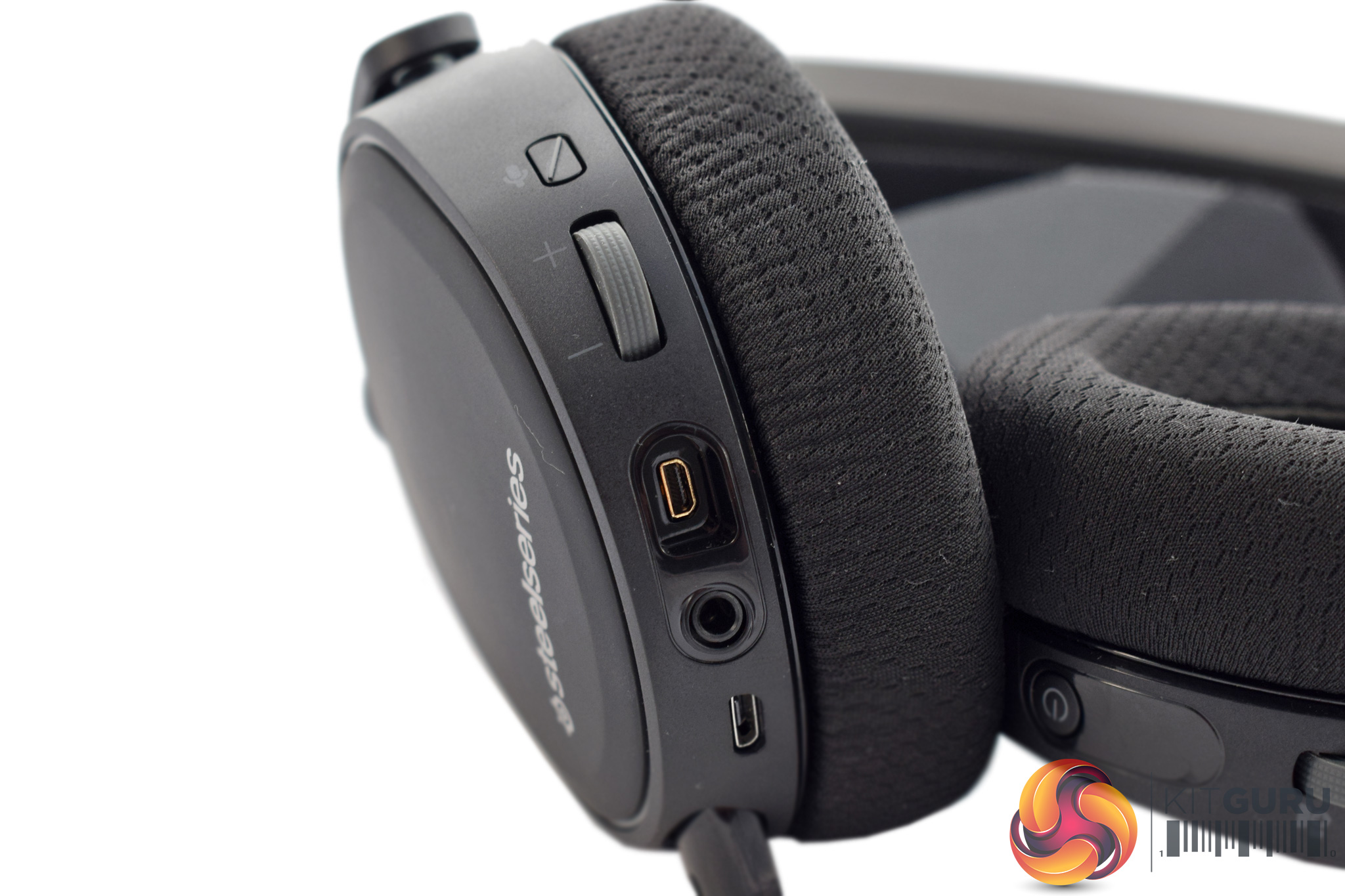
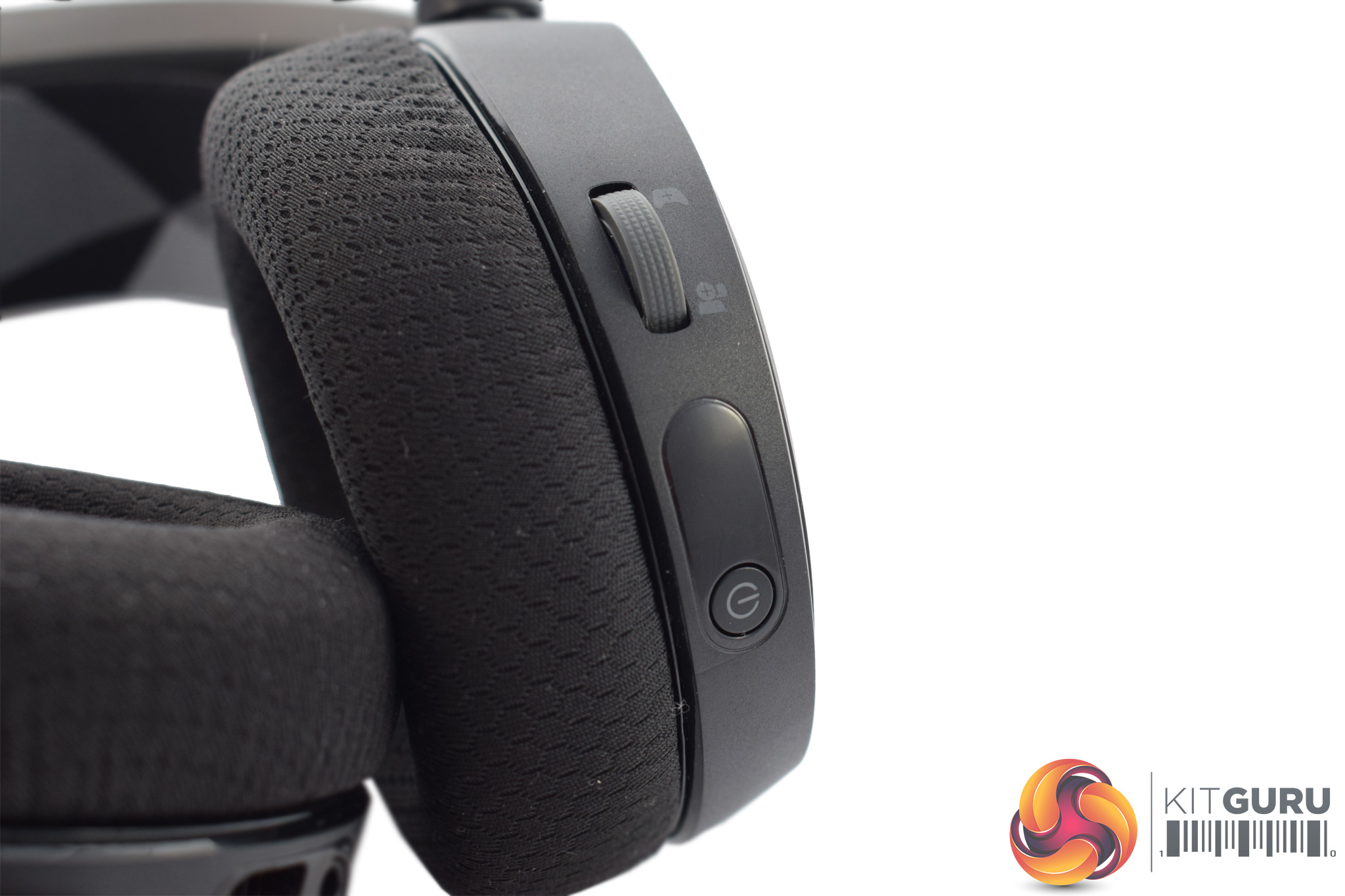
Elsewhere, SteelSeries has added a lot of functionality to the outside of each ear cup, and it is definitely worth looking at all the different features that can be accessed via the on-ear controls.
Starting with the left ear cup (pictured above, left) we find a mic mute toggle, a master volume wheel, and then three different connectivity ports. The first of these is a small port for connecting the optional 3.5mm cable to use the headset as a wired device. After that is another interesting feature, a regular 3.5mm jack which is actually used to ‘share' your music – so a friend can plug in a pair of headphones and hear what you are listening to with the Arctis 7. Lastly, there is also a micro-USB connector for charging the headset.
The right ear cup is (thankfully) less busy, with just the ChatMix dial and the power button. ChatMix essentially lets you ‘balance' the volumes of both your game and your communication method, but we will talk about it more on the next page.
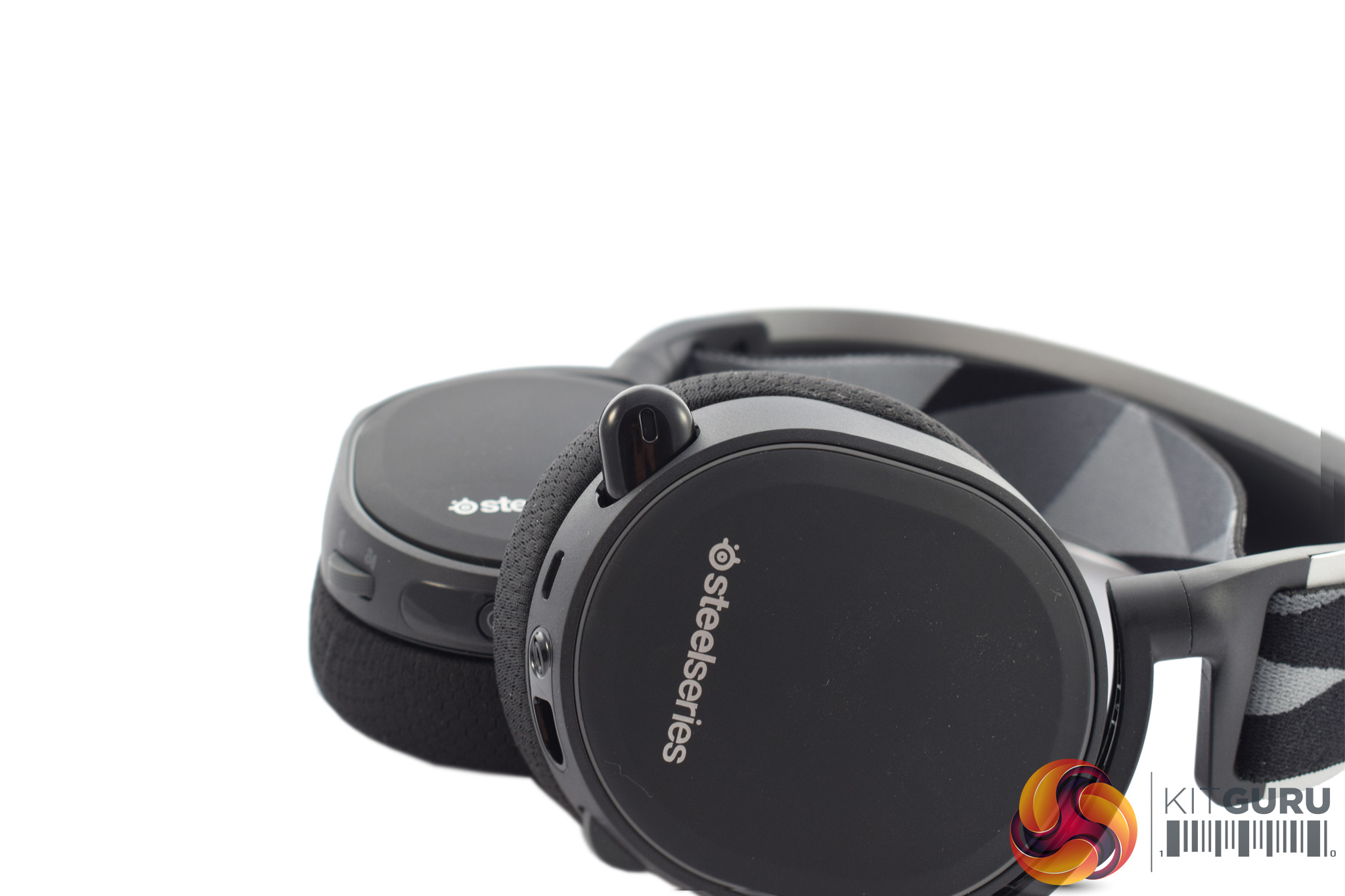
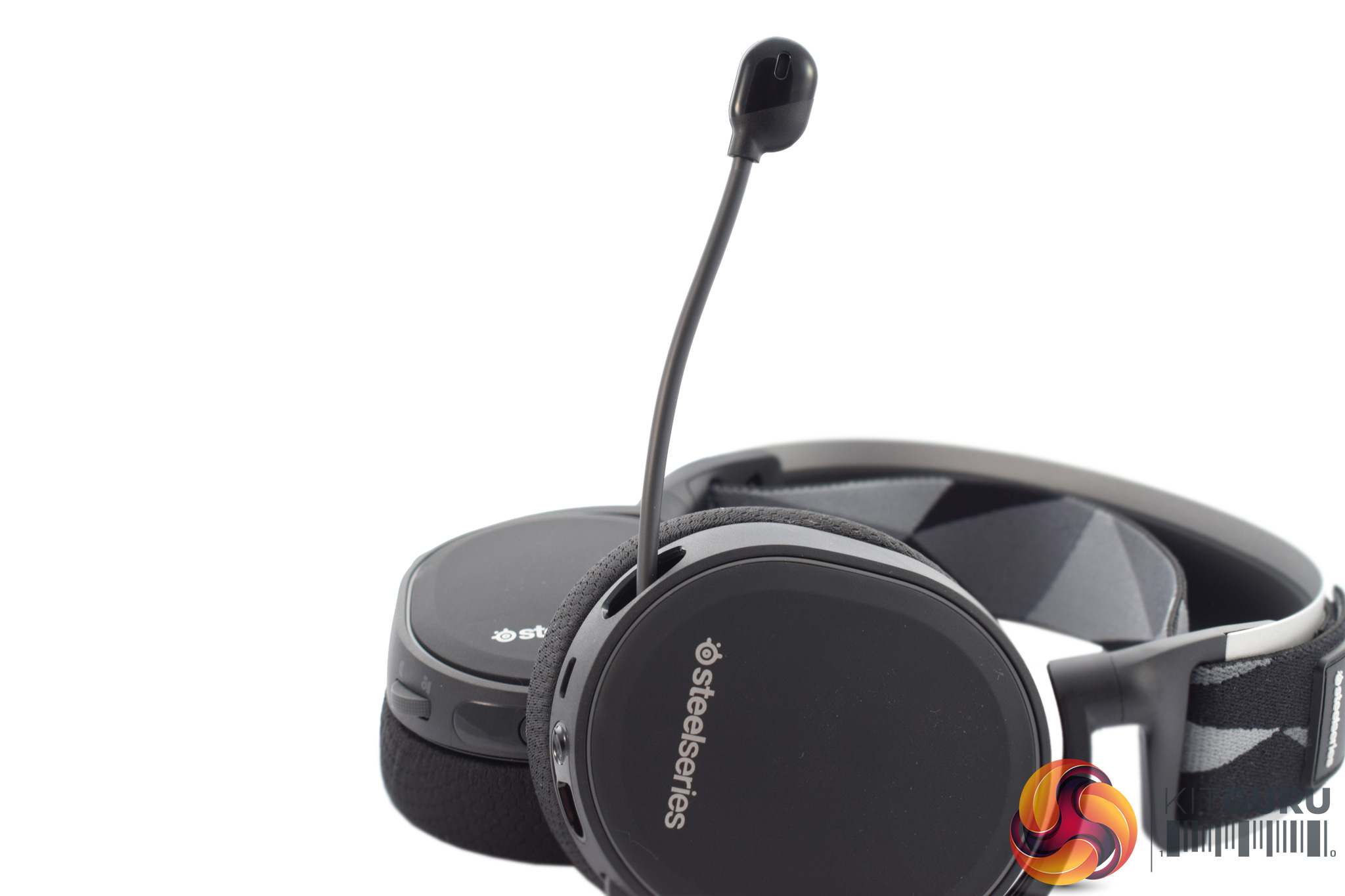
One thing we didn't mention is the mic. This is also positioned on the left ear cup, and it is fully retractable. Once you have pulled it out, the rubber boom is flexible so you can pull it closer if need be. The mic itself is bidirectional.To test the Arctis 7, I used it as my go-to device for all my audio needs. This meant I used it while playing games, watching videos and listening to music.
First, let's take a brief look at the accompanying software, SteelSeries Engine 3:
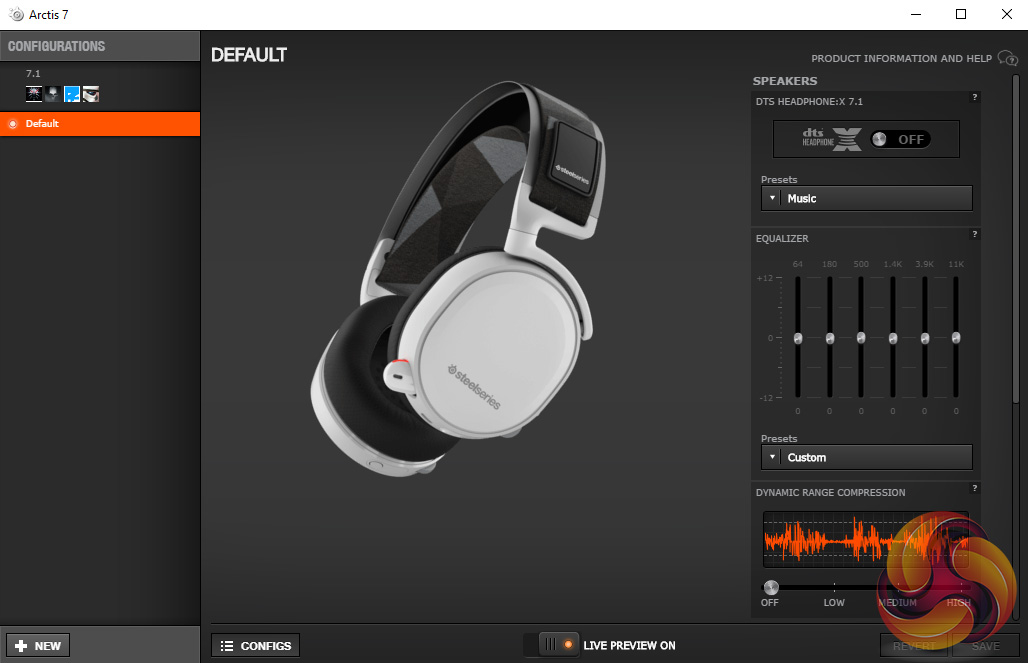
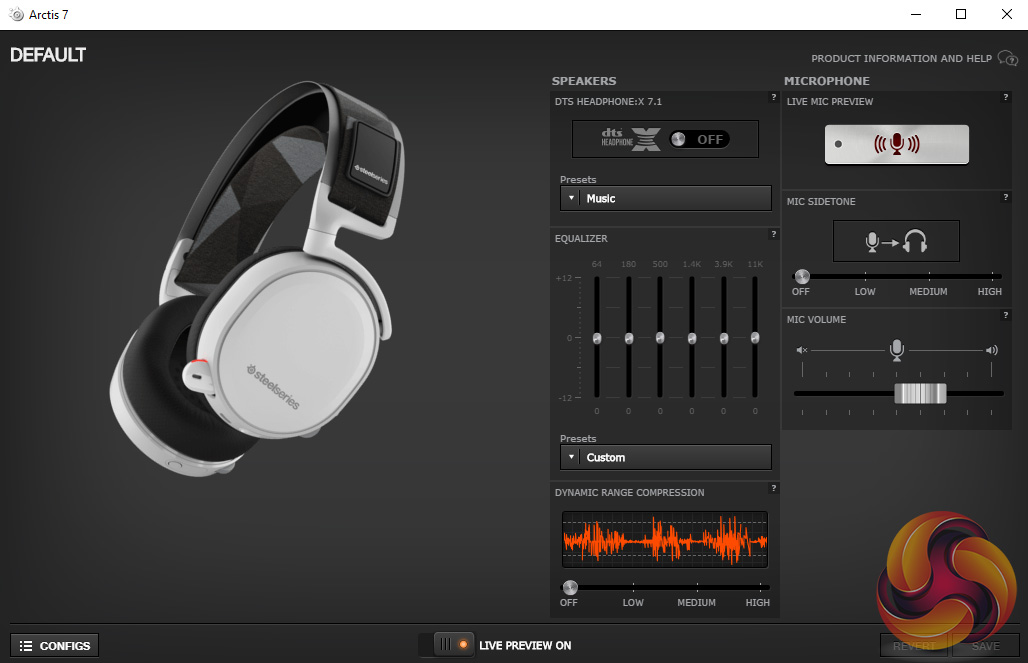
As you can see, all of the controls can be accessed on one page. There is the option to set different profiles, accessed via the small tab on the left-hand side of the page, but this can be collapsed if you don't want to use different profiles.
Essentially, the rest of the software is quite basic but covers most of the areas we would expect. Aside from a 7.1 surround-sound toggle, there is a small adjustable EQ, as well as an option for dynamic compression and mic sidetone. I didn't find myself using the software much, but it definitely worth having for the extra control it gives.
With that out of the way, let's talk about the audio quality.
As I mentioned at the top of this page, I used the Arctis 7 for across a range of scenarios, and overall I must say the quality is very good for a gaming headset.
The overall sound is quite well balanced, with just a hint of emphasis on the bass and mid-range frequencies. This made listening to music quite enjoyable, with the slightly warm sound creating a lovely environment for vocals and acoustic music.
The Arctis 7 also excels when gaming. In-game speech is clear and easy to comprehend, while the punchy bass also ensures gunfire and explosions have enough impact to get you immersed and get the headset rocking.
I did try out the virtual 7.1 solution and it definitely increases the overall soundstage somewhat – in-game audio sounds more expansive and you get a bit more directional feedback when compared to stereo gaming. However, I also found the virtual 7.1 resulted in a slight loss of detail, and speech in particularly just sounds a bit washed-out with surround enabled.
Talking of speech, though, the Arctis 7 has one of the best gaming headset microphones I have come across. It sounds really clear and natural, with only the slightest hint of the nasally effect which plagues other gaming headsets. The mic being retractable is also very handy as you can store it out-of-sight when not in use, and you won't lose it either – as has been known to happen with detachable mics I've used previously…
My favourite feature by far, though, is the ChatMix dial. I'll take my time to explain this feature as it can be a bit confusing initially, but it is frankly brilliant.
So, to explain ChatMix: when first setting up the Arctis 7, users will notice there are two entries in their playback devices – Arctis 7 Game, and Arctis 7 Chat. You will want to make sure the Game entry is set as ‘default device', and the Chat entry should be set as ‘default communications device'.
This is because, by splitting those two channels up – audio and communications – SteelSeries can then allow you to fade between them via the ChatMix on-ear volume wheel. So essentially, in-game, you can adjust the ChatMix volume wheel to make either the communication or general audio louder, at the expense of the other. Simply put, it lets you ‘balance' the two audio sources to a level you are happy with, where you can hear both your game and your friends chatting as well.
In my opinion, this is a simply brilliant idea. I know personally, when chatting using Skype for instance, there have been many occasions where I have had to drop my in-game master volume down to as low as 10% to be able to hear my friends talking in the background. With ChatMix, the simple on-ear volume wheel does it all for you, and I really love it.
Another thing to discuss is battery life. As the Arctis 7 is wireless, it does need charging, and SteelSeries advertises a 15-hour battery life from a full charge. In my experience, that is about right – I used it at around 50-60% volume for a couple of hours a day, and the battery lasted me about a week. I think that's impressive in its own right, but even better is the fact that you can charge the battery (via micro-USB cable) while using the headset, or use the 3.5mm jack cable and not need the battery to be charged at all – so there'll never come a time when you have to stop listening.
However, I must talk about comfort before moving on. Here I am sad to say I did not get on with the Arctis 7 at all, for one simple reason – I found my ears pressed right against the ear cup drivers, instead of being cushioned by the ear cups themselves. This meant I could only use the headset for about 45 minutes at a time, as otherwise my ears would feel pinched and they would get very warm.
I wouldn't say I have particularly wide or oddly-shaped ears, either, so it just seems like a design flaw to me. Other people online have also reported similar problems so it definitely isn't just me.
That Reddit thread does suggest getting a pair of the alternate ear cushions (velour or leatherette options are available for £11.99 plus postage from steelseries.com) but sadly I wasn't able to get a hold of any extra cushions to verify this. Honestly, I would have expected a second pair in the box – without having to pay more – considering the price of the headset. The HyperX Cloud II manages to do this, and a pair of those are significantly cheaper.Overall, I had a hard time deciding how to score the SteelSeries Arctis 7 gaming headset.
On one hand, the audio quality is very good for a gaming headset, the mic is up there with the best I've heard and I genuinely believe ChatMix is one of the best, if not the best feature included with any gaming headset I've used.
However, on the other hand, the simple fact of the matter is I couldn't use the Arctis 7 for more than 45 minutes at a time as my ears would press right up against the headset's drivers – it was just too uncomfortable to use for longer periods.
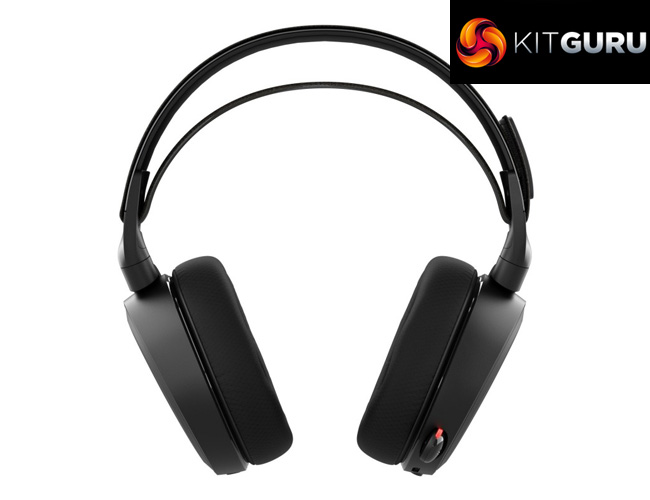
If a secondary pair of ear cushions – maybe thicker ones, or a slightly different shape of cushion – were included in the box (which, frankly, I would've expected at this price point) and they solved the problem for me, I have no doubt the Arctis 7 would be heading for our top award as one of the best all-round gaming headsets I've used.
As it is, though, I would definitely urge our readers to try before you buy. There is a good chance you won't have the same issue I did, but it would be a crying shame for anyone to spend £130 on a headset and then not be able to use it for longer than short sessions.
However, I can only judge the headset from my experience with it, and sadly – purely due to my issue with the comfort of the device – it isn't one I'll be trying again soon.

You can buy the SteelSeries Arctis 7 for £129.95 from Overclockers UK HERE. This is a temporary deal, and afterwards the price will go back up to £159.95, so if you are interested it may be best to act fast.
Discuss on our Facebook page, over HERE.
Pros
- Good audio quality.
- Excellent mic.
- ChatMix feature is simply brilliant.
- Stylish.
- Can be used via wireless or wired connection.
- Good battery life.
Cons
- My ears pressed against the drivers when in use which was very uncomfortable.
- Definitely more expensive than your average gaming headset.
KitGuru says: I would love to whole-heartedly recommend the Arctis 7 – and though it is still likely to do the job for many people out there, due to my issues with its comfort, and despite all the things I like about it, I just couldn't use it for any prolonged period of time.


I have the Arctis 5, and my ears do make contact with the drivers, but I wouldn’t say it’s one way or the other as far as comfort goes. I mean, I would prefer that they didn’t, but it doesn’t cause me any noticeable discomfort. Definitely none of the pinching or overheating that you describe.
Overall good review, and it definitely opened me to the concept of jumping up a model if it meant I could get rid of the wire, which is the only thing I can say I dislike about the 5.
Book55s