KitGuru KitGuru.net – Tech News | Hardware News | Hardware Reviews | IOS | Mobile | Gaming | Graphics Cards


Mesh networking was a fairly specialised concept a couple of years ago. But now products are arriving on a regular basis, and ASUS is even on its second range after the original Lyra that we reviewed last year. The Lyra Trio builds on the excellent capabilities of the original Lyra, but throws in a healthy dollop of style in a similar vein to the ASUS Blue Cave. However, the Trio is as different from the original Lyra under the hood as it is in appearance.
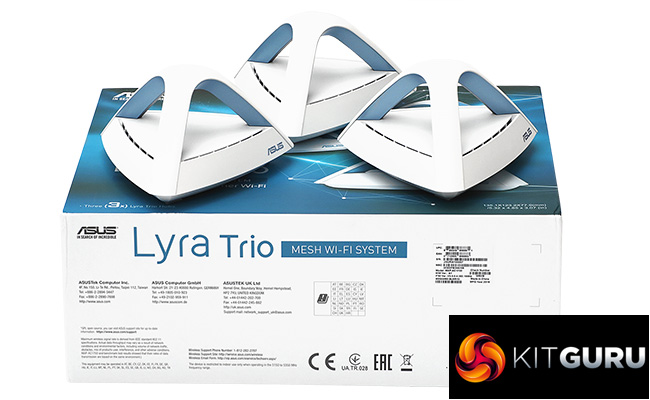
This is still a three-pack option, like the original Lyra. But the units have an arched top, with a light blue tinge underneath like the Blue Cave making them much more stylish in appearance. However, whilst this trio of arches might look aesthetic (in a sci-fi kind of way), they're not just shaped like this for appearances only. The three legs of the arches actually contain the aerials for the 3×3 MIMO radio.
This is an upgrade on the original Lyra, which had a 2×2 antenna configuration. However, things are a bit more complicated than this, because whilst the Lyra is tri-band, the Lyra Trio is dual-band, offering AC1750 performance compared to the original Lyra's AC2200. This sounds like a downgrade, but the individual 2.4GHz and 5GHz radios are both faster than the Lyra's. You get 450Mbits/sec over 2.4GHz and 1,300MHz over 5GHz. So it's all a bit “swings and roundabouts”.
We're not really sure what effect this will have on performance, although usually dual-band mesh systems don't fare so well as tri-band offerings with a dedicated backhaul, such as the NETGEAR Orbi. But ASUS is still claiming a 5,400 square foot coverage for a three-unit Lyra Trio setup, which is not far off what NETGEAR claims for the three-pack RBK50. Only our real-world testing will be able to answer whether the claim is true.
The ASUS Lyra Trio is not hideously expensive for a mesh WiFi system either, with a current street price of £269.99 at the time of writing, about £80 less than the original Lyra. If performance is anything like the latter, the Trio could be a bit of a bargain. Let's take a closer look.
Price: £269.99
Specification:
Wireless protocols: MU-MIMO with 802.11b/g/n 2.4GHz, 802.11a/n/ac 5GHz
Performance: AC1750 (1,300 + 450 Mbits/sec)
Antenna Configuration: 3×3 internal antennas for 2.4 and 5GHz (3 total)
Ports: Per unit: 1 x Gigabit Ethernet WAN; 1 x Gigabit Ethernet
Modem Support: VDSL/ADSL 2+ or cable
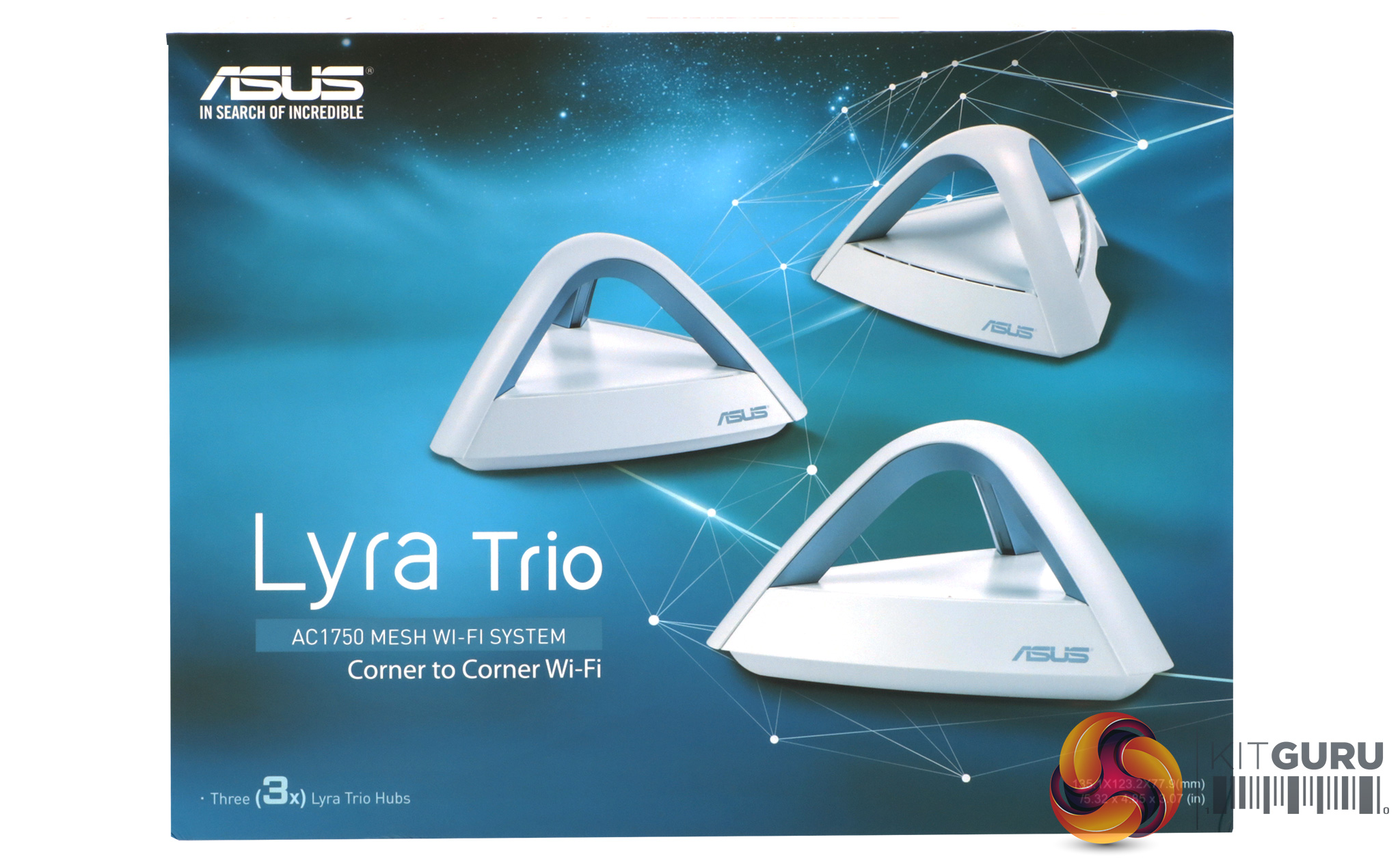
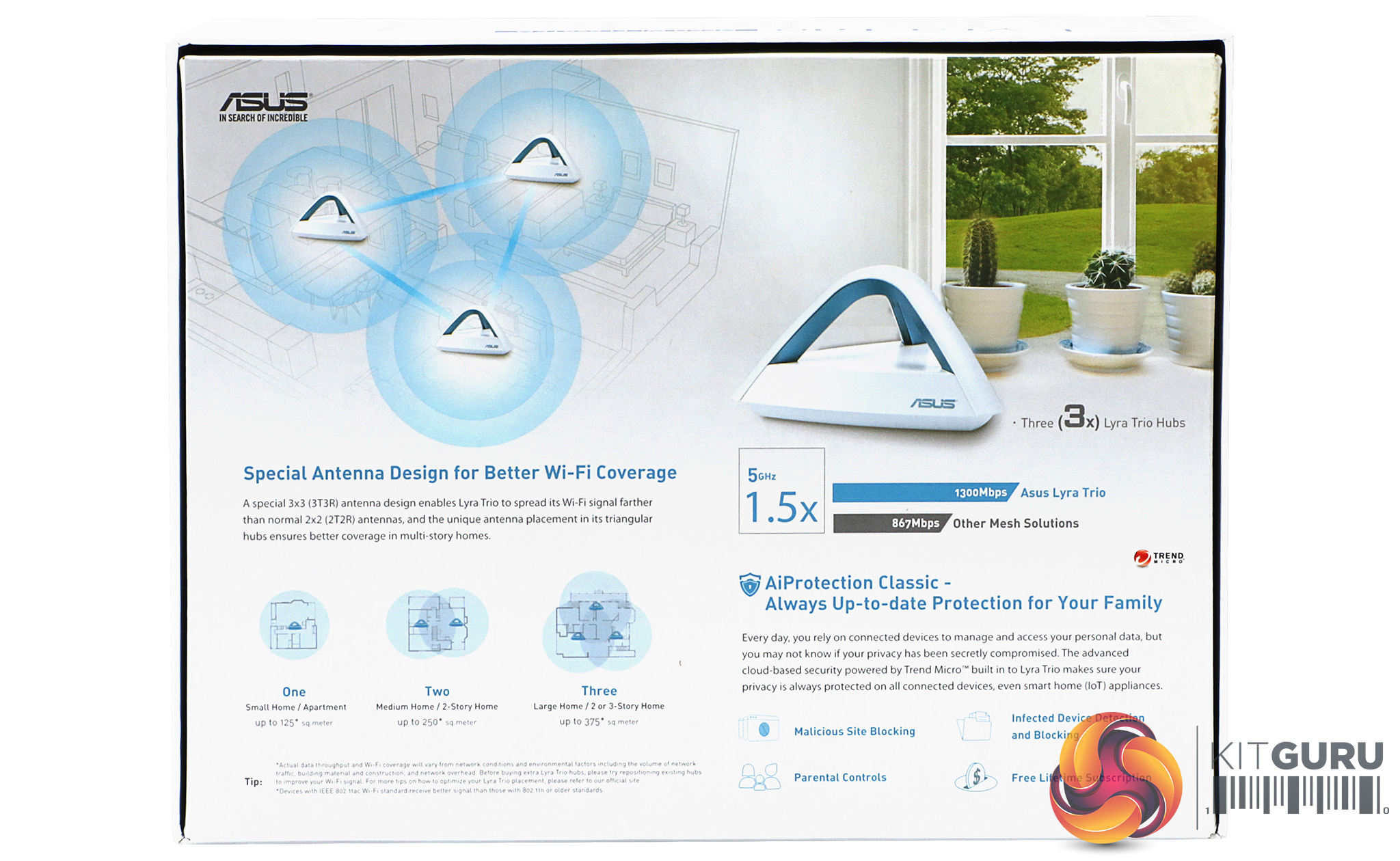
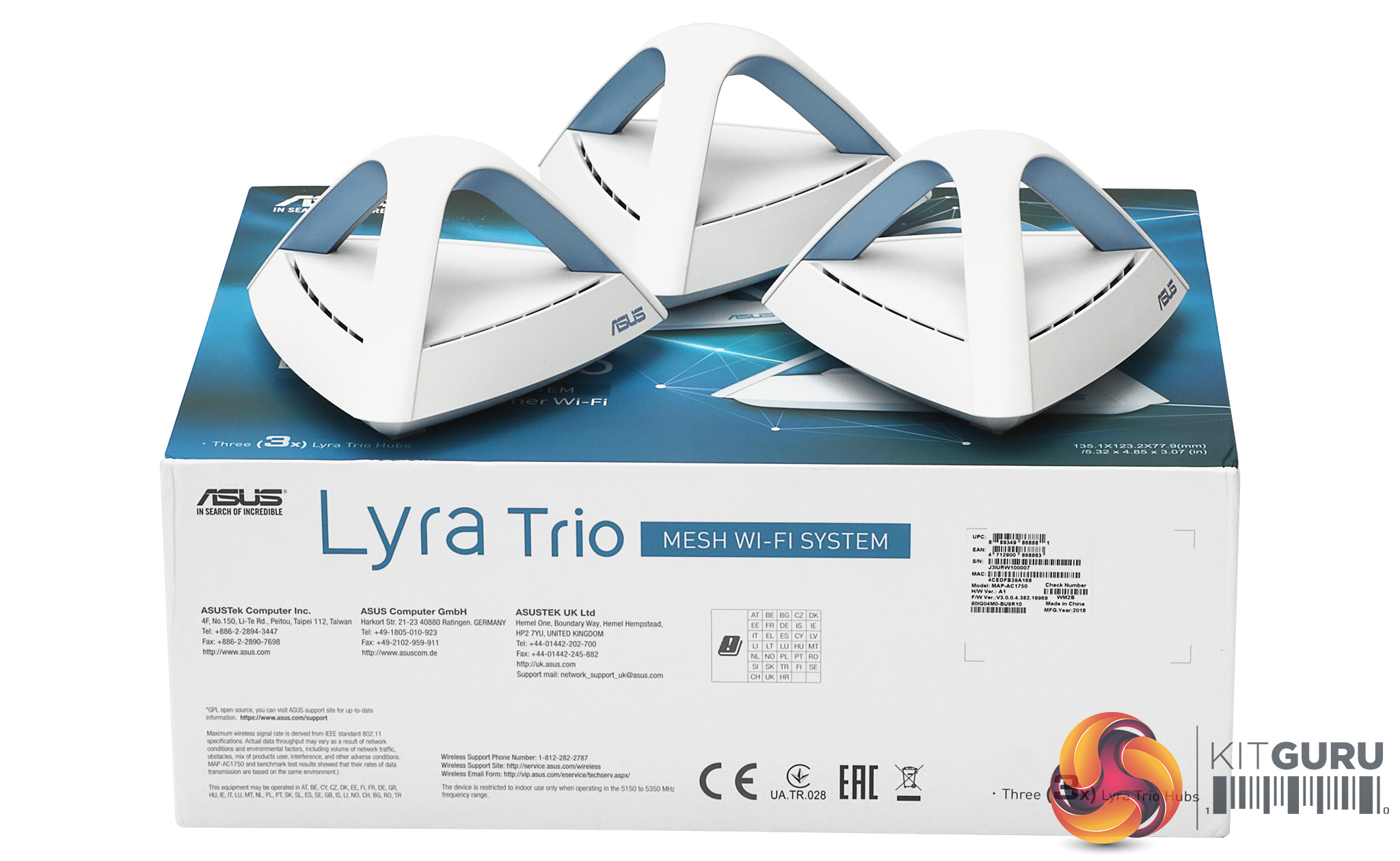
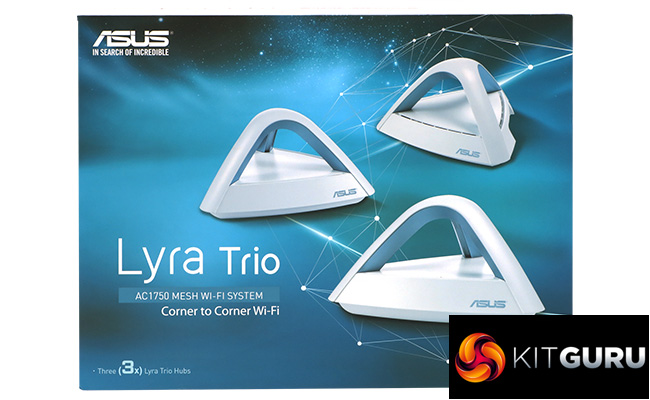
The ASUS Lyra Trio box is attractively illustrated, providing a reassuring sense of a premium product.
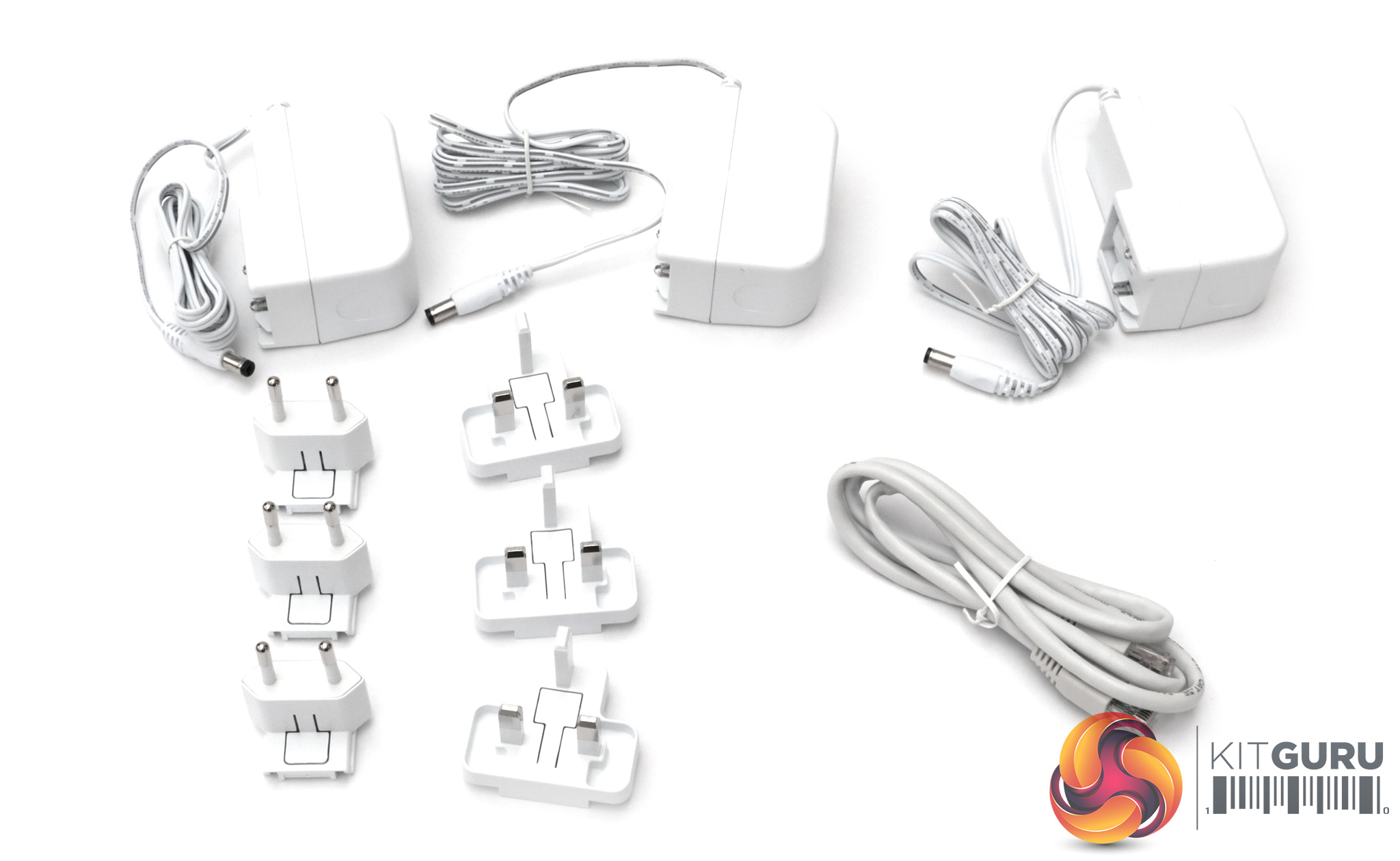
Apart from the three units and their respective power supplies, you get both continental European and UK plug adapters. There's also an Ethernet cable for hooking the Lyra Trio up to your broadband.
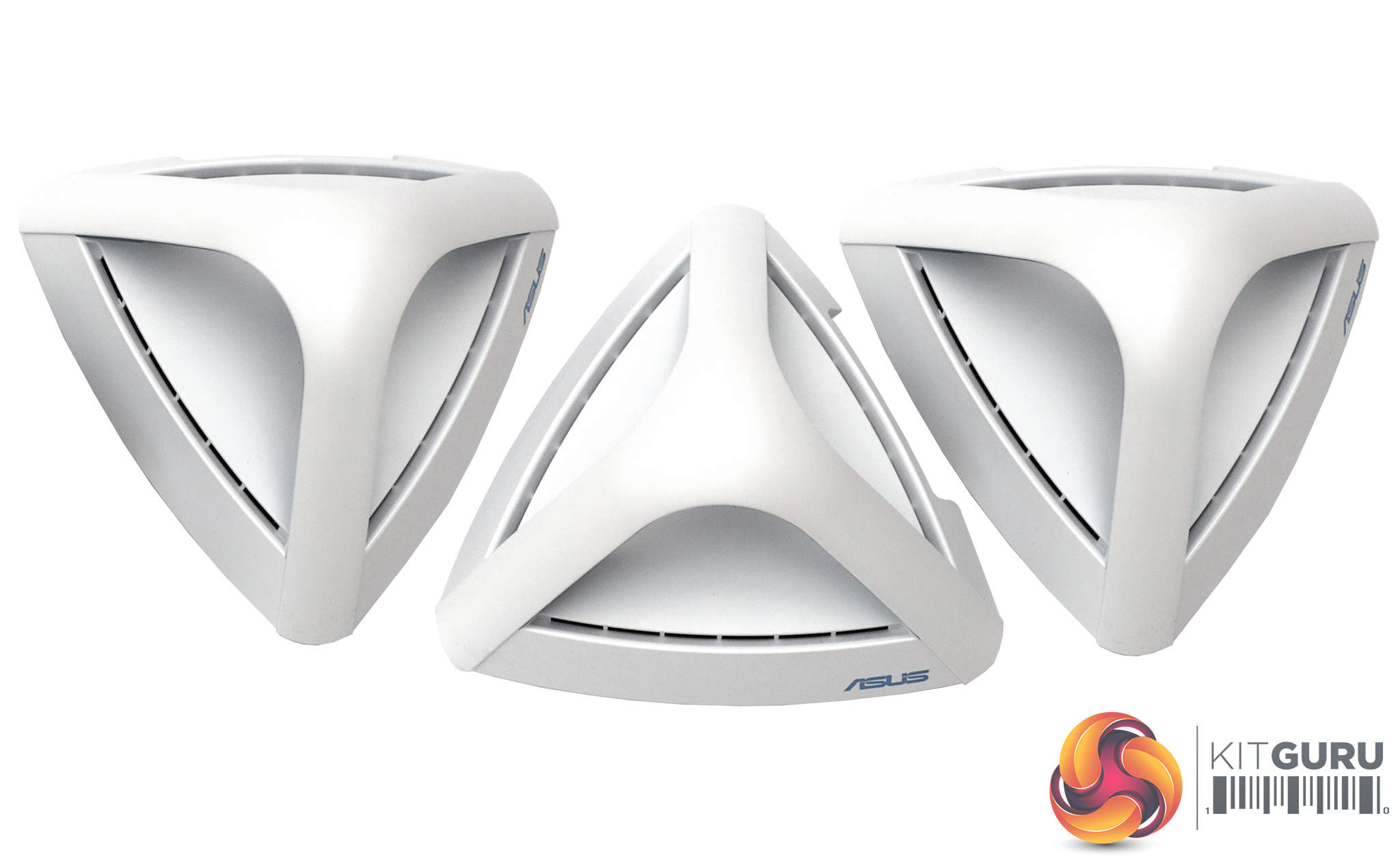
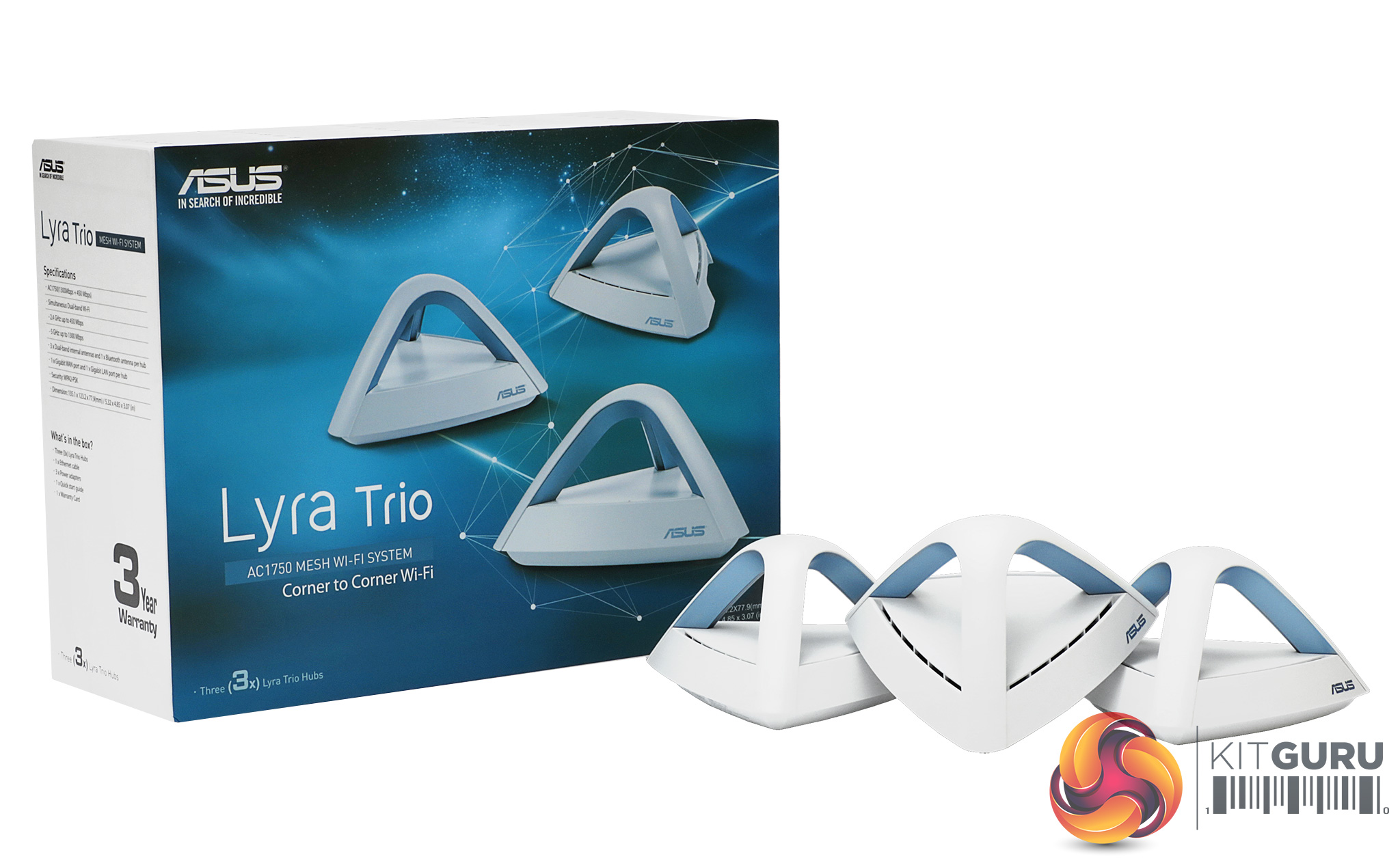
Even though the triangular arches are actually home to the 3×3 antenna configuration, they are still much more interesting in design terms than most mesh WiFi units. They won't be innocuous around the house, but if you have a reasonably modern decor they will fit in quite nicely.
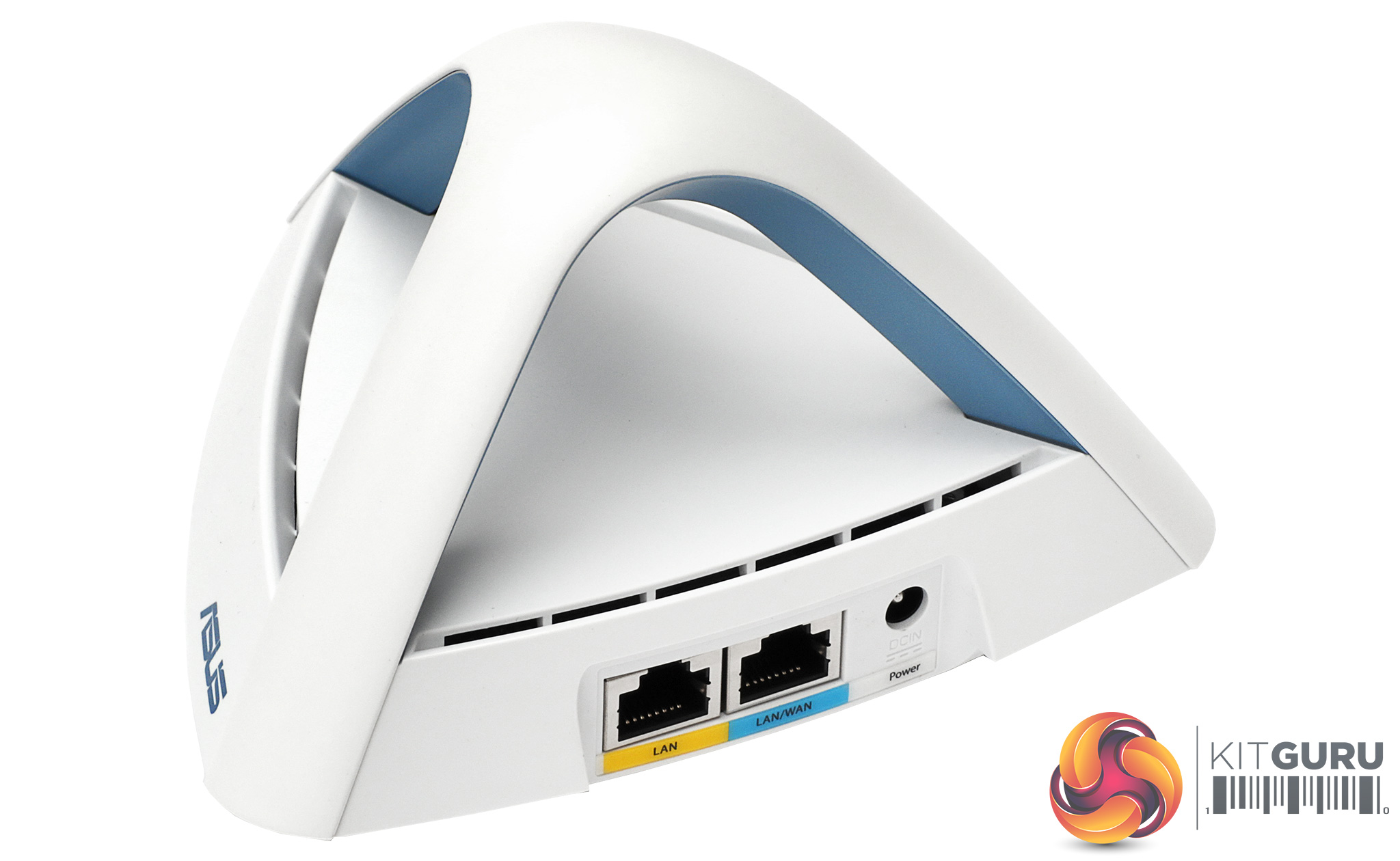
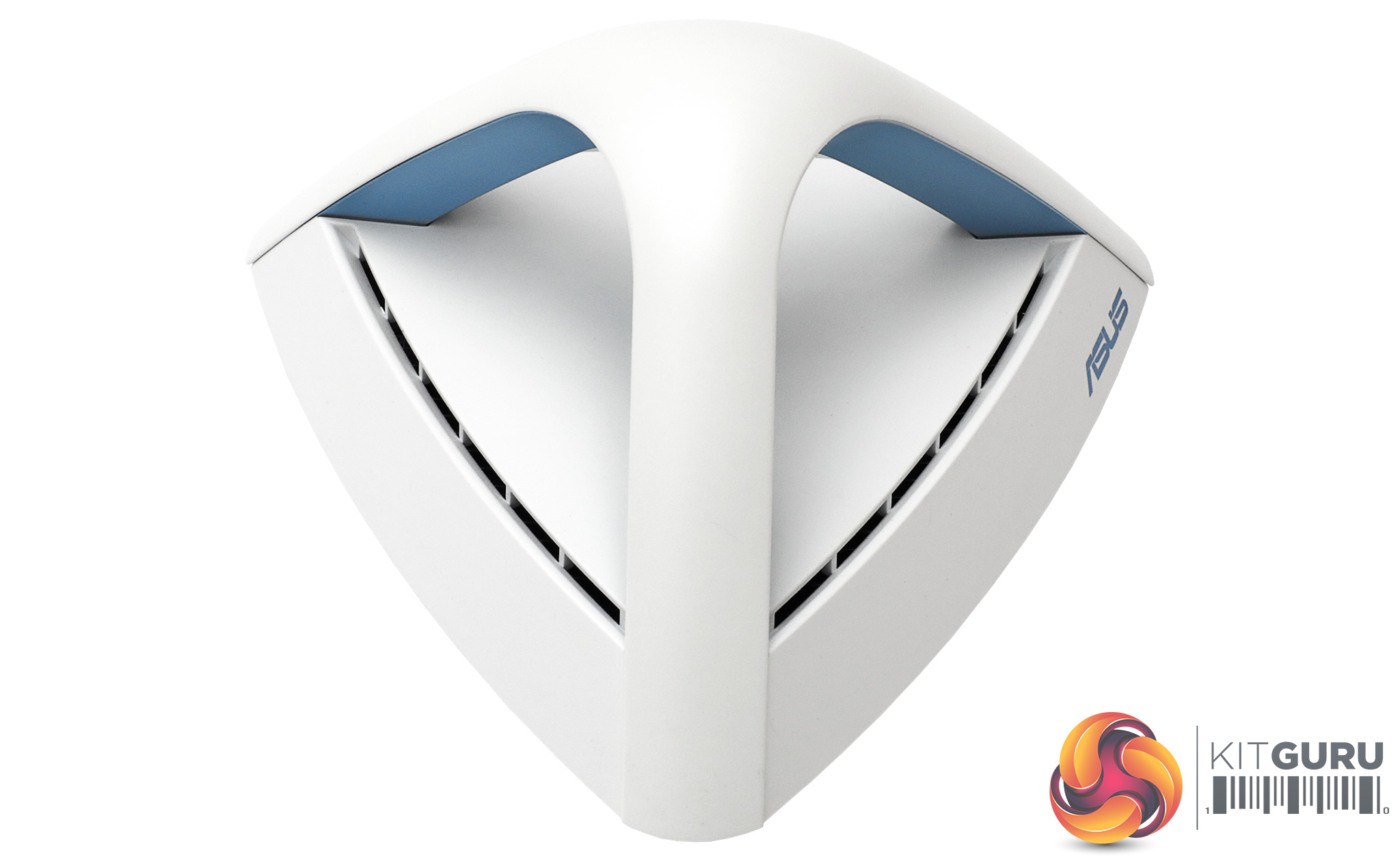
ASUS's design isn't quite Dyson, but the white plastic with light blue beneath the triangular arches' arms is far from ugly as routing devices go. You will need to be discreet with the wiring, though. The air vents perhaps break the sleek look, but are essential to keeping the circuitry cool.
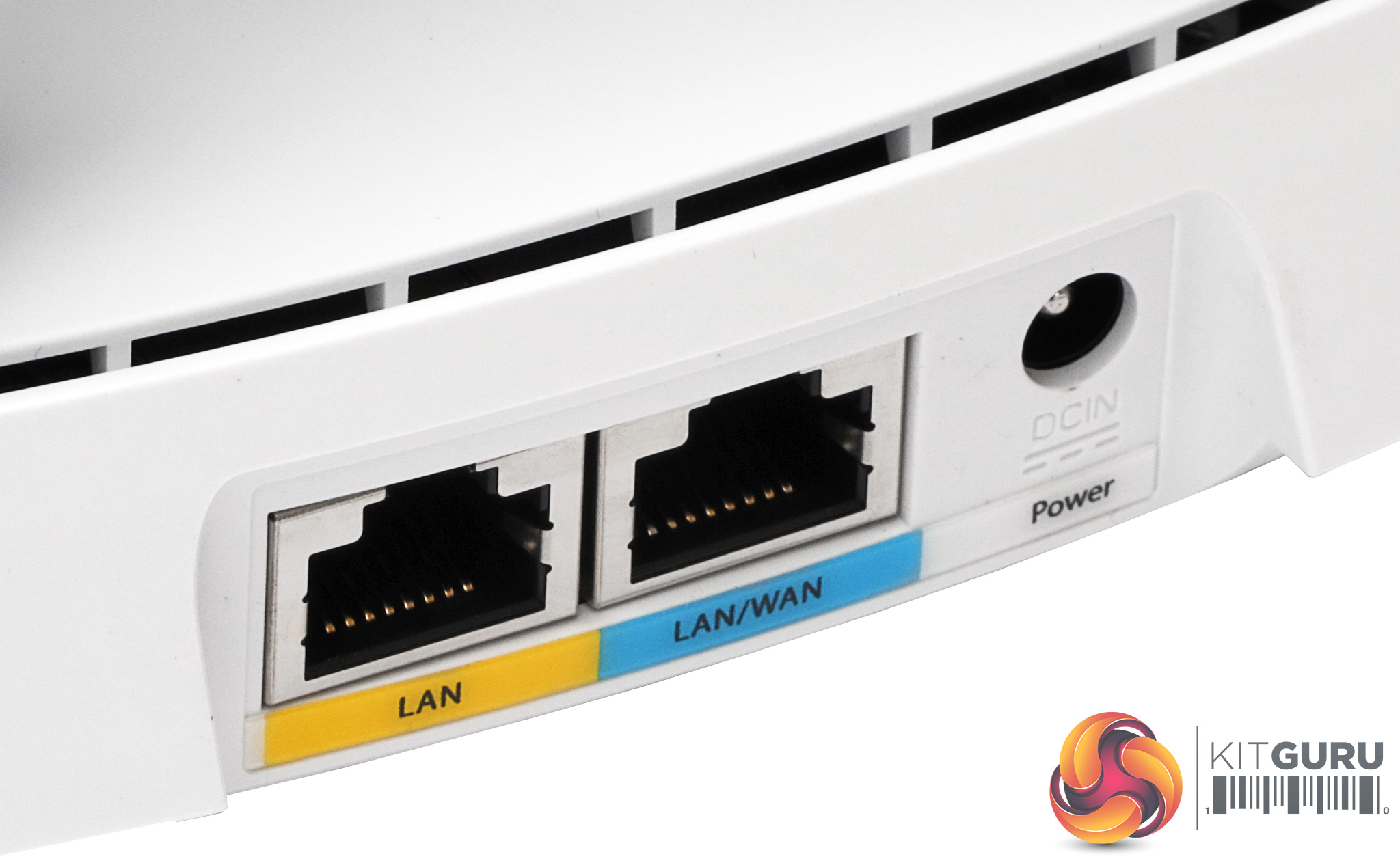
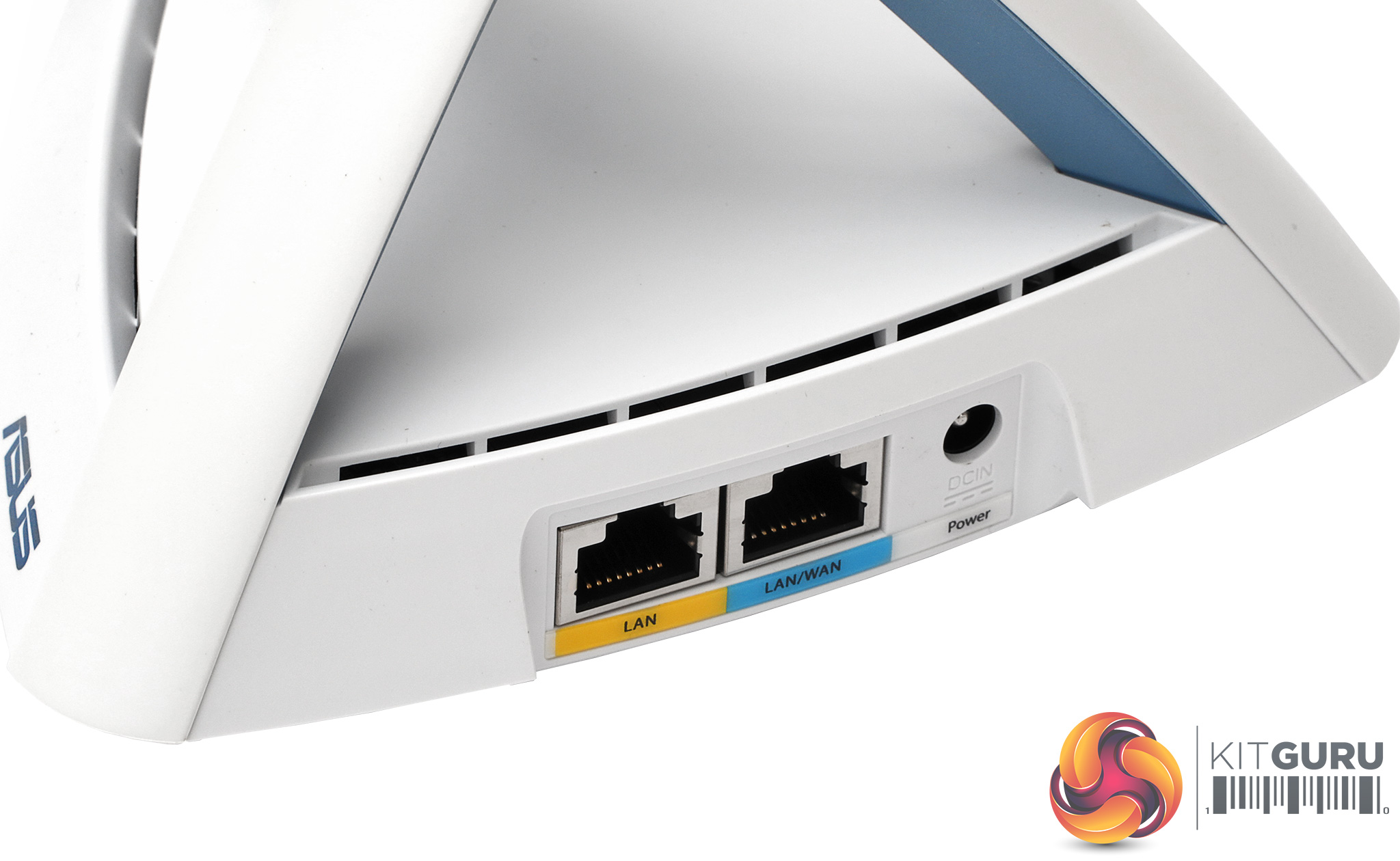
Each unit has two LAN ports alongside the power input. One is ostensibly for the WAN broadband connection, but this is only when the unit is acting as the primary one that provides this connectivity. The other two units that are acting as satellites can offer both their Gigabit Ethernet ports to wired devices, which will be handy for distributing your LAN and Internet around multiple rooms in the house to desktop PCs.
However, there's no USB port for attaching a printer, storage device or secondary mobile data dongle, which could be a drawback if you want to share a media collection over your network.
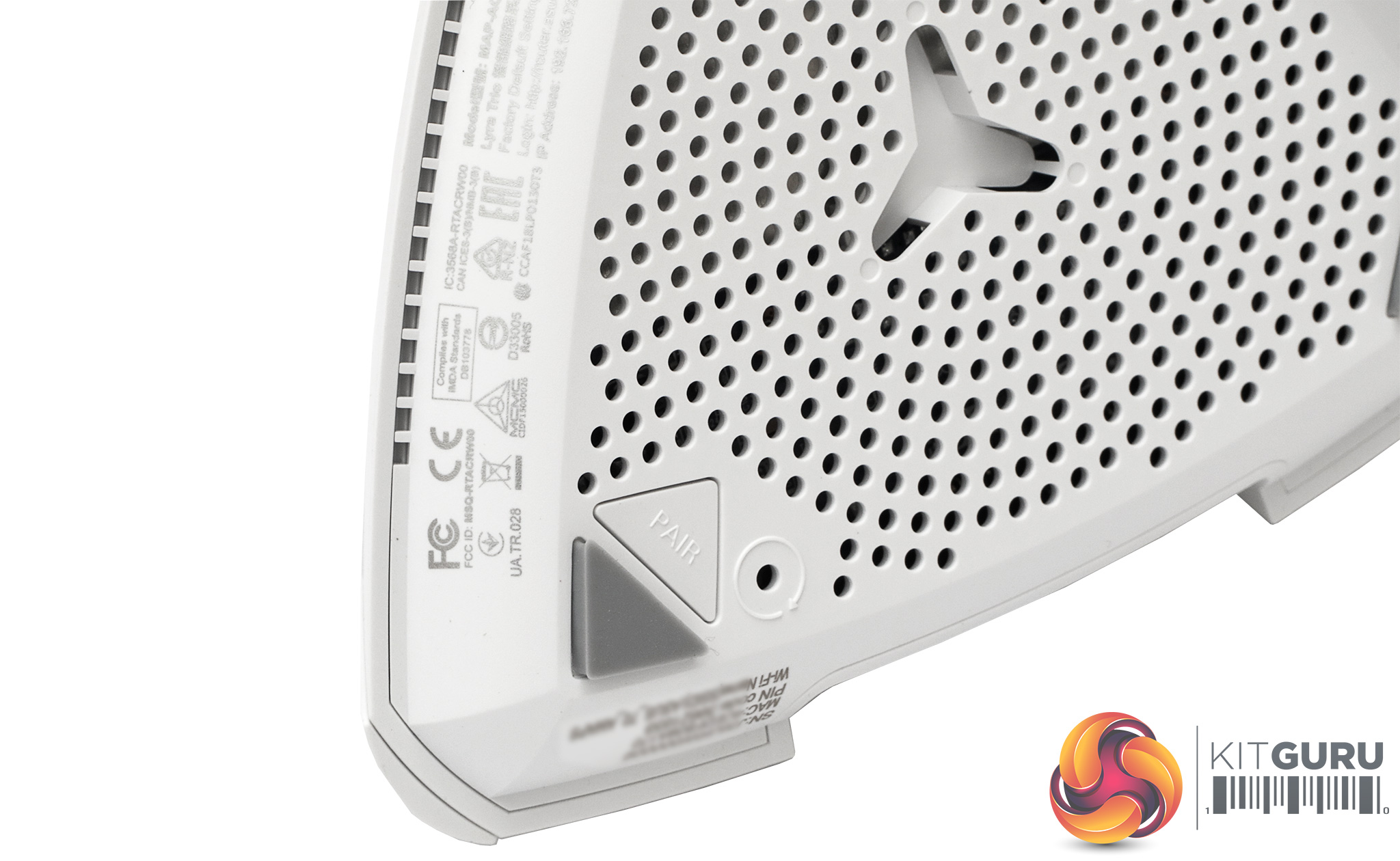
The button for manual pairing is subtly hidden underneath, as is the reset button, which you will need an unfurled paperclip to operate.
Overall, the design and physical features of the Lyra Trio units are minimalist, although this is usually the case for most dedicated mesh WiFi setups. Next, we turn to the configuration and administration features to find out if these are minimalist too, or more involved.
When you first plug the primary Lyra Trio unit into your broadband and an Ethernet-attached PC, you're presented with a welcome screen.


This gives you the choice between setting up a new Lyra network or logging into your existing one.
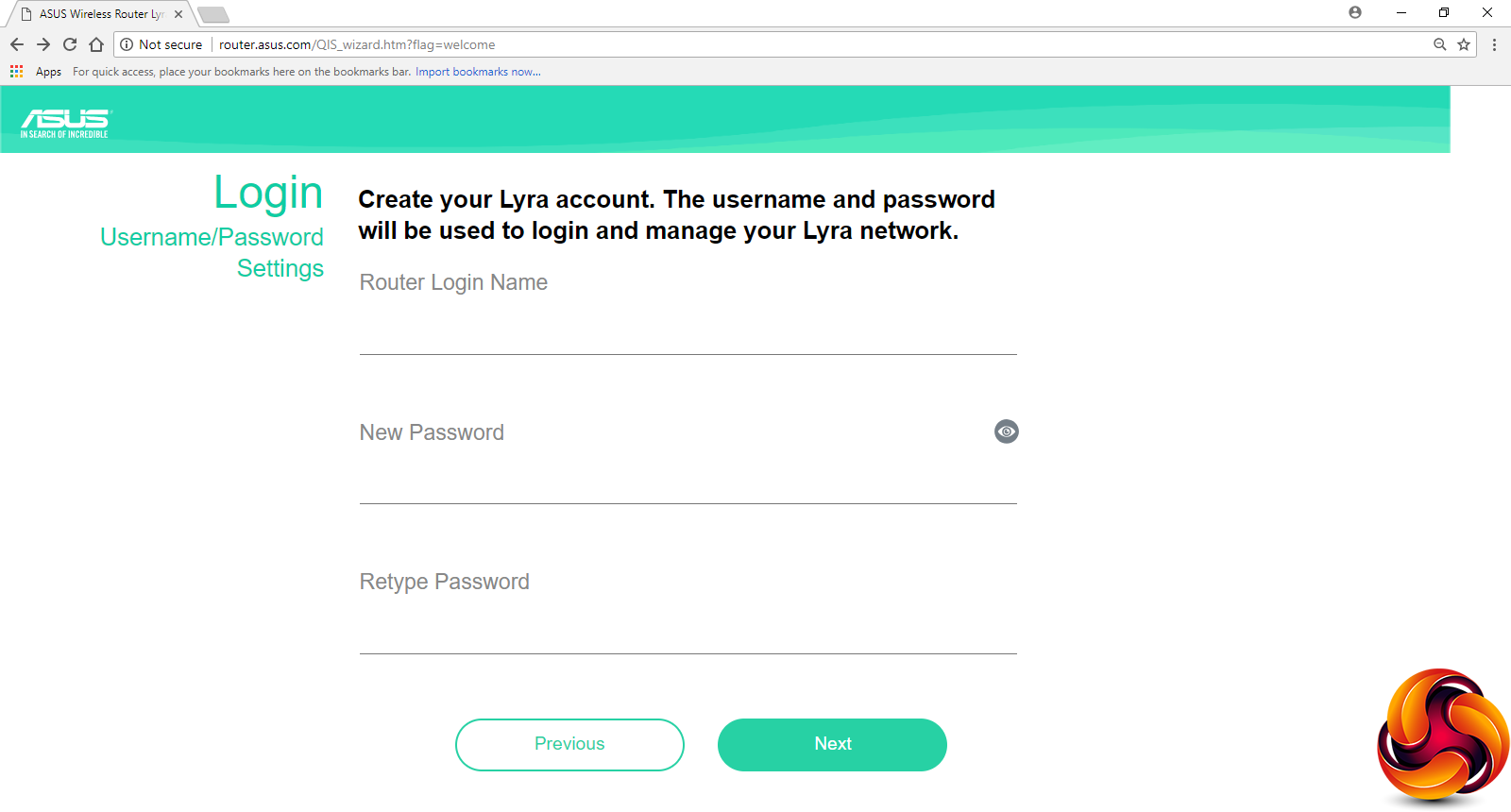
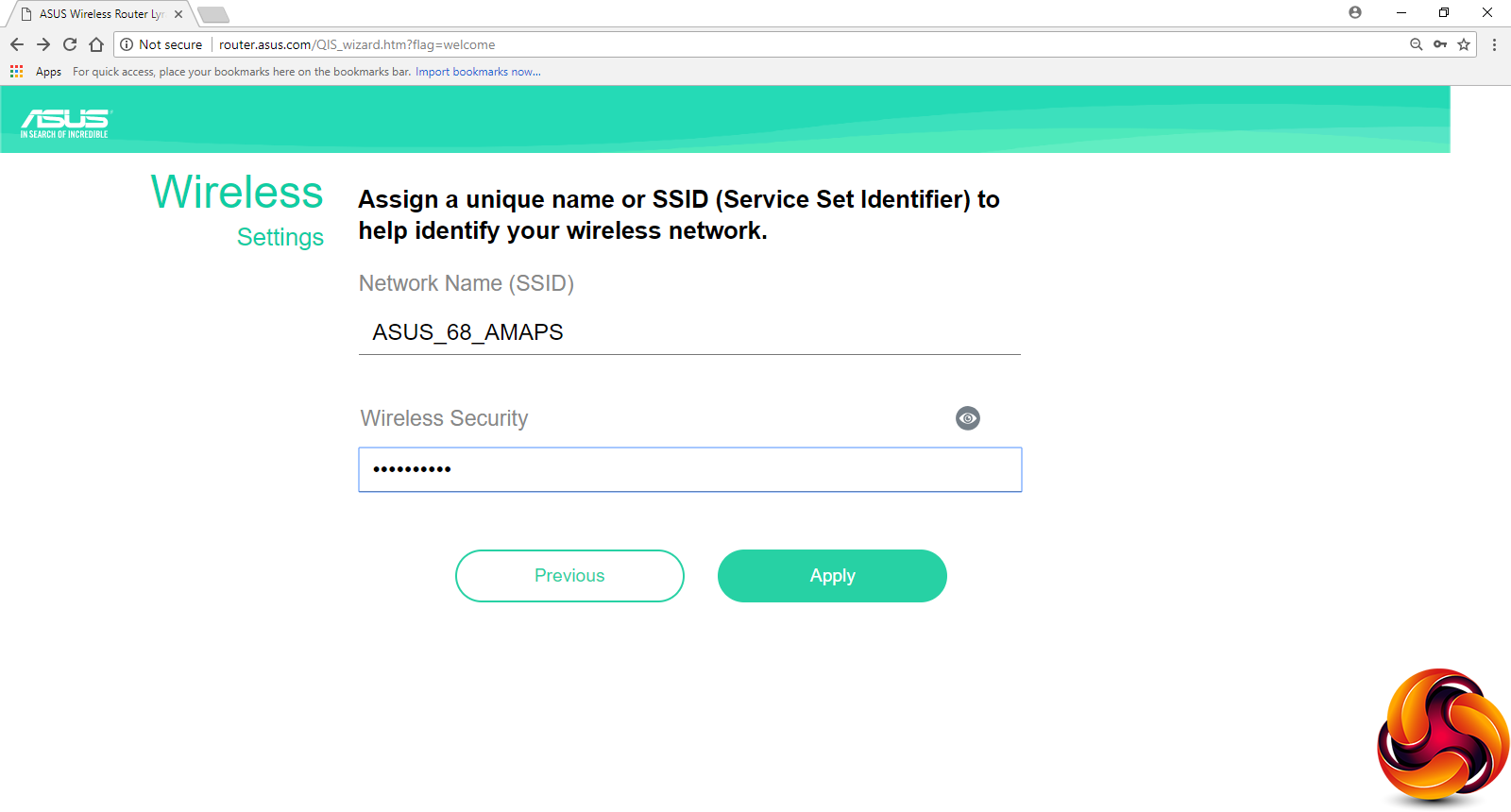
Choose the Create A New Lyra Network option and you're led through setting up an admin login and password for your primary Lyra Trio unit, and then the SSID for the WiFi.
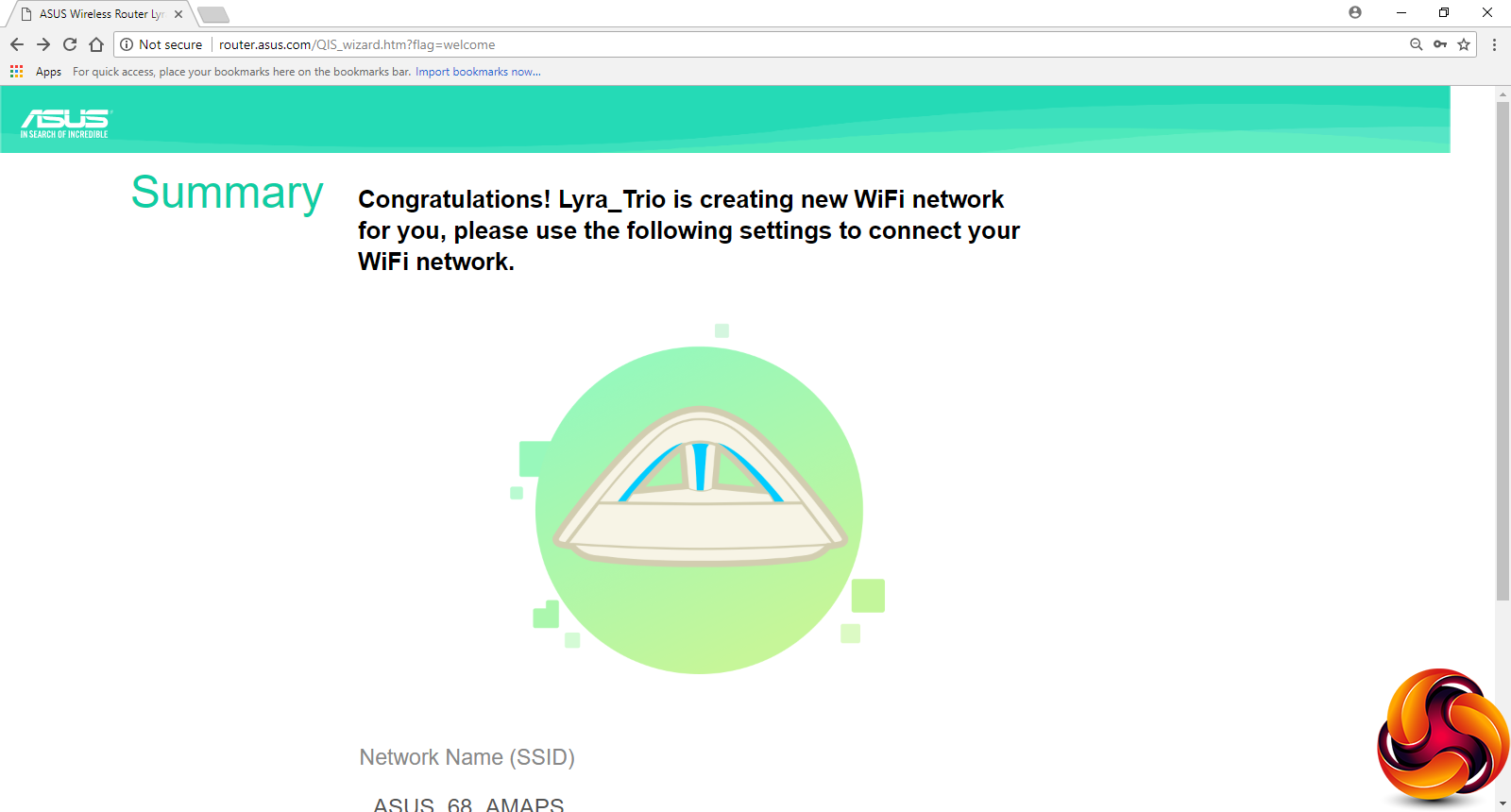
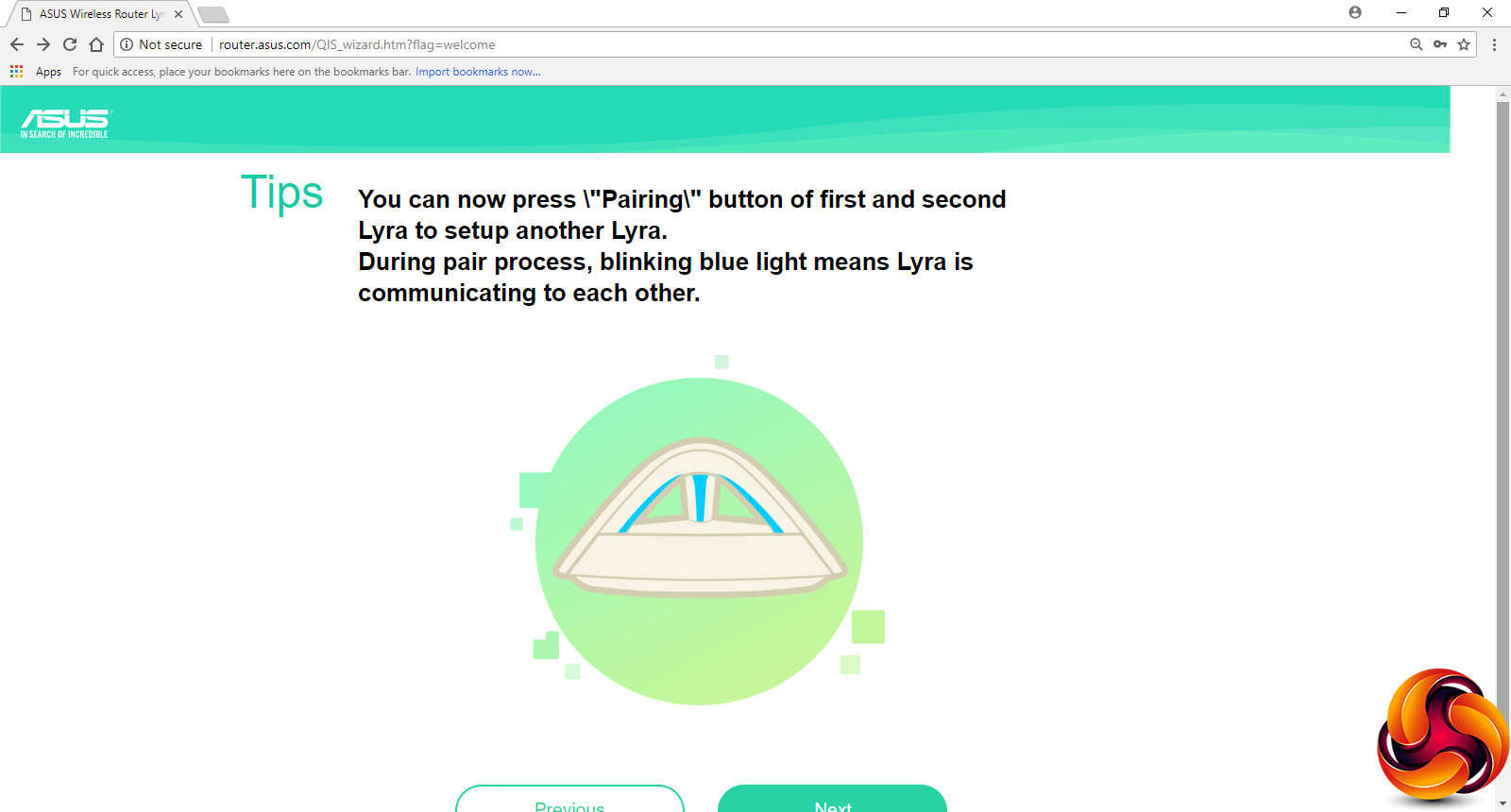
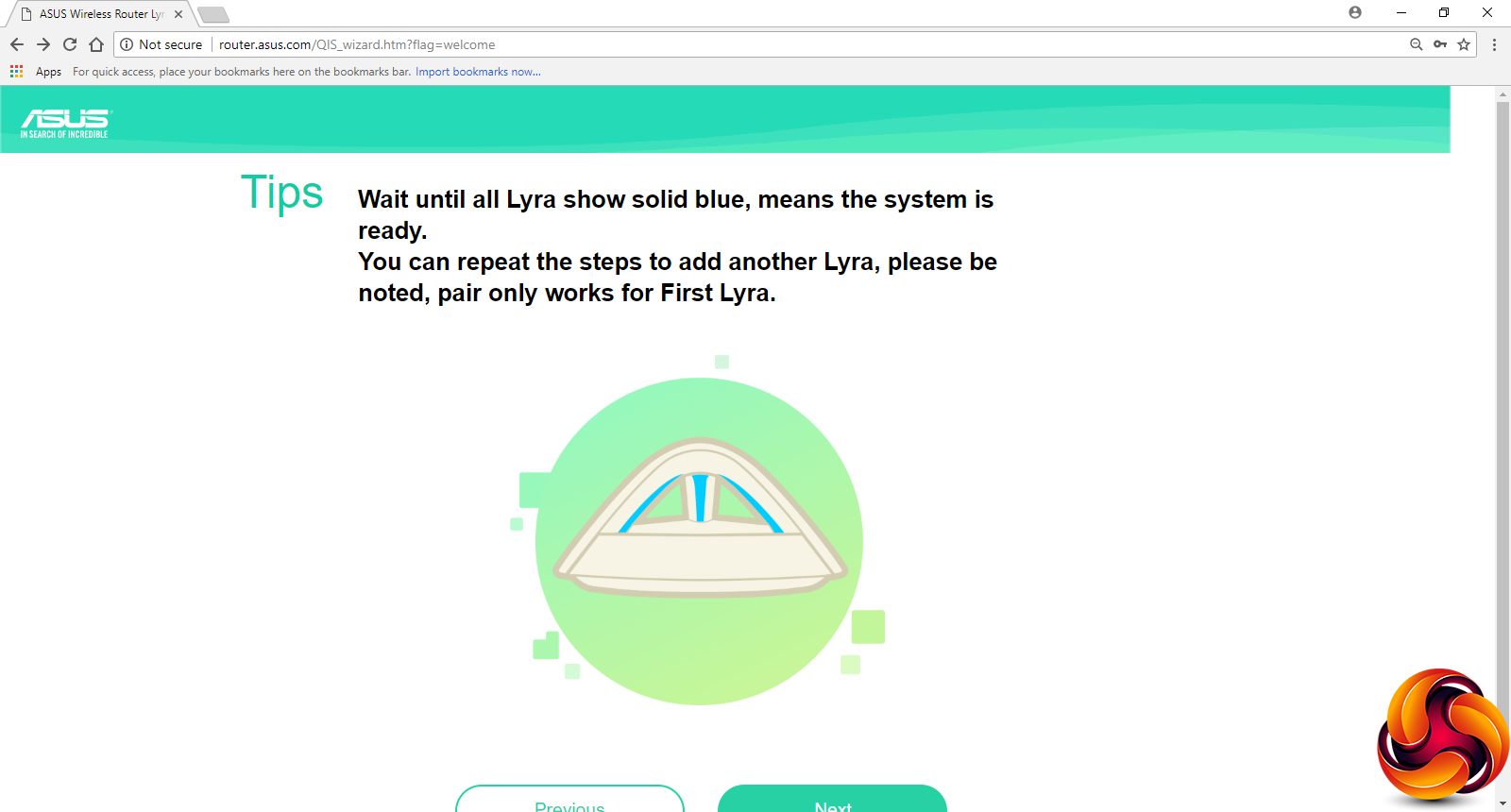
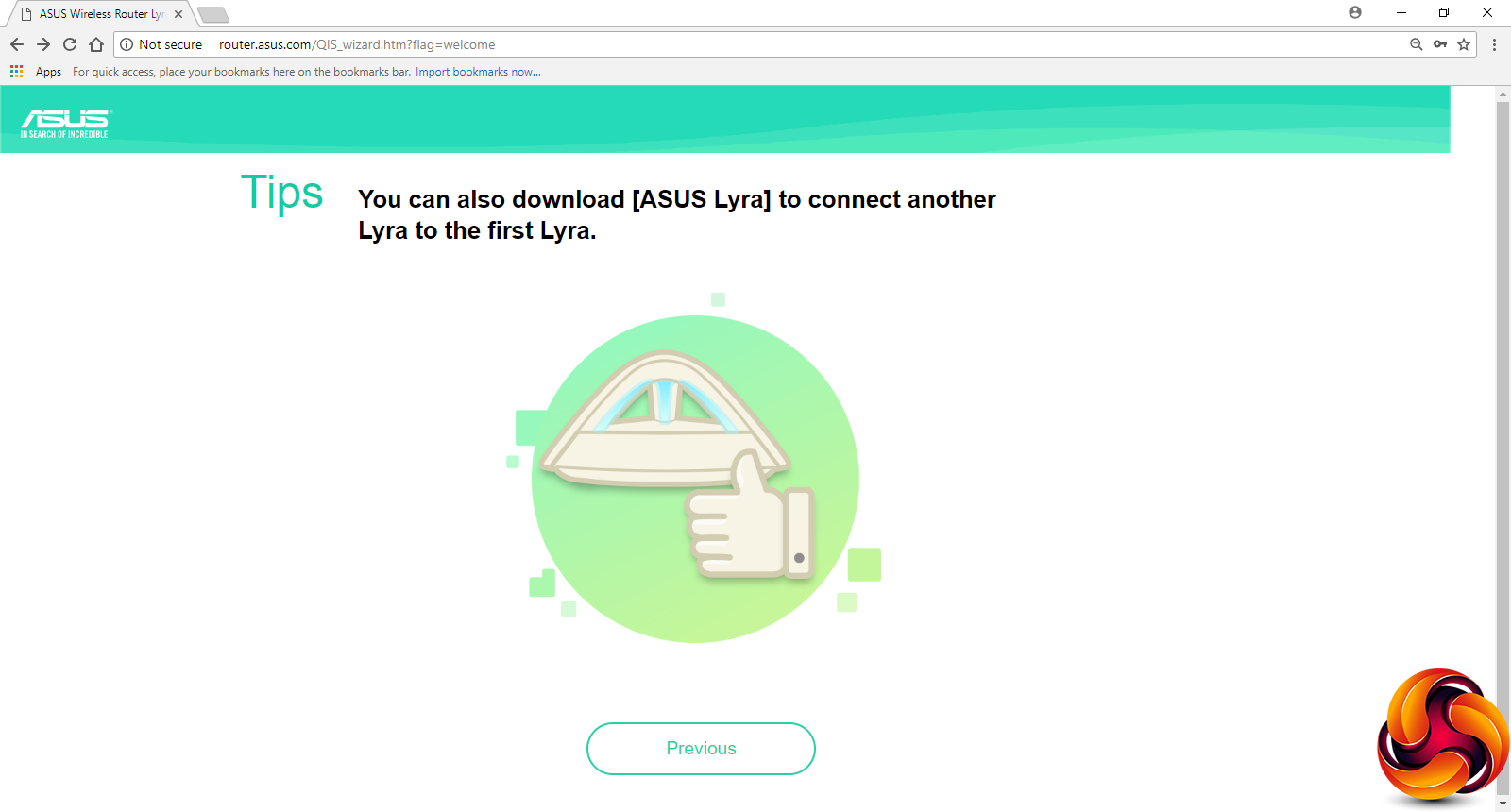
Next, a wizard guides you through pairing each of the satellite units to the main one. This involves pressing the pair button on the main unit and then one of the satellites. The arch lighting will flash blue on both until they're paired. You then have to do this again for the second satellite. At the end, however, you're not taken to the admin login page. Instead, you will need to go back to the first page of the process and login to an existing Lyra network with the admin credentials you created.
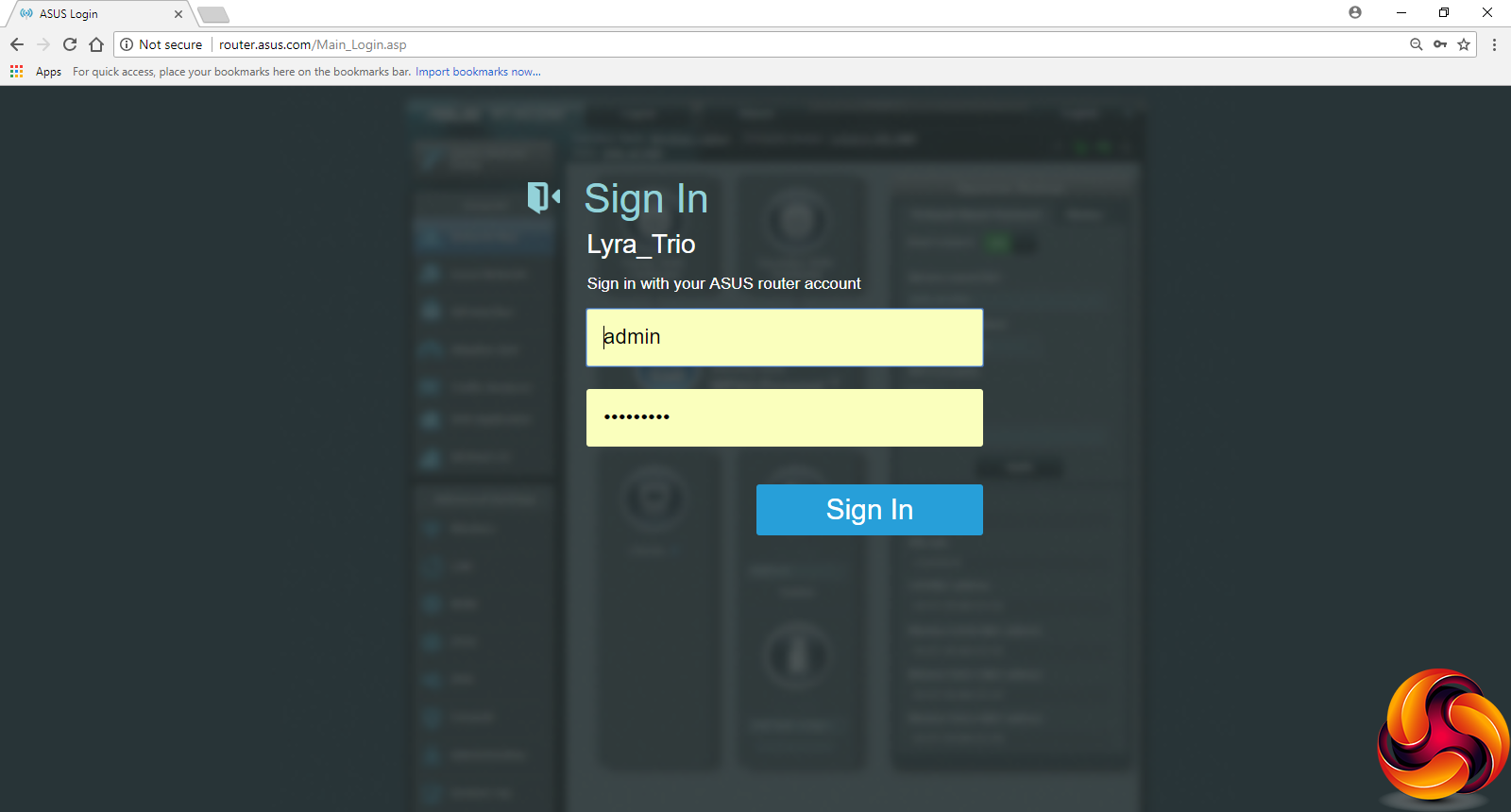
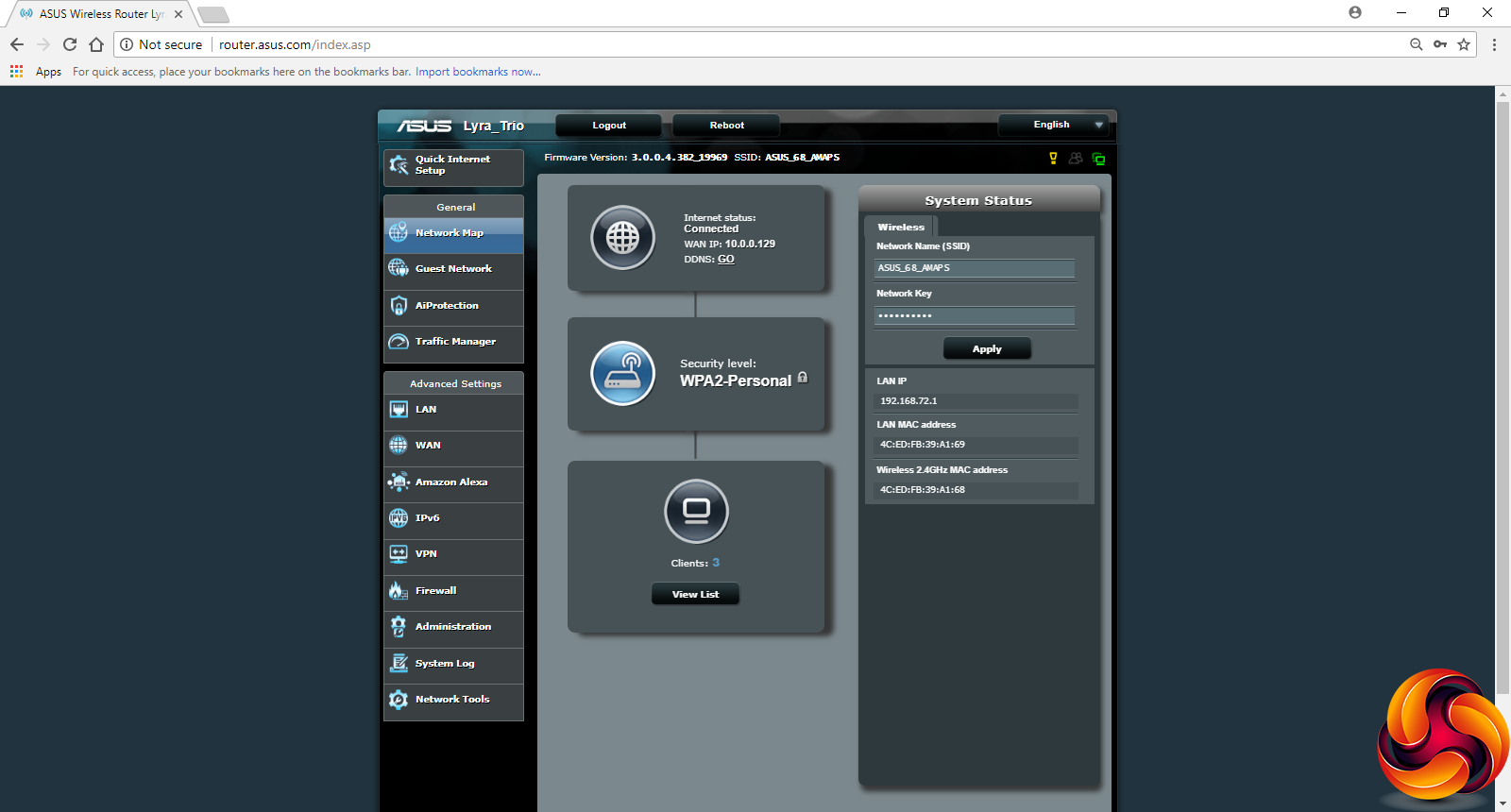
Log into the system and you reach a familiar ASUS administration screen. This is not the most aesthetic user experience, but it's reassuring to see that this is not a dumbed-down interface, but the usual feature-packed one we have come to expect from ASUS. The initial screen is the Network Map, which shows you which clients are connected and lets you change your WiFi SSID and password.
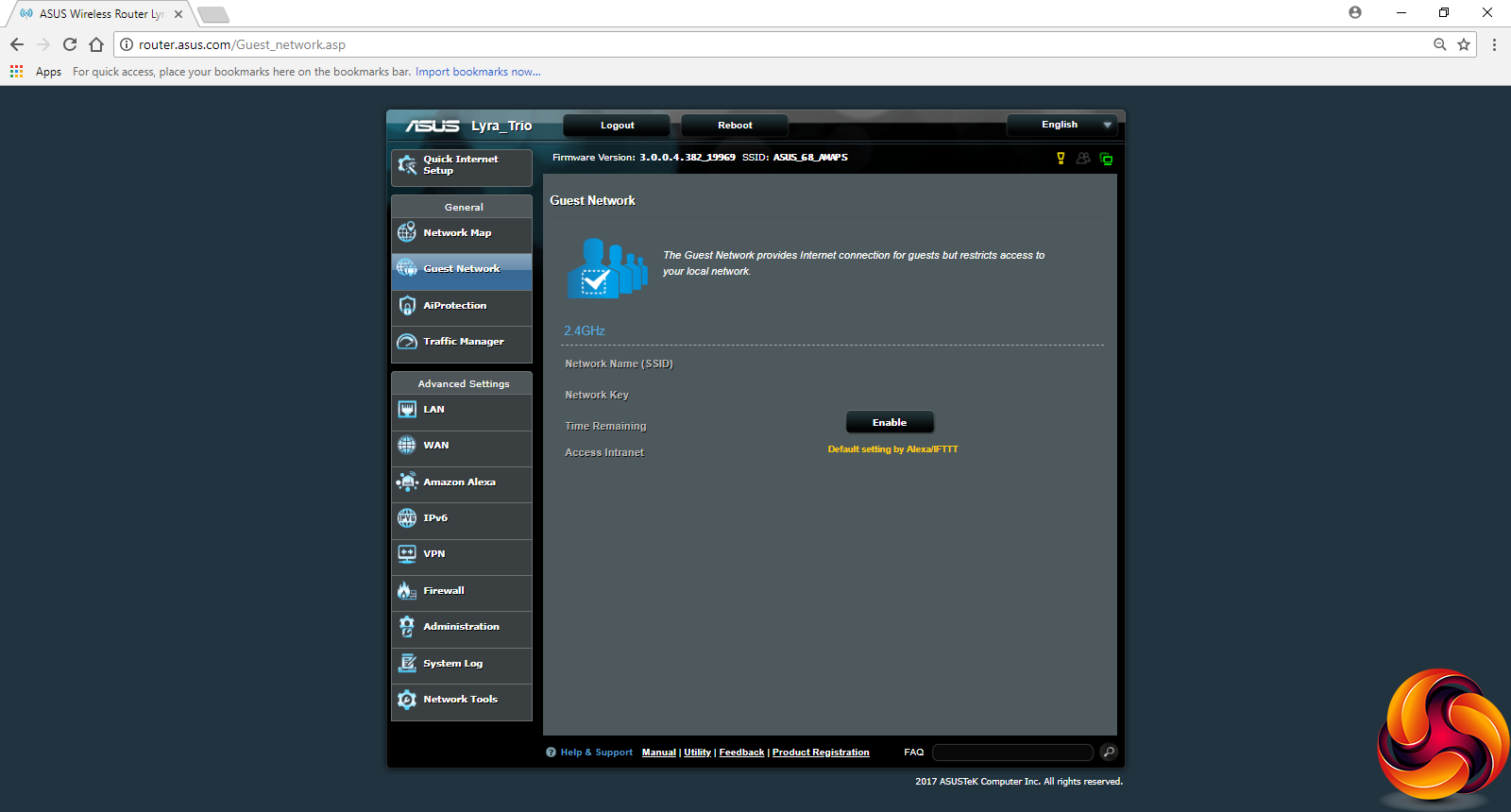
You can set up a guest WiFi SSID and password in the next screen, which is useful for keeping temporary users separate from those who warrant permanent access.
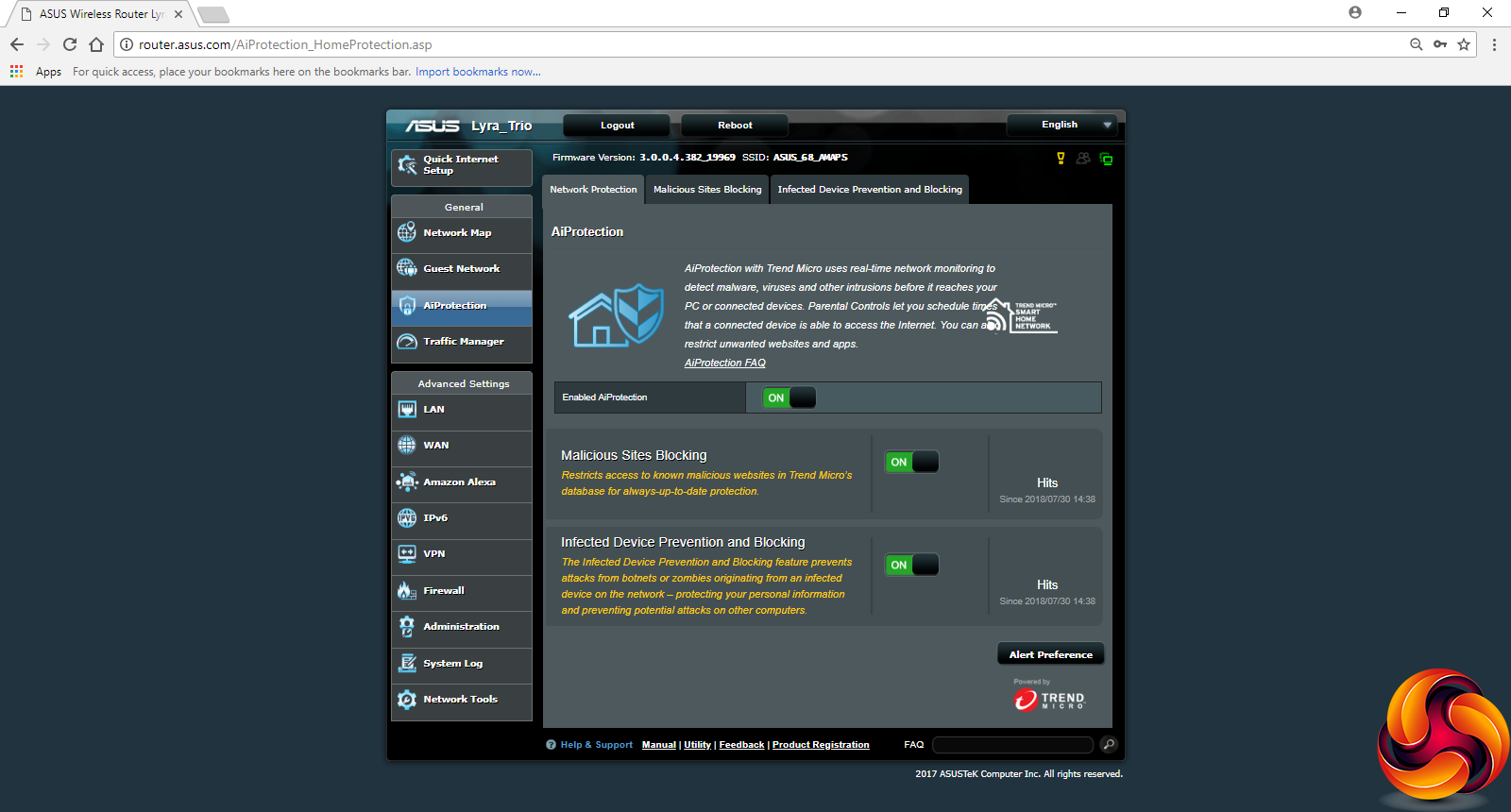
ASUS's Trend Micro-powered AiProtection is another regular feature that is also found in the Lyra Trio's back end. This provides protection against access by malicious sites and infected devices that might act as a beachhead into your internal network. These two options have their own tabs where you can see what has been blocked by the system. However, unlike the original Lyra, you don't get the Two-Way Intrusion Protection System.
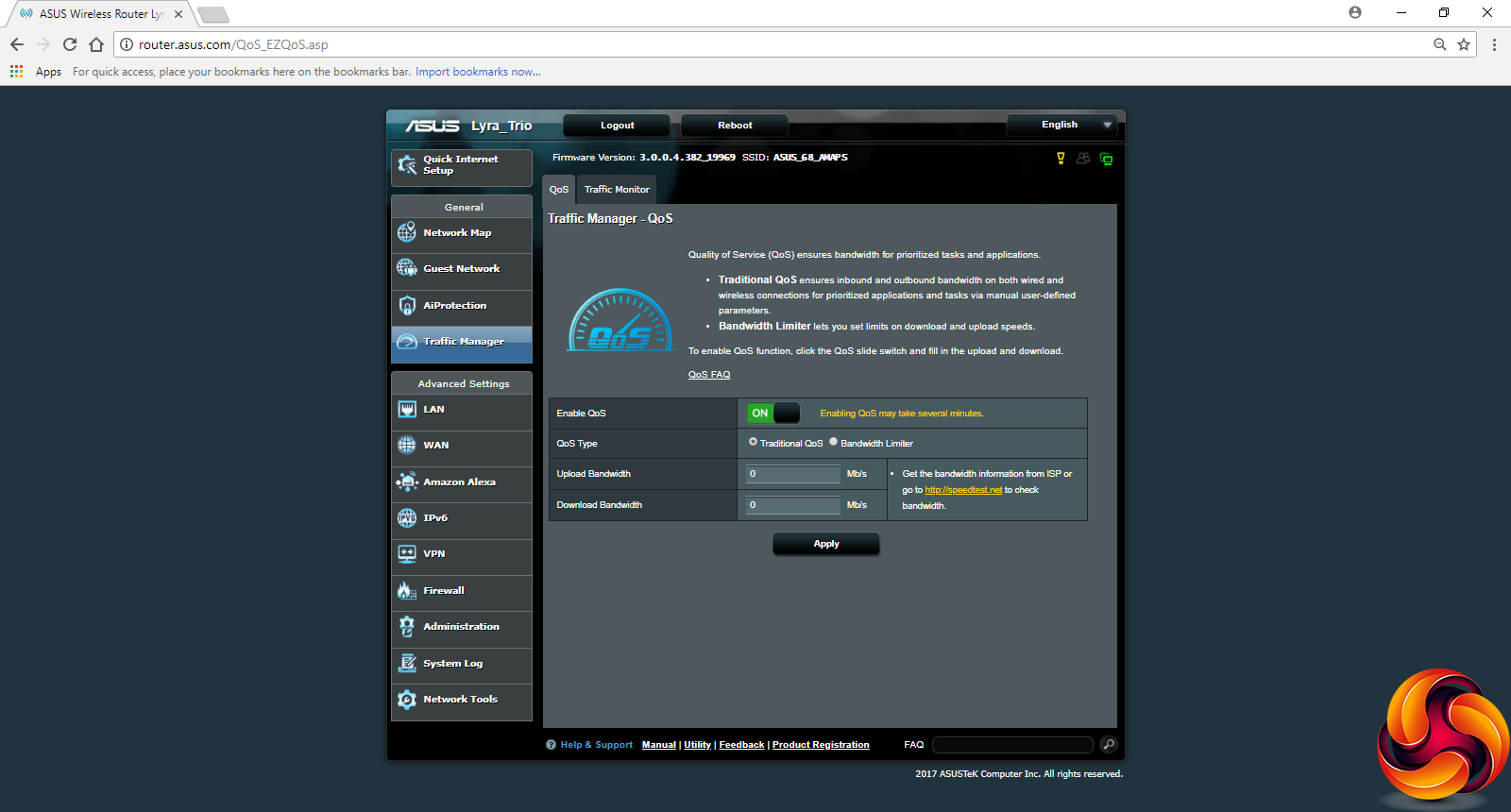
Another feature the original Lyra had that the Trio doesn't is a separate administration section for Quality of Service. Instead, this is rolled into the Traffic Manager, which includes the ability to monitor traffic and then apply either a blanket limit on upload and download bandwidth, or specify this on a per-client basis.
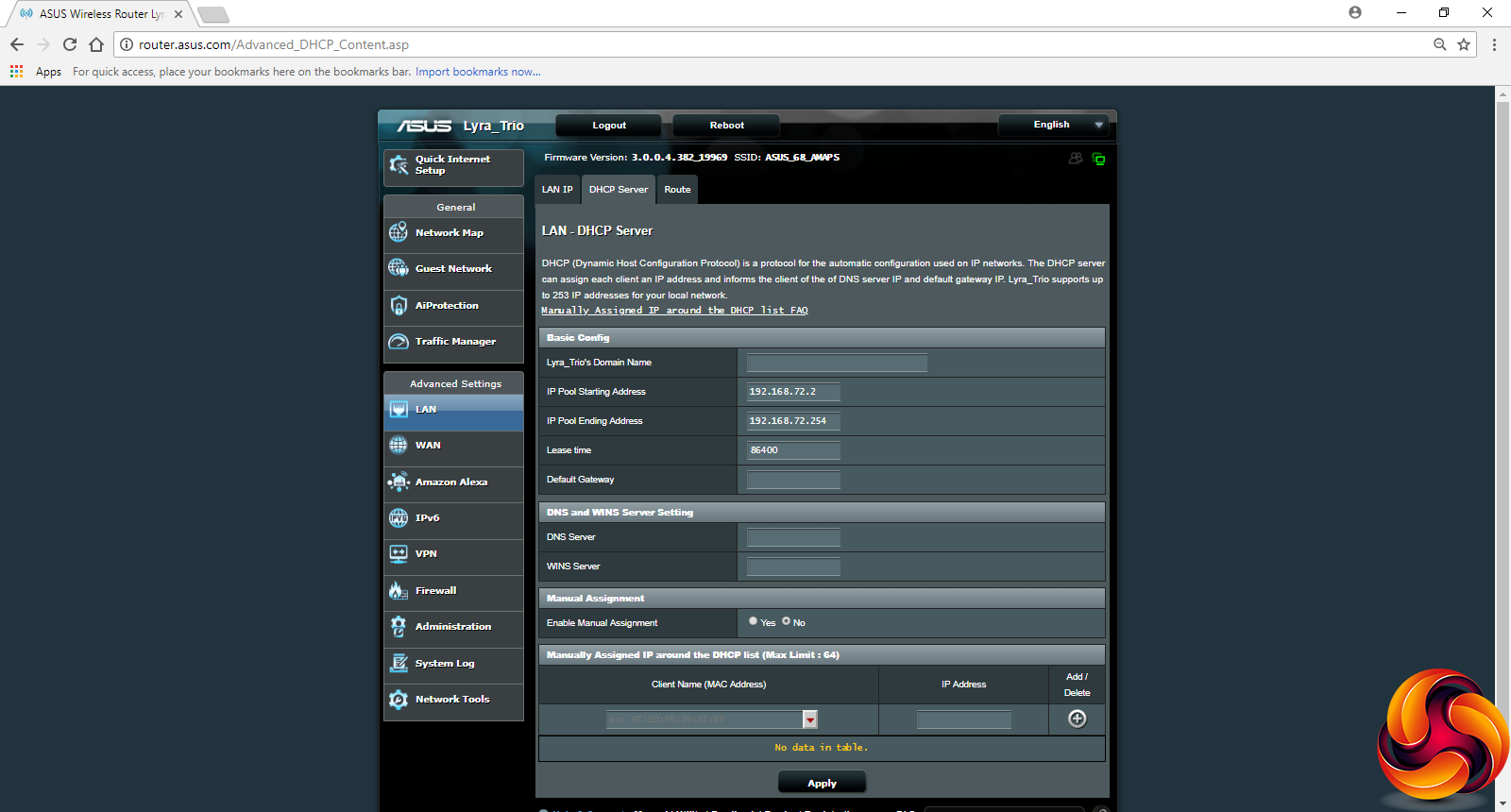
The Advanced section is packed with the usual host of detailed options, starting with the ability to configure the main router's LAN IP and DHCP address range and behaviour. You can also set up static routing rules, and an update will enable direct support for IPTV STB devices.

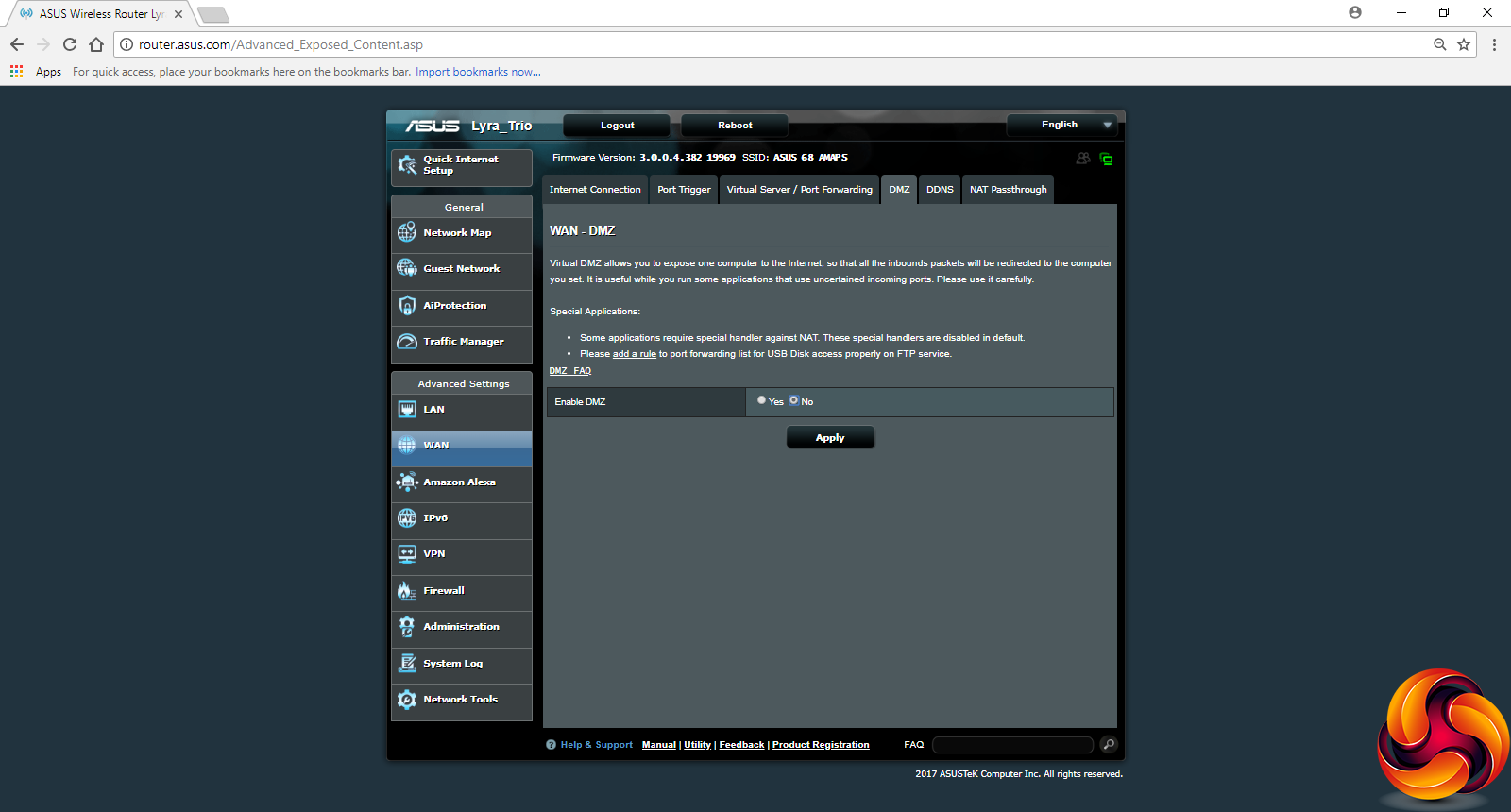
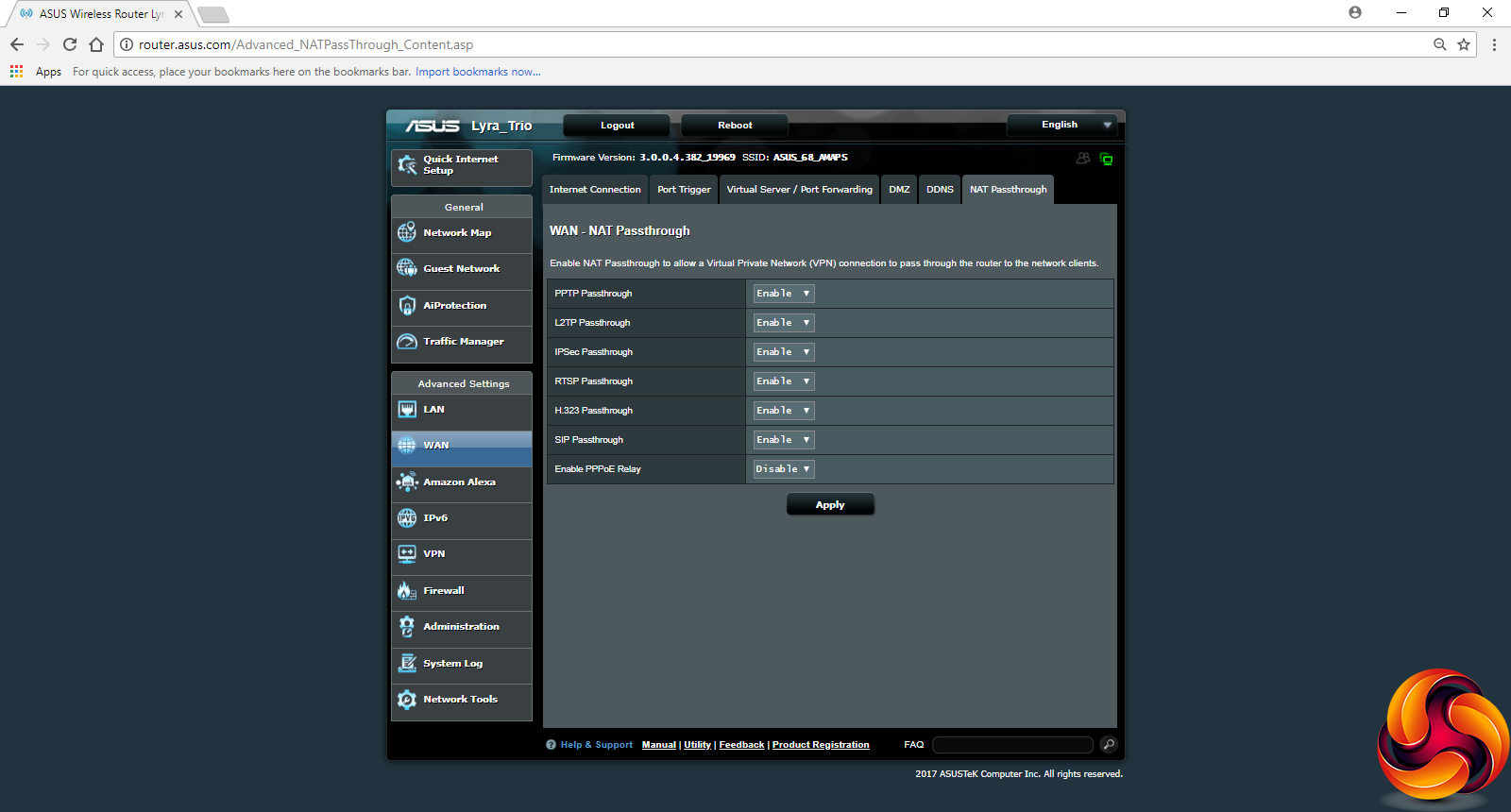
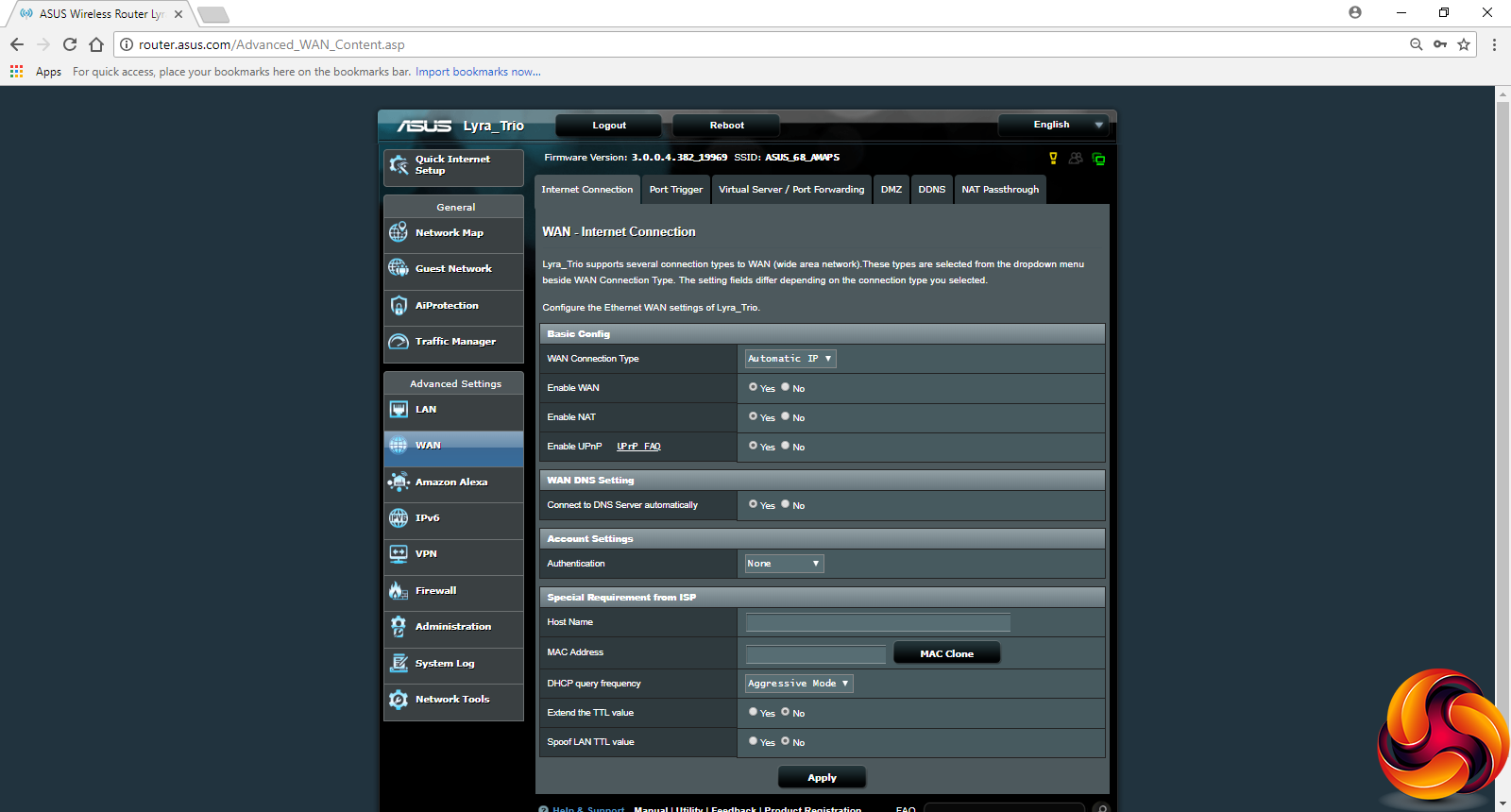
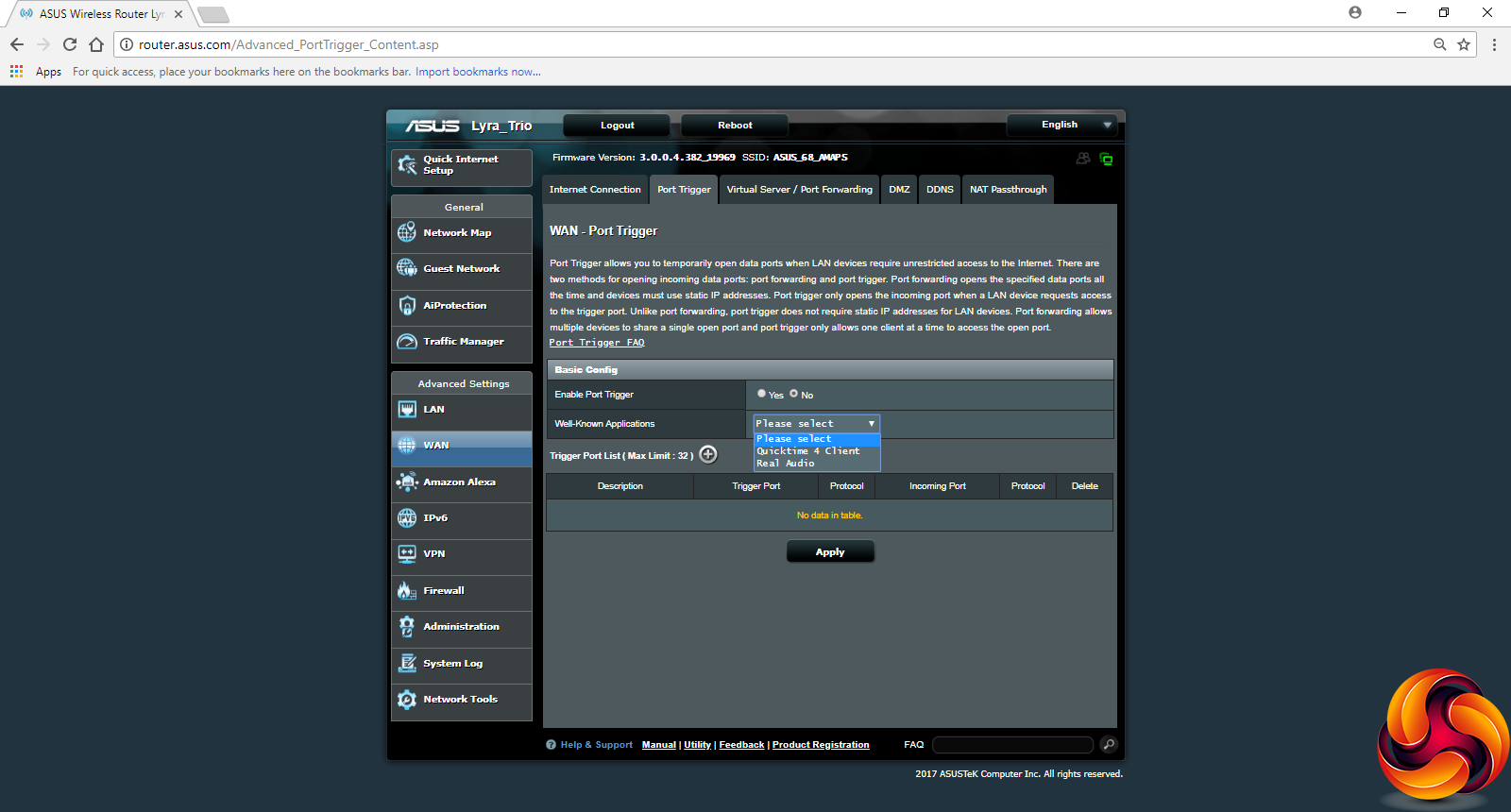
There is a huge range of features available in the WAN section. You can set up the way your Internet connection is configured, and port triggers, although the “Well Known Applications” presets are incredibly outdated. The “Famous Games List” under Port Forwarding is similarly antiquated, but you can set up your own custom ones instead.
You can set up a DMZ (a local device that has unfettered access to and from the Internet), and configure a dynamic DNS service. There's a good range of options for the latter, including ASUS's own service, Google's, DynDNS, No-IP and a number of others. You can also provide a host of WAN-NAT passthroughs for common applications like VPN tunnelling protocols, SIP telephony and H.323 videoconferencing.
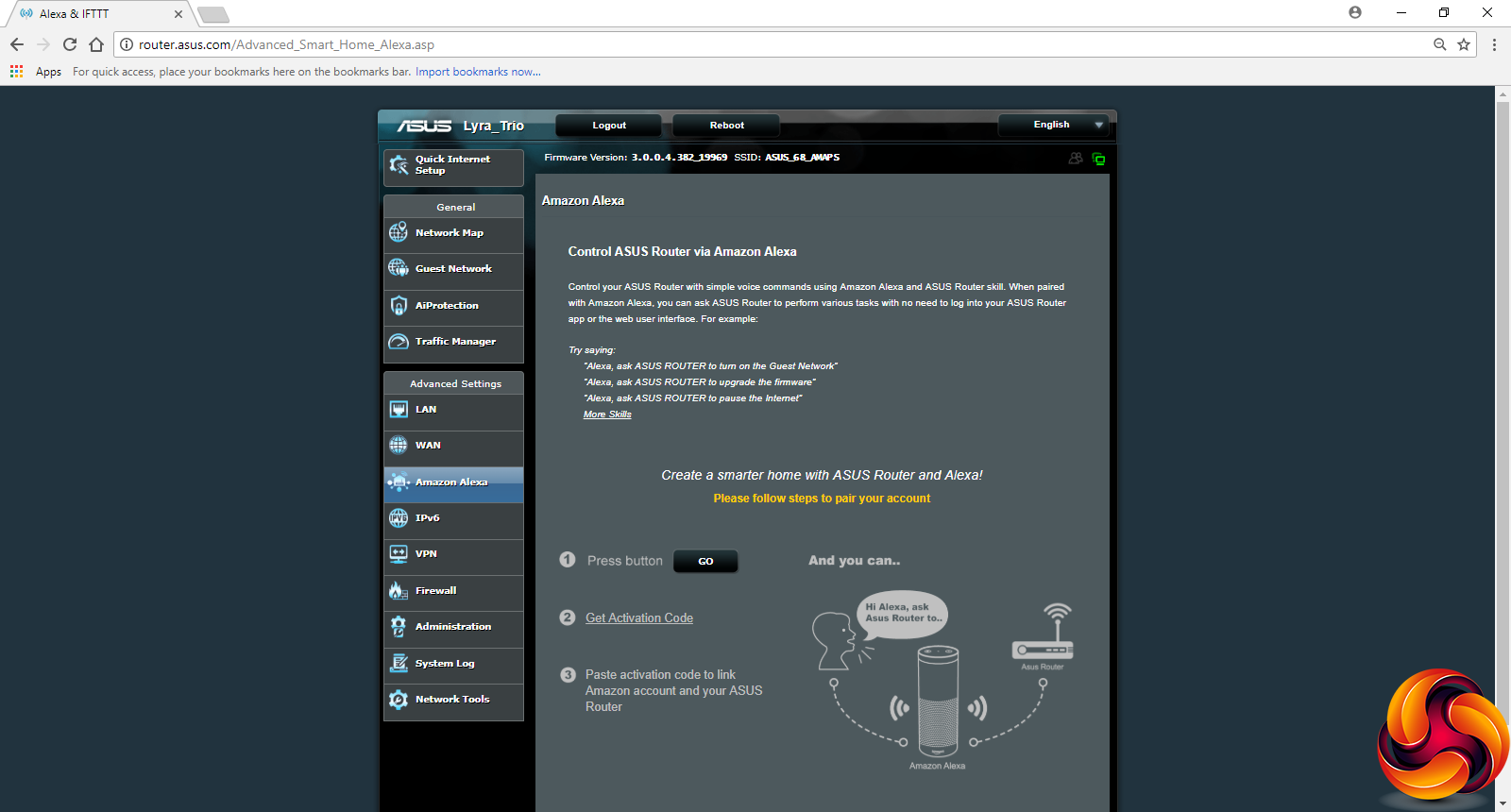
As with other recent ASUS routers, there's direct support for changing some settings via Amazon Alexa voice commands, although not that many. But there's no support for the IFTTT service, unlike some of ASUS's top-end models.
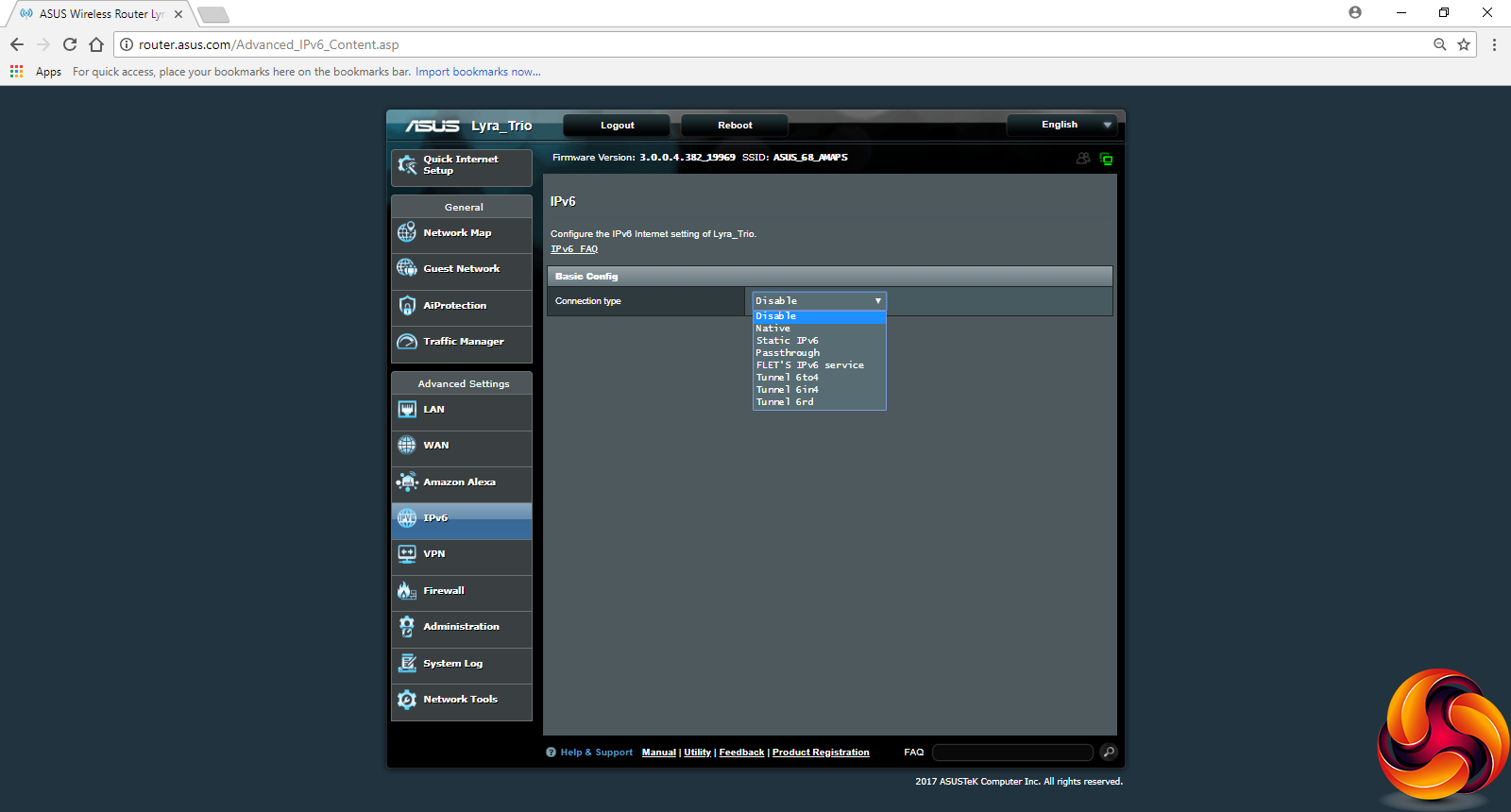
The usual support for IPv6 is available, including a number of different options for how this behaves.
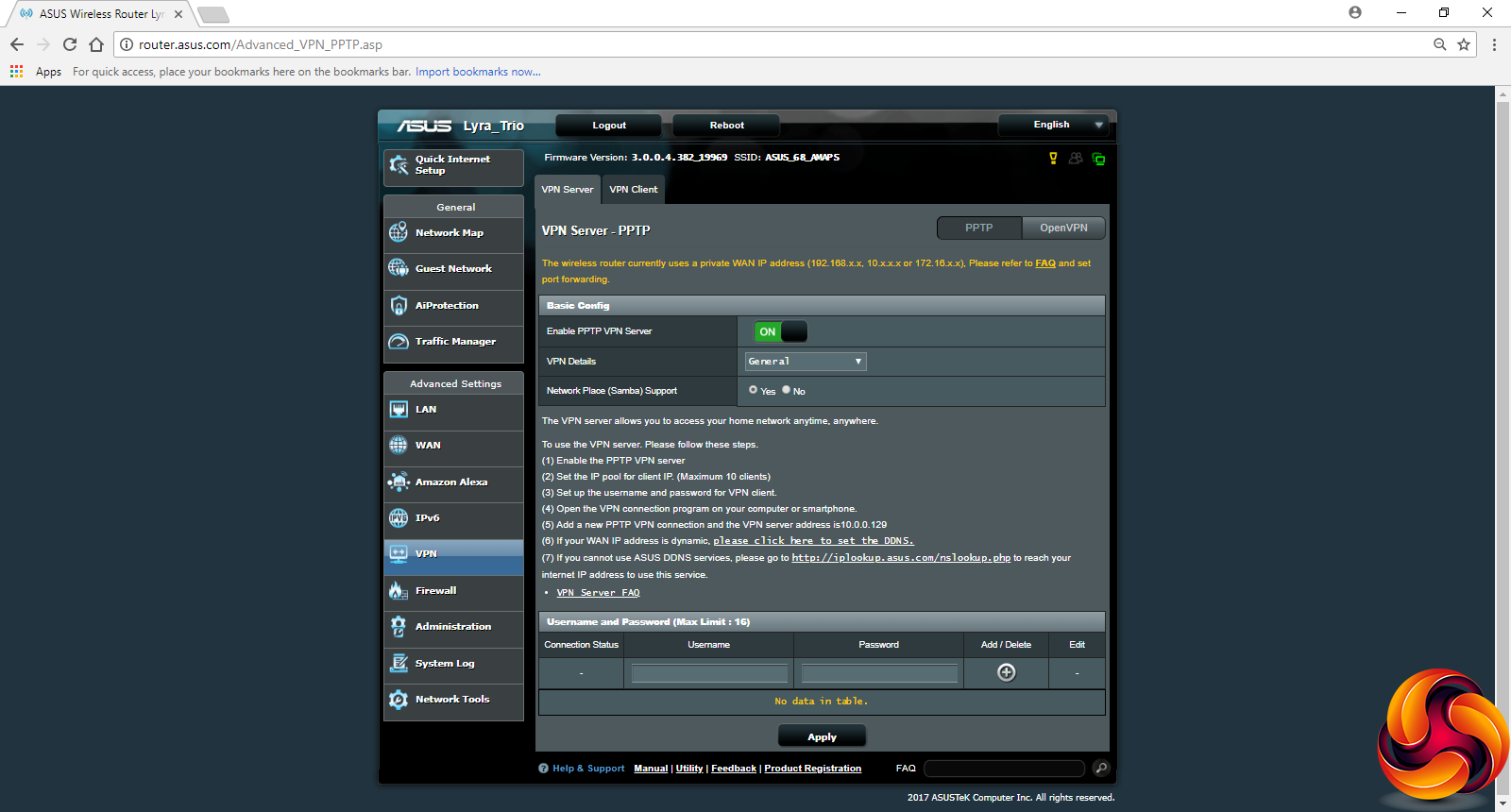
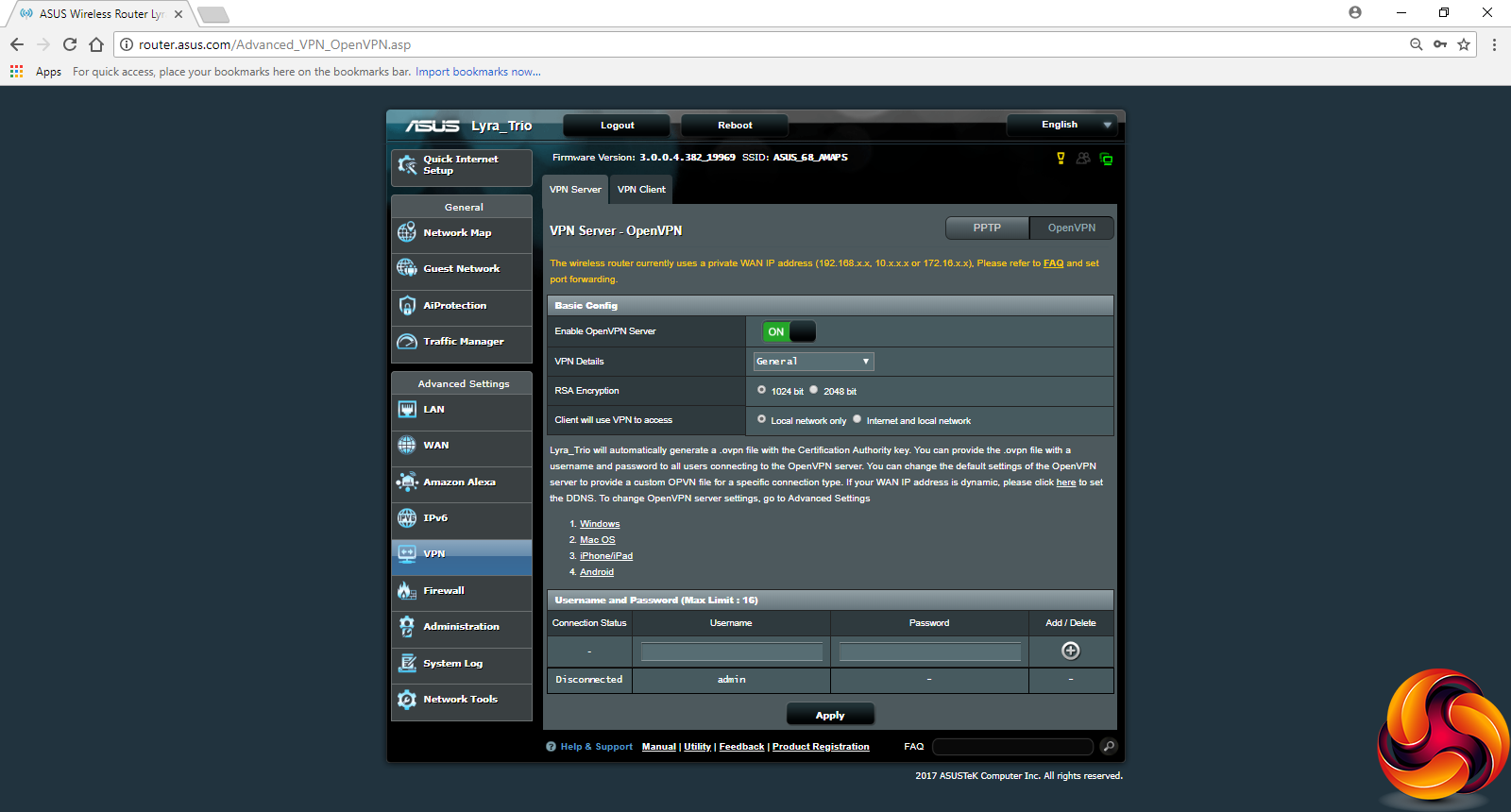

It's great to see that even in a very consumer-focused system like the Lyra Trio, you still get ASUS's complete support for acting as a VPN server and client. The former can be via PPTP or OpenVPN, whilst client support also includes L2TP.
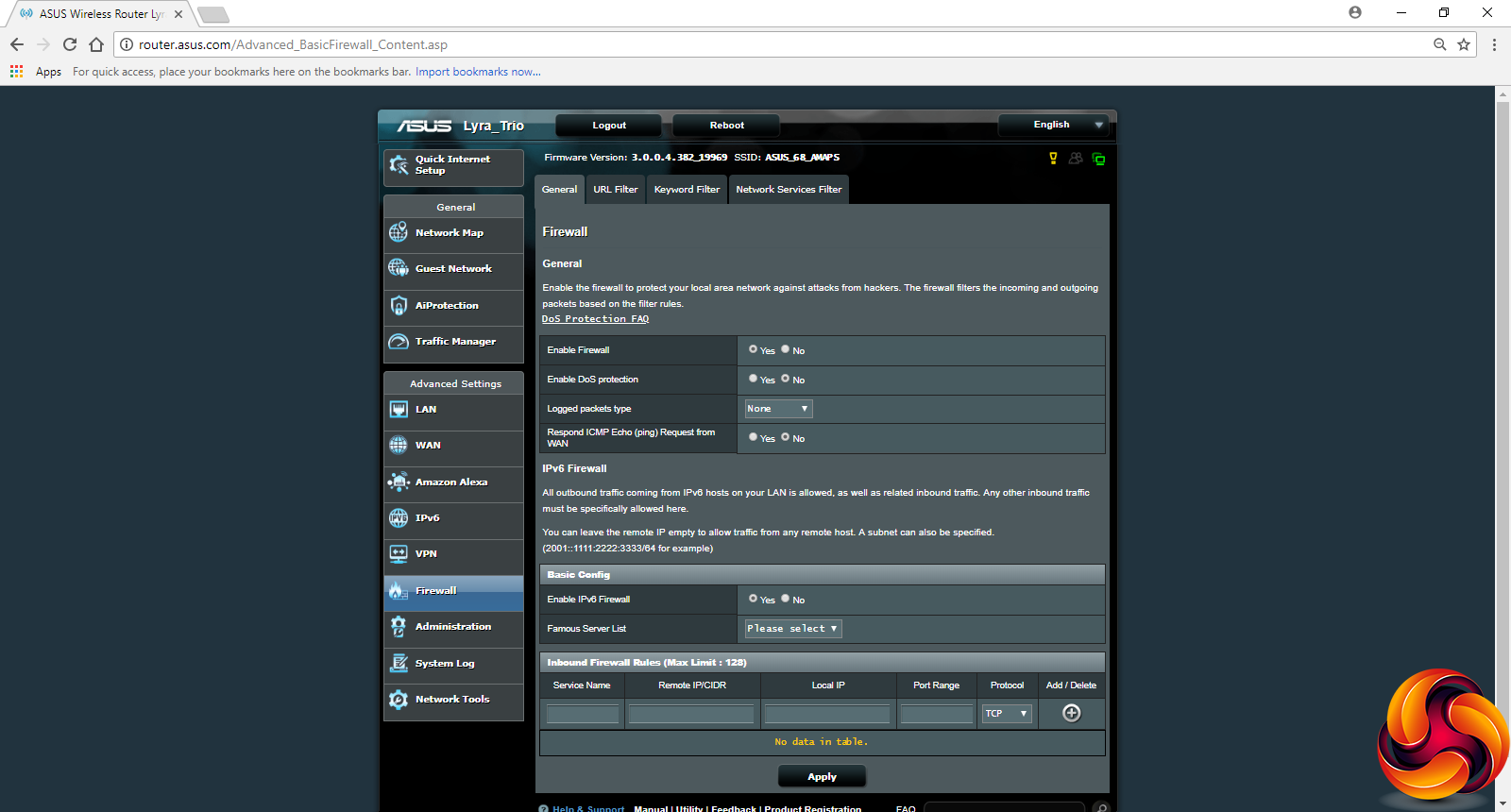
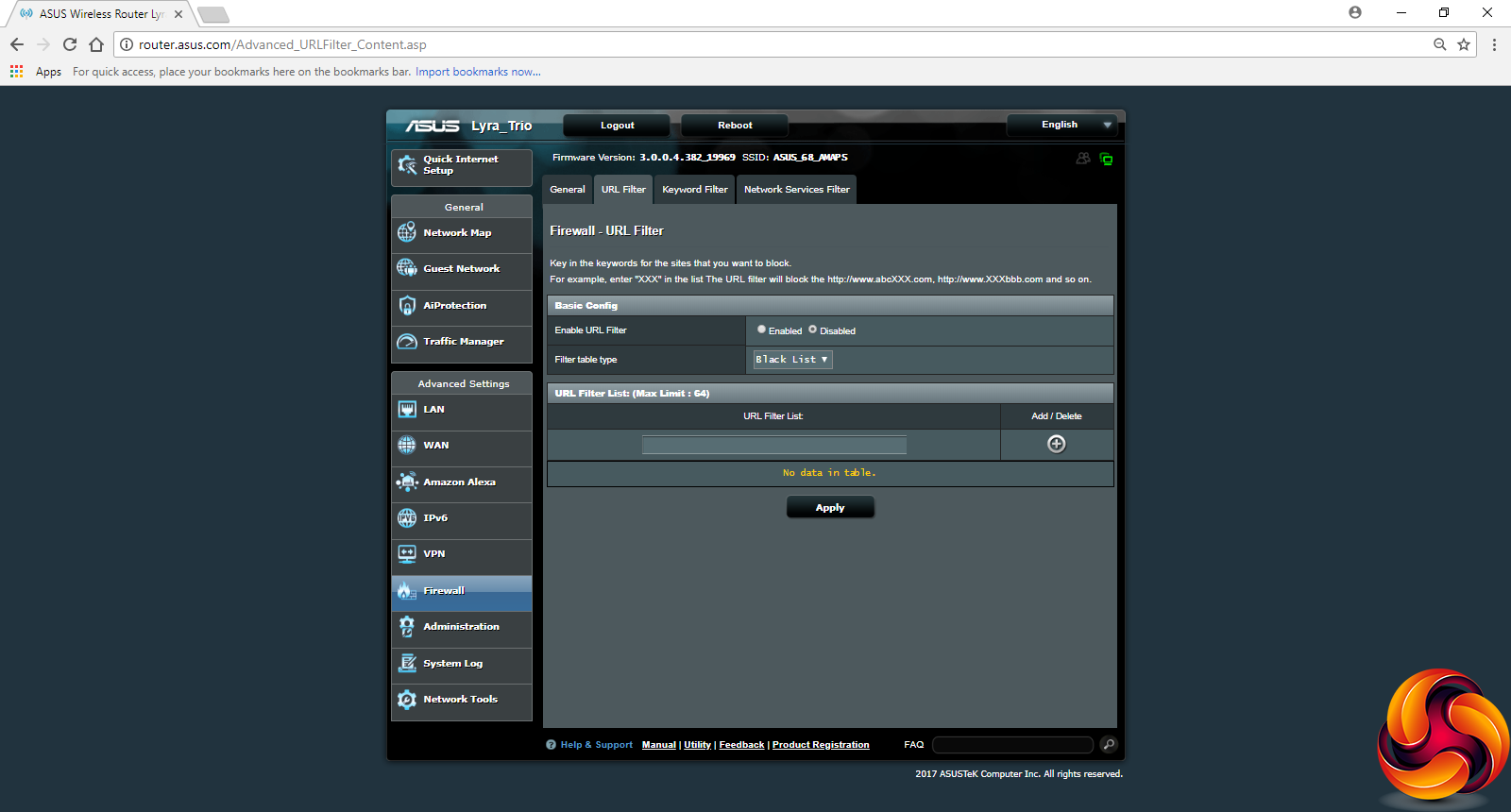
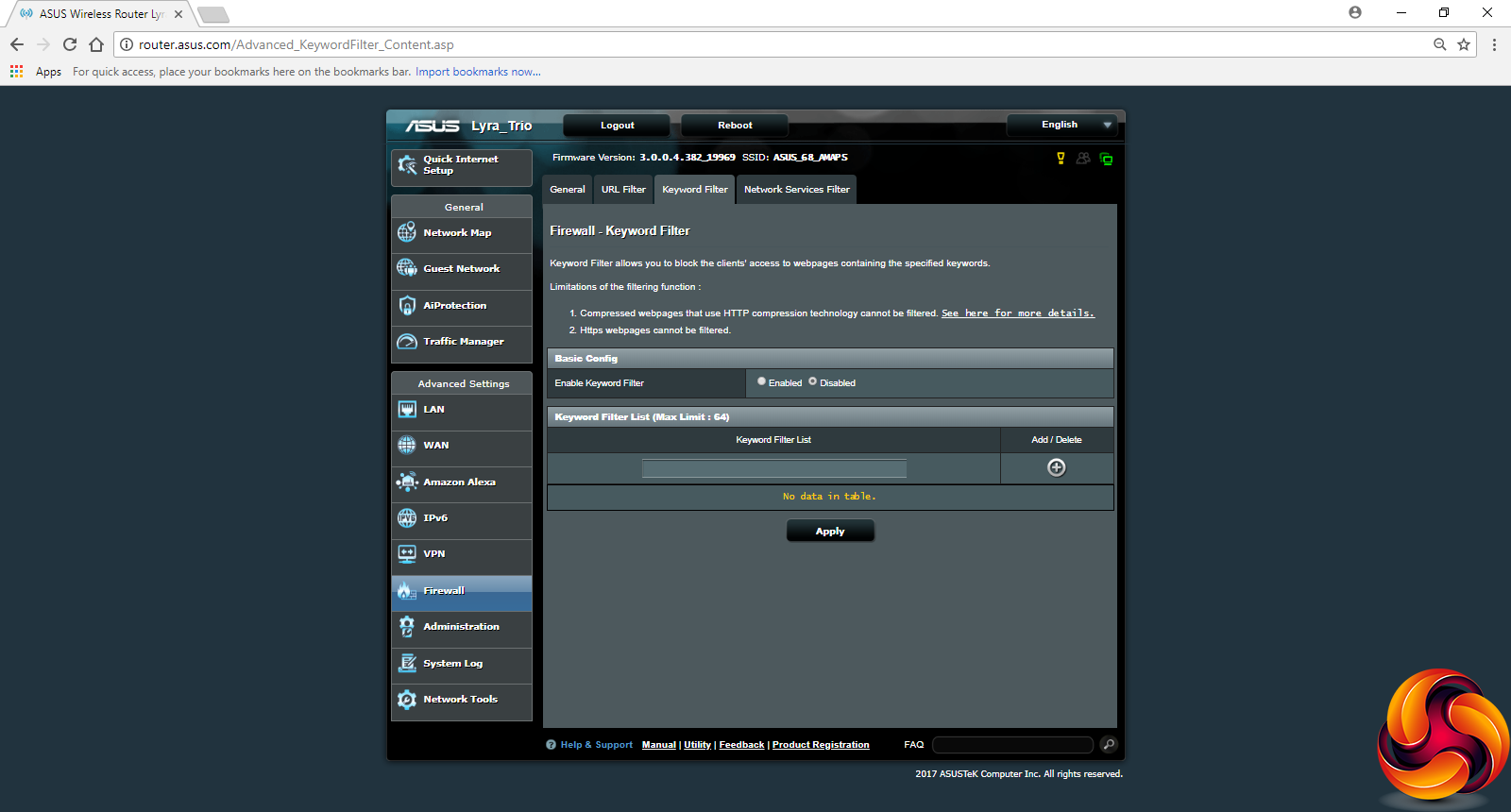
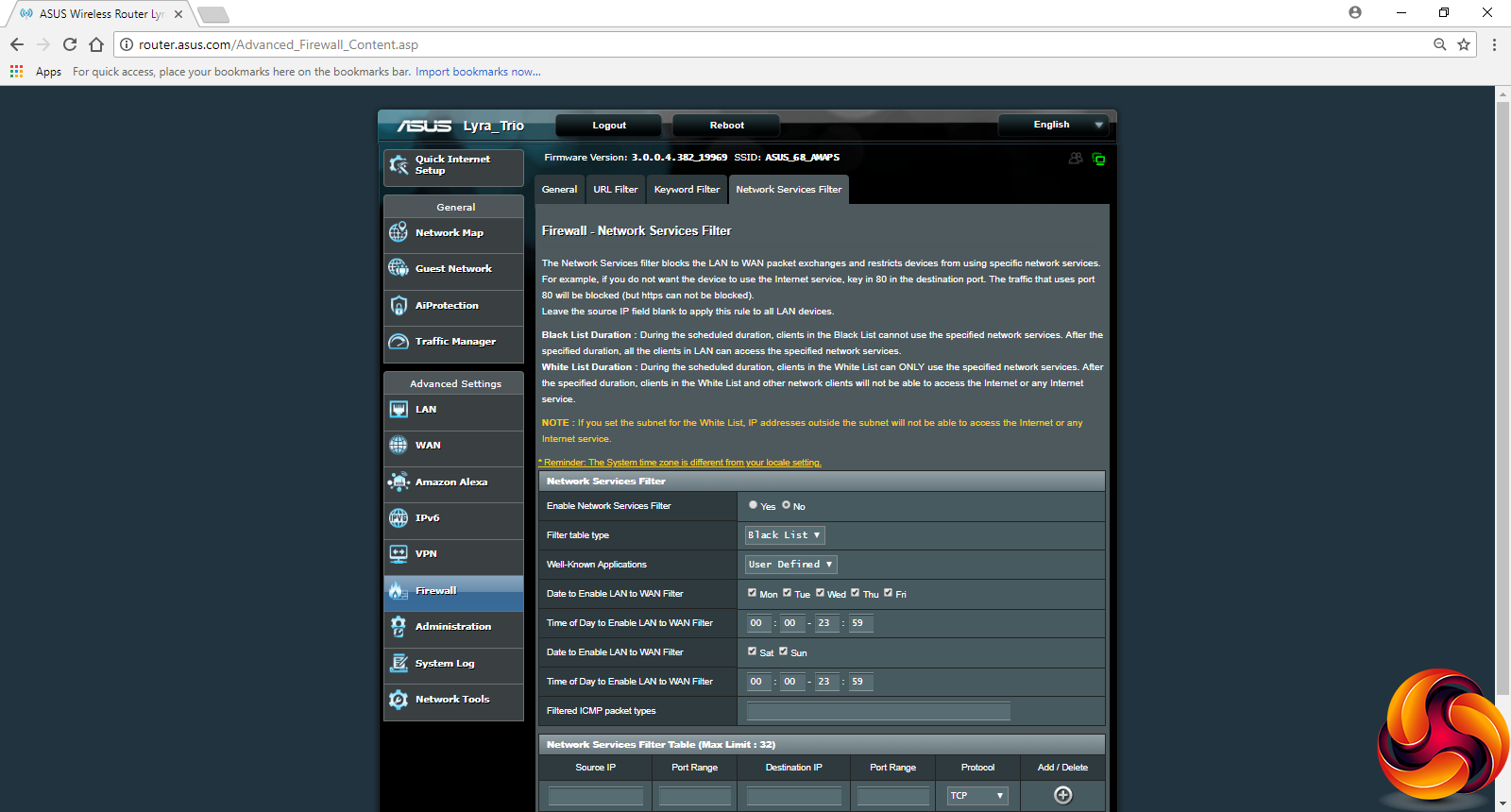
There's a comprehensive firewall available as well. This includes the ability to filter by URL and keyword, as well as by individual service type. You can set the latter for different days of the week only, for example allowing certain activities at weekends that aren't allowed during the week.
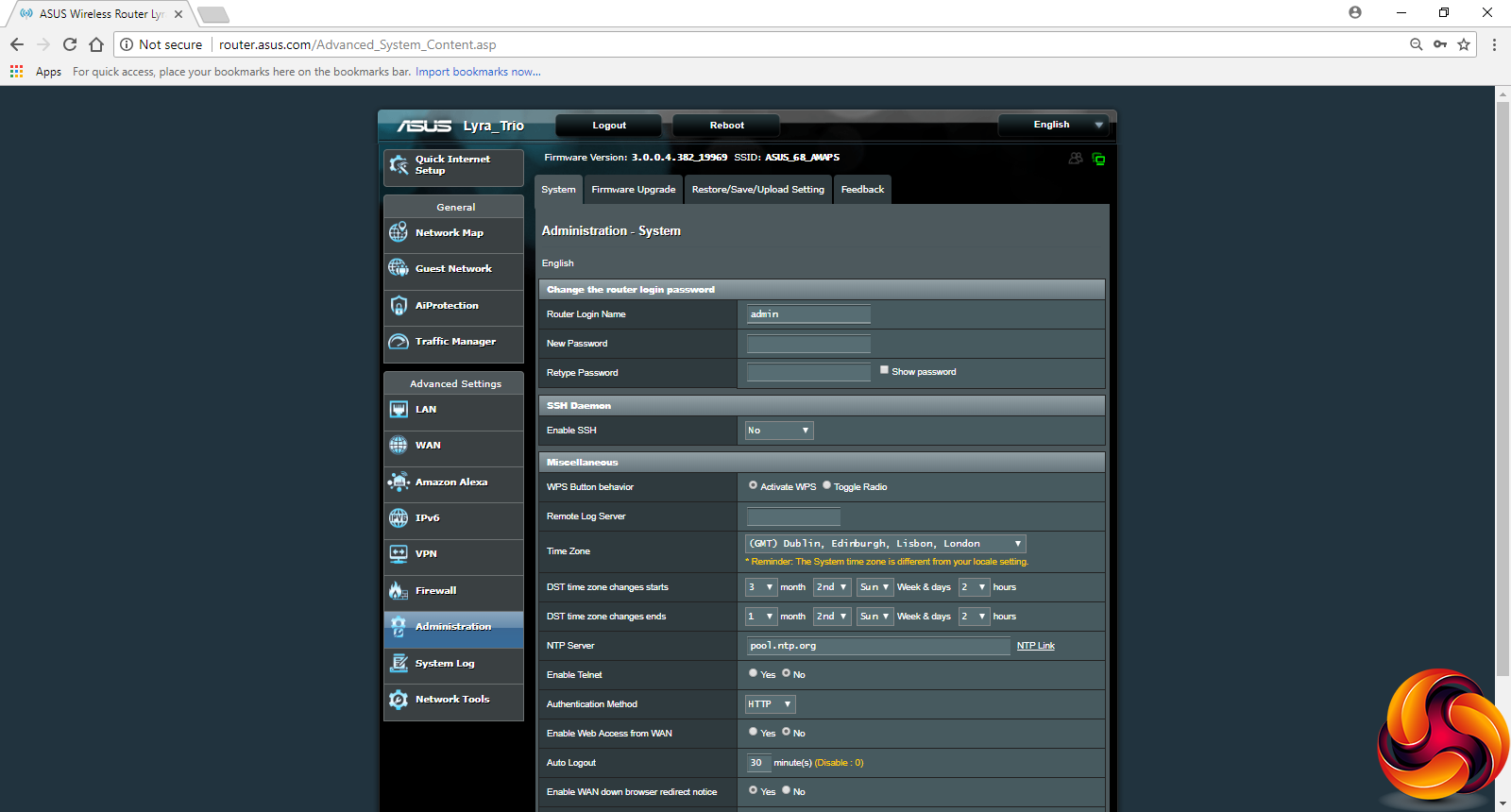
The Administration section includes features like setting the time and updating the firmware.
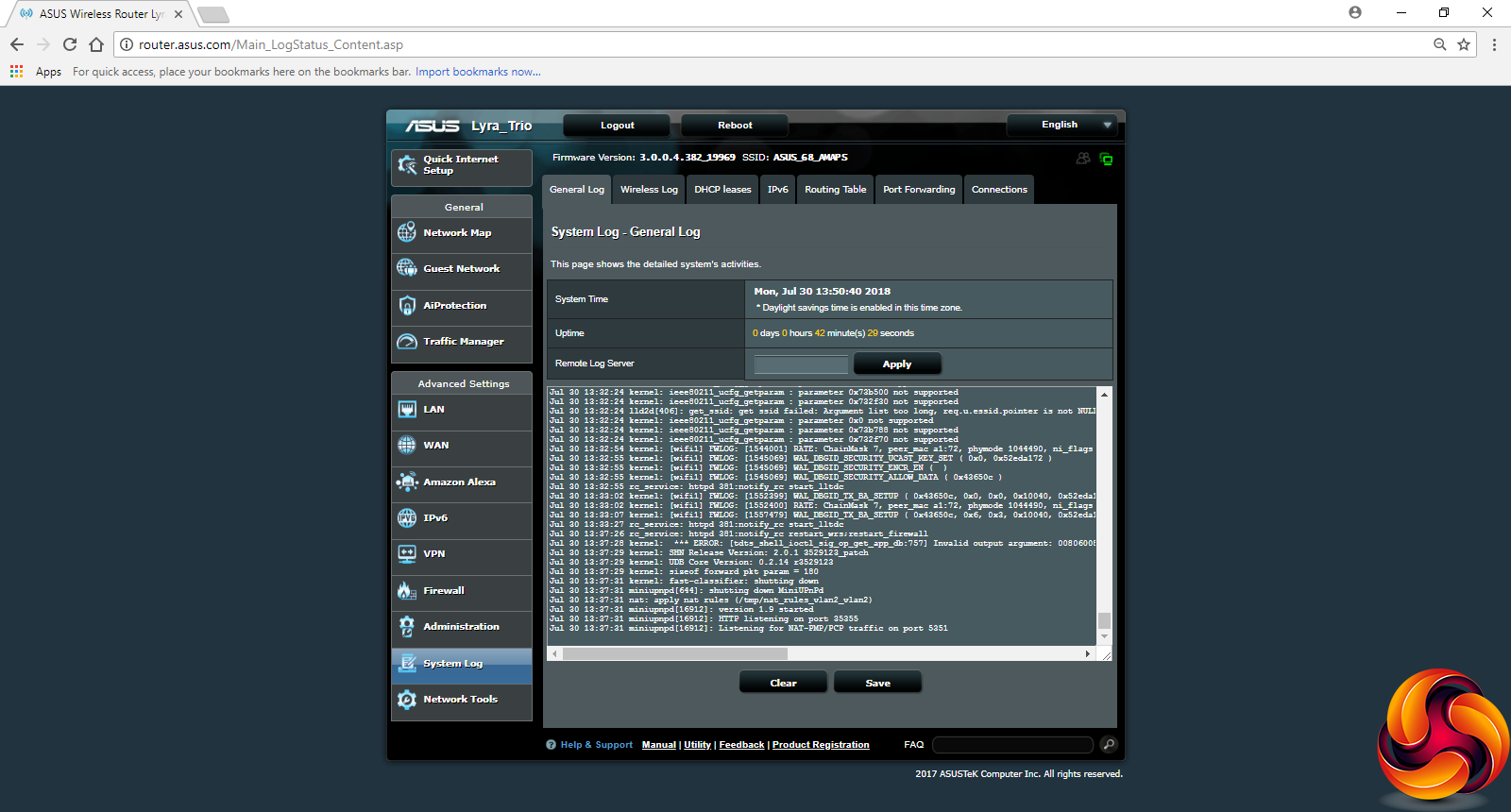
There are a lot of logs available. Alongside the general one, you can look at wireless activity, DHCP, and port forwarding amongst other aspects.
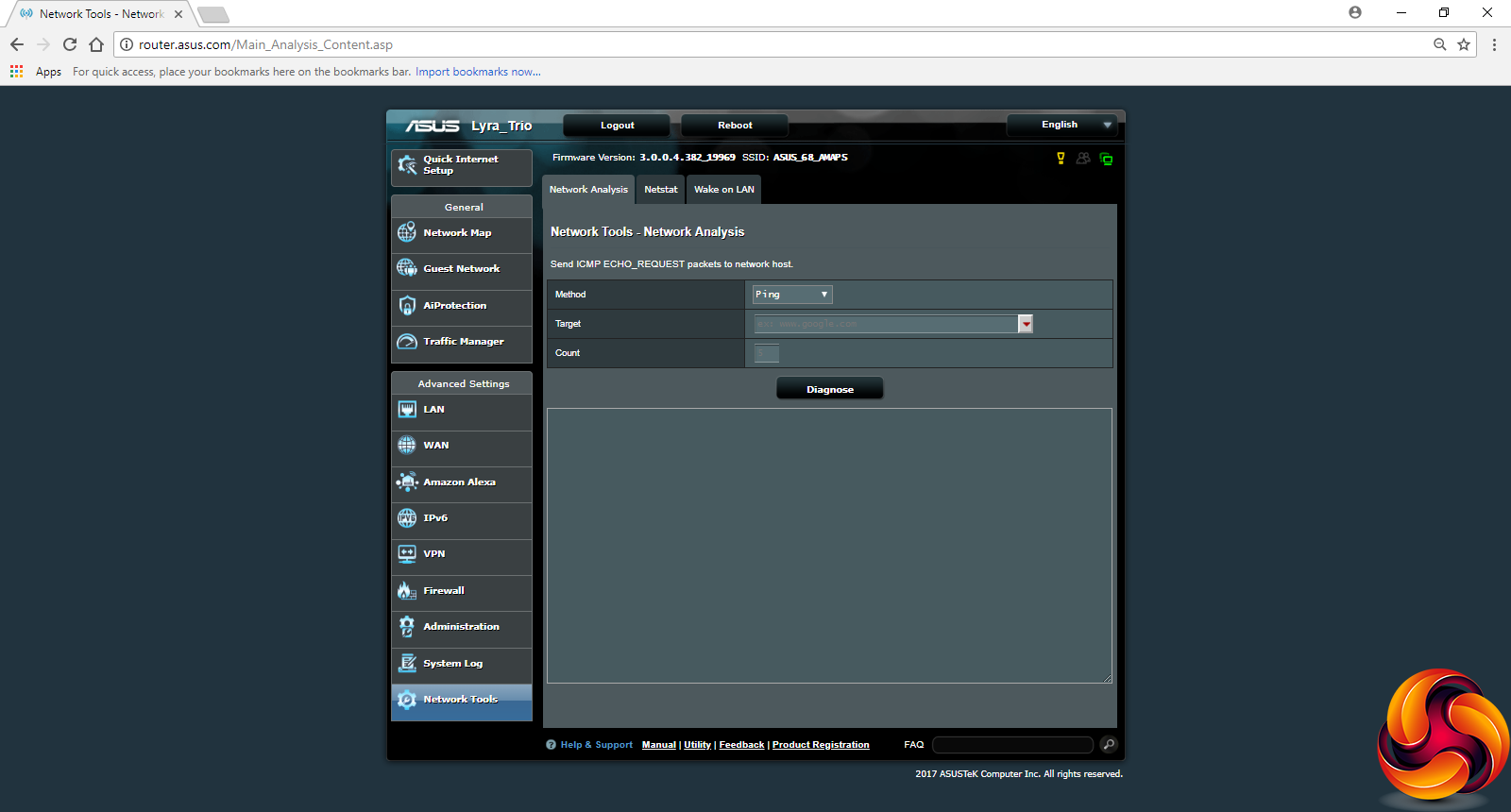
Finally, there are some diagnostic network tools built in, including ping and netstat, plus the ability to enable Wake on LAN to start up systems remotely by triggering their network connection.
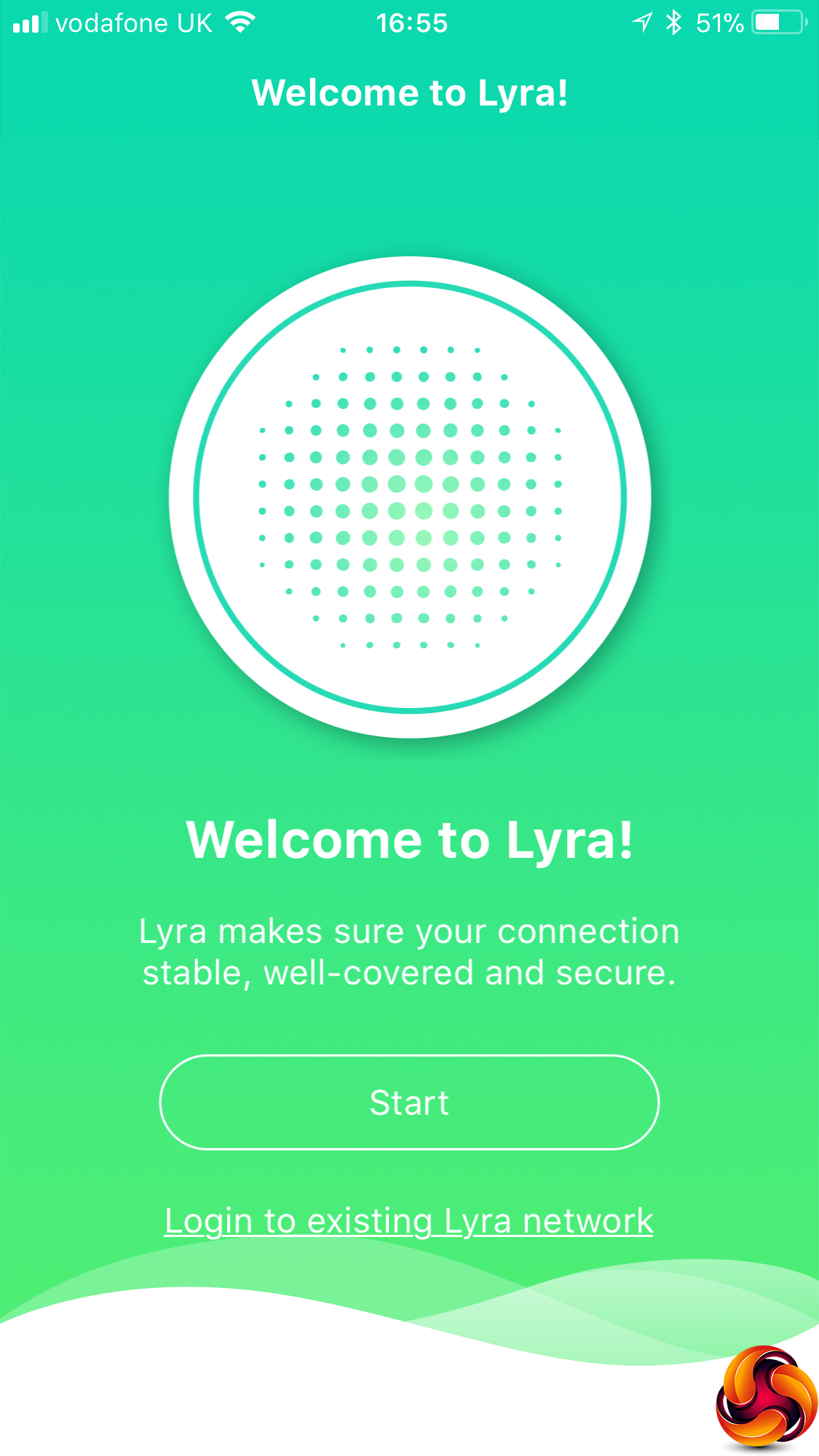
Like the original Lyra, there's a smartphone app that also allows access to some configuration facilities, although nothing like as much as is available via the Web interface. One facility that is only available within the app, however, is grouping client devices around a person and then setting up access controls for that person and their devices. This will be handy if you want to limit little Johnny's screen time more than little Gemma's.
Overall, as we have come to expect from ASUS, there is a huge range of control available via the management interface. There's really just as much here as a regular high-end router, so you're not losing anything because you want the coverage of a mesh network. So that leads us to the question of just how much coverage you get compared to other mesh systems, particularly as this is a dual-band system where the best options are usually tri-band. In the next section we find out.
We tried to replicate the testing from our Ultimate Mesh WiFi Router Shootout as closely as possible with the ASUS Lyra Trio. However, we no longer had the Apple Macbook Pro in our possession, so had to leave this set of tests out.
We replicated the positions from the Ultimate Mesh WiFi Router Shootout, with eight different locations for our test notebooks. The clients used were an HP Spectre 13 X2 notebook with 2×2 802.11ac WiFi, and an older HP Folio 13 which maxes out at 3×3 802.11n WiFi.
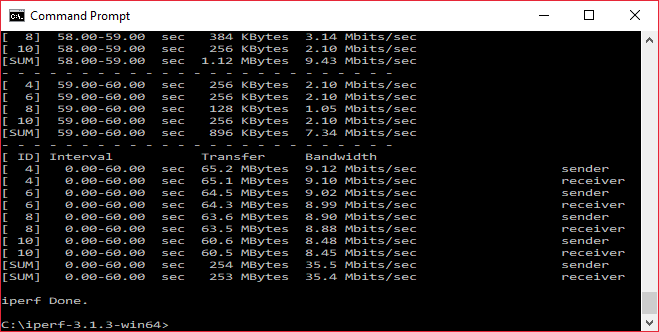
In each case, we used the freely available iPerf 3.1.3 software, which stresses a network by sending packets of random data and measures the throughput. One system acts as a server, and the other as a client, as data is sent between them. In all cases, we used an Armari Windows 10 workstation connected to the primary Lyra unit via Gigabit Ethernet as the server, so that the WiFi was always the slowest connection.
These are the iPerf commands we used:
For the server: iperf3 –s –i 1
For the client: iperf3 –c <IP Address> –P 4 –i 1 –t 60
Note that the client command sends four streams of data simultaneously, simulating a multi-client connection as closely as possible with just one client. It takes 60 throughput readings at one second intervals and then averages the result.
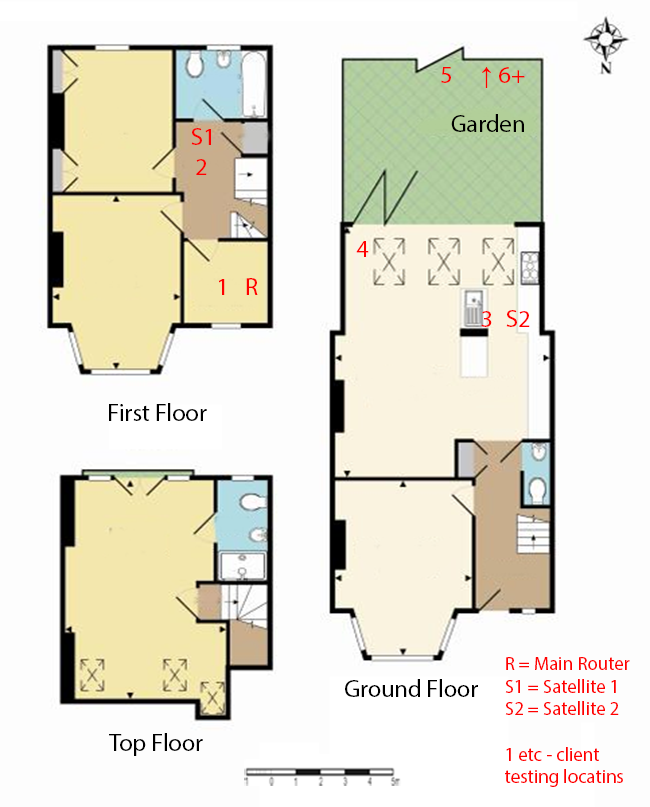
The above diagram shows the layout of the house we used for testing. Note that we didn't test on the top floor of the house because this was directly above the first floor and wouldn't have provided much of a range test. Instead, we used two locations on the same floor as the router (the first floor), then more distant locations on the ground floor extending out the back of the house into the garden.
Each test location, numbered in the diagram above, was approximately 5m away from the last one.
With the mesh networking and standalone router products used for comparison, location 1 was very near to the router, around 1m away. The next location – 2 – was around 5m away, with a wall in the way, but on the same floor. Location 3 was on the floor below, so had walls and a floor in between, but was a further 5m away. Location 4 was the last one actually inside the house. Locations 5 to 7 were then 5m further down the garden. Location 8 was only 2m further down, as this was the end of the garden, but also behind a shed, so posed a significant challenge that only a few mesh WiFi systems can cope with.
We should also say a few words about the location of the satellites. The routers or primary unit were always placed in the same location, in the first floor study next to the broadband. In the case of three-unit mesh systems such as BT Whole Home Wi-Fi and the top Velop option, the second and third satellites were placed at S1 and S2.
With the two-unit Google WiFi, the second unit was placed at S1, due to the recommendation of the setup software. However, in the case of the Orbi, it was possible to place the second unit at S2, due to the signal strength from these systems.
For the ASUS Lyra Trio system, we placed the primary unit in location R, with the first satellite at S1, and the second at S2.
802.11ac 5GHz
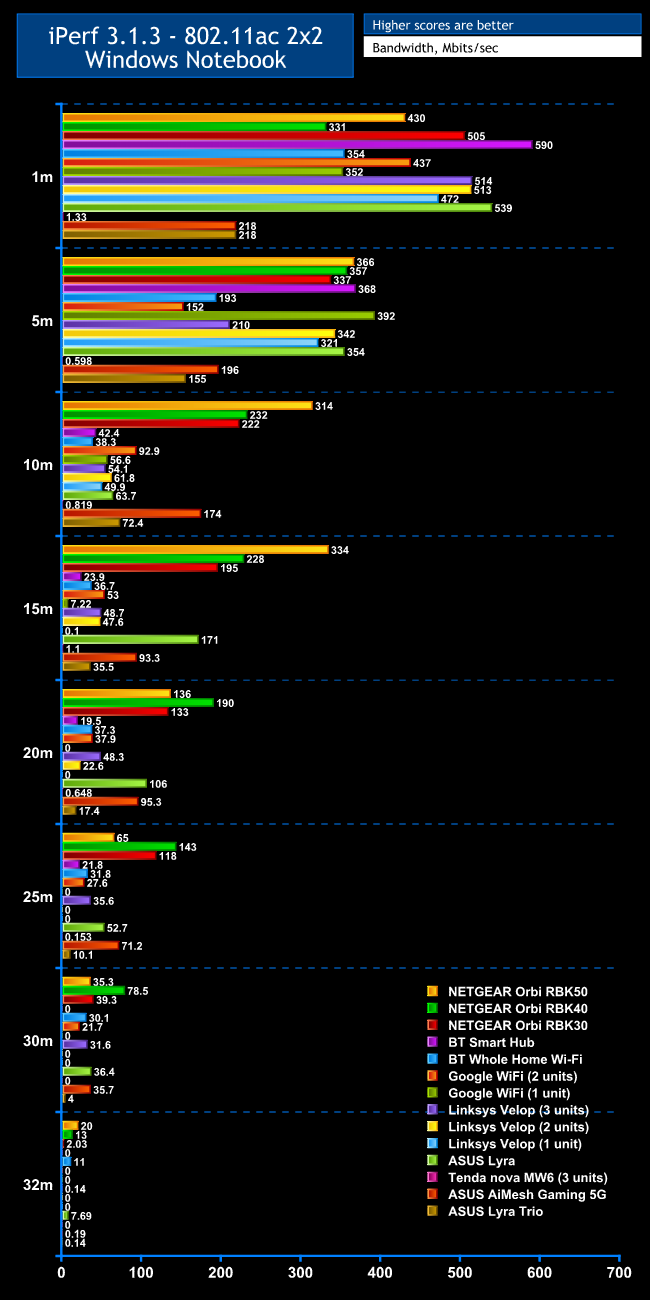
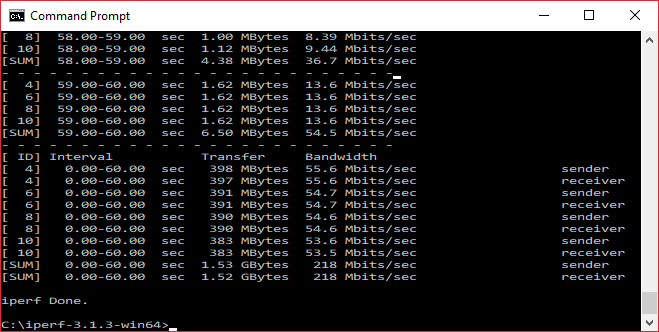
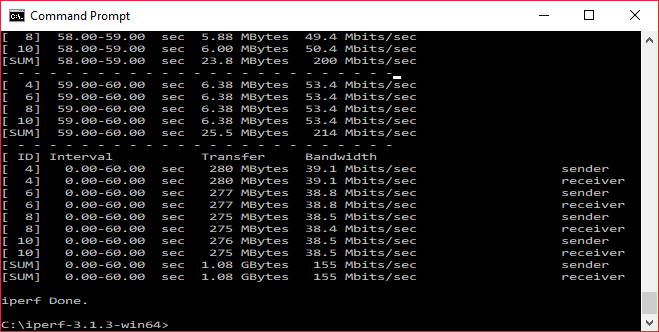
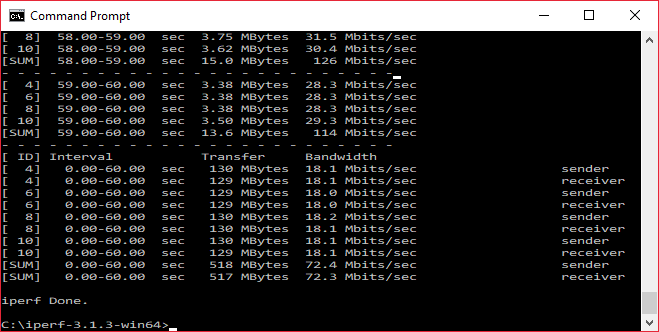
Within 1m, the Lyra Trio is not that fast, perhaps because our test 802.11ac notebook only has 2×2 antennas (which is still normal for most notebooks). It's still slow at 5m, although faster than Google WiFi and the atrocious Tenda nova MW6. At 10m, performance has dropped, but not as much as many others, making its 72.4Mbits/sec the sixth fastest mesh speed we have tested at this distance.
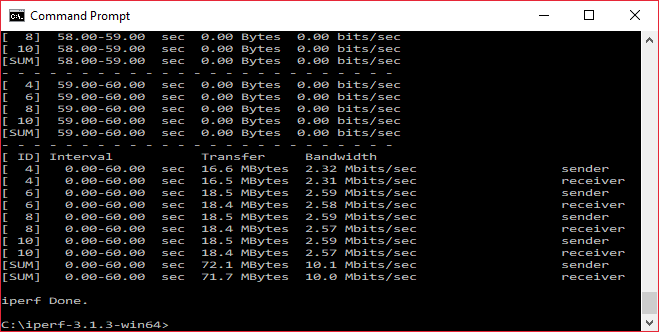
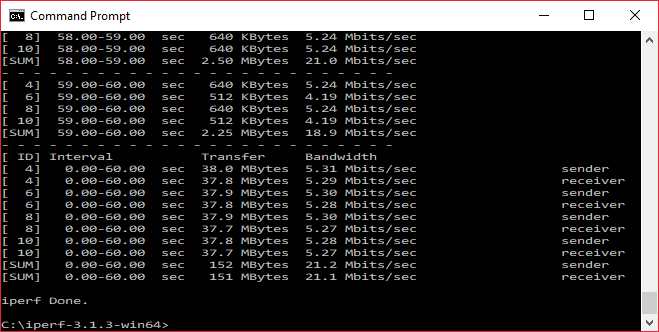
Unfortunately, performance does drop off at 15m, with 35.5Mbits/sec placing in the pack for mesh systems not made by NETGEAR, or ASUS's other mesh options. The 20m result is relatively similar to 15m, with a usable 17.4Mbits/sec bandwidth but most alternative mesh systems being a bit quicker. The Lyra Trio just about holds up at 25m, although 10.1Mbits/sec is only marginably usable.
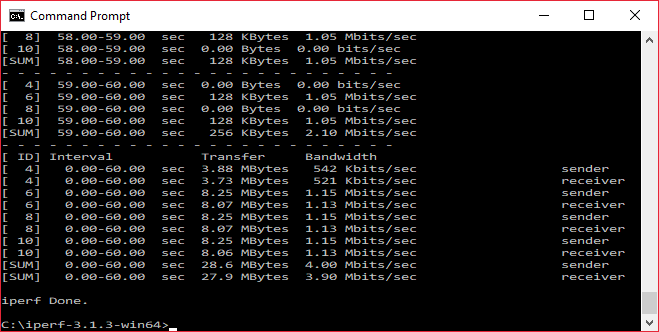
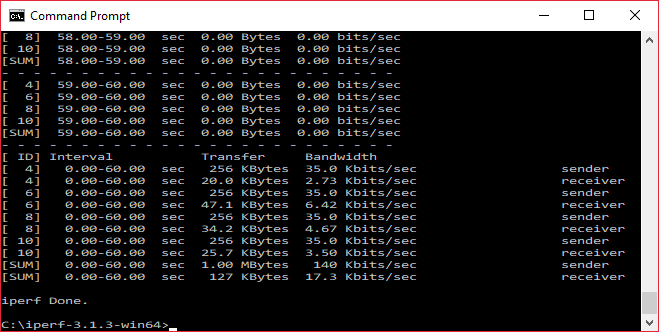
At 30m and beyond, the Lyra Trio is transferring some data, but not enough to be really worthwhile.
Overall, with an 802.11ac client you are getting extended range over a regular router, but not as much as the premium mesh systems from NETGEAR and ASUS. Interestingly, ASUS AiMesh fares much better at all distances too. Most significantly, BT's sub-£200 Whole Home WiFi offers a bit more usable range for less money.
802.11n 2.4GHz
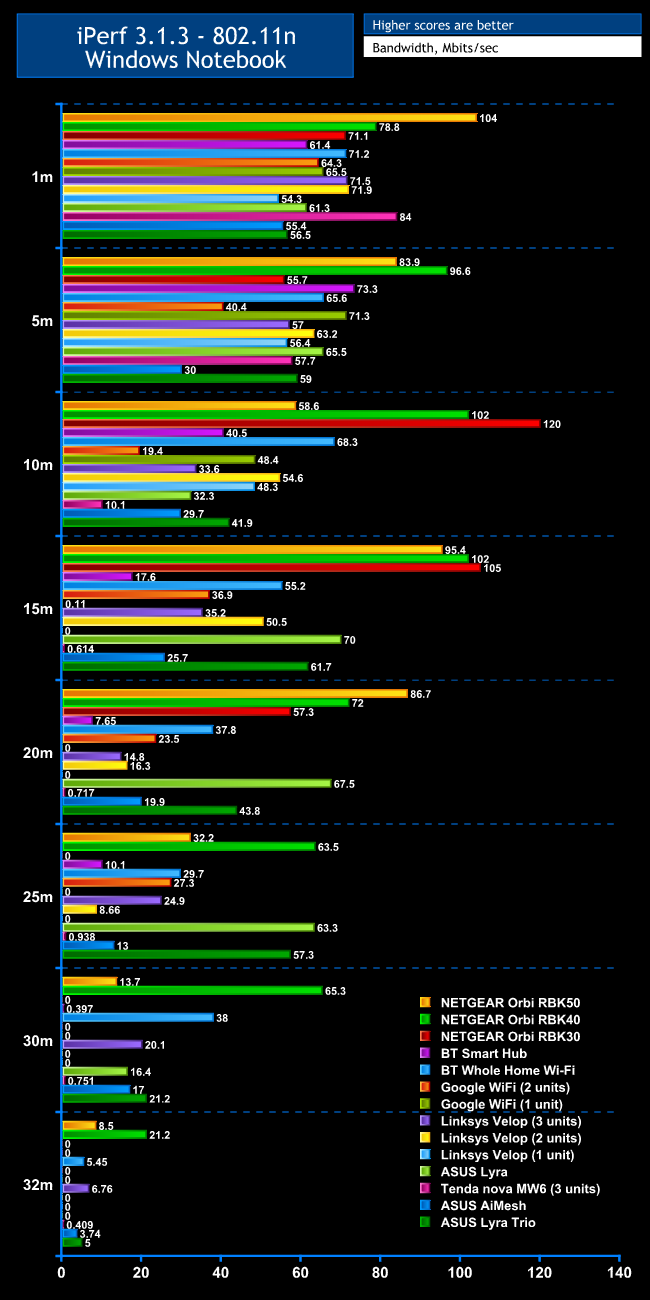
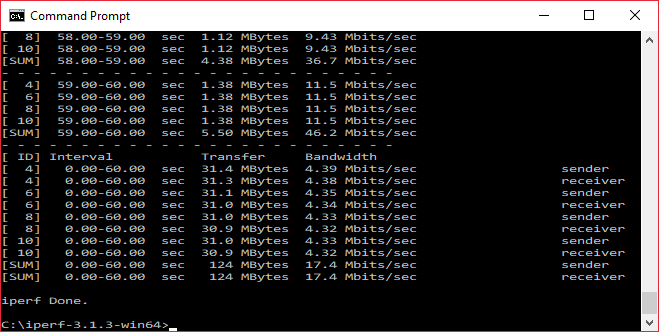
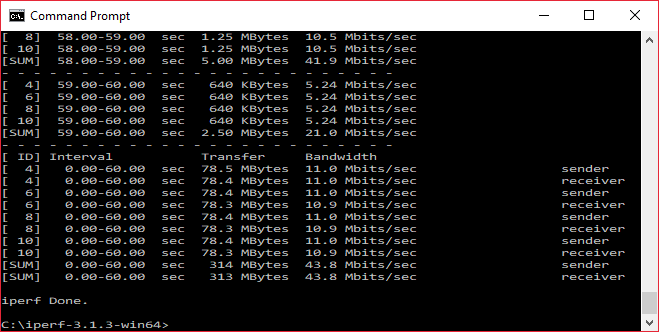
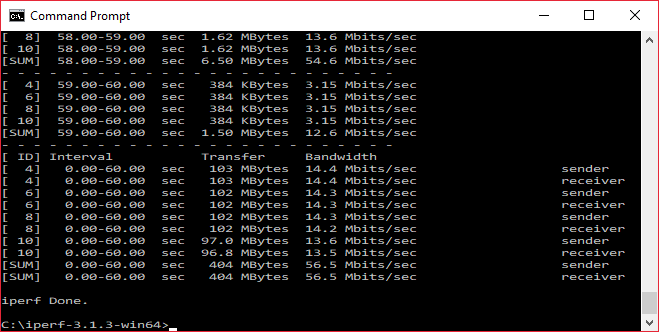
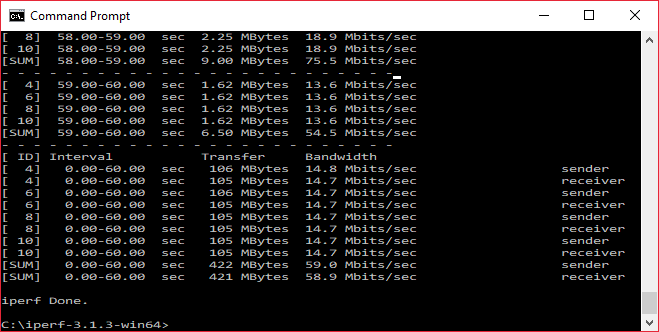
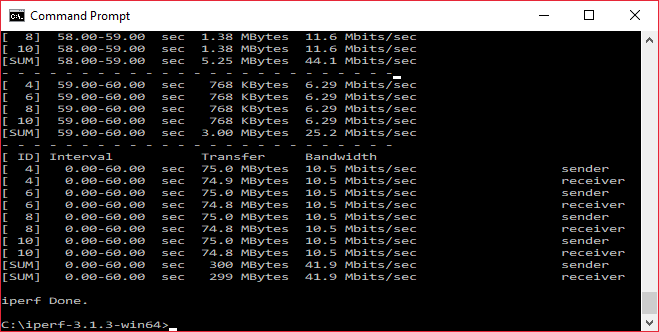
The 2.4GHz 802.11n results are a very different story. At 1m, the Lyra Trio is merely average, offering 56.5Mbits/sec. However, performance actually improves slightly to 59Mbits/sec at 5m. This places much higher in the pack of mesh options, and the story continues at 10m, with 41.9Mbits/sec.
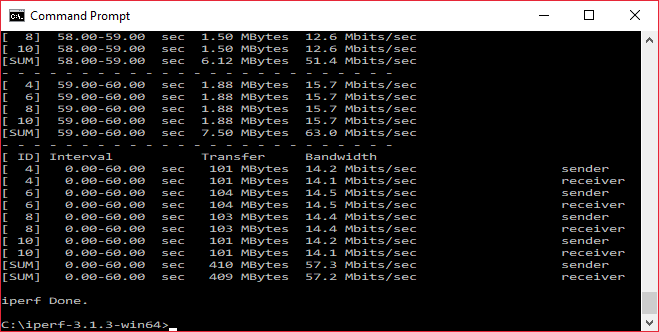
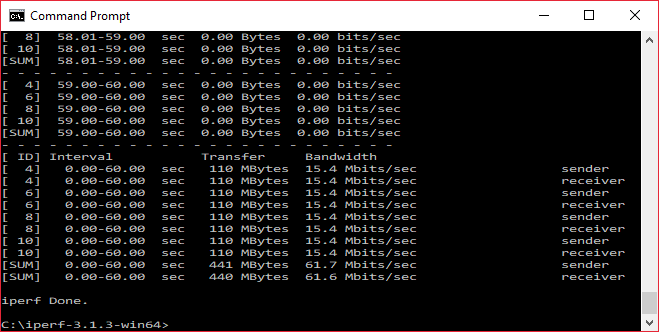
The Lyra Trio actually posts ists fastest 802.11n result at 15m, hitting 61.7Mbits/sec, which is the fifth fastest mesh system we have tested at this range. This position is maintained at 20m, with 43.8Mbits/sec. At 25m performance actually goes up again to 57.3Mbits/sec, which moves the Lyra Trio up to third fastest mesh system.
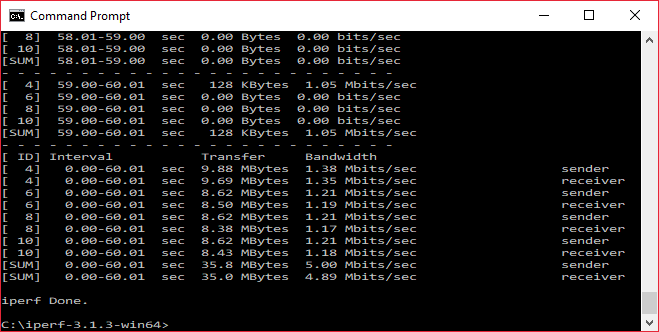
Amazingly, the Lyra Trio keeps its third position at 30m, and even manages 5Mbits/sec at 32m, which is actually behind a shed so most systems fail to reach this distance. Even ASUS's original Lyra failed this last distance.
It's worth noting that our test notebook has a 3×3 802.11n antenna configuration, which will have helped performance in this test. But this is still one of the best performances we have seen from a mesh system over 802.11n, and all previous mesh systems were tested using the same notebook.
Overall, the ASUS Lyra Trio provides decent mesh performance. In 802.11n, it's one of the best we've seen, but in 802.11ac it merely extends range over a standalone router. Unfortunately, this means that there are better mesh alternatives for performance, and whilst most are more expensive than the Lyra Trio, BT's Whole Home WiFi is actually cheaper.
The ASUS Lyra Trio isn't quite the cheaper cousin of the original Lyra, although in performance terms it's definitely not in the same league. Whilst 802.11n capabilities are stellar, 802.11ac is well behind the original Lyra release and this is the more likely WiFi protocol to be used by modern devices.
However, the Lyra Trio still packed with features, including ASUS's industrial-strength back-end management. It offers better range than most standalone routers, for similar money to premium models, so will fulfil a need for extending WiFi around a larger home. The design of the units themselves is more attractive than a lot of mesh systems, too.
Although BT's Whole Home WiFi provides better overall coverage for less money than the ASUS Lyra Trio, it also has a markedly less feature-rich back end. So if you want to configure things like VPN links, QoS and dynamic DNS the ASUS Lyra Trio has the edge. It's definitely worth considering, if out-and-out performance is not your most important factor.
Discuss on our Facebook page, over HERE.

The ASUS Lyra Trio is available from Overclockers for £269.99.
Pros:
- Keen price for a three-unit system.
- Easy to set up.
- Very good 802.11n performance.
- Extends range over a standalone router.
- Feature-rich Web management interface.
- Two Ethernet ports on each satellite.
Cons:
- Disappointing 802.11ac performance.
- No USB ports for printer or storage sharing.
Kitguru Says: The ASUS Lyra Trio combines striking looks with a keen price, loads of software features, and excellent 802.11n performance, although 802.11ac speed is only mediocre.