 KitGuru KitGuru.net – Tech News | Hardware News | Hardware Reviews | IOS | Mobile | Gaming | Graphics Cards


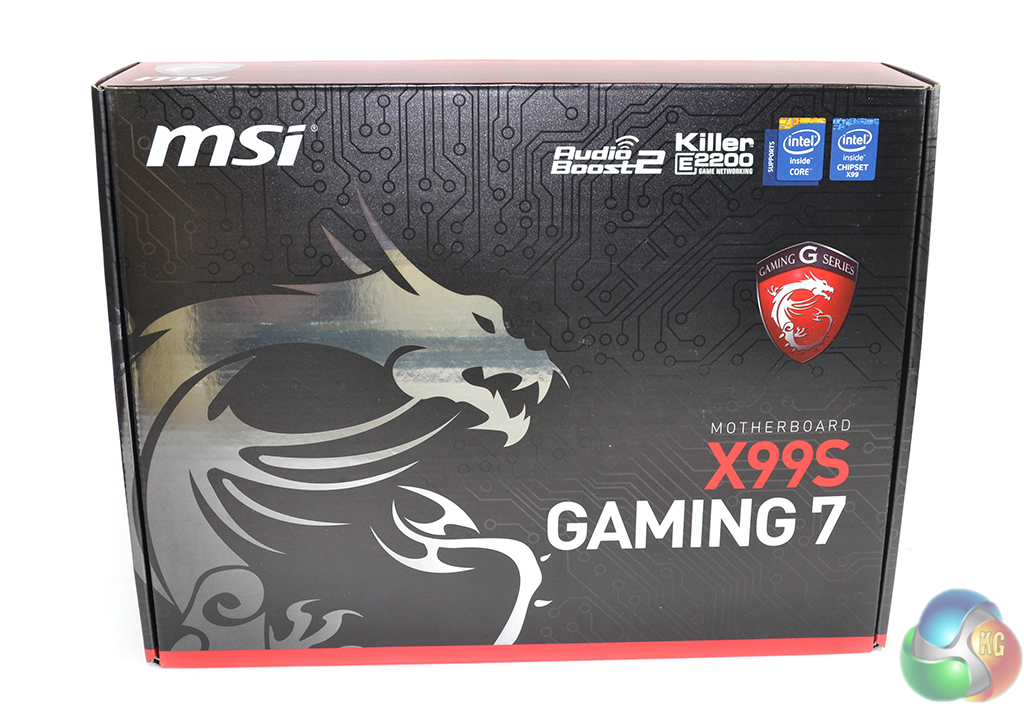
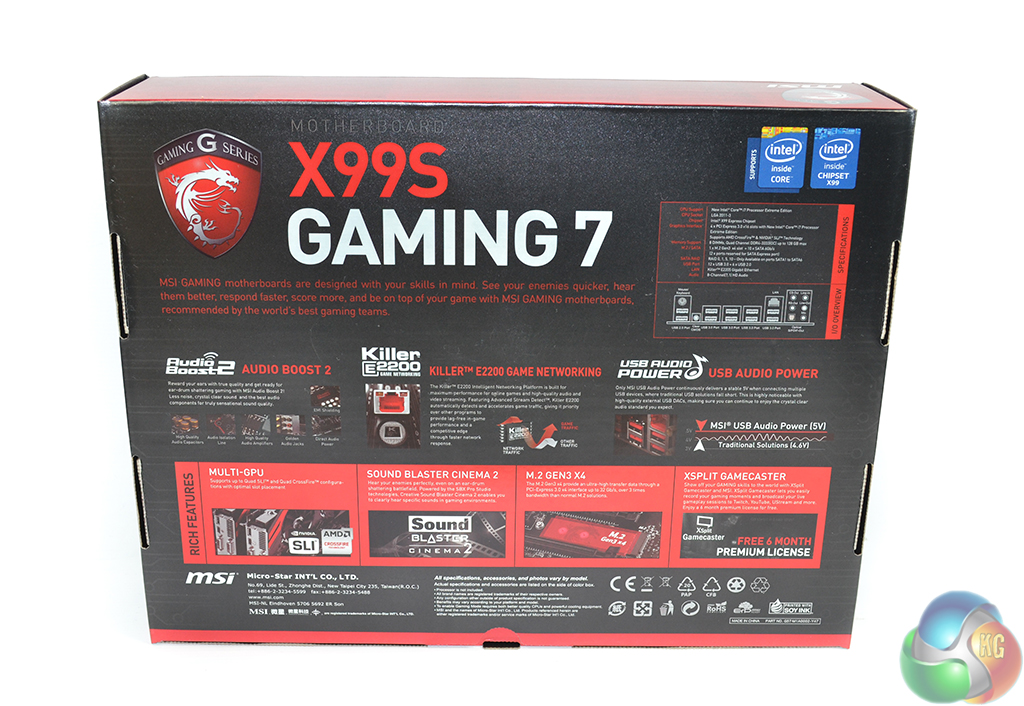
The MSI X99S Gaming 7 is housed in packaging that is typical for MSI's Gaming series parts. A red-and-black box featuring the dragon branding outlines key features and specifications for the LGA2011-3 motherboard.
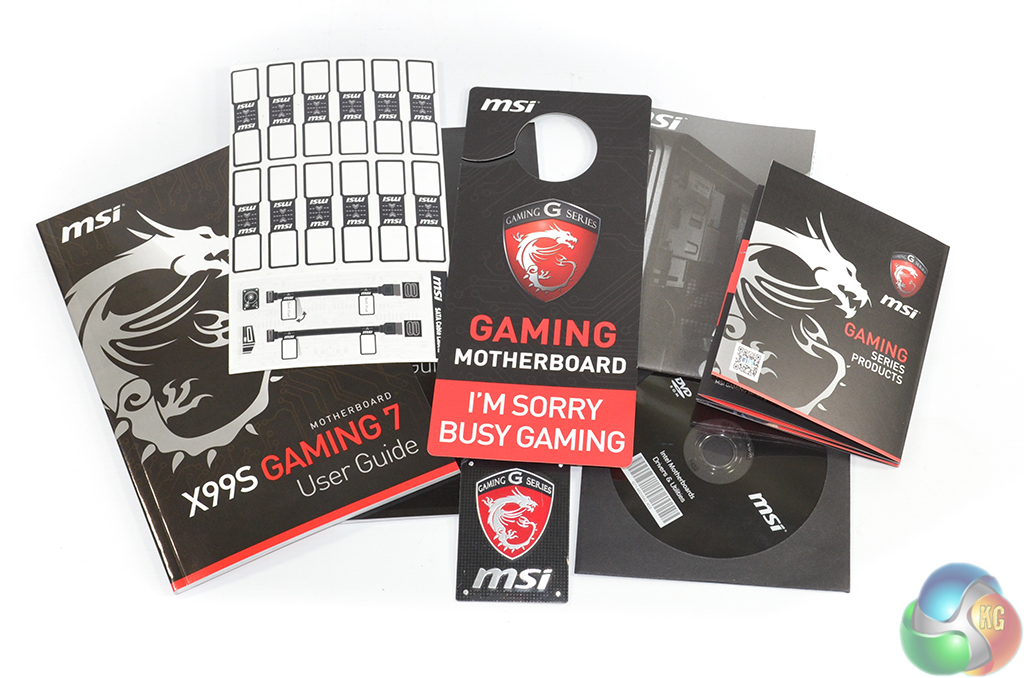
A combination of manuals and installation guides form the supplied documentation. Also provided is MSI's door hanger, cable labels, and a well-sized case badge.
We must commend MSI for the quality of its user guide. The company adds a block diagram to show the board's controller layout and also explains the PCIe lane allocation in a clear manner.
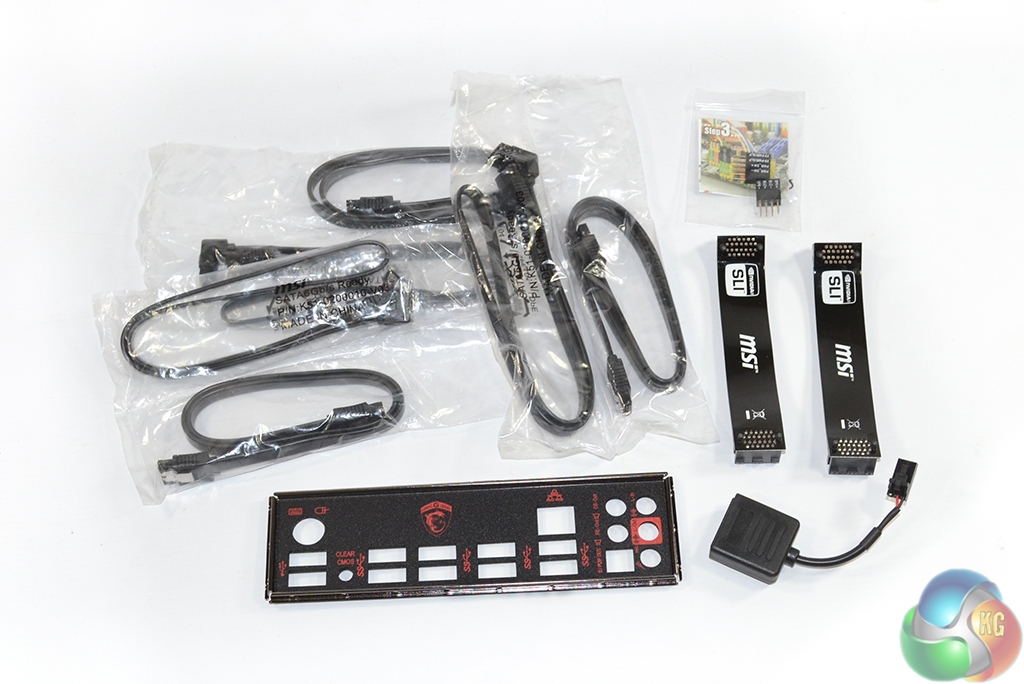
Six latching SATA cables, MSI's convenient M-connectors, the rear IO shield, two SLI ribbons, and an audio power cable form the supplied accessories. The audio power cable is used to feed current directly from the PSU to MSI's Audio Boost 2 system. This helps to ensure that the correct voltage levels reach the audio hardware, rather than watered-down voltages that may have traversed the entire motherboard PCB.
MSI oddly includes only two SLI ribbons meaning that 3-card users will have to take a quick trip to eBay for one additional bridge. This is an implication that MSI expects 1- or 2-card users to make up most of the X99S Gaming 7 motherboard's audience. On the plus side, both ribbon cables are a dark shade of black, rather than the ugly brown colour that is used all too often (yes I'm looking at you, Asus).

I think the best combination to satisfy all my needs specially getting out the juices of M.2 there is two option.
Option 1 (40 lanes) with Intel Core i7-5930K or Intel Core i7-5960X Extreme Edition:
2 way SLI (E1_3.0x16+E3_3.0x16) + 1 M.2 (3.0×4) and 1 SSD on SATA Express (2.0×2)
or
Option 2 (28 Lanes) with Intel Core i7-5820K:
3 way SLI (E1_3.0x8+E3_3.0x8+E5_3.0x8) + 1 M.2 (3.0×4) and 1 SSD on SATA Express (2.0×2)
^_^ Great review Luke.
Hi there. I saw you review to late.
I have the same issue, can’t make the RAM to run on 3000MHZ with a 5820k.
Have you found any solution? Already contacted manufacturers(Kingston/MSI/Intel)…still no luck, so maybe you can help.
Thanks, and nice review btw.