 KitGuru KitGuru.net – Tech News | Hardware News | Hardware Reviews | IOS | Mobile | Gaming | Graphics Cards


Recently there has been a definite trend to having bigger mobile devices. Smartphone flagships are well over 5 inches in size now, and tablets are getting bigger too – just take a look at the 13.3 inch iPad Pro. It is refreshing, then, to see ARCHOS buck the trend with its 70b Helium tablet.
With a display measuring just 7 inches across, the ARCHOS 70b Helium really is a small tablet. Priced at just over £70, it is also very affordable. This review will see if the ARCHOS 70b Helium is worth a purchase at this low price point.
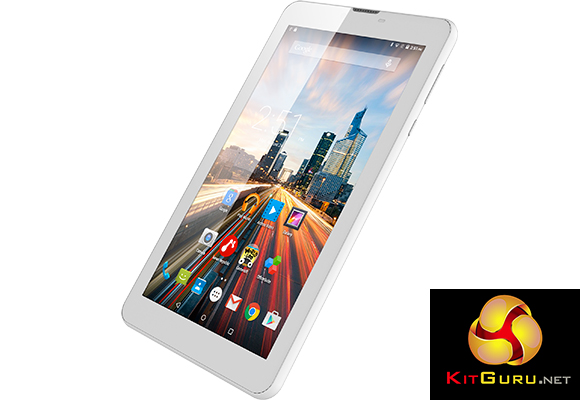
Features:
- 7 inch 1024×600 IPS display.
- Mediatek MT8735M, quad-core CPU, 1 GHz.
- 1GB RAM.
- 8GB internal storage with microSD cards up to 64GB supported.
- Android Lollipop 5.1.
- 2MP rear camera, 0.3MP front camera.
- 2800mAH battery.
- 4G ready.
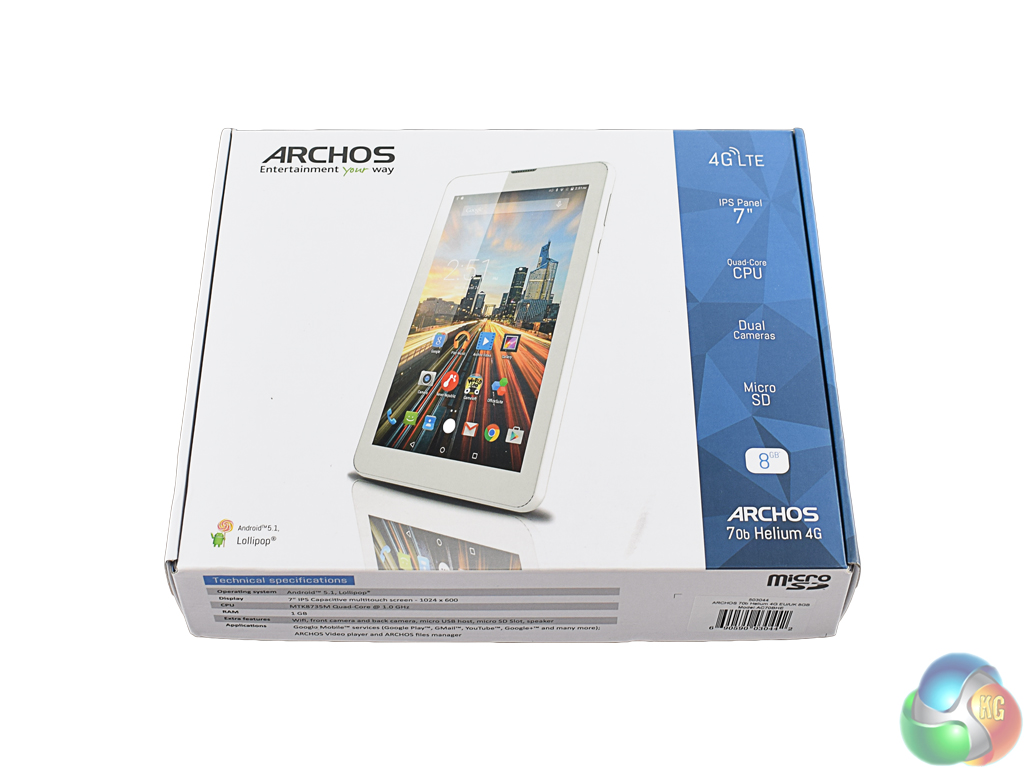
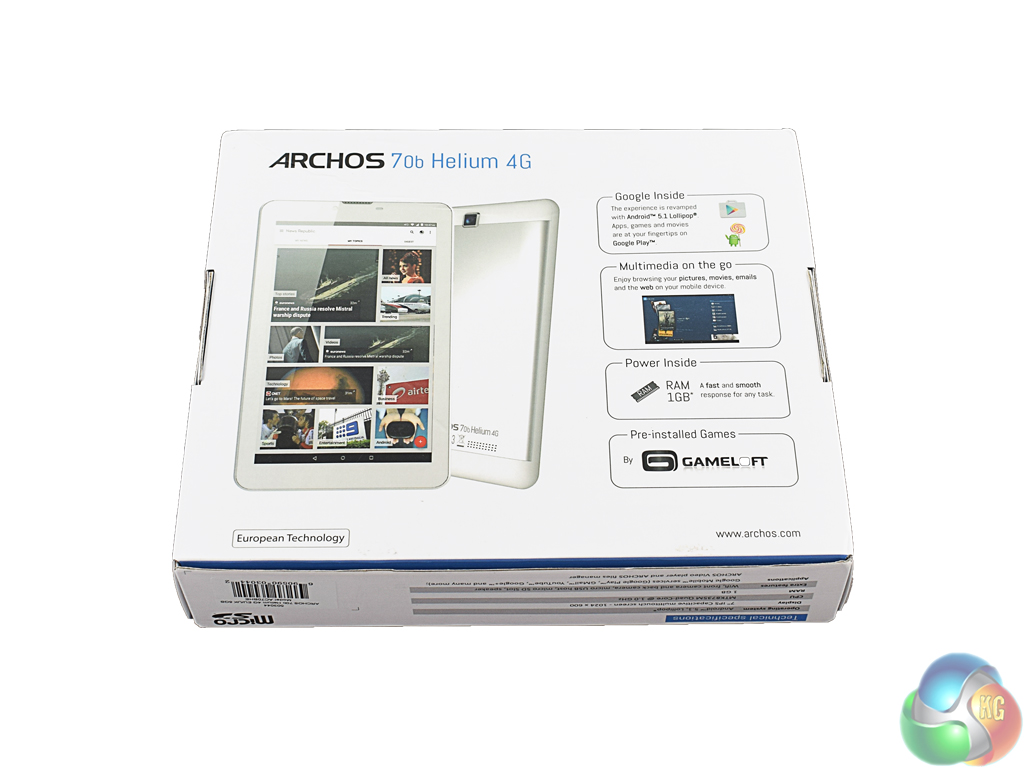
The ARCHOS 70b Helium ships in a fairly standard box, with the front showing the tablet itself and some key specs.
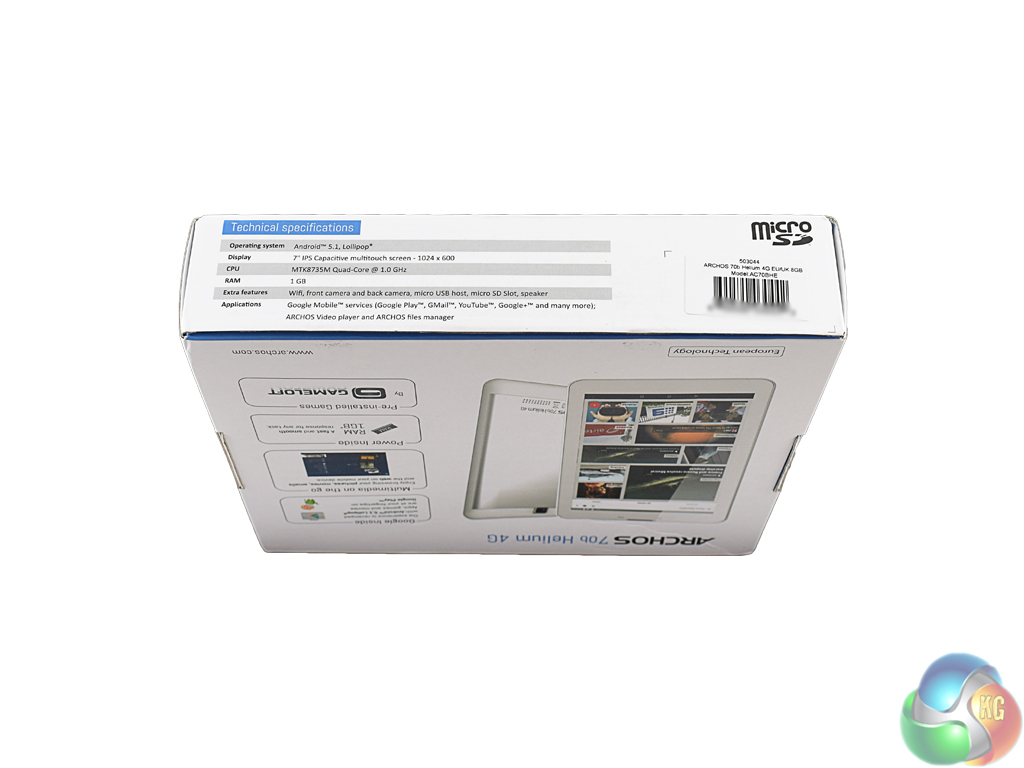
The sides and bottom of the box simply serve to give more detail about the 70b Helium and its internal hardware.
Inside the box there is the usual USB cable, power adapter and information booklets.When assessing the design of the Archos 70b Helium, it is important to remember that it is a £70 tablet. Therefore it would be unreasonable to expect a brushed aluminium body with impossibly thin bezels like we may find on the latest flagship tablet.
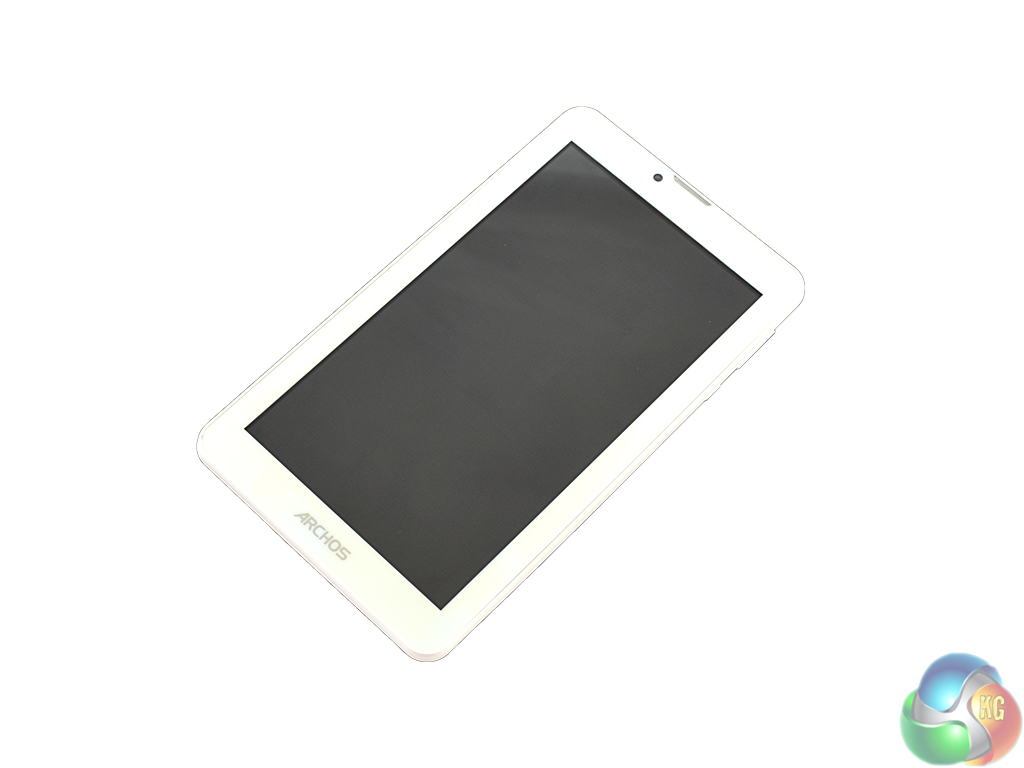
Despite this, the 70b Helium is a good-looking tablet. Admittedly, it is all made of plastic (as we would expect) but it does not feel particularly cheap.
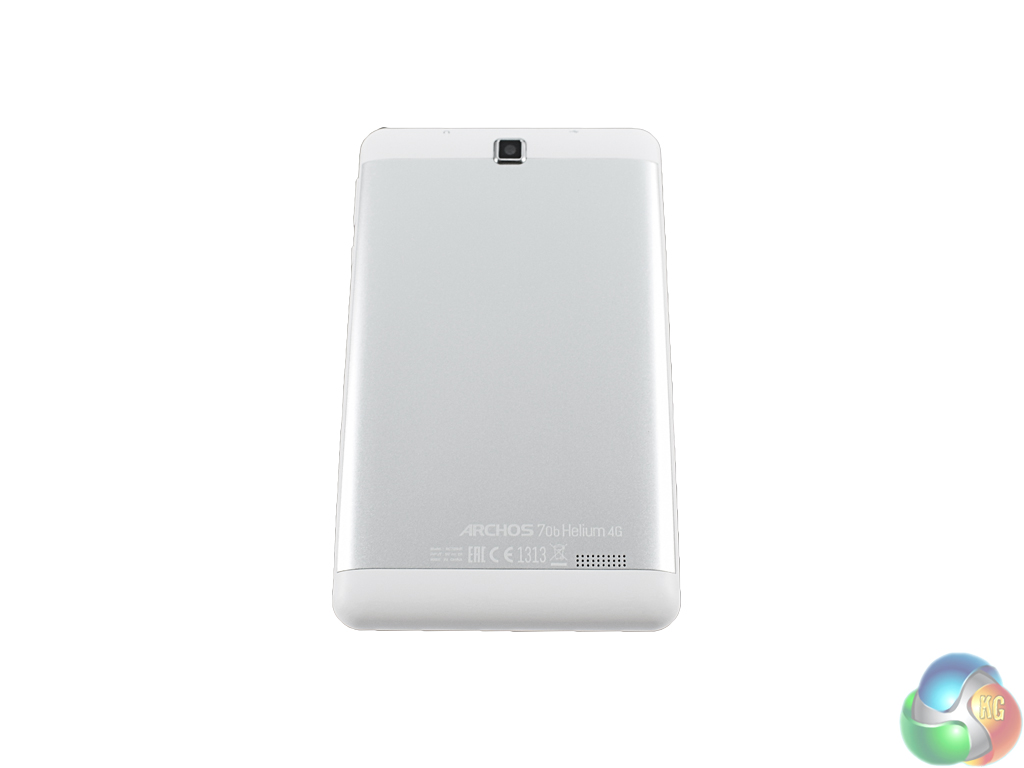
On the rear of the tablet, ARCHOS have fitted a silver panel which looks very stylish amongst the white edges. It is purely for aesthetic purposes but it looks good and helps elevate the 70b Helium above other generic tablets within this price range.
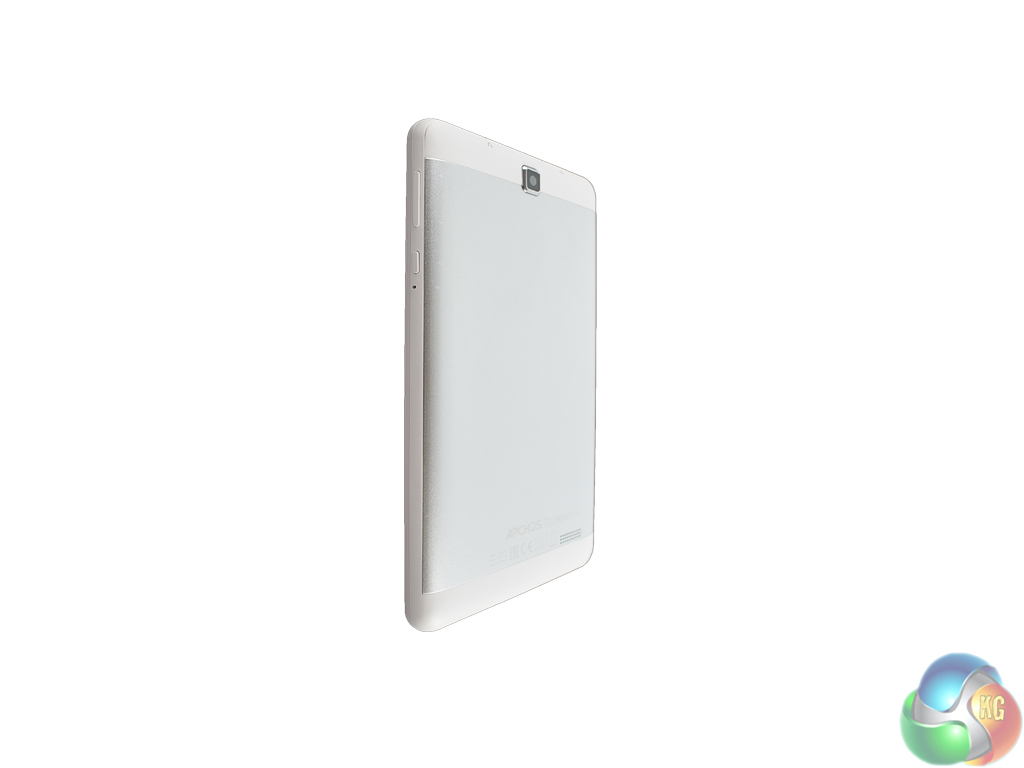
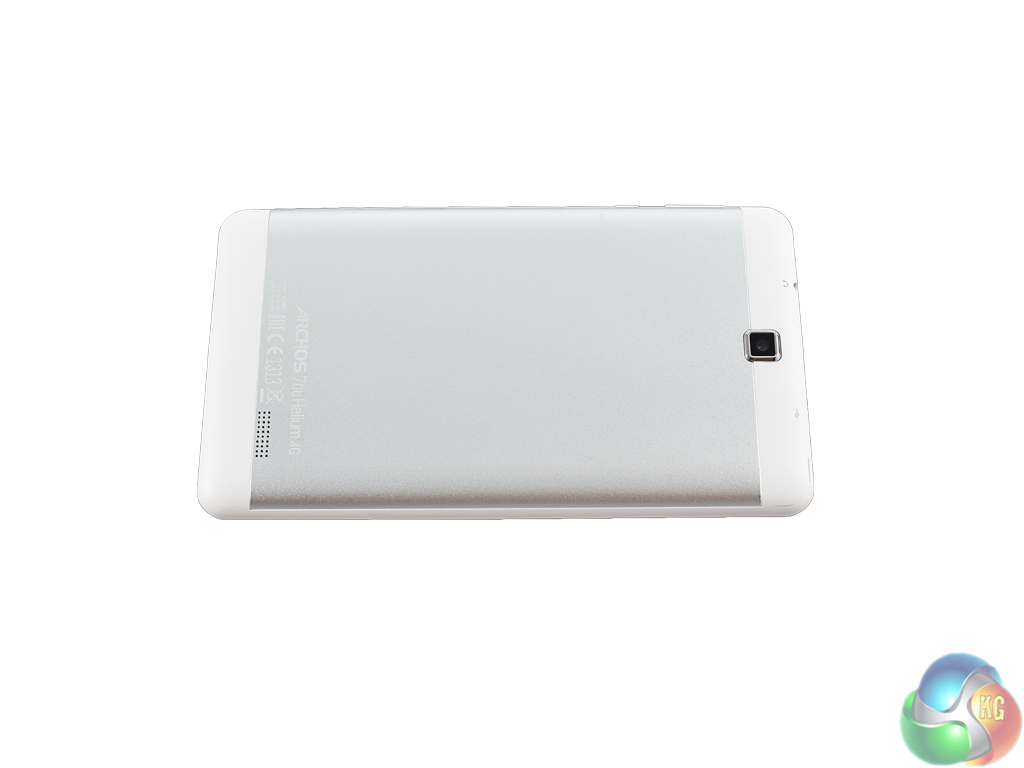
As the 70b Helium is ‘only' a 7 inch device, its physical dimensions are nice and compact. It measures 188 x 108 x 9.9mm (L x W x D), so it can be easily transported and is also relatively thin for a budget tablet. Some bulkier tablets can get to be over 12 or 13mm thick, so it is good to see ARCHOS keeping the thickness below 10mm. It is also nice and light at 278g.
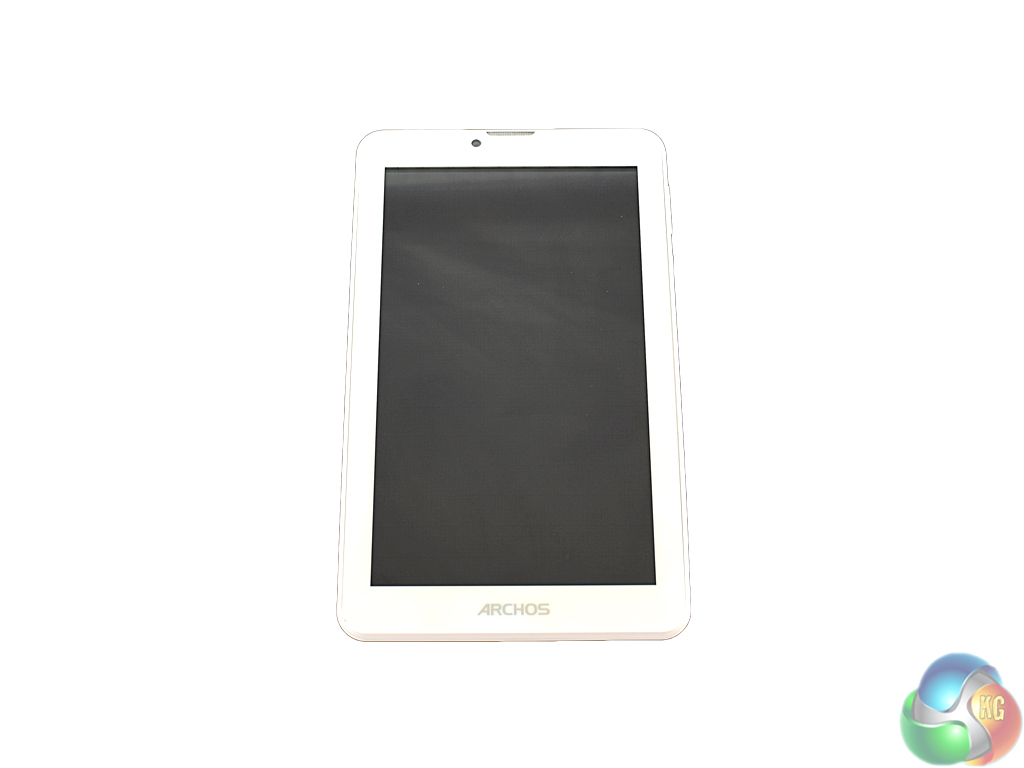
The front bezels are fairly thin, too, and there is a discrete ARCHOS logo at the bottom of the device. The 0.3MP selfie camera is visible at the top, along with the front speaker.
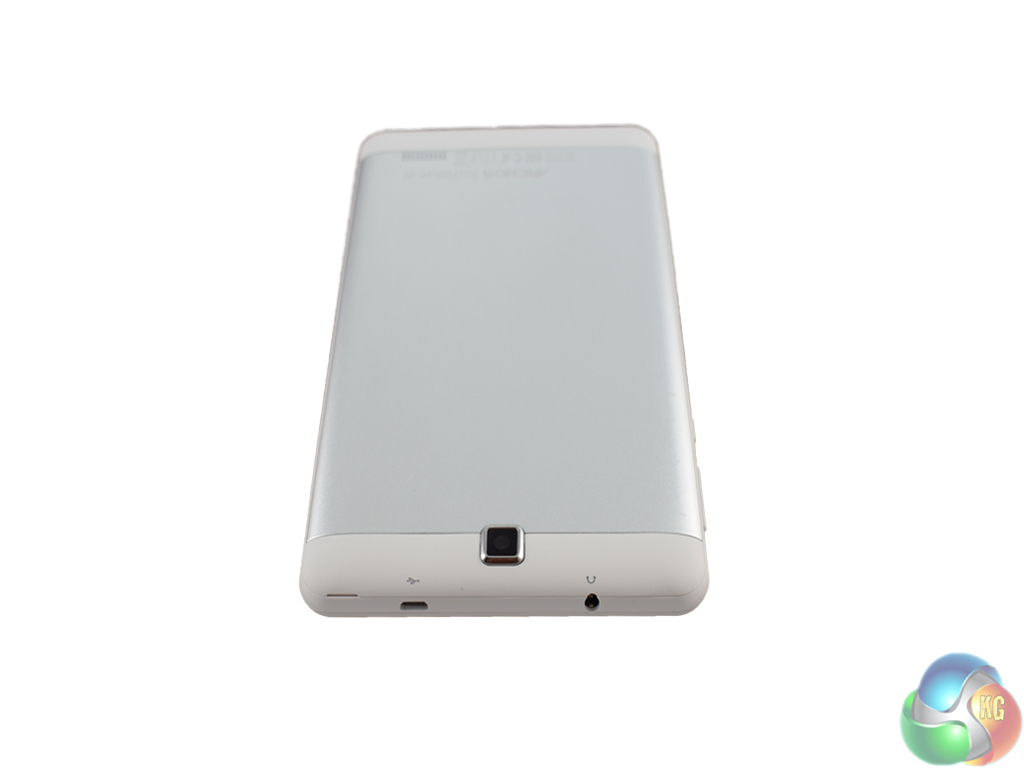
The 2MP camera on the back of the tablet protrudes a little, but this can be forgiven due to the affordable price of the tablet.
All in all, the 70b Helium is nothing special – but then again, it is not trying to be with a £70 price tag. It does not feel cheap and is reasonably good-looking, so I'd say that is a victory at this price-point.
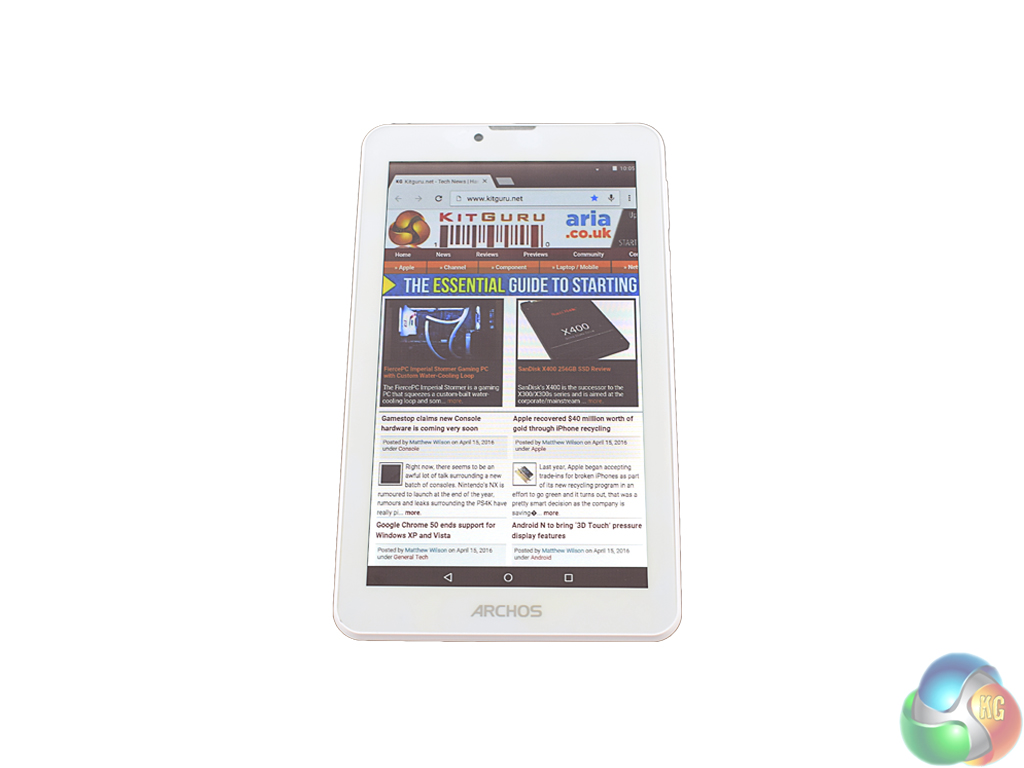
The 7 inch display on the Archos 70b Helium has a 1024×600 resolution. Admittedly this is not huge, resulting in a pixel density of 169.55 PPI. While I do like my tablet screens with ‘retina' sharpness – ideally above 300 PPI – that is not feasible for a budget tablet. My thinking is that if you are considering a £70 tablet, you are probably not too fussed about how sharp the display is. After all, it is still entirely usable, it just lacks that extra crispness you get with a higher resolution.
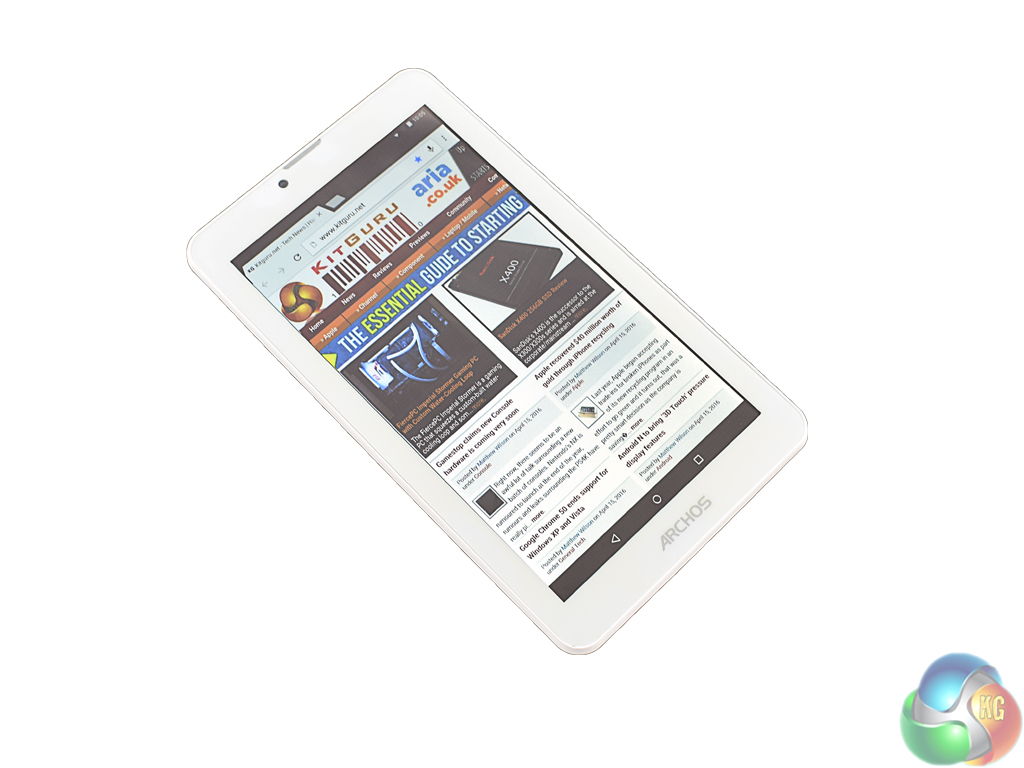
Colours are nice and punchy, too, thanks to the IPS panel. Skin tones look natural when watching films, and games look good as well. However, viewing angles are a disappointment with a large amount of colour shift, despite the IPS panel used.
One final thing to note is brightness. Again, it could be brighter but you can't have everything with a £70 device. For indoor use it is more than enough, but outside usage does become a strain.
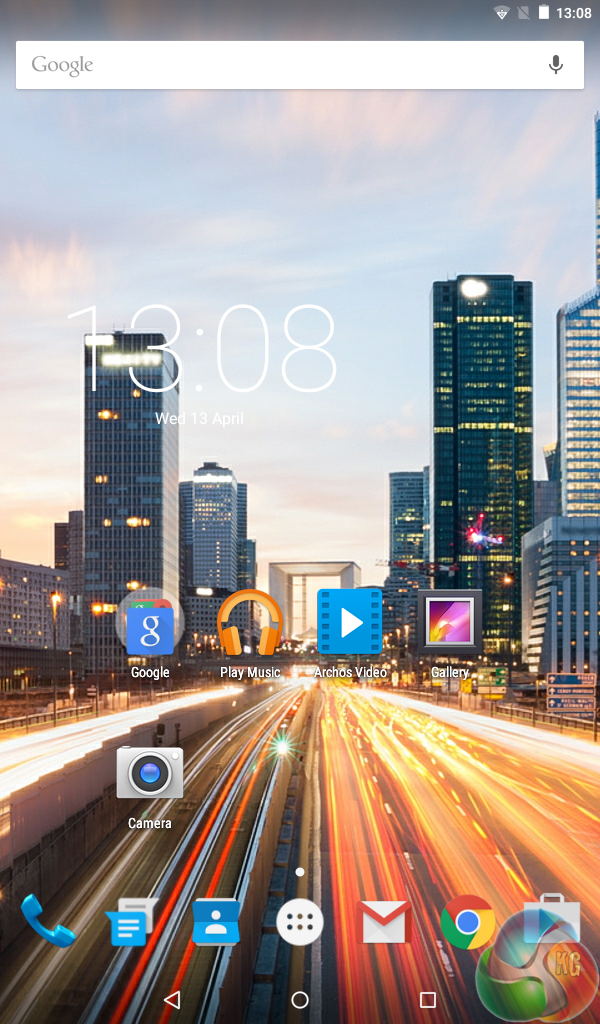
ARCHOS ship the 70b Helium with Lollipop 5.1 installed – a mobile OS I have used several times while reviewing a phone or tablet.
Thankfully, ARCHOS must read my mobile reviews as they have left vanilla Android almost completely alone. This is especially important for a budget tablet – as an extra ‘layer' of 3rd-party software and bloatware can really slow a device down.
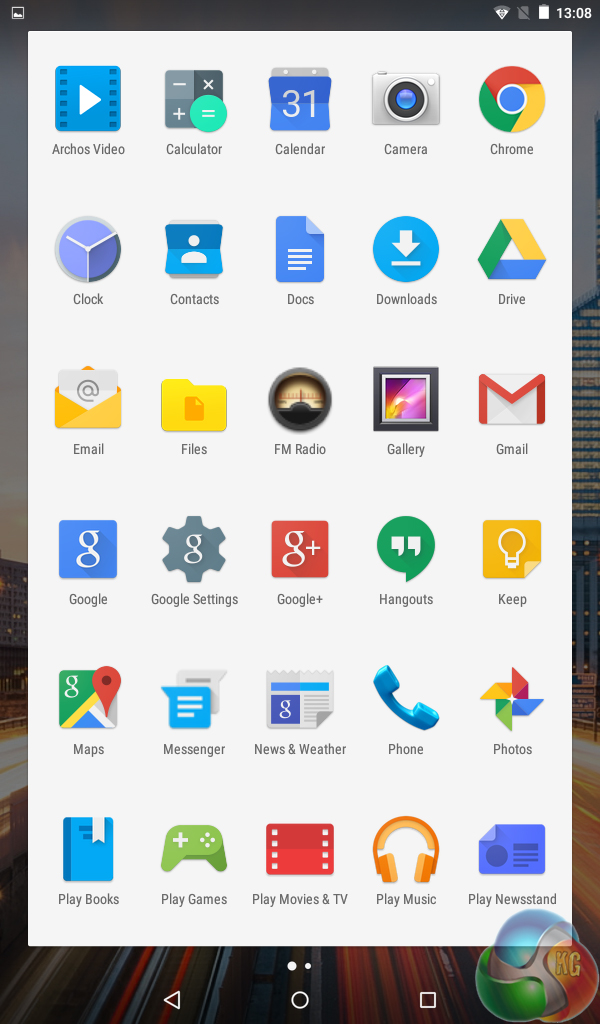
However, bloatware is completely missing from the 70b Helium as you can see from the screenshot of the launcher above. There is the option of have some Gameloft apps installed by default – but this can be configured in the first-time setup of the 70b Helium and is not forced upon you.
I like this approach as it means if you are a more advanced tablet user you can easily say ‘no' to the unwanted apps, but if you have bought the 70b Helium for your child there is the option of some pre-installed games to keep them happy right from the off.
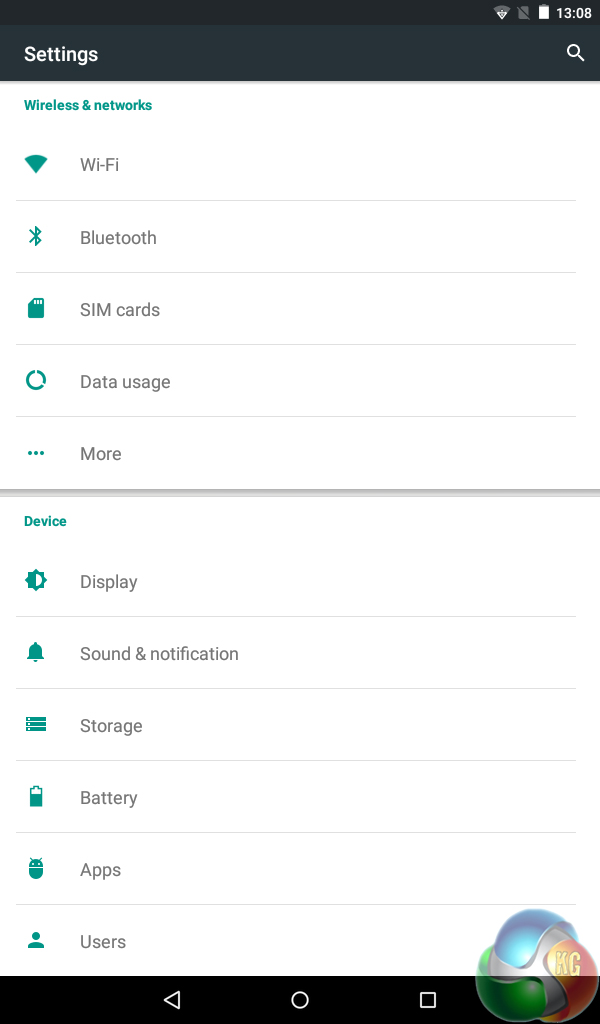
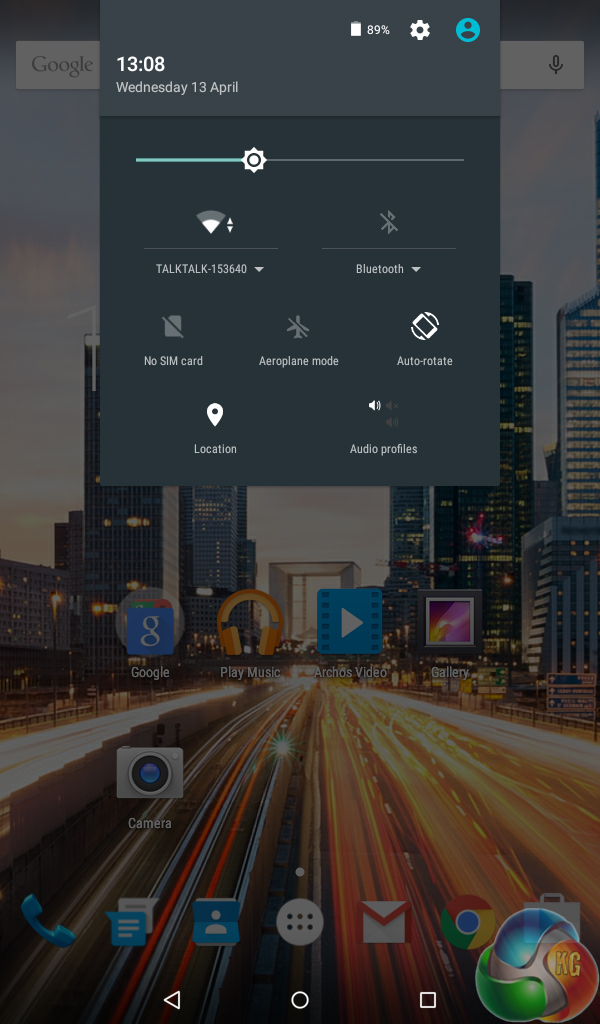
Elsewhere, you can see Android Lollipop used here really is the stock version – the settings and notification panel drop-down menu are identical to how I remember them from the Nexus 9 I reviewed a year or so ago.
As far as I can tell, the only thing ARCHOS have changed is the home-page wallpaper – and this is hardly a disaster. So it is hats off to ARCHOS really, they have very wisely left Android alone which is just what I like to see.
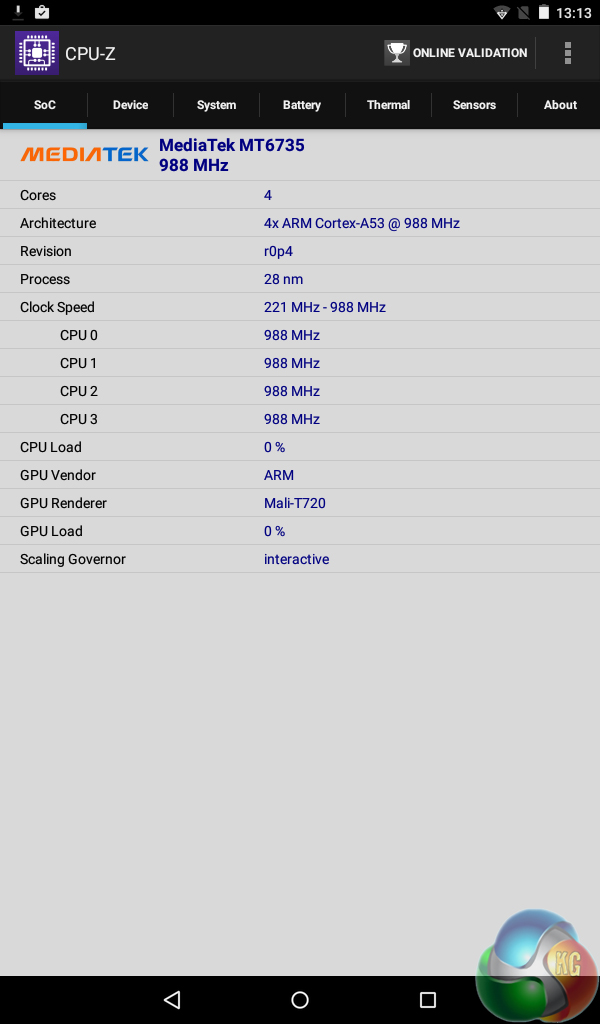
At the heart of the 70b Helium is a quad-core Mediatek MT8735M CPU, with 1GB RAM.
While I will come to the synthetic benchmarks below, I like to touch on the real-world performance of our review tablets first. It is safe to say the 70b Helium pleasantly surprised me with how responsive it is – apps load reasonably fast for a £70 tablet, and multi-tasking is nice and smooth despite the small amount of memory. I would suggest the real-world performance is helped by the lack of extra software on the device.
My only complaint is that the 70b Helium takes a fair while to turn on – probably around a minute, if not more. An easy remedy is to not turn it off and leave it on standby – but that will drain the battery, albeit fairly slowly.
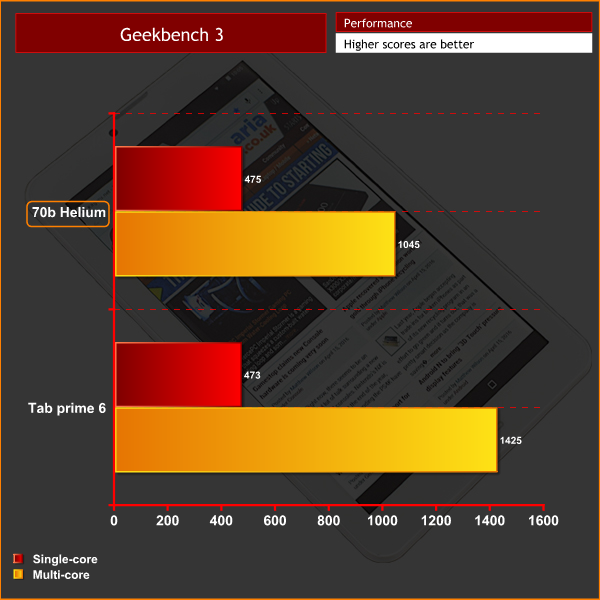
Moving on to the benchmarks. I have compared the 70b Helium with Vodafone's Smart Tab 6 which cost £125 at time of review. In Geekbench 3, the ARCHOS is only just behind its more expensive competitor, posting decent results for the money.
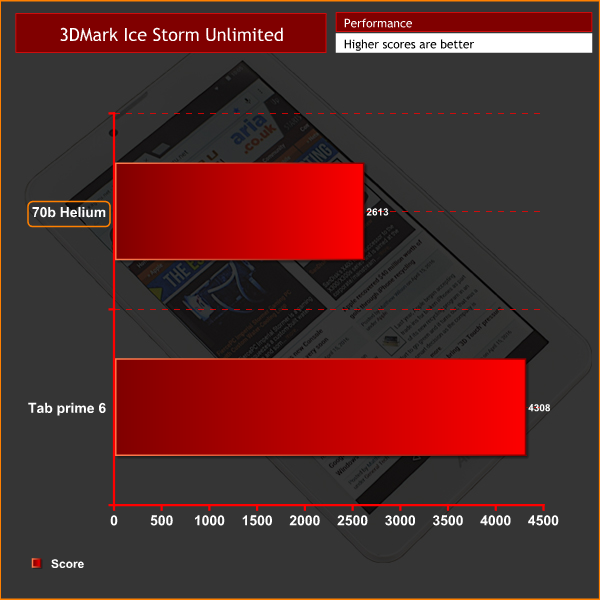
3DMark Ice Storm Unlimited is a similar story – with results clearly at the budget end of the spectrum, but then again, the 70b Helium is a budget device.
On the whole, I would say the benchmarks do not quite show the whole picture. For normal tablet use – emailing, watching YouTube, playing games – the 70b Helium is more than fast enough to cope.
The camera is usually an area where budget tablet manufacturers try to cut costs, and unfortunately this is the case with the ARCHOS 70b Helium.
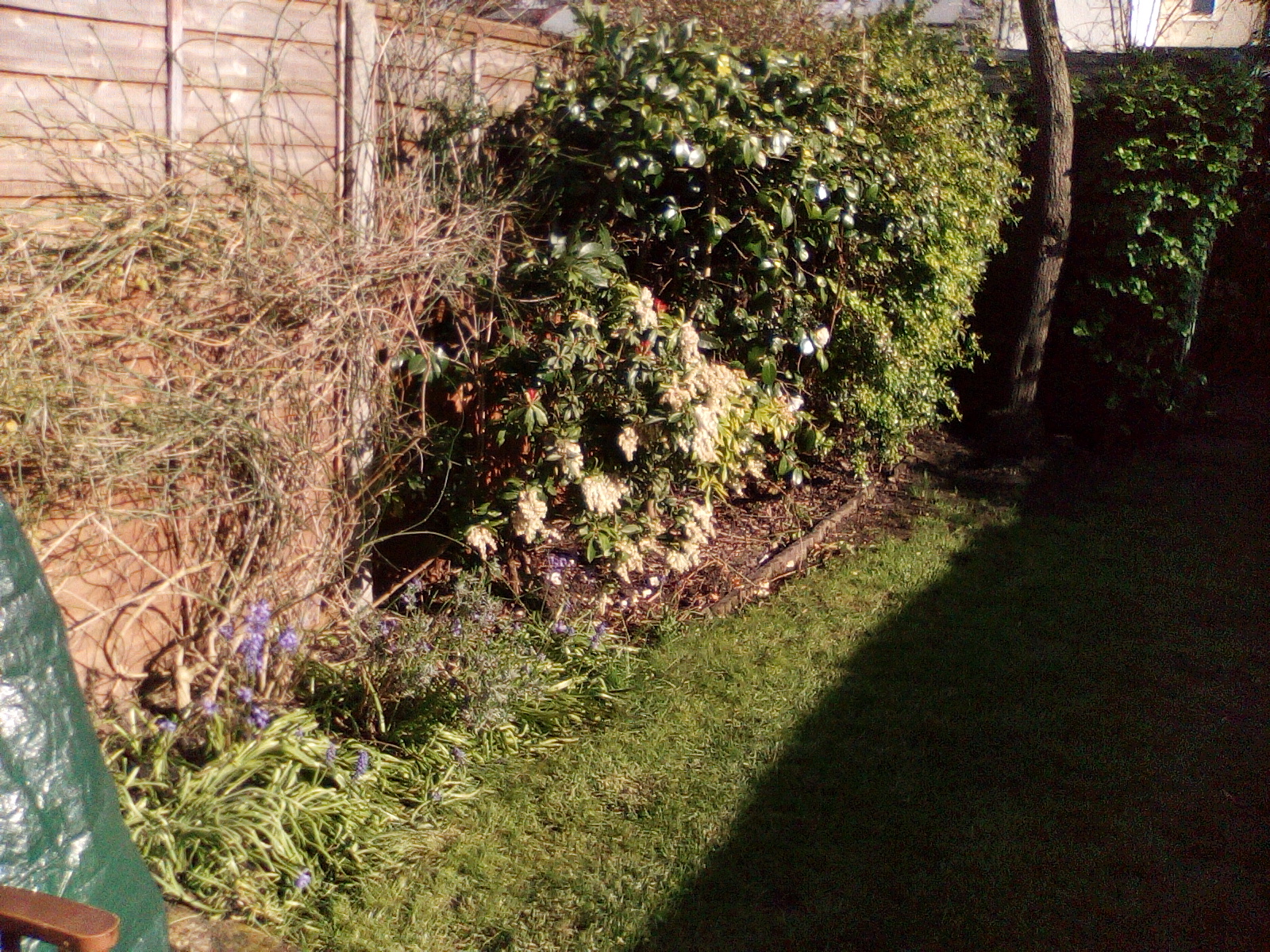

The 2MP primary camera lacks any kind of manual focus – you cannot touch the screen to focus where you want. As such, pictures are somewhat of a lottery as you have to hope that the 70b Helium knows what you want to focus on.
The lack of detail is also very obvious – a 2MP sensor (which takes photos at 1600×1200) is very poor for this day and age.
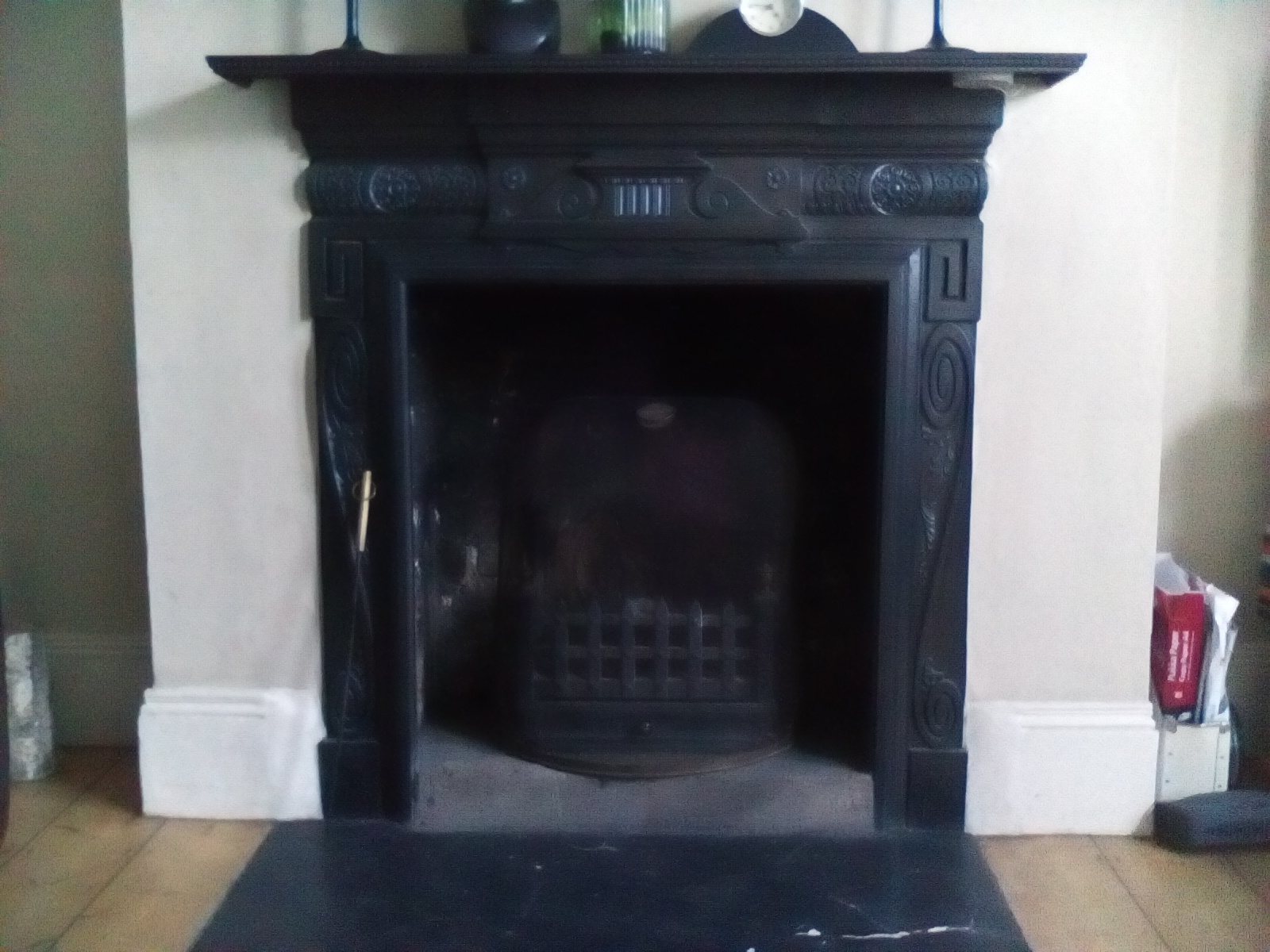
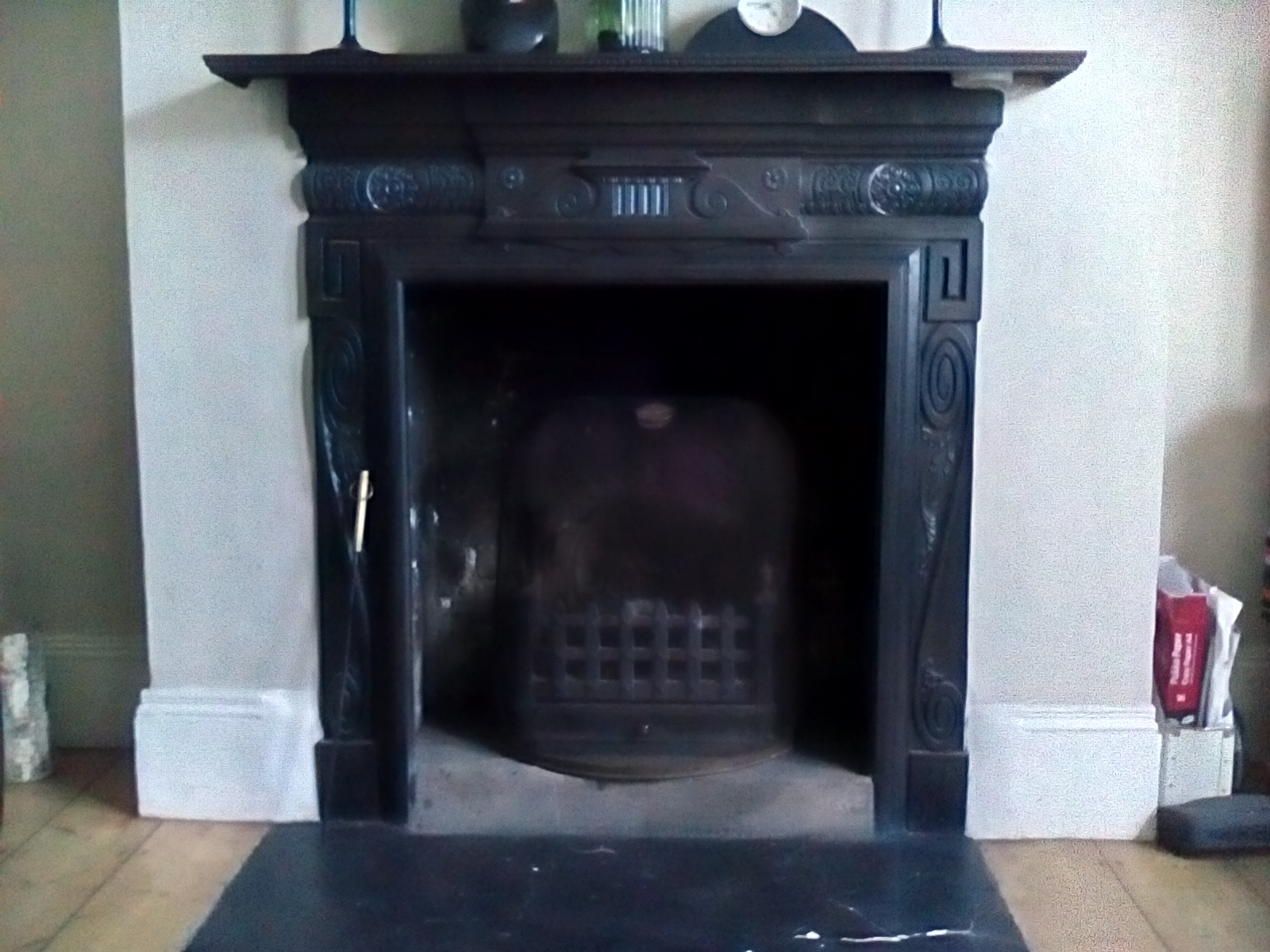
HDR mode off (left) compared with HDR mode on (right)
HDR mode is another let down – it massively increases the amount of grain in images, and makes colours distinctly cooler.To test the battery on a tablet, we use Geekbench 3 – which loops its benchmark until the battery fails. Obviously, the longer it lasts, the better.
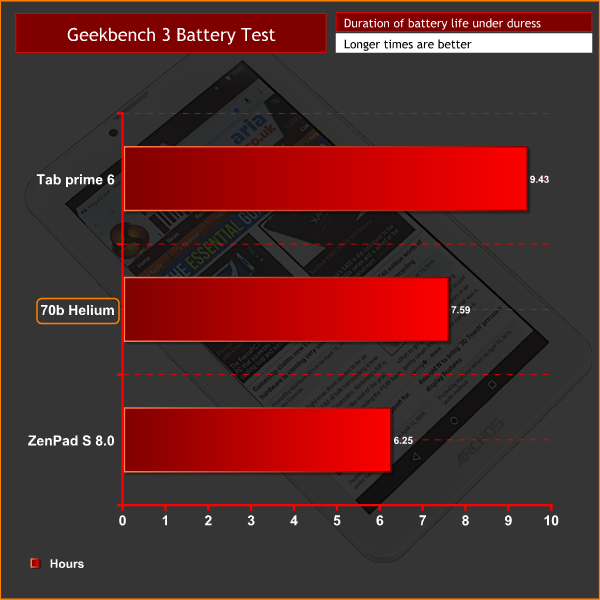
As you can see, the 70b Helium lasts a good amount of time – even if it does not quite reach the heights of the Smart Tab 6.
In the real-world, this translates into at least 2 days of use from a single charge. Obviously the more you use it the faster it will drain, but I tend to use my tablet in bursts and in this scenario it lasted over 2 days before needing a recharge. For a comparatively small 2800mAH battery, this is impressive.The ARCHOS 70b Helium is a decent budget tablet retailing at just over £70.
It bucks the recent trend of ‘bigger is better' with its 7 inch display size, meaning it is portable and light – weighing just 278g. While the rest of the design is fairly standard, there is a stylish silver panel on the back which just elevates the 70b Helium above the competition.
The display itself is a mixed bag. Colours are punchy while the resolution is not ideal but is usable. That said, viewing angles are pretty bad which is slightly disappointing. Despite this, the amount of colour shift is mitigated by the fact that you are less likely to be sharing a 7 inch tablet than a 11 inch device, for instance.
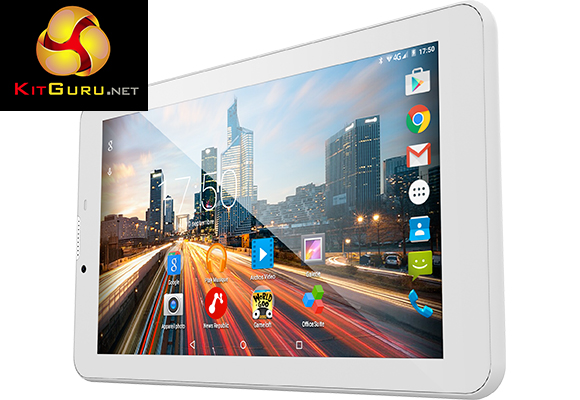
What really impresses me with the 70b Helium, though, is the real-world performance. Apps open without having to make you wait, and multi-tasking between open apps is responsive – despite just 1GB of system RAM. I think the performance is helped by a lack of bloatware on the tablet – as an extra ‘layer' of OS software can really slow a device down. It is good to see ARCHOS have avoided making this mistake.
The strong battery life is another boon, as I found the 70b Helium should last at least 2 days depending on how often you use the tablet.
One final area of discontent must be noted, however – and this is with the camera. I would guess ARCHOS tried to cut costs a little with the 2MP sensor as there is no autofocus and detail is sorely lacking. If you are looking for a tablet with a good camera, you will have to look elsewhere.
Despite this, the ARCHOS 70b Helium makes for a good budget tablet. Ideal for children or just checking your email and other general tasks, it is also highly portable and ultimately comes recommended.
You can pick up the ARCHOS 70b Helium from Amazon for £73.30 here.
Pros
- Affordable.
- Well designed.
- Lack of bloatware helps performance.
- Solid battery life.
Cons
- Camera is poor.
- Viewing angles could be better.
KitGuru says: The ARCHOS 70b Helium is a good budget tablet for those in the market. Its flaws are not deal-breakers provided you are not looking for a great tablet camera.


Is it possible to use this as an occasional phone, or does the sim (from whatever carrier) only allow for data not “standard” calls?
“my room mate Mary Is getting paid on the internet 98$/hr”..,……..!wc184ctwo days ago grey MacLaren P1 I bought after earning 18,512 DoIIars..it was my previous month’s payout..just a little over.17k DoIIars Last month..3-5 hours job a day…with weekly payouts..it’s realy the simplest. job I have ever Do.. I Joined This 7 months. ago. and now making over. hourly 87 DoIIars…Learn. More right Here !wc184:➽:➽:➽➽➽➽ http://GlobalSuperJobsReportsEmploymentsExchangeGetPayHourly$98…. .❖❖:❦❦:❖❖:❦❦:❖❖:❦❦:❖❖:❦❦:❖❖:❦❦:❖❖:❦❦:❖❖:❦❦:❖❖:❦❦:❖❖:❦❦:❖❖:❦❦:❖❖:❦❦::::::!wc184…….
Well I went and purchased this.
To answer my own question, yes it does act as a full blown normal phone as well as 4G data. Overall very impressed for 70ish quid, works well and is really quite responsive. Its a bit big for a phone, but works just fine, but I would recommend getting a bluetooth to save you from looking like Dom Joly from trigger happy tv shouting into an over sized phone.