KitGuru KitGuru.net – Tech News | Hardware News | Hardware Reviews | IOS | Mobile | Gaming | Graphics Cards


It has been a few years since we last rounded up the best mesh WiFi options in one go with our Ultimate Mesh WiFi Shootout. Until recently, the models we tested then were still worth considering. But WiFi 6 is starting to mature, and now there are some valid mesh choices that use the new wireless standard. So we thought we would put four of the best WiFi 6 mesh systems through their paces, to help you choose your next home wireless networking upgrade.
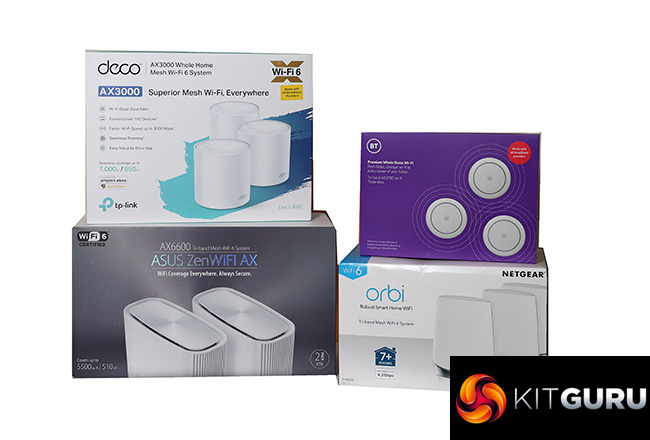
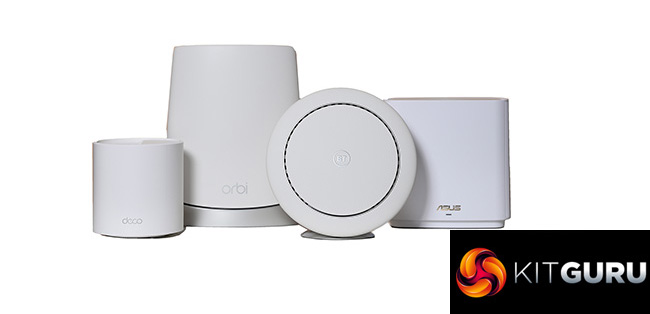
For standalone devices, WiFi 6 still feels more like future proofing than a necessity. But for mesh WiFi it makes a lot more sense, acting as the high-performance wireless backbone between the main router and its satellites. In this test we bring together the latest mainstream WiFi 6 mesh kits from NETGEAR, BT, tp-link and ASUS. Prices range from under £300 to over £900, with two or three devices in each bundle.
Just in case you don't know how mesh WiFi works, it is not quite the same thing as the WiFi extenders you can pick up for £50. A mesh WiFi system will usually have a dedicated wireless link called a “backhaul” between satellites and primary router, whereas an extender sits on the primary WiFi. An extender may also require your clients to connect to a separate wireless network.
Mesh WiFi seamlessly creates a single wireless network with the same SSID and authentication throughout, so you can move around any space that is in range without noticing whether you've switched to a different satellite. In theory, you can increase the footprint of your WiFi by adding more satellites, too.
Business users with wired Ethernet throughout their premises can add access points and connect them to the LAN. But most private homes don't have Ethernet wiring, which is where the wireless backhaul comes in, performing the same job. Having this wireless connection operate at the fastest speed possible means that clients can enjoy fast connections, even if they don't support WiFi 6.
The mesh system will provide faster Internet connectivity by taking the broadband, sending it at WiFi 6 speeds from router to satellite, and then clients attached to the satellite will get faster connections even if they are only 802.11ac (WiFi 5) or 802.11n.
That's the theory, anyway. In order to test this, we set up all four mesh WiFi systems in a typical terraced house, and measured the performance at various locations throughout the dwelling to see how they compared with each other when using different types of WiFi client. We also provided full details of setup procedures and how their physical and software features stack up against each other.
So read on to find out which WiFi 6 mesh system provides the fastest wireless networking and best coverage to upgrade your home network to the next level of performance.
NETGEAR Orbi WiFi 6 (AX4200)
NETGEAR has been providing some of the best mesh networking kit for some years now, with its original Orbi AC3000 delivering the leading mesh performance when we pitted it against competitors in our Ultimate Shootout. The company was also one of the first to deliver WiFi 6 mesh networking in the shape of the AX6000 kit we reviewed around a year ago.
But that cost £700 for two units at launch, and hasn't gone down in price since. If your performance needs are a little more modest, however, you can opt for the AX4200 version we have here. We were sent the three-unit kit, which at £610 isn't much cheaper than the AX6000. But you can also get two units for £515, which is a bit more reasonable.
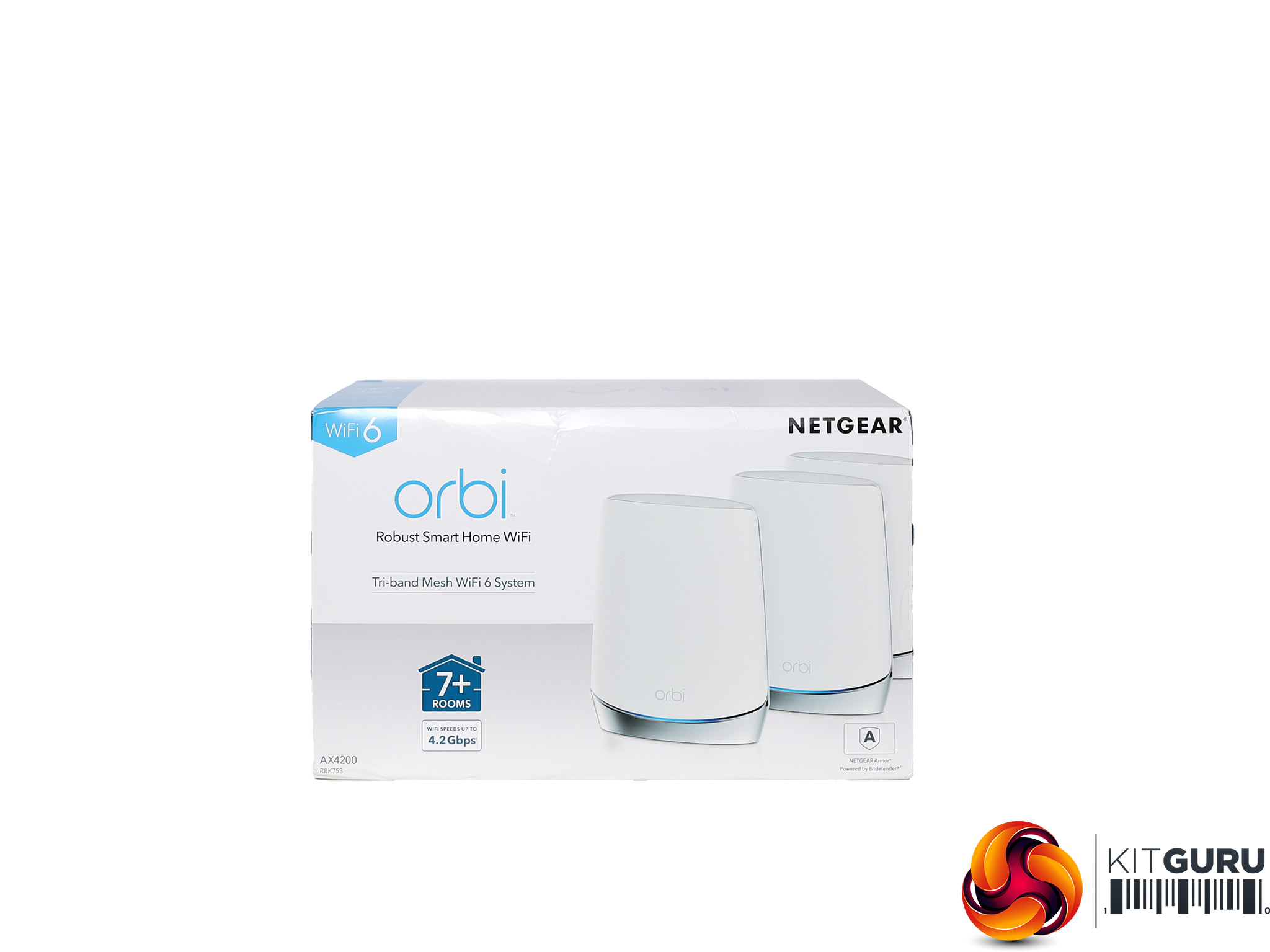
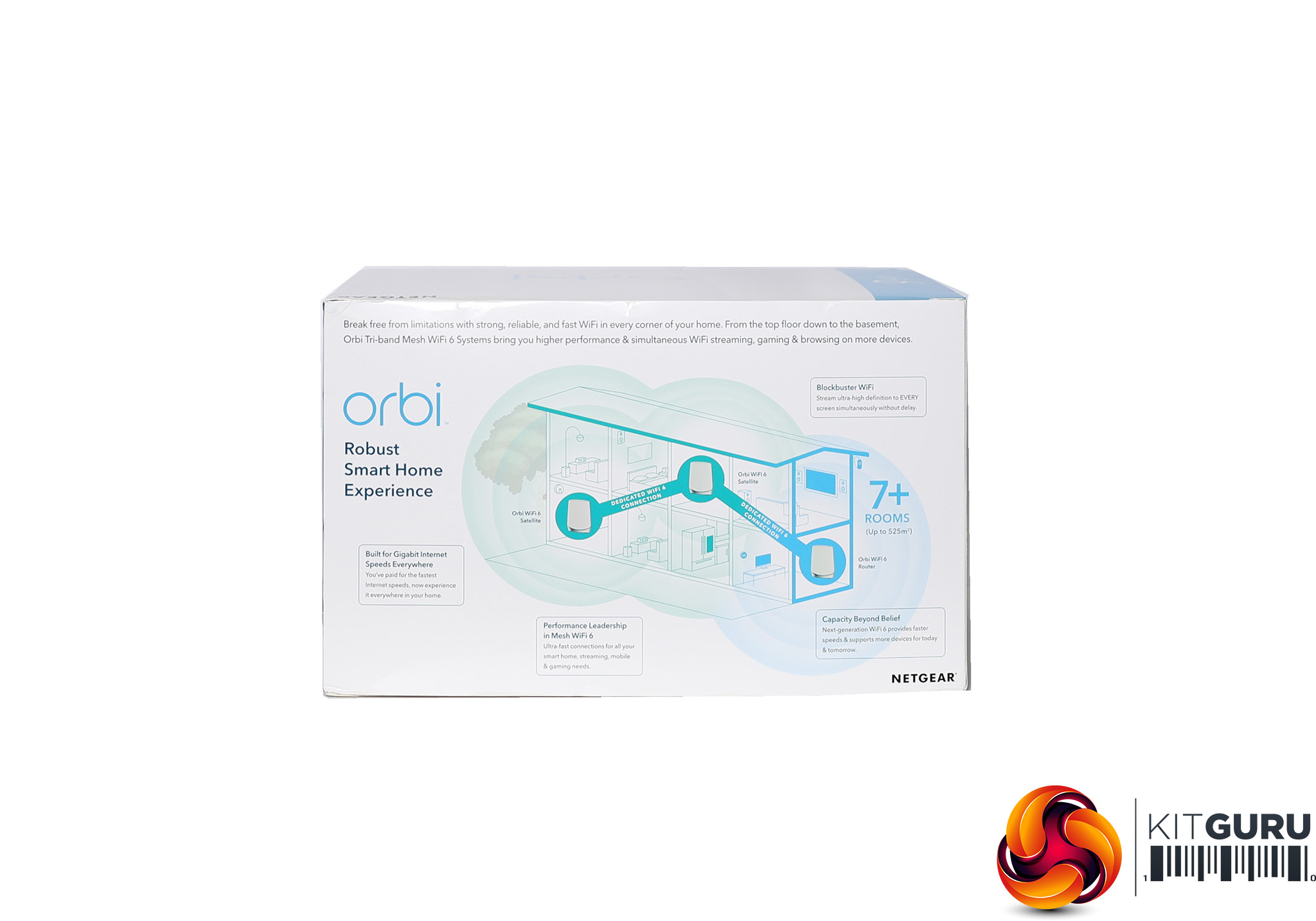
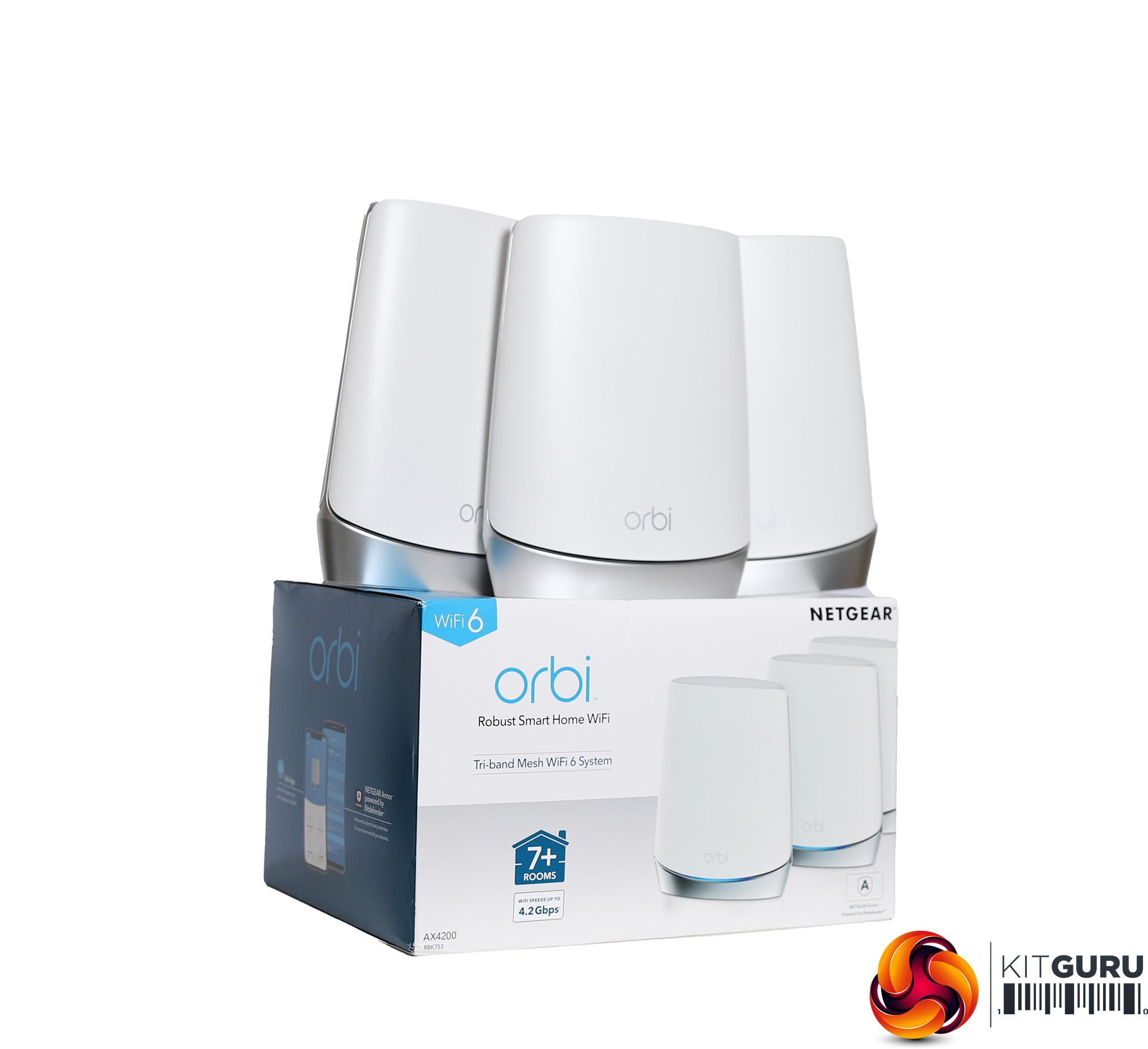
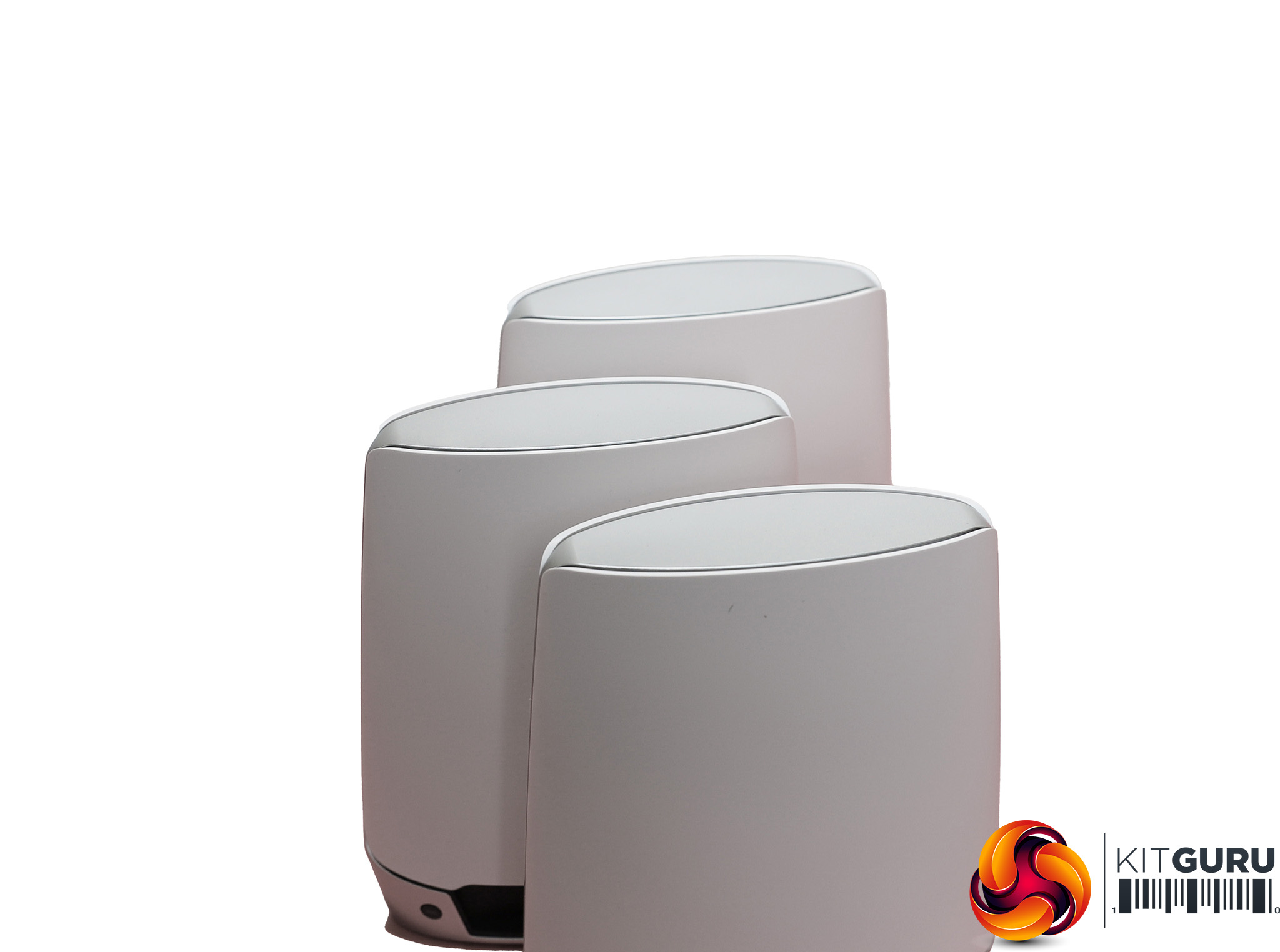
NETGEAR has maintained the same basic design across the Orbi range, and while the AX6000 had some complicated trim the AX4200 units have a simpler look. They're still relatively classy and stylish, but also quite large compared to the other units in this test. Where the AX6000's two units claim to cover 4,000 square feet, the three-unit AX4200 extends this to 6,000 square feet. However, with just two units the AX4200 also covers 4,000 square feet.
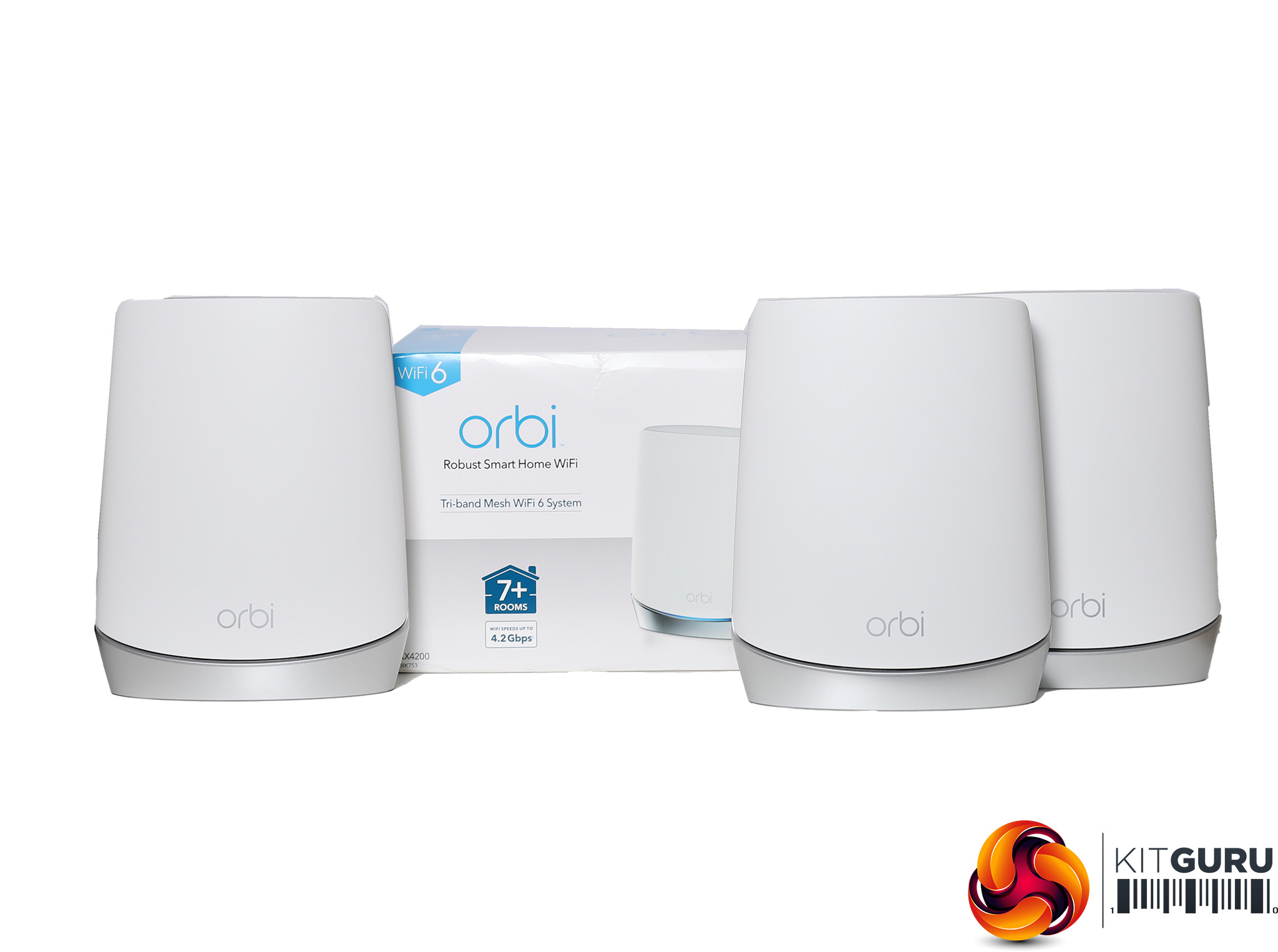
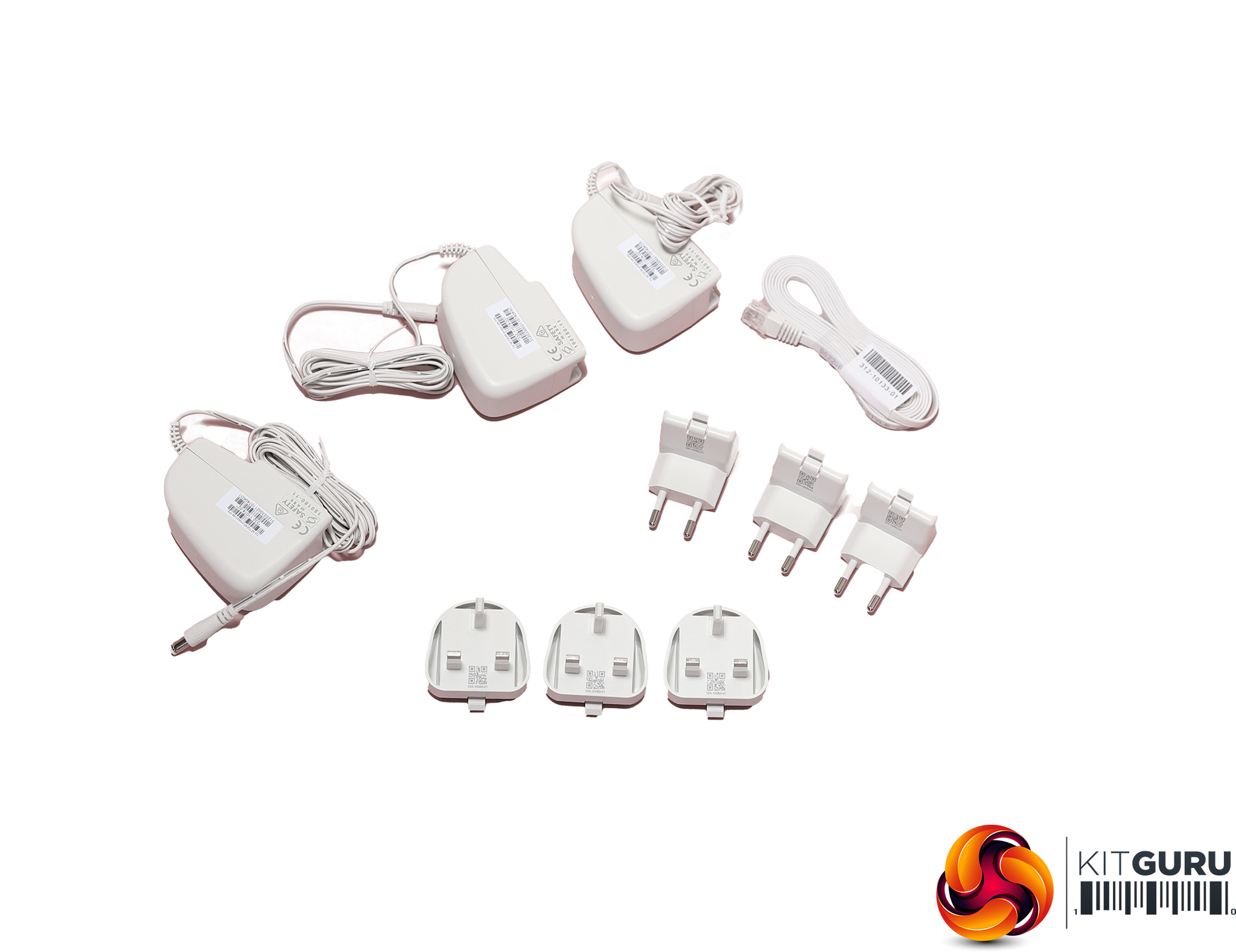
In the box you get three units, their respective power adapters with UK and EU plug attachments, plus a ribbon Ethernet cable. One of the units is the router and the other two satellites, although you can't tell from the front which is which.
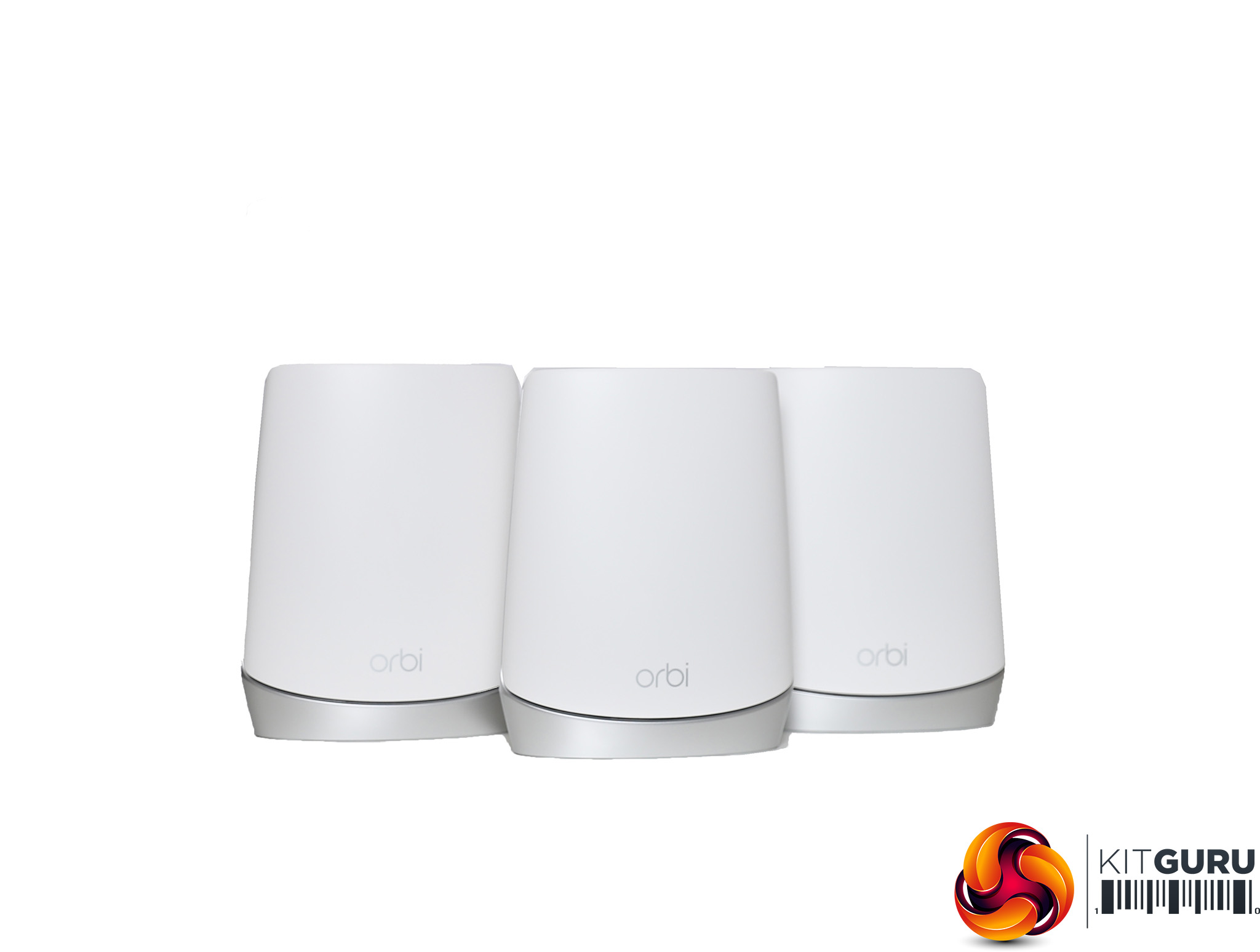
The biggest headline difference between the AX4200 and previous AX6000 mesh kit is the performance of the radios. The latter has two 5GHz 802.11ax radios able to deliver 2,400Mbits/sec, plus one 2.4GHz radio offering up to 1,200Mbits/sec. Putting those together gets the AX6000 rating. With the AX4200 version, you still get a 2,400Mbits/sec 5GHz 802.11ax radio for the backhaul, but the clients have to make do with 1,200Mbits/sec 5GHz 802.11ax or 600Mbits/sec at 2.4GHz. This potentially means that with legacy 802.11ac devices you won't see much difference between the two models.
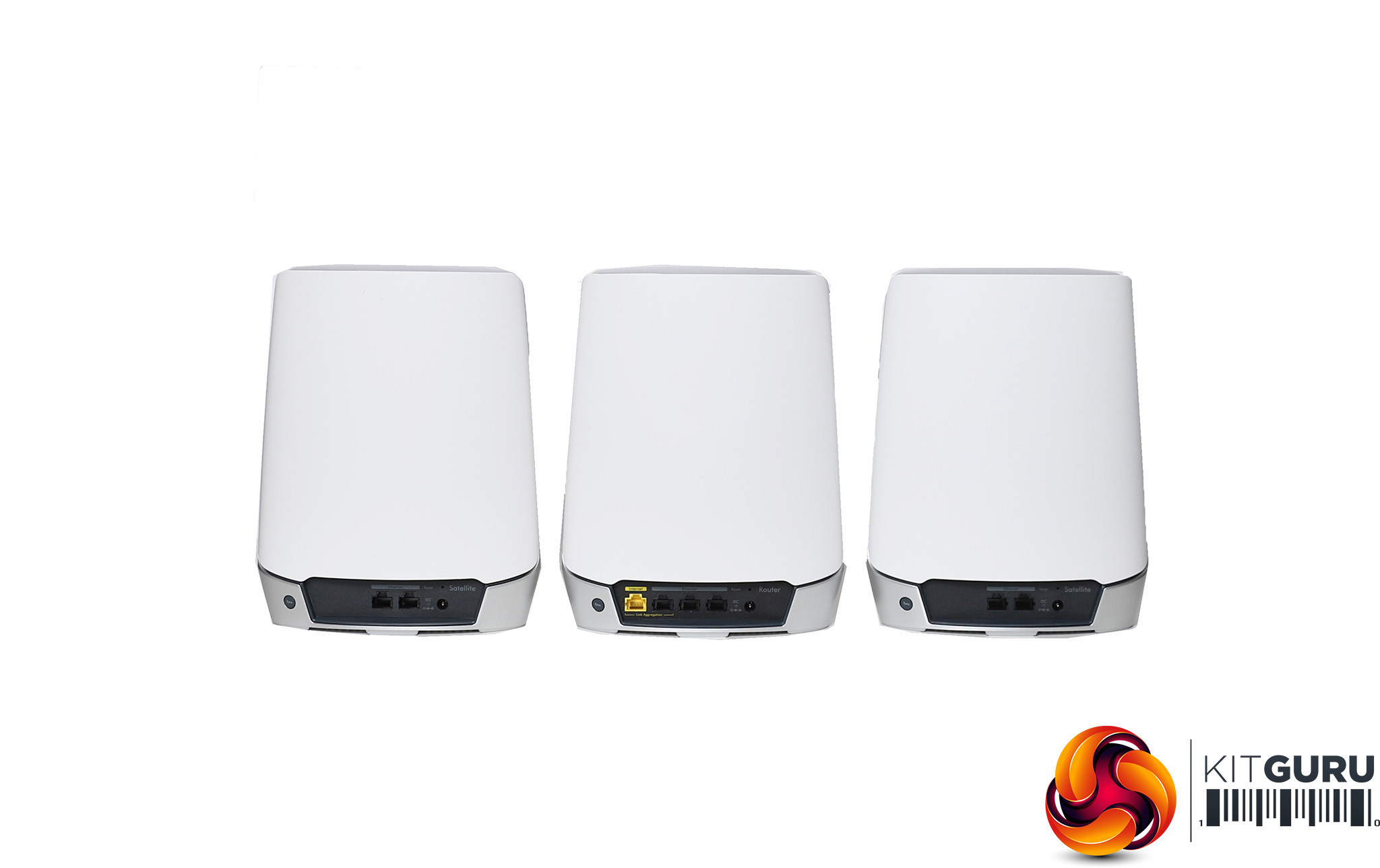
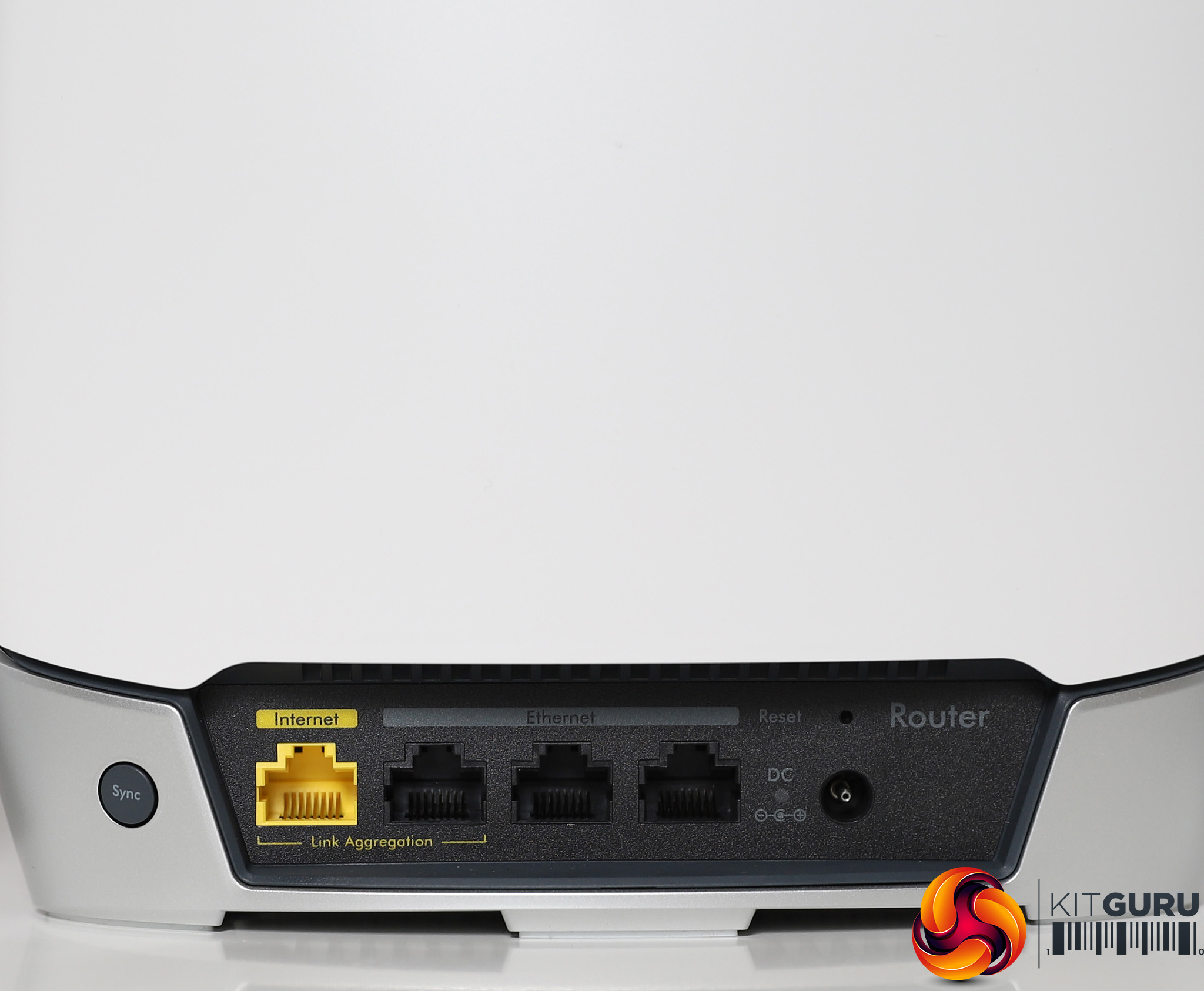
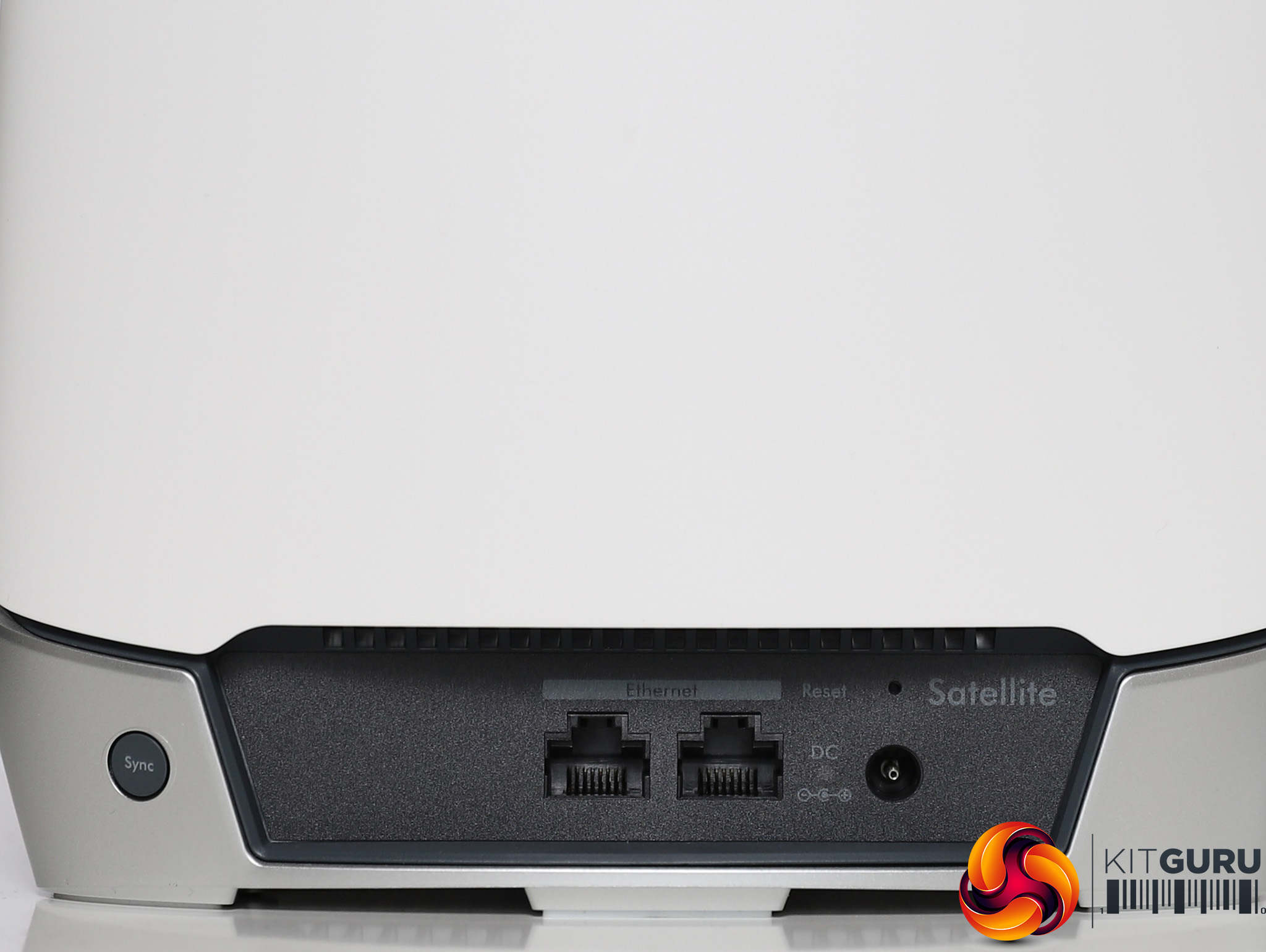
Although the satellites and router look the same from the front, you can tell the difference when you look at the port configuration. The router has a yellow Gigabit Ethernet port for WAN (not the 2.5Gbits/sec of the AX6000) and only three Gigabit Ethernet ports for client devices (the AX6000 has four). The satellites only have two Gigabit Ethernet ports, compared to four on the AX6000 satellites. But that still means you can use the satellites to distribute wired networking around the house wirelessly.
NETGEAR appears to have stopped putting USB ports on its Orbi units. The AC3000 units had one, but this initially didn't do anything anyway. The only other feature of note is the Sync button. There aren't power buttons – you will need to unplug to cycle power. You do get a pinhole for resetting the unit to defaults, however. The units in the bundle come pre-paired so all you have to do to get started is plug them in where you want them to be located, although the smartphone wizard does help you ensure they're connected properly.
Price: £610.53 for three units (RBK753); £516.05 for two units (RBK752)
Specification:
Wireless protocols: MU-MIMO with 802.11b/g/n/ax 2.4GHz and 802.11a/n/ac/ax 5GHz
Performance: AX4200 (2,400 + 1,200 + 600 Mbits/sec)
Antenna Configuration: 6×6 Internal Antennas
Ports: Router: 3 x Gigabit Ethernet, 1 x Gigabit Ethernet WAN; Satellite: 2 x Gigabit Ethernet
Modem Support: VDSL/ADSL 2+ or cable
NETGEAR Orbi WiFi 6 (AX6000)
Our second entry from NETGEAR this month is the AX6000, again. While we have reviewed this before, we only looked at the two-unit setup, so this time we wanted to see how it fared with three units. This is a very expensive kit, though, costing for two units than the AX4200 version does for three, and coming in at nearly £940 for the three-unit bundle we have here. However, if it can beat everything else, it will be hard to deny its abilities despite the price.
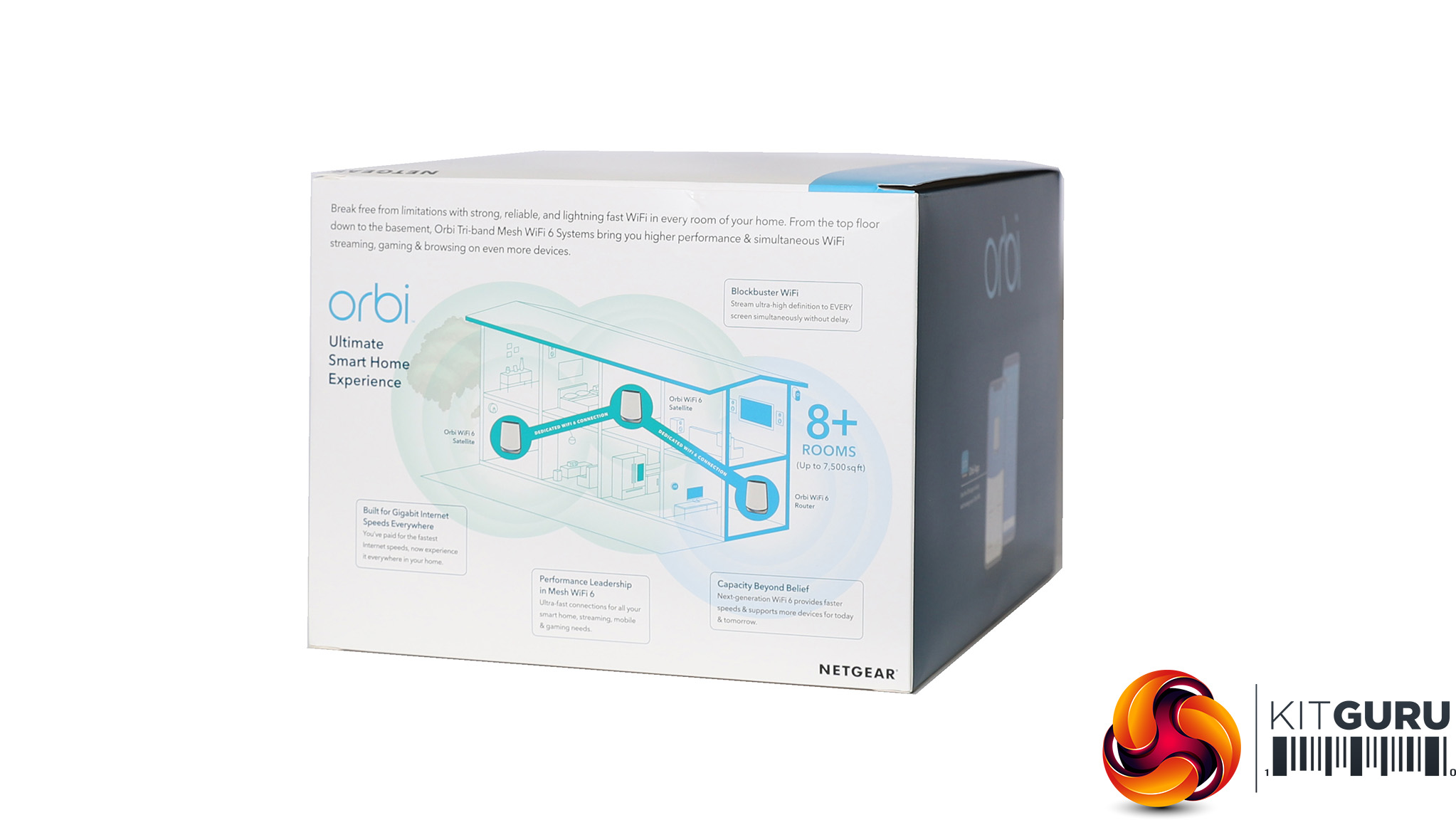
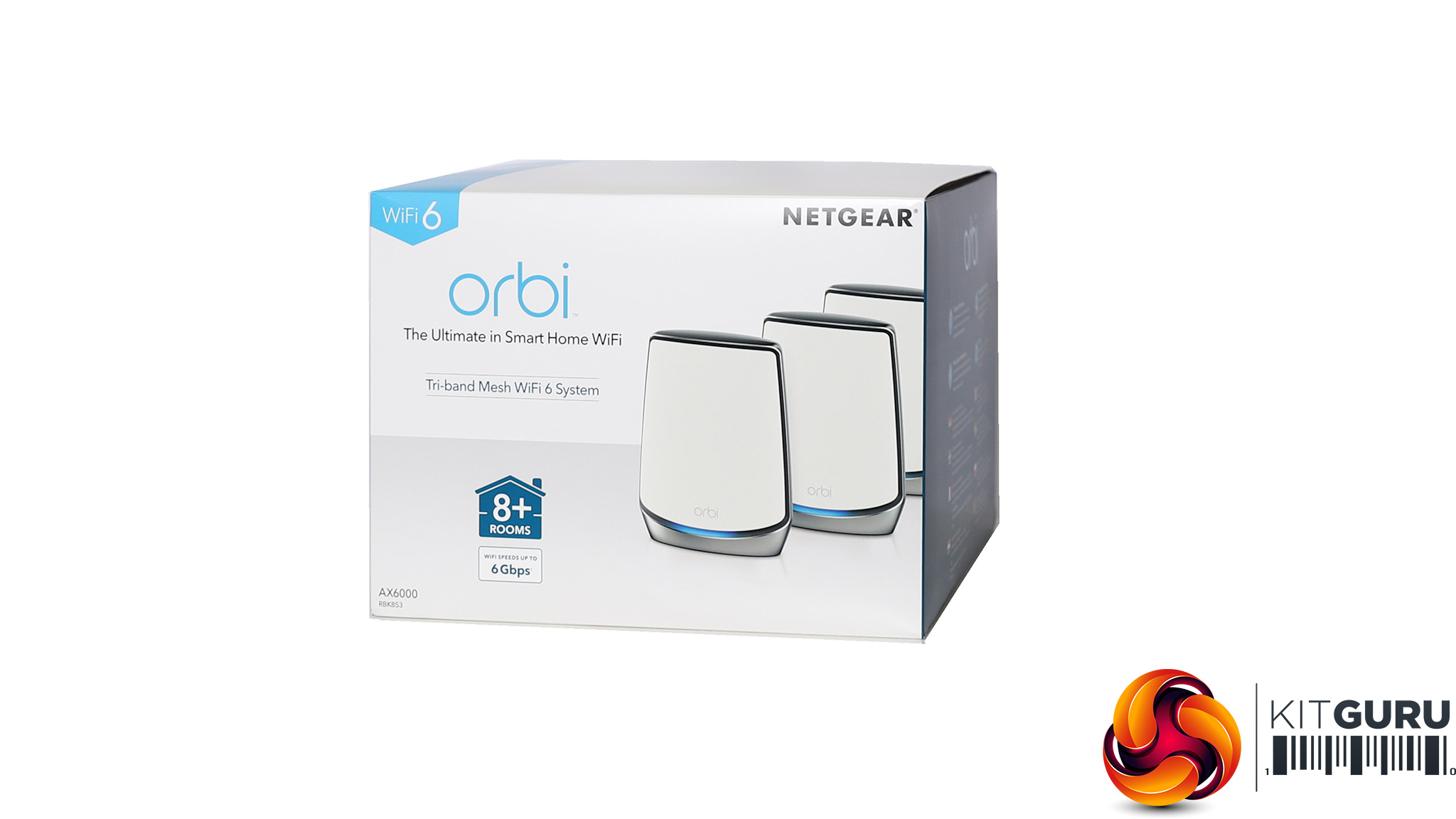
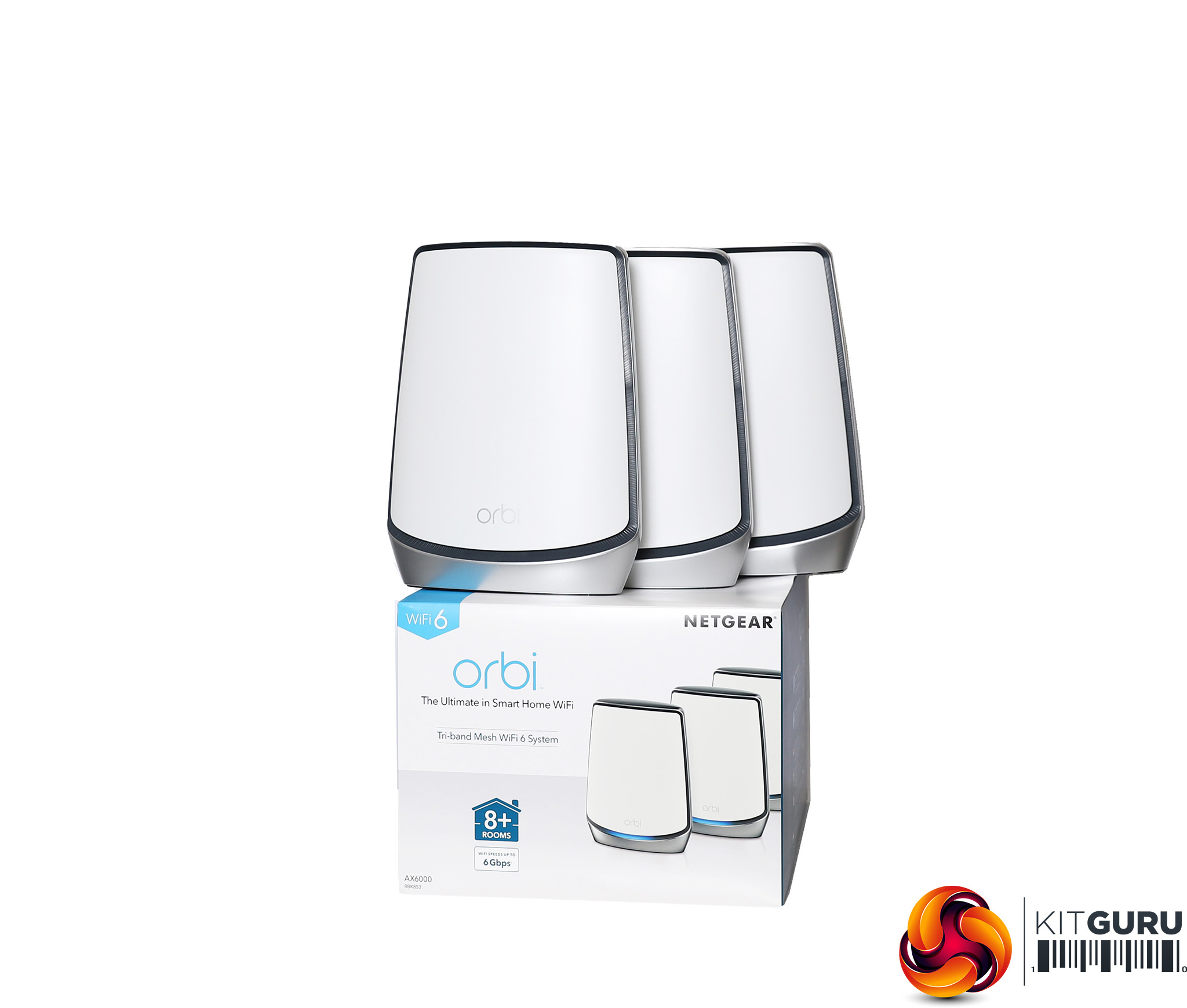
The packaging doesn't look a whole lot different from the AX4200, although the devices themselves look different. Rather than being “robust” this is an “ultimate” mesh WiFi 6 system, despite the fact that the coverge for three units is the same 6,000 square feet as with the three-unit AX4200. With two units, the AX6000 claims to cover 5,000 square feet rather than 4,000 square feet, however.
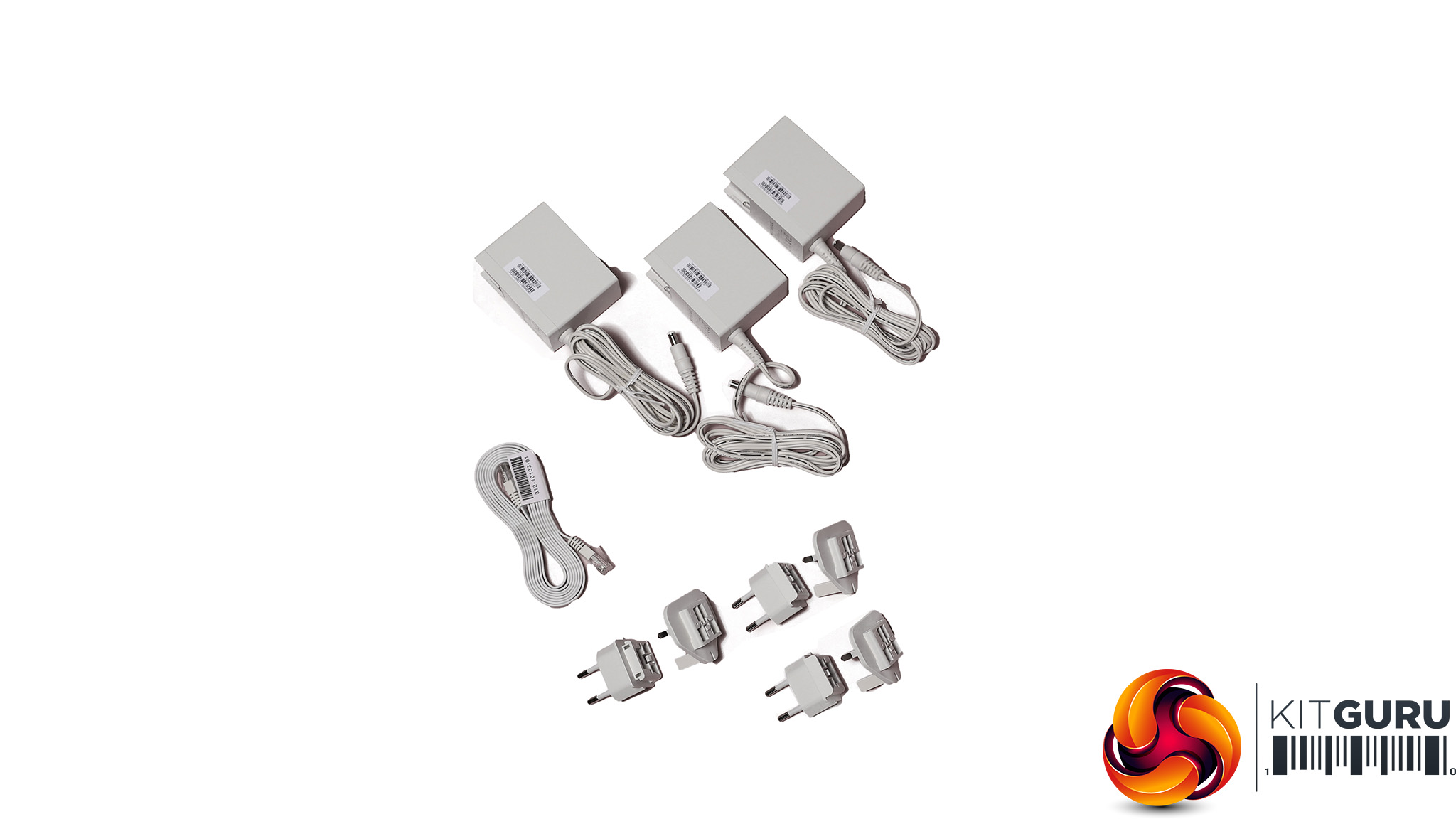
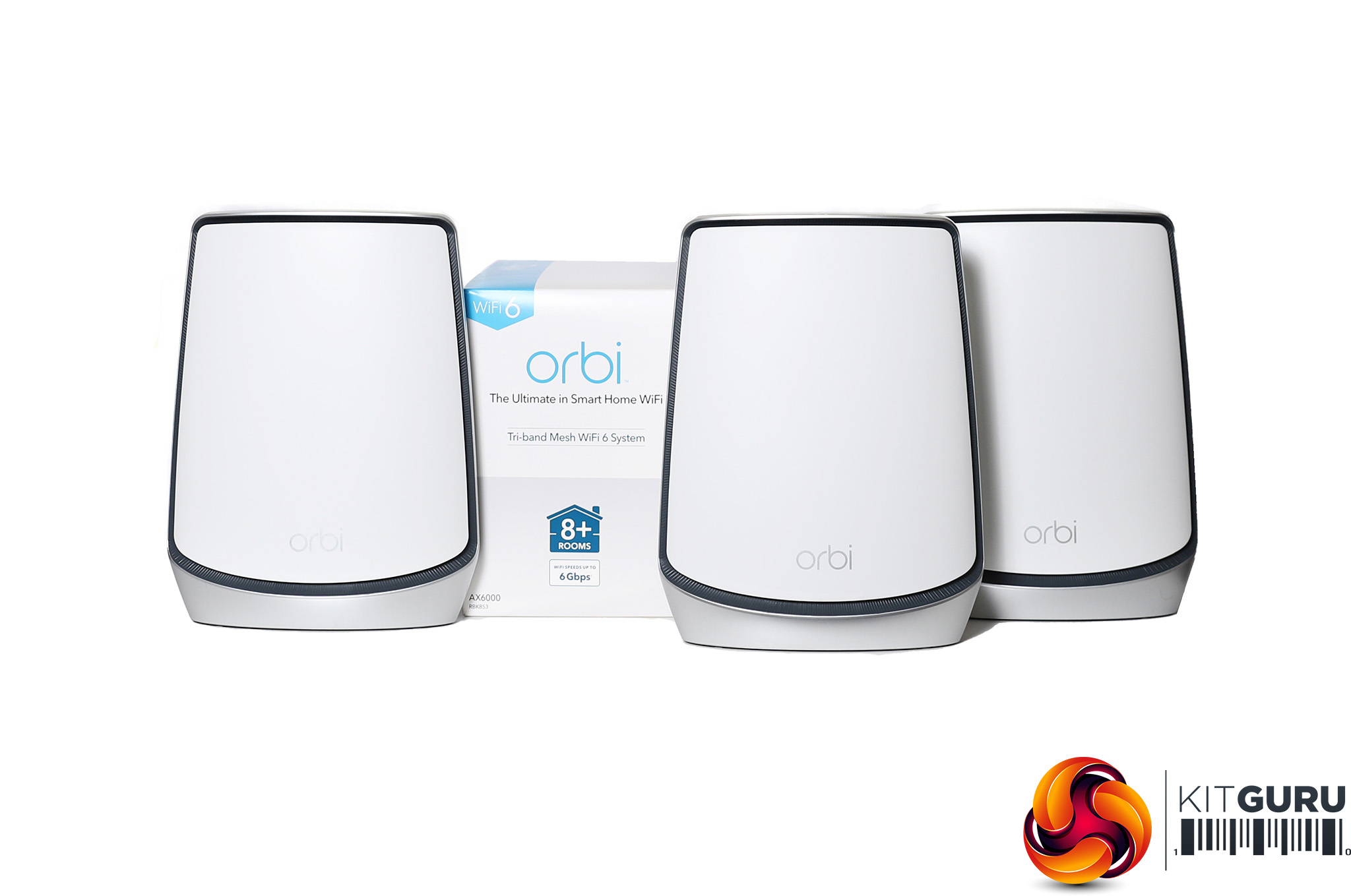
The box contents is very similar to the AX4200, with three power adapters, UK and EU plug attachments, and a ribbon Ethernet cable. The power adapters are larger than the AX4200's though. The router is slightly different to the satellites, although you can't tell from the front.
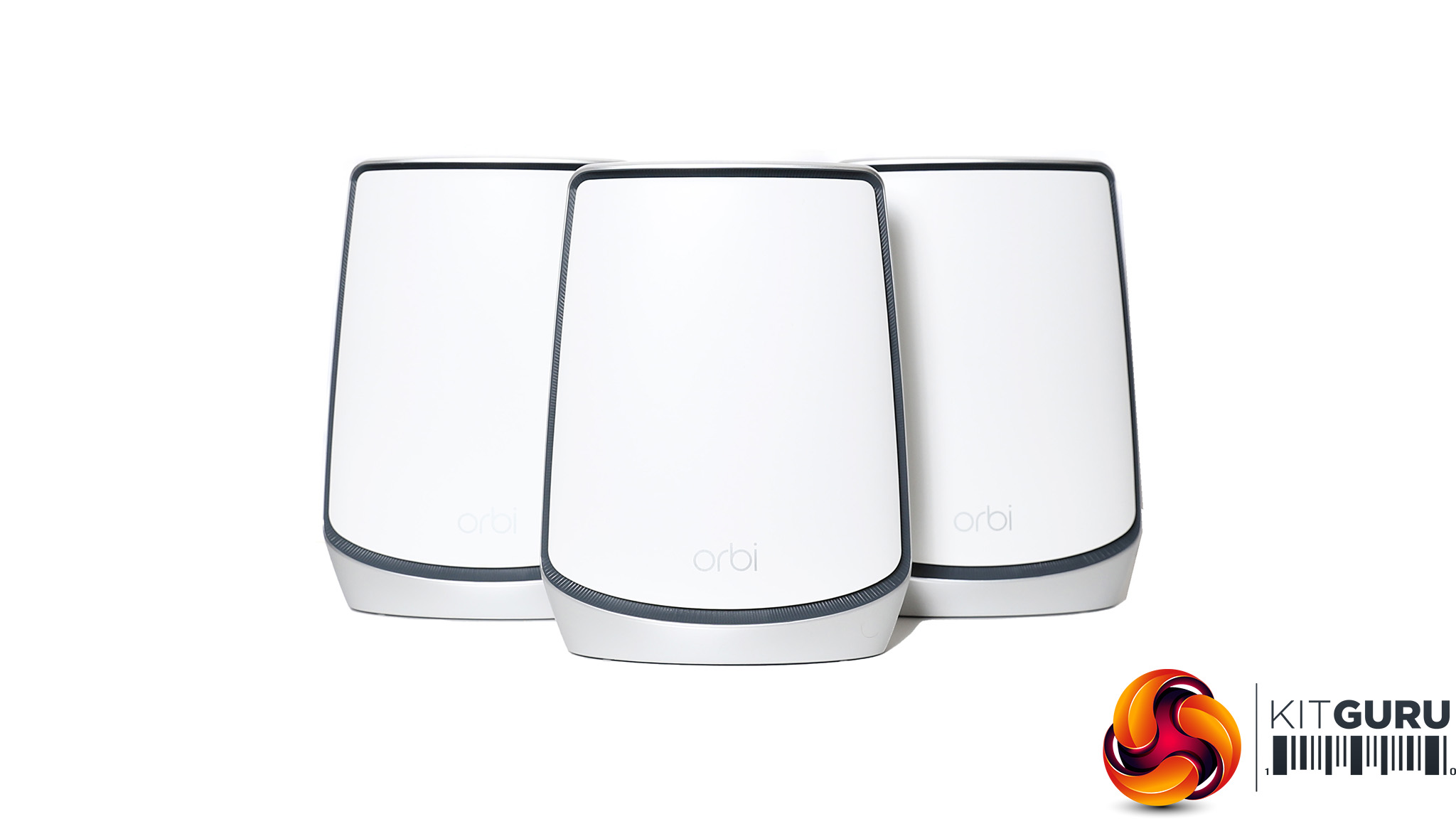

The NETGEAR Orbi AX6000 is one of the most powerful WiFi 6 Mesh systems on the market. Its AX6000 rating means it has two 5GHz 802.11ax radios offering up to 2,400Mbits/sec bandwidth, plus one 2.4GHz radio offering up to 1,200Mbits/sec. This means WiFi 6 clients get the same bandwidth as the backhaul, and there's lots available for legacy clients too.
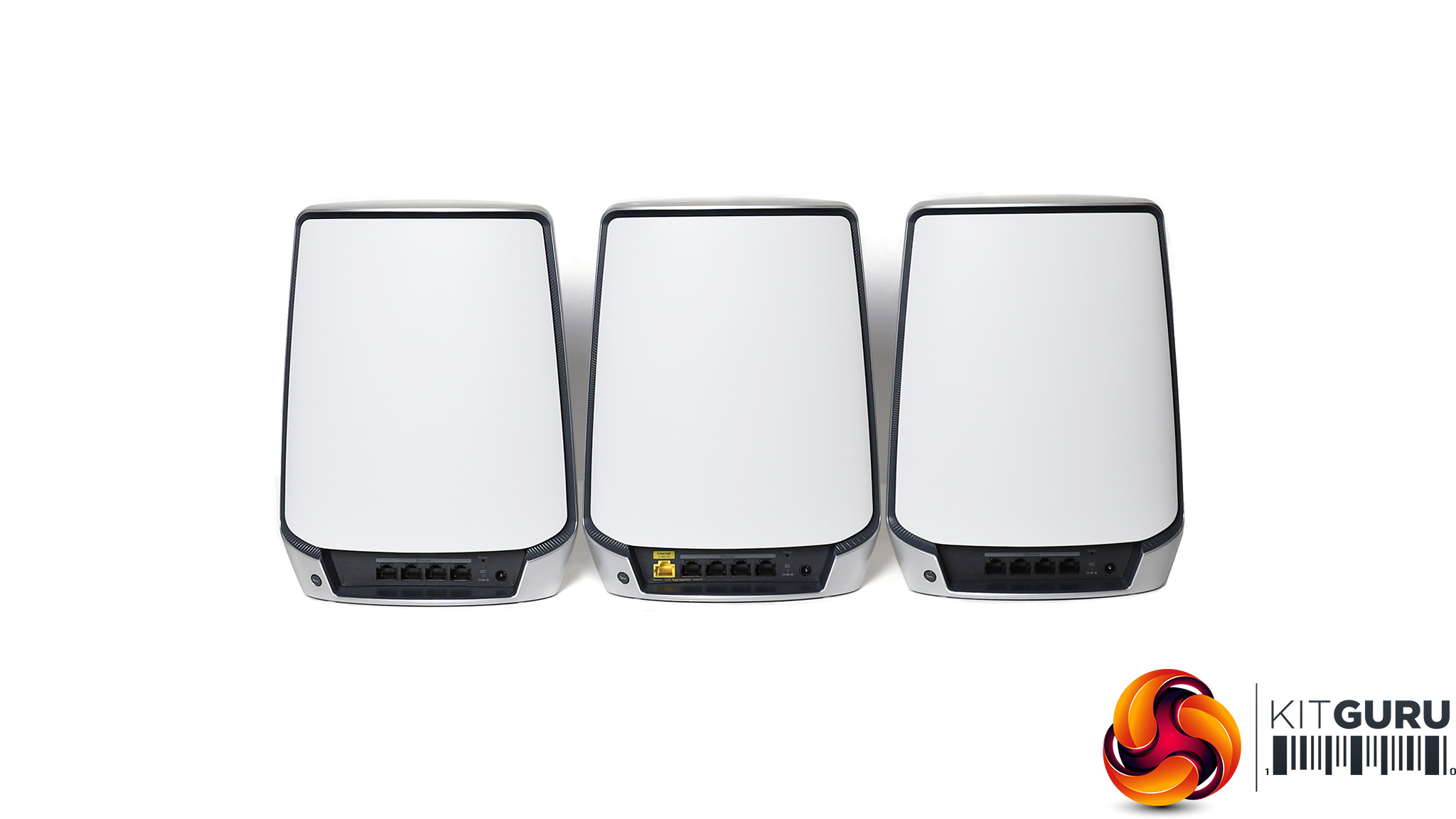
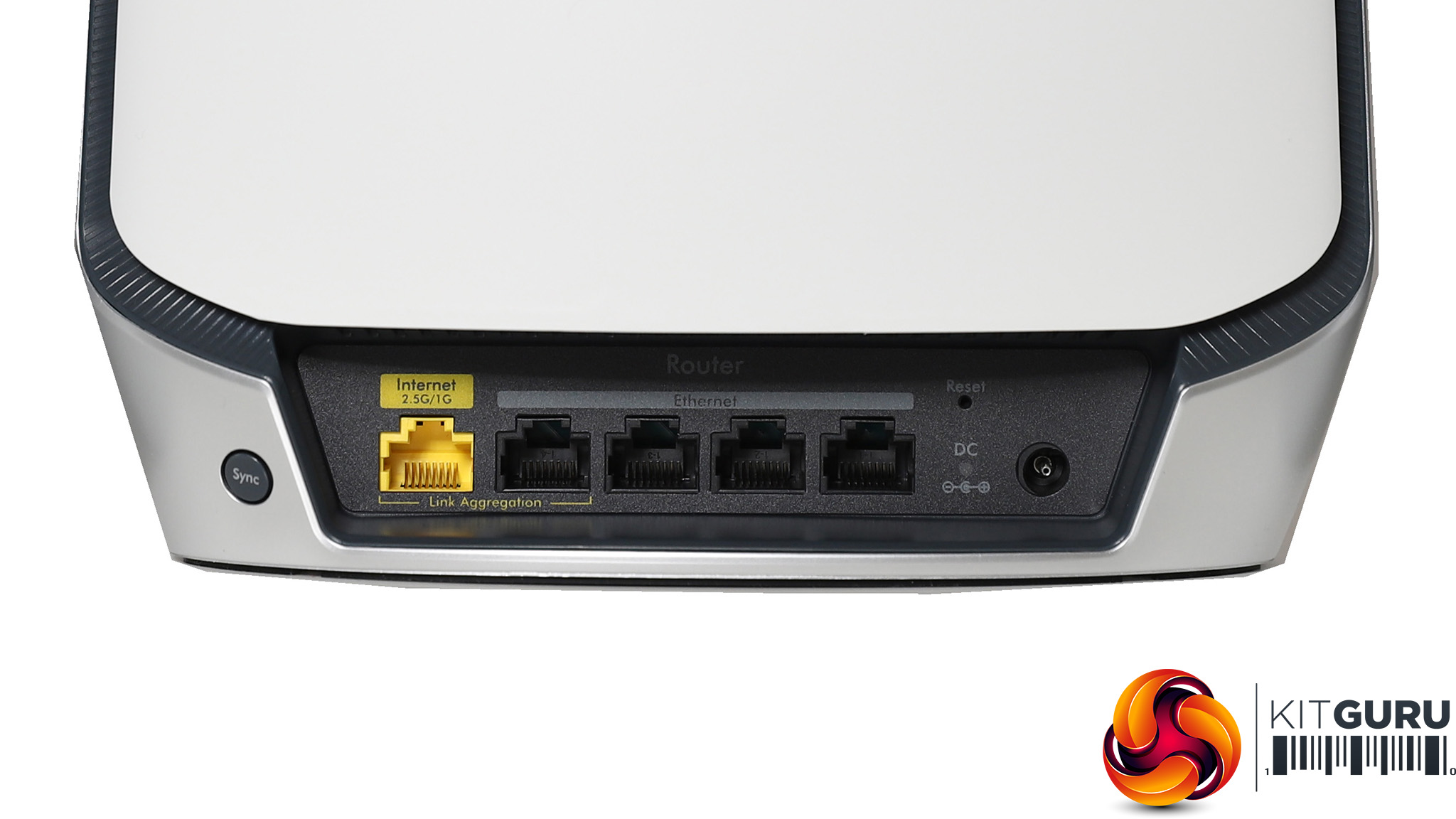
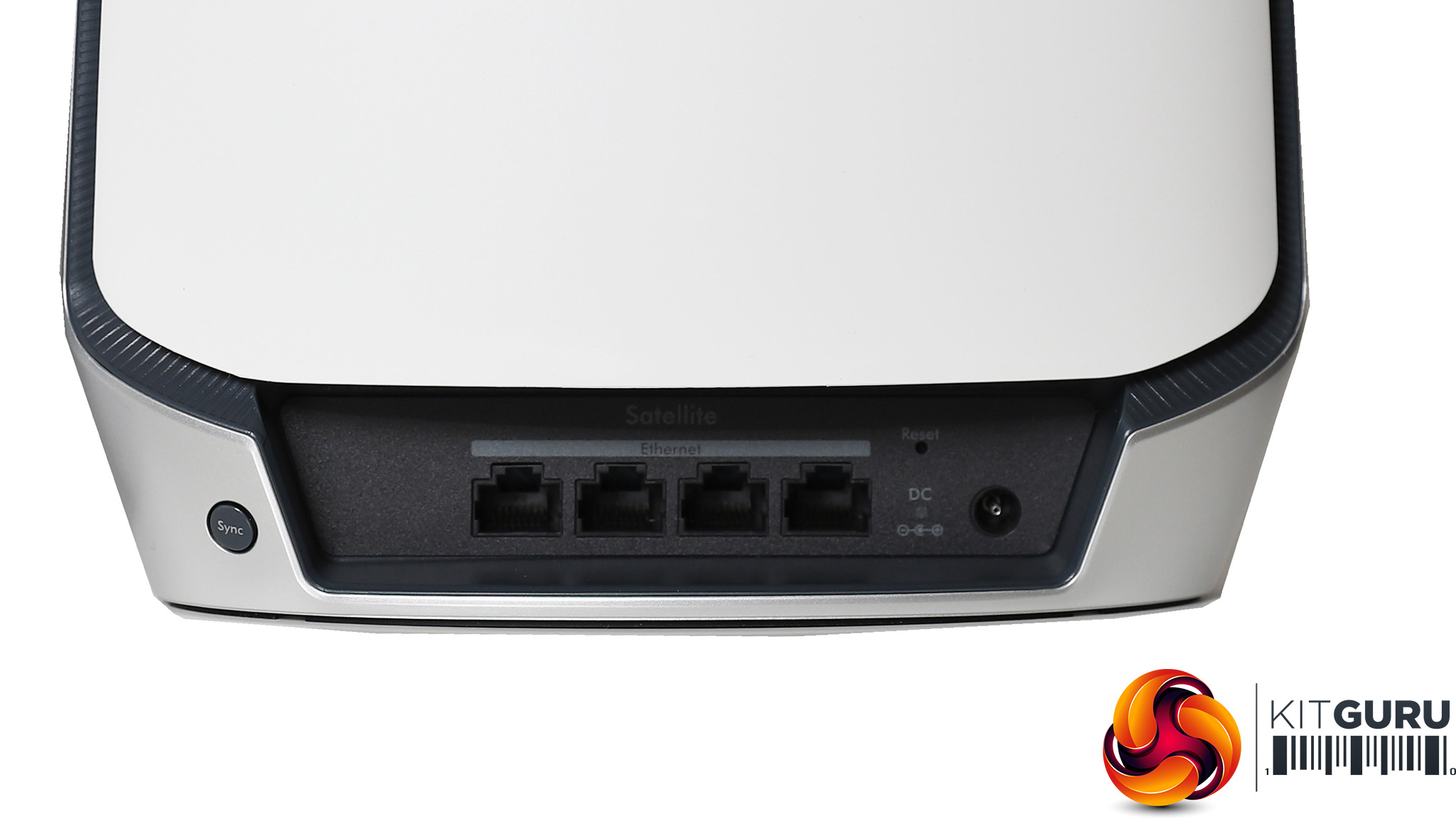
Aside from a beefier wireless spec, the AX6000 has a beefier wired spec than the AX4200 as well. The router has five Ethernet ports, with the fifth yellow one exclusively for the broadband WAN connection. This operates at up 2.5Gbits/sec, which is handy if you're connecting the Orbi to another network or have really, really fast broadband. The other four are just Gigabit-speed, as are the four ports on each of the satellites. Like the AX4200 units, there are no USB ports for connecting a printer or storage for network sharing.
There's no power switch, either, just a sync button. So if you need to cycle power manually you will need to pull the power cord out. There's a pinhole for resetting to defaults. Like the AX4200 units, they come pre-paired, so your next step is to plug things in and fire up the smartphone app to make sure everything is talking to each other properly.
Price: £939.42 for three units (RBK753); £688.05 for two units (RBK752)
Specification:
Wireless protocols: MU-MIMO with 802.11b/g/n/ax 2.4GHz and 802.11a/n/ac/ax 5GHz
Performance: AX4200 (2,400 + 2,400 + 1,200 Mbits/sec)
Antenna Configuration: 8×8 Internal Antennas for 2.4GHz and 5GHz (8 total)
Ports: Router: 4 x Gigabit Ethernet, 1 x 2.5Gigabit Ethernet WAN; Satellite: 4 x Gigabit Ethernet
Modem Support: VDSL/ADSL 2+ or cable
BT Premium Whole Home Wi-Fi
BT has been offering mesh WiFi kits for some years too, and while they haven't pushed the envelope on performance, they have offered very good value. Even though this is a three-unit bundle it still costs under £300, so in theory can provide wide coverage if not the fastest throughput.
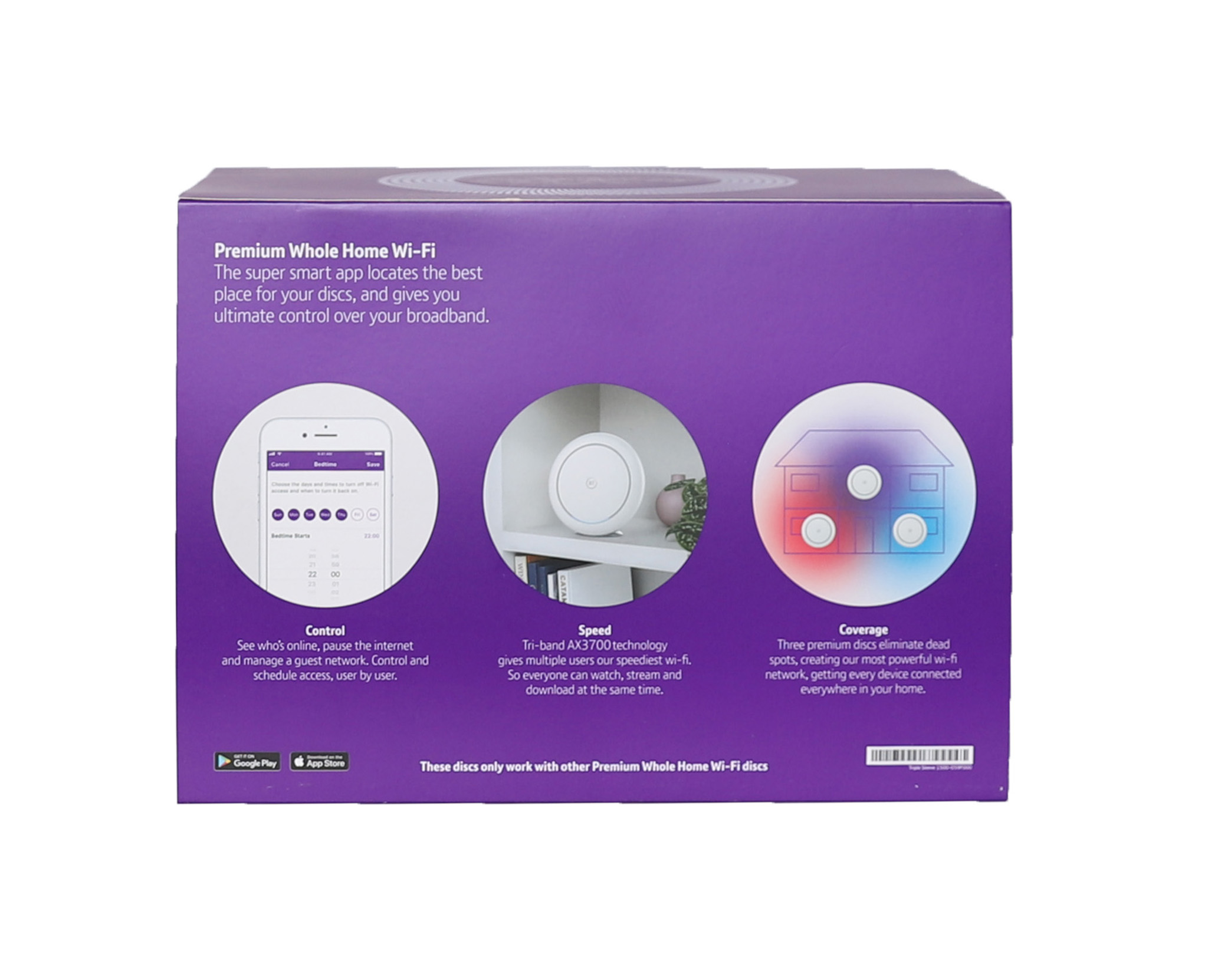
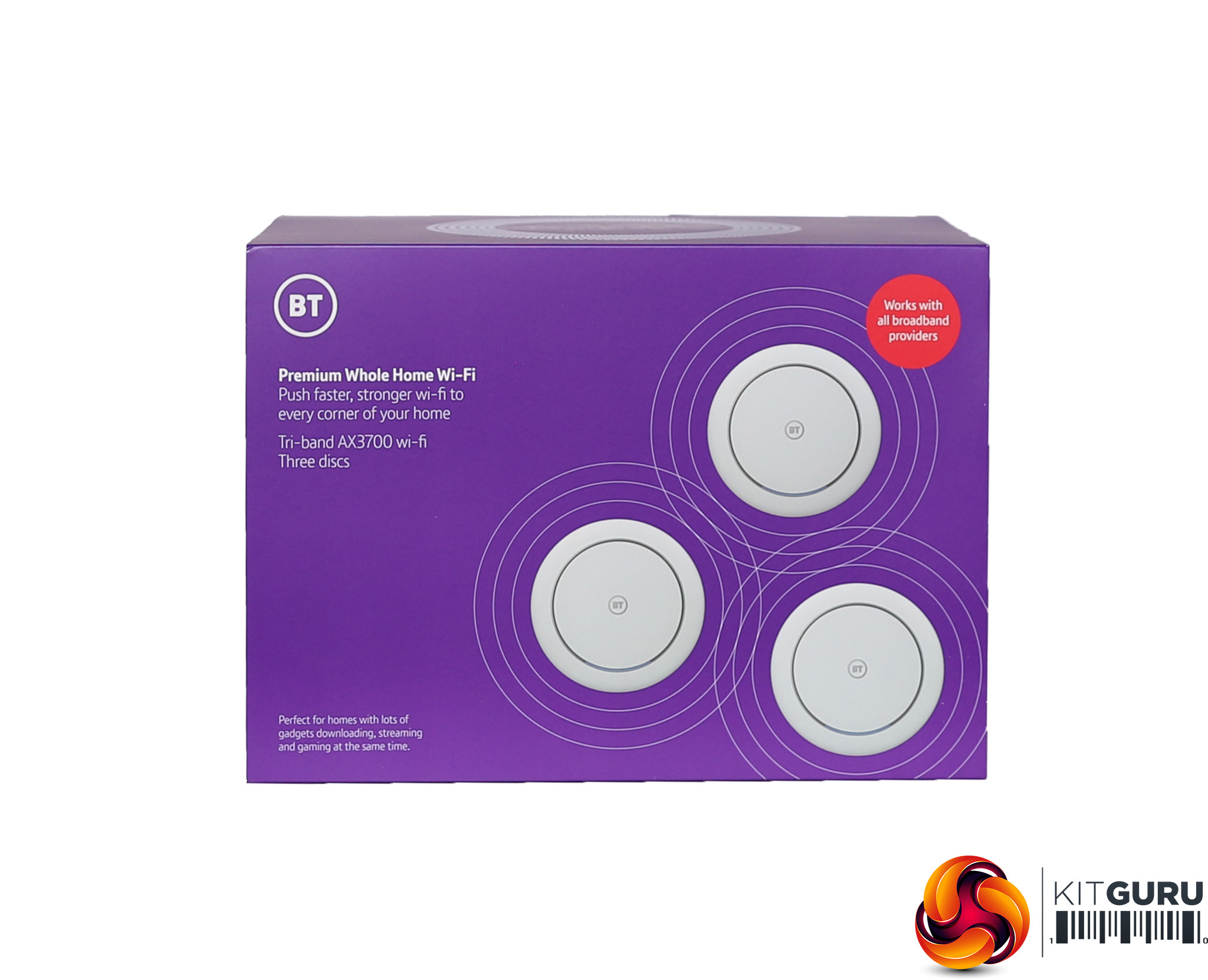
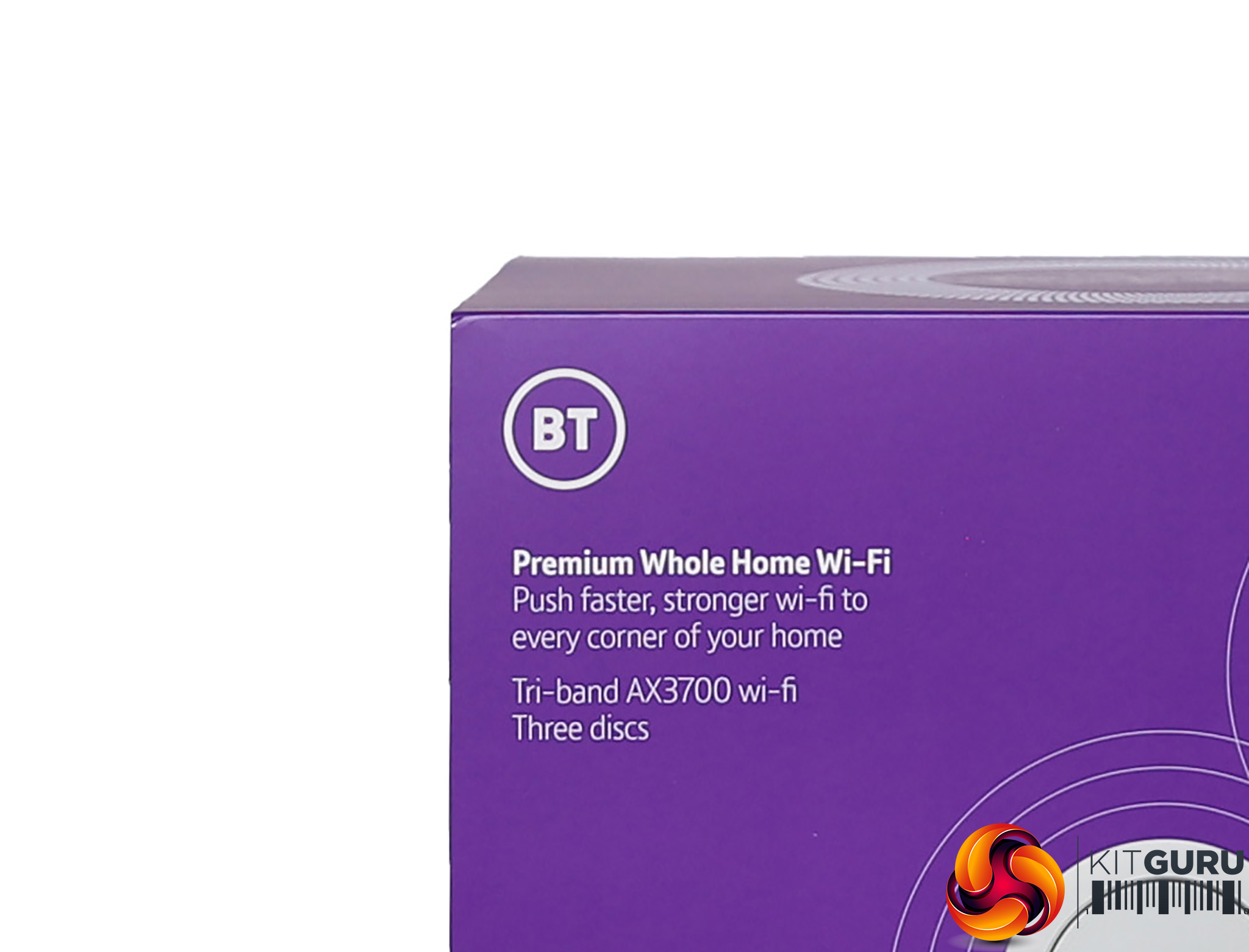
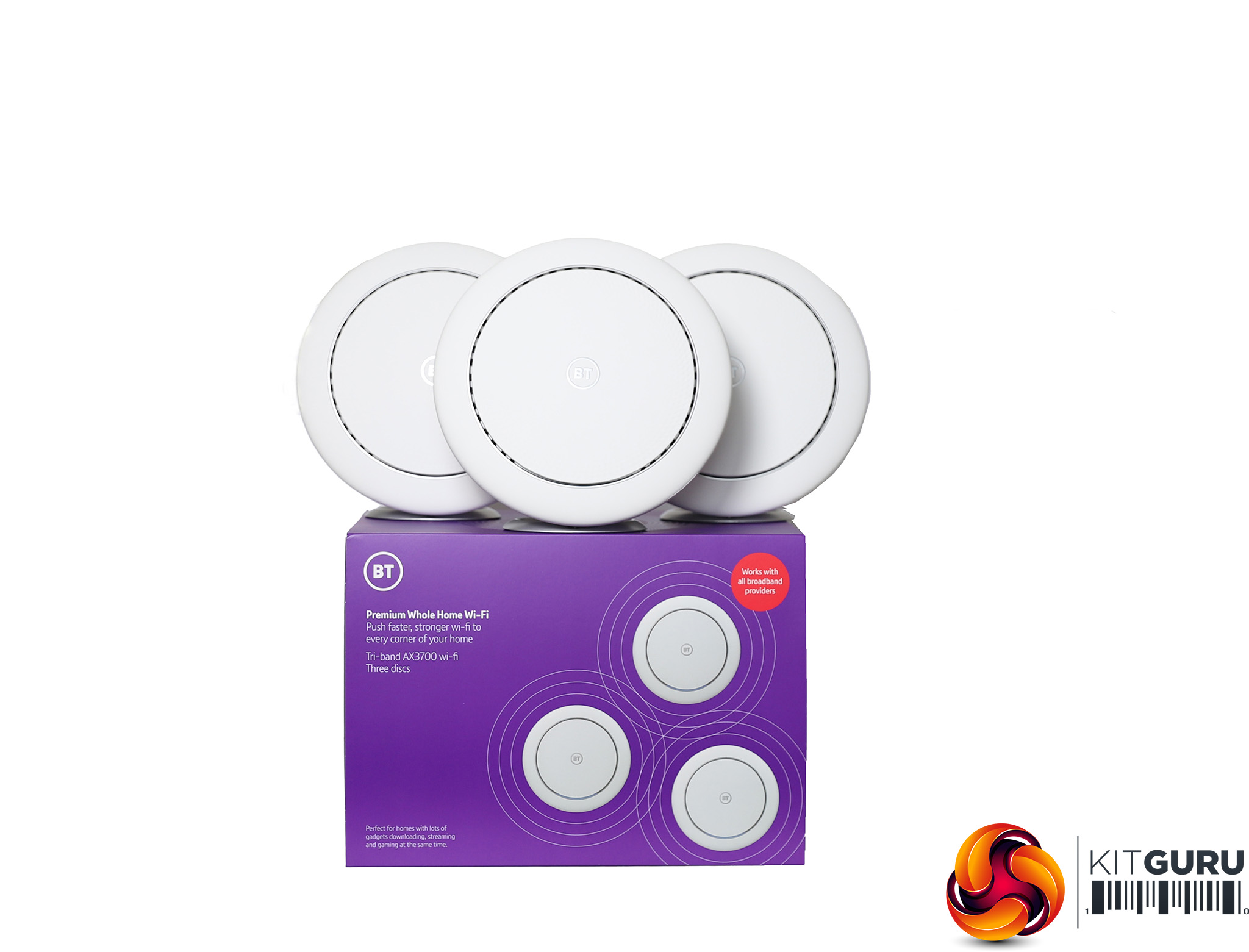
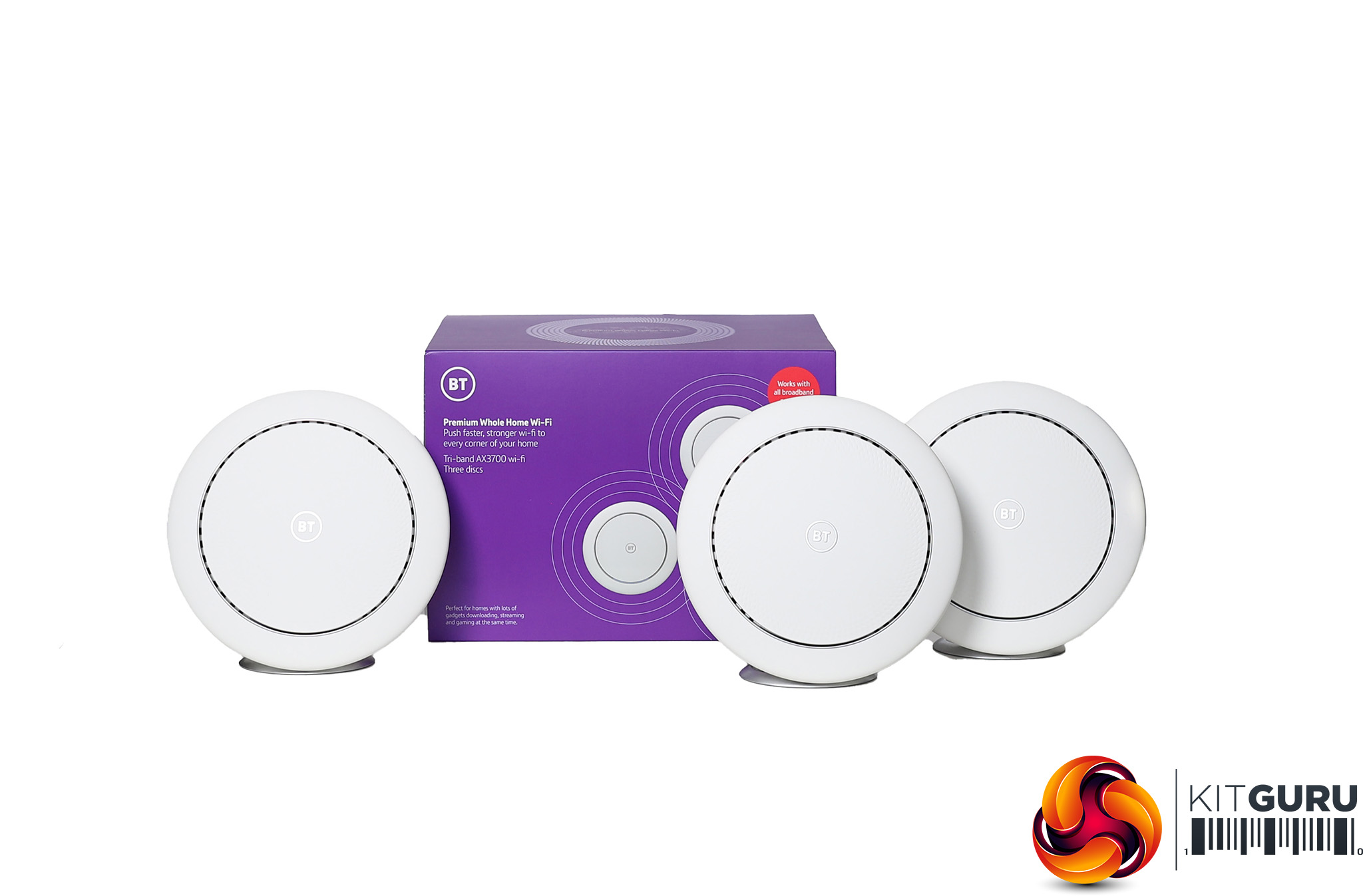
Like the original Whole Home WiFi we reviewed in our Megatest, the Premium units are disc-shaped, and can be mounted either flat or vertically using silver stands. BT doesn't make any particular claims about how much coverage the kit can provide in square feet terms, but the system is rated at AX3700, so a bit behind the NETGEAR AX4200.
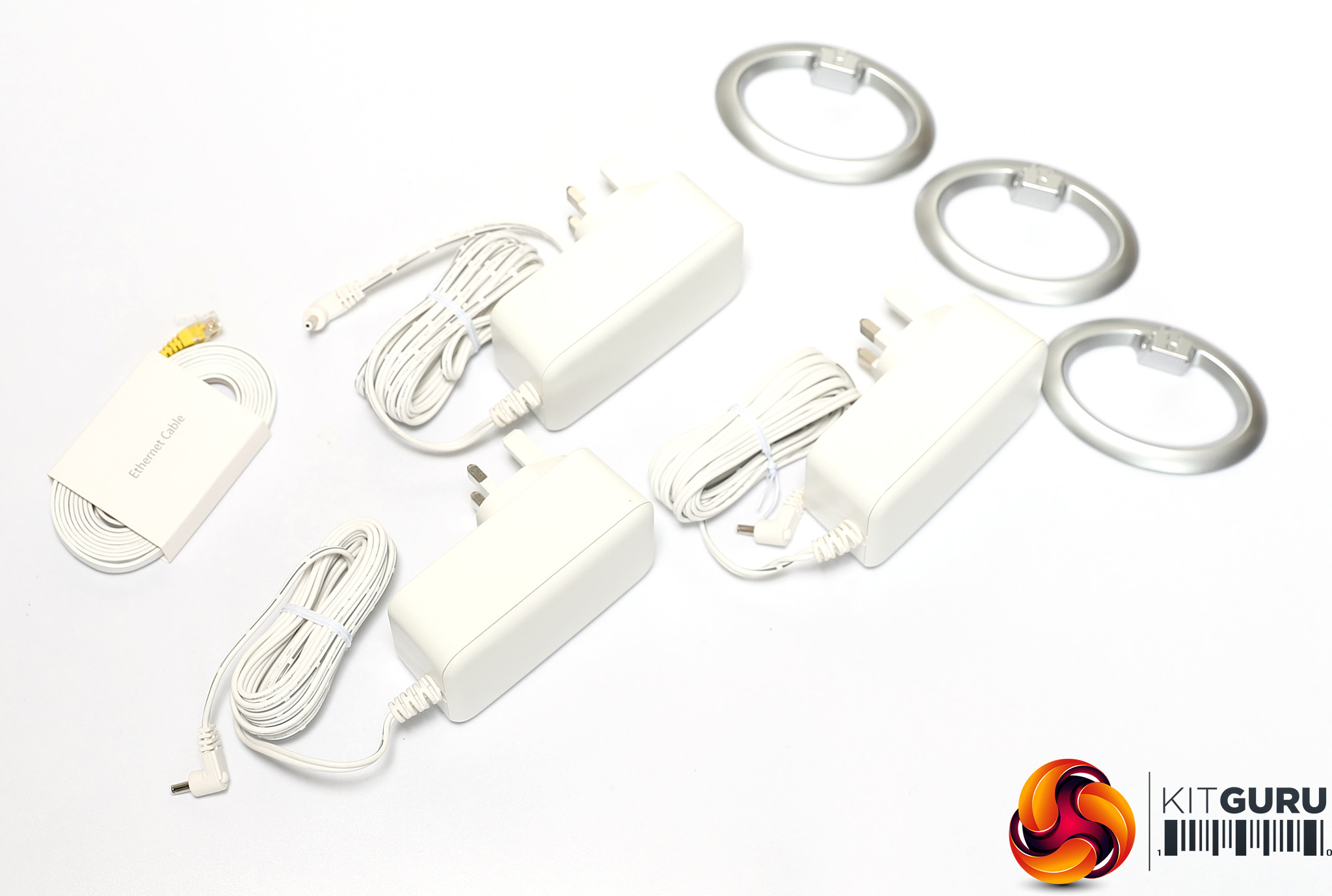
Inside the box you get the usual set of external power adapters – UK plug only – and a ribbon Ethernet cable for your broadband modem, plus the silver rings for vertical mounting.
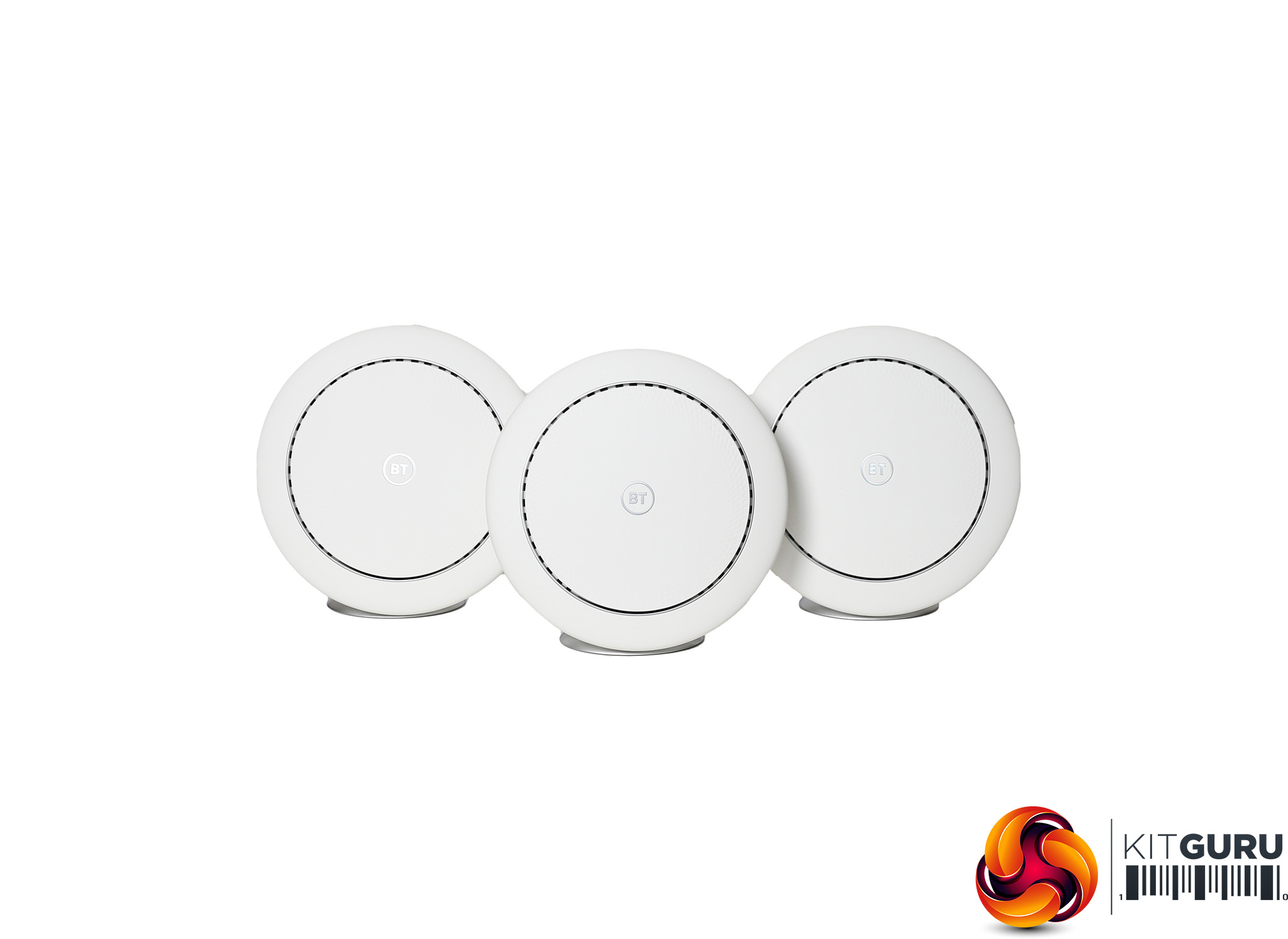
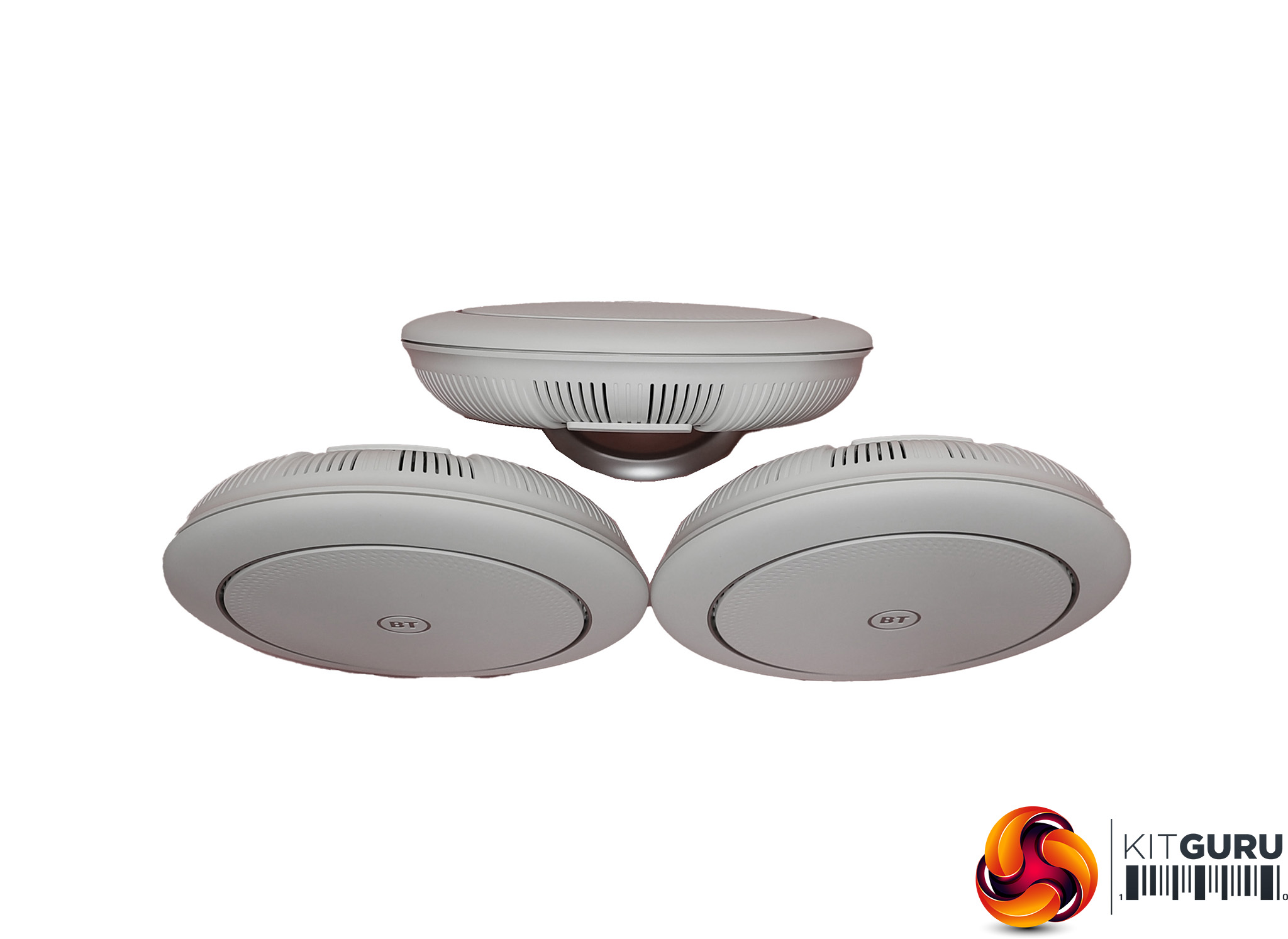
Each unit has six antennas and is triband, like the Orbi, so has three separate radios, unlike the original Whole Home. The AX3700 rating equates to a total bandwidth of 3,700Mbits/sec, which consists of 2,400Mbits/sec over 5GHz 802.11ax, 866Mbits/sec over 5GHz 802.11ac, and 400Mbits/sec over 2.4GHz 802.11n. A bit of digging confirms that 802.11ax is only used for the backhaul between devices, not clients, which is a little strange. However, the backhaul is where you need the extra bandwidth the most, due to it carrying throughput from multiple clients, so maybe this isn't such a questionable economy.
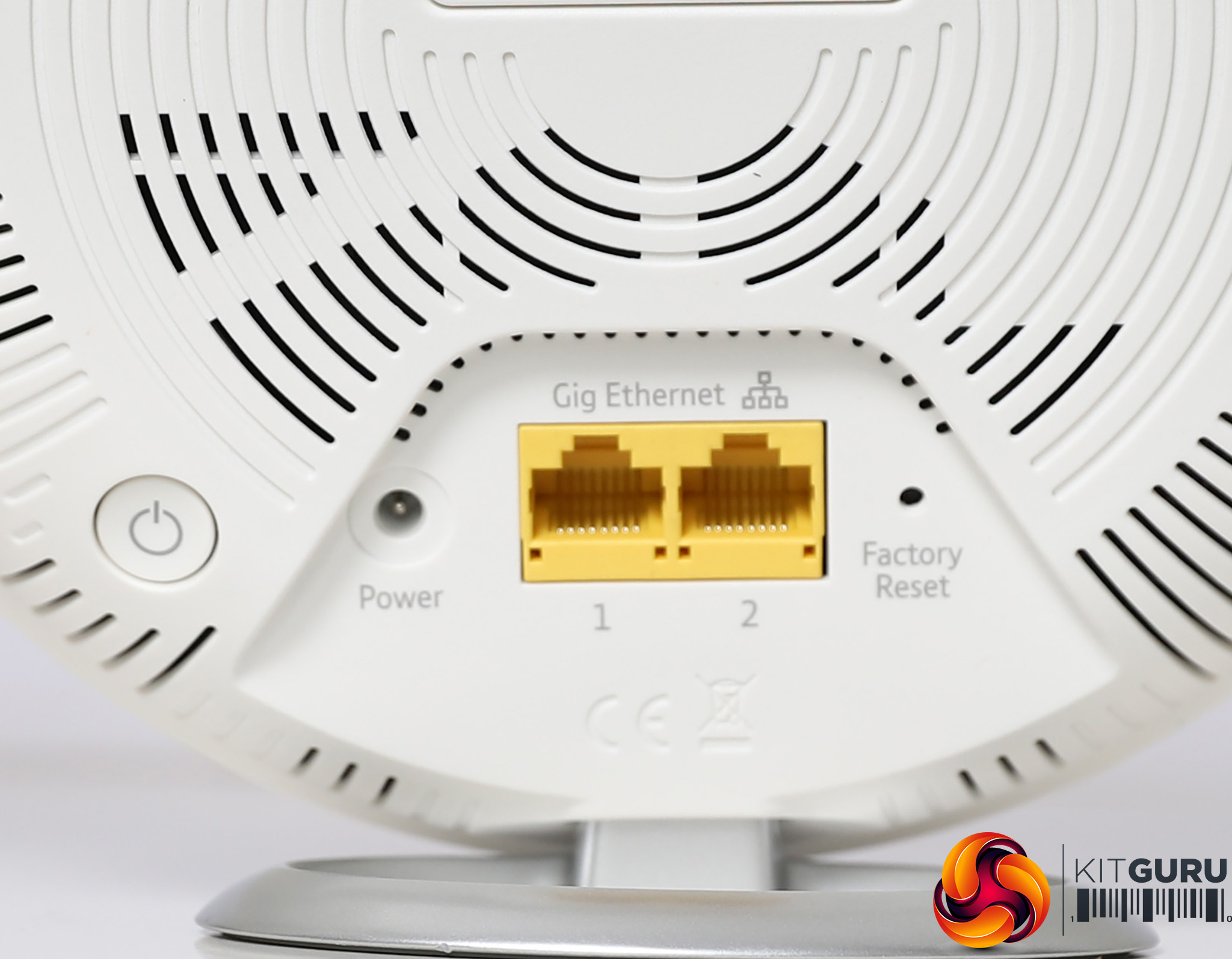
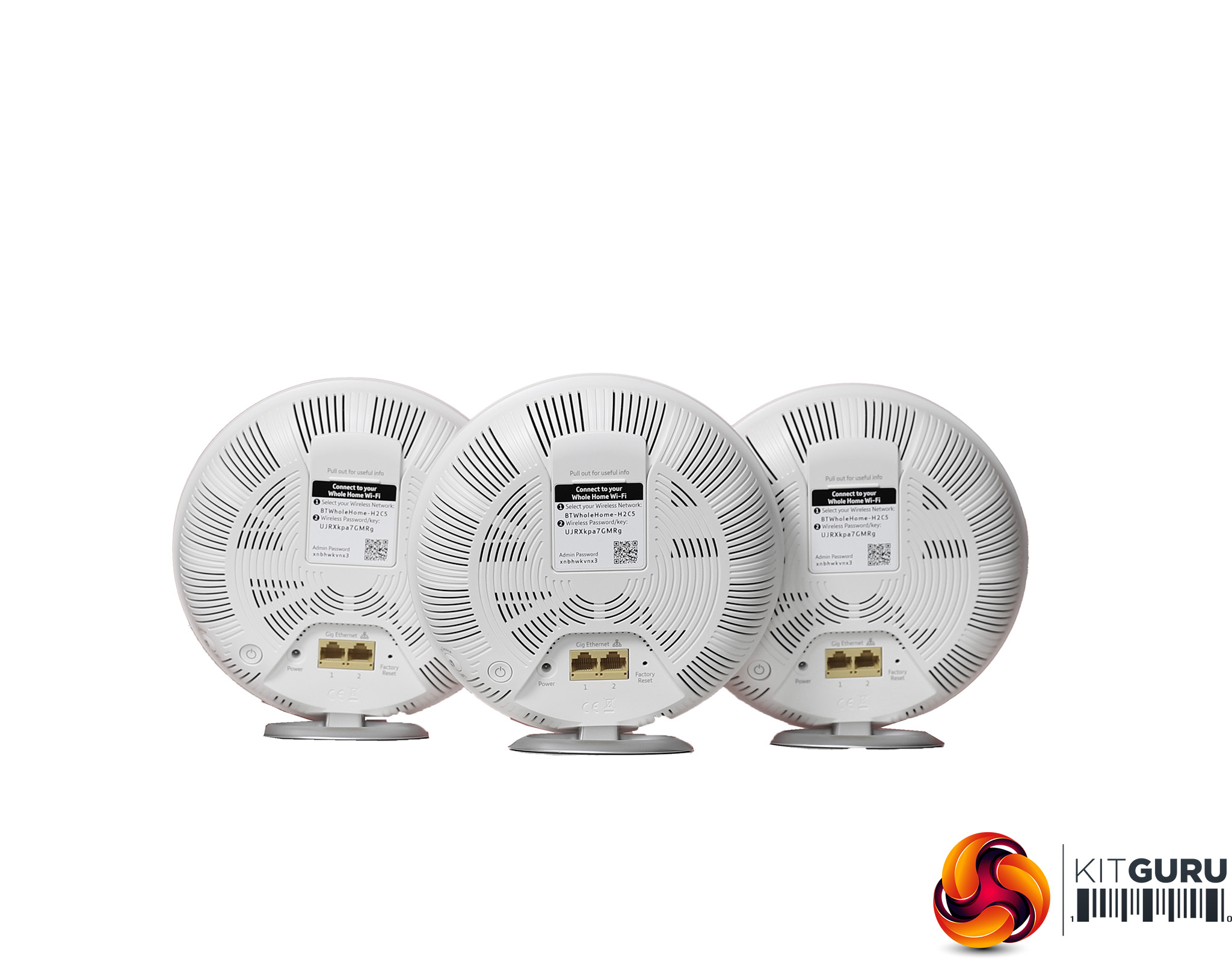
All three BT units are identical, so any of them can be used as the router, with the others then operating as satellites. All units have a pair of Gigabit Ethernet ports. This is a bit of a limitation for the unit being used as a router, as it will only have one further Ethernet port for a local wired device. But two ports should be enough for the satellites.
Price: £299.98 for three units; £229.99 for two units
Specification:
Wireless protocols: MU-MIMO with 802.11b/g/n 2.4GHz and 802.11a/n/ac 5GHz (802.11ax backhaul only)
Performance: AX3700 (2400 + 866 + 400)
Antenna Configuration: 6×6 Internal Antennas (4×4 for 5GHz, 2×2 for 5GHz/2.4GHz)
Ports: 2 x Gigabit Ethernet per unit
Modem Support: VDSL/ADSL 2+ or cable via Ethernet (router required)
ASUS ZenWiFi AX (XT8)
ASUS has built up a good reputation for its wireless networking products, which usually offer commendable performance and a comprehensive set of features for a reasonable price. The ZenWiFi AX is the only two-unit kit in this test but its AX6600 rating, in theory at least, pits it more against the NETGEAR Orbi AX6000. The sub-£500 price, on the other hand, undercuts the Orbi AX4200 with 2 units a little.
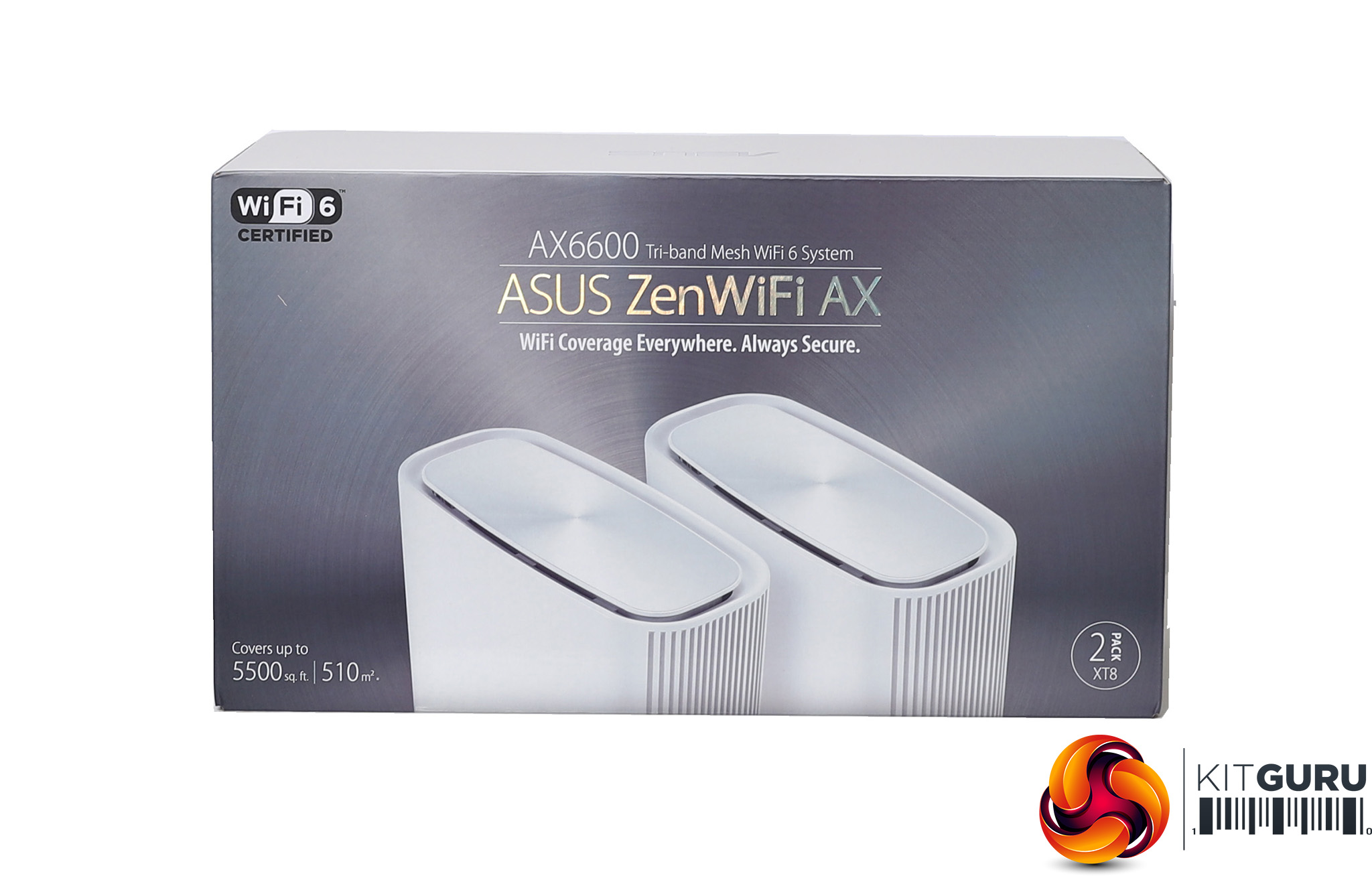
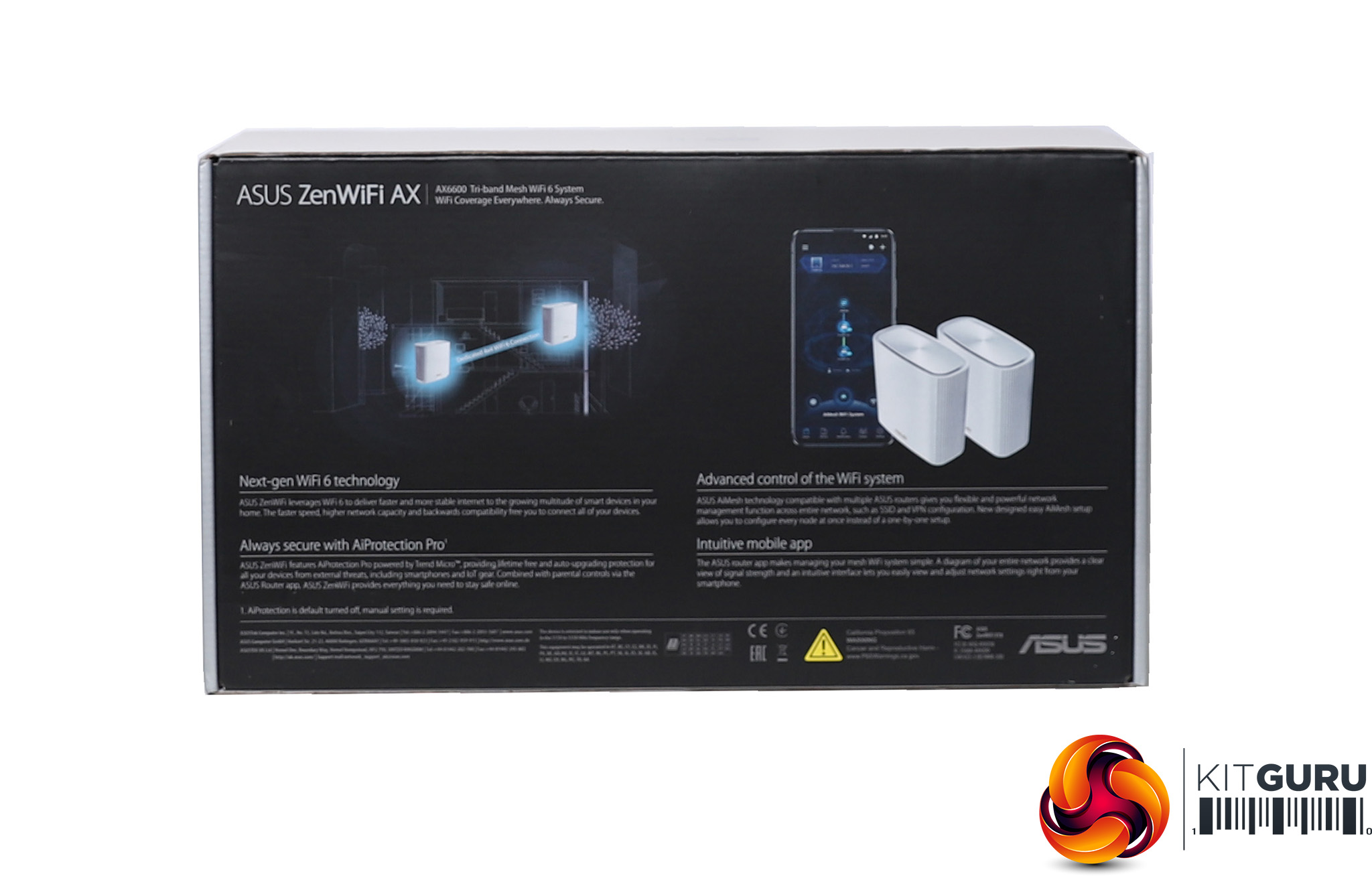
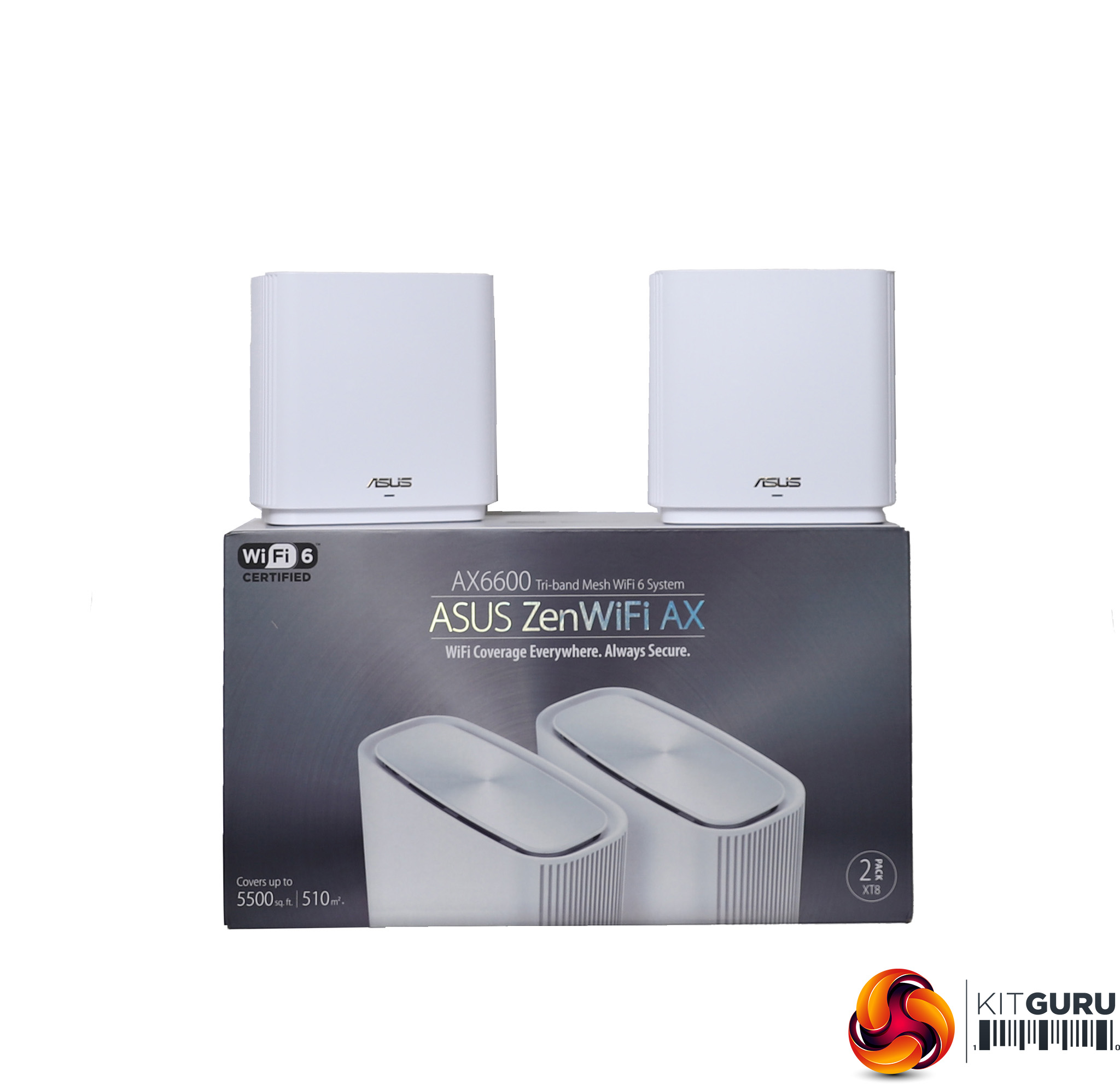
The ZenWiFi AX units are much smaller than the NETGEAR Orbi devices. You can buy them in white or black, so you can match your interior design preference. ASUS claims the two-unit pack can cover 4,400 square feet.
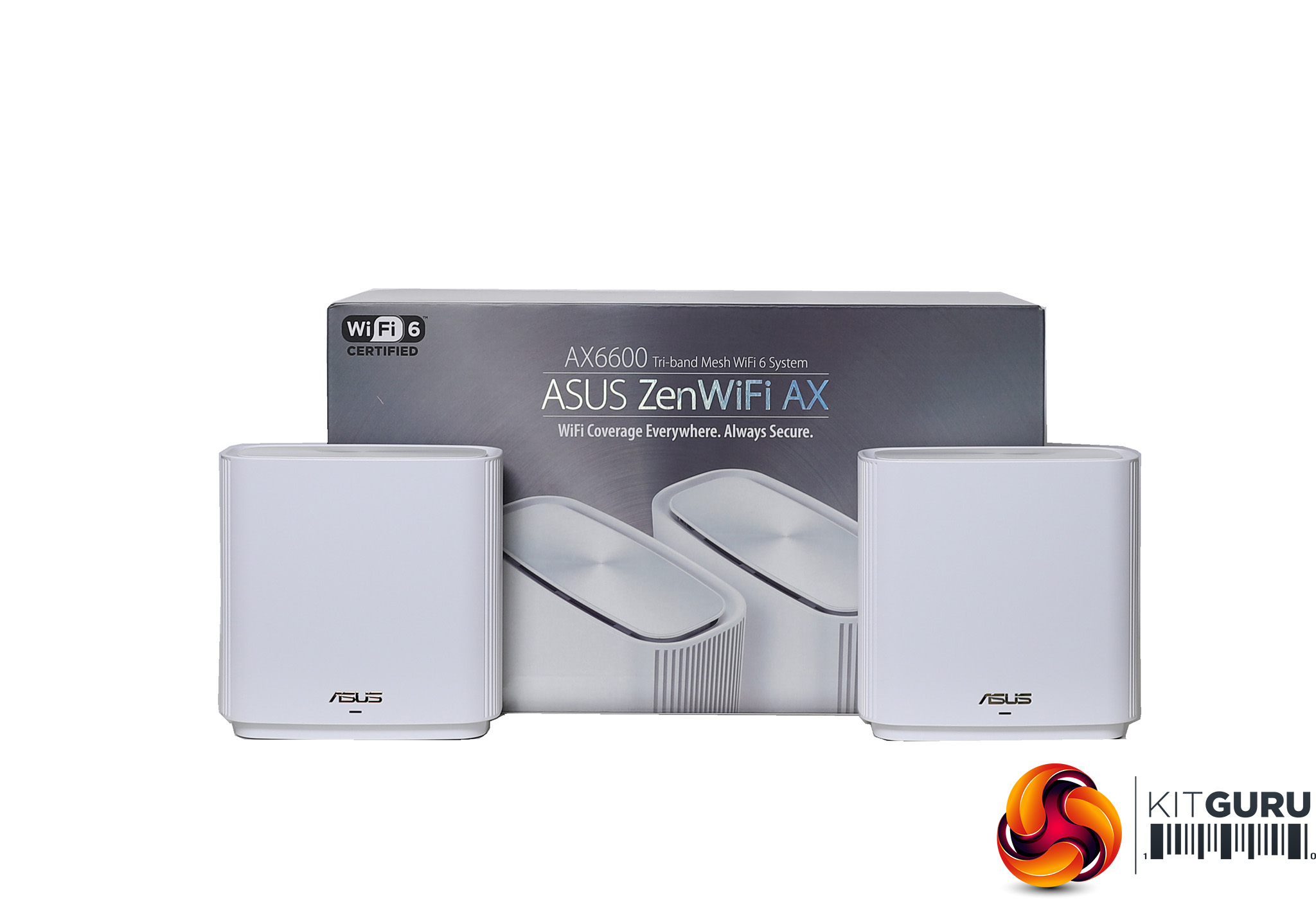
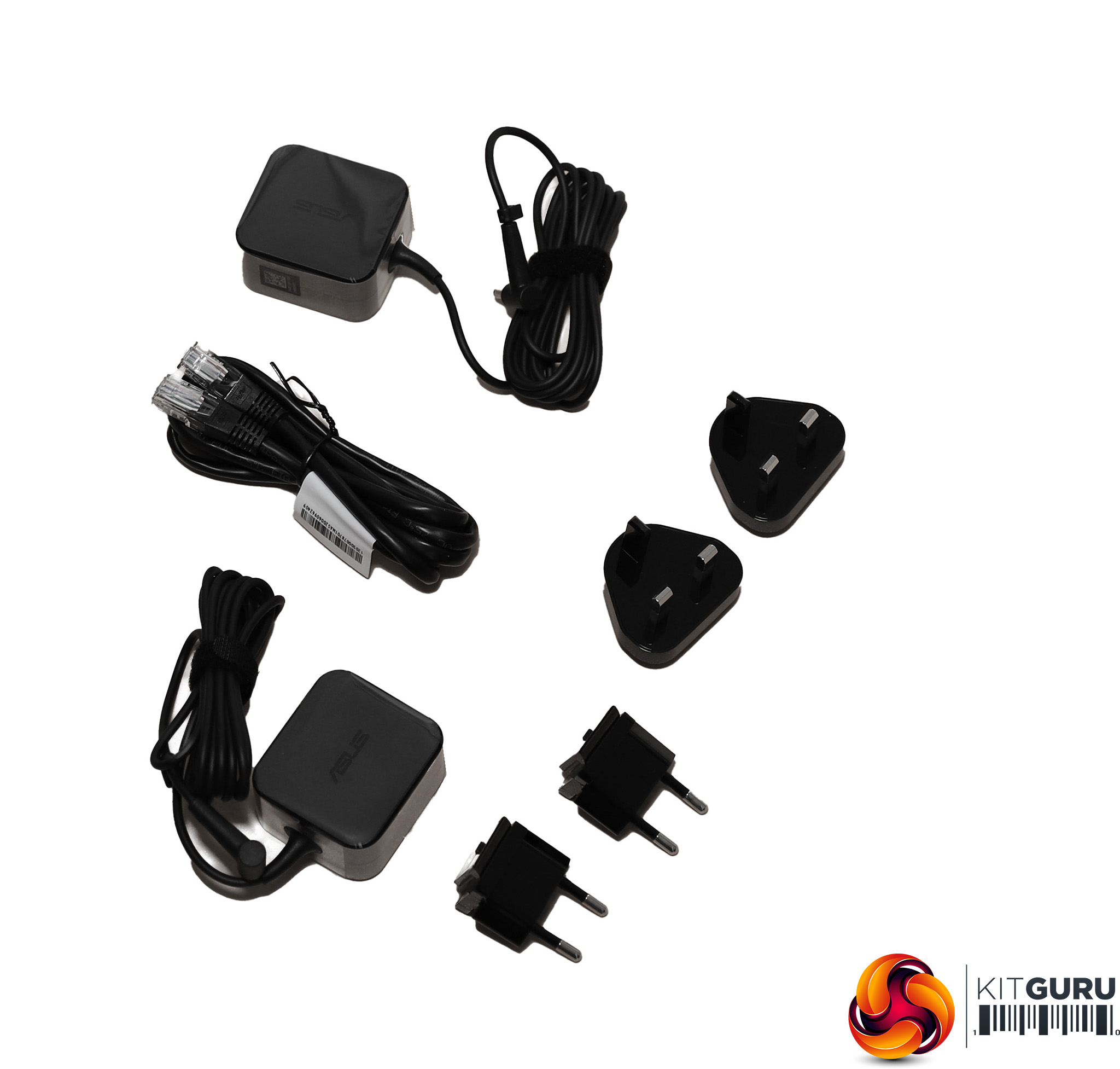
As usual, the box contains power adapters, in this case with UK and EU plug options, plus a regular (non-ribbon) Ethernet cable.
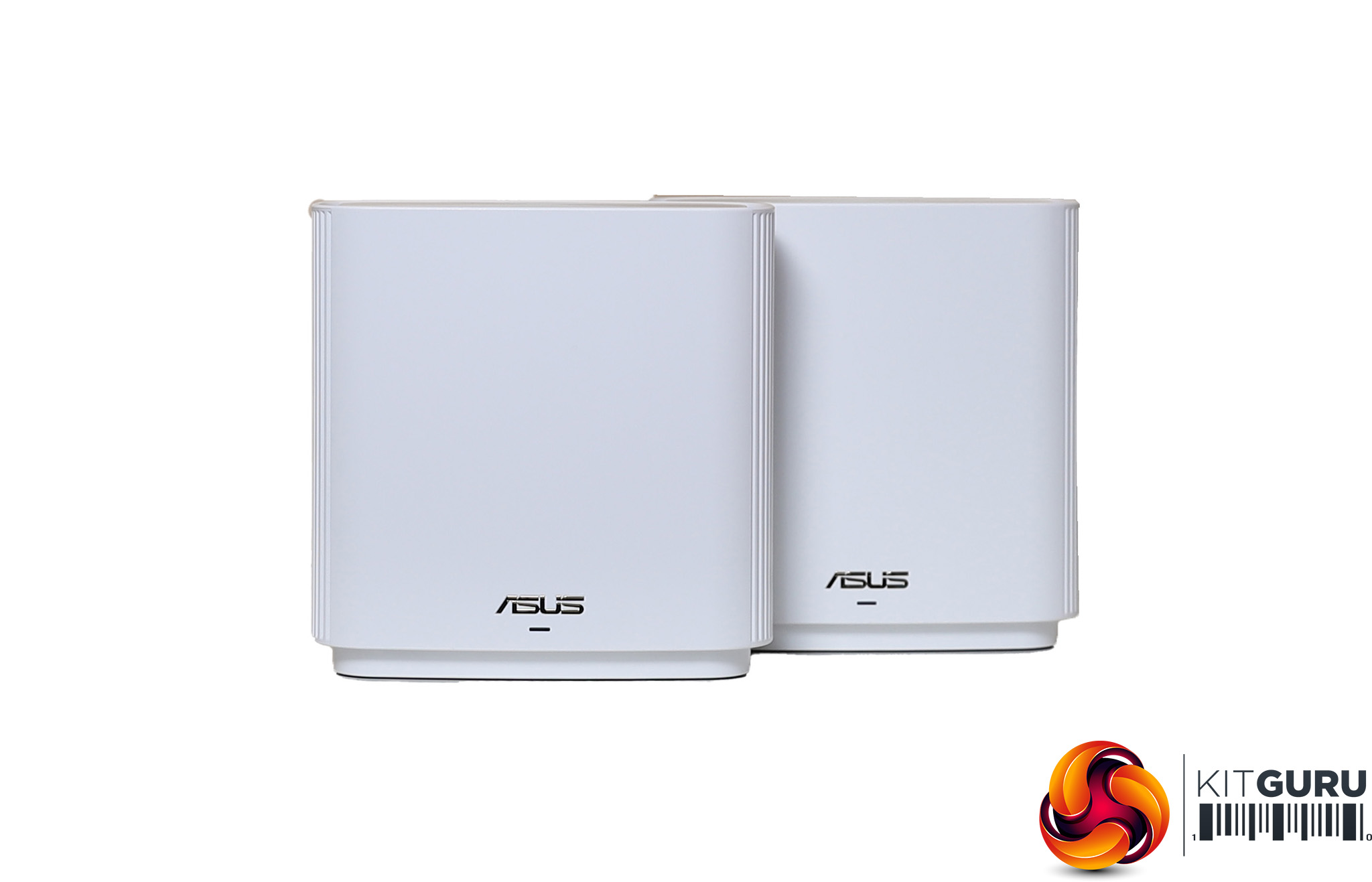
Each unit has three radios and six antennas. The AX6600 rating in theory provides 6,600Mbits/sec of bandwidth, but ASUS makes it a little unclear how this is made up.
You can get up to 4,808Mbits/sec of 5GHz 802.11ax, up to 574Mbits/sec of 2.4GHz 802.11ax, 3,466Mbits/sec of 802.11ac and 300Mbits/sec of 802.11n. The antennas appear to be split between four for one 5GHz channel, and two for the other 5GHz plus 2.4GHz.
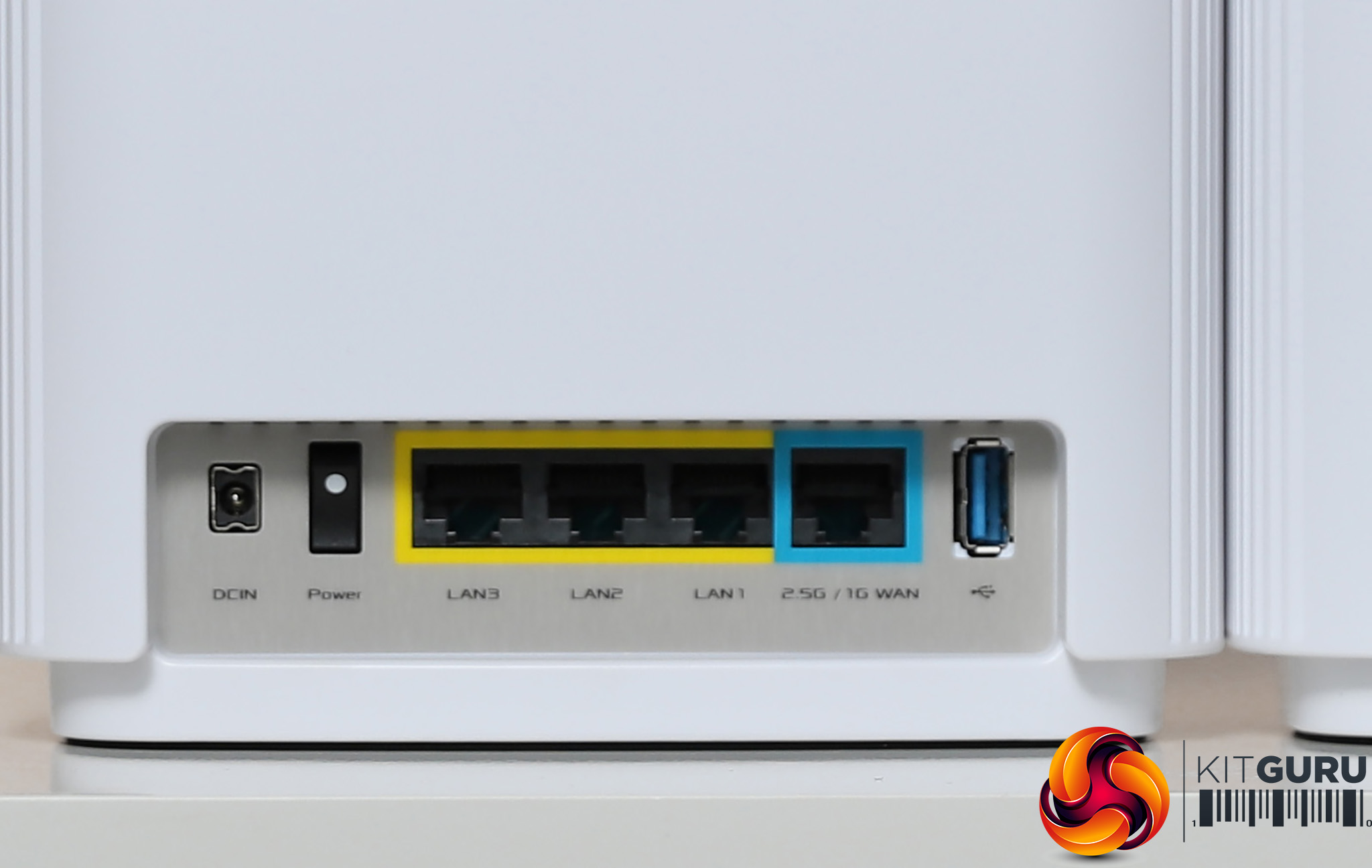
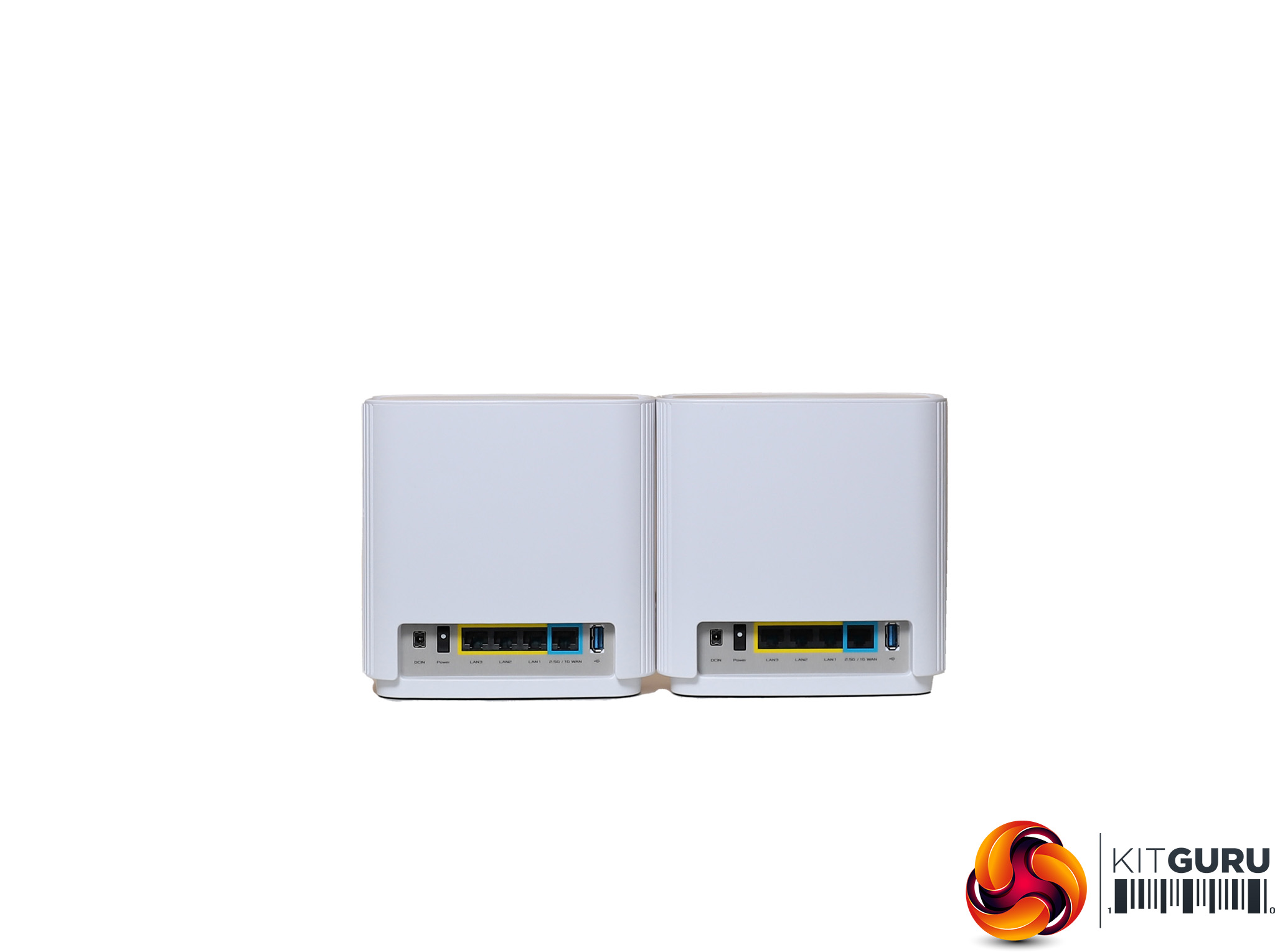
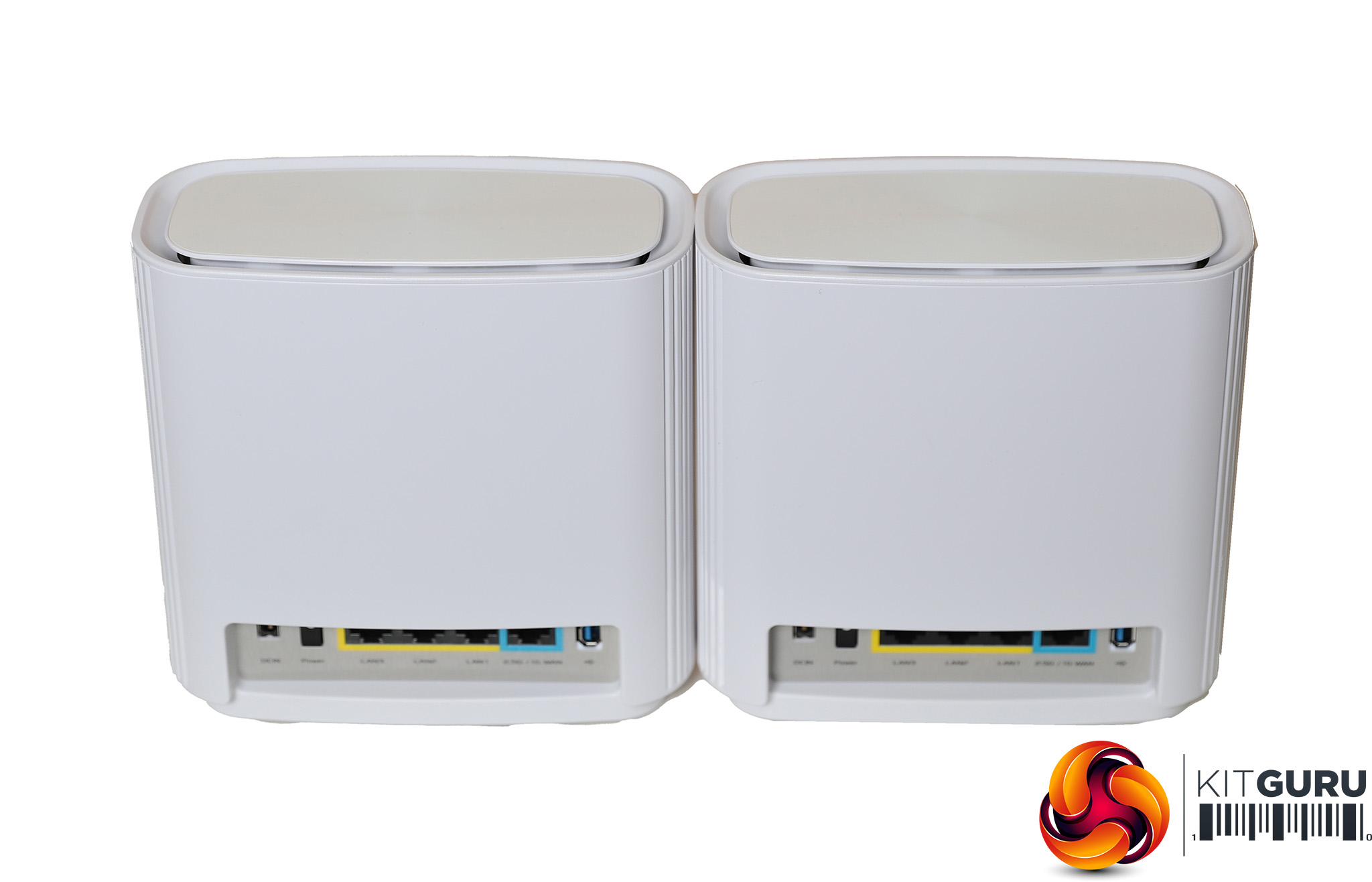
There is no distinction between the router and satellite. You can plug in either device and set it up as the router. The other will become the satellite. However, the blue WAN port, which supports 2.5Gbit Ethernet, is only active on the router for connecting to your broadband modem, and won't be active on the satellite.
Both router and satellite offer three Gigabit Ethernet ports for wired device connection. There's also a USB 3.1 Gen 1 port, which can be used for storage or printer sharing across the network on either router or satellite, or both.
Price: £495.49 for two units
Specification:
Wireless protocols: MU-MIMO with 802.11b/g/n/ax 2.4GHz and 802.11a/n/ac/ax 5GHz
Performance: AX6600 (4,808Mbits/sec 5GHz 802.11ax + 574Mbits/sec 2.4GHz 802.11ax + 3,466Mbits/sec 802.11ac + 300Mbits/sec 802.11n)
Antenna Configuration: 6×6 Internal Antennas
Ports: 3 x Gigabit Ethernet; 1 x 2.5 Gigabit Ethernet WAN
Modem Support: VDSL/ADSL 2+ or cable
tp-link deco X60 AX3000
Our fourth contestant in this test is from tp-link, although the packaging somewhat hides that fact behind the “deco” range brand name. This particular deco kit is a three-unit one, but you can also buy a two-unit bundle.
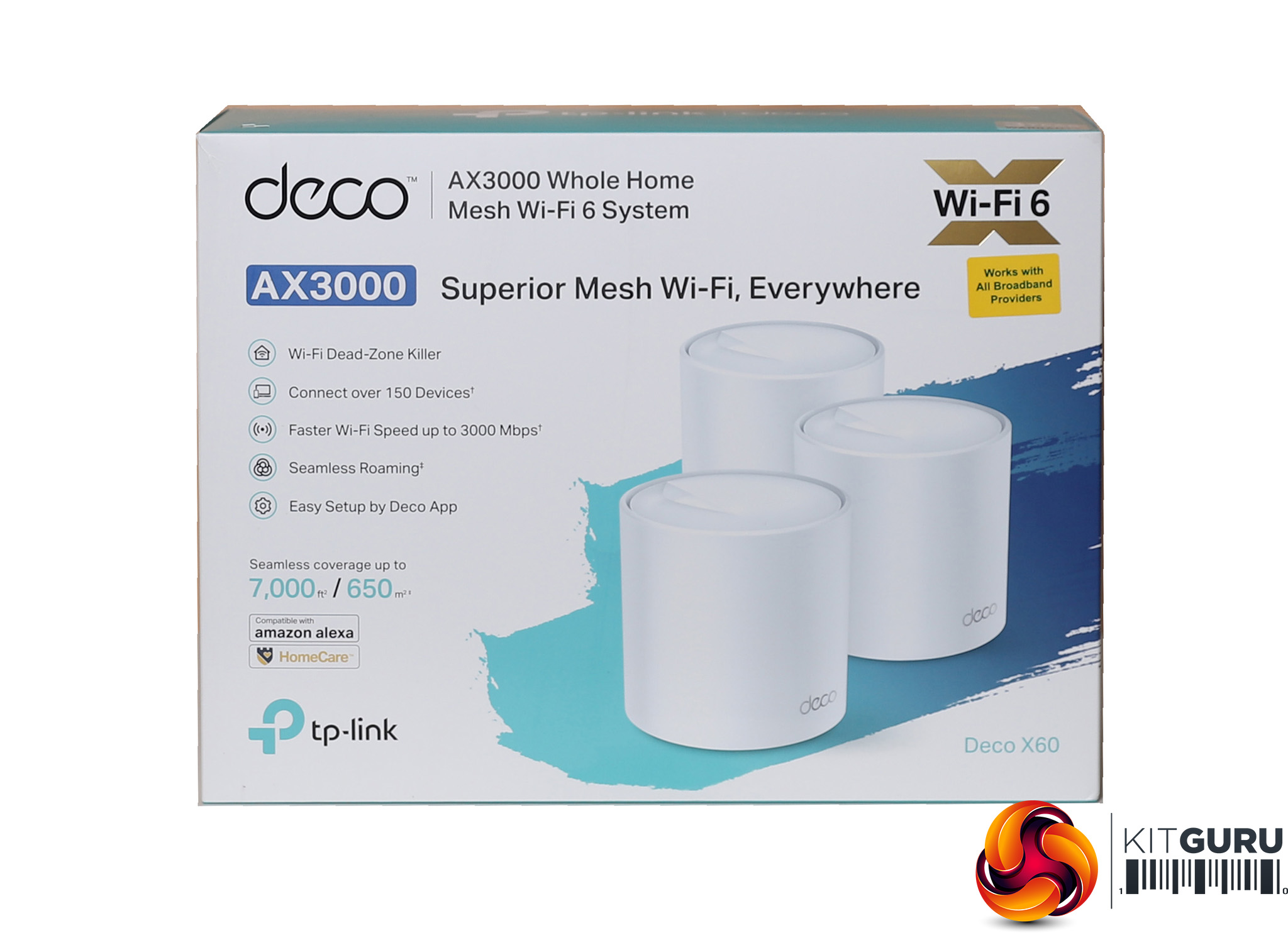
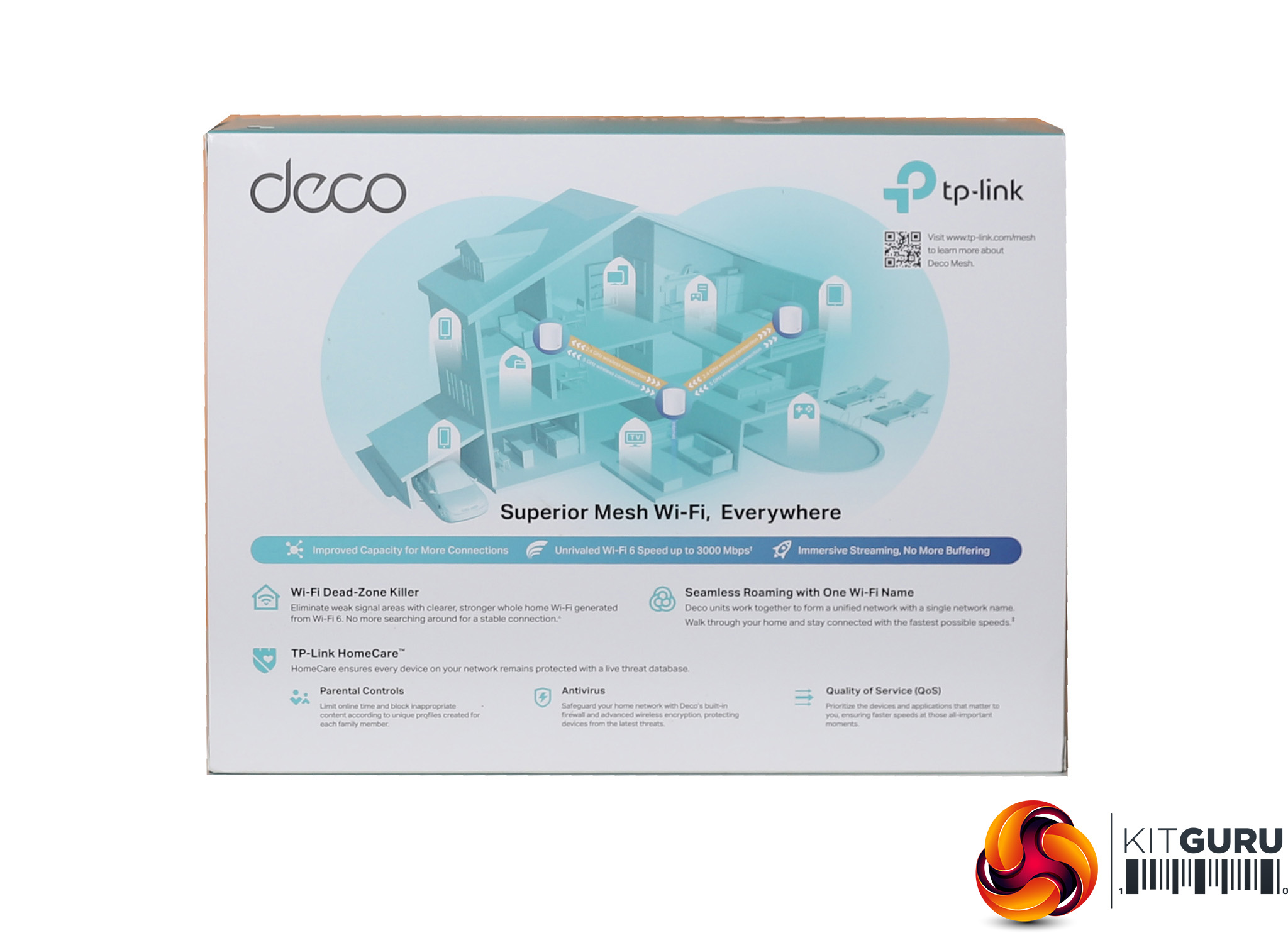
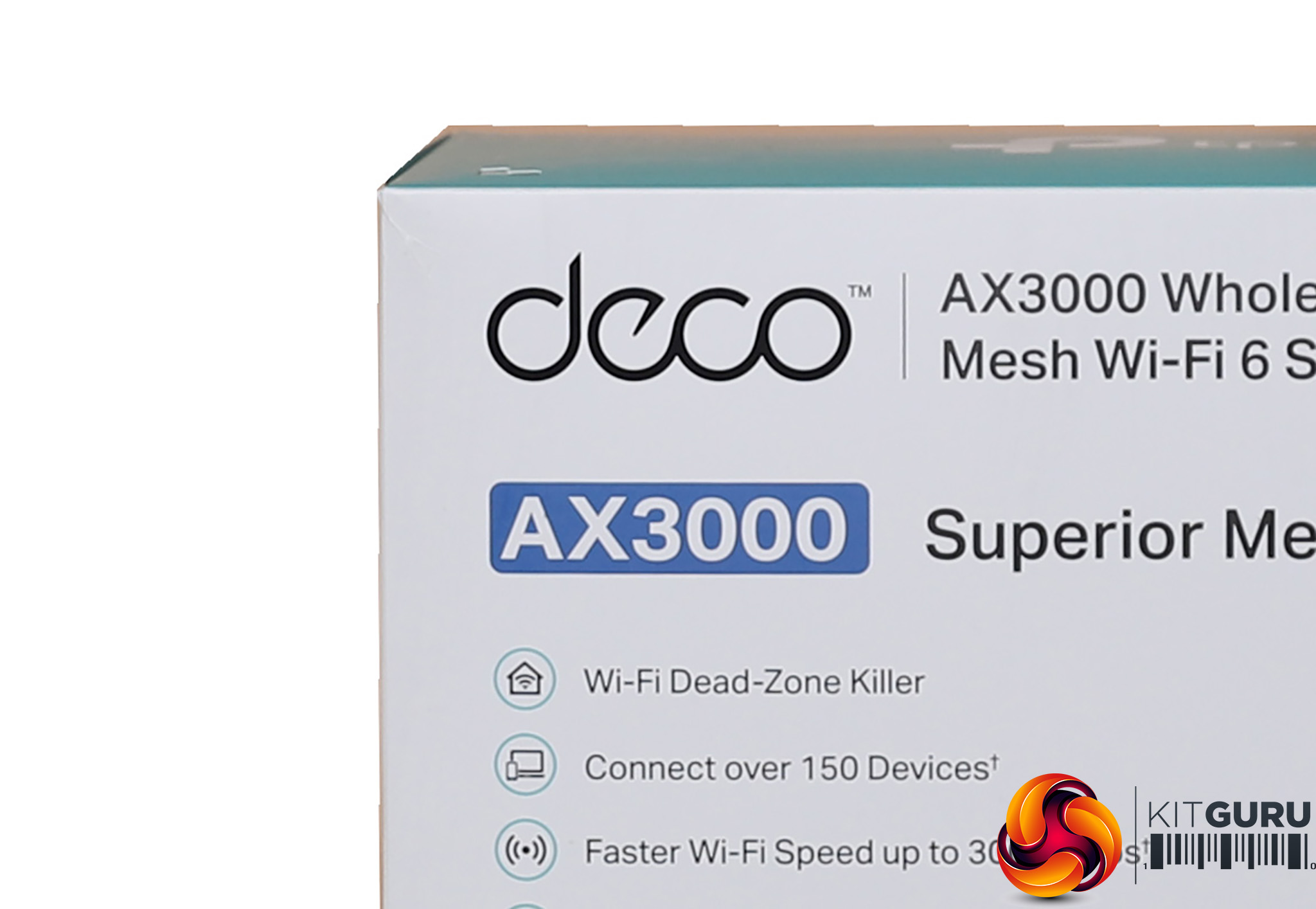
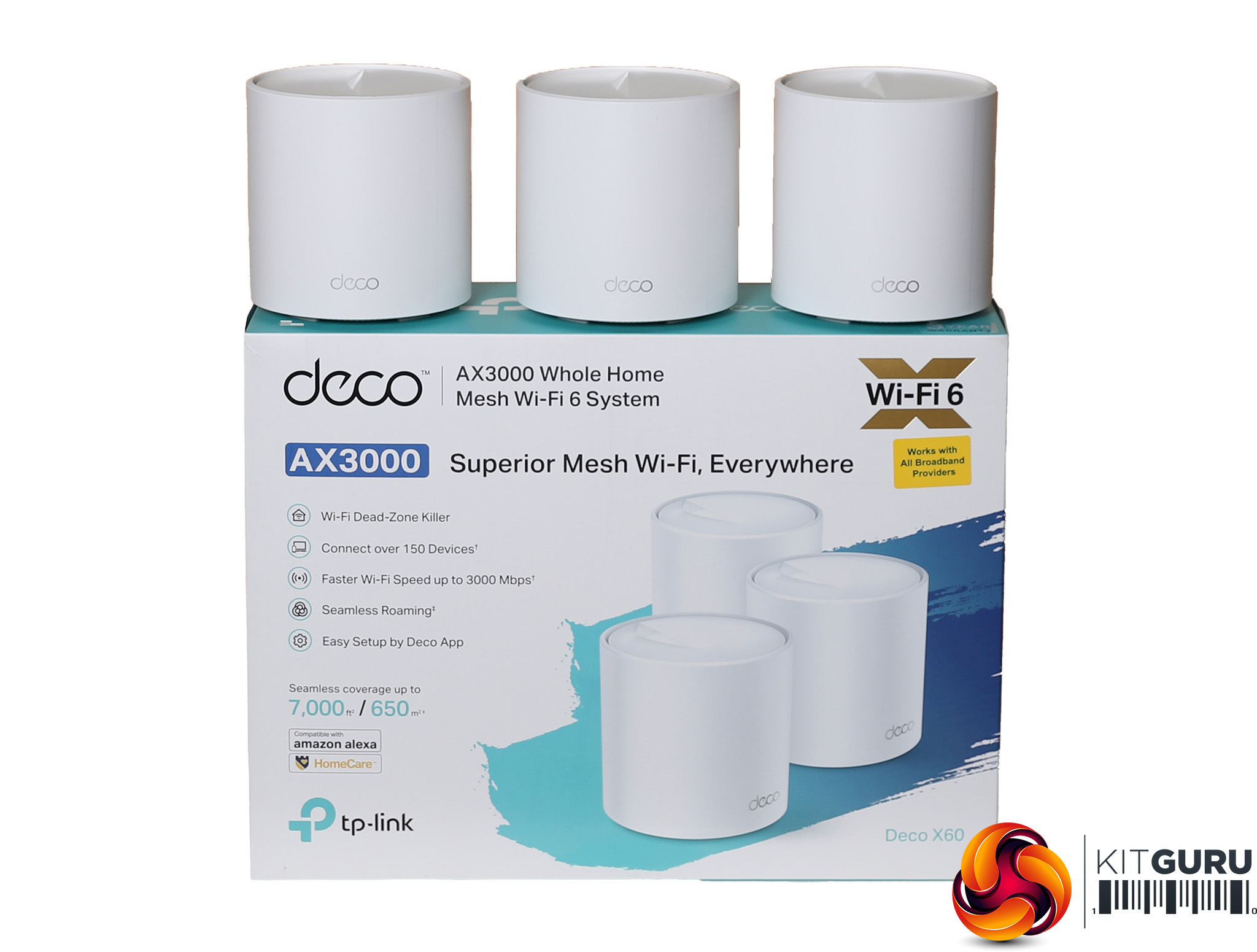
The deco kit is rated at AX3000 and tp-link claims 7,000 square foot of coverage for the £340 three-unit bundle. The £302 two-unit bundle can allegedly cover 5,000 square feet.
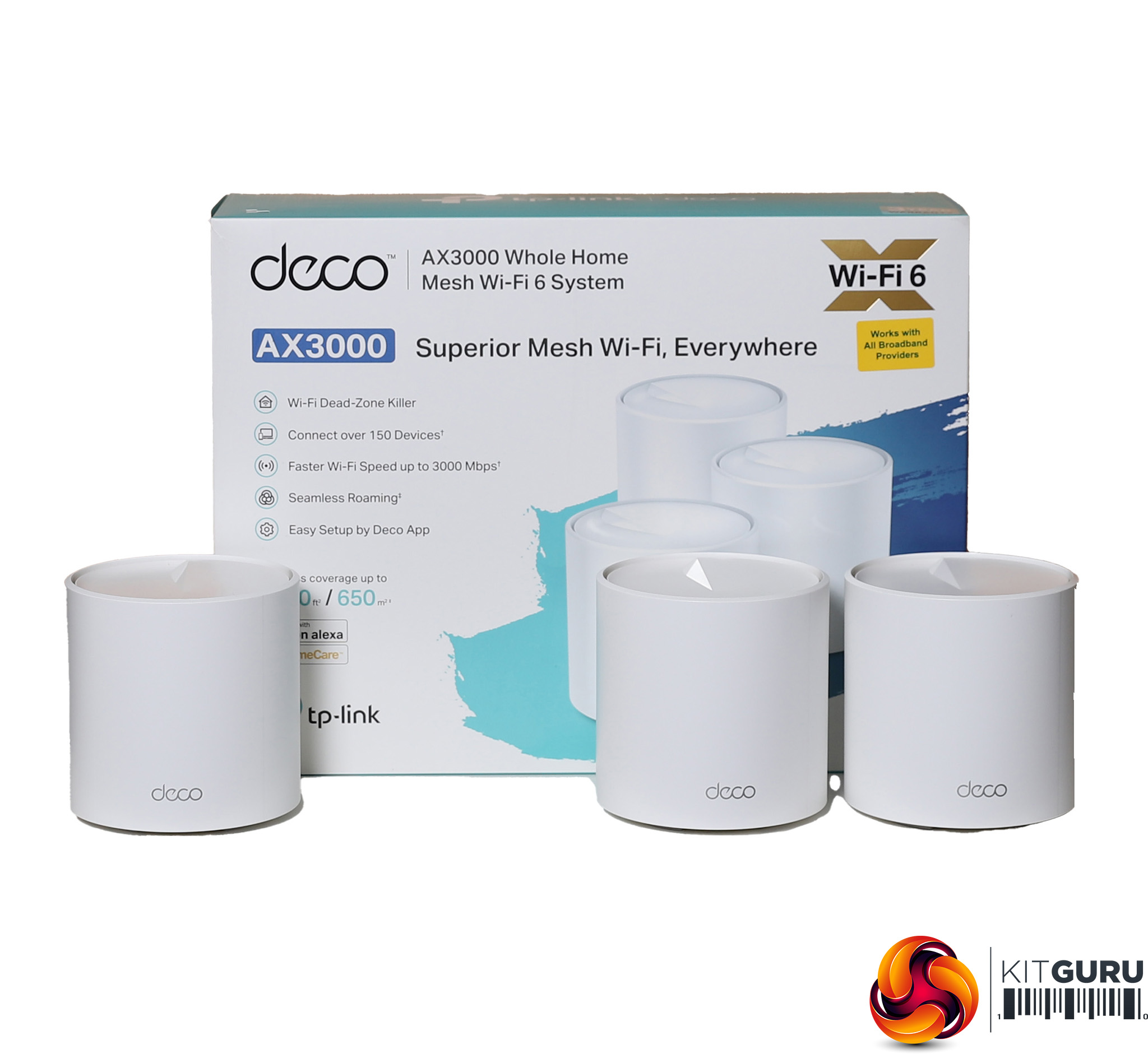
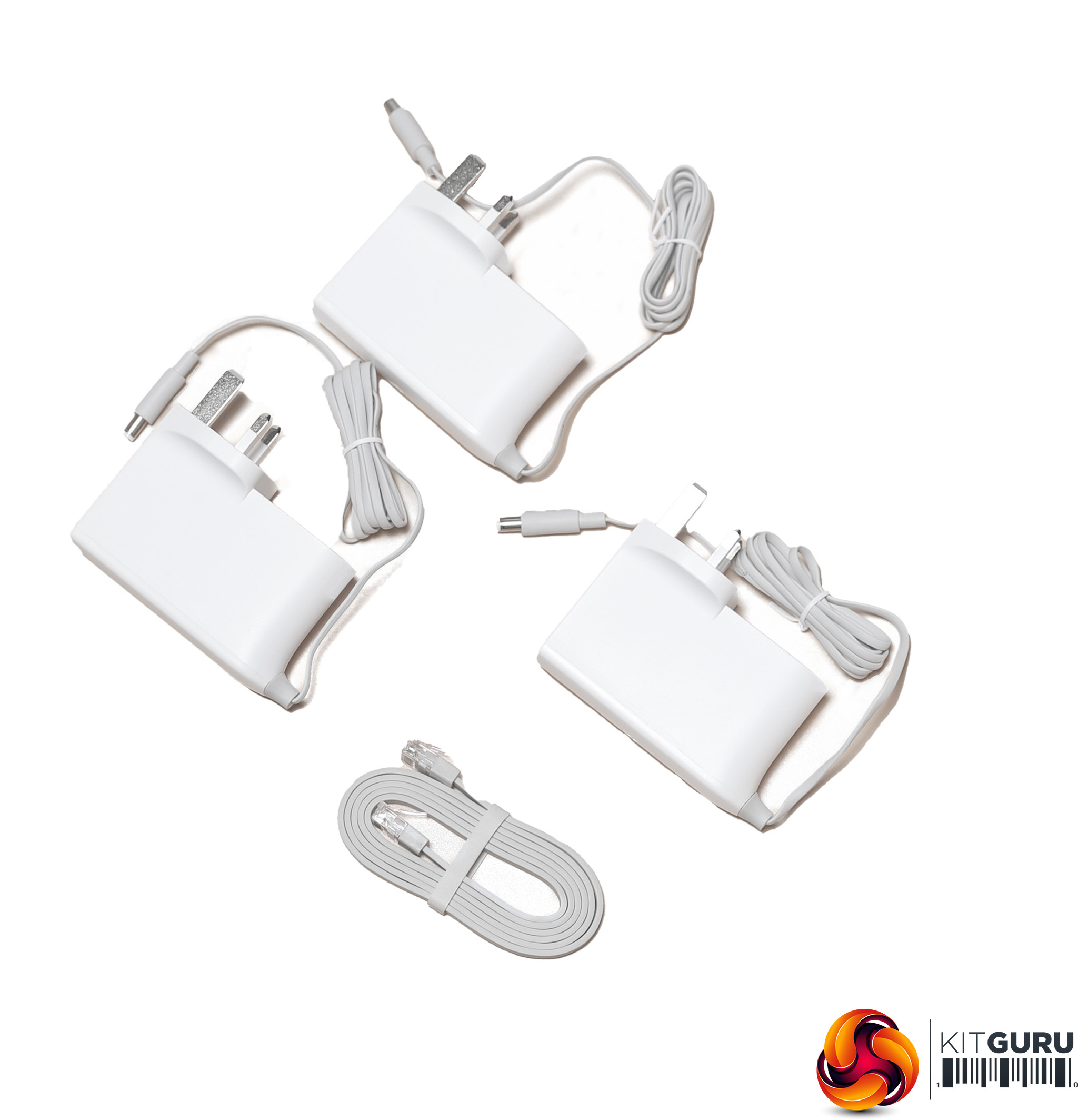
Aside from the three units in the box, you get the usual power adapters, which in this case are permanently plugged for UK sockets. There's also a ribbon Ethernet cable for connecting to the broadband modem.
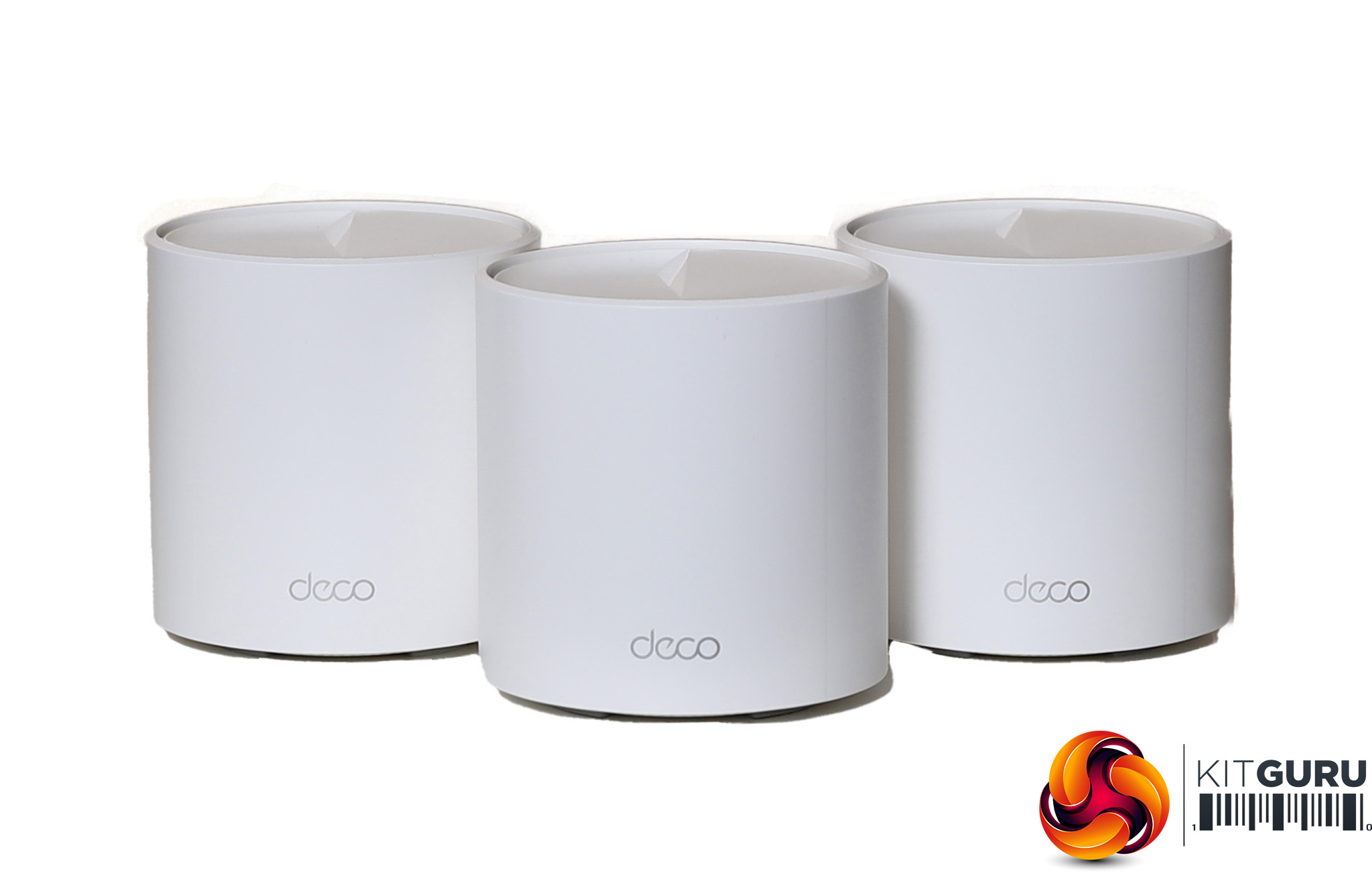

The deco is rated at AX3000, and is the only mesh system on test here that uses two rather than three radios. Both support 802.11ax, but one operates at 5GHz and the other 2.4GHz. There are four antennas housed internally.
The 5GHz radio can deliver 2,402Mbits/sec, and the 2.4Ghz radio 574Mbits/sec. These are good speeds, but not having a dedicated backhaul is highly likely to reduce throughput, particularly when serving lots of clients.
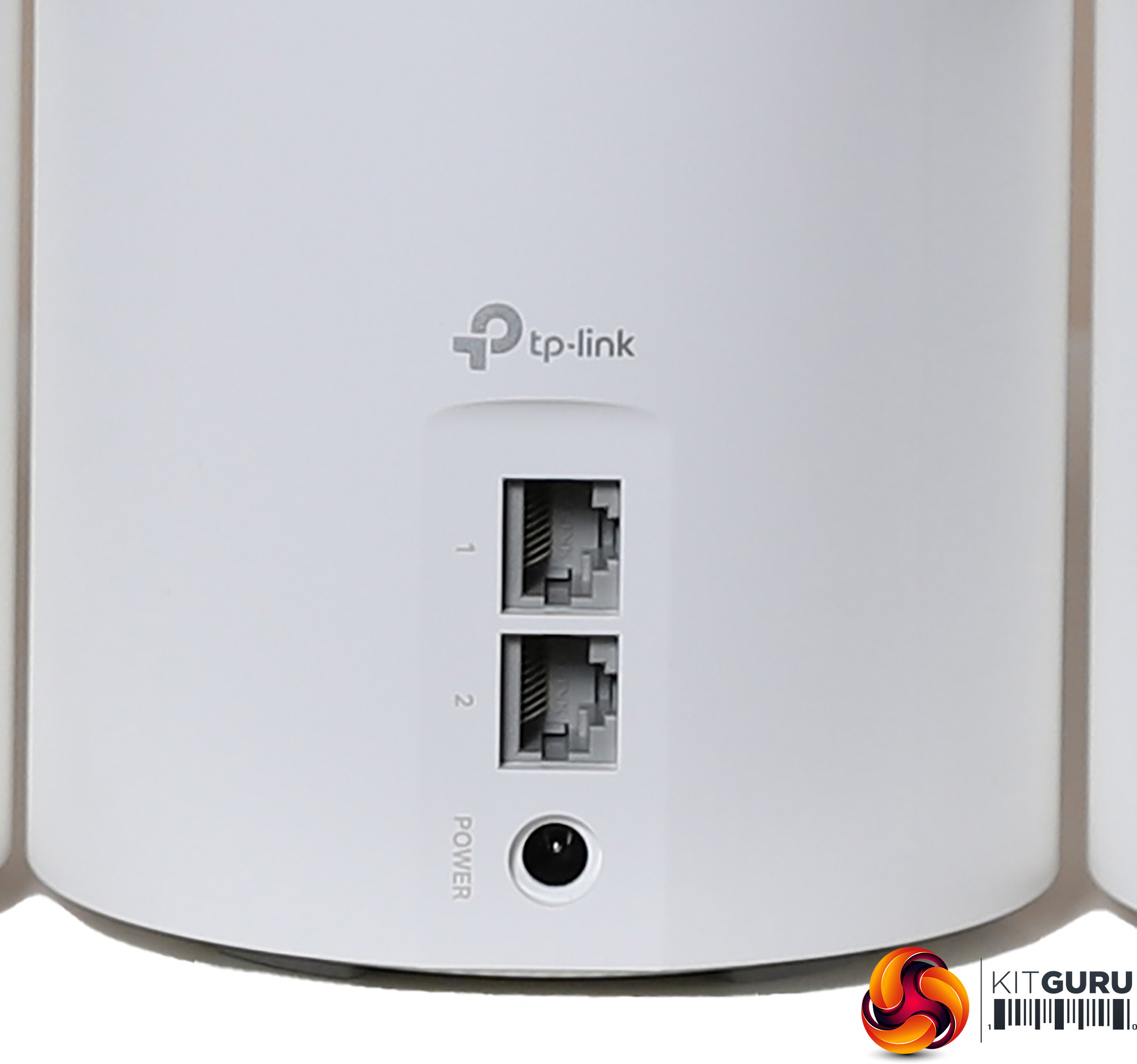
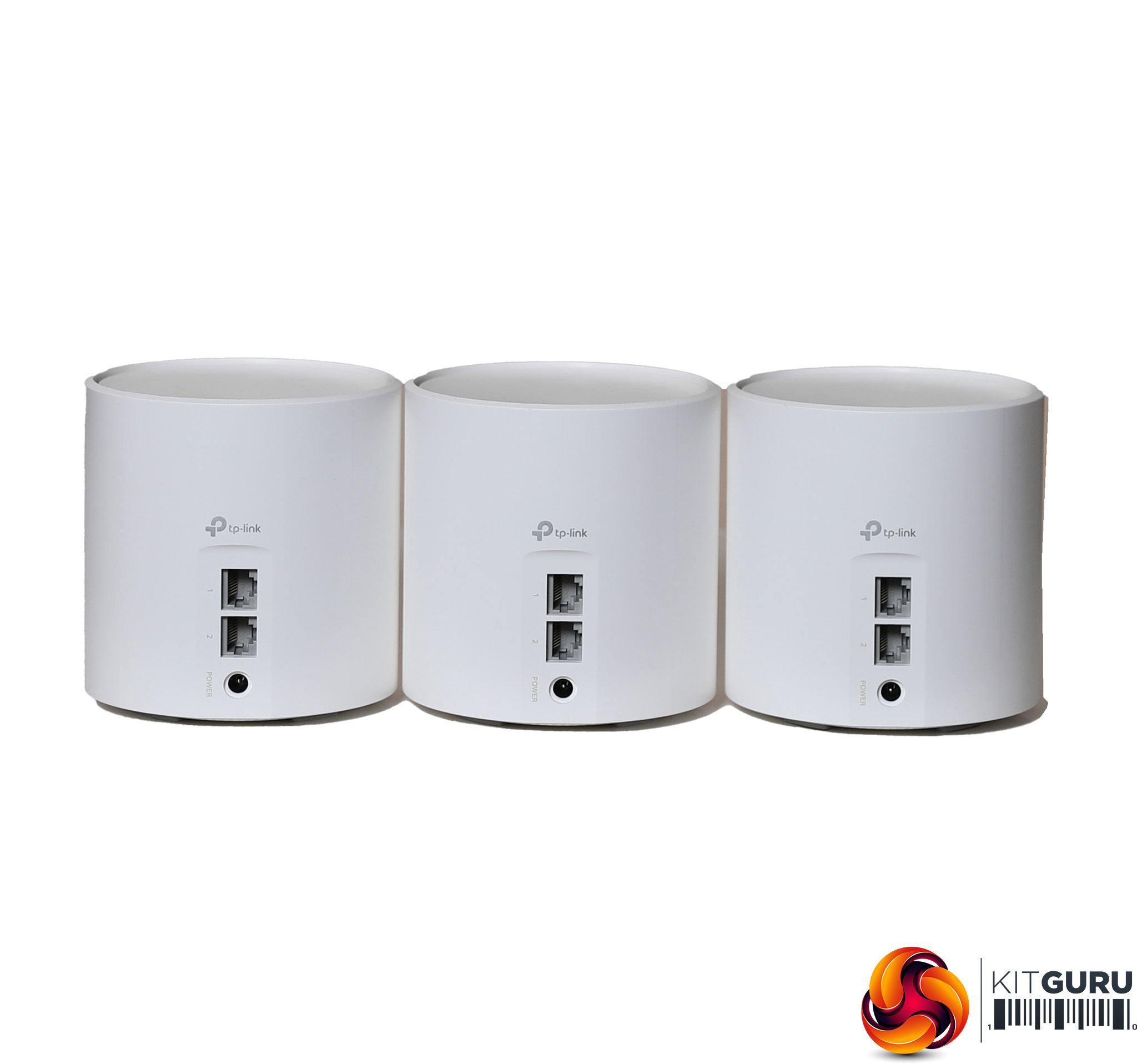
All the deco units are identical, so the one that you connect to the broadband modem becomes the router. All the units have two Gigabit Ethernet ports, so the router will only have one to offer a wired client locally.
But the two satellites will be able to support a couple of wired client devices each, which will be useful for distributing your broadband to different rooms around the house.
Price: £339.99 for three units; £302.52 for two units
Specification:
Wireless protocols: MU-MIMO with 802.11b/g/n/ax 2.4GHz and 802.11a/n/ac/ax 5GHz
Performance: AX30000 (2,402 + 574 Mbits/sec)
Antenna Configuration: 4×4 Internal Antennas
Ports: Per unit: 2 x Gigabit Ethernet
Modem Support: VDSL/ADSL 2+ or cable
Setup Comparison
This would be a very long and not necessarily fascinating article if we went through every single option in the management interface of all four mesh WiFi 6 products on test here. So we're going to concentrate on initial setup and the key points about the range of features available for admin and advanced capabilities.
NETGEAR Orbi AX4200
Since the first Orbis, NETGEAR has followed the trend and now expects you to set up your mesh WiFi with a smartphone.


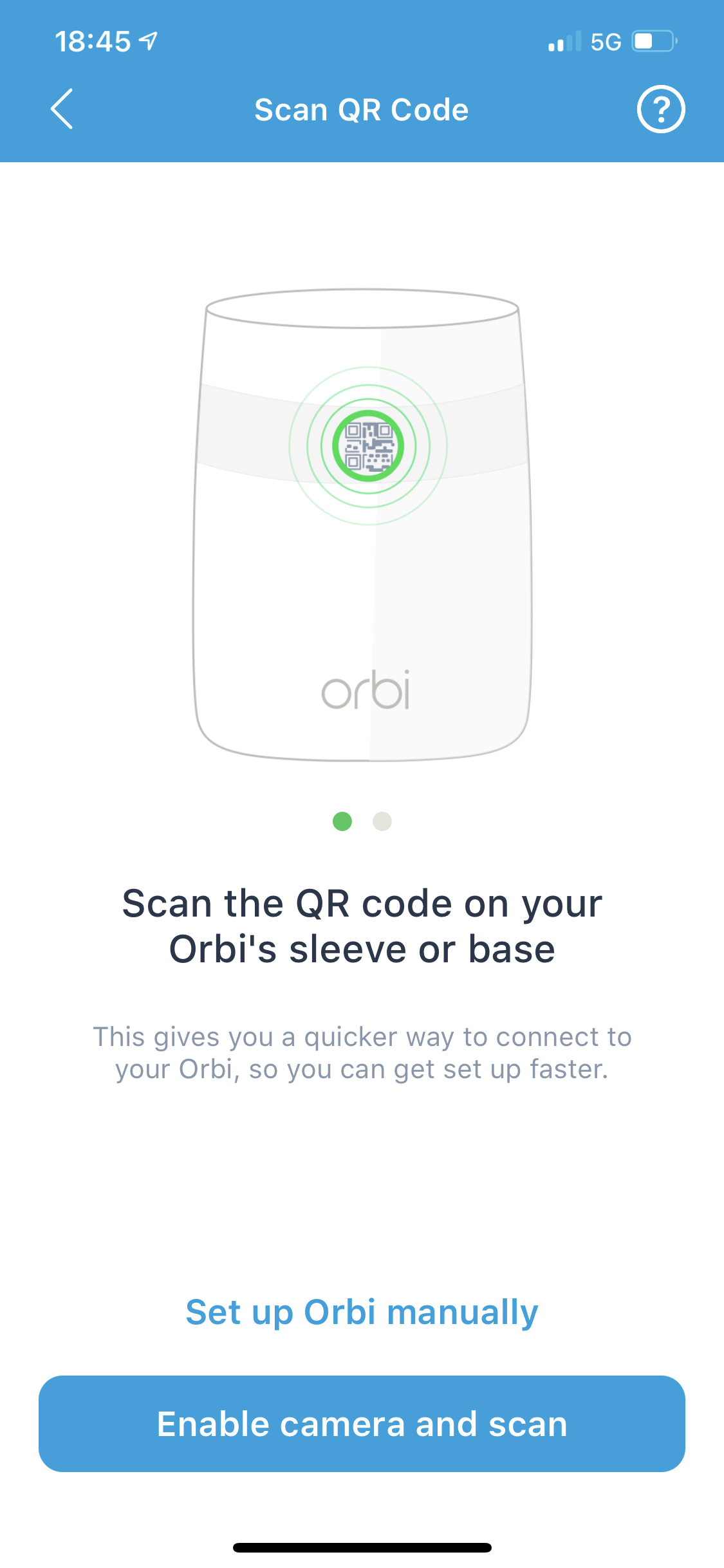
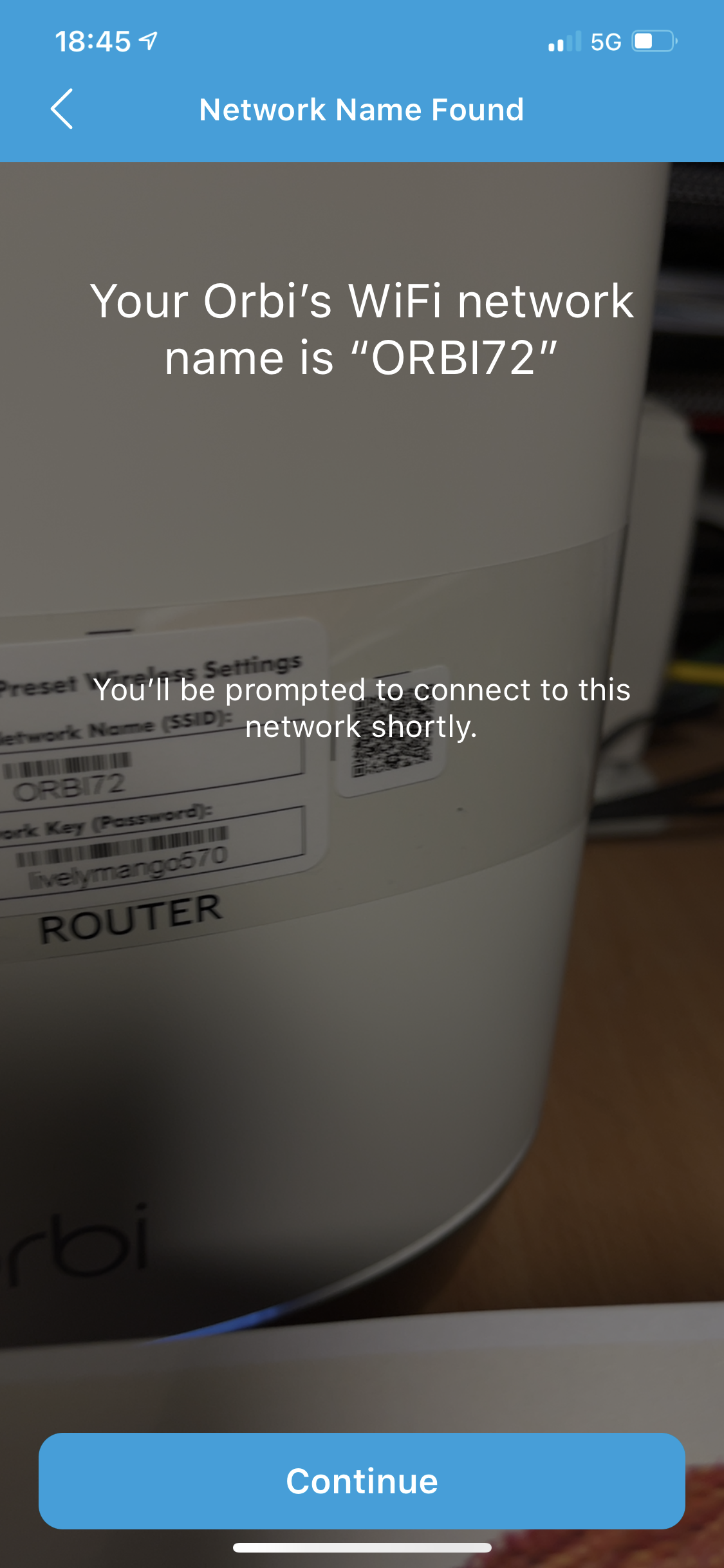
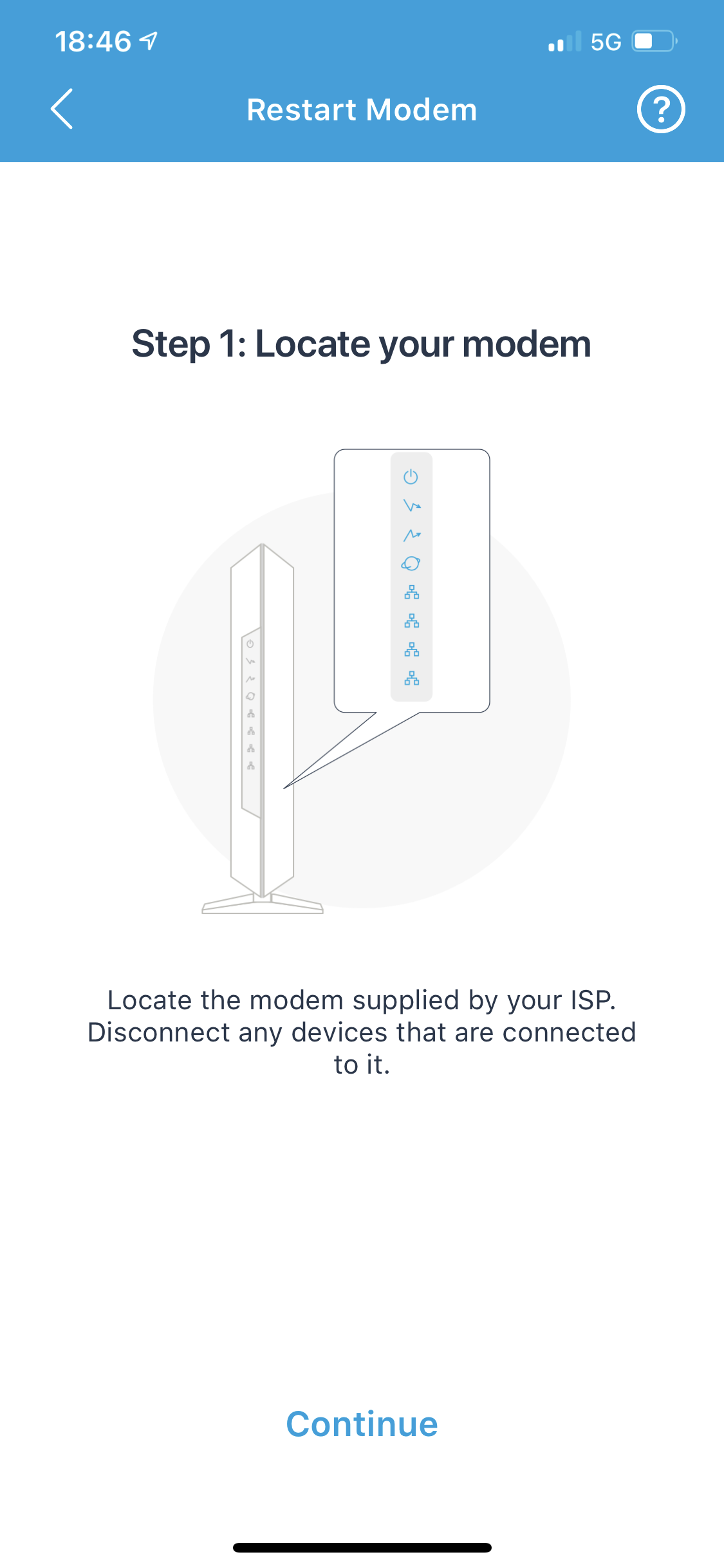
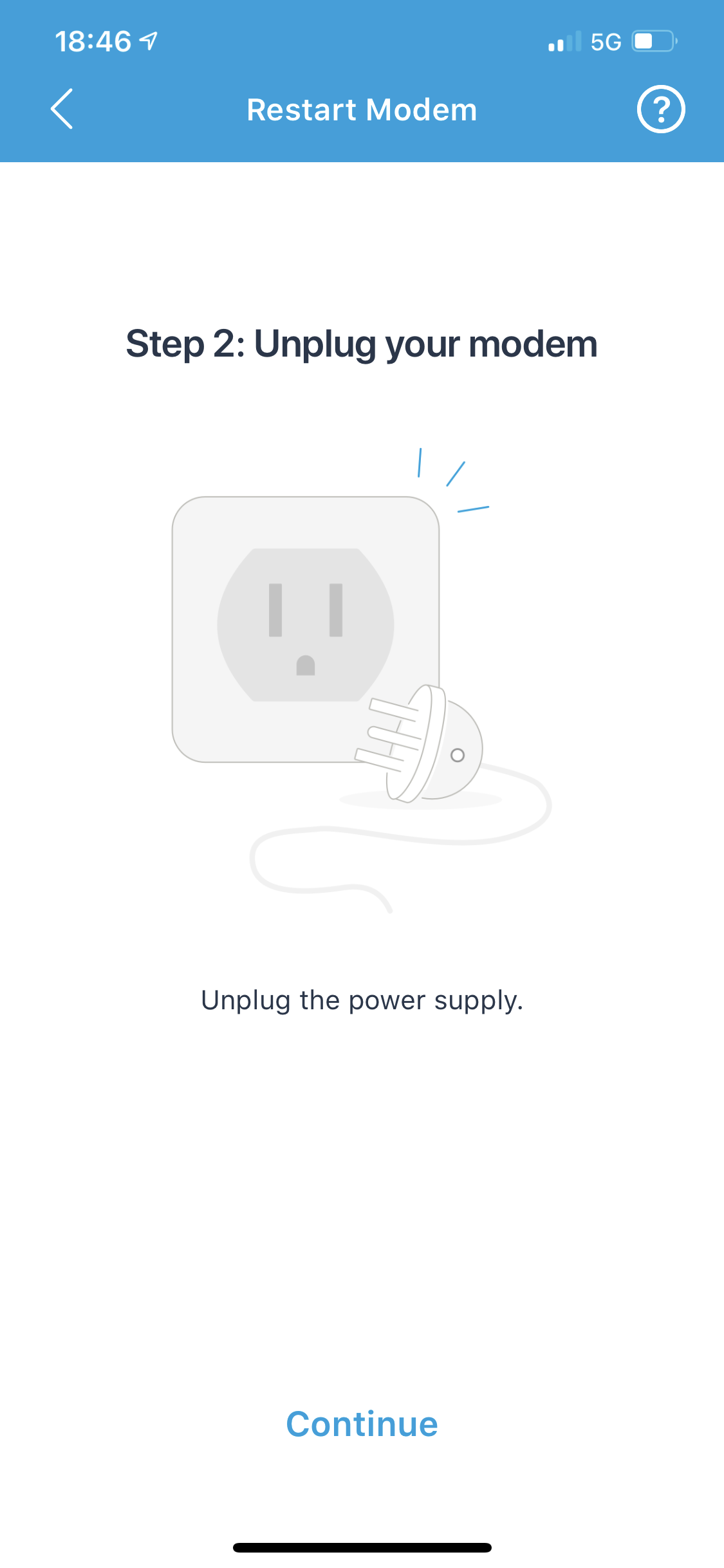
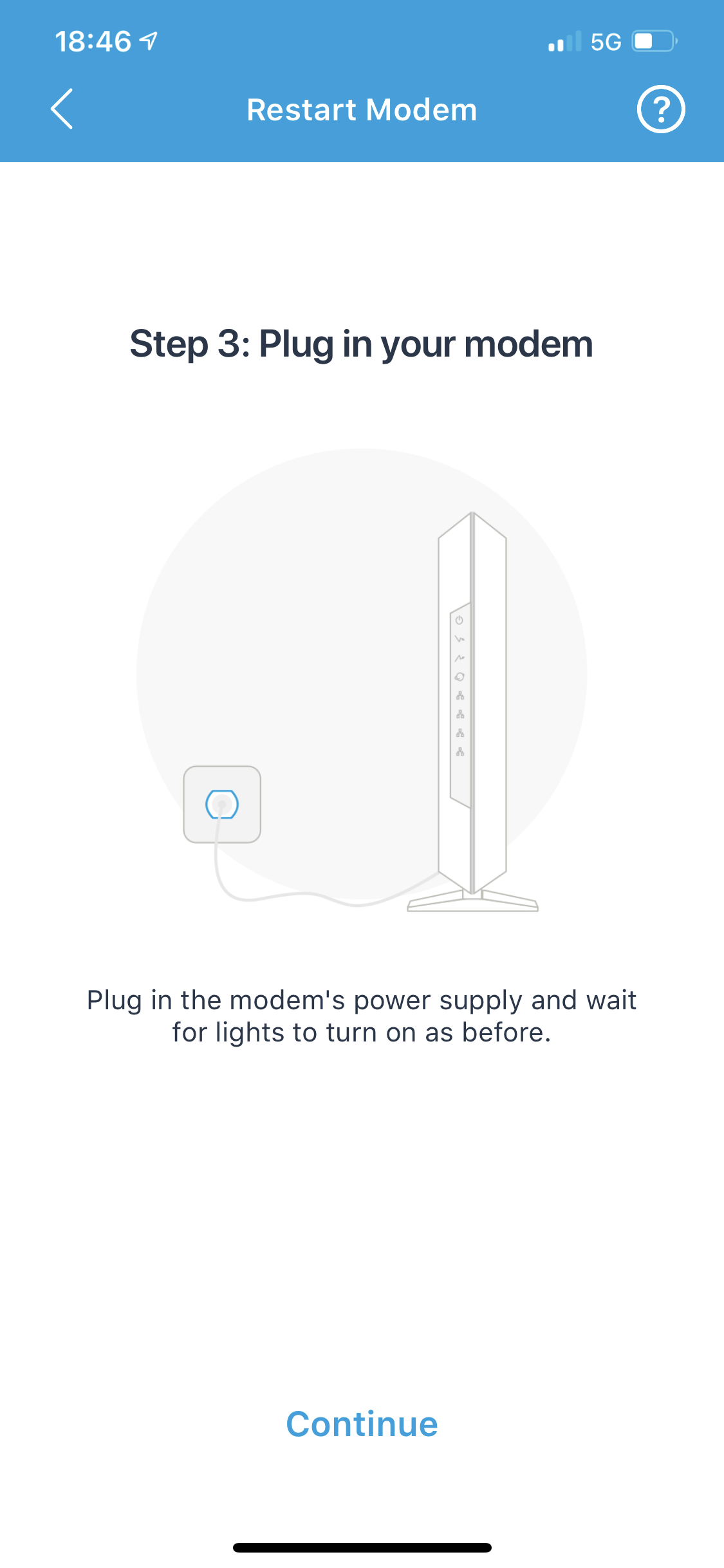
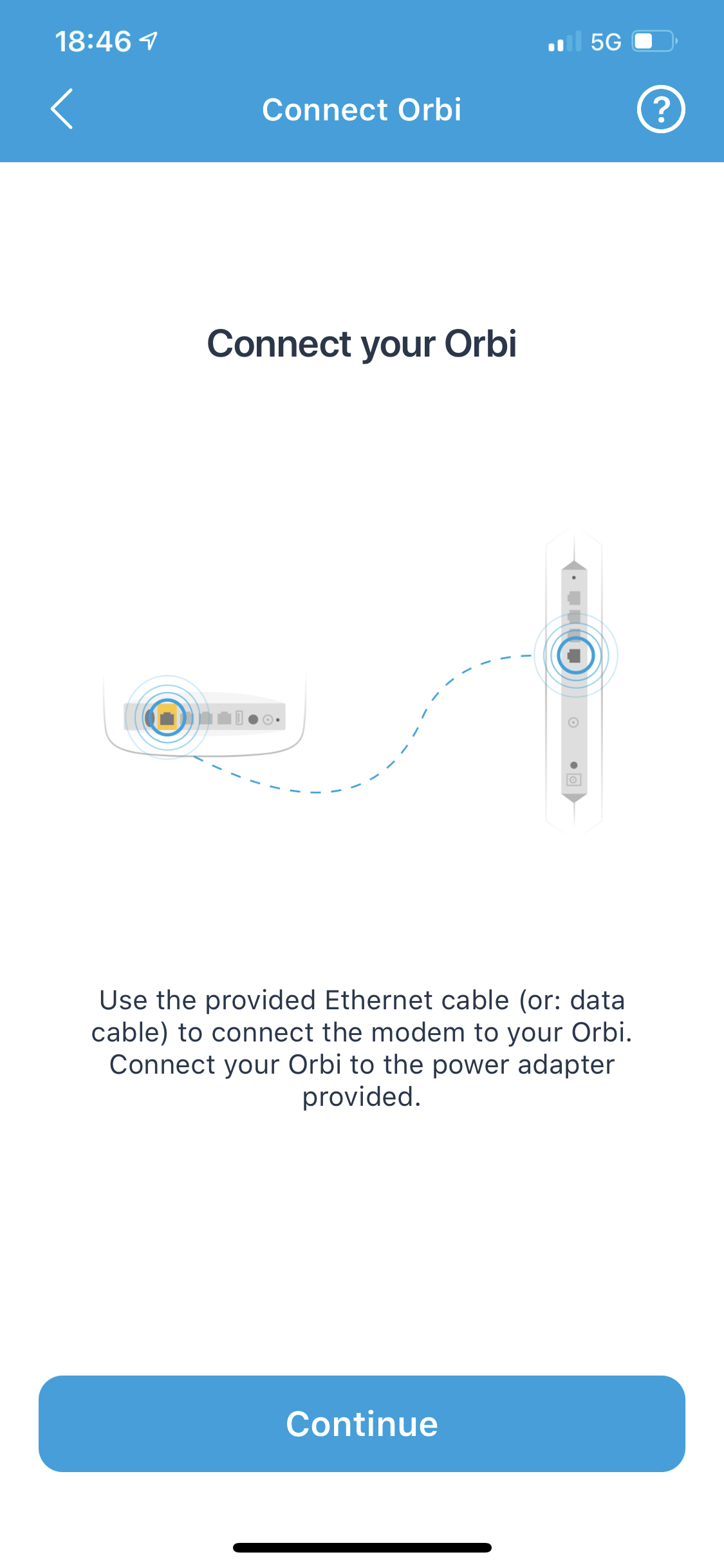
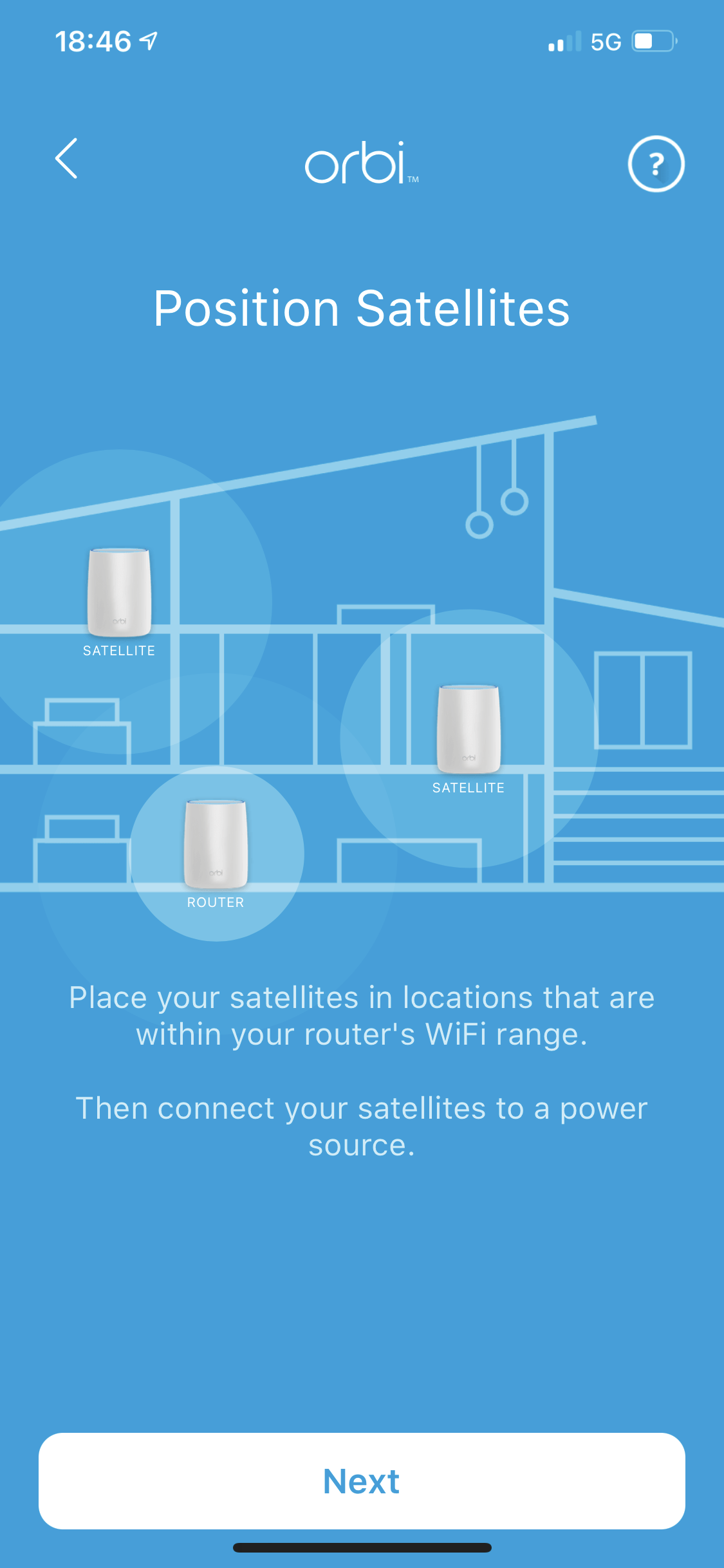
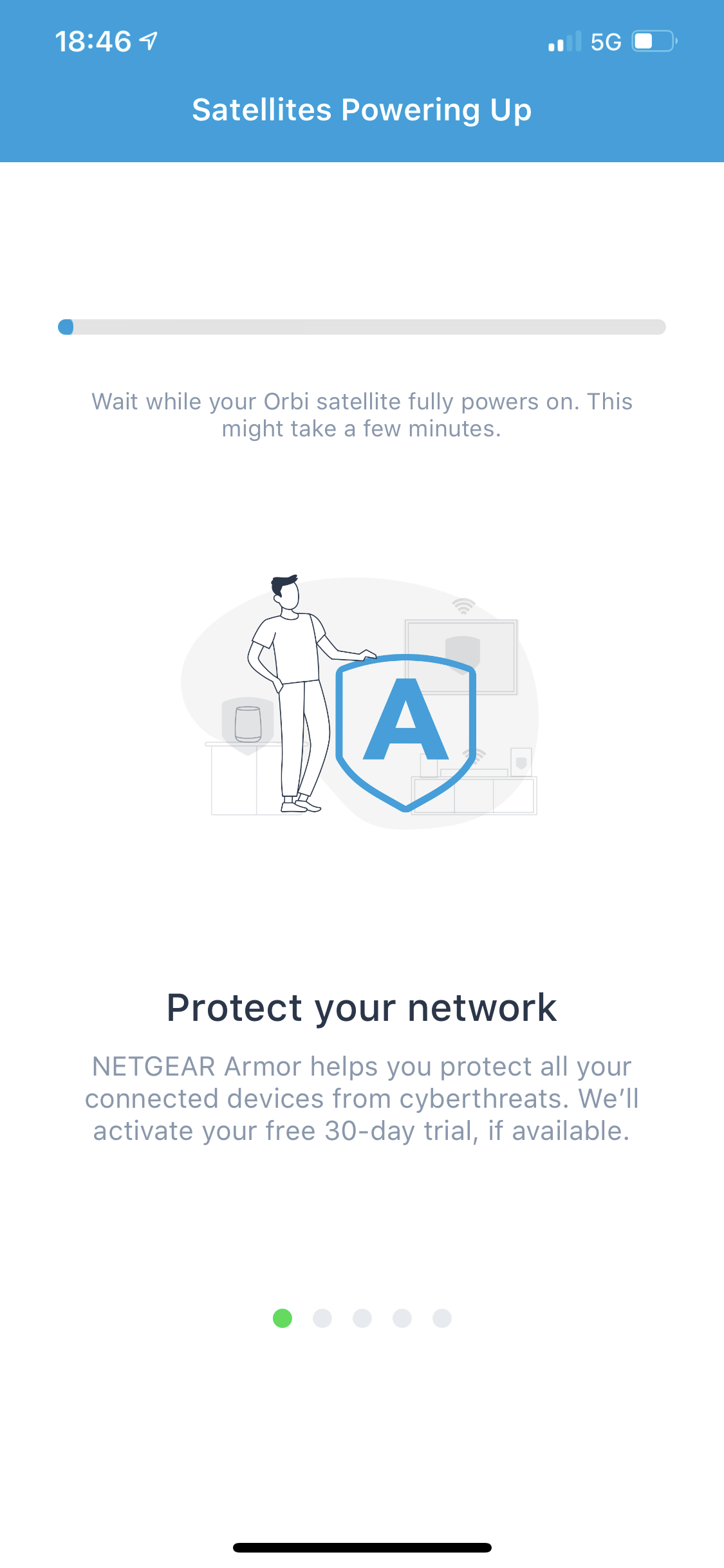
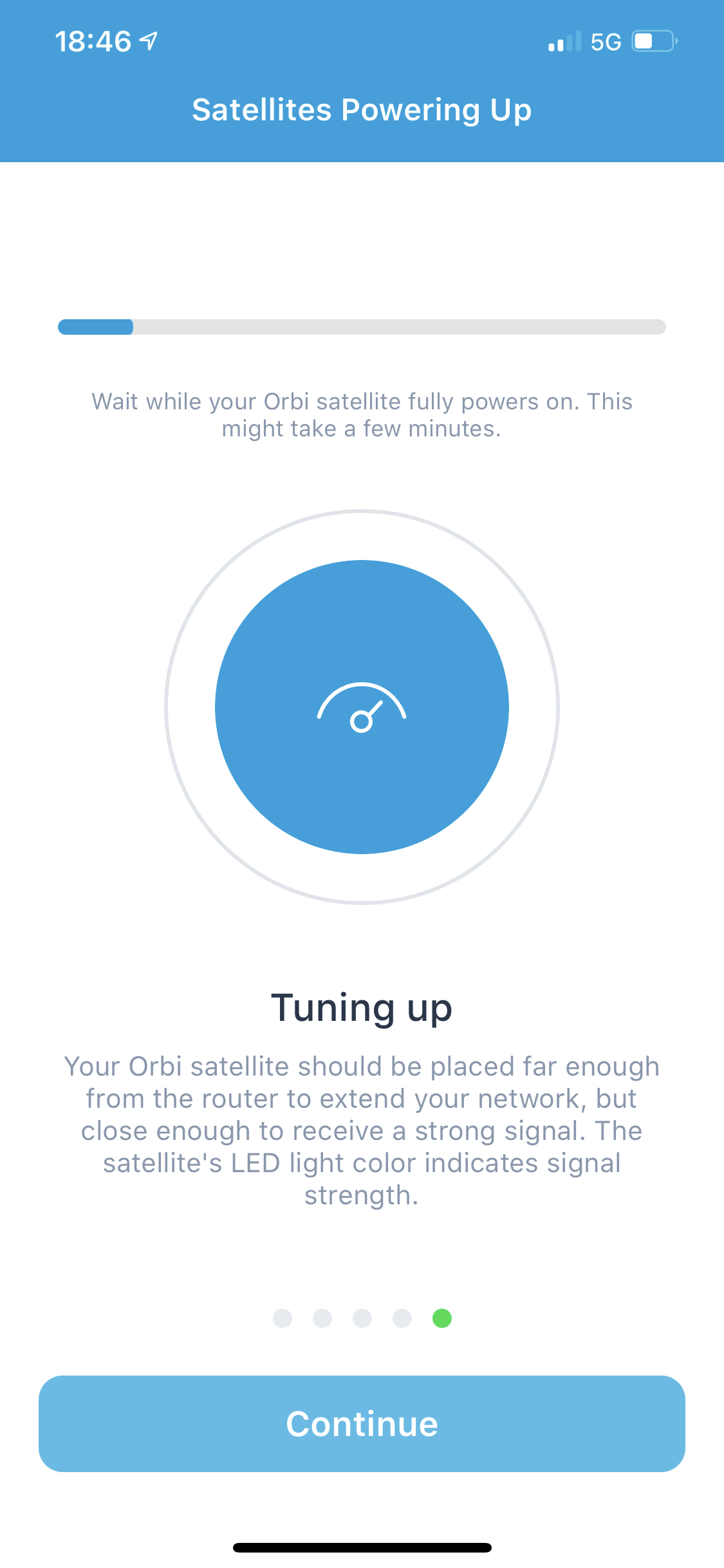

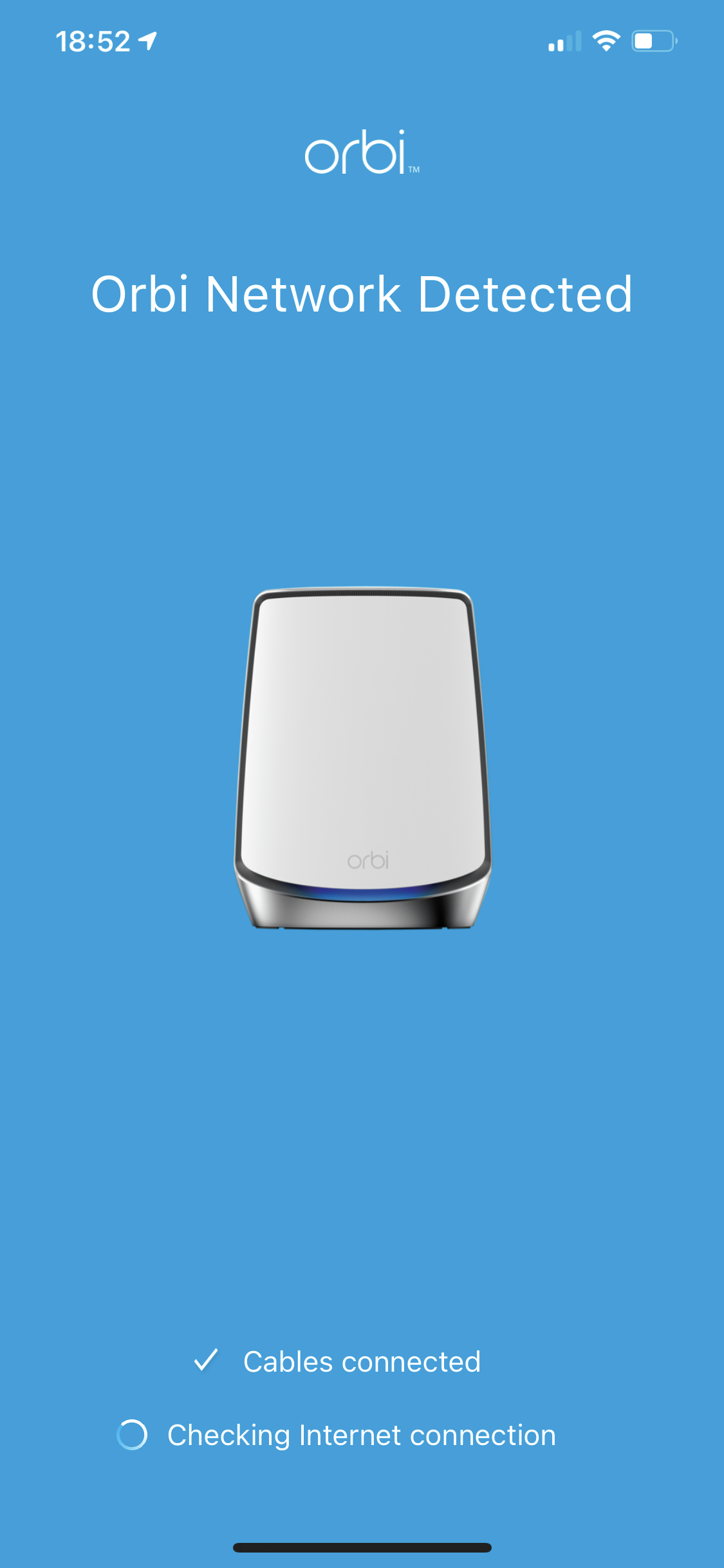

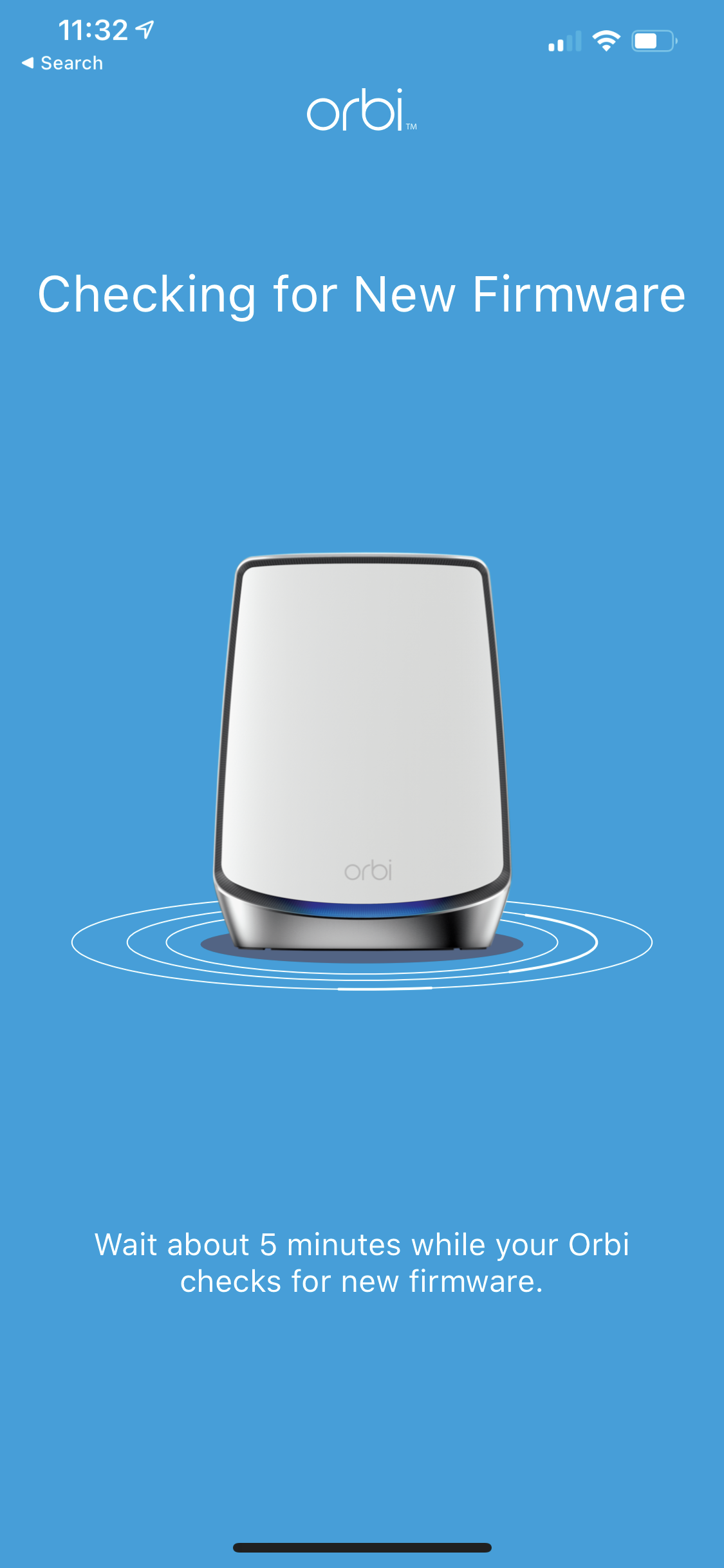

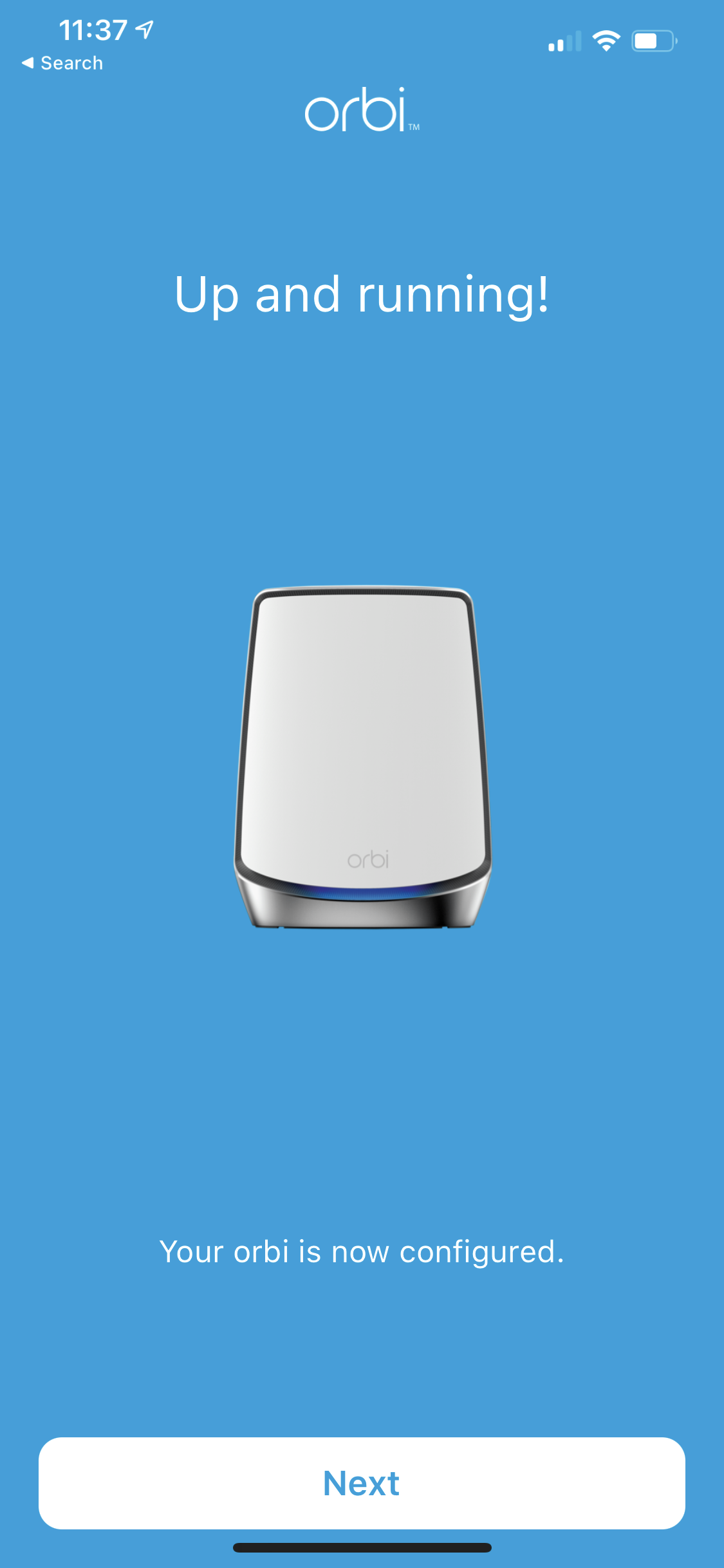

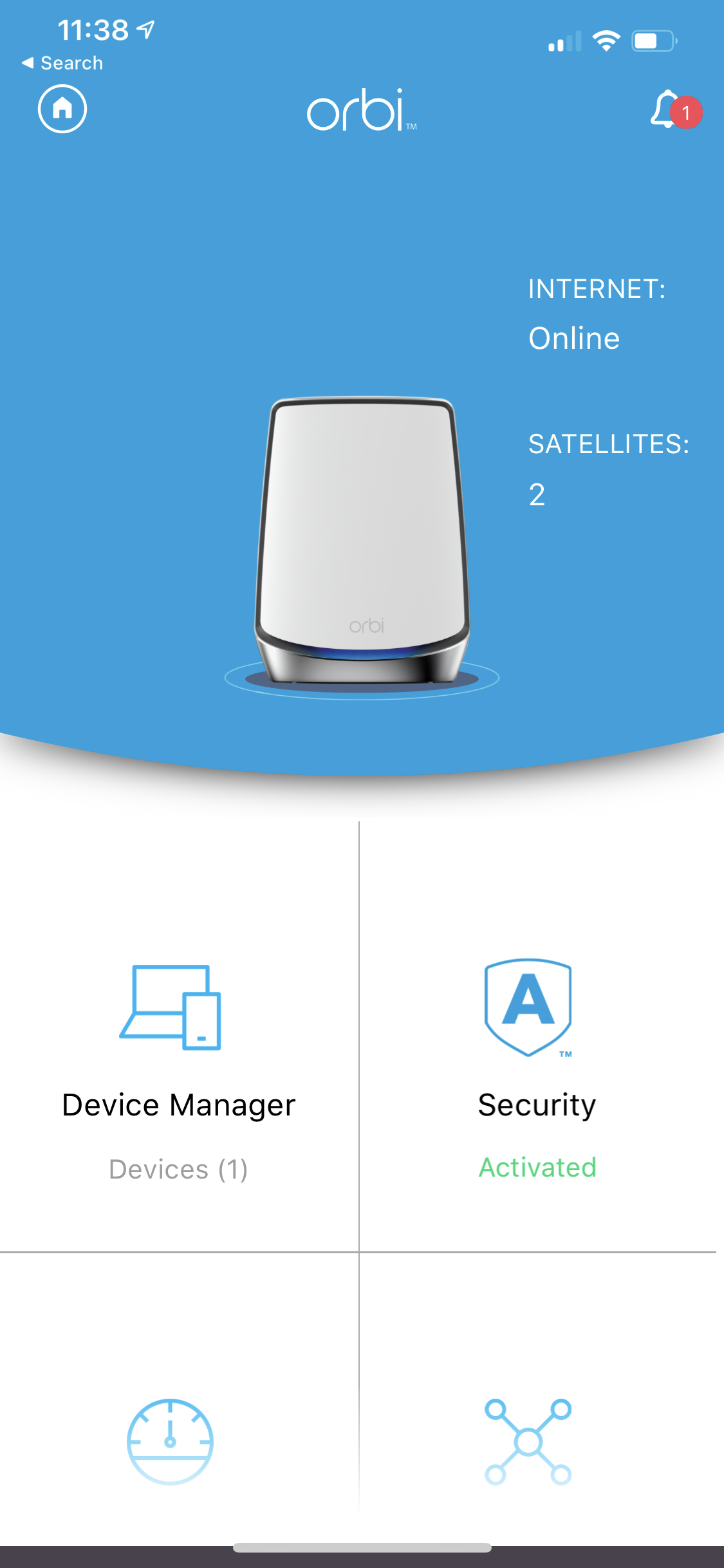
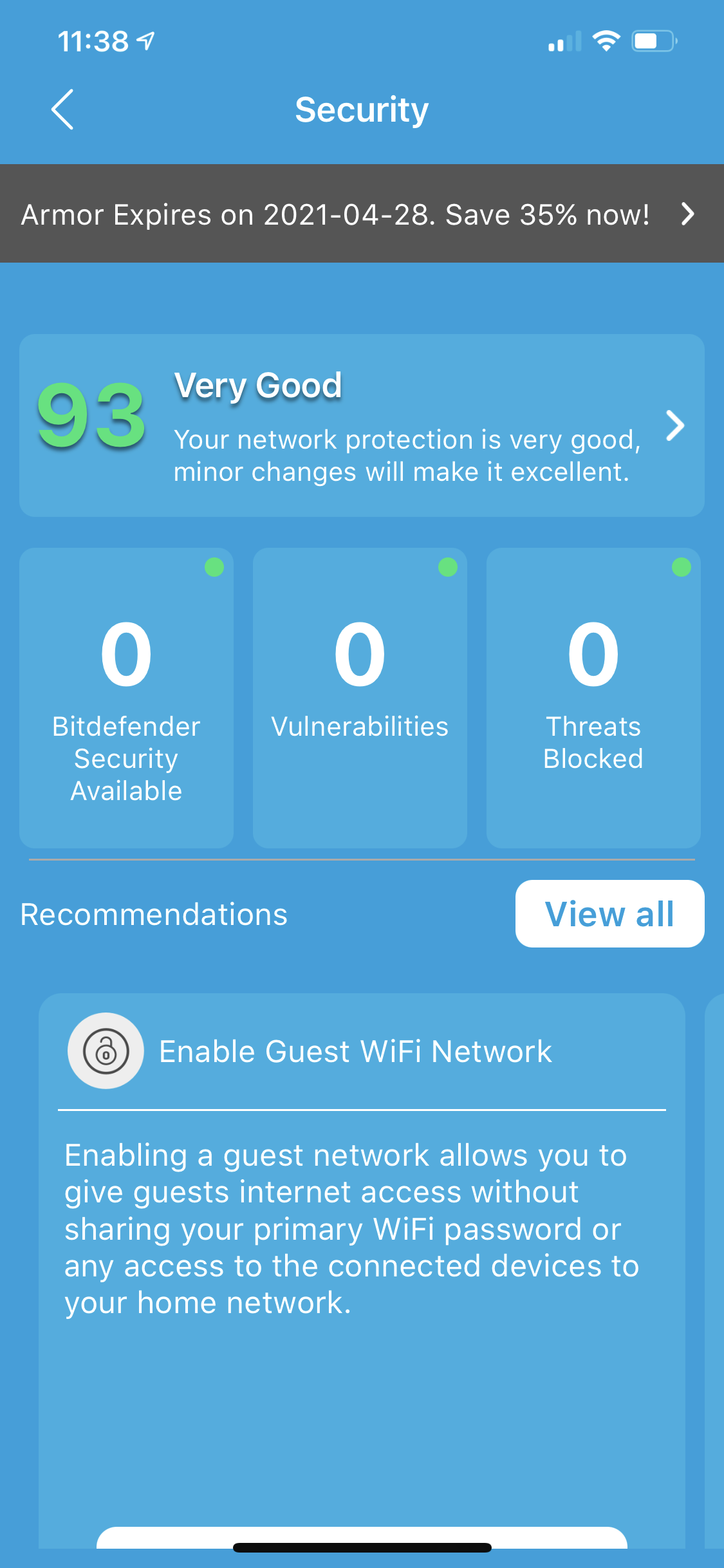
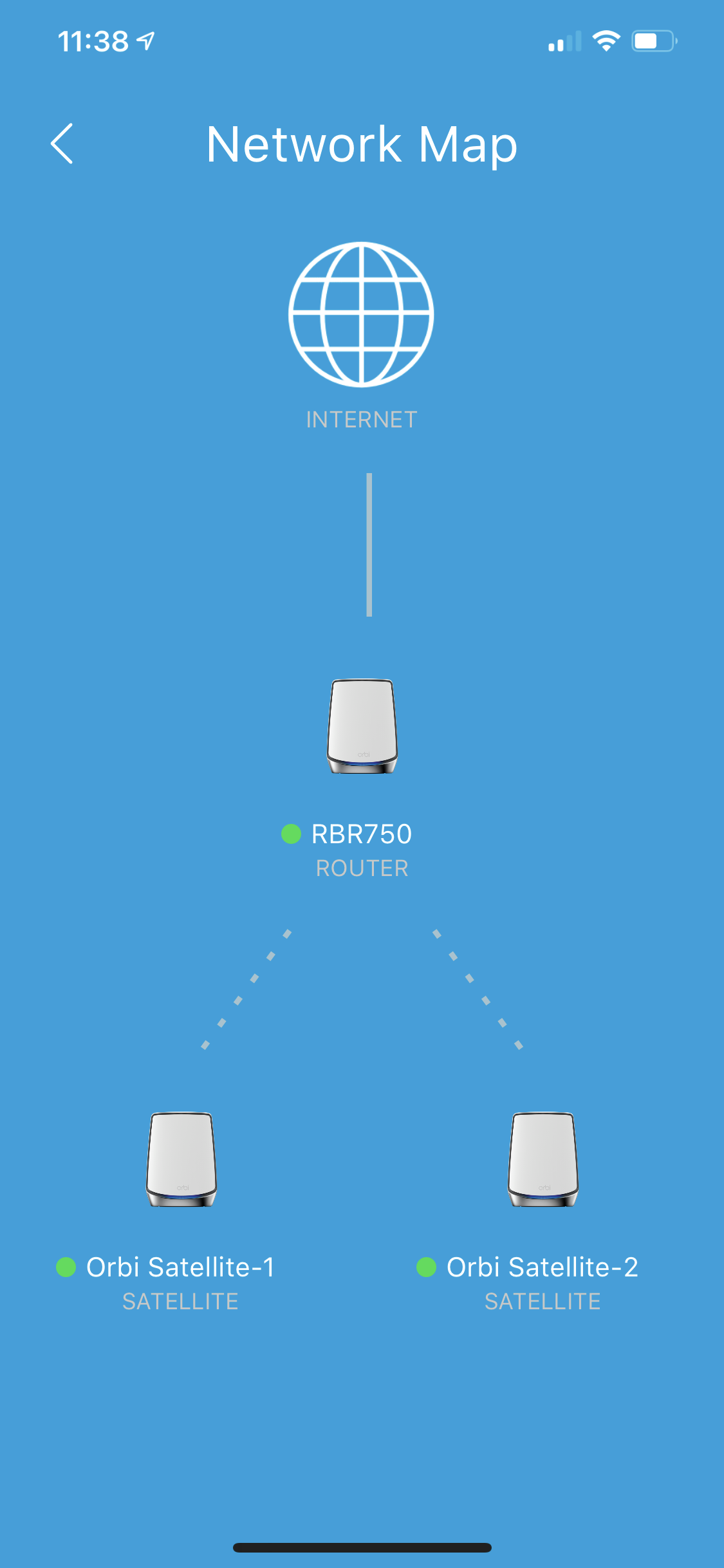
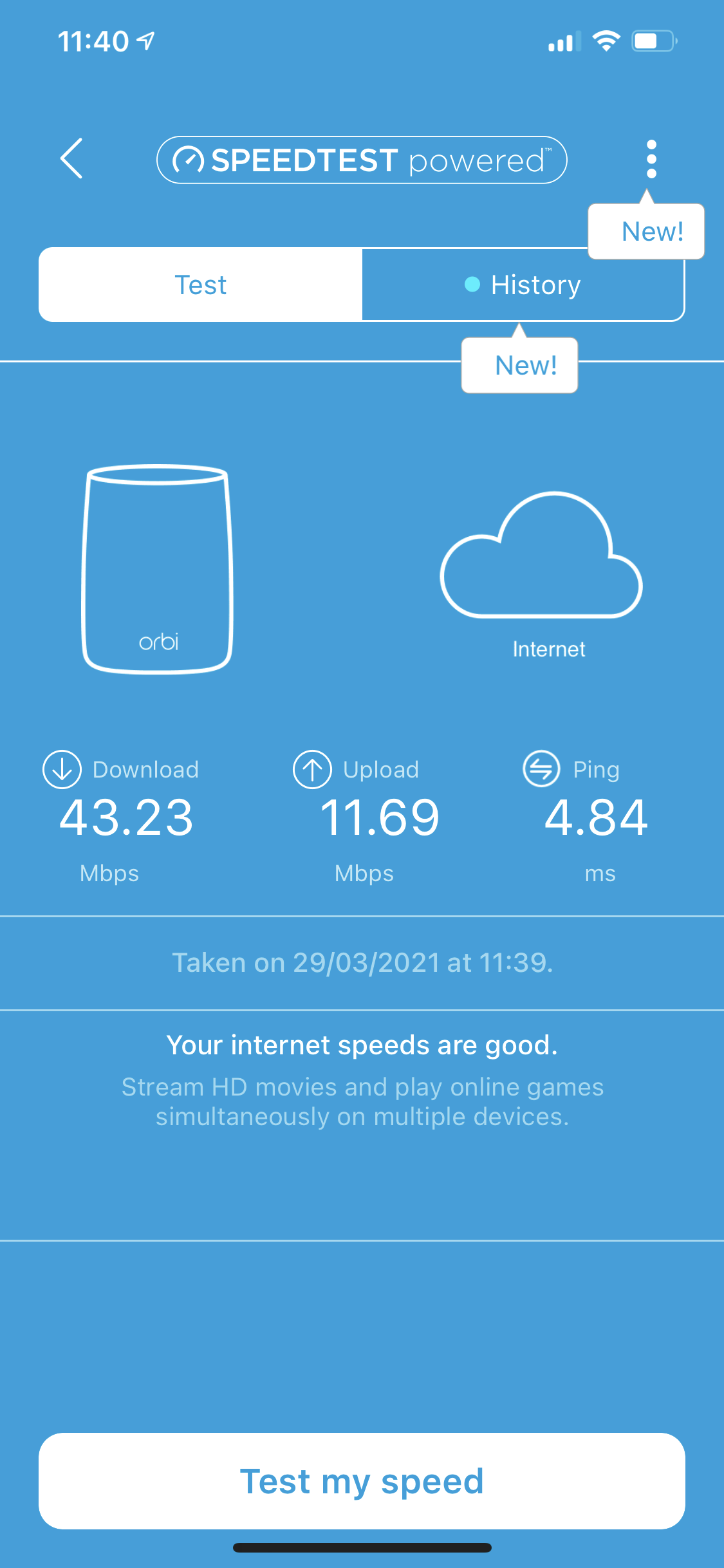
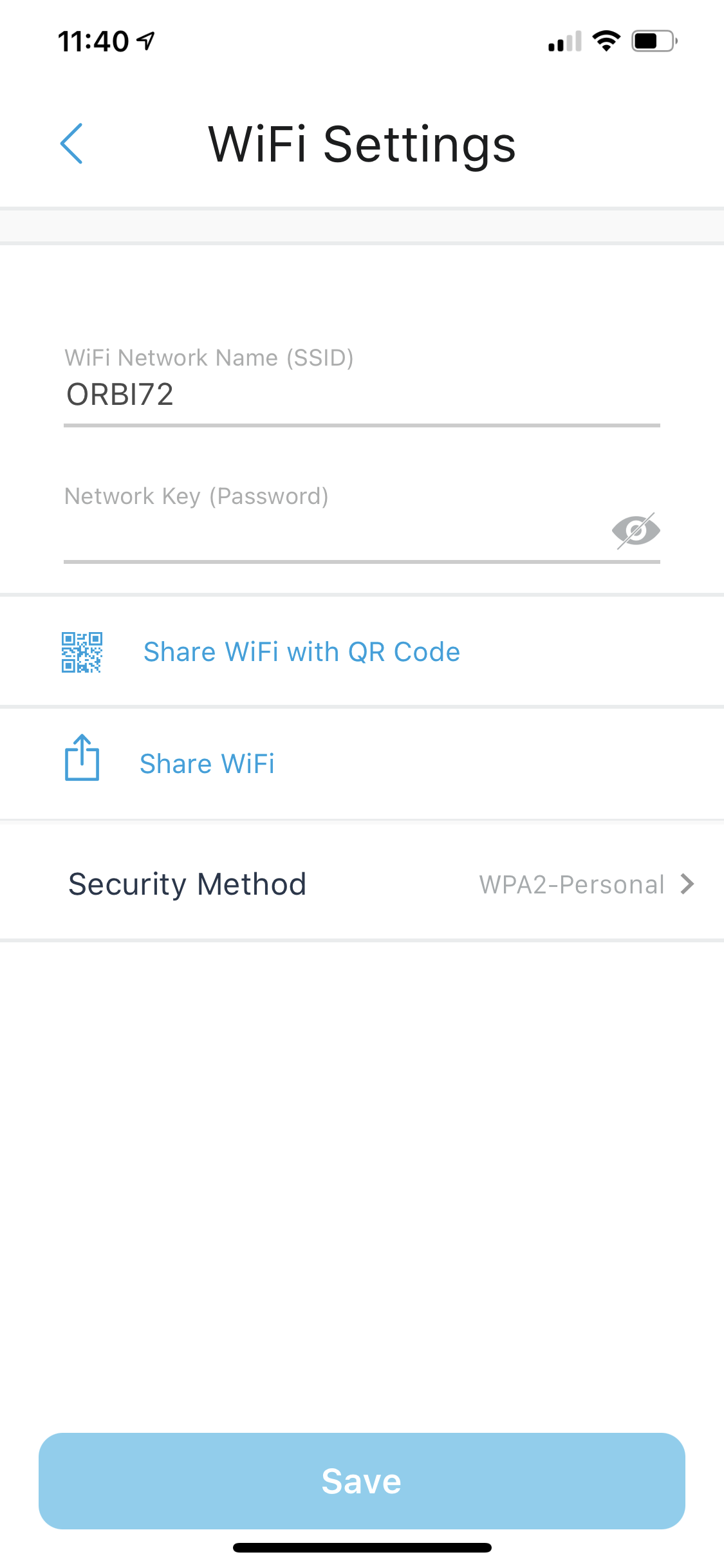
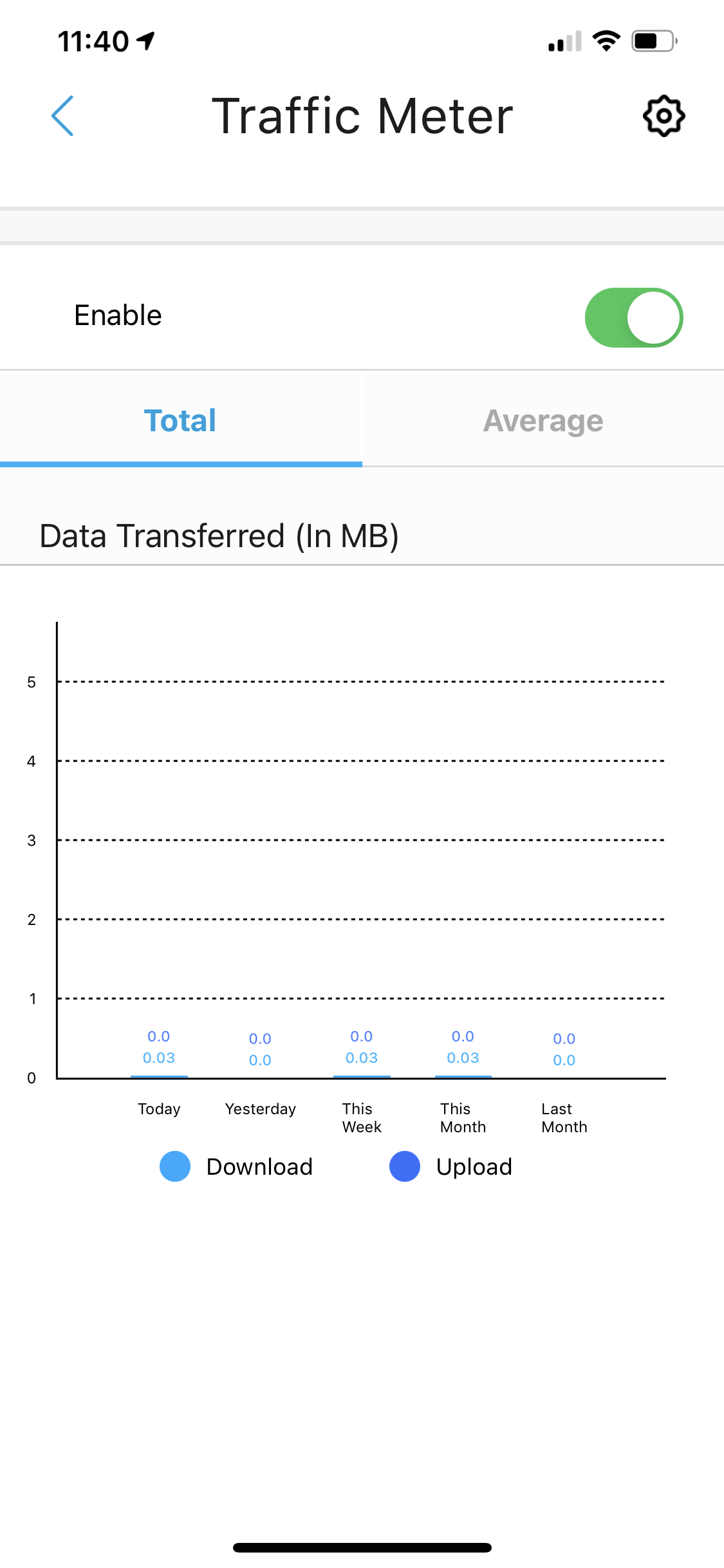
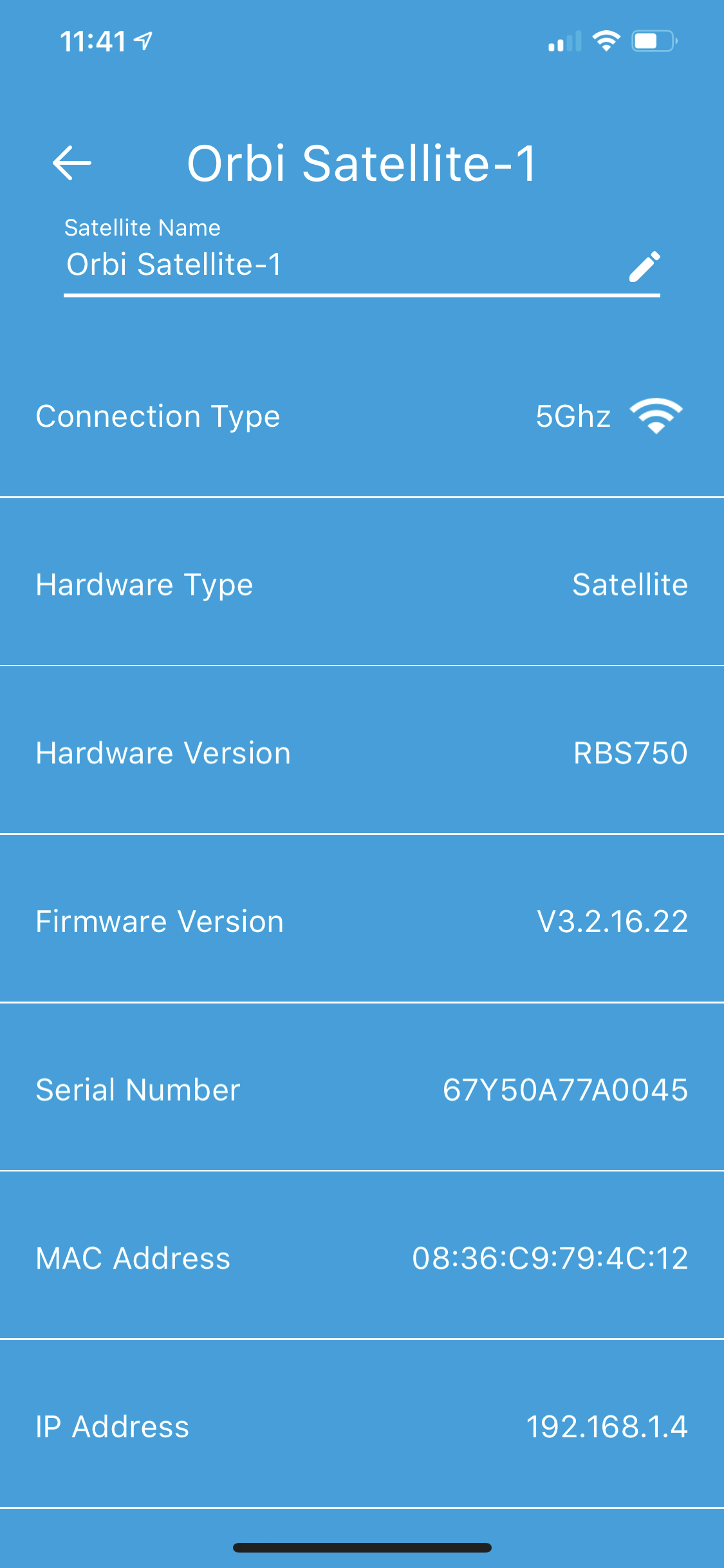
The setup routine is entirely wizard-led, guiding you through first setting up a NETGEAR account or logging into an existing one, then positioning and connecting your router and satellites. The process takes maybe 20 minutes in total. If your devices need a firmware update, that will add another 5-10 minutes.
The smartphone interface, once you get there, isn't very feature rich. You can view Armor security details, the network topology with satellites and connected clients, test your broadband speed, and change a few WiFi settings. The Traffic Meter is the only really advanced feature available here.
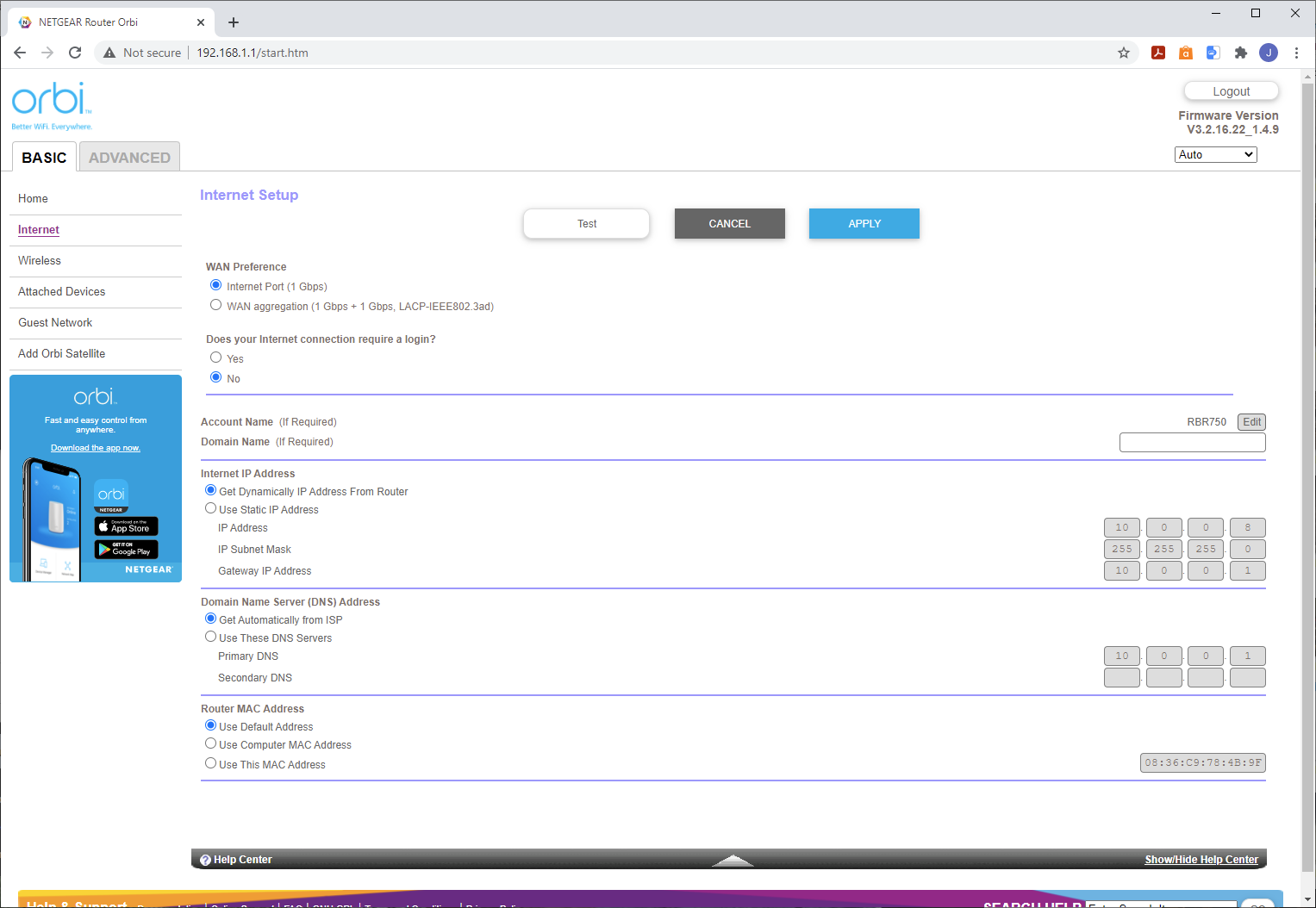
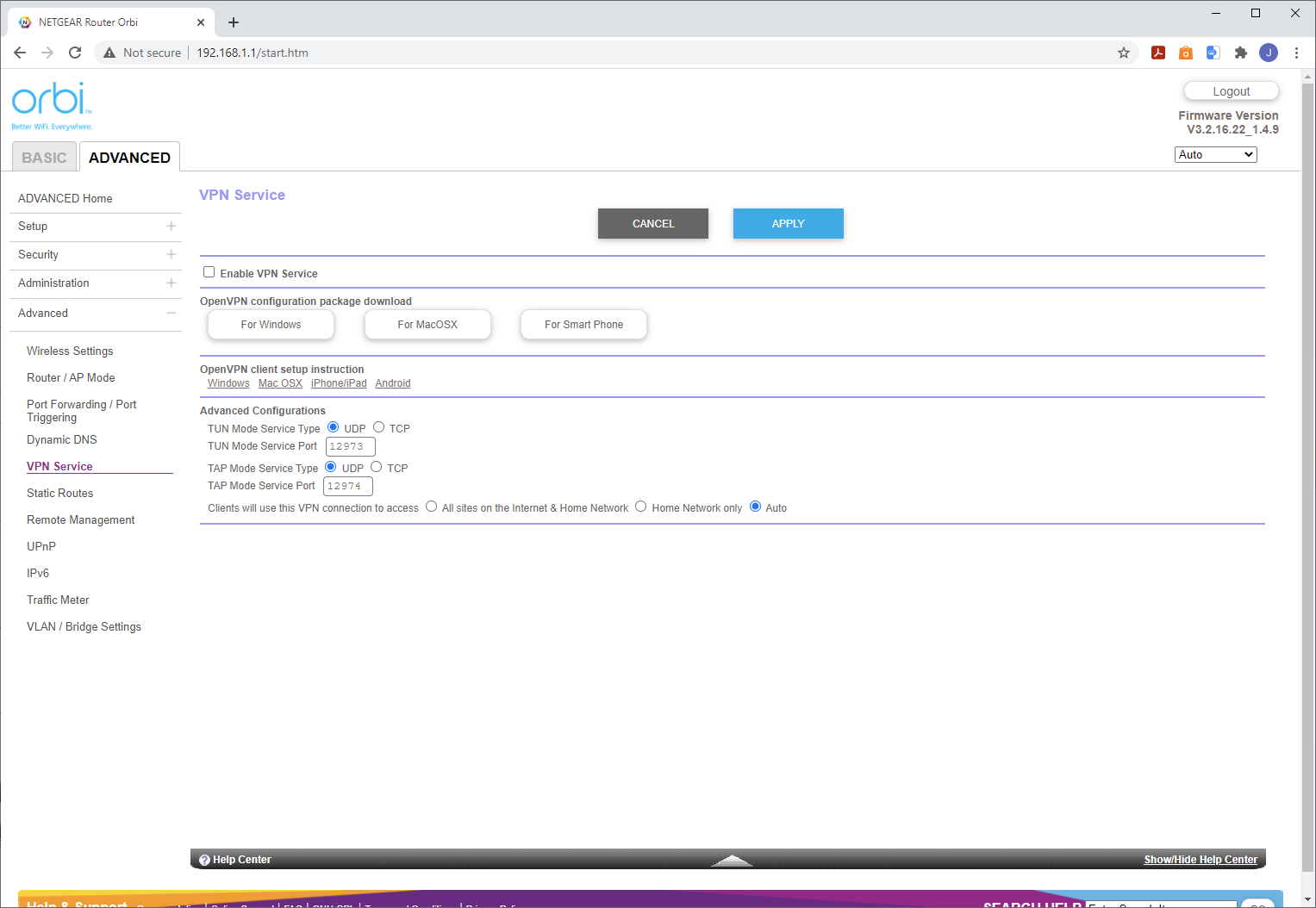
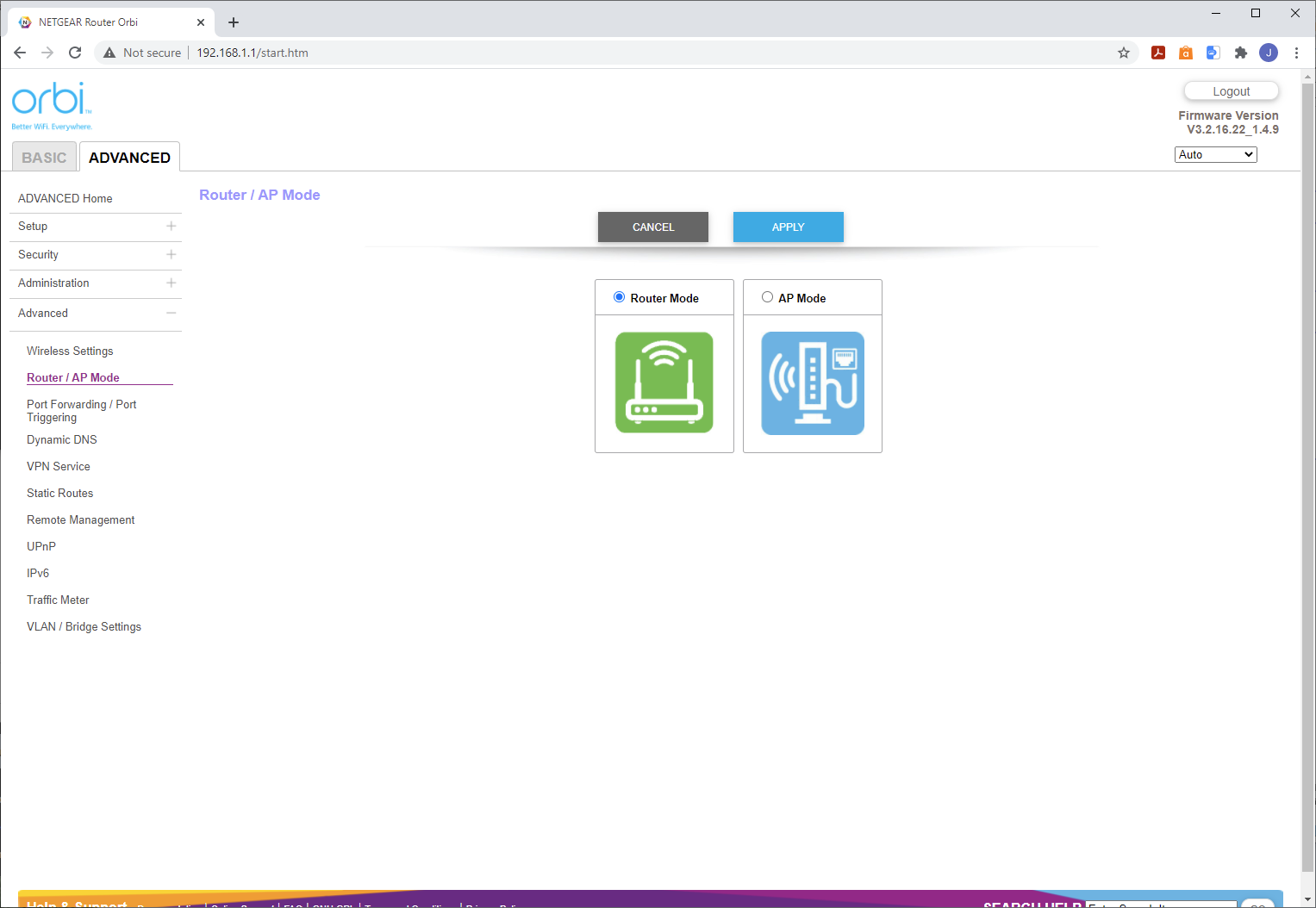
Fortunately, there's a fully featured web interface also available. This provides Basic and Advanced sections. The Basic section lets you configure your broadband connection, WiFi settings, view connected devices, set up a Guest Network, and add another satellite. The Advanced section reveals a full set of router options, although you can switch the Orbi into Access Point mode.
You can set up a DMZ, configure DHCP, allow or block devices by MAC Address, block sites and services, and set up a schedule for restrictions – great for limiting your kids' Internet time. You can also configure port forwarding and triggering, dynamic DNS, and use the Orbi router as a VPN server via the OpenVPN protocol. With VLAN / bridge options available too, you won't need a separate router for most home or small office activities.
NETGEAR Orbi AX6000
The NETGEAR Orbi AX6000 uses exactly the same smartphone app and process for setup as the AX4200.

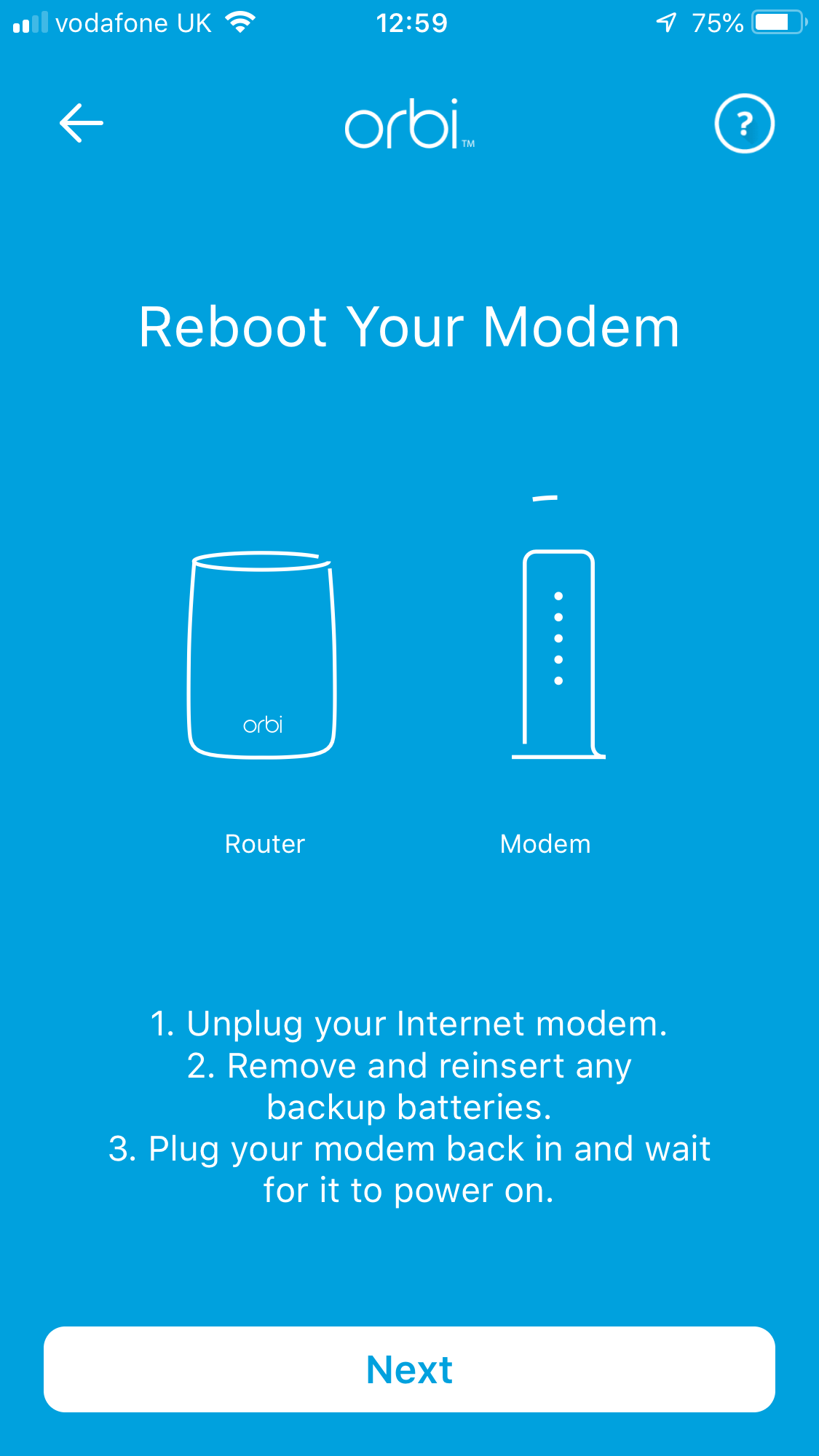
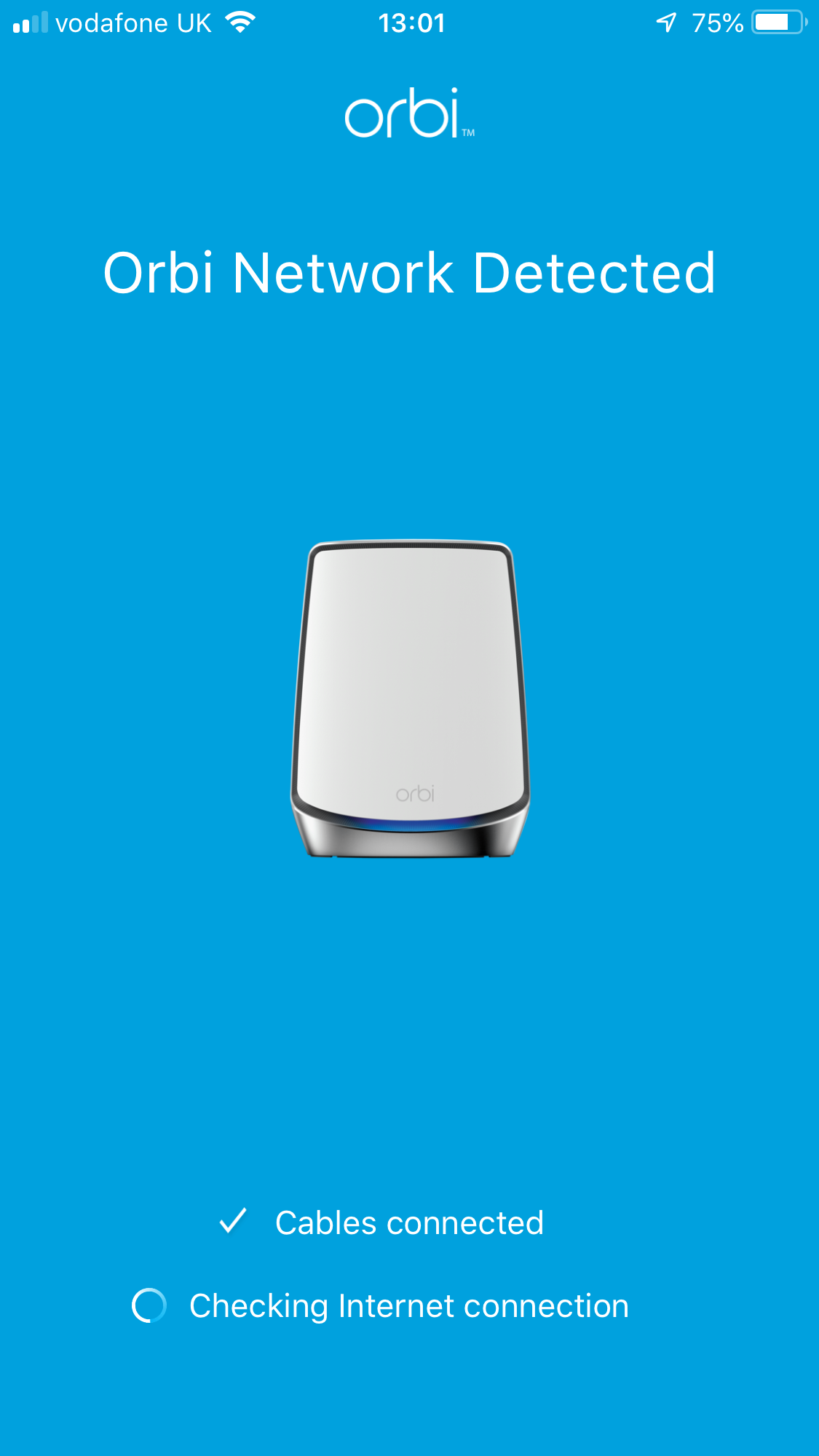
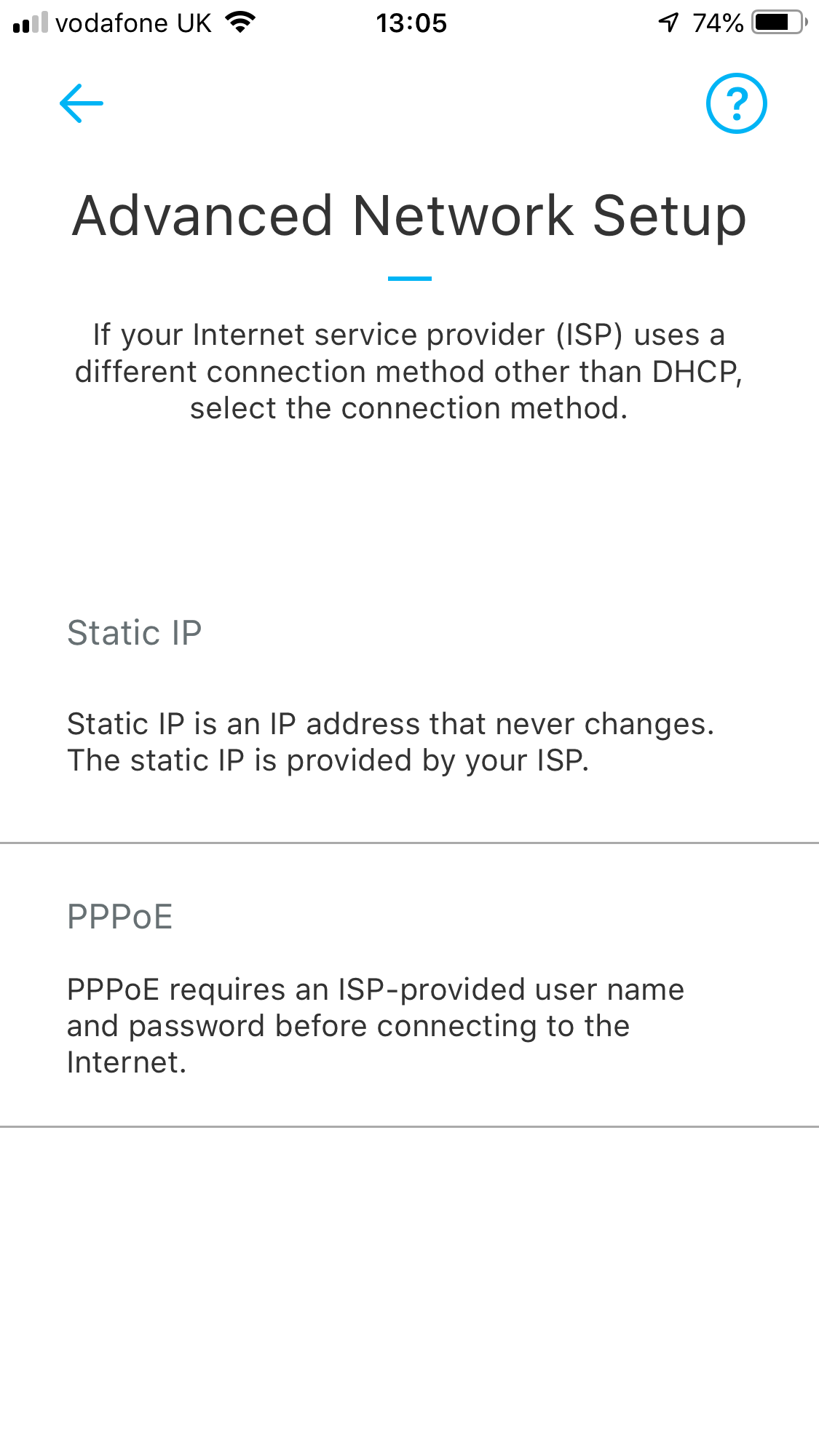
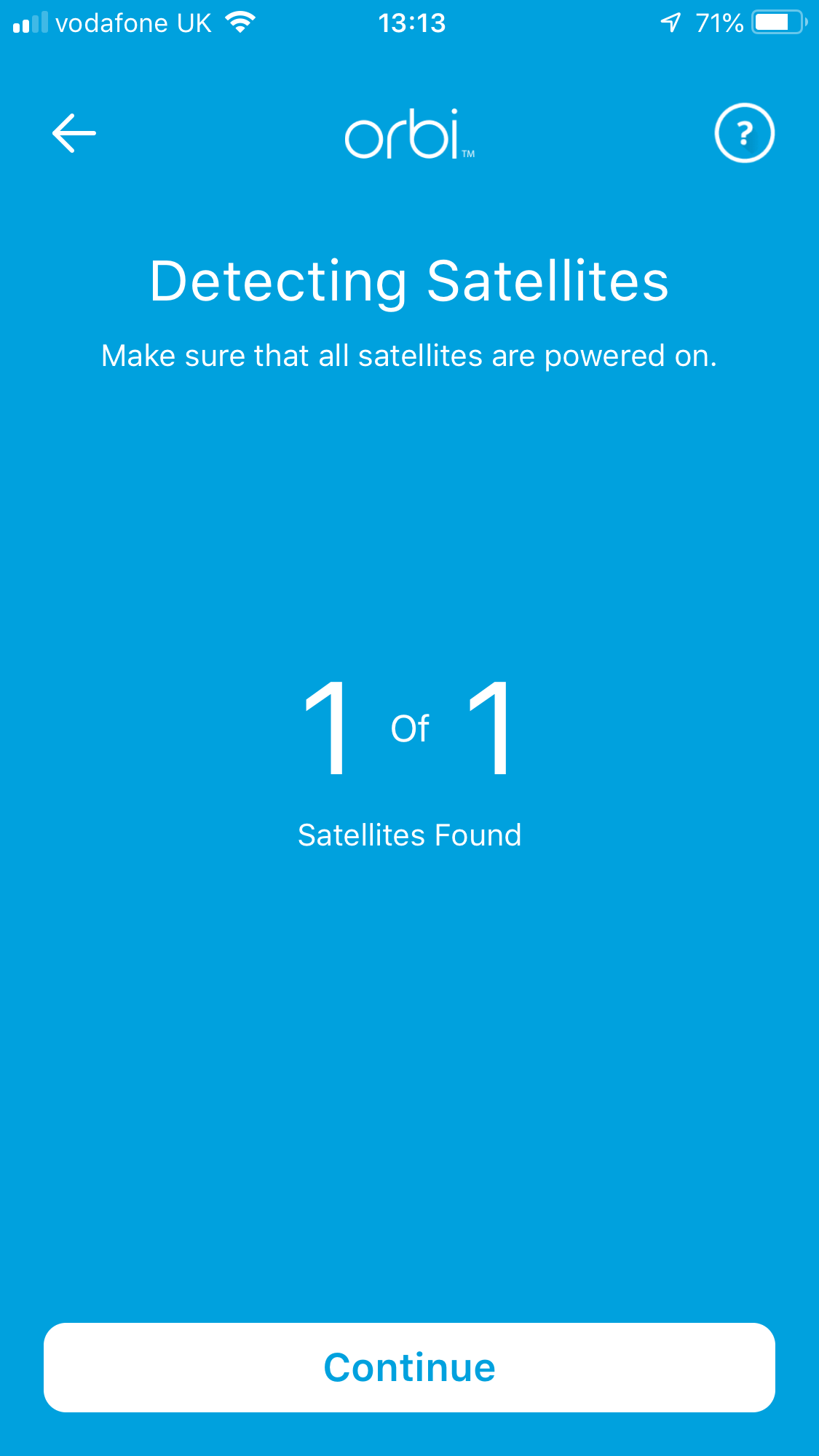
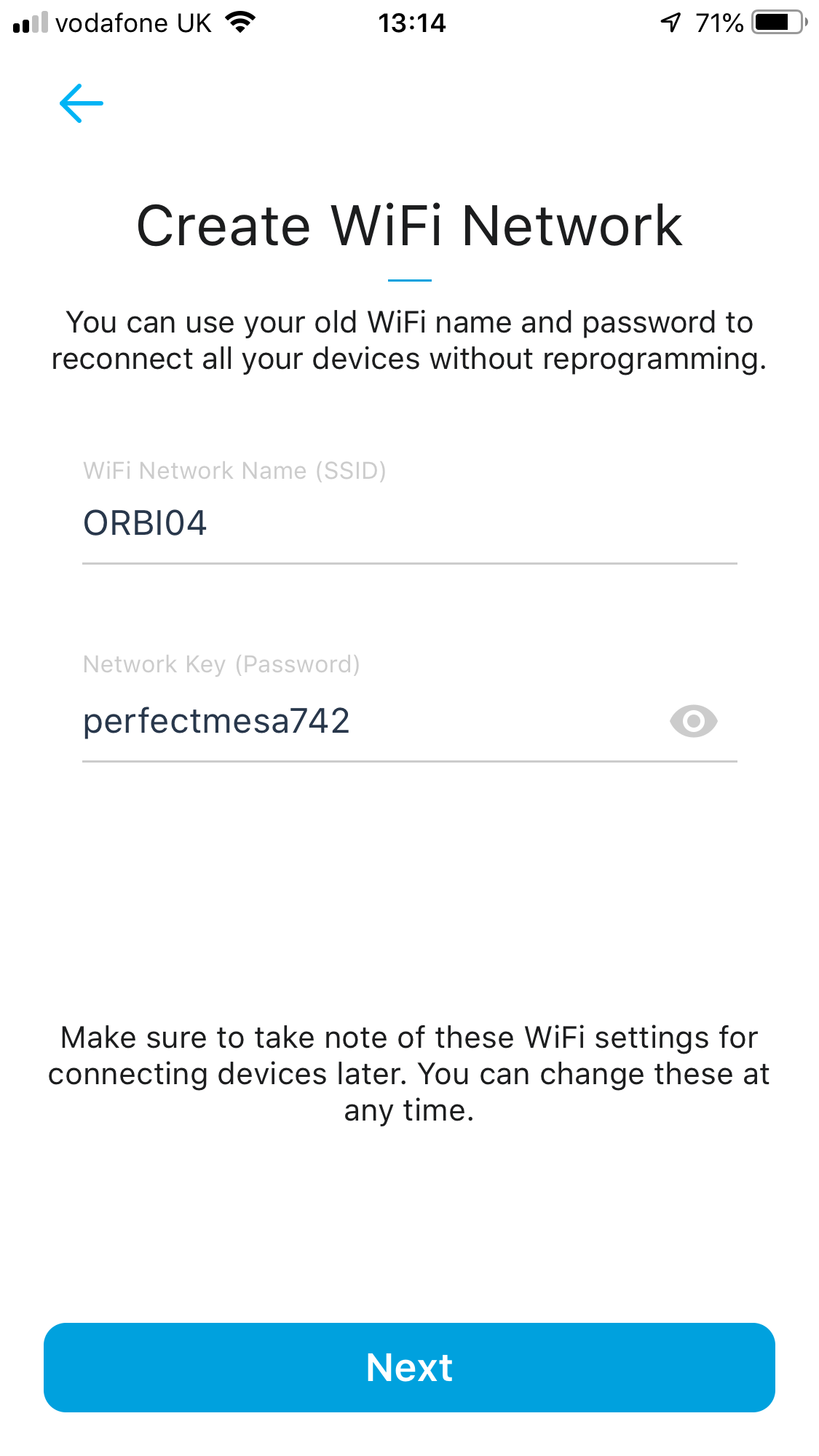
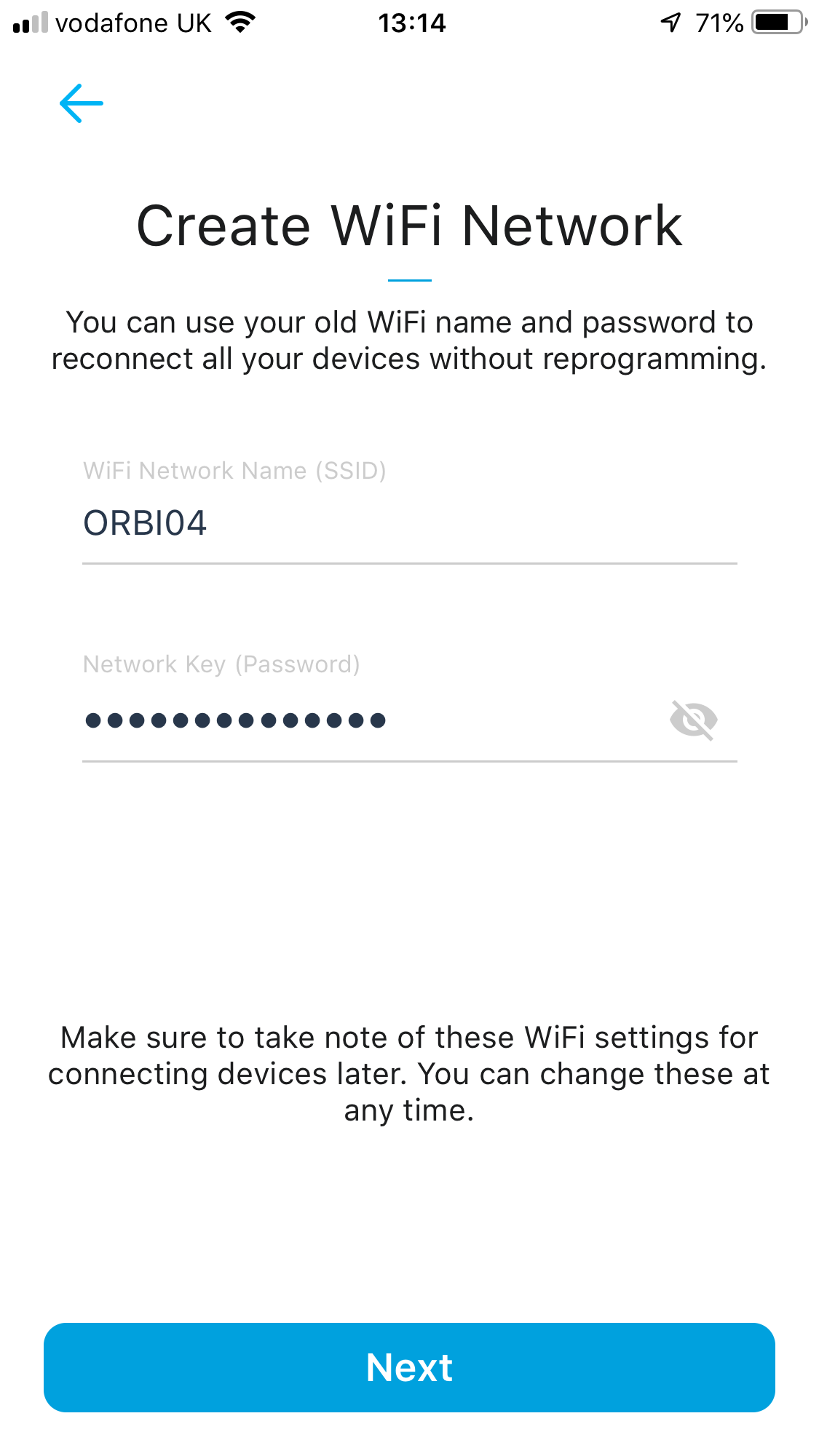

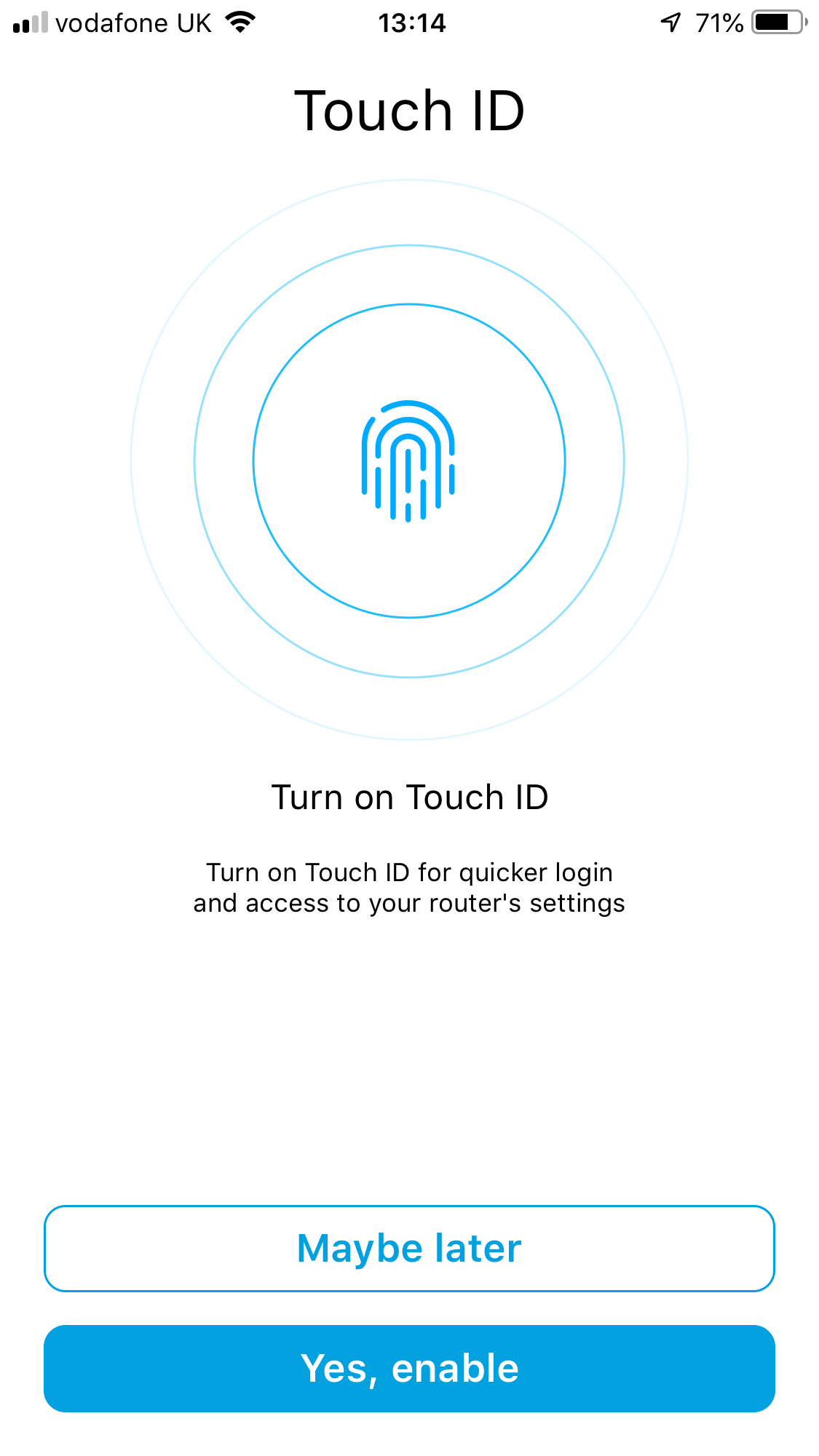

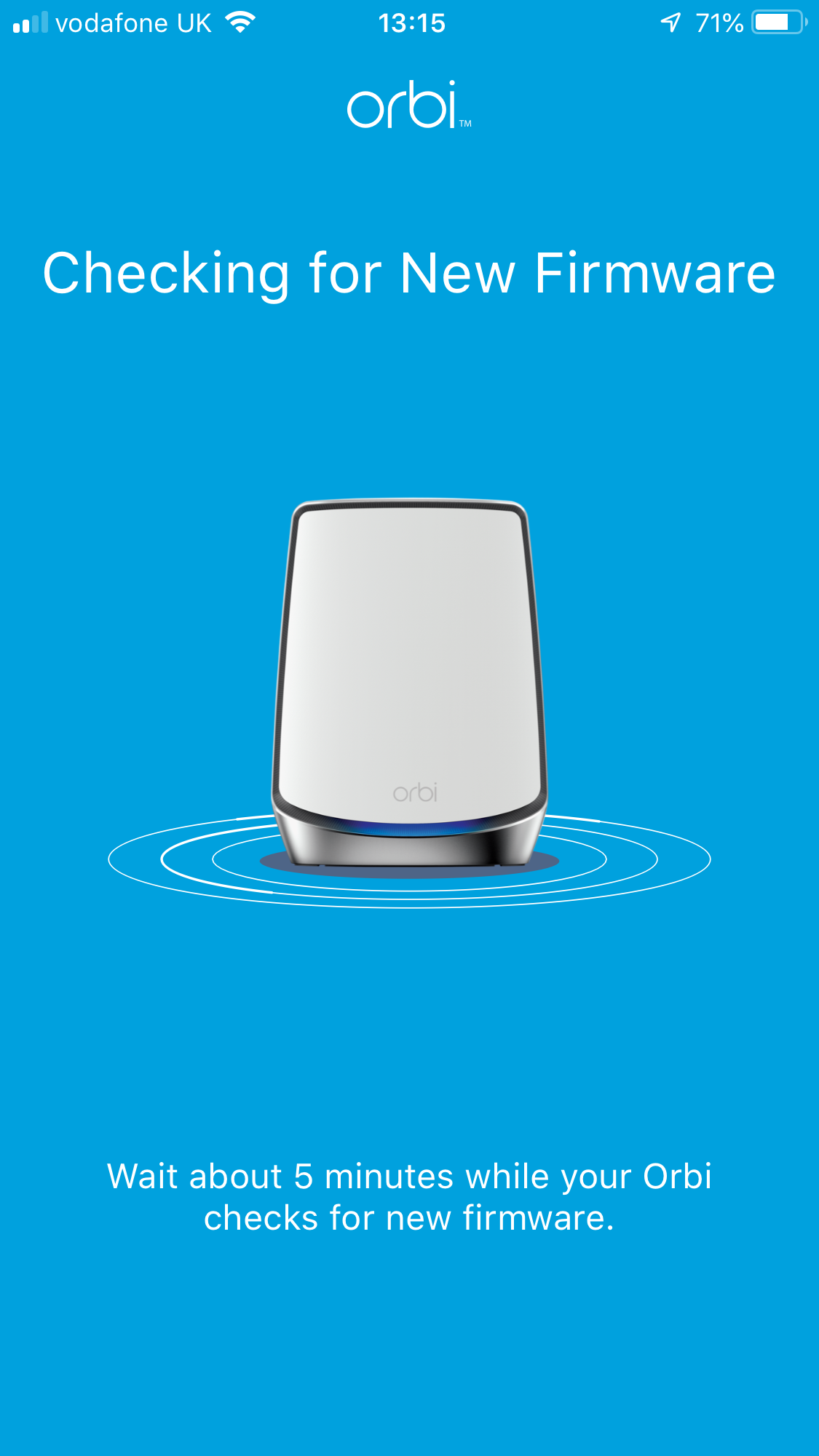
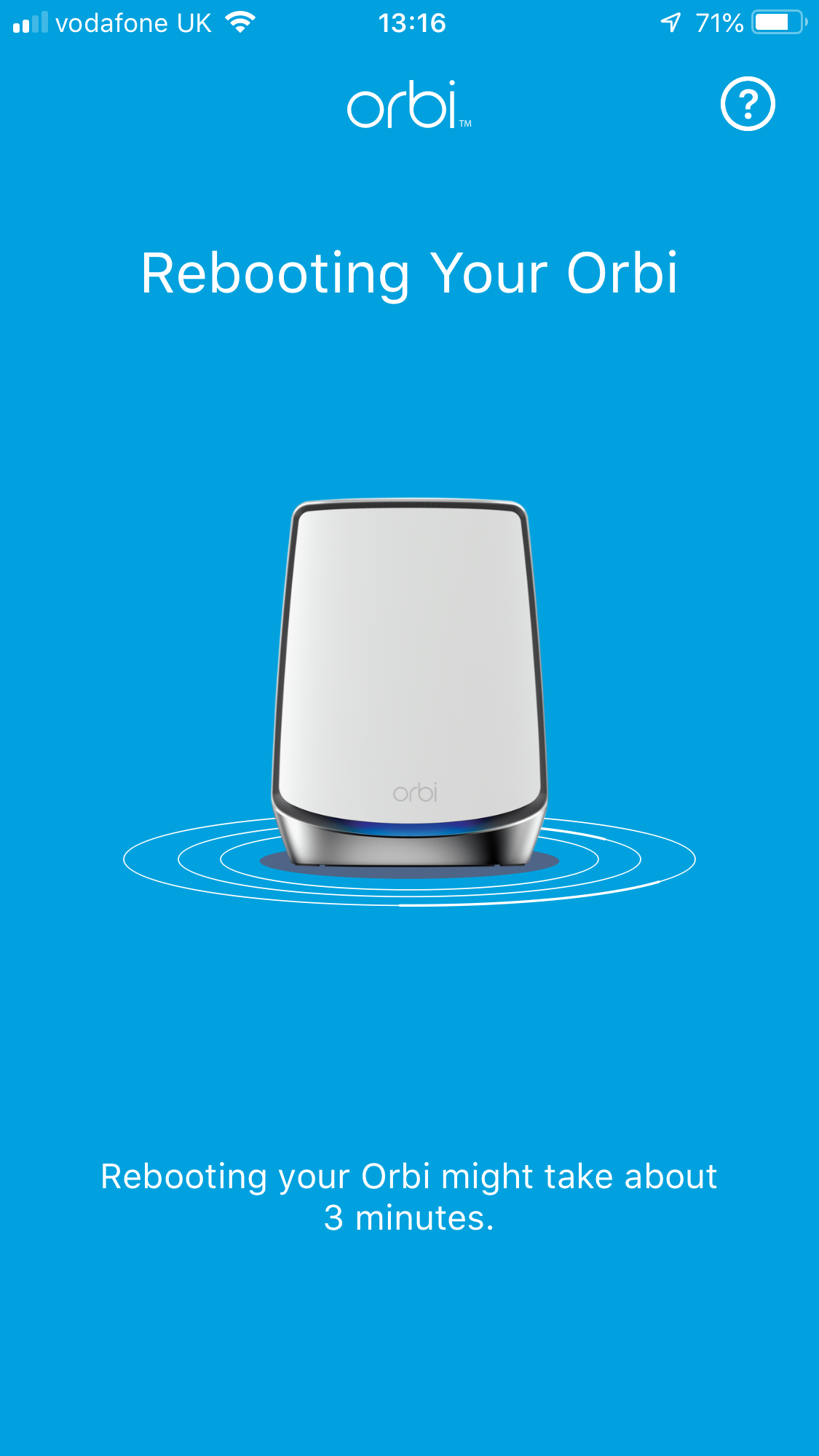
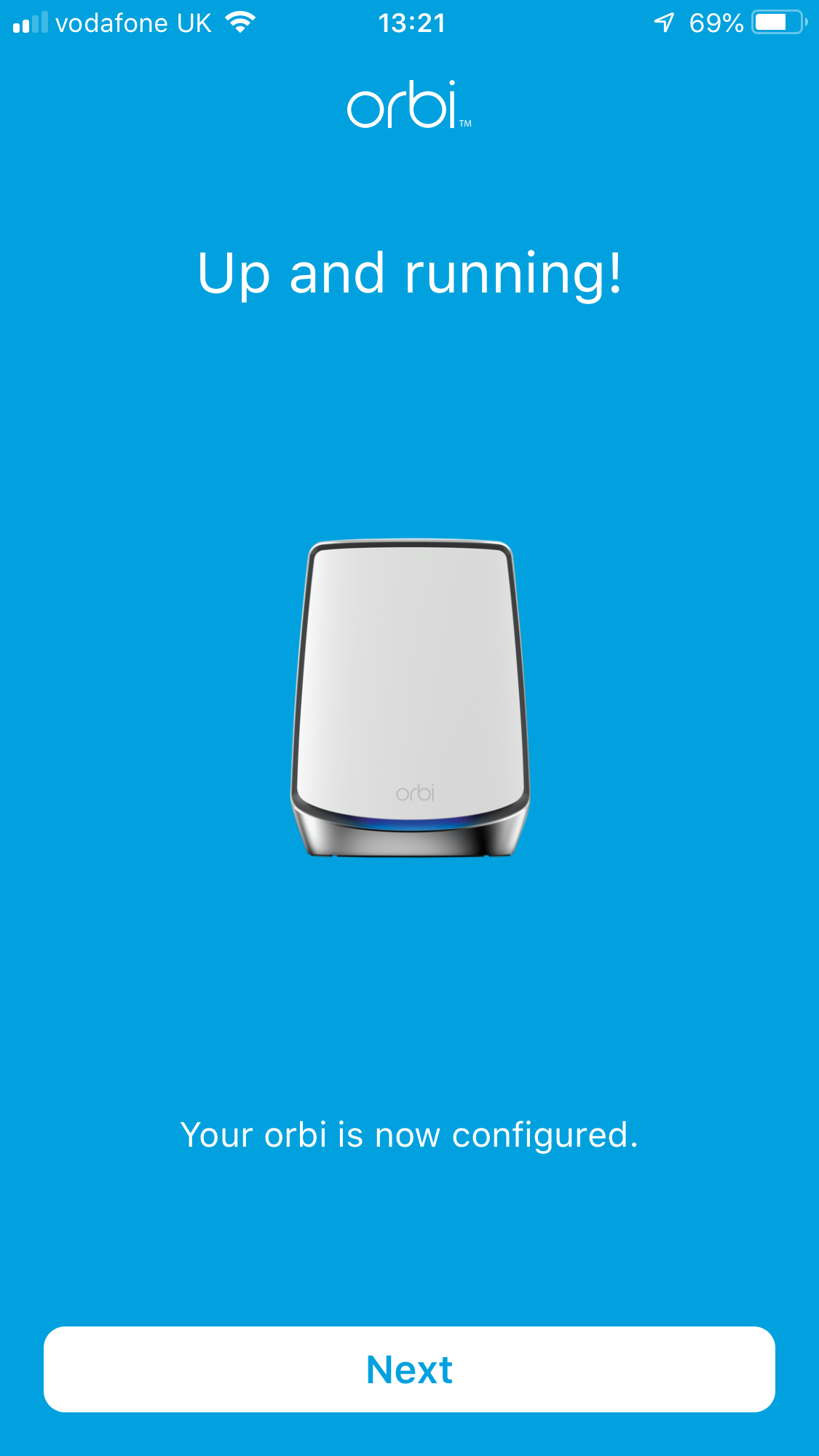
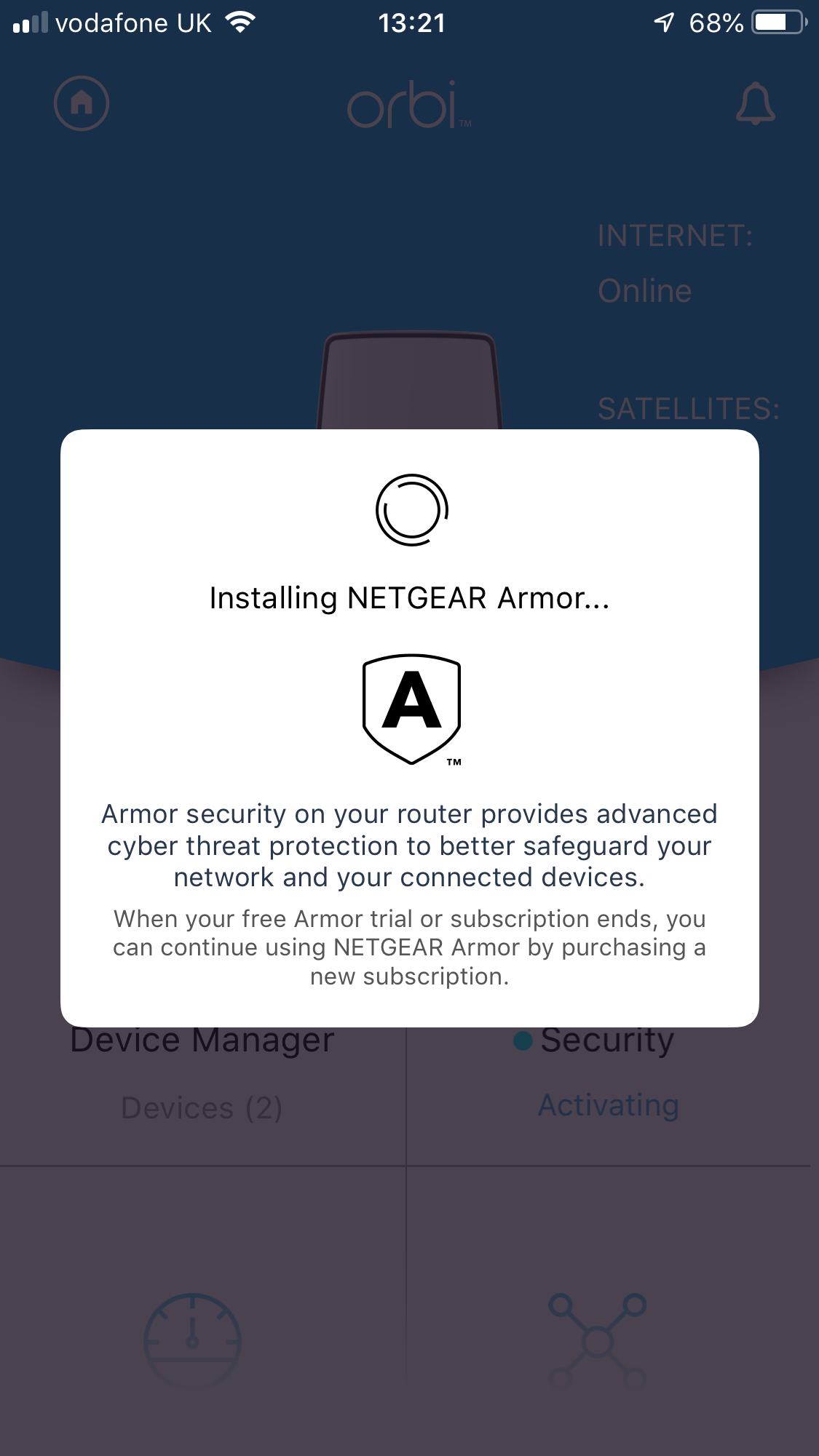
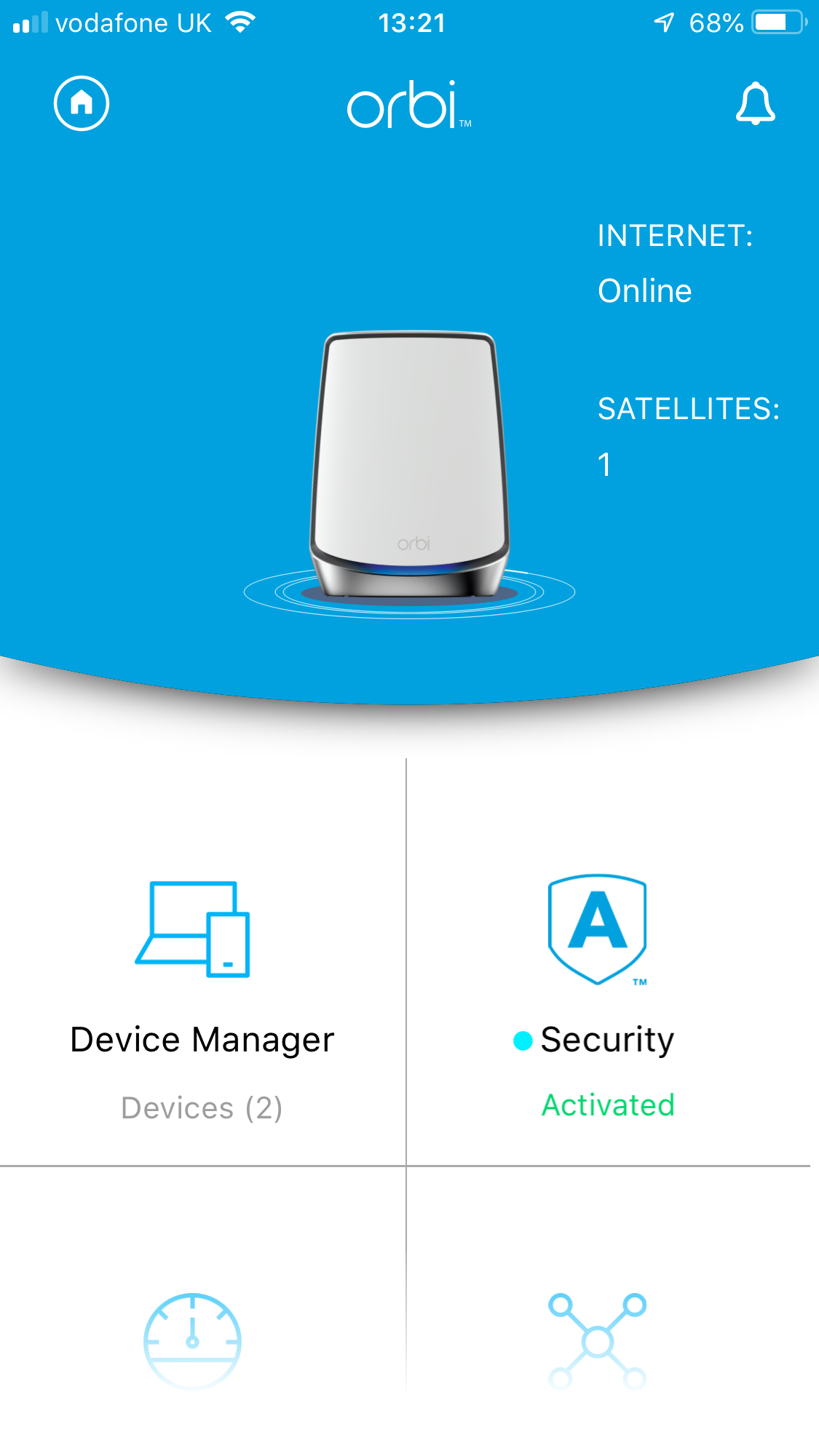

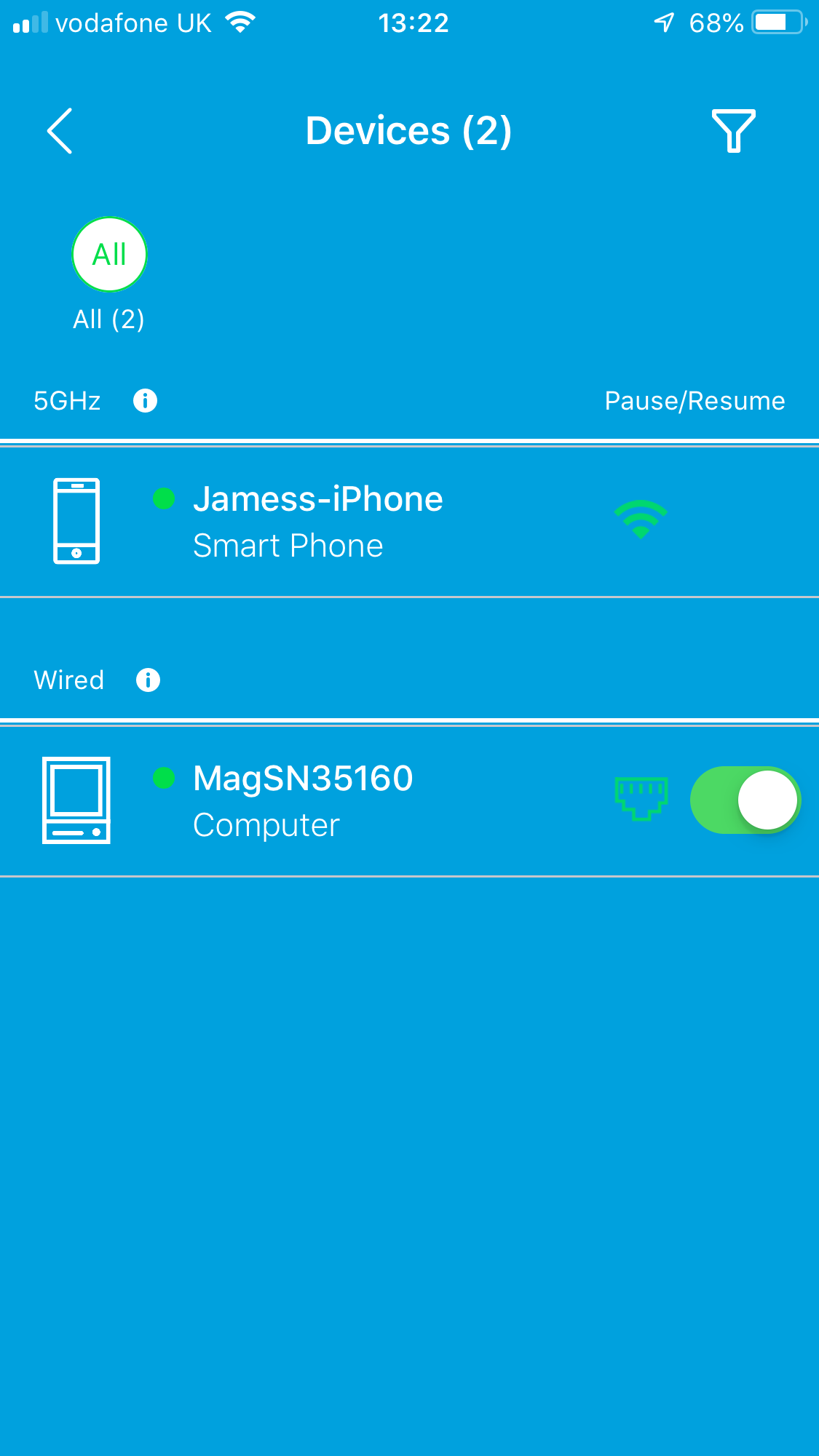
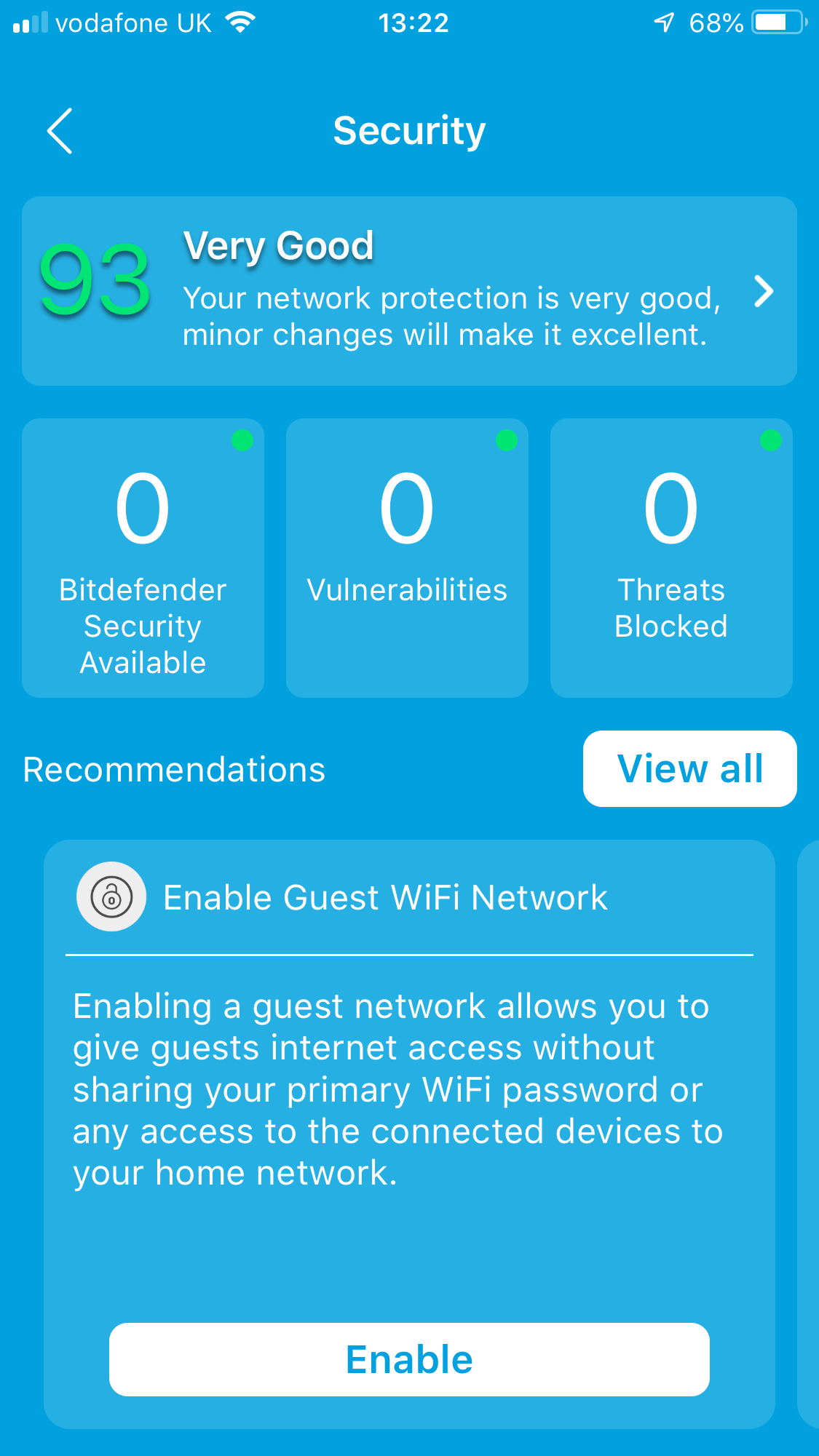
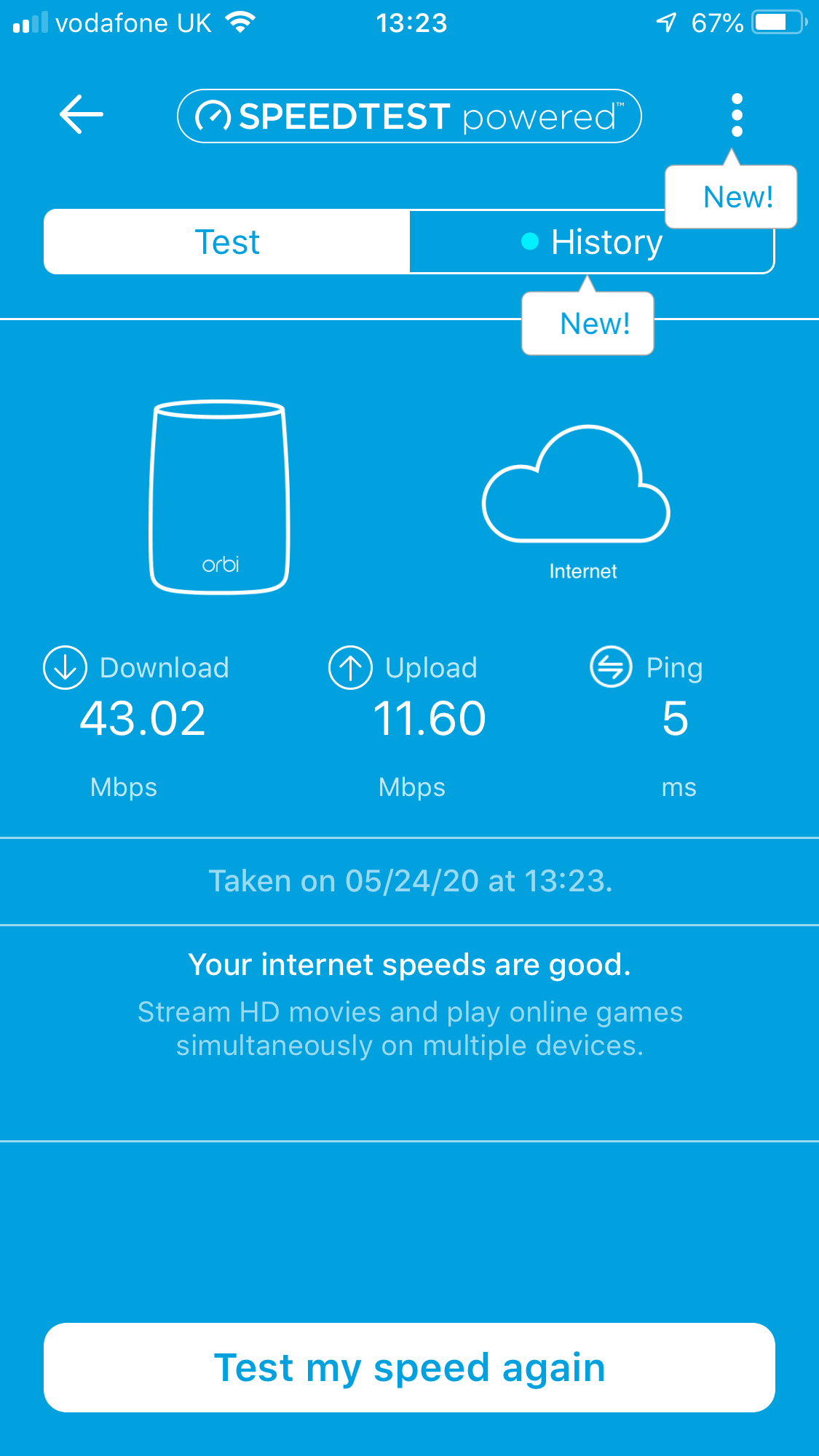
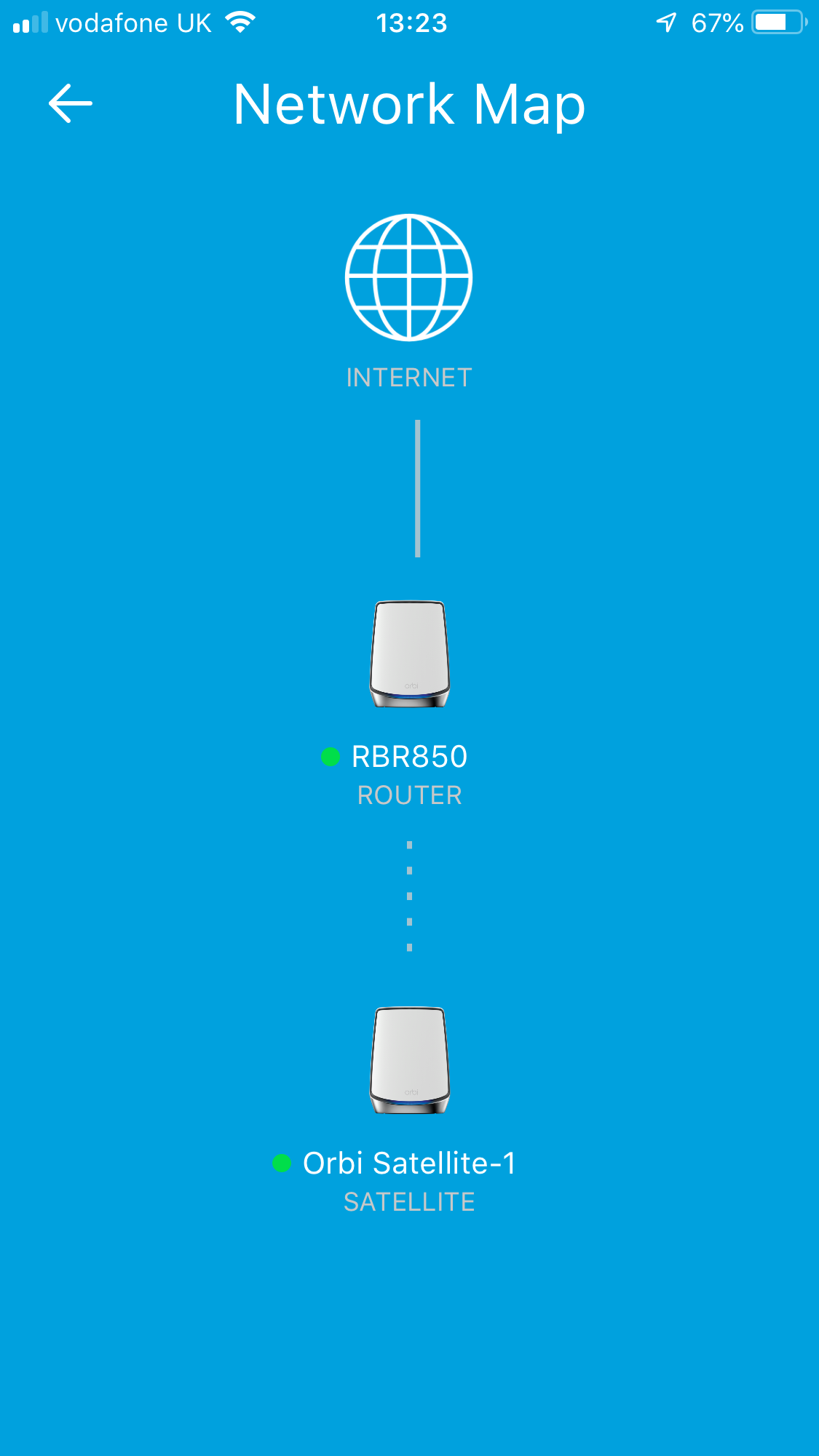
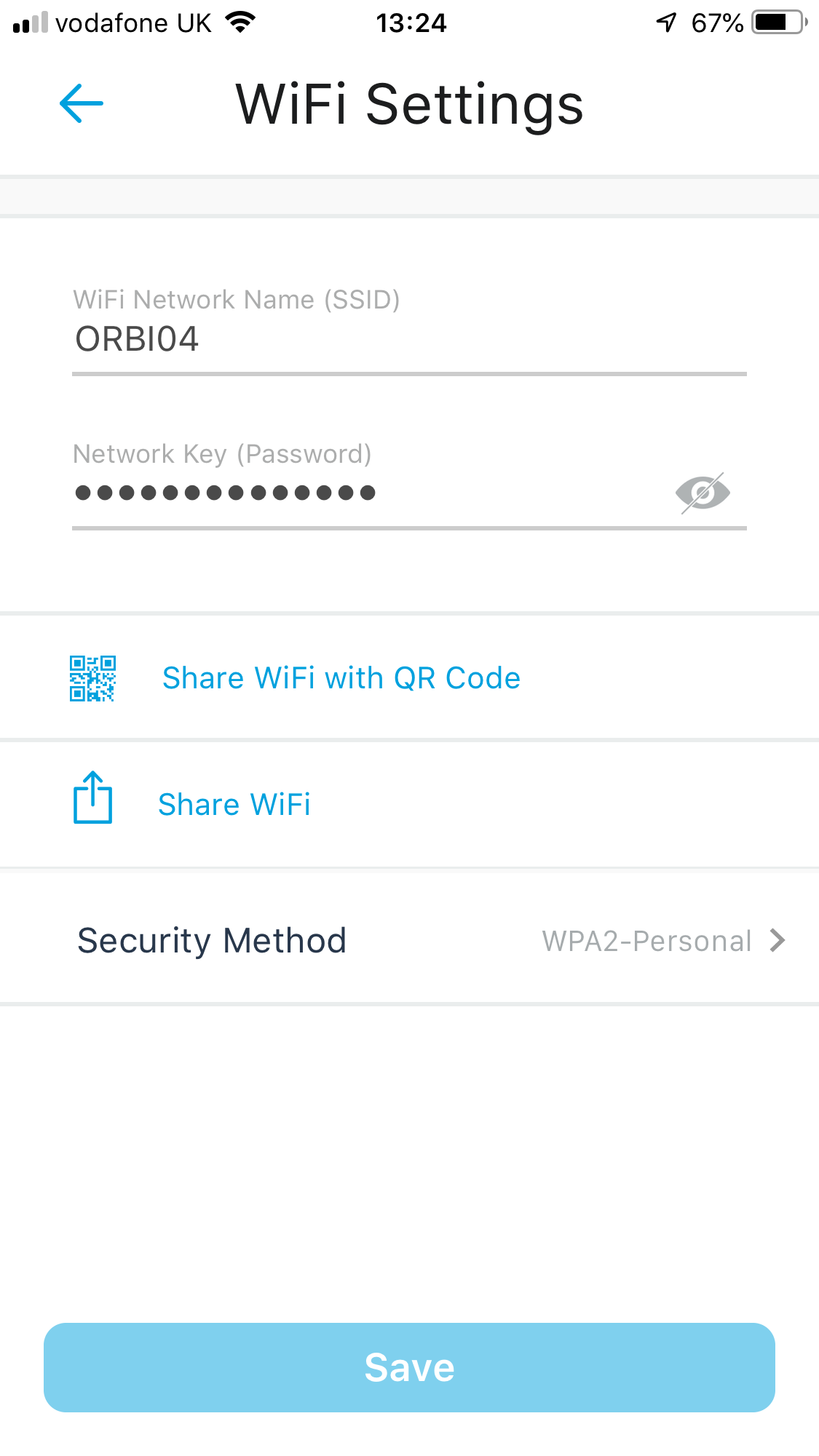
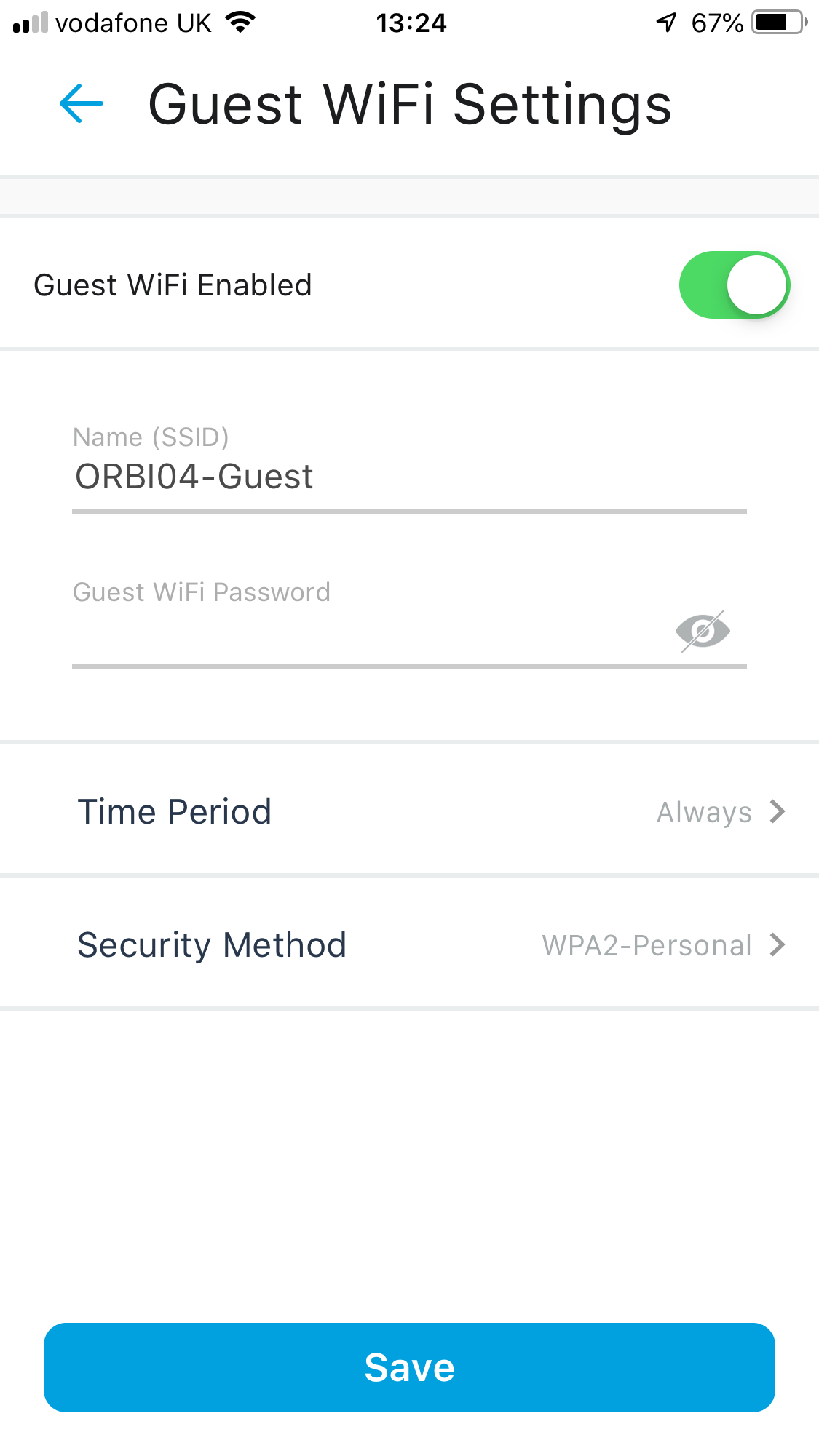
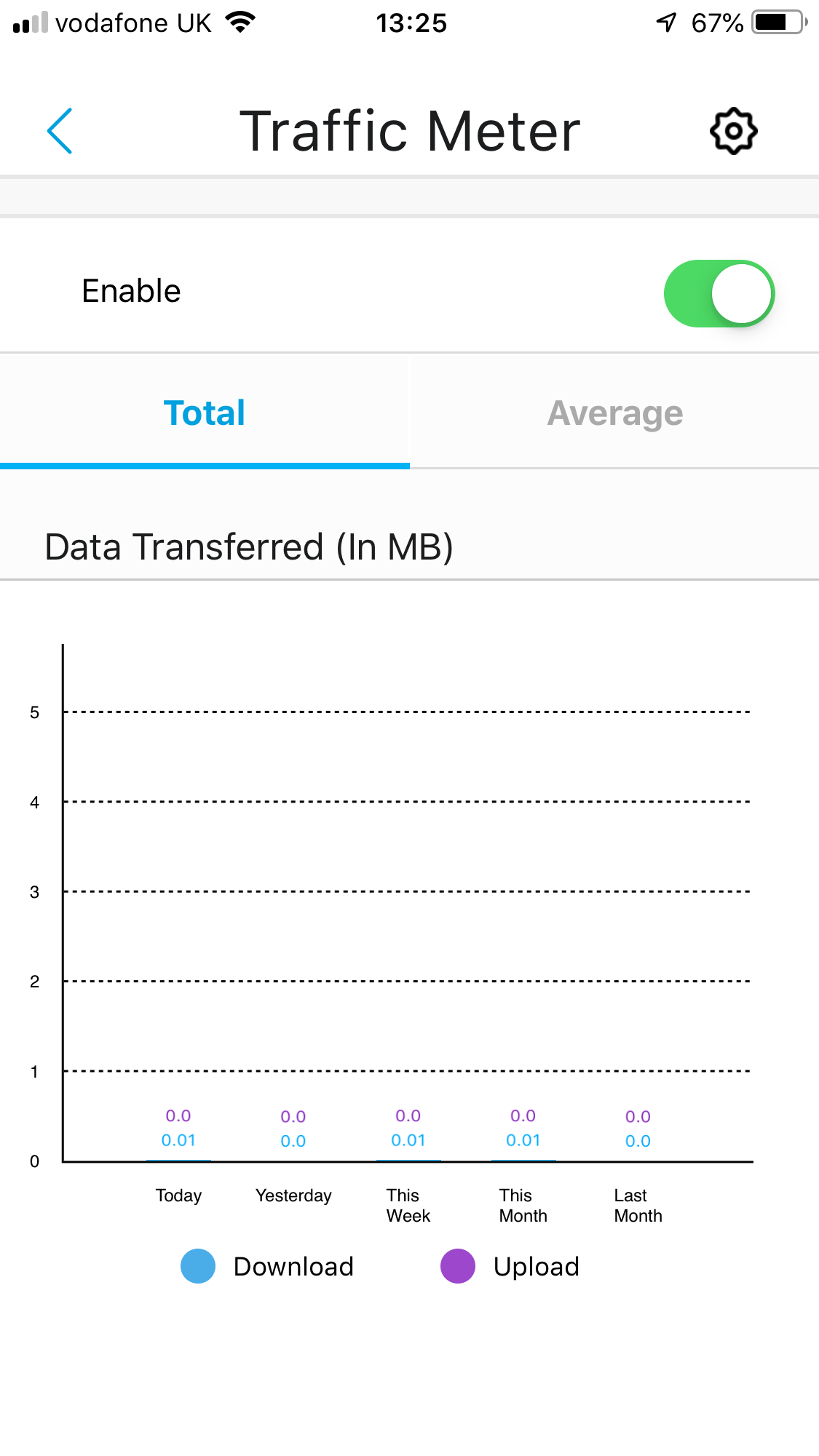
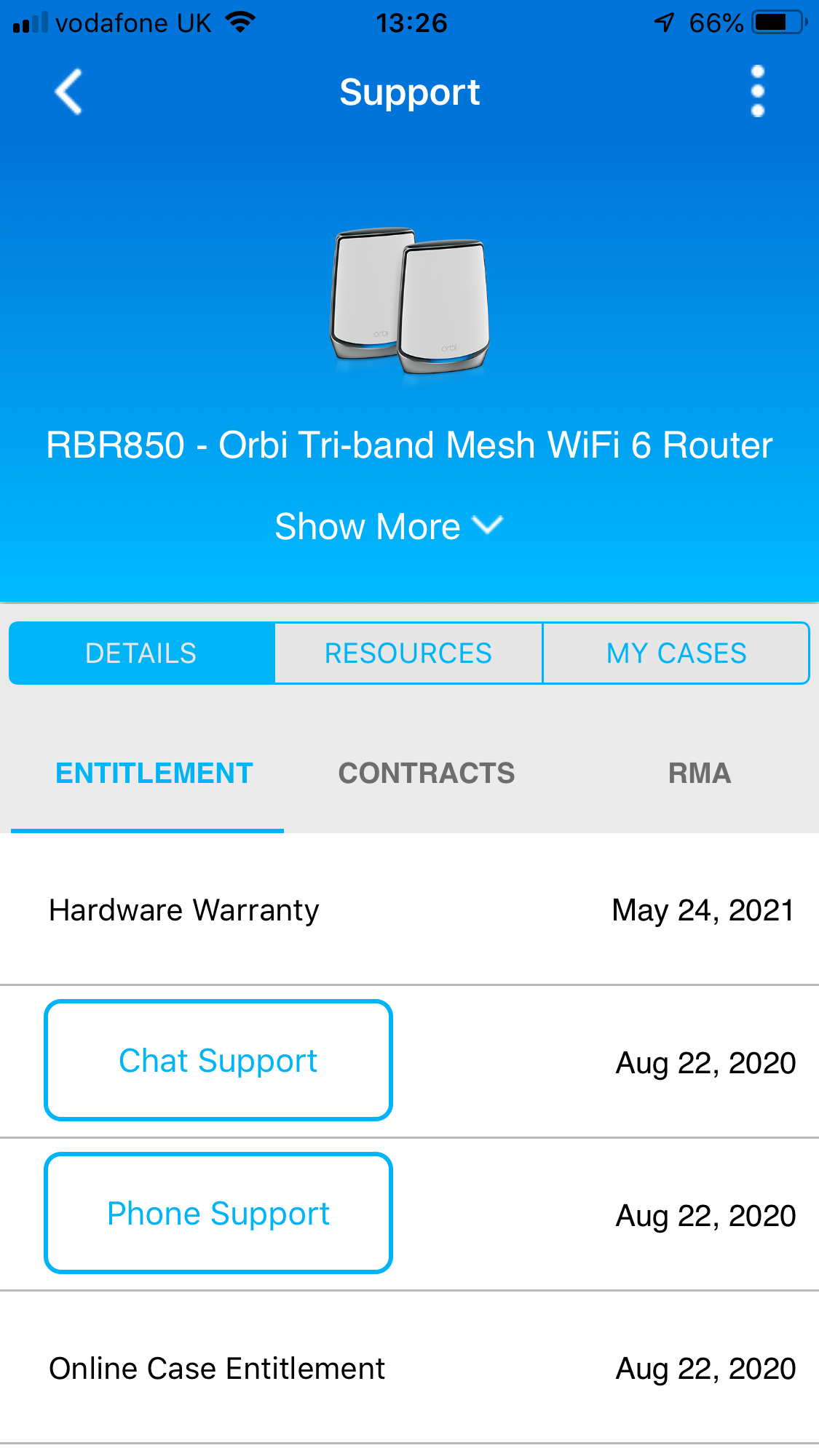
The wizard process is basically the same for the AX6000 as the AX4200, and makes you realise that NETGEAR uses the AX6000 units as icons even when setting up the AX4200. You are guided through connecting everything up and positioning your satellites. The process starts with setting up a NETGEAR account.
As before, there aren't many features in the smartphone application, just the ability to view Armor security settings and the devides on the network including clients and mesh satellite. You can also test your broadband speeds as well as change a few WiFi settings, including setting up a guest network. The Traffic Meter is also available.
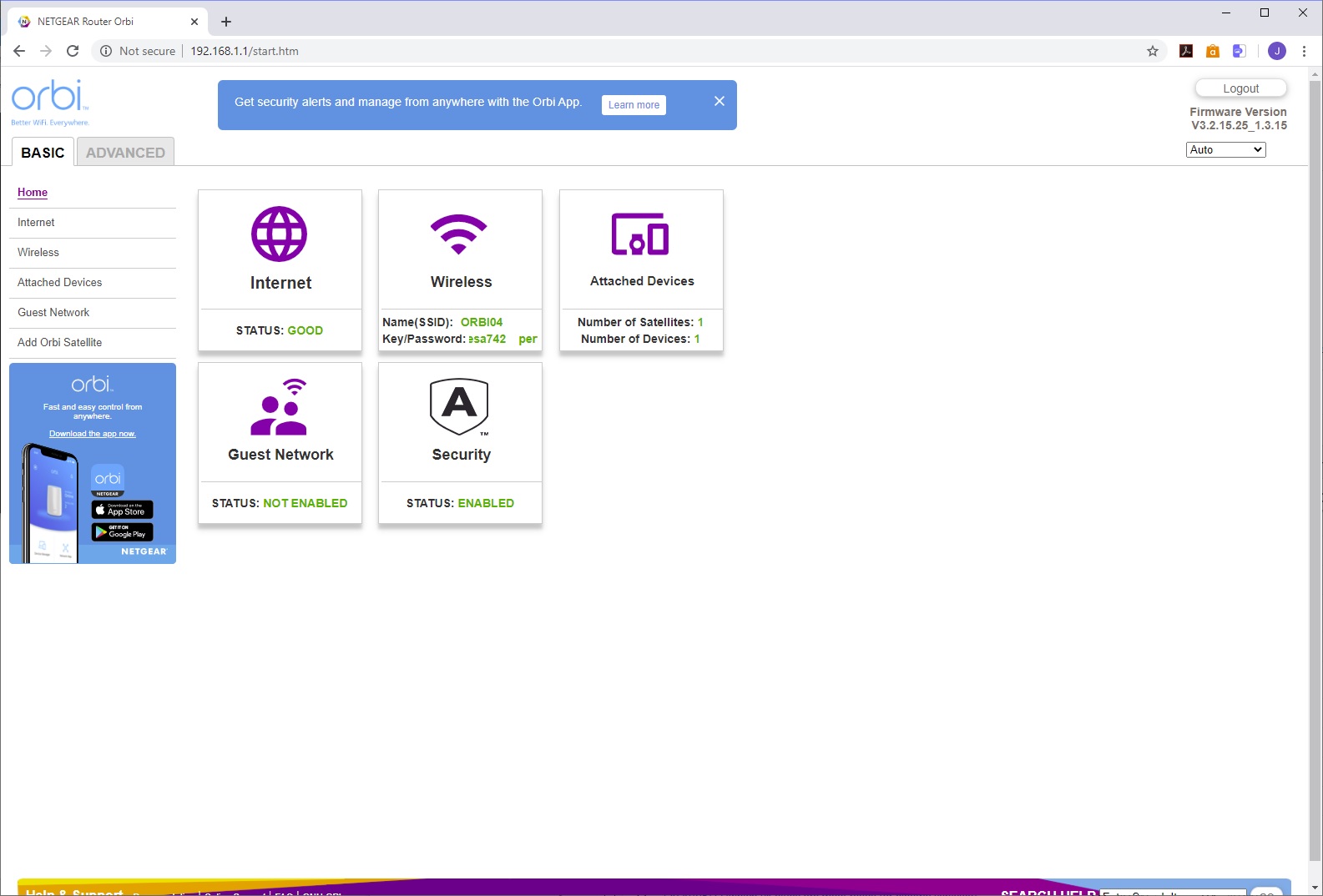
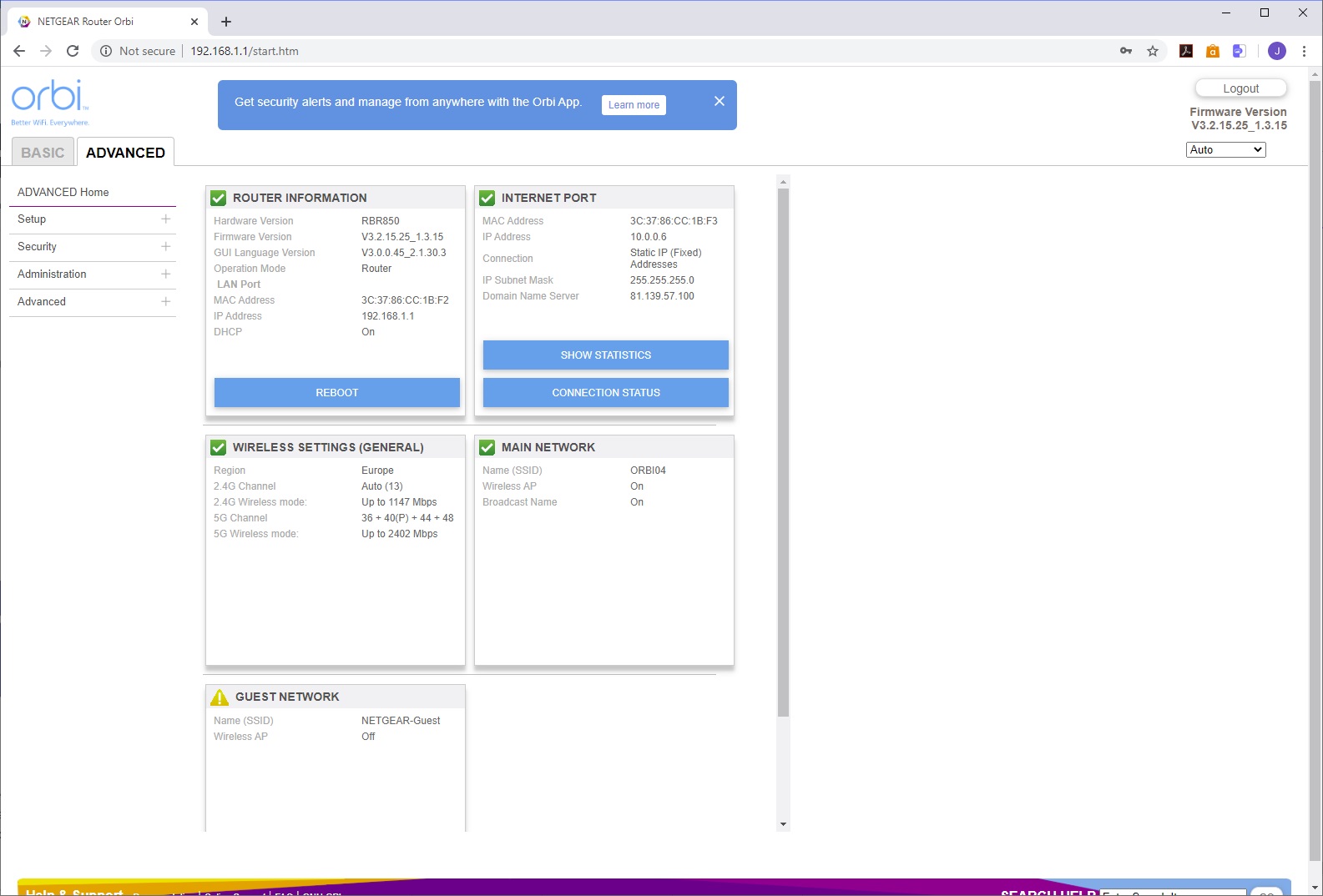
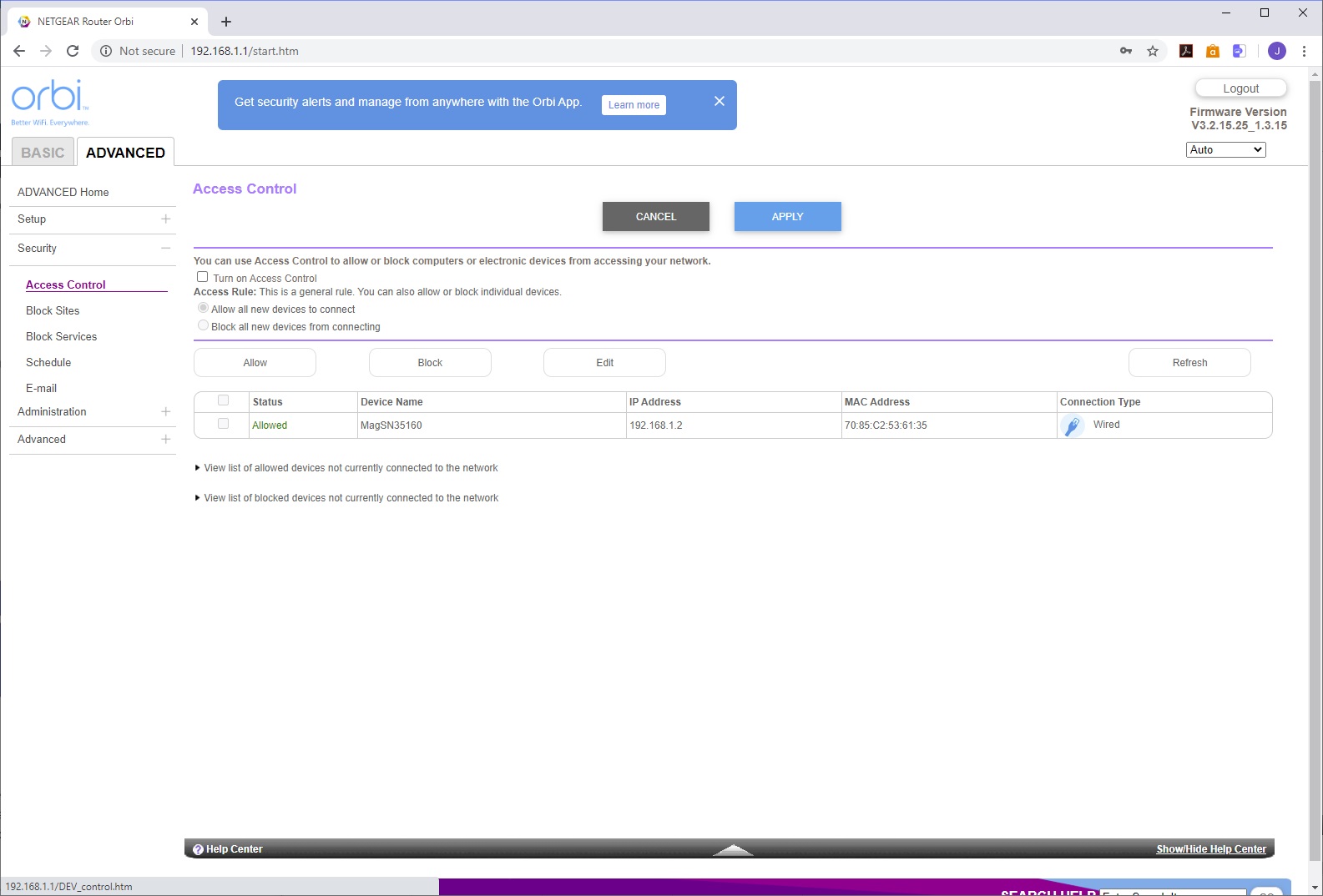
However, the Web interface is much more fully featured. This is divided into Basic and advanced, which overlap but Advanced adds more granular configuration. In particular, you get access control abilities, including the facility to block or permit devices, sites and services, and add a schedule to the latter two. You can switch between router and access point modes, configure port forwarding and triggering to make devices inside the internal network accessible via the Internet, and set up Dynamic DNS with either NETGEAR's service or No-IP. The router can act as an OpenVPN server, and you can set up VLANs. The options aren't as extensive as standalone NETGEAR routers, but there's more than enough here to use the Orbi as your main router and not miss that standalone one.
ASUS ZenWiFi AX
ASUS also expects you to use a smartphone to set up its mesh system.
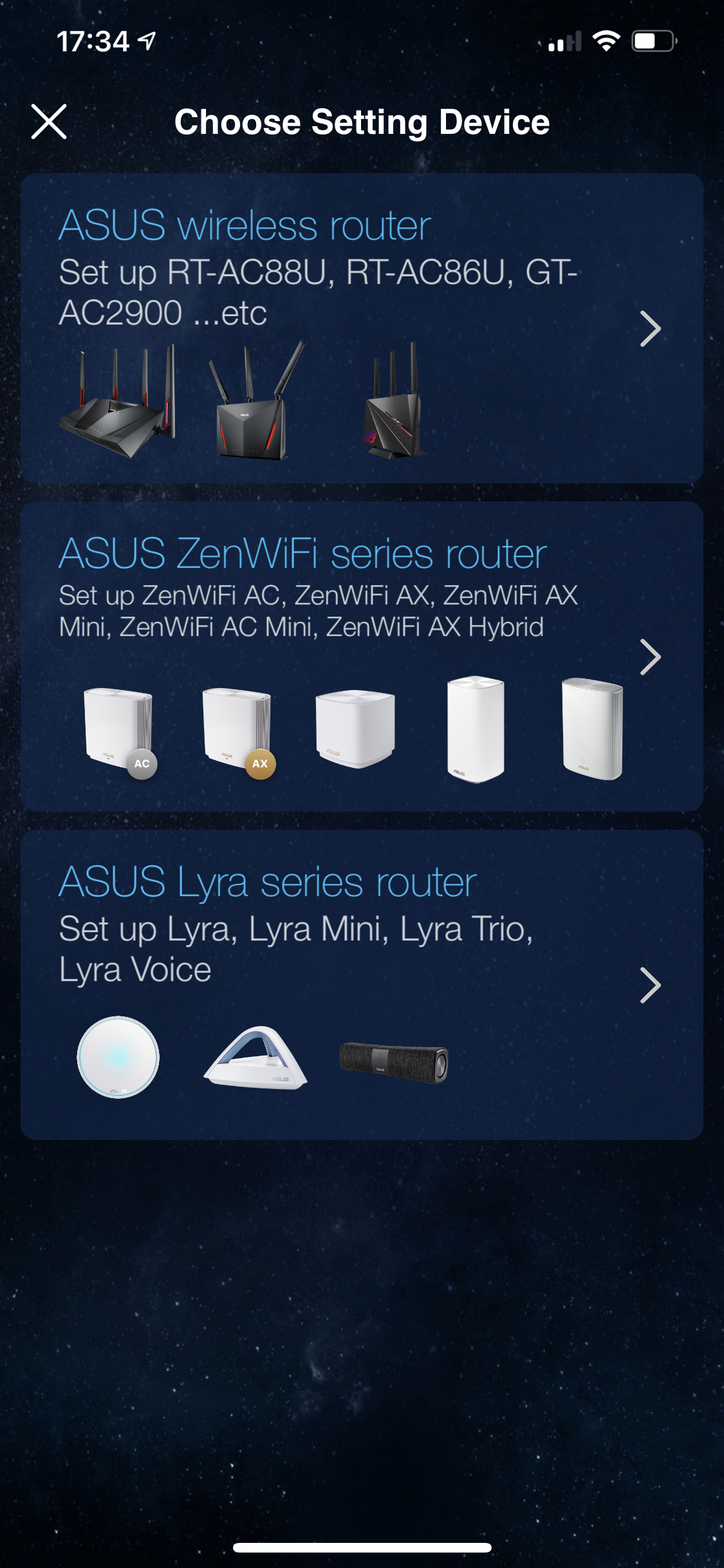
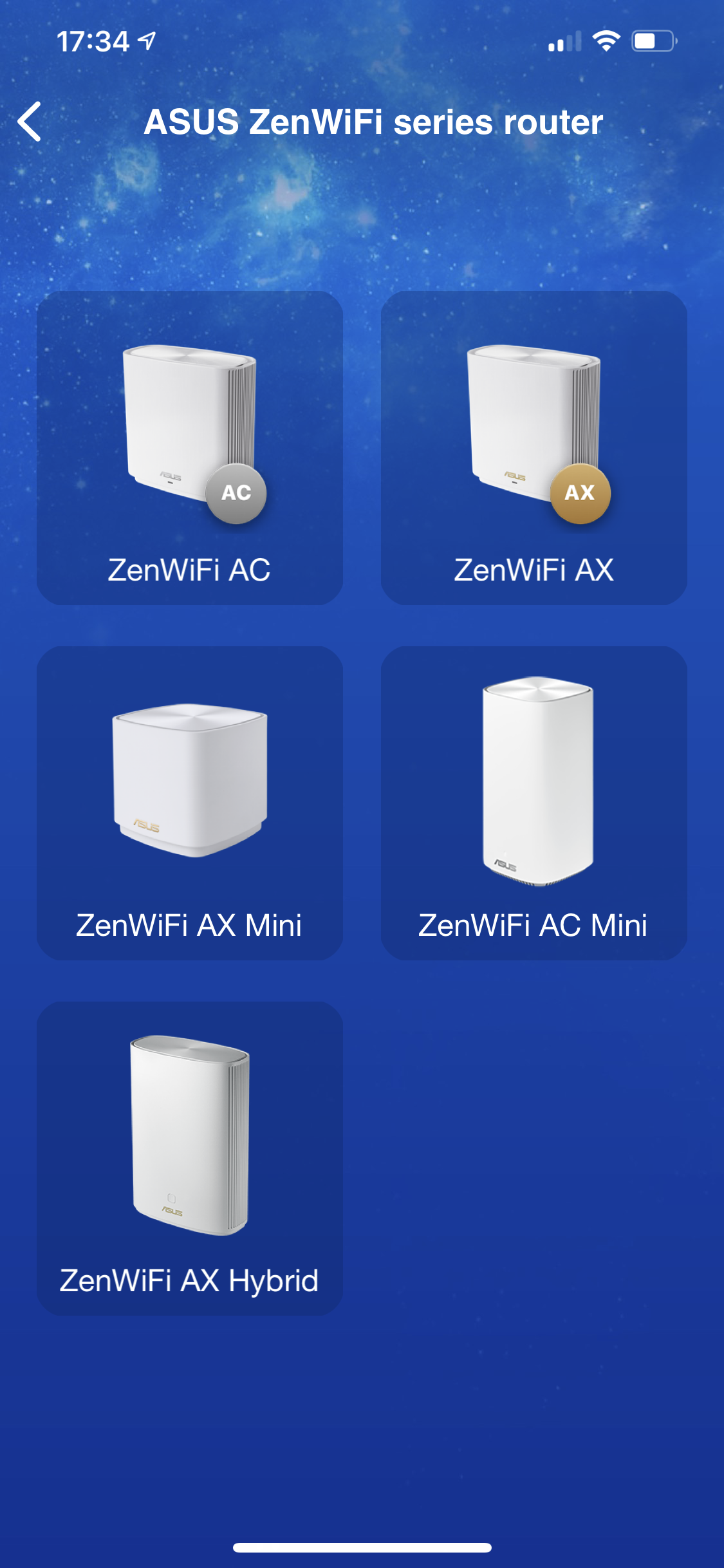
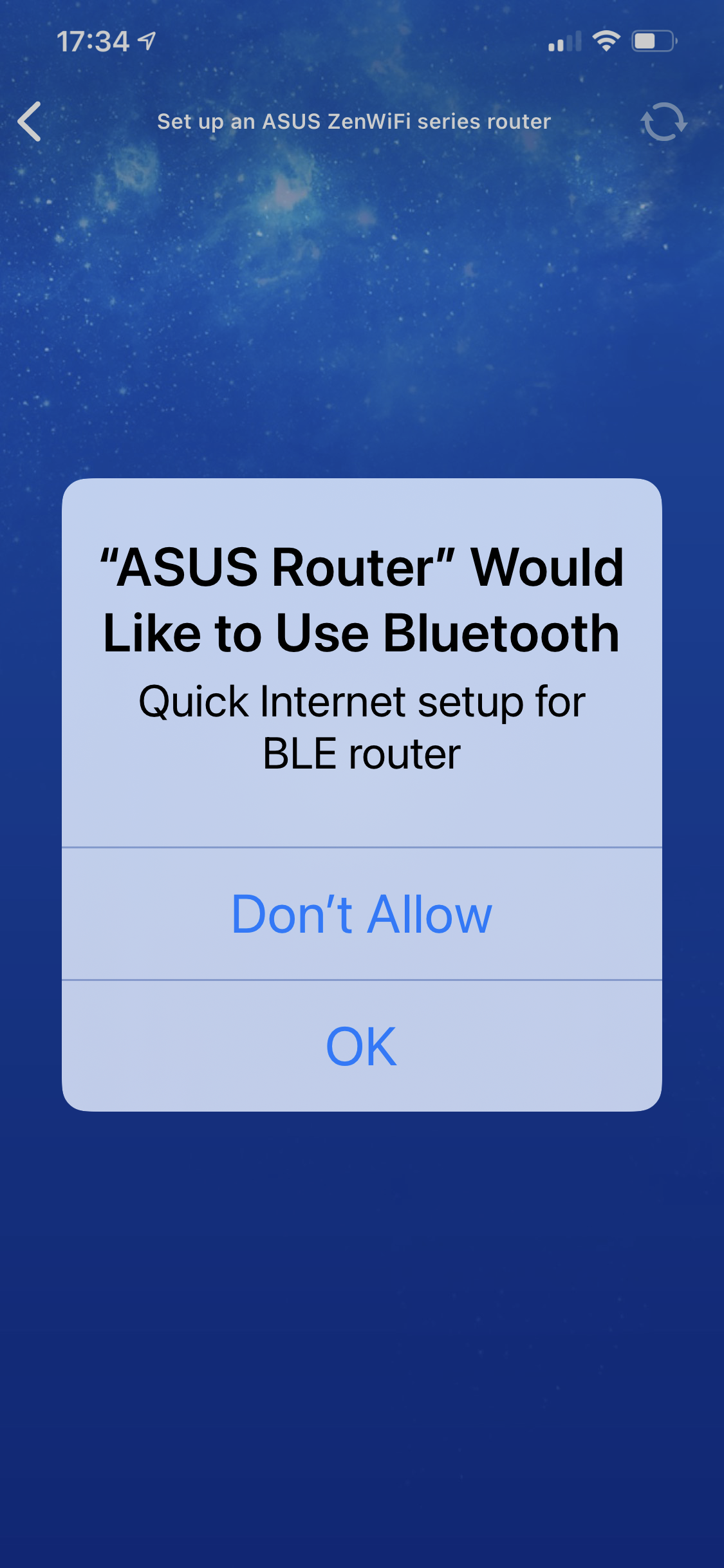

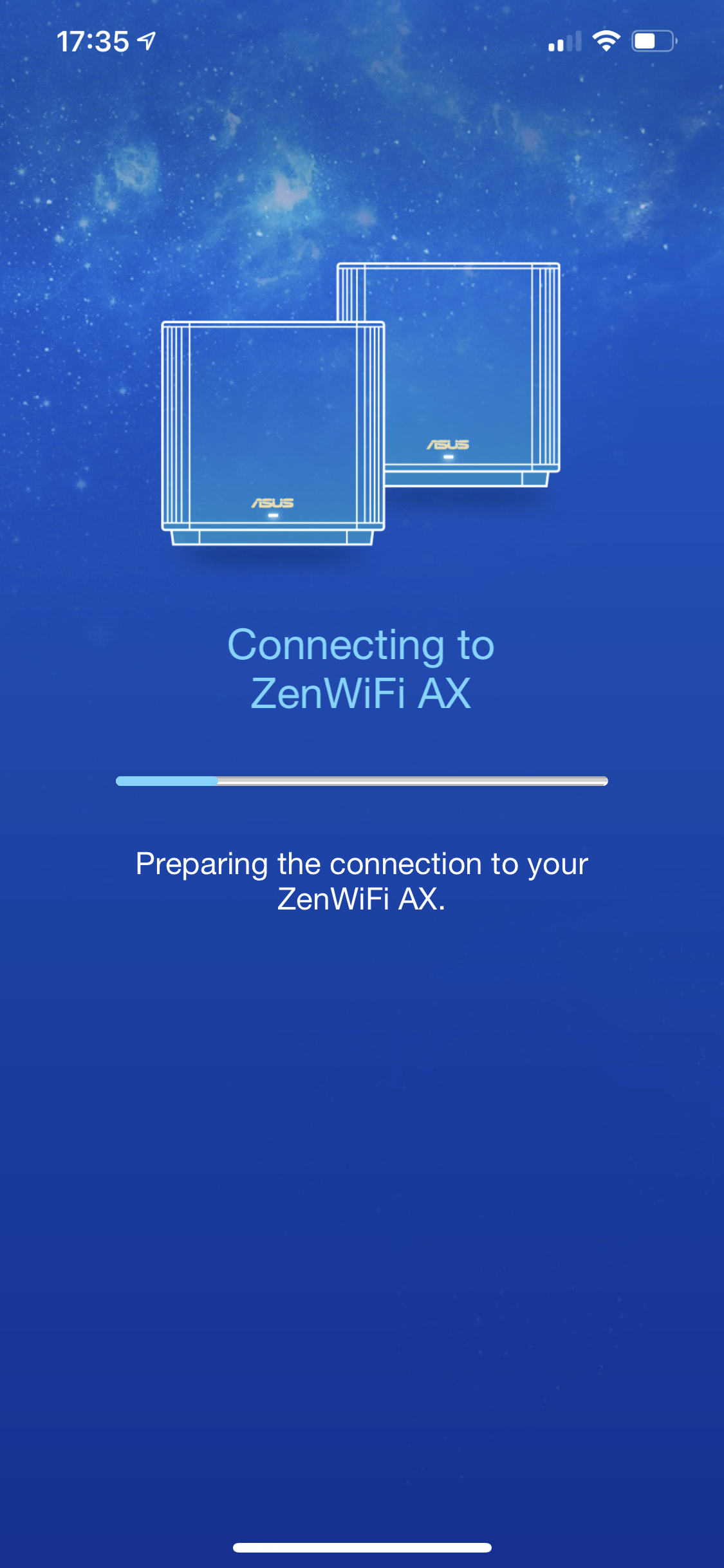
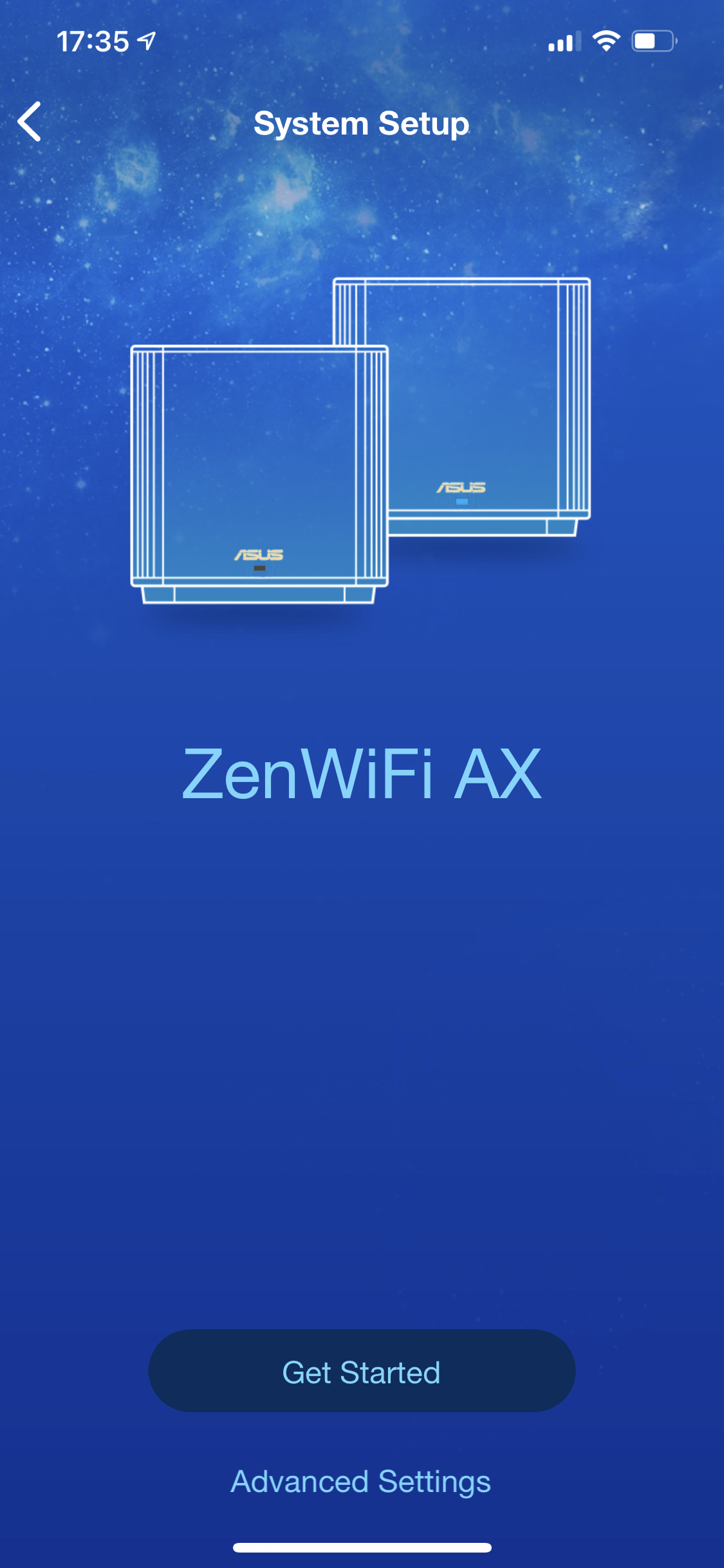

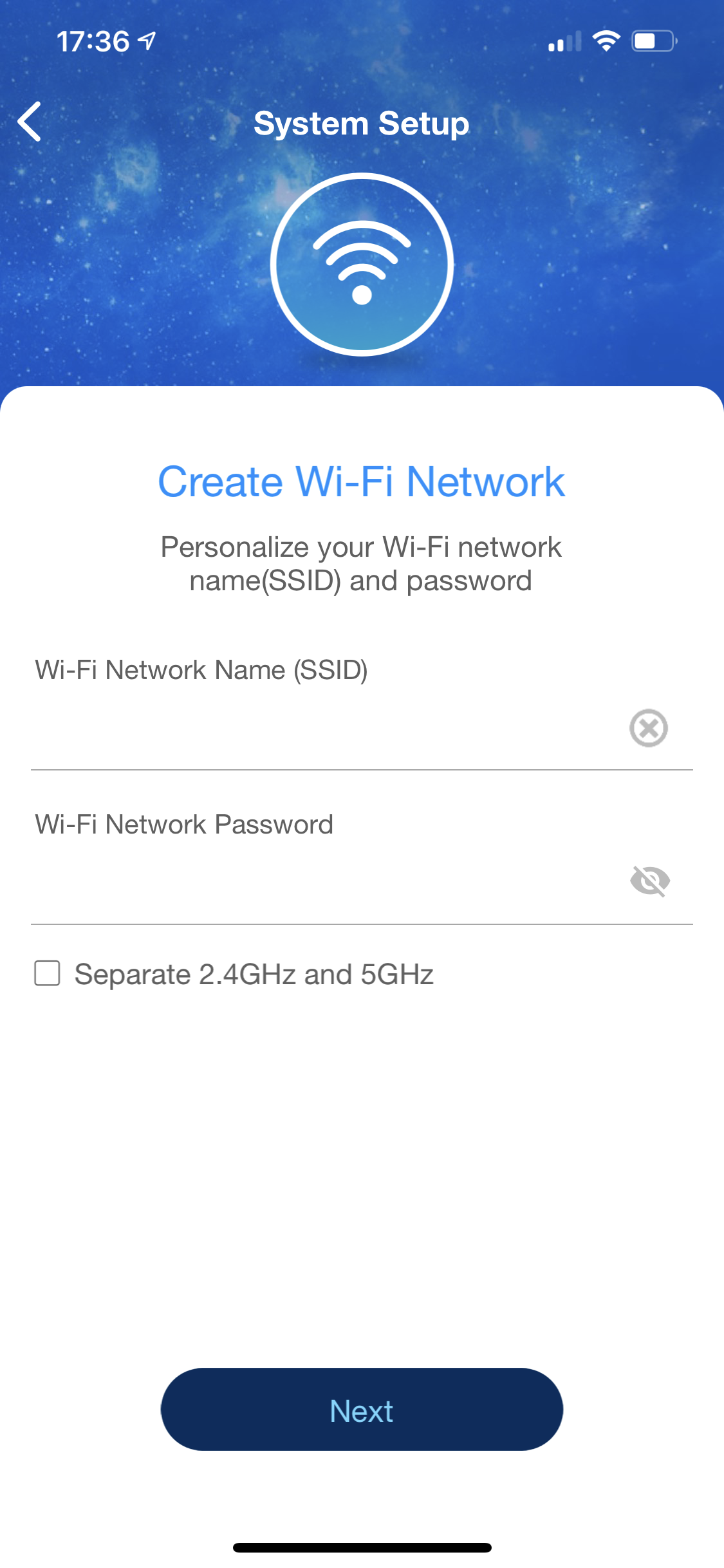
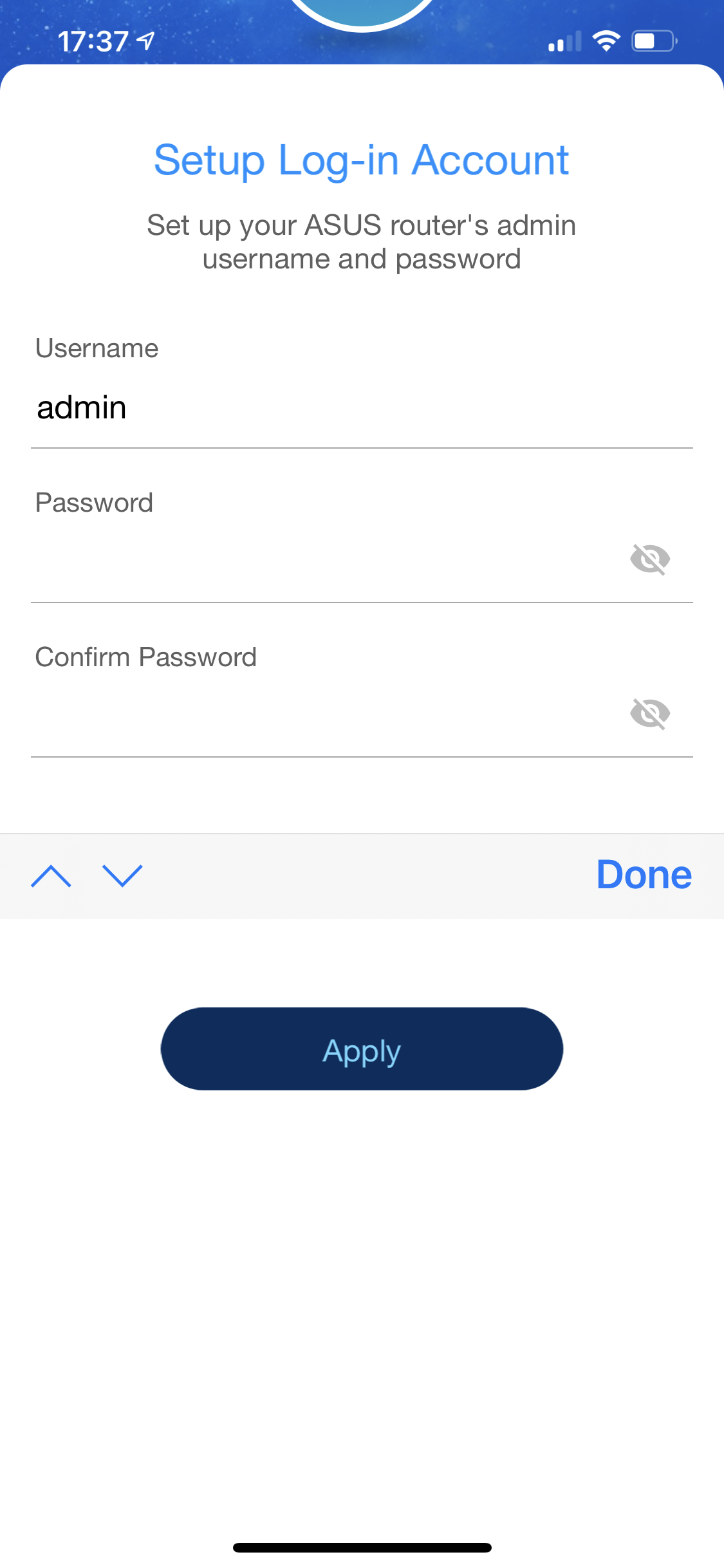
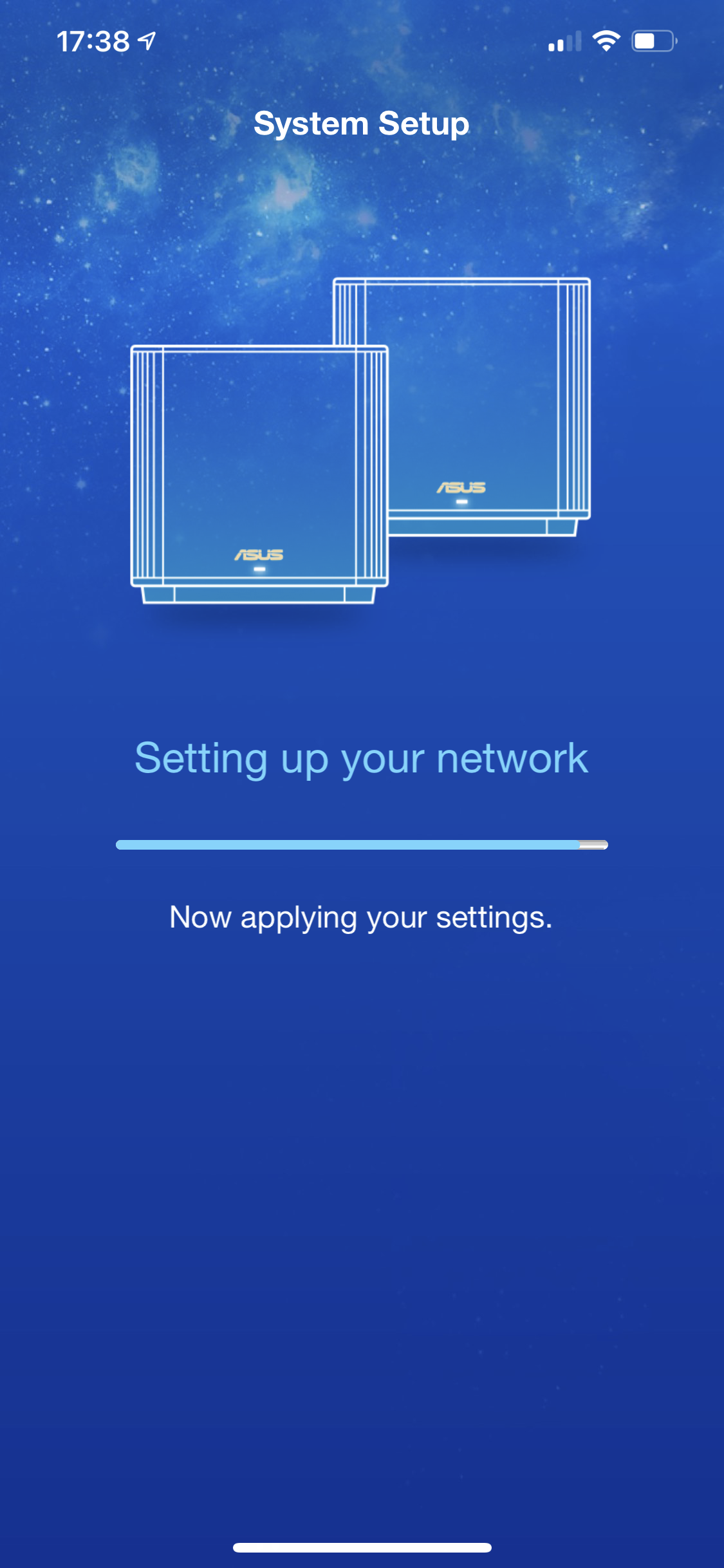
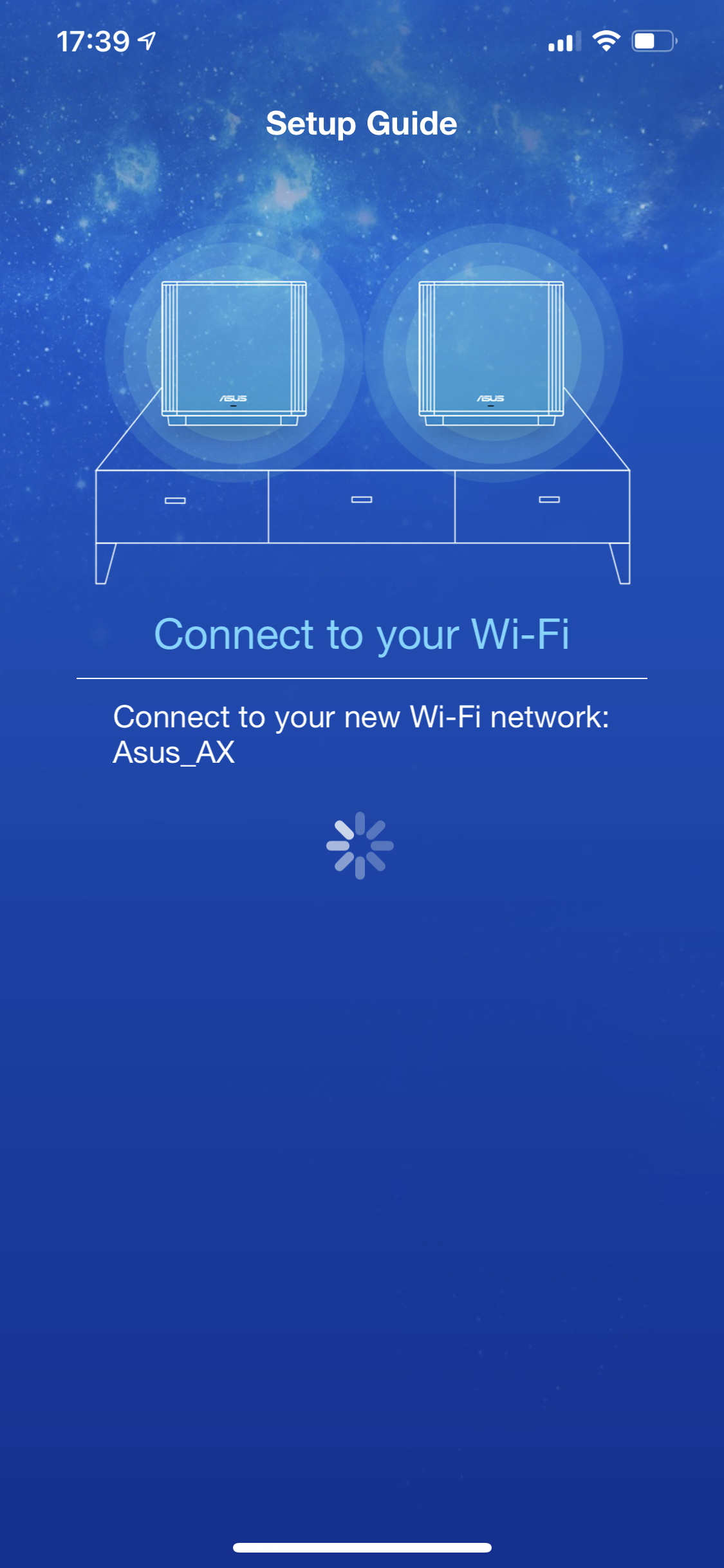

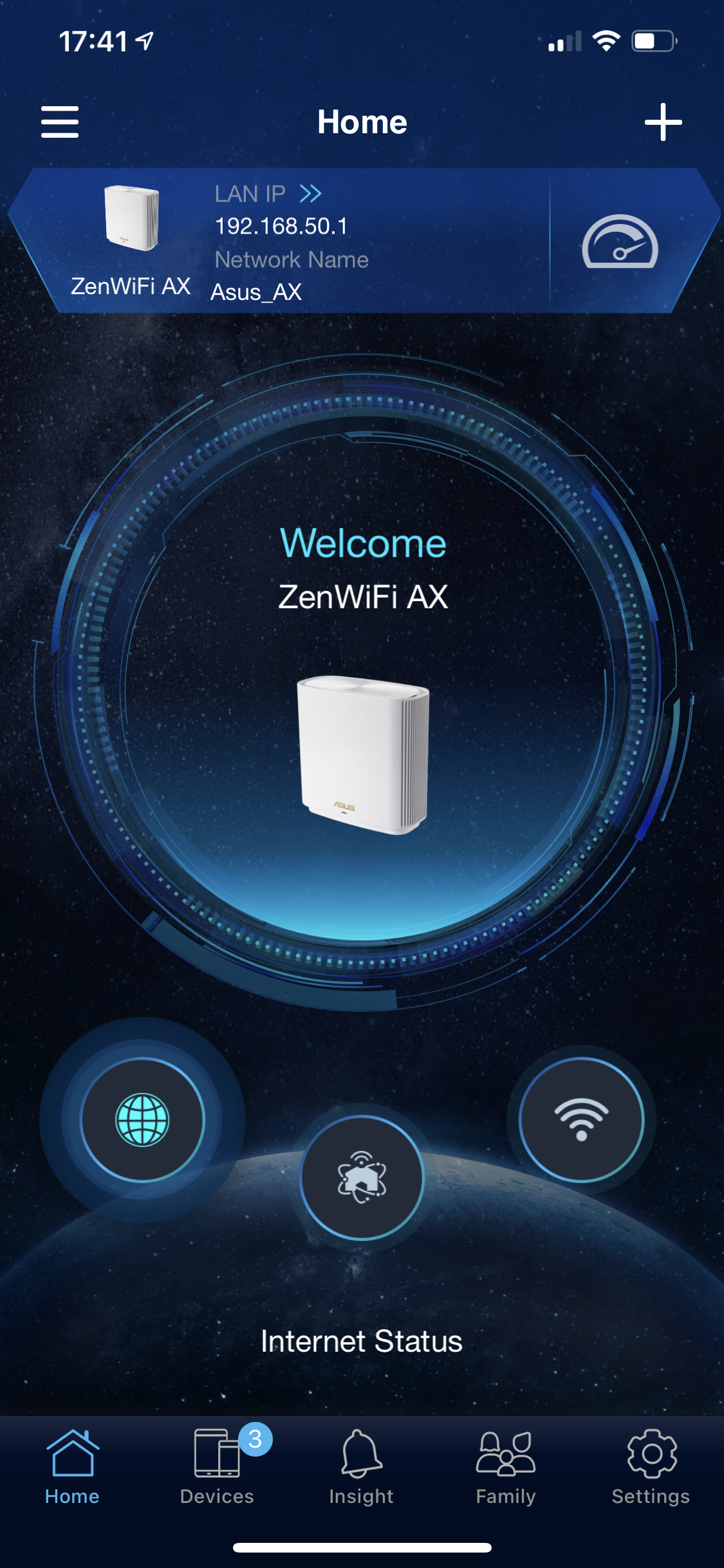
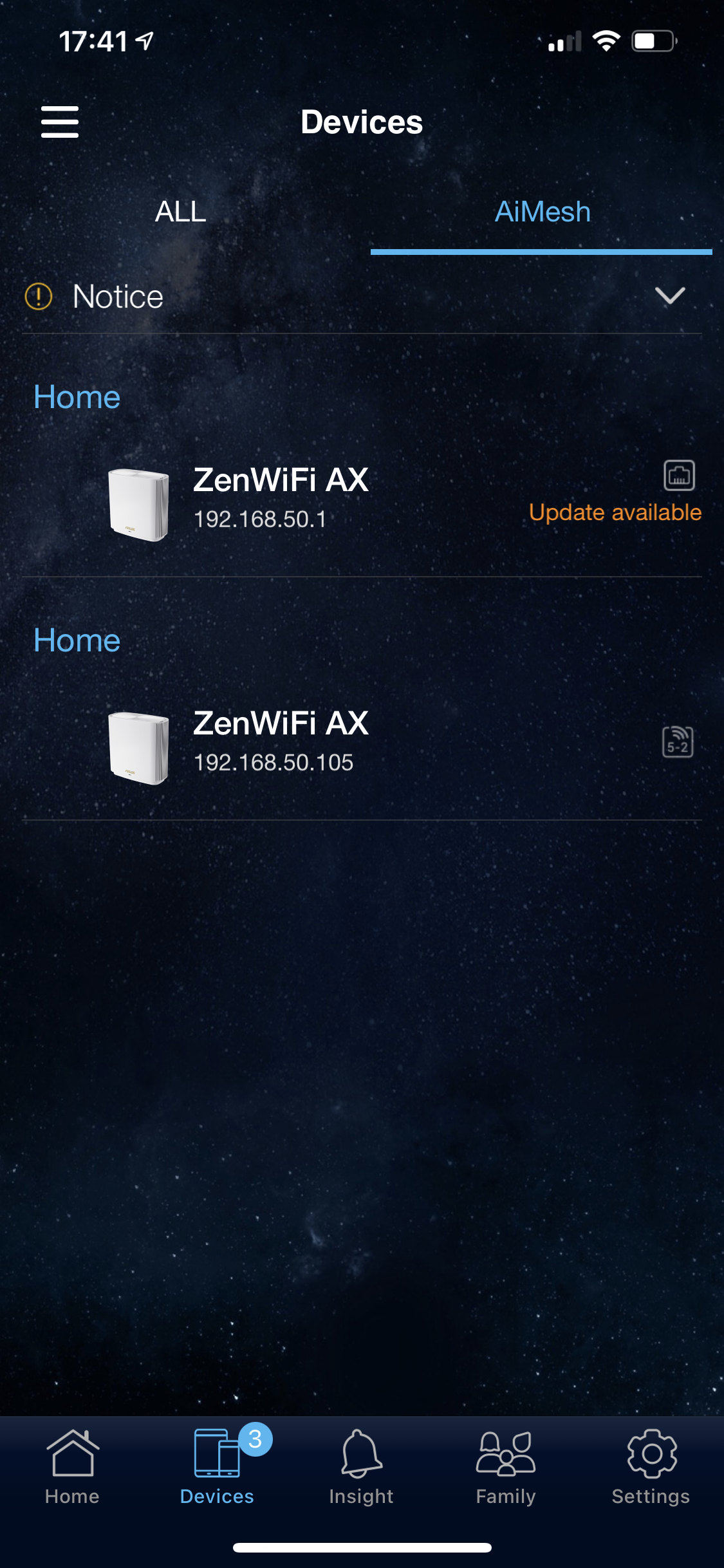
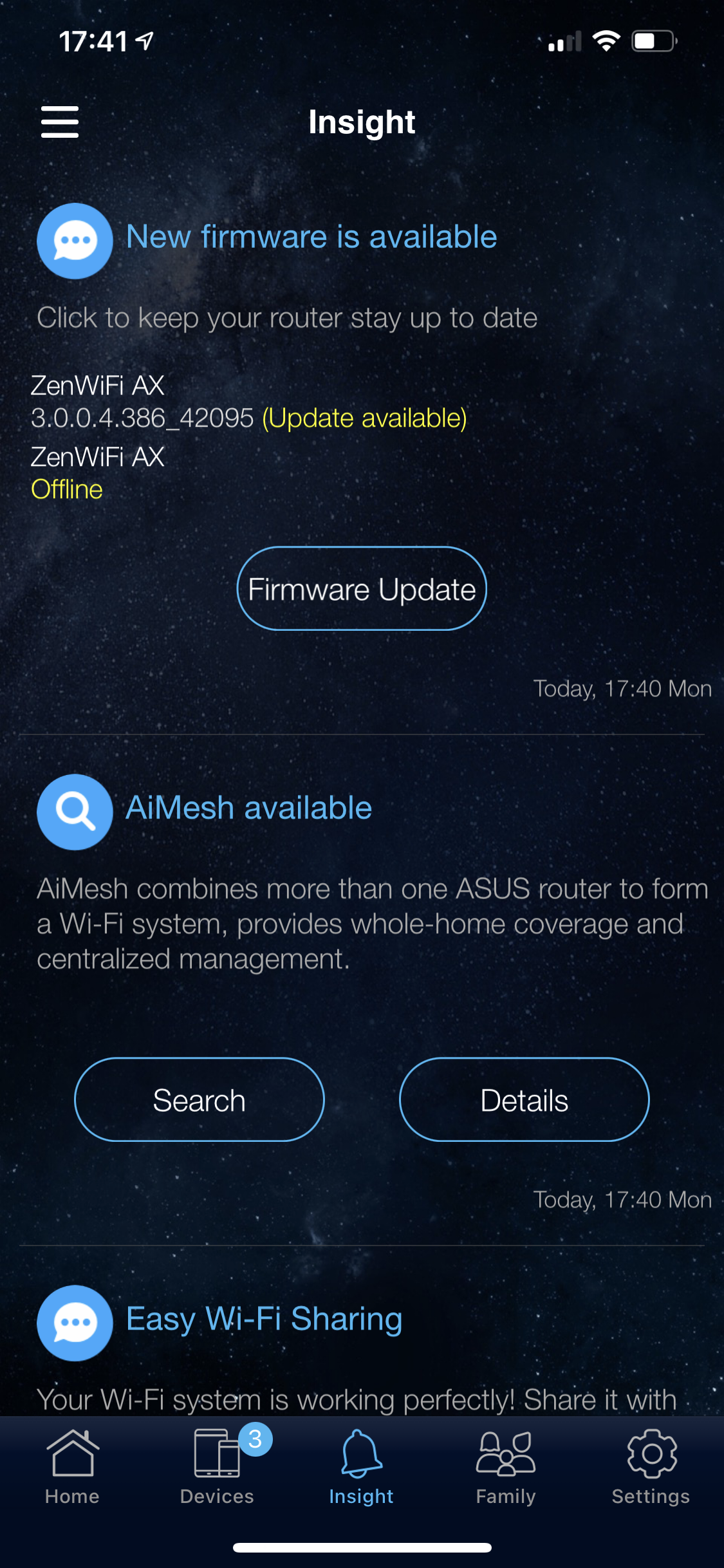
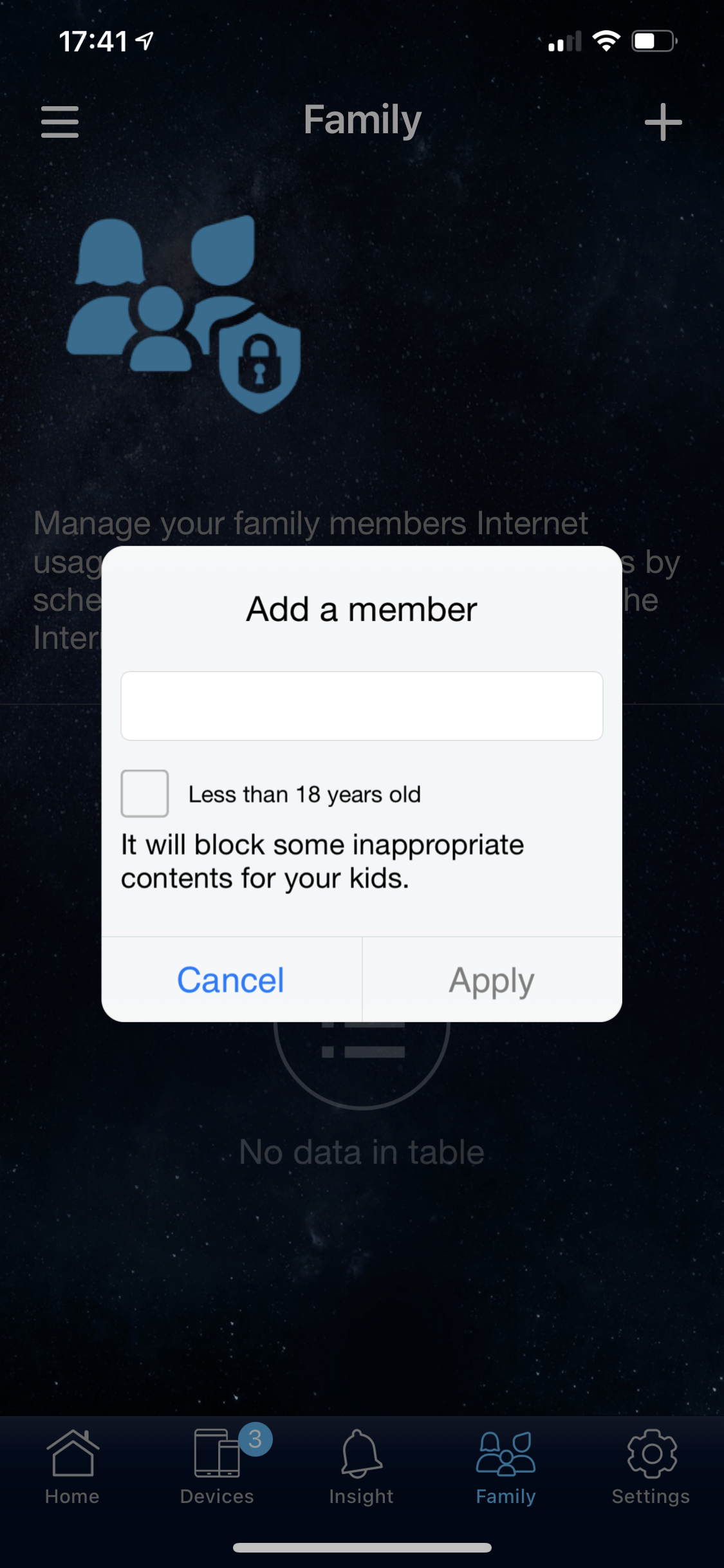
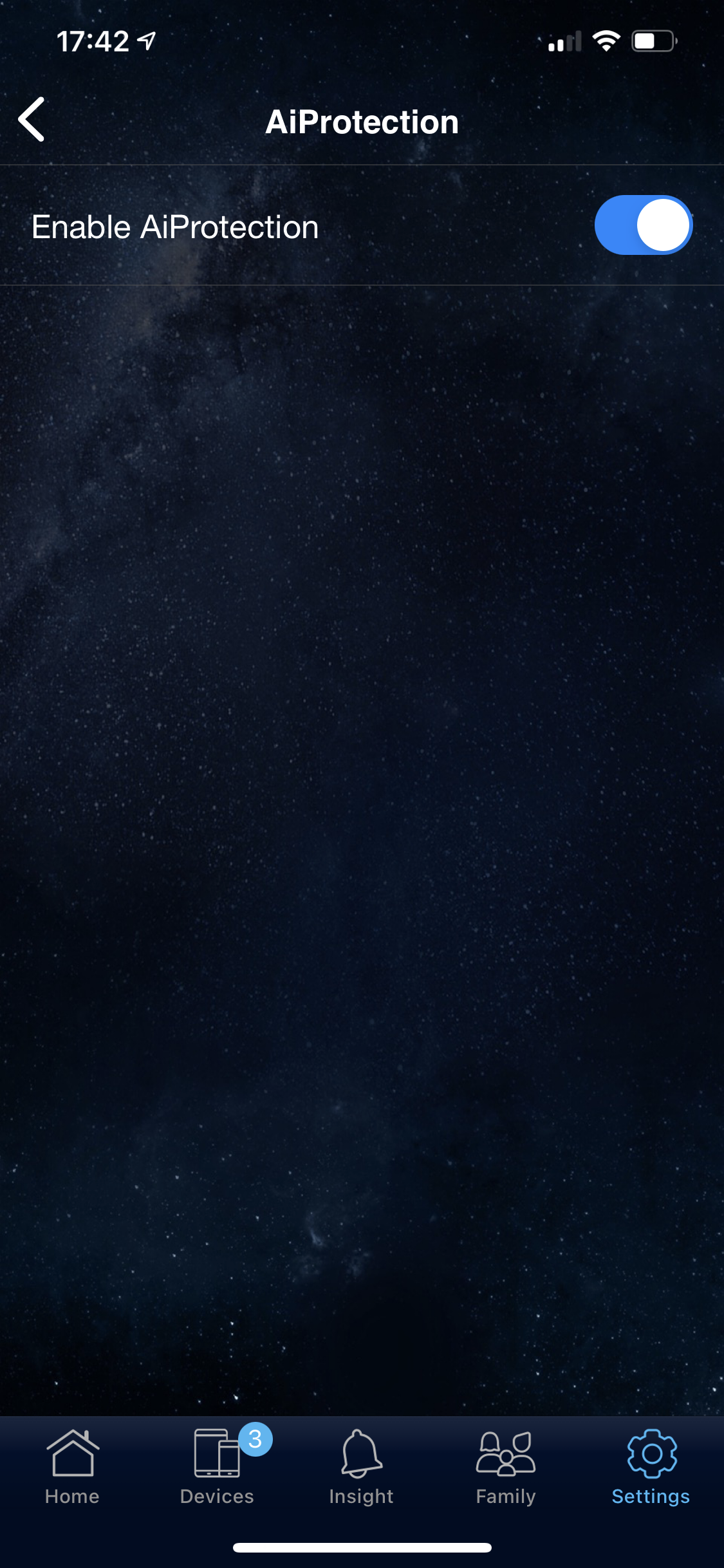
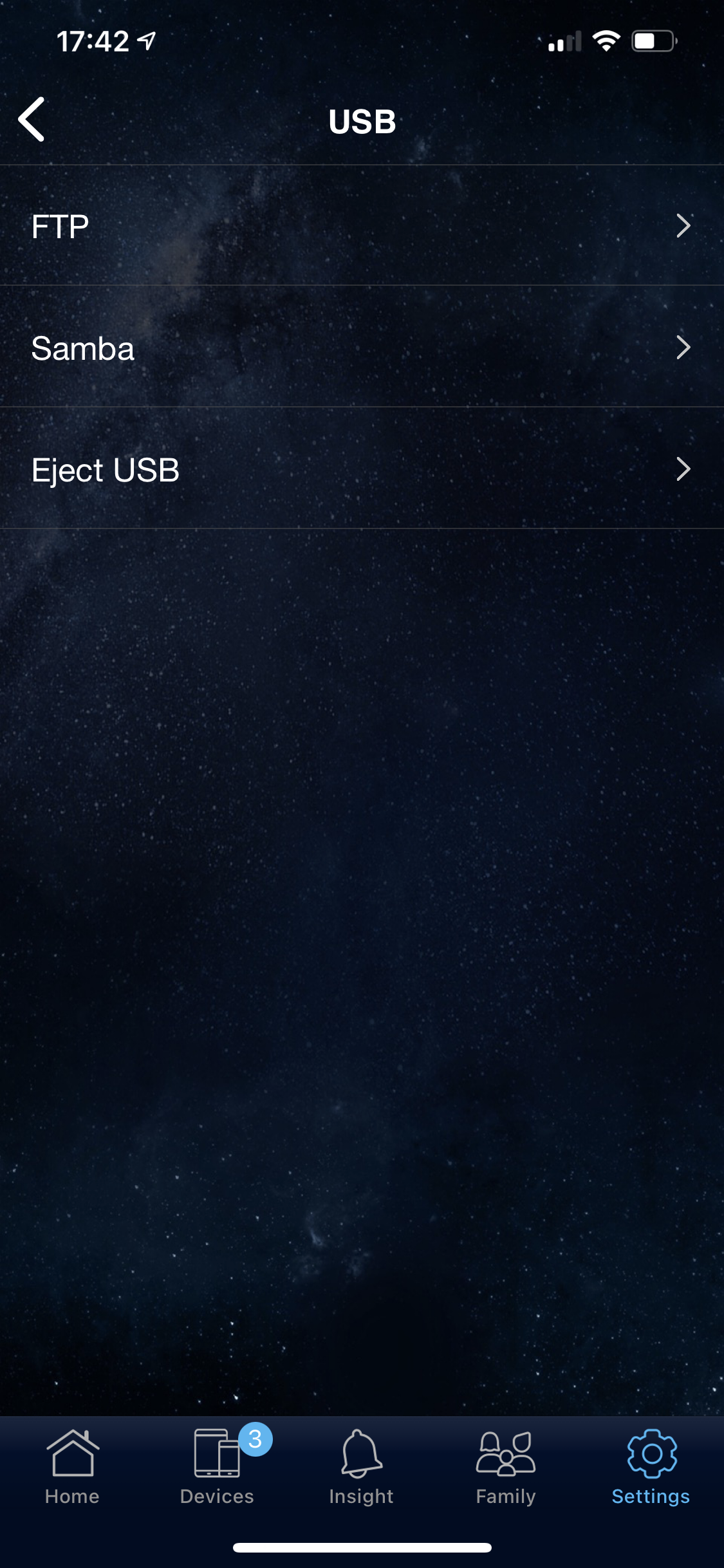
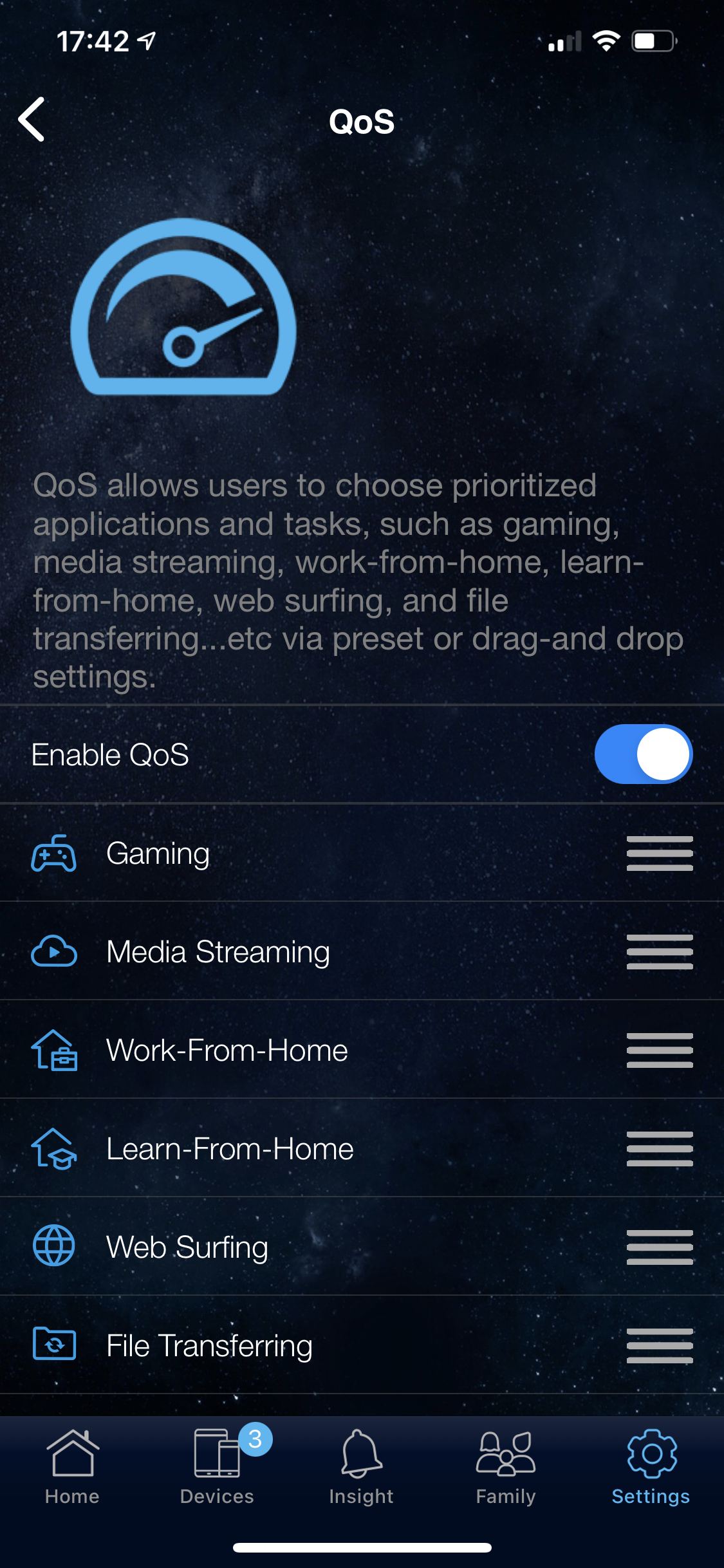
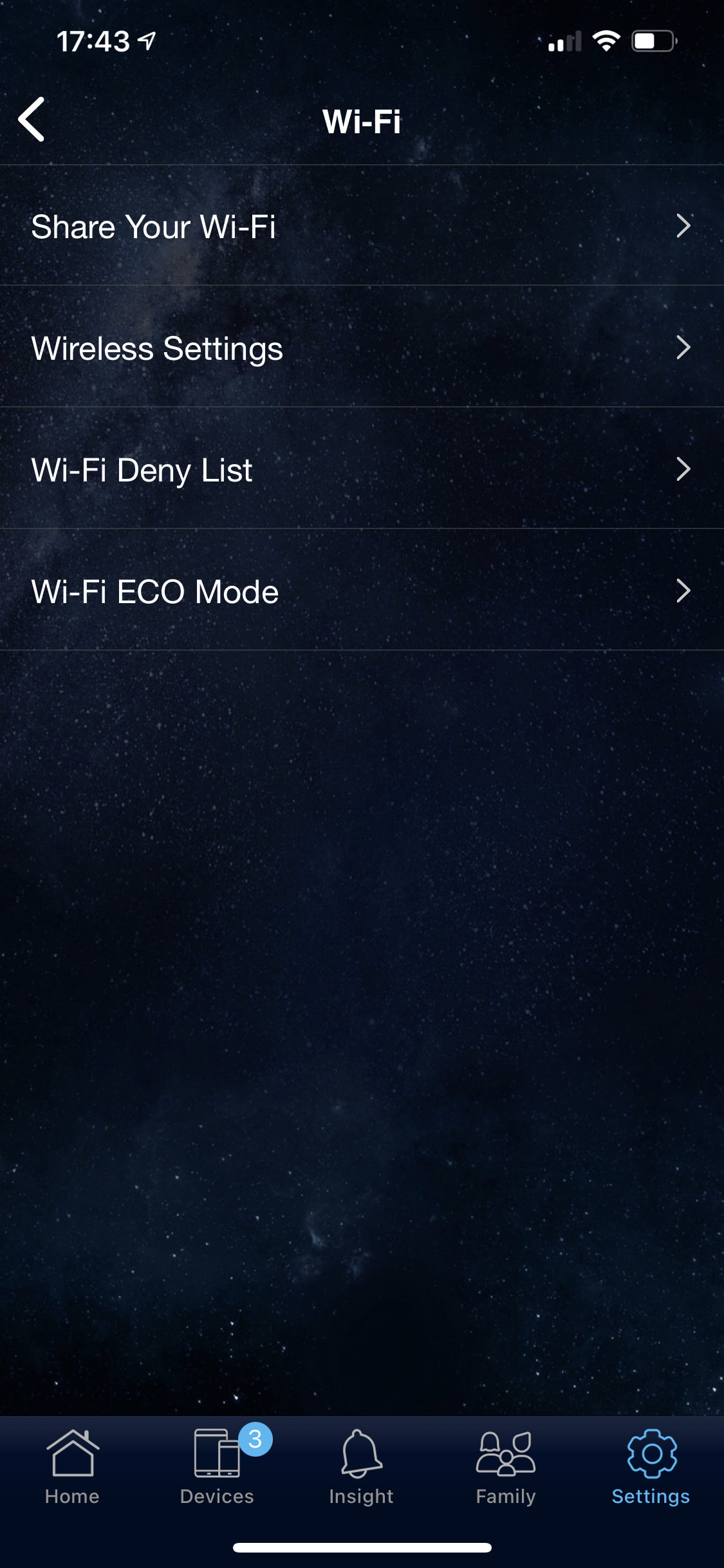
This is another fairly slick wizard process, although there's a little more input than with NETGEAR's as you have to choose your device type and you're not given any default SSID and password.
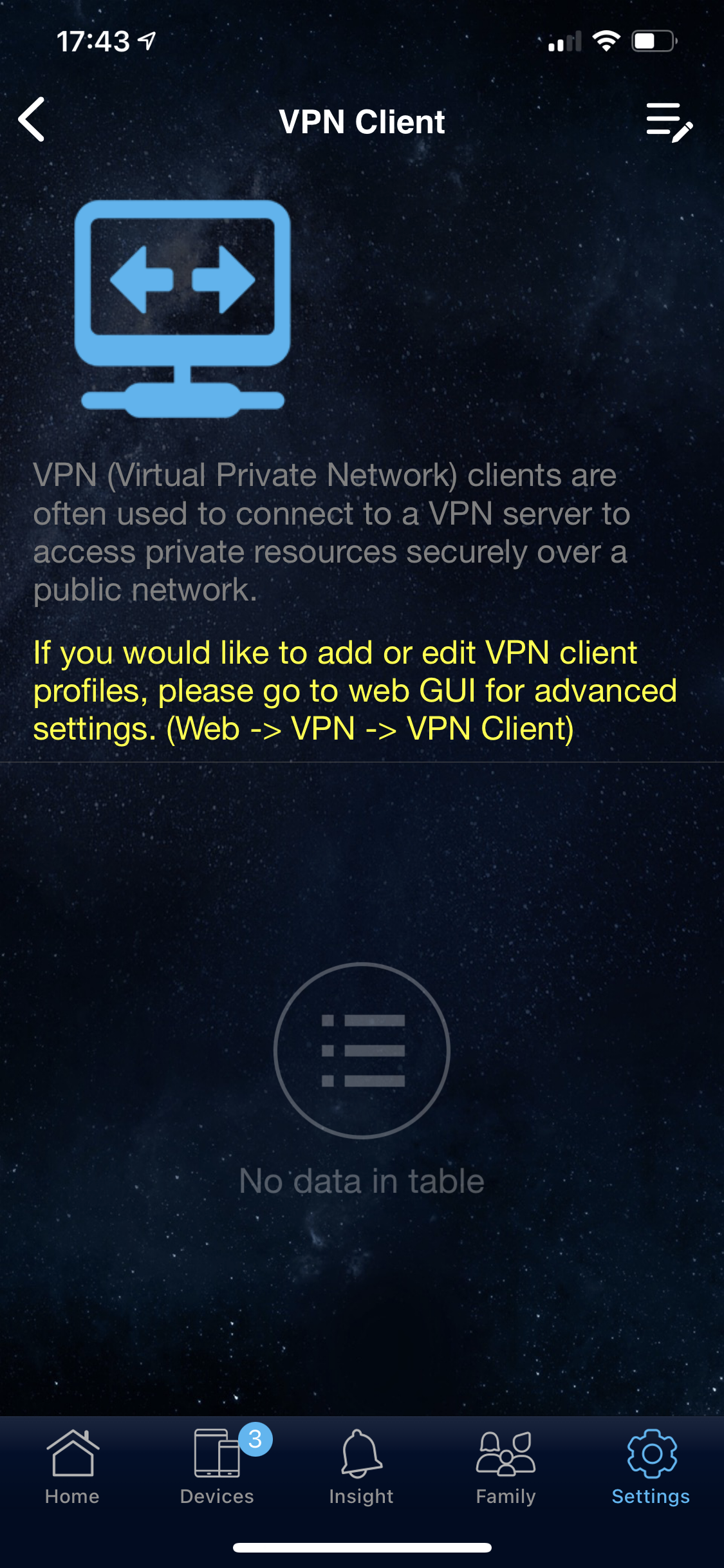
The smartphone app itself is also more fully featured, with parental controls, Quality of Service and even the ability to configure storage attached to the USB port. You can't go so far as configure the VPN with the smartphone. Instead, you're just presented with a page suggesting you switch to the Web interface.
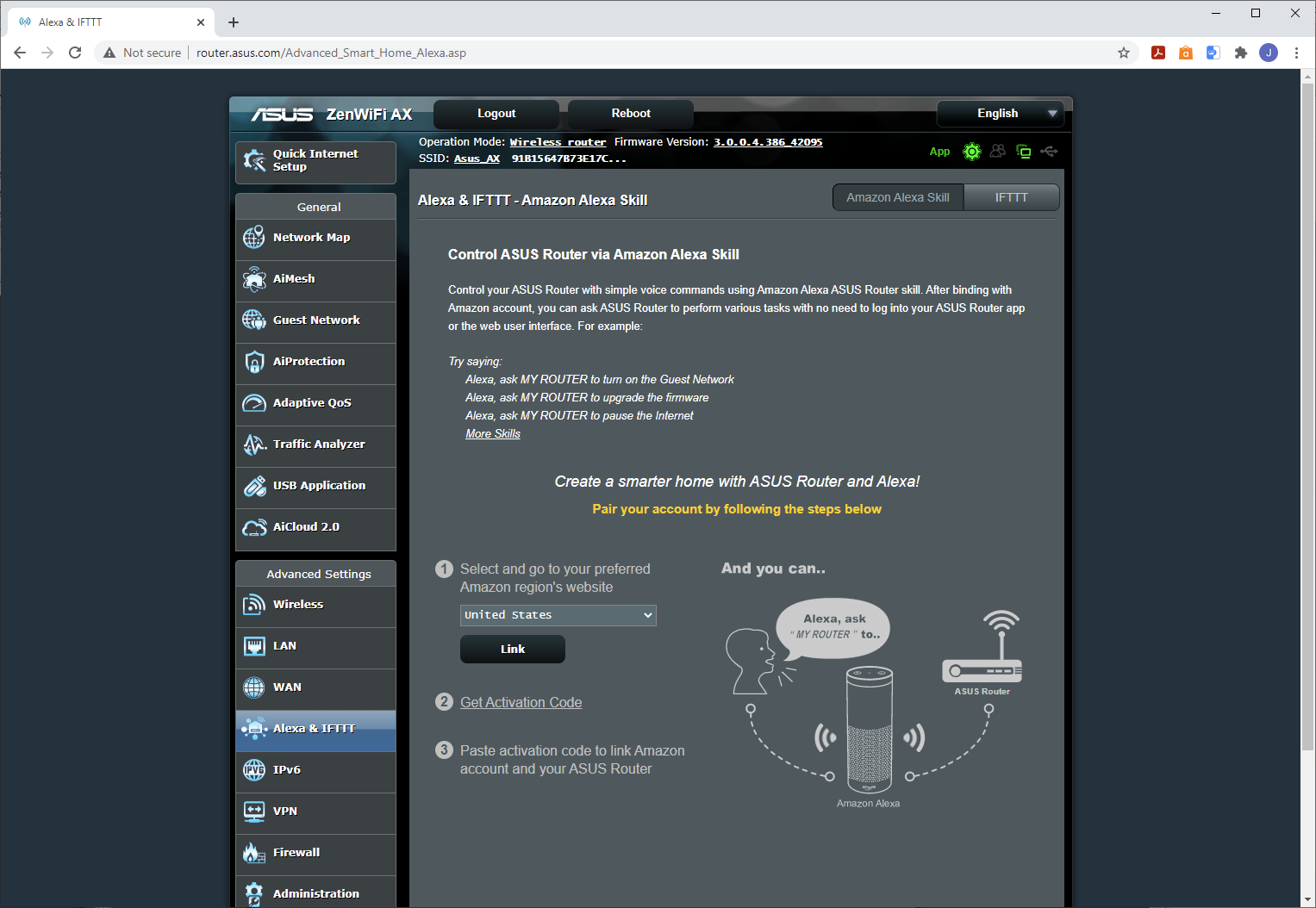
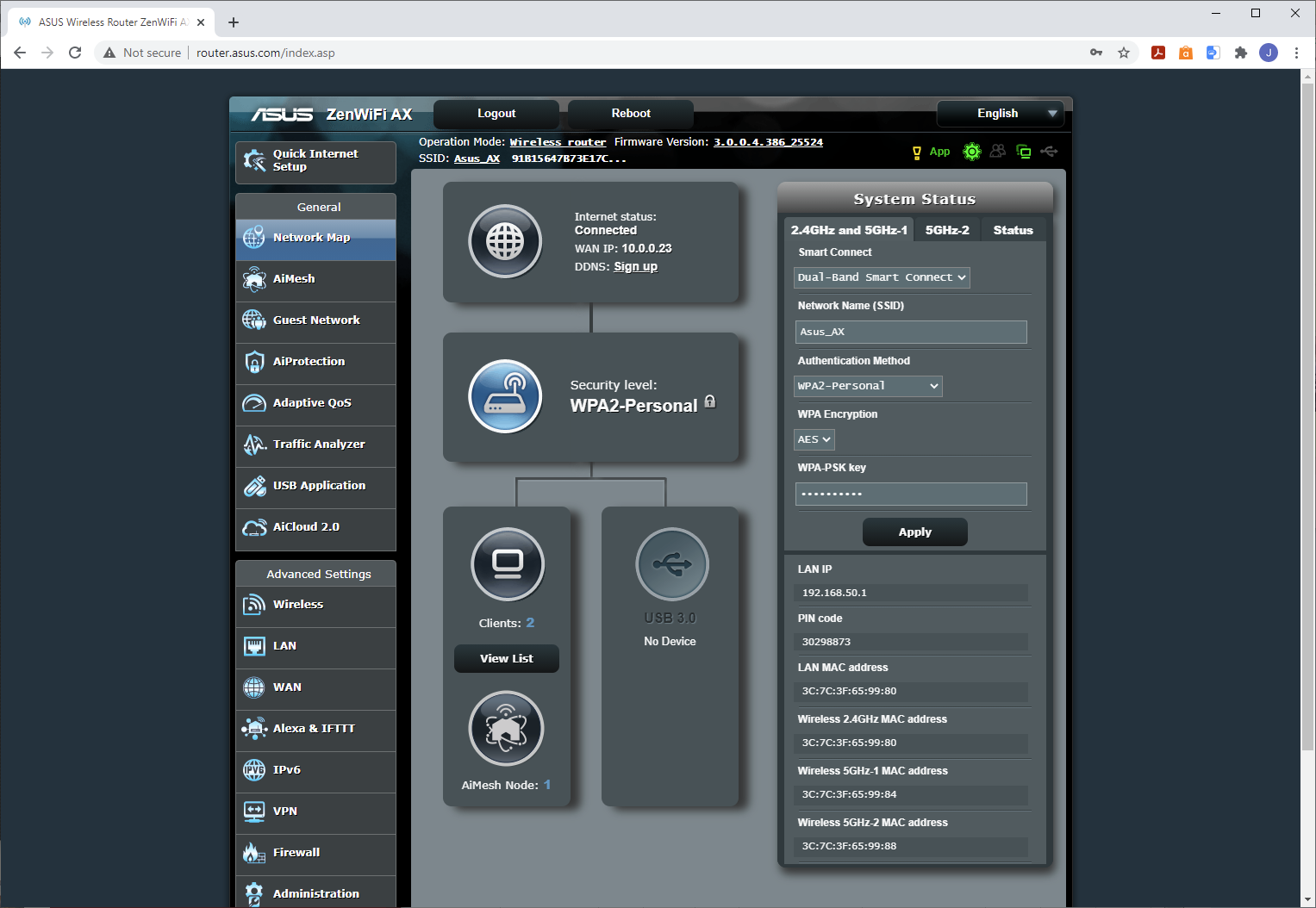
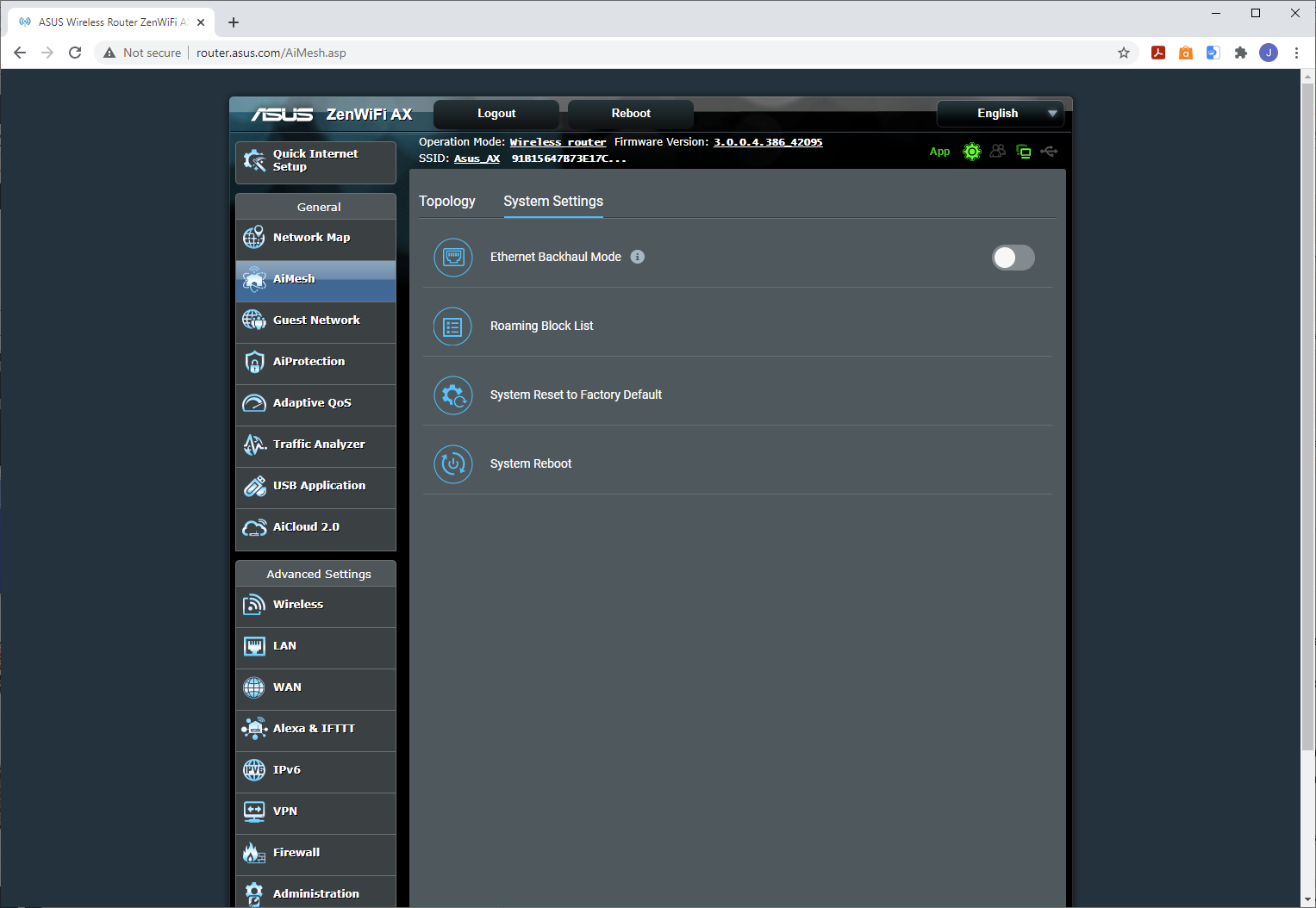
The Web interface is as fully featured as we have come to expect from ASUS. Where NETGEAR's is good, but not as rich as its standalone routers, ASUS gives you everything. The QoS system can be customised, you can configure the USB ports for a wide range of functions including automated network backing such as Time Machine, downloads without the assistance of a host PC, and network printing.
There's support for Alexa commands and IFTTT skills. The router can act as both a client and a server for VPNs, with support for PPTP, IPSec VPN and OpenVPN as clients, but just PPTP as a server. The firewall offers URL, keyword and network services filtering.
You even get diagnostic tools such as ping and traceroute. Overall, the ASUS's management interface is the most fully featured here.
BT Premium Whole Home Wi-Fi
Unsurprisingly, BT also takes the smartphone route for setup.
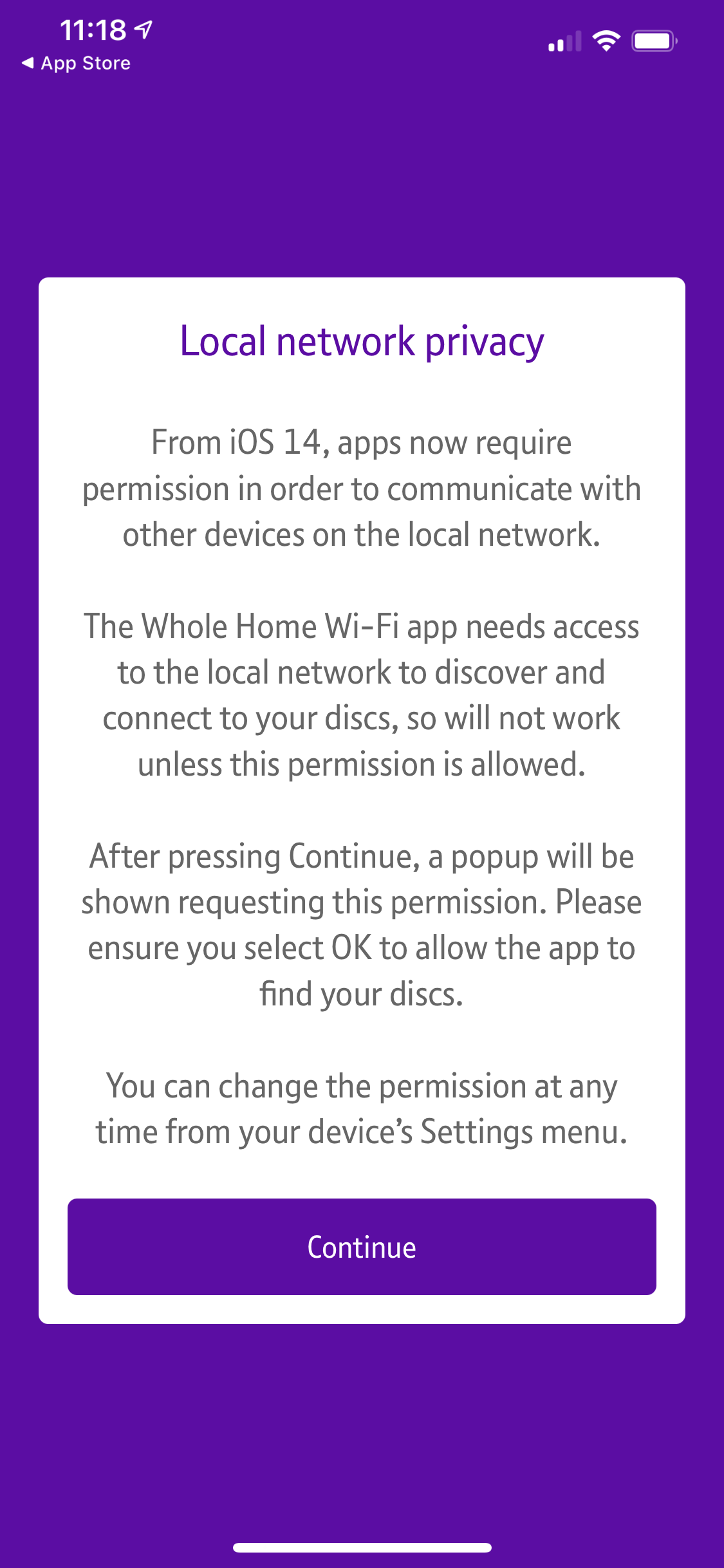
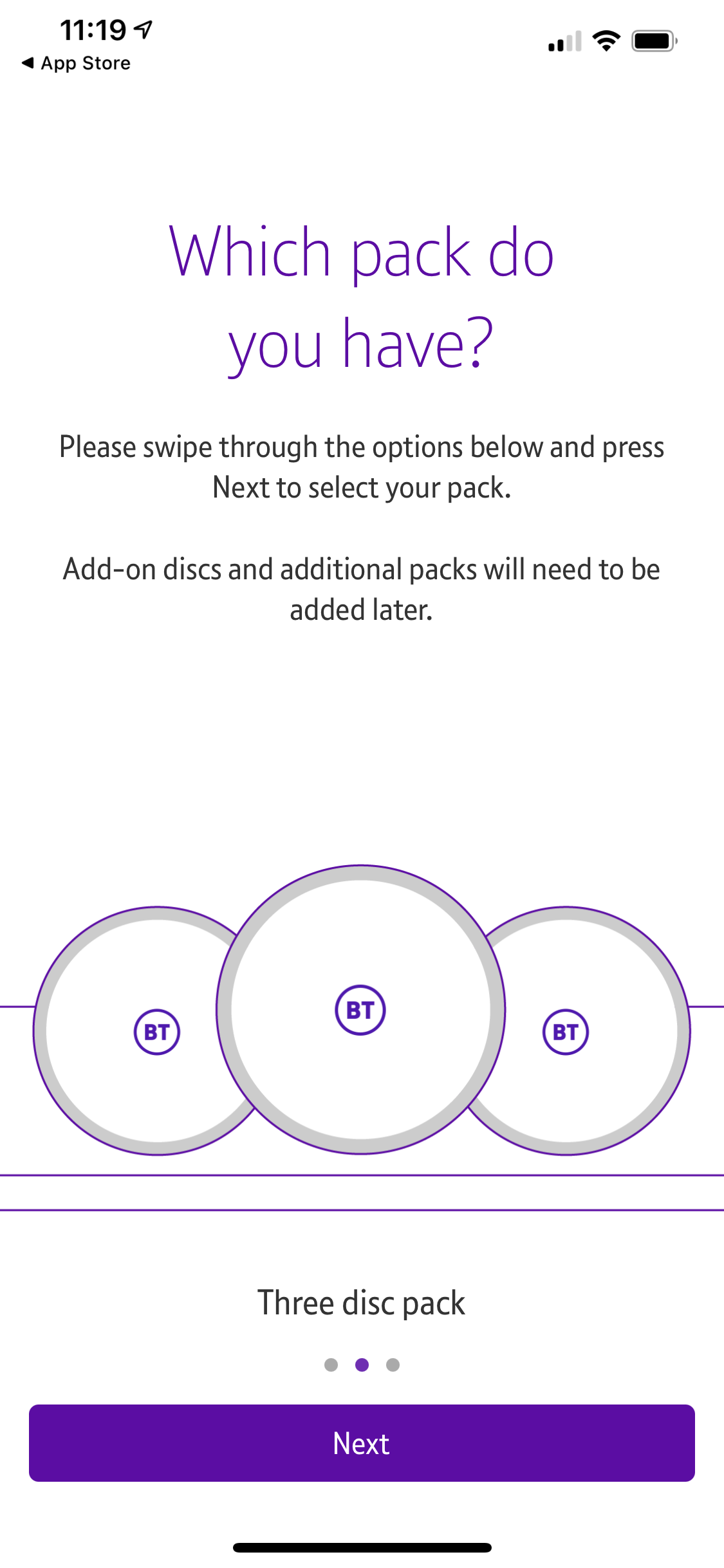
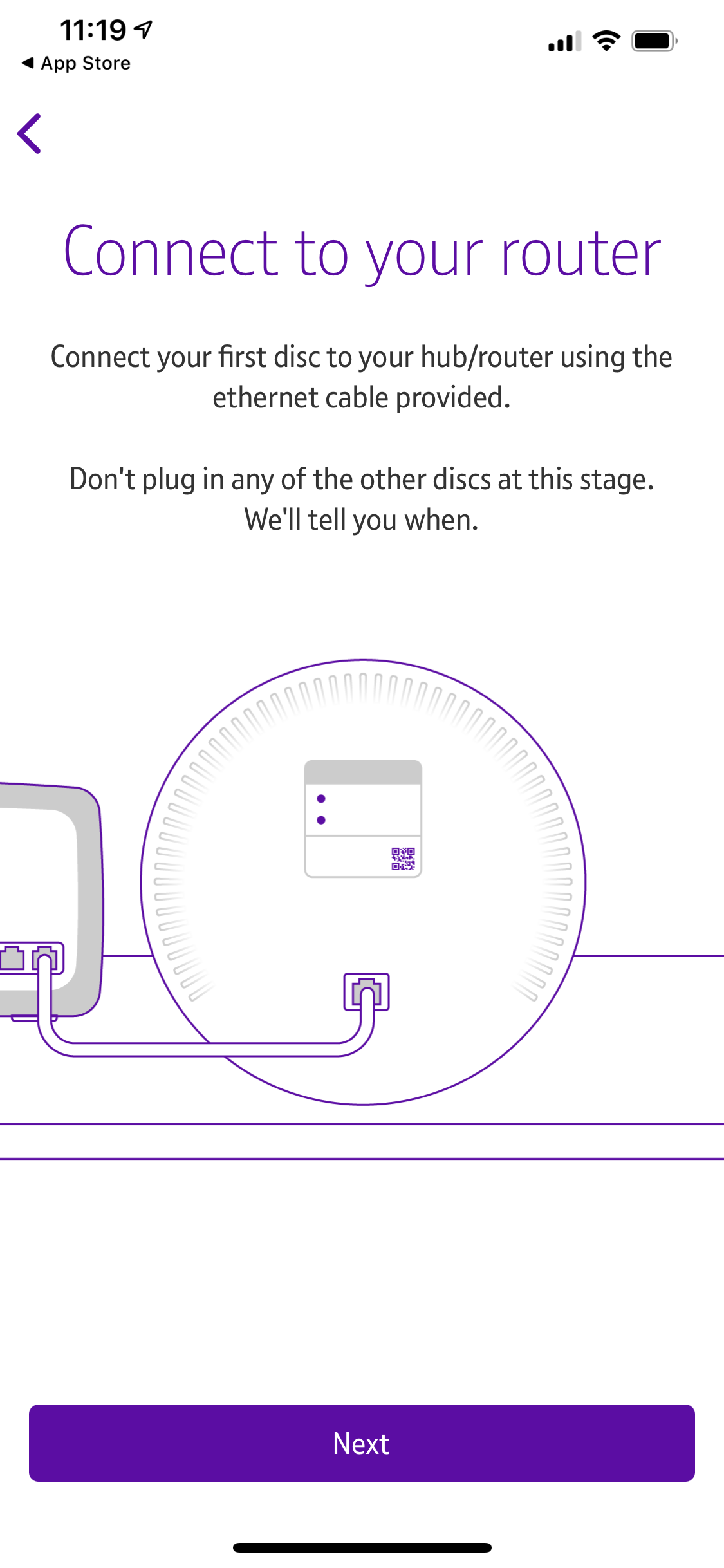
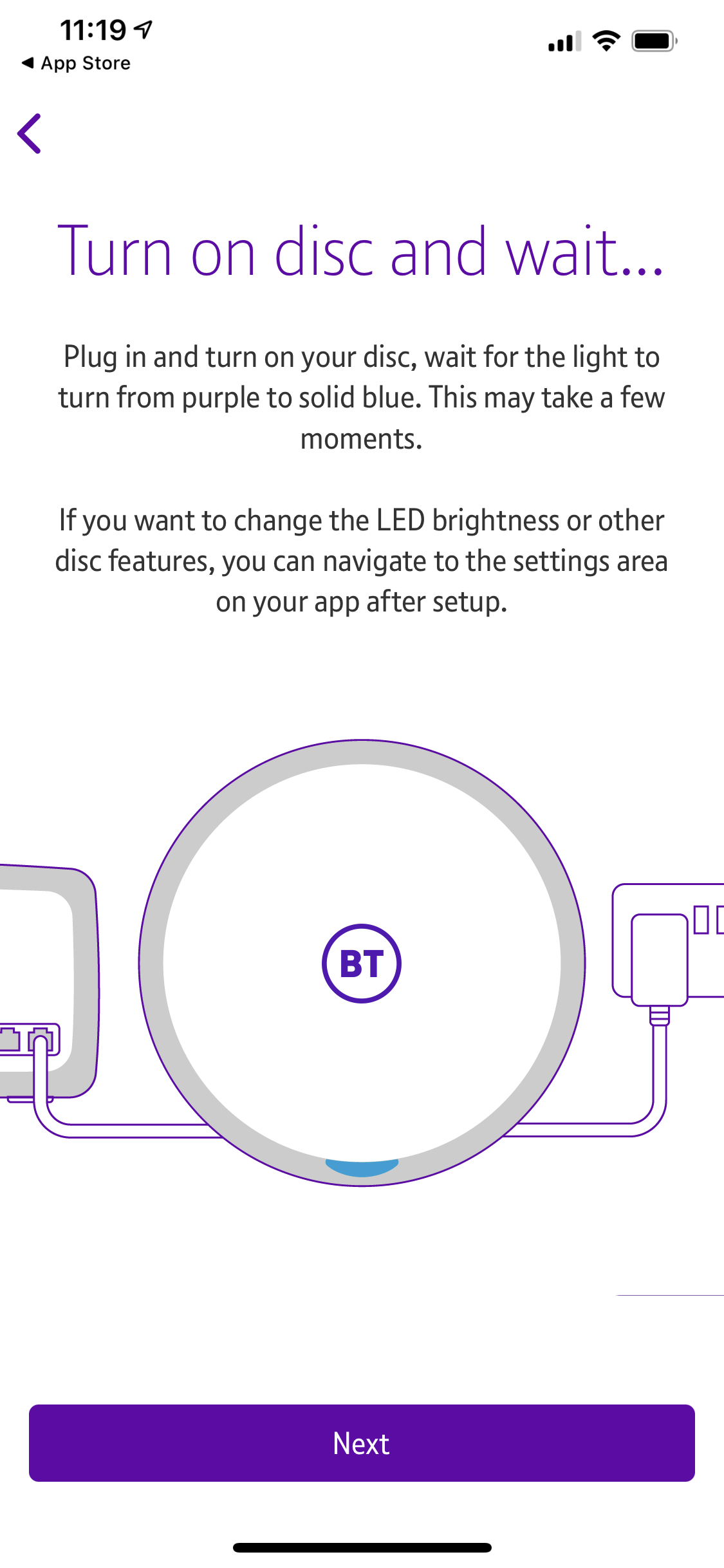
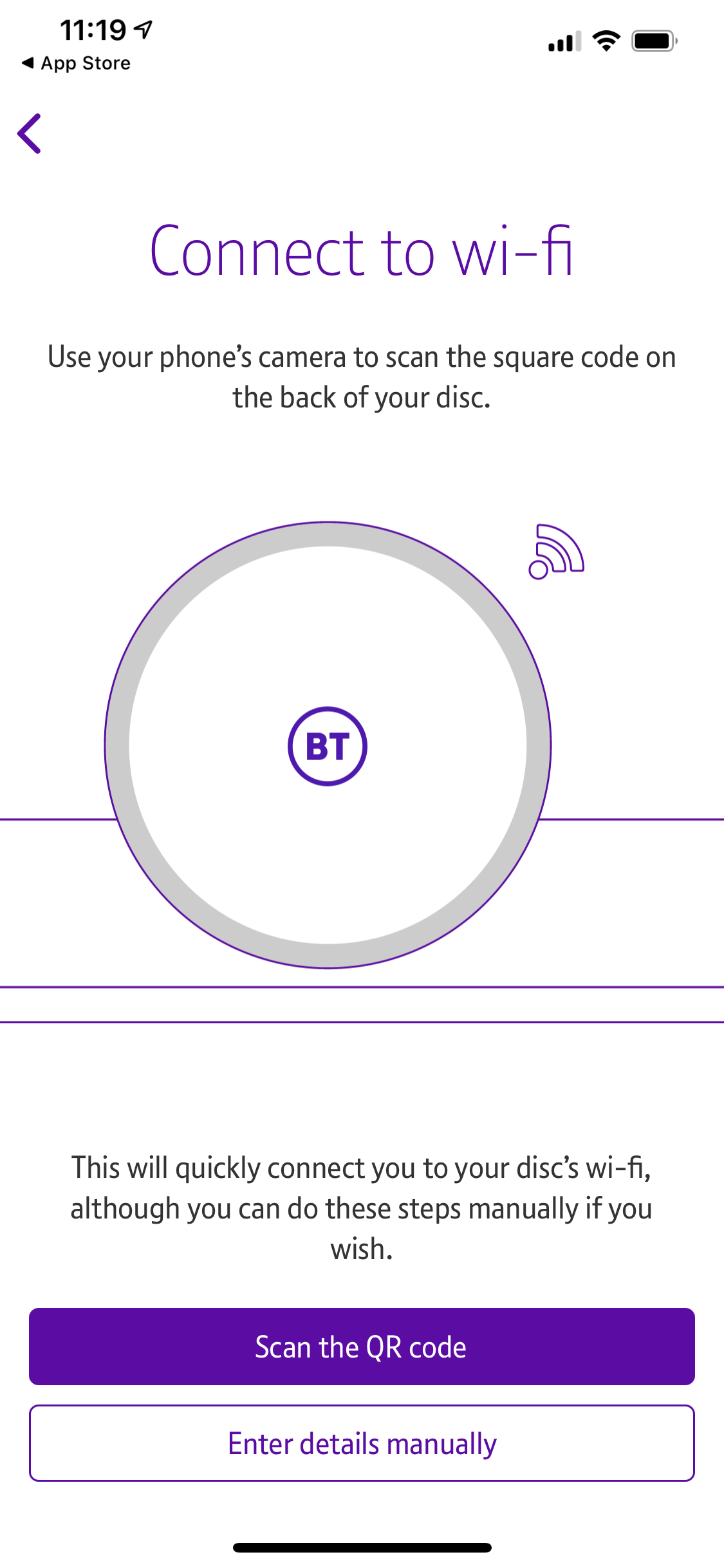
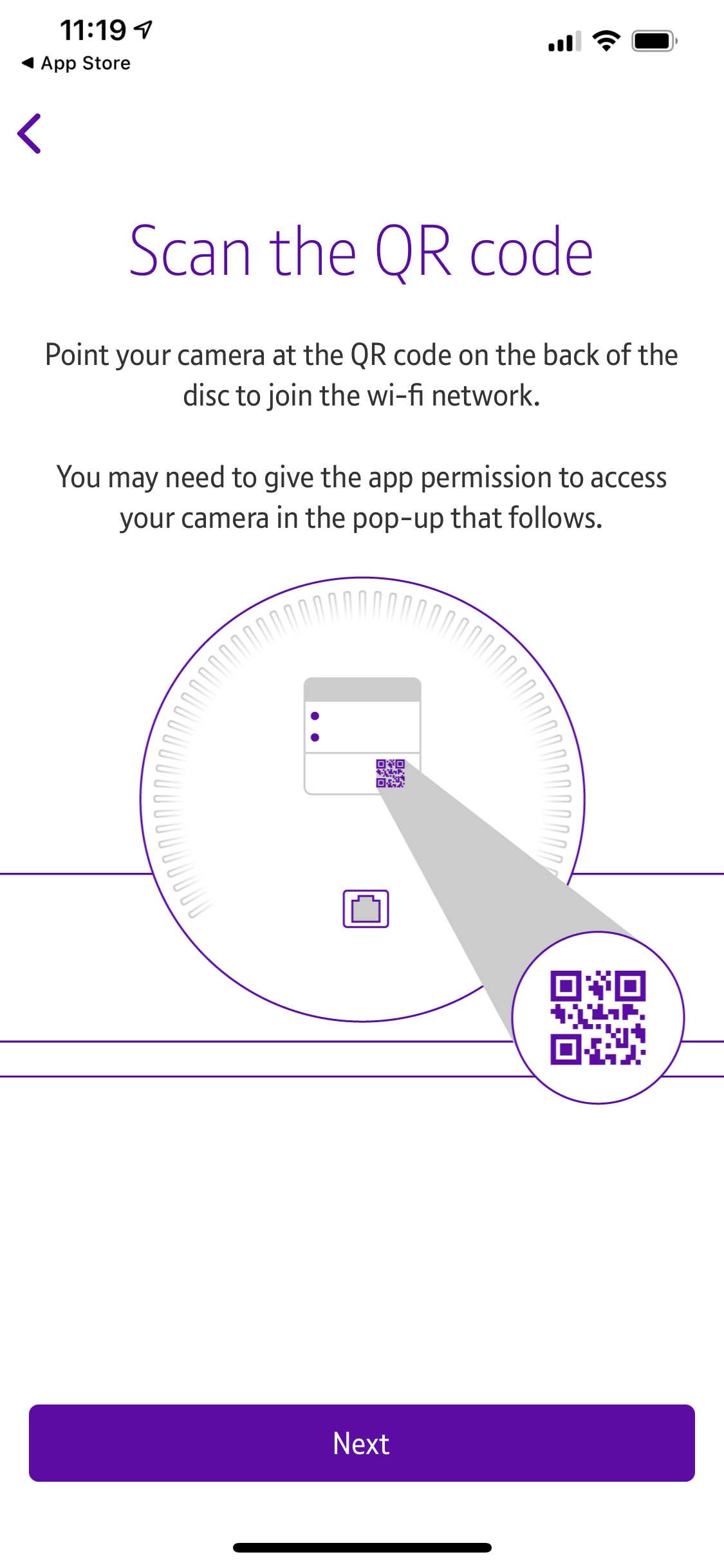
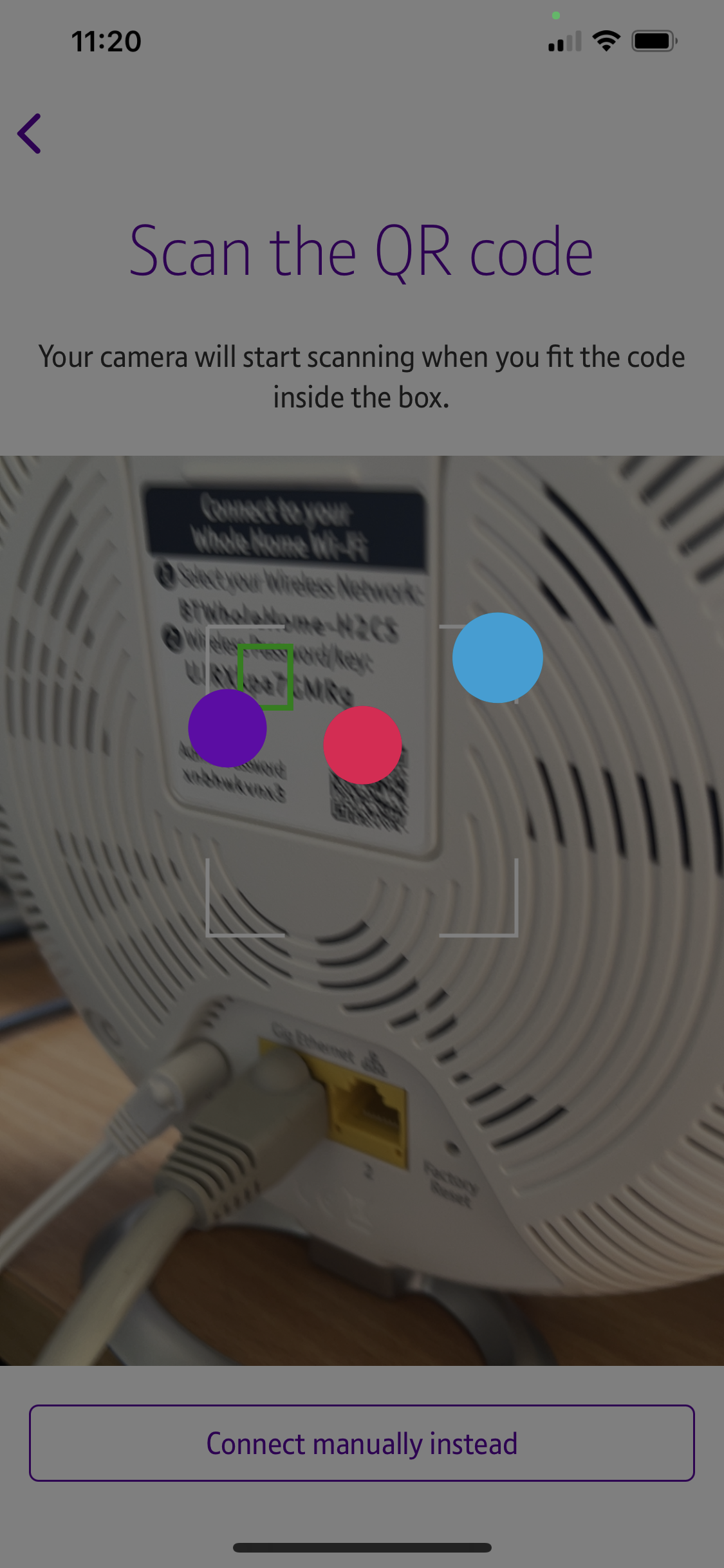
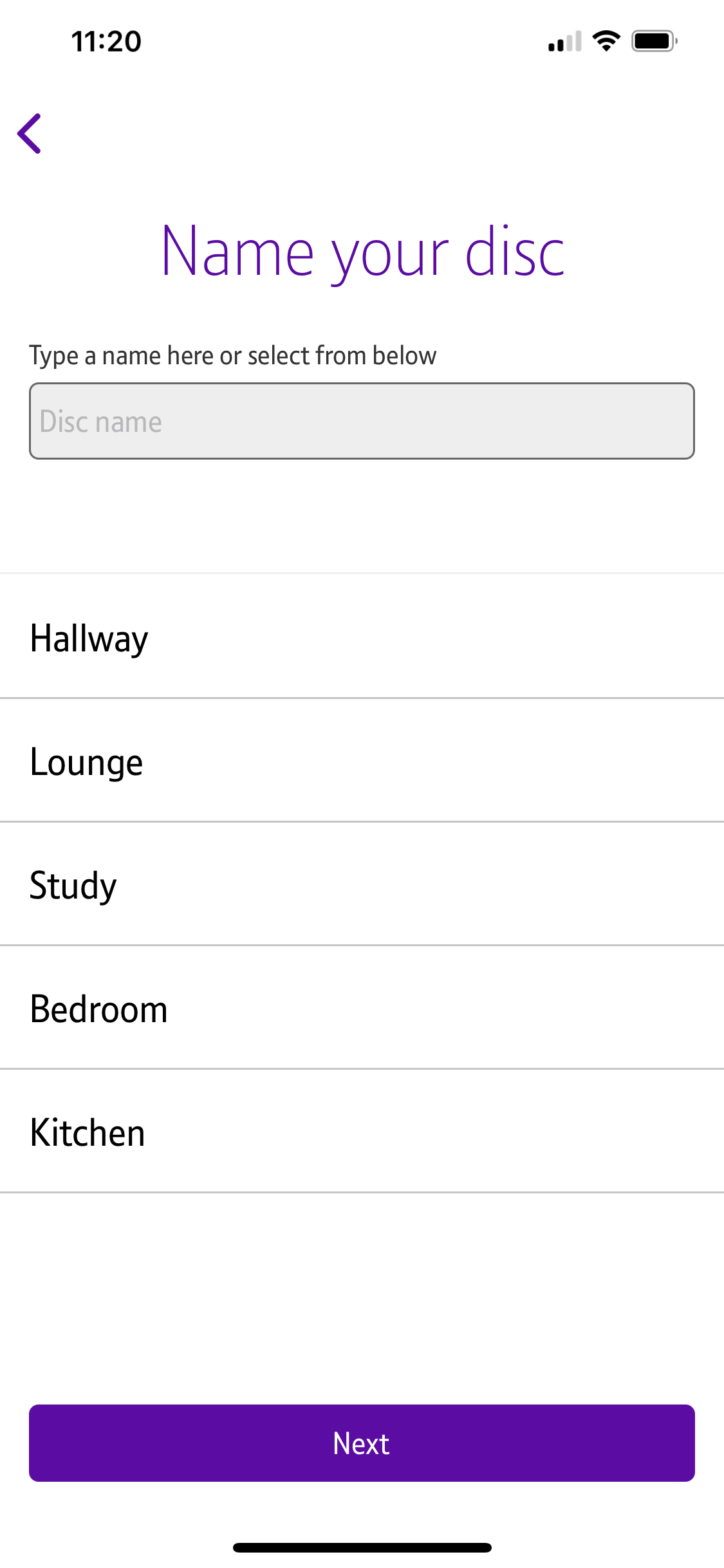
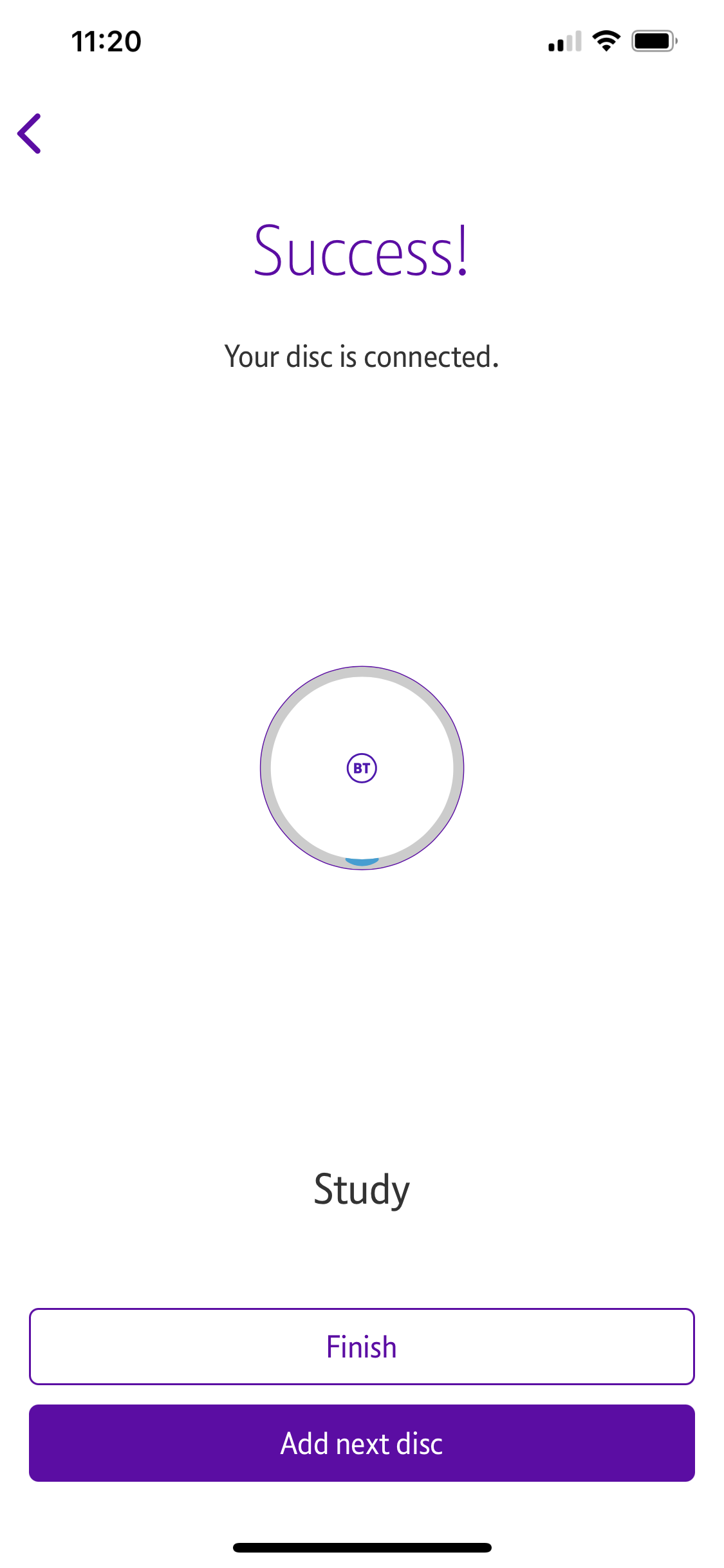
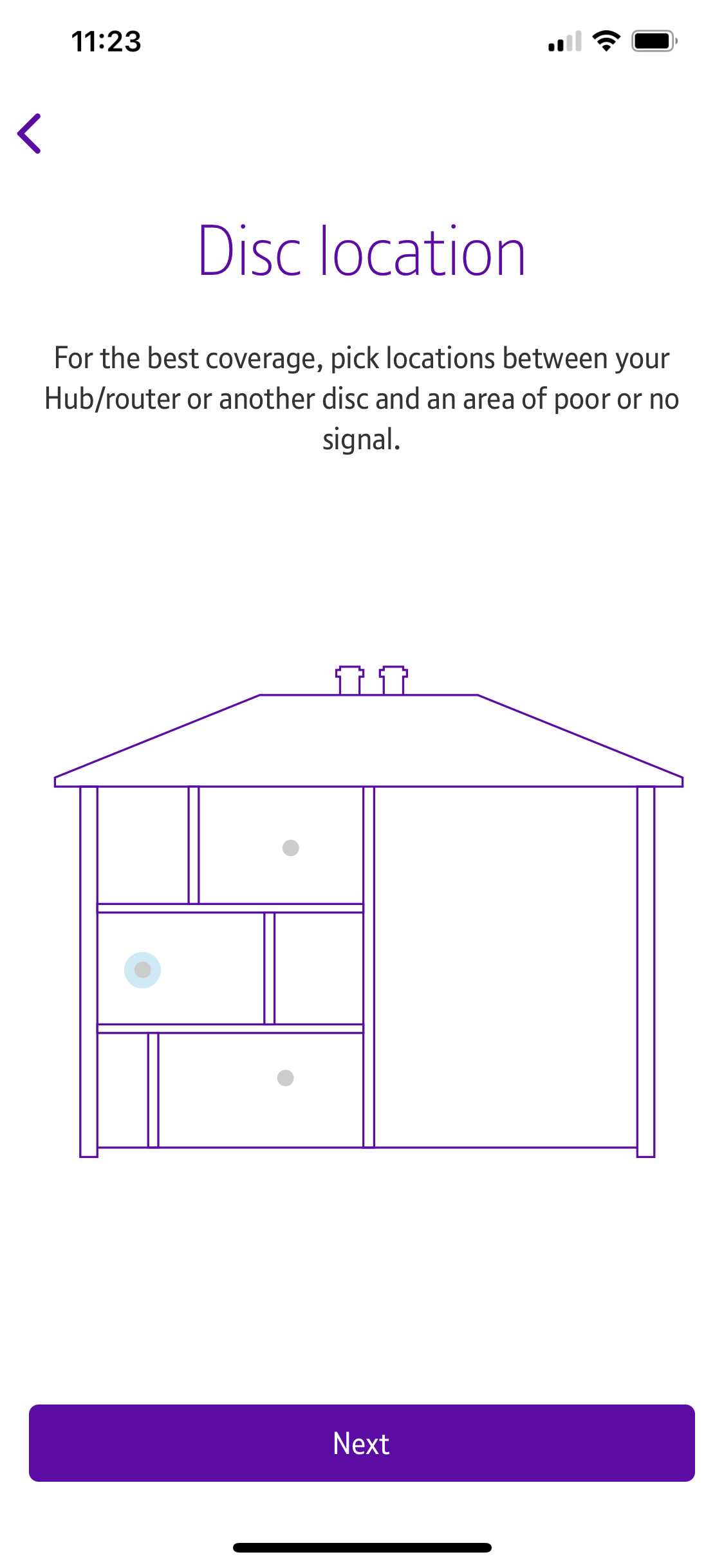
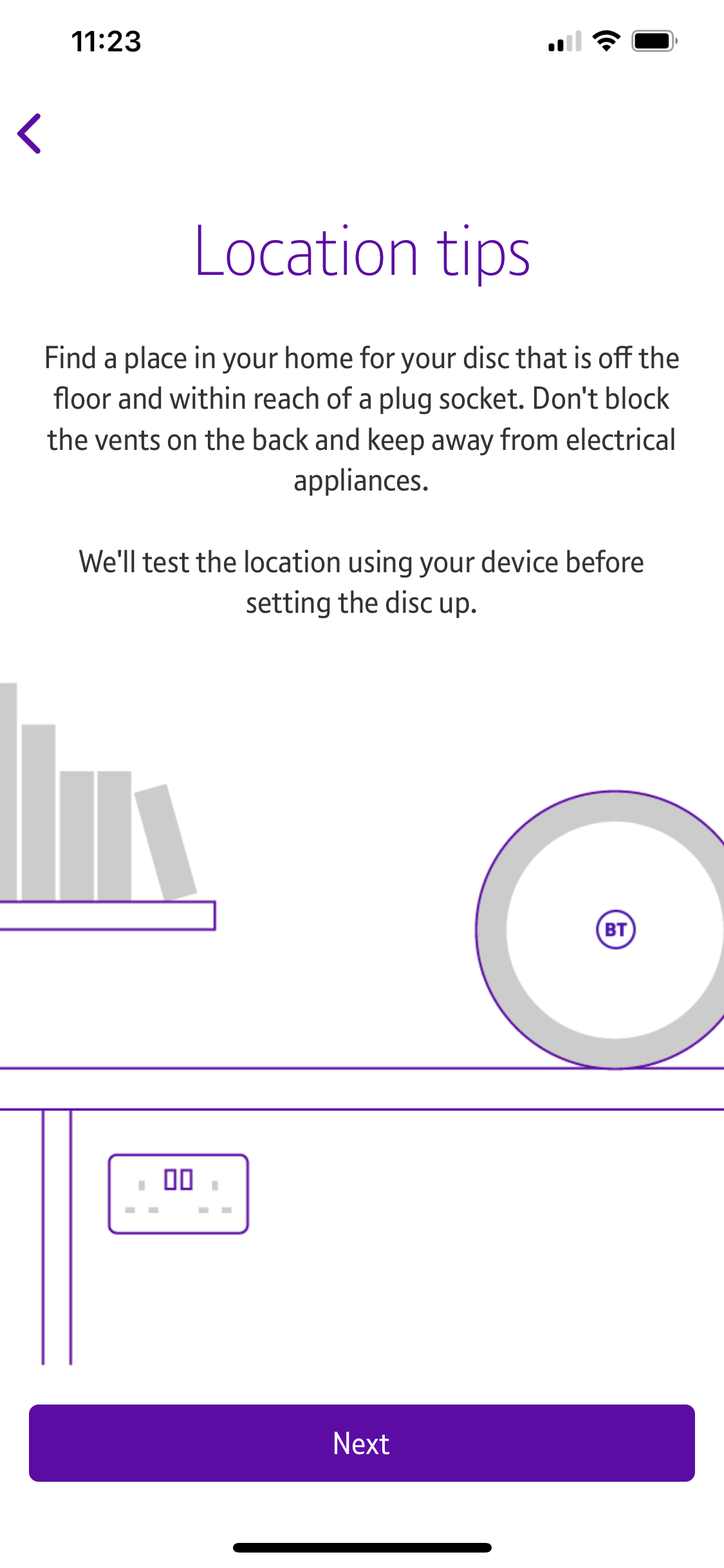
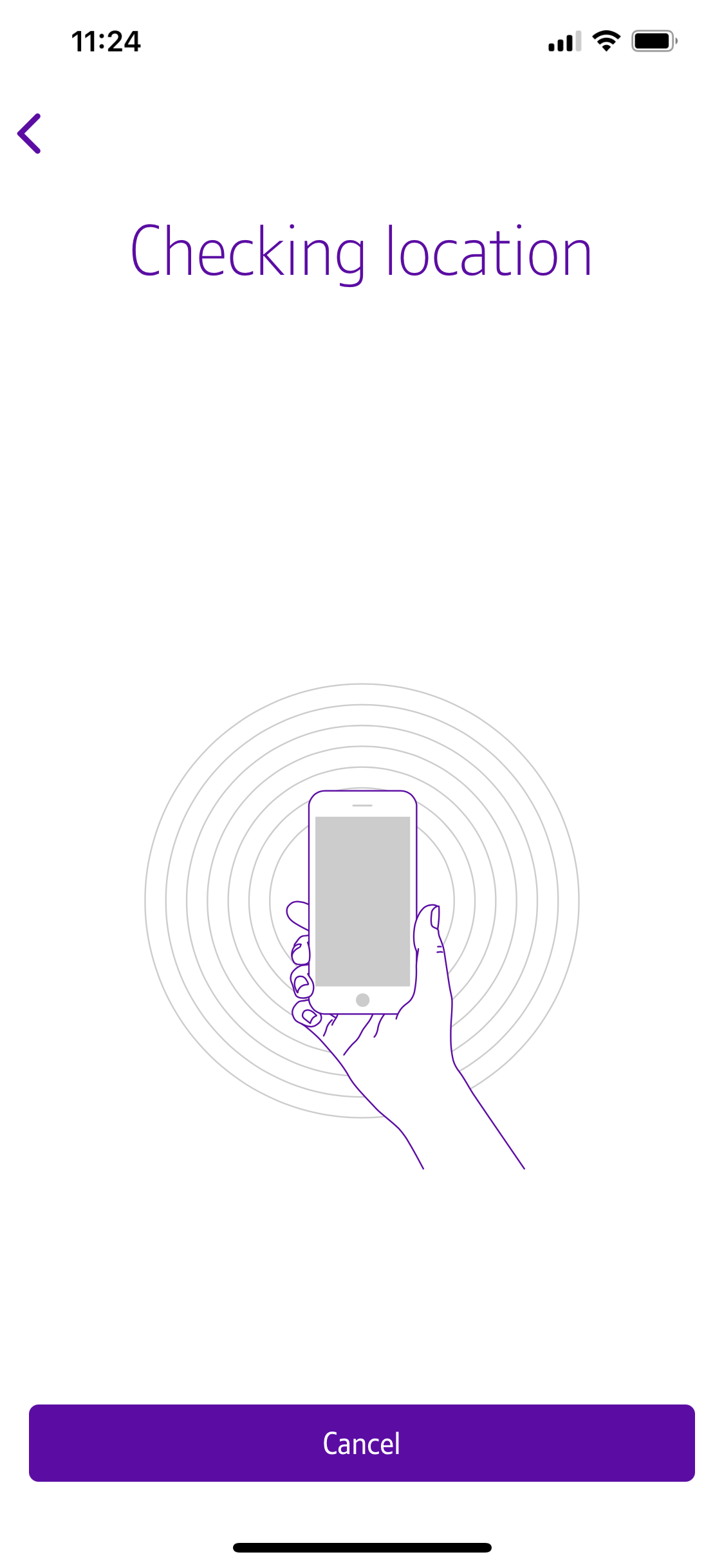
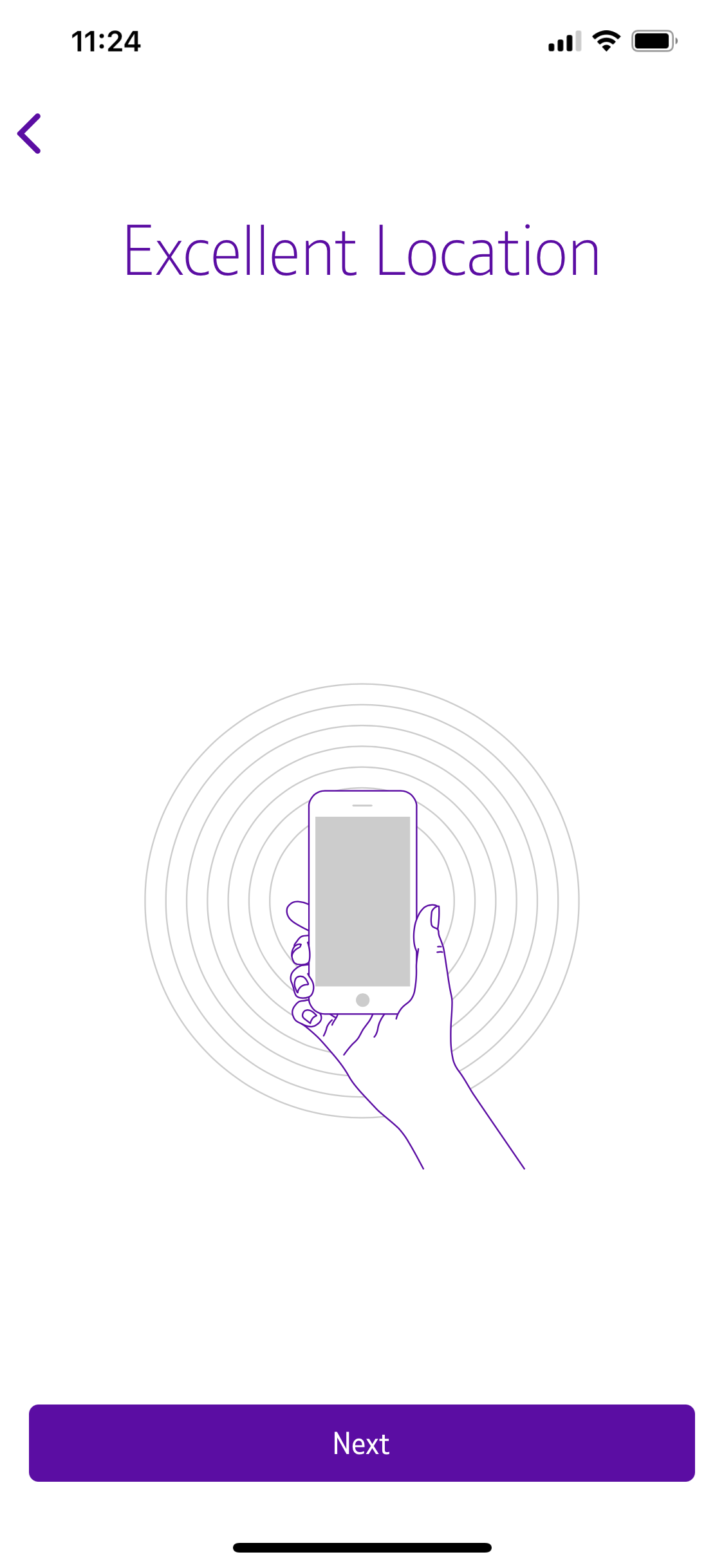
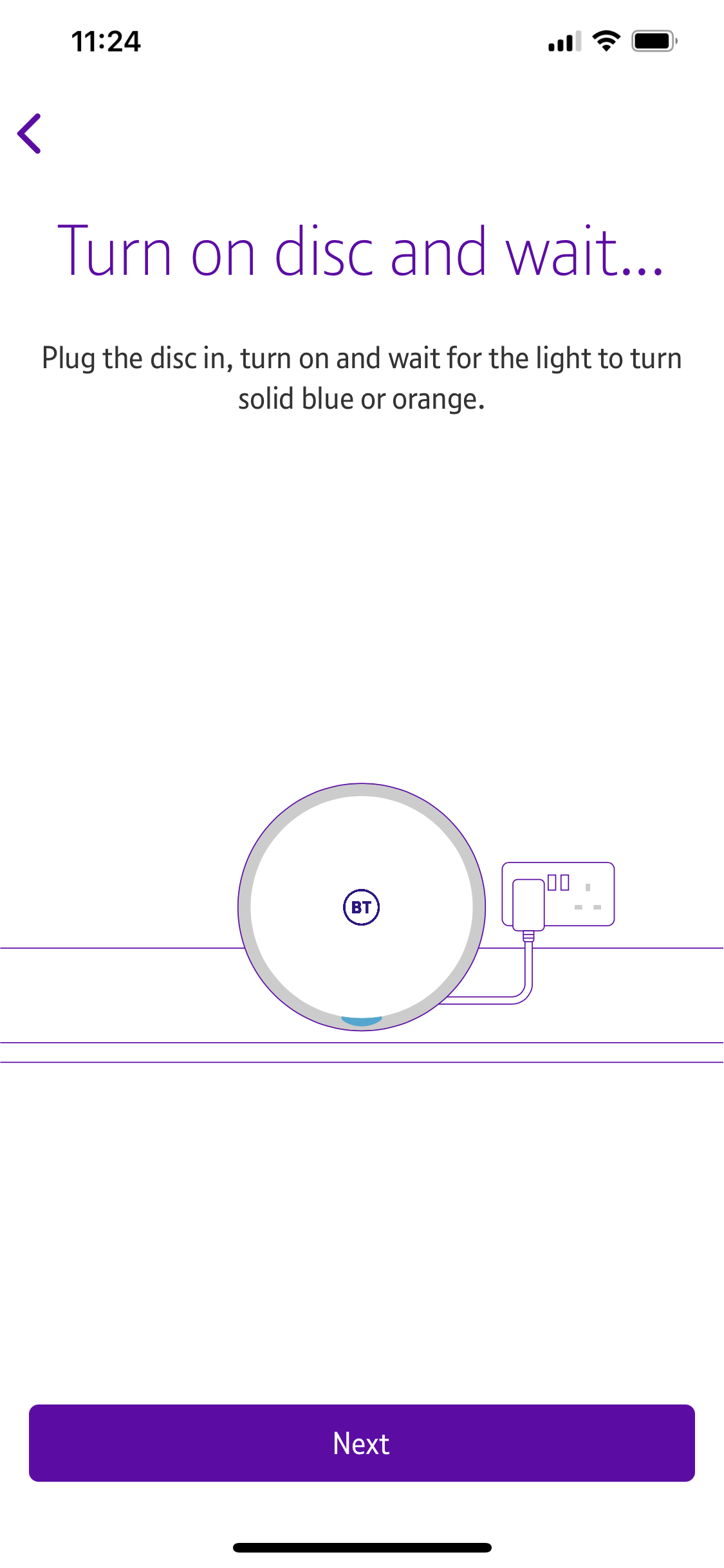
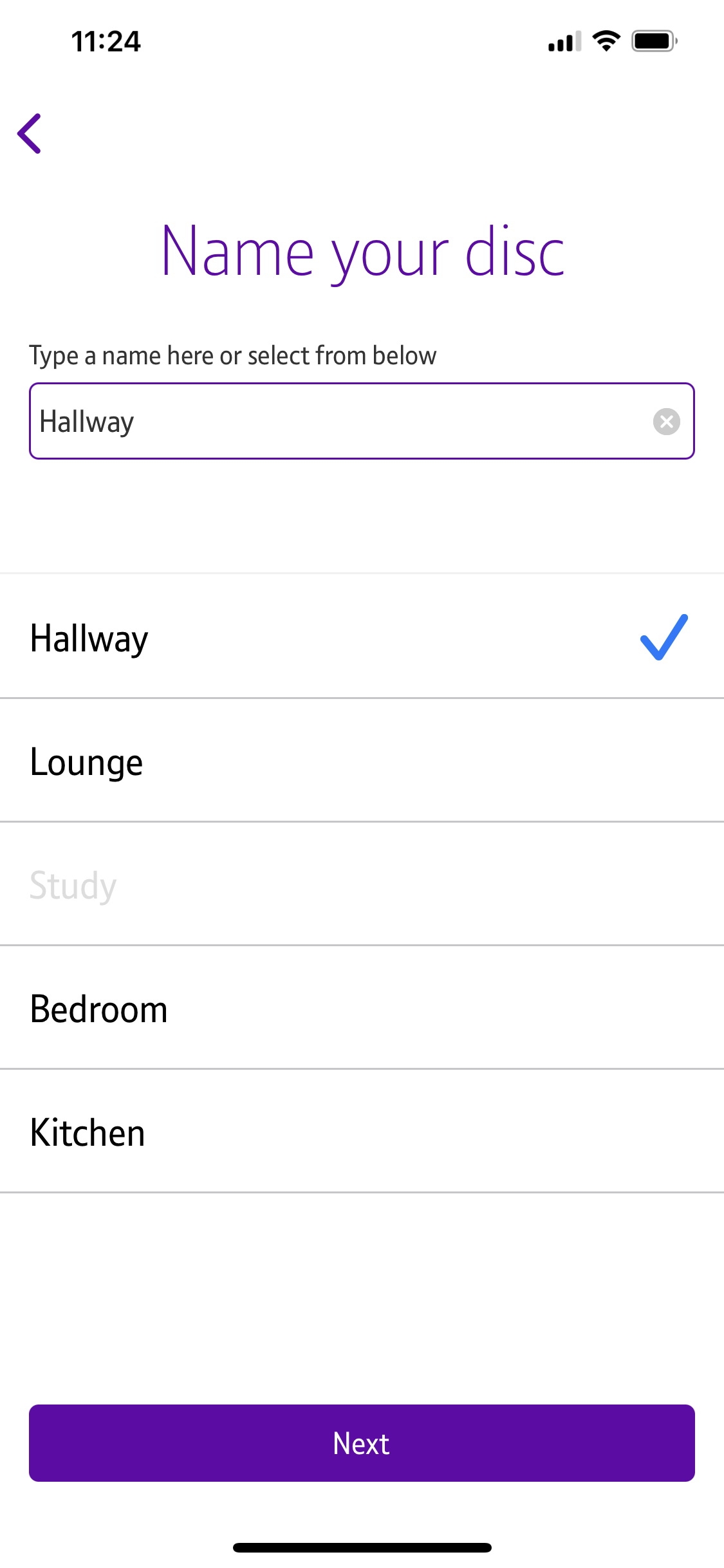
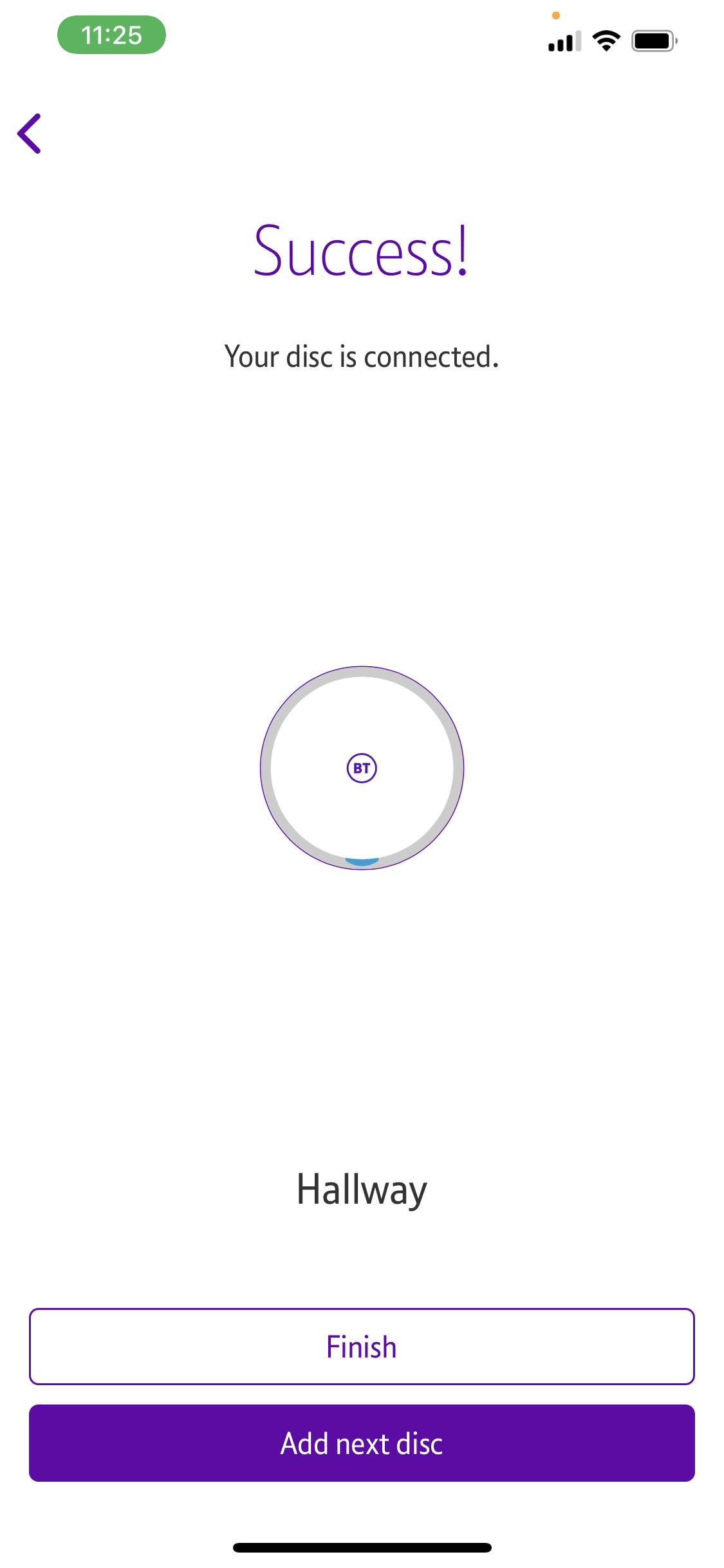
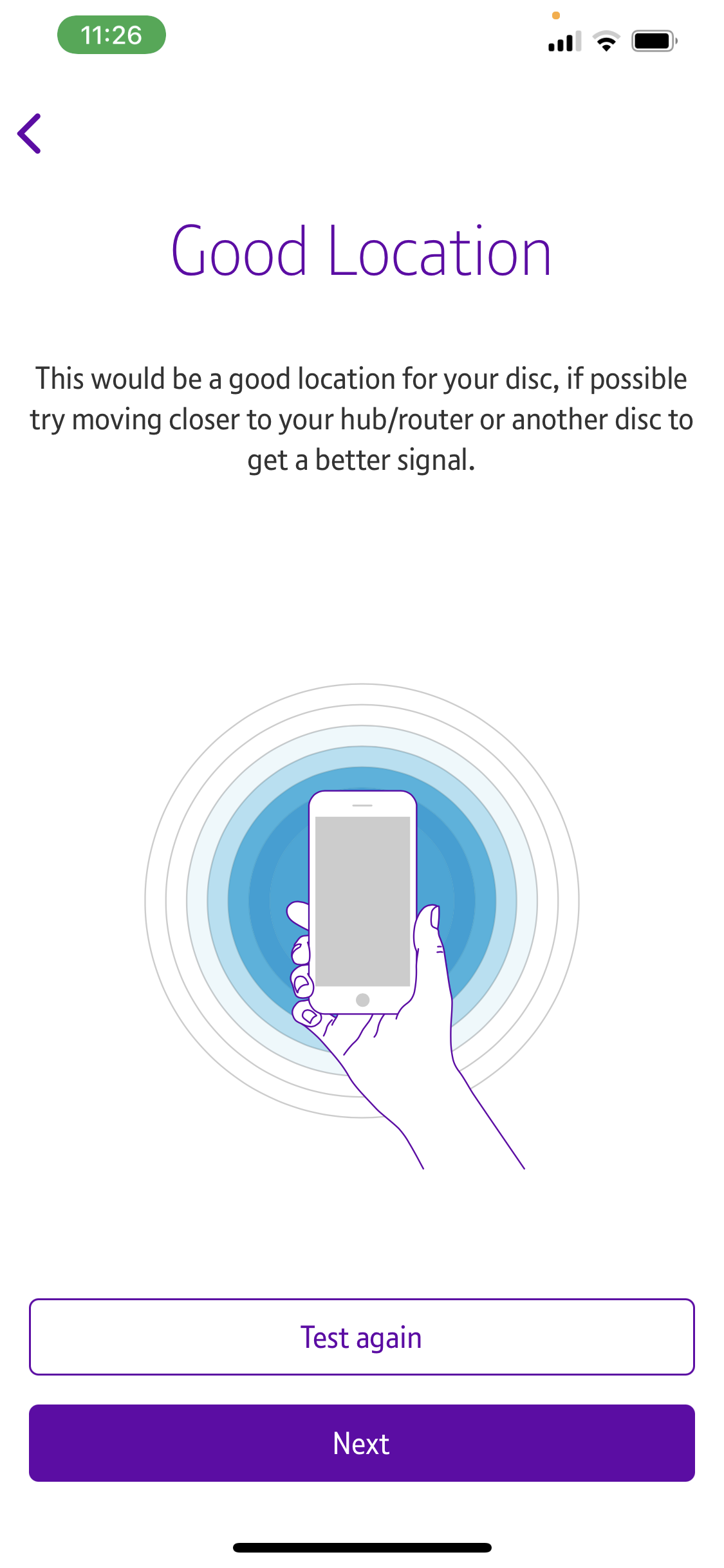
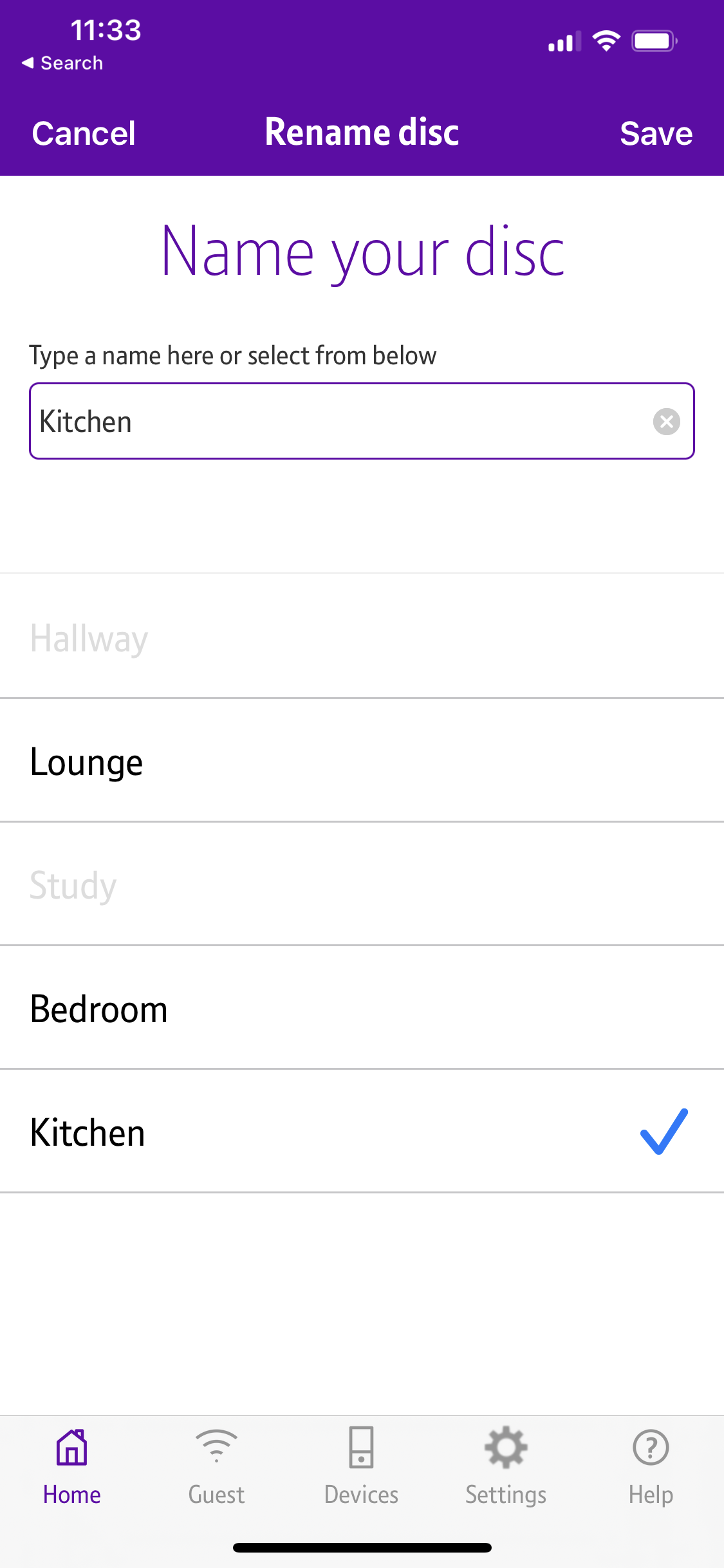
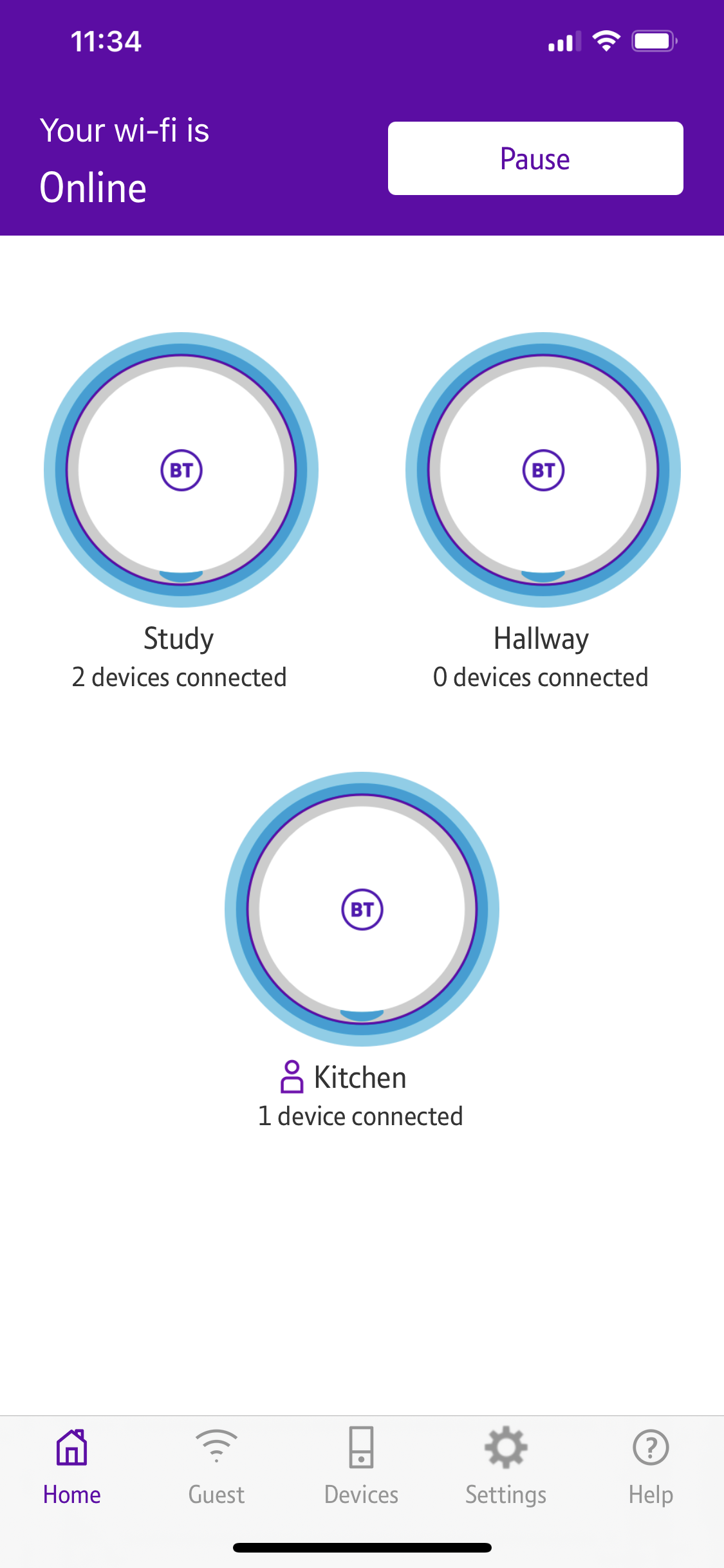
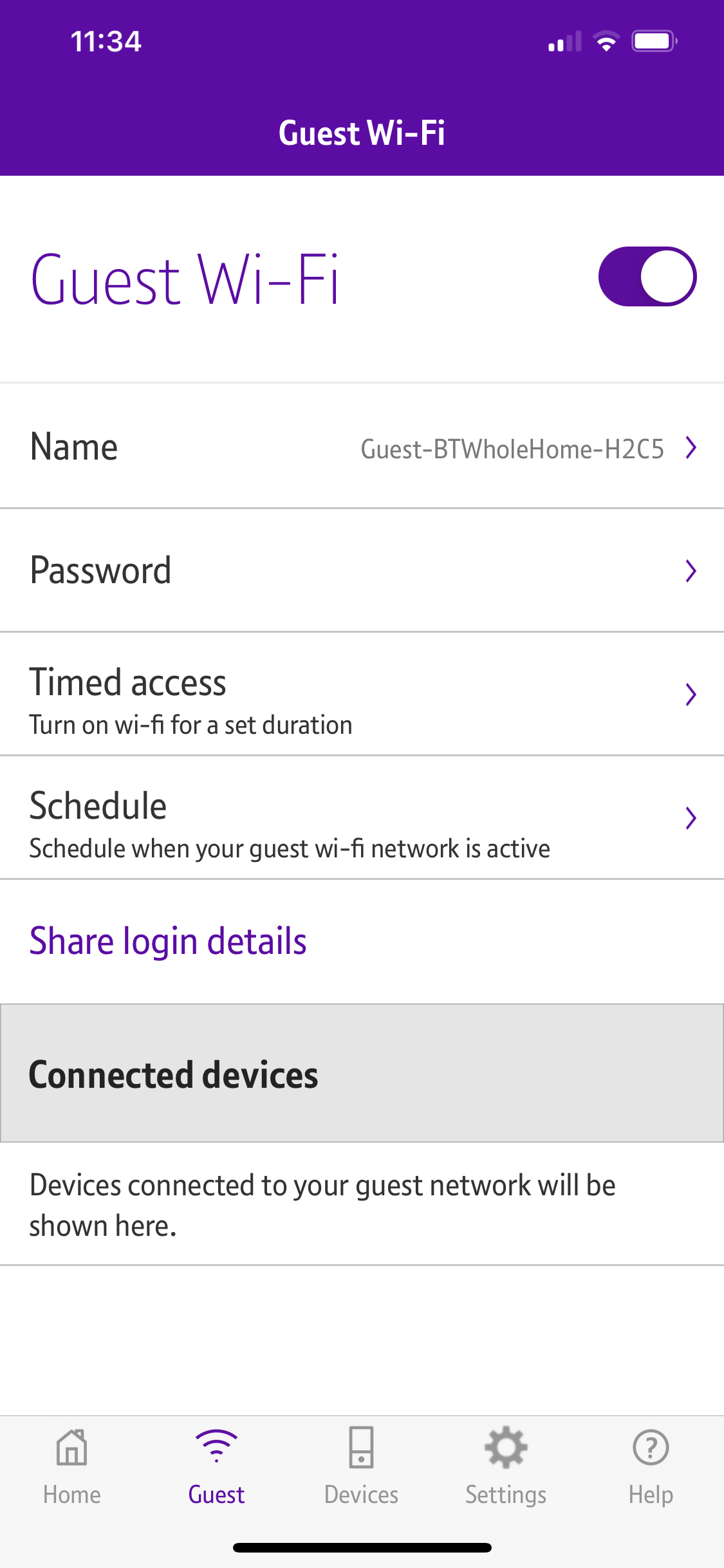
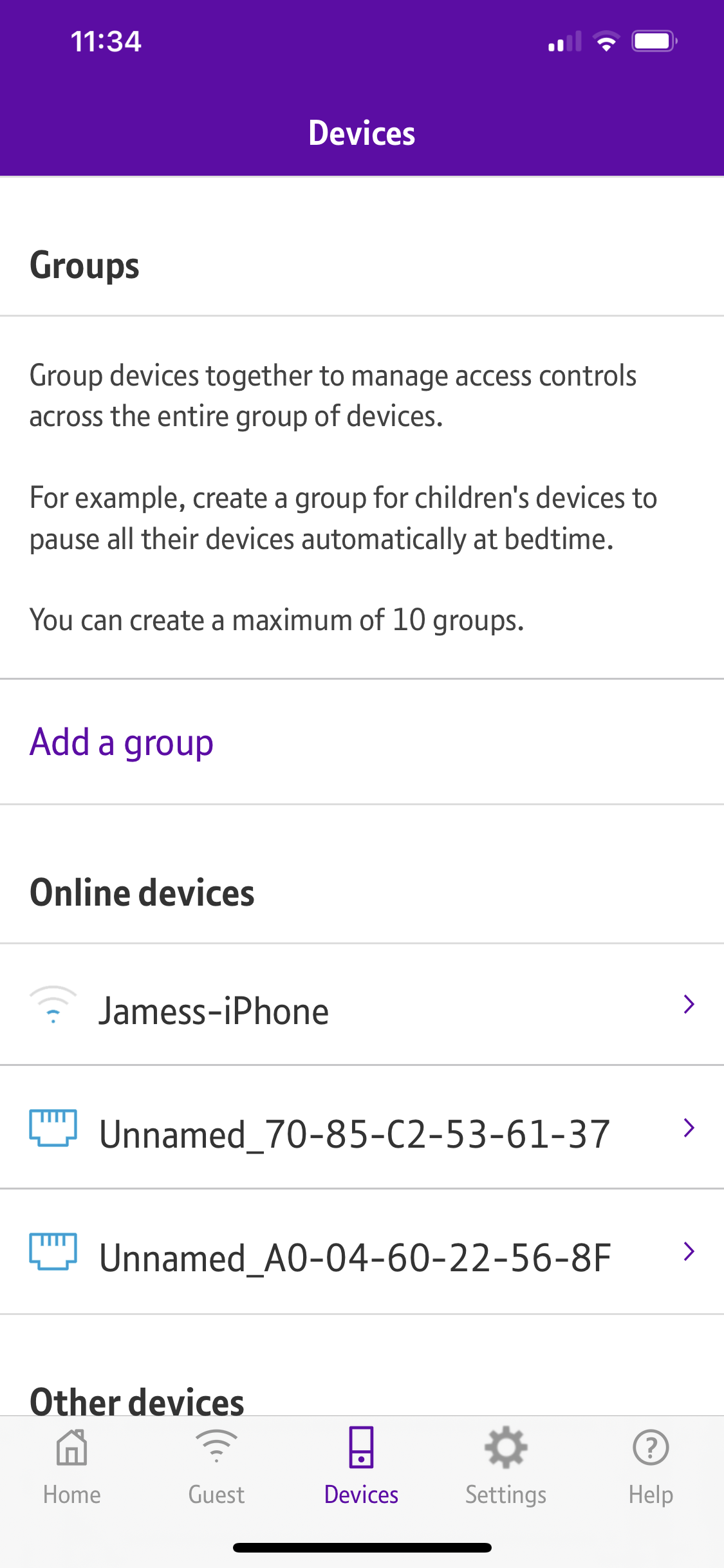
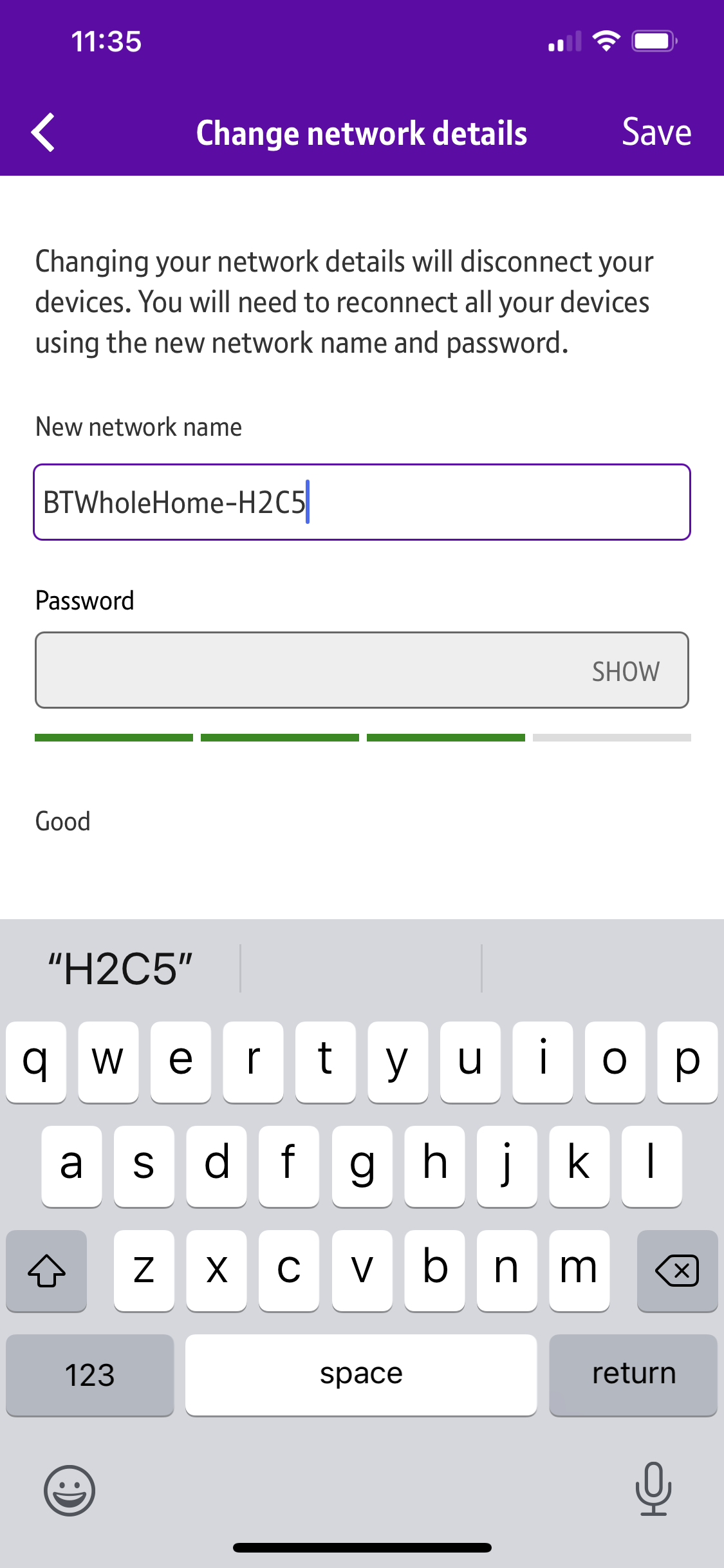
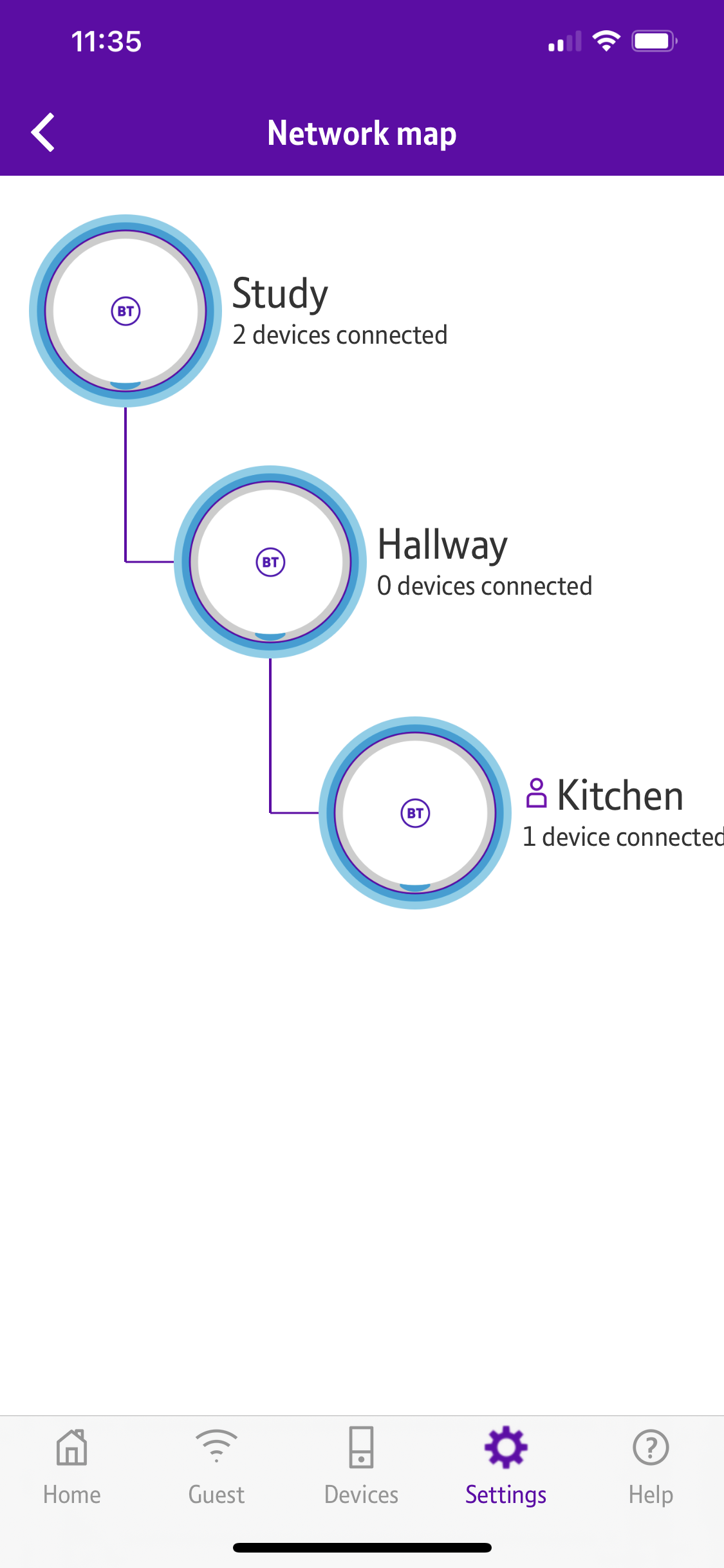
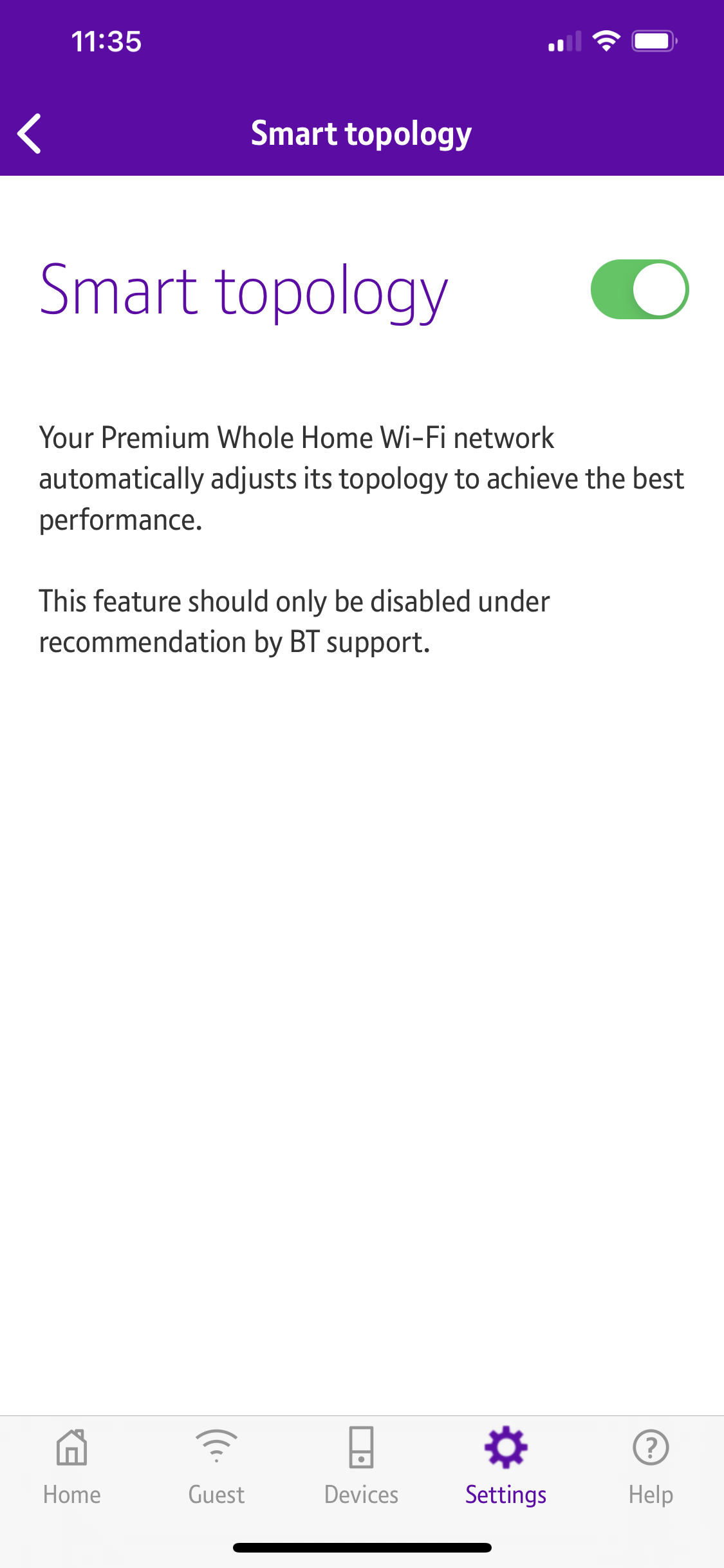
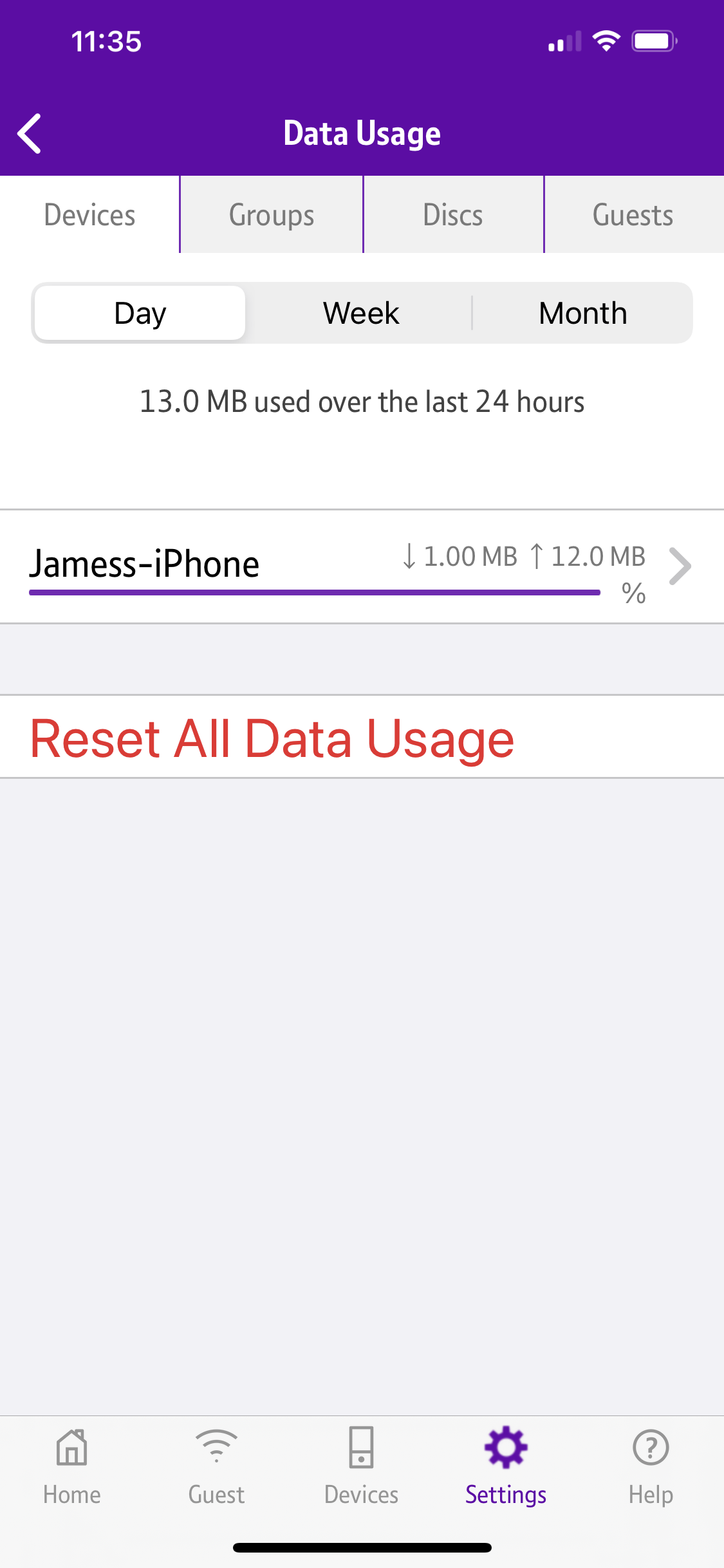
BT's wizard process is the most easy to follow of all. Not only does it guide you step-by-step through adding each device to the mesh, it even includes a section where it will measure how good the signal strength is before you set things up, and warn you if it's weak.
Once the mesh is configured, there aren't that many features in the app, just the ability to group devices, change WiFi settings, and monitor or limited data usage.
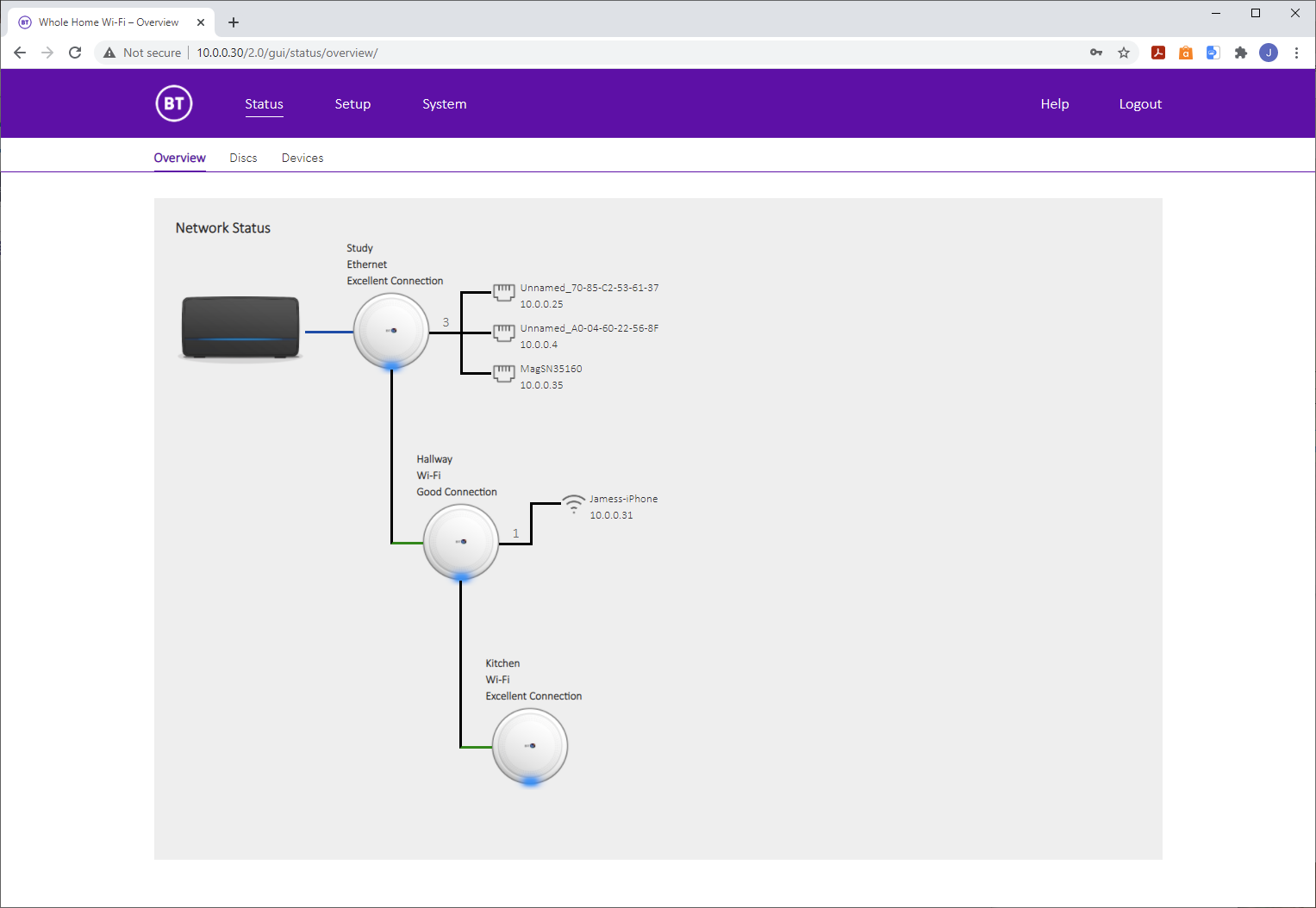
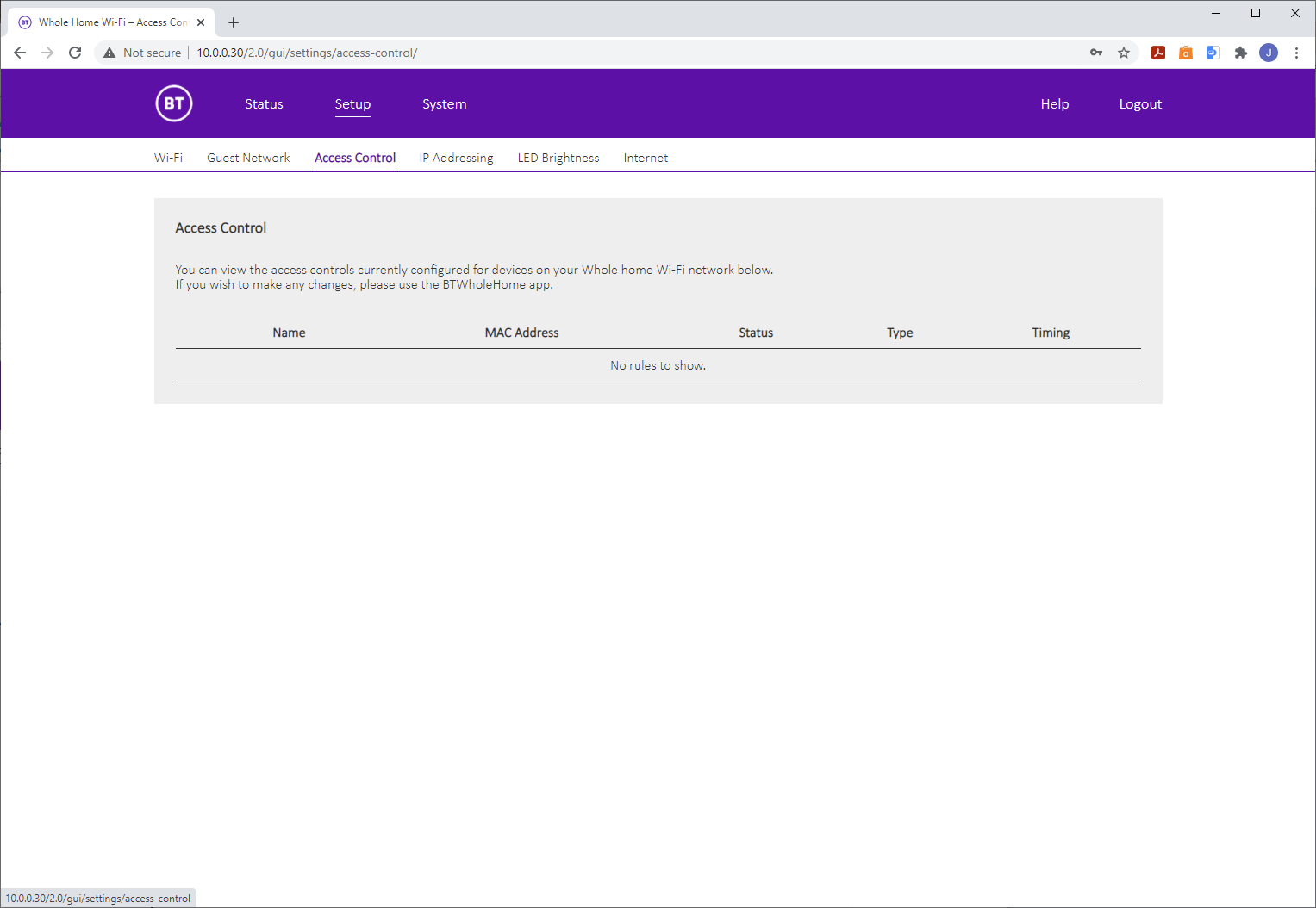
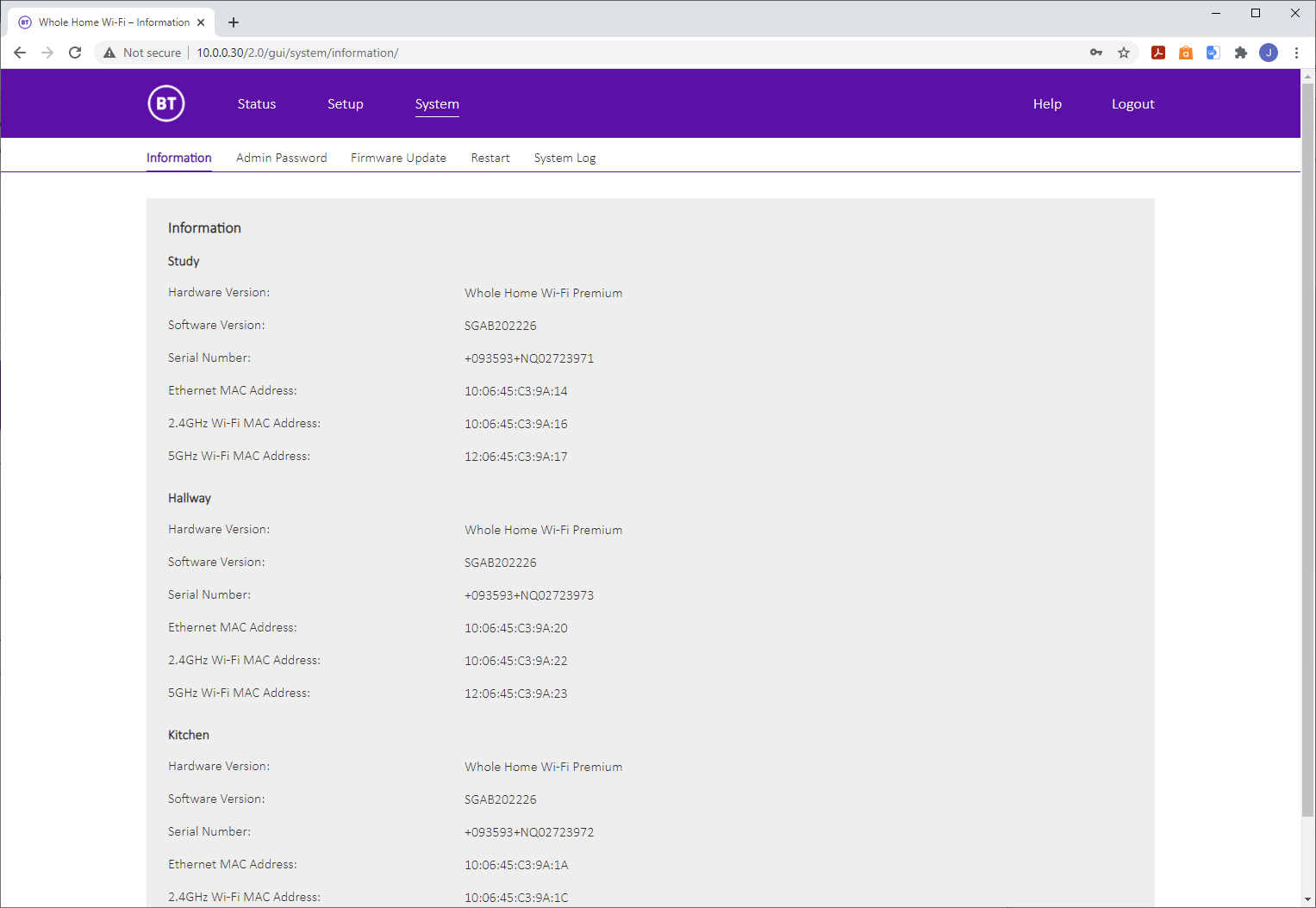
The web browser interface doesn't give you much more, either. The tree view of devices is aesthetically pleasing, and shows that this mesh uses daisy-chaining rather than having the router act as a hub to all devices.
Beyond that is the ability to control access for individual client devices and set up Guest WiFi. There is no port forwarding, DMZ, or advanced firewall abilities such as filtering. This is the most limited range of router features on test, and hints that Premium Whole Home WiFi is intended to be added onto a more fully featured BT router.
tp-link Deco AX3000
The tp-link Deco AX3000 has a similar smartphone-based wizard for initial setup.
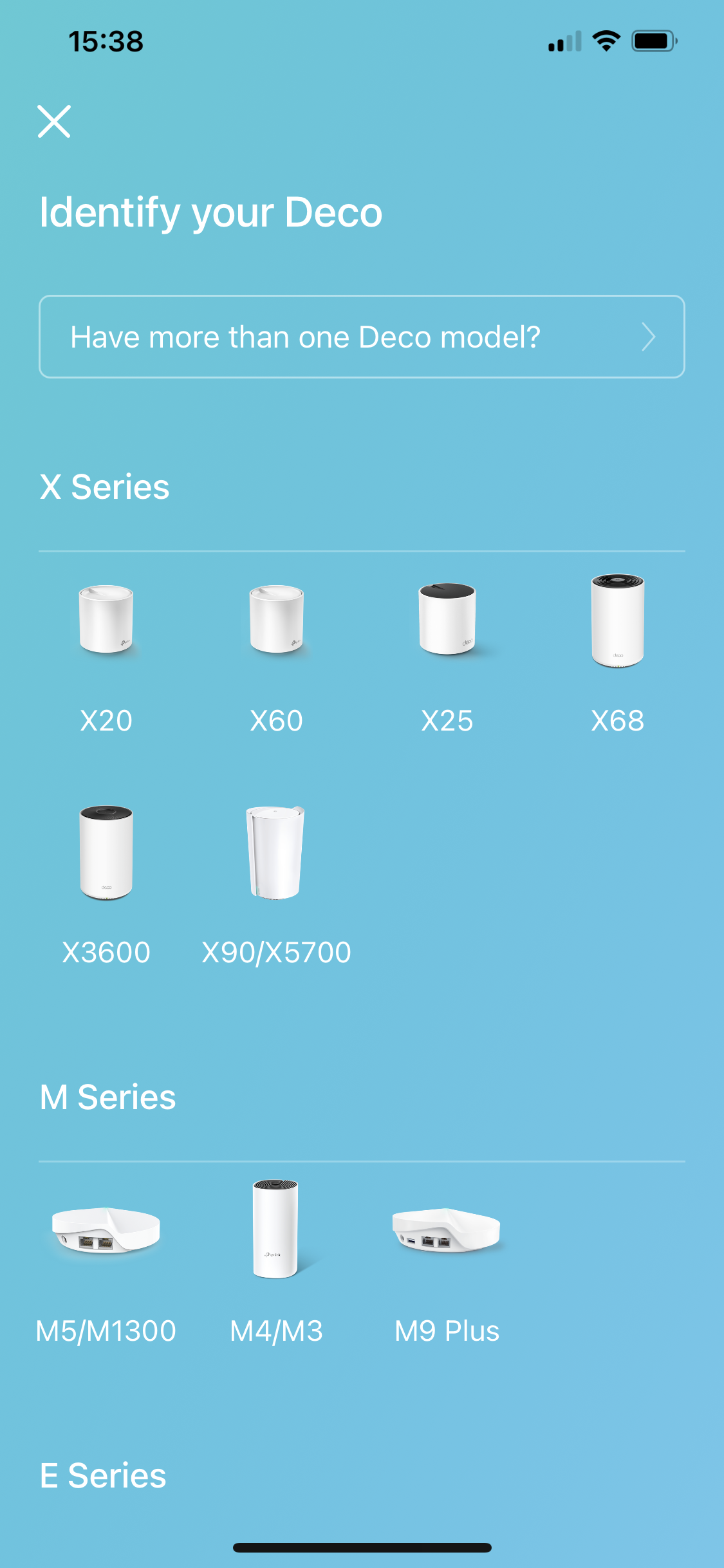
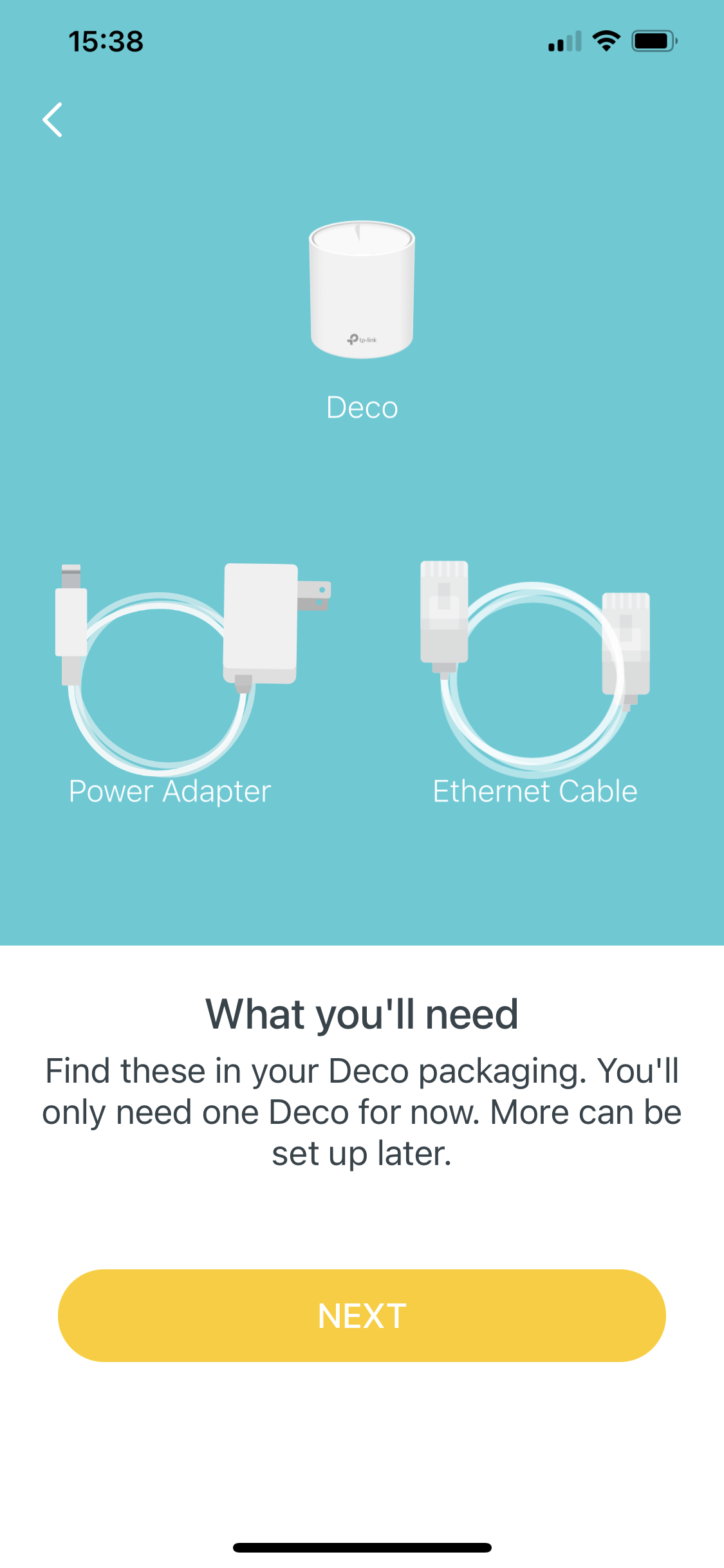


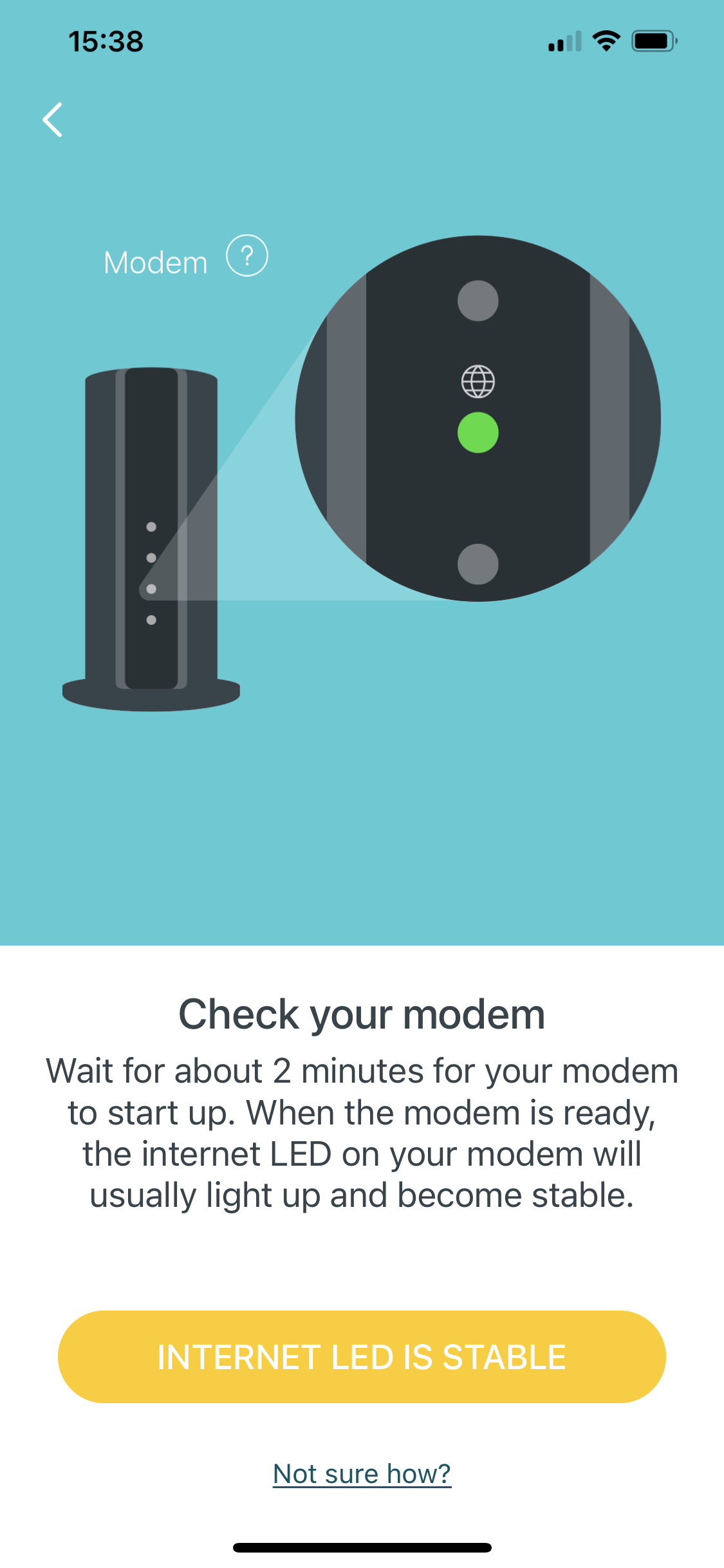
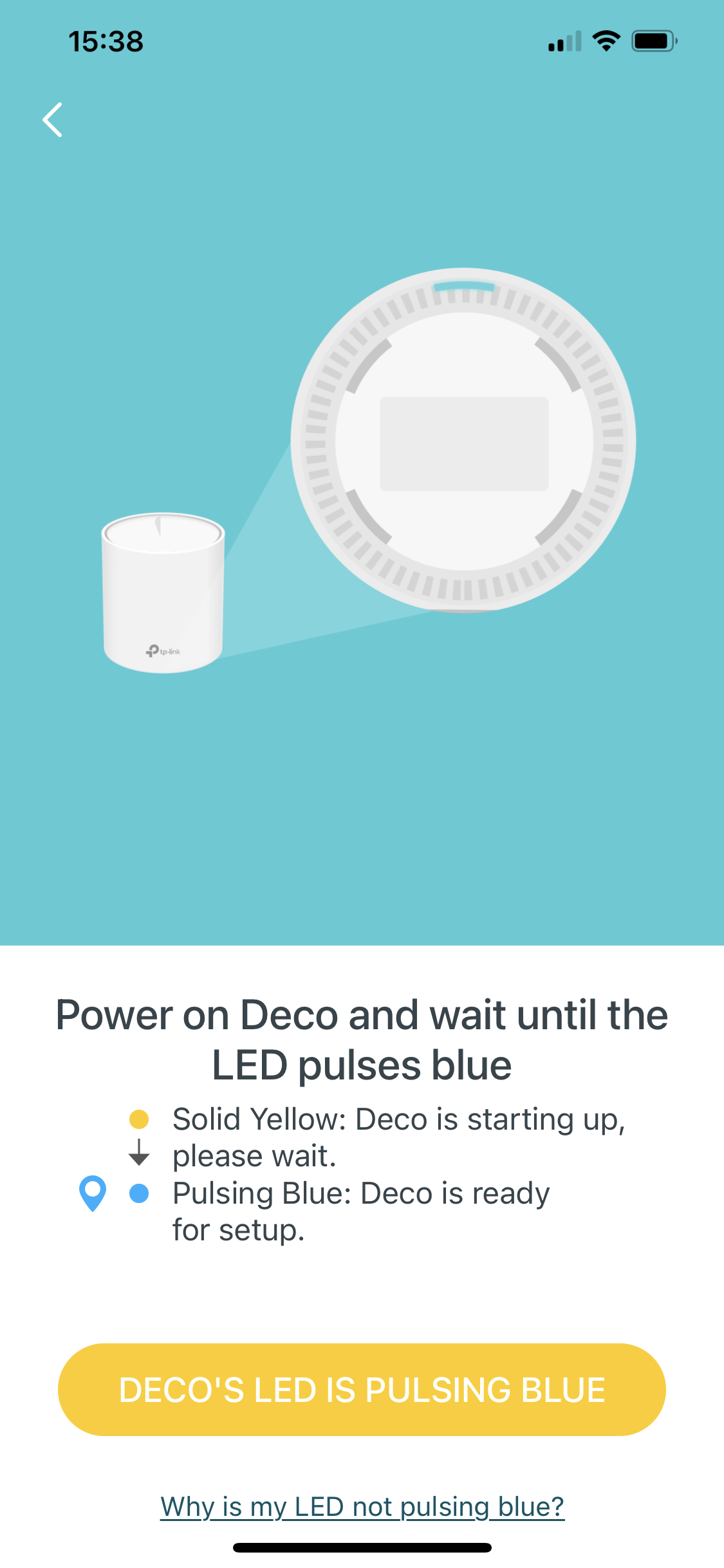
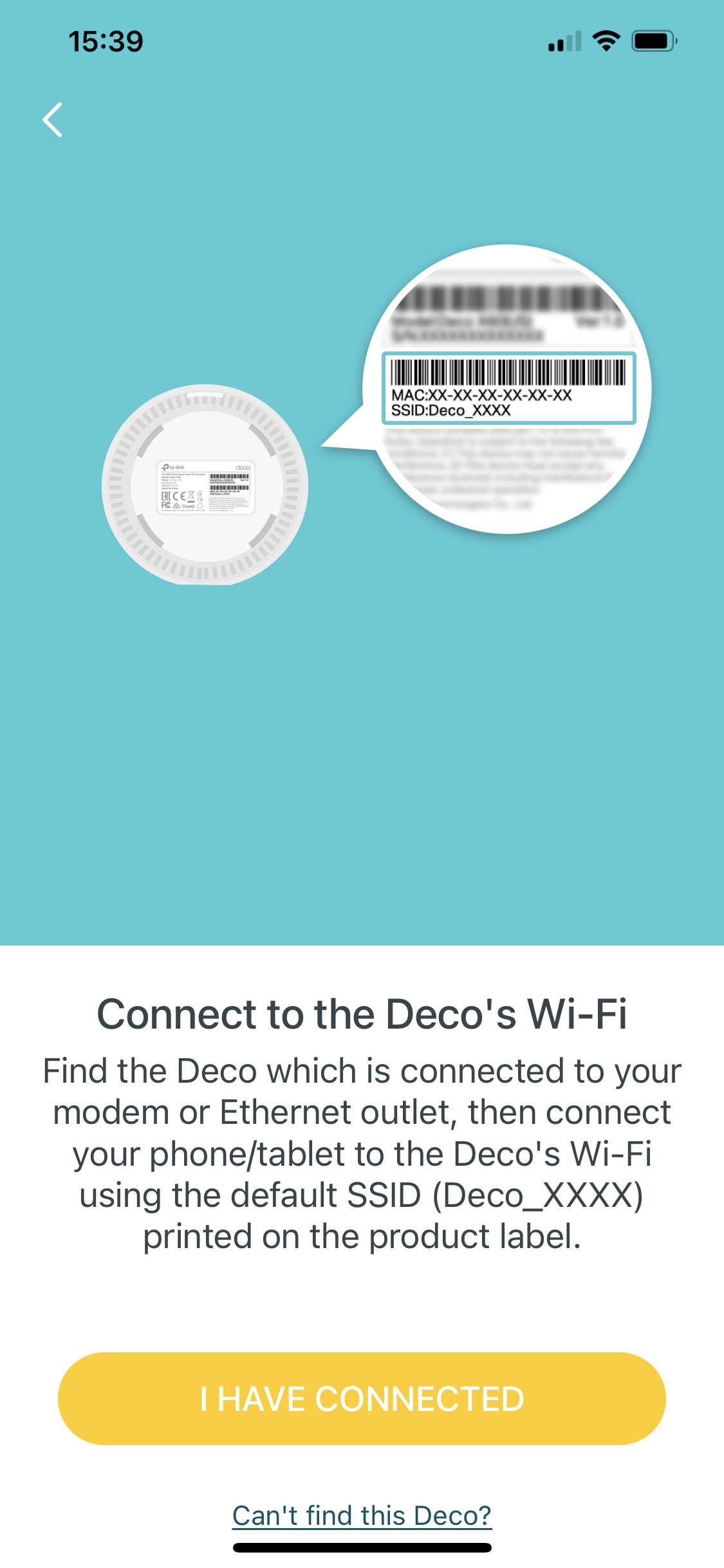

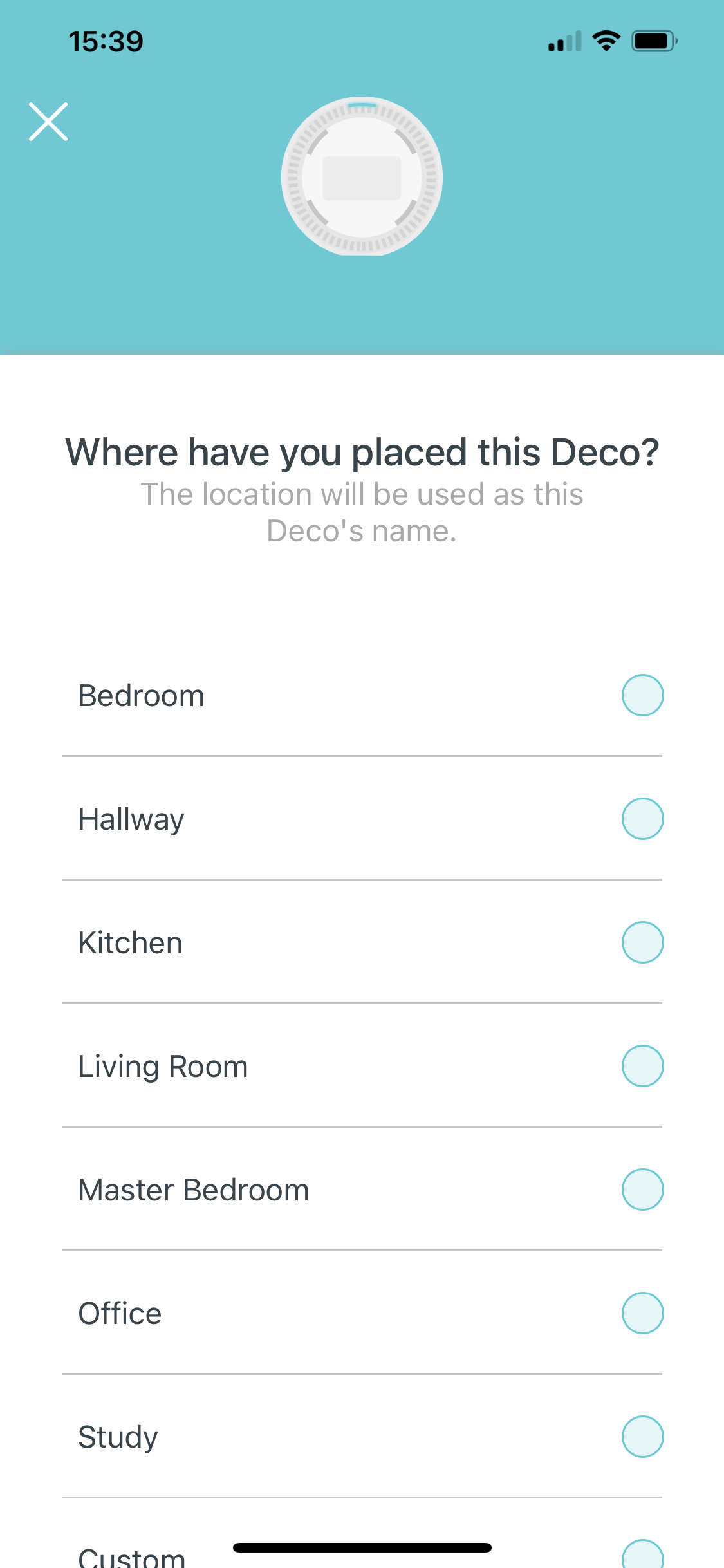
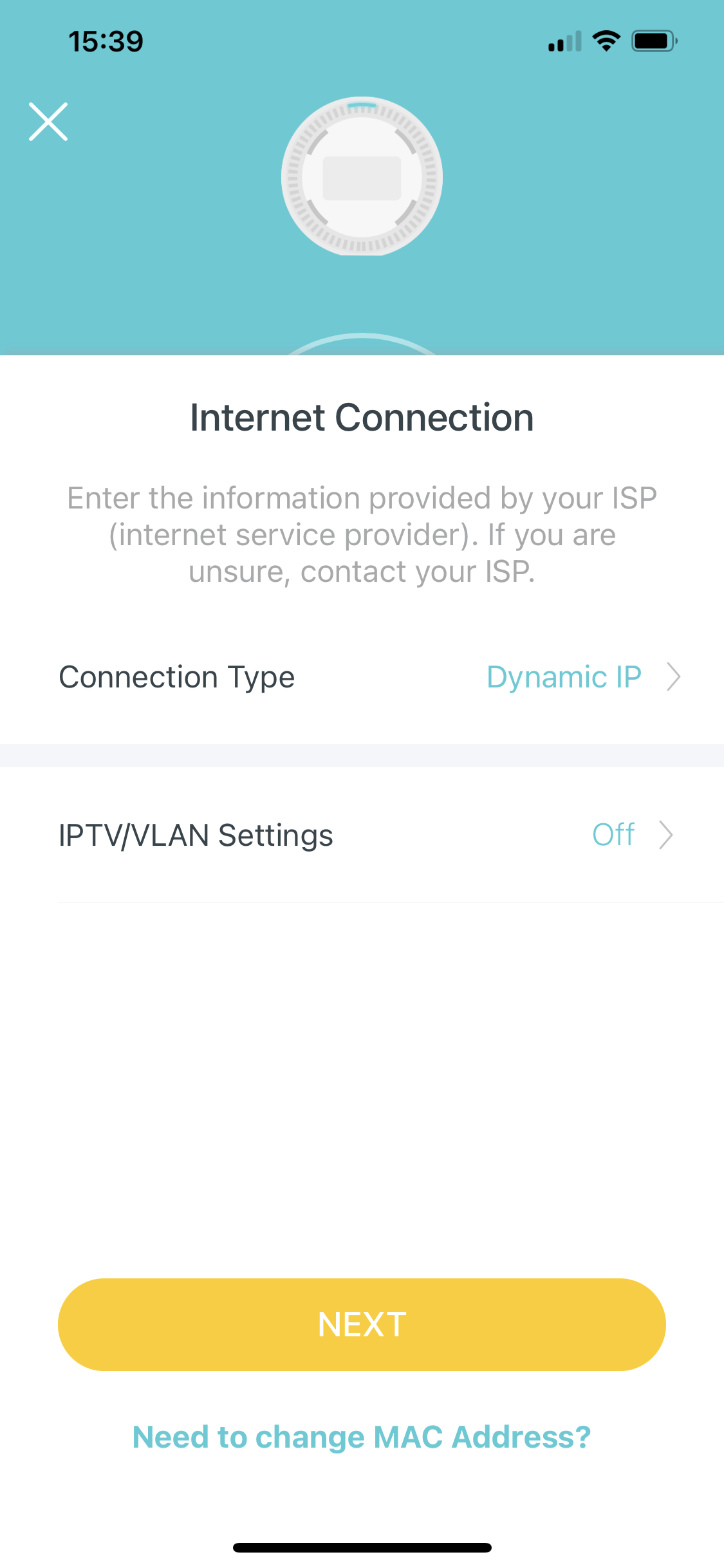
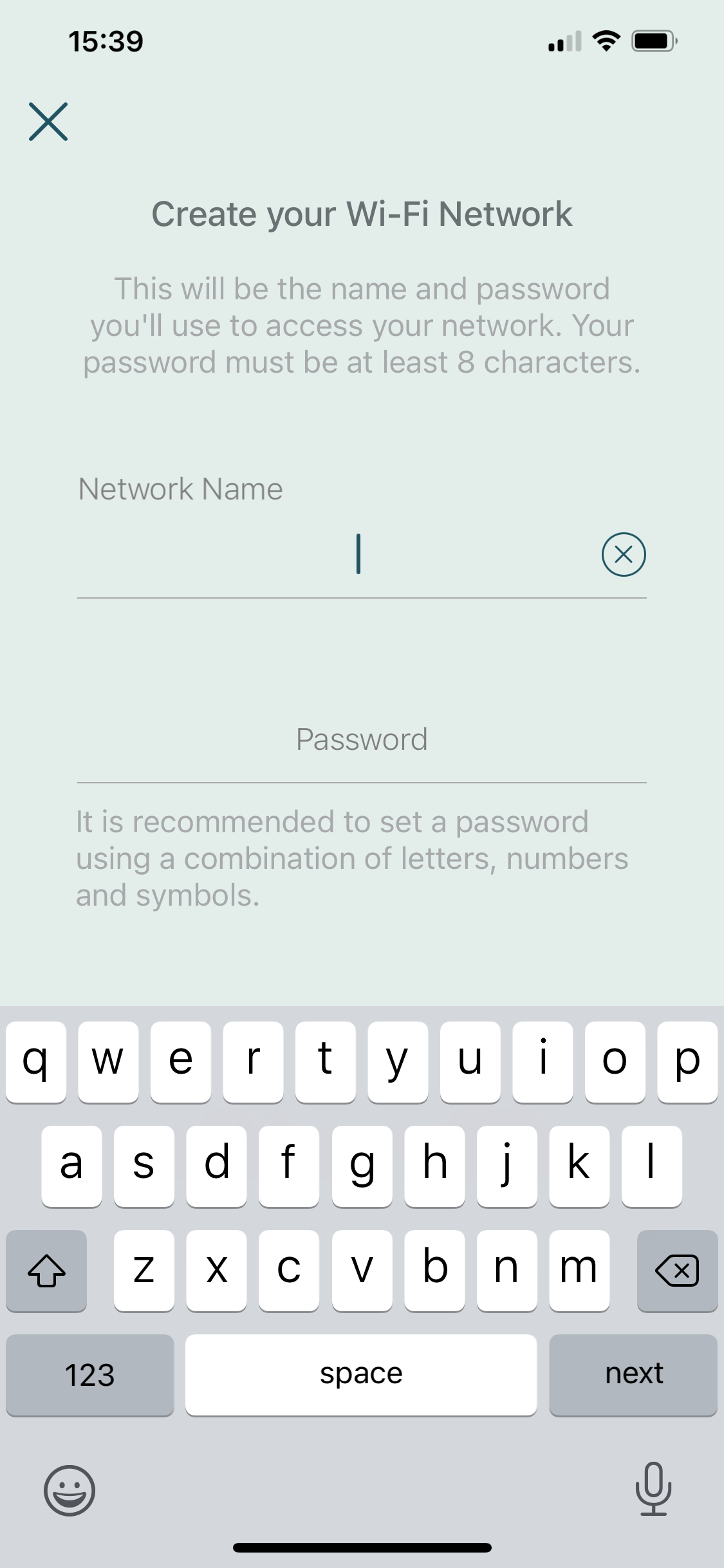




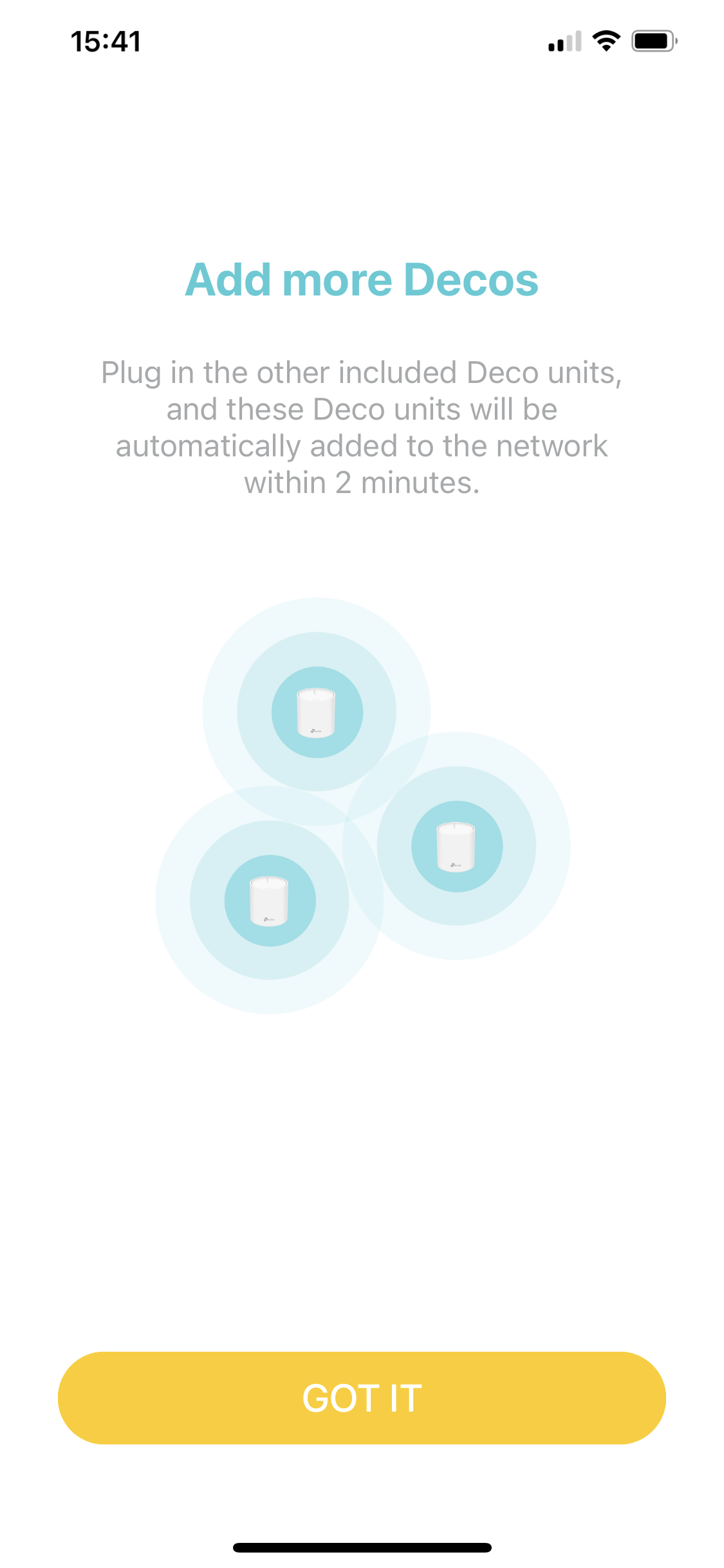





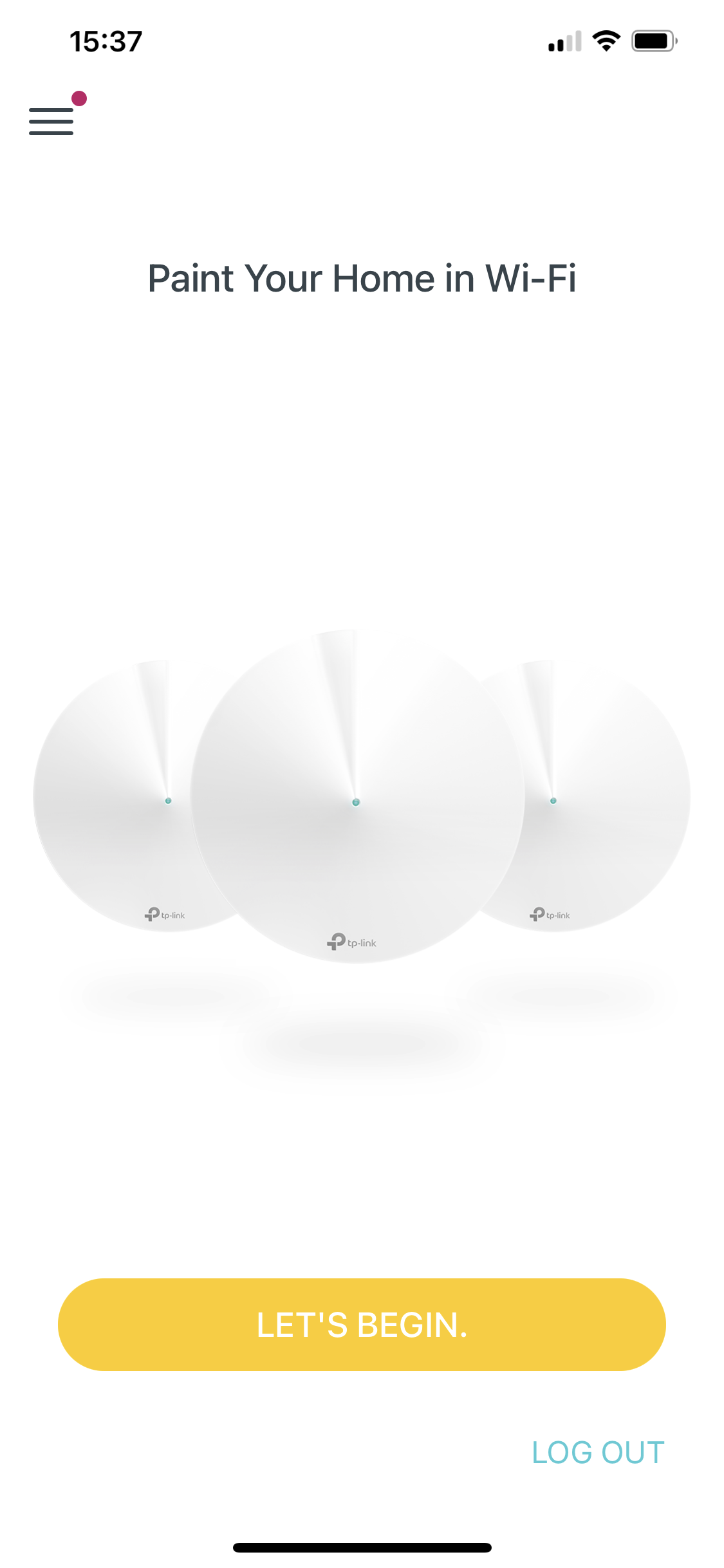
It's a fairly simple wizard, taking you through choosing your product, plugging everything in, and setting up the basic parameters. Adding the extra units simply involves plugging them in and waiting them to sync. You can then browse the available satellites, configure “Antivirus” which is really more of a firewall, add profiles and define Quality of Service modes.
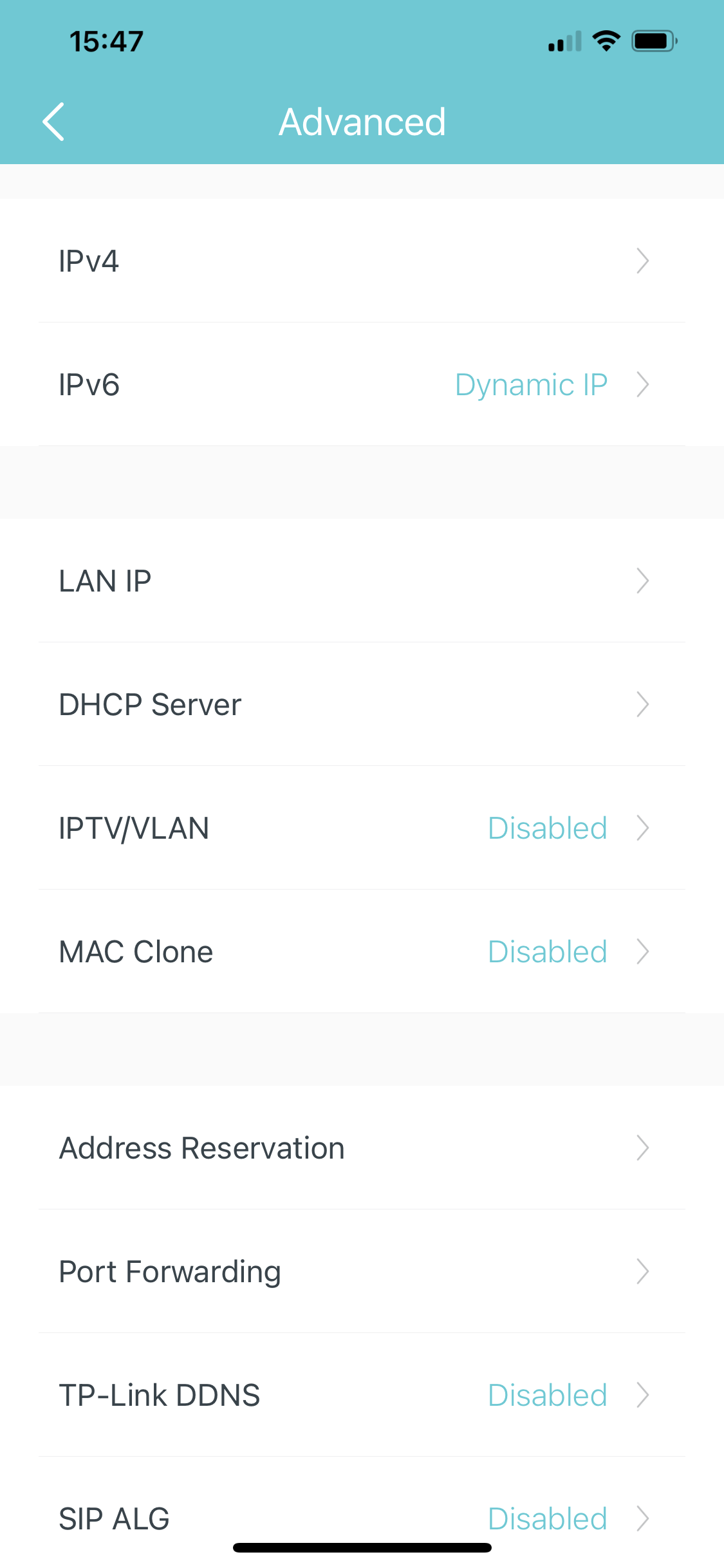
The smartphone app also allows you perform a few more advanced tasks like configure your DHCP server range, set up port forwarding, clone a MAC address, and connect to a DDNS service. You can also enable a SIP gateway for IP telephony.
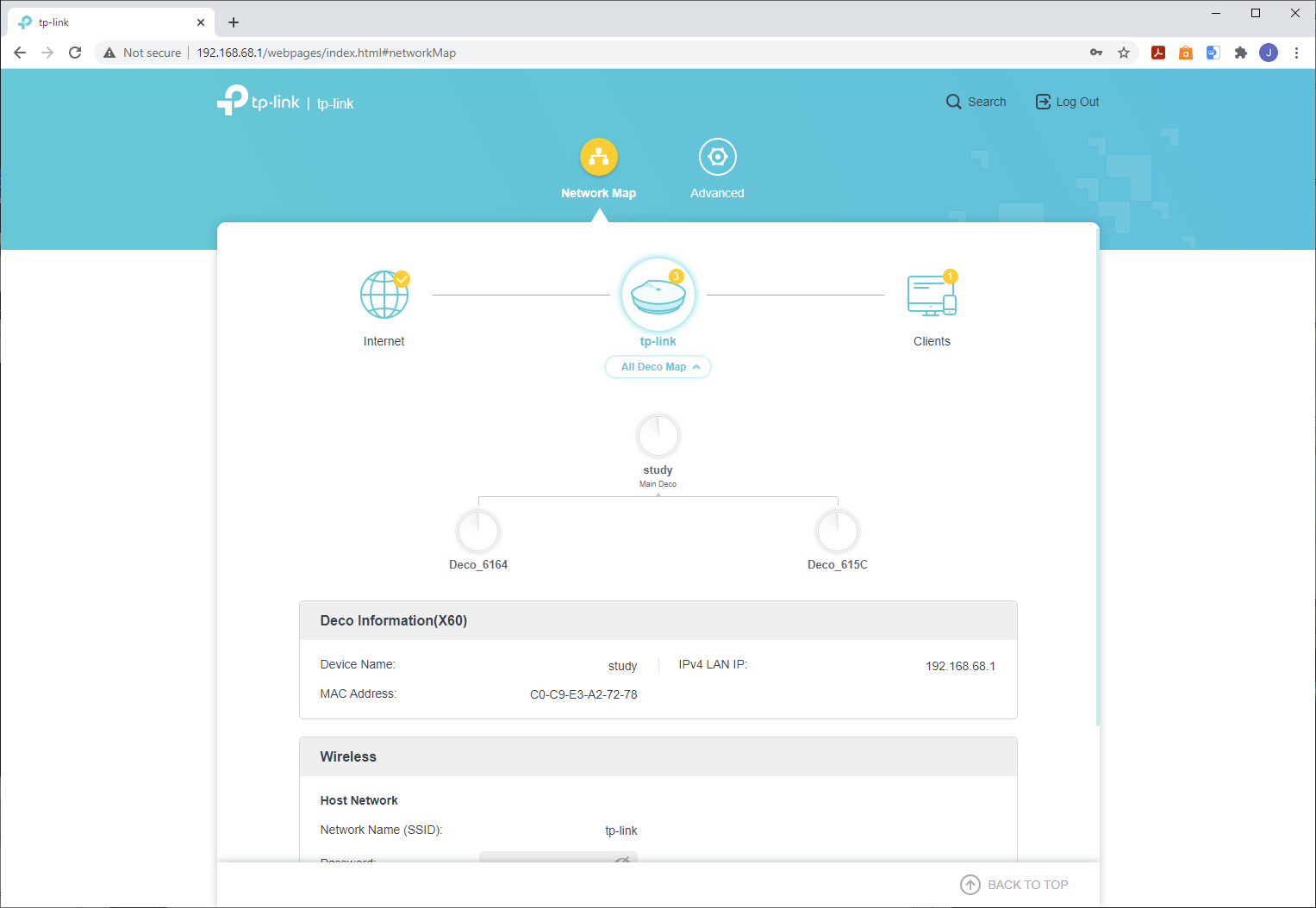
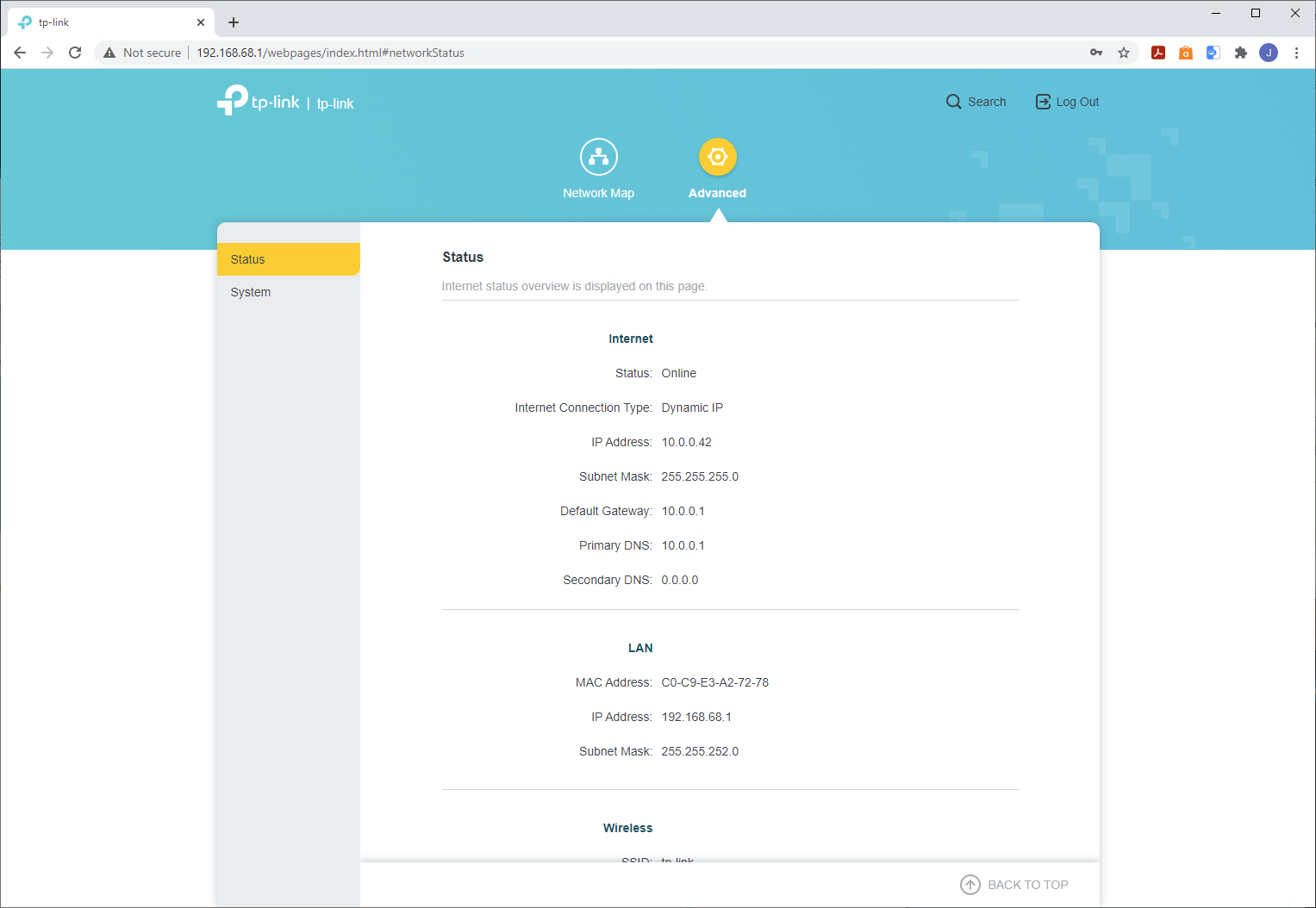
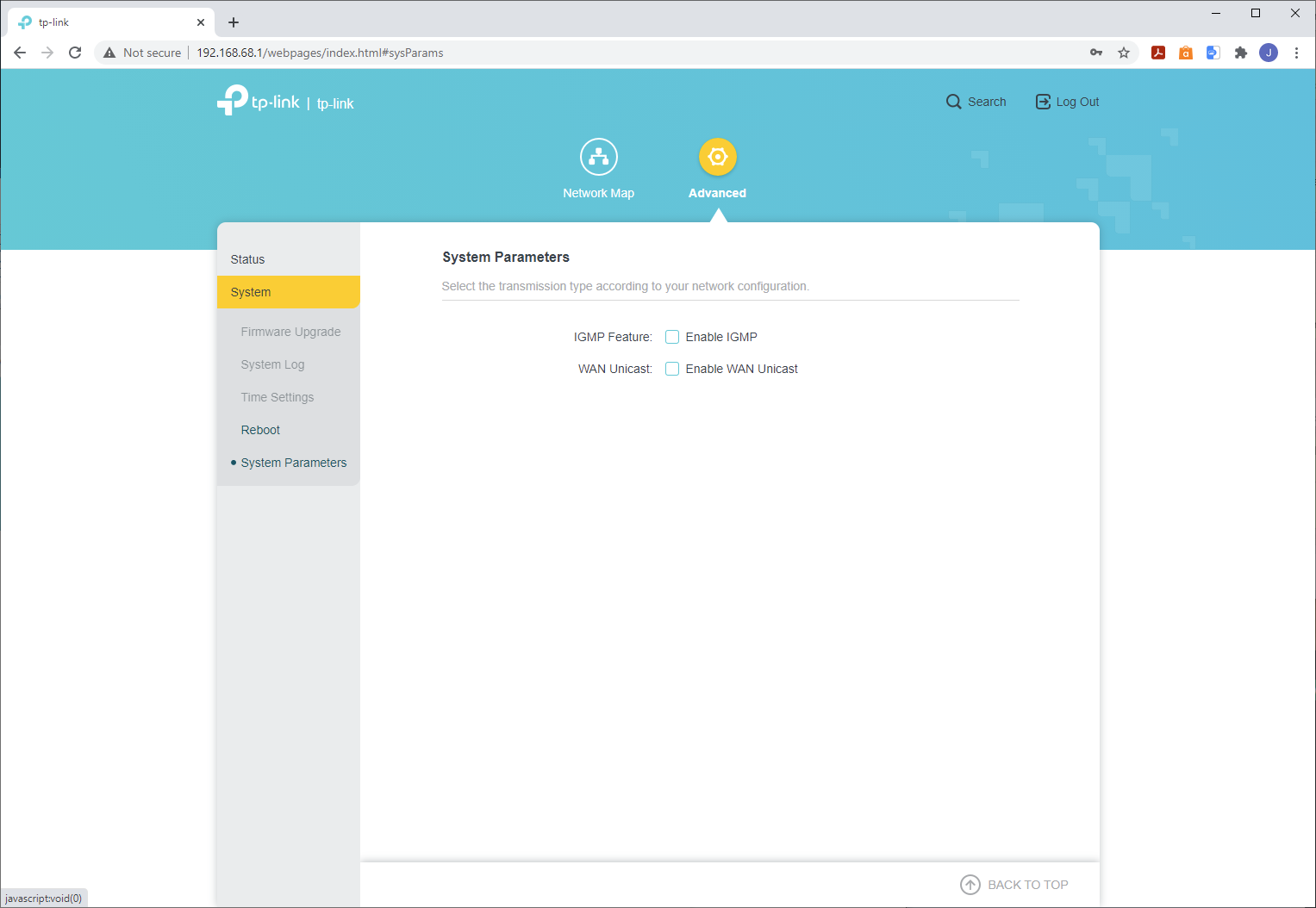
Strangely, the Web interface is mostly informational and feature-free. You can enable IGMP and WAN Unicast, update firmware and configure the timezone here. But that's pretty much it. Overall, then, tp-link only gives slightly more features than BT, and nothing like NETGEAR or ASUS.
How We Tested
We tested all the router configurations – seven in total – exhaustively from eight different positions with three different WiFi clients. Where mesh systems were supplied as a pack of three, we also tested with just two satellites so you can see how much the third device improves coverage, if at all. The clients used were a Dell Latitude 5490, which sports WiFi 6, an MSI WS63 7RK notebook with 2×2 802.11ac WiFi, and an older HP Folio 13, which maxes out at 3×3 802.11n WiFi.
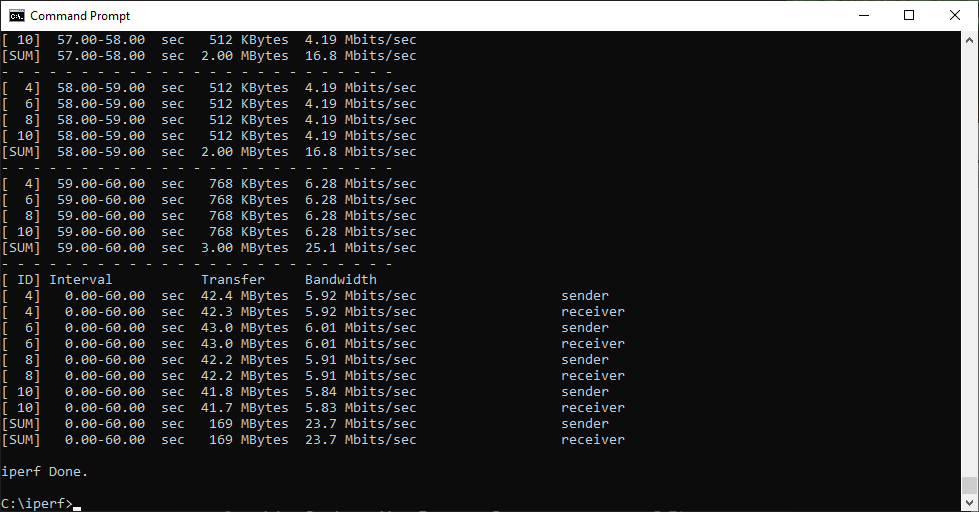
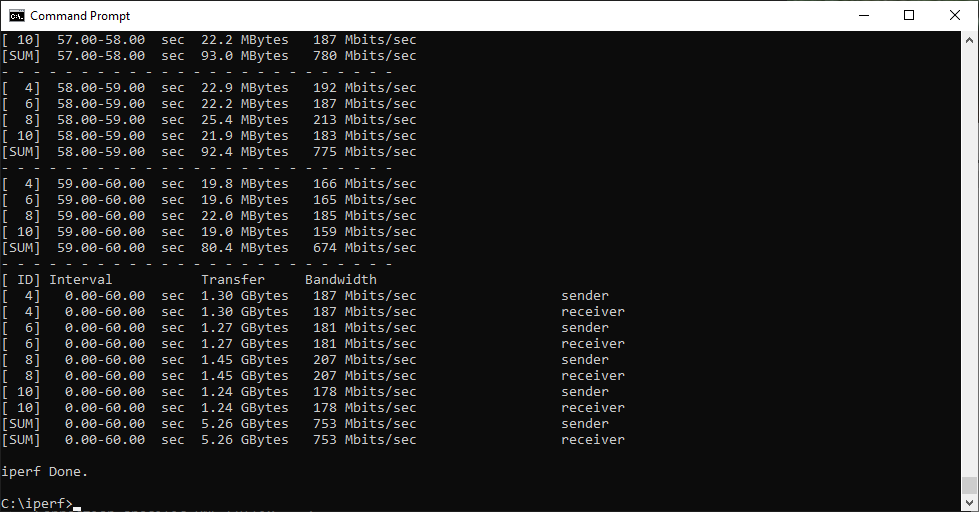
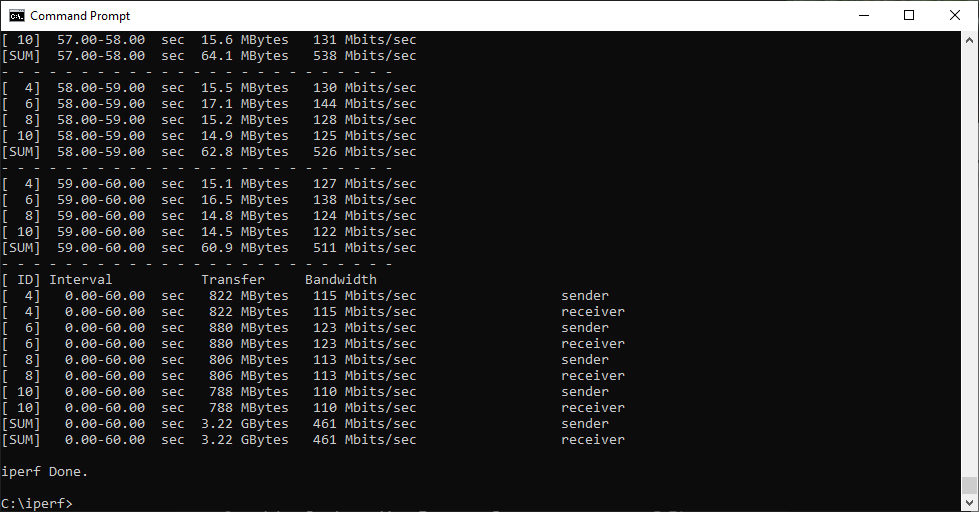
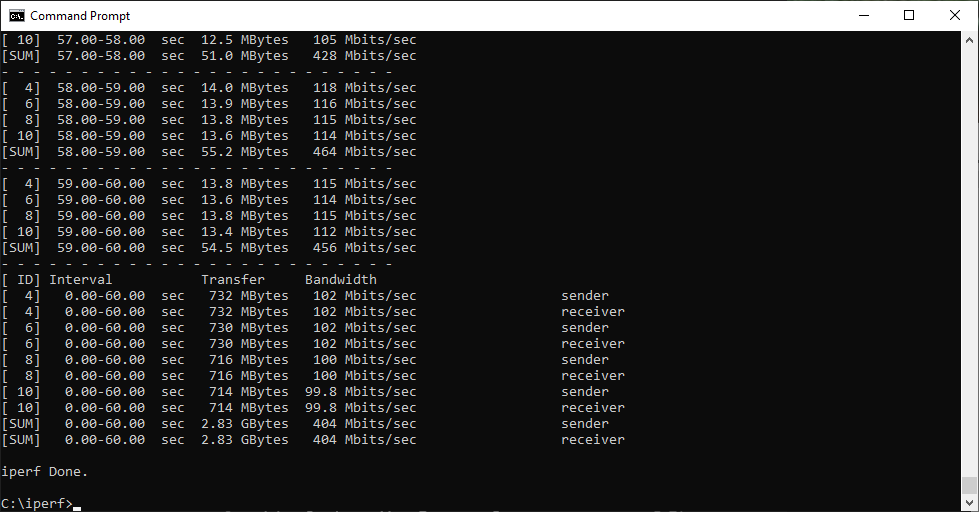
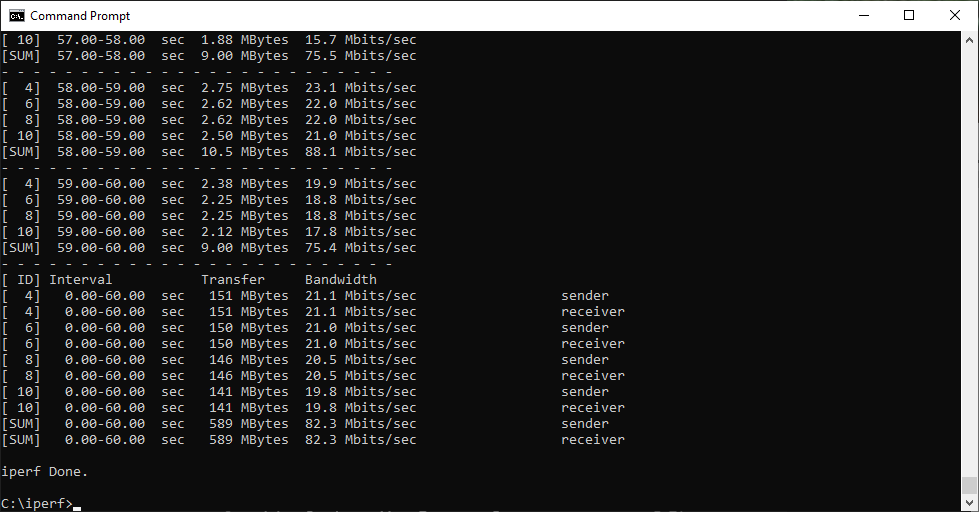
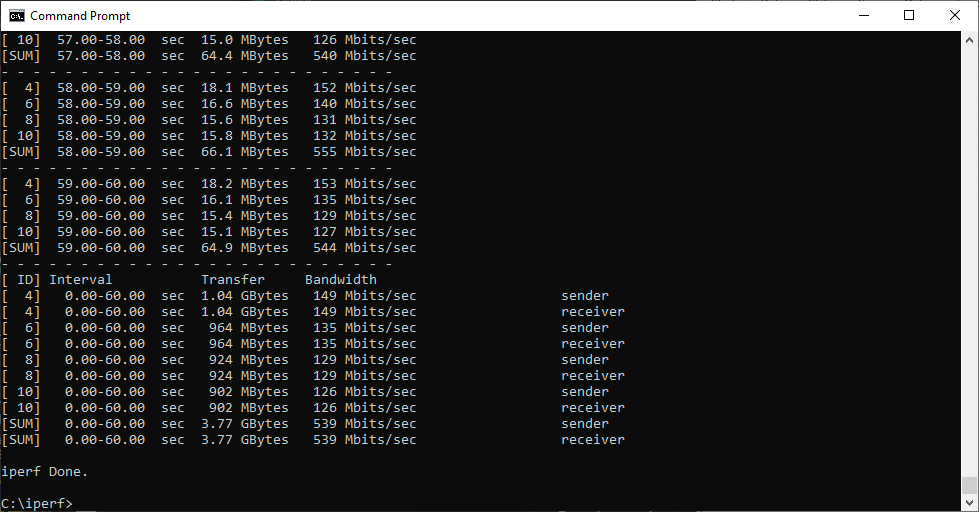
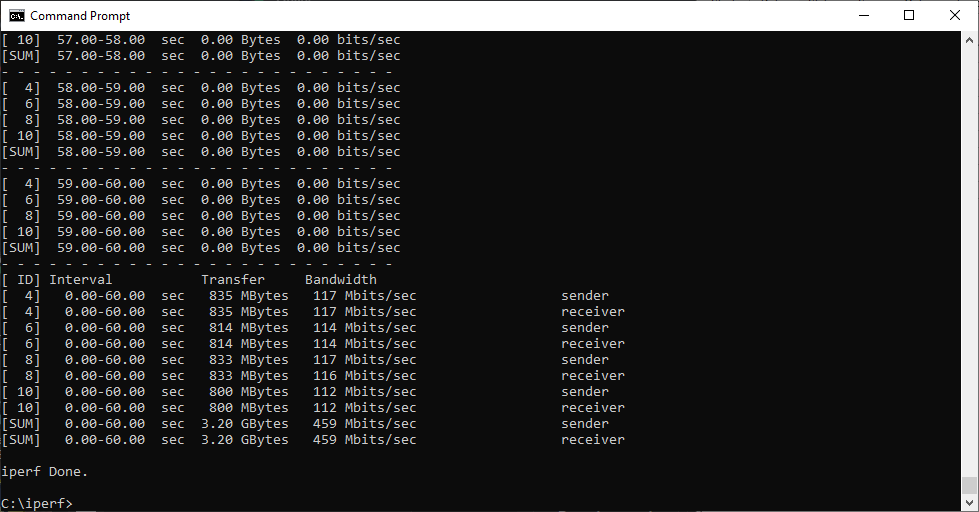
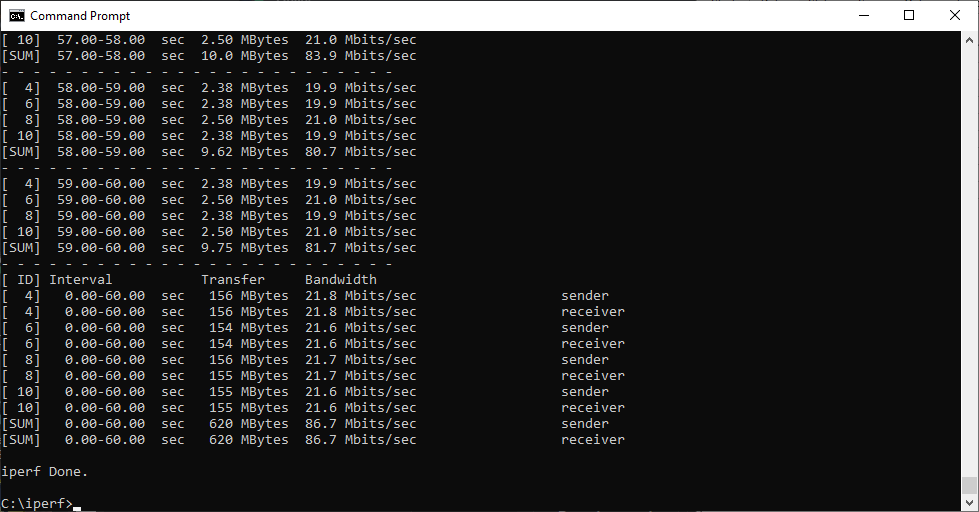
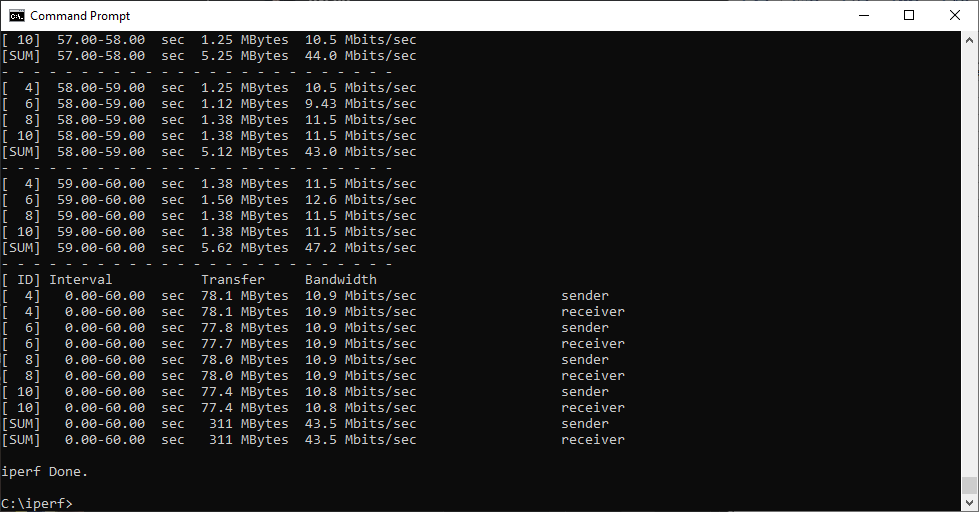
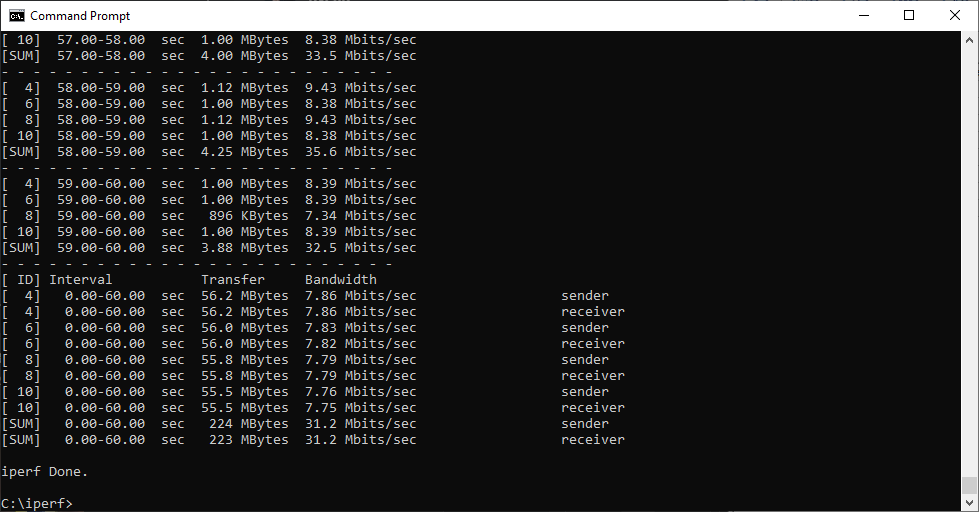
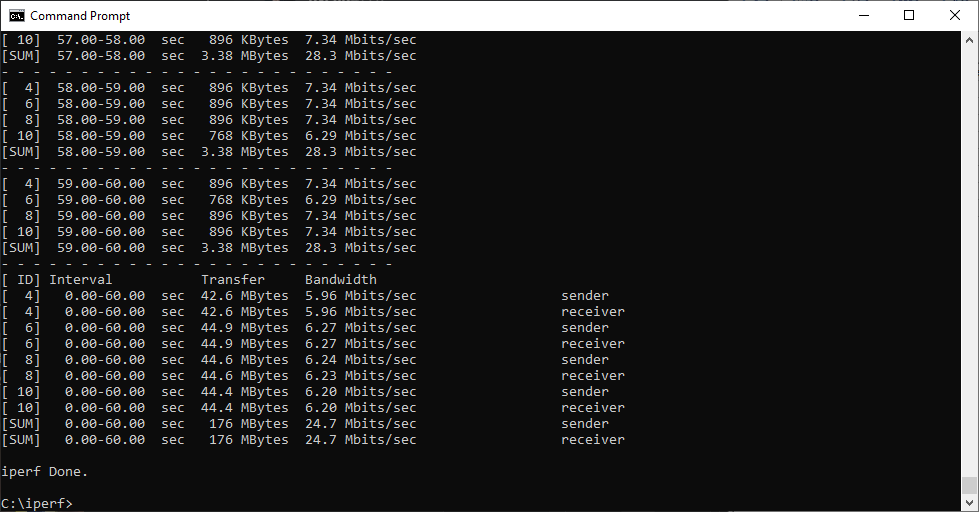
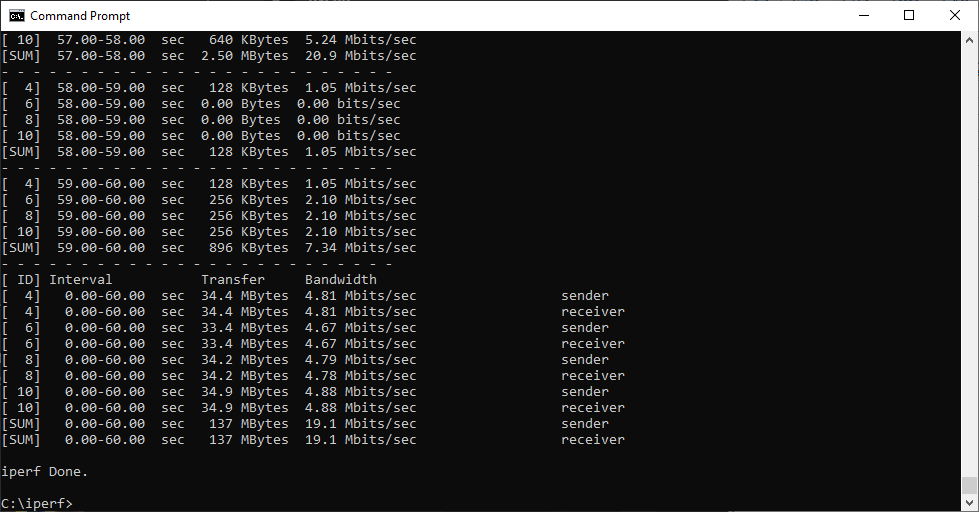
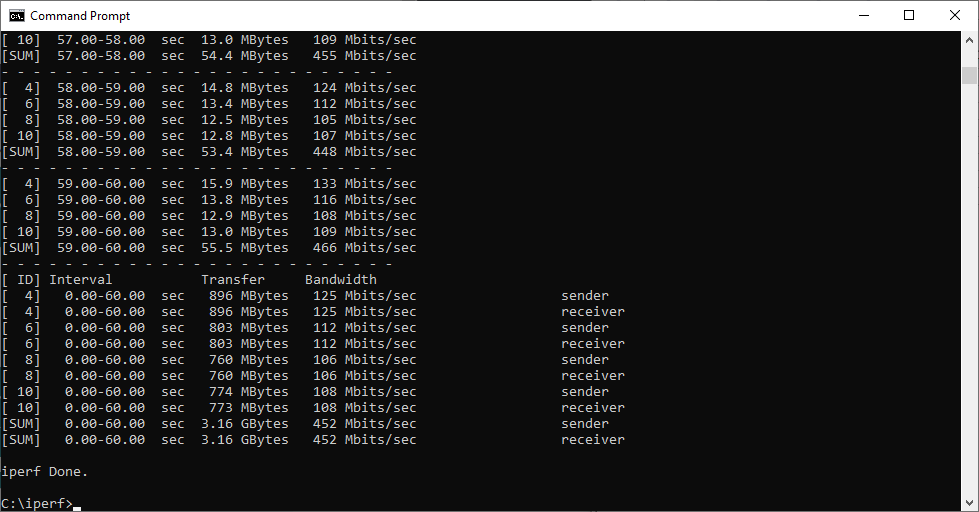
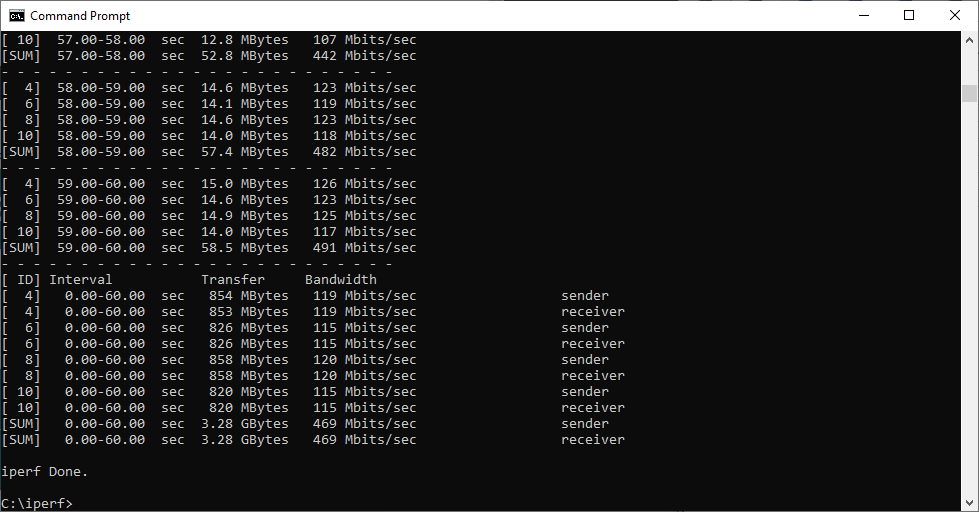
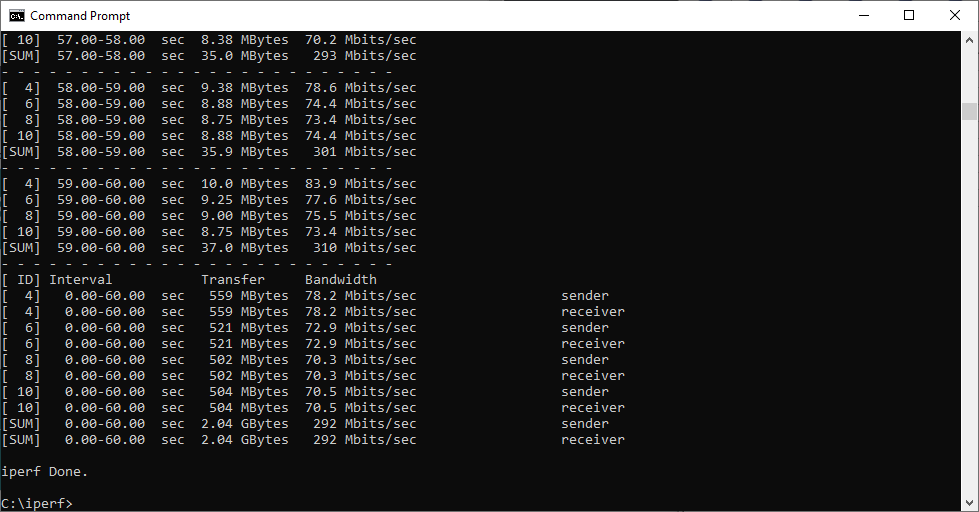
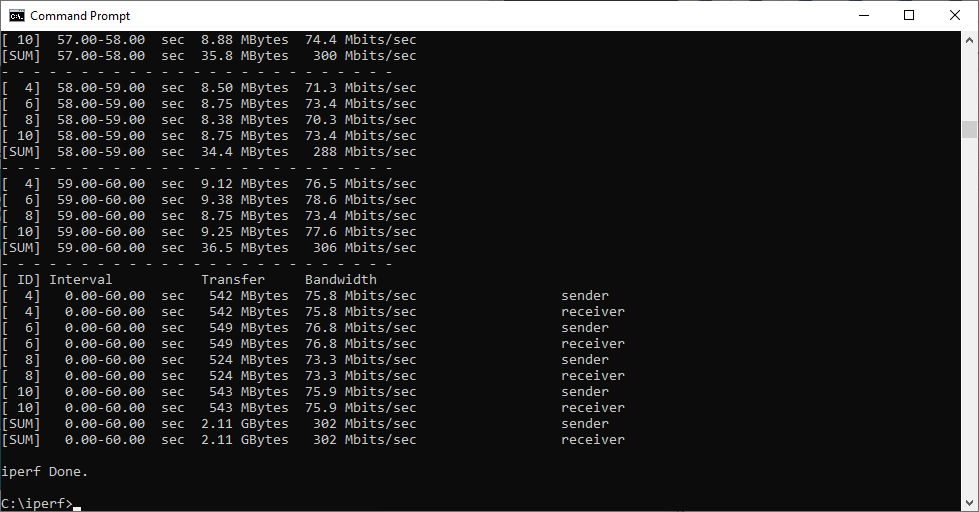
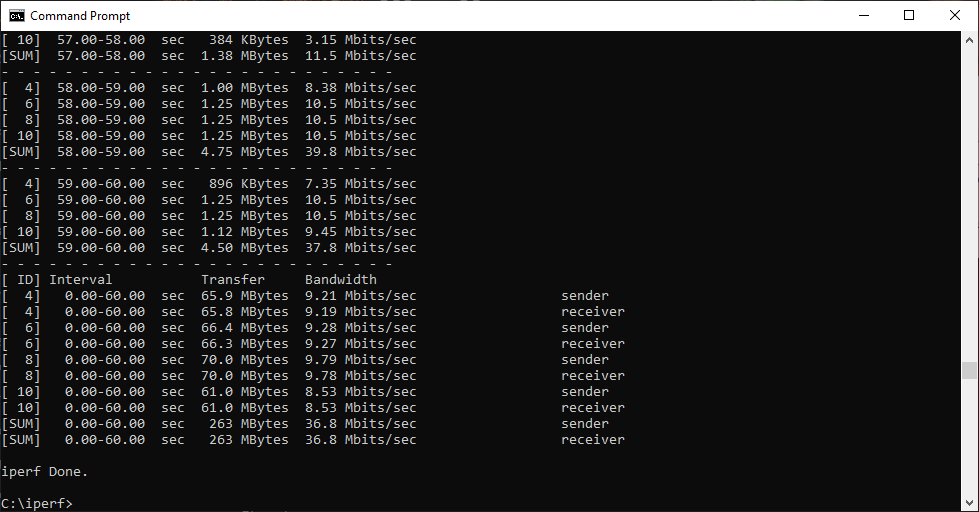
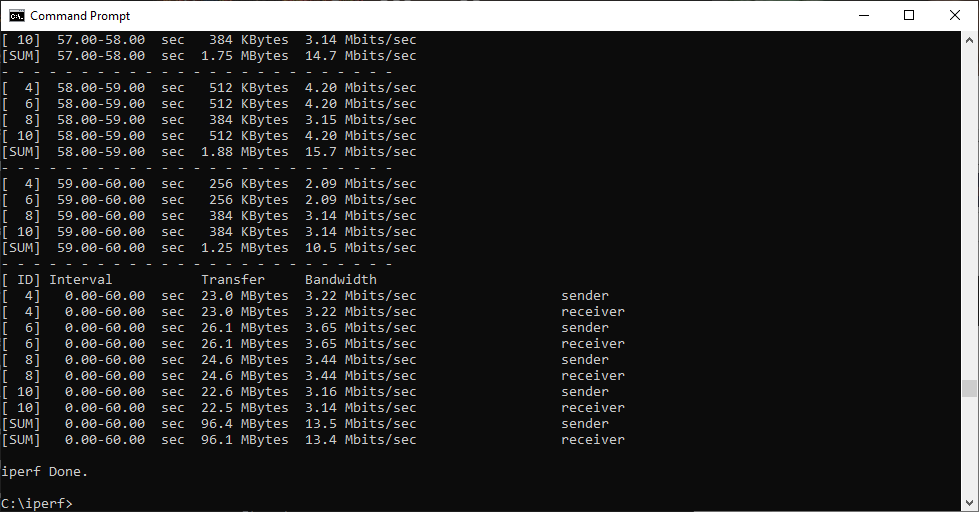
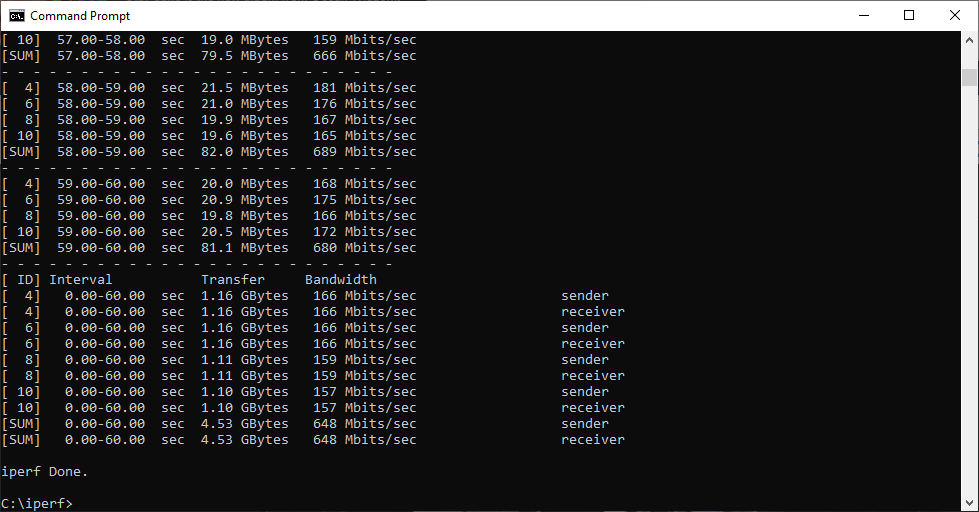
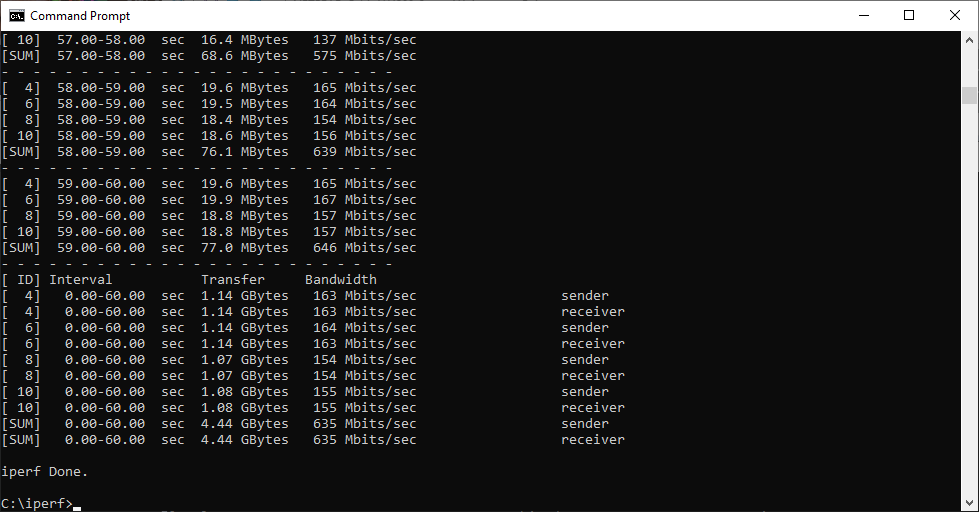
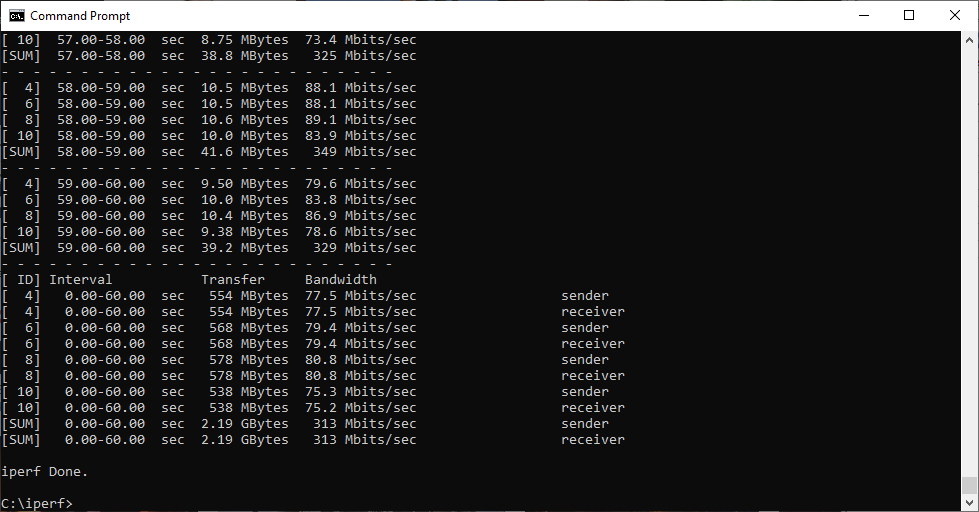
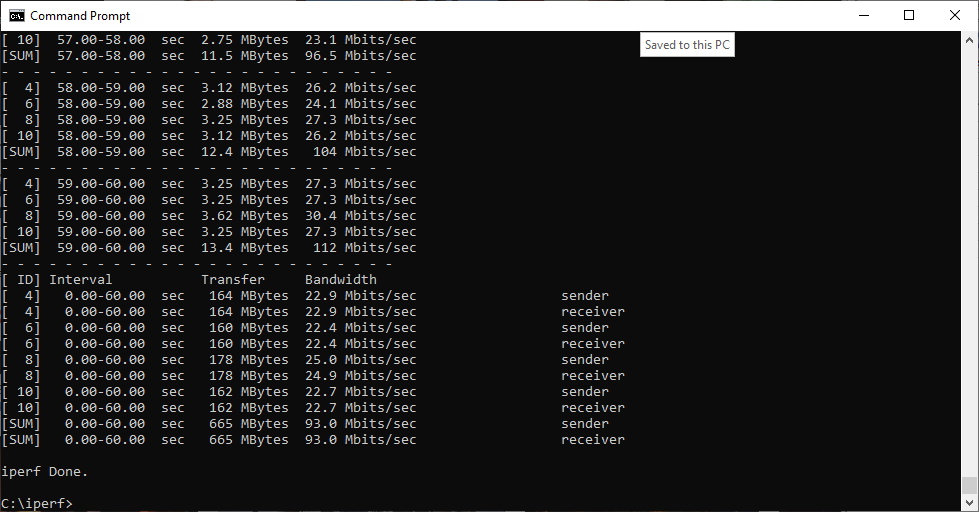
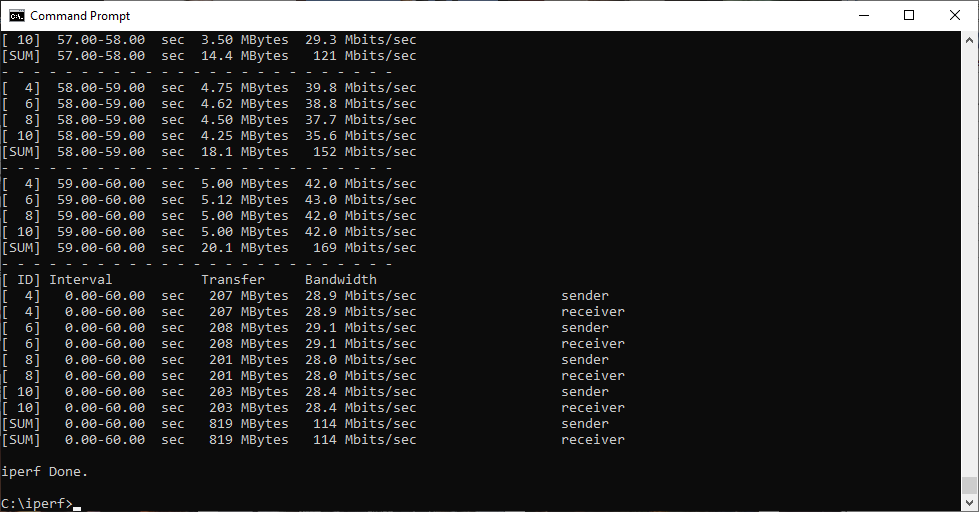
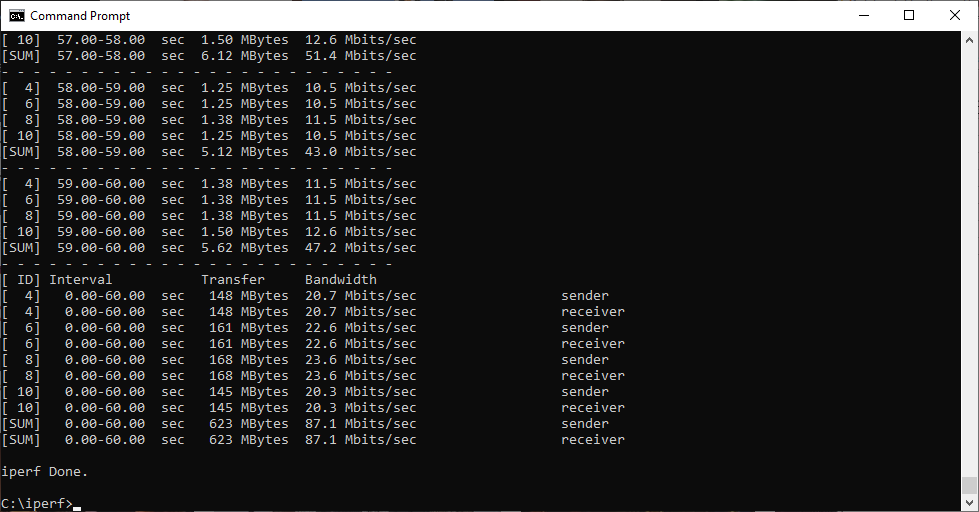
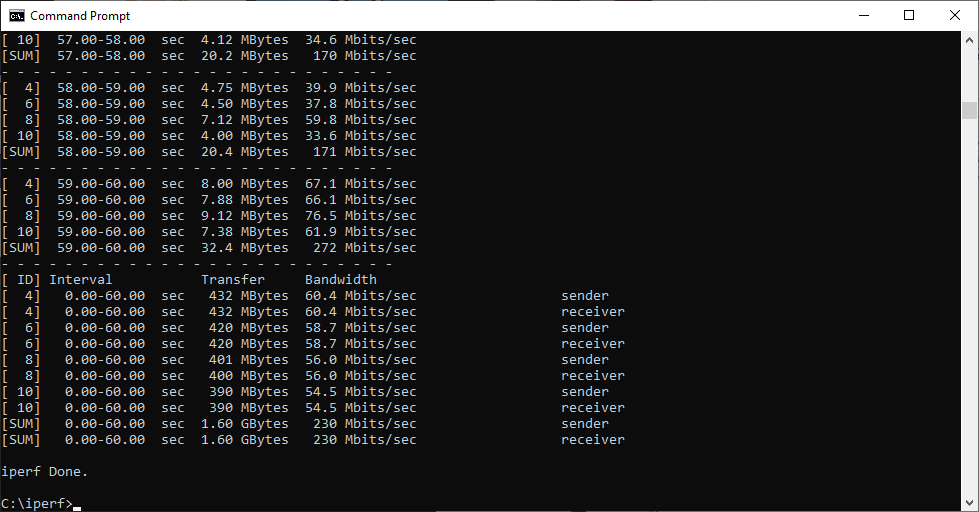
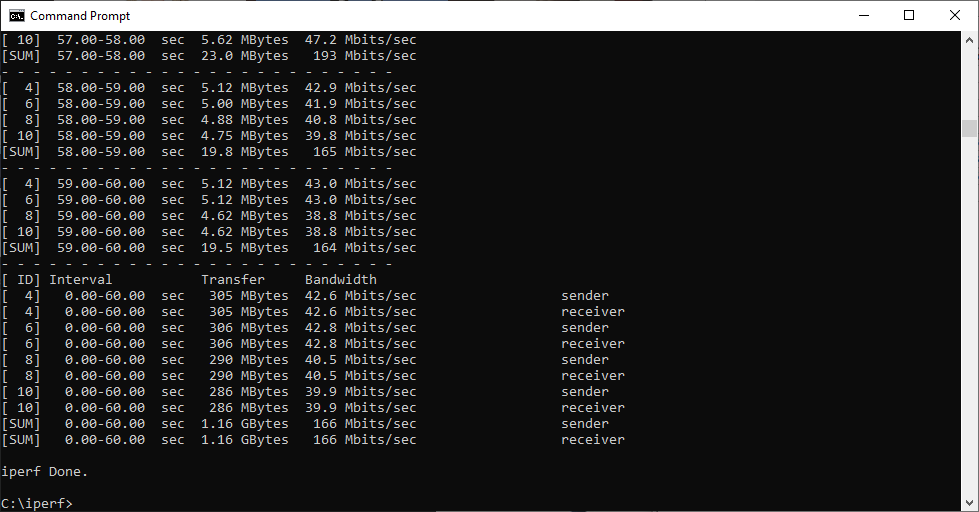
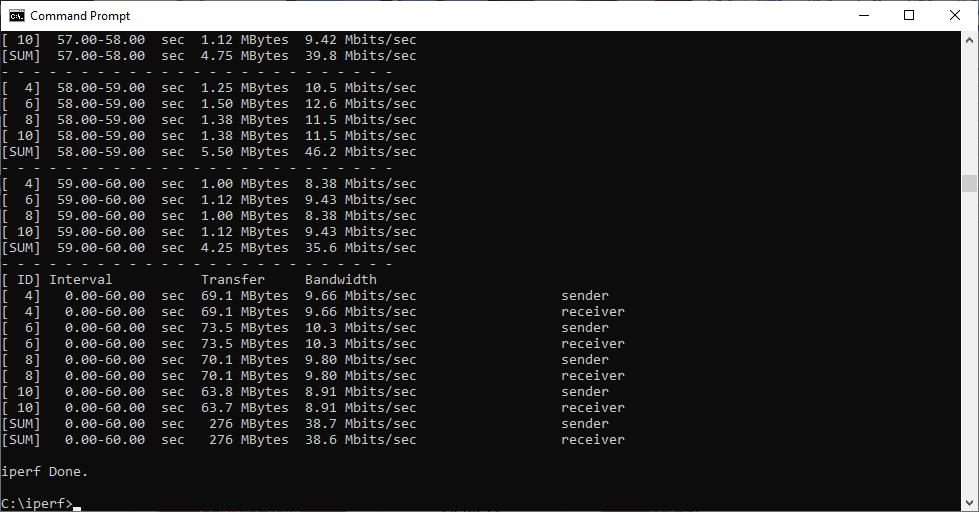
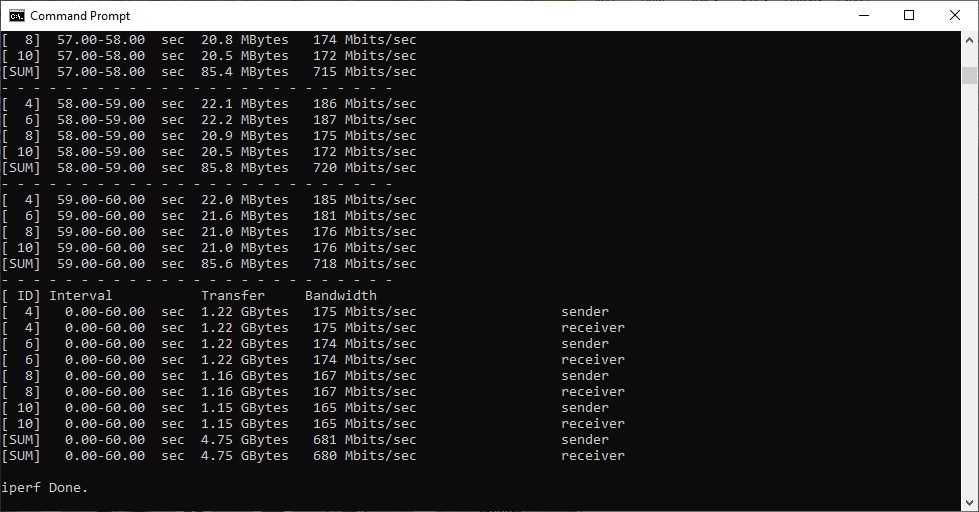
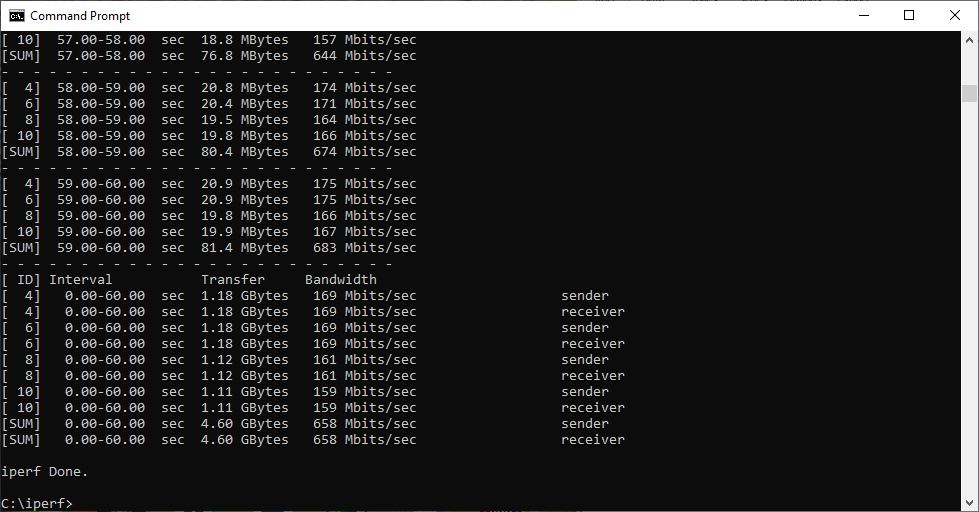
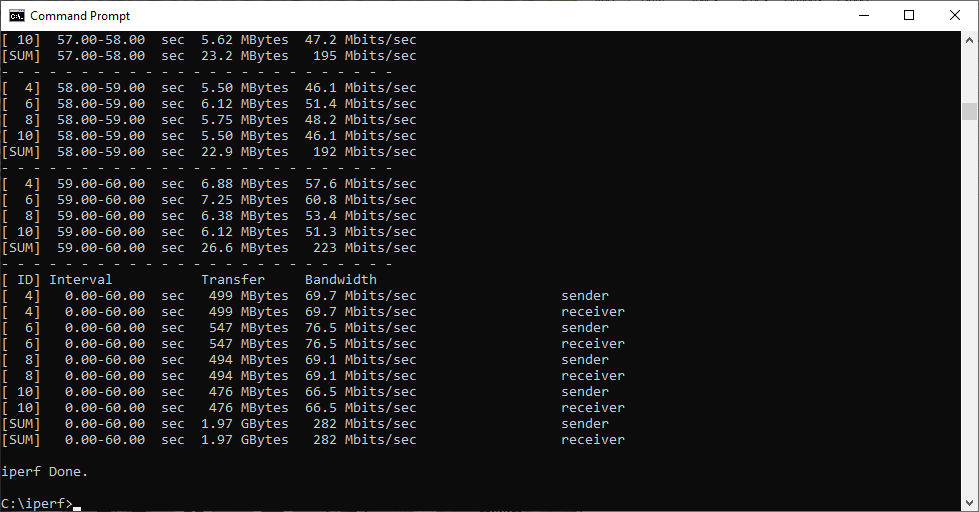
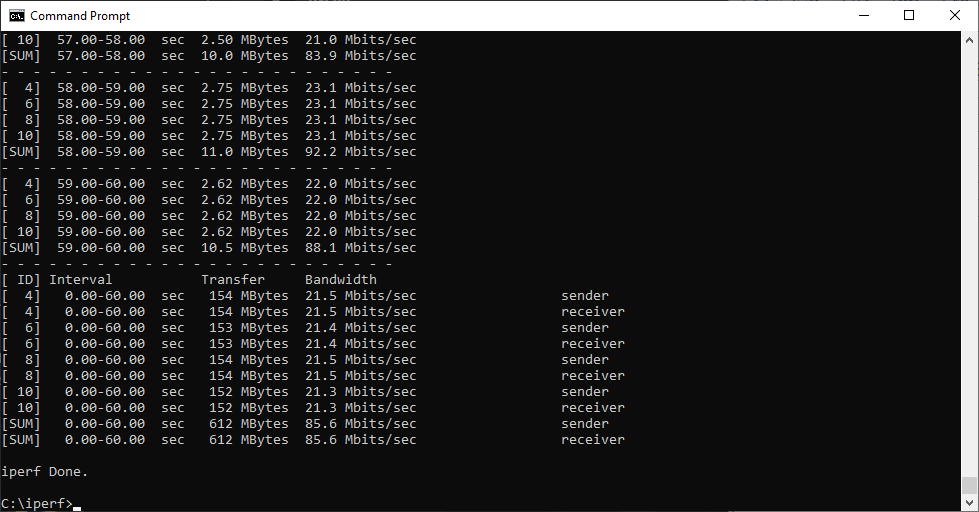
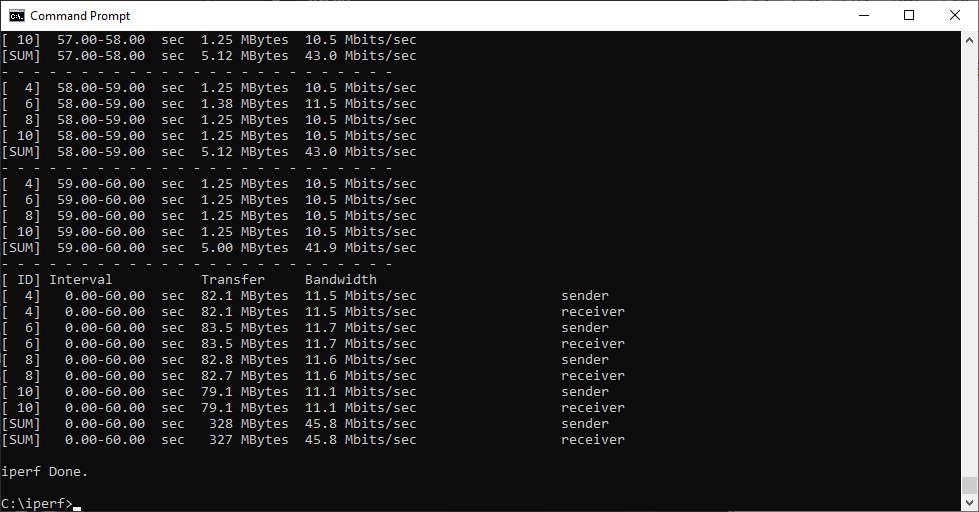
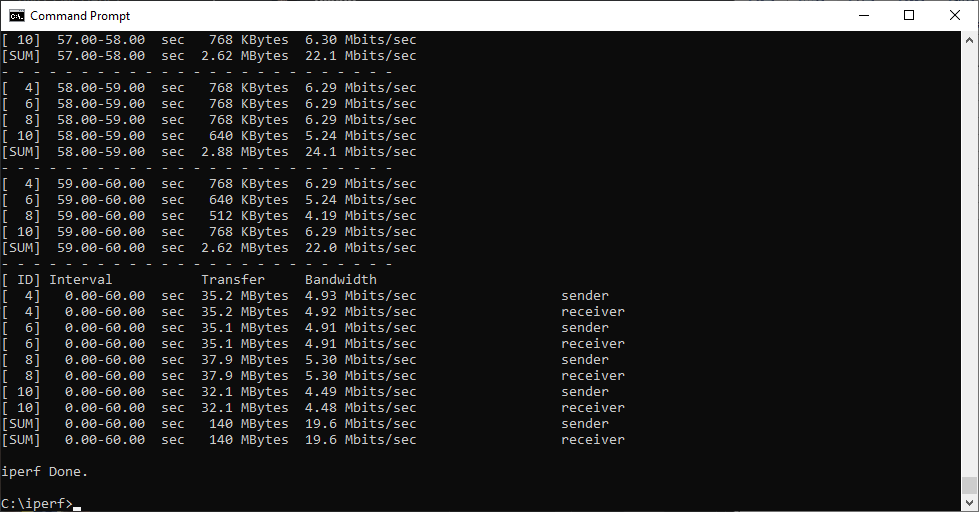
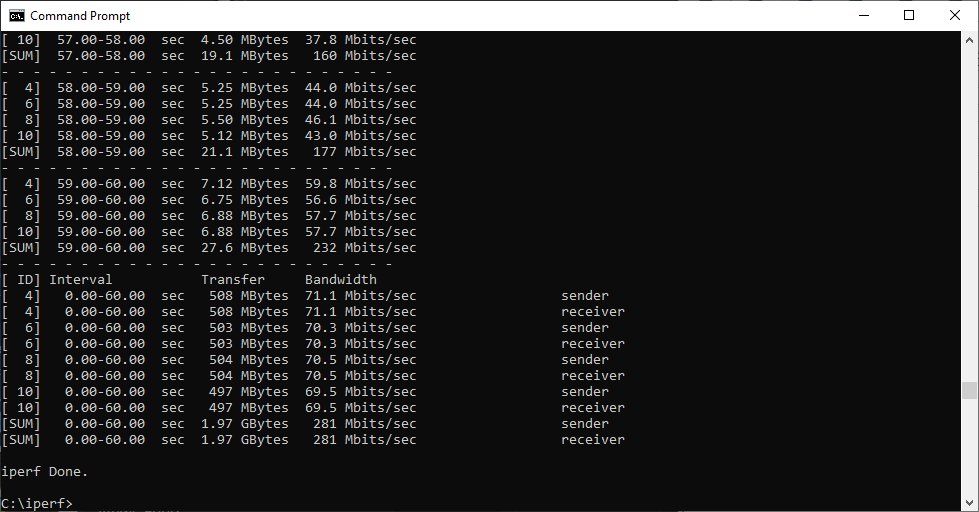
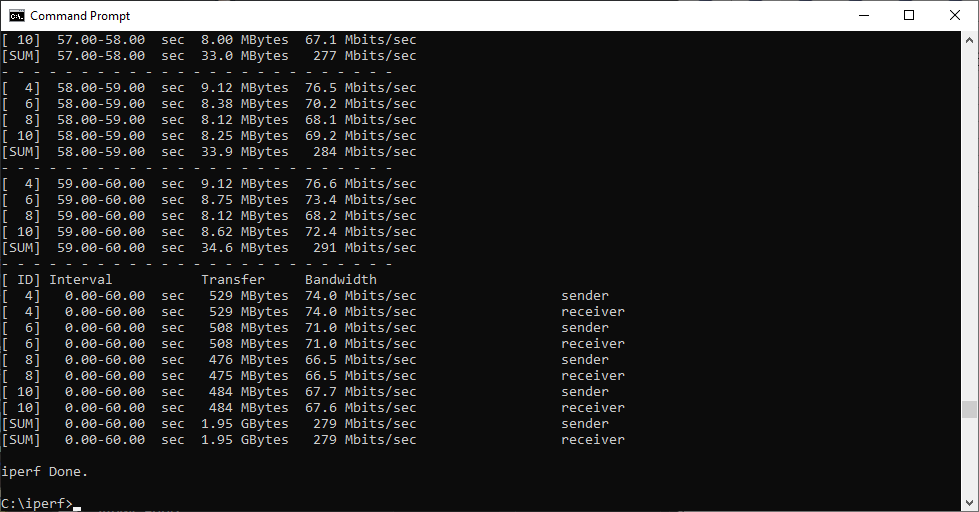
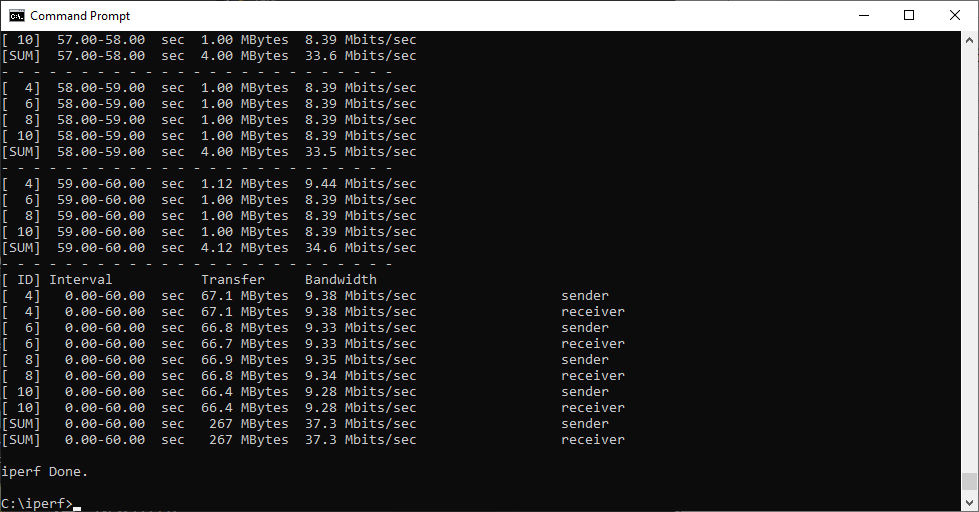
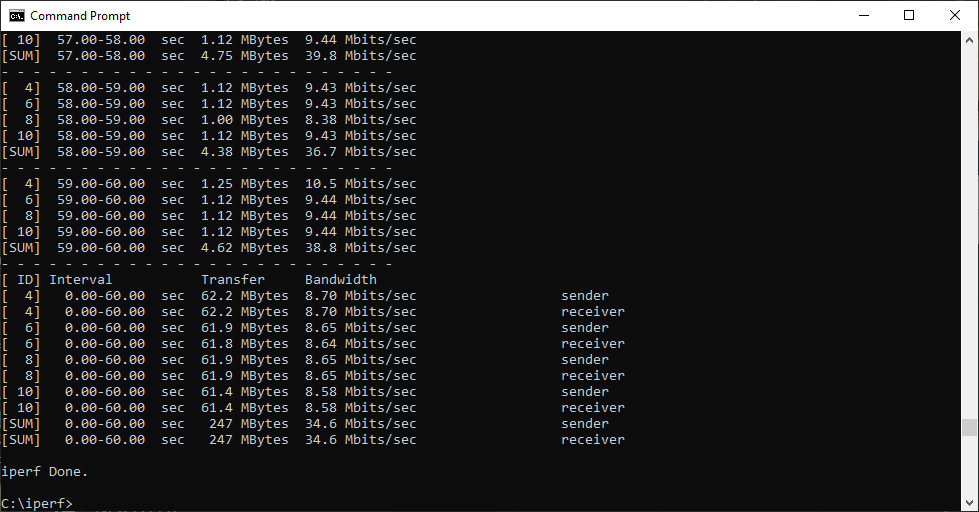
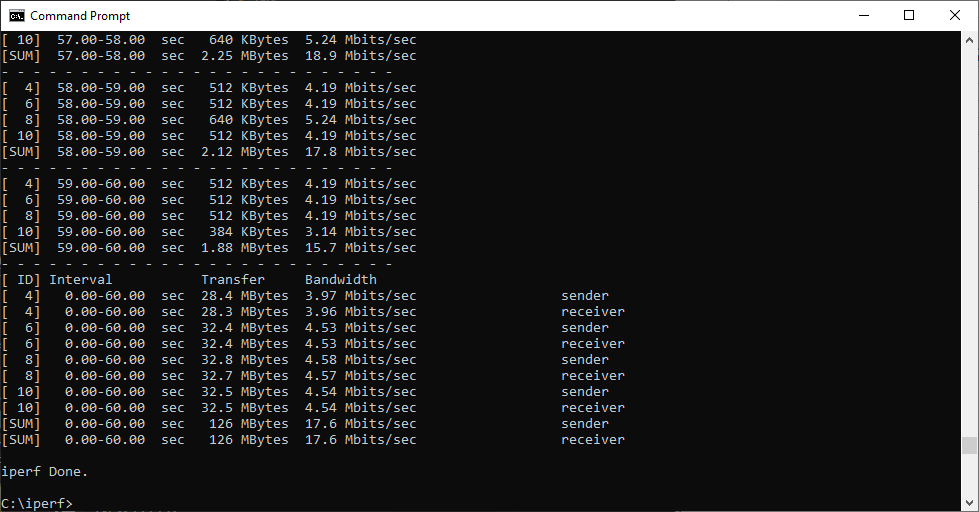
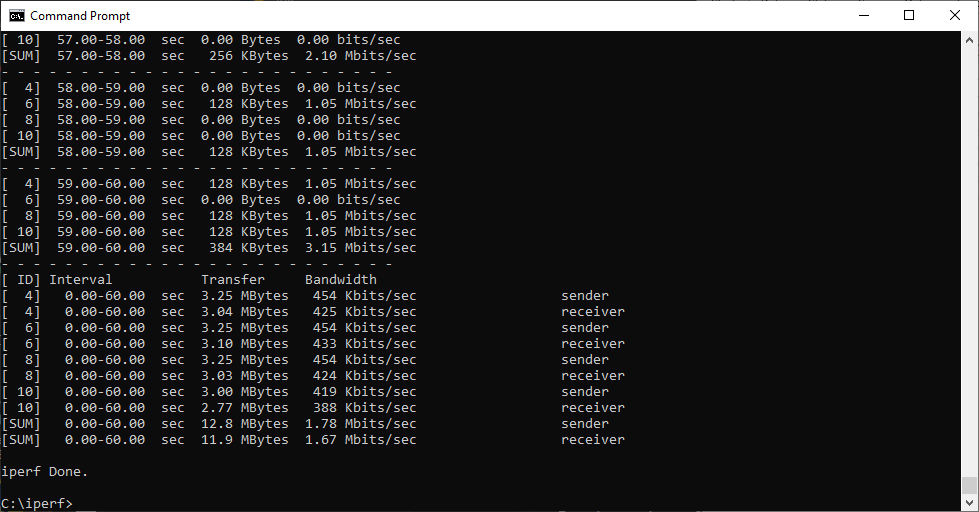
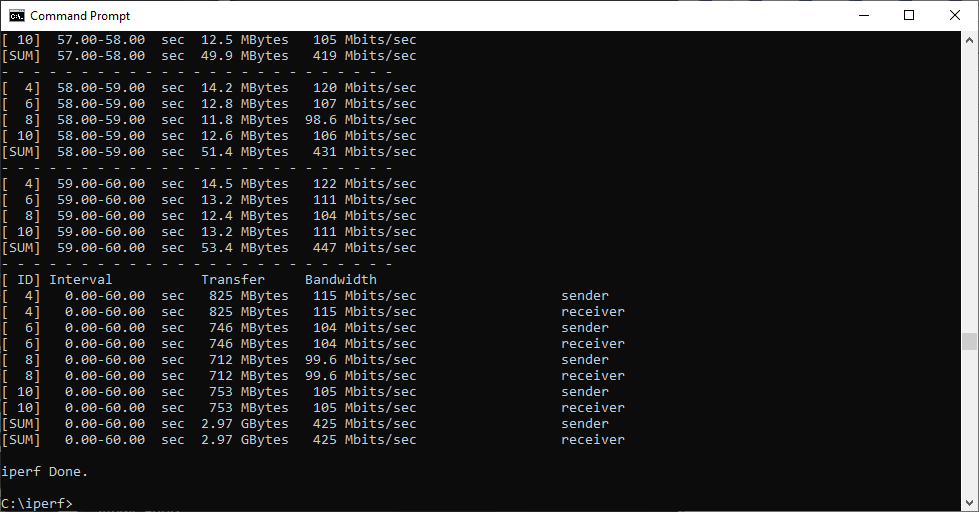
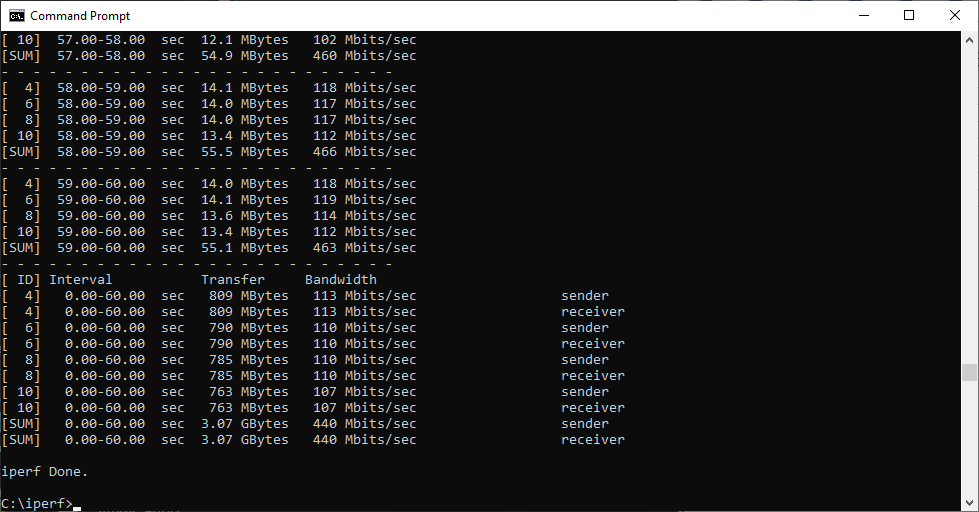
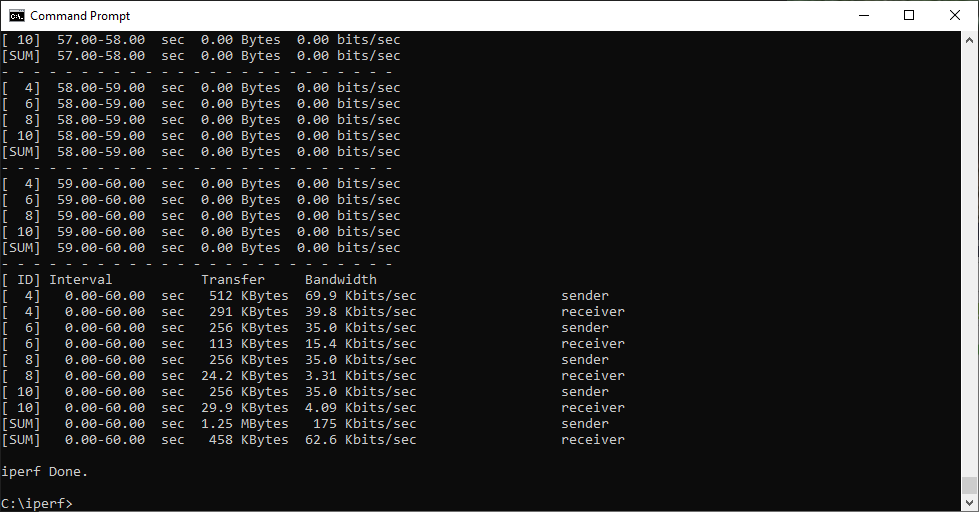
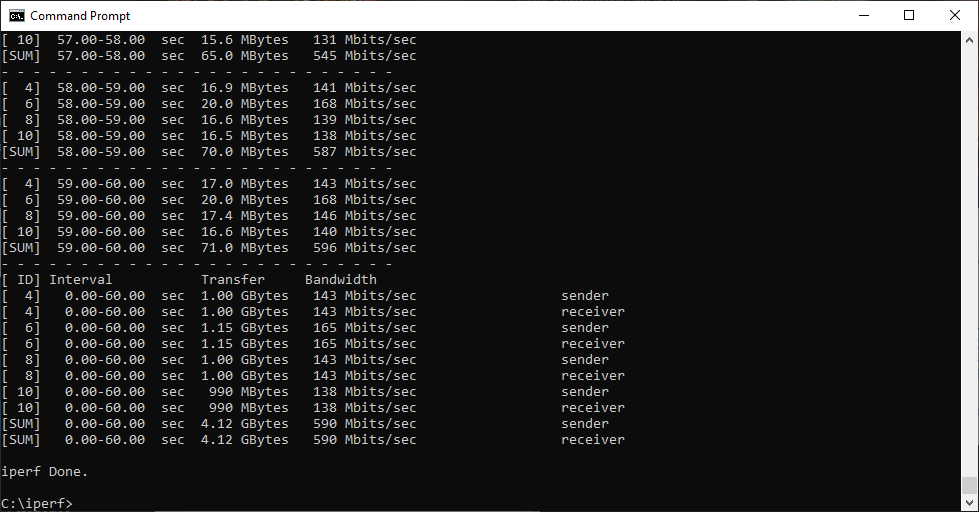
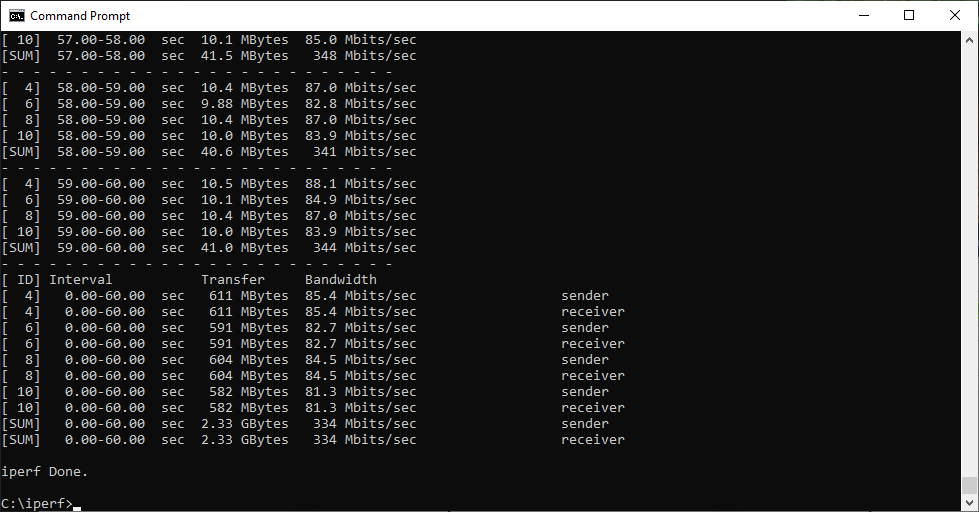
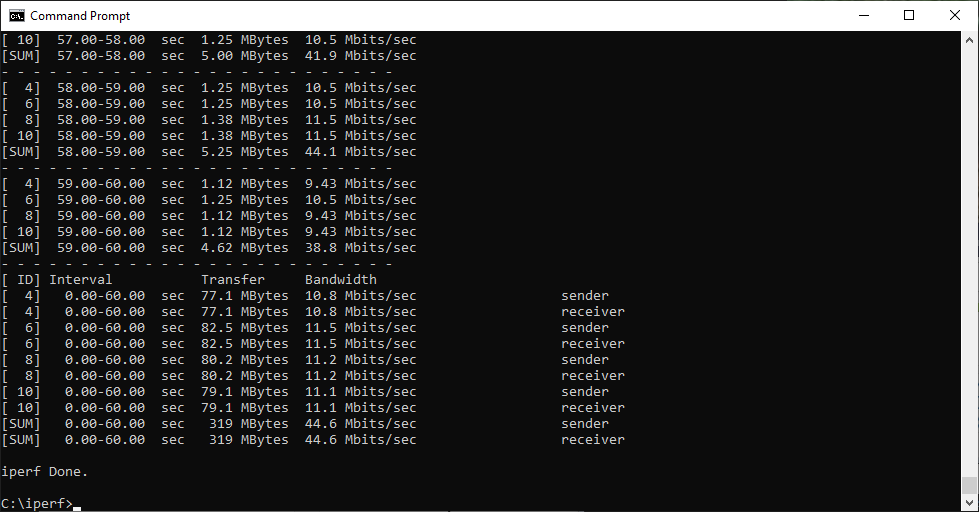
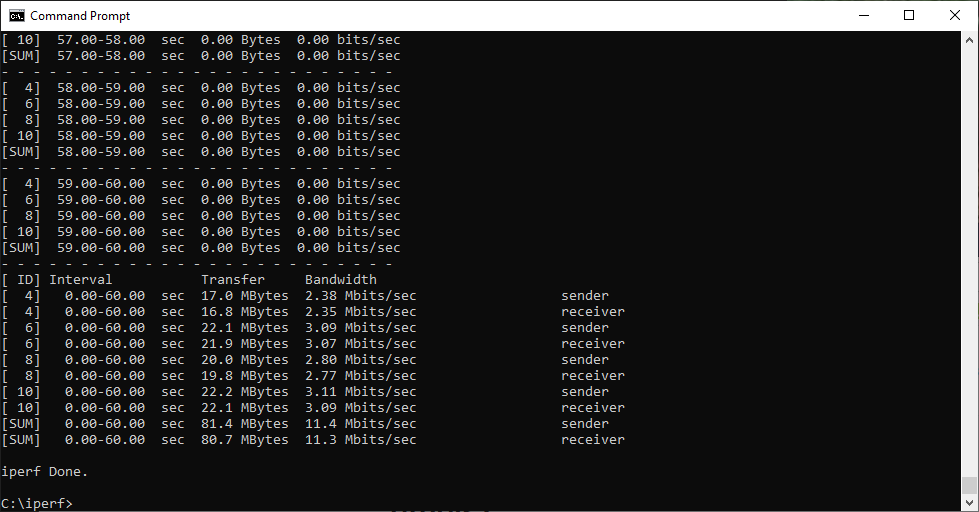
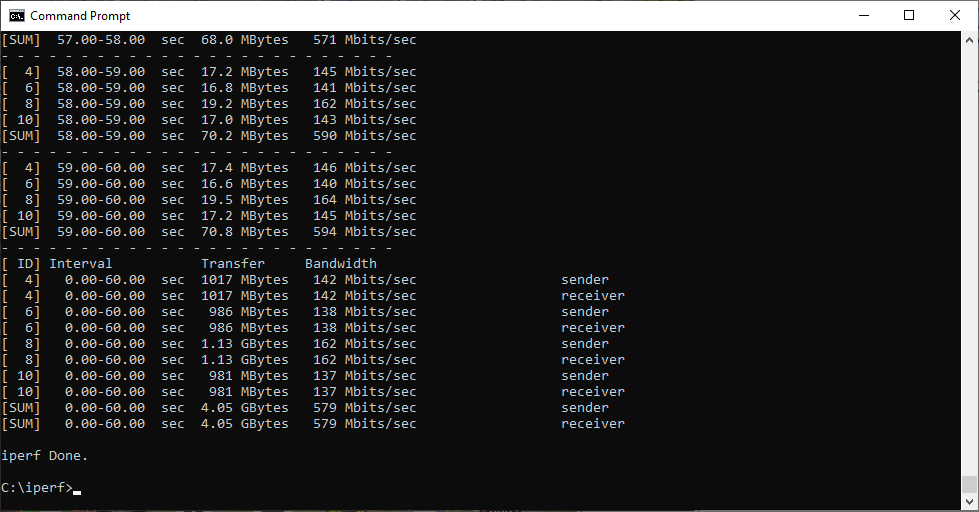
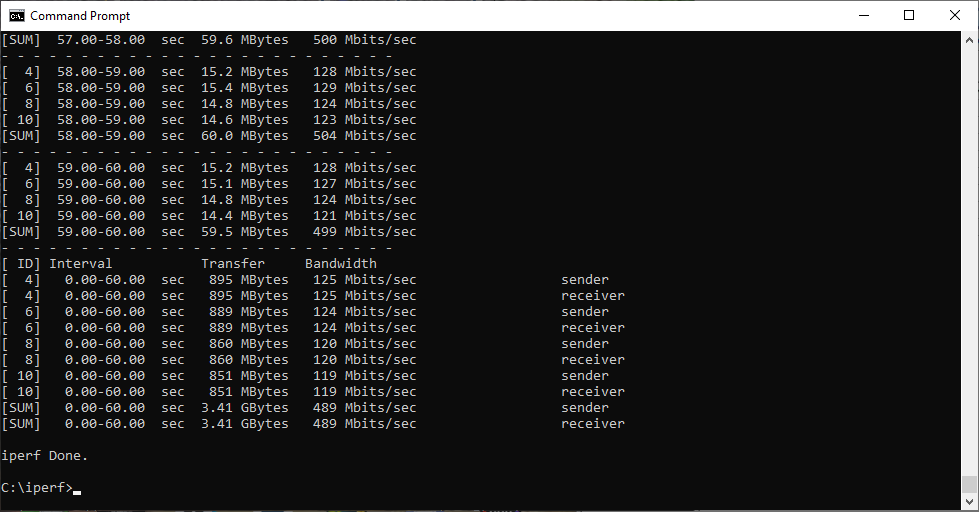
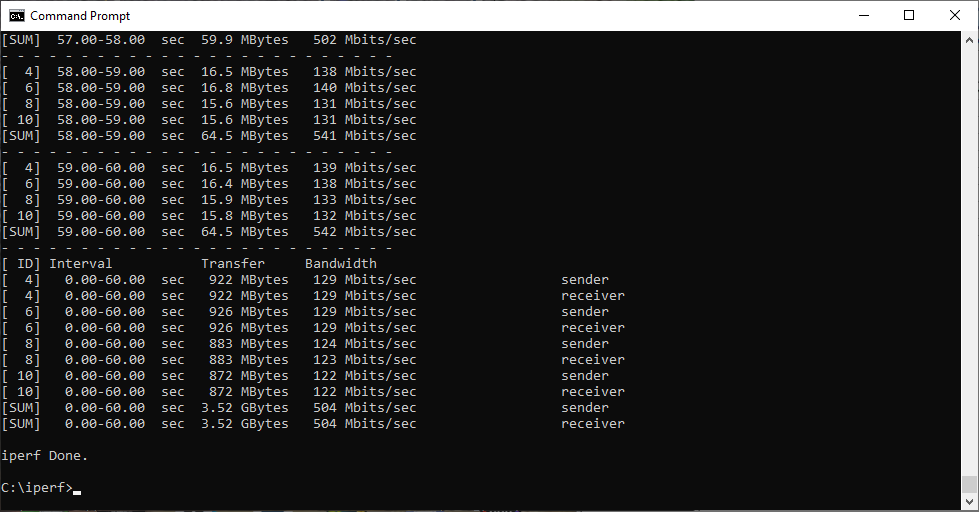
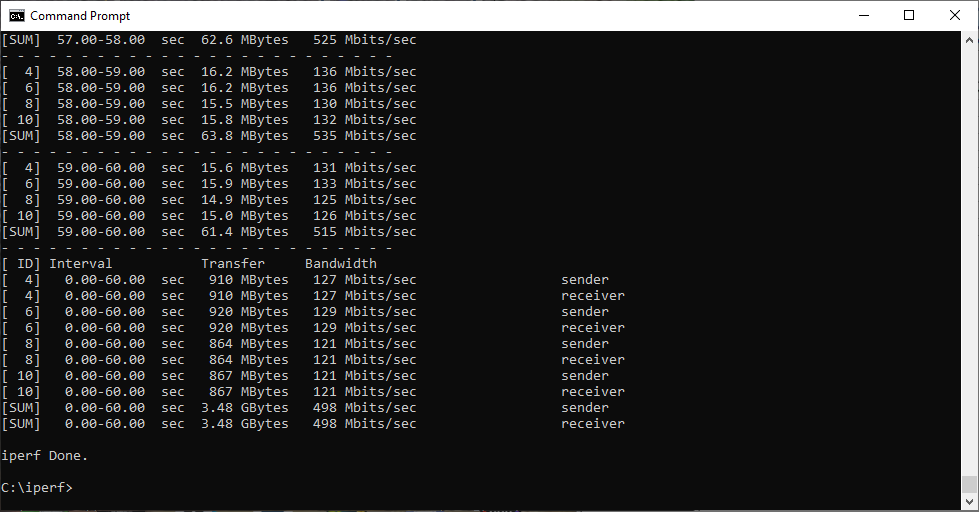
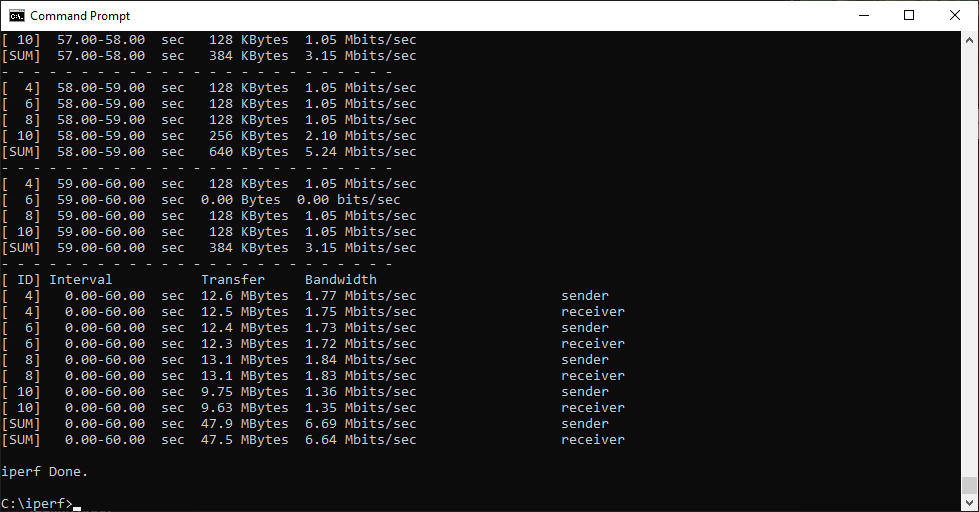
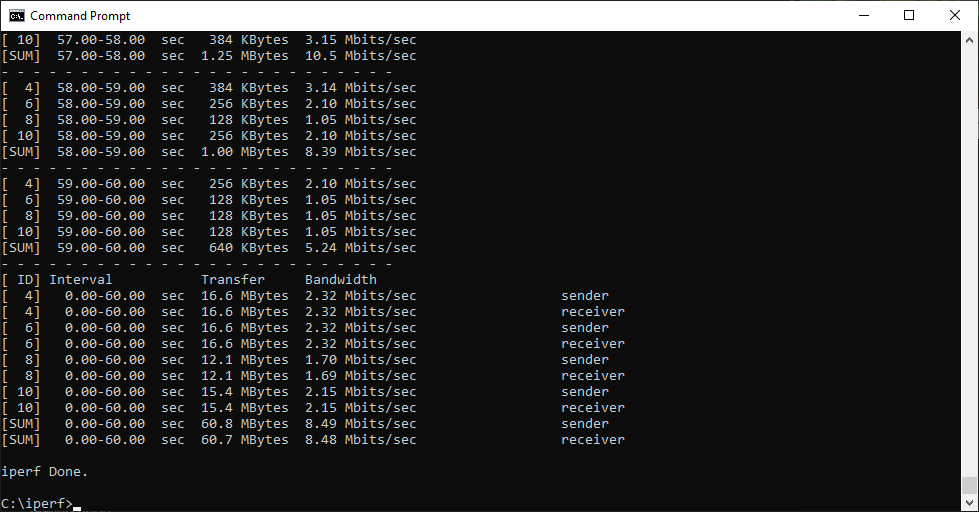
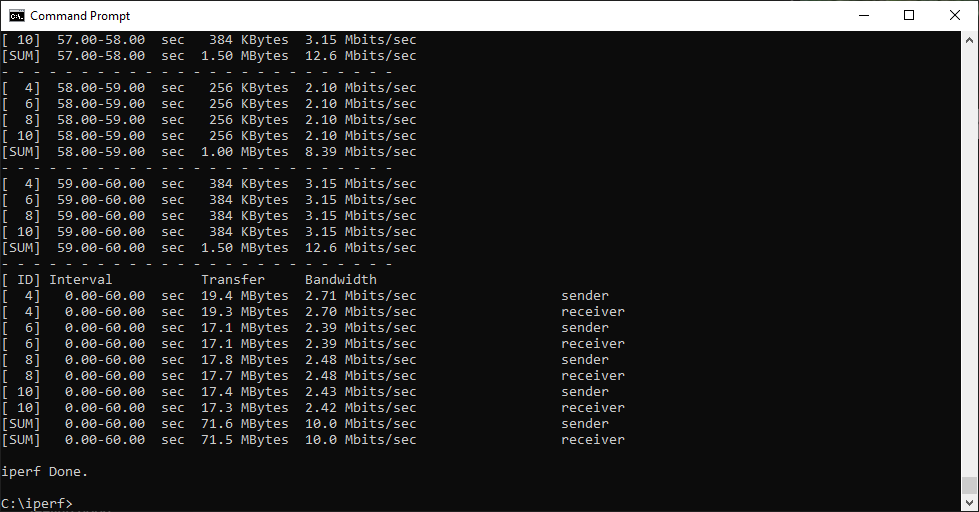
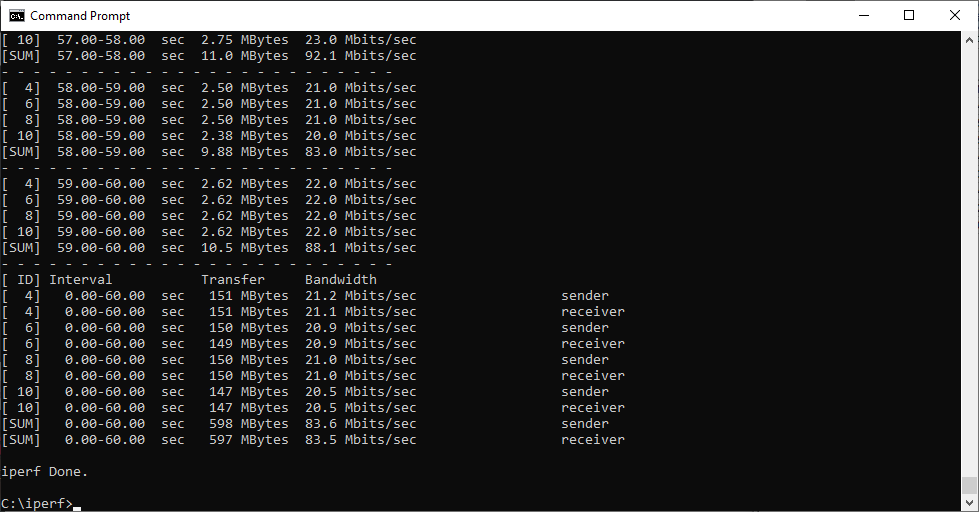
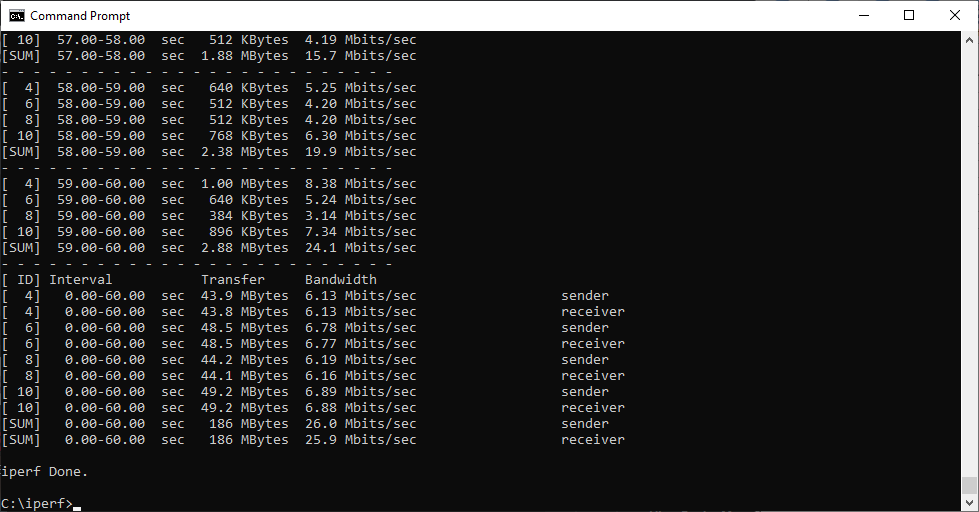
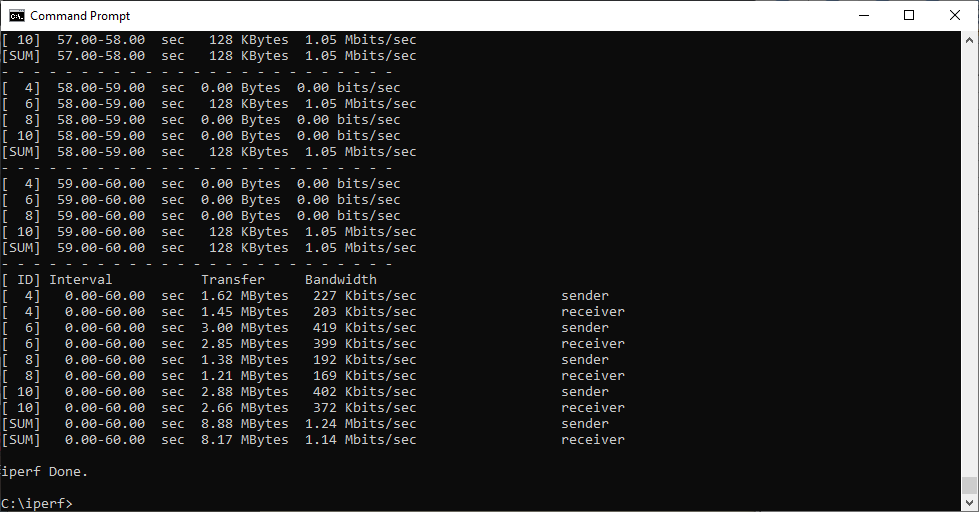
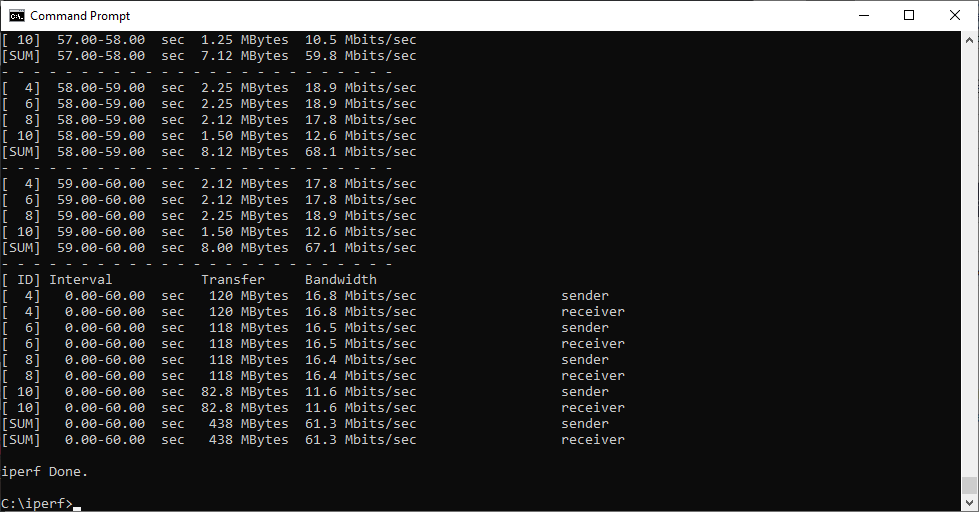
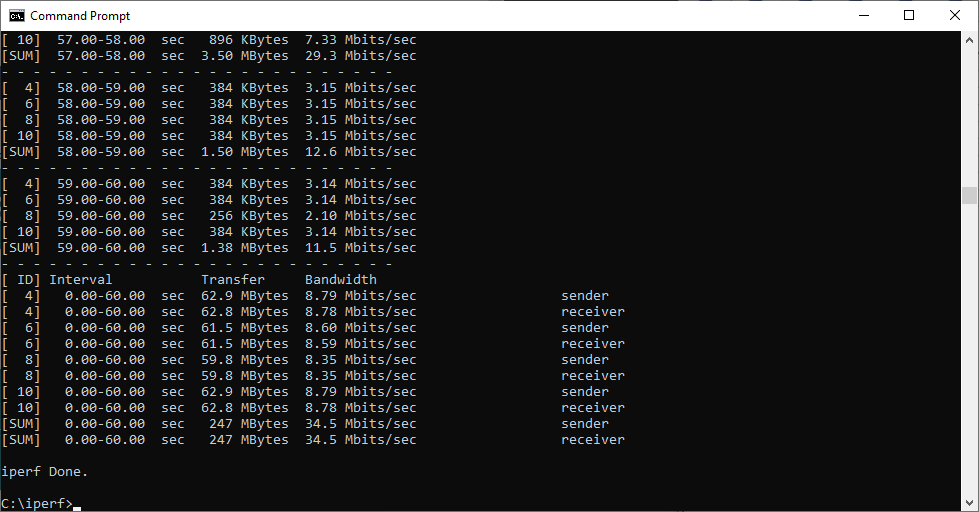
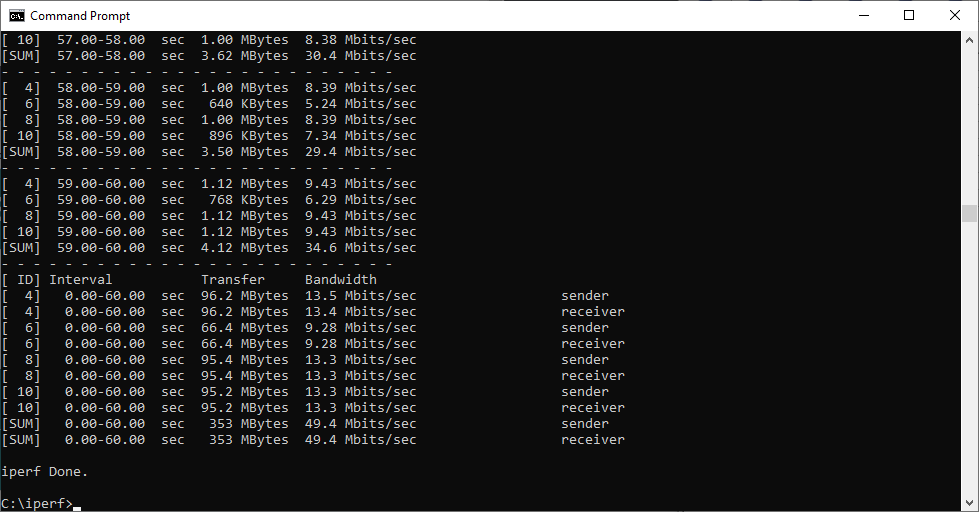
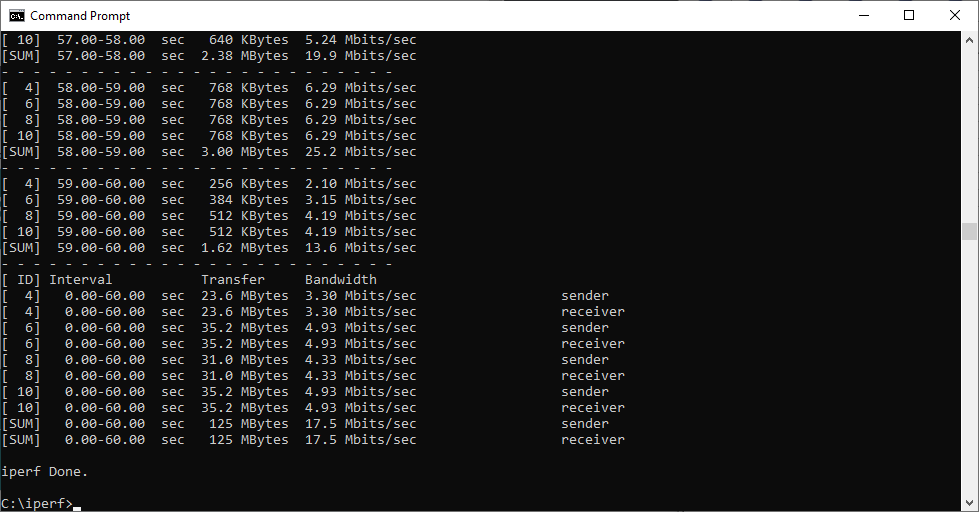
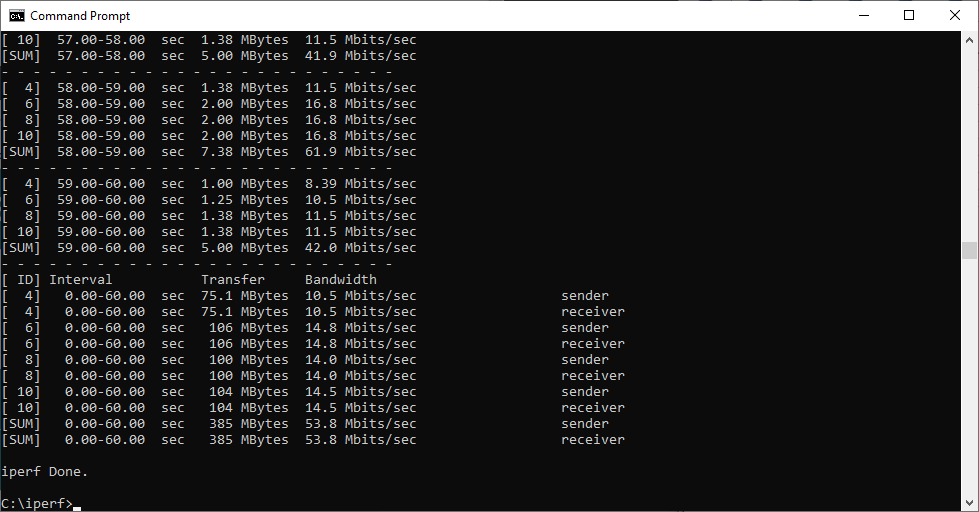
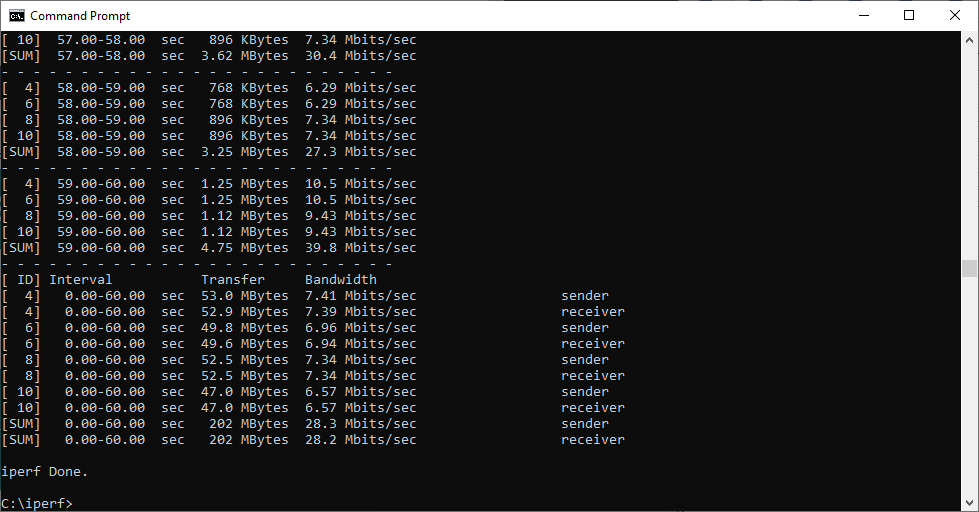
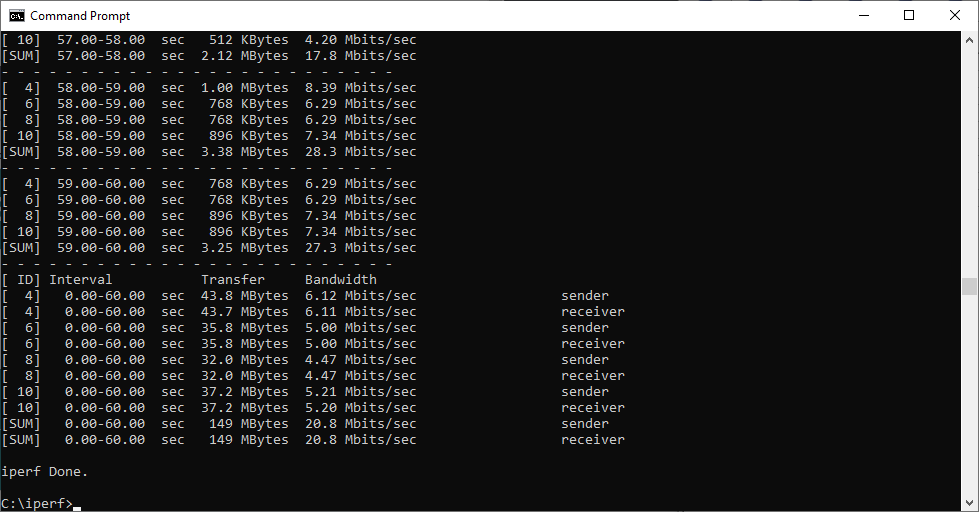
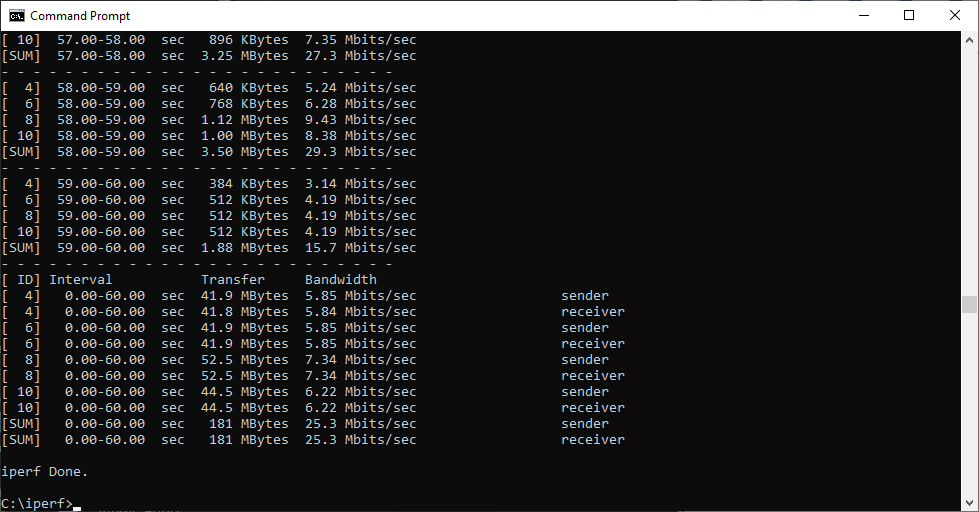
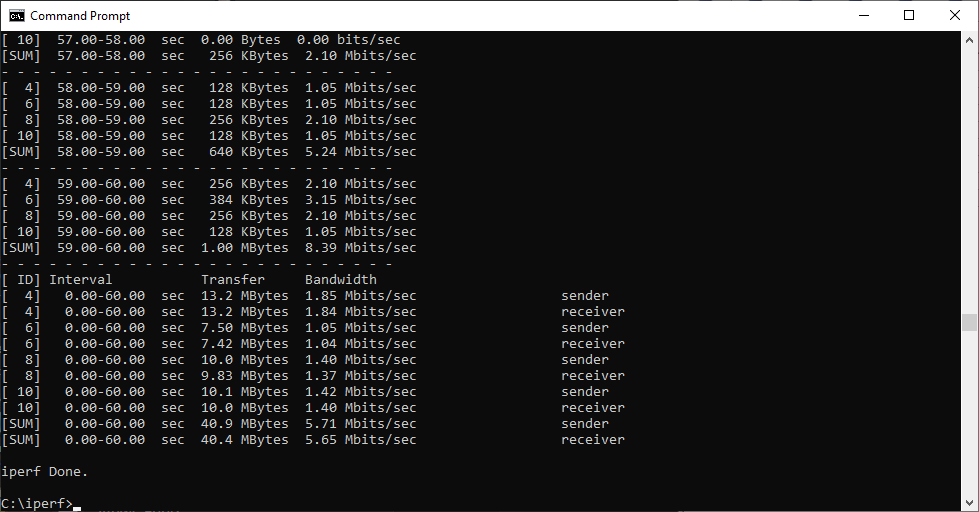
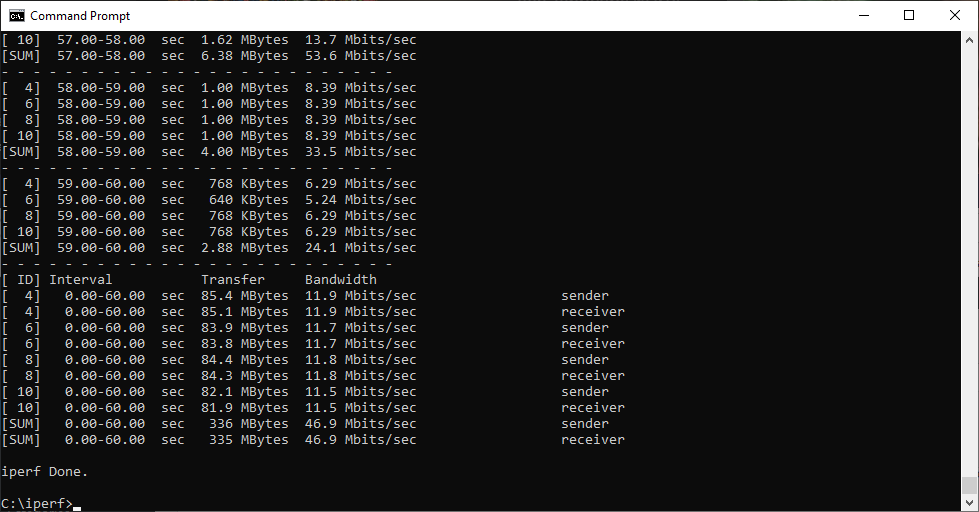
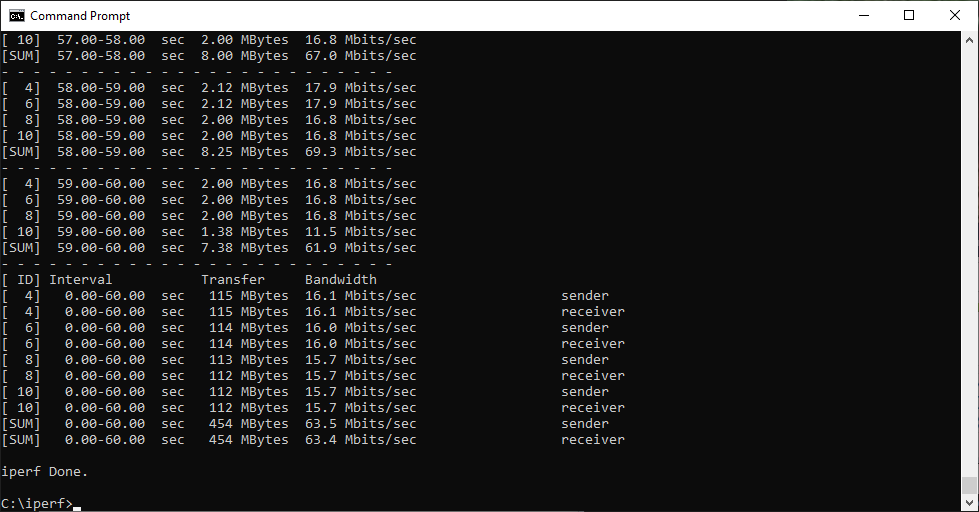
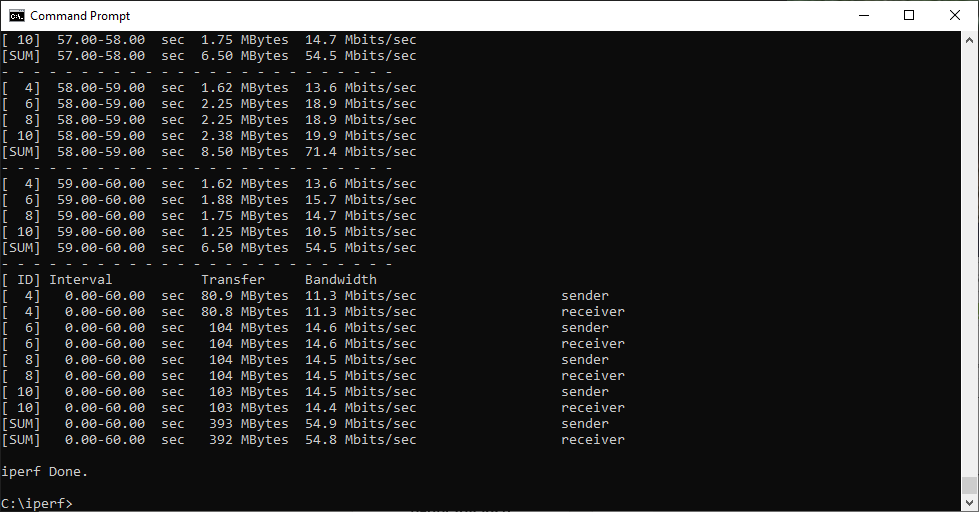
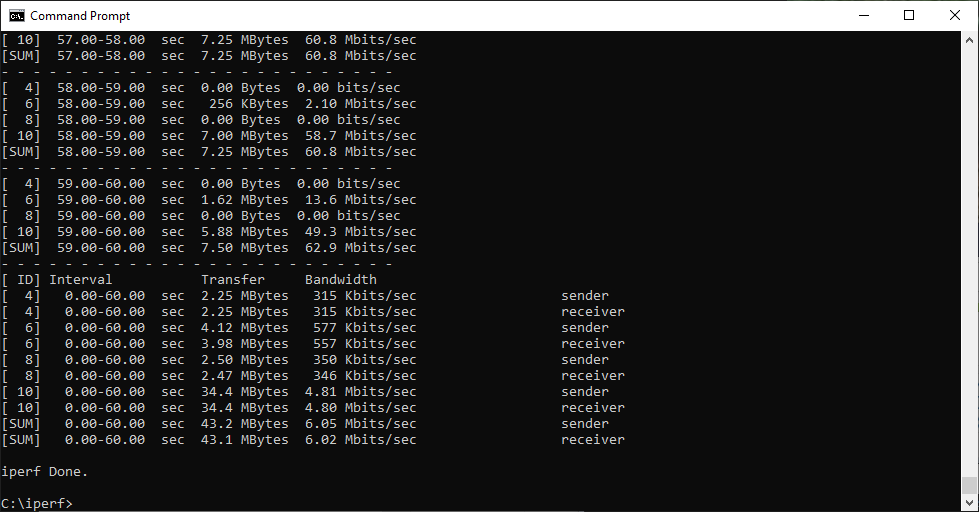
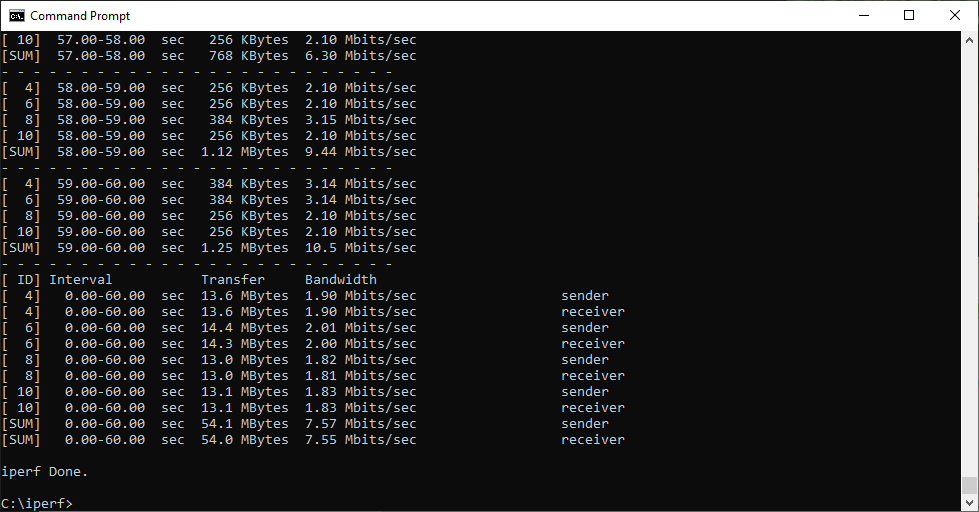
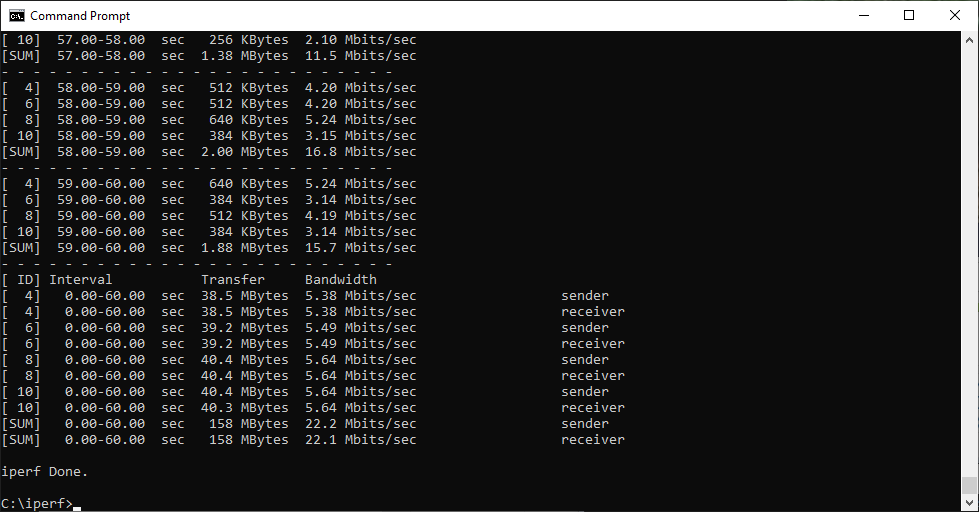
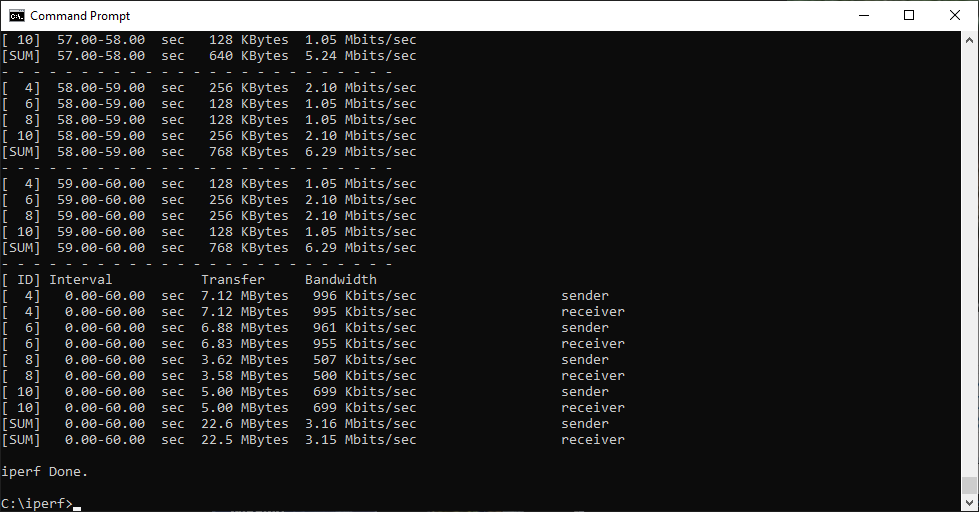
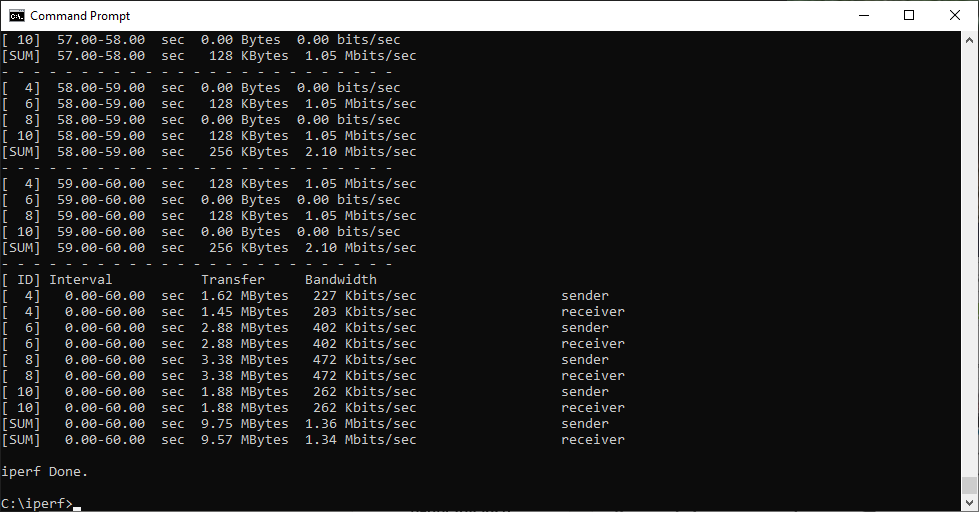
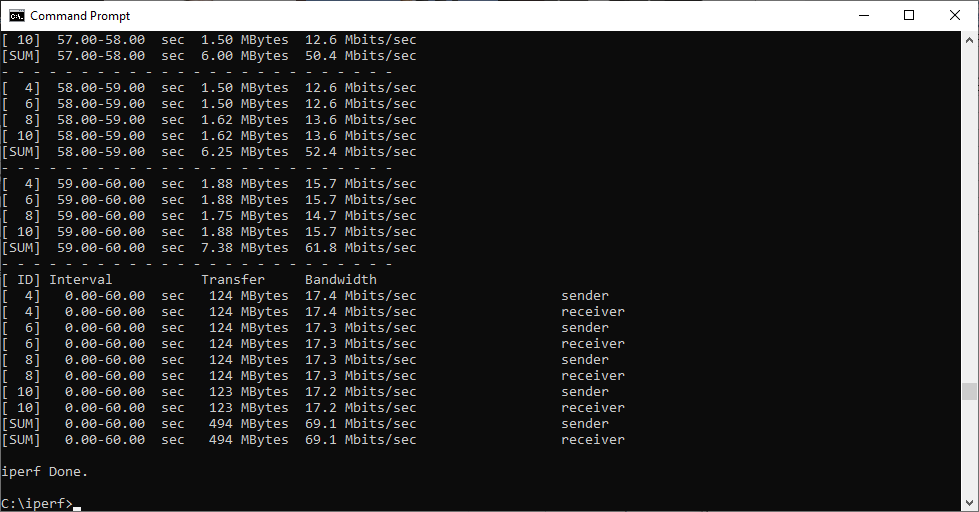
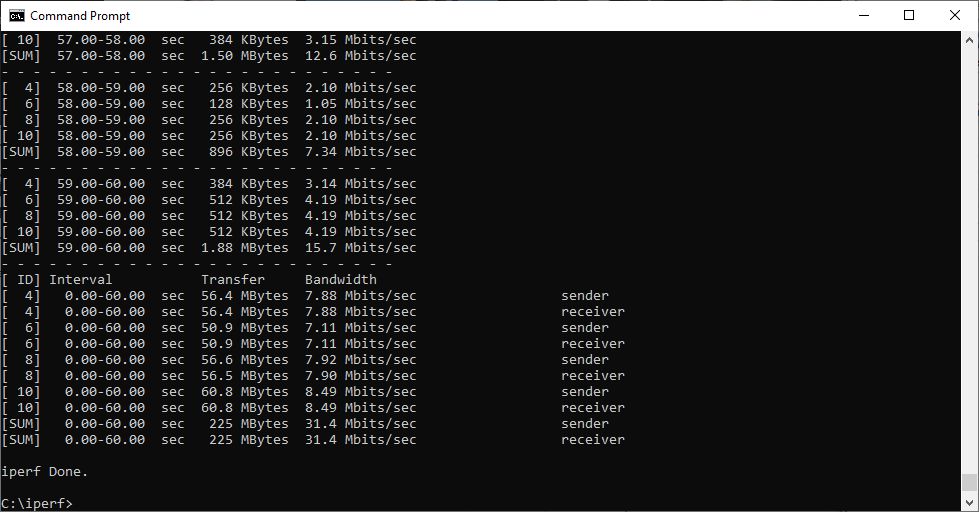
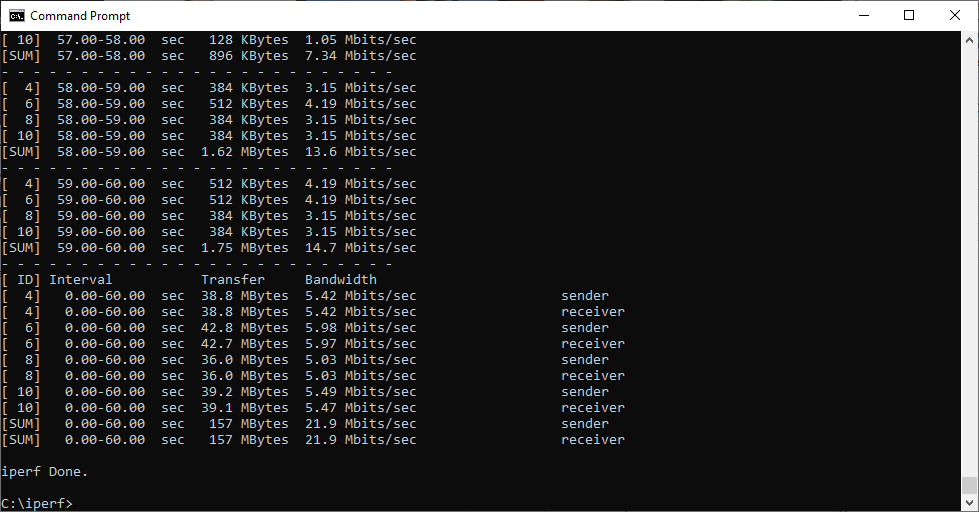
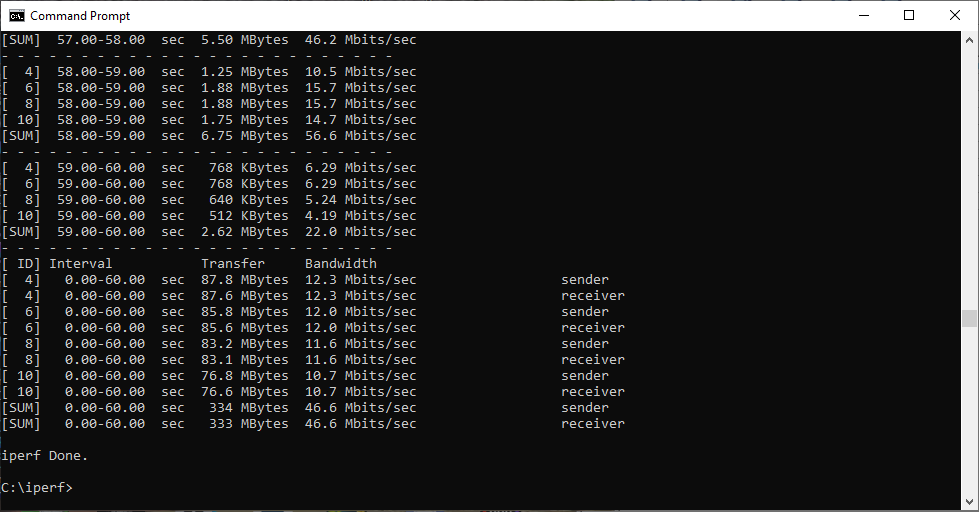
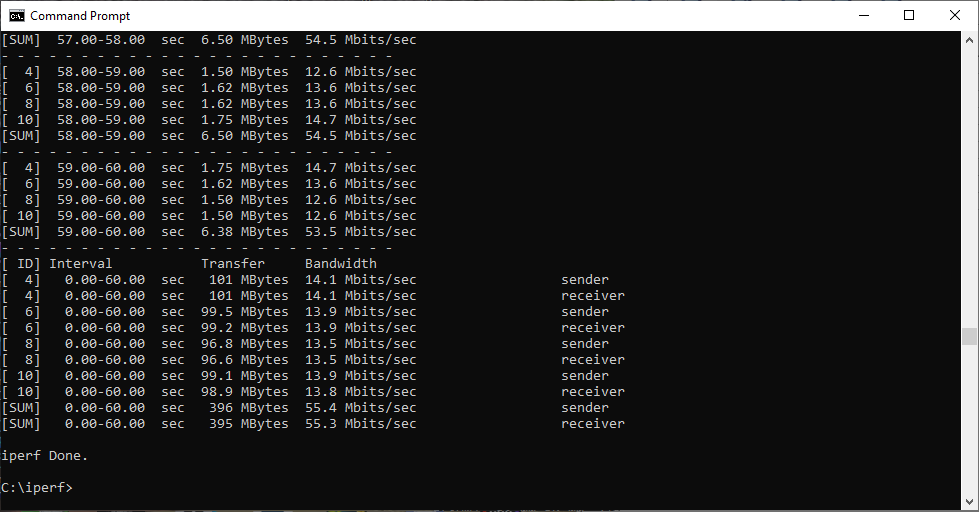
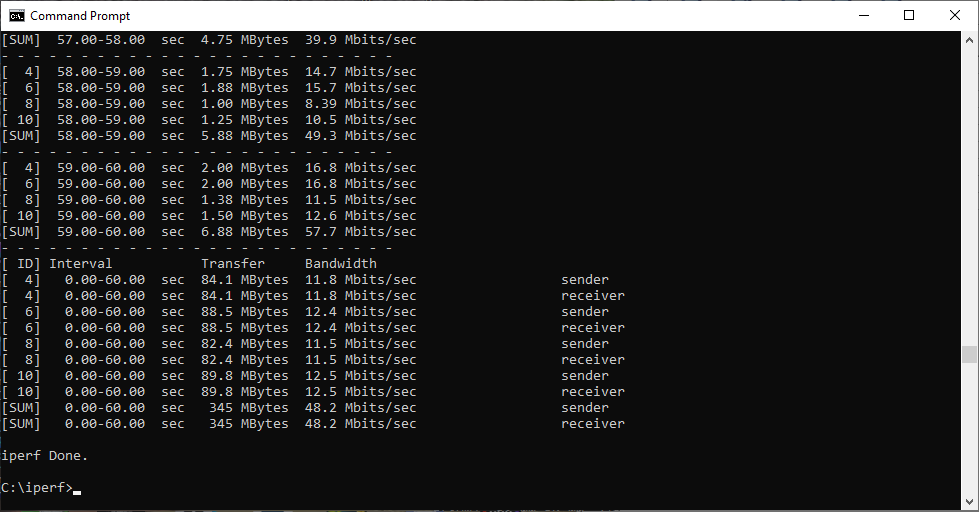
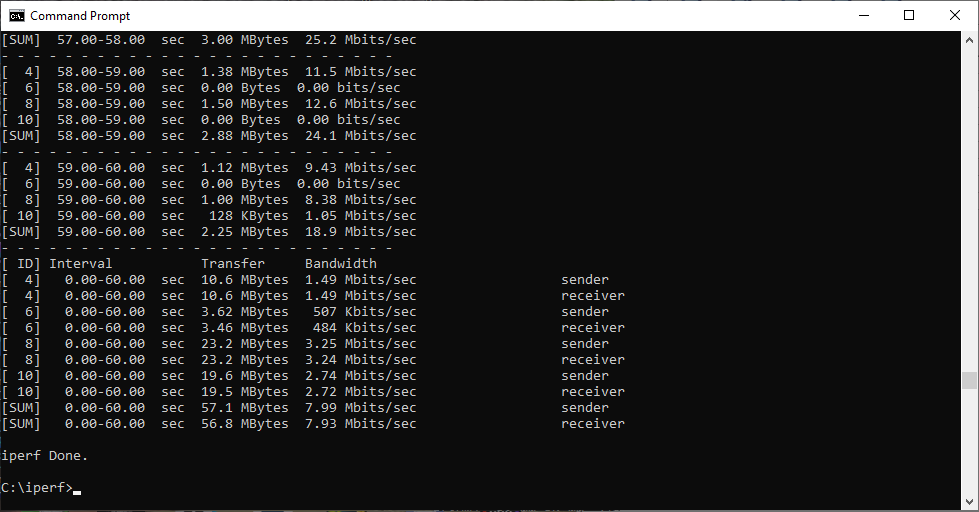
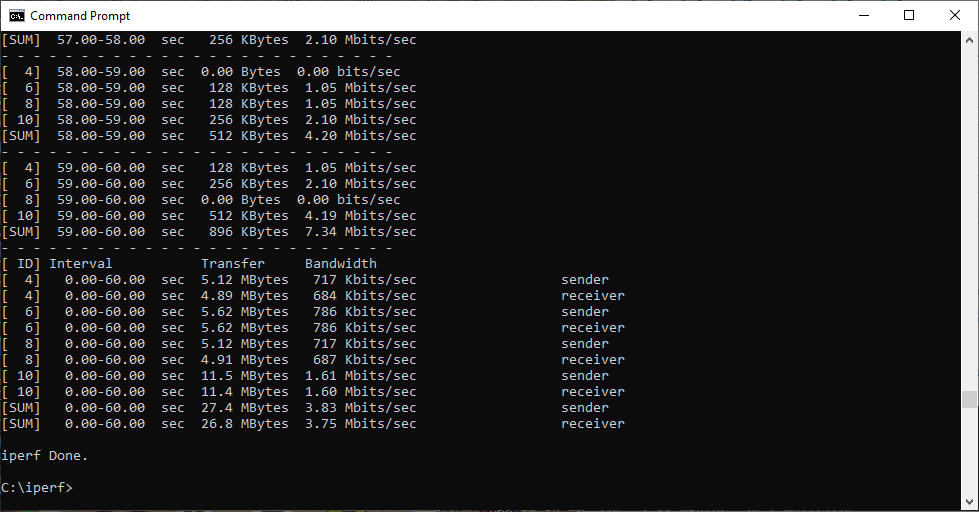
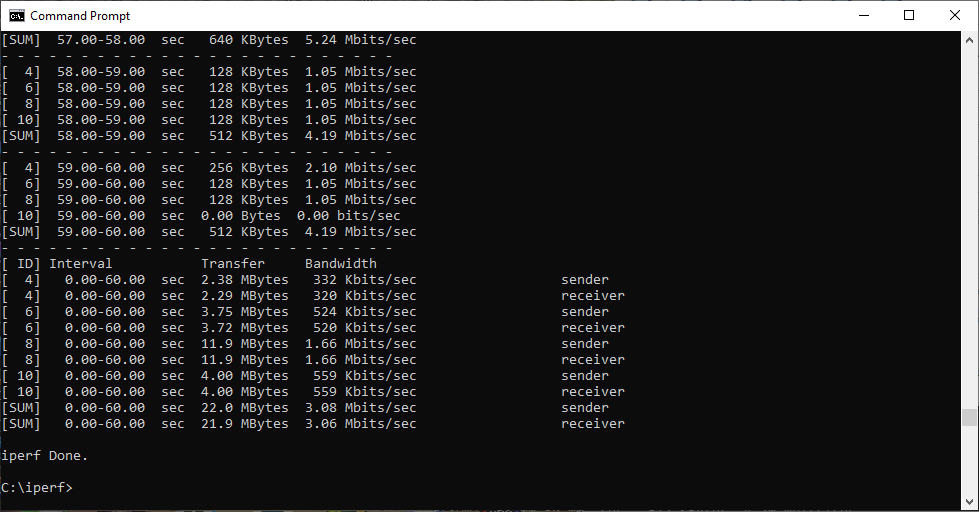
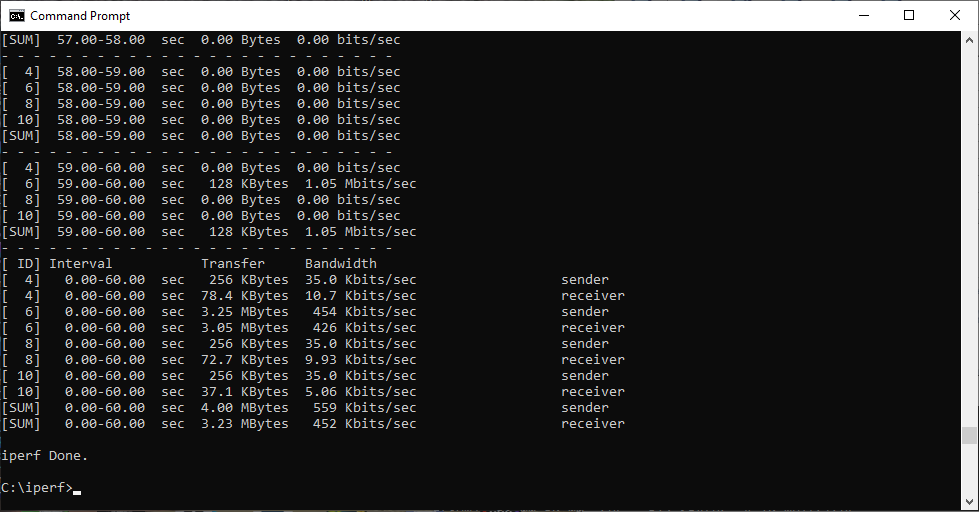
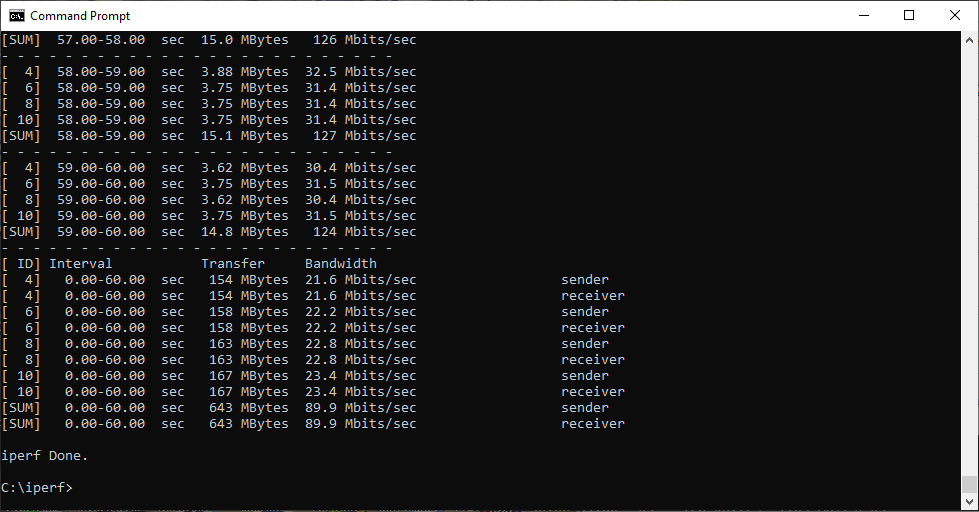
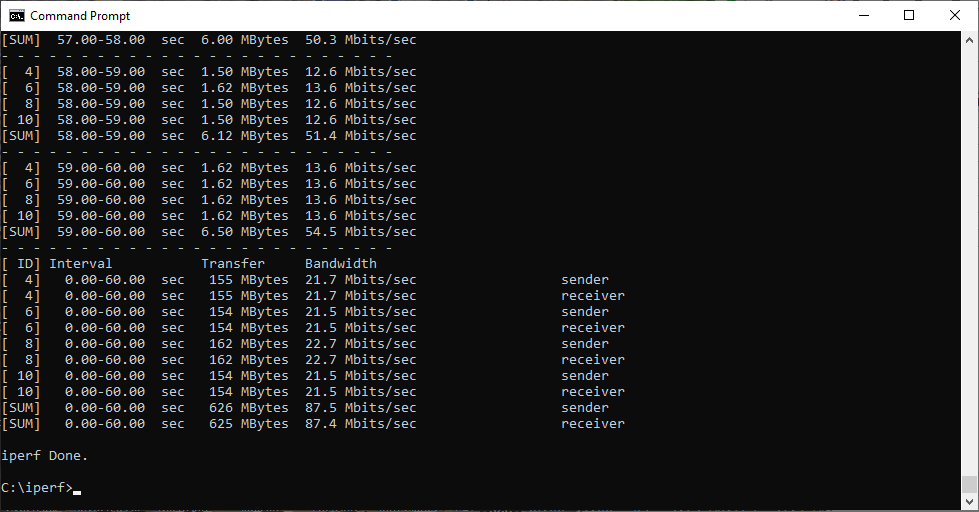
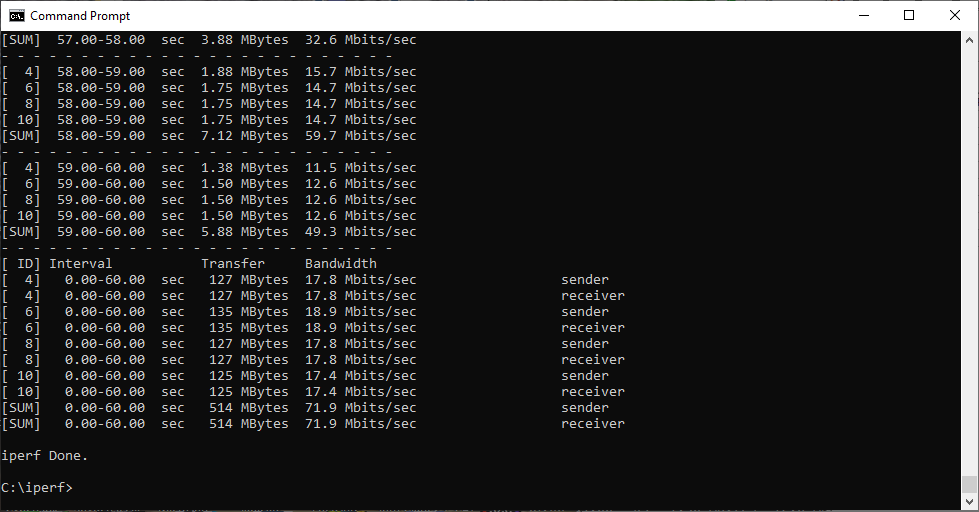
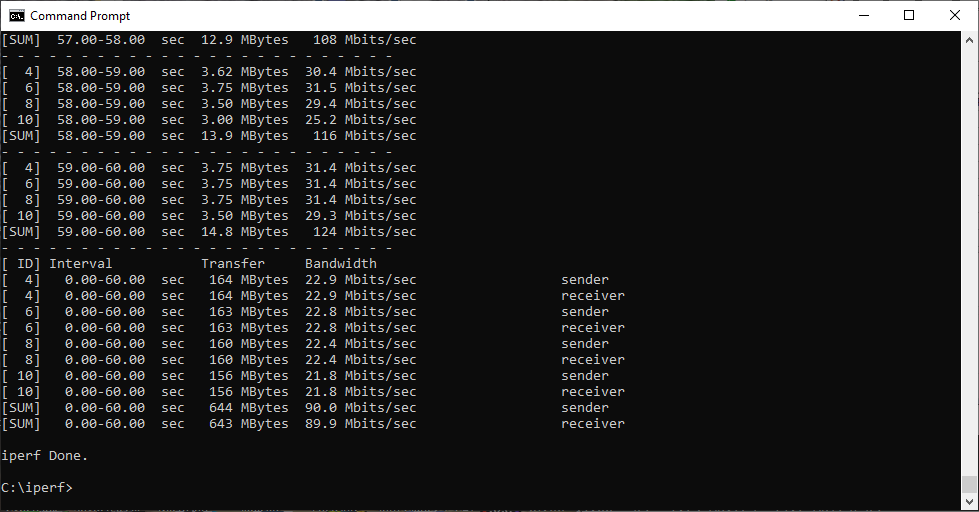
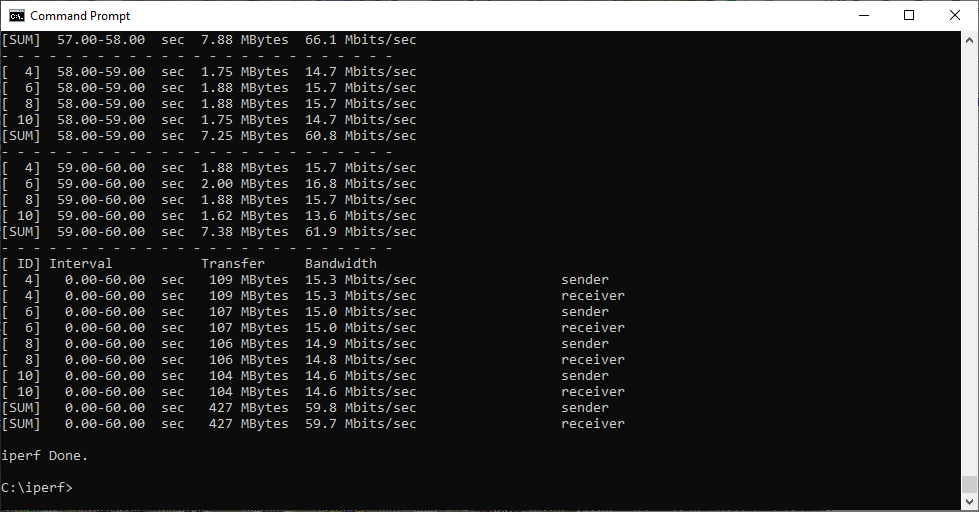
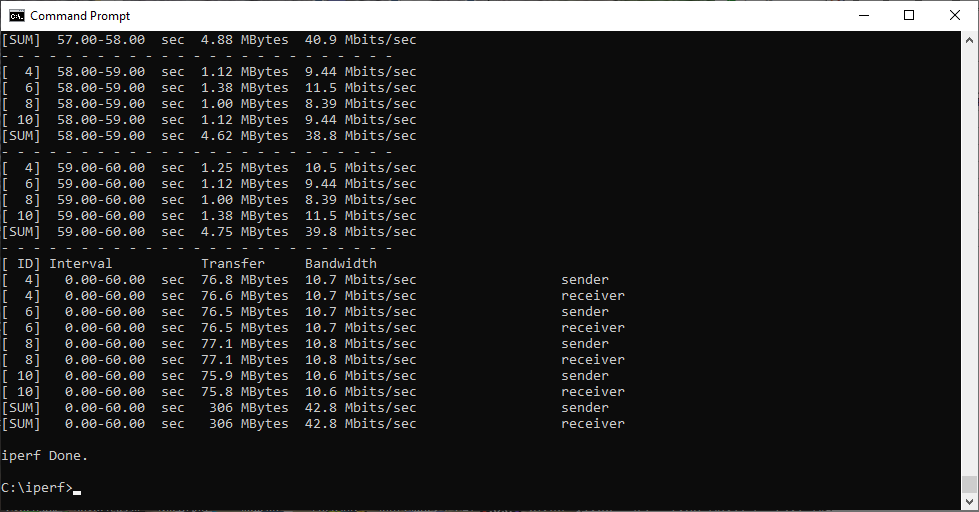
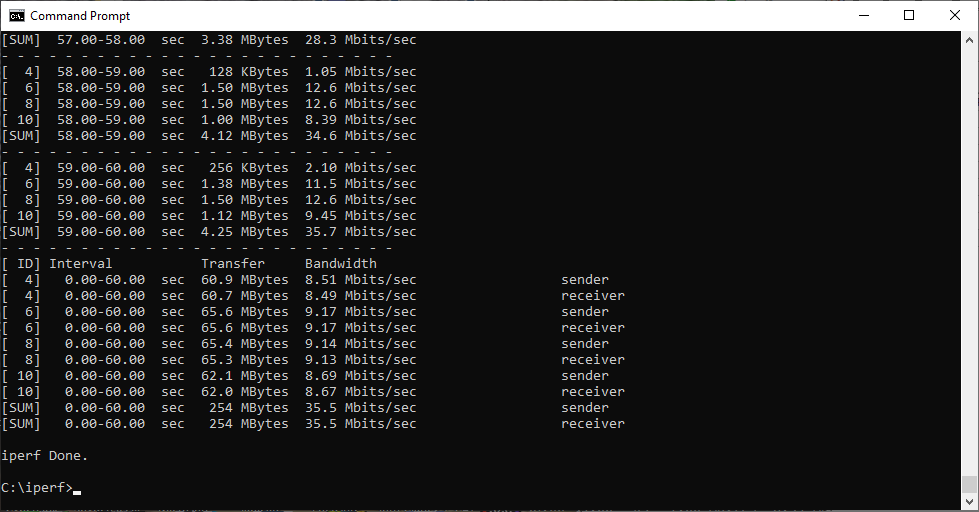
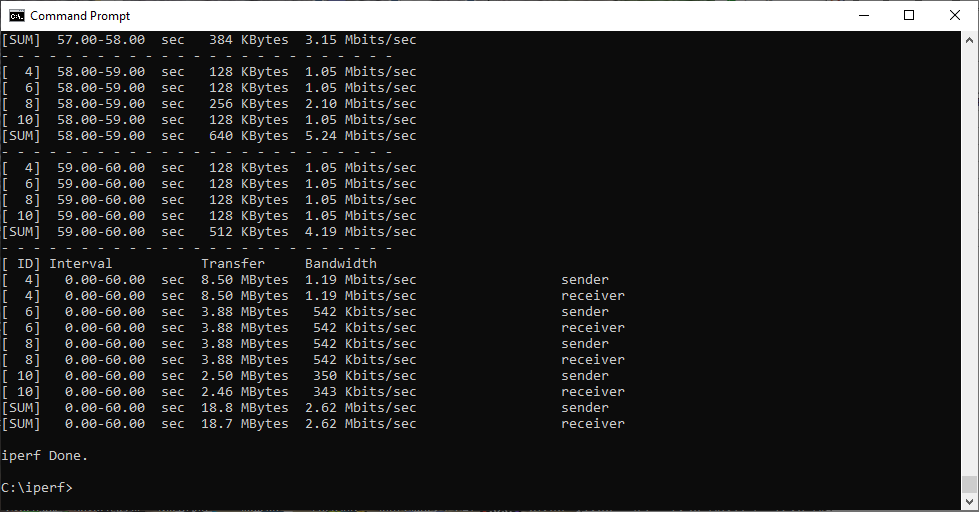
In each case, we used the freely available iPerf 3.1.3 software, which stresses a network by sending packets of random data and measures the throughput. One system acts as a server, and the other as a client, as data is sent between them. In all cases, we used an Armari AMD Threadripper workstation connected to the routers via Gigabit Ethernet as the server, so that the WiFi was always the slowest connection.
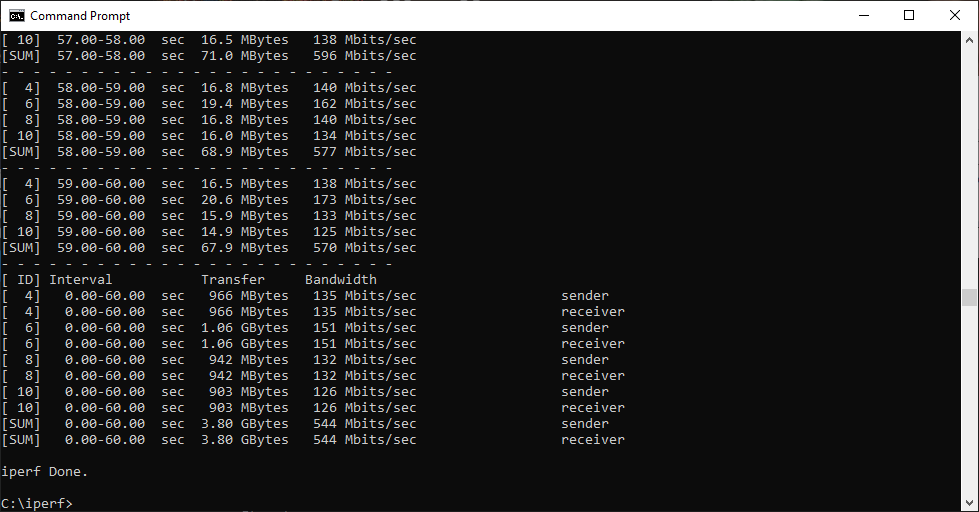
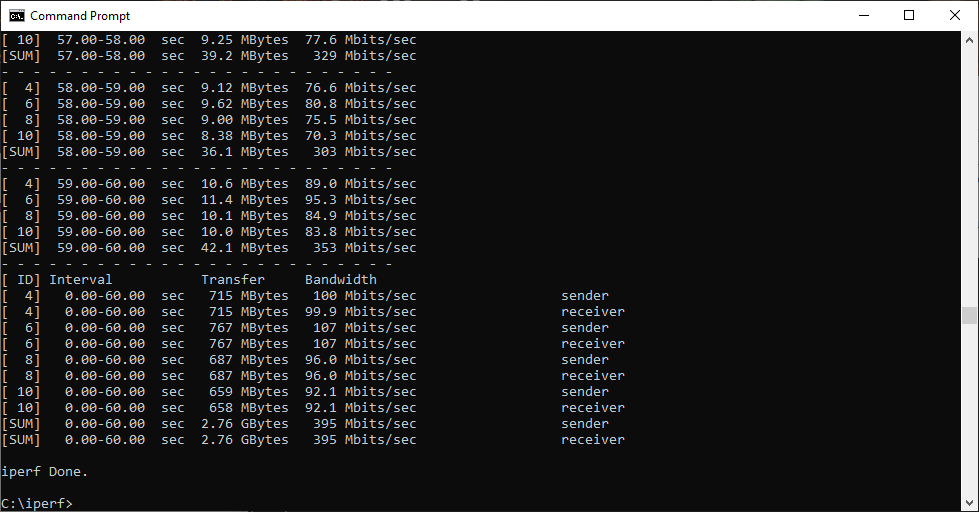
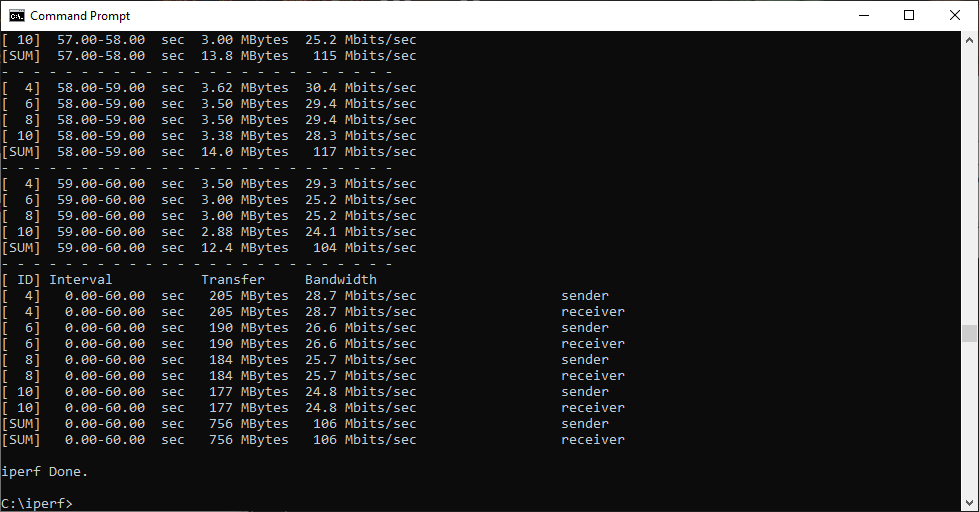
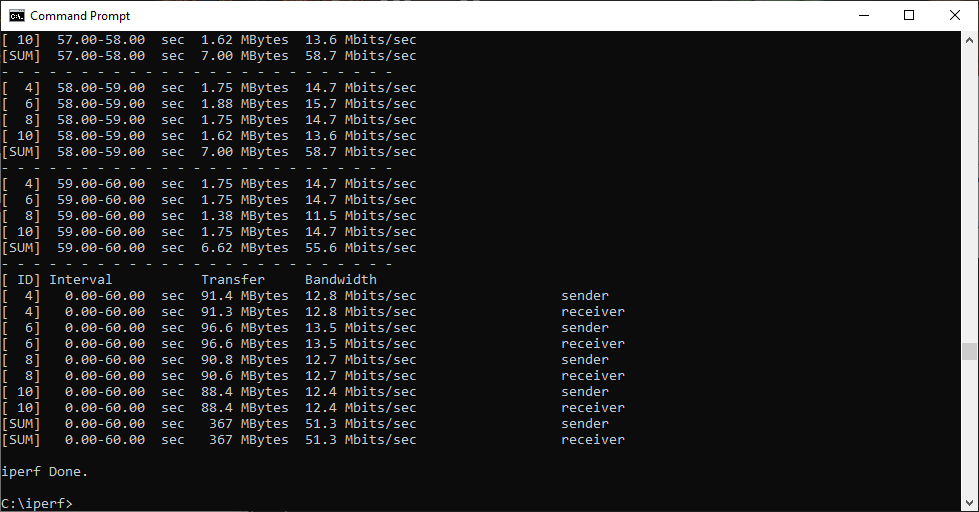
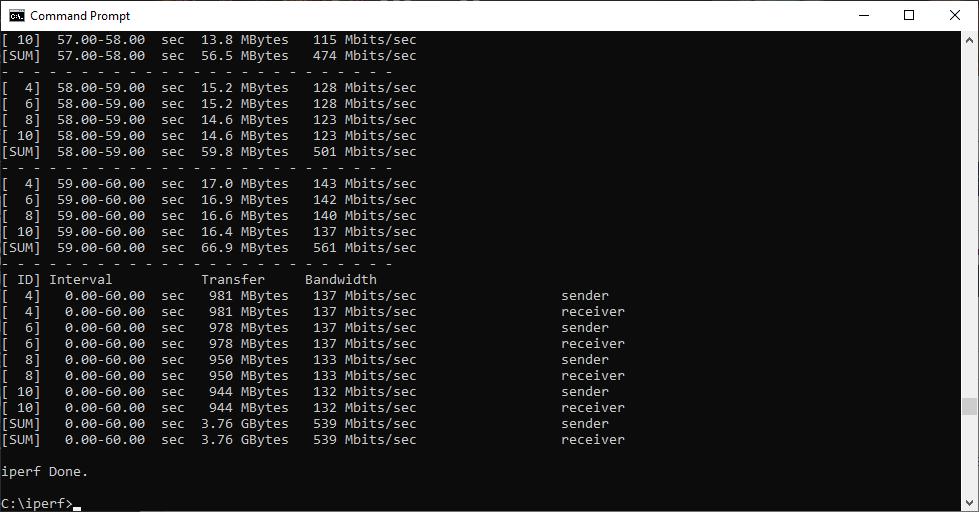
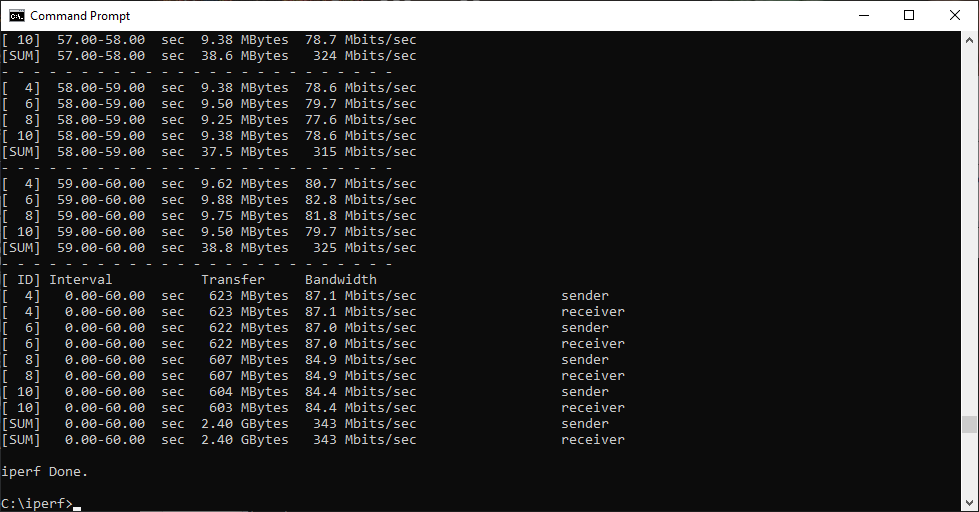
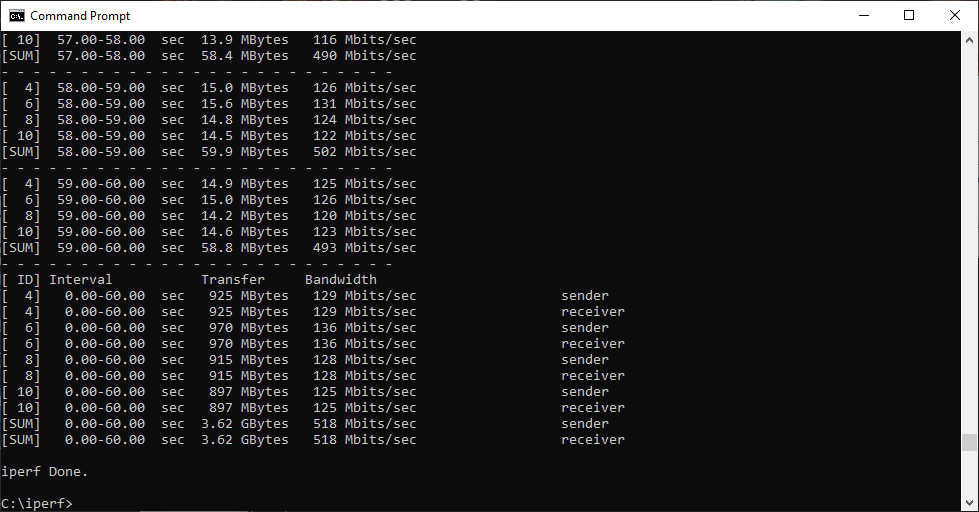
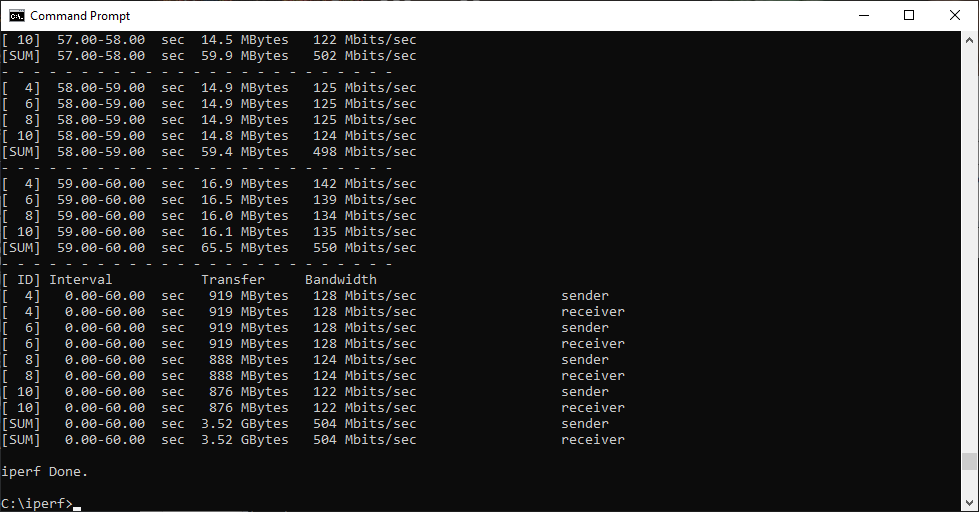
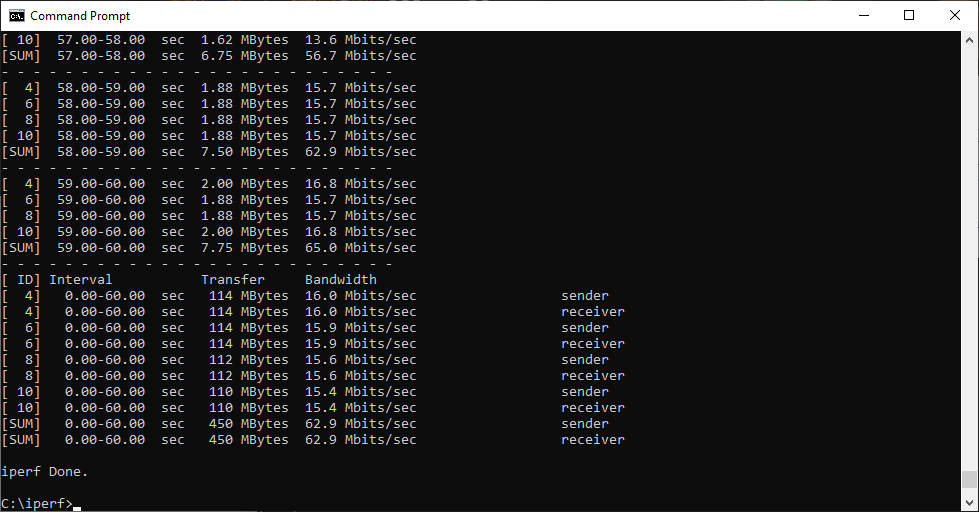
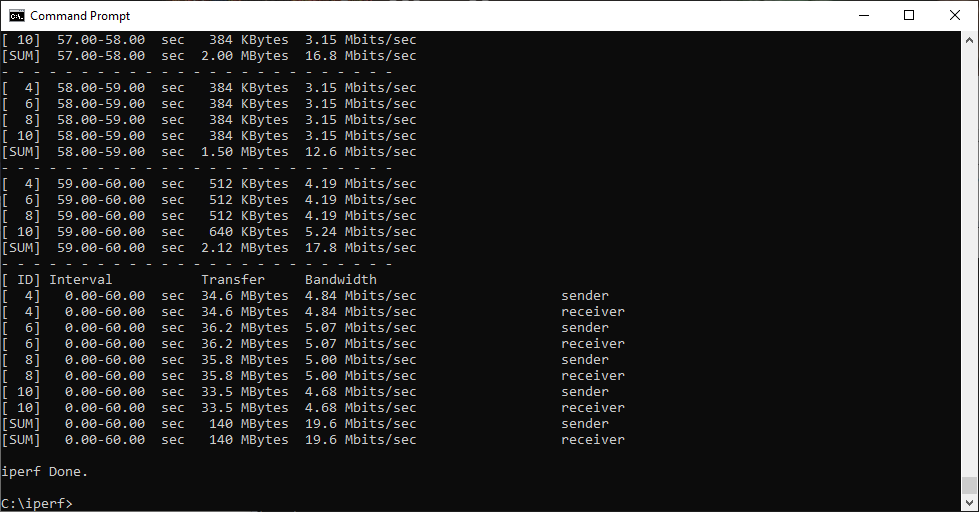
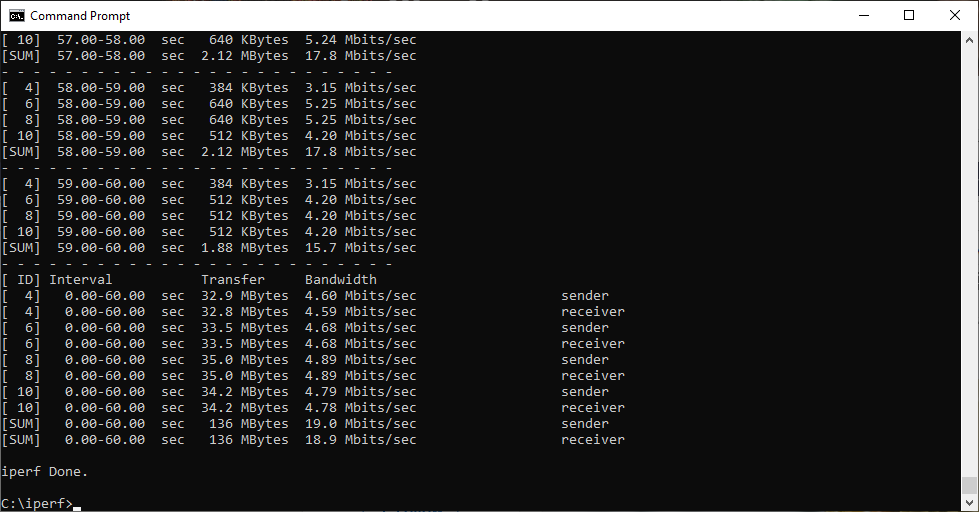
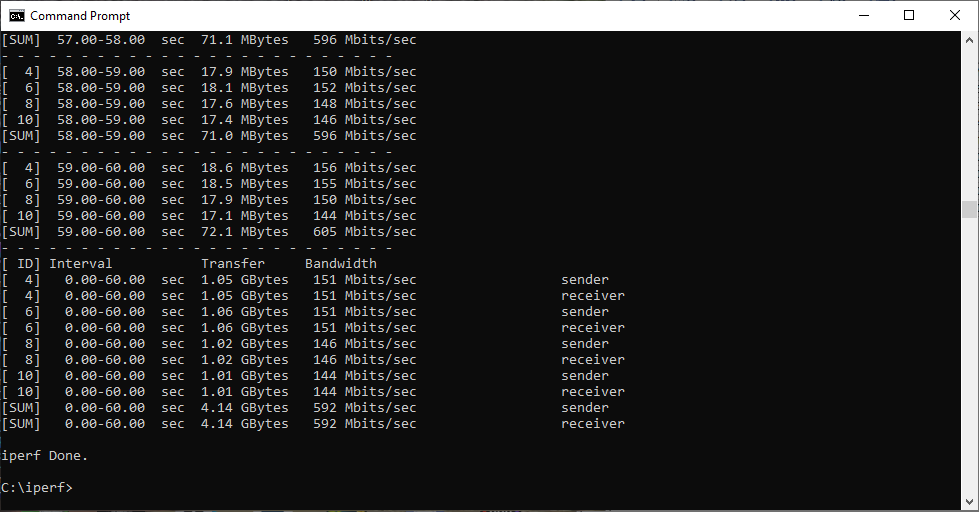
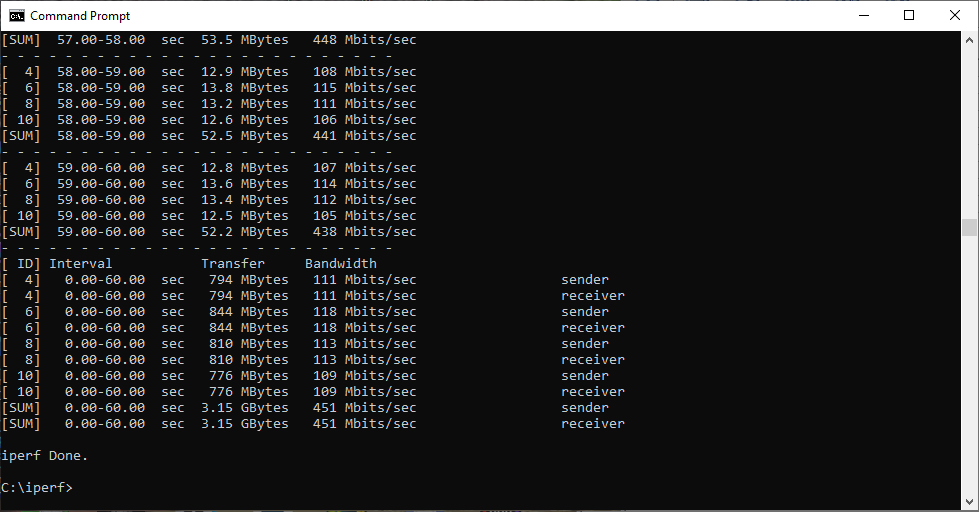
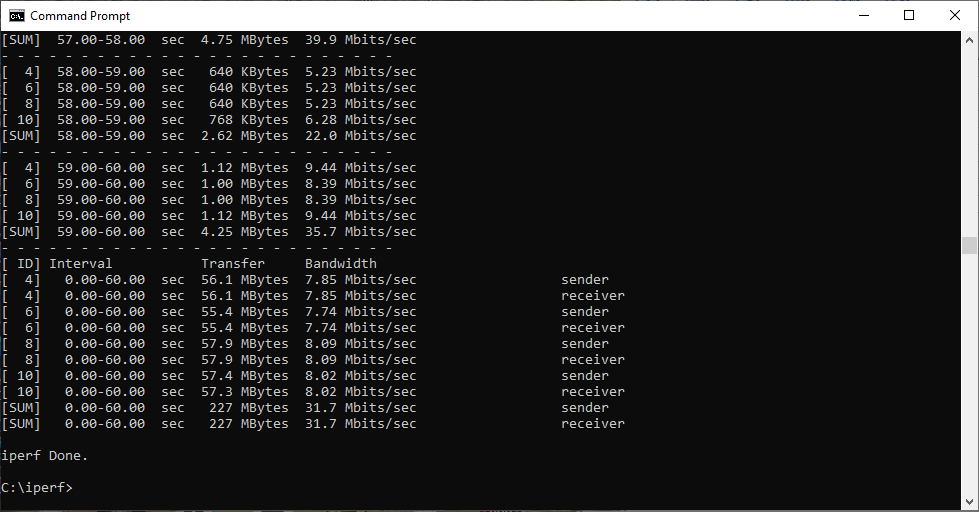
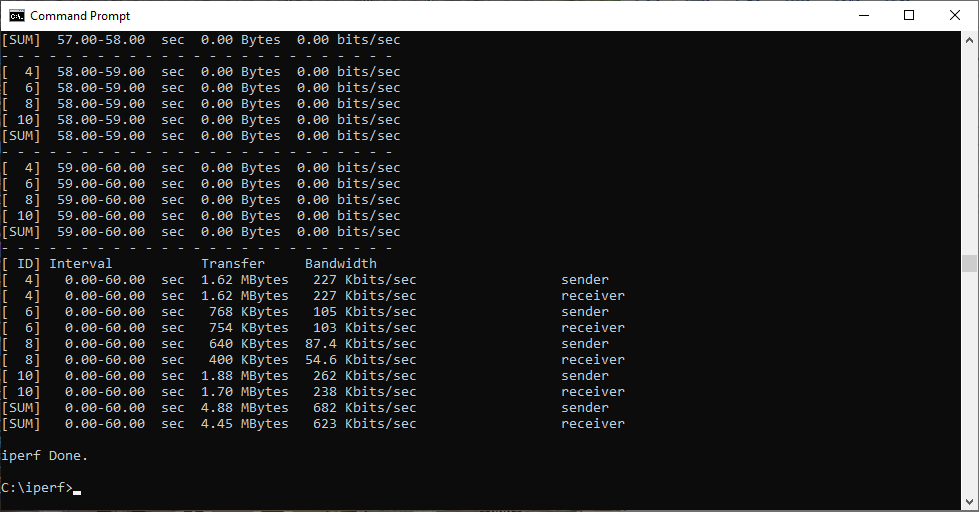
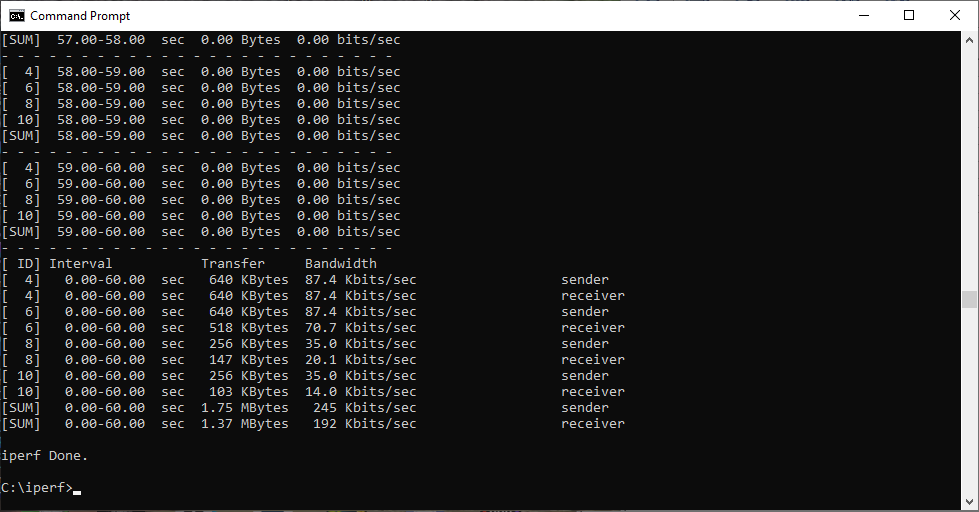
These are the iPerf commands we used:
For the server: iperf3 –s –i 1
For the client: iperf3 –c <IP Address> –P 4 –i 1 –t 60
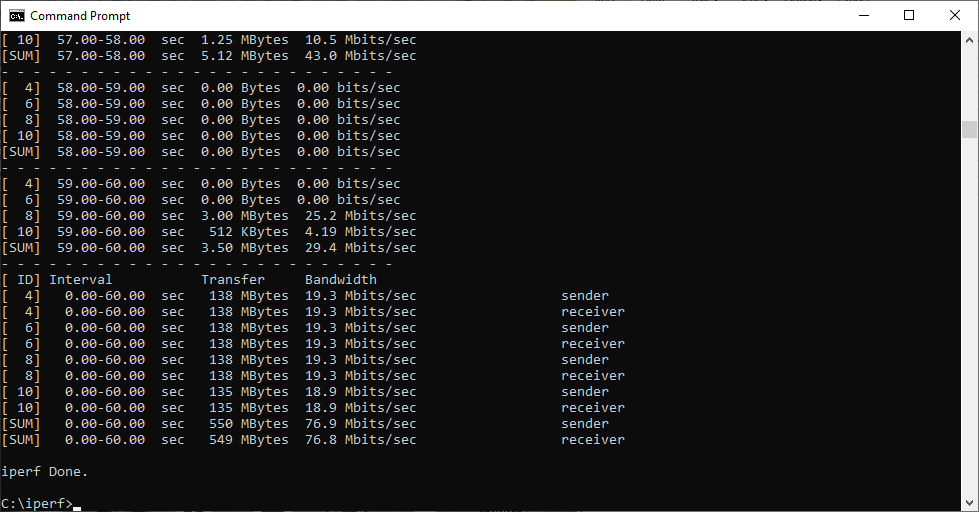
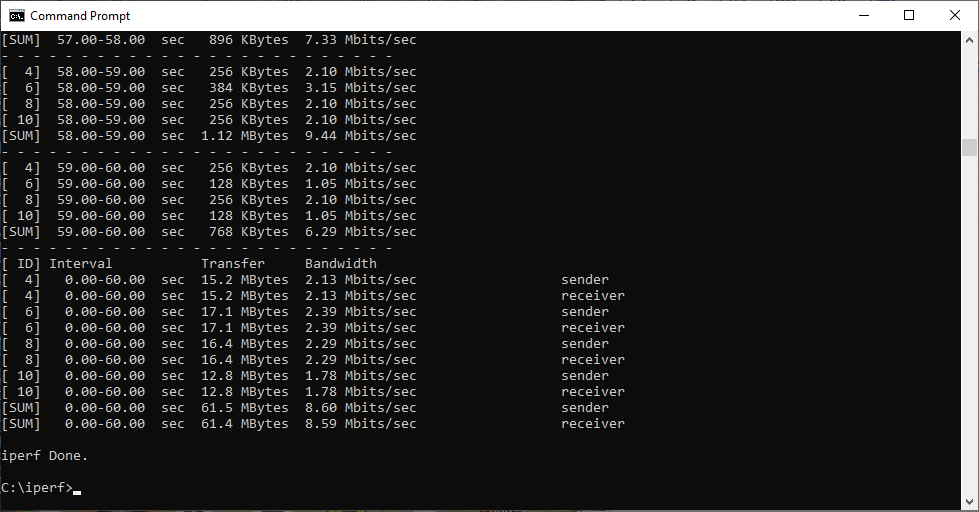
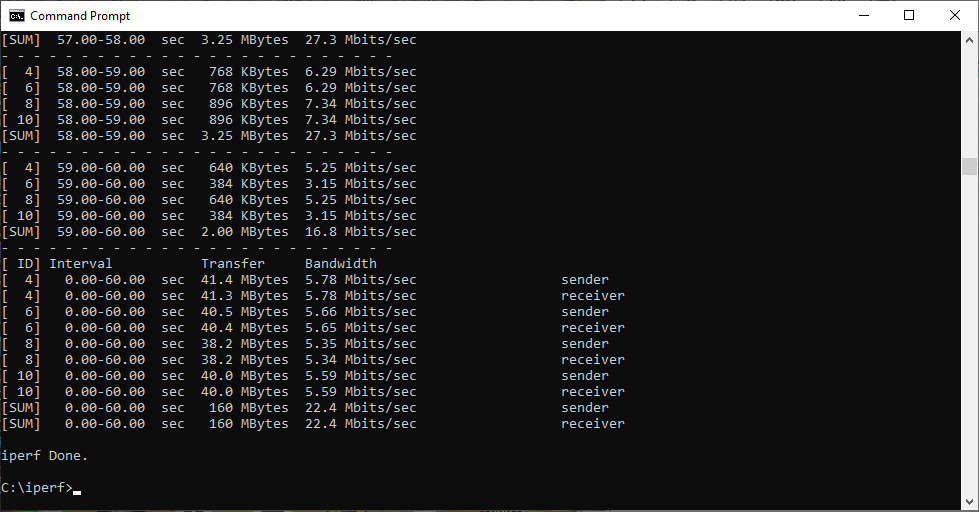
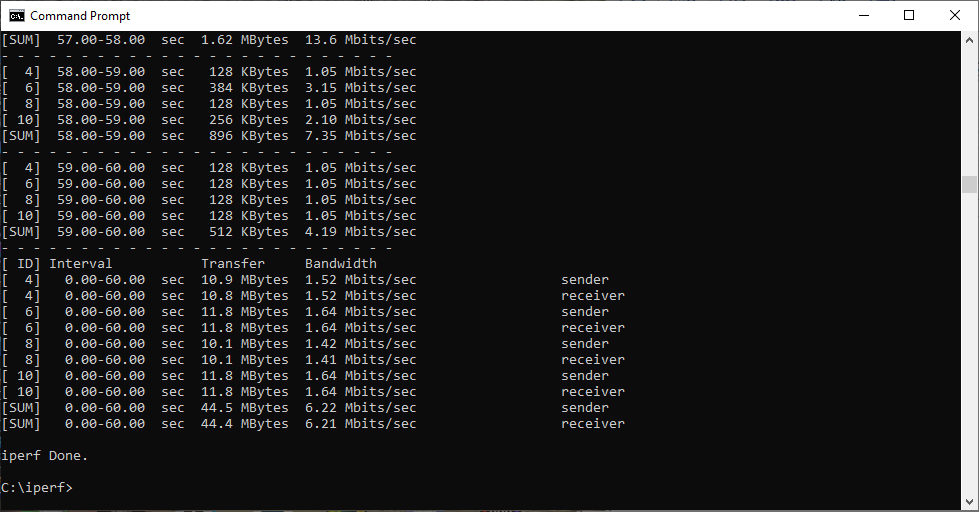
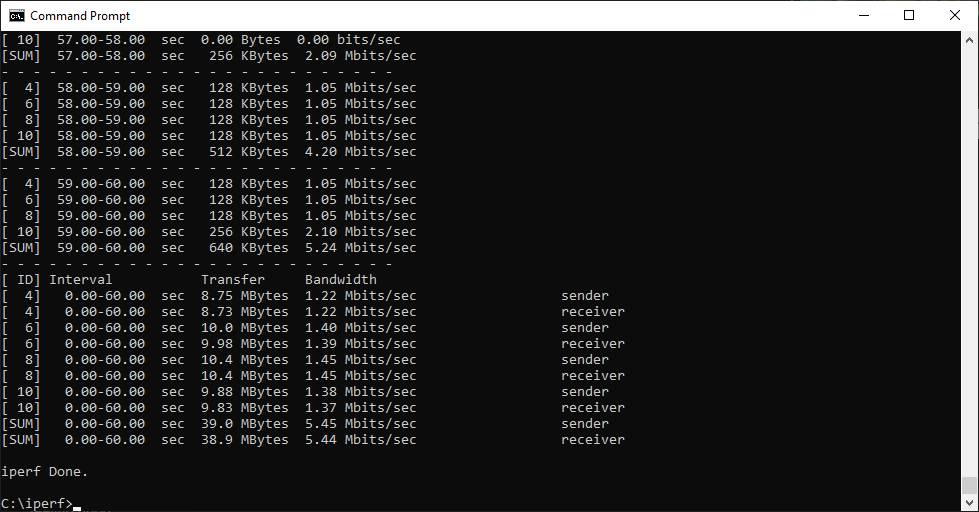
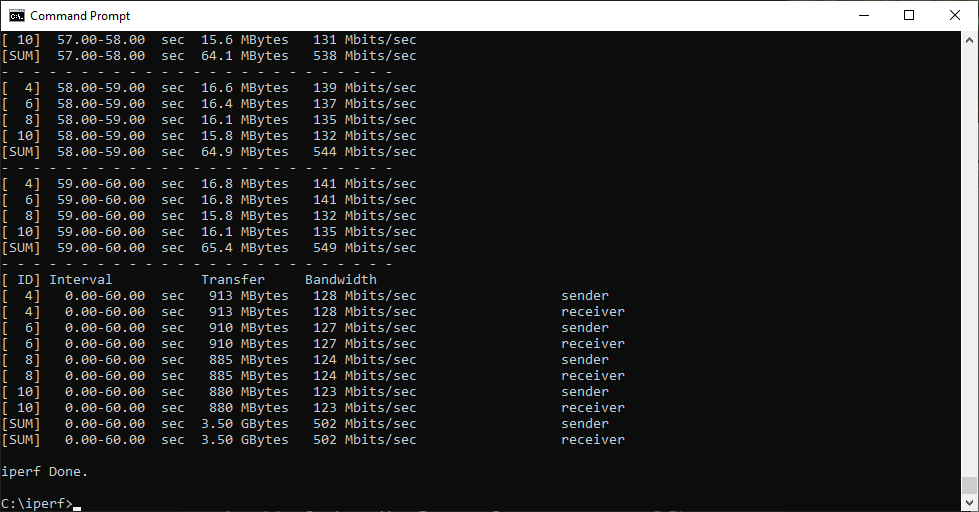
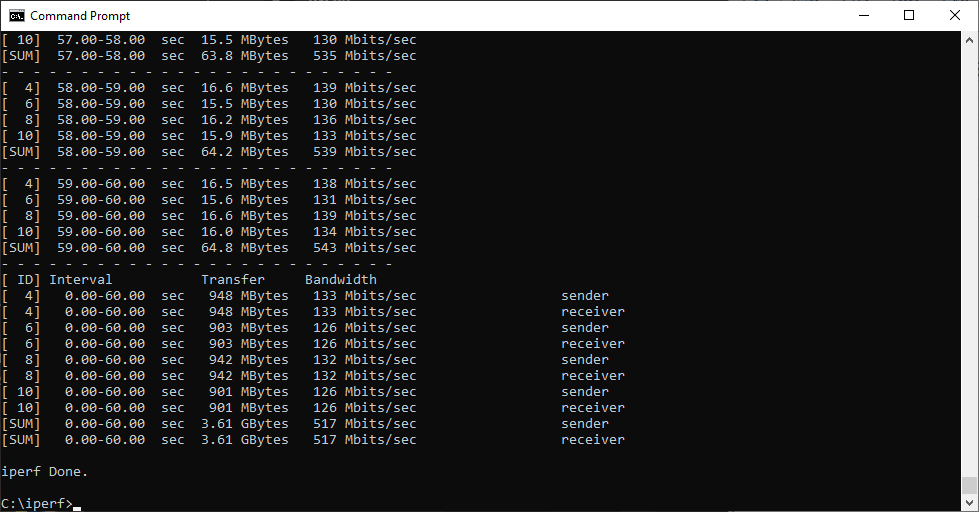
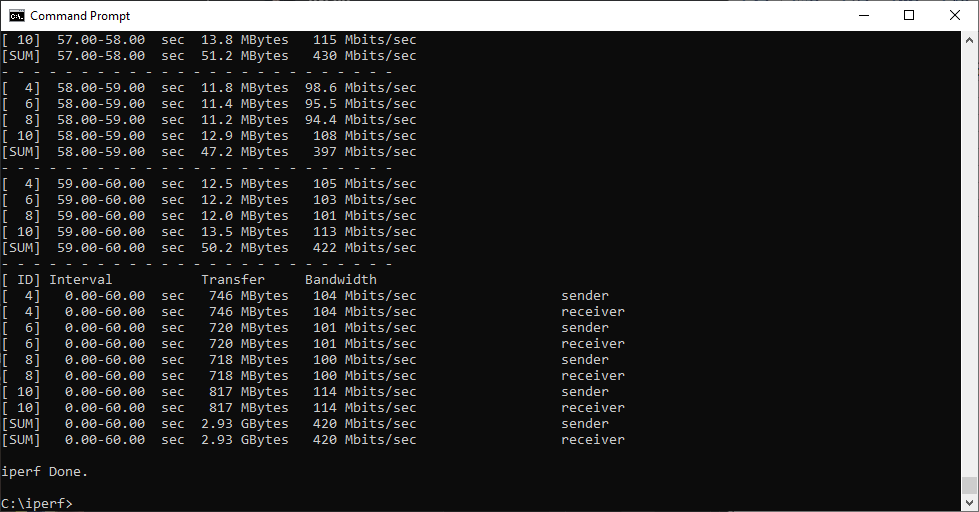
Note that the client command sends four streams of data simultaneously, simulating a multi-client connection as closely as possible with just one client. It takes 60 throughput readings at one second intervals and then averages the result.
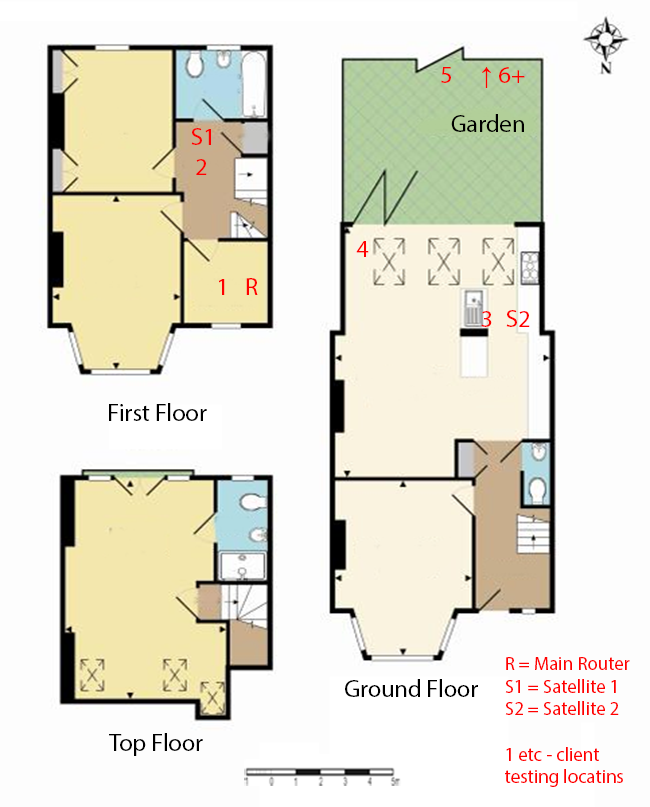
The above diagram shows the layout of the house we used for testing. Note that we didn't test on the top floor of the house because this was directly above the first floor and wouldn't have provided much of a range test. Instead, we used two locations on the same floor as the router (the first floor), then more distant locations on the ground floor extending out the back of the house into the garden.
Each test location, numbered in the diagram above, was approximately 5m away from the last one.
Location 1 was very near to the router, around 1m away. The next location – 2 – was around 5m away, with a wall in the way, but on the same floor. Location 3 was on the floor below, so had walls and a floor in between, but was a further 5m away. Location 4 was the last one actually inside the house. Locations 5 to 7 were then 5m further down the garden. Location 8 was only 2m further down, as this was the end of the garden, but also behind a shed, so posed a significant challenge that only a few mesh WiFi systems can cope with.
We should also say a few words about the location of the satellites. The routers were always placed in the same location, in the first floor study next to the broadband. In the case of three-unit mesh systems, the second and third satellites were placed at S1 and S2.
With two-unit configurations, the second unit was placed at S1.
We performed a total of 216 separate WiFi tests across all four products, seven configurations, and eight locations for each WiFi standard.
Note that for some tests we have included the NETGEAR Orbi AC3000 as a comparison, using earlier results as we no longer had this available to test again.
802.11ax / WiFi 6 Results
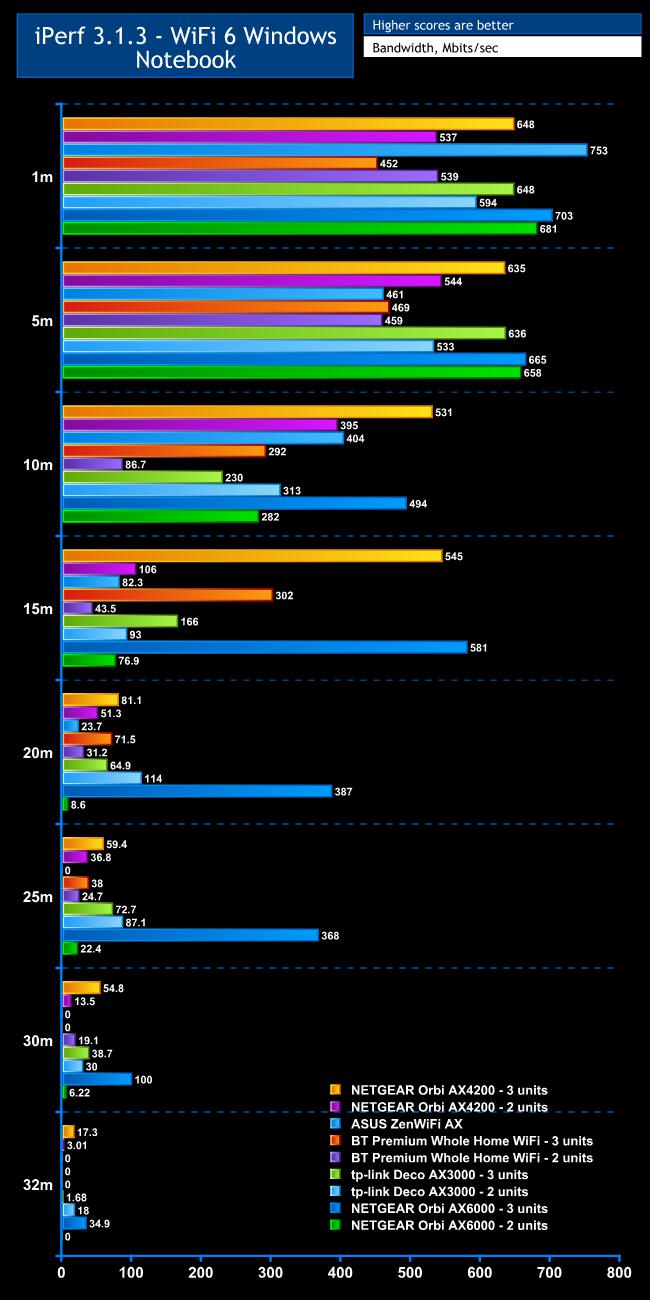
WiFi 6 clients are what you are most likely to buy a WiFi 6 mesh system for, so we started with these tests. In theory, WiFi 6 can go all the way up to 9.6Gbits/sec, but that requires 160MHz wavebands at 5GHz and eight spatial streams, which no current products provide. The fastest theoretical WiFi 6 throughput in this group comes from the ASUS ZenWiFi AX, which can hit 4,808Mbits/sec.
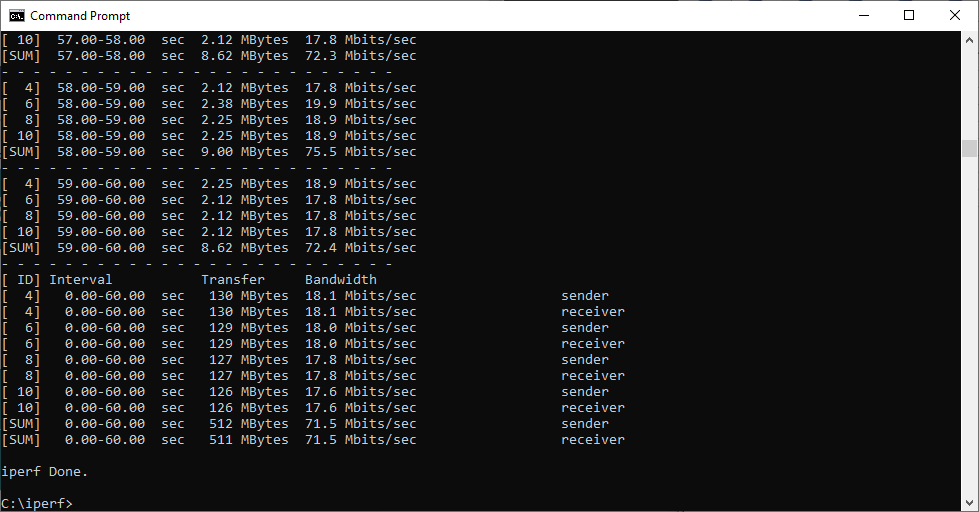
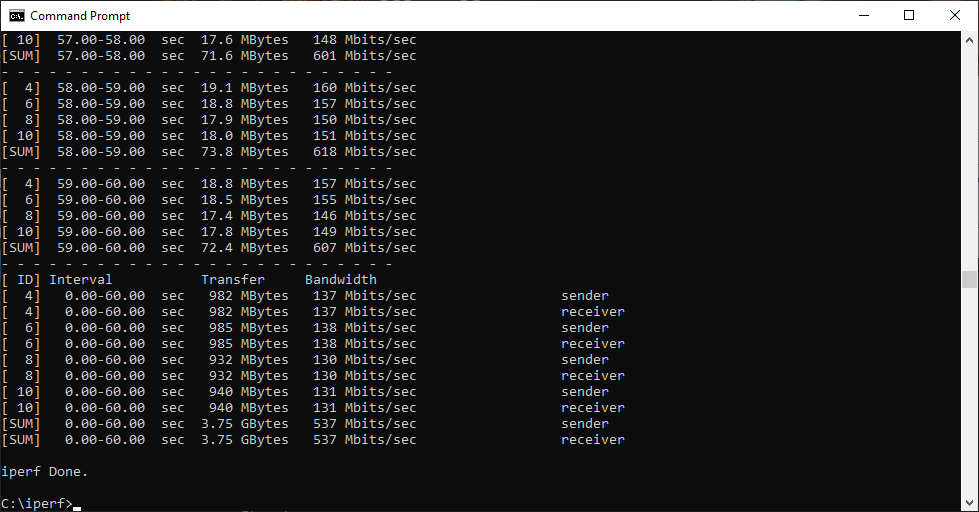
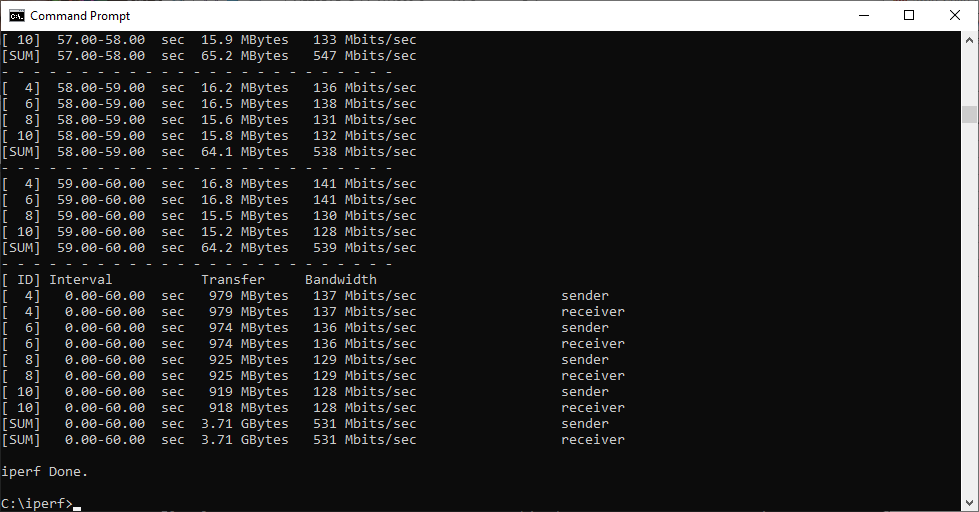
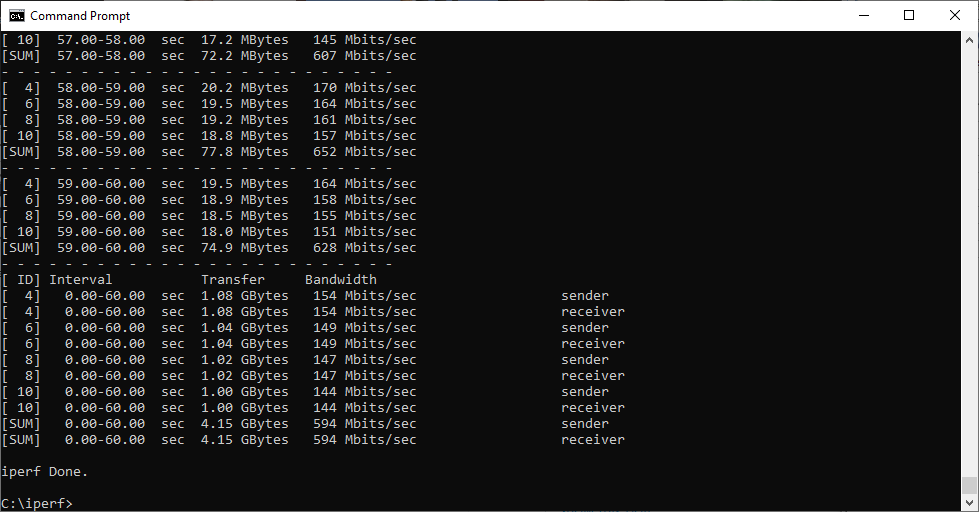
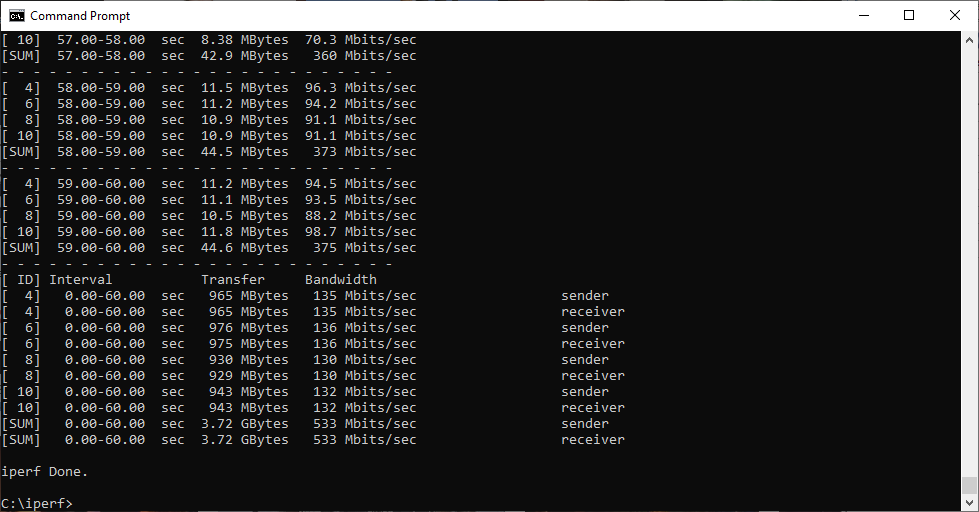
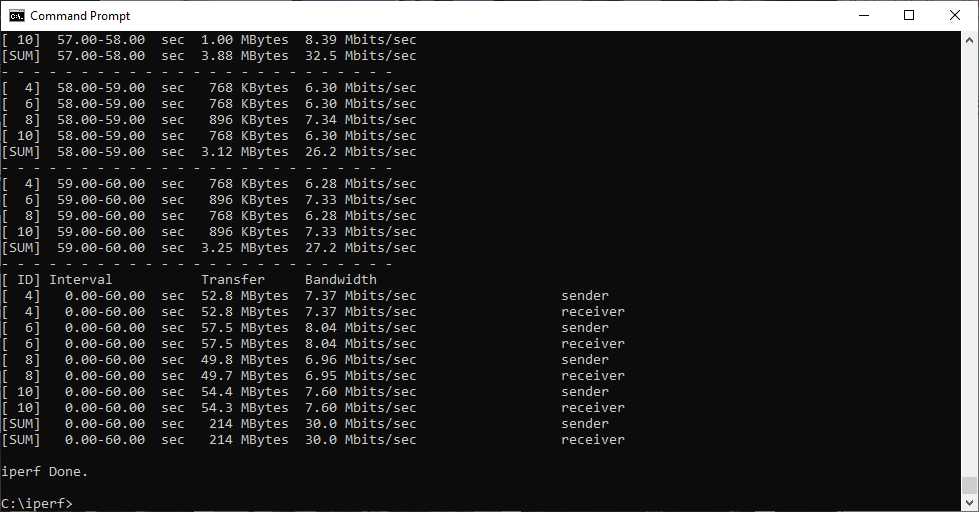
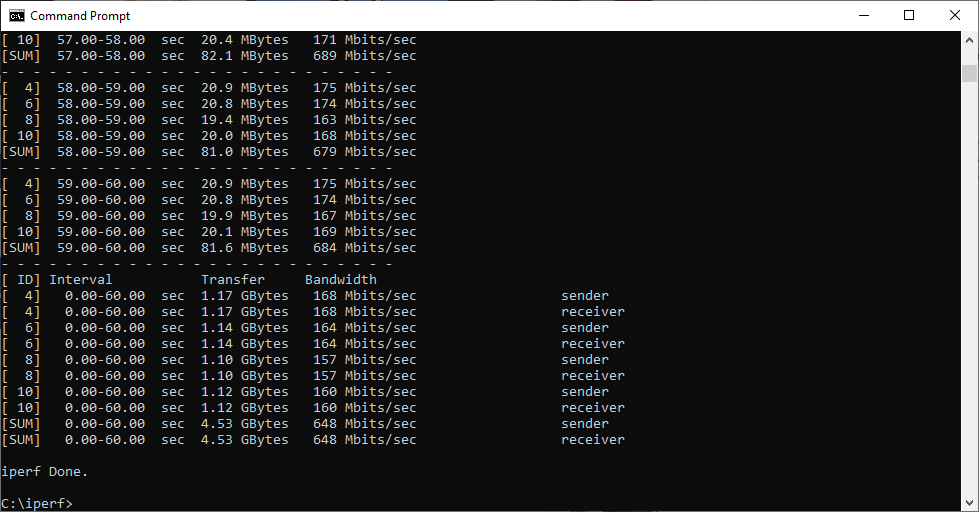
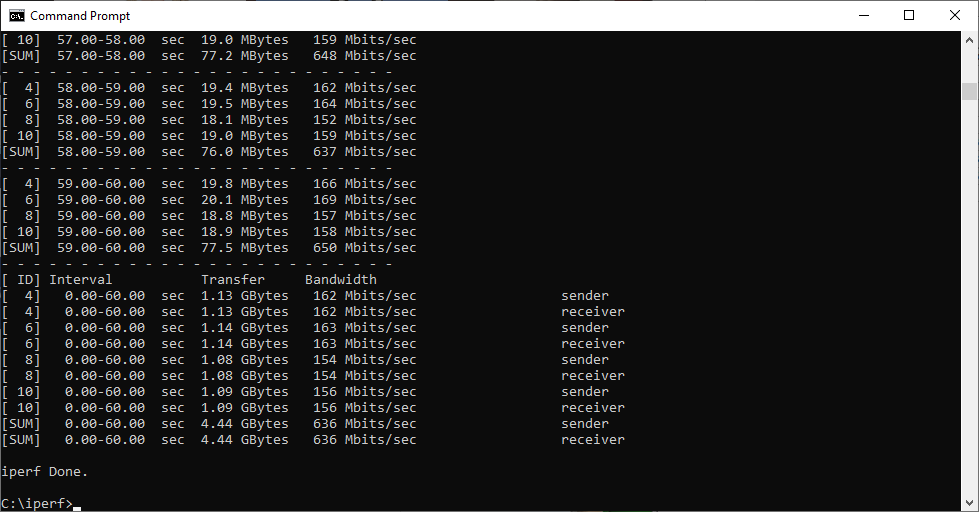
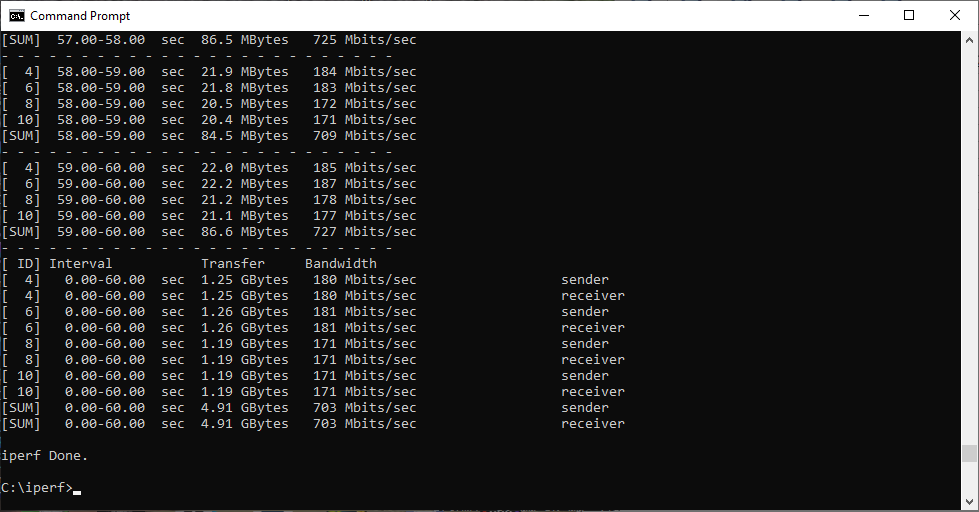
The ASUS router's theoretically fast WiFi 6 shows itself at 1m, achieving 753Mbits/sec – faster than the NETGEAR Orbi AX6000, which has a similar WiFi 6 specification, but could only manage 703Mbit/sec in three-unit configuration, or 681Mbits/sec in two-unit configuration. NETGEAR's Orbi AX4200 with three units comes third with 648Mbits/sec, but strangely drops to 537Mbits/sec with two units. The BT Premium Whole Home WiFi mesh only manages 452Mbits/sec with three units and 539Mbits/sec with two. However, it should be pointed out that this will only be operating at 802.11ac / WiFi 5 speeds because it only uses WiFi 6 for the backhaul. The tp-link Deco AX3000 performs adequately, providing 648Mbits/sec with three units and 594Mbits/sec with two.
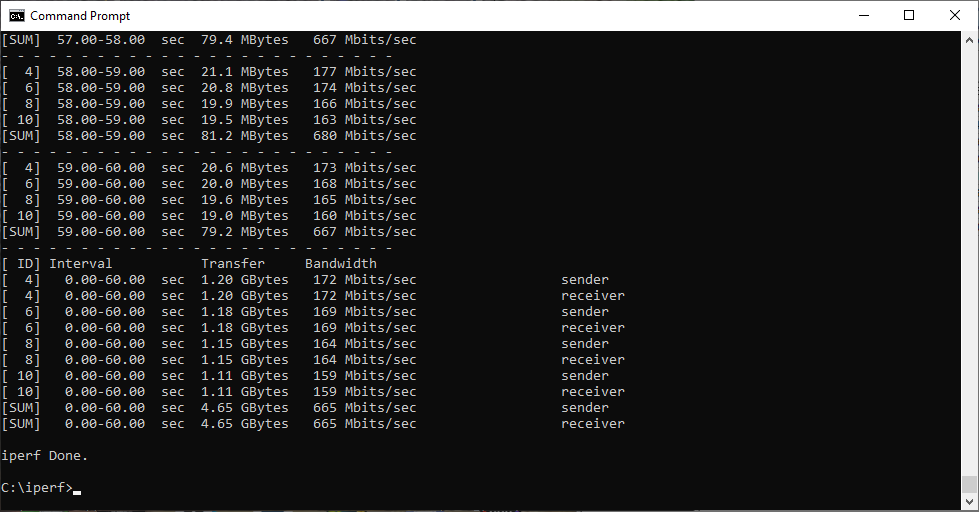
Moving out to 5m, the NETGEAR Orbi AX6000 pulls ahead, achieving 665Mbits/sec with three units and 658Mbits/sec with two. The NETGEAR Orbi AX4200 with three units and tp-link Deco AX3000 with three units perform nearly identically, deliverying 635 or 636Mbits/sec. With two units, the tp-link drops to 533Mbits/sec, and ASUS ZenWiFi AX to 461Mbits/sec. BT has fallen to 459Mbits/sec with two units, but goes up to 469Mbits/sec with three.
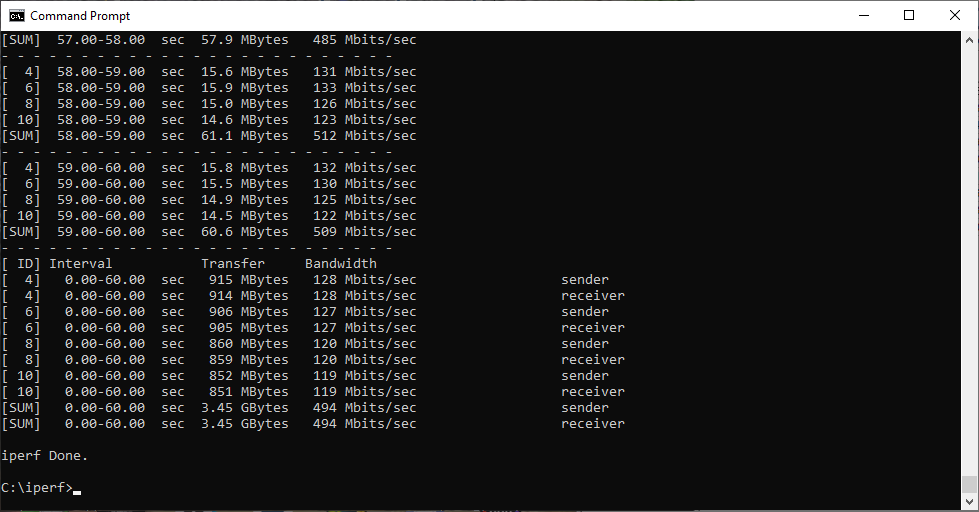
At 10m we're starting to see some two-unit configurations start to drop off. The three-unit NETGEAR Orbi AX4200 comes top with 531Mbits/sec, while the NETGEAR Orbi AX6000 manages 494Mbits/sec. The NETGEAR Orbi AX4200 is still doing well with two units, managing 395Mbits/sec, and the ASUS ZenWiFi 6 is holding up well at 404Mbits/sec. The NETGEAR Orbi AX6000 with two units has reduced to 282Mbits/sec. The BT three-unit configuration has also dropped off noticeably to 292Mbits/sec, and the tp-link three-unit configuration has fallen to 230Mbit/sec. With two units, BT is already way behind on 86.7Mbits, but tp-link is strangely faster, managing 313Mbits/sec. We suspect this is due to it having two rather than three radios.
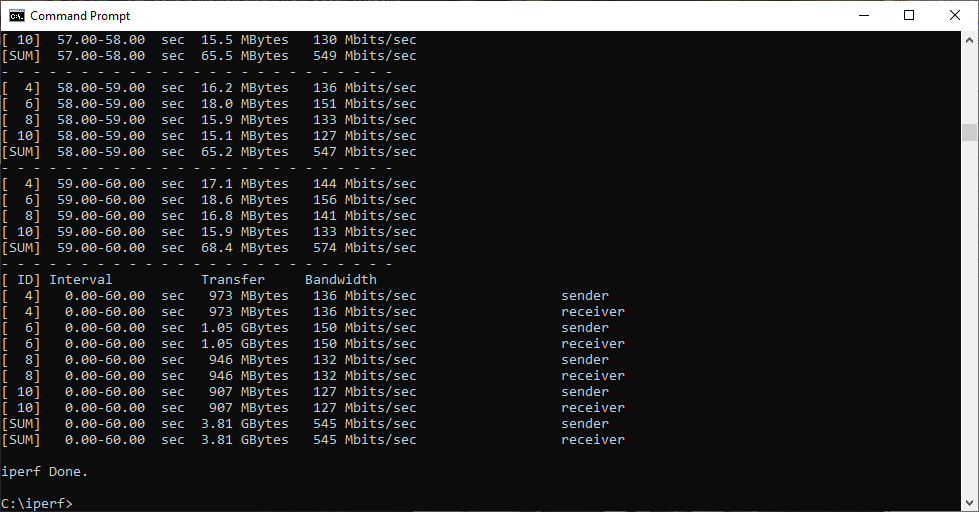
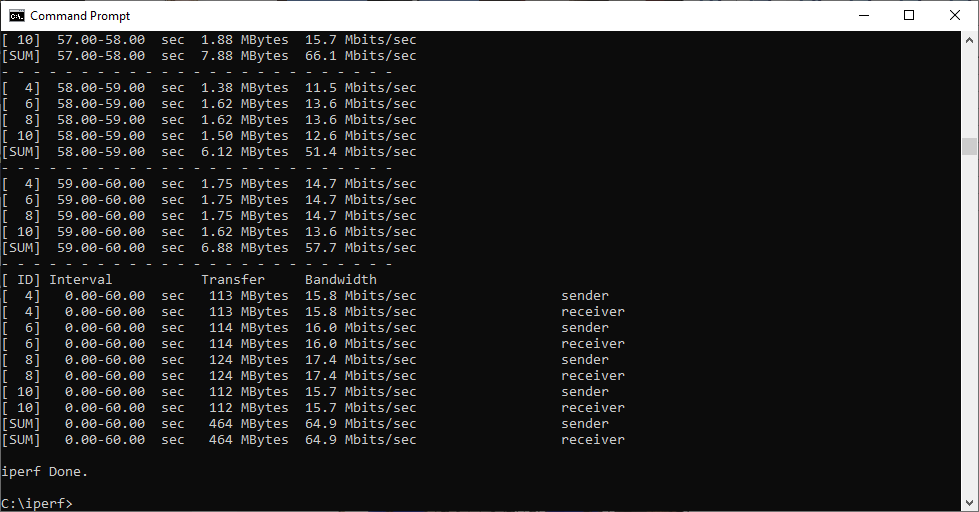
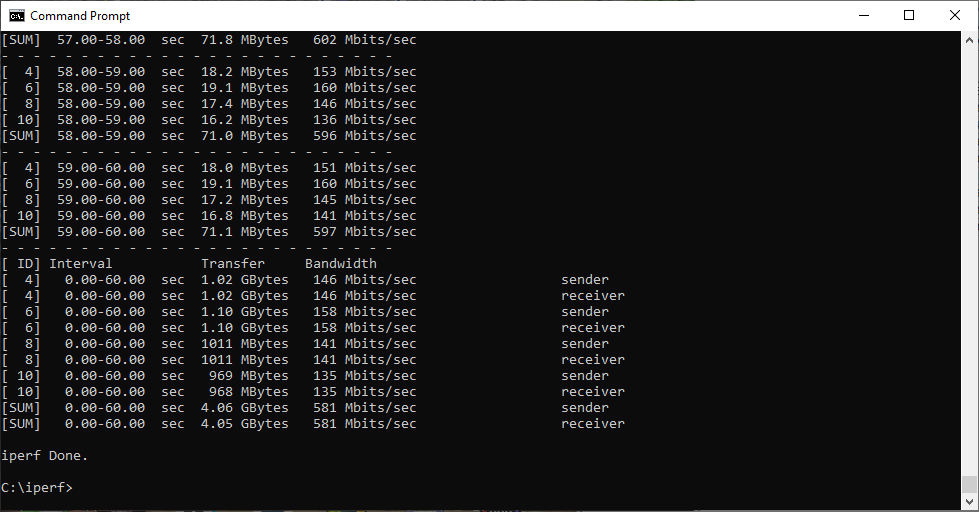
The 15m distance is where the difference between mesh WiFi with three satellites starts to show its value over two satellites. The three-unit NETGEAR Orbi AX6000 dominates with 581Mbits/sec, and the NETGEAR Orbi AX4200 is managing 545Mbits/sec with three units, but only 106Mbits/sec with two, and the two-unit AX6000 has fallen further to 76.9Mbits/sec. The ASUS ZenWiFi AX has also dropped off considerably down to 82.3Mbits/sec, thanks to only having two units. BT's Premium Whole Home WiFi is offering a decent 302Mbits/sec with three units but only 43.5Mbits/sec with two. The tp-link Deco AX3000 is delivering 166Mbits/sec with three units and 93Mbits/sec with two.
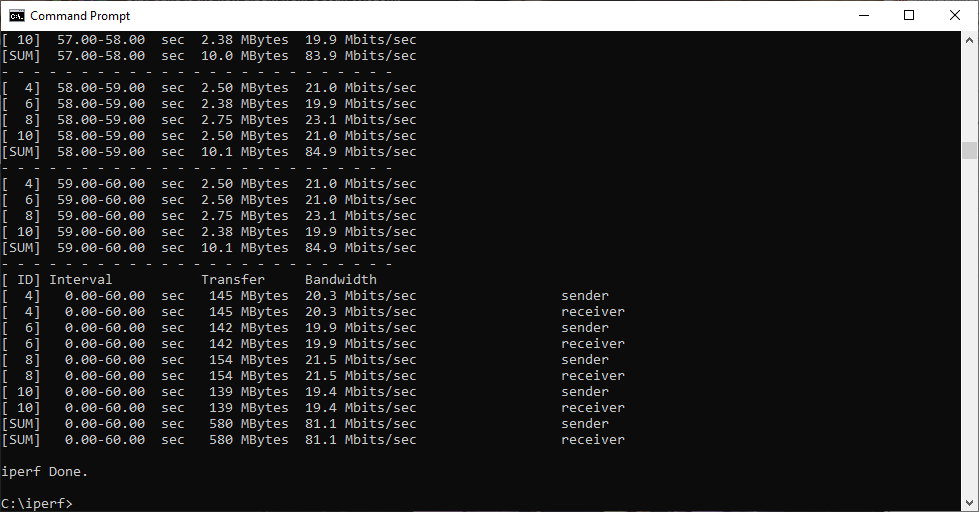
At 20m the NETGEAR Orbi AX6000 with three units is way out in front with 387Mbits/sec, showing why it's worth the considerable extra outlay. With two units it's only deilvering 8.6Mbits/sec. Strangely, tp-link with two units is second with 114Mbits/sec – faster than it was at 15m. Coming in third is NETGEAR's Orbi AX4200 with three units at 81.1Mbits/sec, then BT with three units at 71.5Mbits/sec. ASUS has fallen off a cliff to 23.7Mbits/sec, tp-link with three units is delivering 64.9Mbits/sec, while the NETGEAR Orbi AX4200 with two units is managing 51.3Mbits/sec, but BT only 31.2Mbits/sec with two units.
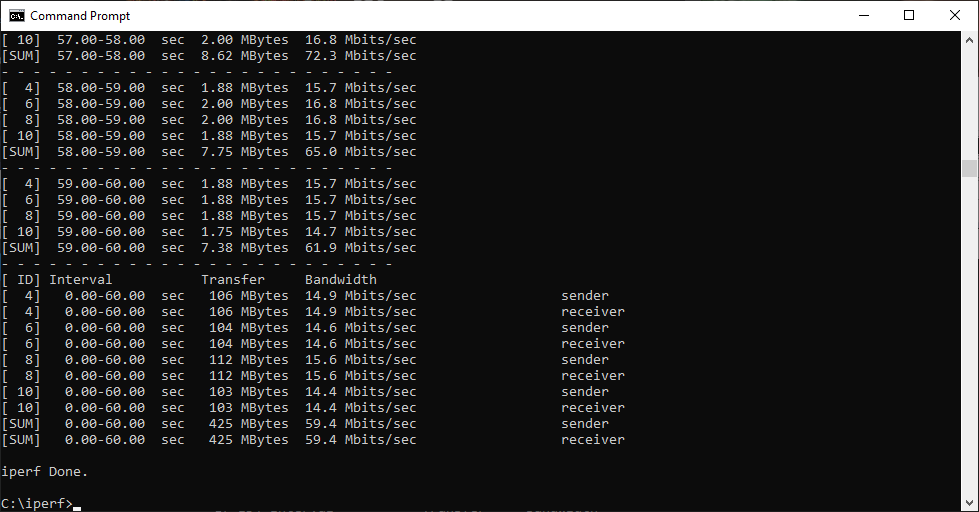
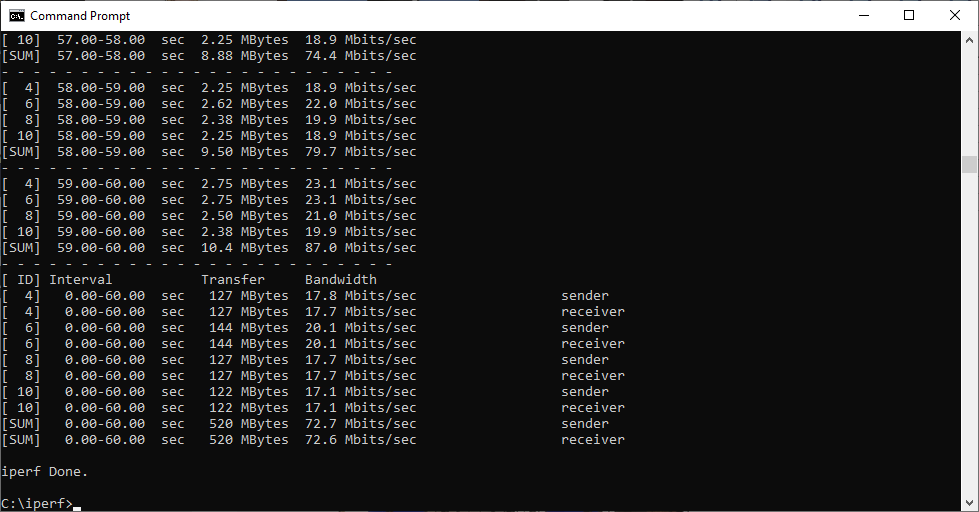
The 25m distance pares things back still further, but the NETGEAR Orbi AX6000 dominates, stilll supplying an incredible 368Mbits/sec with three units. The ASUS ZenWiFi AX is already failing to send a signal to this range. The NETGEAR Orbi AX6000 with two units is still doing reasonably with 22.4Mbits/sec, but amazingly tp-link with two units is top with 87.1Mbits/sec, and third with two units at 72.7Mbits/sec. However, NETGEAR's Orbi AX4200 is still acquitting itself well, providing 59.4Mbits/sec with three units and 36.8Mbits/sec with two. BT is manages 38Mbits/sec with three units and 24.7Mbits/sec with two.
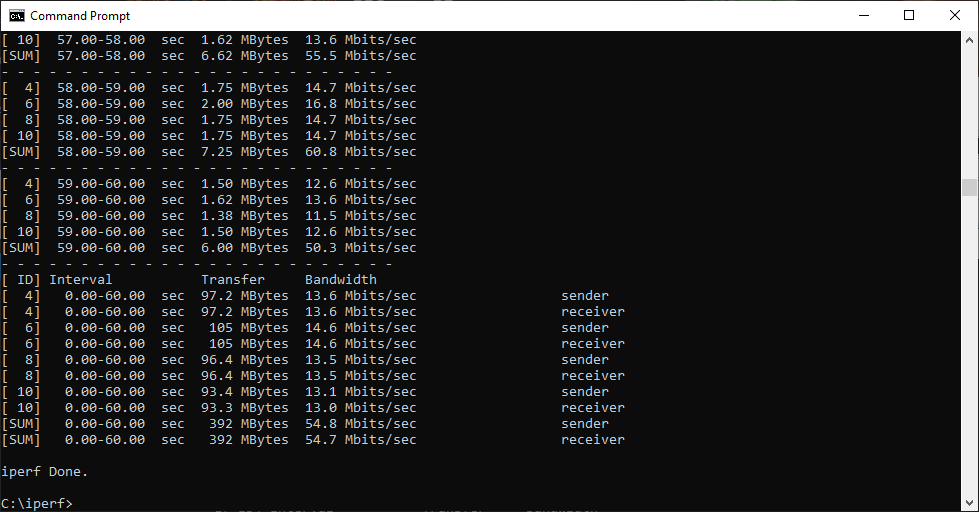
At 30m, strangely, the BT mesh has dropped off with three units but is still providing 19.1Mbits/sec with two. However, NETGEAR's Orbi AX6000 with three units is king at 100Mbit/sec, but only 6.22Mbits/sec with two. The three-unit Orbi AX4200 is second with 54.8Mbits/sec. The three-unit tp-link is still going strong at 38.7Mbits/sec, and so is the two-unit configuration with 30Mbits/sec. Two-unit NETGEAR Orbi AX4200 is hanging in at 13.5Mbits/sec.
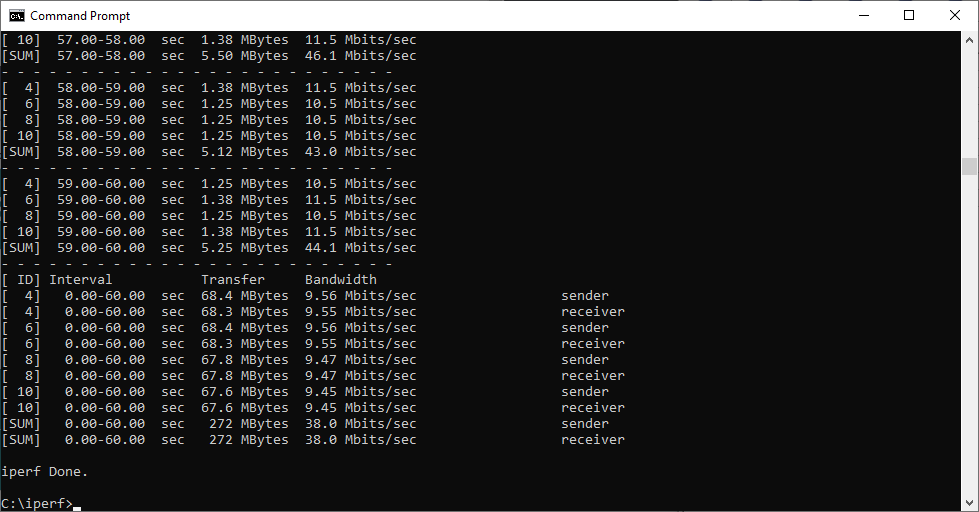
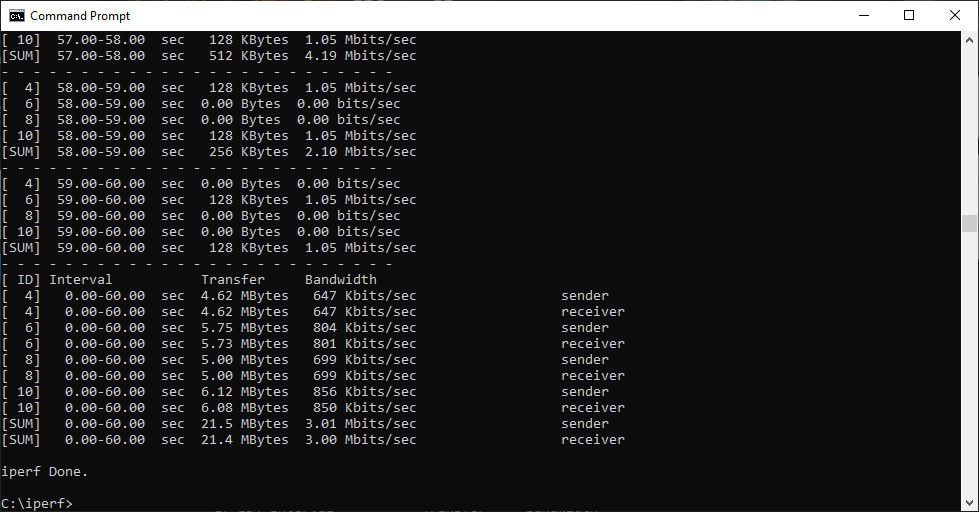
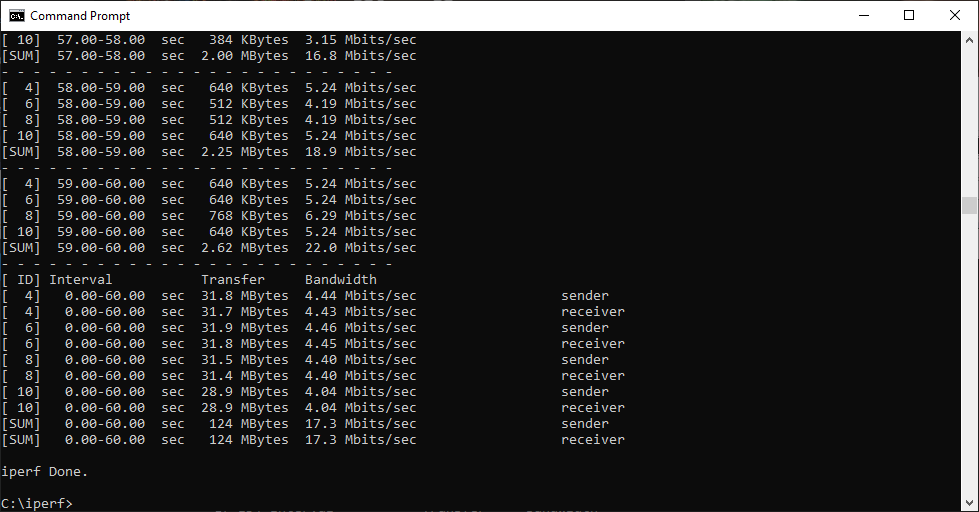
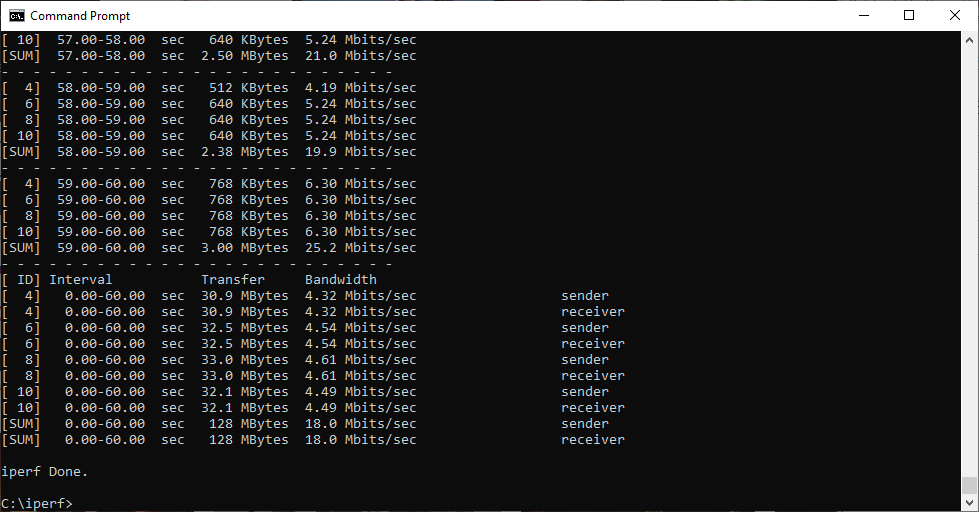
With the 32m range, the client is also behind the garden shed, so we don't expect many WiFi setups to do well here. However, NETGEAR's Orbi AX6000 is still providing 34.9Mbits/sec, and the three-unit AX4200 17.3Mbits/sec. The two-unit tp-link also achieves a respectable 18Mbits/sec. Nothing else manages a usable bandwidth, two-unit NETGEAR Orbi AX4200 providing 3.01Mbits/sec, and three-unit tp-link just 1.68Mbits/sec. Everything else has dropped off completely.
Overall, then, NETGEAR's Orbi AX6000 with three units is the king of WiFi 6, with the three-unit Orbi AX4200 also doing commendably well. However, neither does so well with just two units. It was a shame we only had two ASUS ZenWiFi AX units, because that setup started off well, but dropped off fast and couldn't maintain range beyond 20m. BT's Premium Whole Home WiFi does well up to 25m with three or two units, although three units provides much better bandwidth, as you would hope. The tp-link Deco AX3000 delivers odd results, doing better overall with two units than three, making you wonder if the three-unit bundle is worth the extra money.
Next let's see how the mesh systems perform with a 2×2 802.11ac client.
802.11ac Results – 2×2 Windows Notebook
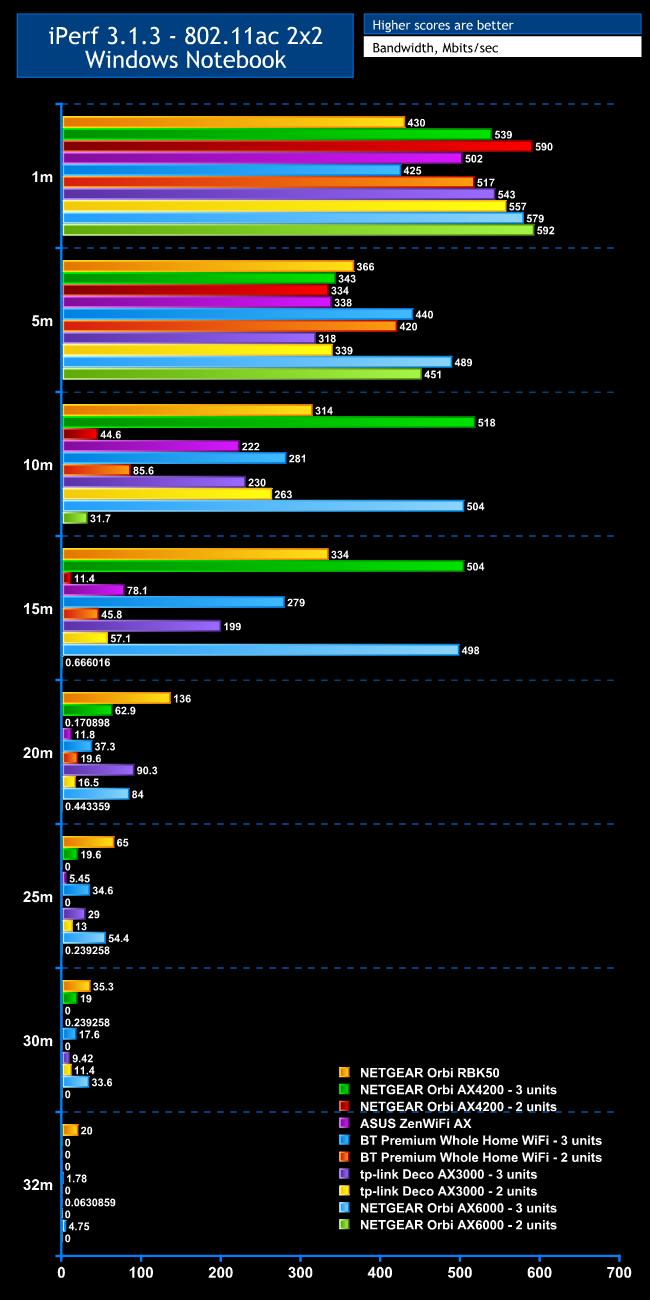
The picture is more varied with 802.11ac, aka WiFi 5.
As before, at 1m all the routers are doing well, with every single one providing more than 400Mbits/sec. The winner here is actually the NETGEAR Orbi AX6000 with two satellites, achieving 592Mbits/sec – faster than the original Orbi RBK50 / AC3000 which is starting to look pedestrian at this range. Coming in second is the AX4200 with 590Mbits/sec, then the AX6000 with two units at 579Mbits/sec. The tp-link Deco AX3000 with two units is fourth, with 557Mbits/sec. However, tp-link still acquits itself well with three units, managing 543Mbits/sec, and a three-unit setup of NETGEAR's Orbi AX4200 is doing admirably with 539Mbits/sec. We can't criticise the ASUS ZenWiFi AX's 502Mbit/sec. The only surprise is that BT only manages 425Mbits/sec with three units, whereas it can provide 517Mbits/sec with two.
There is already noticeable drop-off at 5m, although all products are still managing over 300Mbits/sec. Top of the pile at this range are the NETGEAR Orbi AX6000 (489Mbits/sec with three units and 451Mbits/sec with two) and BT Premium Whole Home WiFi with three units, which manages 448Mbits/sec. The latter also does well with two units, managing 420Mbits/sec. NETGEAR's original RBK50 remains a contender with 366Mbits/sec, whereas the new AX4200 is a little behind, delivering 343Mbits/sec with three units and 334Mbits/sec with two. ASUS's ZenWiFi AX is in the same ballpark at 338Mbits/sec. However, tp-link has seen the greatest fall, to 318Mbits/sec with three units and 339Mbits/sec with two.
We're really starting to see some differentiation at 10m, where the NETGEAR Orbi AX4200 with three units reigns supreme at 518Mbits/sec – clearly the WiFi 6 backhaul has kicked in. Likewise, the AX6000 with three units is close by at 504Mbits/sec. Conversely, performance with two units is terrible, only managing 44.6Mbits/sec for the AX4200 and 31.7Mbits/sec for the AX6000. ASUS's ZenWiFi AX is still delivering a commendable 222Mbits/sec, but BT is starting to show the benefits of a three-unit mesh over just two units. With three satellites, you're still getting a commendable 281Mbits/sec, but this drops to just 85.6Mbits/sec with two. The odd performance we saw from tp-link is resurging, with 230Mbits/sec with three units but a higher 263Mbits/sec with two.
As before, 15m is where three-unit mesh begins to show its abilities. The three-unit NETGEAR Orbi AX4200 is still delivering 504Mbits/sec, whereas with two units it's only delivering 11.4Mbits/sec. Likewise, the Orbi AX6000 is providing 498Mbits/sec with three units, but an unusable 0.67Mbits/sec with two. Similarly, BT is managing 279Mbits/sec with three units but just 45.8Mbits/sec with two, while tp-link is providing 199Mbits/sec with three units and 57.1Mbit/sec with two. ASUS's ZenWiFi AX is managing a decent 78.1Mbits/sec, showing that it has a strong signal but is let down by only having two units. NETGEAR's original RBK50, also a two-unit configuration, is achieving a decent 334Mbits/sec.
The 20m results further underline this trend. The three-unit NETGEAR Orbi AX4200 is managing a usable 62.9Mbits/sec, but with two units the signal is there but too slow to use. The AX6000 is delivering 84Mbit/sec with three units, but is also unusable with two. BT is delivering 37.3Mbits/sec with three units but a more pedestrian 19.6Mbits/sec with two. The tp-link result of 90.3Mbits/sec with three units is surprisingly good, but this drops to 16.5Mbits/sec with two units. ASUS's ZenWiFi AX is providing a just-about-viable 11.8Mbits/sec. NETGEAR's original Orbi RBK50 is top of the pile with 136Mbits/sec.
At 25m only a few configurations are still viable. NETGEAR's original RBK50 is one, with 65Mbits/sec, and BT Premium Whole Home Wi-Fi is another with 34.6Mbits/sec, although with two units there is no longer a signal at this range. The three-unit Orbi AX6000 is providing a very capable 54.4Mbis/sec, but just 0.24Mbits/sec with two. The tp-link system with three units is also managing 29Mbits/sec, and a still usable 13Mbits/sec with two units. NETGEAR's Orbi AX4200 is also usable with three units, delivering 19.6Mbits/sec, but it has lost signal with two units. ASUS's ZenWiFi AX is holding on by its fingernails, delivering 5.45Mbits/sec.
At 30m, the story continues but with lower speeds. The venerable NETGEAR Orbi RBK50 is managing the best throughput with 35.3Mbits/sec, the Orbi AX6000 with three units 33.6Mbits/sec, and the Orbi AX4200 with three units is also usable with 19Mbits/sec. BT with three units is usable too, delivering 17.6Mbits/sec. The tp-link with two units has strangely surged ahead of its three-unit configuration, delivering 11.4Mbits/sec and 9.42Mbits/sec respectively – marginal but not out of the running just yet. ASUS's ZenWiFi AX is still getting a signal, but not really enough for comfortable Internet access.
With our gruelling 32m “behind the shed” test, only the original NETGEAR Orbi RBK50 is delivering a usable 20Mbits/sec. The three-unit Orbi AX6000 is providing a marginal 4.75Mbits/sec. Everything else had either lost signal or was delivering performance too low to be used. BT with three units was the best of the bunch at 1.78Mbit/sec, but that's only going to give you Internet speeds circa the year 2000, which will probably mean most modern websites are too slow to view.
Overall, it looks like none of the new WiFi 6 contenders has surpassed the original NETGEAR 802.11ac kit for performance with clients using the venerable WiFi 5 standard. We should point out, however, that the NETGEAR Orbi RBK50 was originally tested with the second unit at position S2 (see How We Tested) rather than S1, which clearly helped it with range. Of the WiFi 6 kit, NETGEAR's Orbi AX6000 with three units is providing the most usable range, and the AX4200 is close, although BT with three units is also to be commended for doing nearly as well, and tp-link is about 5m shorter.
802.11n Results
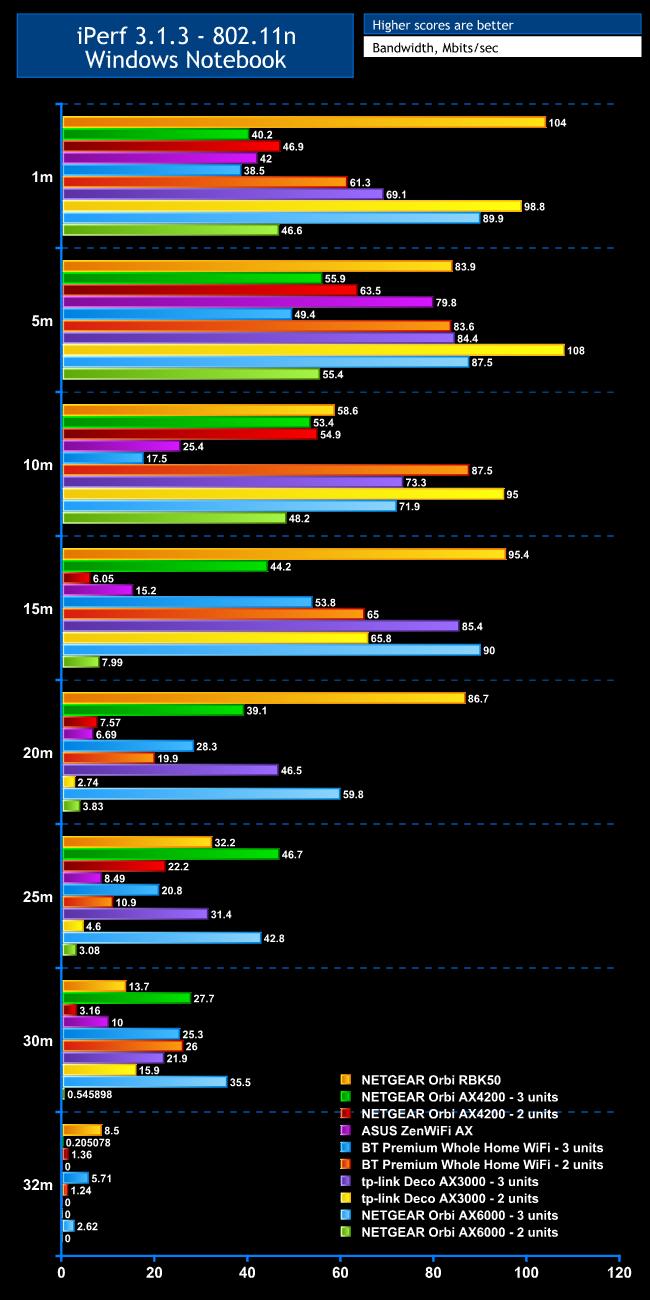
We always include 802.11n tests with an older notebook because quite a lot of people may still have a similar device and will want to know what kind of performance and range they can expect.
At 1m, the clear winner is the NETGEAR Orbi RBK50 with 104Mbits/sec, but tp-link with two units isn't far behind with 98.8Mbits/sec. In third place is the NETGEAR Orbi AX6000 with three units, delivering 89.9Mbits/sec, then tp-link with three units with 69.1Mbits/sec. NETGEAR's Orbi AX4200 also does better with two units than three – 46.9Mbits/sec versus 40.2Mbits/sec. ASUS's ZenWiFi AX sits in between the two at 42Mbits/sec. BT also does better with two units compared to three – 61.3Mbits/sec versus 38.5Mbits/sec. The NETGEAR Orbi AX6000 with two units manages a disappointing 46.6Mbits/sec.
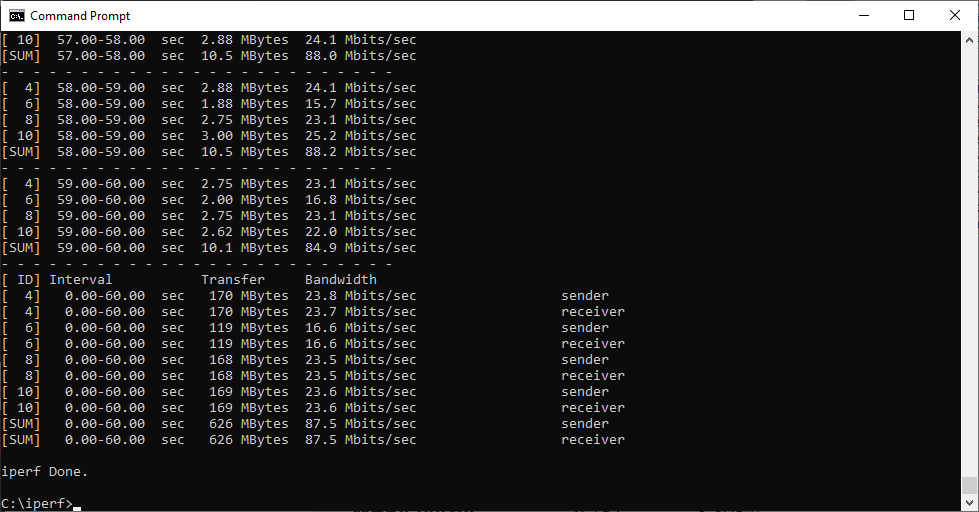
Only some configurations drop off at 5m, with the two-unit tp-link actually going up to 108Mbits/sec, taking the lead from the NETGEAR Orbi RBK50, which only manages 83.9Mbits/sec. The NETGEAR Orbi AX6000 with three units manages 87.5Mbits/sec. The tp-link is still doing well with three units, managing 84.4Mbits/sec. ASUS actually improves at this range to 79.8Mbits/sec. NETGEAR's Orbi AX4200 is faster with two units than three – 63.5Mbits/sec versus 55.9Mbits/sec. The gap is even bigger for BT, producing 83.6Mbits/sec with three units versus 49.4Mbits/sec with two. NETGEAR's Orbi AX6000 is only providing 55.4Mbits/sec with two units.
At 10m tp-link remains ahead, hitting 95Mbits/sec with two units and 73.3Mbits/sec with three. BT is miraculously going up with distance, managing 87.5Mbits/sec with two units but strangely a much lower 17.5Mbits/sec with three. NETGEAR's Orbi AX4200 is going strong, producing 54.9Mbits/sec with three units and 53.4Mbits/sec with two. But the three-unit AX6000 is better, with 71.9Mbits/sec, although it only achieves 48.2Mbits/sec with two units. The ASUS ZenWiFi AX is already dropping off at this range, hitting 25.4Mbits/sec. NETGEAR's original Orbi RBK50 manages 58.6Mbits/sec.
At 15m range the original NETGEAR Orbi RBK50 is back in front, hitting 95.4Mbits/sec. Strangely, the Orbi AX6000 has leaped up to a close second with 90Mbits/sec using three units, although it can only manage 7.99Mbits/sec with two units. The tp-link is still doing well, too, although now it's the three-unit setup that is in front, with 85.4Mbits/sec, compared to 65Mbits/sec with three units. BT is still delivering faster performance with two units than three – 65Mbits/sec compared to 53.8Mbits/sec. NETGEAR's Orbi AX4200, however, is delivering much faster three-unit performance than with two units – 44.2Mbits/sec compared to just 6.05Mbits/sec. ASUS's ZenWiFi AX is still delivering a usable 15.2Mbits/sec.
The NETGEAR Orbi RBK50 remains well ahead at 20m, delivering 86.7Mbits/sec, while all others are dropping off much more. NETGEAR's Orbi AX6000 with three units is second at 59.8Mbit/sec, and the Orbi AX4200 is doing well with three units, delivering 39.1Mbits/sec, although the two-unit setup has fallen considerably to 7.57Mbits/sec, and the two-unit AX6000 has dropped to a miserable 3.83Mbits/sec. ASUS is now behind with 6.69Mbits/sec. BT's Premium Whole Home Wi-Fi is now providing better throughput with three compared to two units – 28.3Mbits/sec versus 19.9Mbits/sec. The tp-link three-unit combo is providing a very respectable 46.5Mbits/sec, but has fallen off a cliff with two units at 2.74Mbits/sec.
The 25m results have a few surprises, with the three-unit NETGEAR Orbi AX4200 taking over the top spot at 46.7Mbits/sec, but rallying with two units to 22.2Mbits/sec. The three-unit AX6000 is second with 42.8Mbits/sec, but just 3.08Mbits/sec with two units. The original Orbi RBK50 has dropped to 32.2Mbits/sec. ASUS's ZenWiFi AX is still hanging on at 8.49Mbits/sec. BT is respectable, delivering 20.8Mbits/sec with three units and 19.9Mbits/sec with two. Again, the differentiation between tp-link unit numbers is pronounced, with a great 31.4Mbits/sec for three units but a terrible 2.74Mbits/sec for two.
At 30m all the three-unit setups are still delivering usable speed. The NETGEAR Orbi AX6000 is in the lead with 35.5Mbits/sec, and the AX4200 second with 27.7Mbits/sec using three units, but a very marginal 3.16Mbits/sec using two. The two-unit AX6000 is unusable at 0.55Mbits/sec. ASUS is still providing 10Mbits/sec, which is commendable. BT is strangely now delivering slightly more performance with two units than three – 26Mbits/sec versus 25.3Mbits/sec. However, tp-link is providing the more expected faster with three than two, delivering 21.9Mbits/sec versus 15.9Mbits/sec.
Only three mesh setups remain worth considering at 32m, and the Orbi RBK50 returns to the top with 8.5Mbits/sec. BT with three units is managing 5.71Mbits/sec, and NETGEAR's Orbi AX6000 is delivering 2.62Mbits/sec. Although NETGEAR's Orbi AX4200 with two units is managing 1.36Mbits/sec and BT with two units 1.24Mbits/sec, this is on the edge of unusable and nothing else is worth considering.
Overall, the original NETGEAR Orbi RBK50 shows it's still great for 802.11n connectivity, and the Orbi AX6000 again underlines how it is worth the extra money if you want range. The revelation here is the three-unit BT Premium Whole Home Wi-Fi, which was still going strong at 32m. The three-unit NETGEAR Orbi AX4200 does very well out to 30m, and tp-link is more than acceptable, particularly with three units.
The Raw Results… 802.11 AX / WiFi 6

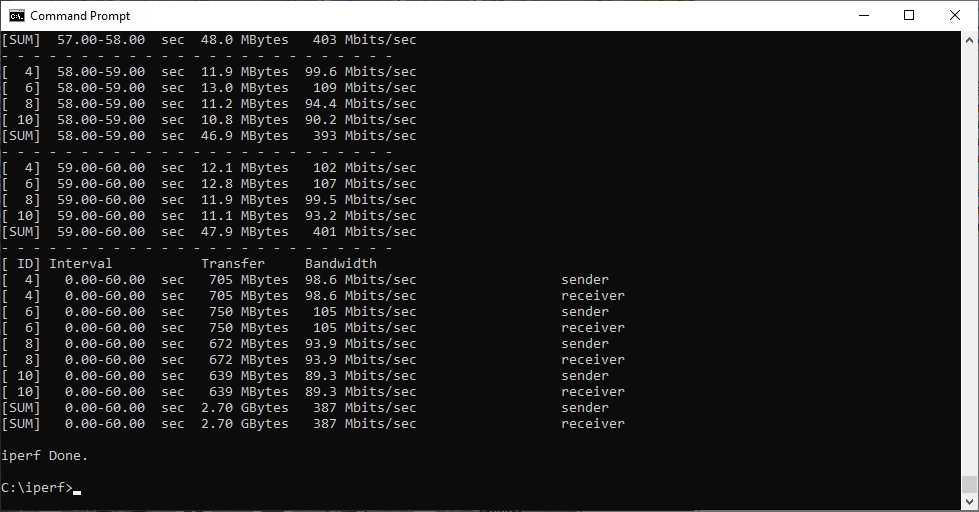
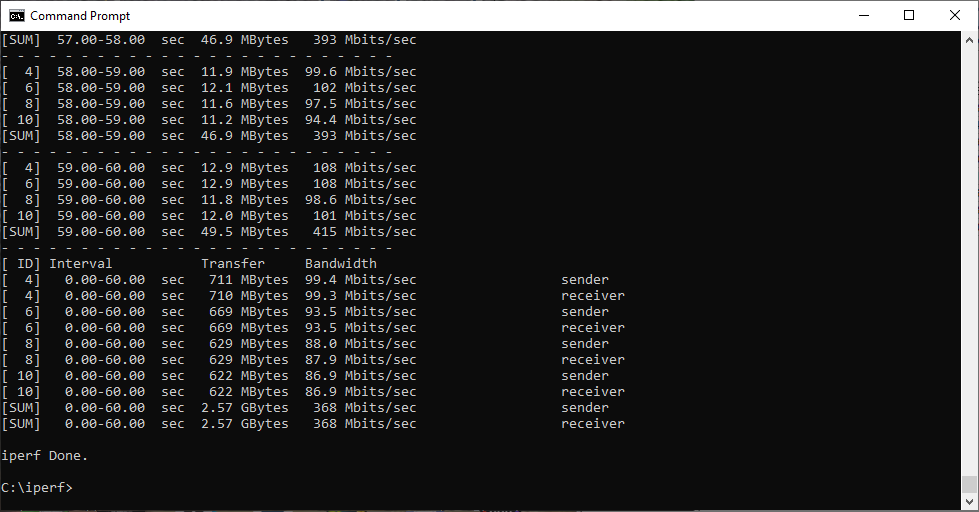
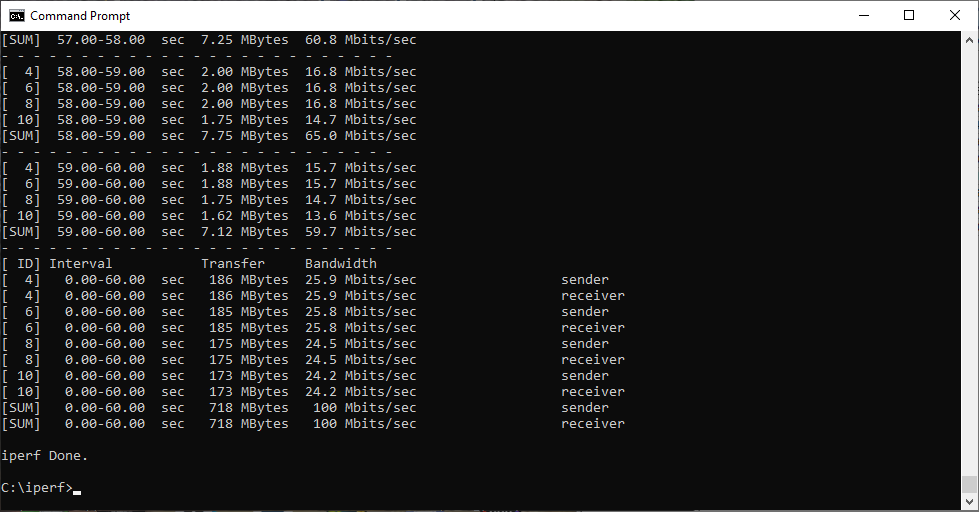
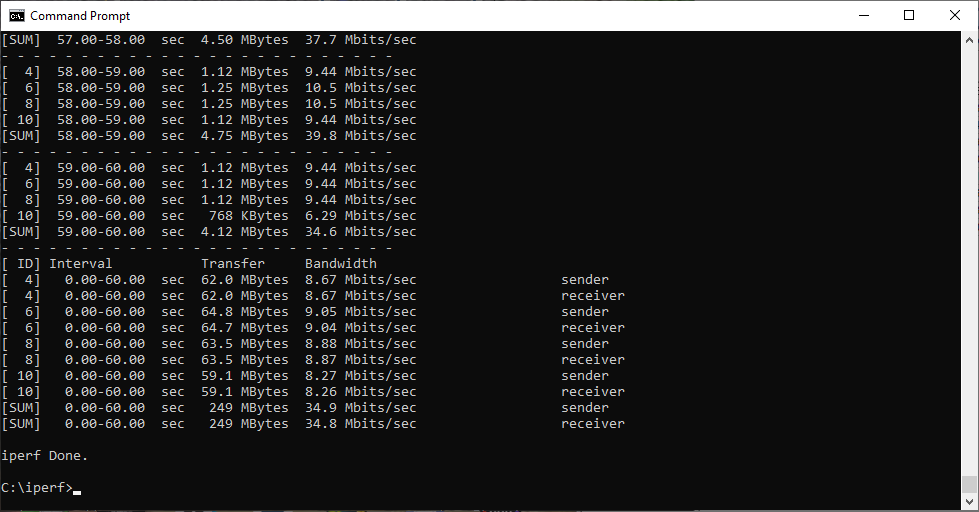
The Raw Results… 802.11 AC 2×2 / WiFi 5
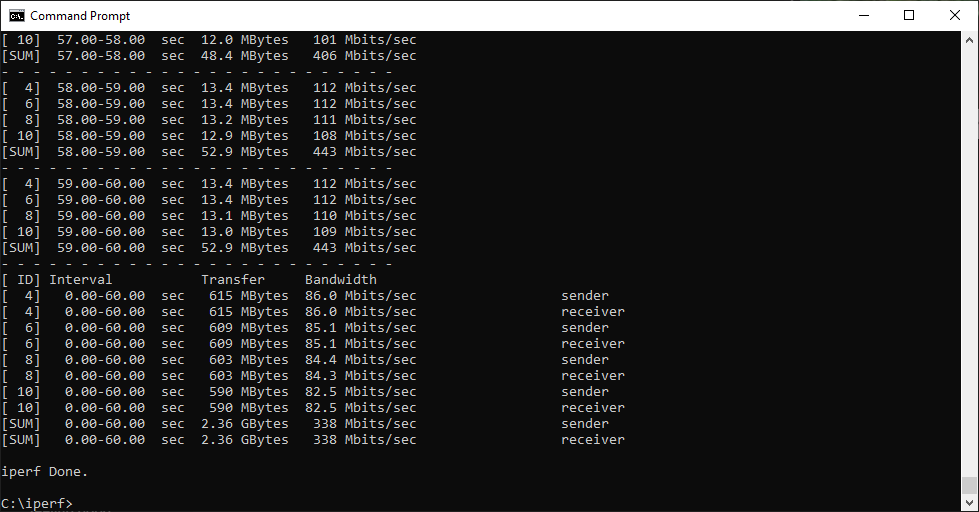
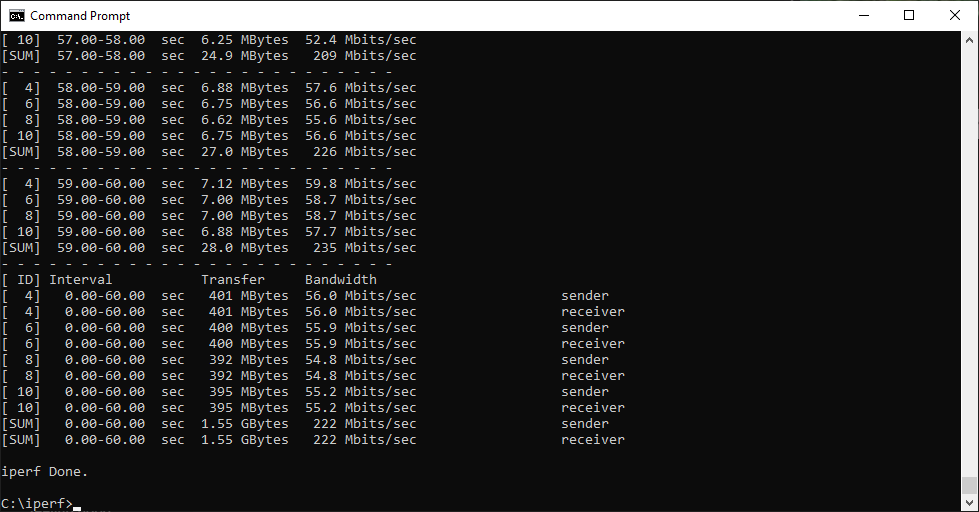
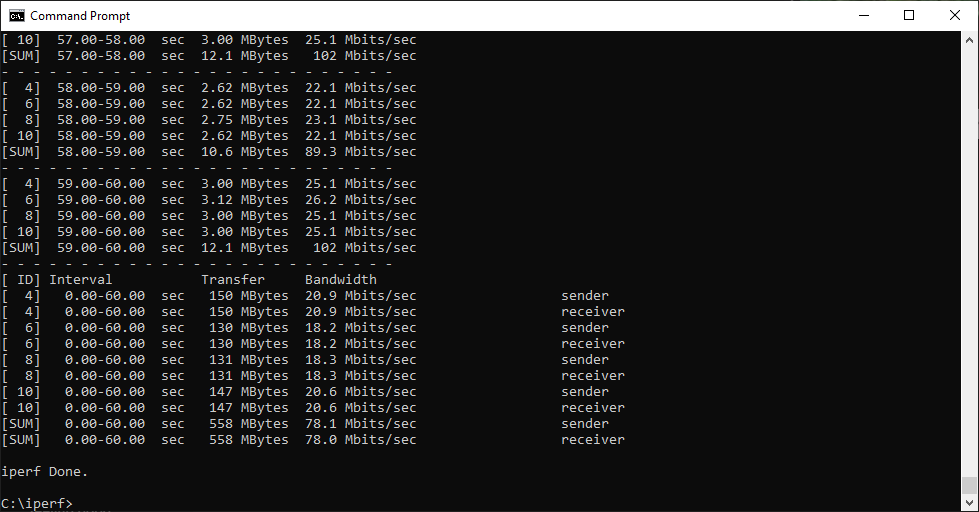
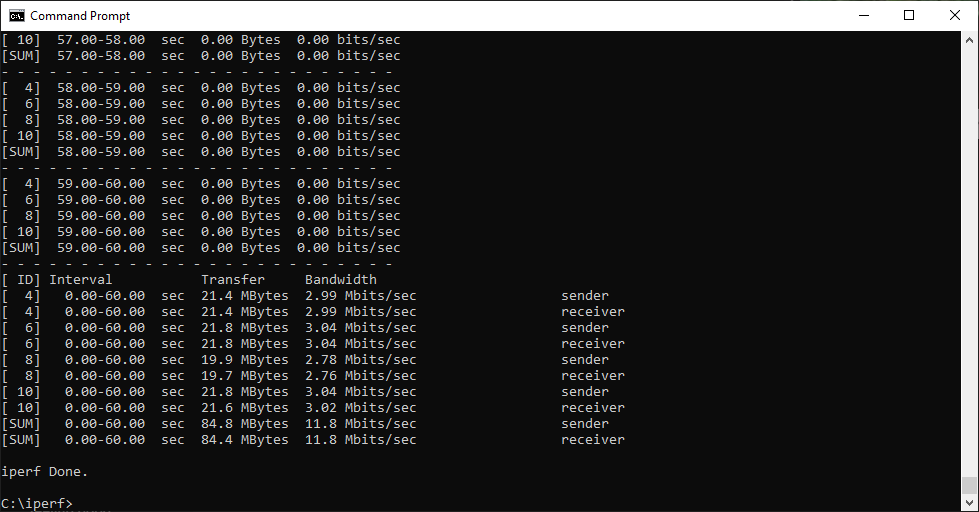
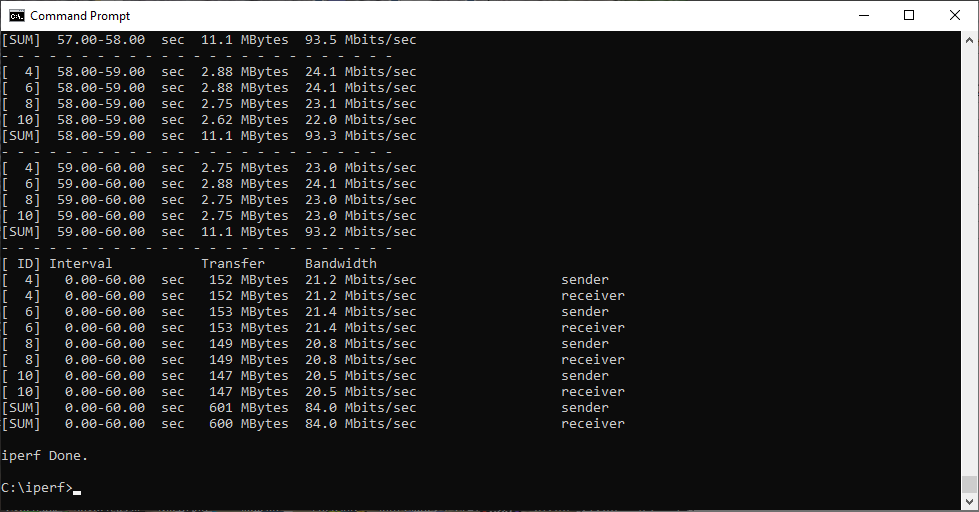
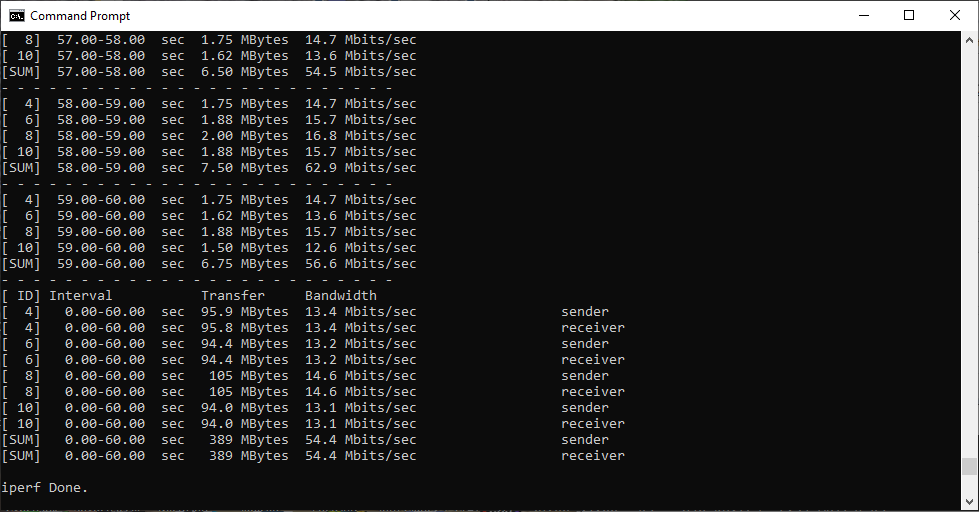
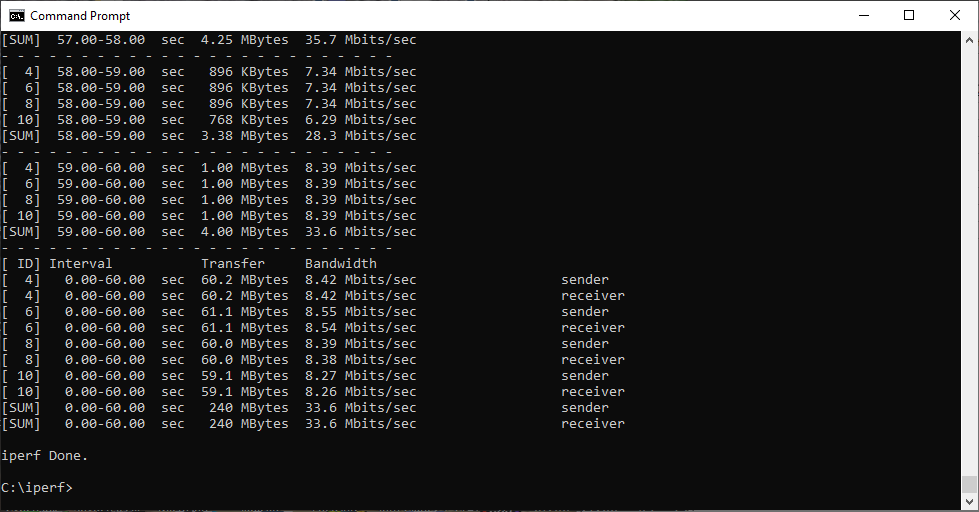
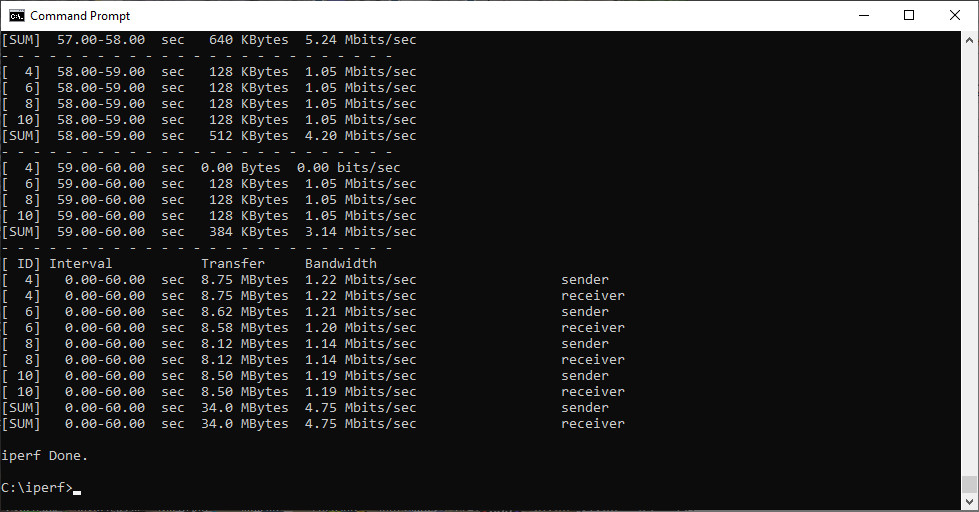
The Raw Results… 802.11 N
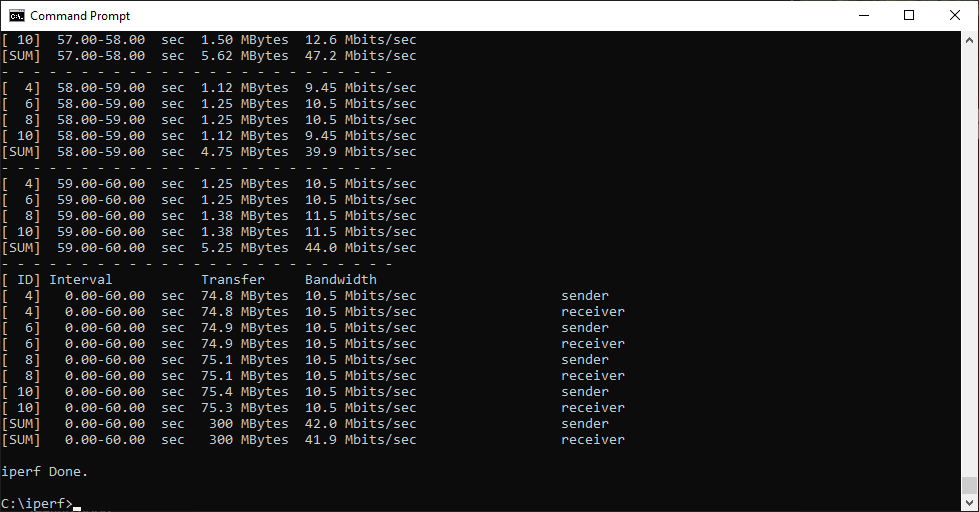
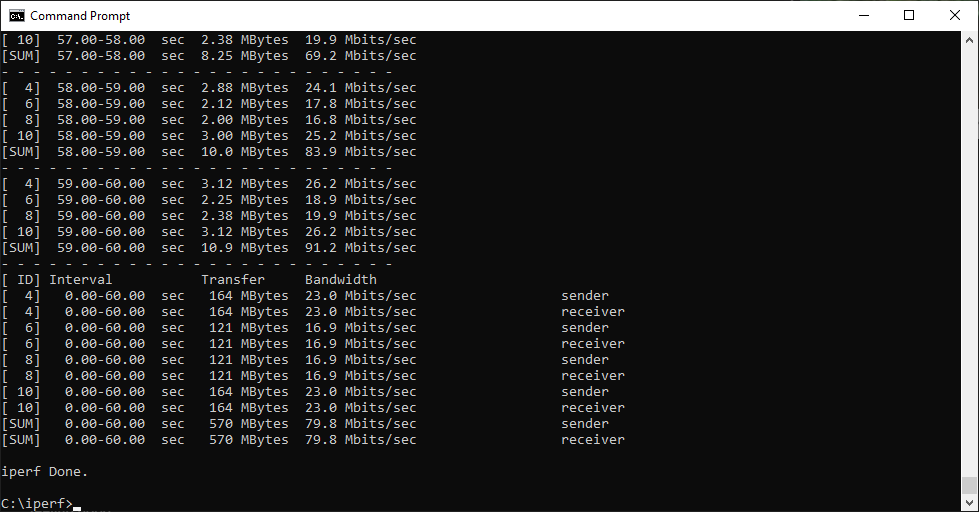
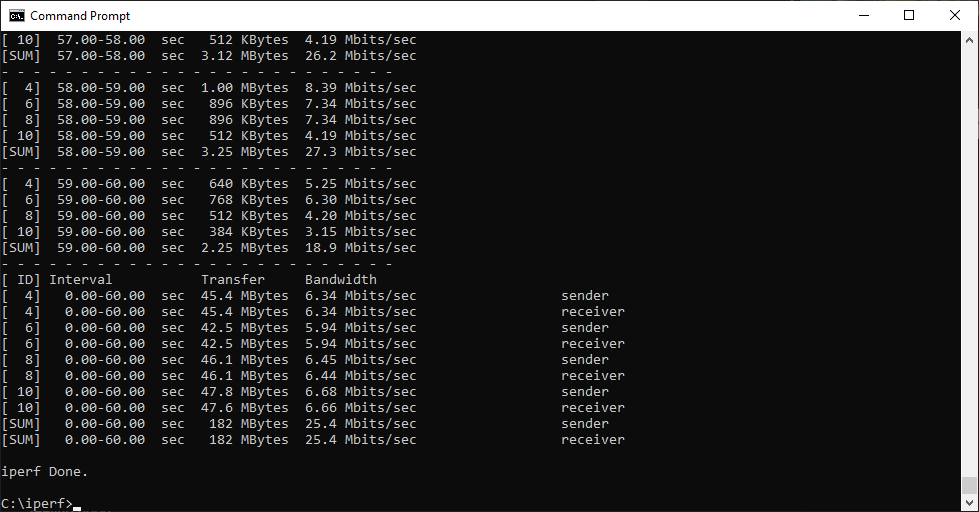
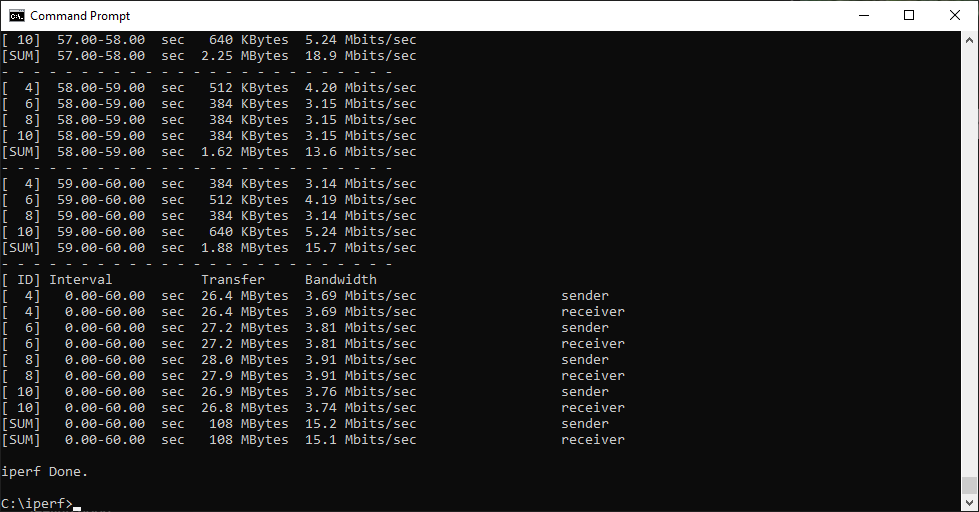
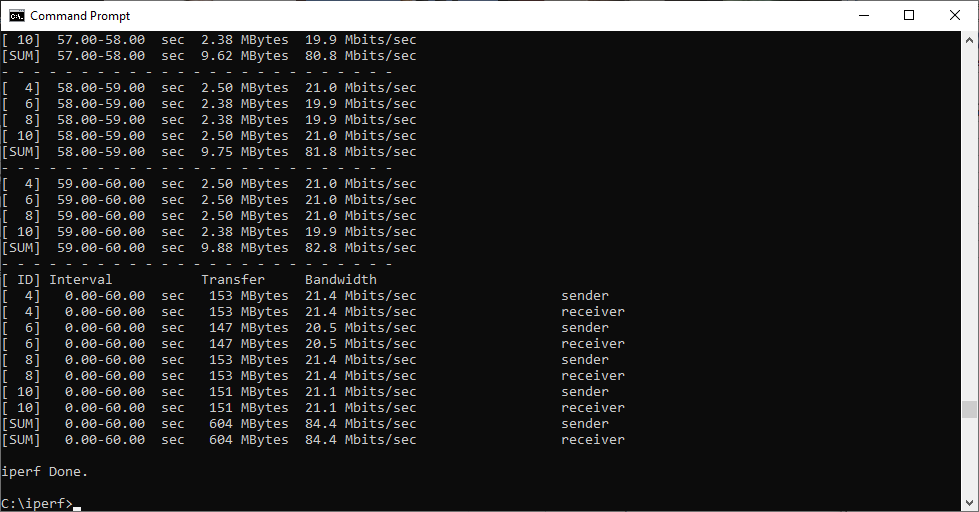
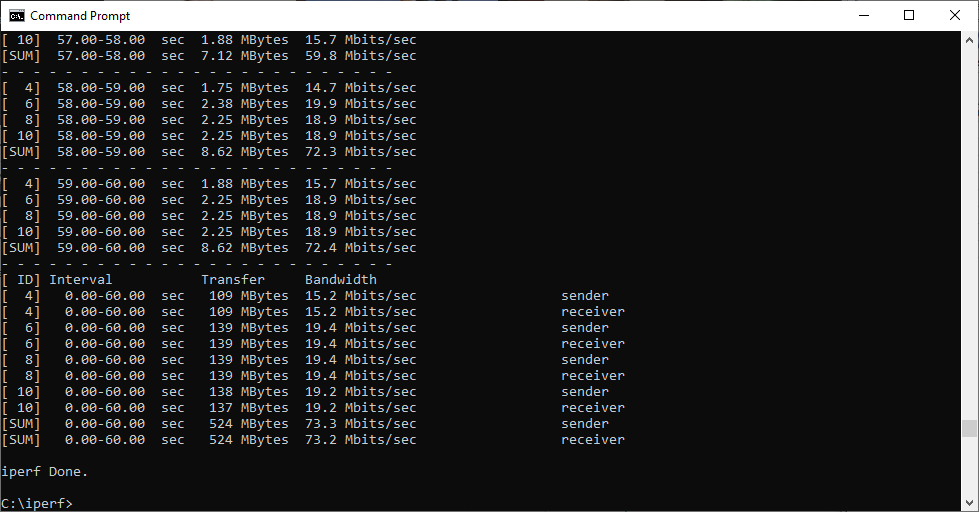
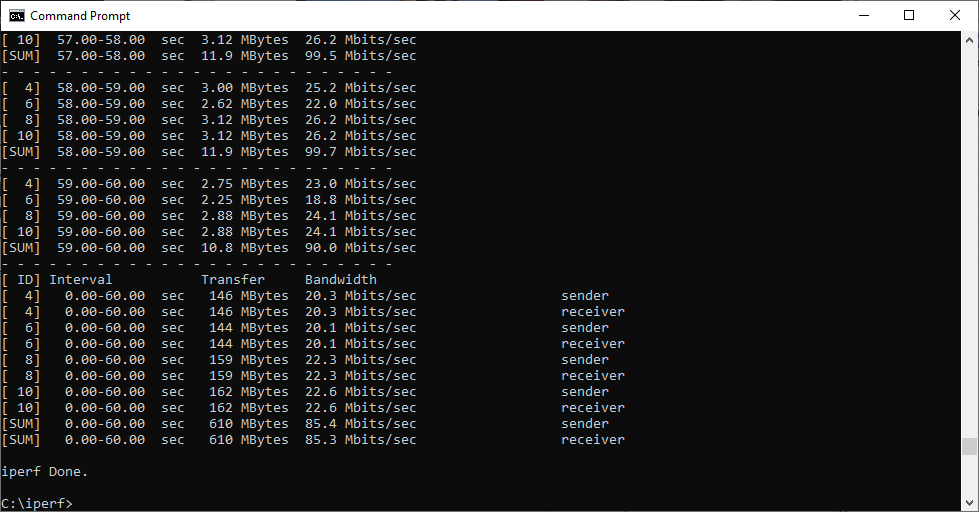
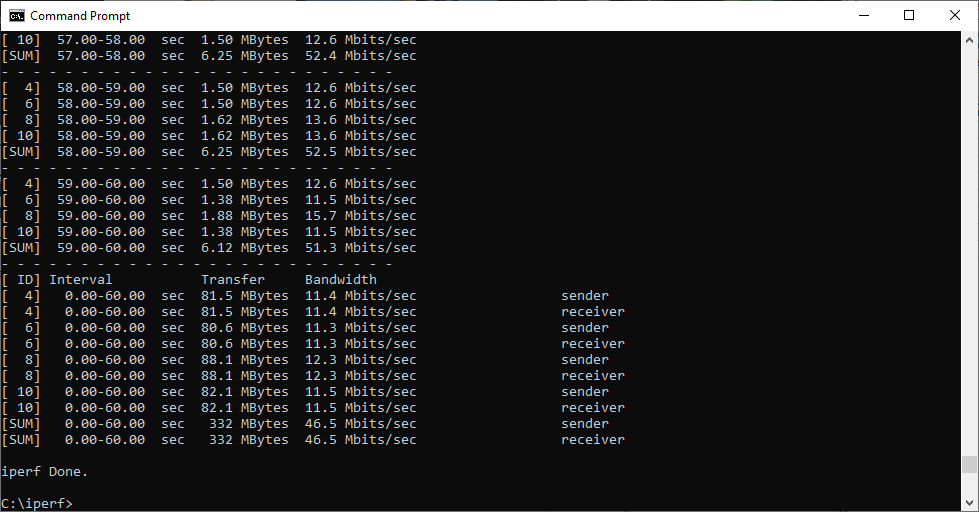
As we have learnt over the last few years of testing mesh WiFi, there isn't always an absolute winner. None of the five systems on test here are terrible. They all have their strengths. But there are nuances of excellence. It is a shame we only had two ASUS ZenWiFi AX units, because it would have been good to see what ASUS could achieve with three.
Here are our final words on each of the products on test.
NETGEAR Orbi AX6000

The NETGEAR Orbi AX6000 with three units is clearly the king of WiFi 6 mesh. With a WiFi 6 client, it can deliver huge speeds and range. It can also supply legacy WiFi 5 and 802.11n clients with very usable bandwidth and range. It's not so clearly a winner with two units. The speed is there at close range, particularly with WiFi 6 and 5 clients, but the two-unit setup drops off much more rapidly with range.
It also has leading hardware features such as four Gigabit Ethernet client ports per device, and 2.5Gbit WAN connectivity on the router. The management options are reasonably comprehensive, too.
However, this is a very expensive option. If you want the ultimate WiFi speed and coverage, with over £900 to spend, the three-unit NETGEAR Orbi AX6000 is absolutely unbeatable. But if your budget is more in the £600 area, the AX4200 three-unit setup isn't as fast but will deliver better range than two AX6000 units.
NETGEAR Orbi AX4200
We usually expect NETGEAR Orbi kit to deliver the best performance. While the AX6000 version remains the king of WiFi 6 mesh, the AX4200 delivers great range with an 802.11ax client all the way out to our gruelling 32m “behind the shed” test. It's not the fastest at every distance, but is superb up to 15m and keeps going very usably all the way through.
On the other hand, while it does provide the longest range with 802.11ac, and the fastest performance at 10m and 15m, the AX4200 is merely good at other distances. It isn't the fastest with 802.11n, either, but does maintain usable speed out to 30m. Throw in the solid management and configuration options, and NETGEAR has delivered a solid mesh package.
You should definitely buy the three-unit version, though. This provides a good balance of performance and price, although for all-out speed pay the extra £300 for the AX6000 three-unit setup.
BT Premium Whole Home Wi-Fi
The BT Premium Whole Home Wi-Fi leads us to similar conclusions to the original Whole Home Wi-Fi. It's not the fastest, but with three units the coverage is surprisingly good. This system only uses WiFi 6 for the backhaul, but it still delivers decent performance with an 802.11ax client up to 25m. Strangely, although three units are generally faster than two, the latter kept its range to 30m.
With an 802.11ac client, the BT kit delivers solid performance out to 30m using three units, but two units only get to 20m. That said, although two BT units deliver better 802.11n performance up to 15m, three units can deliver a signal all the way up to 32m.
Overall, when you consider the sub-£300 price, the BT Premium Whole Home Wi-Fi is a great value way to spread decently quick WiFi around a large house. However, its configuration options are very limited if you want to take greater control over your network.
ASUS ZenWiFi AX

The ASUS ZenWiFi AX is let down by only having two units, although its specification is theoretically closer to the NETGEAR Orbi AX6000. It was the fastest with a WiFi 6 client up close, but drops off from 15m onwards, losing signal entirely at 25m. It does get out that far with an 802.11ac client, but isn't particularly quick at any range. The story is the same with 802.11n.
However, ASUS rules when it comes to management, with the most comprehensive range of options, and we would take it over the two-unit bundle of NETGEAR's Orbi AX4200, which is a little more expensive.
tp-link Deco AX3000
Finally, the tp-link Deco AX3000 is cheaper than NETGEAR's three-unit setup but more expensive than BT's. While it does deliver WiFi 6 to clients, unlike BT, it only has two radios, which clearly limits its abilities. Some of the results are rather odd, with decent WiFi 6 performanc up close that drops off from 15m onwards.
Strangely, two-unit performance is better at 20m and 25m than three-unit performance, and two units reach 32m where three don't. However, while 802.11ac performance is commendable out to 30m with three units, it's behind the cheaper BT kit.
Similarly, 802.11n performance is great out to 30m, but BT has the edge and costs less. The tp-link management interface, while offering some good features via smartphone, is very limited via the Web.
Kitguru Says: The three-unit NETGEAR Orbi AX6000 gets our top all-round accolade, but the BT Premium Whole Home Wi-Fi delivers excellent value.