KitGuru KitGuru.net – Tech News | Hardware News | Hardware Reviews | IOS | Mobile | Gaming | Graphics Cards


At a time when many of us are stuck at home twiddling our thumbs due to uncertainty about the coronavirus pandemic, here at KitGuru we thought it would be the ideal opportunity to give our readers some valuable PC buying advice. With that in mind, we have come up with a comprehensive buying guide for gamers looking to build their own system and keep occupied during this strange period.
To be sure we can cover all bases, we have split the guide up into several categories, including various budget levels ranging from the basic low-end system, right up to the ‘money is no object’ dream gaming system. For those of you who are not confident in build your own gaming system, we have also thrown in some pre-built options from well-respected OEM PCSpecialist at the end of the guide.
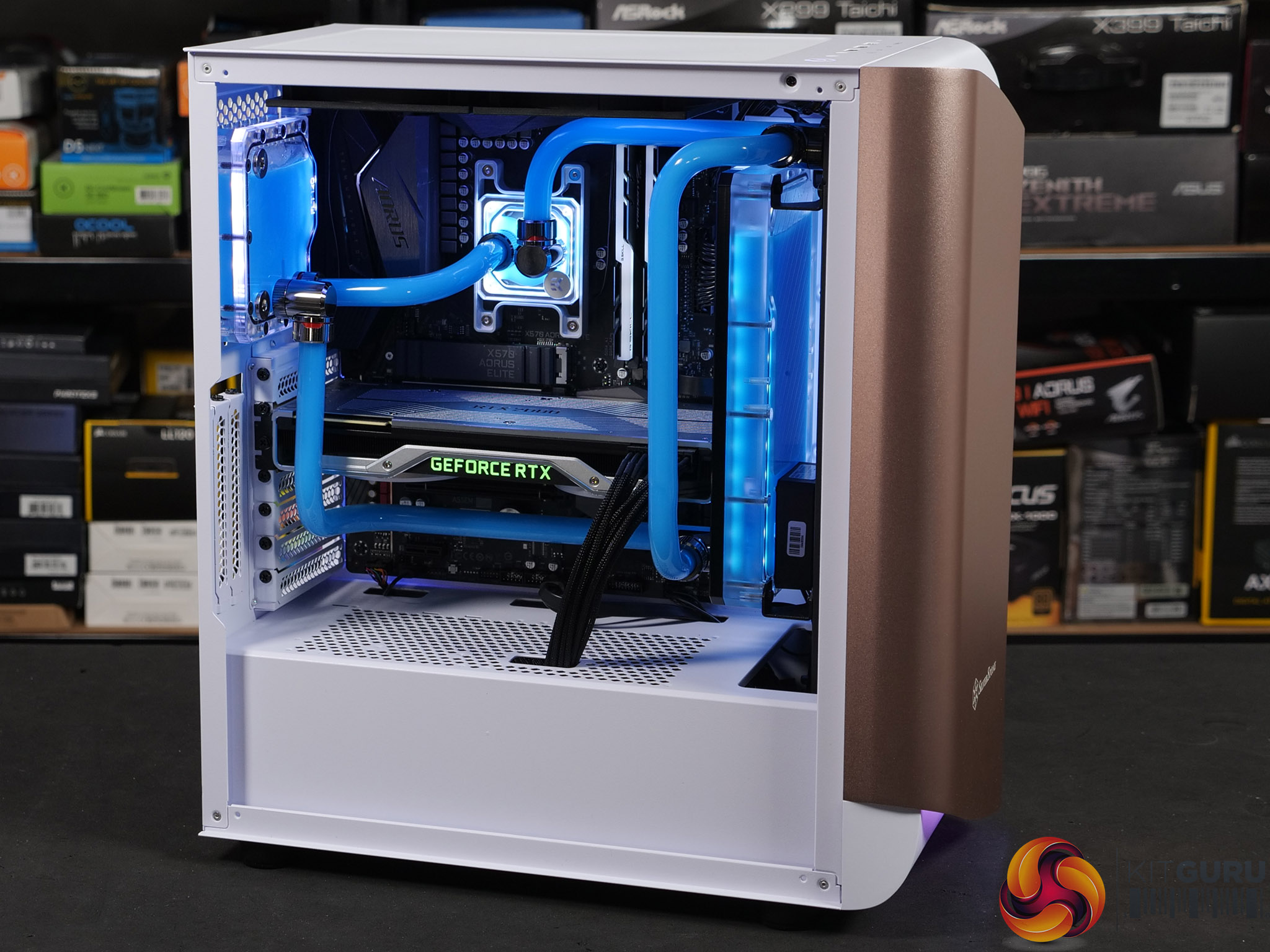
As well as covering various budgets, we are also looking at systems based on both AMD and Intel platforms. In total, we will produce five AMD-based systems and five based on Intel platforms, with categories for ‘basic', ‘low end', ‘mid-range', ‘high end' and ‘extreme' spec systems. As a bit of fun, we will also add one ultimate system and finally a system for the millionaire where money is no object.
While primarily this buying guide is aimed at finding the best value for money gaming system in each budget category, there will be areas where systems based on one platform out-perform its equivalent system in certain tasks. Where possible we try to match CPU and GPU performance in each system category as closely as possible.
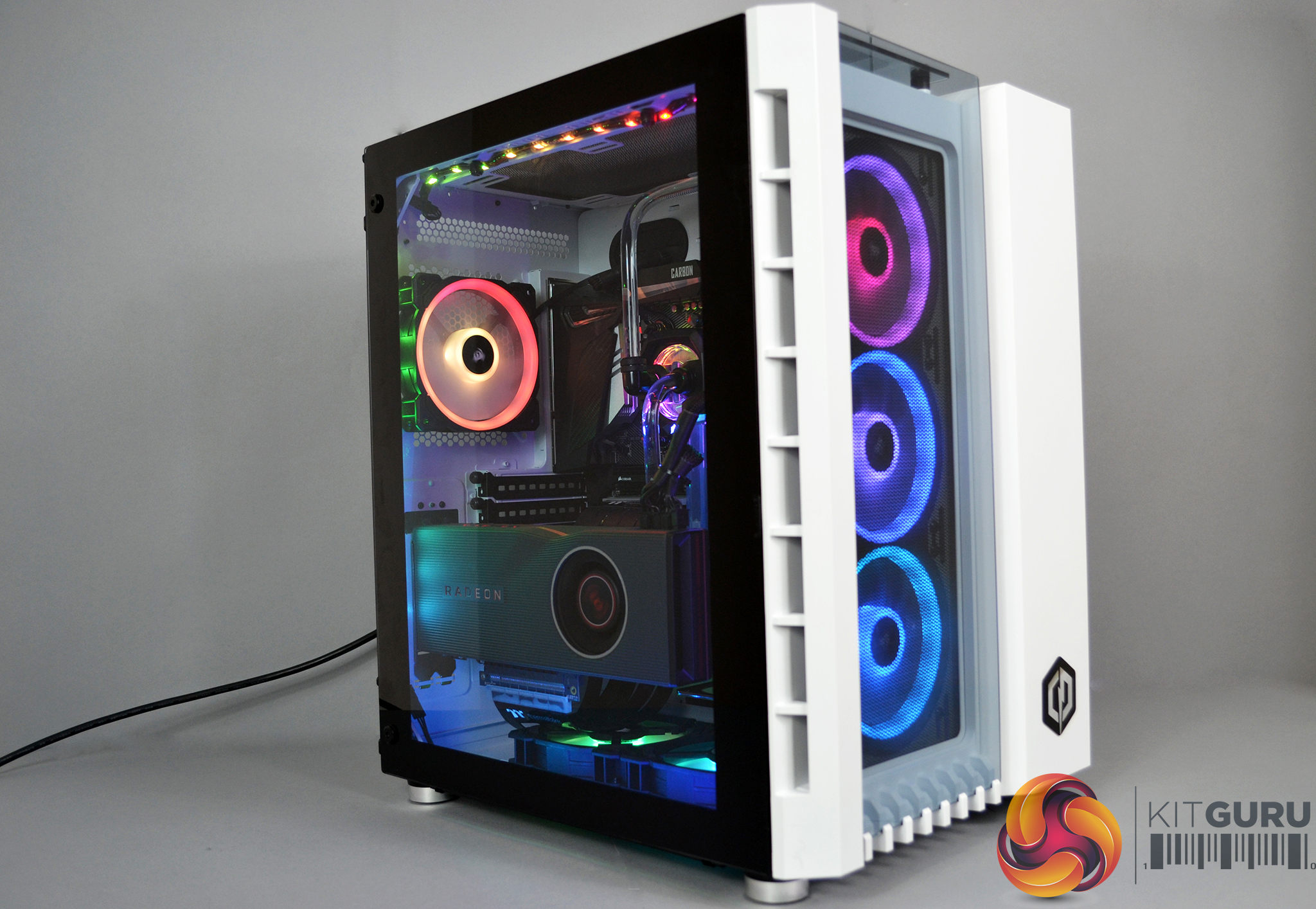
However, since AMD and Intel’s current CPU architecture is quite different, AMD systems will generally be equipped with higher CPU core counts making them better at multitasking and productivity while Intel based systems may have a lower core count but higher CPU core frequency, possibly giving them a slight advantage in gaming.
Where possible, we try to ensure AMD based systems feature an AMD CPU, motherboard platform and graphics card. However, since AMD’s current crop of GPUs is somewhat limited, especially at the extreme top end of the market, in these situations an alternative from Nvidia will be used as a substitute.
When it comes to building Intel based systems, we will use the same process with Intel processors and motherboard platform. Since Intel doesn’t currently produce its own discrete graphics solutions, we will pair Nvidia GPUs with Intel based platforms.
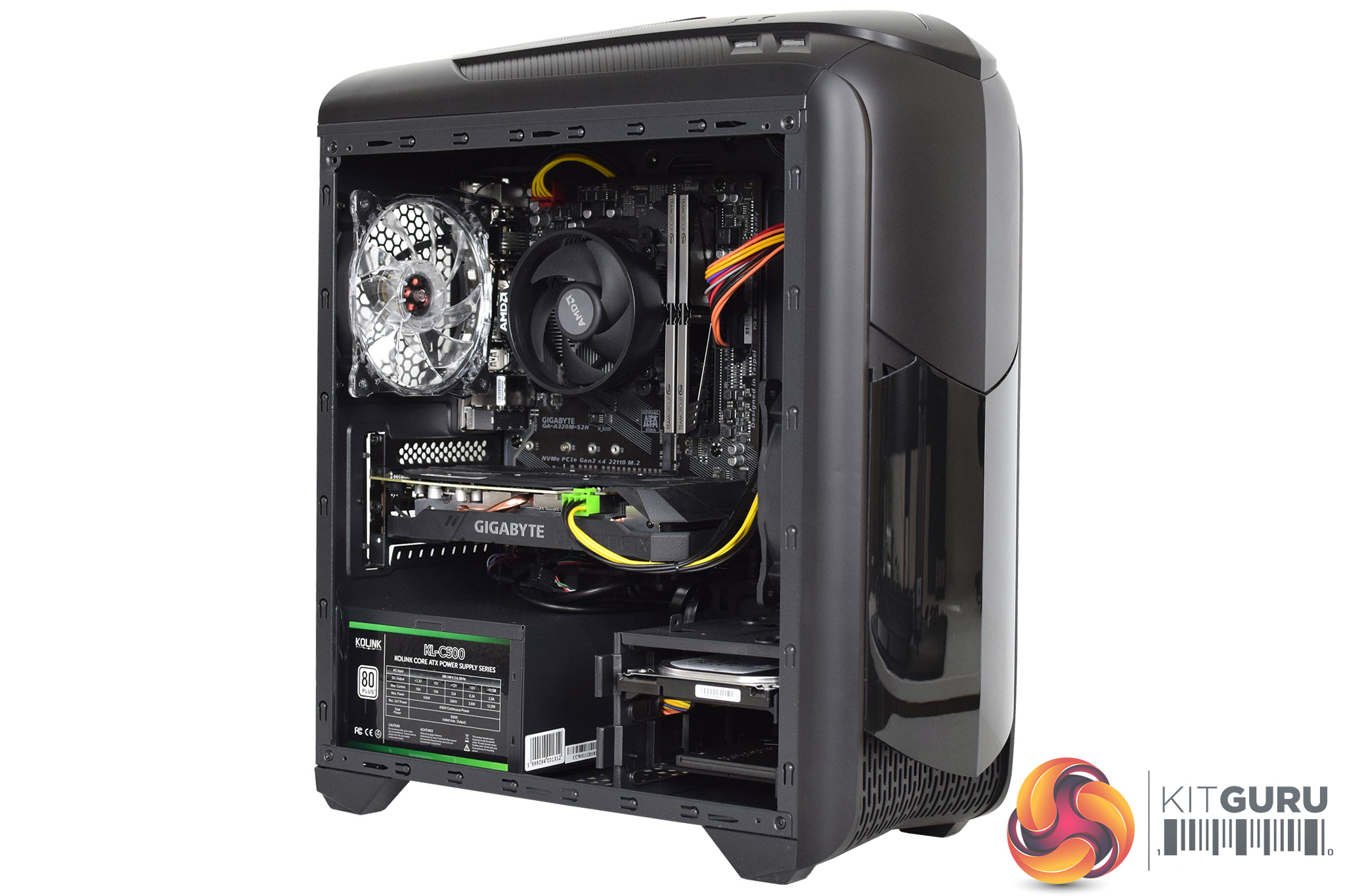
AMD Basic Tier System:
- CPU – AMD Ryzen 5 2600 3.4 GHz 6-core
- Motherboard – ASRock B450M Steel Legend Micro ATX
- Memory – 16 GB (2 x 8 GB) Patriot Viper Steel DDR4-3200
- Graphics card – Sapphire Radeon RX 5500 XT 4 GB PULSE
- CPU cooler – AMD Wraith Stealth
- Storage:
- Case – Thermaltake Versa H15 Micro-ATX Mid Tower Case
- Power supply – be quiet! Pure Power 11 CM 600 W 80+ Gold Semi-modular
Our basic AMD system represents the best value solution to offer solid gaming performance at 1080p (1920 x 1080) resolution. While we could have gone even more budget with the basic AMD gaming system by choosing an AMD 3400G CPU with integrated Radeon Vega 11 graphics, being gamers ourselves, we recognise the importance of smooth gameplay with consistent frames per second.
Another area we often see costs saved in pre-built system is the power supply. Something which we don’t agree with, a reliable and efficient power supply is a must in our opinion, that’s why we chose the be quiet! Pure power 11. 600 W is enough to power the system and the 80+ Gold rating means it is over 87% efficient under load, while the semi-modular cable design provides the added bonus of making the system look neat and tidy.
The combination of an AMD Ryzen 5 2600 CPU and the Sapphire Radeon RX 5500 XT 4GB PULSE graphics card should deliver a consistent 60 FPS at 1080p resolution in most modern titles with graphics setting cranked up a little. The ASRock B450M Steel Legend micro-ATX motherboard provides a reliable platform and potential for future CPU upgrades with M.2 SSD support for high-speed storage that will help boost overall system performance and game loading times.
Total Cost: £623.40
Intel Basic Tier System:
- CPU – Intel Core i3 9100F 3.6 GHz 4-core
- Motherboard – MSI MAG B365M MORTAR Micro ATX LGA1151
- Memory – 16 GB (2 x 8 GB) Patriot Viper Steel DDR4-3200
- Graphics card – MSI GeForce GTX 1660 6 GB ARMOR OC
- CPU cooler – ARCTIC Freezer 34 eSports DUO
- Storage:
- Case – Cooler Master MasterBox Lite 3.1 Micro-ATX
- Power supply – be quiet! Pure Power 11 CM 600 W 80+ Gold Semi-modular
Total Cost: £637.84
For our basic Intel gaming system, the CPU choice may not be as strong as the AMD system, however, graphics performance should be on par with the AMD system due to the inclusion of an MSI GTX 1660 6GB Armor OC graphics card. To stick with our £650 budget we chose the Intel Core i3-9100F quad-core CPU which should be able to keep up with 60 FPS gaming at 1080p.
Unlike the AMD Ryzen 5 2600, Intel no longer bundles in a CPU cooler with its processors which is something we had to weigh up with the CPU choice in this system. The unavoidable addition of the Arctic Freezer 34 Esports DUO CPU cooler pushes the price of the system up a little compared to the AMD system. It is a solid cooler though so it will handle the heat of any future CPU upgrades in this system.
Similarly to the basic AMD system, the MSI MAG B365M Mortar micro-ATX motherboard in our basic Intel system provides high-speed M.2 storage options. However, the CPU upgrade options are not as extensive on this platform and limit future upgrades to 9th generation Core processors, 10th generation will require a new platform. This system will be a solid performer on current games at 1080p resolution, it just may not have the longevity of the AMD platform.

AMD Low-Mid Tier System:
- CPU – AMD Ryzen 5 3600 3.6 GHz 6-Core
- Motherboard – Gigabyte B450 AORUS ELITE ATX AM4
- Memory – 16 GB 92 x 8 GB(Patriot Viper Steel DDR4-3200
- Graphics Card – Sapphire Radeon RX 5600 XT 6 GB PULSE
- CPU Cooler – AMD Wraith Stealth
- Storage:
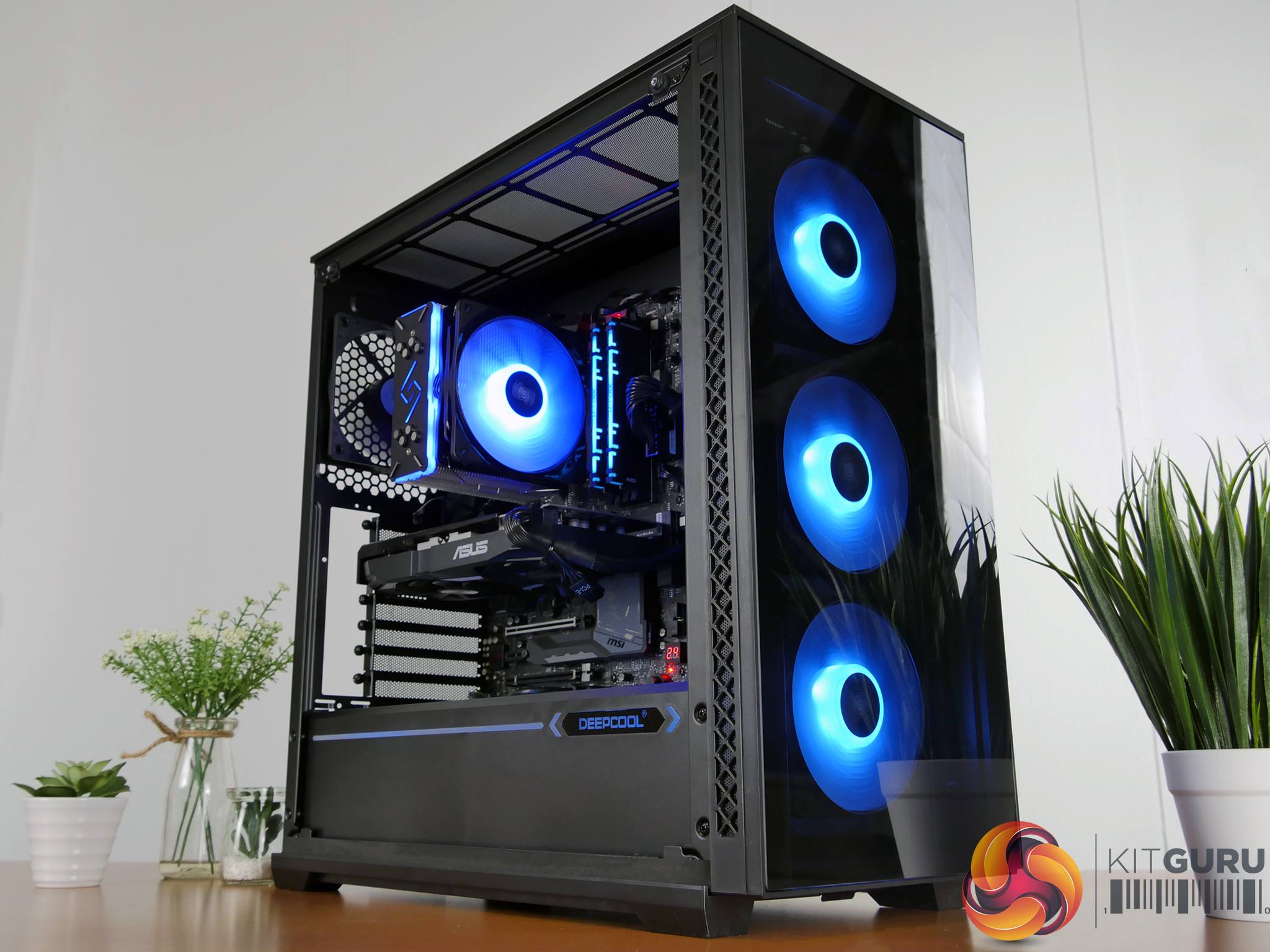
- Case – Kolink Inspire Series K5 RGB Mid-tower
- Power Supply – Corsair TXM Gold 650 W 80+ Gold Certified Semi-modular
Turning up the wick slightly, our low-mid range AMD gaming system keeps the total cost just under £800 and should be able to target improved FPS at 1080p with graphics settings cranked up in most games. The combination of an AMD Ryzen 5 3600 CPU and a Sapphire RX 5600 XT 6 GB PULSE graphics offers a great platform for PC gaming newbies, while the additional SSD storage space from the Crucial MX500 500 GB M.2 SSD provides some extra space for high-speed access to your favourite games.
The Gigabyte B450 Aorus Elite motherboard provides possibilities for future expansion and gives the system a bit of style with integrated RGB lighting. The ATX form factor of the motherboard also requires a larger mid-tower ATX case which again adds more options for future upgrades such as extra storage devices, AIO liquid cooling and space for larger graphics cards. Just like the basic AMD system, we can save a little cost on CPU cooling since the included AMD Wraith Stealth CPU cooler that comes with the CPU can keep the Ryzen 5 3600 CPU temperature under control.
If you are feeling adventurous and find yourself looking to extract a little more performance from this system, the AMD Ryzen 5 3600 CPU is equipped with an unlocked core multiplier. This combined with the Gigabyte motherboard allows tweaking and overclocking of the CPU frequency to get the best possible performance from the system.
Total Cost: £798.63
Intel Low-Mid tier System:
- CPU – Intel Core i5-9400F 2.9 GHz 6-Core Processor
- Motherboard – ASRock B365 Pro4 ATX LGA1151
- Memory – 16 GB (2 x 8 GB) Patriot Viper Steel DDR4-3200
- Graphics card – Zotac GeForce GTX 1660 Ti 6 GB GAMING
- CPU cooler – Cooler Master Hyper 212 RGB Black Edition
- Storage:
- Case – Kolink Inspire Series K5 RGB Mid-tower
- Power Supply – Corsair TXM Gold 650 W 80+ Gold Certified Semi-modular
With only £150 increase in price between our basic and low-mid tier systems, it doesn’t allow for a huge increase in performance. A CPU with a couple of extra cores such as the Intel core i5-9400F will help improve FPS in more demanding and modern gaming titles at 1080p resolution. The extra horsepower from the Zotac GTX 1660 Ti 6 GB Gaming graphics card should allow resolution in some games to be bumped up to 1440p (2560 x 1440) resolution.
The extra budget of the low-mid tier system also allows us to add more high-speed storage with a 500 GB Western Digital Blue M.2 SSD drive to install more regular played or competitive games to be installed on. Like the low-mid tier AMD system, the Intel system uses an ATX form factor motherboard offering more future expansion options.
At this low-mid tier price point, it seems that AMD systems provide a little more value for money since the stock AMD CPU cooler, the Wraith Stealth can be utilised which means we can splash out more cost on graphics.
Total Cost: £798.64
AMD Mid-tier System:
- CPU –AMD Ryzen 7 3700X 3.6 GHz 8-Core
- Motherboard – Gigabyte B450 AORUS PRO ATX AM4
- Memory – 16 GB (2 x 8 GB) Crucial Ballistix RGB DDR4-3600
- Graphics card – Sapphire Radeon RX 5700 8 GB PULSE
- CPU cooler – ARCTIC Liquid Freezer II 240 AIO liquid cooler
- Storage:
- Case – Phanteks Eclipse P400A Digital ATX Mid Tower
- Power Supply – SeaSonic FOCUS GX 750 W 80+ Gold Certified Fully-Modular ATX
With an additional £400 to spend in our mid-tier system, the focus shifts to building a system that is capable of gaming and productivity with the AMD Ryzen 7 3700X CPU offering 8 cores and 16 threads, making it ideal for both gamers and content creators, such as Twitch streamers and YouTubers.
The addition of a Sapphire Radeon RX 5700 8 GB PULSE graphics card should allow the resolution to be pushed up to 1440p in most games and high-speed storage is doubled to 1 TB with the Crucial P1 M.2 NVMe SSD with the SeaSonic Focus GX 750 providing reliable power delivery with a fully modular cable design.
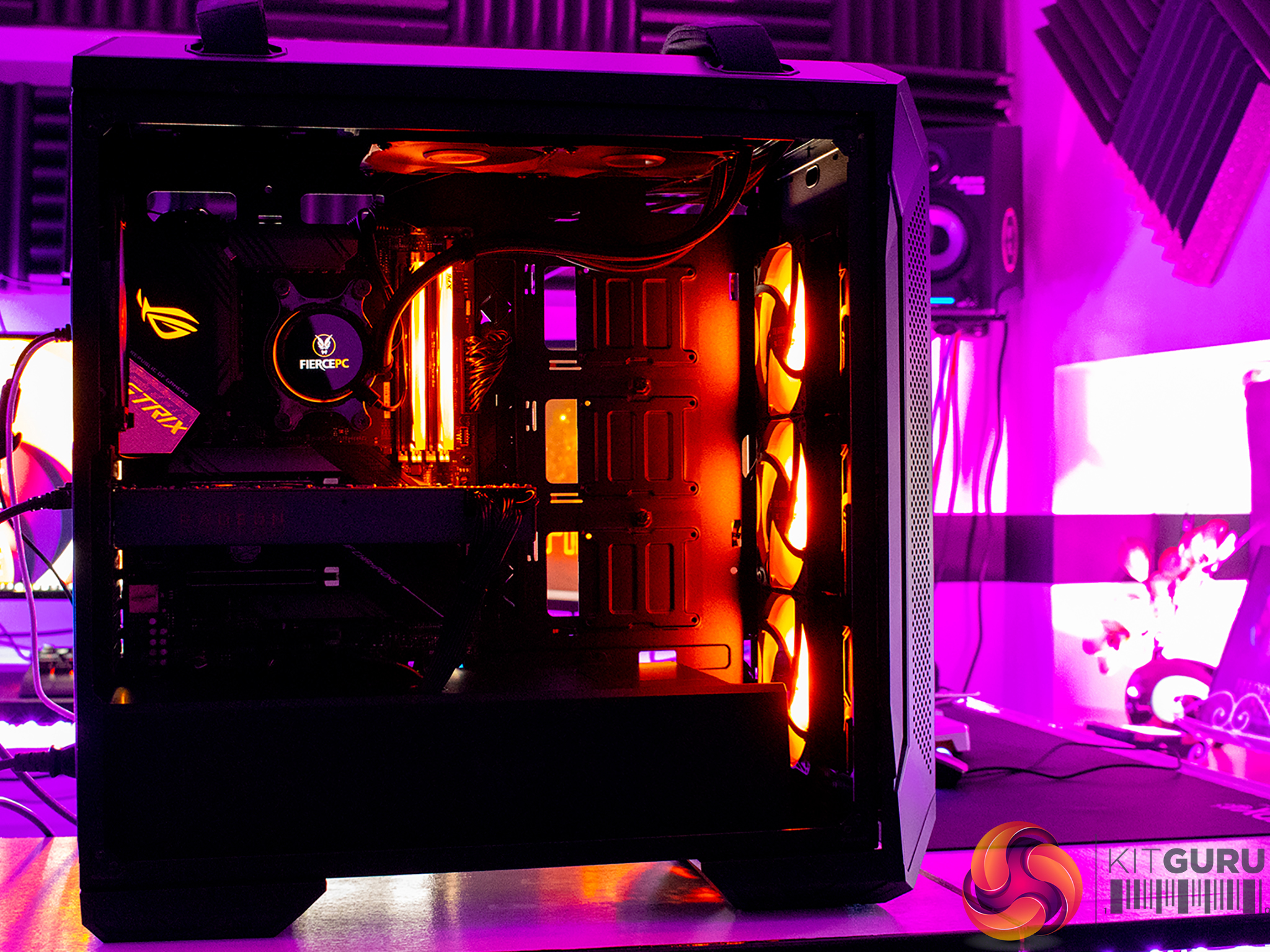
An upgrade to CPU cooling is possible in the mid-tier budget systems with the Arctic Liquid Freezer II all-in-one CPU cooler, combined with a mid-tower case that offers improved airflow so users can dabble with overclocking and fine-tuning. Both the Gigabyte B450 Aorus Pro motherboard and the Phanteks Eclipse P400A case, as well as the crucial Ballistix DDR-3600 memory offer some RGB lighting to enhance the system appearance.
Total Cost: £1183.29
Intel Mid-tier System:
- CPU – Intel Core i5-9600K 3.7 GHz 6-Core OEM/Tray
- Motherboard – Gigabyte Z390 GAMING X ATX LGA1151
- Memory – 16 GB (2 x 8 GB) Crucial Ballistix RGB DDR4-3600
- Graphics card – Gigabyte GeForce RTX 2060 SUPER 8 GB WINDFORCE OC
- CPU cooler – ARCTIC Liquid Freezer II 240 AIO liquid cooler
- Storage:
- Case – Phanteks Eclipse P400A Digital ATX Mid Tower
- Power Supply – SeaSonic FOCUS GX 750 W 80+ Gold Certified Fully-Modular ATX
With less choice available in terms of core count in the current generation of Intel processors compared with AMD desktop alternatives, our Intel mid-tier system is just a six-core CPU. However, the Intel Core i5-9600K processor is the perfect CPU for mid-tier gaming. Combined with a Gigabyte RTX 2060 Super graphics card will provide an excellent starter system for 1440p resolution gaming.
Even though the mid-tier Intel system may be marginally less capable for multitasking users such as Twitch streamers, the Gigabyte Z390 Gaming X motherboard platform offers overclocking scope for gamers to tune the system for the best possible performance.
We stick with the same storage options in the Intel mid-tier system, the 1 TB Crucial P1 M.2 NVMe drive can be used to store games for quick access and load times, while storage is backed up by the 2 TB Seagate Barracuda 7200RPM HDD for storage of less critical applications/games and other content such as photos, video and documents etc.
Total Cost: £1194.97
AMD High-End System:
- CPU – AMD Ryzen 9 3900X 3.8 GHz 12-Core
- Motherboard – Gigabyte X570 AORUS ELITE ATX AM4
- Memory – 32 GB (2 x 16 GB) Skill Trident Z Neo DDR4-3600
- Graphics card – PowerColor Radeon RX 5700 XT 8 GB Red Devil
- CPU cooler – Corsair H115i RGB PLATINUM AIO liquid cooler
- Storage:
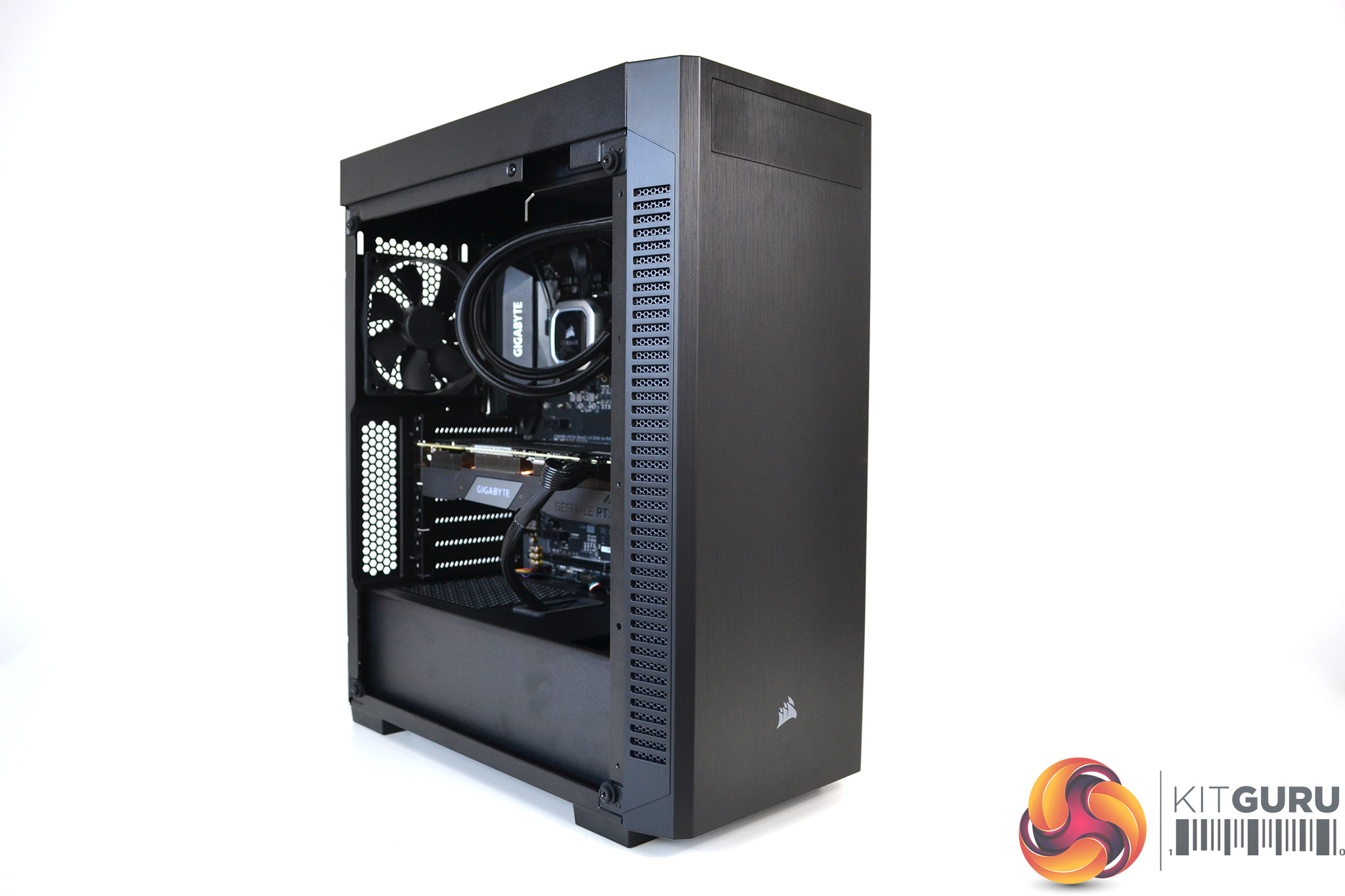
- Case – Fractal Design Define 7 Light ATX Mid Tower
- Power Supply – SeaSonic FOCUS Plus Platinum 850 W 80+ Platinum Certified Fully-Modular
For our high-end system, we set a budget of £2000 and this is where the two platforms move in slightly different directions. While both the AMD and Intel high-end systems are very capable gaming rigs, the AMD system is focused more towards high FPS 1440p gaming but also offers an extremely capable platform for users who multitask.
The AMD Ryzen 9 3900X processor is the ideal CPU for content creators and productivity with its 12 cores and 24 threads able to crunch through photo and video editing, helped by the Gigabyte Aorus Elite X570 based motherboard and ultra-fast PCIe Gen 4 Corsair MP600 M.2 NVMe SSD during the day for work, then turning into a capable CPU when its time to wind down and relax with some gaming.
At this point AMD’s choice of graphics cards is maxed out, the PowerColor RX 5700 XT Red Devil is possibly the best AMD discreet graphics solution available currently for gaming. Paired with a high refresh rate AMD FreeSync monitor, this GPU should be capable of maintaining high FPS in competitive multiplayer games and producing 60 FPS in AAA solo titles at 4K resolution.
Total Cost: £1920.29
Intel High-end System:
- CPU – Intel Core i7-9700K 3.6 GHz 8-Core
- Motherboard – Gigabyte Z390 AORUS PRO ATX LGA1151
- Memory – 32 GB (2 x 16 GB) Skill Trident Z Neo DDR4-3600
- Graphics card – EVGA GeForce RTX 2080 SUPER 8 GB BLACK GAMING
- CPU cooler – Corsair H115i RGB PLATINUM AIO liquid cooler
- Storage:
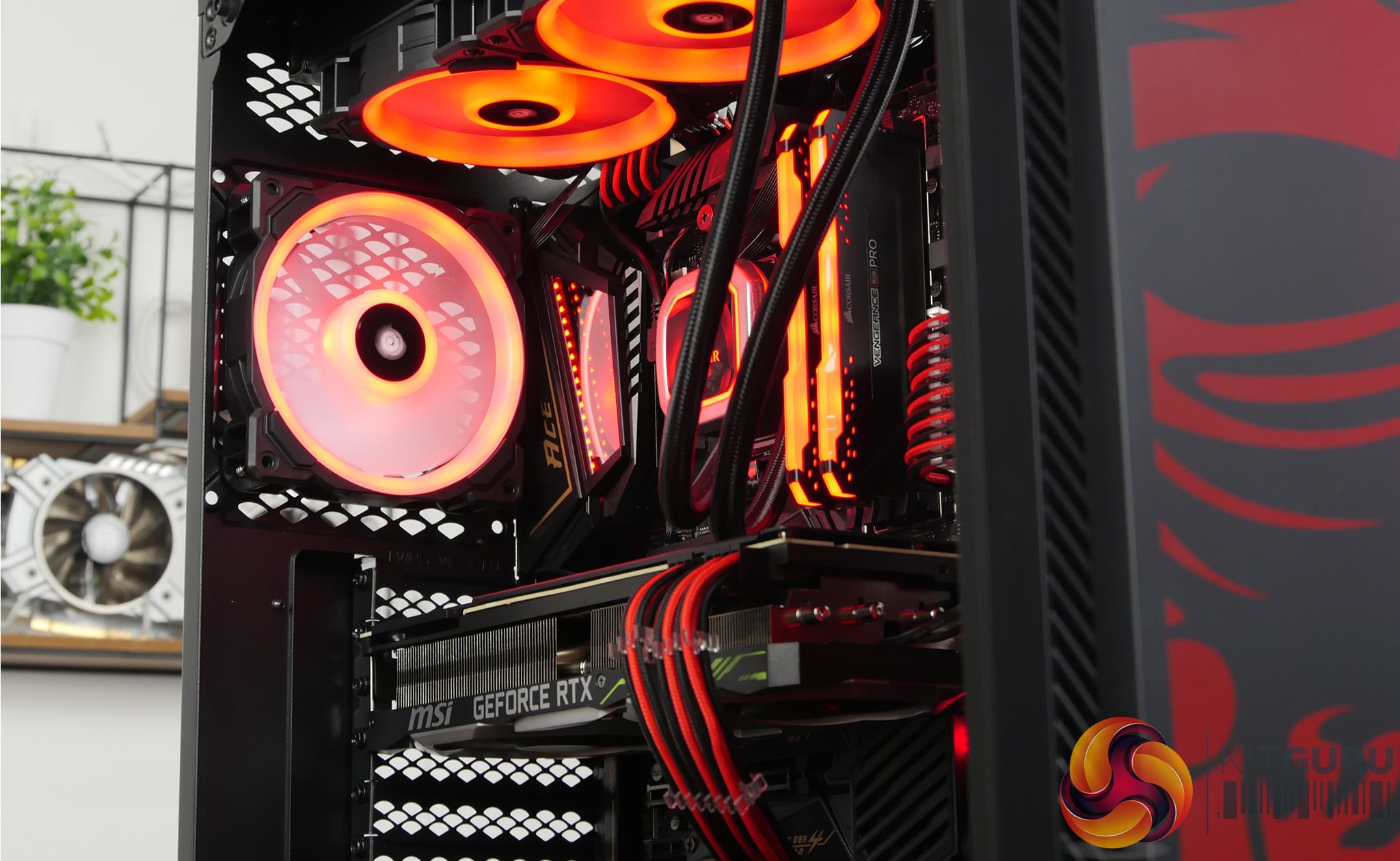
- Case – Phanteks ECLIPSE P600S ATX Mid Tower
- Power Supply – SeaSonic FOCUS Plus Platinum 850 W 80+ Platinum Certified Fully-Modular
At the high-end price point, the Intel system should begin to stretch its legs a little in gaming. For a while now, the Intel Core i7-9700K has been regarded by many as the best bang for your buck gaming CPU with its 8 cores and high frequency. Combined with an EVGA RTX 2080 SUPER, this system should offer gamers who are looking for high FSP in competitive multiplayer titles a great platform for years to come.
Our choice of motherboard for the Intel high-end system is a Gigabyte Z390 Aorus Pro, a great platform for overclocking. If you get lucky in the silicon lottery with your Intel Core i7-9700K CPU, its is possible to push the processor core frequency to 5.0GHz and beyond on this platform, which should help performance in more CPU demanding titles.
However, this will increase the heat produced by components so we chose a good quality 280mm all-in-one liquid CPU cooler, the Corsair H115i RGB Platinum AIO, to manage those higher temperatures and a high flow case with a mesh front panel to allow plenty of cool air to enter the system. When the system is not under load, the Phanteks P600S case has a front panel that can be slotted in place to reduce noise.
Total Cost: £1963.04
AMD Extreme System:
- CPU – AMD Ryzen 9 3950X 3.5 GHz 16-Core
- Motherboard – Asus ROG Strix X570-F Gaming ATX AM4
- Memory – 32 GB (2 x 16 GB) G.Skill Trident Z Neo DDR4-3600
- Graphics card – MSI GeForce RTX 2080 Ti 11 GB GAMING X TRIO Video Card
- CPU cooler – Silverstone PF360-ARGB AIO liquid cooler
- Storage
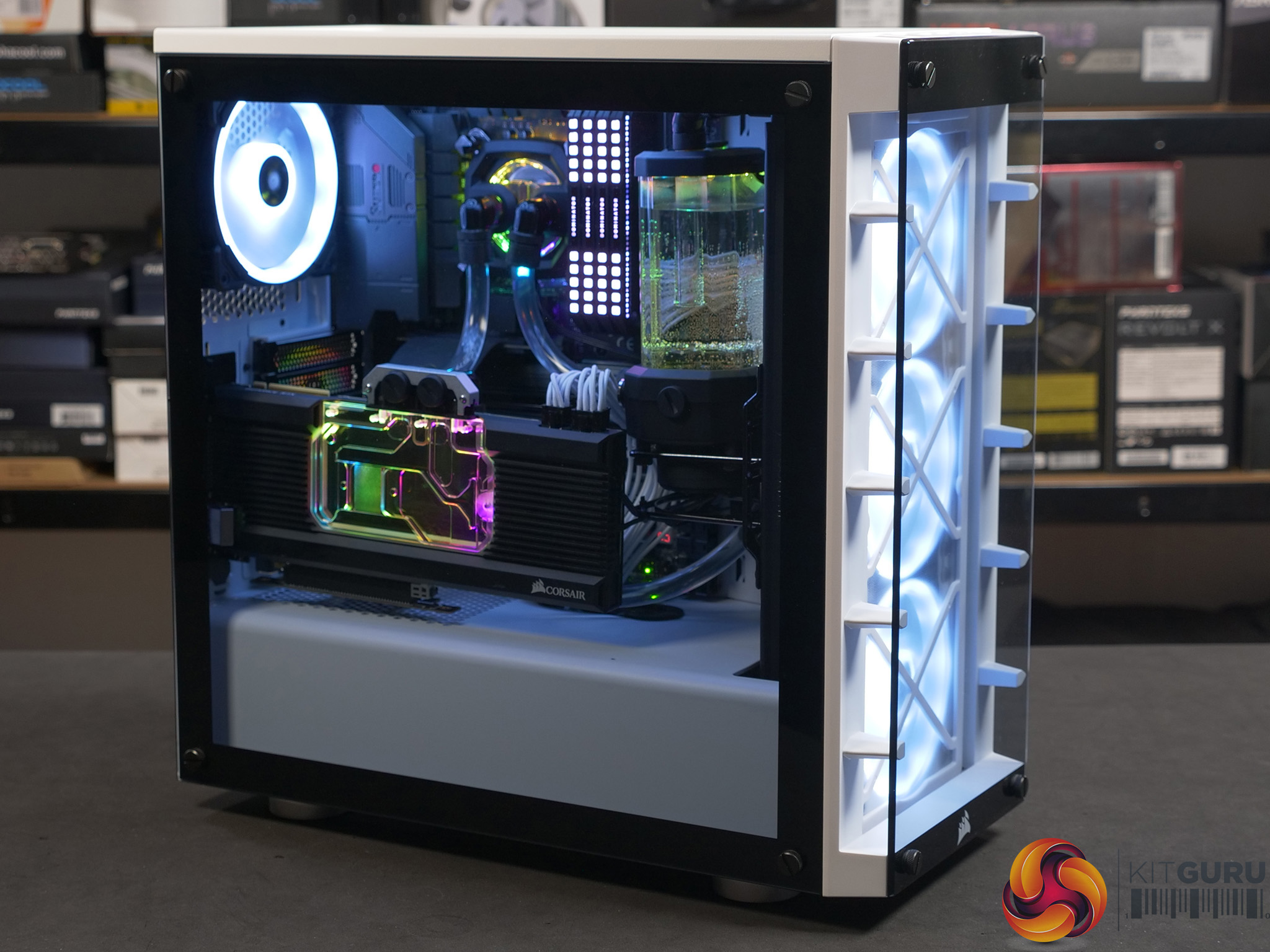
- Case – Lian Li PC-O11 Dynamic ATX Full Tower
- Power Supply – Seasonic PRIME PX 850 W80+ Platinum Certified Fully-Modular
Having £3000 budget to play with may sound like more than enough to be able to cherry-pick all the best possible components without even having to think, in actual fact this was one of the most difficult systems to plan and simply going for all the most high-end parts in every area put us over budget quickly. So we based our AMD system around the cream of the crop in terms of CPU and graphics with the best in class AMD Ryzen 9 3950X processor with its 16 logical cores and 32 threads combined with an MSI RTX 2080 Ti Gaming X Trio GPU to provide the pixel-pushing power.
However, due to the price of the Ryzen 9 3950X CPU and MSI RTX 2080 Ti Gaming X Trio, sacrifices had to be made in terms of storage and the choice of case. We would have liked to add a 2 TB SSD in the Extreme AMD system, but in the end, we had to settle for the 1TB Corsair M600 PCIe Gen 4 M.2 NVMe SSD and a 5 TB Toshiba X300 HDD to stay within the £3000 budget.
Although the Lian Li PC-O11 Dynamic is an excellent case, it's certainly not the most expensive or high end by a long way, but to stick within the budget it seems like a good choice and provides great potential for future expansion while offering the premium appearance of a true high-end system.
The AMD extreme system provides the best of all worlds, its will certainly perform in the top tier for gaming, with our expectation of high FPS at 1440p and also should handle 4K resolution gaming in AAA titles with ease. The AMD system will also be one of, if not the best mainstream desktop platform for content creation and productivity workloads.
Total Cost £2997.03
Intel Extreme System:
- CPU – Intel Core i9-9900K 3.6 GHz 8-Core
- Motherboard – Gigabyte Z390 AORUS MASTER ATX LGA1151
- Memory – 32 GB (2 x 16 GB) G.Skill Trident Z Neo DDR4-3600
- Graphics card – Gigabyte GeForce RTX 2080 Ti 11 GB AORUS XTREME
- CPU cooler – Deepcool CASTLE 360EX AIO liquid cooler
- Storage
- Case – Lian Li PC-O11 Dynamic ATX Full Tower
- Power Supply – Seasonic PRIME PX 850 W80+ Platinum Certified Fully-Modular
Even though plenty of thought was needed to plan the extreme Intel based system, due to the price of Intel’s flagship mainstream desktop CPU being significantly less than AMD’s, we had more wiggle room in the budget for storage and managed to fit a 2TB Samsung 860 Evo M.2 SSD into the build, as well as a huge 8 TB Toshiba X300 HDD for additional storage of less critical applications and content.
Currently, the combination of an Intel Core i9-9900K and a Gigabyte RTX 2080 Ti Aorus Xtreme graphics card is the top dog when it comes to raw gaming performance in a mainstream desktop platform. We expect this system to handle high FPS 1440p resolution and 4K gaming with ease. Combine this system with a high refresh rate monitor and you will see some serious FPS, in even the most graphically demanding games.
The inclusion of a Gigabyte Z390 Auros Master motherboard means that those of you who build a system to tune and overclock will find this one of the best platforms available to achieve stable 5.0 GHz across all the Intel Core i9-9900K cores. The Aorus Master’s excellent VRM thermal solution means you won’t have to worry about cooking the motherboard during long gaming periods at this high CPU frequency.
Providing clean and stable power to the motherboard during overlocking is essential, that’s why we chose the SeaSonic Prime PX 850 power supply, SeaSonic is renowned for its quality products and the Prime PX series is backed by a 12-year manufacturers warranty for peace of mind. If you are looking to build a system exclusively for gaming with an emphasis on 4K resolution, then this is the system for you at this price bracket.
Total Cost: £2996.40
The Ultimate System: Budget £5000
- CPU – AMD Ryzen 9 3950X 3.5 GHz 16-Core
- Motherboard – Gigabyte X570 AORUS XTREME EATX AM4
- Memory – 64 GB (4 x 16 GB) G.Skill Trident Z Neo DDR4-3600
- Graphics card – EVGA GeForce RTX 2080 Ti 11 GB KINGPIN GAMING
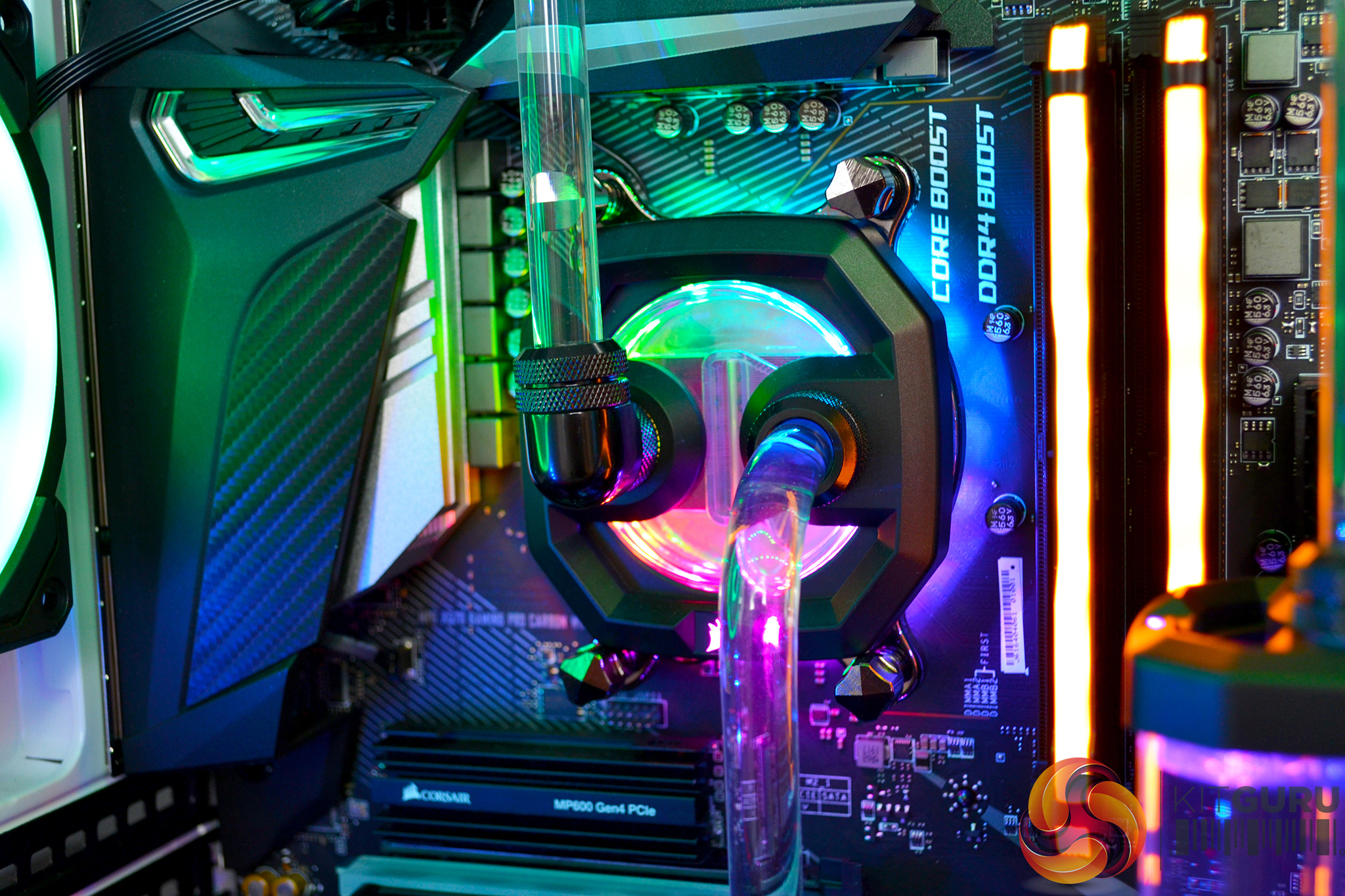
- CPU cooler – EK Water Blocks hard tube custom loop with 360mm radiator
- Storage:
- Case – Phanteks Evolv X ATX Mid Tower
- Power Supply – Seasonic PRIME PX 850 W80+ Platinum Certified Fully-Modular
Our last two systems are just for a bit of fun really, to see what you could build with any budget purely as an afterthought. For the Ultimate system, we have combined the best gaming graphics with the most high-performance desktop CPU available currently. A combination of the AMD Ryzen 3950X processor and the EVGA RTX 2080 Ti KINGPIN Gaming graphics card should keep hardcore gamers happy for years to come.
The Gigabyte X570 Aorus Xtreme motherboard is the perfect platform for enthusiasts to tinker with performance and overclocking while offering huge expansion possibilities to extend PCIe Gen 4 storage. Even with a £5000 to play with, it’s amazing to think that we could only fit one 2 TB Corsair MP600 PCIe Gen 4 M.2 SSD into the system budget, however, the 8TB Toshiba X300 HDD should offer enough additional storage for those less critical applications.
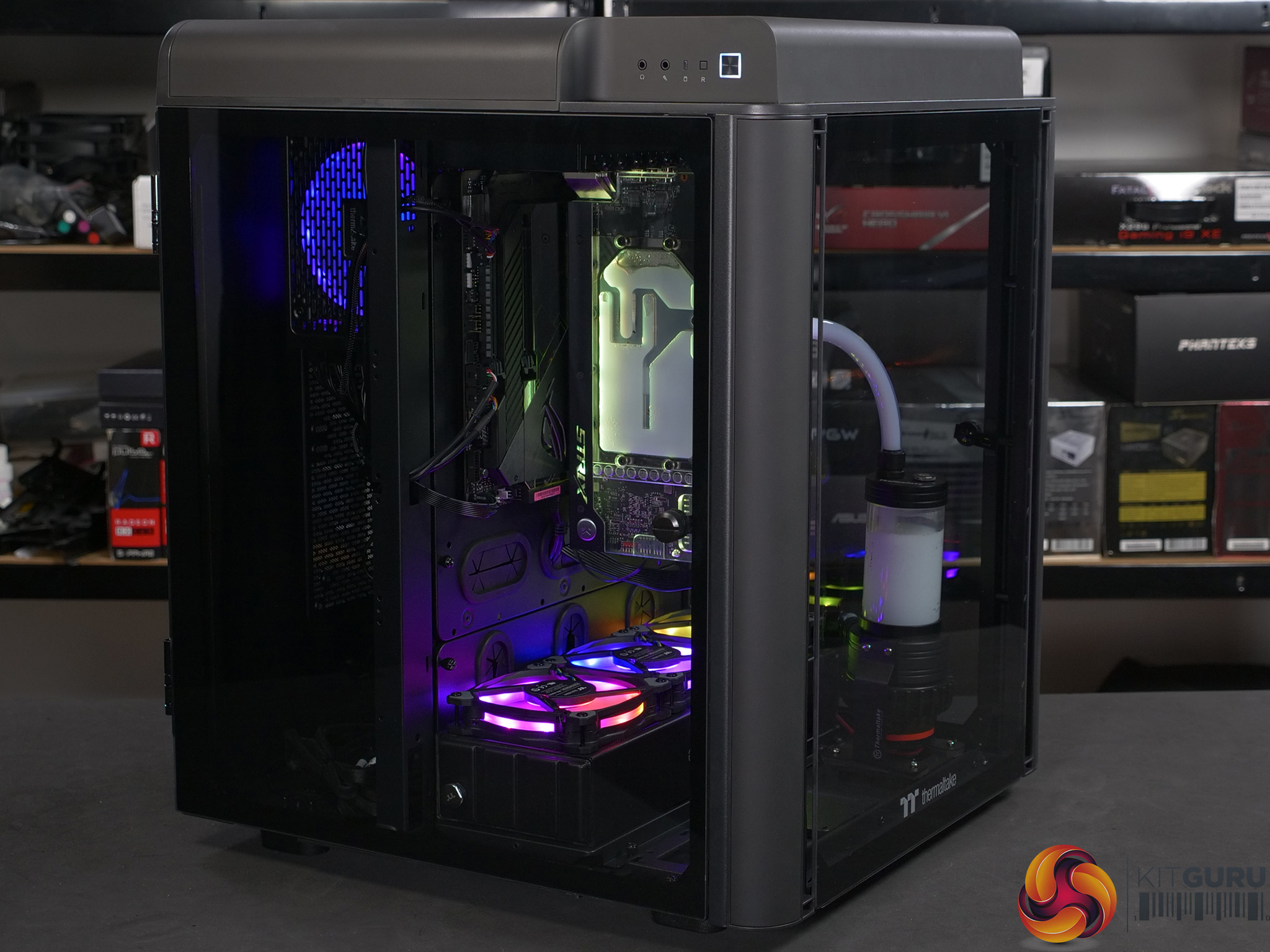
Since this is our ultimate system, a simple AIO or CPU air cooling solution was not going to cut the mustard. We chose to go with an EK Water Blocks custom hard tube cooling loop, however, the budget would only stretch to CPU cooling. Luckily the EVGA RTX 2080 Ti KINGPIN Gaming card has its own water cooling to help keep the temperature under control when overclocking.
This ultimate system costs just shy of £5000 and, in our opinion, it should be a great overall performer. Gamers, content creators, streamers and professional video editors/3D designers should find that this setup fulfils their needs. The only step up from this would be a high-end desktop system which didn’t fit into our £5000 budget.
Total Cost: £4,976.96
Millionaires System:
- CPU – AMD Ryzen Threadripper 3990X 2.9 GHz 64-Core Processor
- Motherboard – Asus ROG ZENITH II EXTREME ALPHA EATX sTRX4
- Memory – 256GB (8×32GB) Trident Z Royal DDR4-3200MHz CL16
- Graphics card 1 – Gigabyte GeForce RTX 2080 Ti 11 GB AORUS XTREME
- Graphics card 2 – Gigabyte GeForce RTX 2080 Ti 11 GB AORUS XTREME
- Graphics card 3 – Gigabyte GeForce RTX 2080 Ti 11 GB AORUS XTREME
- Sound card –
- System cooling – EKWB complete system hard tube custom water cooling
- Storage:
- M.2 SSD – 5 x 2 TB Corsair MP600 Force Series Gen4 M.2-2280 NVMe
- SATA SSD – 4 x 4 TB Samsung 860 Pro 2.5″
- Optical drive – Pioneer BDR-209DBK Blu-Ray/DVD/CD Writer
- Case – Phanteks Enthoo Elite ATX Full Tower
- Power supply – Corsair AX1600i Digital 80 PLUS TITANIUM Fully-Modular
Our final system, we have called the ‘millionaires’, and it is is actually more like my own personal dream setup. If I were to win the lottery this weekend this is what I would be planning. Even though most gamers and PC enthusiasts, including myself, would probably never use the full potential of the AMD Ryzen Threadripper 3990X processor with 64 cores and 128 threads, there is a fair bit to be said about the bragging rights you get with this CPU.
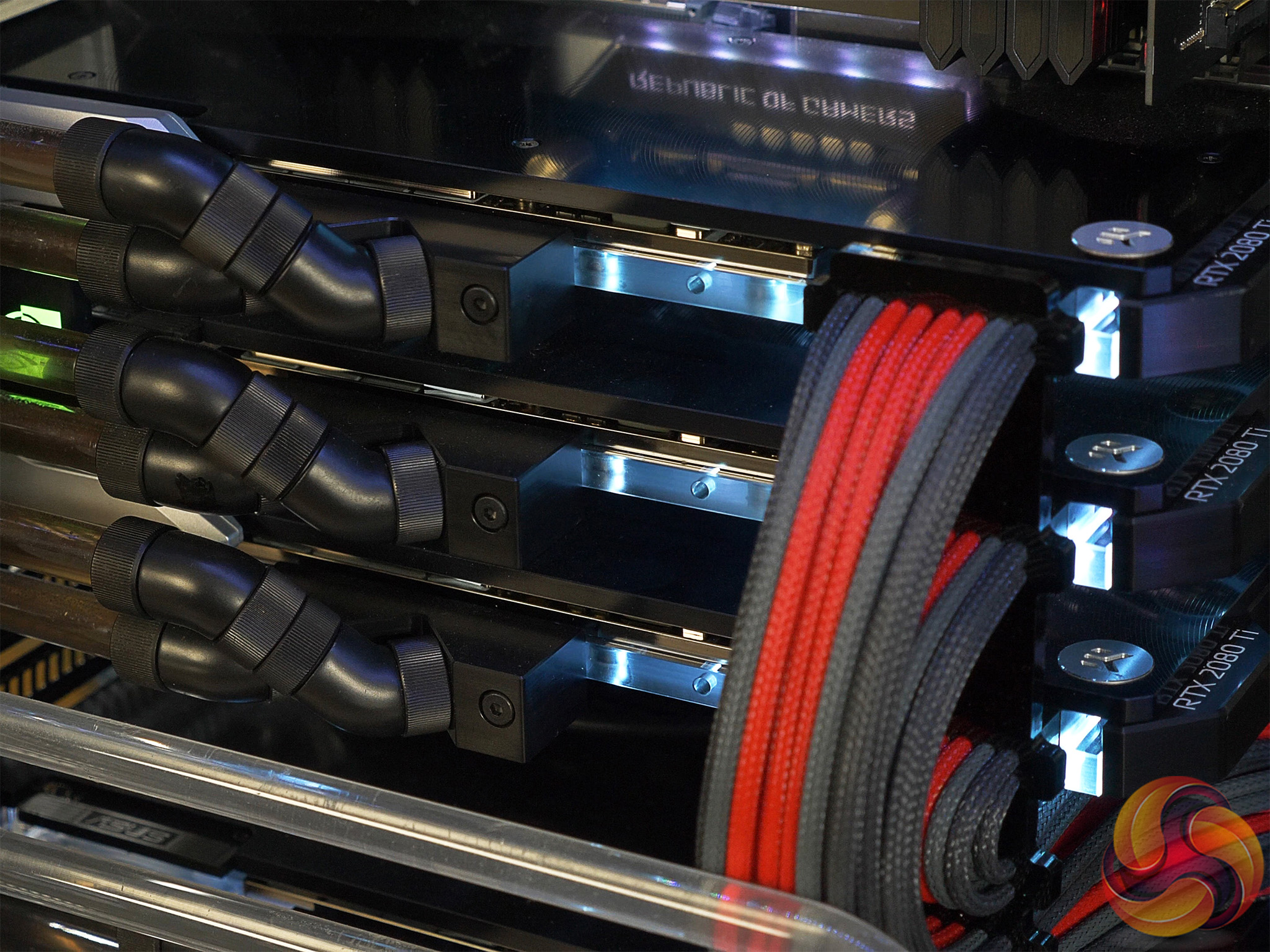
Three Gigabyte RTX 2080 Ti Aorus Xtreme graphics cards, yeah why not? High FPS 4K gaming would be a breeze. The AMD Ryzen Threadripper 3900X CPU is a content creators or professional editors dream and would carve through video production and photo editing workloads like nothing else. We also added 256 GB of G.Skill Trident Z Royal DDR4 memory because, why not?
Obviously, with all that video content you have just edited, you are going to need plenty of fast storage, so we have thrown in five high speed 2 TB Corsair MP600 PCIe Gen 4 M.2 NVMe SSDs, three in the Asus ROG Zenith Extreme Alpha motherboards integrated M.2 slots and two more on the included DIMM.2 riser card.
Just in case you fill up those PCIe Gen 4 M.2 SSD drives. More high-speed storage is available via the four 4 TB Samsung 860 Pro 2.52 SATA SSDs. Of course, in the Millionaires system, there are no mechanical HDDs.
This wouldn’t be a true dream machine without custom liquid cooling, so we have added a full hard tube custom water cooling system from EK Water Blocks with one EK-CoolStream CE 420mm radiator and two EK-CoolStream XE 360 radiators. All three graphics cards are water-cooled, as well as the Threadripper 3990X processor with one of EKWB’s EK-Quantum Velocity D-RGB – AMD Nickel + Plexi CPU water blocks. That should take care of cooling pretty nicely.
Total Cost: £16230.84
Pre-Built Systems:
Just in case you are the type that has never fancied building your own system but really wants to get into PC gaming. Here we have three systems from PCSpecialist, who have won numerous awards form KitGuru over the years. We believe these systems offer PC gaming newbies with good options that cover everything from basic starter gaming PCs, right up to the top high-end systems that are pre-configured and ready to plug in and start gaming.
For those who question their ability to build their own system, pre-built systems offer some benefits. They are assembled by professionals, so you know there shouldn’t be any component compatibility issues and the build quality/configuration should be to a very high standard.
Another major benefit for consumers with pre-built systems is the warranty. Some individual PC components may only come with 12 months’ warranty. Pre-built systems usually offer longer warranty periods and hardware technical support for extra peace of mind. So, these things have to be accounted for in the cost of the system.
Basic Pre-Built System:
PCSpecialist Fusion XT
| Spec Name | Fusion XT |
| PROCESSOR | AMD Ryzen 5 3600X |
| GPU | 6GB GEFORCE GTX 1660 |
| RAM | 16GB Corsair VENGEANCE 2666MHz |
| MB | ASUS® PRIME B450-PLUS |
| STORAGE | 256GB Intel M.2 + 1TB Seagate Barracuda 7200rpm |
| Direct Link | https://www.pcspecialist.co.uk/view/Fusion-XT/ |
| Price | From… £899.00 inc. VAT |
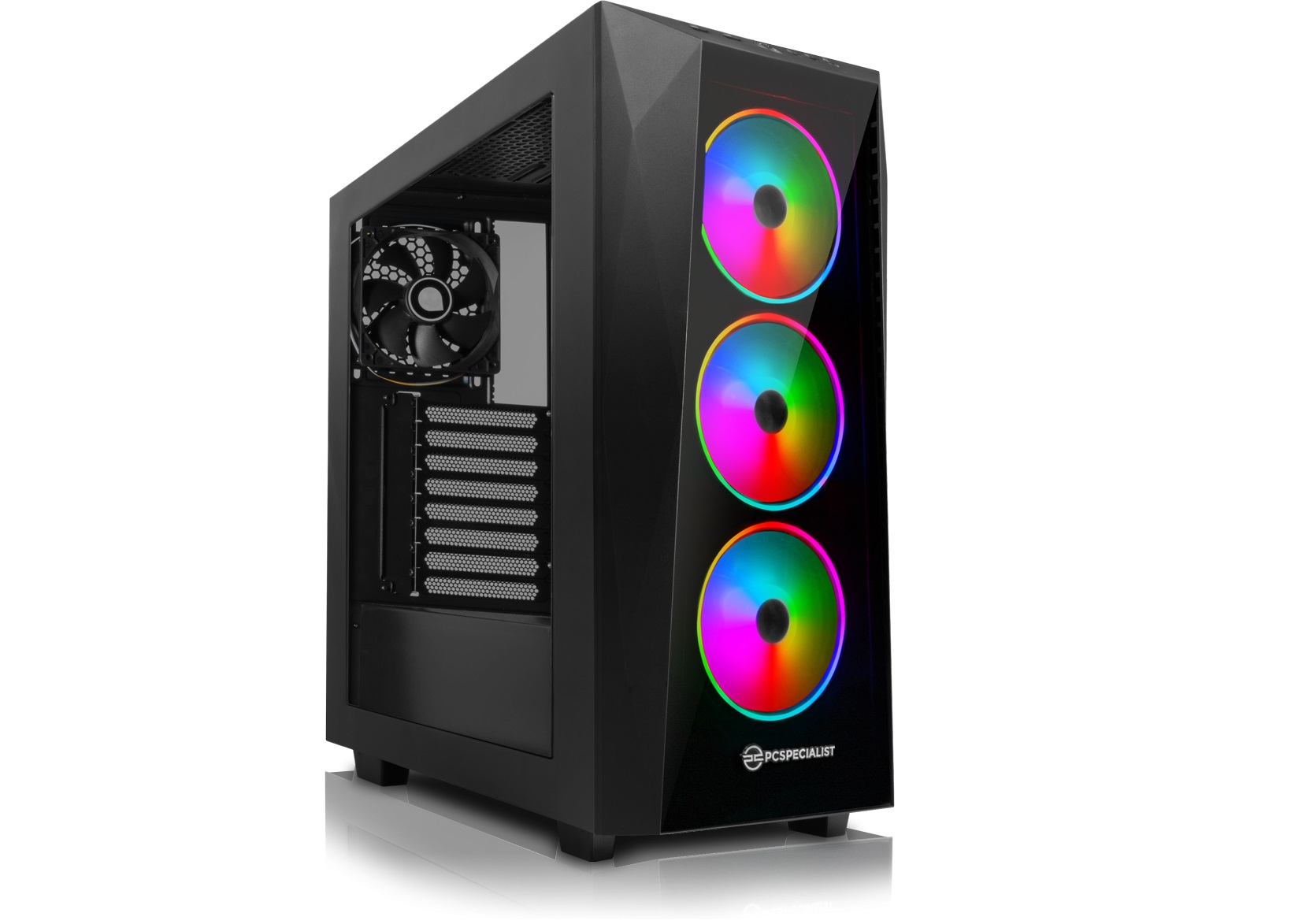
The basic pre-built system is in a similar budget category to our own low-mid range system and features relatively similar hardware performance with an AMD Ryzen 3600X CPU and a GeForce GTX 1660 graphics. Memory specification and storage capacity is a little lower than our own systems and the price is slightly higher at around £900.
PCSpecialist provide the option for customers to configure the system themselves and the specification/price quoted is for the system in its default configuration. The PCSpecialist Fusion XT system also includes a 3-year standard warranty, Windows 10 Home 64-bit installation and a 90-day BullGuard Internet Security trial. Build time is stated as approximately 7 to 9 working days.
Mid-Range Pre-Built System:
PCSpecialist Vortex VR
| Spec Name | Vortex XR |
| PROCESSOR | Intel® Core™ i7-9700K |
| GPU | 8GB GEFORCE RTX 2070 SUPER |
| RAM | 16GB Corsair VENGEANCE 3000MHz |
| MB | Gigabyte Z390 UD |
| STORAGE | 512GB Intel NVMe +32GB OPTANE + 2TB Seagate Barracuda |
| Direct Link | https://www.pcspecialist.co.uk/view/Vortex-XR/ |
| Price | From… £1,599.00 inc. VAT |
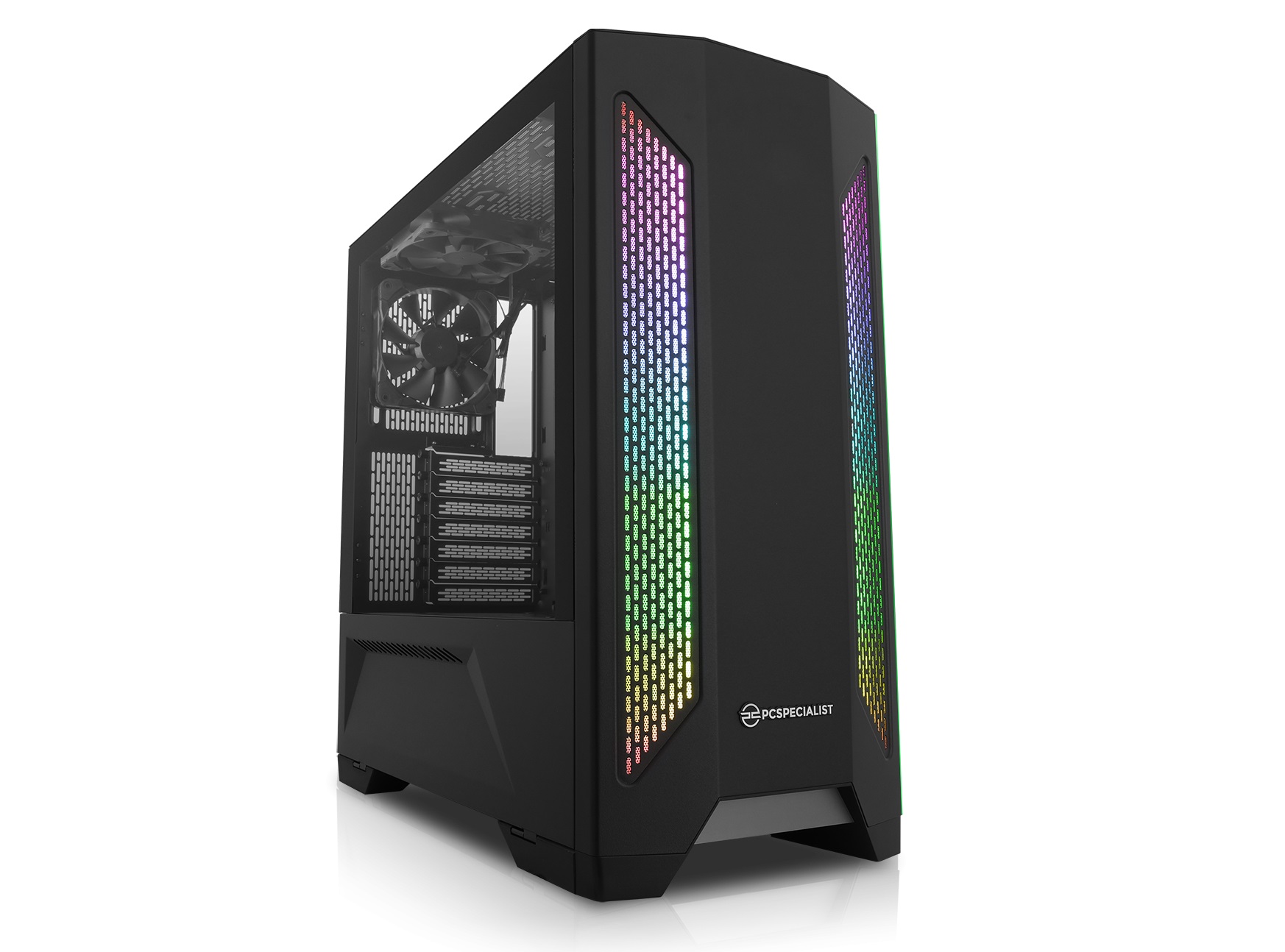
Our mid-tier pick from the pre-built market is actually quite an attractive looking option, in terms of specification and budget, it sits somewhere between our self build mid-tier and high-end setups. The PCSpecialist Vortex VR system contains the same Intel Core i7-9700K CPU of our self build High-end system but with a slightly less powerful GTX 2070 Super graphics card.
This system seems like a solid gaming system for high FPS 1440p resolution gaming in multiplayer competitive titles and should be able to handle some 4K resolution gaming at steady frame rates up to 60 FPS in most modern titles. This system should also offer a good platform for someone starting out with twitch streaming while being capable of handling all other types of workloads with relative ease.
High-End Pre-Built System:
PCSpecialist Fusion Ultra
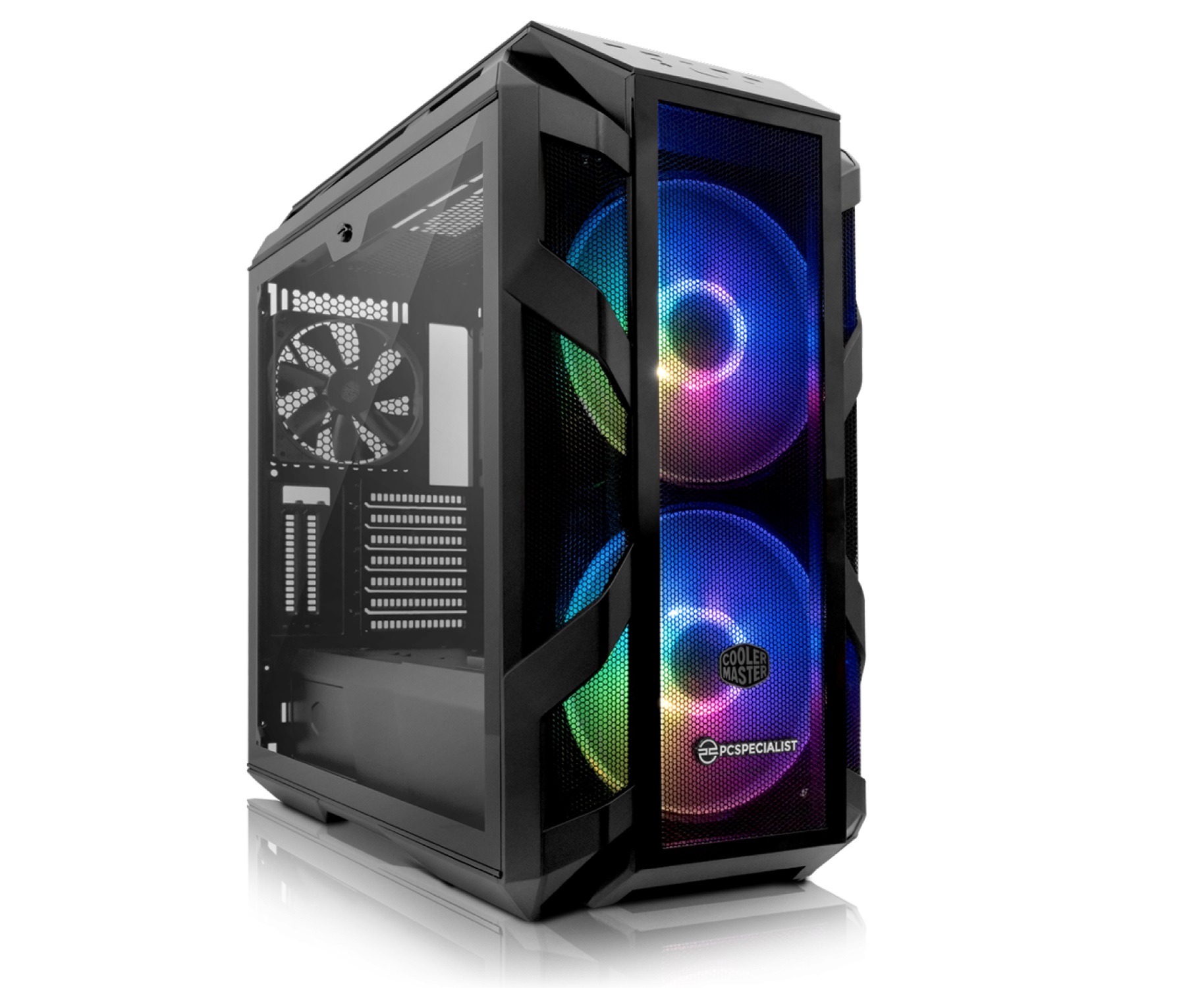
| Spec Name | Fusion Ultra |
| PROCESSOR | AMD Ryzen 9 3900X |
| GPU | 11GB GEFORCE RTX 2080 Ti |
| RAM | 16GB Corsair VENGEANCE 3000MHz |
| MB | ASUS® ROG STRIX X570-F GAMING |
| STORAGE | 512GB ADATA M.2 + 2TB Seagate Barracuda 7200rpm |
| Direct Link | https://www.pcspecialist.co.uk/view/Fusion-Ultra/ |
| Price | From… £2,499.00 inc. VAT |
The PCSpecialist Fusion Ultra system is our pick of the high-end pre-built market, with the cost almost smack bang in the middle of our self build high-end and Ultimate rigs, the Fusion Ultra offers a component combination of our two systems. It is equipped with an AMD Ryzen 9 3900X CPU which is ideal for both gamers and Twitch streamers or YouTubers and content creators.
Gamers especially will appreciate the graphics performance of the PCSpecialist Fusion Ultra system. Its RTX 2080 Ti graphics card will handle all types of gaming with ease, whether its high FPS in frantic multiplayer battles or high-resolution beauty in AAA solo titles, this system should not fail to deliver.
It also features a fast 512 GB M.2 SSD storage drive for the Windows installation and a couple of your favourite games, with additional storage via a 4TB Seagate Barracuda HDD for less critical applications and games. If you are planning on installing a lot of modern PC games, it may be worth adding a little extra storage at a later date since some modern game installations now surpass the 100GB mark.
Peripherals and Accessories
If you don’t currently own a PC, at this point, you might be thinking to yourself what about a monitor, keyboard, mouse and other peripherals you will need to get the most out of this new system. In terms of gaming on a PC, it is possible to use a TV with an HDMI input as a display and the majority of PC games support Xbox controllers. However, to control the core functions of Windows you will indeed need a keyboard and mouse, also your current gaming headset may not be compatible with a PC.
For our final part of this PC buying guide, we look at peripherals including monitors, keyboards, mice and headsets. The majority will be gaming related since certain types of mice and keyboards can help improve your gaming experience and often add a little bit of style to the system.
In line with our self-build system categories, we have trawled through hundreds of PC peripherals and accessories and come up with three sets of peripherals and accessories ideal to partner our budget, mid-range and high-end self-build systems.
Budget Peripherals Bundle:
Monitor – AOC G2590VXQ 24.5″ Widescreen 1ms 75Hz AMD FreeSync compatible
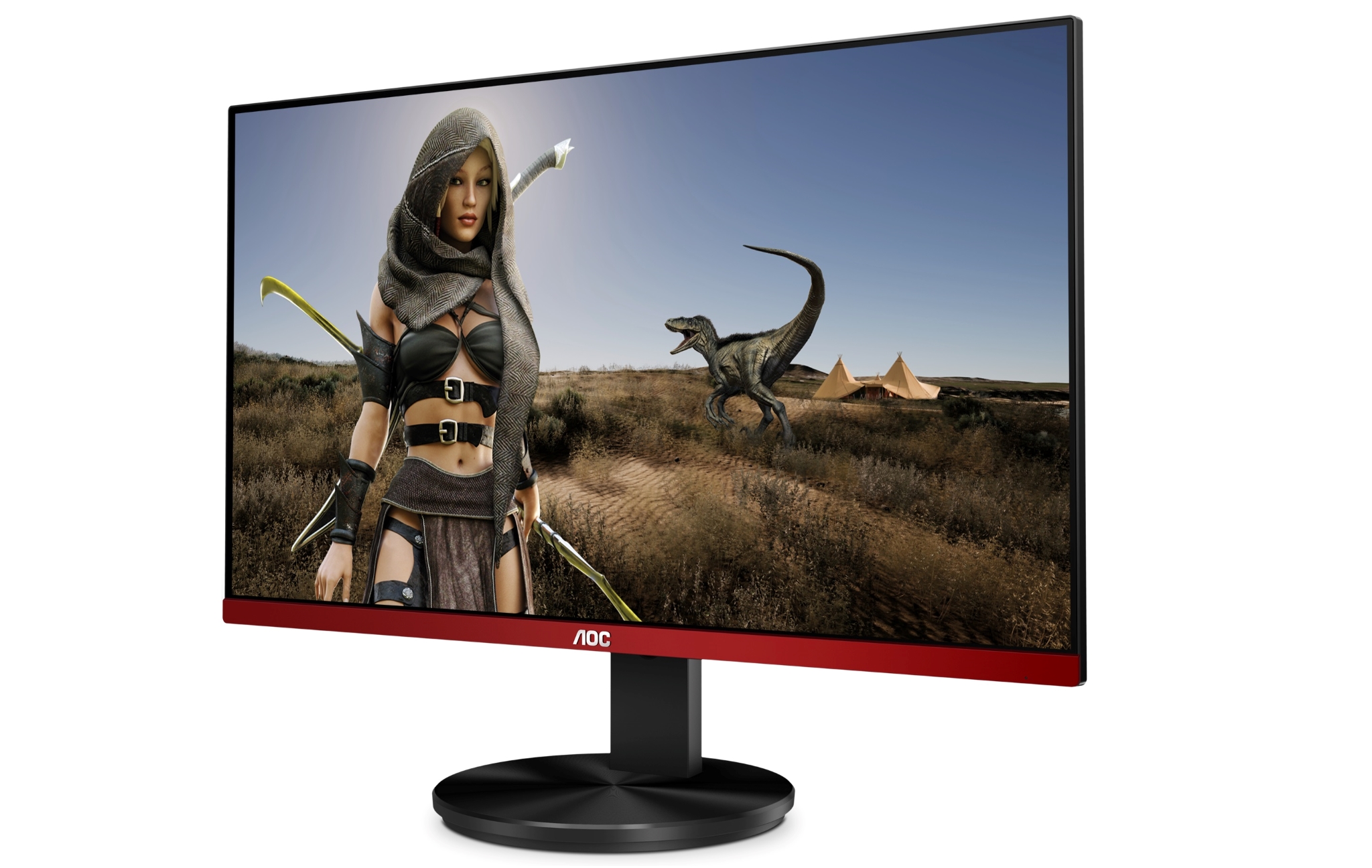
Our two budget gaming systems are configured to suit gaming at 1080p (1920 x 1080) resolution, therefore our choice of monitor reflects this. Available for under £125, the AOC G2590VXQ offers a 24.5-inch 1080p resolution panel, 1ms response time and 75Hz refresh rate. AMD FreeSync support means it will handle up to 75 FPS in games with screen tearing eliminated to provide a smooth gaming experience for gamers on a low budget.
Price: £122.98
Keyboard + Mouse – havit Wired Mechanical Gaming Keyboard and RGB Mouse Combo Set
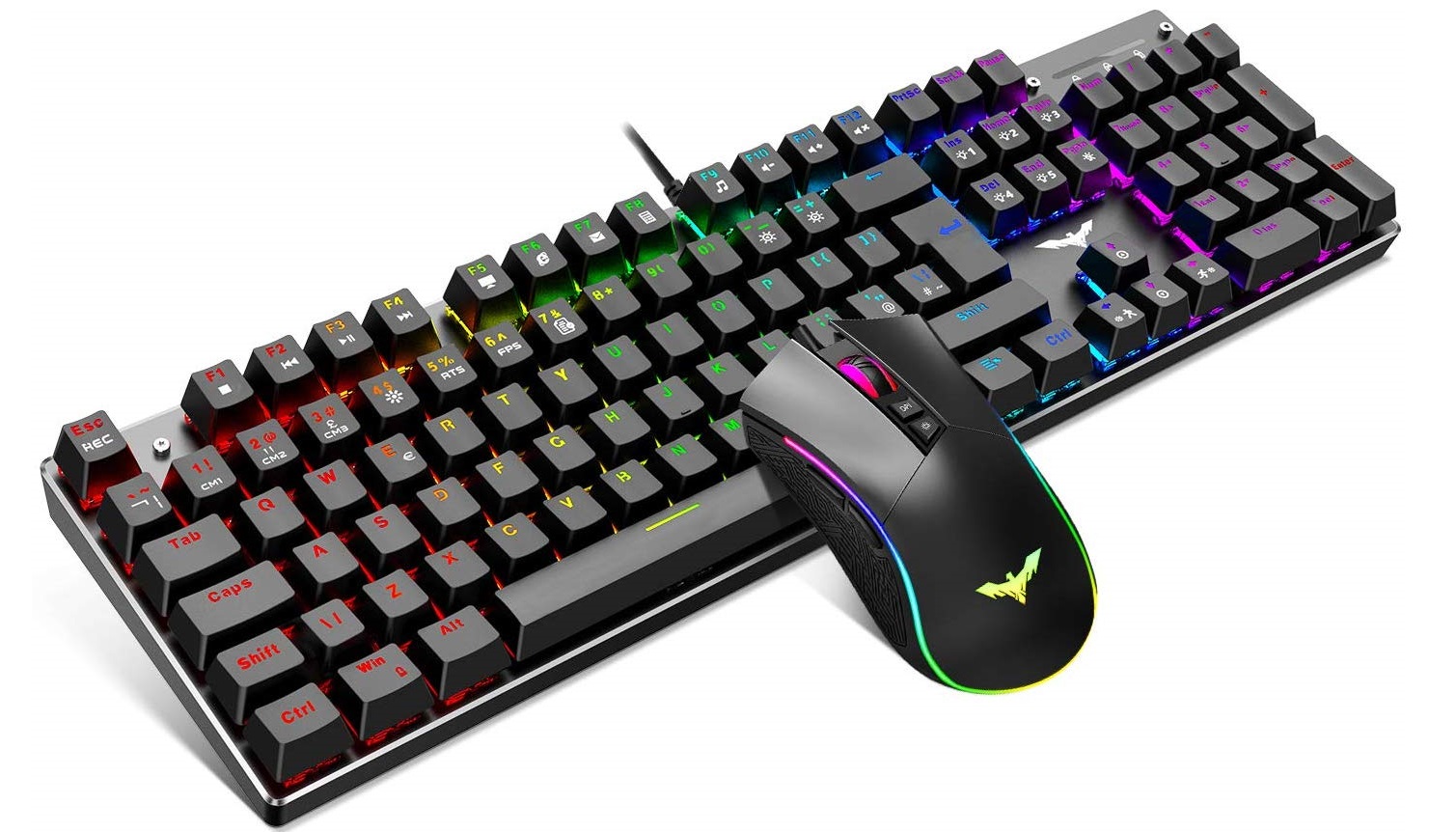
The Havit mechanical keyboard and gaming mouse package is currently available on Amazon for under £35 and may not be the most well-known brand featuring high-end parts. However, it offers a true 105 key mechanical keyboard with blue clicky keys and 100% anti-ghosting. The included mouse features 6 DPI levels up to 4800 DPI with seven buttons and RGB lighting, ideal for budget PC gamers starting out.
Price £34.99
Headset – Genesis Radon 720 Gaming
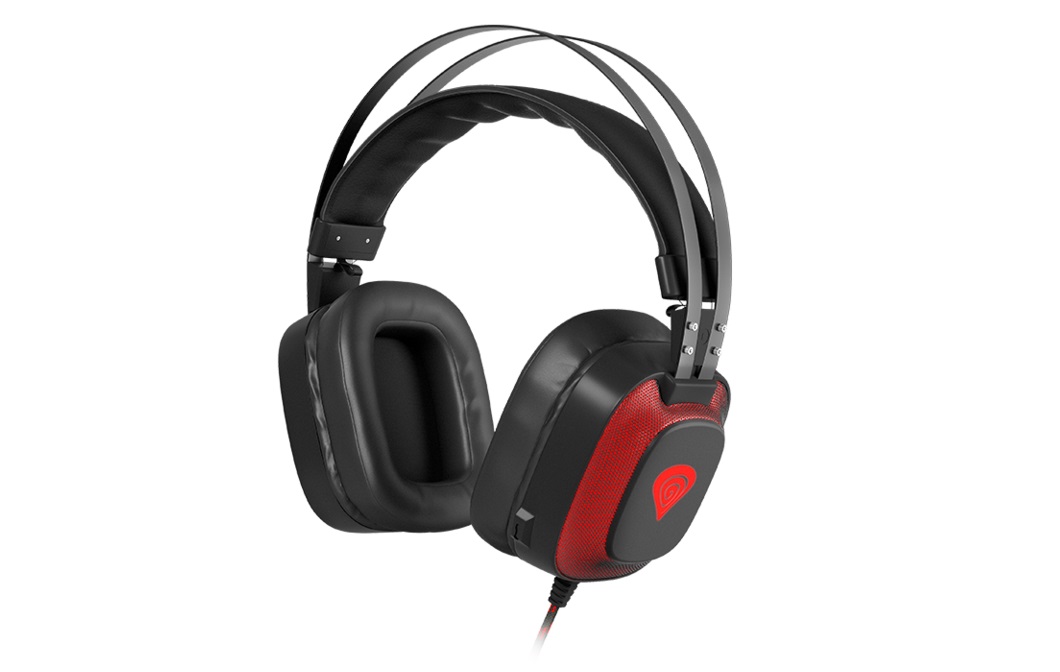
Our top pick for a budget gaming headset is the Genesis Radon 720, we recently reviewed this headset and found it to be amazing value for money and at under £40, it fits into our budget section peripherals section perfectly.
The Genesis Radon 720 features a built-in sound card to produce 7.1 virtual surround sound, 50mm Neodymium drivers, an integrated microphone and premium braided USB cable. The Radon 720 headset offers excellent audio quality from the drivers/microphone and is very comfortable during long gaming sessions.
Price: £39.99
Mid-Tier Peripherals Bundle:
Monitor – Asus TUF Gaming VG27AQ HDR Gaming Monitor
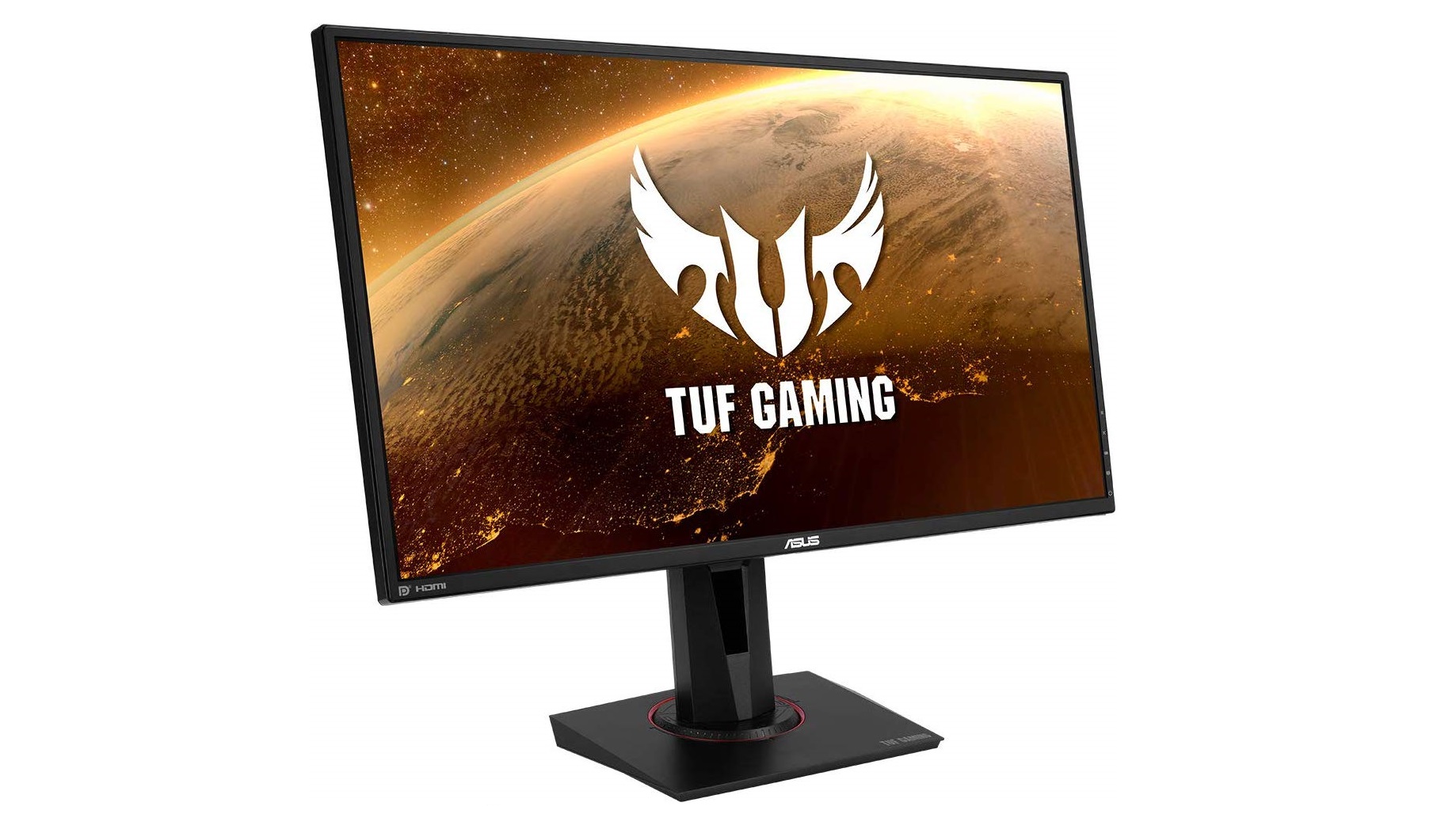
While £450 may sound like an eye-watering amount to spend on a monitor, especially for a mid-tier system, we put this monitor into our guide because it suits both our systems with AMD and Nvidia graphics. Officially supporting adaptive sync support means the Asus TUF Gaming VG27AQ monitor is compatible with Nvidia G-Sync and AMD FreeSync technology to provide smooth, high FPS gameplay with screen tearing eliminated.
With a 165 Hz refresh rate, 1 ms response time and a 1440p (2650 x 1440) HDR10 high dynamic range IPS panel means every ounce of graphical performance can be utilised with this monitor. Competitive multiplayer gamers will gain an edge in battles and AAA solo titles will look great on this monitor. With multiple connections via DisplayPort and HDMI allows users to connect other devices such as a console as well as a PC.
Price: £448.99
Keyboard – Logitech G413 Mechanical backlit gaming keyboard
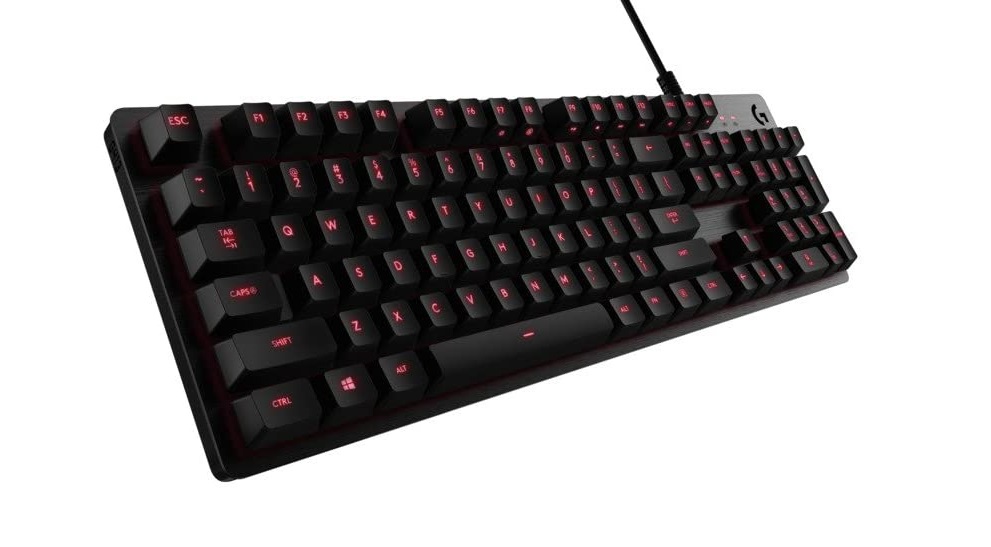
This cost-effective keyboard from Logitech offers a slick actuation point of 1.5mm for a precise mechanical feeling, perfect for FPS MOBA or MMORPG gamers. The G413 uses Logitech’s own Romer G switches, which are classed as an alternative to Cherry MX Red, and are housed in an aircraft-grade aluminium chassis that provides an understated yet premium appearance.
The Logitech G413 is equipped with USB passthrough, for easy access connectivity for other peripherals such as a headset or mouse and is currently priced under £65 at Amazon, which represents excellent value and is almost half the price of other mechanical keyboards with similar features.
Price: £61.96
Mouse – Sharkoon Light² 200 Gaming Mouse
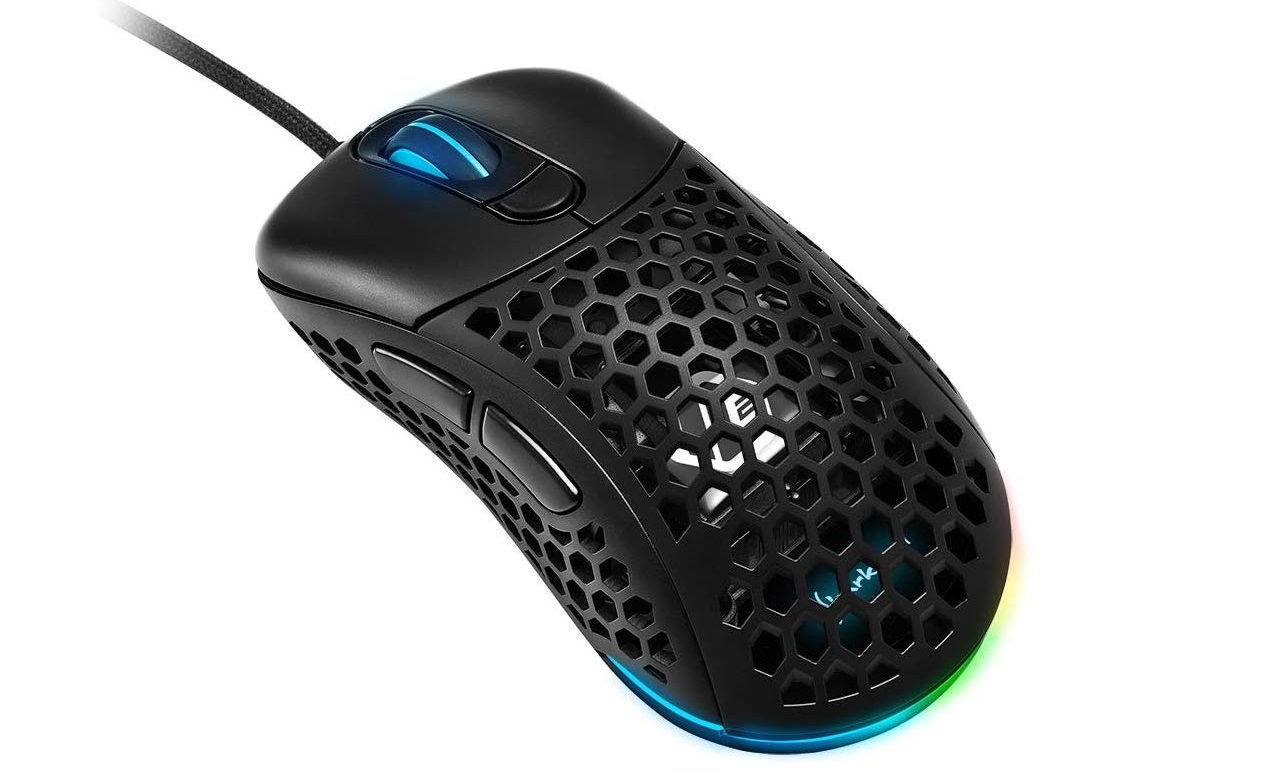
We recently reviewed the Sharkoon Light² 200 Gaming Mouse and found that it is one of the best value gaming mice available at the moment. At a time where lightweight mice are the craze, the Light² 200 stands out as being one of the best in the current crop and seems the ideal choice to partner our Mid-Tier gaming systems.
The Sharkoon Light² 200 Gaming Mouse is equipped with flawless sensor performance provided by the Pixart PMW 3389 with adjustable sensitivity up to 16,000 DPI, six programmable buttons, a 1000 Hz polling rate and weighing in at just 62g. Integrated RGB lighting and an interchangeable top cover mean it can fit in with all types of system themes and its similarities in shape to the Zowie EC means its ideal for competitive gamers.
Price: £43.99
Headset – HyperX Cloud Alpha
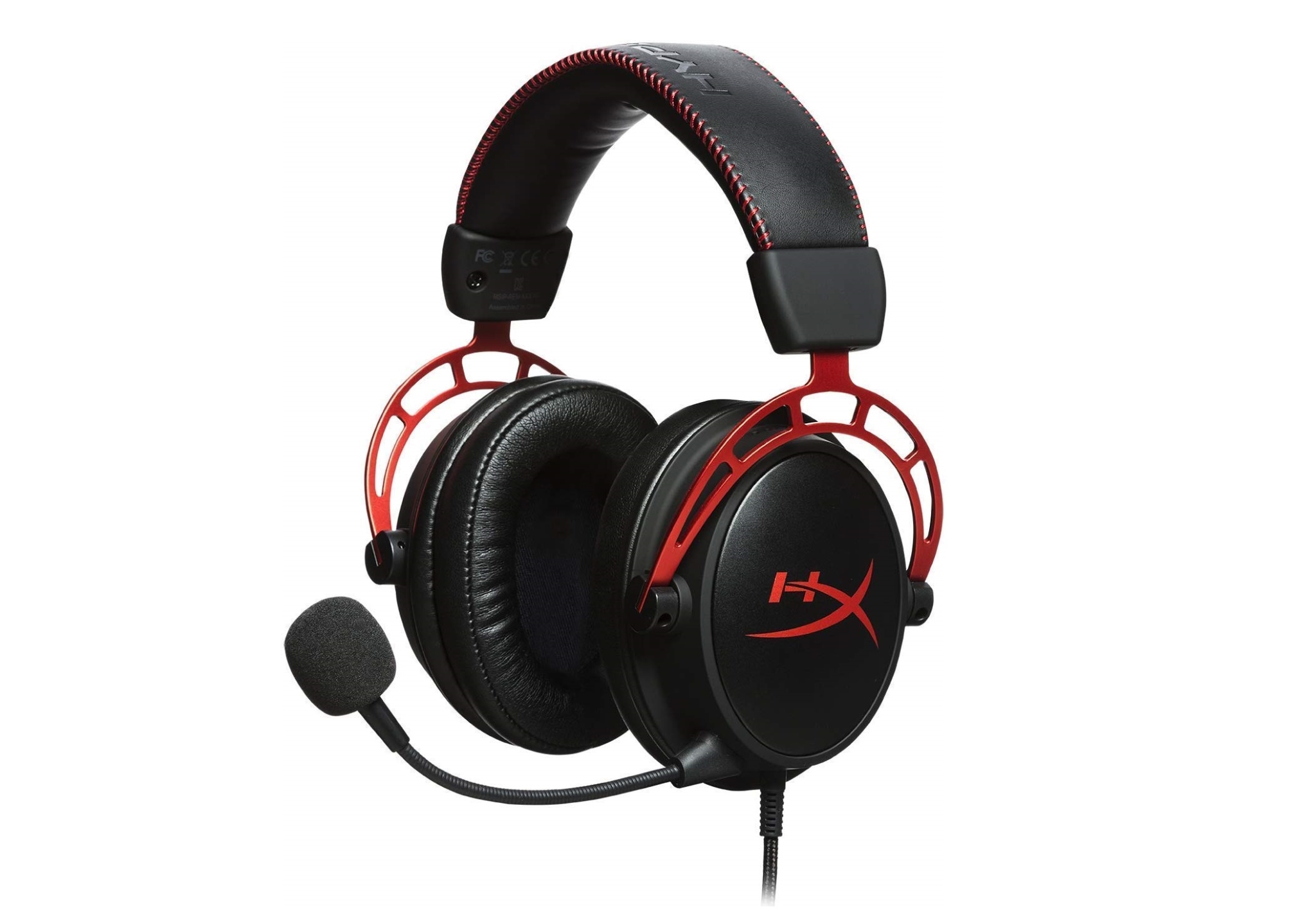
To complement our Mid-Tier systems, we looked for a good quality gaming headset priced under £100. The general consensus seems to be that the HyperX Cloud Alpha is one of the best all-round gaming headsets around this price. It offers well-balanced audio for gaming via 50mm Neodymium drivers with a detachable microphone that doesn’t pick up too much background noise.
HyperX headphones have been praised for their solid build quality and the Cloud Alpha continues this tradition. Priced under £80 currently, it won’t break the bank. Generous padding in the earcups means it feels comfortable to wear even after a long gaming session, while in-line audio controls provide easy volume adjustment and microphone mute control.
Price: £77.98
High-End Peripherals Bundle:
Monitor – Acer Predator XB273K 4K Gaming Monitor
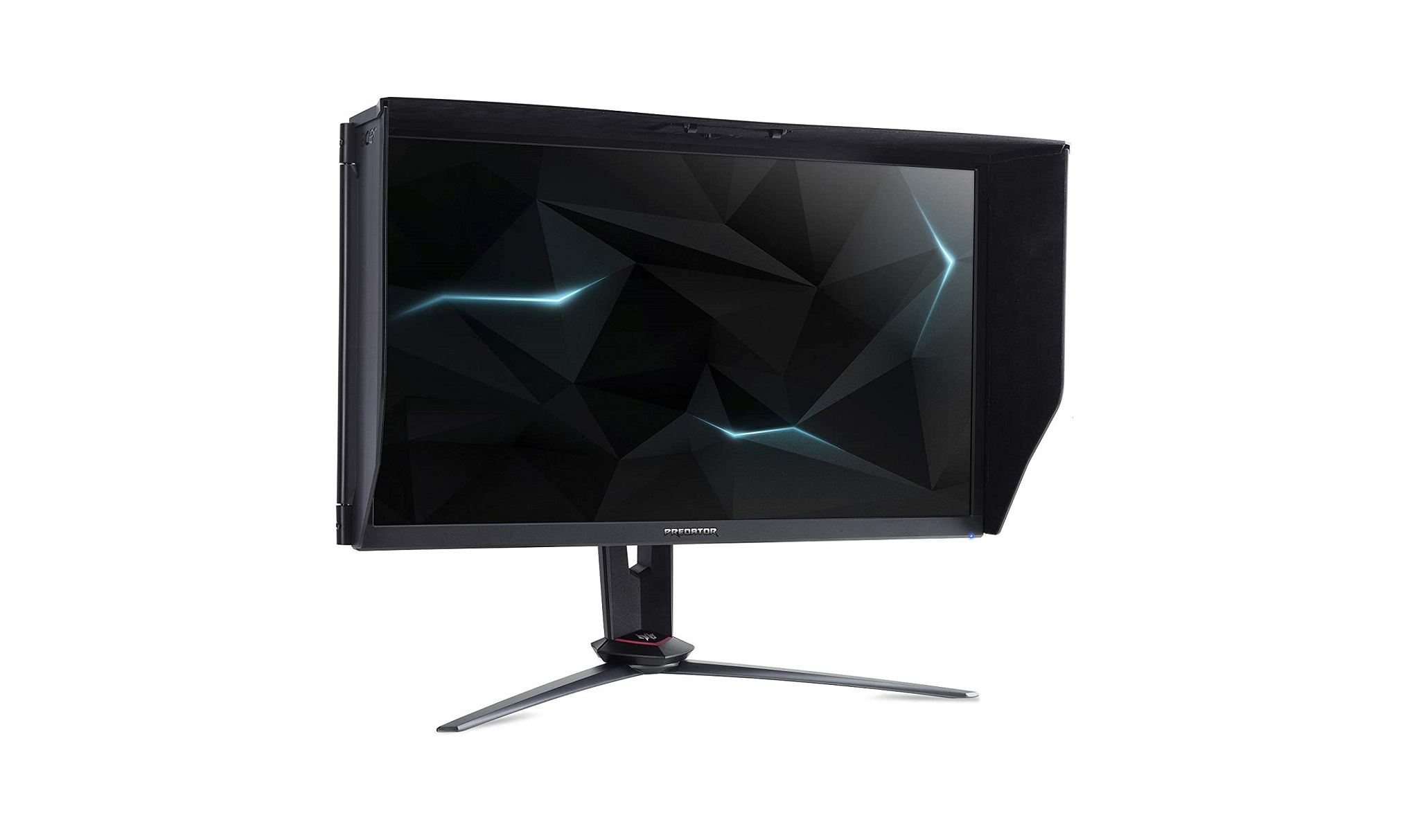
Since both our High-end gaming systems are equipped with an RTX 2080 Ti graphics card, it only seems right for them to be paired with a high refresh rate 4K UHD gaming monitor. The Acer Predator XB273K 4k Gaming Monitor fits into that bracket with its native 120 Hz refresh rate that features an overclocked 144 Hz setting, perfect for high refresh rate and high FPS 4k gaming.
Equipped with an IPS panel means not only will gamers be impressed by the fluid and fast gaming performance, the Predator XB273K will also offer great colour accuracy, display high dynamic range HDR content, as well as smooth, low latency tear-free gaming due to its Nvidia G-Sync support. In terms of input lag, this is one lowest latency 4K HDR high refresh rate monitors on the market, making it the perfect partner for our High-end systems.
Price: £899.99
Keyboard – Corsair K95 RGB Platinum Mechanical Gaming Keyboard
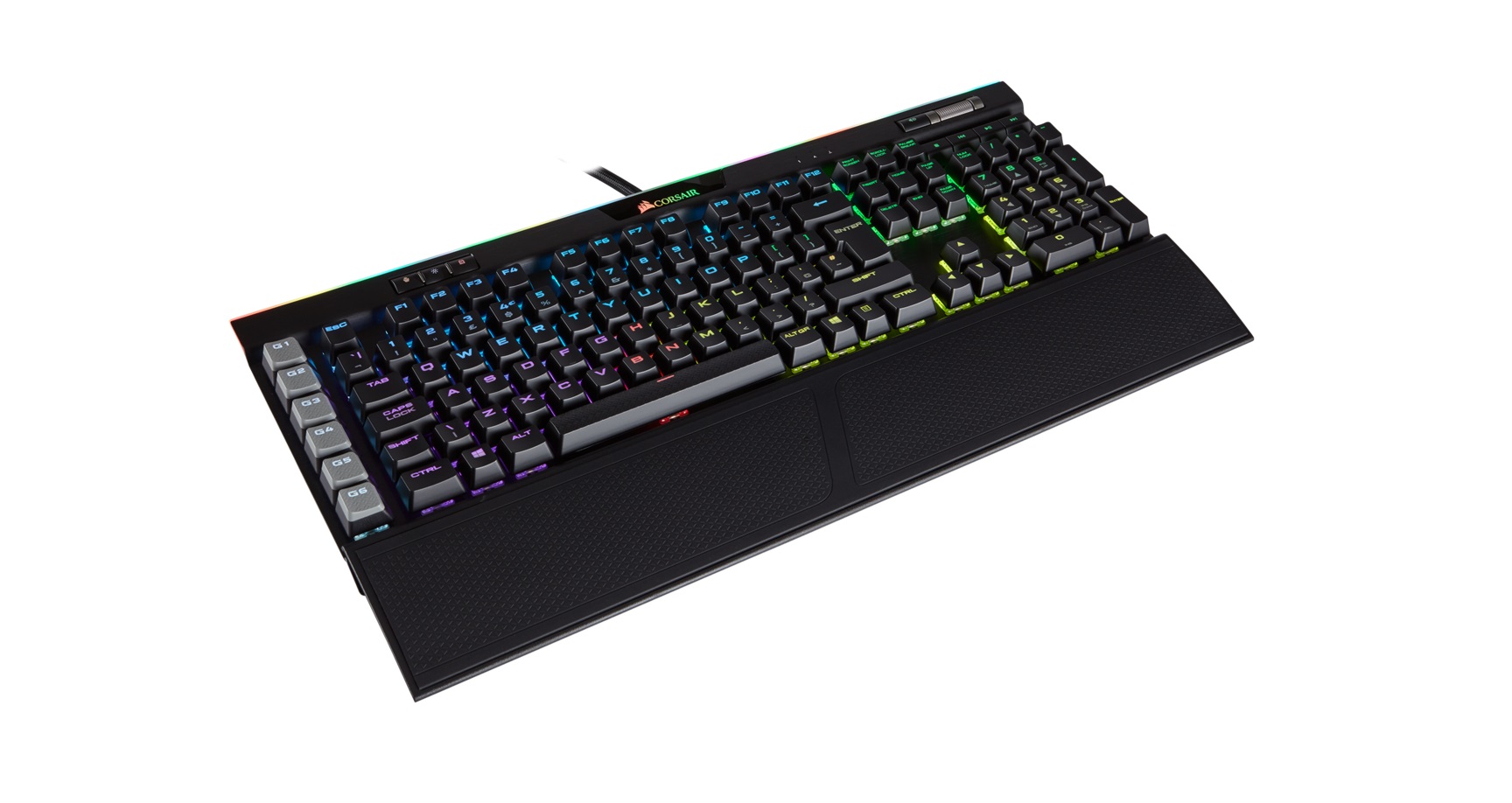
The Corsair K95 Mechanical Gaming Keyboard series has been a fan favourite for some years due to its high-quality build and rich features. The K95 RGB Platinum has been around since 2017 and is still regarded as one of the best all-round gaming keyboards today. The solid construction features a premium aircraft-grade aluminium anodised frame with RGB backlit Cherry MX mechanical switches.
Customisation of six dedicated macro keys and the RGB backlighting can be configured via the Corsair iCUE software. There are also dedicated media controls and an ergonomic wrist rest that will help with fatigue during extended gaming sessions. The Corsair K95 RGB Platinum Mechanical Gaming Keyboard is available with a choice of Cherry MX Speed or Brown key switches.
Price £124.95
Mouse – Logitech G502 LIGHTSPEED Wireless Gaming Mouse
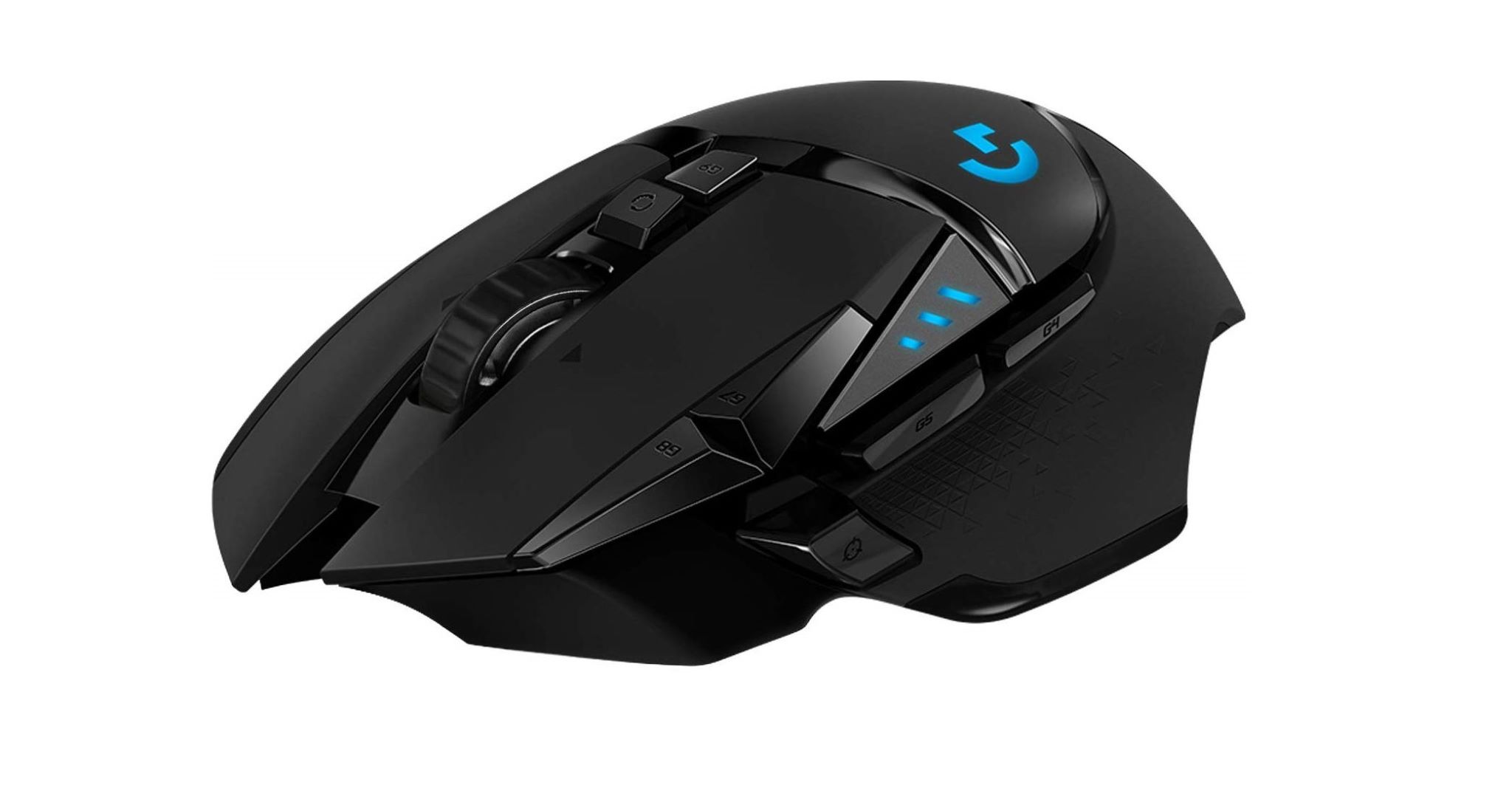
Logitech took the iconic shape of the G502 and completely redesigned the internals and structure to bring the G502 LightSpeed. Logitech has equipped the G502 Lightspeed with its brilliant HERO 16K optical sensor with 100 – 16,000 DPI adjustment range. A total of eleven programmable buttons makes it ideal for all types of gamers and subtle RGB lighting gives it an understated yet stylish appearance.
Combined with the Logitech PowerPlay charging mouse pad allows gamers to keep on playing while the mouse is charging. However, without the Powerplay mouse mat, Logitech claims the mouse will provide 48-hour continuous play with default lighting enabled or 60 hours with the lighting turned off. As well as customisable RGB lighting the G502 Lightspeed has adjustable weights to further tune the mouse to your preference.
Price: £109.99
Headset – SteelSeries Arctis Pro Wireless Gaming Headset
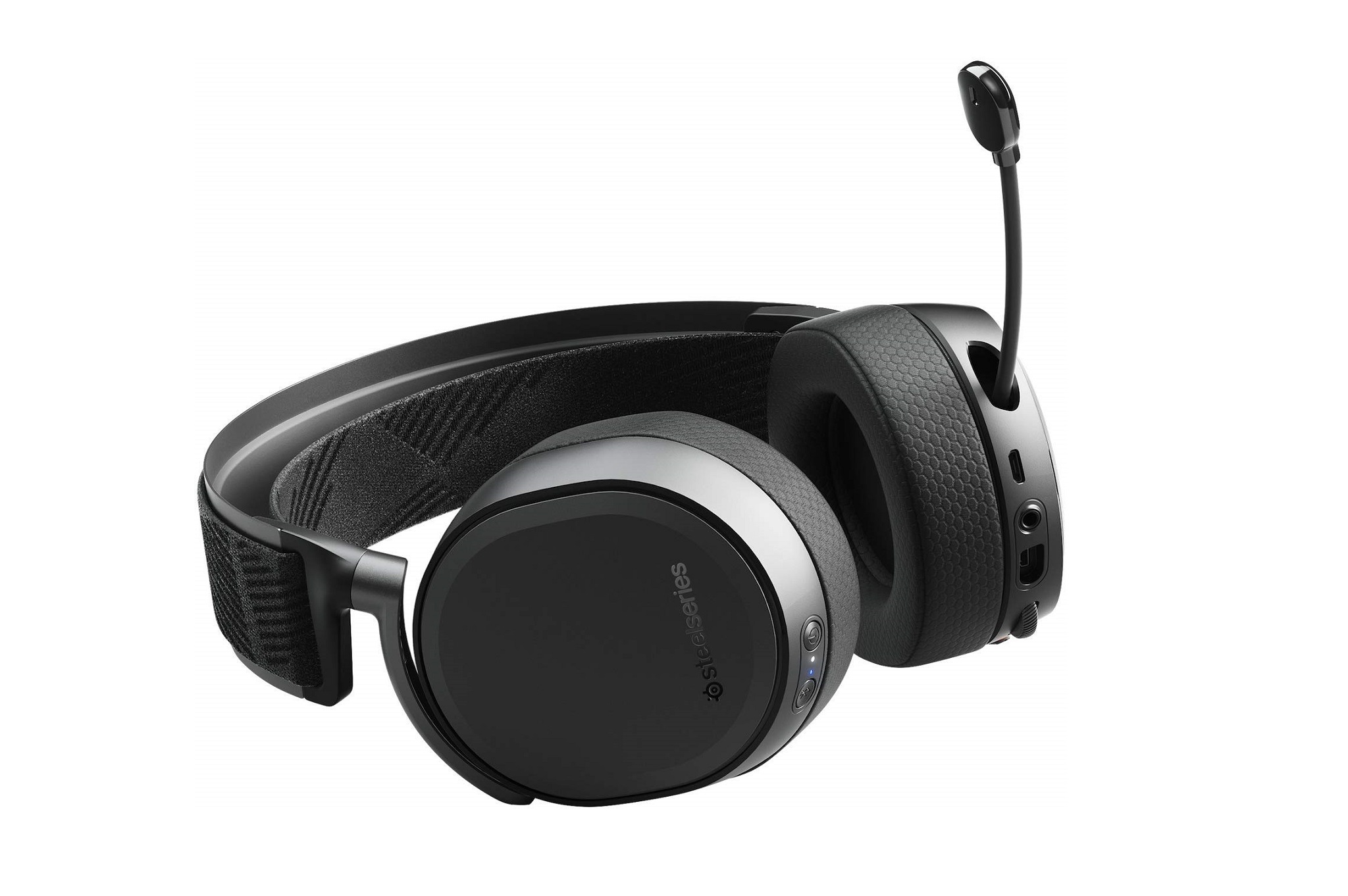
To complement the High-end systems and peripherals, gamers will obviously be looking for an equally high-quality headset. Our top pick is the Arctis Pro Wireless Gaming Headset from SteelSeries. Not only does it offer completely wire-free use, but it also provides 7.1 surround sound and can be simultaneously connected to three devices. It also supports Bluetooth connectivity to connect with a mobile device such as smartphones and sports a premium appearance.
A ski-goggle type headband combined with breathable earpad cushions means it will keep users feeling comfortable during long periods of use, while a retractable microphone can be tucked away when not in use. The wireless hub provides a neat solution for wiring while charging a spare battery to allow for continuous use. Obviously the Arctis Pro Wireless will give an immersive gaming experience due to its excellent audio output quality too.
SteelSeries is currently offering a £90 price reduction when you buy direct and log in using a SteelSeries account which is free to register for.
Price: £209.99
We hope that you have found this PC buying guide informative and that it helps you when planning future builds. It should give enthusiasts plenty of options to think about in future systems while also offering some valuable information to those who are thinking of putting the console away for a while to see what all the PC gaming fuss is about.
While this is by no means a definitive must-buy guide, it is a collection of our own opinions on how to get the best value for money at each budget level. It also shows that you don’t have to spend an absolute fortune to get a capable gaming PC. In fact, even the basic gaming PC in our guide should be able to handle 1080p gaming relatively well and provide 60 FPS in most modern games with decent graphics fidelity levels.
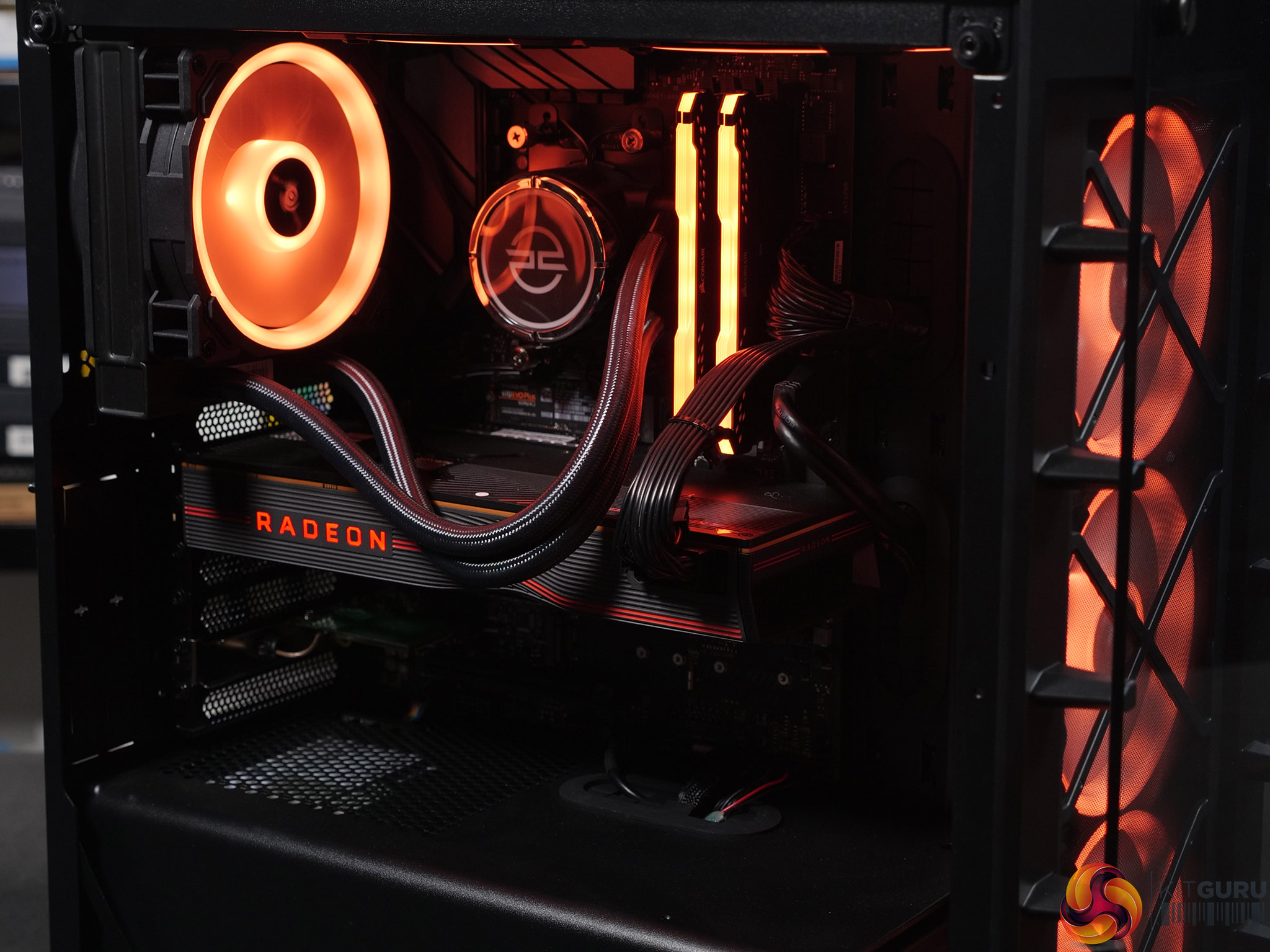
Unlike consoles which are pretty much stuck at 60 FPS at best right now, our mid-high end systems should allow gamers to experience much higher frame rates in modern AAA titles which is something that we think you will want more of once you have experienced it. Combined with a high and variable refresh rate monitor, high FPS shifts competitive gaming to another level compared with current-generation 60 FPS consoles.
However, that does come at quite a considerable cost. If you compare the price of a high-end gaming system, including a monitor and peripherals, you could be looking at shelling out anything between £2000 – £3000 for the complete setup. Obviously this will set you back more than a console + TV. However, if you use your PC for more than just gaming, such as for work, content creation or streaming, it could actually become good value and means you are not battling with other family members for living room space and the TV.
While all of the systems in our guide offer good value for money in each budget category. In our opinion, the best system in terms of overall value, for the average gamer who probably spends a few hours in the evening and some time at the weekend gaming, would be the mid-tier system. This offers a capable platform initially for gaming and scope for future upgrades once you get bitten by the PC bug.
Our high-end systems are more targeted at those who spend a lot of their spare time playing competitive games and really appreciate high fidelity graphics in AAA titles. The Ultimate system is only really recommended for those who need a PC for more than just gaming. Both Ultimate systems can be used for various other demanding workloads such as video editing and design applications while providing a top-end gaming system when its time to relax.
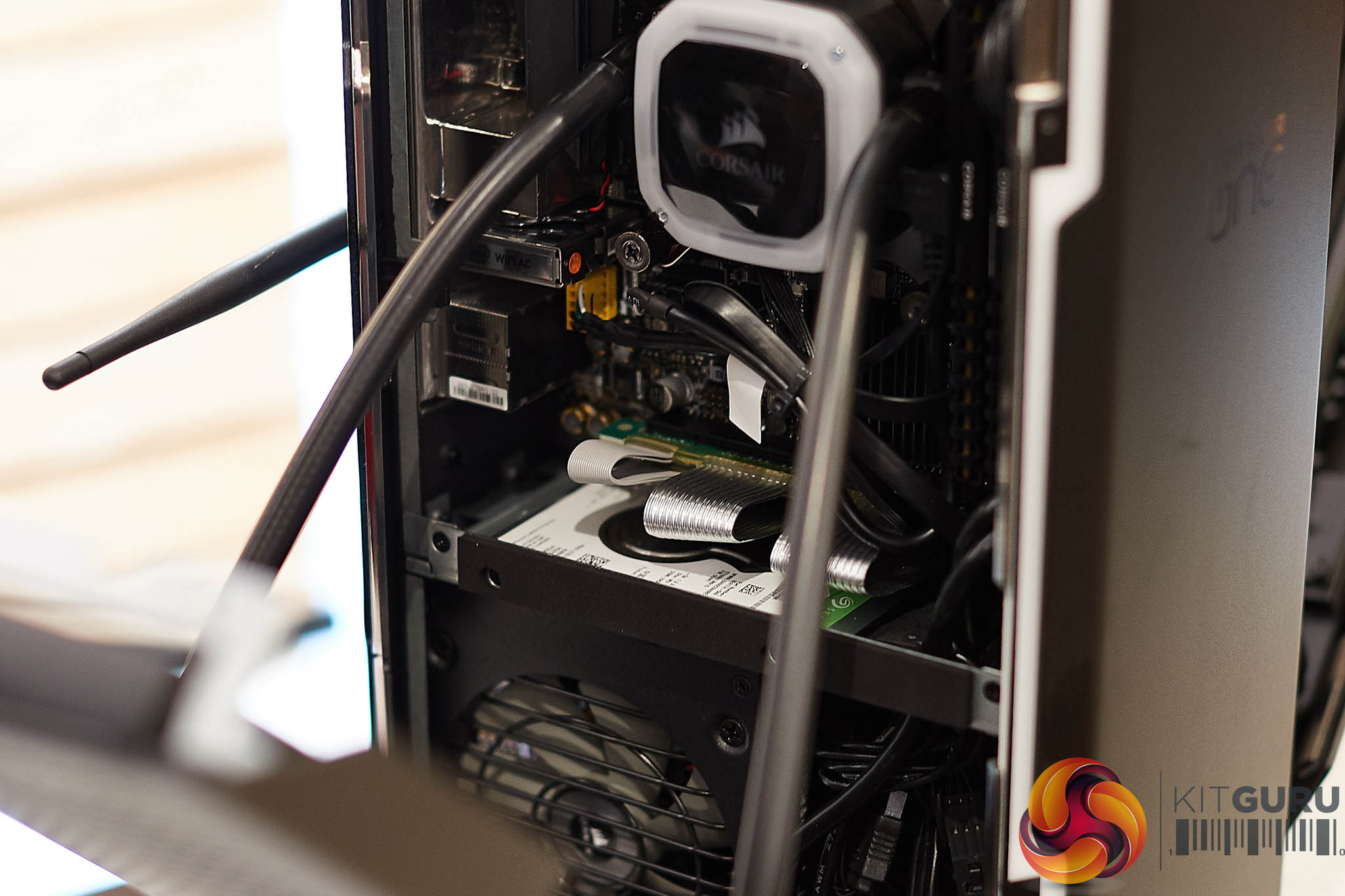
We also feel that it's worth giving pre-built systems a mention here too. While most of us at KitGuru love building our own systems since it is such a rewarding feeling seeing your finished creation when it's all up and running. We do realise there are plenty of gamers out there who don’t feel confident to self build. This is where pre-built systems can provide those users with a great gaming-focused alternative to run of the mill PCs that are not technically optimised for gaming.
Peace of mind knowing that a pre-built system has been assembled and configured by a professional means you should be able to enjoy the PC gaming experience in the same way that us self-builders do. In the unlikely event when something does go wrong, you have the warranty and technical support on hand to help out. However, this does usually mean a little more cost is incurred and you may not get as good value for money compared with a self-build system.
Discuss on our Facebook HERE.
KitGuru says: If you have been toying with the idea of building your own gaming or workstation system for some time but feel a little apprehensive in case something goes wrong, our advice is to just give it a go. With the likes social media and YouTube, there is plenty of help and guidance out there to help you through the build, it's really not too difficult if you take your time and do the research beforehand.